AI Image Crop Tool for Smarter Reframing
Crop photos around the subject without guessing where to cut.
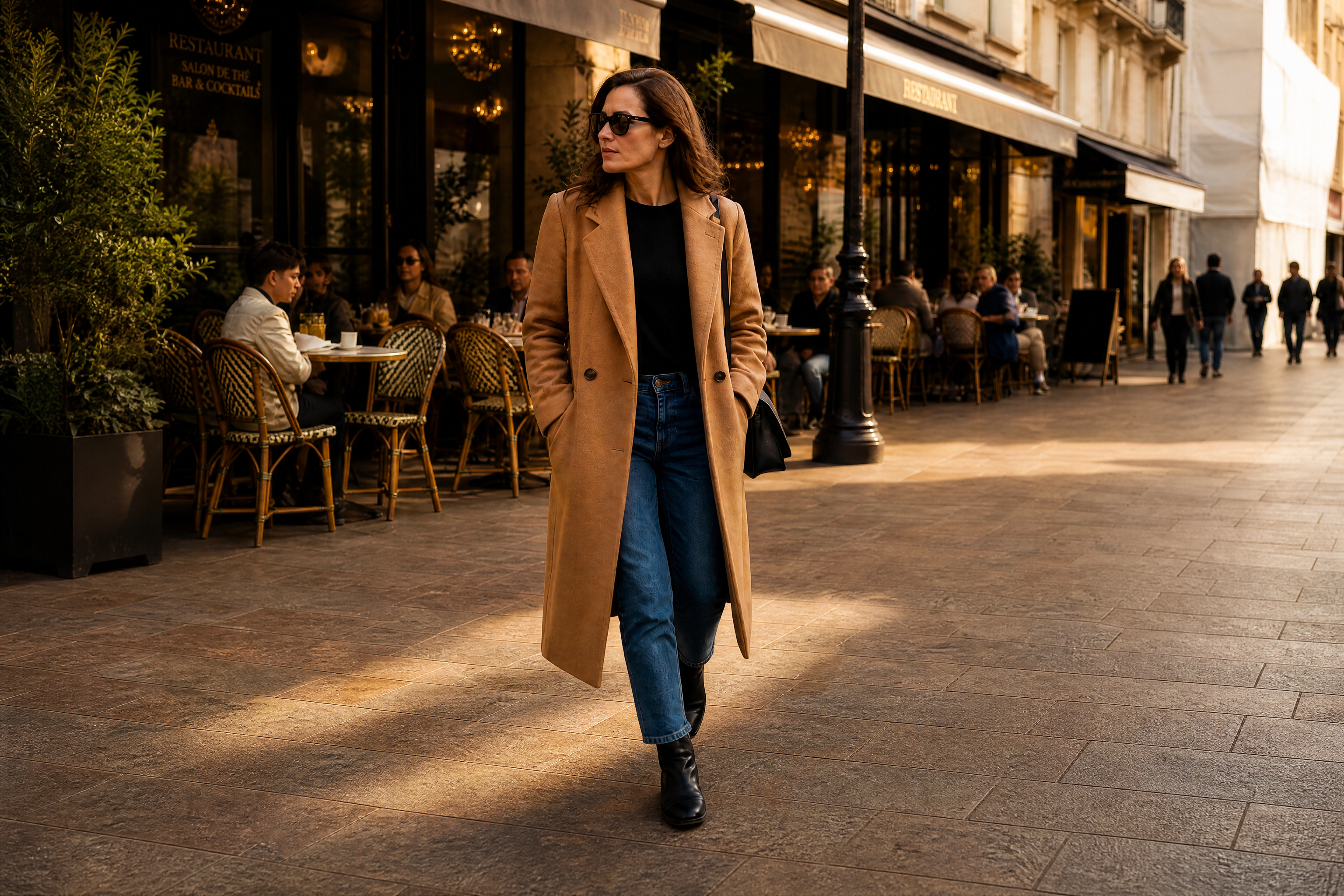
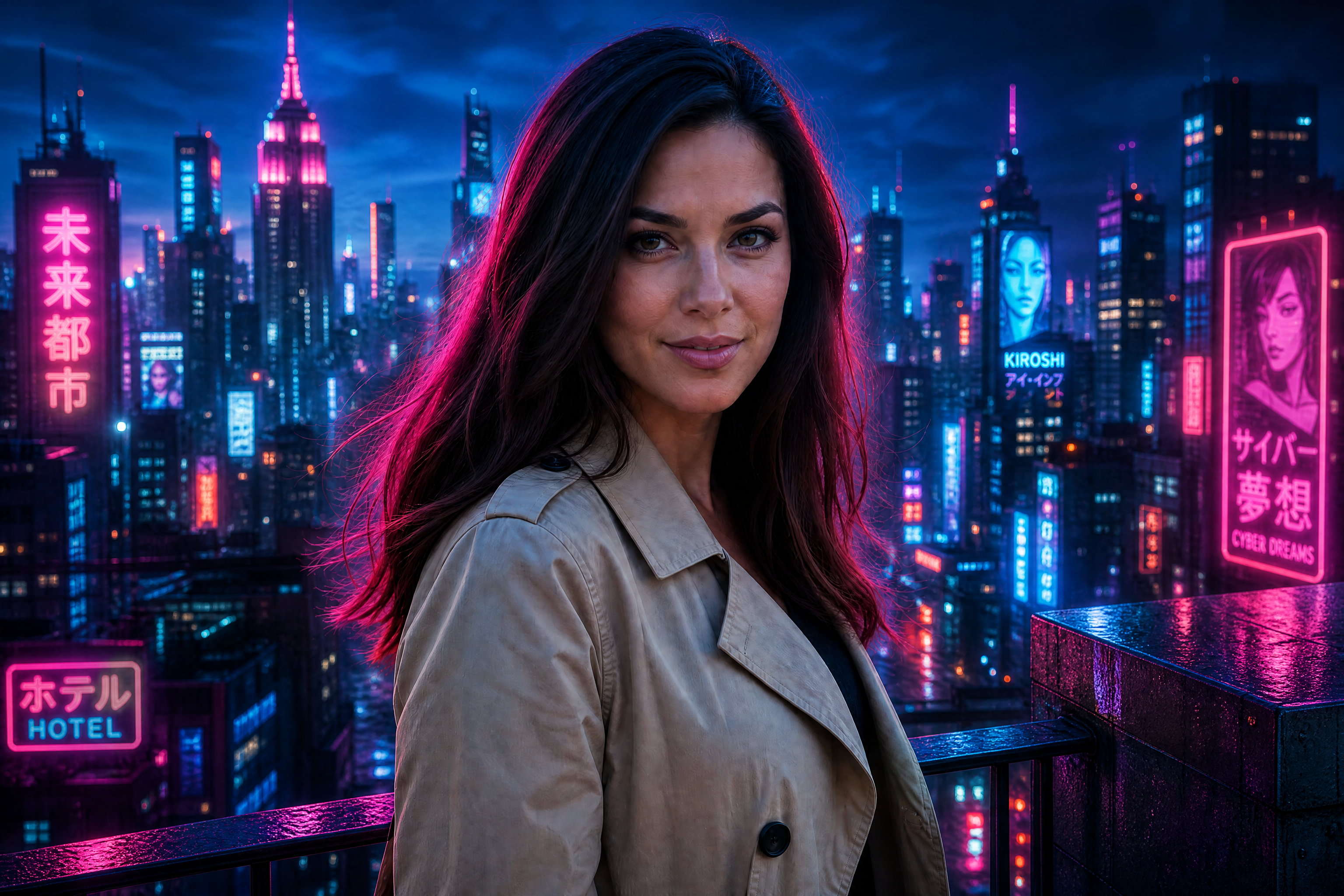
The AI Image Crop Tool helps you reframe photos so the main subject reads clearly and the composition feels intentional. Use it to tighten loose shots, center attention, and create cleaner crops for social posts, listings, ads, and portfolios.
Watch the Transformation
See ai image crop tool in motion — generated end-to-end by our AI.
See It In Action
Real outputs from ai image crop tool.
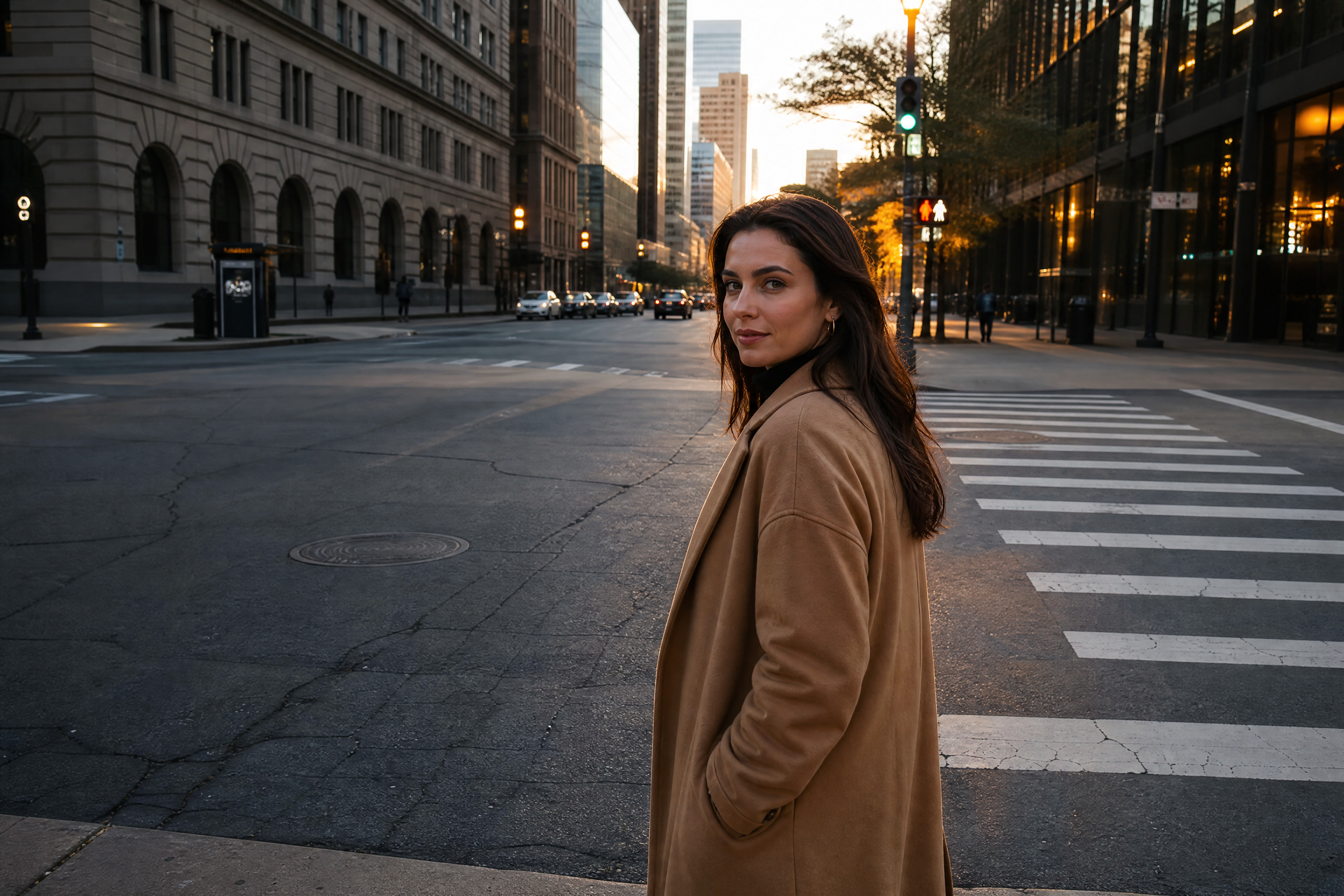
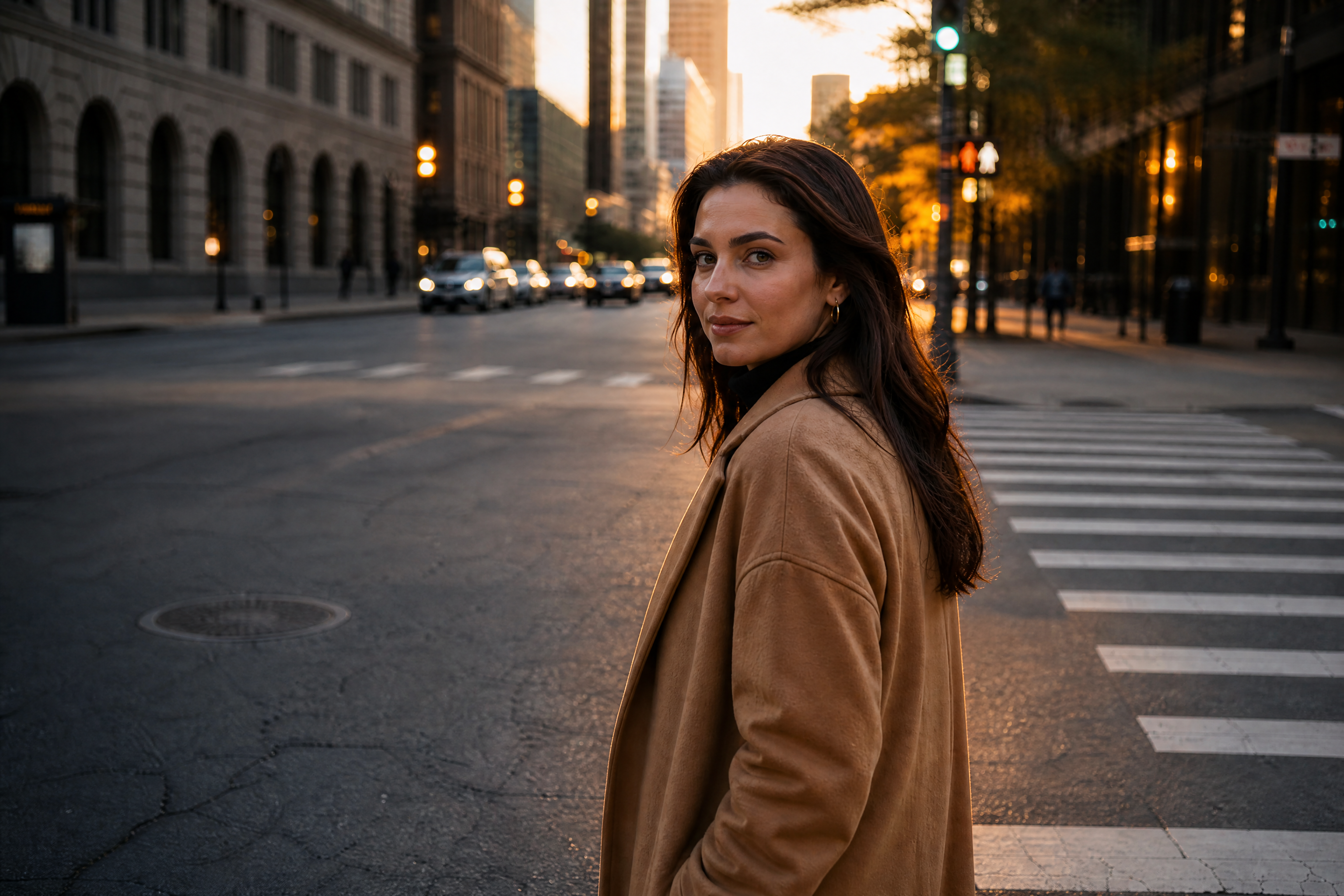
BEFOREAFTER BEFORE
 AFTER
AFTER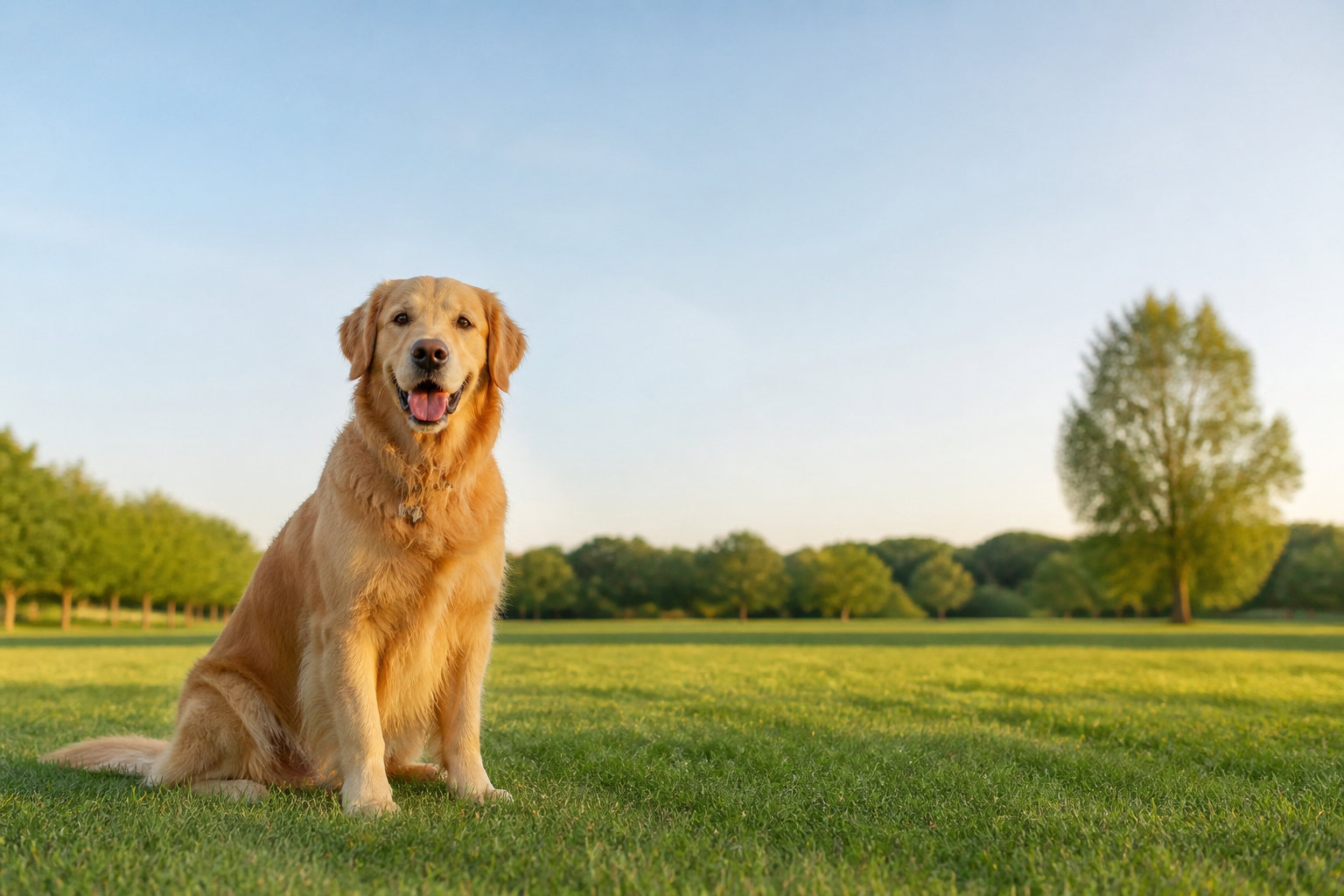 BEFORE
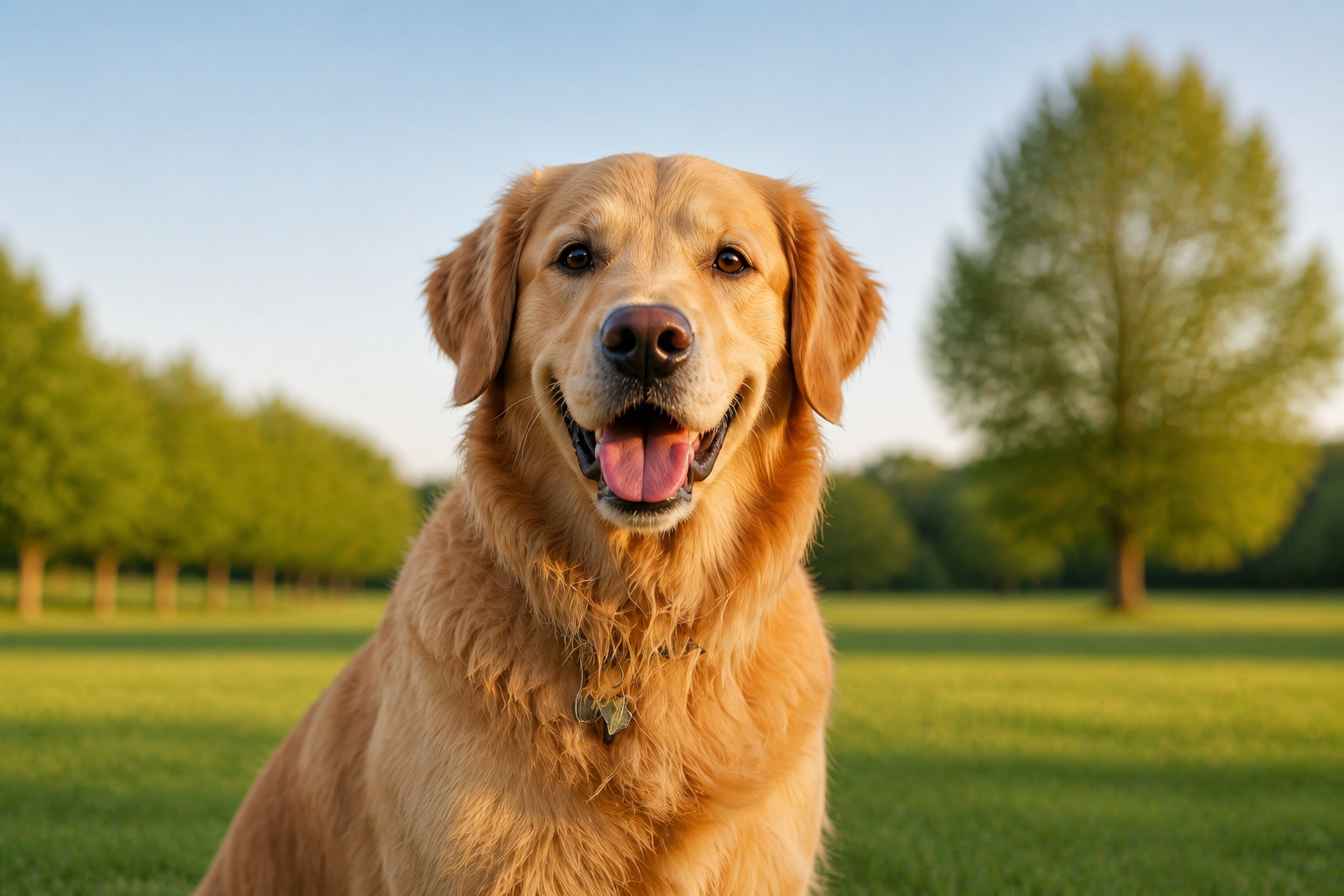 AFTER
AFTER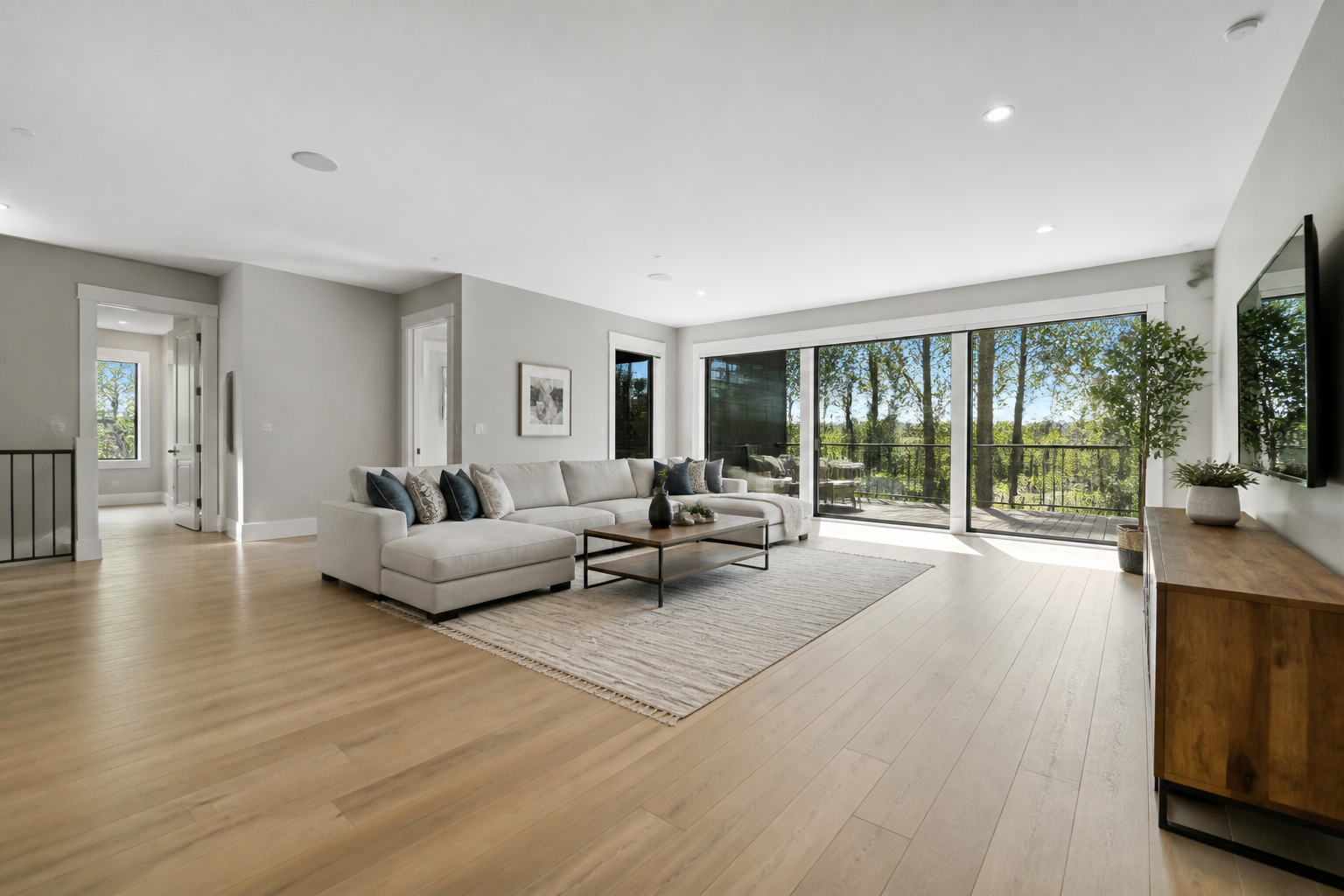 BEFORE
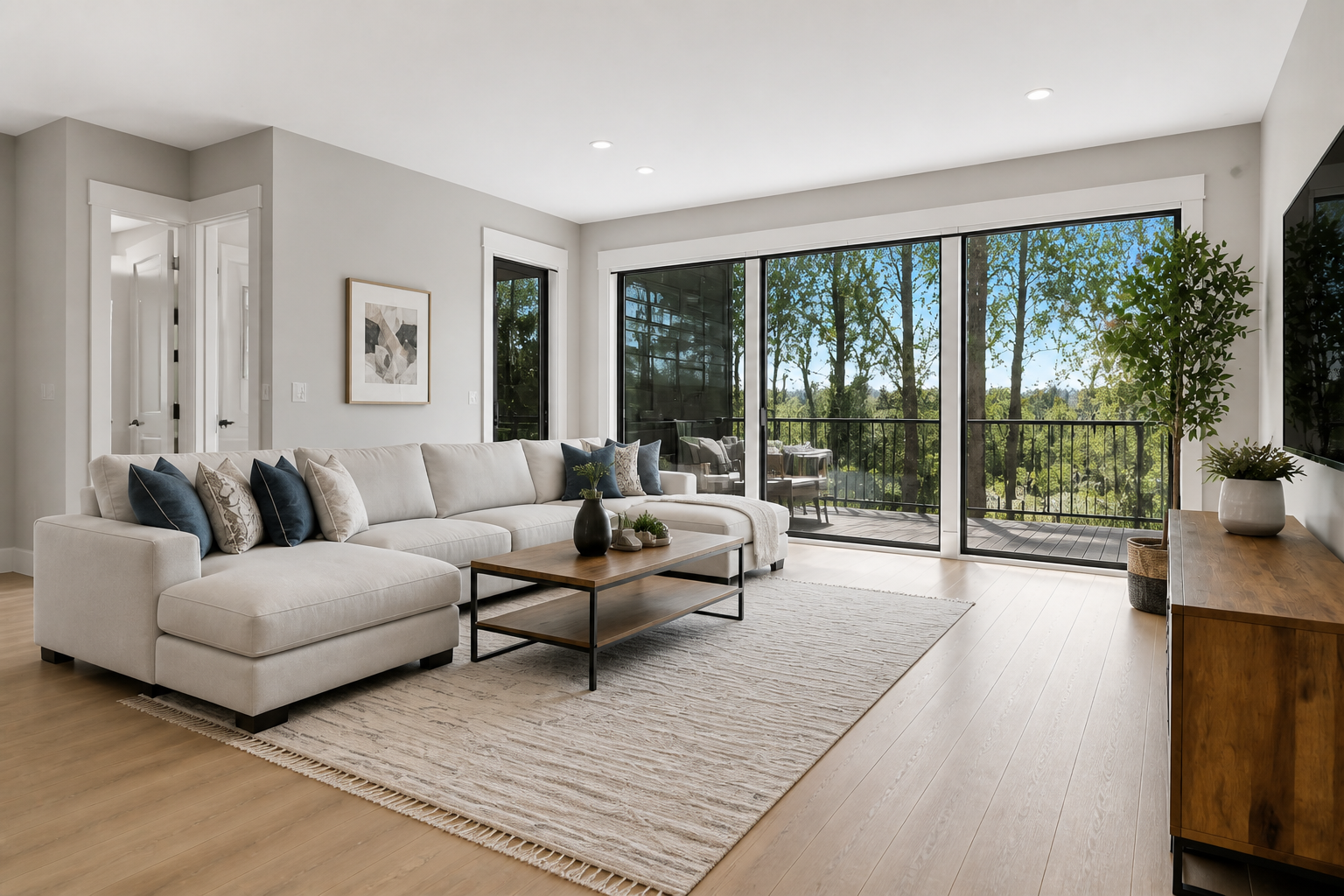 AFTER
AFTER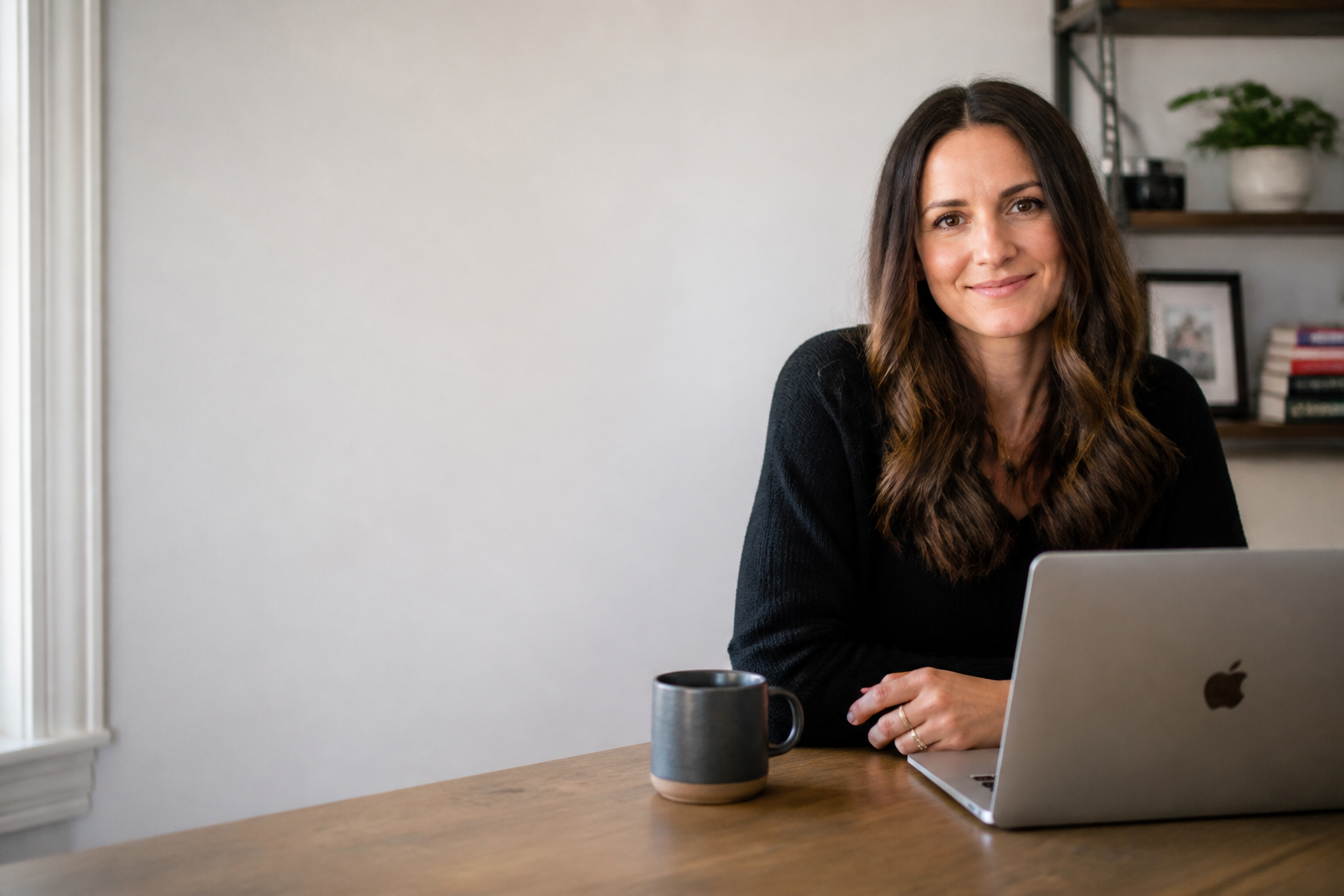 BEFORE
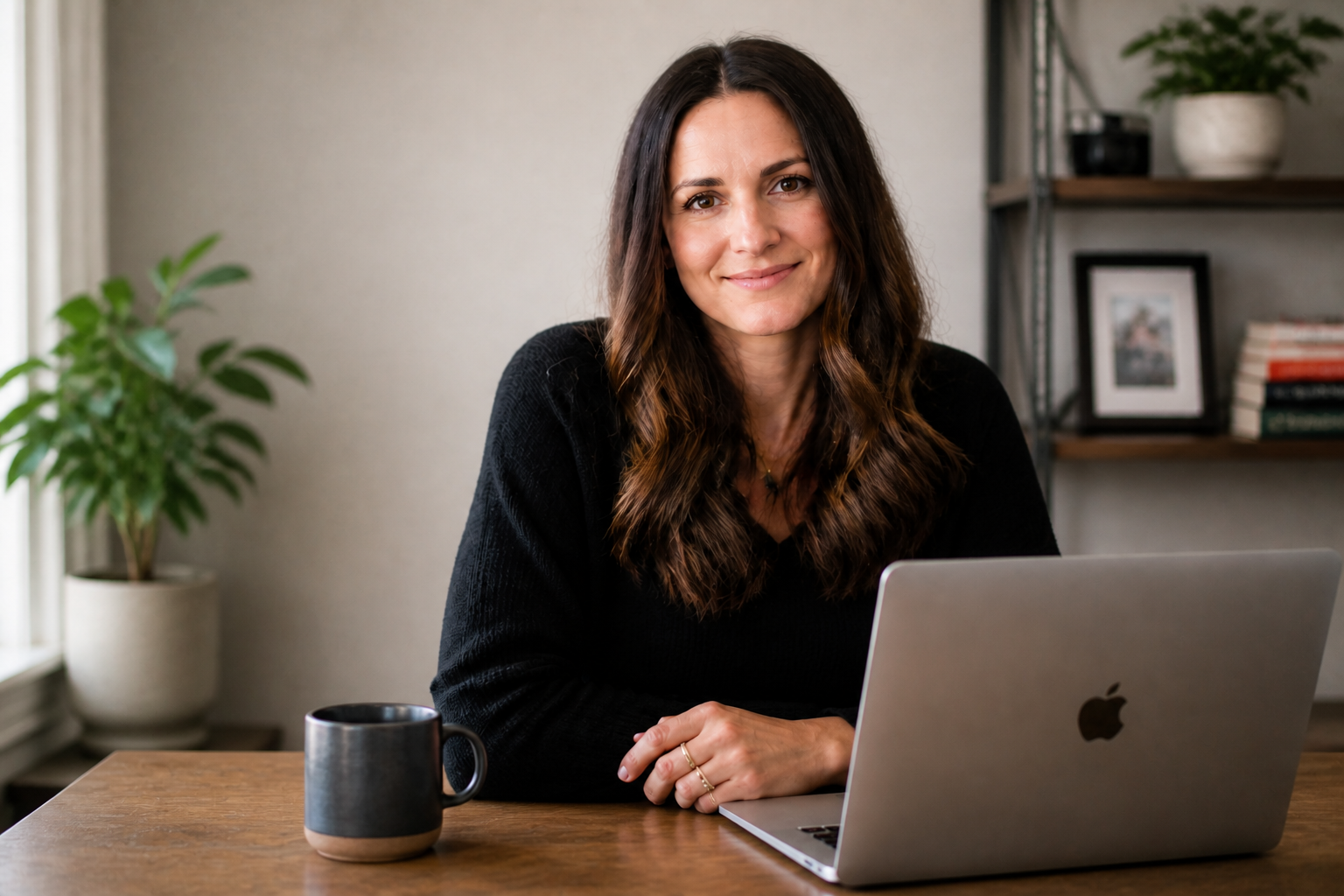 AFTERBEFOREAFTERBEFOREAFTERBEFOREAFTERBEFOREAFTERBEFOREAFTER
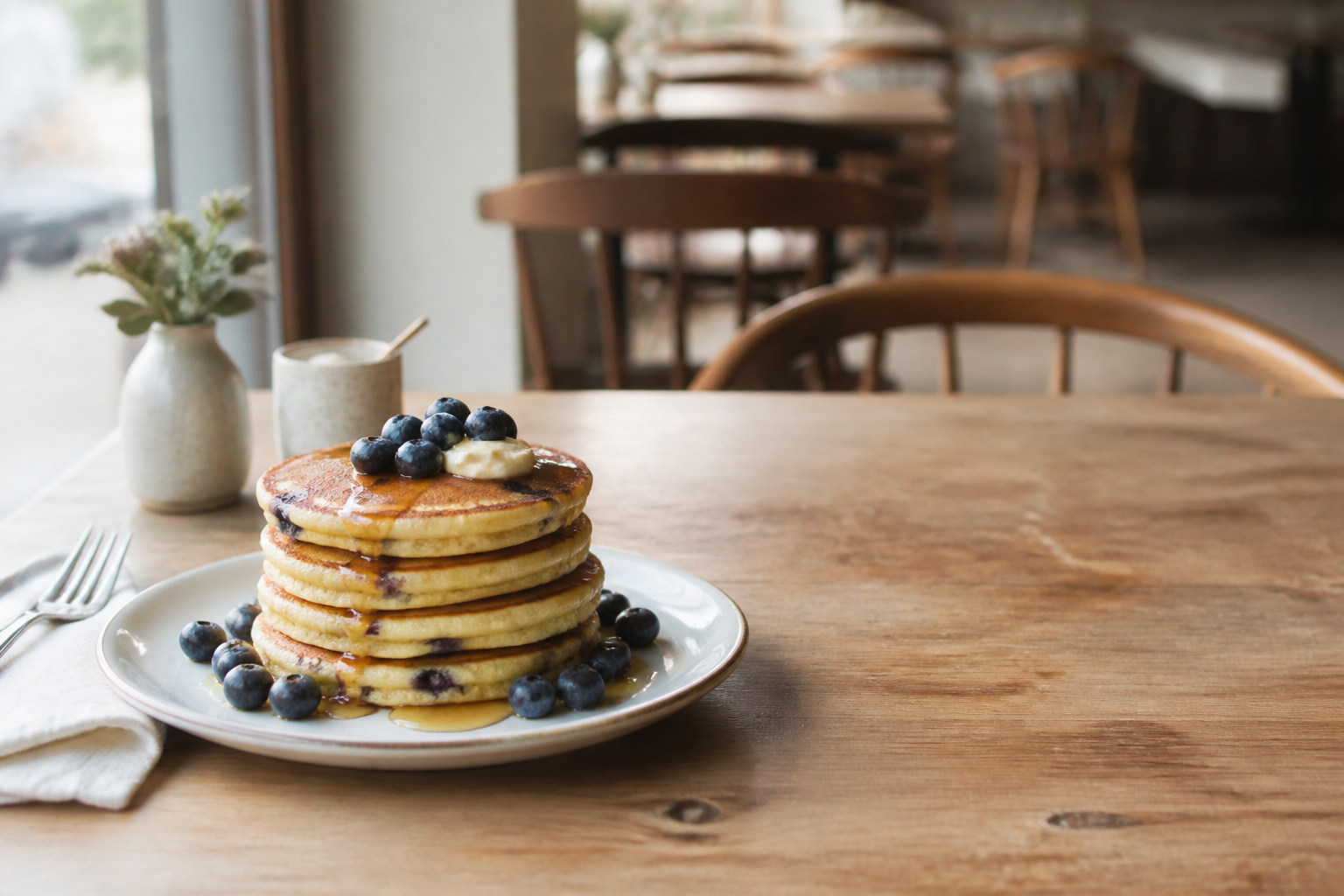 BEFORE
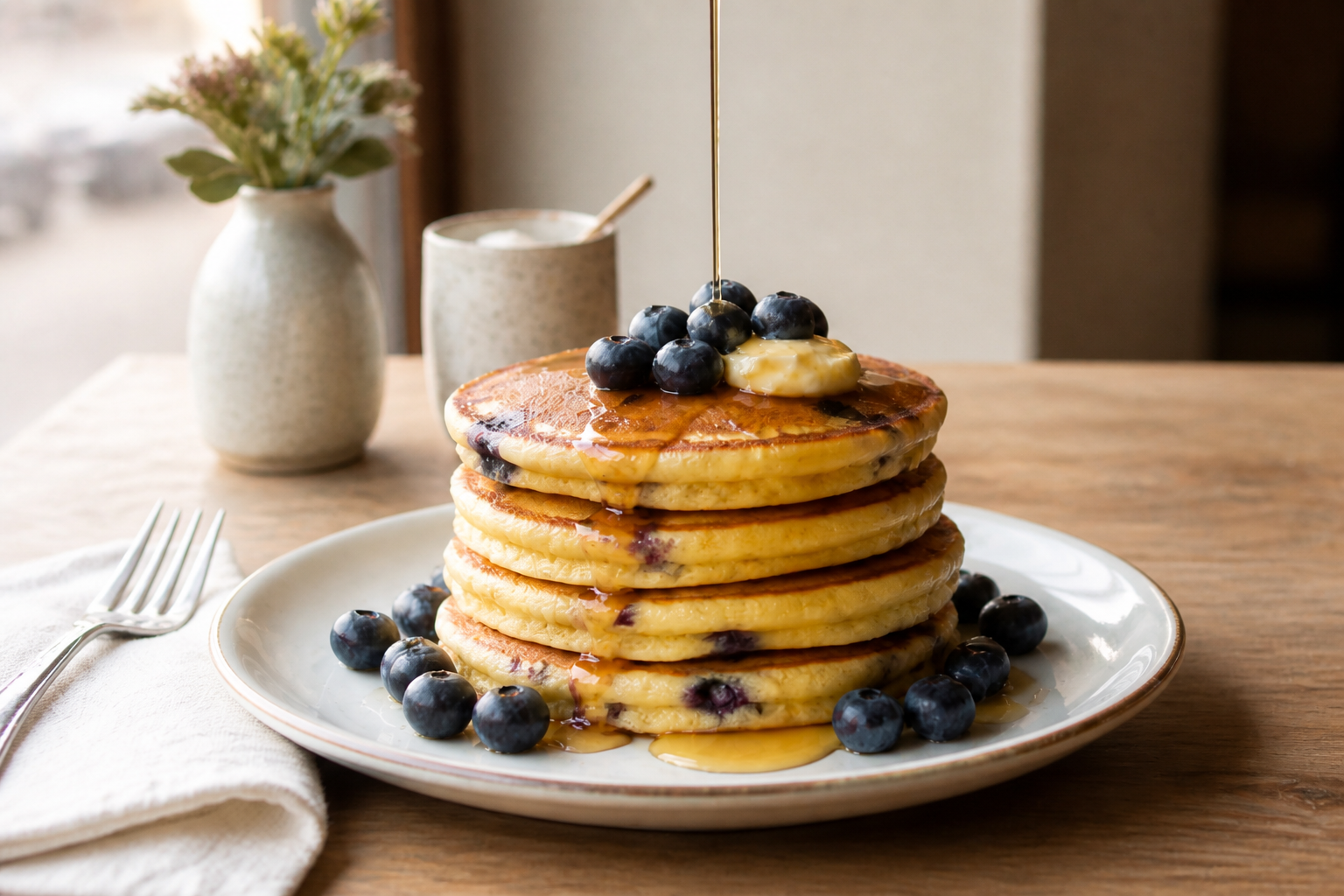 AFTER
AFTER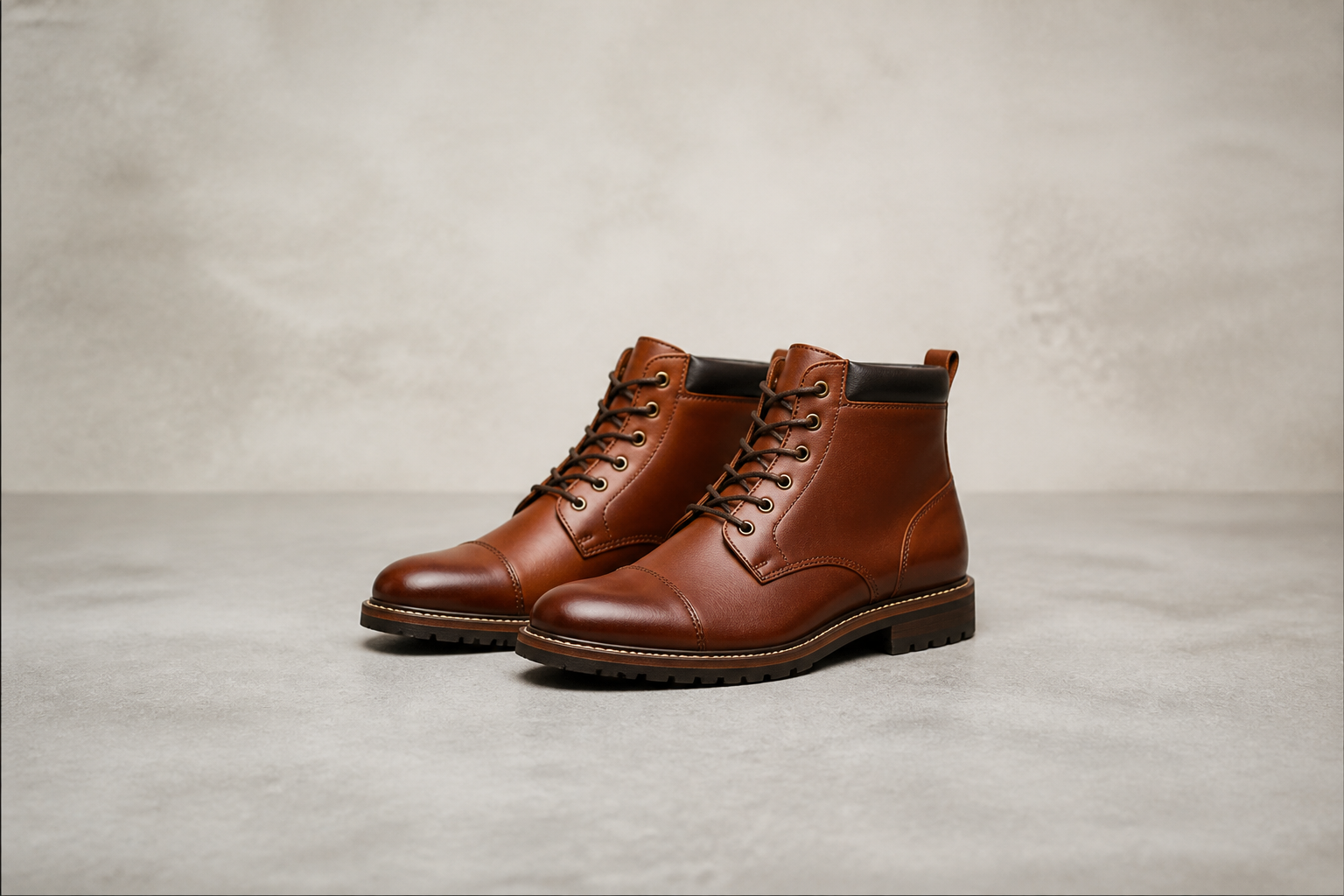 BEFORE
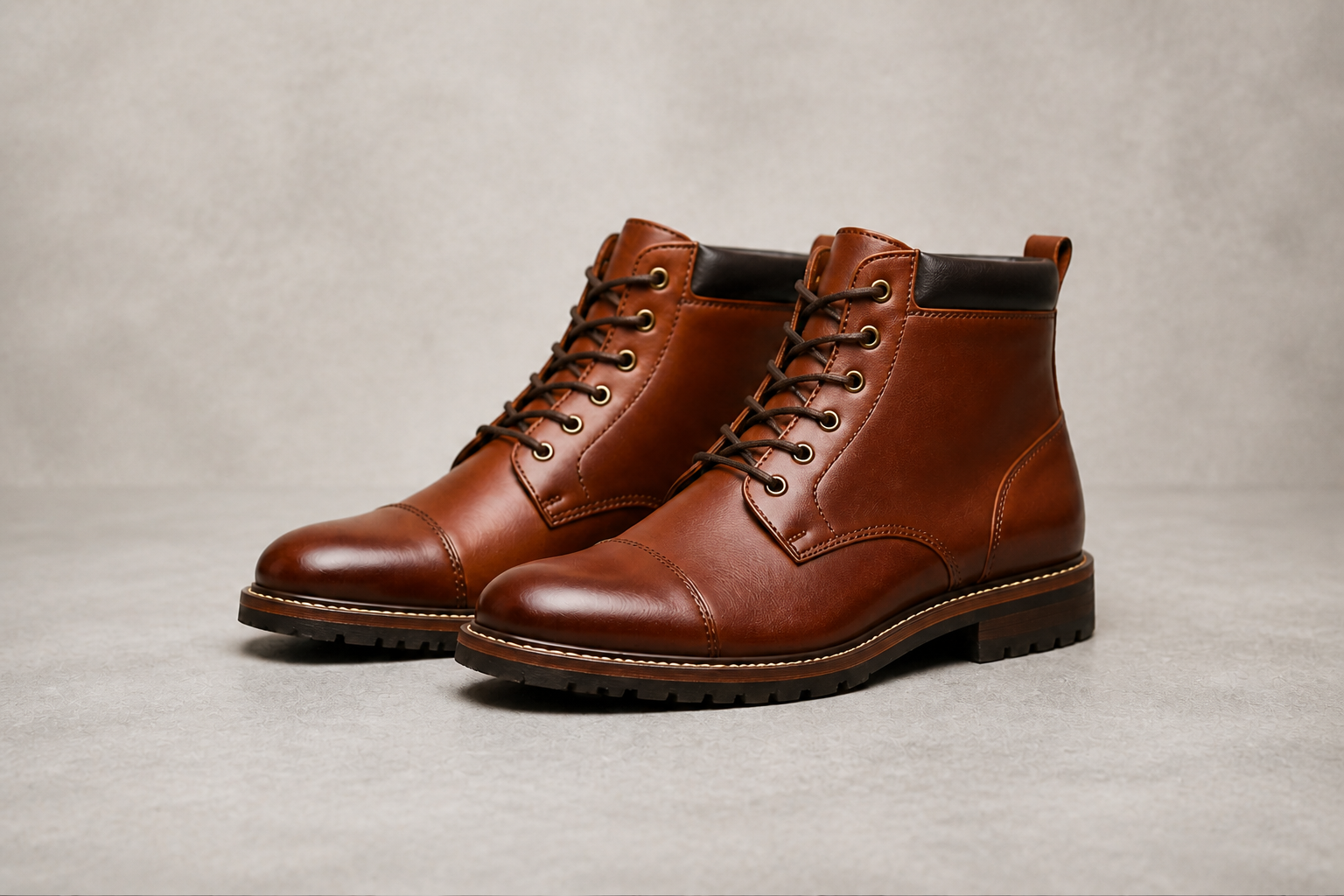 AFTER
AFTER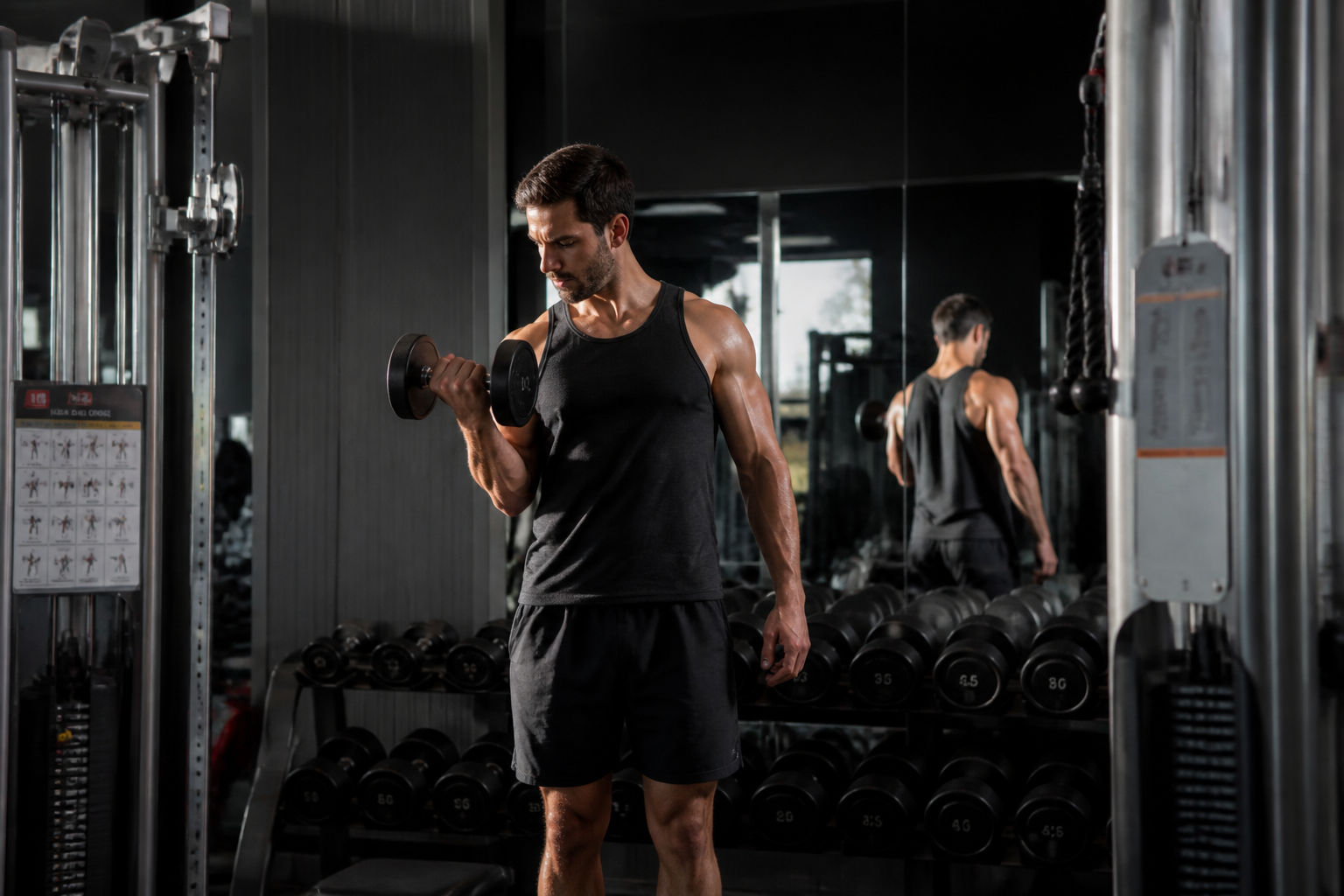 BEFORE
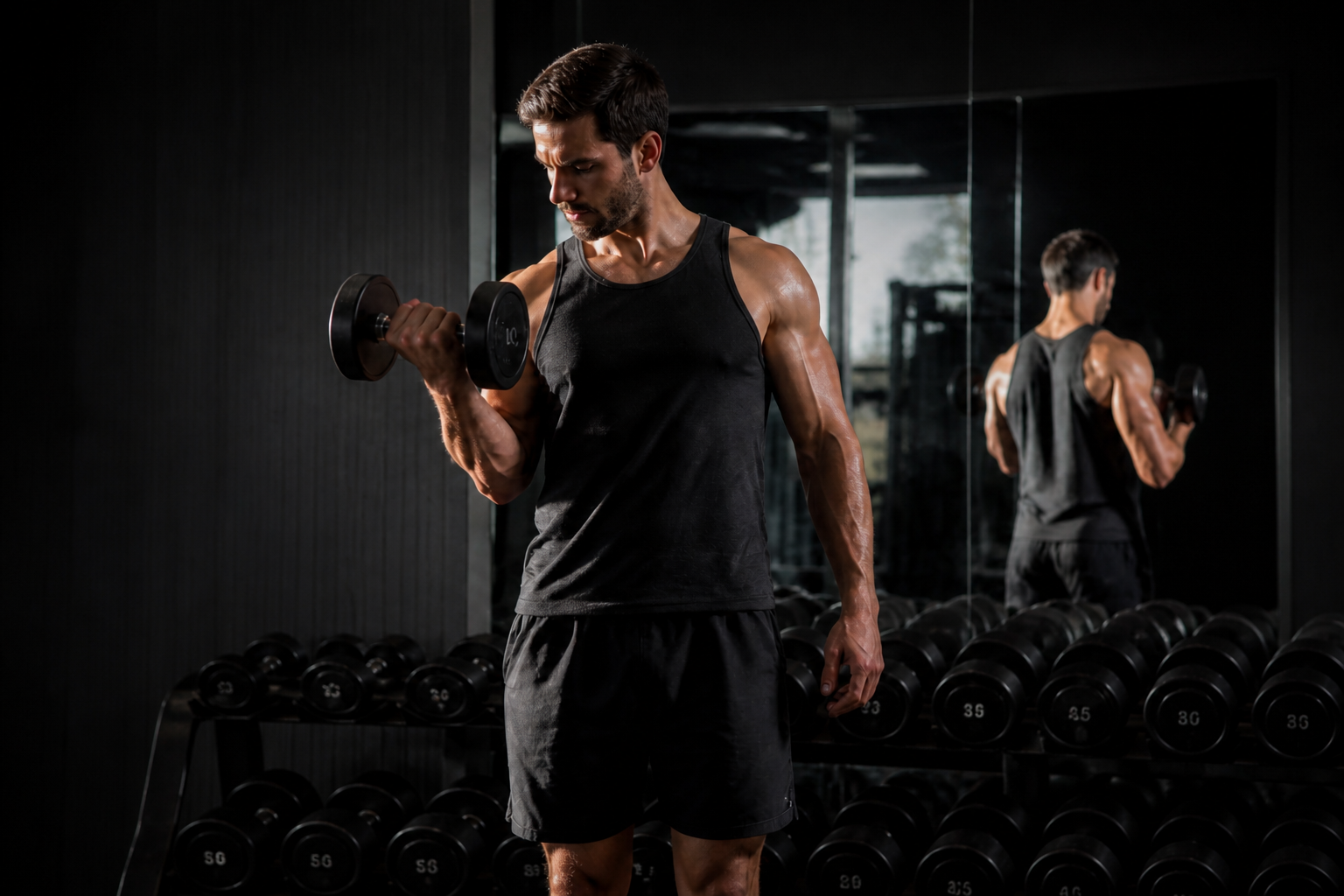 AFTER
AFTER BEFORE
 AFTERBEFOREAFTERBEFOREAFTERBEFOREAFTERBEFOREAFTER
Key Features


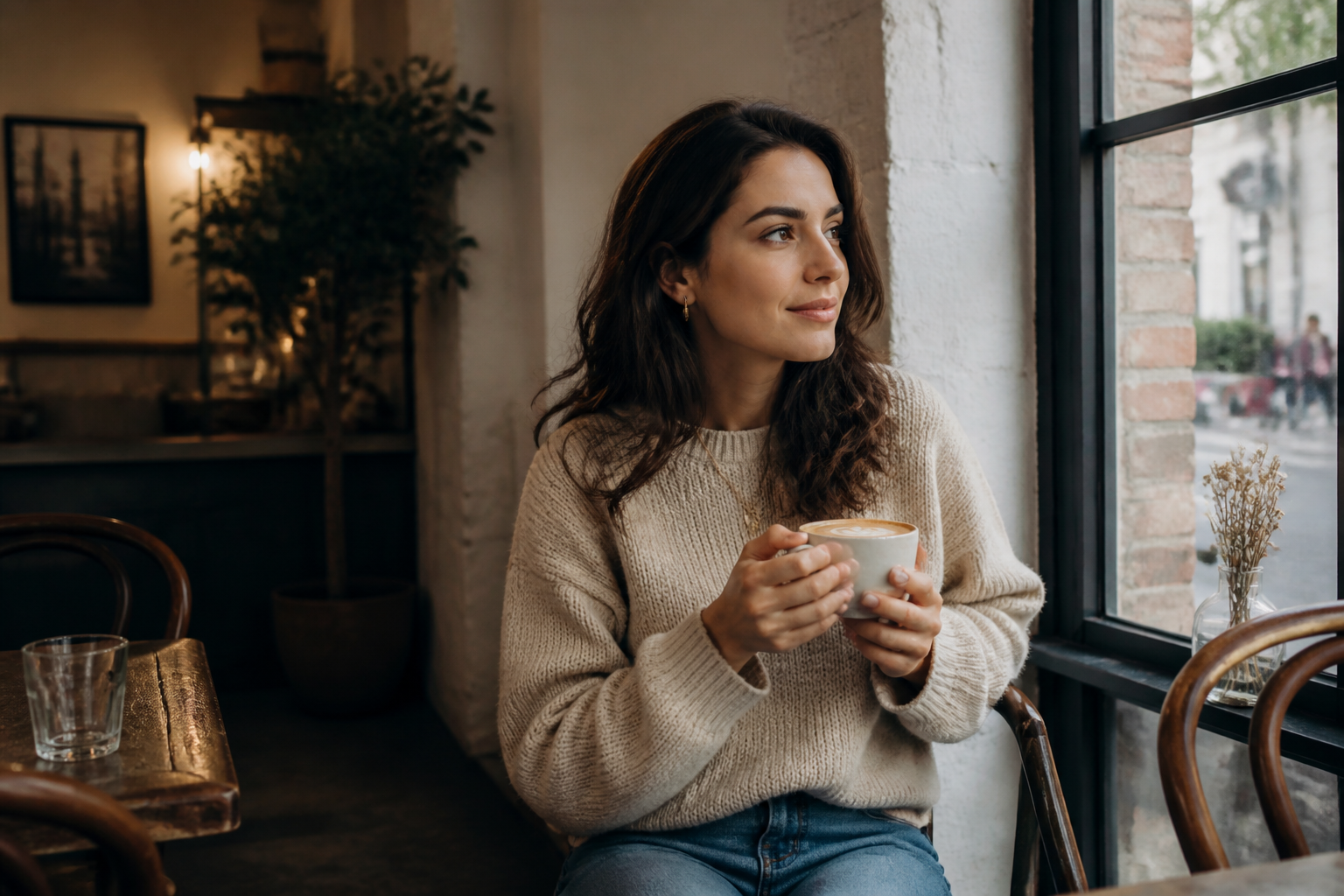
Find the real focal point
Loose photos often bury the subject inside empty space or background clutter. This tool reframes the shot so attention lands where it should right away. That saves time compared with dragging crop handles manually and testing multiple versions by eye.

Clean up distracting edges
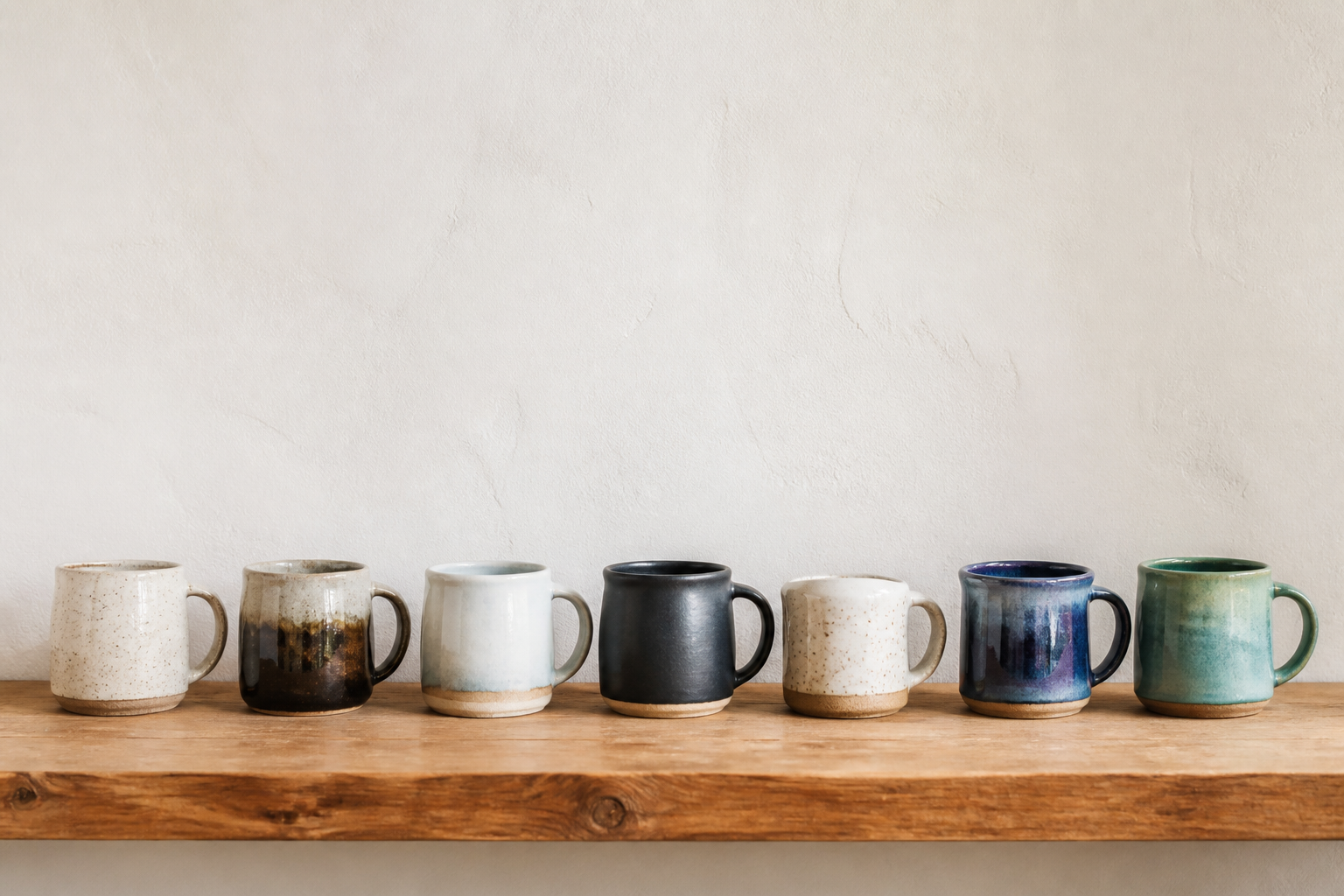
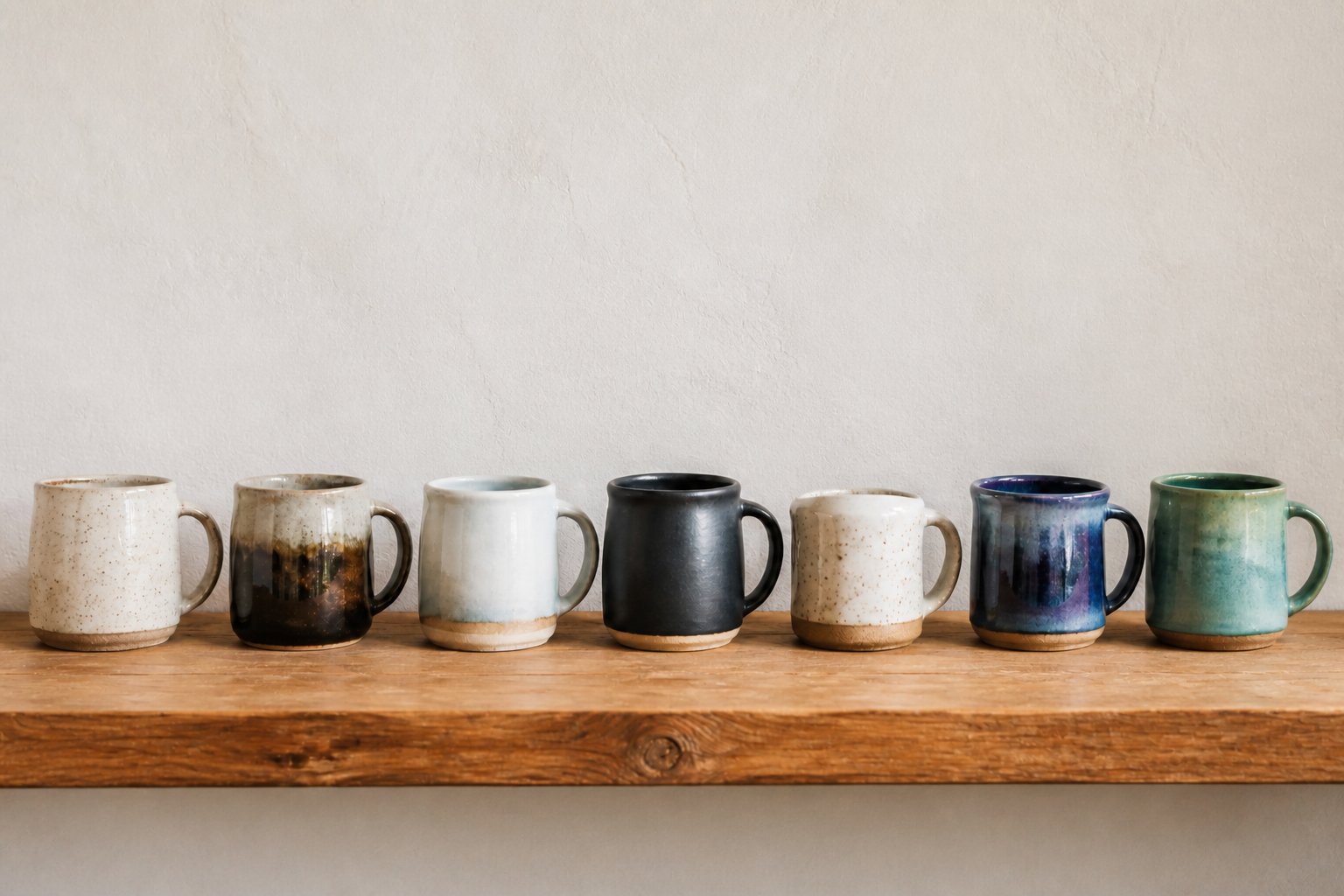
A good crop removes things that pull the eye away from the subject, like awkward objects near the frame edge or too much blank area. Our AI helps tighten the image without making it feel cramped. It is a faster way to rescue usable photos that almost work but need better framing.
Make images thumbnail-ready
Small previews on feeds, galleries, and marketplaces need a clear subject to work. This tool tightens framing so the main object or person still reads at a glance. That matters for clicks, browsing, and cleaner-looking grids.


Preserve the scene feel
Cropping should improve composition without changing the mood of the image. Our AI keeps the original lighting, subject, and visual style while reframing the shot. You get a cleaner composition without rebuilding the photo from scratch.
How It Works
Upload your photo
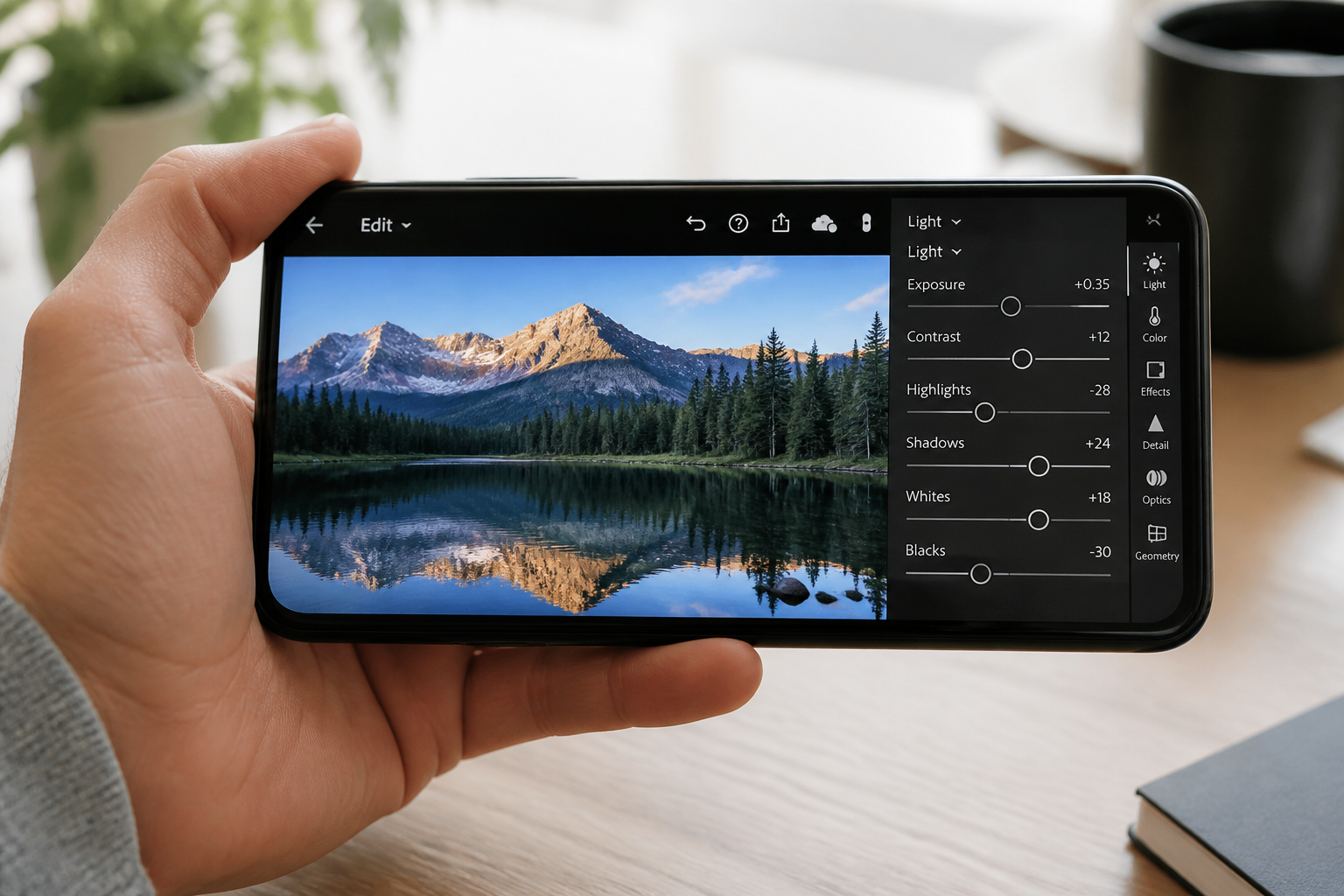
Start with the image you want to improve. Wide shots, cluttered compositions, and off-center subjects usually show the biggest difference.
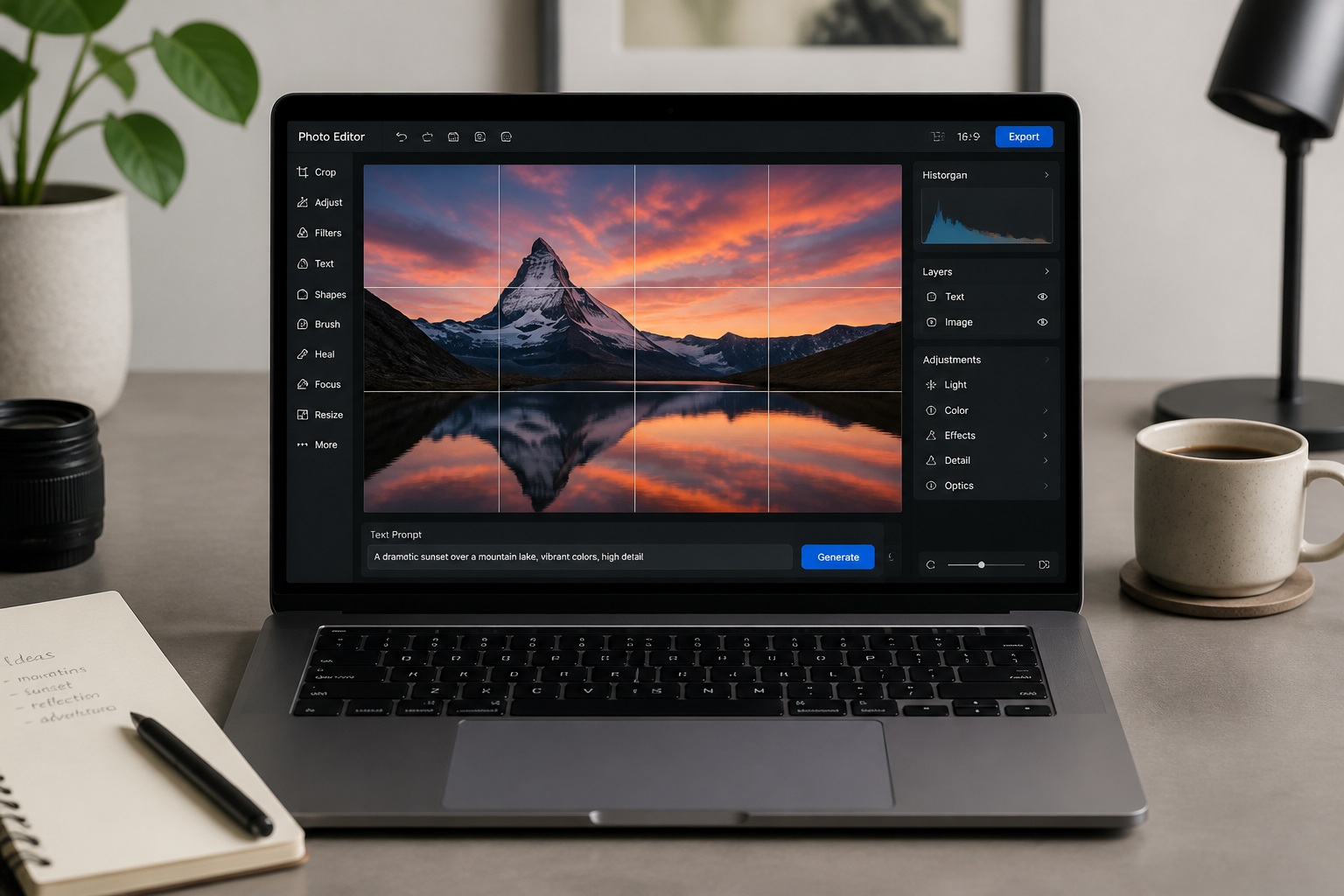
Describe the crop
Tell the AI what should matter most, like the person, product, pet, or room. You can also mention the goal, such as tighter framing, cleaner edges, or a thumbnail-friendly composition.
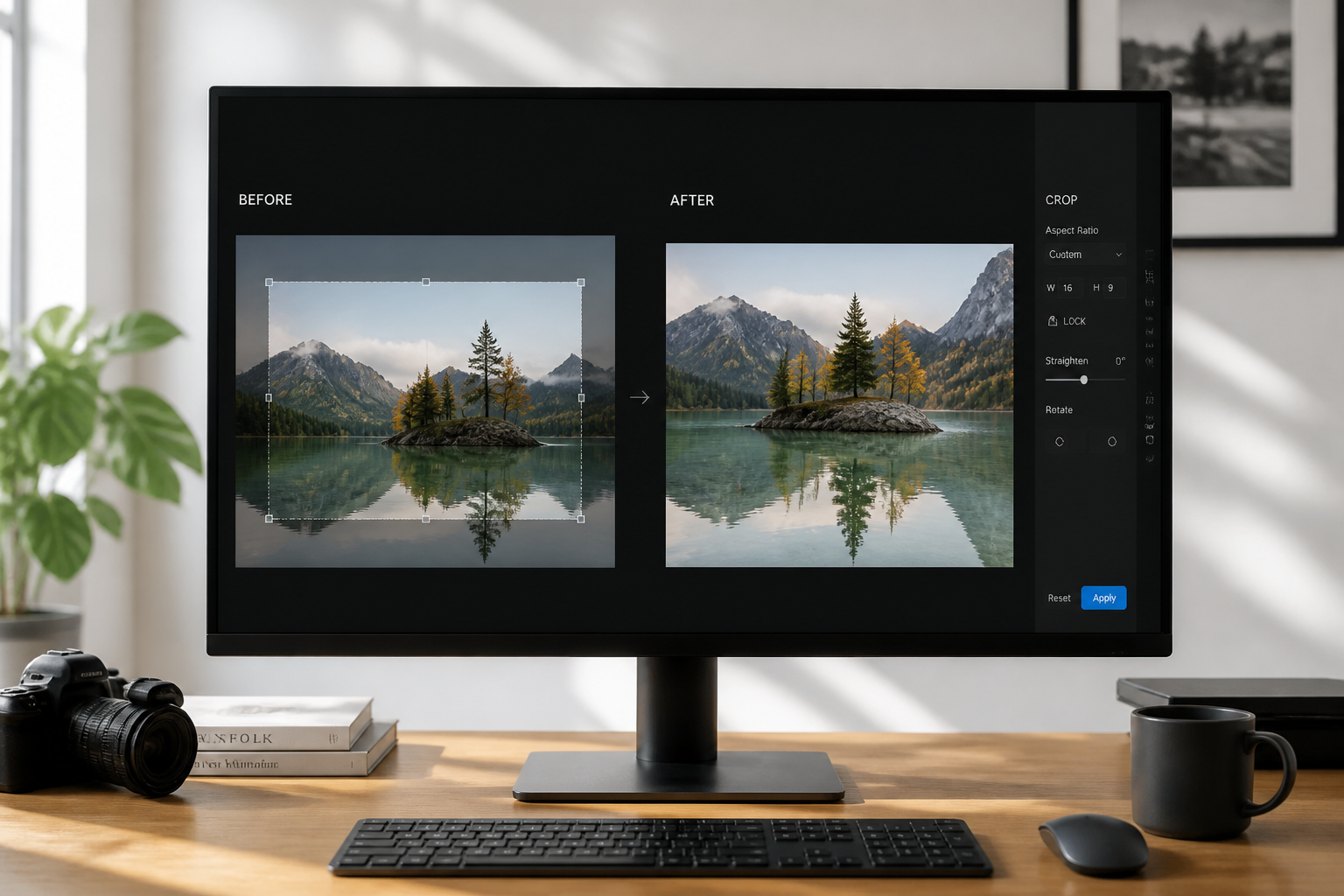
Compare and export
Review the before and after framing side by side. If needed, refine the prompt and generate another crop until the composition feels right.
Perfect For
Discover how creators and professionals use ai image crop tool
Social media posts
Tighten images so people, products, and scenes read better in feeds and thumbnails.
Online store photos
Center products and reduce empty margins for cleaner catalog and marketplace images.
Real estate listings
Improve room framing so key features stand out without awkward ceiling or floor space.
Portfolio cleanup
Rescue strong shots with weak composition and make galleries feel more intentional.
Built For
Creators and marketers
Make images more clickable for posts, ads, thumbnails, and landing pages.
Sellers and small businesses
Present products and listings with cleaner framing without learning complex editing software.
Photographers and hobbyists
Quickly test better compositions before committing to a final export.
Why use this crop tool
A quick look at how we compare on the things that matter for this niche.
| Feature | BudgetPixel | Generic AI editors | Manual editing apps |
|---|---|---|---|
| Subject-aware reframing | ✓ | ✓ | — |
| Fast before/after testing | ✓ | ✓ | — |
| Prompt-guided crop control | ✓ | — | — |
| Useful for product and portrait shots | ✓ | ✓ | ✓ |
| Manual crop handle dragging required | — | — | ✓ |
Frequently Asked Questions
What does the AI Image Crop Tool do?
Will it keep my subject and style the same?
Can I use it for products, people, and interiors?
Do I need to know exact crop dimensions?
Is this better than cropping by hand?
Create together.
Share your creations, discover trending AI art, and grow with fellow creators.