AI Smart Crop Tool
Reframe images around what matters most
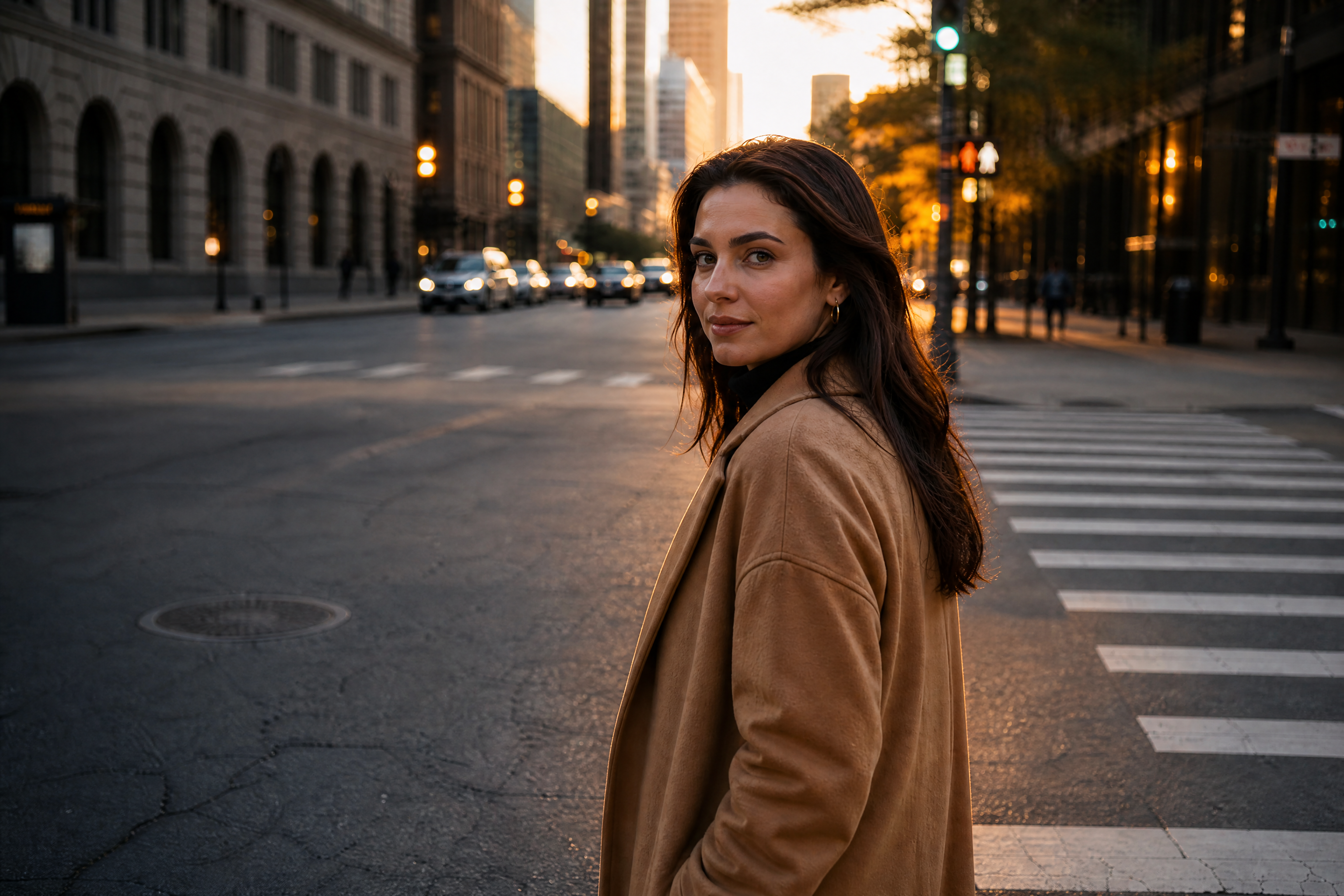
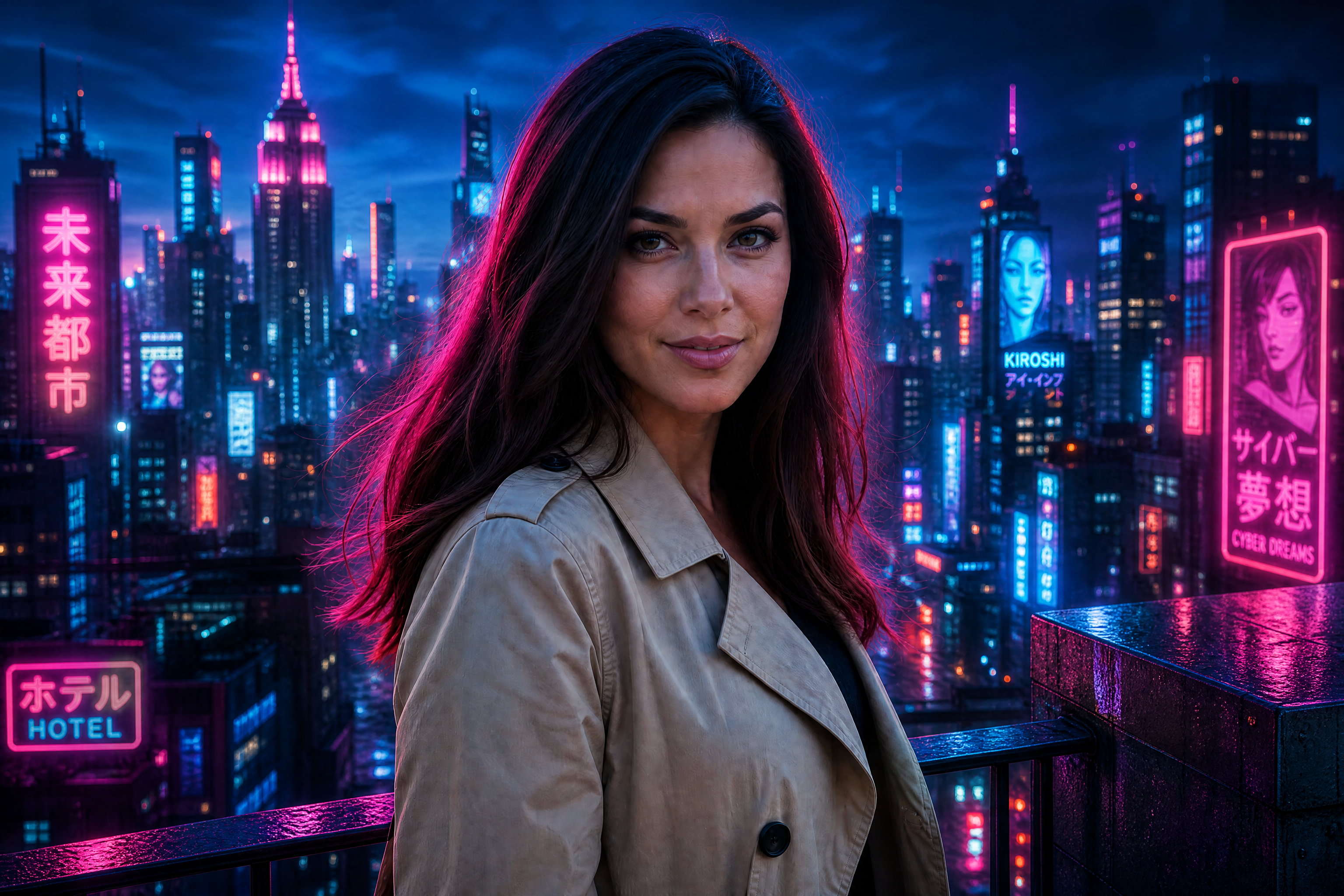
The AI Smart Crop Tool helps you crop photos without guessing where the focus should be. It centers the subject, improves balance, and keeps your image usable for banners, posts, listings, and thumbnails.
Watch the Transformation
See ai smart crop tool in motion — generated end-to-end by our AI.
See It In Action
Real outputs from ai smart crop tool.
BEFOREAFTER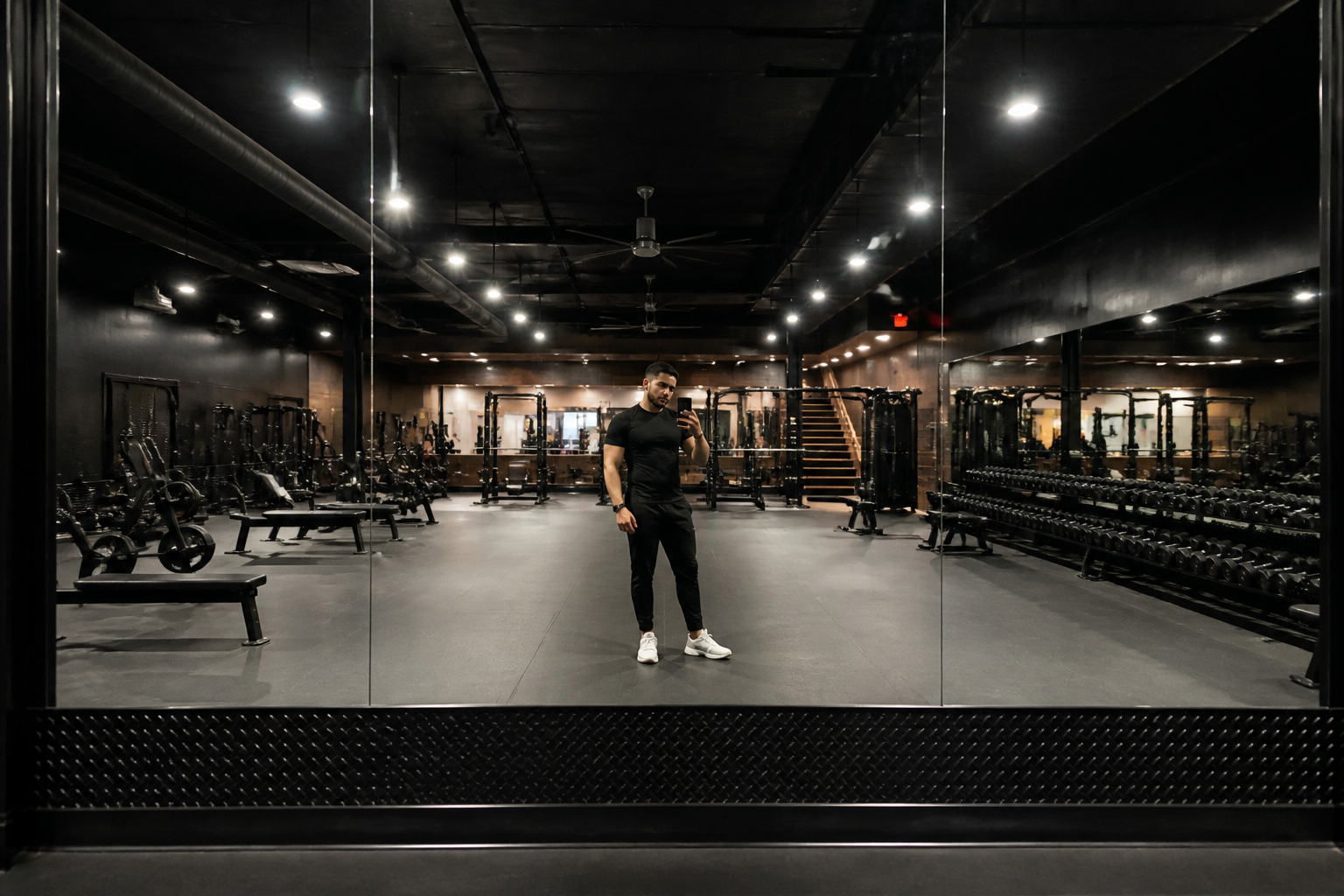 BEFORE
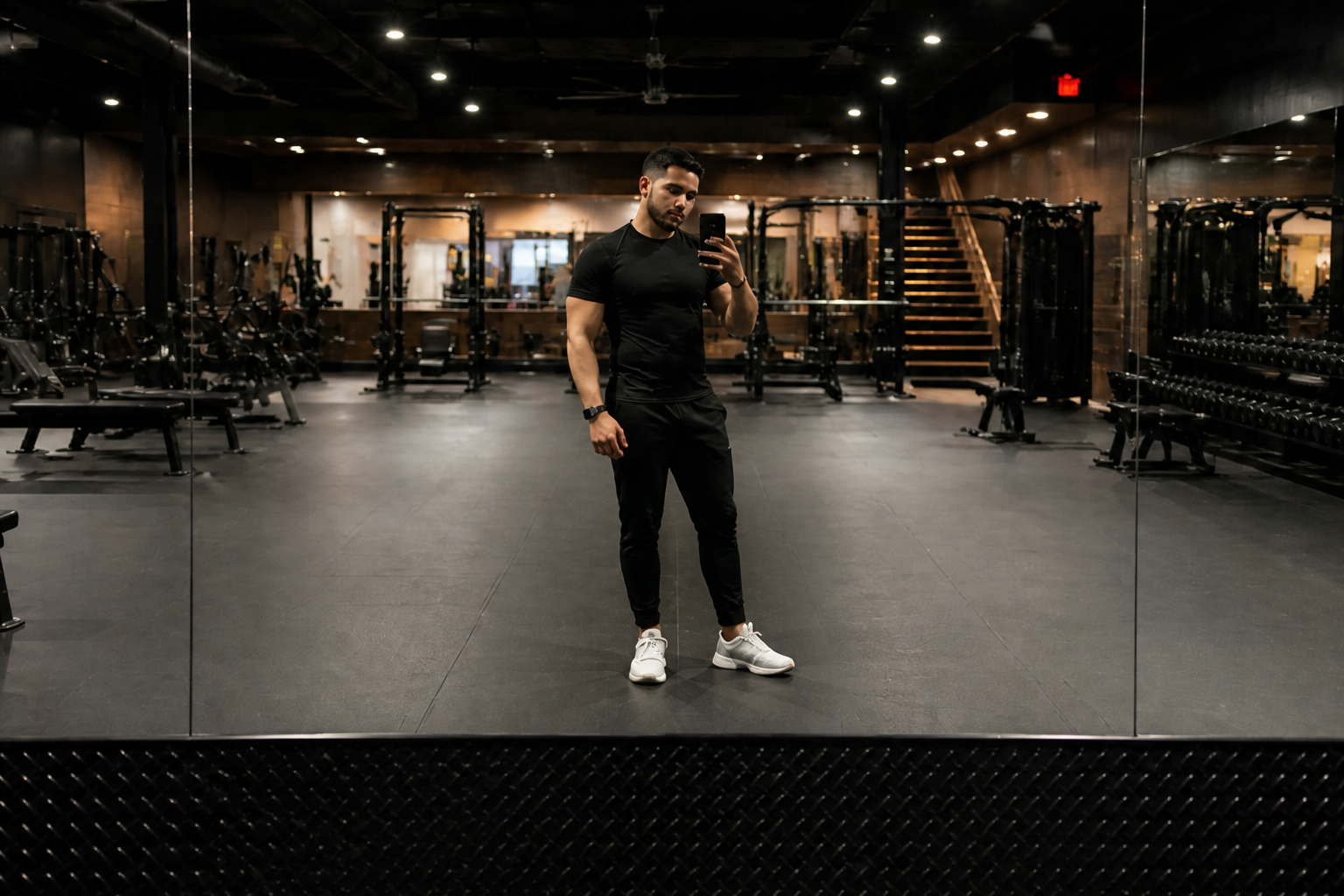 AFTER
AFTER BEFORE
 AFTER
AFTER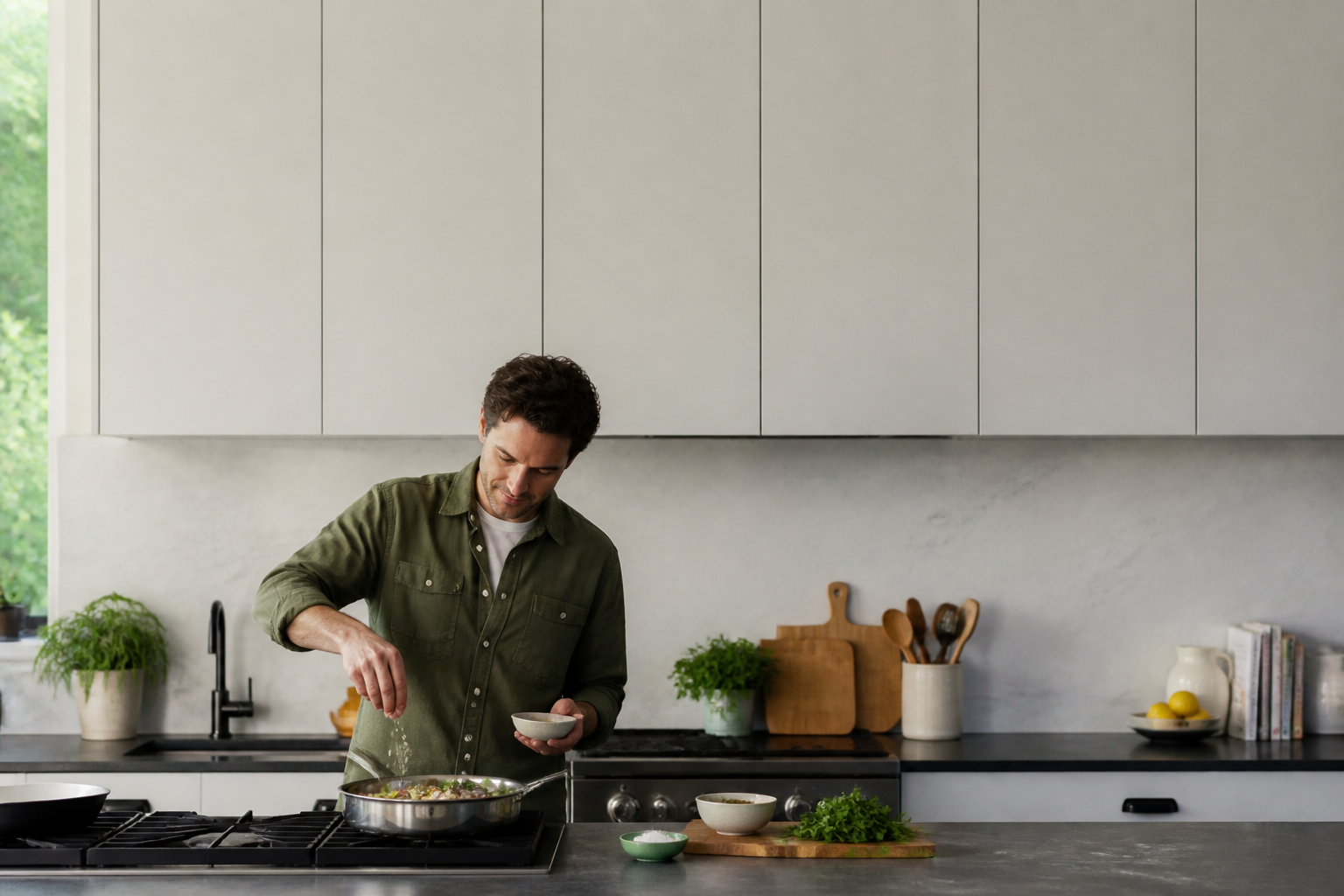 BEFORE
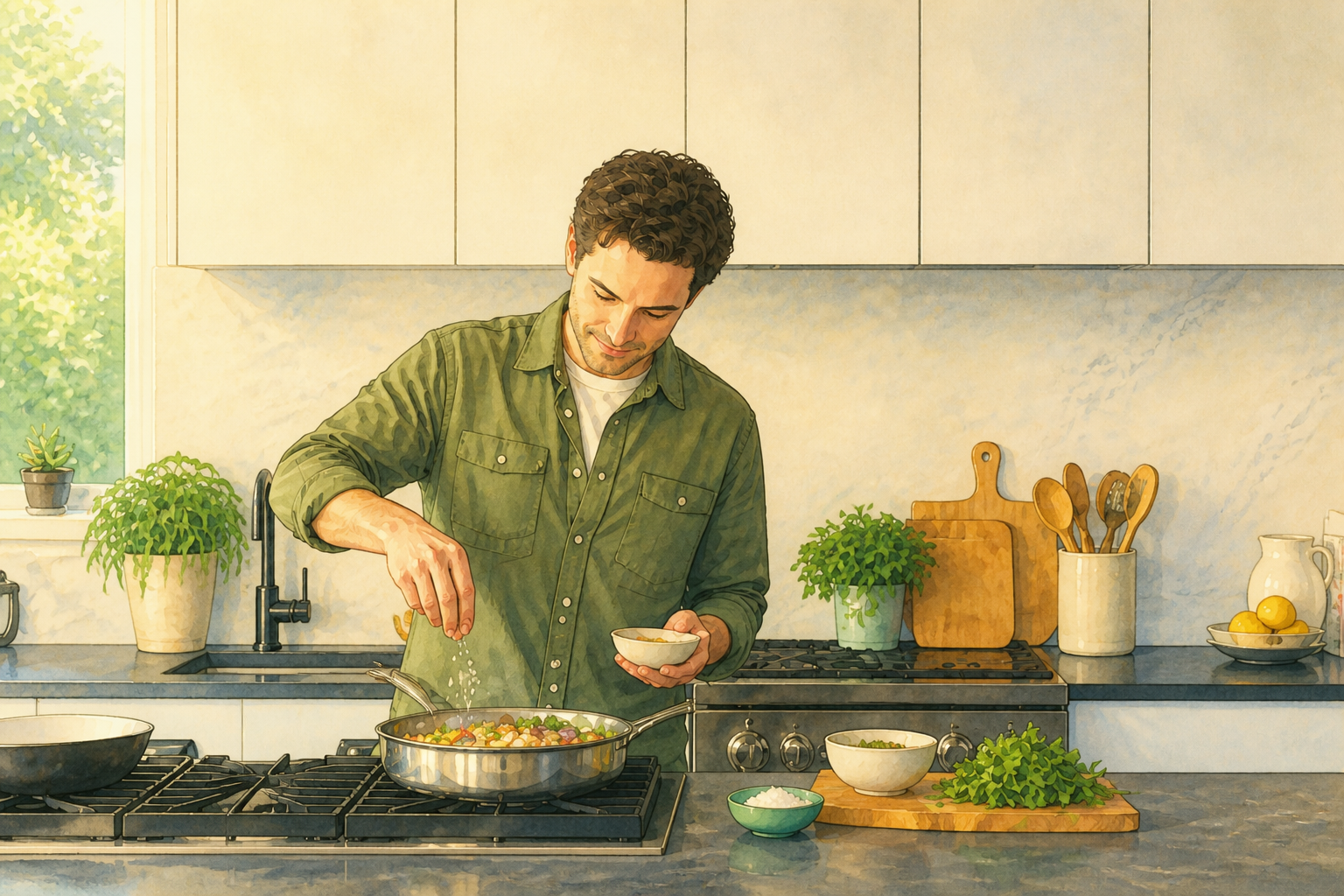 AFTER
AFTER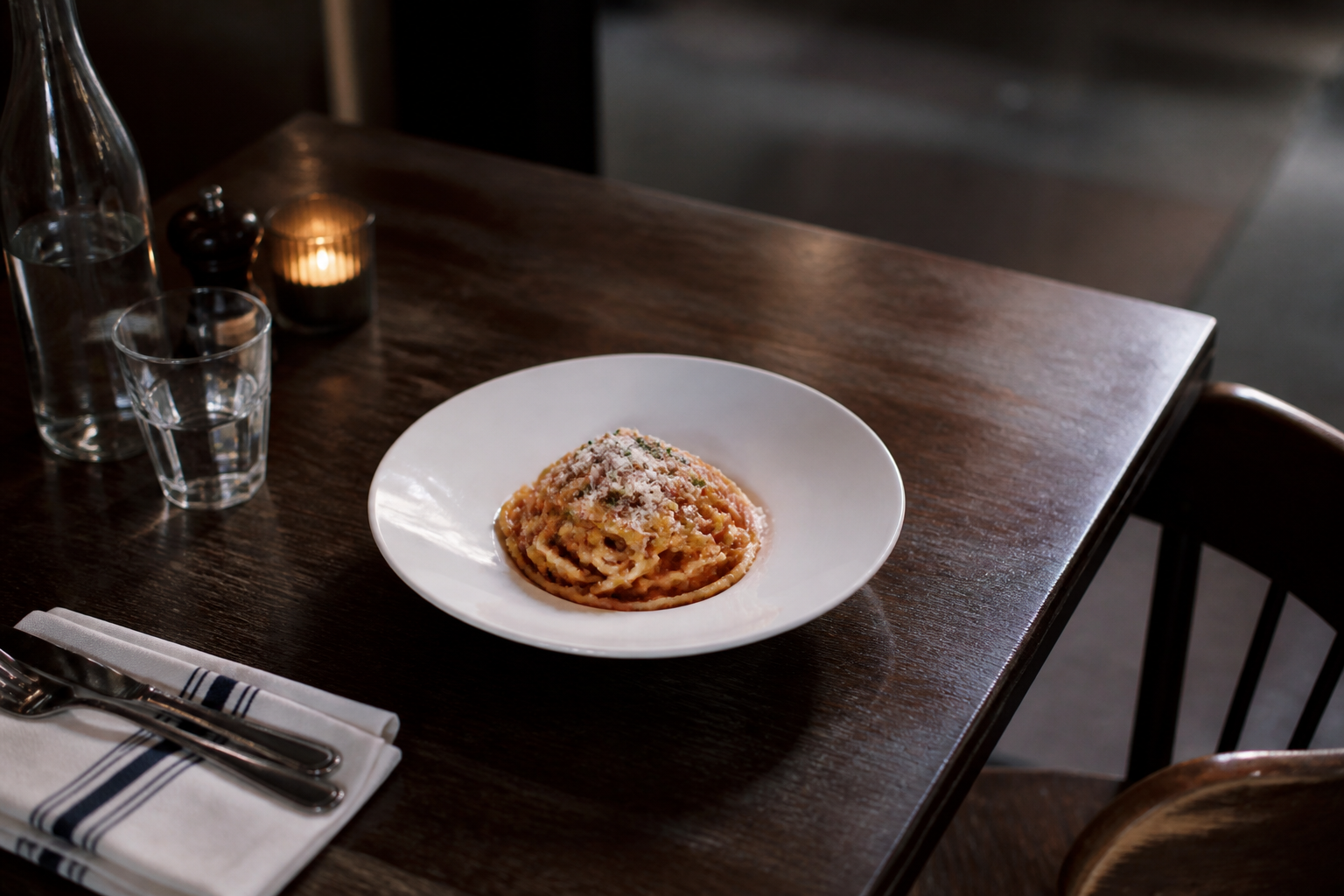 BEFORE
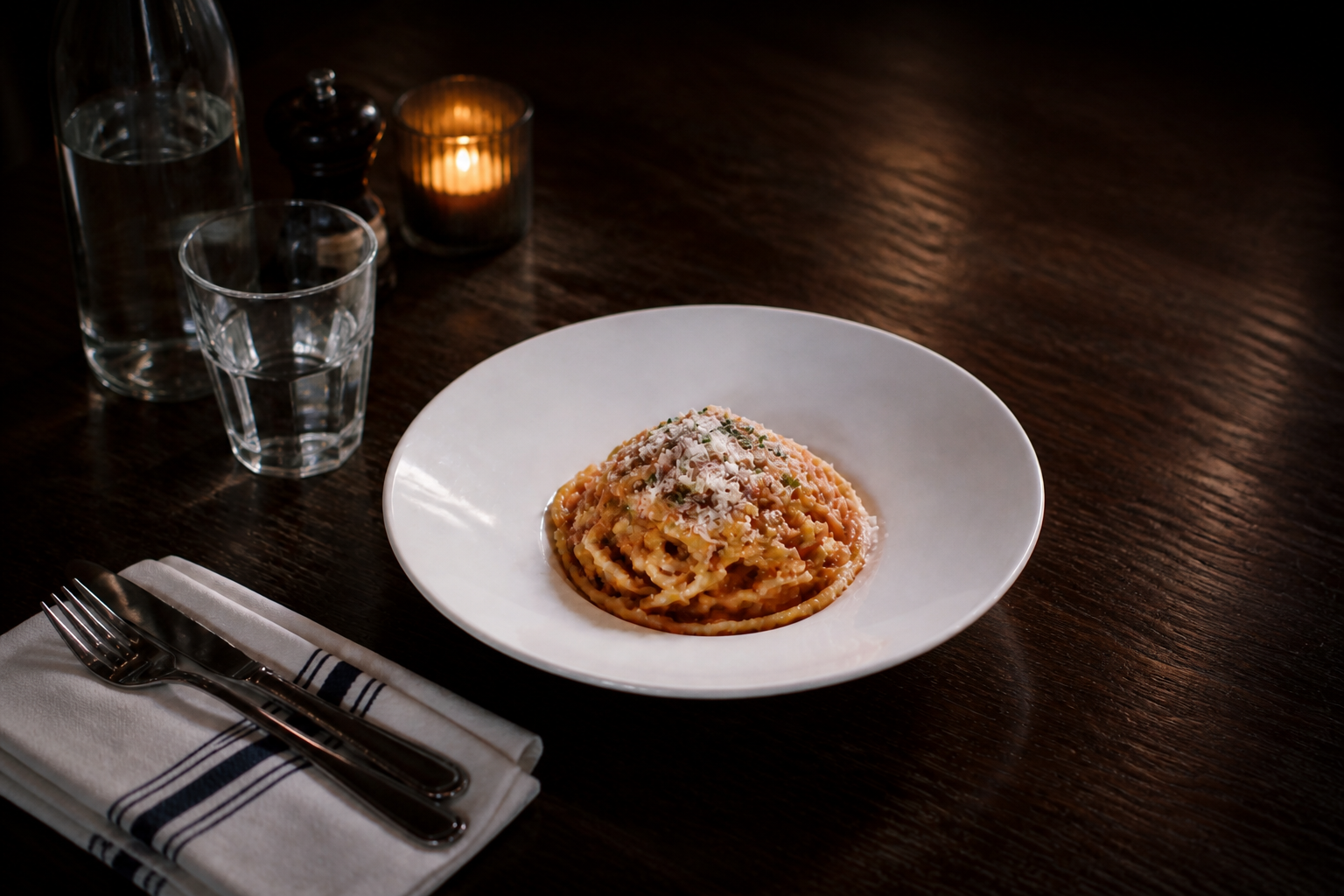 AFTERBEFOREAFTERBEFOREAFTERBEFOREAFTERBEFOREAFTERBEFOREAFTER
 BEFORE
 AFTER
AFTER BEFORE
 AFTER
AFTER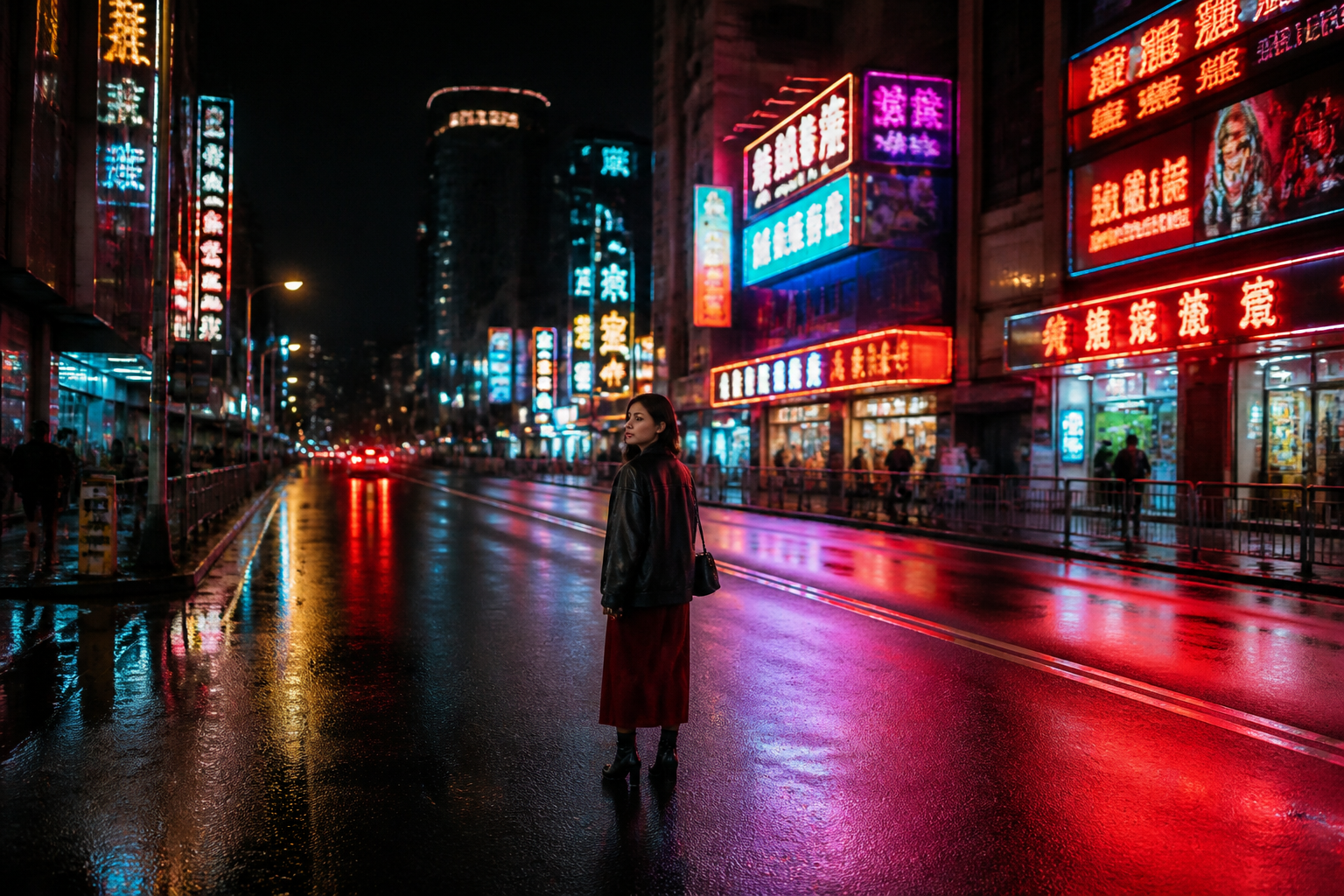 BEFORE
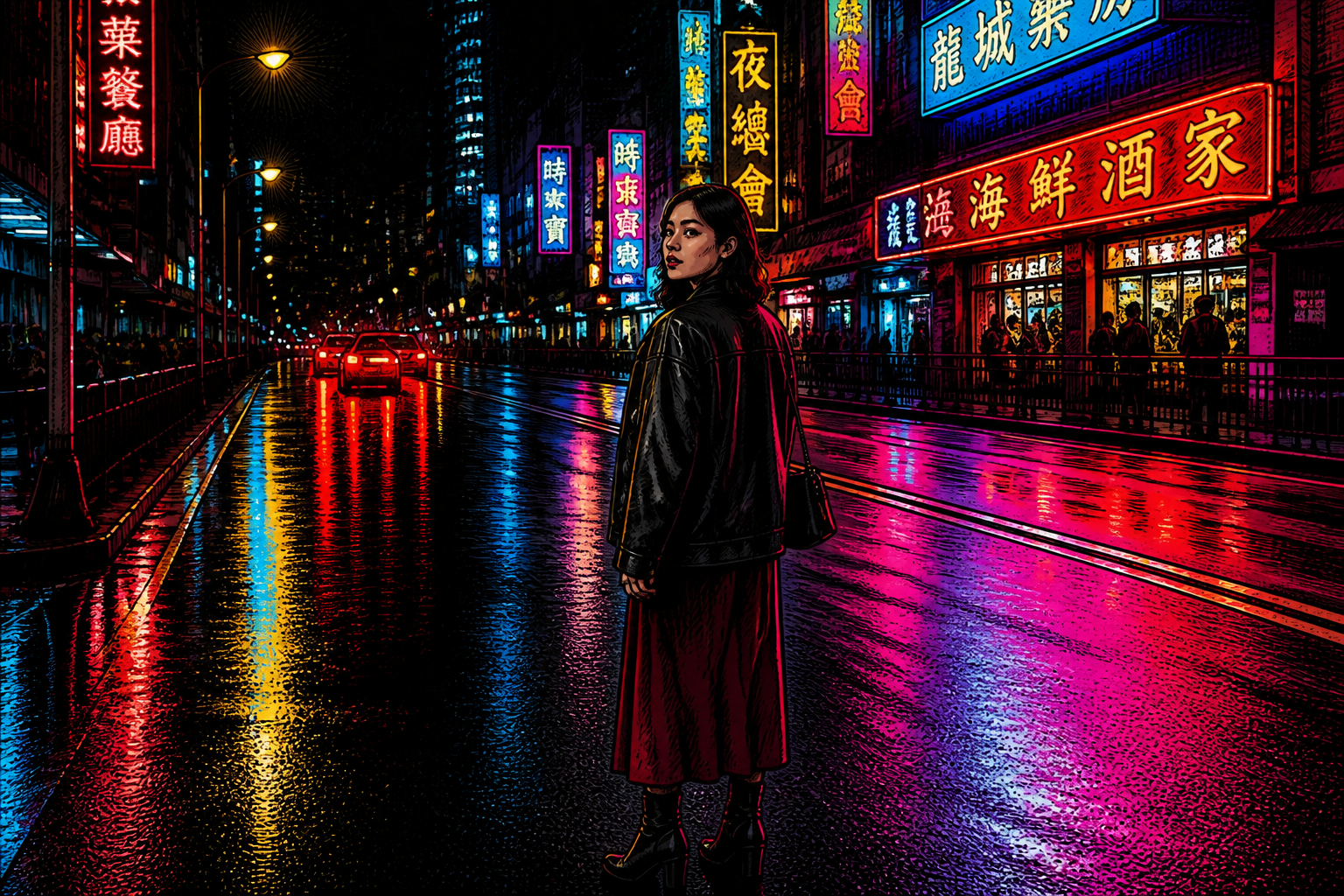 AFTER
AFTER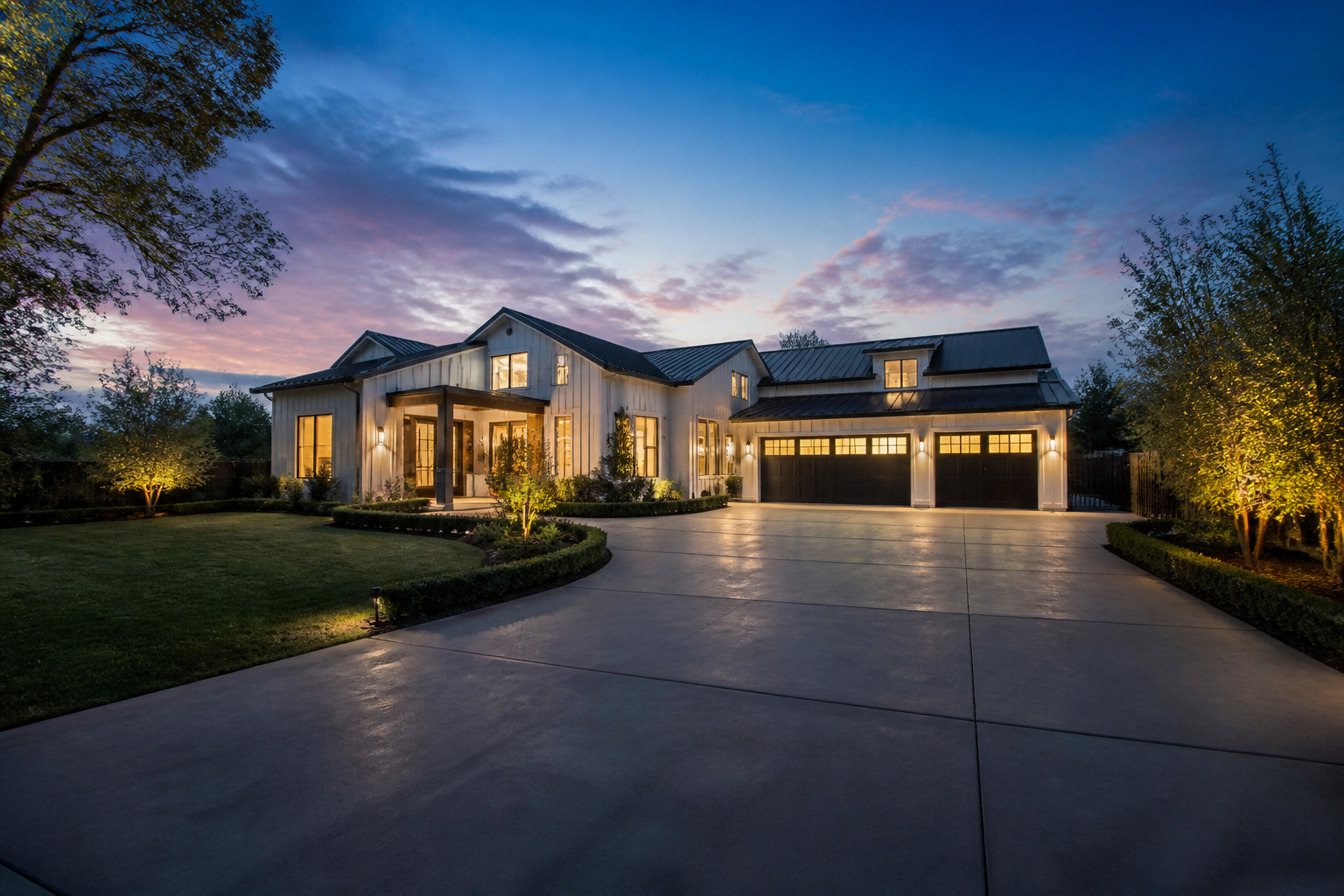 BEFORE
 AFTER
AFTER BEFORE
 AFTERBEFOREAFTERBEFOREAFTERBEFOREAFTERBEFOREAFTERBEFOREAFTER
Key Features
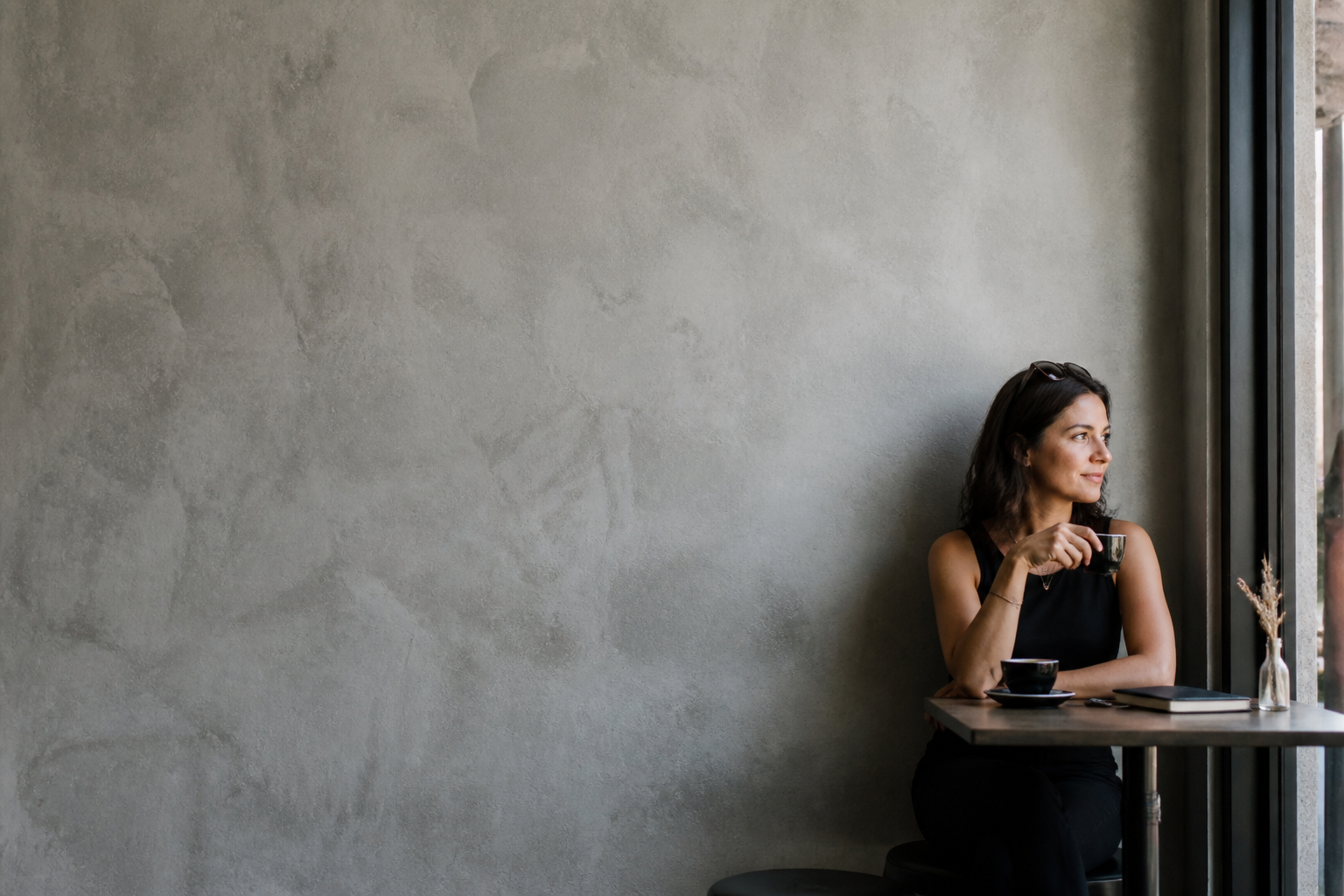

Finds the real subject
Many photos include too much empty space or competing distractions. This tool reframes the shot around the person, object, or area that matters most. That saves time compared with dragging crop boxes manually and checking multiple versions. The result is a composition that reads clearly even at thumbnail size.


Keeps useful context
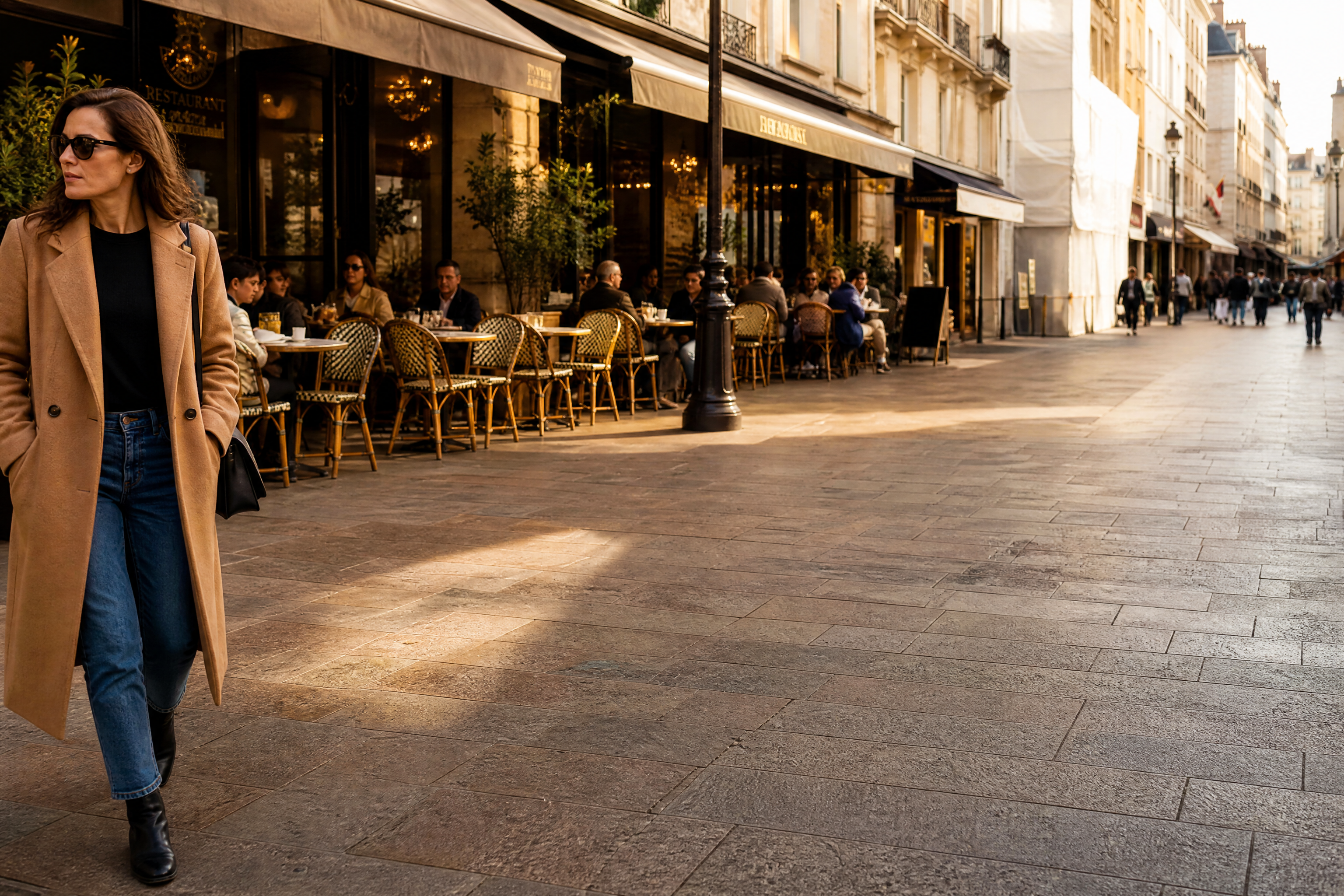
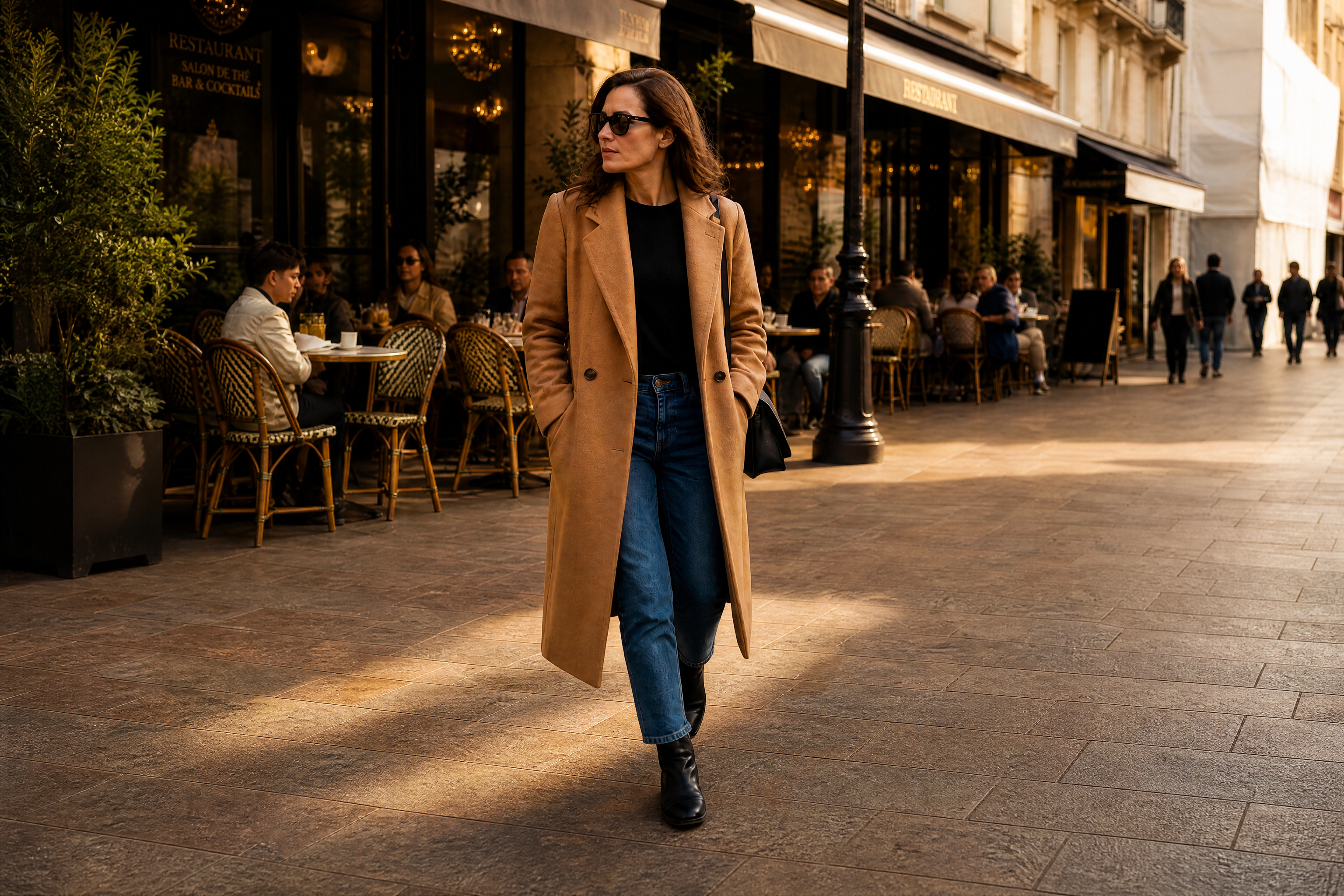
A good crop should remove waste without making the image feel cramped. Our AI tightens framing while keeping the details that explain the scene, like surroundings, props, or environment. That is especially useful for listings, travel photos, and social content where context still matters. You get a cleaner image without losing the story.
Works for many image types
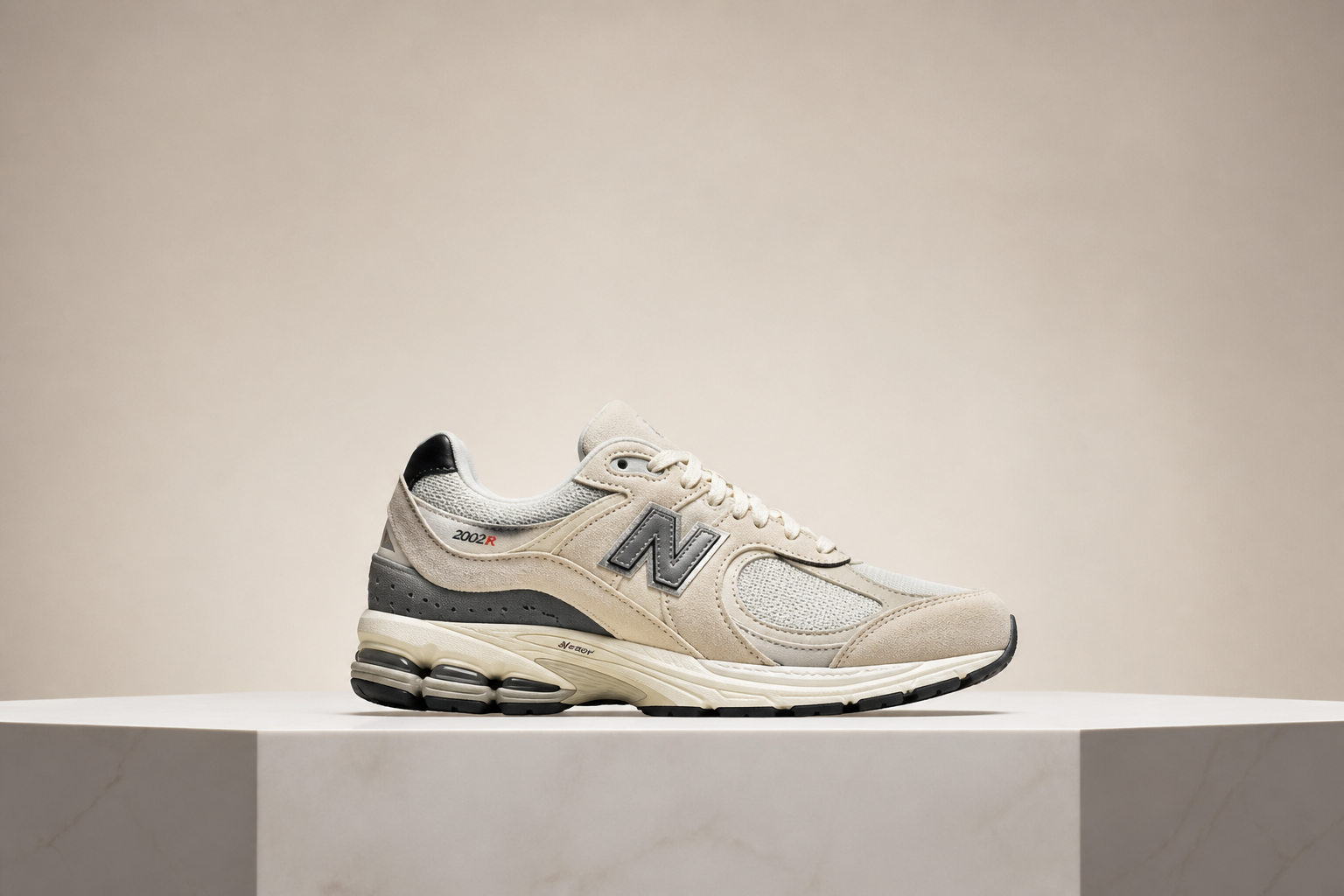
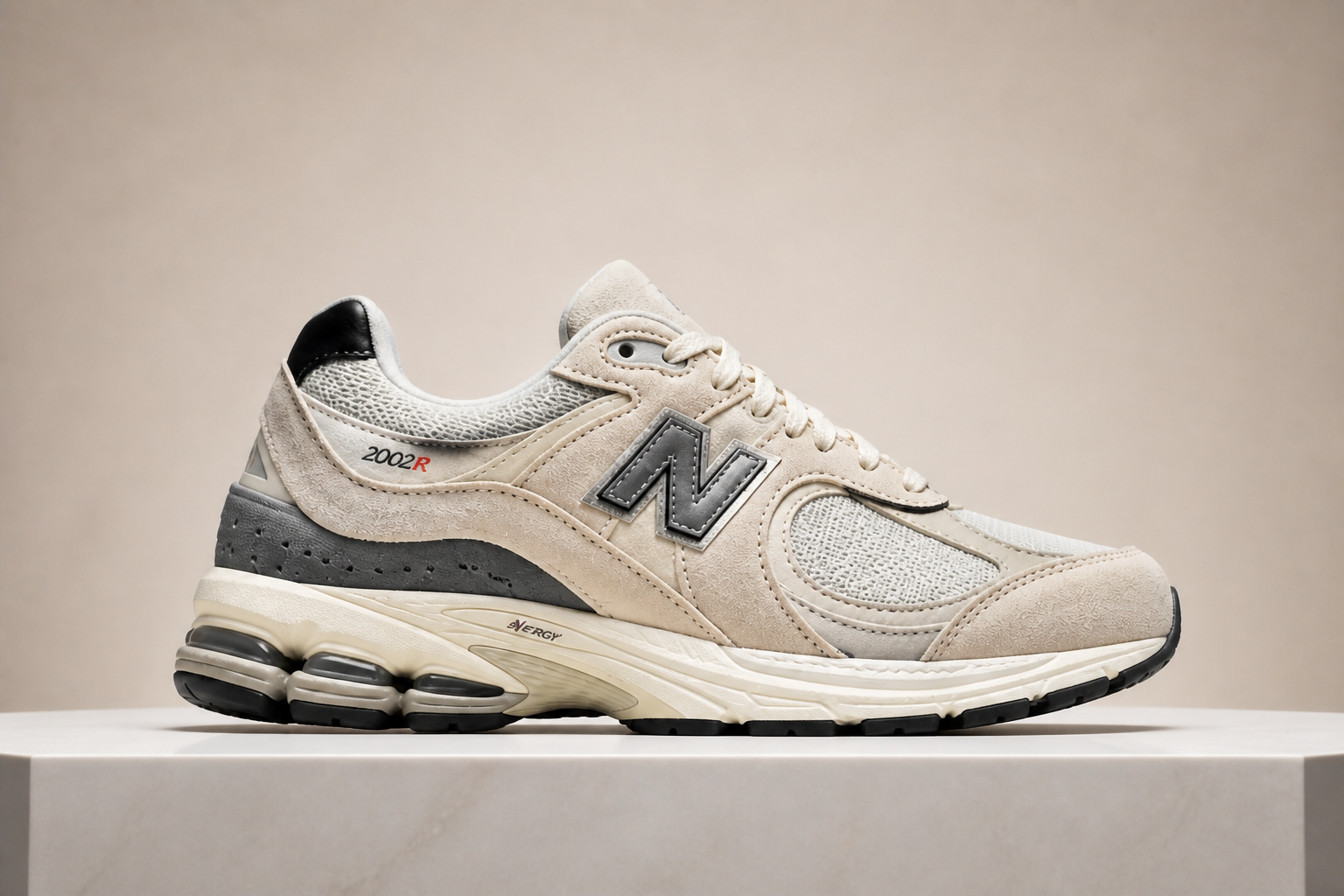
Smart cropping is useful beyond portraits. It can improve product shots, food photos, interiors, pets, and branded content without forcing the same framing on every image. That makes it easier to prepare assets for stores, ads, blogs, and marketplaces from one original photo. You spend less time making separate crops by hand.


Ready for thumbnails fast
Small previews need clear framing or they disappear in crowded feeds. This tool creates tighter, more readable compositions that look stronger on cards, galleries, and social previews. It helps you skip trial-and-error cropping and get to a usable thumbnail faster. That is valuable when you are preparing multiple images at once.
How It Works
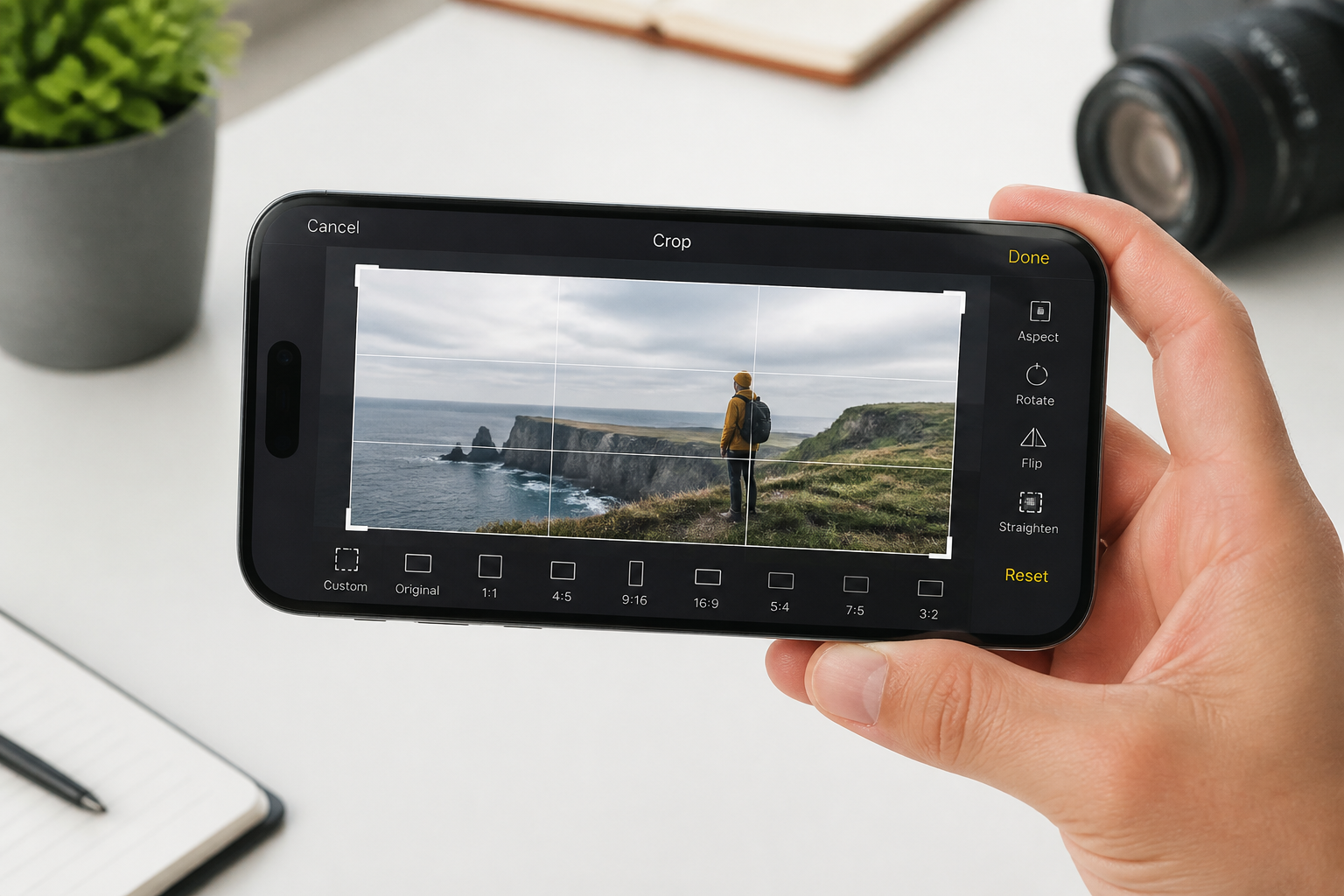
Upload your photo
Start with any image that feels too wide, awkward, or unfocused. Wide shots with extra background usually show the biggest improvement.
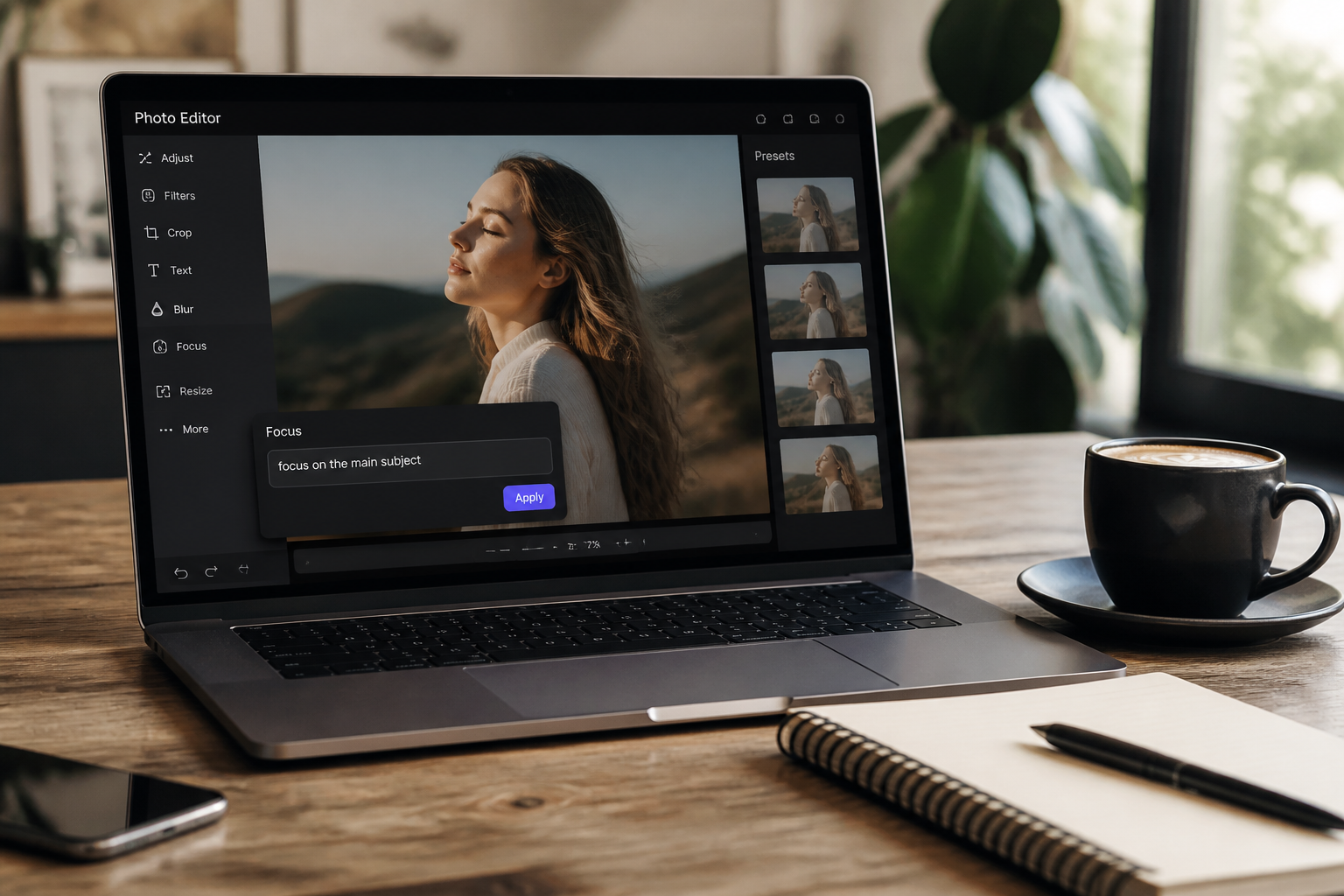
Describe what matters
Tell the AI what the crop should prioritize, like the person, product, house, or dish. You can also mention keeping some background context if the setting matters.
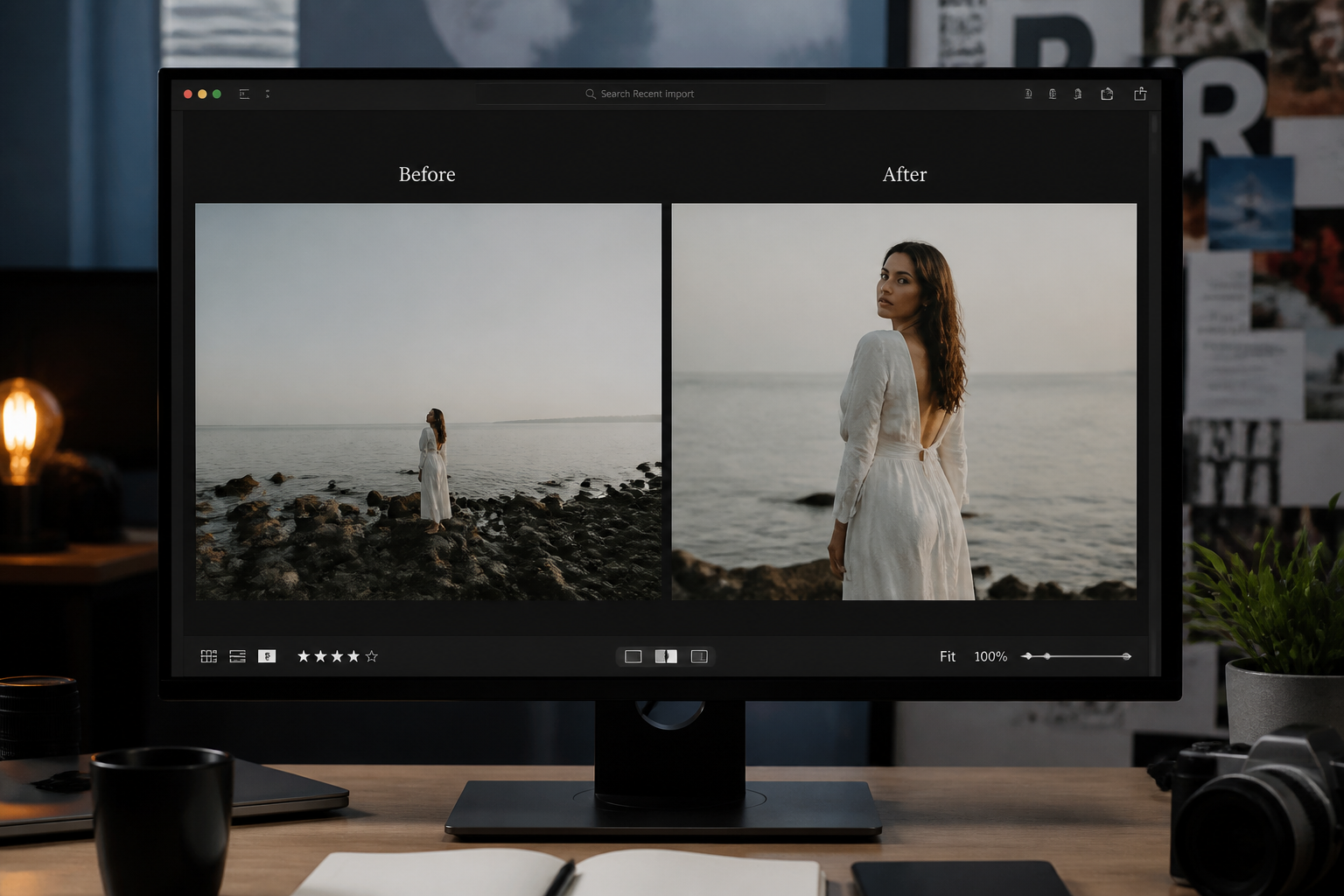
Review the new framing
Compare the original and reframed version side by side. If needed, adjust your prompt and generate another crop in a few seconds.
Perfect For
Discover how creators and professionals use ai smart crop tool
Social media thumbnails
Make photos read better in crowded feeds by tightening around the subject and removing wasted space.
Product listings
Center products more cleanly for marketplace images, shop cards, and promotional banners.
Real estate and travel
Improve framing while still keeping the setting visible, so the image feels polished without losing context.
Content repurposing
Turn one original photo into a stronger crop for blog headers, gallery cards, presentations, and ads.
Built For
Creators and marketers
Useful when you need cleaner thumbnails, ad creatives, and social assets without manual cropping work.
Online sellers
Helps product and listing photos look more focused and consistent across storefronts and marketplaces.
Photographers and teams
Speeds up selection and reframing when preparing multiple images for clients, galleries, or internal reviews.
Why use an AI smart crop tool
A quick look at how we compare on the things that matter for this niche.
| Feature | BudgetPixel | Generic AI editors | Manual editing apps |
|---|---|---|---|
| Subject-aware reframing | ✓ | ✓ | — |
| Fast thumbnail-ready crops | ✓ | ✓ | — |
| Prompt-based control | ✓ | — | — |
| Keeps scene context | ✓ | — | Depends |
| Manual drag-and-test workflow | — | — | ✓ |
Frequently Asked Questions
What does the AI Smart Crop Tool do?
Can it crop more than portraits?
Will it remove too much background?
Do I need editing experience?
Can I use it for thumbnails and listings?
Create together.
Share your creations, discover trending AI art, and grow with fellow creators.