AI Extend Image for seamless photo expansion
Expand your image outward without awkward crops or manual compositing.
AI Extend Image expands your photo beyond its original borders while keeping the subject, lighting, and scene consistent. Use it to create wider shots, fix tight framing, or adapt images for banners, thumbnails, and social posts.
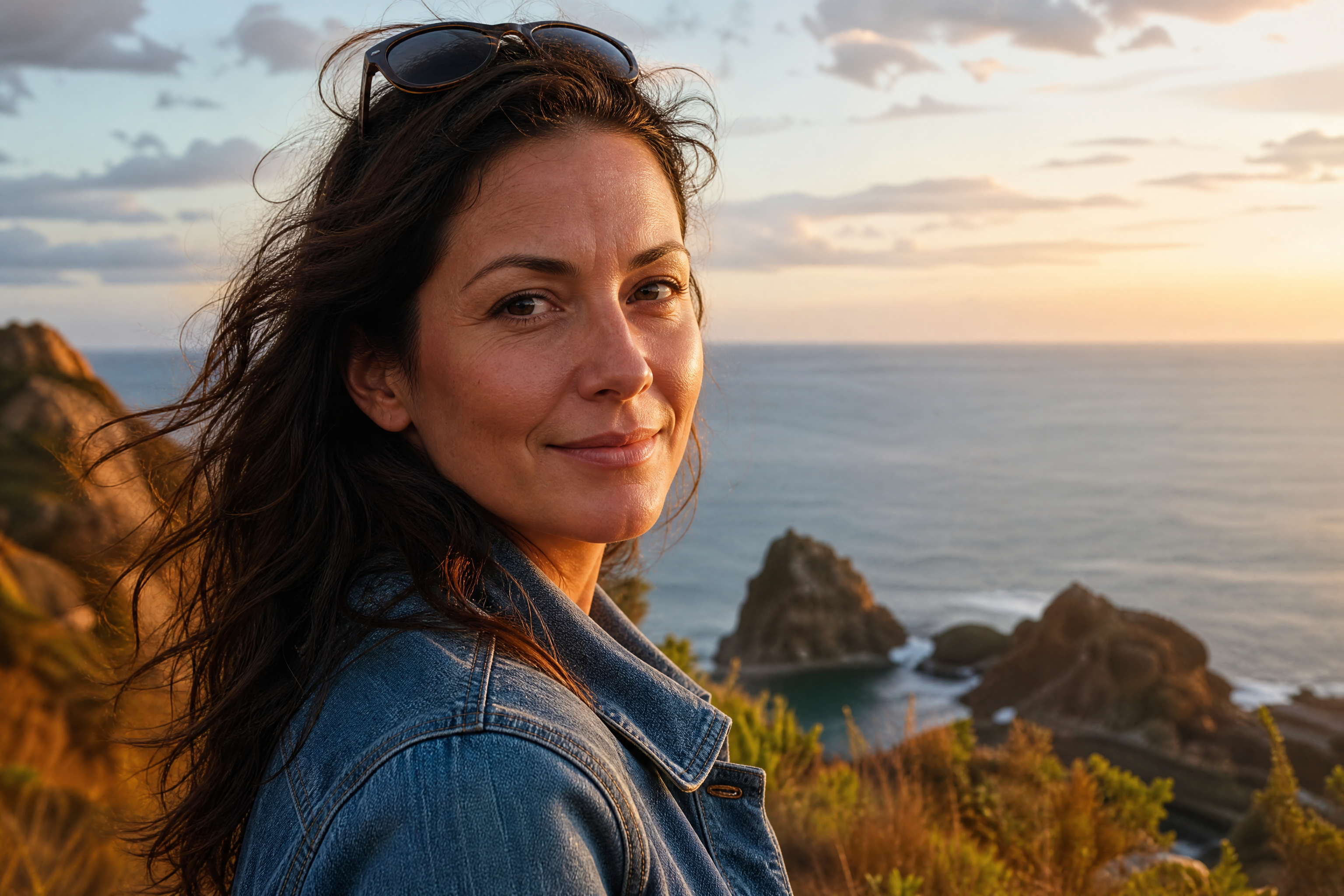
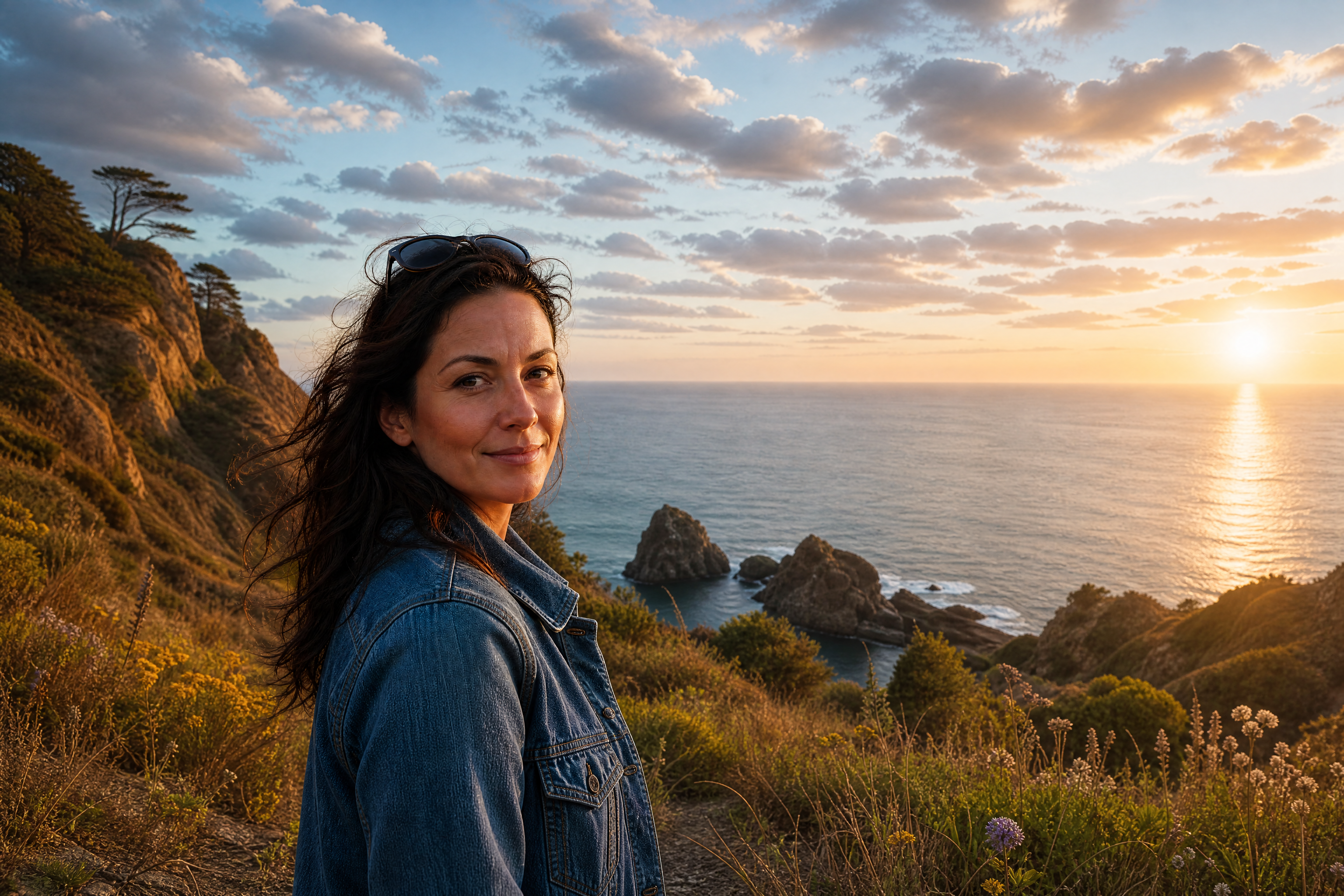
Watch the Transformation
See ai extend image in motion — generated end-to-end by our AI.
See It In Action
Real outputs from ai extend image.
BEFOREAFTER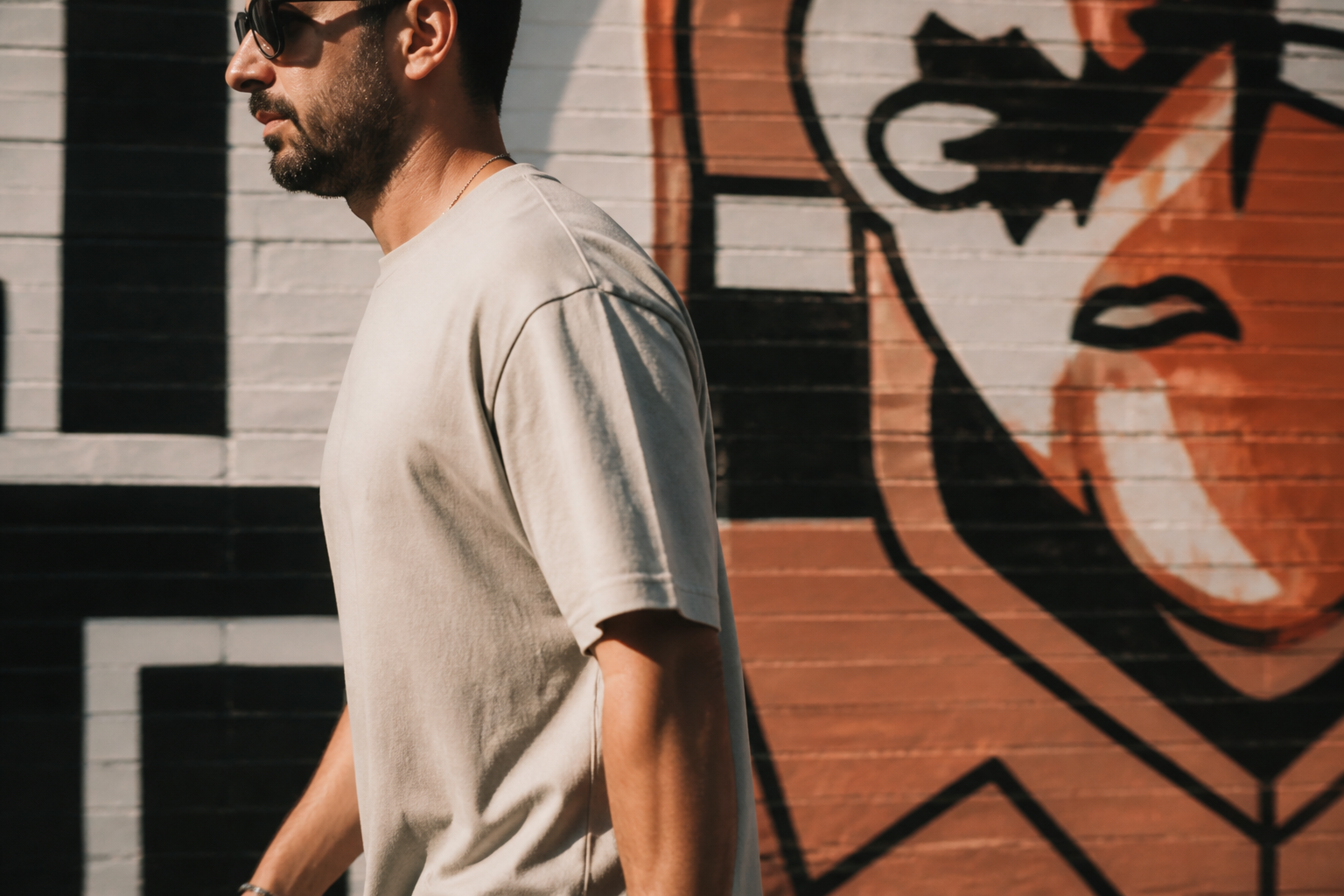 BEFORE
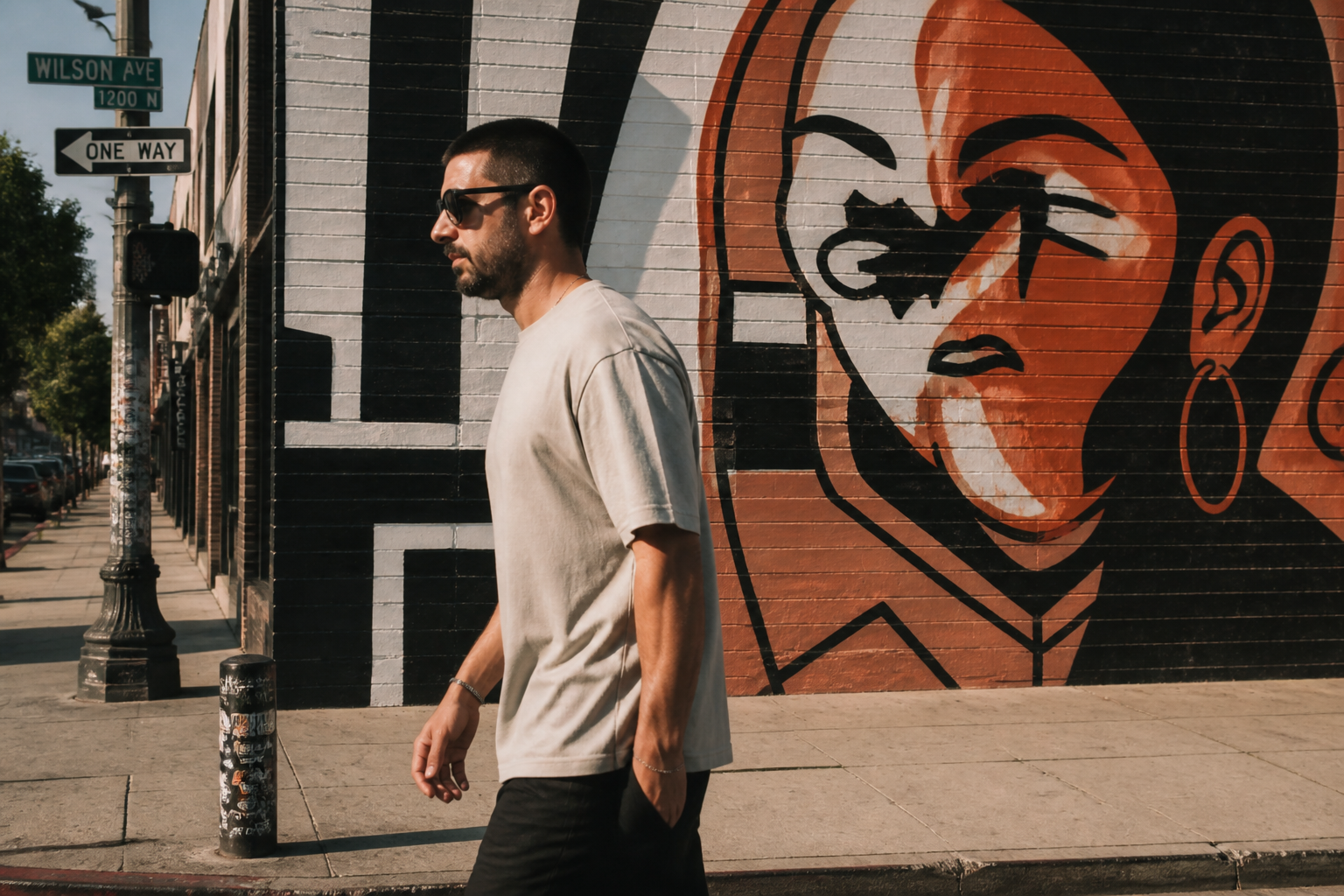 AFTER
AFTER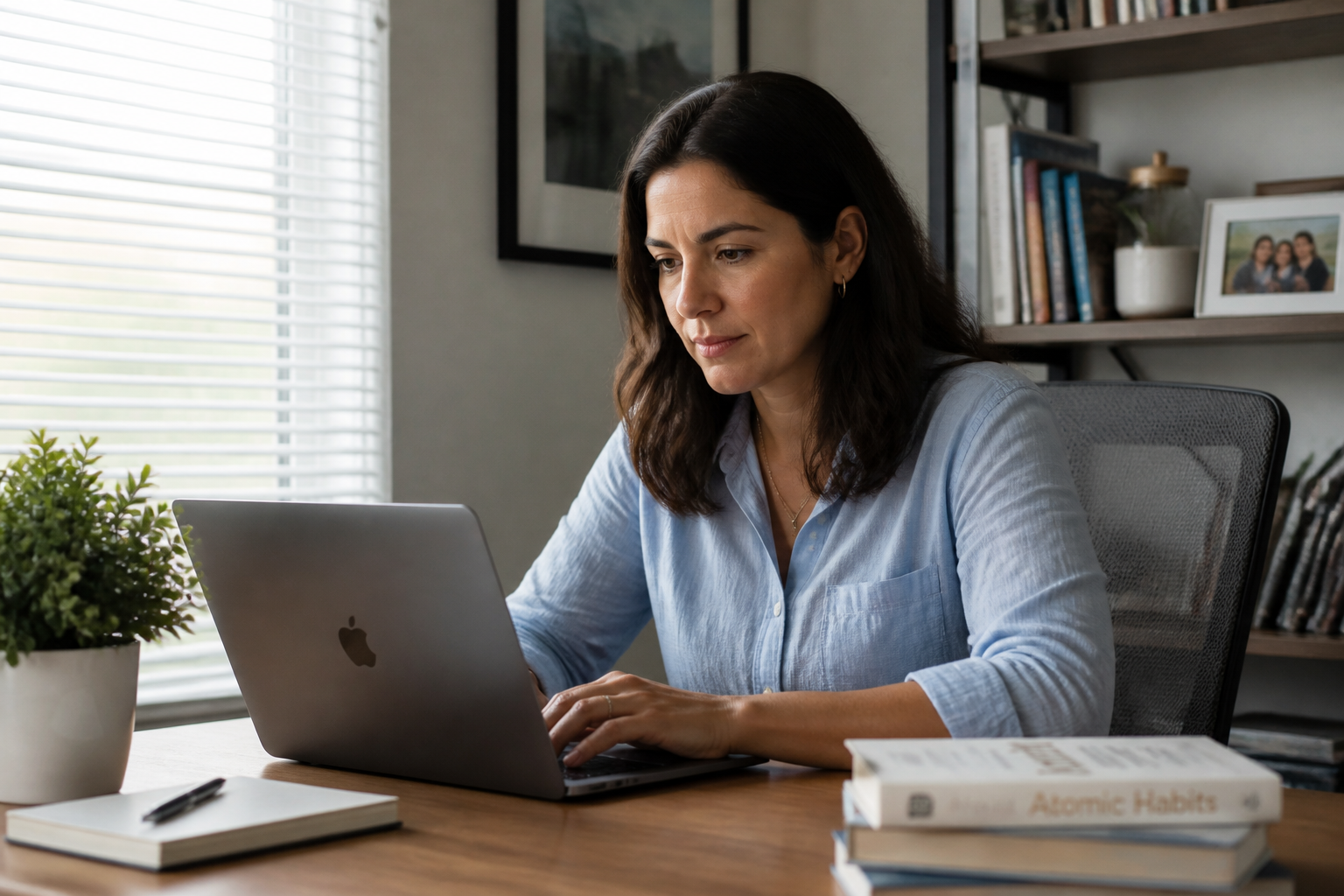 BEFORE
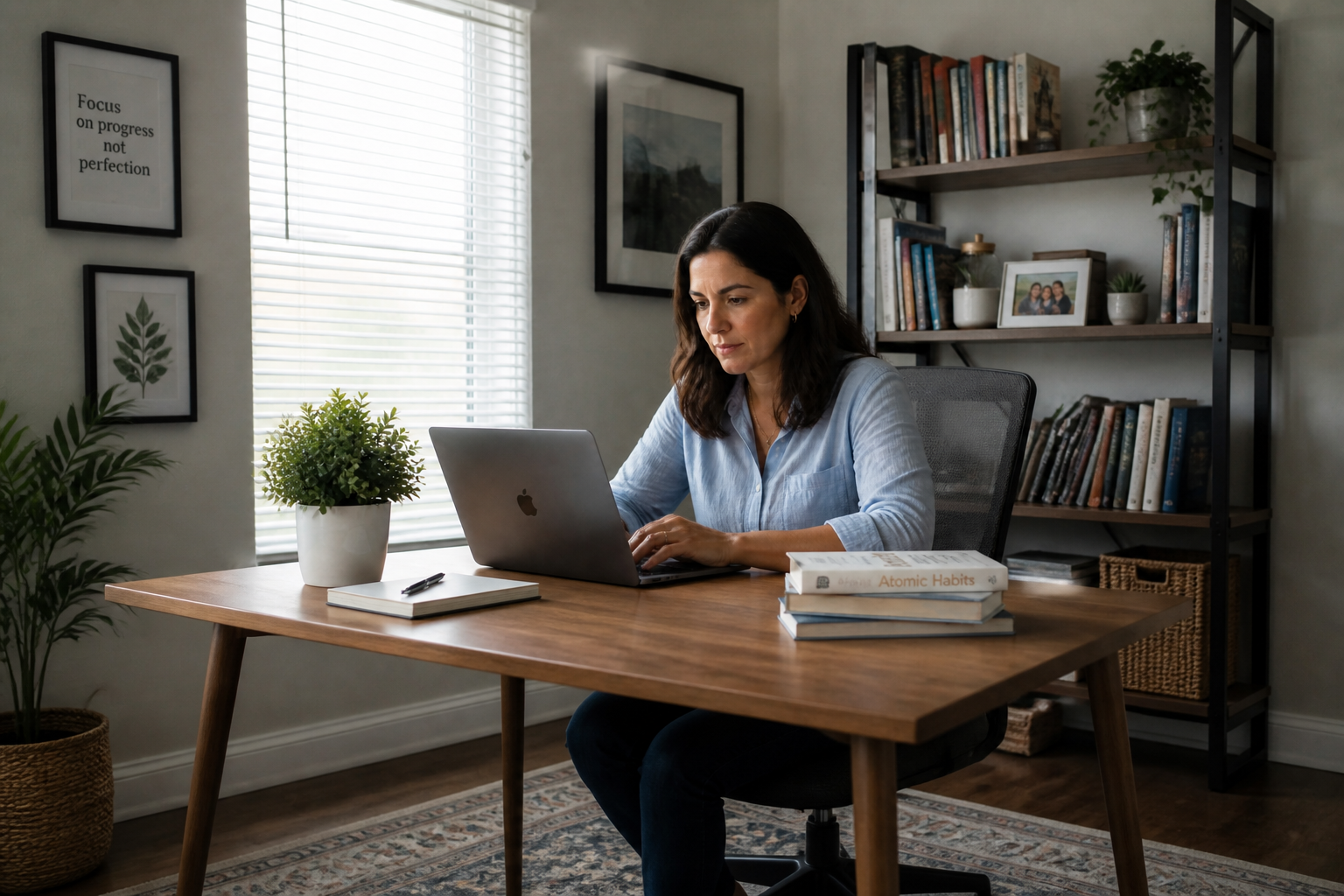 AFTER
AFTER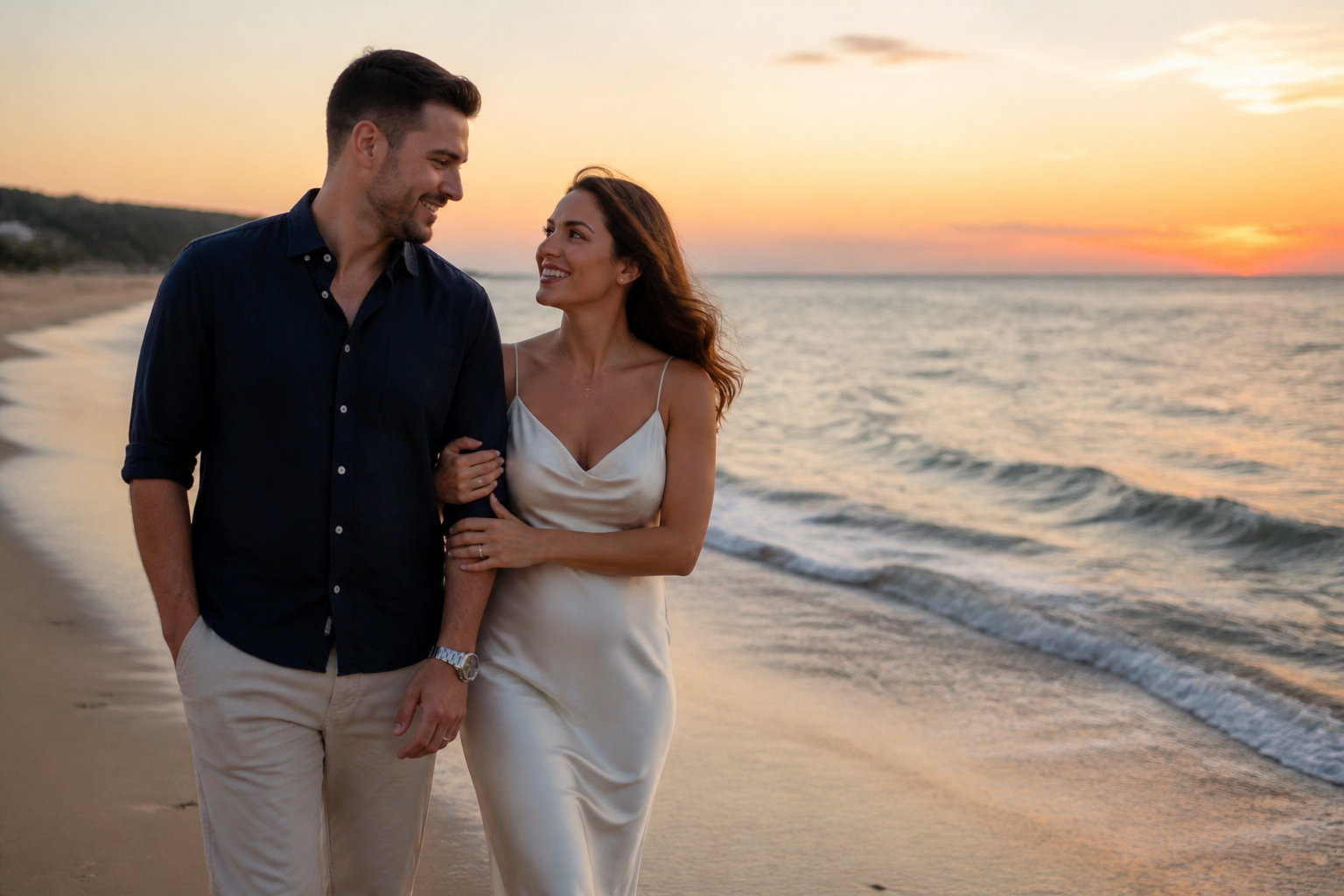 BEFORE
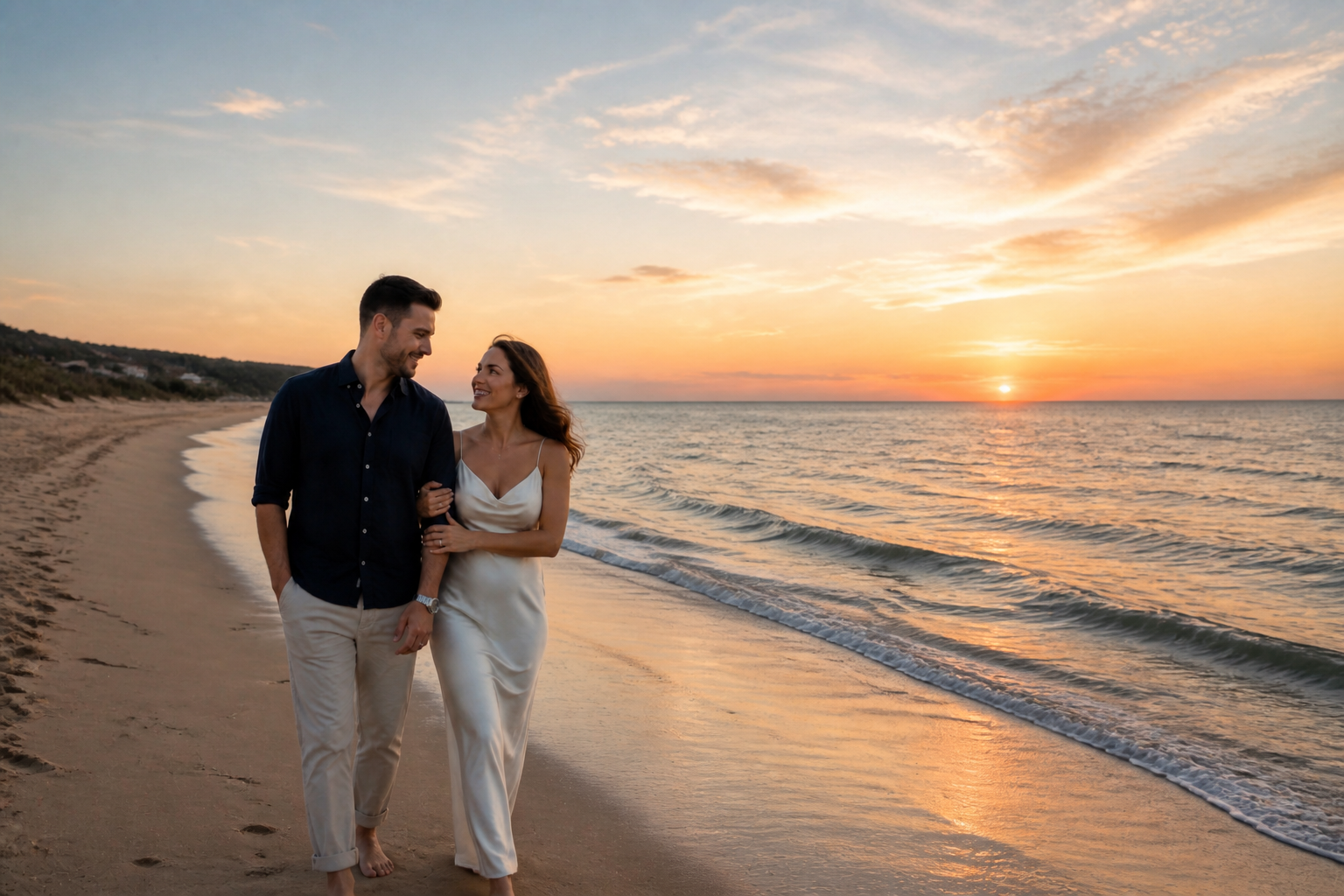 AFTER
AFTER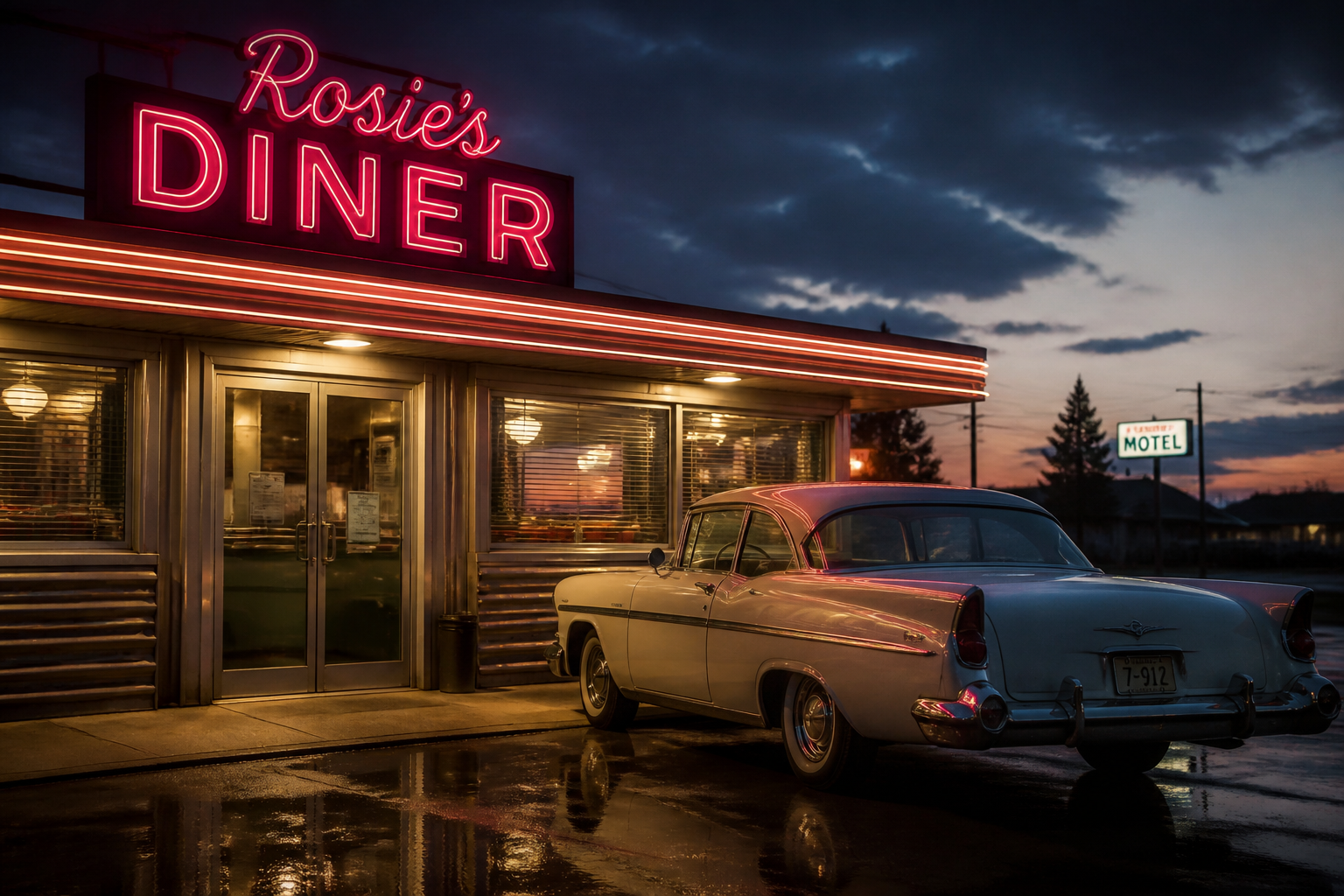 BEFORE
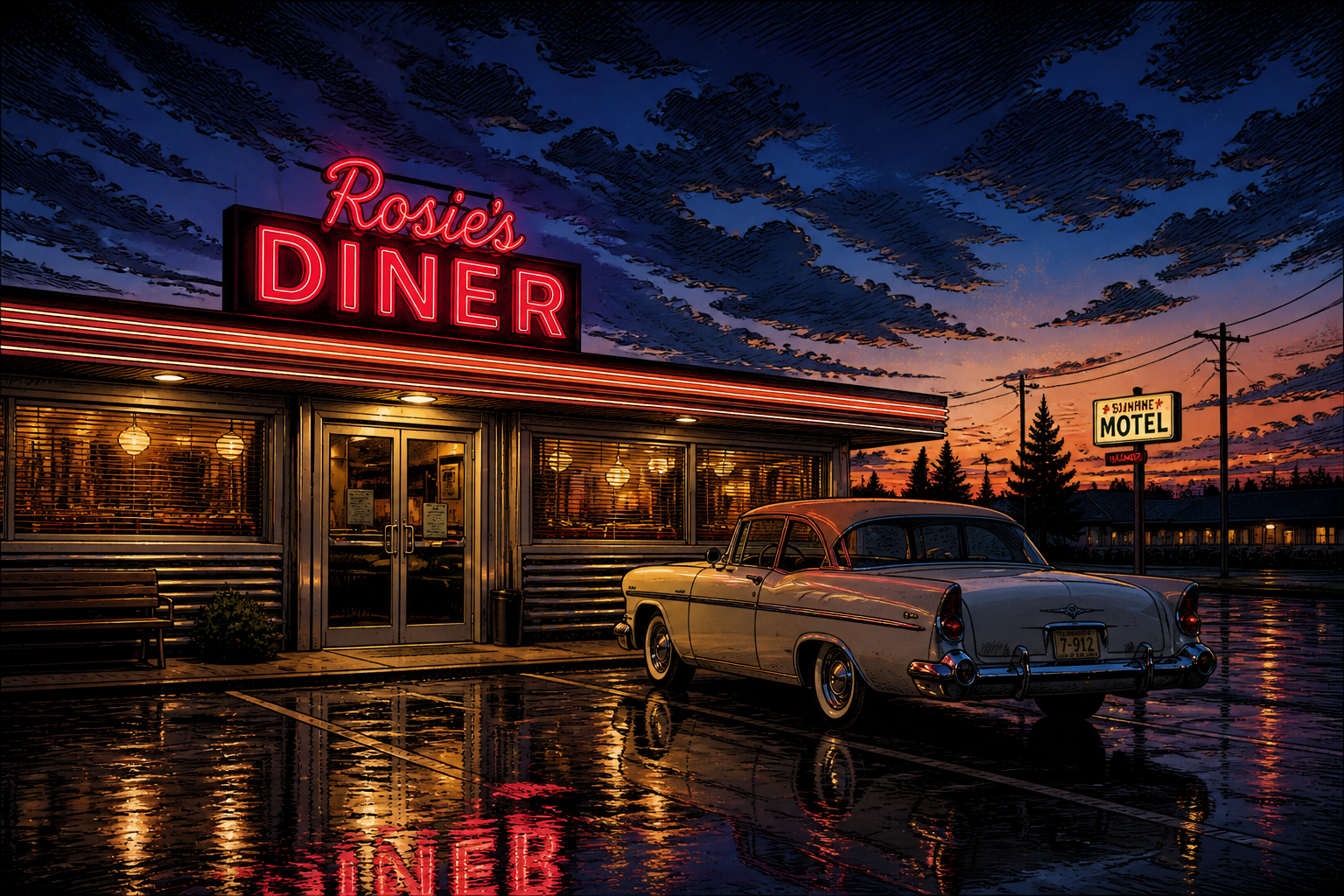 AFTERBEFOREAFTERBEFOREAFTERBEFOREAFTERBEFOREAFTERBEFOREAFTER
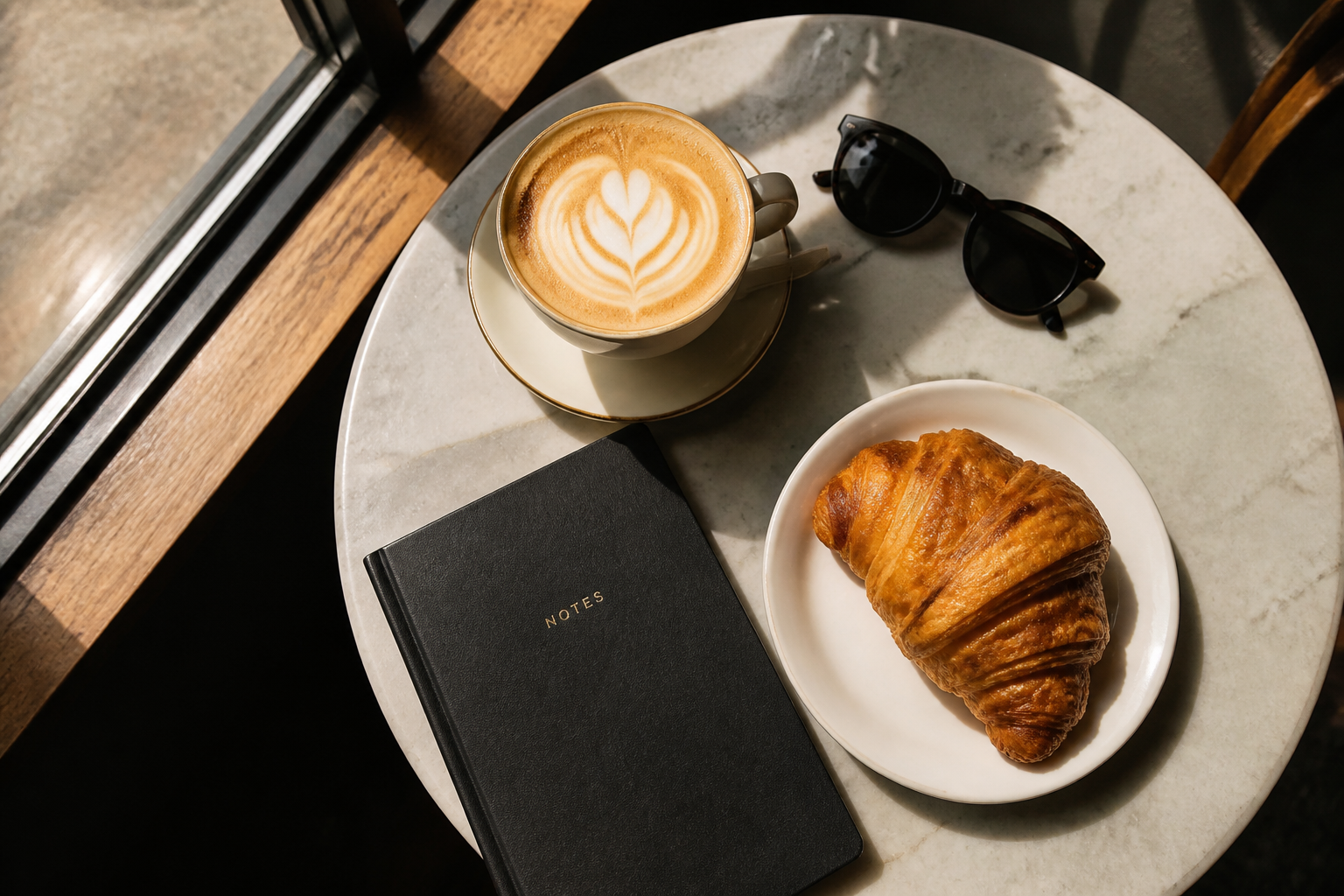 BEFORE
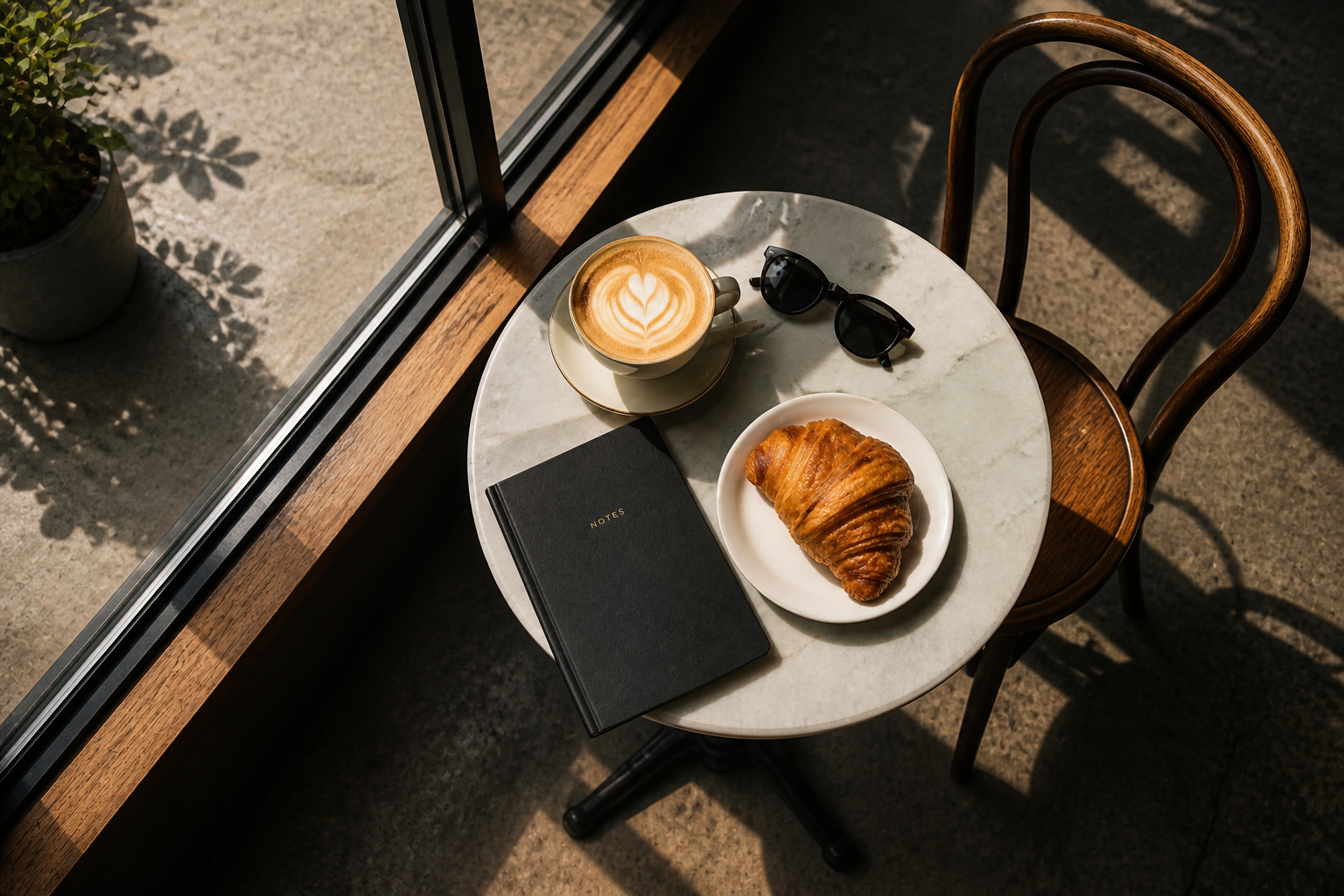 AFTER
AFTER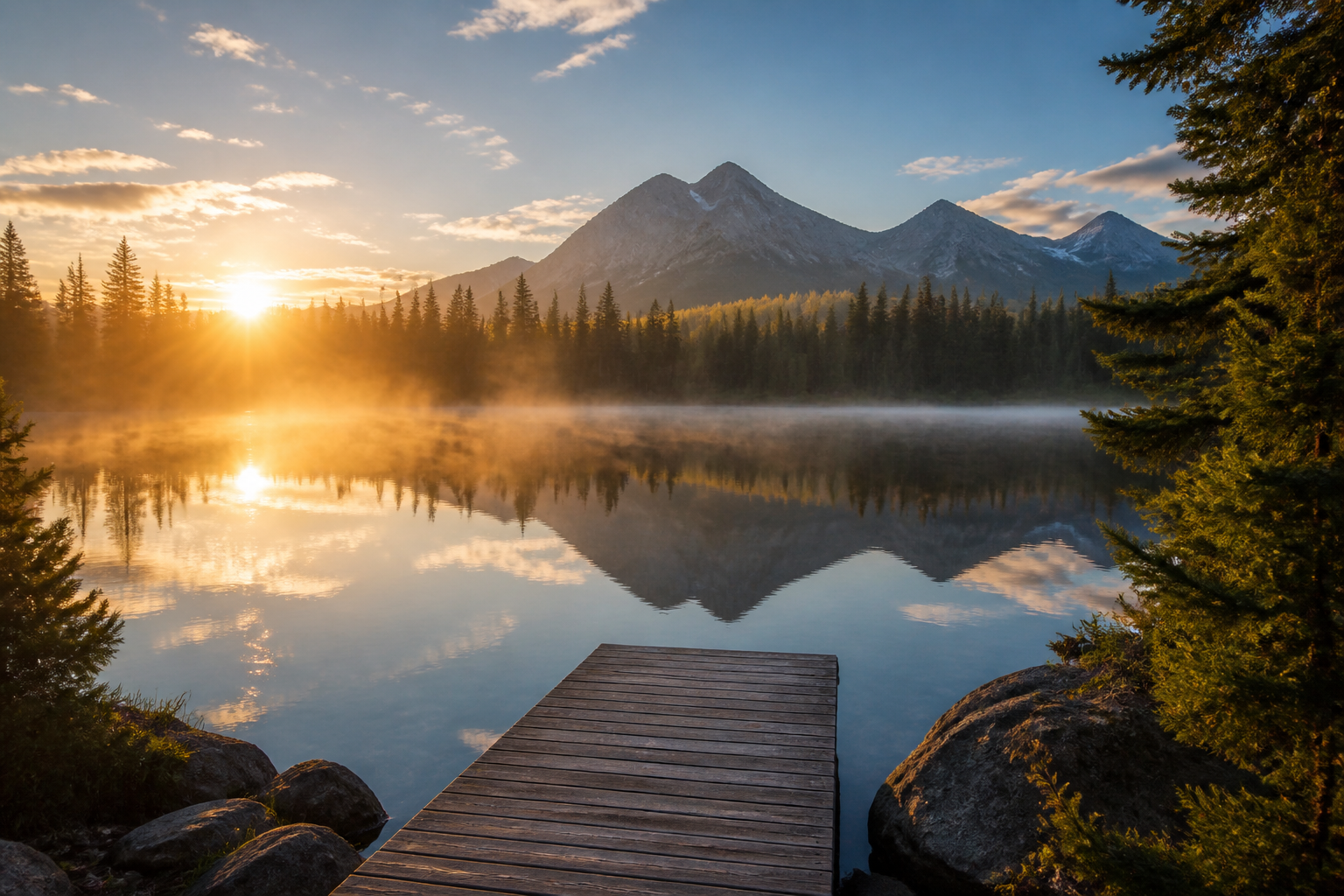 BEFORE
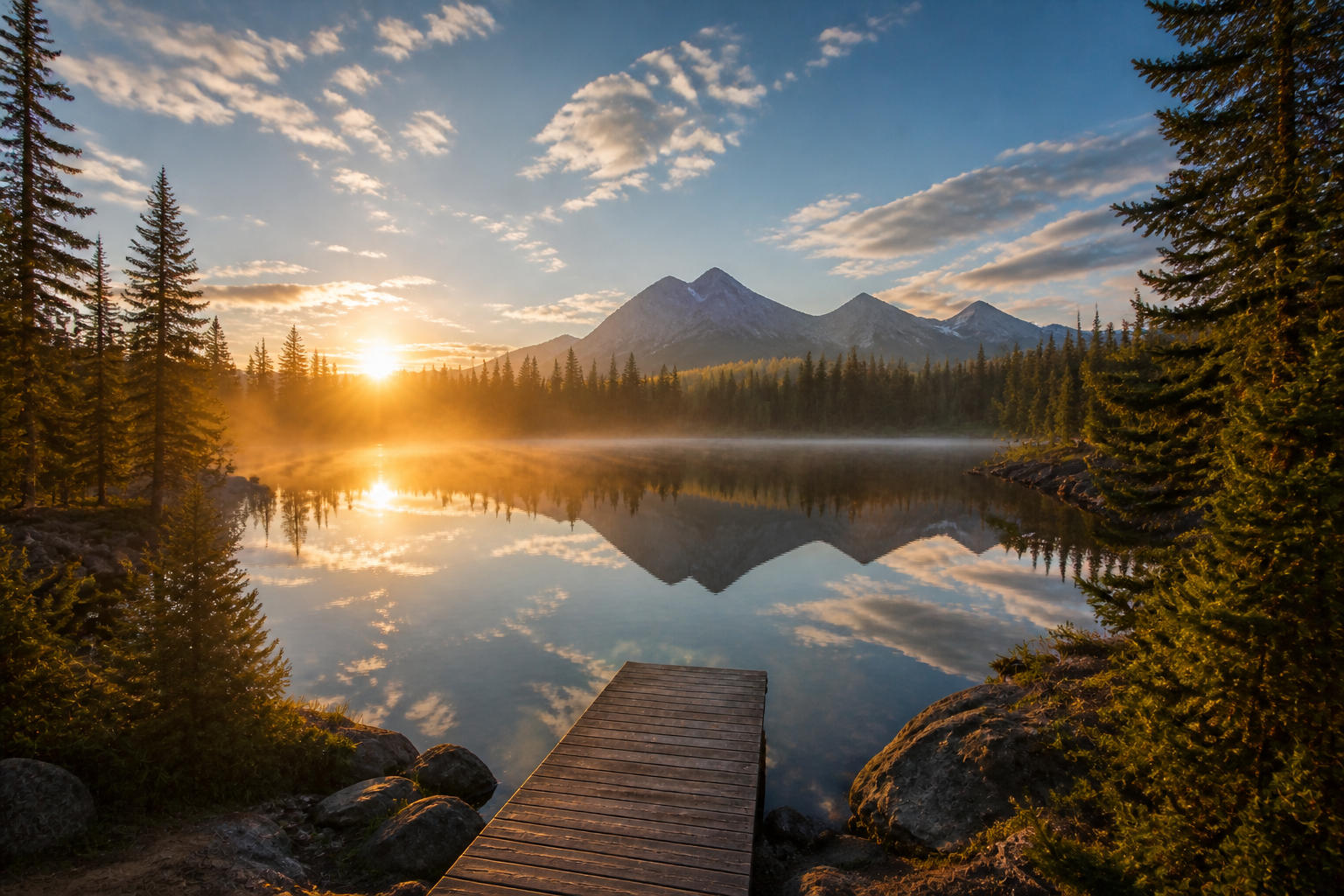 AFTER
AFTER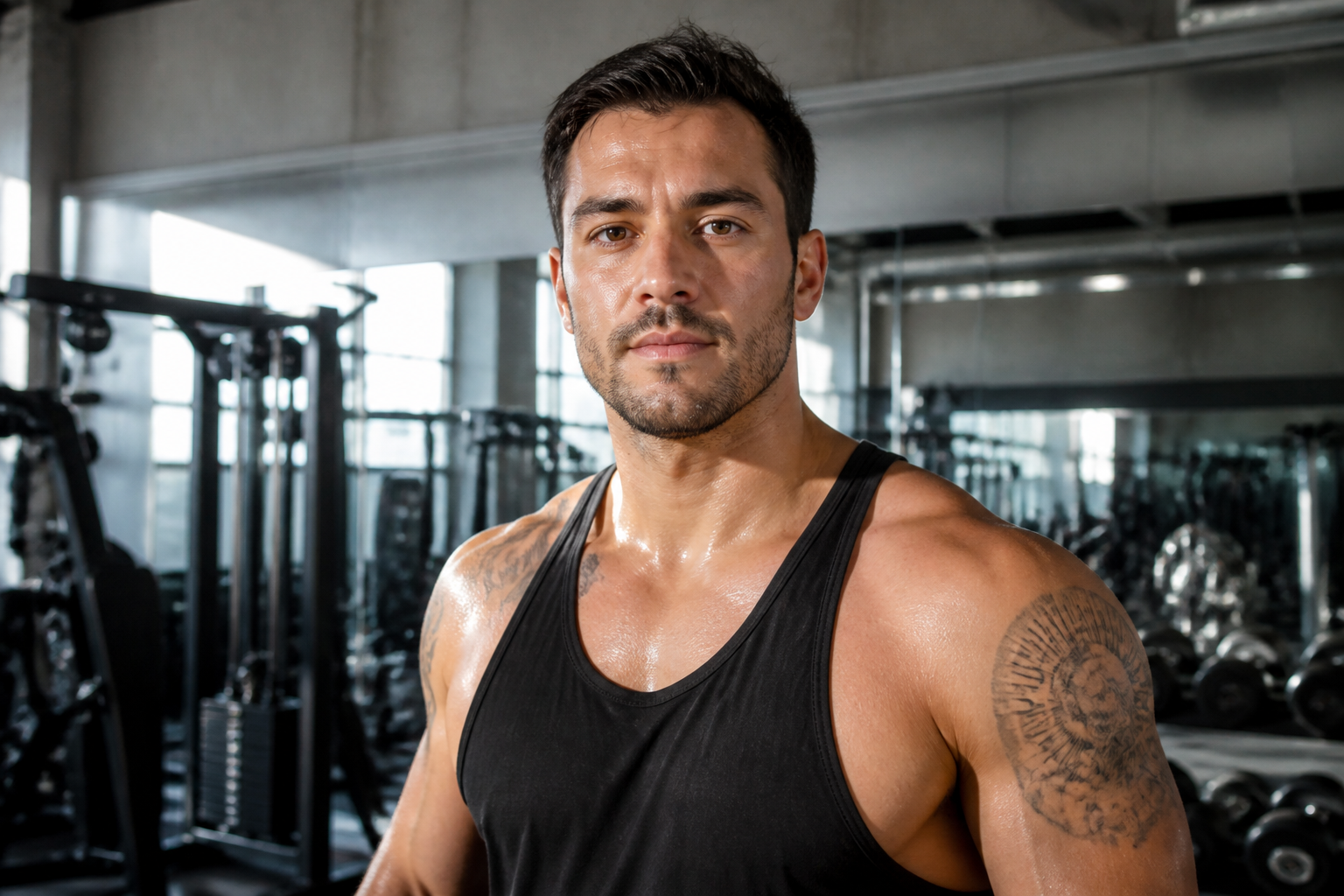 BEFORE
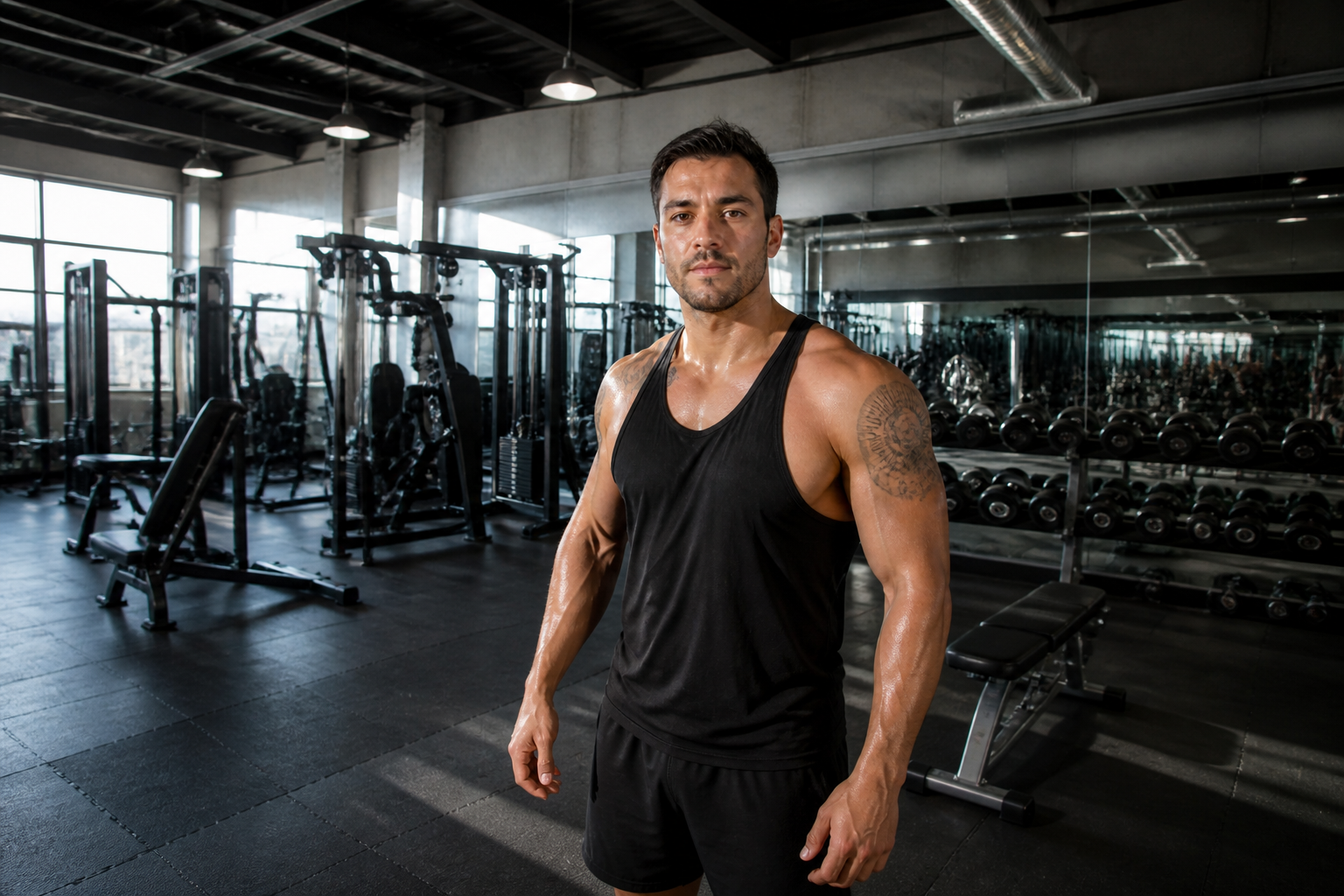 AFTER
AFTER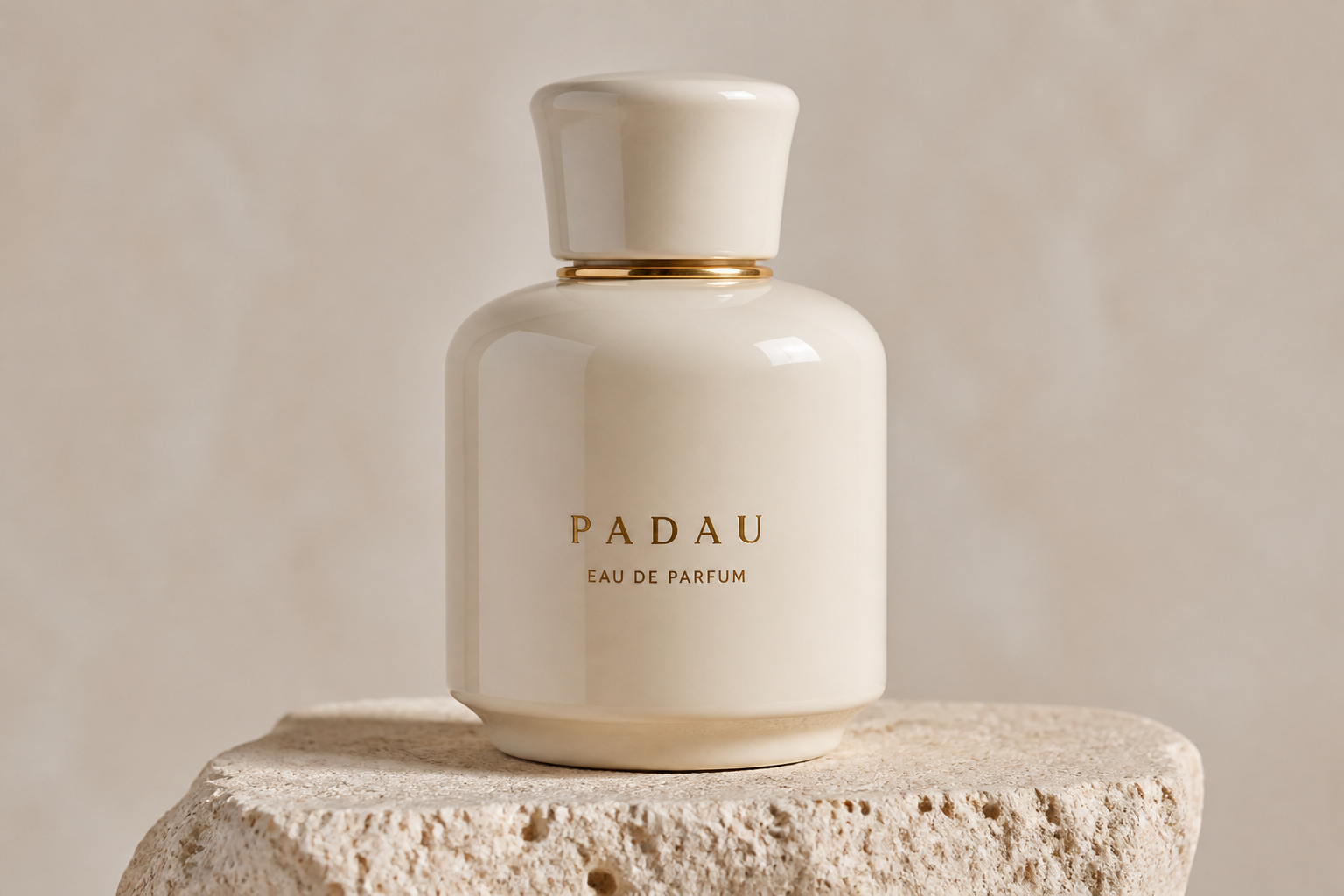 BEFORE
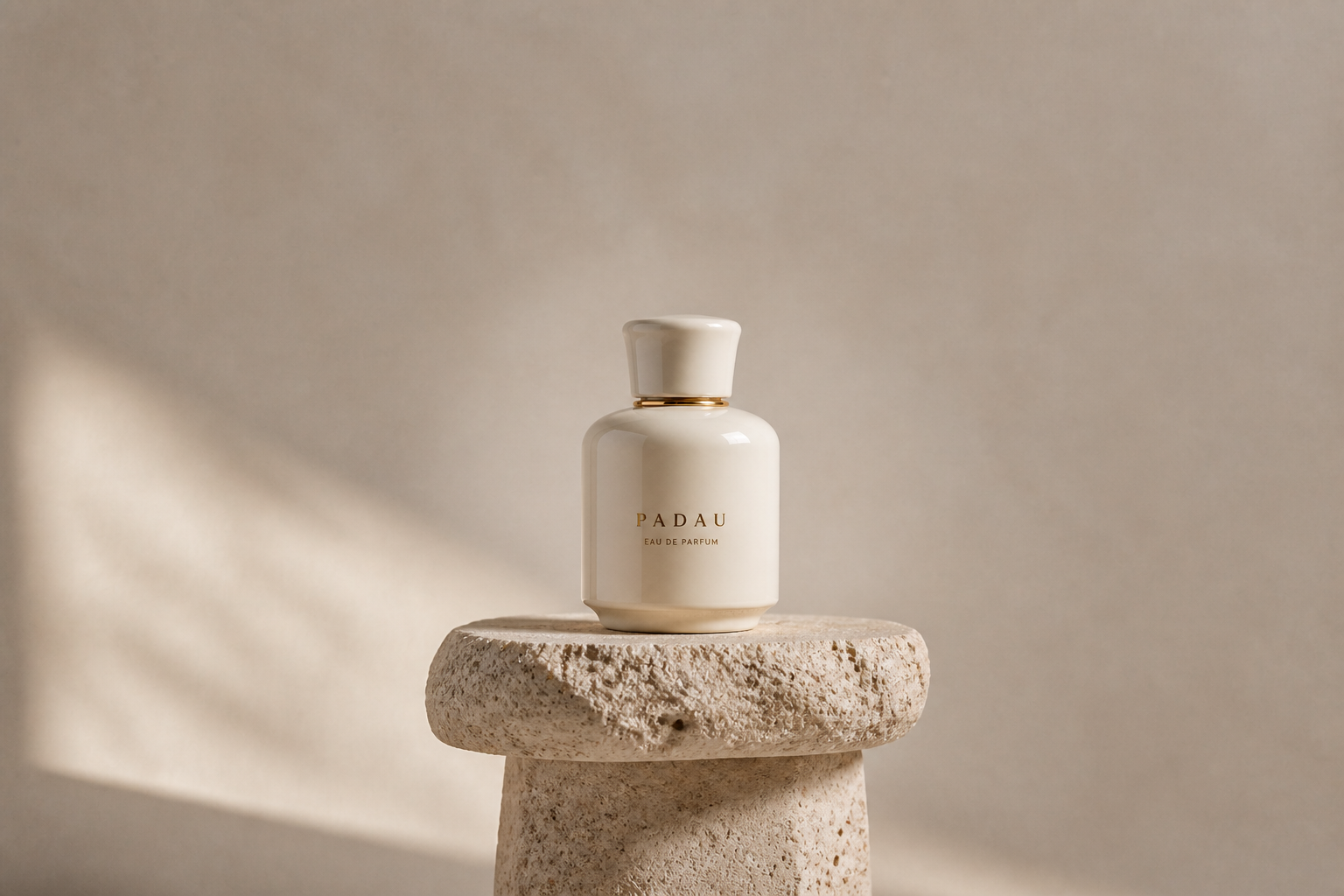 AFTER
AFTER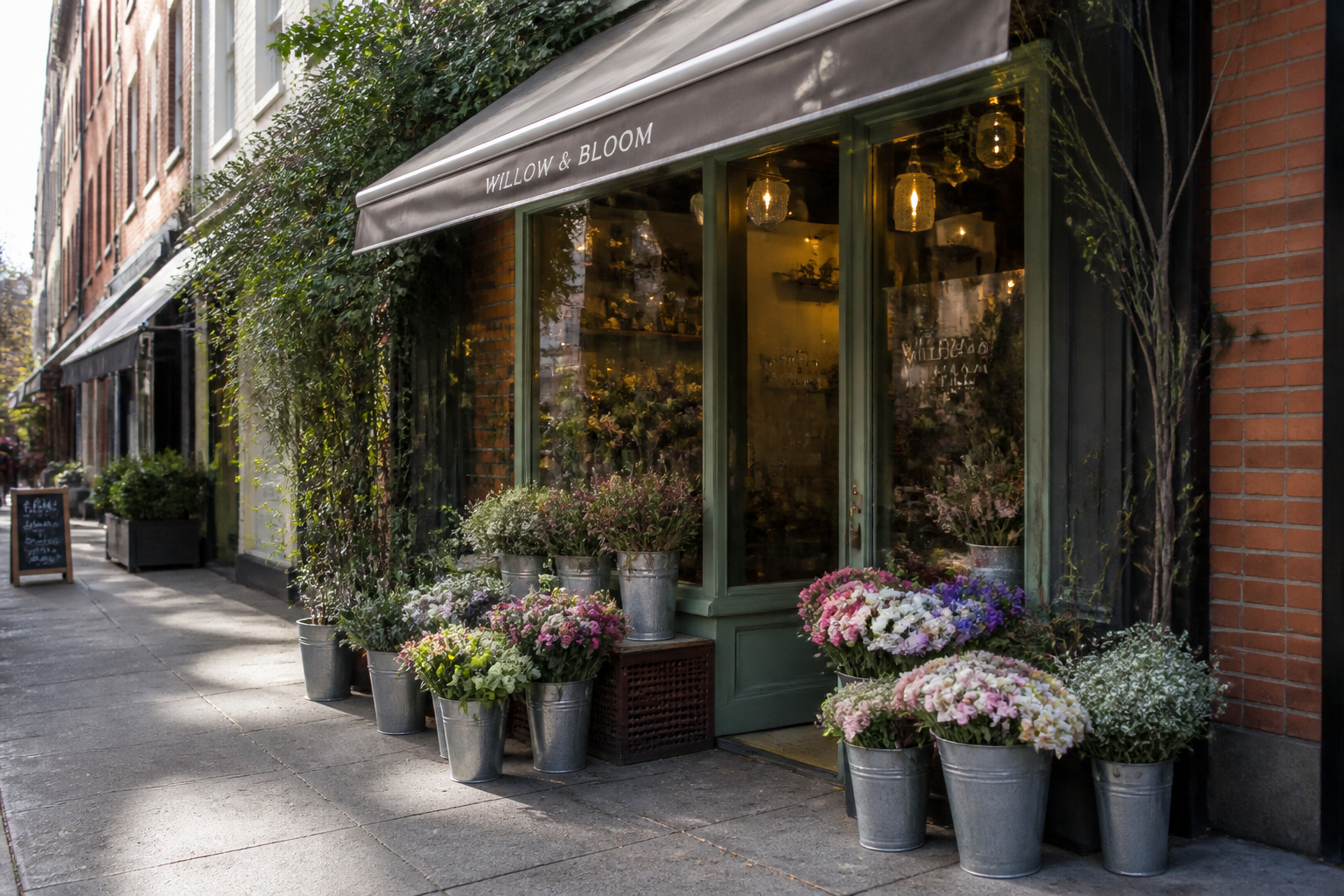 BEFORE
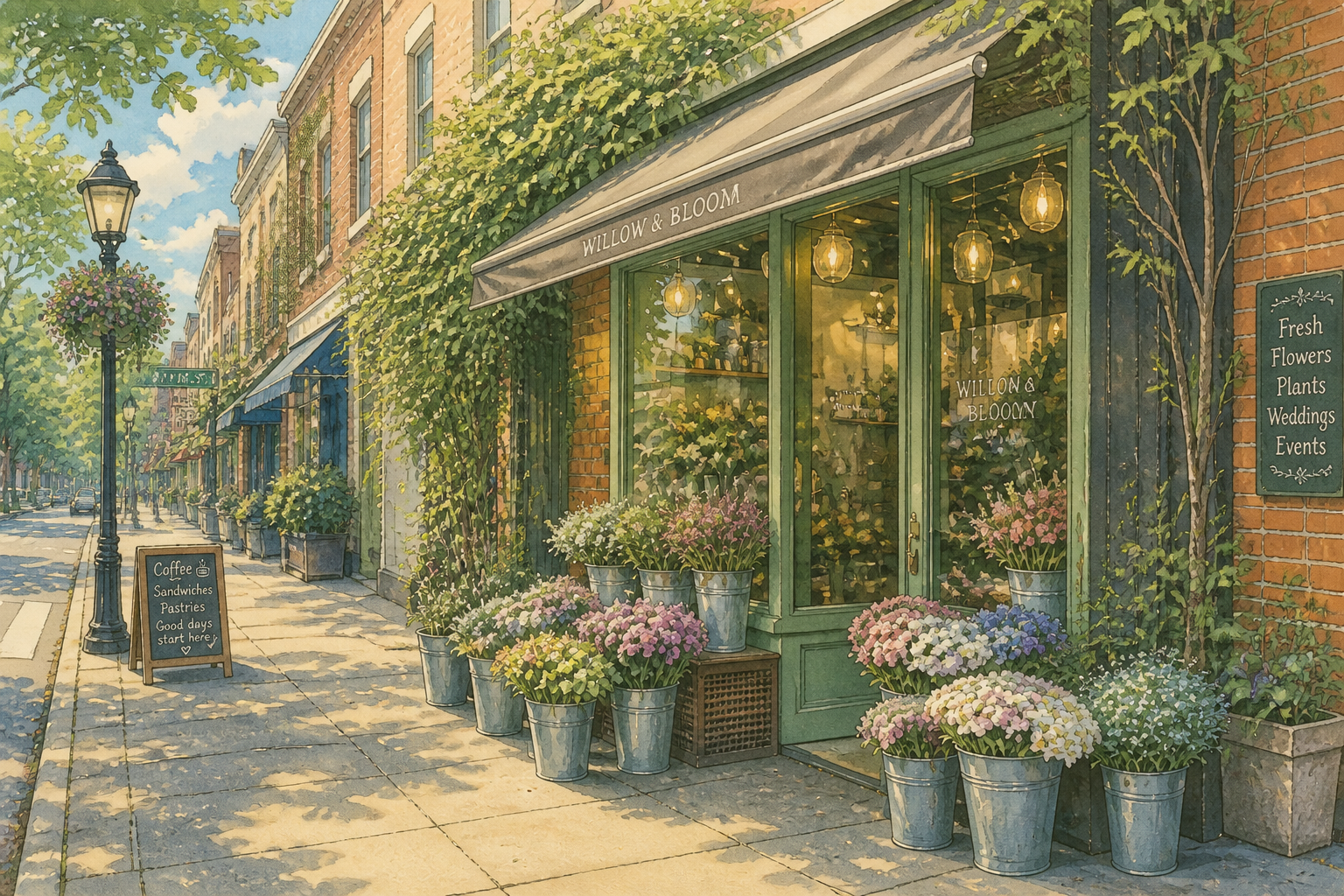 AFTERBEFOREAFTERBEFOREAFTERBEFOREAFTERBEFOREAFTERBEFOREAFTER
Key Features
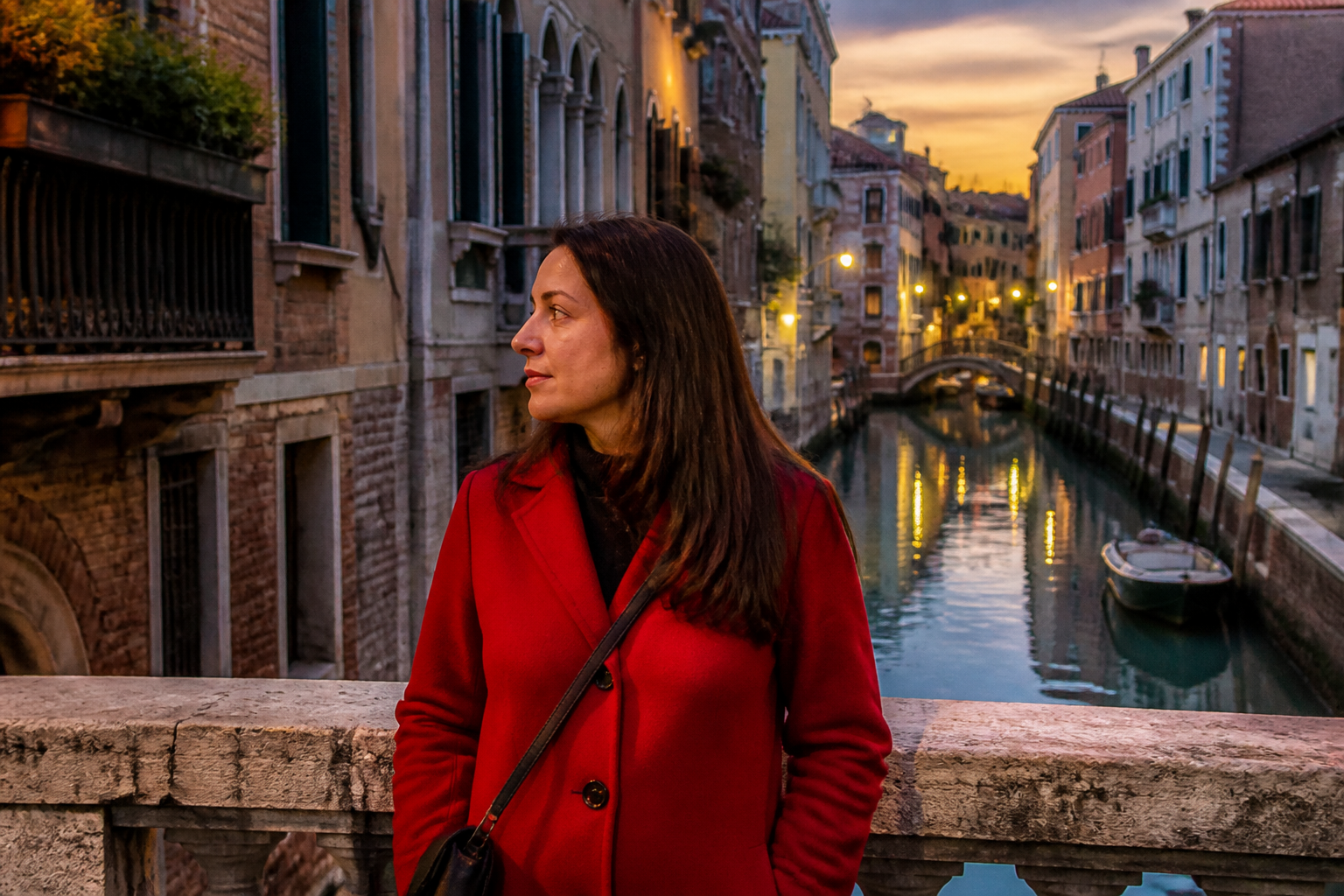
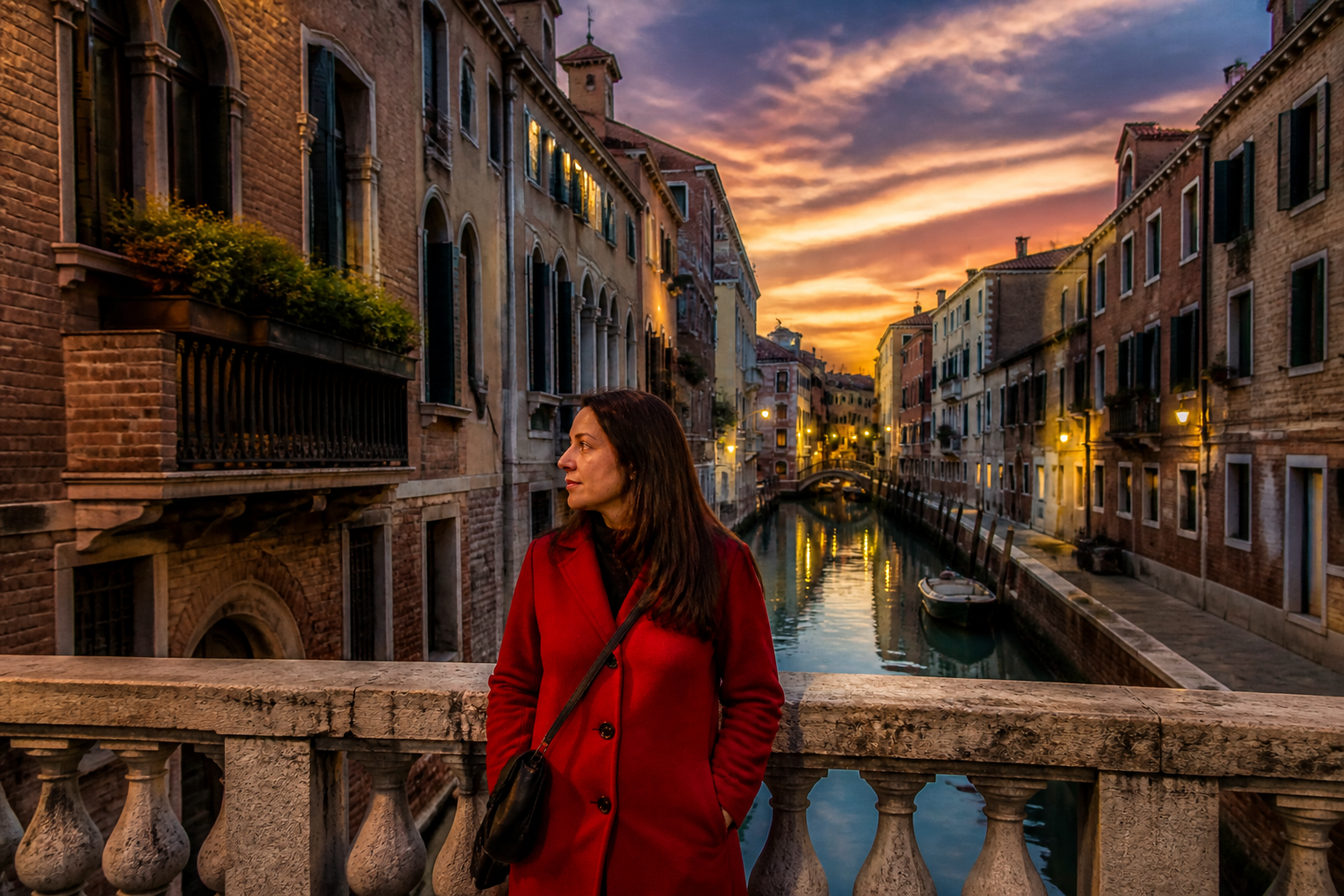
Expand without obvious seams
The tool fills new space around your photo so the extension looks like part of the original shot. It continues textures, lighting, and perspective instead of pasting on generic filler. That matters when you're widening a composition for real use, not just generating a rough mockup. Manual outpainting usually means masking, cloning, and repeated cleanup, while this gives you a usable starting point in one pass.
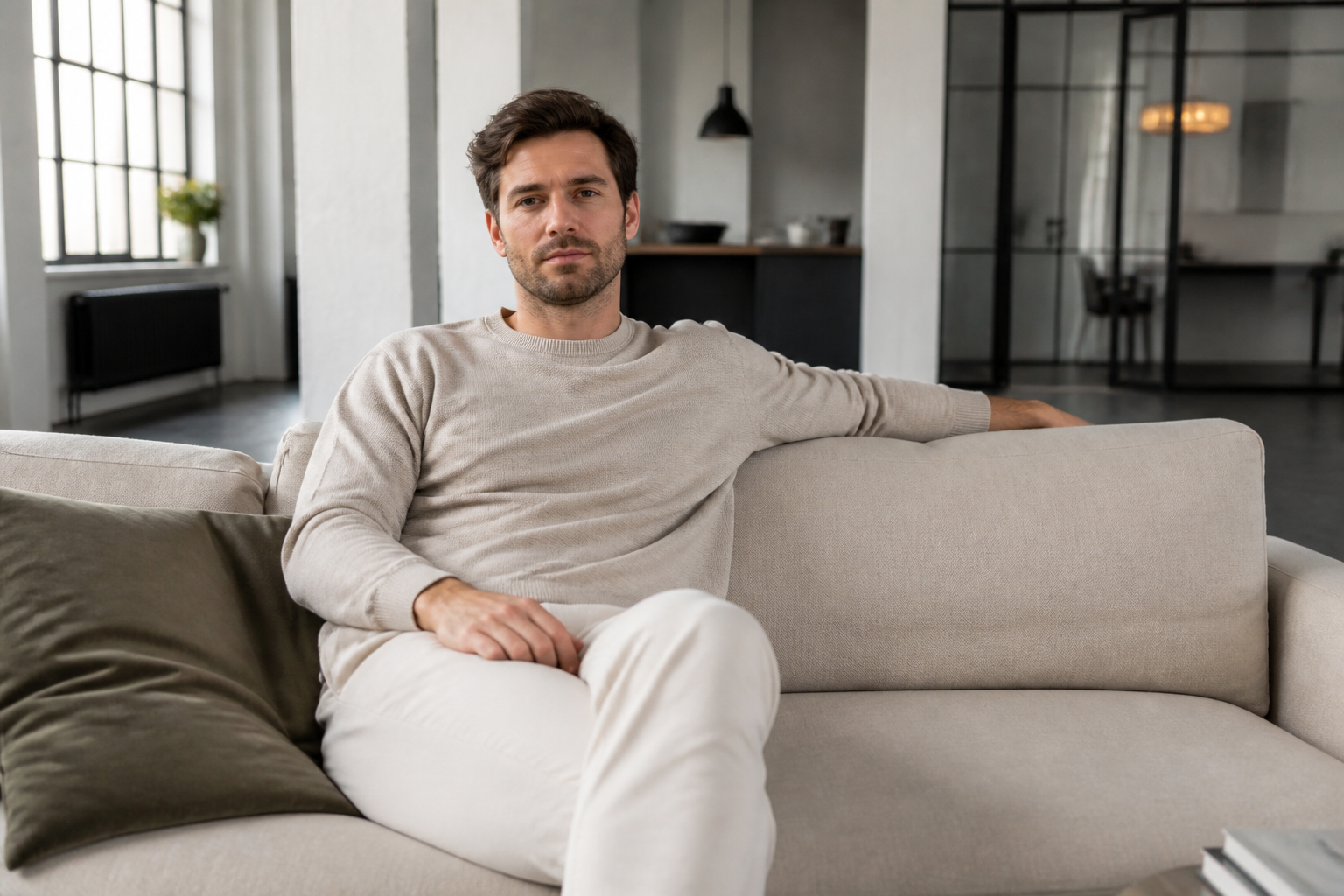
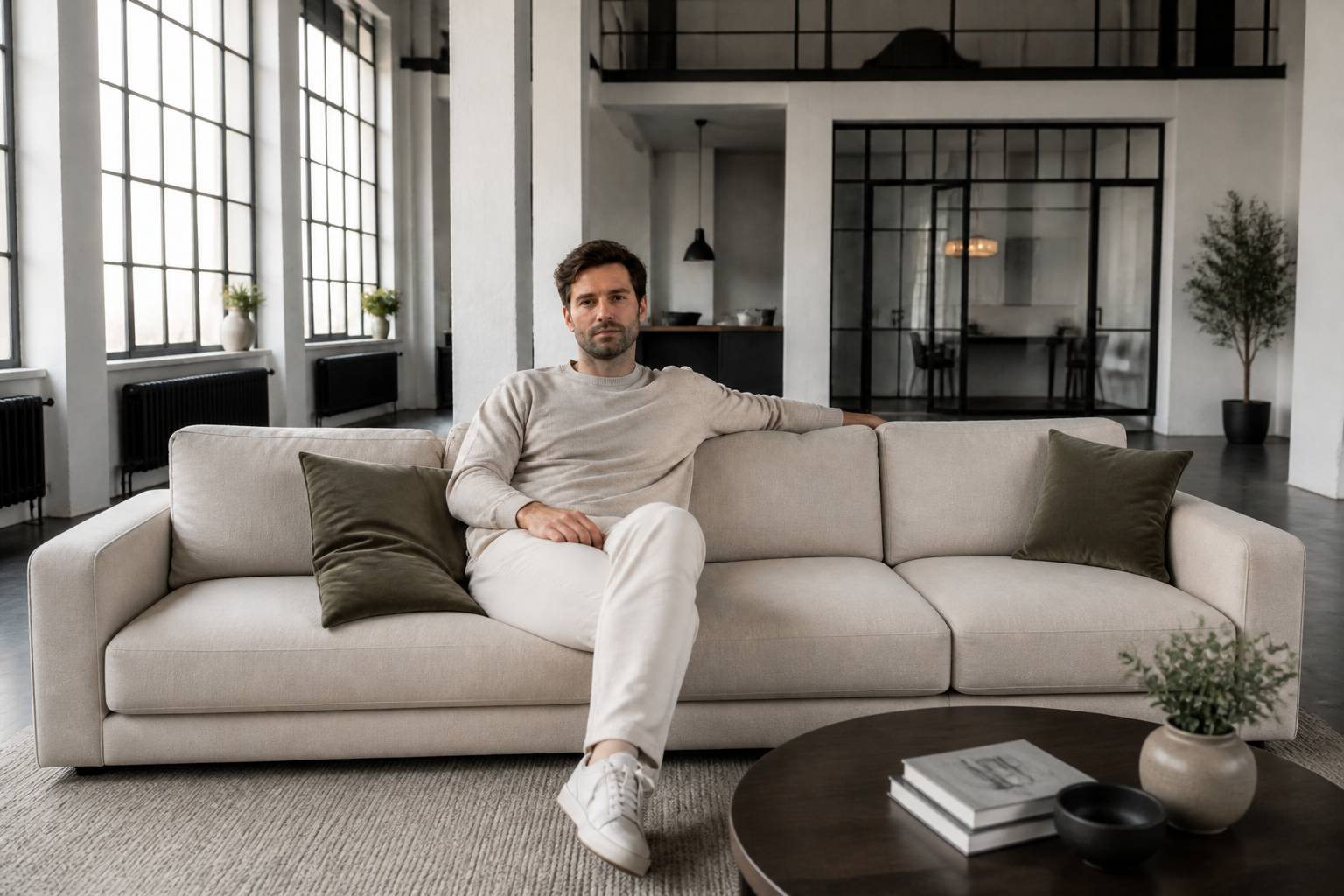
Keep the subject centered
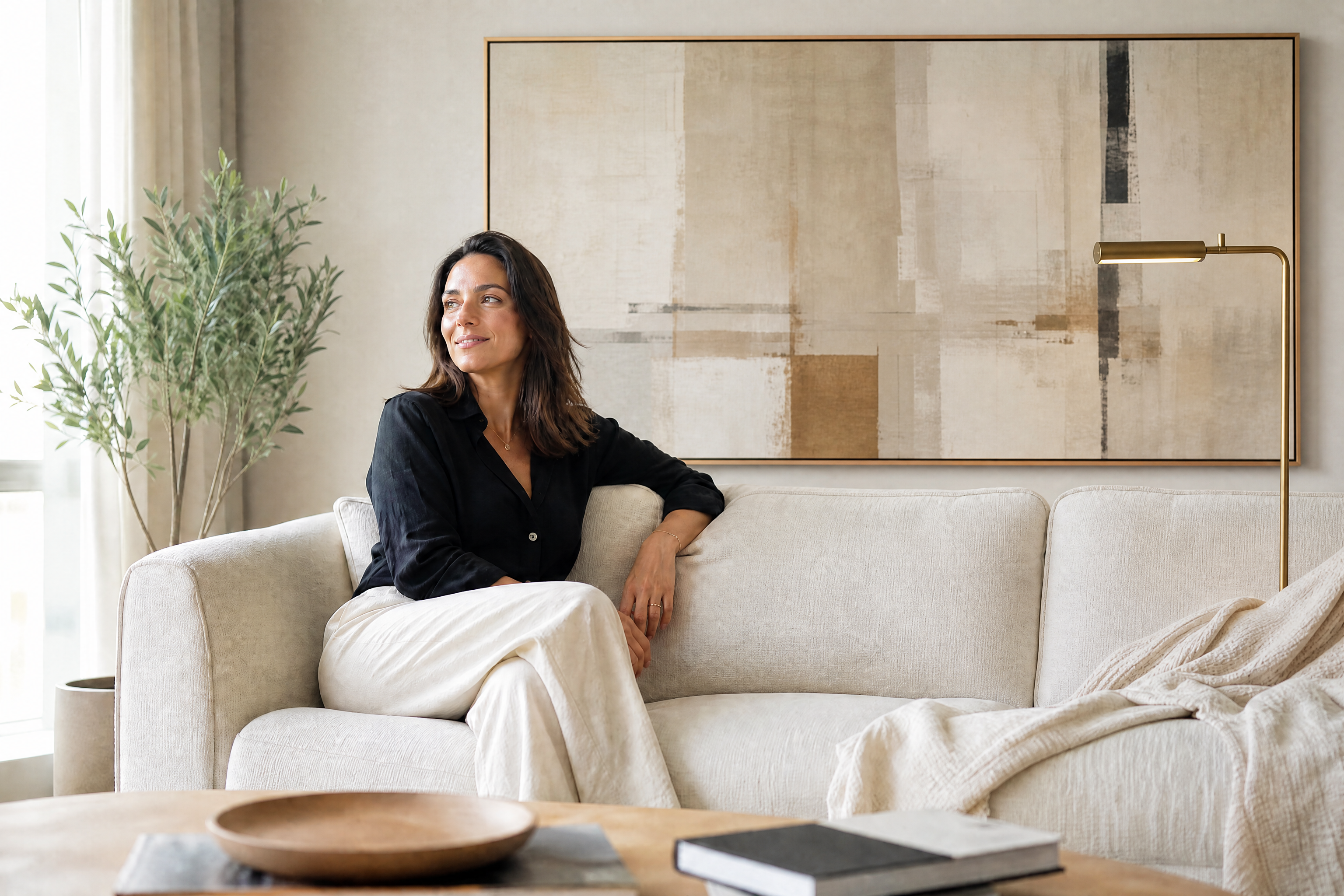
When you need more room around a person or object, the main subject should still look like the same photo. Our AI expands the frame while preserving the original subject, pose, and placement. This is useful for hero banners, thumbnails, and ads where extra copy space is needed. Doing that by hand often shifts attention away from the subject or creates stretched backgrounds.
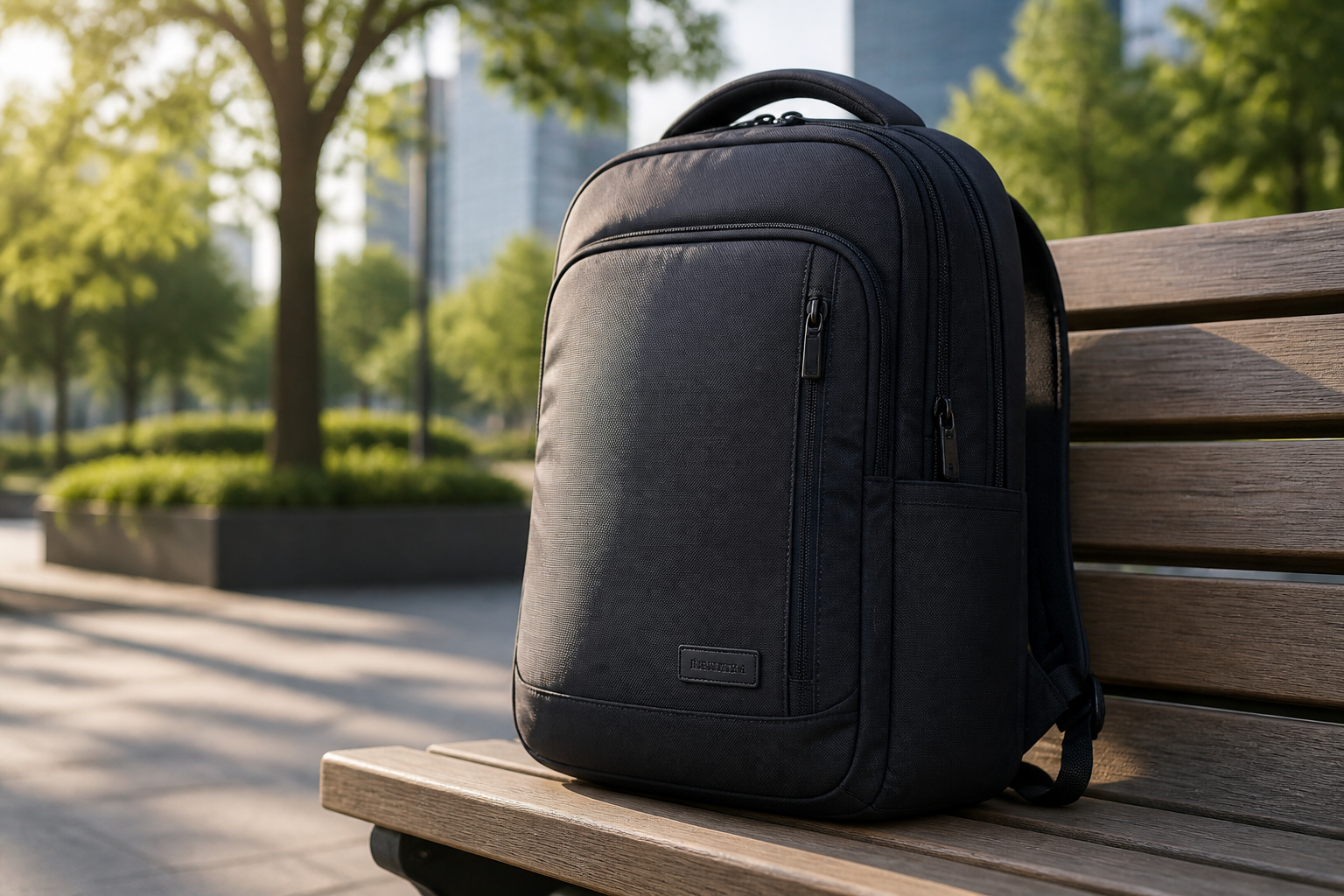
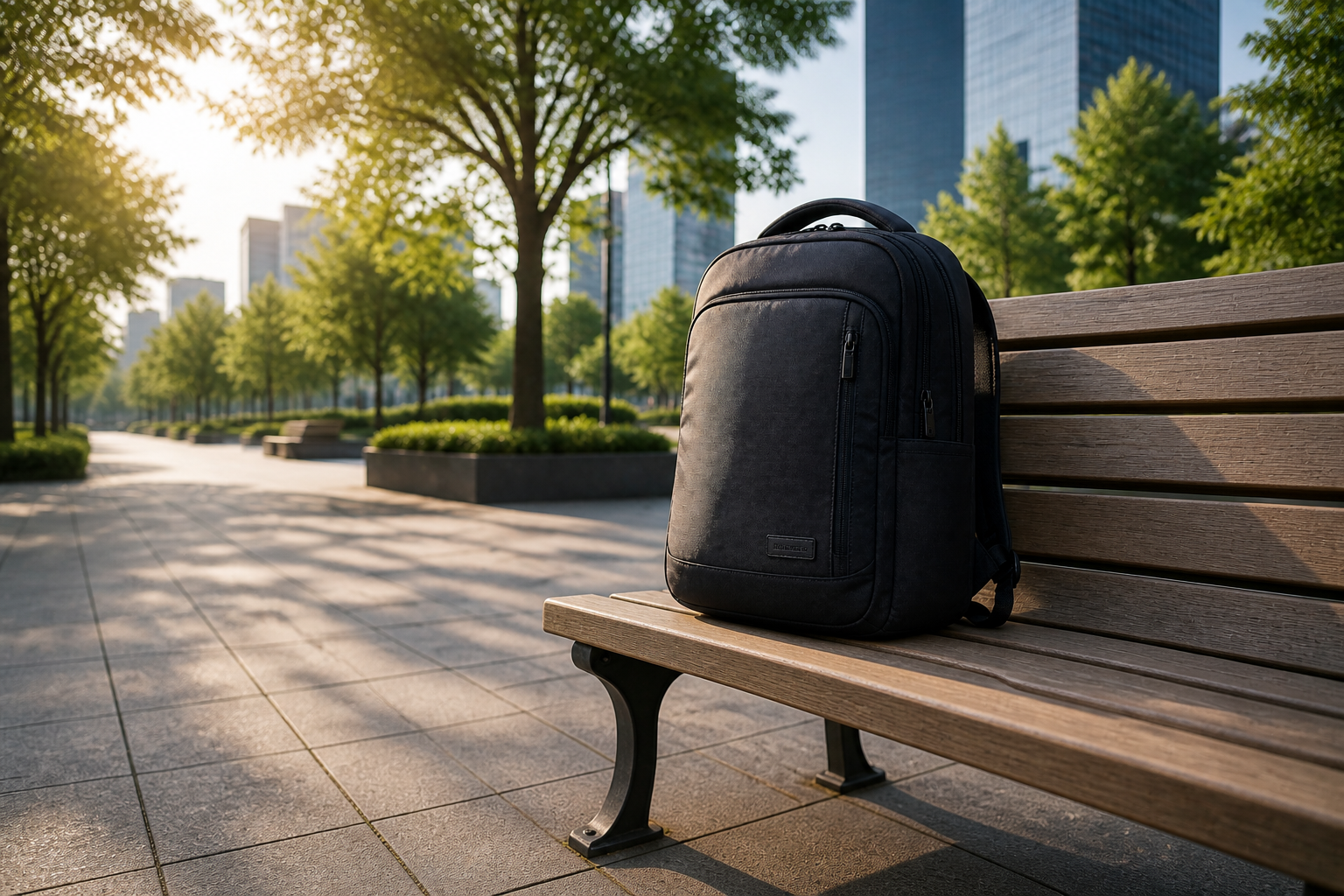
Adapt images for new formats
A photo shot for one layout rarely fits every placement. This tool helps you widen the scene for headers, thumbnails, presentations, and marketplace graphics without harsh crops. The generated space is designed to match the original environment so the image still feels coherent. That saves time compared with rebuilding backgrounds from scratch in a design app.
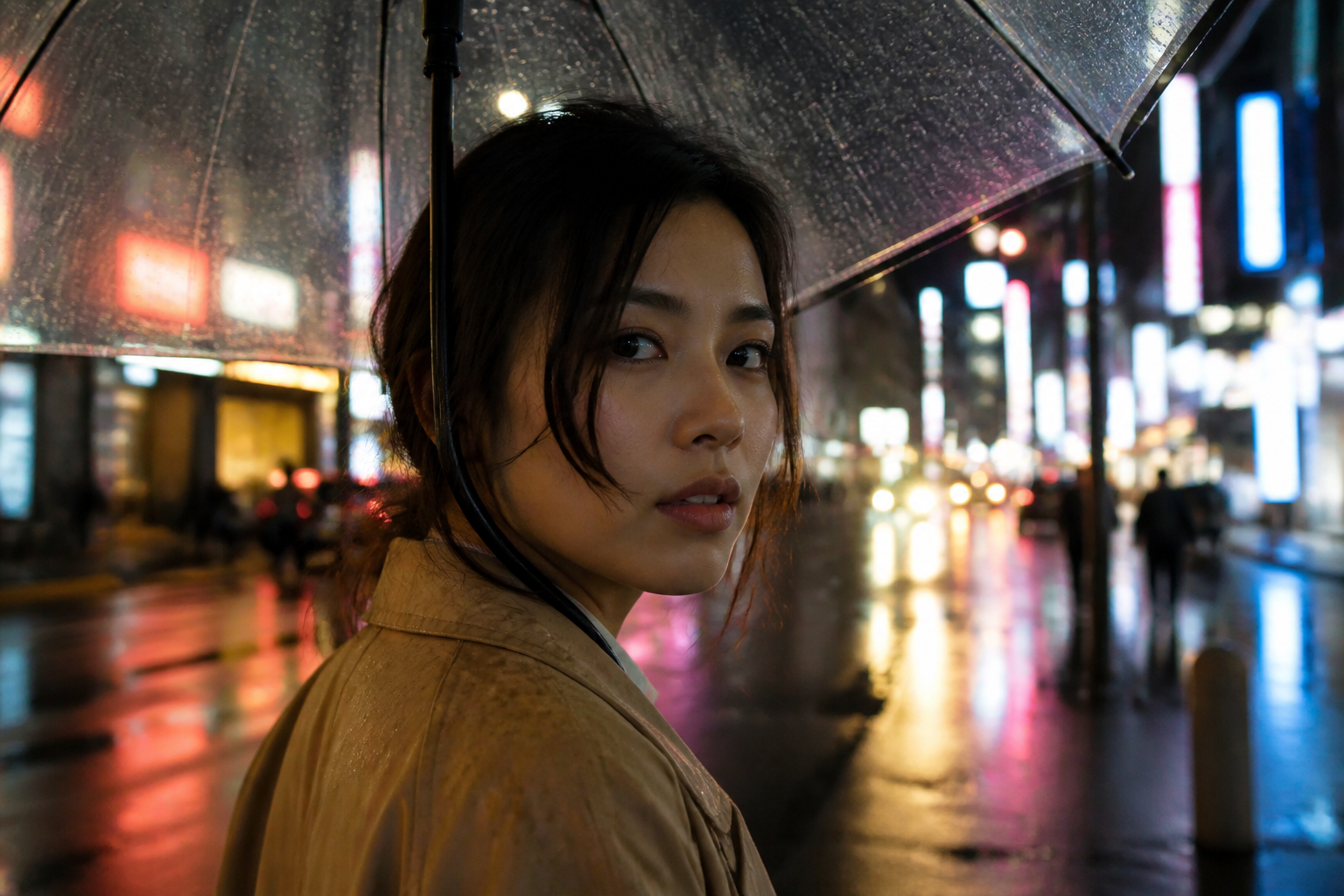
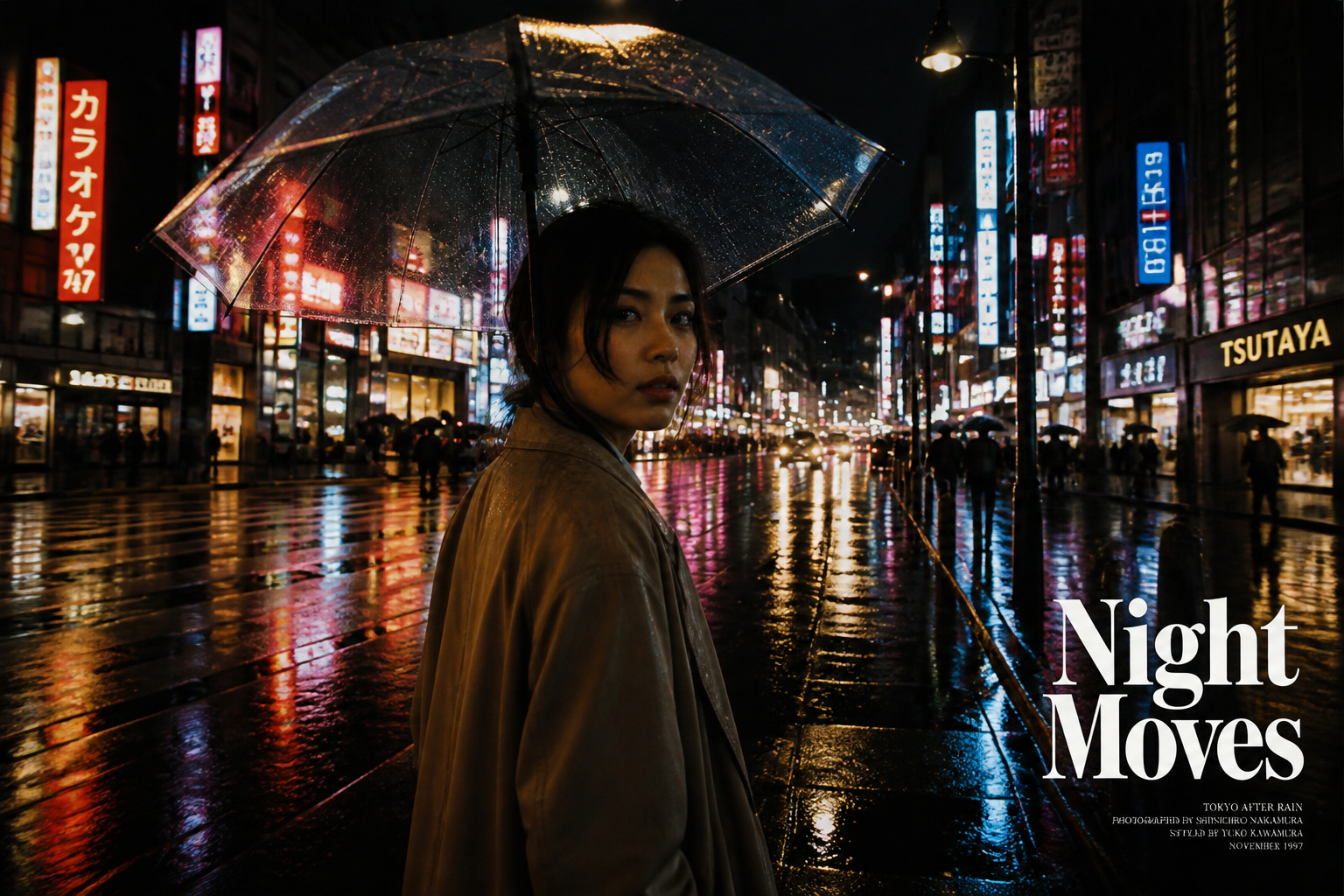
Works on photos and styles
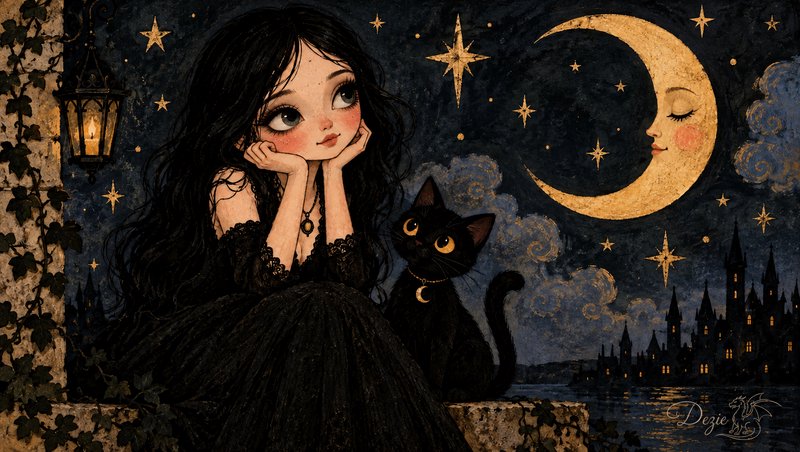
Image extension is useful for more than standard photography. You can widen realistic scenes, product images, and stylized artwork while keeping the look consistent across the new canvas. That makes it easier to repurpose visuals for covers, posts, and creative concepts. Instead of repainting missing edges manually, you can expand first and refine only if needed.
How It Works
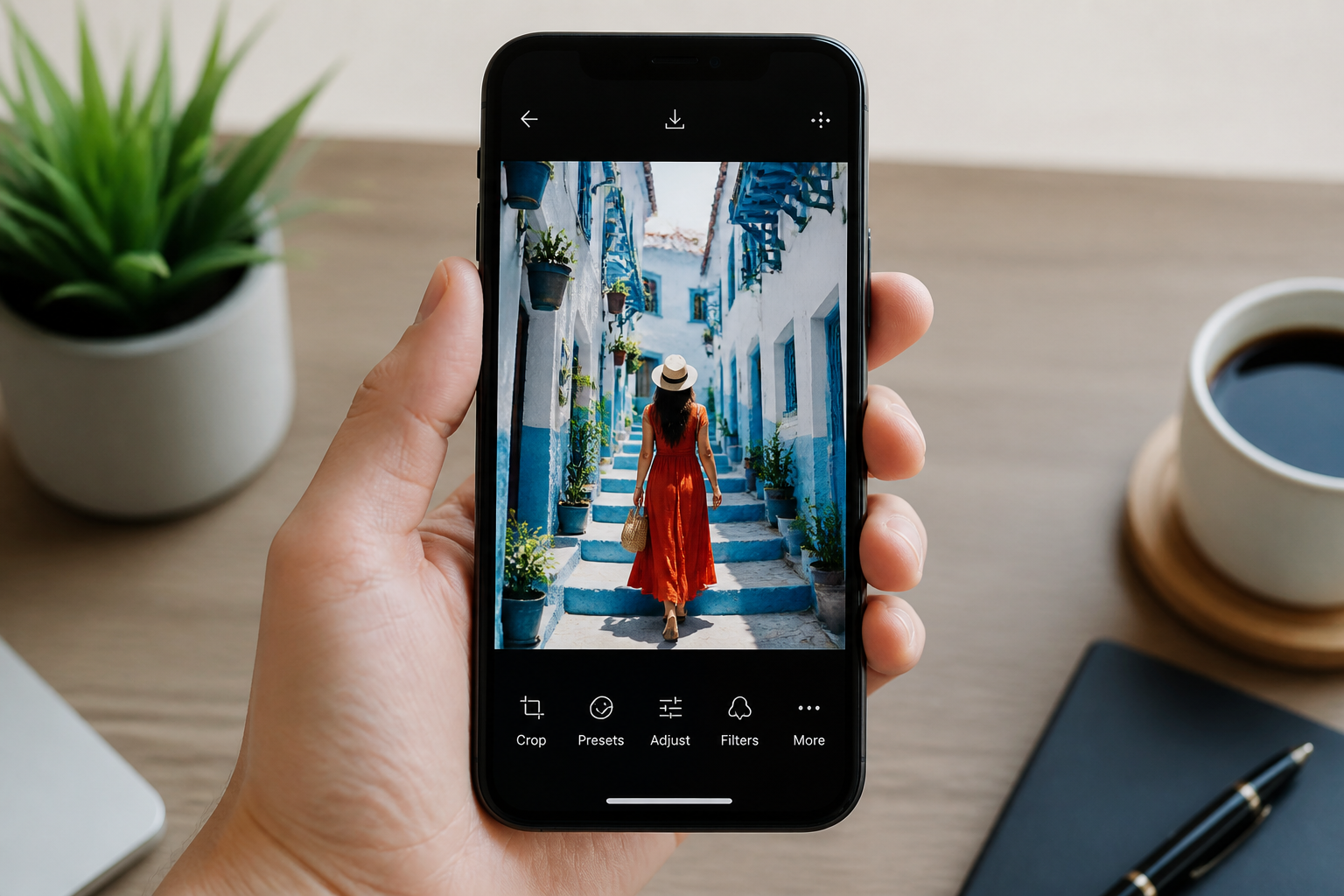
Upload your image
Start with a photo that feels too tight or needs extra room for a new layout. Clear subjects and visible surroundings usually give the cleanest extensions.
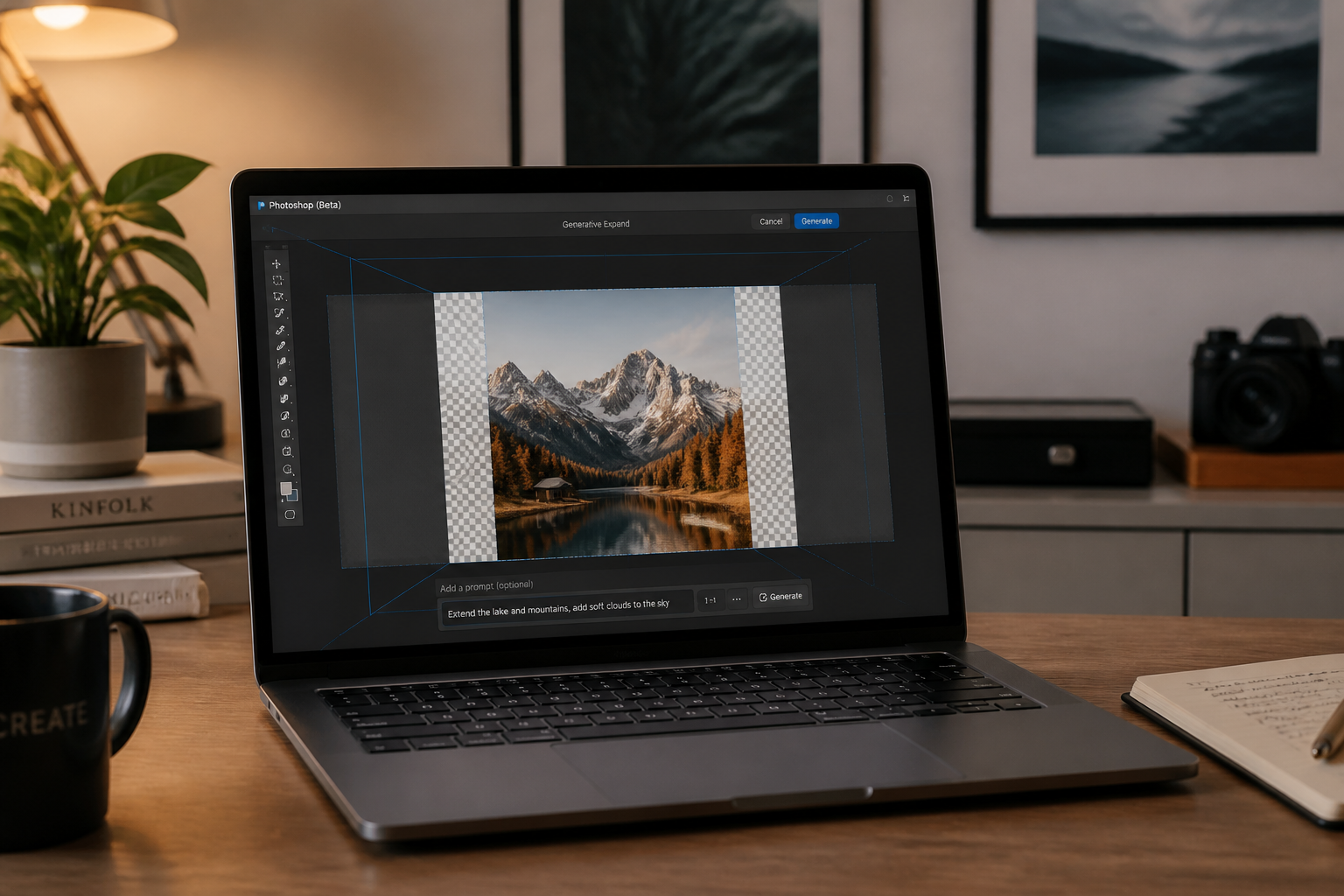
Describe the new frame
Tell the AI how you want the image expanded, such as wider sides, more sky, or extra background for text. A short, direct instruction is usually enough.
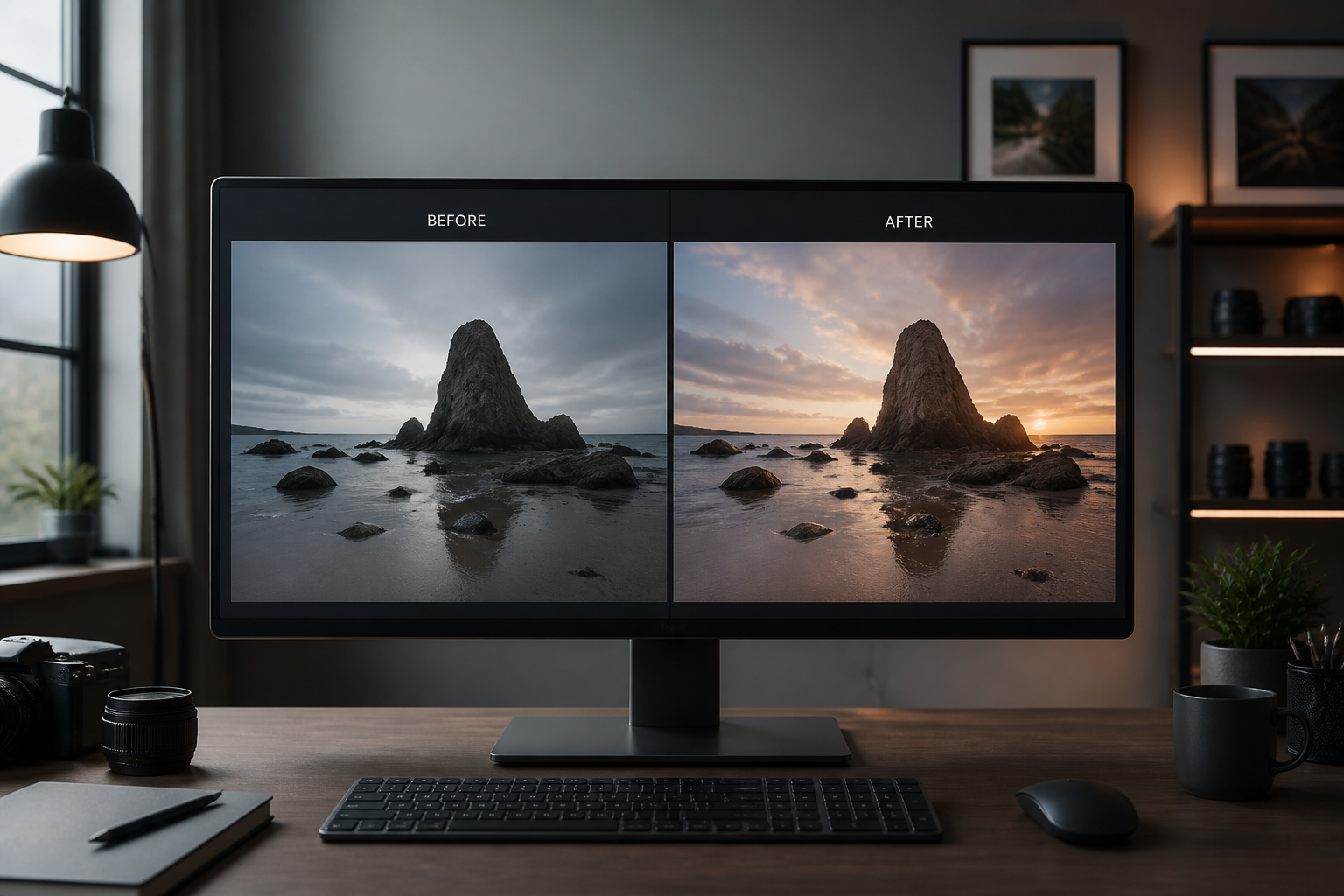
Review and download
Compare the original crop with the expanded result and pick the version that fits your use case. Then download it for social posts, banners, listings, or presentations.
Perfect For
Discover how creators and professionals use ai extend image
Social banners
Turn tight photos into wider headers for YouTube, LinkedIn, X, and other cover layouts.
Product marketing
Create extra negative space around products for ads, hero sections, and marketplace graphics.
Real estate and travel
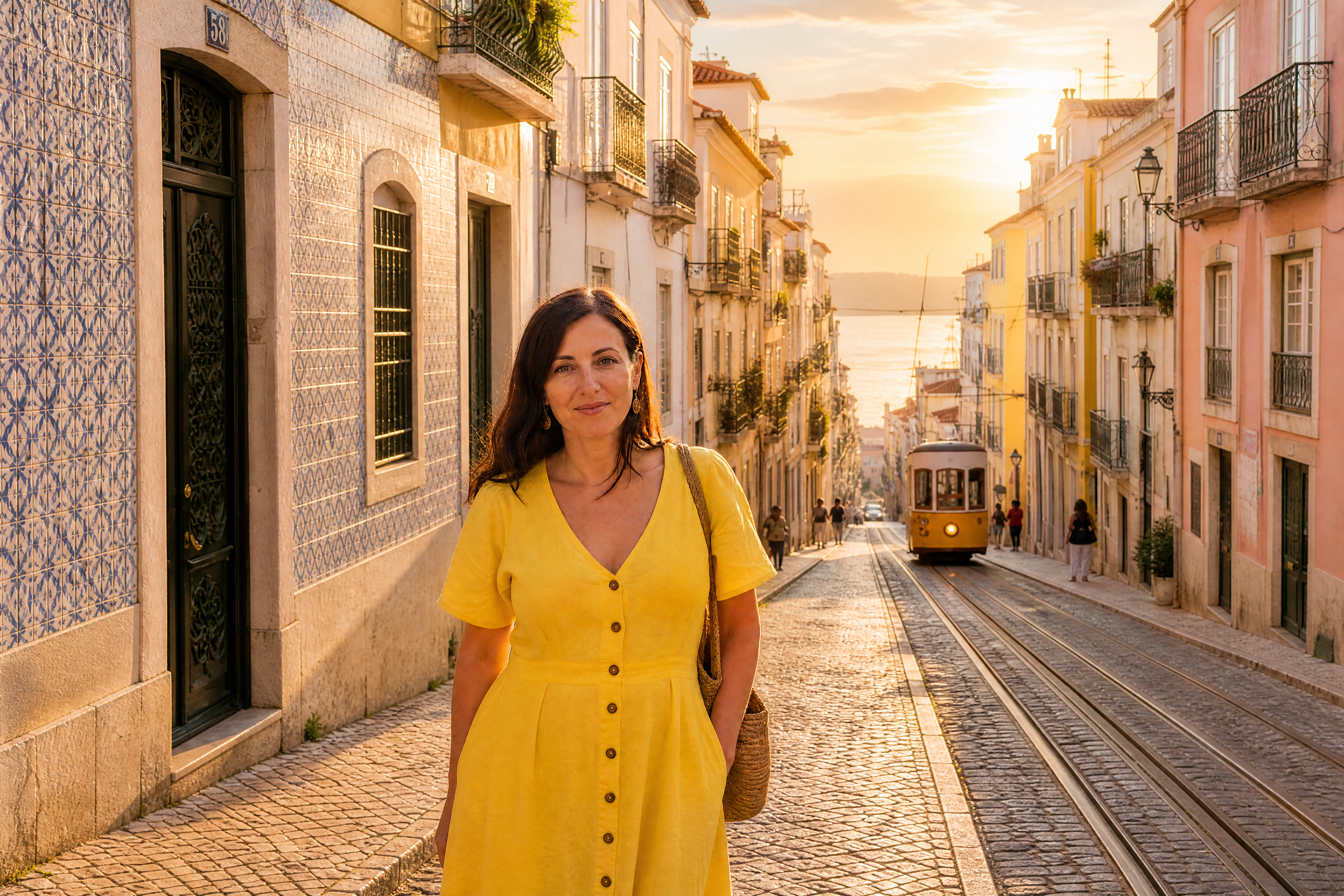
Widen room and landscape shots so listings and blog posts feel more spacious and polished.
Content repurposing
Reuse one strong image across multiple formats without recropping away the important part.
Built For
Designers and marketers
Make campaign images fit banners, ads, and landing pages without rebuilding backgrounds manually.
Creators and influencers
Expand photos for thumbnails, channel art, and social posts while keeping the original shot intact.
Online sellers and small teams
Adapt product and brand images to different storefronts and layouts with less editing time.
Why use AI Extend Image
A quick look at how we compare on the things that matter for this niche.
| Feature | BudgetPixel | Generic AI editors | Manual editing apps |
|---|---|---|---|
| Fast frame expansion | ✓ | ✓ | — |
| Keeps original composition | ✓ | — | ✓ |
| Natural background continuation | ✓ | — | — |
| Beginner-friendly workflow | ✓ | ✓ | — |
Frequently Asked Questions
What does AI Extend Image do?
Will it keep the main subject the same?
Can I use it for banners and social media covers?
Does it only work on realistic photos?
Do I need editing experience?
Create together.
Share your creations, discover trending AI art, and grow with fellow creators.