AI Flatlay Generator
Turn worn looks into clean, shop-ready outfit flatlays.
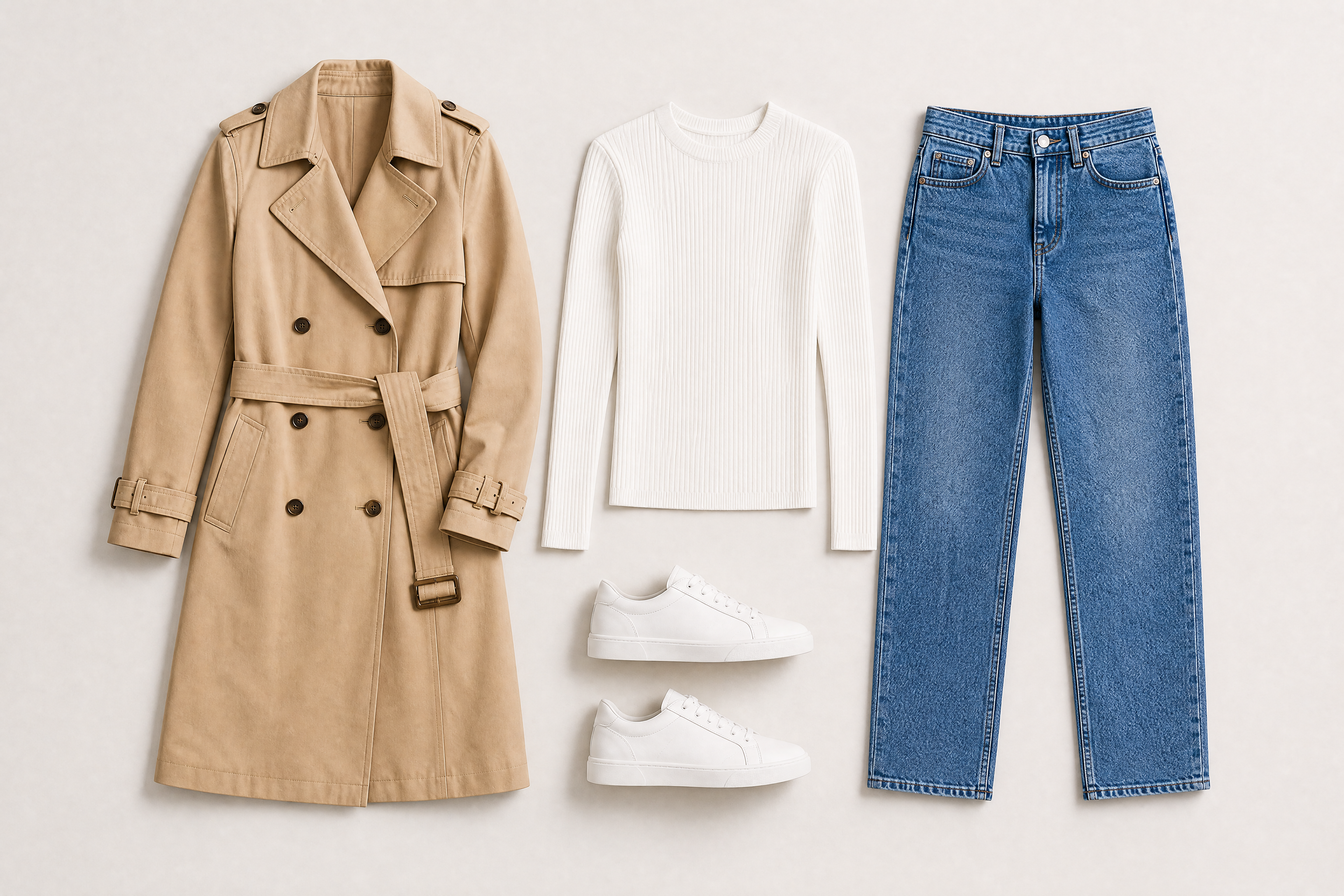
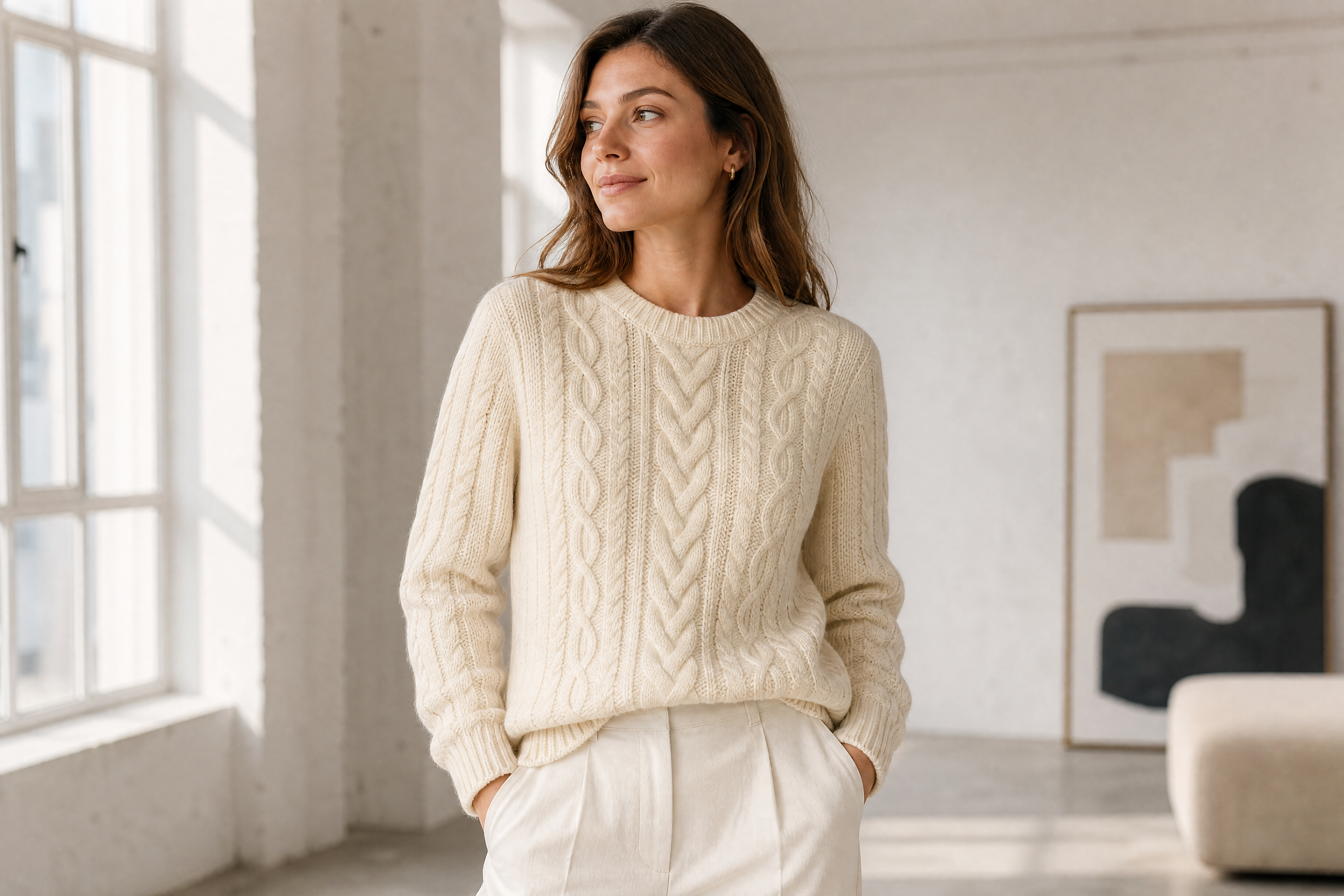
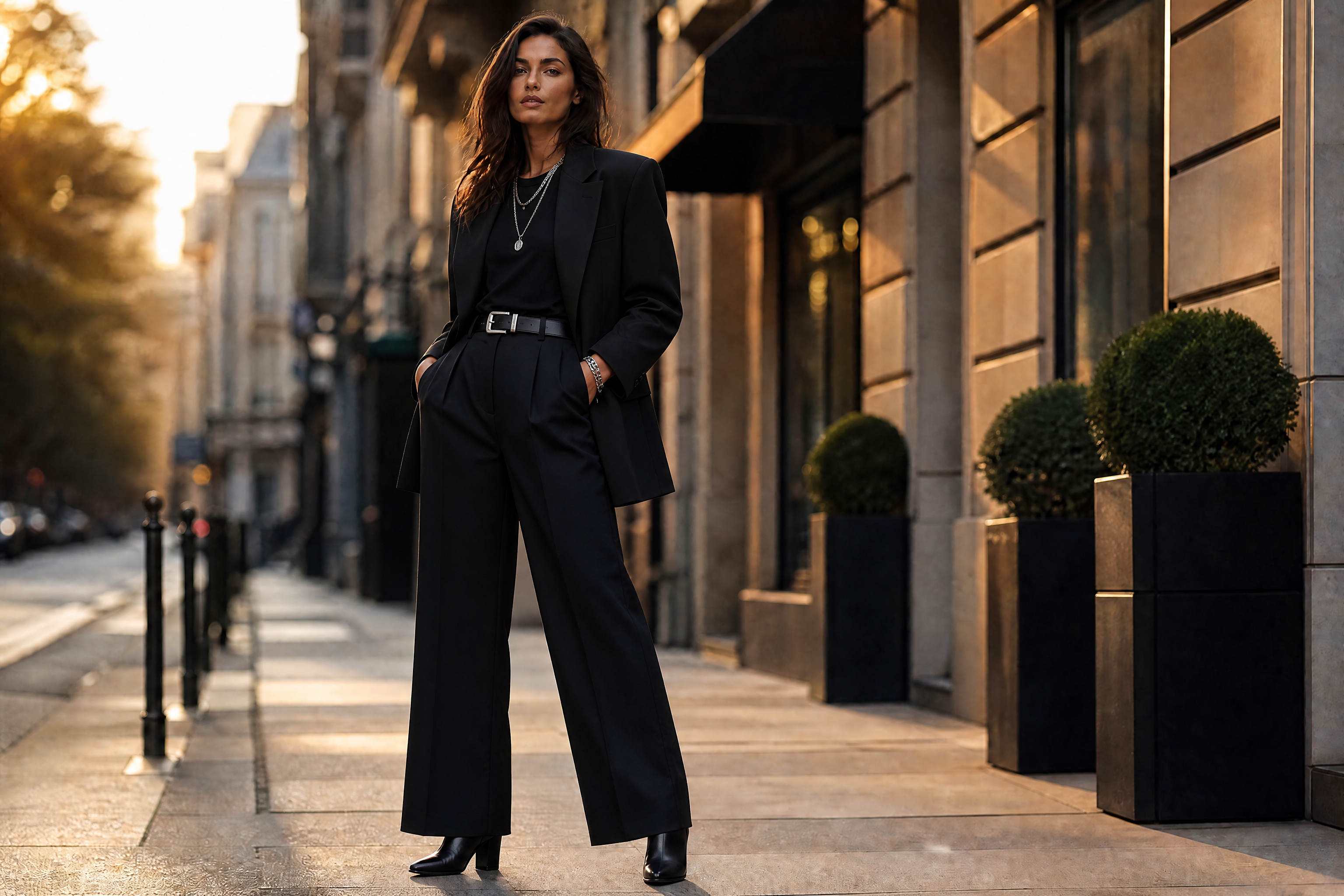
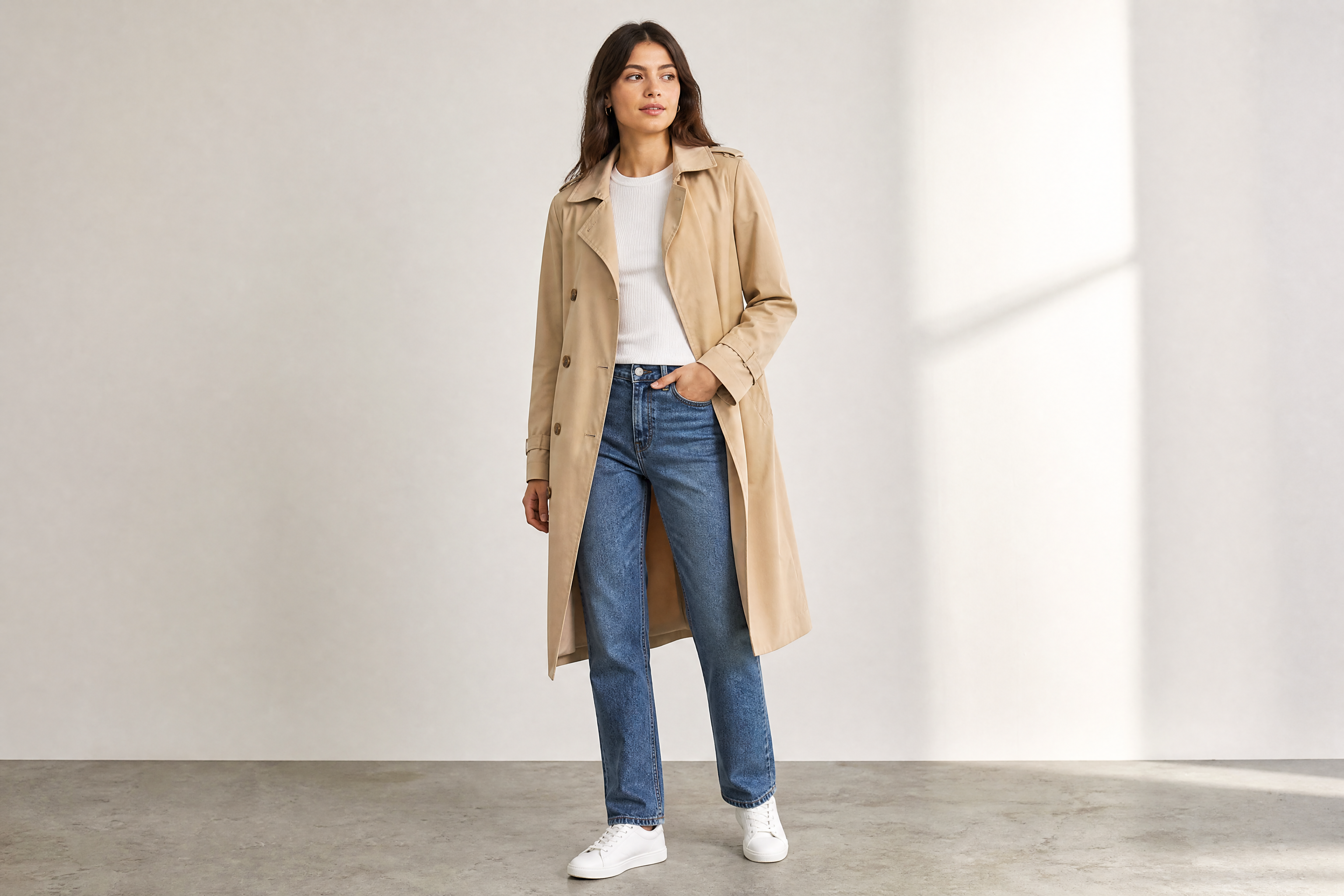
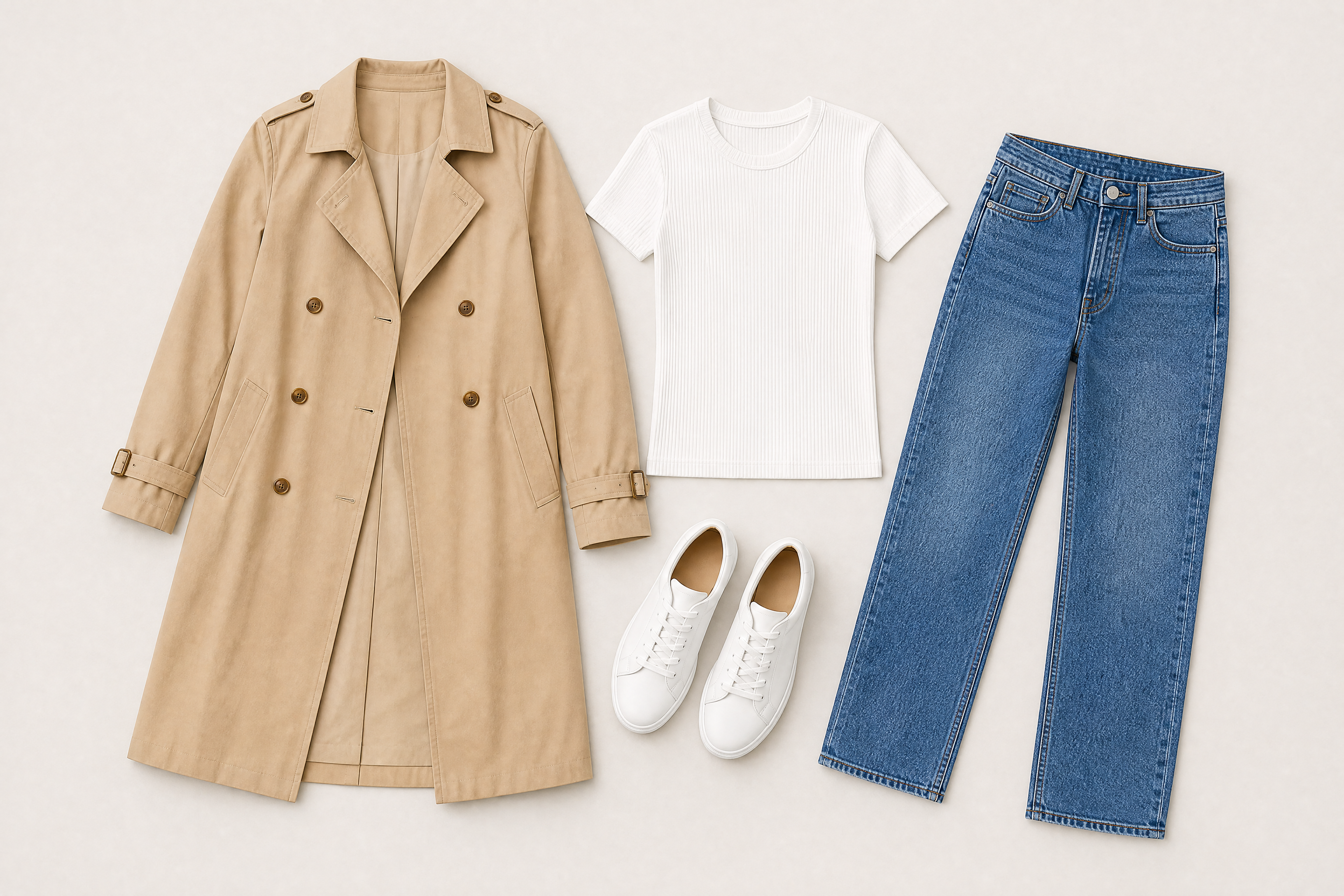
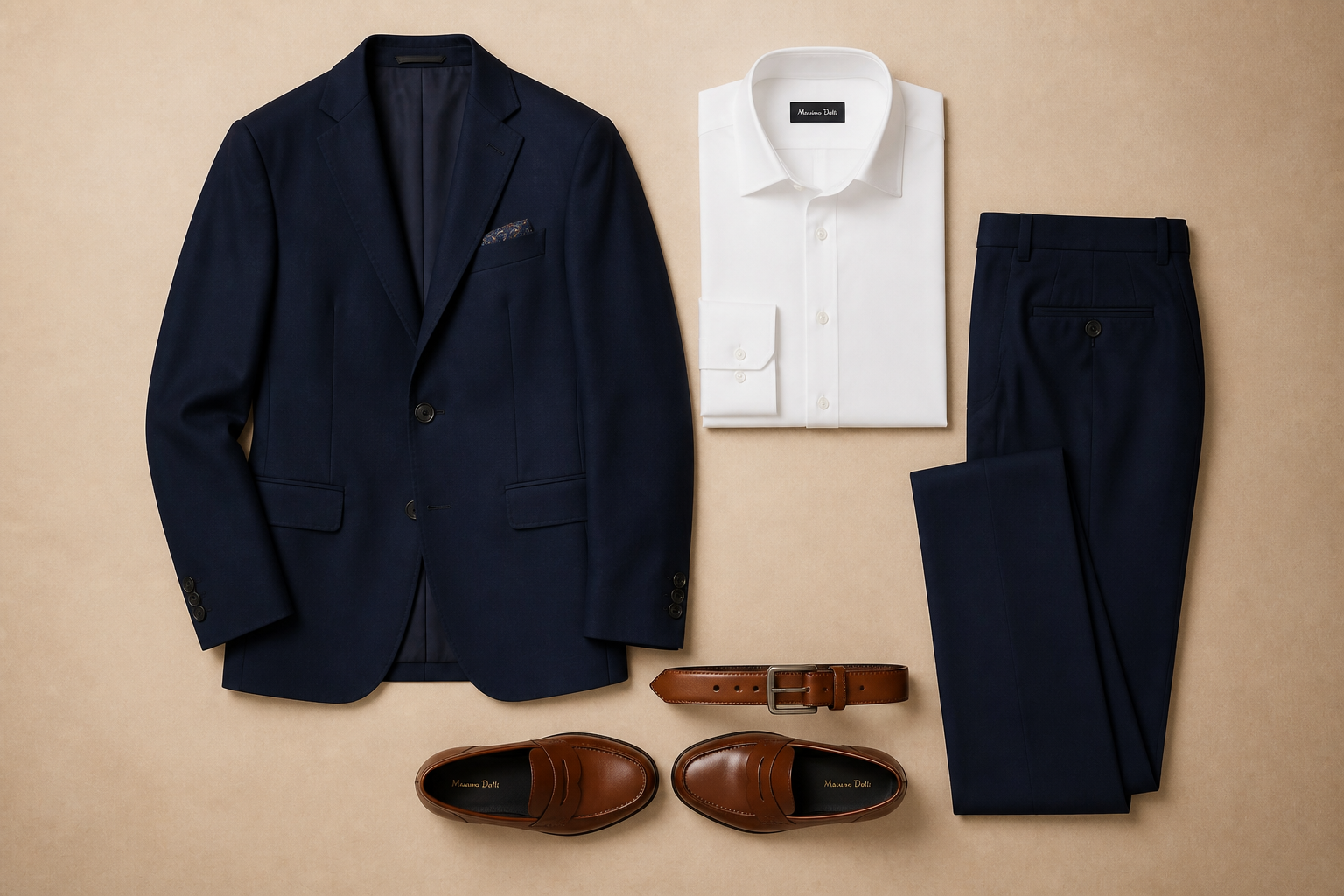
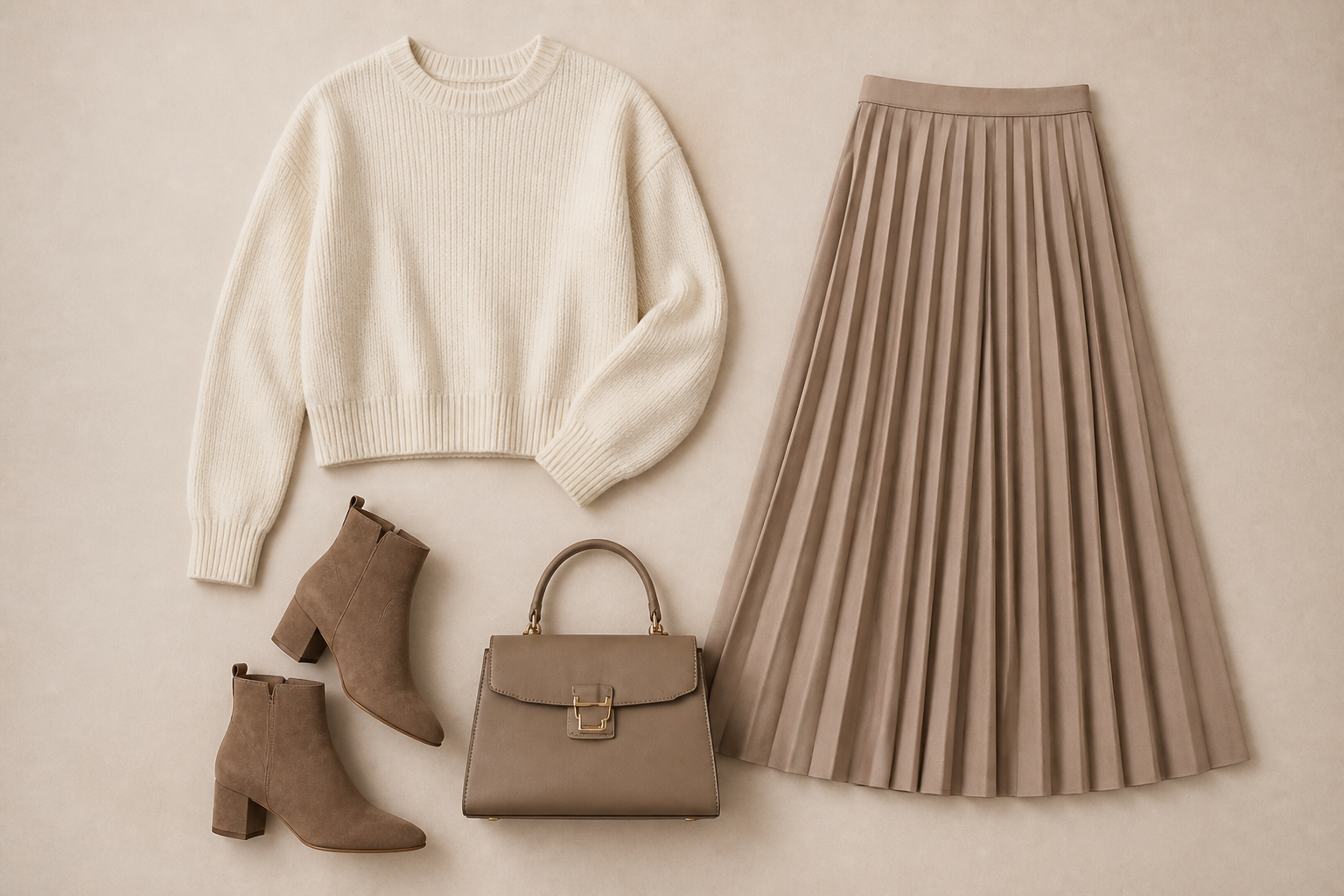
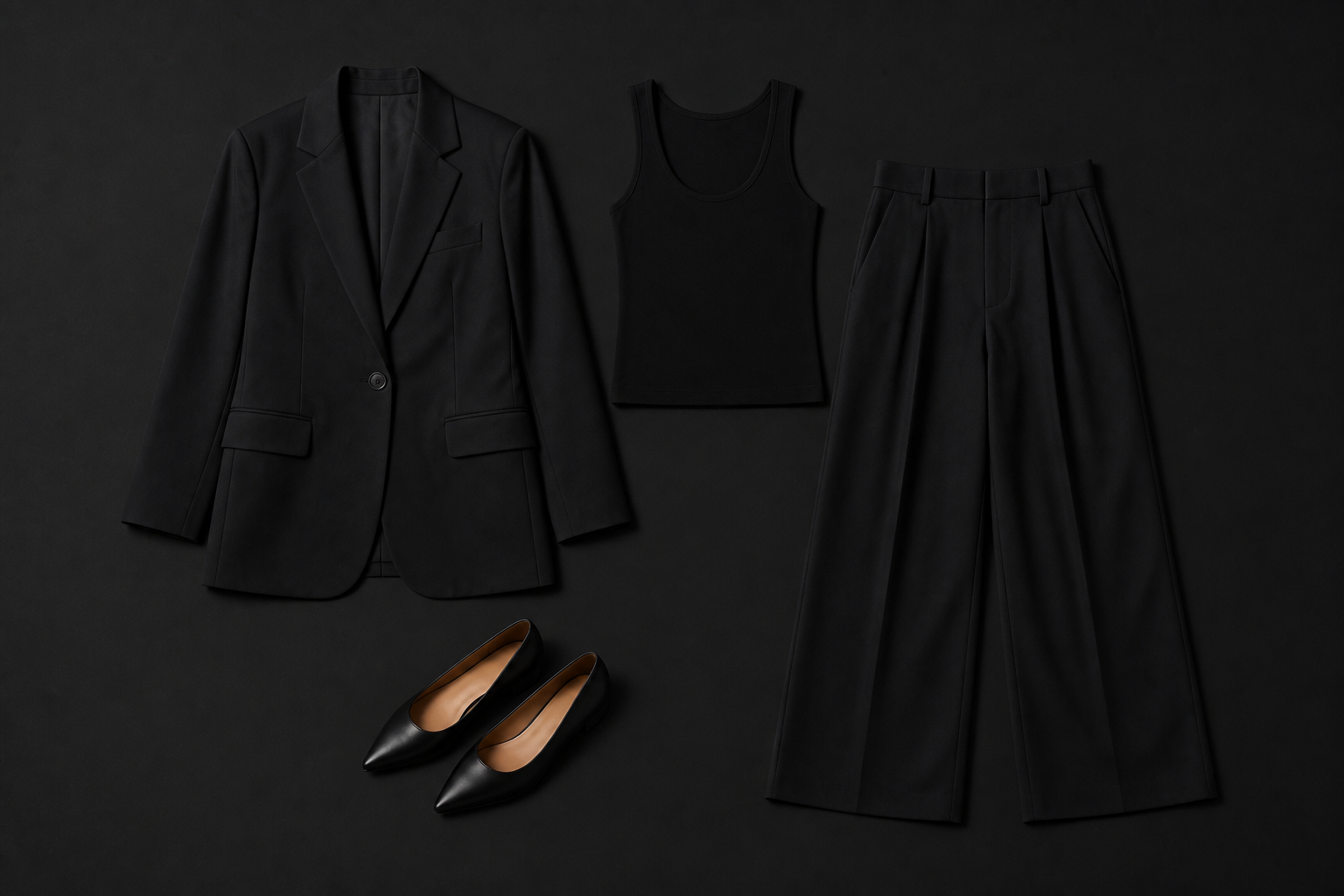
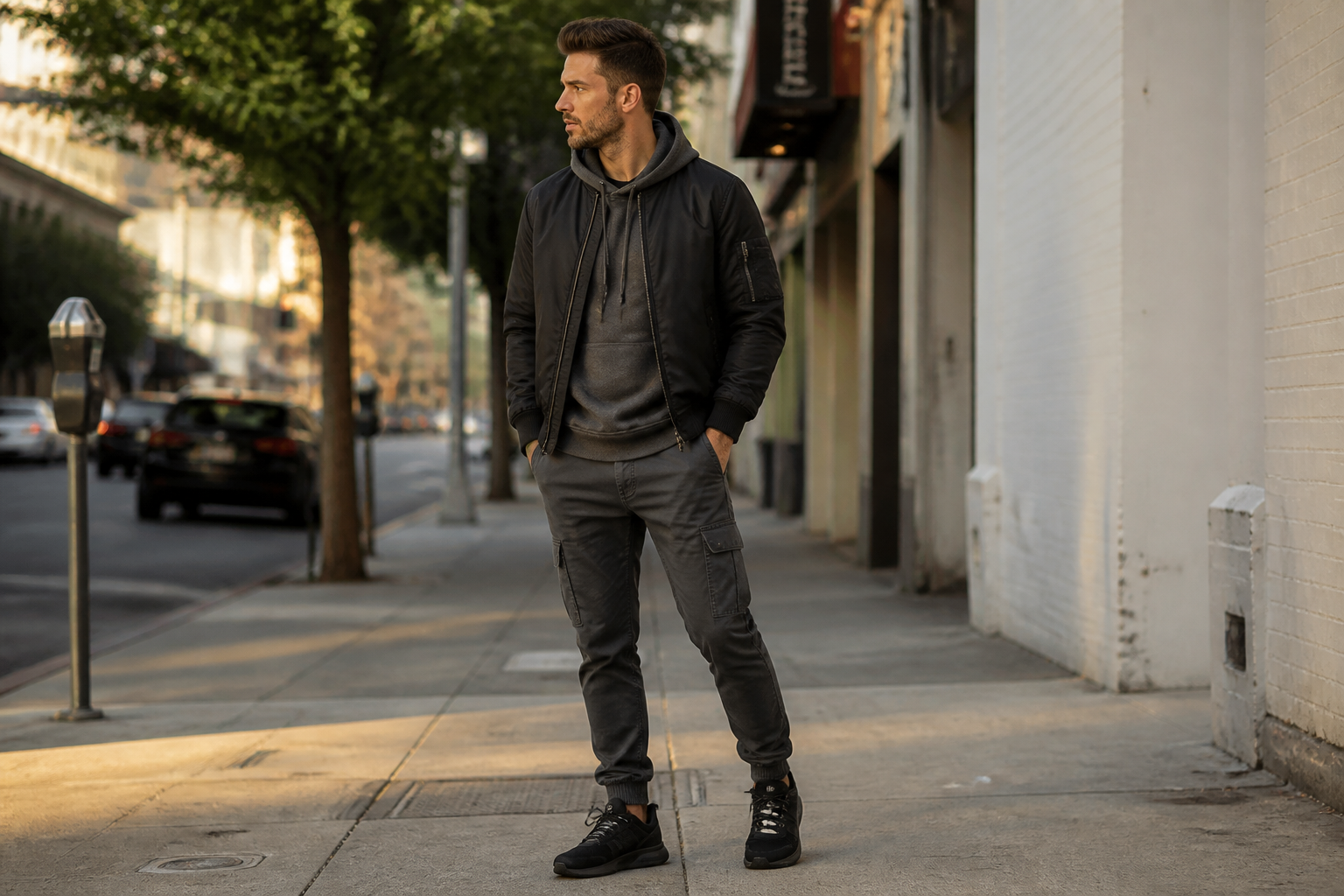
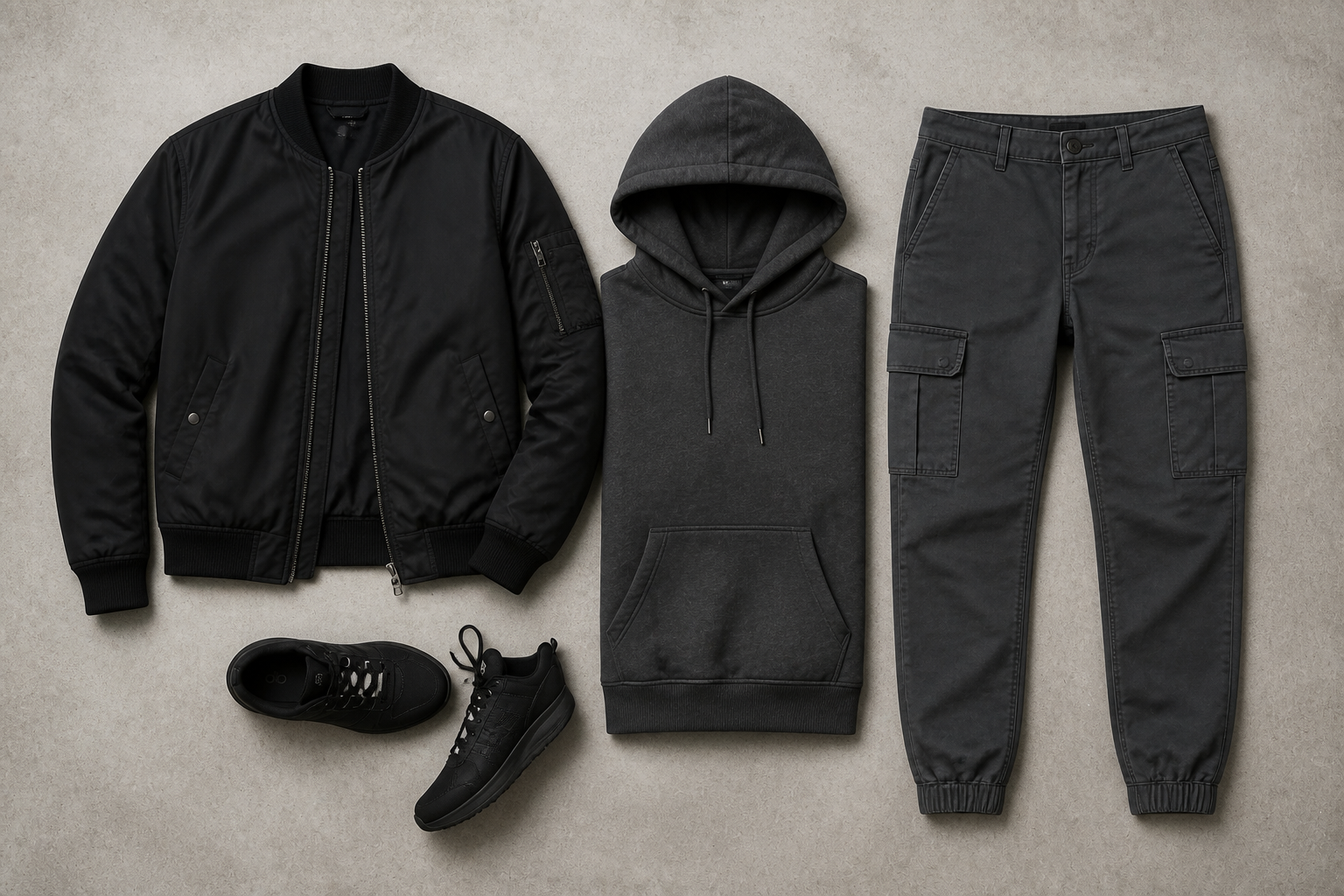
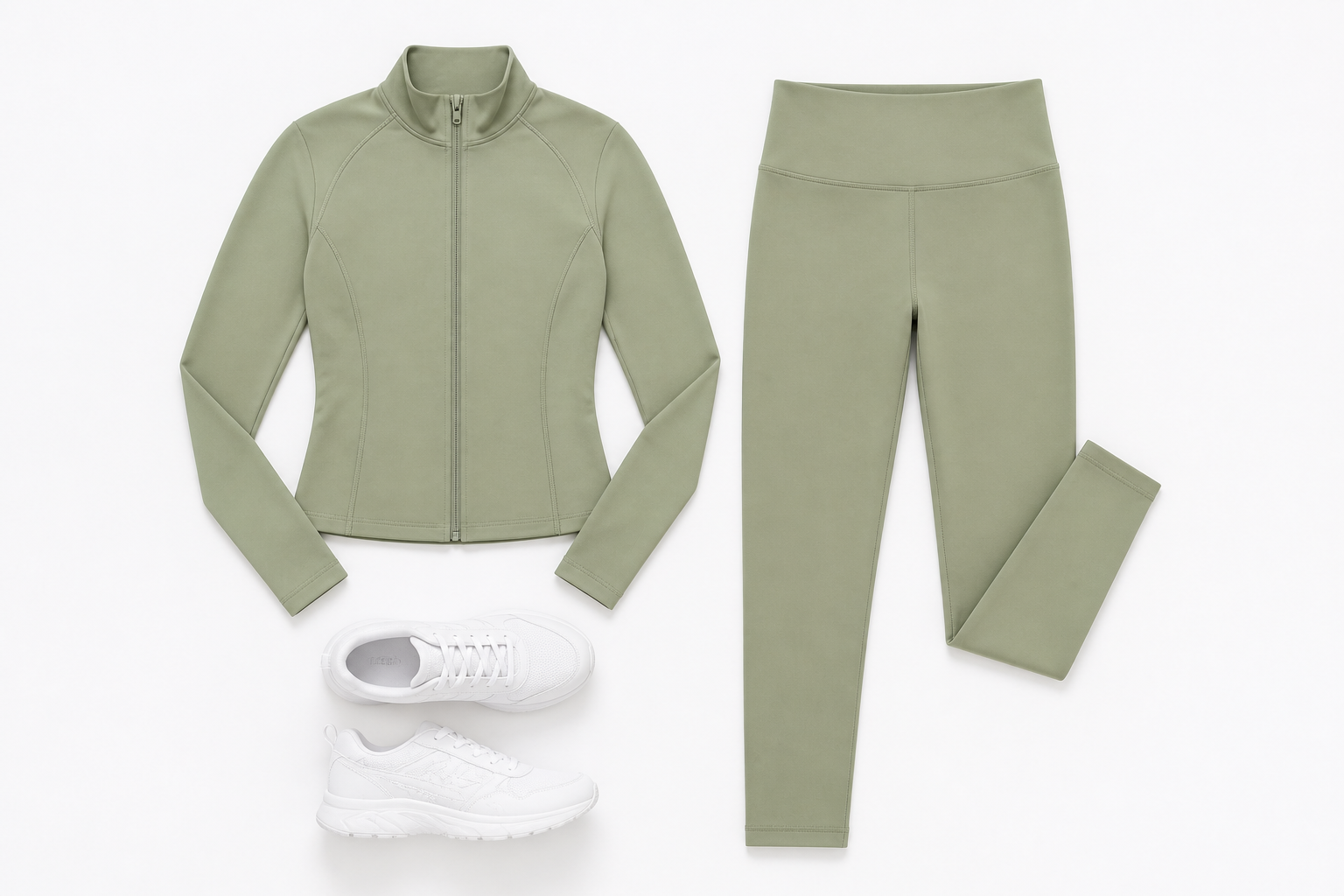
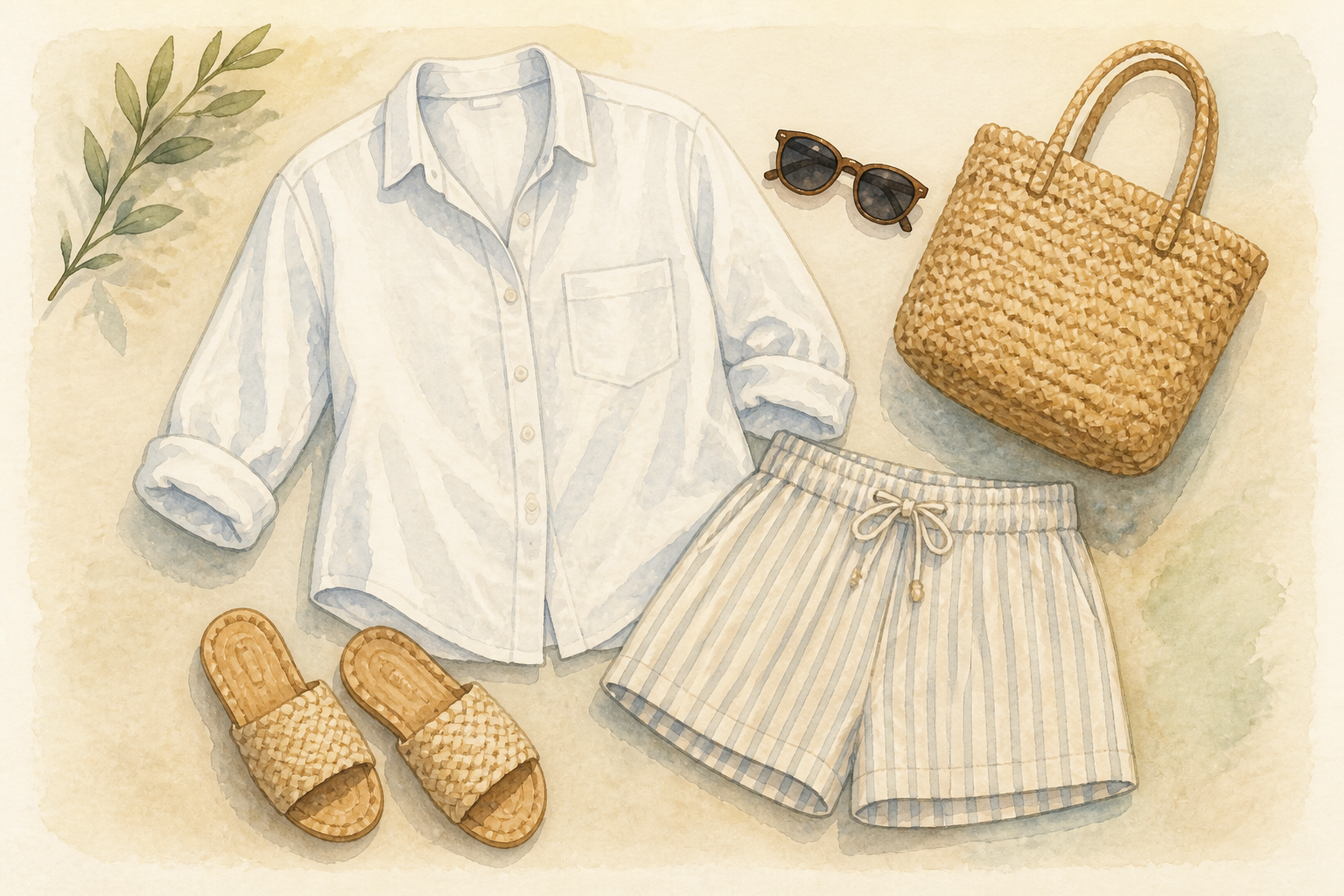
Upload a photo of a model wearing an outfit and turn it into a polished flatlay image. Our AI rearranges the clothing into a clean top-down layout that works for product pages, resale listings, and social content.
Watch the Transformation
See ai flatlay generator in motion — generated end-to-end by our AI.
See It In Action
Real outputs from ai flatlay generator.
BEFOREAFTER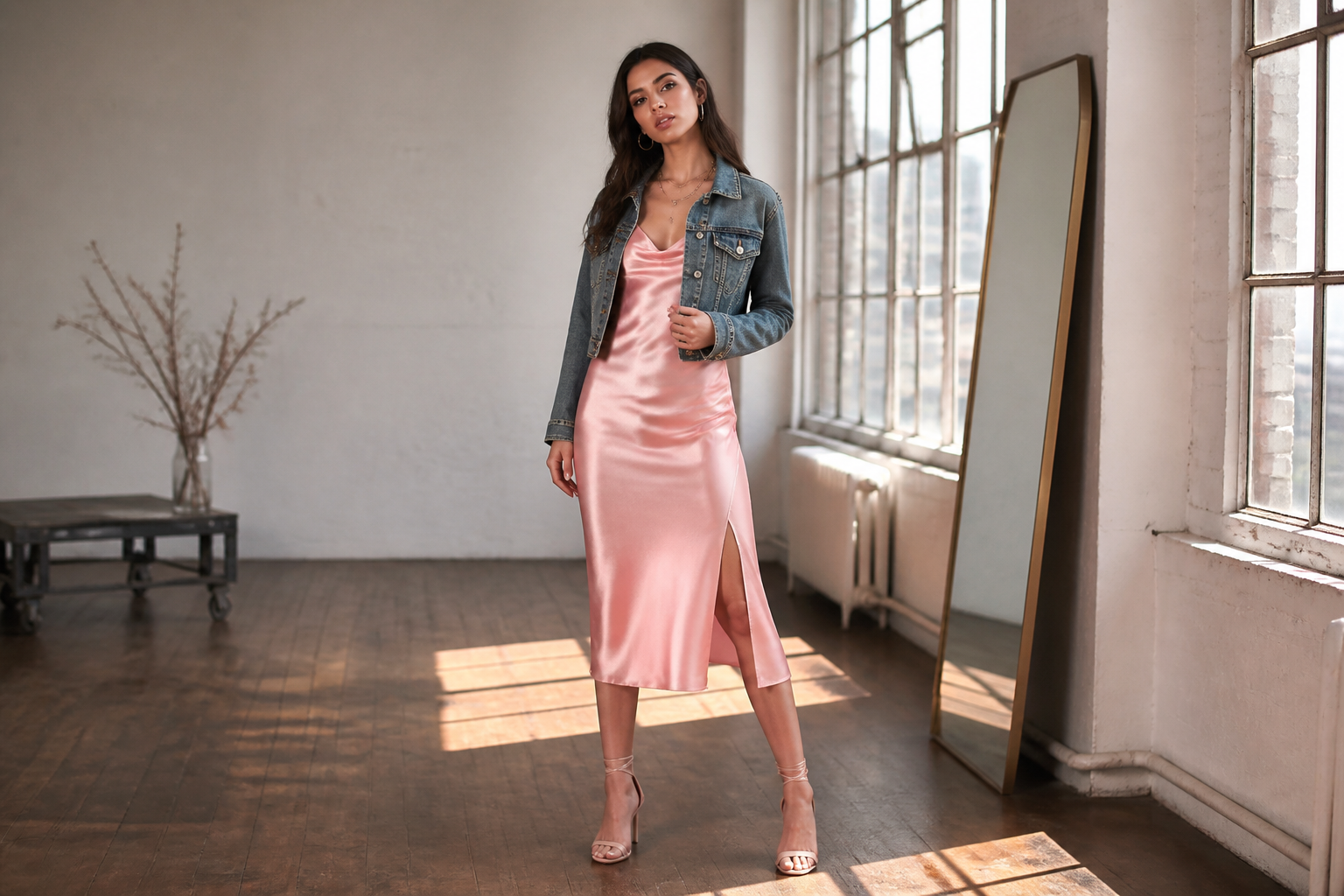 BEFORE
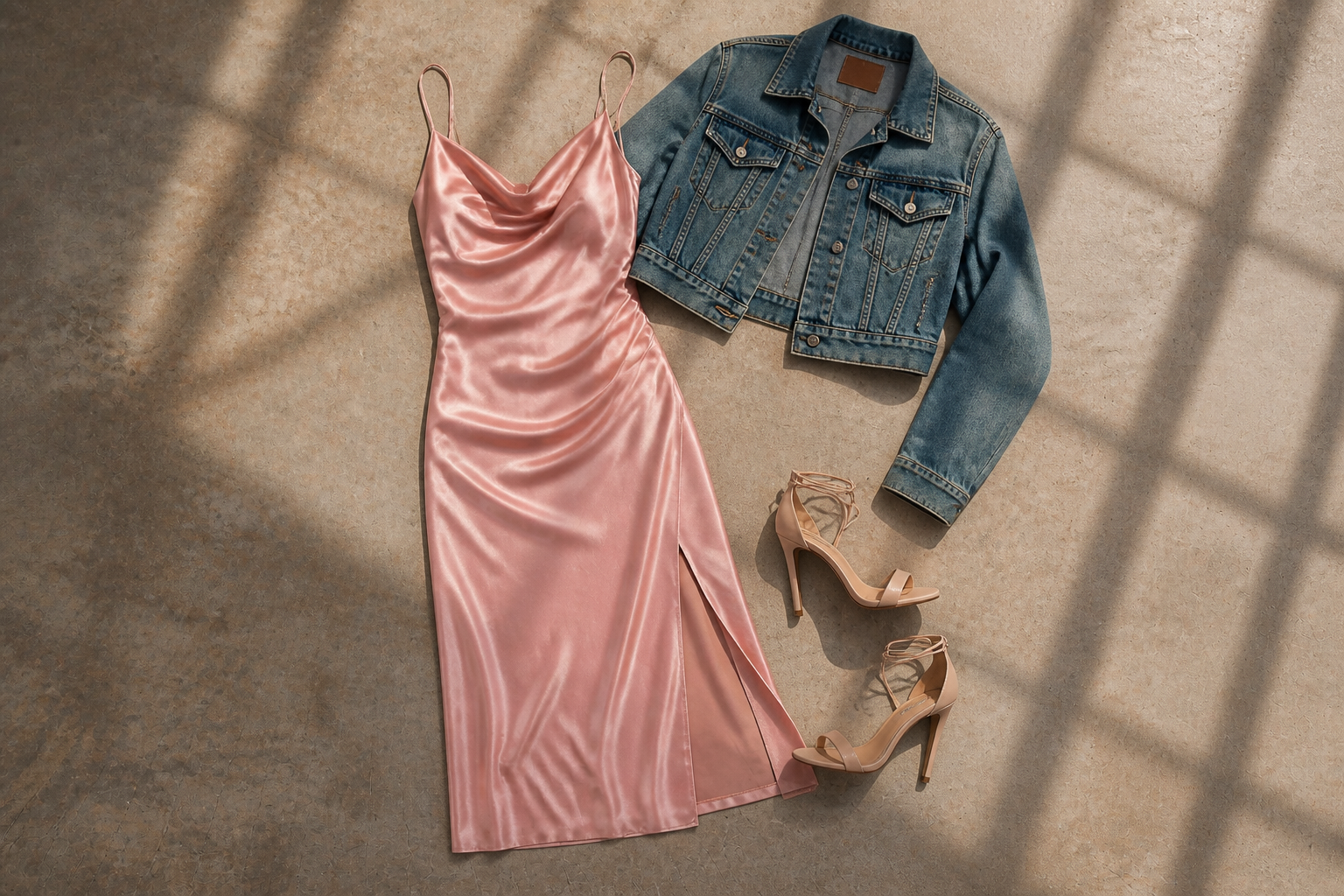 AFTER
AFTER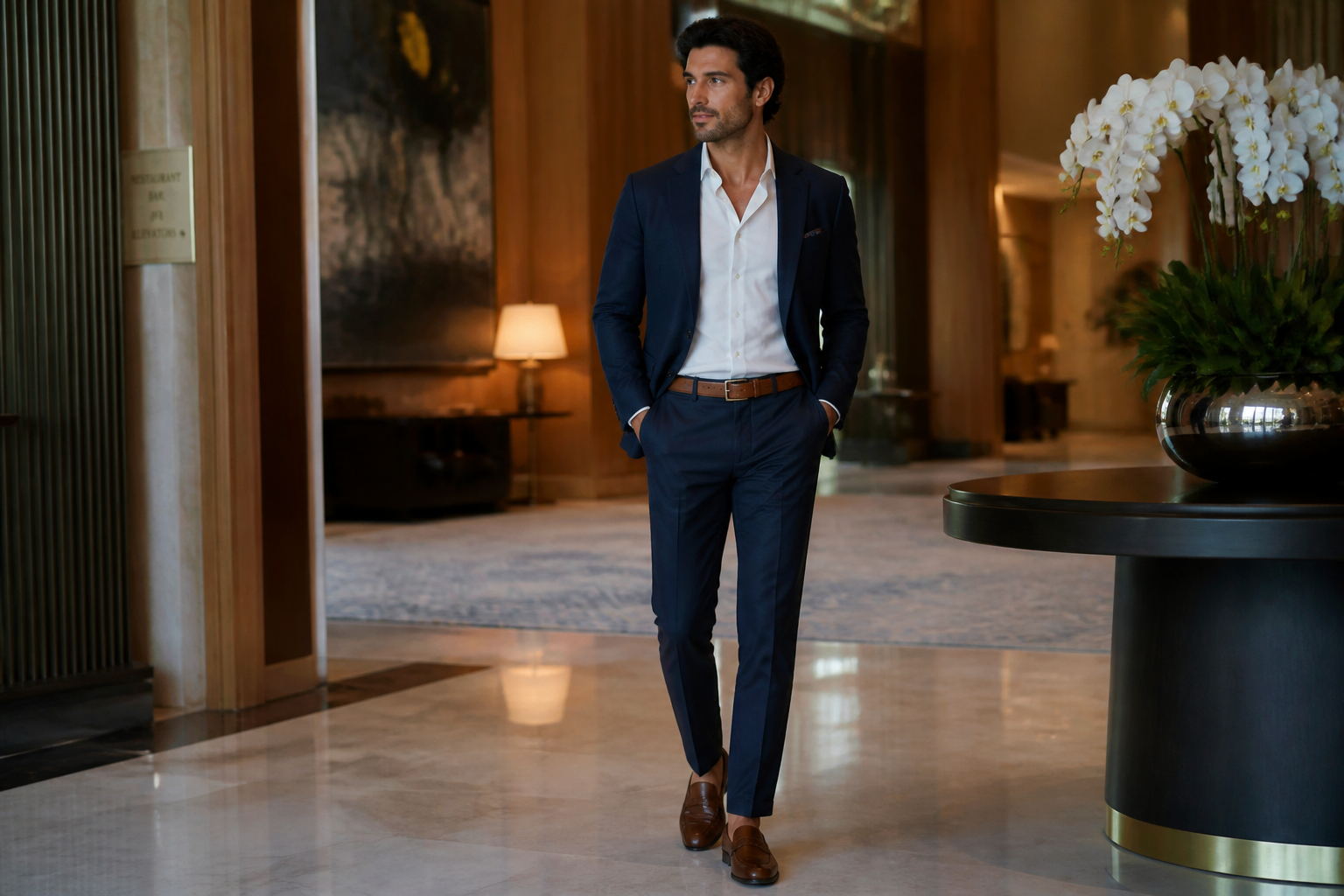 BEFORE
 AFTER
AFTER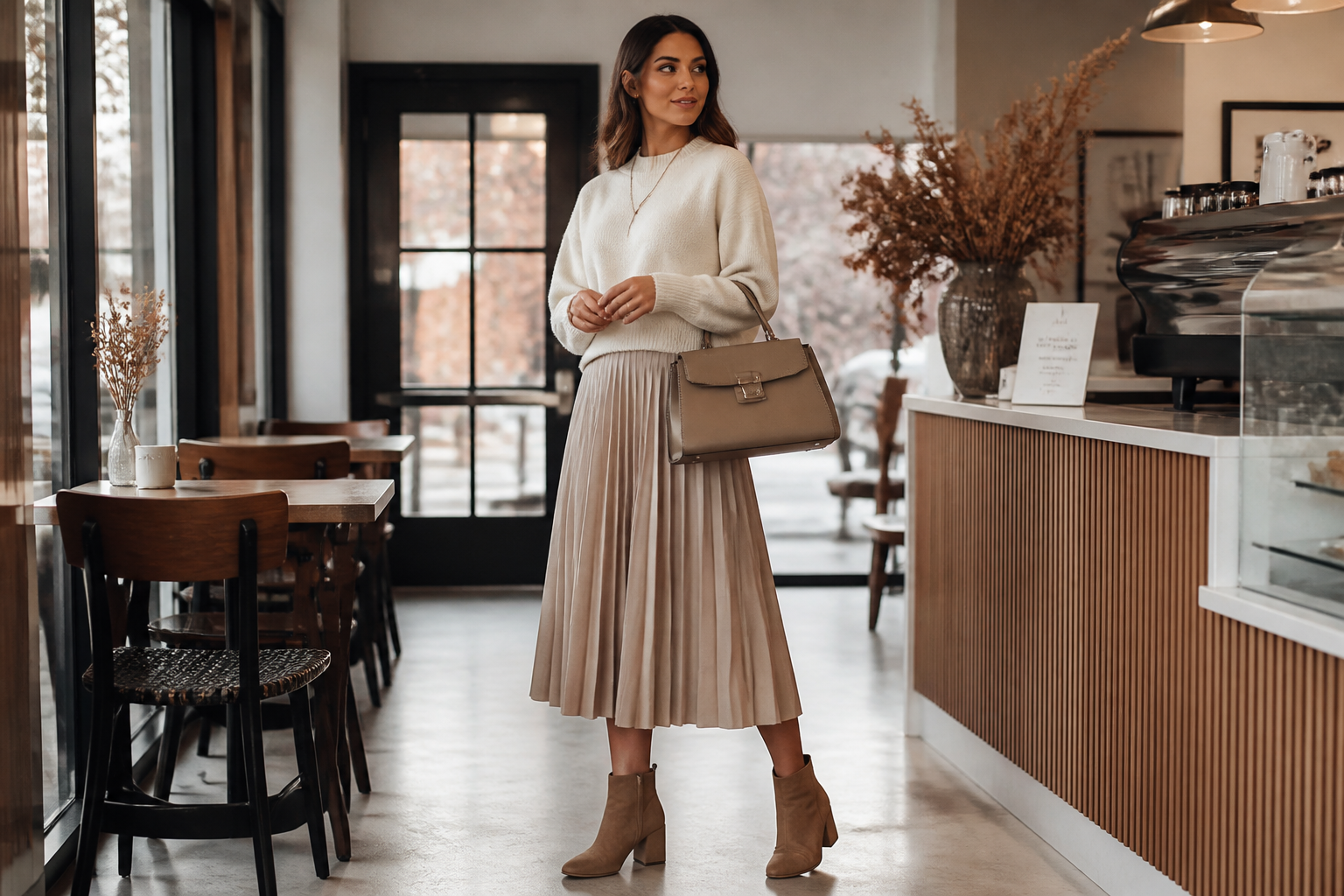 BEFORE
 AFTER
AFTER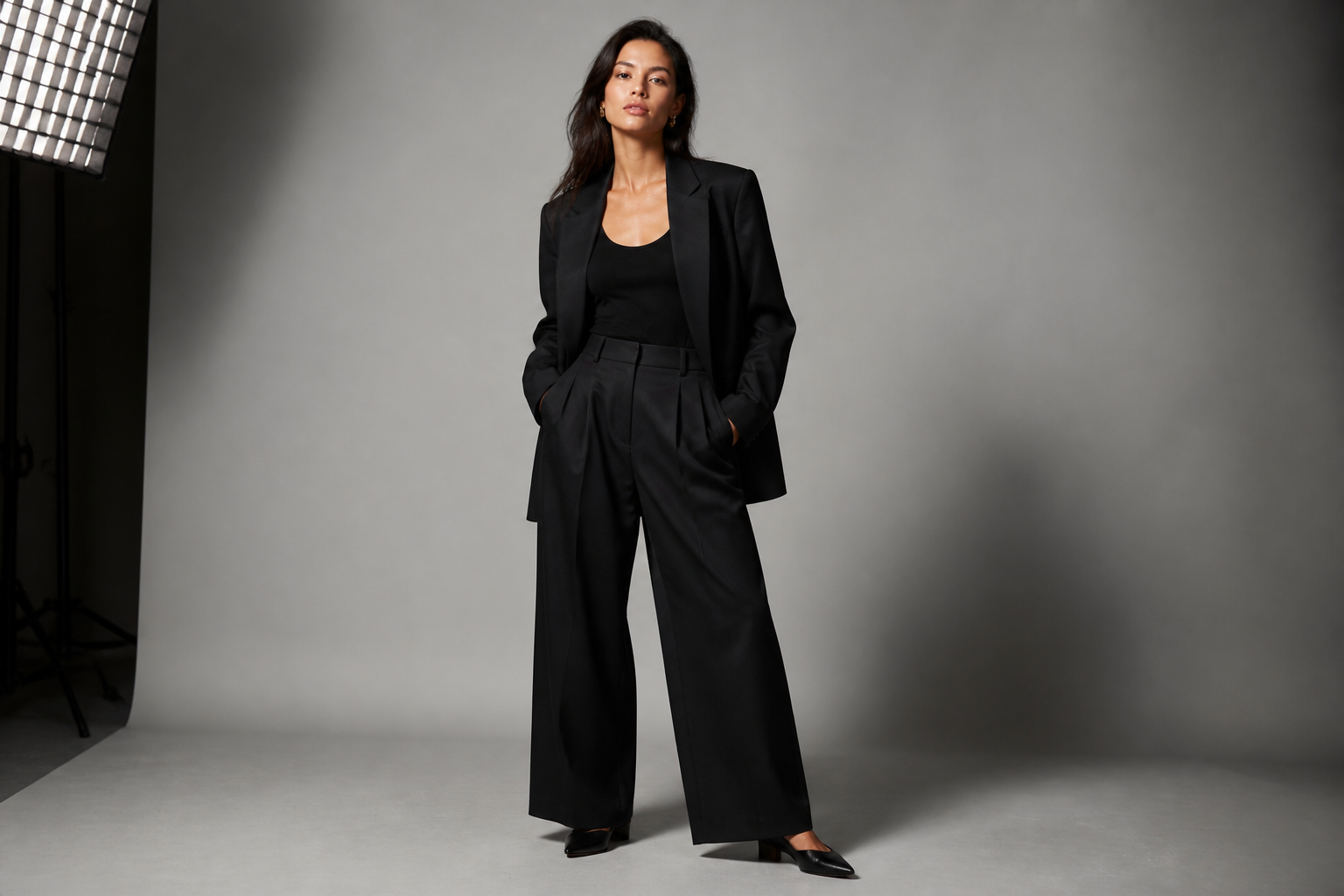 BEFORE
 AFTERBEFOREAFTERBEFOREAFTERBEFOREAFTERBEFOREAFTERBEFOREAFTER
 BEFORE
 AFTER
AFTER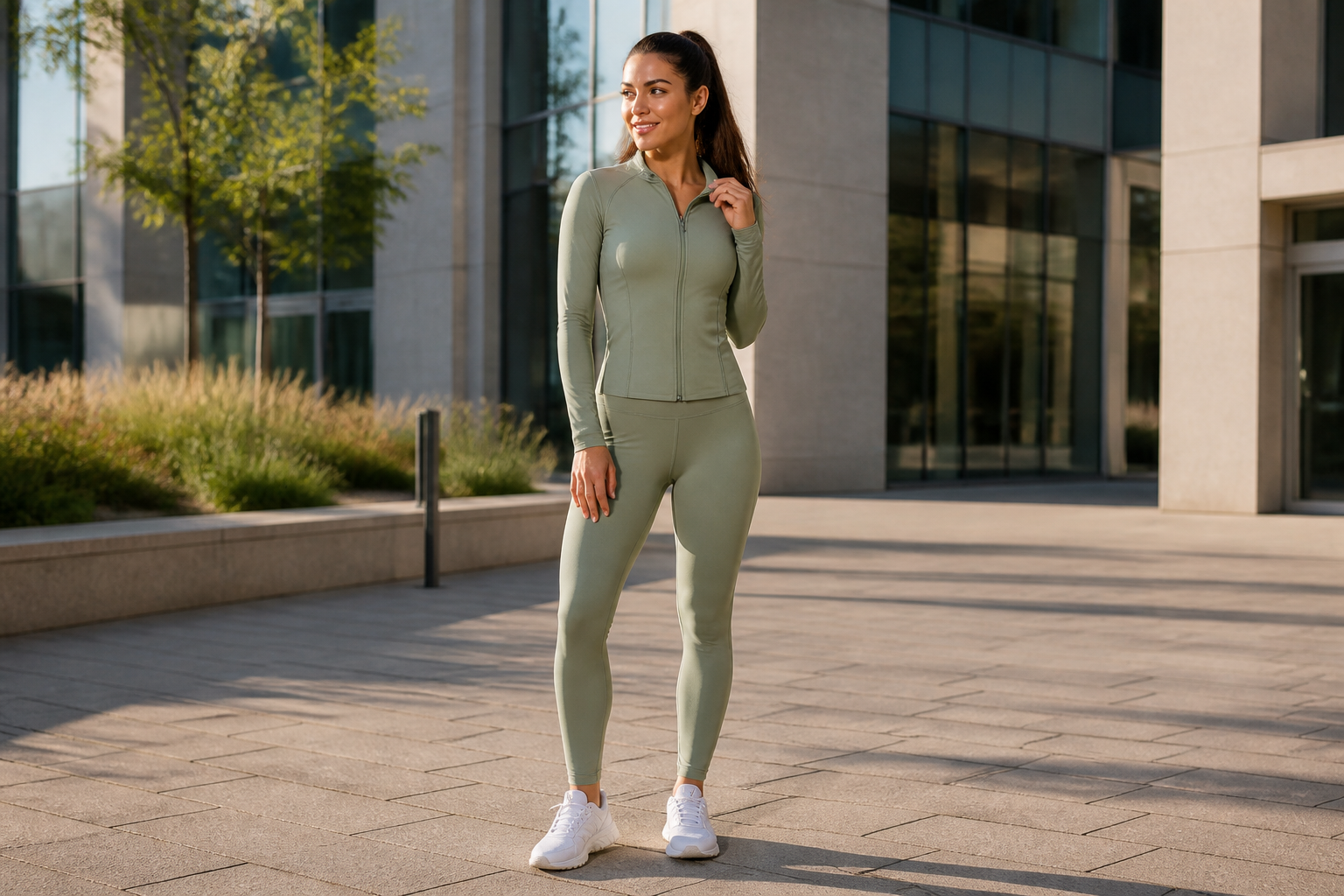 BEFORE
 AFTER
AFTER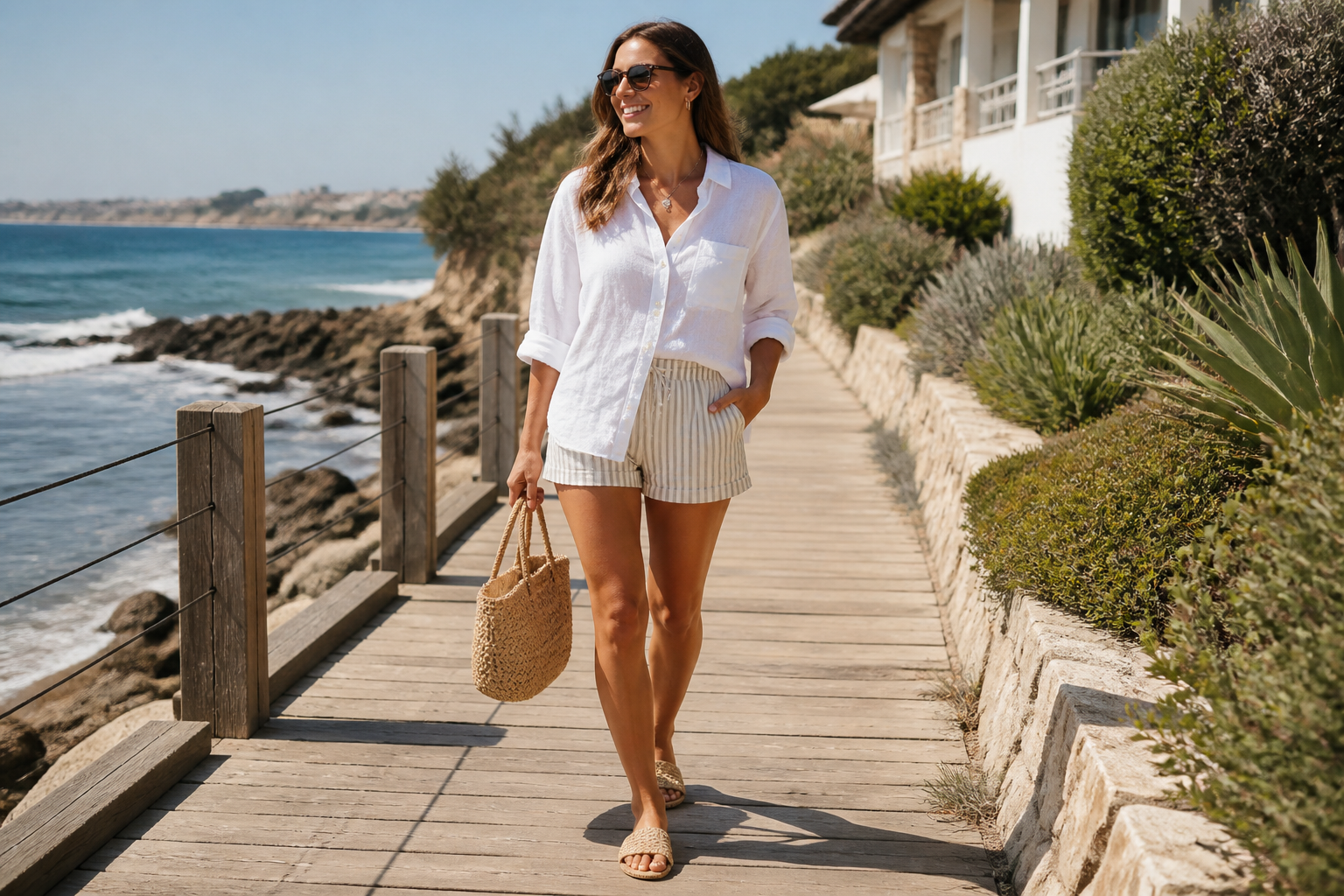 BEFORE
 AFTER
AFTER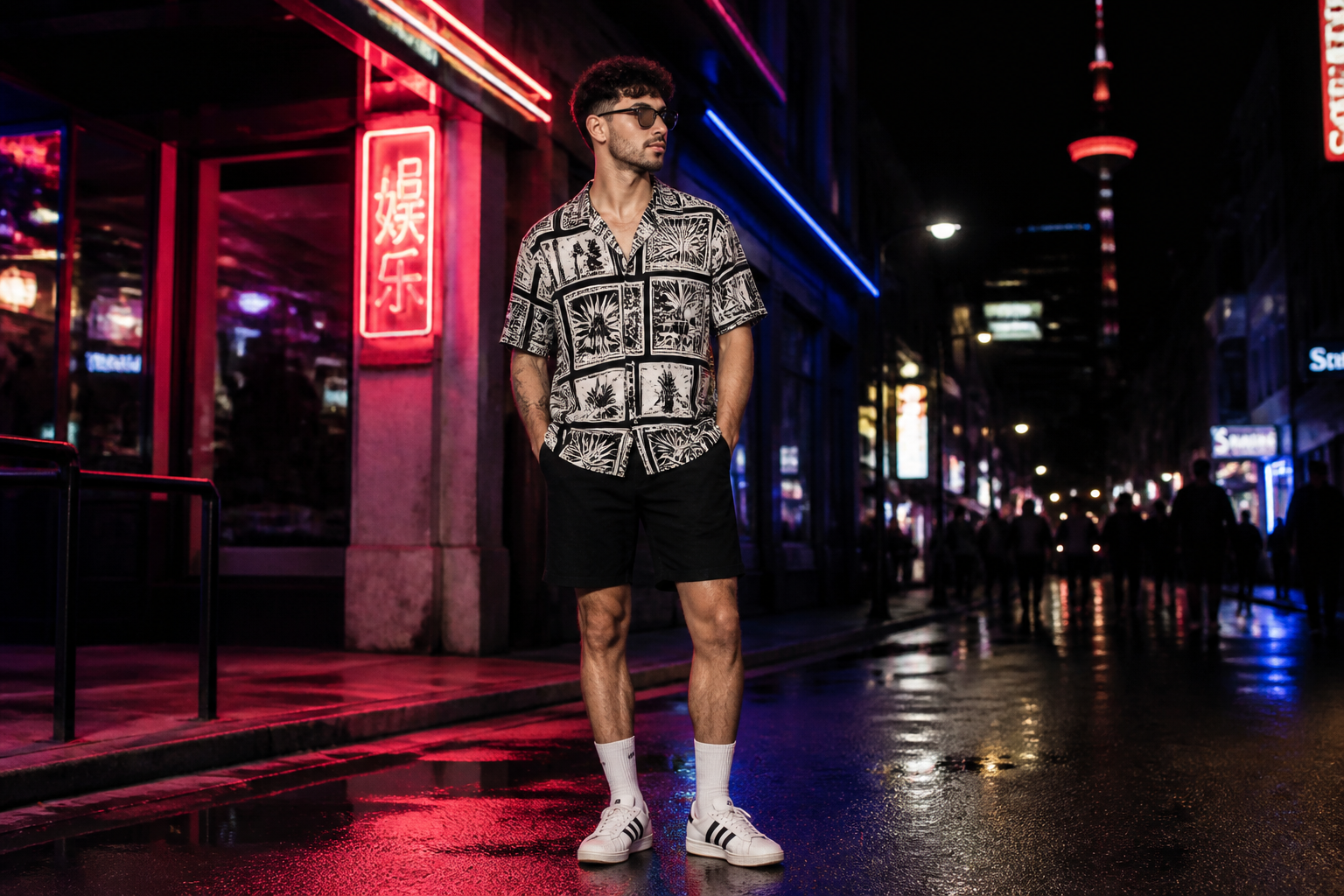 BEFORE
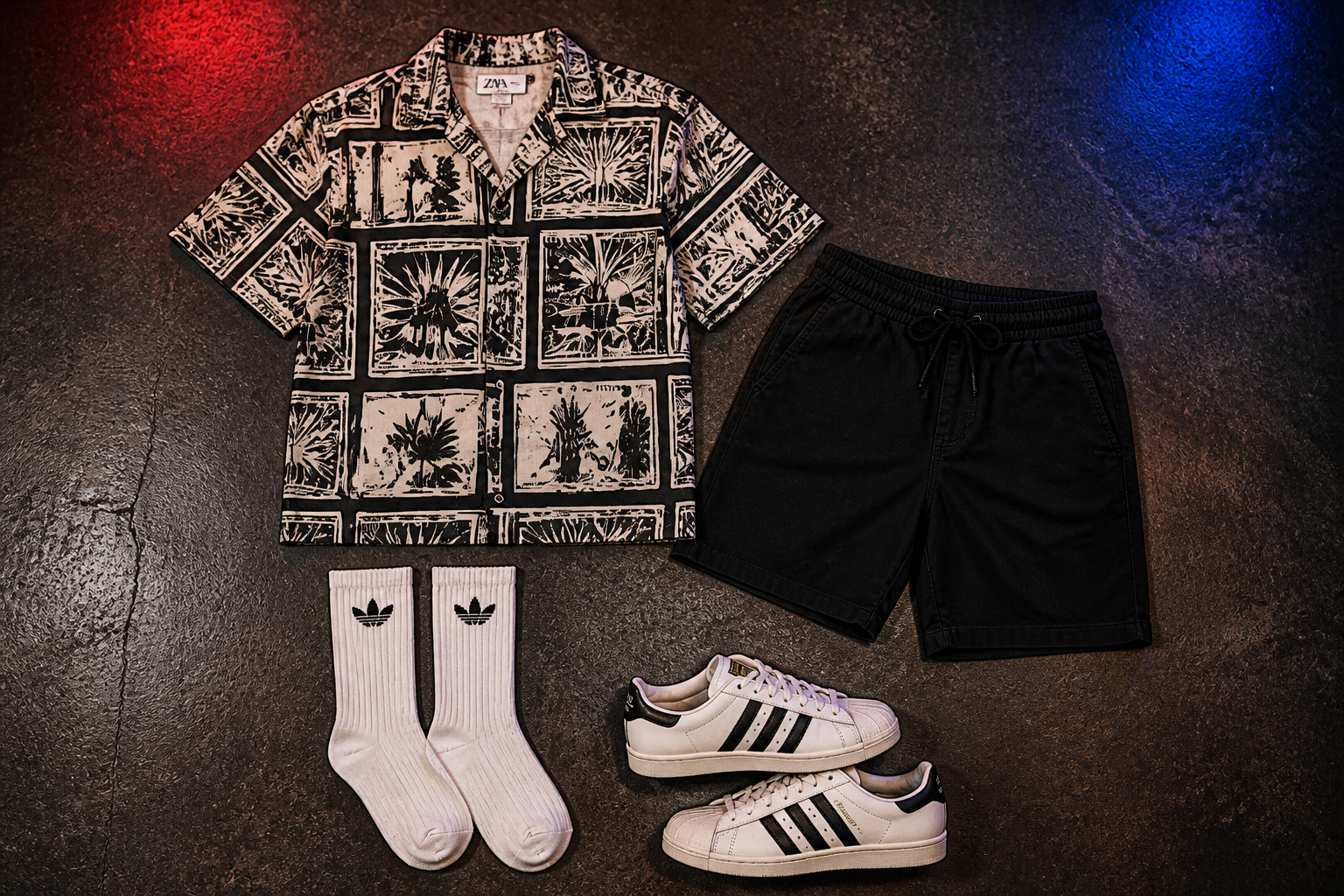 AFTER
AFTER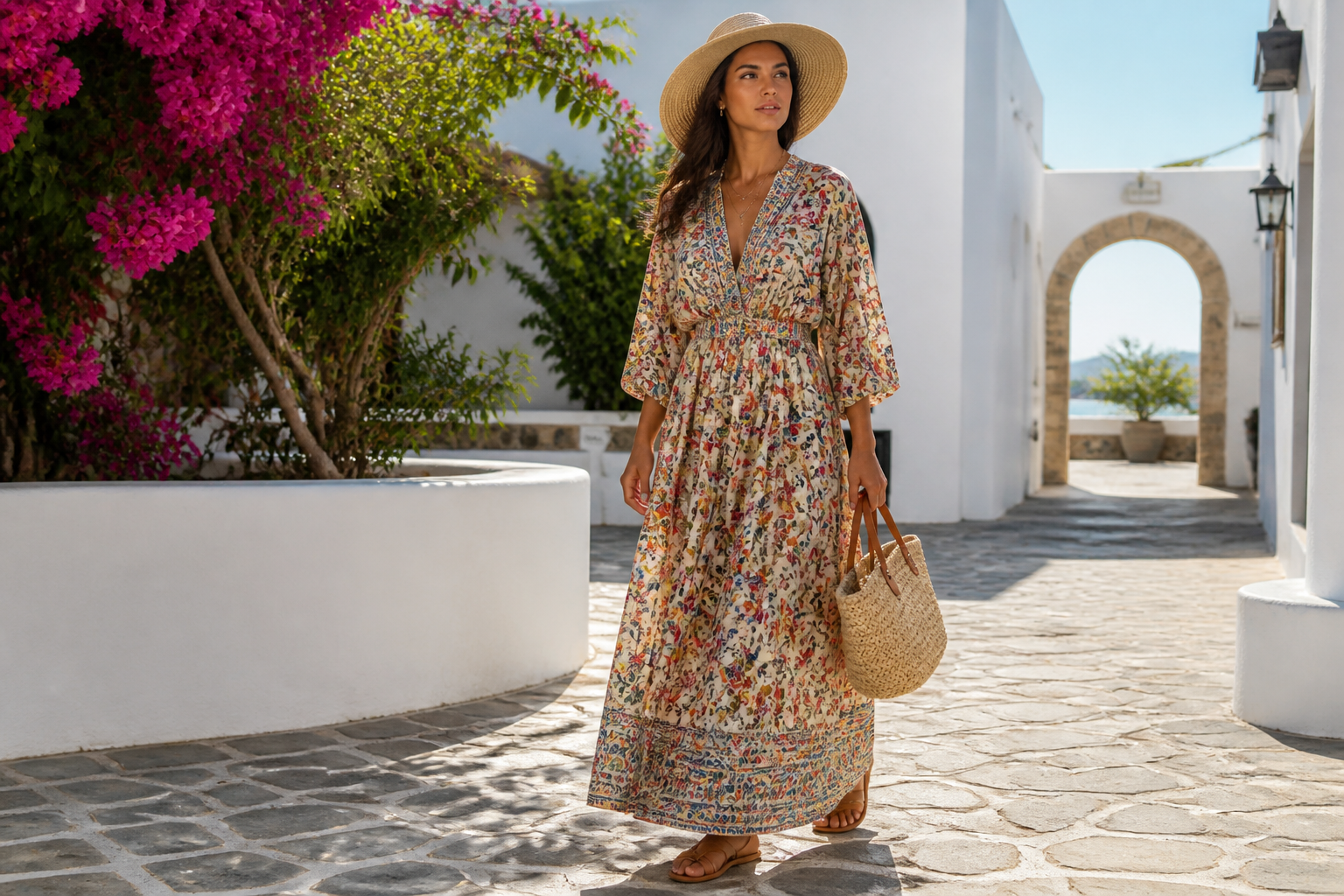 BEFORE
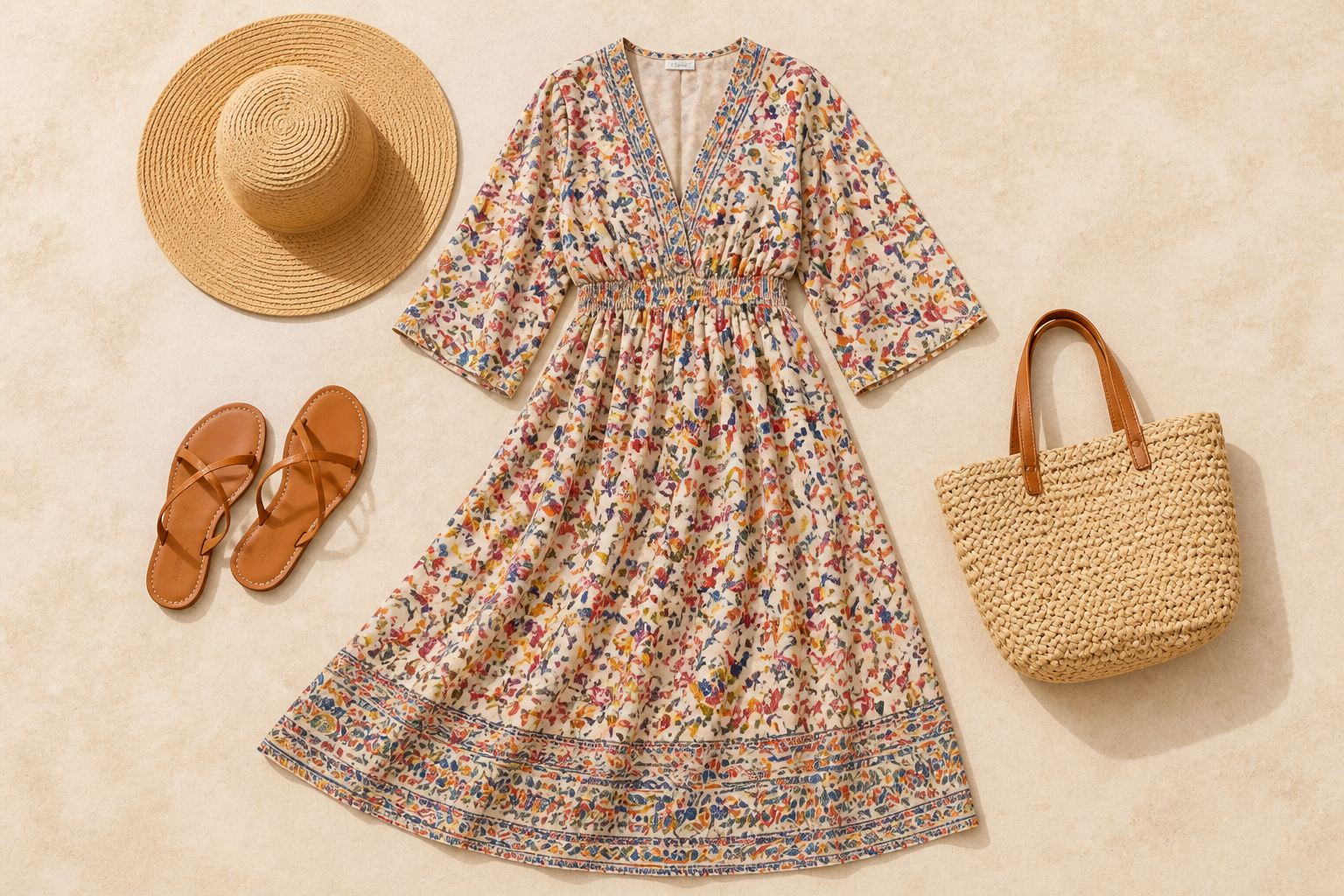 AFTERBEFOREAFTERBEFOREAFTERBEFOREAFTERBEFOREAFTERBEFOREAFTER
Key Features
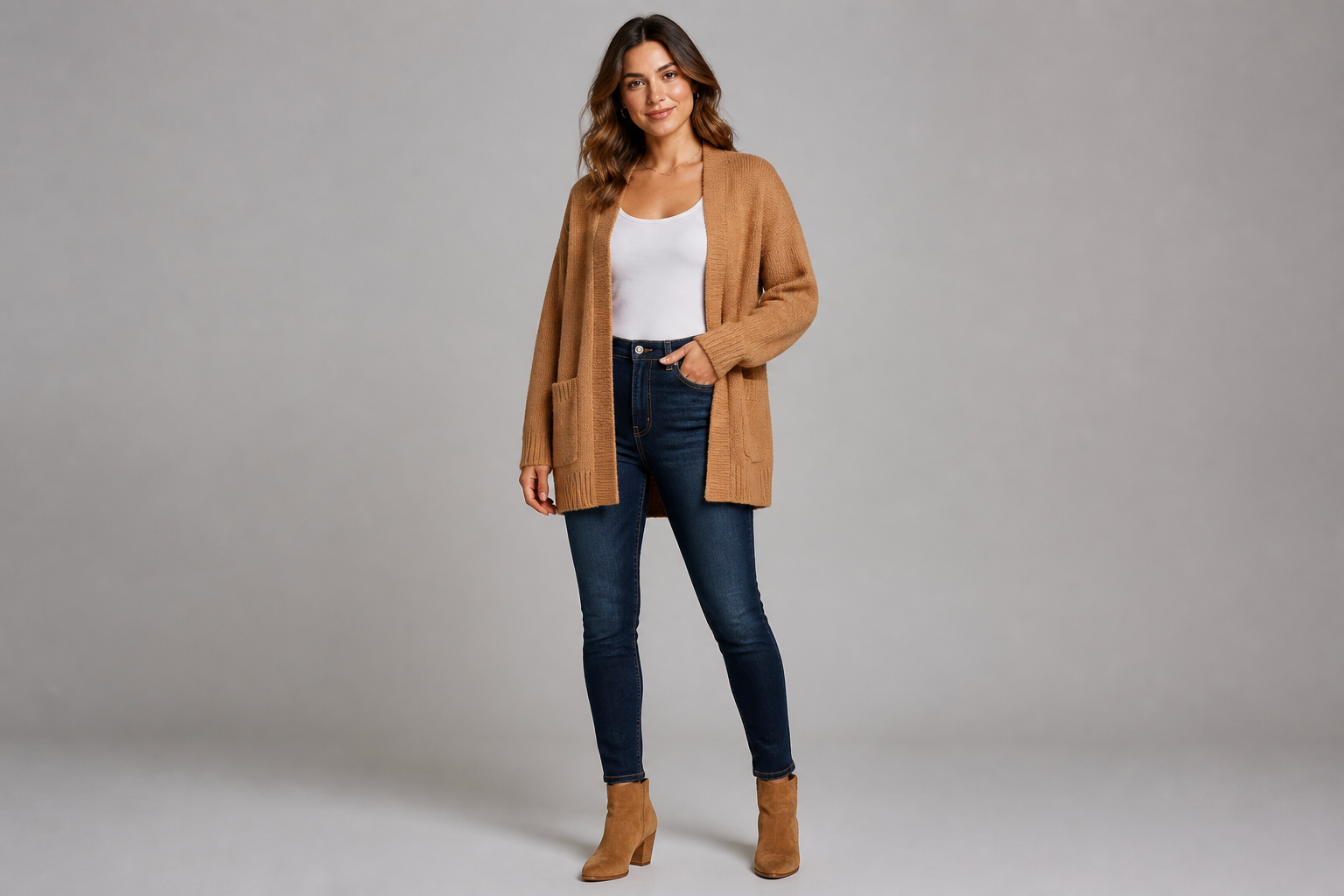
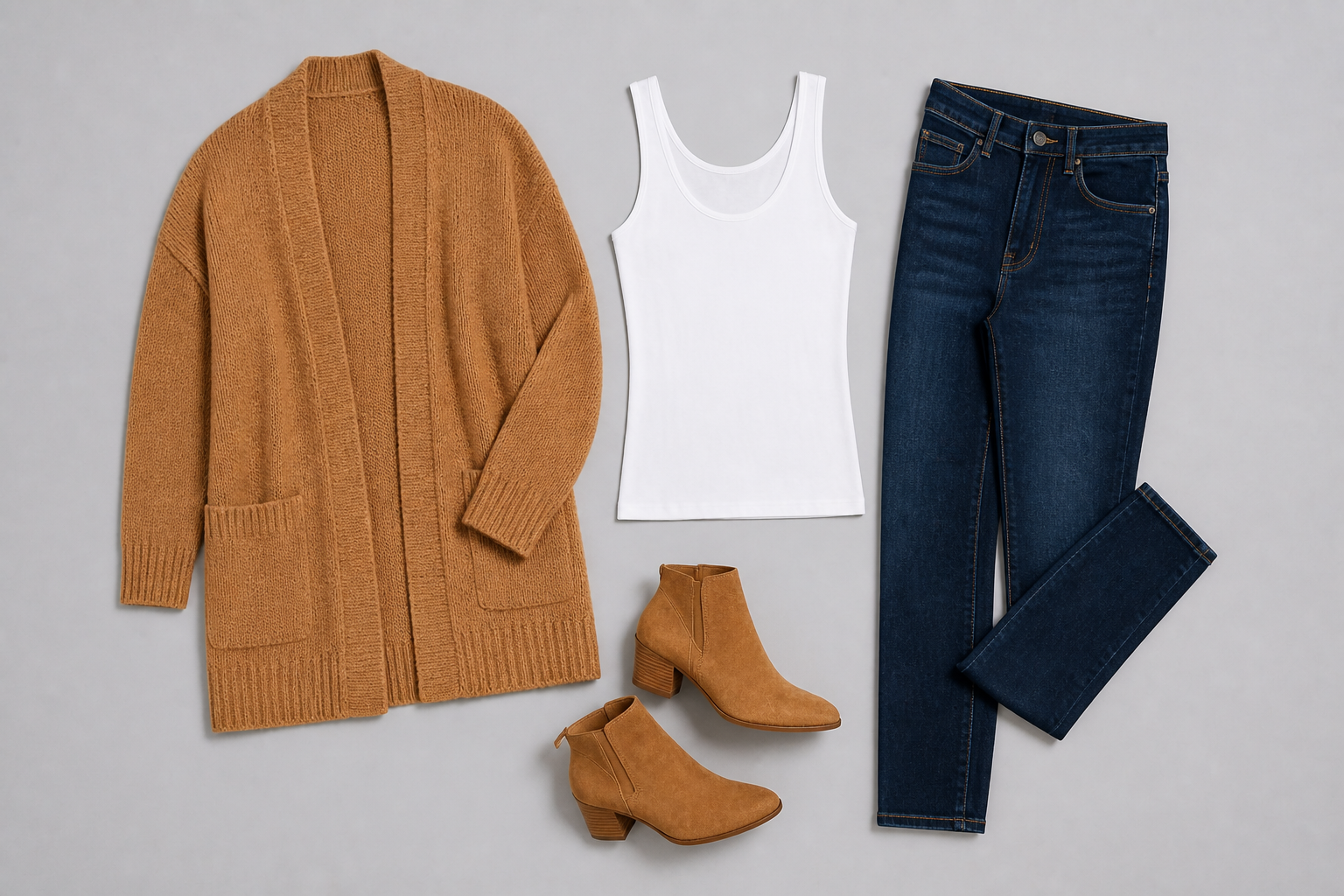
Remove the model cleanly
Turn a styled outfit shot into a product-first flatlay without manually masking the person out. The AI isolates the garments and rebuilds the look as a clear top-down arrangement. That saves time compared with cutting out each item by hand. It is especially useful when you already have model photography but need merchandising assets too.
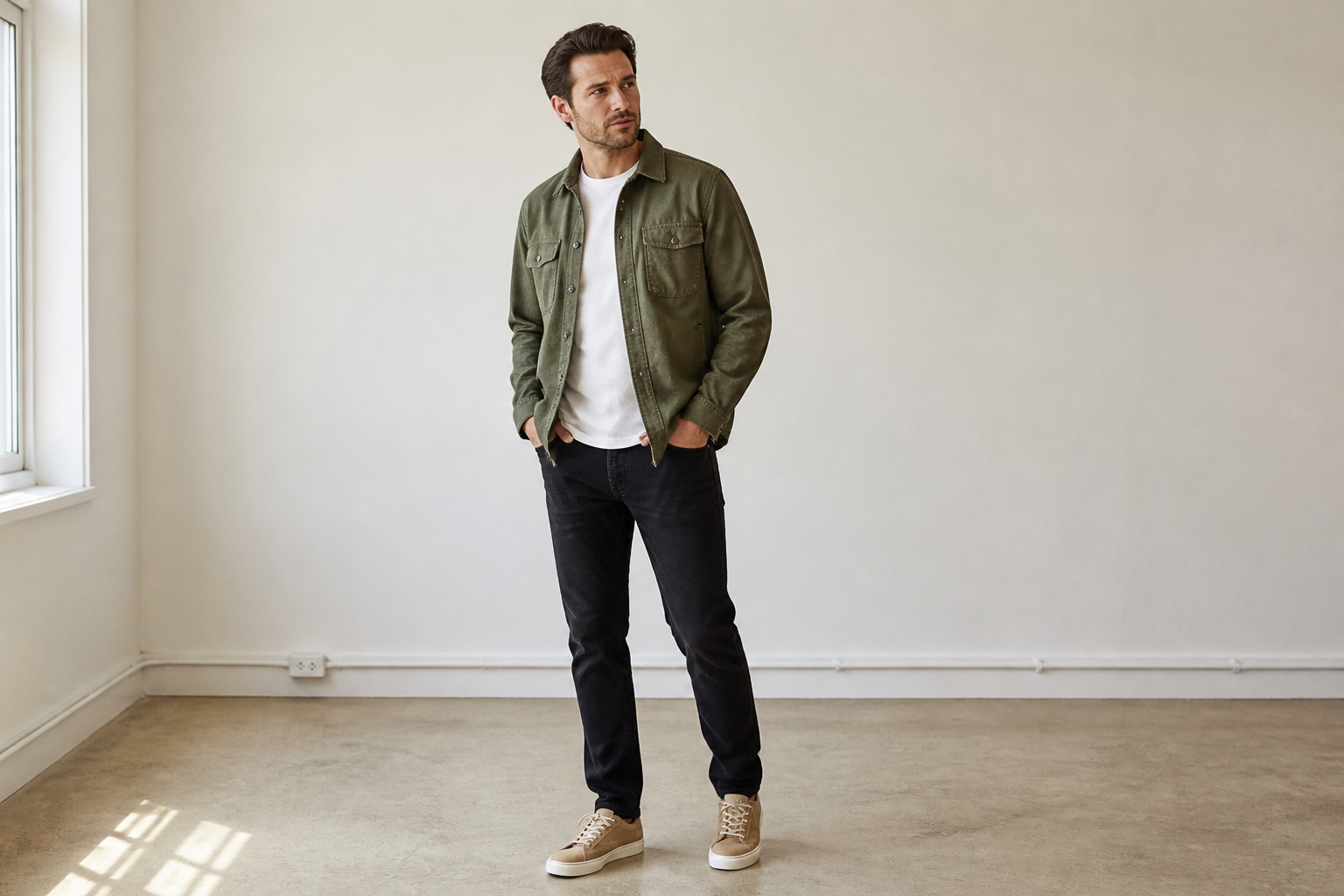
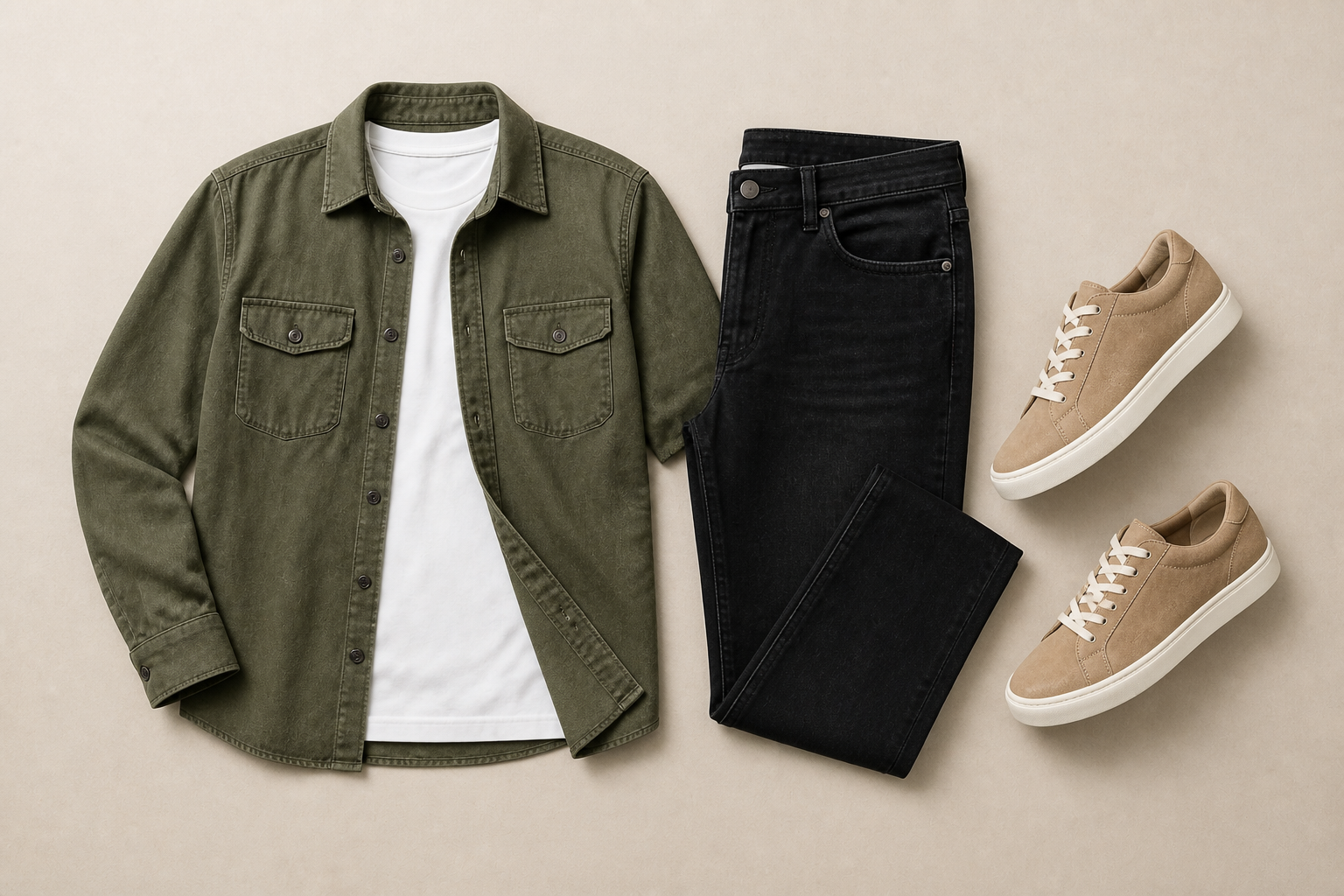
Keep outfit details intact
Flatlays only work if the garments still look like the original look. Our AI keeps the same colors, cuts, textures, and layering so the after image stays true to the styled outfit. This makes the result more reliable for listings, lookbooks, and internal approvals. You get a cleaner format without changing the product itself.
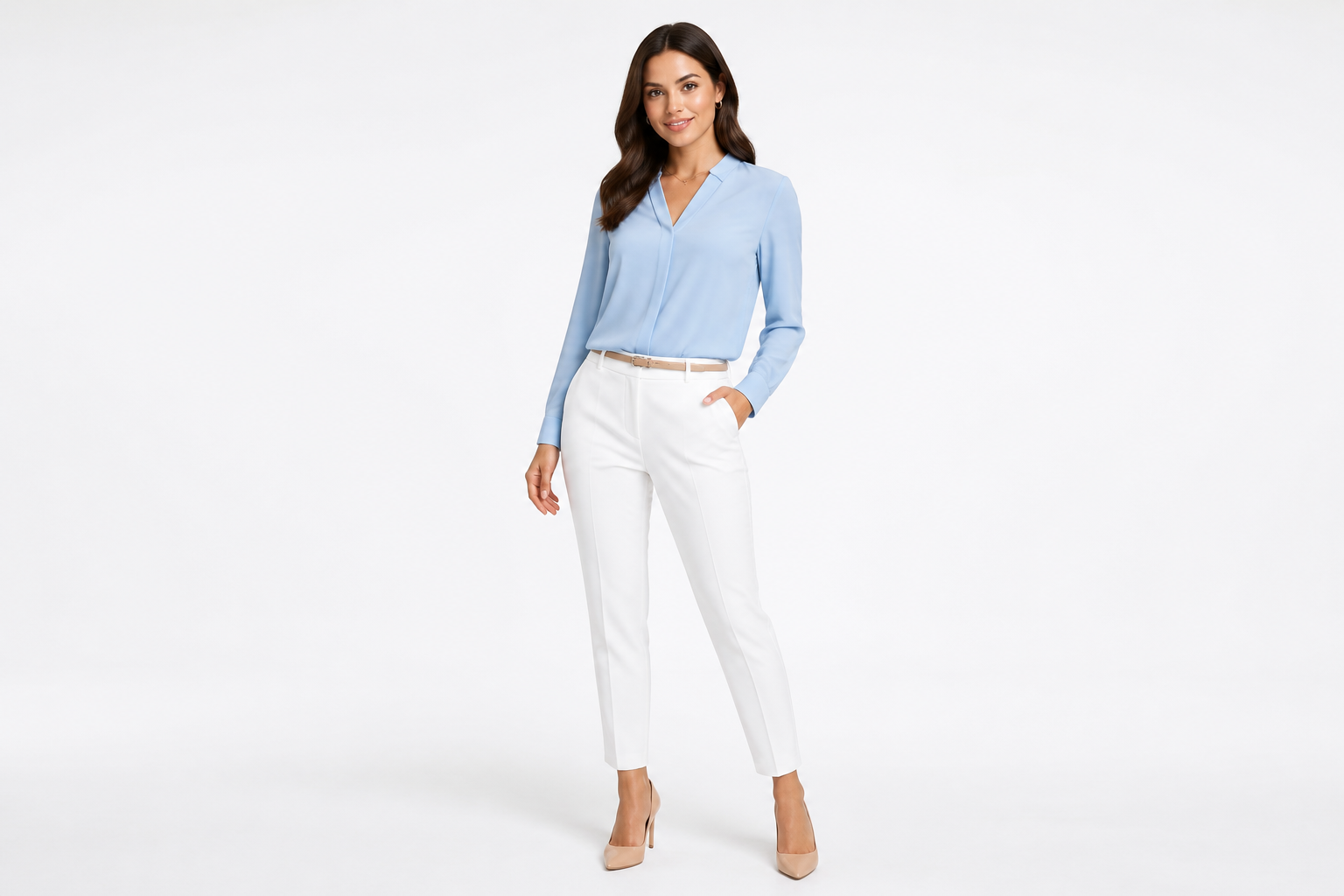
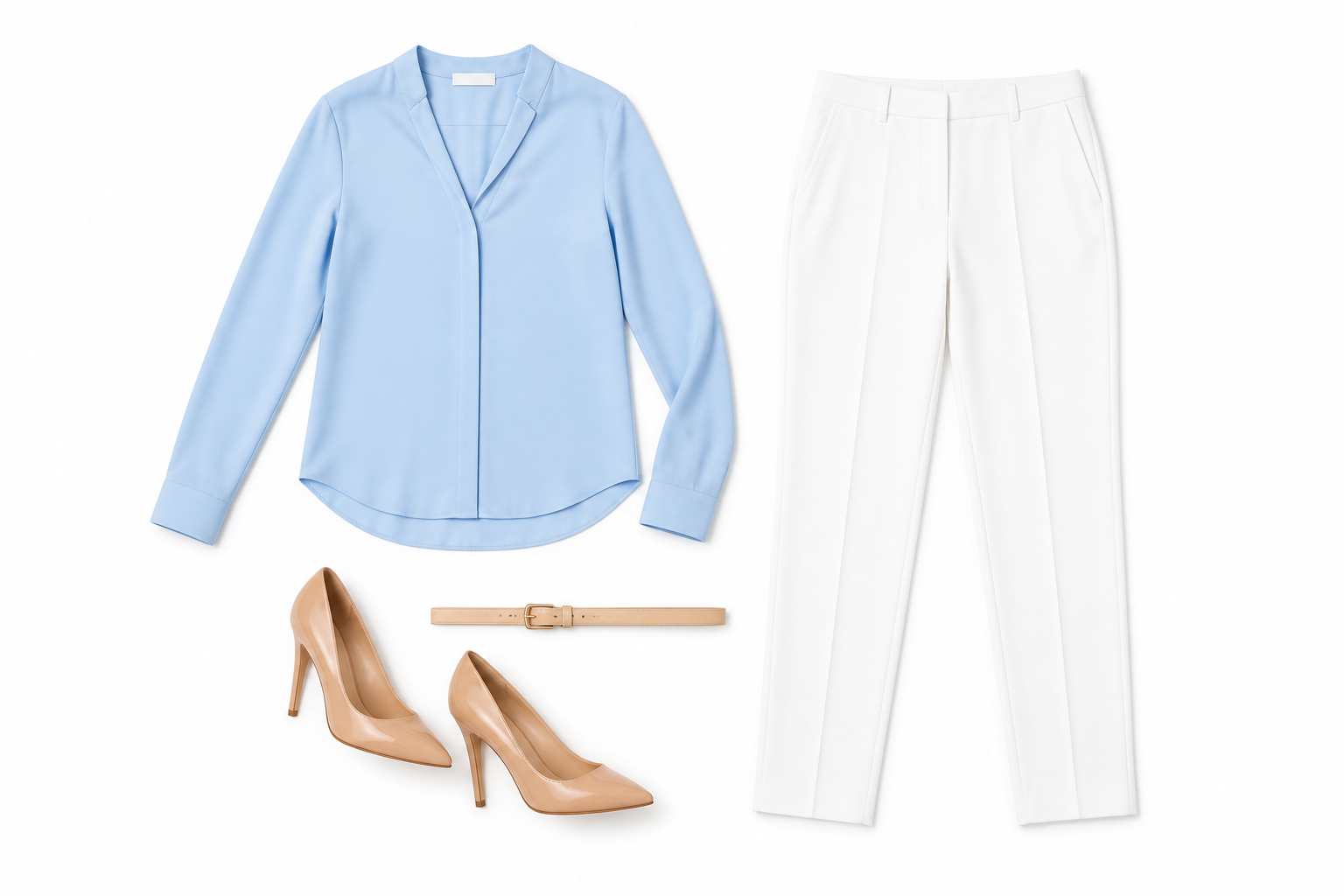
Create consistent catalog images
A mixed photo set can look messy when some items are on-body and others are laid flat. Use the tool to convert model shots into a more uniform flatlay presentation across a collection. The AI makes the arrangement readable at a glance, which helps shoppers compare pieces faster. It also reduces the need for extra reshoots just to match your catalog format.
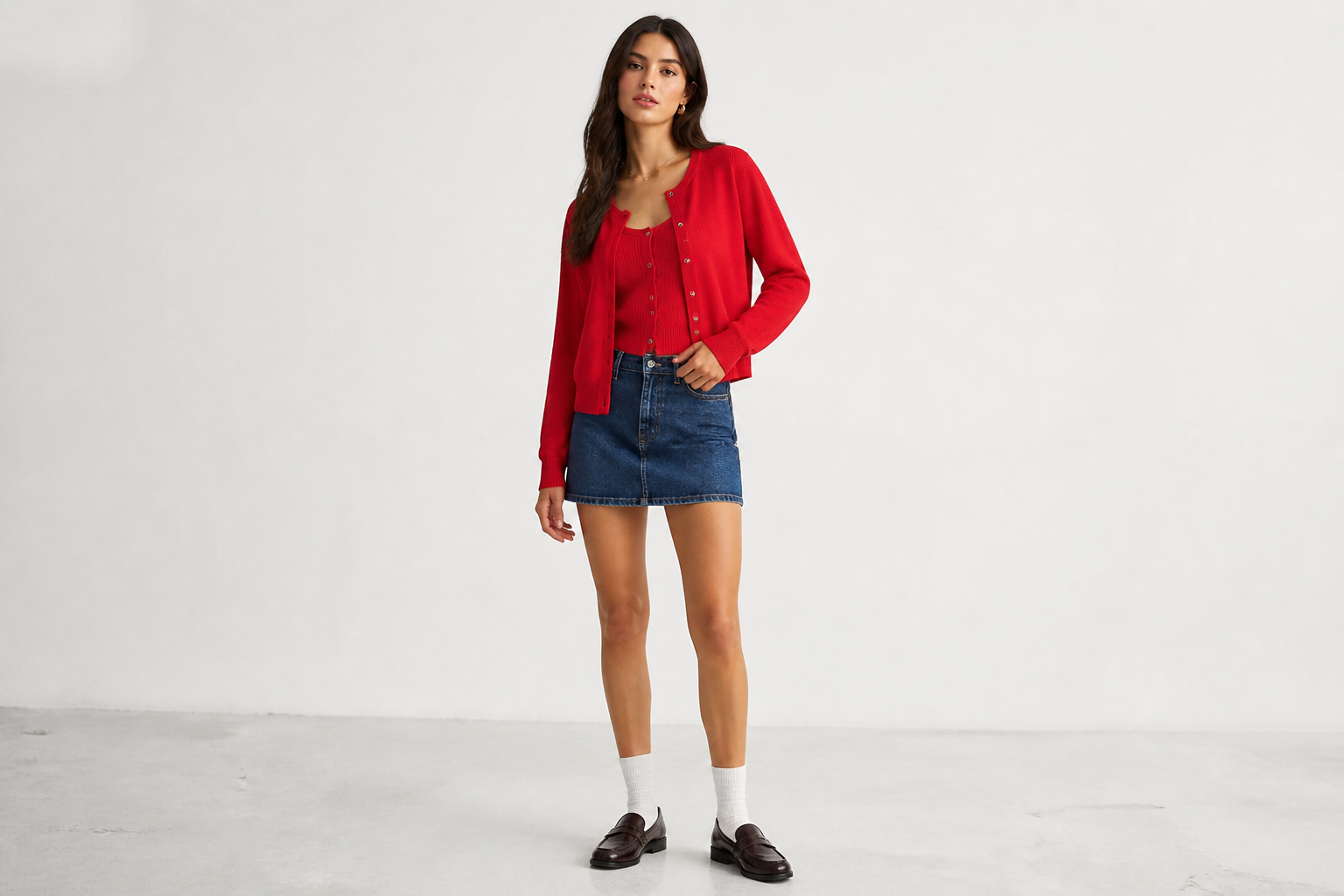
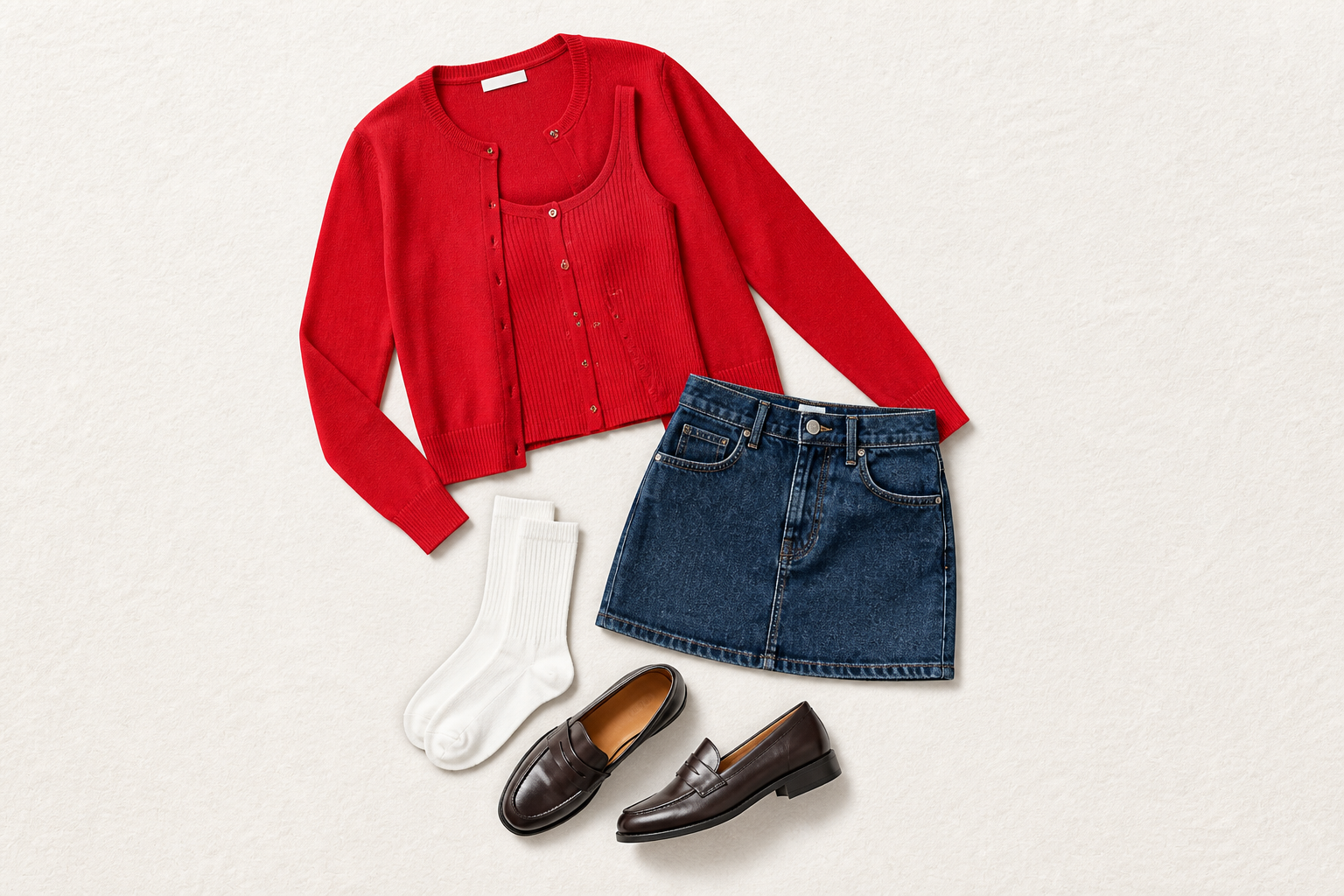
Works across visual styles
You can make straightforward retail flatlays or more stylized layouts for campaigns and social posts. The AI can shift the presentation while keeping the same outfit pieces recognizable. That gives creative teams more range from one source image. It is faster than rebuilding every flatlay concept from scratch in a design tool.
How It Works
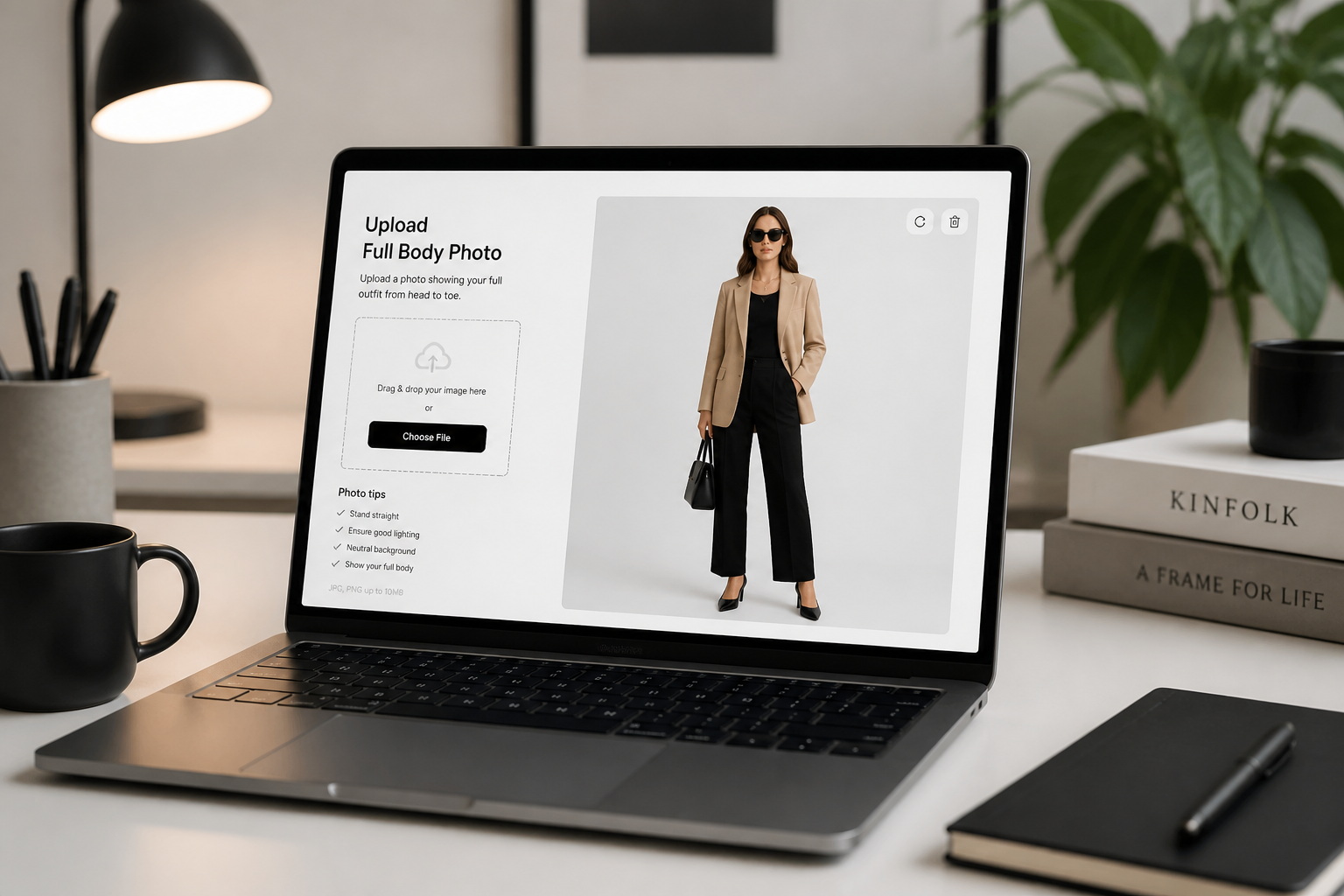
Upload your outfit photo
Start with a clear image of an adult model wearing the full look. Full-body shots with visible layers, shoes, and accessories usually give the best flatlay result.
Describe the flatlay result
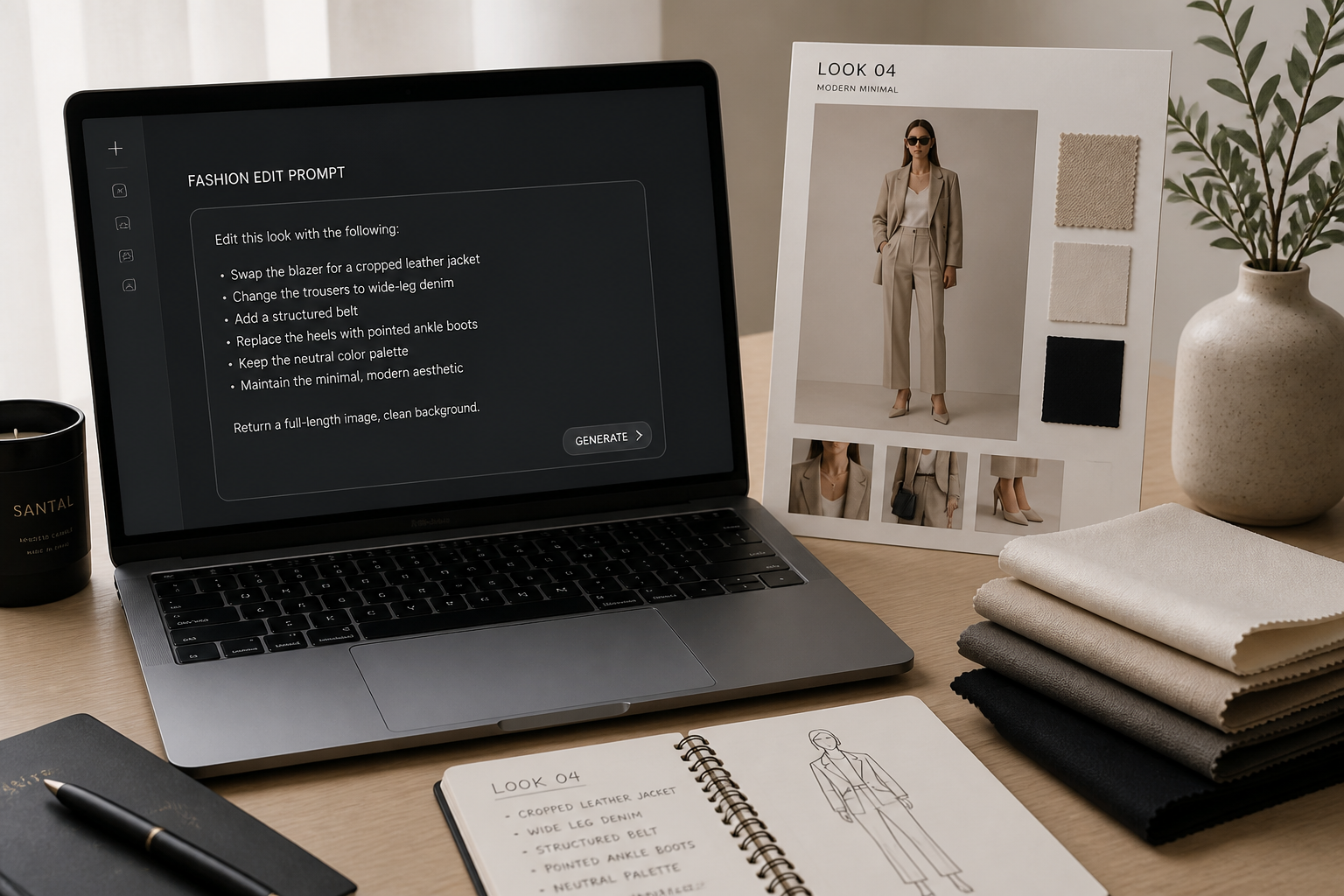
Tell the AI to turn the worn look into a top-down flatlay. You can mention background color, neat spacing, and whether accessories should stay included.
Download the flatlay image
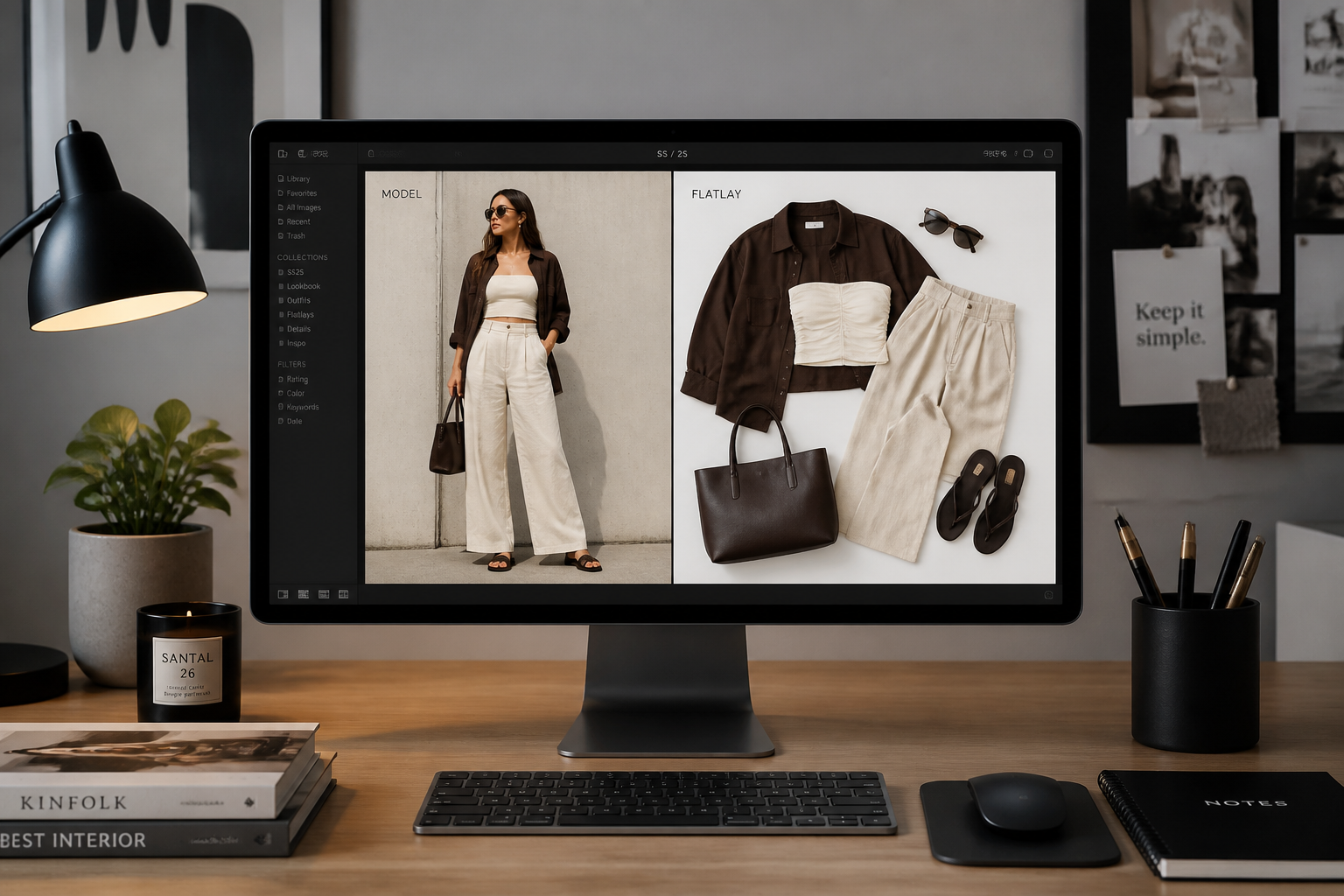
Review the output and compare it with the original outfit photo. If needed, run another version with a cleaner background or a different arrangement for your store or feed.
Perfect For
Discover how creators and professionals use ai flatlay generator
E-commerce product visuals
Create flatlay images from model photography when you need product-first visuals for collection pages, category pages, or marketplace listings.
Social media outfit posts
Turn styled looks into neat flatlays for Instagram, Pinterest, and campaign teasers where the clothing arrangement is the focus.
Resale and consignment listings
Convert worn outfit shots into cleaner flatlay images that make individual pieces easier to see in secondhand and resale listings.
Internal merchandising reviews
Use flatlays to compare outfits, color stories, and styling combinations without scheduling additional sample photography.
Built For
Fashion brands
Reuse existing lookbook or model photography to generate flatlays for stores, campaigns, and seasonal collections.
Online sellers
Make clearer apparel images for listings when you want the outfit components visible without the distraction of the model.
Stylists and content teams
Produce top-down outfit visuals quickly for moodboards, posts, and client presentations without laying every piece out by hand.
Why use it for outfit flatlays
A quick look at how we compare on the things that matter for this niche.
| Feature | BudgetPixel | Generic AI editors | Manual editing apps |
|---|---|---|---|
| Convert worn look to flatlay | ✓ | — | — |
| Keeps outfit pieces recognizable | ✓ | Varies | Manual work |
| Fast merchandising visuals | ✓ | Varies | Slow |
| No hand masking required | ✓ | Varies | — |
Frequently Asked Questions
What does the AI Flatlay Generator do?
Do the clothes stay the same as in the original photo?
What kind of photo works best?
Can I include shoes and accessories?
Is this useful for stores and resale listings?
Create together.
Share your creations, discover trending AI art, and grow with fellow creators.