AI Fashion Lookbook Generator for Outfit Concepts
Turn one fashion photo into a polished, scroll-ready lookbook.
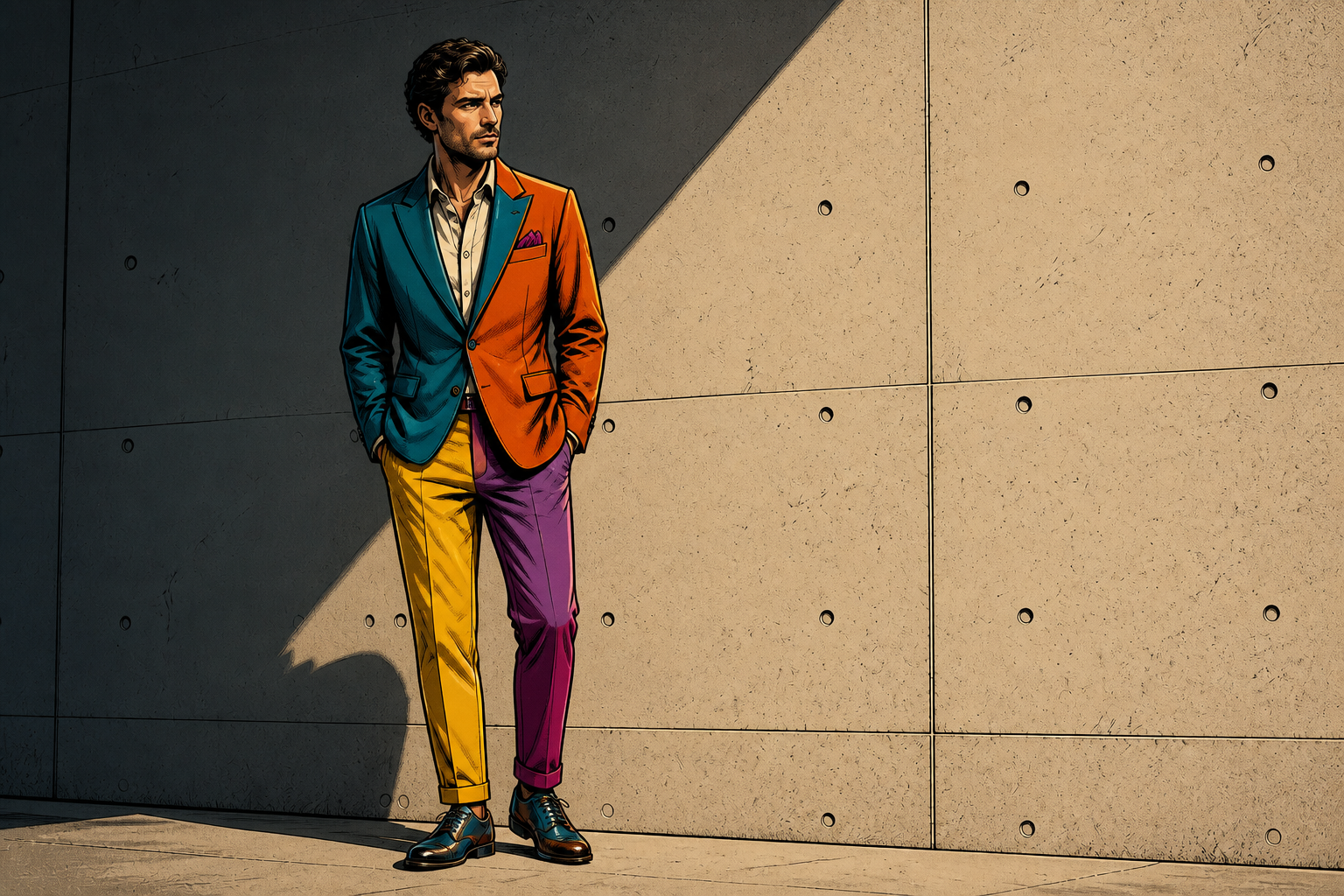
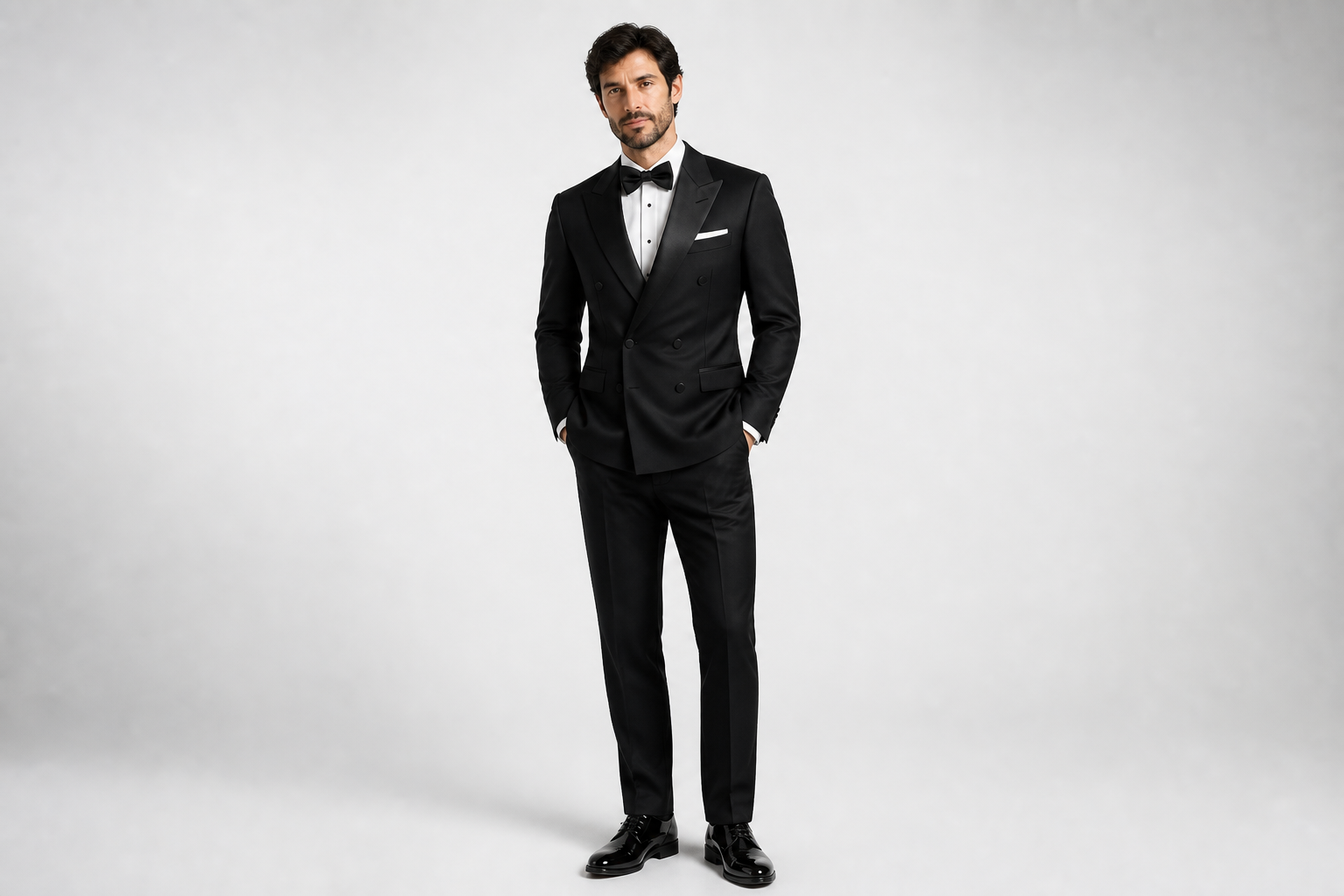
Upload a fashion image and generate cohesive outfit variations, editorial looks, and styled campaign concepts in seconds. Our AI changes clothing, fabrics, colors, and visual direction while keeping the model, pose, and framing consistent. It is built for fast concepting, client previews, and content planning.
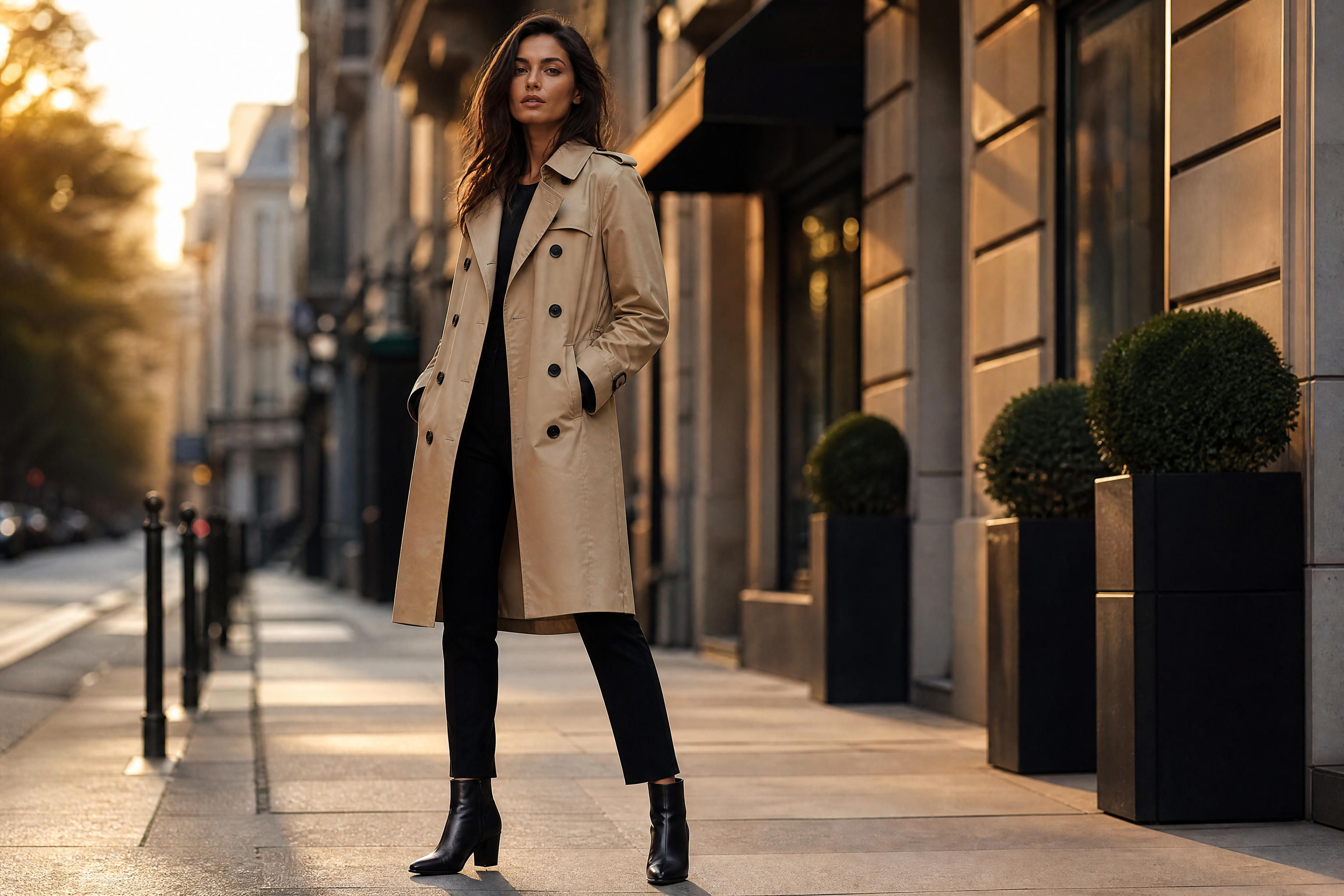
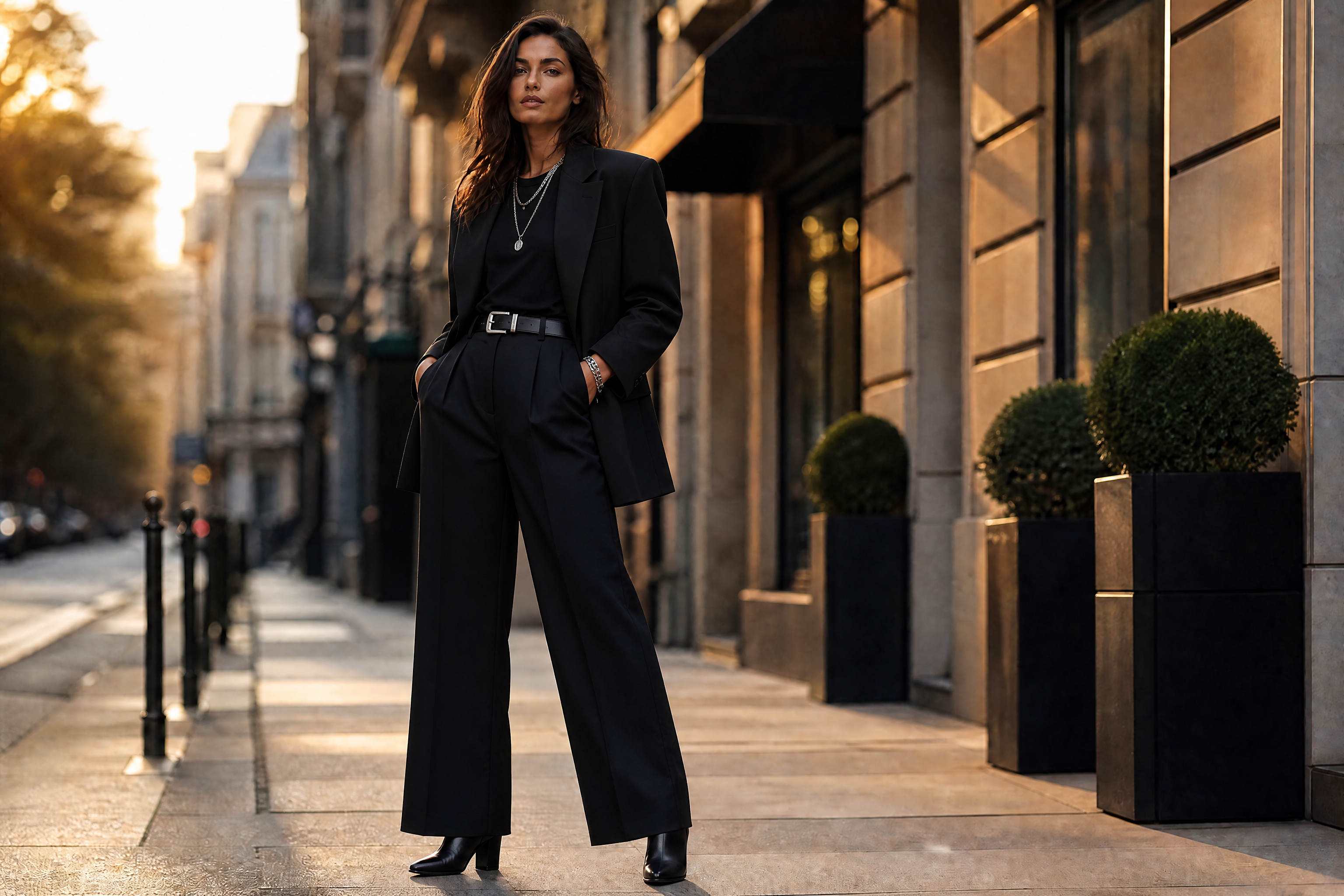
Watch the Transformation
See ai fashion lookbook generator in motion — generated end-to-end by our AI.
See It In Action
Real outputs from ai fashion lookbook generator.
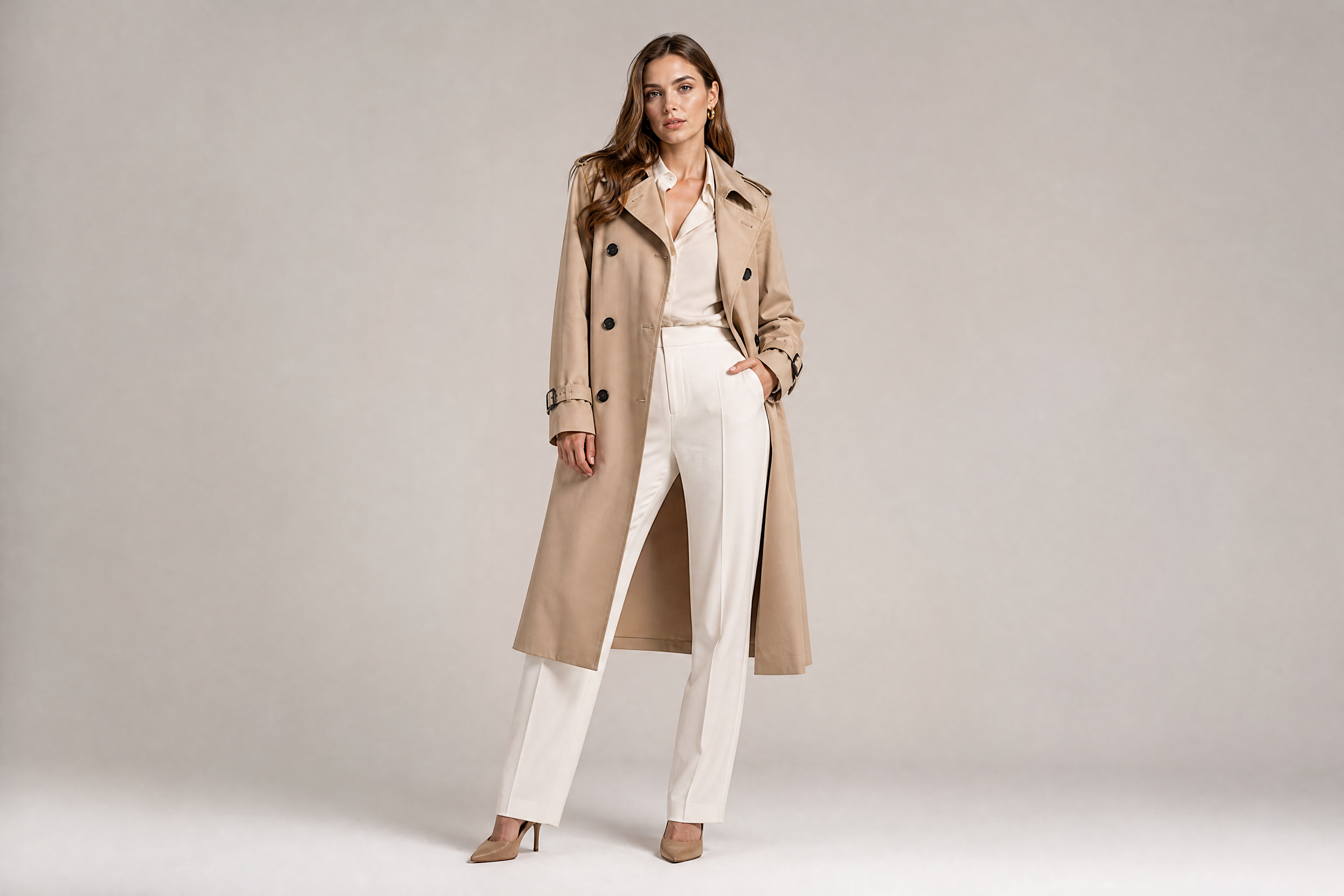
BEFOREAFTER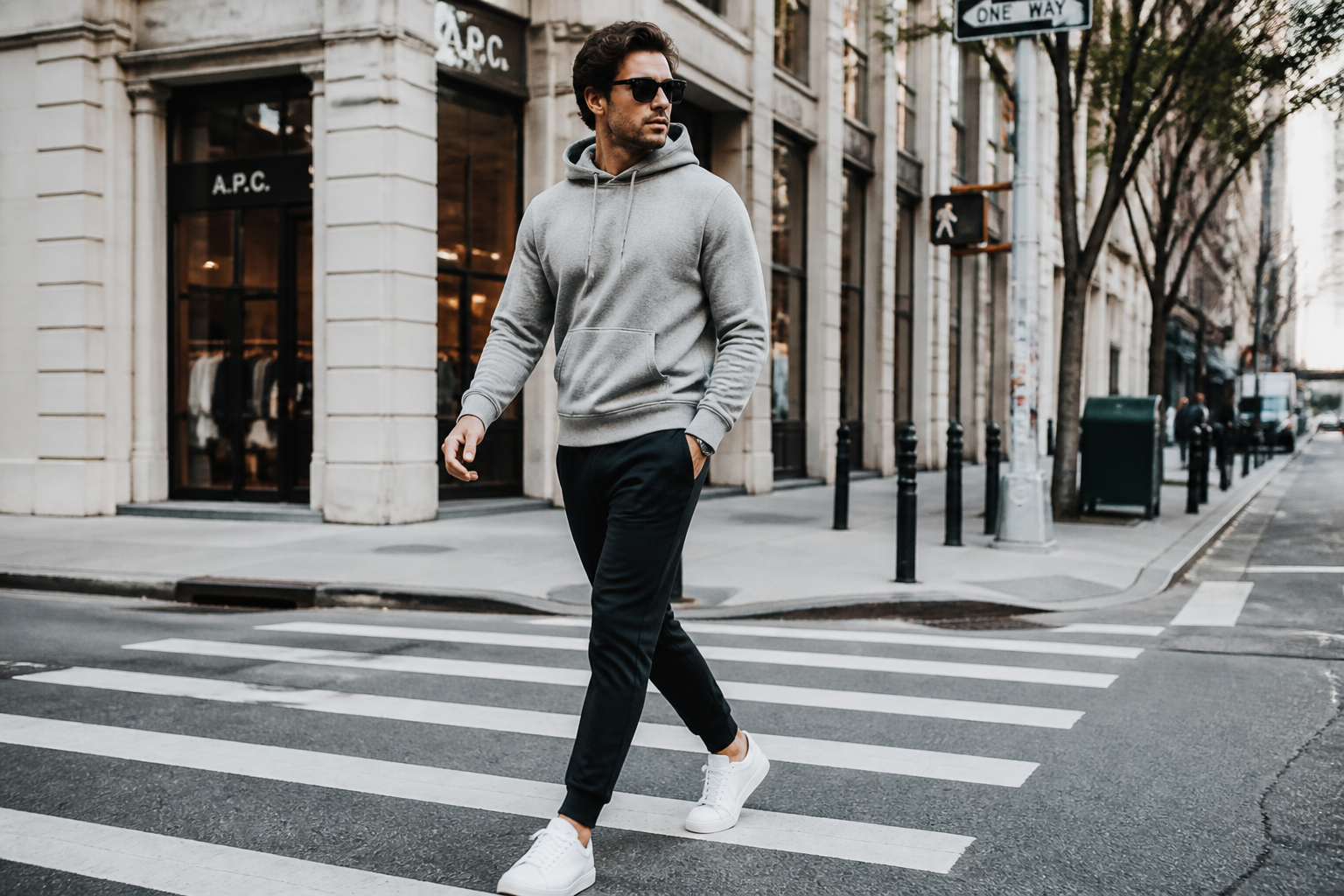 BEFORE
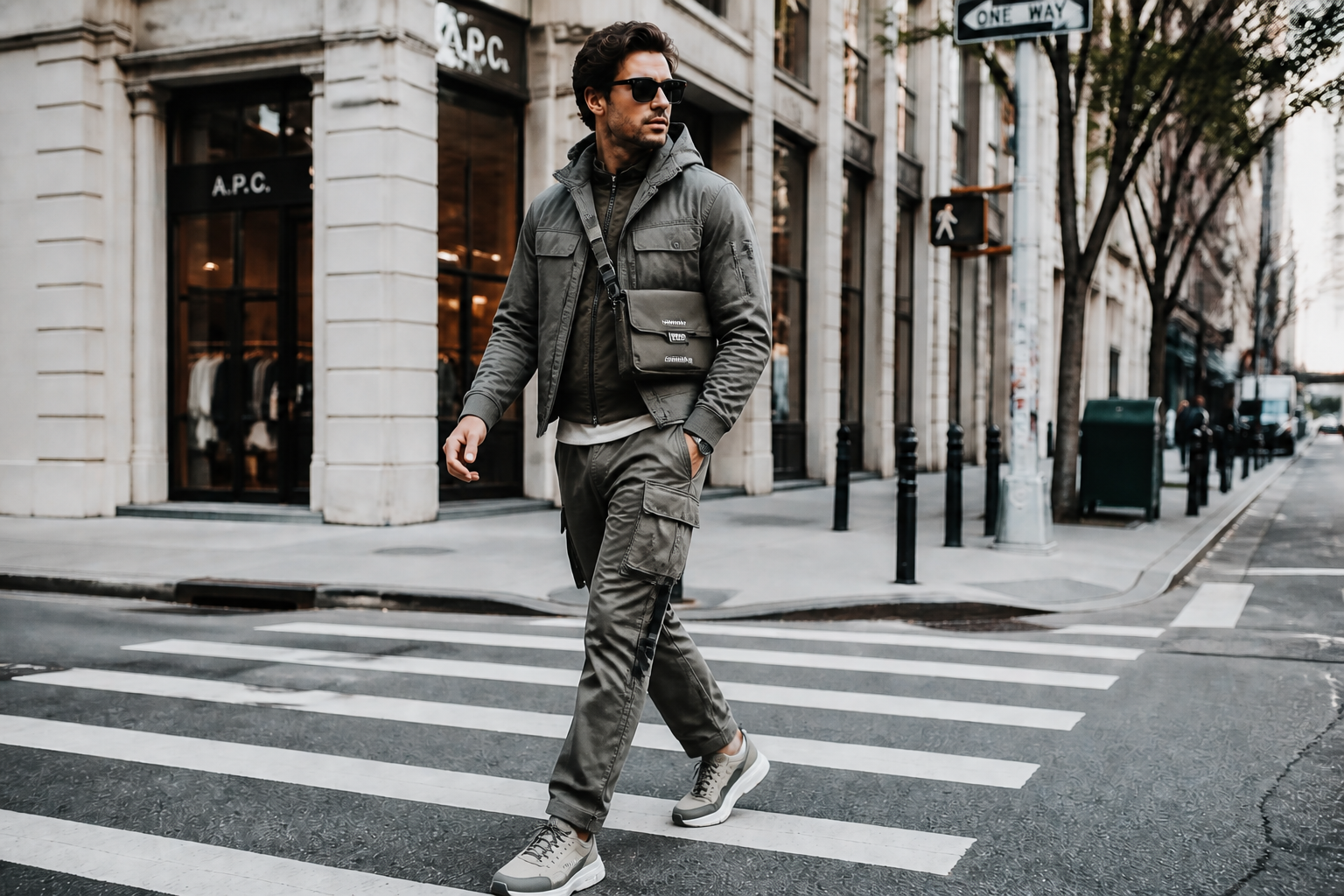 AFTER
AFTER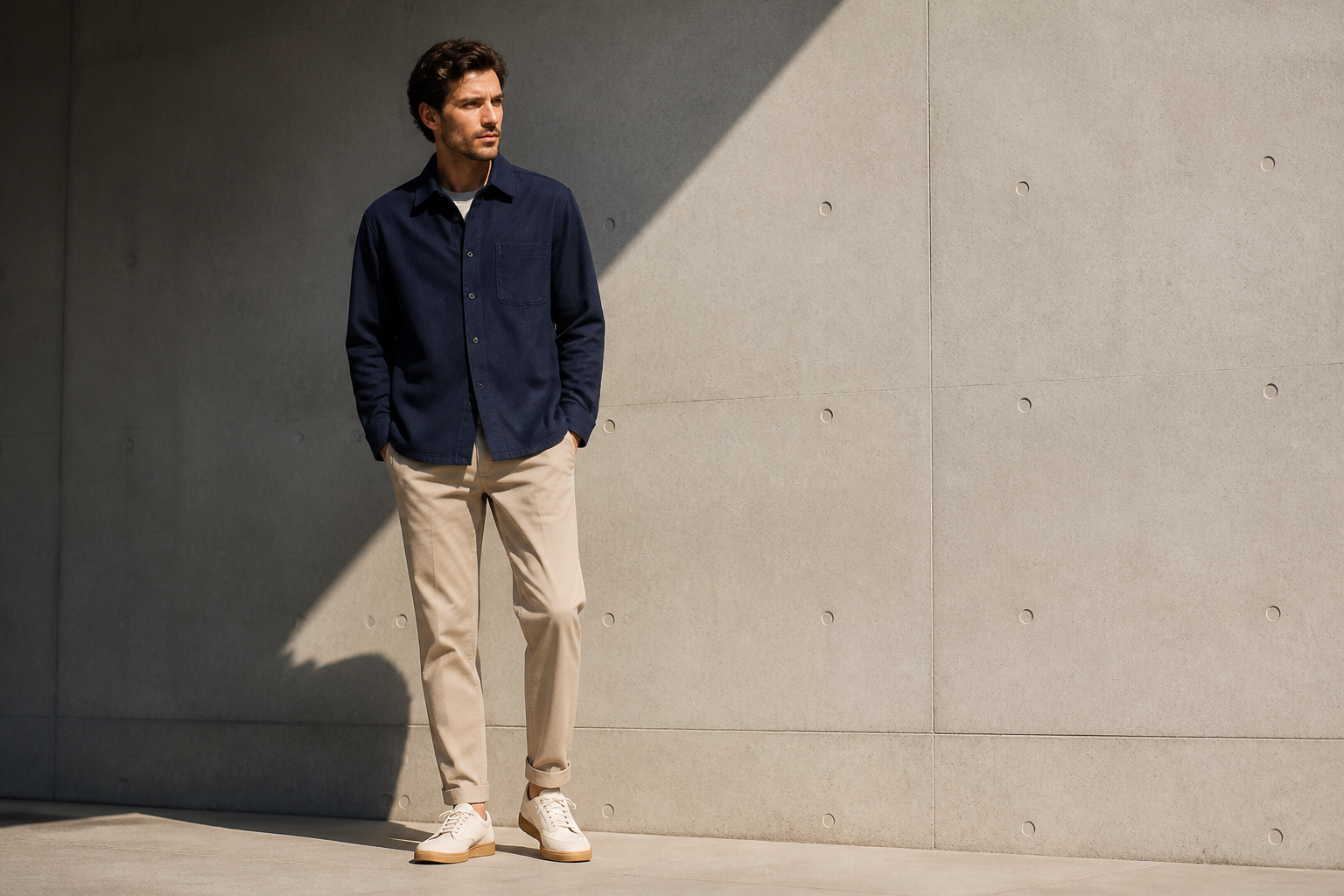 BEFORE
 AFTER
AFTER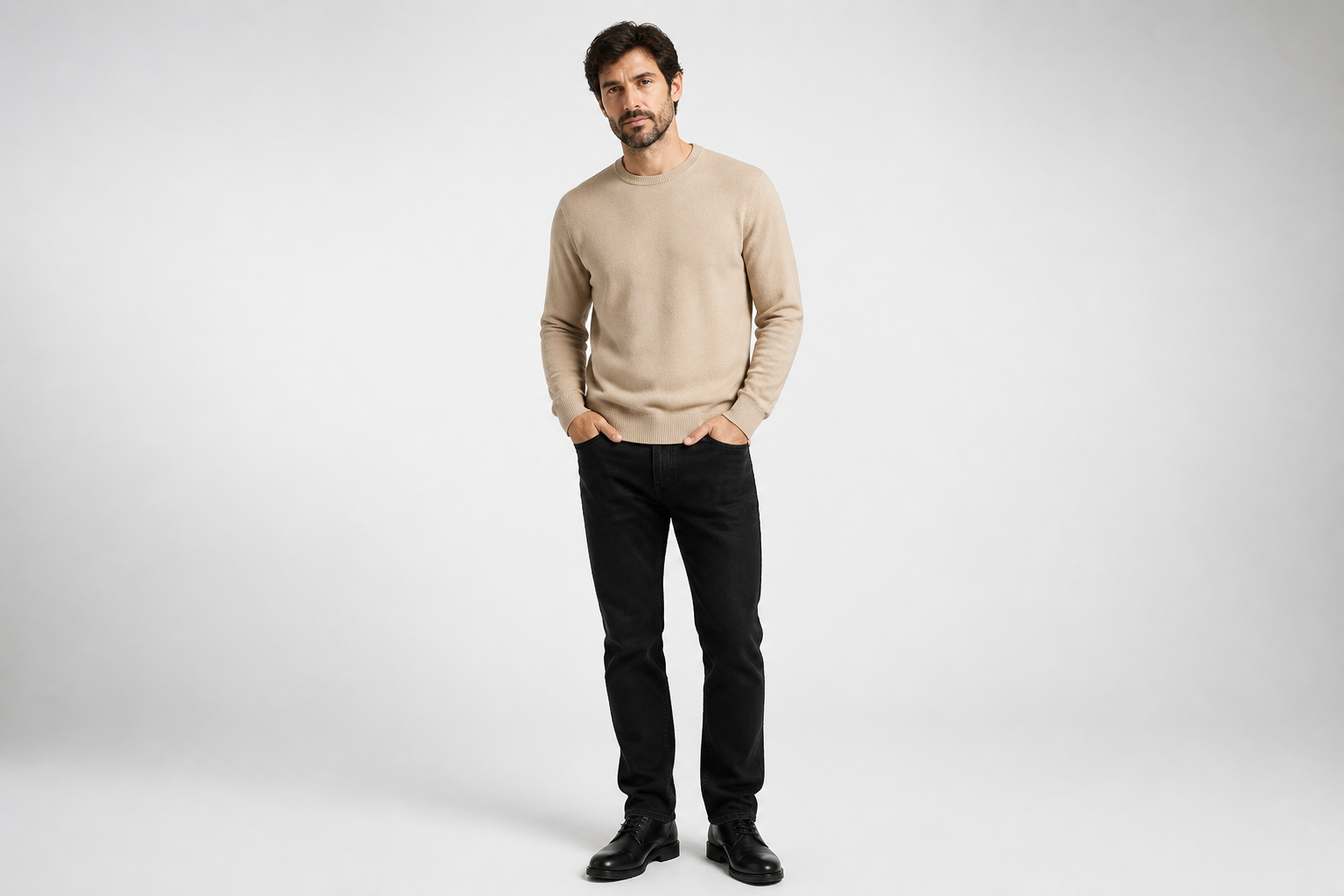 BEFORE
 AFTER
AFTER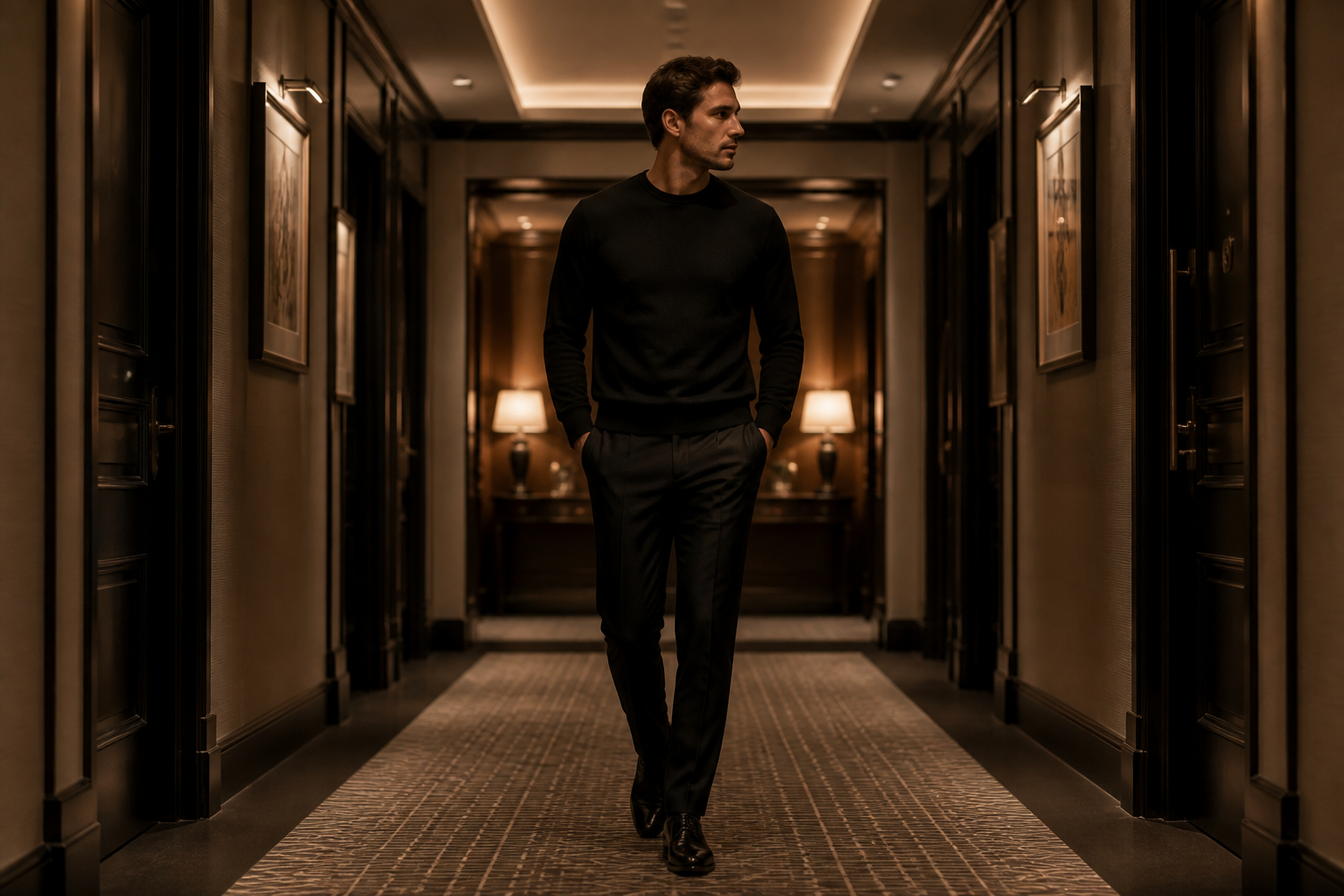 BEFORE
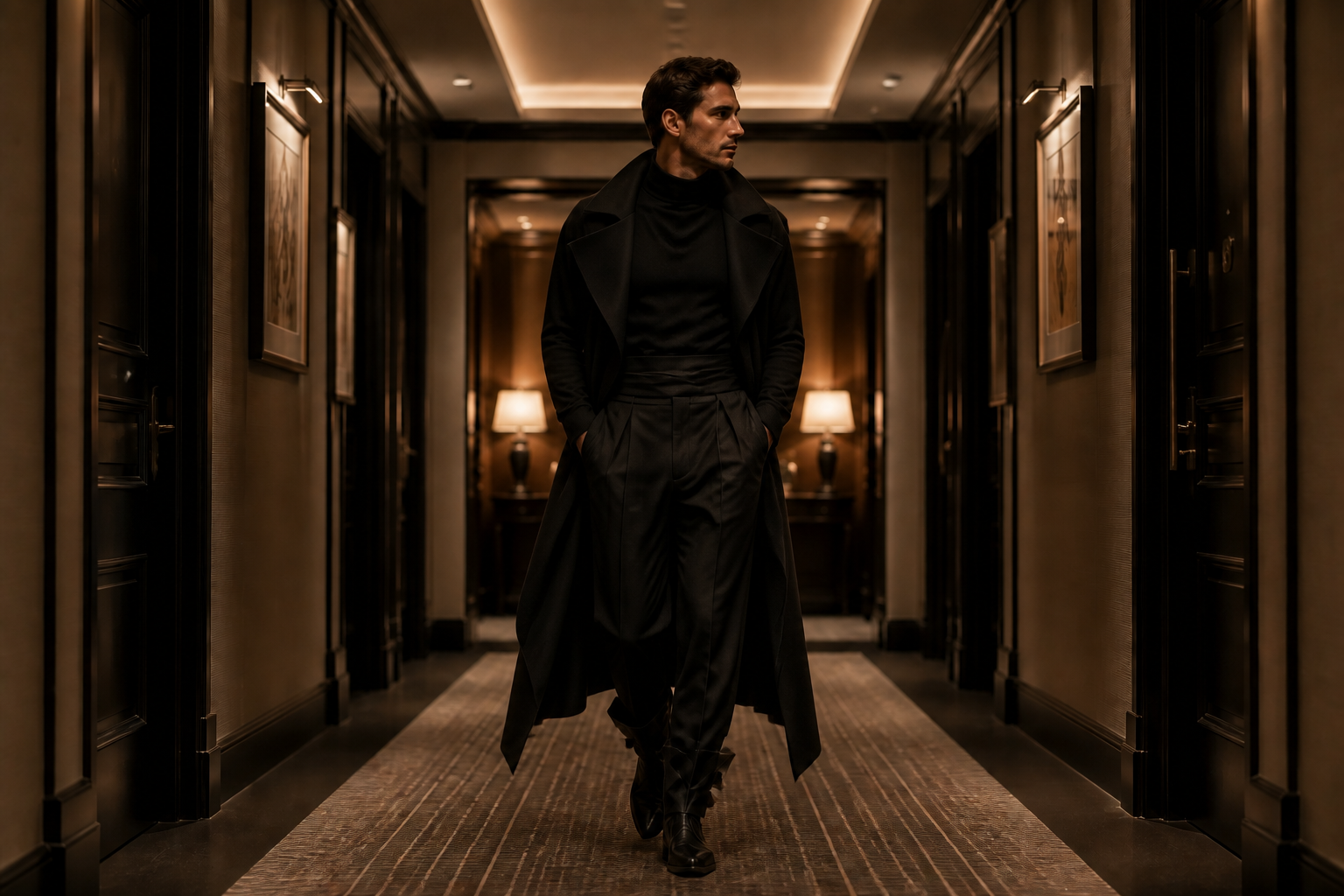 AFTERBEFOREAFTERBEFOREAFTERBEFOREAFTERBEFOREAFTERBEFOREAFTER
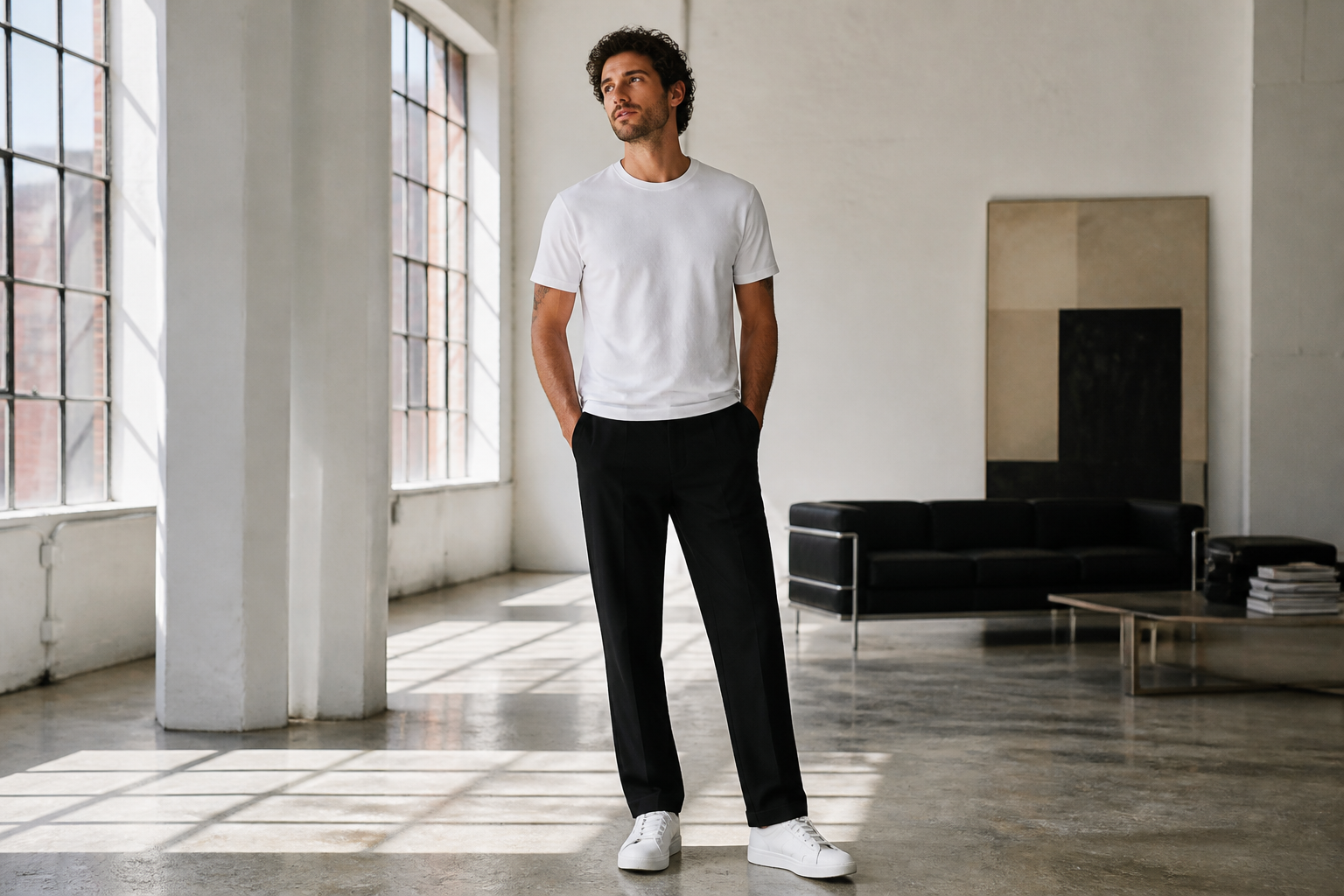 BEFORE
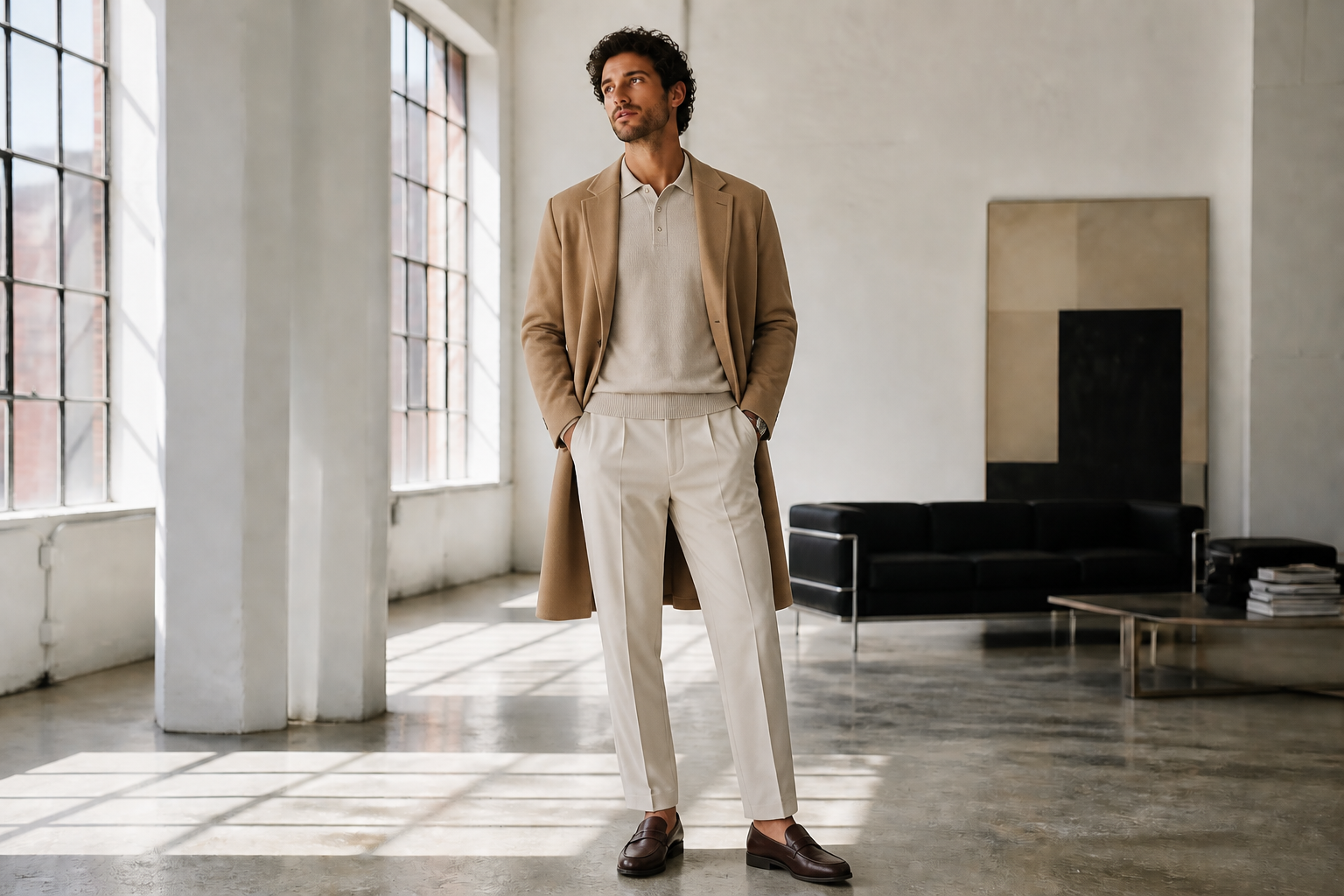 AFTER
AFTER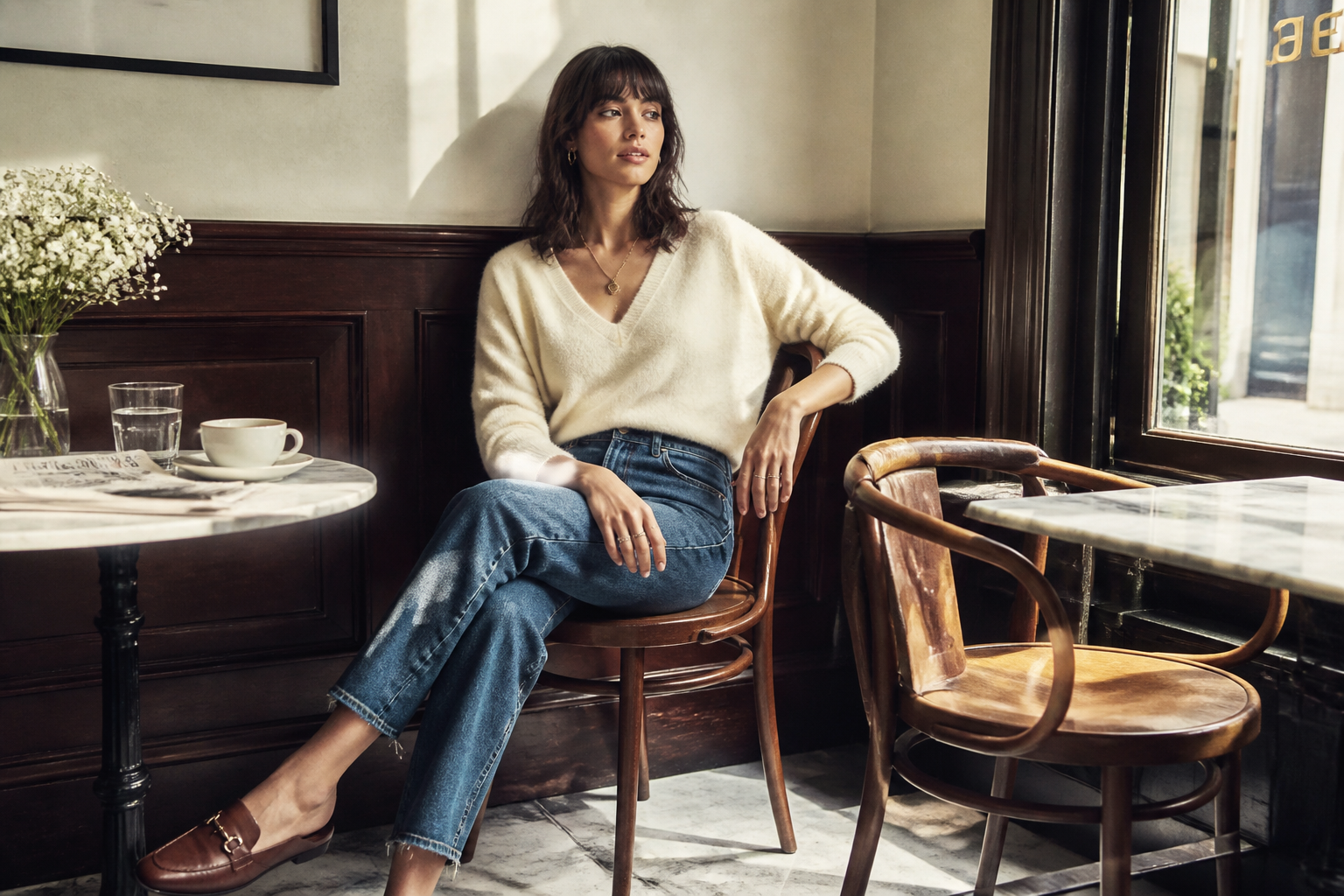 BEFORE
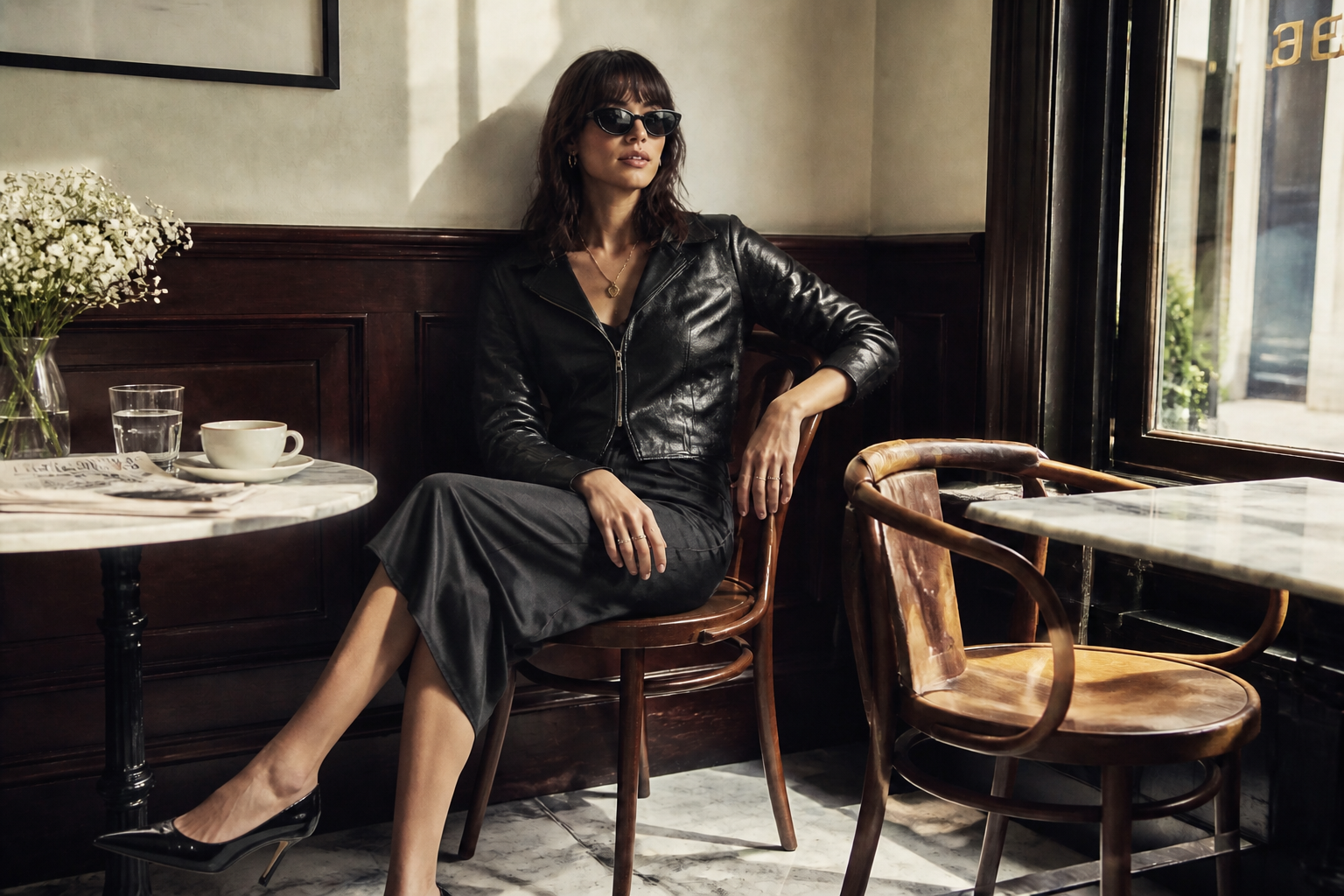 AFTER
AFTER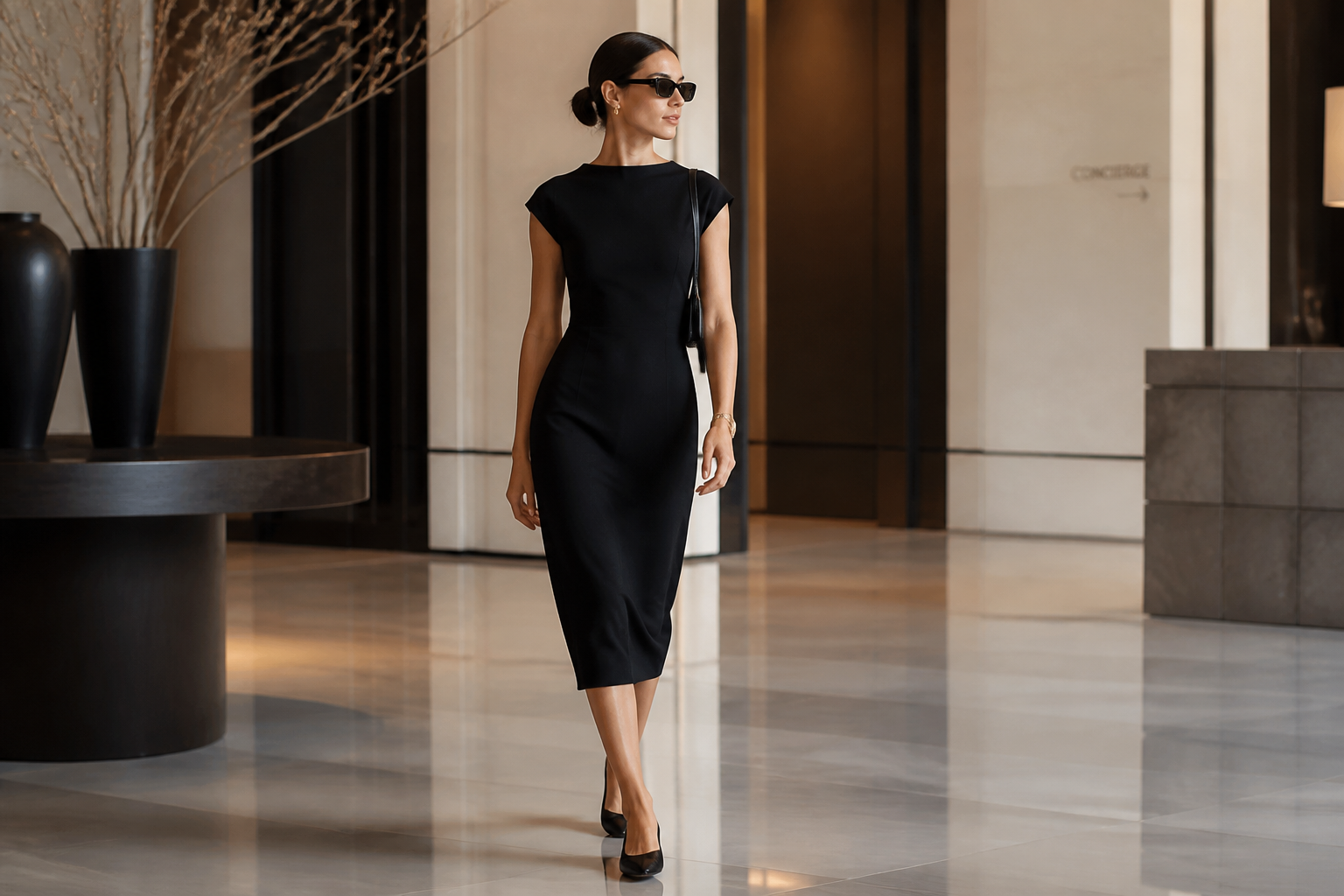 BEFORE
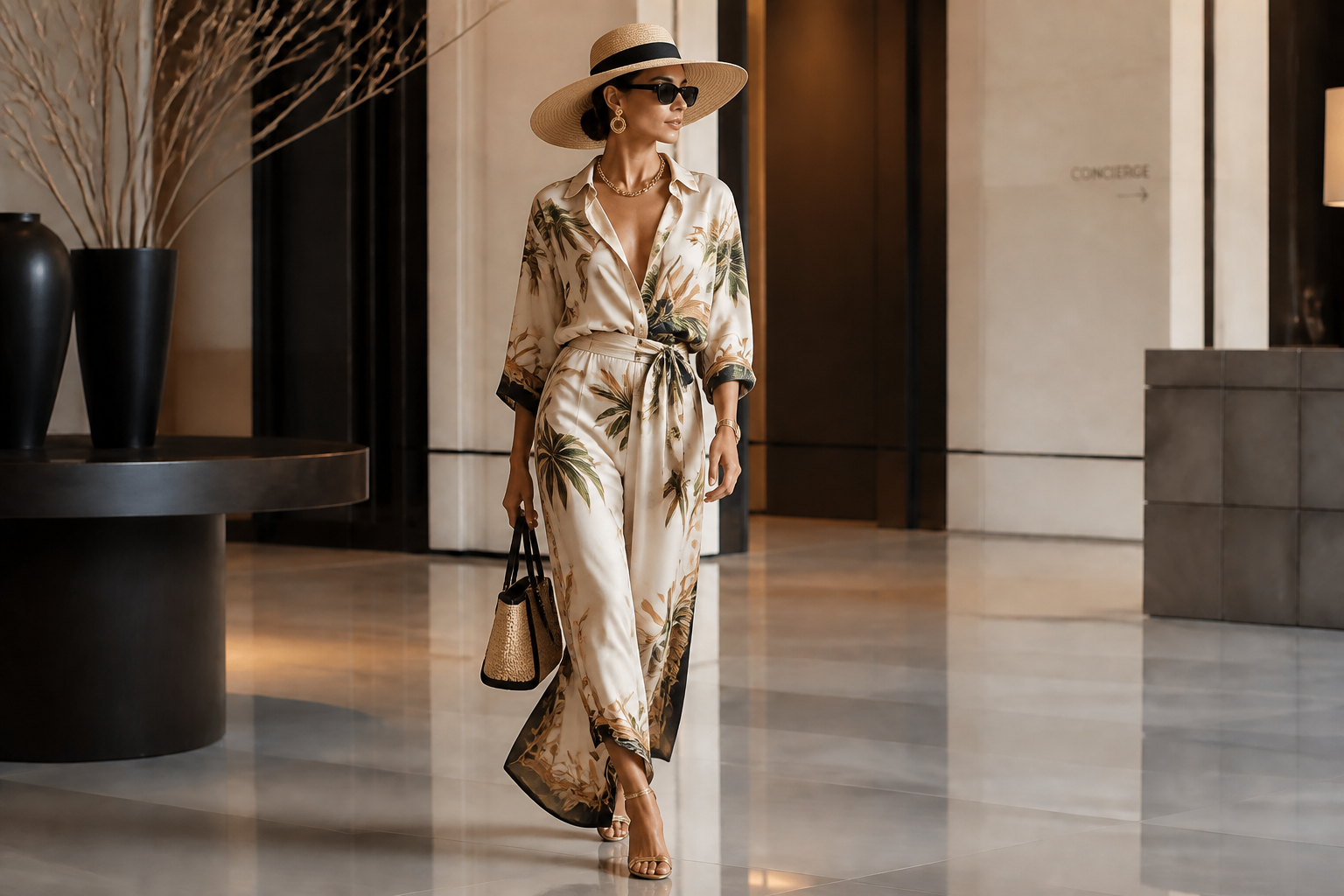 AFTER
AFTER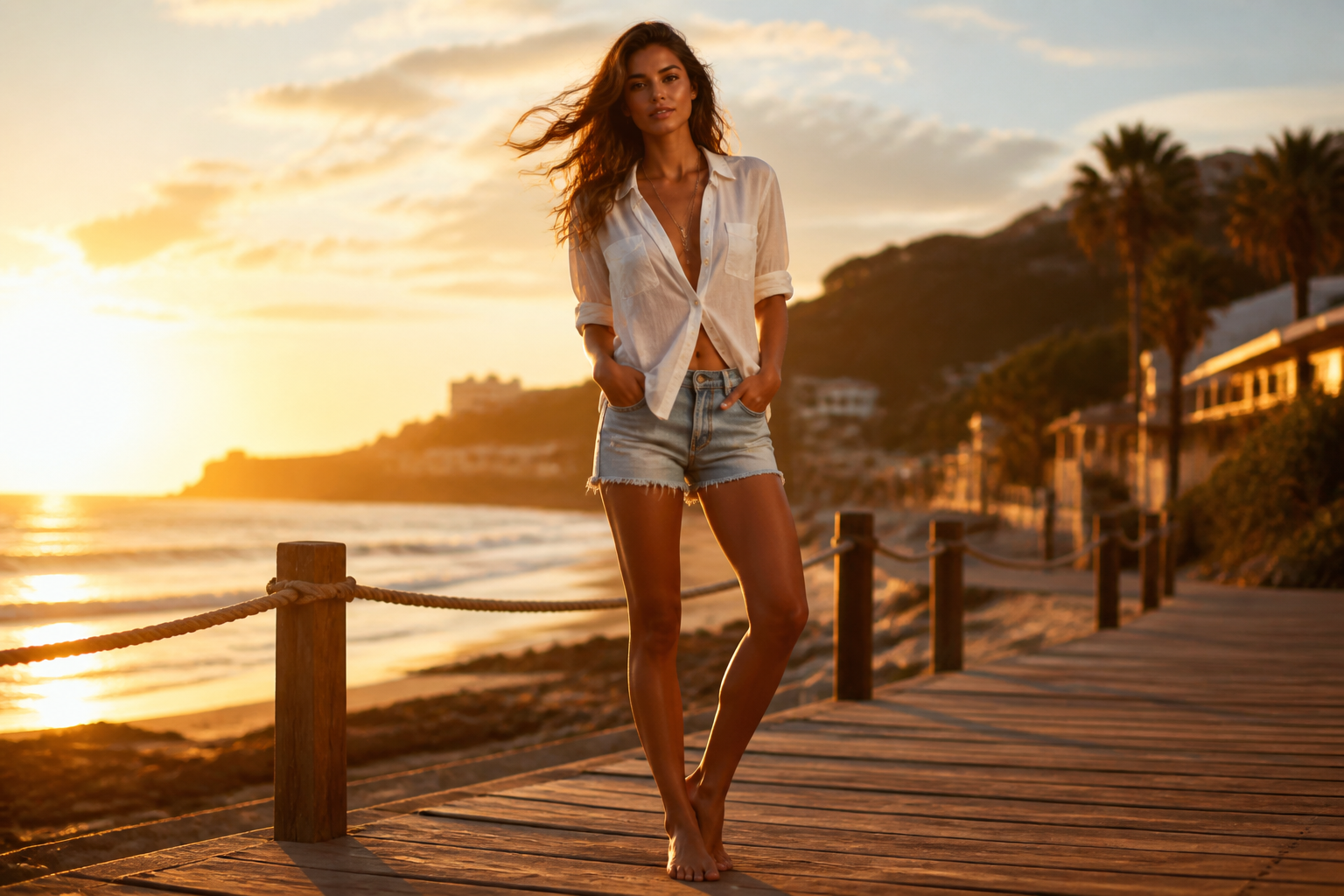 BEFORE
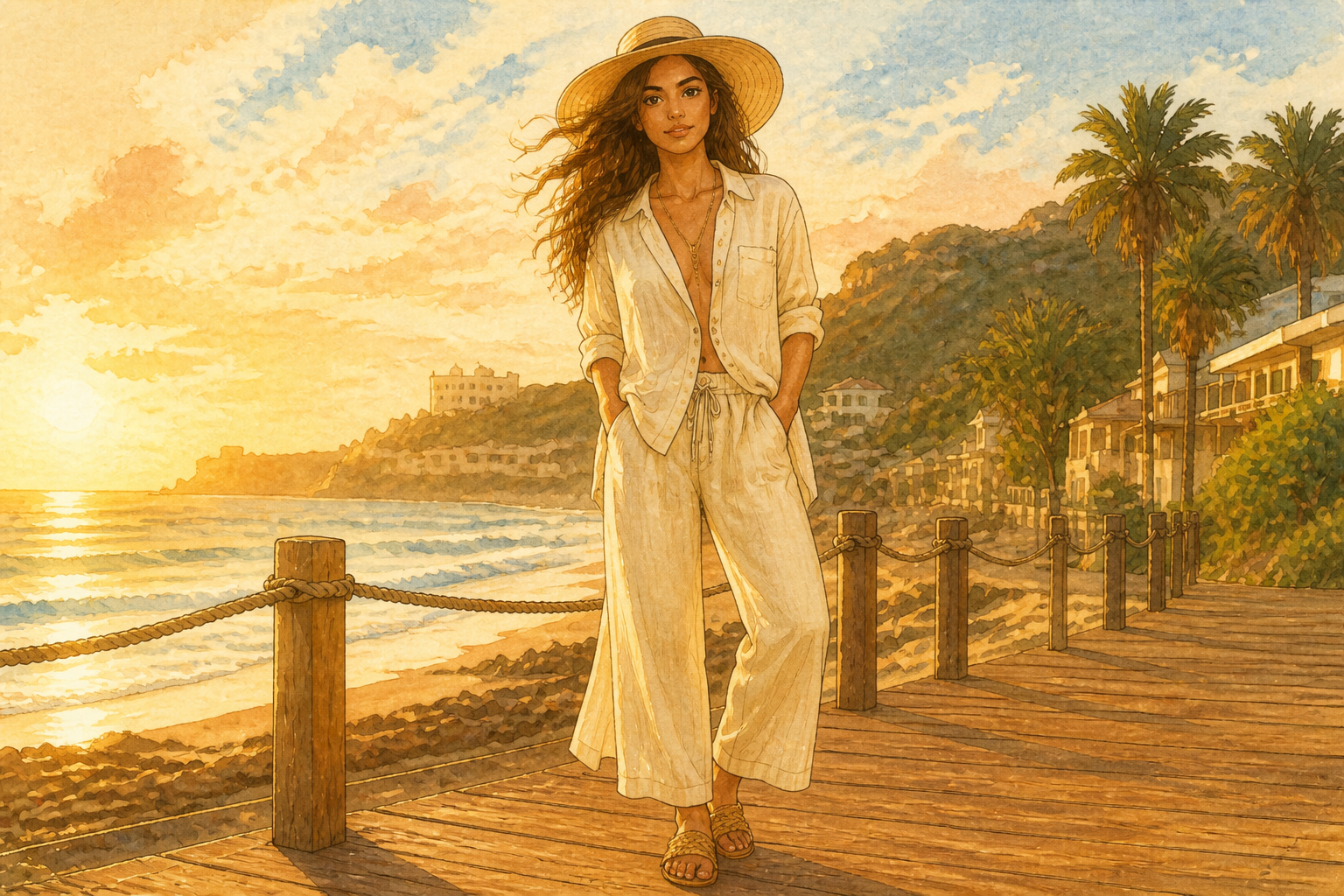 AFTERBEFOREAFTERBEFOREAFTERBEFOREAFTERBEFOREAFTER
Key Features
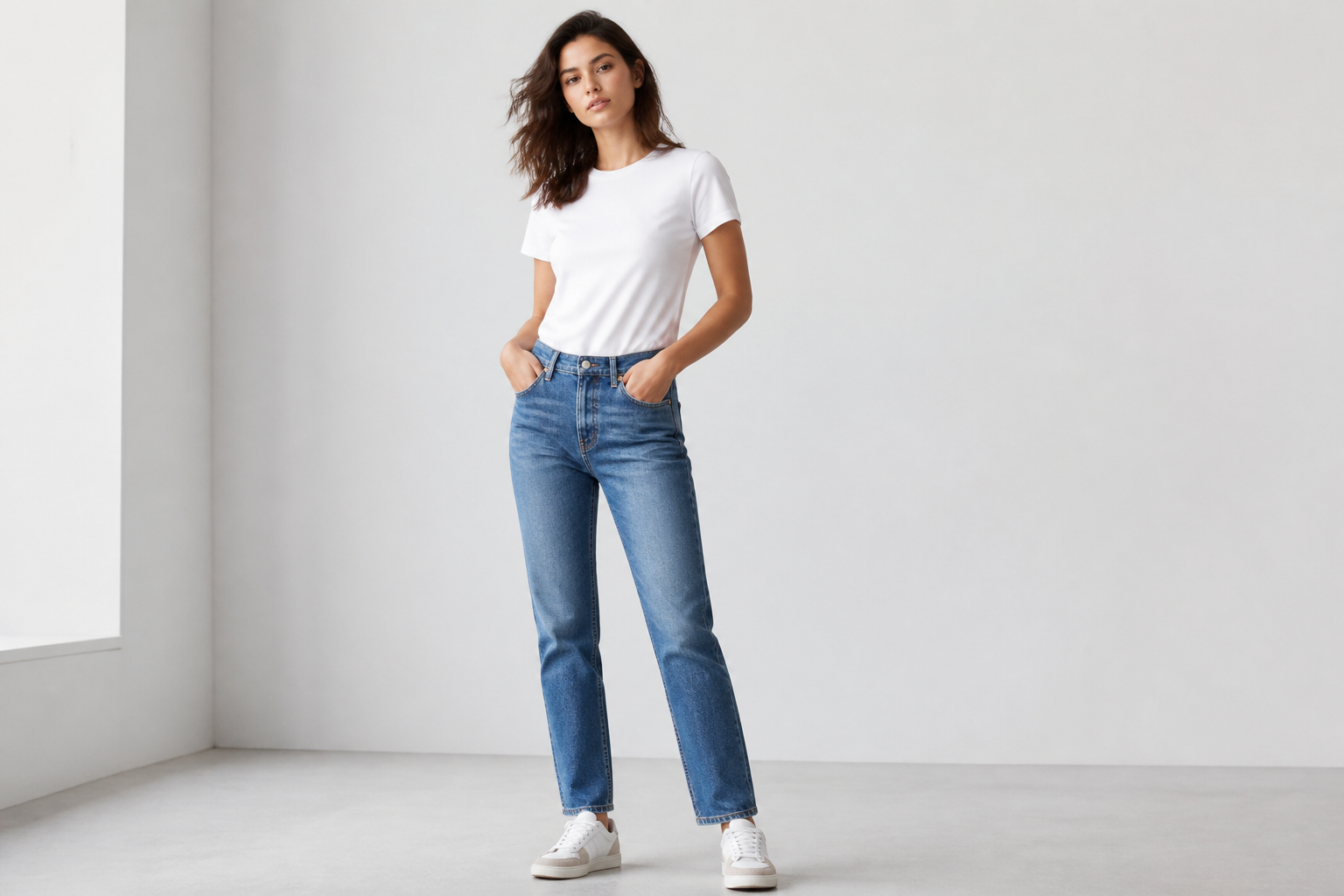
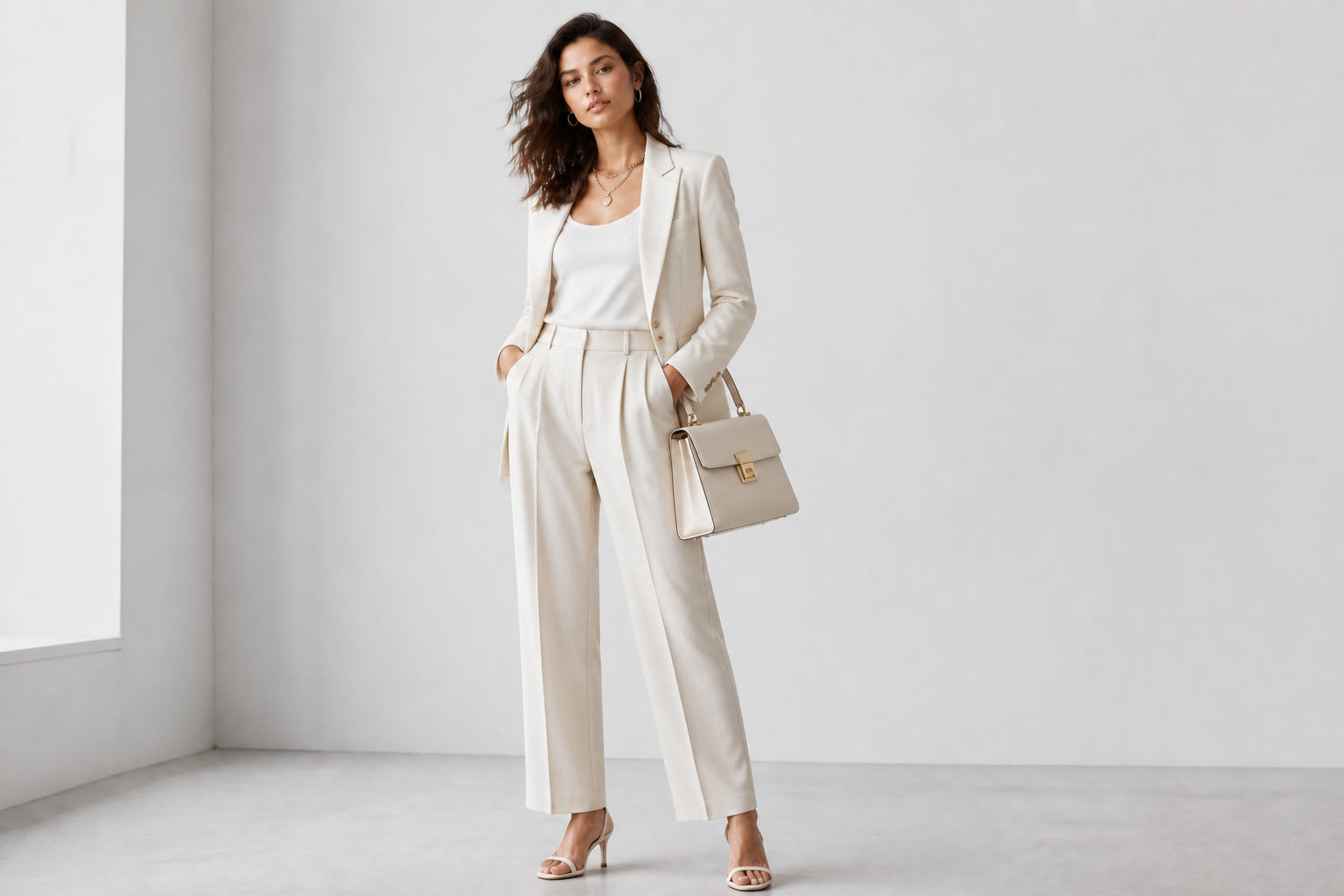
Create full outfit directions
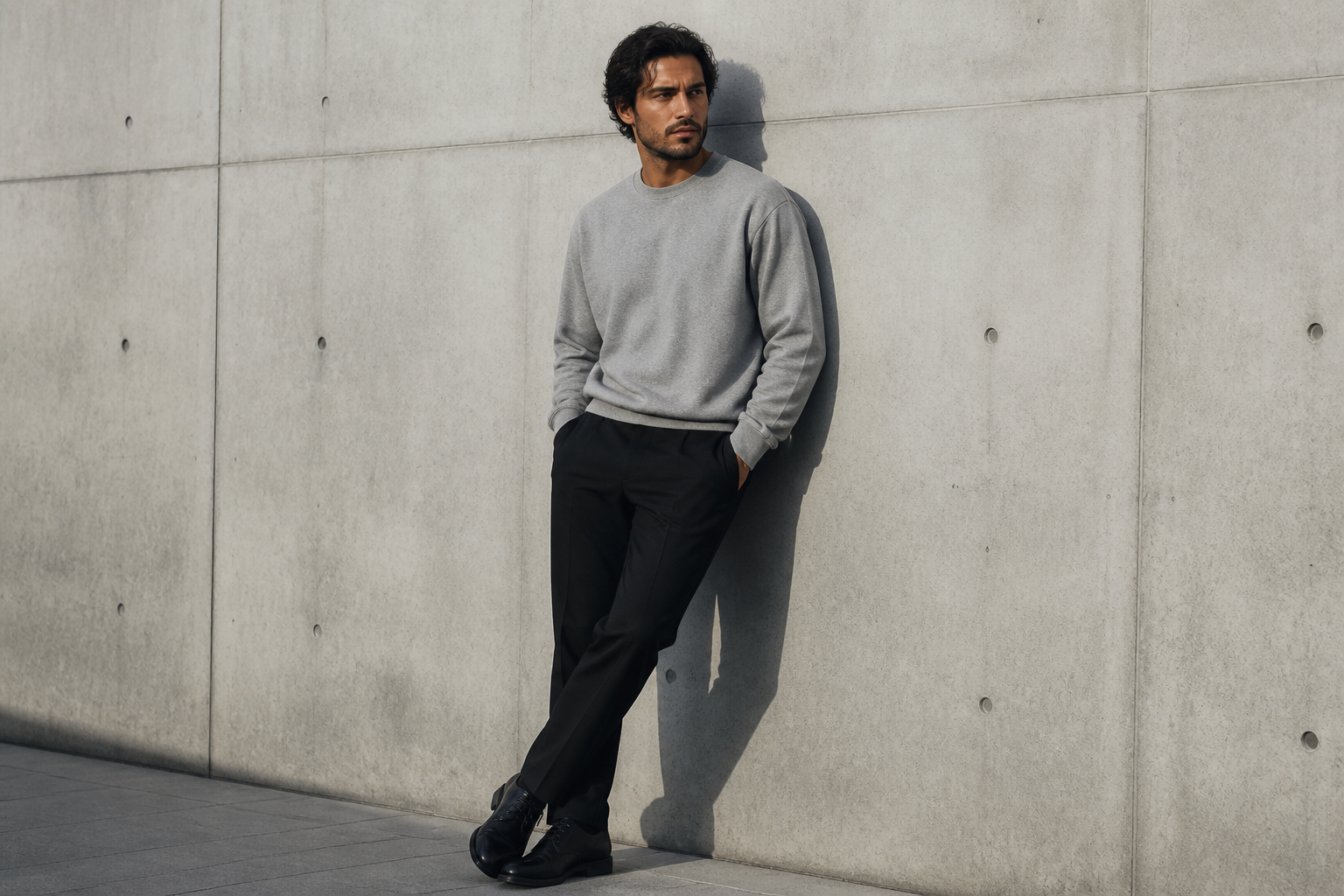
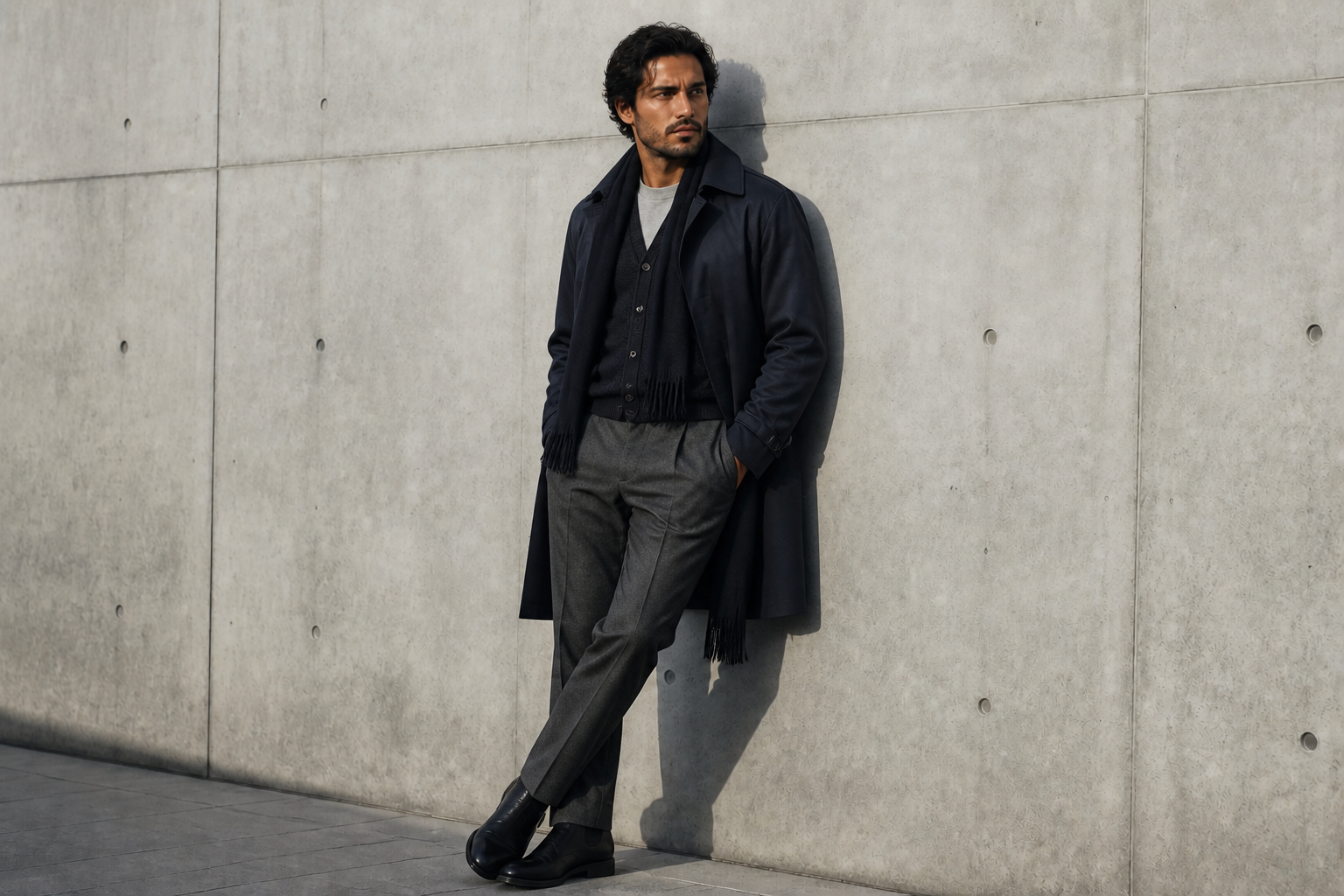
Turn a simple photo into a complete styled look, not just a color swap. You can test silhouettes, layers, accessories, and fashion mood in one edit. That makes it easier to explore collections, campaign directions, or personal styling ideas quickly. Manual mockups usually need multiple apps and a lot of masking work.
Keep pose and identity
The edit focuses on the wardrobe while preserving the model's face, body stance, and framing. That matters when you want consistent lookbooks, client approvals, or campaign variations from one source image. You get a believable before-and-after instead of a completely different person. It saves time compared with reshooting each outfit concept from scratch.
Test multiple visual styles
A lookbook is not only about clothes. It is also about the visual language around them. Use the same base photo to preview editorial, illustrated, or campaign-style treatments before you commit to a final direction. That is much faster than building separate mood boards for every concept.
Build consistent lookbook sets
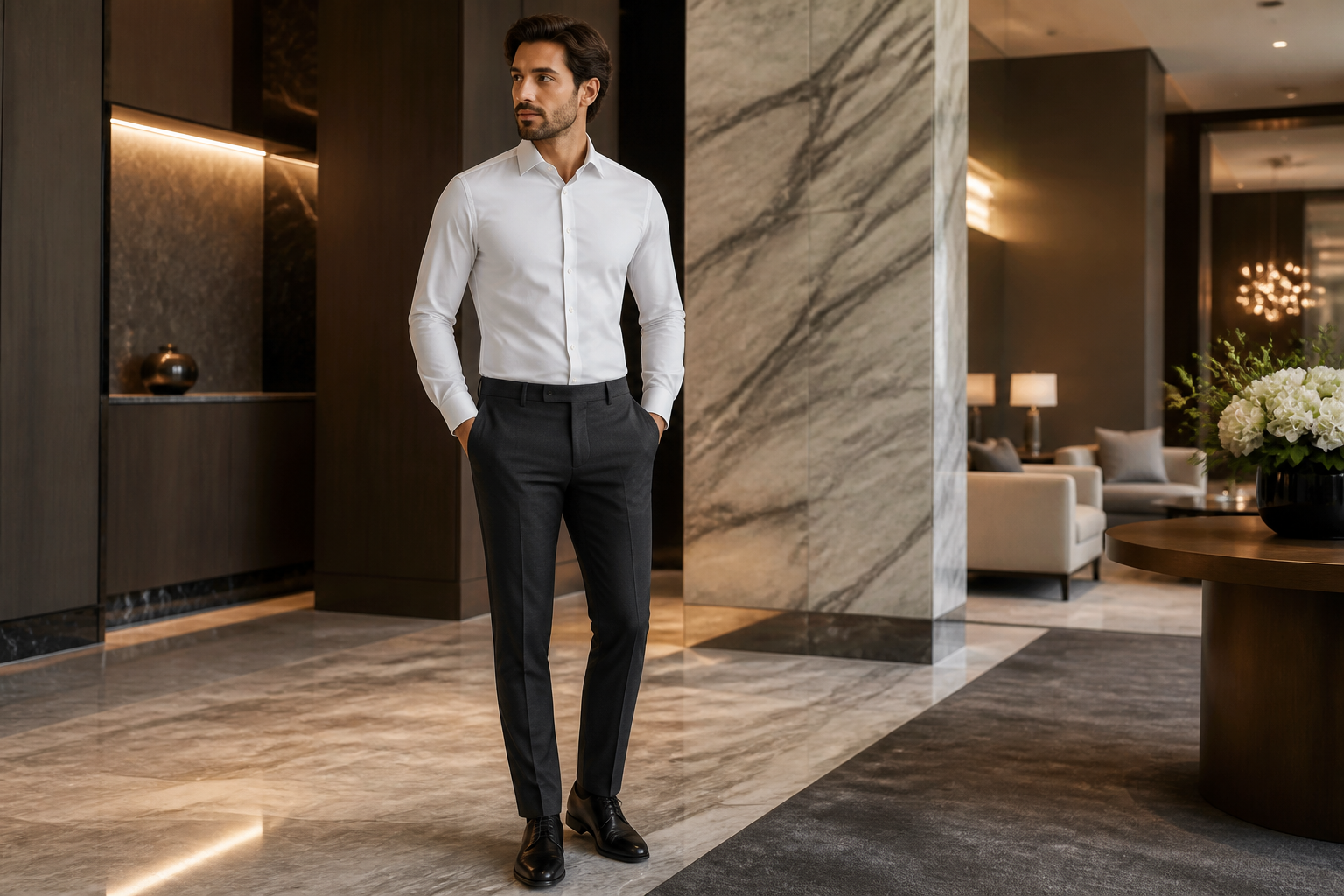
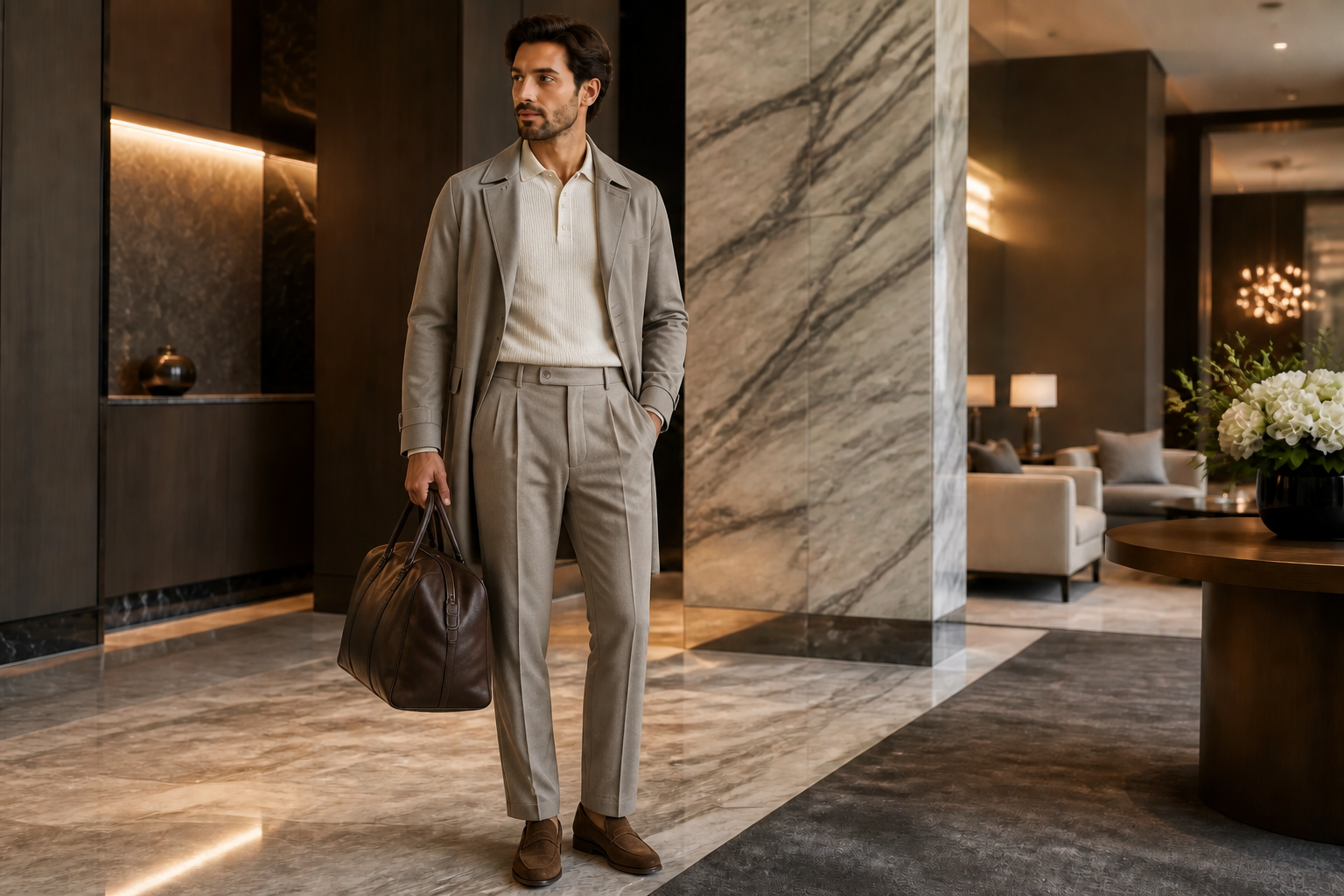
Use one composition as a base and generate several coordinated directions that still feel like part of the same collection. This helps when planning drops, pitch decks, online shops, or social carousels. Consistency across images is hard to maintain manually when every mockup starts from zero. Here, the scene and subject stay stable while the styling changes clearly.
How It Works
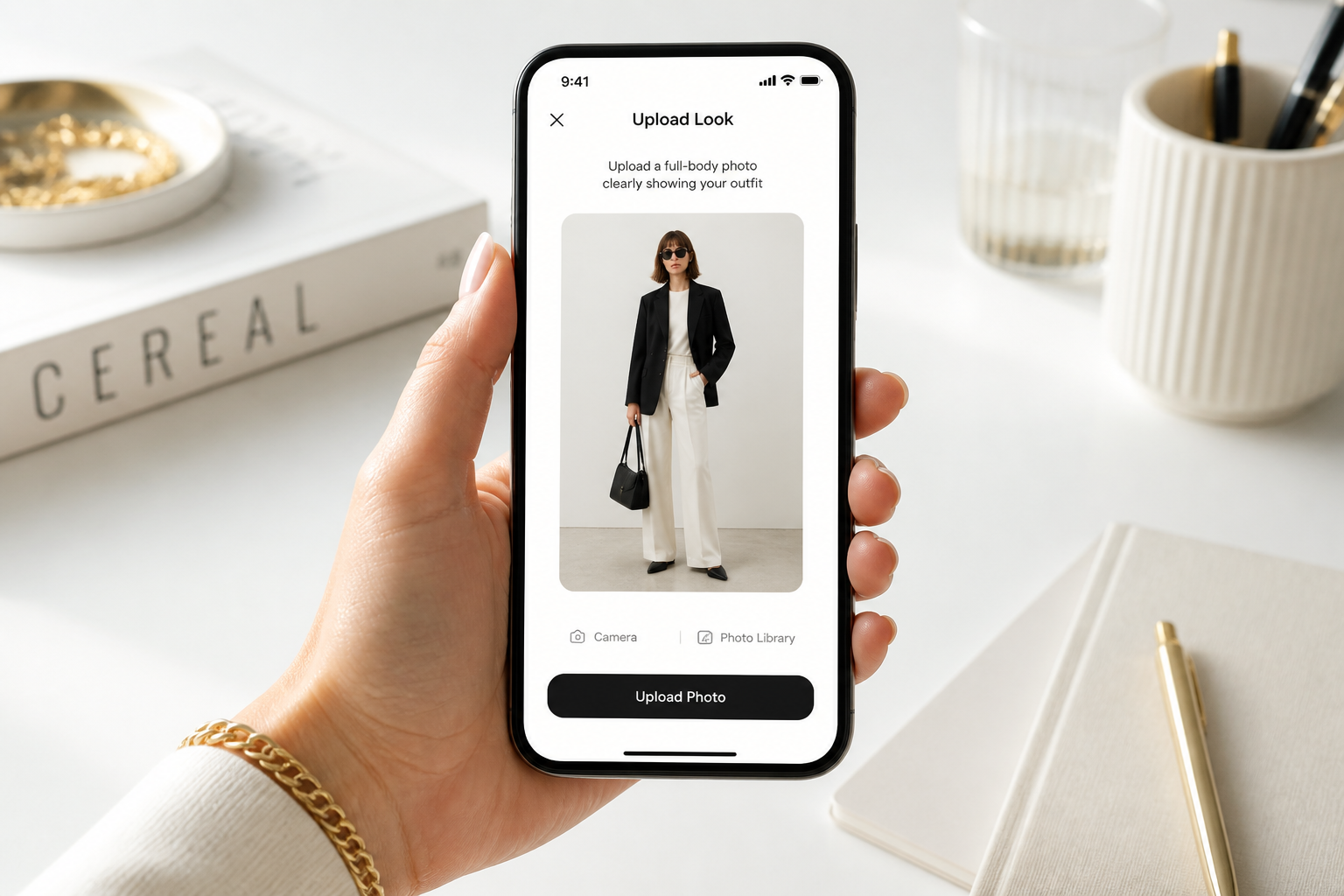
Upload your fashion photo
Start with a clear image that shows the outfit and body shape well. Full-body or three-quarter shots usually work best for lookbook edits.
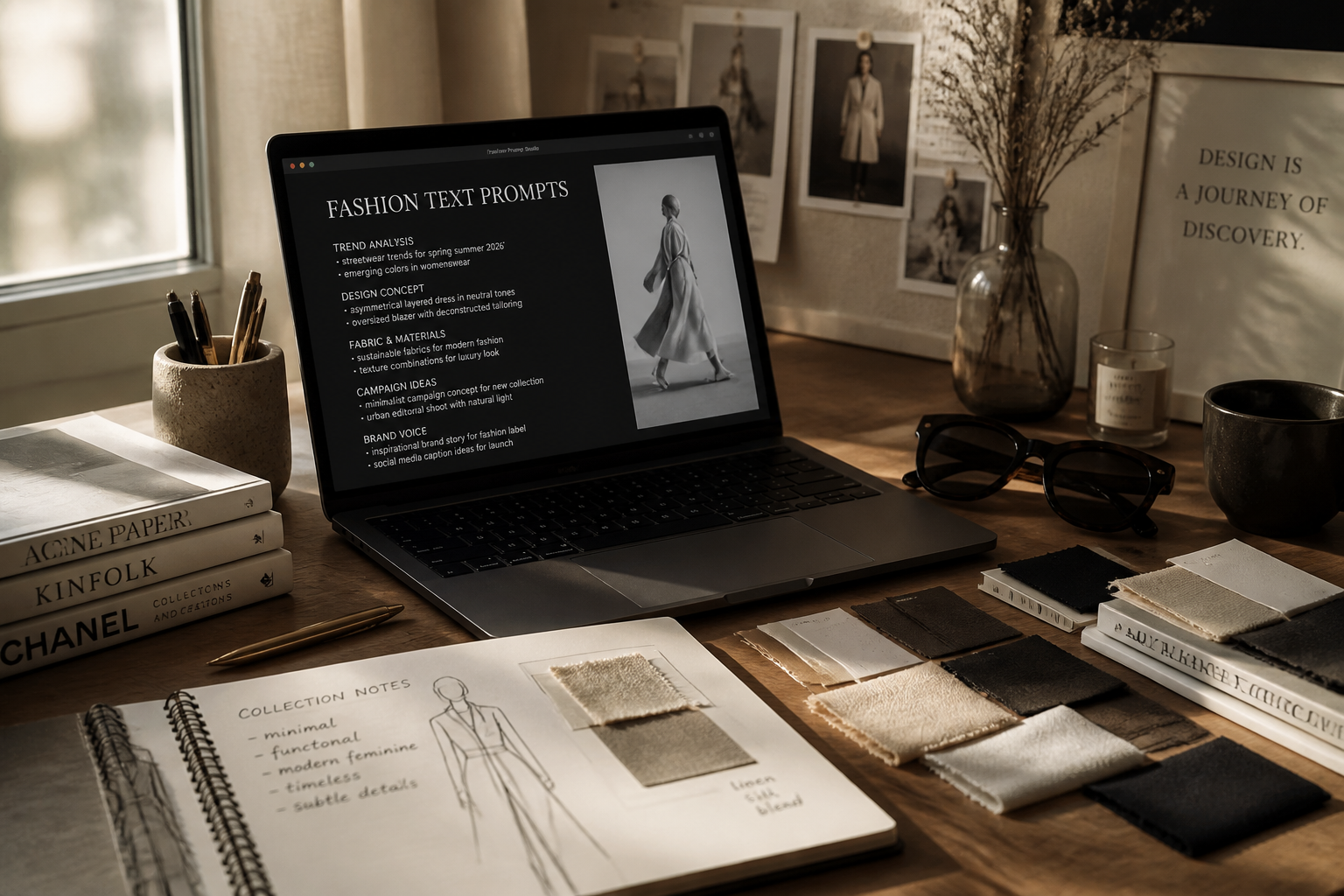
Describe the new look
Type the outfit direction you want, such as streetwear, formalwear, resort, or runway-inspired styling. Include fabrics, layers, colors, and accessories if you want tighter control.
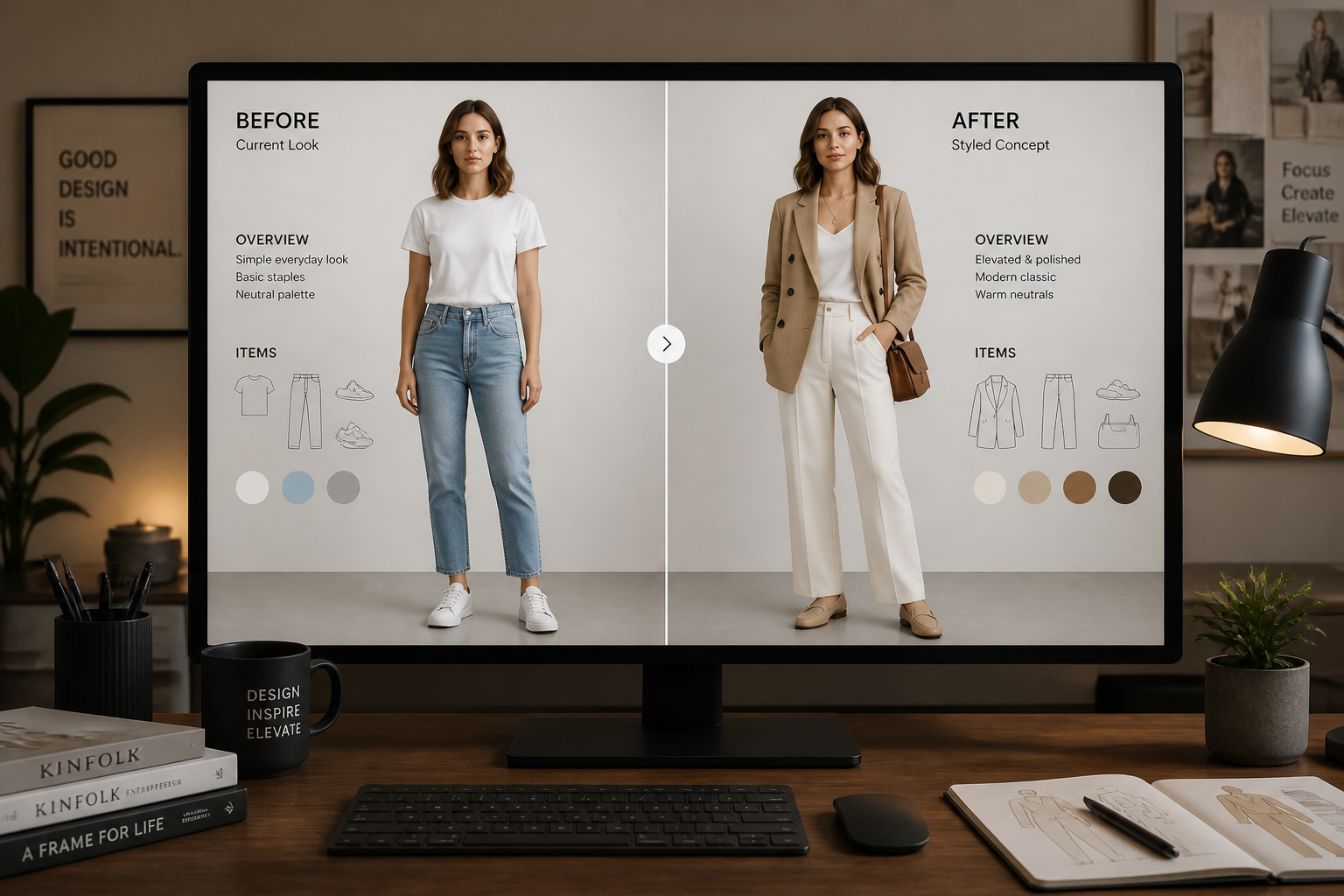
Compare and refine
Review the edited result and see how the look changes while the subject stays consistent. If needed, run another pass with a more specific styling direction.
Perfect For
Discover how creators and professionals use ai fashion lookbook generator
Brand concept previews
Generate quick lookbook directions for campaigns, seasonal drops, or internal reviews before committing to production.
Stylist mood boards
Test silhouettes, color stories, and accessories on a consistent subject to build stronger styling presentations.
Ecommerce creative planning
Explore alternate outfit directions for banners, social posts, and collection pages from existing product imagery.
Creator content batches
Produce several polished outfit concepts from one base photo for reels, carousels, and sponsored content drafts.
Built For
Fashion brands
Useful for planning campaigns, collection storytelling, and rapid visual concept testing.
Stylists and creatives
Helps mock up outfit directions quickly without rebuilding every idea by hand.
Creators and online sellers
Makes it easier to produce more outfit variations from fewer source images.
Why use it for fashion lookbooks
A quick look at how we compare on the things that matter for this niche.
| Feature | BudgetPixel | Generic AI editors | Manual editing apps |
|---|---|---|---|
| Outfit-focused transformations | ✓ | ✓ | — |
| Keeps pose and framing | ✓ | — | ✓ |
| Fast concept variations | ✓ | ✓ | — |
| Stylized lookbook directions | ✓ | ✓ | — |
| Manual masking required | — | — | ✓ |
Frequently Asked Questions
What does an AI fashion lookbook generator do?
Do I need a professional studio photo?
Can it change only the outfit and not the person?
Can I make editorial or illustrated lookbook styles?
Is this good for ecommerce and brand planning?
Create together.
Share your creations, discover trending AI art, and grow with fellow creators.
























Ready to Try AI Fashion Lookbook Generator?
Get started for free. No credit card required.
Try it Free