AI Outfit Flatlay Generator from Model Photos
Convert worn looks into polished flatlay outfit visuals.
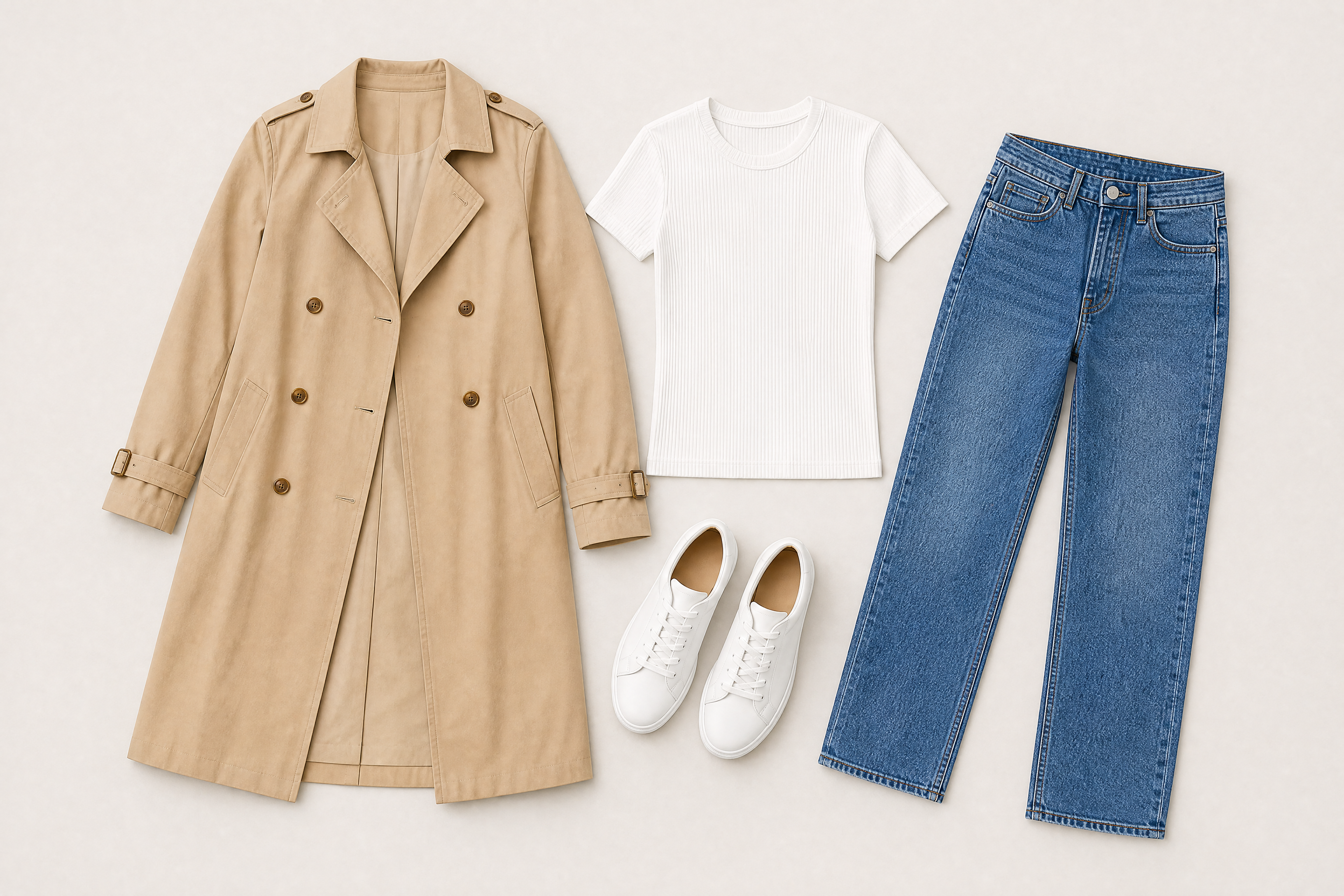
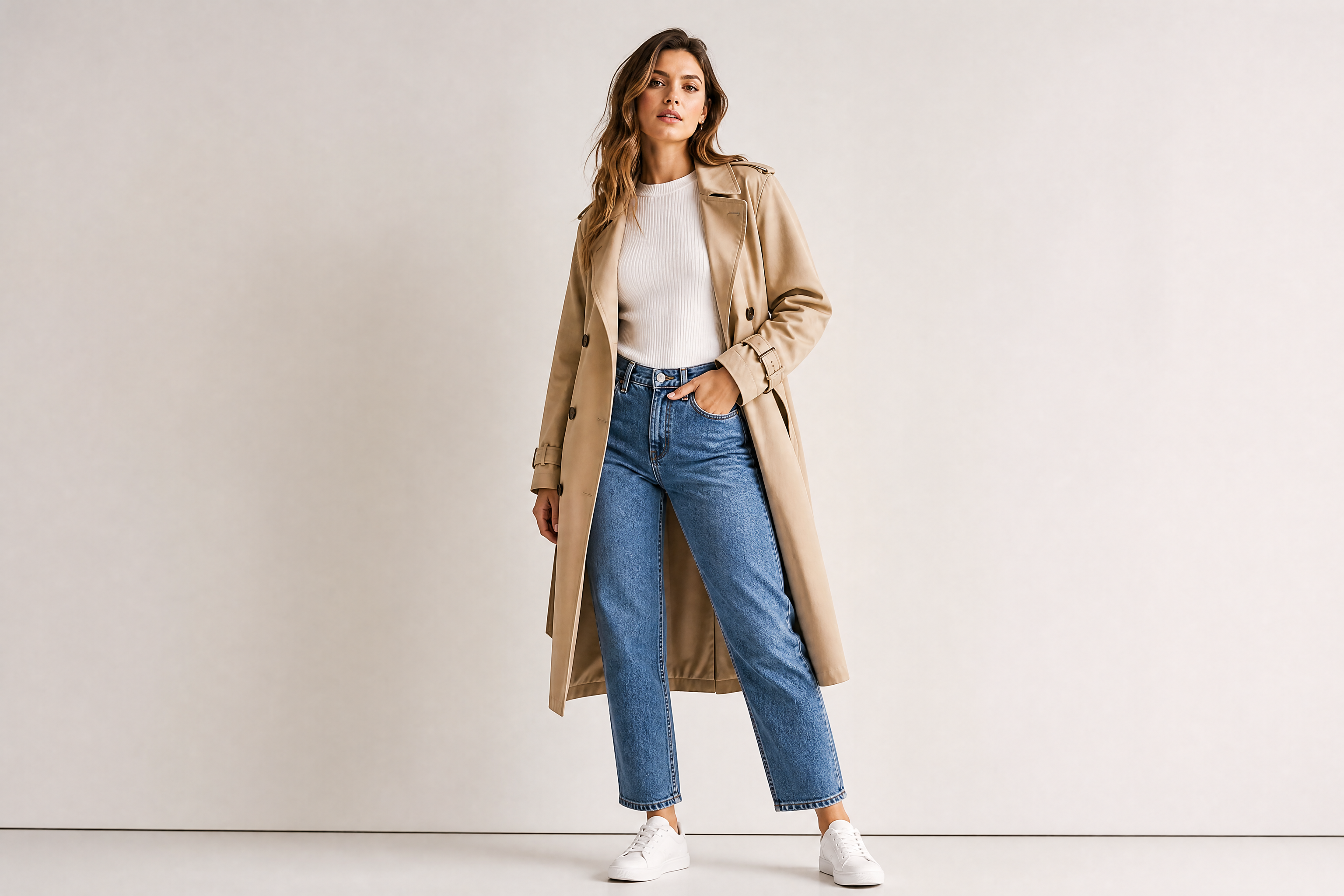
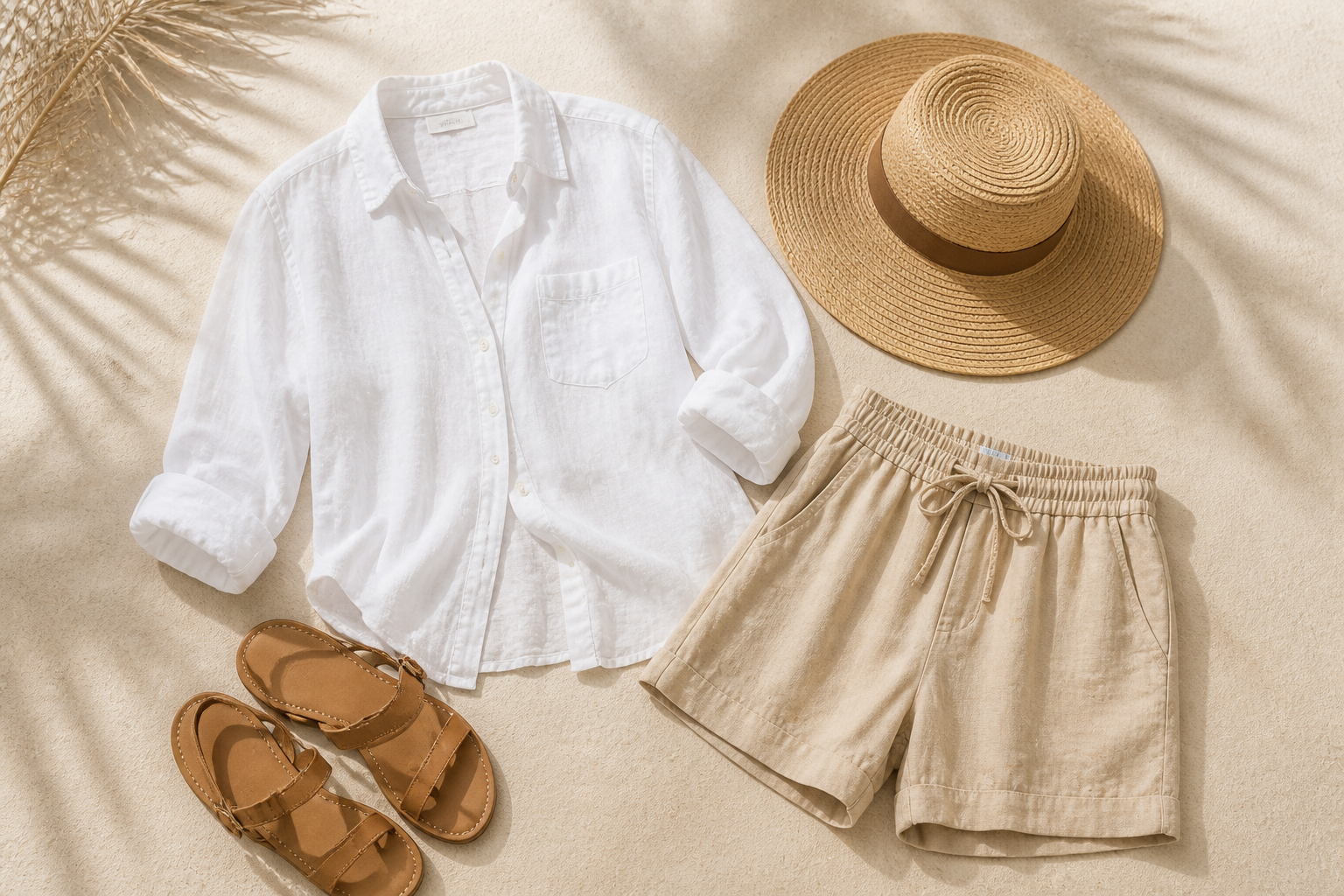
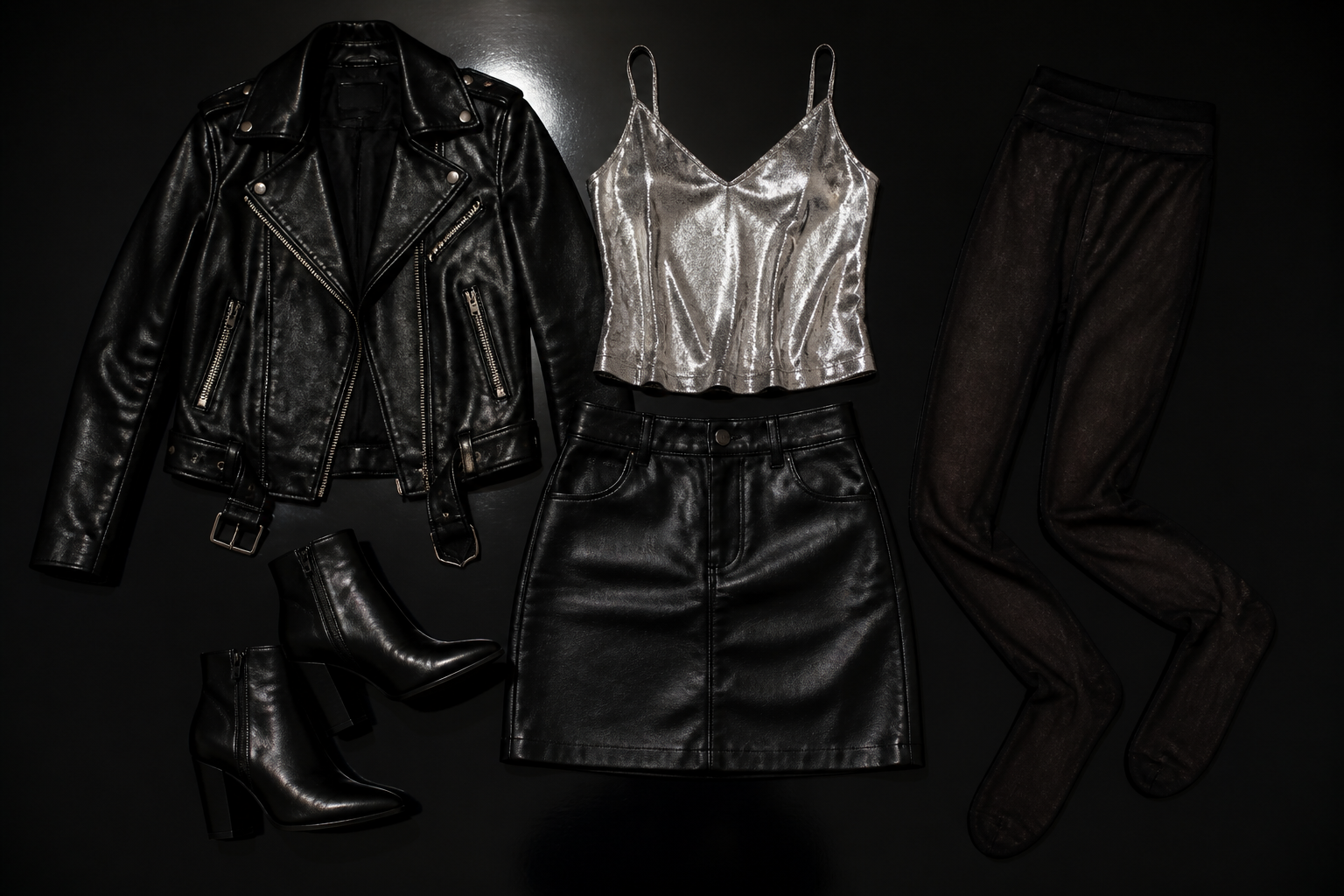
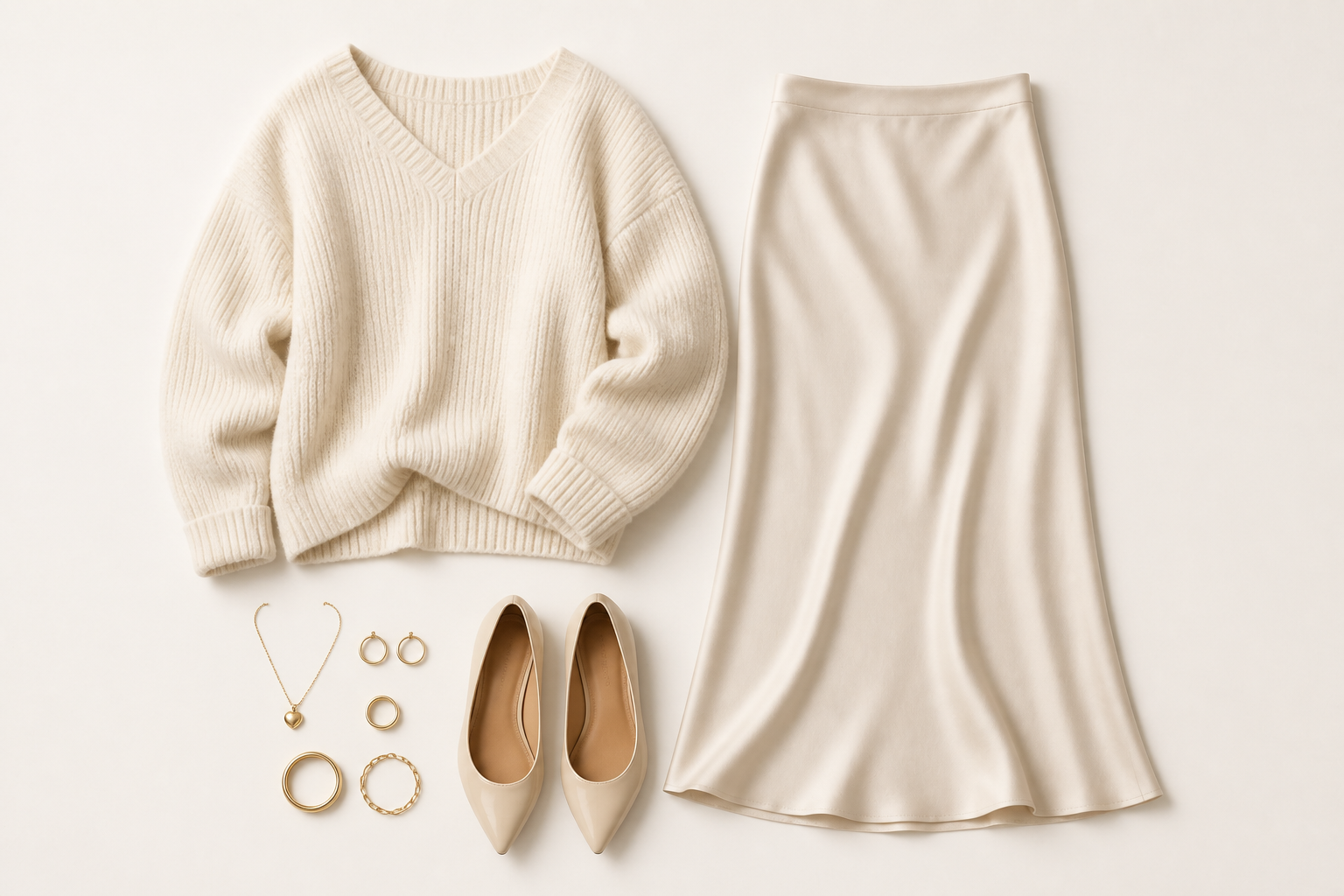
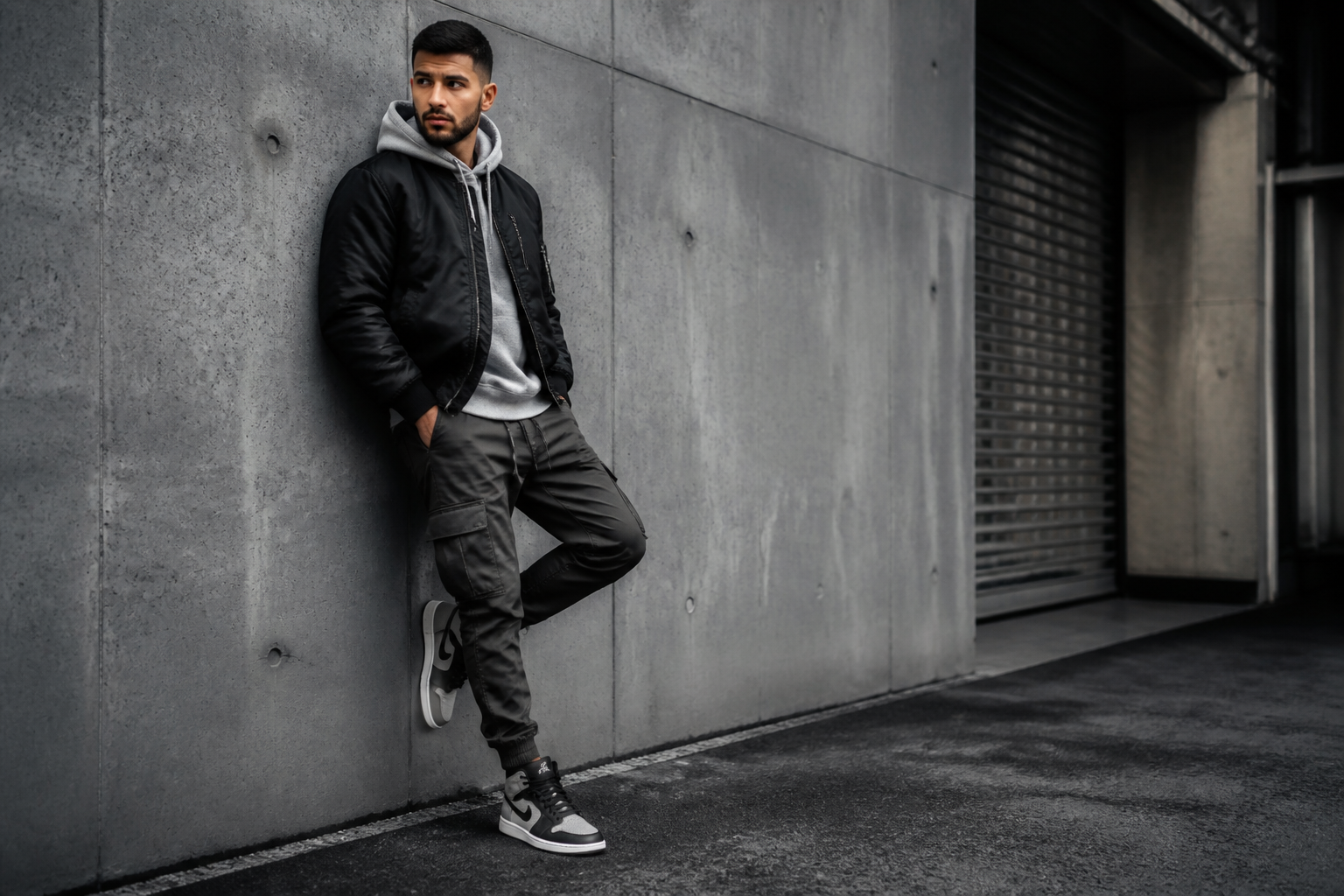
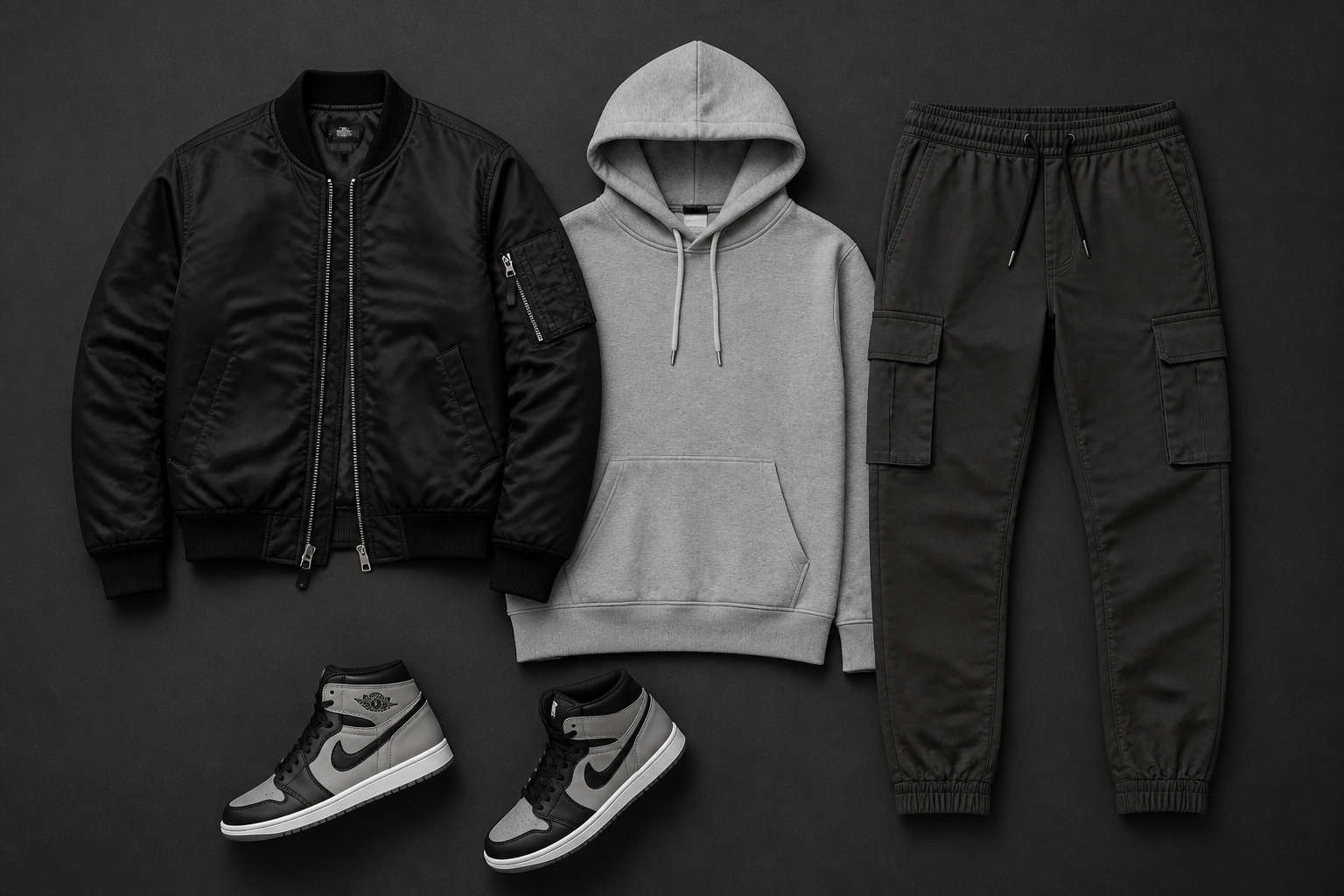
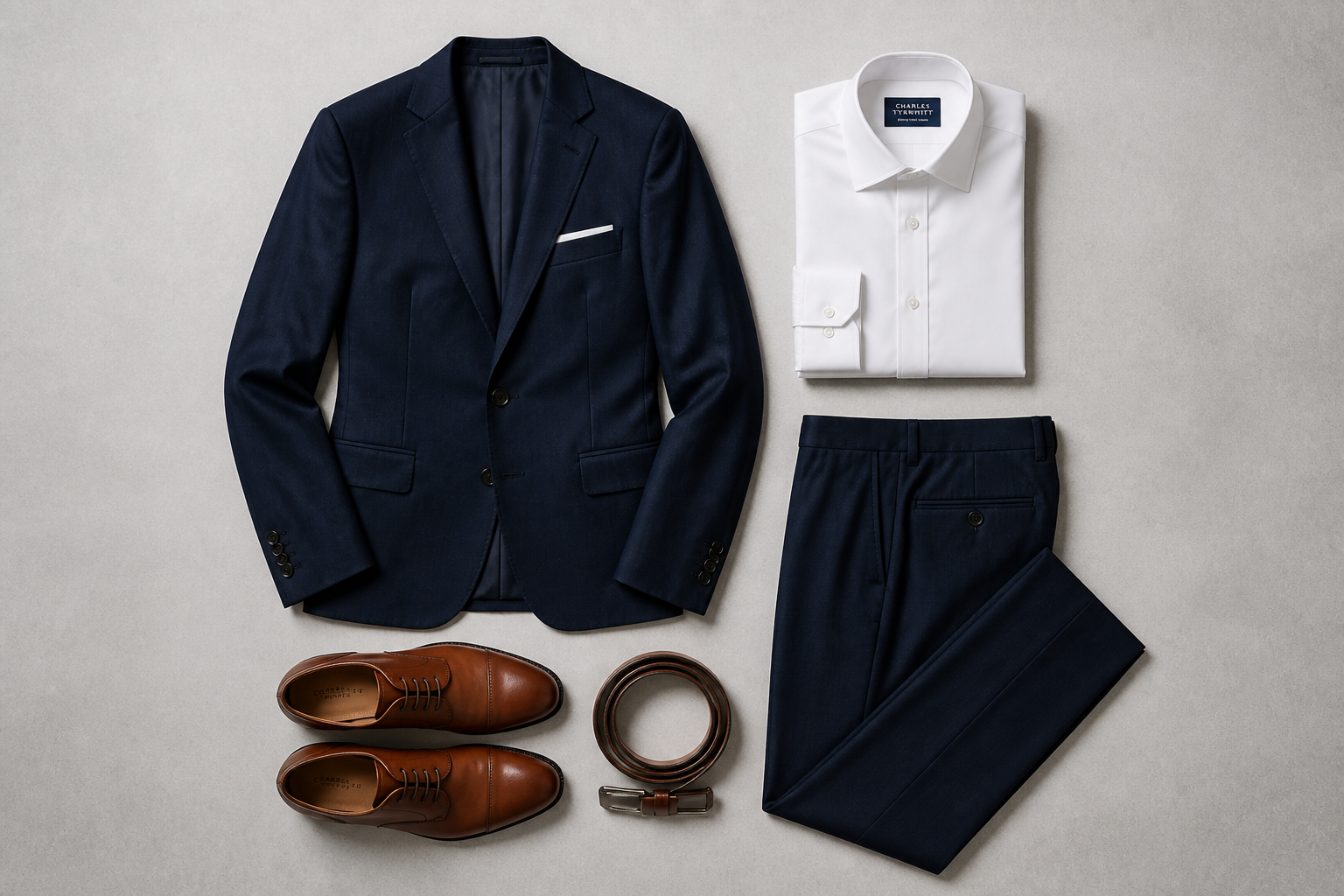
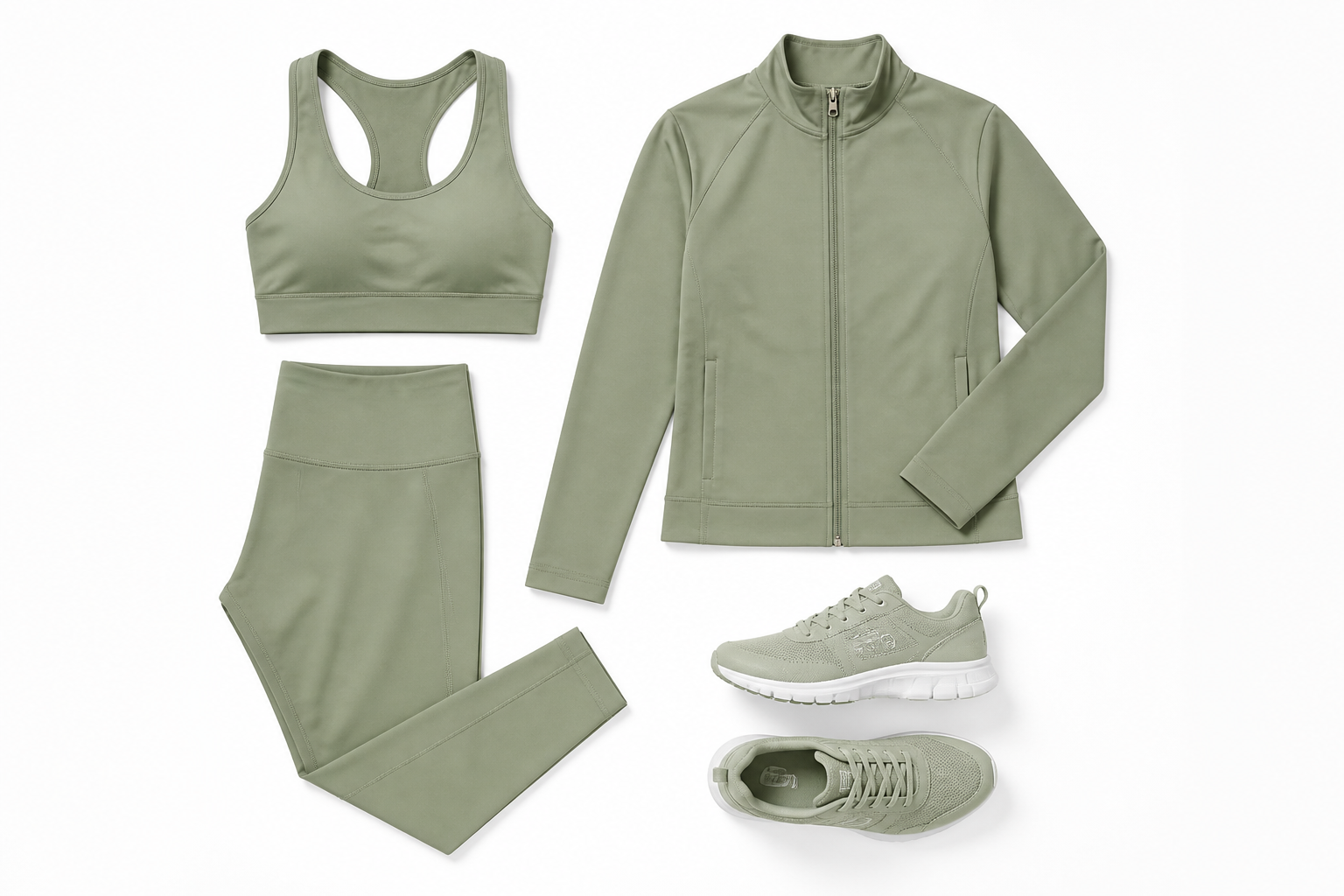
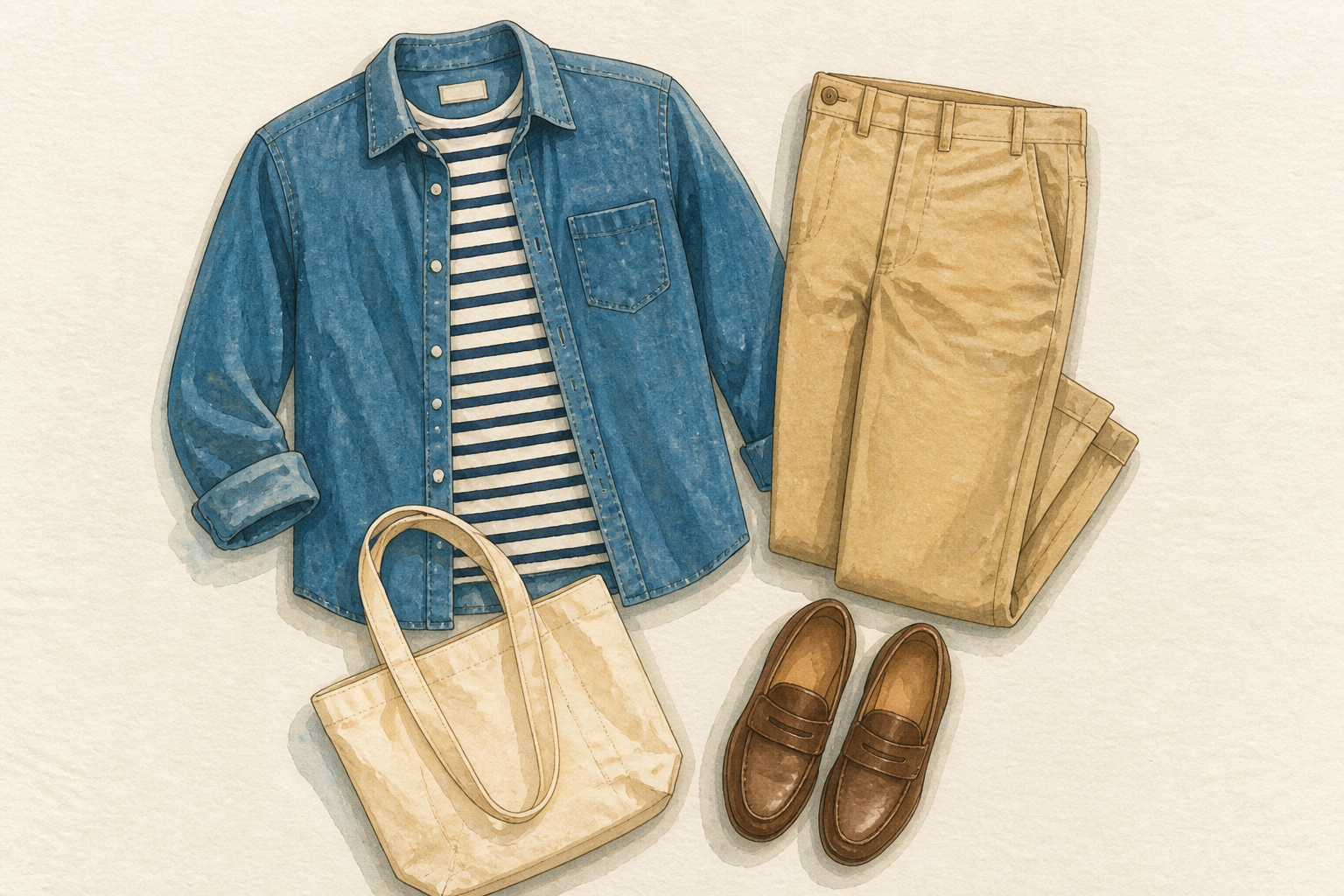
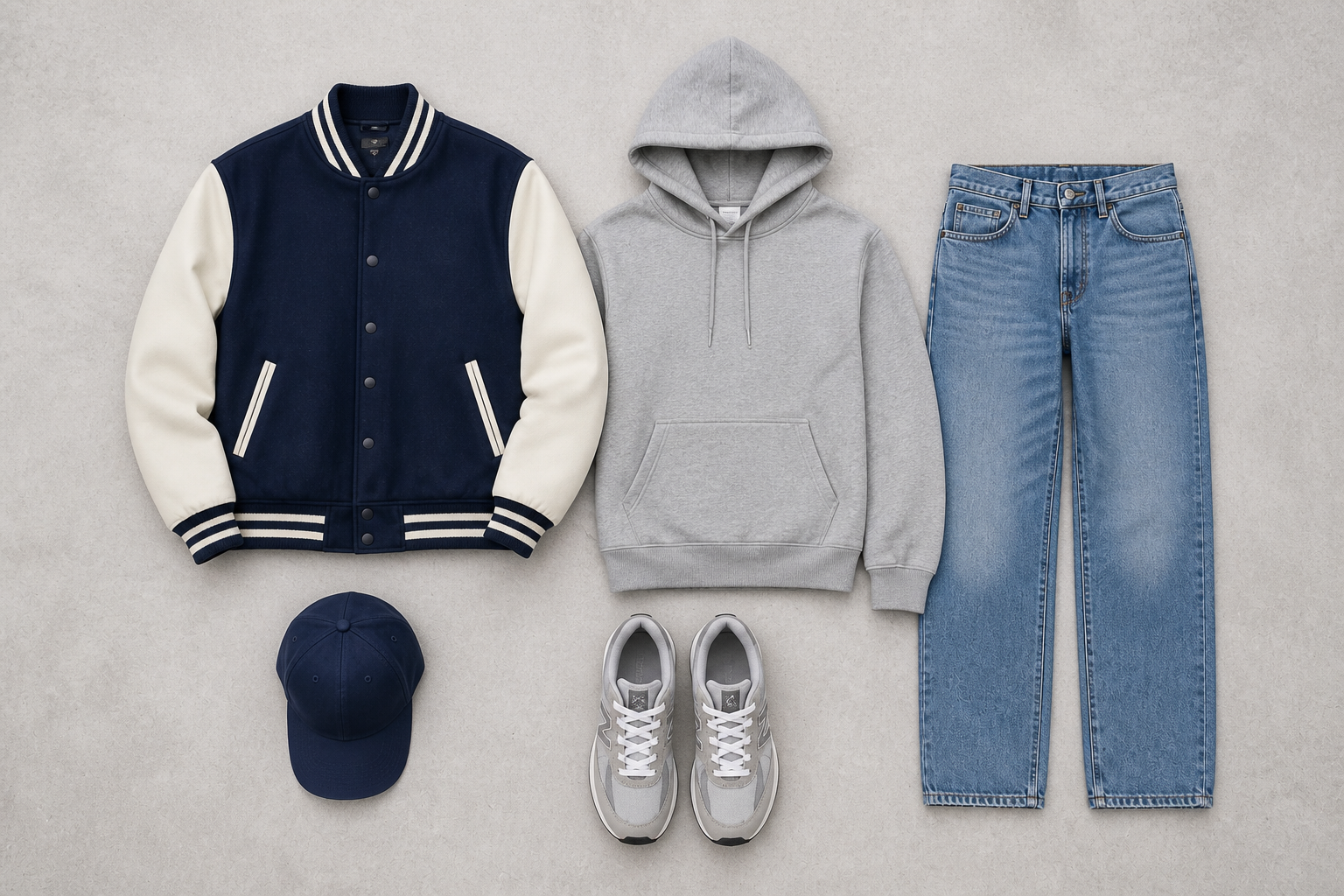
Upload a photo of a model wearing an outfit and turn it into a clean flatlay composition. Our AI separates the clothing from the person, arranges the pieces neatly, and keeps the outfit styling clear for ecommerce, social posts, and mood boards.
Watch the Transformation
See ai outfit flatlay generator in motion — generated end-to-end by our AI.
See It In Action
Real outputs from ai outfit flatlay generator.
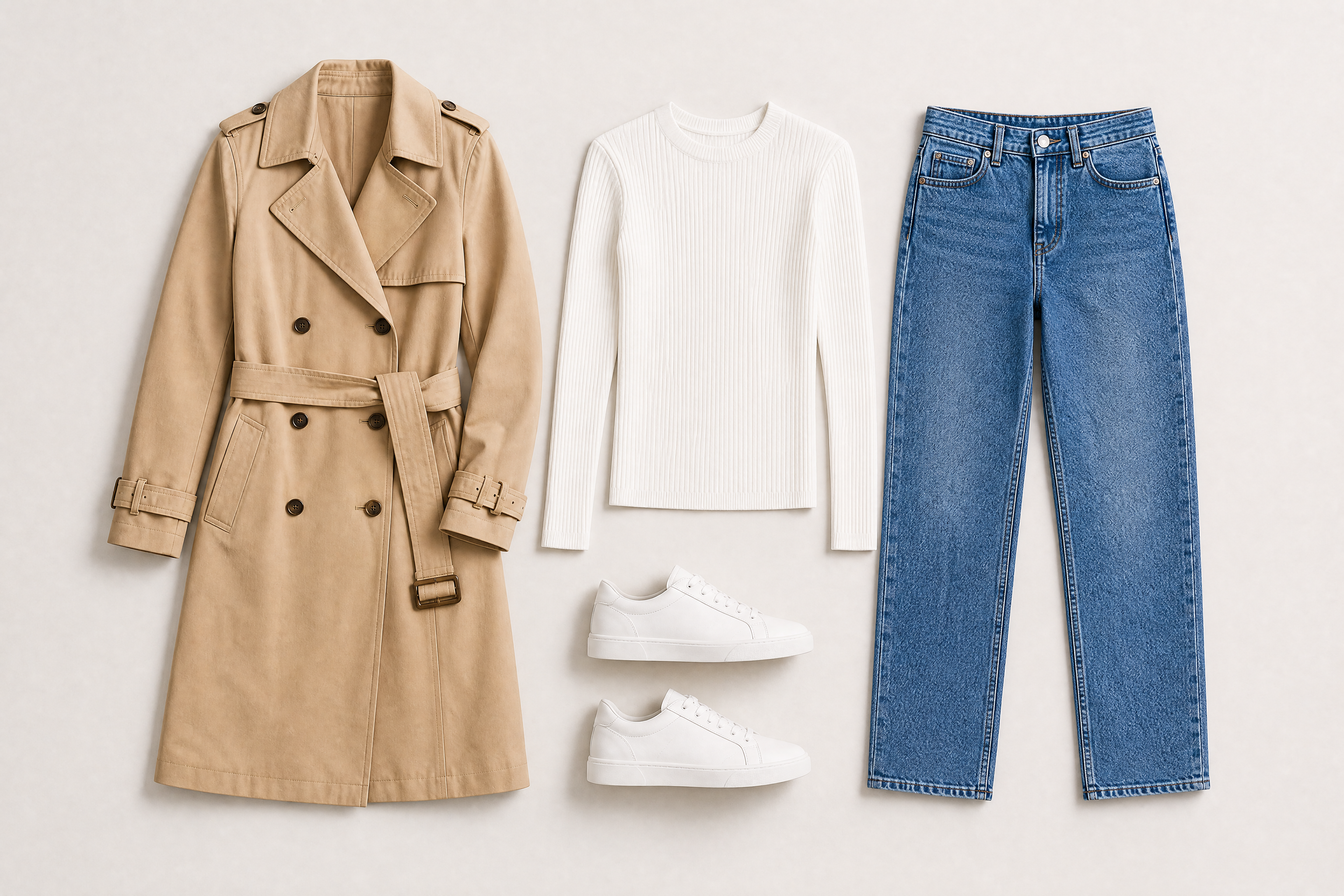
BEFOREAFTER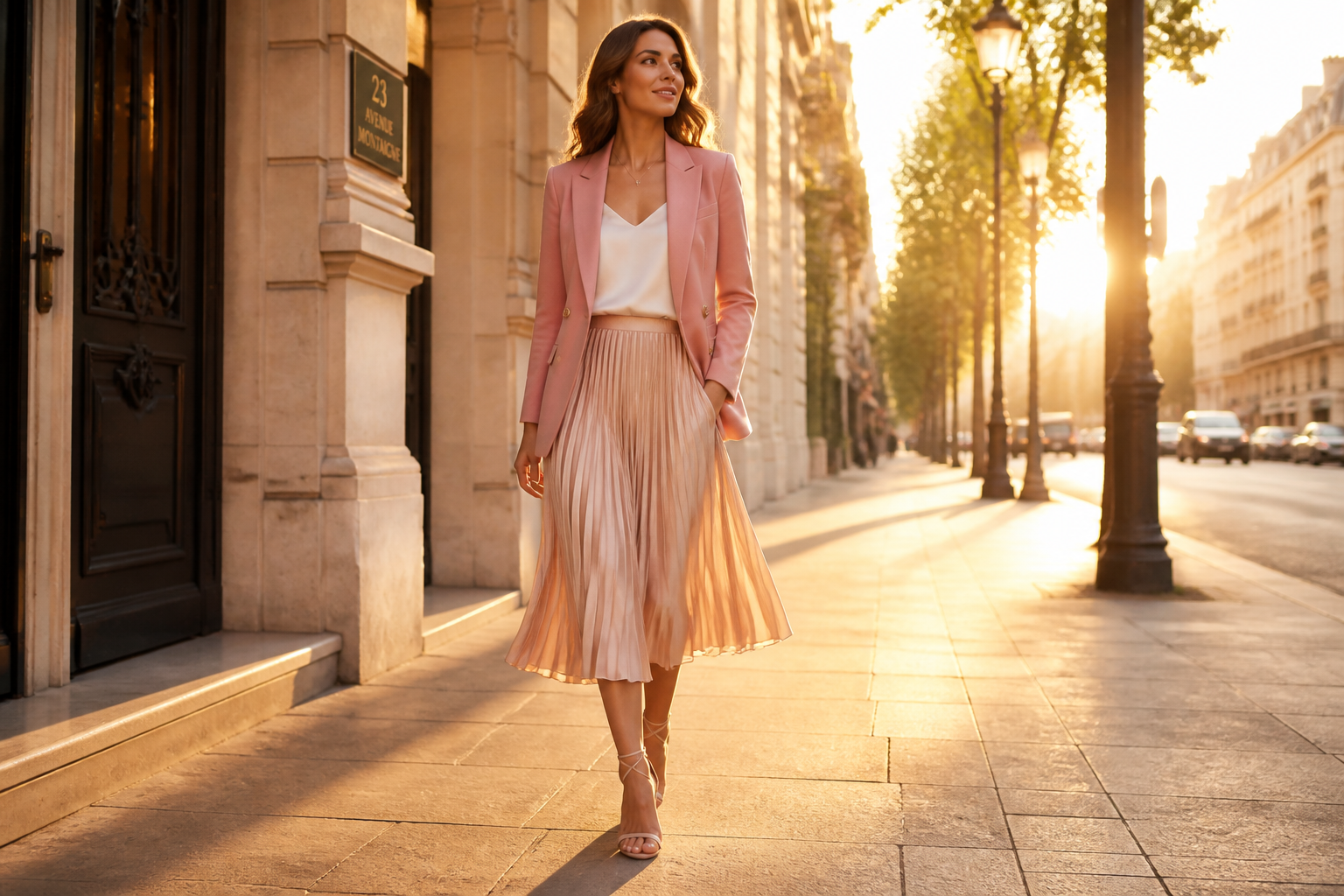 BEFORE
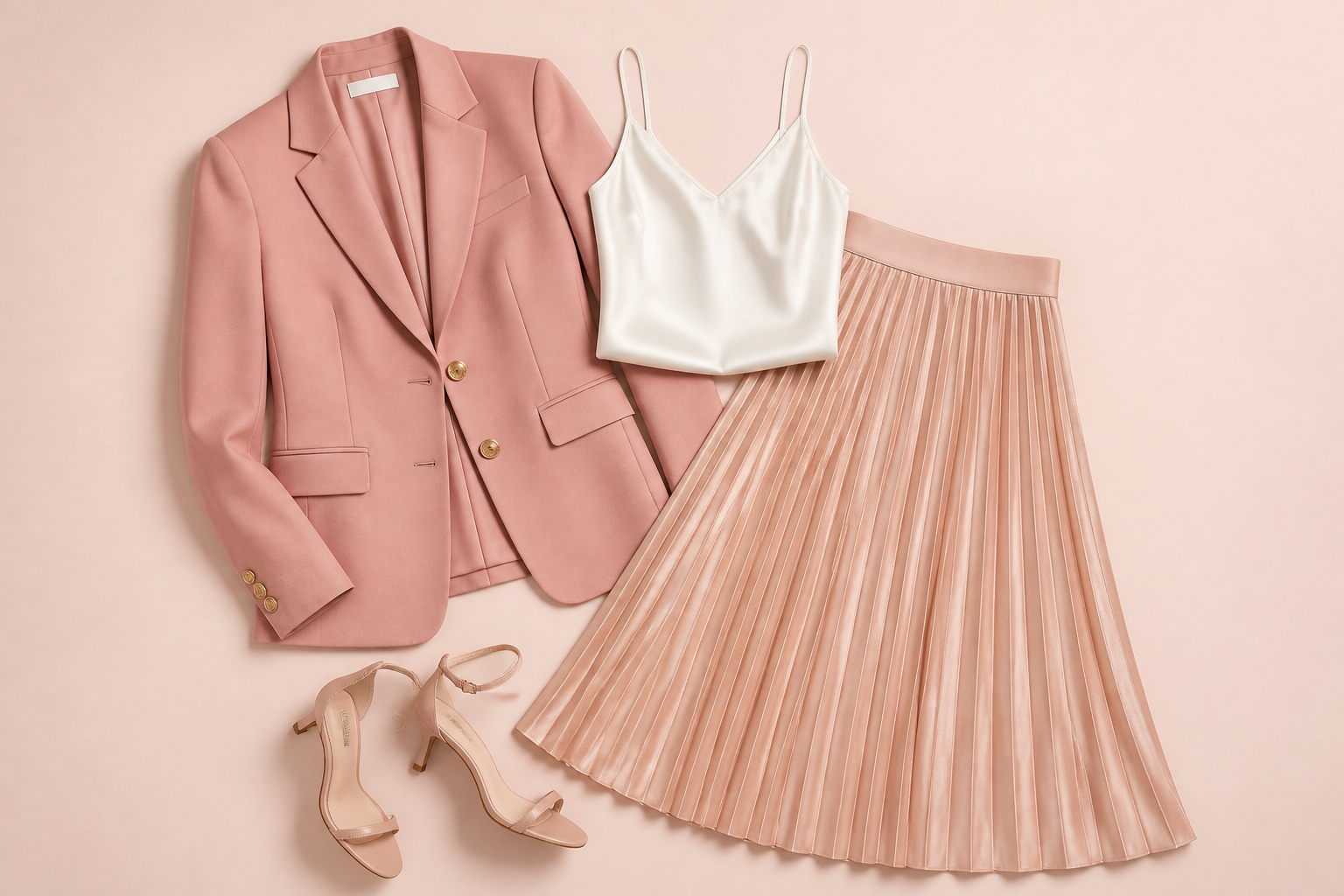 AFTER
AFTER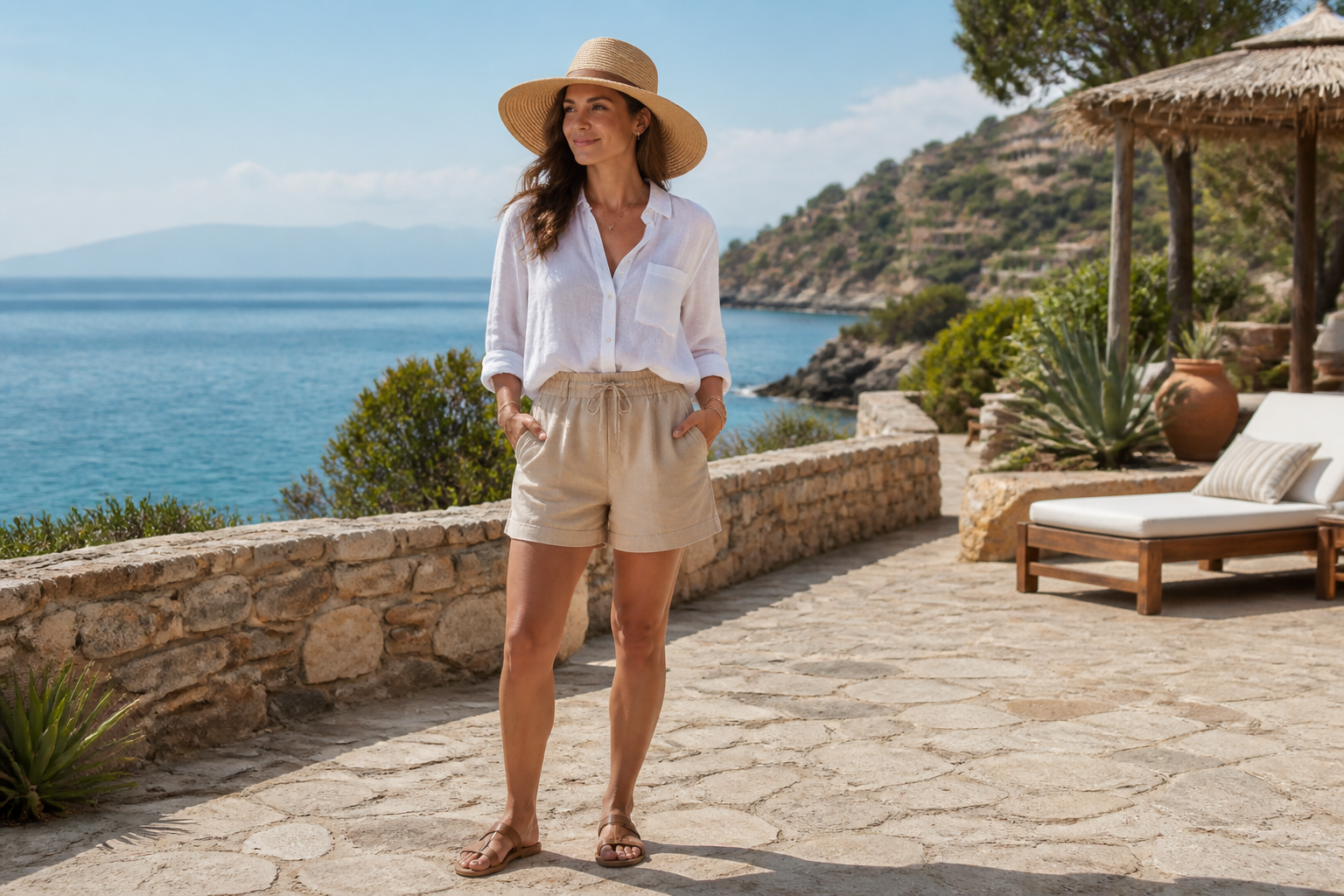 BEFORE
 AFTER
AFTER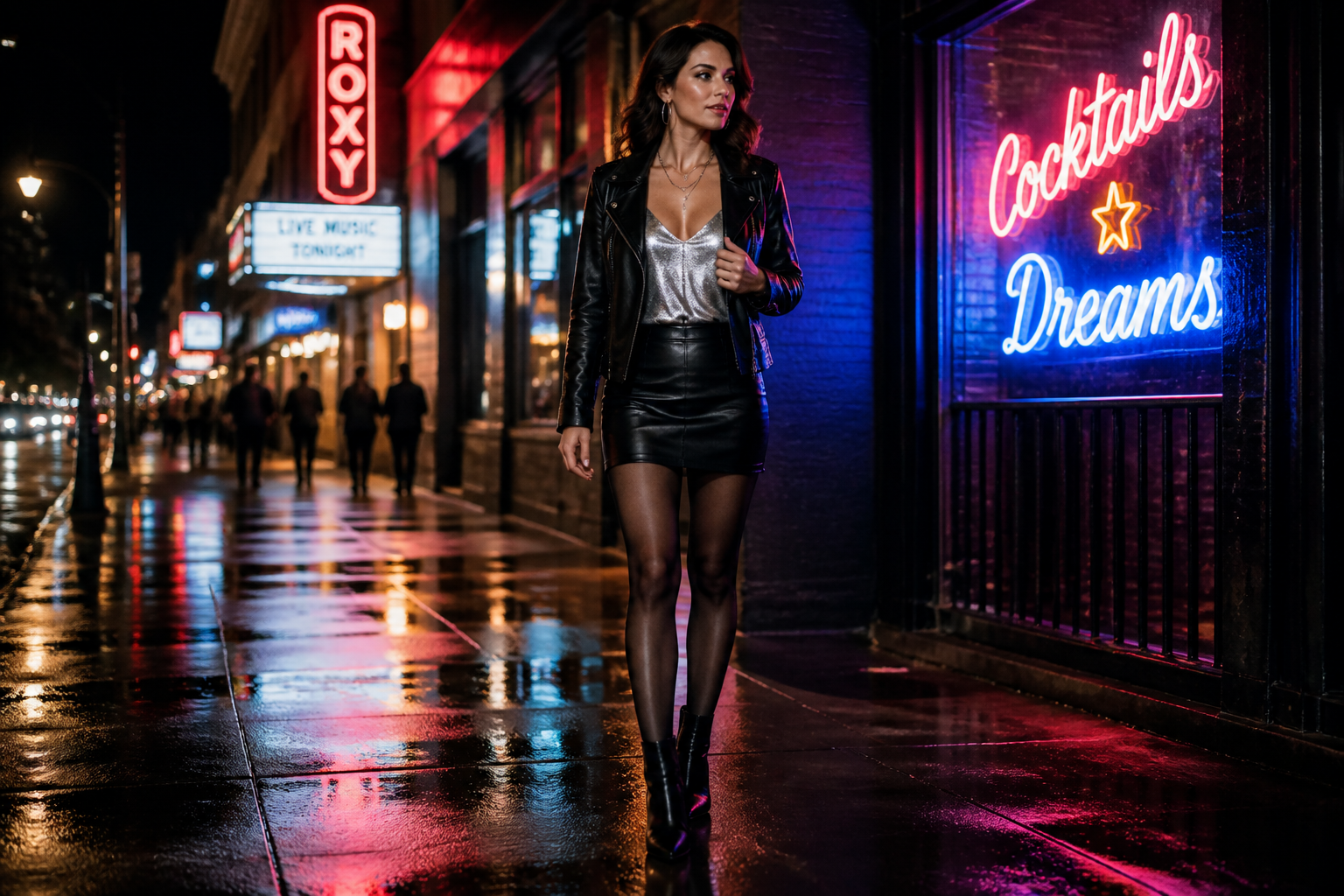 BEFORE
 AFTER
AFTER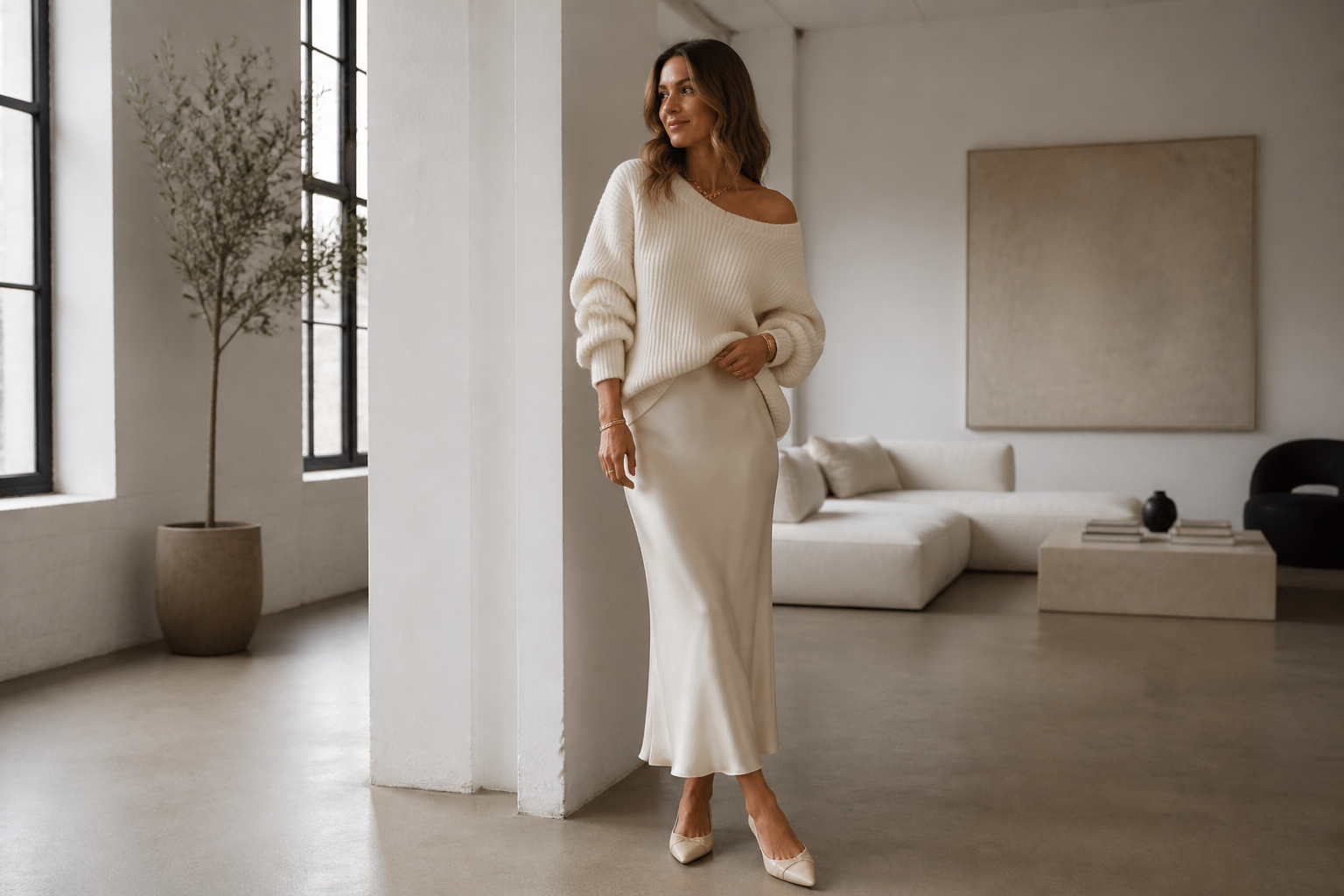 BEFORE
 AFTERBEFOREAFTERBEFOREAFTERBEFOREAFTERBEFOREAFTERBEFOREAFTER
 BEFORE
 AFTER
AFTER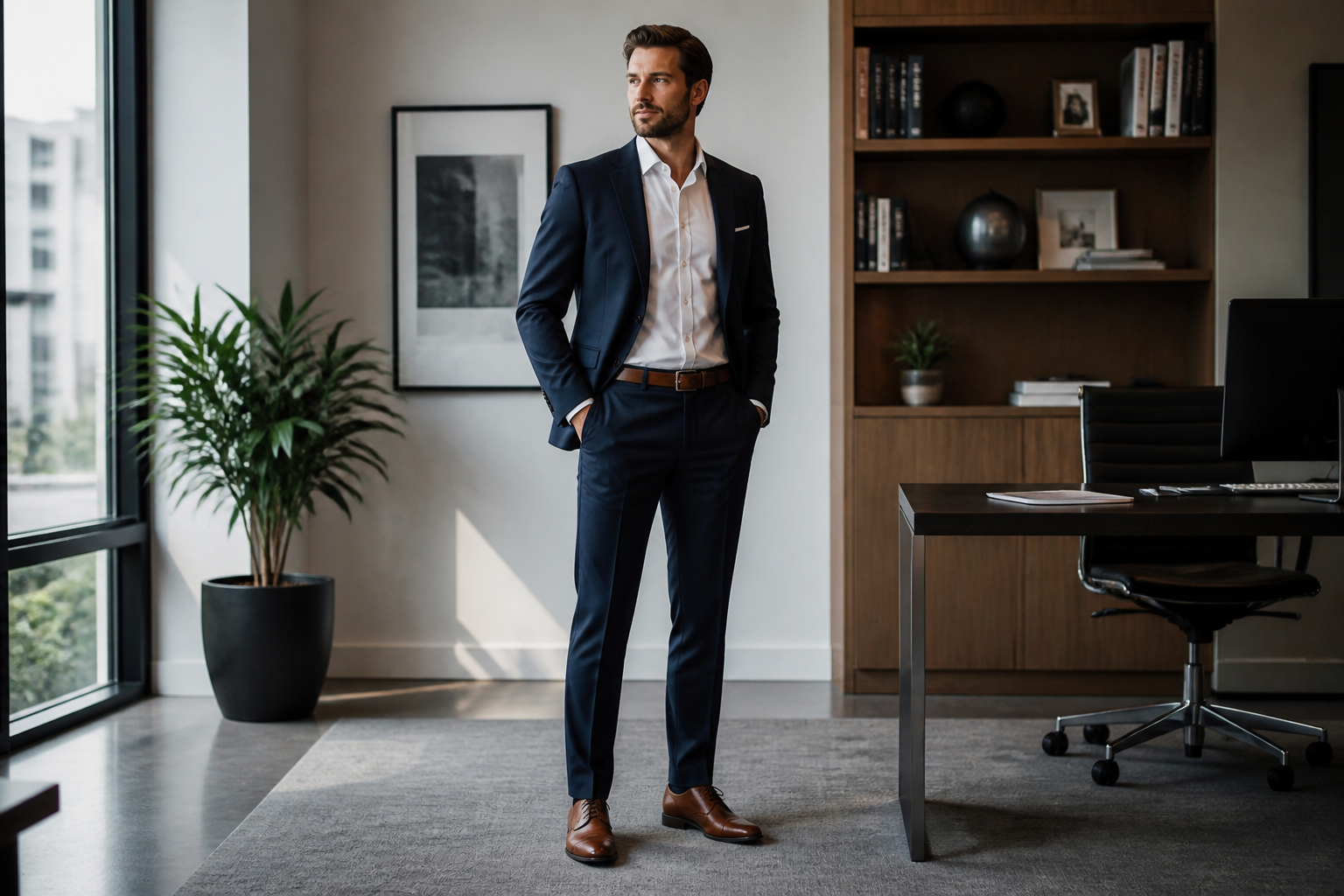 BEFORE
 AFTER
AFTER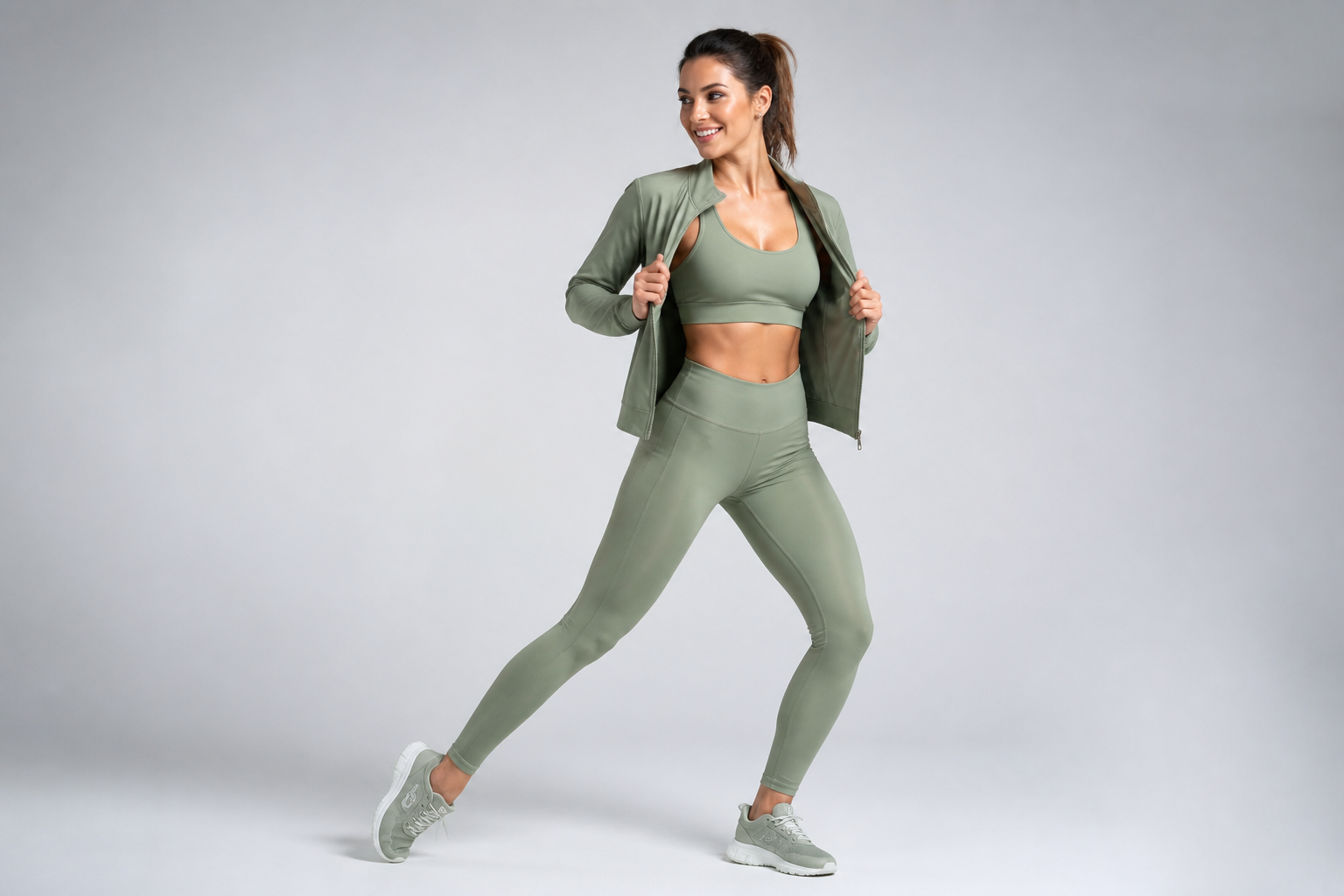 BEFORE
 AFTER
AFTER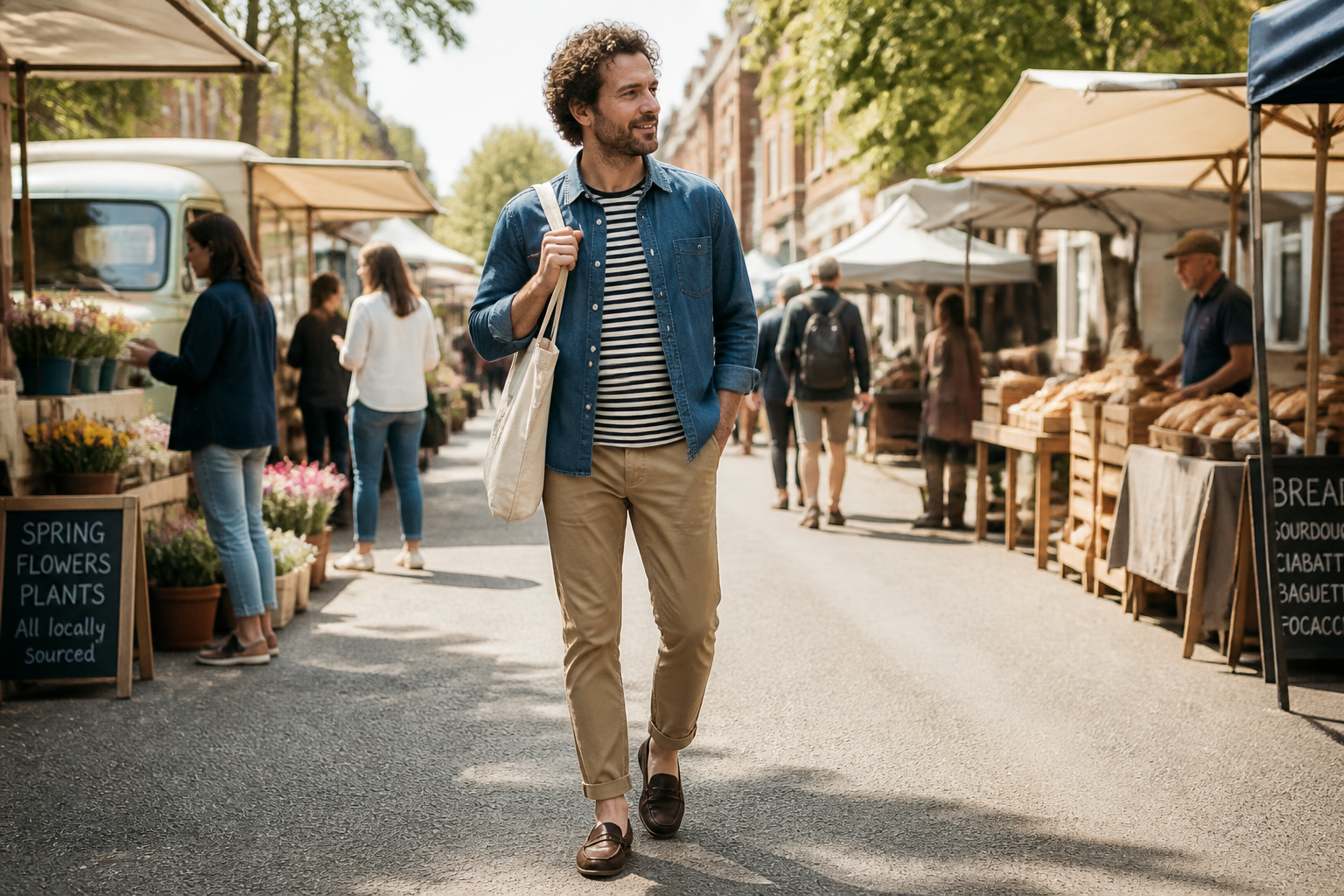 BEFORE
 AFTER
AFTER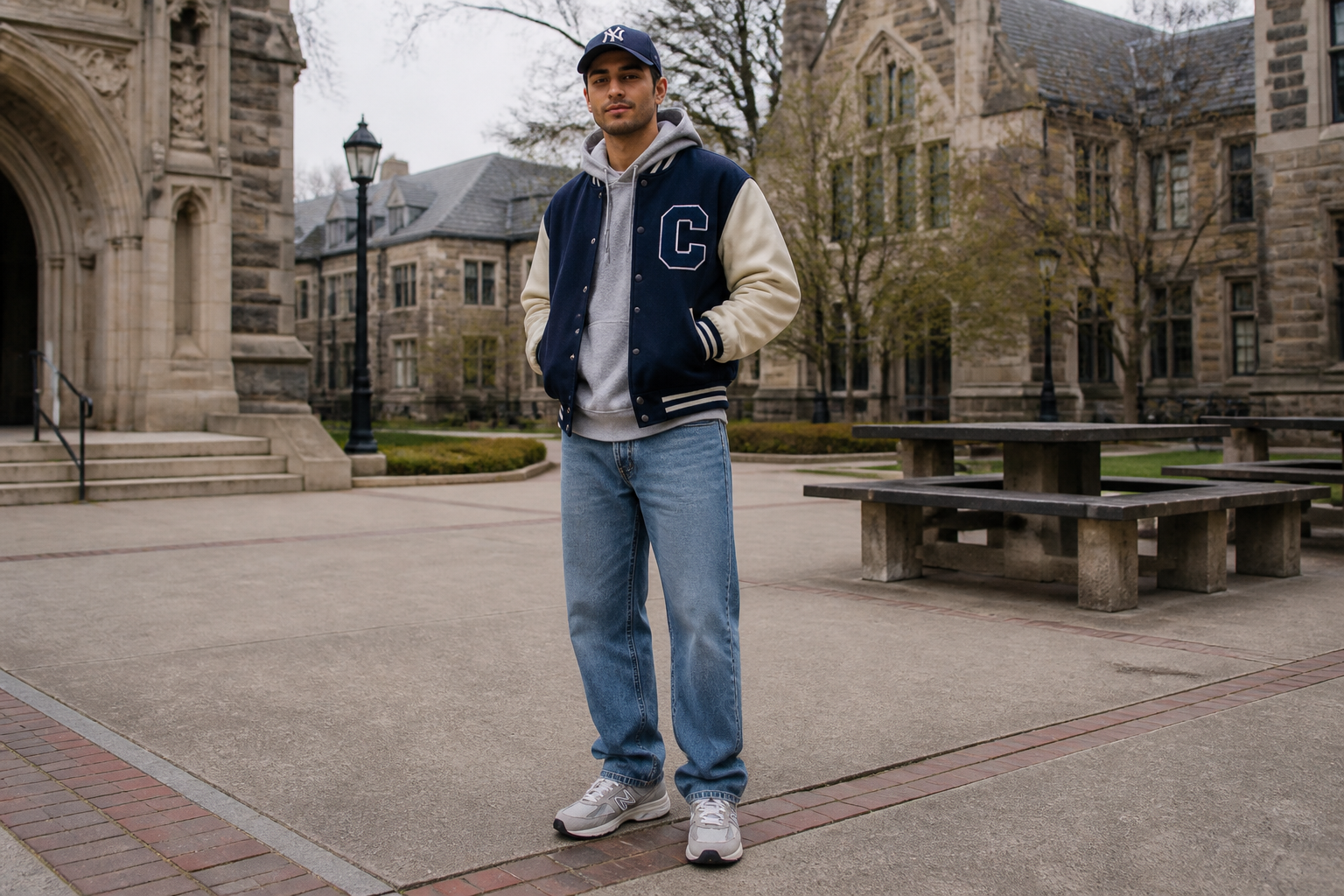 BEFORE
 AFTERBEFOREAFTERBEFOREAFTERBEFOREAFTERBEFOREAFTERBEFOREAFTER
Key Features
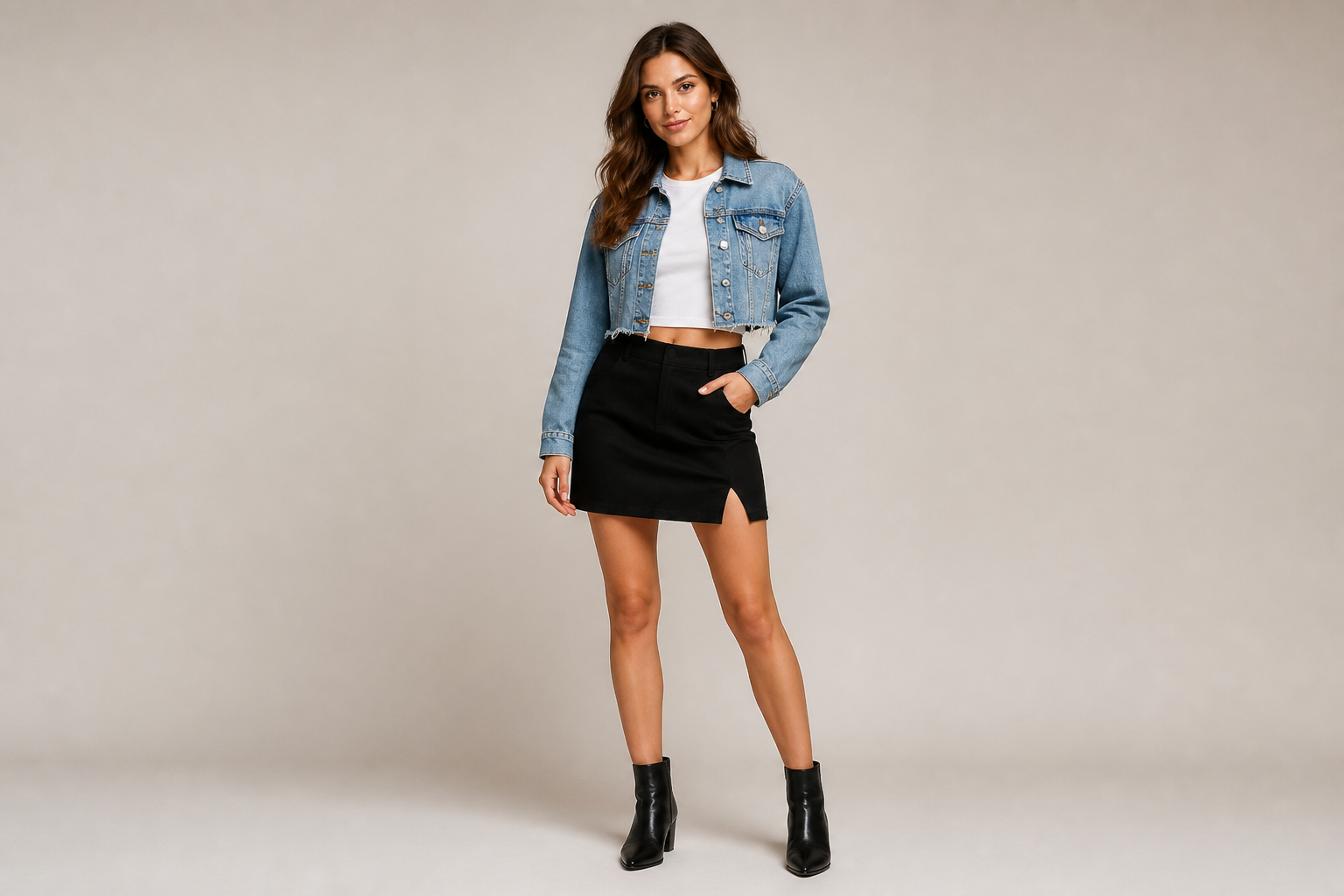
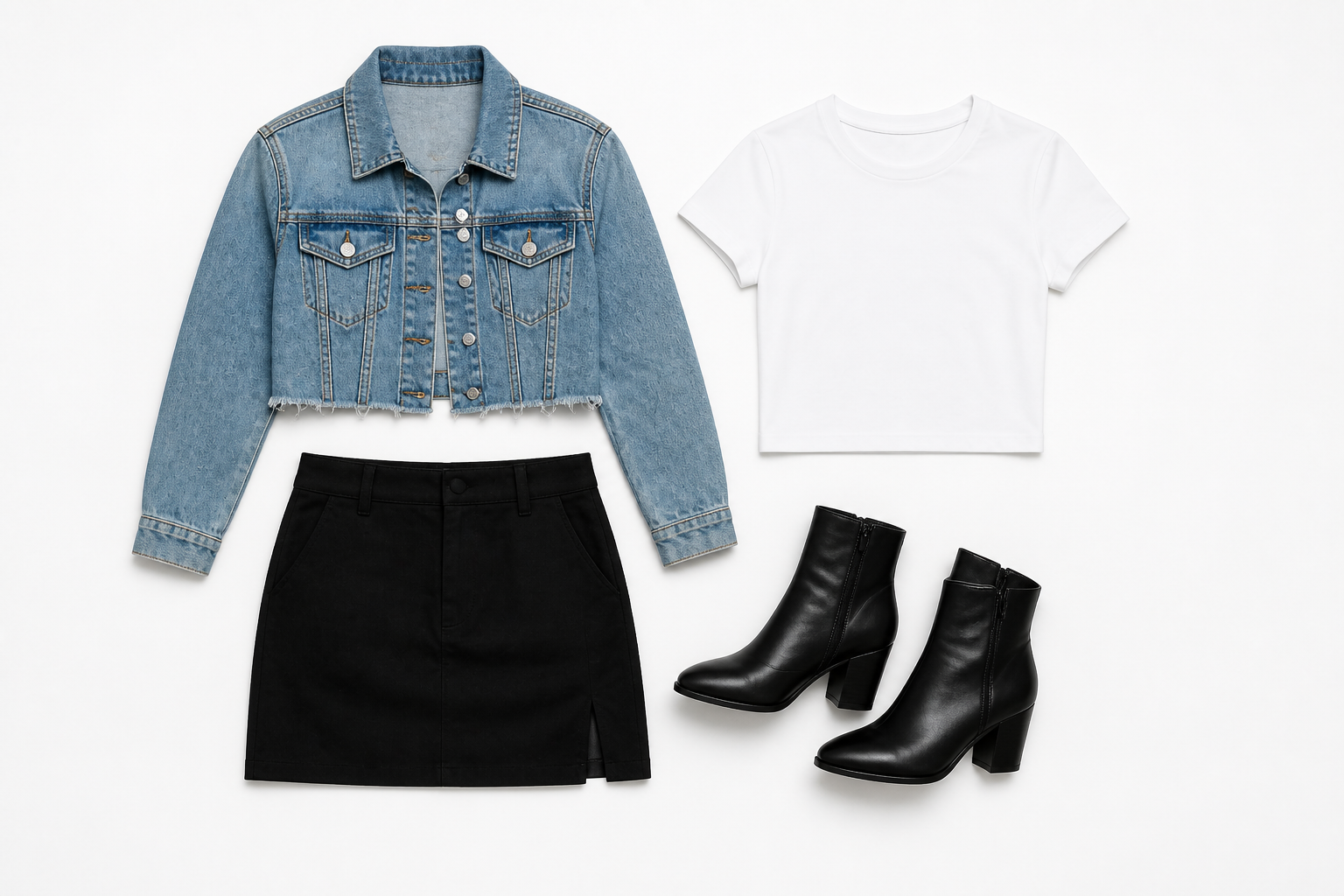
Remove the model cleanly
Turn a styled outfit photo into a product-first flatlay without manually masking every edge. Our AI removes the person and rebuilds the clothing pieces as a clean laid-out arrangement. This makes the result easier to use for catalogs, mood boards, and social posts. It saves time compared with cutting garments out by hand and restyling each piece in separate software.
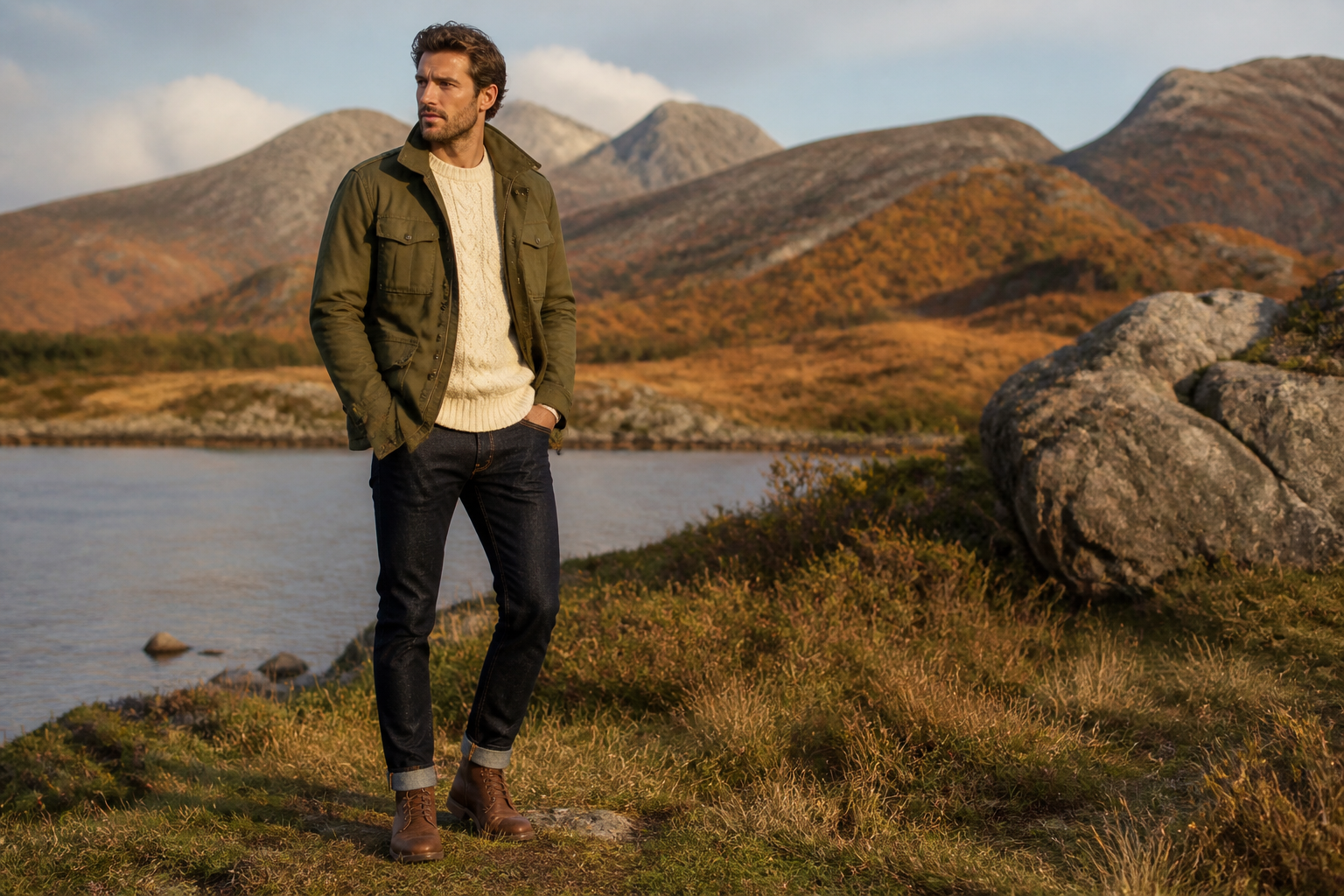
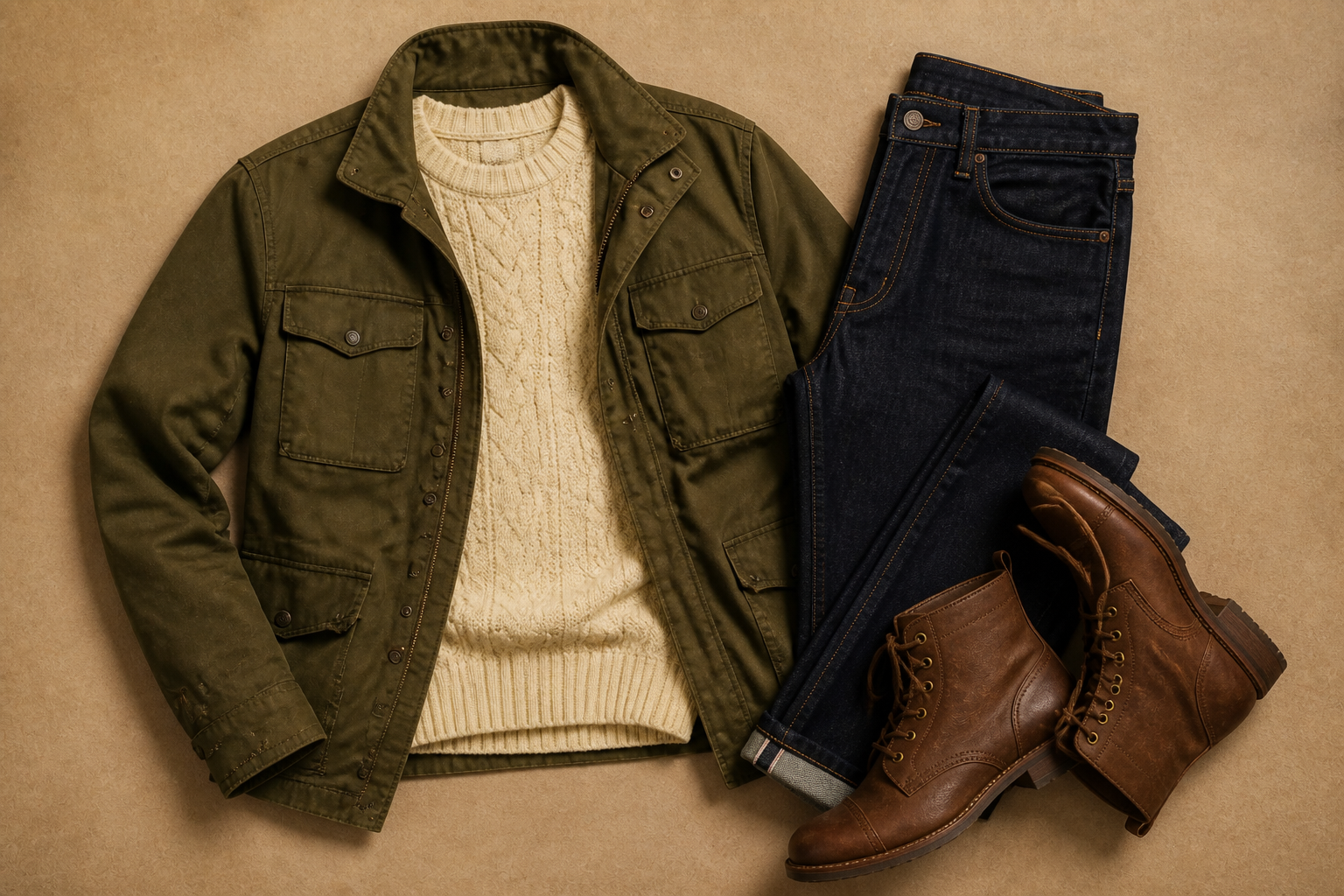
Keep outfit details intact
The edit keeps the key style information that matters, like color matching, fabric texture, silhouettes, and layering order. That means your flatlay still reflects the original look instead of turning into a generic outfit. This is useful when you need consistency across campaign images and product pages. Manual recreation often loses small styling choices that make an outfit feel intentional.
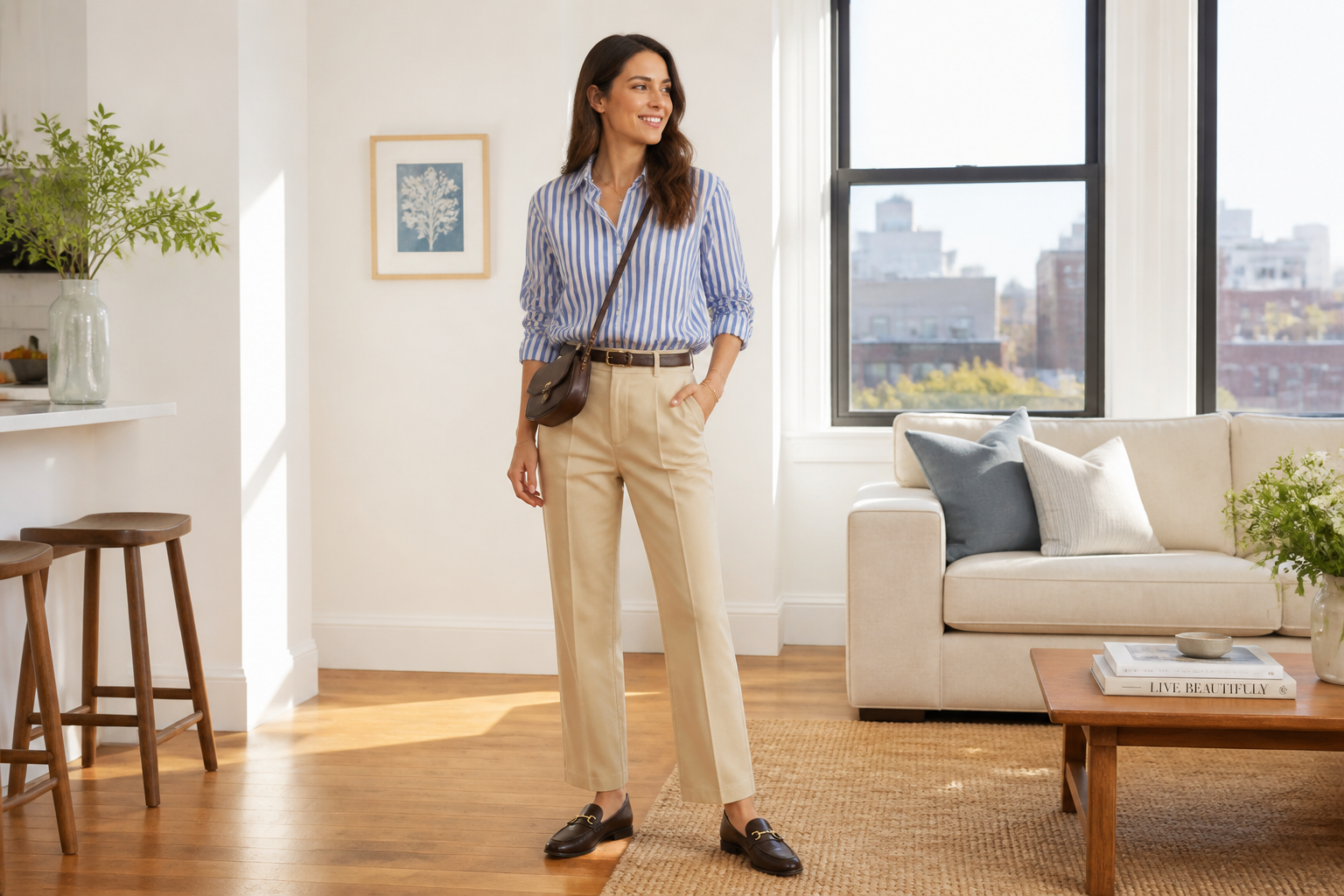
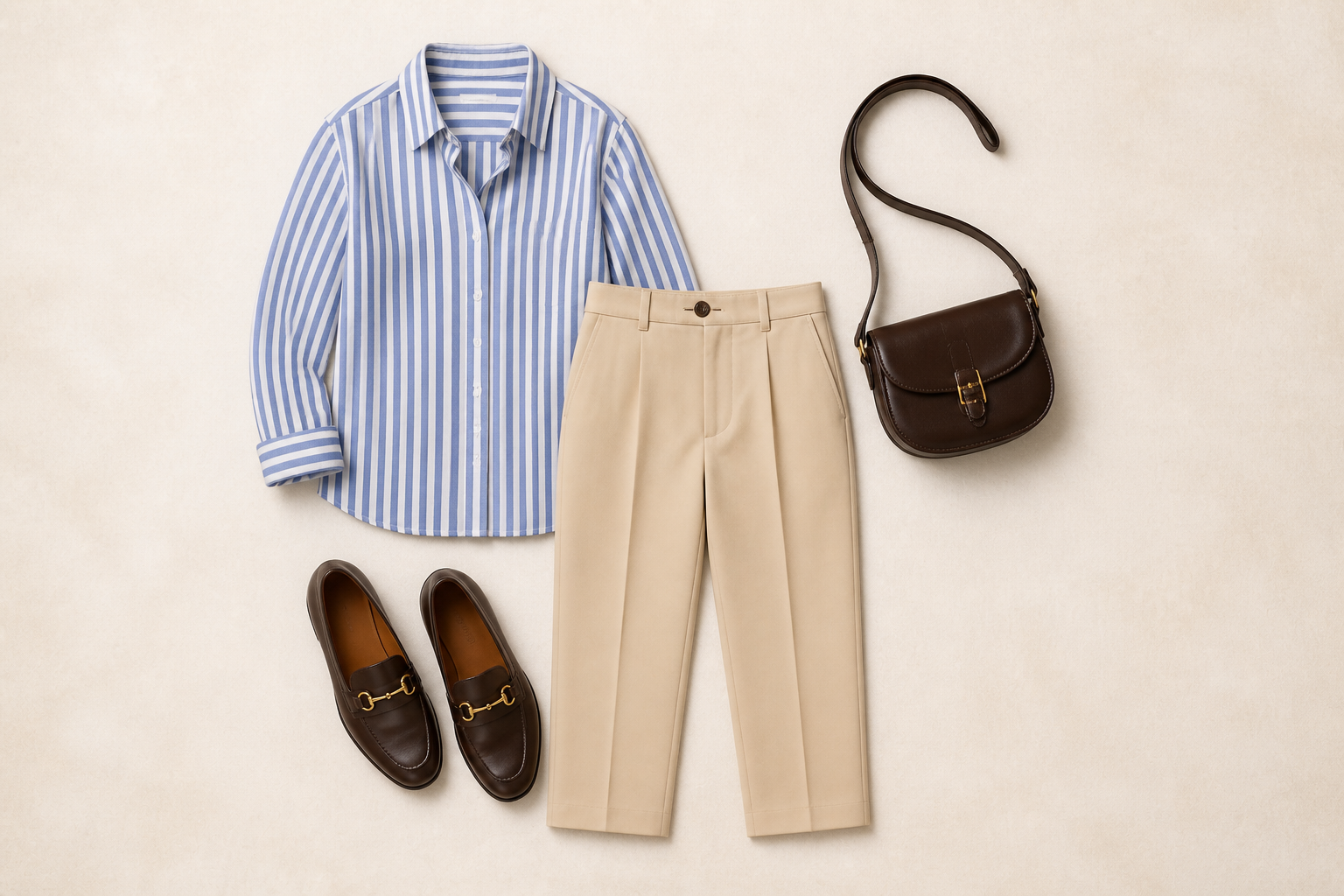
Create polished layouts fast
Instead of arranging garments on a table and shooting them again, you can generate a presentable flatlay from an existing photo. The AI spaces the pieces clearly so the outfit reads well at a glance. That helps when you need quick creative assets for launches, lookbooks, or content calendars. It cuts out reshoots, setup time, and repetitive retouching work.
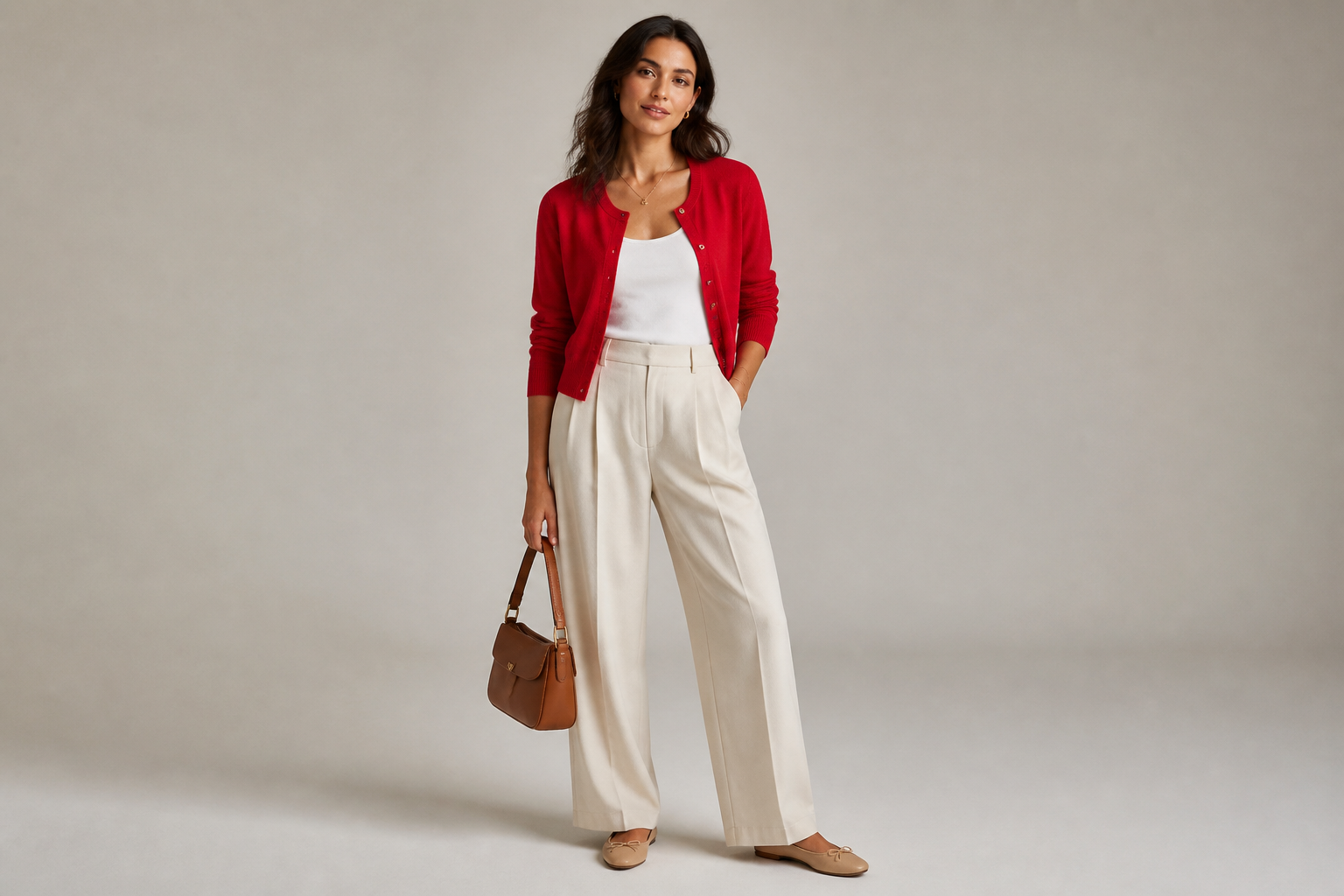
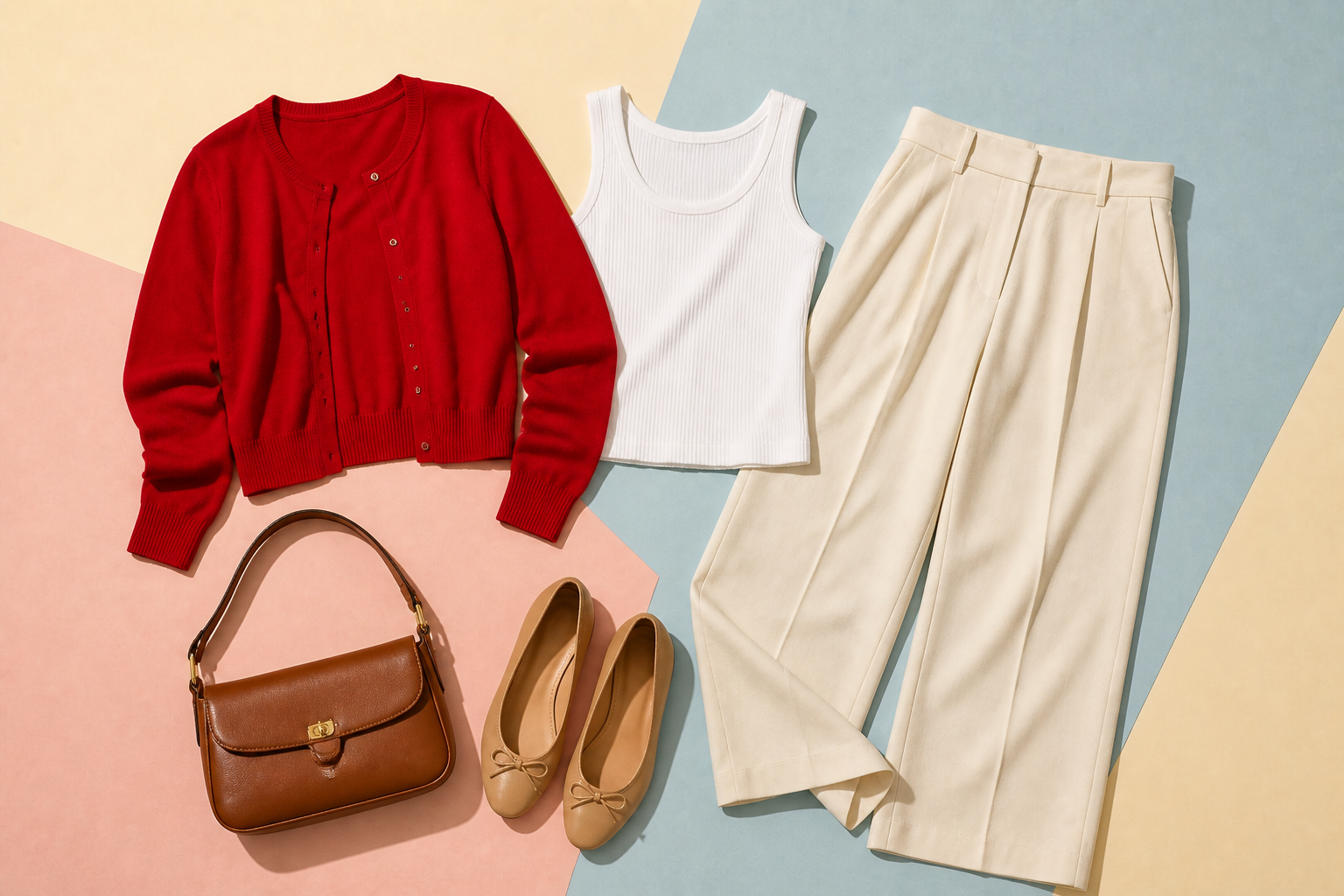
Explore multiple visual styles
You can generate realistic ecommerce flatlays or push the output toward more visual editorial directions. That gives the same source outfit more than one use across marketing channels. Use clean product layouts for stores and more stylized compositions for social content or pitch decks. Doing that manually usually means building several separate assets from scratch.
How It Works
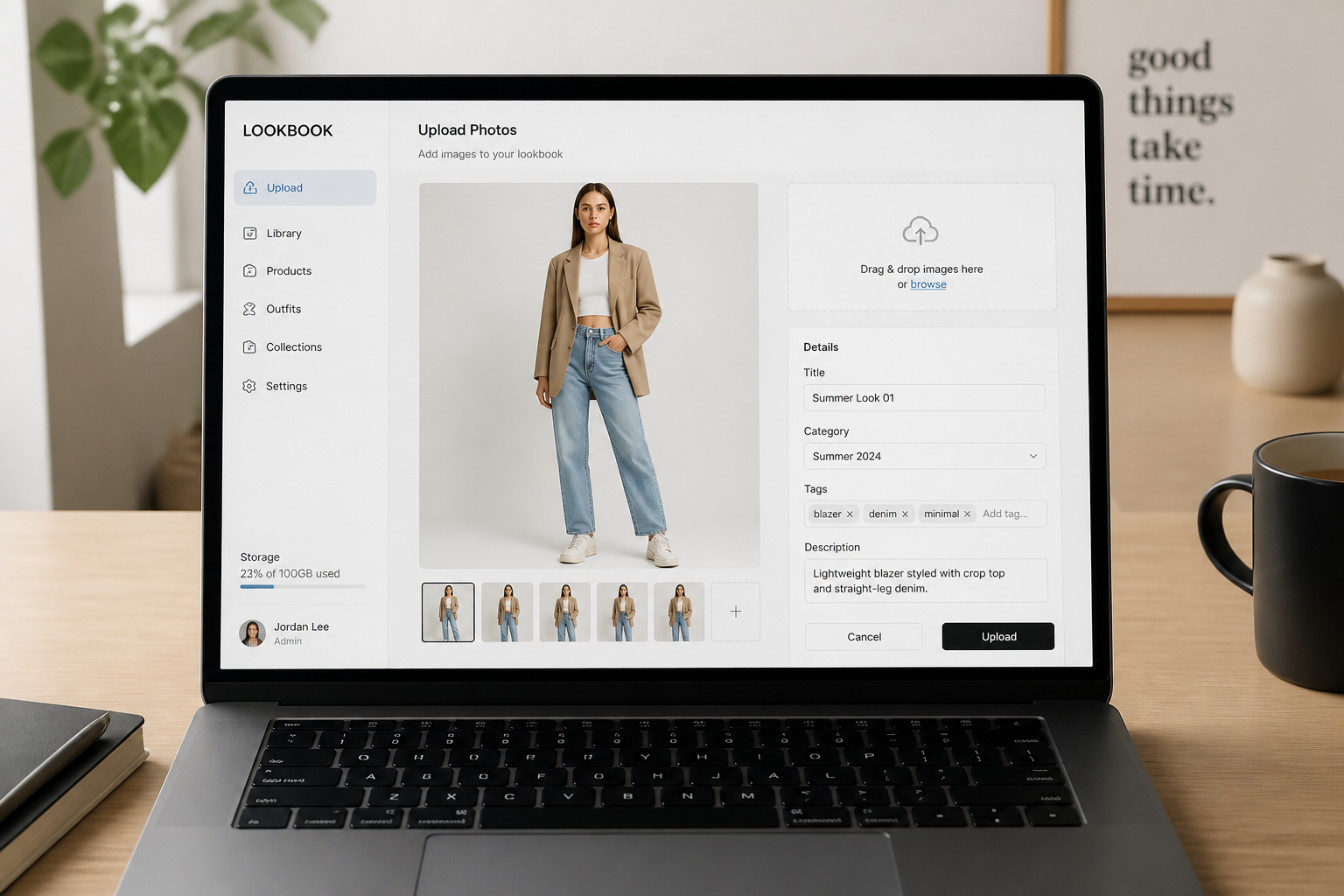
Upload your outfit photo
Start with a clear image of an adult model wearing the full look you want to convert. Full-body photos with good lighting usually produce the clearest flatlay separation.
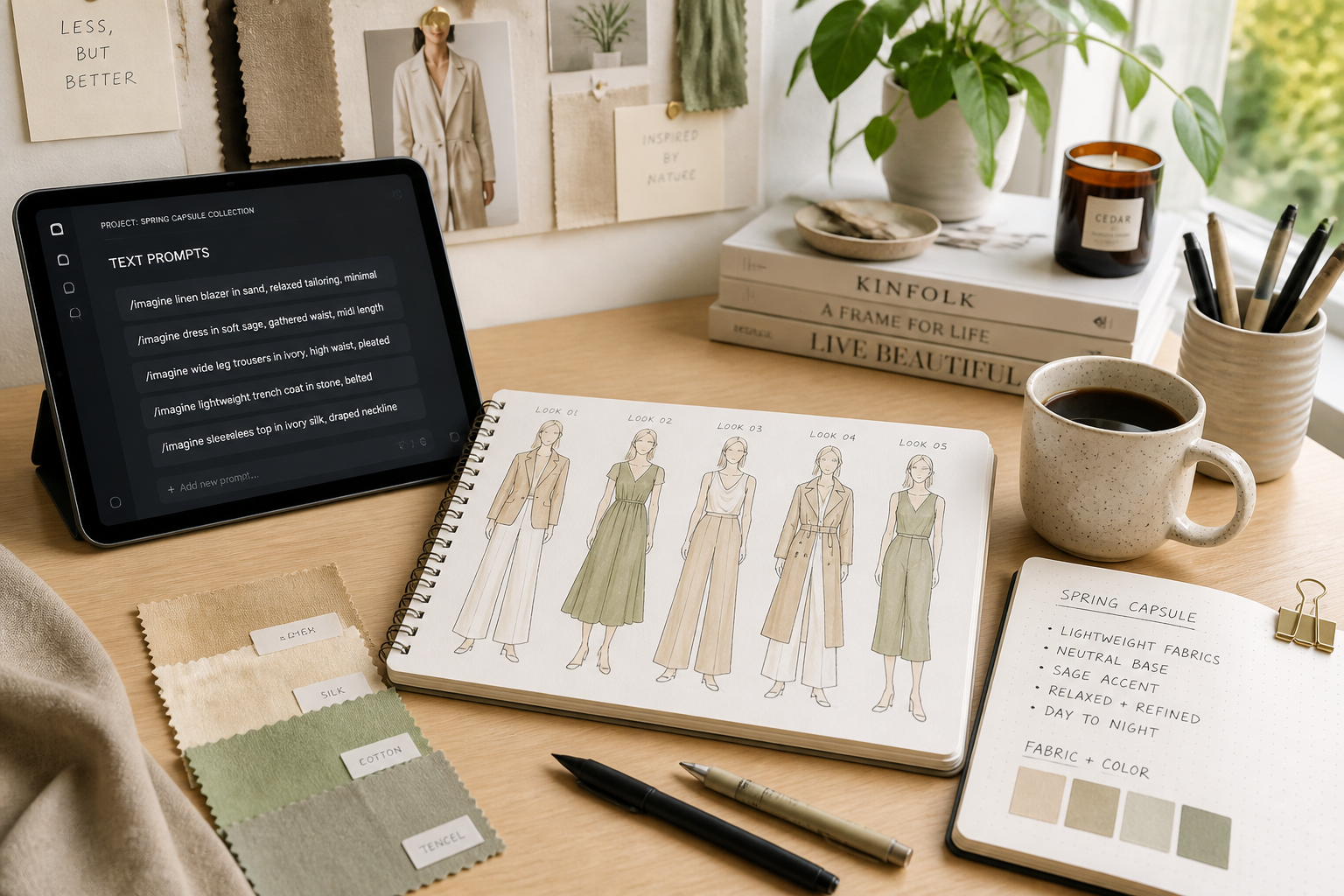
Describe the flatlay result
Tell the AI how you want the outfit arranged and what kind of background fits the use case. You can ask for clean ecommerce styling, editorial presentation, or a more artistic flatlay look.
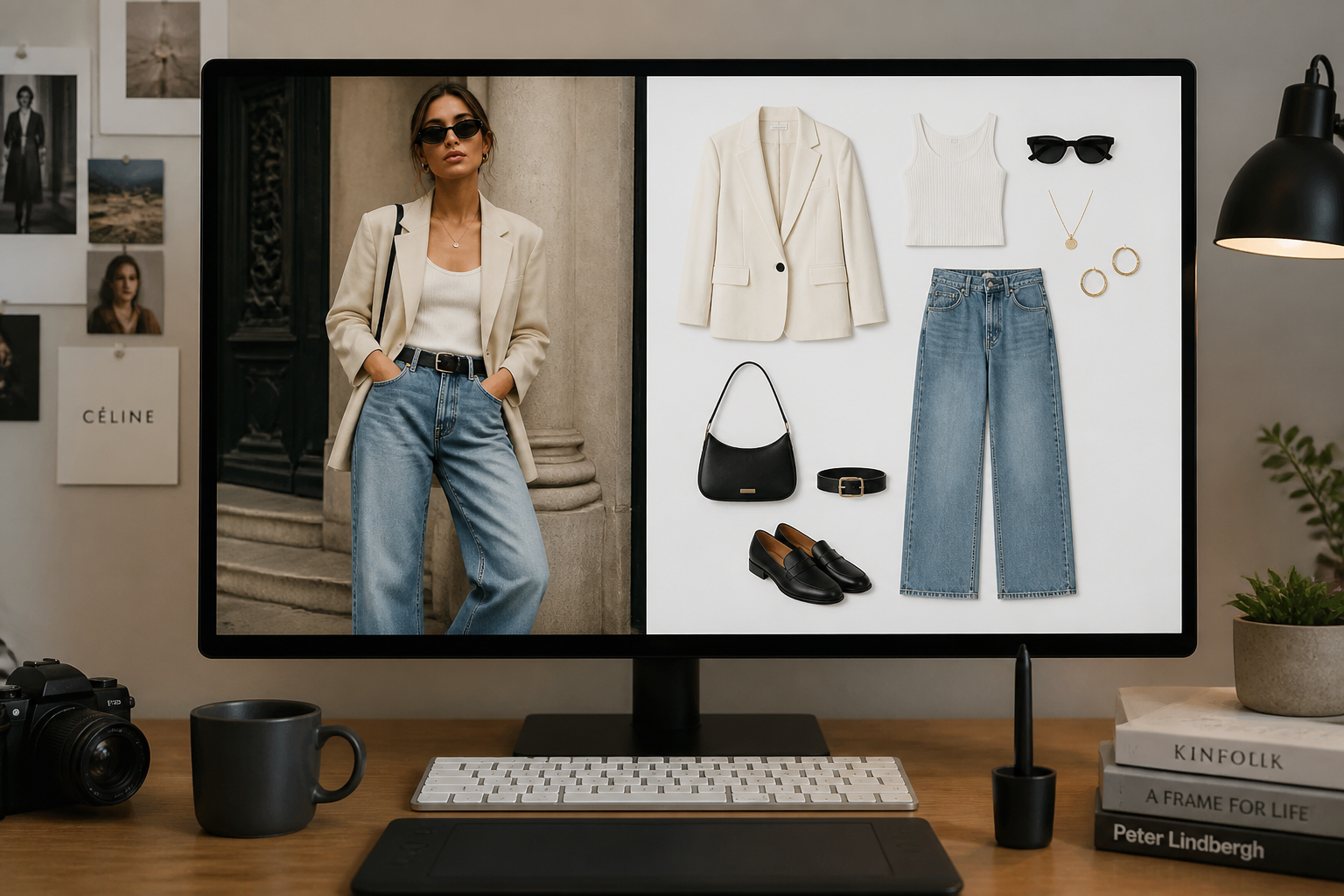
Generate and compare
Our AI creates the flatlay version from the worn look so you can compare before and after instantly. Keep the version you like, then use it for product pages, mood boards, or social content.
Perfect For
Discover how creators and professionals use ai outfit flatlay generator
Ecommerce product visuals
Turn styled outfit shoots into clean flatlays for collection pages, email banners, and product category graphics.
Social content planning
Create easy-to-scan outfit graphics for Instagram carousels, Pinterest pins, and seasonal style posts.
Lookbooks and mood boards
Convert campaign photos into organized outfit layouts for internal decks, client presentations, and creative direction boards.
Styling recap assets
Show the exact pieces from a worn look in a cleaner format for outfit breakdowns, packing lists, and capsule wardrobe guides.
Built For
Fashion brands
Create flatlay assets from existing styled shoots without setting up another product session.
Content creators
Turn daily outfit photos into reusable graphics for social posts, guides, and affiliate content.
Stylists and merchandisers
Present outfit combinations clearly when planning collections, edits, and client recommendations.
Why use it for outfit flatlays
A quick look at how we compare on the things that matter for this niche.
| Feature | BudgetPixel | Generic AI editors | Manual editing apps |
|---|---|---|---|
| Turns worn looks into flatlays | ✓ | — | — |
| Preserves outfit styling | ✓ | — | ✓ |
| Fast to test variations | ✓ | ✓ | — |
| No manual masking required | ✓ | — | — |
| Useful for ecommerce assets | ✓ | — | ✓ |
Frequently Asked Questions
What kind of photo works best?
Does it keep the original outfit details?
Can I make ecommerce-style flatlays?
Can it create stylized flatlays too?
Do I need manual editing skills?
Create together.
Share your creations, discover trending AI art, and grow with fellow creators.