Character Consistency Tool for Reusable AI Characters
Keep one character recognizable across scenes, outfits, poses, and styles.
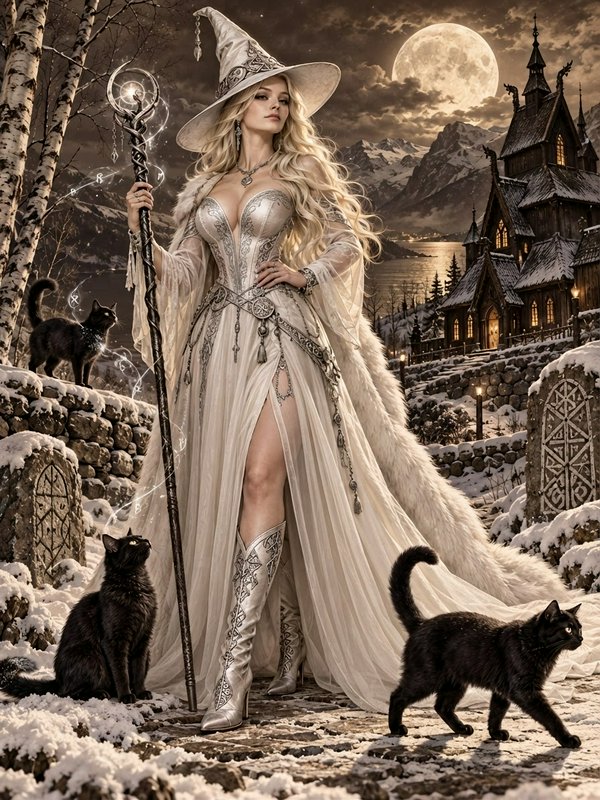
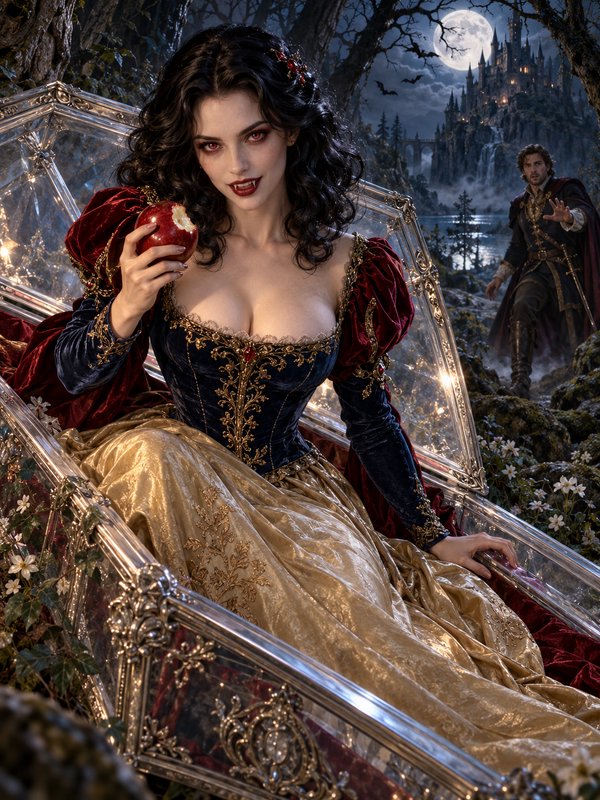
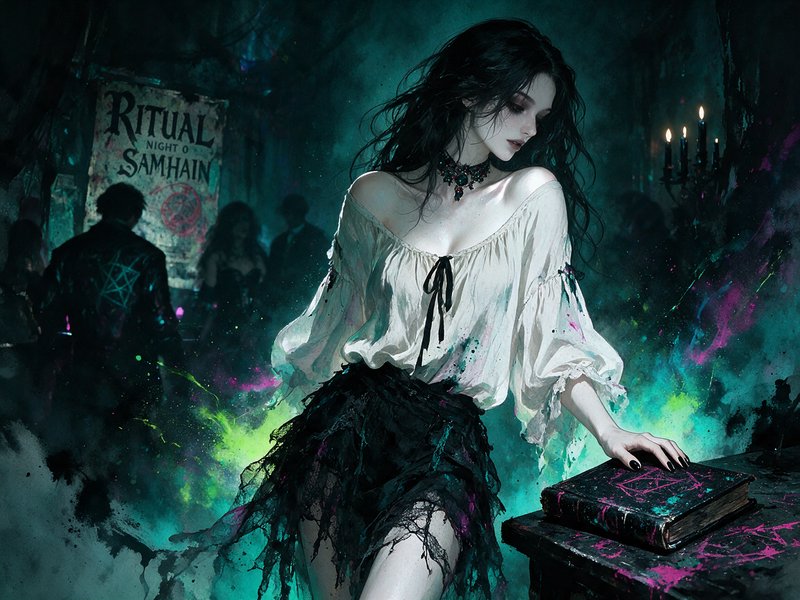
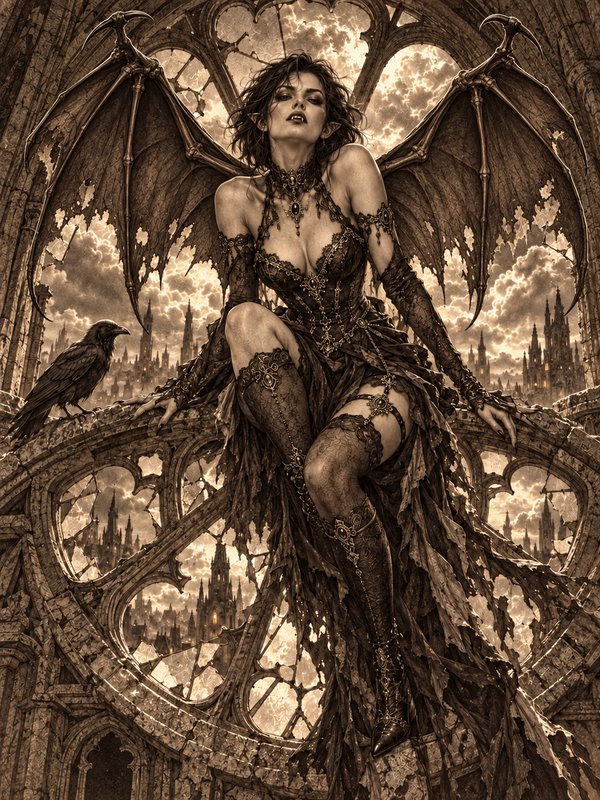
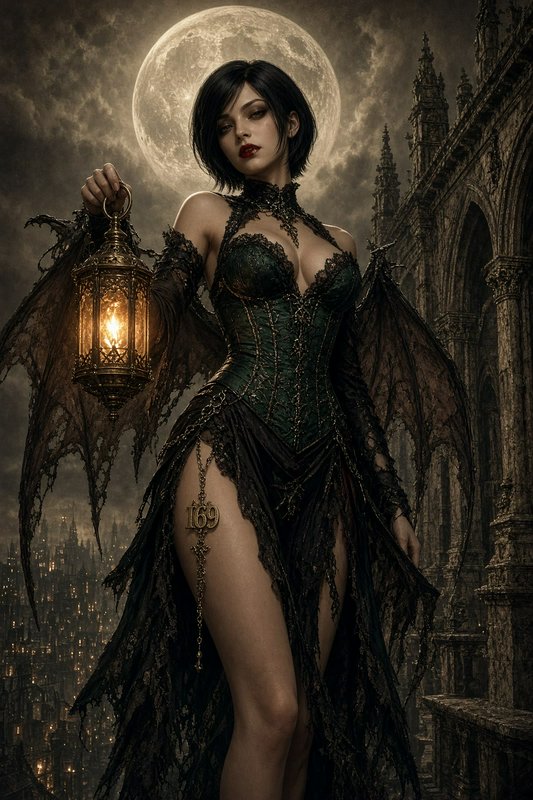
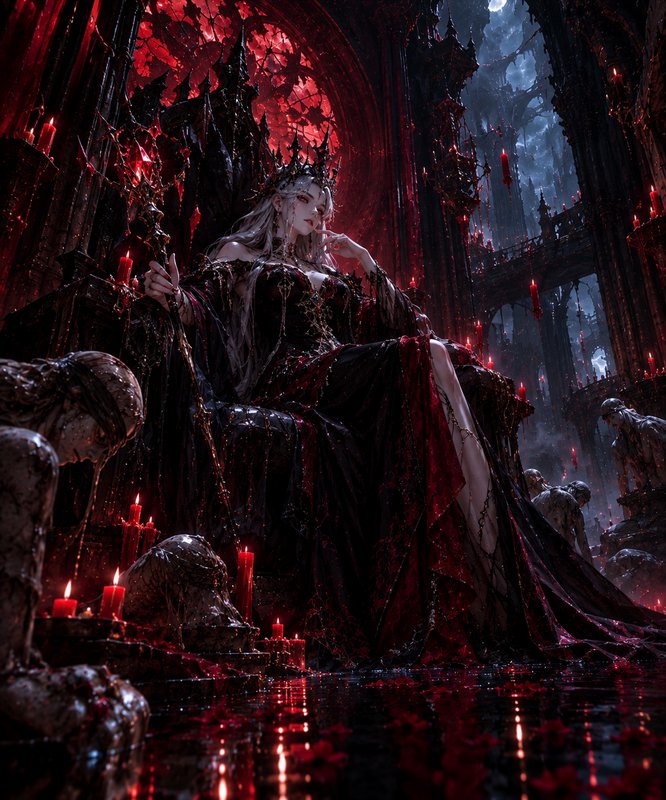
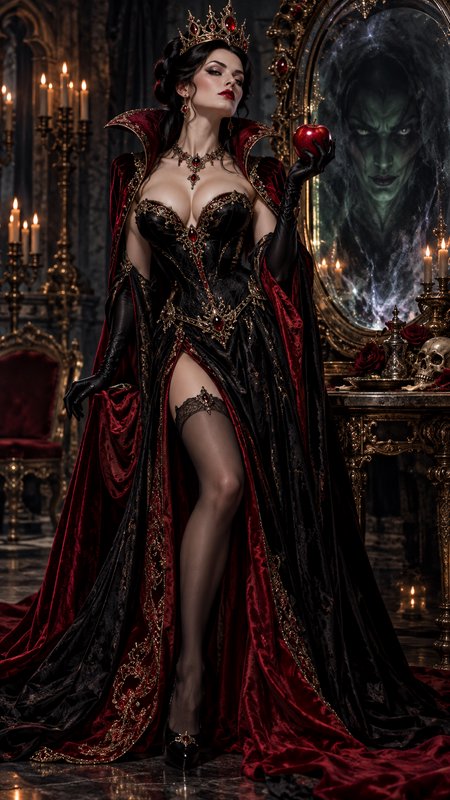
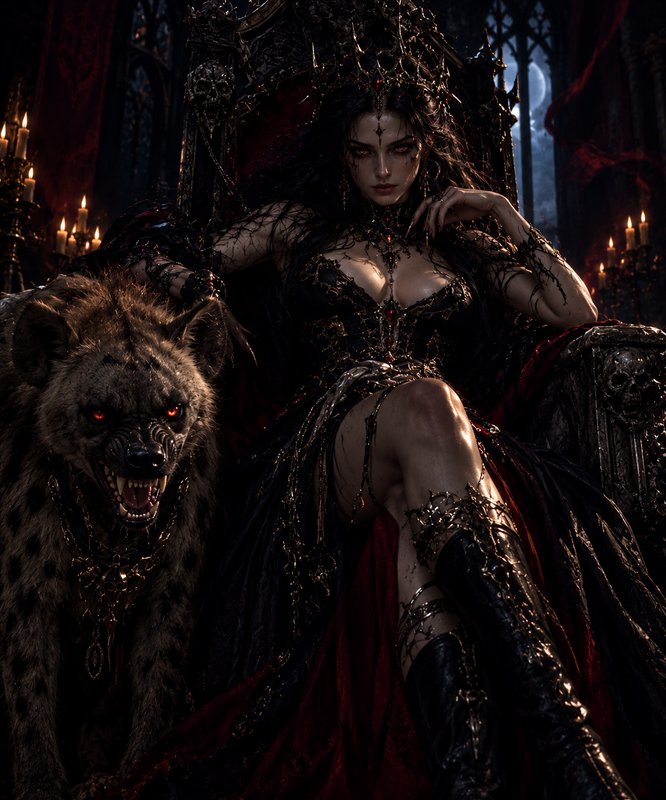
The Character Consistency Tool helps you edit images while preserving the same core character traits from shot to shot. Use it to keep faces, hair, outfit details, and overall identity aligned across a whole series instead of starting over every time.

Watch the Transformation
See character consistency tool in motion — generated end-to-end by our AI.
See It In Action
Real outputs from character consistency tool.
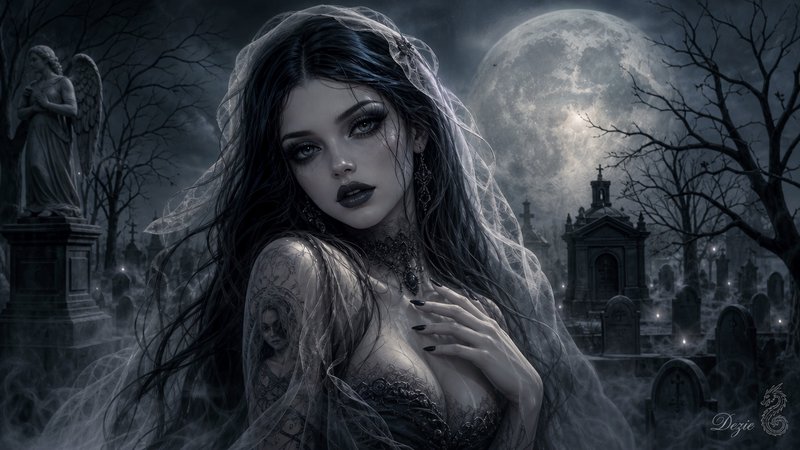
BEFOREAFTER BEFORE
 AFTER
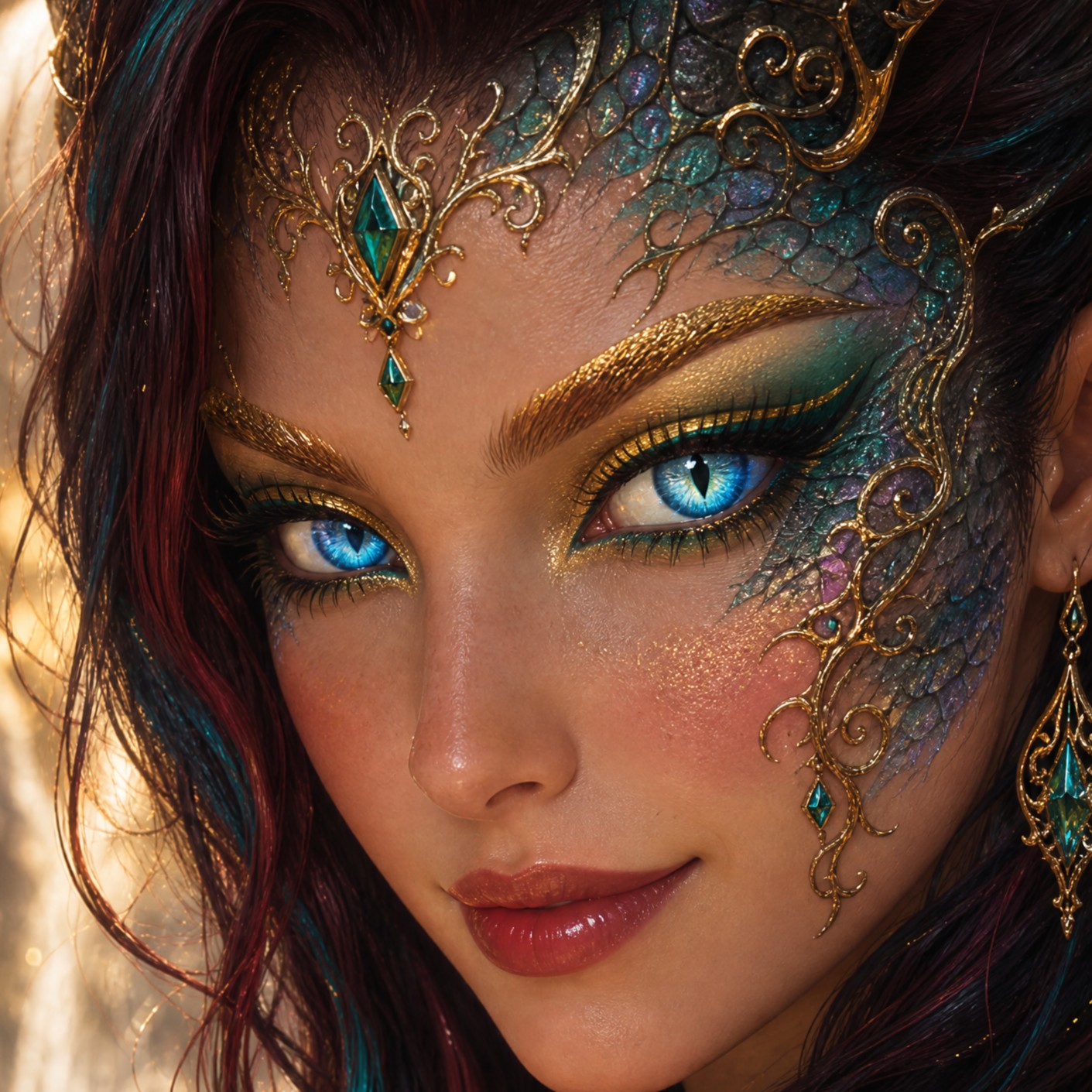
AFTER BEFORE
 AFTER
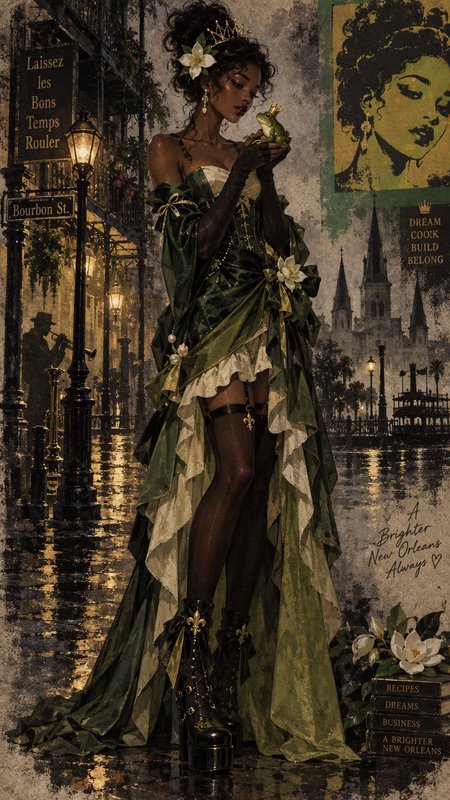
AFTER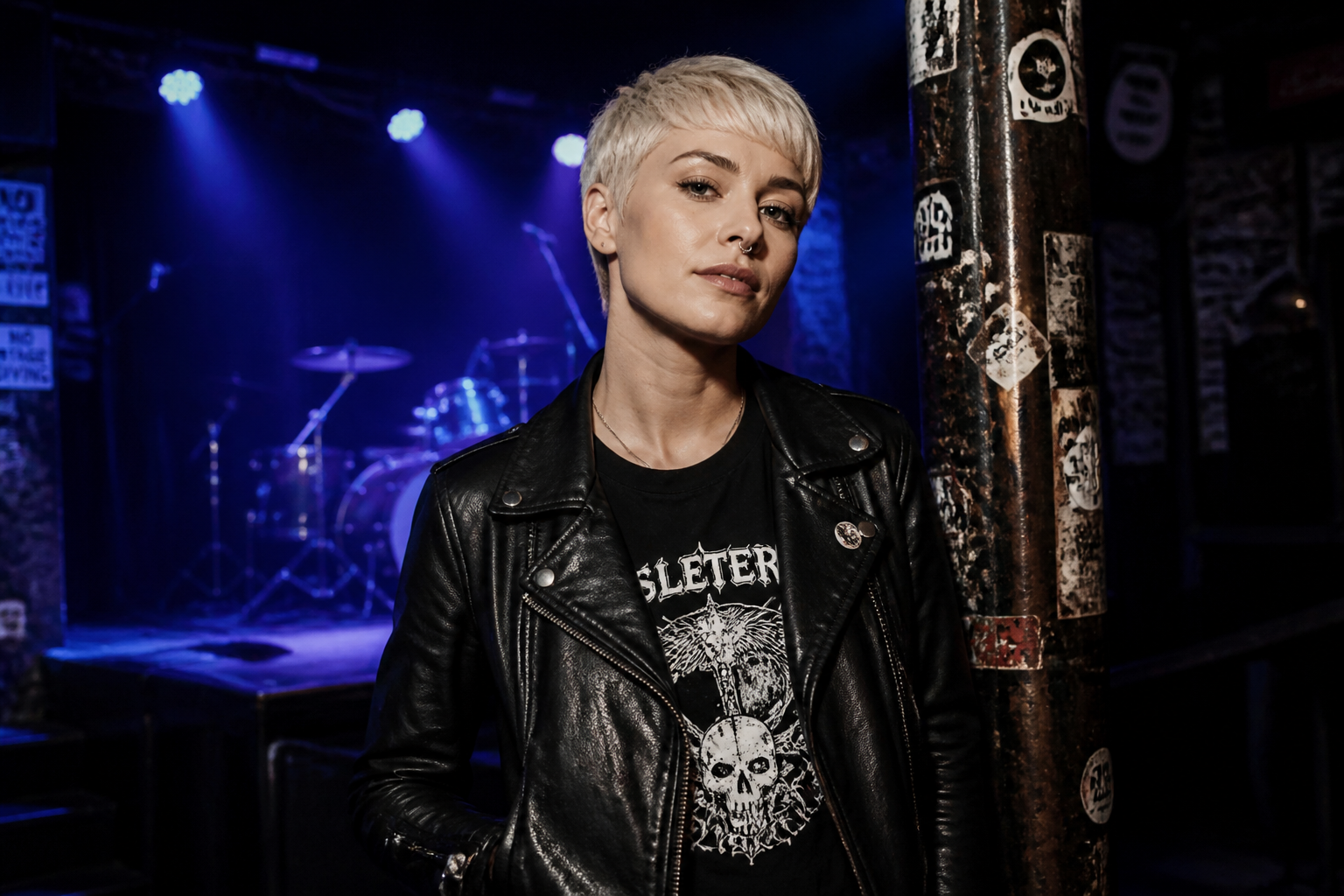 BEFORE
 AFTER
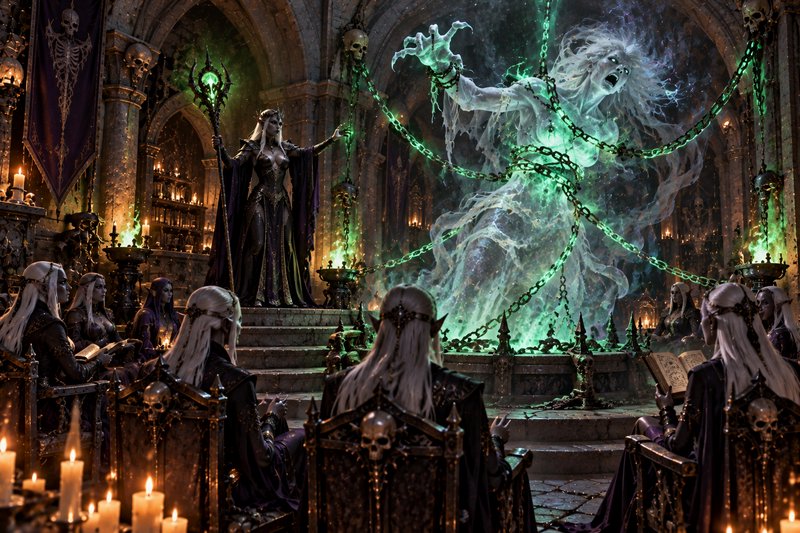
AFTER BEFORE
 AFTERBEFOREAFTERBEFOREAFTERBEFOREAFTERBEFOREAFTERBEFOREAFTER
 BEFORE
 AFTER
AFTER BEFORE
 AFTER
AFTER BEFORE
 AFTER
AFTER BEFORE
 AFTER
AFTER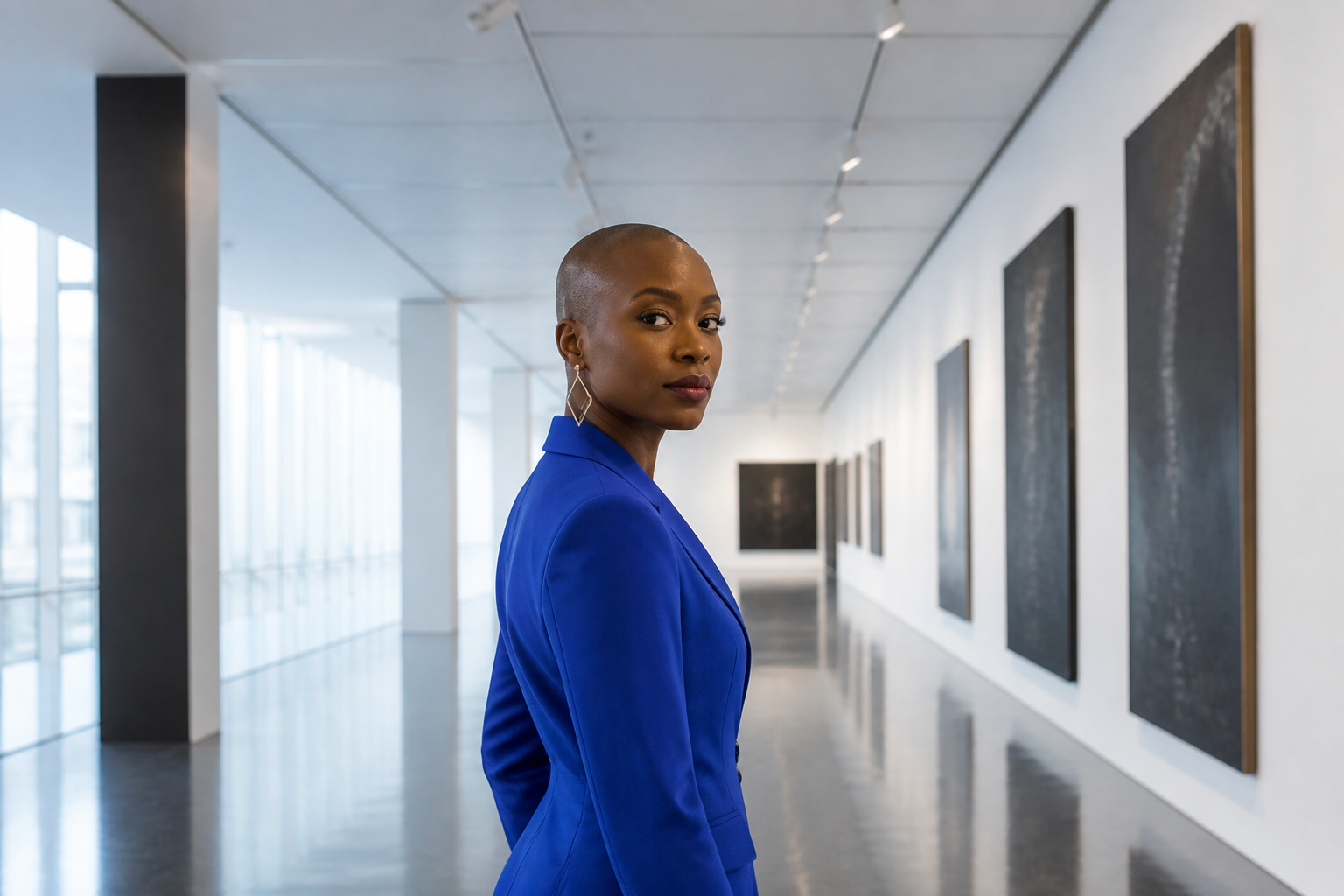 BEFORE
 AFTERBEFOREAFTERBEFOREAFTERBEFOREAFTERBEFOREAFTERBEFOREAFTER
Key Features
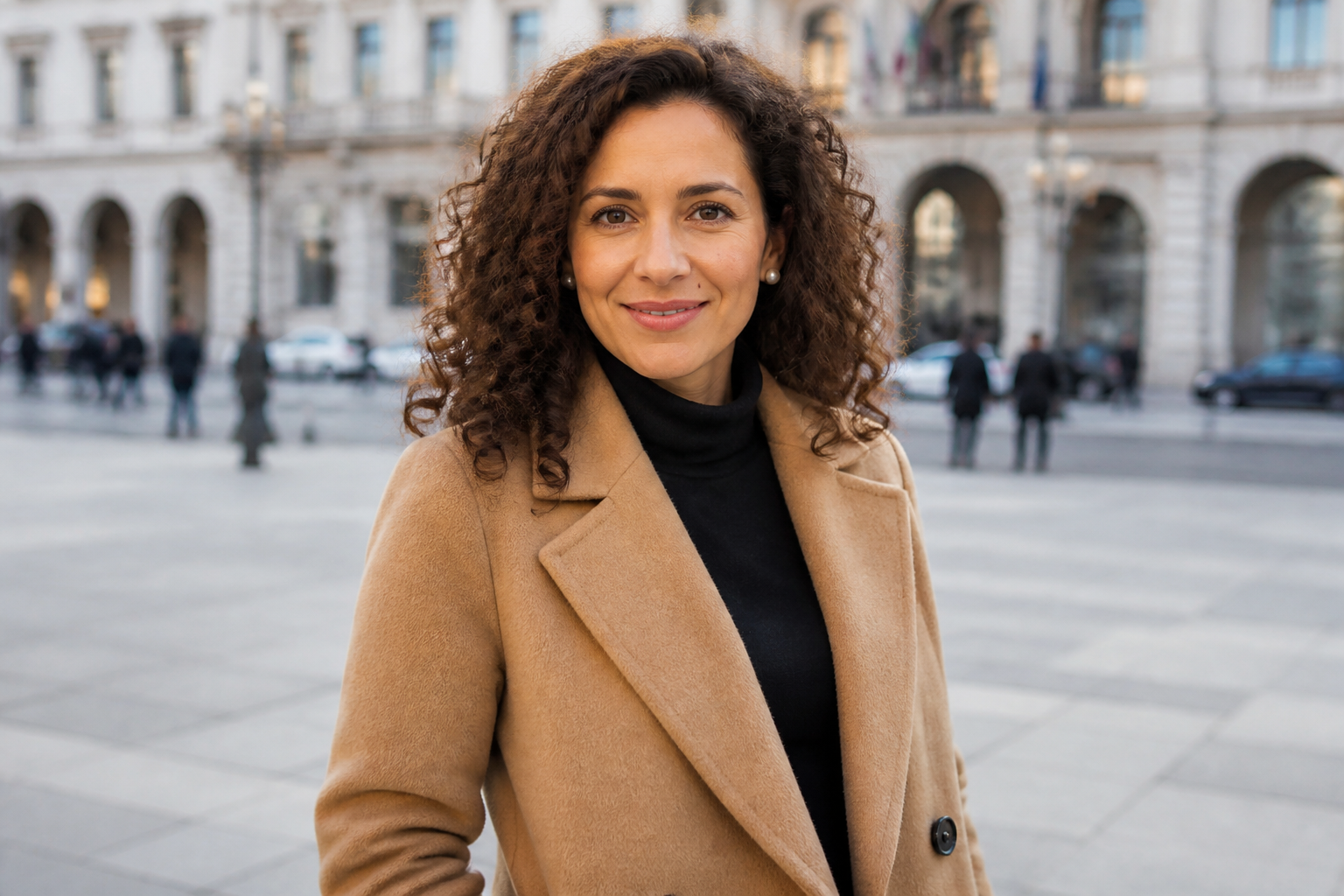

Keep faces recognizable
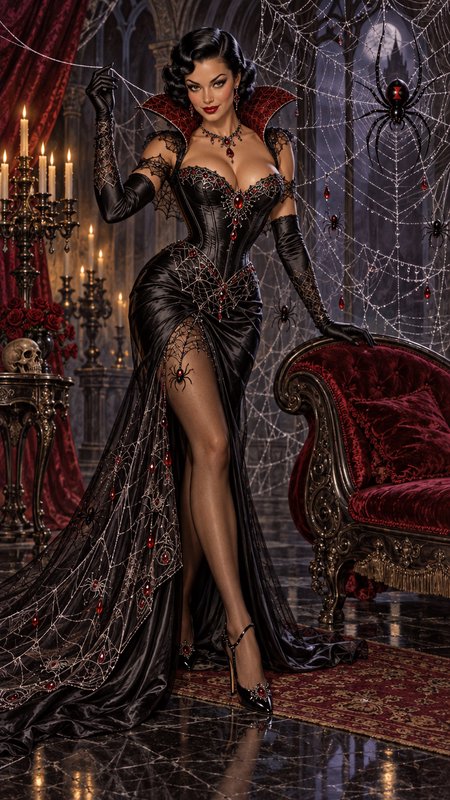
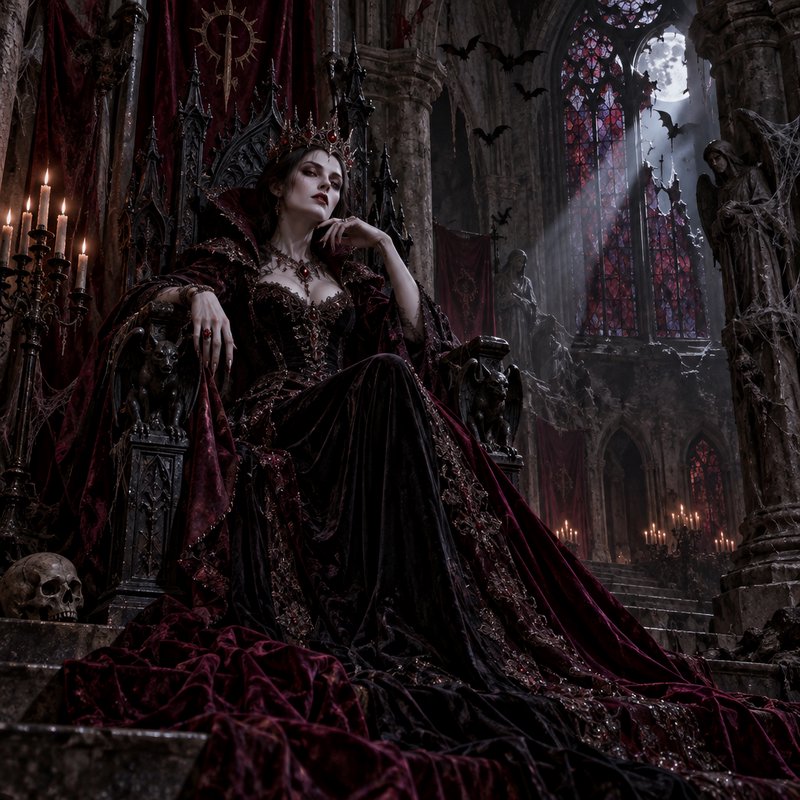
Preserve the same facial structure, hair, and signature details while changing the environment or style. This matters when you want a recurring protagonist instead of a different person in every image. Doing this manually across multiple edits is slow and inconsistent, especially when each generation drifts. Our AI helps anchor the character so each new version still feels like the same individual.


Move characters between scenes
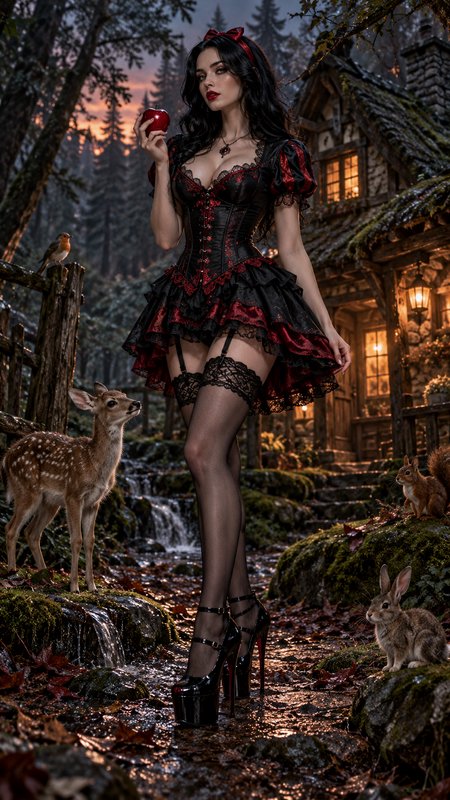
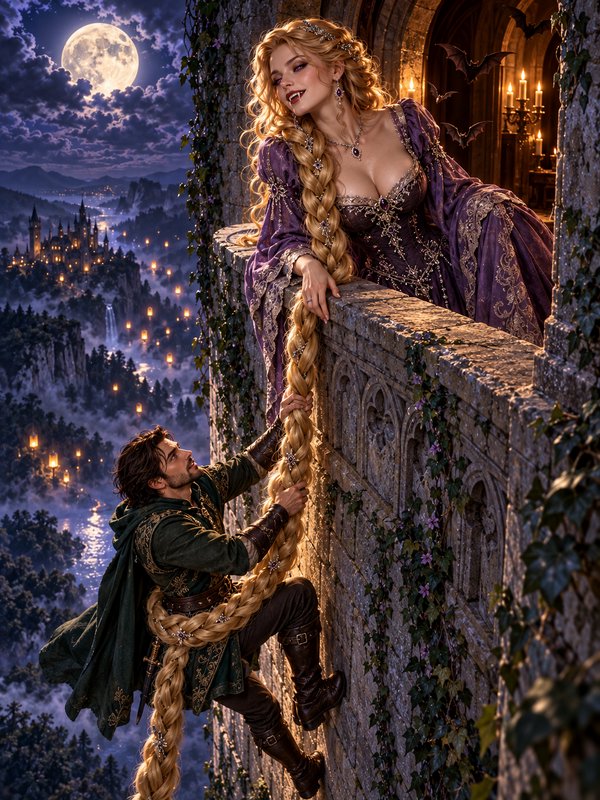
Place the same character in different settings without rebuilding their look from scratch. You can test travel scenes, workplace shots, lifestyle backgrounds, or campaign variations while keeping the subject stable. That makes storyboards and content series easier to plan. Instead of fighting prompt drift, you get a cleaner starting point for each new scene.

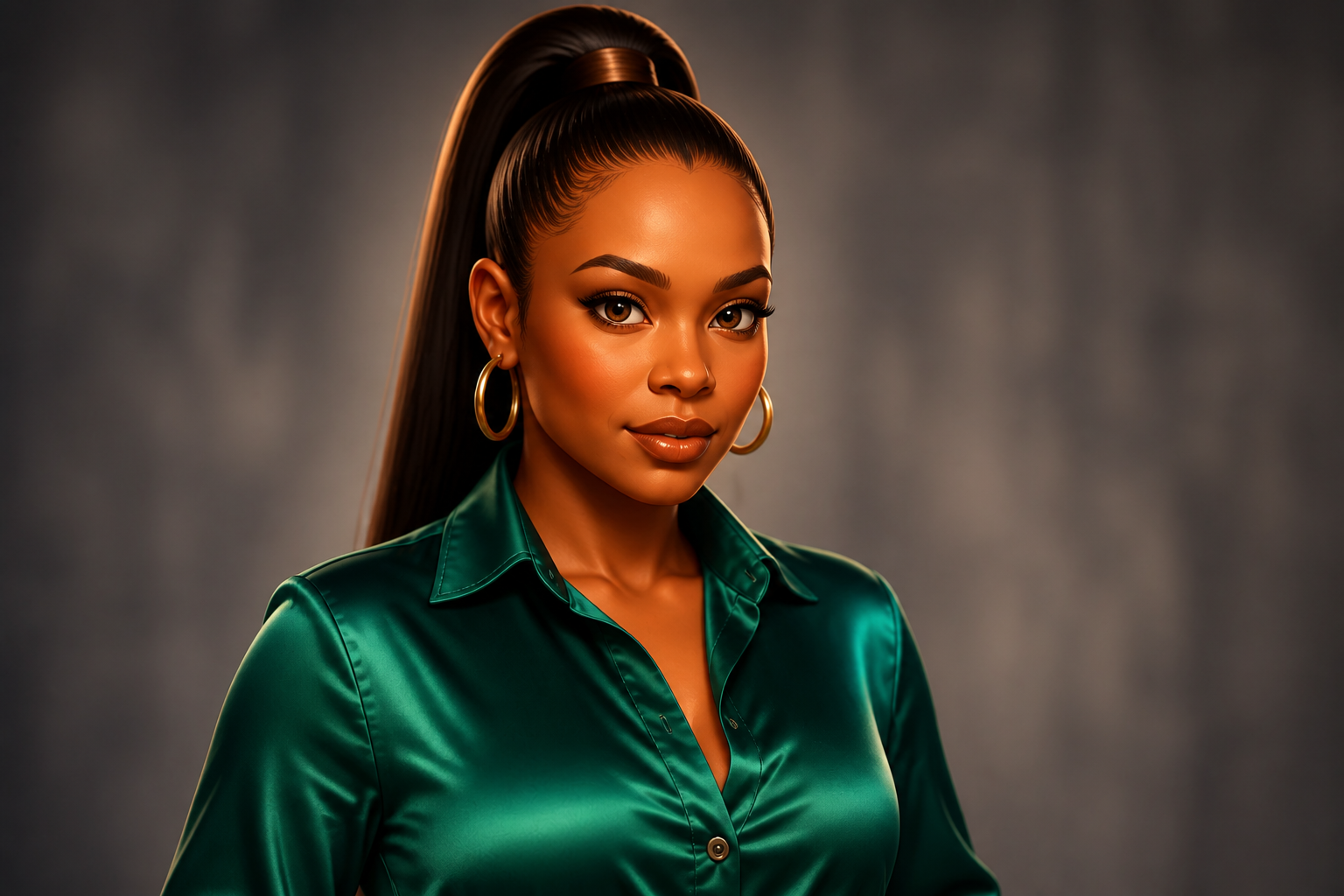
Match styles without drift
Convert a character into different visual styles while holding onto the same identity cues. This is useful when you want one design to work for realistic scenes, illustrated covers, and stylized social posts. Manual style transfers often alter age, face shape, or wardrobe details in the process. Our AI keeps the transformation readable while reducing those unwanted changes.
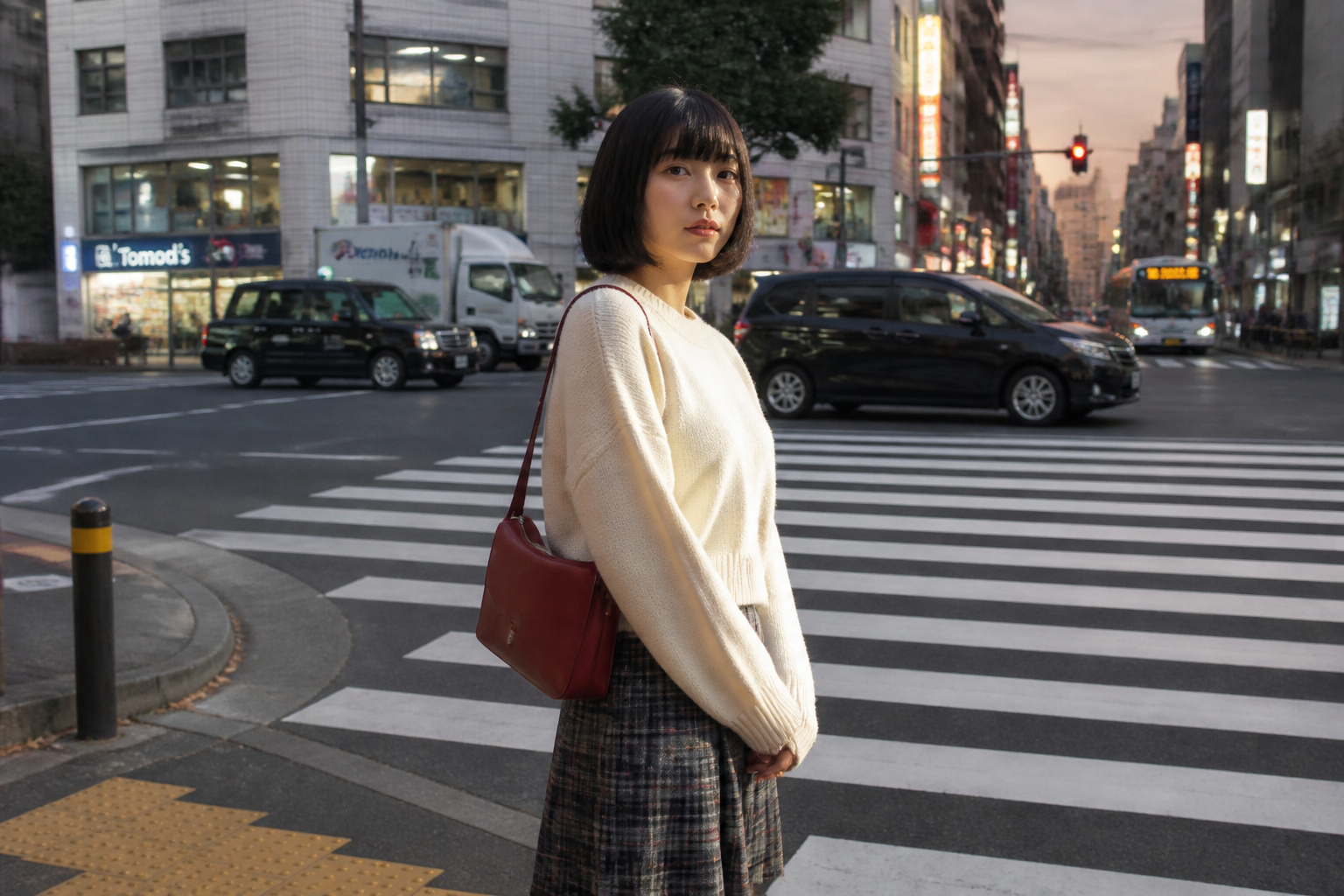

Build reusable image series
Create a set of related visuals that all feature the same character across campaigns, comics, product mockups, or pitch decks. Consistency helps the audience recognize who they are looking at immediately, even when the background changes. That makes your output feel intentional rather than randomly generated. It also saves time when you need many variations from one established look.
How It Works
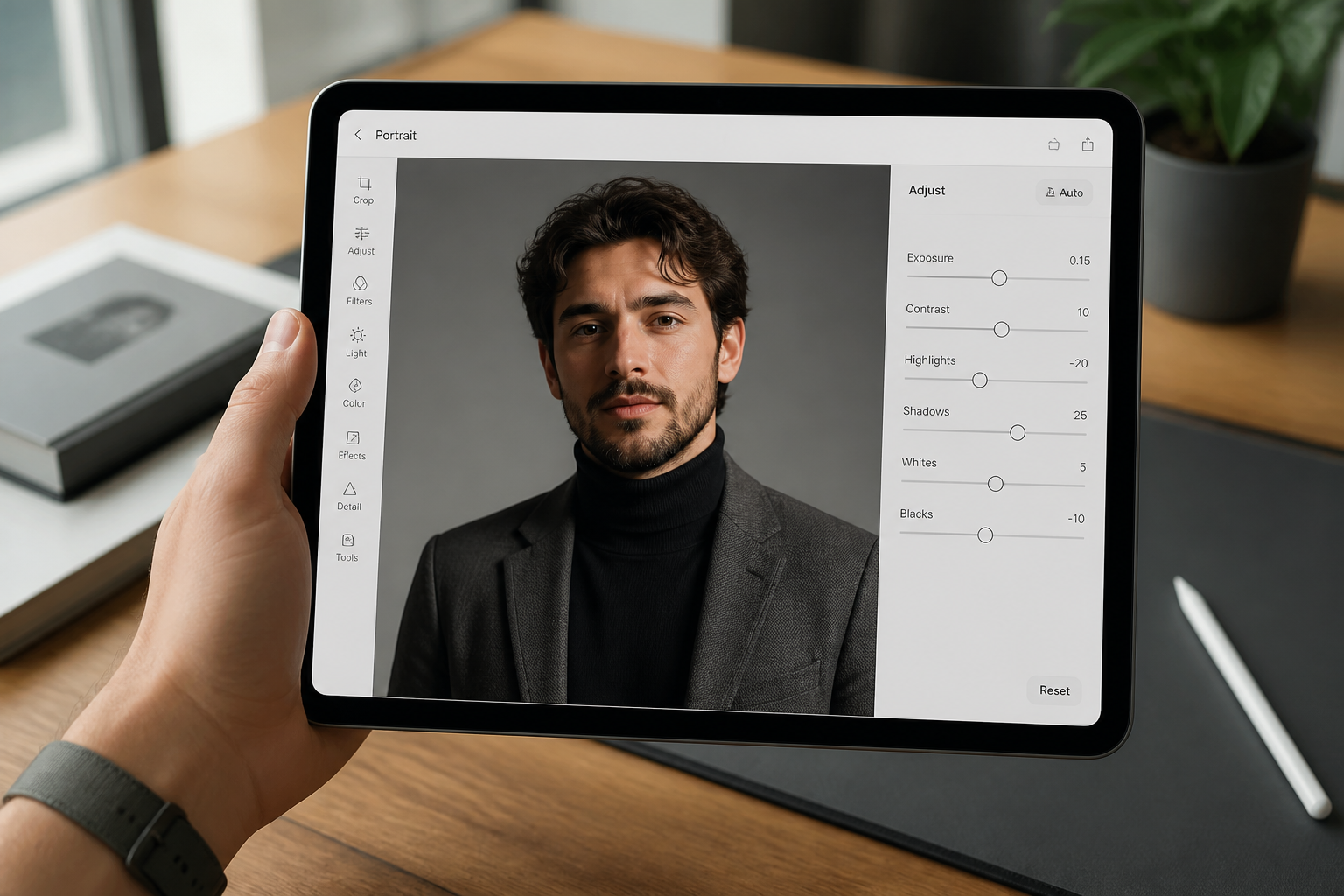
Upload your reference image
Start with a clear image of the character you want to keep consistent. Sharp facial details, visible clothing elements, and clean lighting give you the best anchor for later edits.
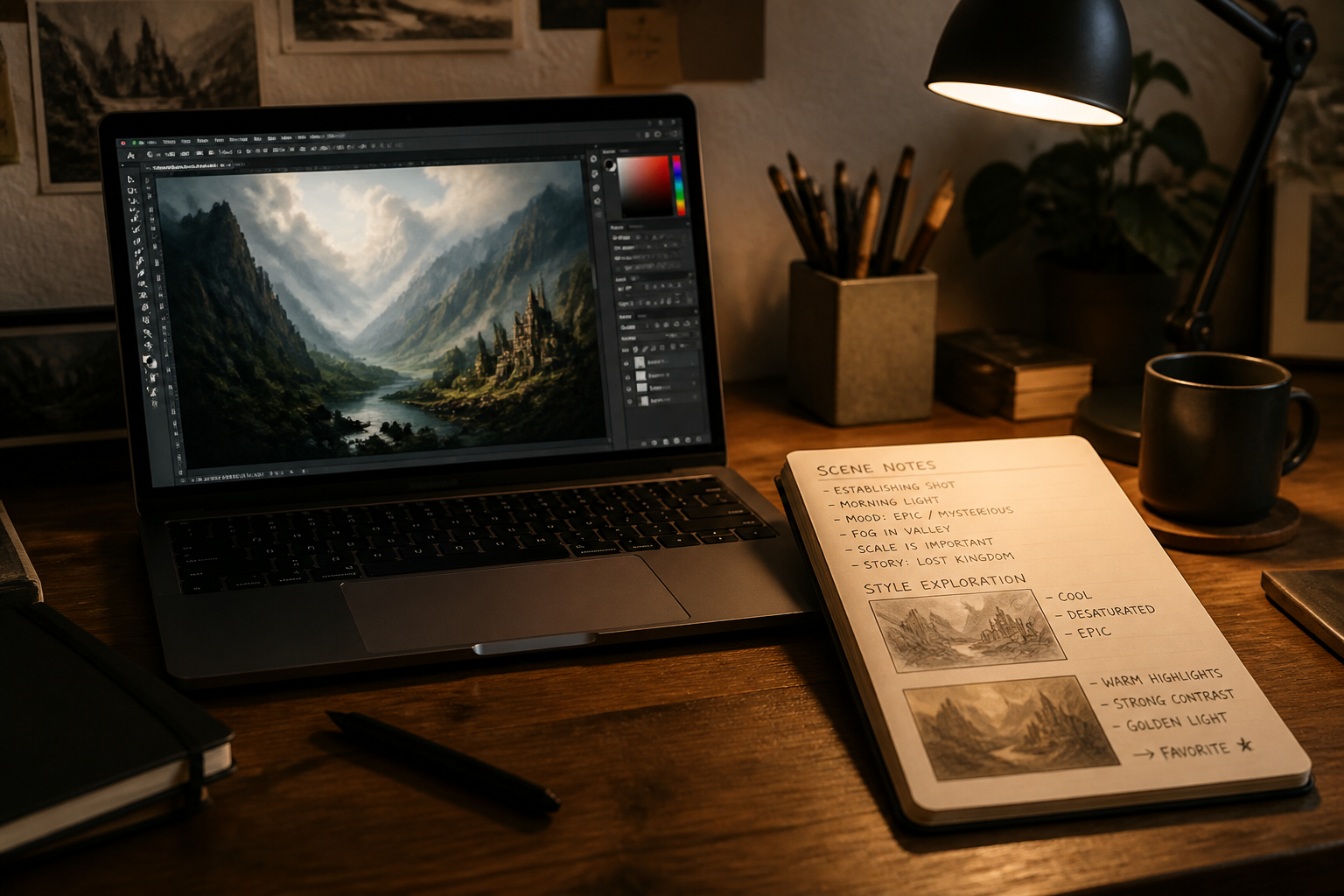
Describe the new version
Tell the editor what should change, such as the scene, art style, outfit, or mood. Be explicit about what must stay the same, like face, hair, accessories, and core identity.
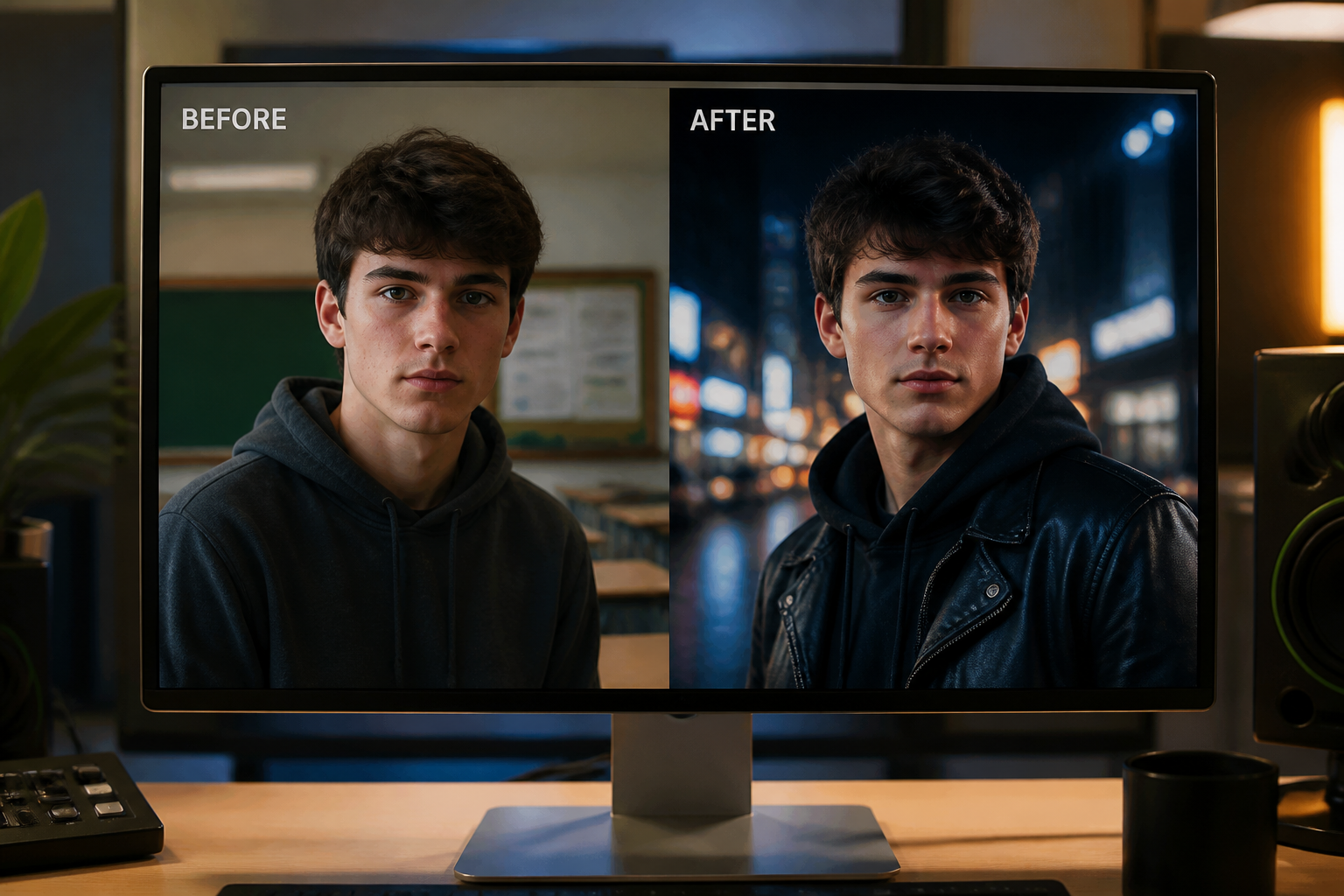
Generate and compare results
Create the edit and check whether the character still reads as the same person. If needed, refine the prompt and regenerate until the continuity feels right across your set.
Perfect For
Discover how creators and professionals use character consistency tool
Storyboards and concept art
Keep a lead character stable across multiple scenes while exploring locations, moods, and visual directions.
Brand mascots and spokespeople
Reuse the same visual identity for campaigns, ads, and social posts instead of generating a new look every time.
Comics and visual narratives
Maintain recognizable characters across panels, covers, and promotional artwork with less visual drift.
Creator content series
Build recurring characters for thumbnails, episodes, and short-form content that need to feel connected.
Built For
Designers and art directors
Useful for testing scenes and styles while keeping one approved character direction intact.
Content creators
Helps build recurring characters for posts, videos, channel art, and serialized creative projects.
Indie teams and storytellers
Makes it easier to create a cohesive cast without managing a complex manual workflow.
Why use a character consistency tool
A quick look at how we compare on the things that matter for this niche.
| Feature | BudgetPixel | Generic AI editors | Manual editing apps |
|---|---|---|---|
| Keeps identity across scene changes | ✓ | — | — |
| Works for style transfers | ✓ | ✓ | — |
| Fast iteration from one image | ✓ | ✓ | — |
| No manual masking required | ✓ | — | — |
Frequently Asked Questions
What does a character consistency tool do?
Can I use it for both realistic and stylized images?
Will every generated image be perfectly identical?
What kind of reference image works best?
Can I change the outfit and still keep the same character?
Create together.
Share your creations, discover trending AI art, and grow with fellow creators.