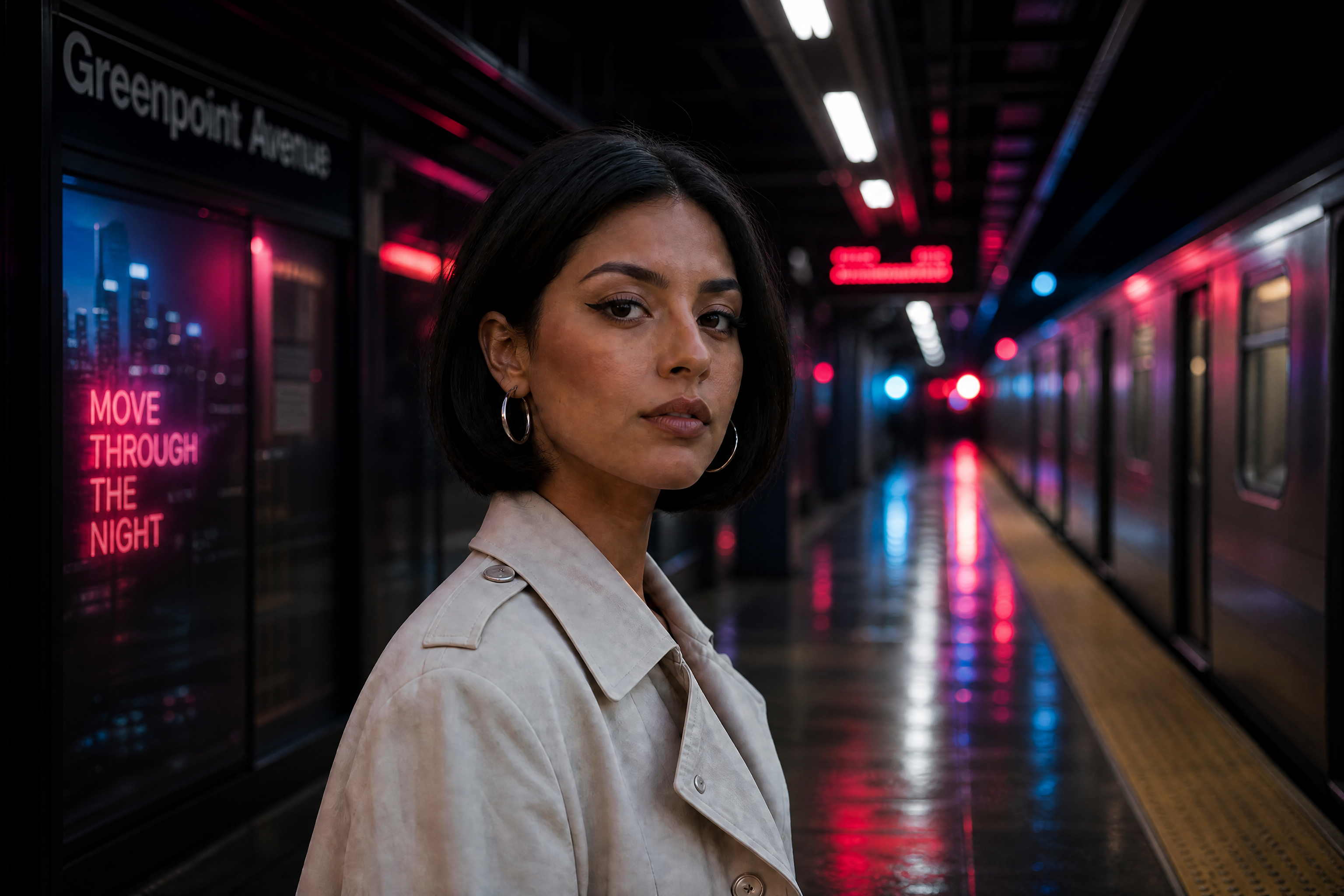
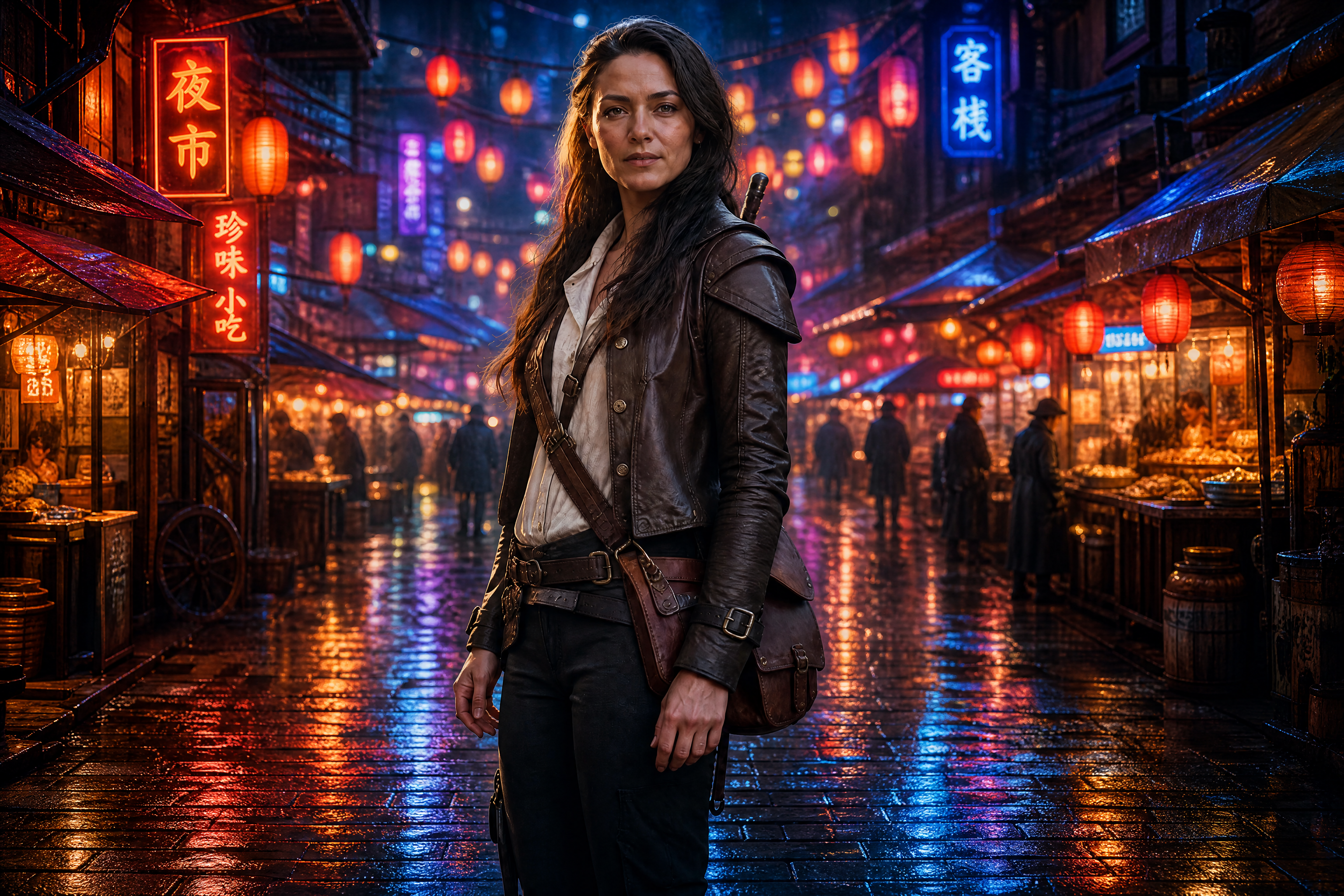
Same Character Generator for Consistent Characters
Keep the same face, vibe, and visual identity across new scenes.
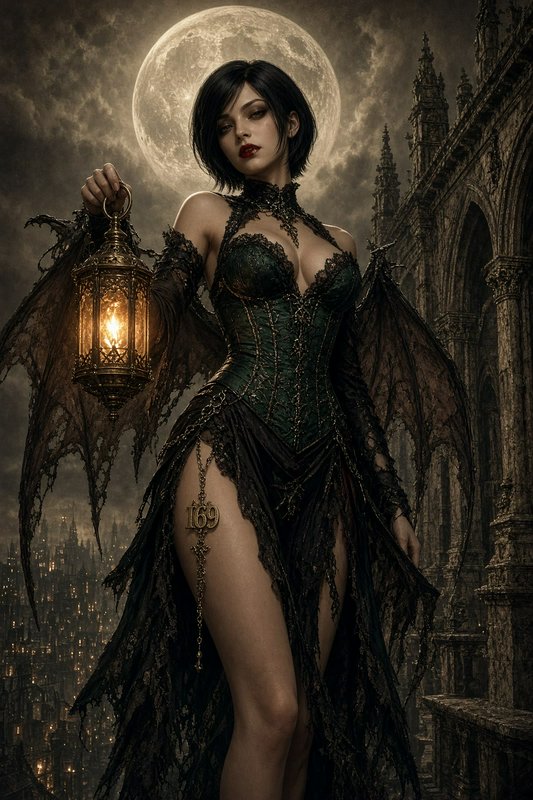
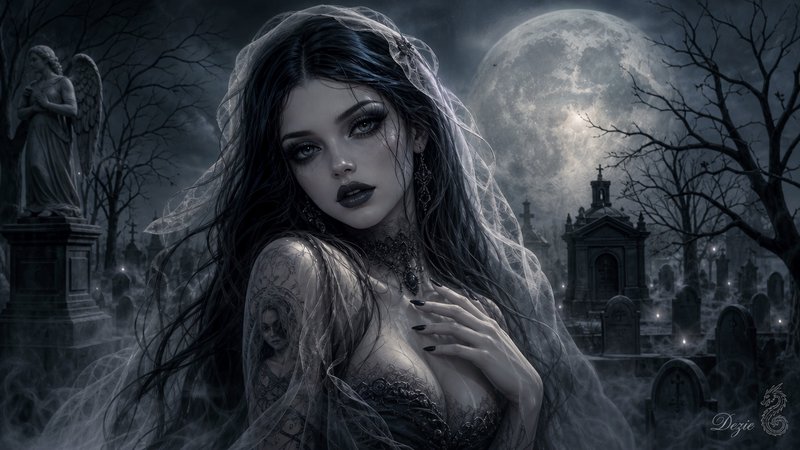
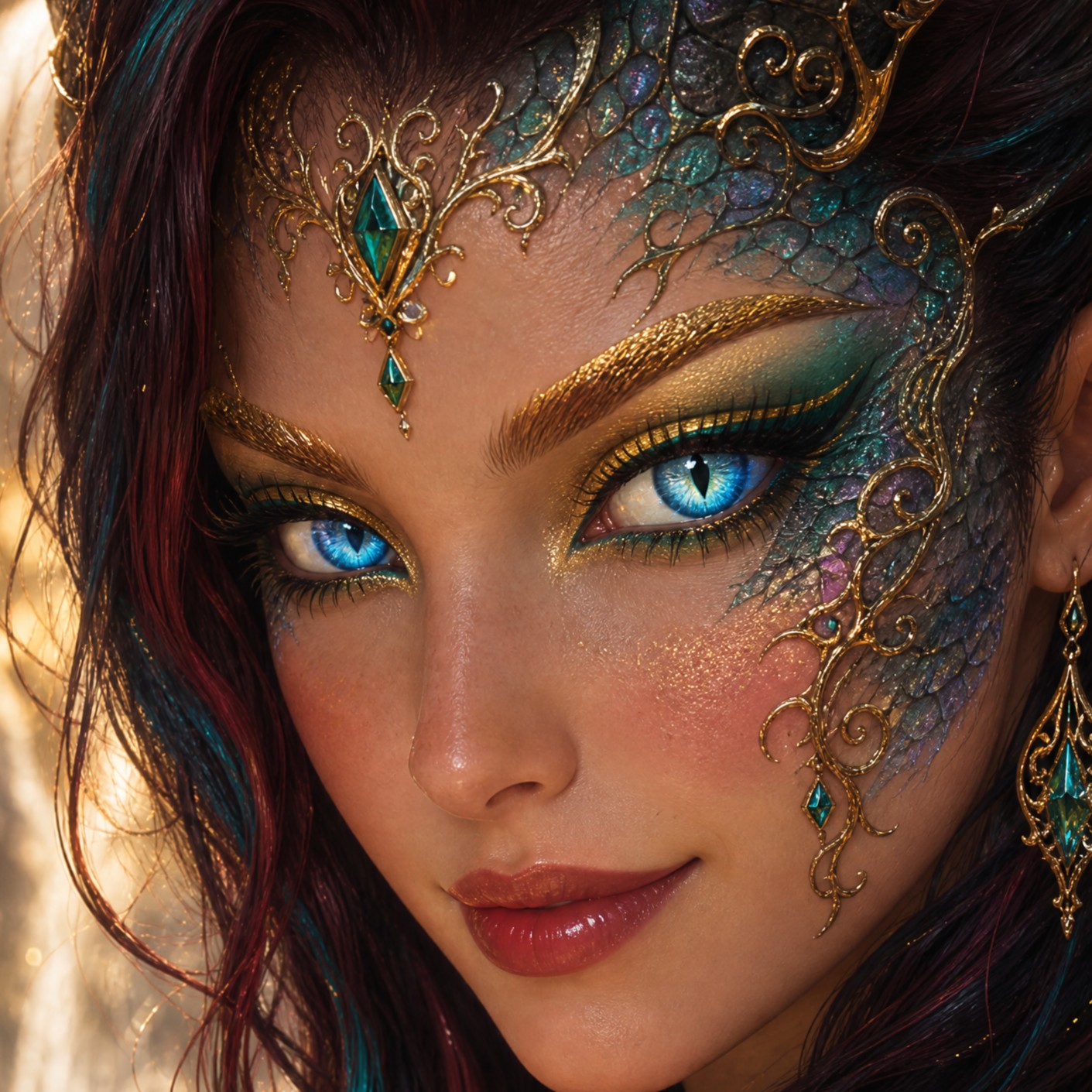
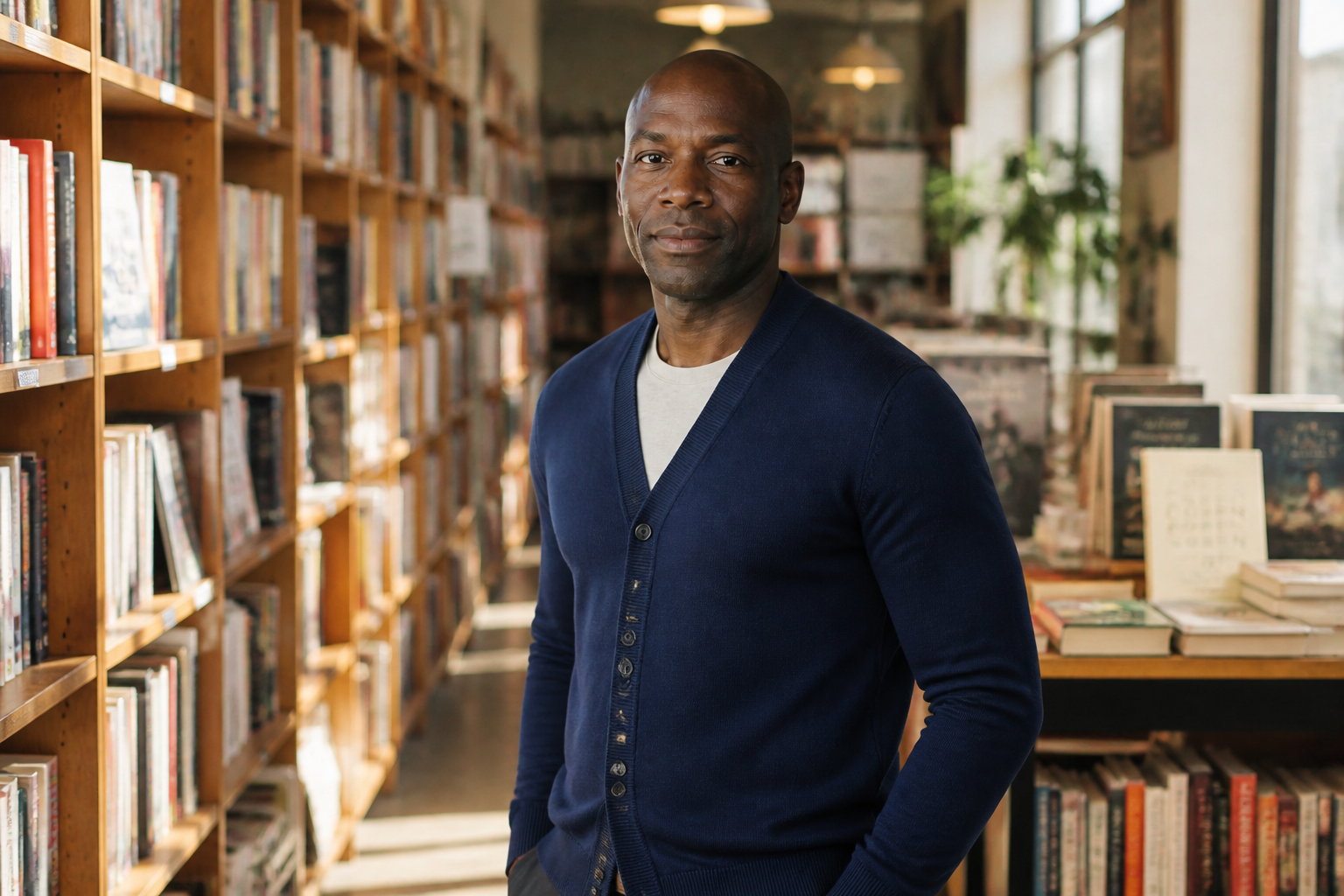
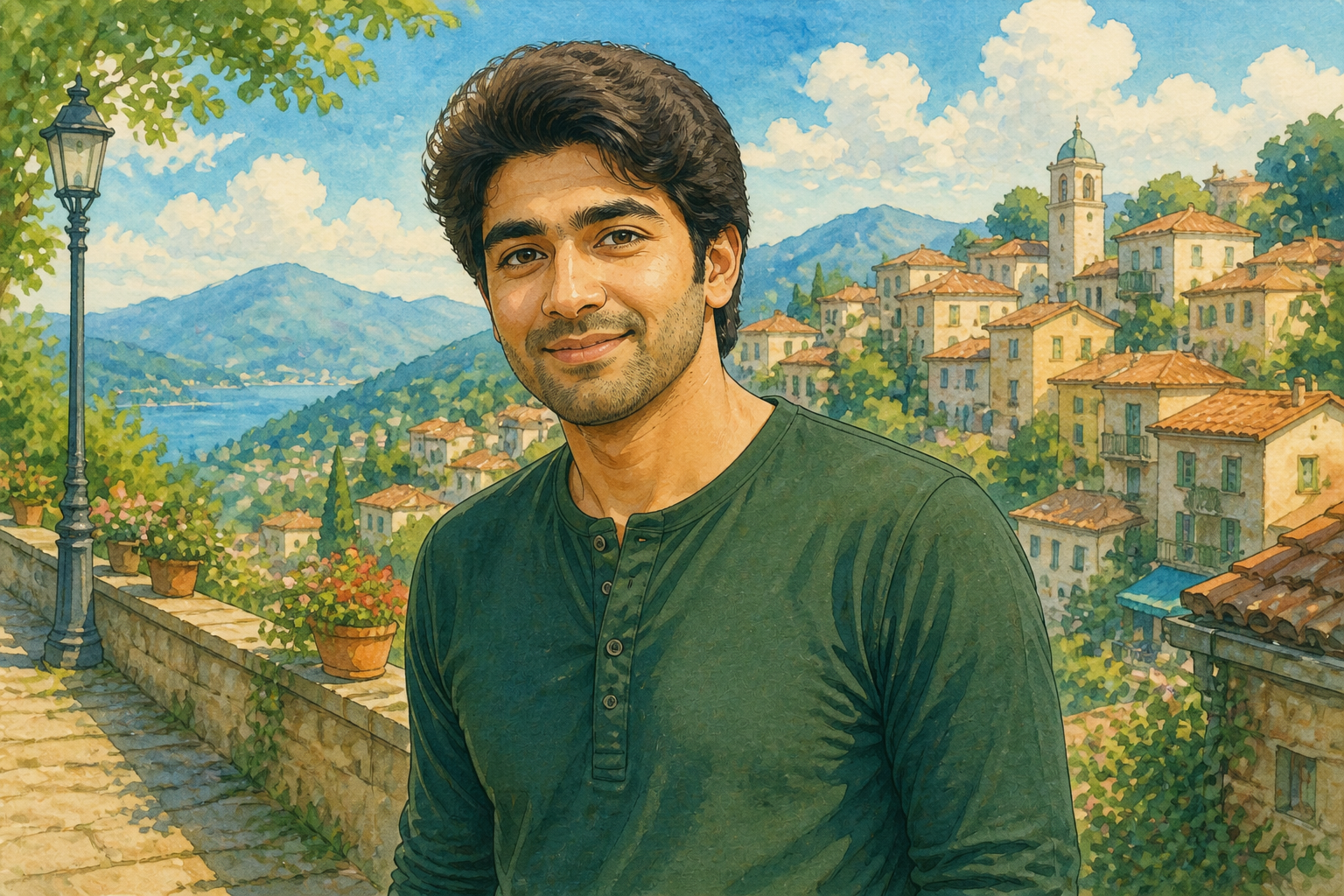
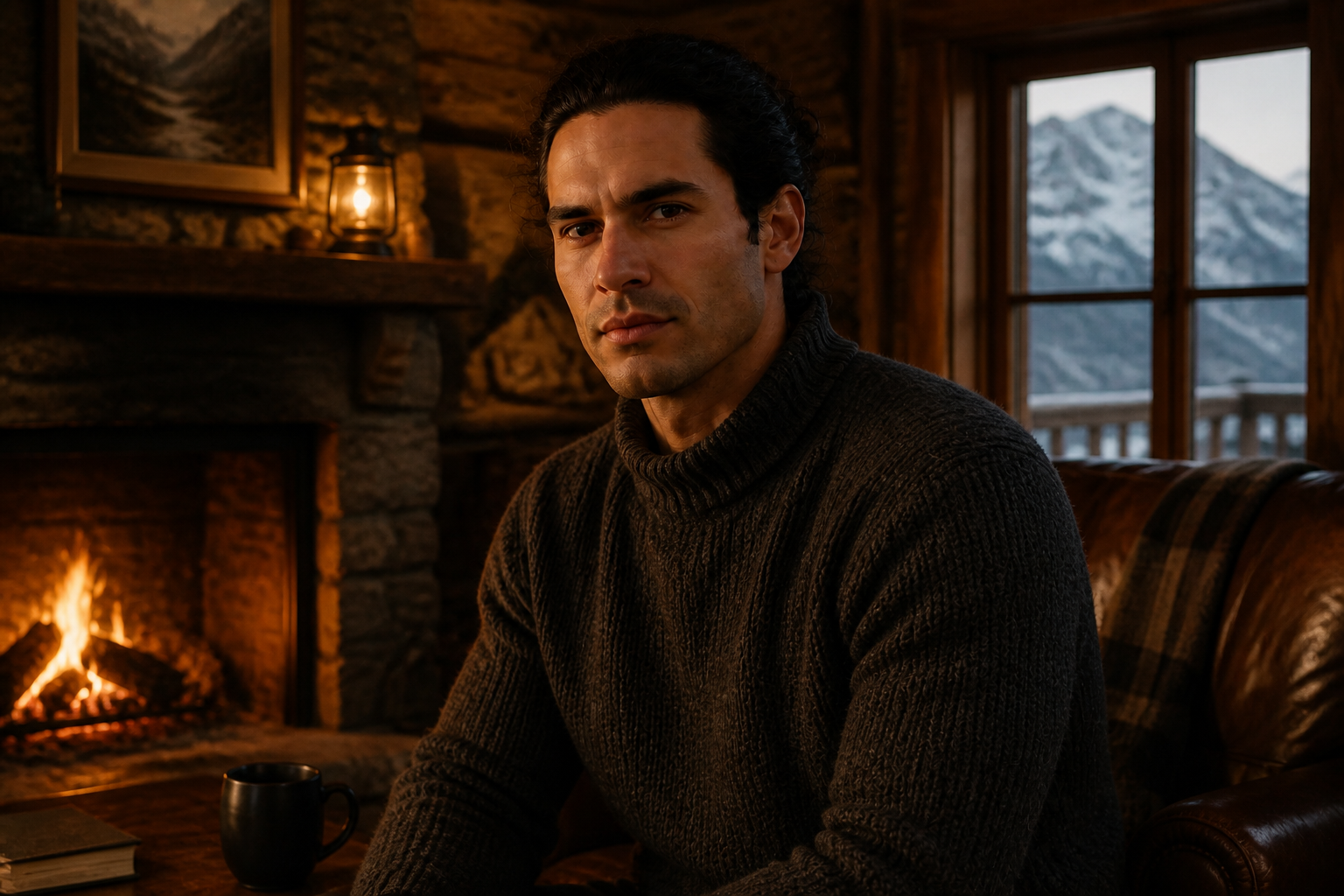
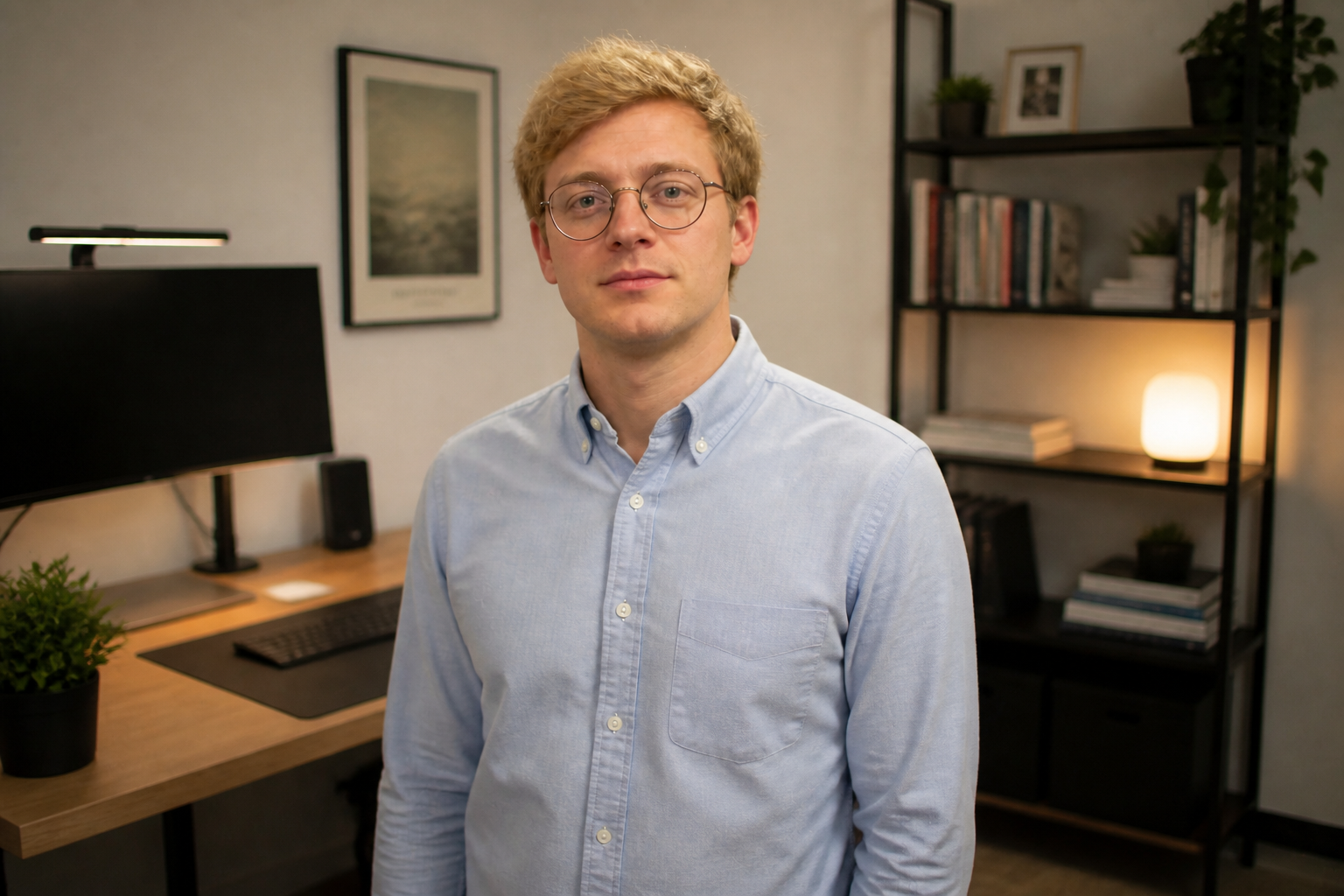
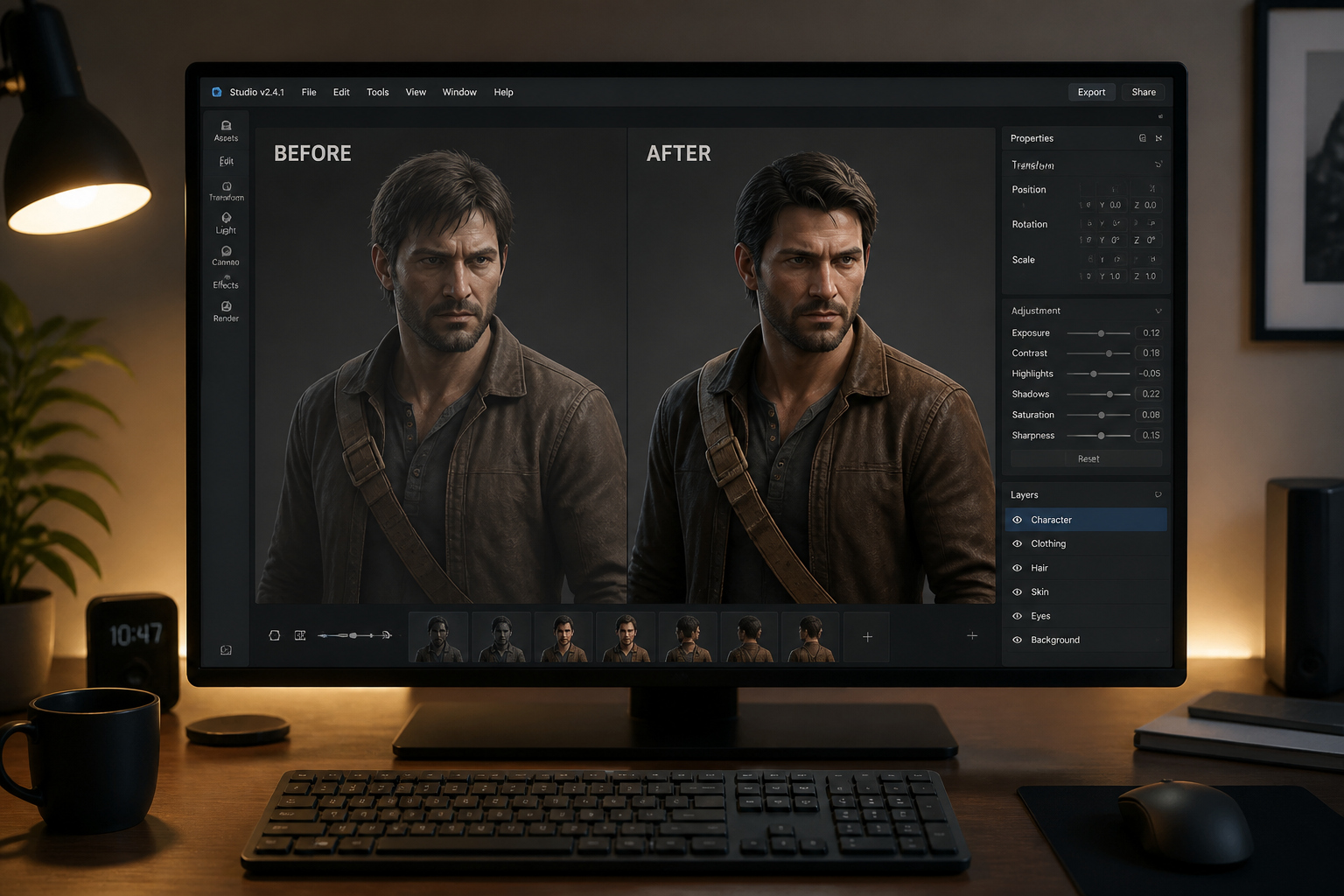
Create new images of the same character without starting from scratch every time. Upload one image, describe the next scene or style, and our AI keeps the character recognizable while changing the environment, outfit, or artistic look.
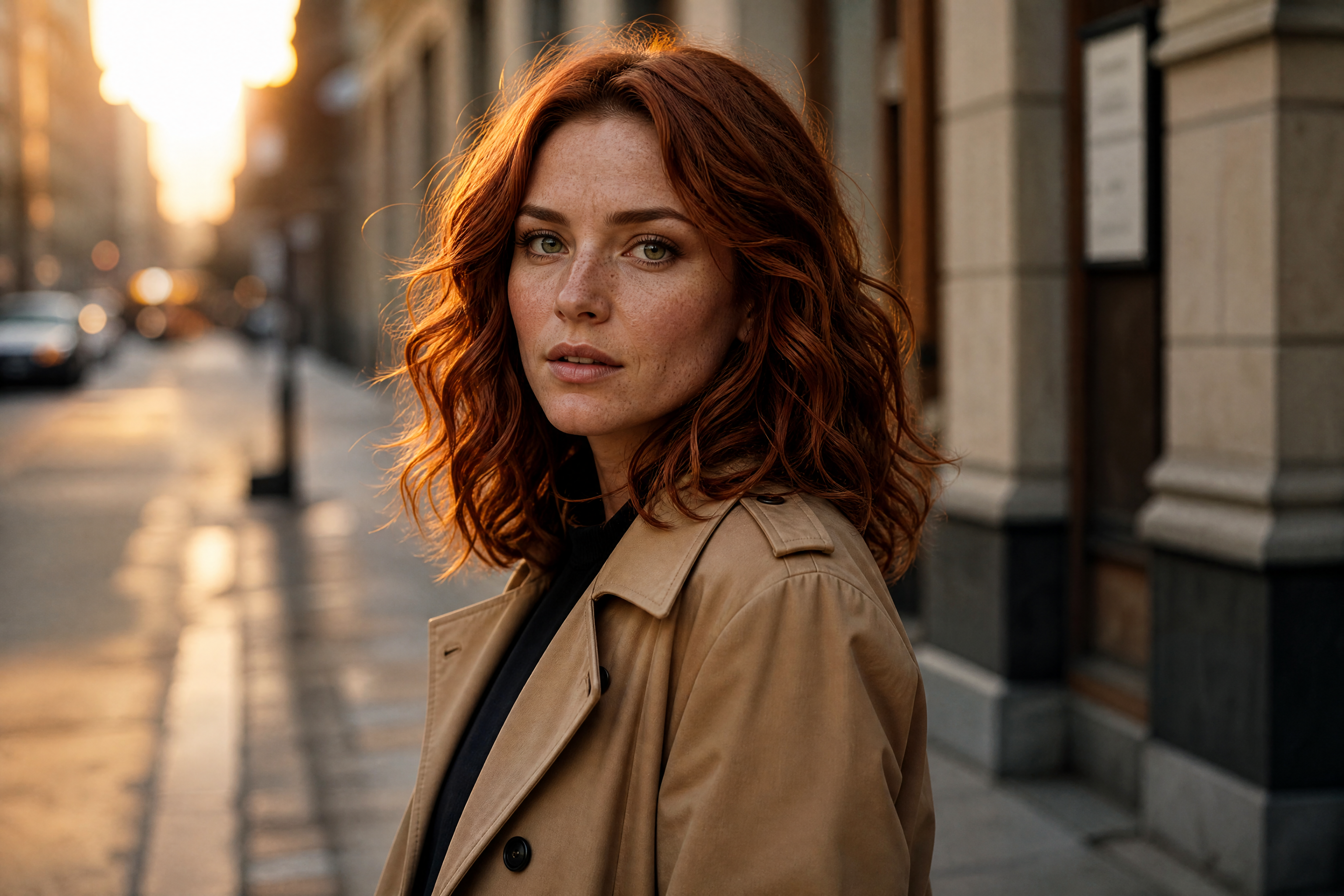
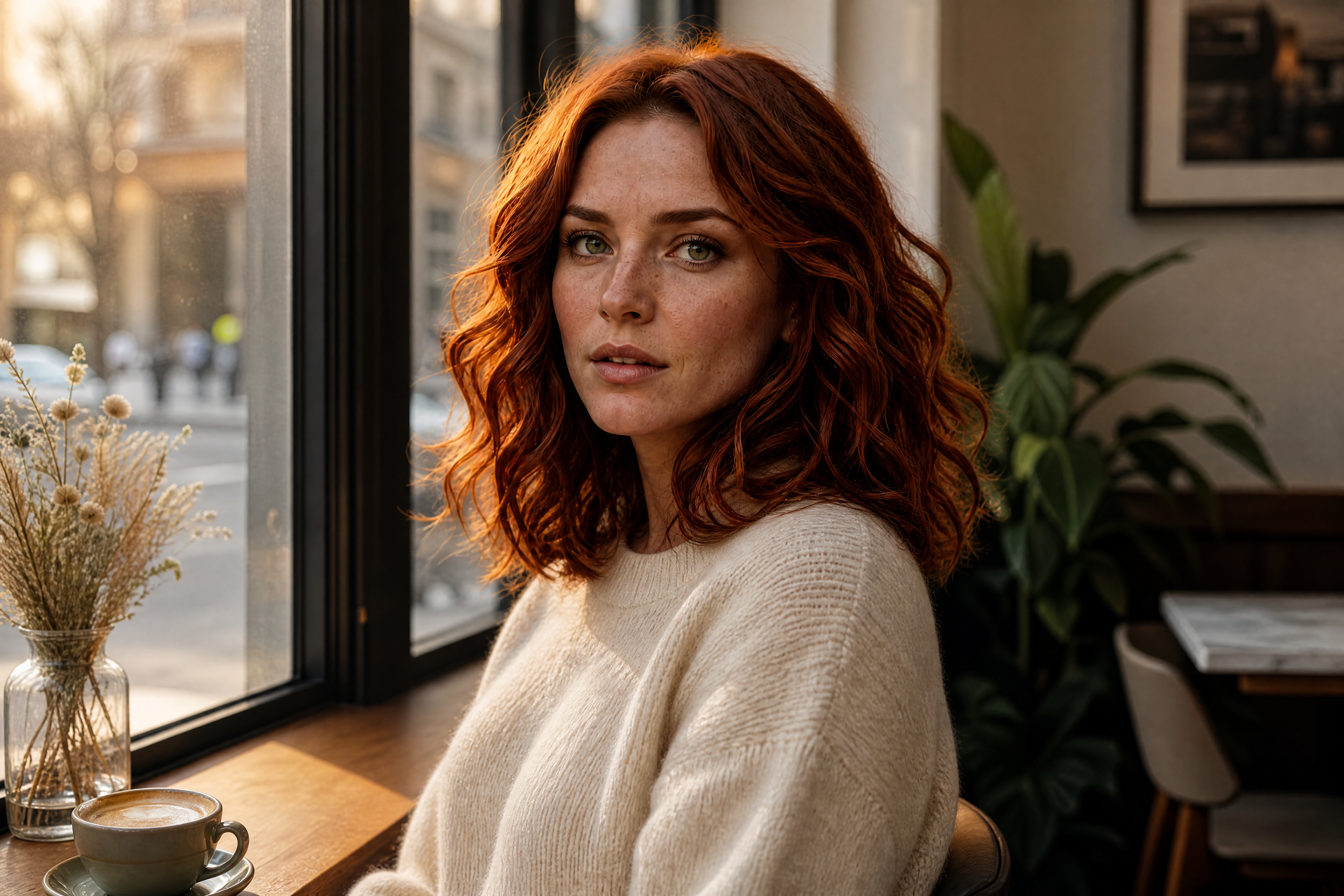
Watch the Transformation
See same character generator in motion — generated end-to-end by our AI.
See It In Action
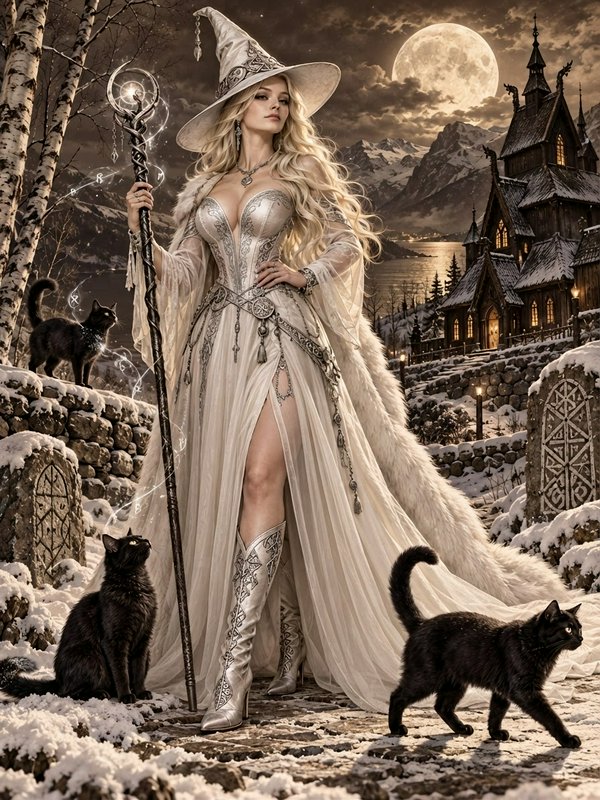
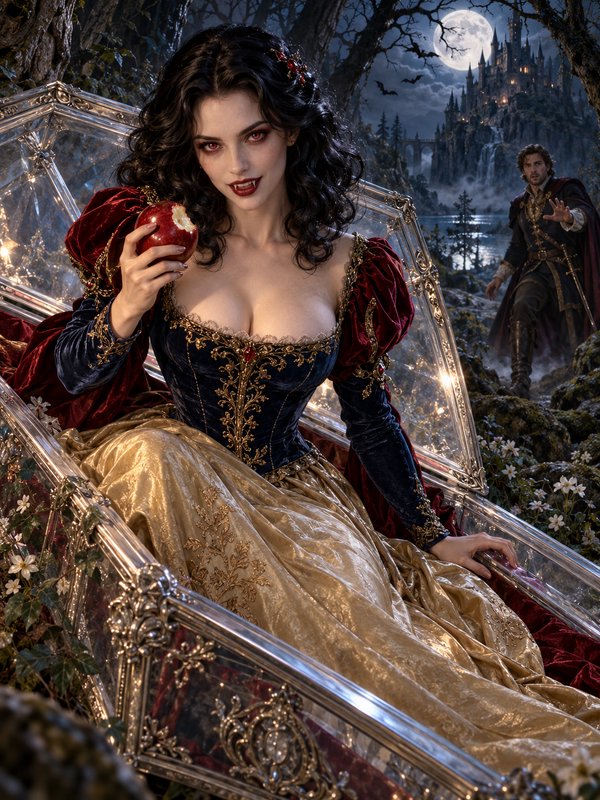
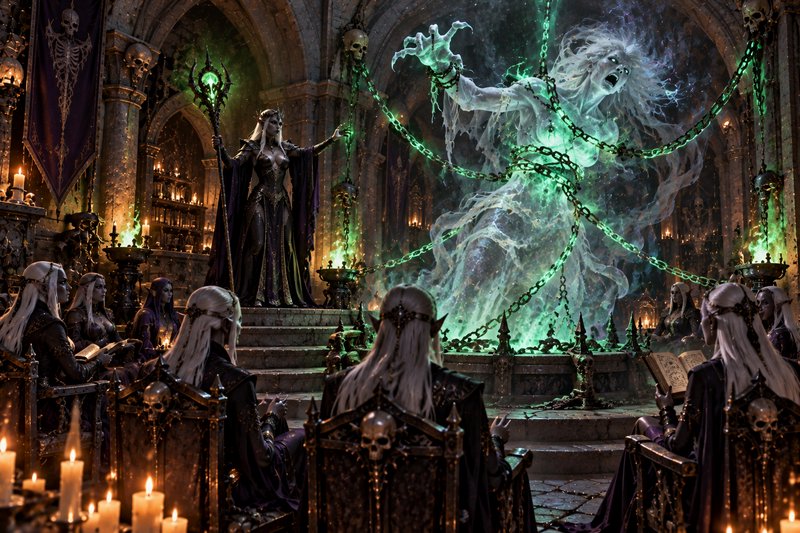
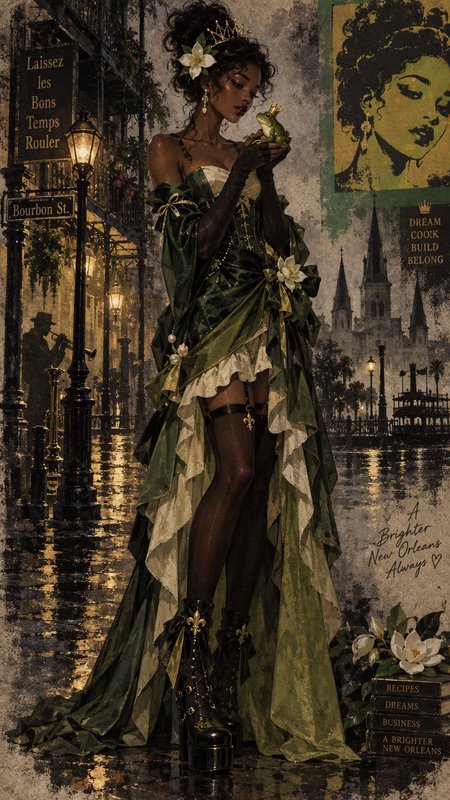
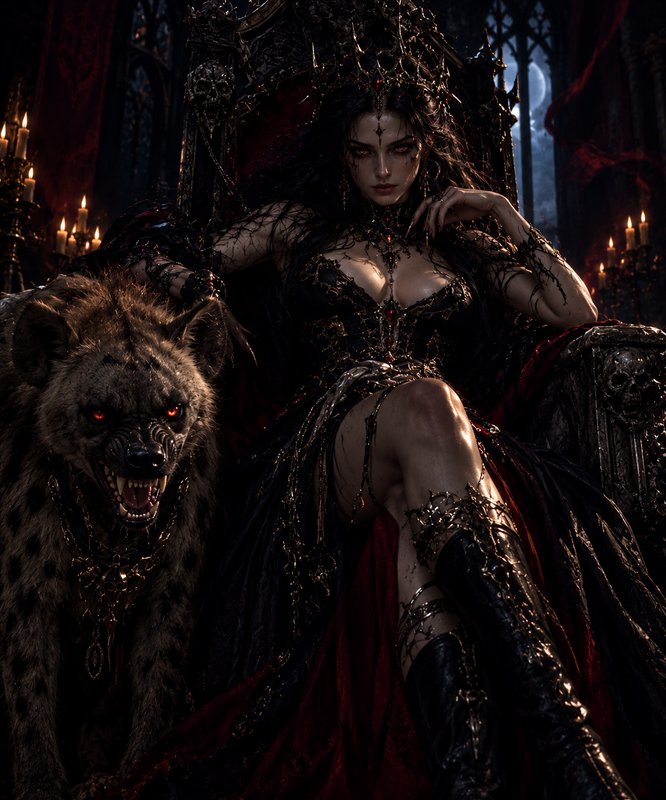
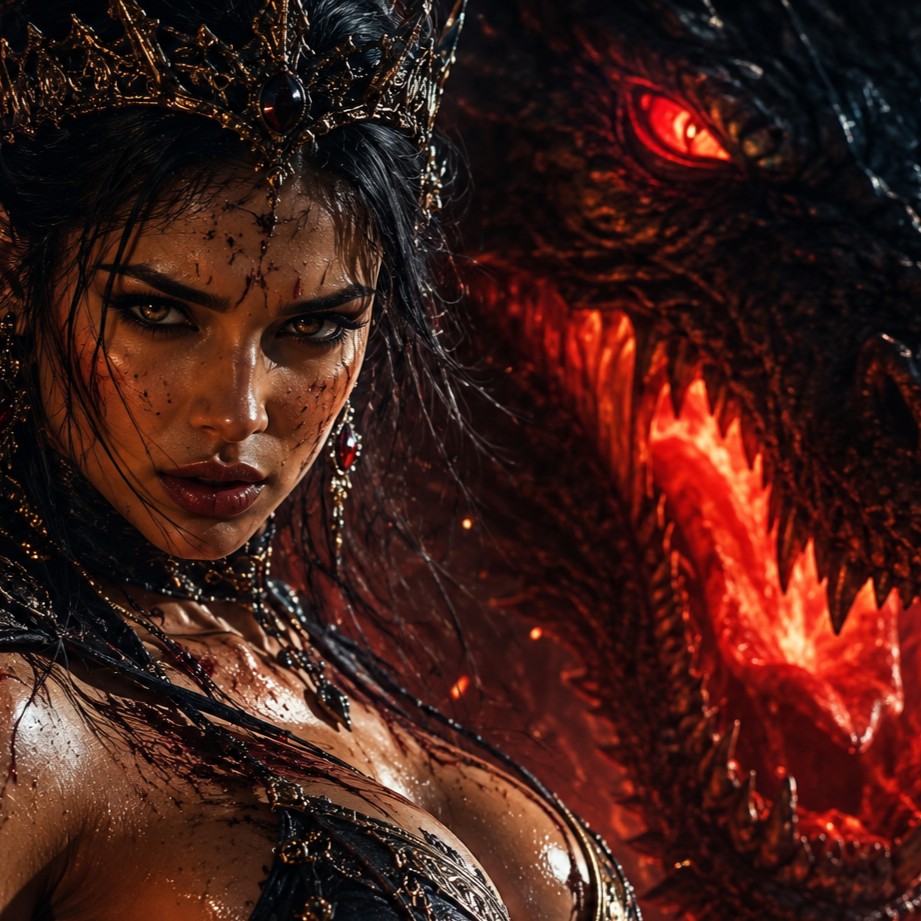
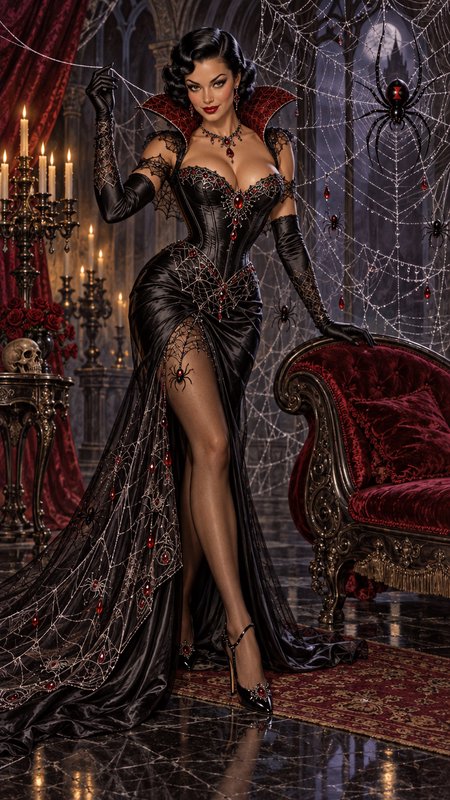
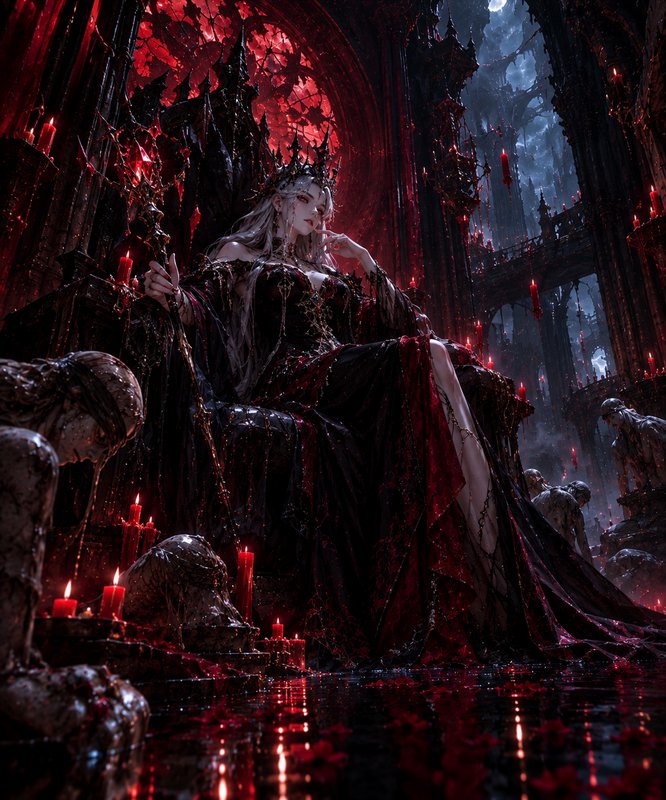
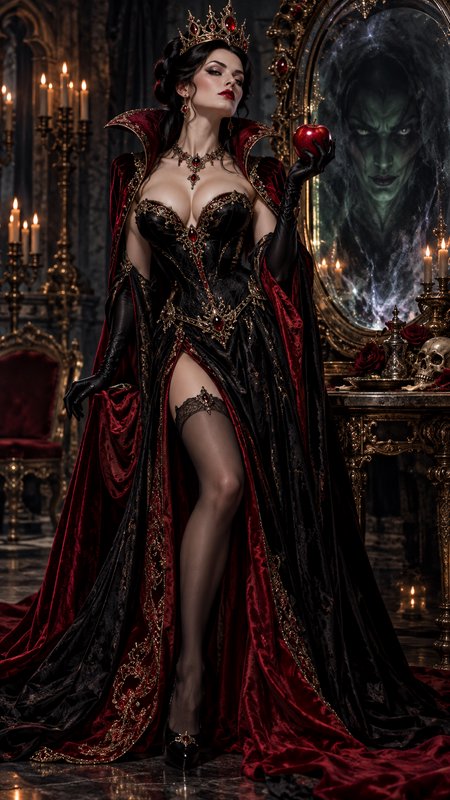
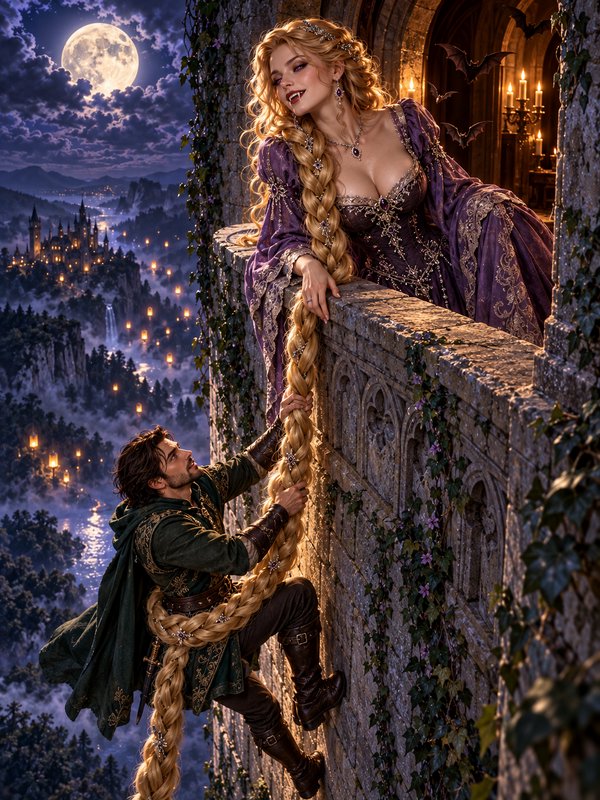
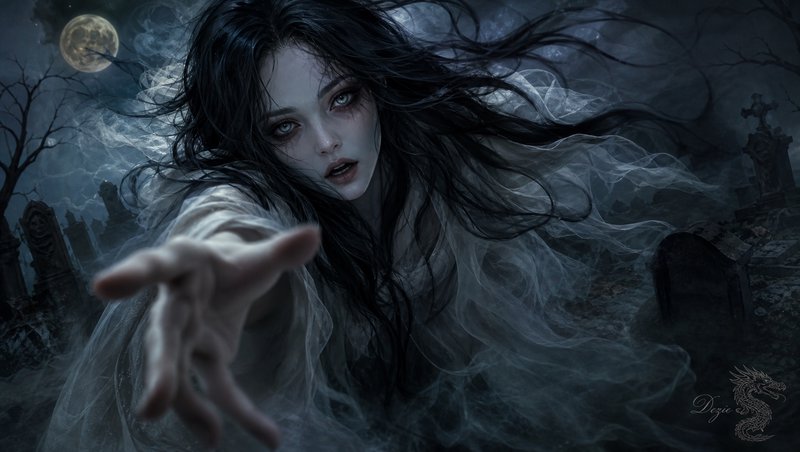
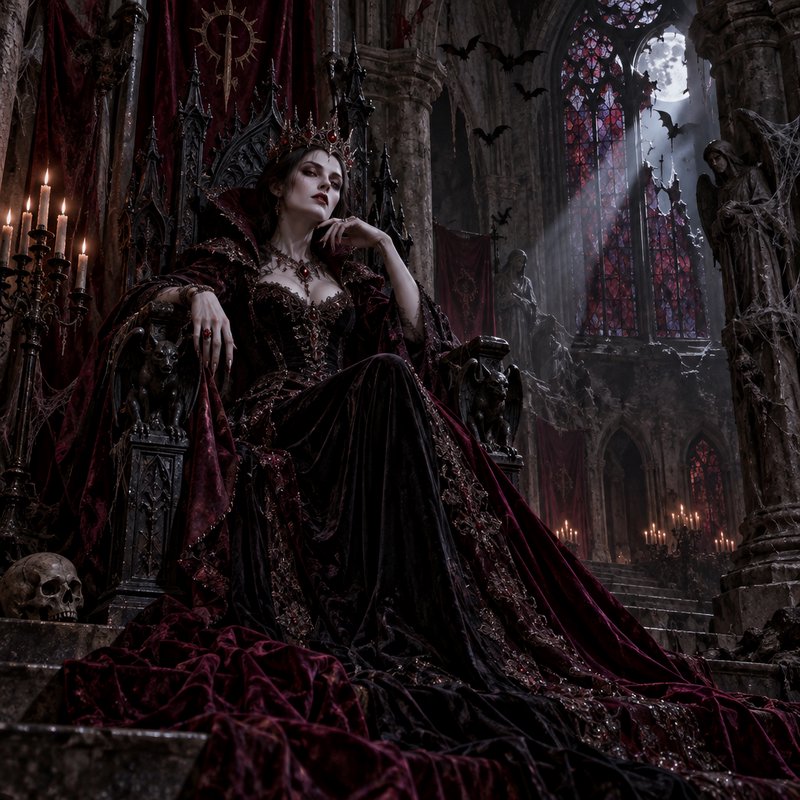
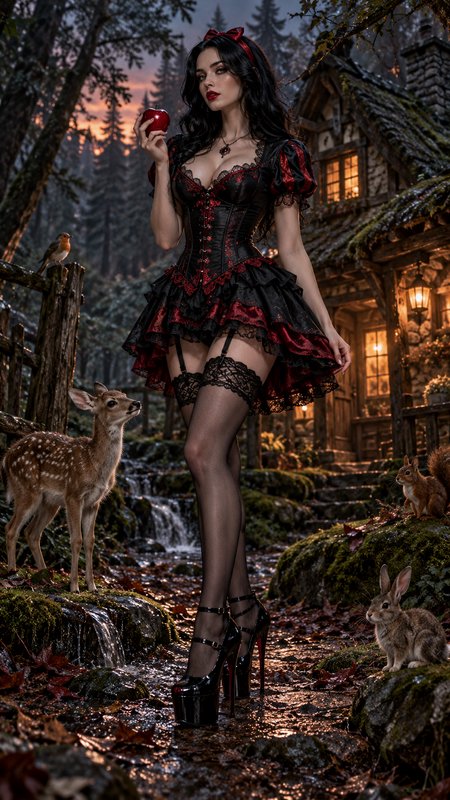
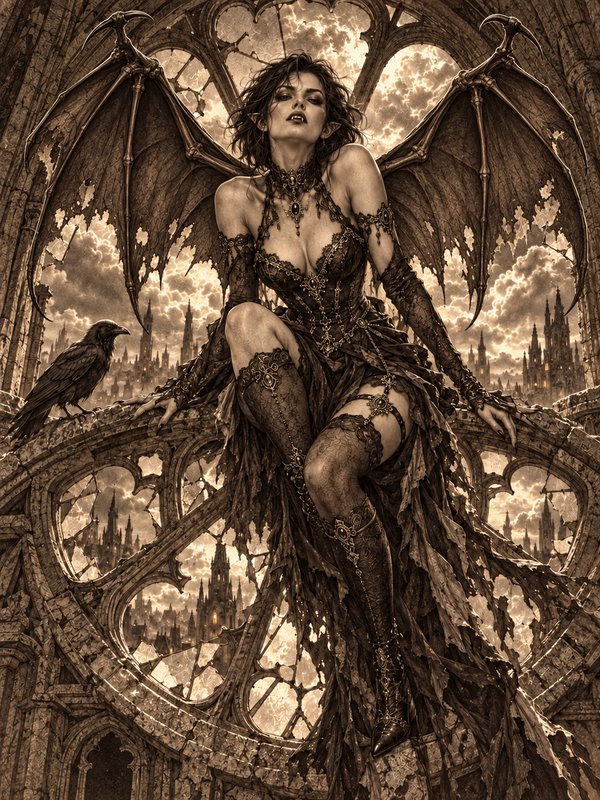
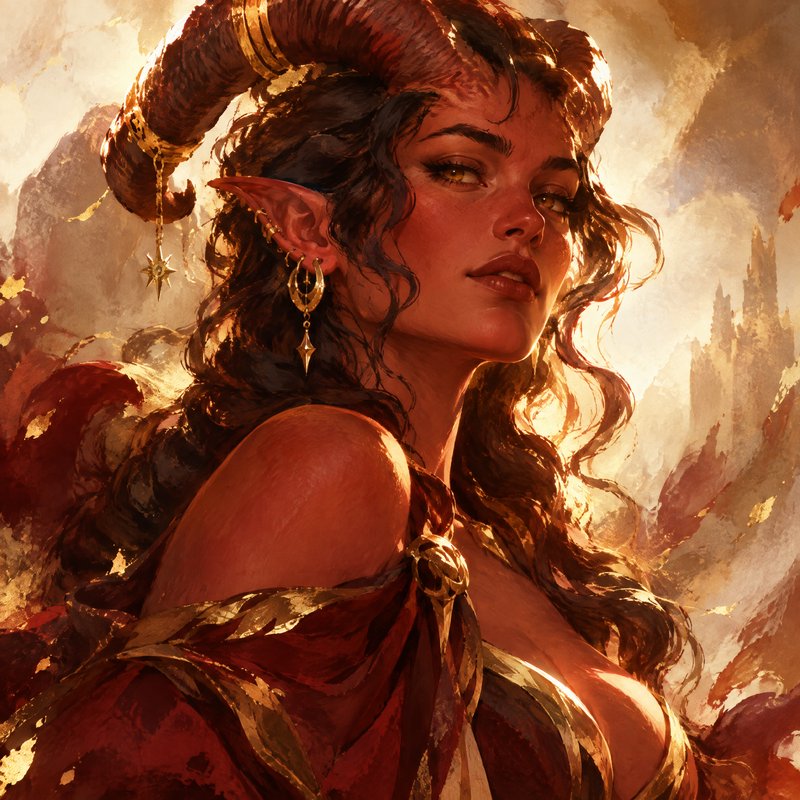
Real outputs from same character generator.
BEFOREAFTER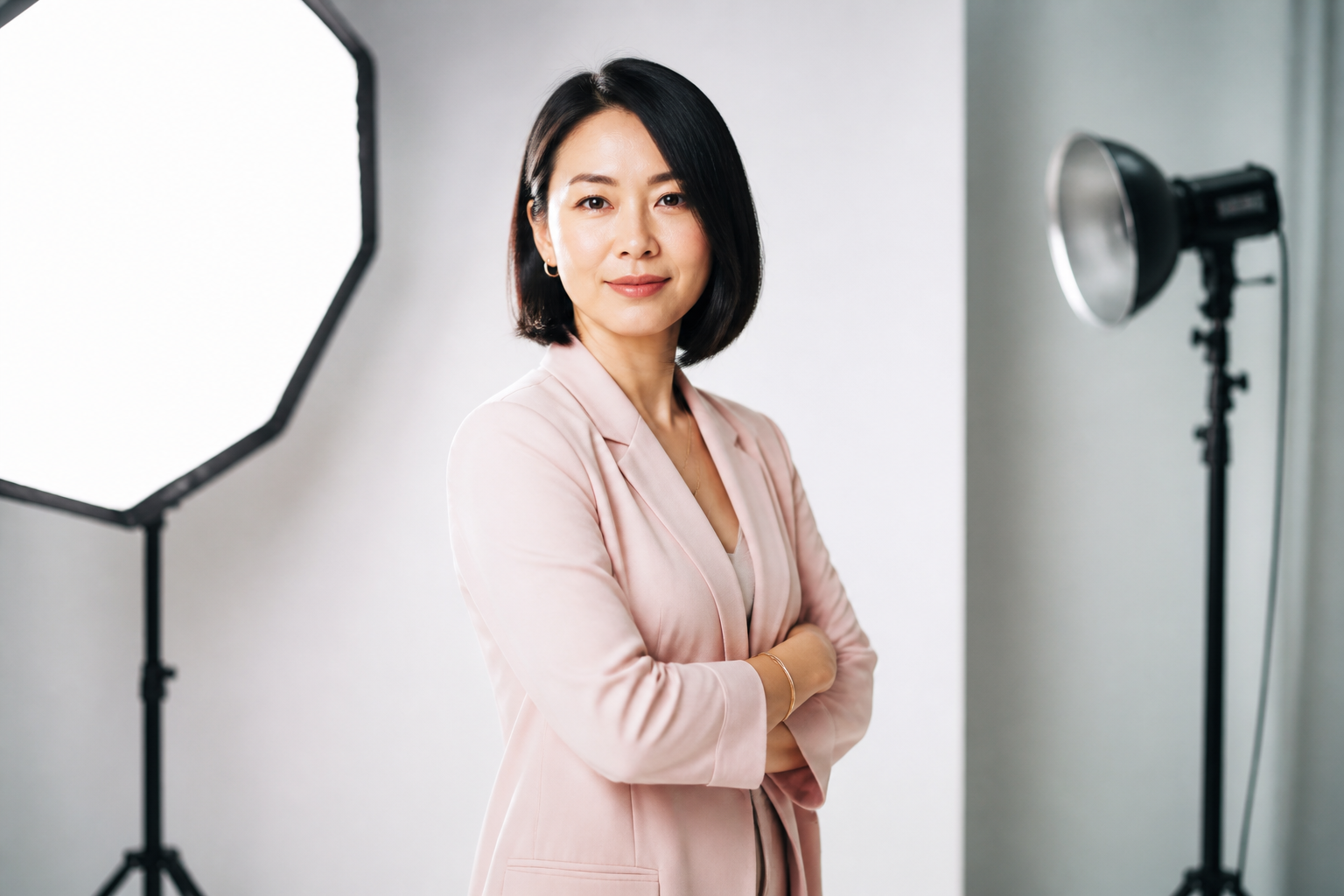 BEFORE
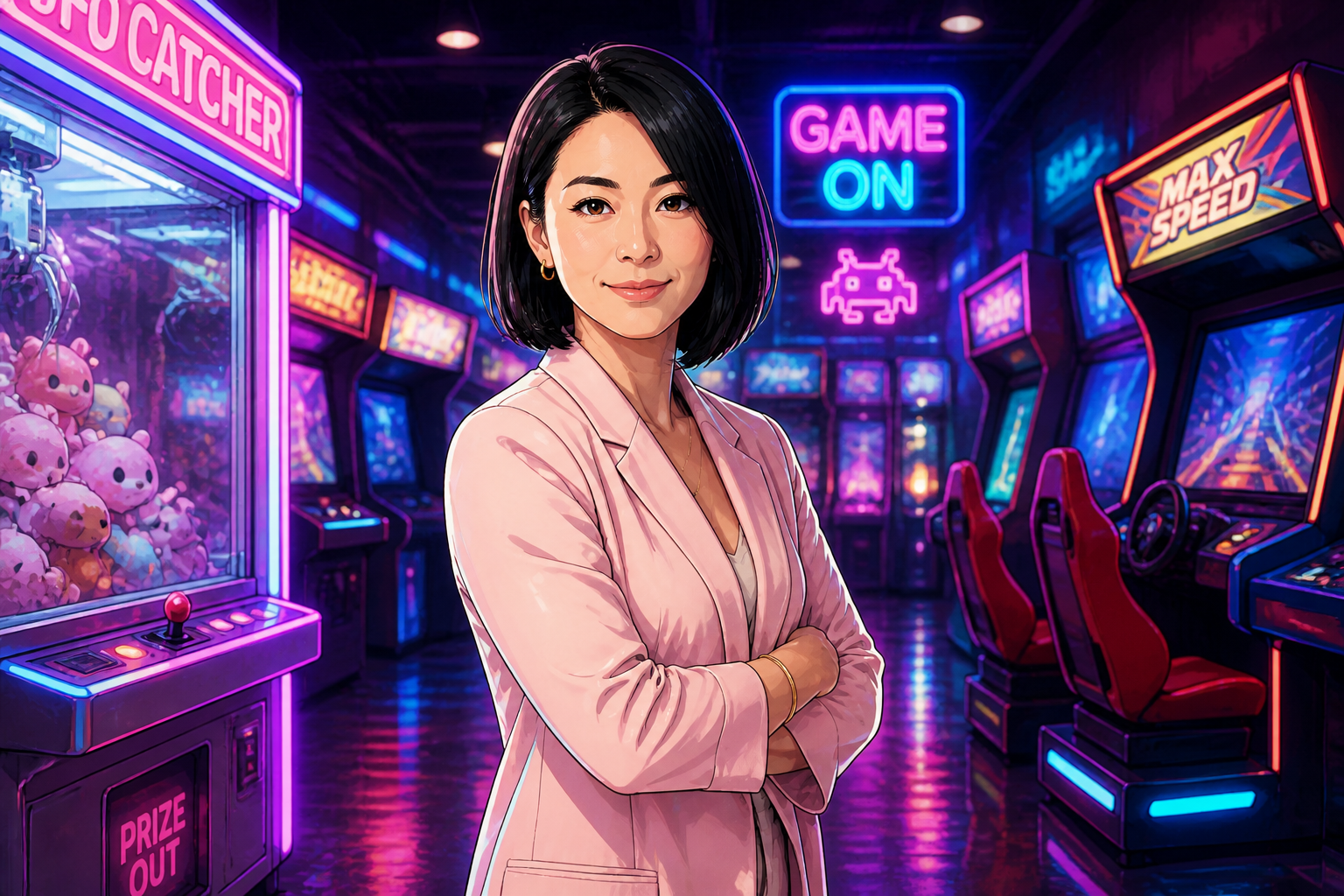 AFTER
AFTER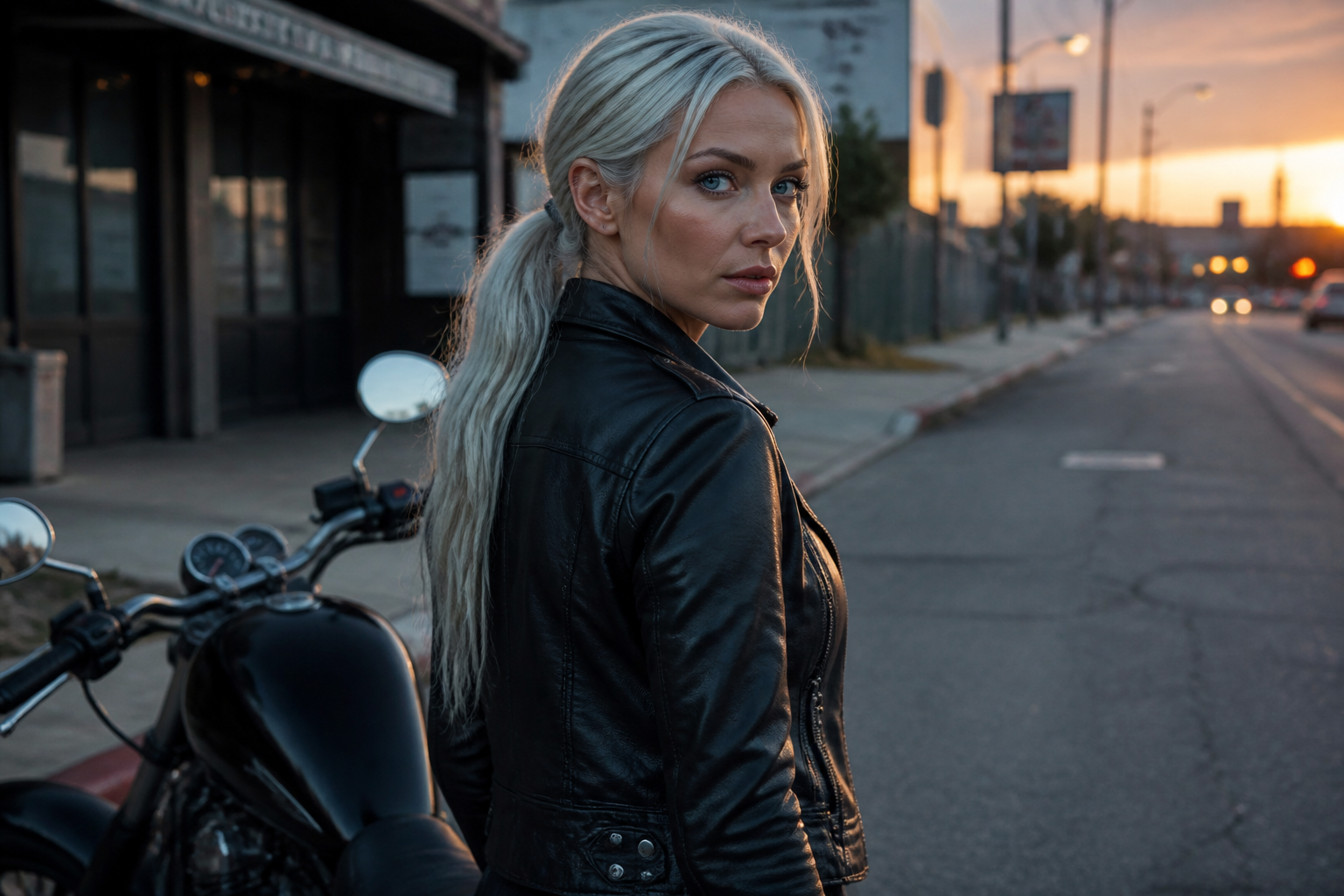 BEFORE
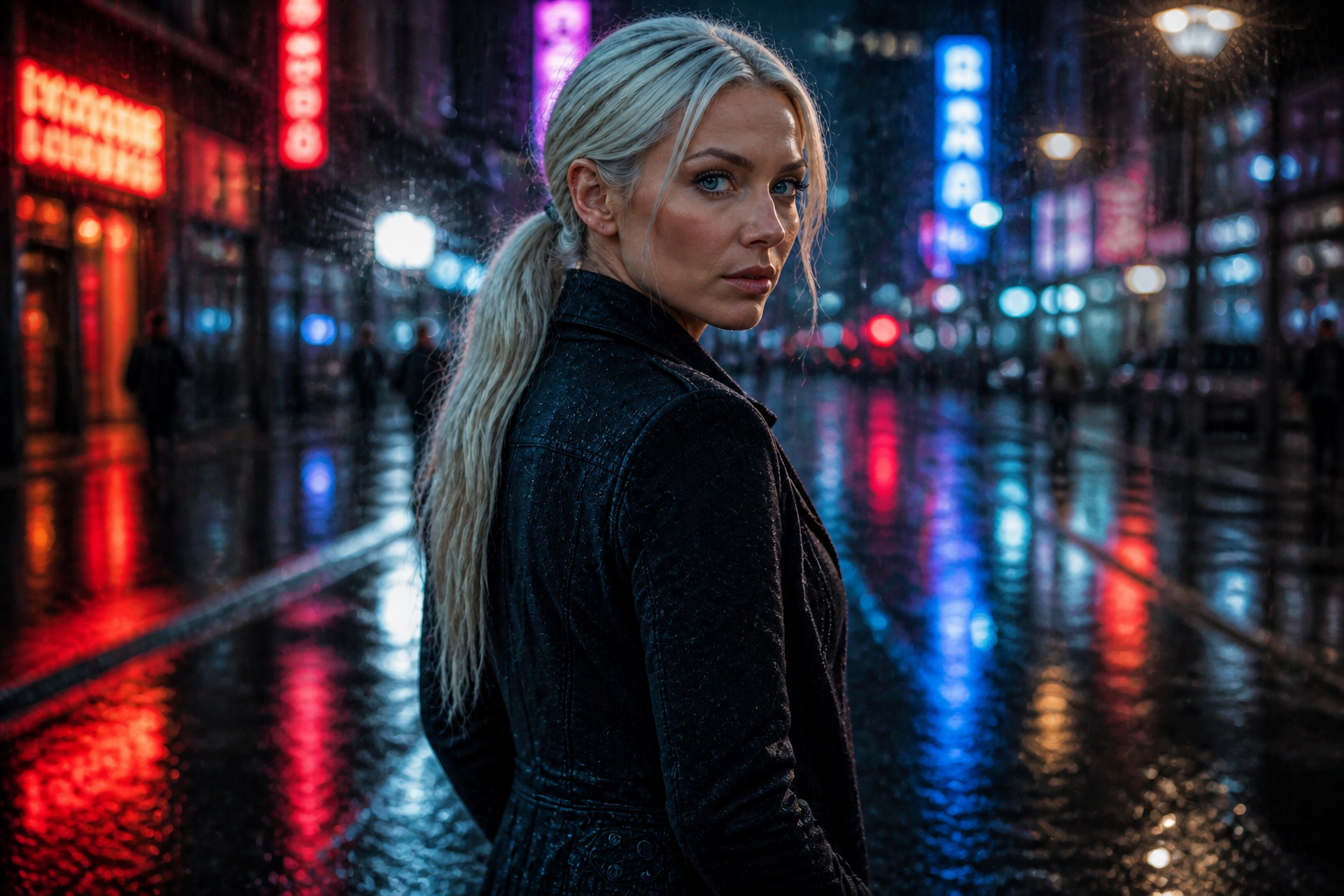 AFTER
AFTER BEFORE
 AFTER
AFTER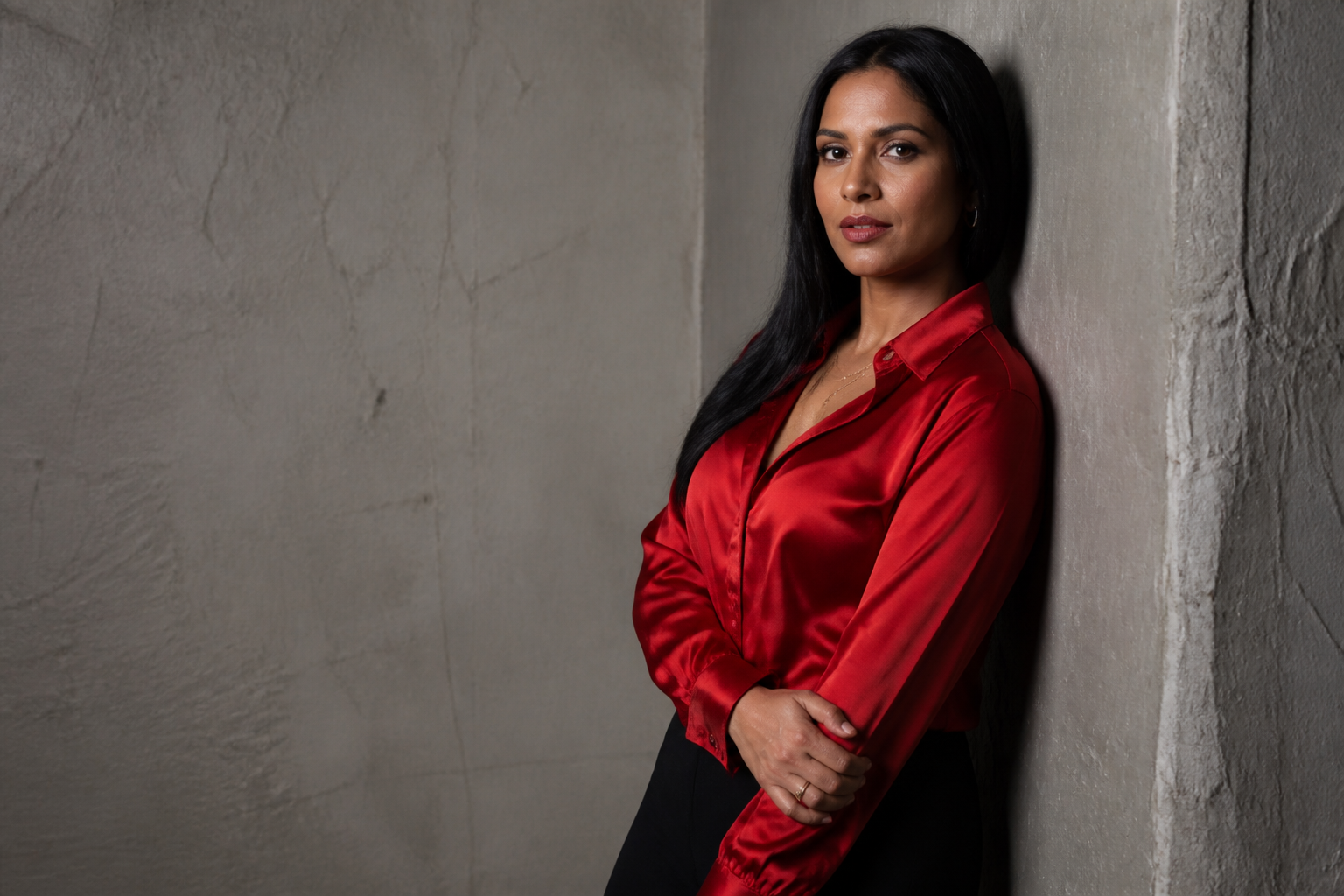 BEFORE
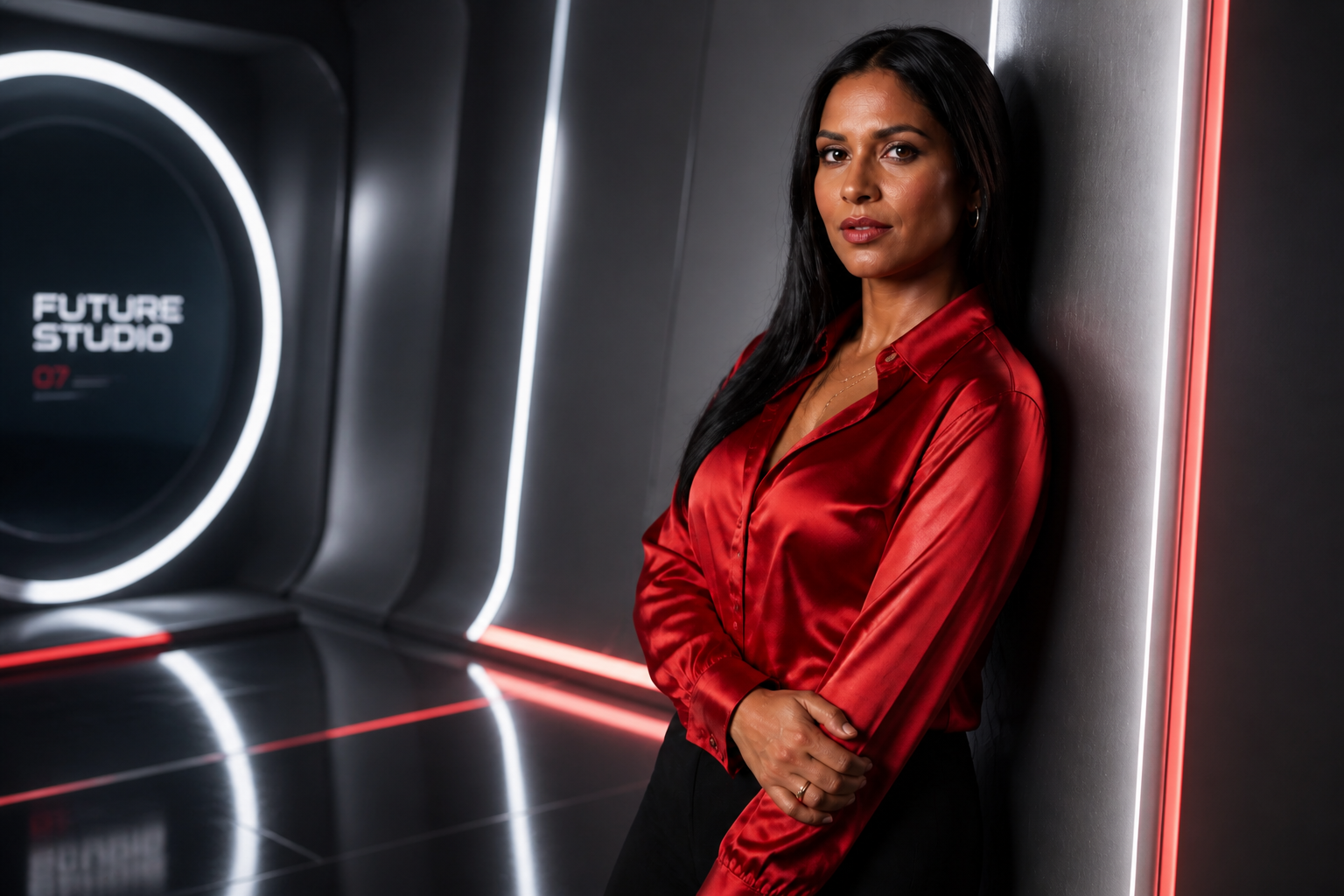 AFTERBEFOREAFTERBEFOREAFTERBEFOREAFTERBEFOREAFTERBEFOREAFTER
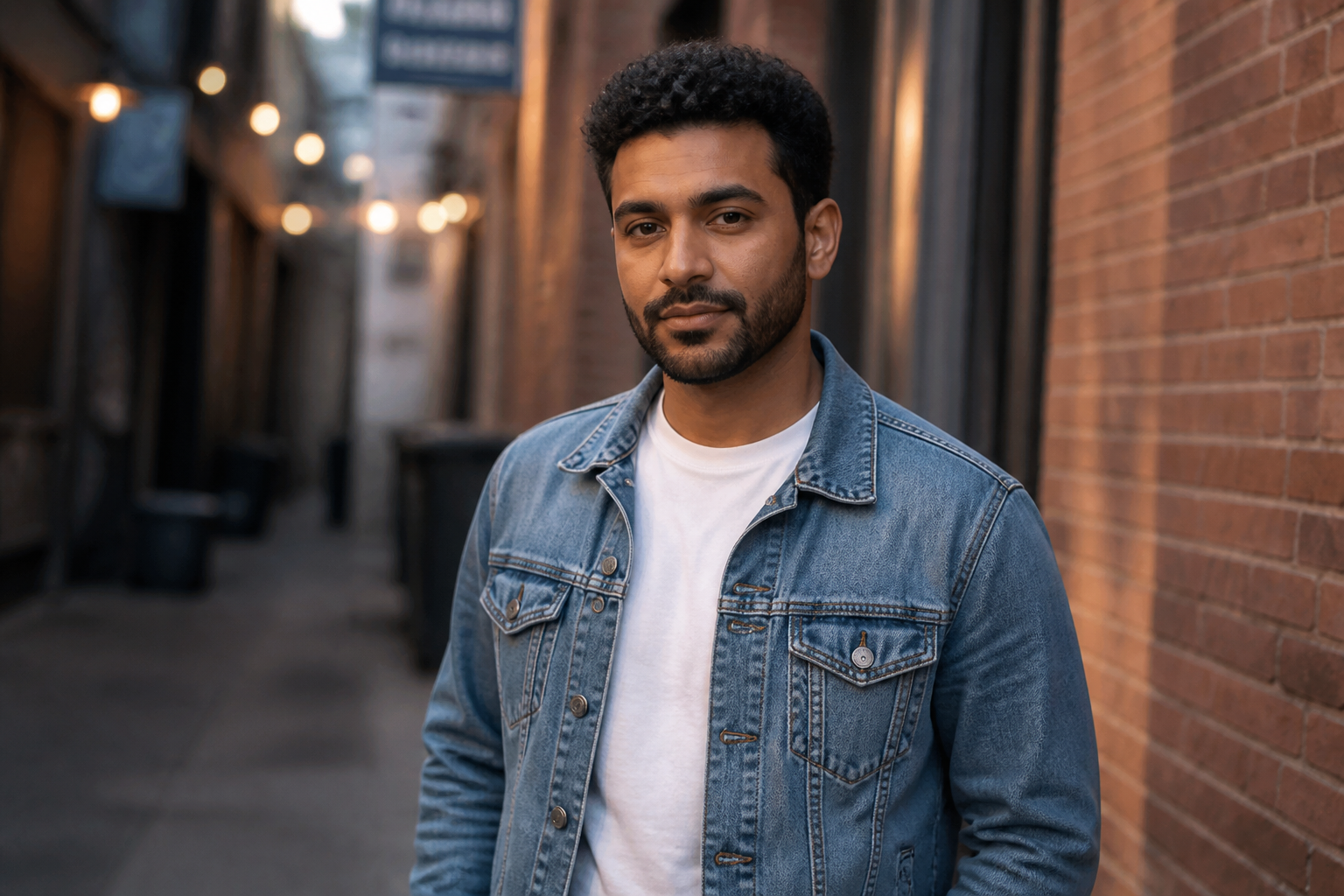 BEFORE
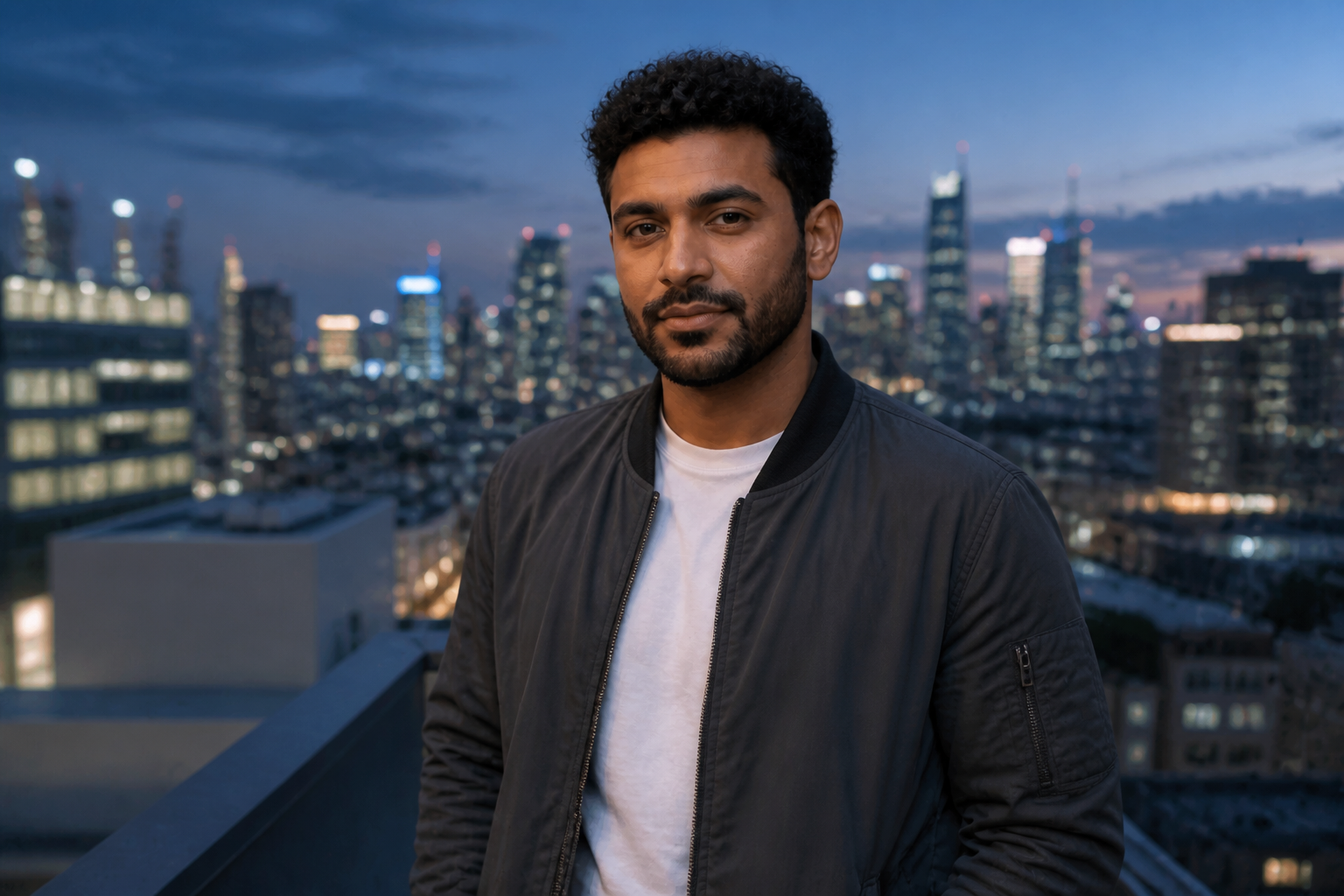 AFTER
AFTER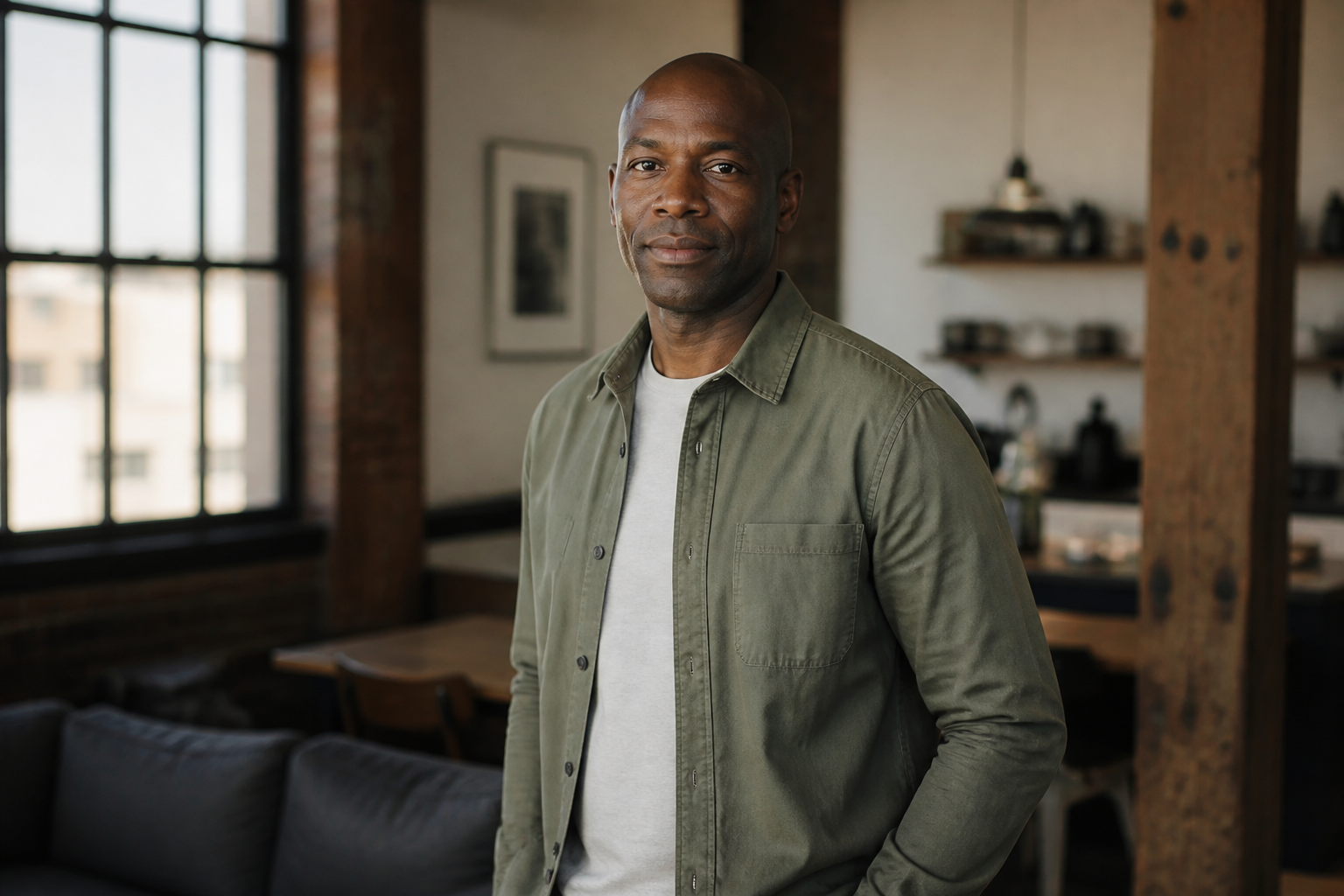 BEFORE
 AFTER
AFTER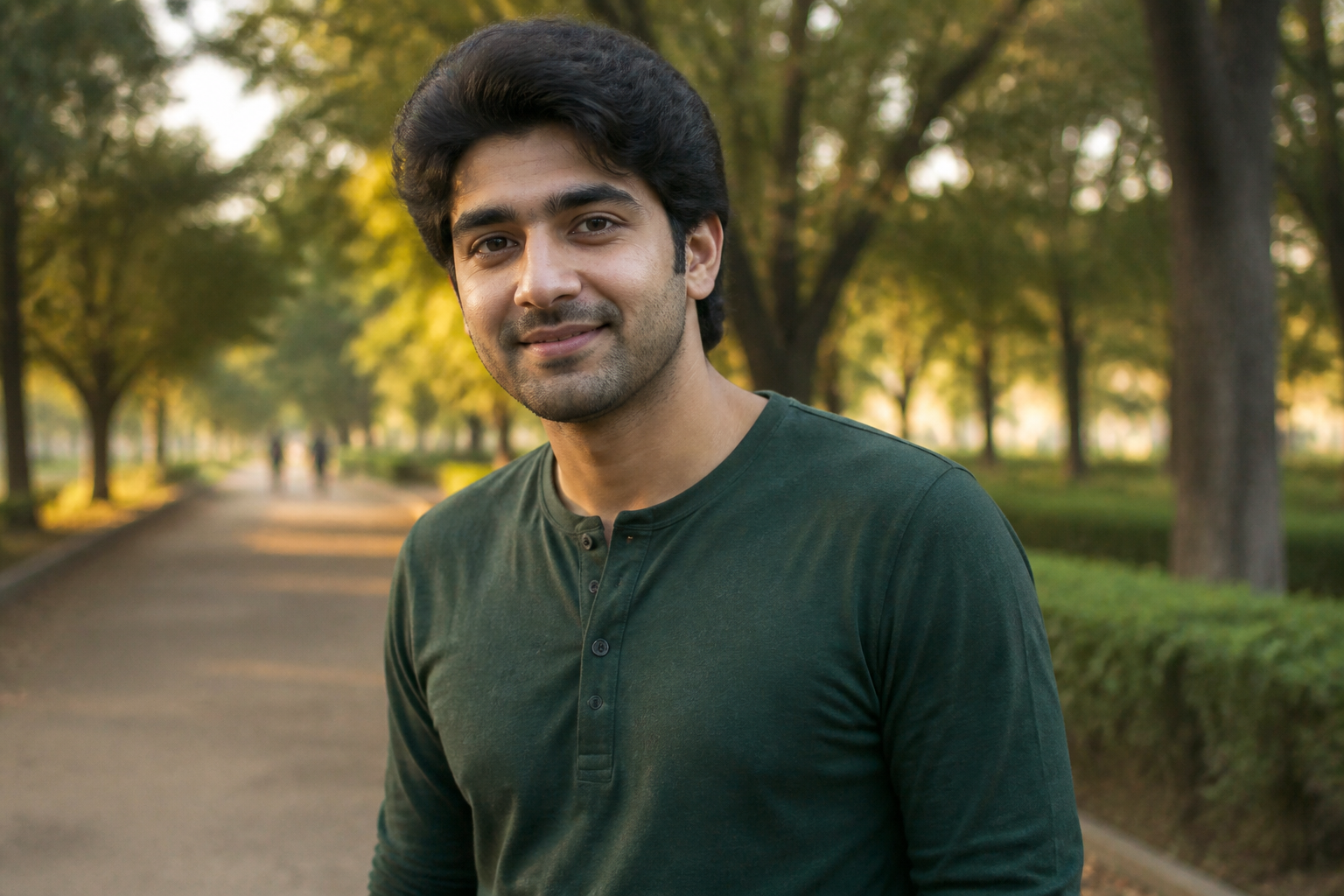 BEFORE
 AFTER
AFTER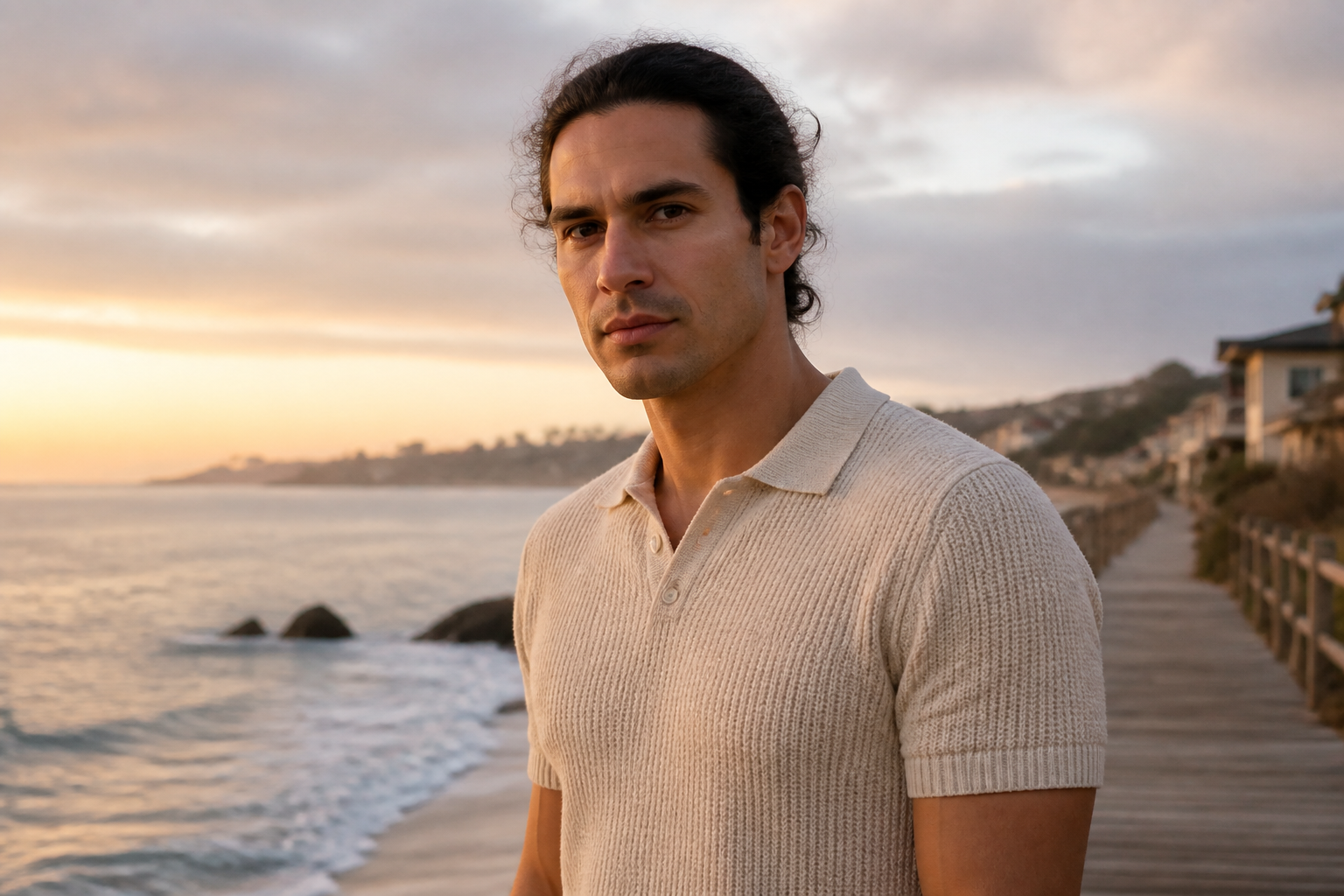 BEFORE
 AFTER
AFTER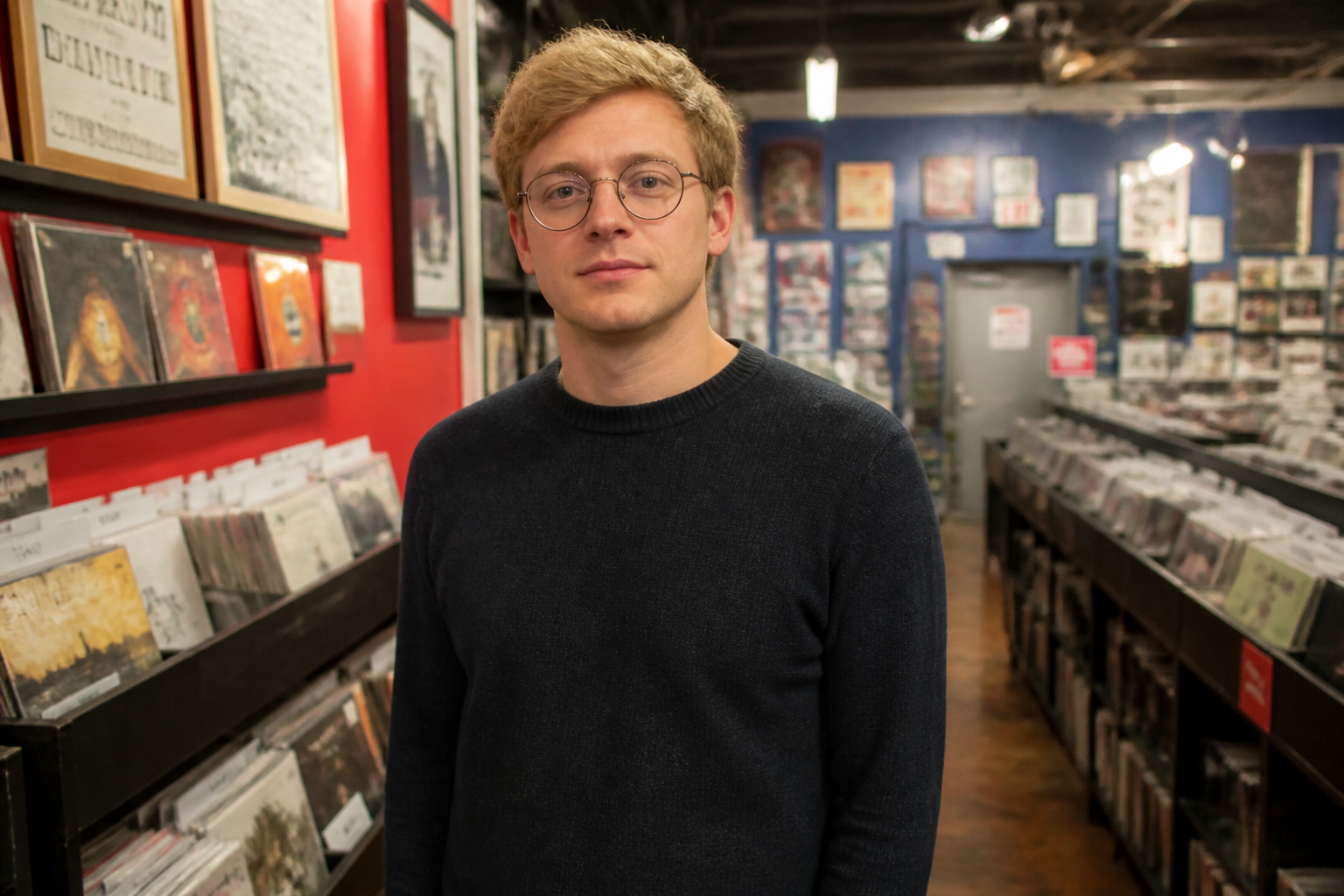 BEFORE
 AFTERBEFOREAFTERBEFOREAFTERBEFOREAFTERBEFOREAFTERBEFOREAFTER
Key Features
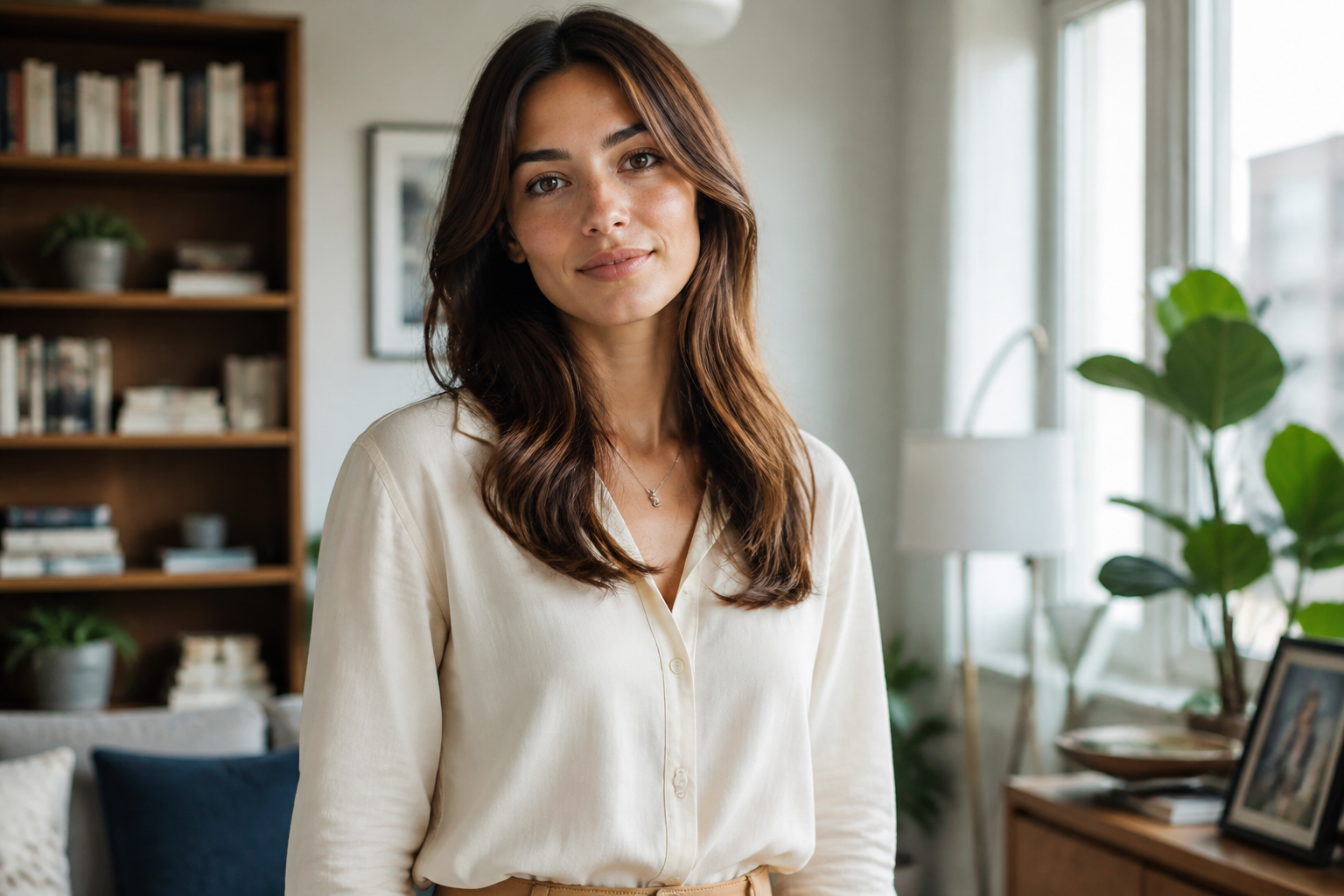
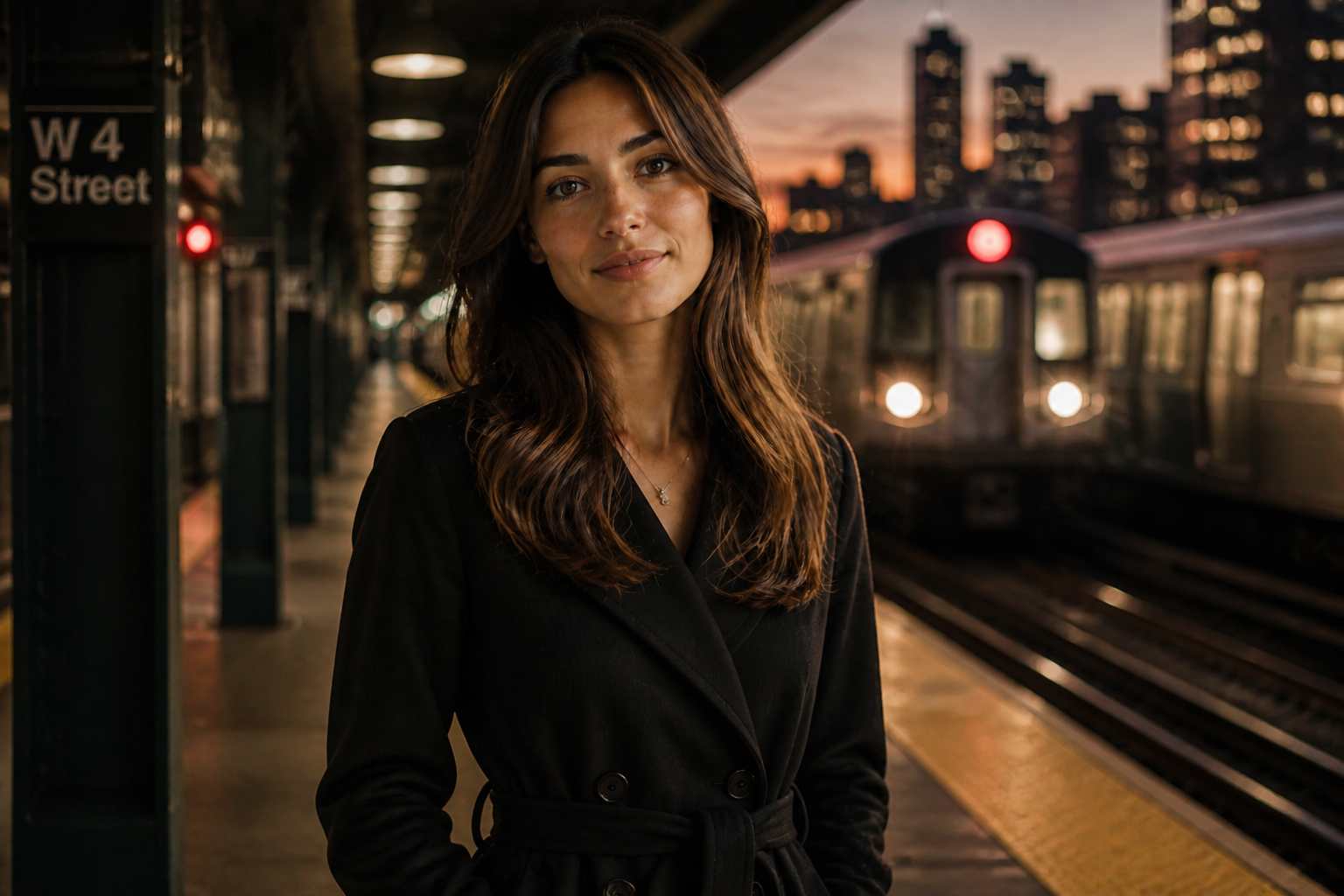
Keep identity locked in
The tool is built to hold on to the details that make a character recognizable. Face shape, hair, proportions, and overall vibe stay consistent while you change the scene around them. That matters when you need a believable series instead of unrelated one-off images. It saves you from repeating the same prompt over and over and still getting different people back.
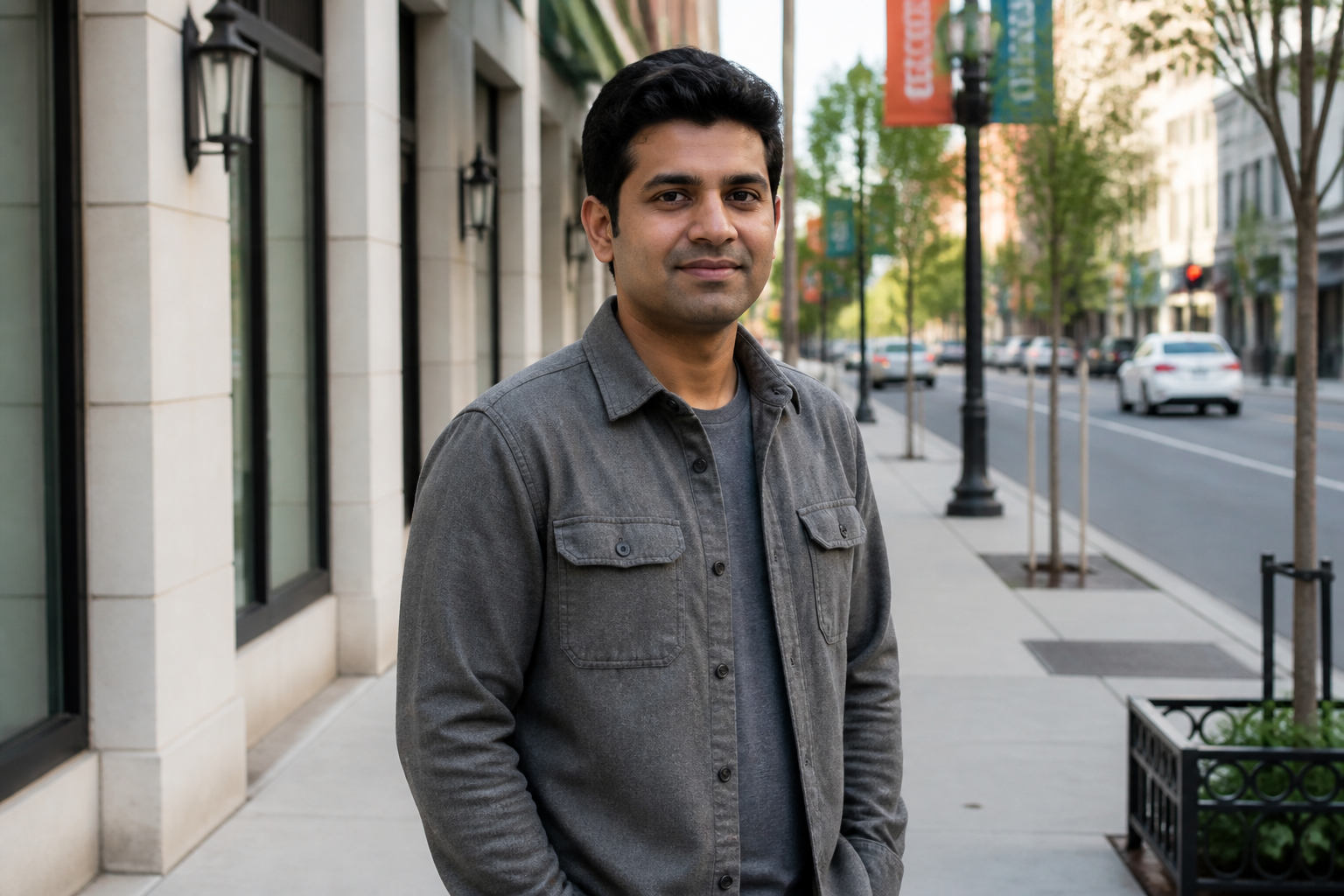

Move characters anywhere
You can take one strong base image and drop that same character into very different settings. Urban, cozy, outdoor, cinematic, or editorial scenes all work when the identity needs to stay stable. This is much faster than rebuilding the character manually in every new composition. It gives you variety without losing continuity.
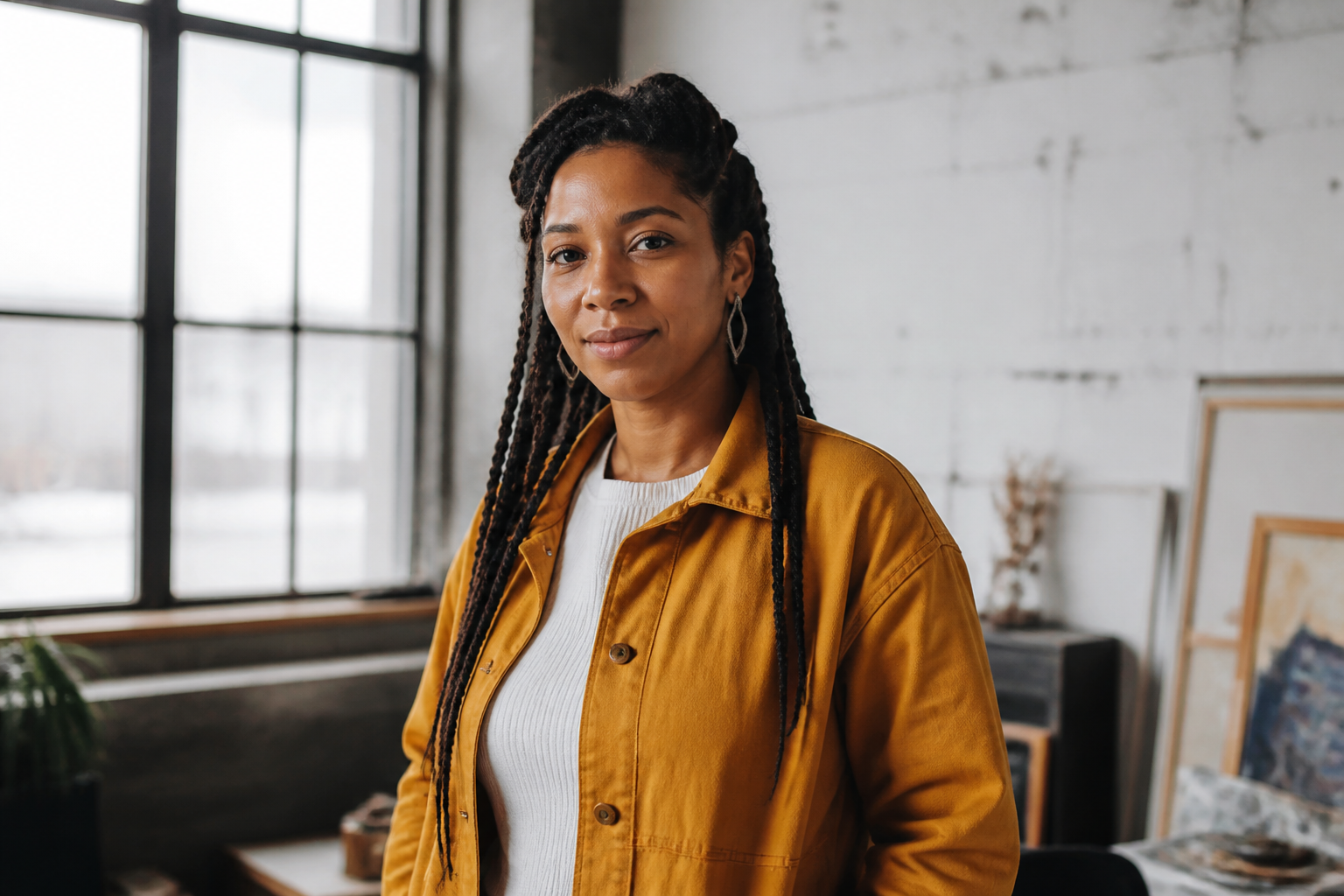
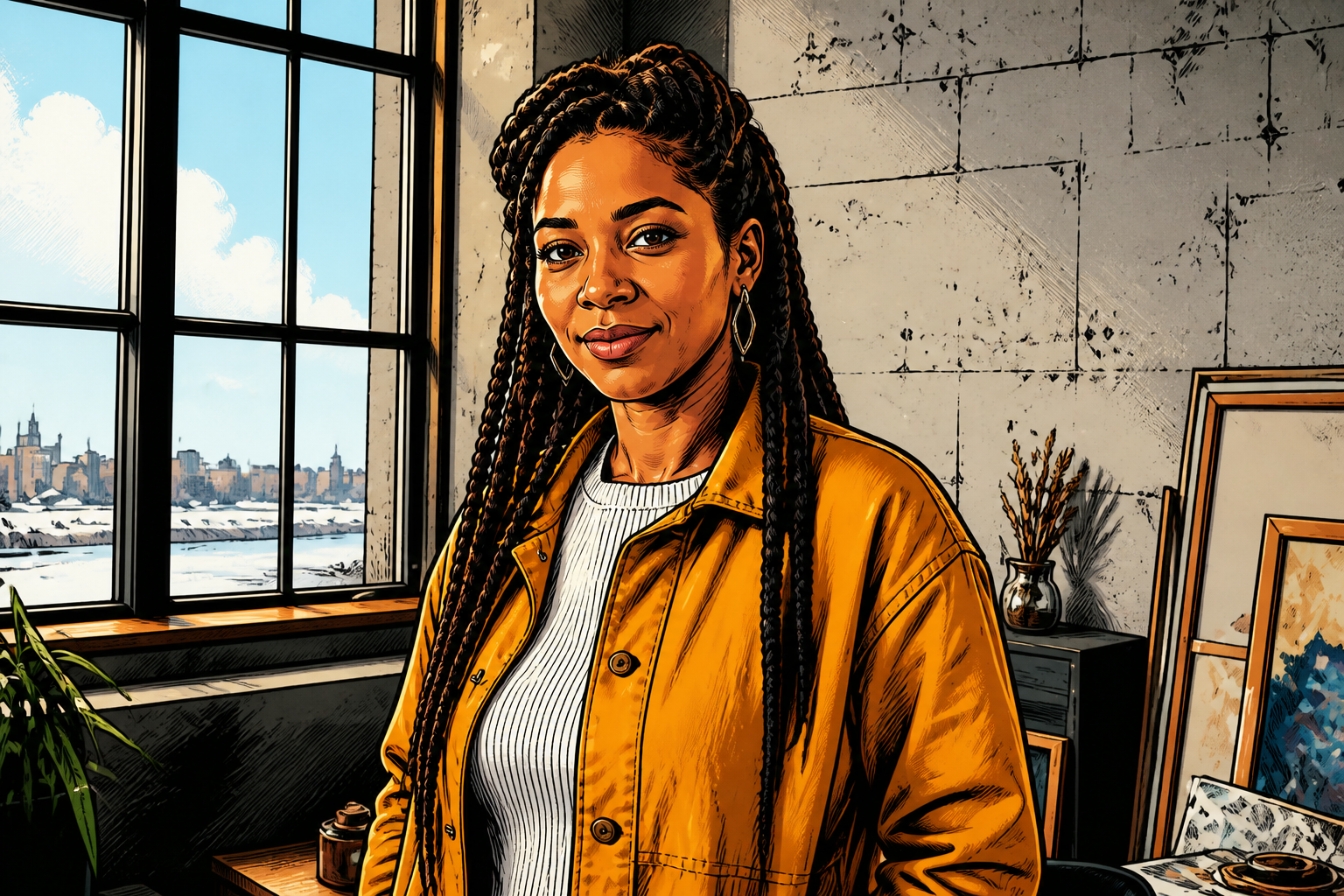
Change style, not character
The same character can be carried into illustrated or stylized outputs without turning into someone else. That makes it useful for concept work, storyboards, thumbnails, and mixed-media content. Instead of generating a new face for every art style, you keep the same visual anchor. The result feels like one character adapted to different formats.

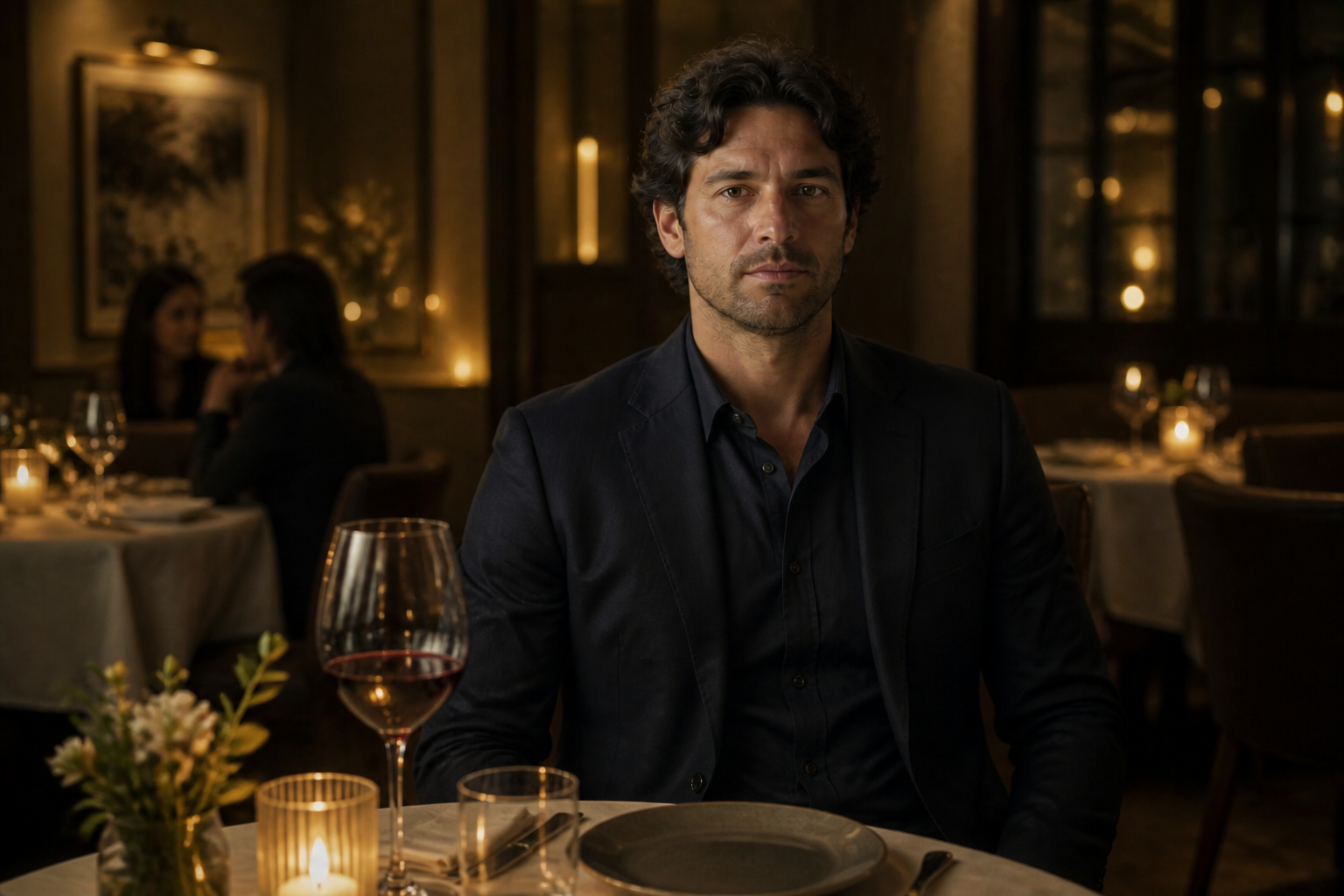
Faster series creation
When you need multiple frames, campaign visuals, or social posts, consistency is usually the hardest part. This tool lets you start from one image and branch into many variations while keeping the character coherent. That cuts down on manual revisions and reference matching. You spend more time choosing the best direction and less time fixing continuity errors.
How It Works
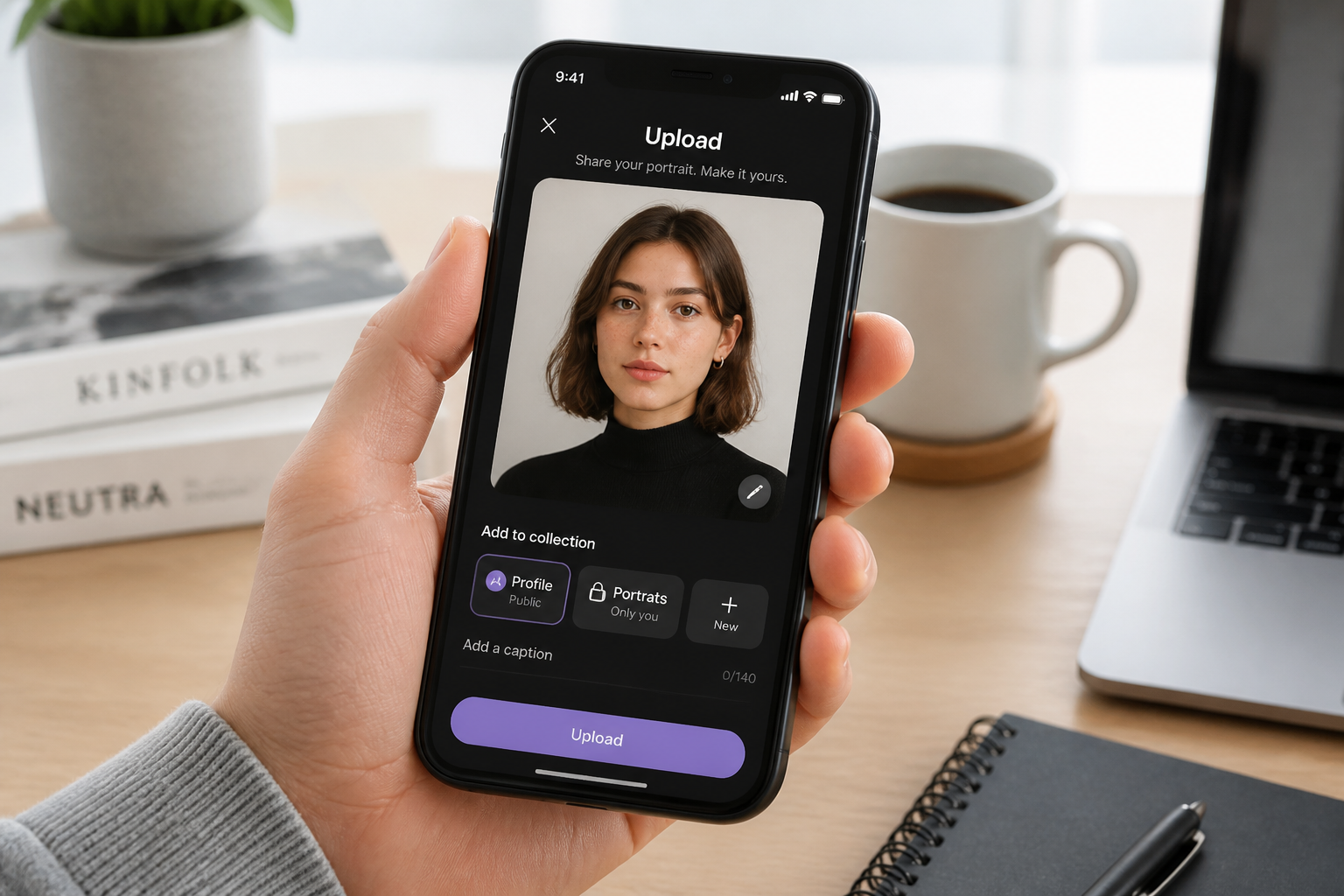
Upload your reference image
Start with a clear image of the character you want to keep consistent. A well-lit photo or render with visible facial details gives the strongest results.
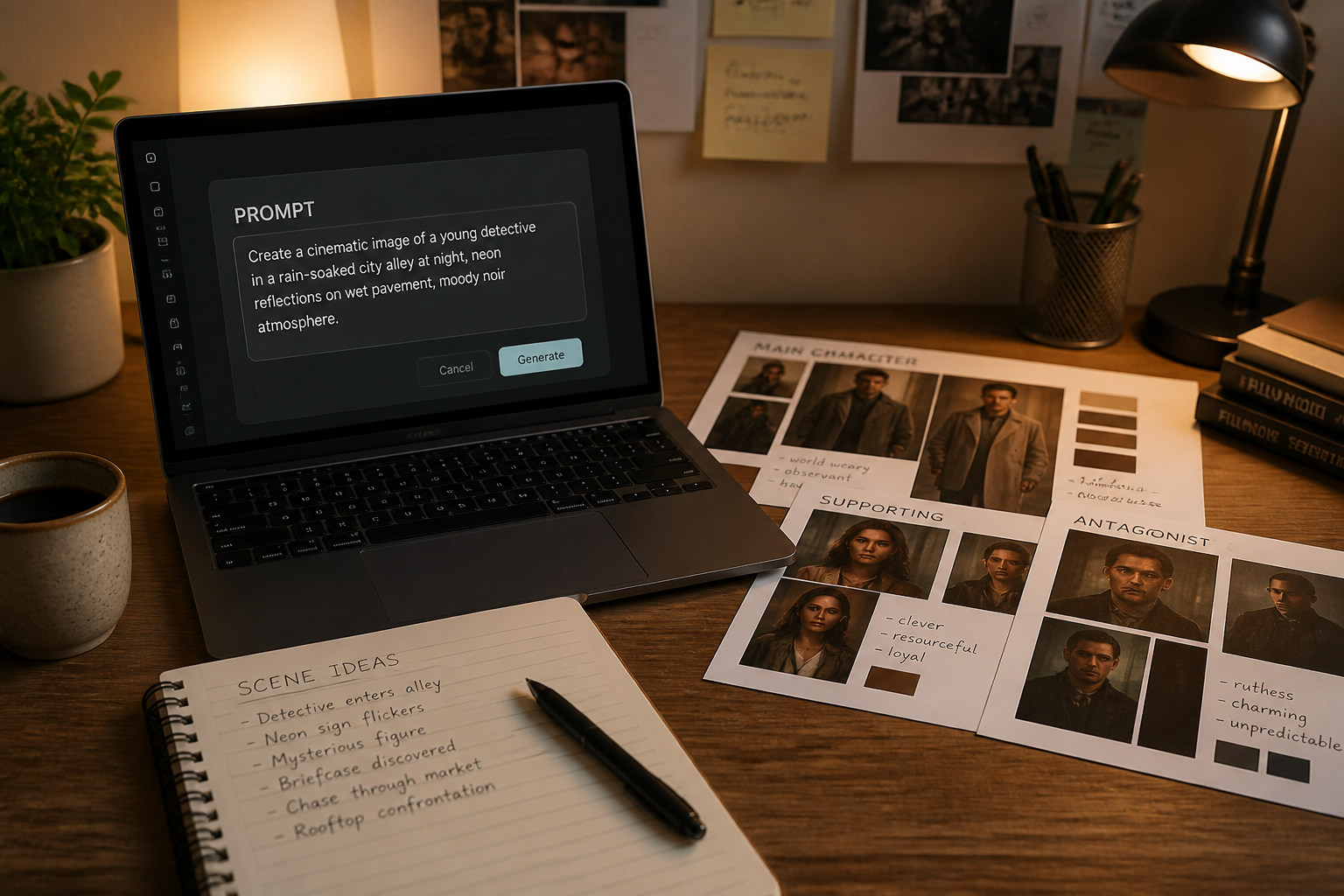
Describe the next version
Tell the AI what should change, such as the setting, outfit, mood, or visual style. Keep the instruction focused on the new scene while making it clear the character should stay the same.
Generate and compare results
Review the new image next to your original and check whether the character still feels consistent. If needed, refine the prompt and generate more variations from the same reference.
Perfect For
Discover how creators and professionals use same character generator
Storyboarding recurring characters
Create multiple scenes with the same lead character for pitches, comics, videos, or narrative planning.
Social content series
Keep one recognizable character across multiple posts, thumbnails, and themed campaigns.
Brand mascots and personas
Generate fresh variations of a branded character without losing the core look people recognize.
Concept art exploration
Test outfits, settings, and styles around one character before committing to a final direction.
Built For
Creators and storytellers
Useful for anyone building repeatable characters across scenes, episodes, or visual narratives.
Marketers and social teams
Helps produce consistent campaign visuals and recurring character-led content faster.
Designers and art directors
A practical way to explore many directions while keeping character continuity under control.
Why use a same character workflow
A quick look at how we compare on the things that matter for this niche.
| Feature | BudgetPixel | Generic AI editors | Manual editing apps |
|---|---|---|---|
| Character consistency from one image | ✓ | — | — |
| Fast scene changes | ✓ | ✓ | — |
| Style transfer with identity kept | ✓ | — | — |
| Prompt-friendly workflow | ✓ | ✓ | — |
| Manual masking required | — | — | ✓ |
Frequently Asked Questions
What does a Same Character Generator do?
Do I need to write a detailed prompt?
Can I use it for stylized art as well as realistic images?
Will the character stay exactly identical every time?
What kind of reference image works best?
Create together.
Share your creations, discover trending AI art, and grow with fellow creators.