Character Scene Generator
Put the same character into fresh scenes without starting over.
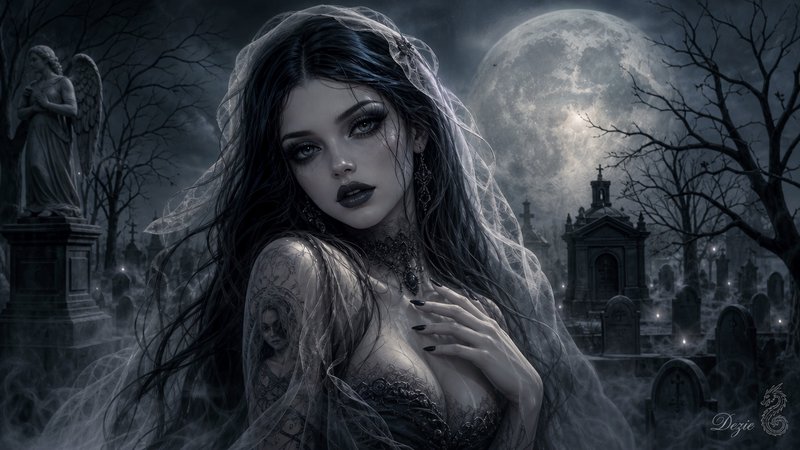
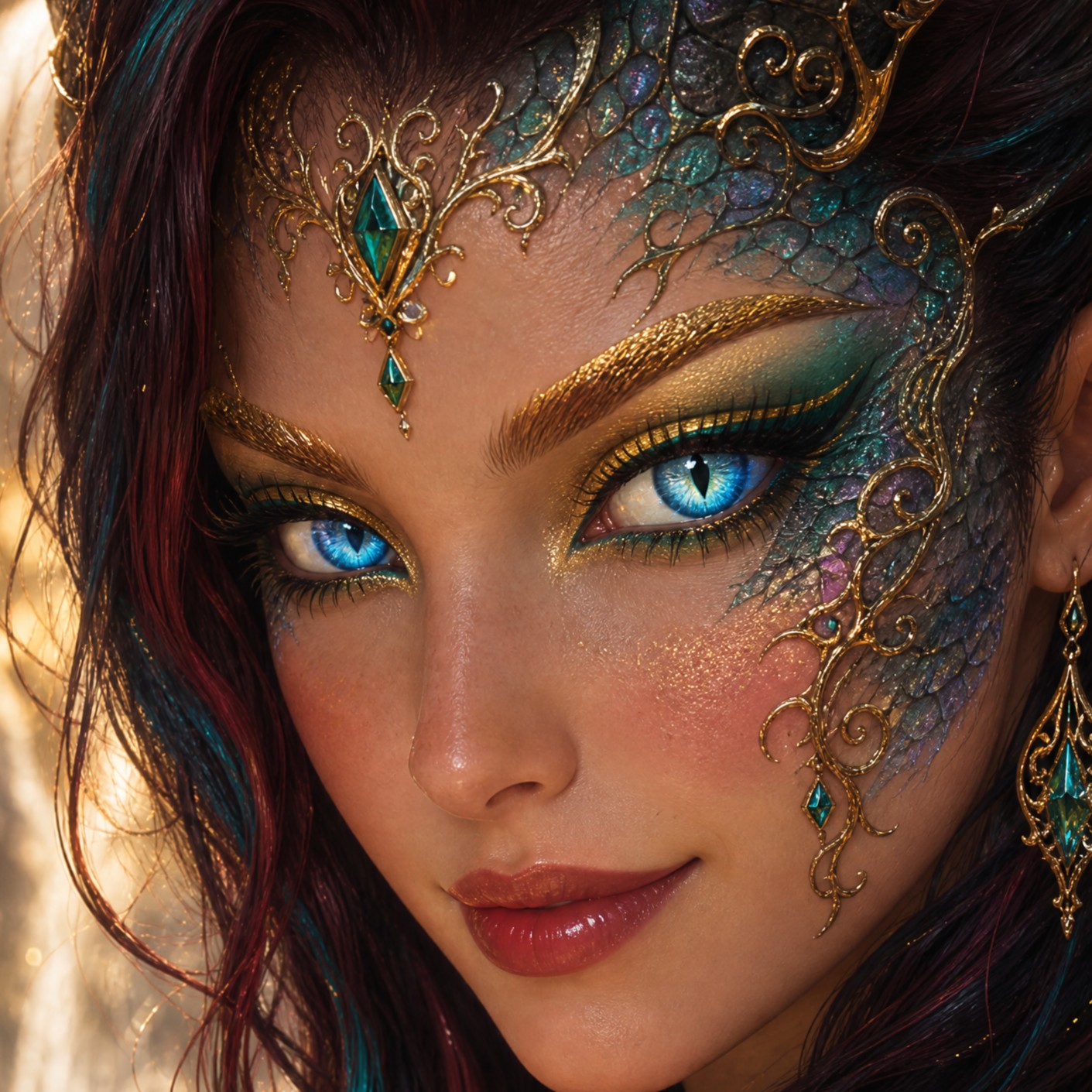
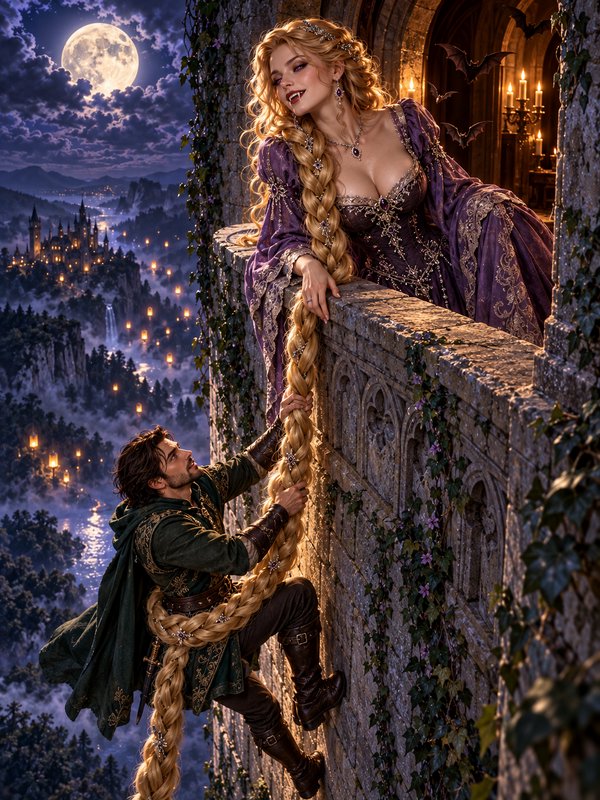
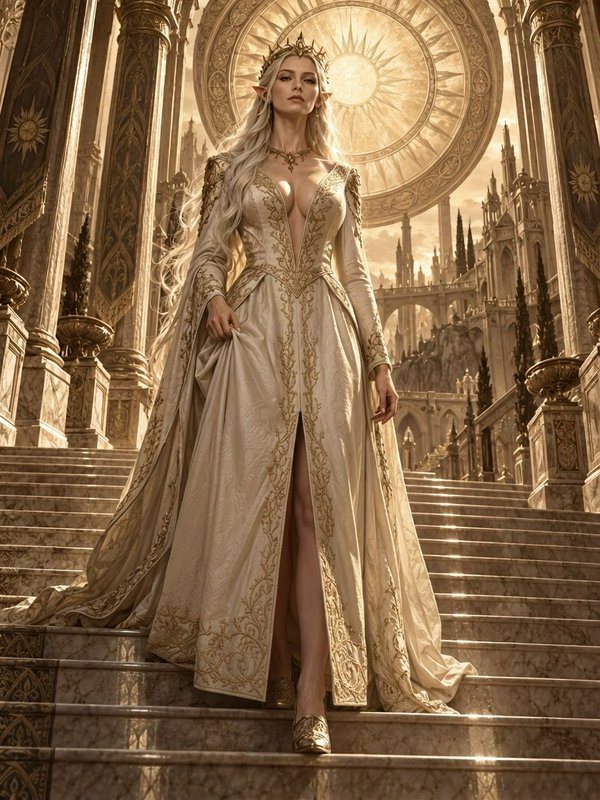
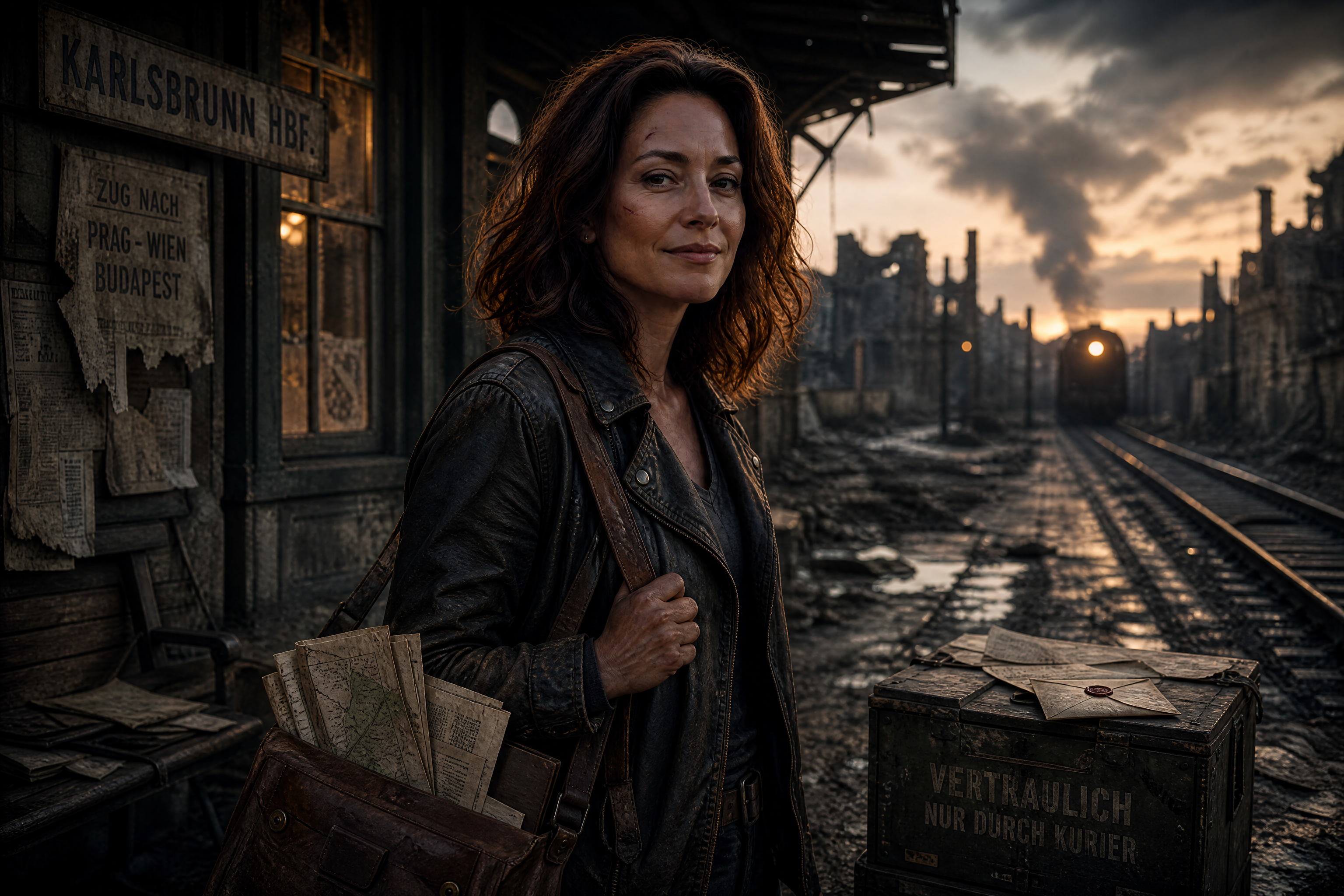
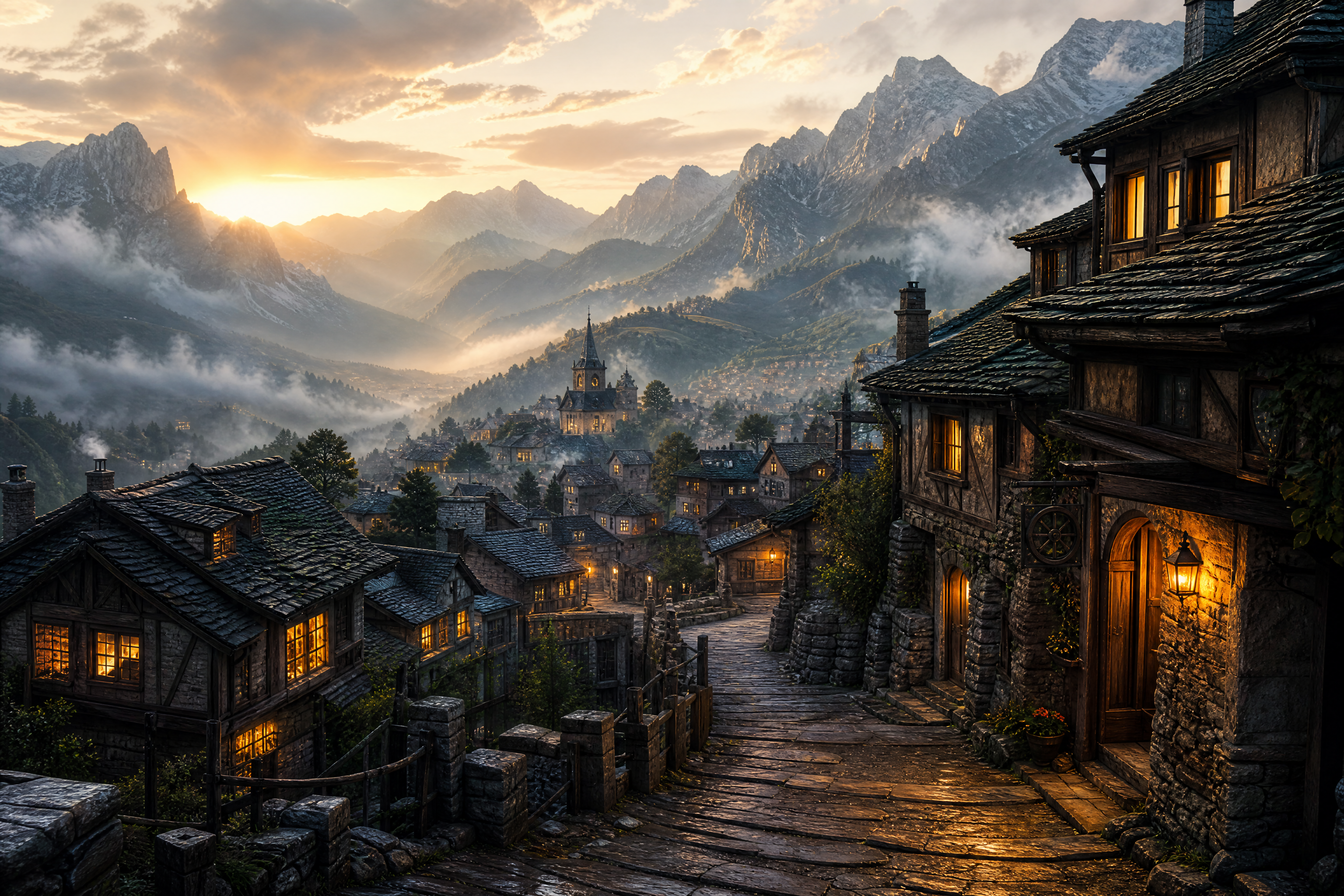
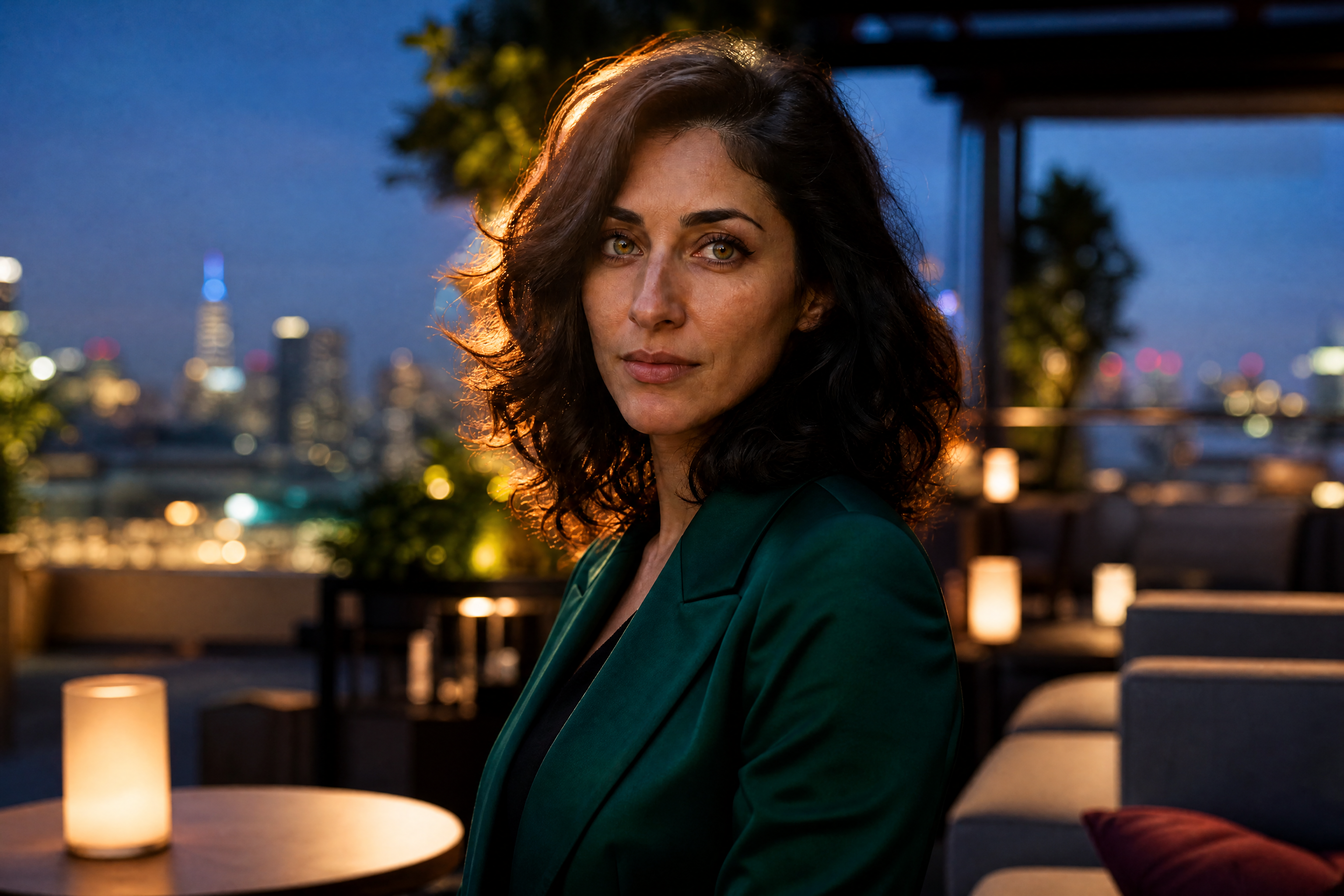
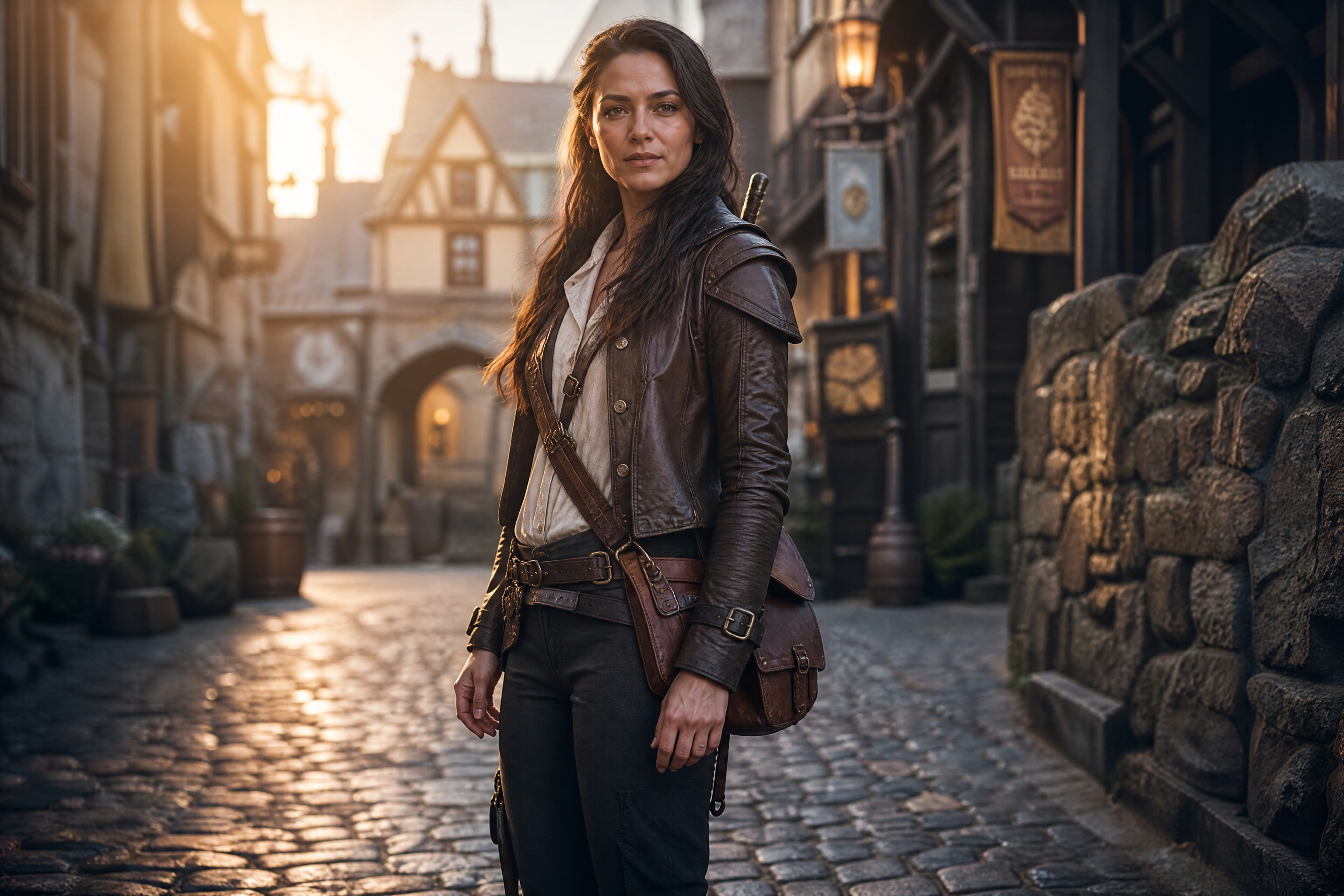
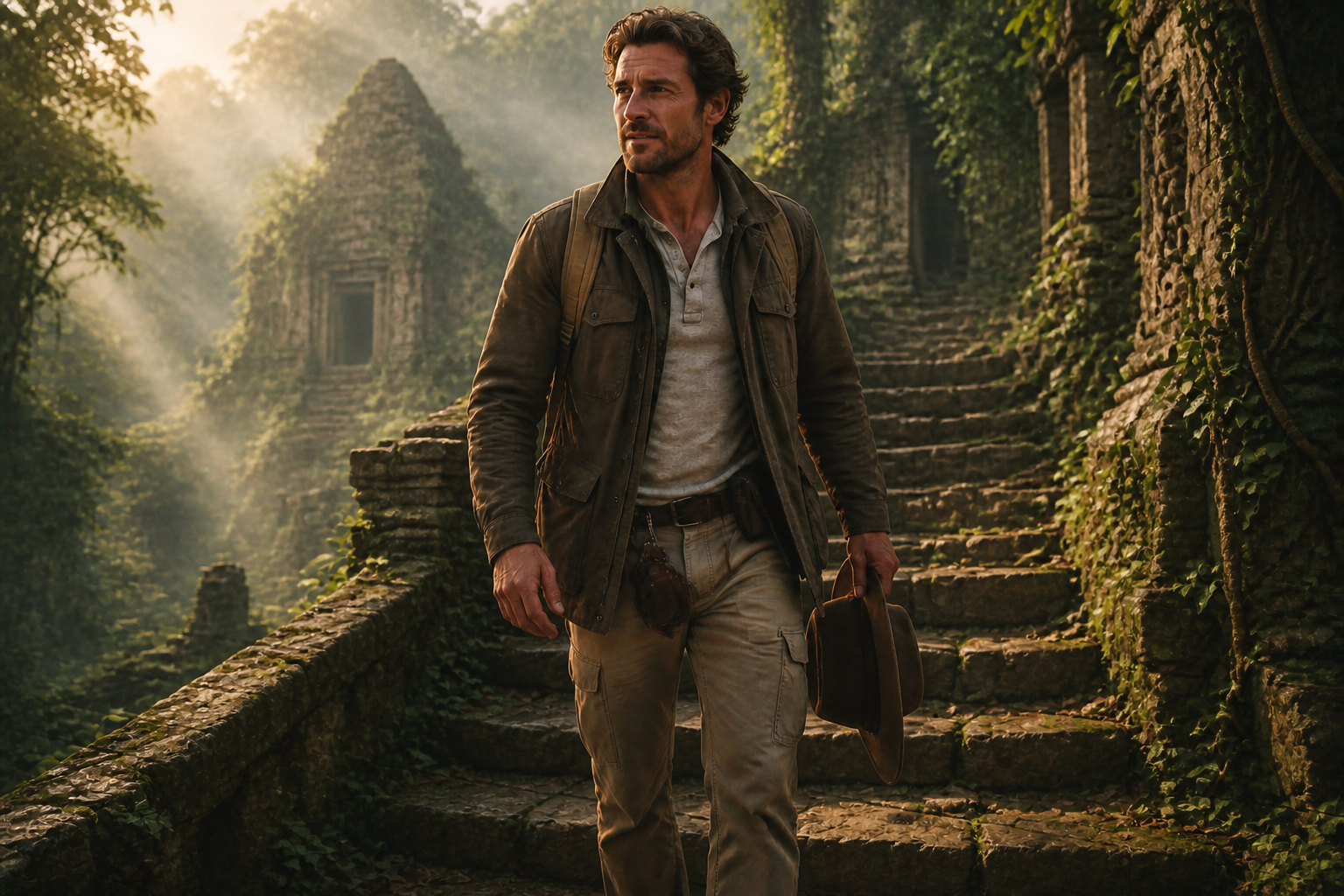
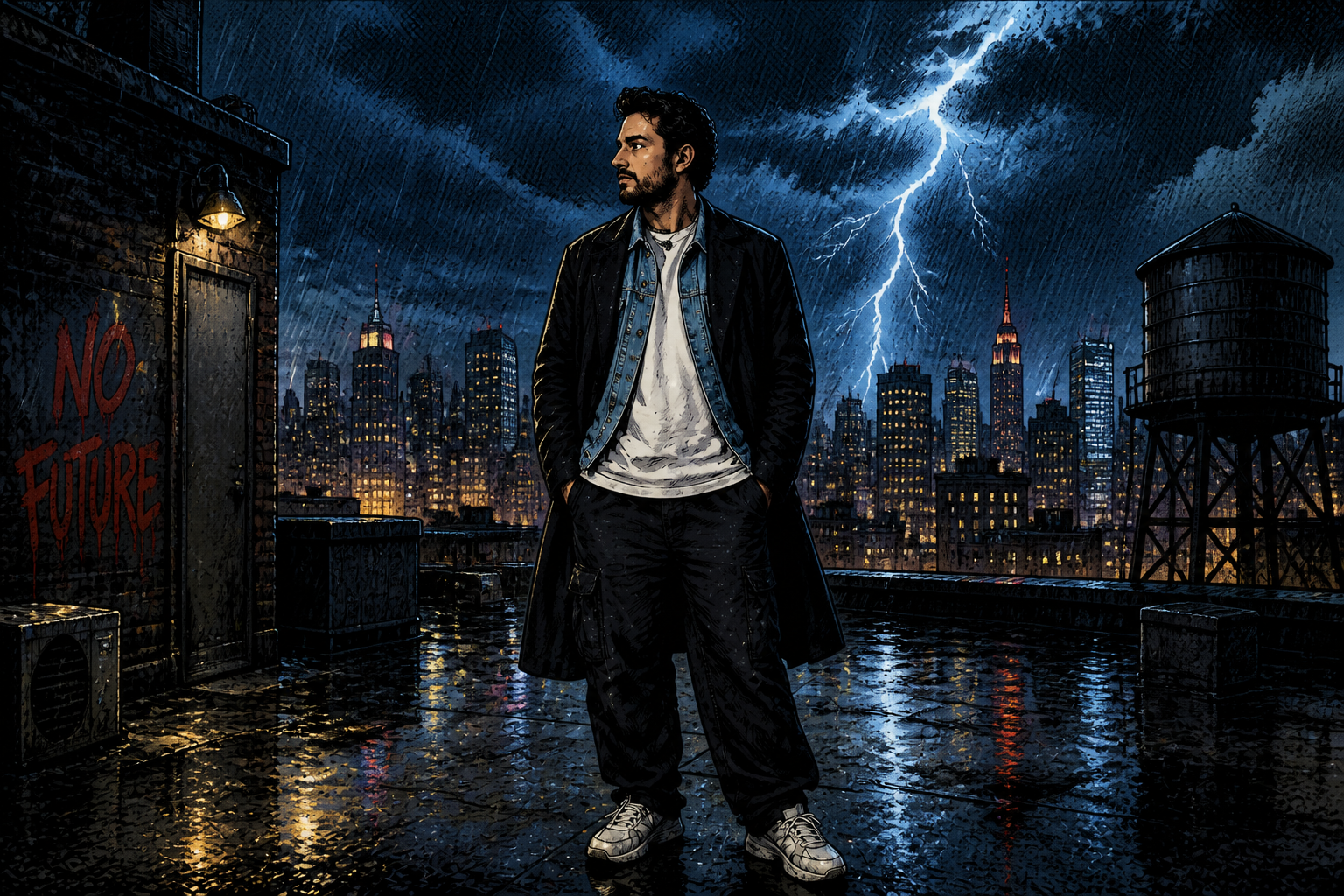
Create new environments, moods, and story moments around a character from a single image. Our AI edits the scene while keeping the subject recognizable, so you can explore concepts, covers, social posts, and visual storytelling faster.
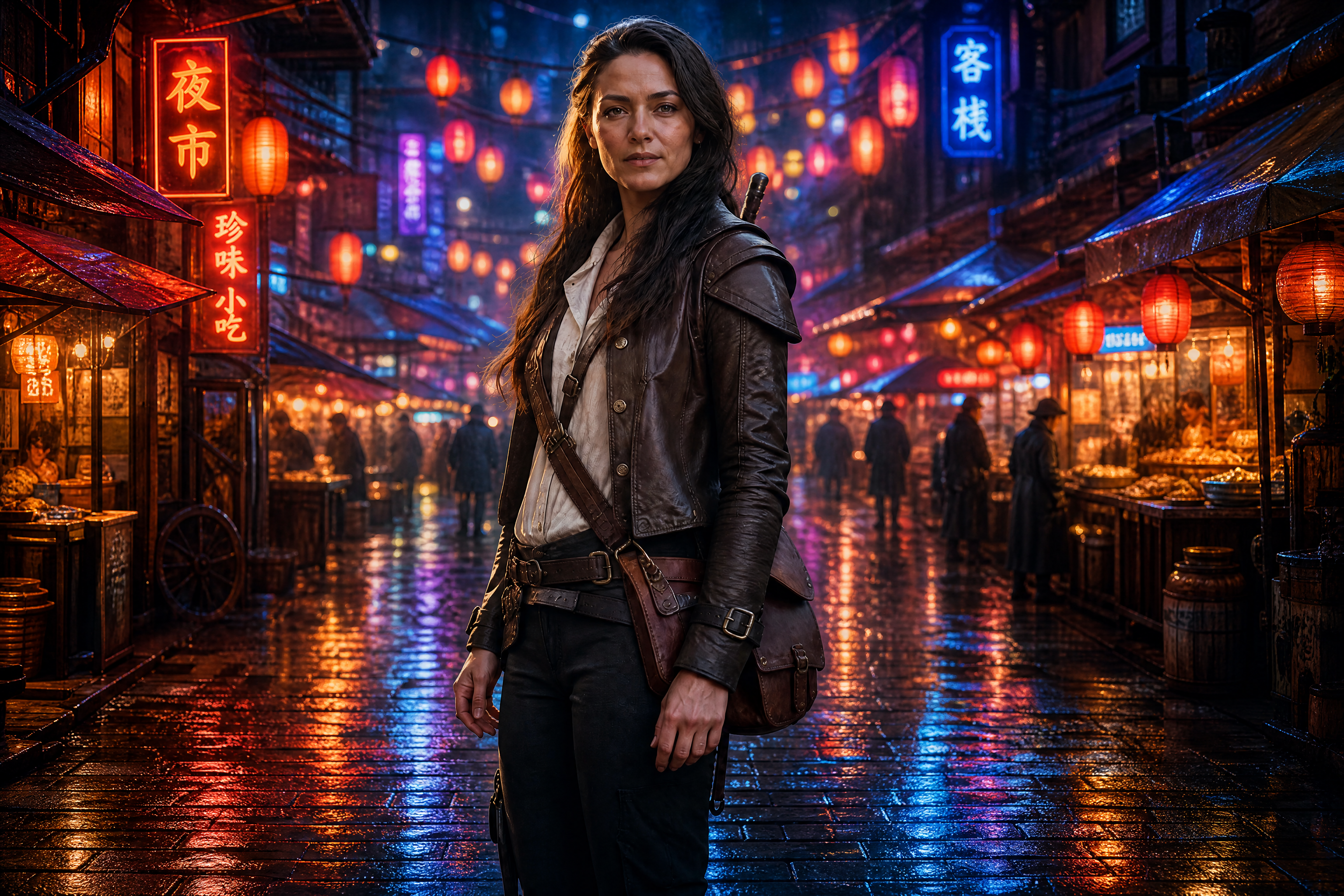
Watch the Transformation
See character scene generator in motion — generated end-to-end by our AI.
See It In Action
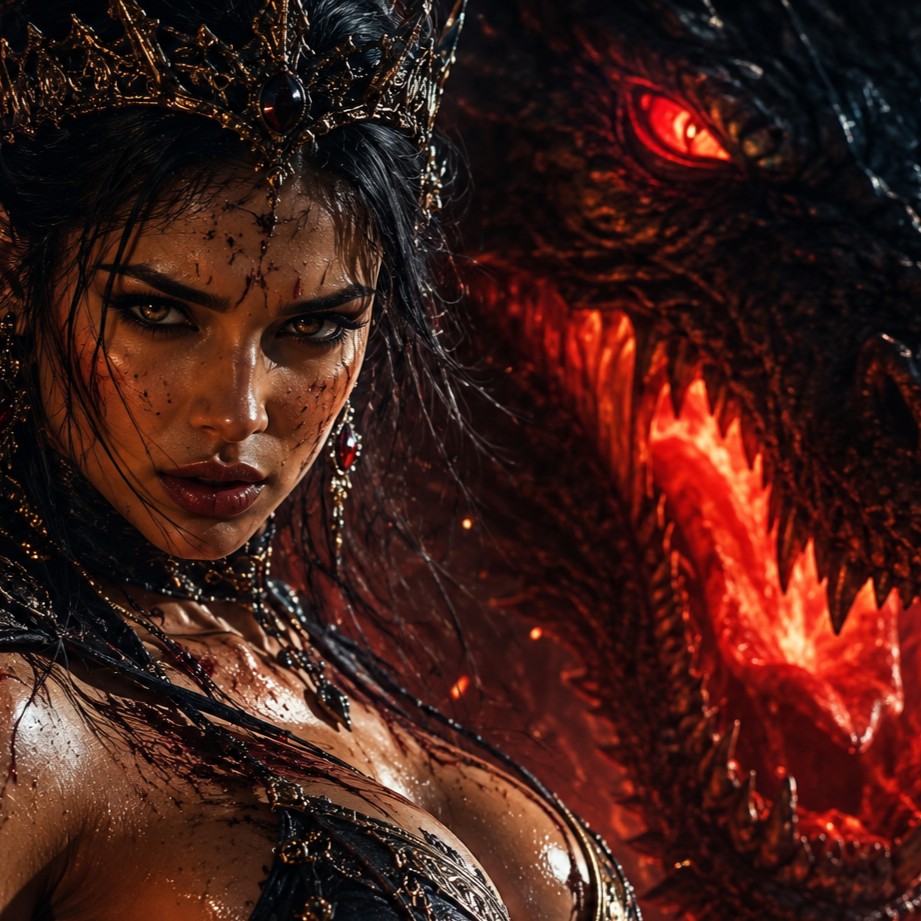
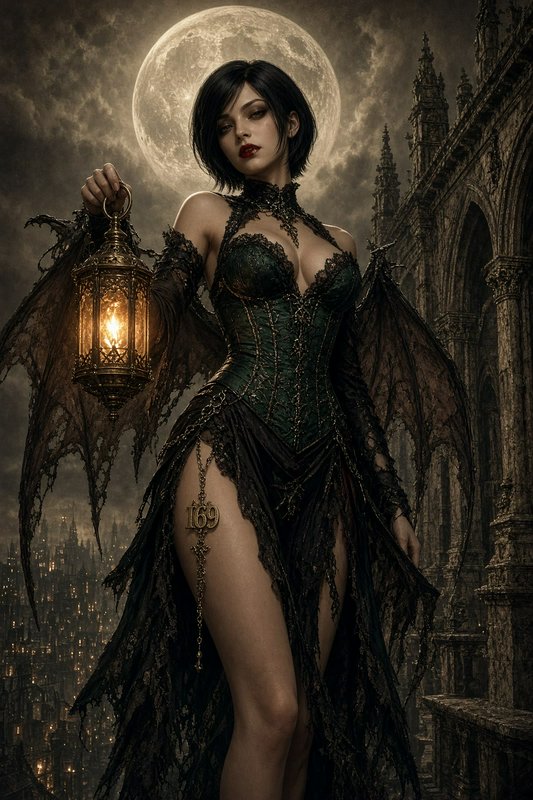
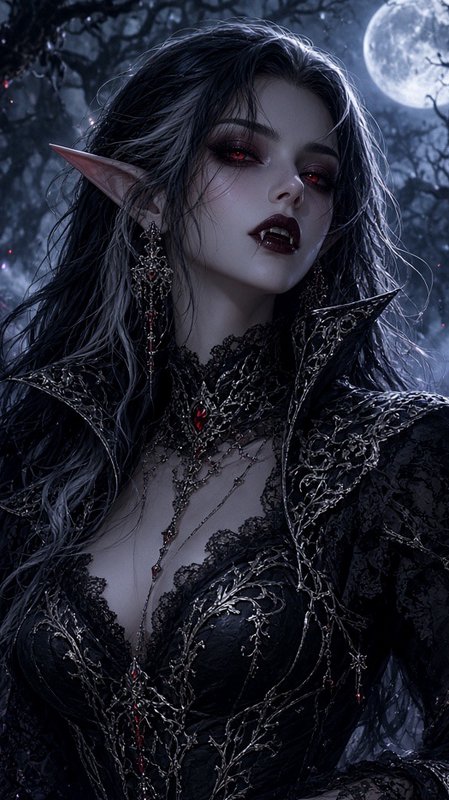
Real outputs from character scene generator.
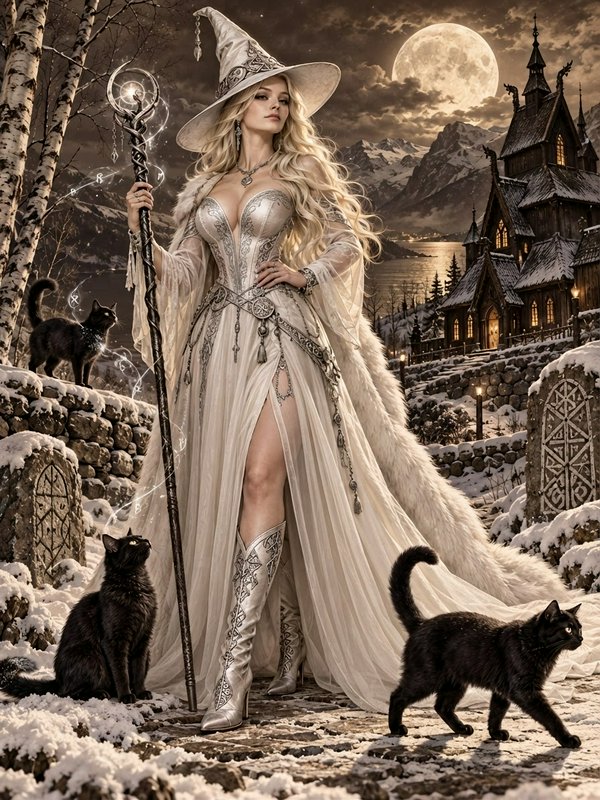
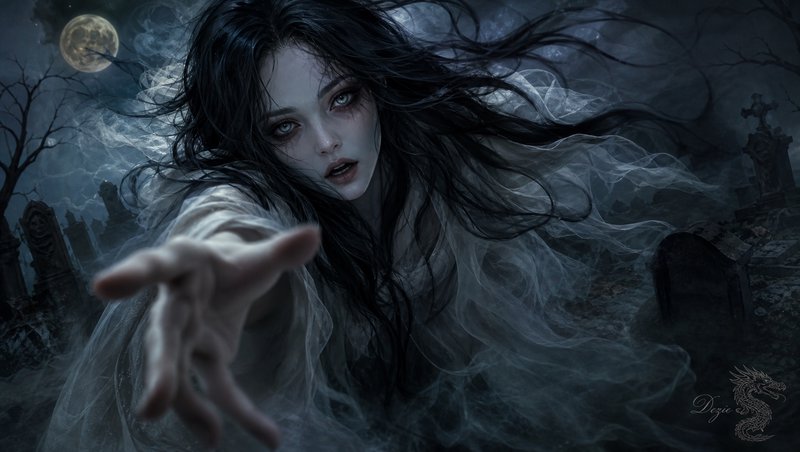
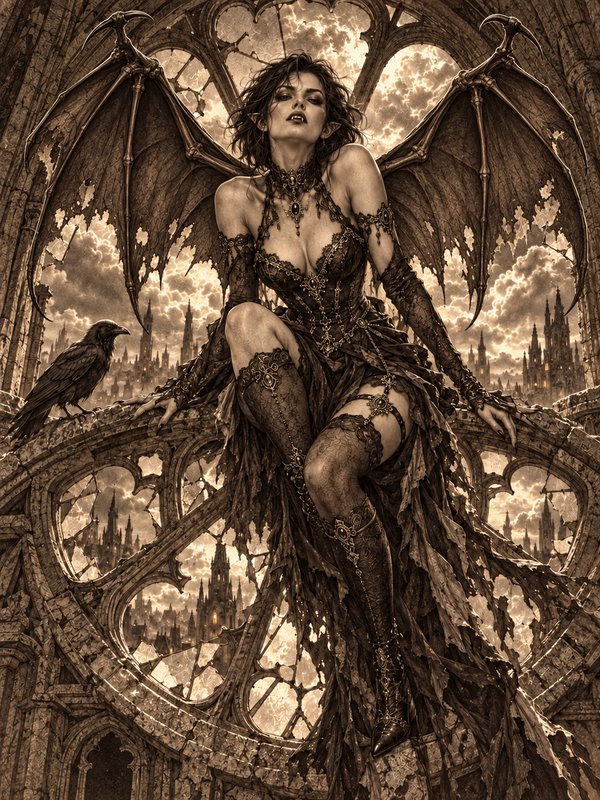
BEFOREAFTER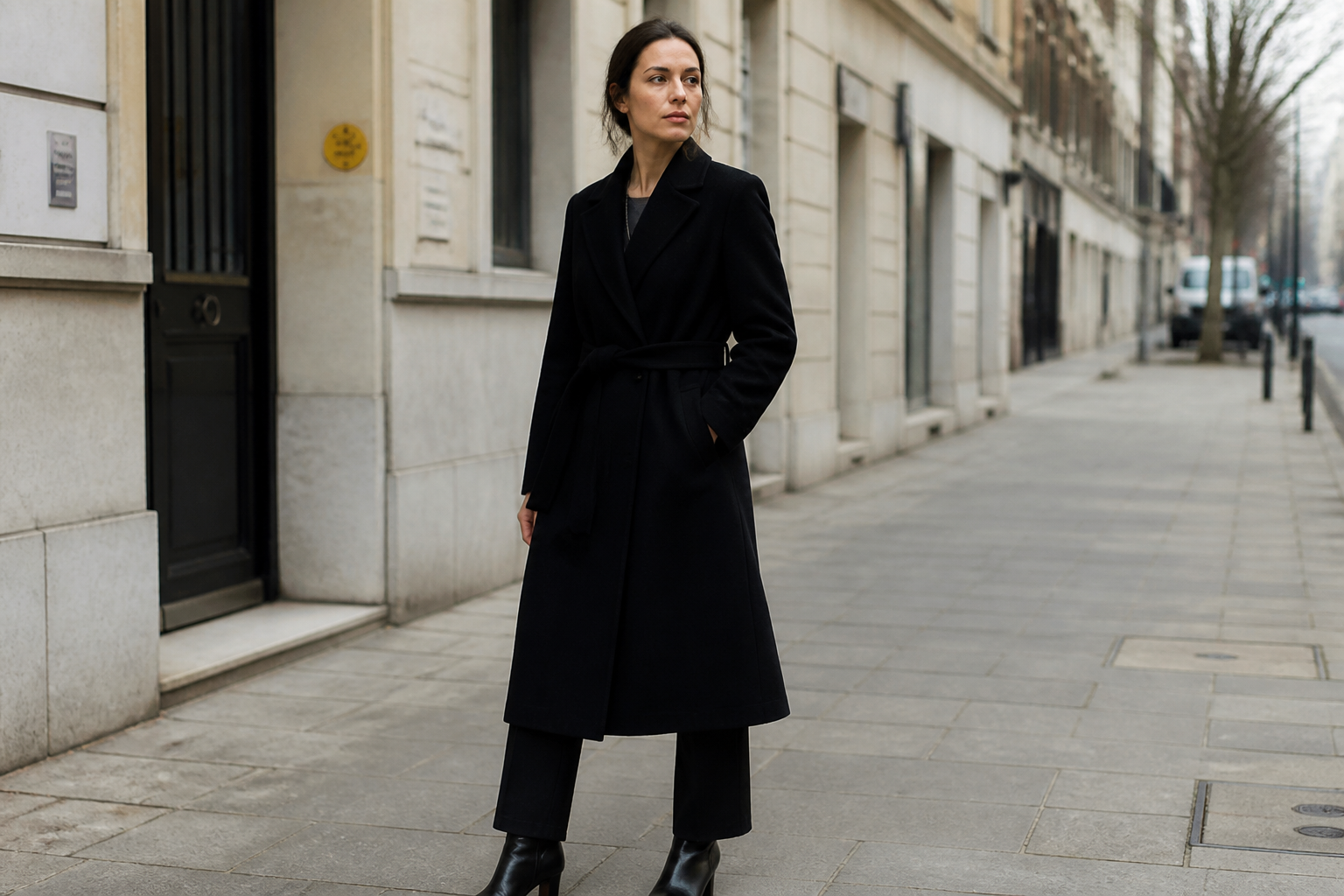 BEFORE
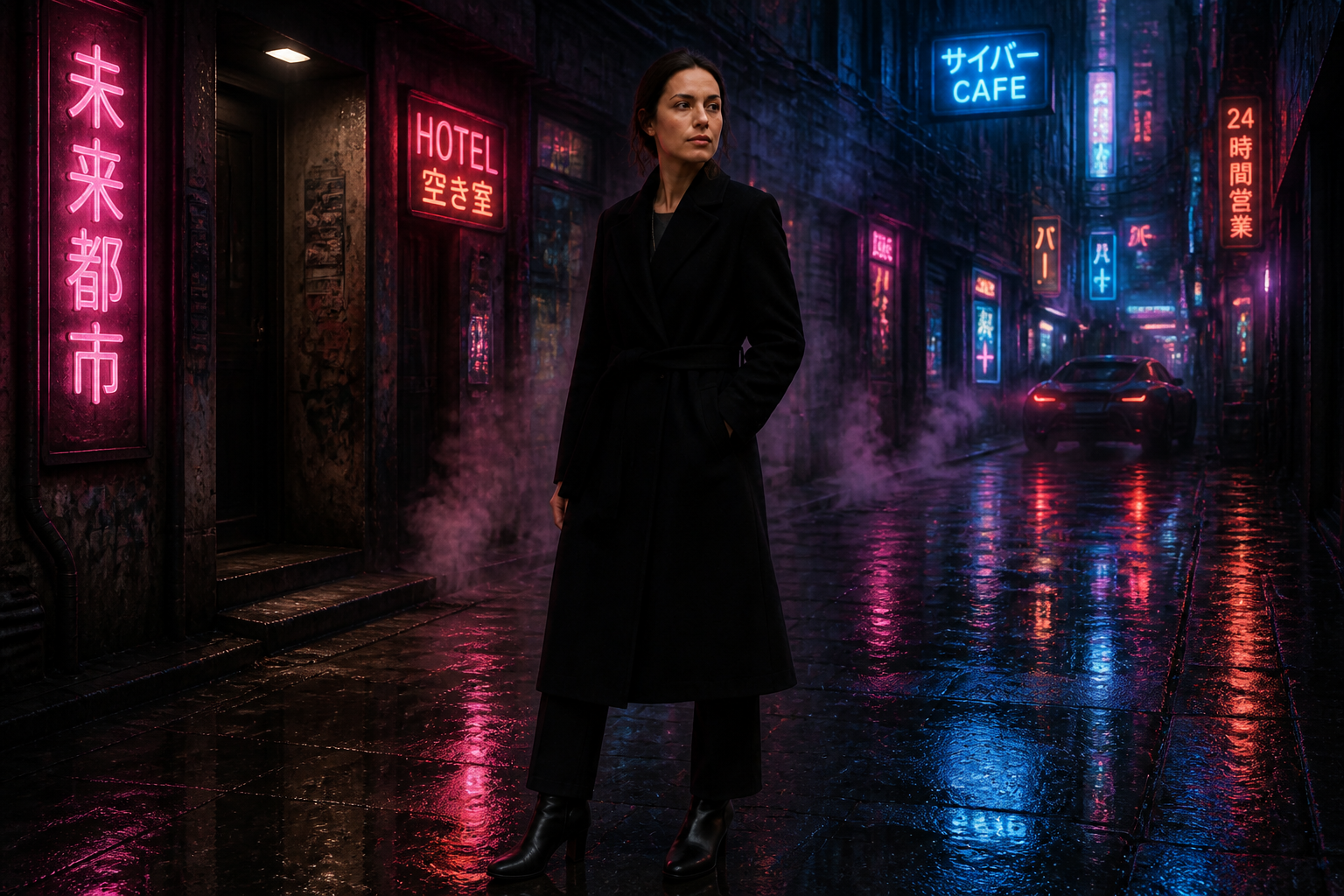 AFTER
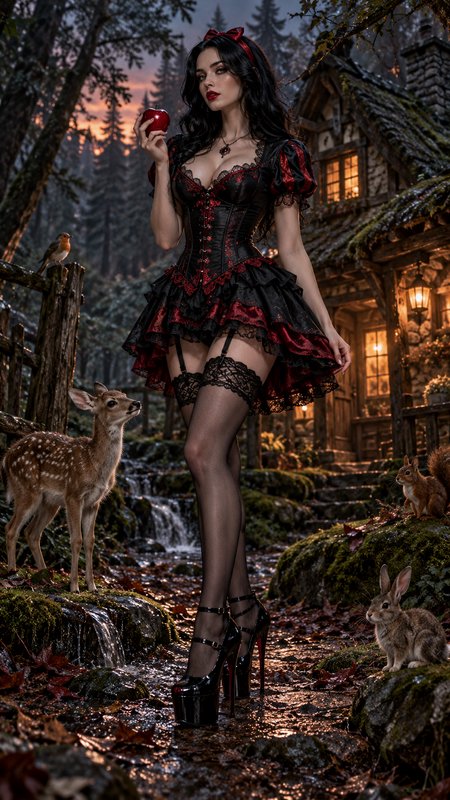
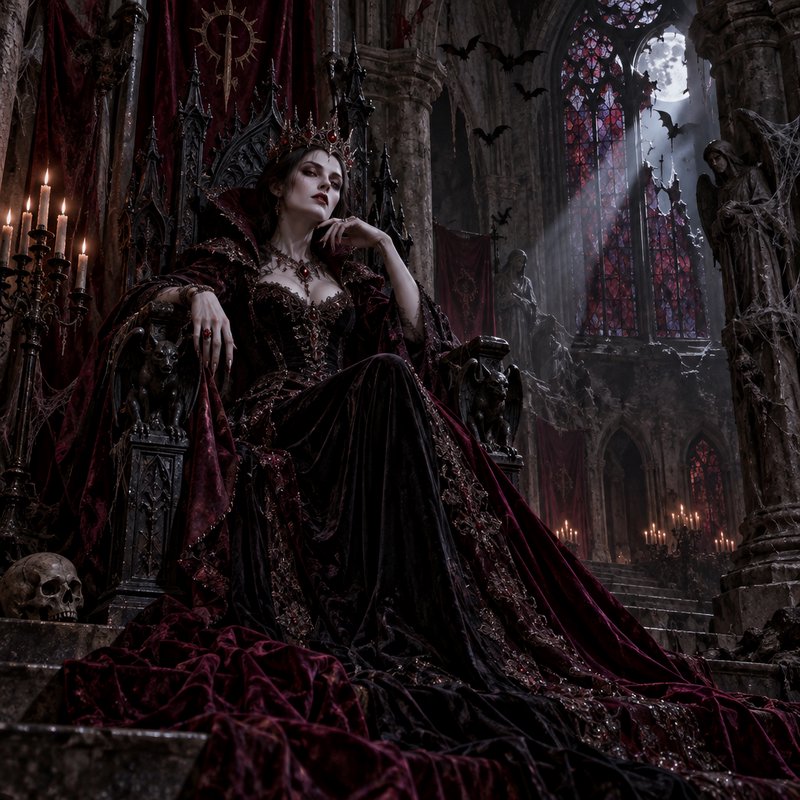
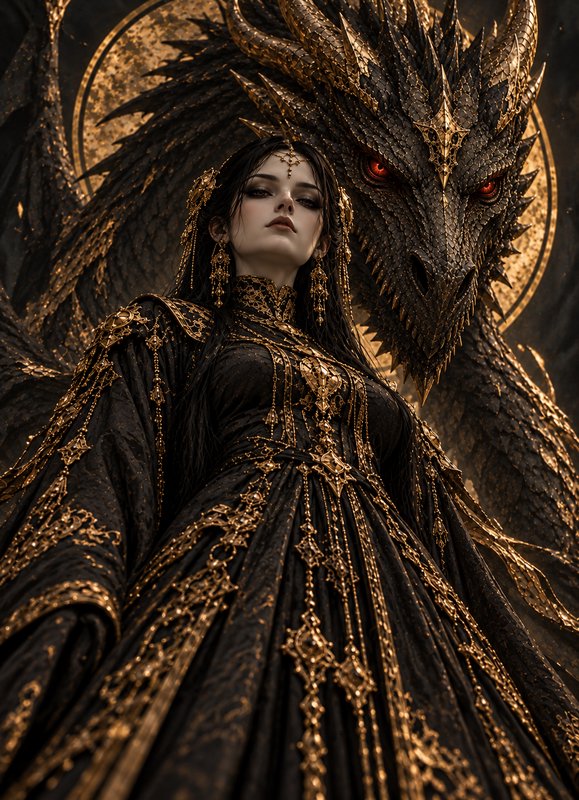
AFTER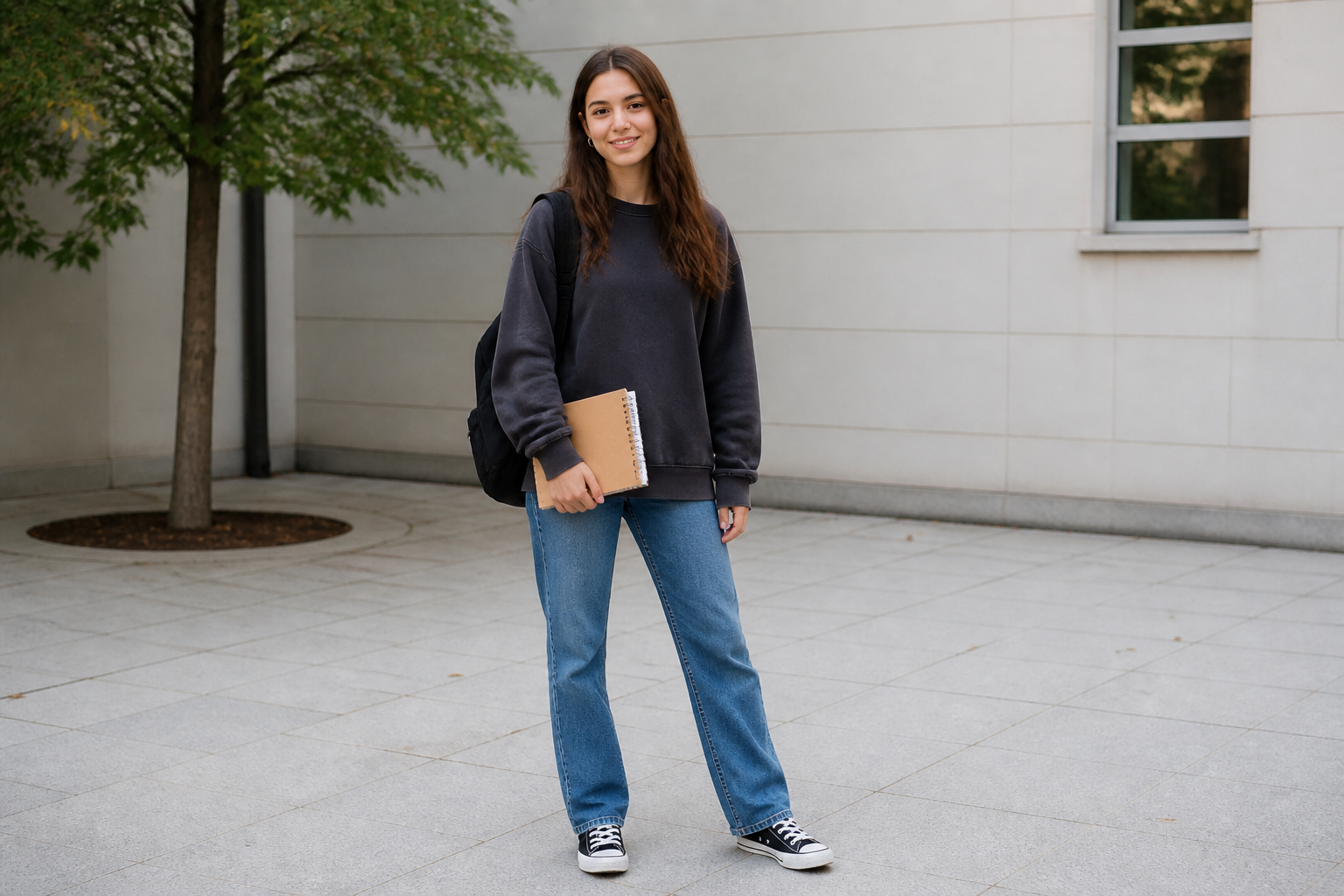 BEFORE
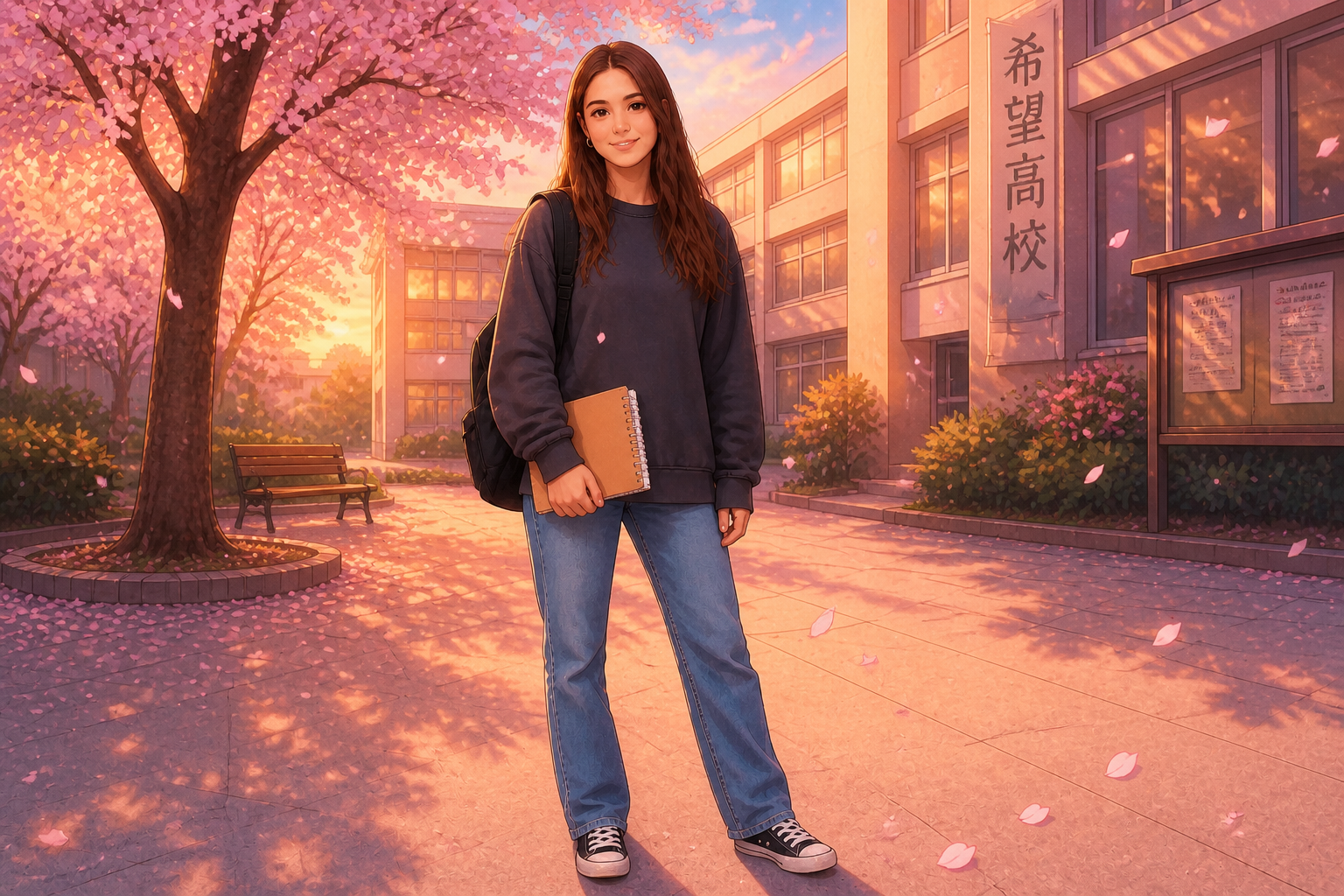 AFTER
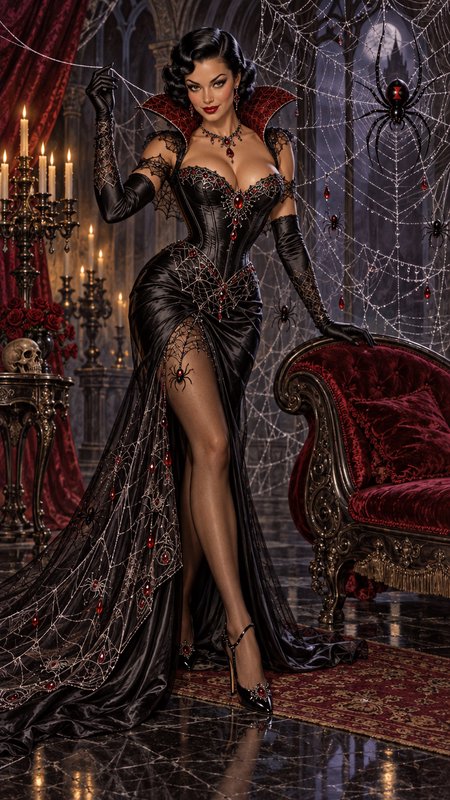
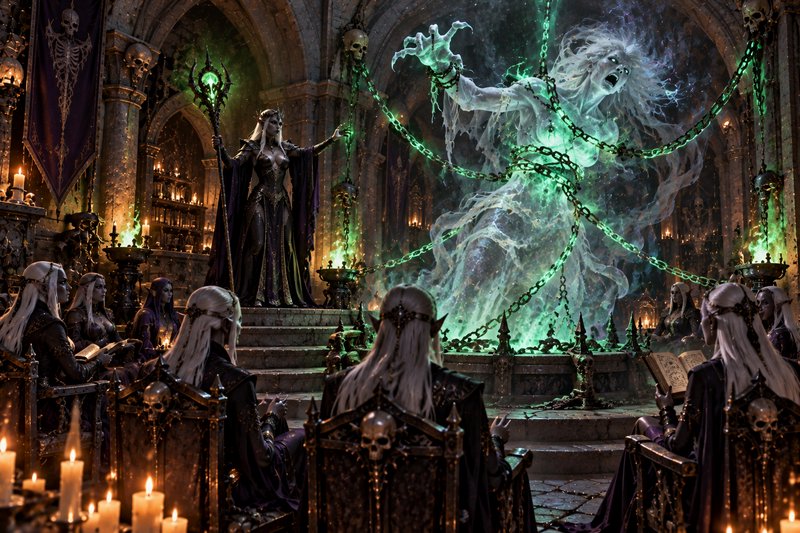
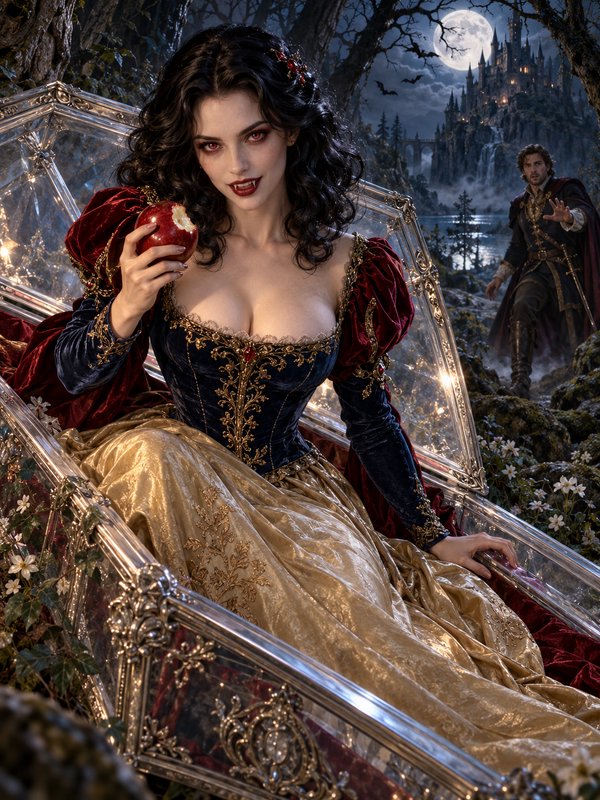
AFTER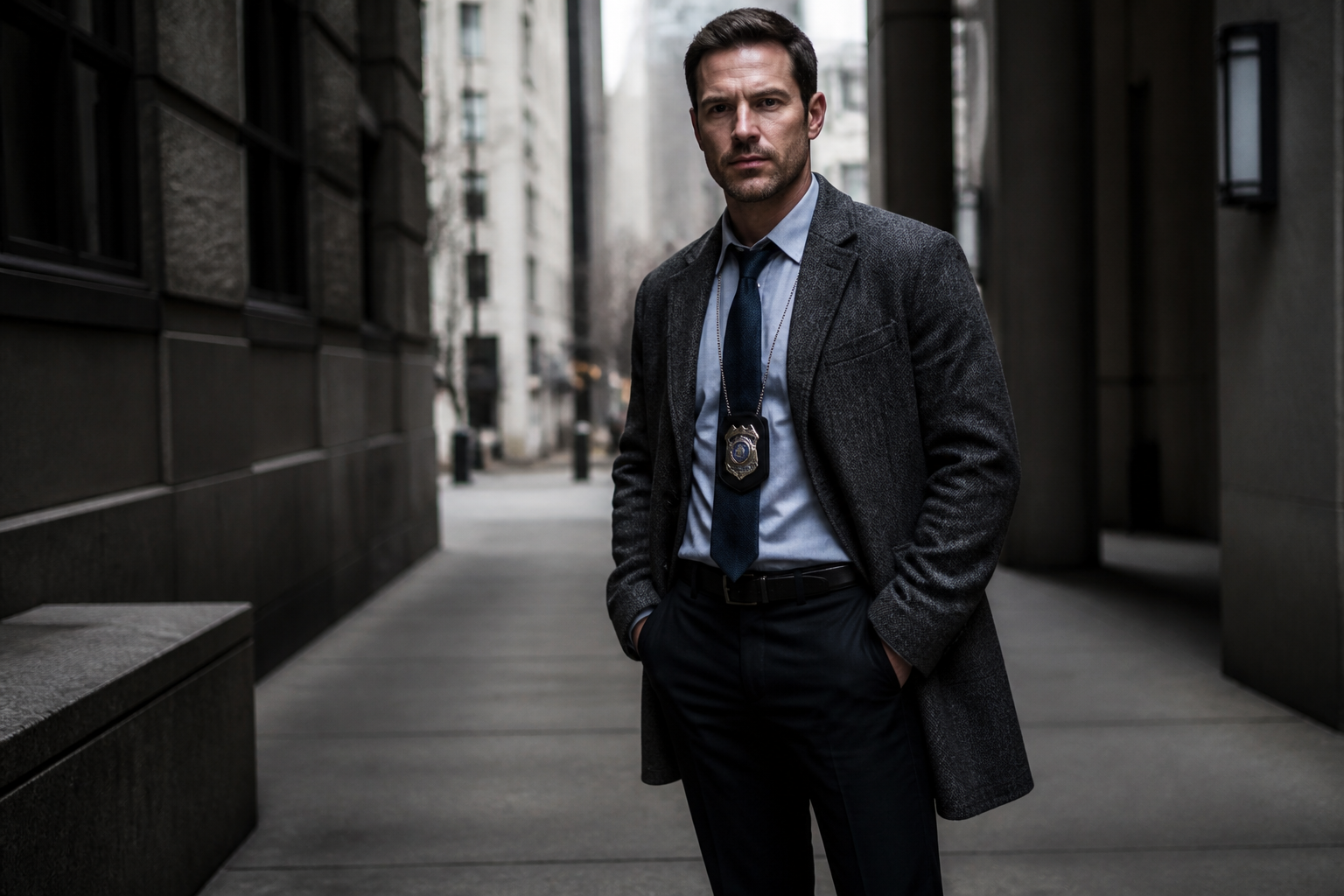 BEFORE
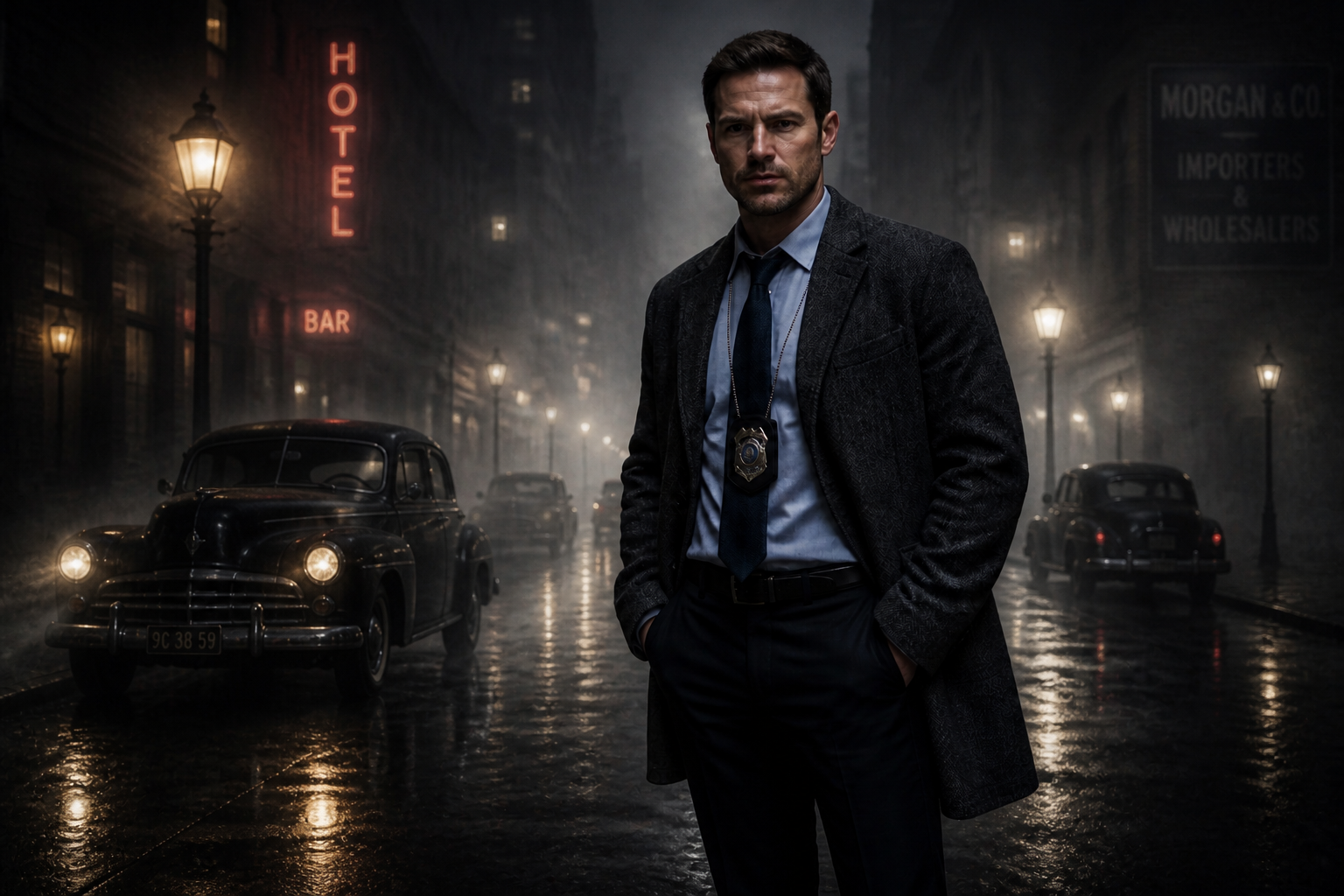 AFTER
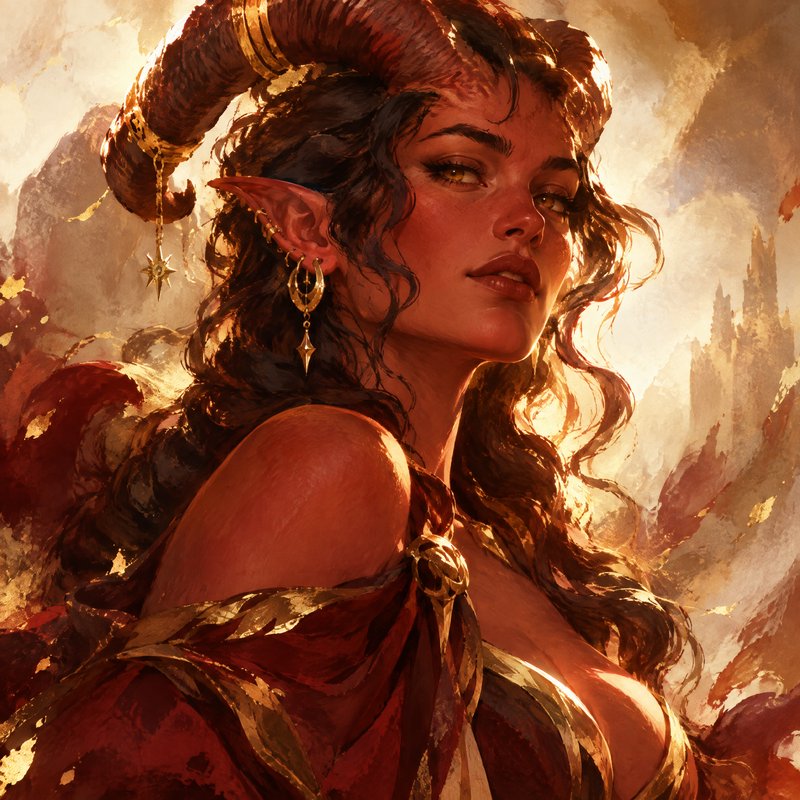
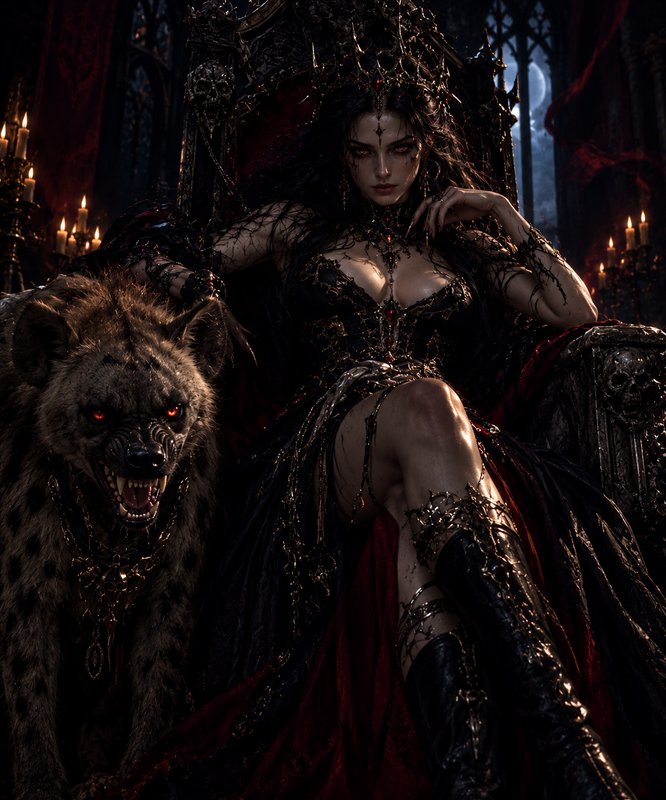
AFTER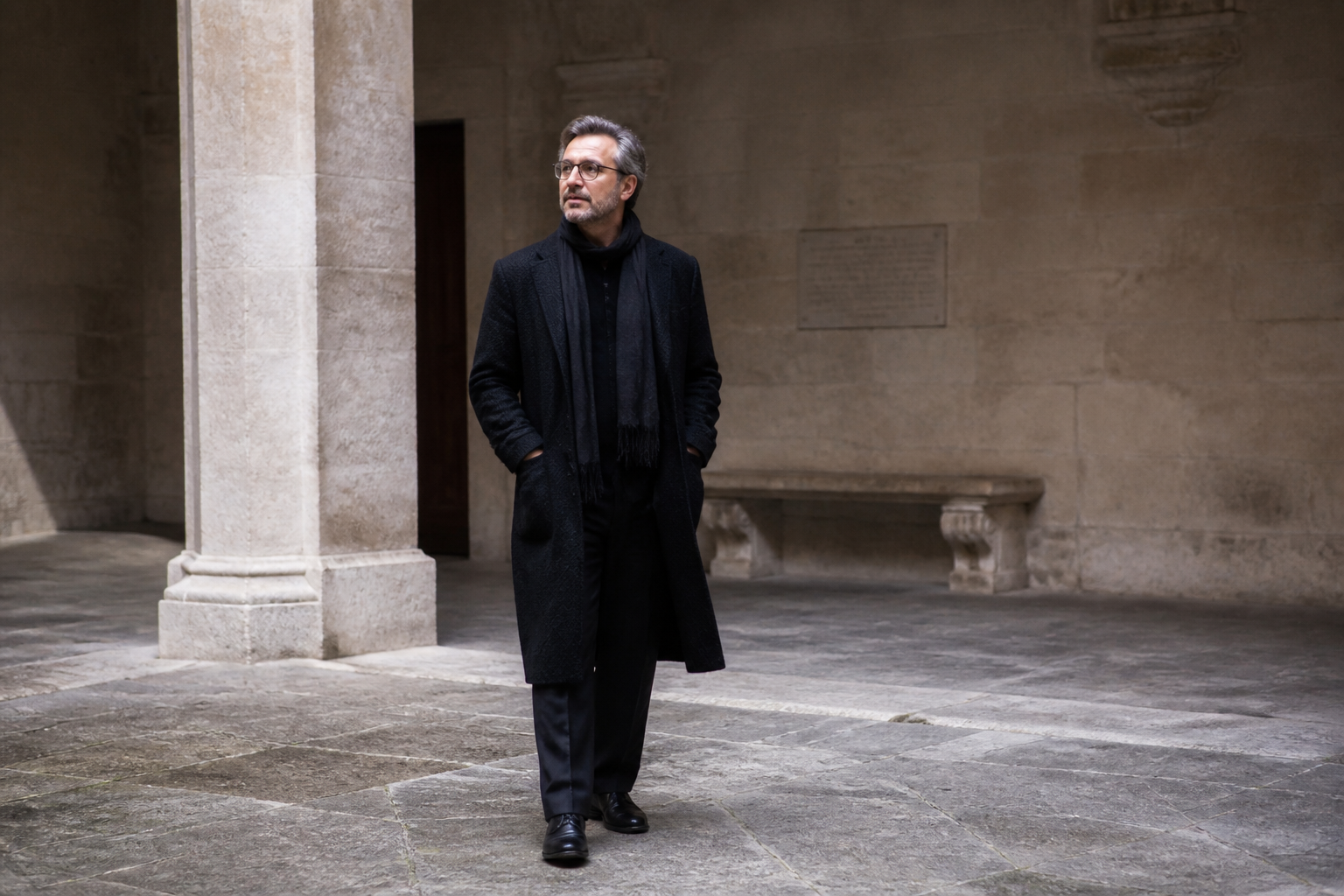 BEFORE
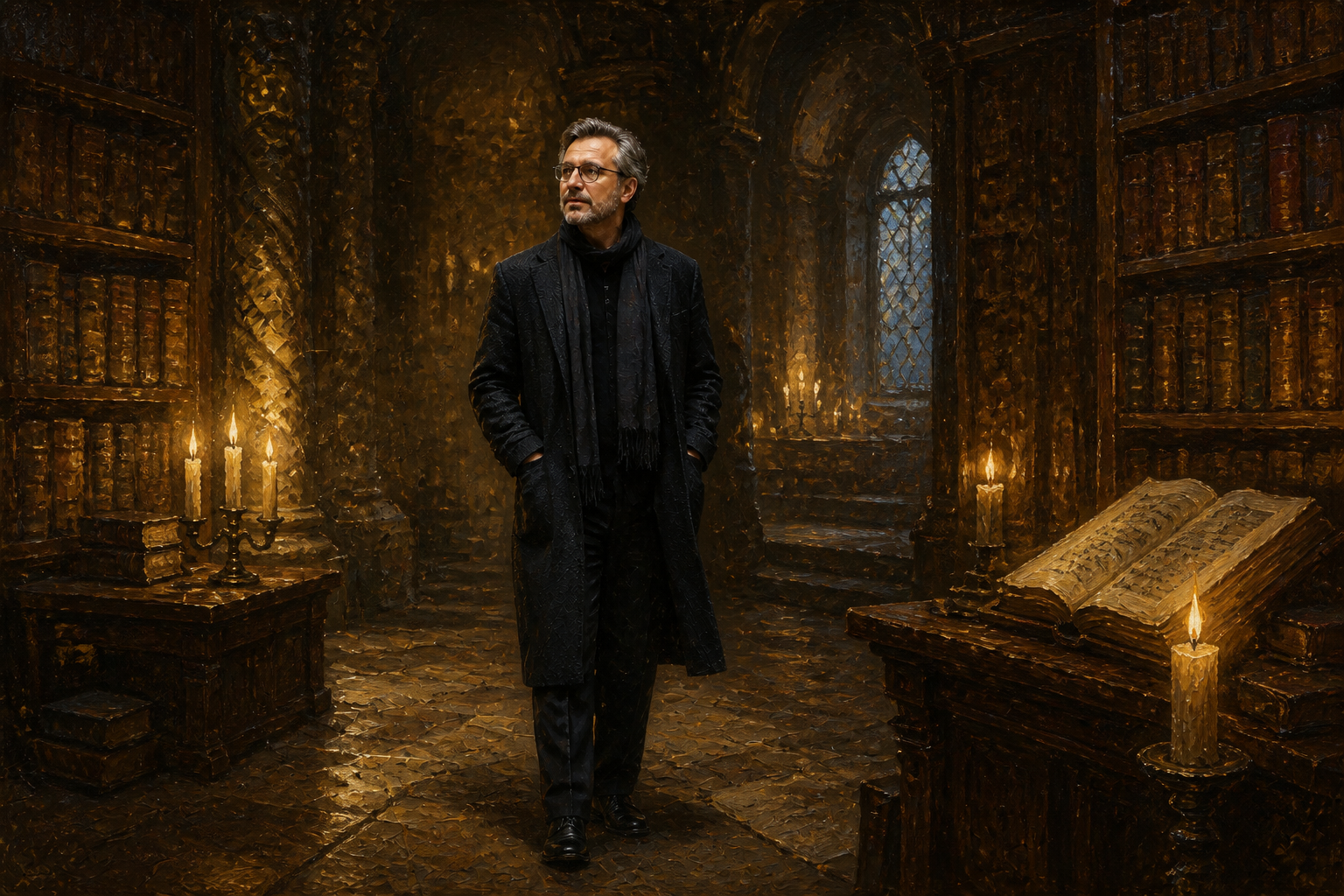 AFTERBEFOREAFTERBEFOREAFTERBEFOREAFTERBEFOREAFTERBEFOREAFTER
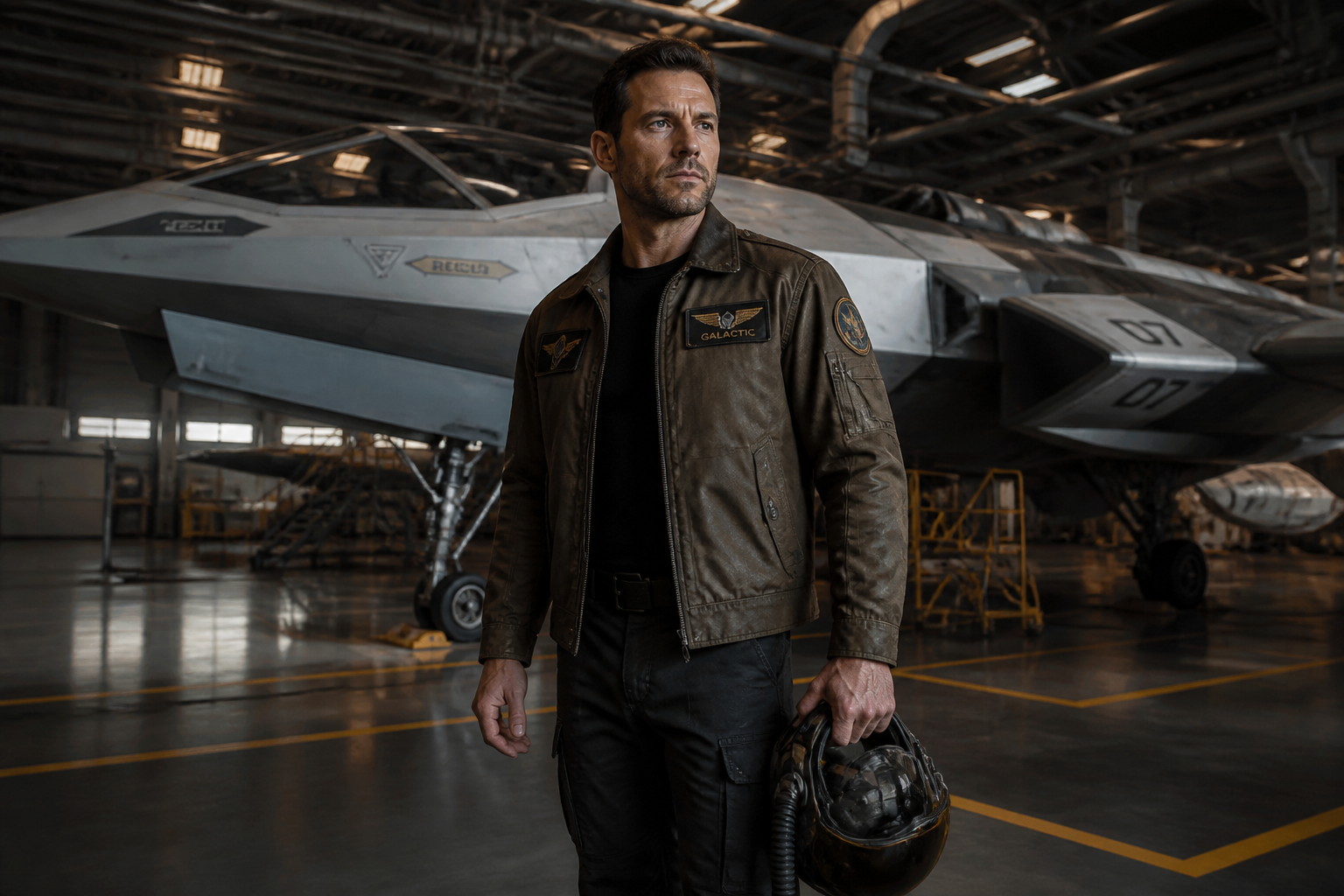 BEFORE
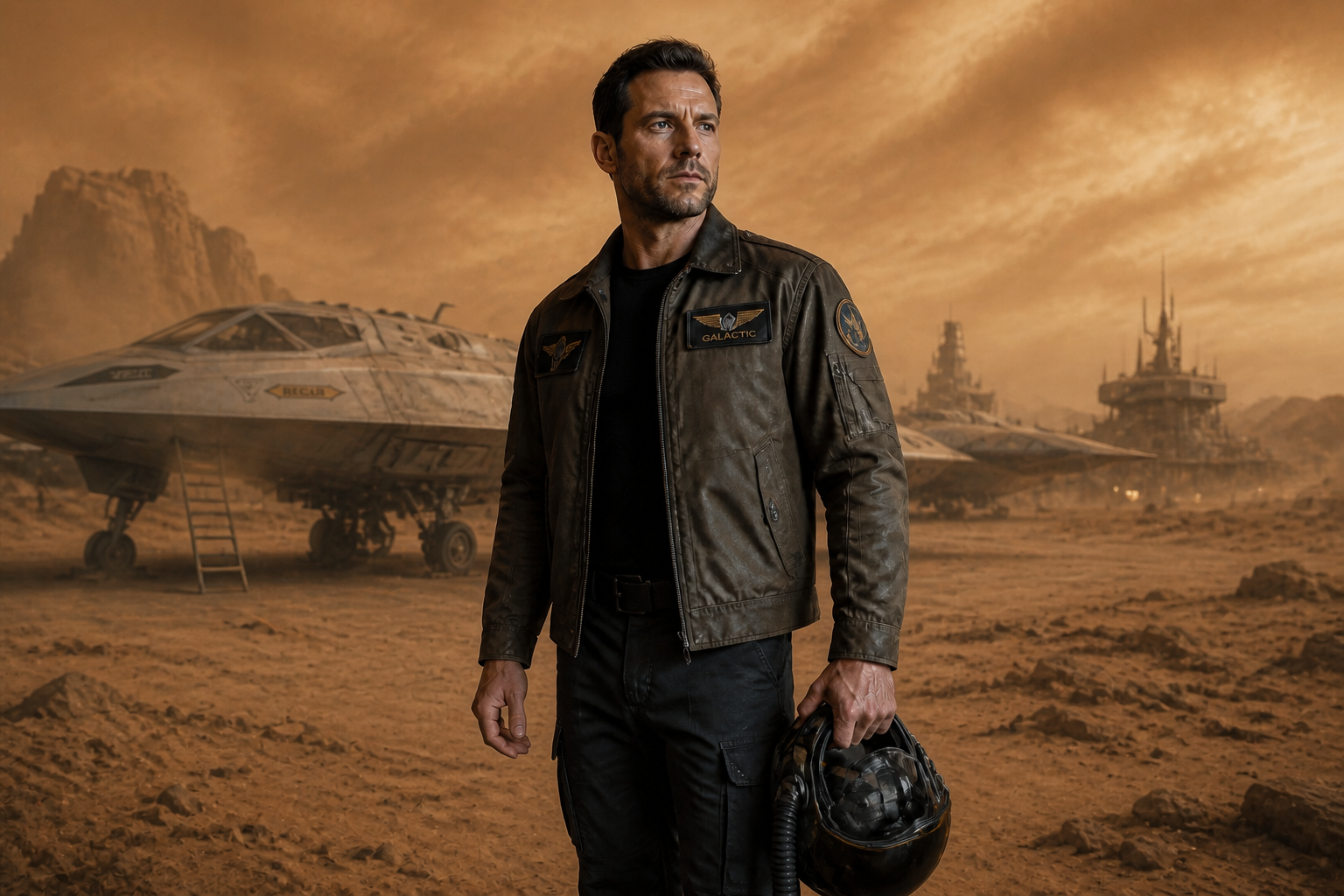 AFTER
AFTER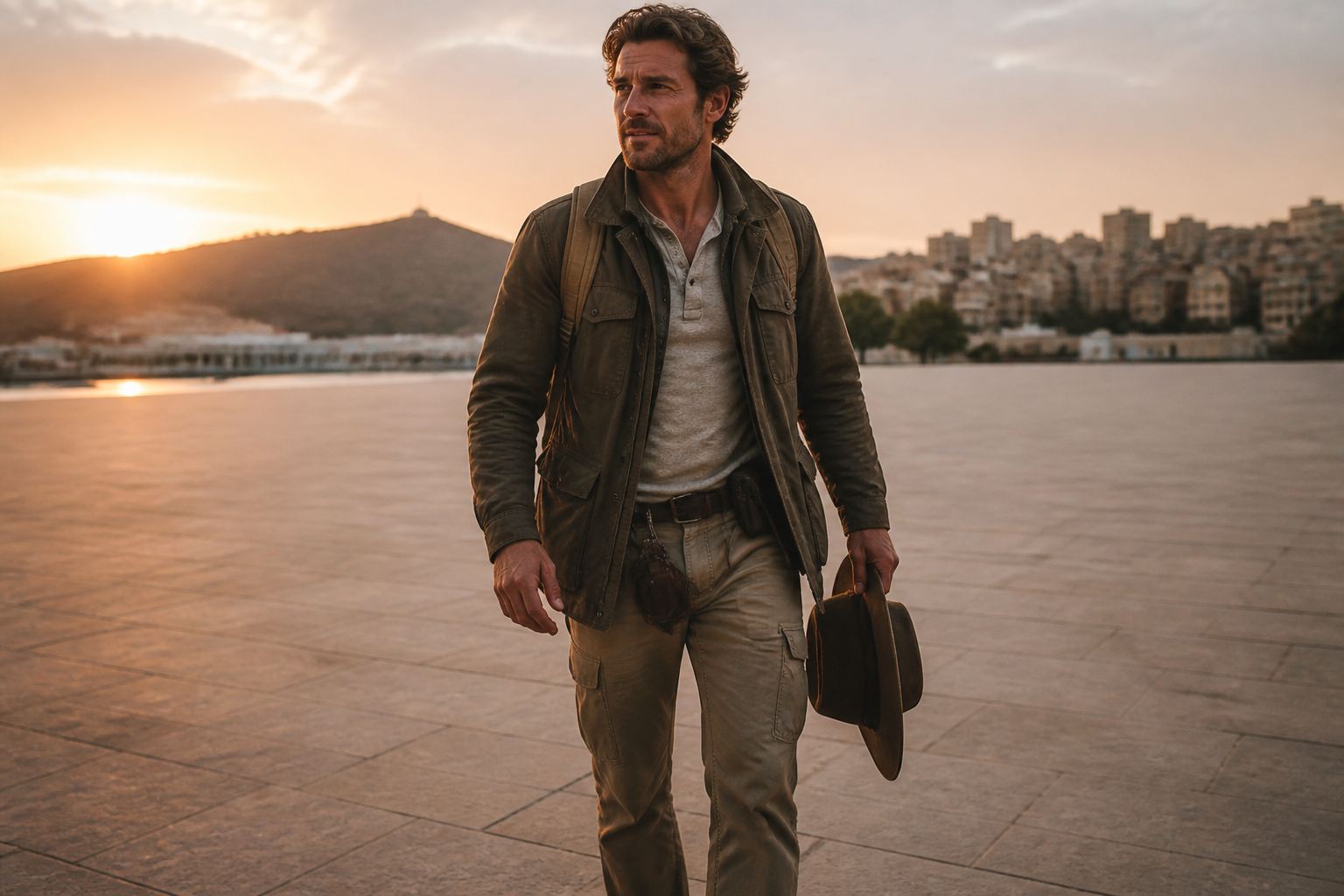 BEFORE
 AFTER
AFTER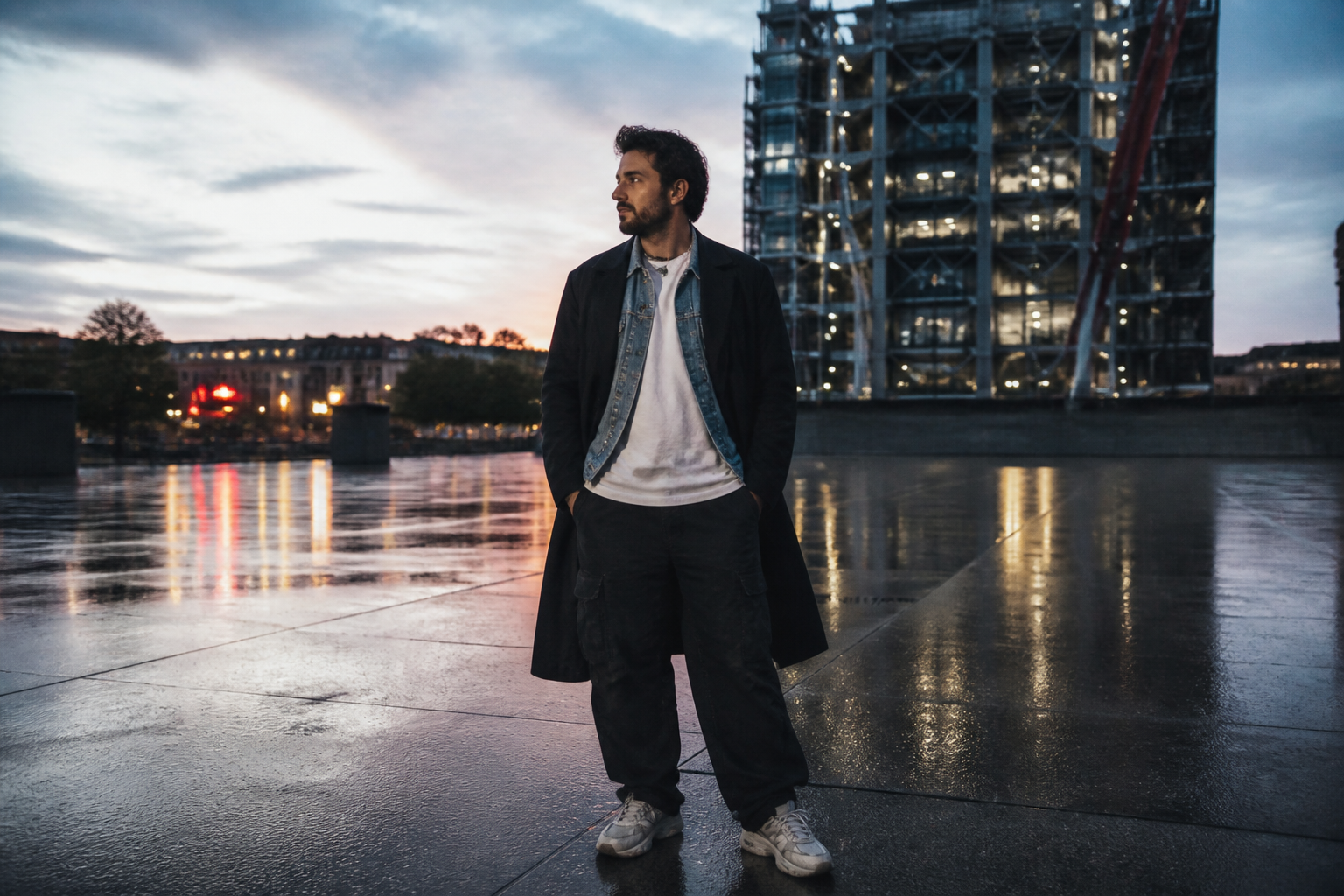 BEFORE
 AFTER
AFTER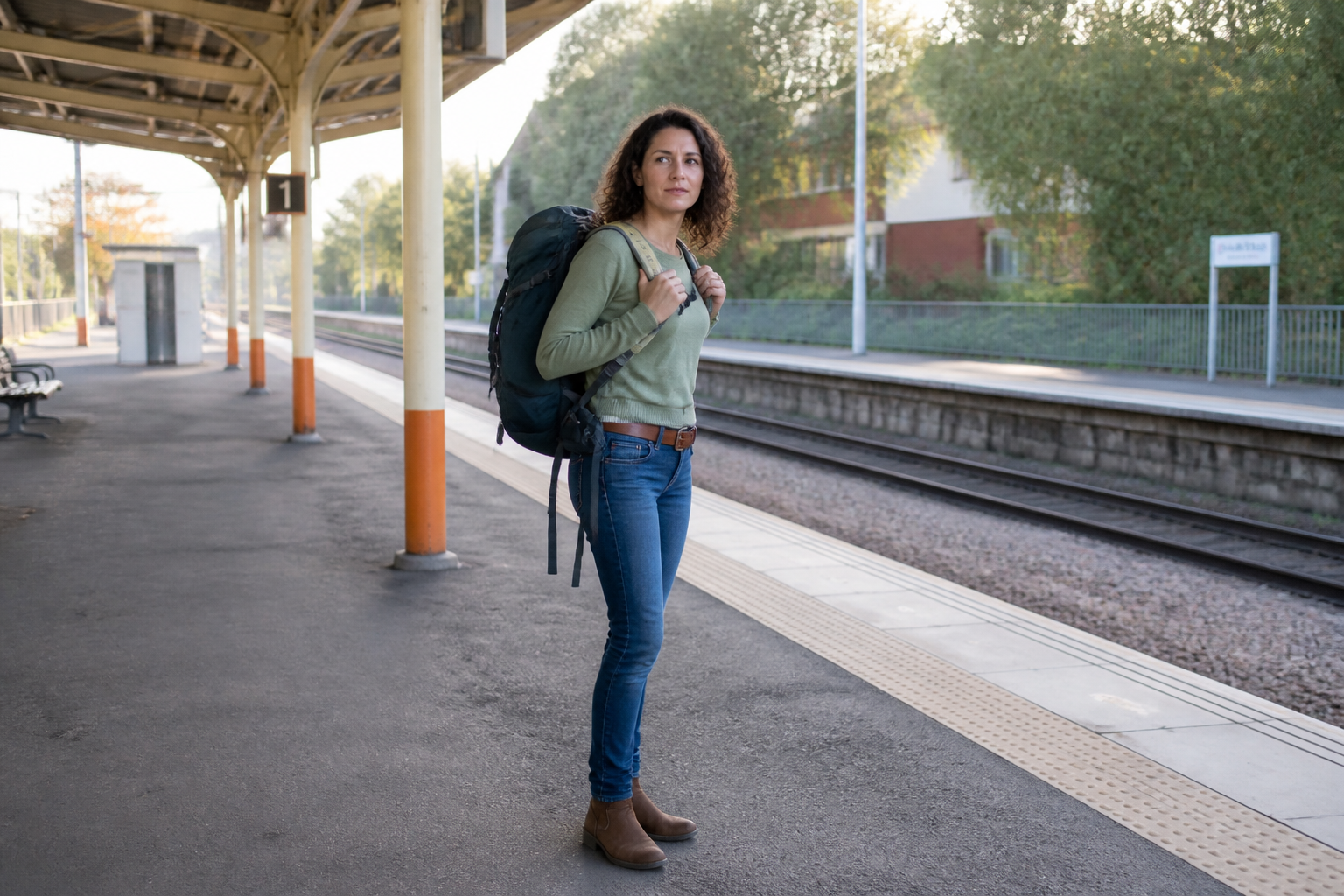 BEFORE
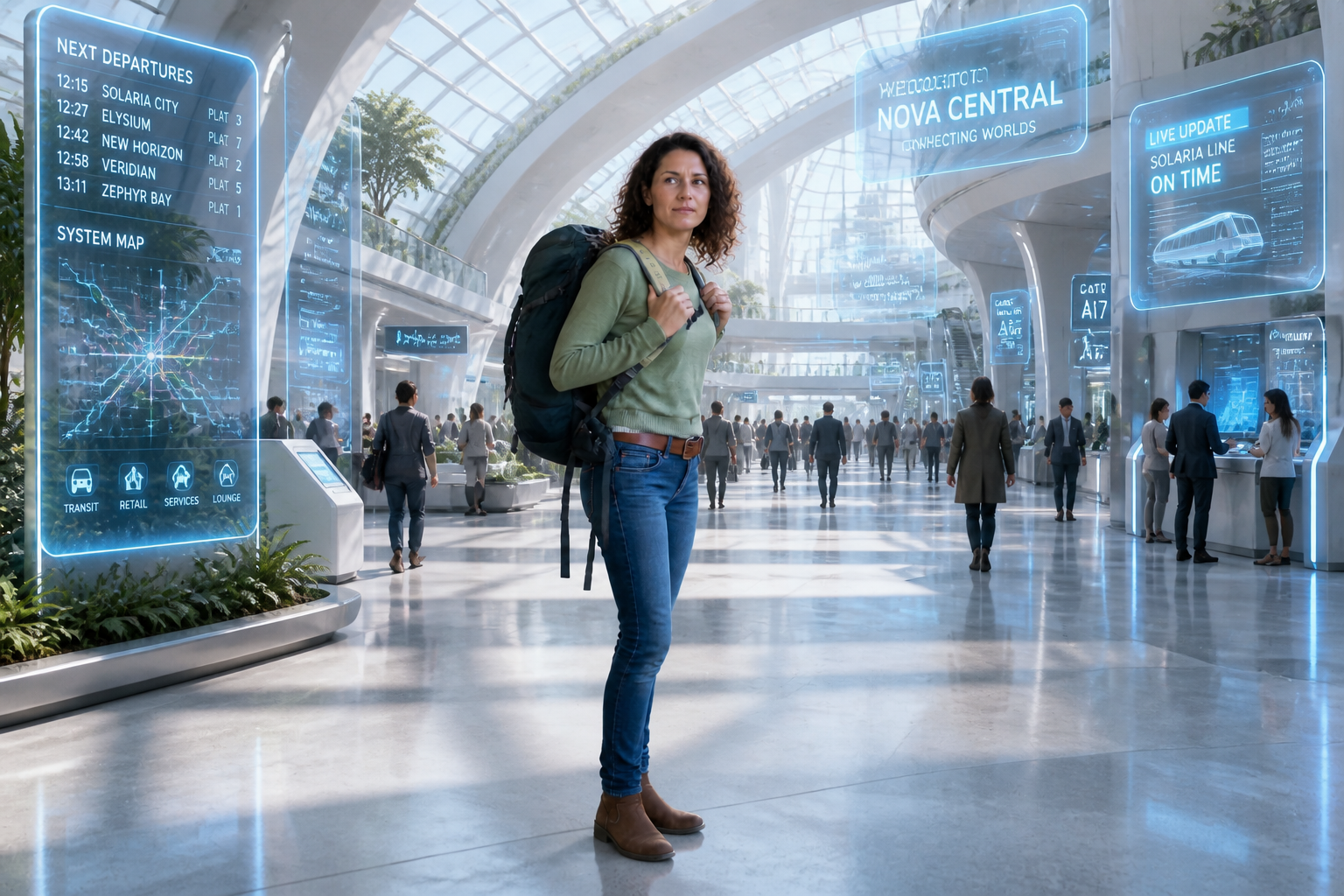 AFTERBEFOREAFTERBEFOREAFTERBEFOREAFTERBEFOREAFTER
Key Features
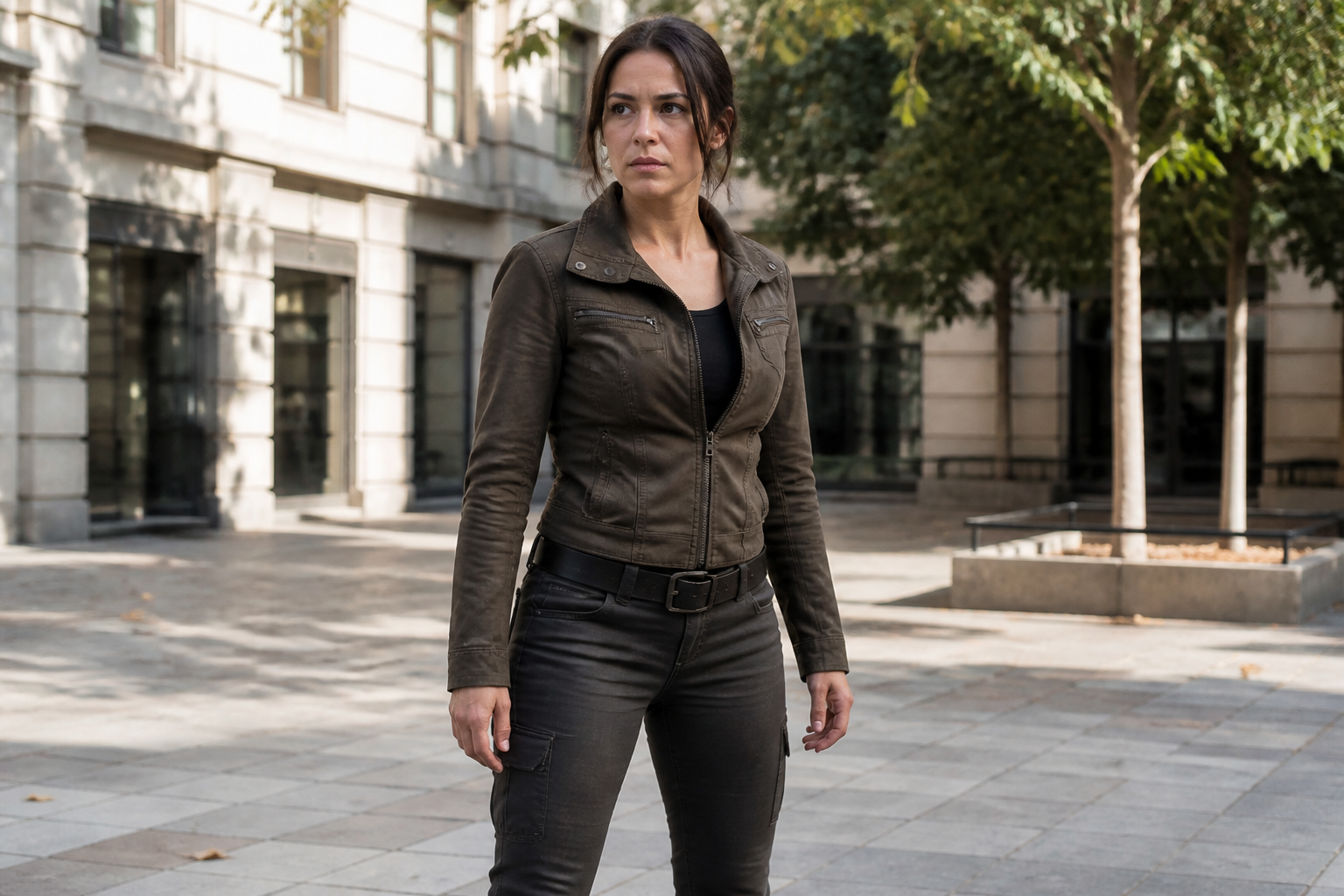
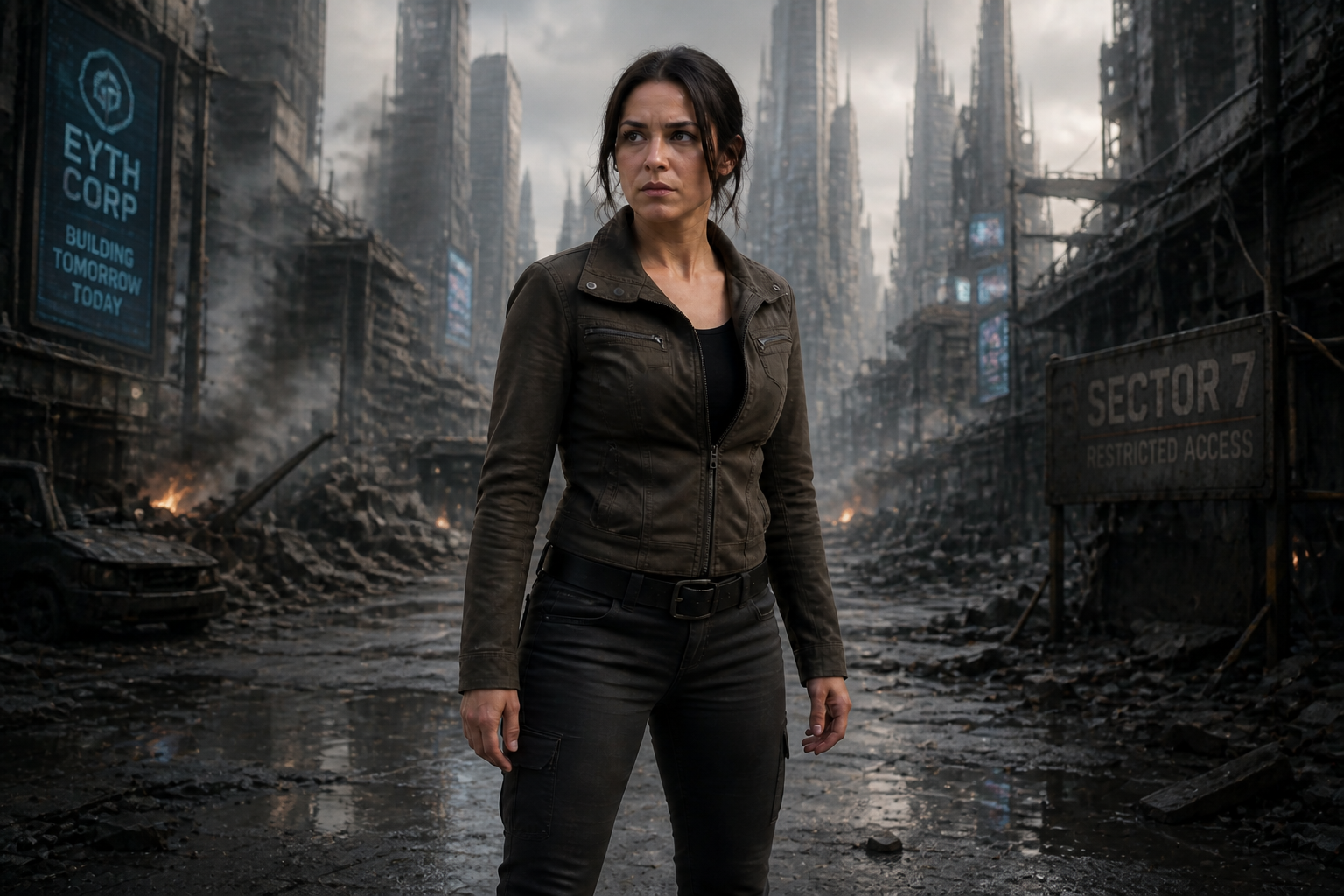
Keep characters visually consistent
You can move one character through many scenes without losing the face, silhouette, or overall vibe that makes them recognizable. That matters when you are building a story, product mascot, game concept, or social series. Instead of redrawing from scratch for every setting, you start with one image and keep continuity across edits. It is a faster way to test worldbuilding while holding onto the character people already remember.
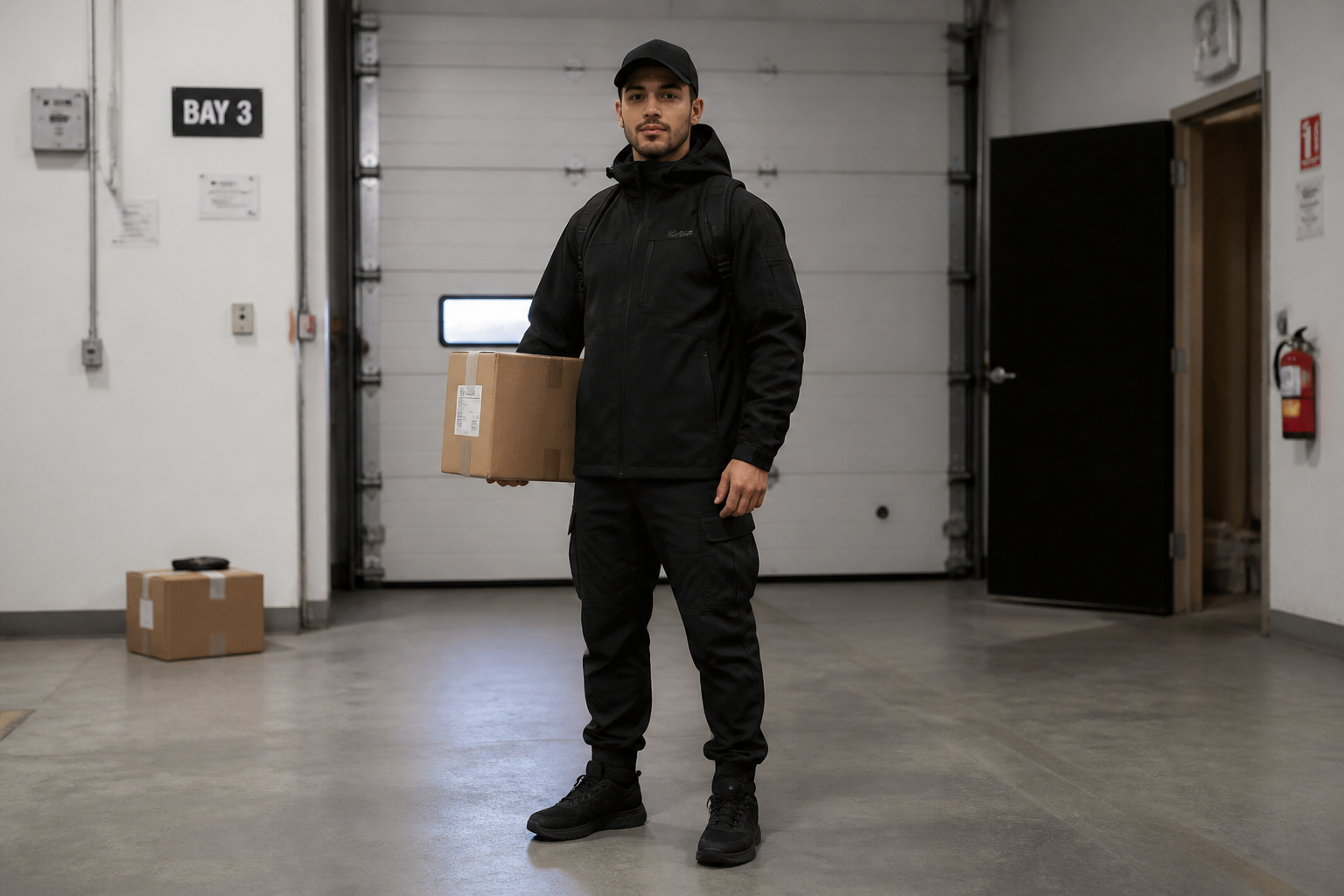
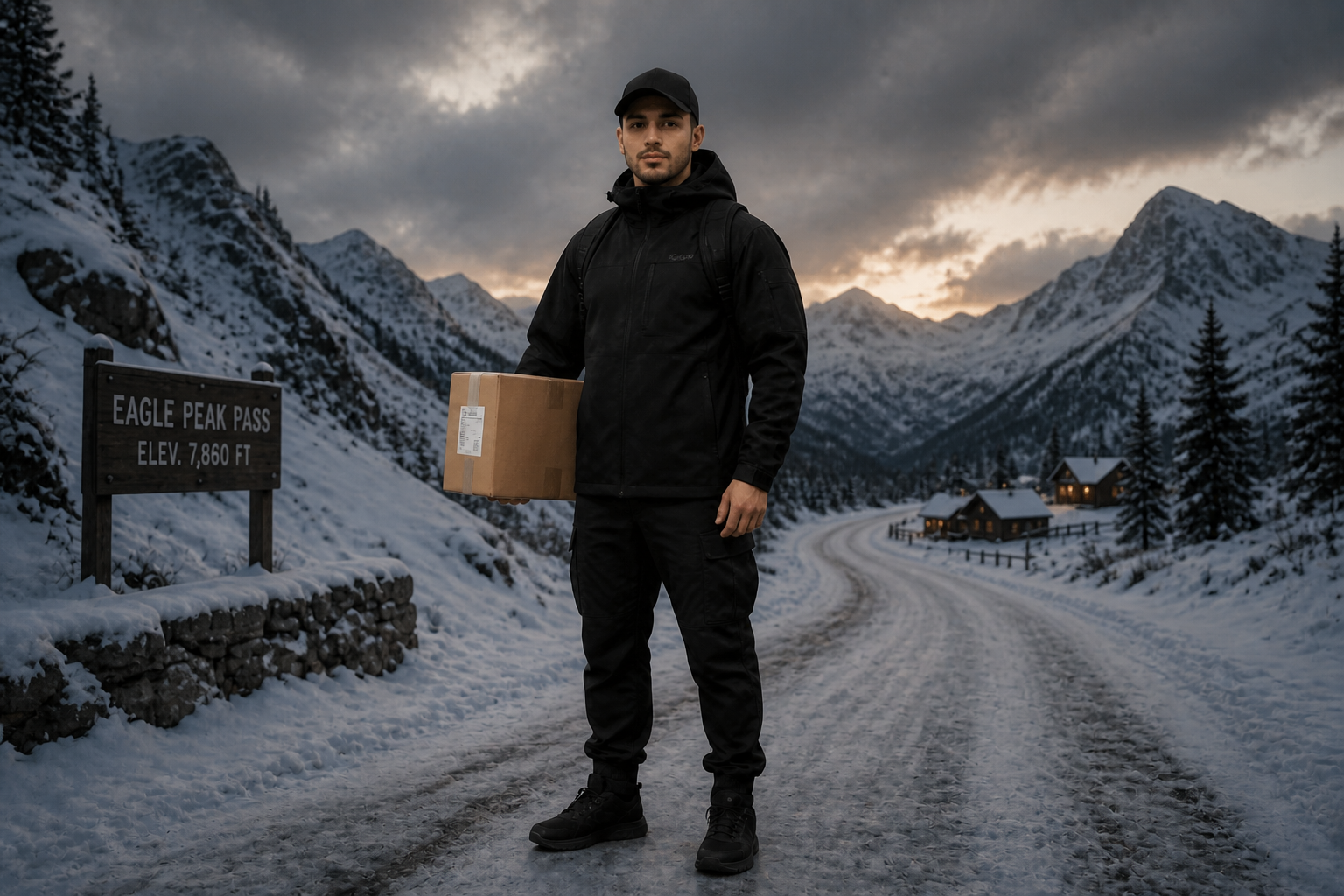
Swap scenes in seconds
Change the world around your character with one clear instruction. You can test fantasy, modern, sci-fi, cinematic, or seasonal environments without rebuilding the subject each time. This is much quicker than compositing backgrounds manually or hunting for matching stock elements. The result is a cleaner concepting workflow with less repetitive editing.
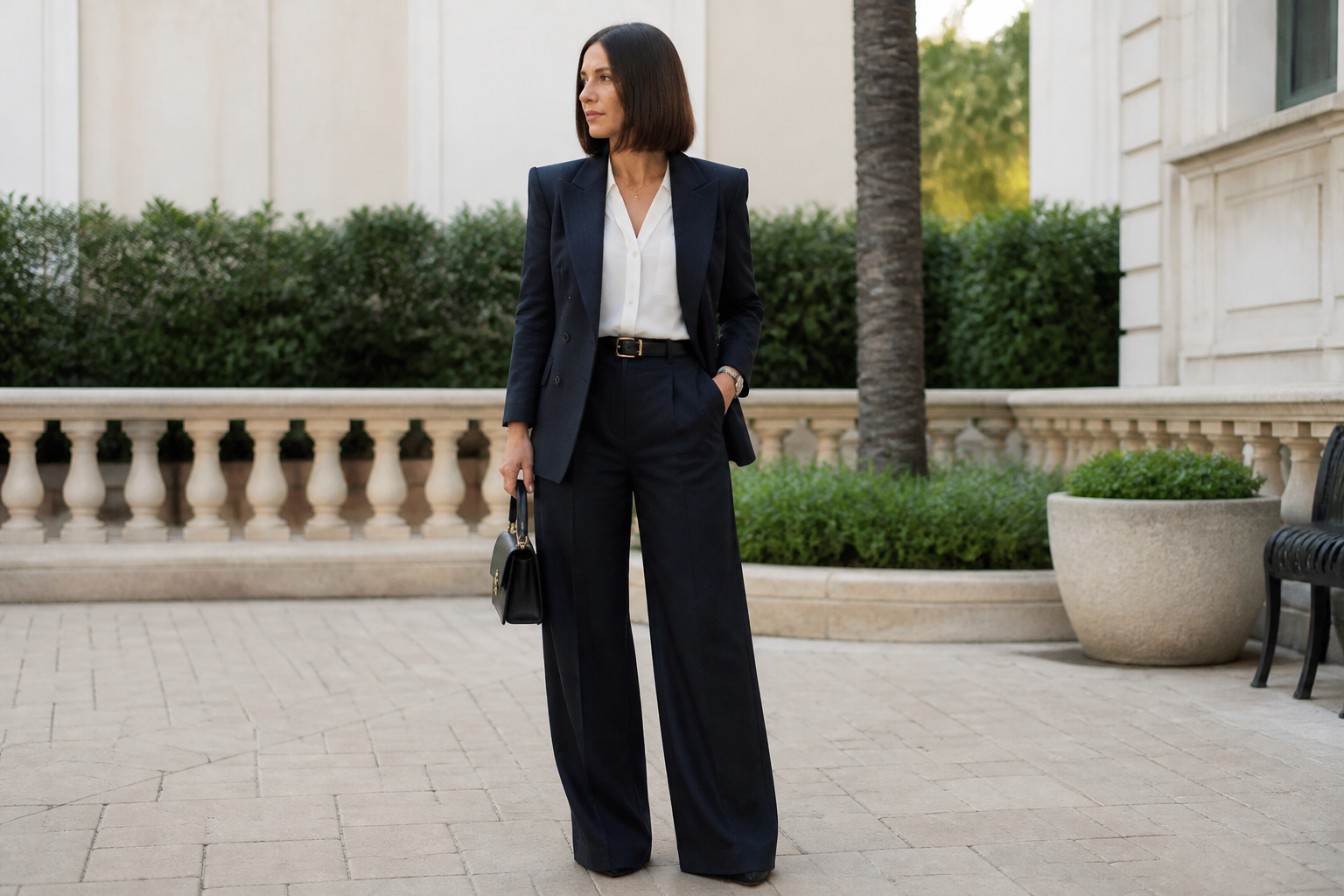
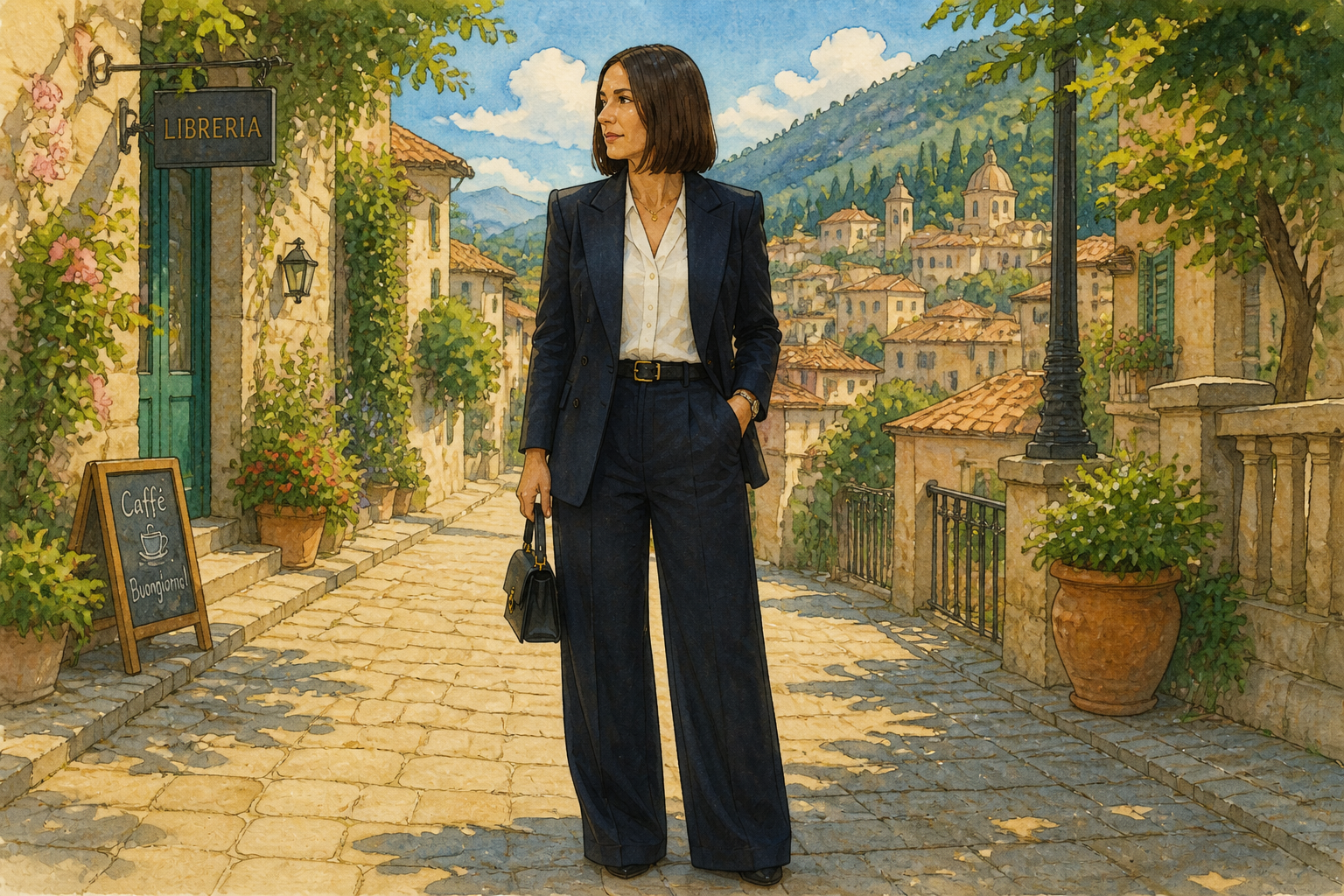
Explore multiple visual styles
The same character can be reimagined in very different looks, from grounded realism to illustrated formats. That helps creative teams compare directions for covers, thumbnails, storyboards, and pitch decks without preparing separate assets. Manual style tests usually take several tools and a lot of cleanup. Here, one image can branch into distinct treatments quickly.
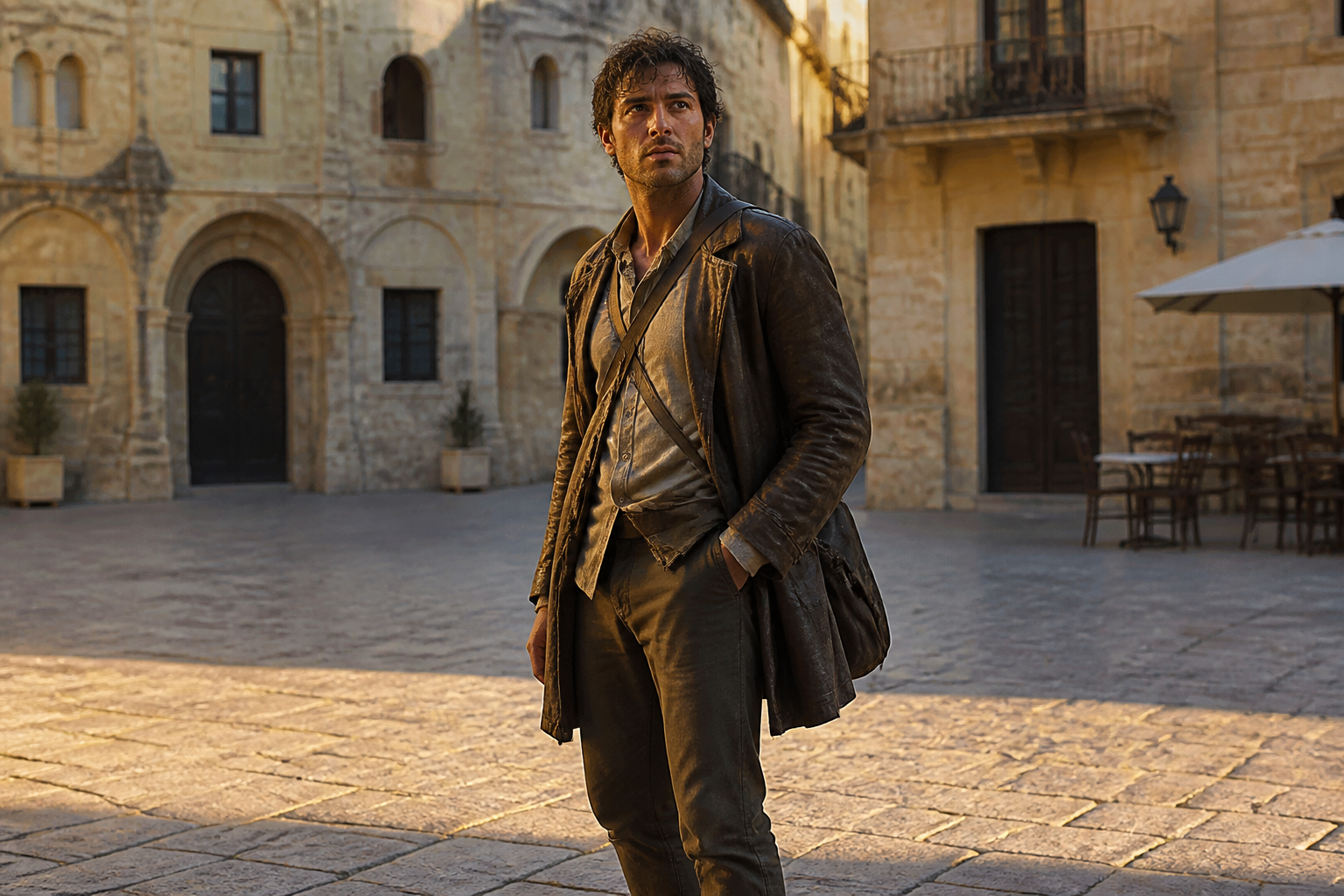
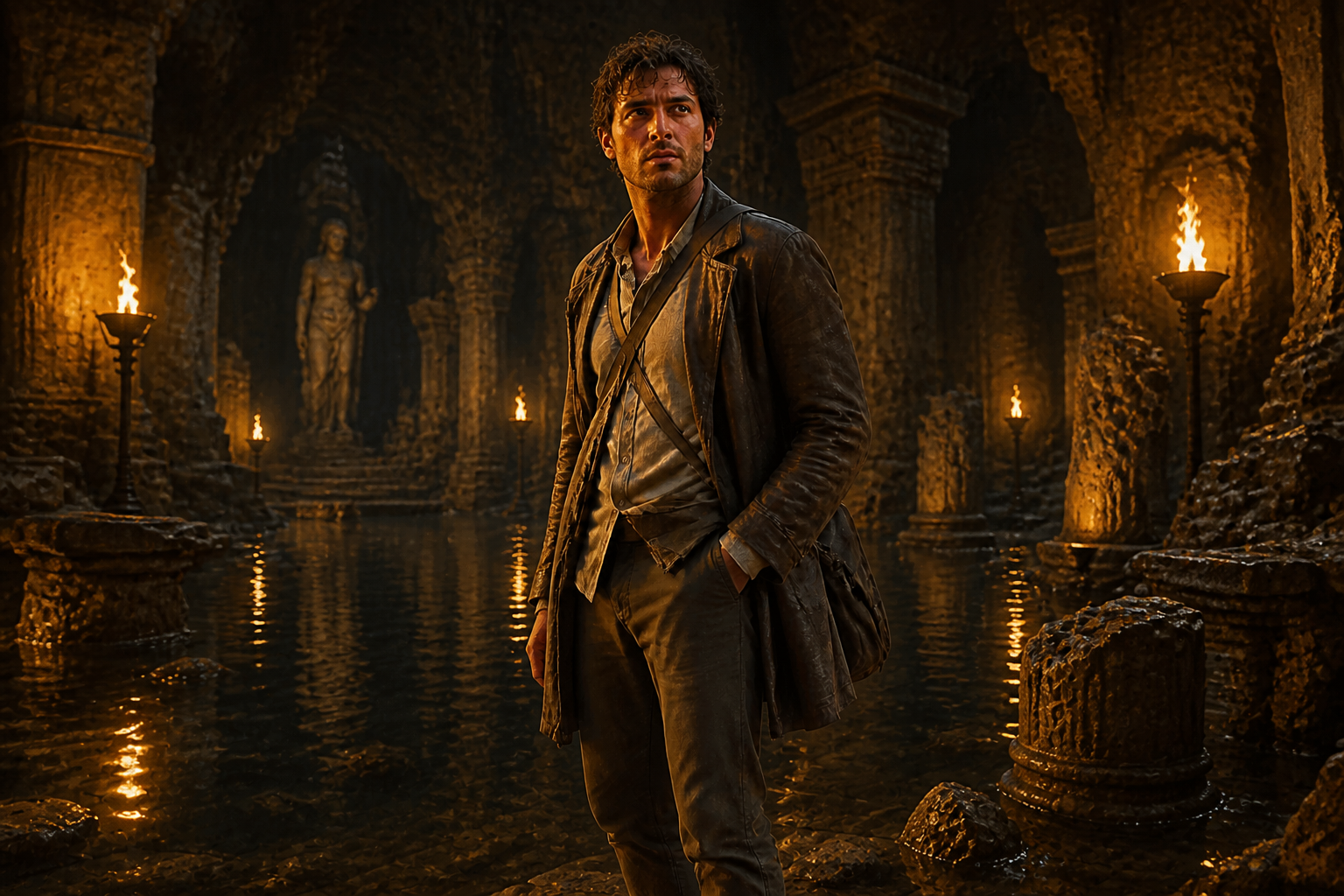
Show story beats clearly
Scene changes can communicate mood, genre, and narrative progression at a glance. You can turn one base image into arrival, conflict, celebration, mystery, or finale moments that feel connected. That is useful for visual development, campaign planning, and episodic content. It gives you obvious before-and-after storytelling without rebuilding your subject for every frame.
How It Works
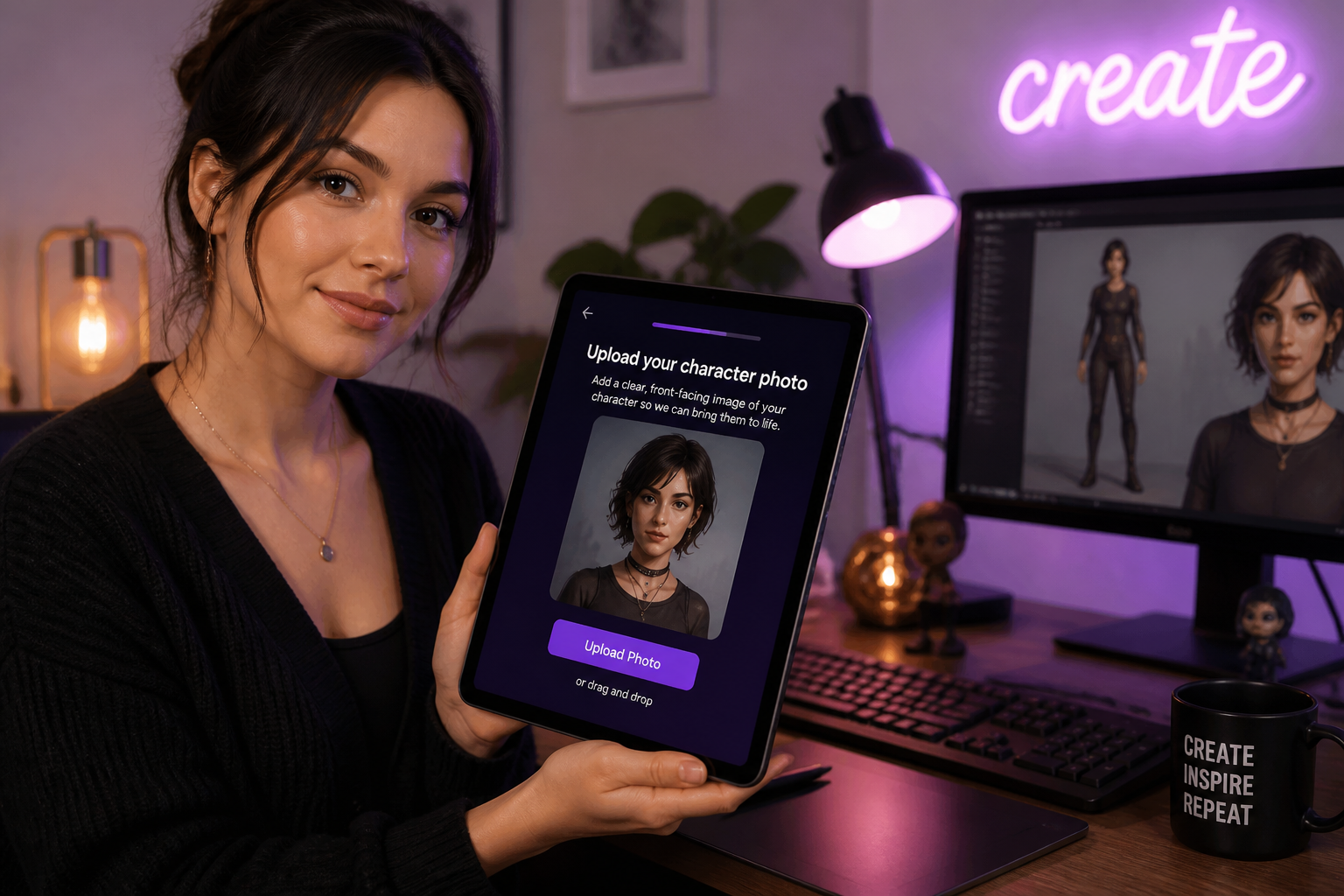
Upload your character image
Start with a clear image of the character you want to reuse. Full or three-quarter body shots work especially well because the AI can preserve identity, pose, and outfit cues across new scenes.
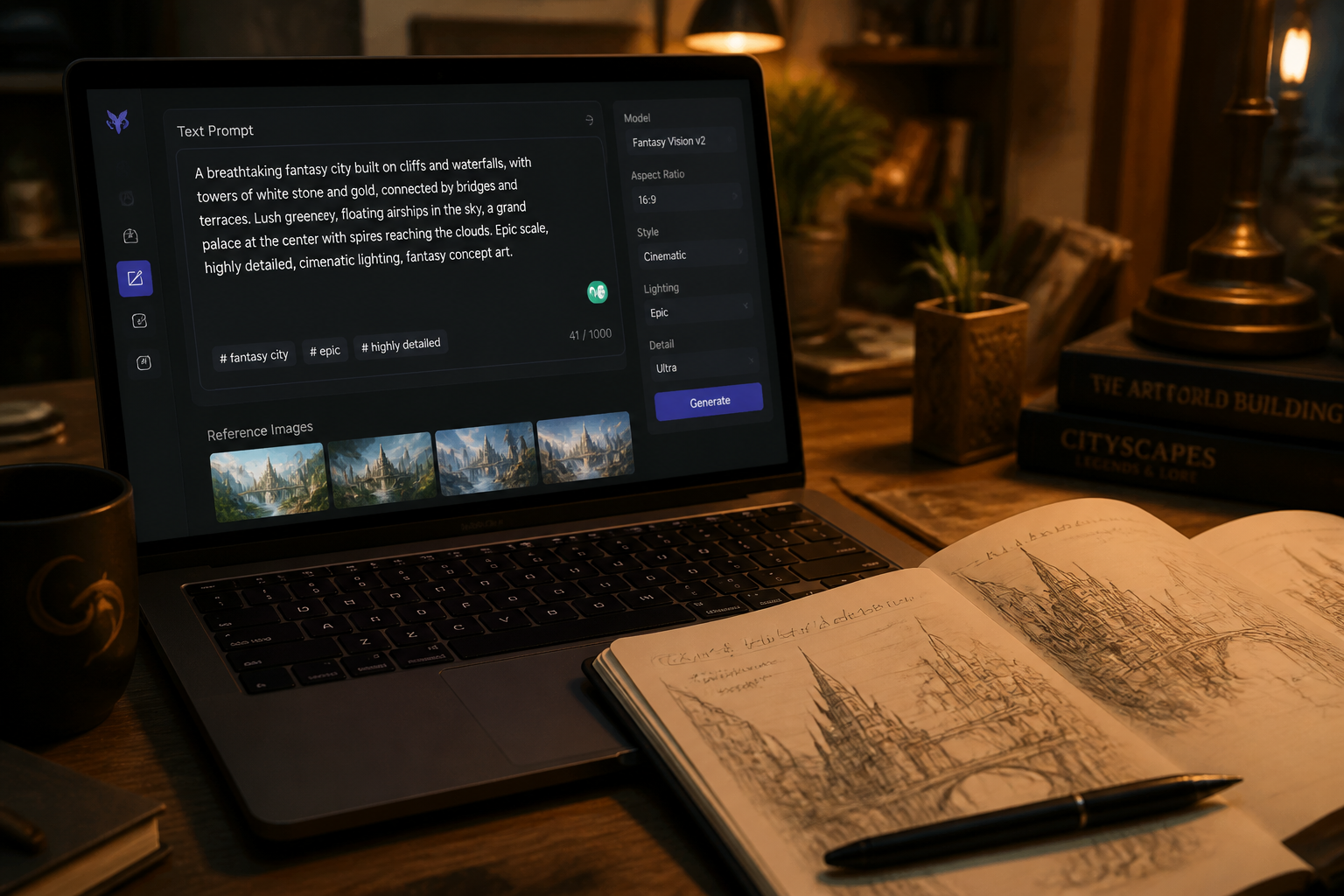
Describe the new scene
Tell the AI where the character should appear and what the environment should feel like. Mention setting, mood, time of day, and style if needed so the result matches your idea.
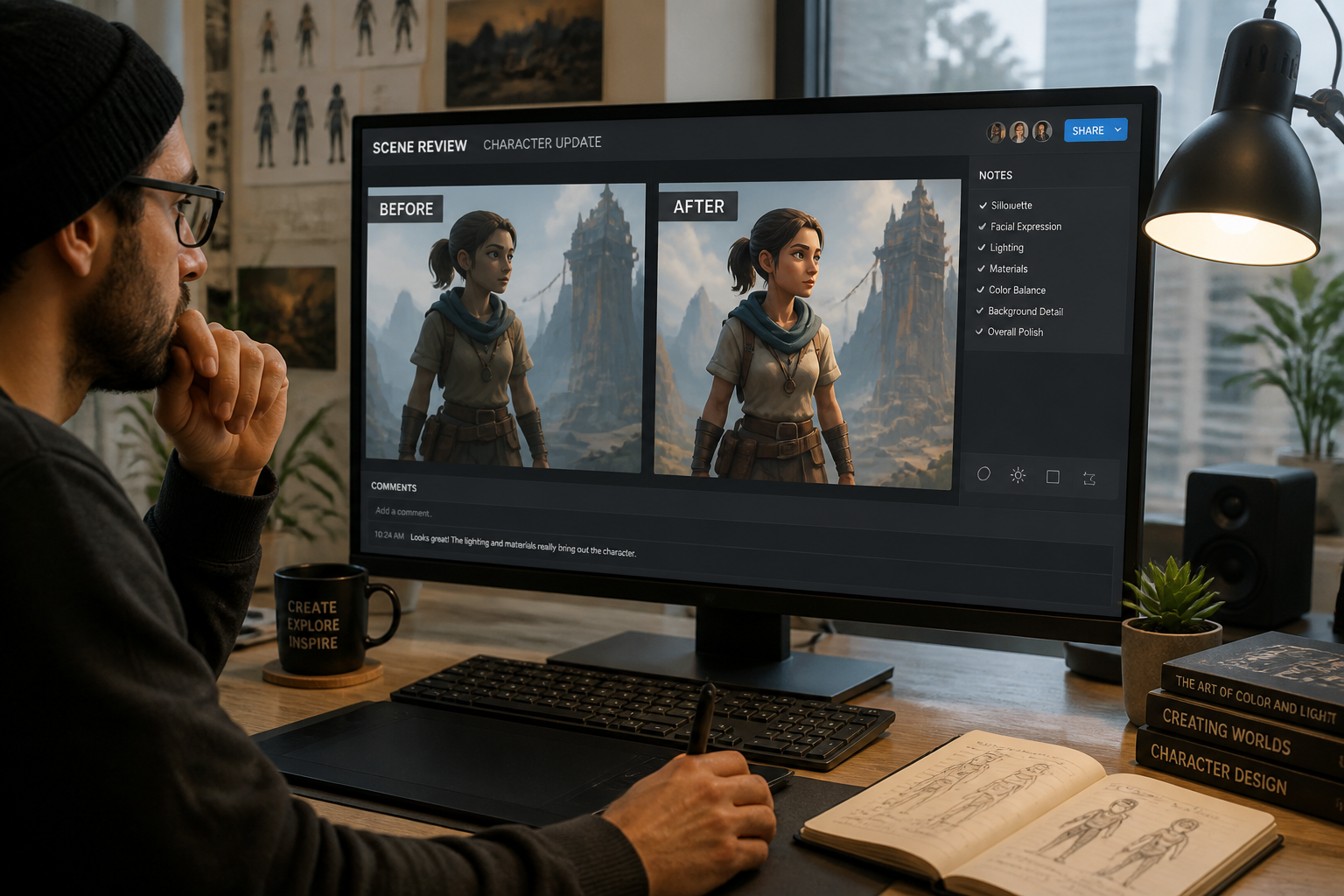
Generate and compare
Create the edited image and compare it with the original. If you want a stronger story beat, refine the prompt and generate another version with a different scene or style.
Perfect For
Discover how creators and professionals use character scene generator
Concept art exploration
Test many environments around one character before committing to a final direction.
Social content series
Reuse a recognizable character across themed posts, episodes, or campaign visuals.
Book and comic pitching
Show how a protagonist fits different scenes, moods, and narrative moments.
Game character worldbuilding
Place the same hero or NPC into multiple locations to develop setting and tone.
Built For
Illustrators and concept artists
Quickly explore world, mood, and composition ideas while keeping a character anchor.
Writers and indie creators
Turn one character image into story moments for pitches, covers, and promo assets.
Marketing and content teams
Create consistent branded characters in new scenes for campaigns and social posts.
Why use it for character scenes
A quick look at how we compare on the things that matter for this niche.
| Feature | BudgetPixel | Generic AI editors | Manual editing apps |
|---|---|---|---|
| Keeps one character recognizable | ✓ | — | — |
| Fast scene variation | ✓ | ✓ | — |
| Works from your starting image | ✓ | ✓ | — |
| Stylized and realistic outputs | ✓ | — | ✓ |
| Low manual compositing effort | ✓ | ✓ | — |
Frequently Asked Questions
What does the Character Scene Generator do?
Will it keep the same character consistent?
Can I create stylized scenes too?
What kind of source photo works best?
Is this better than changing backgrounds manually?
Create together.
Share your creations, discover trending AI art, and grow with fellow creators.