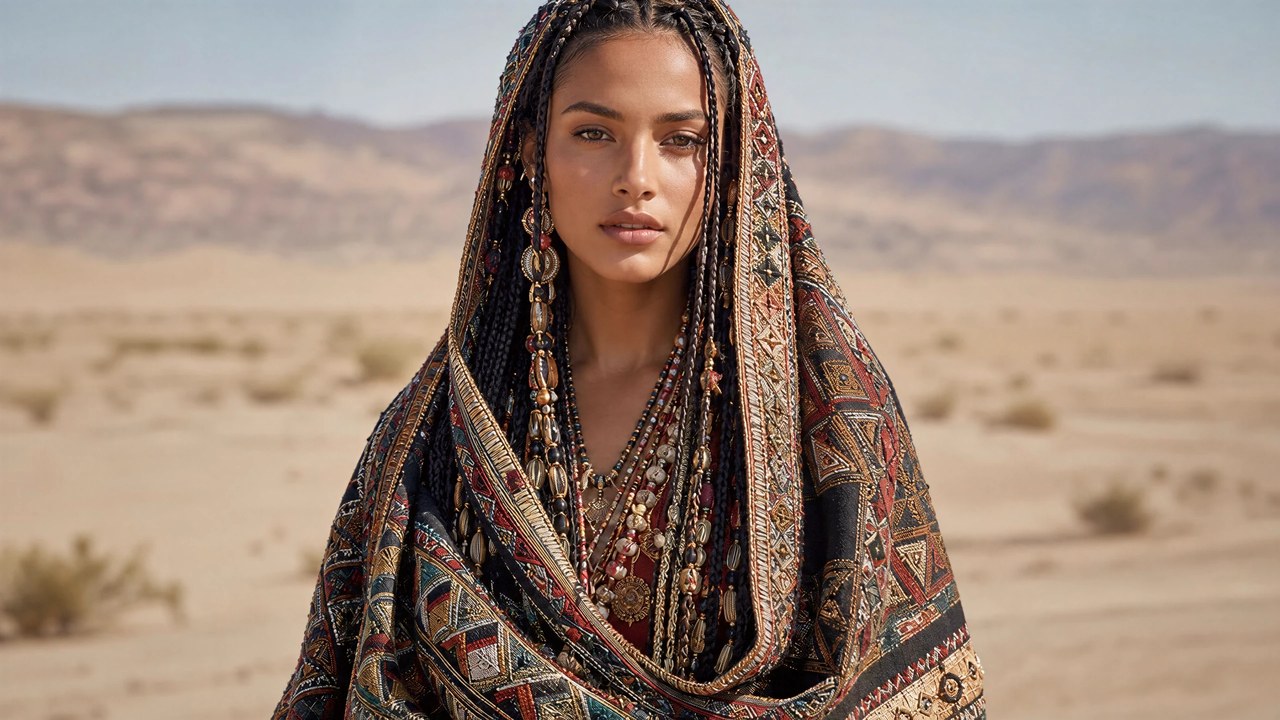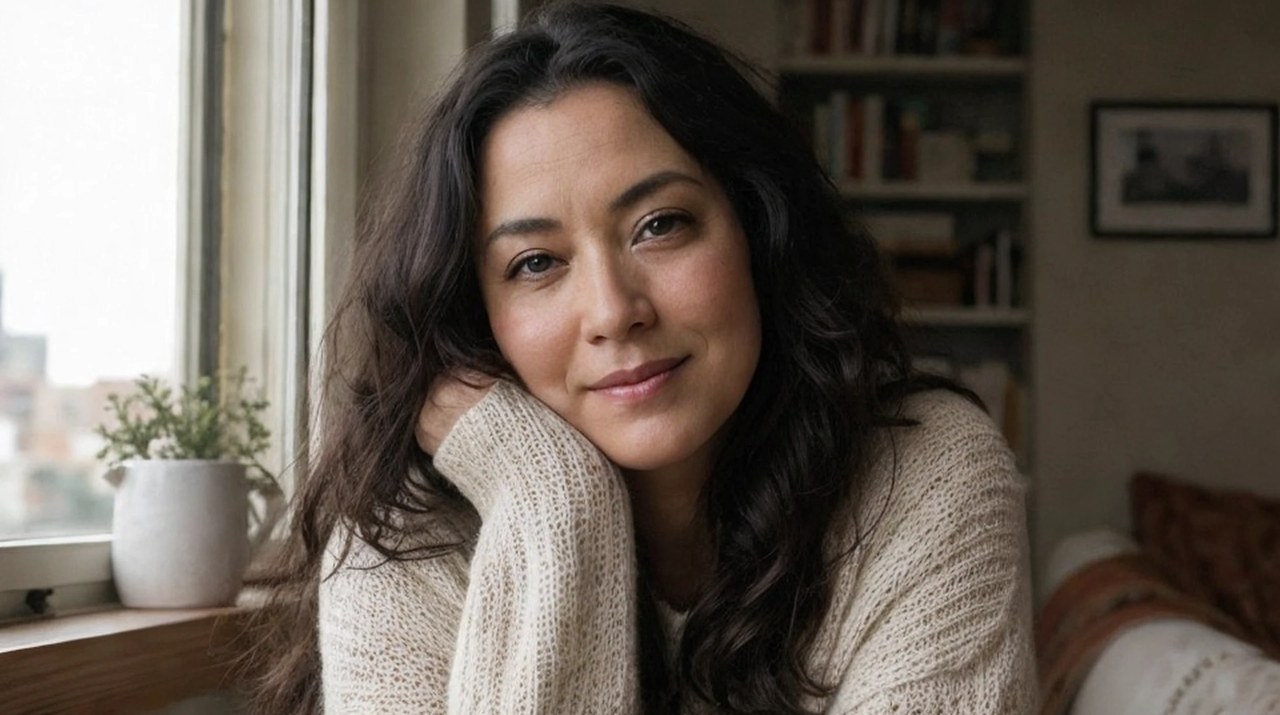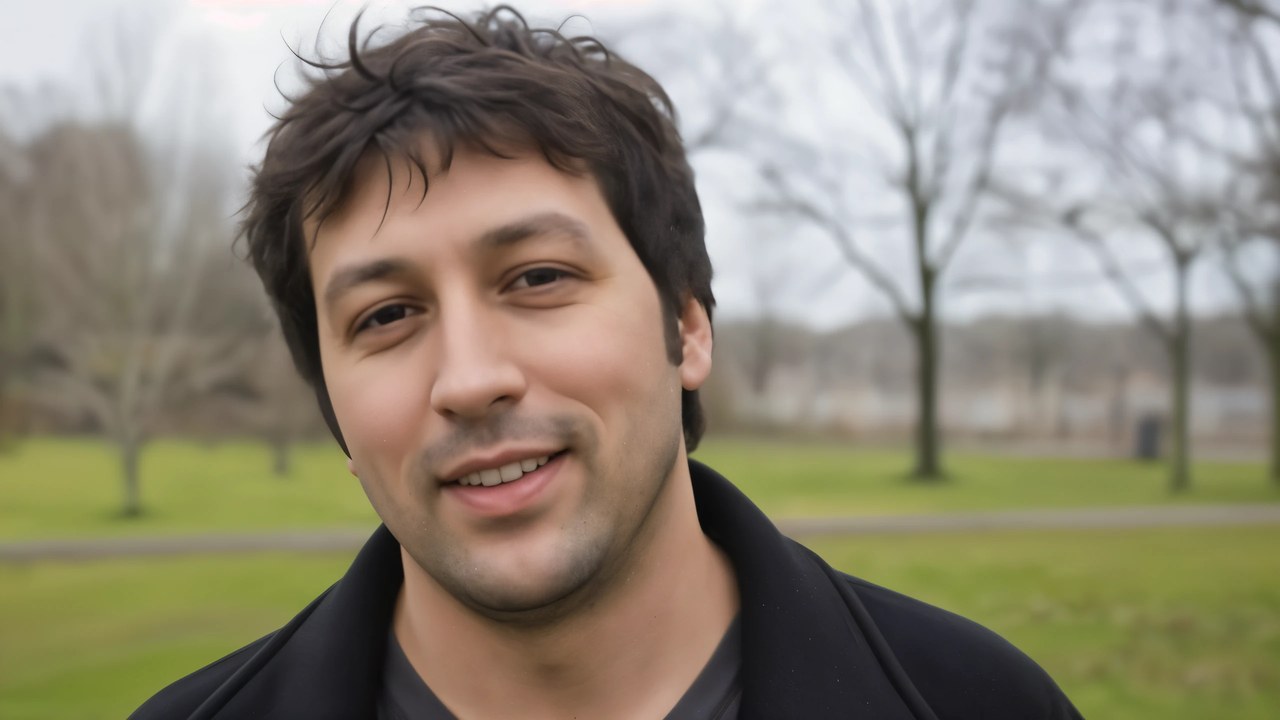
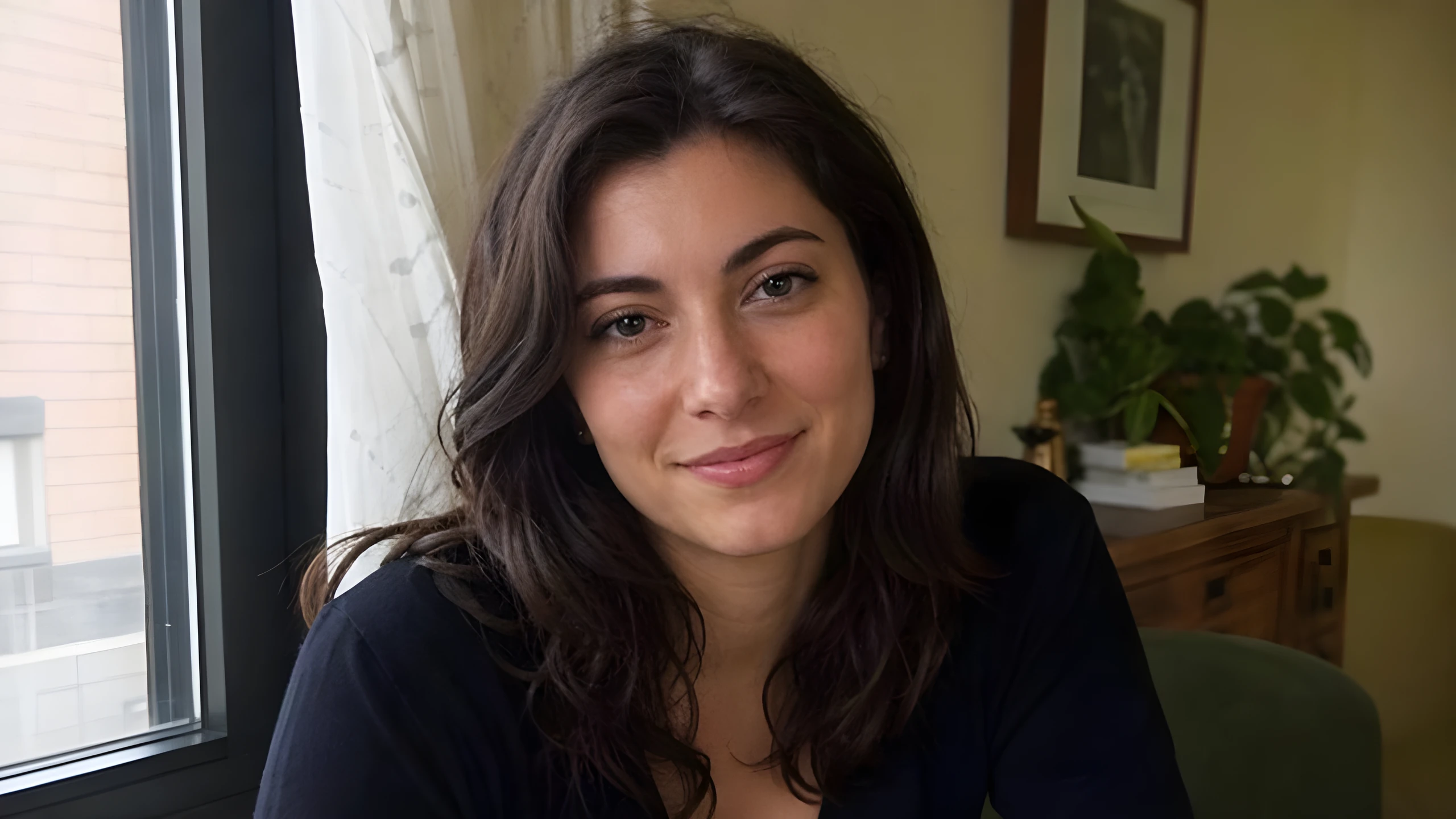
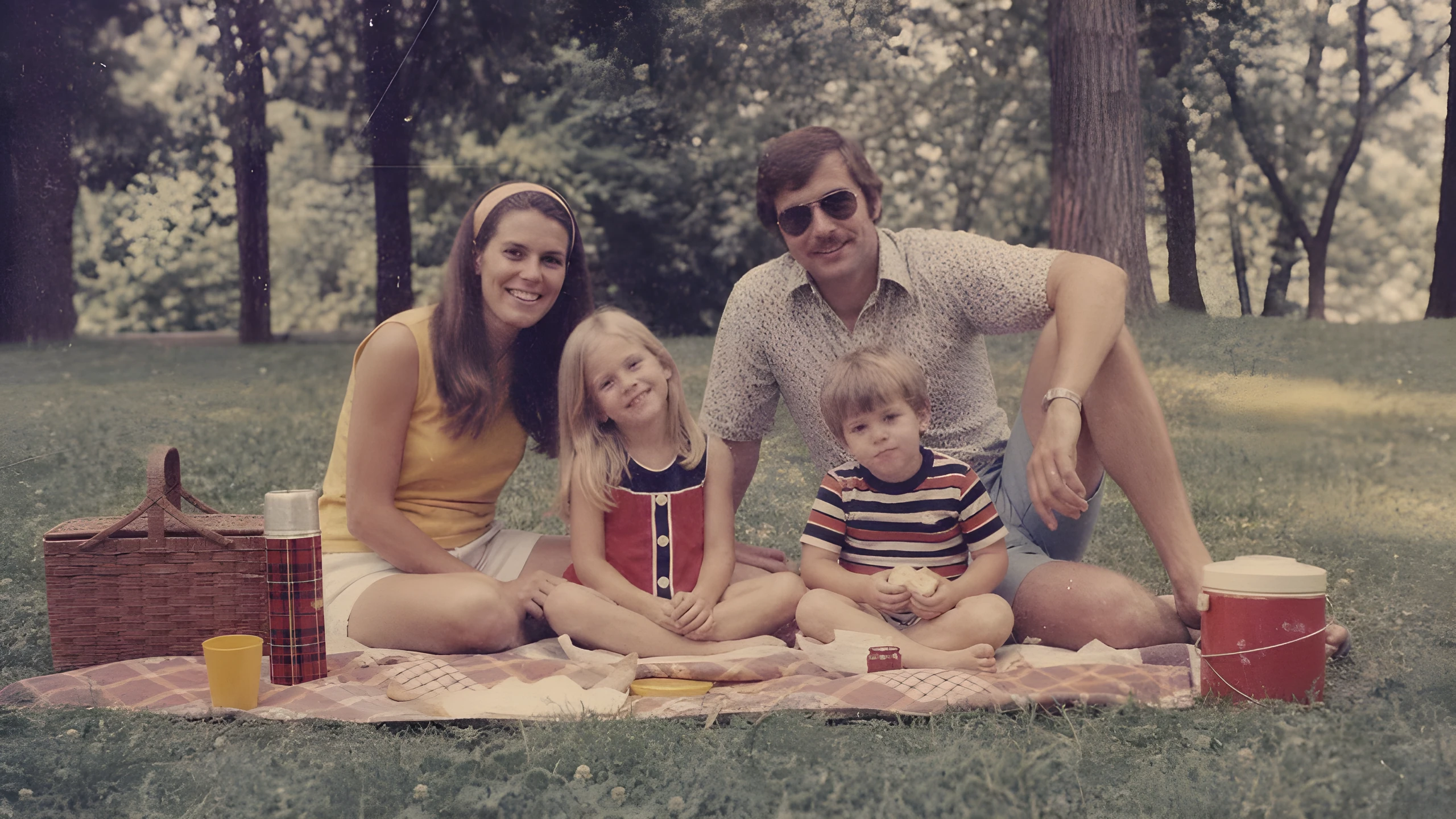
Enlarge a low-res portrait.
Sharpens hair, clothing, and facial edges, with optional face enhancement for small or compressed portraits.960x540 source, upscaled 4x to 3840x2160
Enlarge low-resolution images up to 4x while reducing blur, noise, and JPEG artifacts.
Drag the divider to compare. Upload your own image to run it.
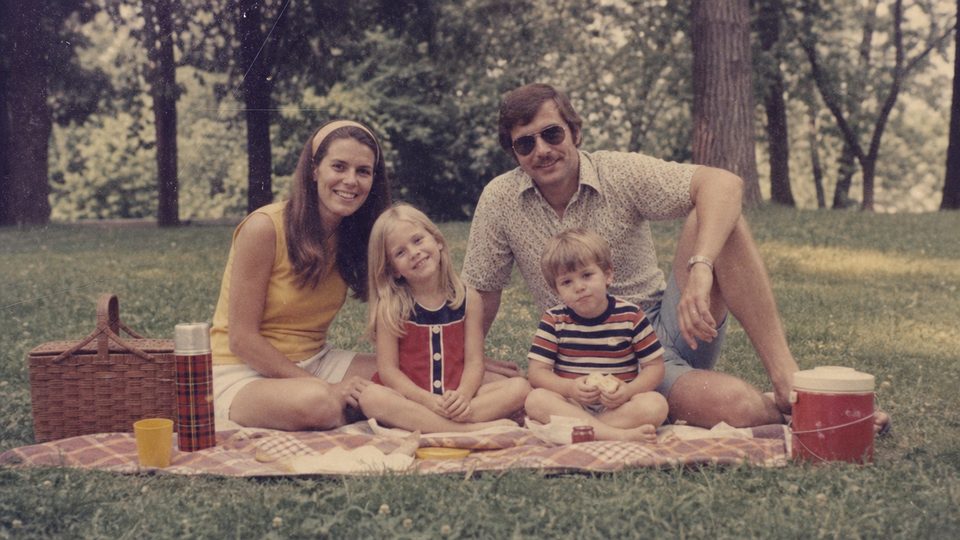
From this.
To this.
960x540 source, upscaled 4x to 3840x2160
960x540 source, upscaled 4x to 3840x2160
960x540 source, upscaled 4x to 3840x2160
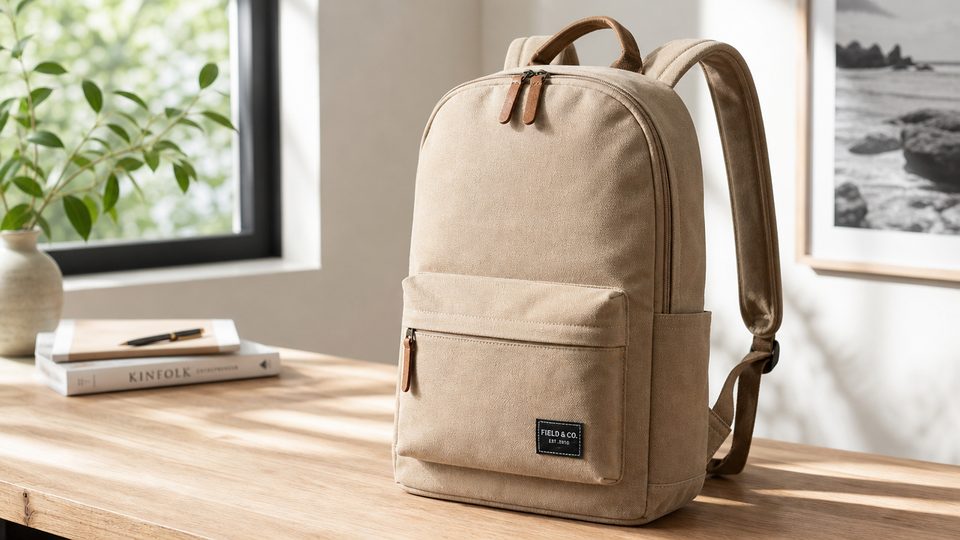
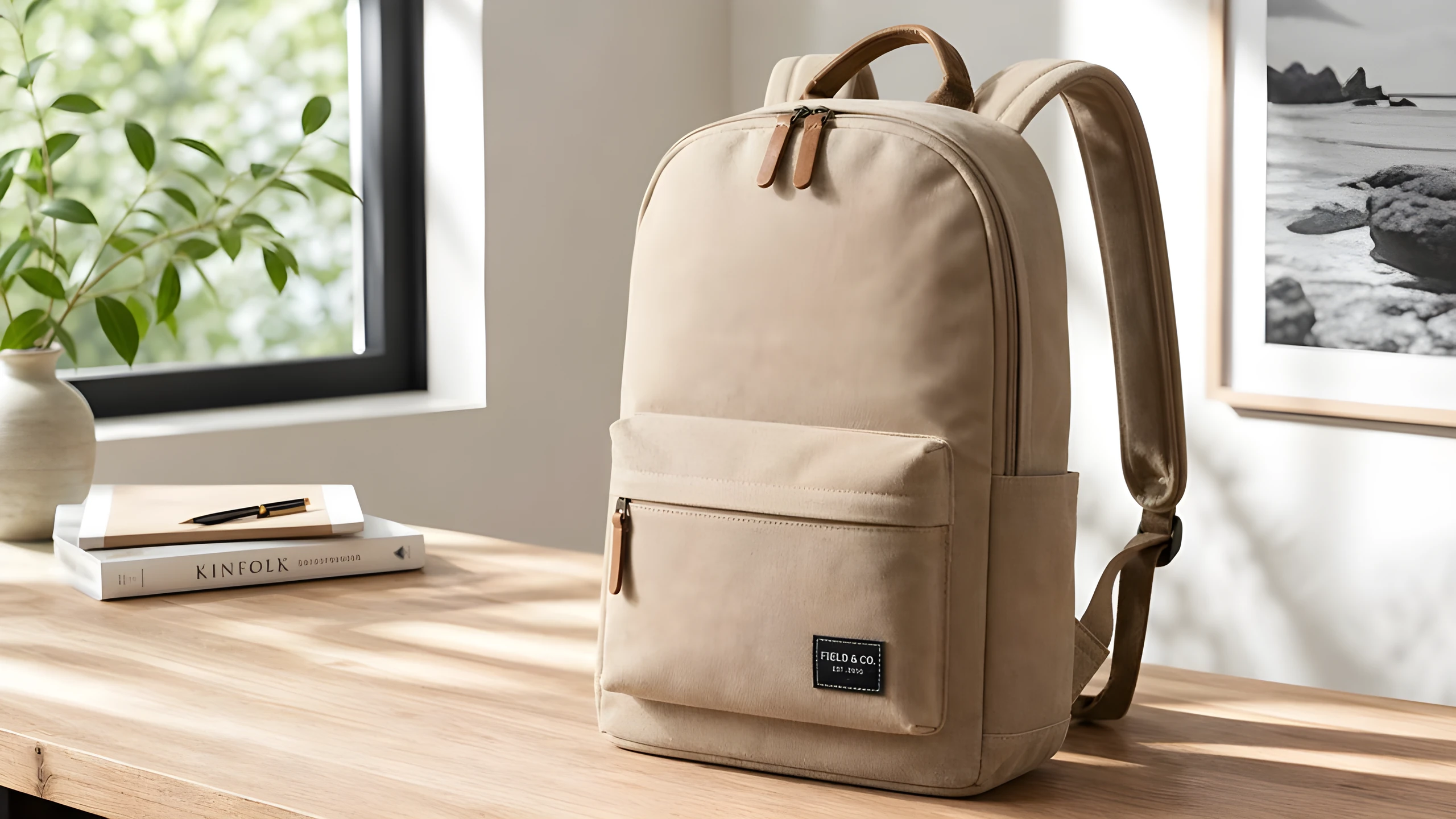
960x540 source, upscaled 4x to 3840x2160
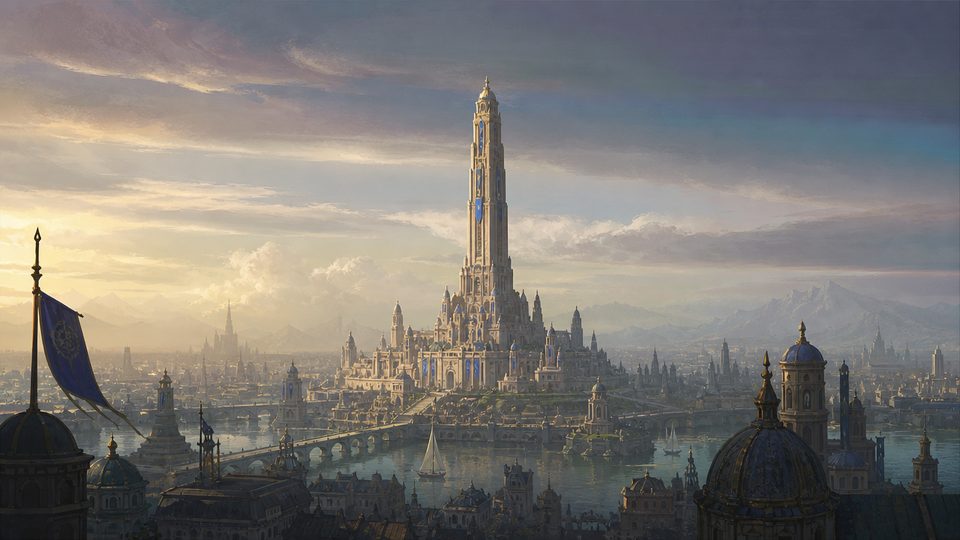
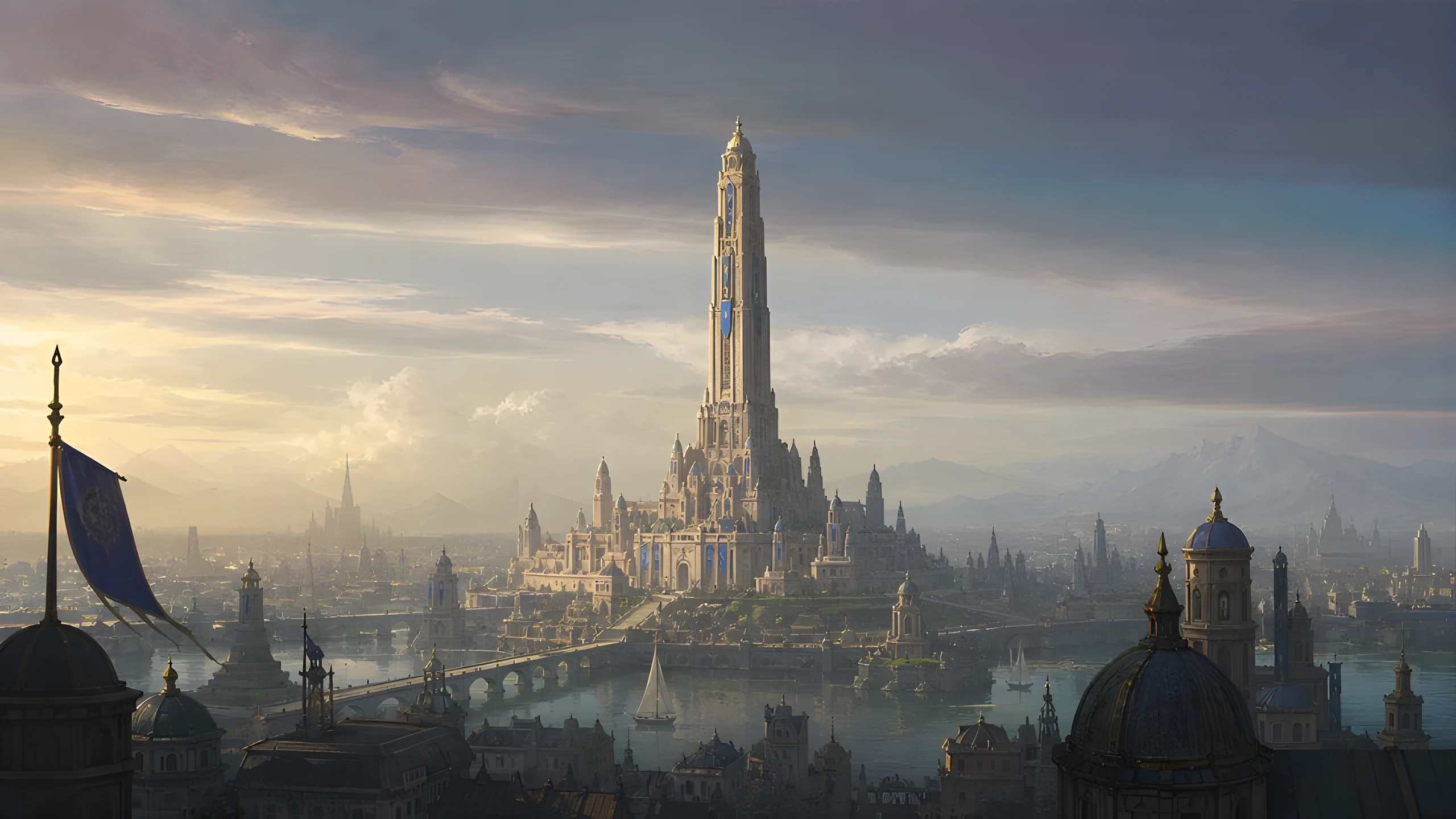
960x540 source, upscaled 4x to 3840x2160
Choose 1x, 2x, 3x, or 4x output, with 2x selected by default. BudgetPixel accepts images up to 2048x2048, so a maximum-size square input can produce an 8192x8192 result at 4x.
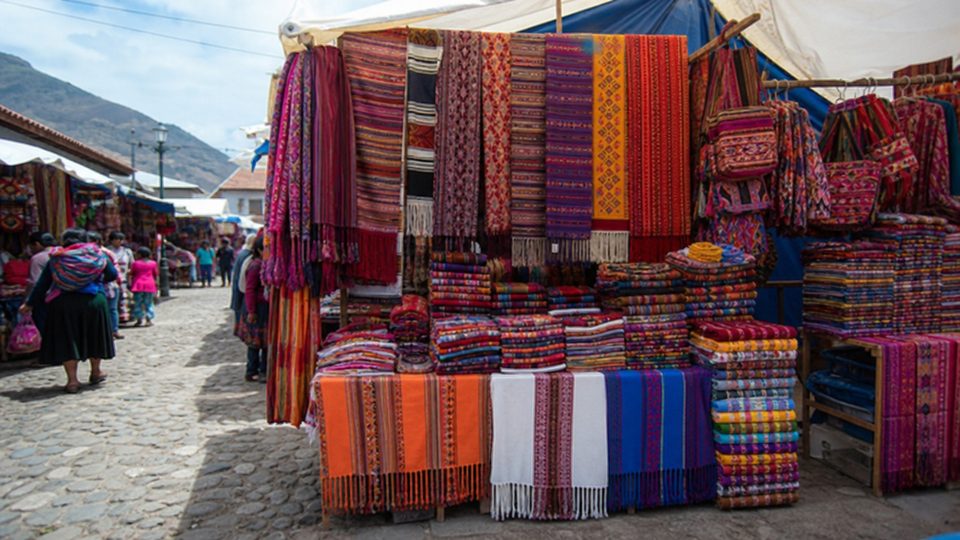
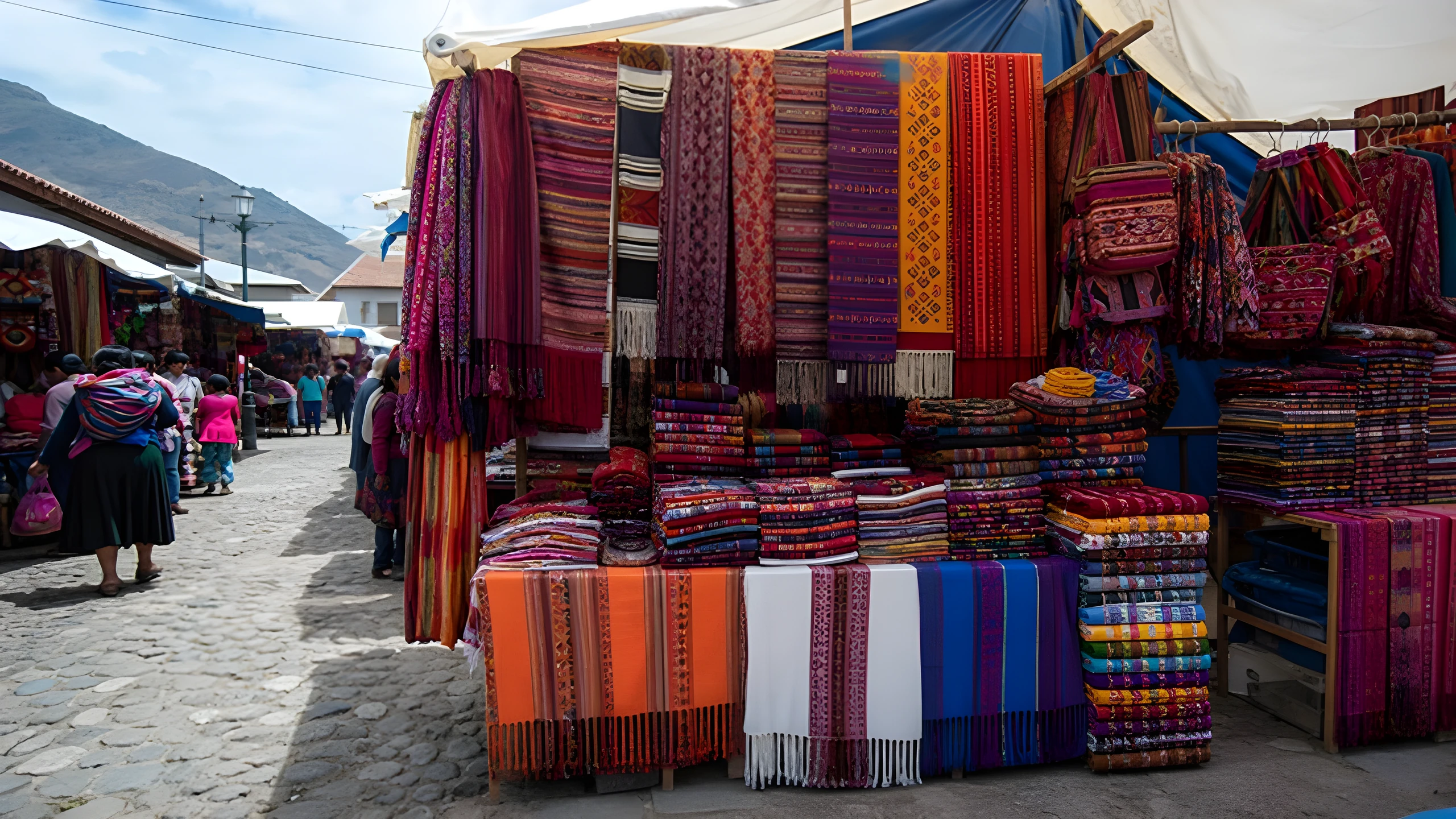
Real-ESRGAN is trained to handle mixed real-world degradation, including blur, noise, and JPEG compression. It can clean blocky areas and sharpen contours, but it does not reliably repair scratches or severe motion blur.
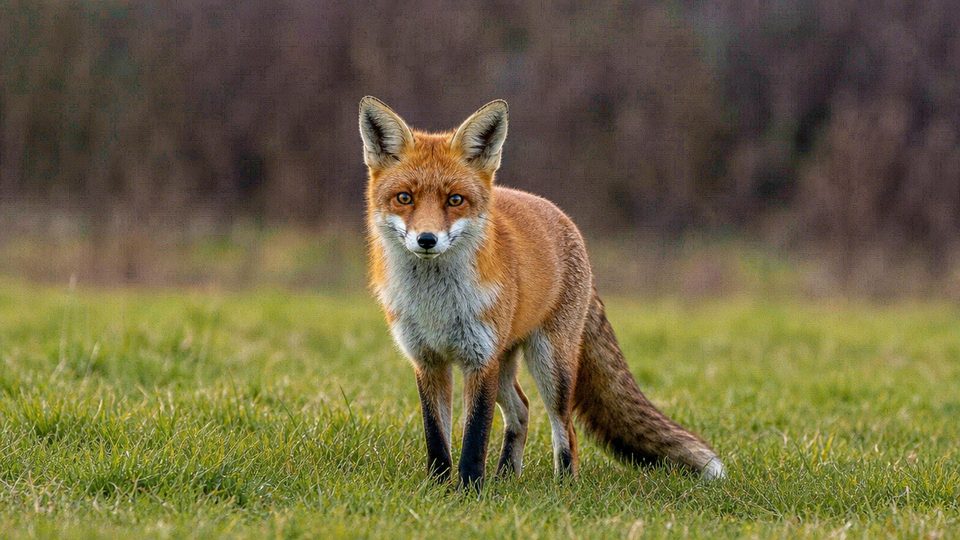
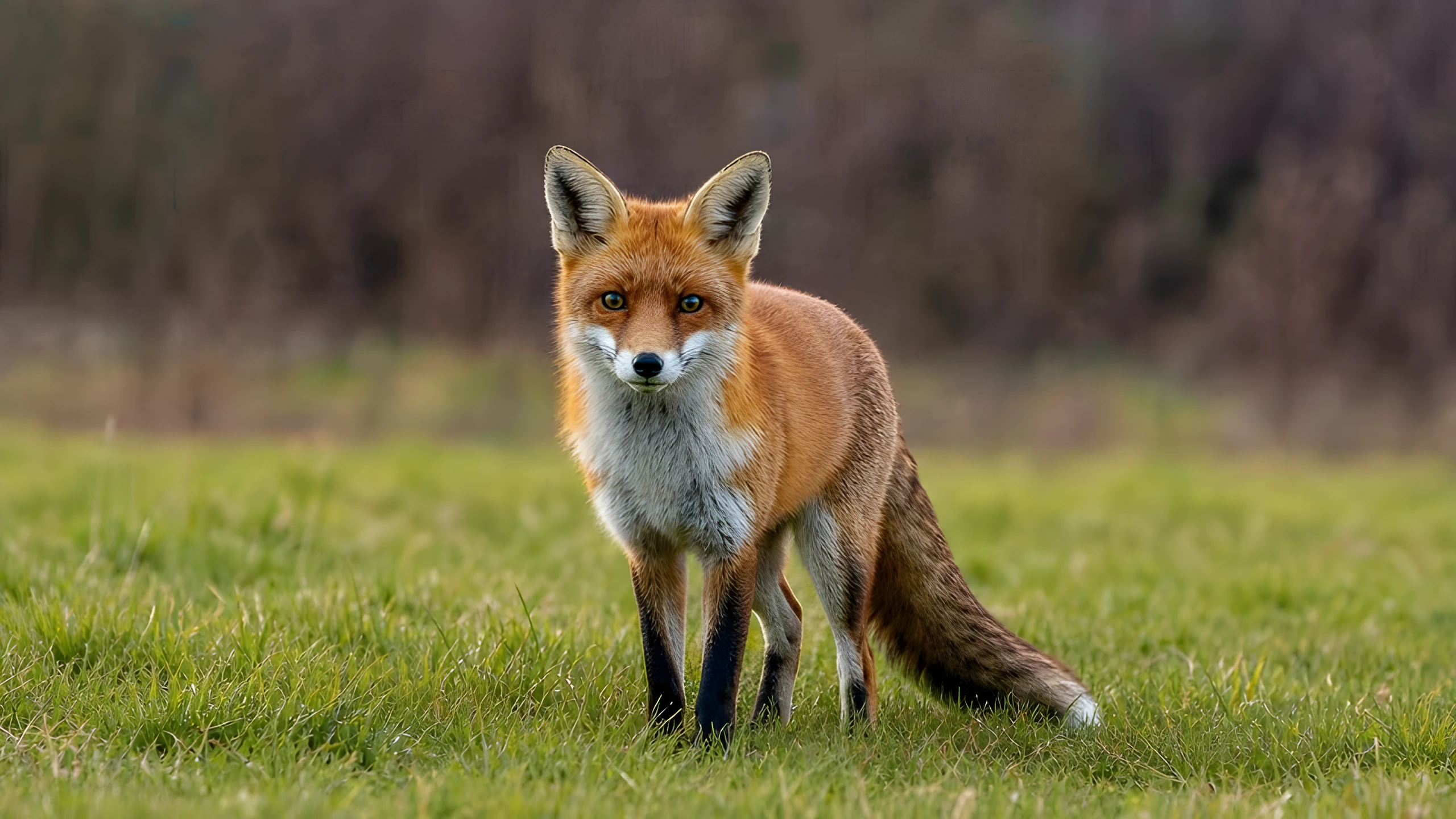
Face enhancement can make eyes, hairlines, and facial contours look cleaner in low-resolution portraits. It may smooth skin or alter small identity traits, so review likeness carefully and never treat the result as evidence.


The model can strengthen edges around signs, interface elements, and larger printed lettering. Tiny or unreadable text may be guessed or distorted, so verify every label, logo, and important number against the source.
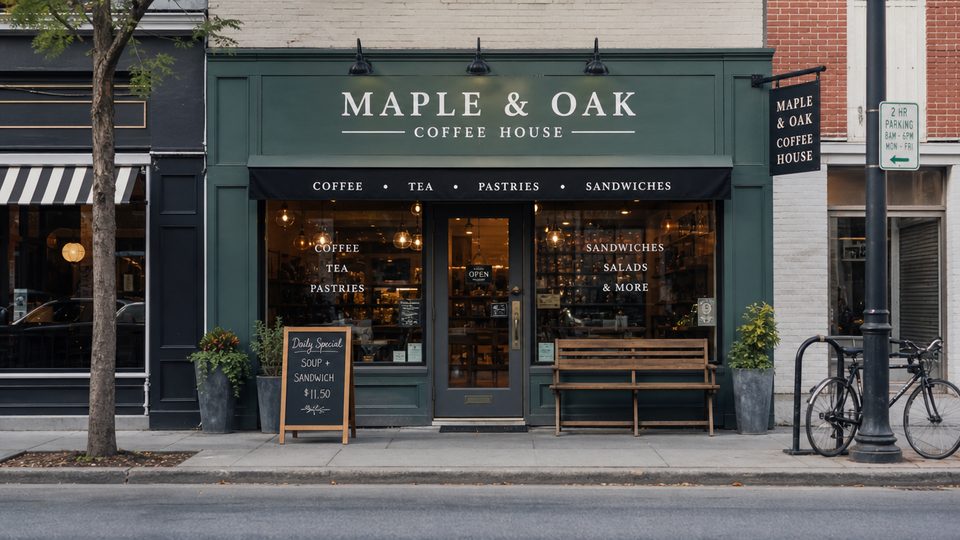
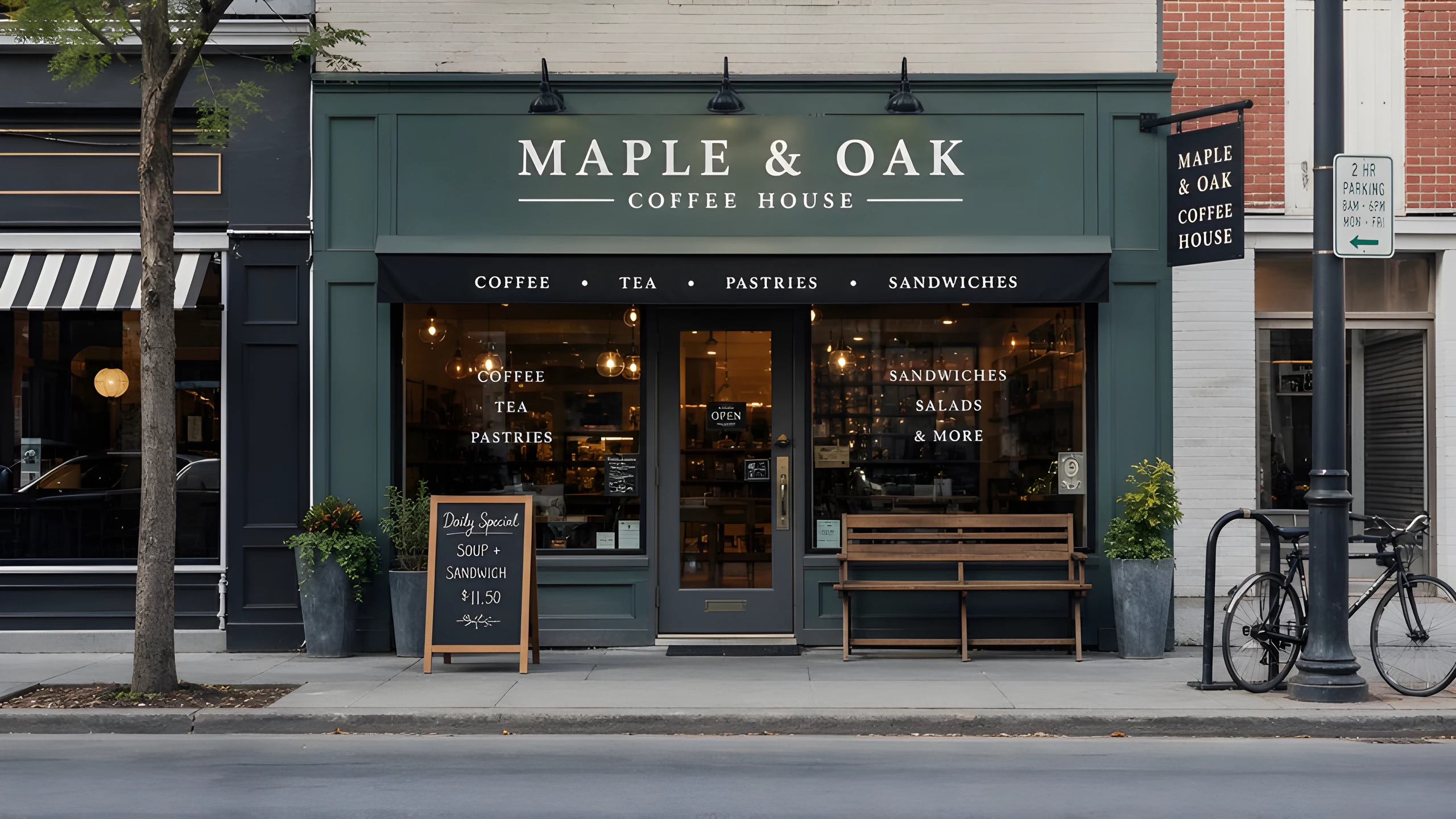
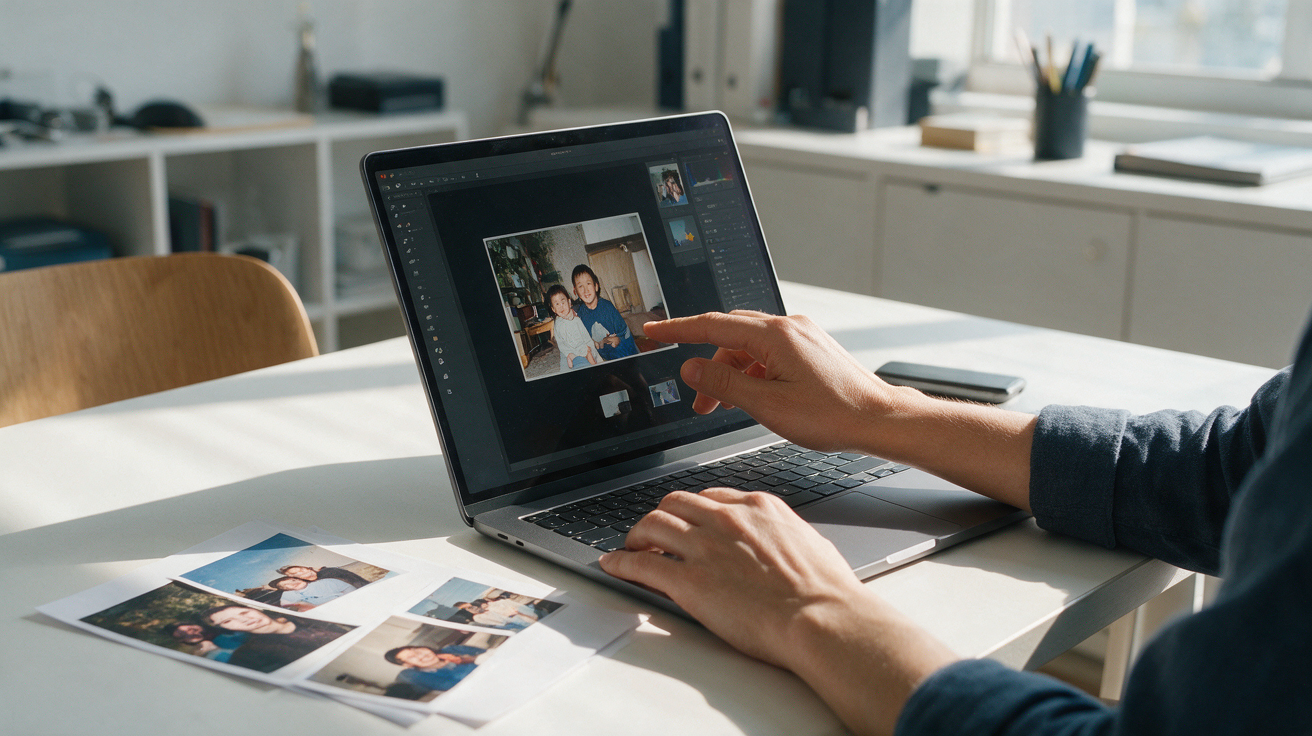
Choose an image up to 2048x2048. For the clearest result, start with the original file rather than a repeatedly saved or compressed copy.
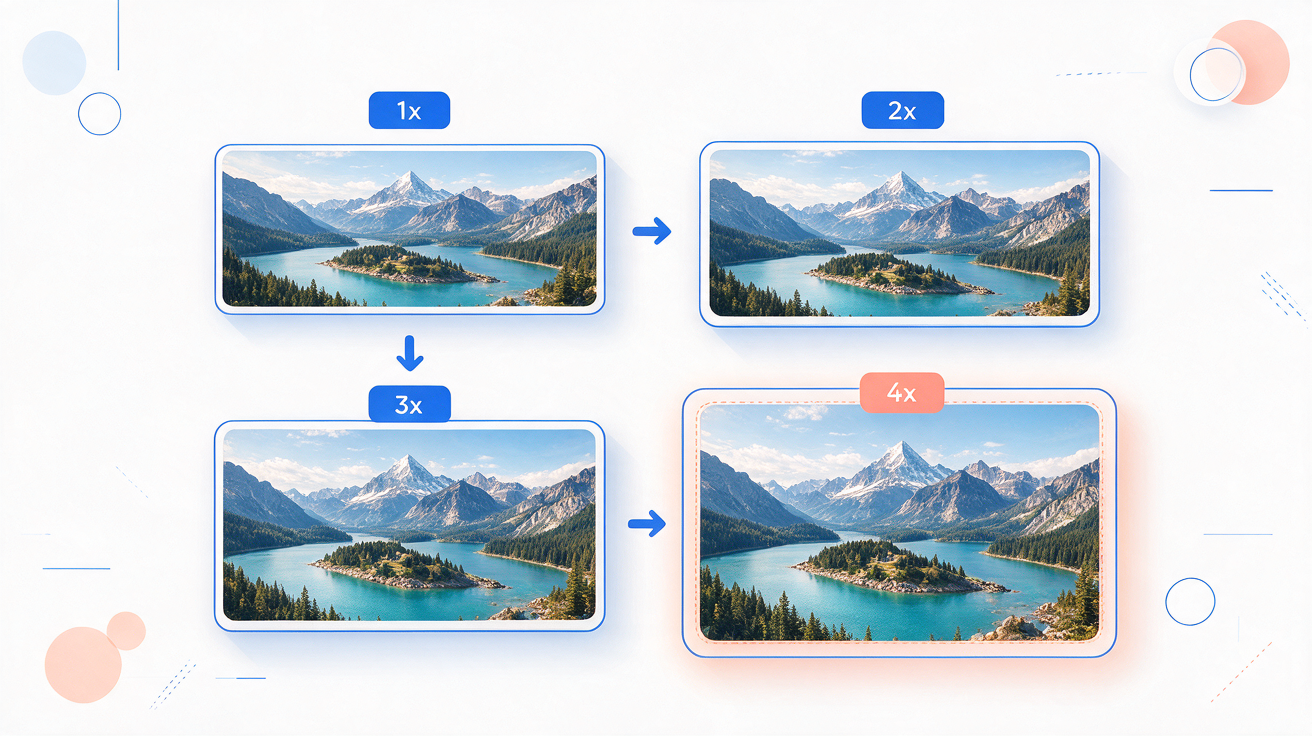
Select 1x, 2x, 3x, or 4x; 2x is the default. Enable face enhancement for small portraits, then check whether the resulting likeness remains acceptable.
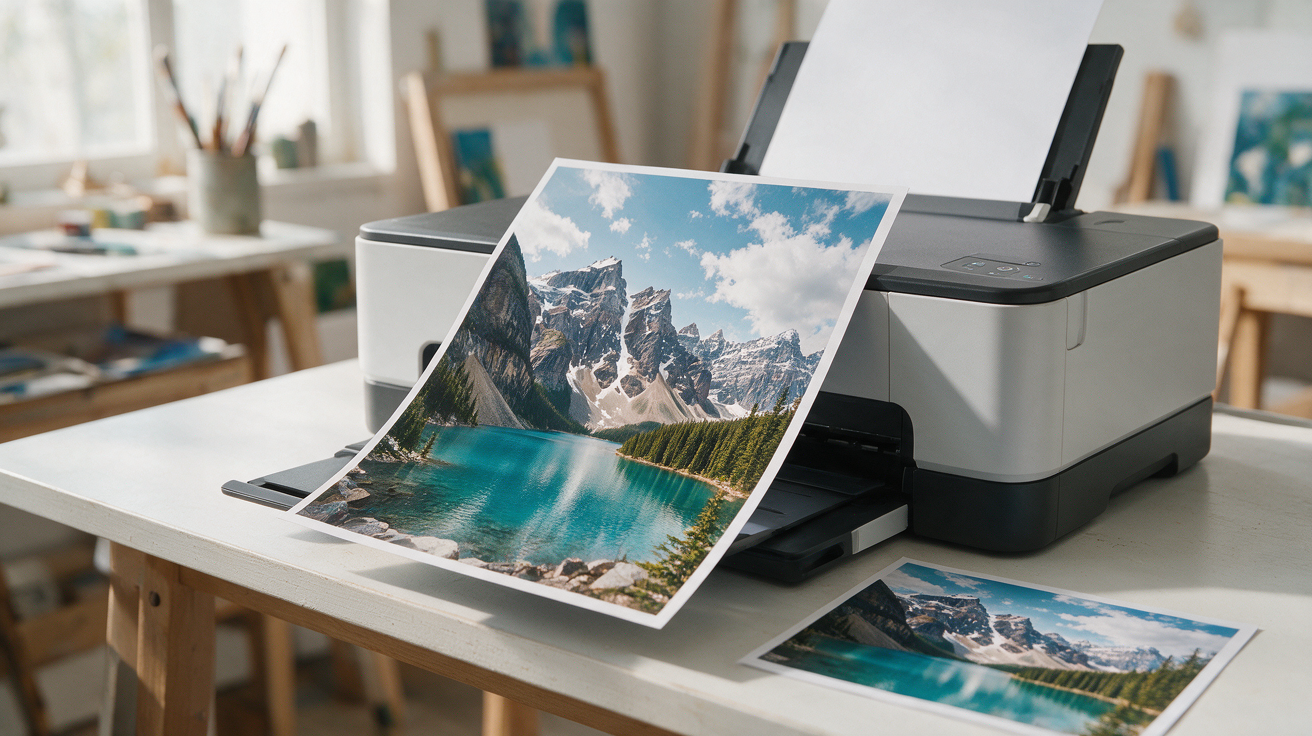
Compare the original and enhanced image at 100% zoom. Download it as PNG or JPG once faces, text, logos, and fine lines look right.
Runs on credits — no per-model surcharges, no surprise billing.