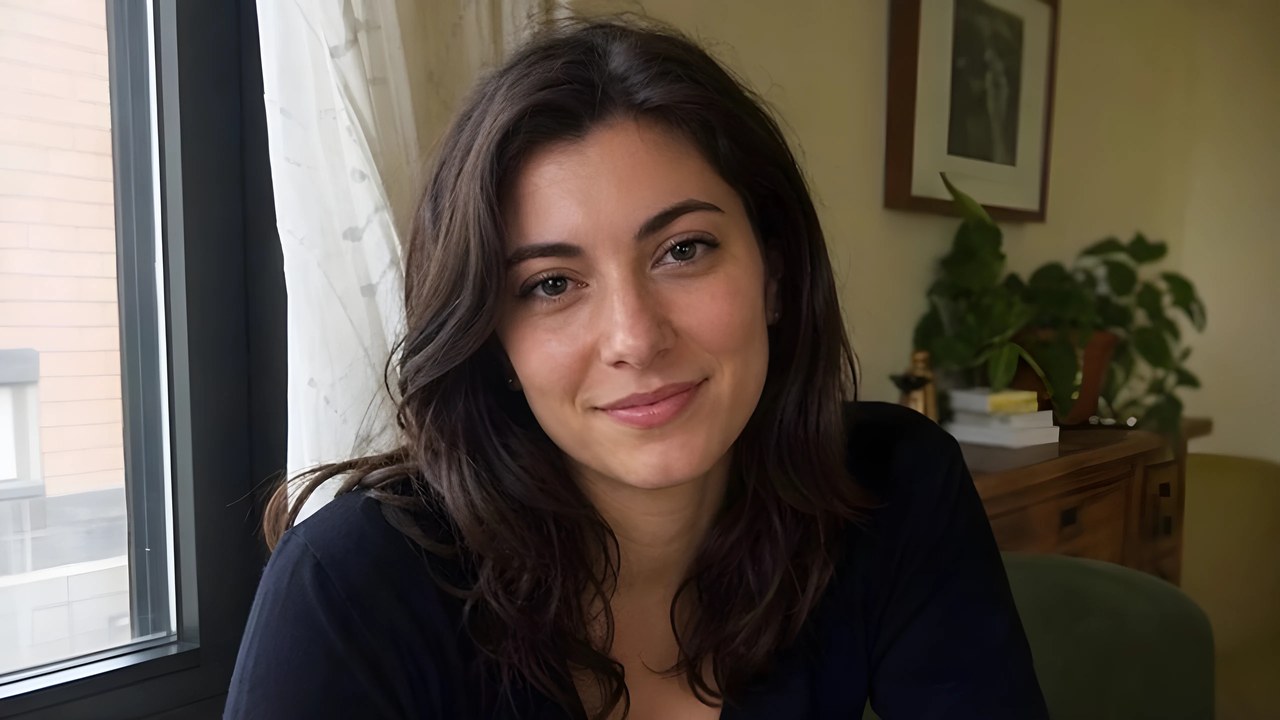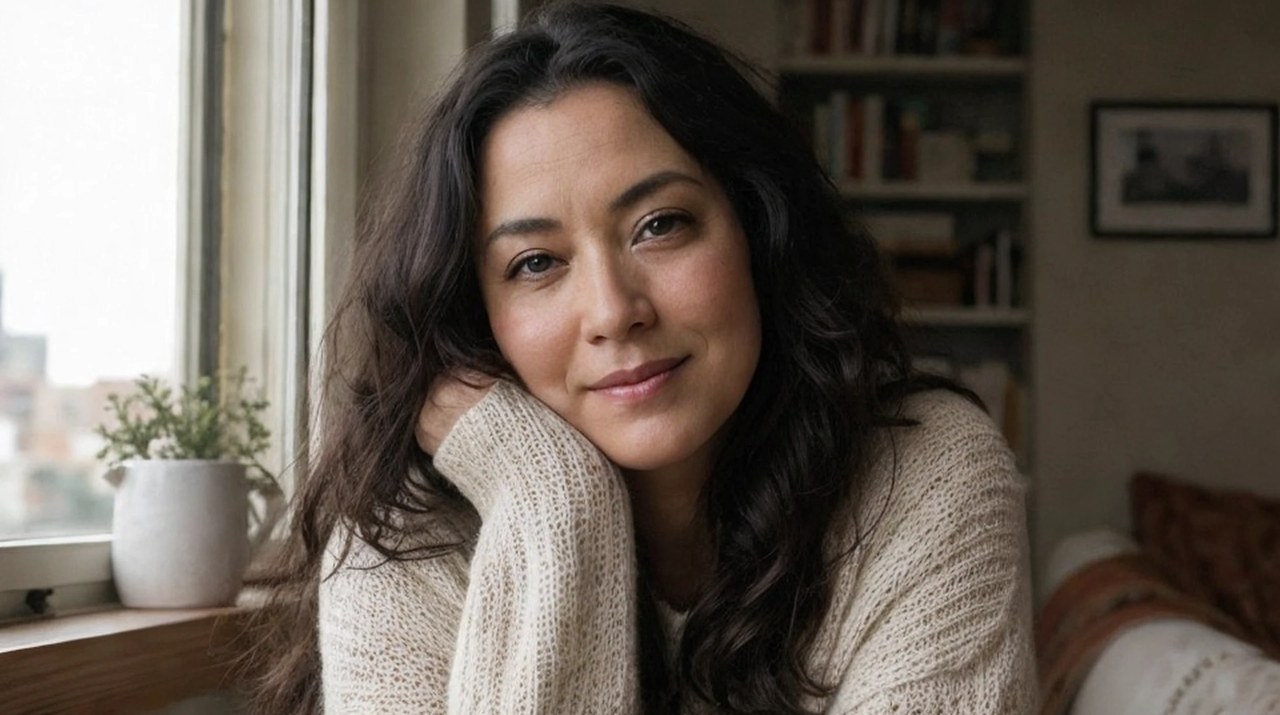
Upscale AI art to 8 MP.
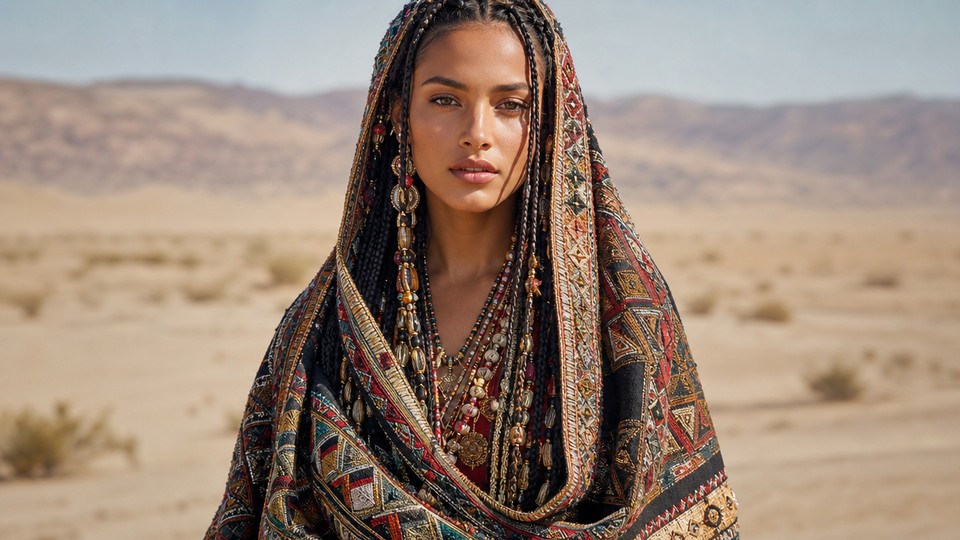
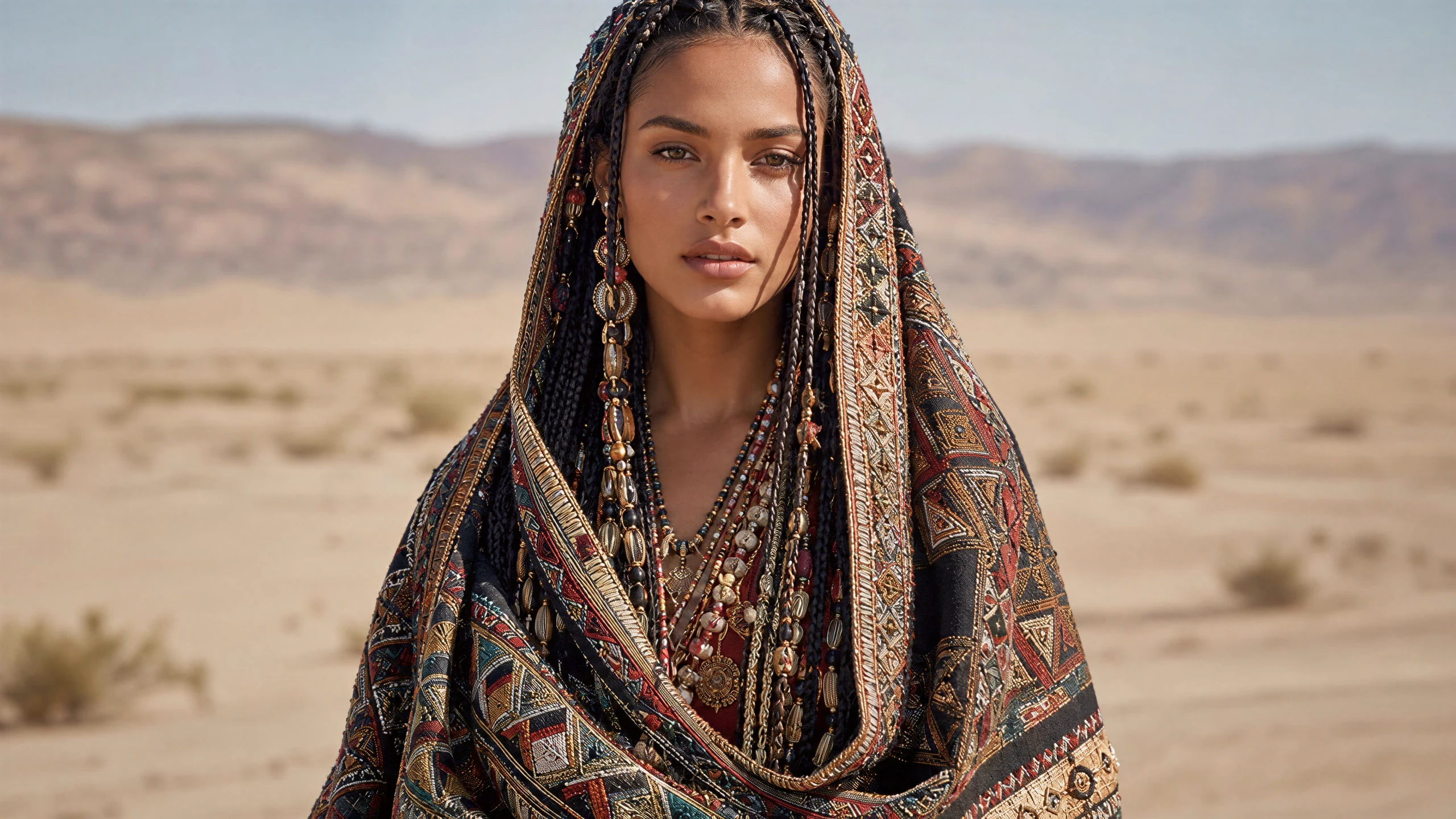
Adds plausible micro-detail to hair, fabric, and surfaces while keeping the original composition intact.960x540 source, upscaled 4.0x to 3860x2172
Upscale finished images to 32 MP with cleaner edges, sharper textures, and fast results.
Drag the divider to compare. Upload your own image to run it.
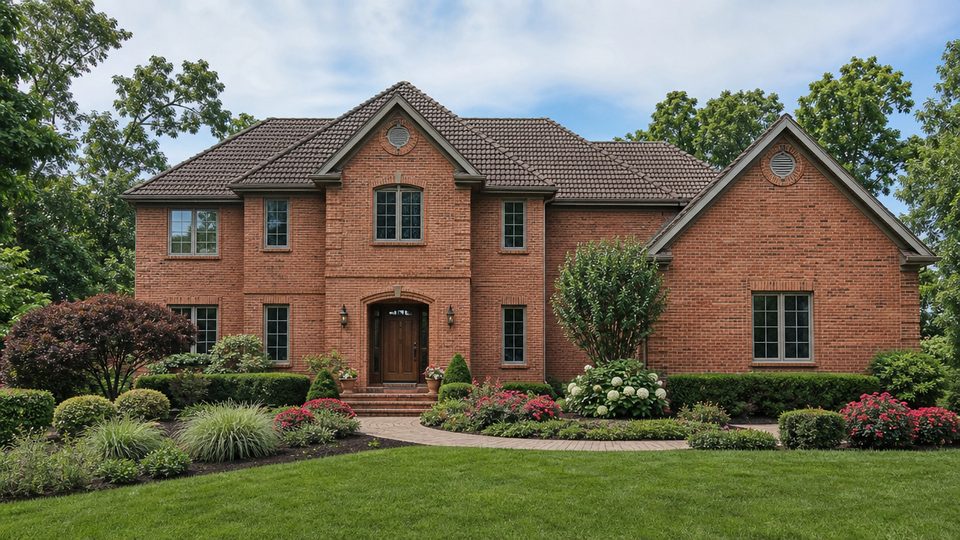
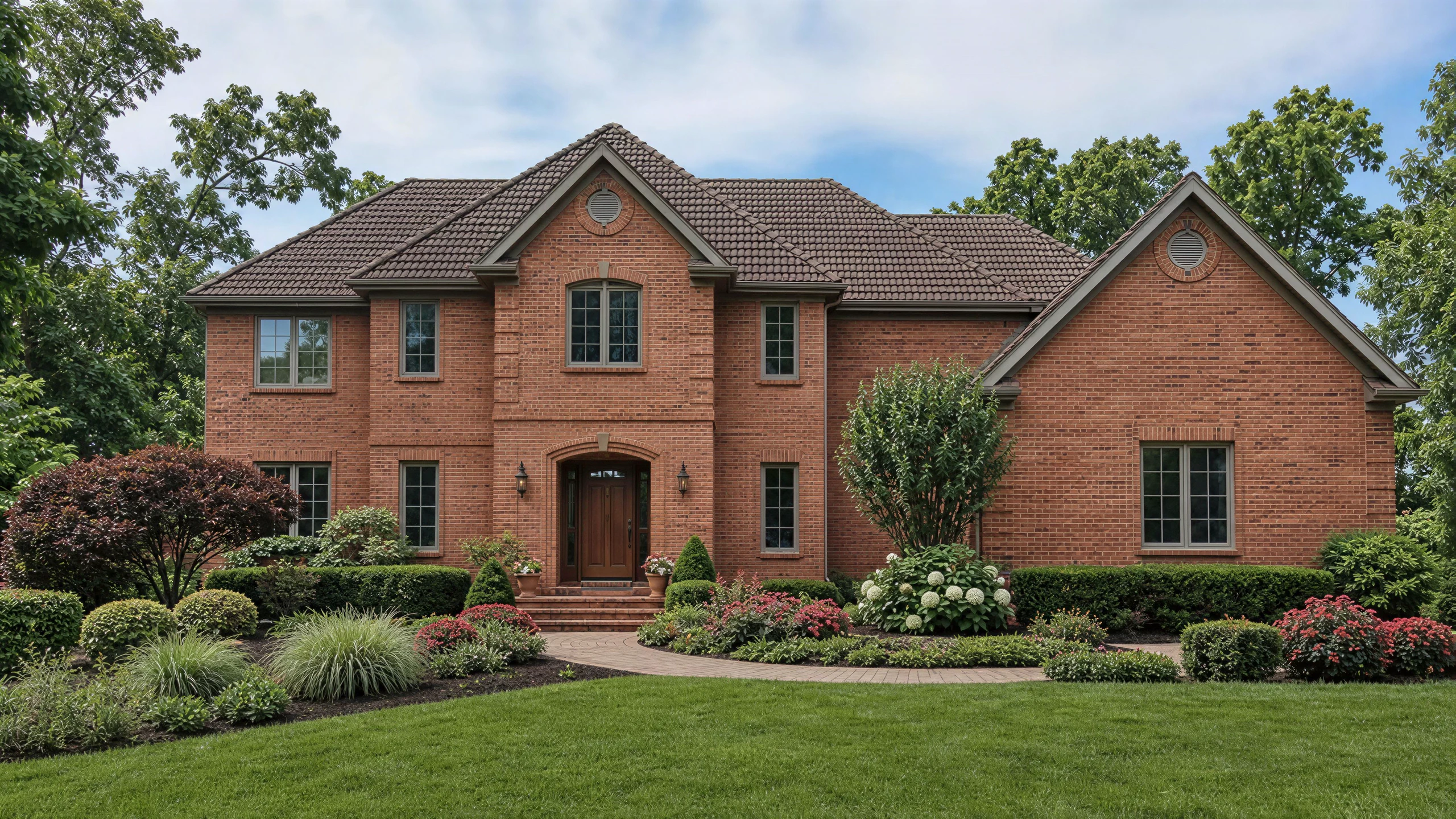
From this.
To this.
960x540 source, upscaled 4.0x to 3860x2172
960x540 source, upscaled 4.0x to 3860x2172
960x540 source, upscaled 4.0x to 3860x2172


960x540 source, upscaled 4.0x to 3860x2172
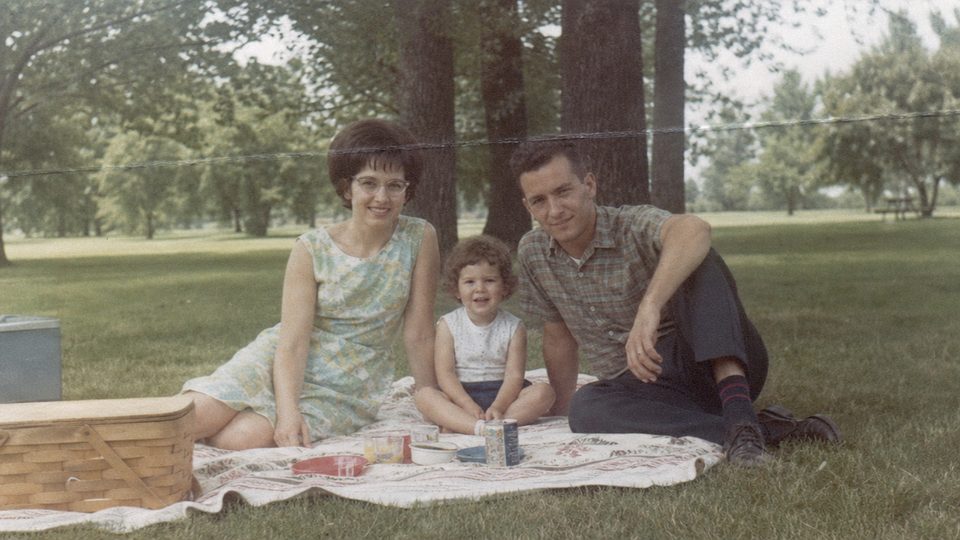
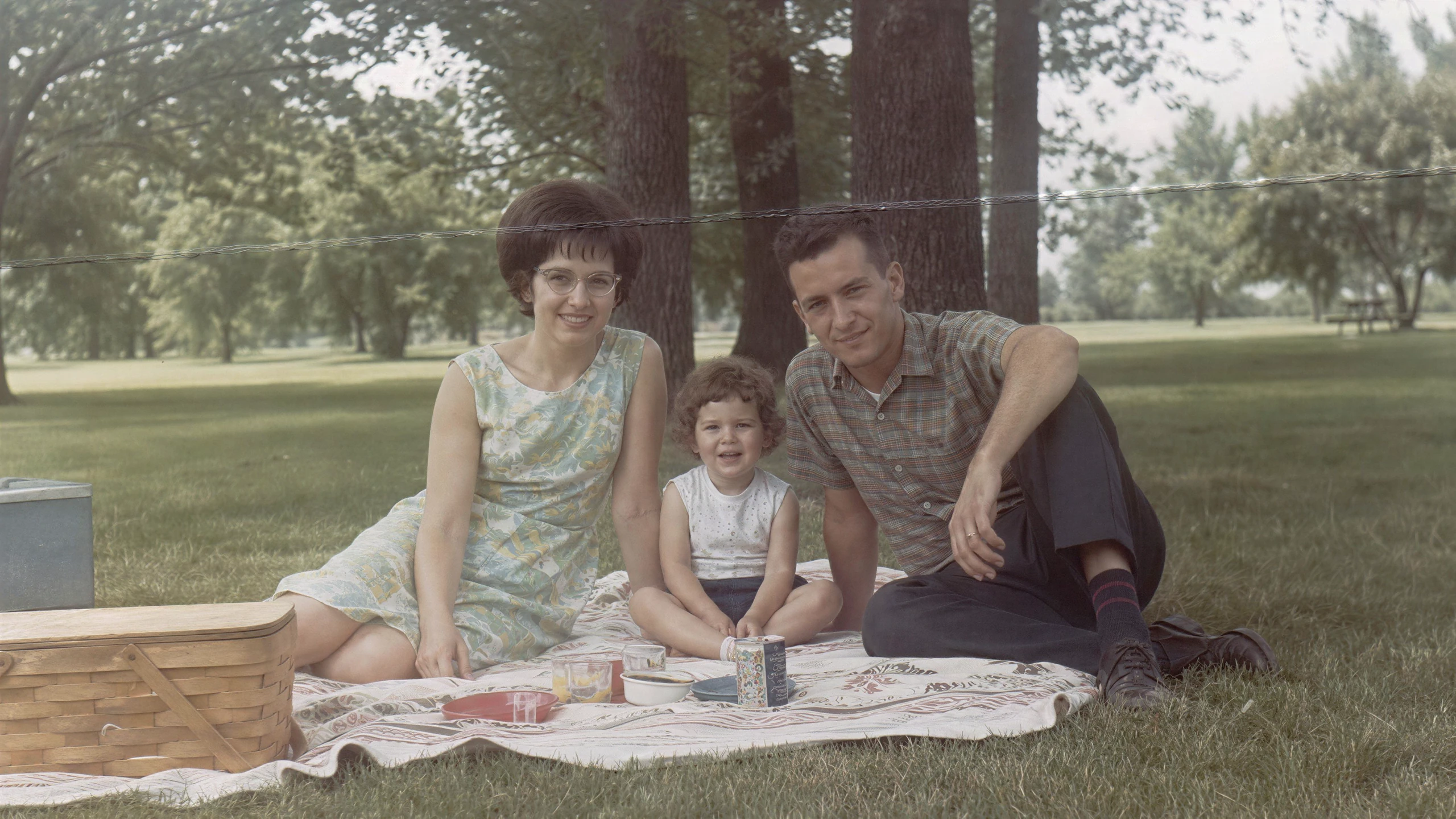
960x540 source, upscaled 4.0x to 3860x2172
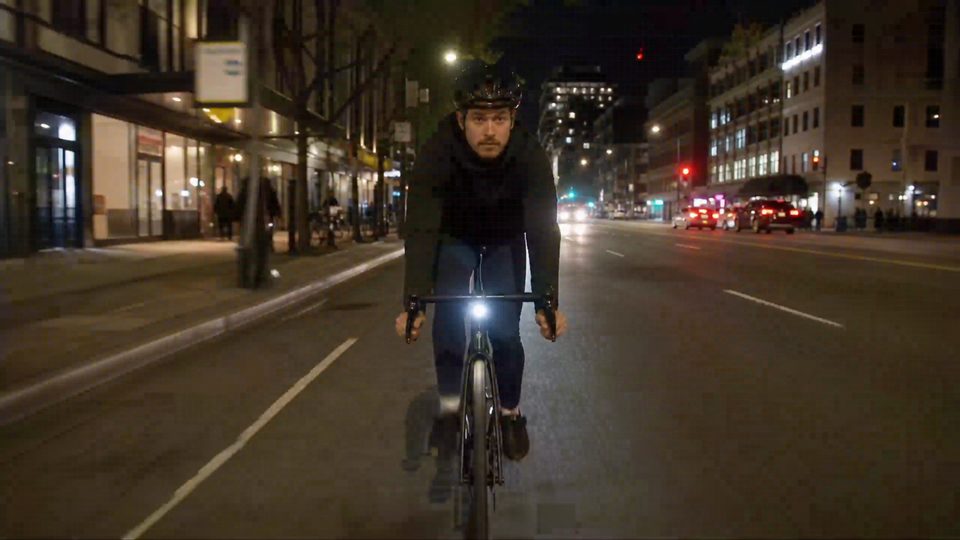
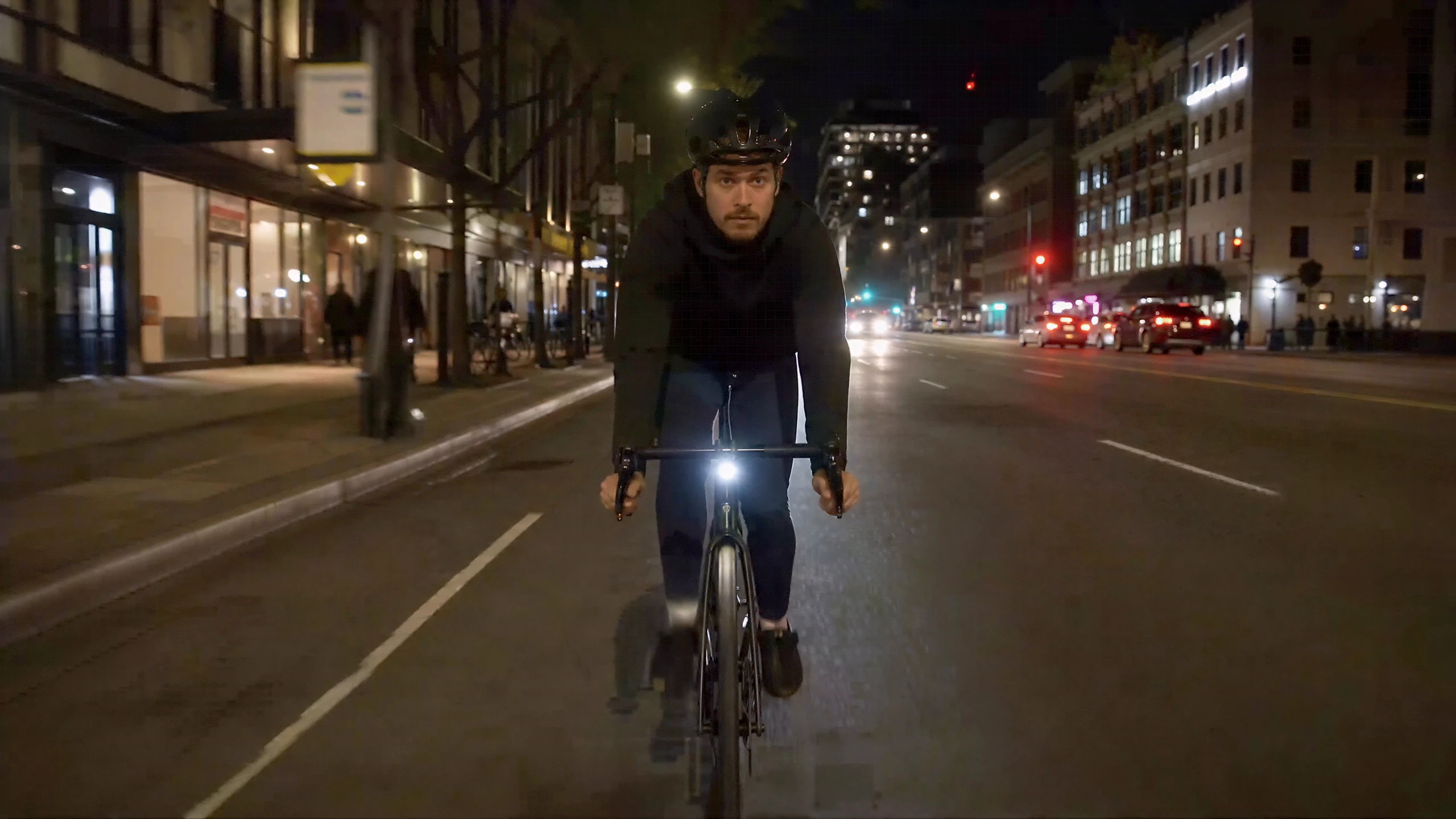
960x540 source, upscaled 4.0x to 3860x2172
Select the output target in megapixels rather than relying on a fixed enlargement factor. BudgetPixel accepts inputs up to 4096x4096 and caps P-Image-Upscale results at 32 MP.
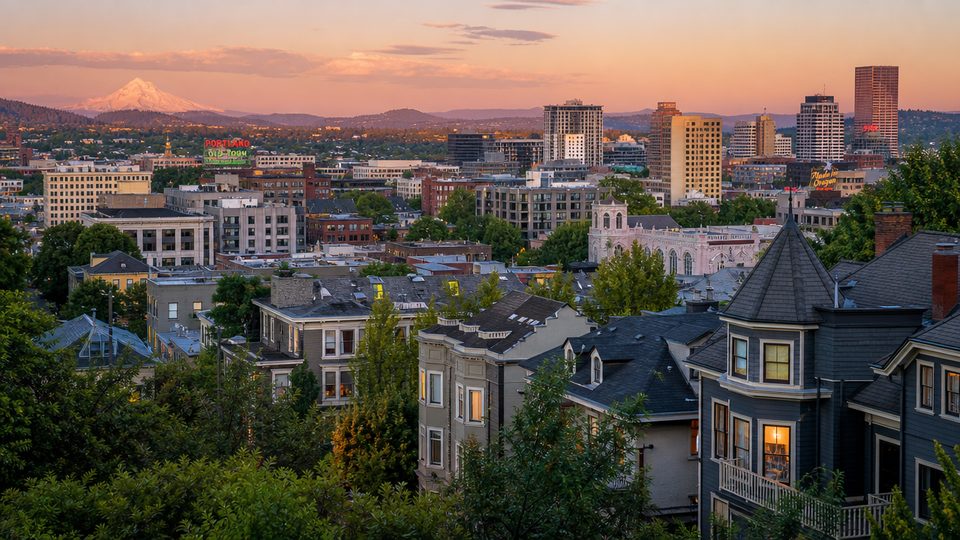
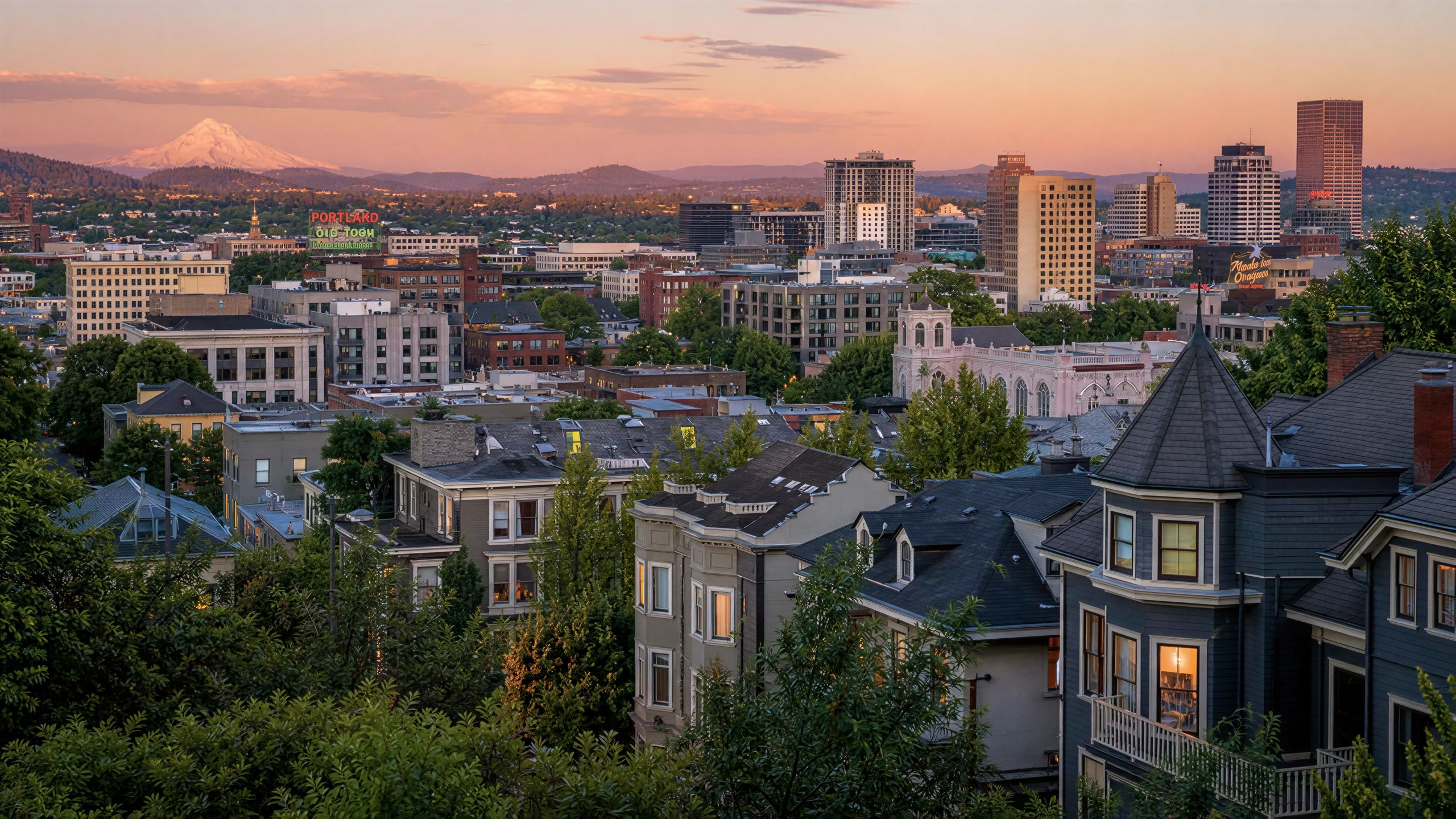
P-Image-Upscale reconstructs plausible high-frequency texture in hair, fabric, foliage, and product surfaces while strengthening edges. Added micro-detail may differ from the source and is not recovered evidence.


The model can clean up lettering, packaging outlines, and graphic edges in ads, posters, and retail images. It cannot reliably infer words that are unreadable, garbled, or absent, so verify every character.
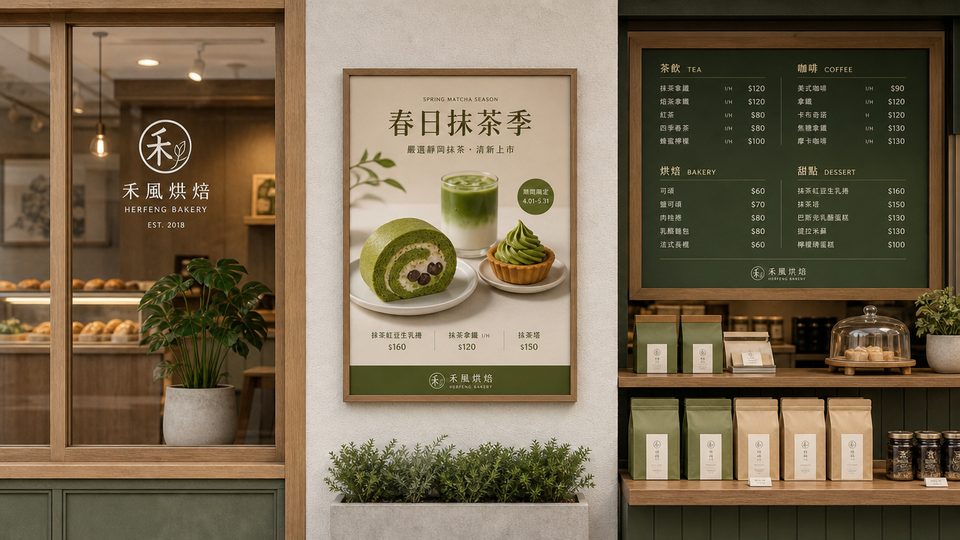
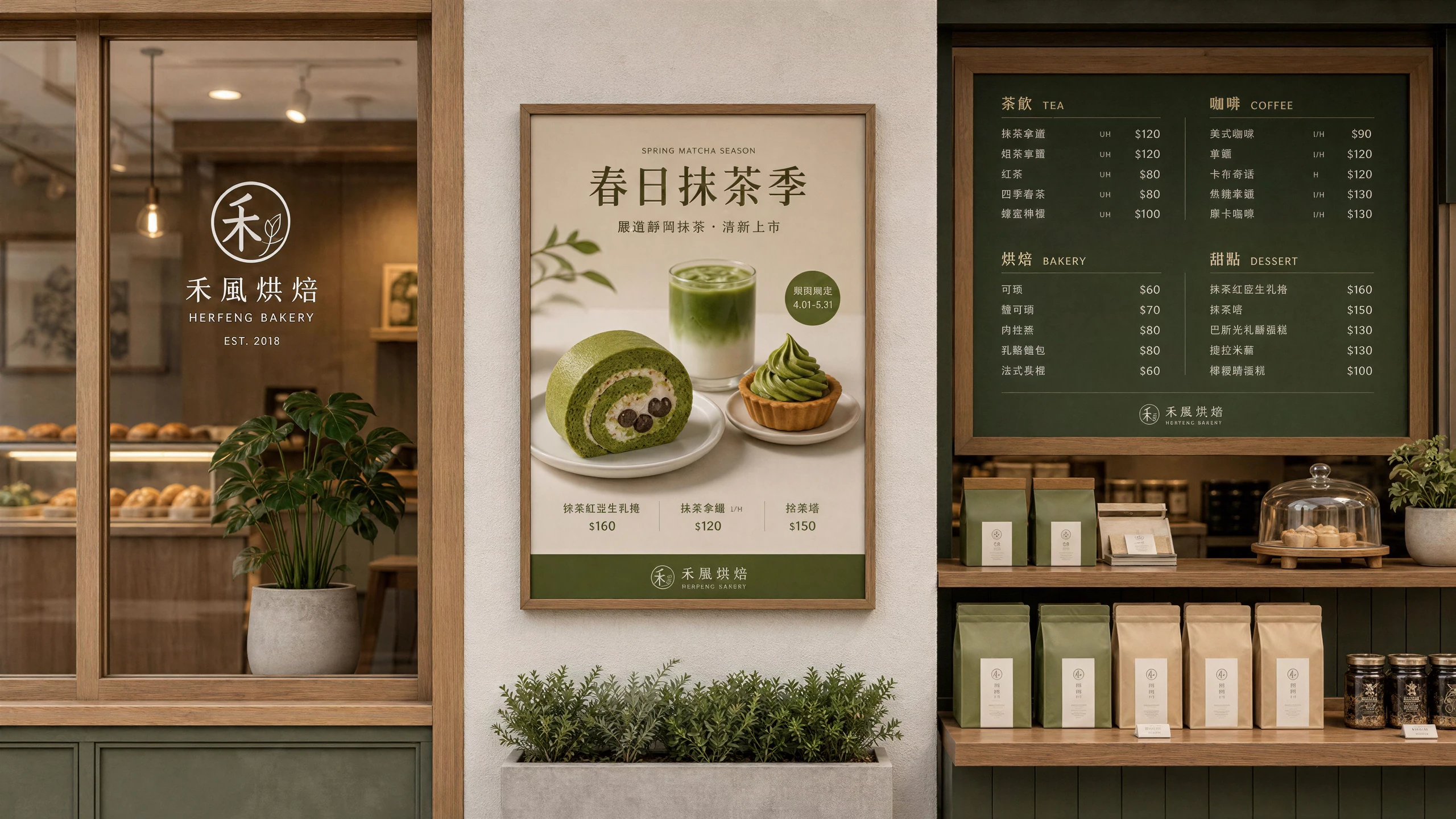
Clear source faces can gain sharper hair, eyes, and skin texture. The model may synthesize pores, eyelashes, or other plausible detail and can subtly alter features, so it is unsuitable for identification or forensic use.


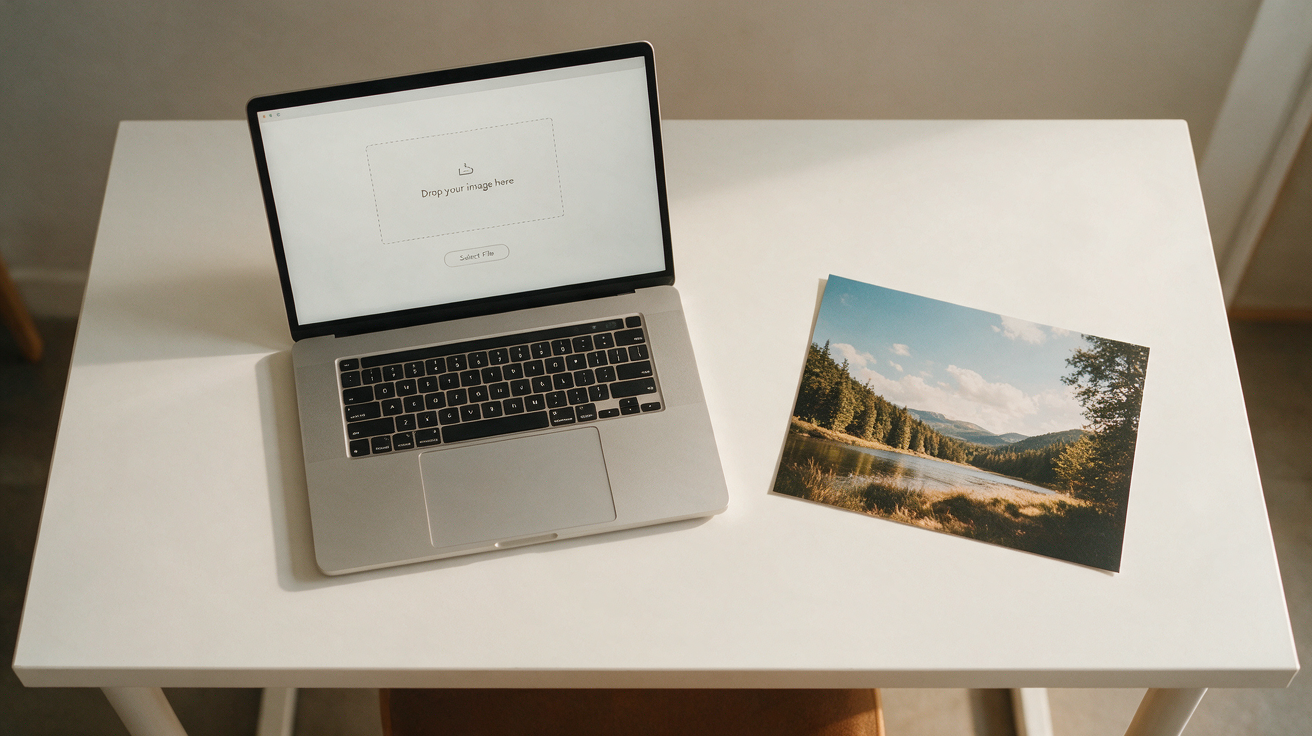
Choose a photo, scan, product shot, screenshot, or AI-generated image. No prompt is needed because P-Image-Upscale works directly from the uploaded pixels.
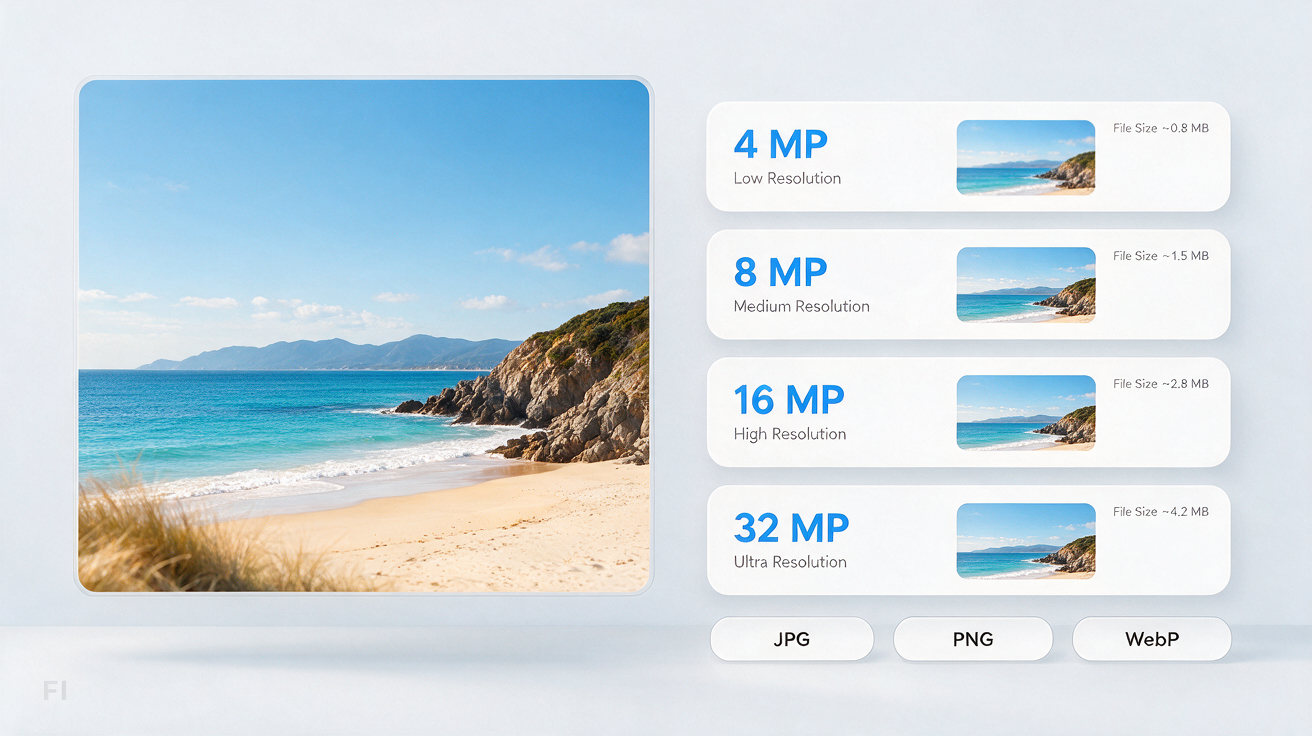
Select a 4, 8, 16, or 32 MP target and choose JPG, PNG, or WebP. Use a moderate target first when faces, logos, or small text must stay close to the source.
Inspect the enhanced image at full size, especially around faces, lettering, and product details. Download it in your selected format when the reconstruction looks right.
Runs on credits — no per-model surcharges, no surprise billing.
Credits work across every plan. See /pricing for credit packages.