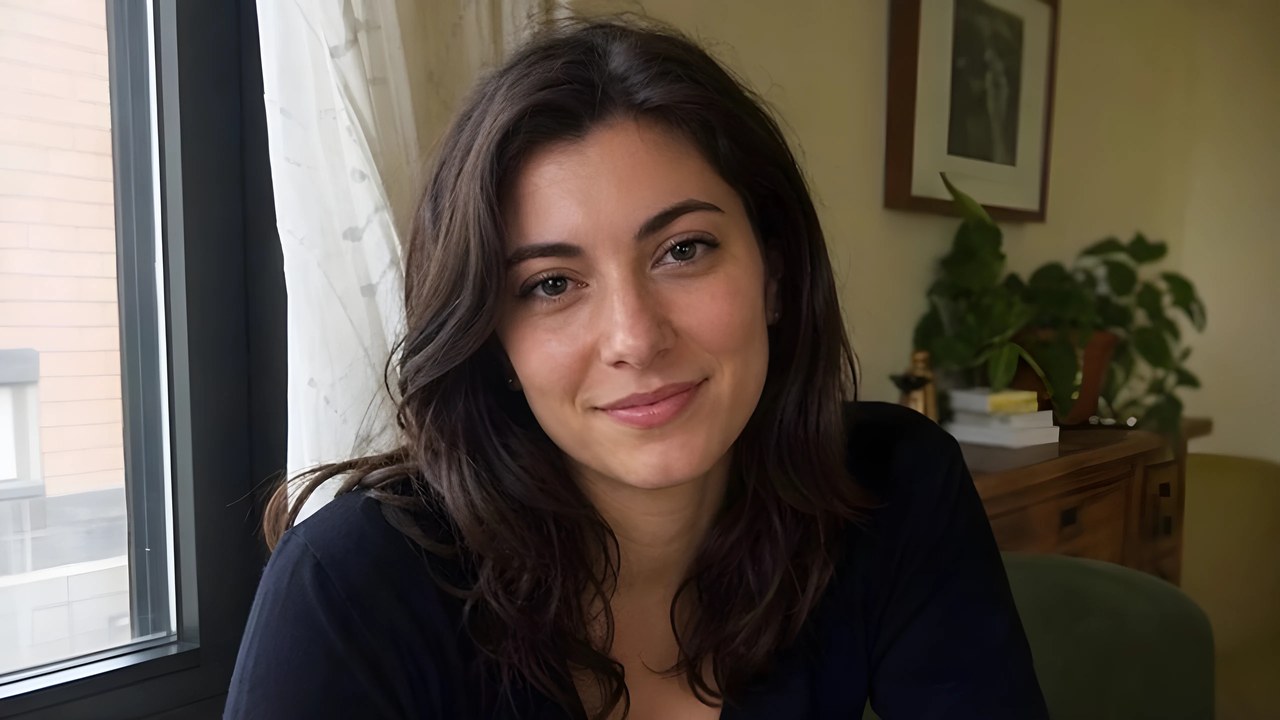

Enlarge a low-res portrait.
Adds plausible hair, skin, and fabric texture while enlarging; use conservative settings and inspect facial identity before publishing.960x540 source, upscaled 4x to 3840x2160
Reconstruct texture and enlarge images up to 4x with adjustable creativity and resemblance.
Drag the divider to compare. Upload your own image to run it.


From this.
To this.
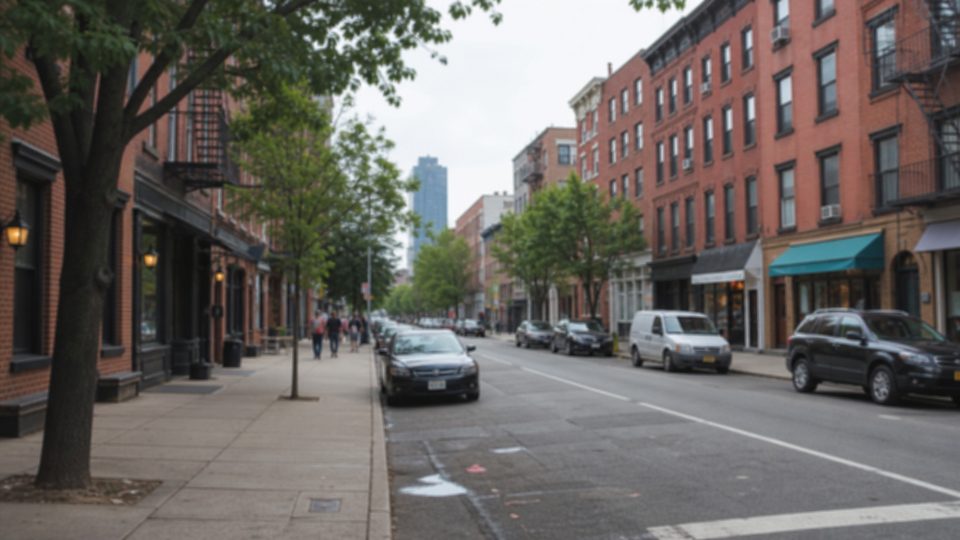
960x540 source, upscaled 4x to 3840x2160
960x540 source, upscaled 4x to 3840x2160
960x540 source, upscaled 4x to 3840x2160
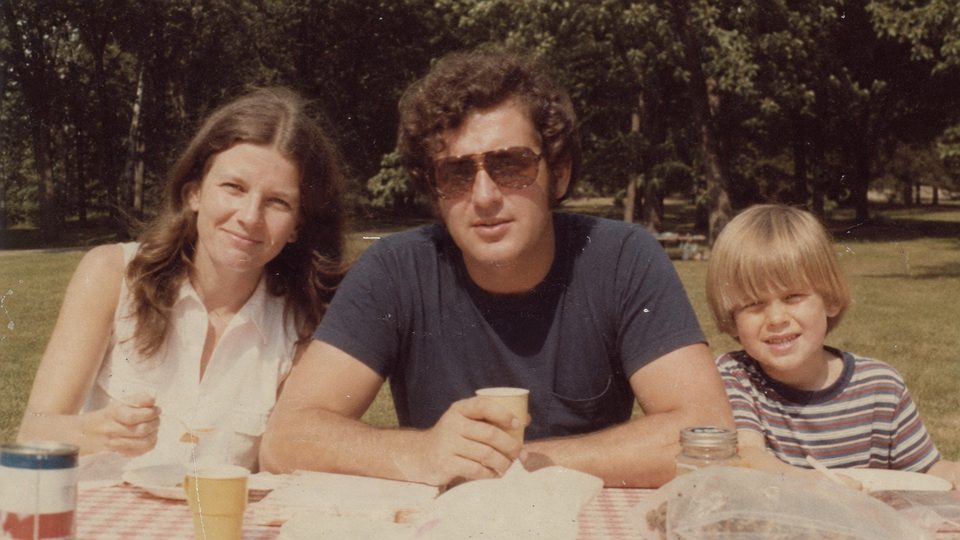
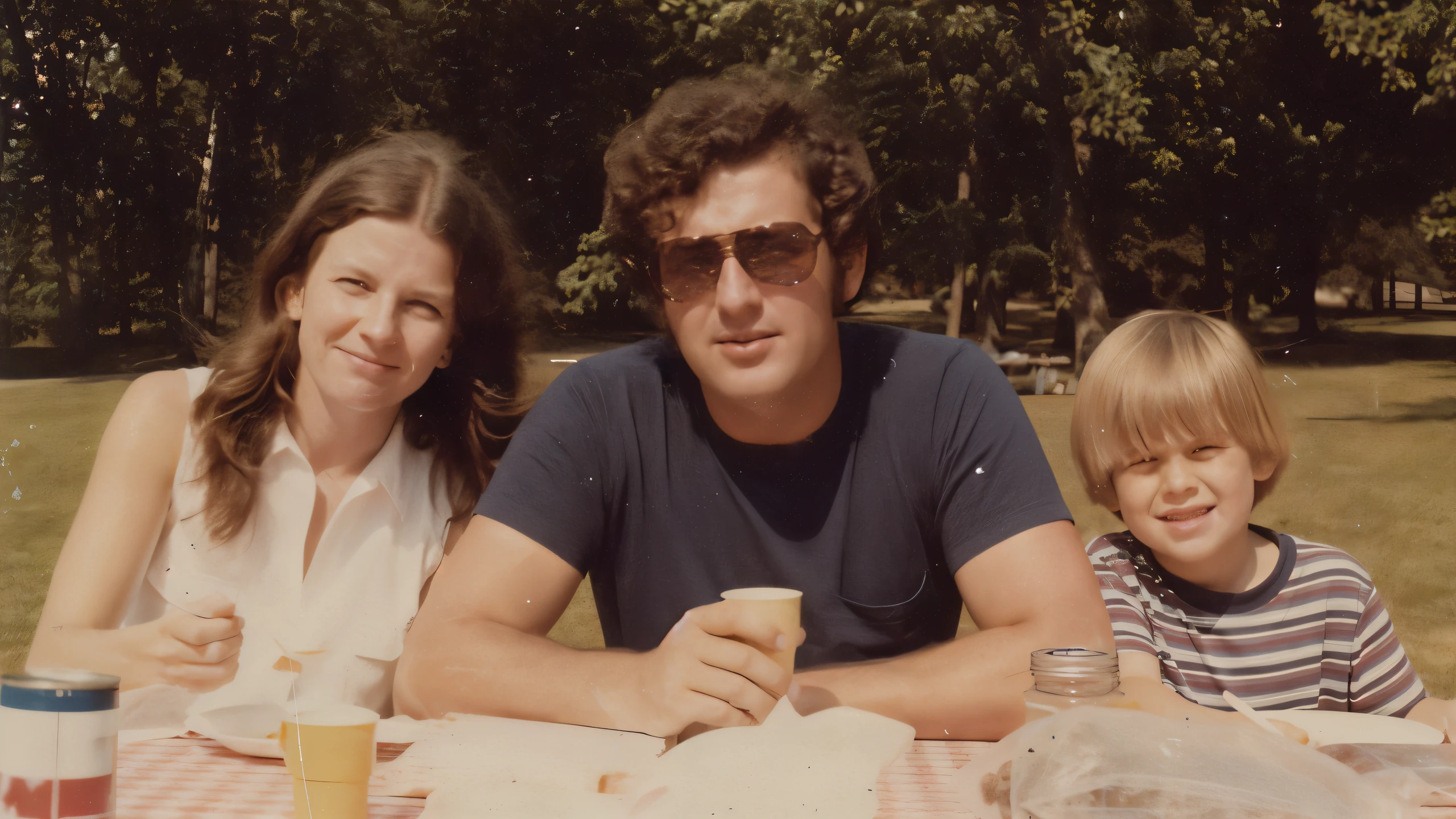
960x540 source, upscaled 4x to 3840x2160
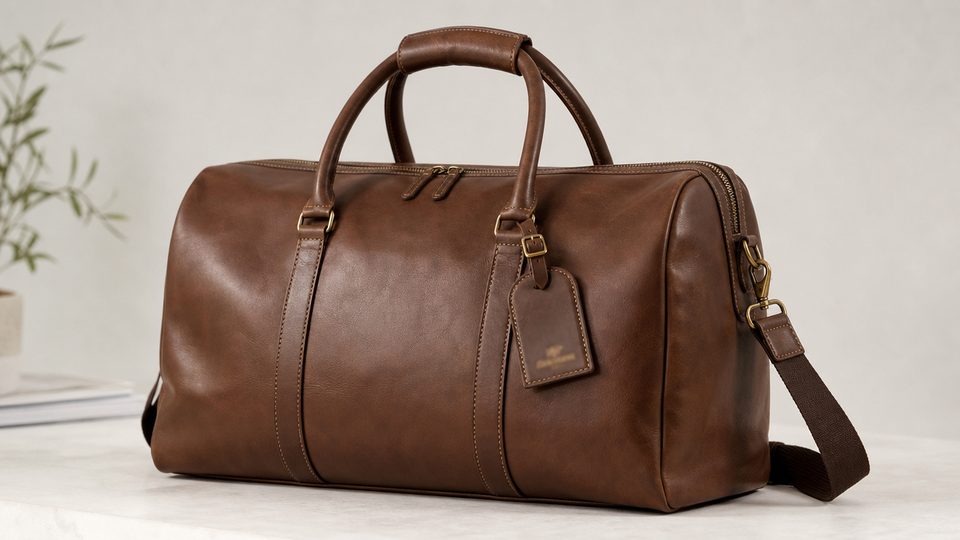
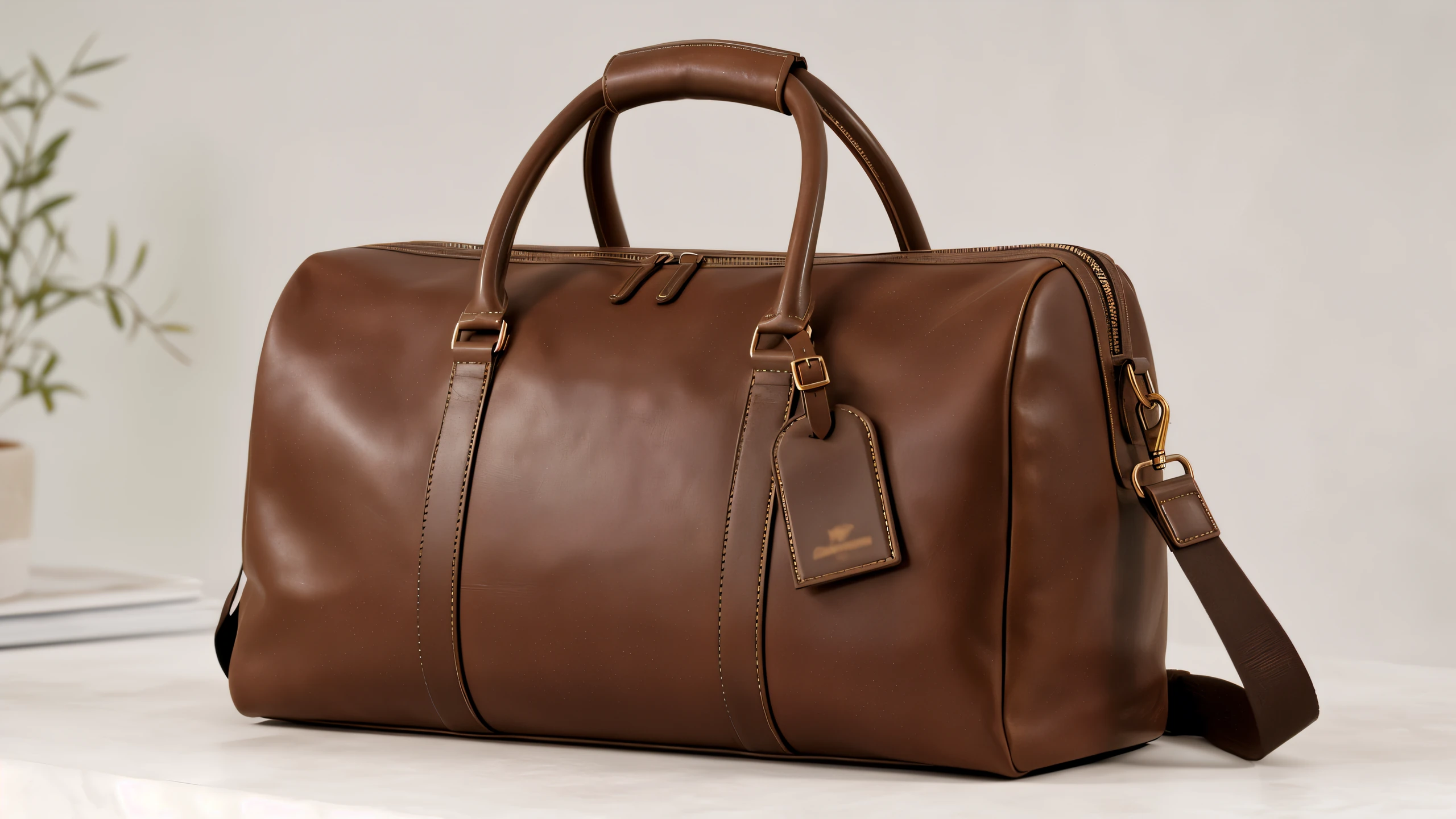
960x540 source, upscaled 4x to 3840x2160
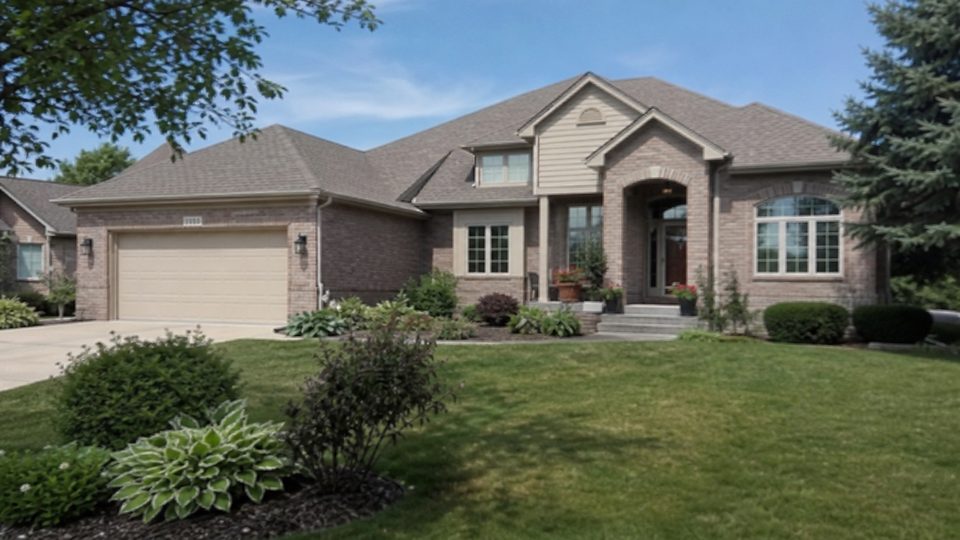

960x540 source, upscaled 4x to 3840x2160
Choose any scale factor from 1x to 4x, with input images accepted up to 2048x2048. Output dimensions grow with the selected scale, reaching 8192x8192 from a maximum-size square input.

Creativity controls how freely the diffusion process synthesizes new texture, while resemblance guides it toward the source. Lower creativity is safer for real people and products, but no setting guarantees exact identity or detail.


The model processes the image with tiled diffusion and structural guidance, creating plausible texture where the source is soft or compressed. It can make foliage, fabric, wood, and stone look richer, but aggressive settings may produce artificial grain or invented patterns.


Optional hand correction can redraw hand regions, and sharpening from 0 to 10 can strengthen final edges. Hand correction may alter fingers, jewelry, or held objects, while excessive sharpening can create halos and brittle texture.



Choose the photo, scan, artwork, or product image you want to enlarge. The image must be no larger than 2048x2048 pixels.
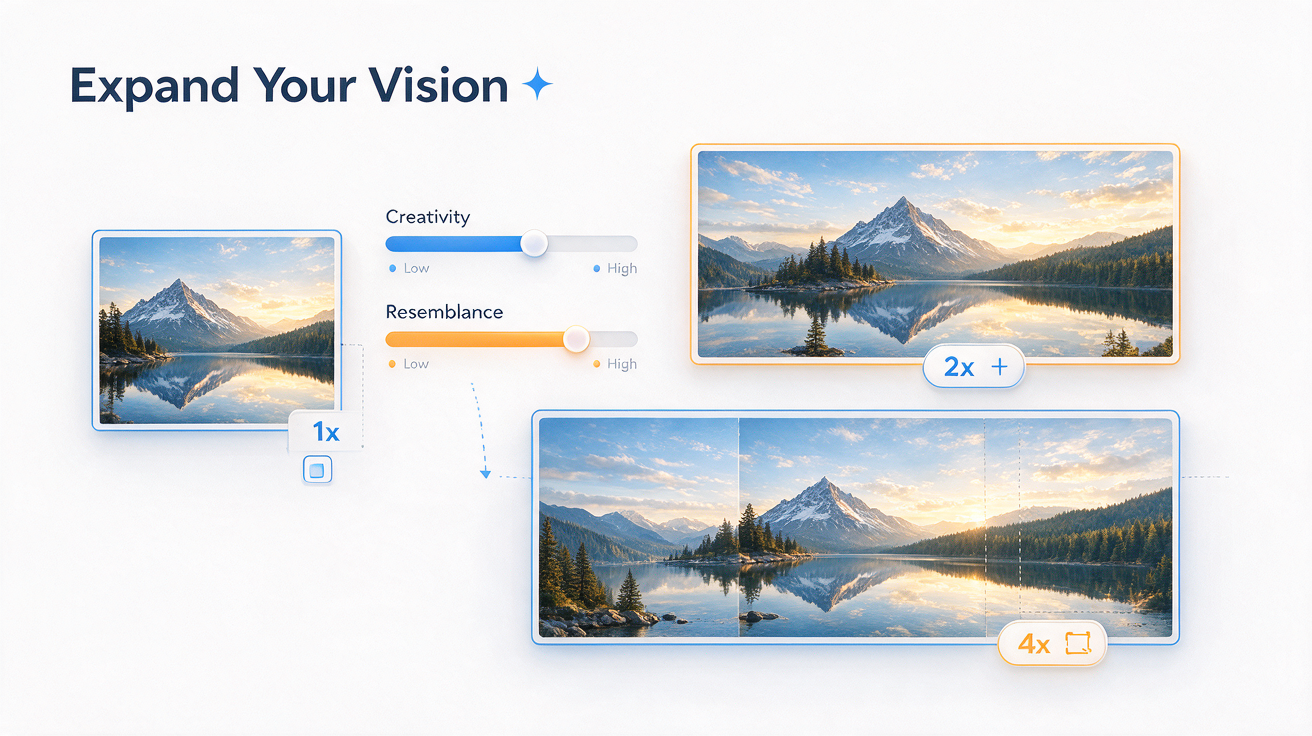
Select a scale factor from 1x to 4x. Start with lower creativity for faces, text, or products, then adjust resemblance, inference steps, hand correction, and sharpening as needed.

Save the finished image as PNG or JPG. Zoom in to check faces, hands, lettering, logos, and repeated patterns before using the result.
Runs on credits — no per-model surcharges, no surprise billing.