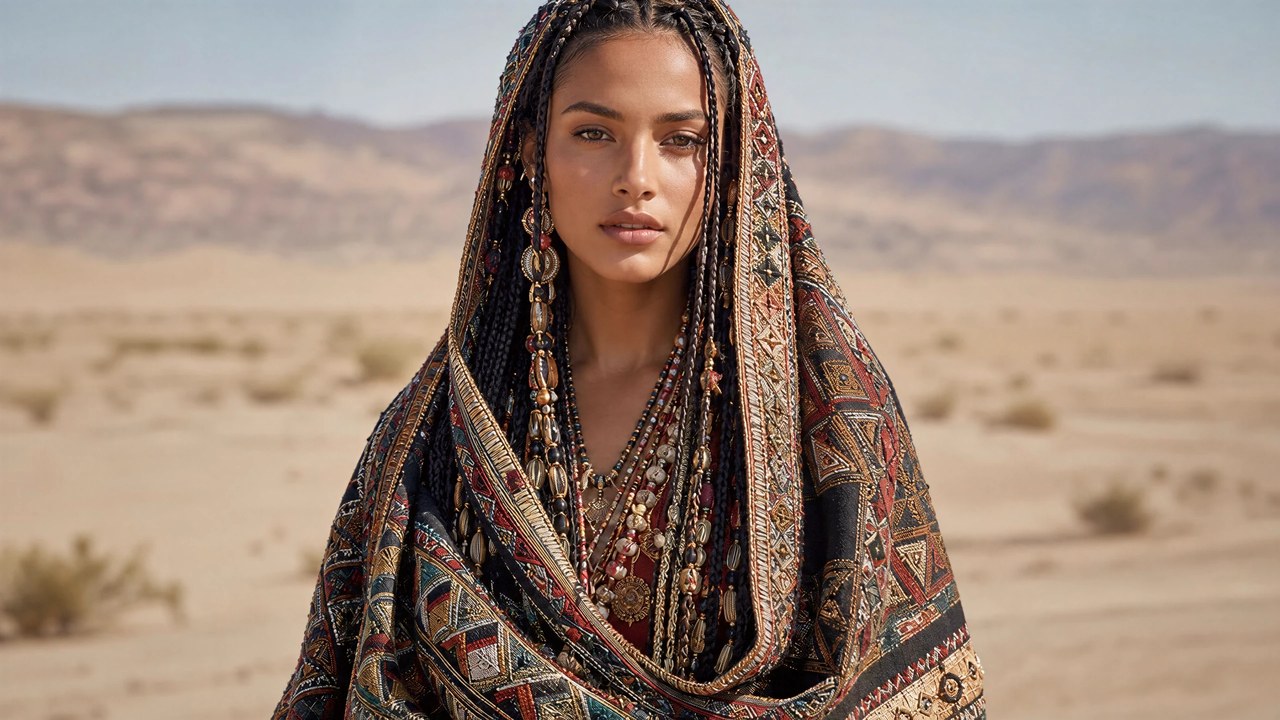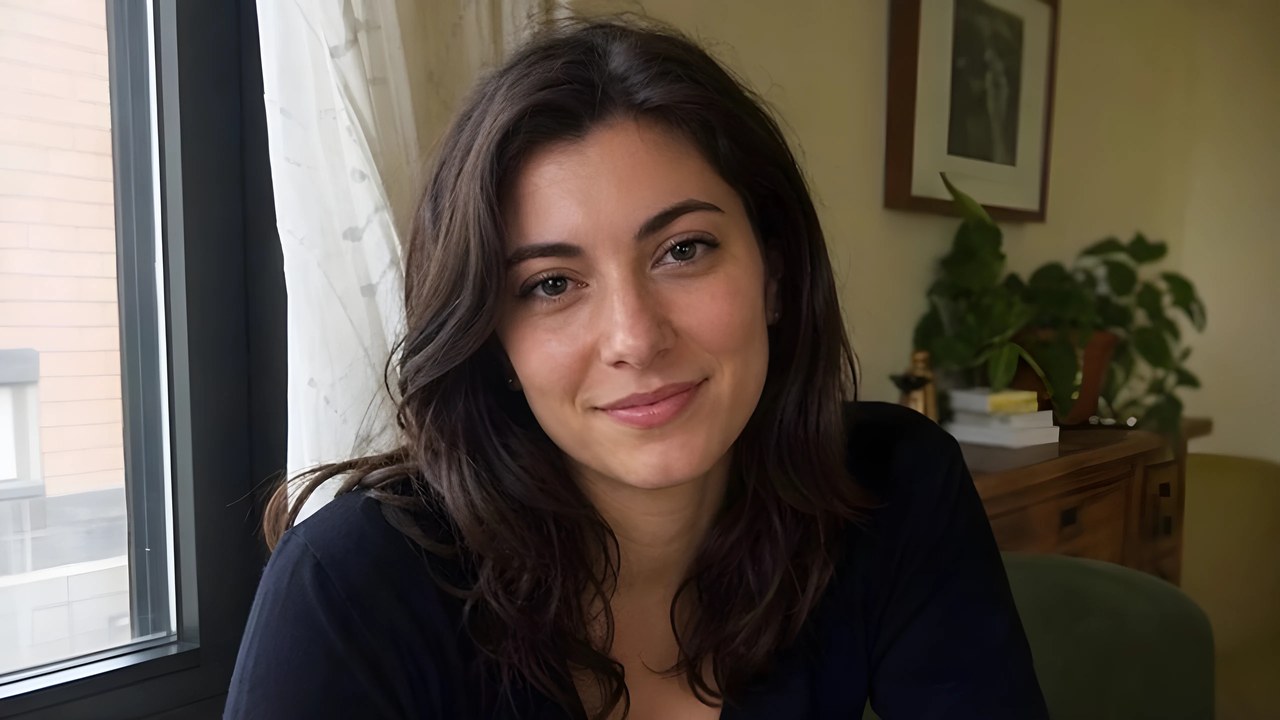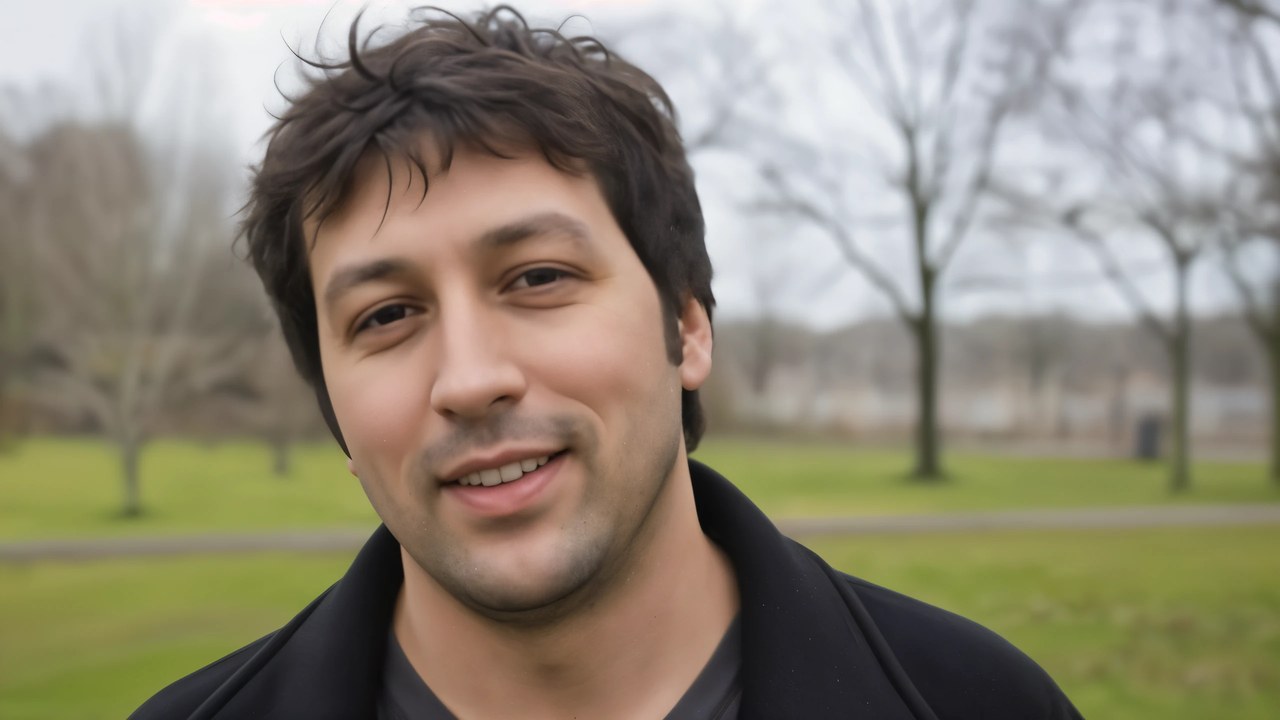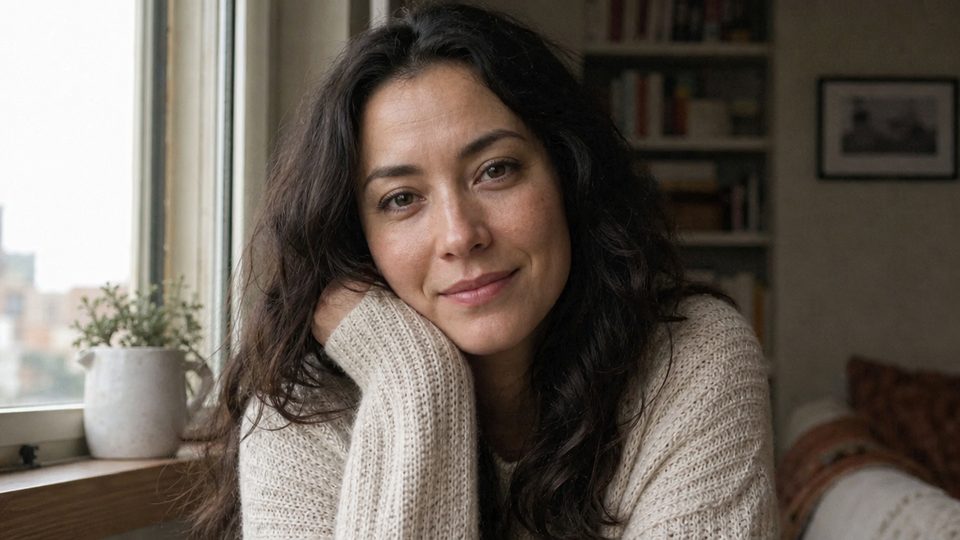
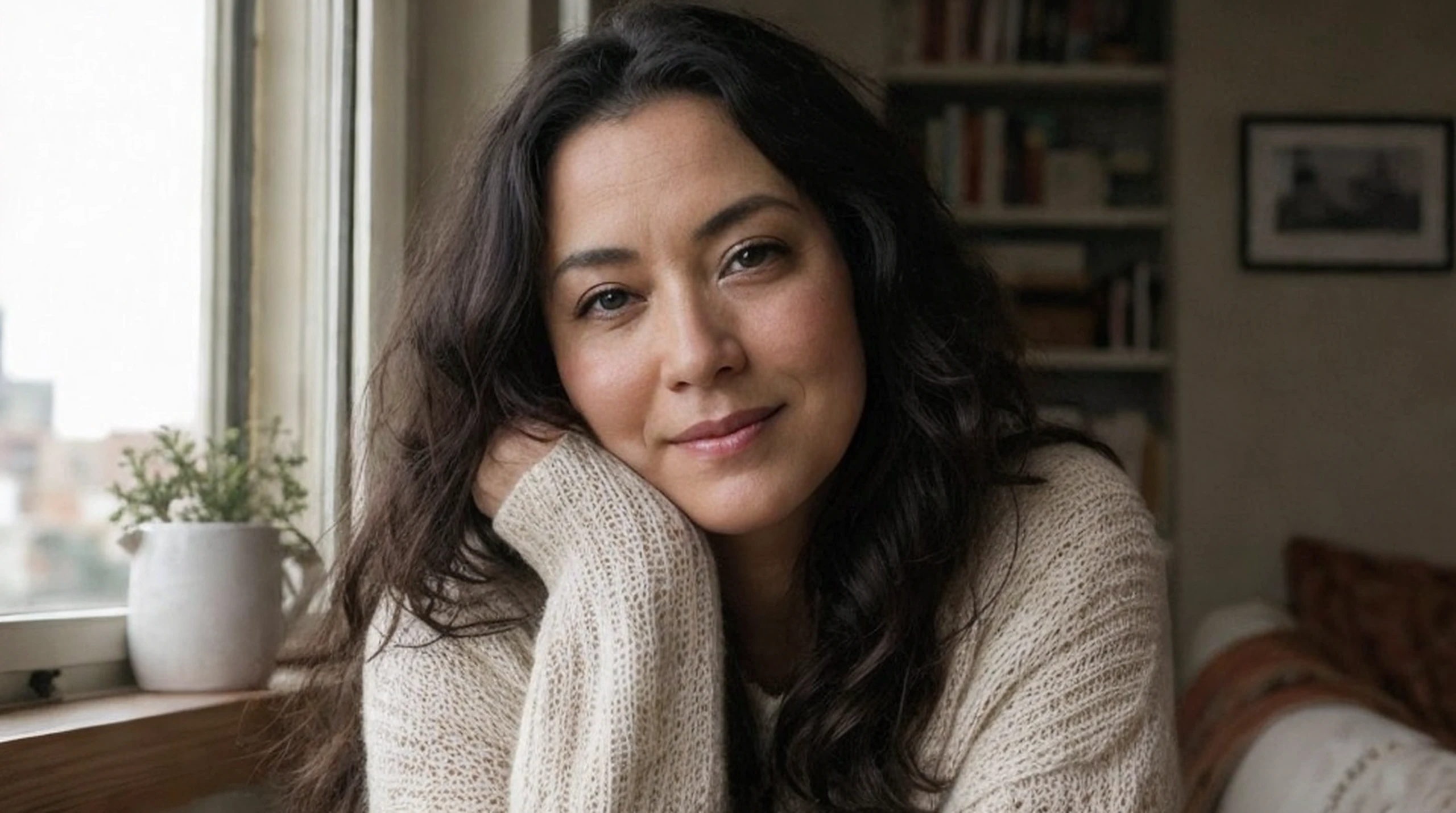
Enlarge a small portrait.
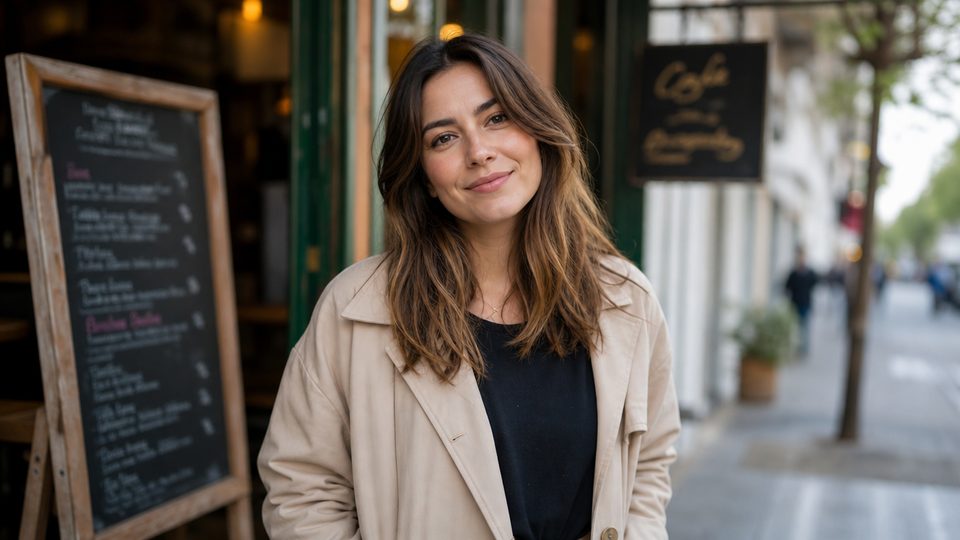
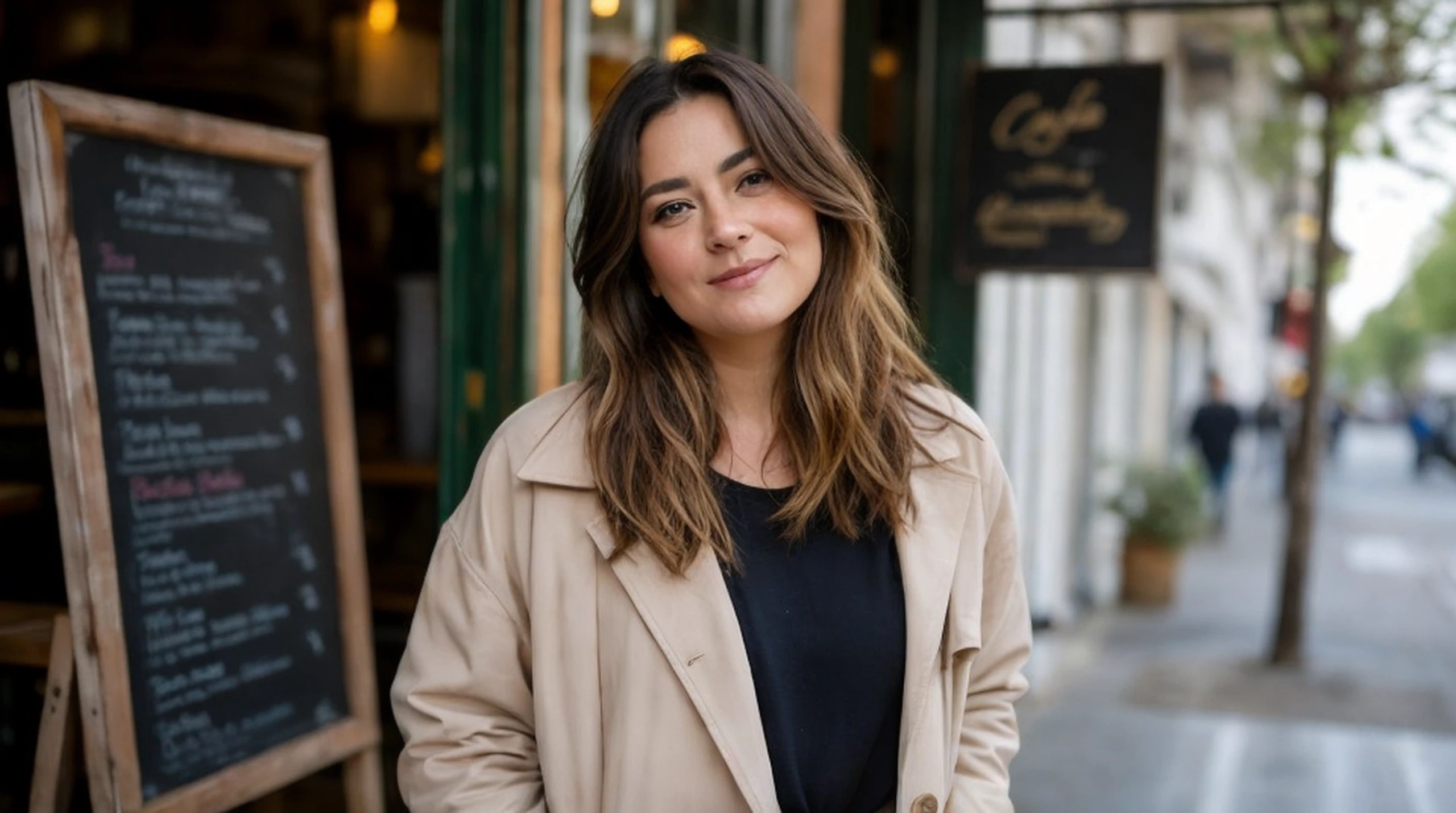
Add plausible hair, fabric, and skin texture while using low creativity to reduce changes to facial identity.960x540 source, upscaled 1x to 960x536
Control how much new texture it invents while keeping the result close to your source.
Drag the divider to compare. Upload your own image to run it.
From this.
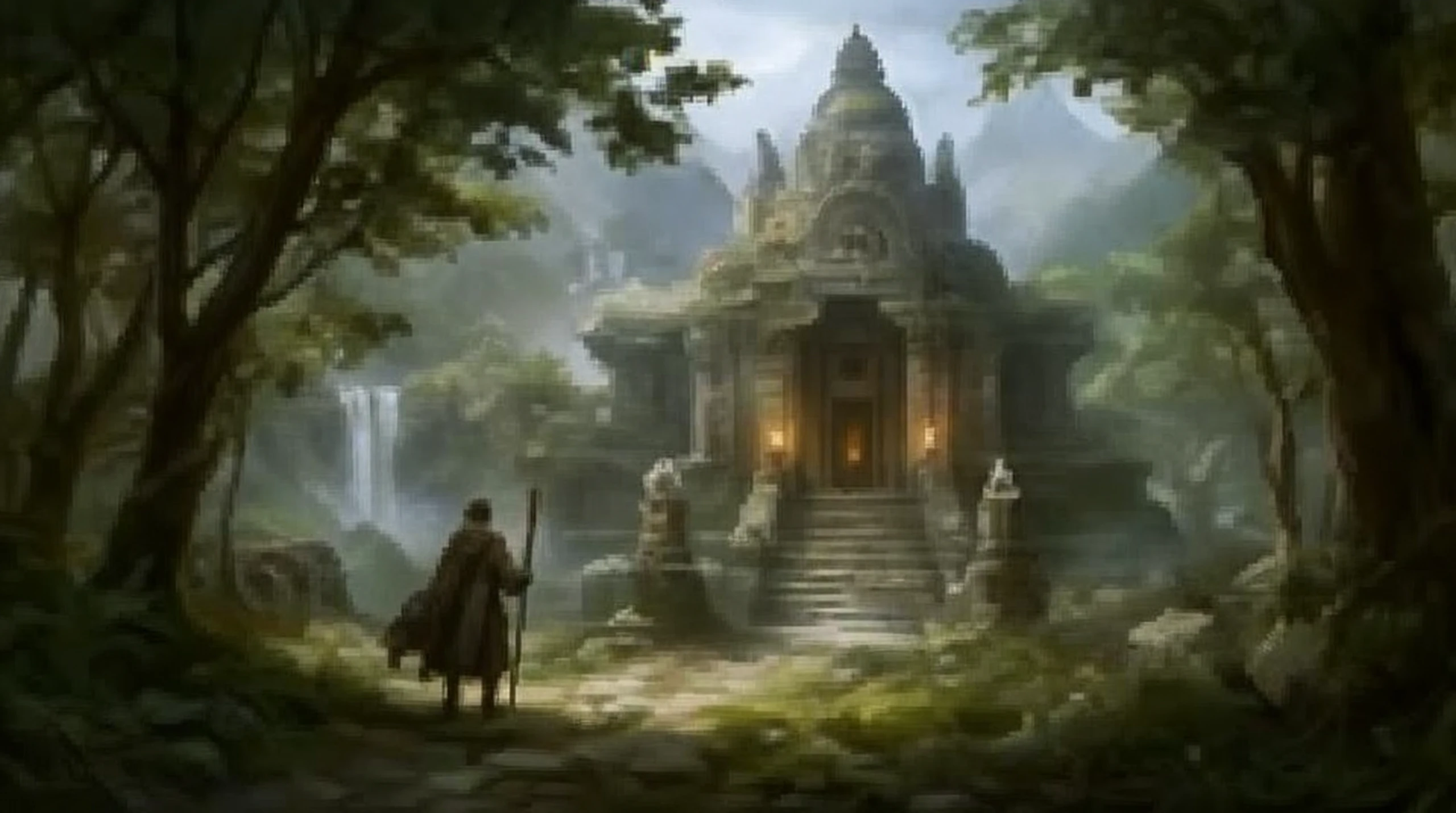
To this.
960x540 source, upscaled 1x to 960x536
960x540 source, upscaled 1x to 960x536
960x540 source, upscaled 1x to 960x536
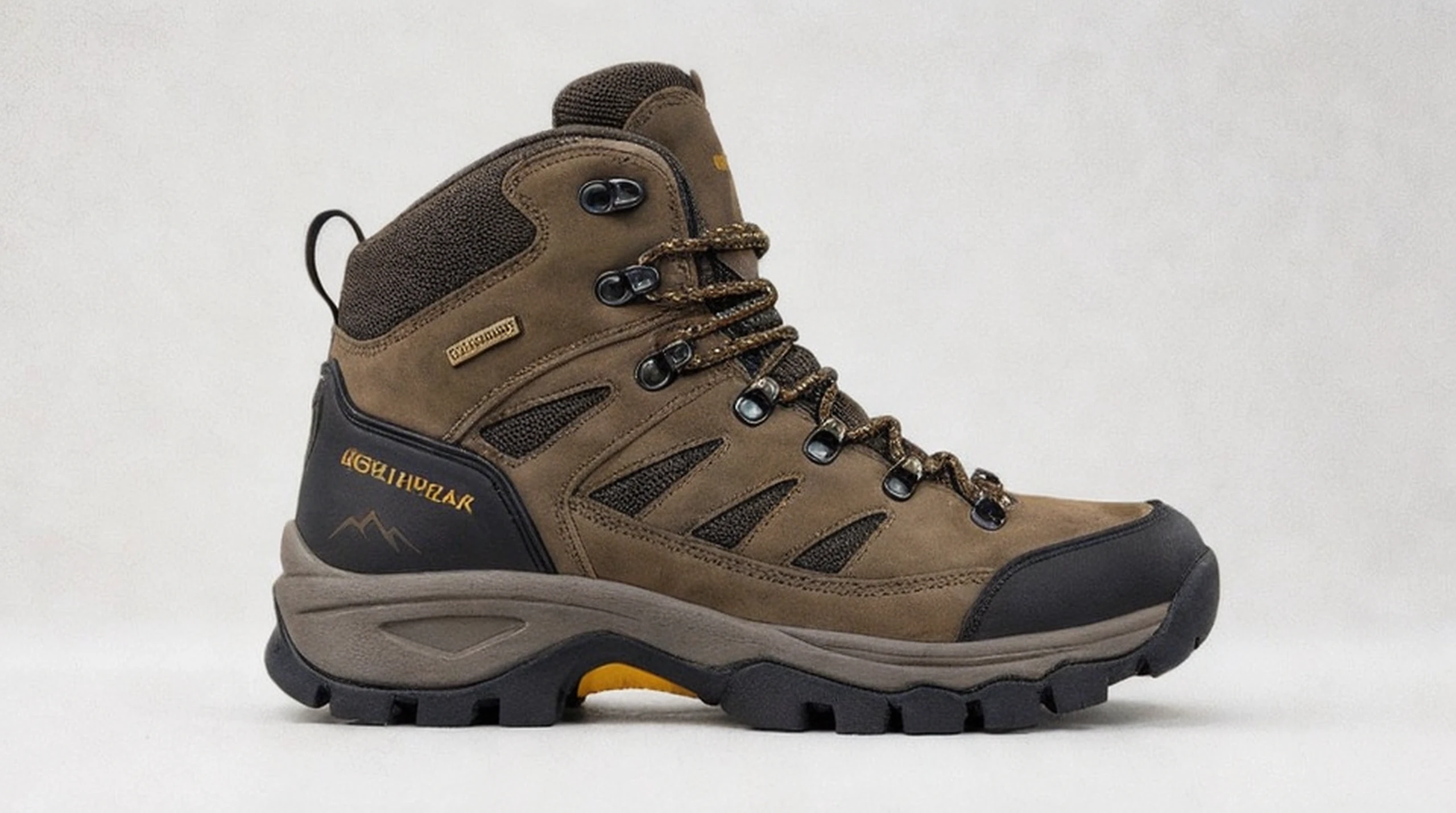
960x540 source, upscaled 1x to 960x536
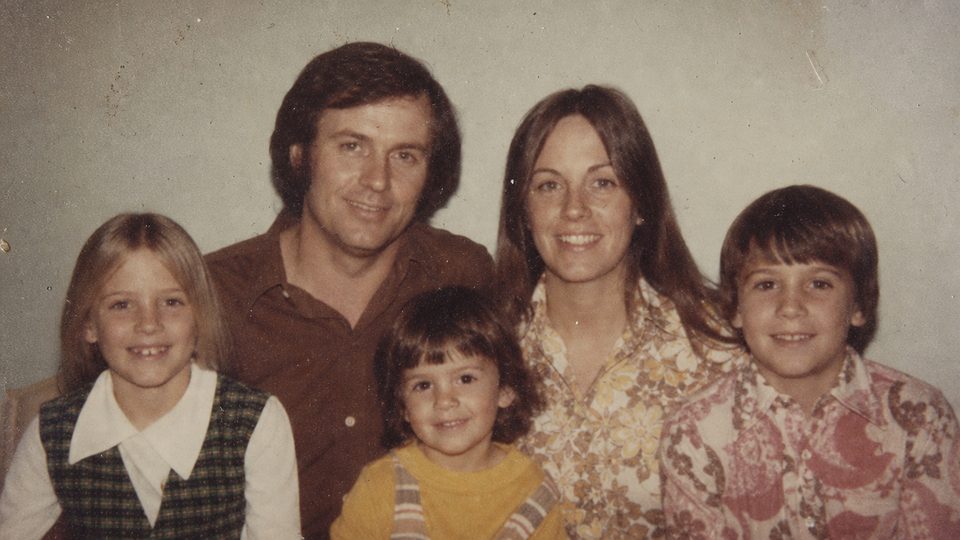
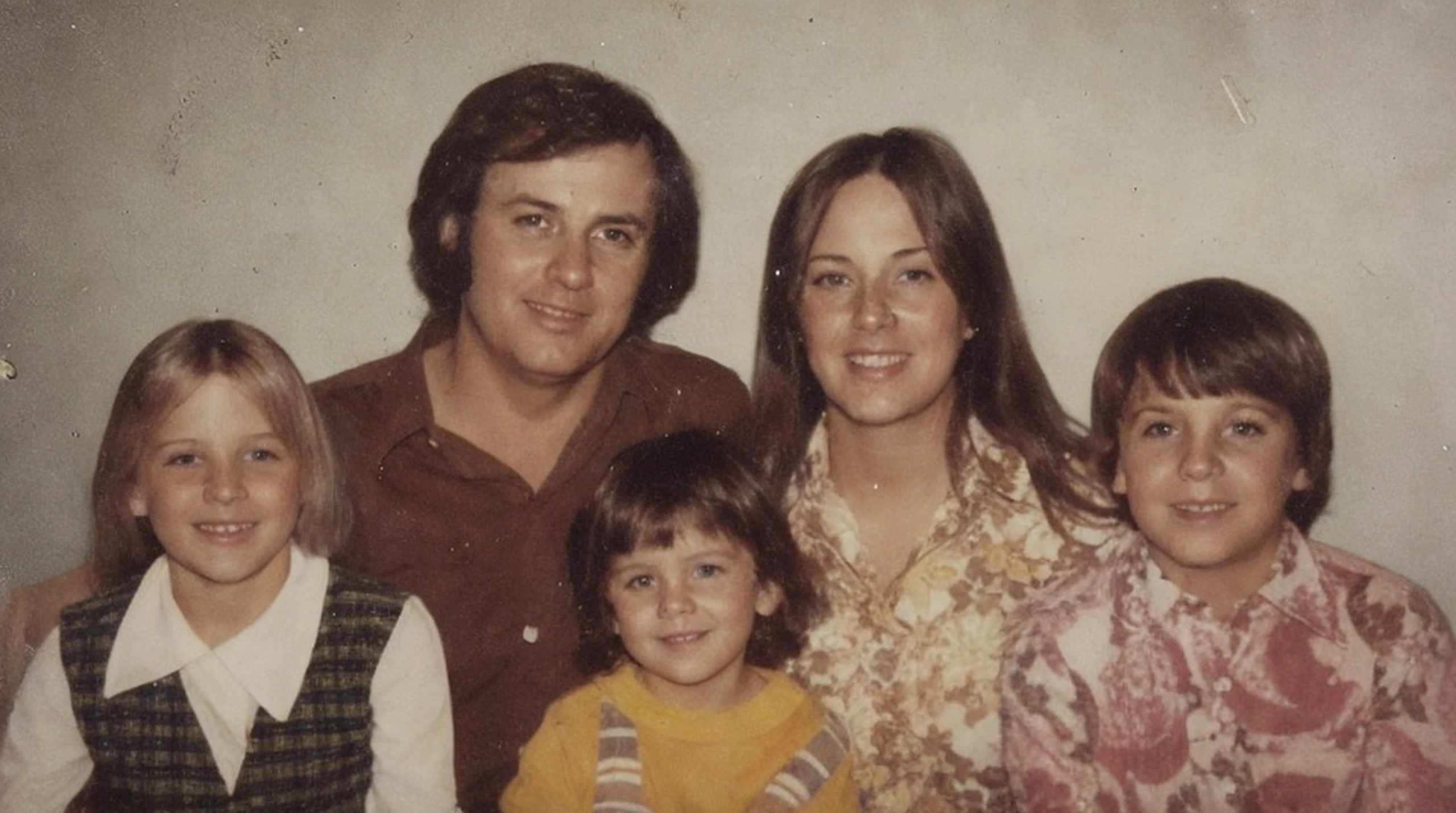
960x540 source, upscaled 1x to 960x536
Magic Image Refiner is diffusion-based, so it synthesizes plausible texture rather than recovering missing pixels. Creativity controls the strength of reconstruction, while resemblance helps constrain the result to the source.
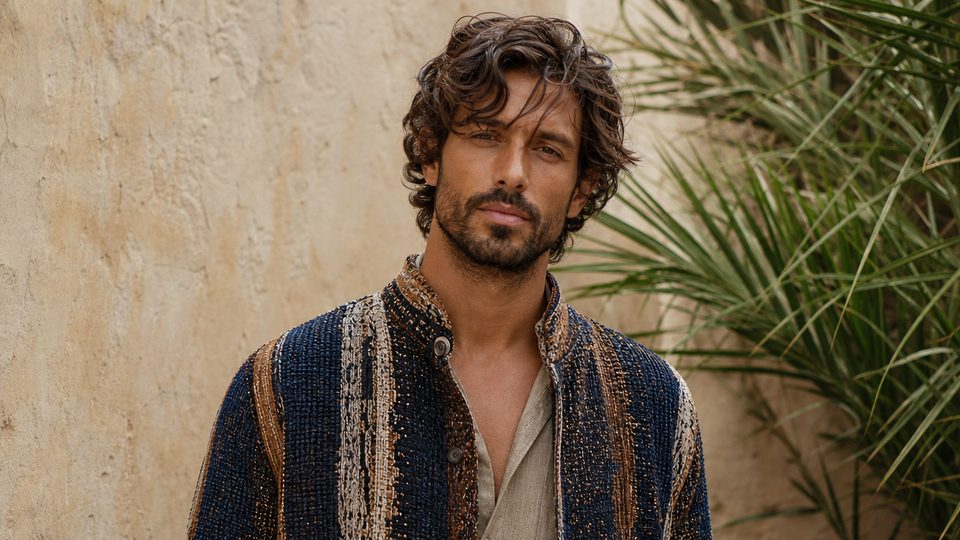
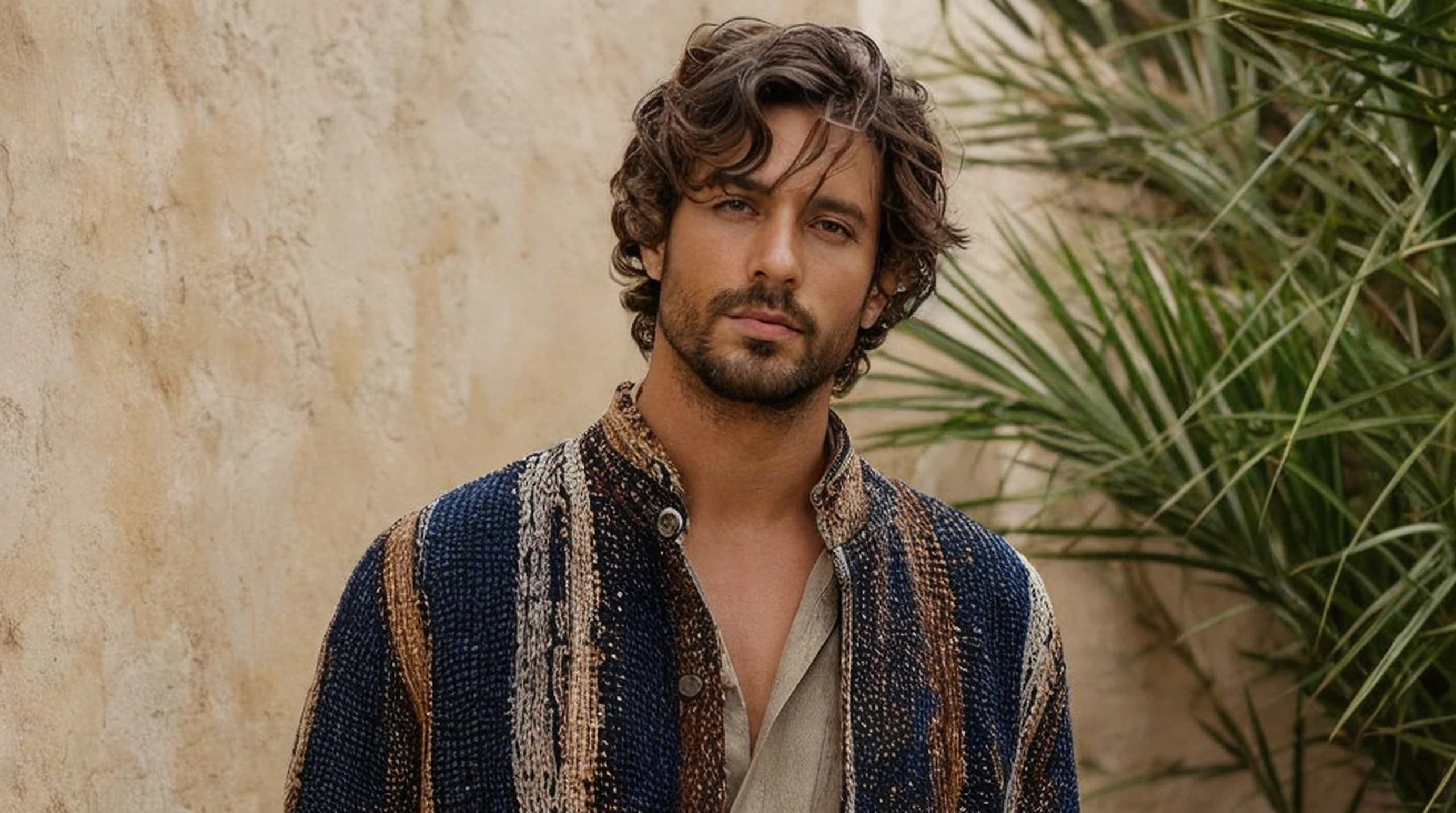
Choose original-size processing or a 1024px or 2048px short-edge target. The long edge follows the image shape with internal rounding, so this is not a fixed 2x or 4x enlargement.
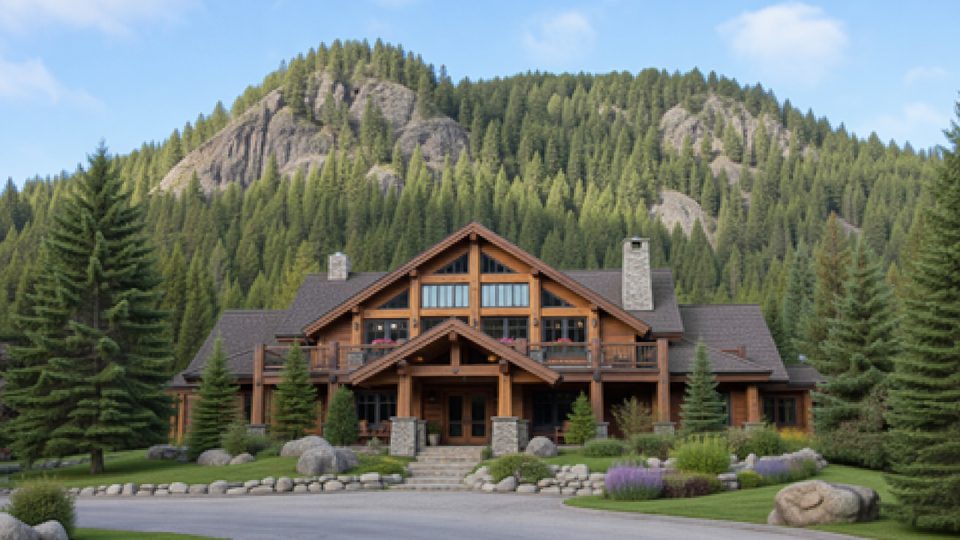
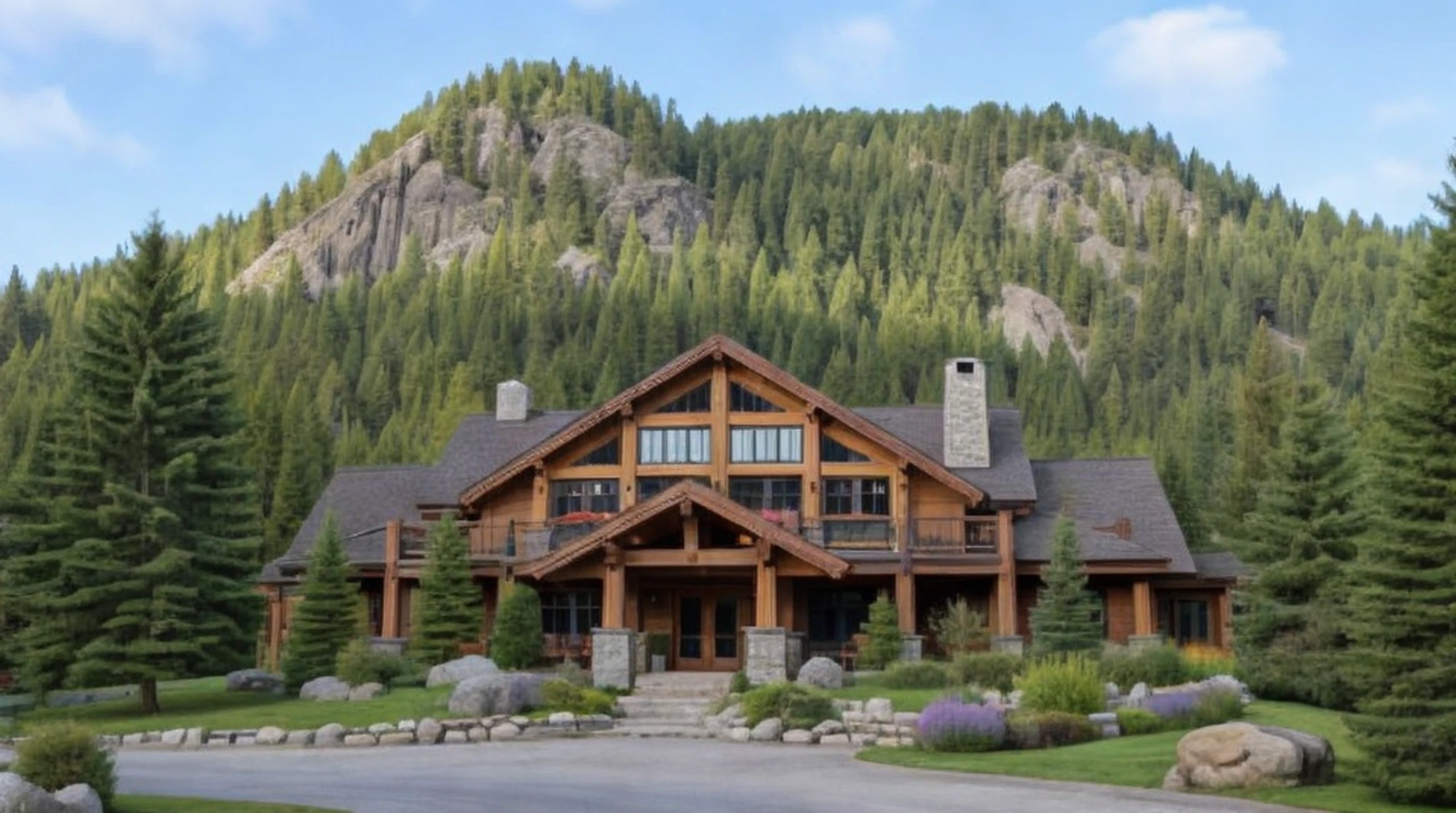
Tiled conditioning helps the model add coherent local detail across fabric, foliage, masonry, and digital artwork. Compression blocks and noise can still be reinterpreted as new texture, especially at higher creativity.
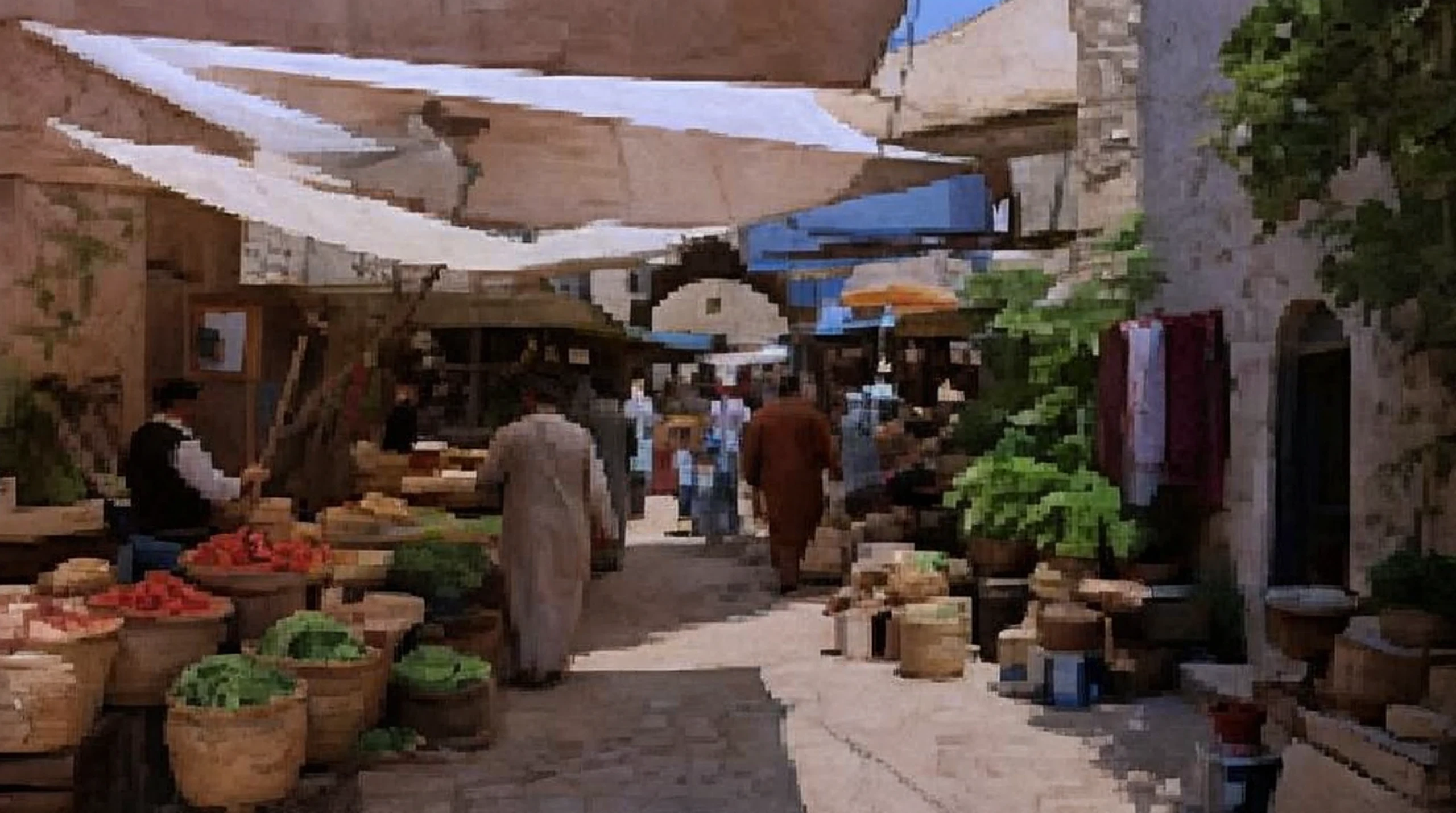
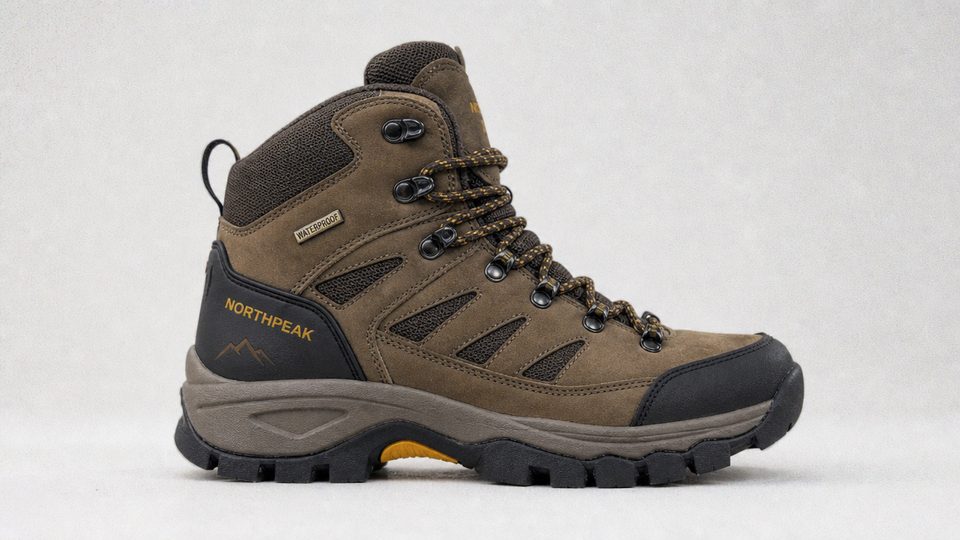
There is no separate face-restoration or text-preservation control. Low creativity and high resemblance can limit drift, but names, logos, facial features, and small lettering must be checked carefully.
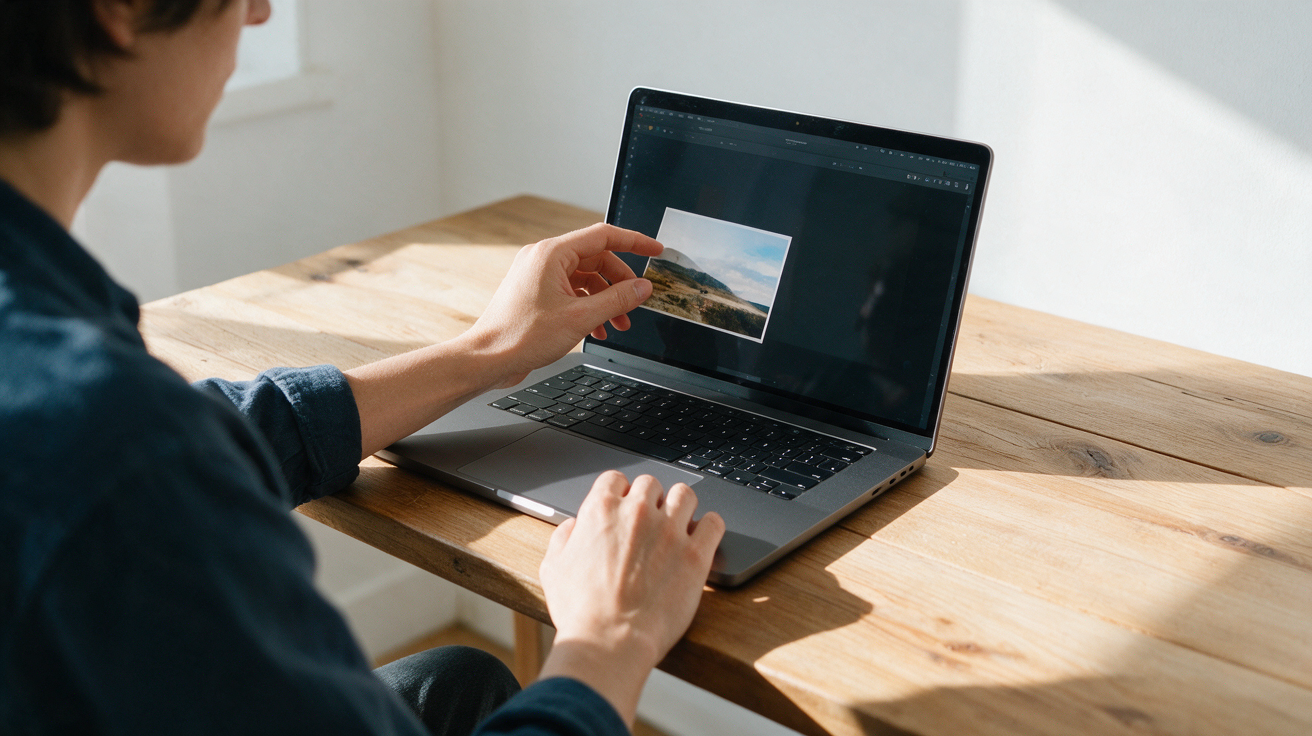
Choose the low-resolution or damaged image you want to refine. The uploaded image must fit within the 1024x1024 maximum input size.
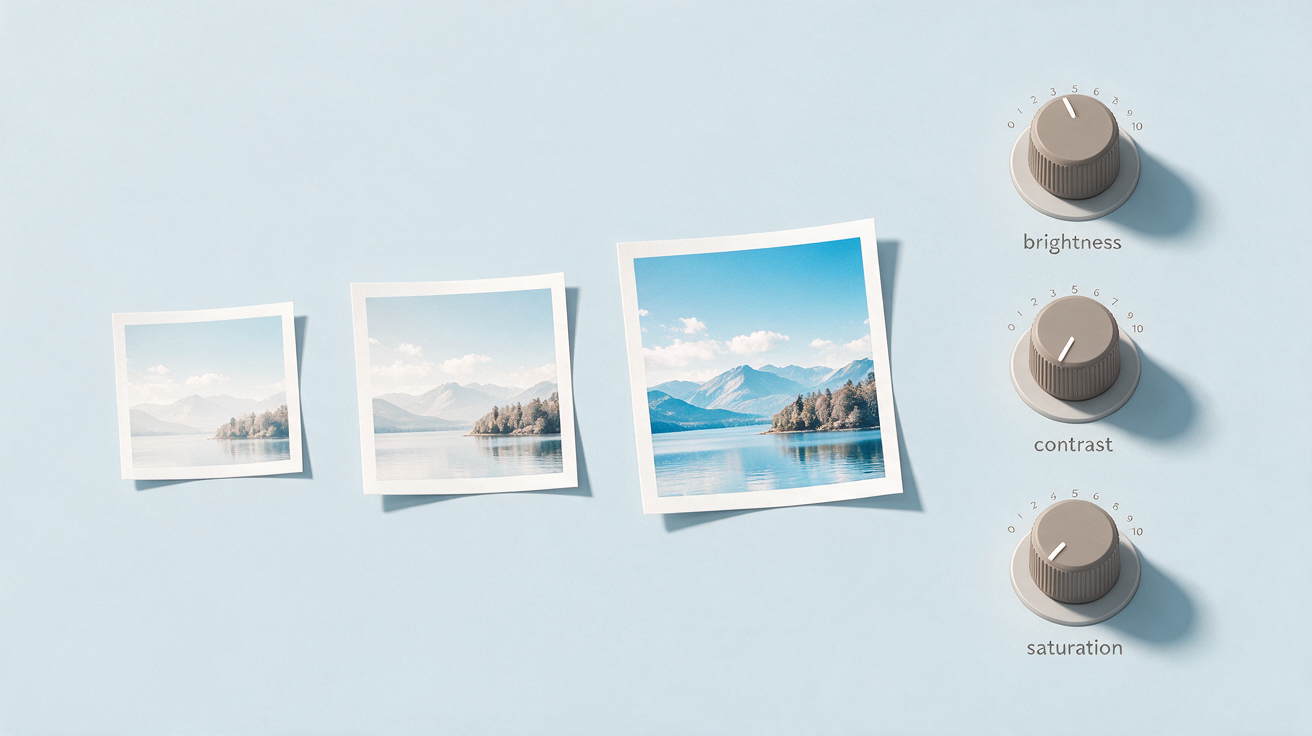
Pick original, 1024px, or 2048px short-edge processing. Adjust creativity, resemblance, and HDR, starting near the conservative defaults when faces, text, or products must remain recognizable.
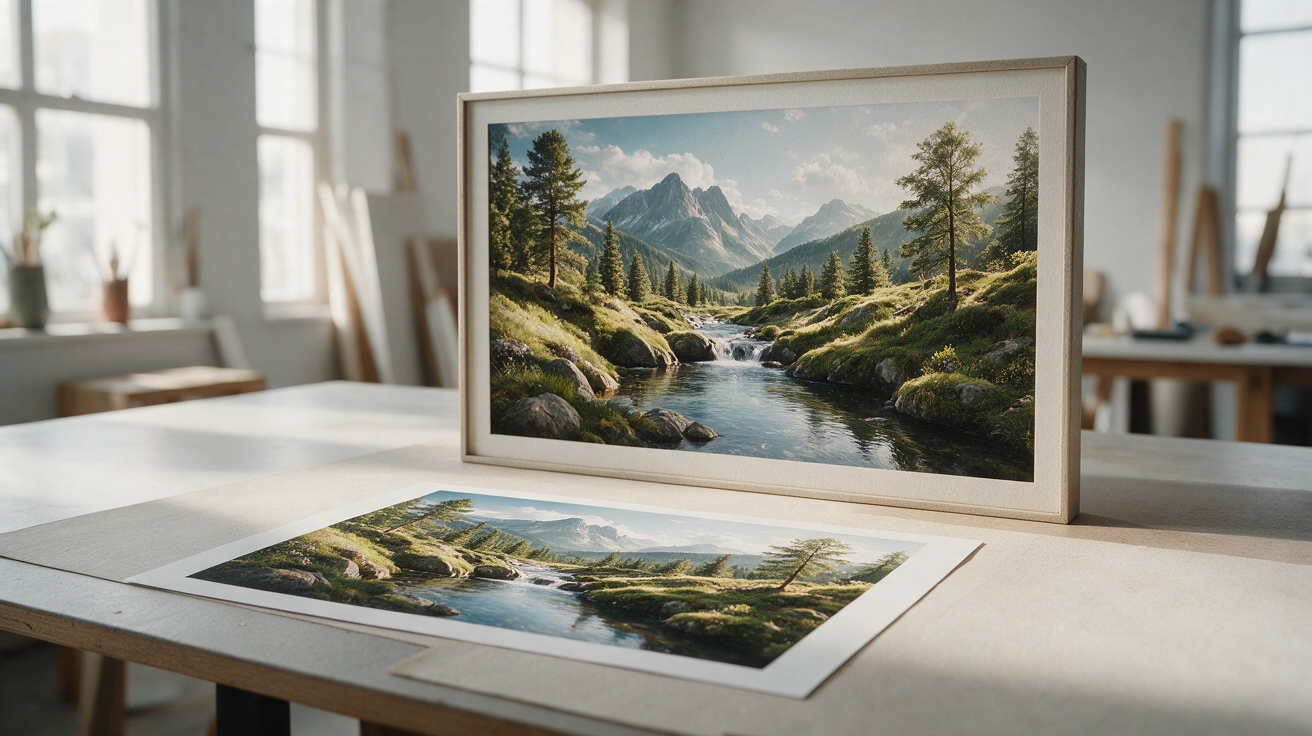
Compare the result with the source at full size, paying close attention to faces, text, logos, and repeated patterns. Download the accepted result as a PNG or JPG.
Runs on credits — no per-model surcharges, no surprise billing.