AI Scene Generator
Turn a short prompt into a complete visual scene
Generate original scenes from text prompts for storytelling, design, marketing, or moodboards. Describe the setting, lighting, style, and atmosphere, then let our AI create a polished image you can refine and download.
See It In Action
Real outputs from ai scene generator.
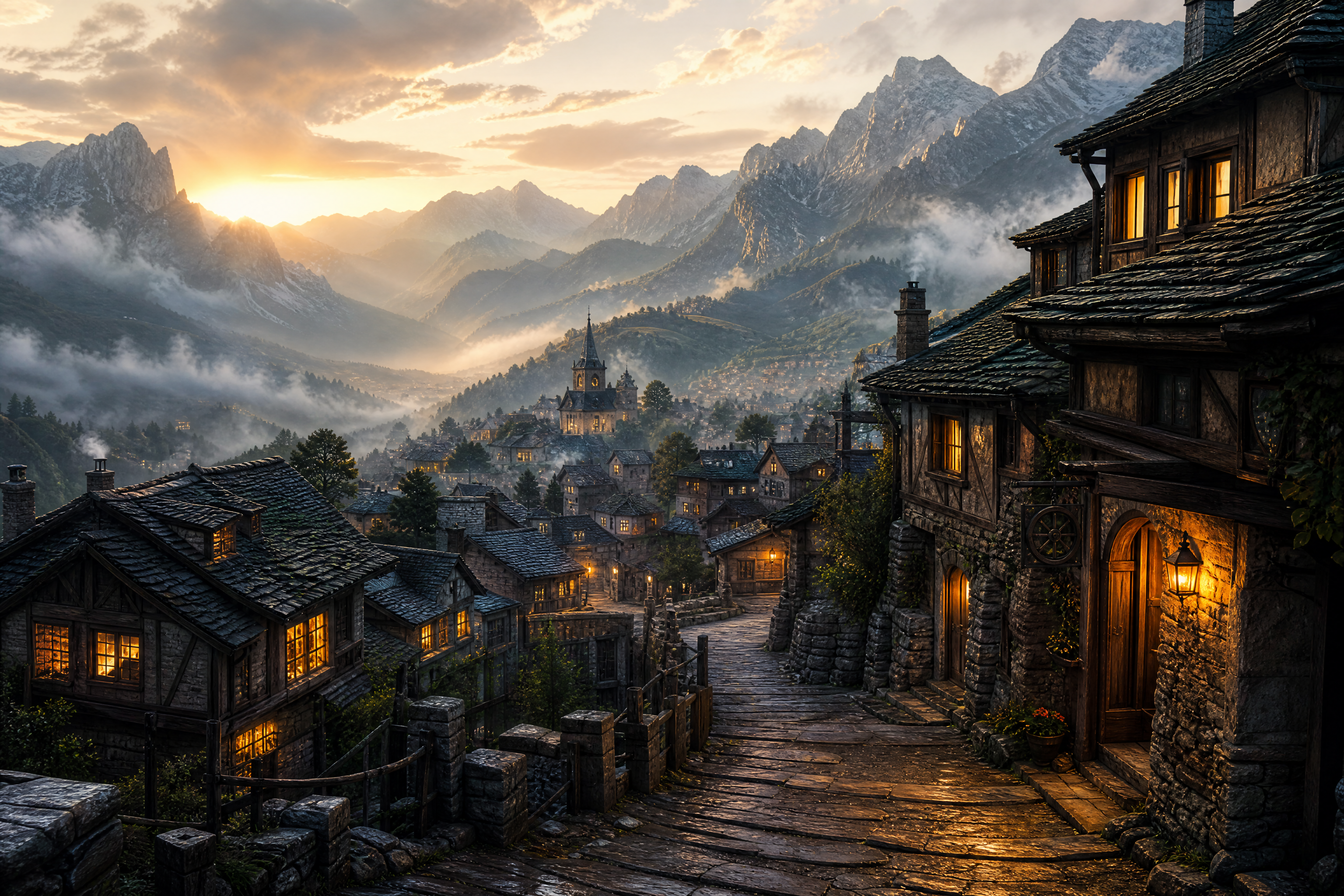
cinematic mountain village at sunrise, winding stone street, warm window lights, drifting fog, layered peaks in the distance, detailed environment concept art, dramatic lighting, wide composition
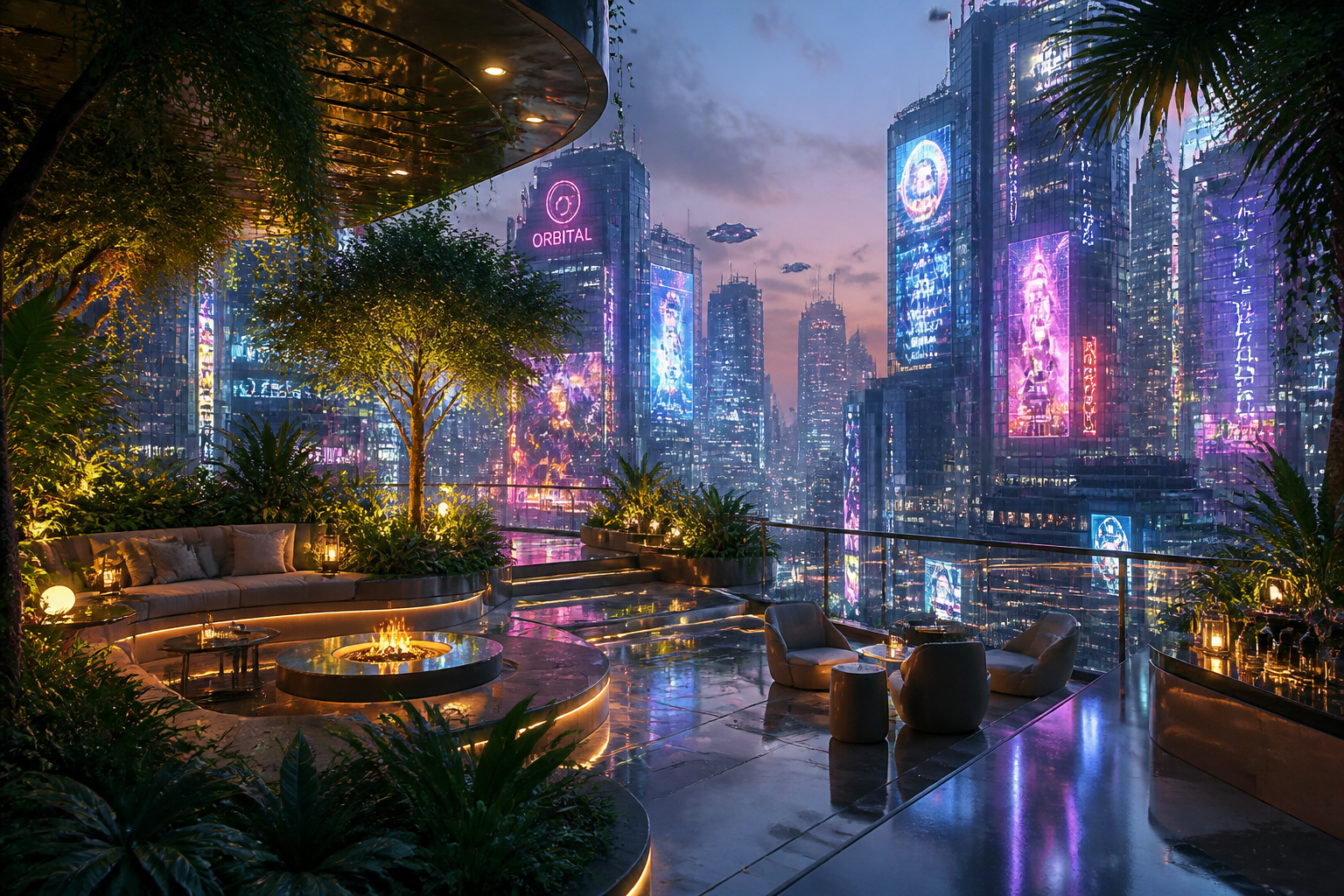
futuristic rooftop garden above a neon city, glowing signs reflected in glass towers, evening haze, lush plants surrounding modern seating, cinematic sci-fi illustration, wide composition
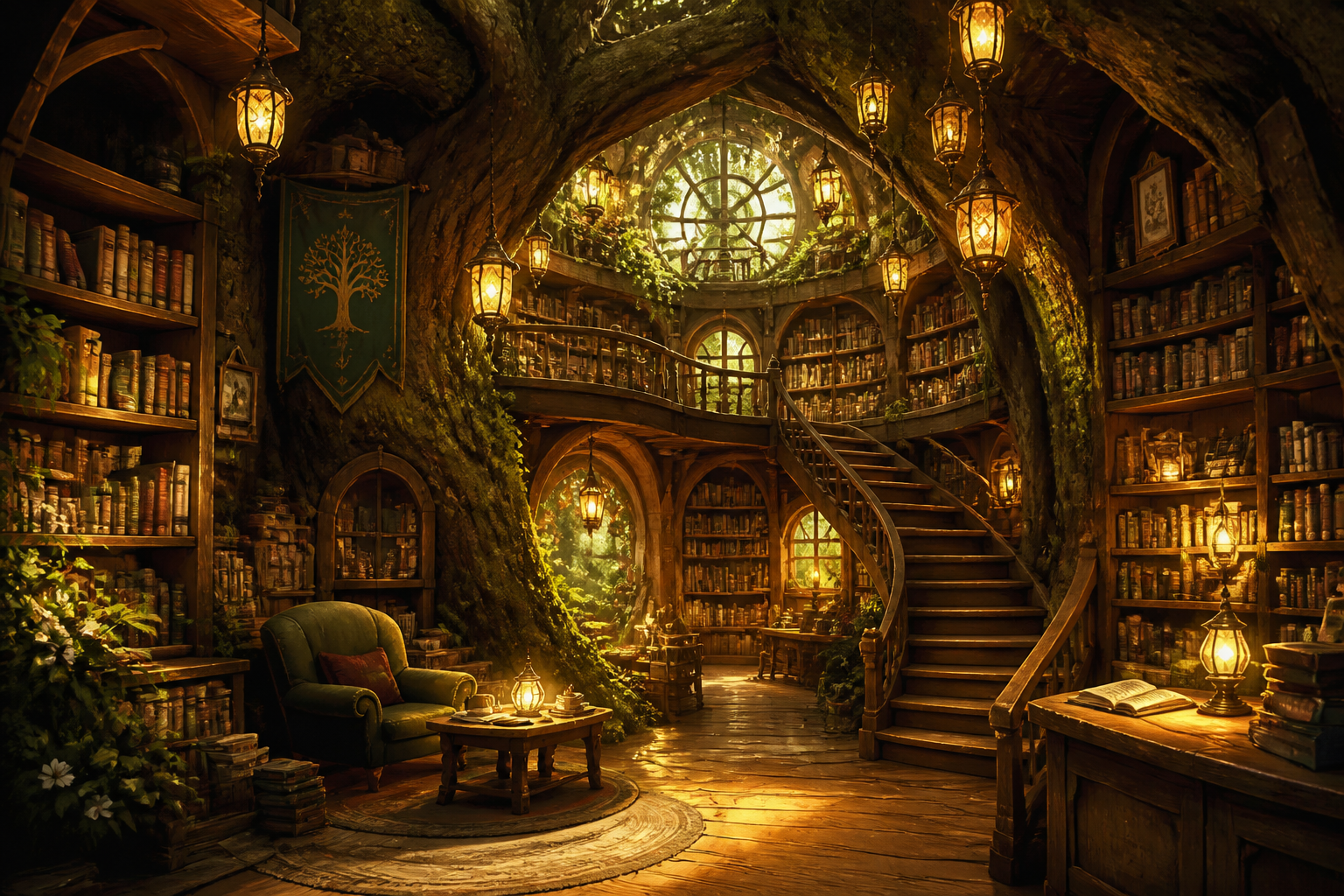
cozy fantasy library hidden inside a giant tree, curved wooden shelves, floating lanterns, mossy roots, golden ambient light, storybook illustration, wide interior scene
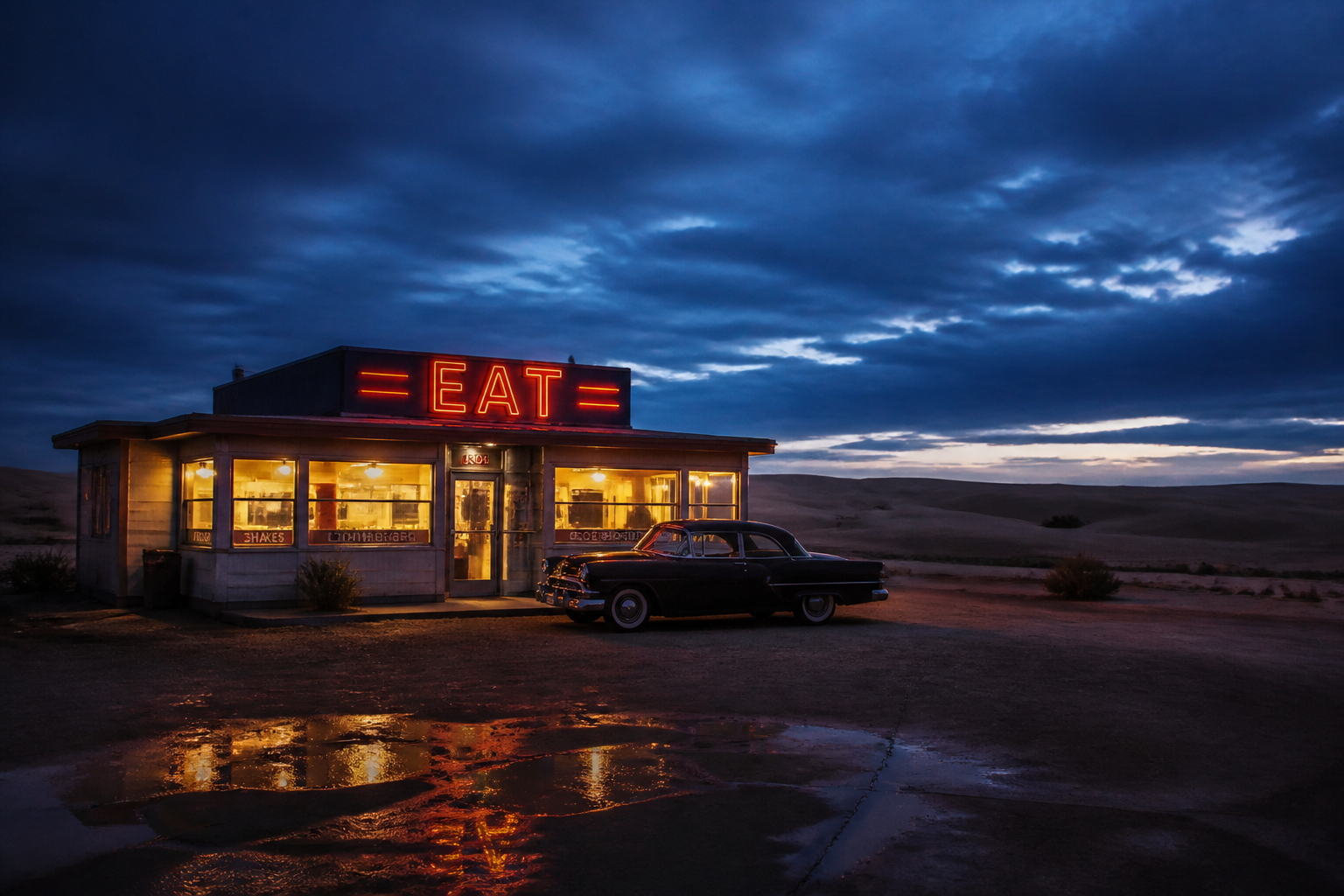
desert highway diner at blue hour, vintage building glowing against vast sand dunes, parked classic car silhouette, moody sky, photographic cinematic scene, wide framing
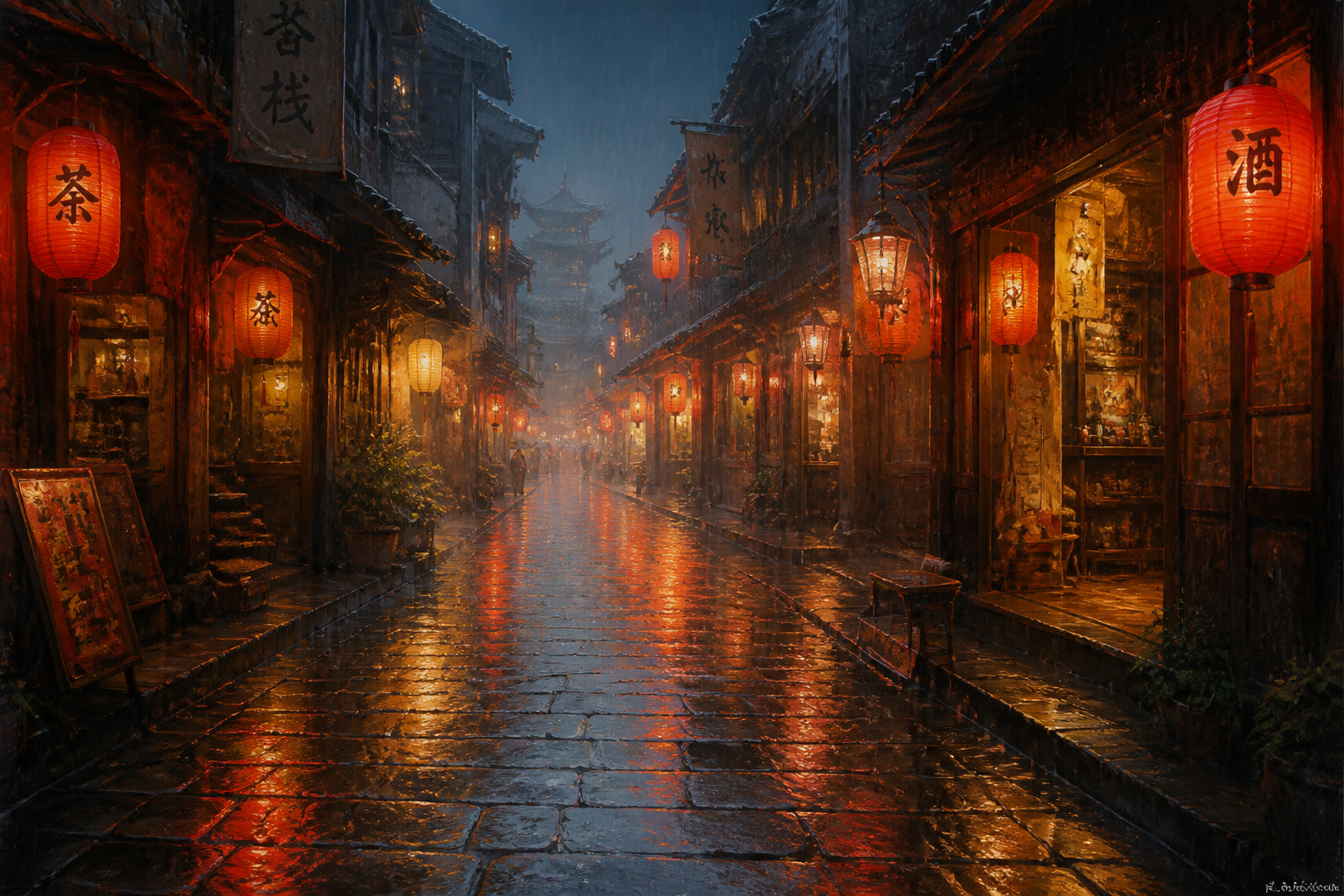
rainy old town alley with paper lanterns, wet cobblestones reflecting red and amber light, narrow shopfronts, atmospheric cinematic painting, wide perspective
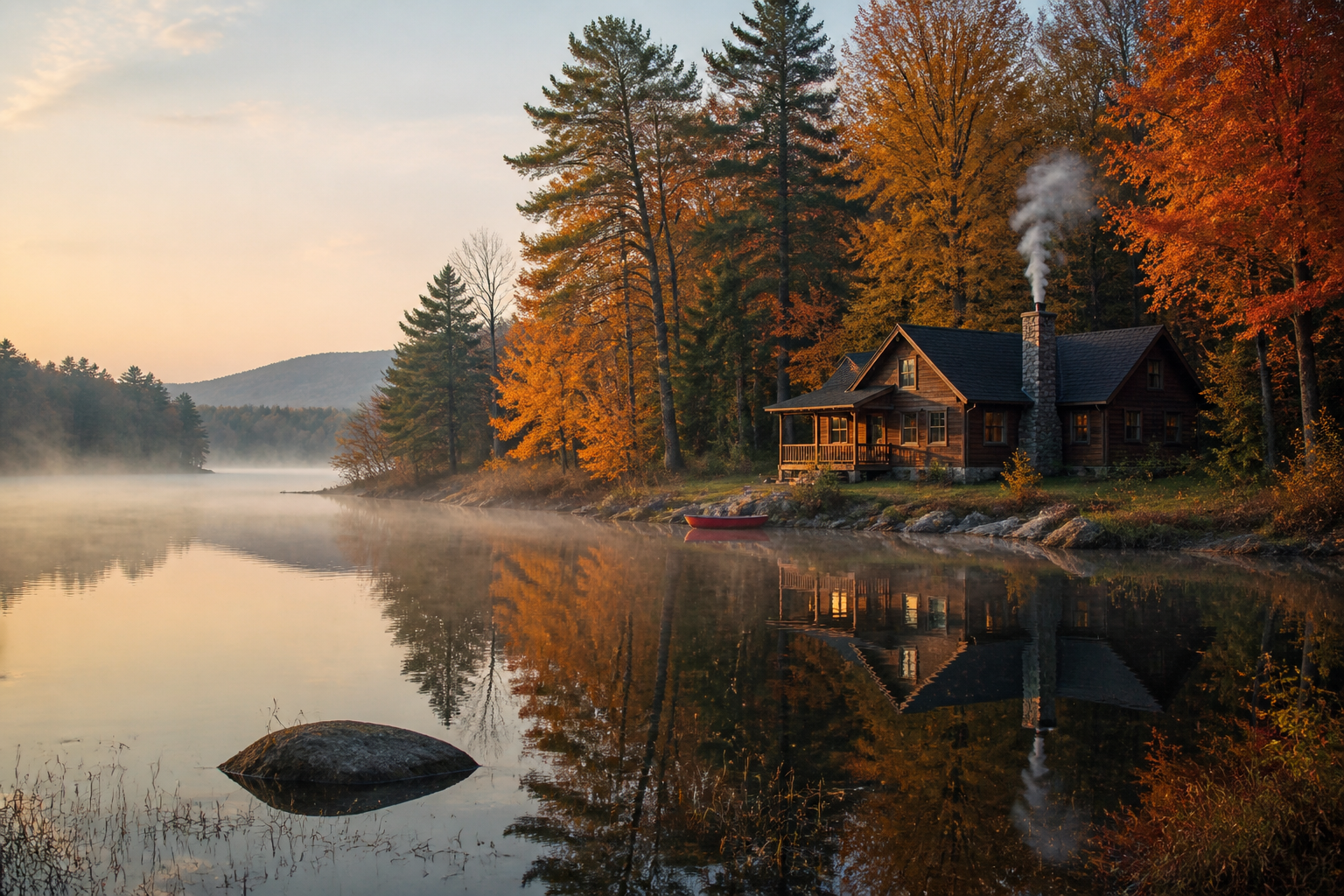
peaceful lakeside cabin in autumn, orange and gold trees, thin smoke from chimney, still water reflections, soft morning mist, realistic landscape scene, wide composition
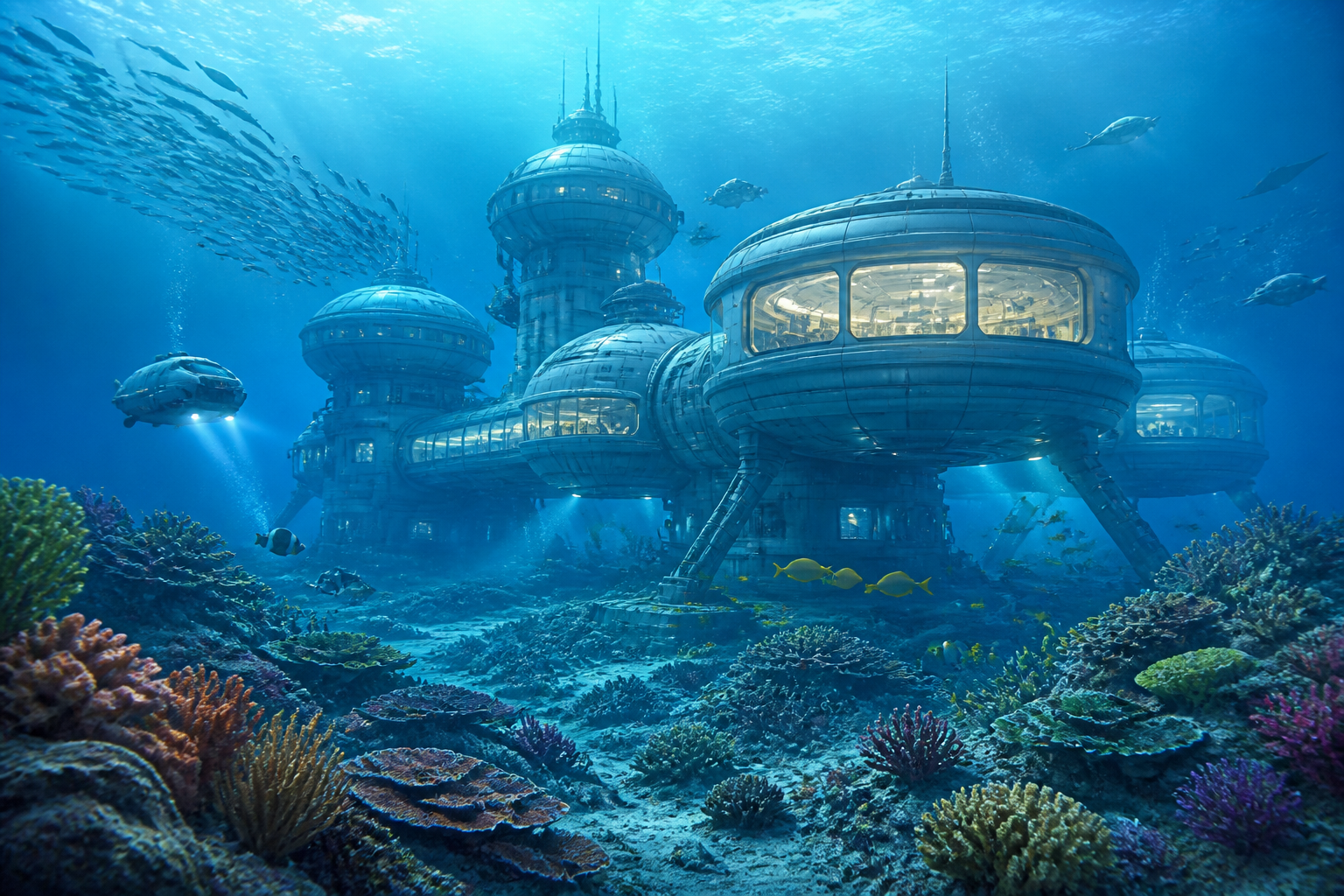
underwater research station seen through clear blue water, glowing observation windows, coral garden in the foreground, schools of fish, sleek sci-fi concept art, wide scene
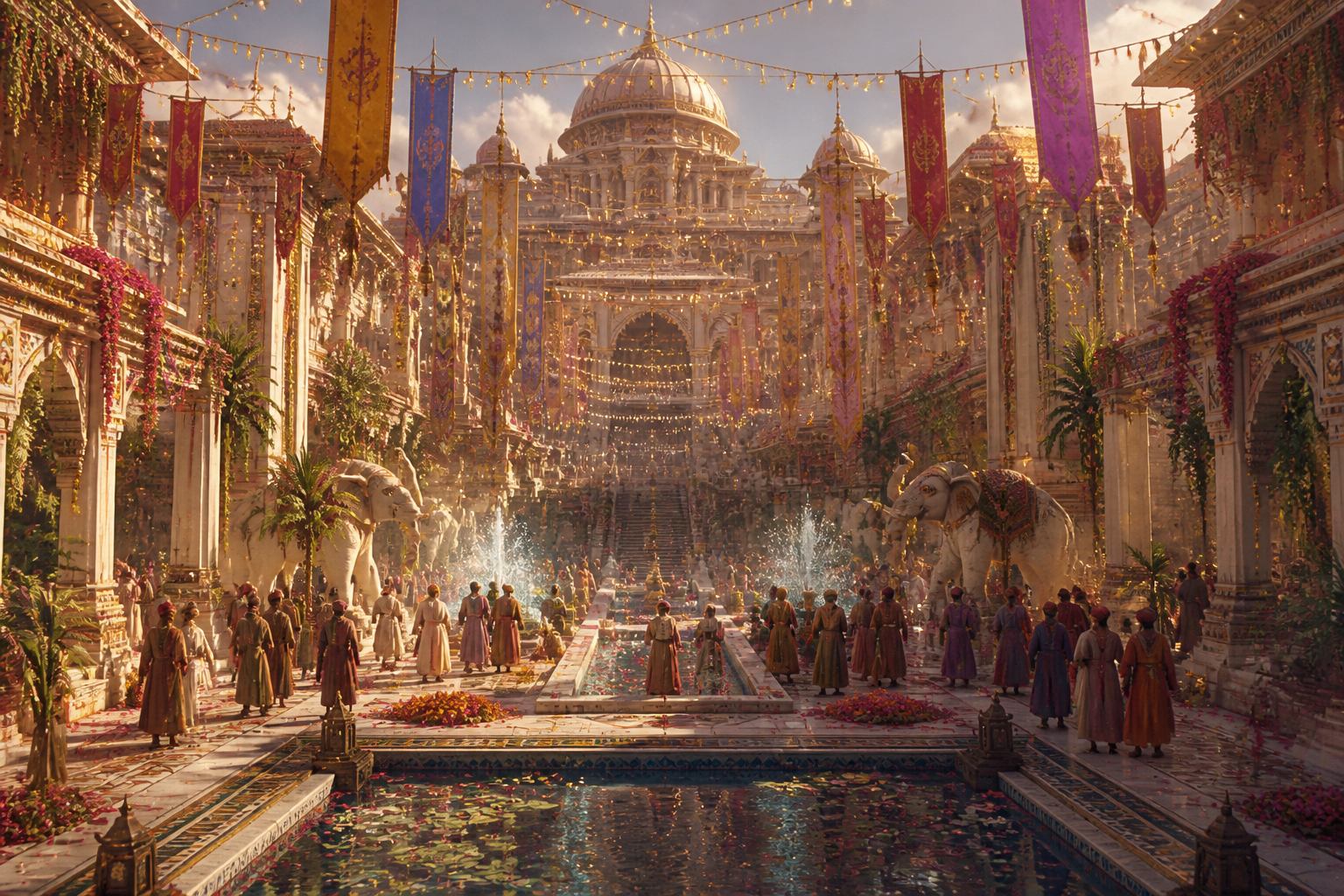
grand palace courtyard during a summer festival, hanging lights, long banners, fountains, elegant architecture, richly detailed matte painting, wide cinematic view
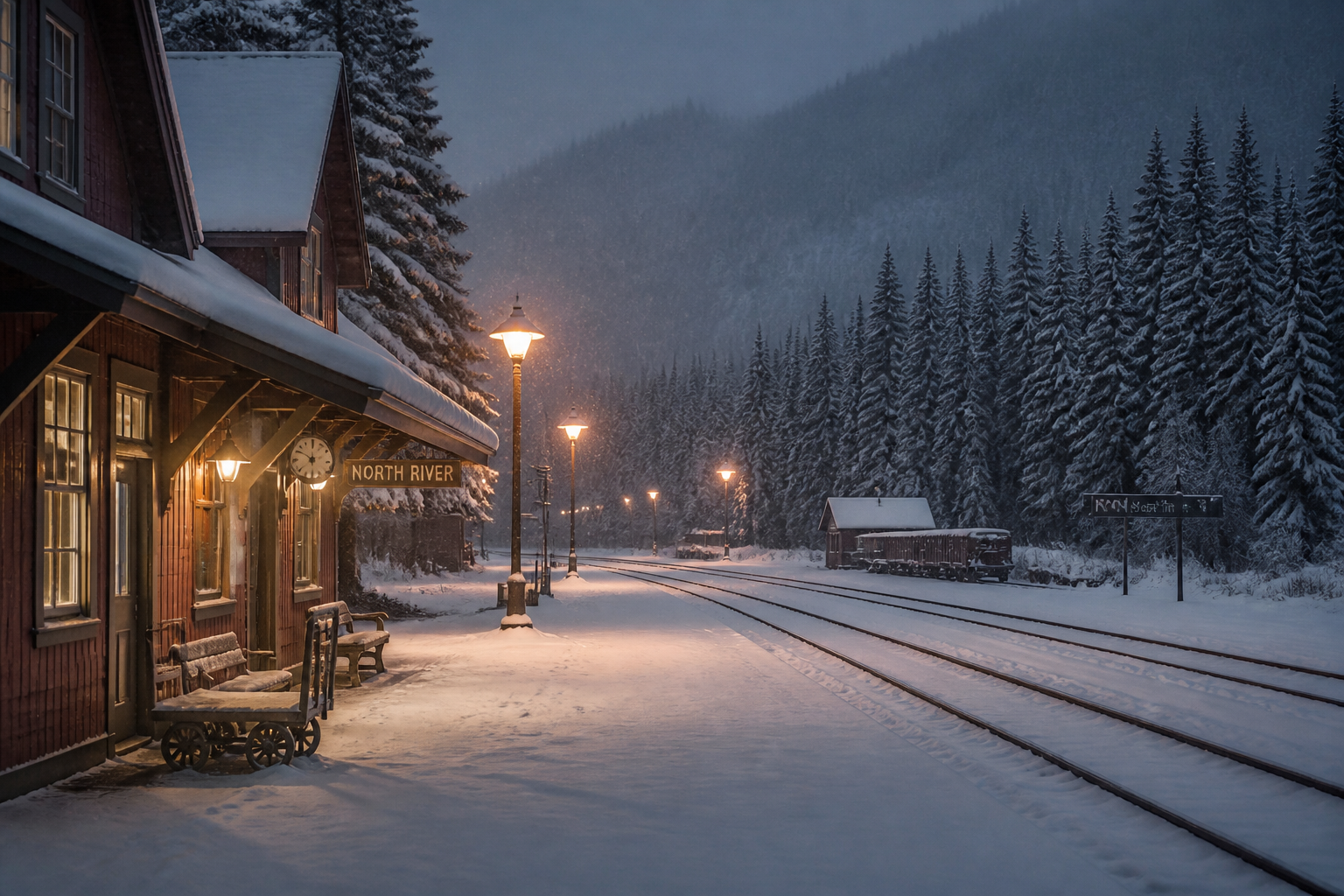
snow-covered train platform in a remote northern town, warm station lights, falling snow, pine forest beyond the tracks, quiet cinematic realism, wide framing
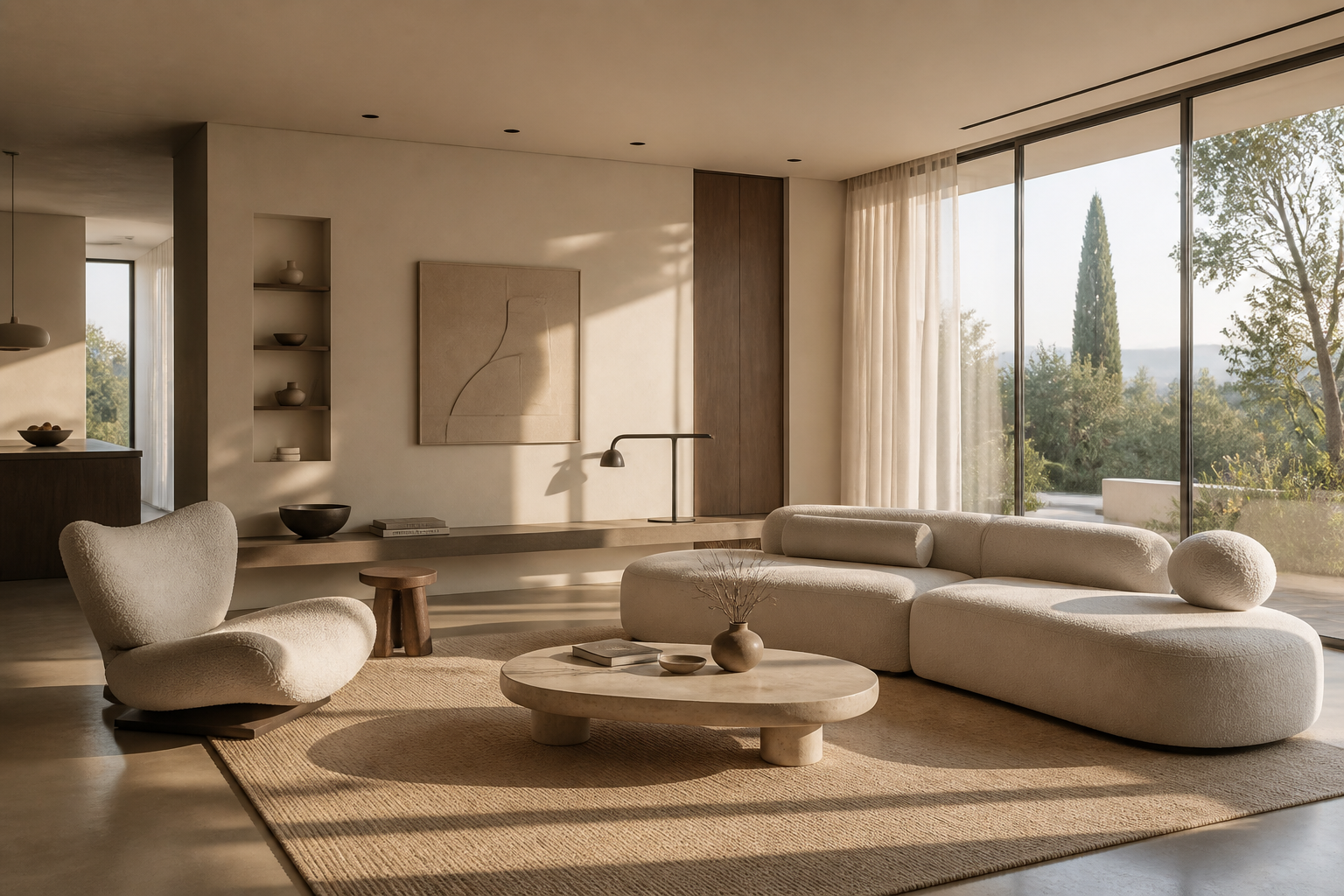
minimal modern living room with floor-to-ceiling windows, soft beige palette, sculptural furniture, afternoon sunlight casting long shadows, interior design visualization, wide composition
Key Features
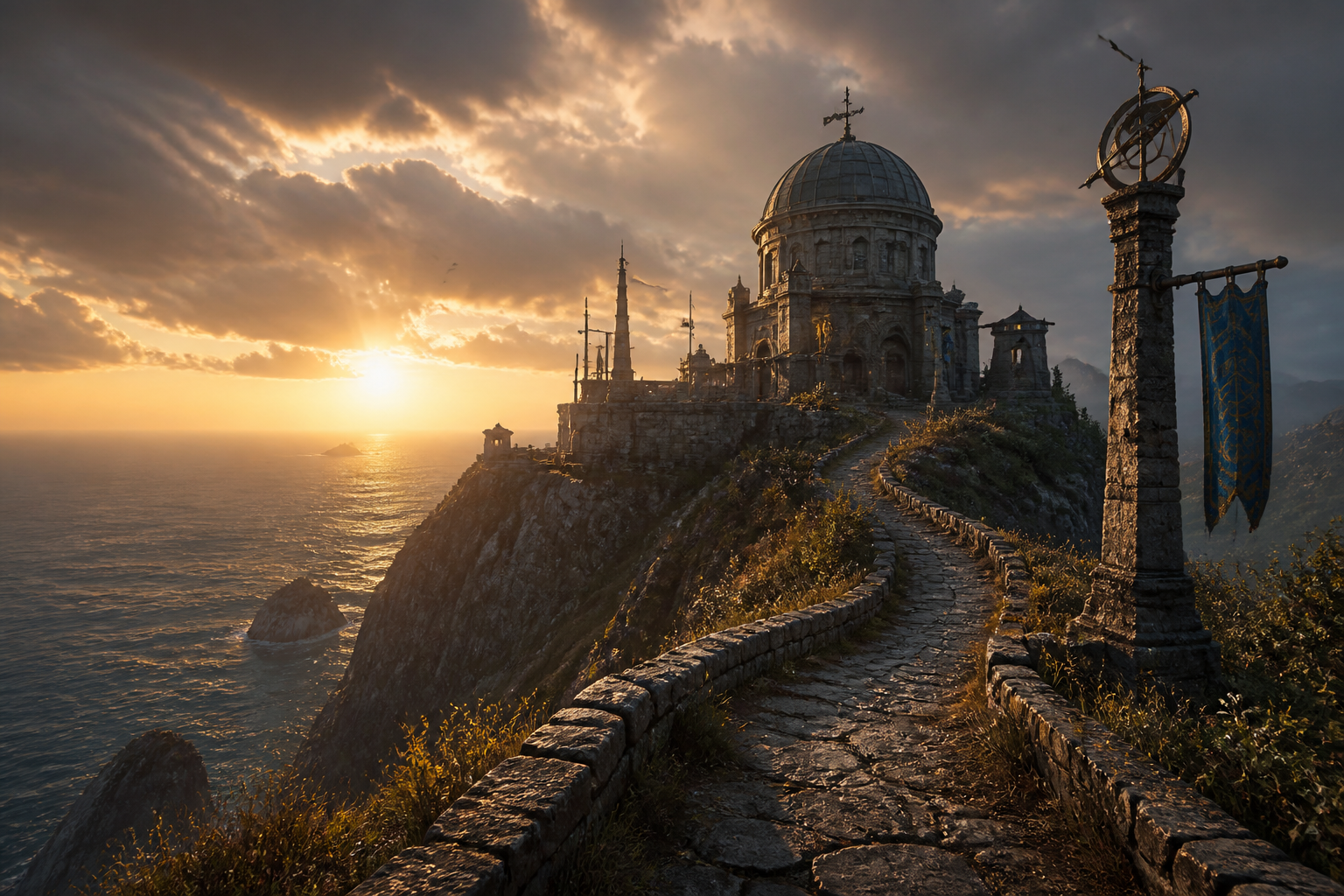
Build Rich Environments Fast
Describe a place in a few words and get a complete scene with depth, lighting, and atmosphere. This is useful when you need a believable setting but do not want to sketch or composite it manually. Compared with a generic image tool, a scene-focused workflow helps you think in terms of space, mood, and composition. It is a fast way to move from idea to visual reference.
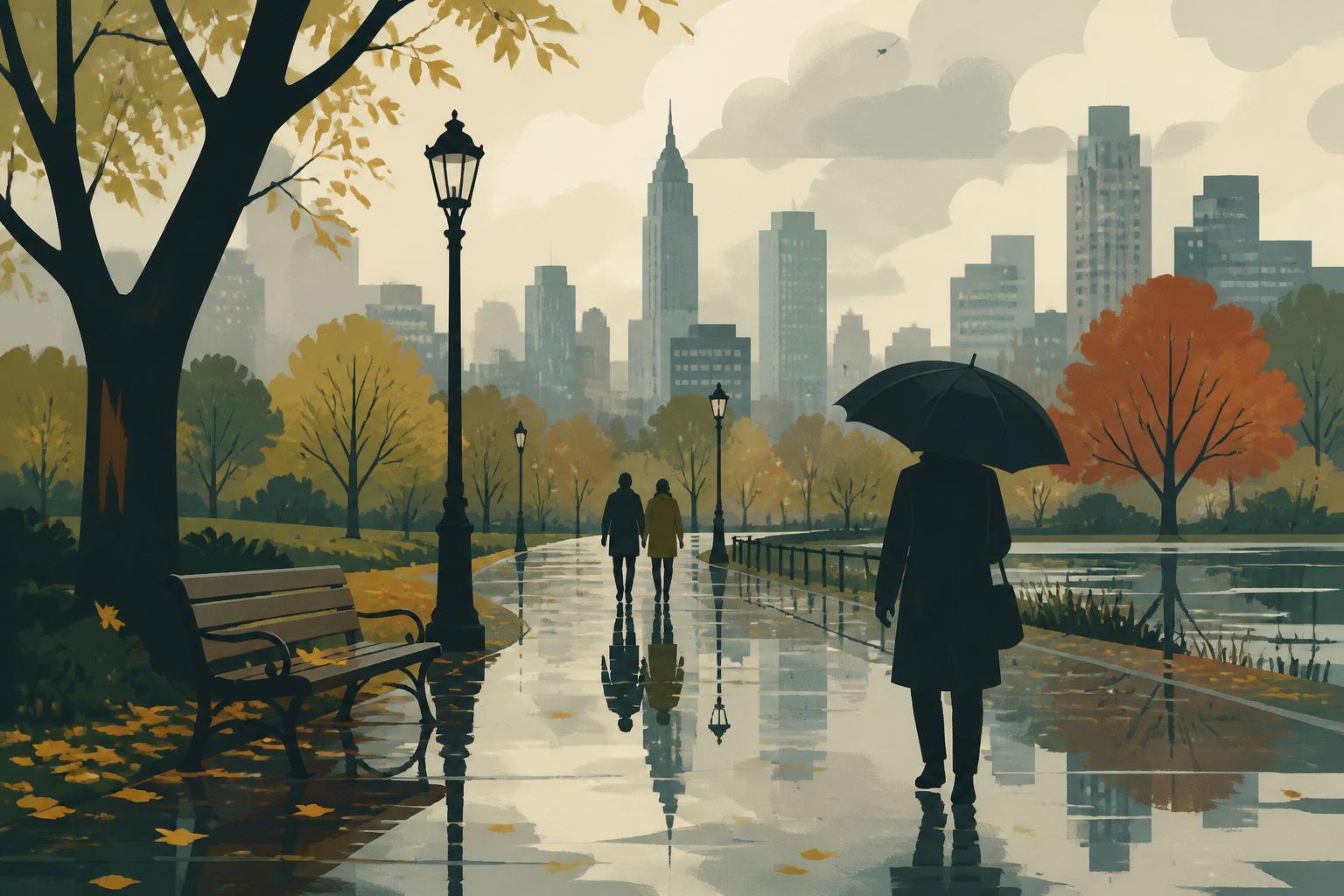
Switch Visual Styles Easily
The same scene idea can be explored in realistic, painterly, editorial, or stylized looks just by changing the prompt. That makes it easier to match a brand, pitch deck, game concept, or social post without starting over. Manual style exploration usually means rebuilding the image from scratch. Here, the style direction lives directly in the text prompt.
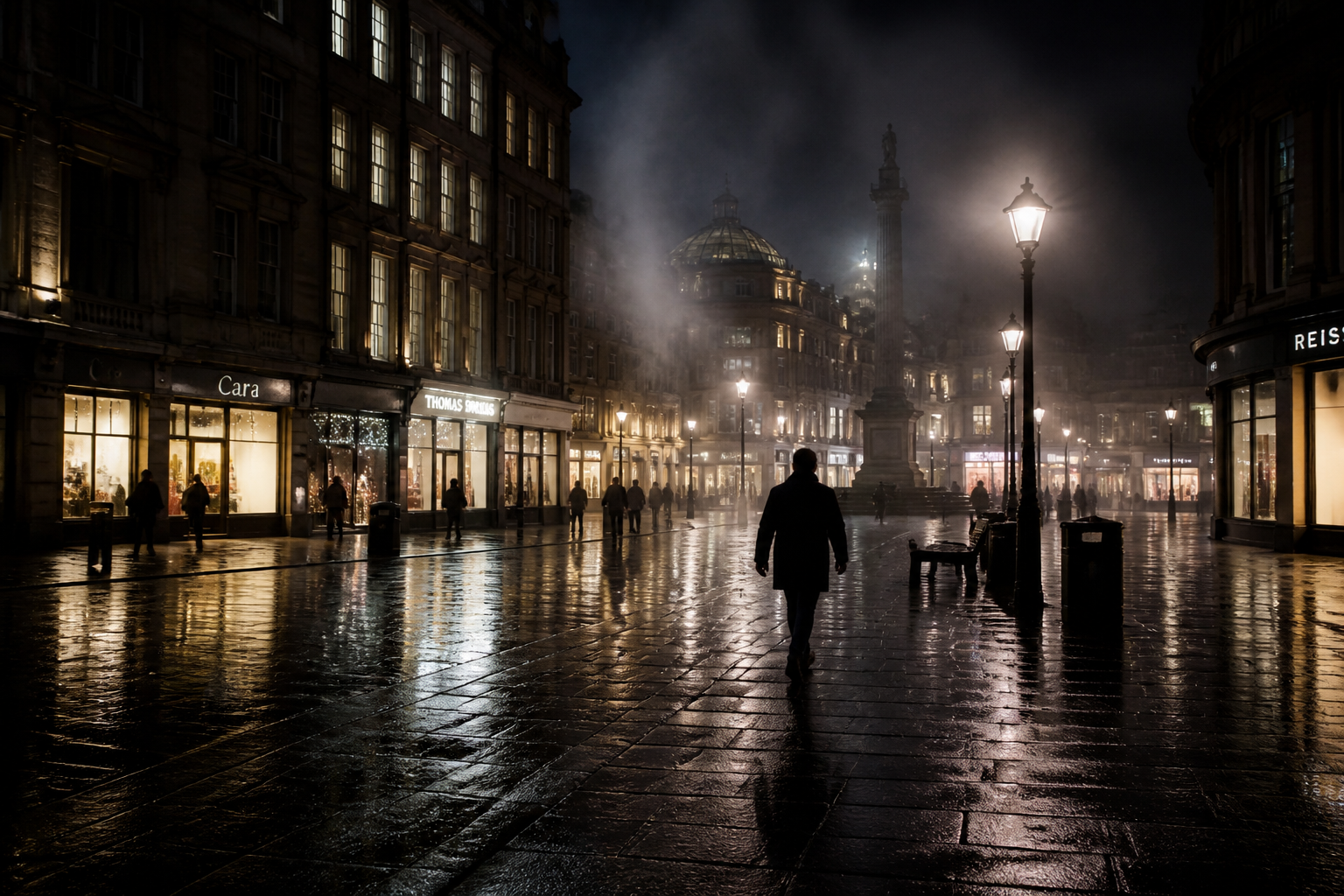
Control Mood With Lighting
Lighting changes how a scene feels, and prompts let you steer that quickly. You can ask for golden hour, fog, neon reflections, overcast softness, or dramatic contrast to fit the tone you need. That is especially helpful for storyboarding, concept art, and campaign visuals where emotion matters as much as subject matter. A generic generator often gives you a place, but not a strong atmosphere.
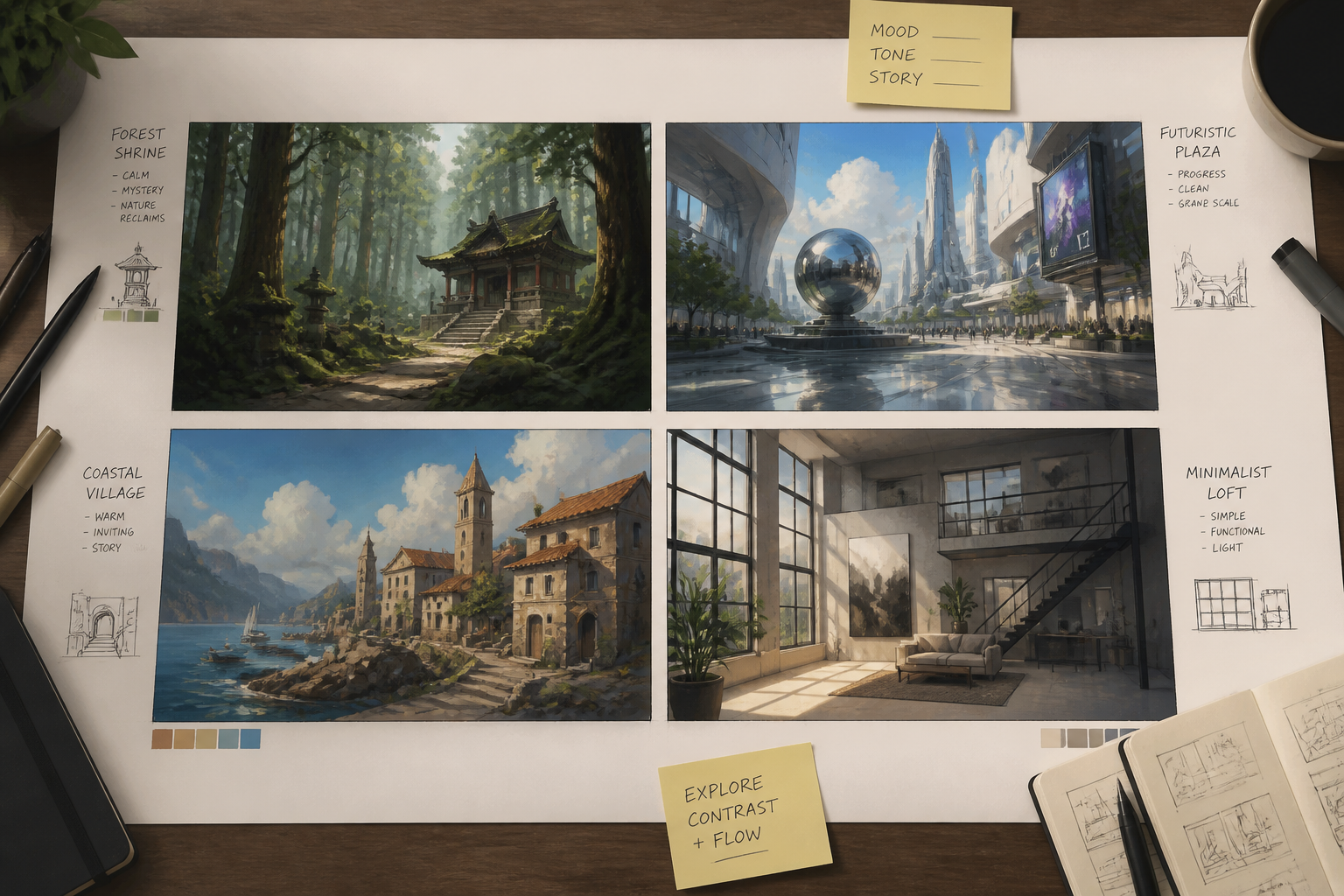
Generate Remixable Scene Ideas
Every output can become a new starting point by changing setting, weather, era, color palette, or camera angle. This makes the tool useful for ideation, not just one-off image generation. Instead of hunting for references across many sources, you can create your own prompt library of scenes tailored to your project. It is a practical way to explore options before committing to a final direction.
How It Works
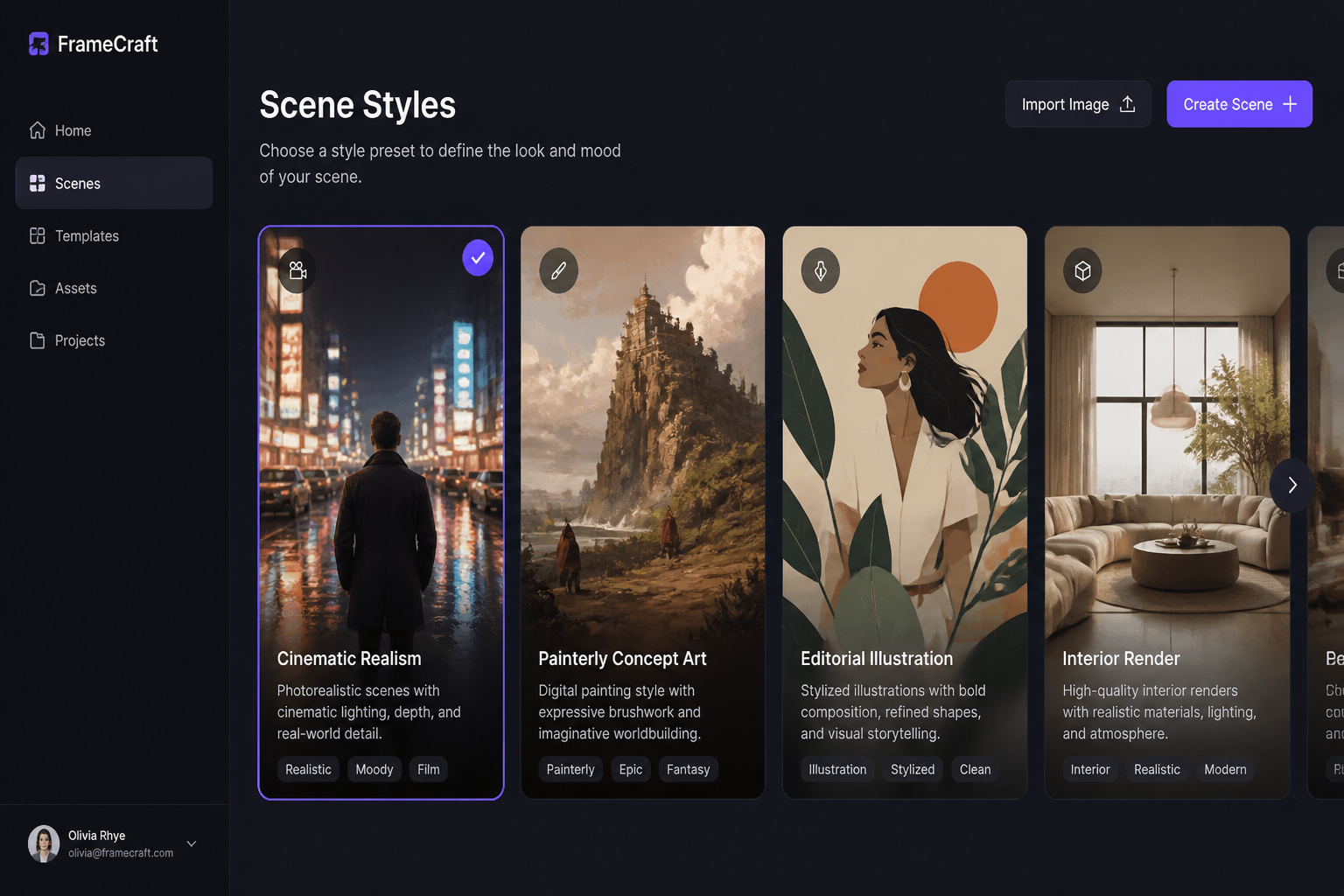
Pick a Scene Style
Start with a ready-made prompt or type your own scene idea. Choose a visual direction such as cinematic realism, concept art, interior design, or illustration so the first result is closer to your goal.
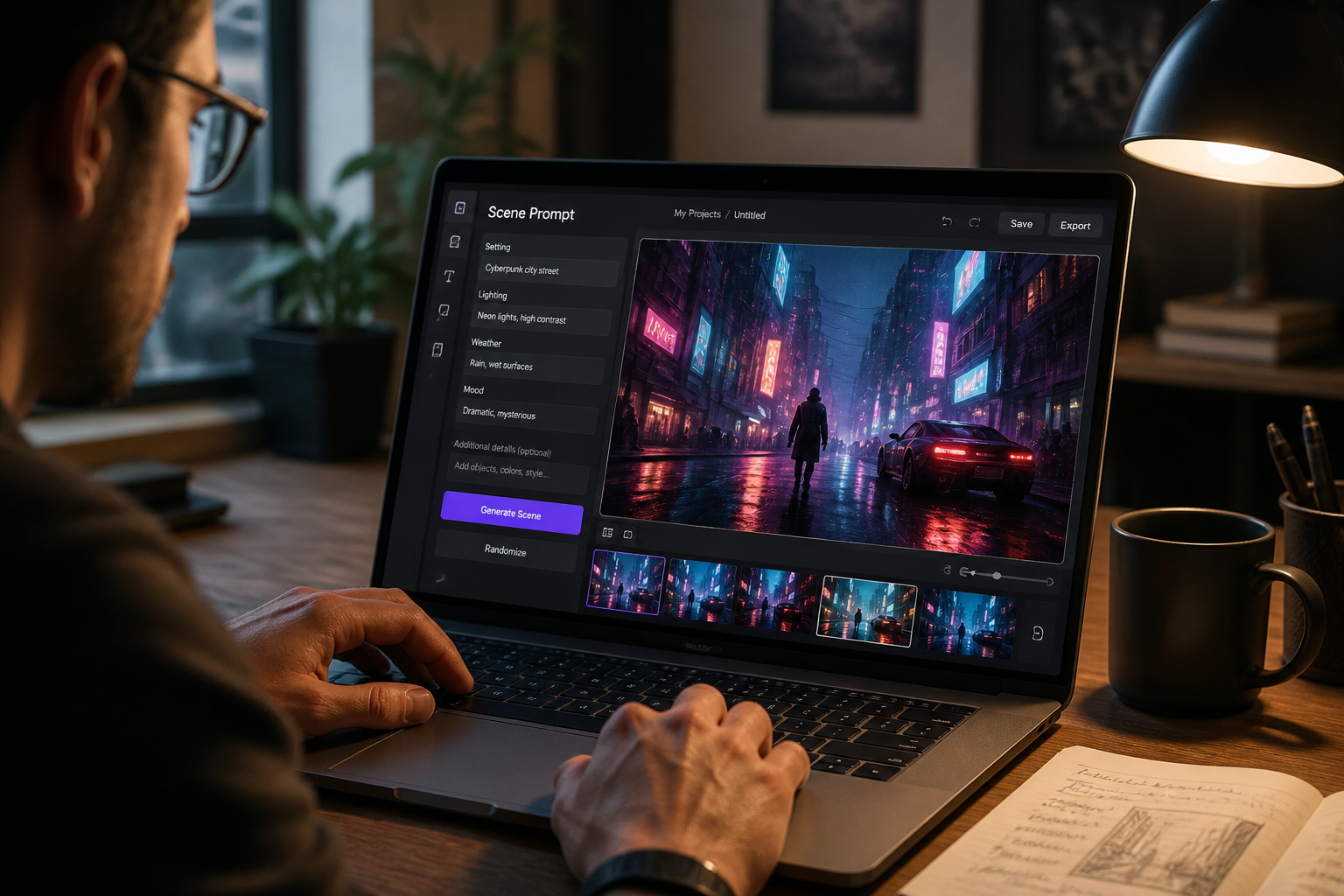
Describe the Setting
Add the place, time of day, weather, lighting, and mood you want. Small prompt changes like fog, sunset, neon, or snow can noticeably reshape the scene.
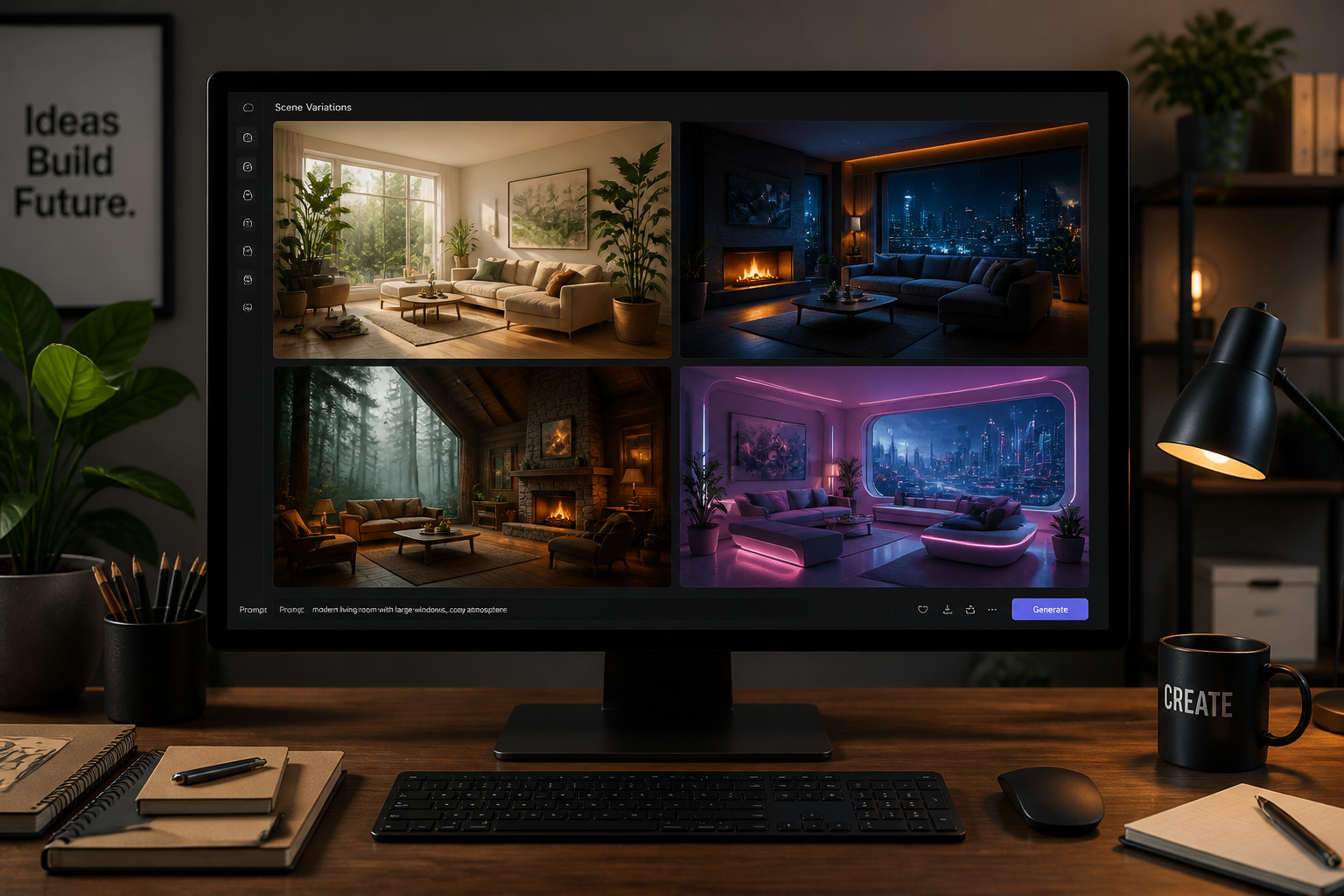
Generate and Refine
Create several scene variations, compare compositions, and keep the strongest one. Then tweak the prompt to push details, style, or atmosphere before downloading.
Perfect For
Discover how creators and professionals use ai scene generator
Concept Art References
Generate fast environment ideas for games, films, comics, and visual development.
Story and Campaign Visuals
Create custom scenes for blog headers, social posts, pitch decks, and ad concepts.
Moodboards and Preproduction
Explore lighting, location, and atmosphere before committing to a final design direction.
Interior and Space Inspiration
Mock up rooms, outdoor spaces, and styled environments from a written brief.
Built For
Designers and art directors
Quickly visualize scene concepts for campaigns, presentations, and internal reviews.
Writers and storytellers
Turn locations and moments from a script, novel, or worldbuilding note into images.
Creators and marketers
Produce original scene backdrops and atmospheric visuals without a complex art workflow.
Frequently Asked Questions
What is an AI scene generator?
What kinds of scenes can I make?
Do I need design experience to use it?
Can I generate multiple versions of the same idea?
Is this good for concept art and moodboards?
Create together.
Share your creations, discover trending AI art, and grow with fellow creators.