AI Roleplay Character Generator for Scenes
Generate original roleplay characters, story moments, and setting art from a simple prompt.
Create custom roleplay character art and story scenes from text alone. This tool is built for roleplayers, writers, and worldbuilders who want fast visual inspiration for personas, settings, and dramatic moments.
See It In Action
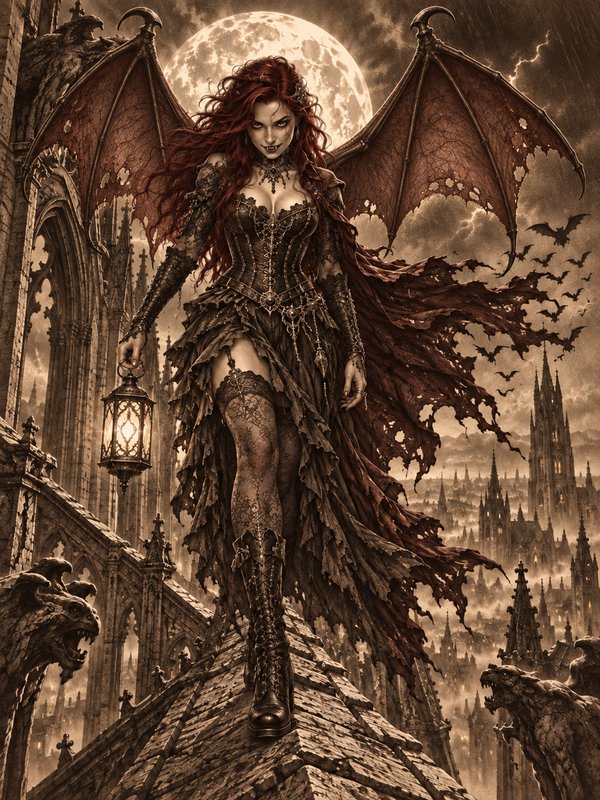
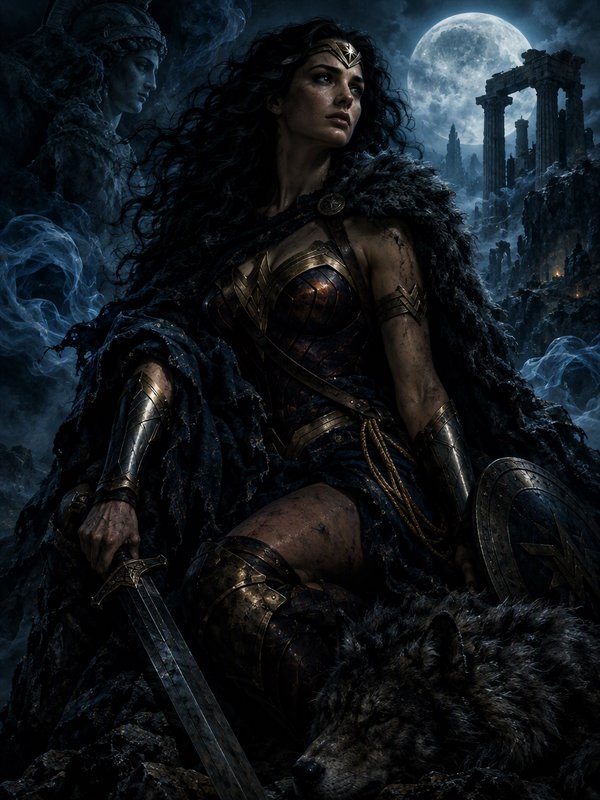
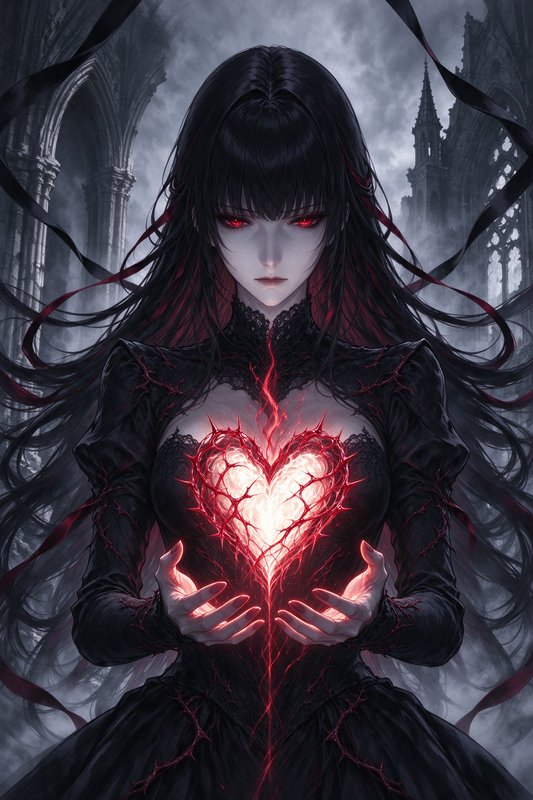
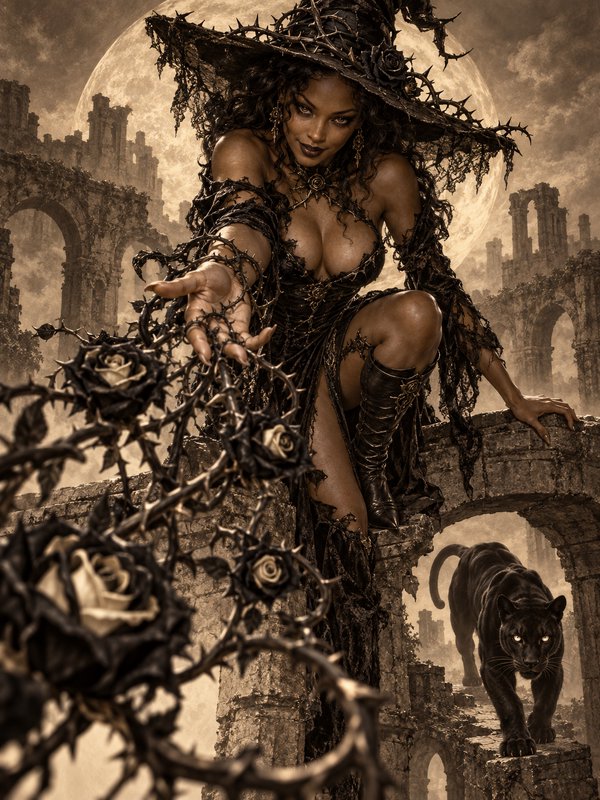
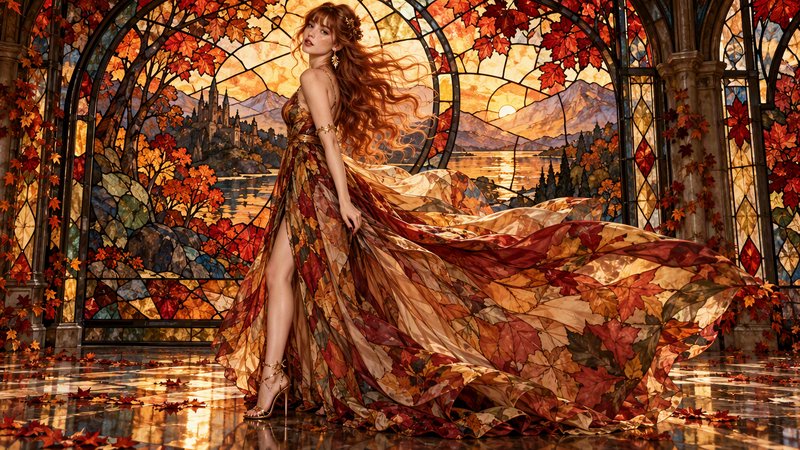
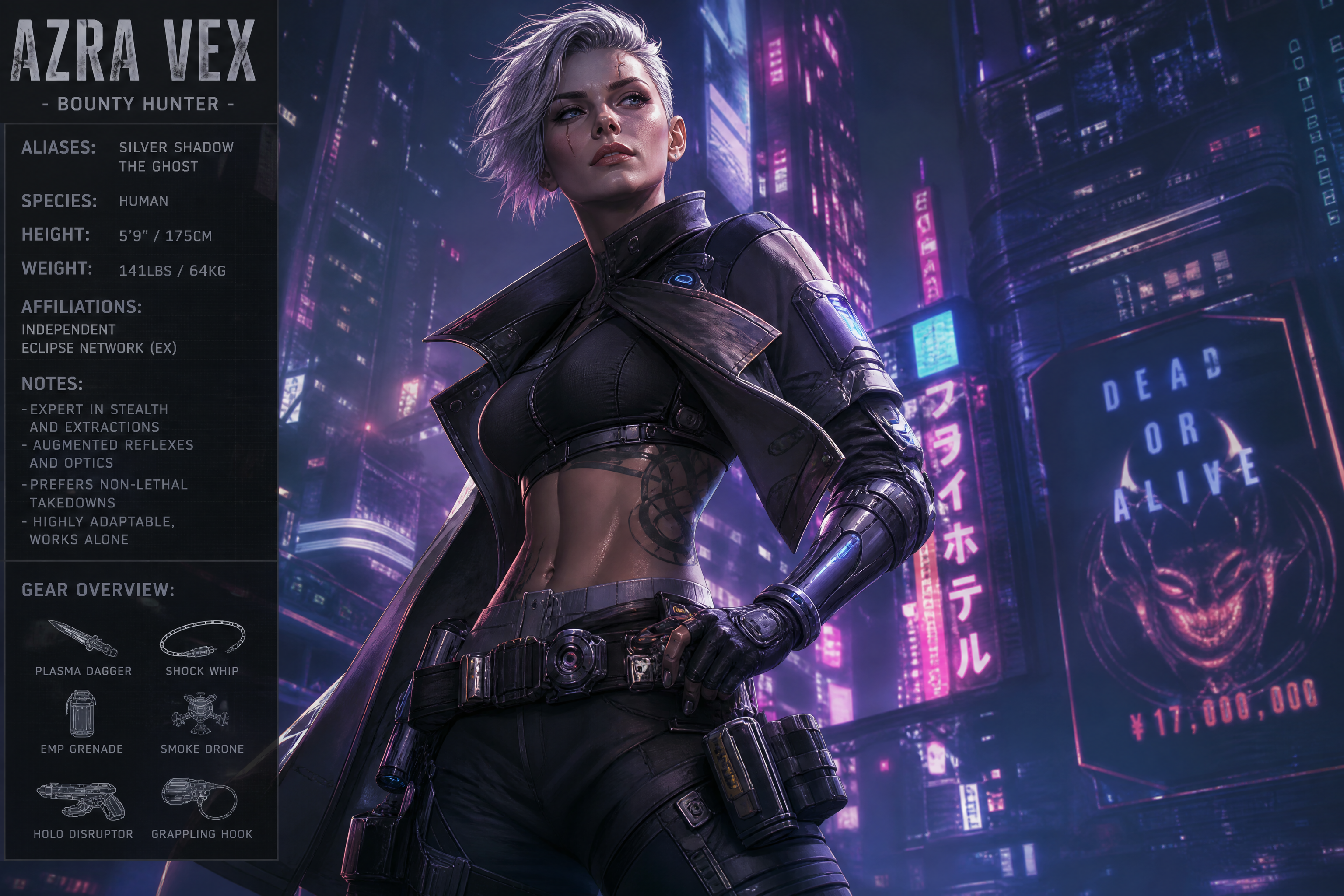
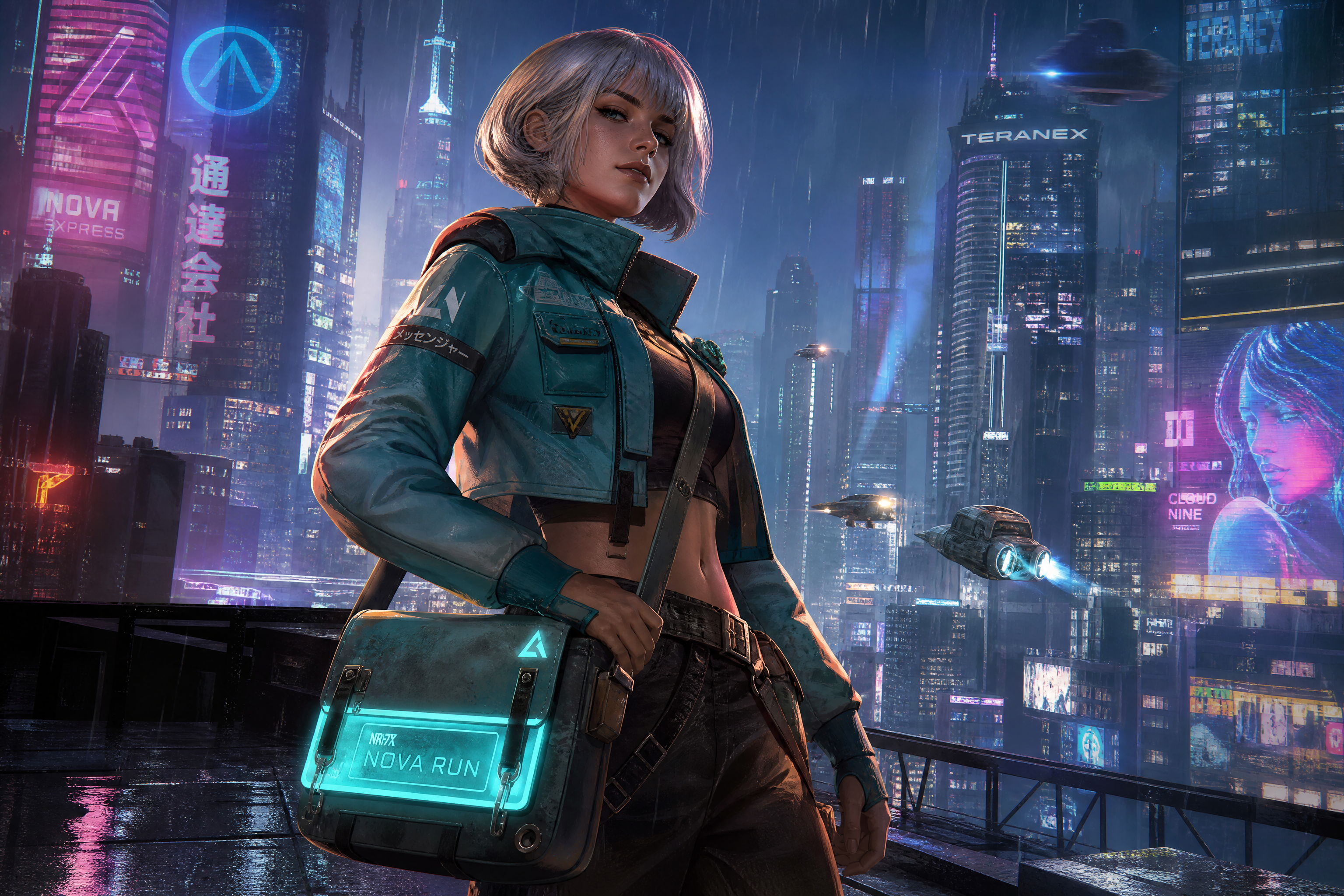
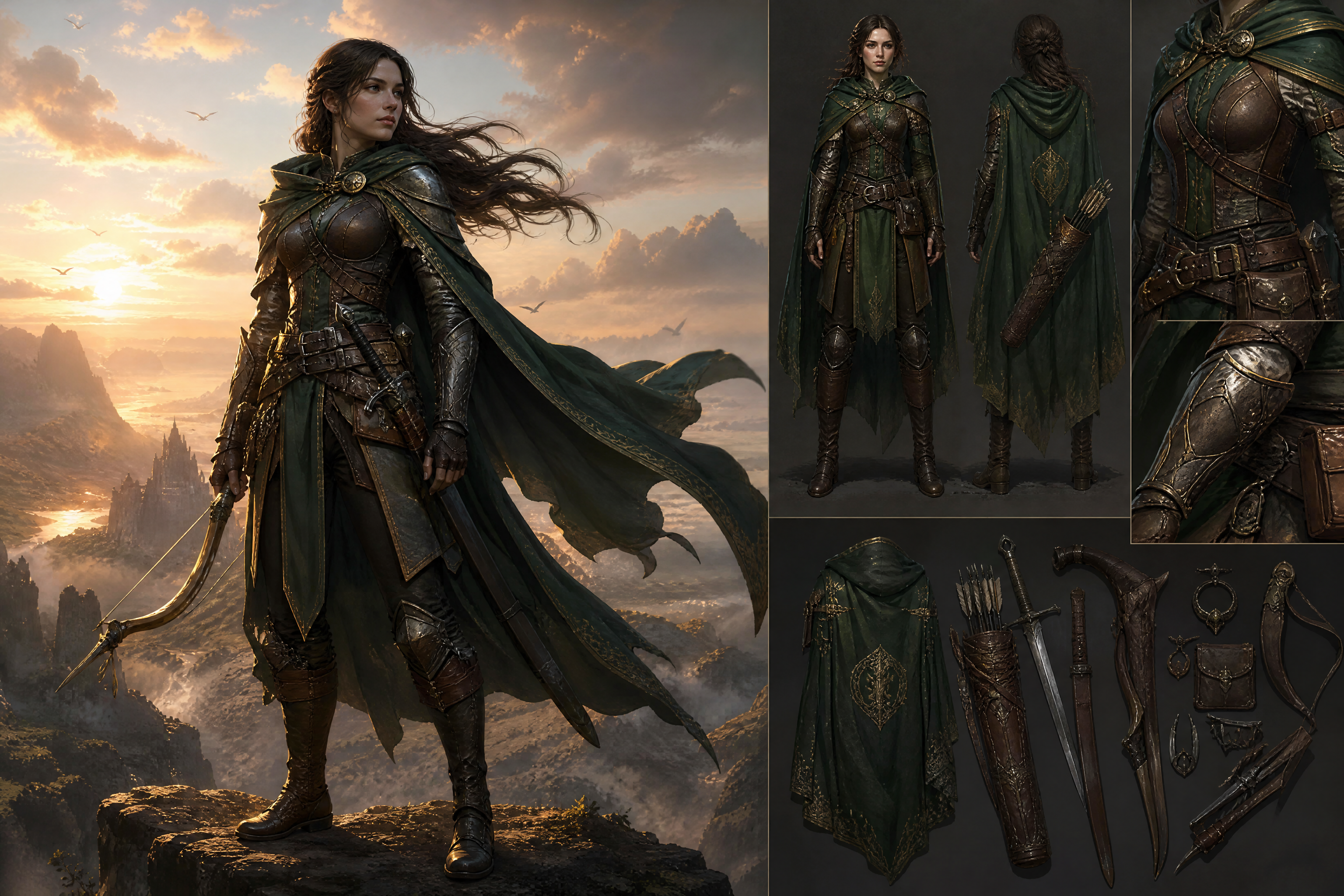
Real outputs from ai roleplay character & scene generator.
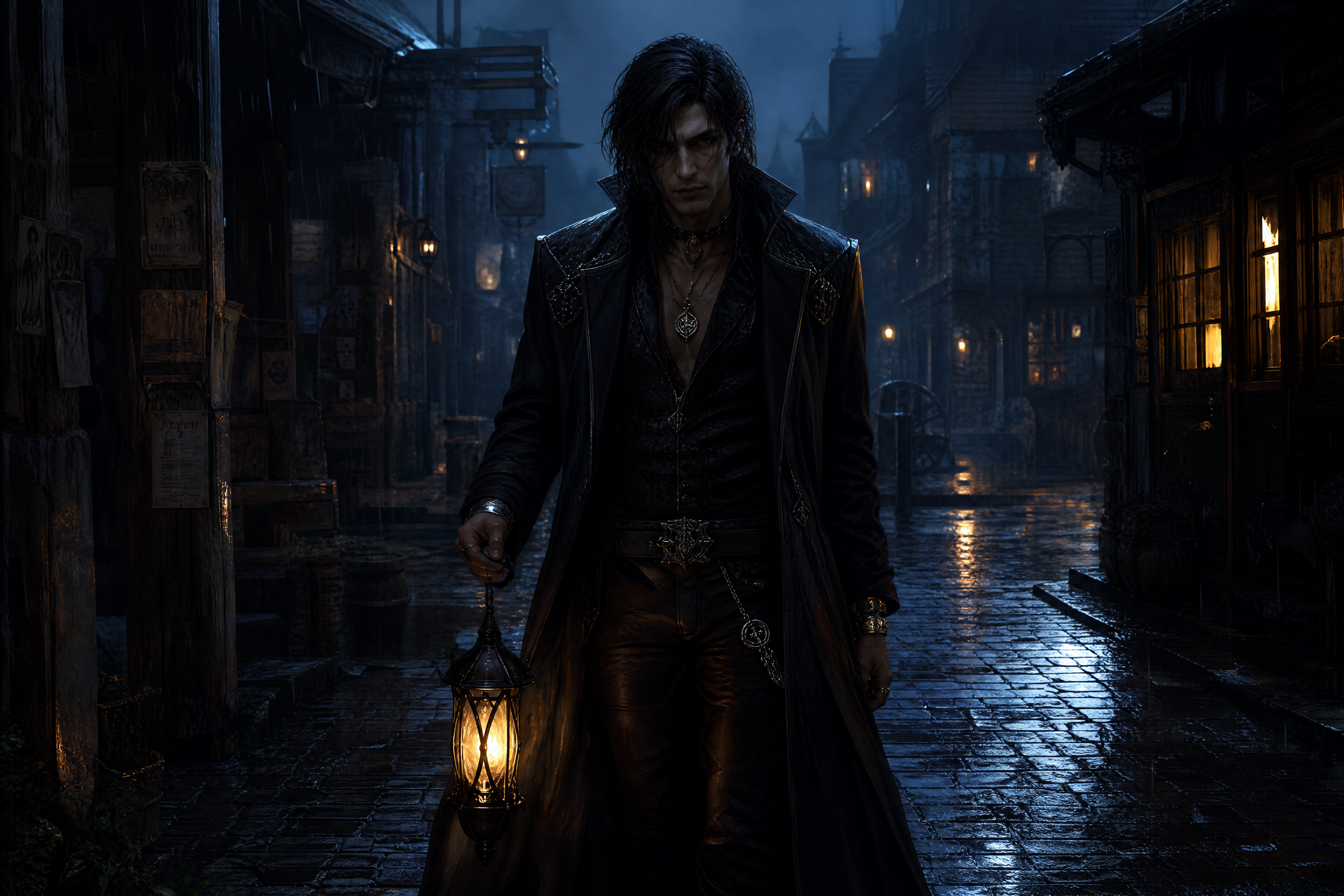
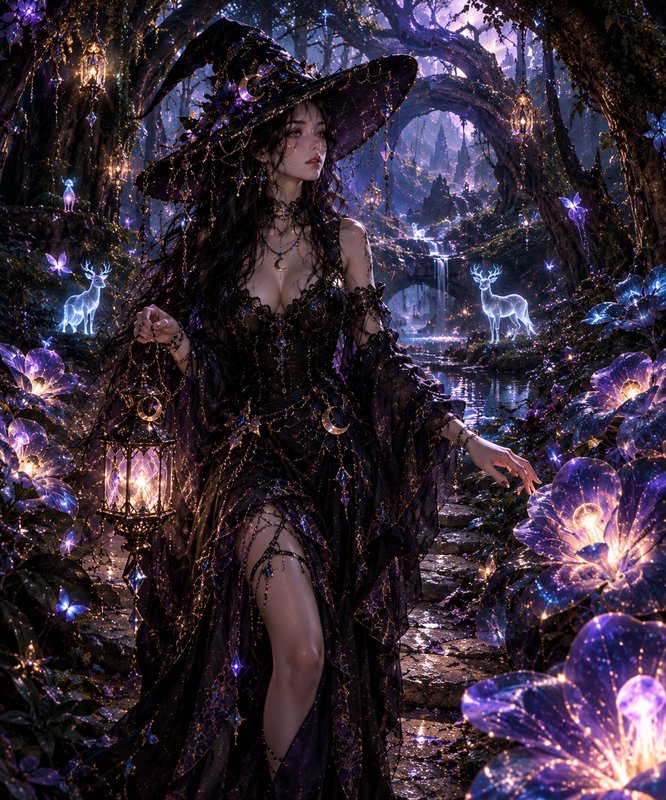
original adult fantasy roleplay character standing in a rain-soaked alley at night, long dark coat, silver jewelry, glowing lantern in hand, wet cobblestones reflecting light, cinematic composition, detailed environment, moody blue lighting, painterly realism
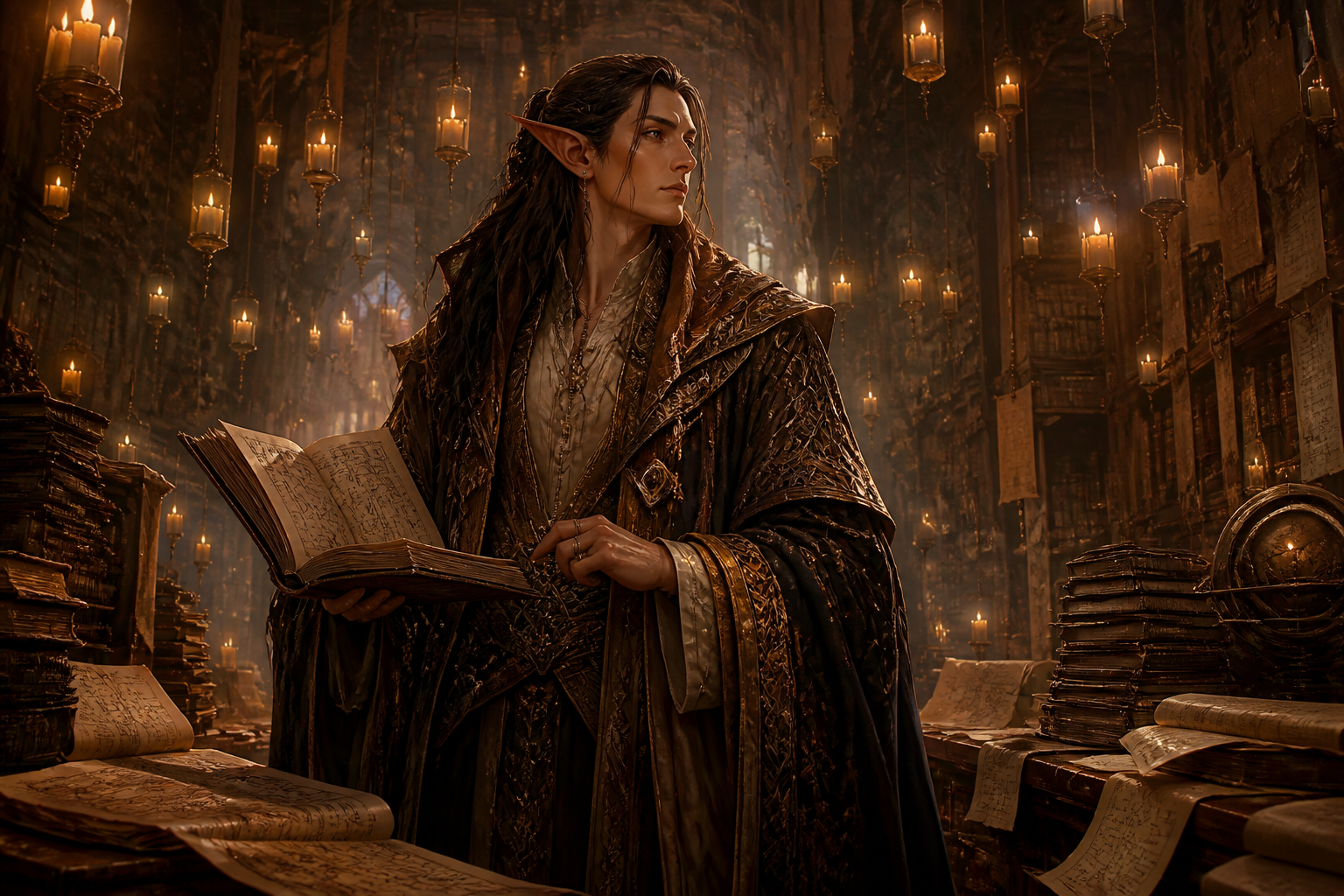
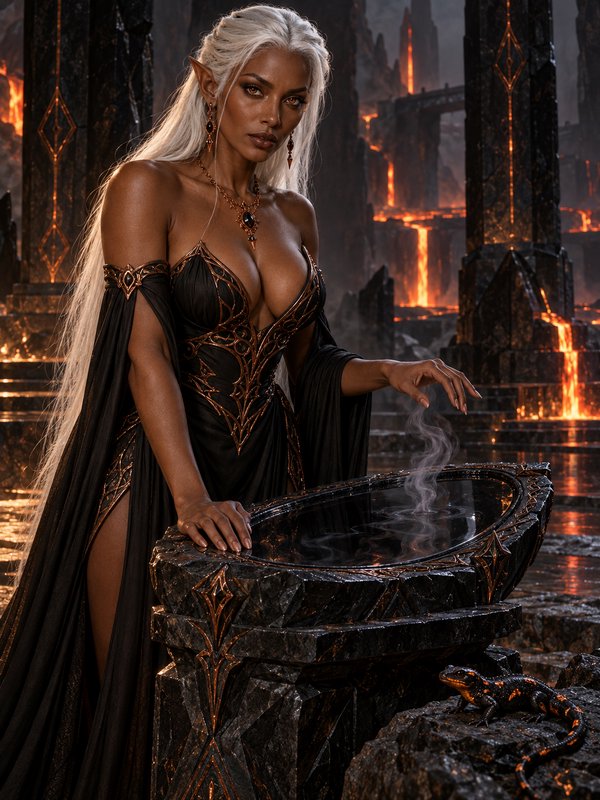
original adult elven scholar in a towering library of floating candles, layered robes, stacks of maps and journals, warm amber light, magical dust in the air, three-quarter portrait, detailed fantasy illustration
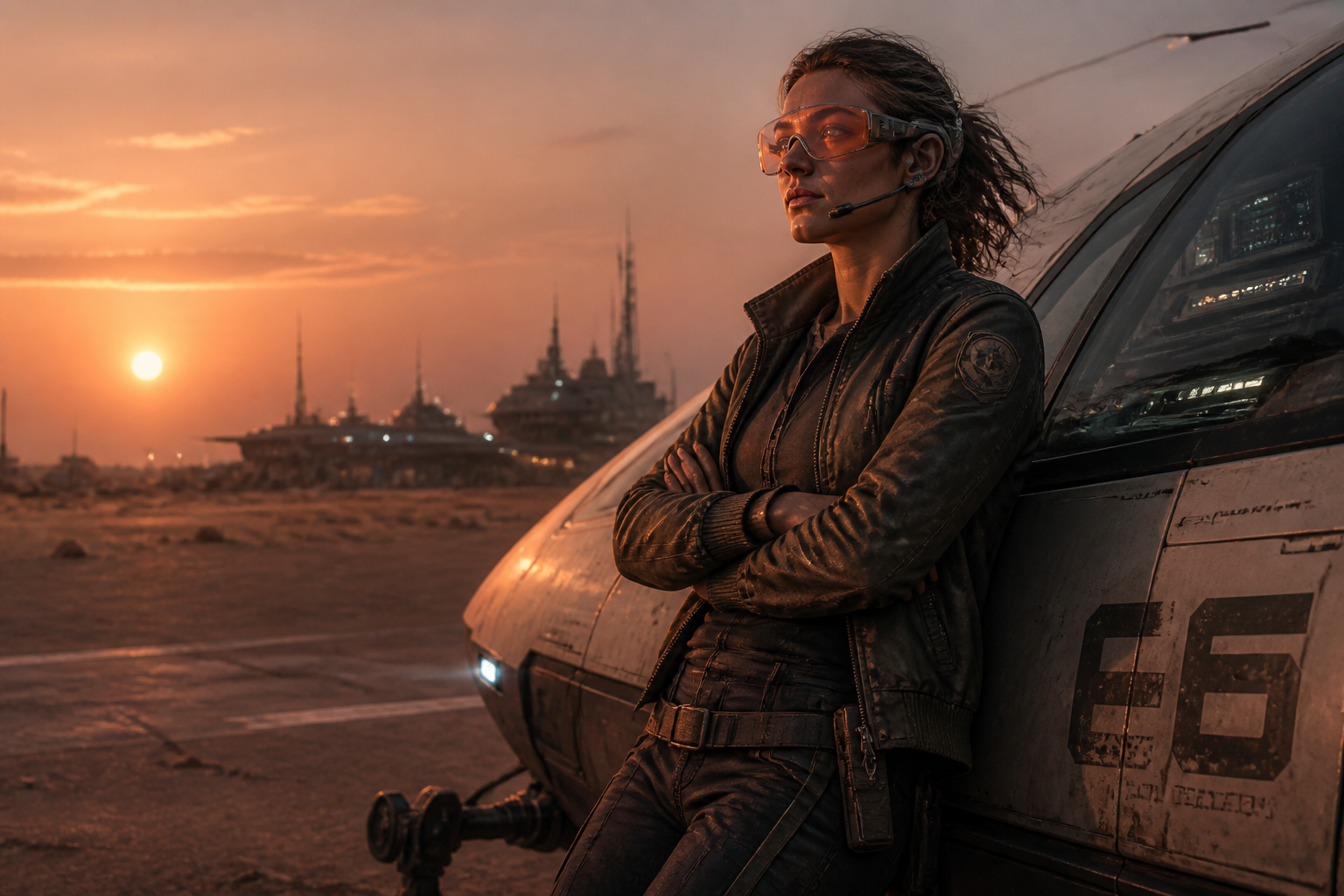
original adult sci-fi pilot leaning against a small starport shuttle, windswept desert moon, utility jacket, visor headset, distant docking lights, cinematic sunset, realistic concept art
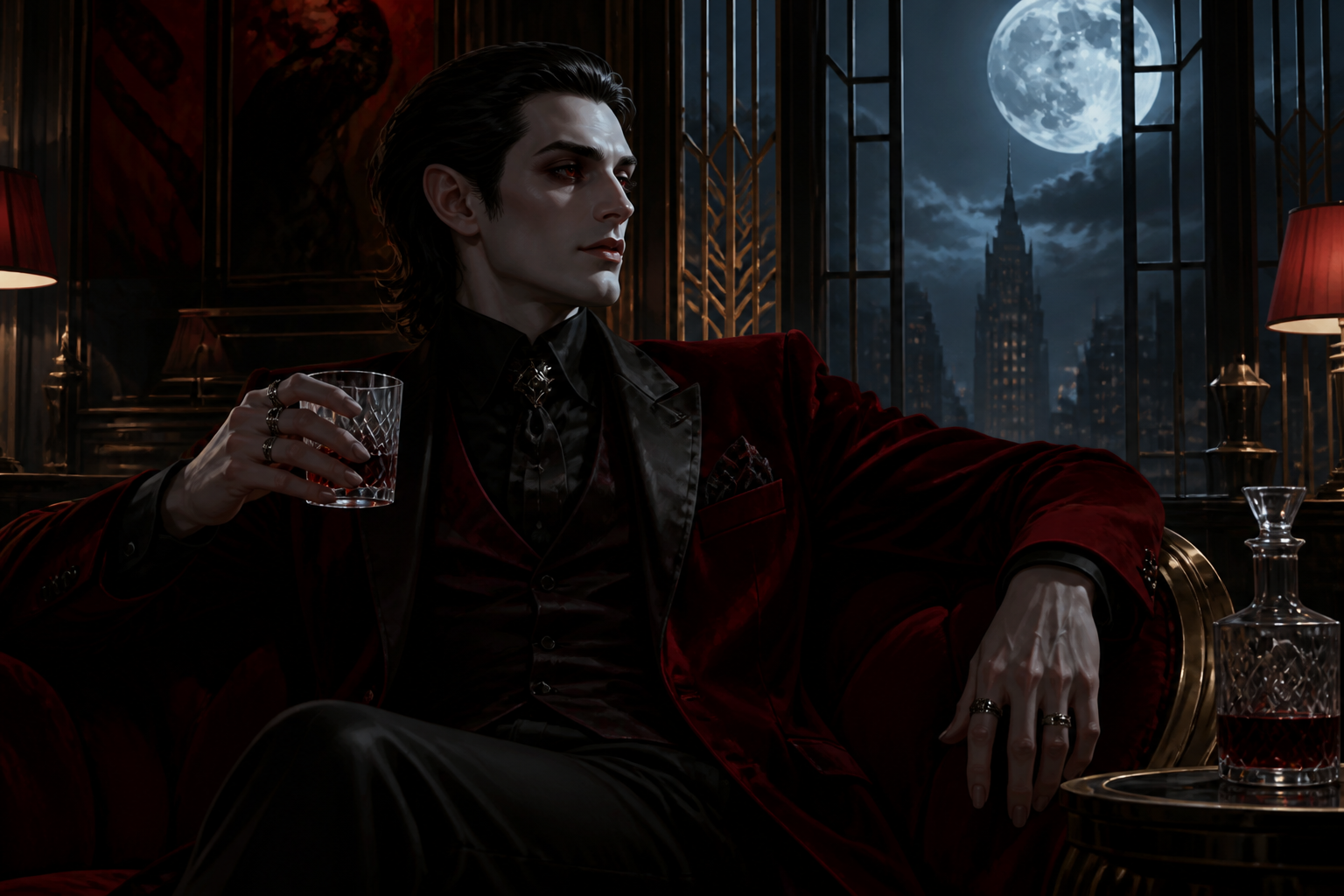
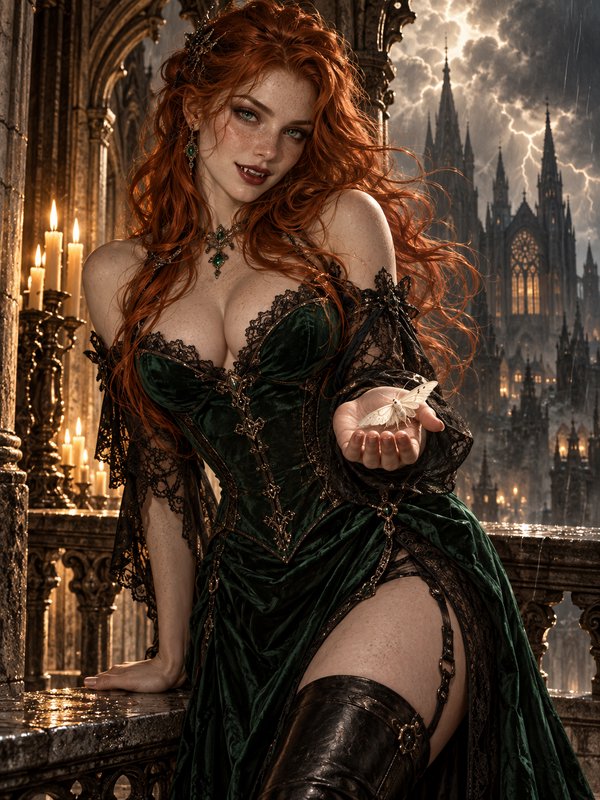
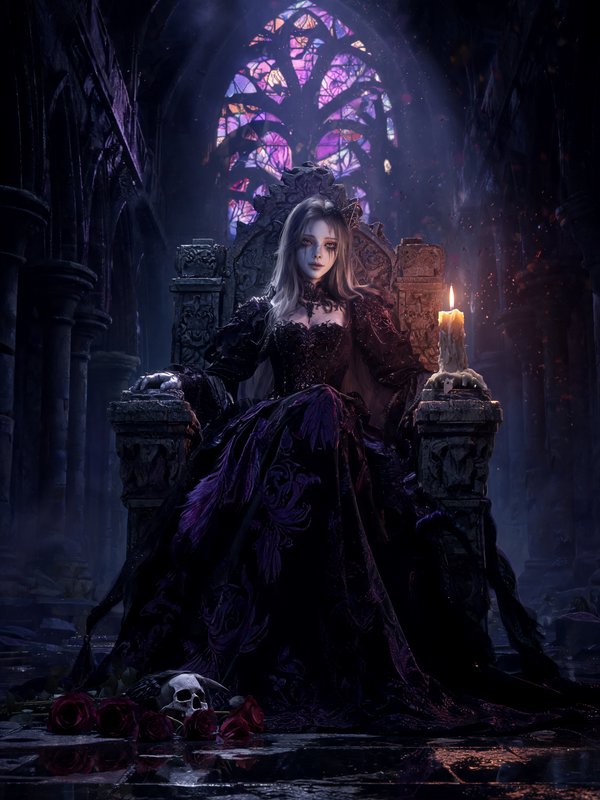
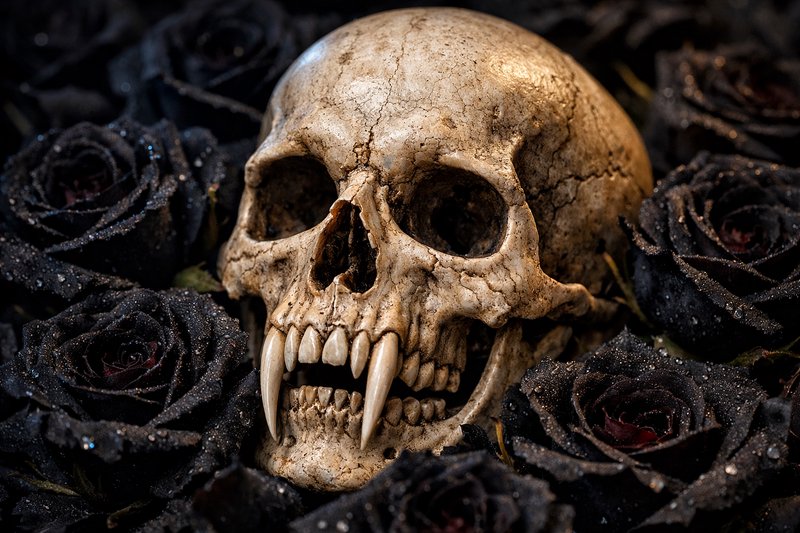
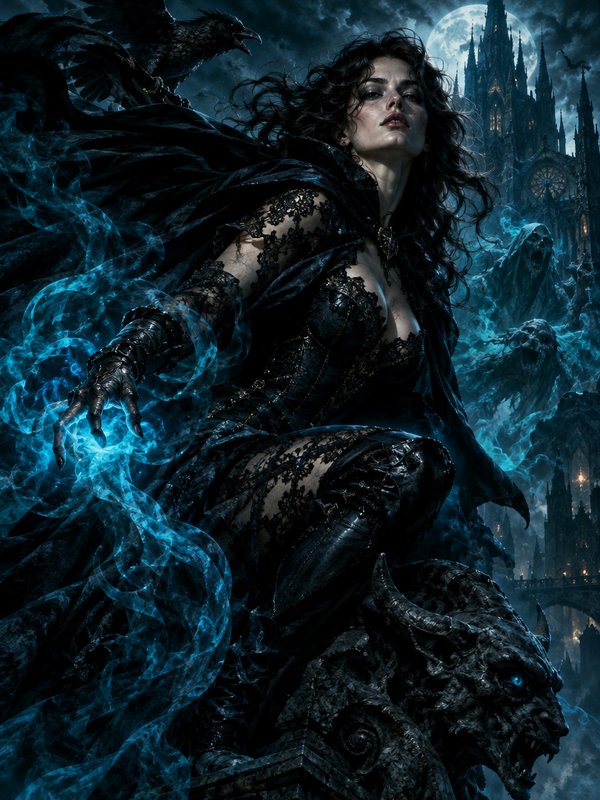
original adult vampire noble seated in an art deco lounge, velvet suit, crystal glass, moonlight through tall windows, elegant posture, deep red and black palette, stylized digital painting
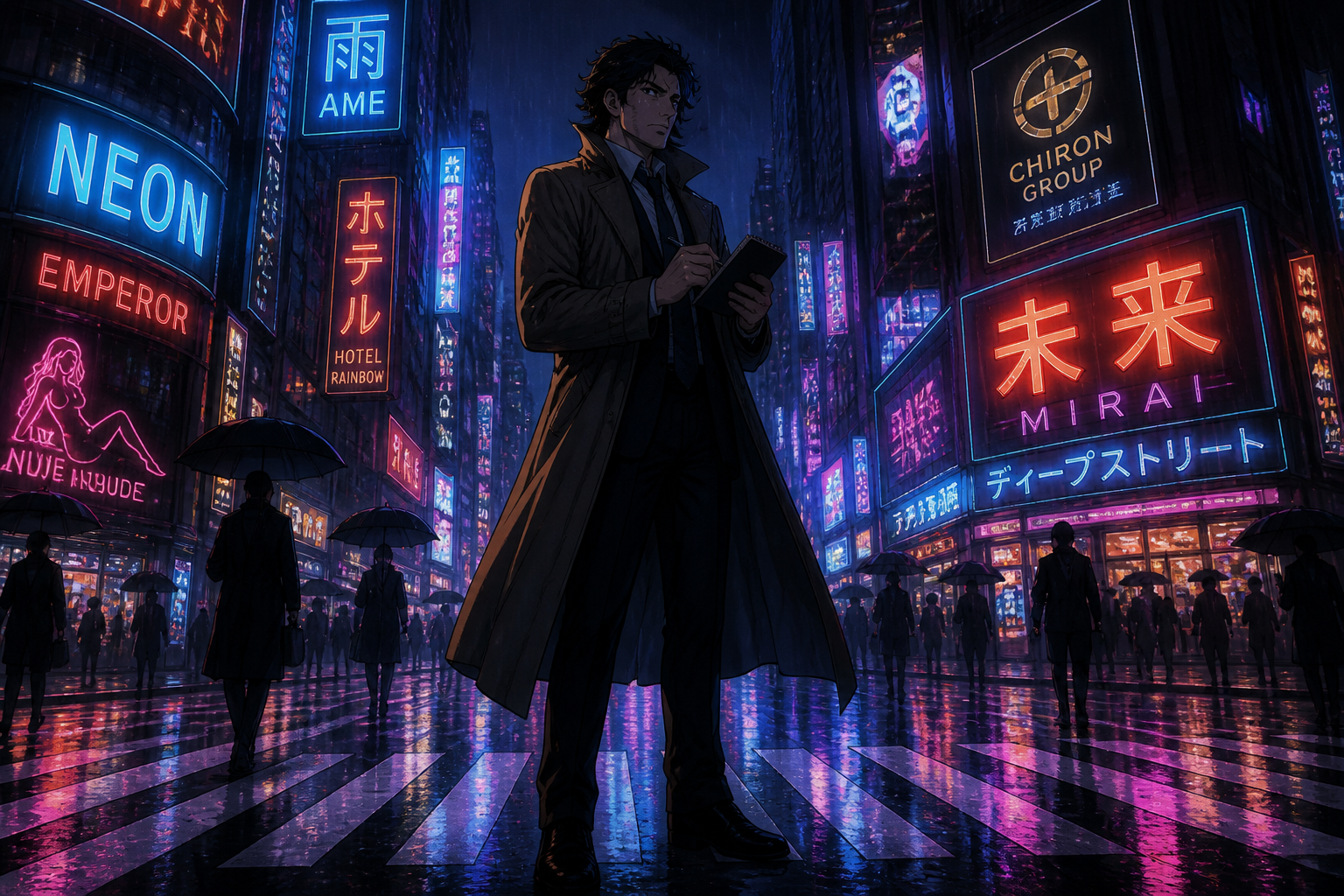
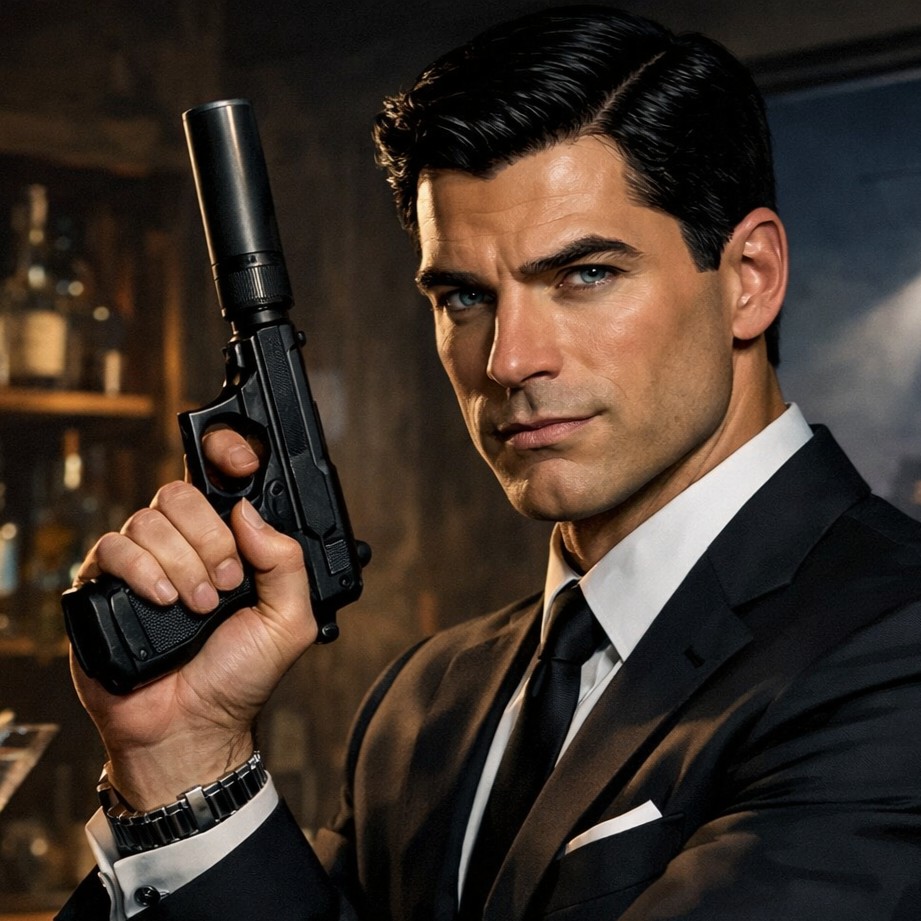
original adult detective character in a neon-lit city crosswalk, trench coat, notebook, light rain, glowing signage reflections, low camera angle, noir anime style
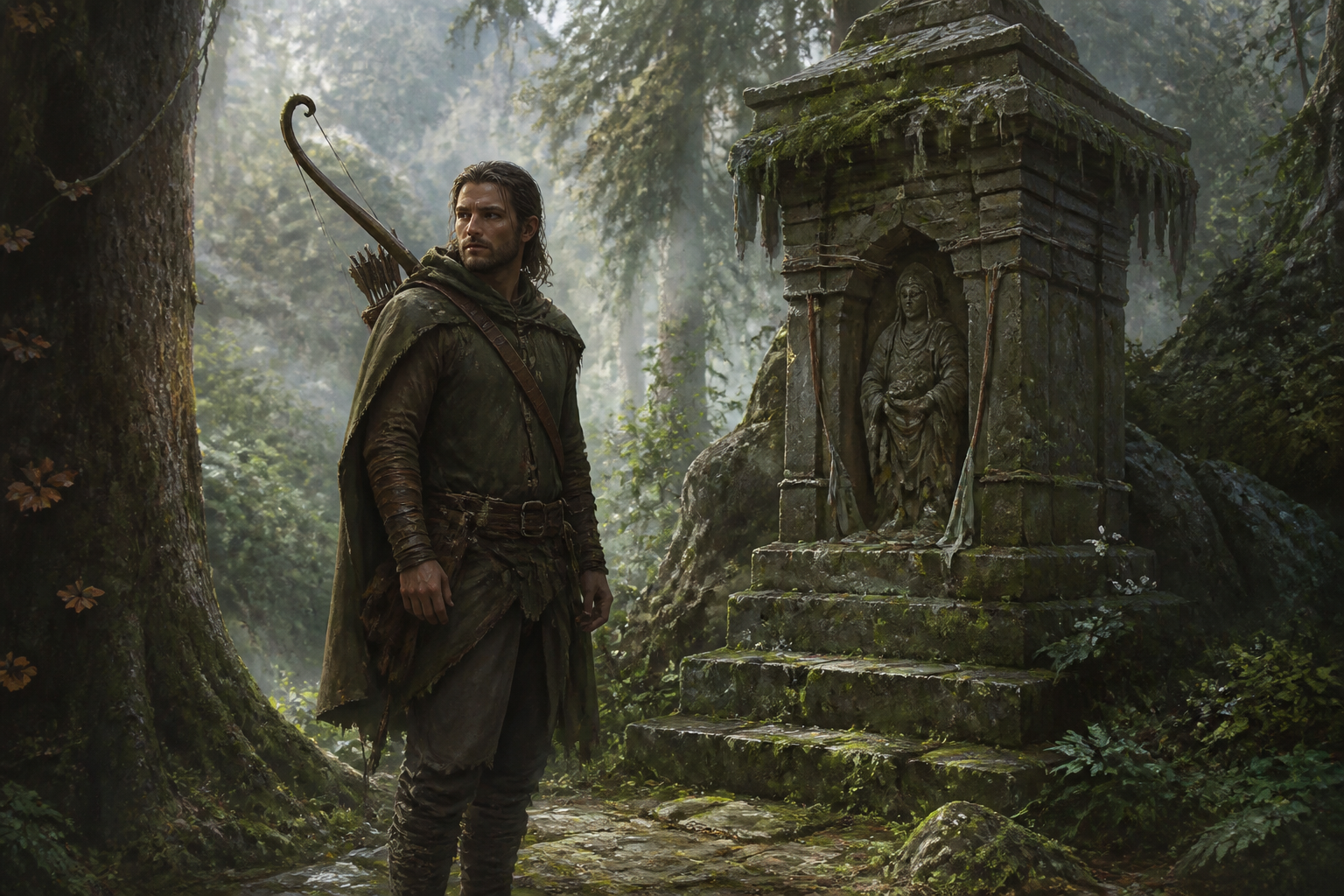
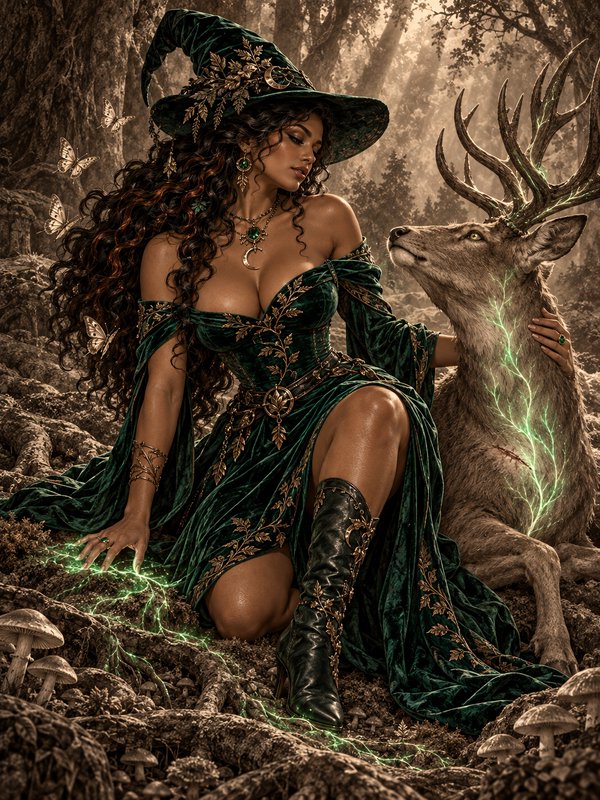
original adult forest ranger roleplay character beside a mossy shrine, bow slung over shoulder, mist curling through giant trees, soft morning light, calm heroic mood, painterly fantasy landscape
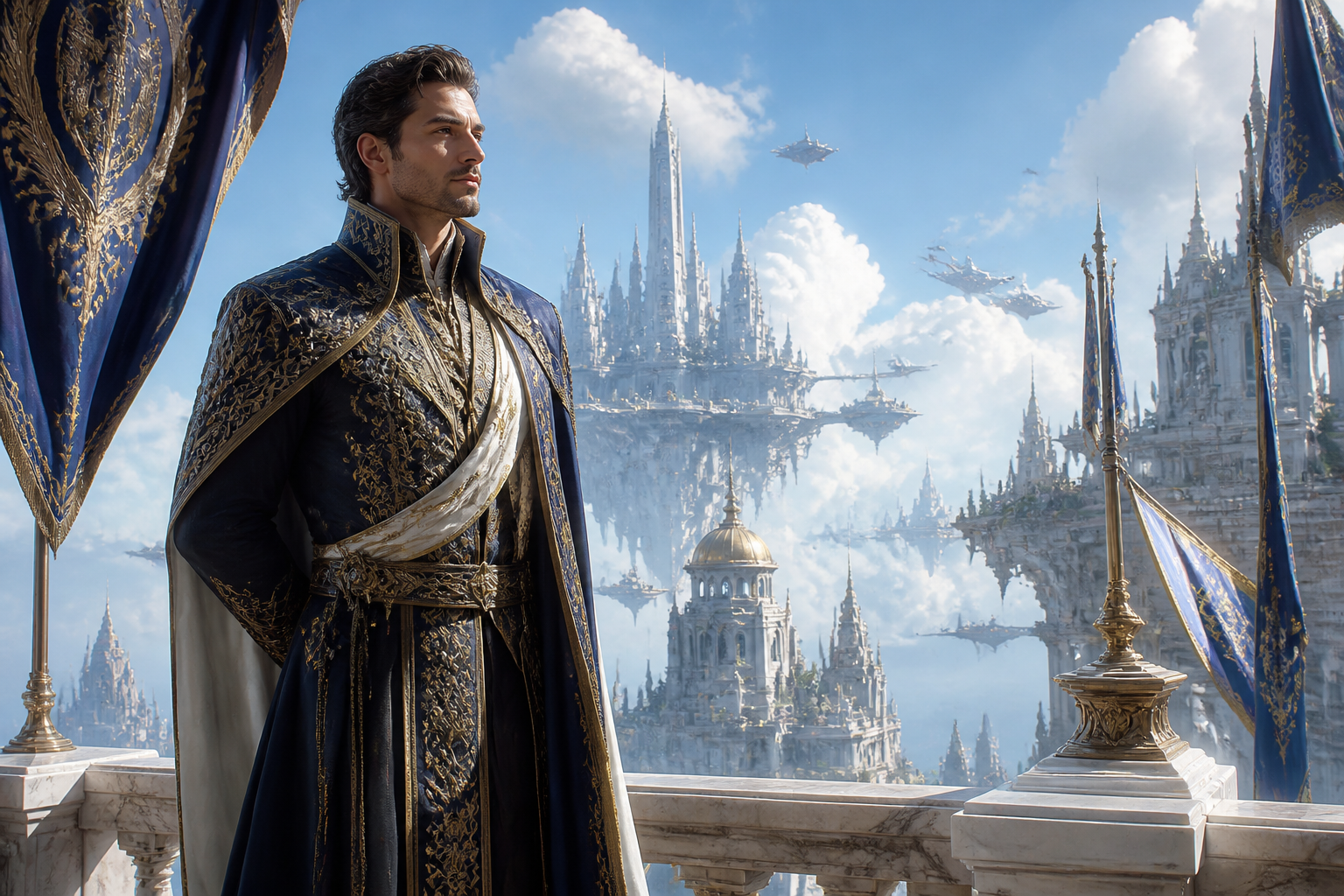
original adult royal diplomat on a marble balcony overlooking a floating city, embroidered formal wear, banners in the wind, bright sky, elegant posture, epic fantasy concept art
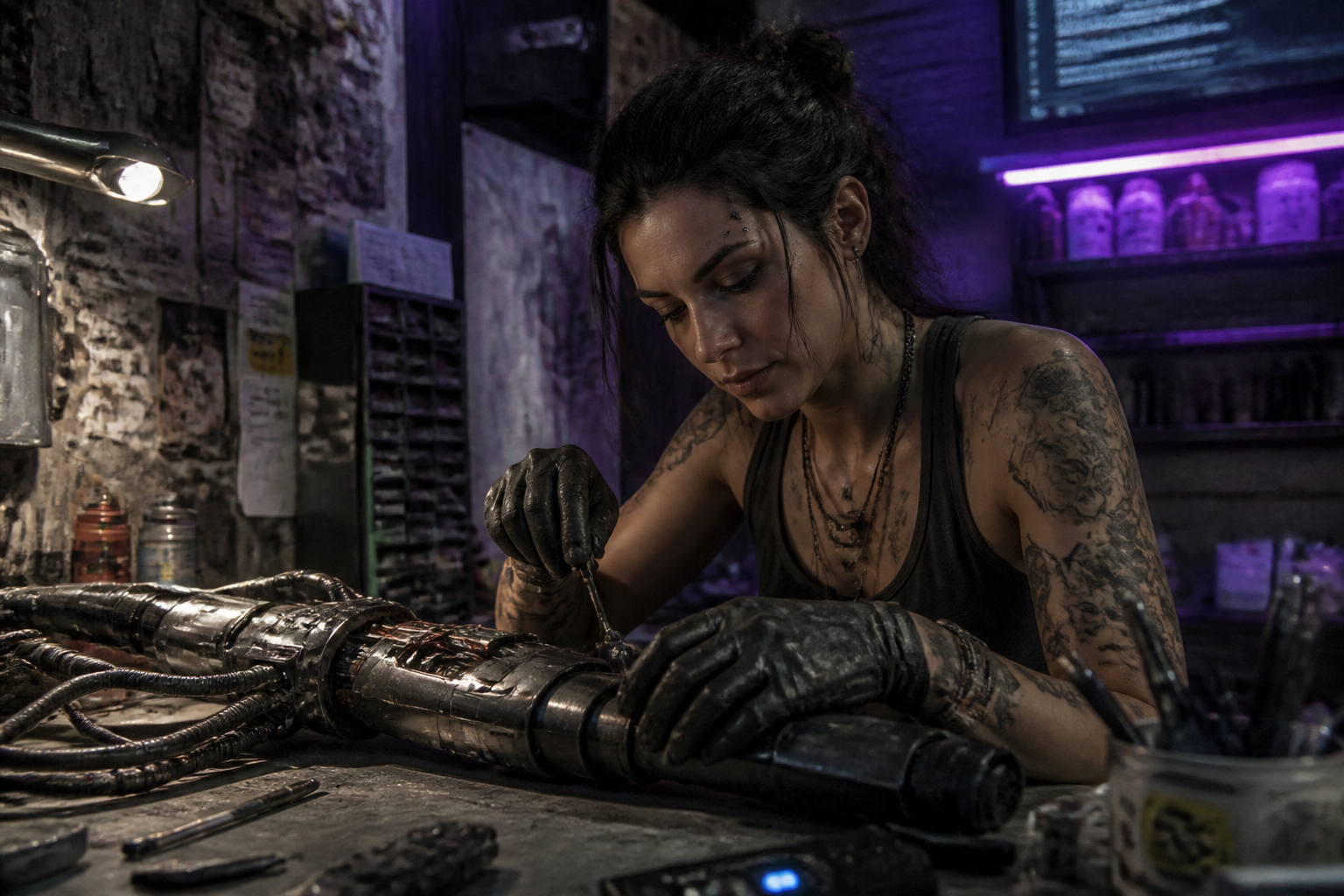
original adult cyberpunk mechanic in a cramped workshop, robotic arm parts on the table, grease-streaked gloves, purple neon strips, cluttered shelves, documentary-style cinematic realism
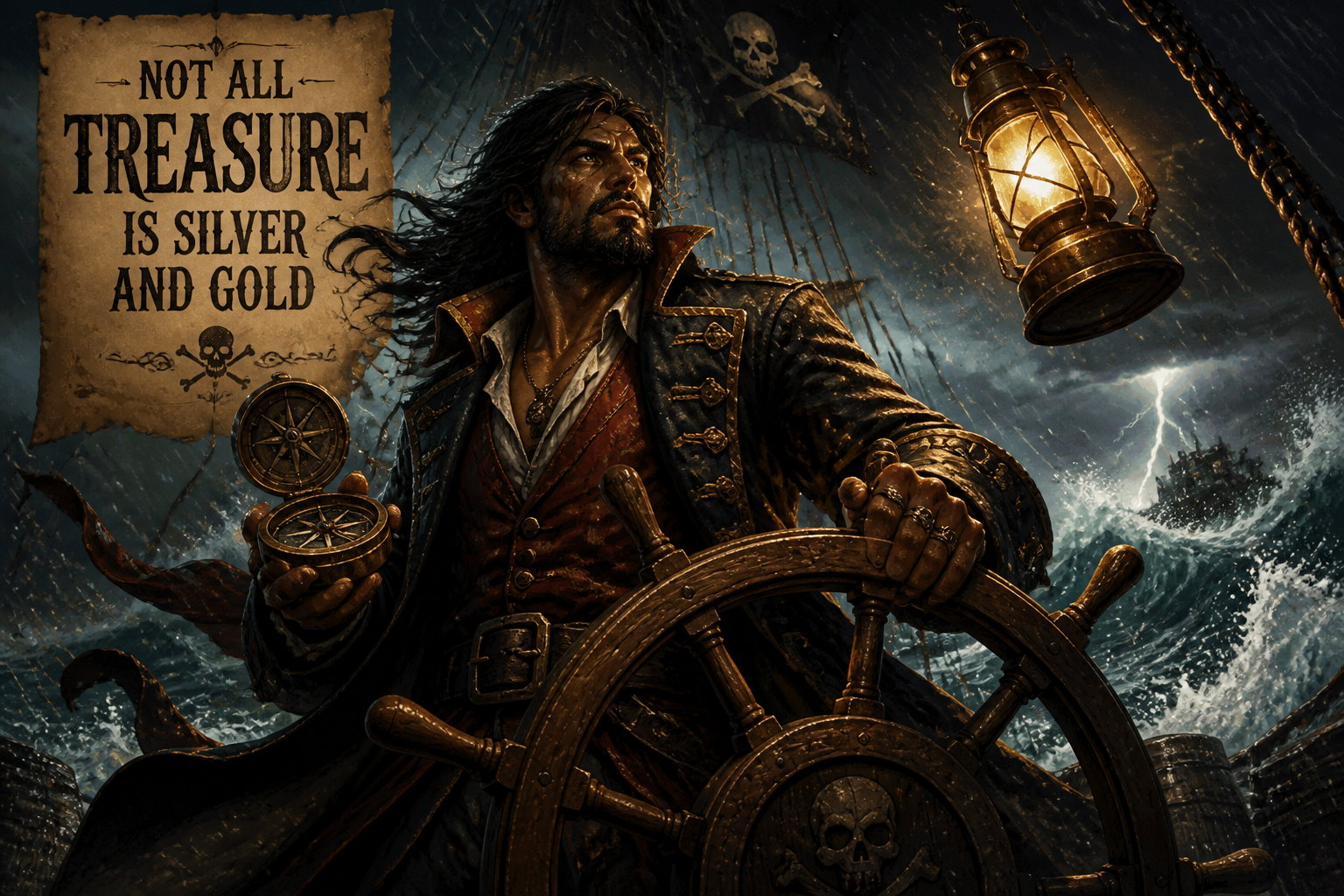
original adult pirate captain at the helm during a storm, long coat, brass compass, crashing waves, lantern swinging overhead, dynamic angle, dramatic lighting, illustrated adventure poster style
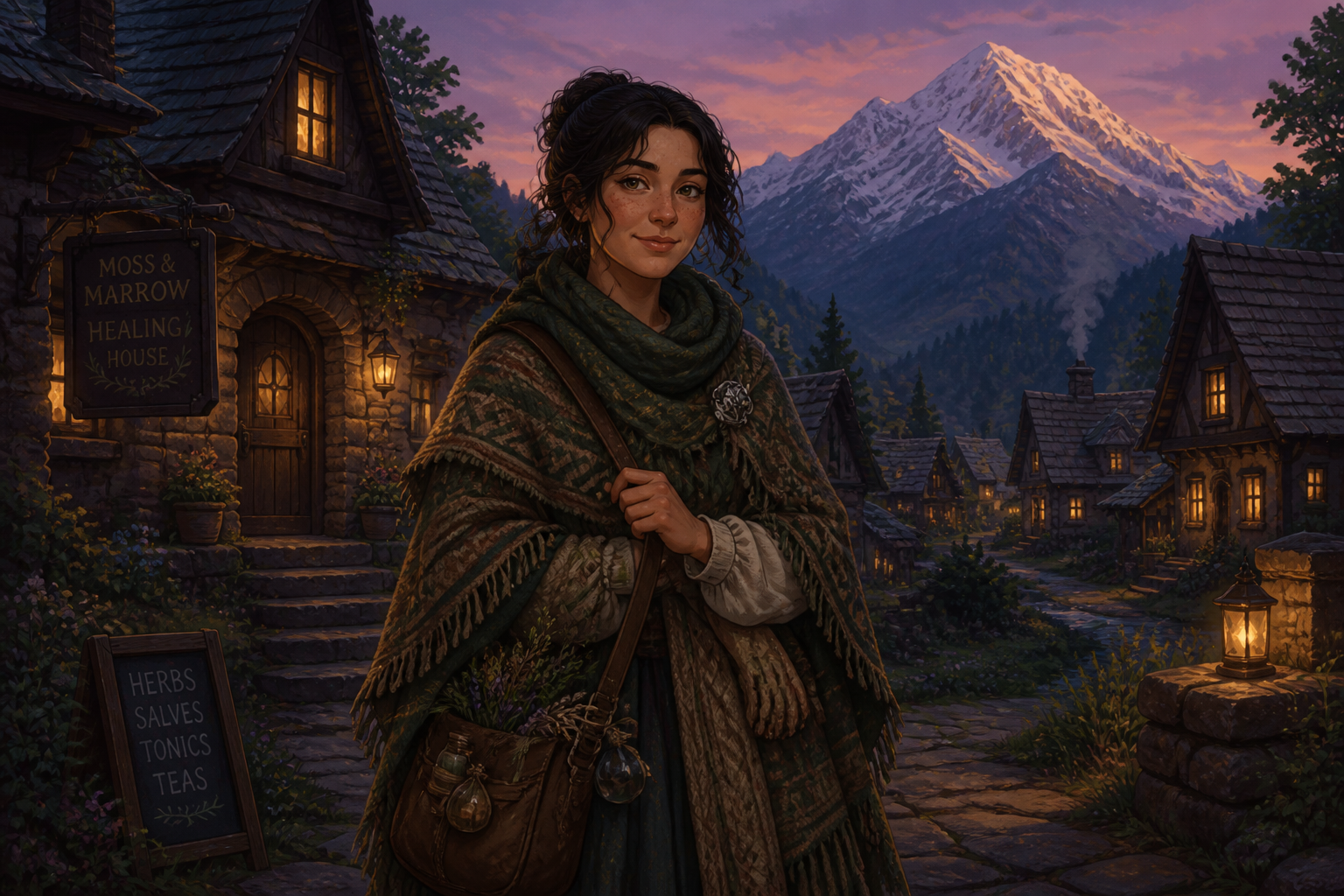
original adult healer character in a quiet mountain village at dusk, woven cloak, satchel of herbs, glowing windows, snow peaks behind, gentle expression, cozy storybook illustration
Key Features
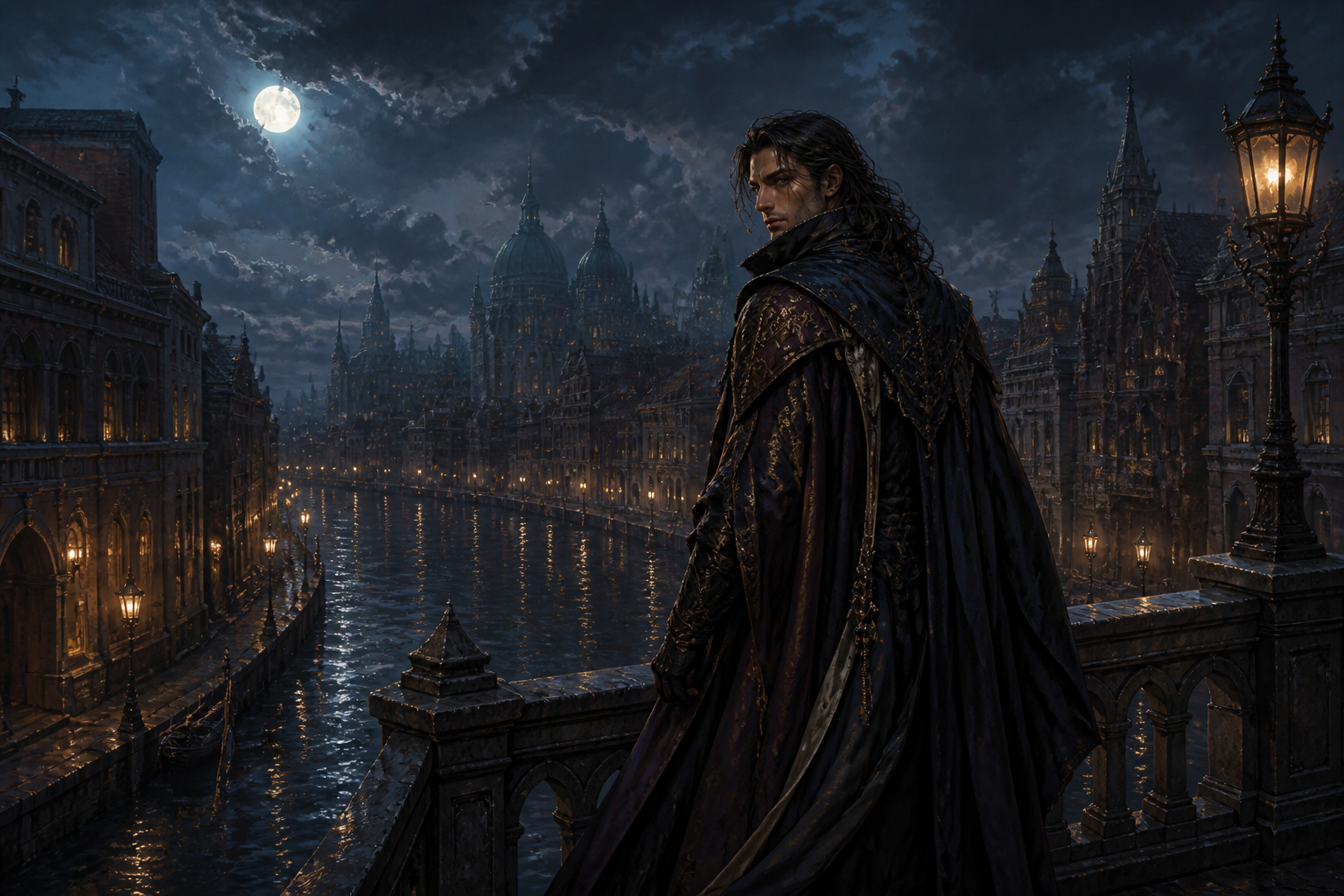
Character and scene together
You can generate a roleplay persona inside a setting, not just a plain portrait on an empty background. That makes it easier to show mood, status, and story context in one image. It saves time compared with building separate character art and environment art. The result feels closer to a real scene from your campaign, chat, or fiction.
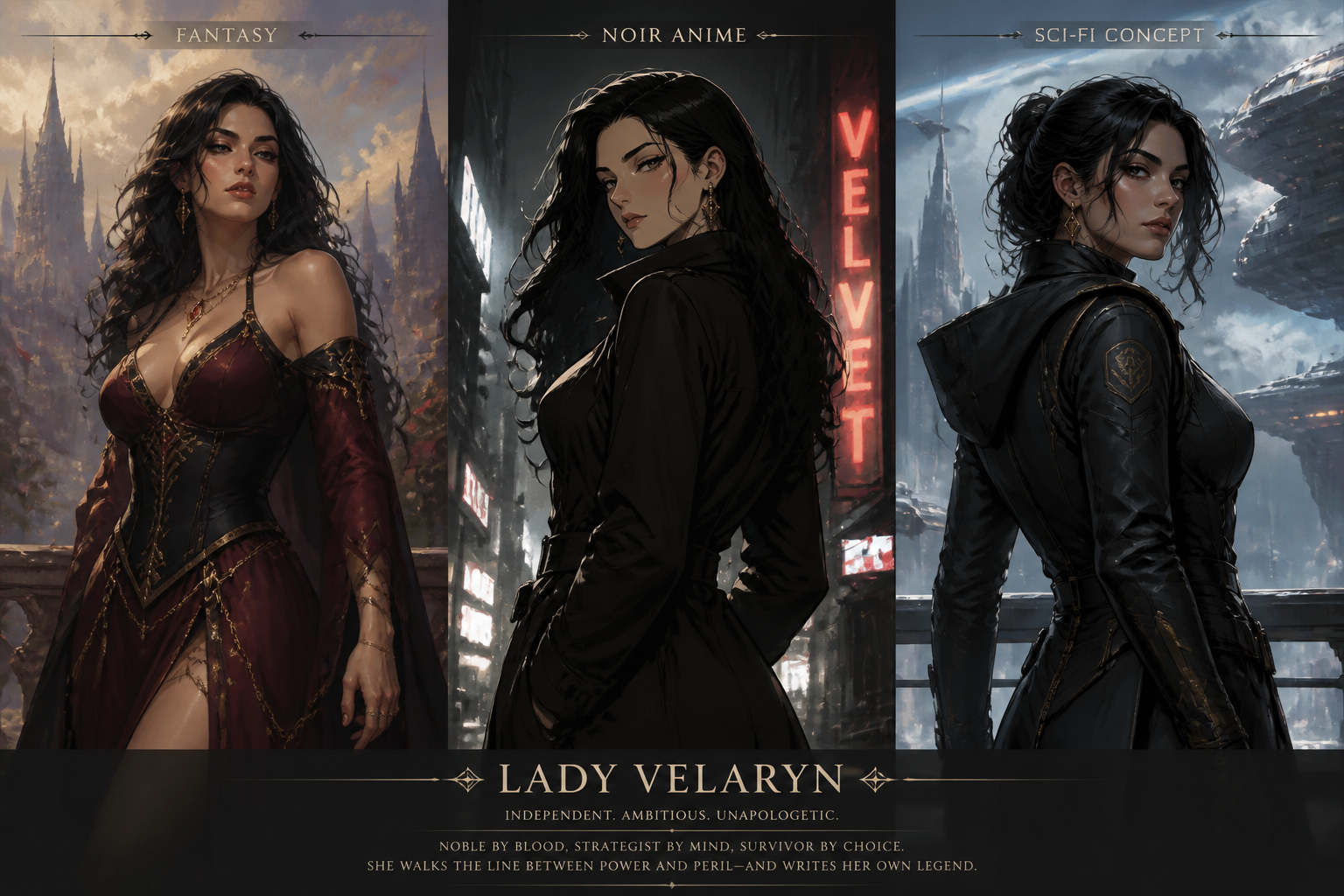
Easy style switching
The same idea can be pushed toward painterly fantasy, anime, noir, sci-fi concept art, or other visual directions by editing a few prompt words. That helps you match the tone of your setting or group. A generic generator often gives inconsistent results when style is vague. Here, style-led prompts make it easier to get something usable faster.
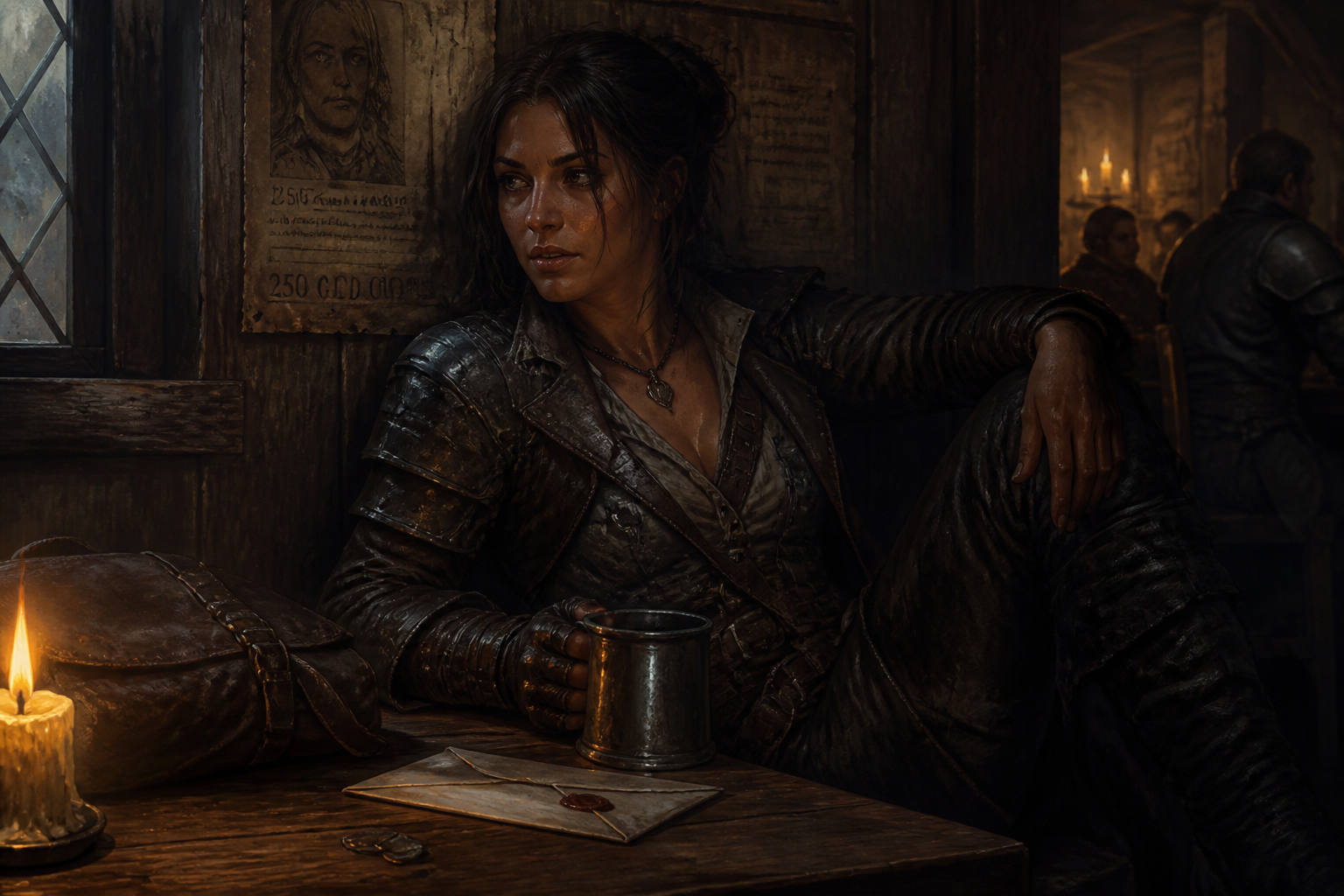
Story-rich visual details
Good roleplay art needs clues like props, wardrobe, lighting, and location details that suggest history and motive. This tool is well suited for prompts that include class, job, mood, faction, and environment in one request. That gives you more specific images than broad one-line prompts. It is useful for turning character notes into visuals you can actually share.
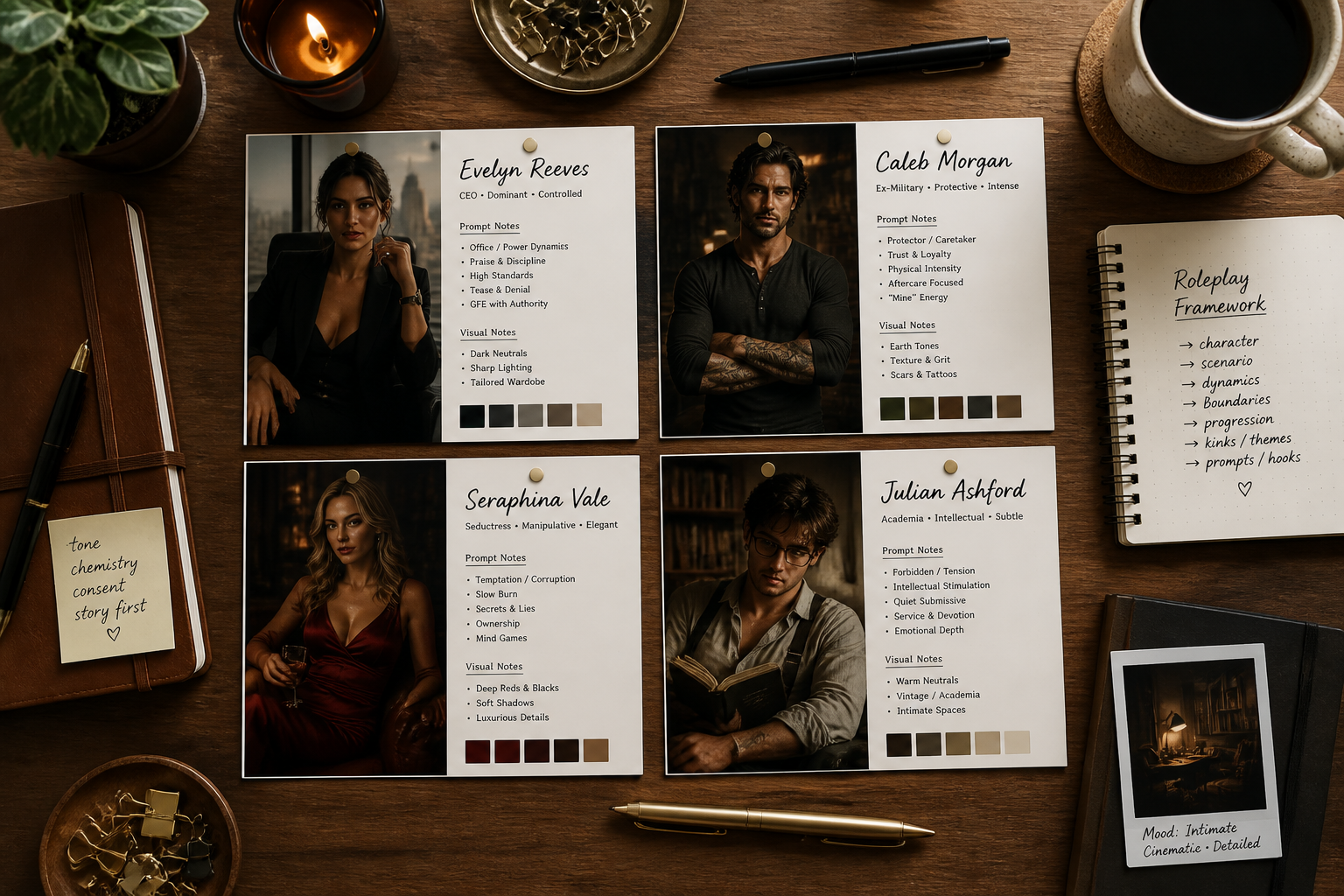
Built for prompt remixing
Each example prompt can be reused as a starting point and then customized with your own traits, setting, and mood. That is practical if you want quick variations for alternate outfits, scenes, or factions. It is simpler than writing every prompt from scratch. You get a flexible prompt library instead of a single one-off image.
How It Works
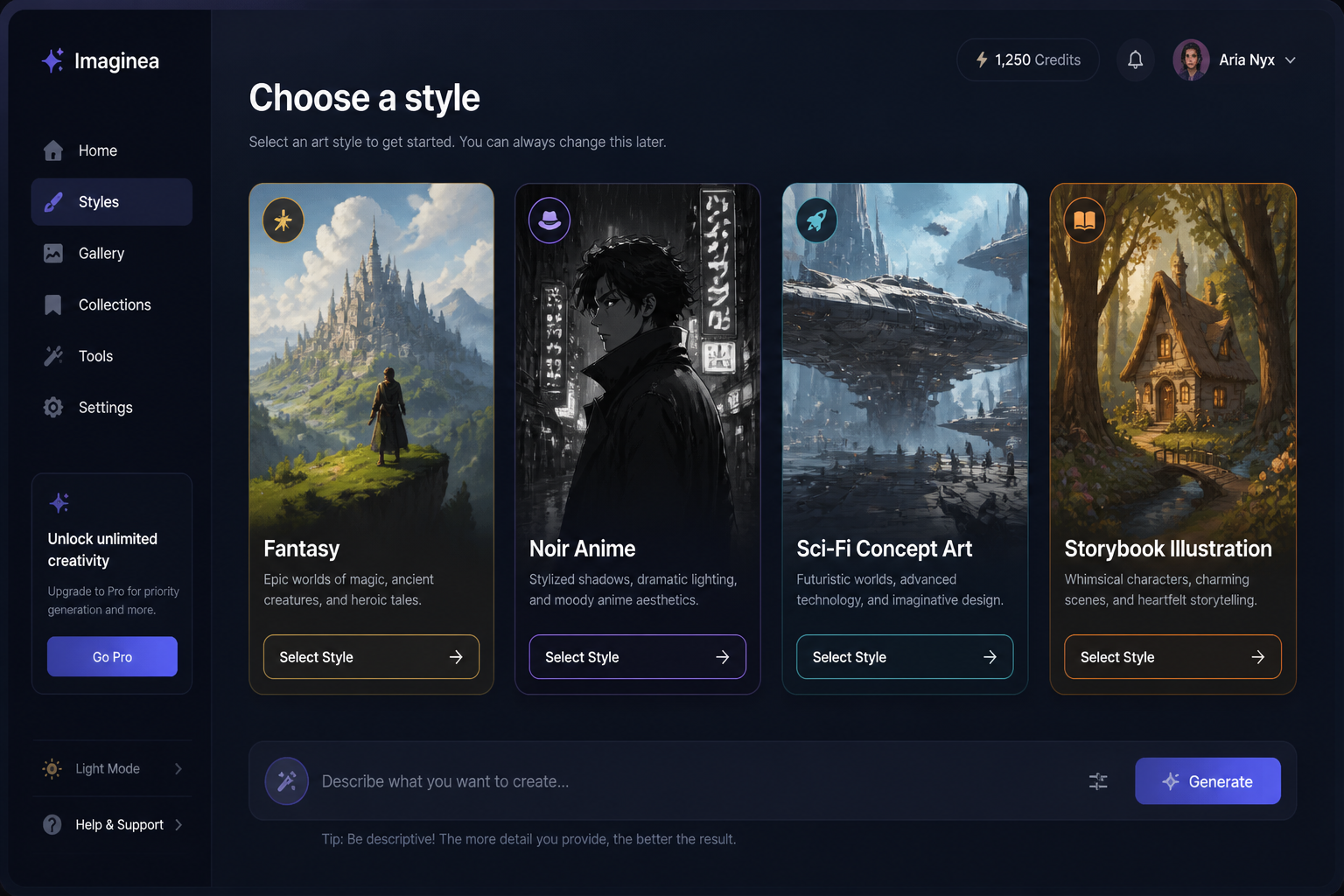
Pick a visual style
Start with a prompt template that matches your roleplay world, like fantasy, noir, sci-fi, or storybook. A strong preset gives you a solid composition and mood right away.
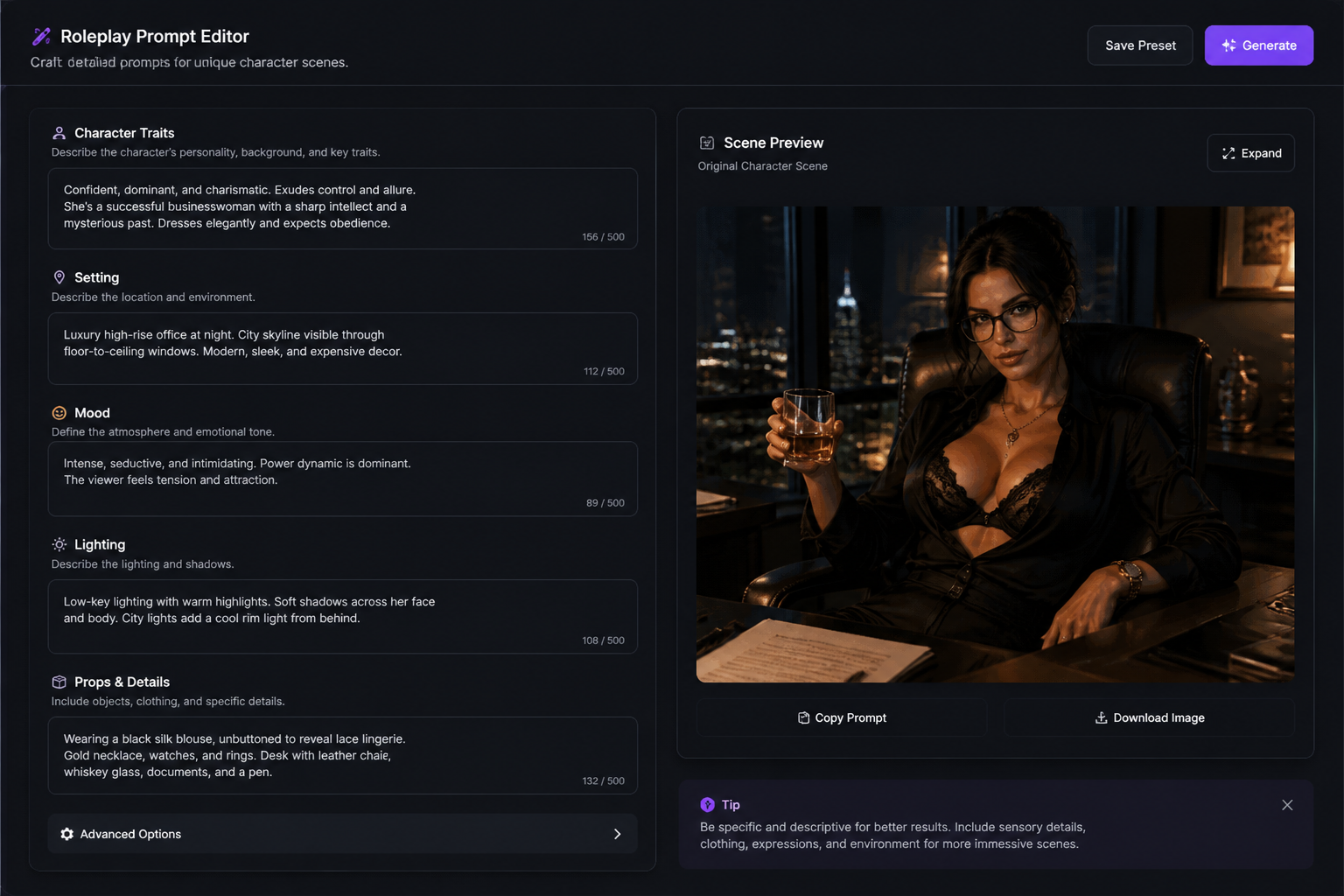
Describe the character and scene
Add details like age, outfit, role, setting, lighting, and emotion. The more specific the prompt, the more the image feels tied to your story instead of generic character art.
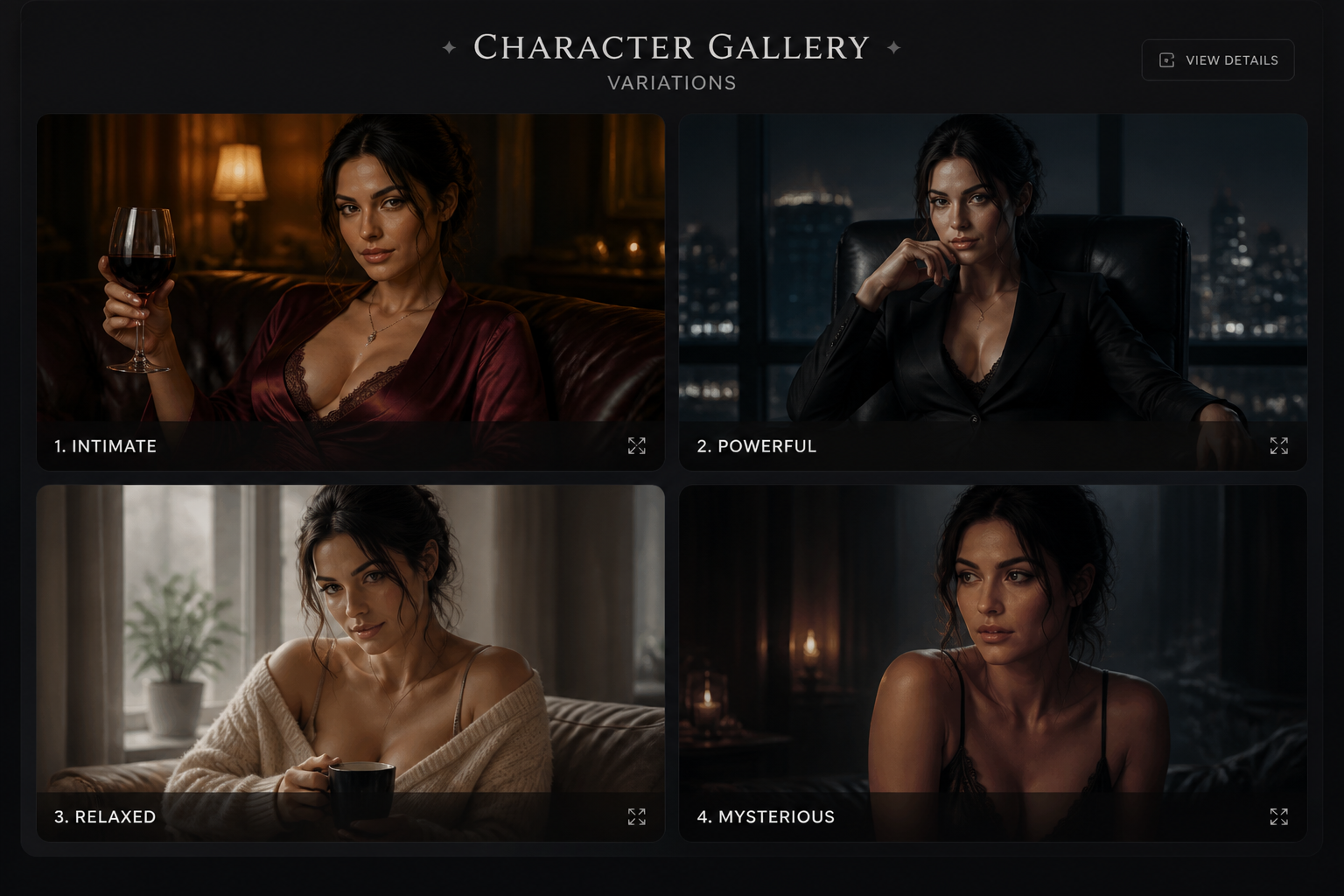
Generate and refine
Create several variations, compare them, and keep the one that fits your idea best. You can then tweak the prompt for alternate scenes, costumes, or tones.
Perfect For
Discover how creators and professionals use ai roleplay character & scene generator
Character profile art
Generate portraits and half-body scenes for roleplay profiles, introductions, and reference sheets.
Story moment visualization
Create images of important meetings, confrontations, travel scenes, or quiet character beats.
Worldbuilding inspiration
Explore the look of cities, hideouts, shrines, ships, and other settings tied to your cast.
Alternate looks and arcs
Test costume changes, faction shifts, time skips, or mood changes across a character's story.
Built For
Roleplayers
Make original art for player characters, non-player characters, and relationship scenes without needing drawing skills.
Writers
Turn notes about appearance, setting, and tone into visual references for drafting and planning.
Worldbuilders
Develop a consistent look for places, factions, and recurring personas across your setting.
Why use this roleplay character generator
A quick look at how we compare on the things that matter for this niche.
| Feature | BudgetPixel | Generic AI generators |
|---|---|---|
| Roleplay-ready prompt examples | Yes | Usually limited |
| Character plus setting focus | Built in | Often portrait-only |
| Editable prompt library | Yes | Varies |
| Multiple visual directions | Easy to prompt | Less consistent |
| No subscription required | Yes | Varies |
Frequently Asked Questions
What can I generate with this AI roleplay character generator?
Do I need to upload an image first?
Can I make both portraits and wide scenes?
How do I get better results?
Can I create variations of the same character?
Create together.
Share your creations, discover trending AI art, and grow with fellow creators.




Ready to Try AI Roleplay Character & Scene Generator?
Get started for free. No credit card required.
Try it Free