Sonilo Video SFX
Turn silent footage into synchronized Foley, ambience and action sounds.
From $0.015 a second.
MP4 or WebM videoInput
360 secondsMaximum duration
MP3 or WAVSFX format
SFX track and mixed videoDeliverables
Per input secondPricing basis
3 secondsMinimum charge
Professional audio for every use case
Screen Recording Sound Design.
Turn clicks, taps, scrolls and interface changes into cues that follow the recorded interaction.Animation Foley.
Give 2D or 3D movement physical weight with footsteps, impacts, swishes and environmental detail.Drone Footage Ambience.
Build wind, distance and terrain ambience around aerial motion without hand-placing every effect.Product Demo Sound Effects.
Add tactile clicks, slides, snaps and handling sounds that make silent product footage feel demonstrable.Timing inferred directly from the picture
Sonilo analyzes visible movement and scene changes to place Foley, ambience, impacts and interface cues against the footage. Timing is inferred from the picture, so dense or ambiguous scenes may still need adjustment in an editor.
- •Action-aware Foley placement
- •Cut and transition cues
- •Environmental ambience
- •No manual cue sheet required
- •Editor review recommended for busy scenes
Separate SFX track and ready-mixed video
Every successful generation provides the sound-effects track on its own and a version of the source video with those effects already mixed in. Review the mixed result immediately or refine the separate track in your editor.
- •Standalone effects track
- •Video with effects mixed in
- •Fast review workflow
- •Editable audio deliverable
- •One generation for both versions
Up to six minutes of footage
Process input videos up to 360 seconds without splitting every scene into a separate job. Billing follows the measured input duration in whole seconds, with a three-second minimum, rather than a flat per-clip charge.
- •Maximum input length of 360 seconds
- •Measured server-side
- •Per-second pricing
- •Whole-second billing
- •Three-second minimum
Practical input and output formats
Submit MP4 or WebM footage through an uploaded file, public URL, data URI or raw base64. Export the standalone SFX track as MP3 for convenience or WAV for editing.
- •MP4 and WebM input
- •Uploaded or public video URLs
- •Data URI and raw base64 support
- •MP3 effects output
- •WAV effects output
- •30 MB remote-fetch cap
How it works

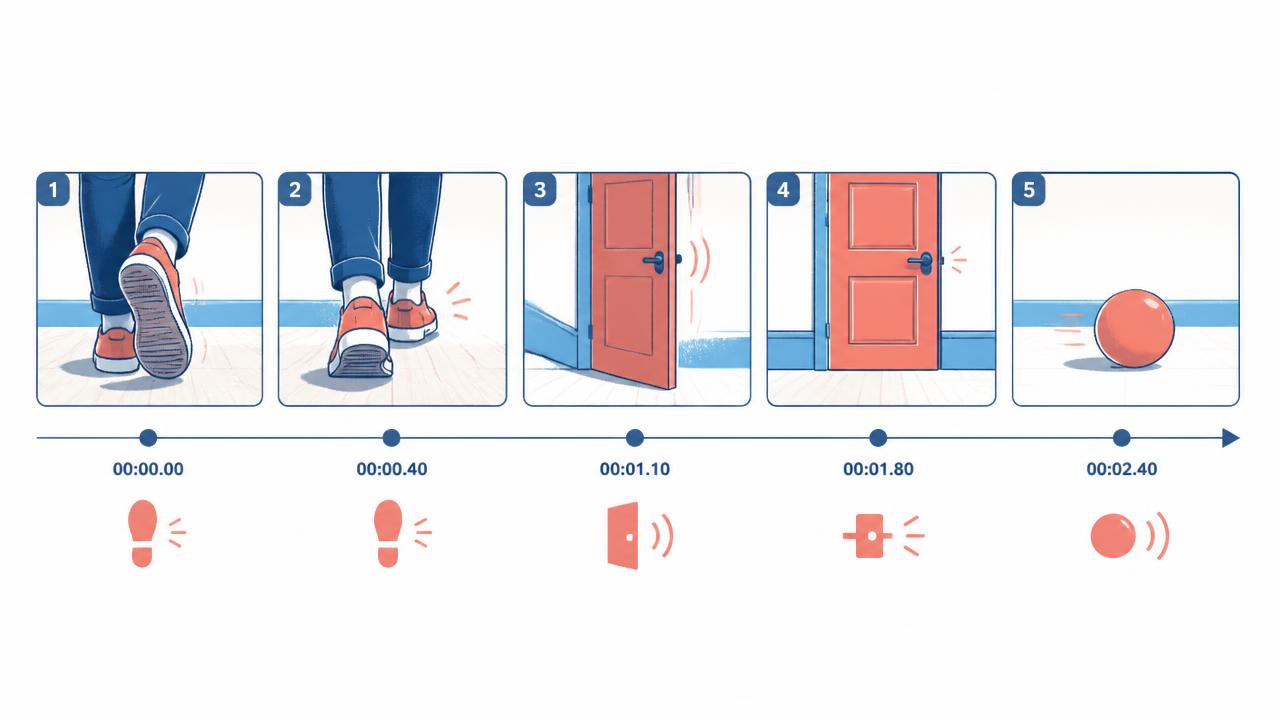
1
Upload your silent video
Choose an MP4 or WebM video up to 360 seconds long. The footage itself supplies the visible actions, cuts and environments that guide the generated effects.
2
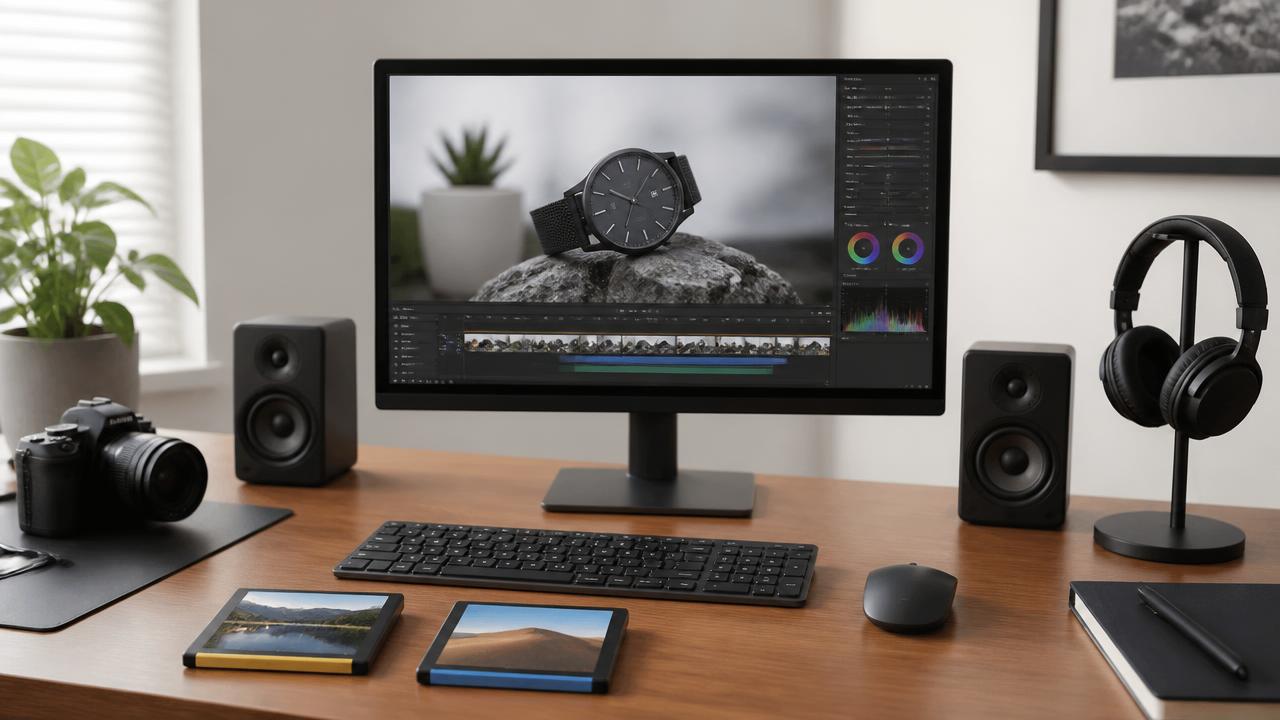
Generate from the picture
Start generation and let Sonilo infer Foley, ambience and action cues from what happens on screen. For scenes with many overlapping events, plan to review the timing afterward.
3
Download both versions
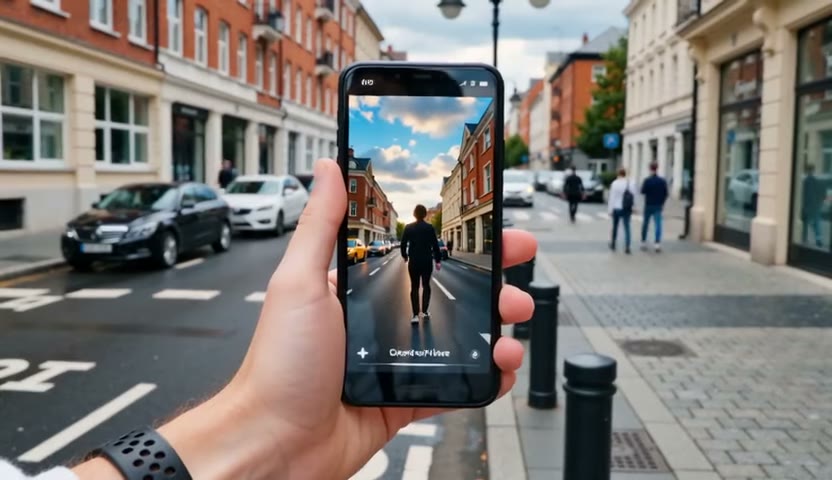
Use the ready-mixed video for immediate review or download the separate MP3 or WAV effects track. Bring the track into your editor when levels or crowded moments need another pass.
Pricing for Sonilo Video SFX
Runs on credits — no per-model surcharges, no surprise billing.
15credits
per second of audio
≈ 450 credits for a 30-second track
Use Sonilo Video SFX via the API
Sonilo Video SFX is available through the BudgetPixel developer API — the same model the studio runs, supporting video-to-sound-effect. Pricing is metered in credits (15 credits per second), charged only on success, with an API key available on Premium plans and above.
curl -X POST https://api.budgetpixel.com/v1/audios/sonilo-video-sfx \
  -H "Authorization: Bearer $BUDGETPIXEL_API_KEY" \
  -H "Content-Type: application/json" \
-d '{"prompt": "your prompt here"}'No code? Use Sonilo Video SFX from Claude or Cursor
Sonilo Video SFX is also available through the BudgetPixel MCP server. Connect your account to Claude, Cursor, or any MCP-enabled agent and generate with Sonilo Video SFX by asking in plain language — same credits, same pricing, no code required.
Frequently asked questions
What is Sonilo Video SFX?▾
Sonilo Video SFX is a video-to-sound-effects model for adding synchronized Foley, ambience, impacts and action cues to existing footage. It focuses on sound effects rather than generating music, lyrics or dialogue.
How does Sonilo Video SFX work?▾
You upload a video, and the model analyzes visible actions, motion, cuts and environments to infer suitable effects. Generation runs asynchronously, and the completed job returns both an effects track and a version of the video with those effects mixed in.
Do I need to write a sound-effects prompt?▾
No. The footage is the main brief, and the model can infer sound design from the visible action. An optional direction field is available for broad treatment constraints, but you do not need to script every sound.
How long can the input video be?▾
The input video can be up to 360 seconds, or six minutes. Its duration is measured server-side and used as the billing basis.
Which video formats can I upload?▾
Sonilo Video SFX accepts MP4 and WebM inputs. You can provide an uploaded-file URL, a public video URL, a data URI or raw base64, with a 30 MB cap for remote fetching.
What files does Sonilo Video SFX return?▾
A successful job returns the generated SFX track through an audio URL and the source video with the effects already mixed in through a video URL. The standalone effects track can be generated as MP3 or WAV.
Can I use Sonilo Video SFX commercially?▾
Sonilo states that its generated sound effects are licensed for commercial use. Your rights can still depend on the current Sonilo and BudgetPixel terms and the material in your uploaded video, so review those terms before publishing. Do not assume exclusive ownership.
How much does Sonilo Video SFX cost?▾
Pricing is based on the measured duration of the input video in whole seconds, with a three-second minimum. It is not a flat price per clip, and successful jobs are charged at the current model rate.
How accurate is the sound-effect timing?▾
The model uses visible events and motion to infer where effects should occur. Clear actions usually provide the strongest timing cues, while fast edits, hidden causes and several simultaneous actions may need manual refinement in an editor.
How does Sonilo Video SFX compare with other AI sound-effect tools?▾
Its main focus is video-native sound design rather than generating isolated effects from text. It reads the footage, follows visible events and returns both a separate effects track and an already-mixed review video.
Does Sonilo Video SFX have an API?▾
Yes — Sonilo Video SFX is available through the BudgetPixel developer API via the `POST /v1/audios/sonilo-video-sfx` endpoint, supporting video-to-sound-effect. Generate an API key from the developer console (available on Premium plans and above) and see the full reference at docs.budgetpixel.com.
How much does the Sonilo Video SFX API cost?▾
API usage is billed in credits from the same balance your plan includes, at the standard metered rate: 15 credits per second. Failed generations are never charged. You can estimate any request's exact cost with POST /v1/cost before running it.
Can I use Sonilo Video SFX with Claude or other AI agents (MCP)?▾
Yes — Sonilo Video SFX is exposed through the BudgetPixel MCP server, so Claude, Cursor, and any MCP-compatible agent can generate with it from a plain-language request. Connect your account at budgetpixel.com/mcp; generations use the same credit balance and pricing as the web studio and the API.
More video sound tools
Explore more models

Try Sonilo Video SFX
Sonilo Video SFX runs on Sonilo's audio models — developers can build with them directly at platform.sonilo.com.