Mureka V9
Turn your exact lyrics into a song with male or female vocals.
From $0.06 a track.
You supply them, up to 5,000 charsLyrics
Female or male, your choiceVocals
Prompt-driven BGM modeInstrumental
MP3Output
Professional audio for every use case
Podcast Intros and Stingers.
Turn your written show line into a sung opener with a chosen vocal gender and a compact, repeatable hook.Game Soundtracks.
Generate lyric-free BGM with defined instruments, pace, and atmosphere for menus, exploration, or combat scenes.Ad and Promo Music.
Supply the campaign words and shape them into a vocal track with a clear genre, pace, and energy level.Trailer and Cinematic Cues.
Create instrumental cues that move from restrained atmosphere to a strong final lift for trailers and dramatic edits.Your lyrics, not auto-written words
Mureka V9 song mode is built for words you have already written. There is no lyrics optimizer in this workflow, so you decide every line before the model turns it into a vocal track.
- •Supply up to about 5,000 characters
- •No automatic lyric writing
- •Keep control of the message
- •Use section labels for song structure
- •Ideal for scripts, jingles, and original verses
Choose female or male vocals
Set a female or male vocal preference when generating a song from your lyrics. This gives creators a direct way to align the performance with a character, campaign, or production brief.
- •Female vocal option
- •Male vocal option
- •Available in song mode
- •Works with your supplied lyrics
- •Style and delivery remain prompt-driven
Dedicated instrumental BGM mode
Switch to instrumental mode when a project needs music without a singer. The model follows the style prompt and ignores lyrics, making the workflow cleaner for underscore and background music.
- •Prompt-driven instrumental generation
- •Lyrics are ignored in BGM mode
- •Define genre, mood, and tempo
- •Specify instruments and arrangement
- •Useful beneath dialogue and gameplay
Focused style prompts and MP3 output
Use a concise style brief to define genre, instrumentation, mood, tempo, and arrangement. Mureka V9 accepts style prompts up to about 1,024 characters and returns an MP3 for practical project use.
- •Style prompts up to about 1,024 characters
- •MP3 track output
- •Billed per generated track
- •Supports vocal and instrumental briefs
- •Regenerate to explore alternate takes
How it works
1
Choose song or instrumental
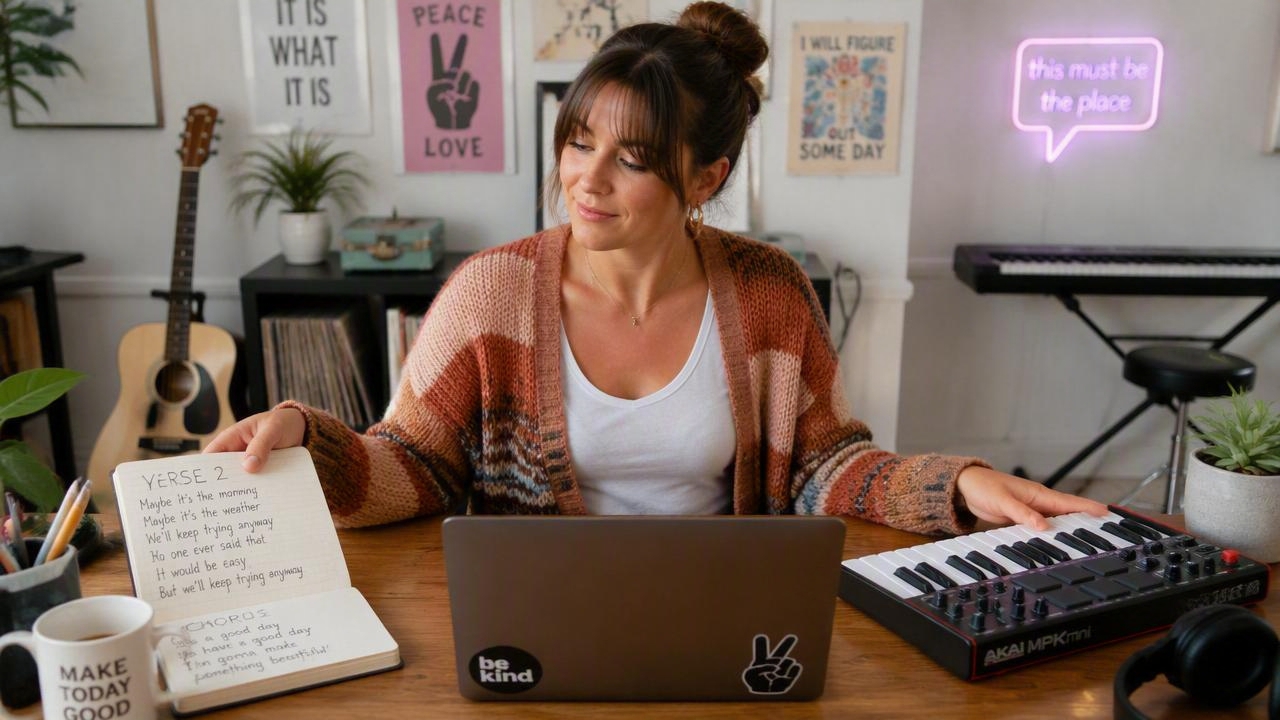
Open the audio workshop with Mureka V9 selected. Choose song mode when you want your own words sung, or instrumental mode when you need lyric-free BGM.

2
Supply lyrics or describe the BGM
For a song, paste your lyrics and choose a female or male vocal. Then add a tight style prompt; for an instrumental, skip lyrics and describe the genre, instruments, mood, and tempo.
3
Generate and download
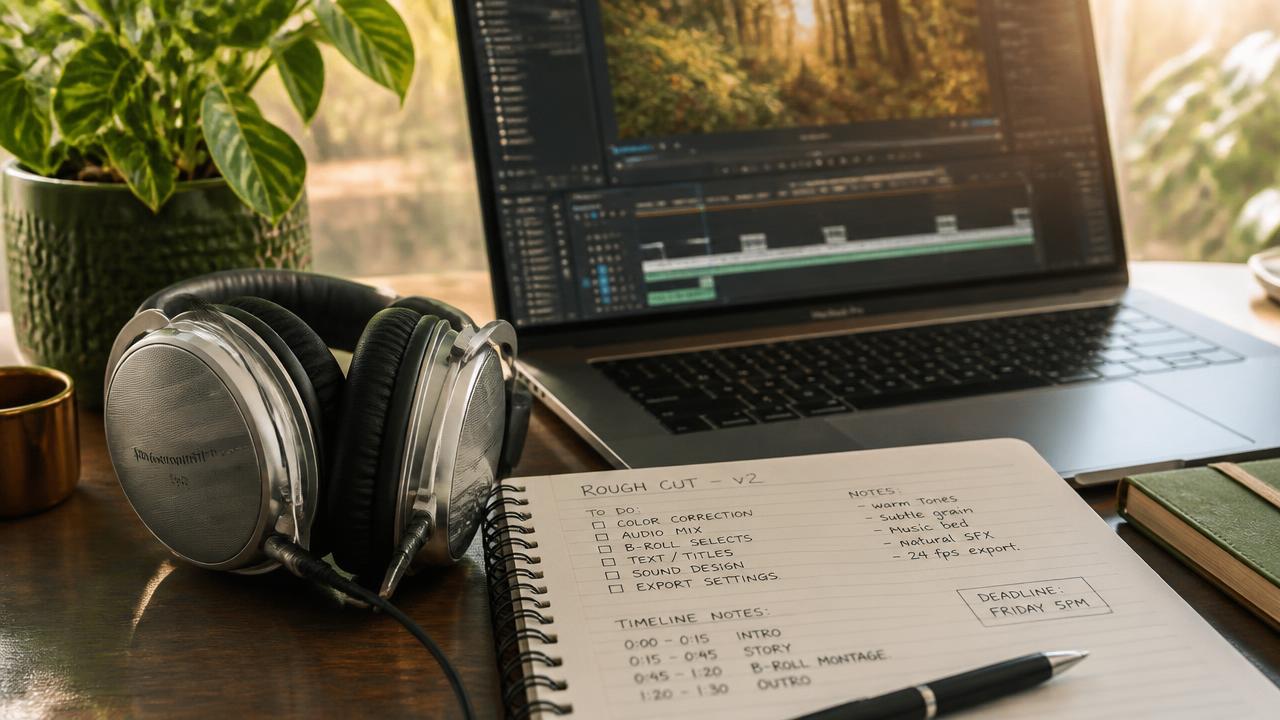
Generate the track and listen for vocal delivery, structure, and fit with your project. Refine the style brief if needed, then download the selected MP3.
Prompts to steal
Instrumental indie electronica, 96 BPM, muted guitar, warm synth bass, crisp drums, optimistic and unobtrusive, gentle build, no vocals
Background Music for Videos
Song mode; supply lyrics separately. Bright jazz-pop, 108 BPM, upright bass, brushed drums, brass accents, female vocal, witty and welcoming, short hook
Podcast Intros and Stingers
Instrumental orchestral breakbeat, 138 BPM, urgent strings, taiko drums, distorted bass pulses, heroic tension, clear loop-friendly sections, no vocals
Game Soundtracks
Song mode; supply campaign lyrics separately. Funk-pop, 124 BPM, slap bass, handclaps, bright guitar, male vocal, confident, catchy chorus, clean ending
Ad and Promo Music
Instrumental hybrid cinematic score, 72 BPM, low piano, distant brass, deep percussion, tense opening, accelerating middle, powerful final rise, no vocals
Trailer and Cinematic Cues
Song mode; supply lyrics separately. Acoustic soul ballad, 78 BPM, fingerpicked guitar, soft piano, restrained drums, female vocal, intimate verses, rising chorus
Your lyrics, not auto-written words
Pricing for Mureka V9
Runs on credits — no per-model surcharges, no surprise billing.
60credits
per track
60 credits per full track
Use Mureka V9 via the API
Mureka V9 is available through the BudgetPixel developer API — the same model the studio runs, supporting music generation. Pricing is metered in credits (60 credits per track), charged only on success, with an API key available on Premium plans and above.
curl -X POST https://api.budgetpixel.com/v1/audios/mureka-v9 \
  -H "Authorization: Bearer $BUDGETPIXEL_API_KEY" \
  -H "Content-Type: application/json" \
-d '{"prompt": "your prompt here"}'No code? Use Mureka V9 from Claude or Cursor
Mureka V9 is also available through the BudgetPixel MCP server. Connect your account to Claude, Cursor, or any MCP-enabled agent and generate with Mureka V9 by asking in plain language — same credits, same pricing, no code required.
Frequently asked questions
What is Mureka V9?▾
Mureka V9 is an AI music model for generating complete vocal songs from supplied lyrics or instrumental music from a style prompt. On BudgetPixel, its clearest strength is turning words you have already written into a sung track.
How does Mureka V9 work on BudgetPixel?▾
Select Mureka V9 in the audio workshop and choose song or instrumental mode. Song mode combines your lyrics with a style prompt and vocal-gender setting, while instrumental mode generates prompt-driven BGM without vocals.
Can Mureka V9 write lyrics for me?▾
No. This Mureka V9 workflow does not include a lyrics optimizer or automatic lyric writer. You must supply your own lyrics before generating a vocal song.
Can I use my own lyrics with Mureka V9?▾
Yes. Song mode accepts user-supplied lyrics up to about 5,000 characters, giving you room for structured verses, choruses, bridges, and repeated hooks. Make sure you have permission to use any words you submit.
Does Mureka V9 generate male and female vocals?▾
Yes. Song mode includes female and male vocal-gender options. Vocal delivery is also influenced by the genre, mood, tempo, and performance language in your style prompt.
Can Mureka V9 make instrumental music?▾
Yes. Its dedicated instrumental mode generates BGM from a style prompt and ignores lyrics entirely. Describe the genre, instrumentation, mood, tempo, and desired progression for a more useful project track.
How long can a Mureka V9 track be?▾
Mureka does not publish a fixed maximum V9 generation duration in its current API documentation. Song length is influenced by the supplied lyrics and arrangement, while instrumental duration can vary, so avoid relying on an exact runtime.
What audio format does Mureka V9 output?▾
Mureka V9 tracks generated through this BudgetPixel workflow are delivered as MP3 files. You can download the selected track after generation and place it into your editing workflow.
Can I use Mureka V9 music commercially?▾
Mureka's API FAQ states that content from paid API calls includes commercial authorization, but usage remains subject to Mureka's current terms and the rights attached to your inputs. Review those terms before publishing, distributing, or monetizing a track; this page does not promise ownership or blanket royalty-free rights.
How much does Mureka V9 cost?▾
Generation uses BudgetPixel credits, and billing is based on each track generated. The final credit cost is shown in the workshop, so you can review it before starting a generation.
Does Mureka V9 have an API?▾
Yes — Mureka V9 is available through the BudgetPixel developer API via the `POST /v1/audios/mureka-v9` endpoint, supporting music generation. Generate an API key from the developer console (available on Premium plans and above) and see the full reference at docs.budgetpixel.com.
How much does the Mureka V9 API cost?▾
API usage is billed in credits from the same balance your plan includes, at the standard metered rate: 60 credits per track. Failed generations are never charged. You can estimate any request's exact cost with POST /v1/cost before running it.
Can I use Mureka V9 with Claude or other AI agents (MCP)?▾
Yes — Mureka V9 is exposed through the BudgetPixel MCP server, so Claude, Cursor, and any MCP-compatible agent can generate with it from a plain-language request. Connect your account at budgetpixel.com/mcp; generations use the same credit balance and pricing as the web studio and the API.