Lyria 3
Turn up to 10 reference images into music shaped around their mood and theme.
From $0.10 a track.
Up to 10 to steer moodReference images
Sung vocals or instrumentalVocals
Write your own, or let it draftLyrics
MP3, SynthID-watermarkedOutput
Professional audio for every use case
Podcast intros and stingers.
Create a distinct sonic identity with concise intros, transitions, and closing stingers.Game soundtracks.
Score exploration, combat, or puzzle scenes with genre-specific instrumental cues.Ad and promo music.
Build memorable promo tracks with a short sung hook and controllable energy.Meditation and ambient.
Generate spacious, low-distraction instrumentals for breathing, wellness, and calm visual content.Music shaped by up to 10 images
Add up to 10 reference images to steer the track's mood, theme, and overall atmosphere. This helps creators build music around storyboards, campaign art, game worlds, or visual concepts instead of relying on text alone.
- •Upload up to 10 reference images
- •Combine visual and written direction
- •Translate visual mood into sound
- •Score storyboards and campaign art
- •Keep visual projects sonically coherent
Use your lyrics or let Lyria write
Provide your own lyrics or describe a subject and let Lyria 3 generate words around it. You can also direct vocal range, timbre, language, and delivery for a track that fits the project.
- •Optional lyrics up to about 3,000 characters
- •Verse, chorus, and bridge tags
- •Generated or user-provided lyrics
- •Controllable vocal style and delivery
- •Instrumental mode when words are unnecessary
Direct tempo, intensity, and structure
Describe the BPM, energy curve, instrumentation, and section order you need. Clear structural direction helps produce cues that build, peak, and resolve around a video's pacing or campaign message.
- •Set BPM and intensity
- •Request intros, verses, and choruses
- •Use timestamps for key changes
- •Choose vocal or instrumental output
- •Direct builds, drops, and endings
Clear stereo MP3 for project workflows
Lyria 3 produces 44.1 kHz stereo MP3 audio that is straightforward to preview and place in an editing timeline. Detailed prompts can preserve separation between percussion, melody, bass, and supporting textures.
- •MP3 output
- •44.1 kHz stereo audio
- •192 kbps supported bitrate
- •One finished track per generation
- •Suitable for vocal and instrumental cues
How it works

1
Describe the track
Enter the genre, mood, BPM, instrumentation, and intended destination. Add up to 10 reference images when you want the visuals to shape the track's theme and atmosphere.
2
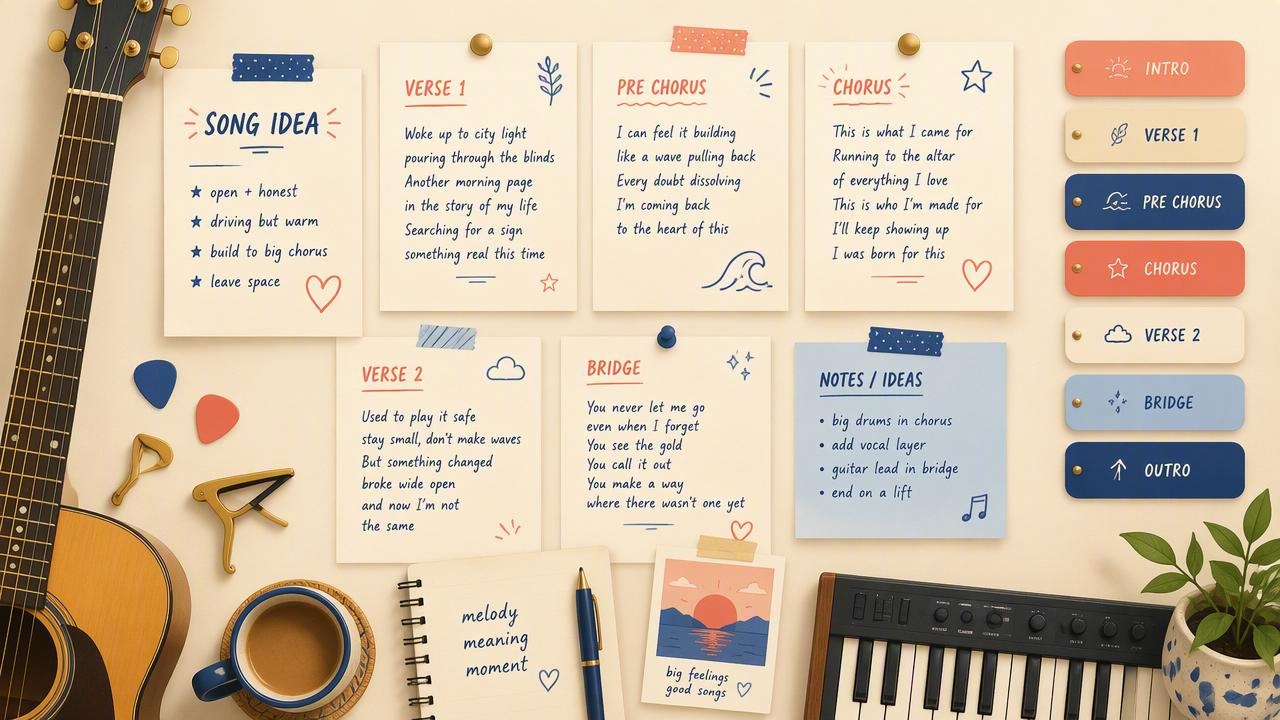
Choose lyrics or instrumental
Ask for an instrumental, describe a lyrical theme, or paste up to about 3,000 characters of your own lyrics. Use section labels such as Verse, Chorus, and Bridge when structure matters.
3
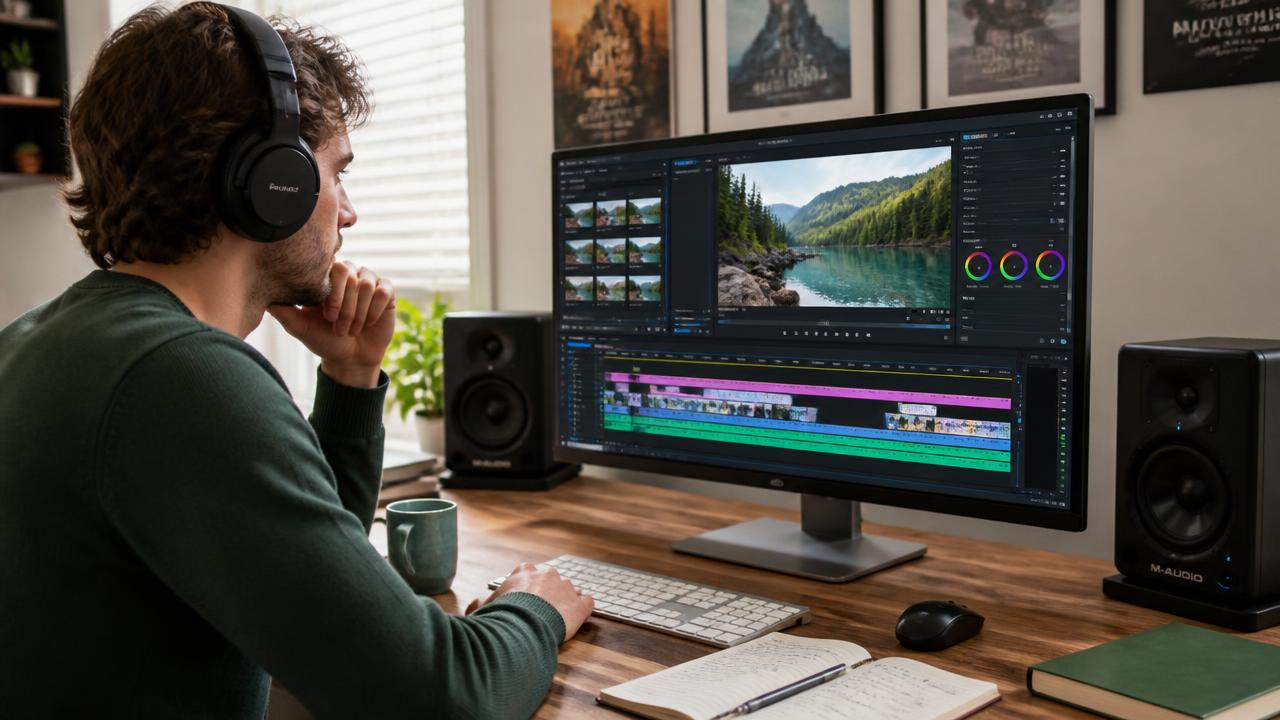
Generate and download
Generate one track from your selected direction, then preview and download the MP3 for your project. Each completed track is billed as a generation, so refine the brief before running it.
Prompts to steal
Instrumental indie electronic, 112 BPM, muted electric guitar, warm bass, crisp drums, airy synths, optimistic forward motion, clean ending, no vocals
Background music for videos
Instrumental jazz-funk stinger, 104 BPM, Rhodes piano, upright bass, brushed drums, one bright brass accent, polished and curious, no vocals
Podcast intros and stingers
Instrumental hybrid orchestral breakbeat, 138 BPM, tense strings, taiko drums, pulsing synth arpeggio, heroic lift, loop-friendly ending, no vocals
Game soundtracks
Bright dance-pop, 124 BPM, punchy drums, elastic bass, glossy synth chords, confident female alto singing a short original hook about taking the next step
Ad and promo music
Instrumental ambient, 60 BPM, felt piano, glass harmonics, soft drones, distant chimes, no drums, slow breathing pace, serene and spacious, no vocals
Meditation and ambient
Use six attached desert-night images to guide an instrumental downtempo track, 84 BPM, handpan, deep frame drums, bowed strings, airy synths, mysterious and expansive
Music shaped by up to 10 images
Pricing for Lyria 3
Runs on credits — no per-model surcharges, no surprise billing.
100credits
per track
100 credits per full track
Use Lyria 3 via the API
Lyria 3 is available through the BudgetPixel developer API — the same model the studio runs, supporting music generation. Pricing is metered in credits (100 credits per track), charged only on success, with an API key available on Premium plans and above.
curl -X POST https://api.budgetpixel.com/v1/audios/lyria-3 \
  -H "Authorization: Bearer $BUDGETPIXEL_API_KEY" \
  -H "Content-Type: application/json" \
-d '{"prompt": "your prompt here"}'No code? Use Lyria 3 from Claude or Cursor
Lyria 3 is also available through the BudgetPixel MCP server. Connect your account to Claude, Cursor, or any MCP-enabled agent and generate with Lyria 3 by asking in plain language — same credits, same pricing, no code required.
Frequently asked questions
What is Google Lyria 3?▾
Lyria 3 is Google's text-to-music model for generating vocal songs and instrumentals. It can follow written prompts, accept user lyrics, and use reference images to guide the mood and theme of a track.
How does Lyria 3 image conditioning work?▾
You can provide up to 10 images alongside your music prompt. Lyria 3 uses their visual mood, subject, and atmosphere as creative direction, making it useful for scoring storyboards, artwork, game environments, and campaigns.
Can I use Lyria 3 music commercially?▾
Commercial use depends on Google's applicable terms and the terms under which you access Lyria 3. BudgetPixel does not promise ownership or blanket royalty-free rights, so review Google's current terms before publishing, licensing, or distributing a track. You must also have permission to use any uploaded lyrics or images.
Does Lyria 3 generate vocals and instrumentals?▾
Yes. You can request vocals with generated or supplied lyrics, or state that the track should be instrumental with no vocals. For vocals, describe the desired range, timbre, language, and delivery.
Can I use my own lyrics with Lyria 3?▾
Yes. The BudgetPixel workflow accepts optional user lyrics up to about 3,000 characters. Separate the lyrics from the musical instructions and use labels such as Verse, Chorus, Bridge, and Outro to clarify the intended structure.
How long can a Lyria 3 track be?▾
Google's Lyria 3 family includes a Clip model for 30-second audio and a Pro model supporting full tracks up to 184 seconds in current documentation. The exact duration available depends on the generation option presented in the workshop.
What audio format does Lyria 3 output?▾
BudgetPixel delivers Lyria 3 generations as MP3 files. Google's current technical specifications list 44.1 kHz stereo audio with a supported bitrate of 192 kbps.
Does Lyria 3 audio contain a watermark?▾
Yes. Every generated track carries Google's imperceptible SynthID audio watermark, so the output is not watermark-free. SynthID is intended to help identify audio created or edited with Google's AI systems without adding an audible tag.
How much does Lyria 3 cost?▾
Lyria 3 is billed per generated track on BudgetPixel. Credit use may vary by the generation option, so check the amount shown in the workshop before starting a generation.
How does Lyria 3 compare with other AI music generators?▾
Its defining capability is reference-image conditioning: up to 10 images can help shape a track's theme and mood. It also supports vocals, instrumentals, user lyrics, tempo direction, and structured arrangements for practical content-production workflows.
Does Lyria 3 have an API?▾
Yes — Lyria 3 is available through the BudgetPixel developer API via the `POST /v1/audios/lyria-3` endpoint, supporting music generation. Generate an API key from the developer console (available on Premium plans and above) and see the full reference at docs.budgetpixel.com.
How much does the Lyria 3 API cost?▾
API usage is billed in credits from the same balance your plan includes, at the standard metered rate: 100 credits per track. Failed generations are never charged. You can estimate any request's exact cost with POST /v1/cost before running it.
Can I use Lyria 3 with Claude or other AI agents (MCP)?▾
Yes — Lyria 3 is exposed through the BudgetPixel MCP server, so Claude, Cursor, and any MCP-compatible agent can generate with it from a plain-language request. Connect your account at budgetpixel.com/mcp; generations use the same credit balance and pricing as the web studio and the API.