Character Design Generator
Turn a simple image into polished character concepts in minutes.
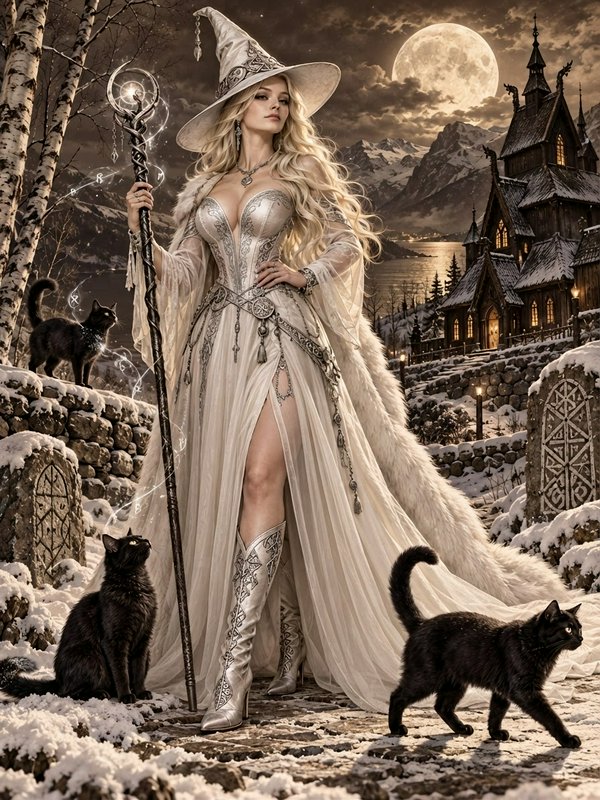
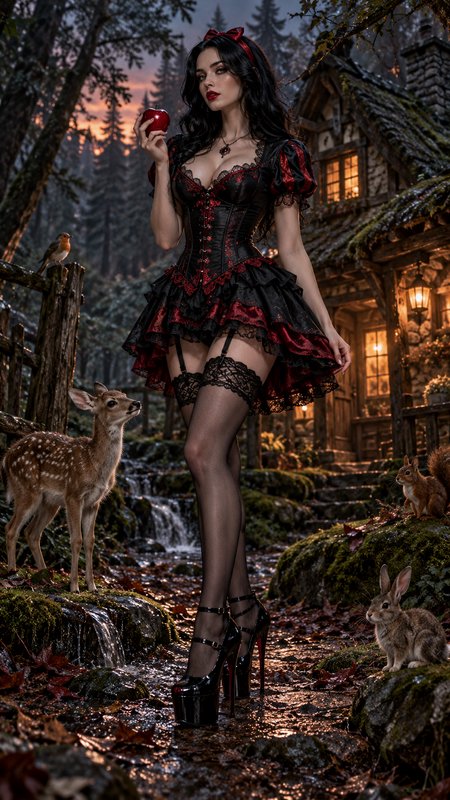
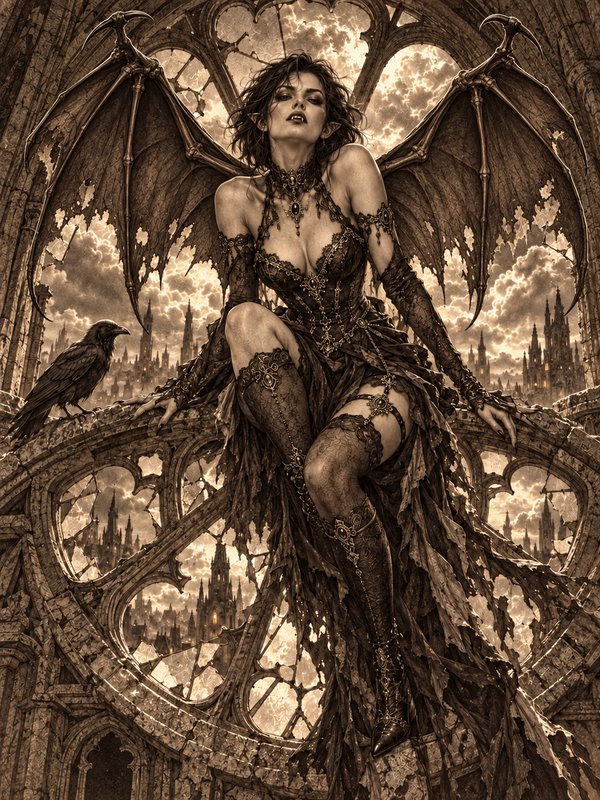
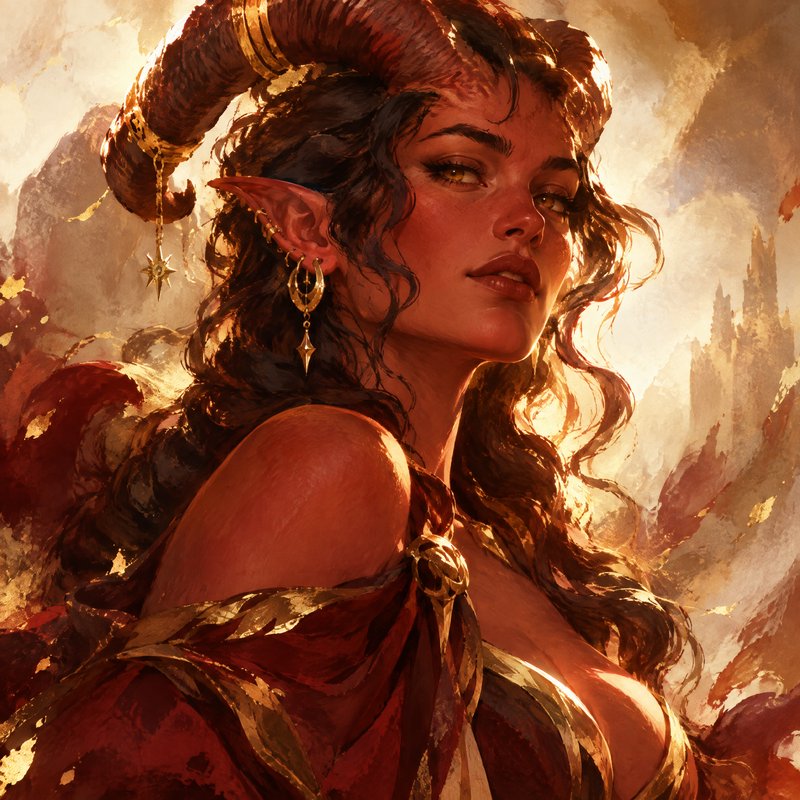
BudgetPixel helps you transform a base image into new character concepts for games, comics, animation, and visual storytelling. Change outfits, roles, art styles, and mood while keeping the framing and core design readable.
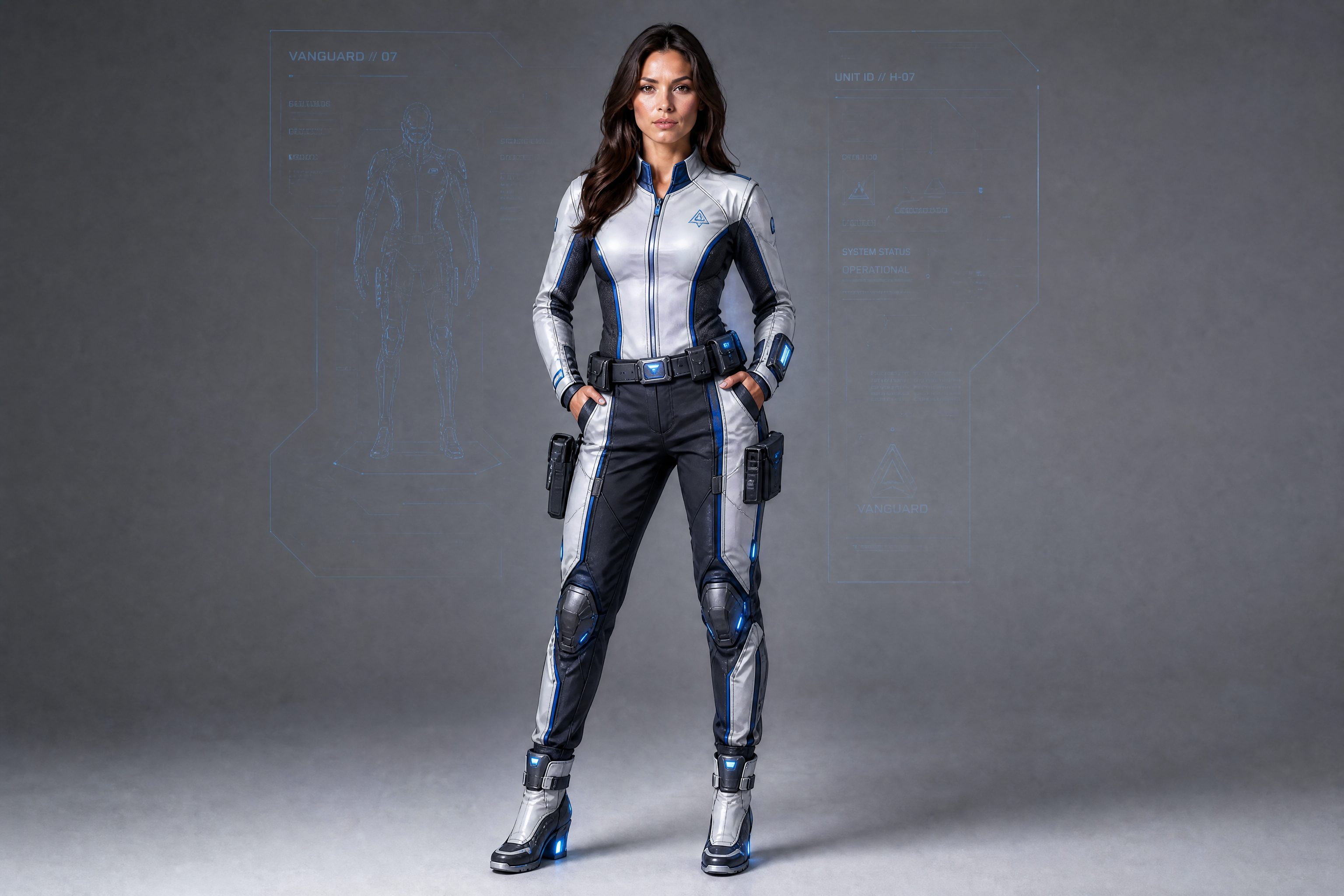
Watch the Transformation
See character design generator in motion — generated end-to-end by our AI.
See It In Action
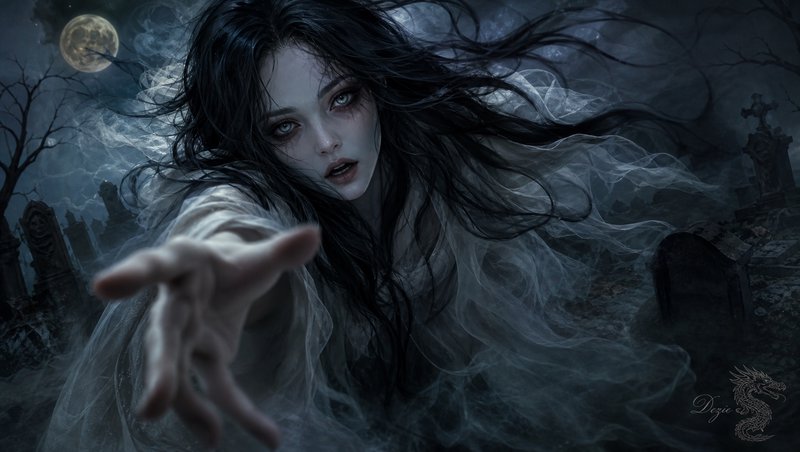
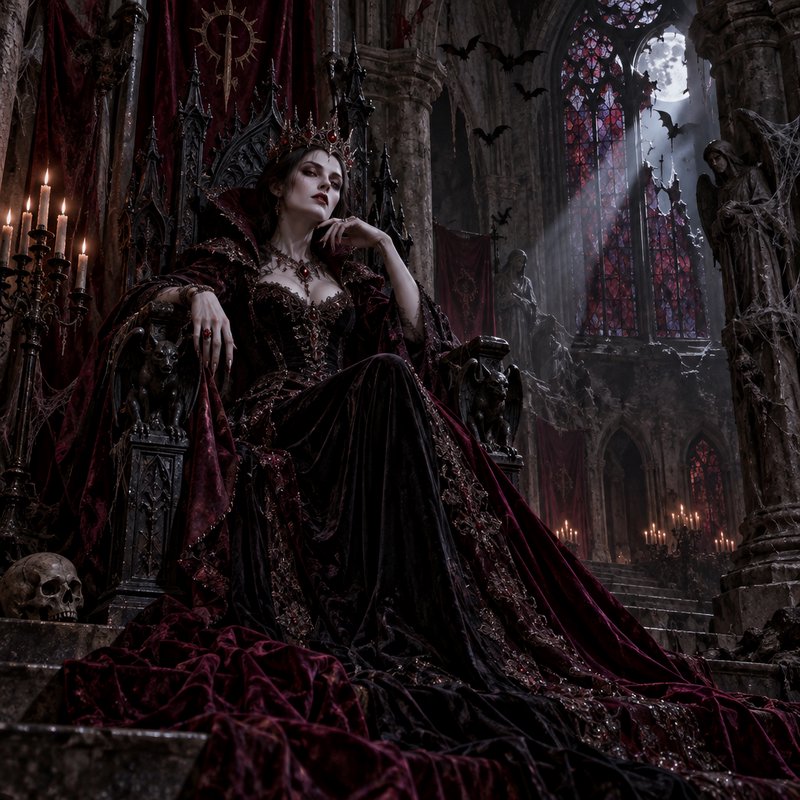
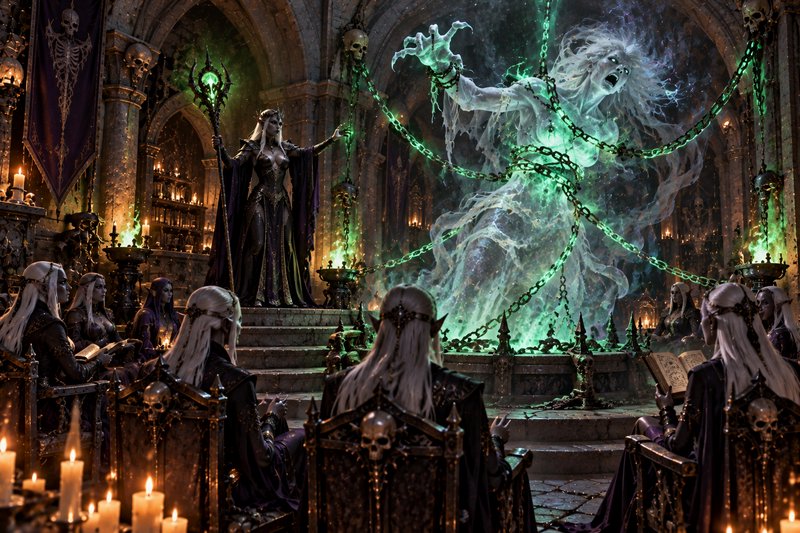
Real outputs from character design generator.
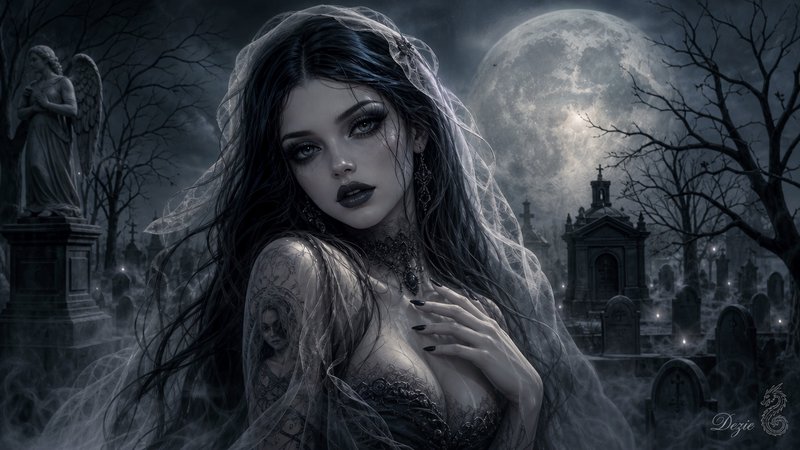
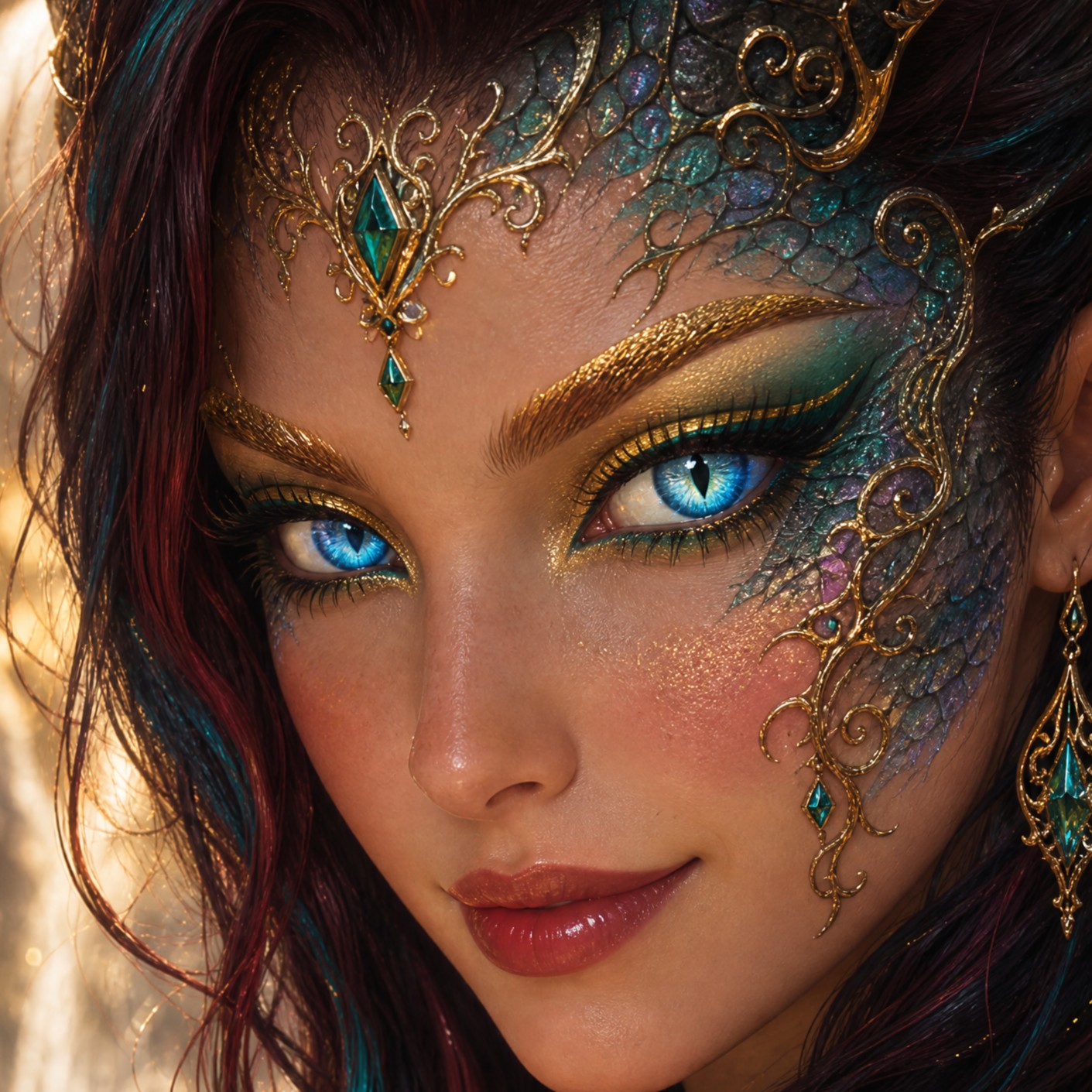
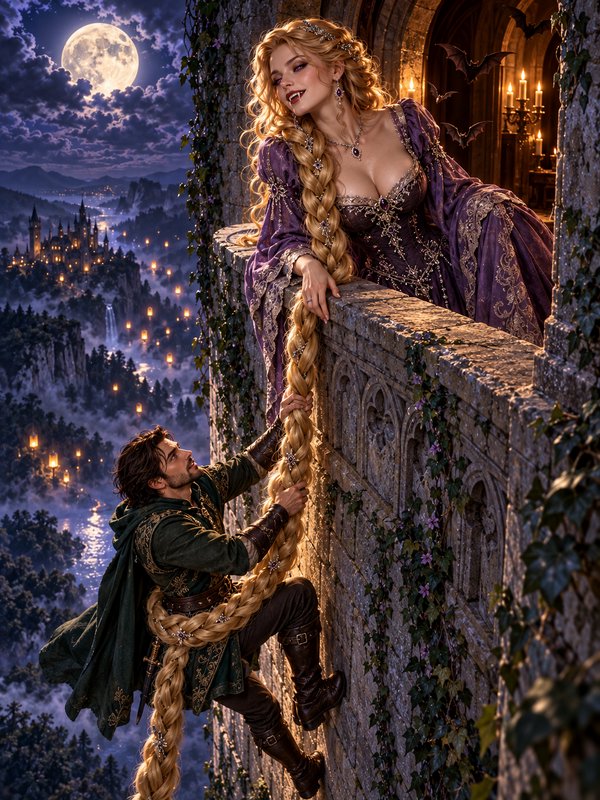
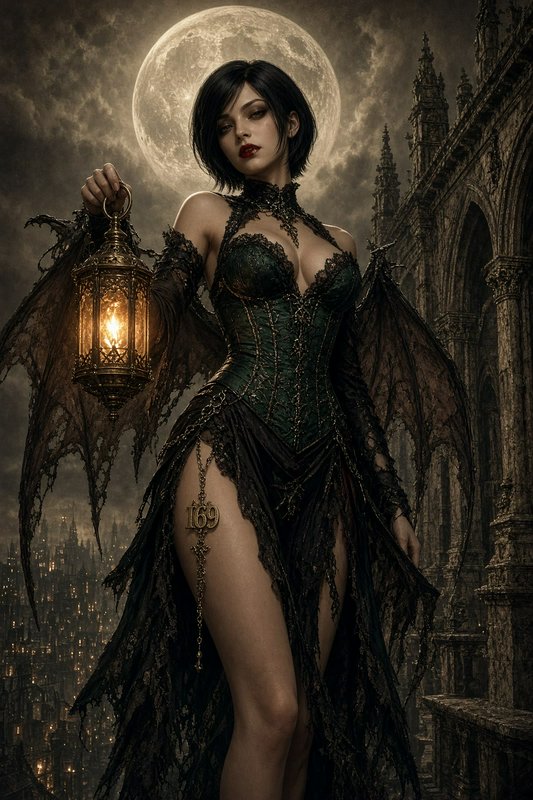
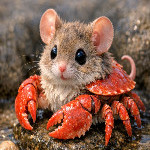
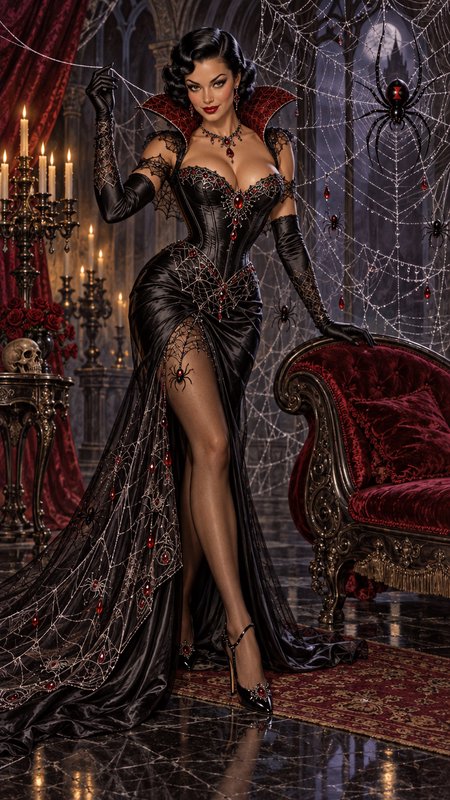
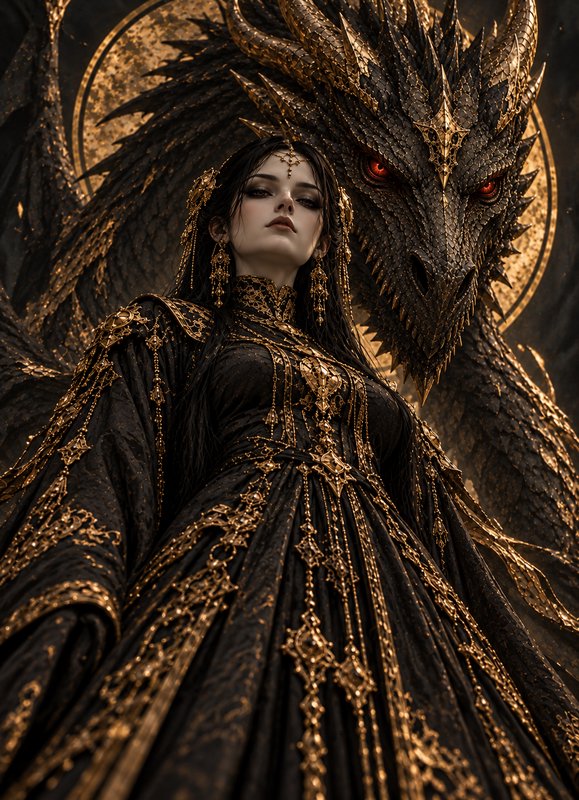
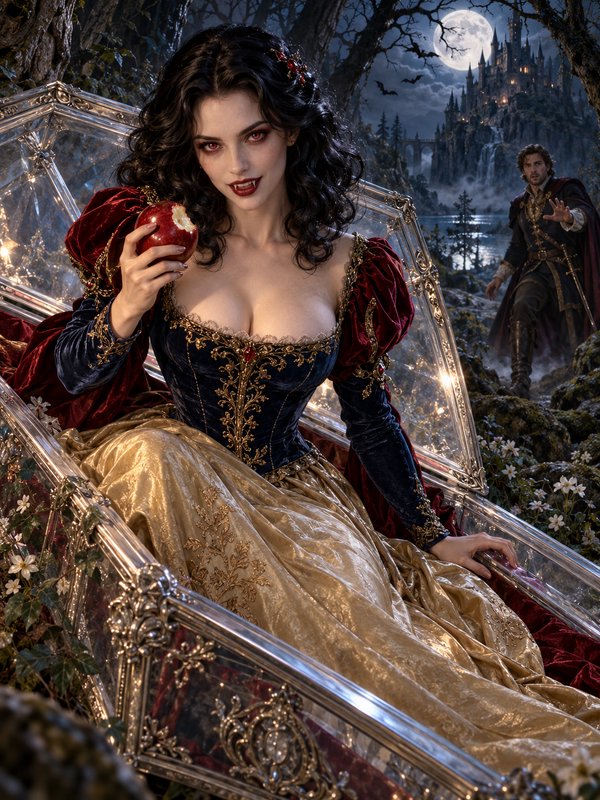
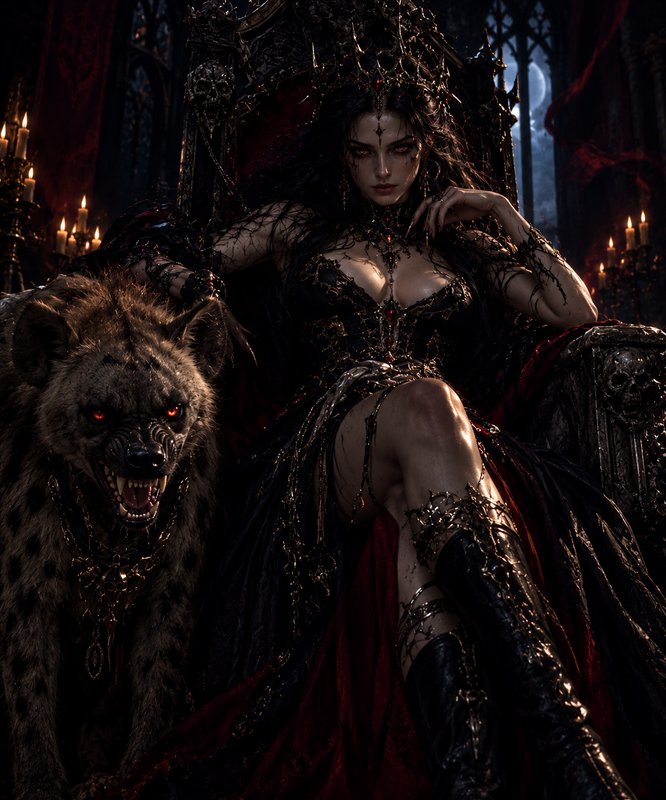
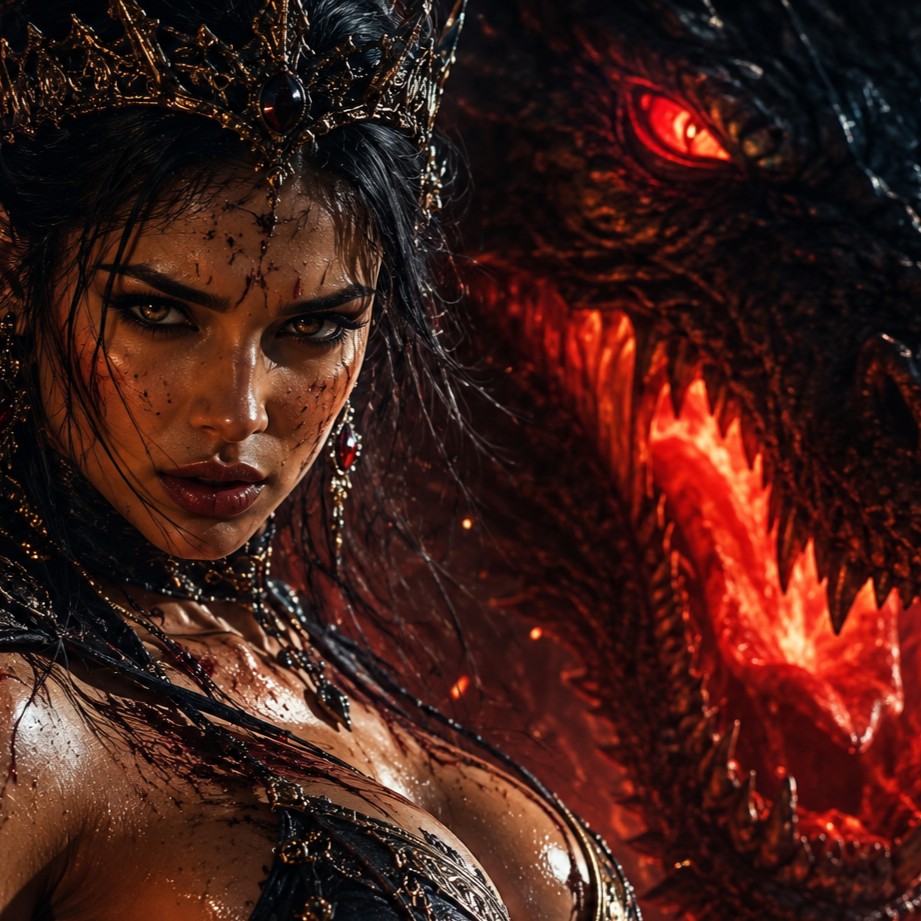
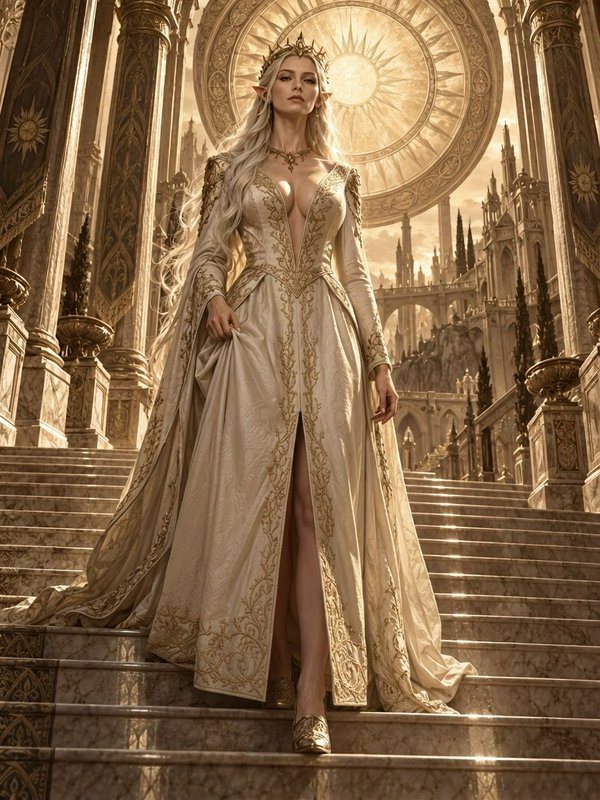
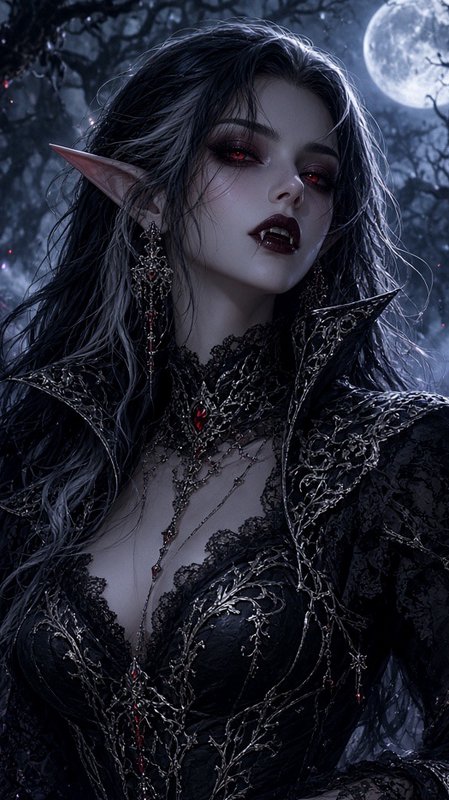
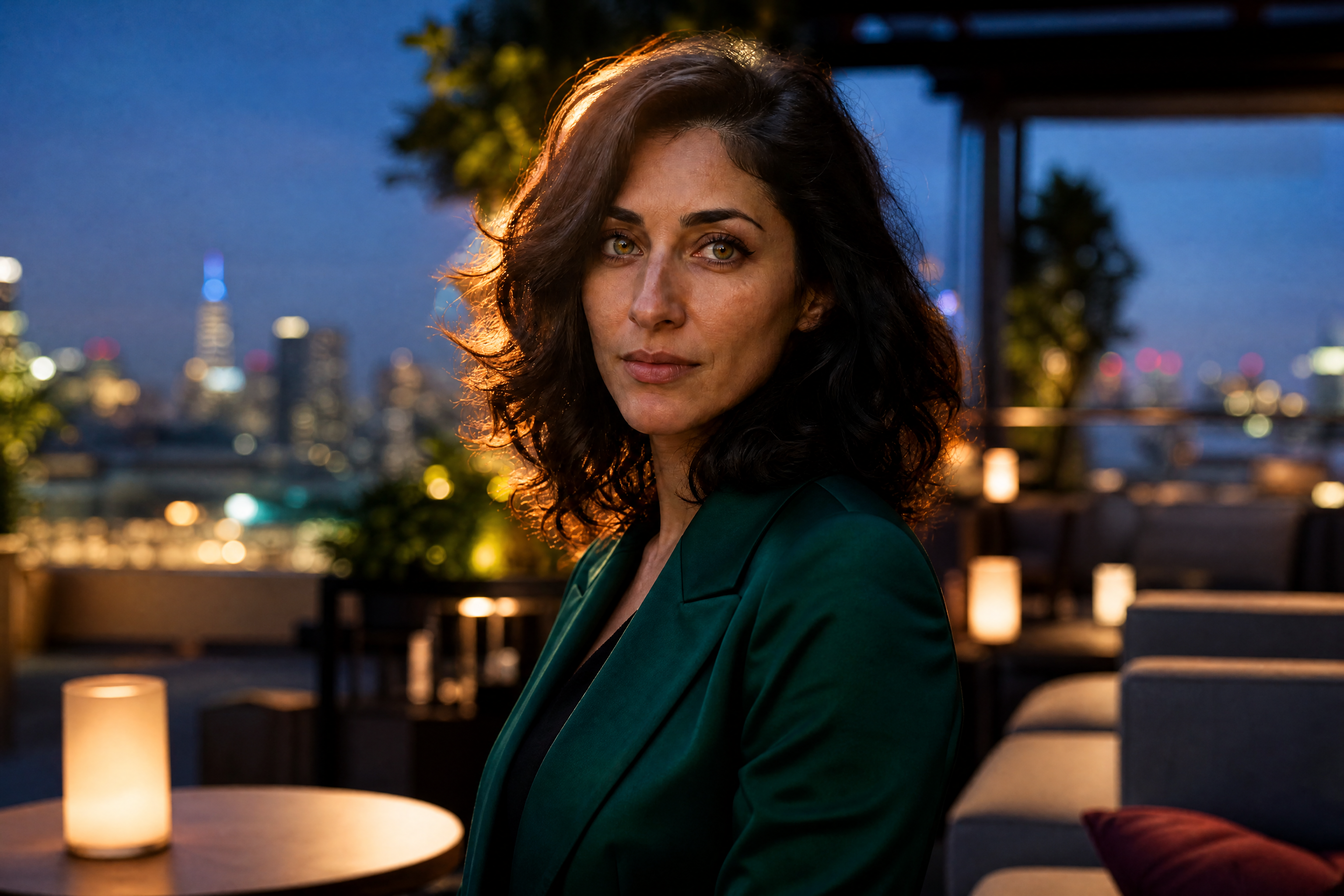
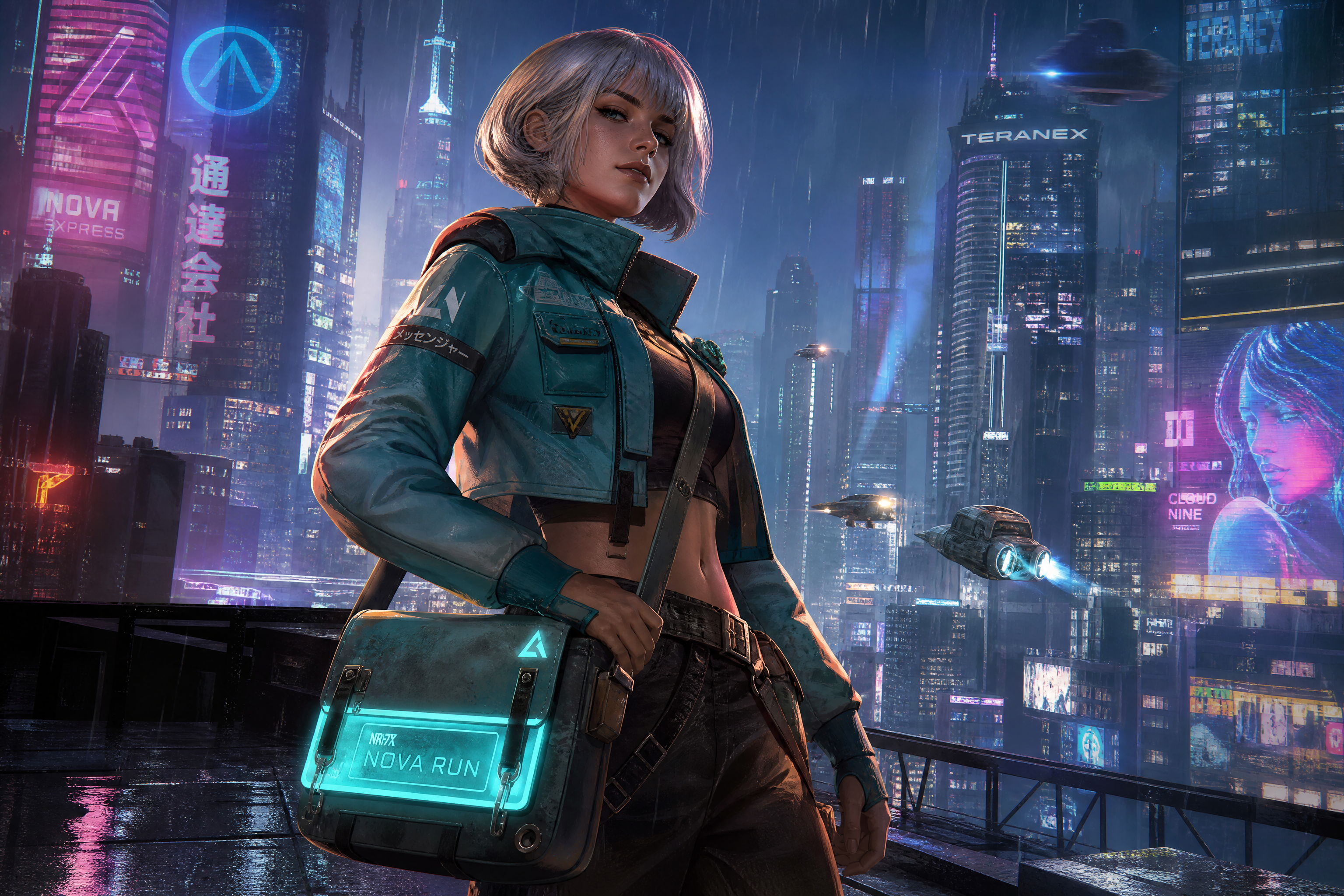
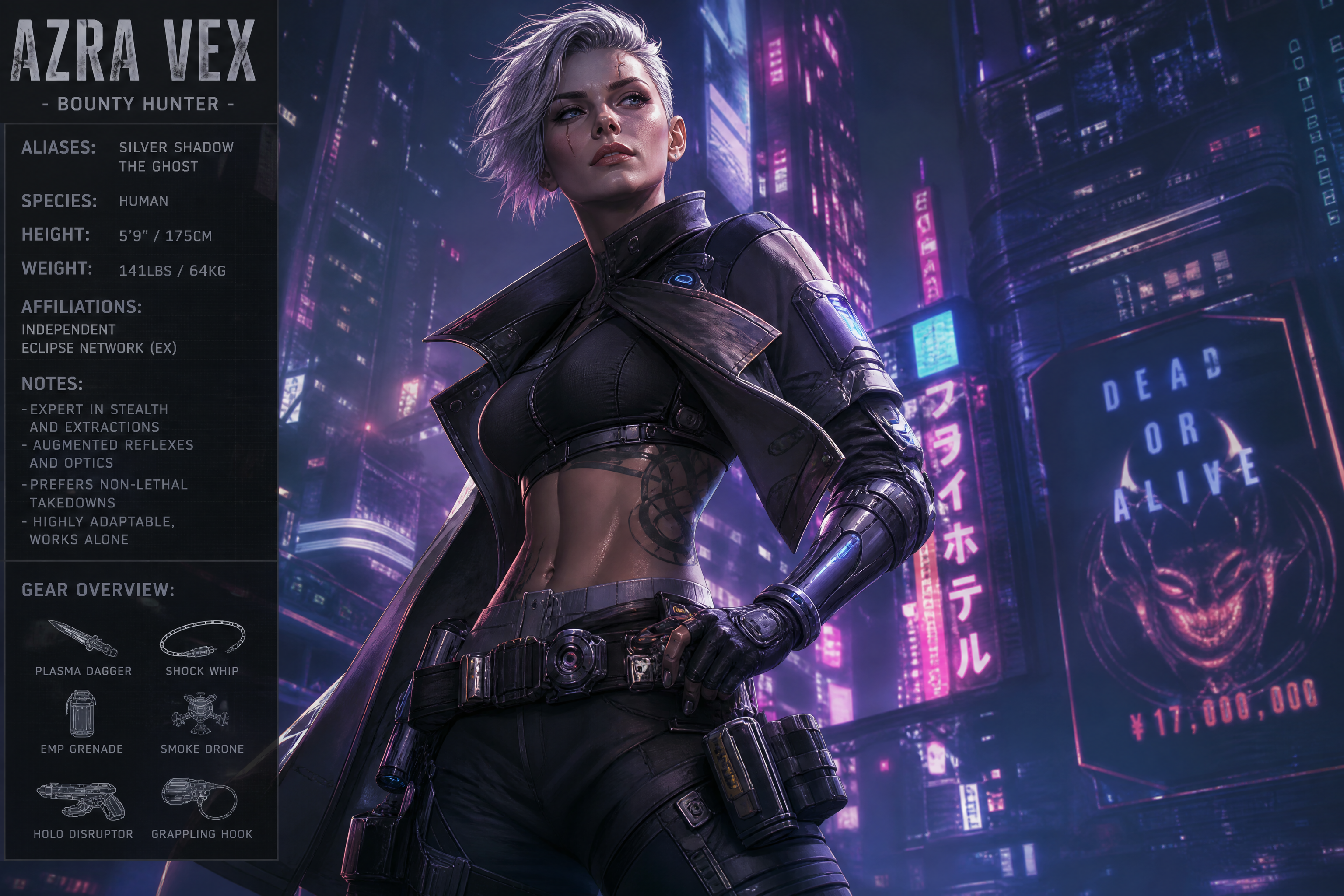
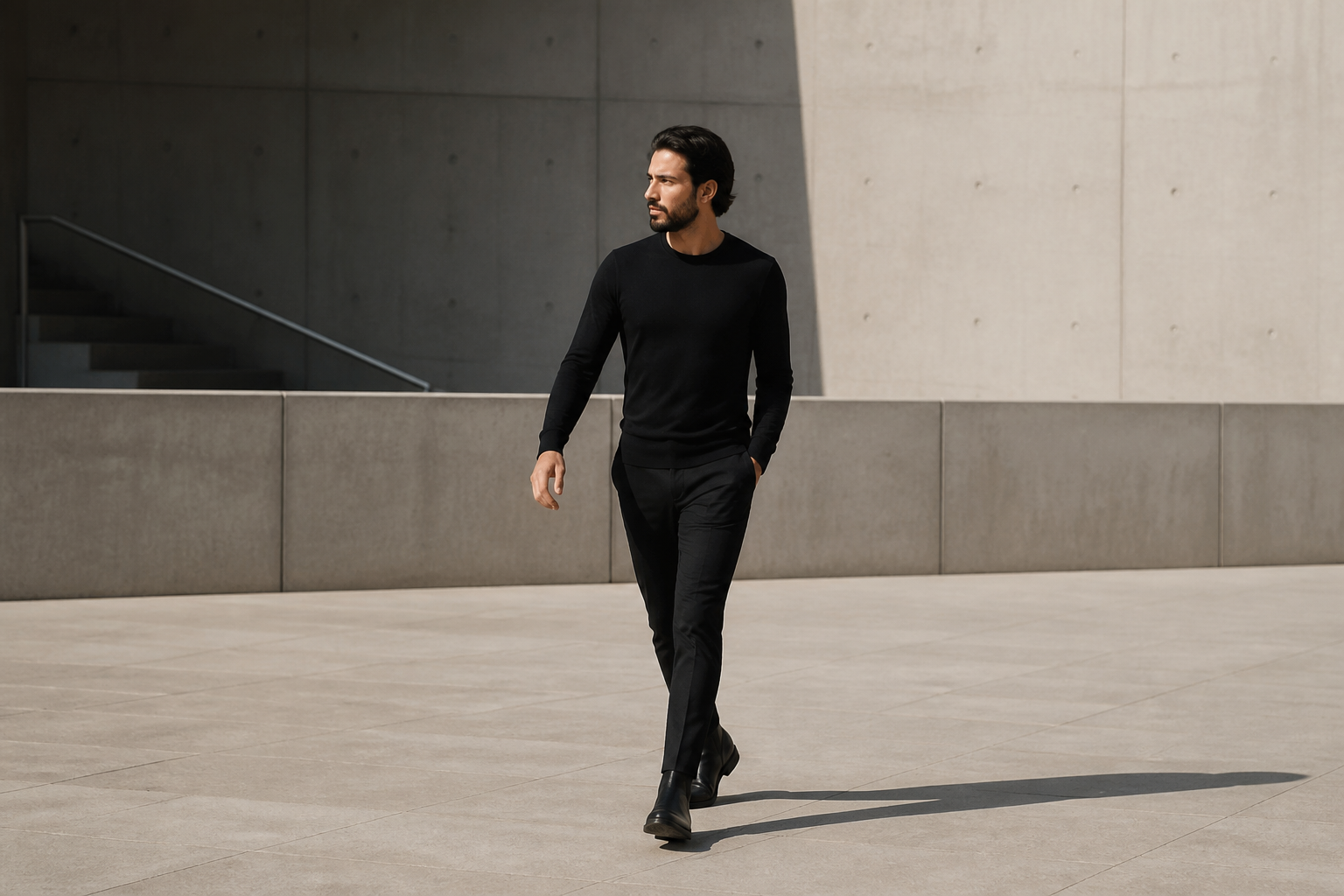
BEFOREAFTER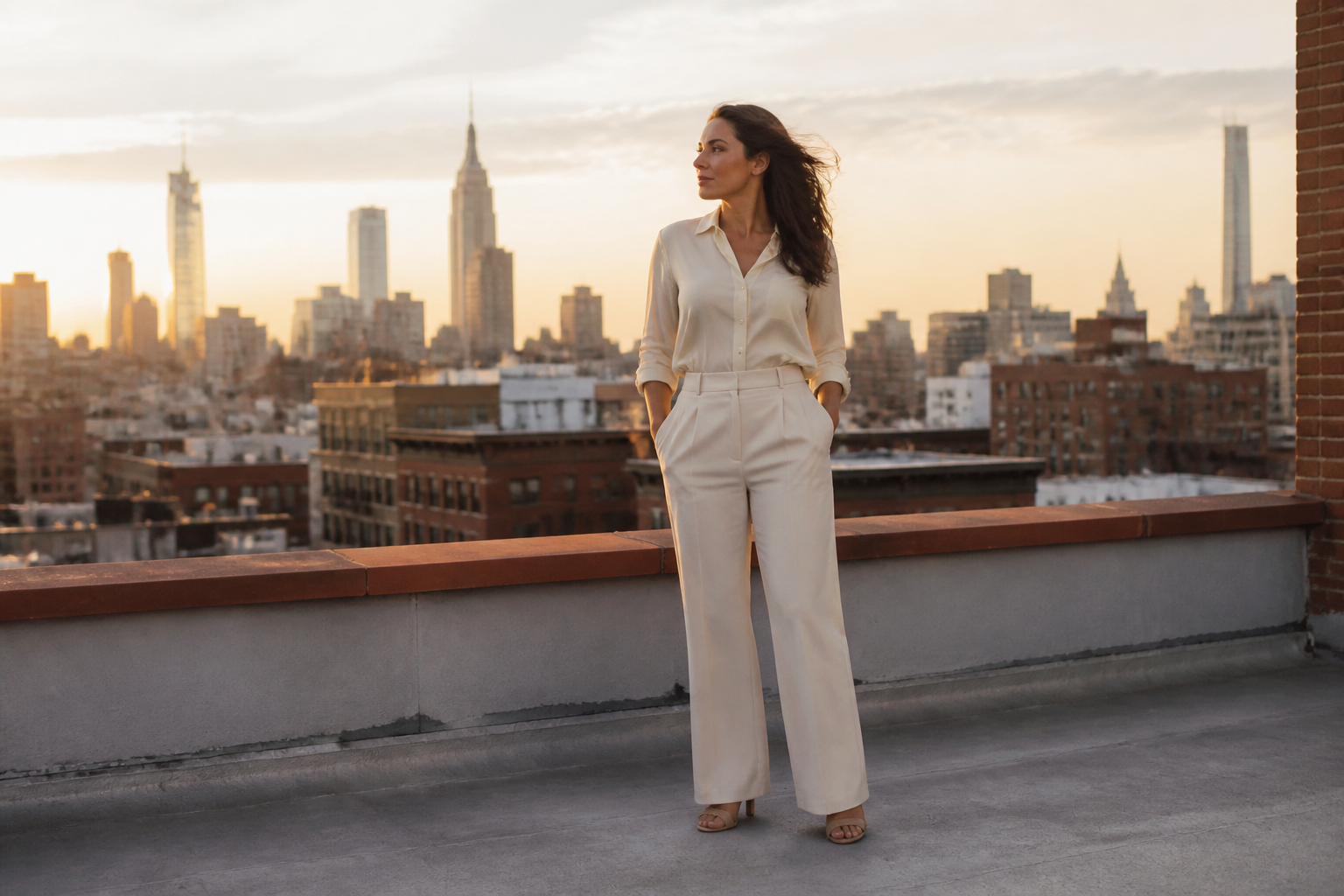 BEFORE
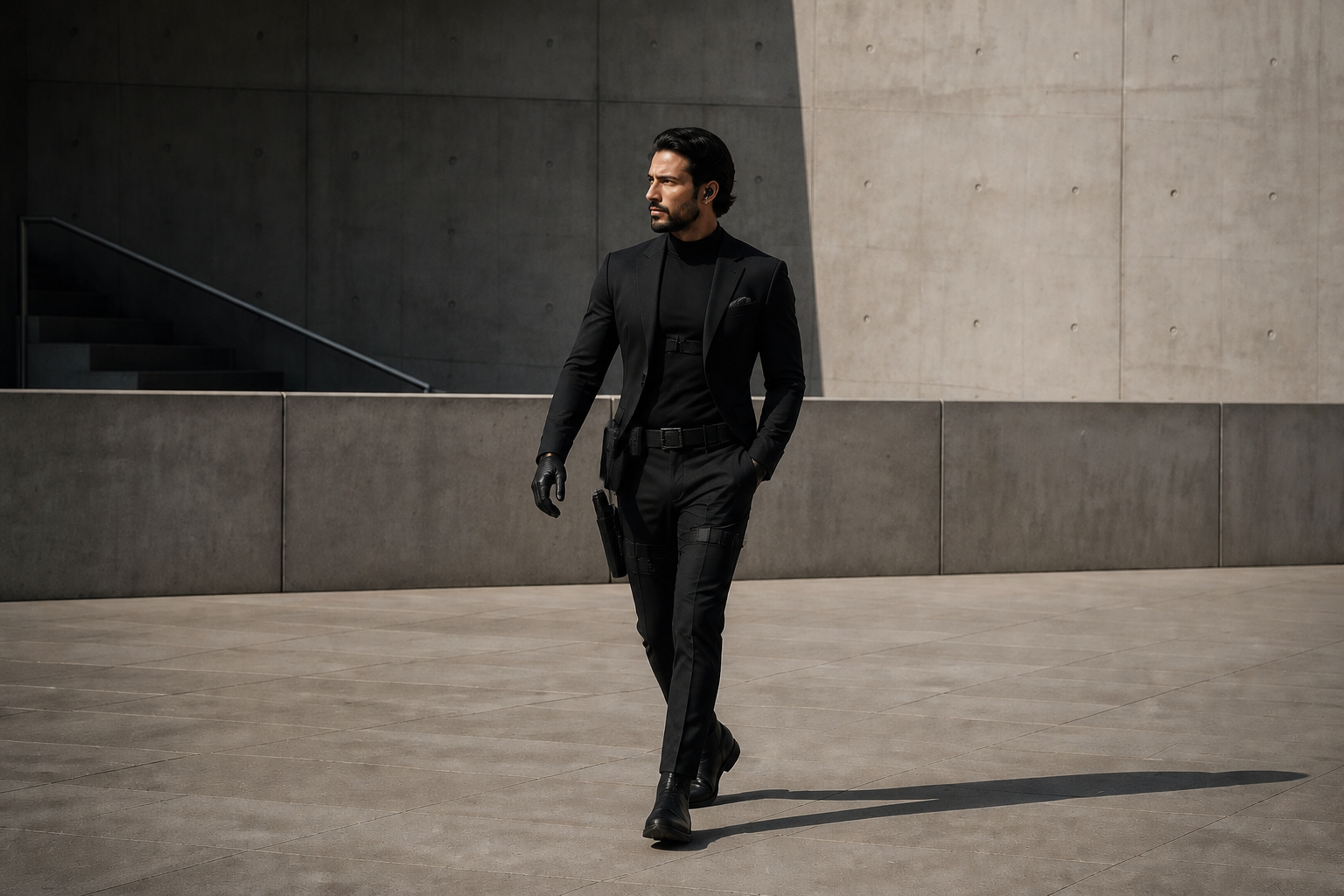
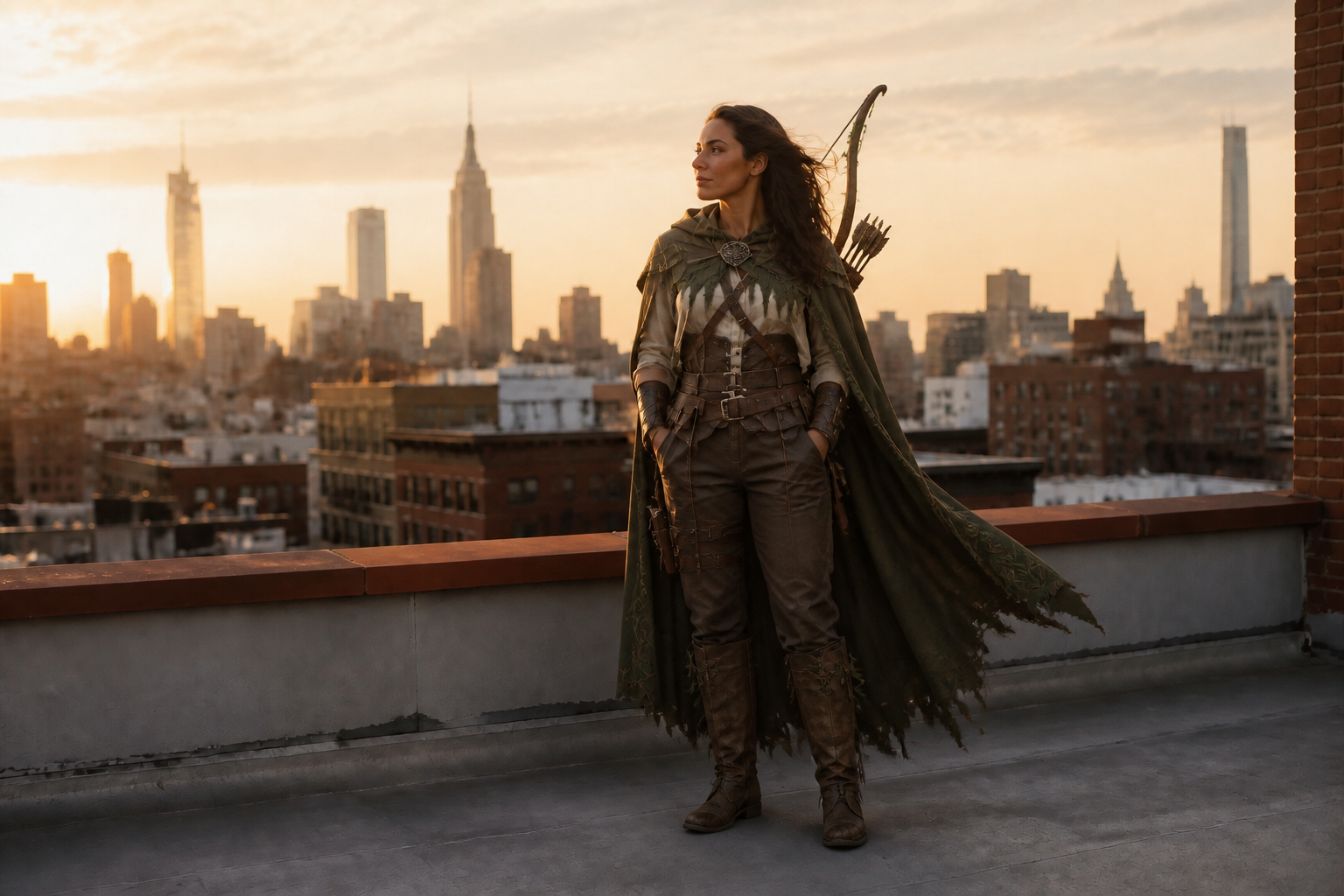 AFTER
AFTER BEFORE
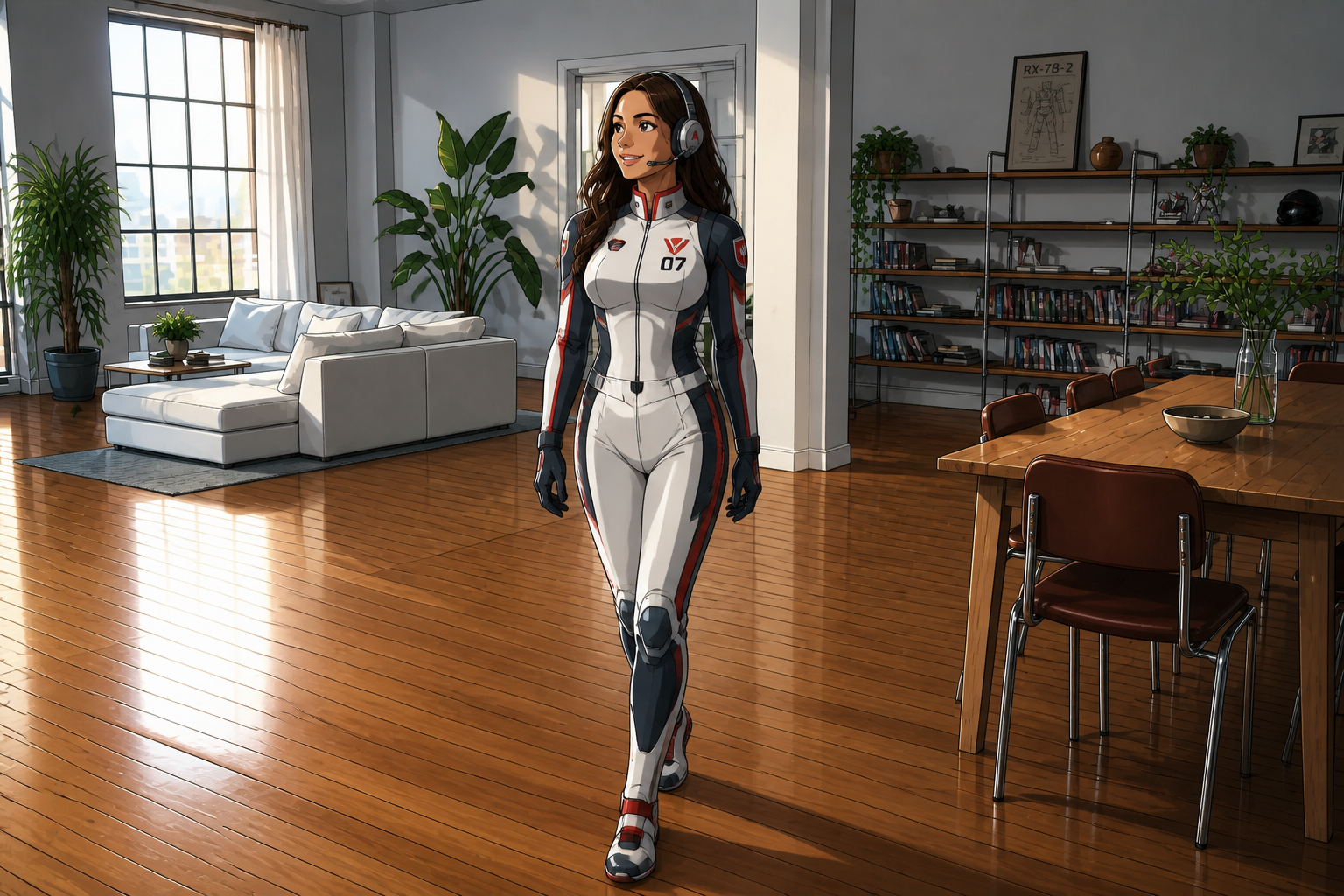 AFTER
AFTER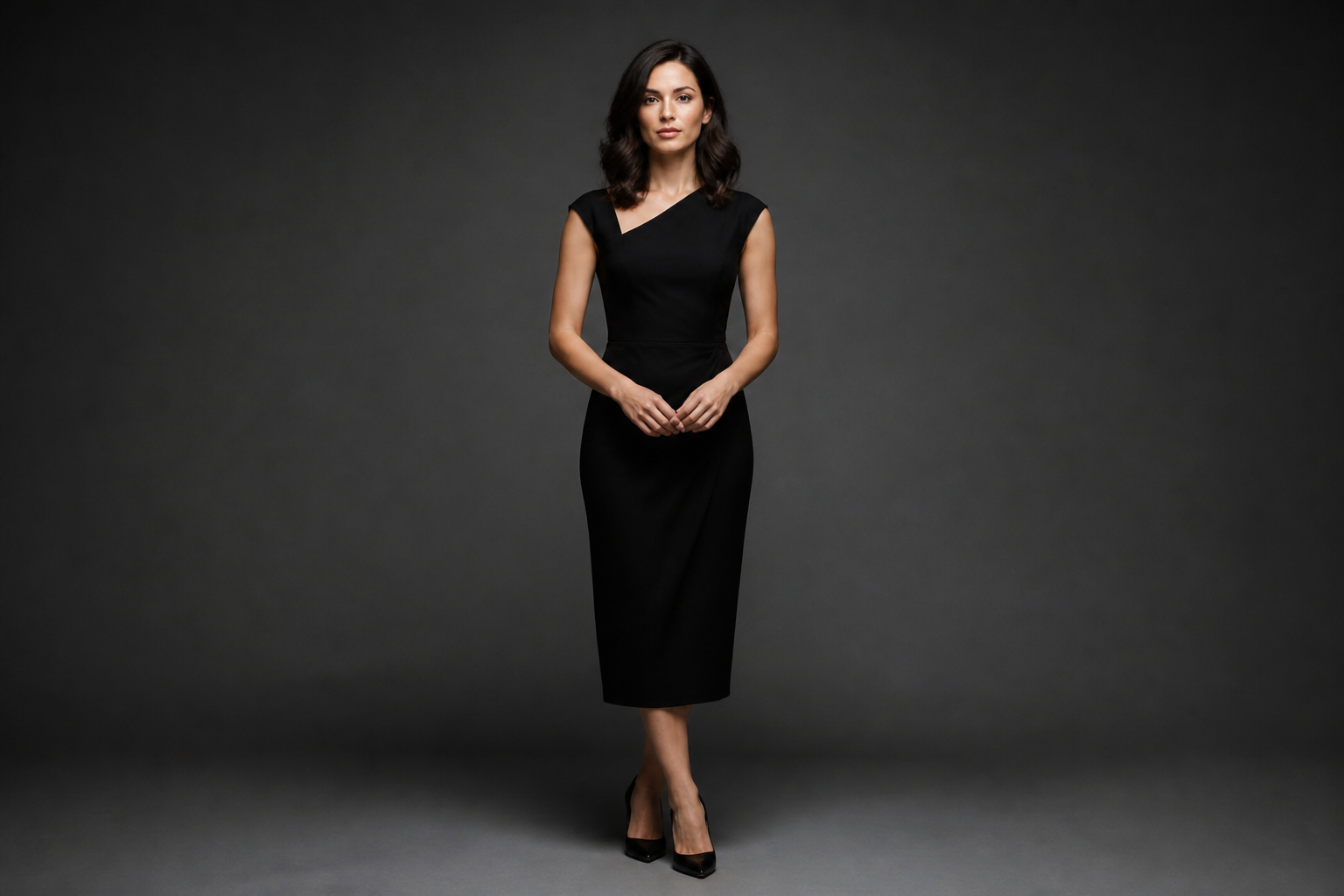 BEFORE
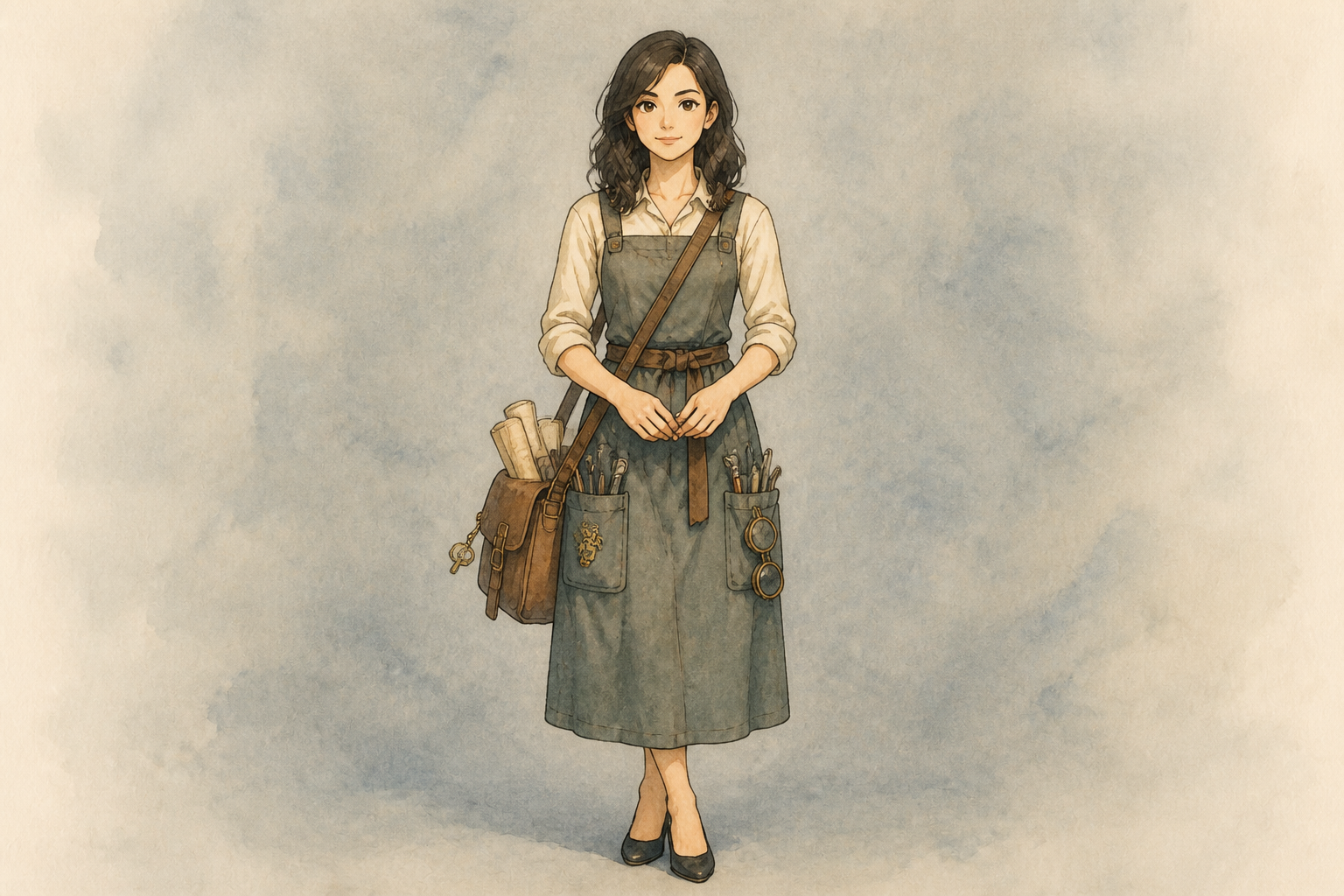 AFTER
AFTER BEFORE
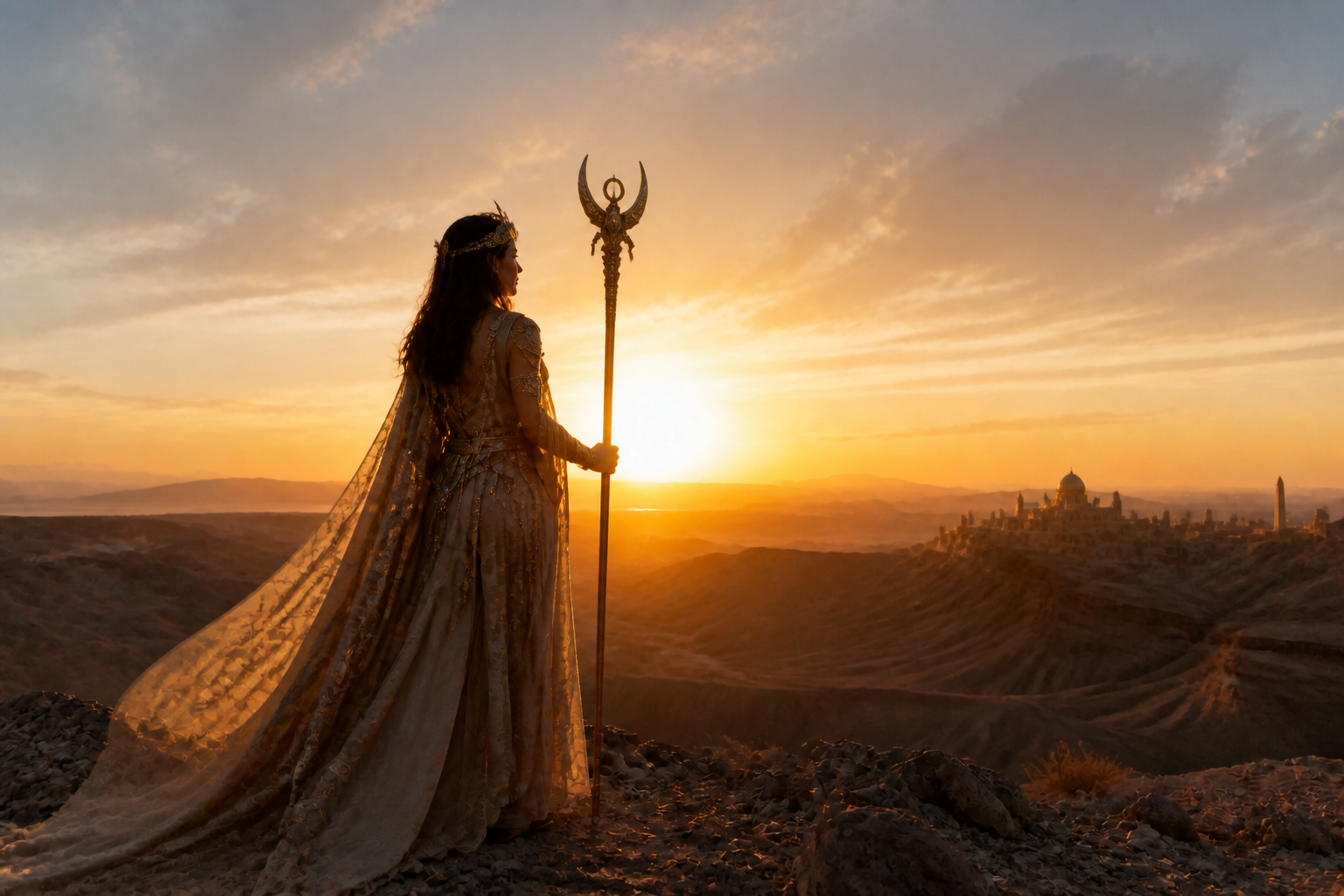 AFTERBEFOREAFTERBEFOREAFTERBEFOREAFTERBEFOREAFTERBEFOREAFTER
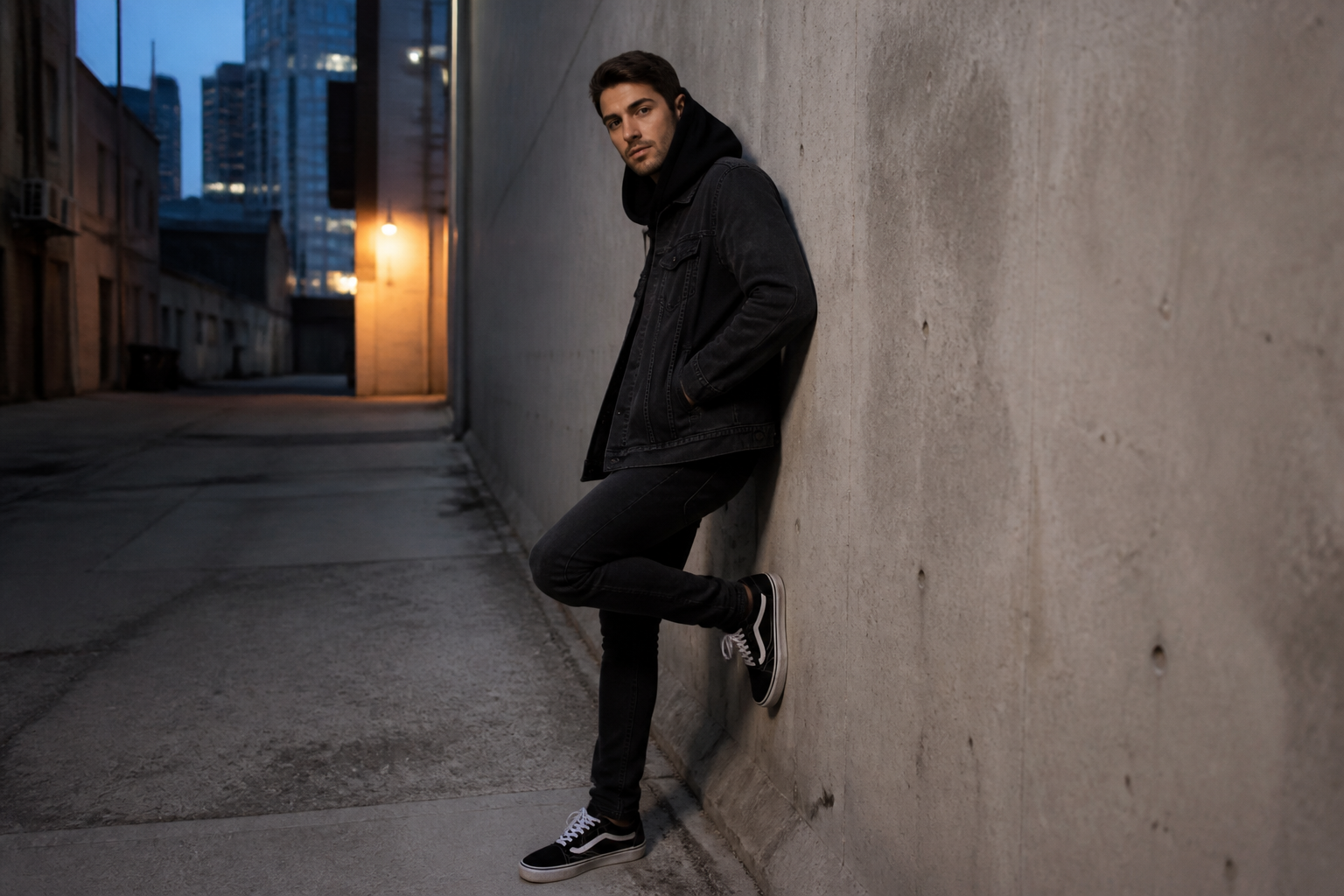 BEFORE
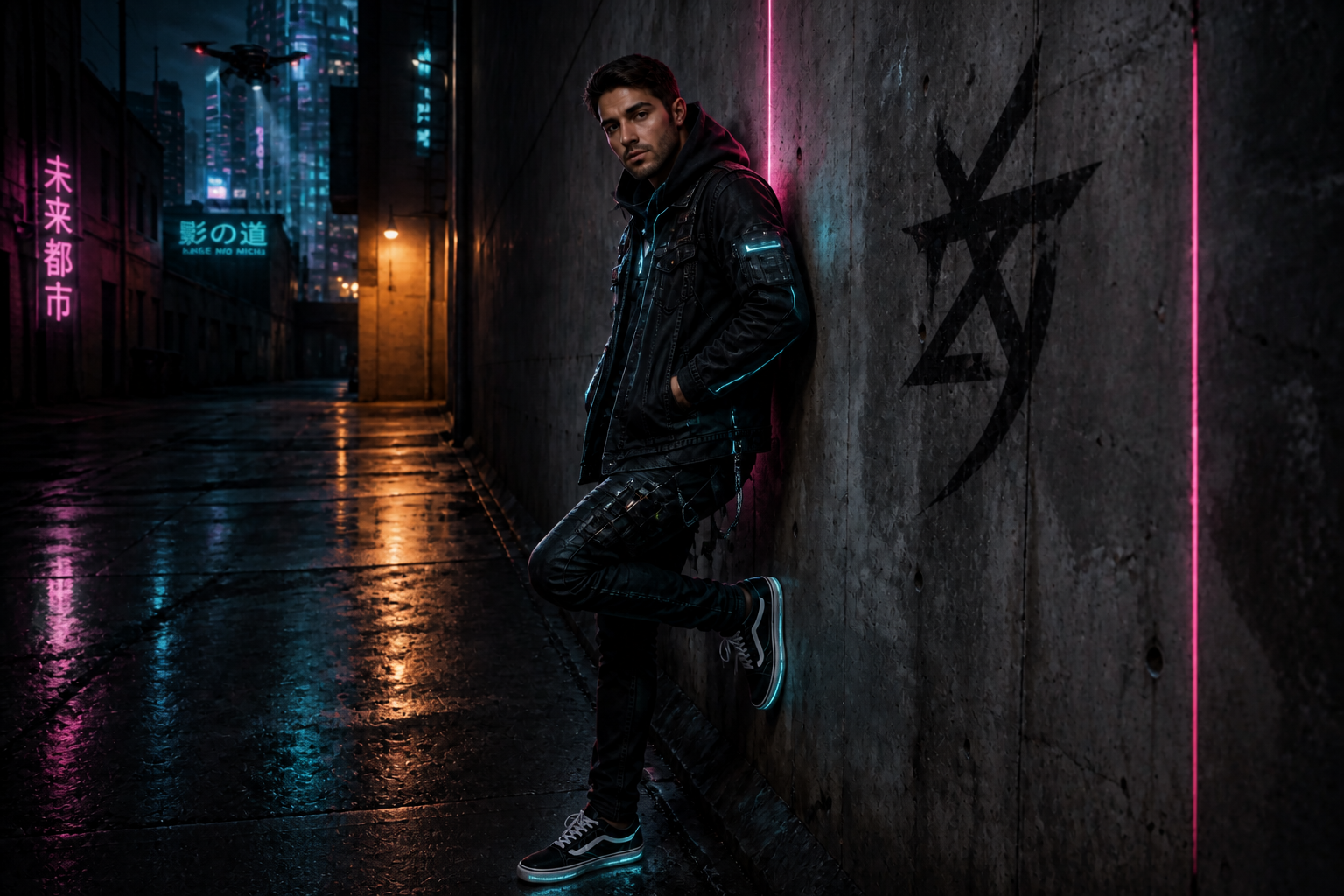 AFTER
AFTER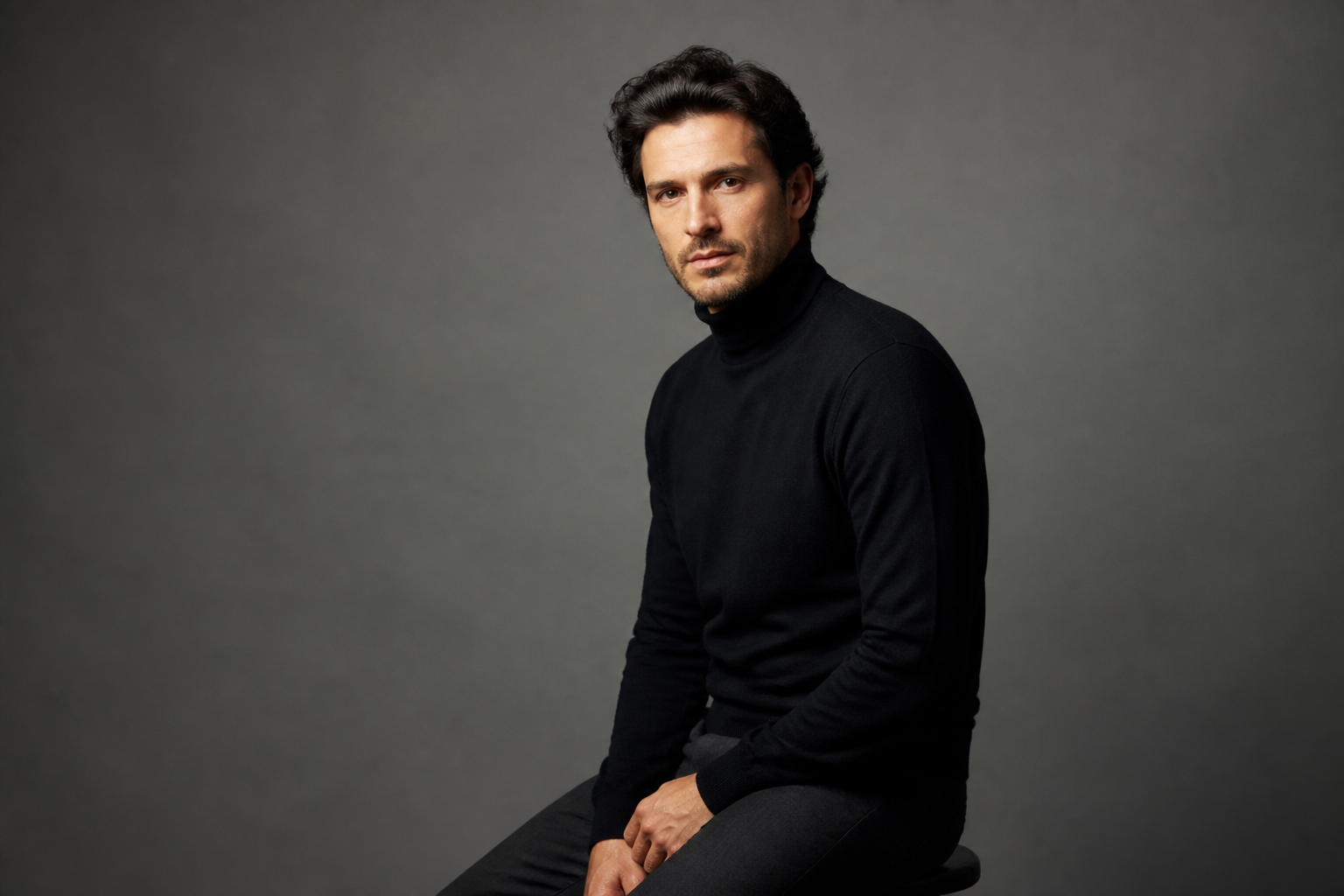 BEFORE
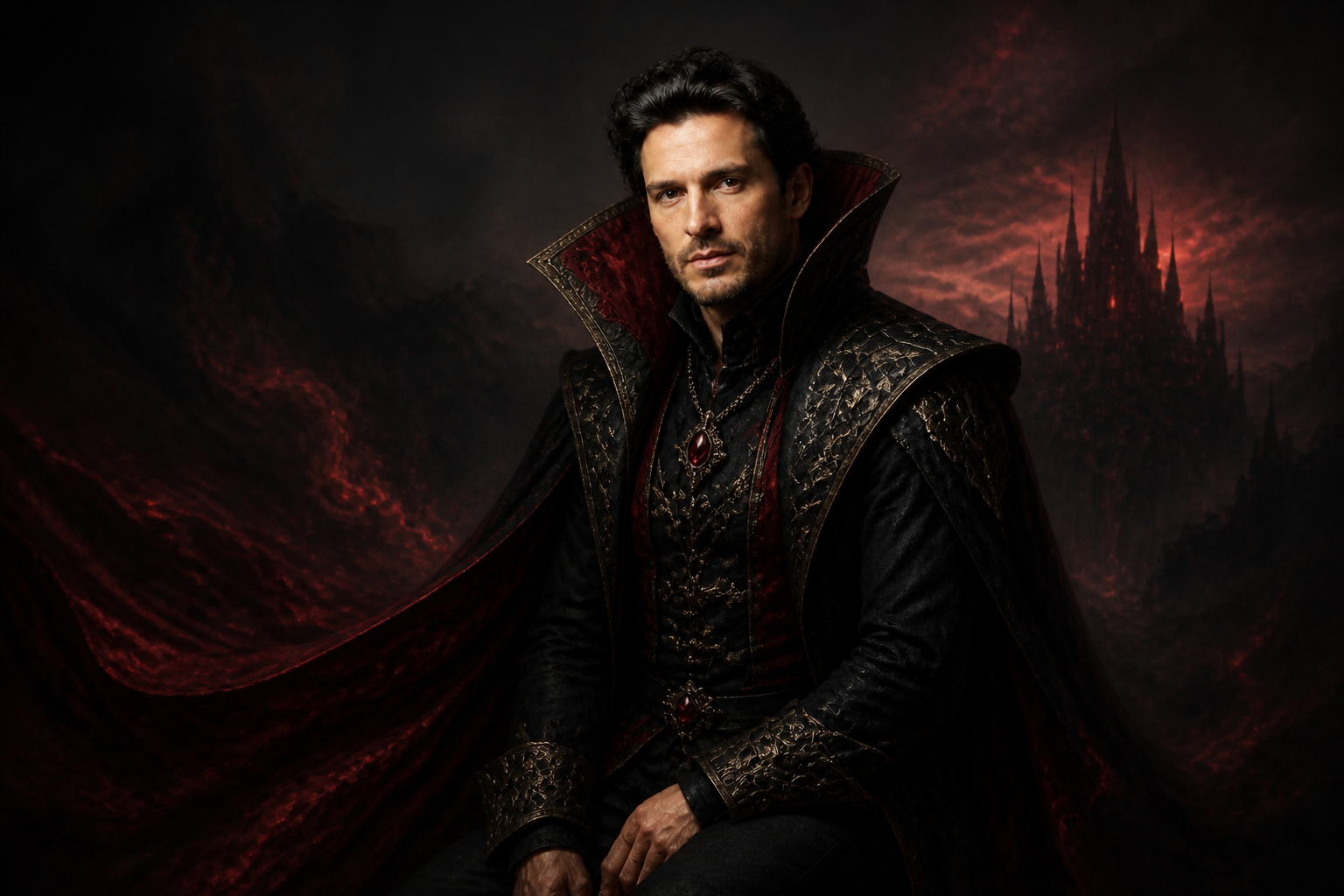 AFTER
AFTER BEFORE
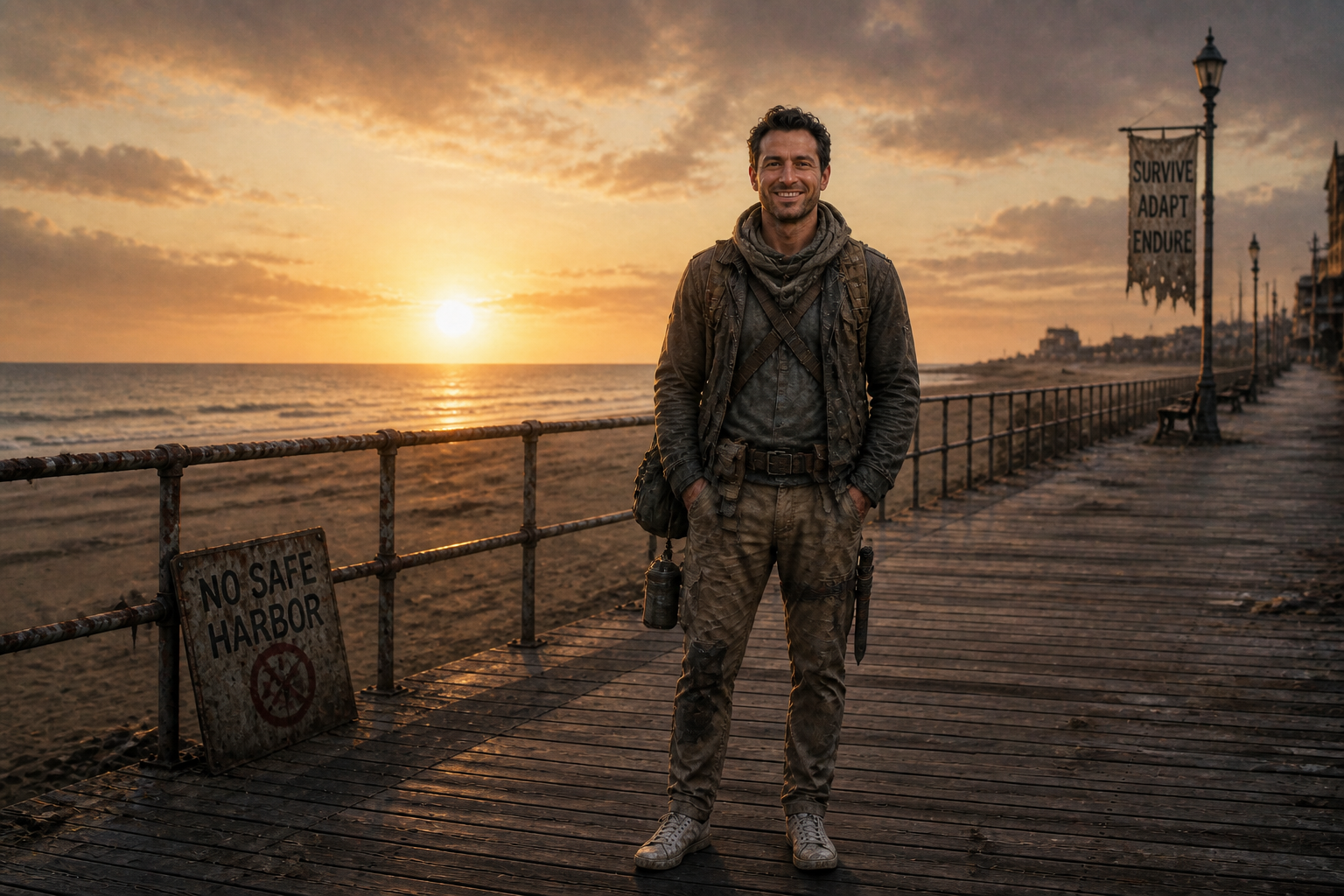 AFTER
AFTER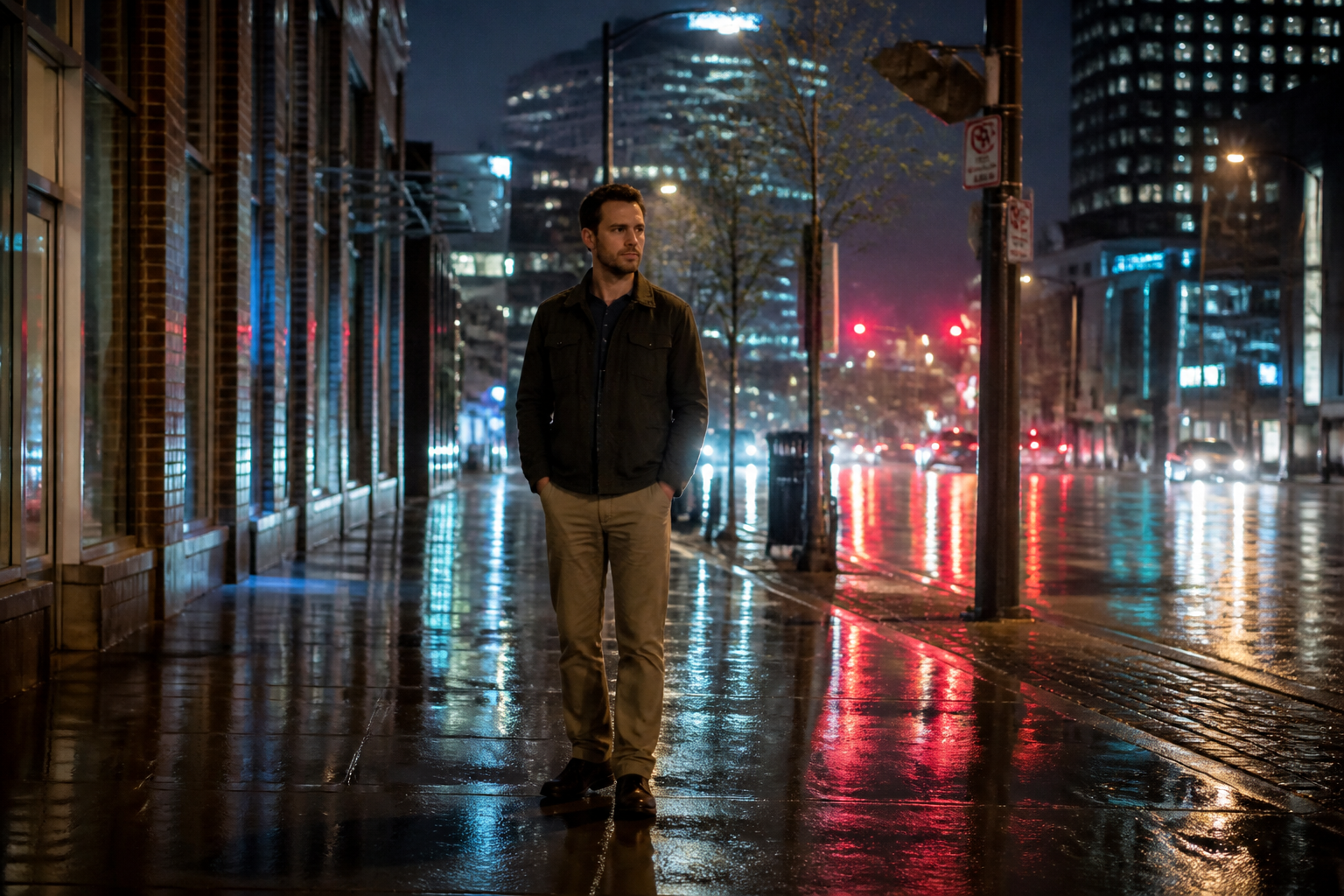 BEFORE
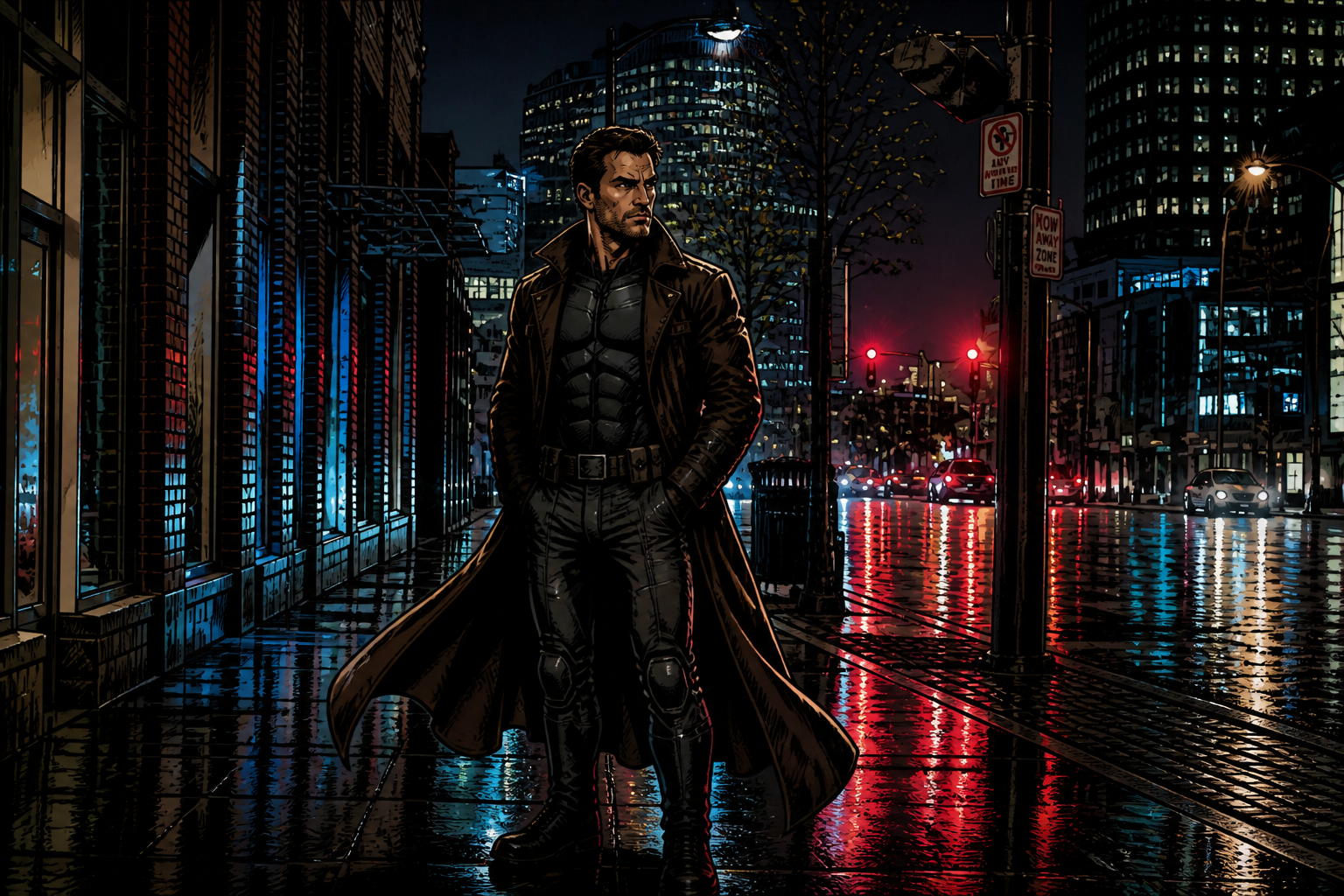 AFTER
AFTER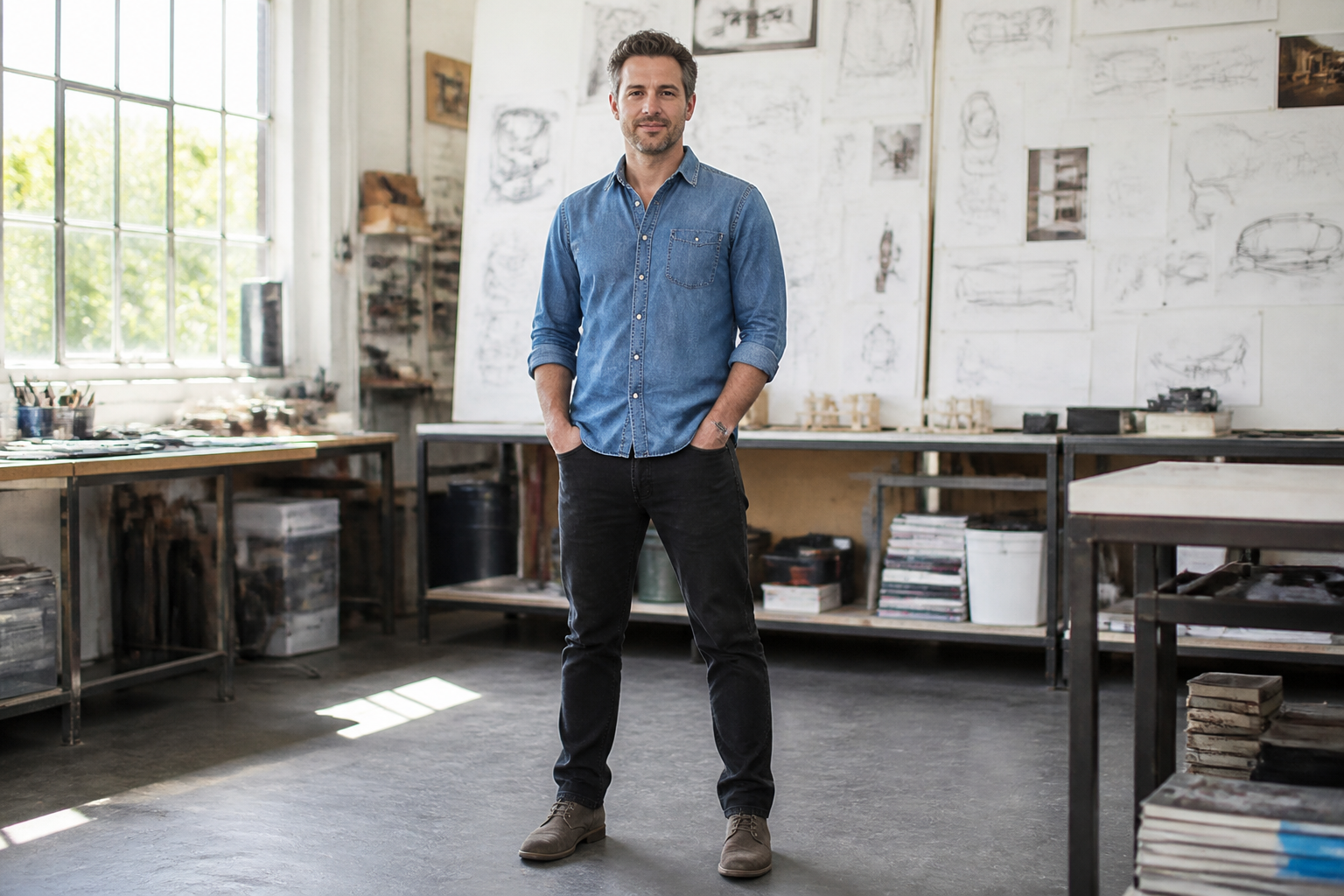 BEFORE
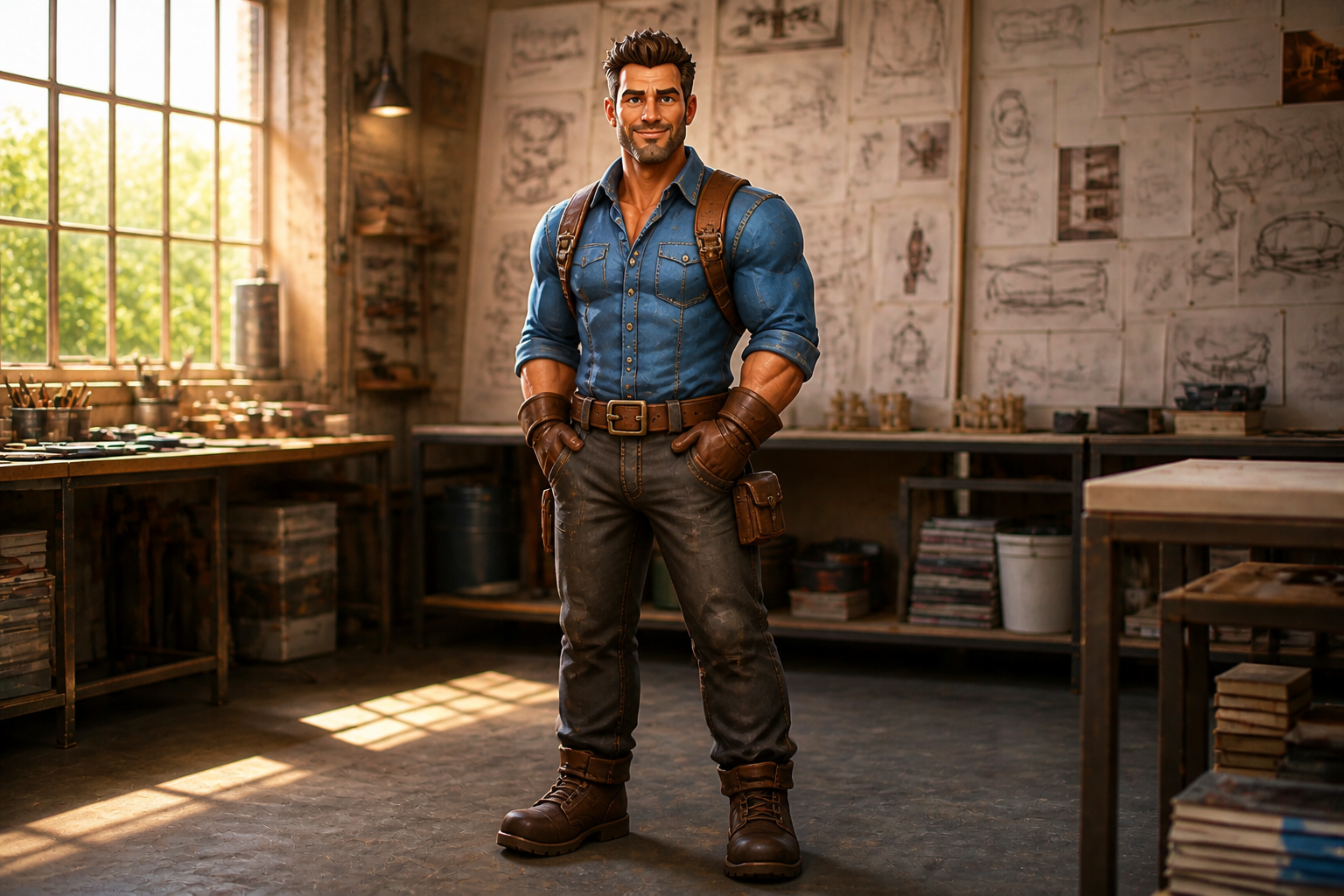 AFTERBEFOREAFTERBEFOREAFTERBEFOREAFTERBEFOREAFTERBEFOREAFTER
Key Features
Explore many roles fast
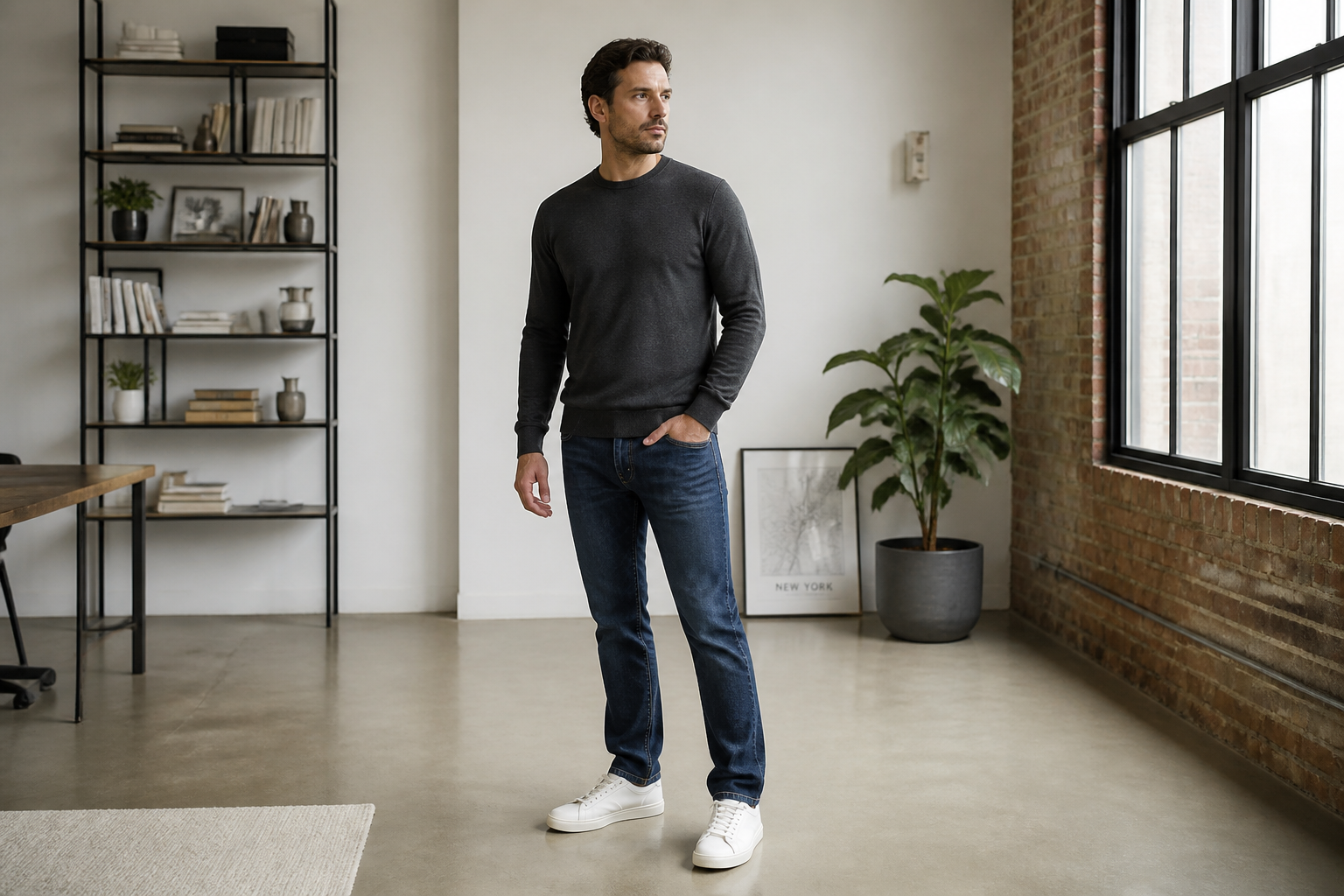
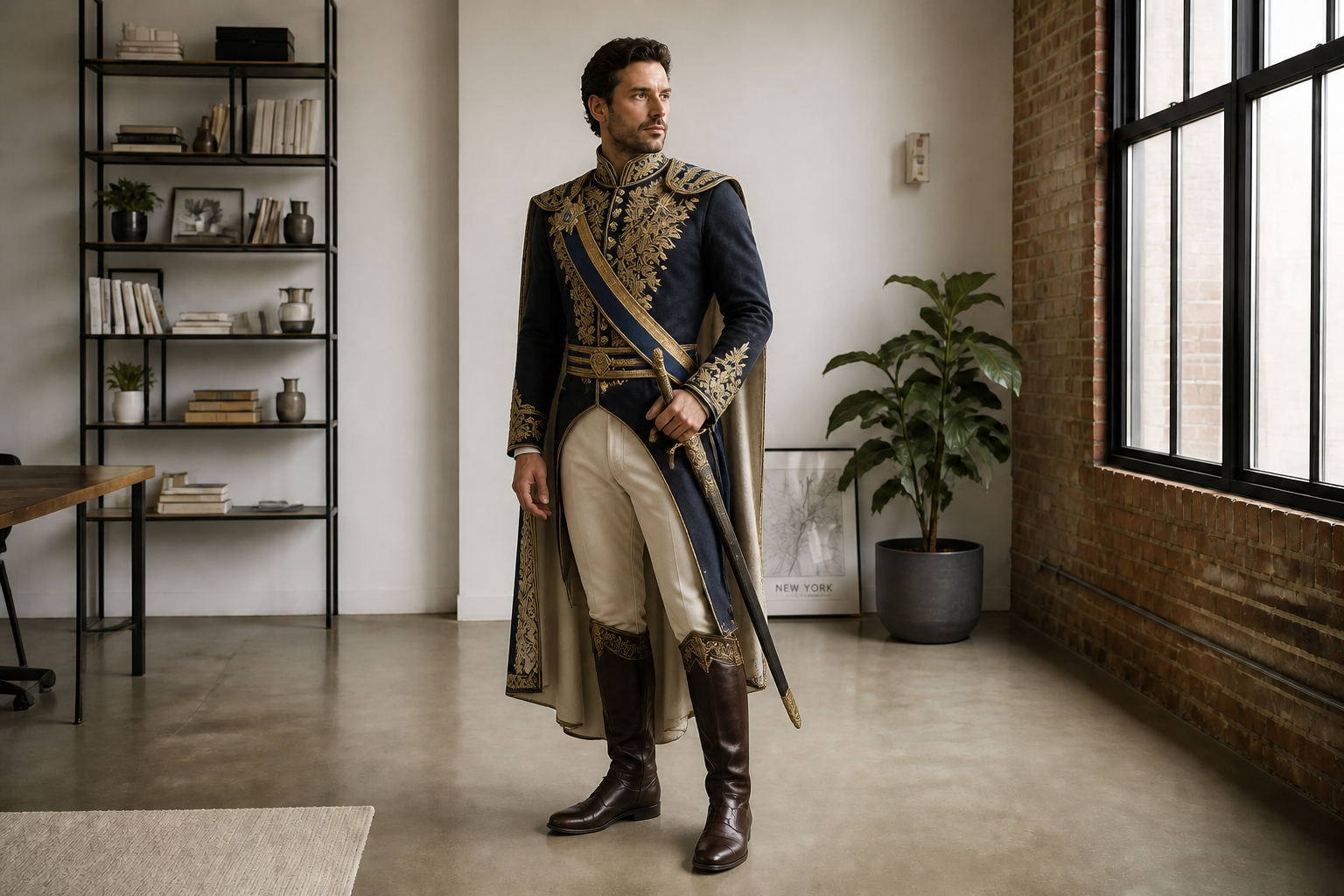
Start from one clear base image and turn it into very different character directions without rebuilding the scene every time. That makes it easier to compare hero, villain, fantasy, sci-fi, or modern variants side by side. It is much quicker than repainting outfits and props manually for each concept. You can use the same pose as a stable foundation while the visual identity evolves.
Keep the pose readable
Good character design is easier to judge when the silhouette and stance stay consistent. Our AI can change costume, props, and genre while preserving the overall body position and framing. That helps you evaluate design choices instead of getting distracted by a completely different photo every time. It is especially useful for pitch decks, lineup sheets, and internal reviews.
Switch visual styles easily
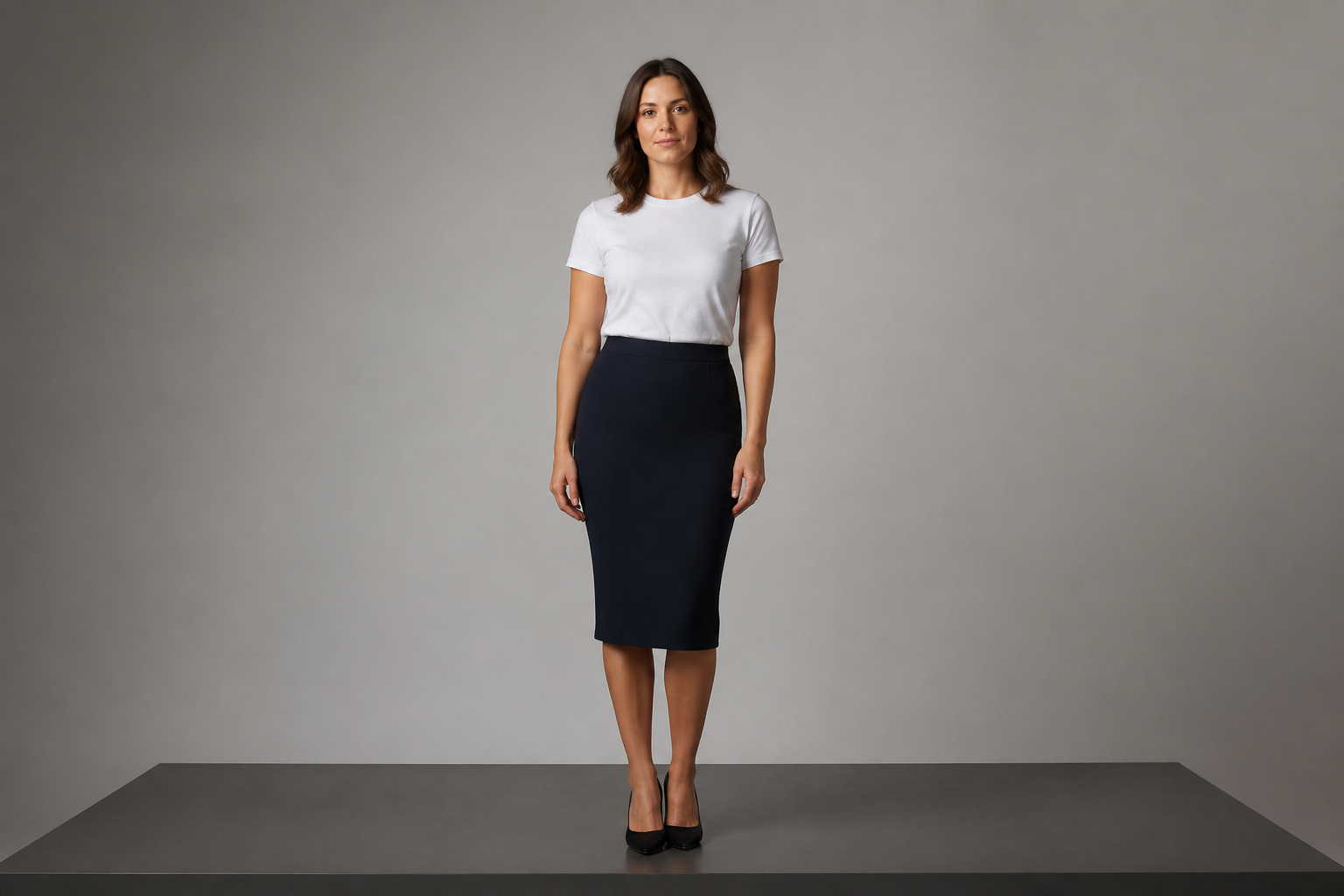
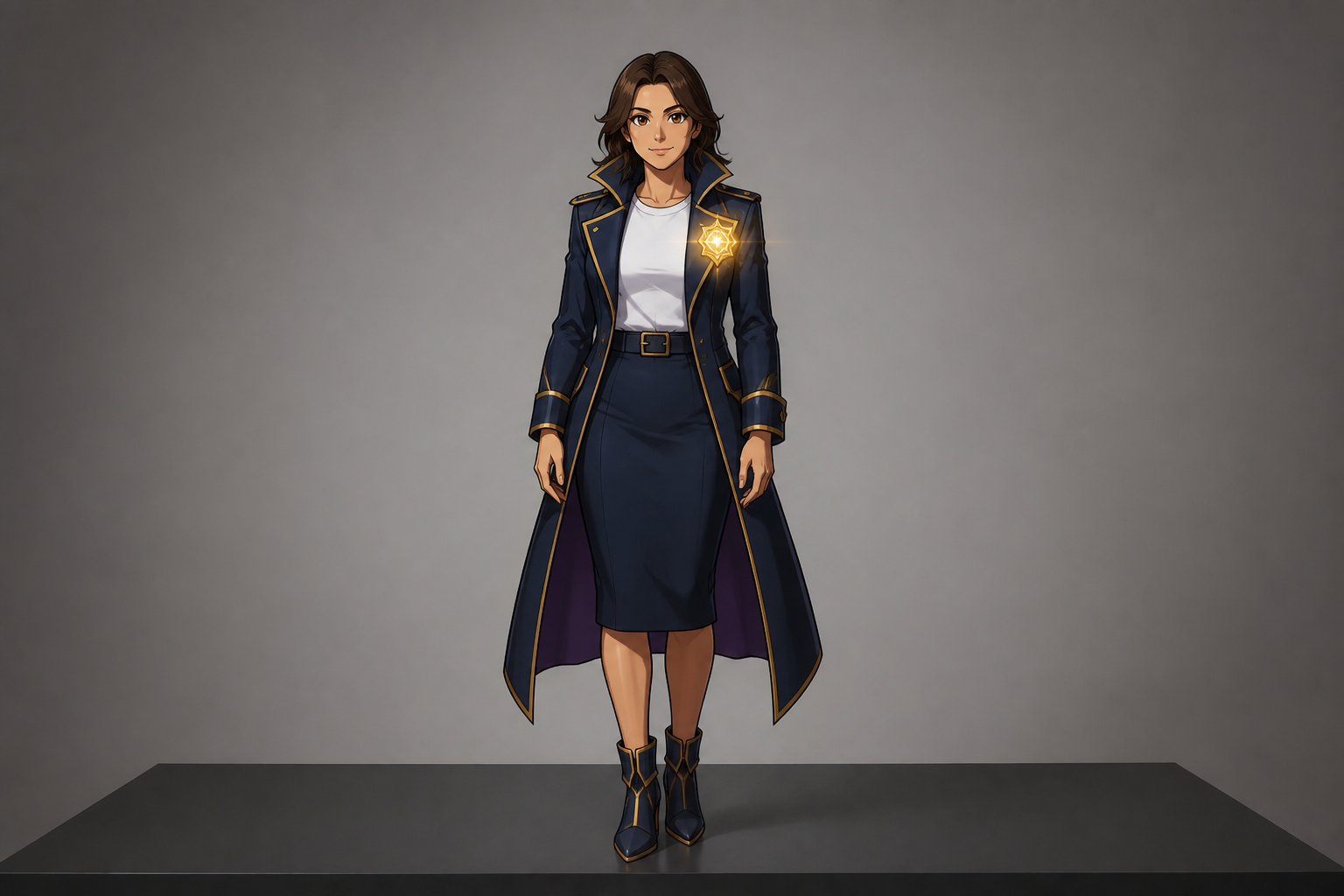
Character ideas often need more than one presentation style for different teams and audiences. You can take the same base image and render it as concept art, anime, comic, or stylized 3D without changing the core design. That gives you a fast way to test how a character reads in different mediums. It also reduces the back and forth of creating separate mockups from scratch.
Build pitch-ready concepts
Early character ideas need to look polished enough to share with clients, collaborators, or a team. Our AI helps you generate cleaner, more presentable concepts from a plain starting image. You can quickly add wardrobe direction, archetype cues, and mood without doing a full manual paintover. The result is easier to drop into mood boards, game docs, and comic planning decks.
How It Works
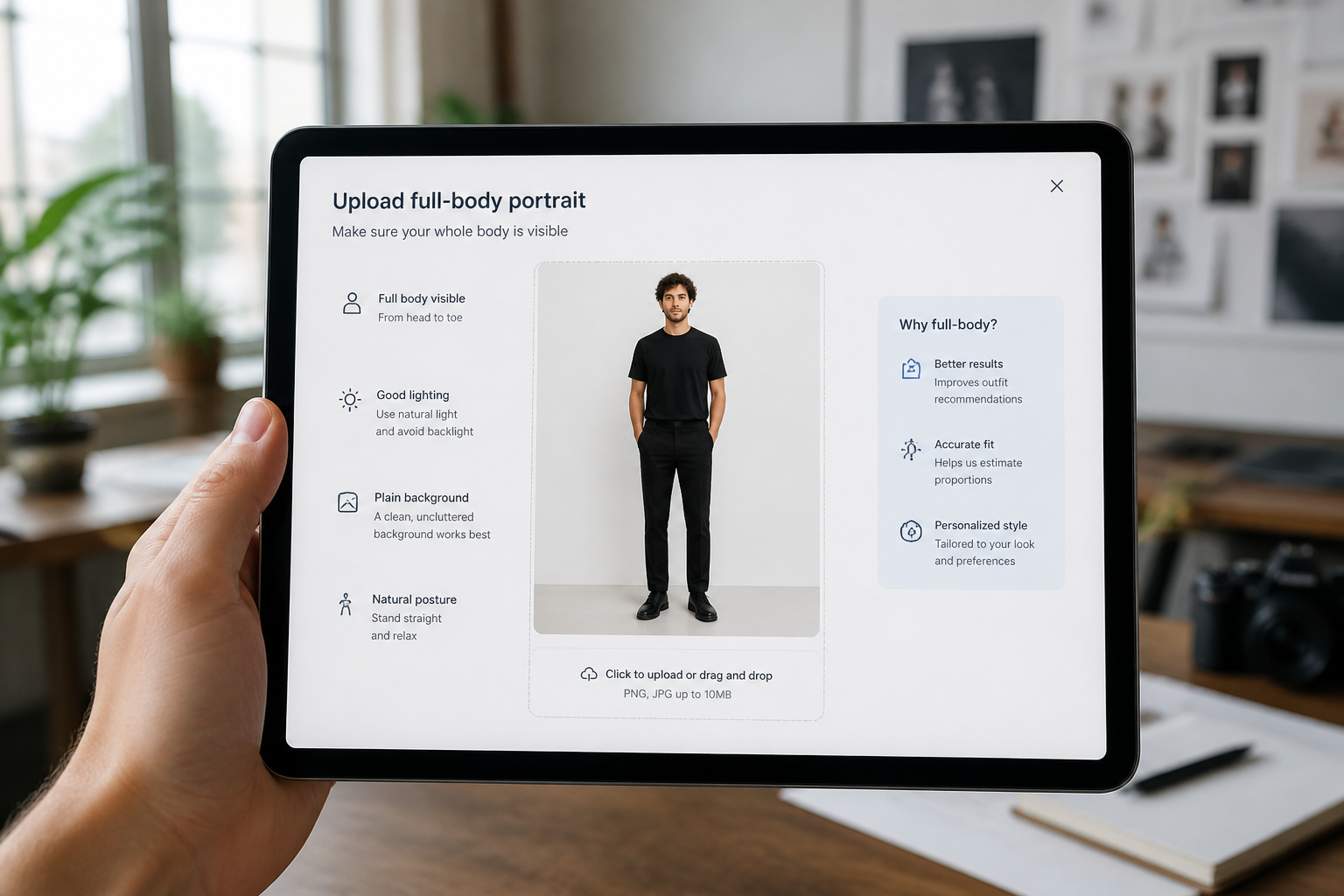
Upload your base image
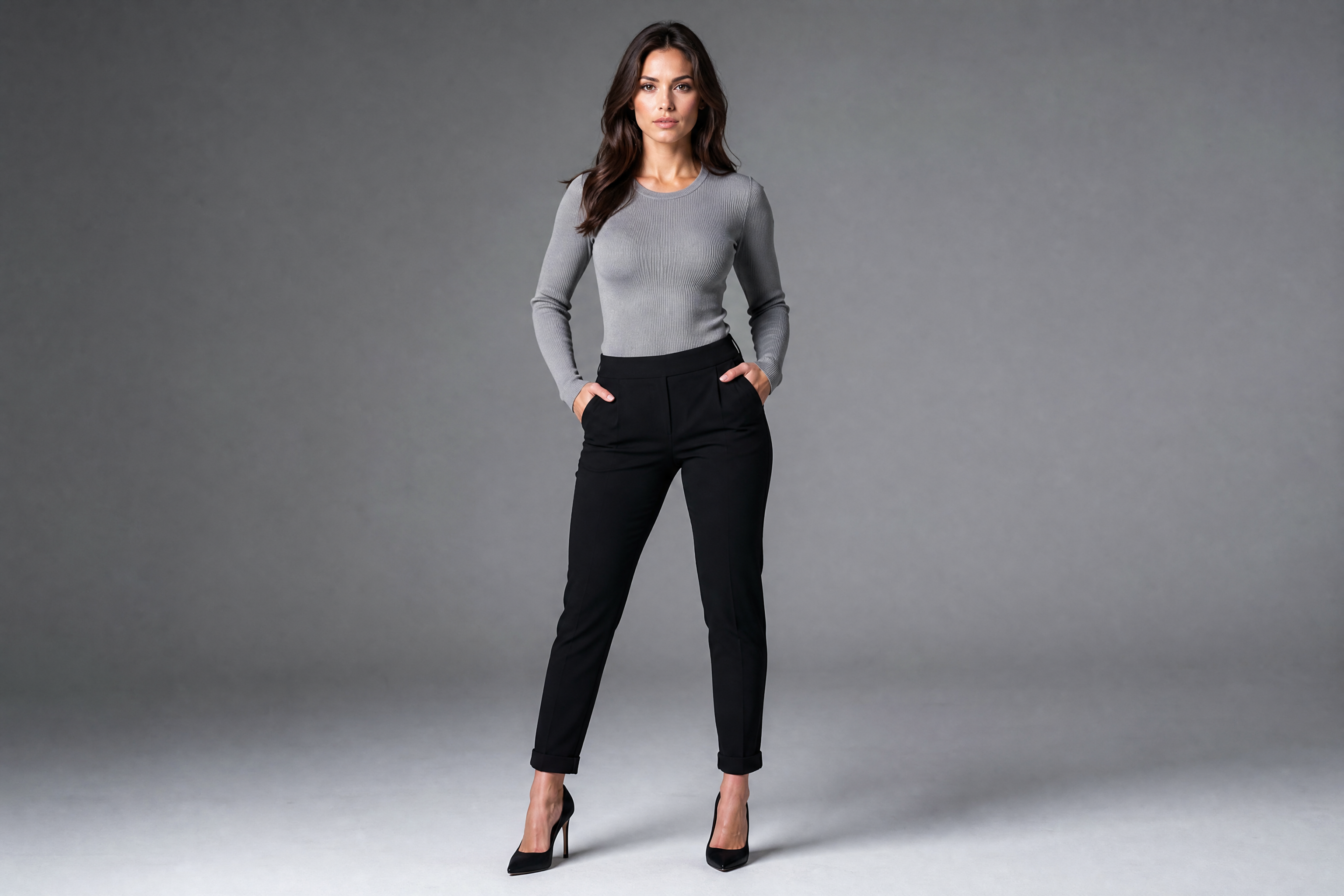
Start with a clear photo or rough visual that shows the character's pose well. Full-body images in good light usually give the cleanest concept variations.
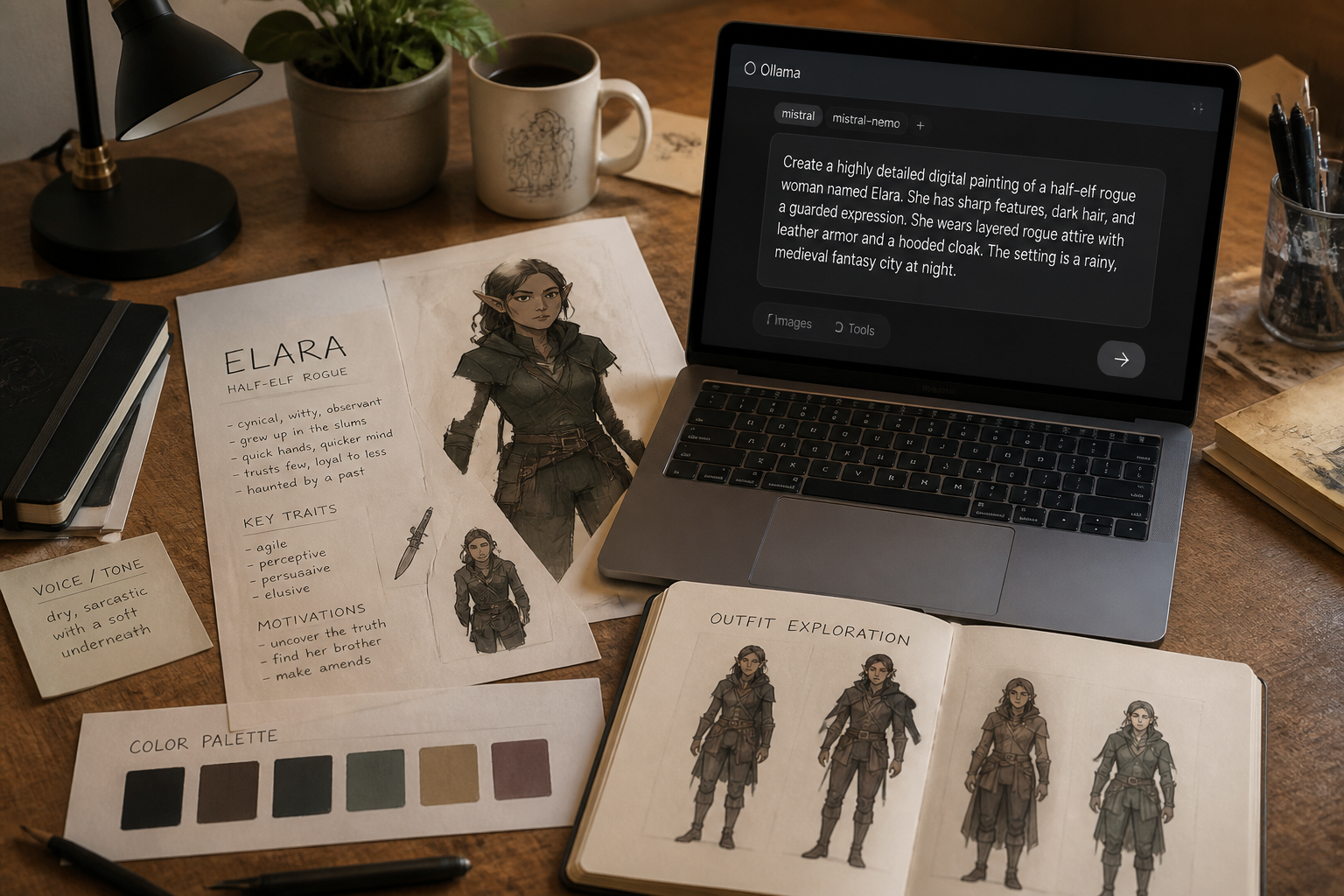
Describe the character direction
Tell our AI what role, outfit, genre, or art style you want to explore. Be direct about details like armor, fantasy robes, anime styling, props, or mood.
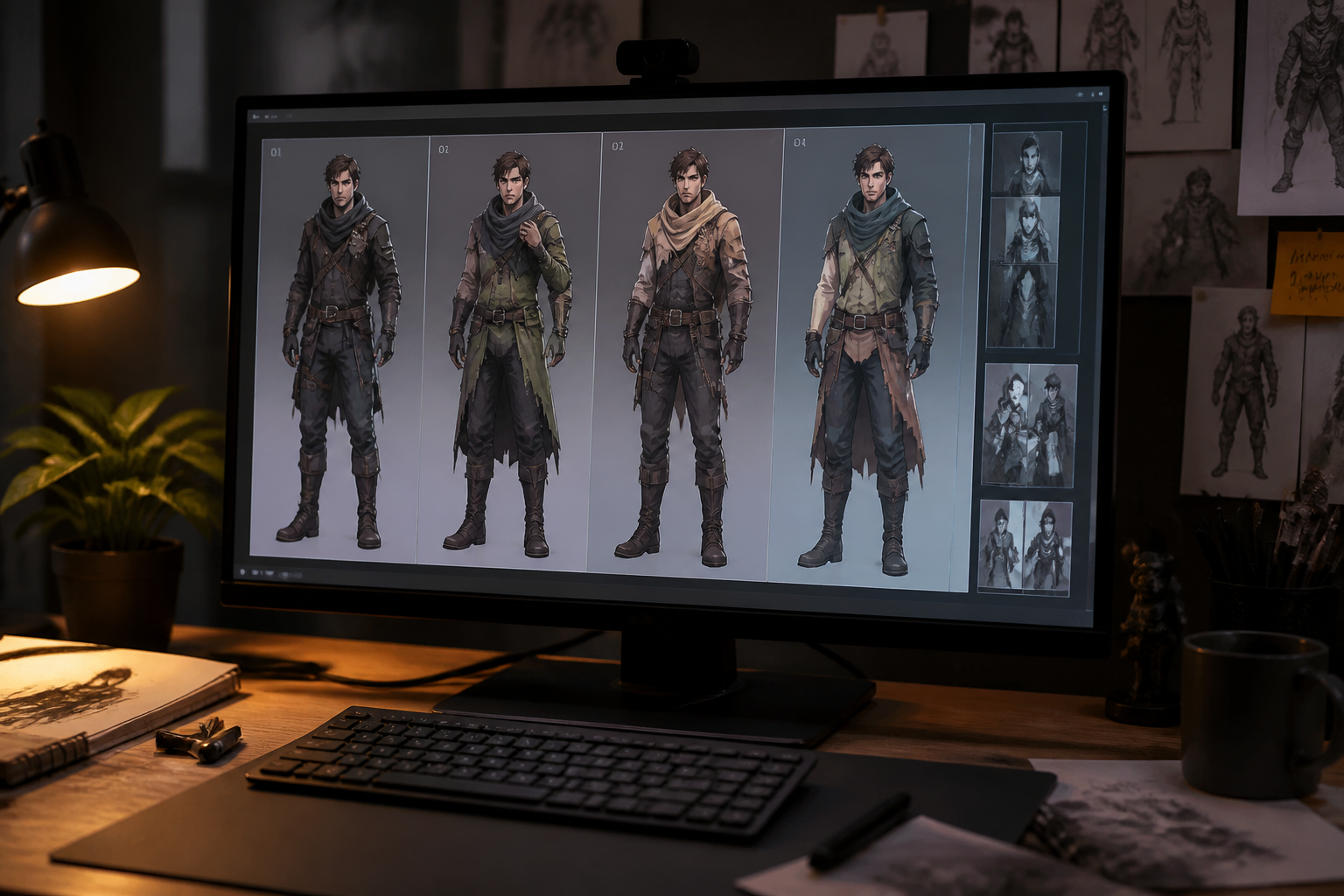
Compare and refine
Review the generated concepts and pick the versions that best fit your story or project. Then rerun with more specific instructions to push the design further.
Perfect For
Discover how creators and professionals use character design generator
Game character ideation
Test classes, factions, and costume directions before moving into deeper production art.
Comic and graphic novel planning
Explore how protagonists, villains, and side characters should look across different story tones.
Animation pitch visuals
Create fast concept frames that help communicate a cast's style and personality.
Tabletop and RPG character art
Generate polished visual versions of custom player characters and NPC concepts.
Built For
Game designers
Block out character roles, world fit, and costume tiers without waiting on a full concept pipeline.
Illustrators and art directors
Use it to test directions quickly, gather references, and narrow a visual brief before detailed manual work.
Writers and creators
Turn rough ideas for a cast into concrete visuals you can share in pitches, decks, or story bibles.
Why use it for character concepts
A quick look at how we compare on the things that matter for this niche.
| Feature | BudgetPixel | Generic AI editors | Manual editing apps |
|---|---|---|---|
| Fast character role changes | ✓ | — | — |
| Pose consistency across variants | ✓ | — | — |
| Stylized concept art options | ✓ | ✓ | — |
| Good for pitch visuals | ✓ | — | — |
| Easy to start | ✓ | ✓ | — |
Frequently Asked Questions
What kind of image works best as a starting point?
Can I keep the same pose while changing the character type?
Can I generate anime or stylized character concepts too?
Is this good for finished production art?
Do I need design experience to use it?
Create together.
Share your creations, discover trending AI art, and grow with fellow creators.