AI Social Media Ad Generator
Turn simple product photos into ready-to-use ad creatives
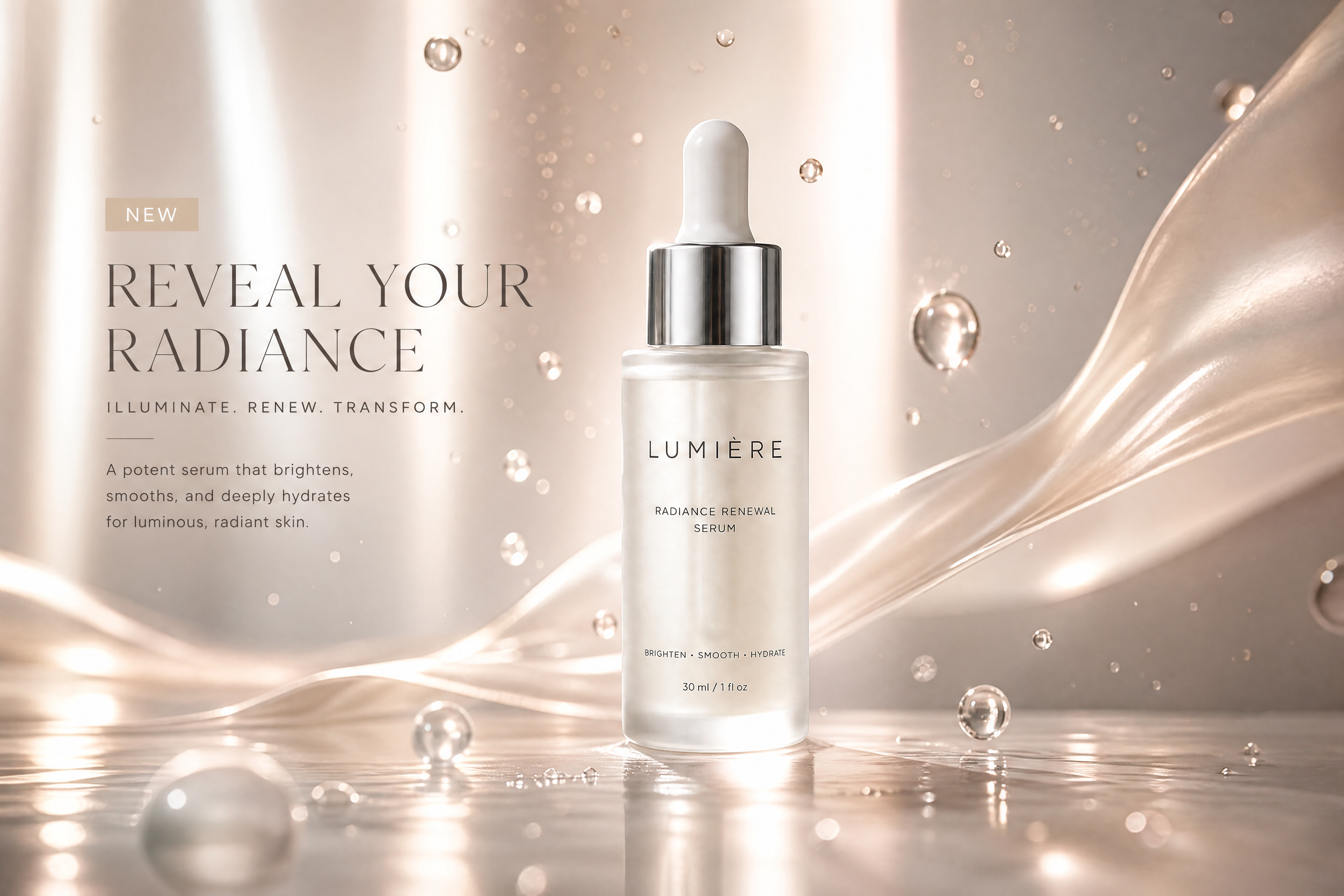
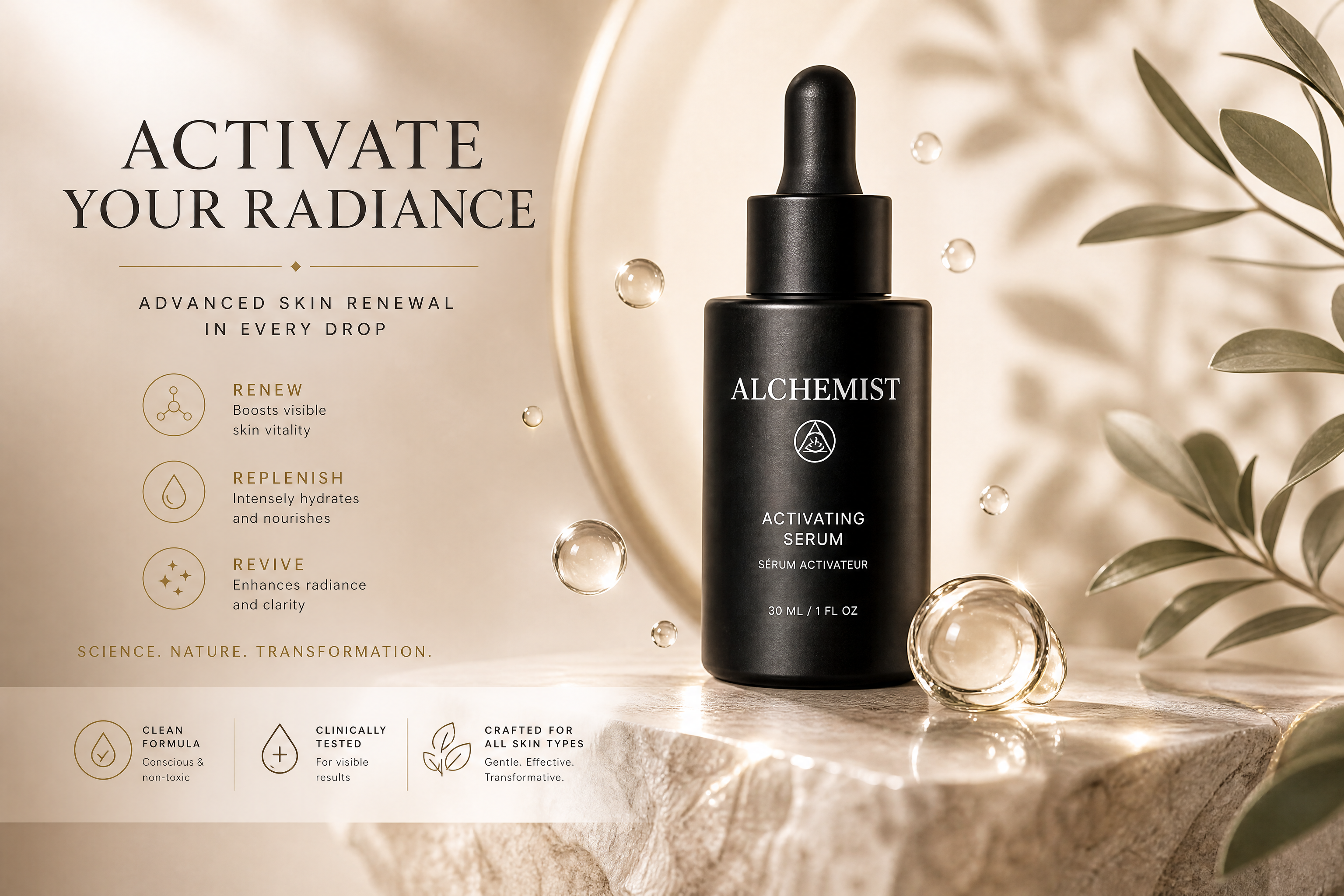
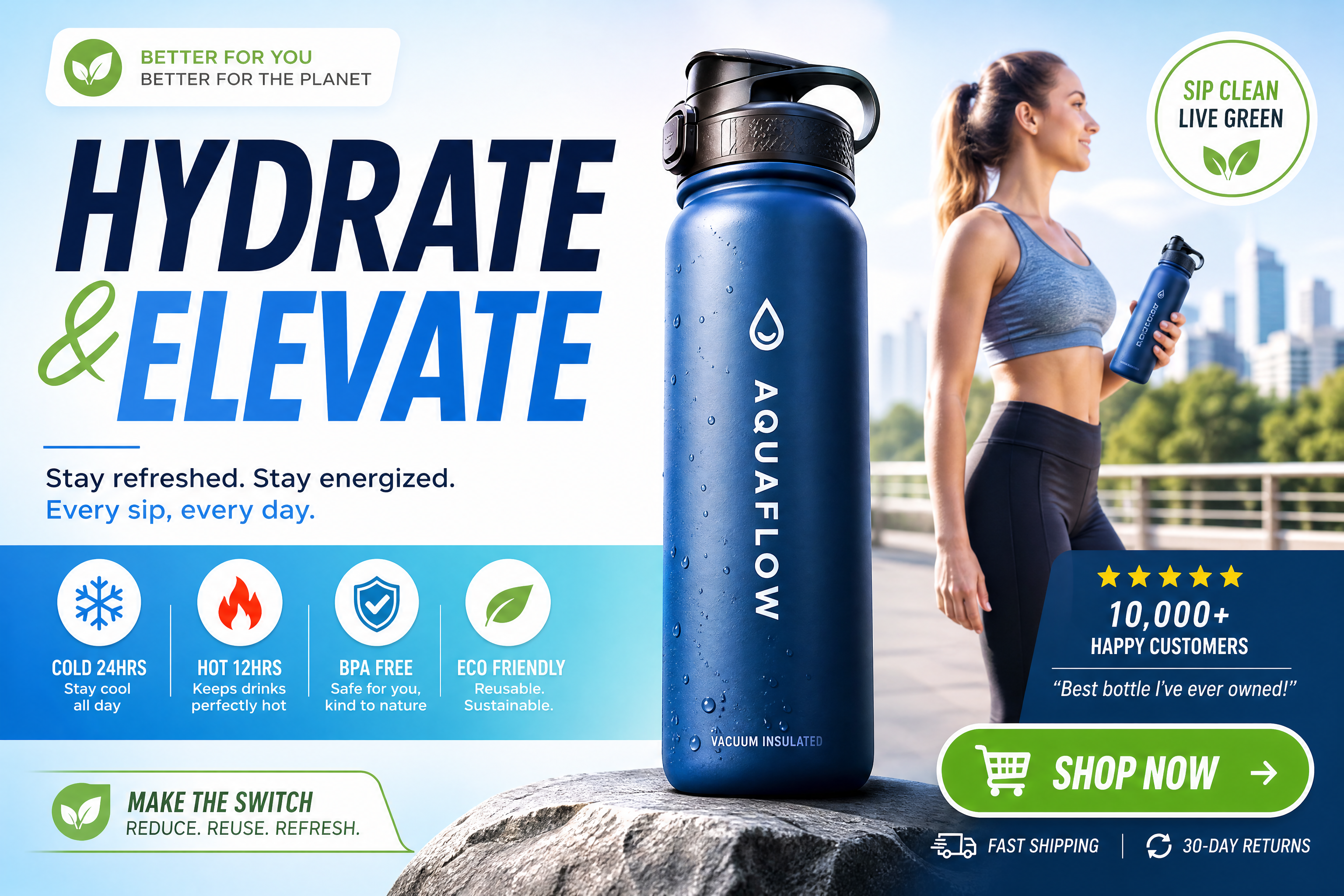
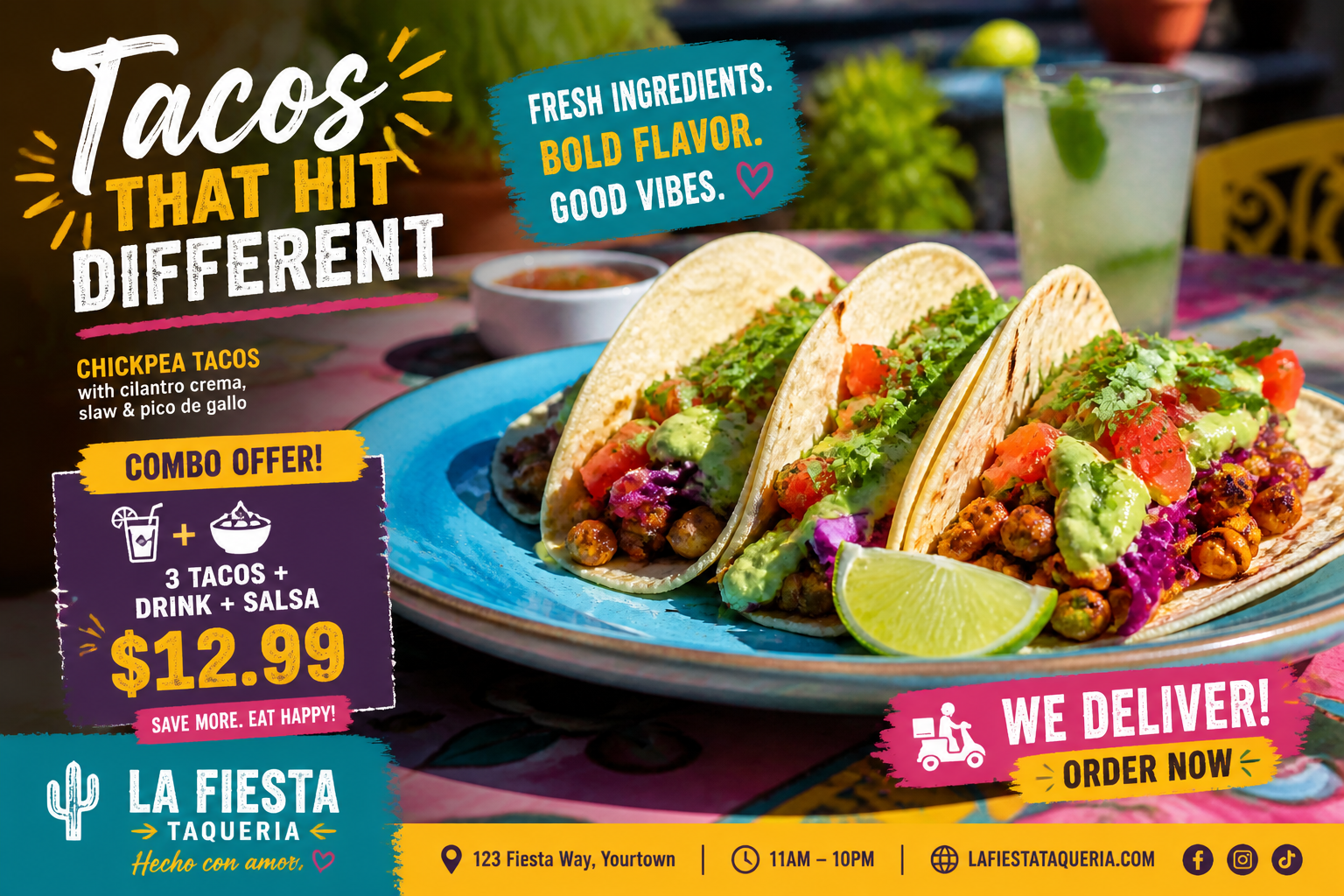
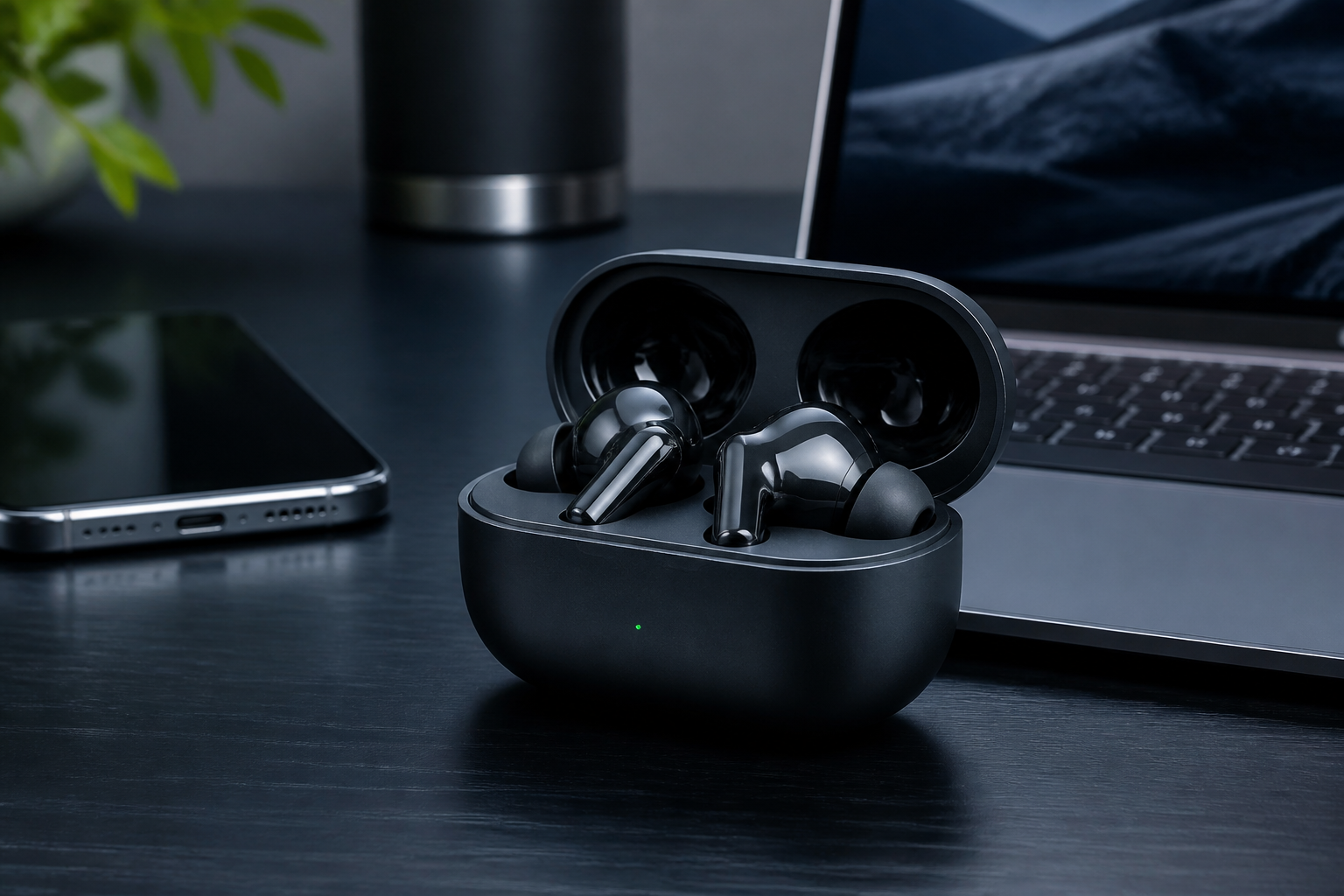
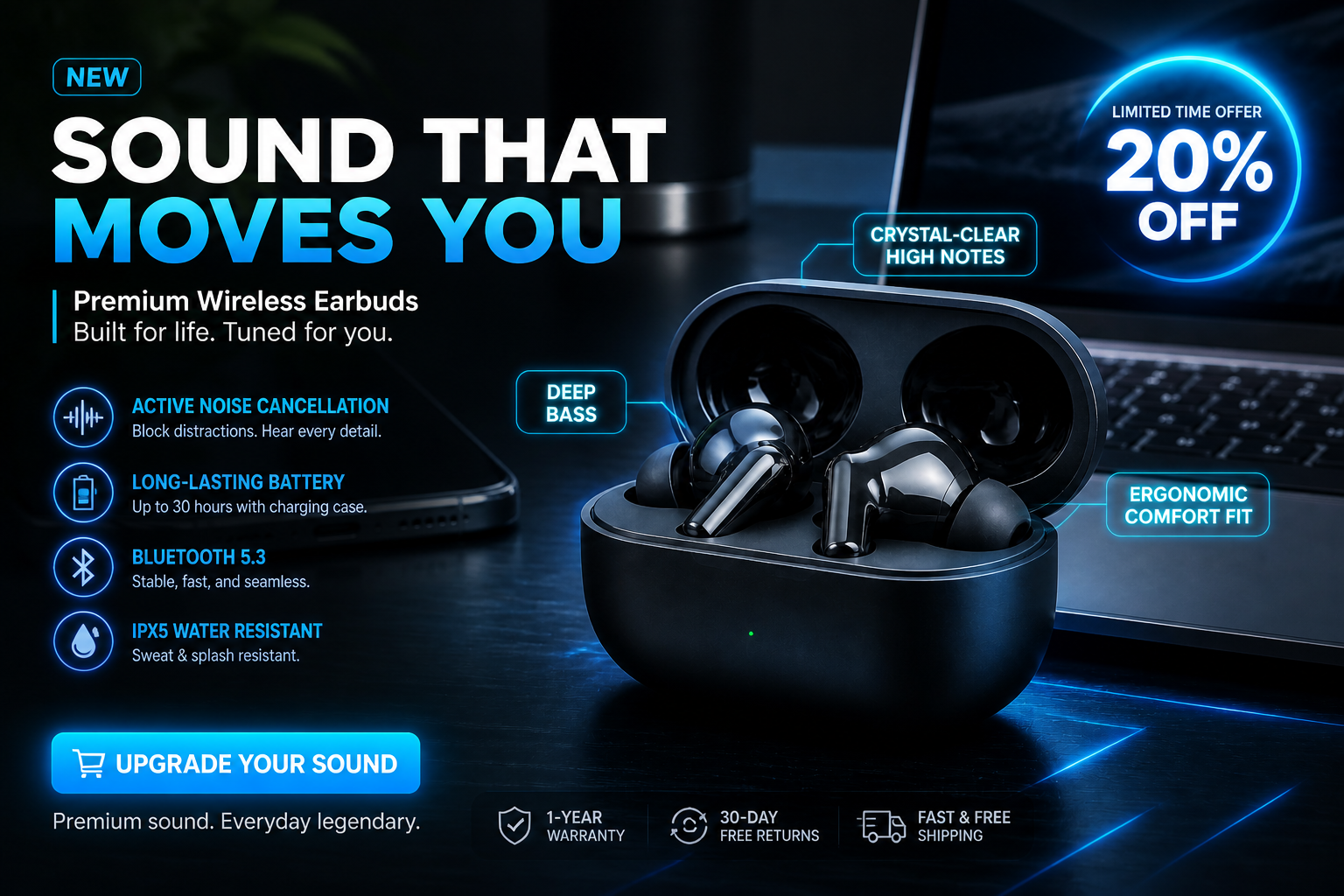
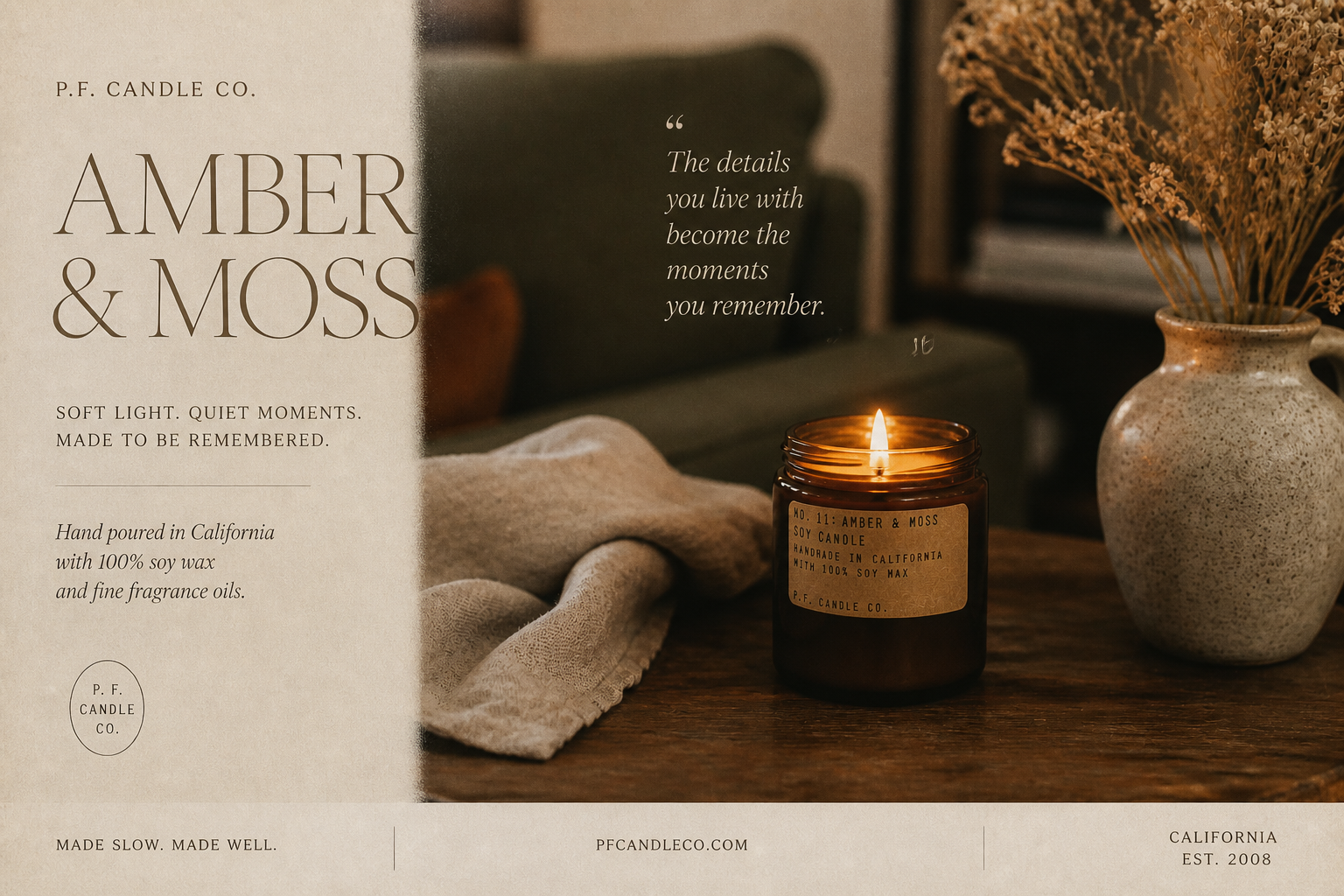
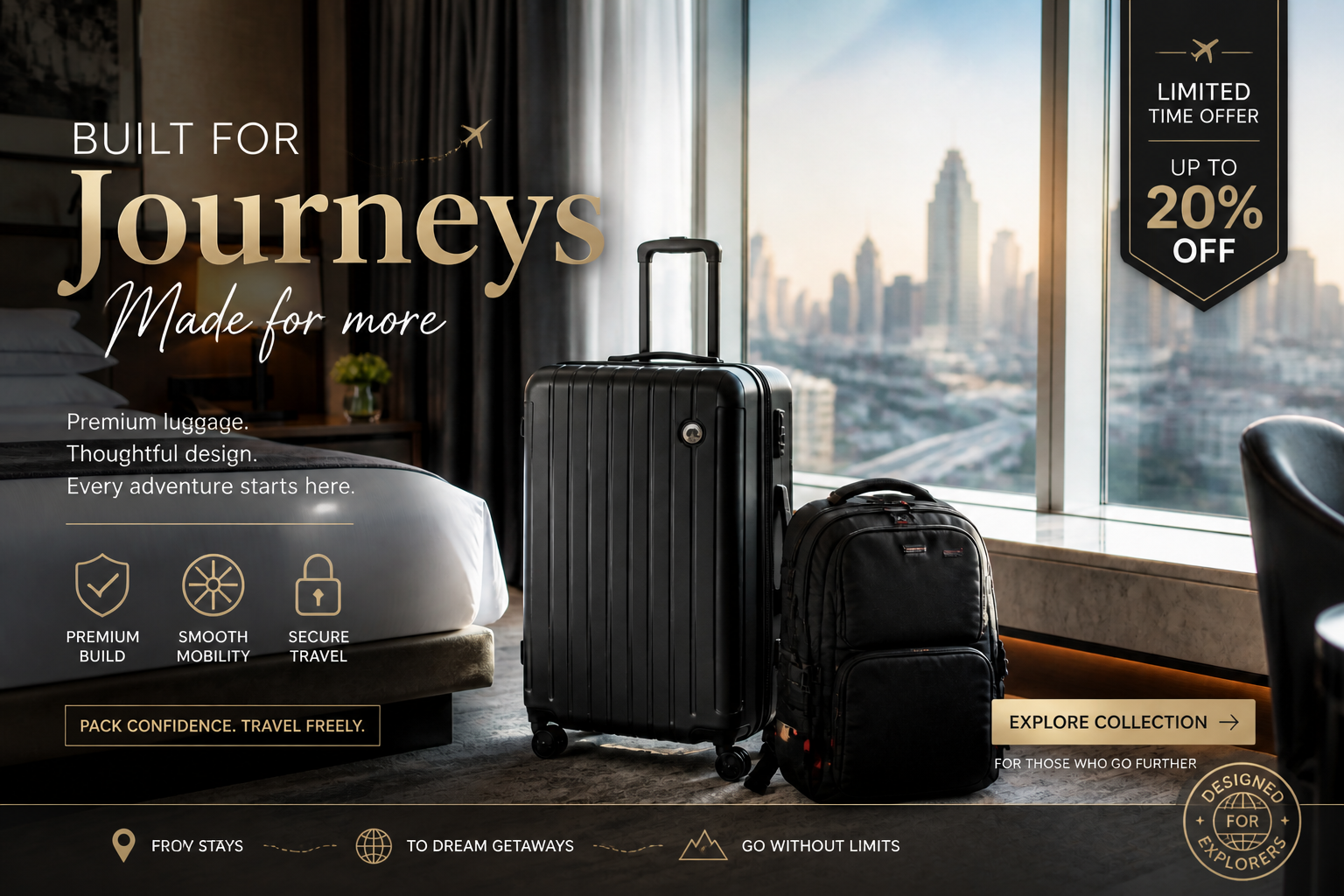
Upload a product shot, lifestyle image, or brand visual and turn it into a polished social ad concept. Our AI can add campaign styling, cleaner layouts, bold promo messaging, and platform-friendly creative direction while keeping the core subject recognizable.
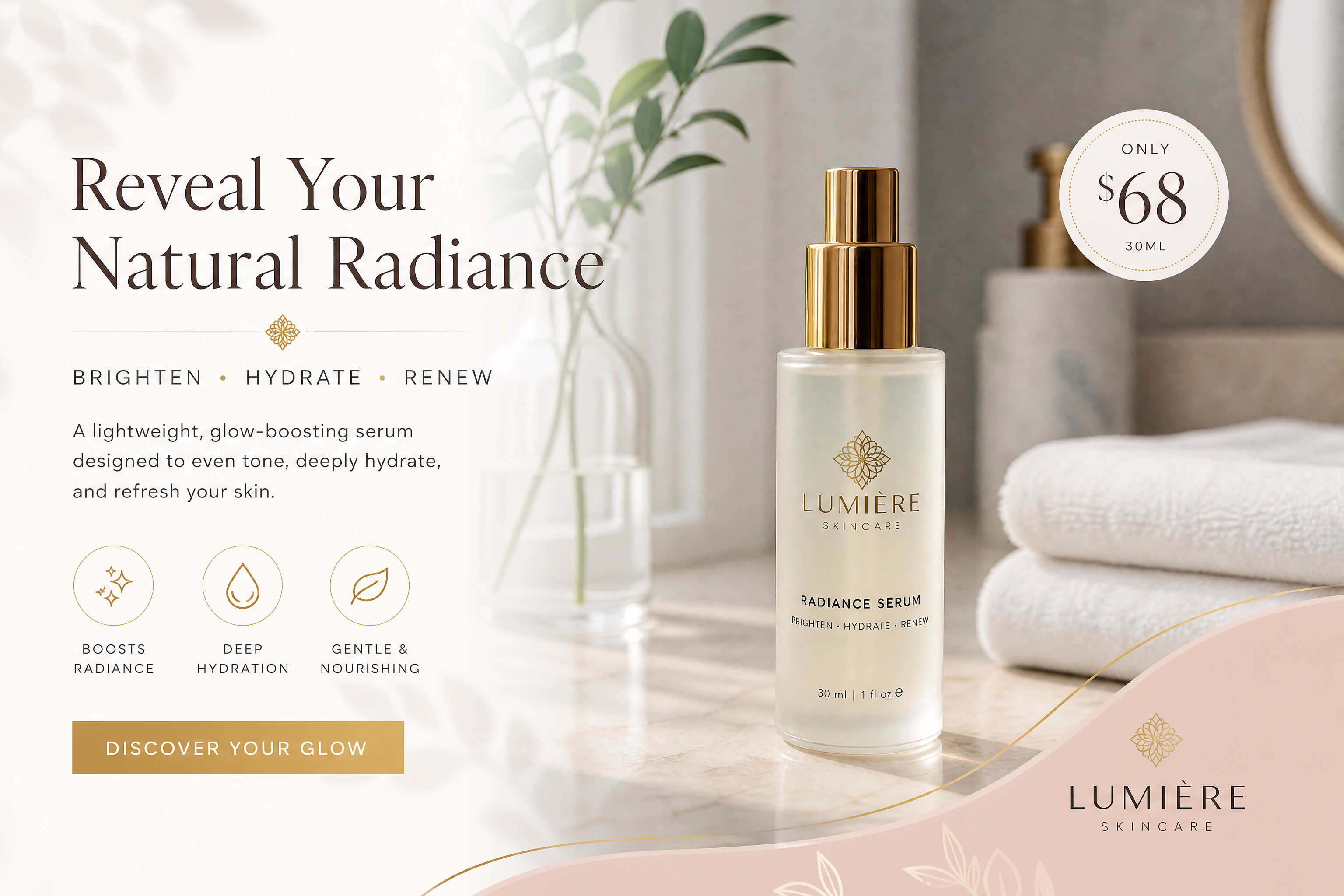
Watch the Transformation
See ai social media ad generator in motion — generated end-to-end by our AI.
See It In Action
Real outputs from ai social media ad generator.
BEFOREAFTER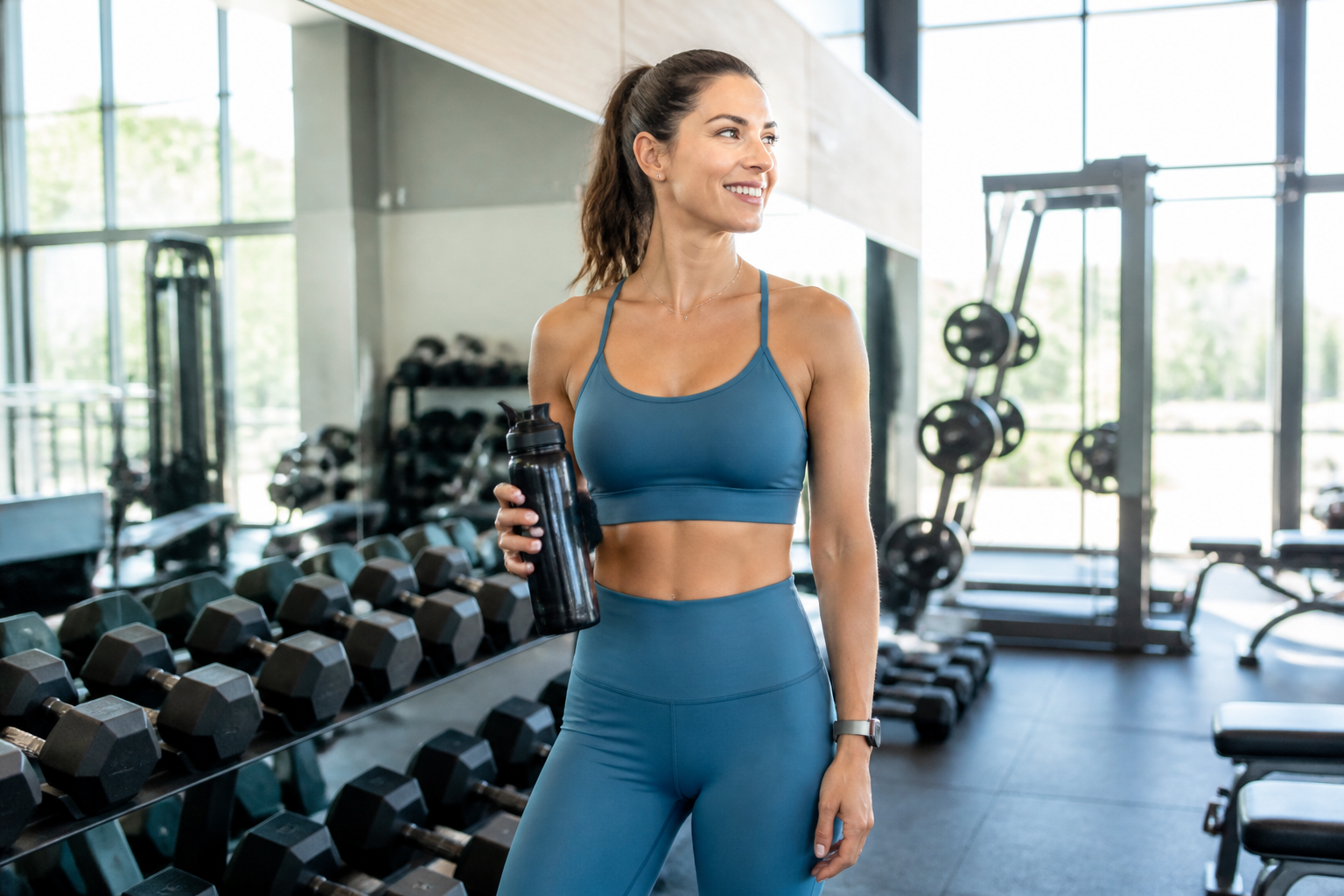 BEFORE
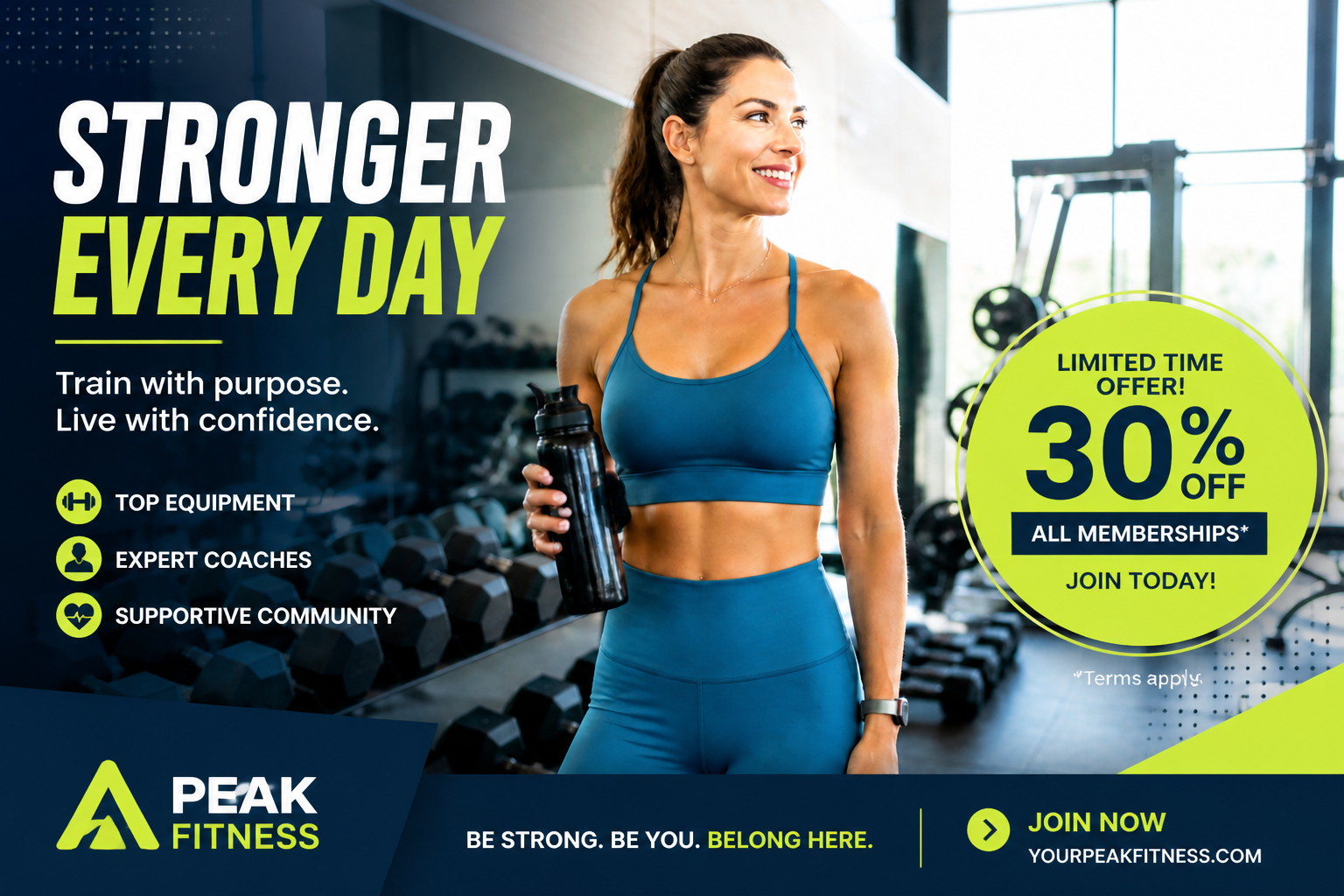 AFTER
AFTER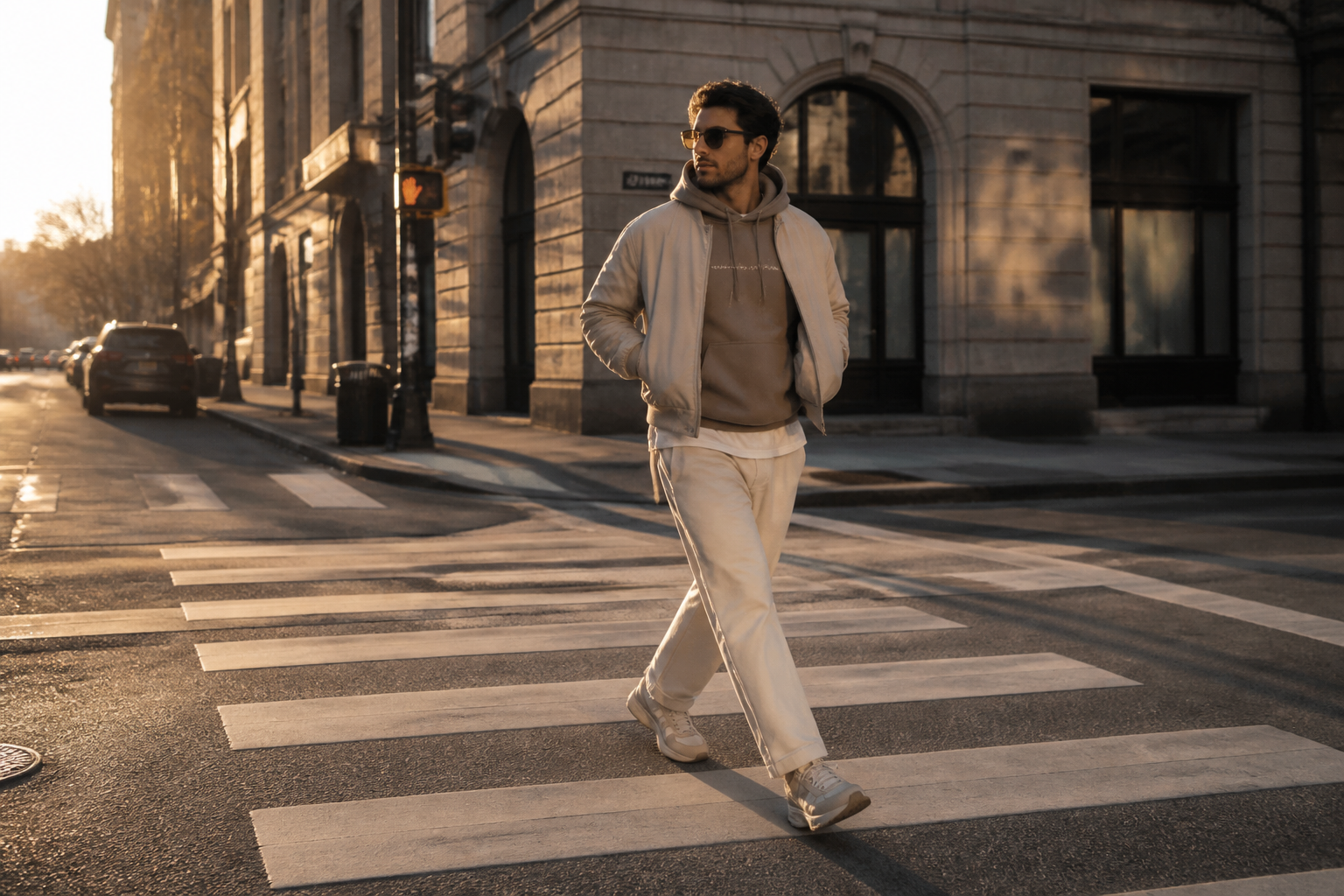 BEFORE
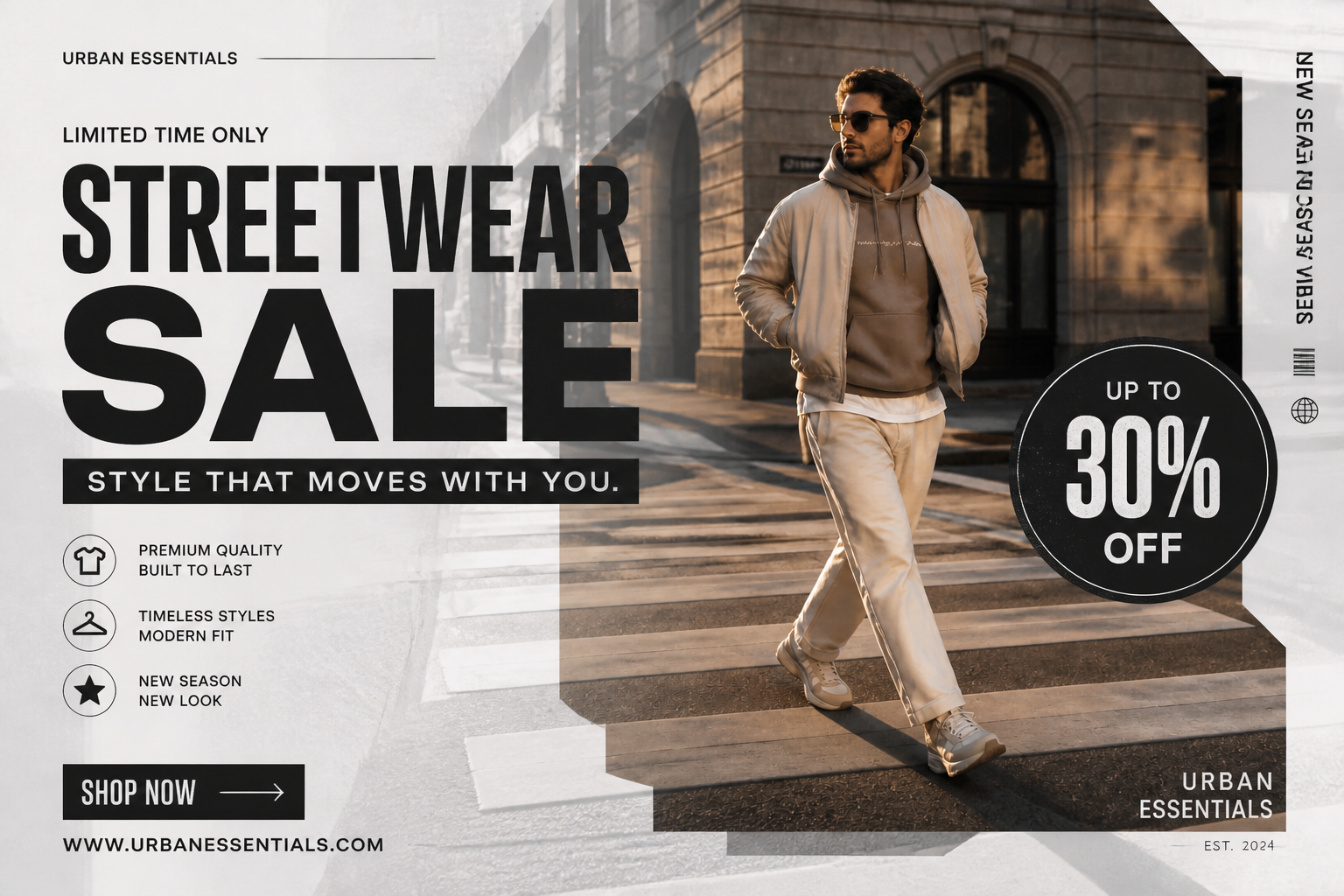 AFTER
AFTER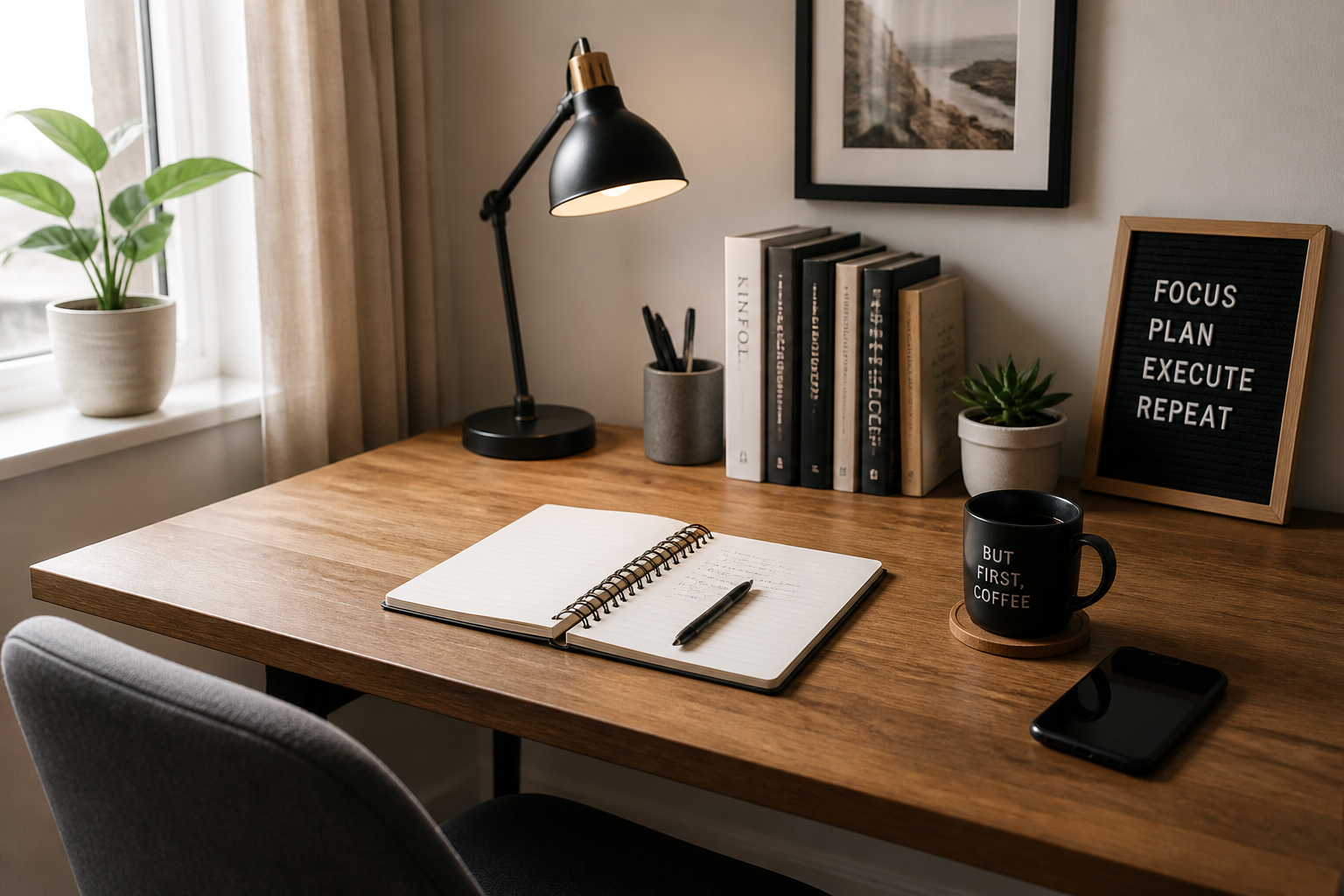 BEFORE
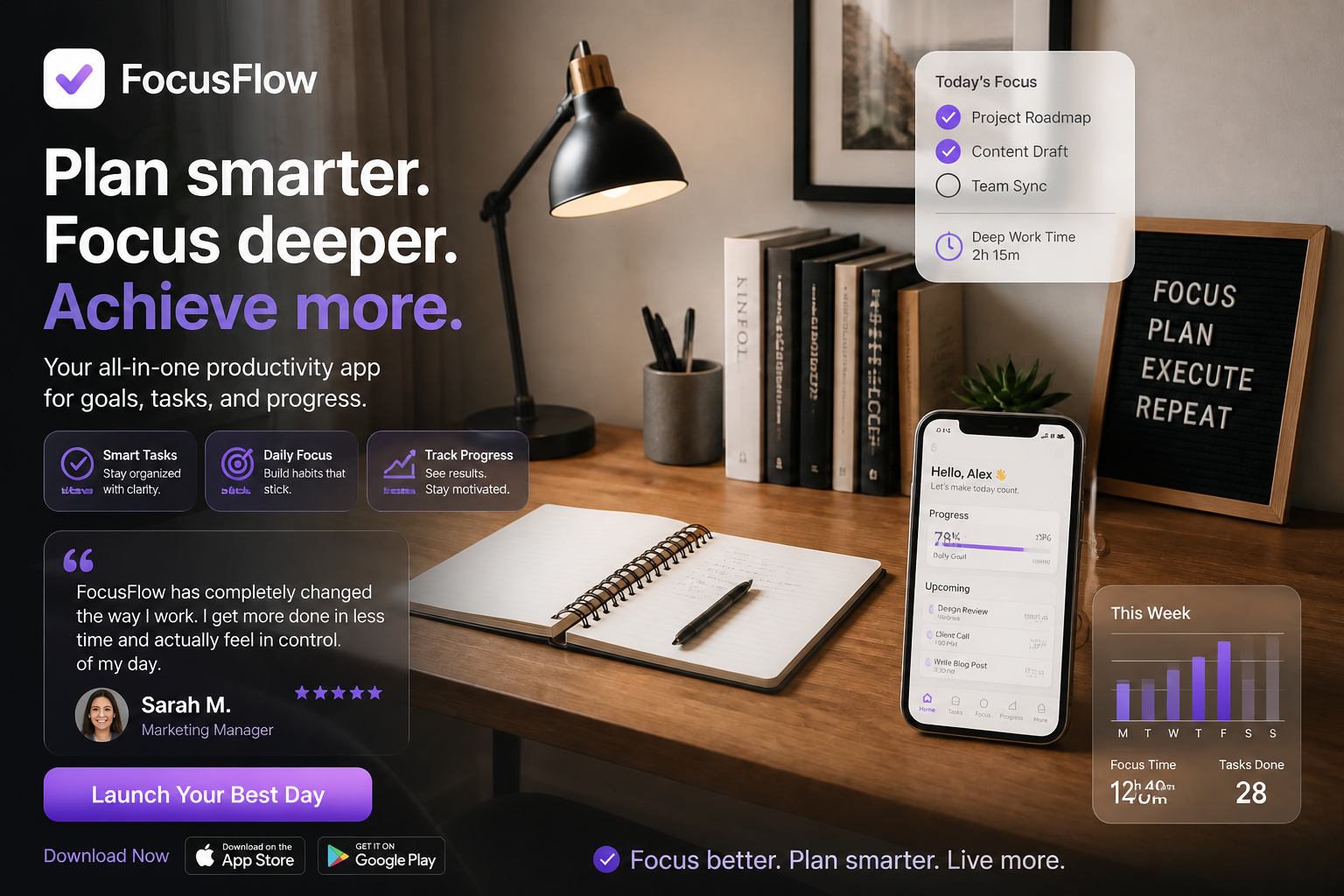 AFTER
AFTER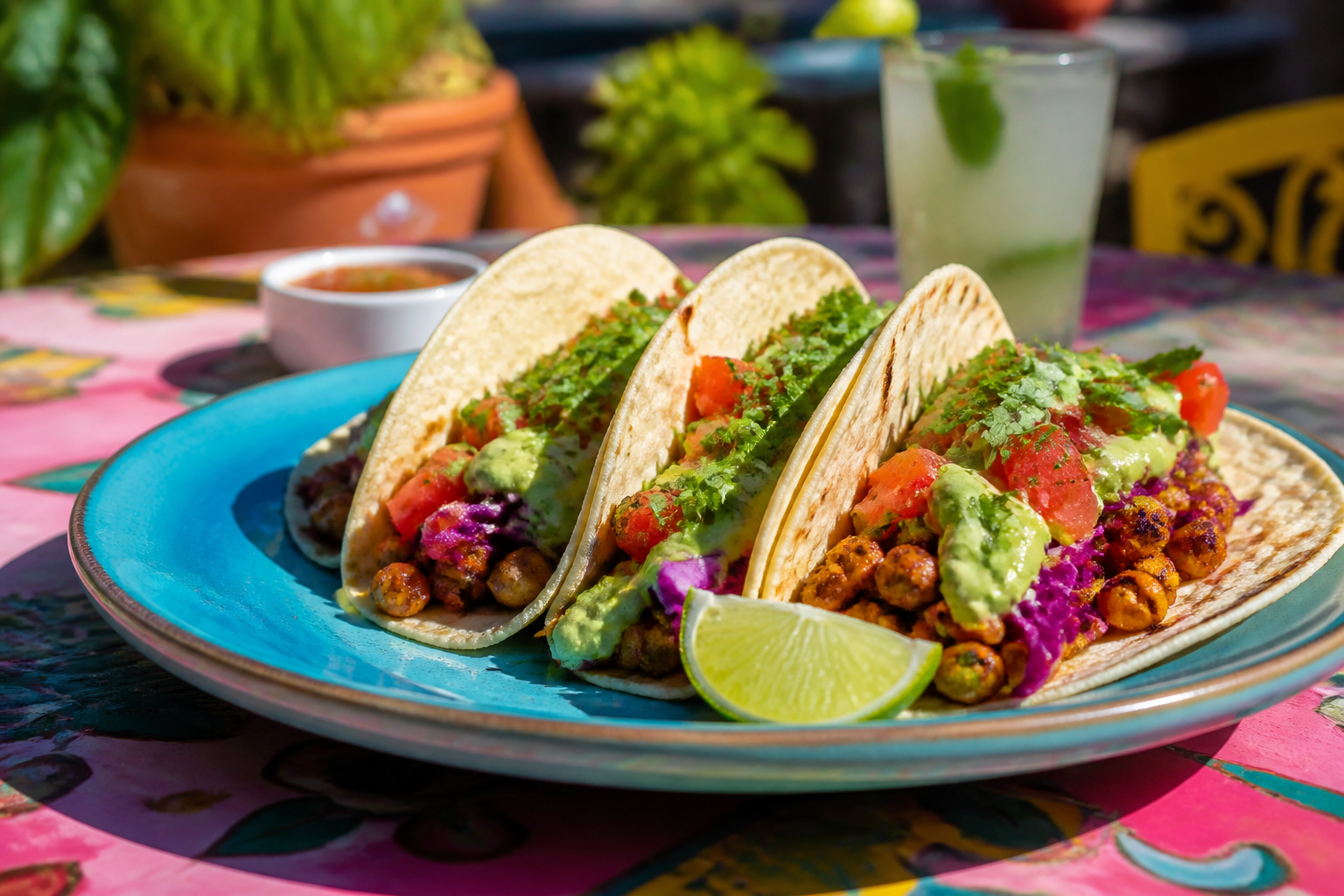 BEFORE
 AFTERBEFOREAFTERBEFOREAFTERBEFOREAFTERBEFOREAFTERBEFOREAFTER
 BEFORE
 AFTER
AFTER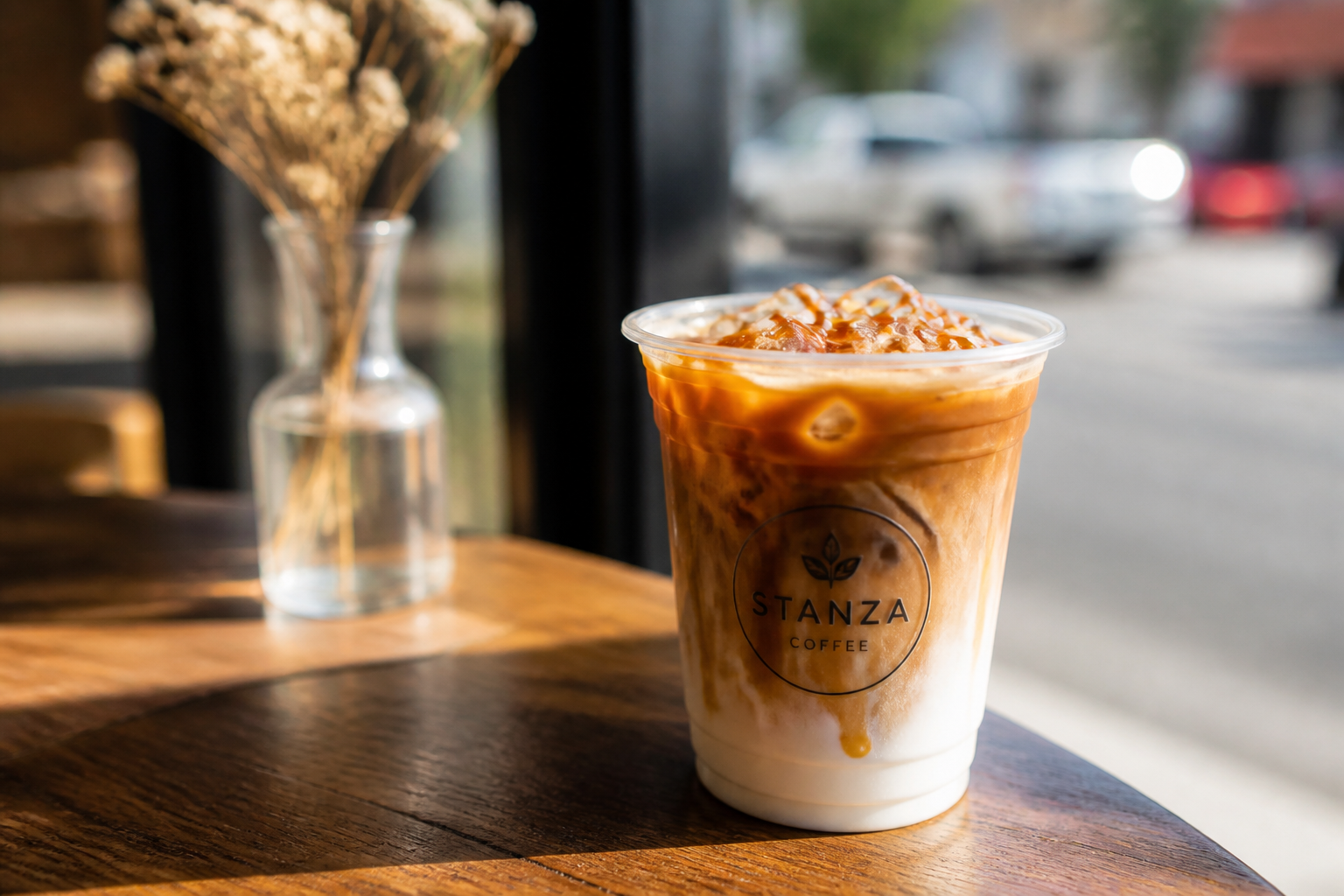 BEFORE
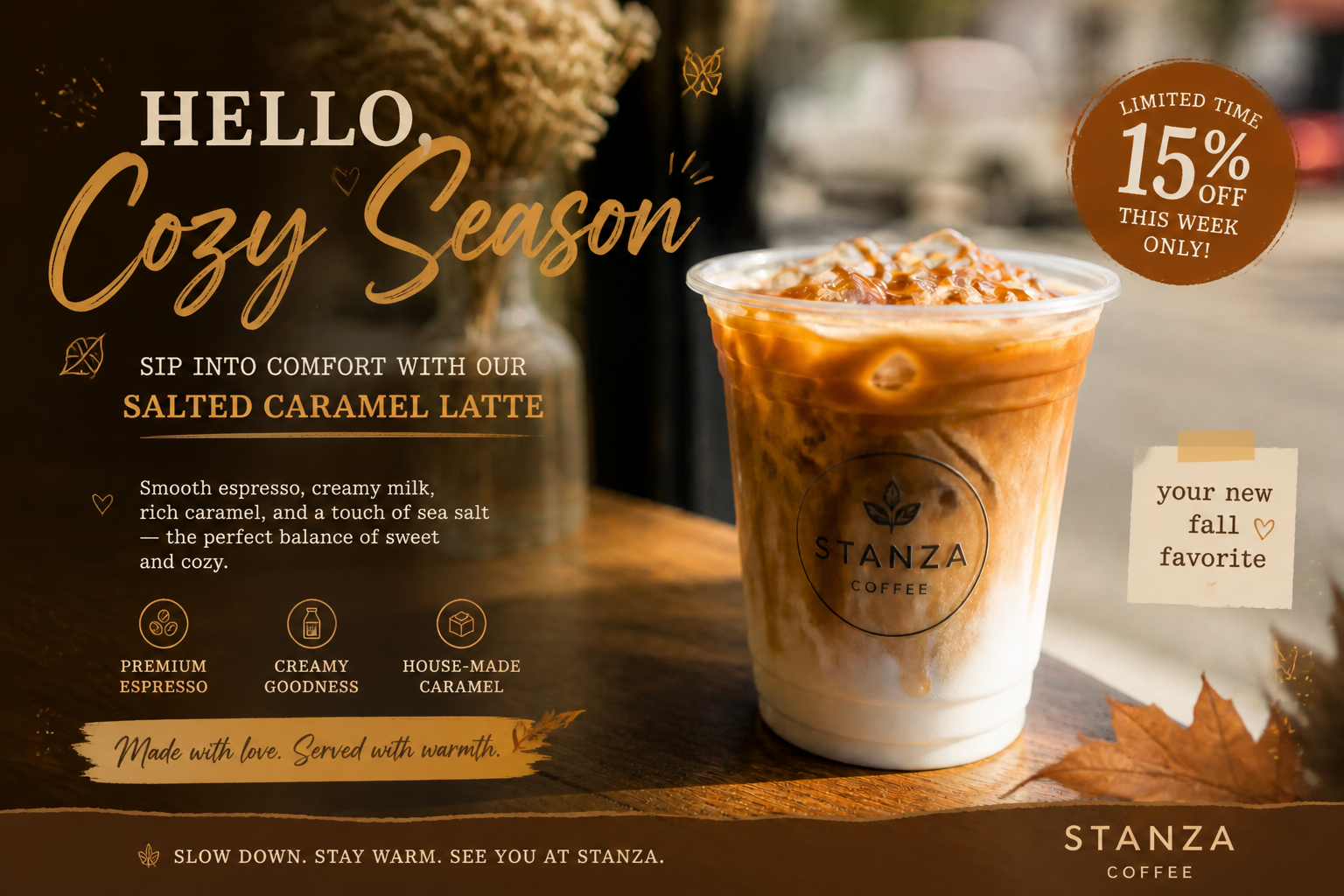 AFTER
AFTER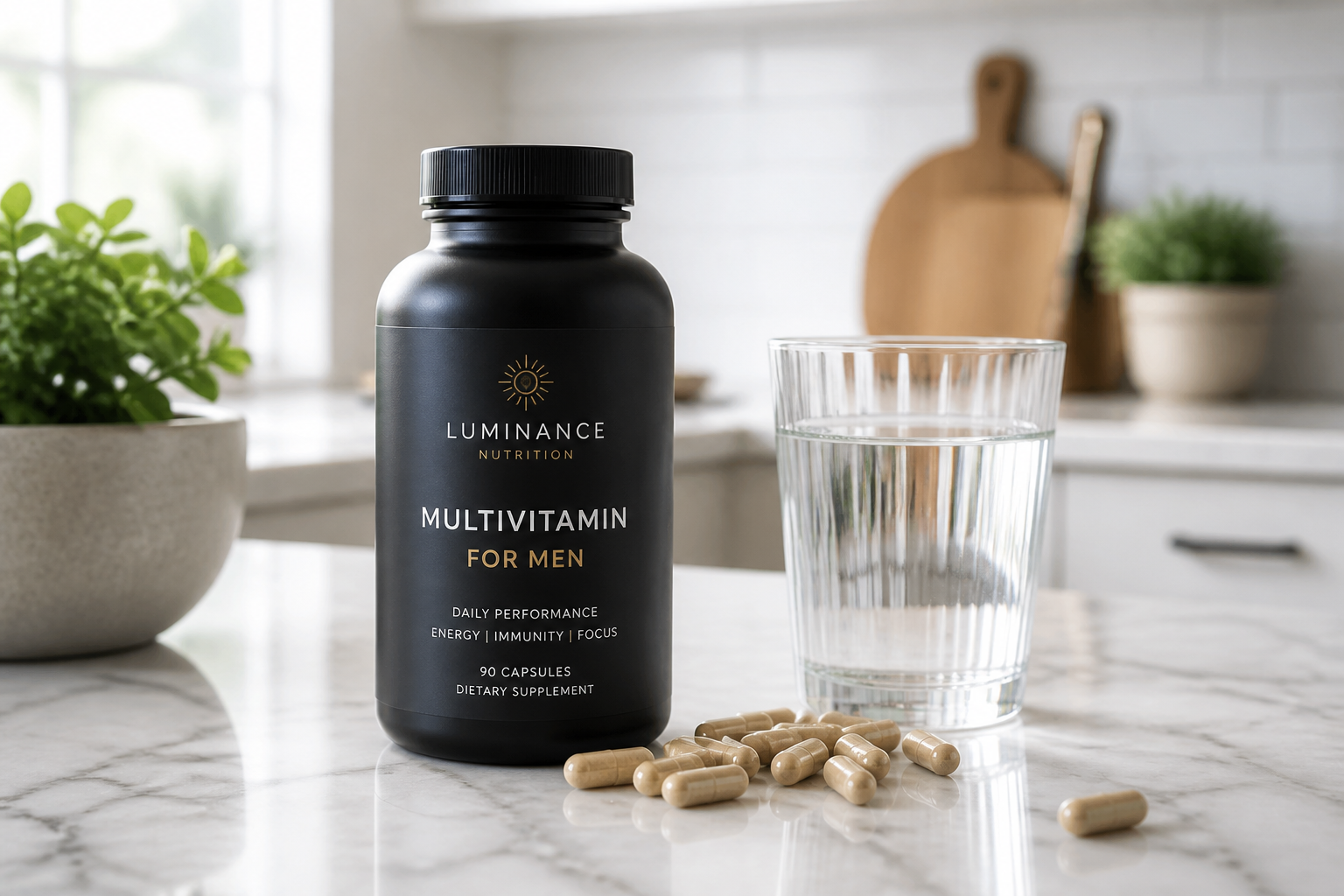 BEFORE
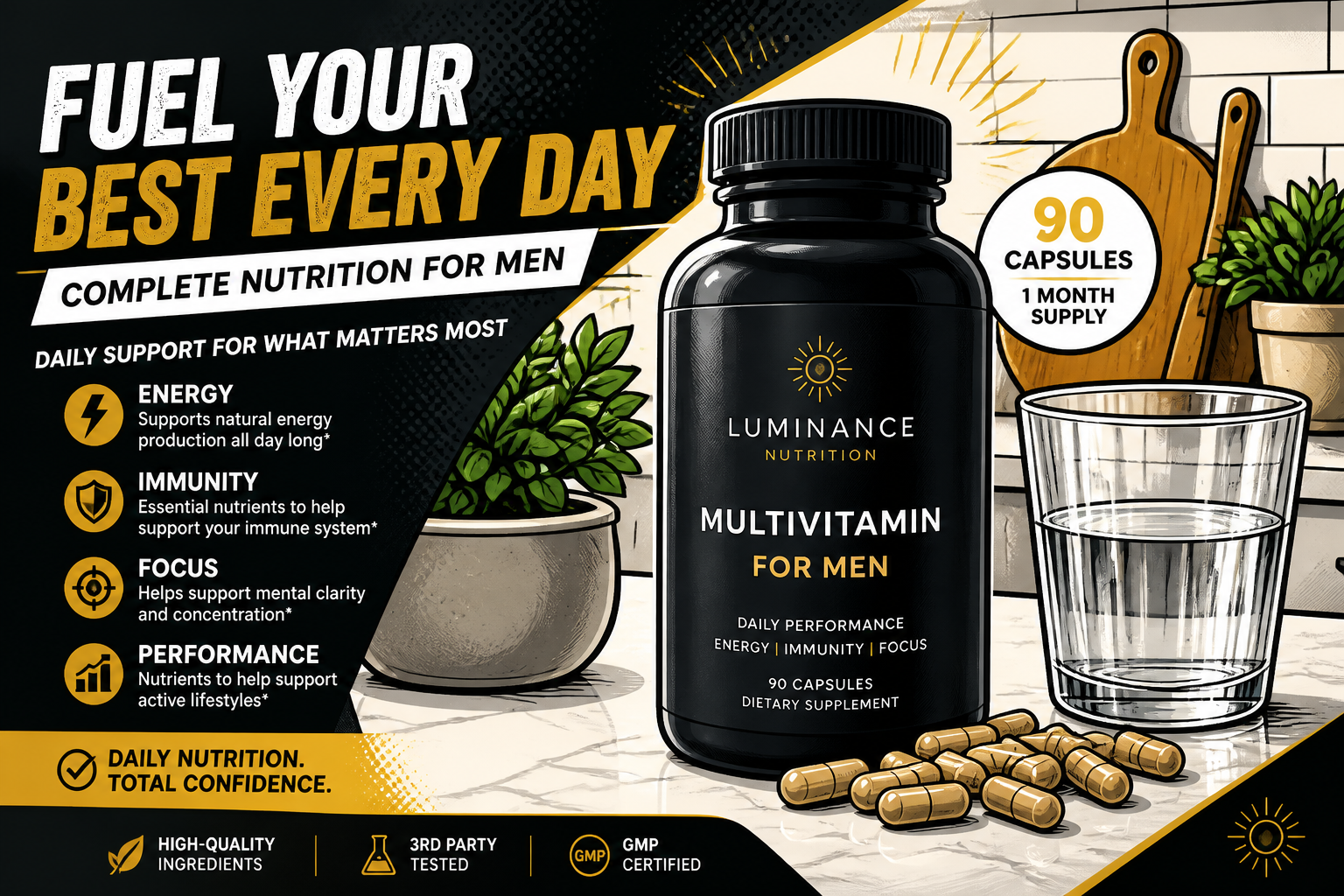 AFTER
AFTER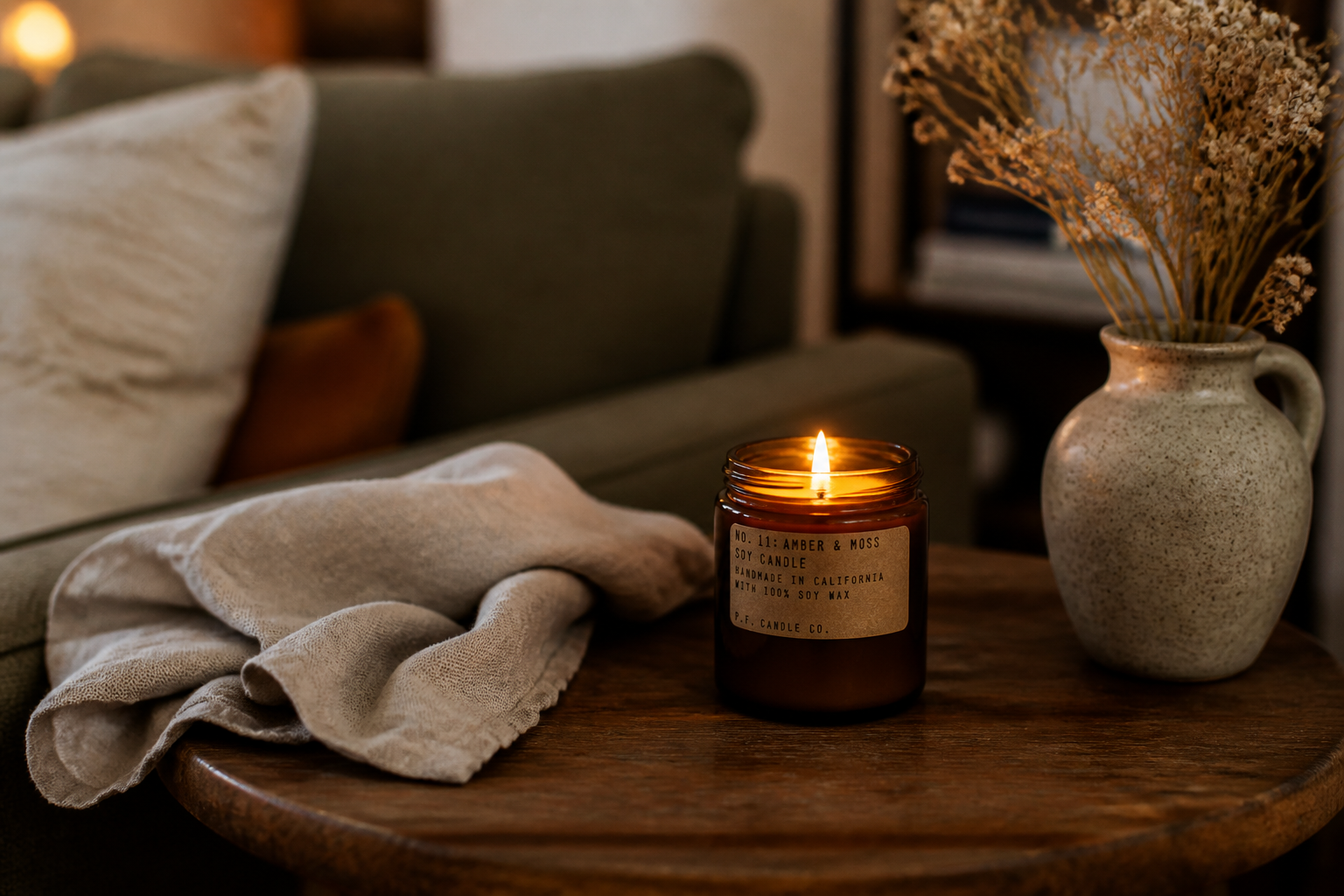 BEFORE
 AFTER
AFTER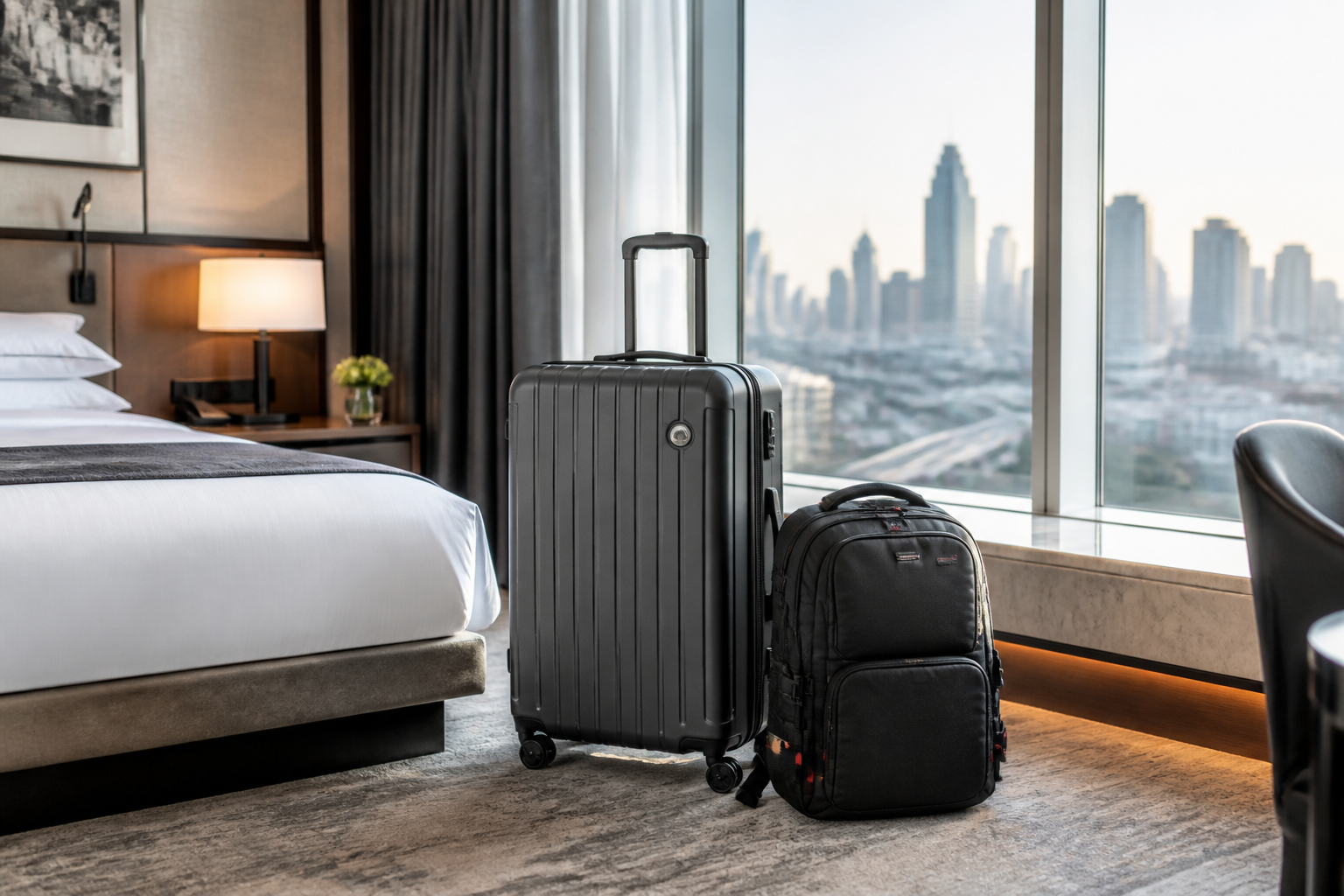 BEFORE
 AFTERBEFOREAFTERBEFOREAFTERBEFOREAFTERBEFOREAFTERBEFOREAFTER
Key Features

Turn products into ads
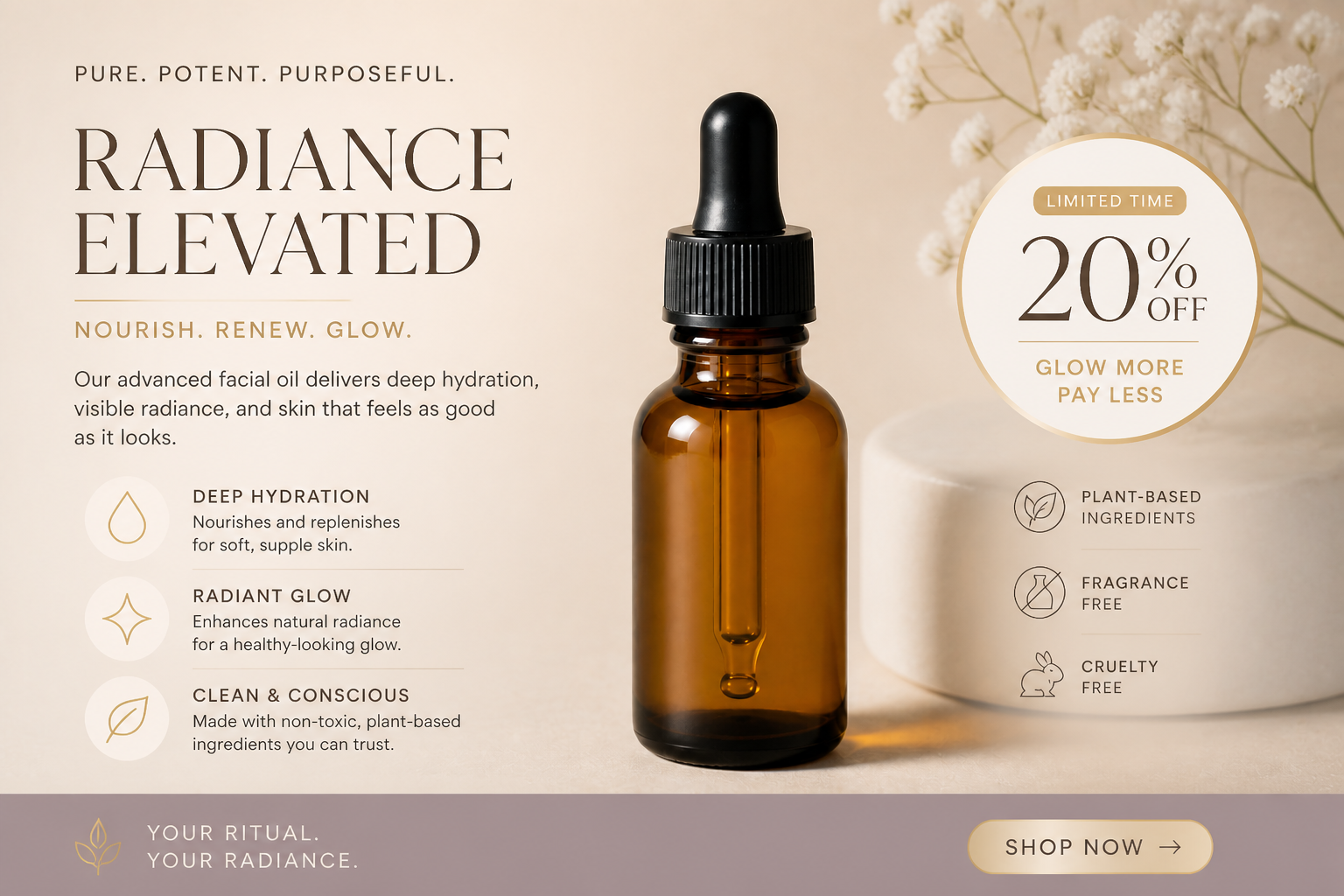
Start with a plain product photo and quickly convert it into something that looks campaign-ready. The AI adds structure, typography, promo framing, and visual hierarchy so the image reads like an ad instead of a raw listing photo. That saves time compared with building every layout by hand in a design tool. It is especially useful when you need fresh concepts fast for testing.
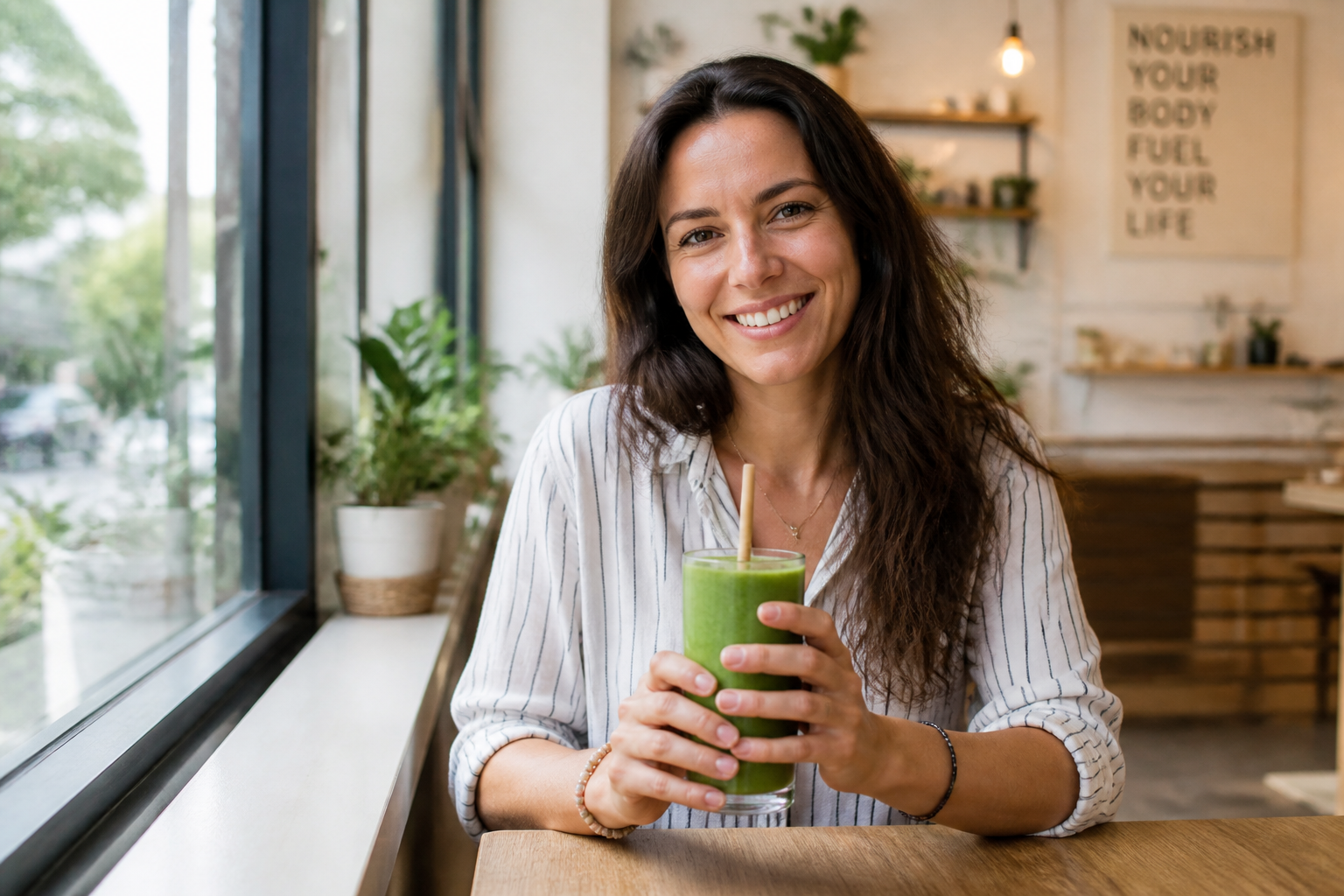

Keep the subject clear
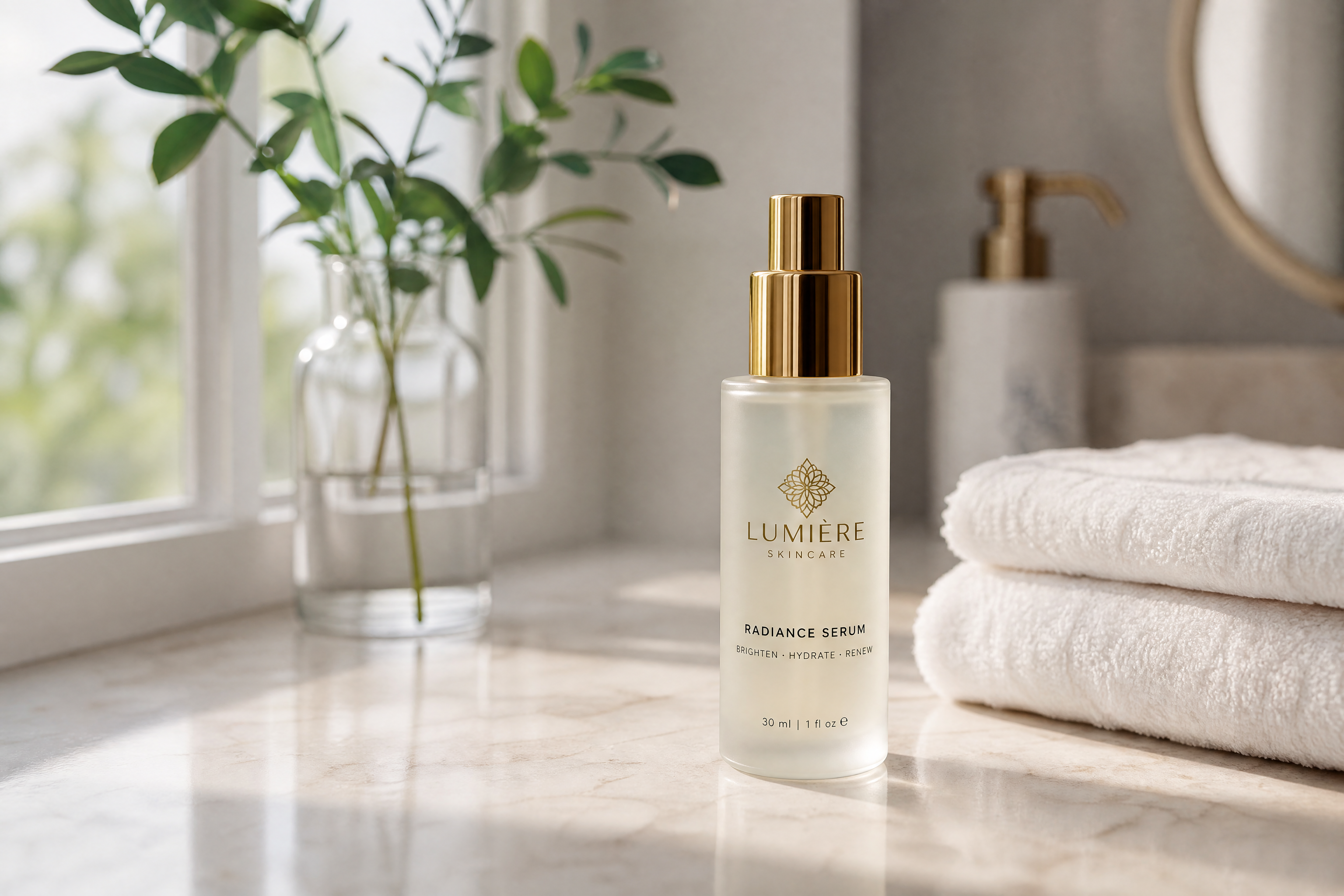
Good ad creative needs to stay focused on the product, person, or offer. The AI can redesign the presentation while keeping the main subject readable, centered, and usable for performance marketing. That matters when your image already works and only needs stronger campaign packaging. You get a clearer before-and-after than with broad style filters that bury the subject.
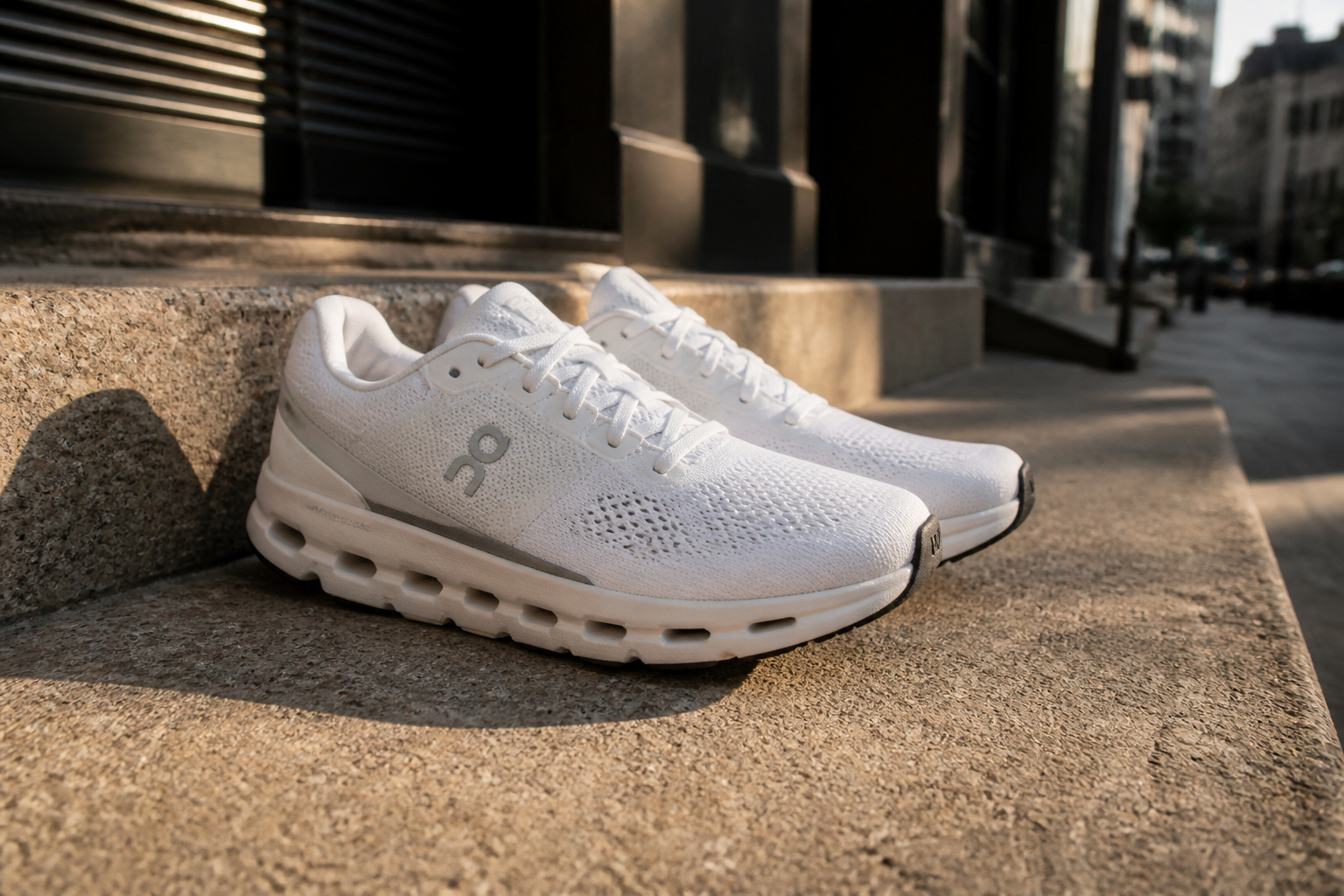
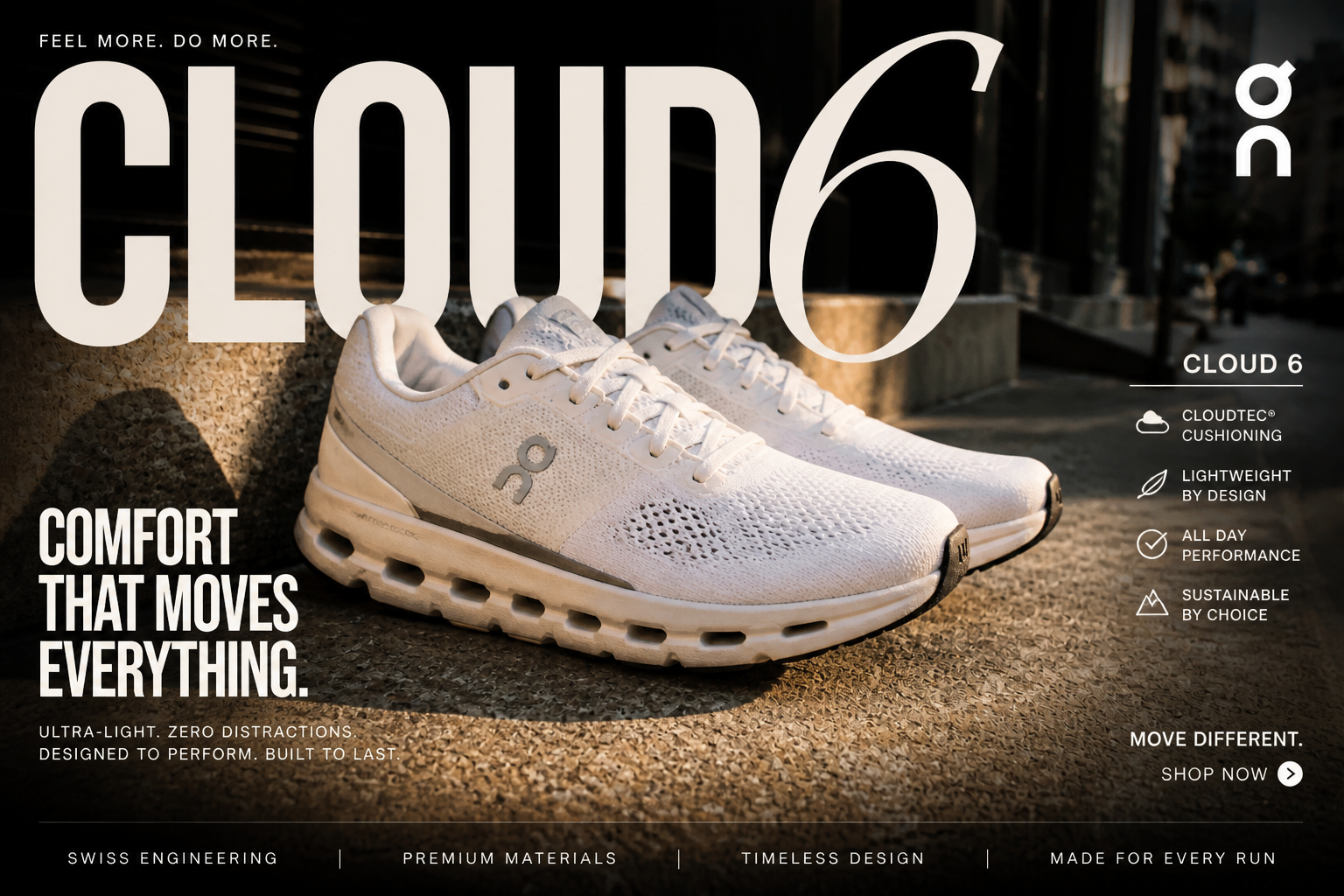
Explore multiple ad styles
Different brands need different creative directions. You can test sleek product ads, editorial fashion layouts, graphic-heavy promo posts, or stylized campaign concepts from the same starting image. This makes it easier to find a direction before spending time on final production. It also helps teams compare creative angles side by side.
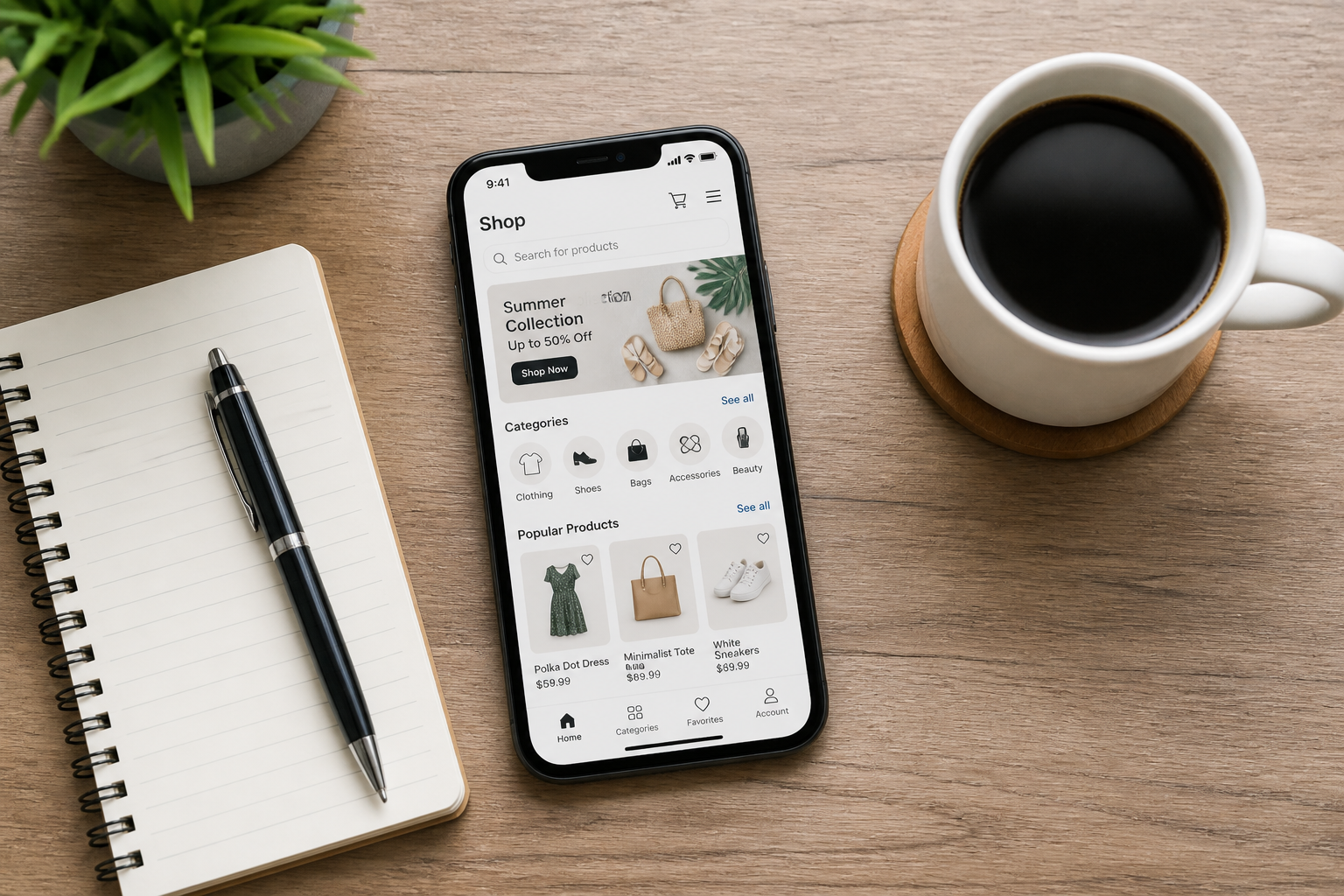
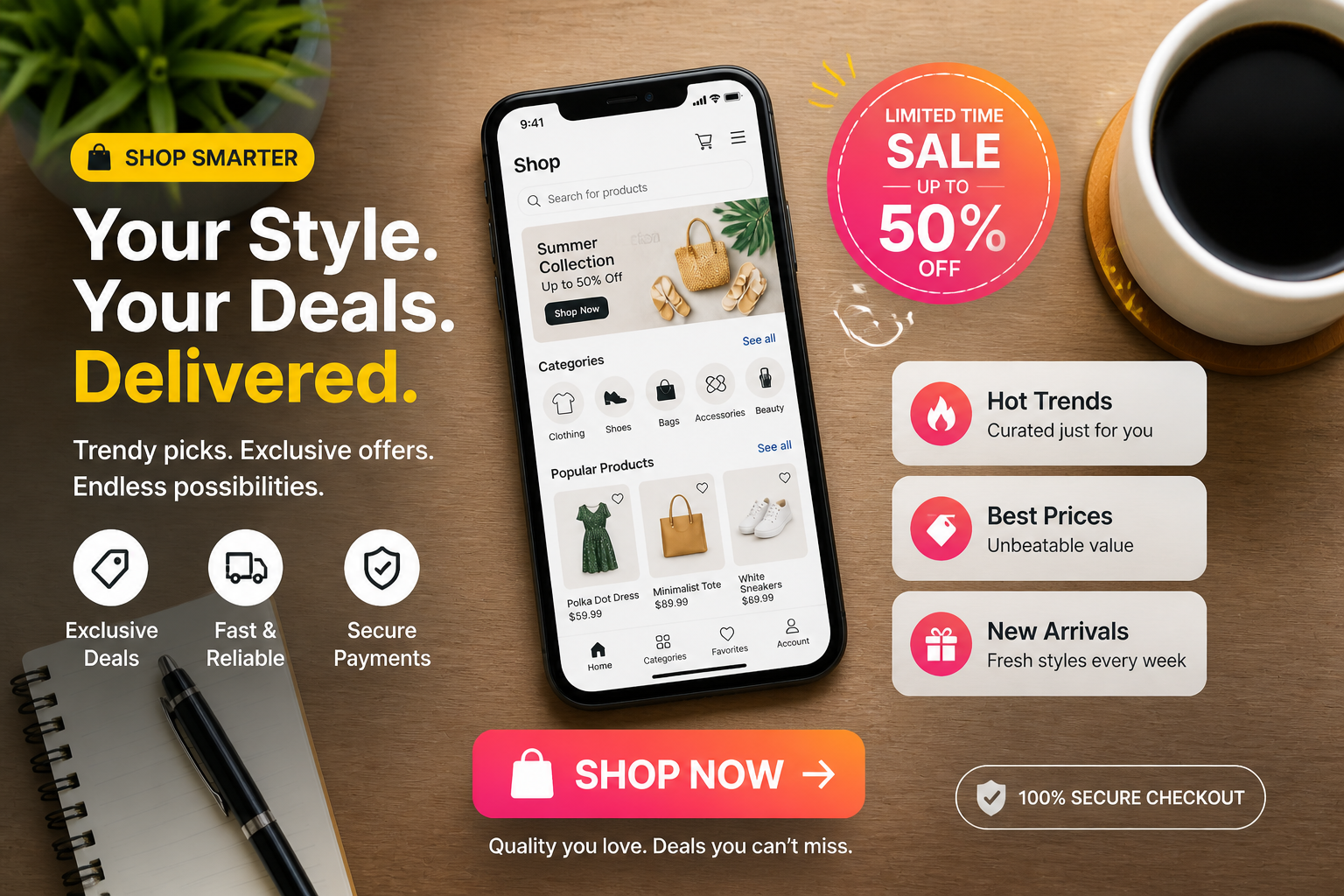
Make concepts faster
Creative testing often slows down because every variation needs manual layout work. With one upload and a clear prompt, you can generate several ad directions in minutes and refine the winners. That helps marketers move from idea to review much faster. It is a practical way to speed up concepting without waiting on a full design cycle.
How It Works
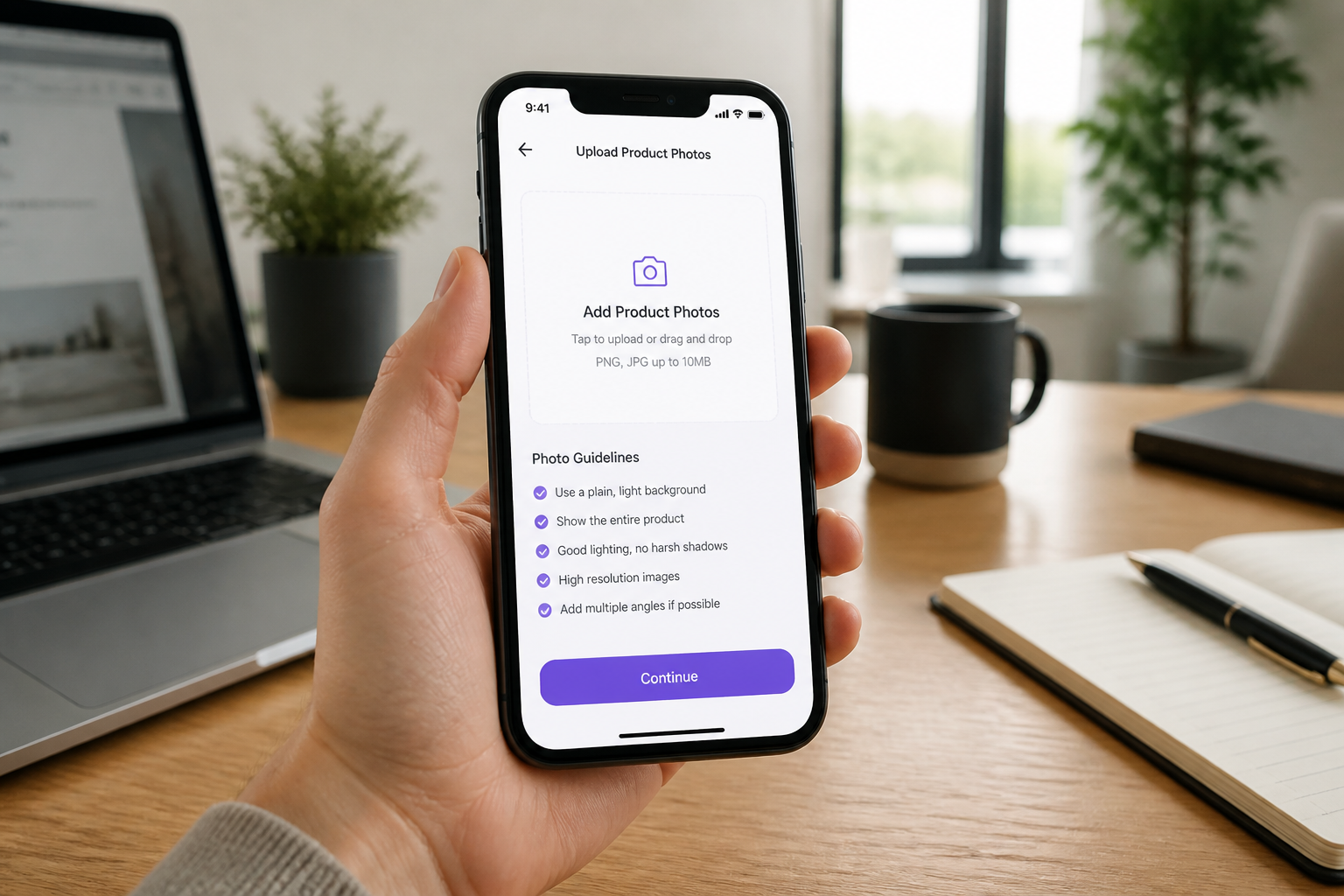
Upload your image
Start with a product photo, lifestyle shot, or brand image you want to turn into an ad. Choose a clear image where the main subject is easy to see.
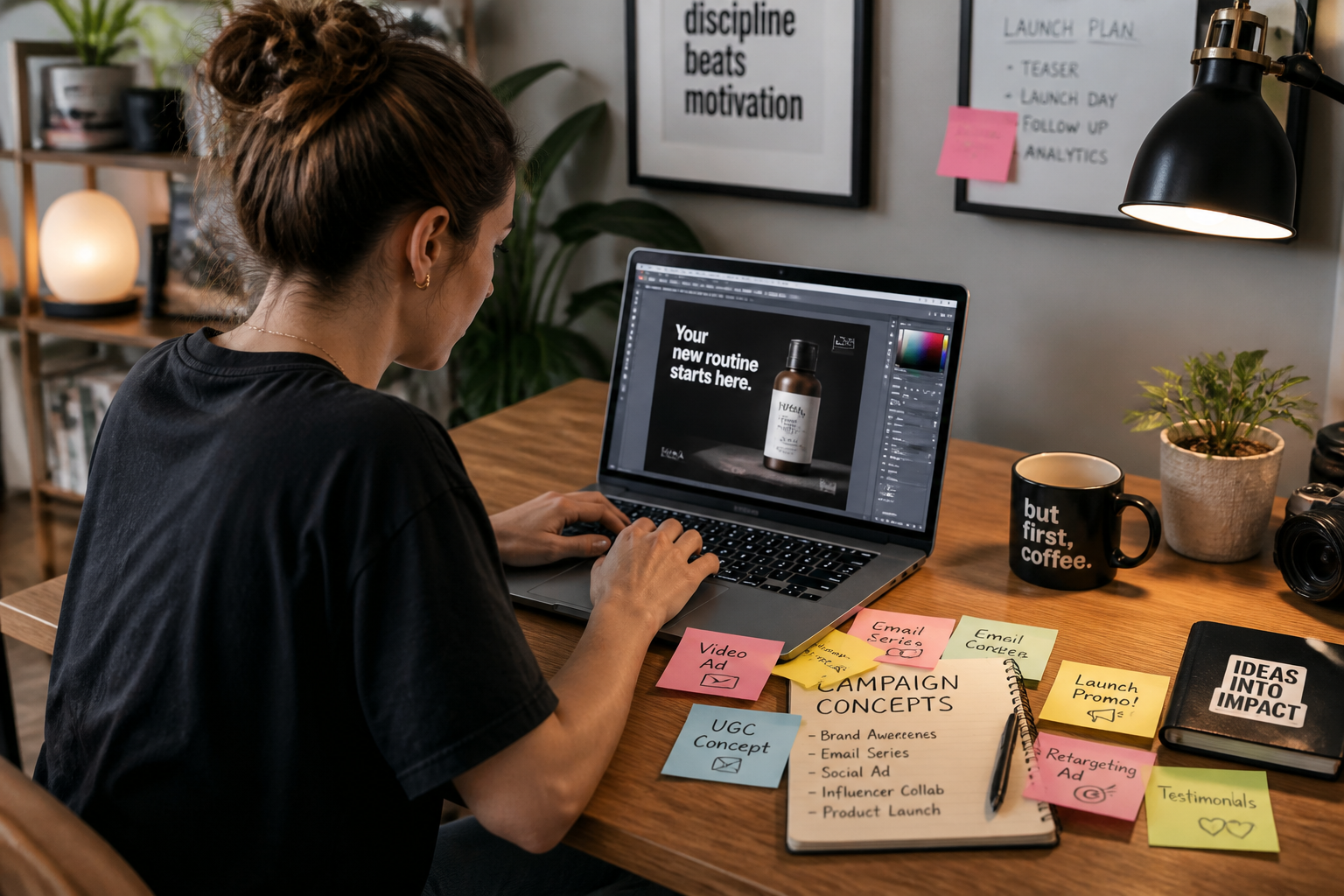
Describe the ad direction
Tell the AI what kind of campaign look you want, such as luxury, seasonal, bold promo, or editorial. You can also mention offer text, visual accents, and the platform vibe you want to match.
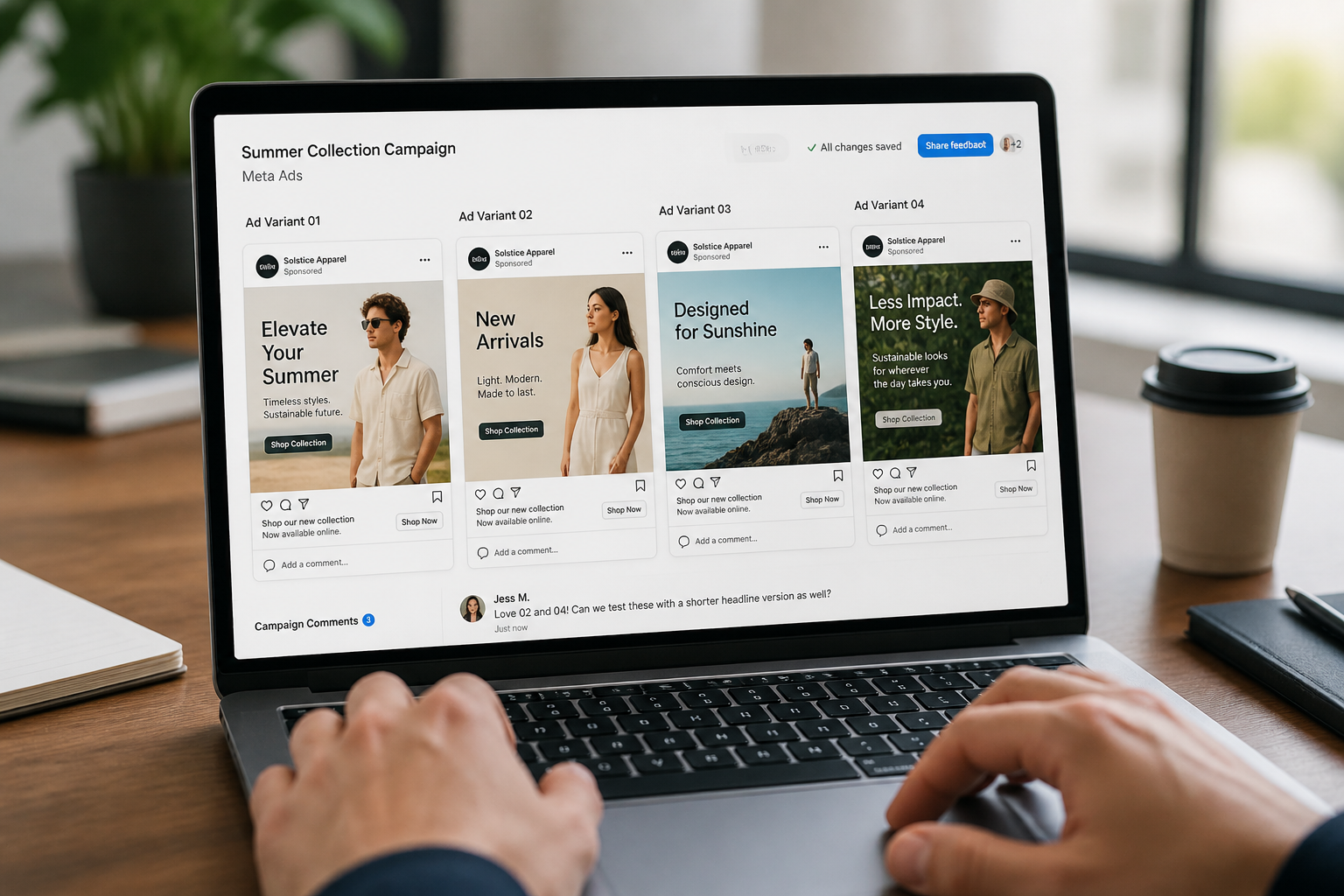
Review and refine
Compare versions, pick the strongest concept, and iterate with a sharper prompt if needed. This helps you quickly land on ad creative that fits your offer and brand style.
Perfect For
Discover how creators and professionals use ai social media ad generator
Launch new products
Generate polished ad concepts for a product release without building every visual from scratch.
Test promo angles
Create multiple sale, benefit, and lifestyle-driven concepts to compare creative directions quickly.
Refresh old assets
Turn existing brand photos into newer ad styles for seasonal campaigns or retargeting.
Mock up campaign ideas
Show stakeholders visual ad concepts early before investing in a full design pass.
Built For
Performance marketers
Quickly create ad concepts for testing offers, angles, and visual positioning across paid social channels.
Small business owners
Make cleaner, more professional social ads from everyday product or brand photos without advanced design skills.
Creative teams
Use AI-generated concepts as fast starting points for campaigns, presentations, and internal reviews.
Why use it for ad concepts
A quick look at how we compare on the things that matter for this niche.
| Feature | BudgetPixel | Generic AI editors | Manual editing apps |
|---|---|---|---|
| Built for ad-style transformations | ✓ | — | — |
| Fast visual concept generation | ✓ | ✓ | — |
| Keeps source subject recognizable | ✓ | — | ✓ |
| Easy style exploration | ✓ | ✓ | — |
| Manual layout work required | Low | Medium | High |
Frequently Asked Questions
What kind of images work best?
Can I add promo text and offer styling?
Is this for finished ads or early concepts?
Can it make different ad styles from one image?
Do I need design experience?
Create together.
Share your creations, discover trending AI art, and grow with fellow creators.