Quilting Pattern Generator for Fast Custom Quilt Designs
Turn a reference image into a clean, quilt-inspired layout in minutes.
Upload a sketch, fabric mockup, or inspiration image and turn it into a polished quilting pattern concept. Our AI helps you explore block layouts, color placement, and quilt styles while keeping the composition easy to compare and refine.
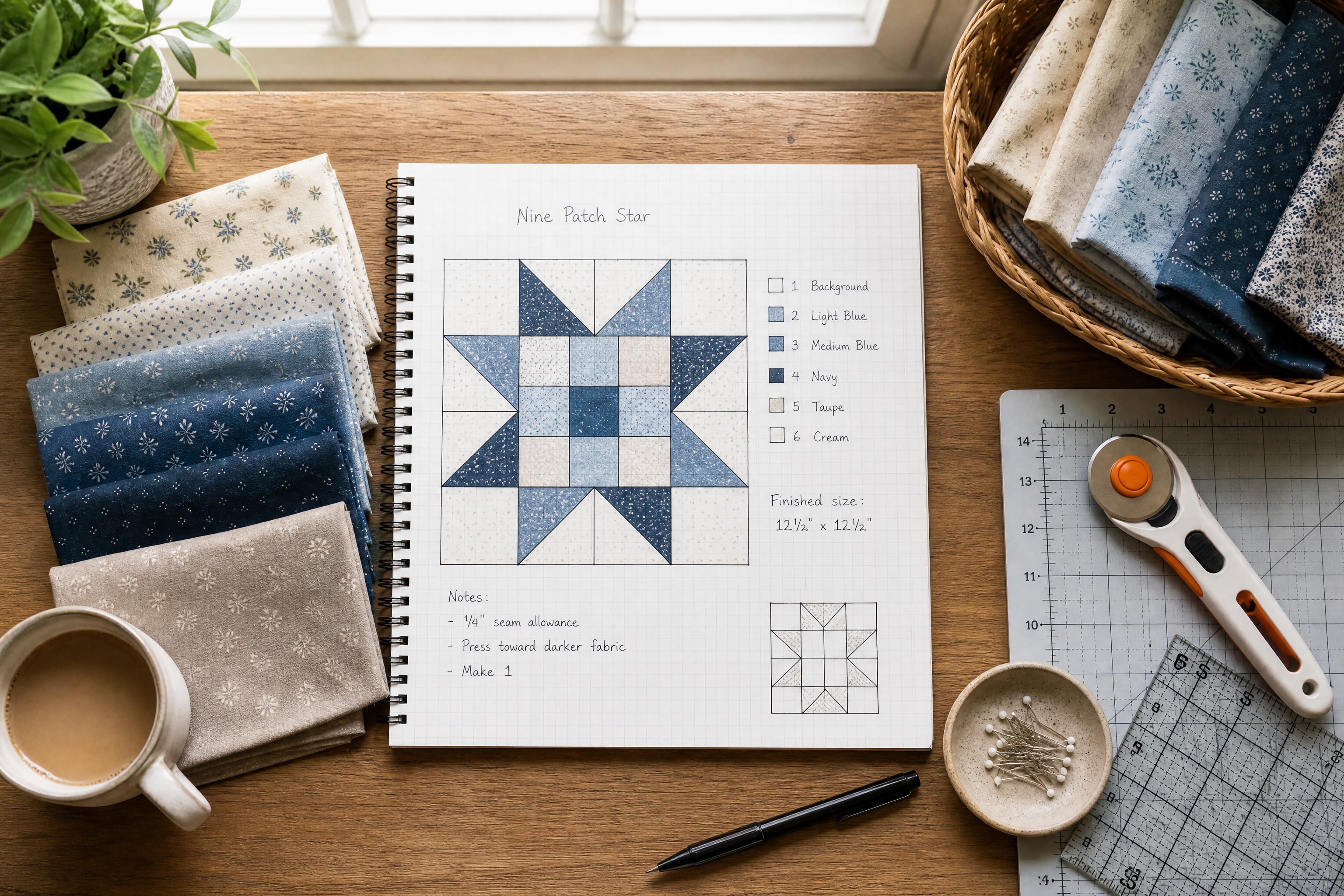
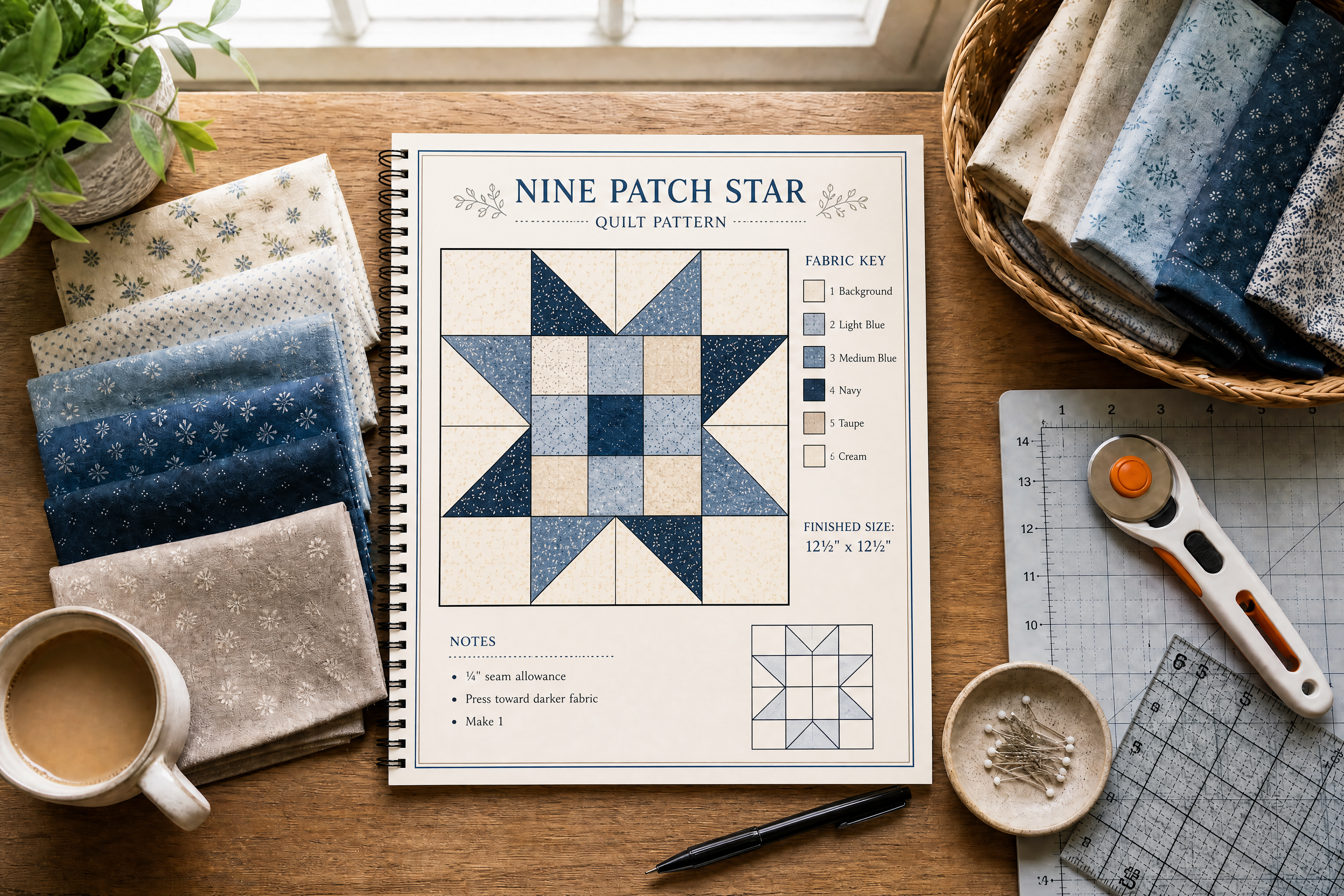
Watch the Transformation
See quilting pattern generator in motion — generated end-to-end by our AI.
See It In Action
Real outputs from quilting pattern generator.
BEFOREAFTER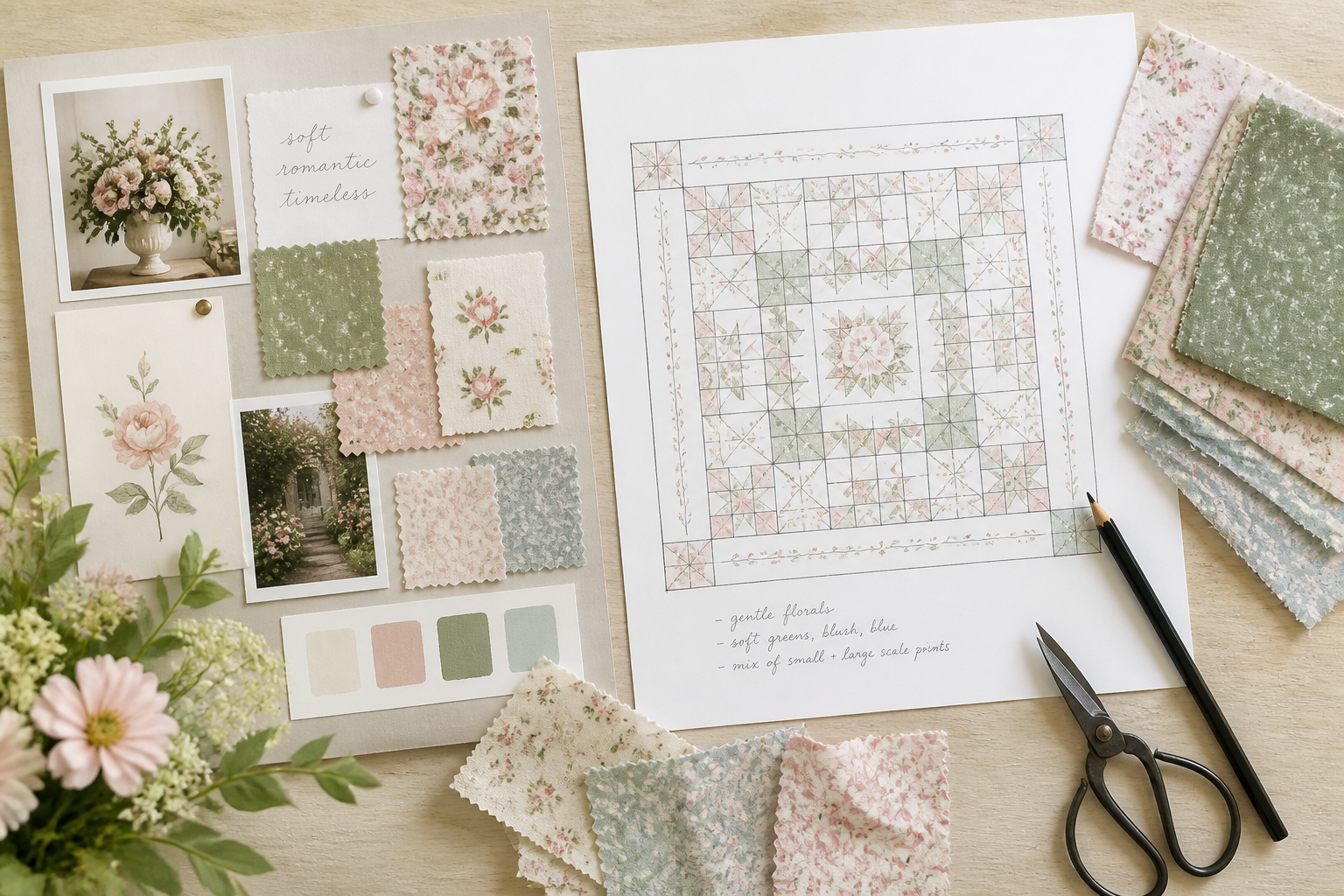 BEFORE
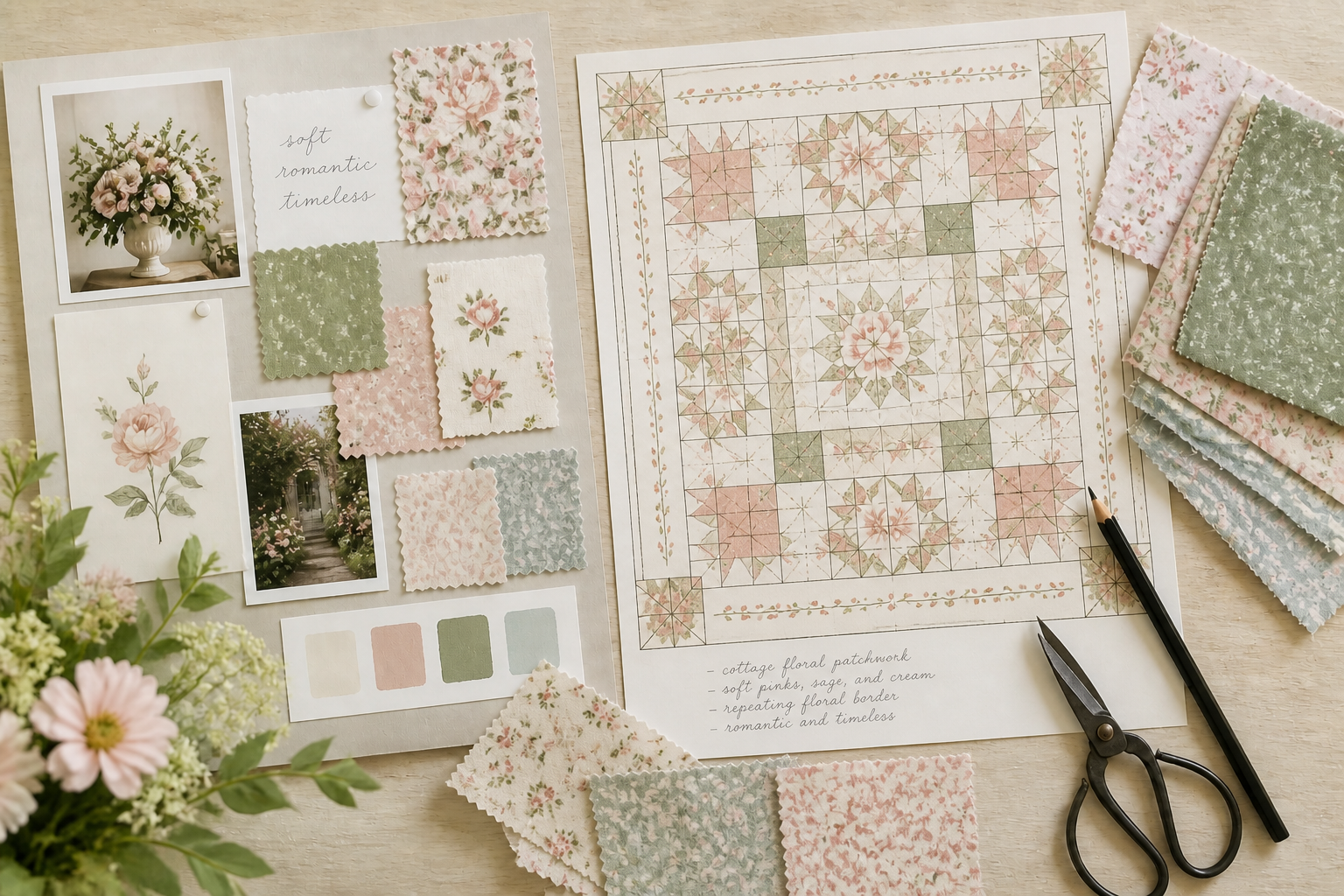 AFTER
AFTER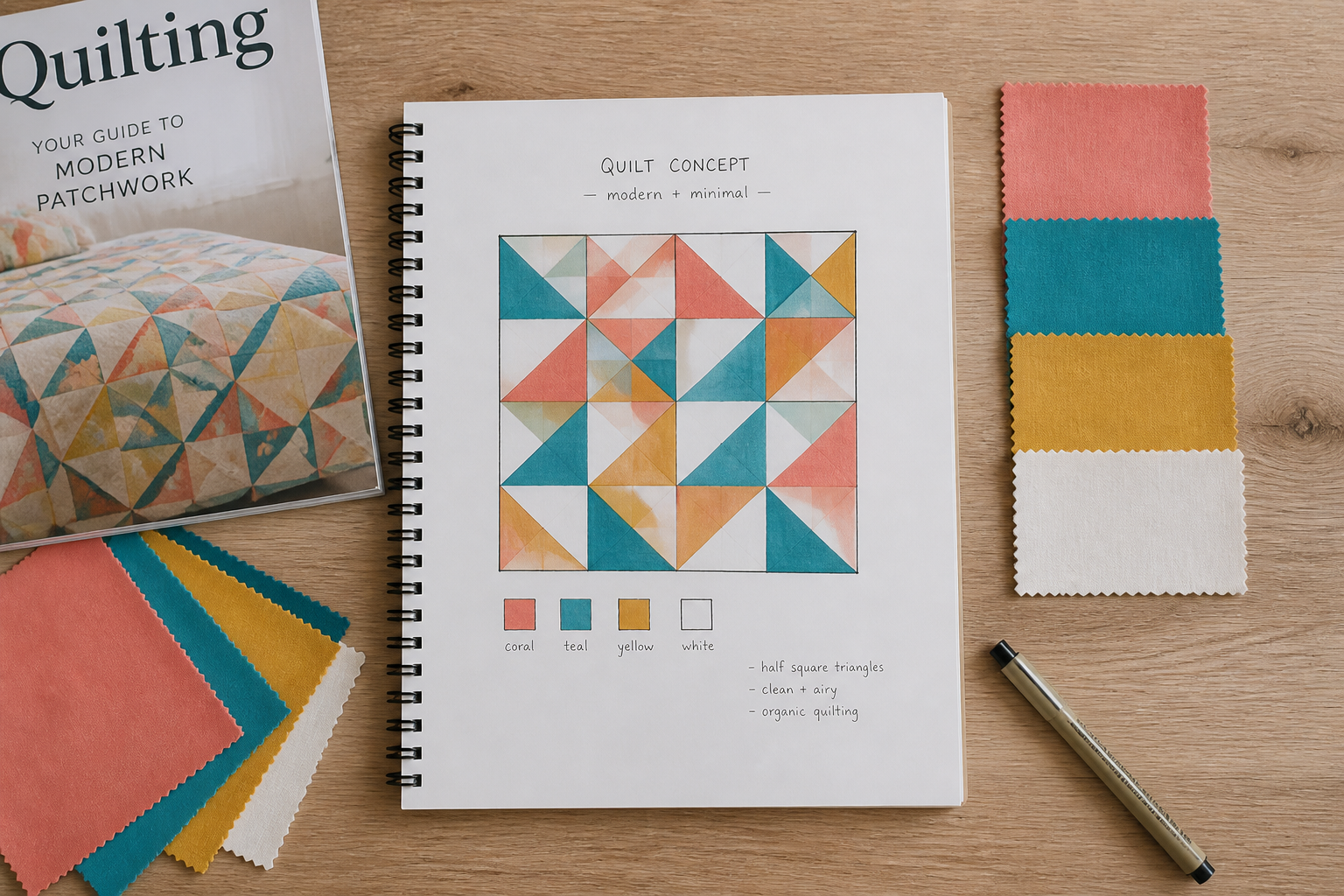 BEFORE
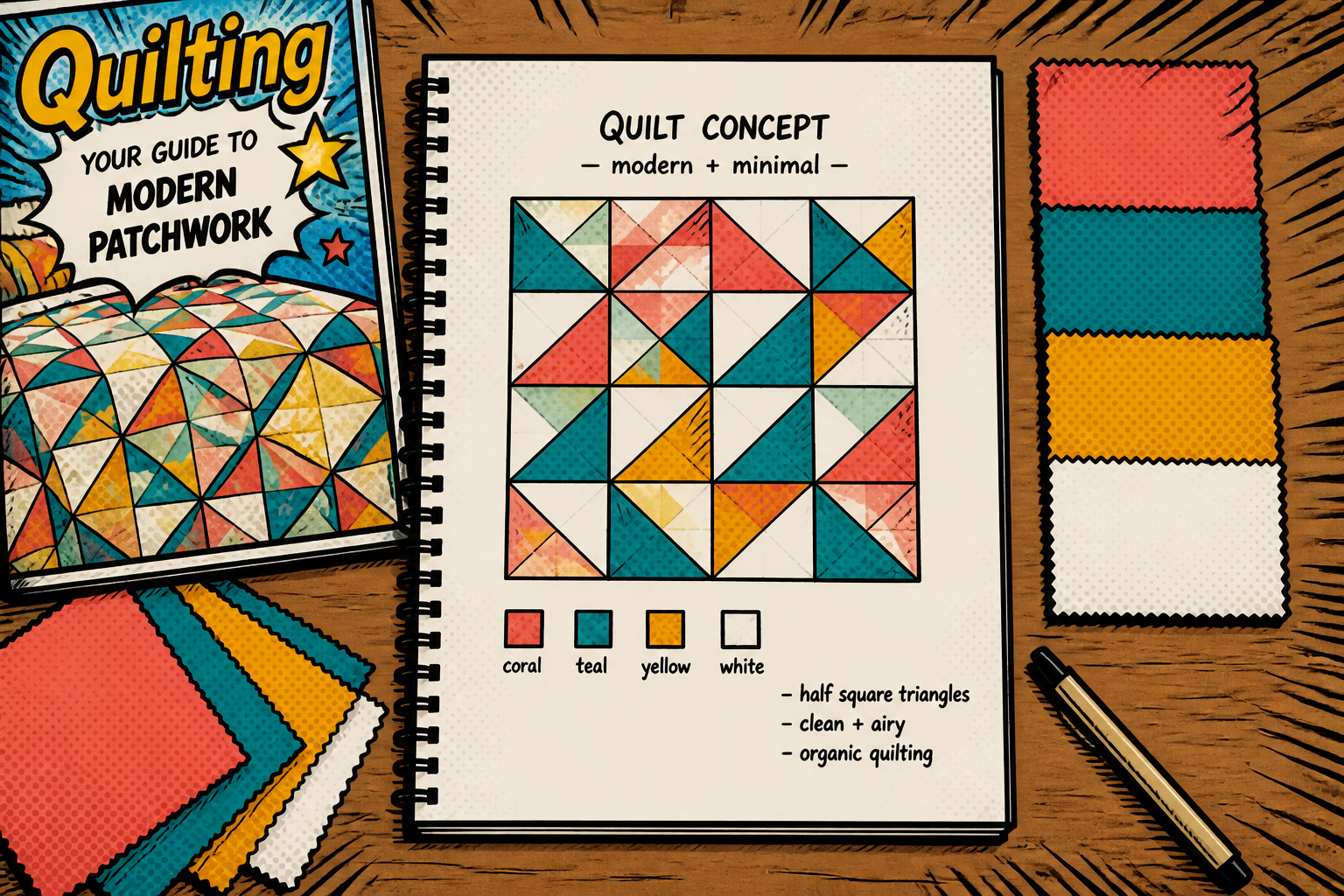 AFTER
AFTER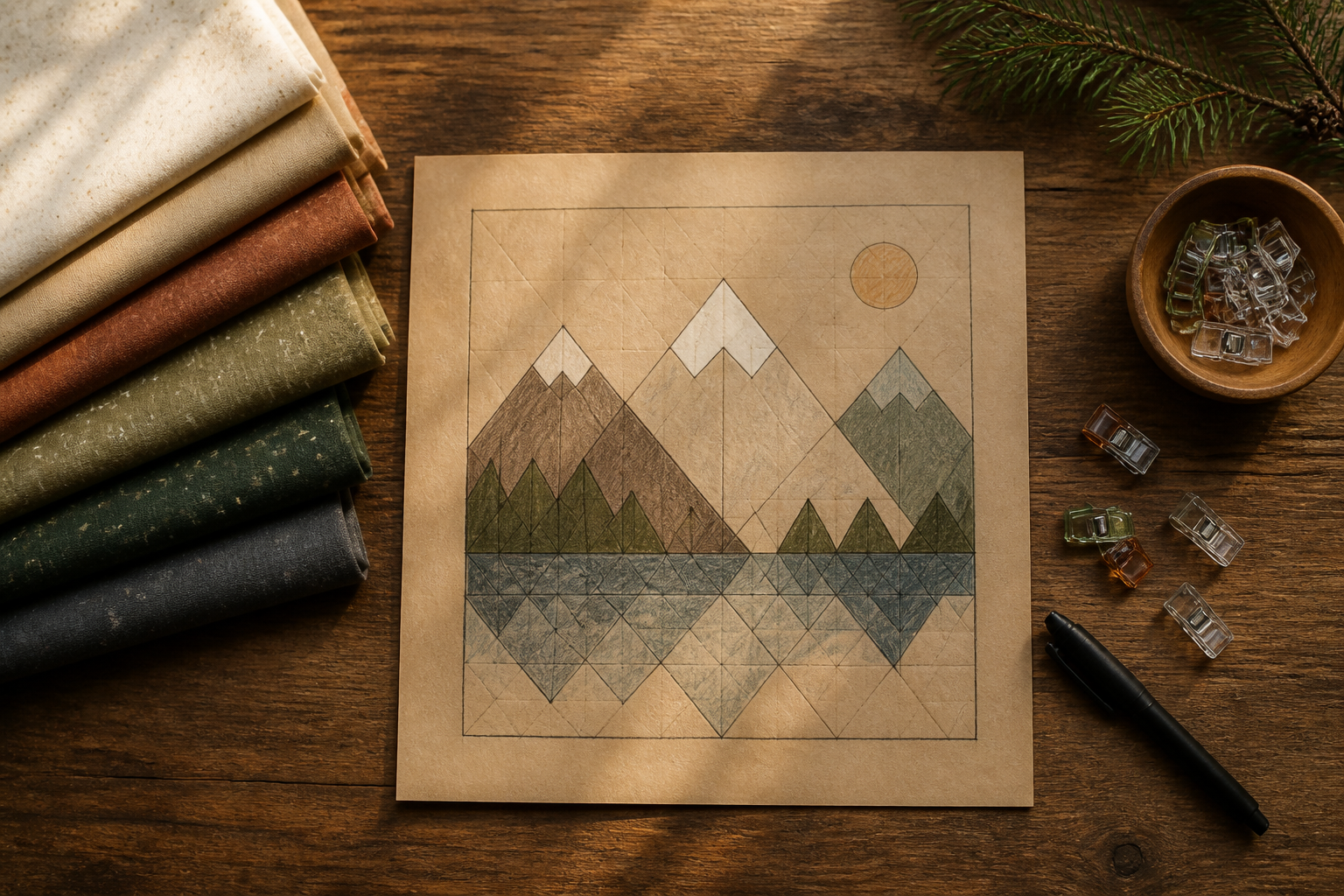 BEFORE
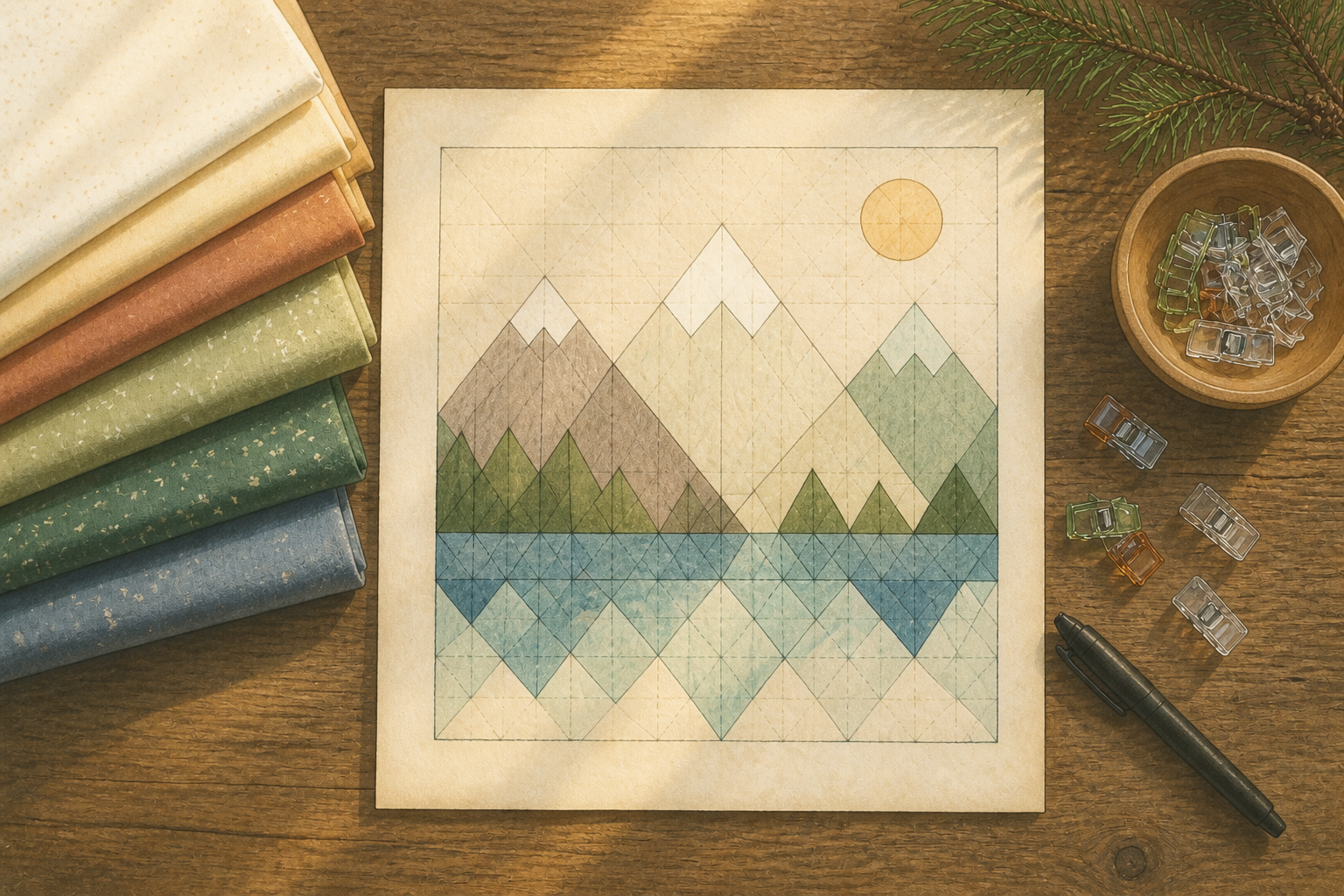 AFTER
AFTER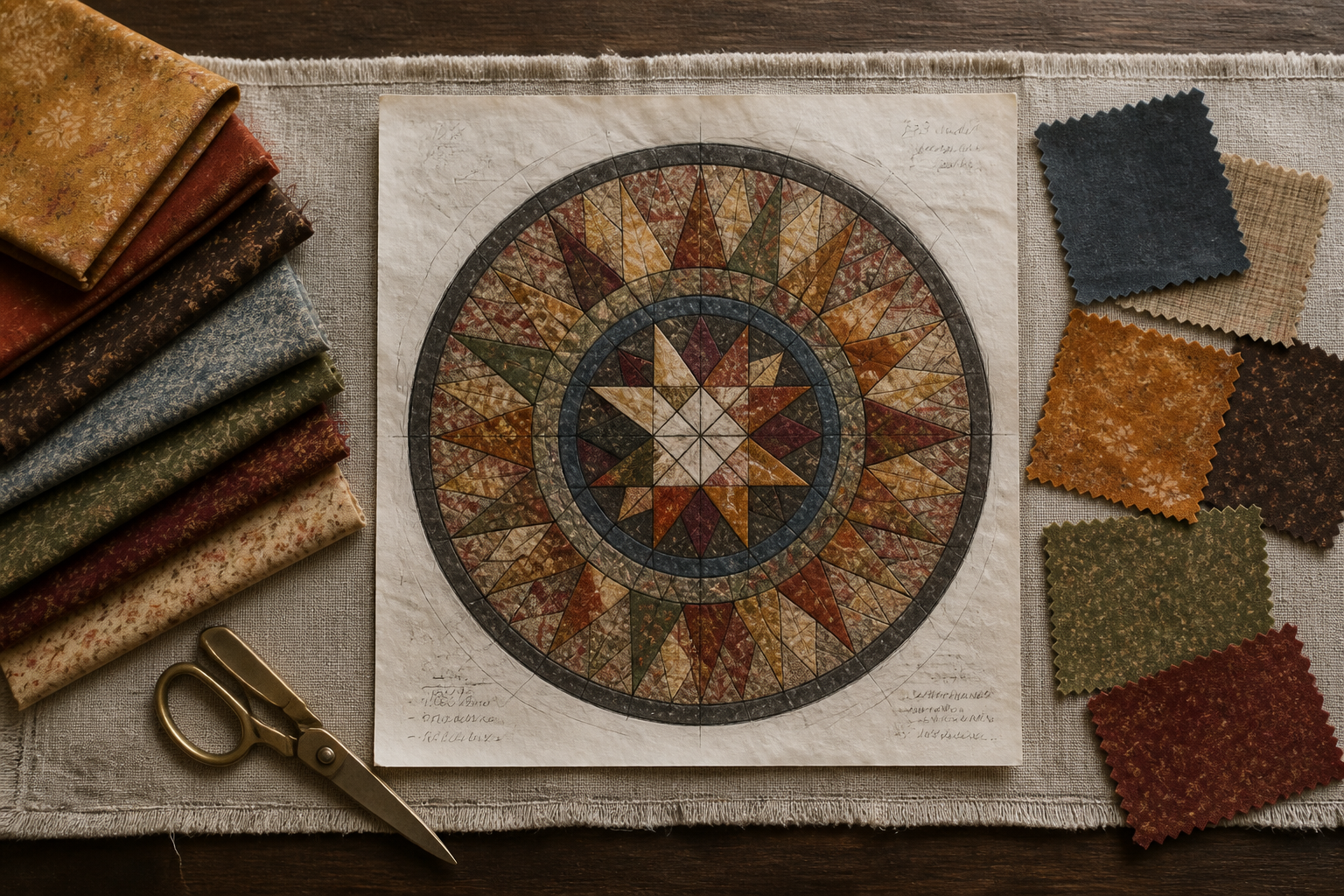 BEFORE
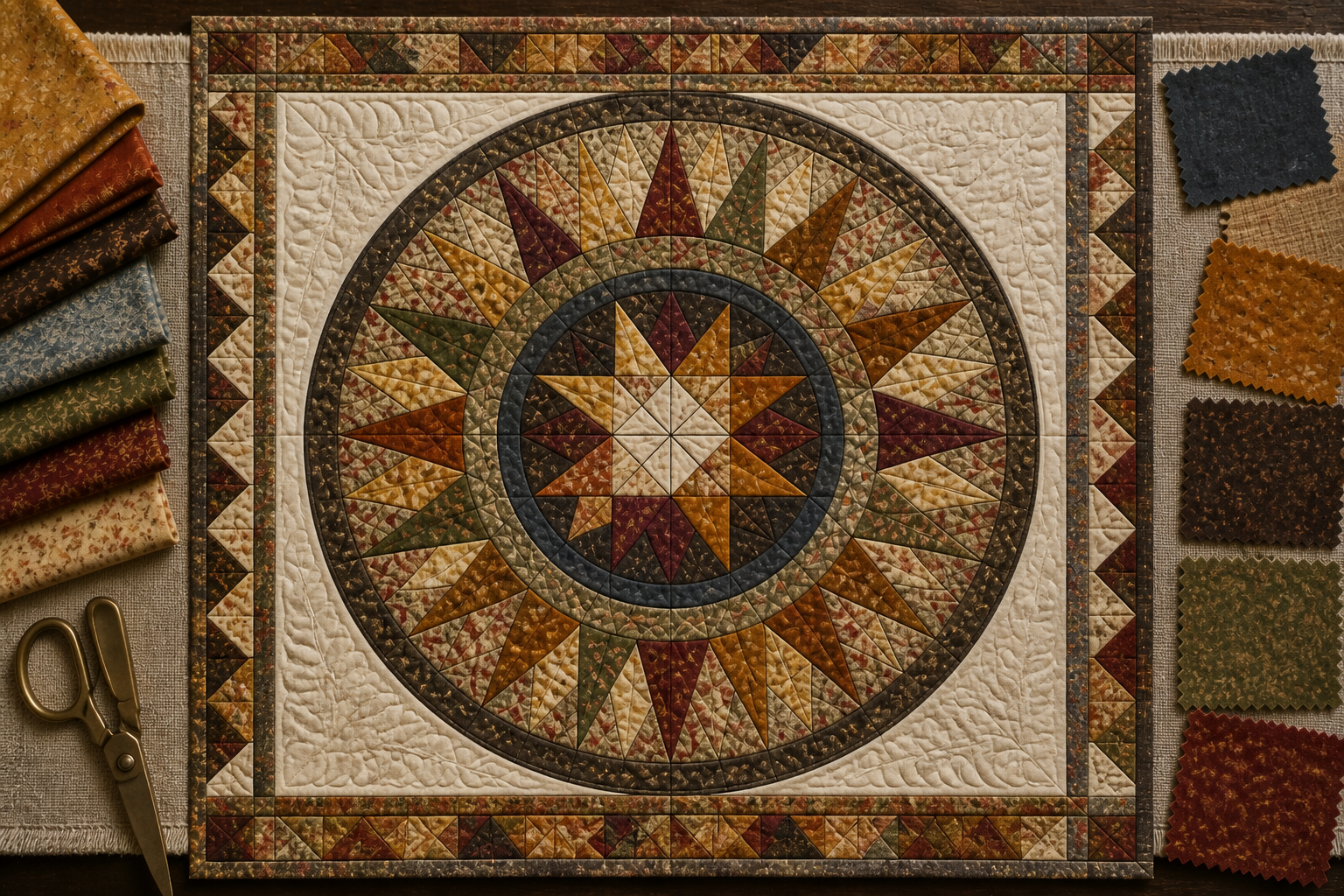 AFTERBEFOREAFTERBEFOREAFTERBEFOREAFTERBEFOREAFTERBEFOREAFTER
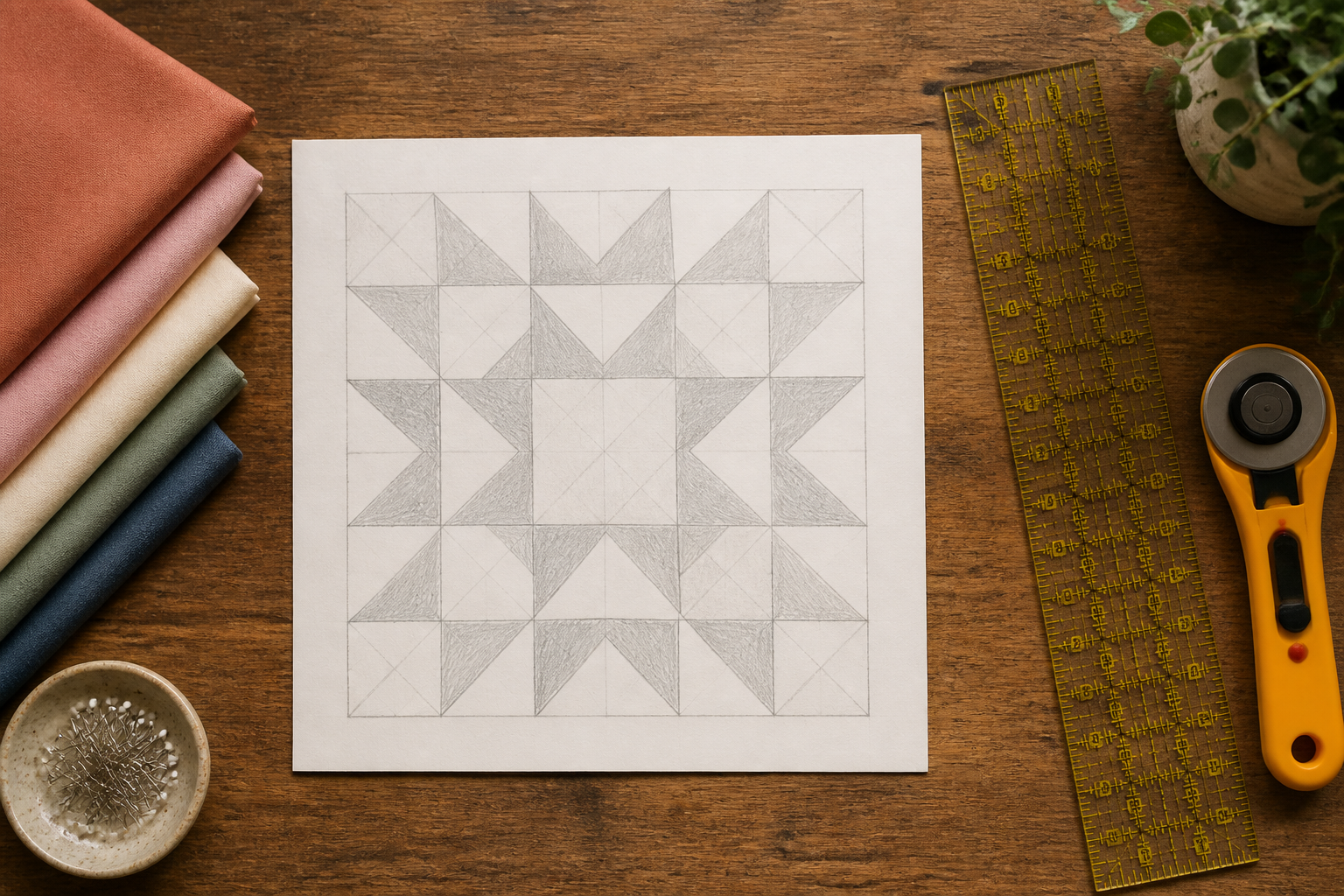 BEFORE
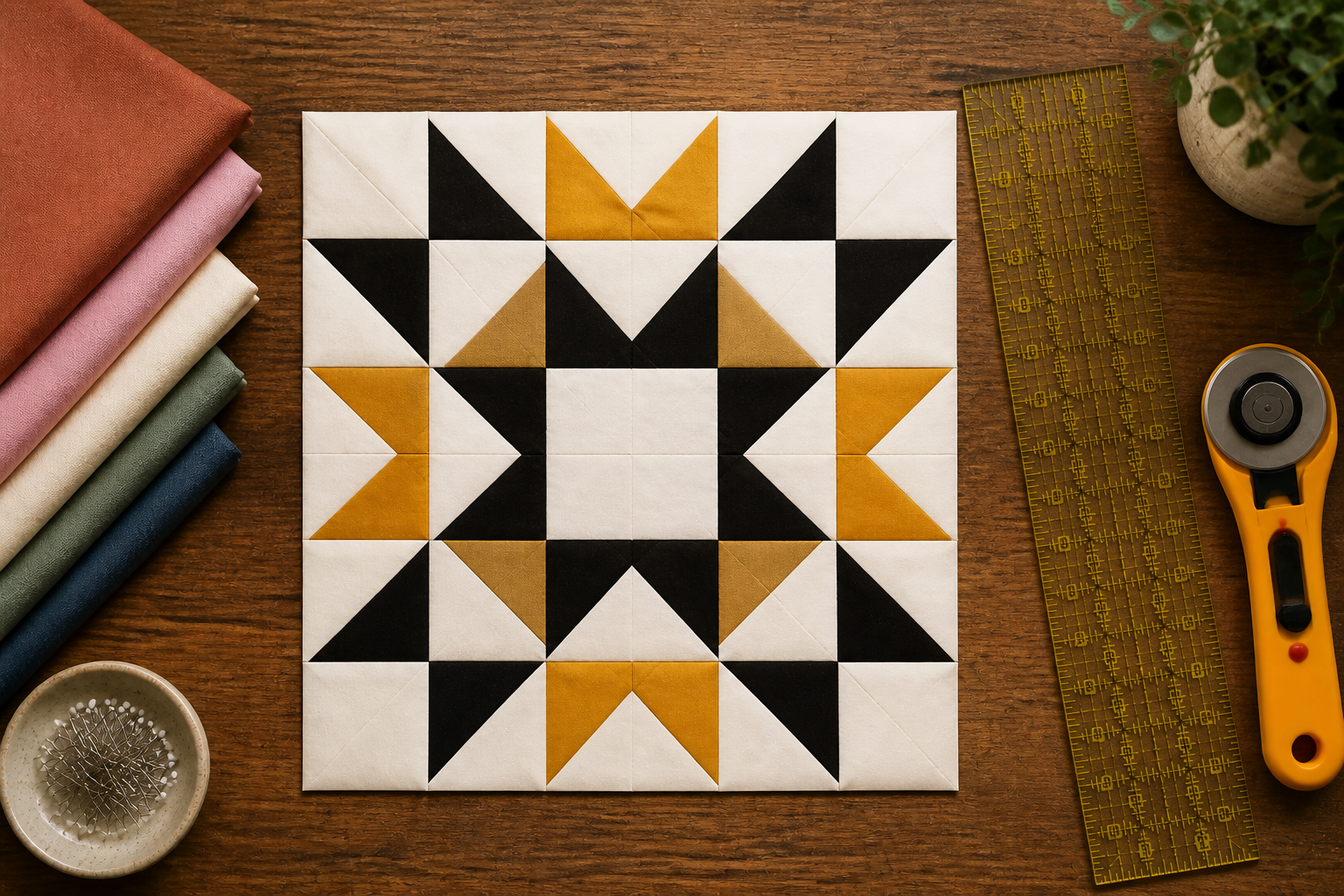 AFTER
AFTER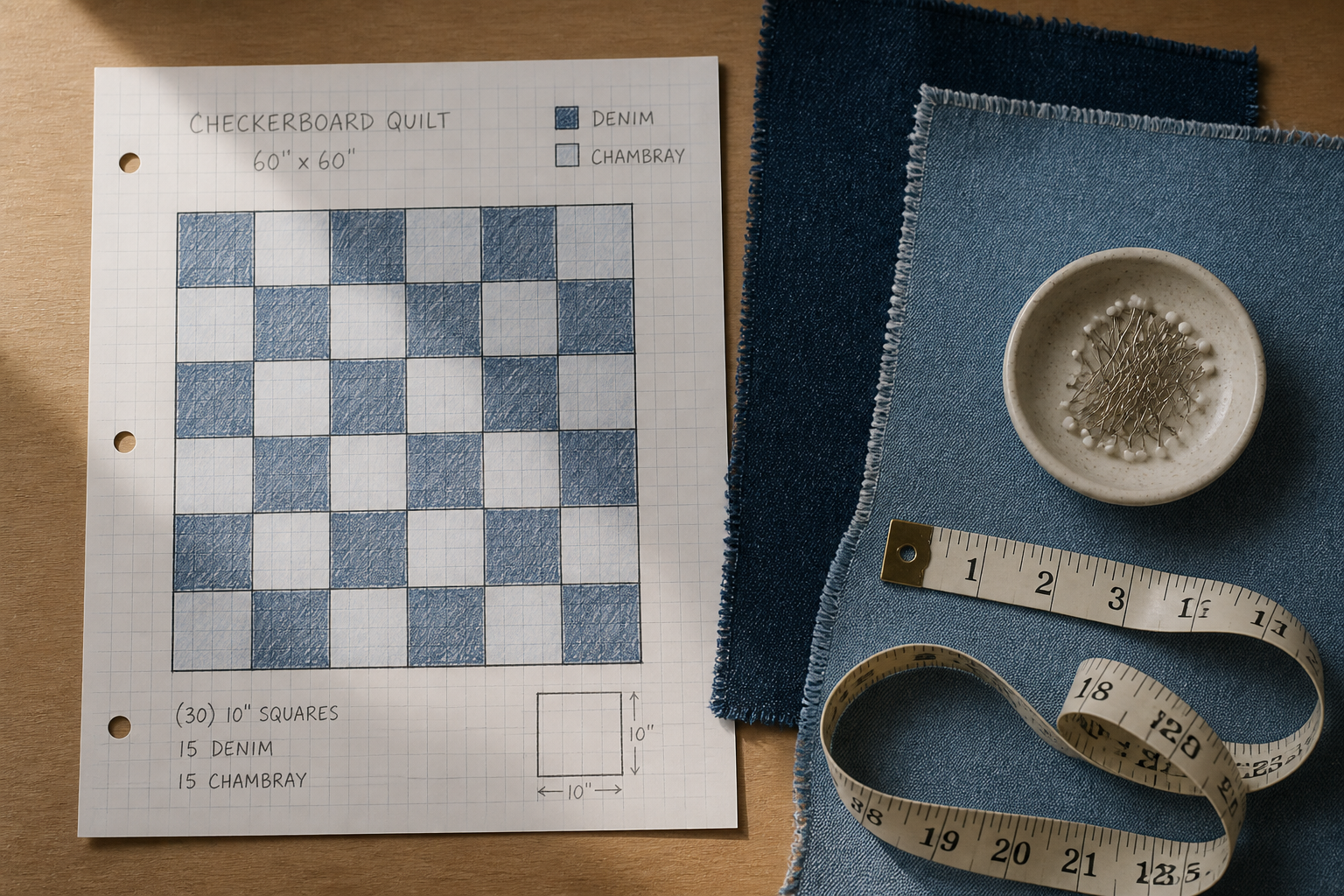 BEFORE
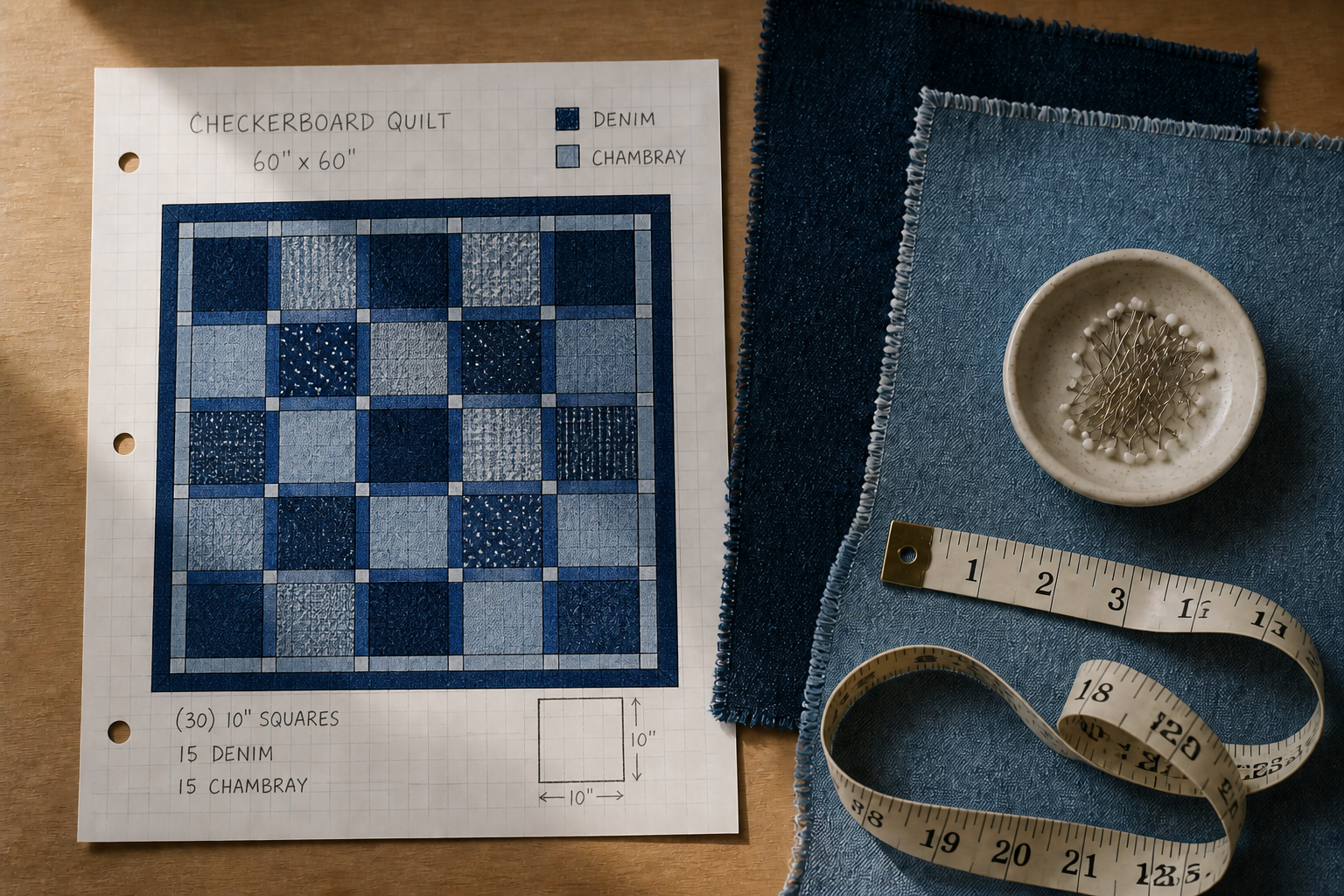 AFTER
AFTER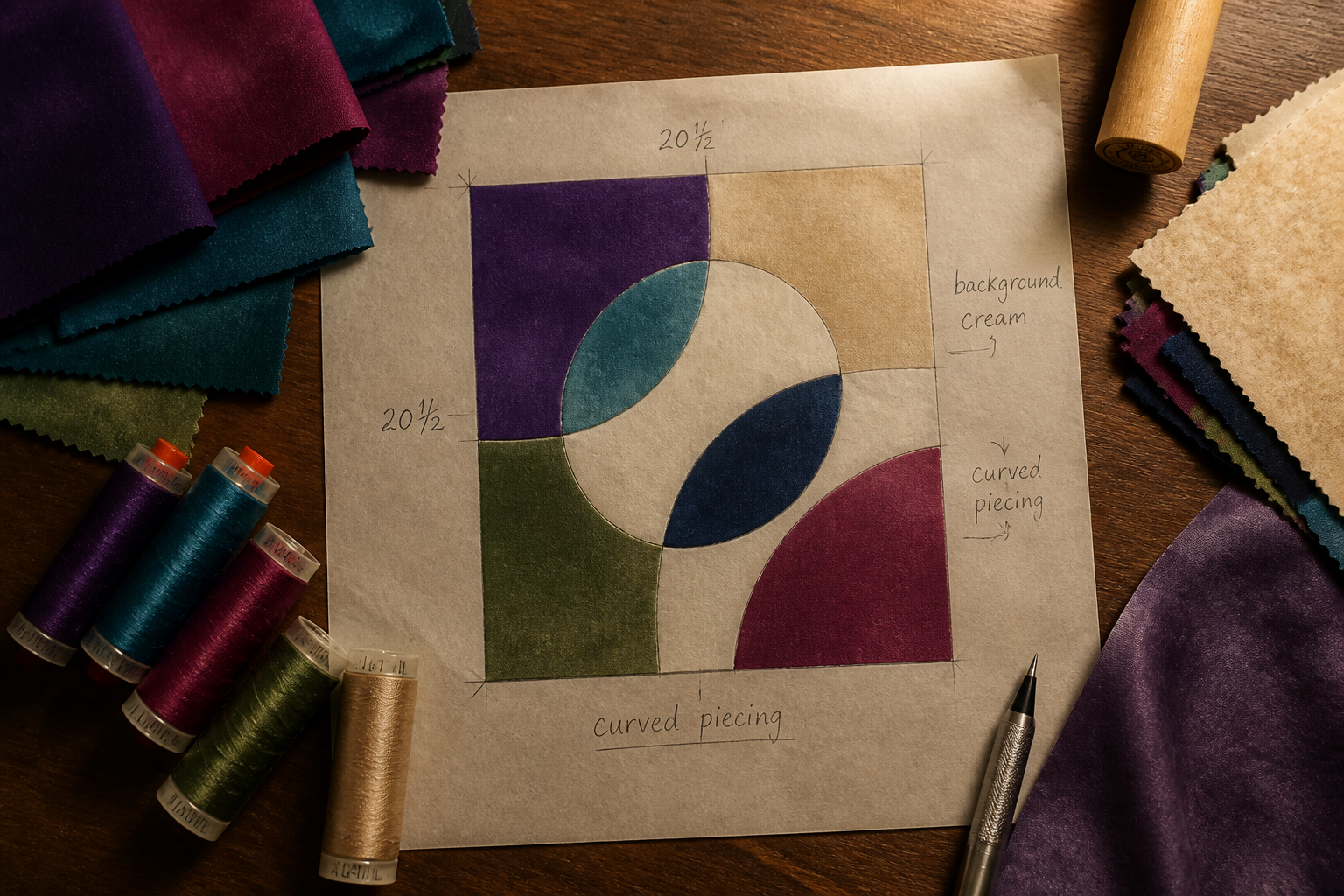 BEFORE
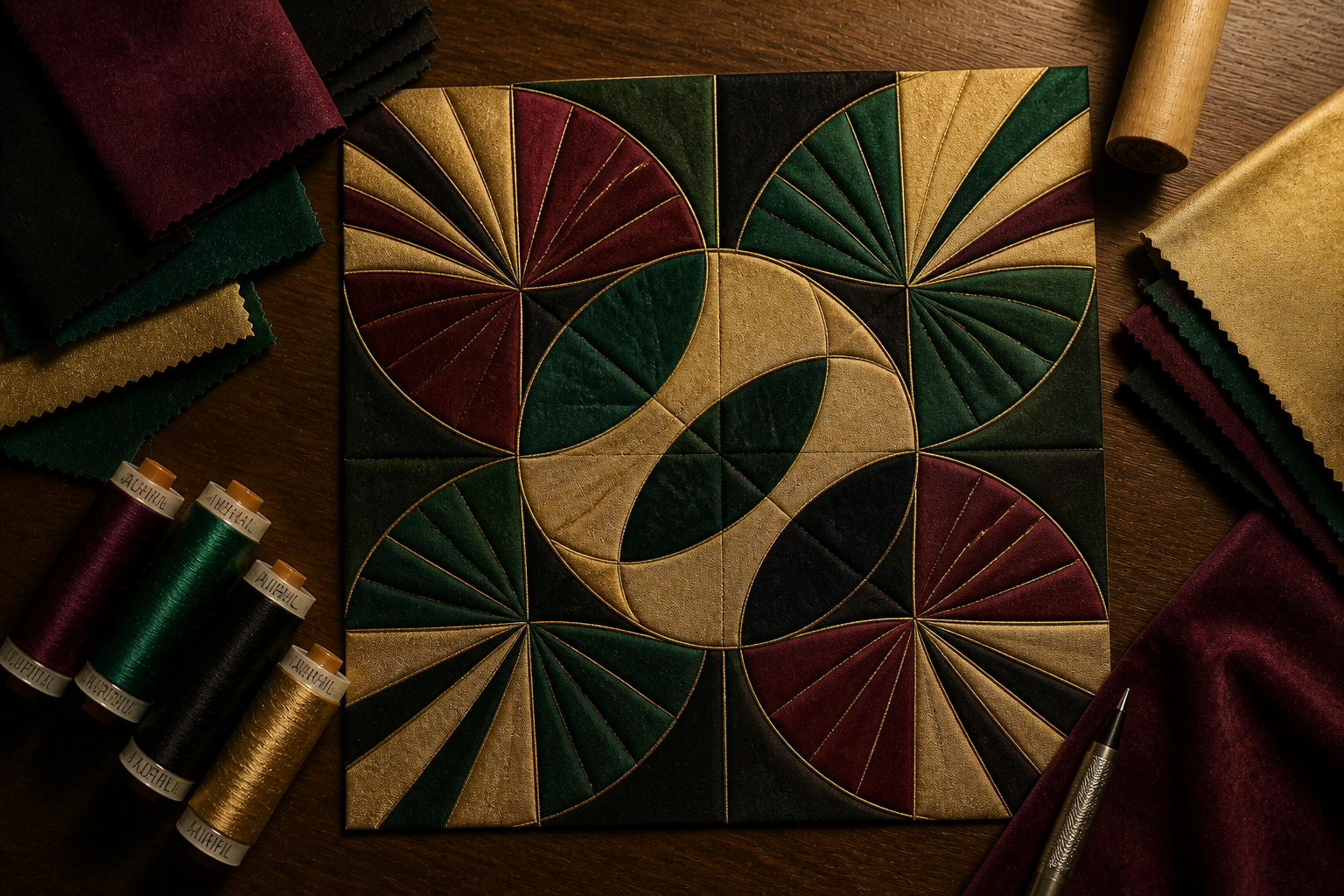 AFTER
AFTER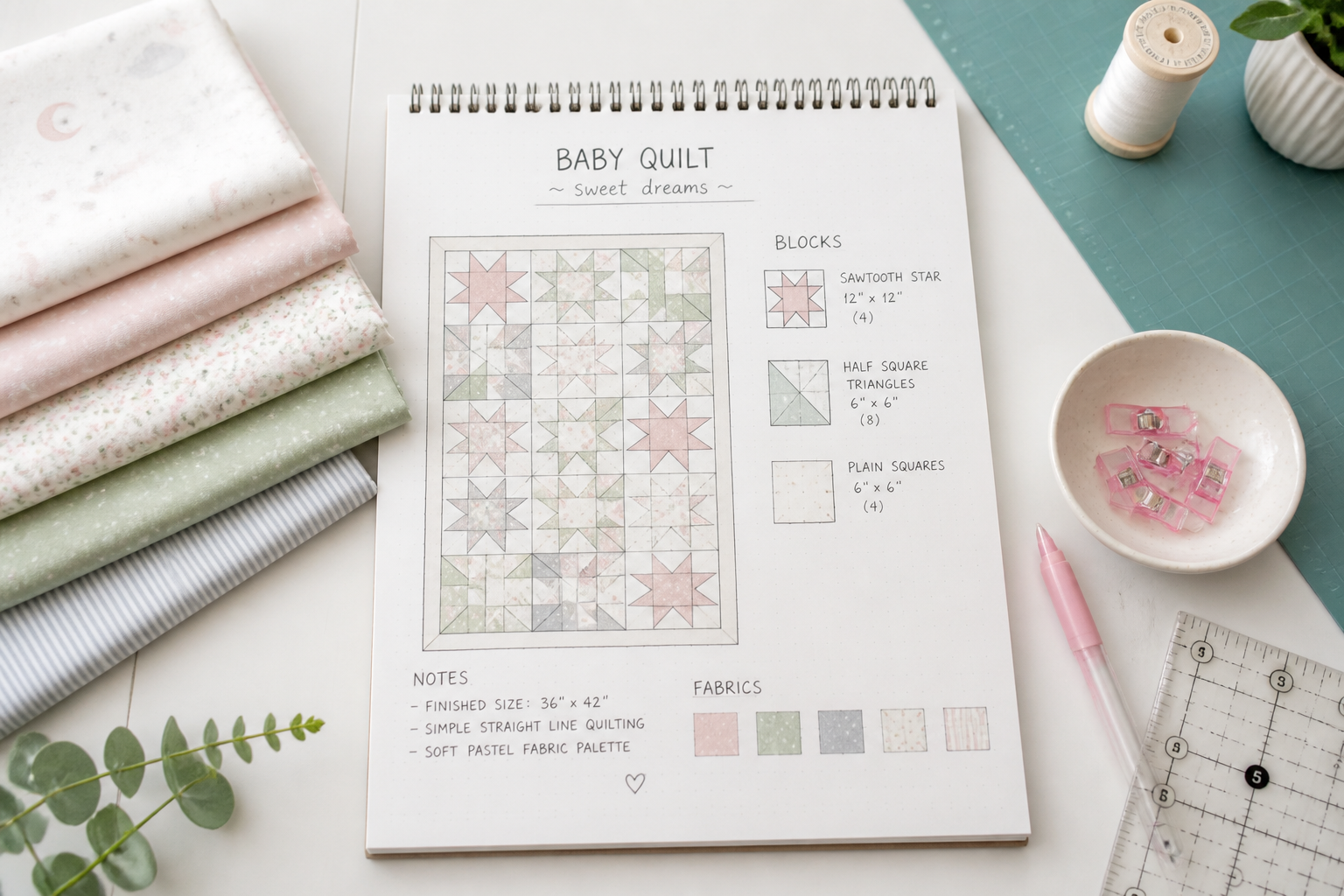 BEFORE
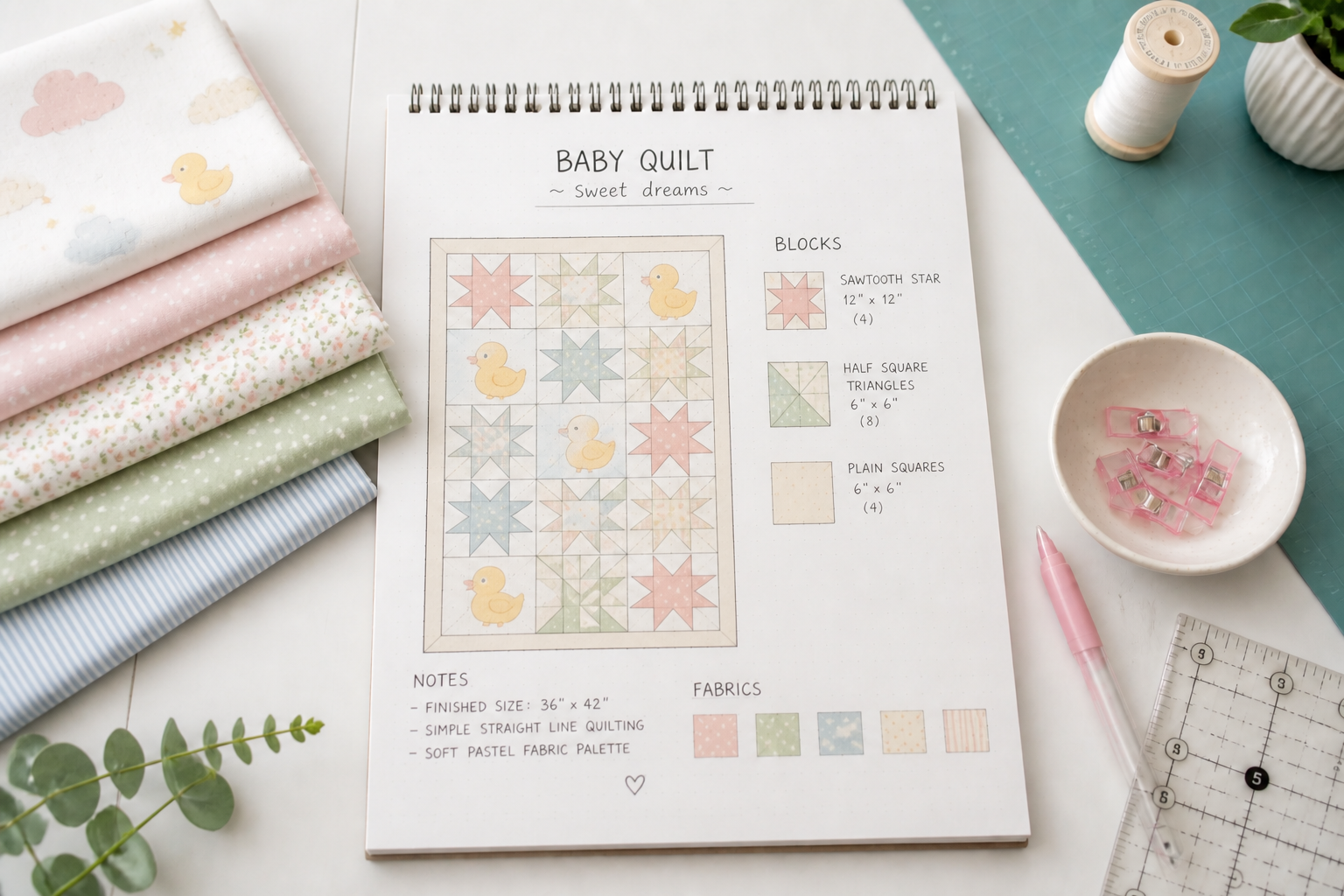 AFTER
AFTER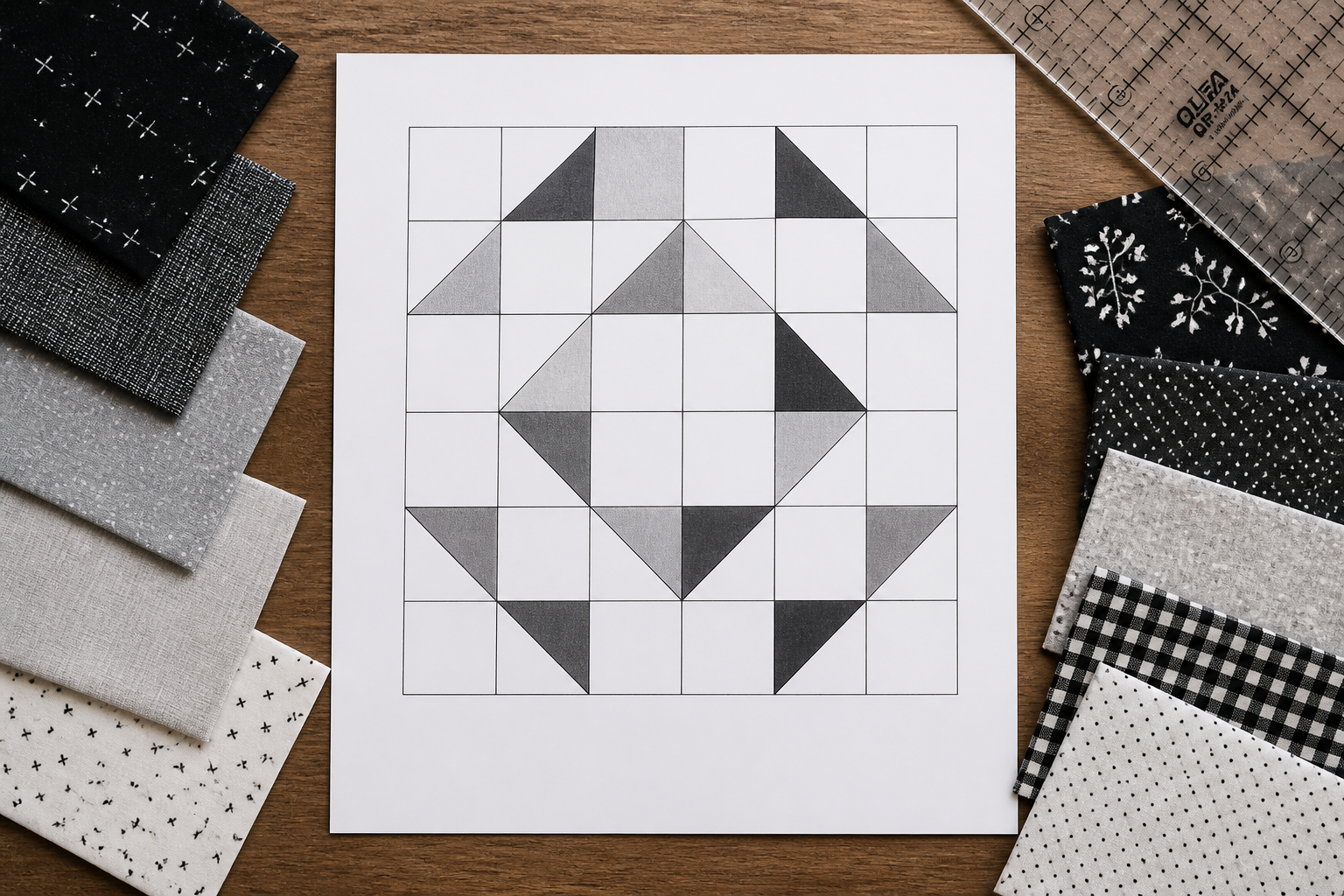 BEFORE
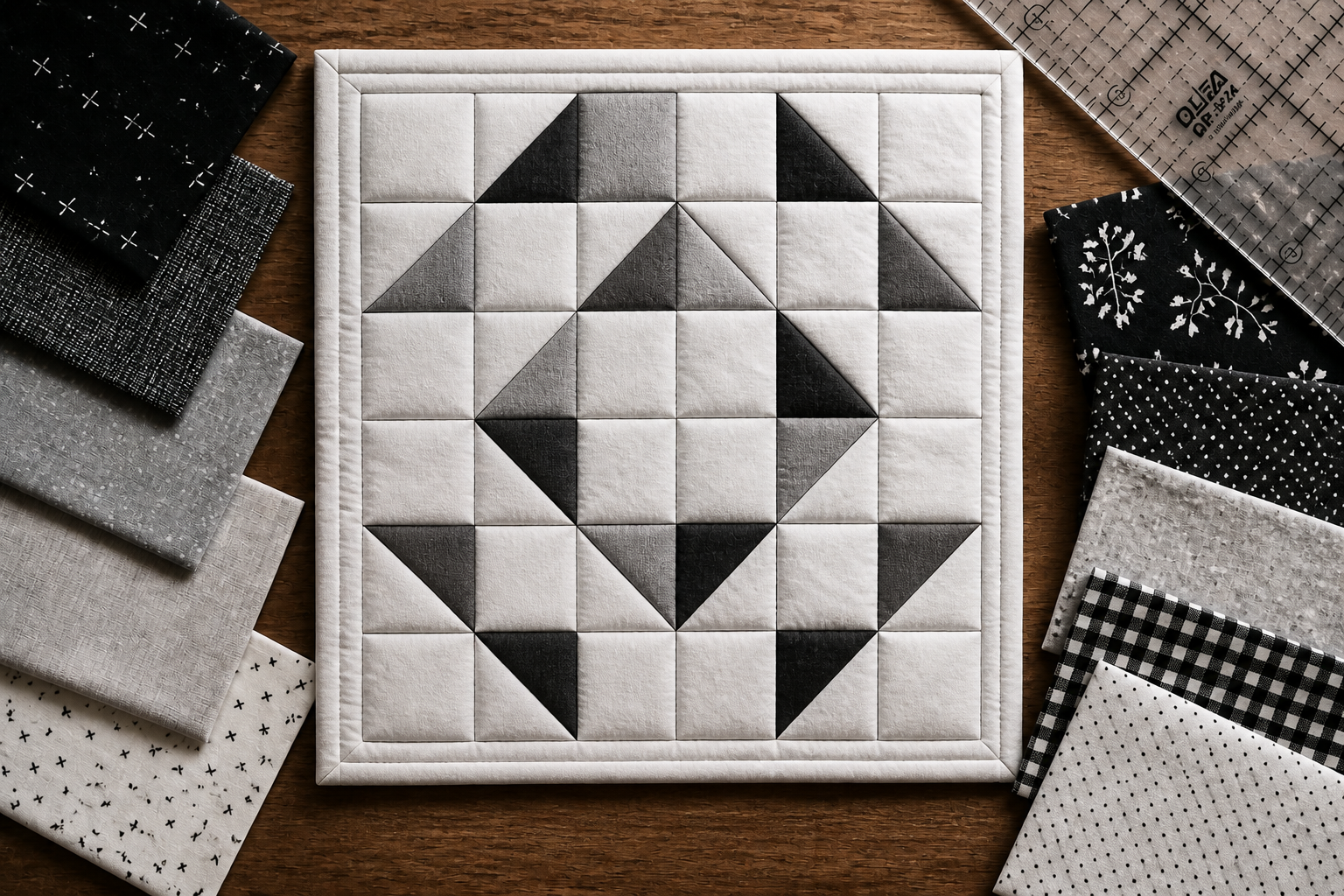 AFTERBEFOREAFTERBEFOREAFTERBEFOREAFTERBEFOREAFTERBEFOREAFTER
Key Features
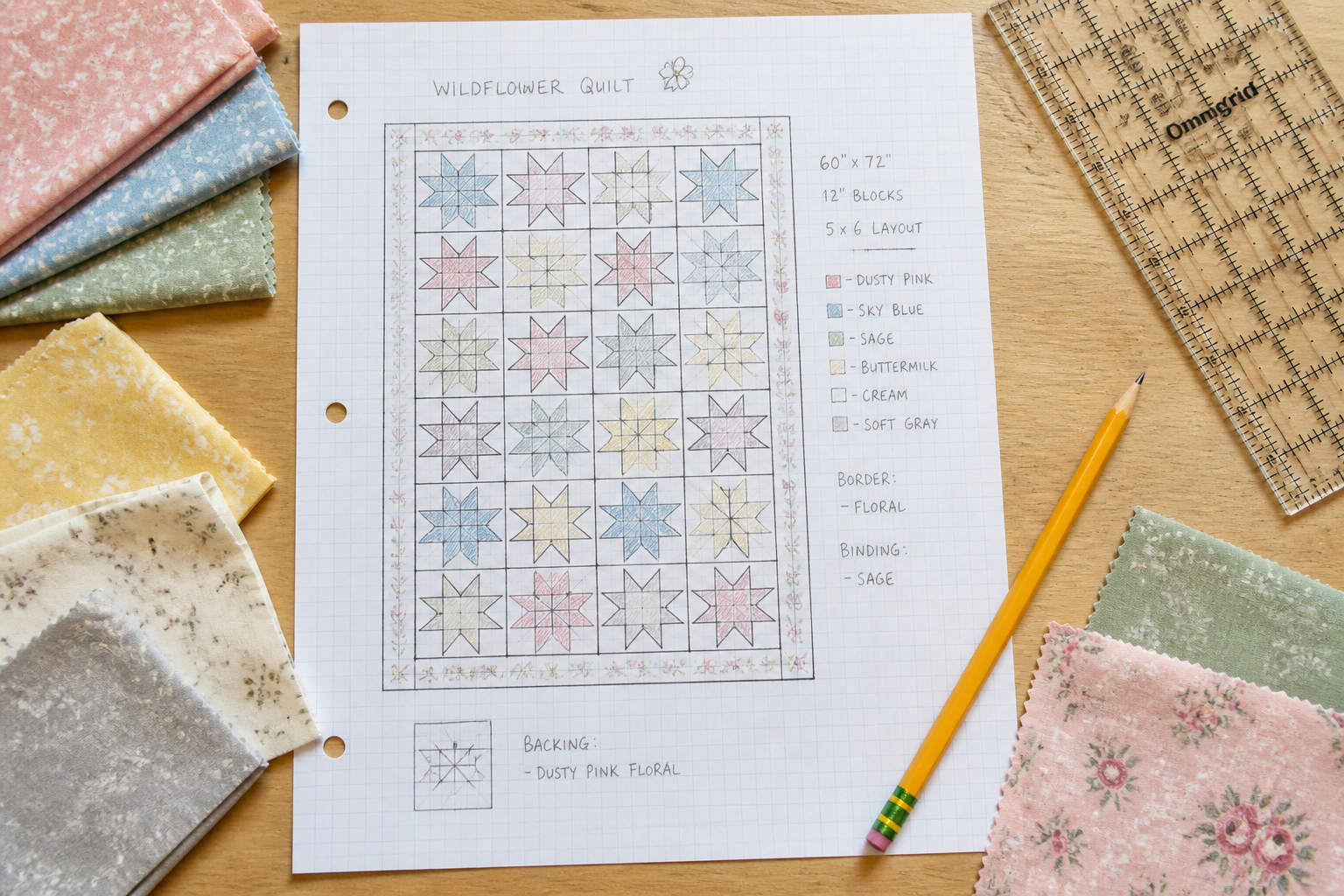
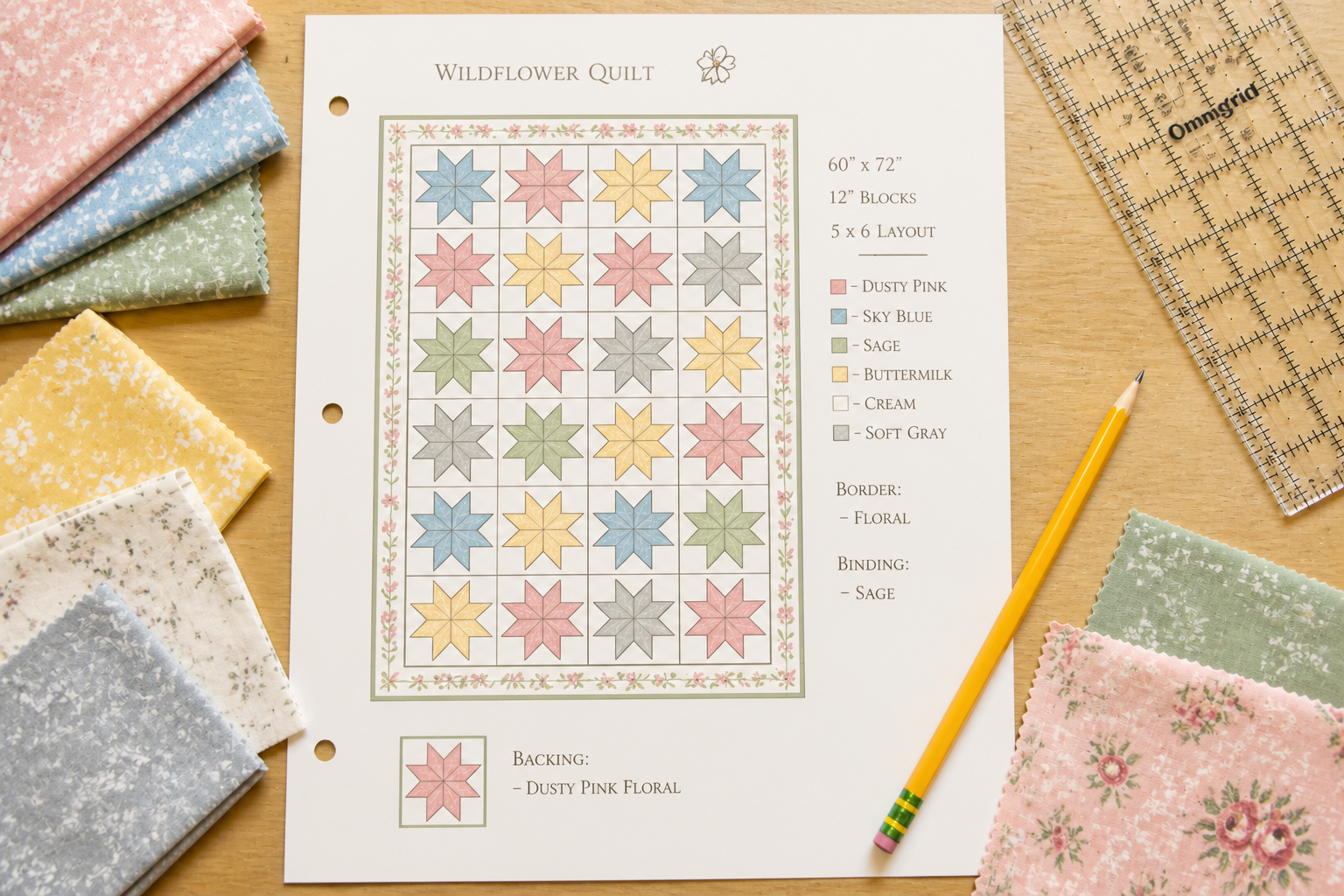
Turn ideas into layouts
Start with a sketch, mood board, or rough fabric plan and turn it into a cleaner quilt layout. This helps you move from inspiration to something you can actually evaluate. Instead of redrawing blocks by hand, you can test a stronger composition in one pass. It is a fast way to explore design directions before cutting fabric.
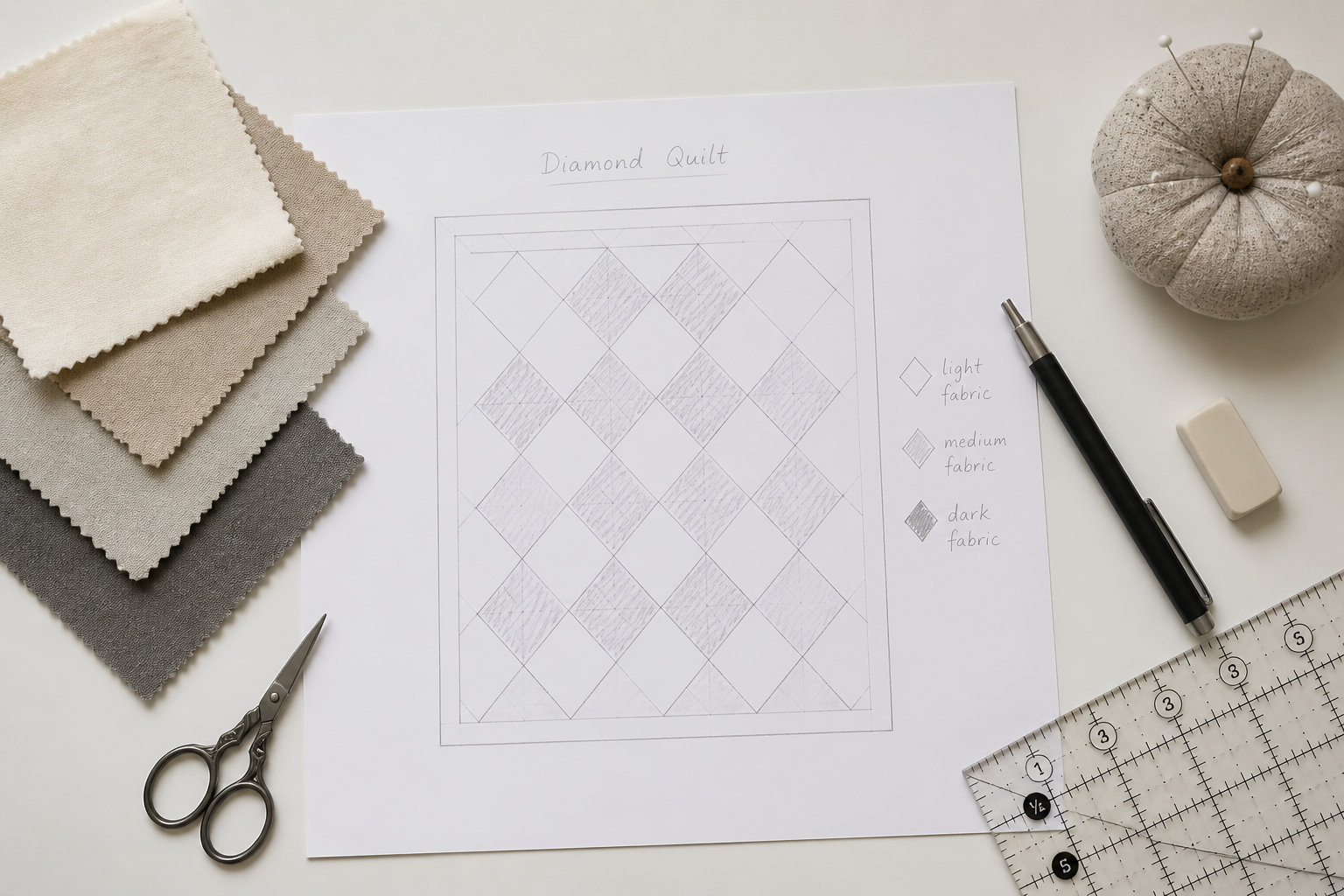
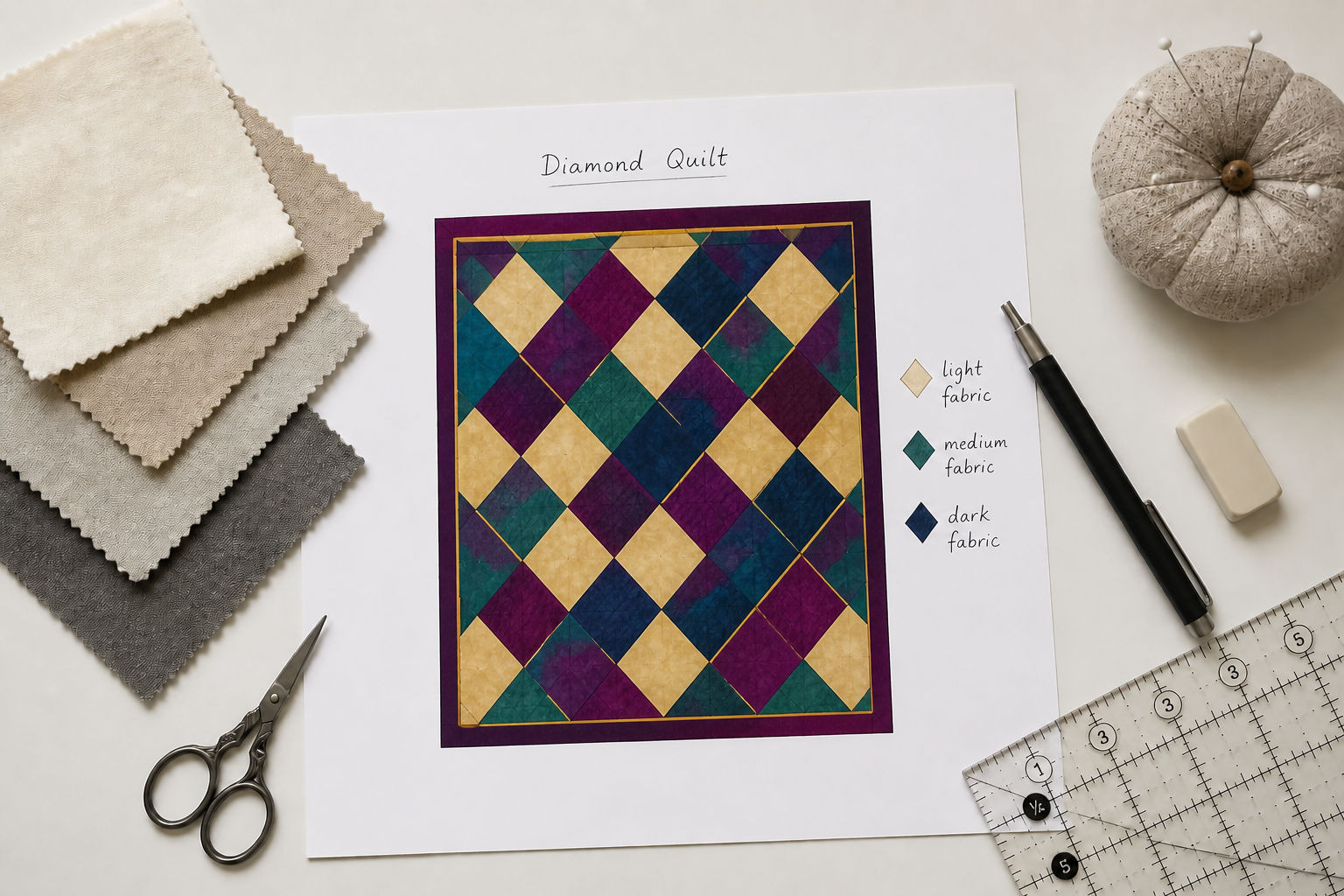
Test color stories fast
Color placement changes the whole feel of a quilt, and this lets you preview it quickly. You can swap palettes without rebuilding the design from scratch. That makes it easier to compare bold, muted, seasonal, or heirloom looks side by side. Manual mockups often take far longer for the same decision.
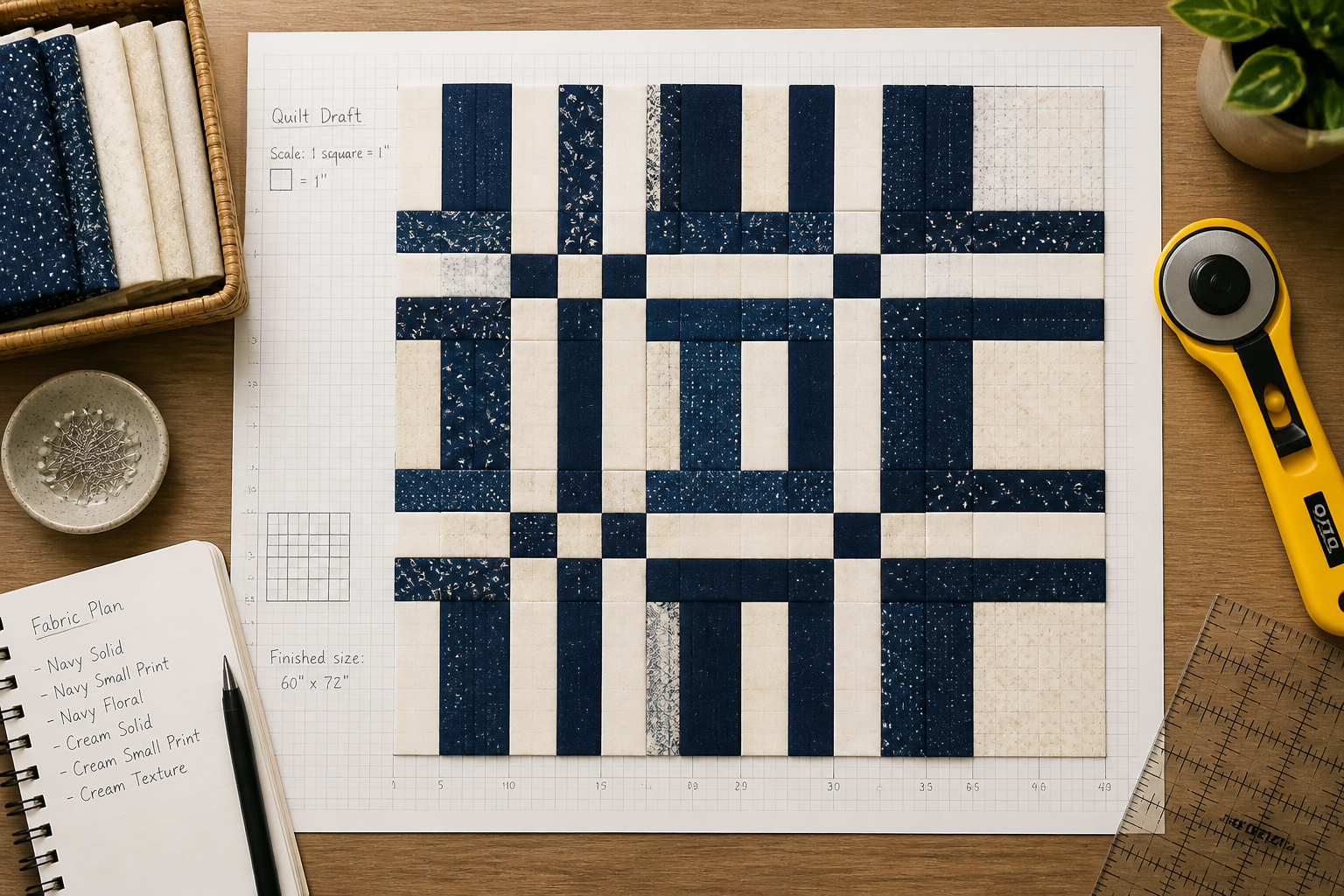
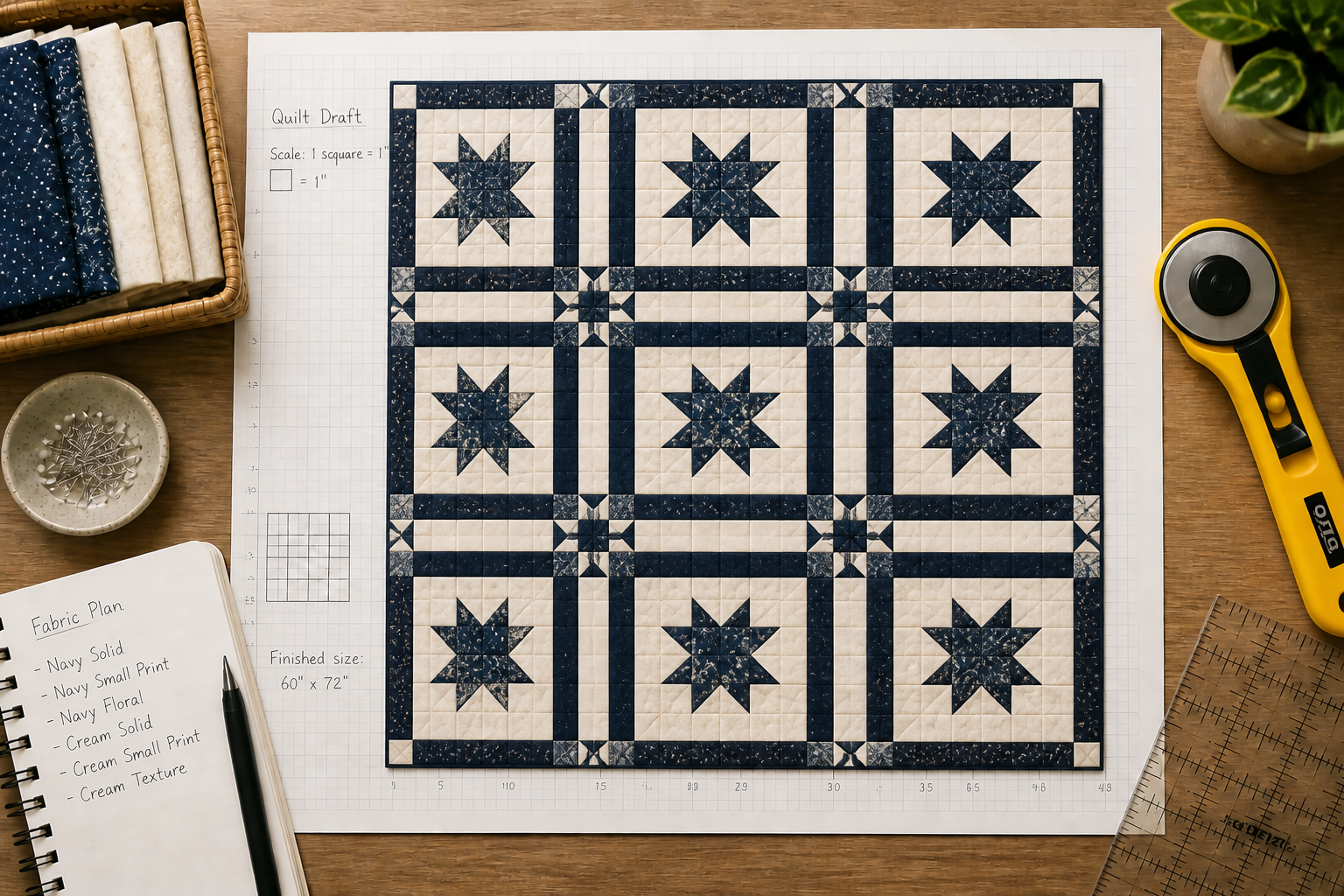
Keep block geometry clear
A useful quilt concept needs readable structure, not just decoration. Our AI can preserve the main arrangement while restyling the pattern, so the block logic stays visible. That is helpful when you want inspiration without losing track of how pieces relate. It gives you clearer starting points than freeform image edits.
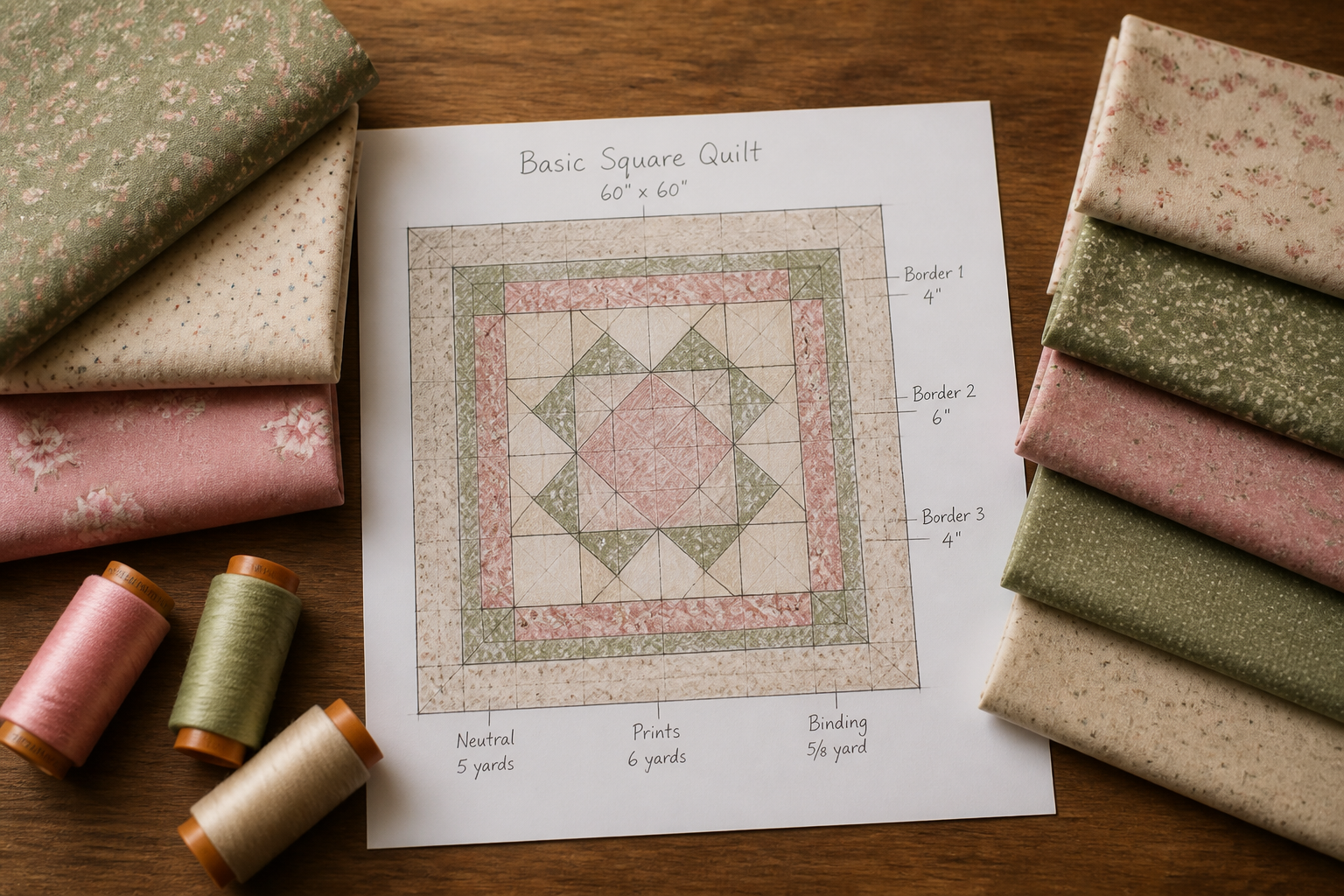
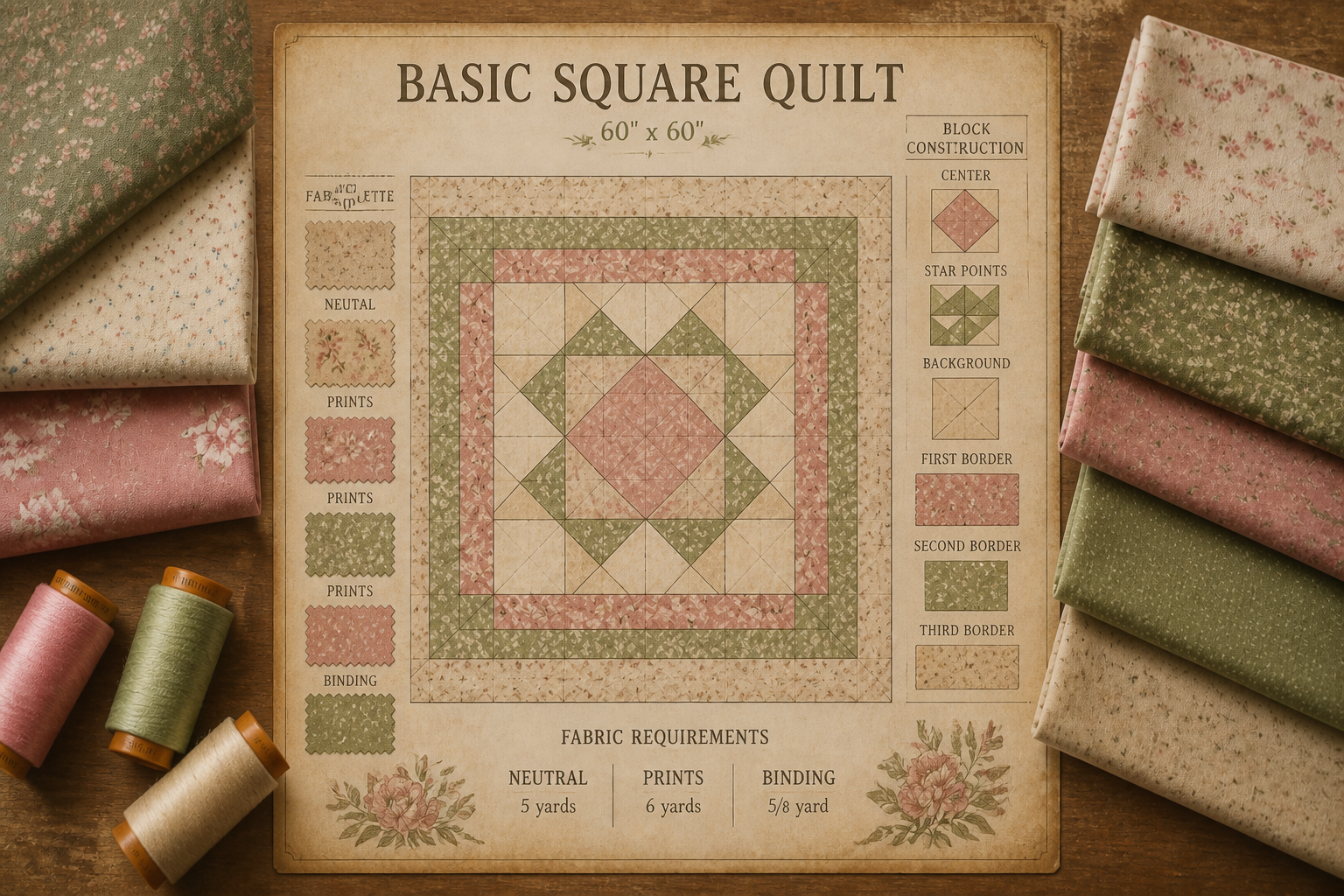
Explore multiple quilt styles
You are not limited to one aesthetic. Try modern geometric layouts, cottage patchwork, vintage-inspired arrangements, or more stylized pattern presentations from the same starting image. This is useful when you have the structure in mind but not the final look. It saves time compared with rebuilding each version manually.
How It Works
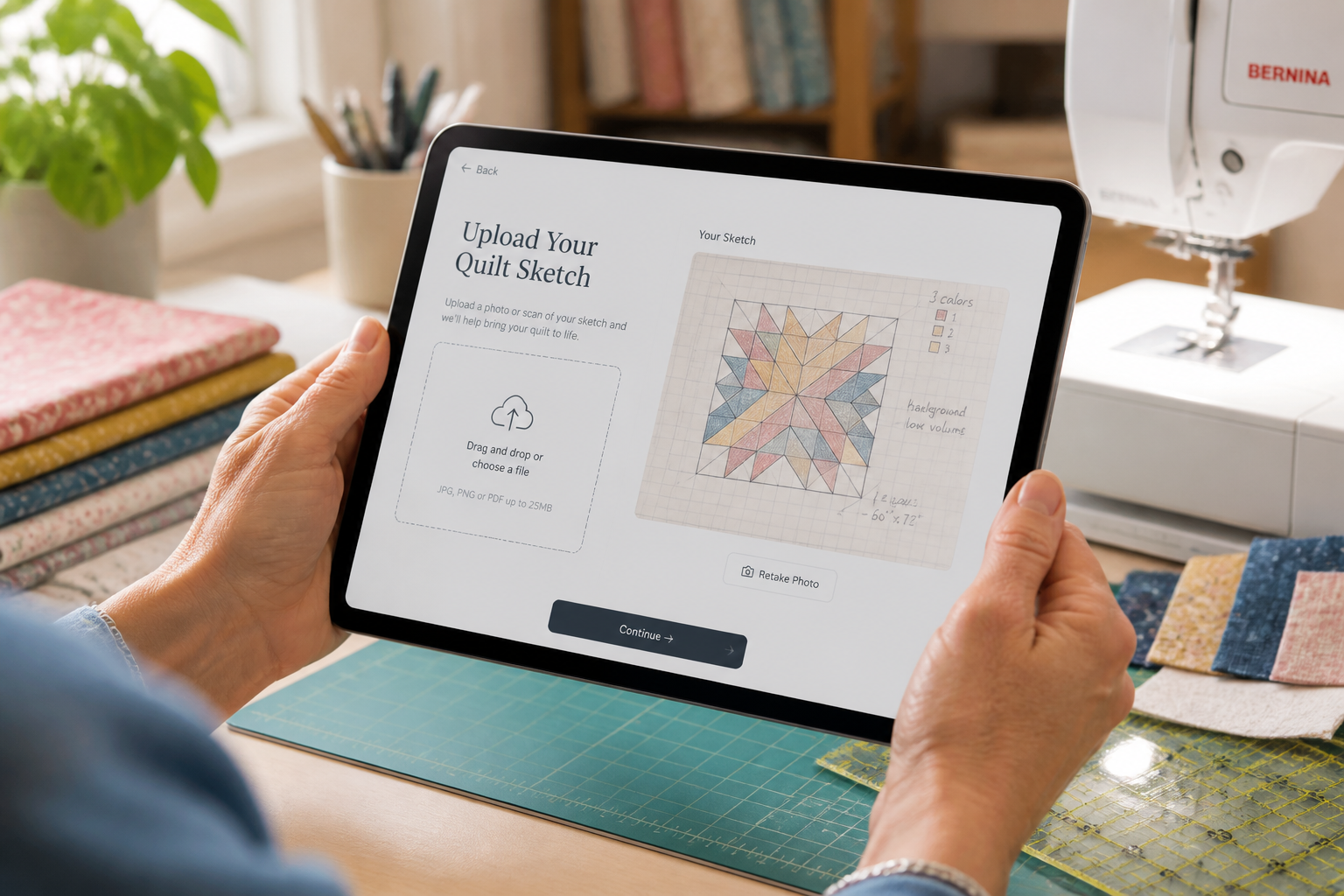
Upload your reference
Start with a sketch, fabric collage, quilt mockup, or inspiration image. A clear top-down image usually gives the most readable pattern results.
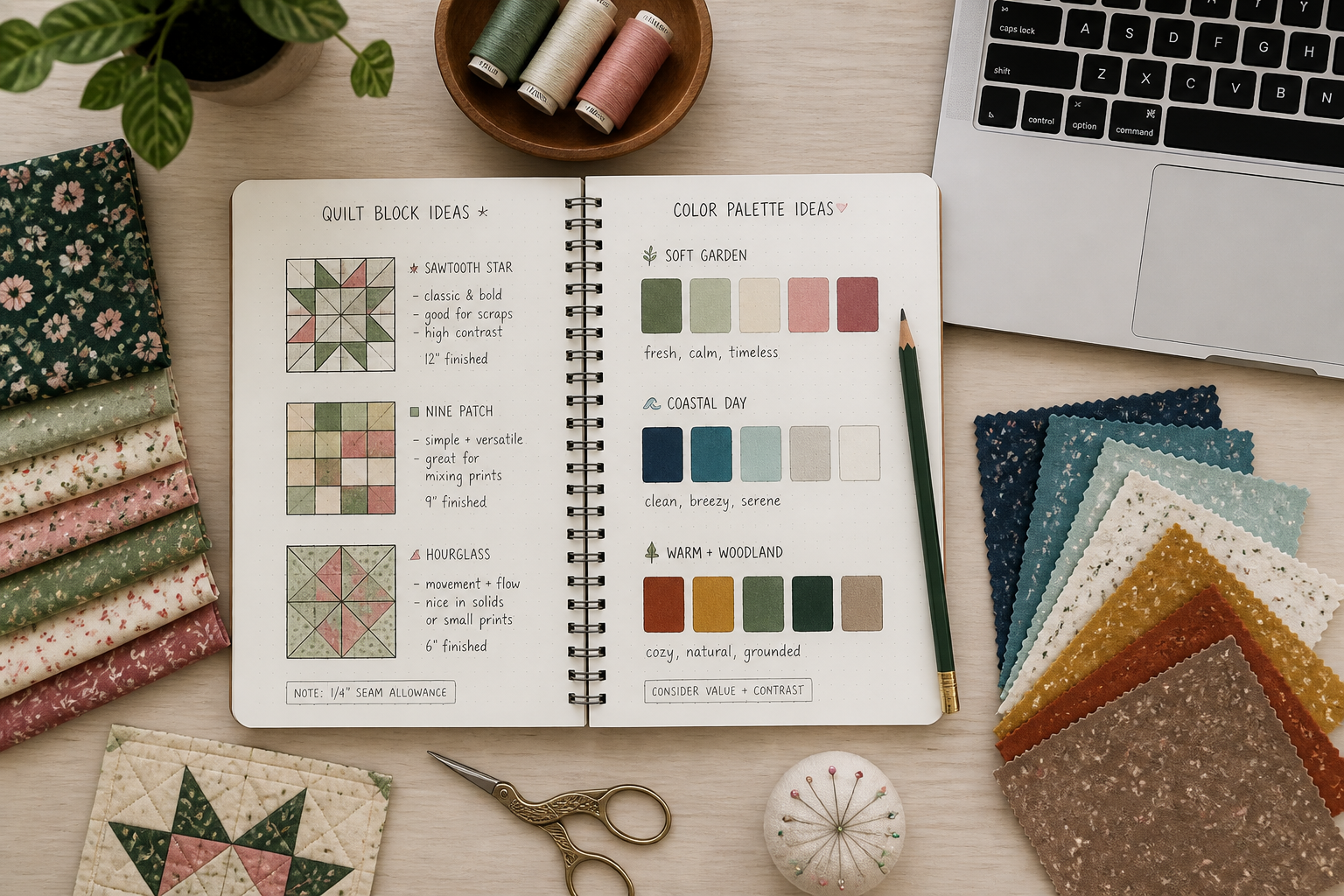
Describe the pattern
Type the quilt style, block idea, or color story you want to see. You can ask for modern geometric, floral patchwork, medallion, nursery, or other clear quilting directions.
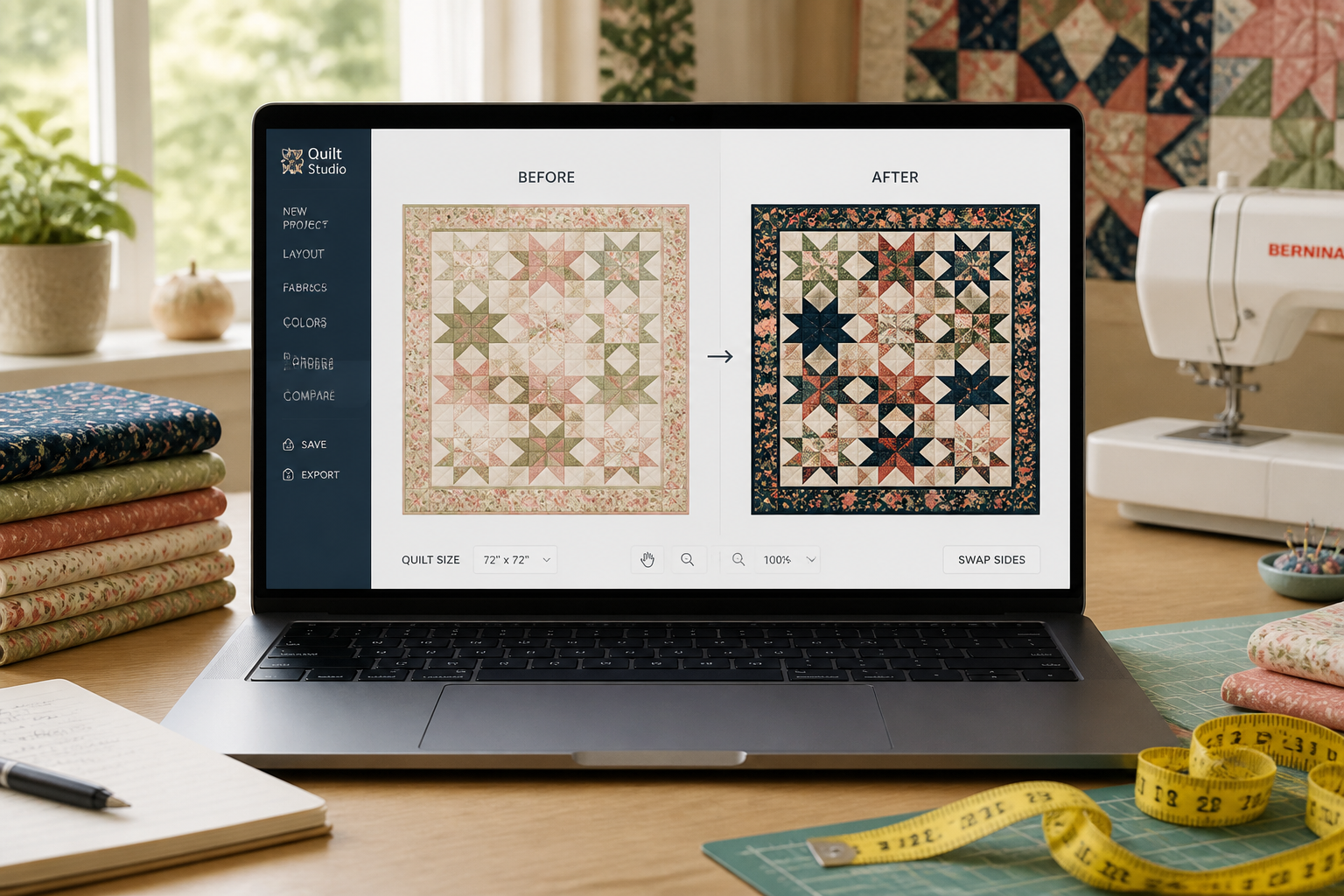
Compare and refine
Review the generated pattern and adjust your prompt if you want a different layout or palette. Repeat until the structure and visual style match your project.
Perfect For
Discover how creators and professionals use quilting pattern generator
Plan a custom quilt
Turn a rough concept into a cleaner layout before you buy fabric or start cutting pieces.
Preview fabric palettes
Test seasonal, bold, muted, or heirloom-inspired color combinations on the same design.
Create client mockups
Show quilt ideas to customers with clearer pattern visuals and faster iterations.
Explore new block styles
Try modern, traditional, nursery, or decorative patchwork looks from one starting image.
Built For
Quilters and hobby sewists
Useful for planning personal projects, testing layouts, and visualizing color choices before sewing.
Pattern designers
Helpful for exploring fresh quilt directions and building stronger presentation mockups.
Small handmade shops
Good for showing custom quilt options to buyers without preparing every sample by hand.
Why use it for quilt concepts
A quick look at how we compare on the things that matter for this niche.
| Feature | BudgetPixel | Generic AI editors | Manual editing apps |
|---|---|---|---|
| Image-to-pattern exploration | ✓ | ✓ | — |
| Fast quilt layout variations | ✓ | — | — |
| Color palette testing | ✓ | ✓ | ✓ |
| Before/after comparison | ✓ | — | — |
Frequently Asked Questions
What can I upload to the quilting pattern generator?
Does it create ready-to-sew patterns?
Can I change the fabric colors?
Will it keep my block layout recognizable?
Is this useful for beginners?
Create together.
Share your creations, discover trending AI art, and grow with fellow creators.