AI T-shirt Mockup Generator
Turn one shirt photo into polished mockups for stores, ads, and social posts.
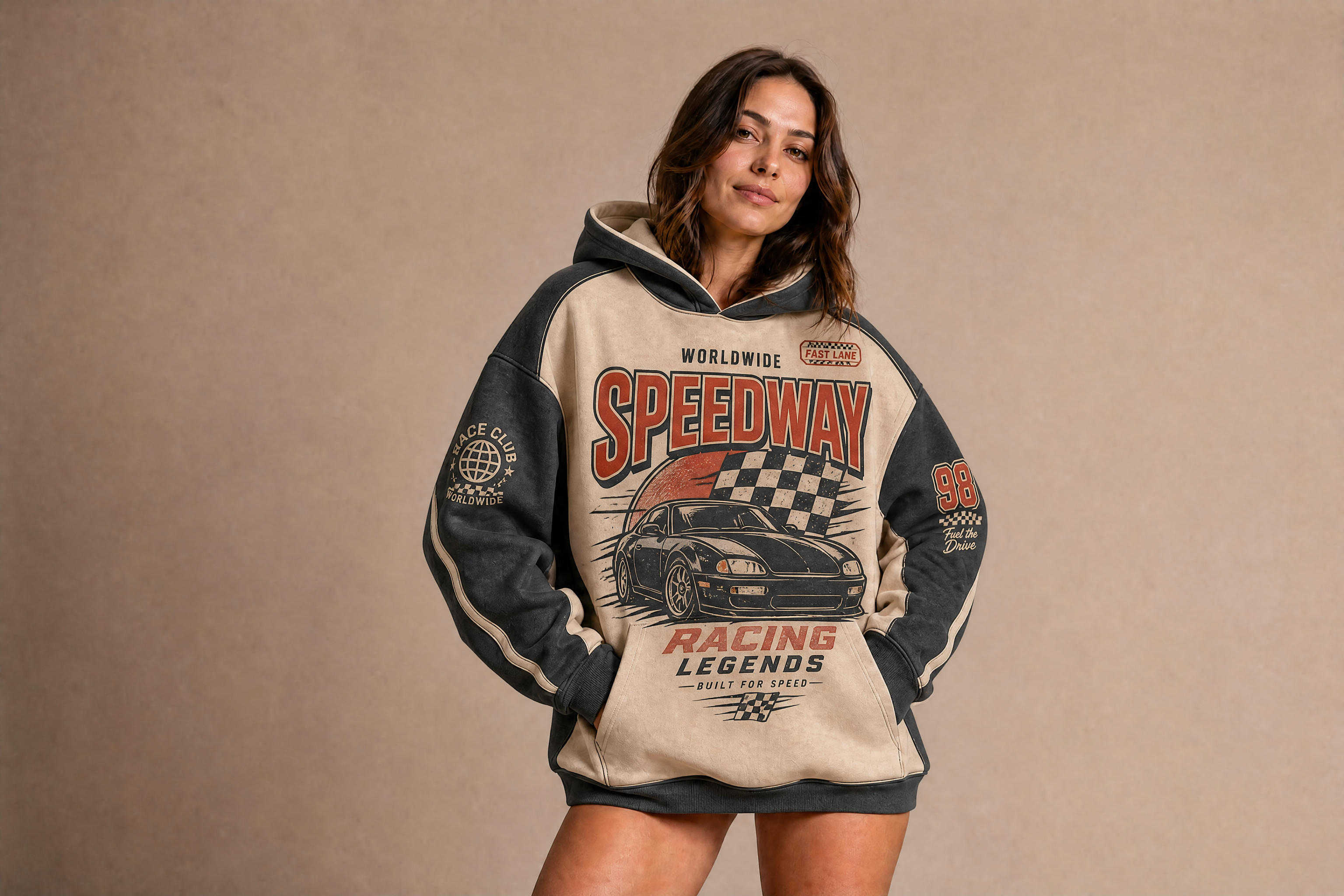
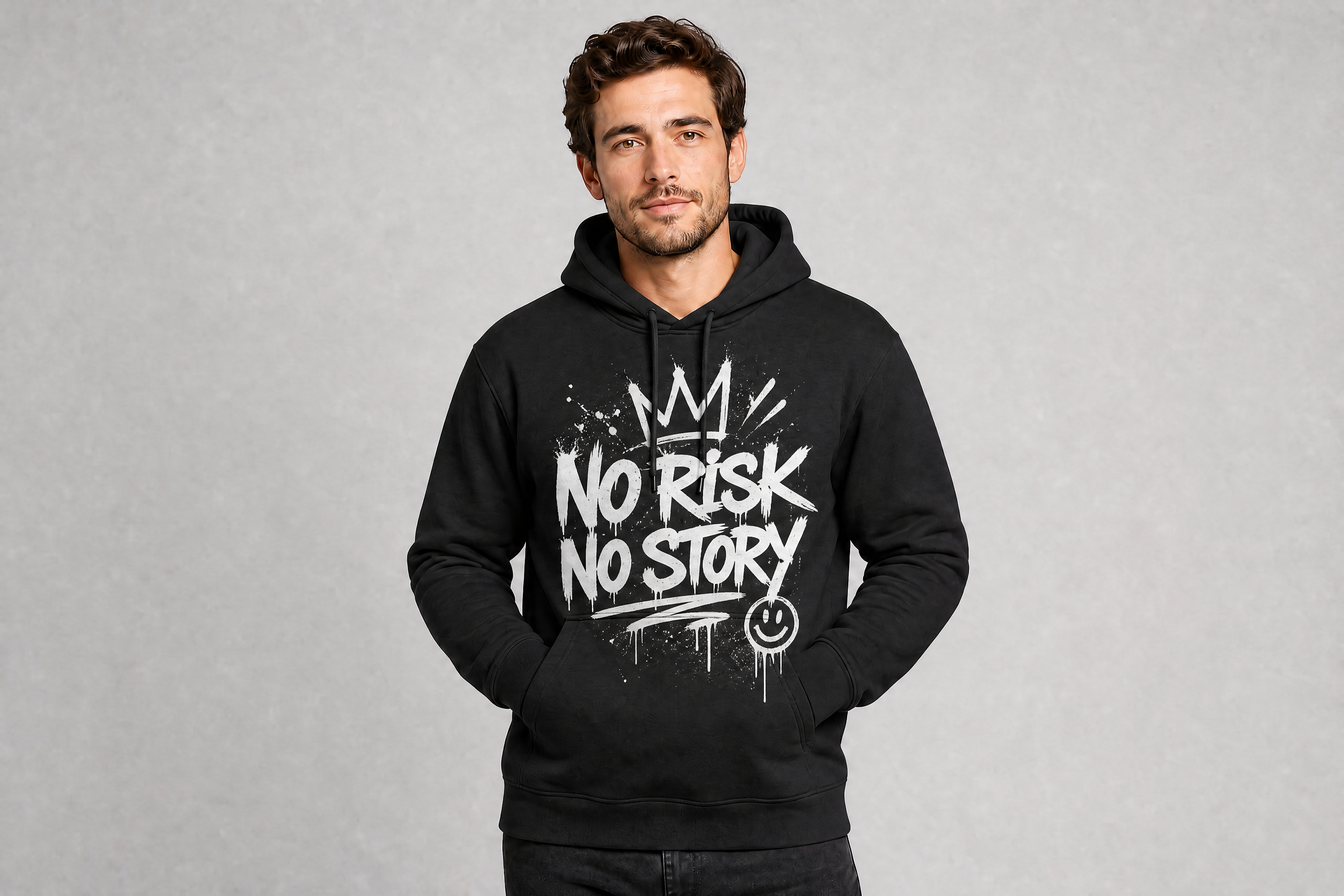
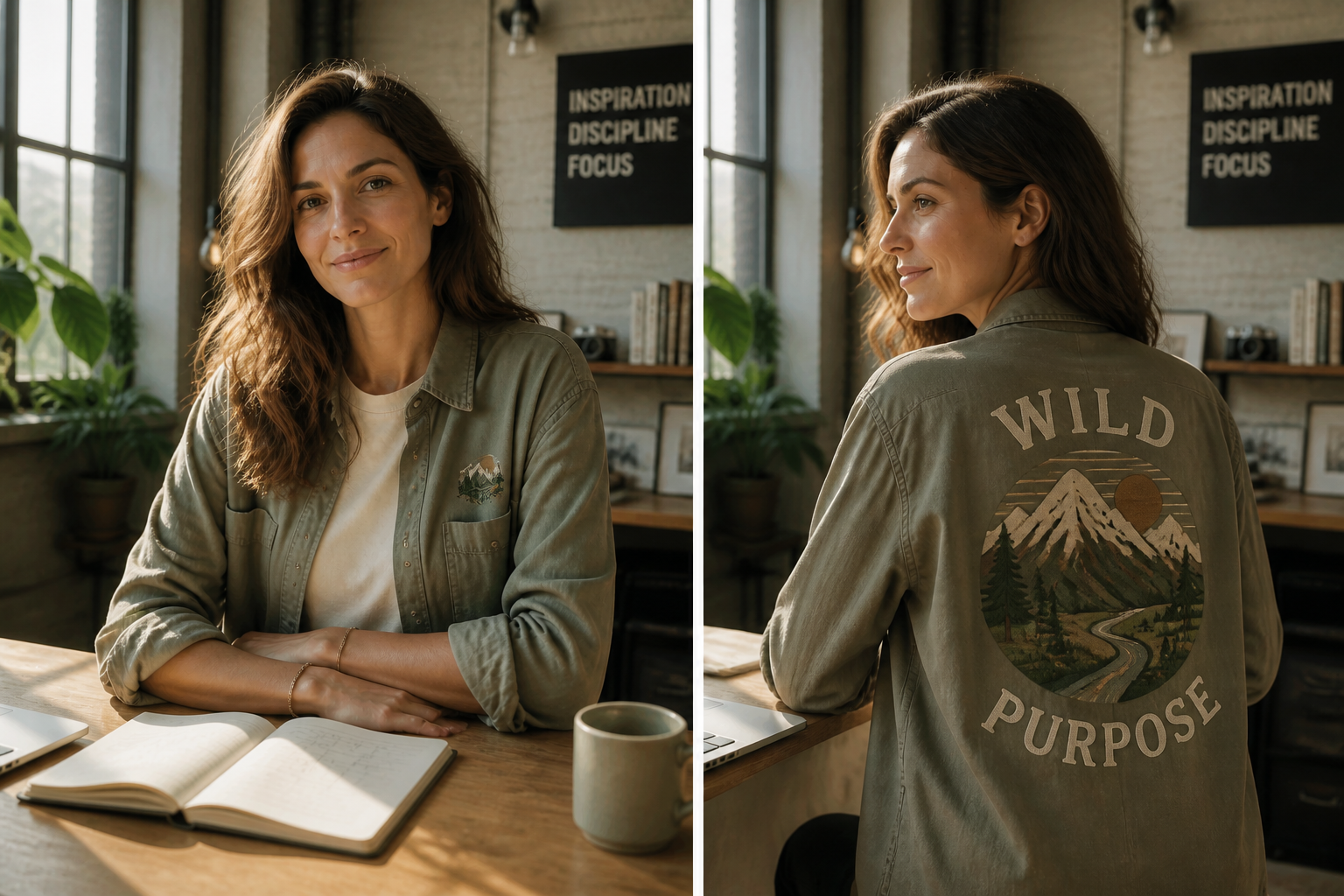
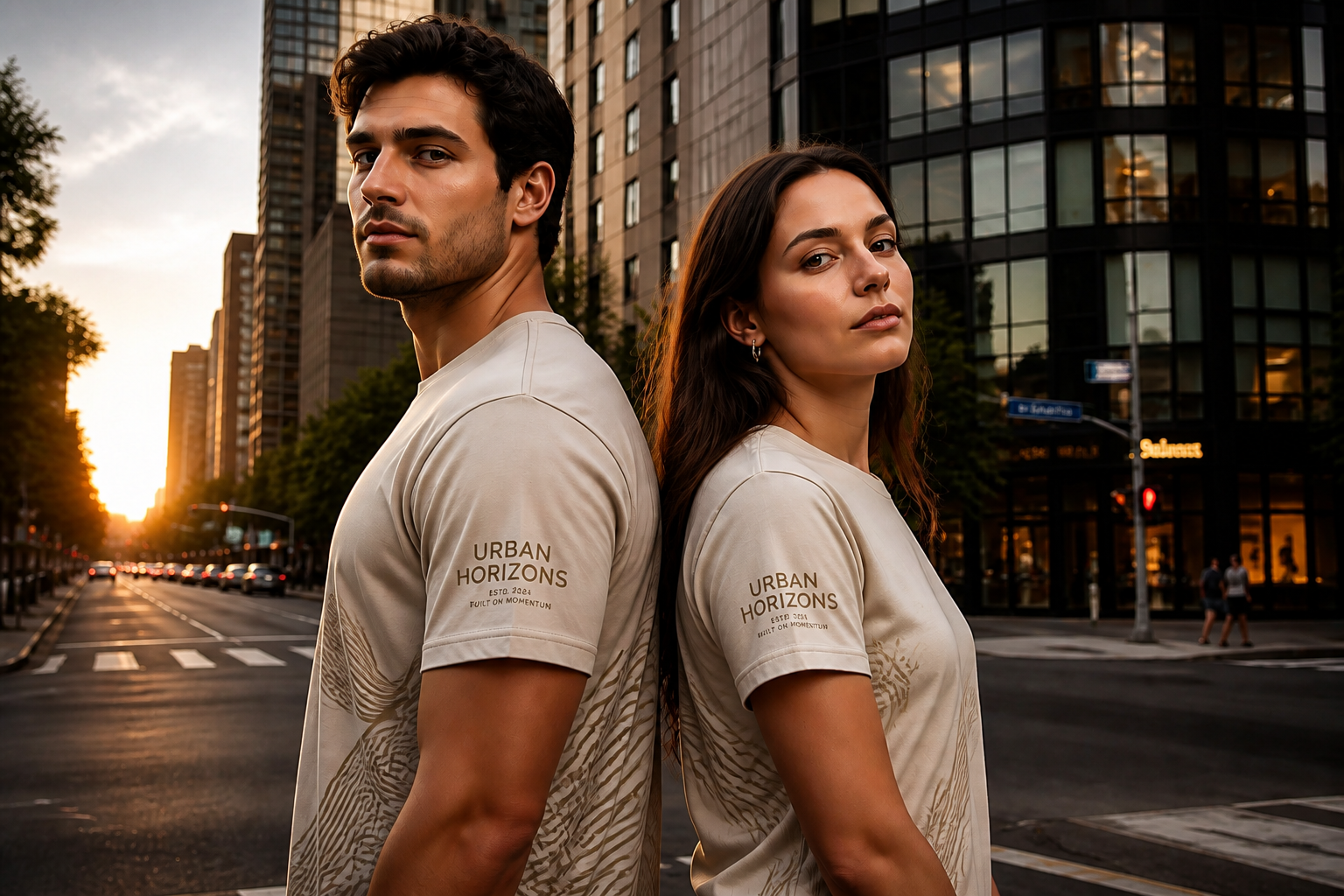
Upload a shirt photo or start from a simple product image, then generate realistic T-shirt mockups in different colors, prints, fits, and settings. Our AI keeps the garment believable while changing the presentation fast, so you can test designs without booking a full shoot.
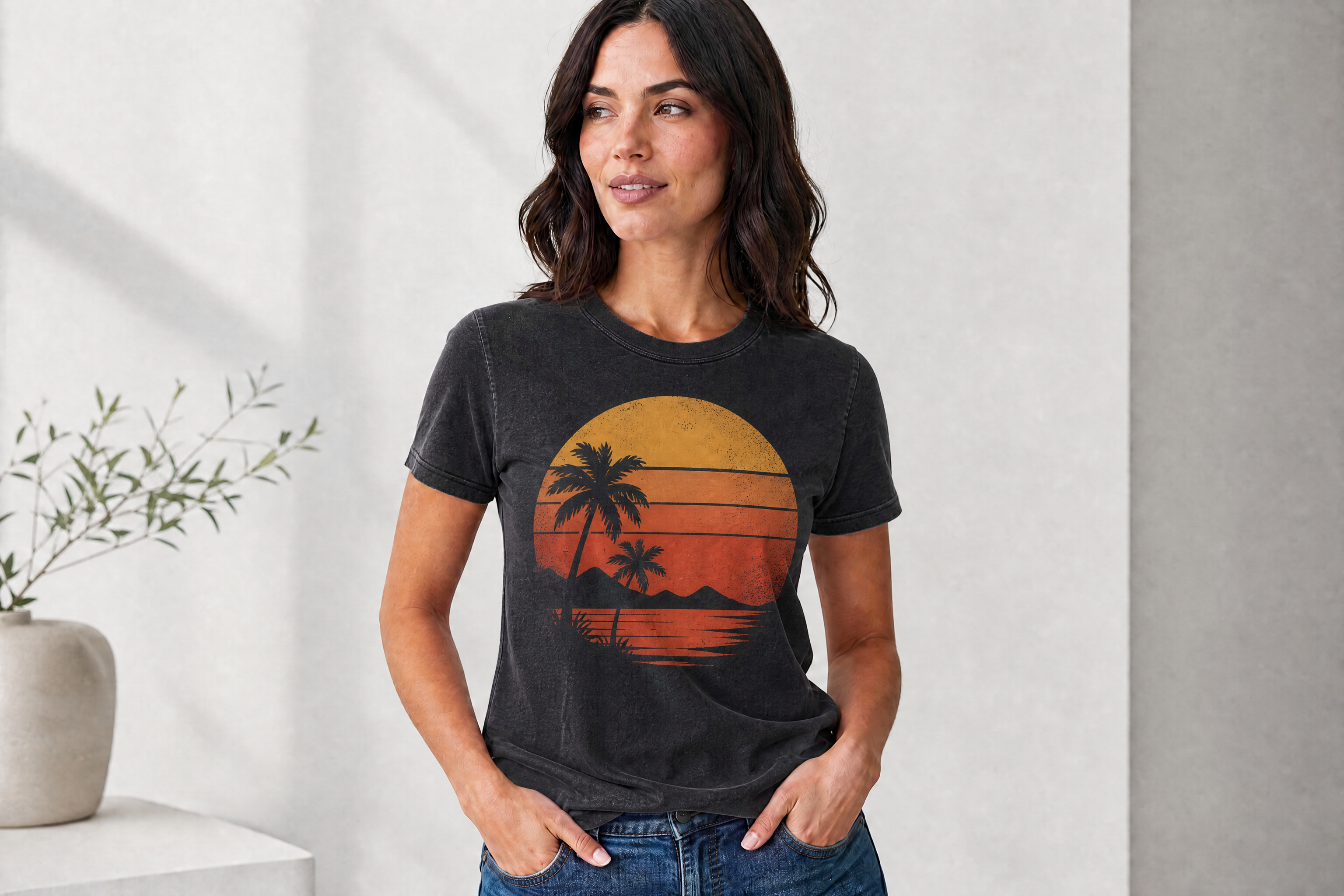
Watch the Transformation
See ai t-shirt mockup generator in motion — generated end-to-end by our AI.
See It In Action
Real outputs from ai t-shirt mockup generator.
BEFOREAFTER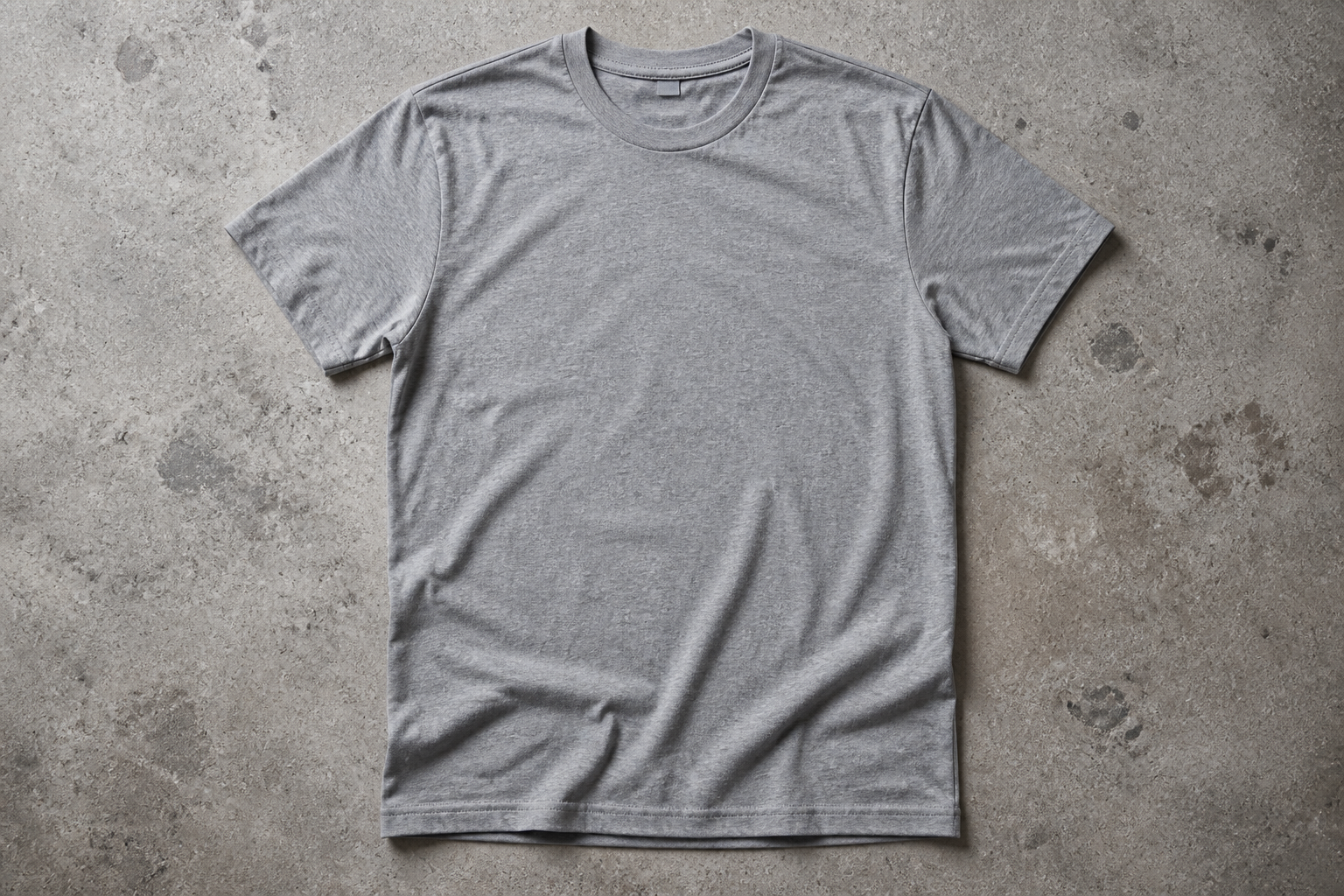 BEFORE
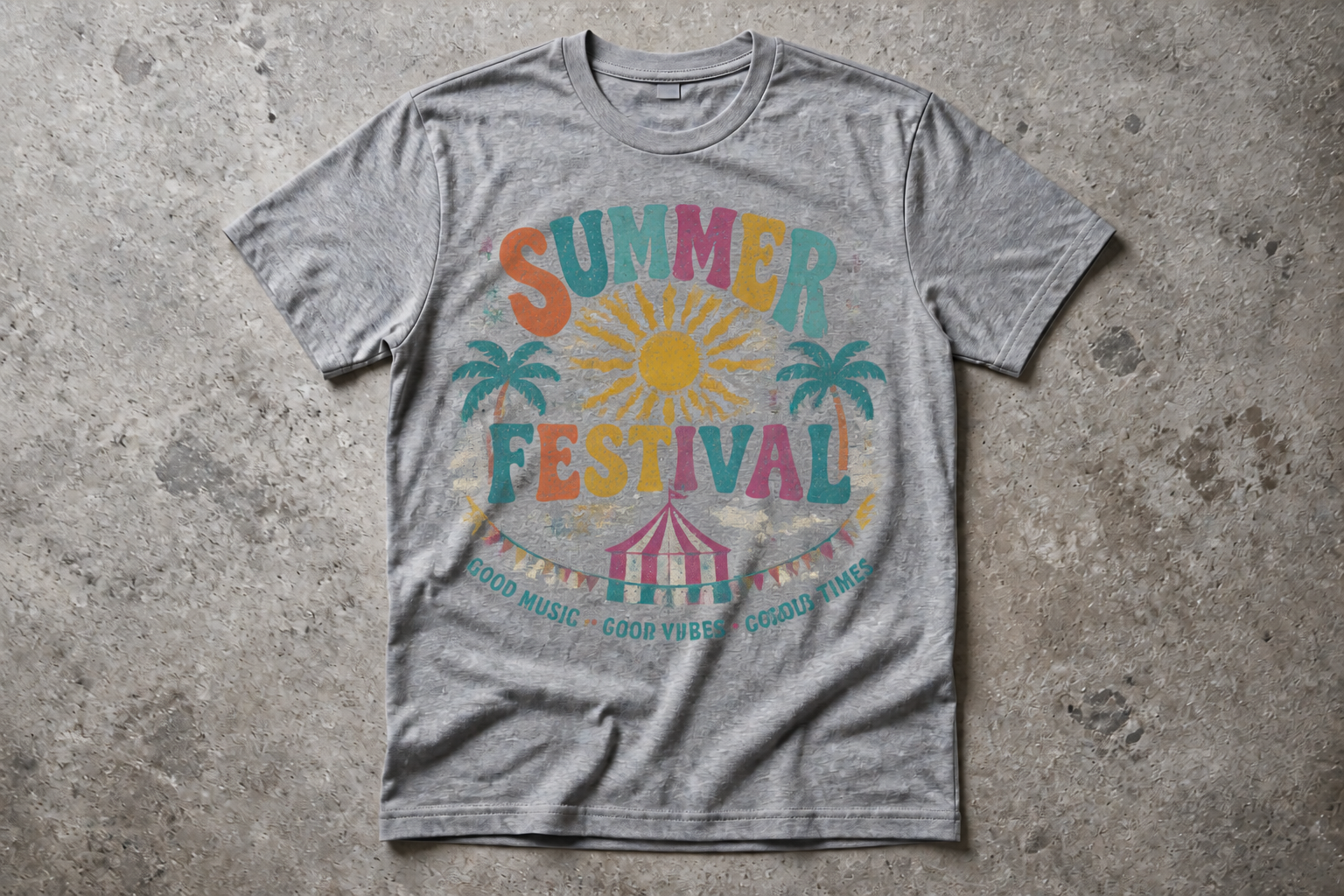 AFTER
AFTER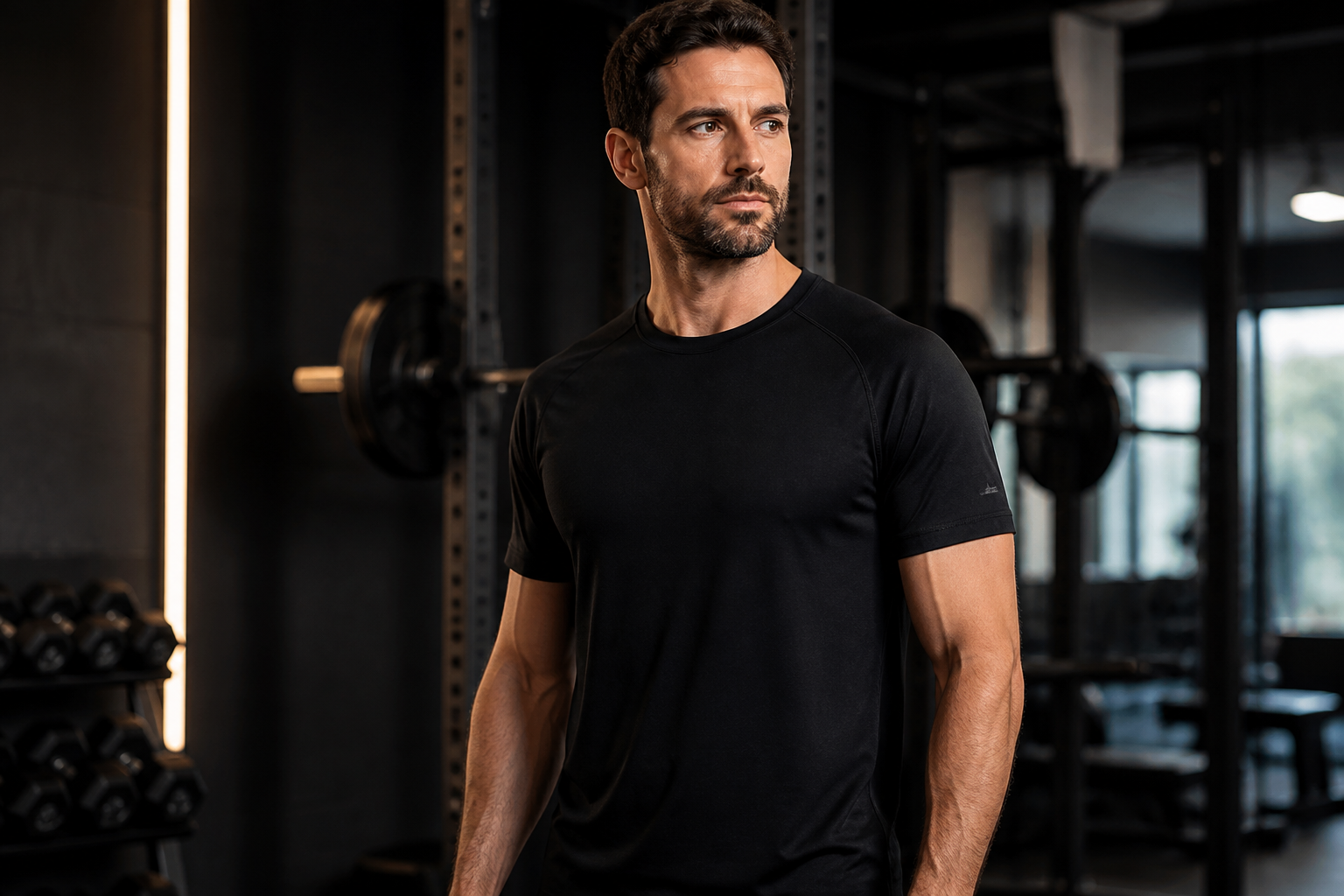 BEFORE
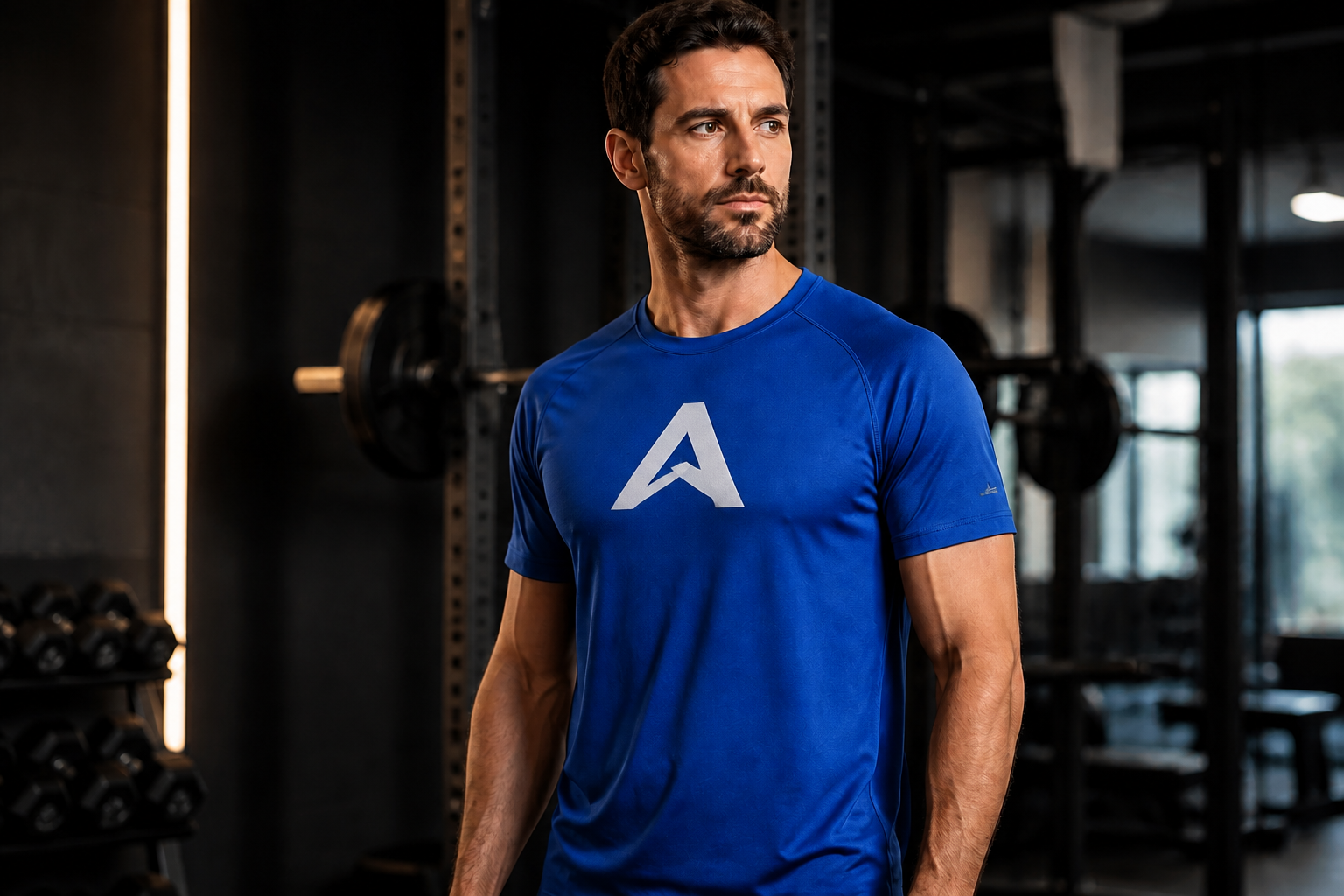 AFTER
AFTER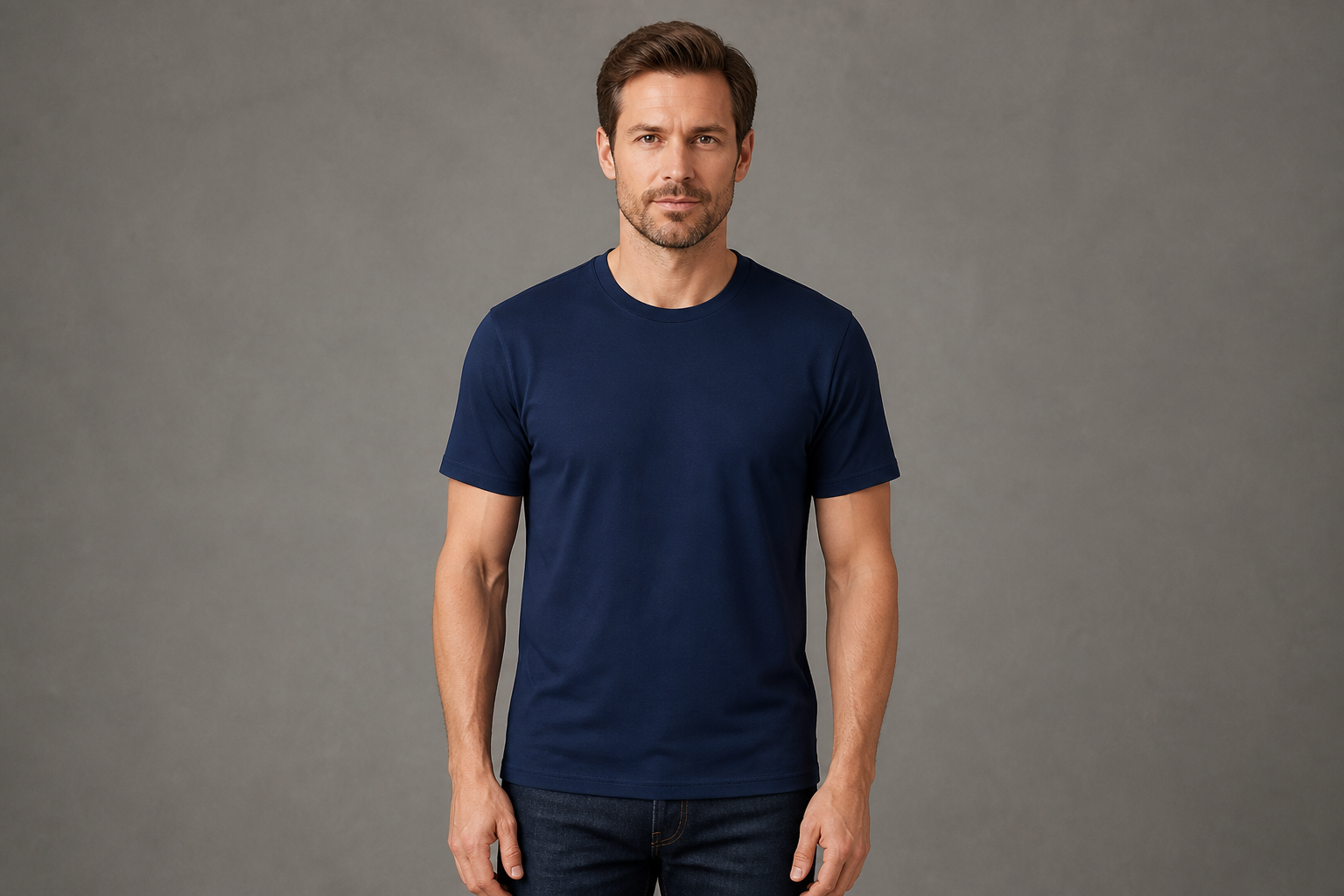 BEFORE
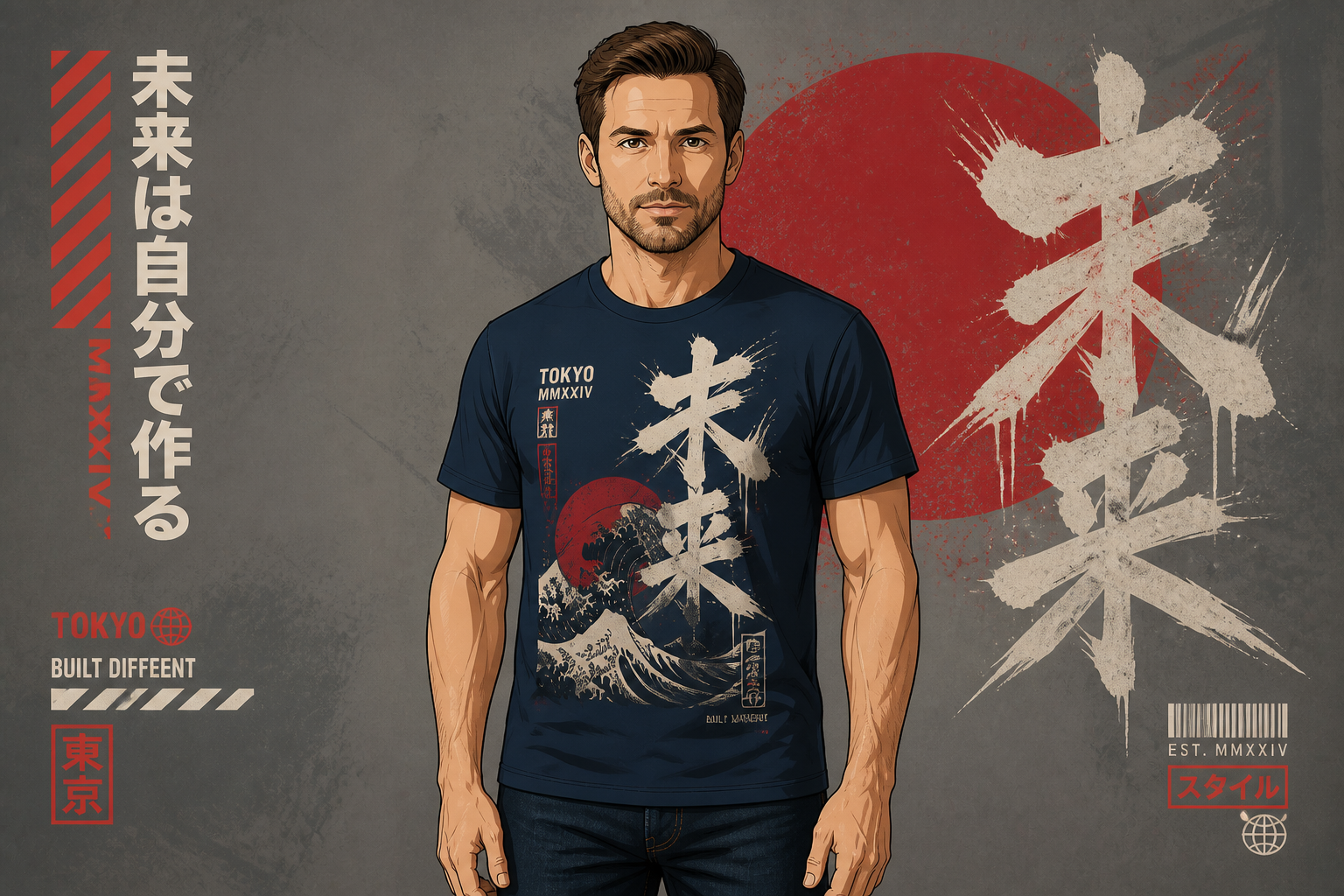 AFTER
AFTER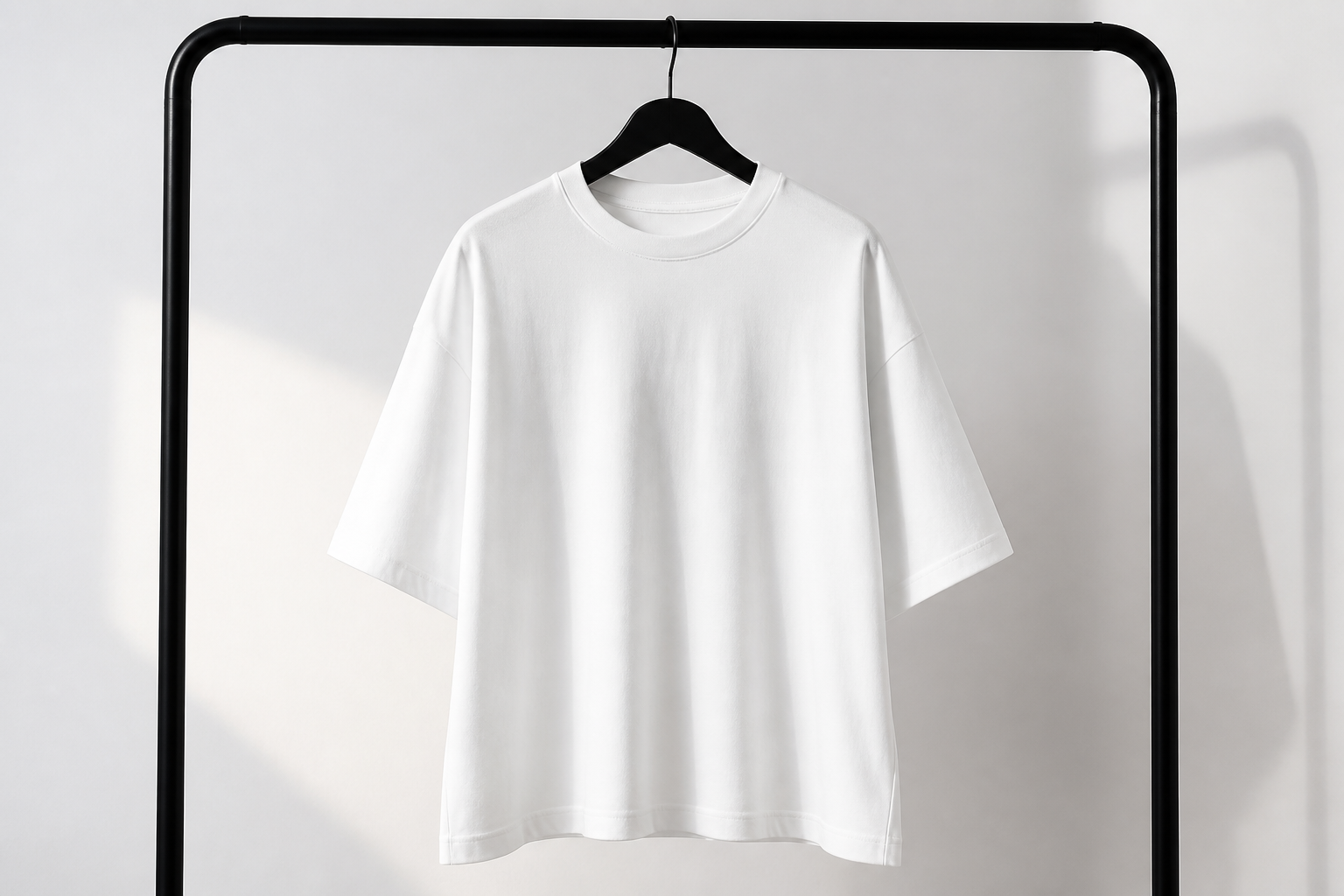 BEFORE
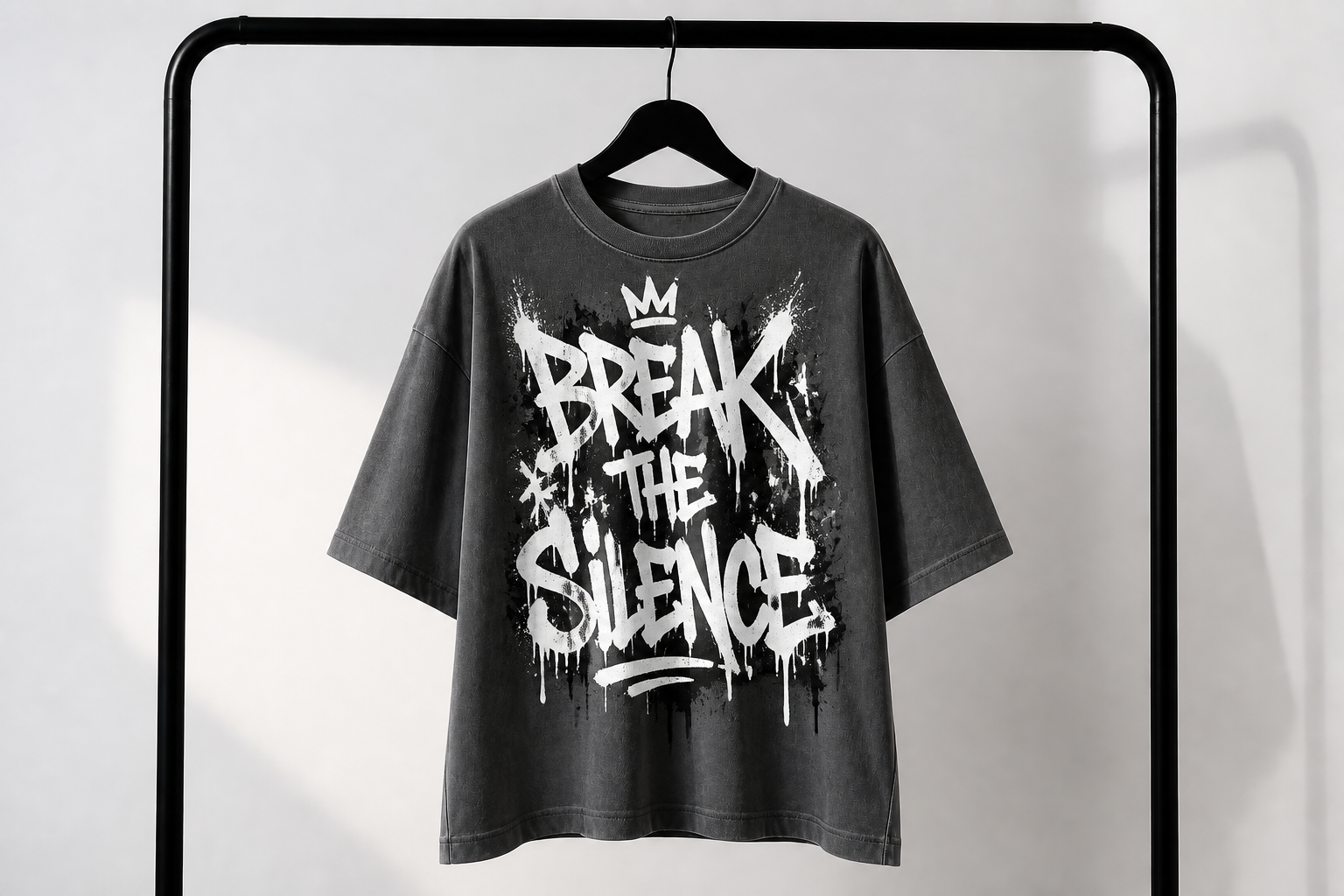 AFTERBEFOREAFTERBEFOREAFTERBEFOREAFTERBEFOREAFTERBEFOREAFTER
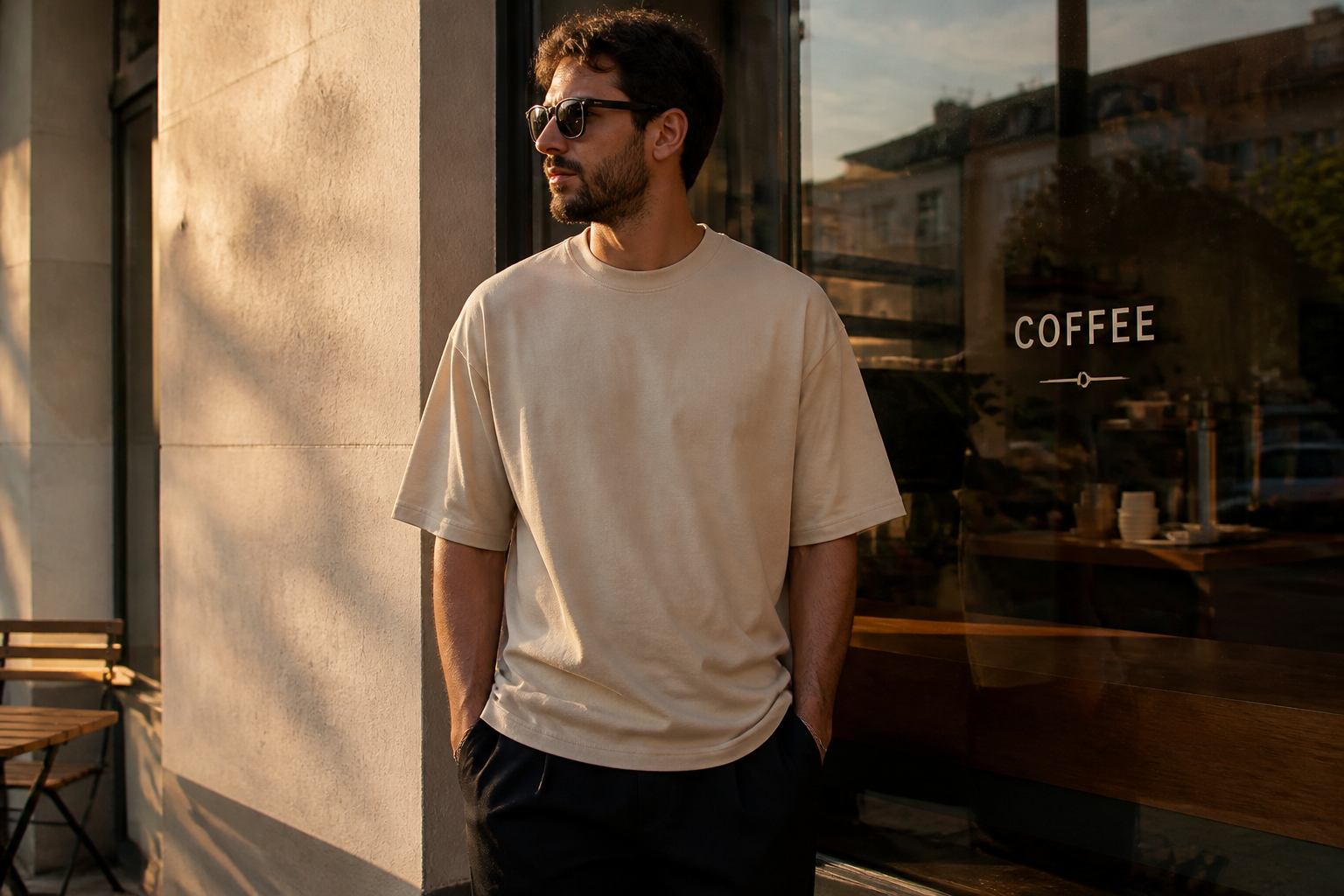 BEFORE
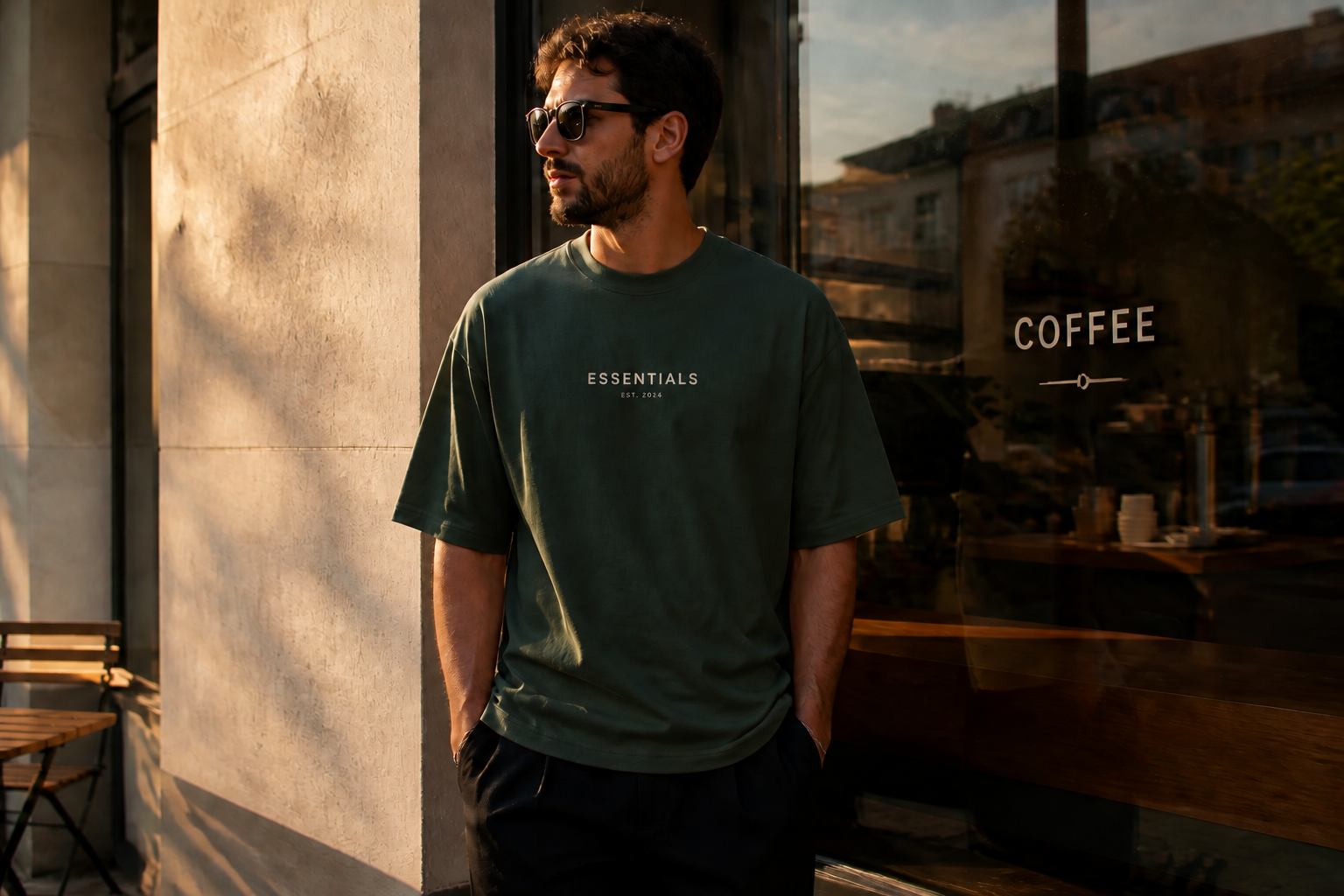 AFTER
AFTER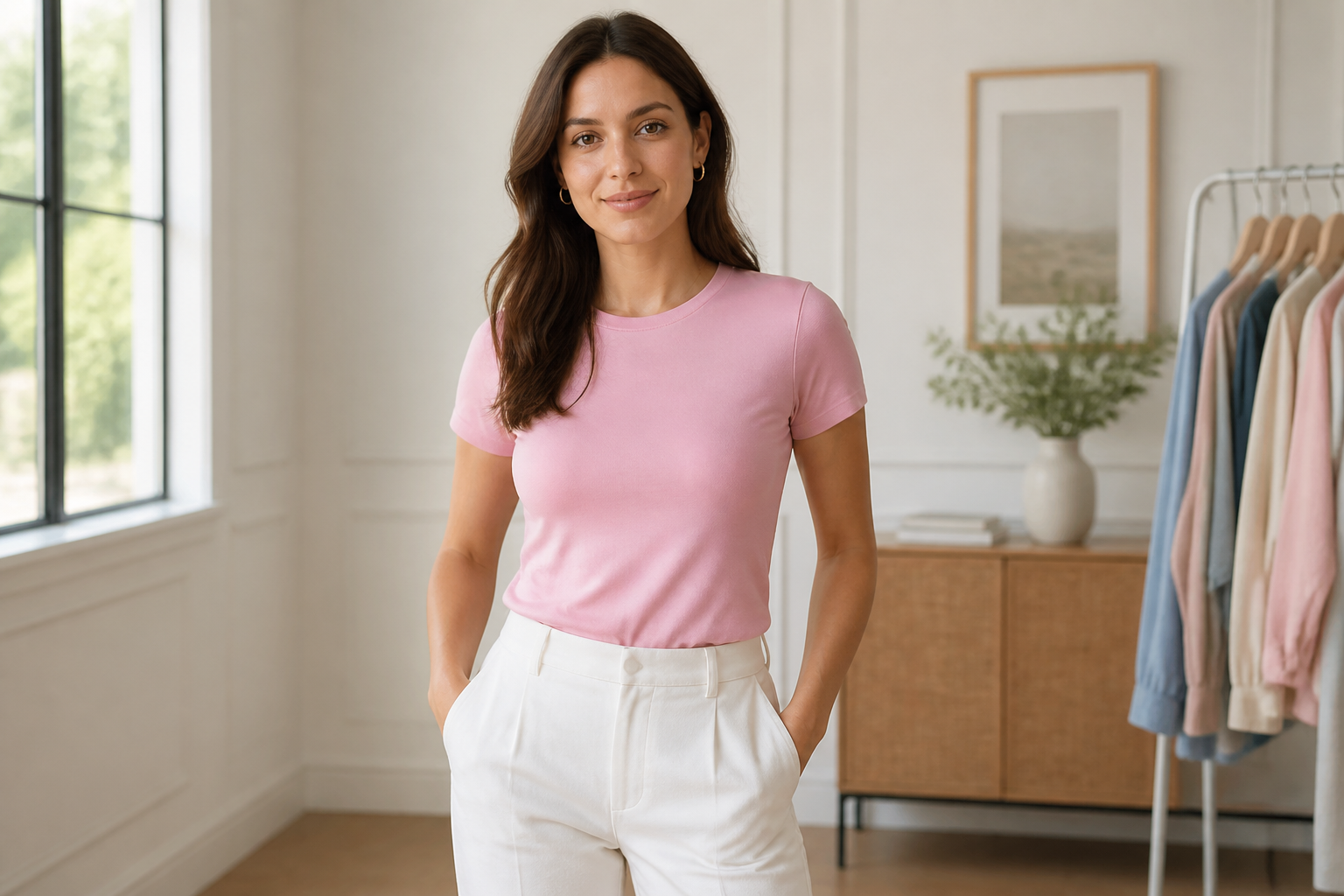 BEFORE
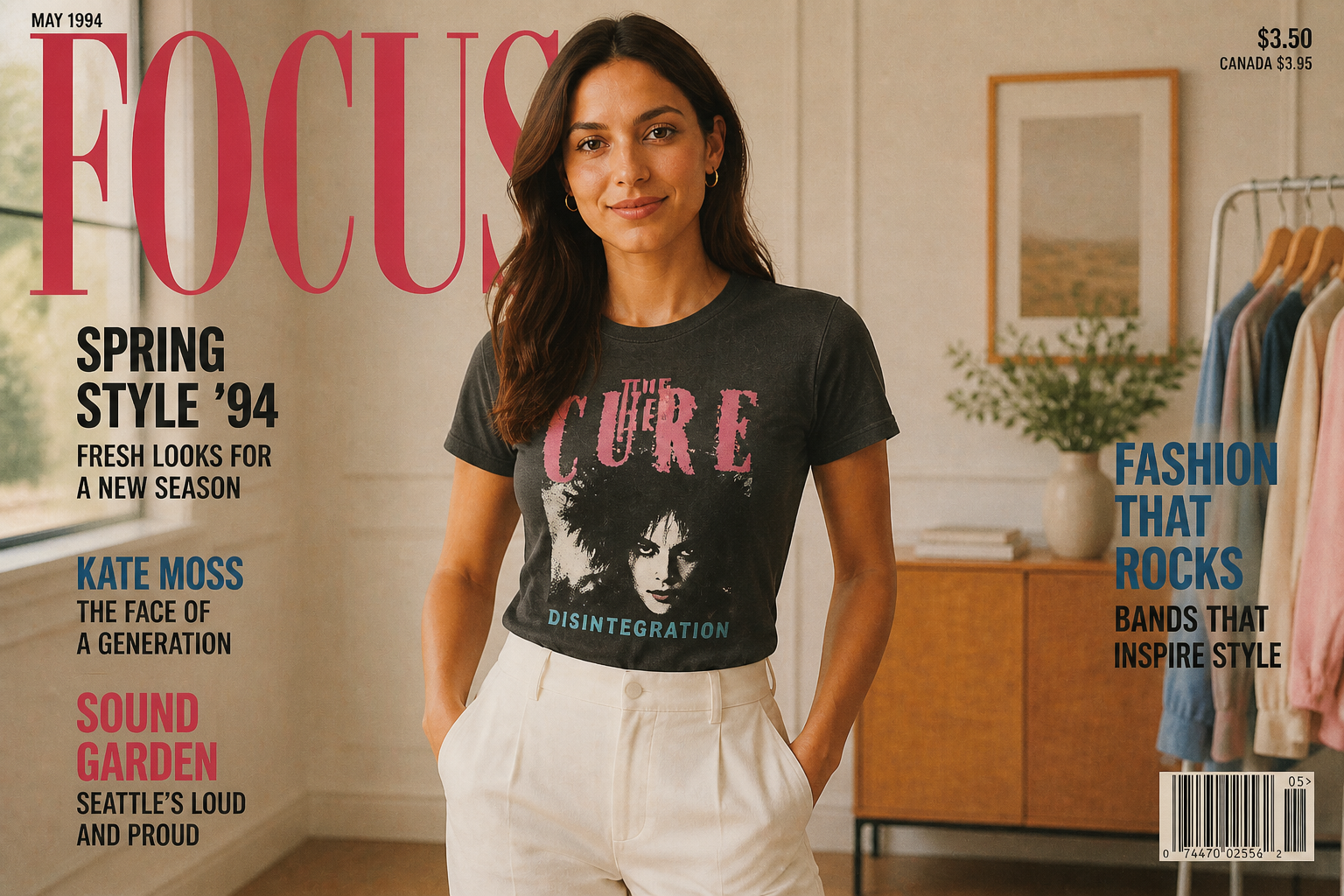 AFTER
AFTER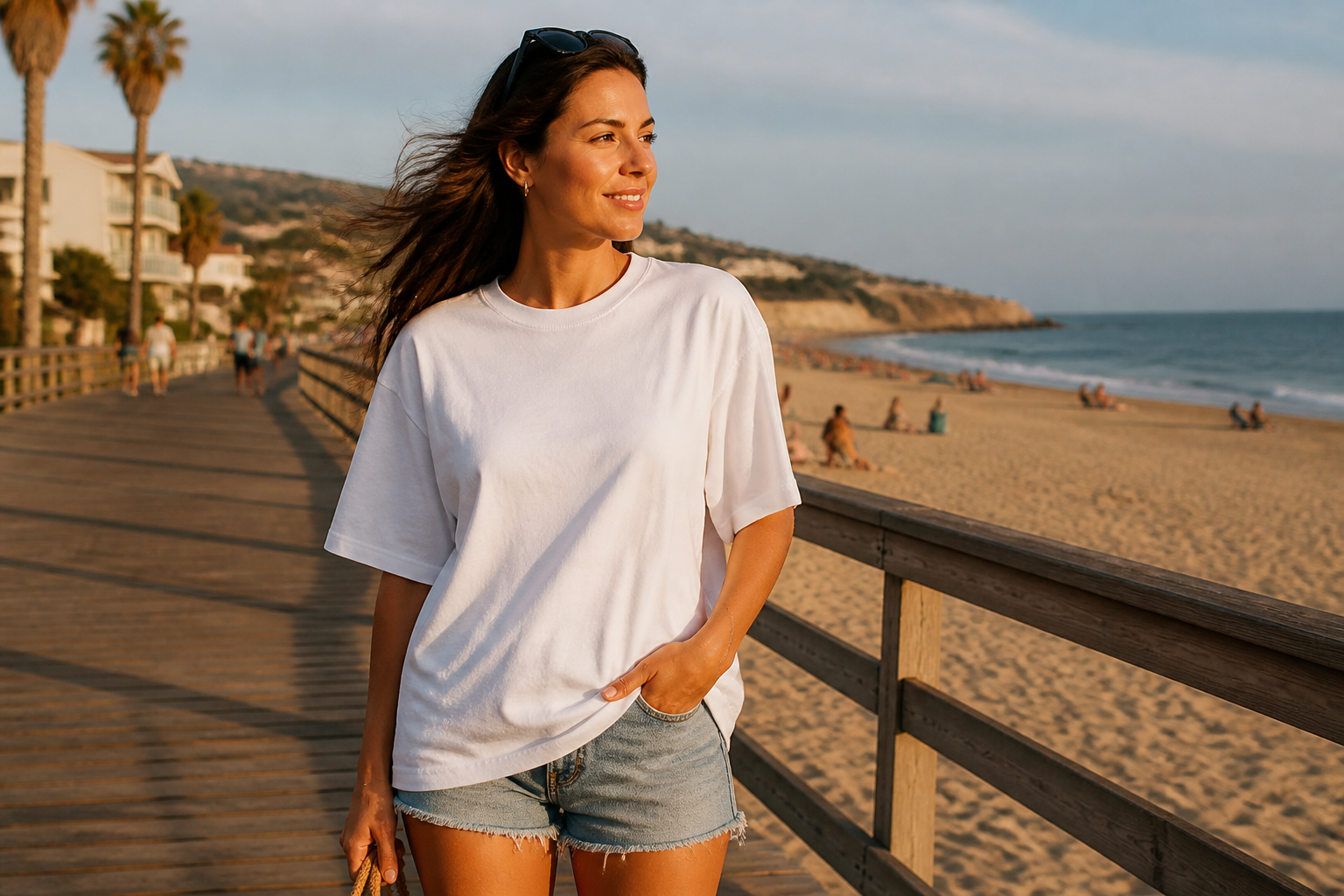 BEFORE
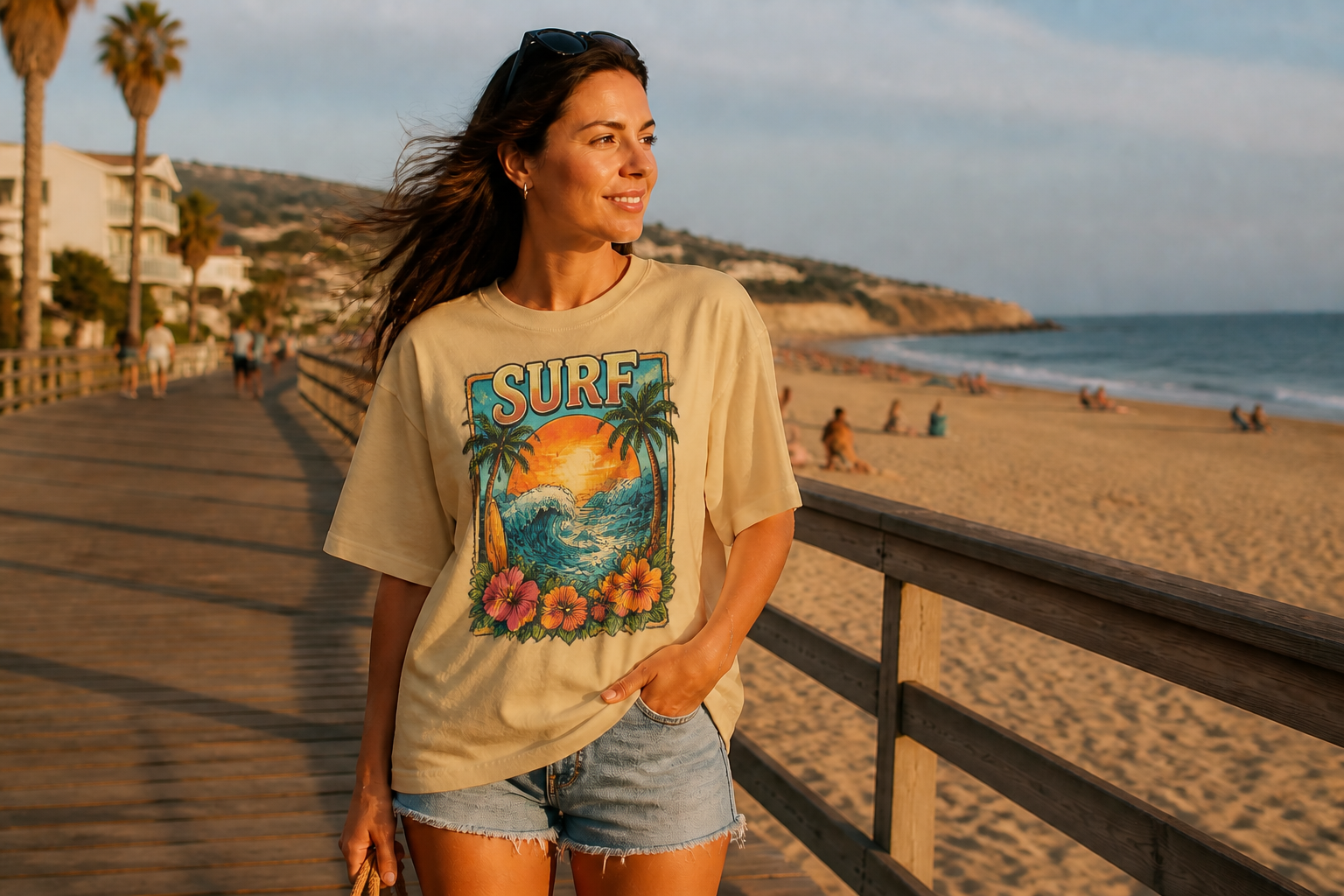 AFTER
AFTER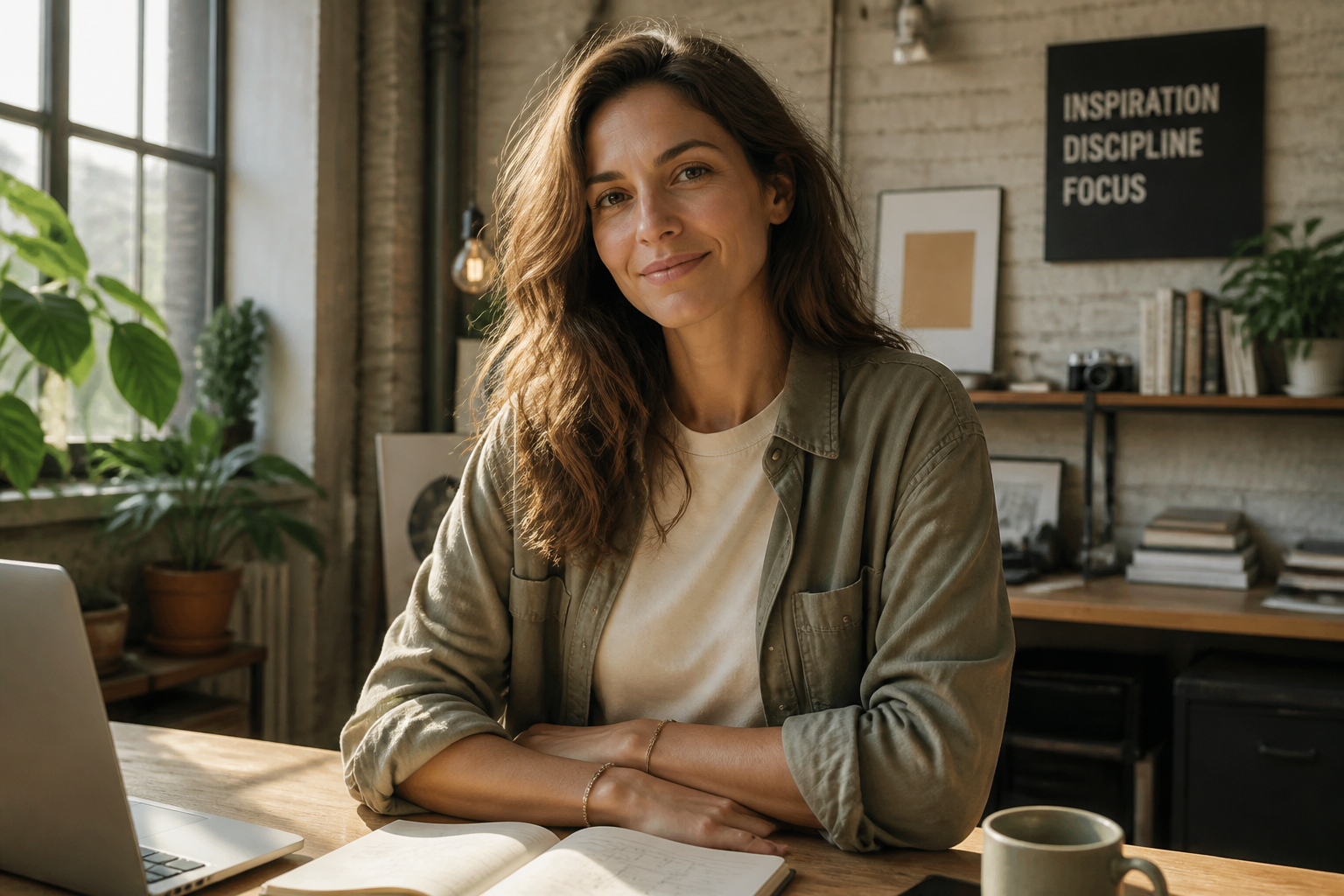 BEFORE
 AFTER
AFTER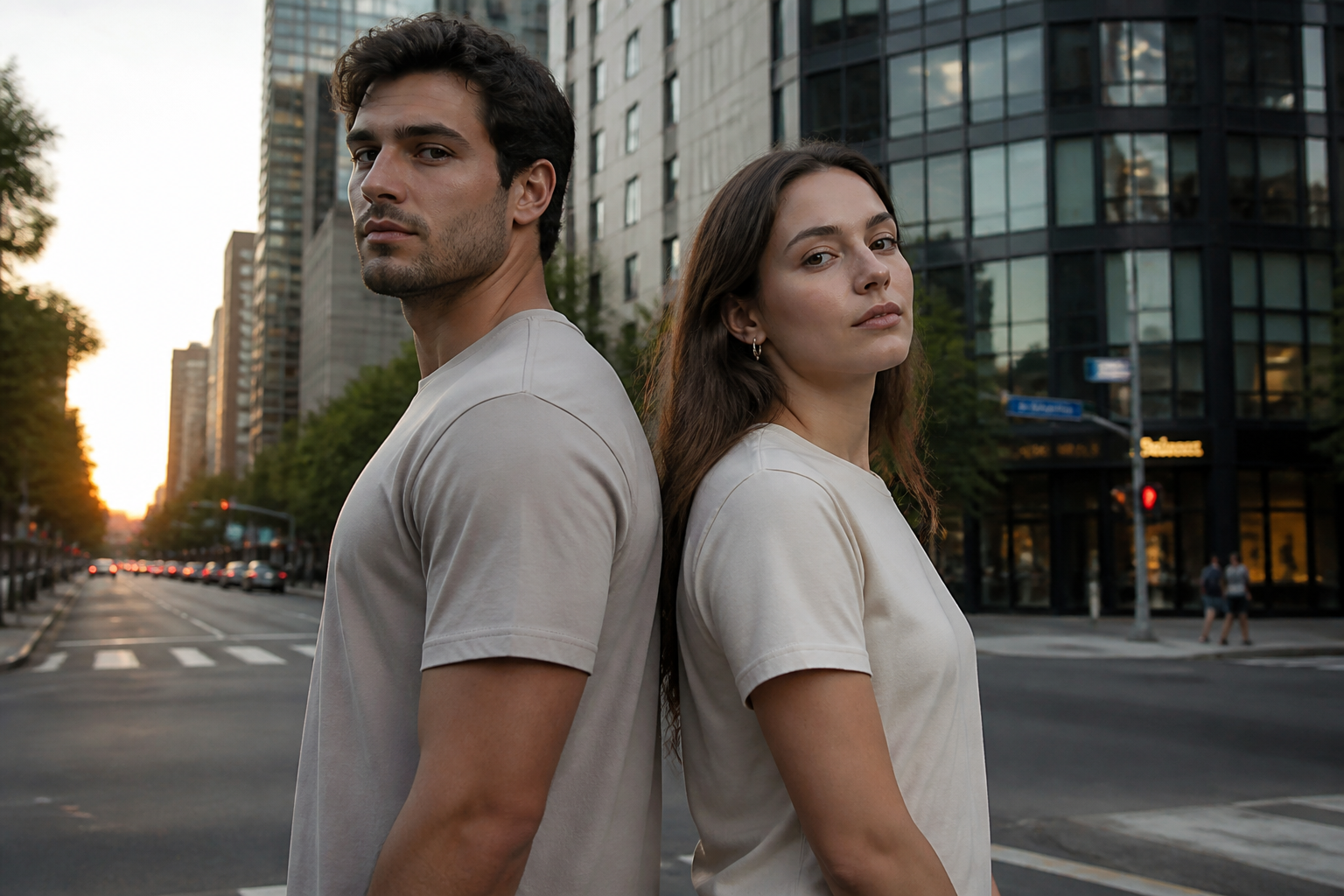 BEFORE
 AFTERBEFOREAFTERBEFOREAFTERBEFOREAFTERBEFOREAFTERBEFOREAFTER
Key Features
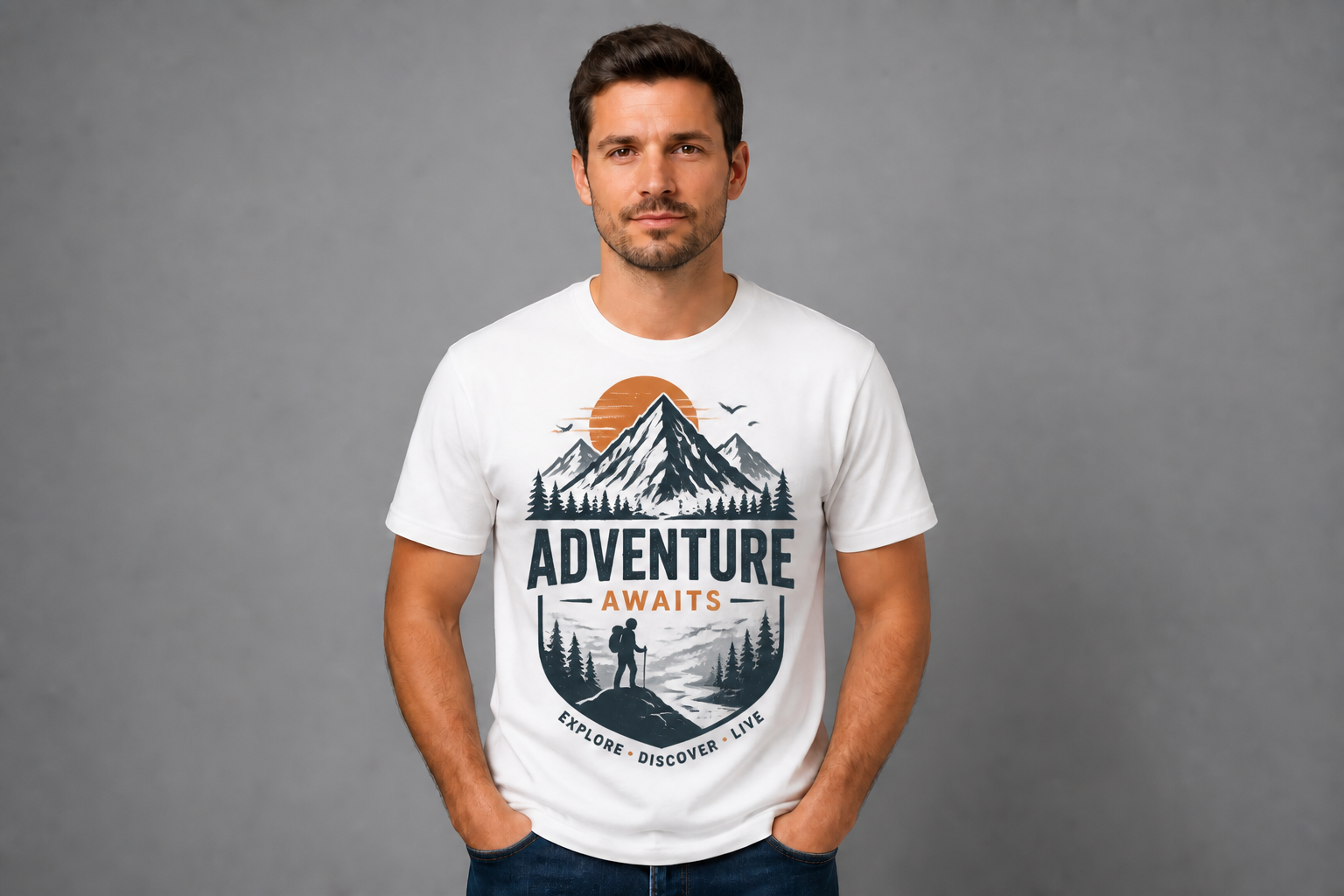
Swap designs in seconds
Test a new print on the same shirt without rebuilding the whole image. This makes it easy to compare typography, illustration, and logo options while keeping pose, wrinkles, and lighting consistent. Manual mockup work usually means placing artwork by hand and adjusting distortions one by one. Our AI gives you a fast first pass that already looks presentation-ready.
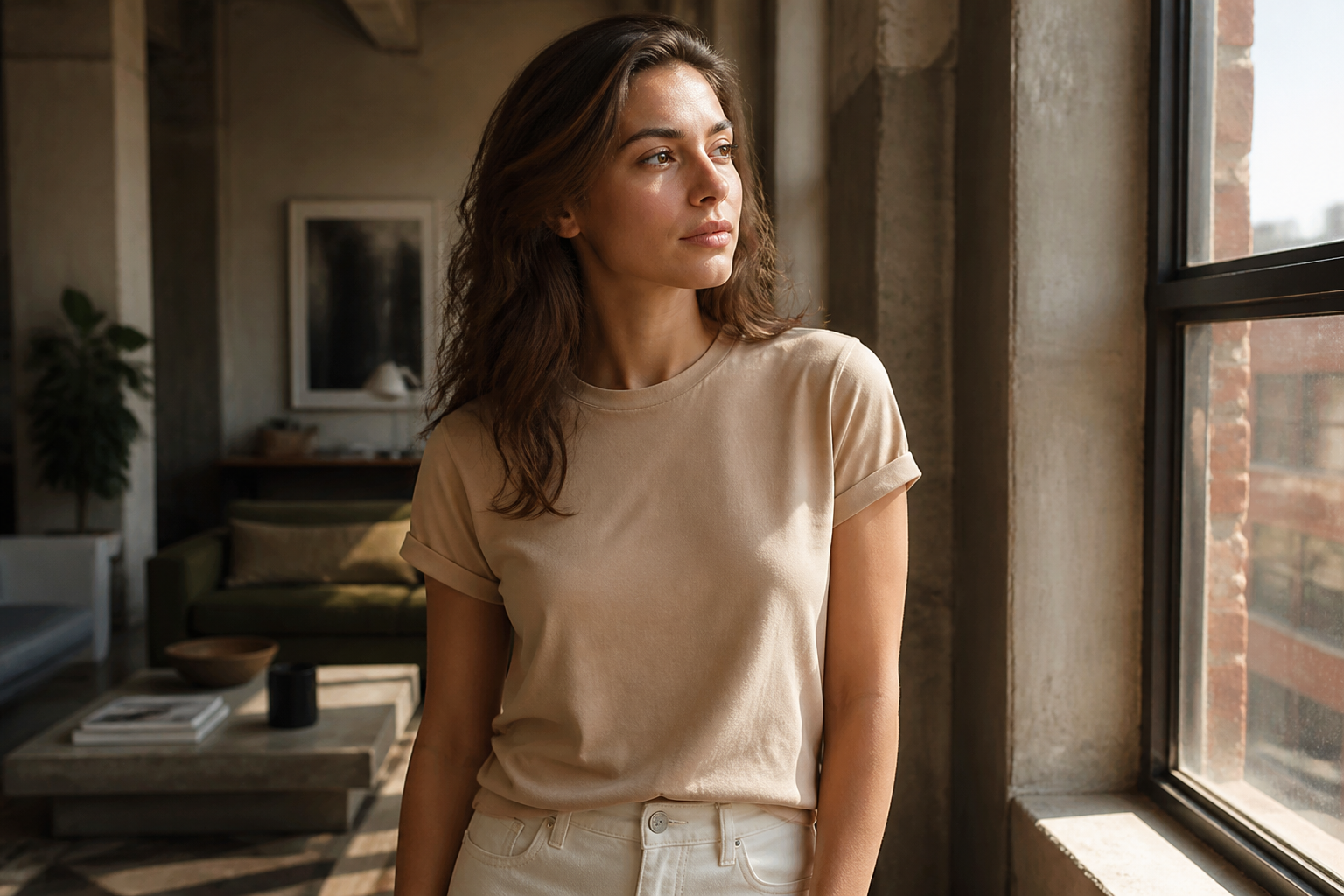
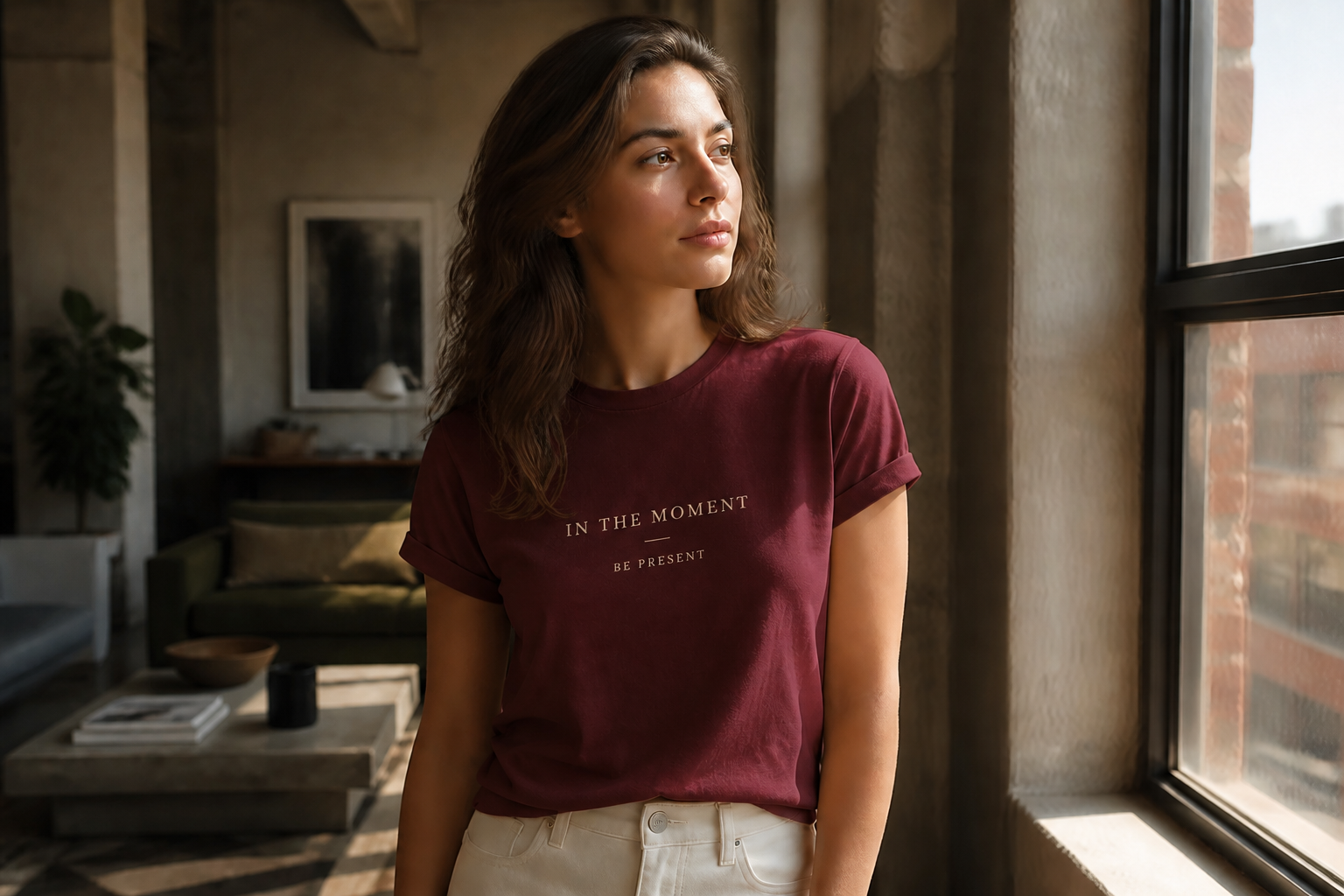
Change colors and mood
You can preview the same shirt design in different garment colors and settings to see what sells best. That helps you create more store images and ad variants from one source photo. Doing this manually often means setting up separate files for each color and background. Our AI handles the visible changes in one edit so you can review options faster.
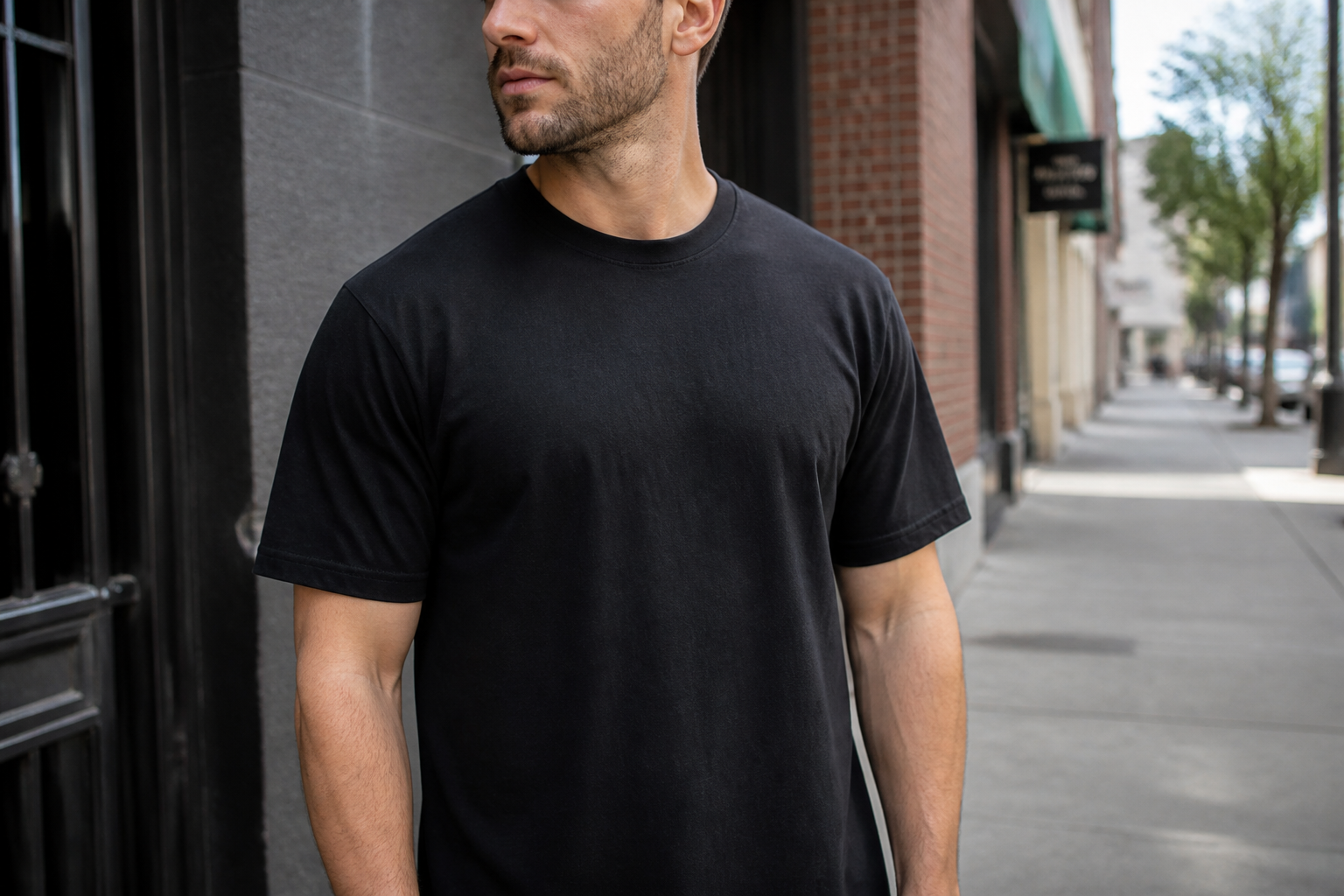
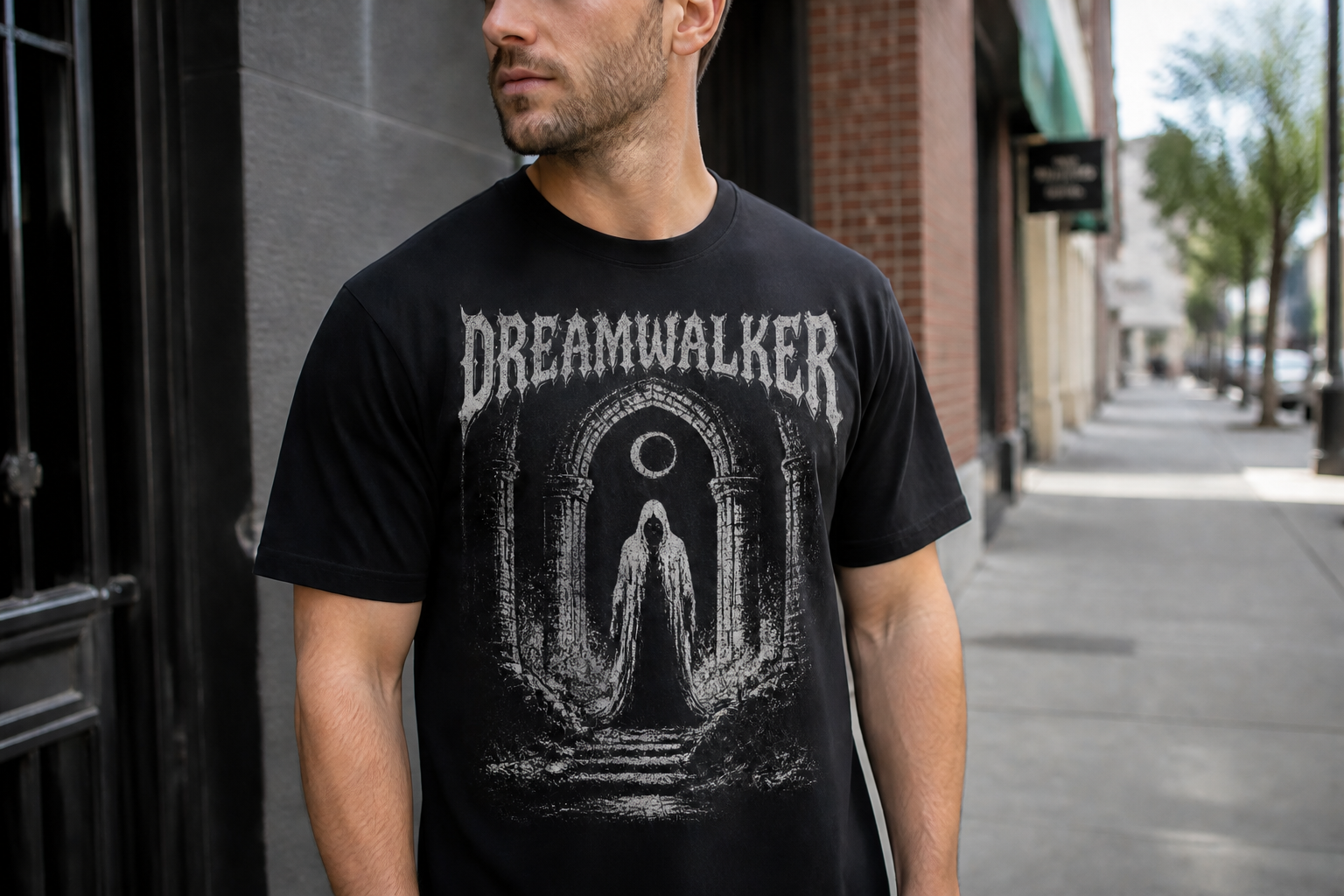
Keep fabric looking real
Good mockups need believable folds, seams, and print placement. The goal is not just changing the artwork, but keeping the shirt looking like an actual garment in the scene. That is where flat overlays often break and start to look pasted on. Our AI is designed to preserve the natural drape and lighting so the result reads like a real product photo.
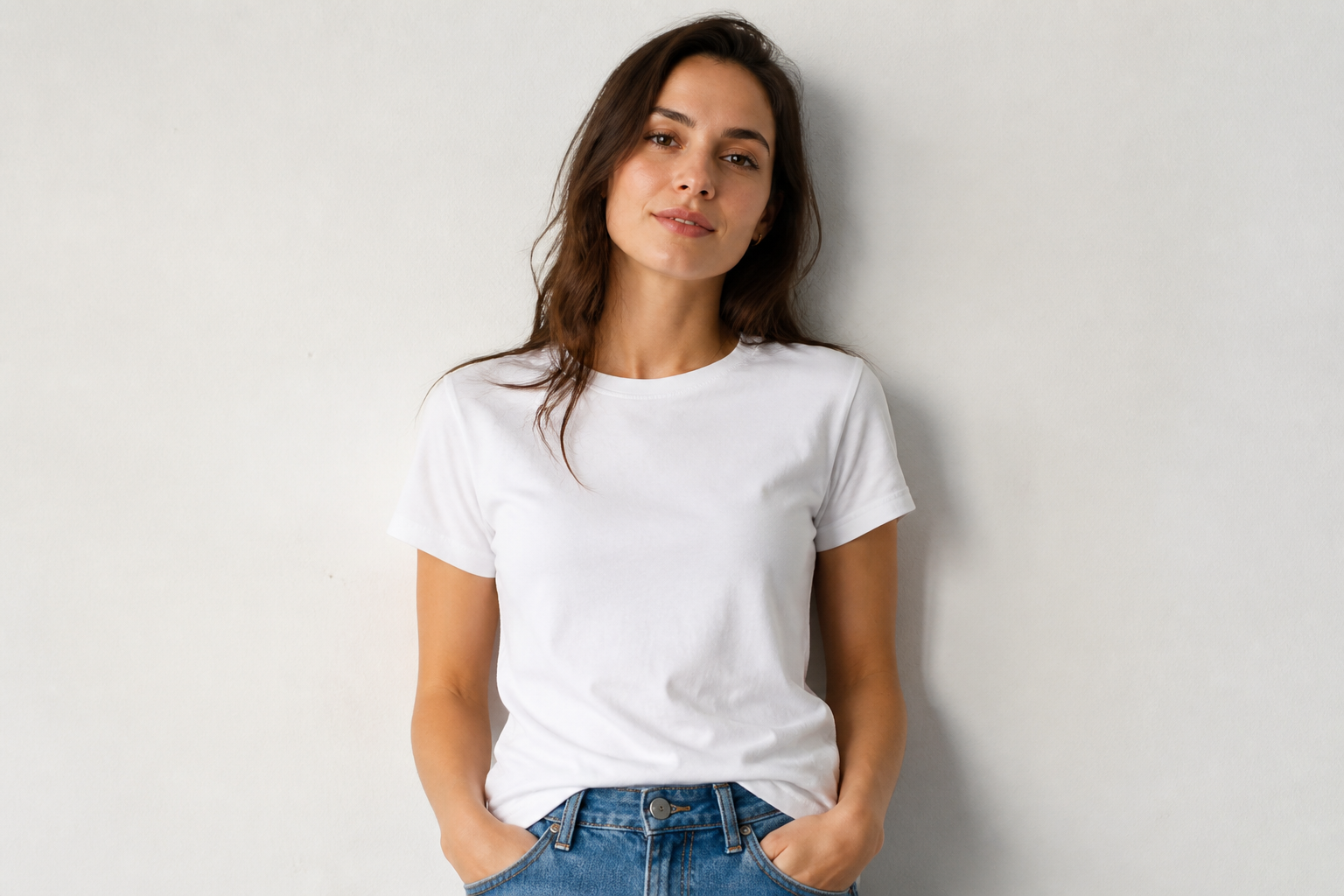
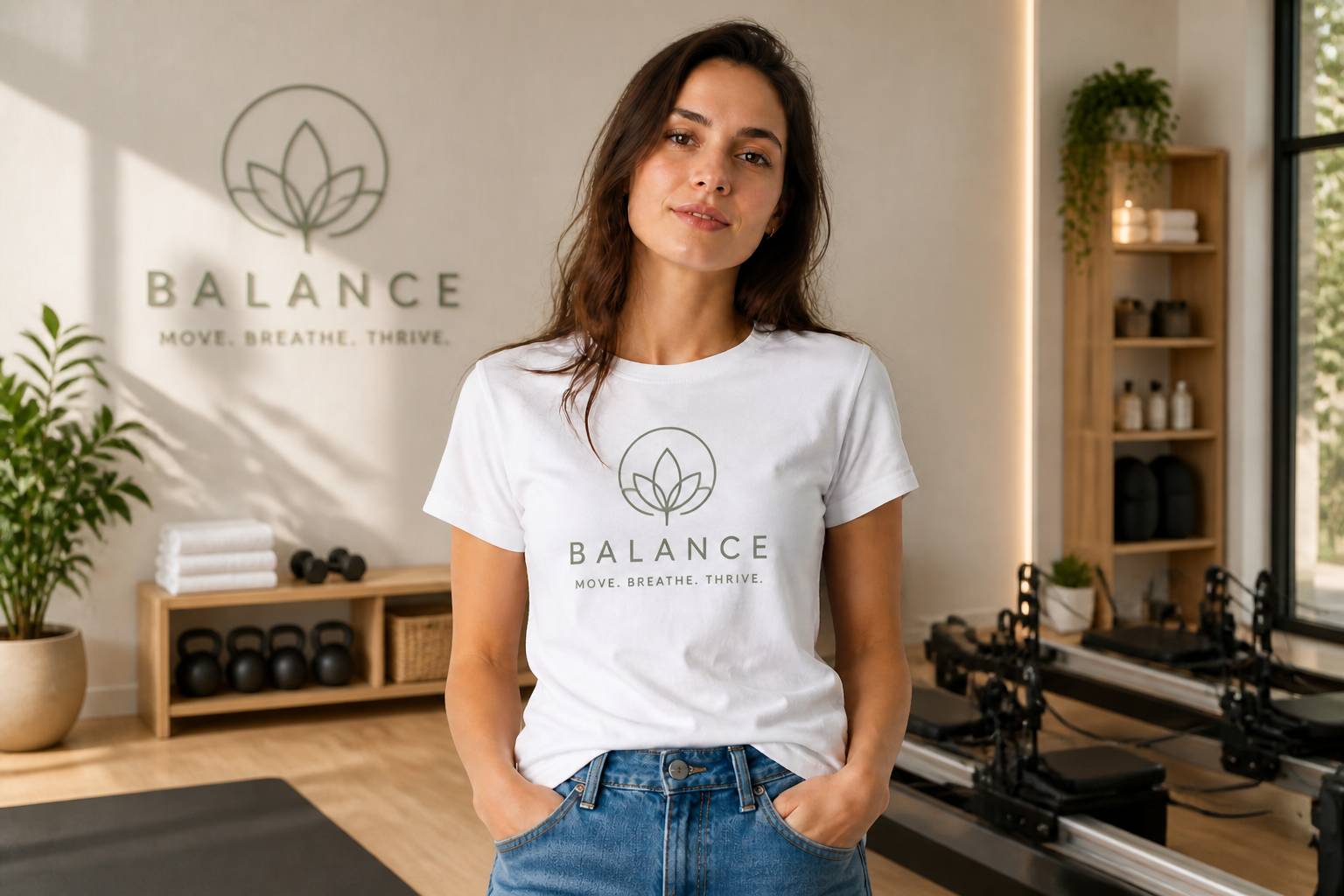
Create lifestyle variants
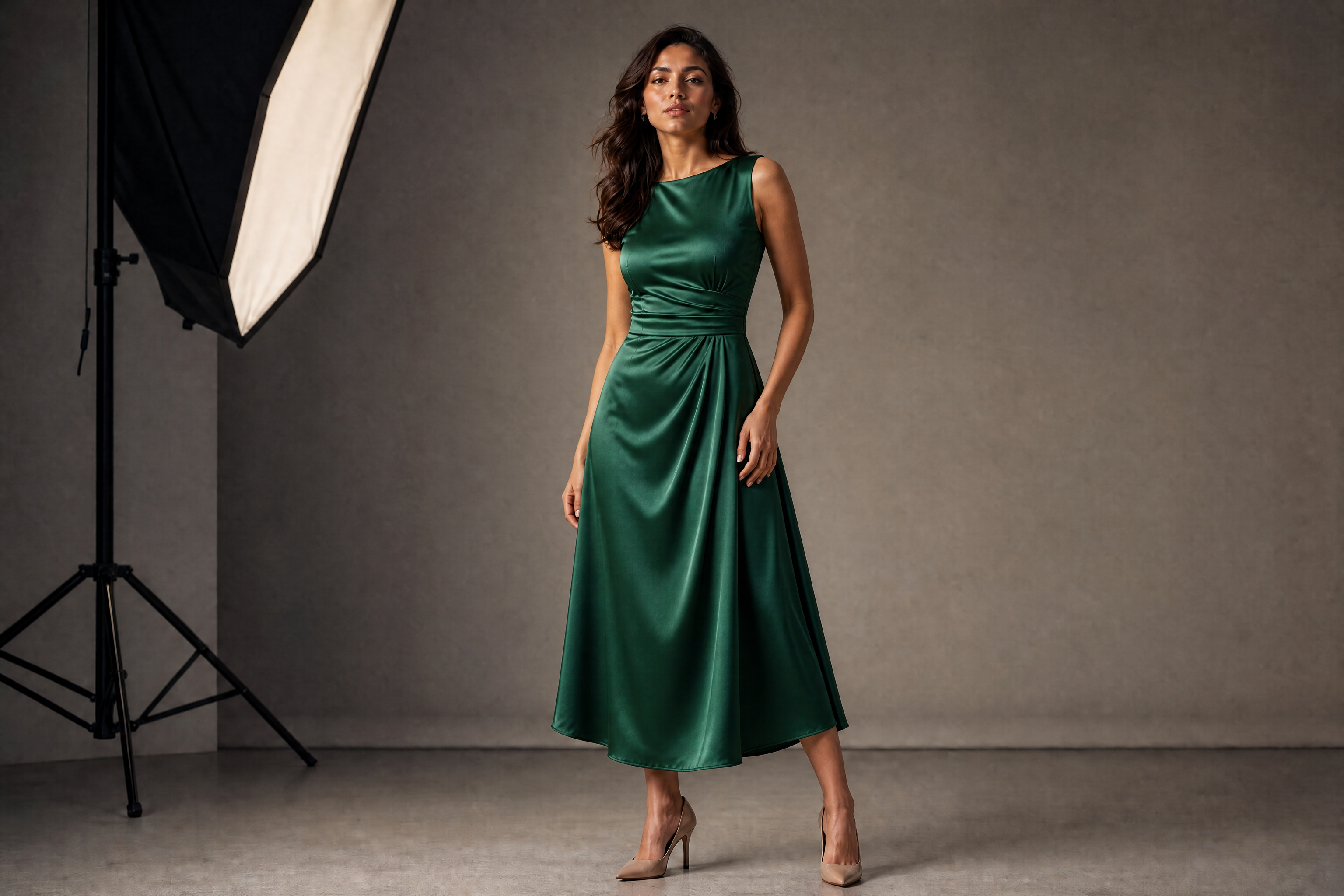
A strong catalog usually needs more than one background. You can turn a plain shirt image into multiple lifestyle mockups that feel suited to different audiences, from streetwear to fitness to cafe scenes. That saves time when you need content for product pages, social ads, and launch posts. Instead of planning several shoots, you can generate a broader visual set from the same concept.
How It Works
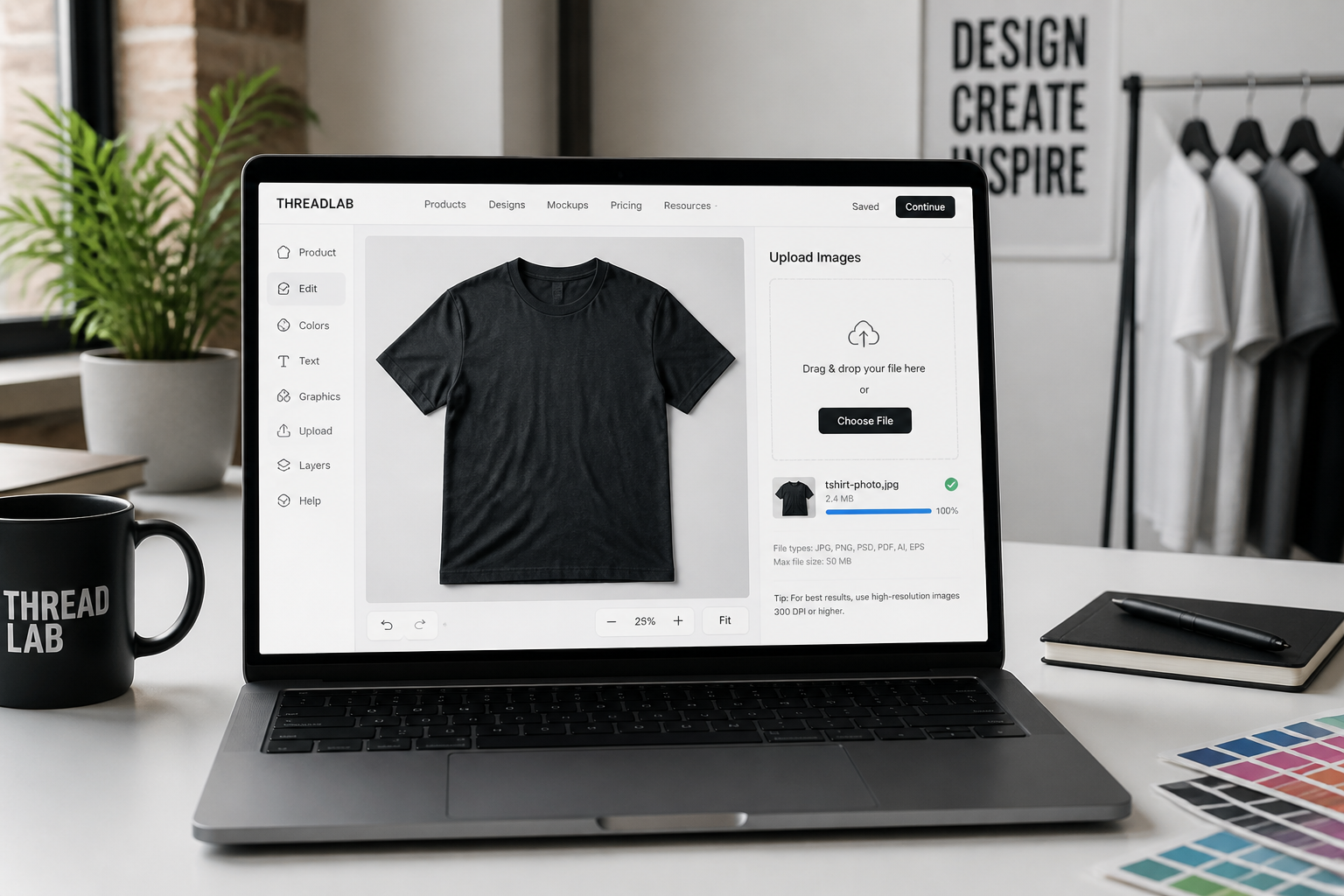
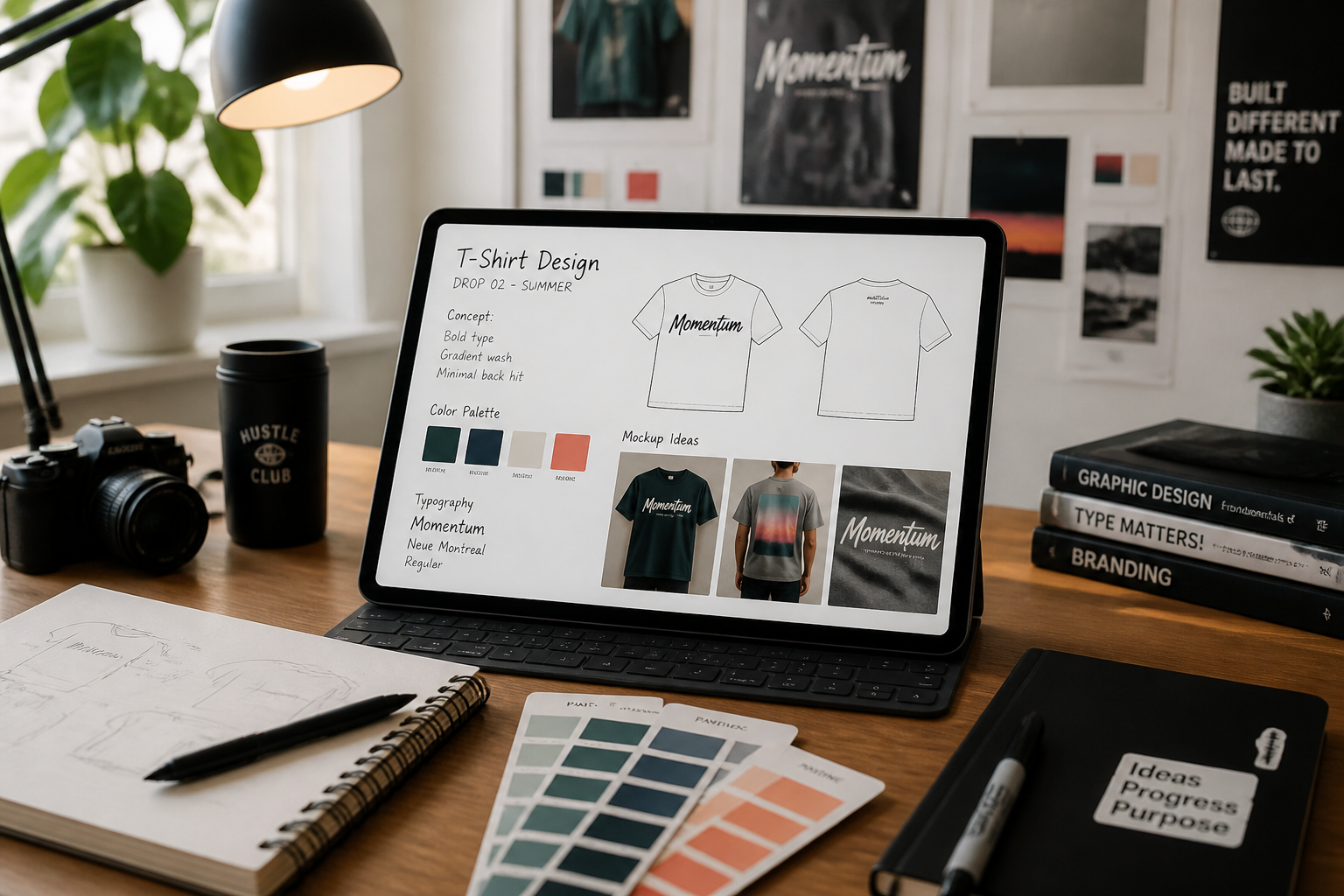
Upload your shirt image
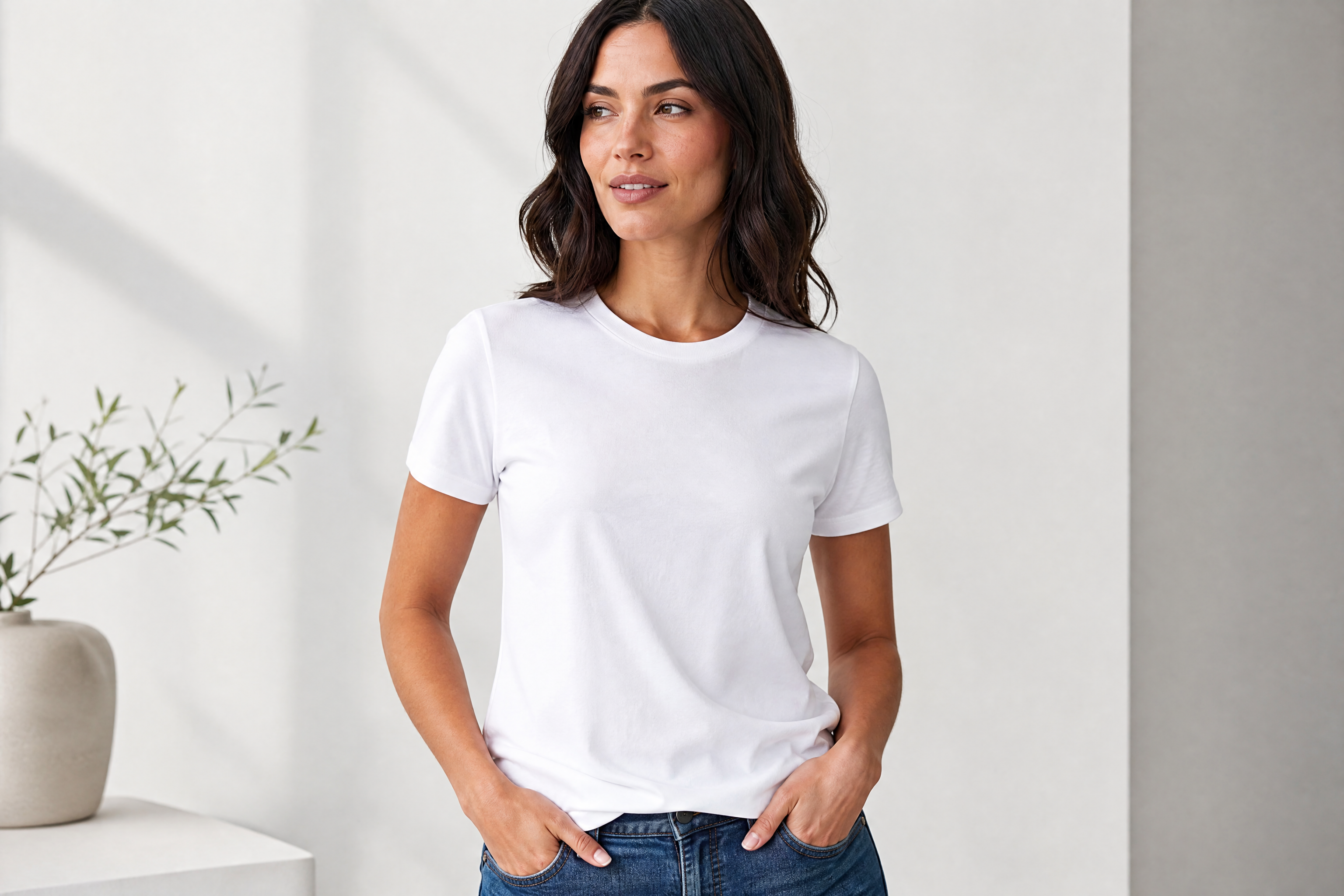
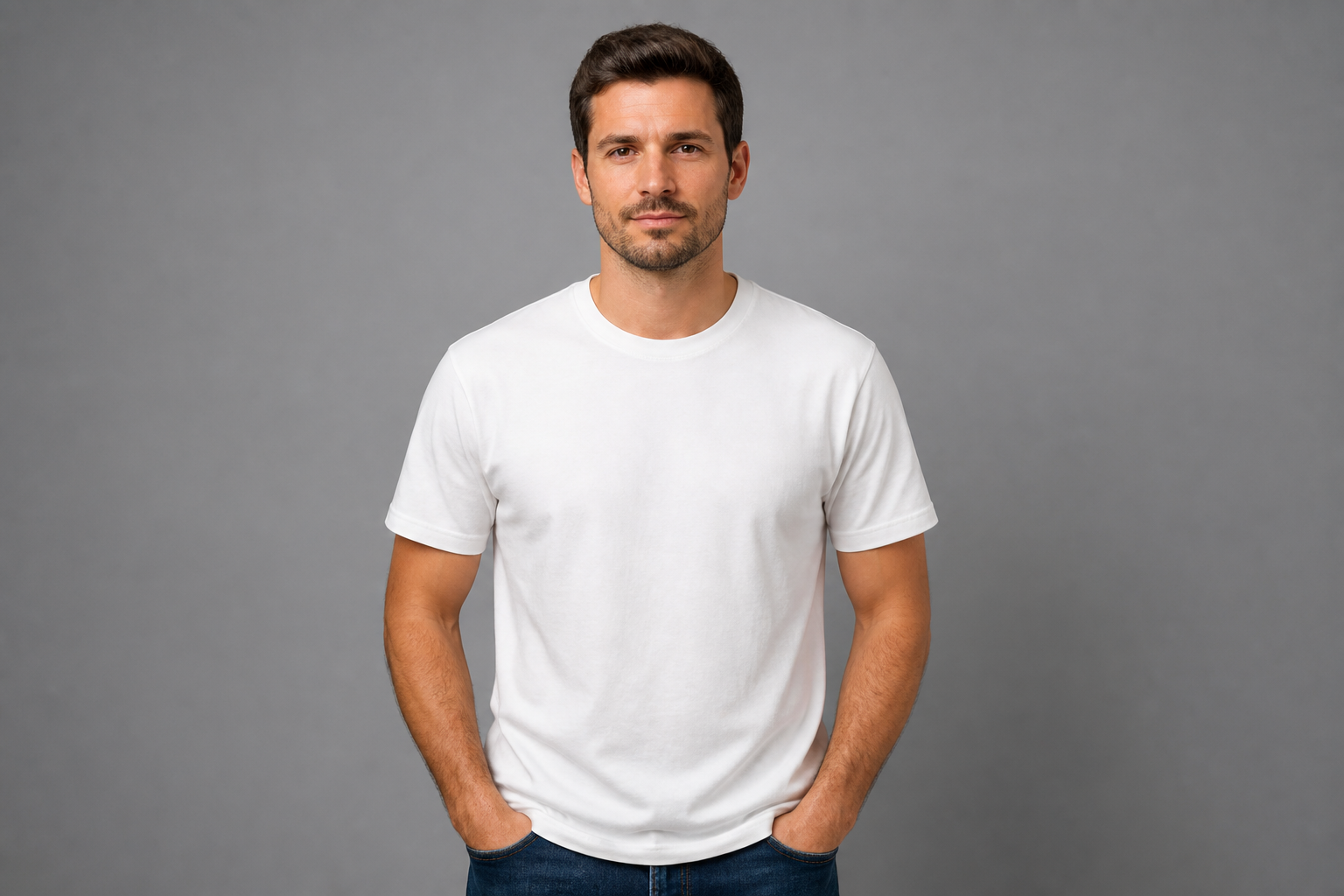
Start with a clear photo of a plain shirt, flat lay, or model shot. Front-facing views with visible fabric and simple lighting usually give the cleanest mockups.
Describe the mockup
Tell our AI what to change, like the print, shirt color, fit vibe, or scene. You can keep it simple or specify details such as vintage graphic, oversized streetwear look, or ecommerce studio style.
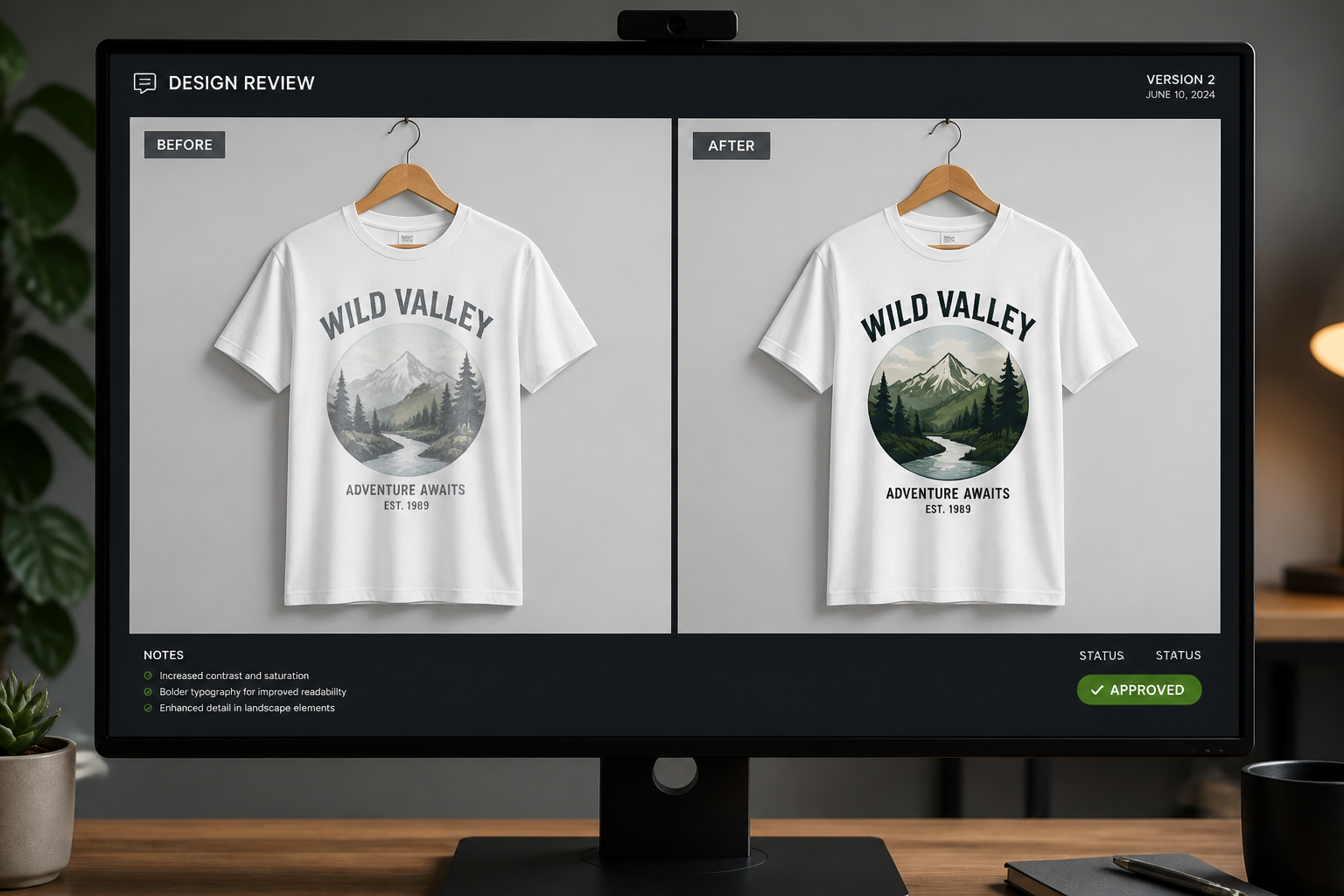
Review and refine
Compare the result, then rerun with new colors, artwork, or settings if needed. In a few rounds, you can build a full set of product visuals for your store or campaign.
Perfect For
Discover how creators and professionals use ai t-shirt mockup generator
Ecommerce product images
Create cleaner product visuals for listings without arranging a full reshoot for every design and color.
Print-on-demand testing
Preview multiple graphics on the same shirt style before you commit to a launch.
Paid social creatives
Generate fast apparel variations for ads so you can test which concept gets attention.
Brand presentation decks
Show shirt concepts in realistic scenes when pitching a collection to clients or teammates.
Built For
Clothing brands
Build product pages, lookbooks, and launch visuals faster without waiting on every sample photo.
Print-on-demand sellers
Try more design ideas on more shirt styles before spending money on production or ad creative.
Design freelancers
Present apparel concepts in believable mockups that help clients understand the final look.
Why use it for T-shirt mockups
A quick look at how we compare on the things that matter for this niche.
| Feature | BudgetPixel | Generic AI editors | Manual editing apps |
|---|---|---|---|
| Fast mockup variations | ✓ | ✓ | — |
| Keeps garment context | ✓ | — | ✓ |
| Easy prompt-based edits | ✓ | — | — |
| Useful for lifestyle scenes | ✓ | ✓ | — |
| Manual placement required | — | — | ✓ |
Frequently Asked Questions
What kinds of shirt images work best?
Can I change both the design and shirt color?
Are the mockups realistic enough for online stores?
Can I make lifestyle mockups from a simple product photo?
Do I need design software experience?
Create together.
Share your creations, discover trending AI art, and grow with fellow creators.