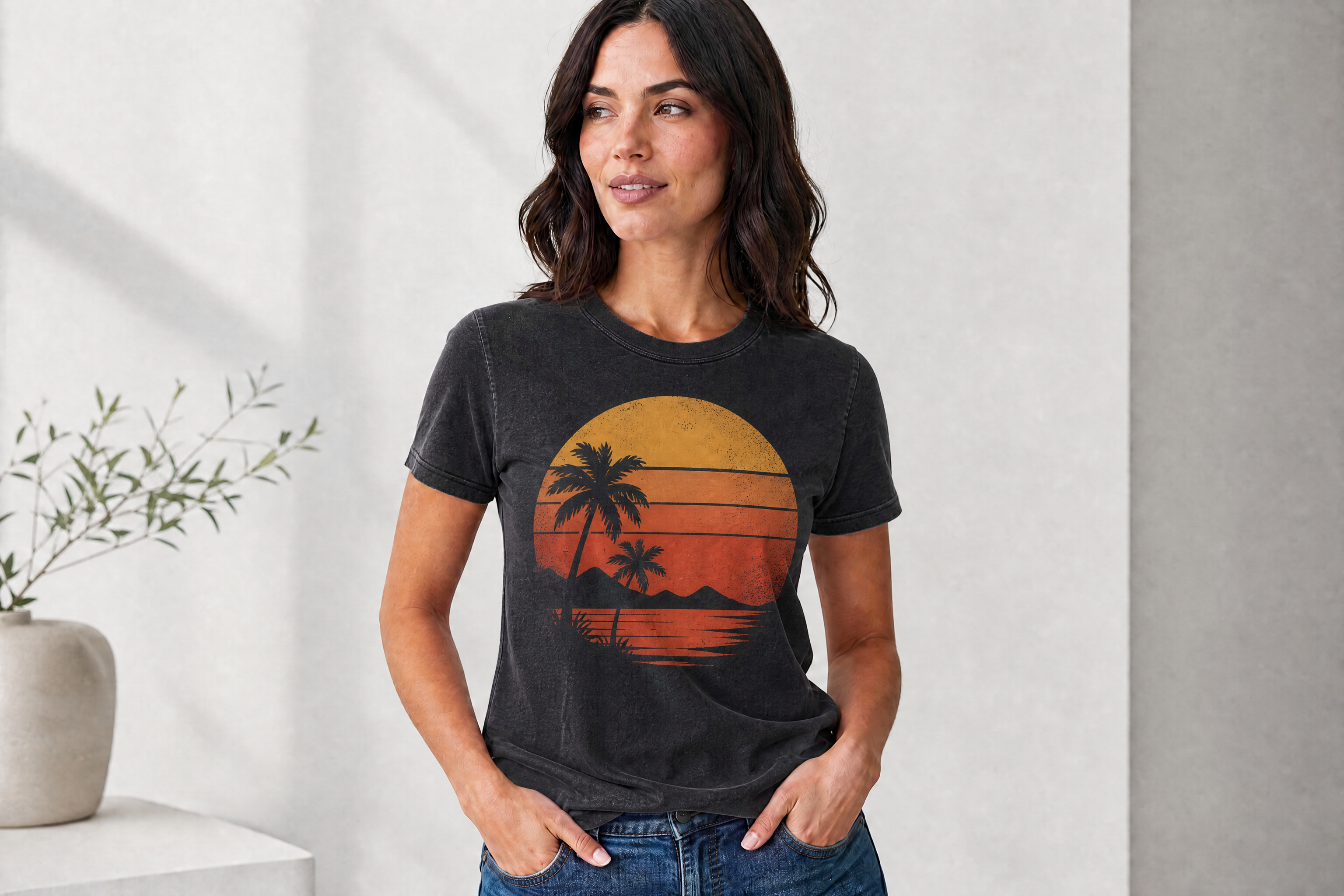
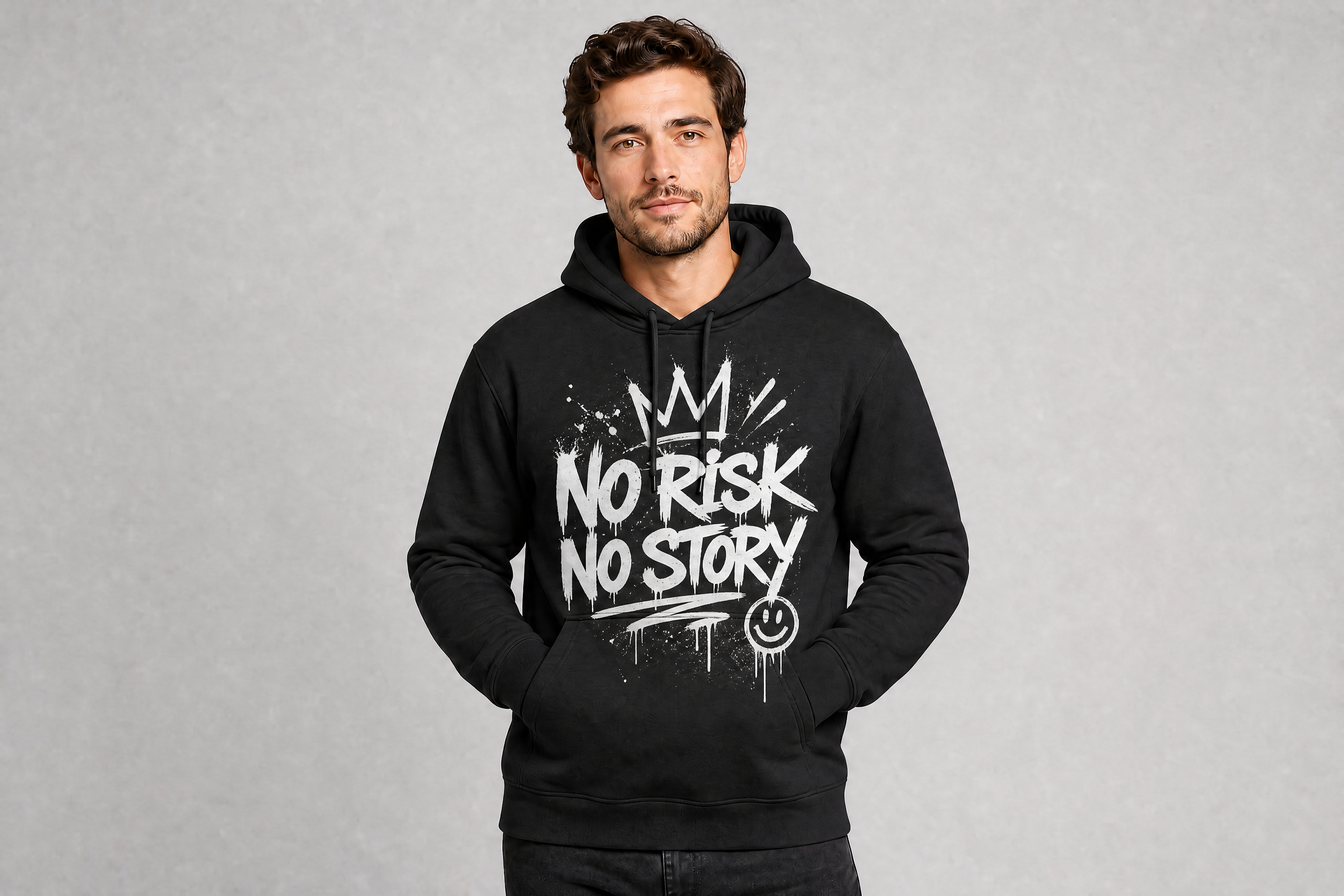
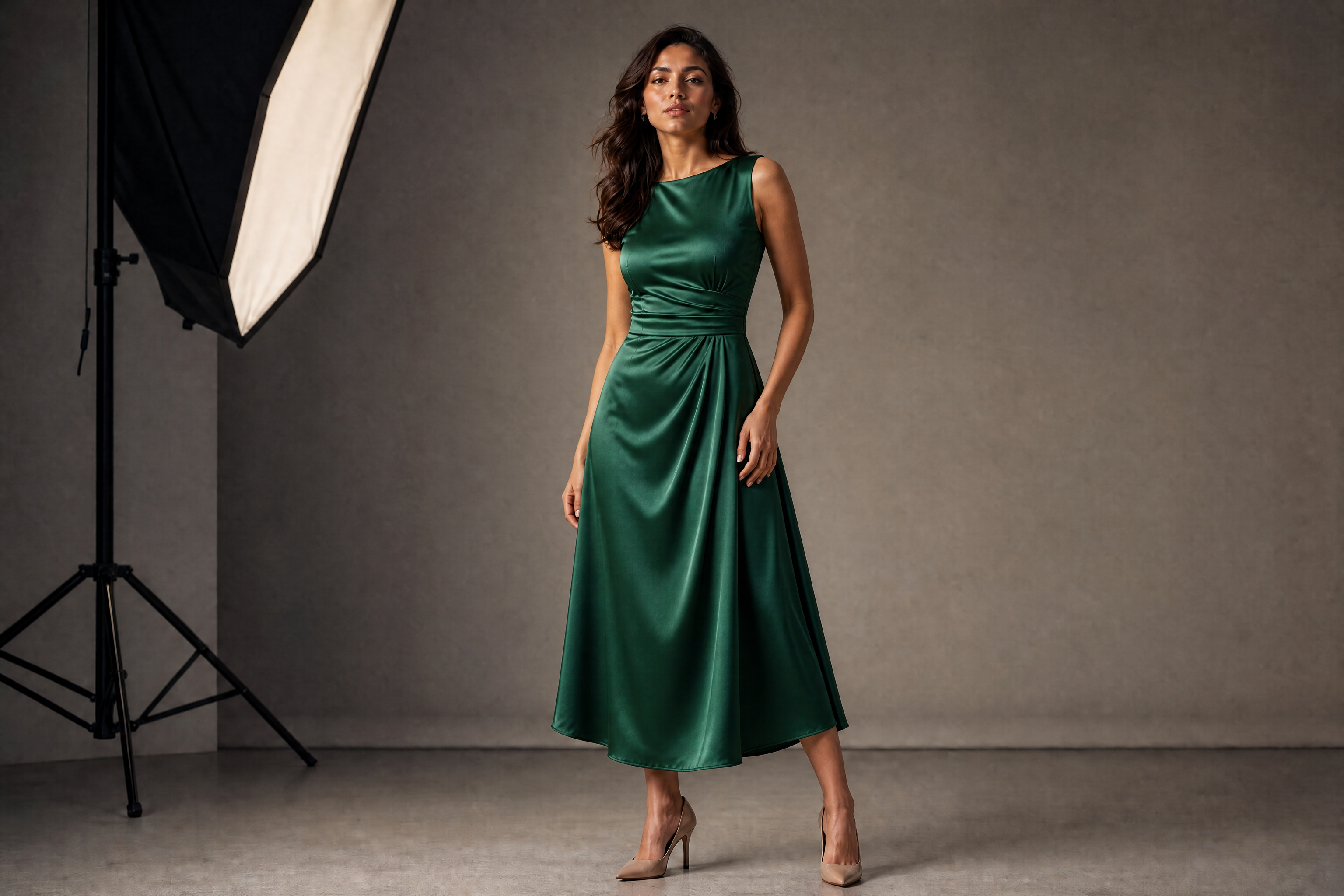
AI Clothing Mockup Generator
Turn plain apparel photos into polished mockups in minutes.
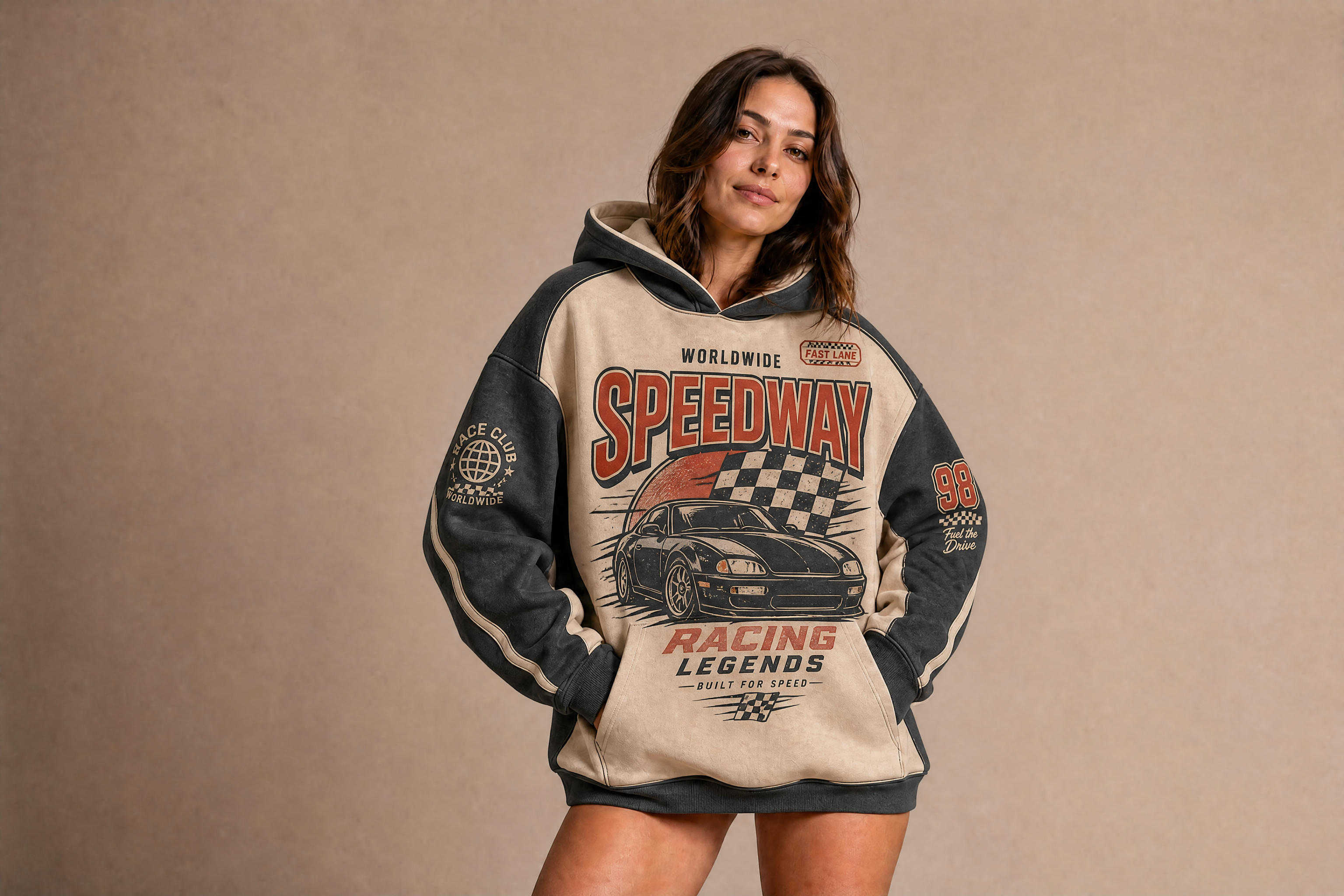
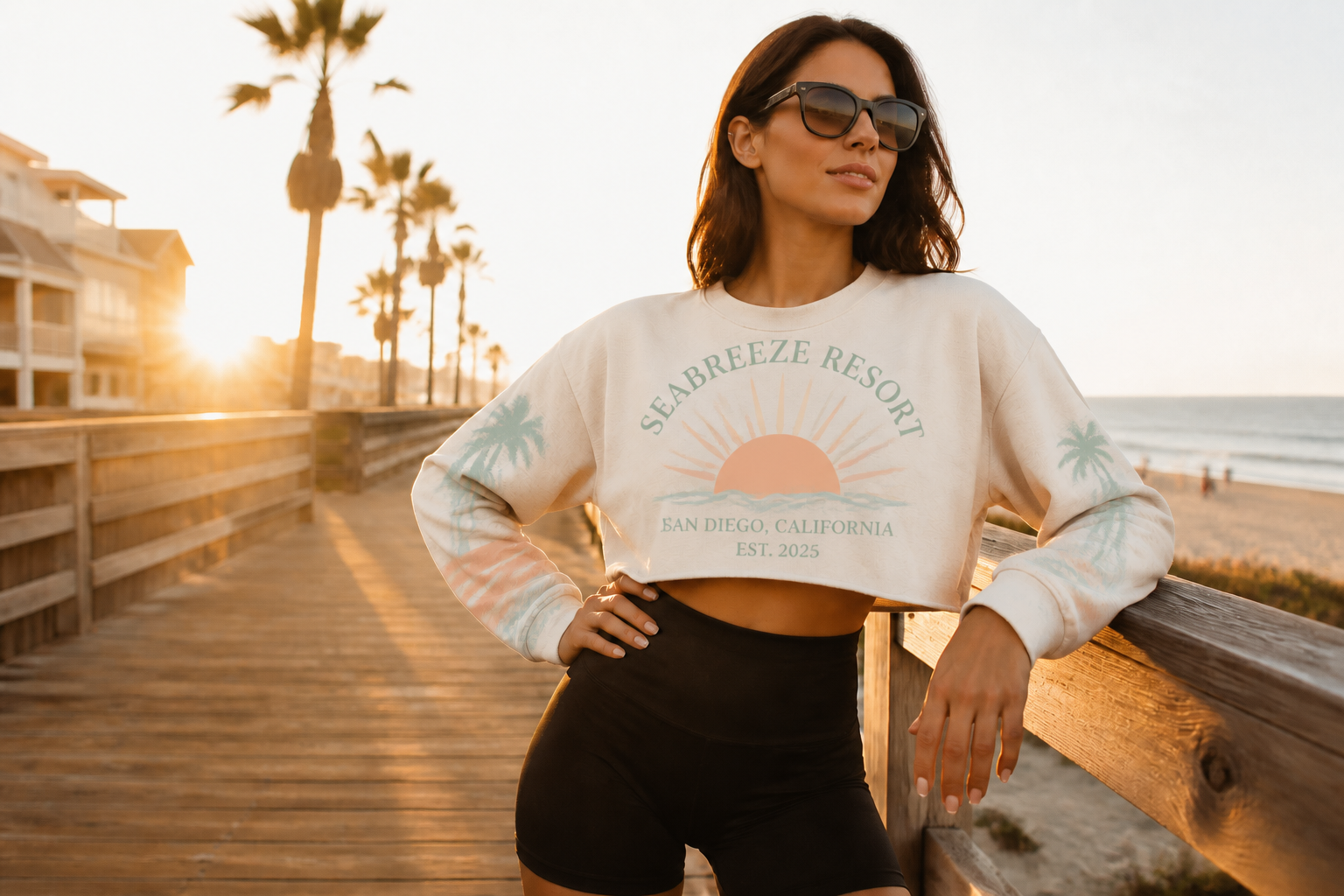
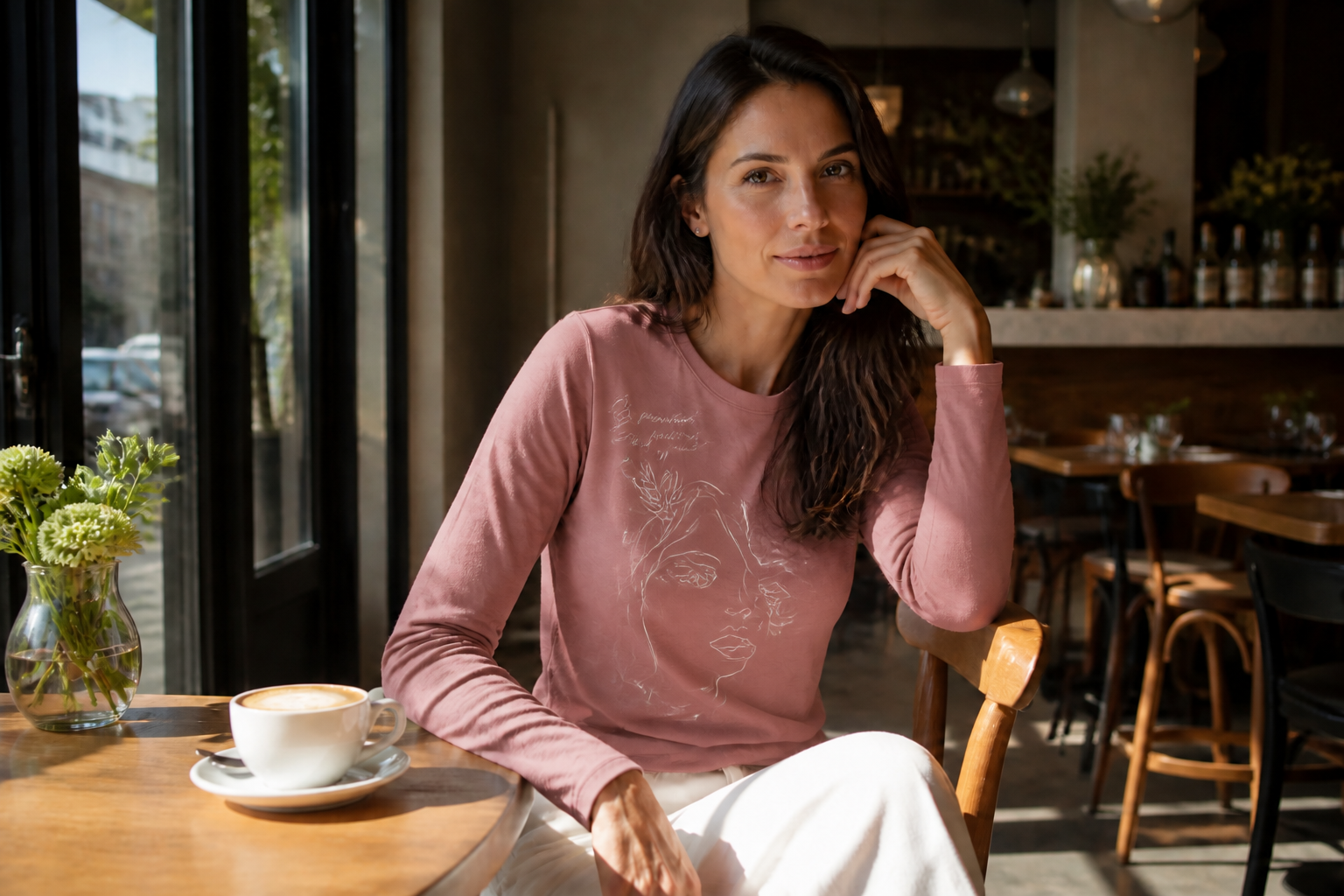
Upload a shirt, hoodie, tote, or lifestyle product shot and generate new clothing designs without rebuilding the image from scratch. Our AI can place graphics, swap colors, and preserve folds, fabric texture, and scene lighting for realistic previews.
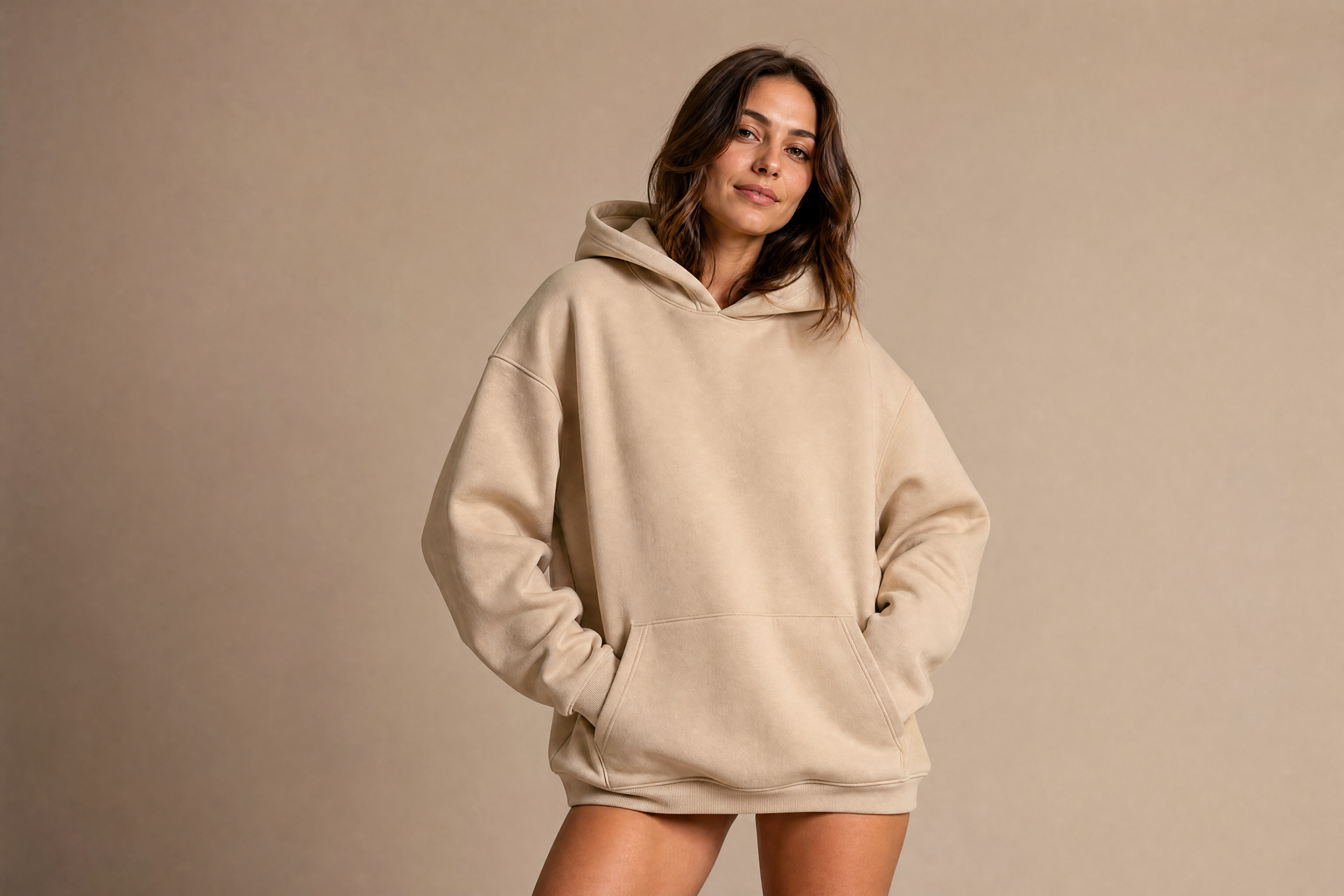
Watch the Transformation
See ai clothing mockup generator in motion — generated end-to-end by our AI.
See It In Action
Real outputs from ai clothing mockup generator.
BEFOREAFTER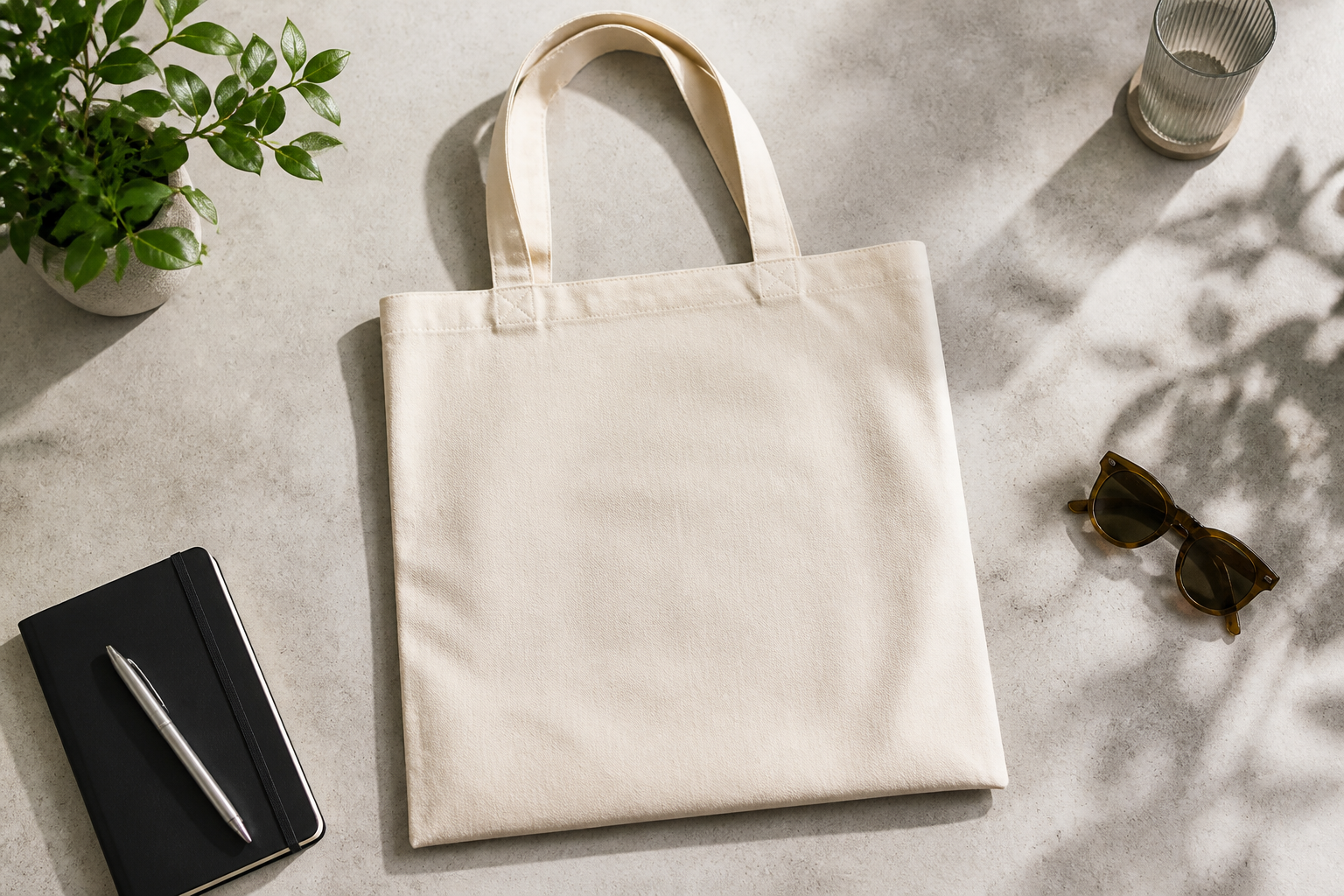 BEFORE
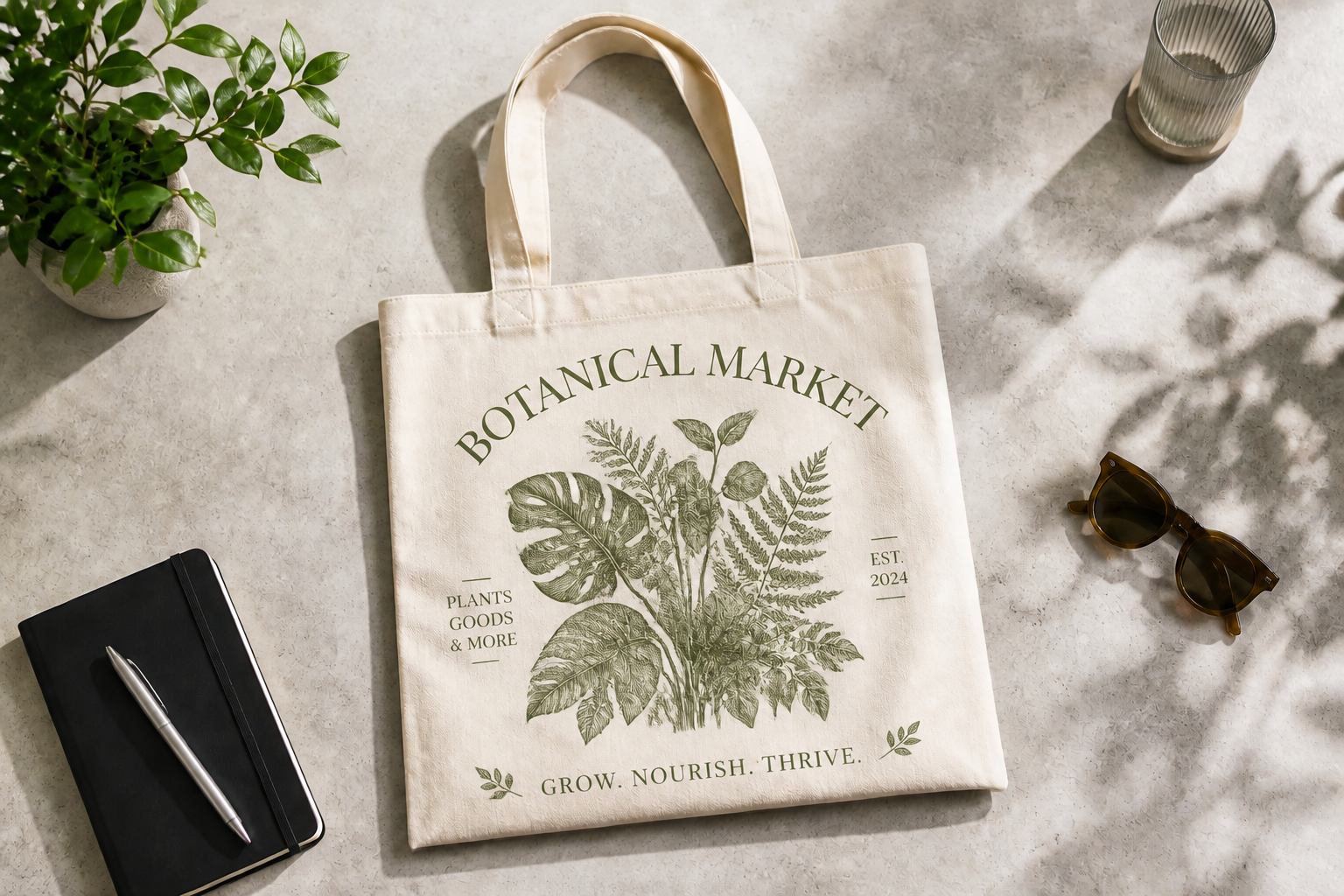 AFTER
AFTER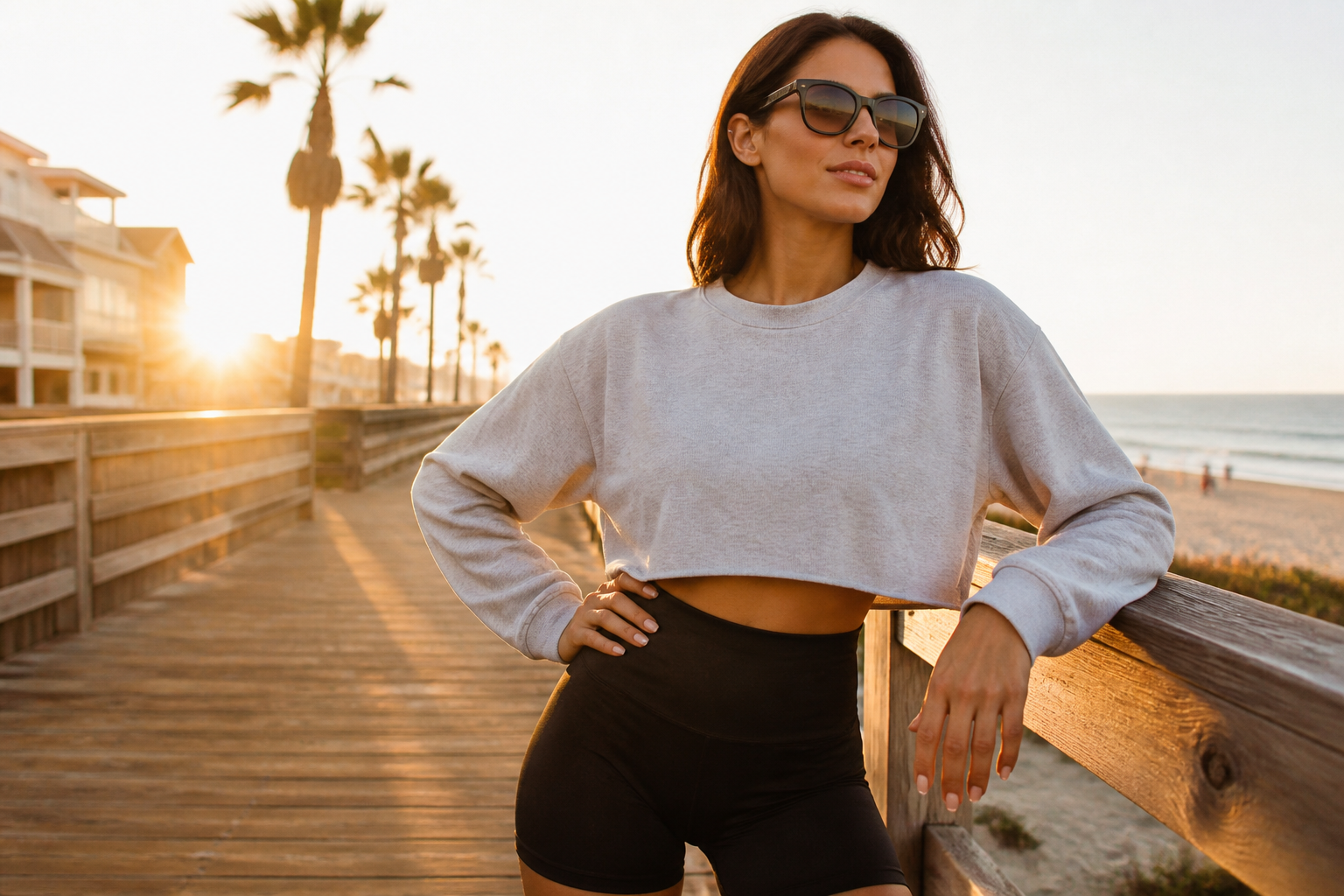 BEFORE
 AFTER
AFTER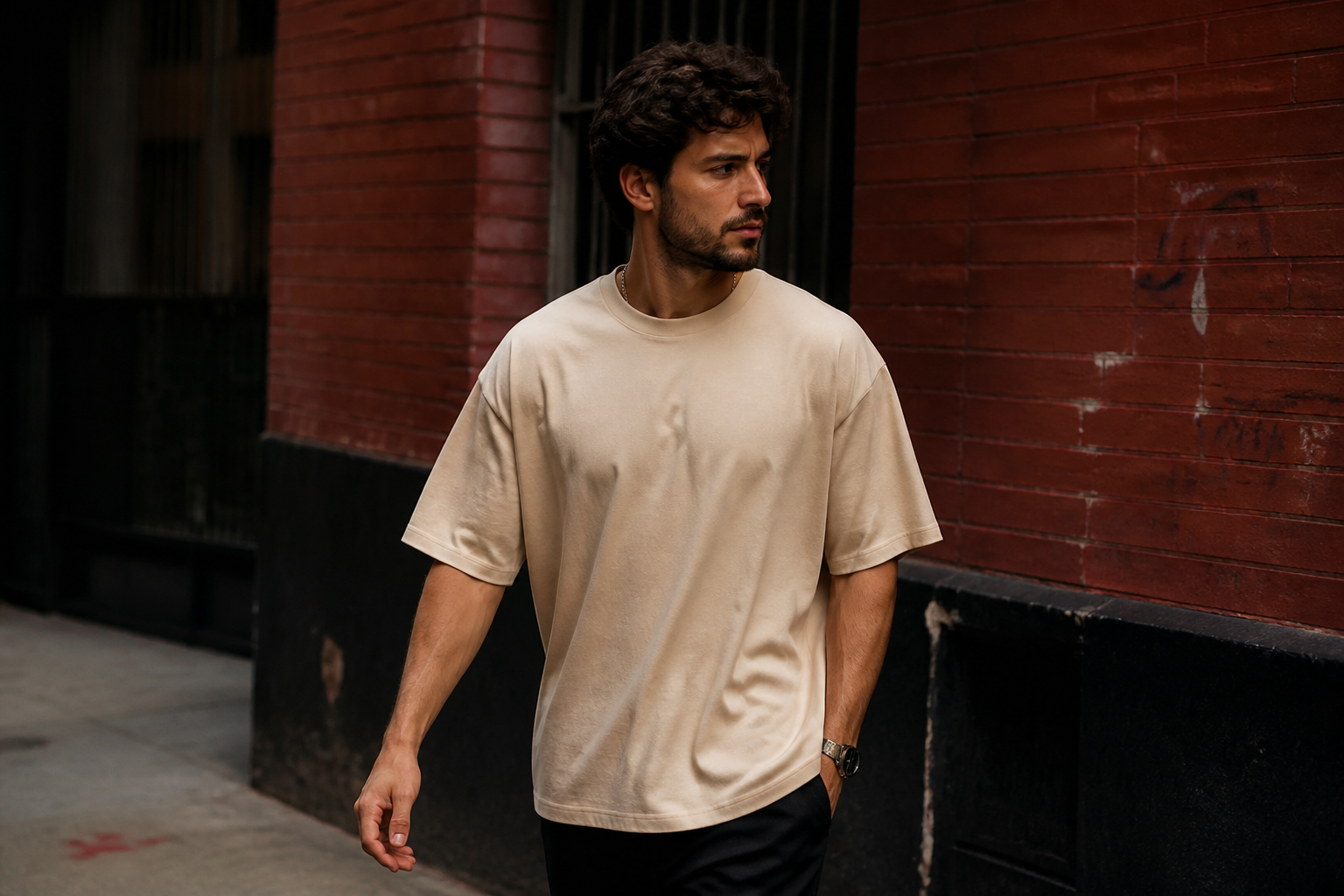 BEFORE
 AFTER
AFTER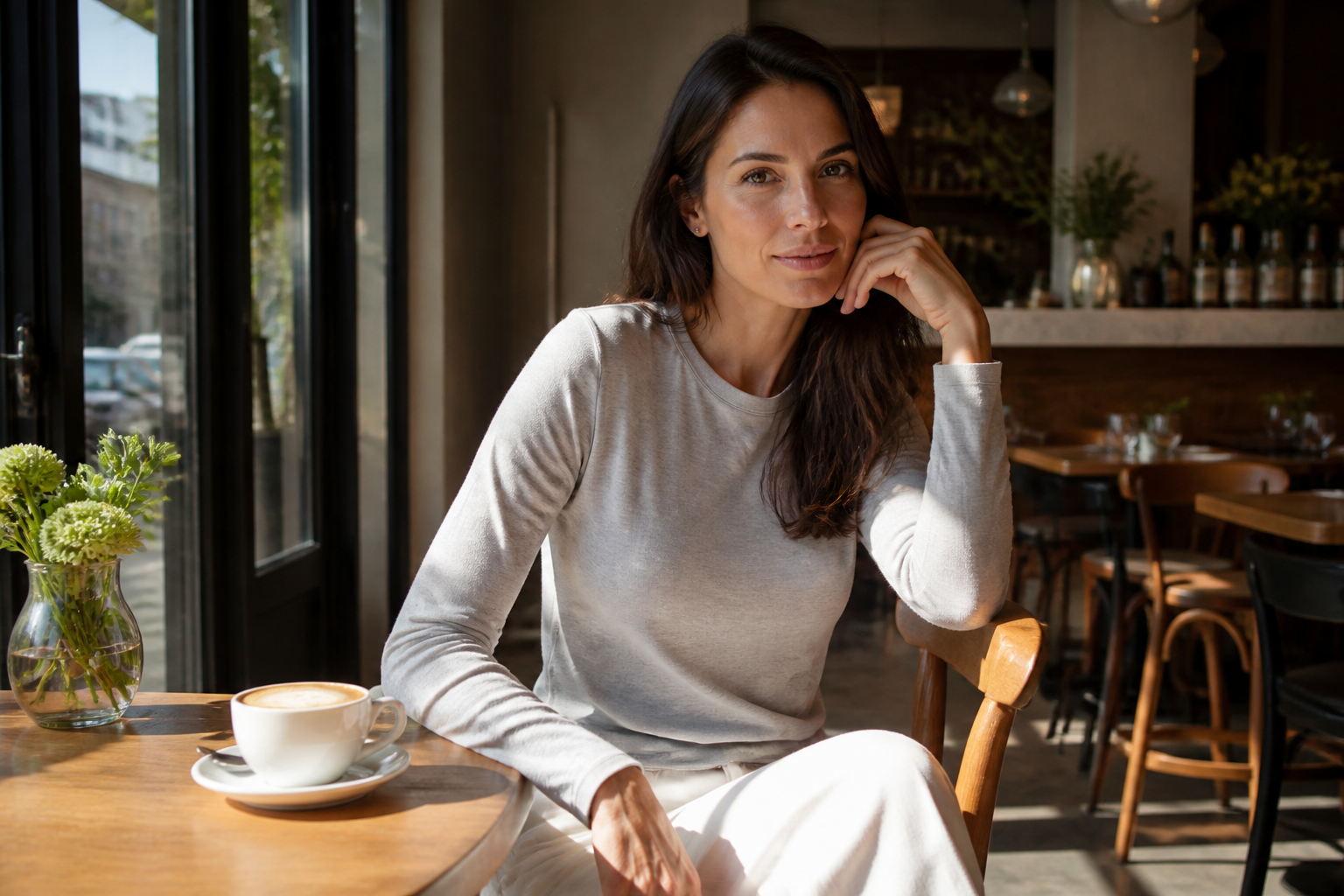 BEFORE
 AFTERBEFOREAFTERBEFOREAFTERBEFOREAFTERBEFOREAFTERBEFOREAFTER
 BEFORE
 AFTER
AFTER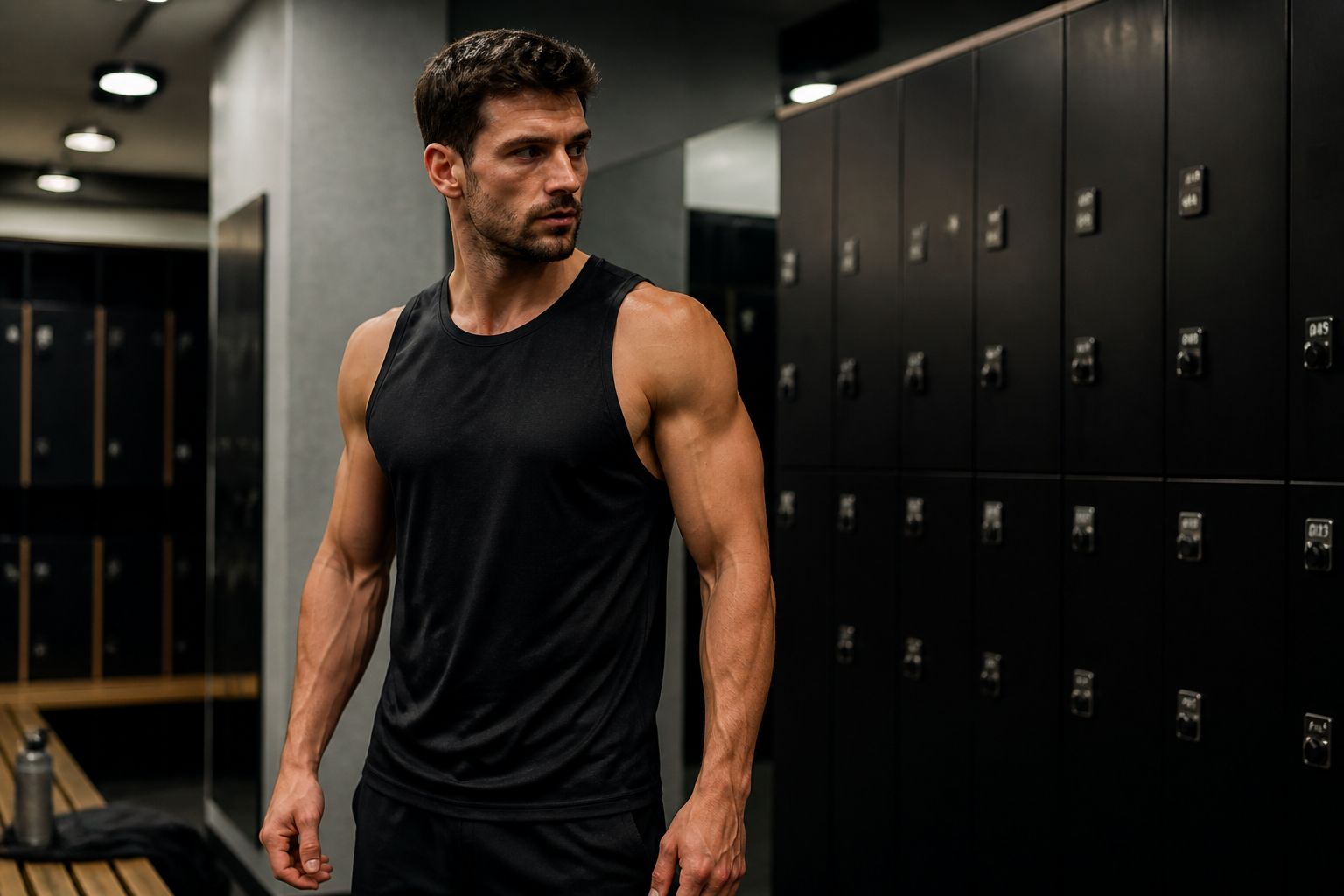 BEFORE
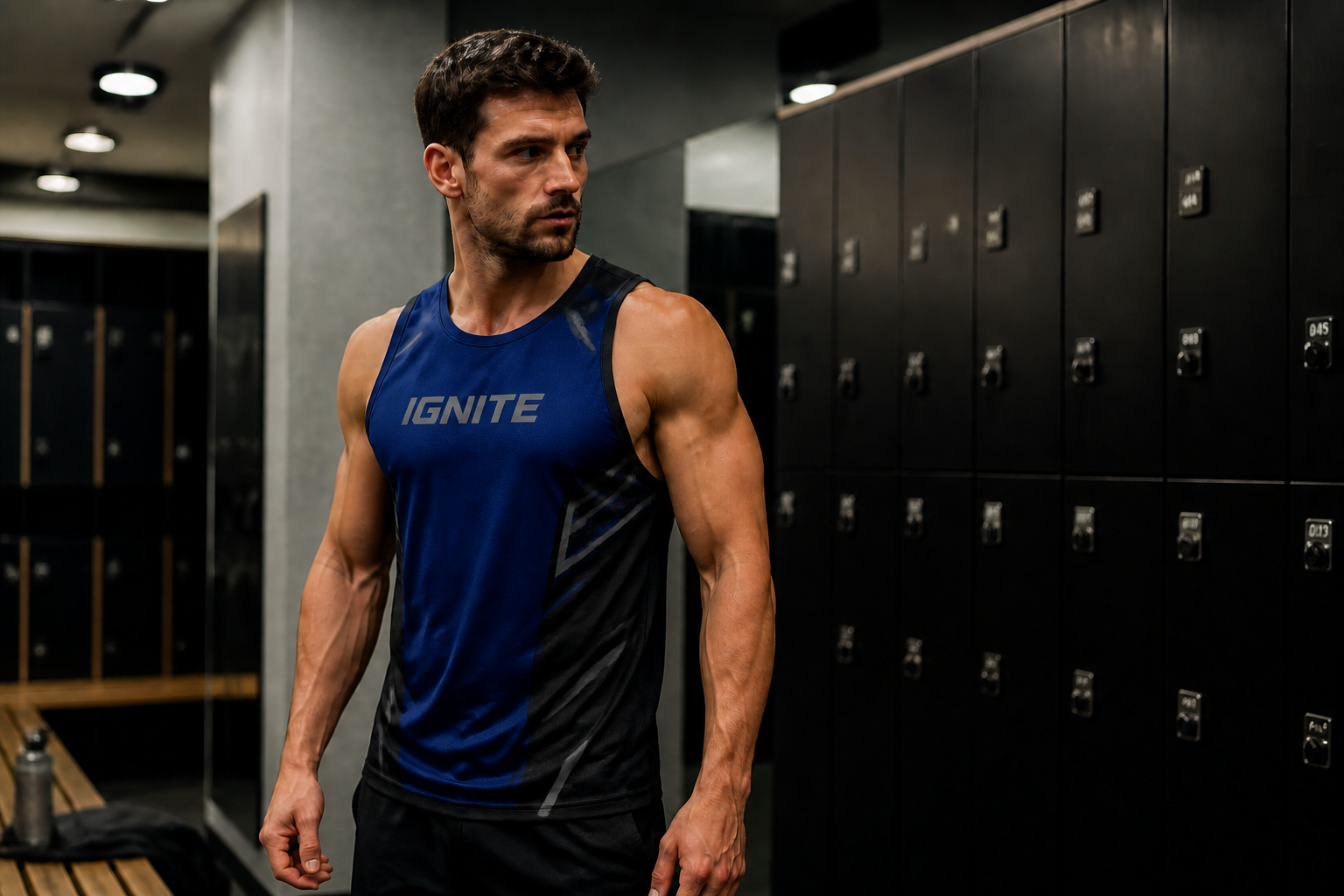 AFTER
AFTER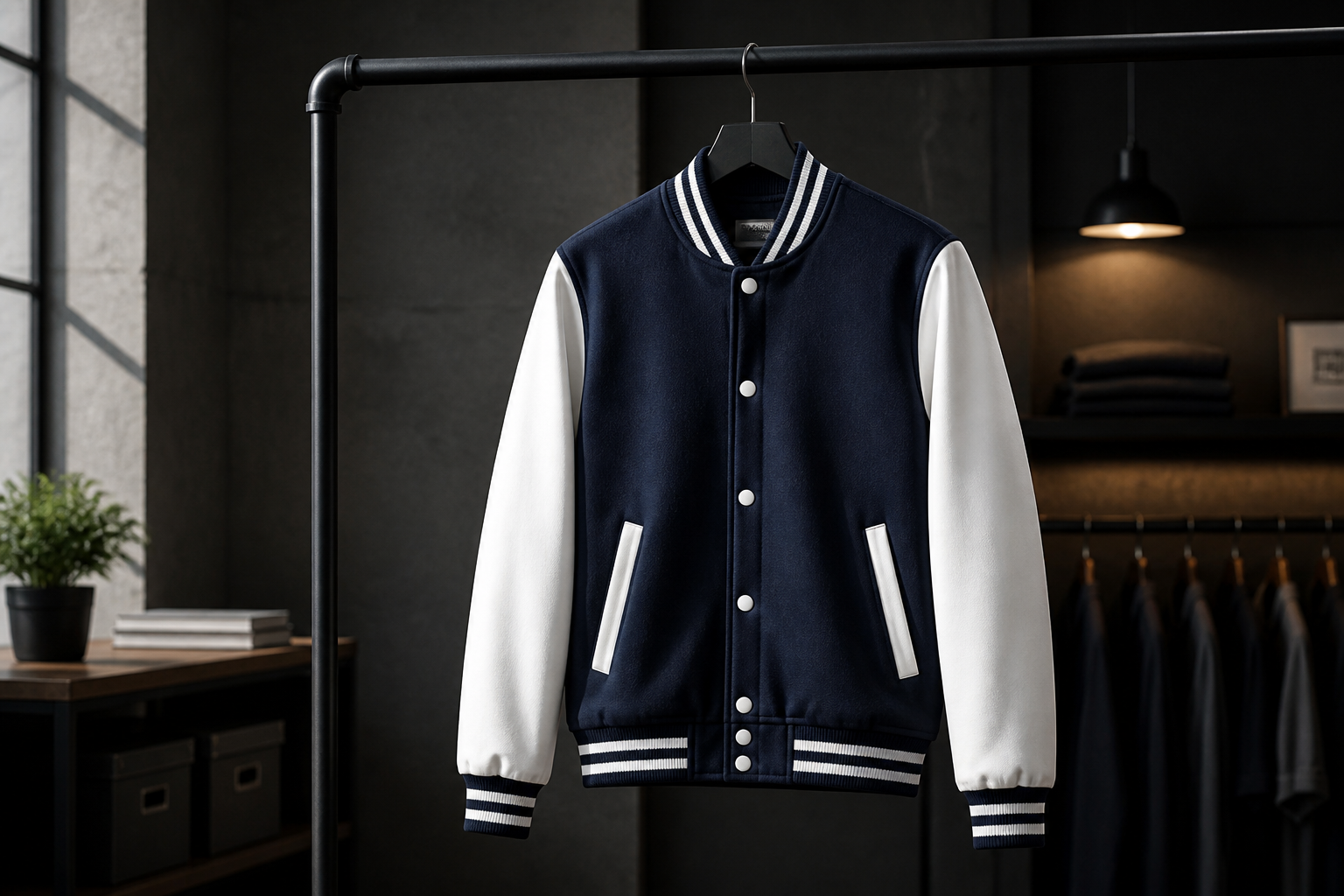 BEFORE
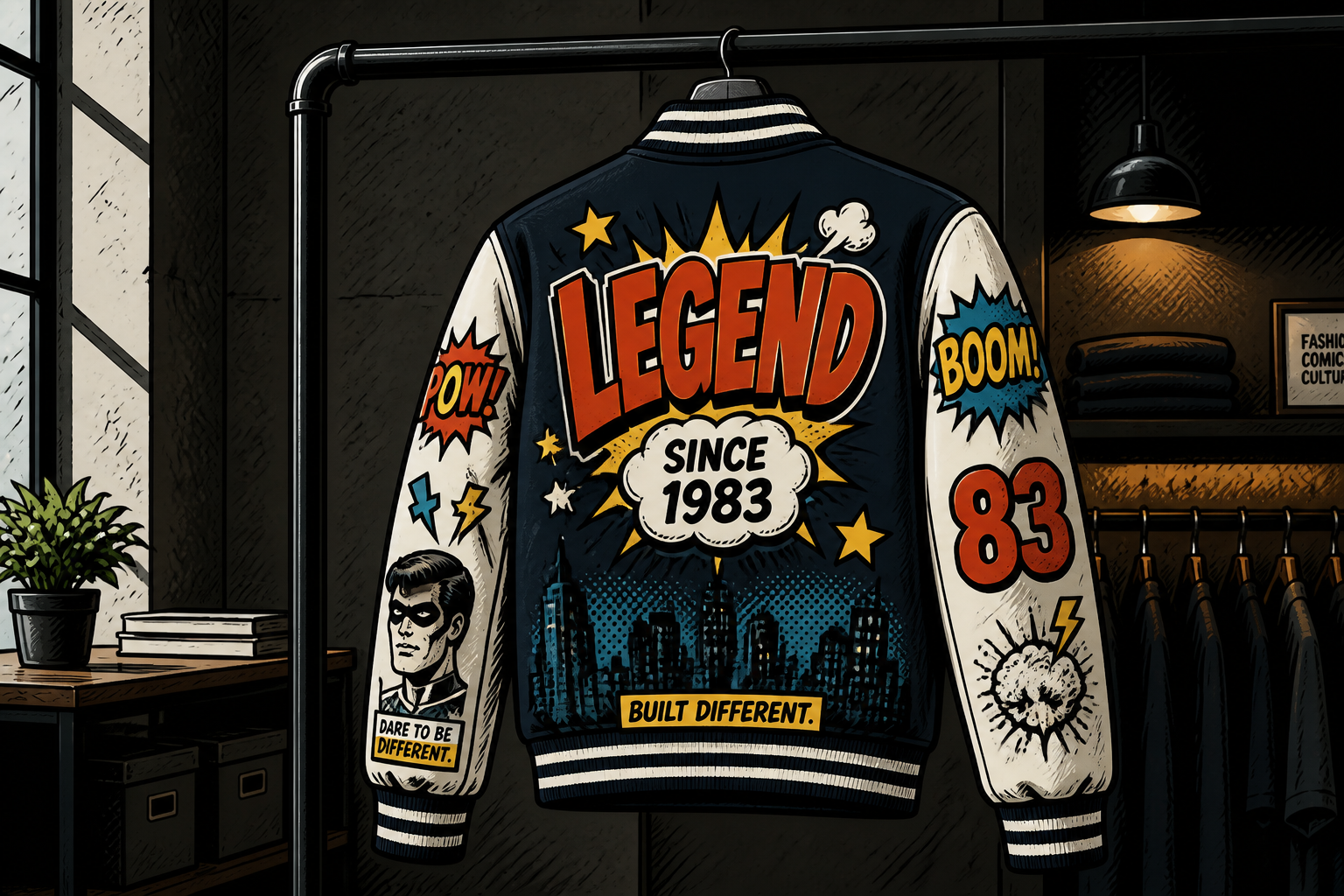 AFTER
AFTER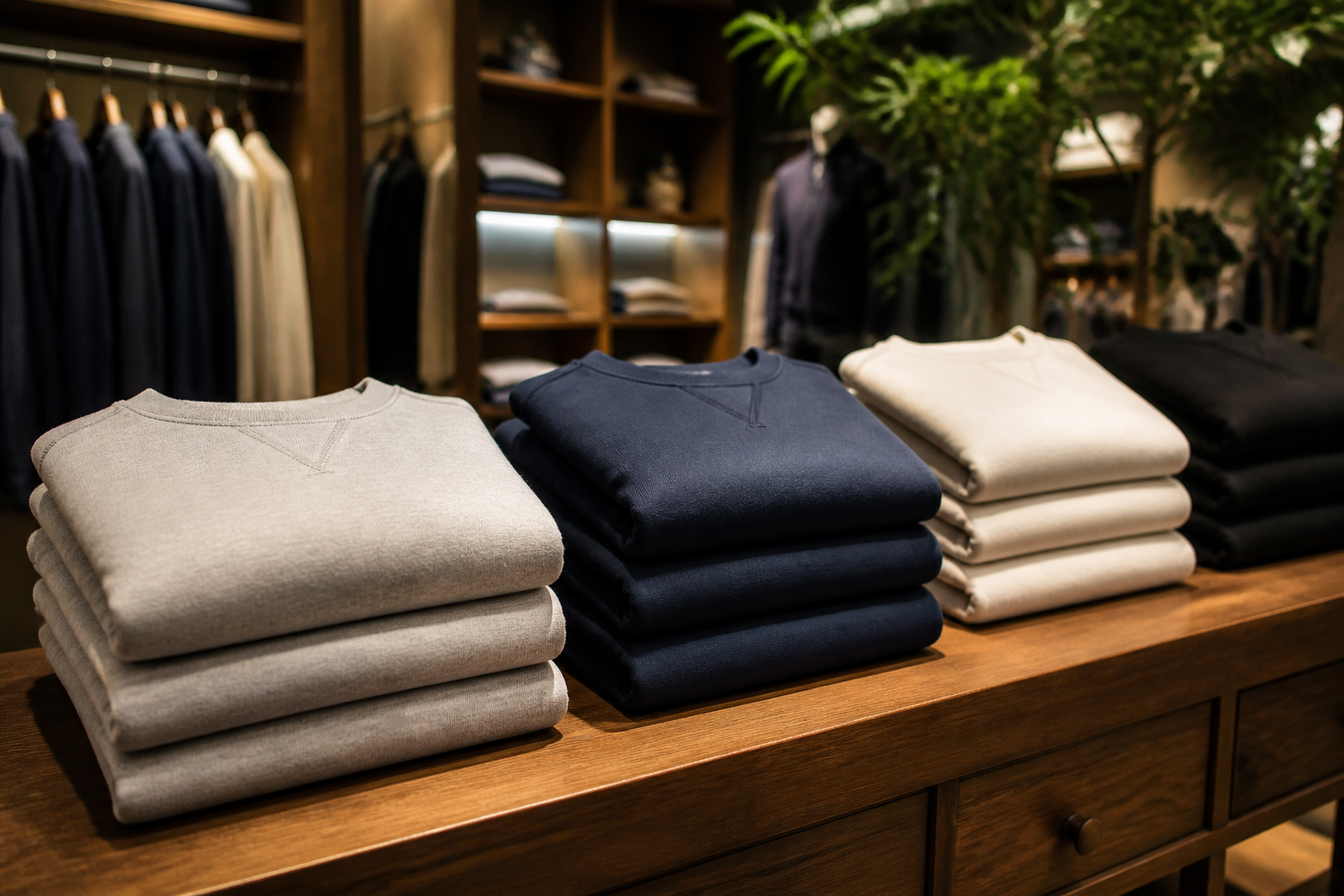 BEFORE
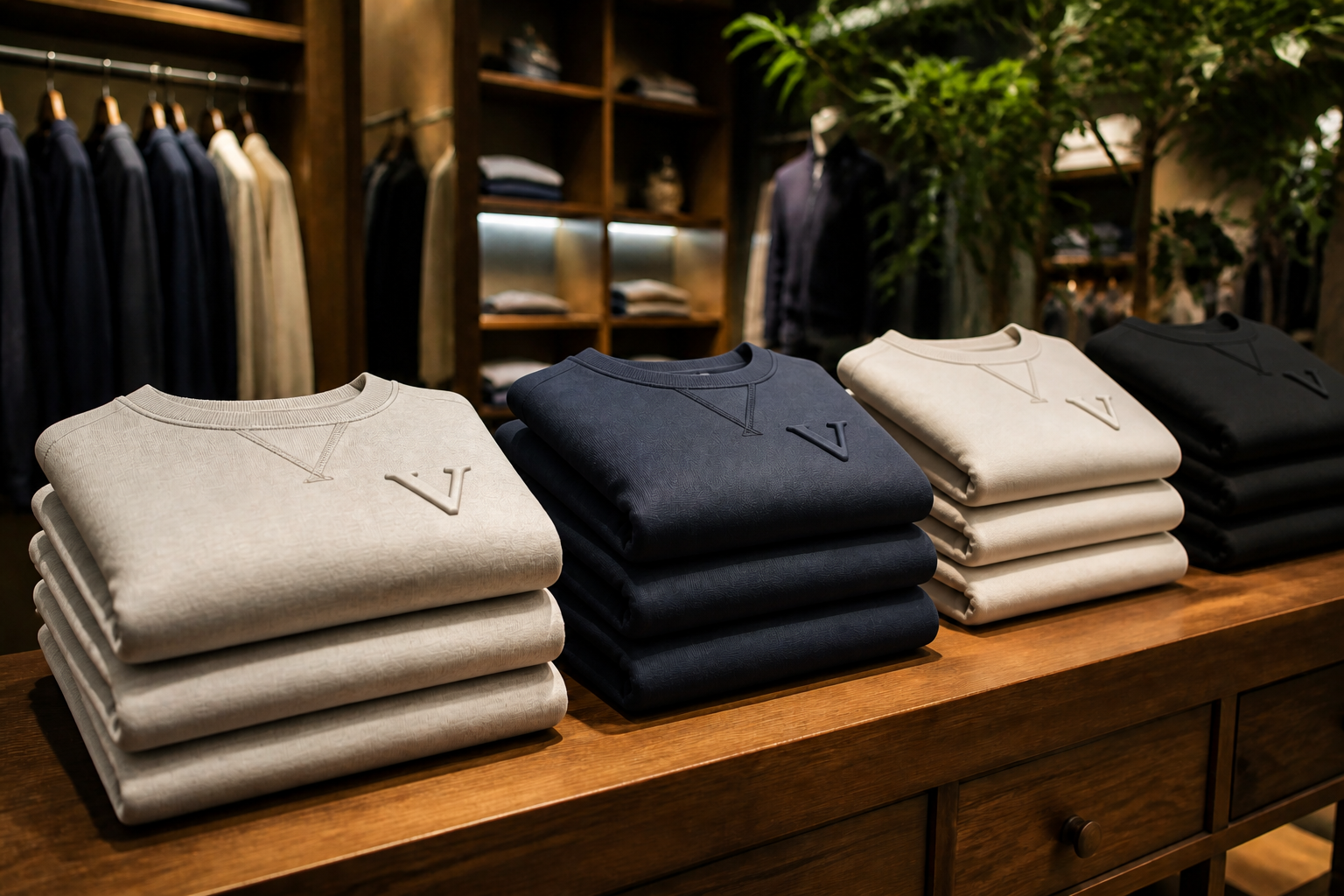 AFTER
AFTER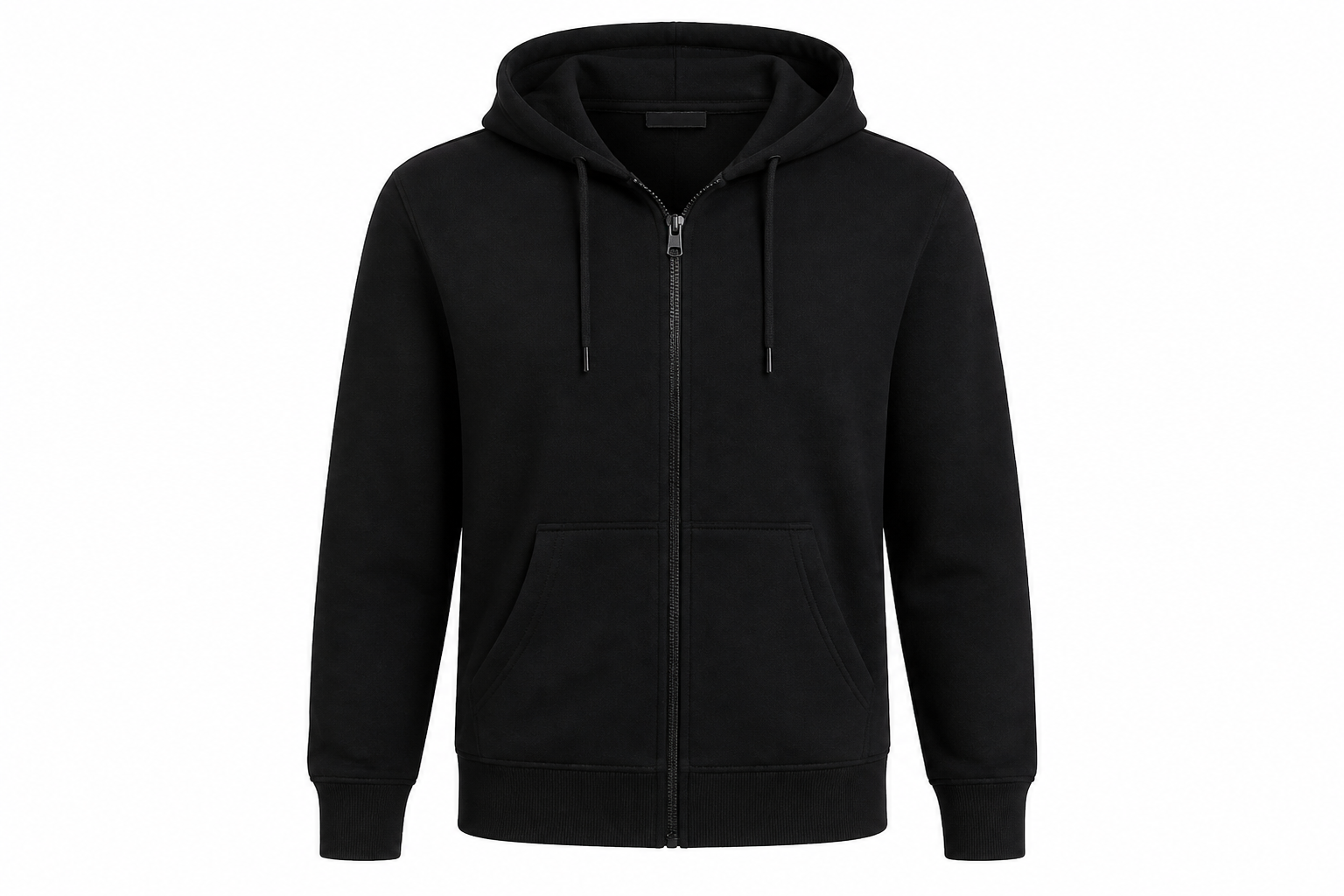 BEFORE
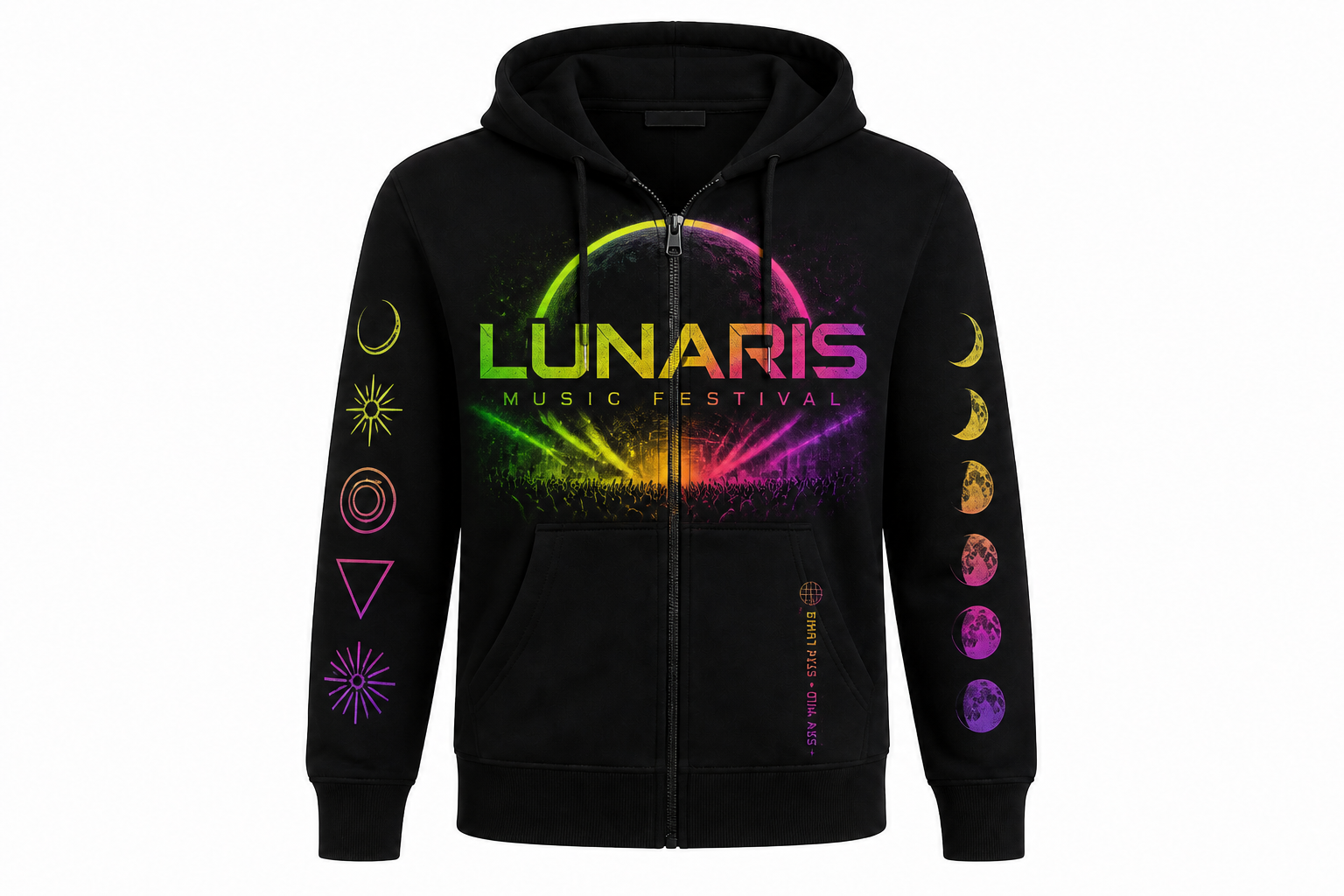 AFTERBEFOREAFTERBEFOREAFTERBEFOREAFTERBEFOREAFTERBEFOREAFTER
Key Features
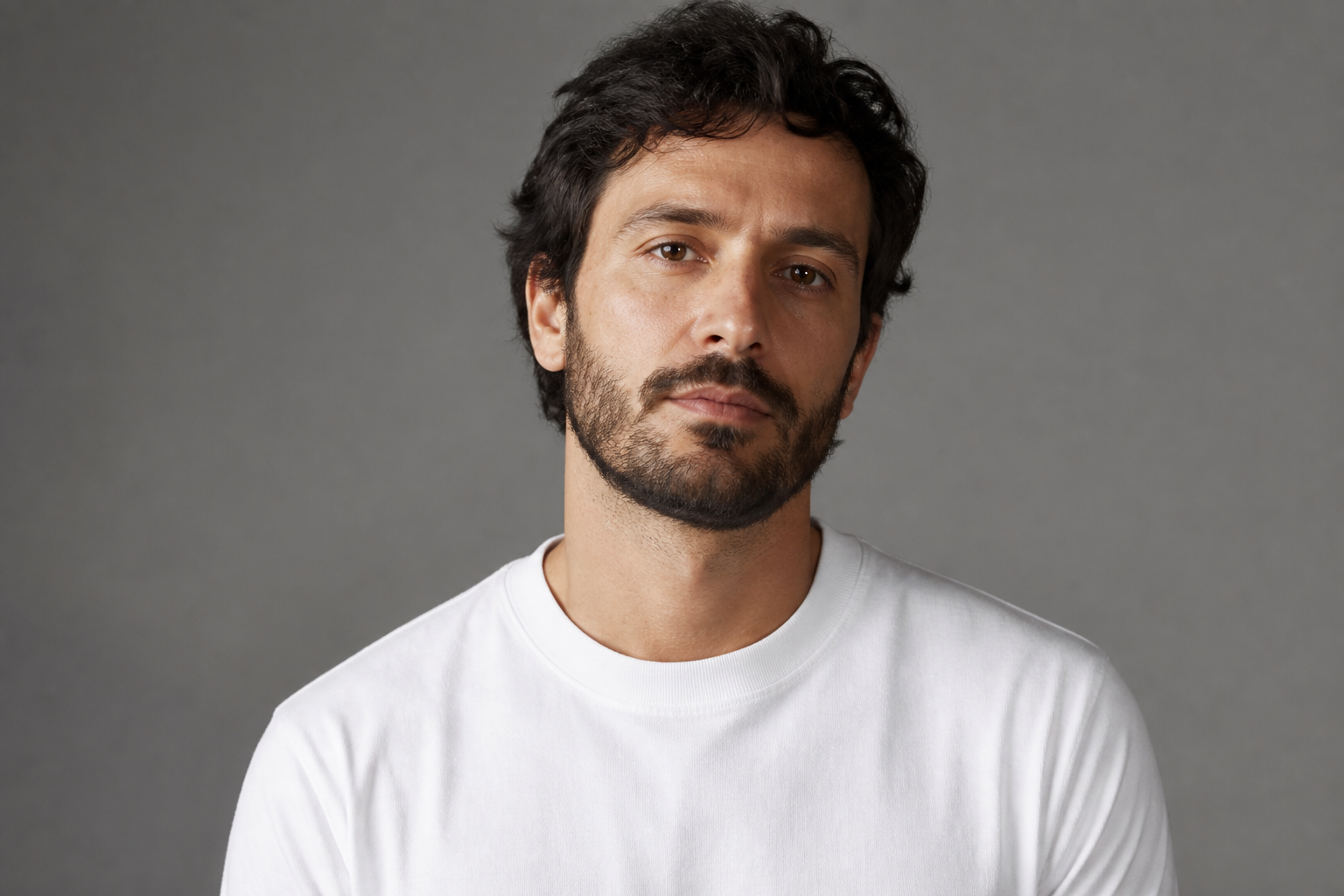
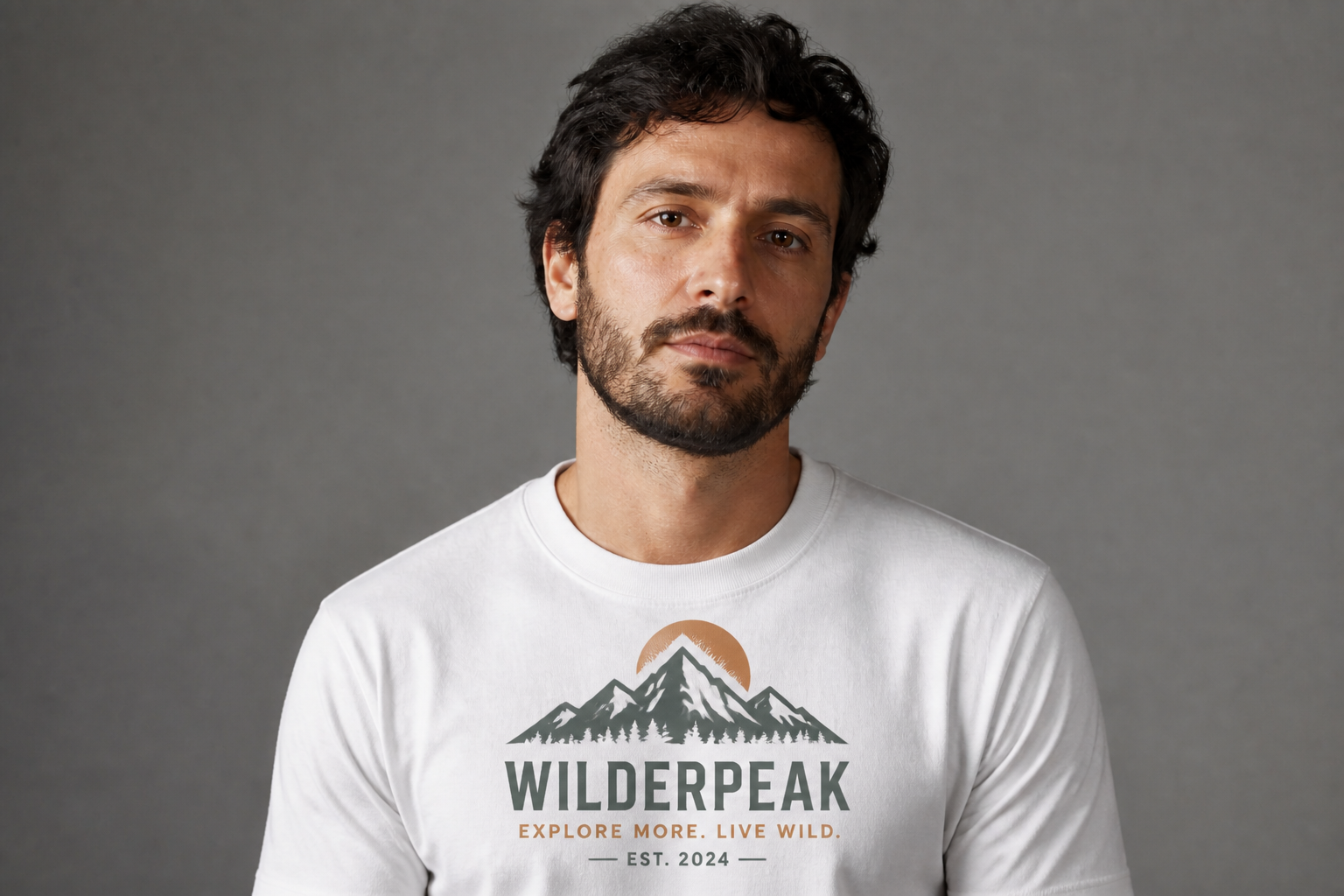
Place designs realistically
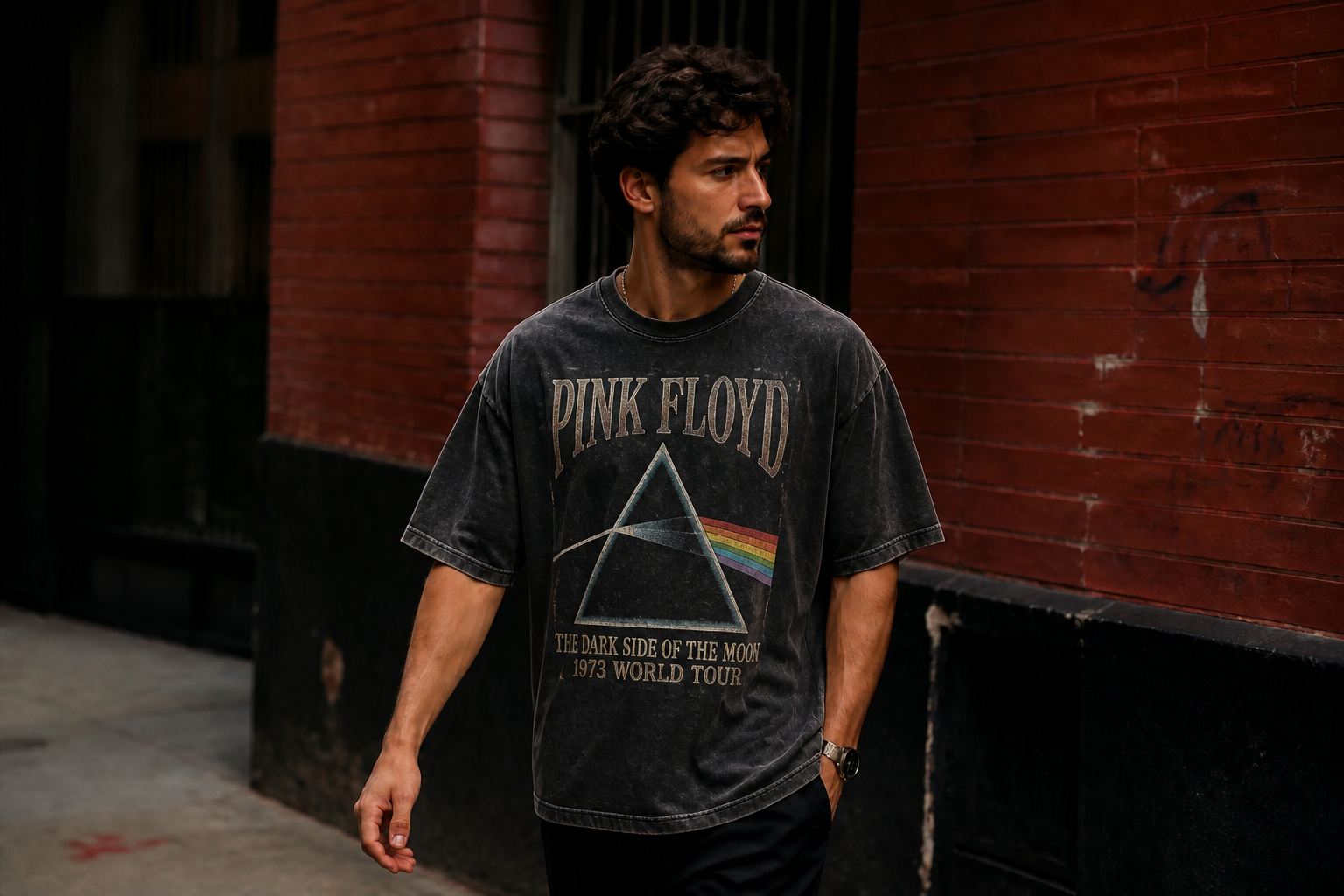
Add graphics to shirts, hoodies, totes, and other apparel without making the result look pasted on. Our AI follows seams, folds, wrinkles, and fabric texture so the design sits where it should. That makes quick concept images look closer to real product photography. It saves time compared with manually warping artwork in a design app.
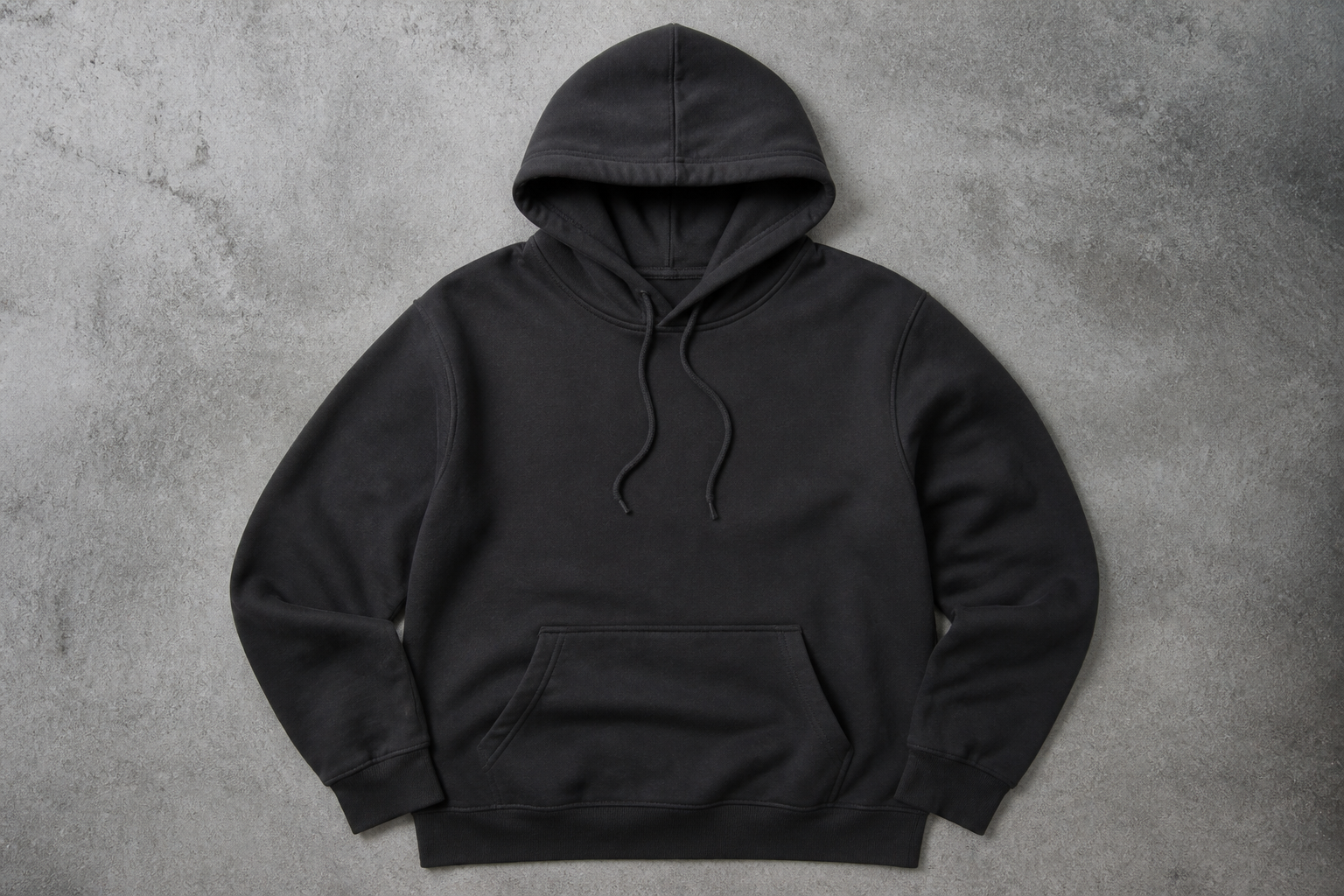
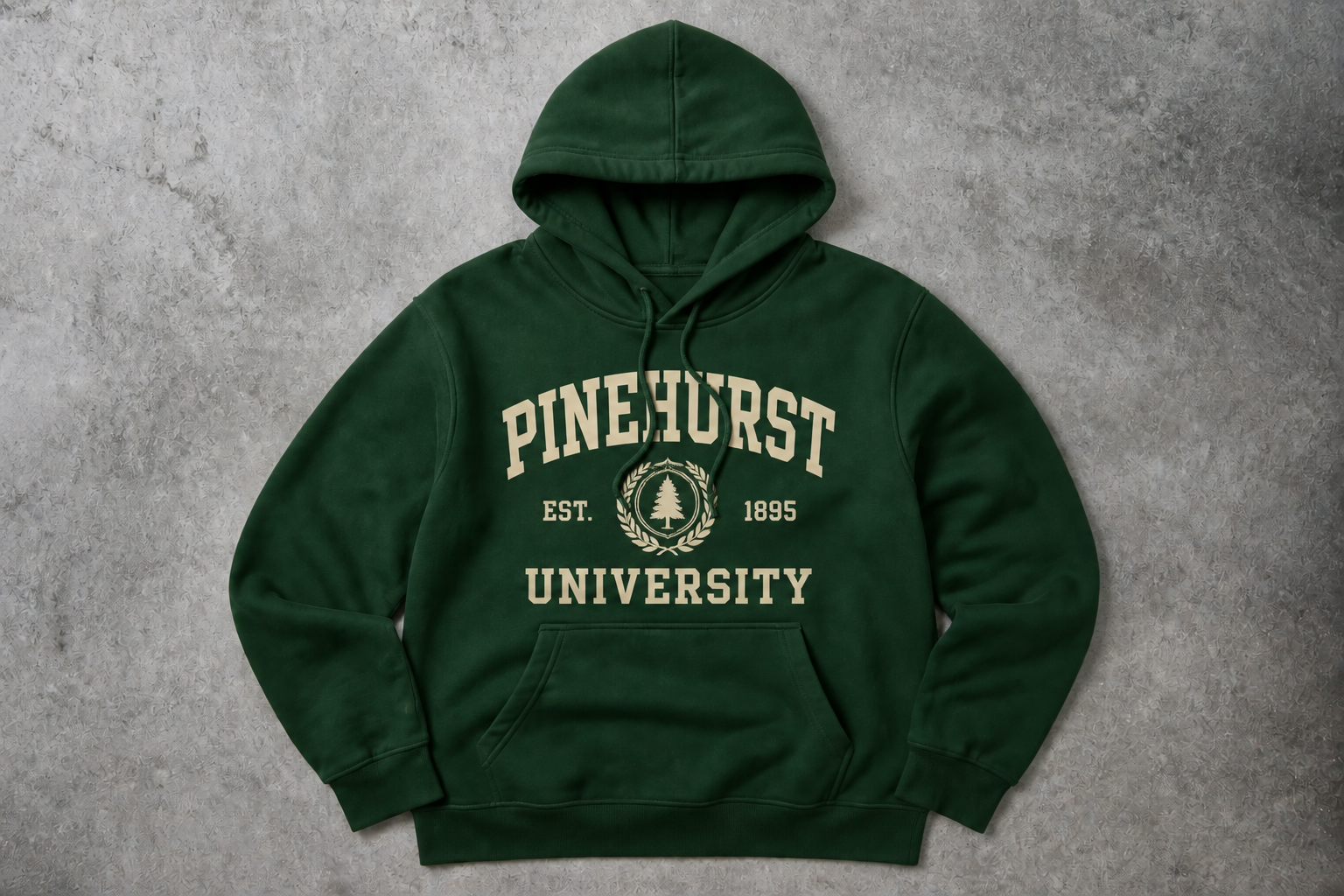
Swap colors fast
Test multiple garment colorways from the same base image instead of reshooting every variation. The edit keeps highlights, shadows, and material detail consistent so darker and lighter options still look natural. This is useful for product pages, buyer reviews, and internal approvals. You can explore options in minutes rather than rebuilding each mockup by hand.
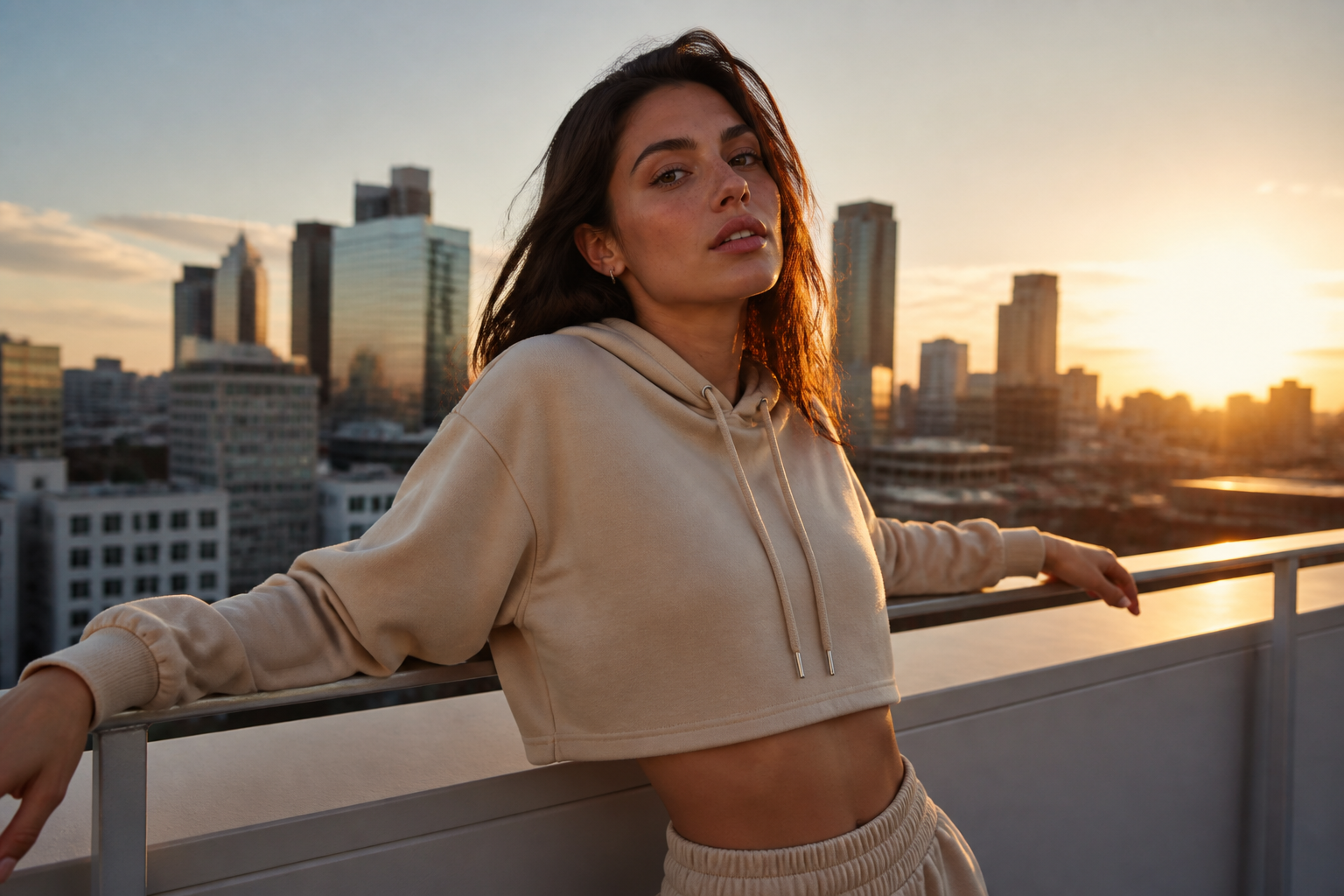
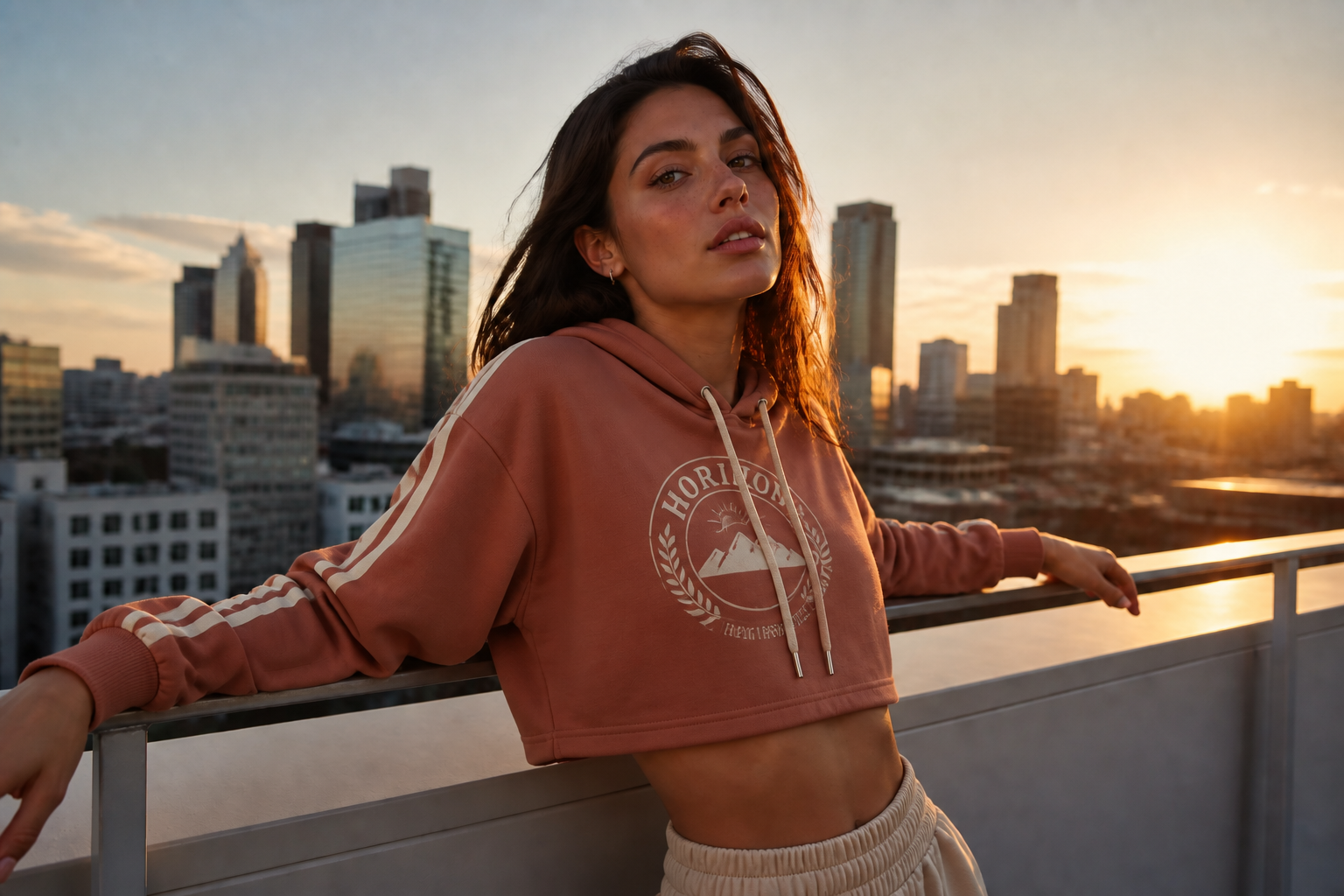
Keep the scene intact
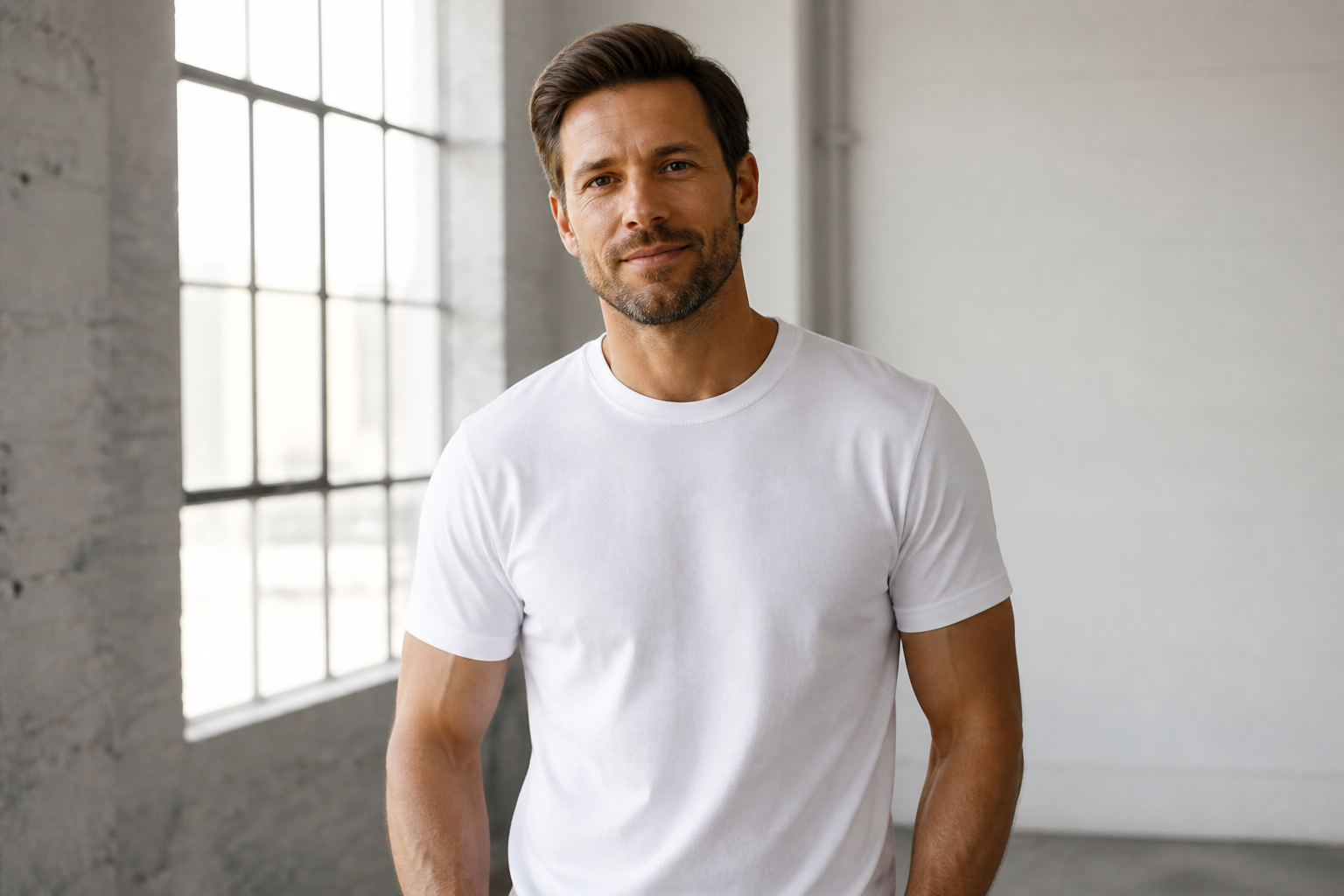
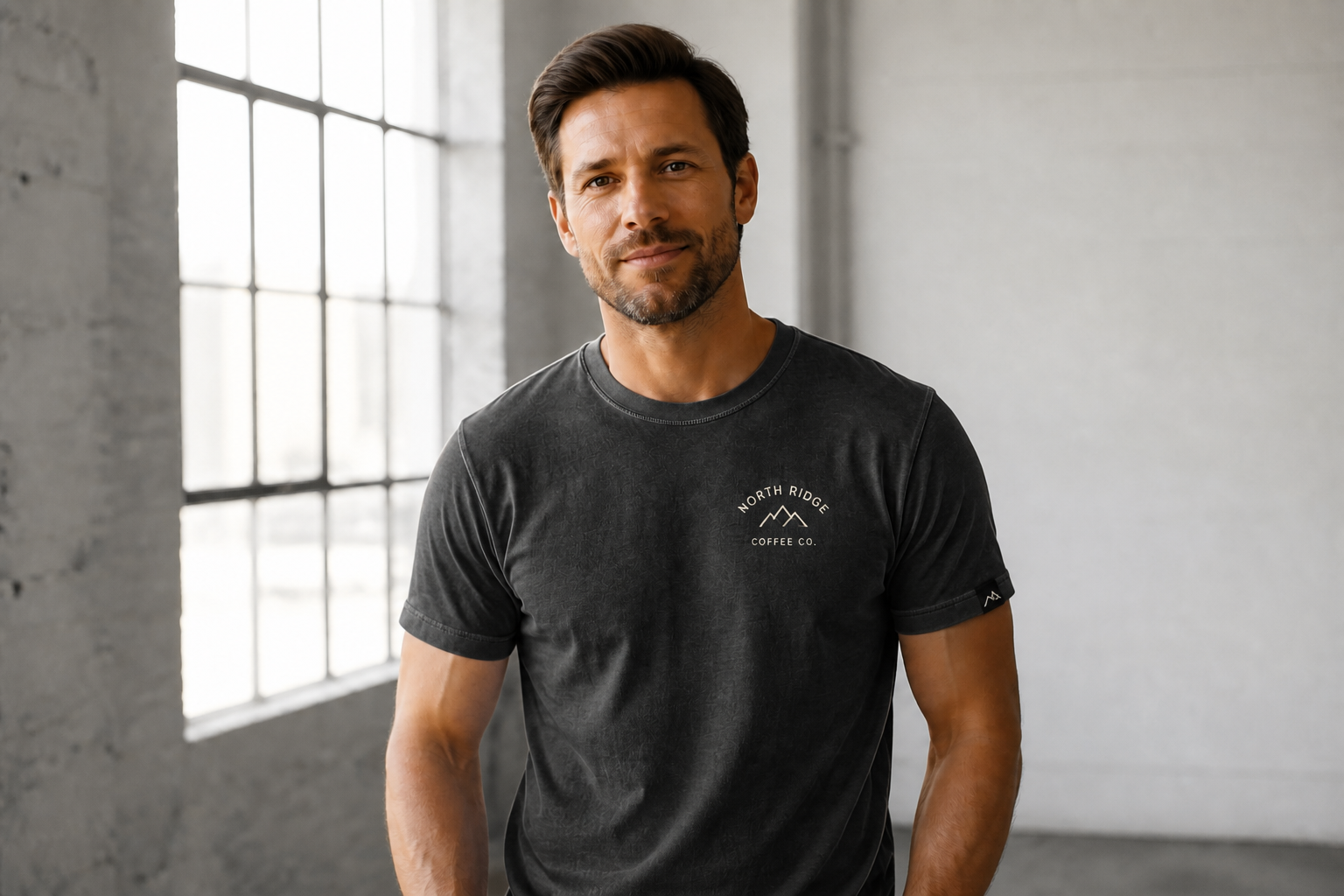
When you edit the apparel, the model, pose, location, and lighting stay stable. That matters when you want clean before-and-after comparisons or a consistent campaign look across many mockups. Instead of rebuilding the entire image, you can change only the garment treatment. The result is more predictable than broad image generation from scratch.
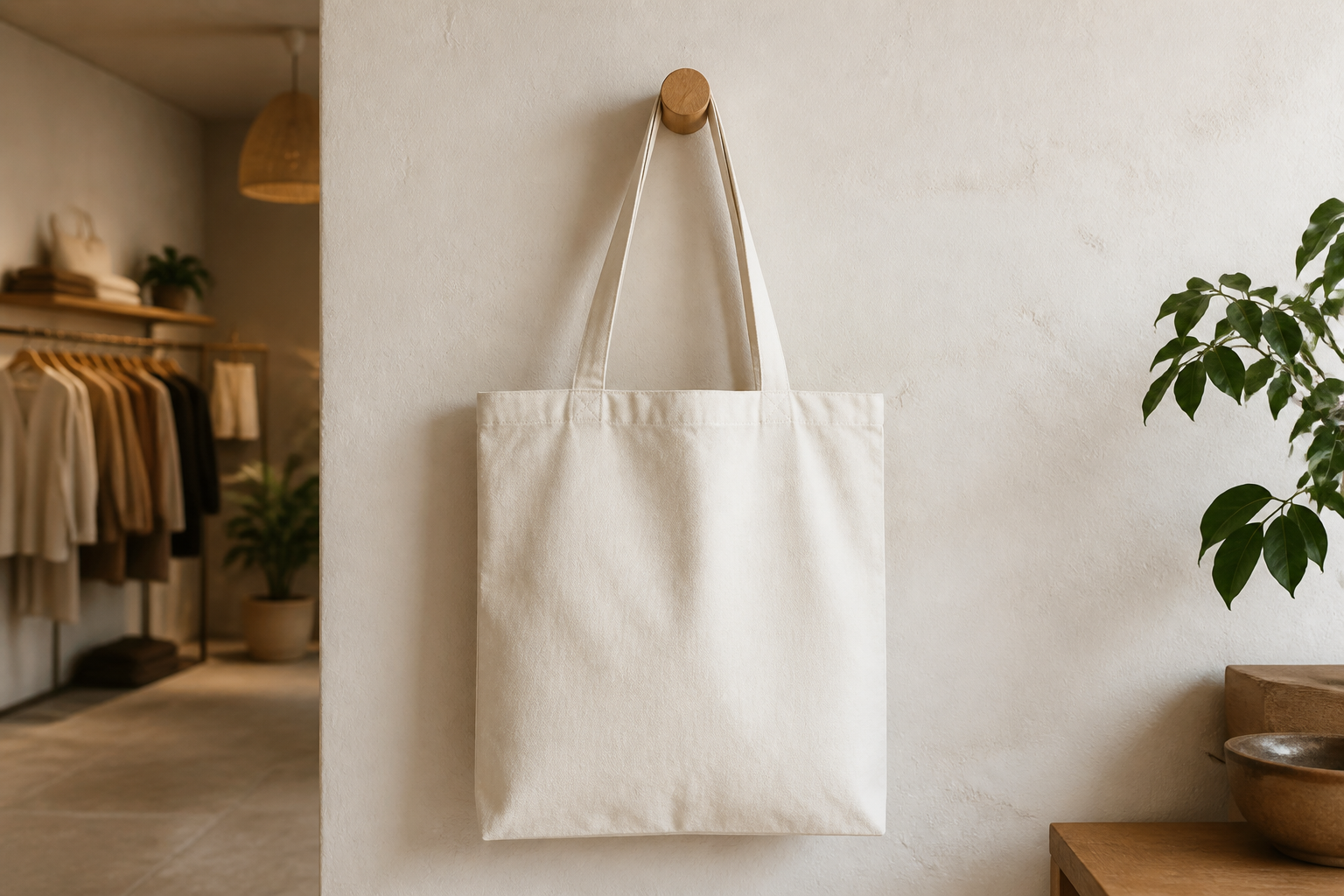
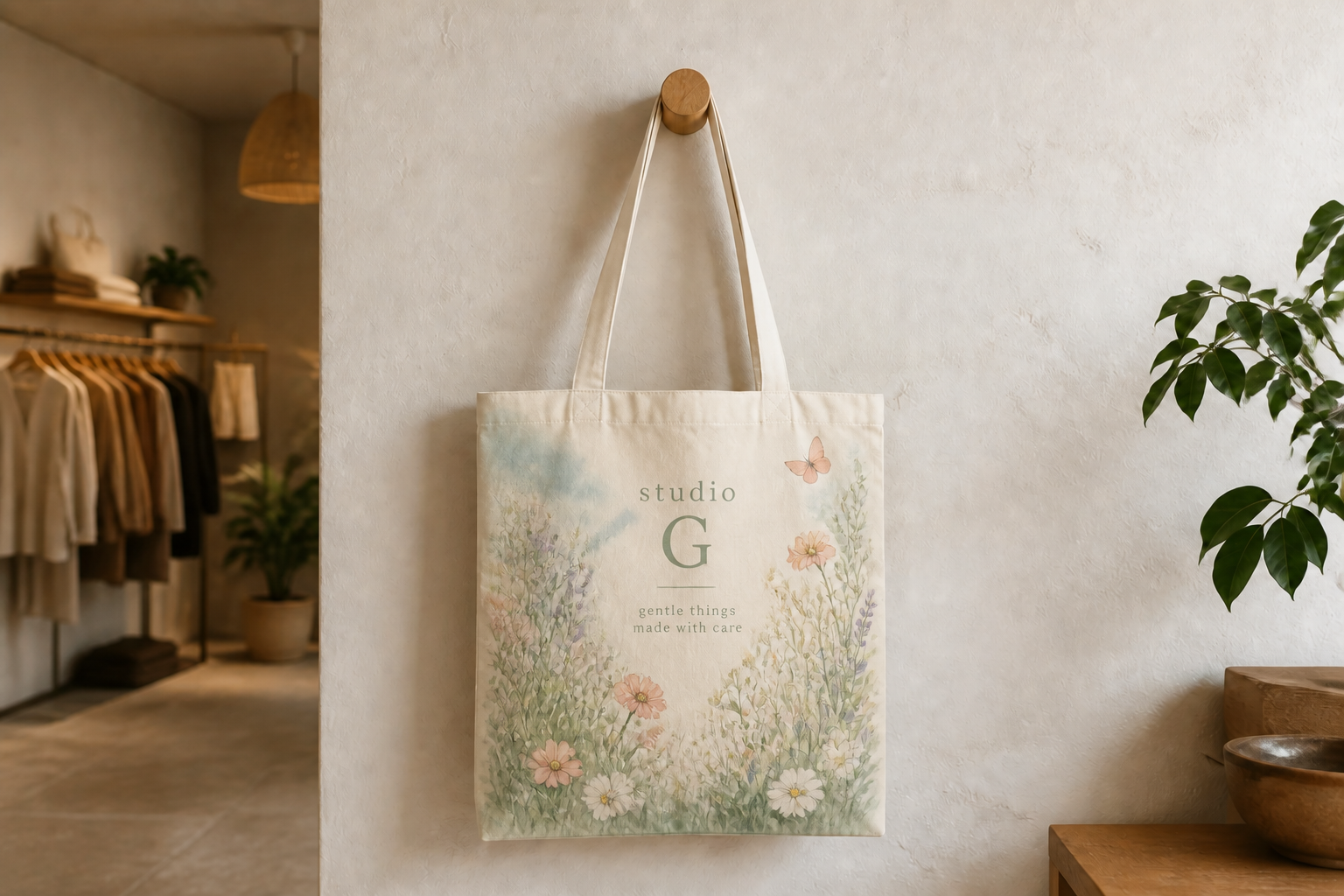
Preview different styles
Use one source image to test very different design directions before you commit to production. You can go from minimal branding to loud streetwear, editorial art prints, or stylized presentation visuals. That makes the tool useful for both customer-facing mockups and creative ideation. It is a fast way to compare concepts without separate photo shoots.
How It Works
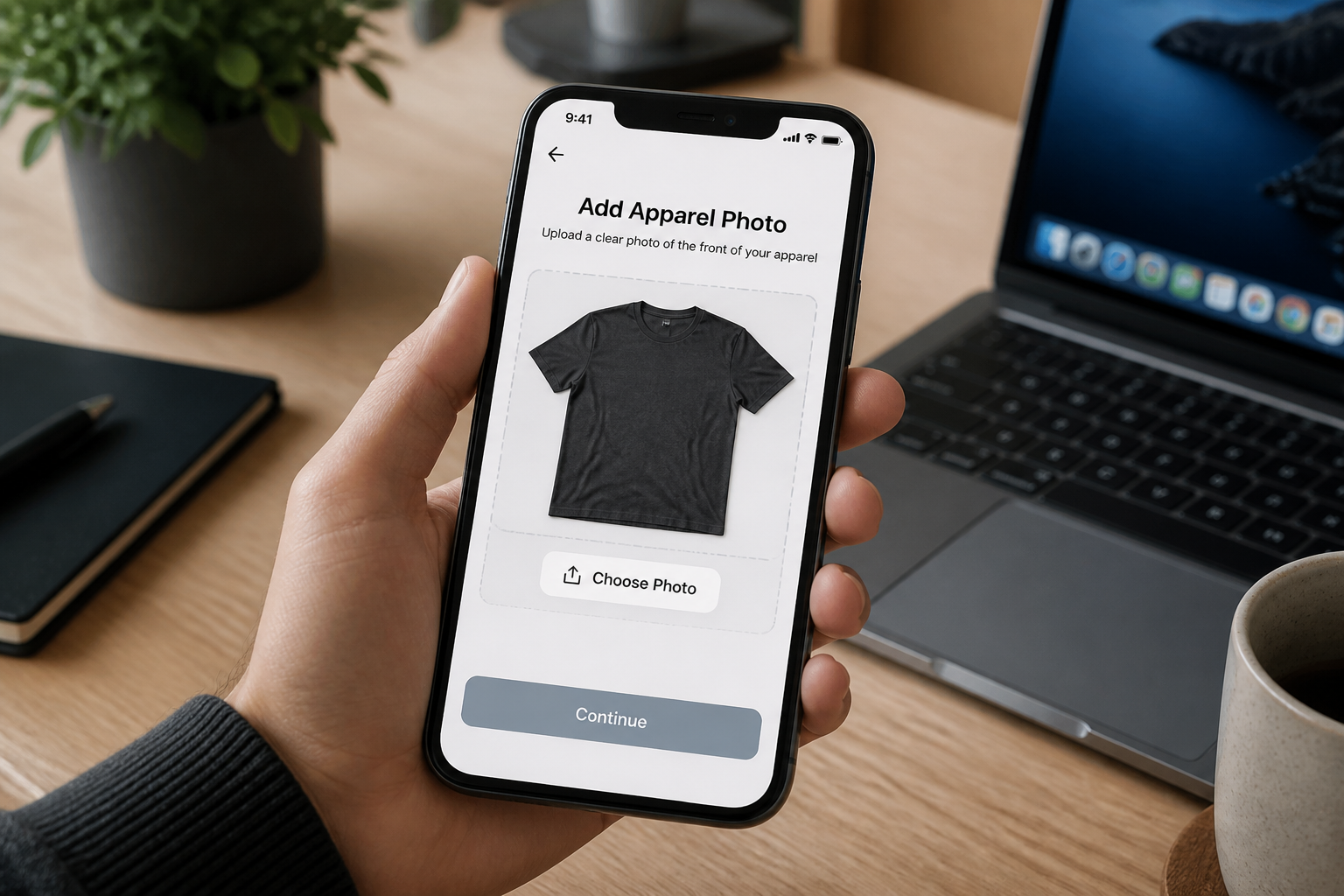
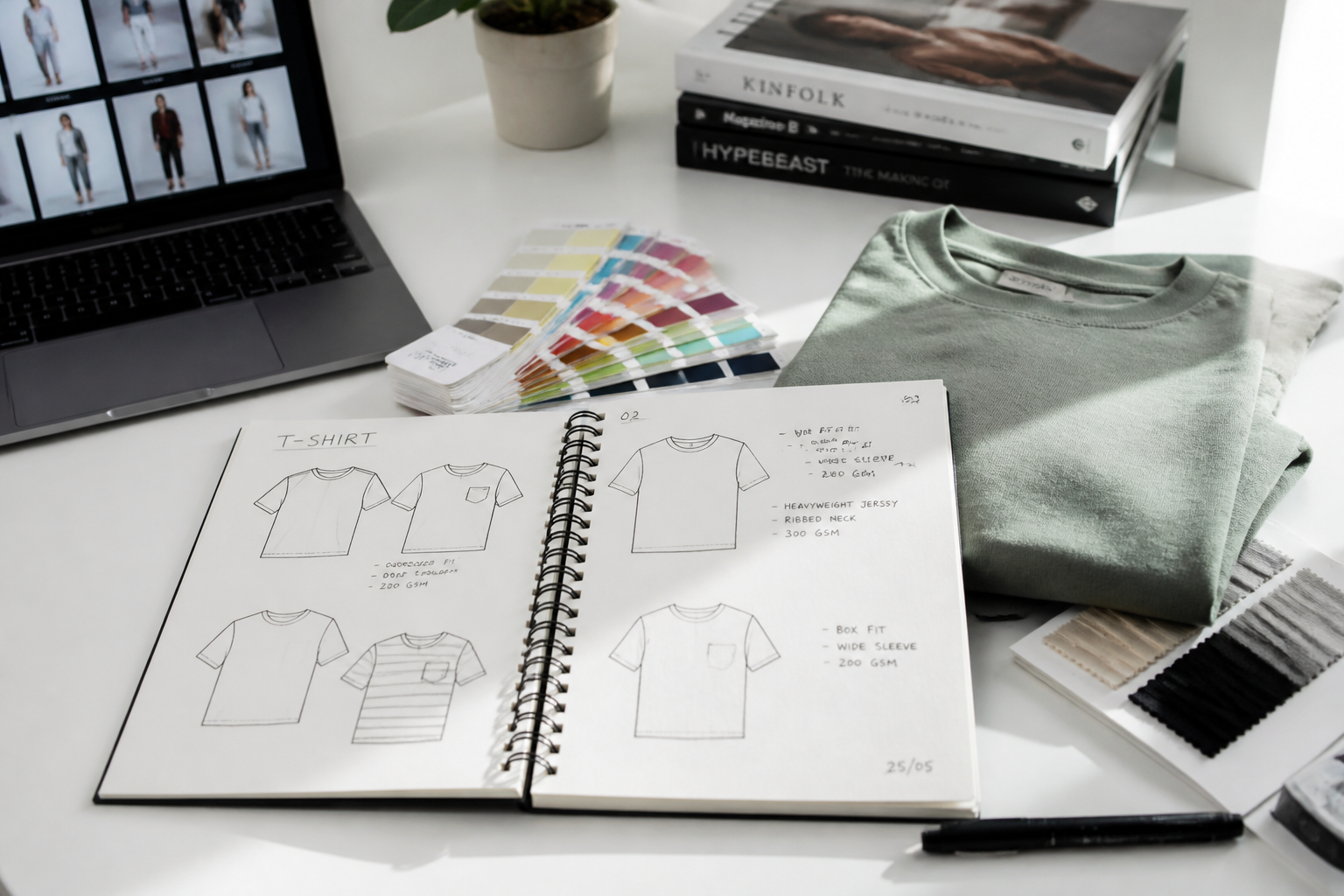
Upload your apparel photo
Start with a clean product image or a lifestyle shot of clothing on a model. Clear lighting and visible fabric details give the AI a better base for realistic mockups.
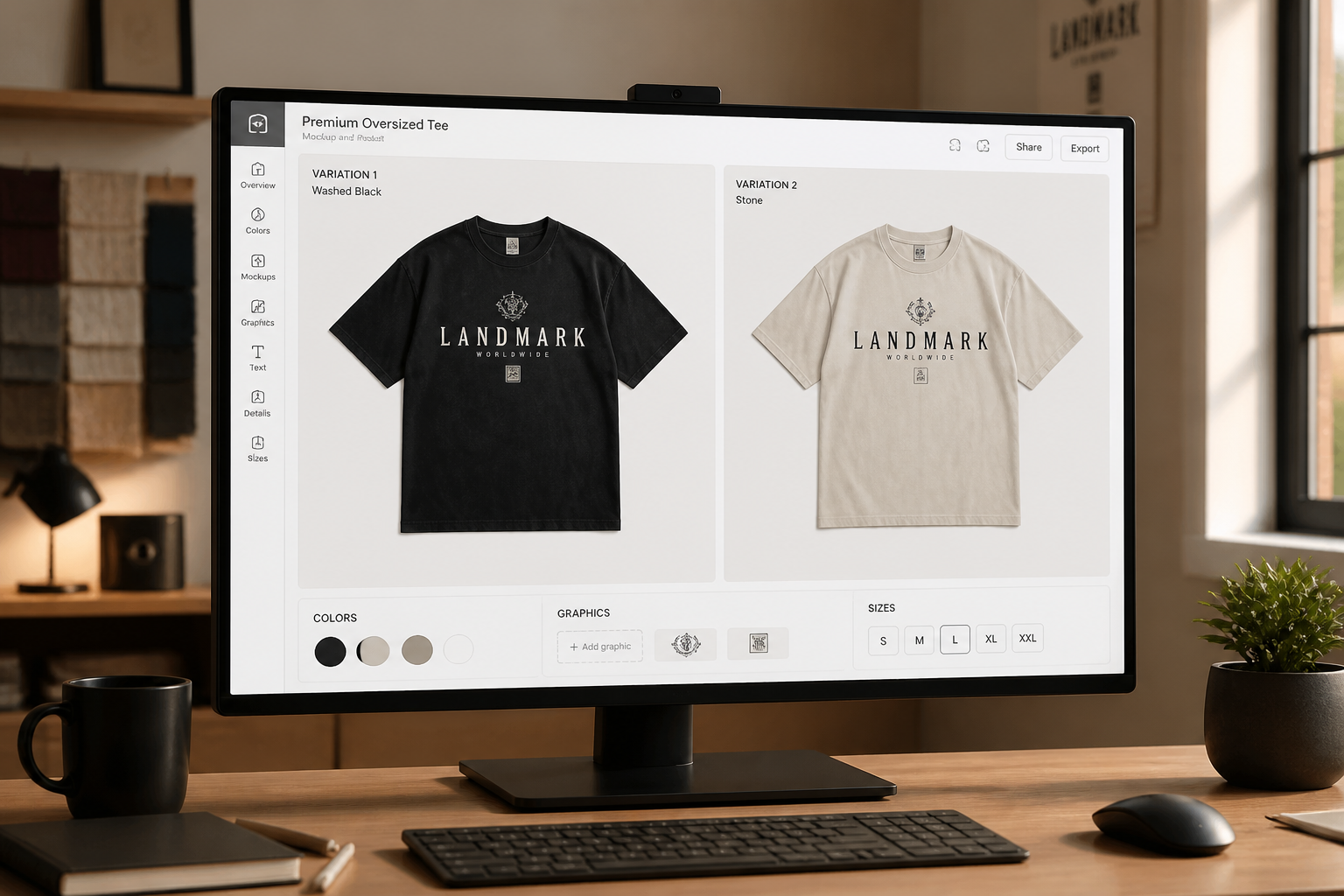
Describe the mockup
Tell the AI what to change, such as print placement, garment color, or design style. Be specific about front graphics, sleeve details, and the overall look you want.
Compare and refine
Review the new mockup and regenerate if you want more colorways or alternate graphics. You can quickly compare versions and keep the one that best fits your store, campaign, or pitch.
Perfect For
Discover how creators and professionals use ai clothing mockup generator
Launch merch concepts
Preview drops for tees, hoodies, and totes before you print samples.
Build ecommerce listings
Create polished product visuals for stores, landing pages, and marketplaces.
Pitch client collections
Show multiple design directions quickly during brand or apparel presentations.
Test seasonal colorways
Compare spring, summer, or limited-edition variants from one base photo.
Built For
Merch sellers
Create fast visuals for online stores, social posts, and pre-launch previews.
Fashion designers
Explore print, placement, and color options before spending time on production samples.
Creative agencies
Produce client-ready apparel concepts without rebuilding every mockup manually.
Why use it for apparel mockups
A quick look at how we compare on the things that matter for this niche.
| Feature | BudgetPixel | Generic AI editors | Manual editing apps |
|---|---|---|---|
| Garment-focused edits | ✓ | — | ✓ |
| Fast colorway testing | ✓ | ✓ | — |
| Keeps scene and pose | ✓ | — | ✓ |
| No manual warping needed | ✓ | ✓ | — |
| Good for quick concept batches | ✓ | ✓ | — |
Frequently Asked Questions
What kinds of clothing can I mock up?
Will the mockup keep the original model and background?
Can I generate multiple colorways from one image?
Do I need a flat lay, ghost mannequin, or model photo?
Is this meant to replace final production photography?
Create together.
Share your creations, discover trending AI art, and grow with fellow creators.