AI Hoodie Mockup Generator
Turn plain hoodie photos into polished product mockups fast.
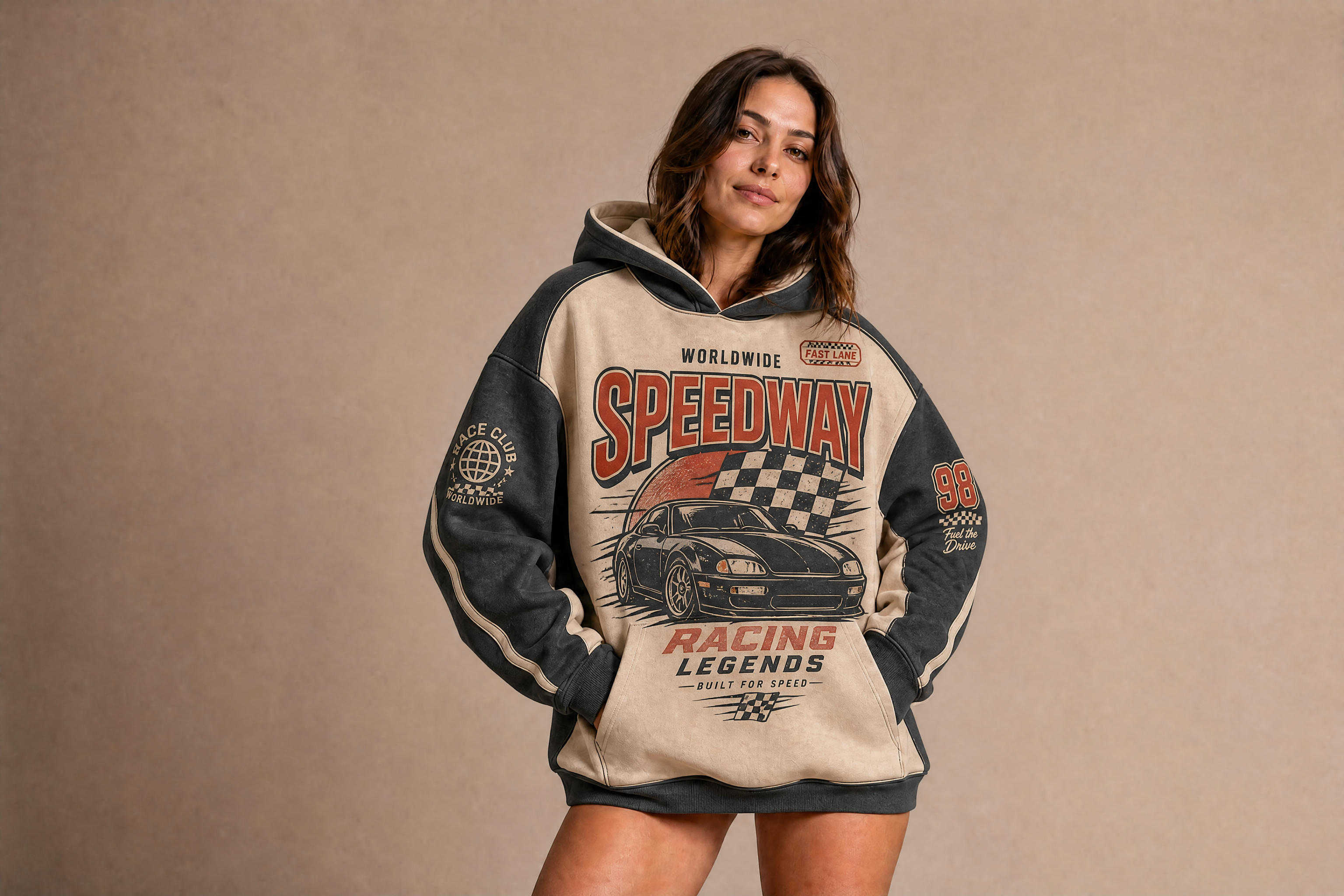
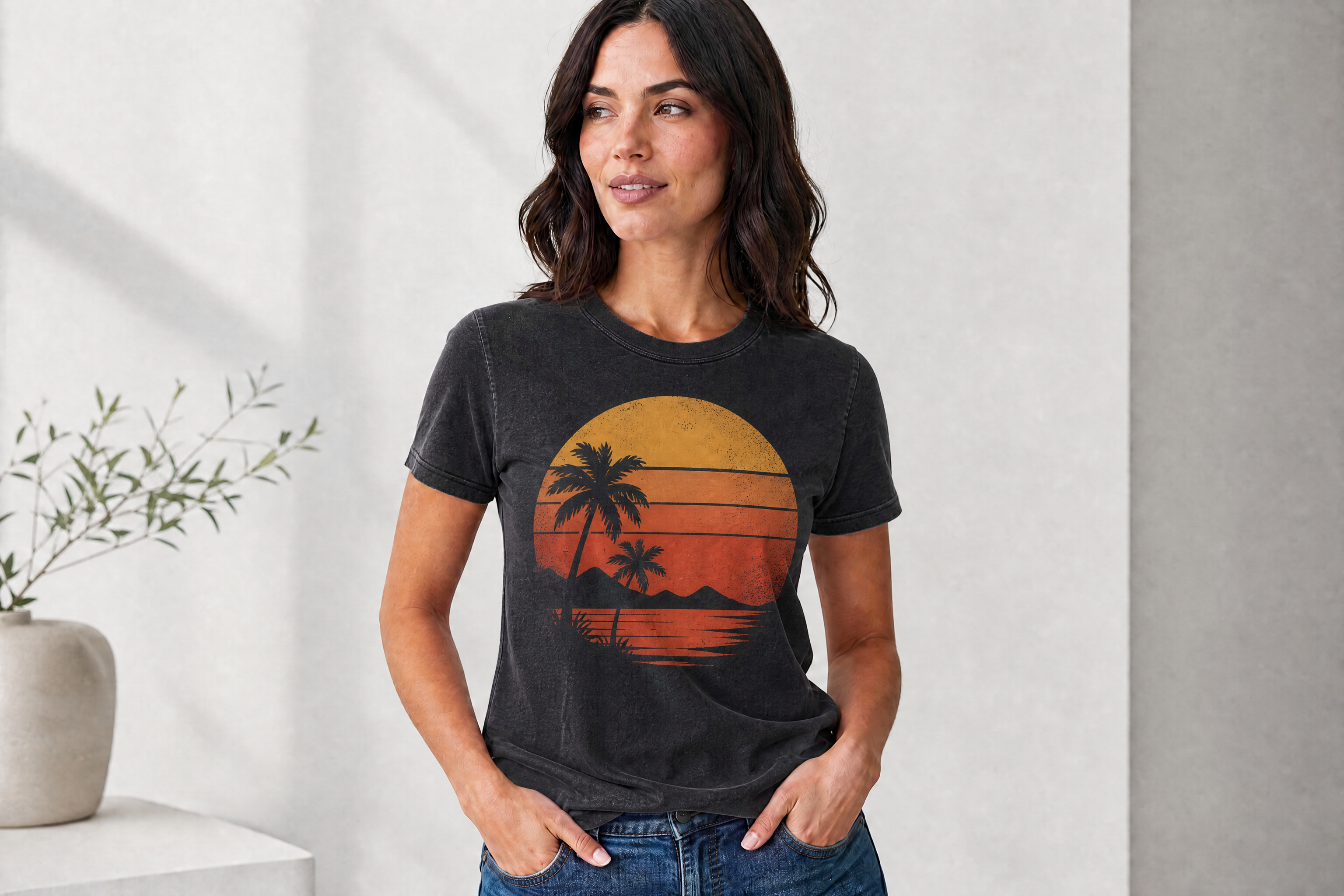
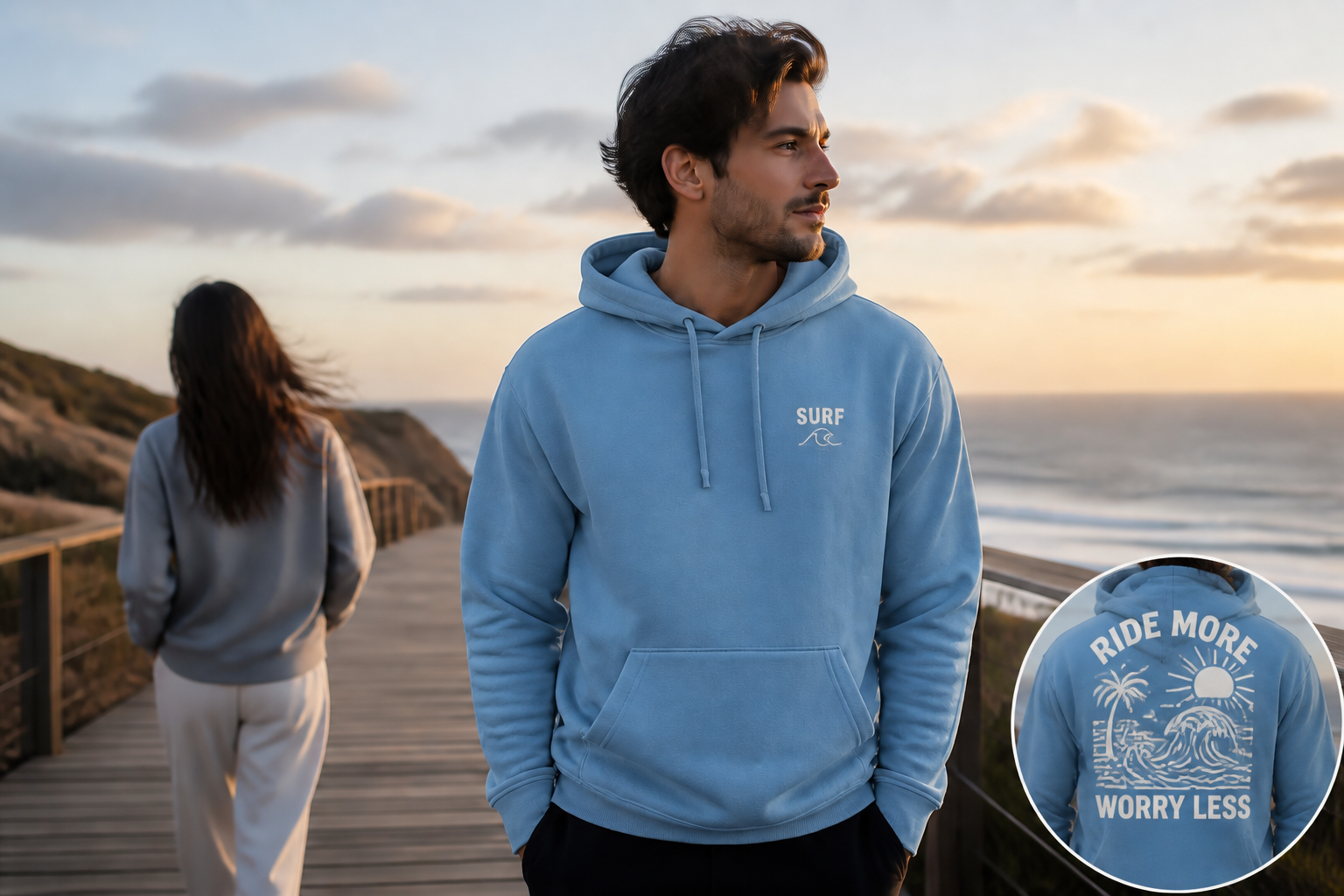
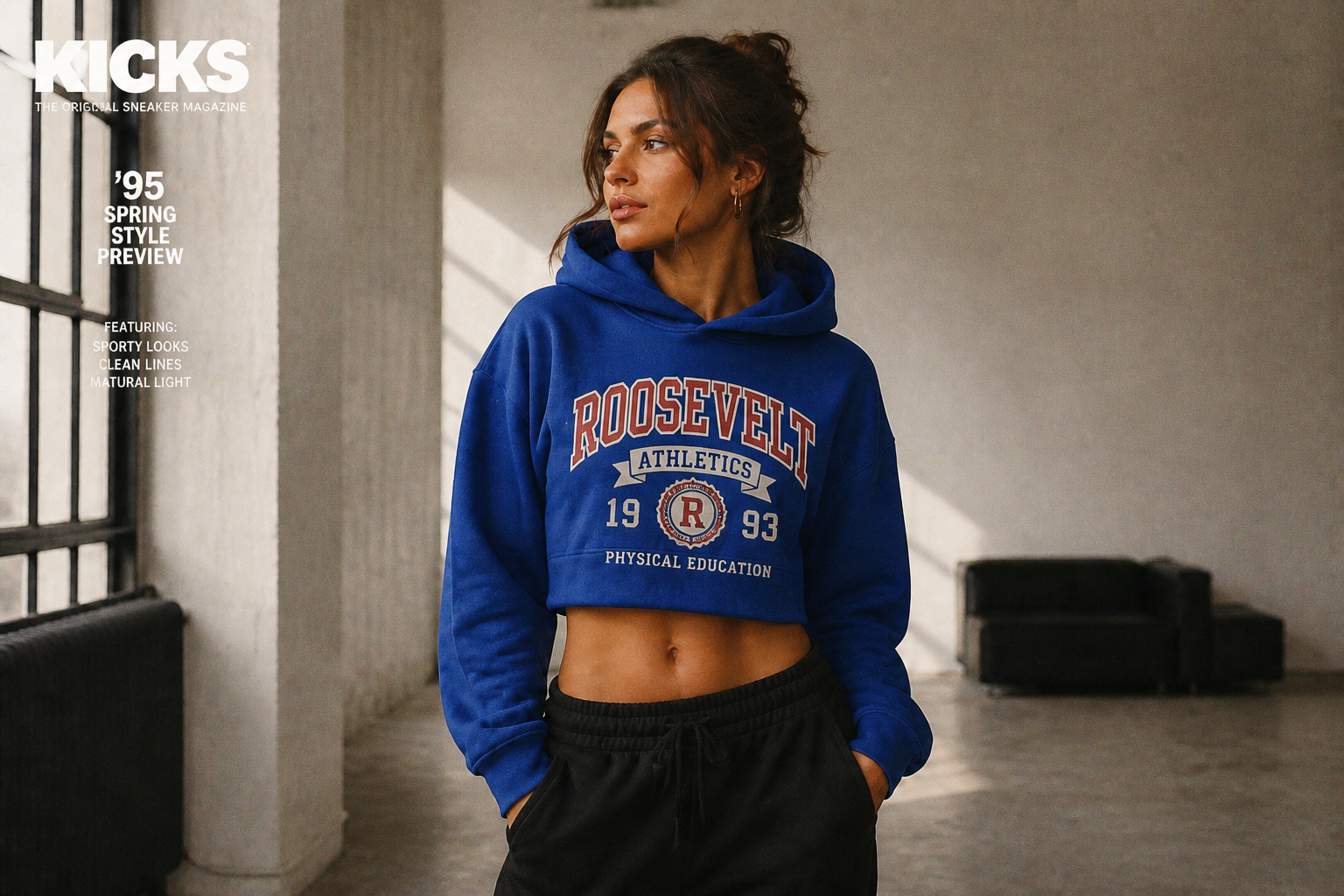
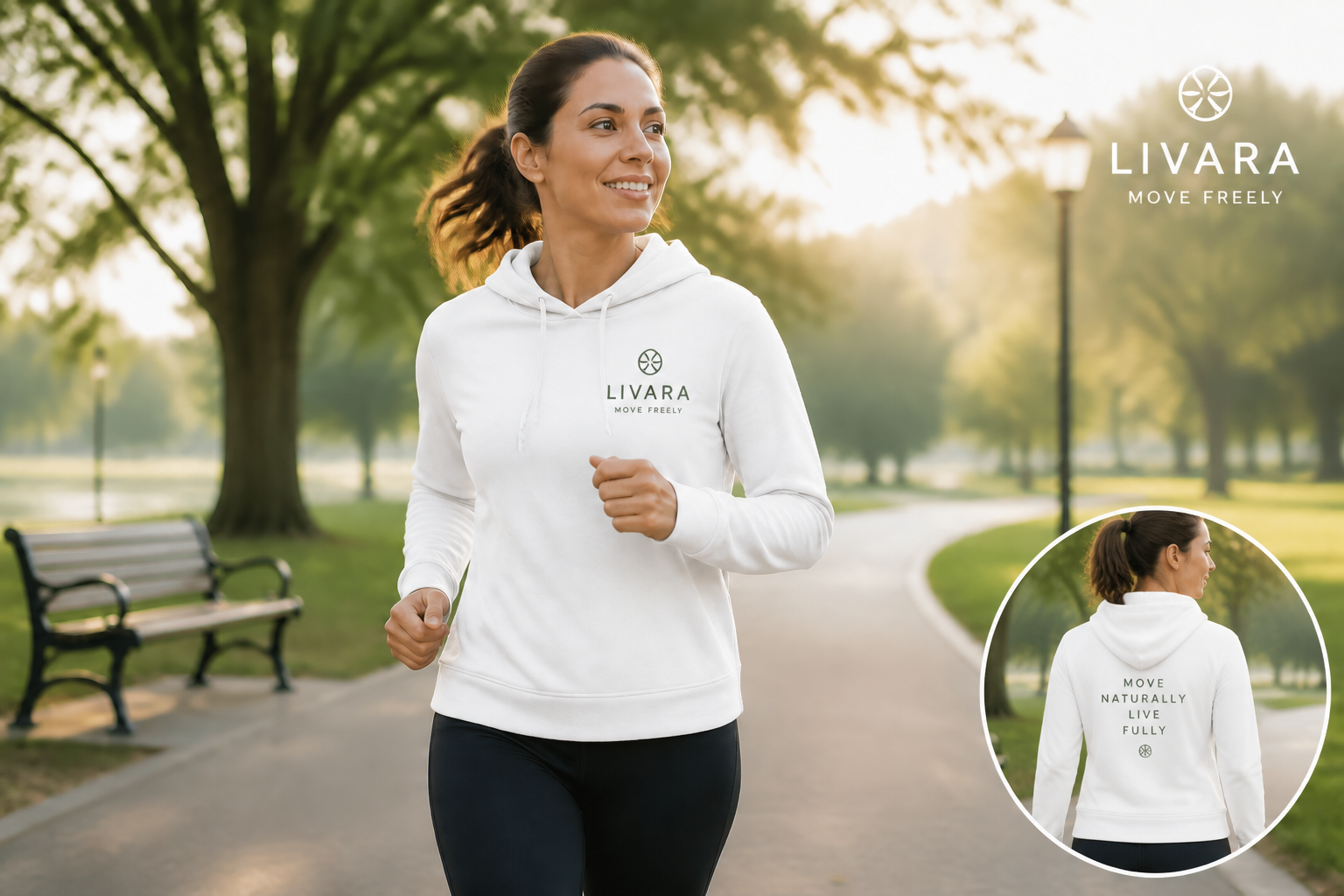
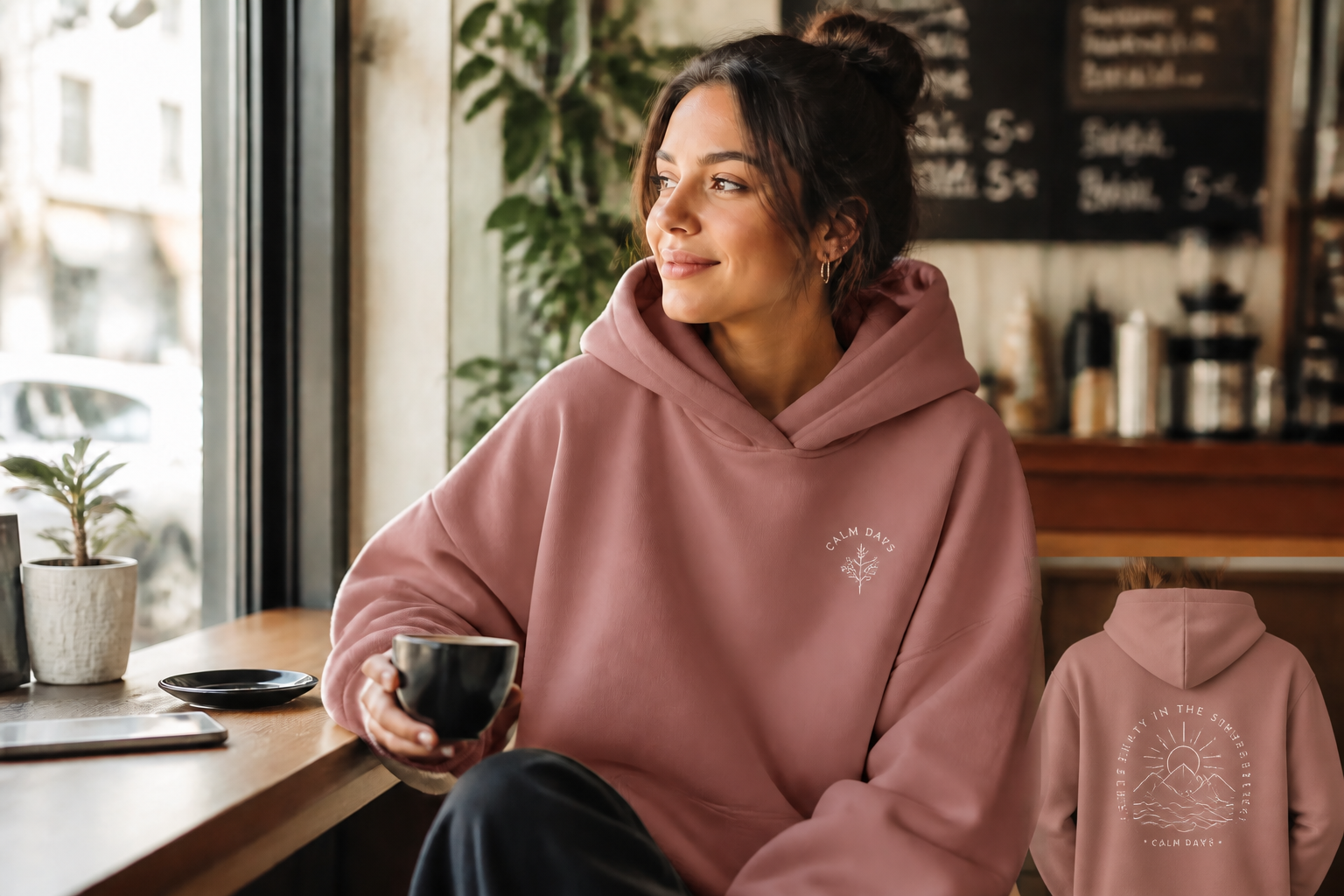
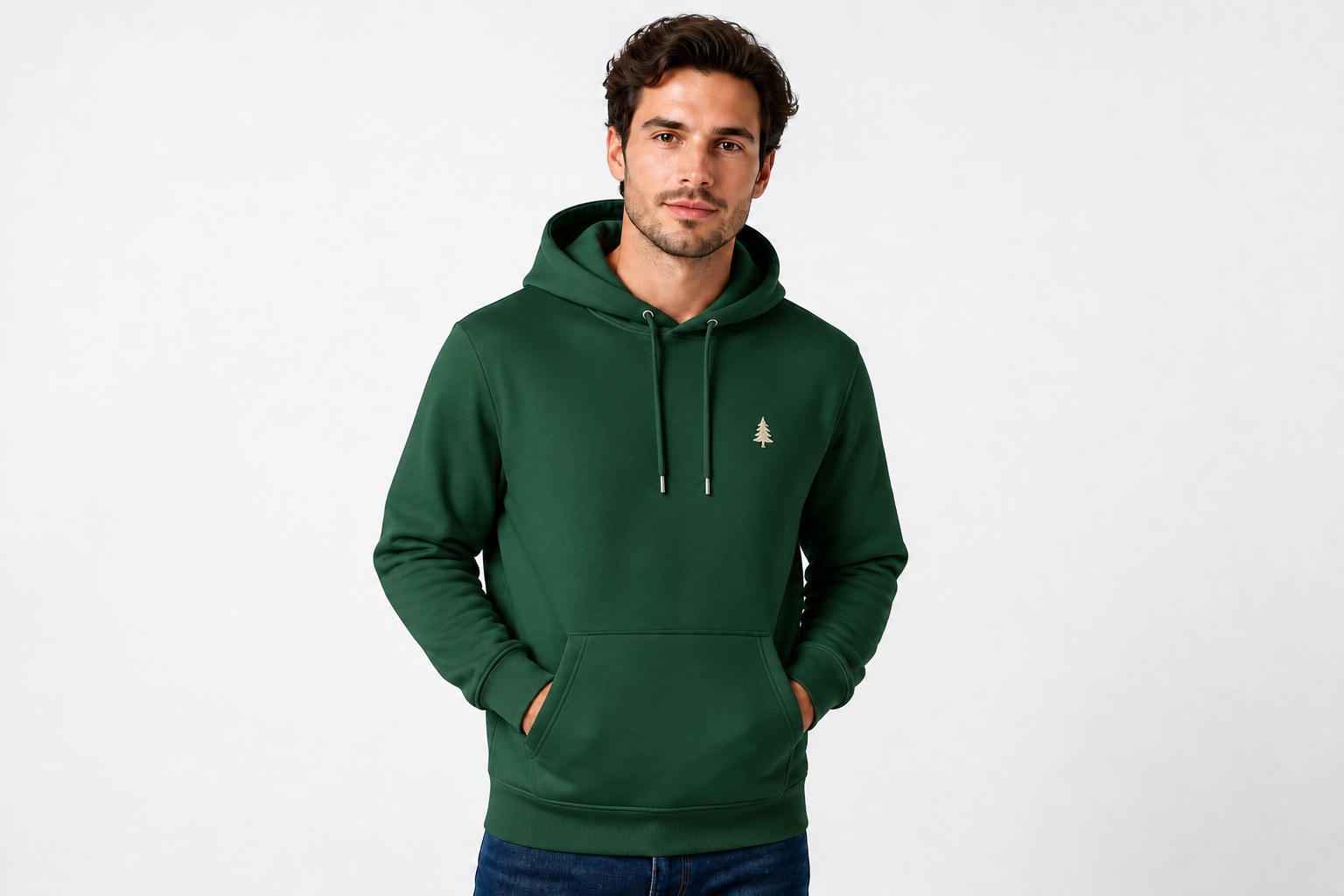
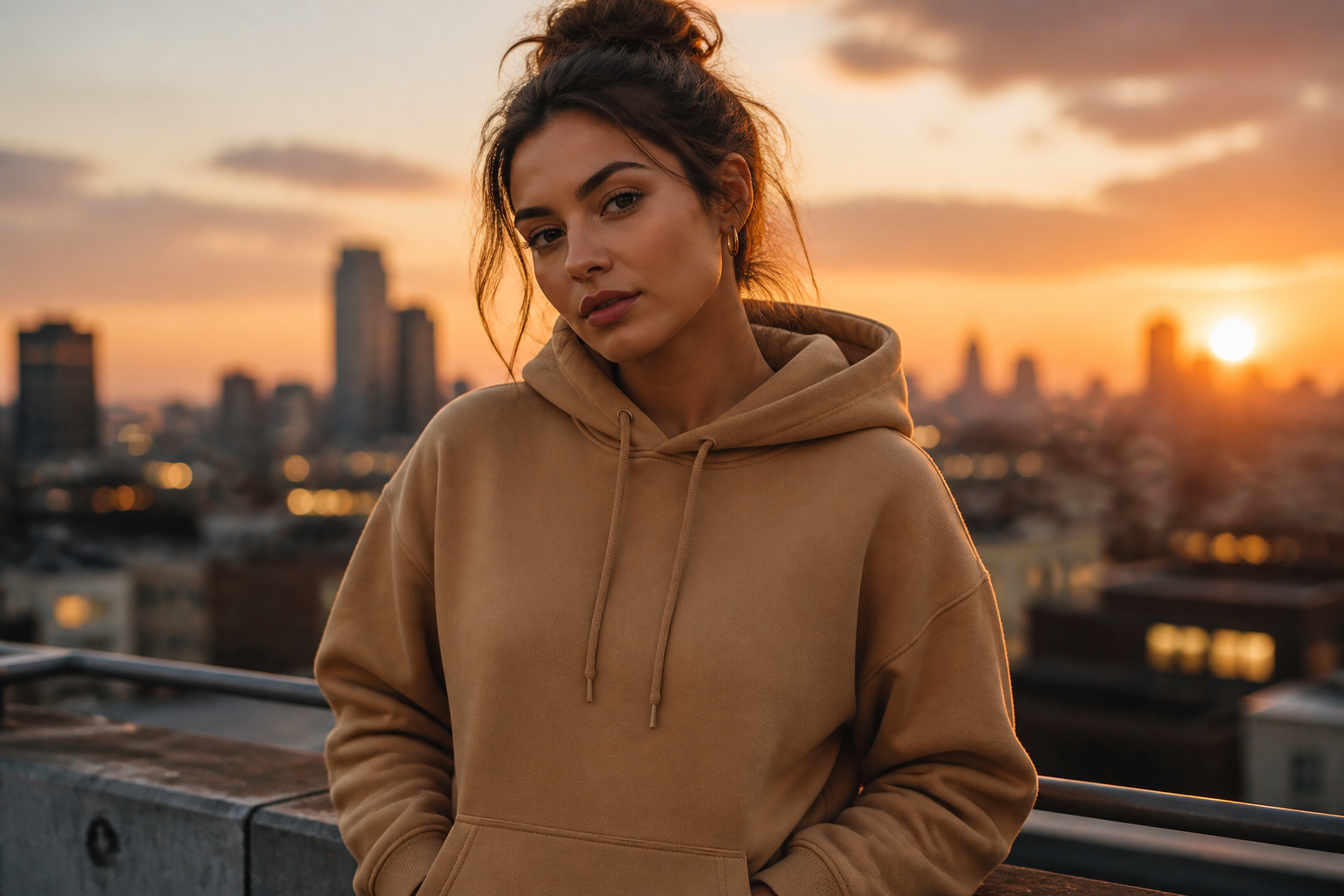
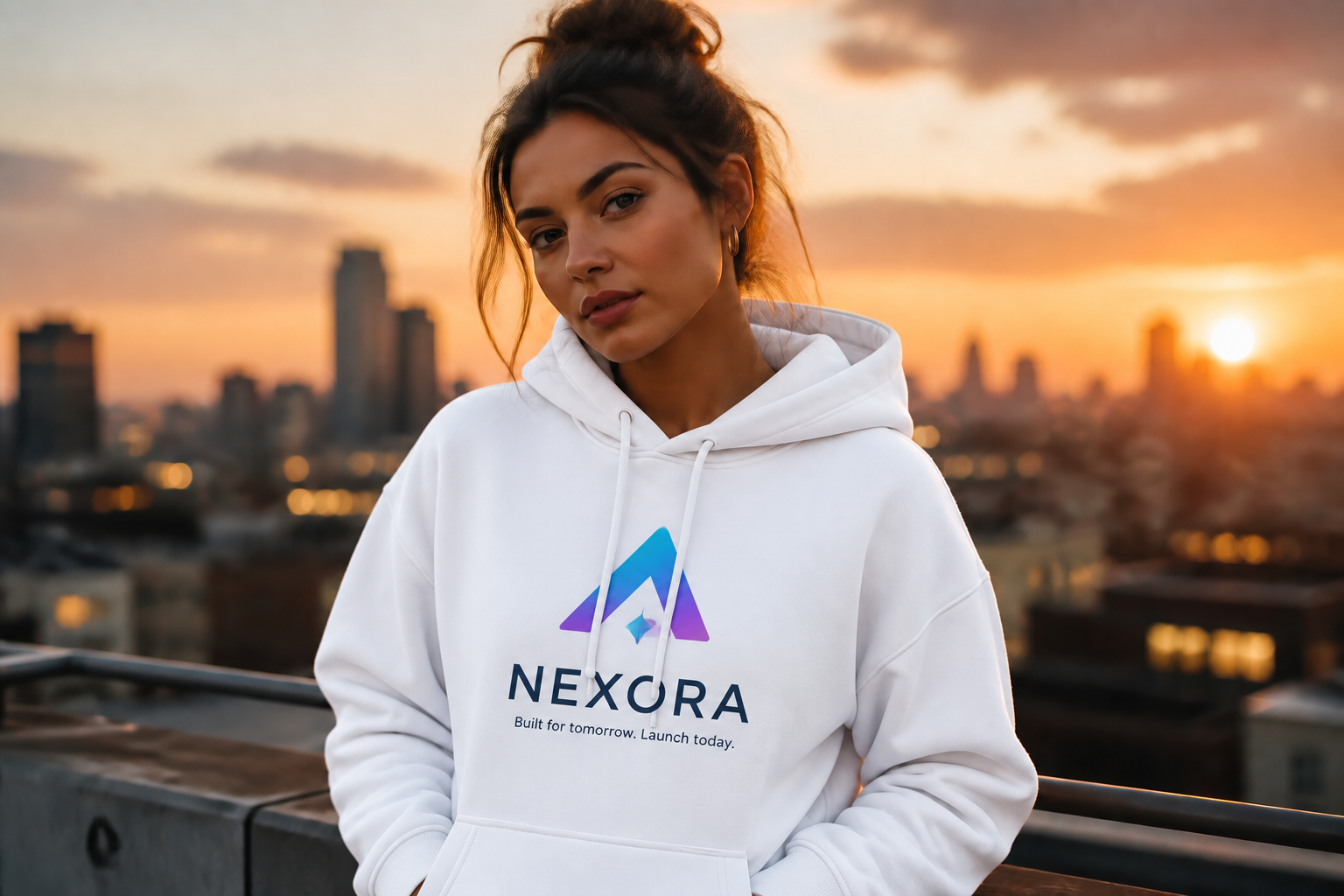
Create hoodie mockups by editing one source image into multiple product-ready looks. Our AI can change colors, graphics, styling, and scene presentation while keeping the garment shape and overall composition consistent.
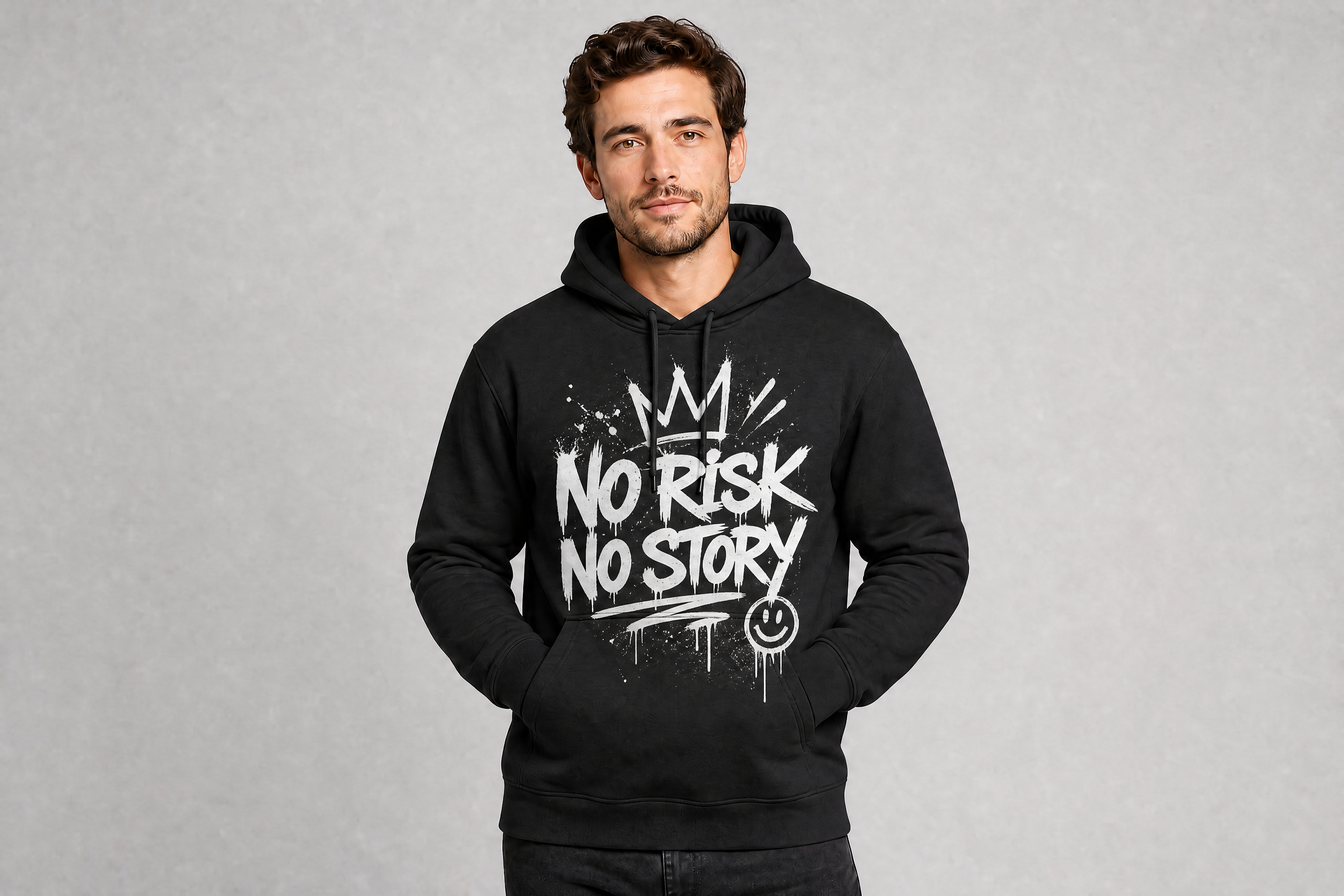
Watch the Transformation
See ai hoodie mockup generator in motion — generated end-to-end by our AI.
See It In Action
Real outputs from ai hoodie mockup generator.
BEFOREAFTER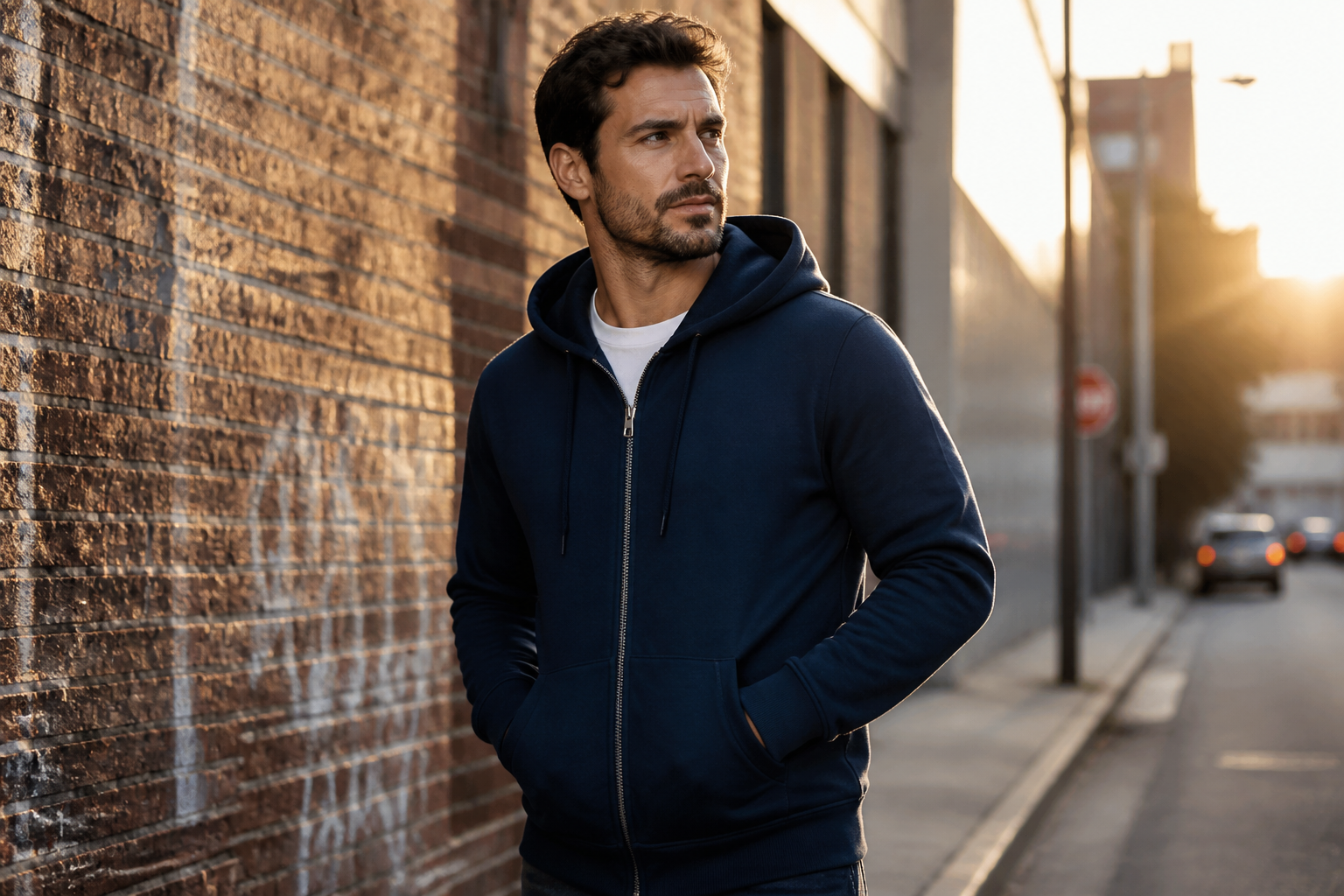 BEFORE
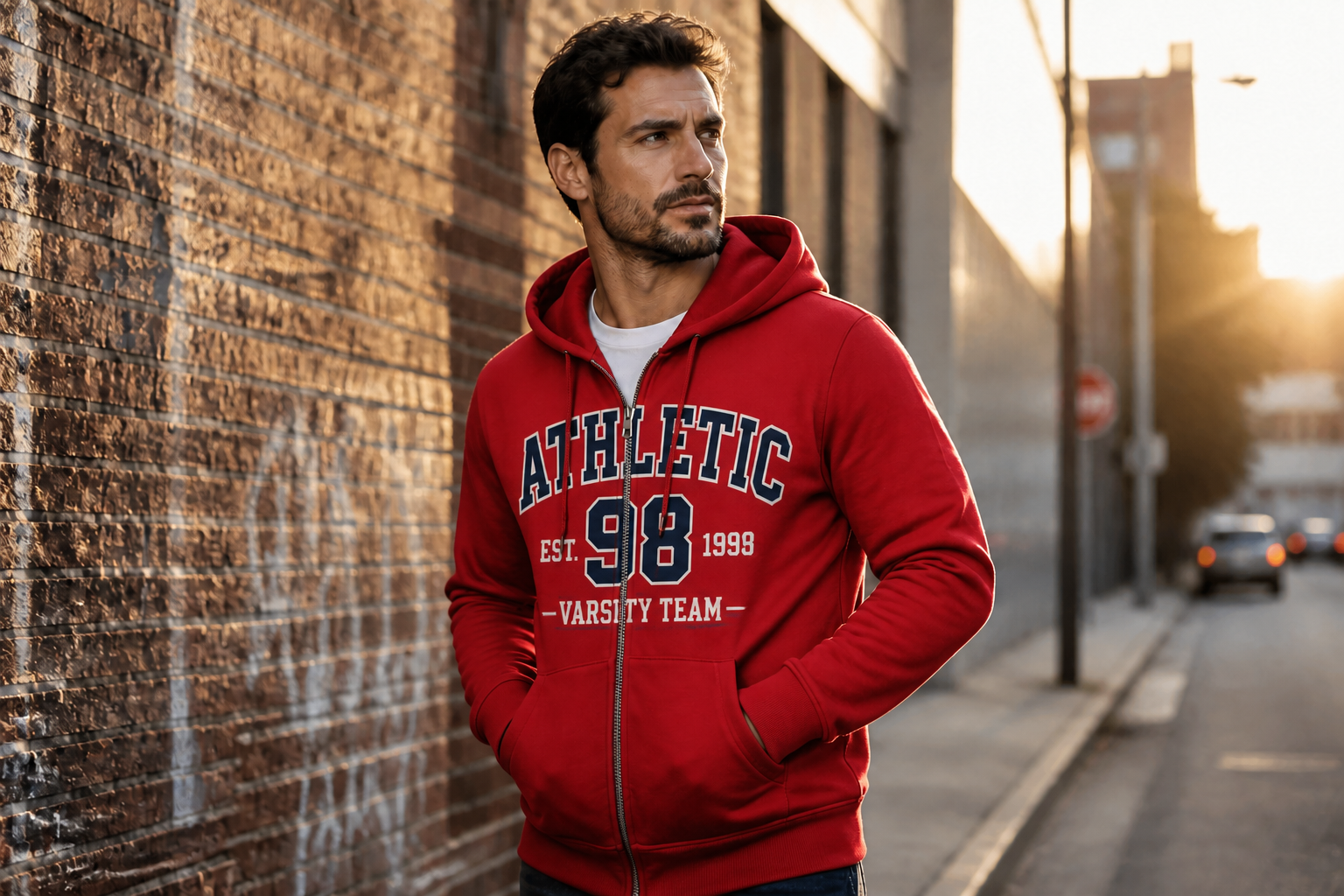 AFTER
AFTER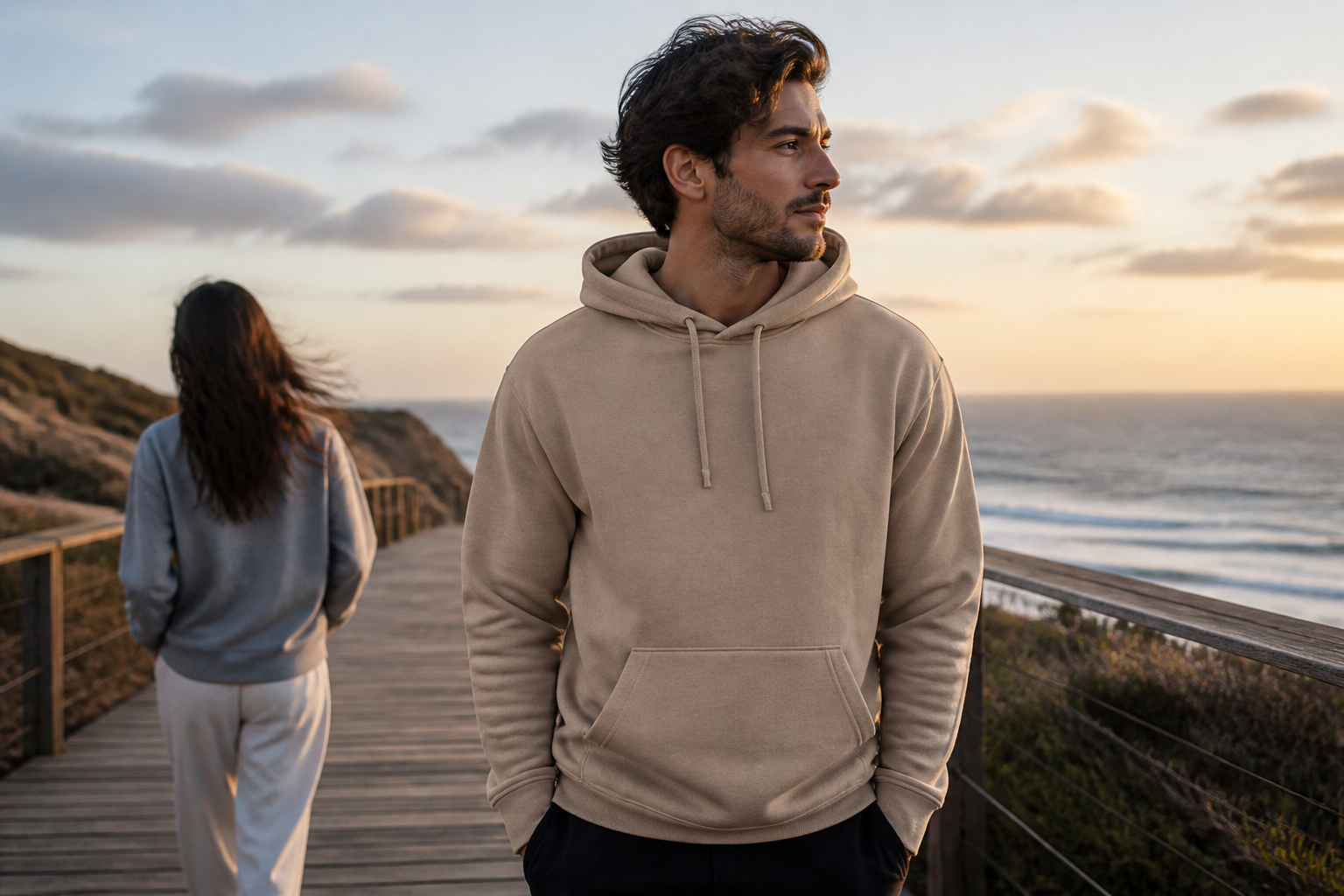 BEFORE
 AFTER
AFTER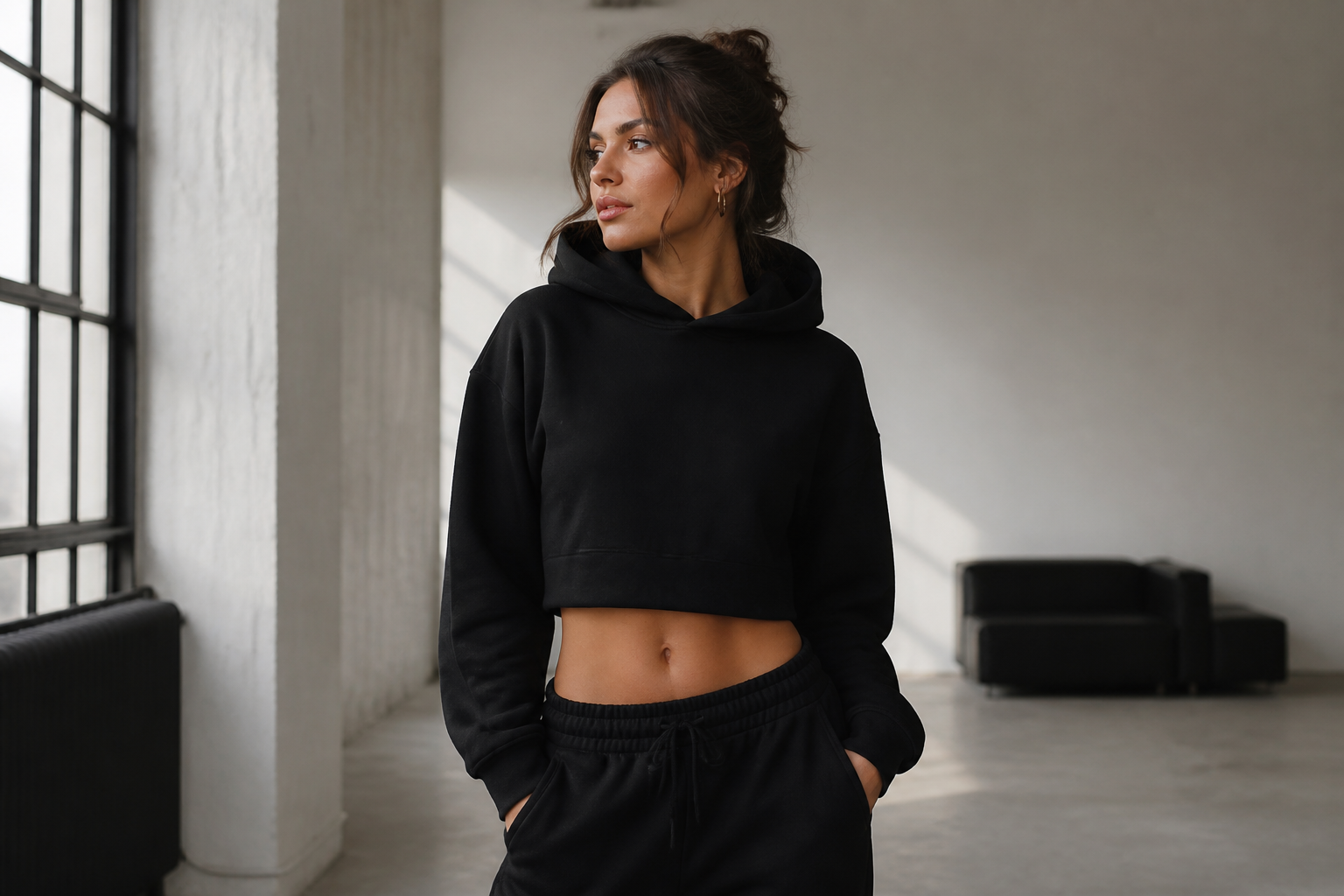 BEFORE
 AFTER
AFTER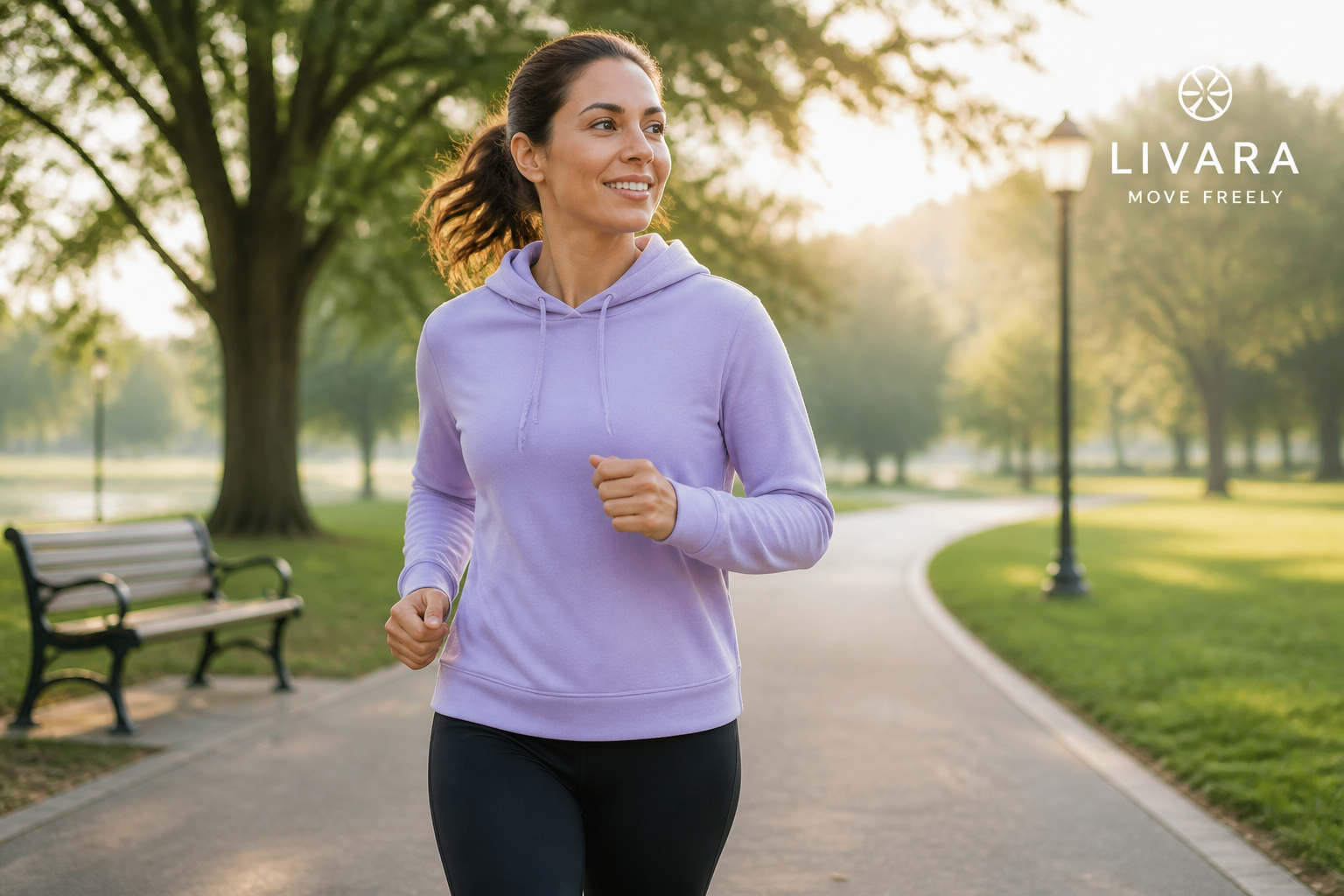 BEFORE
 AFTERBEFOREAFTERBEFOREAFTERBEFOREAFTERBEFOREAFTERBEFOREAFTER
 BEFORE
 AFTER
AFTER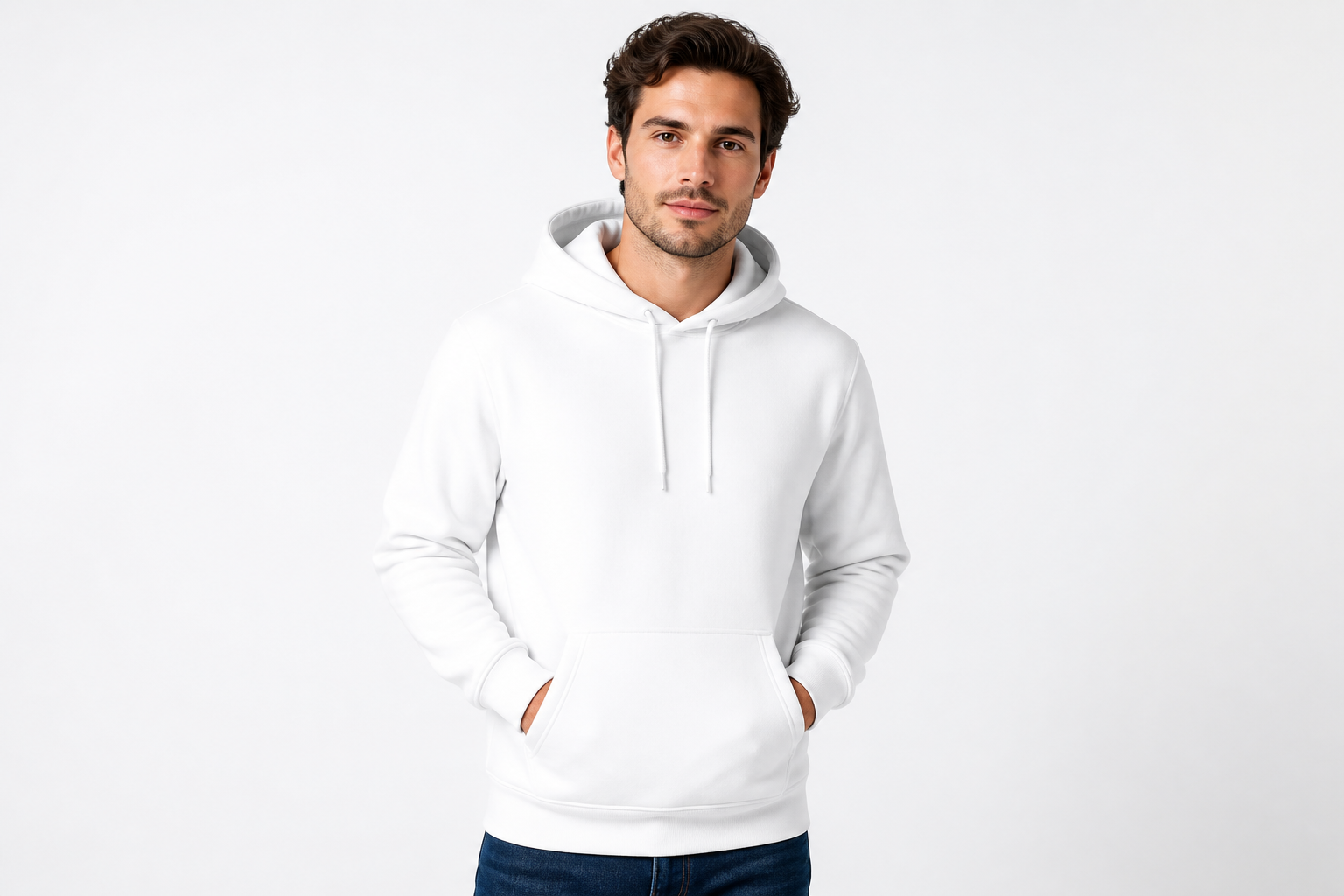 BEFORE
 AFTER
AFTER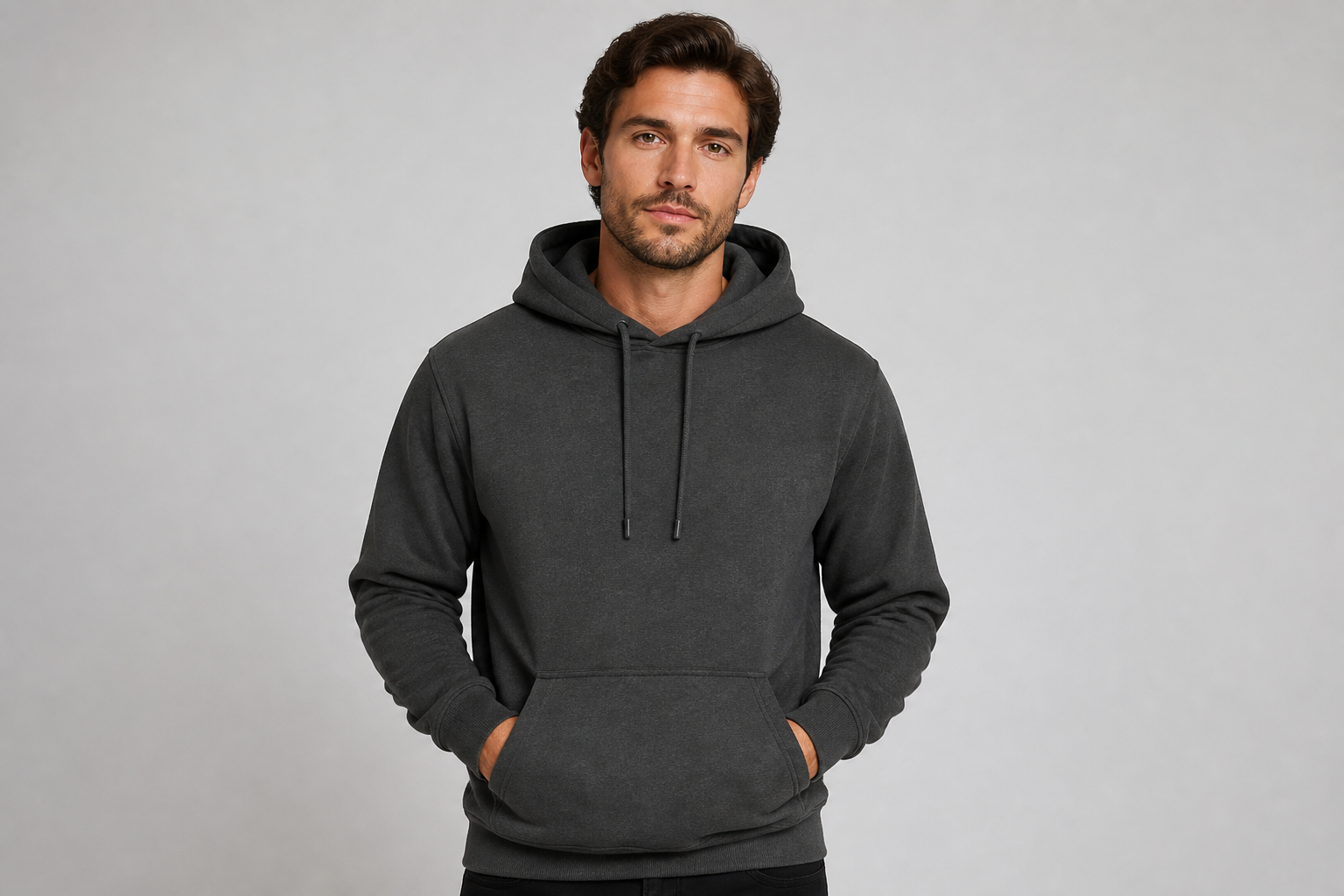 BEFORE
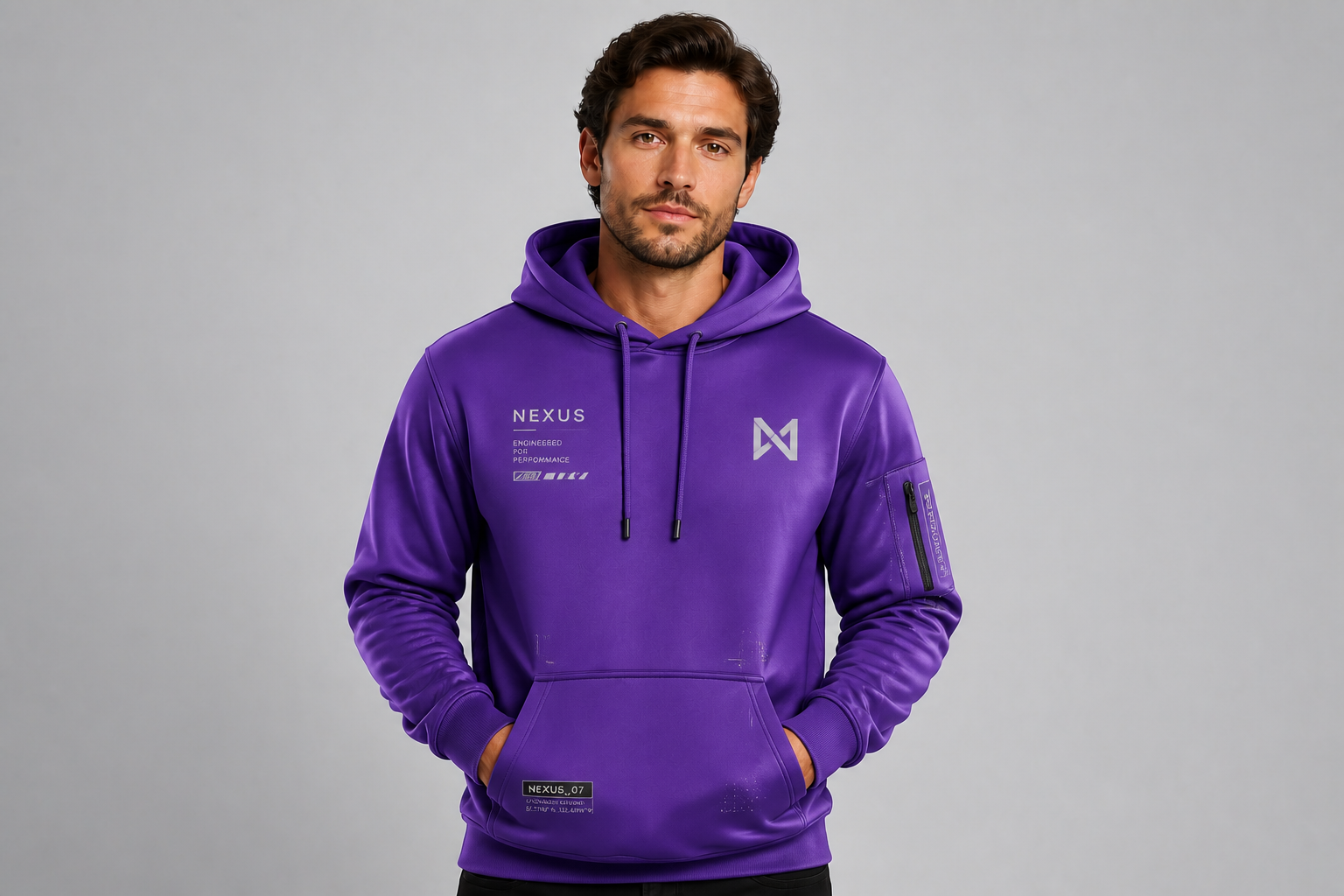 AFTER
AFTER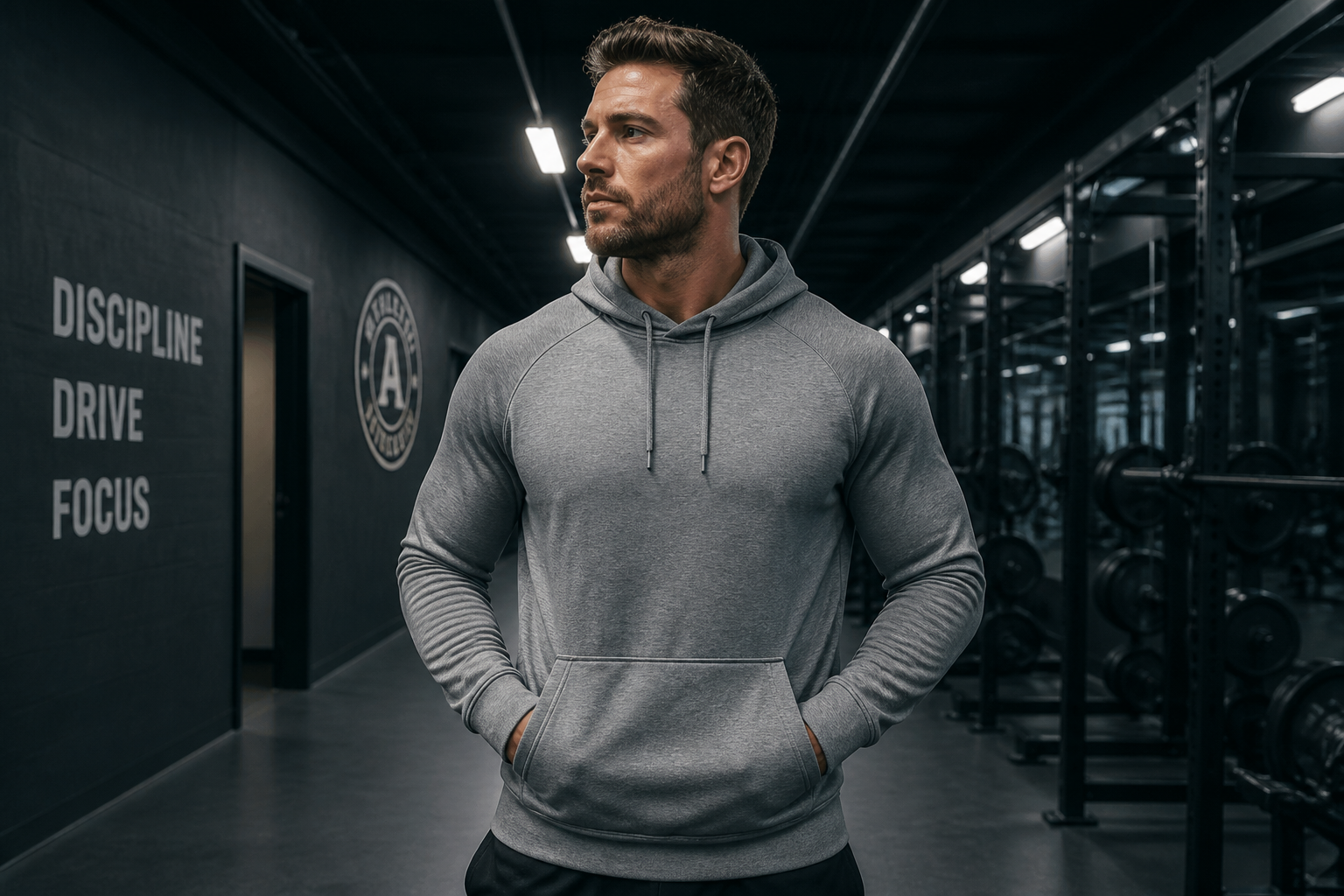 BEFORE
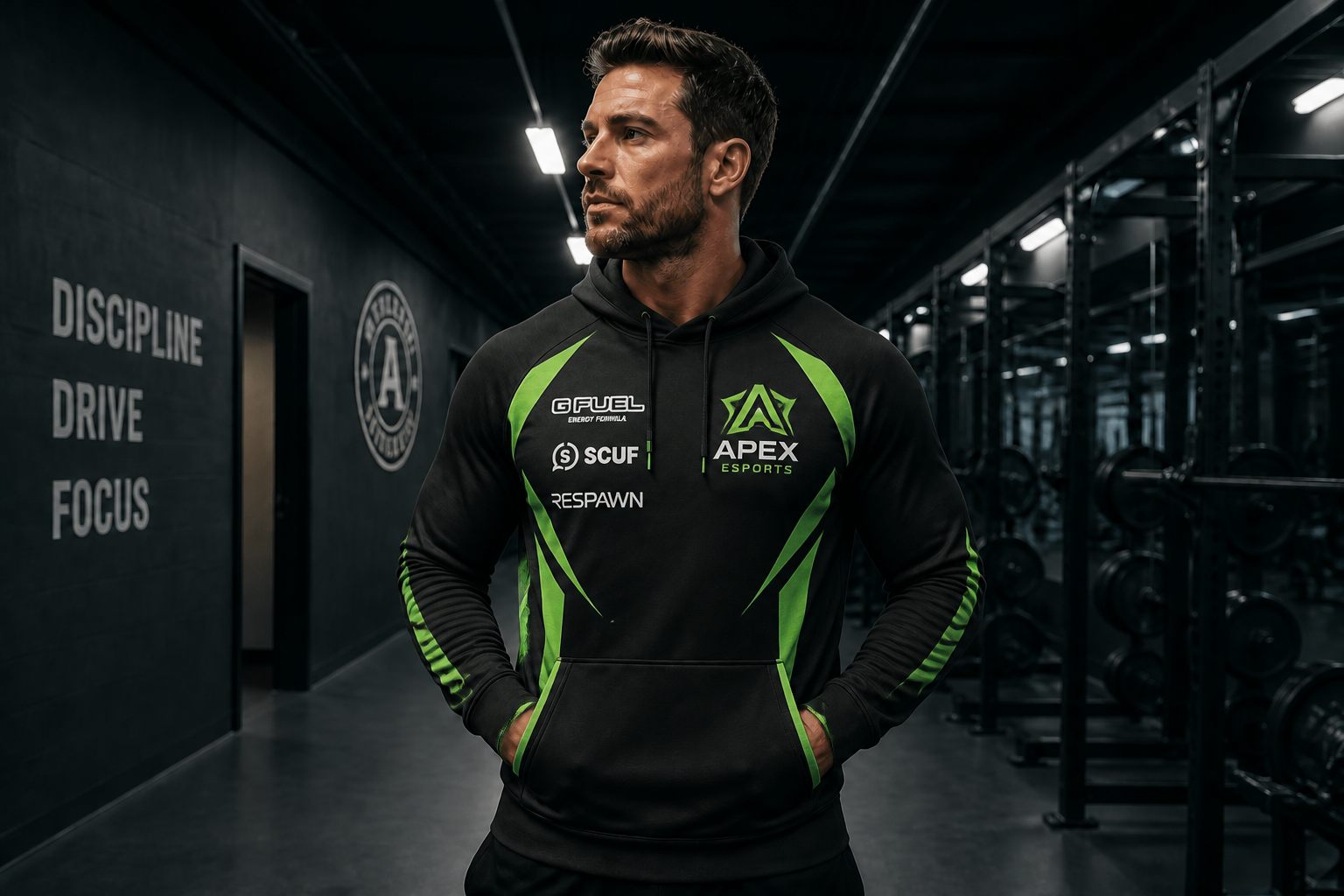 AFTER
AFTER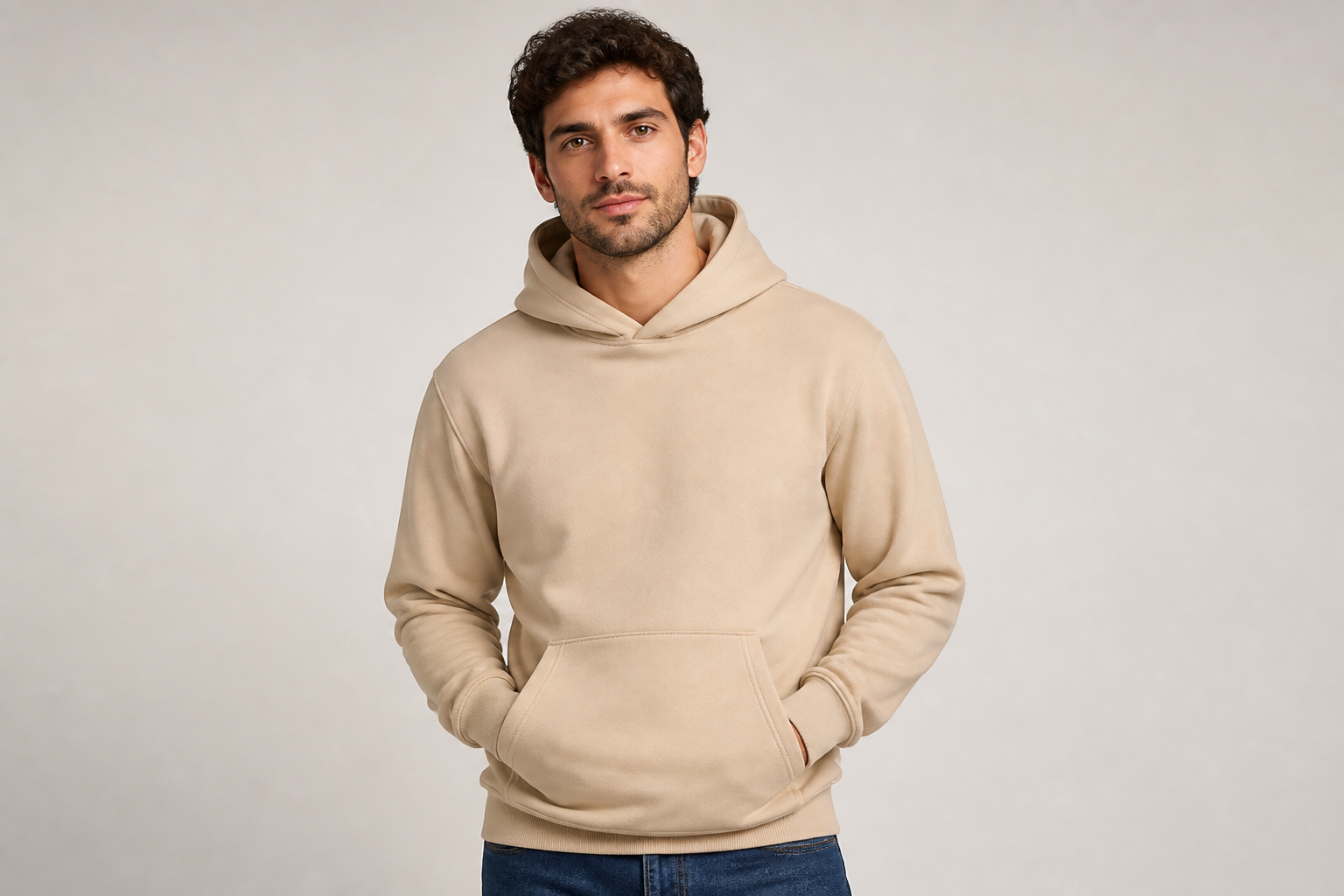 BEFORE
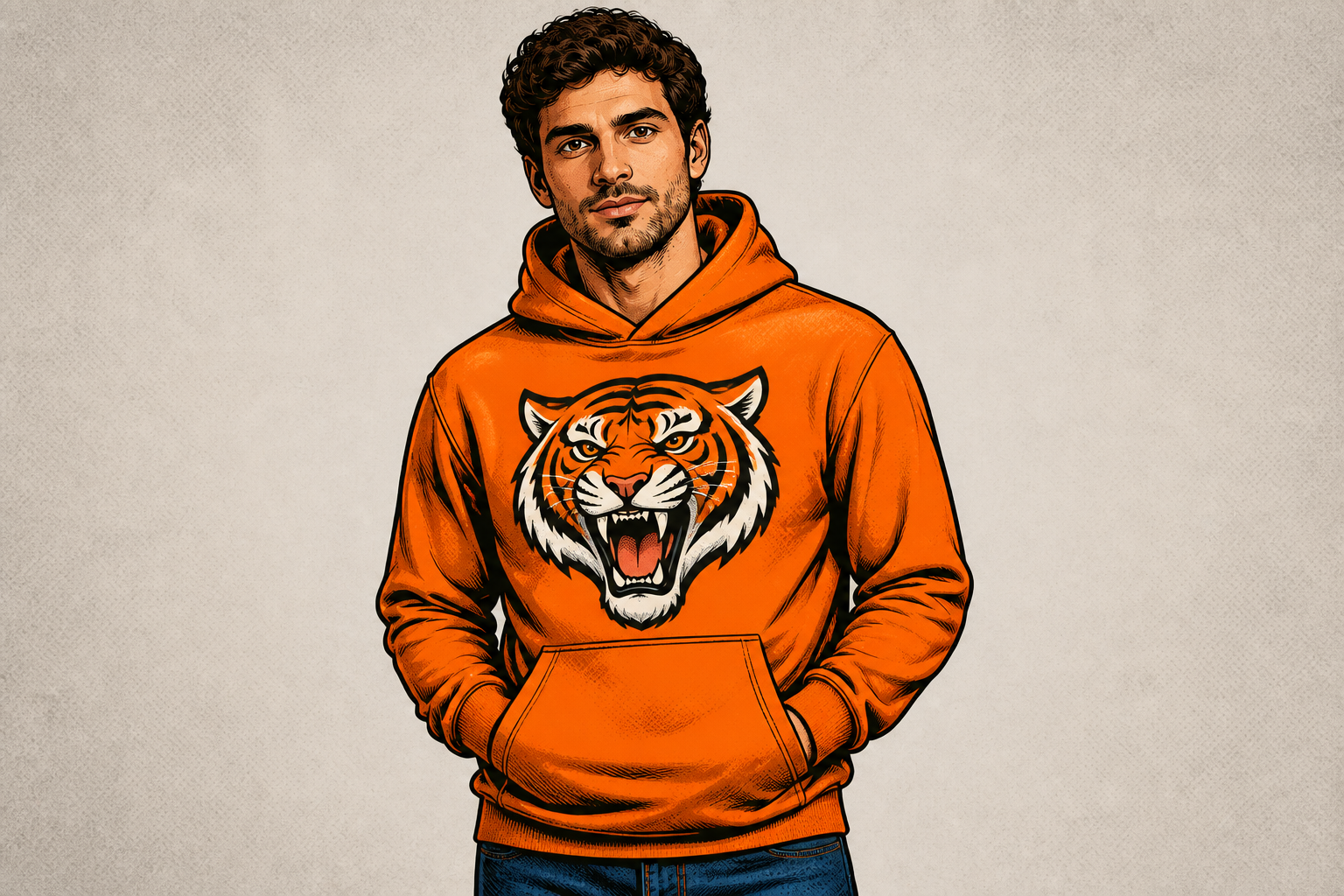 AFTERBEFOREAFTERBEFOREAFTERBEFOREAFTERBEFOREAFTERBEFOREAFTER
Key Features
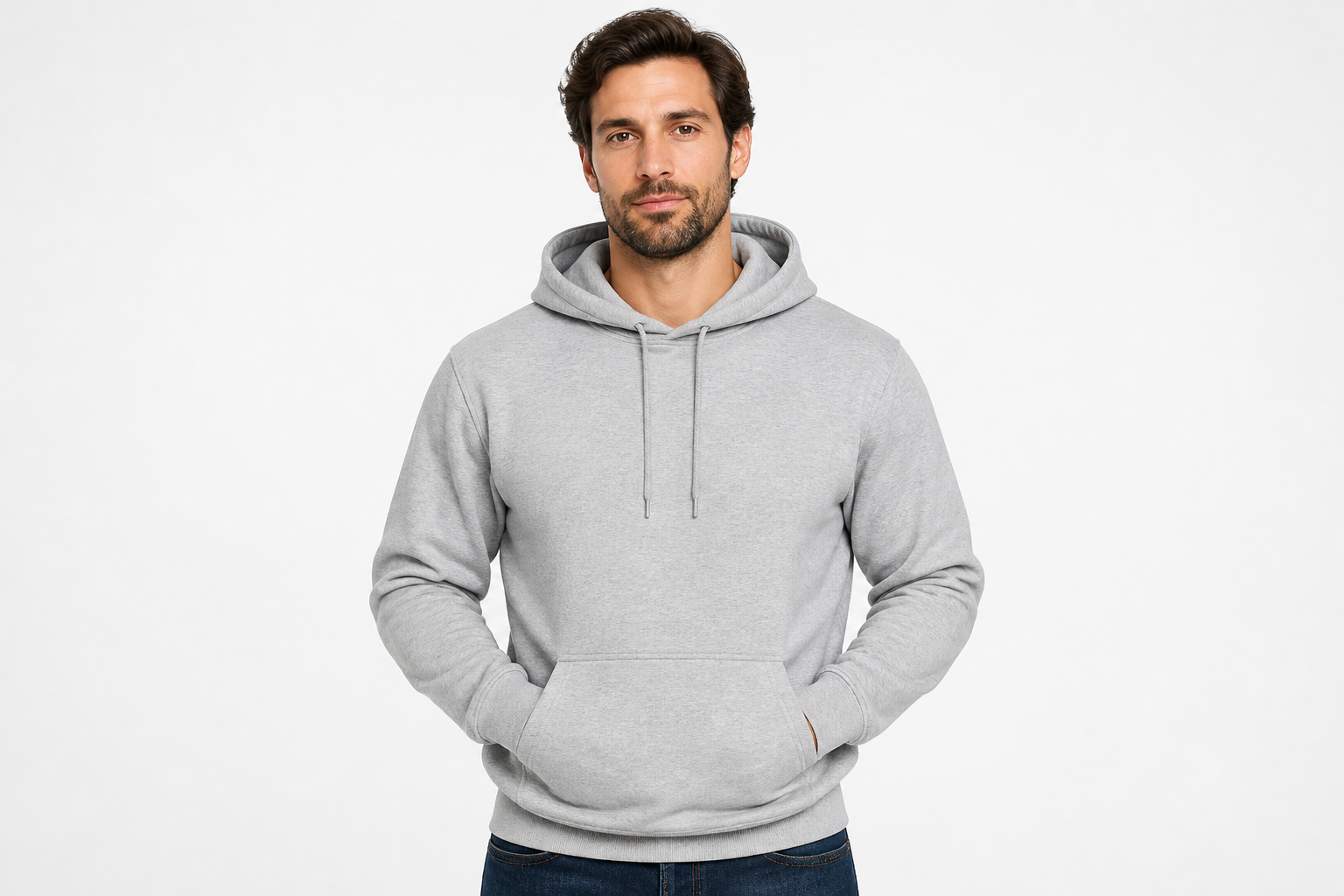
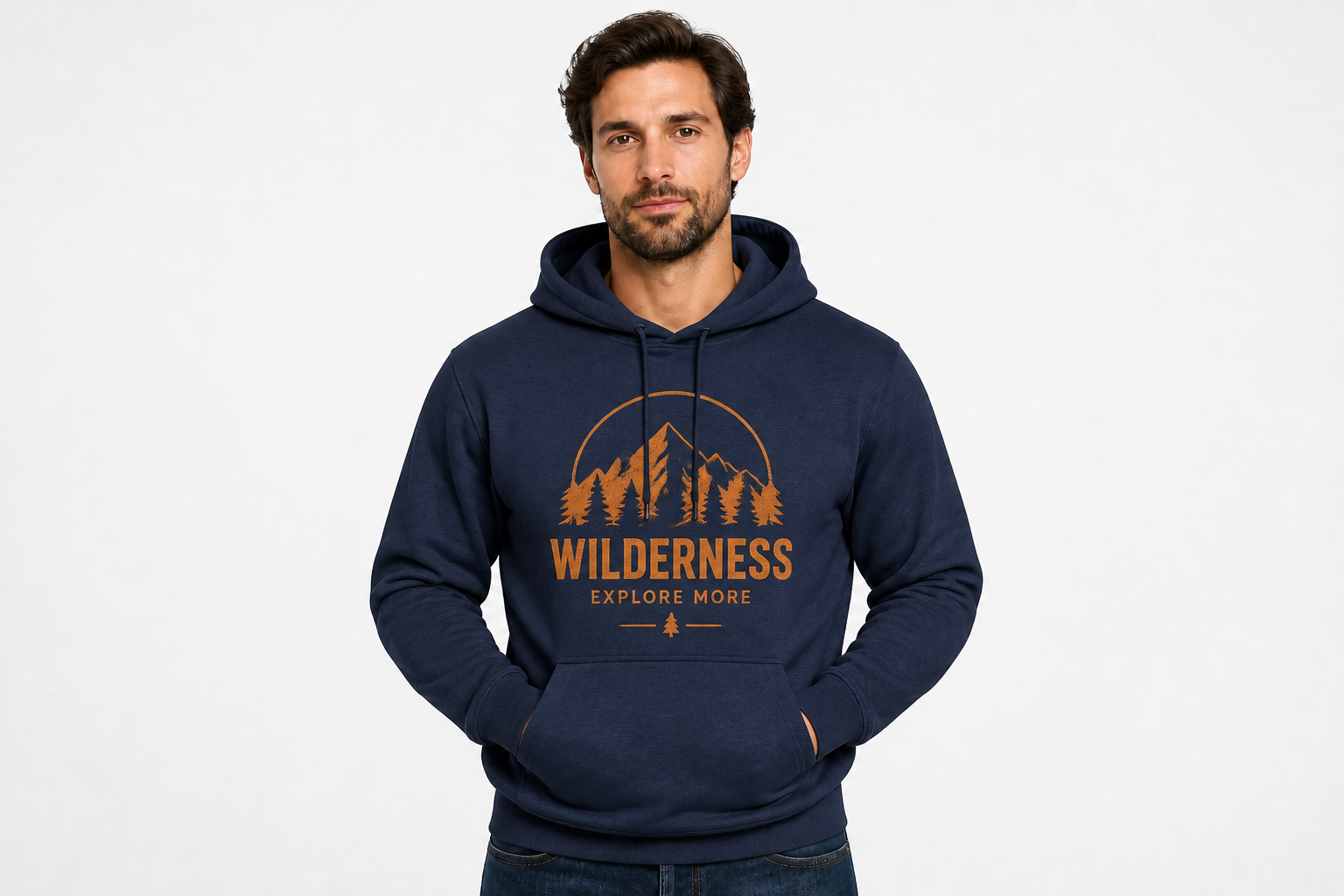
Swap colors and prints
Start with one clean hoodie photo and test multiple colorways or graphics without reshooting. That makes it easier to compare which design reads best on fabric before you publish a listing. Manual mockup work usually means masking folds and repainting shadows by hand. Here, you can generate quick variations while keeping the core garment presentation consistent.
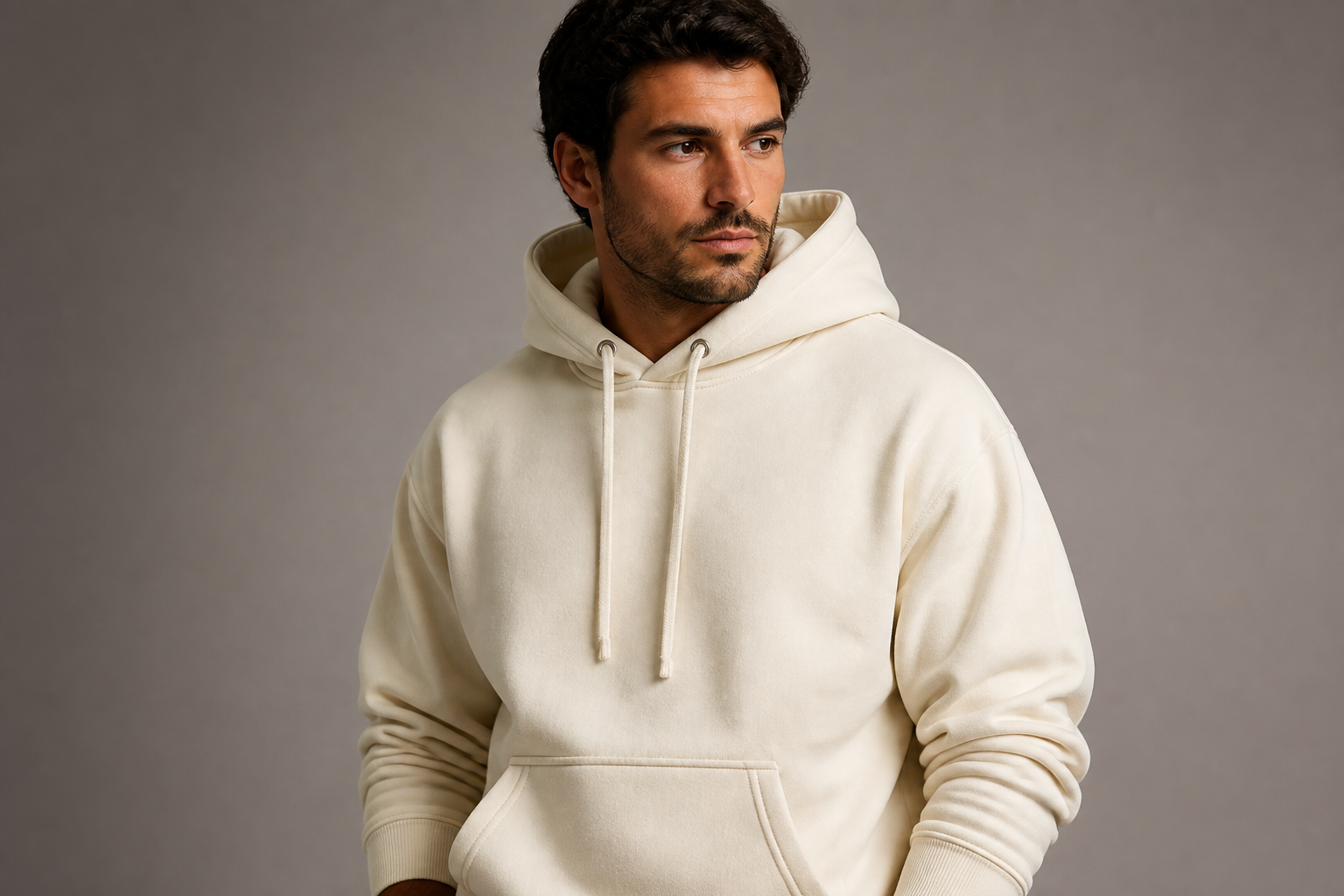
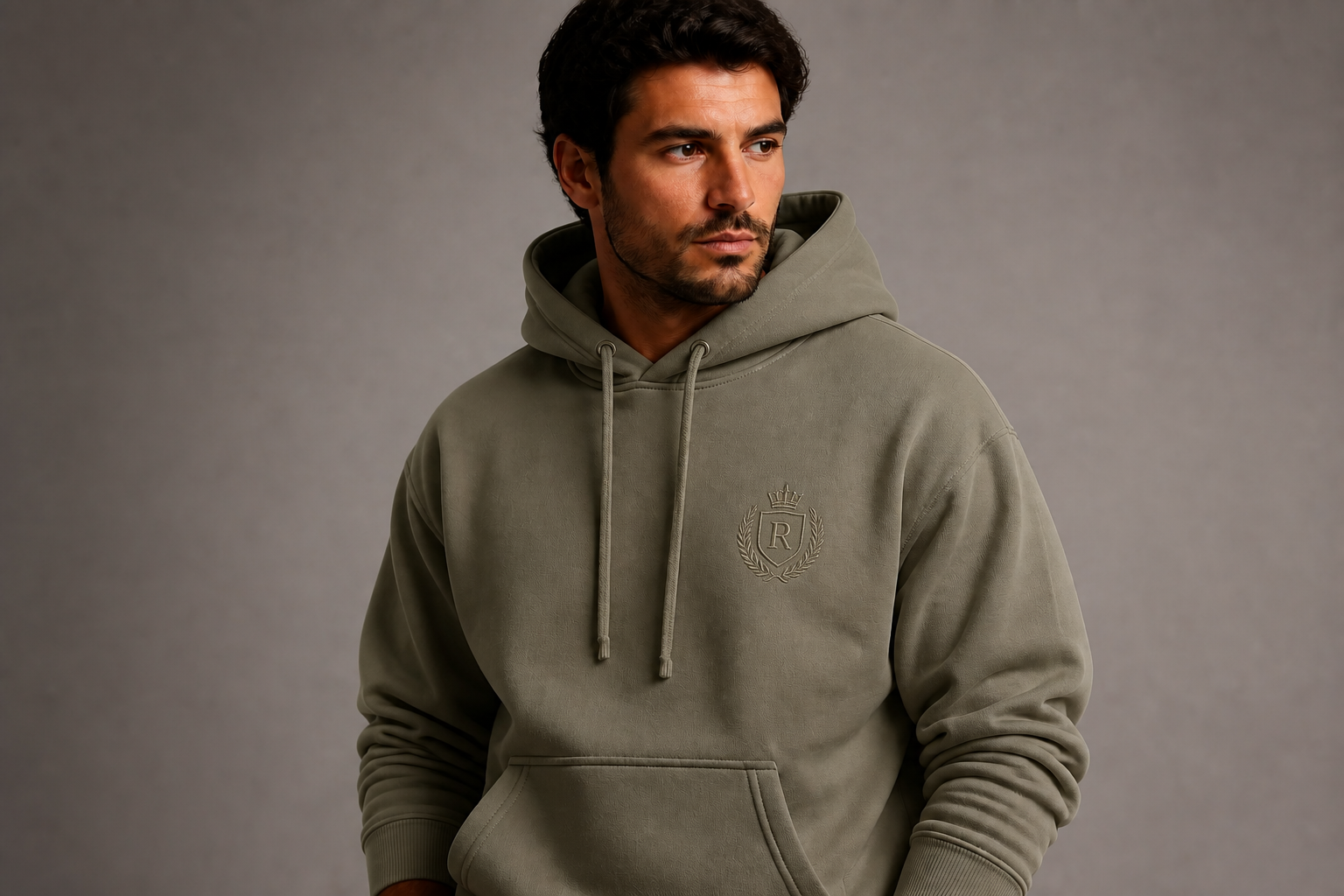
Keep the mockup realistic
Good mockups still need believable fabric, shadows, and seam structure. The edit stays focused on the hoodie design so the image keeps a product-photo look instead of turning into a generic illustration. That helps you show buyers what the garment might look like in a real listing. It is much faster than rebuilding texture and lighting manually in a design app.
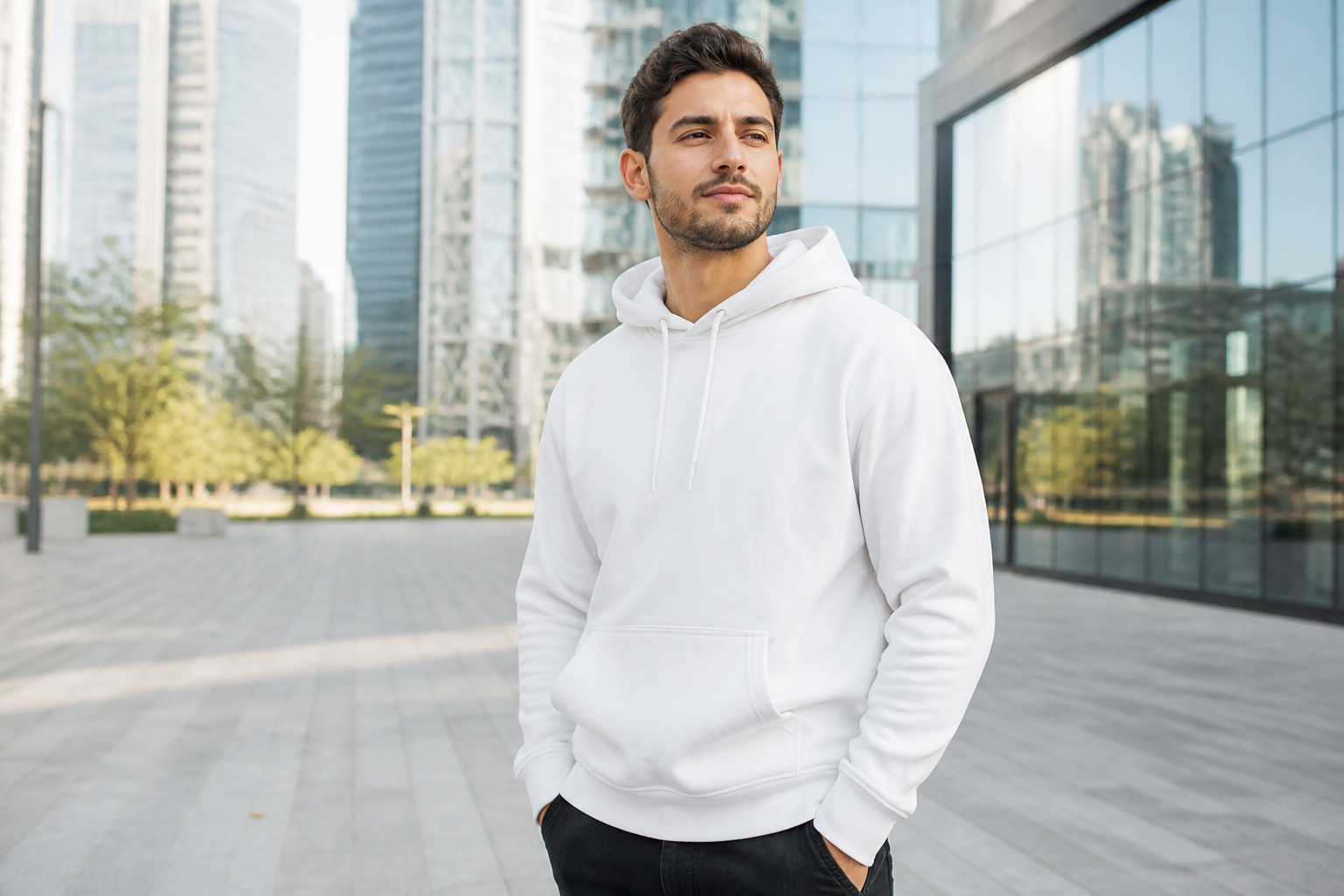
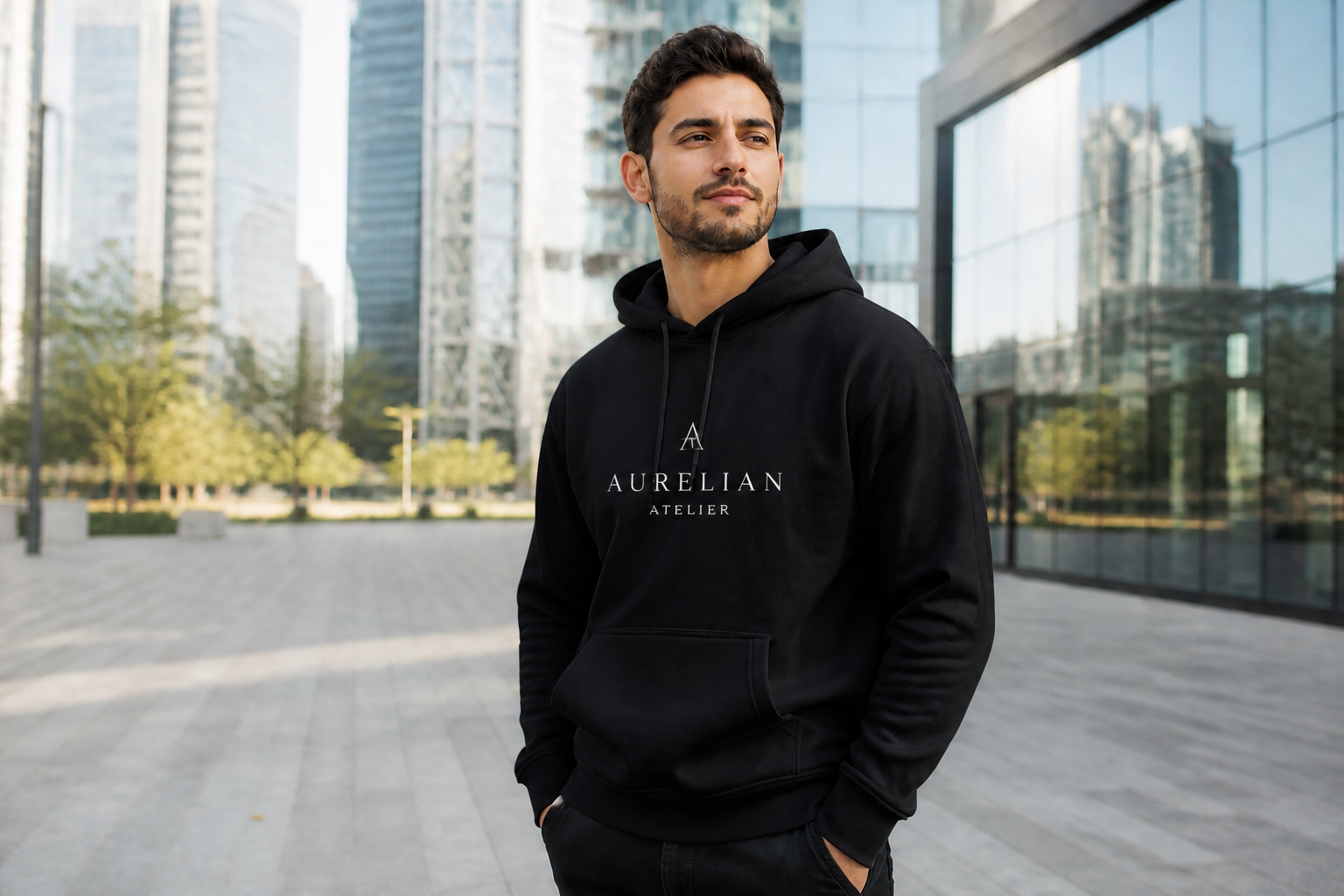
Show multiple brand vibes
The same blank hoodie can be turned into streetwear, fitness, campus, or premium retail mockups. This helps you explore positioning before ordering samples or launching ads. Instead of building separate scenes for every concept, you can reuse one strong base image and change the creative direction. It is a practical way to test branding ideas quickly.
Create social-ready samples
Mockups are often used beyond product pages. You can generate polished hoodie visuals for store banners, launch posts, pitch decks, and ad tests from the same source image. That gives you more useful assets from one photo session. It also saves time when you need several visual directions for different channels.
How It Works
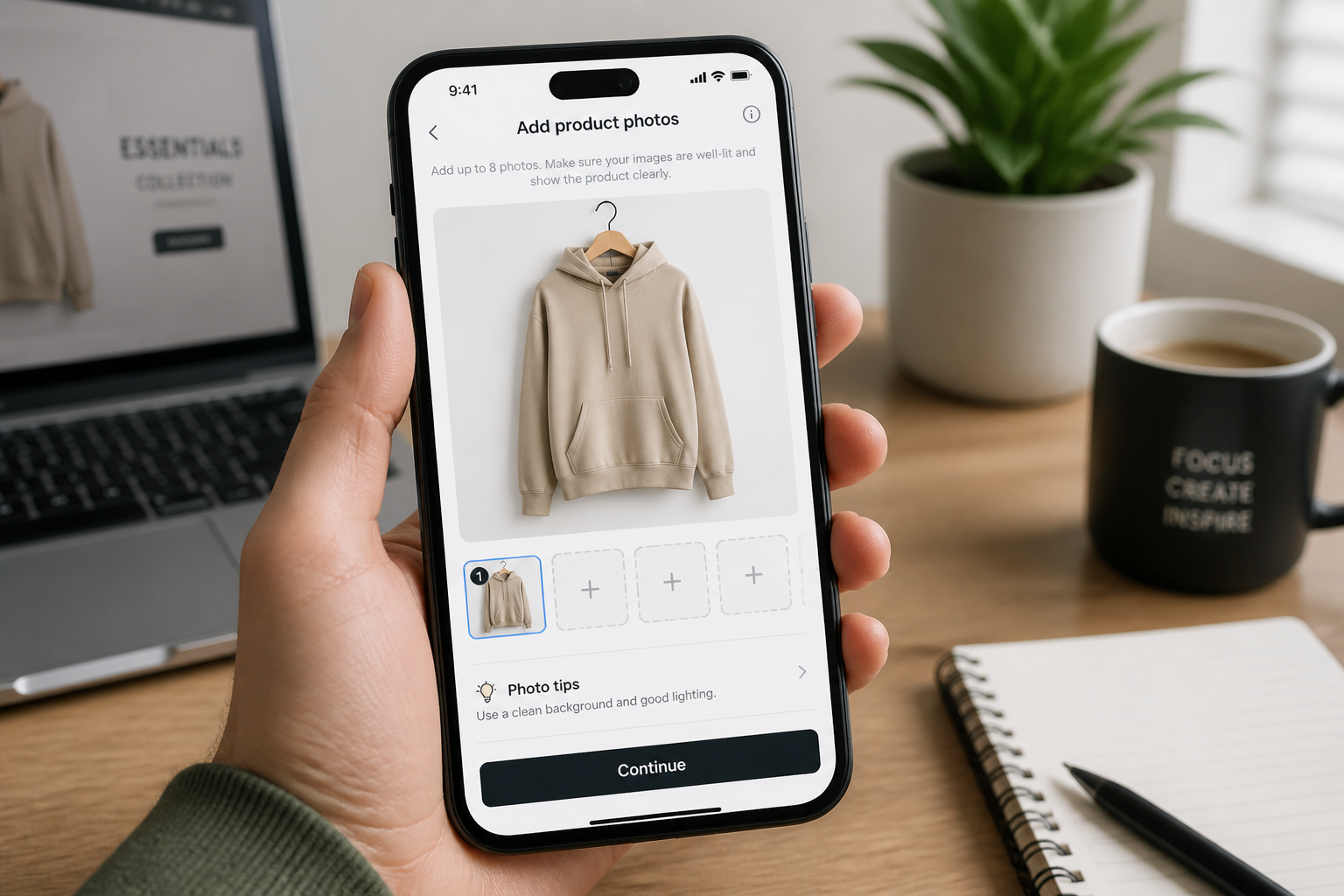
Upload a hoodie photo
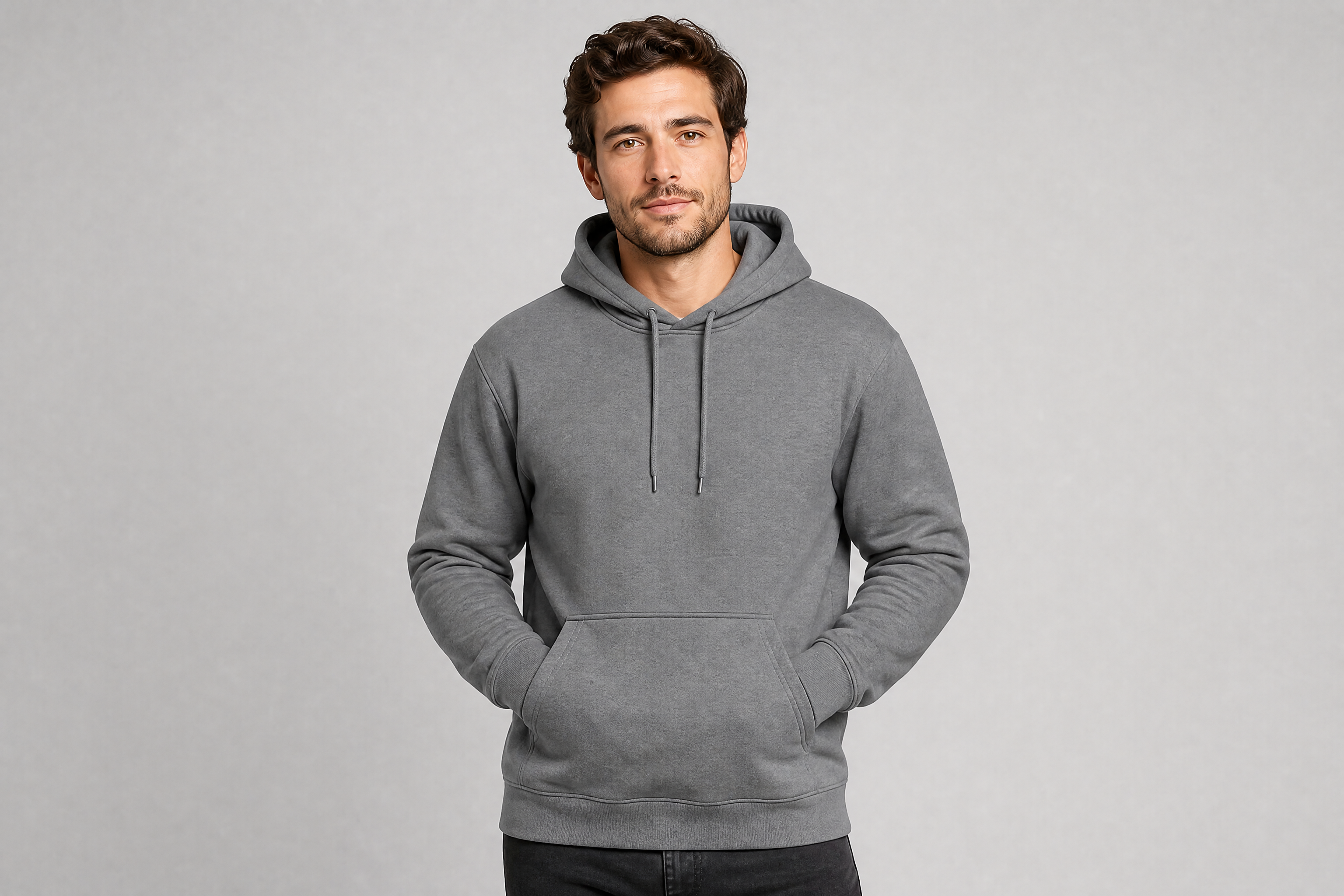
Start with a clear image of a blank or existing hoodie. Front-facing studio shots work best, but lifestyle photos can work too if the garment is easy to see.
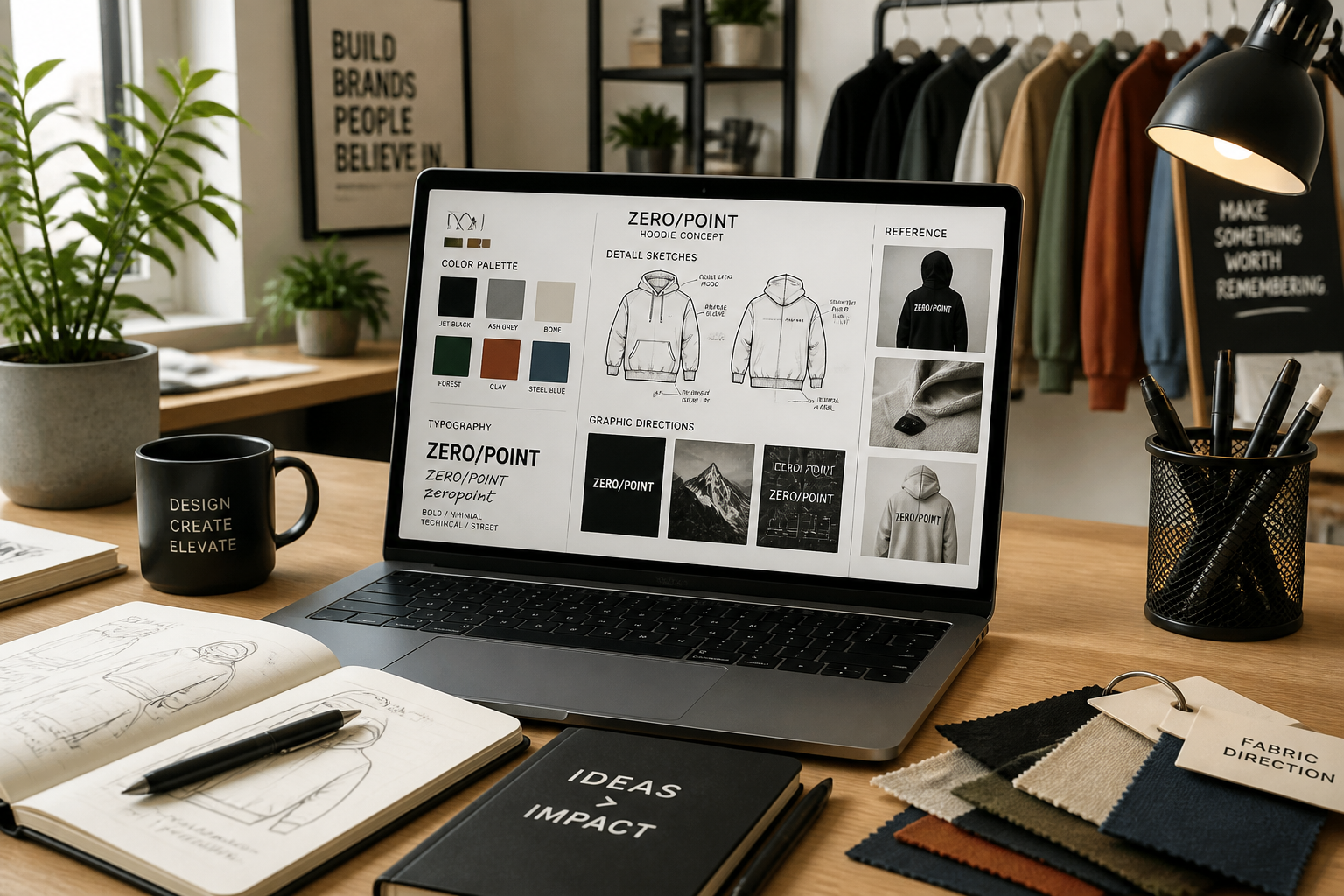
Describe the mockup look
Tell our AI what to change, such as color, graphic placement, or overall brand style. You can keep it simple or specify details like chest print, oversized fit, or premium catalog finish.
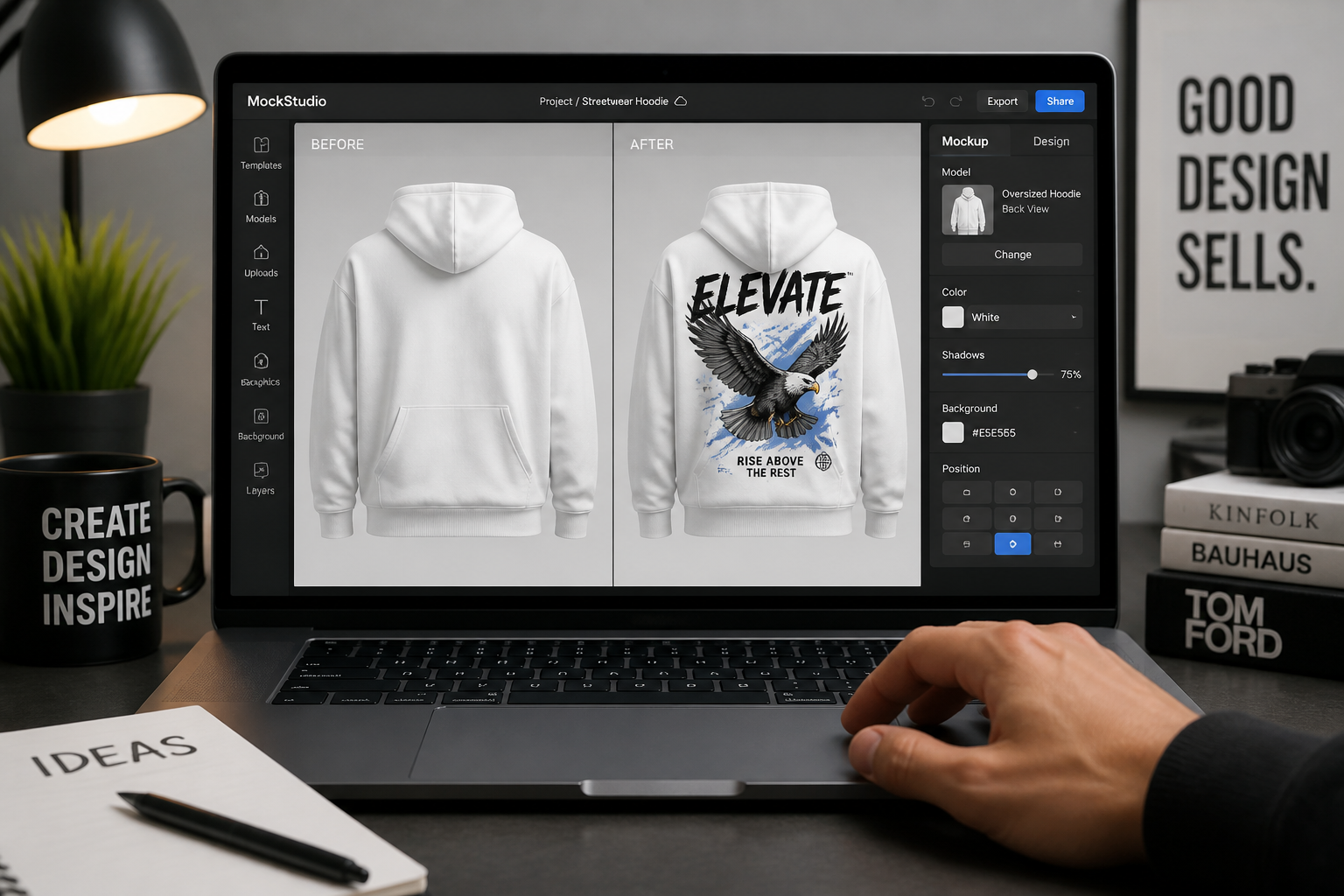
Compare and refine
Review the generated mockup and check how the design sits on the garment. If needed, rerun with a different print, colorway, or scene style until the result fits your store or campaign.
Perfect For
Discover how creators and professionals use ai hoodie mockup generator
Print-on-demand listings
Create quick hoodie visuals for storefronts without arranging a new product shoot for every design.
Brand concept testing
Try different logo placements, colors, and graphic directions before committing to production.
Ad creative variation
Build multiple hoodie looks for paid social tests, landing pages, and launch campaigns.
Client presentation decks
Show apparel concepts in realistic mockup form when pitching merchandise ideas to clients or teams.
Built For
Print-on-demand sellers
Generate product-ready hoodie mockups quickly so you can test and publish more designs with less manual editing.
Clothing brands
Explore brand directions, seasonal colorways, and campaign concepts before investing in full production photography.
Design freelancers
Turn client concepts into clear, realistic hoodie visuals that are easier to review than flat artwork alone.
Why use it for hoodie mockups
A quick look at how we compare on the things that matter for this niche.
| Feature | BudgetPixel | Generic AI editors | Manual editing apps |
|---|---|---|---|
| Fast hoodie variations | ✓ | ✓ | — |
| Product-photo style results | ✓ | — | ✓ |
| Easy print and color swaps | ✓ | ✓ | — |
| Useful for non-designers | ✓ | ✓ | — |
Frequently Asked Questions
What kind of photo works best for a hoodie mockup?
Can I change both the hoodie color and the graphic?
Are the results suitable for ecommerce?
Can I make lifestyle hoodie mockups instead of studio shots?
Do I need design software experience?
Create together.
Share your creations, discover trending AI art, and grow with fellow creators.