AI Menu Generator
Create menu concepts, layouts, and styled food menus from a simple prompt
Generate restaurant menu visuals from a text prompt in seconds. Use it to mock up cafe menus, cocktail lists, dessert cards, and seasonal specials for pitches, social posts, or design drafts.
See It In Action
Real outputs from ai menu generator.
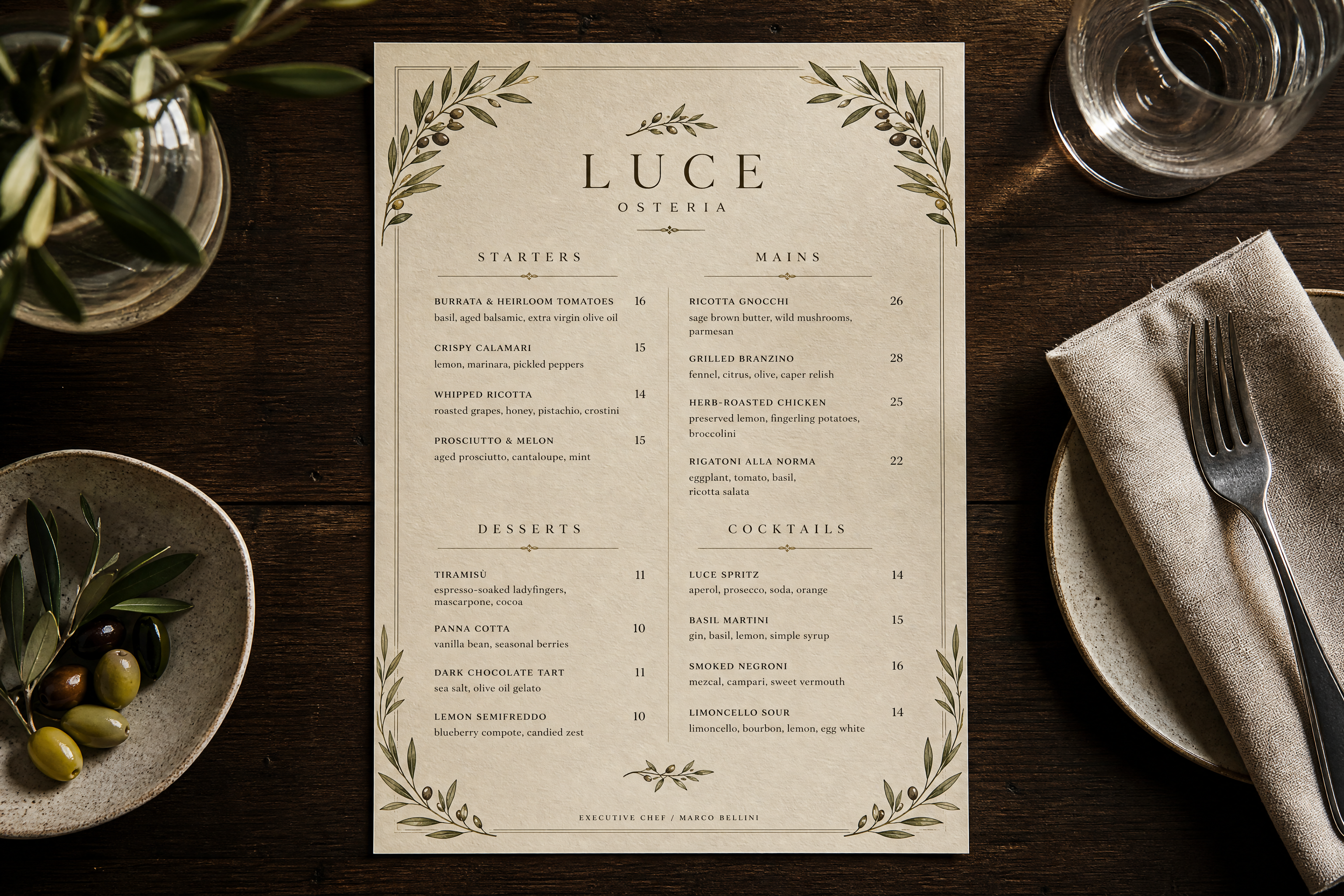
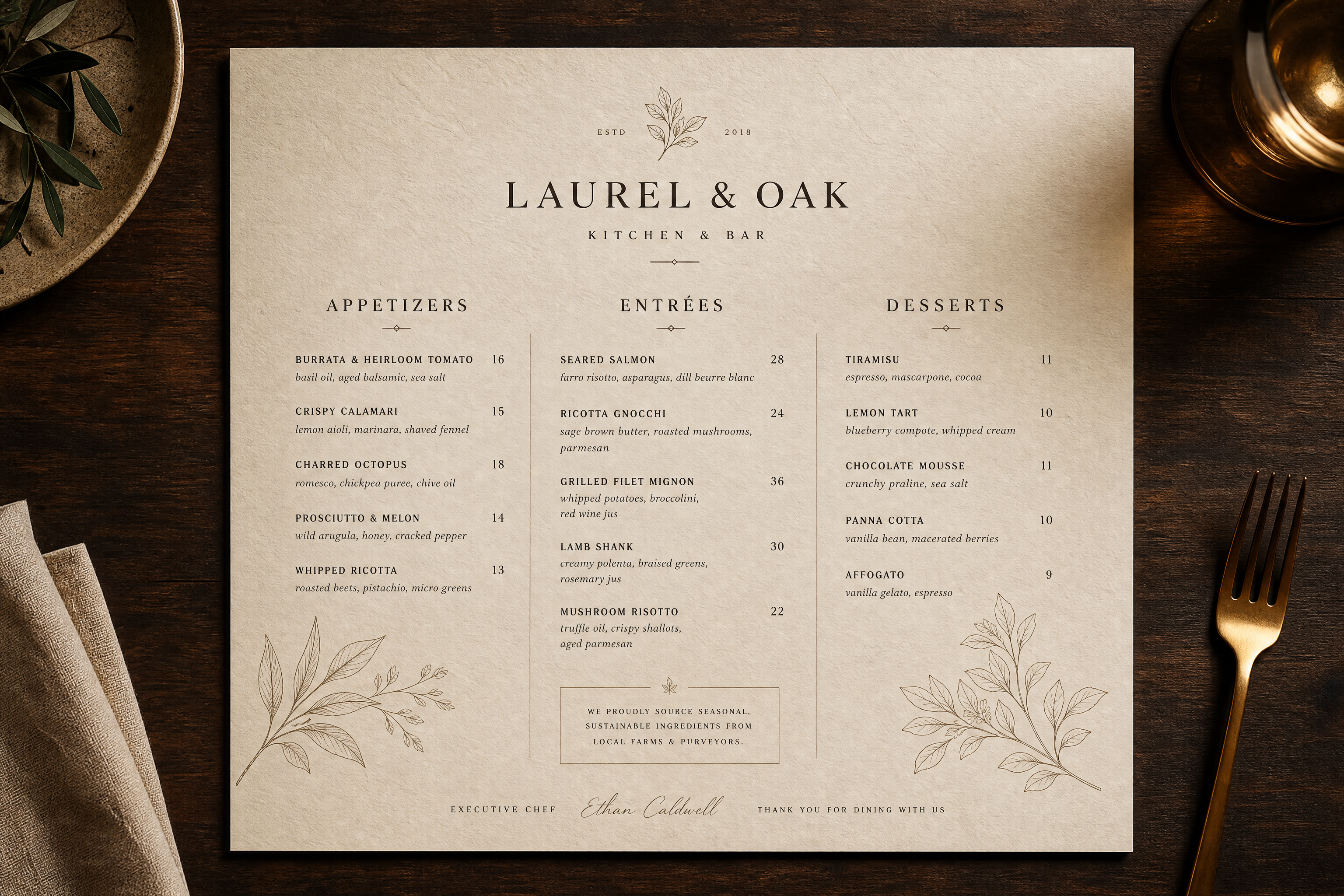
elegant modern restaurant menu design, cream textured paper, serif headlines, refined appetizer entree dessert sections, subtle botanical line art, neatly spaced columns, overhead presentation on dark wooden table, warm editorial lighting, premium hospitality branding style
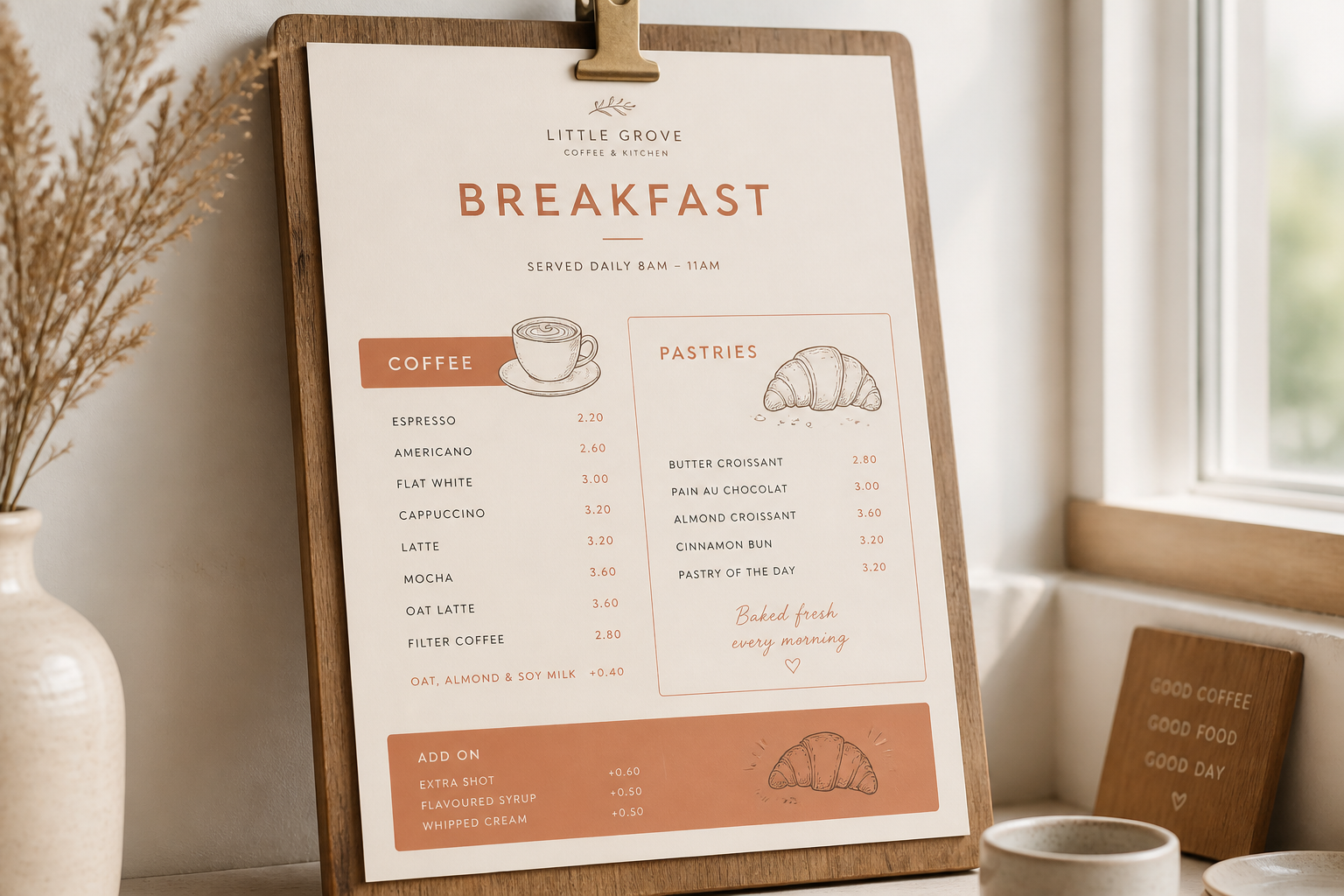
minimalist cafe breakfast menu, soft beige and terracotta palette, clean sans serif typography, coffee and pastry sections, small hand-drawn croissant illustrations, clipped to a wooden board, bright natural window light, Scandinavian design aesthetic
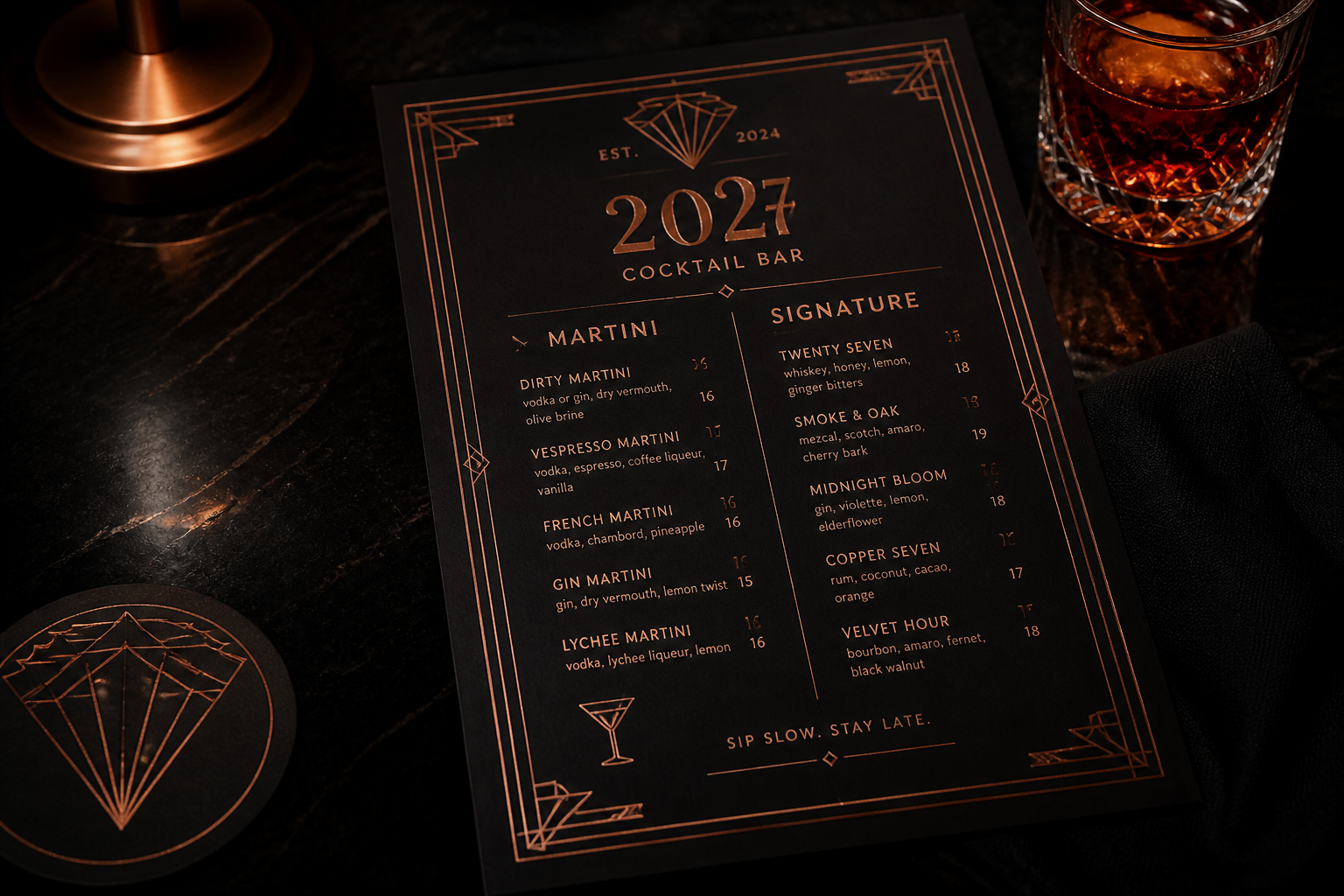
bold cocktail bar menu design, black paper with copper typography, martini and signature drink list, geometric deco borders, moody lounge setting, overhead angle, dramatic low-key lighting, upscale nightlife editorial style
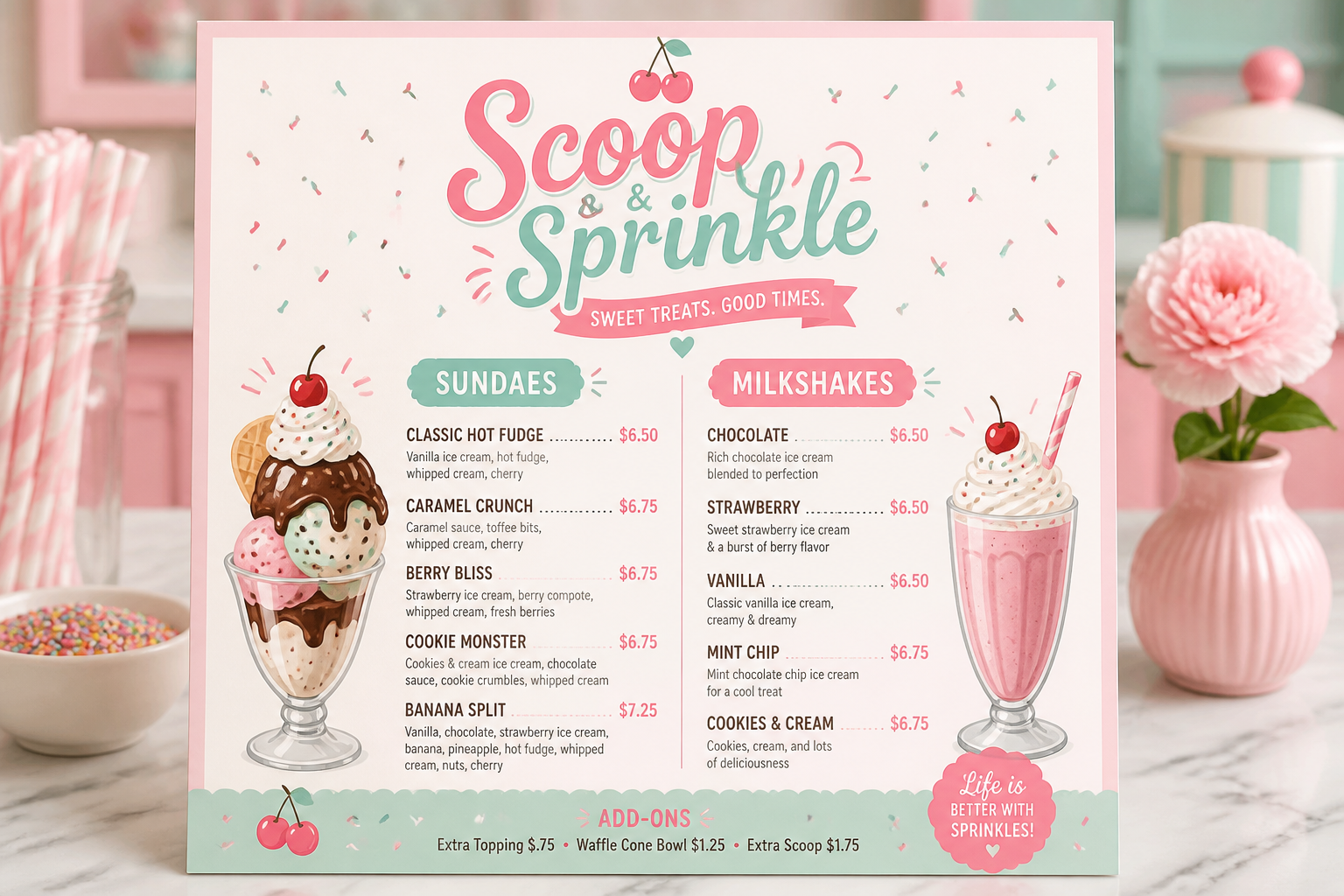
playful dessert shop menu, pastel pink and mint color palette, whimsical headings, ice cream sundae and milkshake sections, cute illustrated cherries and sprinkles, clean printed card on marble counter, bright studio lighting, charming retail design
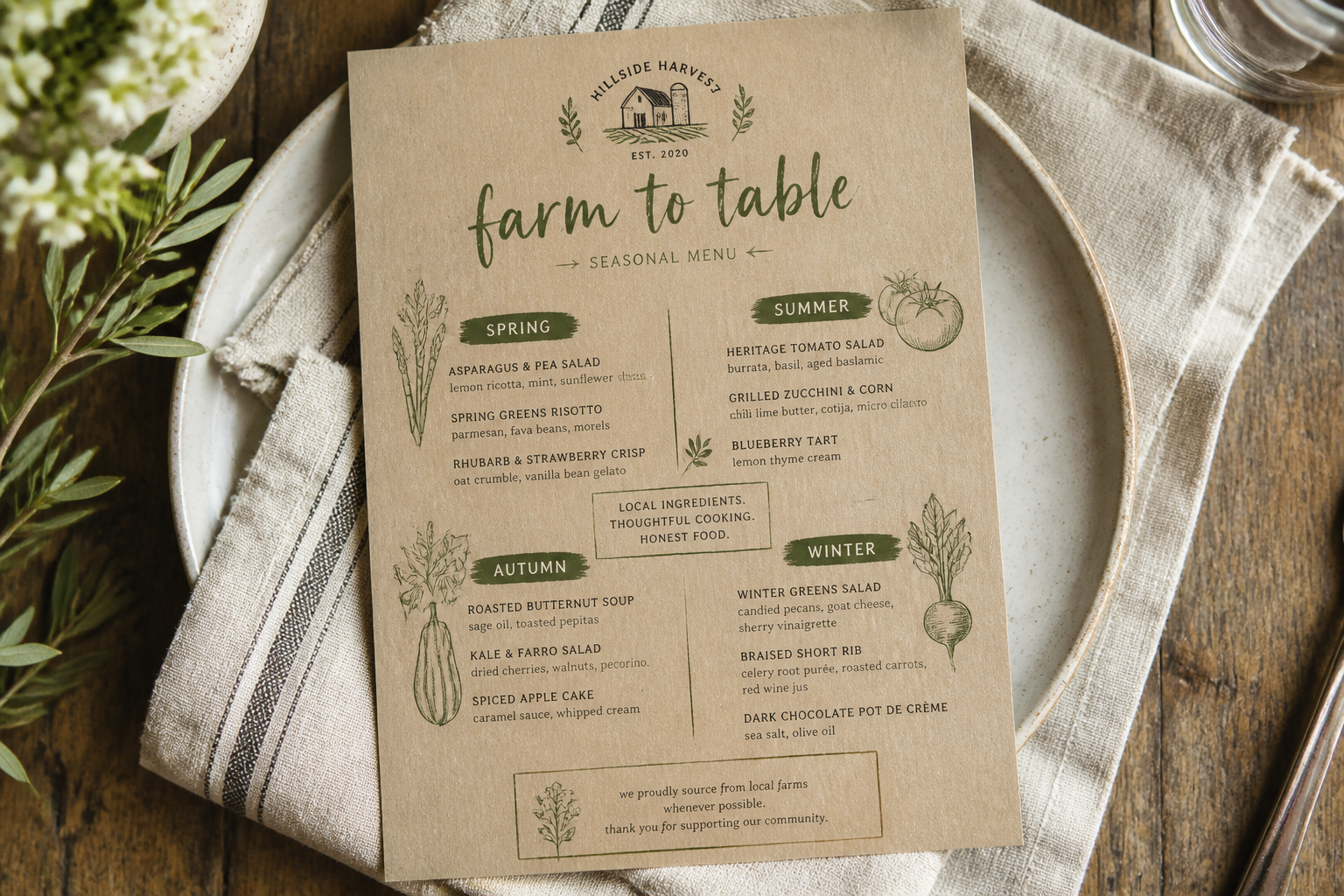
rustic farm-to-table menu design, kraft paper texture, olive green accents, seasonal produce sections, hand-lettered headings, botanical sketch details, menu laid on linen napkin with ceramic plate, soft daylight, artisanal restaurant branding style
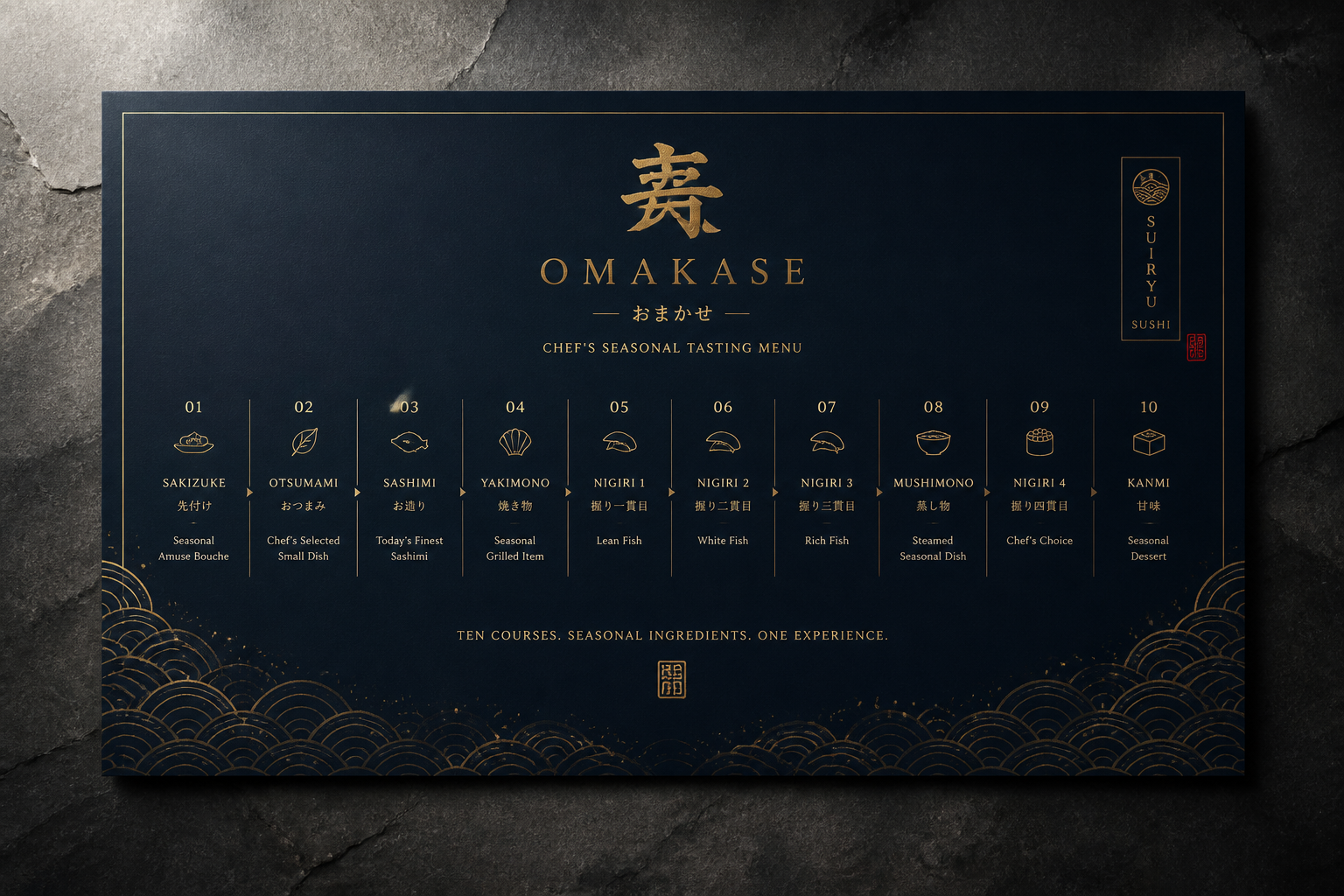
luxury sushi omakase menu, deep navy background with gold type, minimalist Japanese-inspired layout, tasting course progression, delicate wave pattern border, presented flat on stone surface, directional spotlight, premium editorial food branding
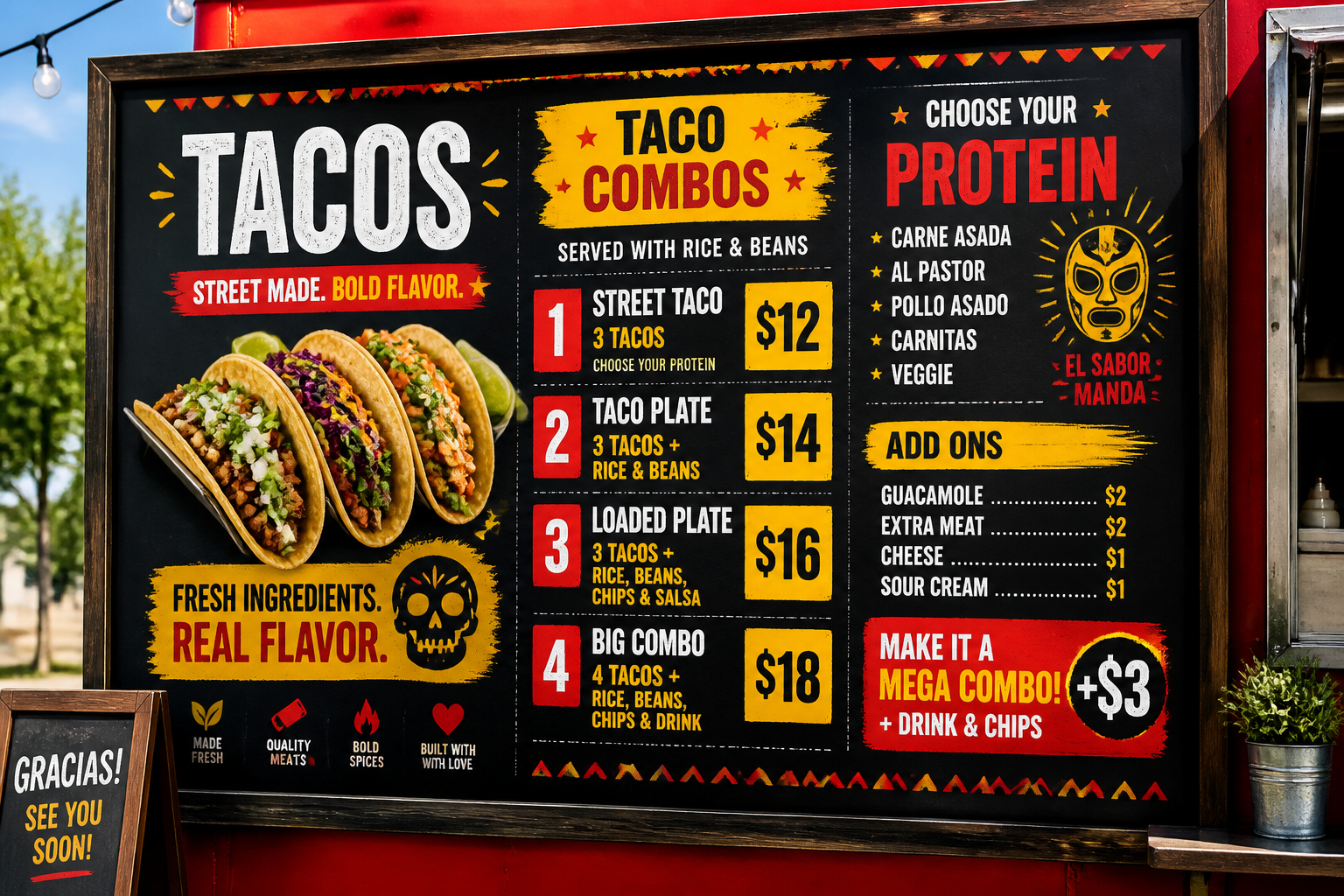
food truck menu board concept, vibrant red and yellow accents, bold condensed typography, taco combo sections and price blocks, chalkboard texture mixed with clean graphic layout, street food styling, outdoor daylight scene, energetic commercial design
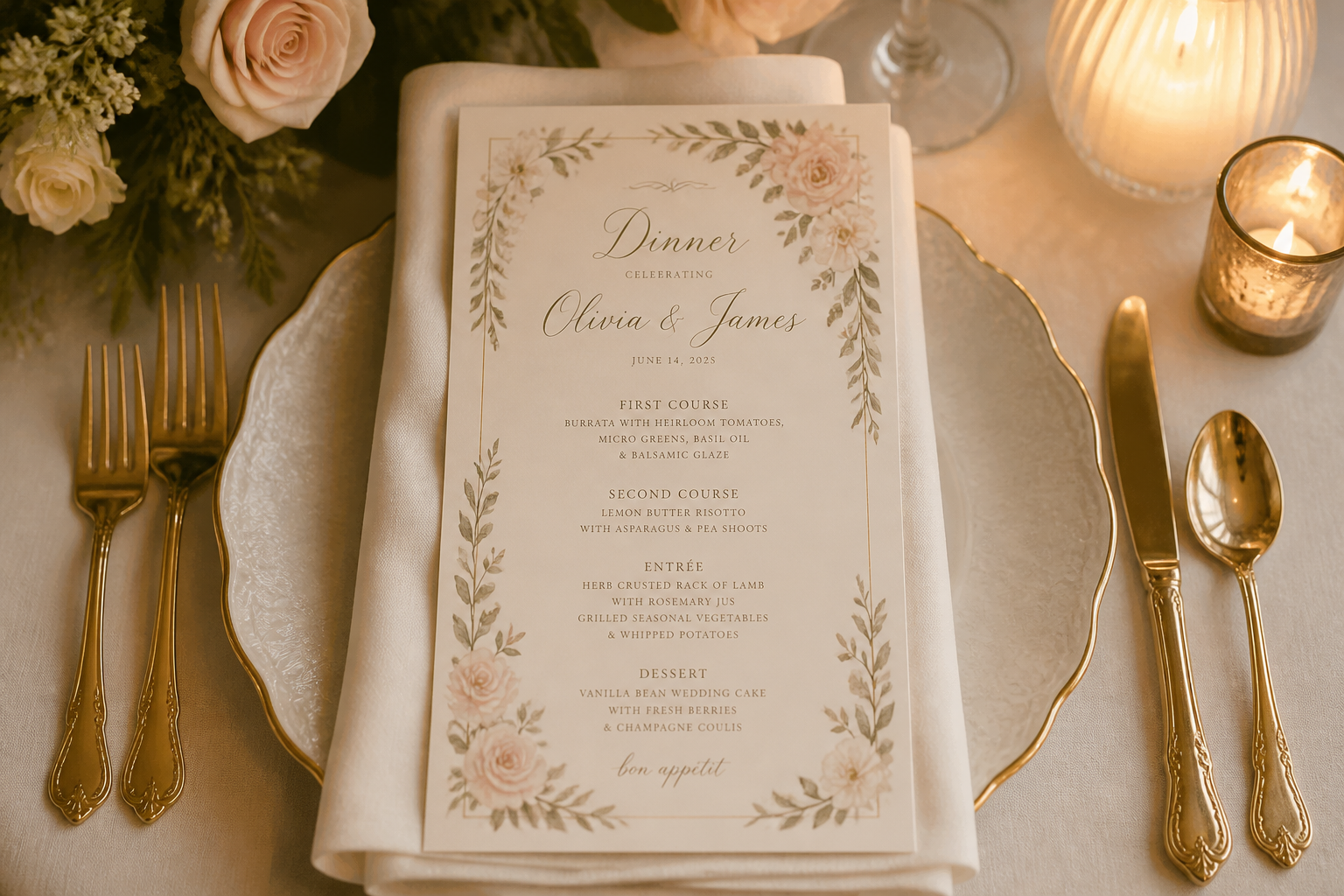
wedding dinner menu card, soft ivory paper, romantic script header, multi-course meal listing, fine floral border, styled with folded napkin and gold cutlery, overhead composition, soft candlelit glow, elegant event stationery aesthetic
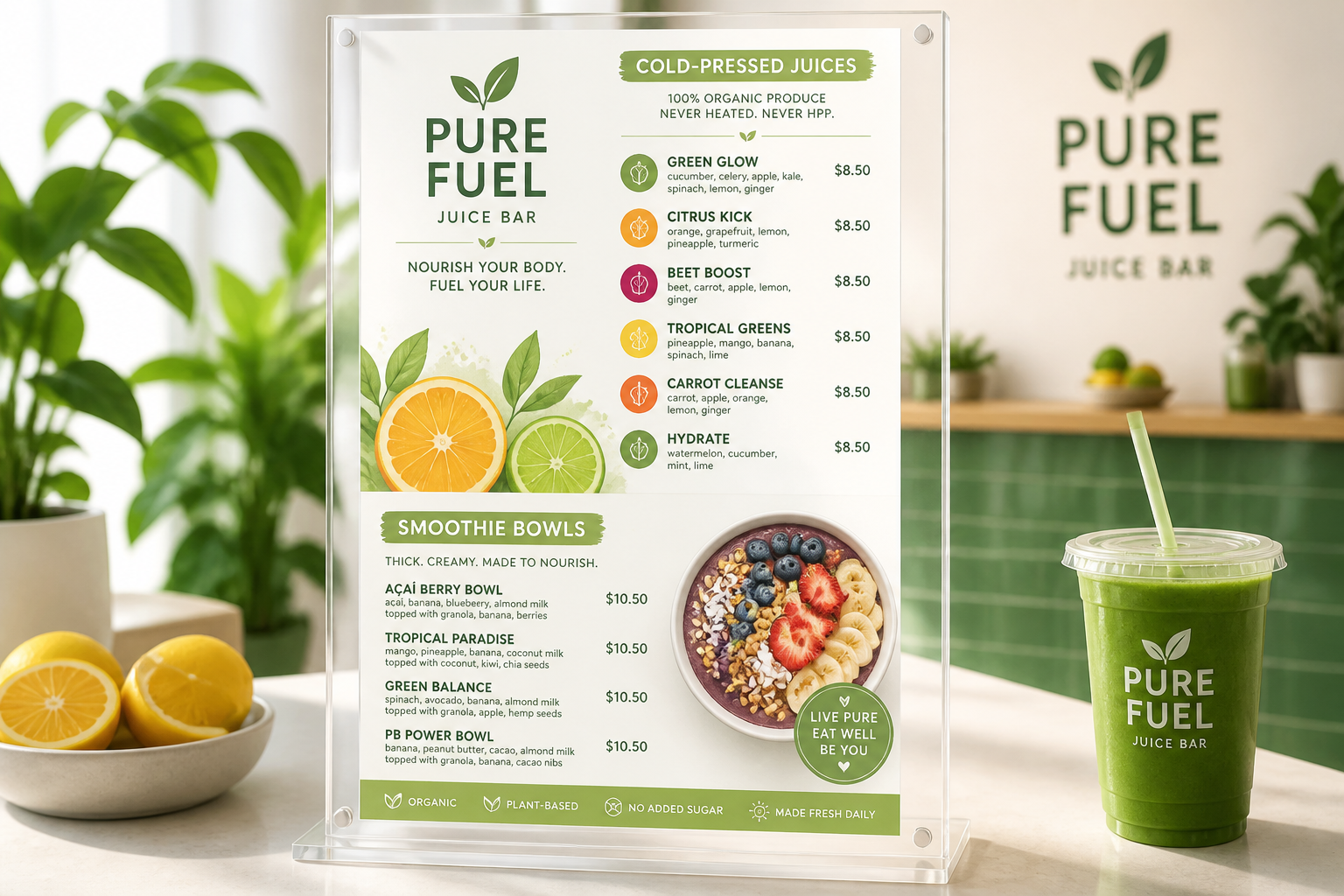
healthy juice bar menu design, fresh green and citrus palette, smoothie bowls and cold-pressed juice sections, modern flat illustrations of fruit slices, acrylic tabletop display, sunny clean lighting, wellness brand style
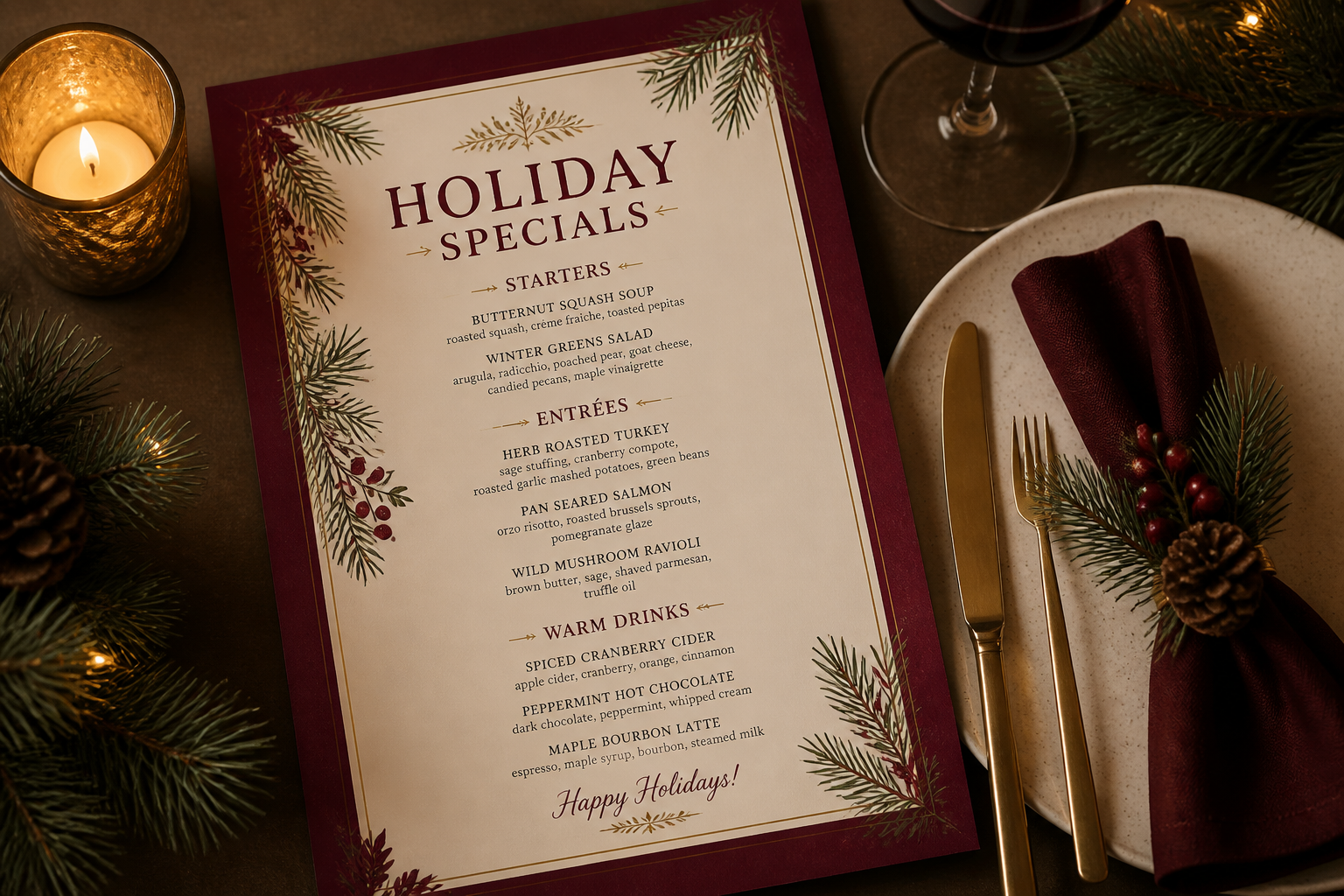
holiday specials restaurant menu, deep burgundy and cream palette, festive serif typography, seasonal dishes and warm drinks, pine branch accents, menu displayed beside candle and plate setting, cozy winter restaurant atmosphere, editorial overhead shot
Key Features
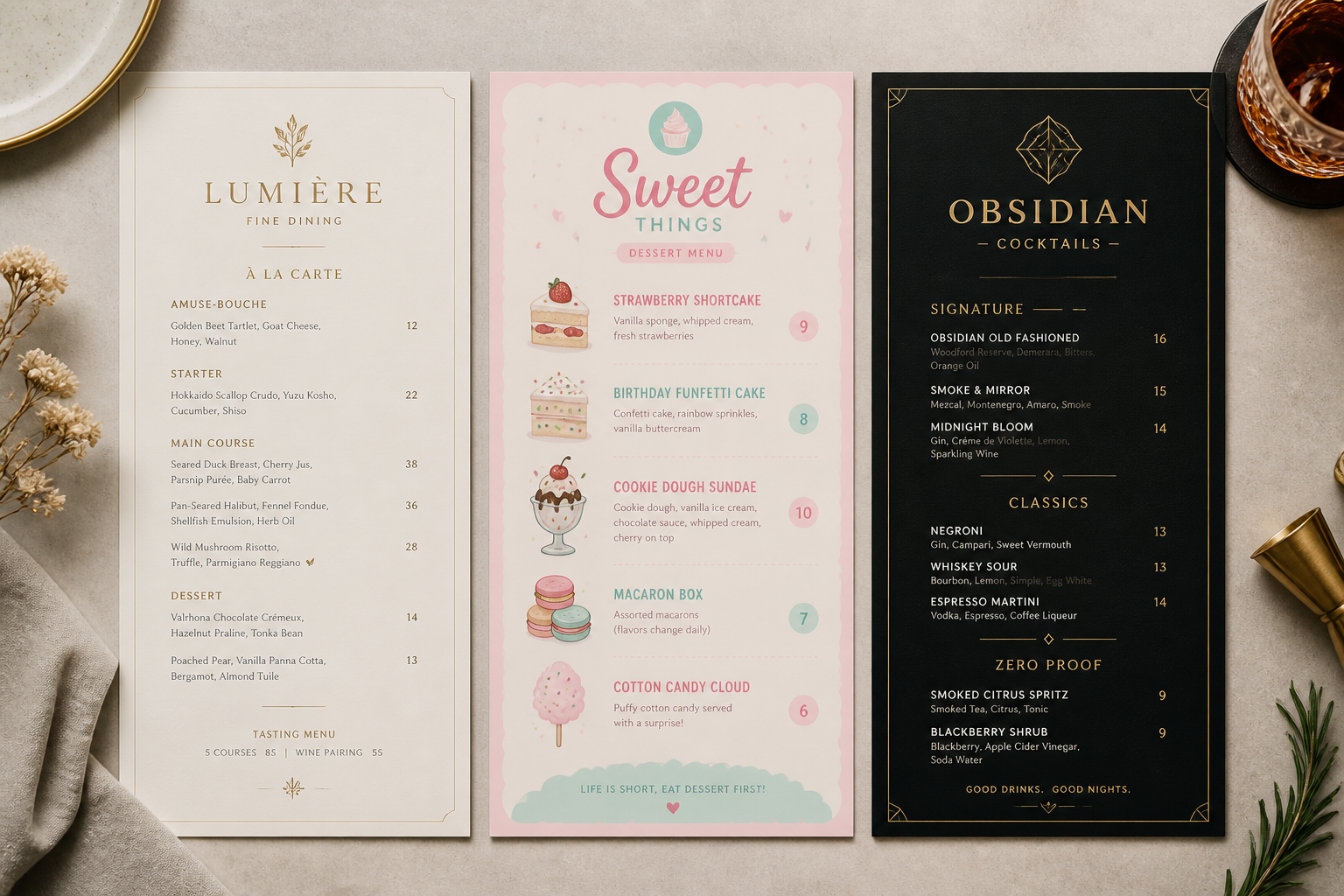
Menus in any visual style
Create menu concepts that match the kind of place you run or design for. You can describe a fine dining look, a playful dessert shop card, a rustic brunch sheet, or a dark cocktail list and get a clear visual direction fast. That helps you explore branding ideas before spending time on manual layout work. Generic image tools often produce random restaurant scenes instead of a focused menu design.
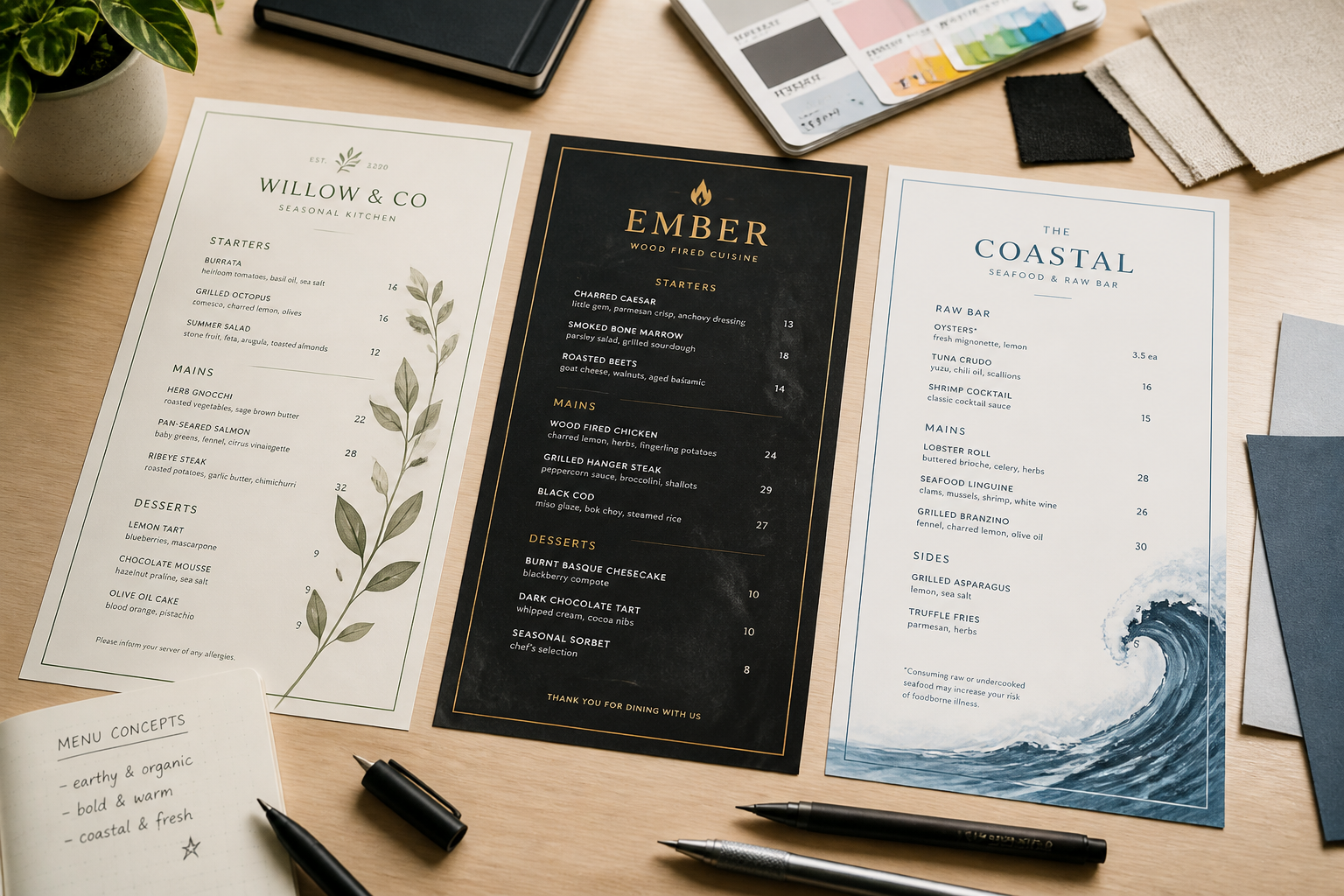
Fast concepting for client reviews
Use prompts to generate multiple menu directions for presentations, approvals, or internal review. This makes it easier to compare tone, layout density, and color choices without building each option from scratch in design software. It is useful for agencies, freelancers, and restaurant owners who need something visual early in the process. You get draft-ready inspiration in minutes instead of hours.
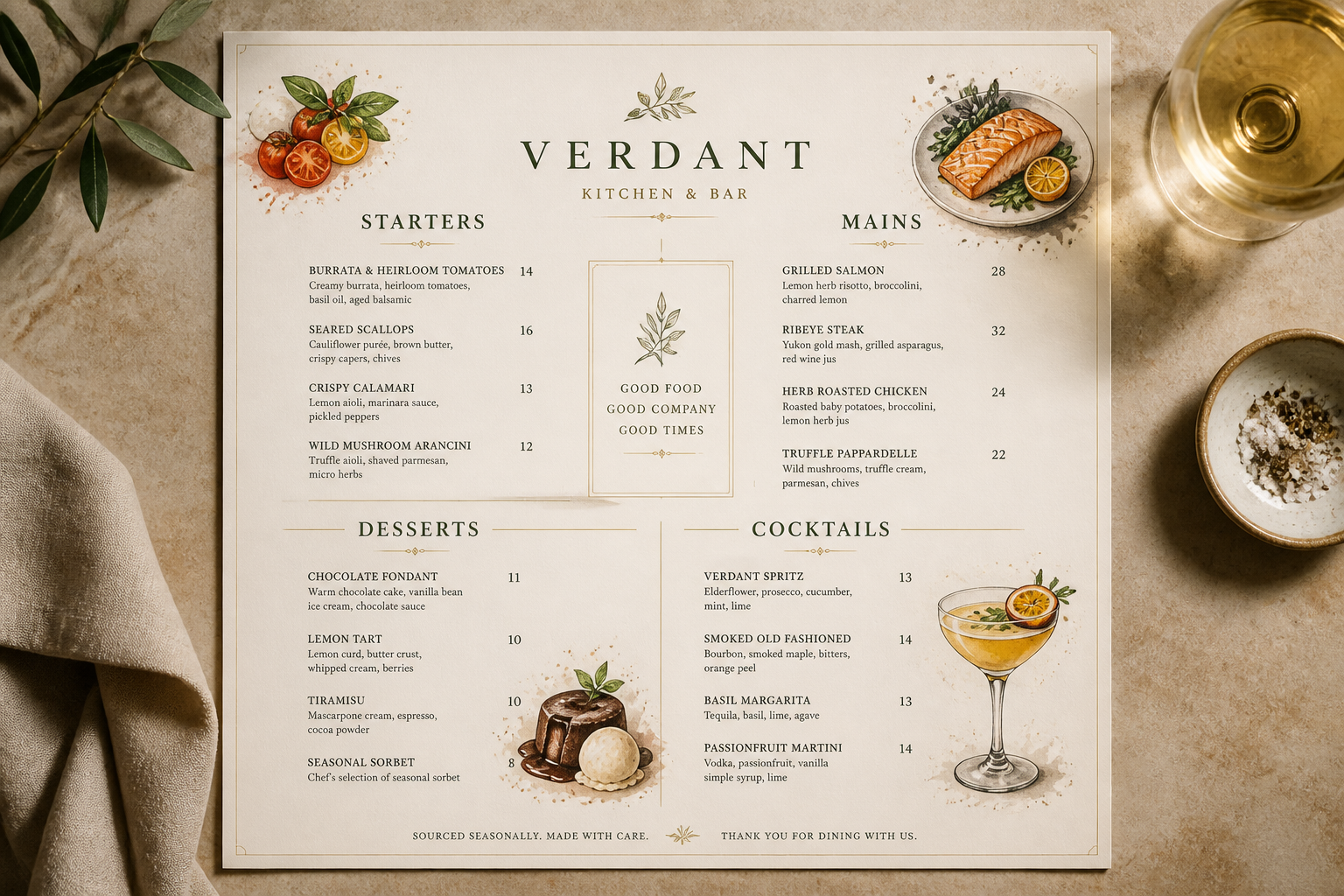
Built for food and drink formats
The generator works well for menus that need clear sections, readable categories, and a polished hospitality feel. Describe appetizers, drinks, desserts, tasting menus, or daily specials and shape the output around that structure. This is more practical than a broad art generator that is not tuned to restaurant materials. The result looks closer to something you would actually present, print, or post.
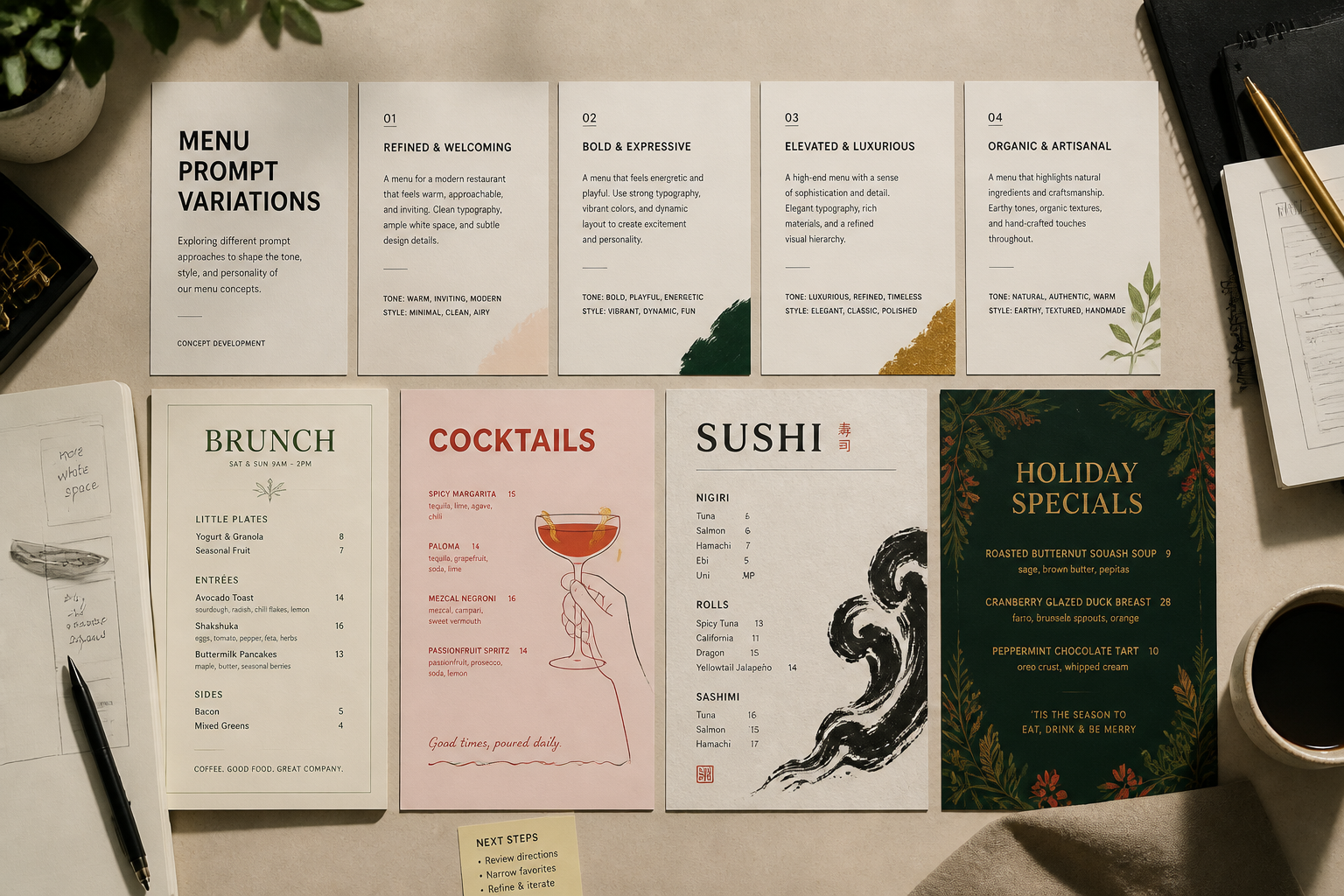
Prompt library you can remix
Start with a strong prompt, then swap cuisine, color palette, mood, paper style, or venue type to explore new directions. That makes iteration simple even if you are not a designer. Instead of beginning from a blank page every time, you can reuse proven prompt structures for seasonal updates, special events, or new concepts. It is a faster way to refine ideas visually.
How It Works
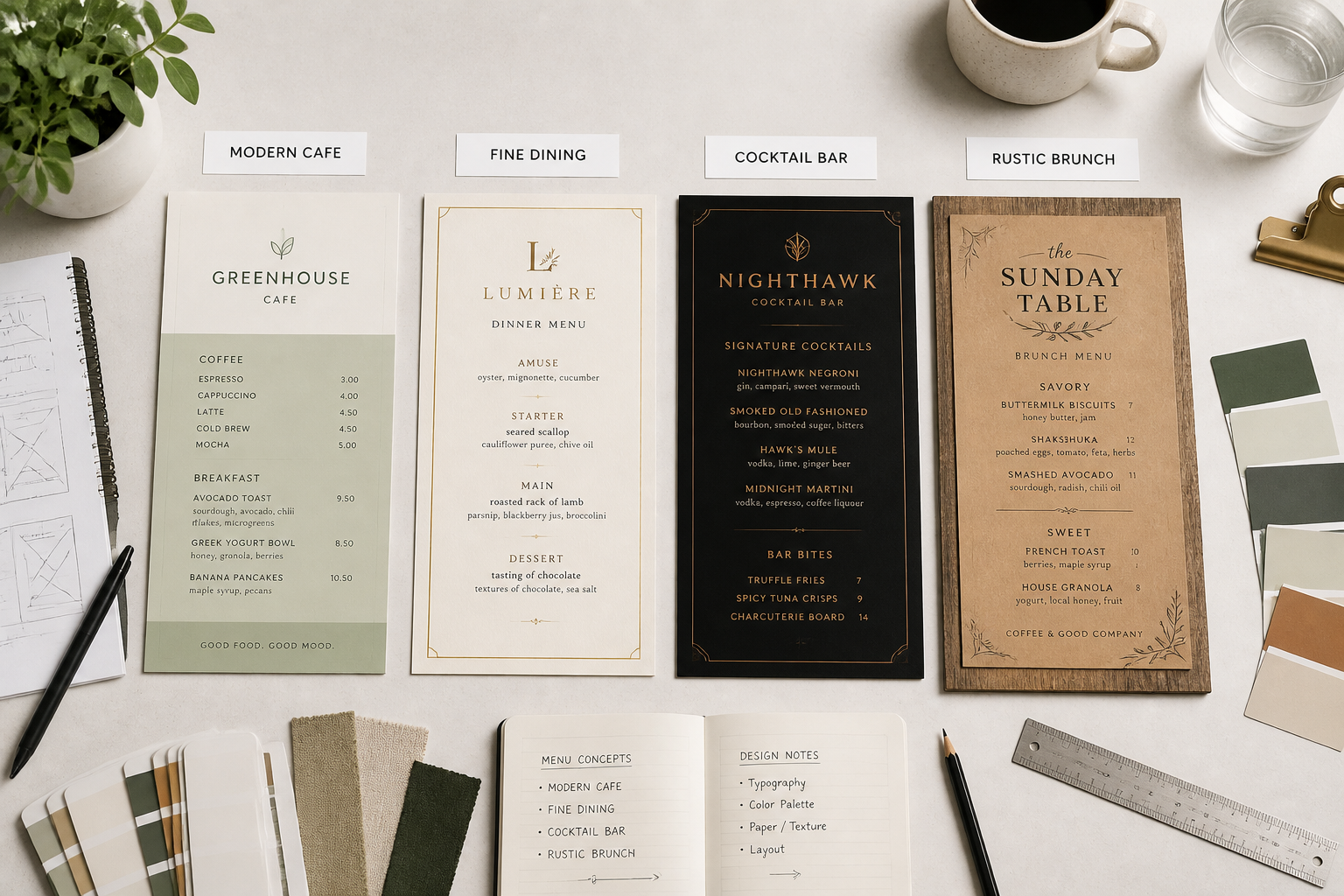
Pick a menu style
Start with a prompt that matches your venue or project. Choose a look like modern cafe, upscale dinner service, cocktail bar, or seasonal special to set the visual direction.
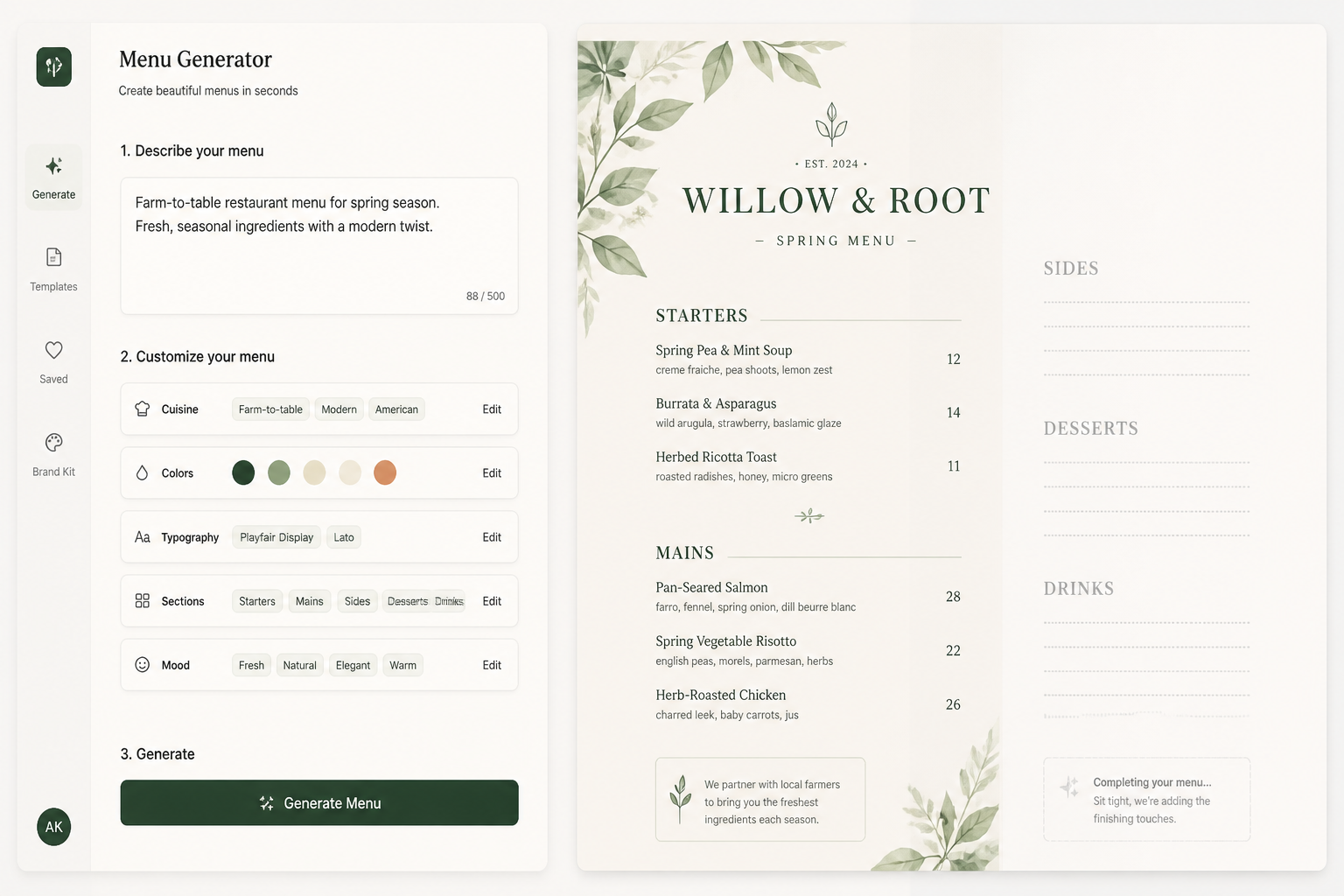
Describe the details
Add the cuisine, mood, colors, sections, and paper or display style you want. Small prompt changes can shift the result from casual and playful to formal and editorial.
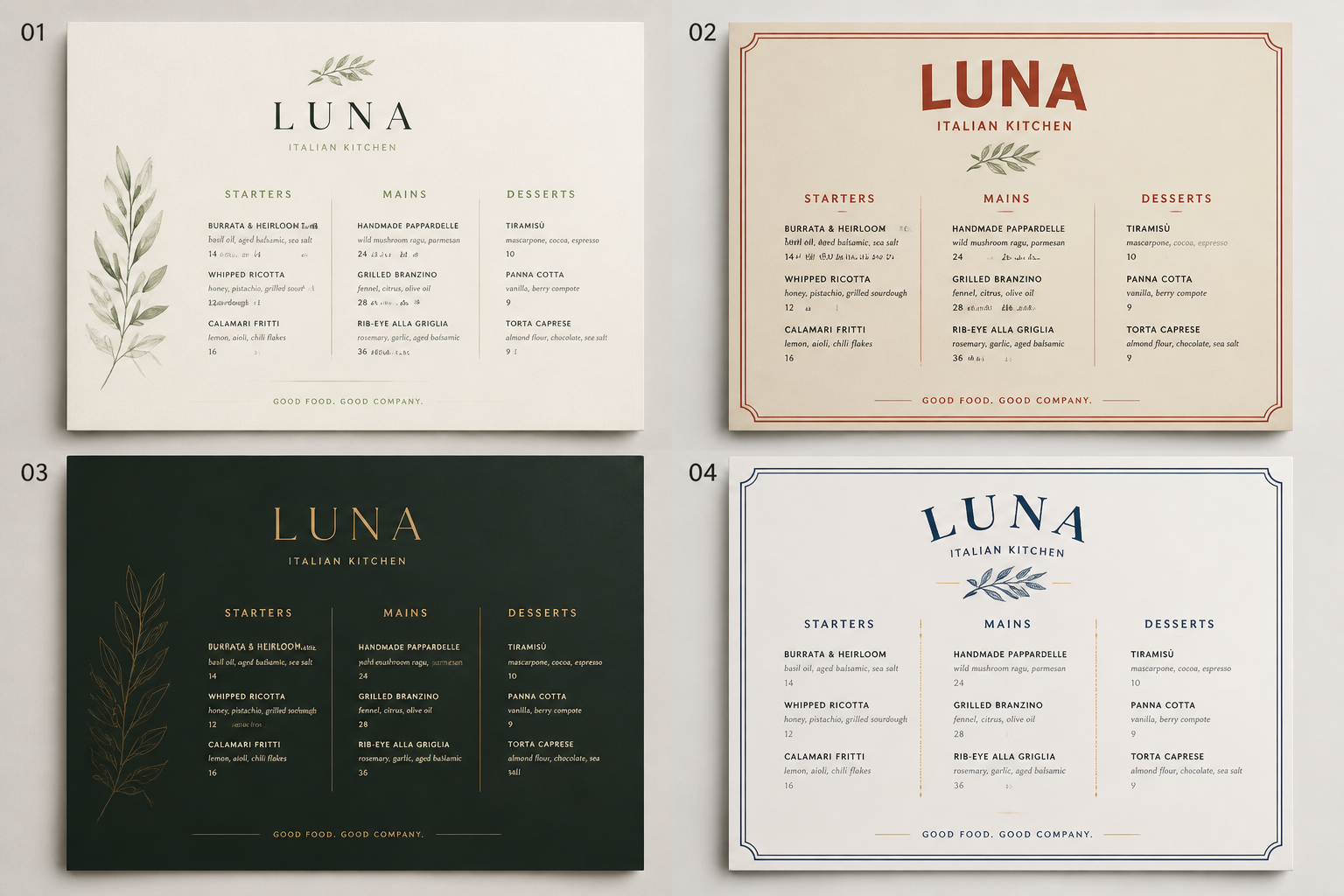
Generate and refine
Create variations, compare layouts, and keep the one that fits your brand or pitch. Then download the best menu image to use as a mockup, moodboard asset, or design reference.
Perfect For
Discover how creators and professionals use ai menu generator
Restaurant rebranding drafts
Visualize new menu directions before committing to a full brand refresh or print run.
Client presentation mockups
Show multiple menu concepts for hospitality clients without designing every option manually.
Seasonal specials promotion
Create styled menu images for holiday offerings, limited-time dishes, or event nights.
Social and web visuals
Generate polished menu artwork for websites, booking pages, launch decks, or social posts.
Built For
Restaurant owners
Useful for testing menu looks, planning updates, and briefing designers with clearer visual references.
Freelance designers
Helpful for fast concept exploration, client comps, and early-stage hospitality branding work.
Agencies and marketers
Good for campaign mockups, launch materials, and restaurant promo visuals that need menu-focused imagery.
How it compares
A quick look at how we compare on the things that matter for this niche.
| Feature | BudgetPixel | Generic AI generators | Stock photo libraries |
|---|---|---|---|
| Menu-focused prompt examples | Yes | Usually limited | No |
| Fast style variation generation | Yes | Yes | No |
| Editable prompt library | Yes | Sometimes | No |
| Useful for mockup concepting | Yes | Sometimes | Limited |
| No need to stage a photo shoot | Yes | Yes | No |
Frequently Asked Questions
What does the AI Menu Generator create?
Can I make different kinds of menus?
Is this for print-ready menu files?
Do I need design experience to use it?
Can I generate several menu variations?
Create together.
Share your creations, discover trending AI art, and grow with fellow creators.