Character Expression Generator
Change a character’s emotion without redrawing the whole design.
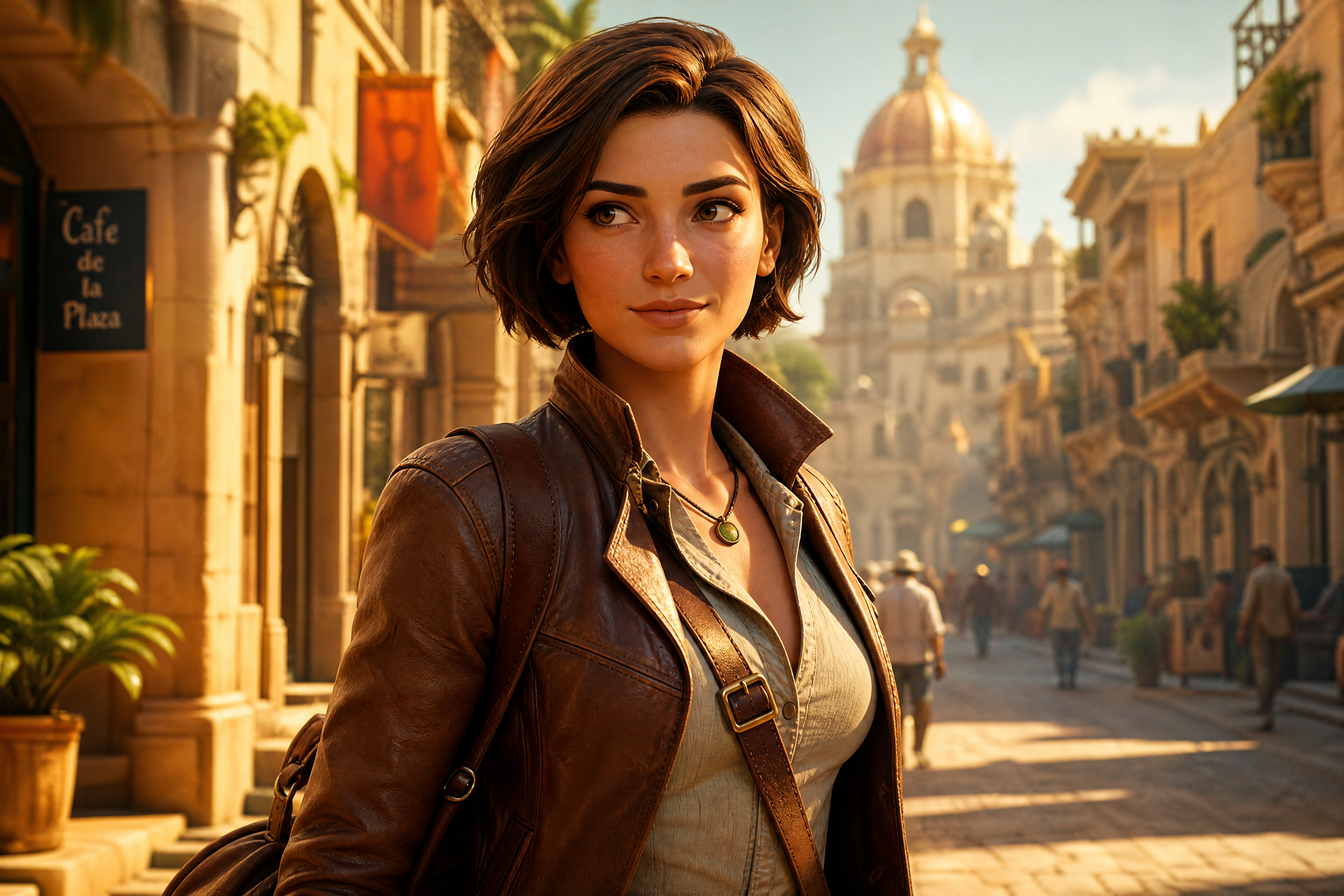
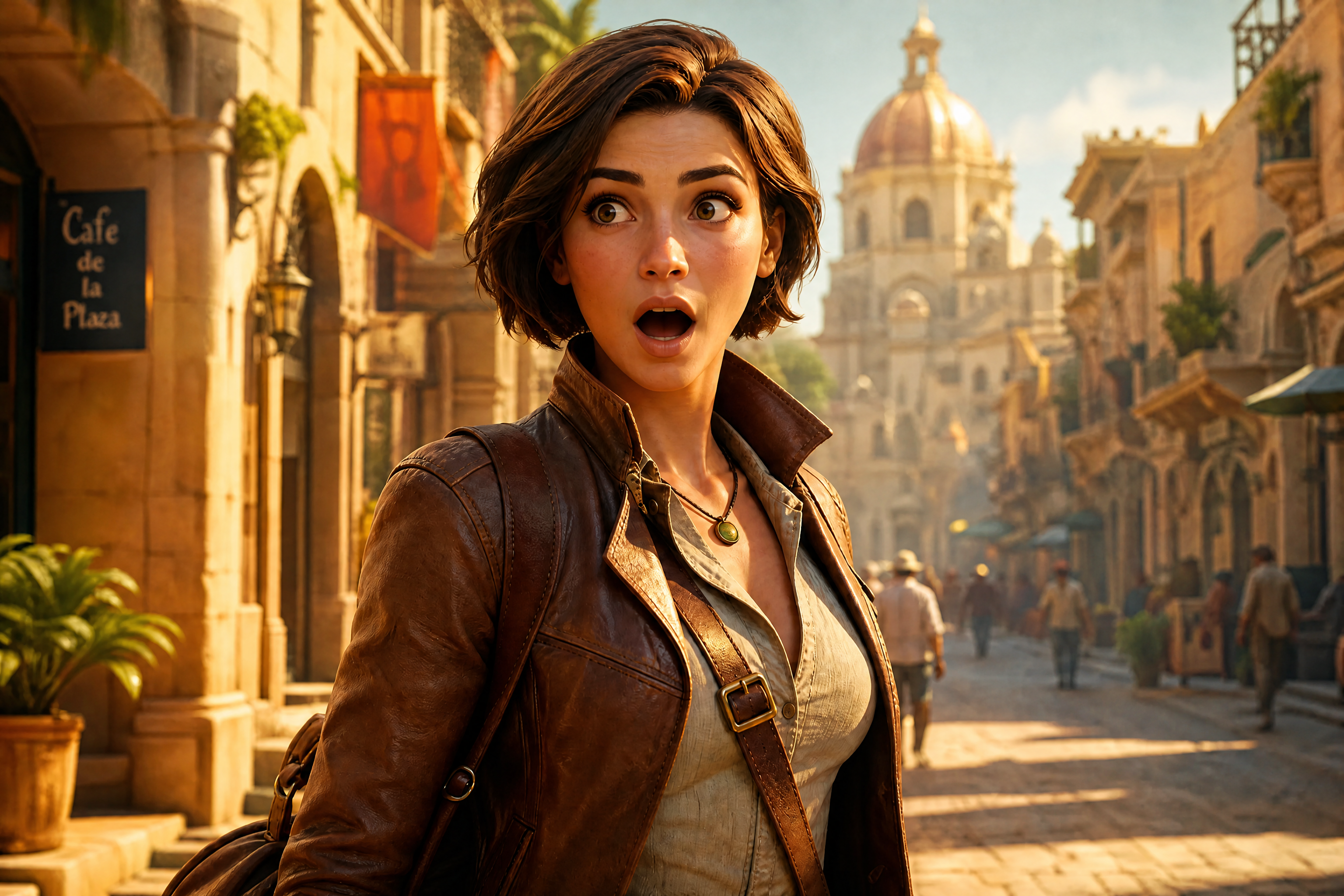
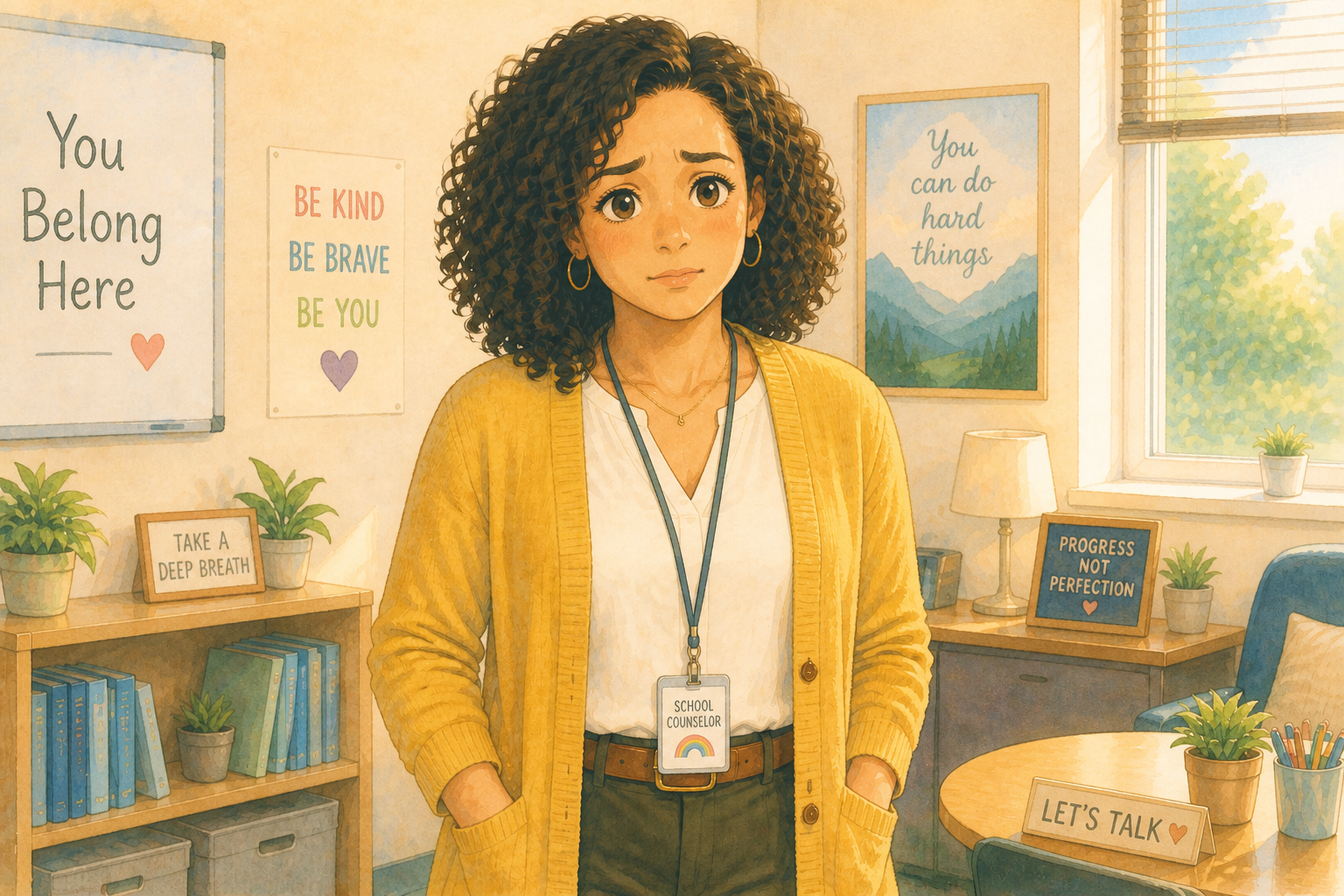
Upload a character image and turn one expression into another in seconds. Our AI updates the face and mood while keeping the character’s identity, outfit, and overall style consistent. It works for comics, concept art, avatars, and visual storytelling.
Watch the Transformation
See character expression generator in motion — generated end-to-end by our AI.
See It In Action
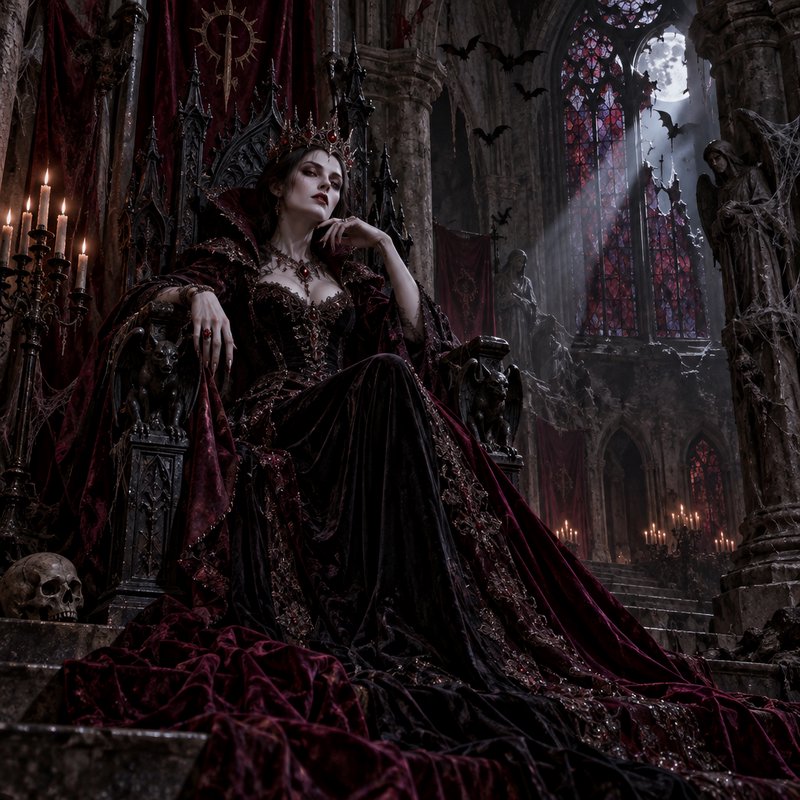
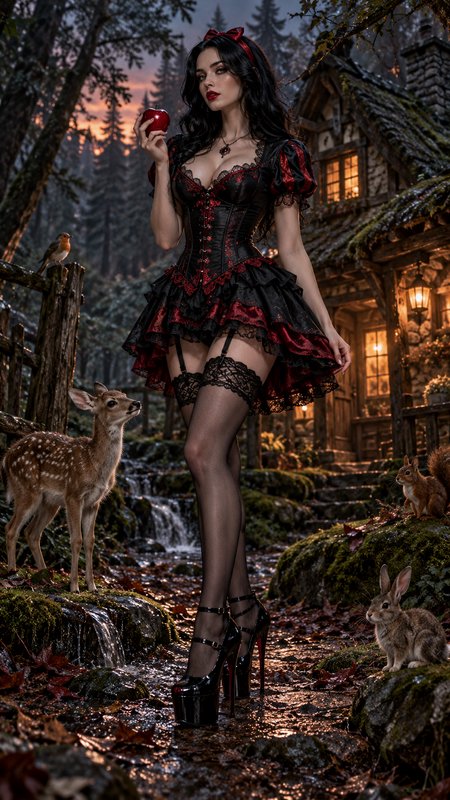
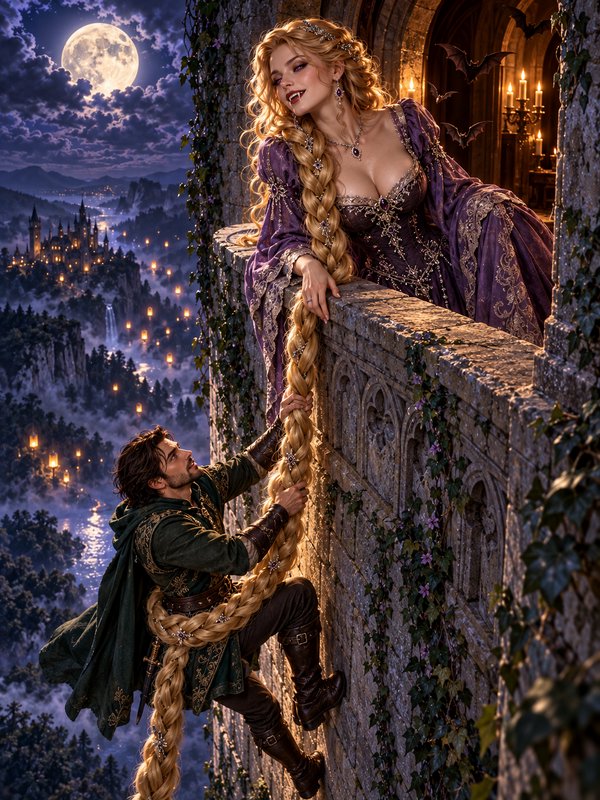
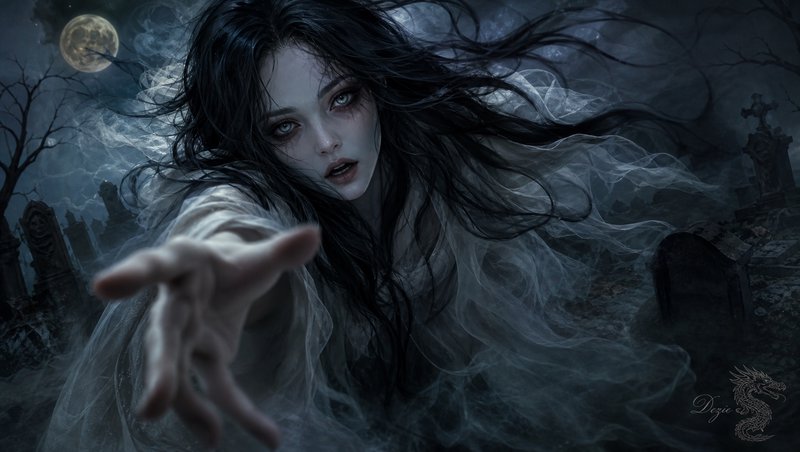
Real outputs from character expression generator.
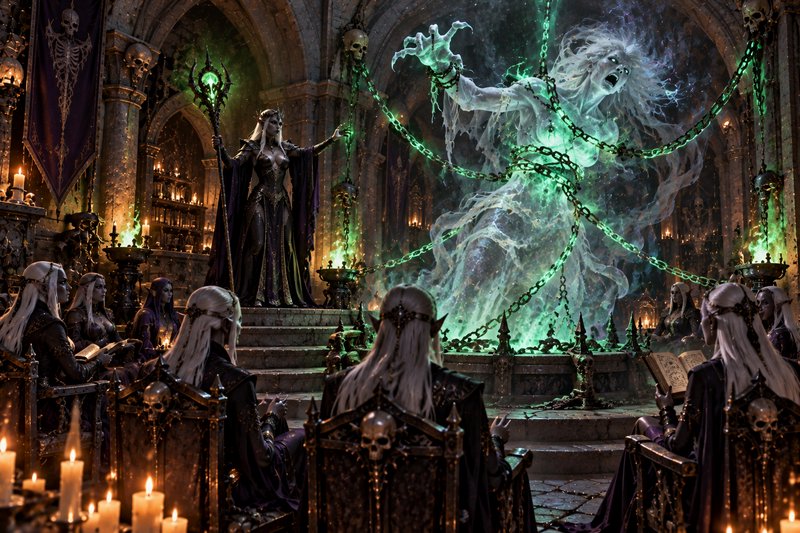
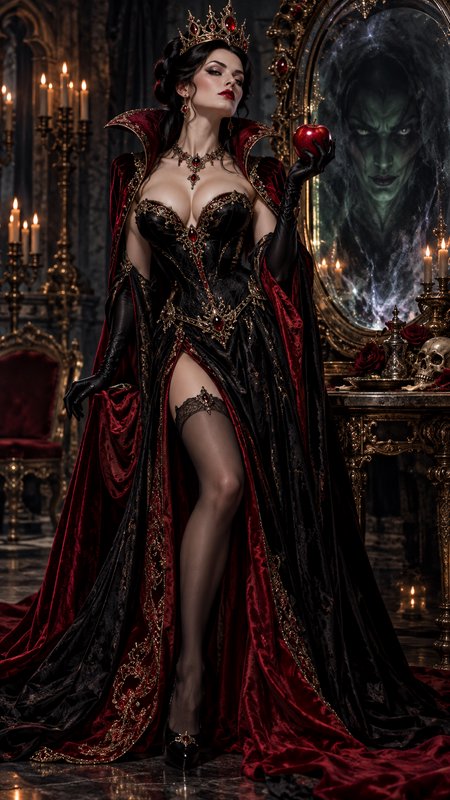
BEFOREAFTER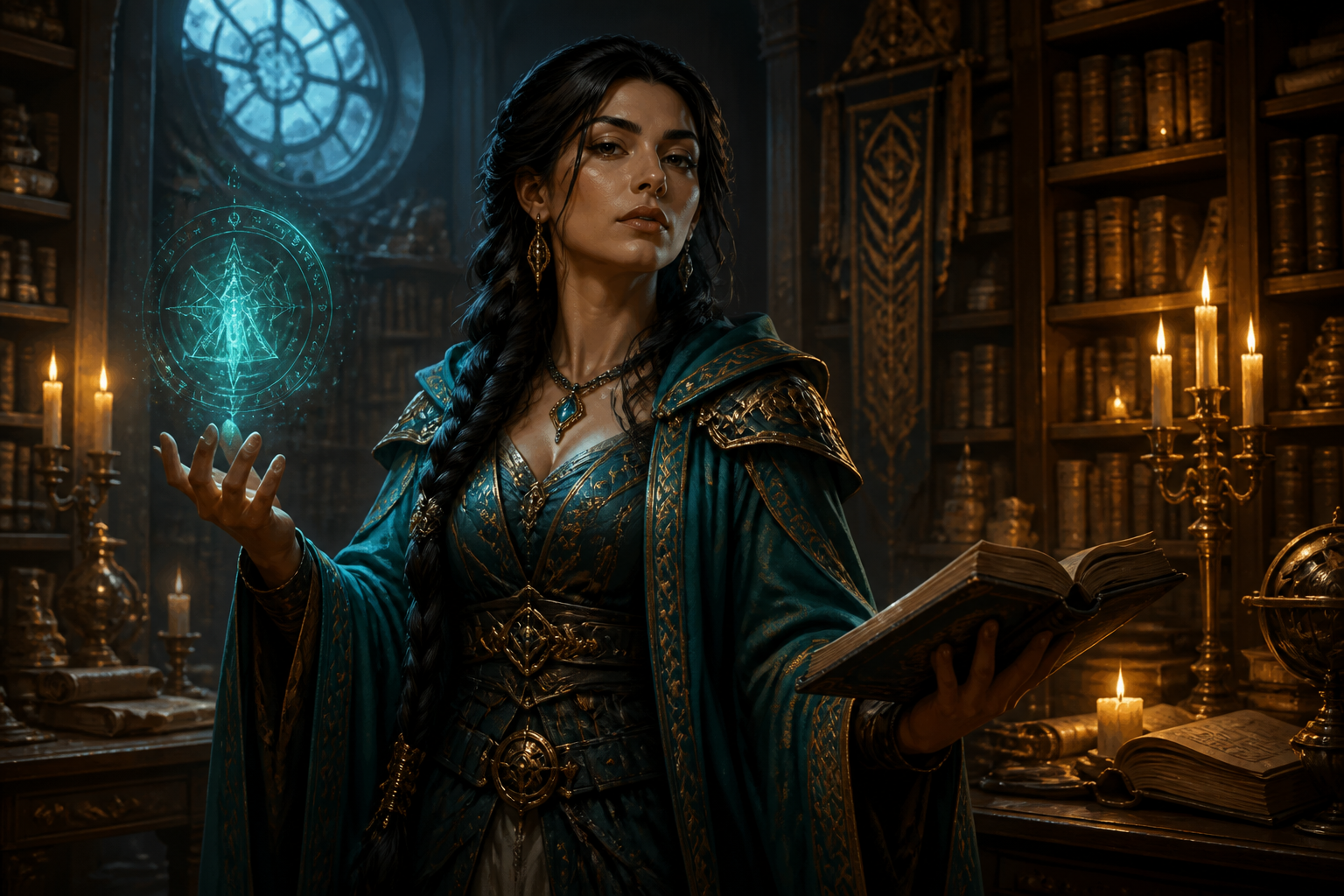 BEFORE
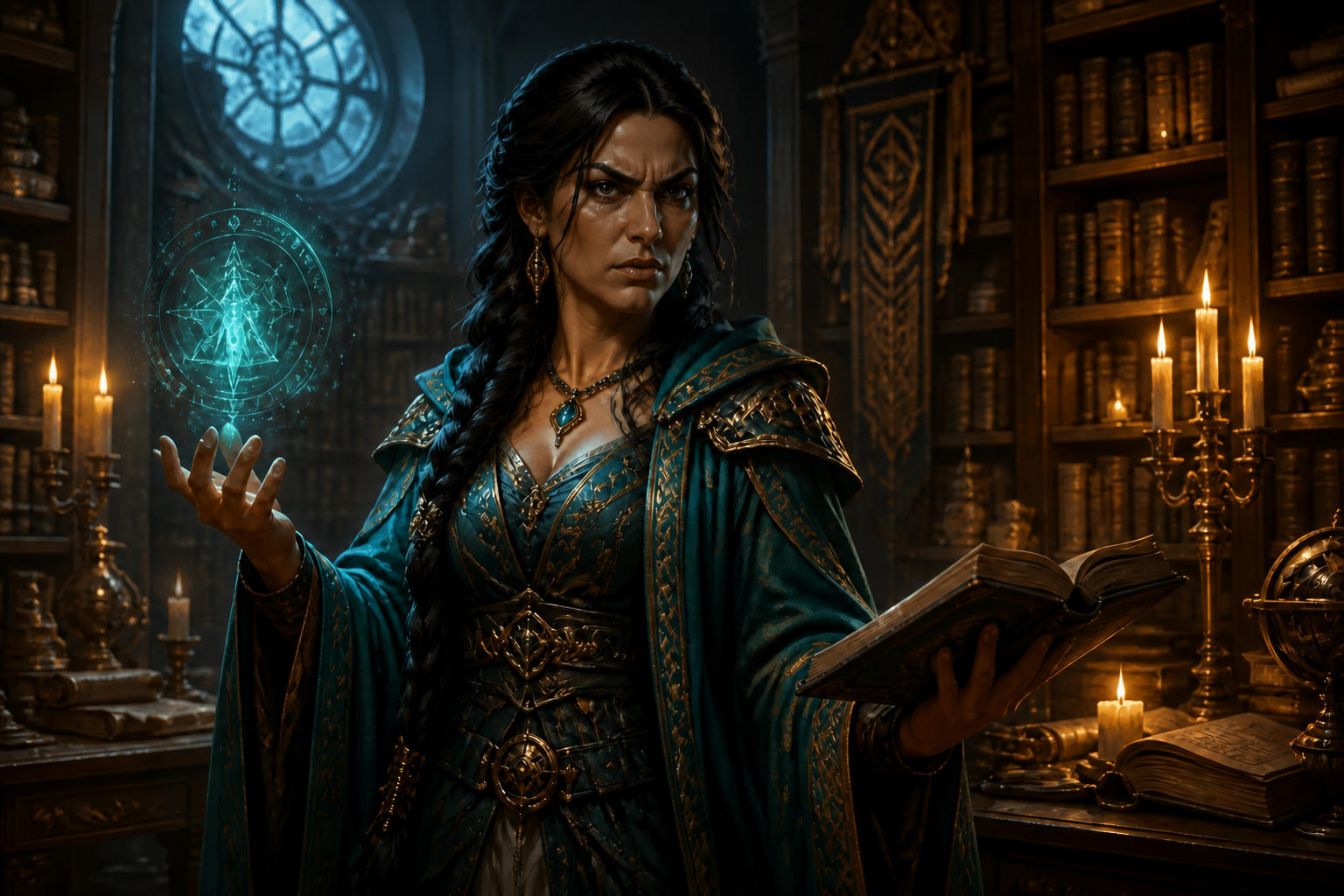 AFTER
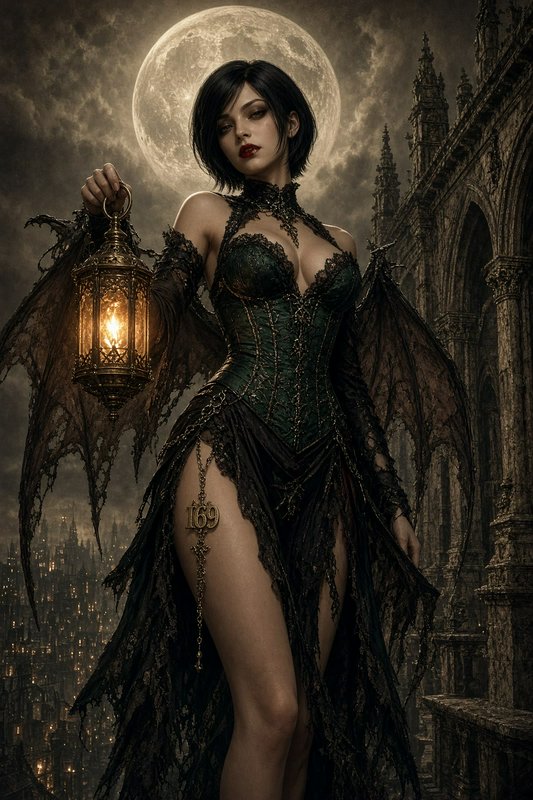
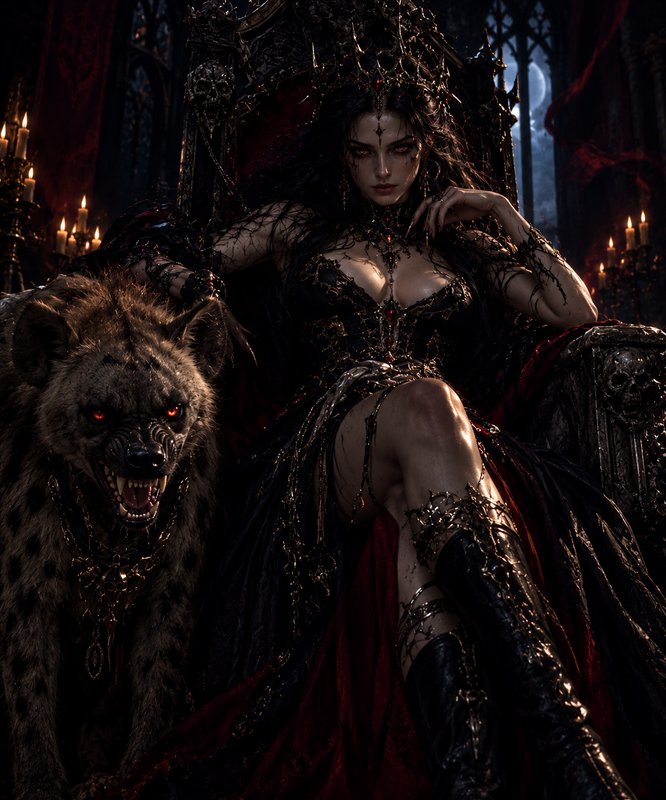
AFTER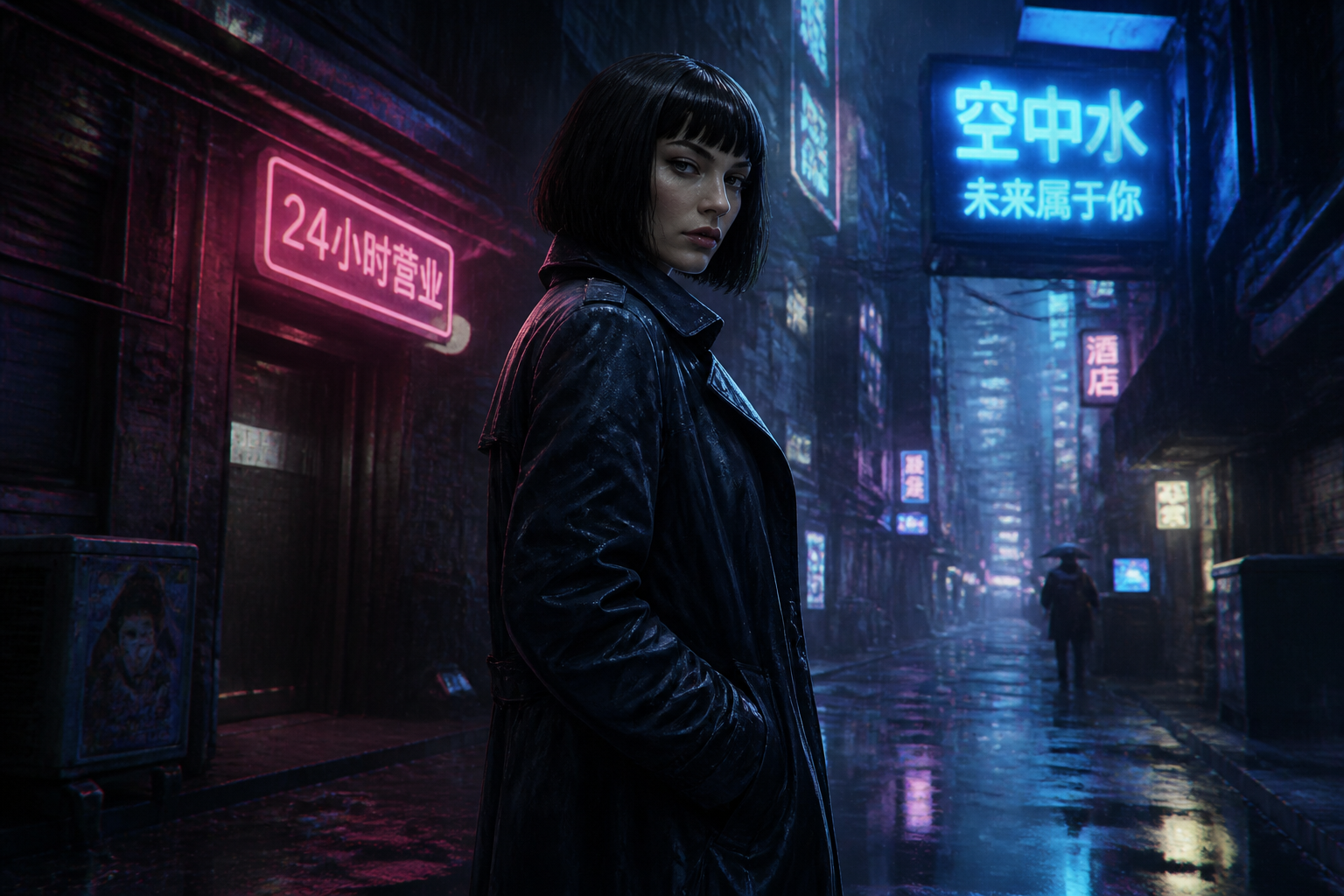 BEFORE
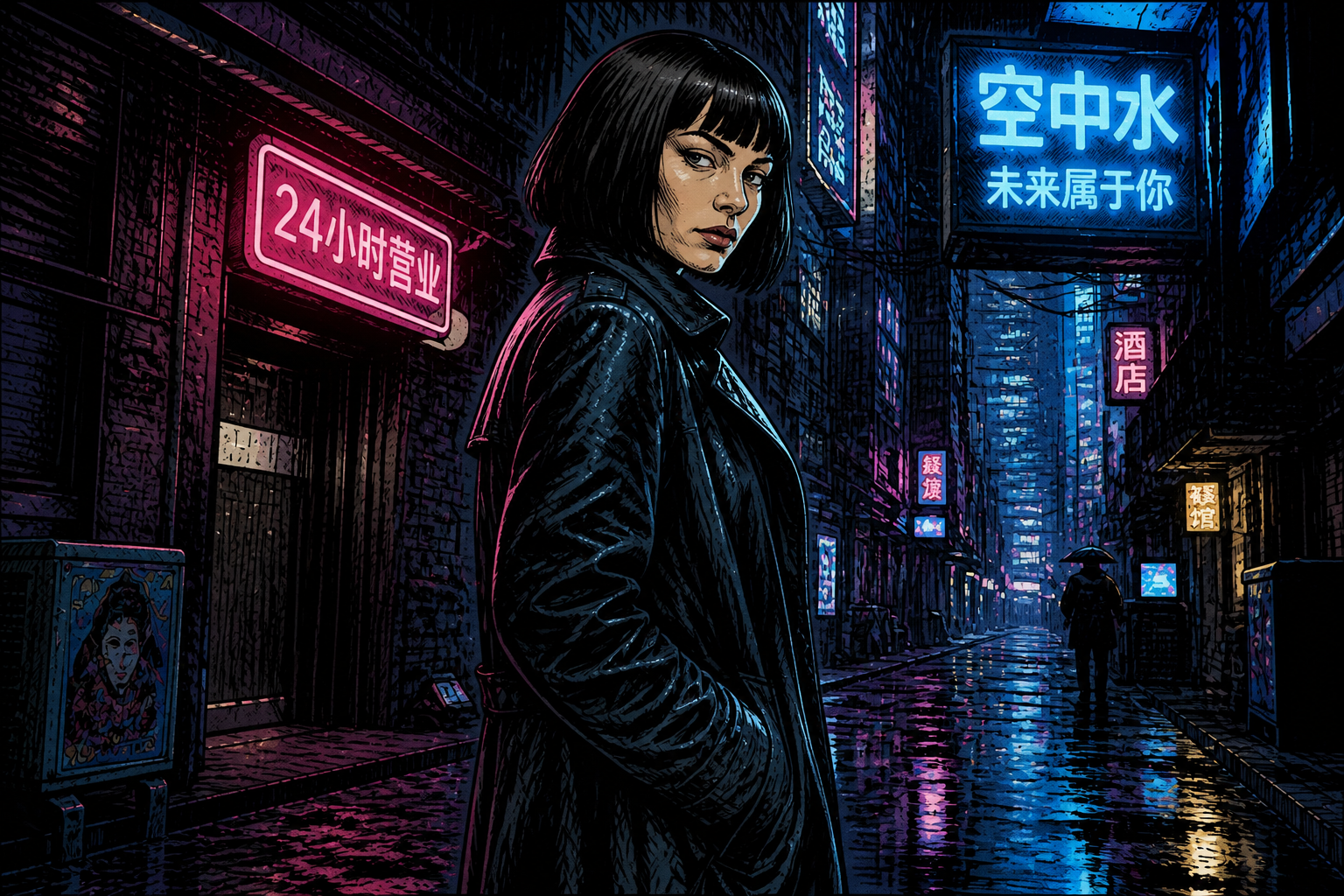 AFTER
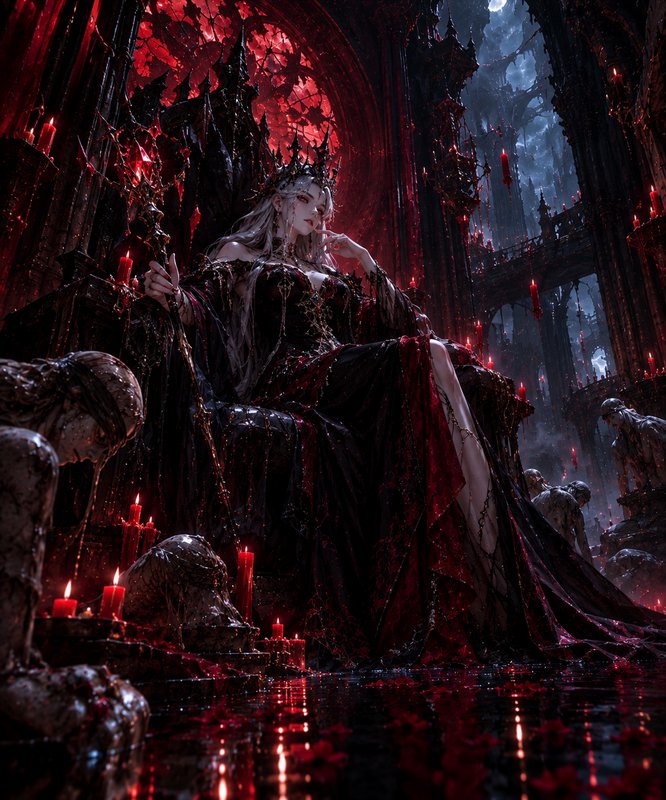
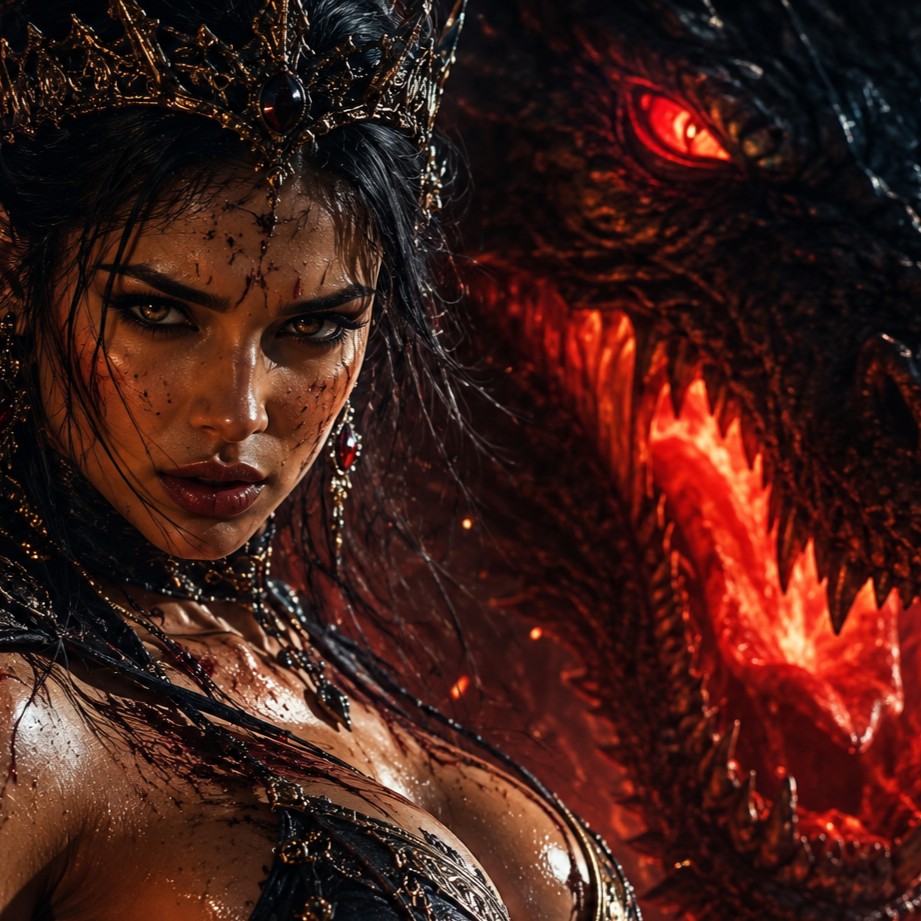
AFTER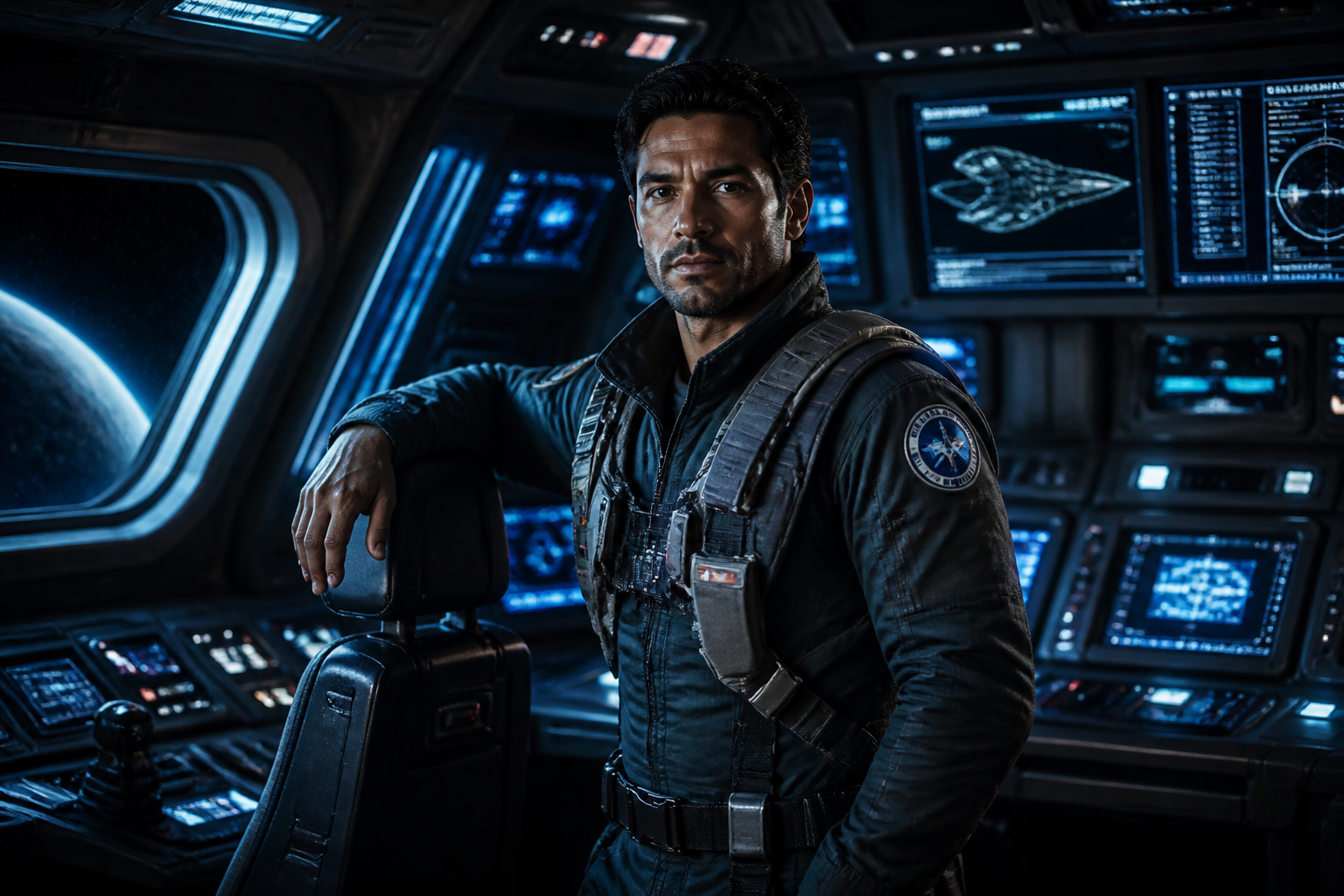 BEFORE
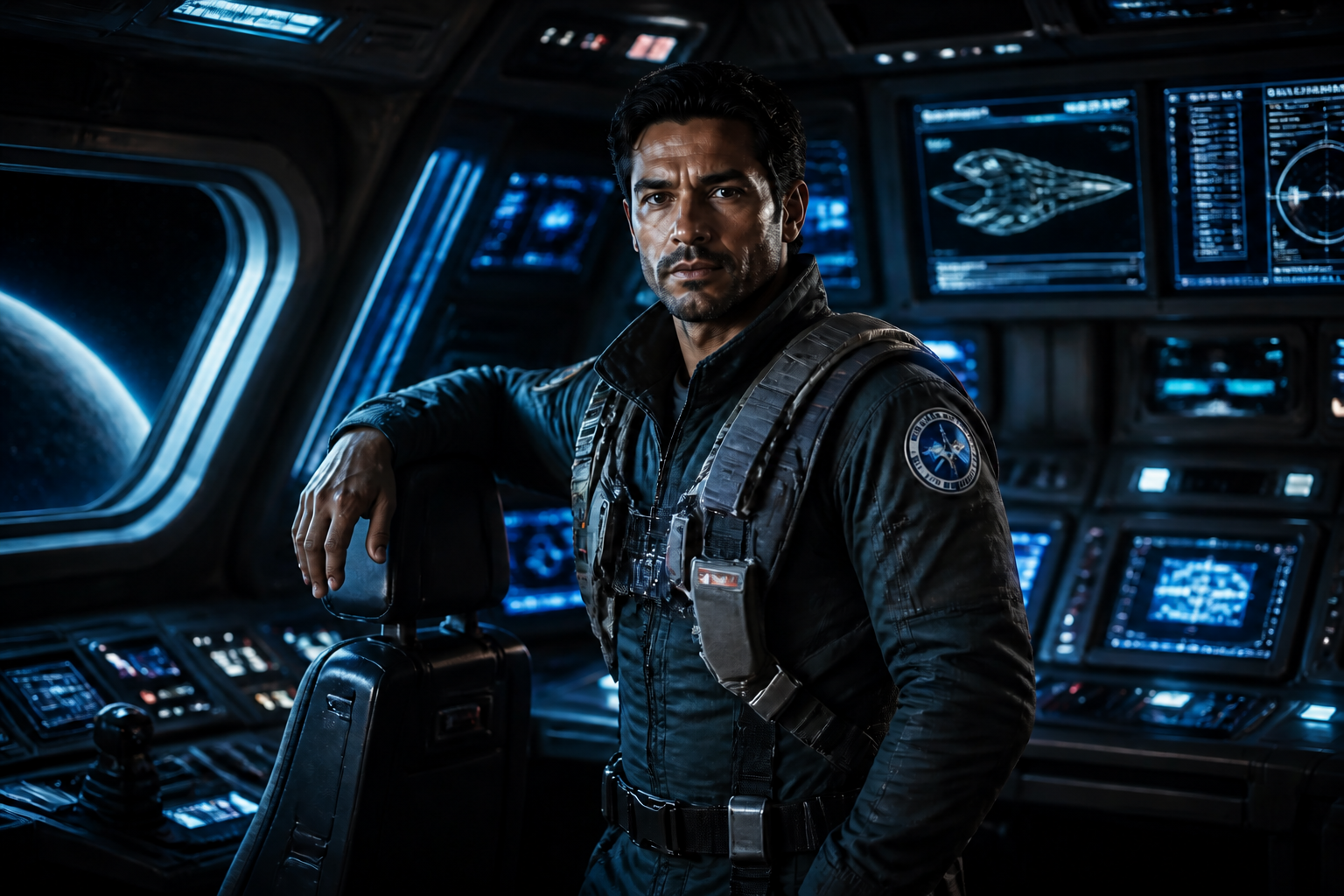 AFTER
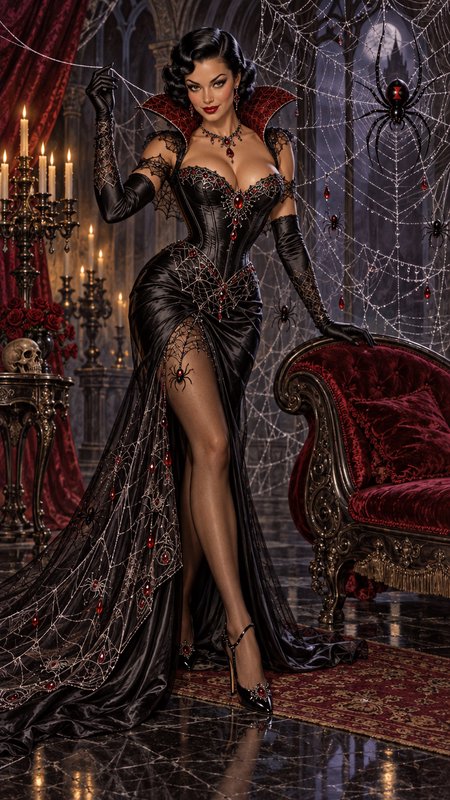
AFTER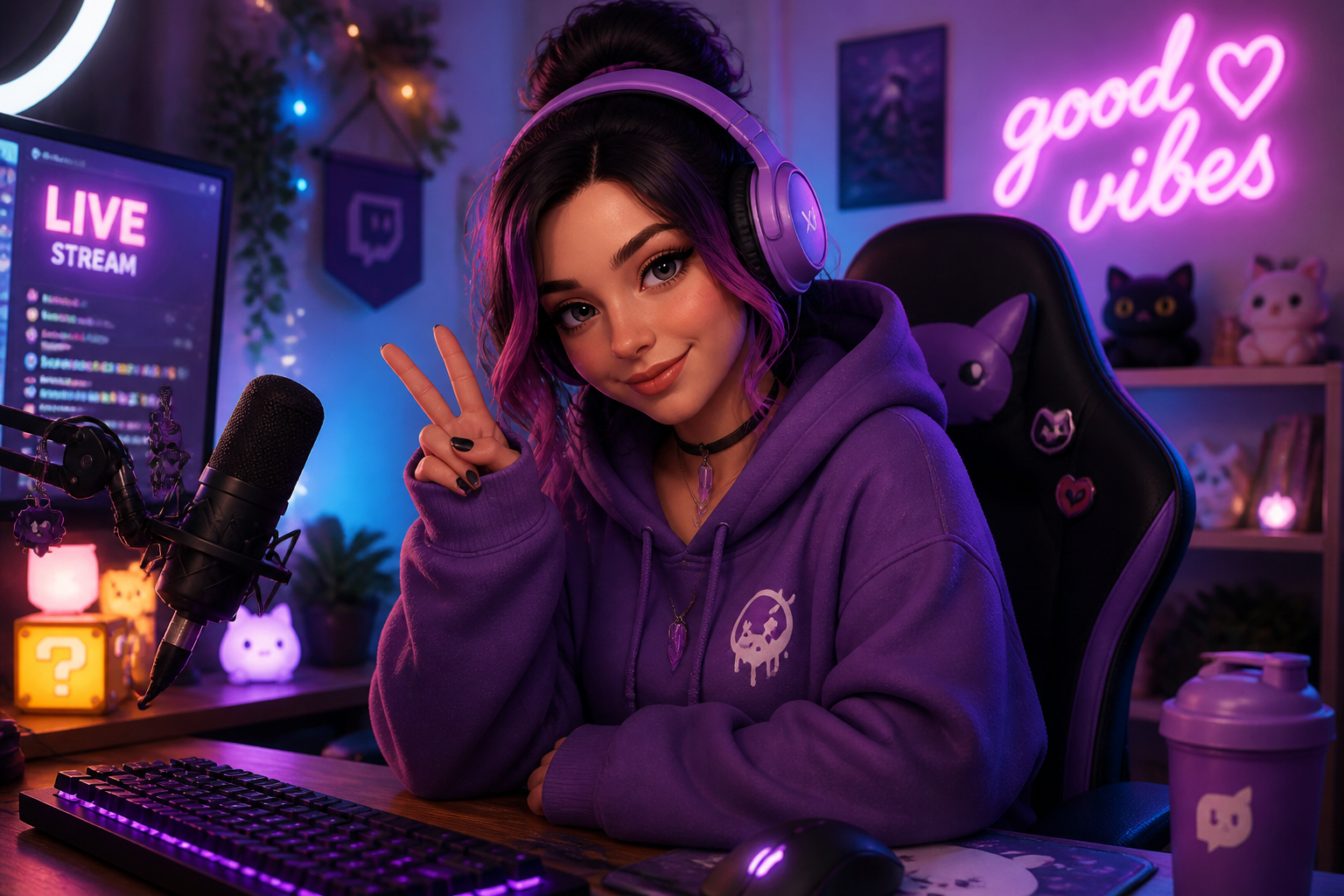 BEFORE
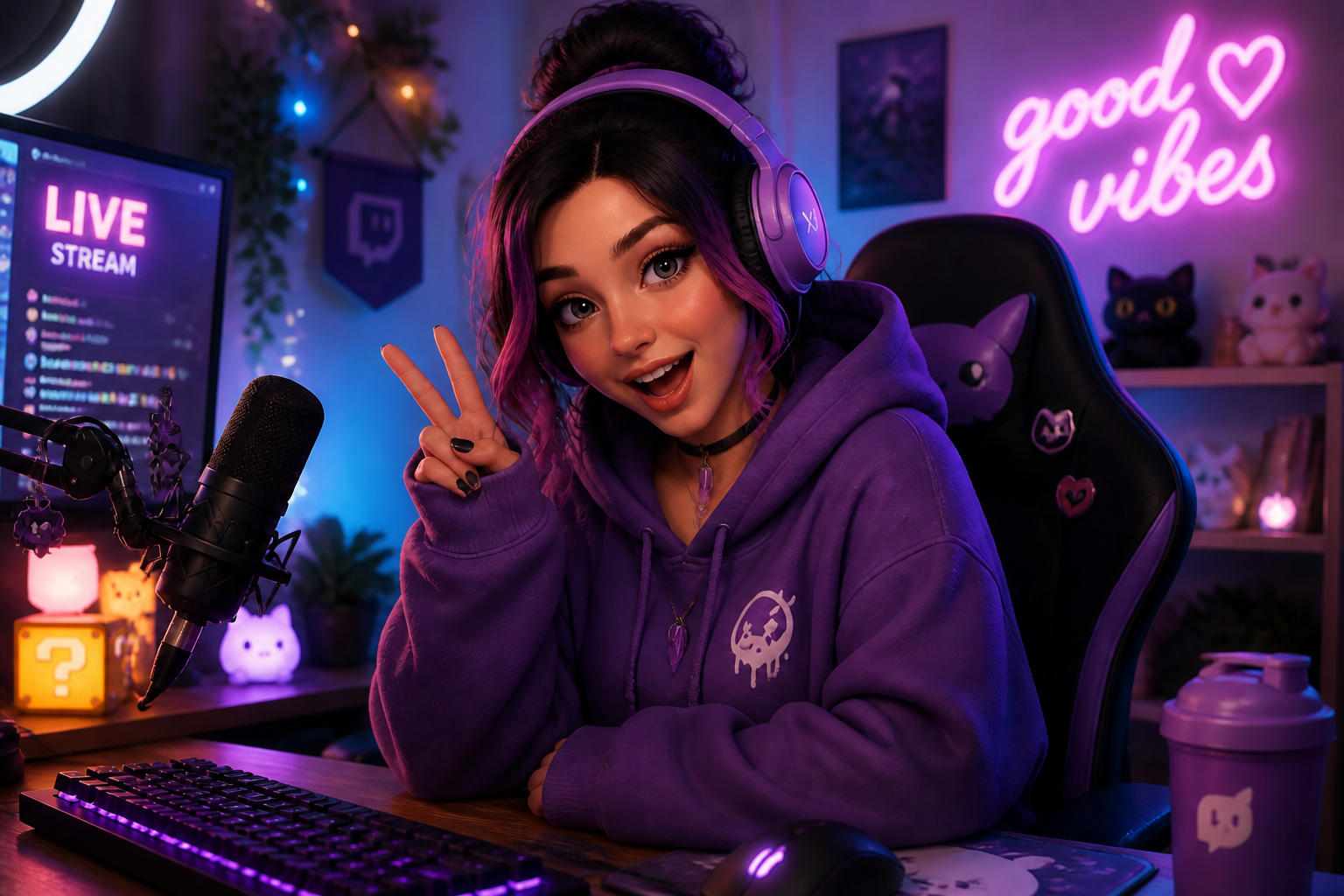 AFTERBEFOREAFTERBEFOREAFTERBEFOREAFTERBEFOREAFTERBEFOREAFTER
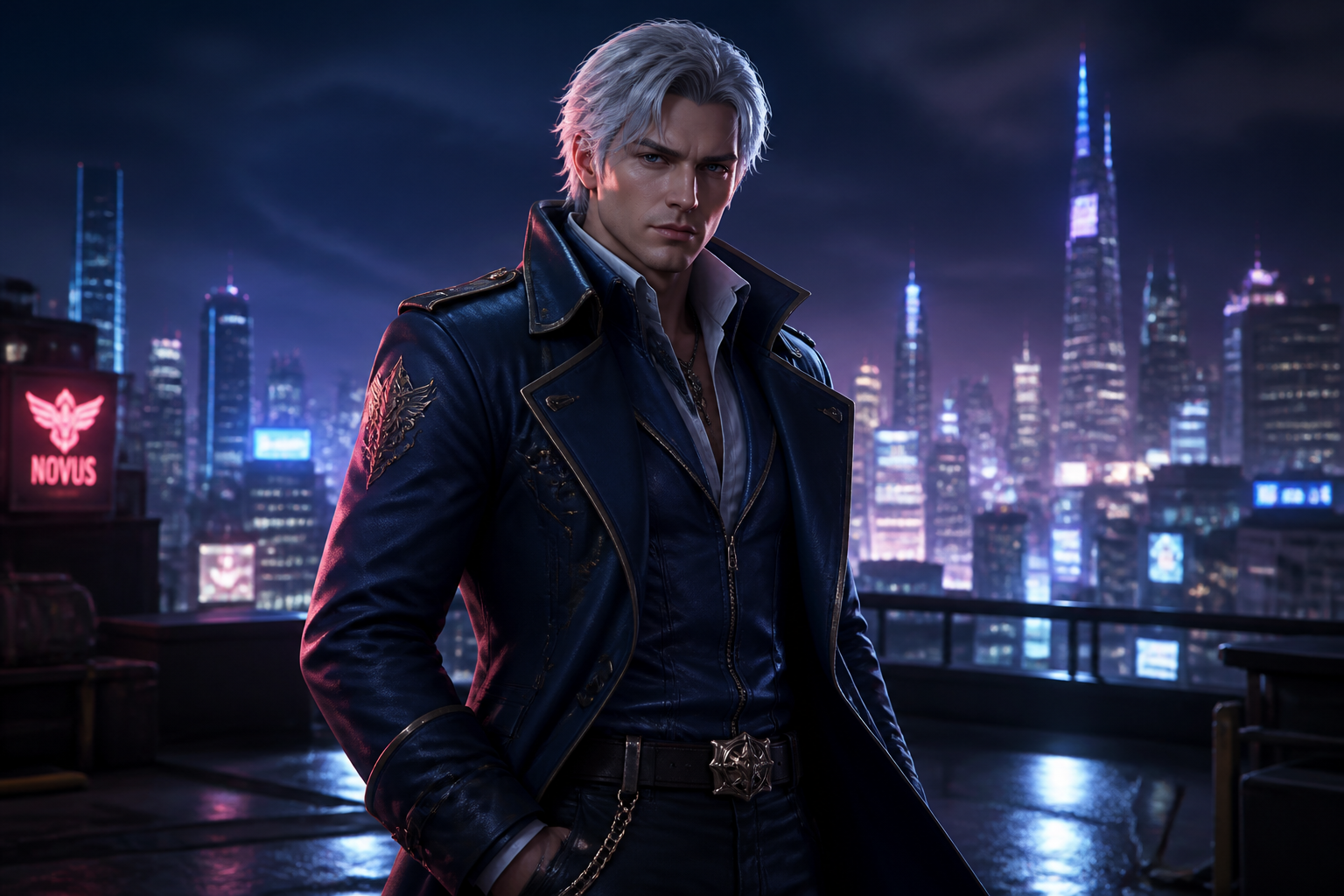 BEFORE
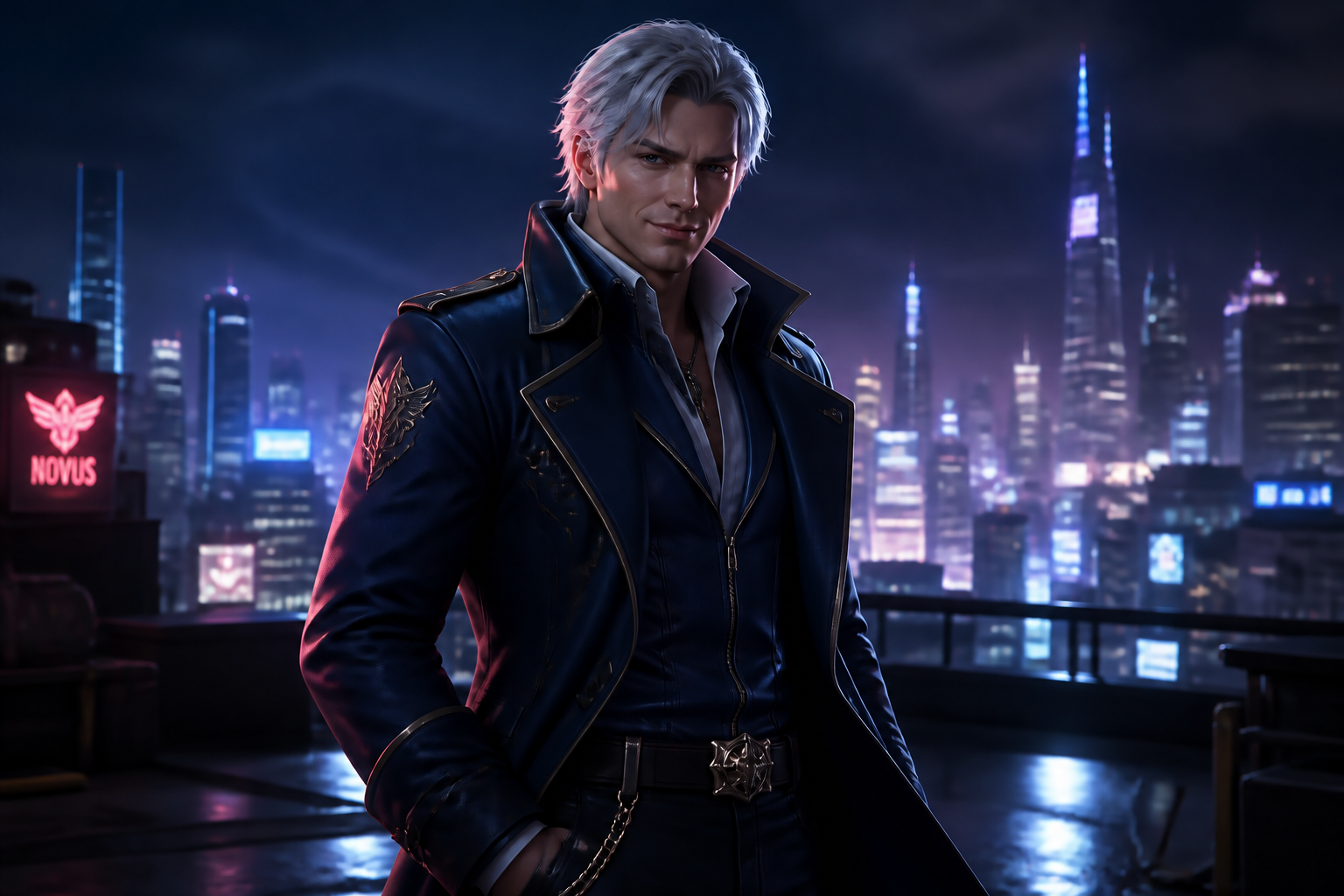 AFTER
AFTER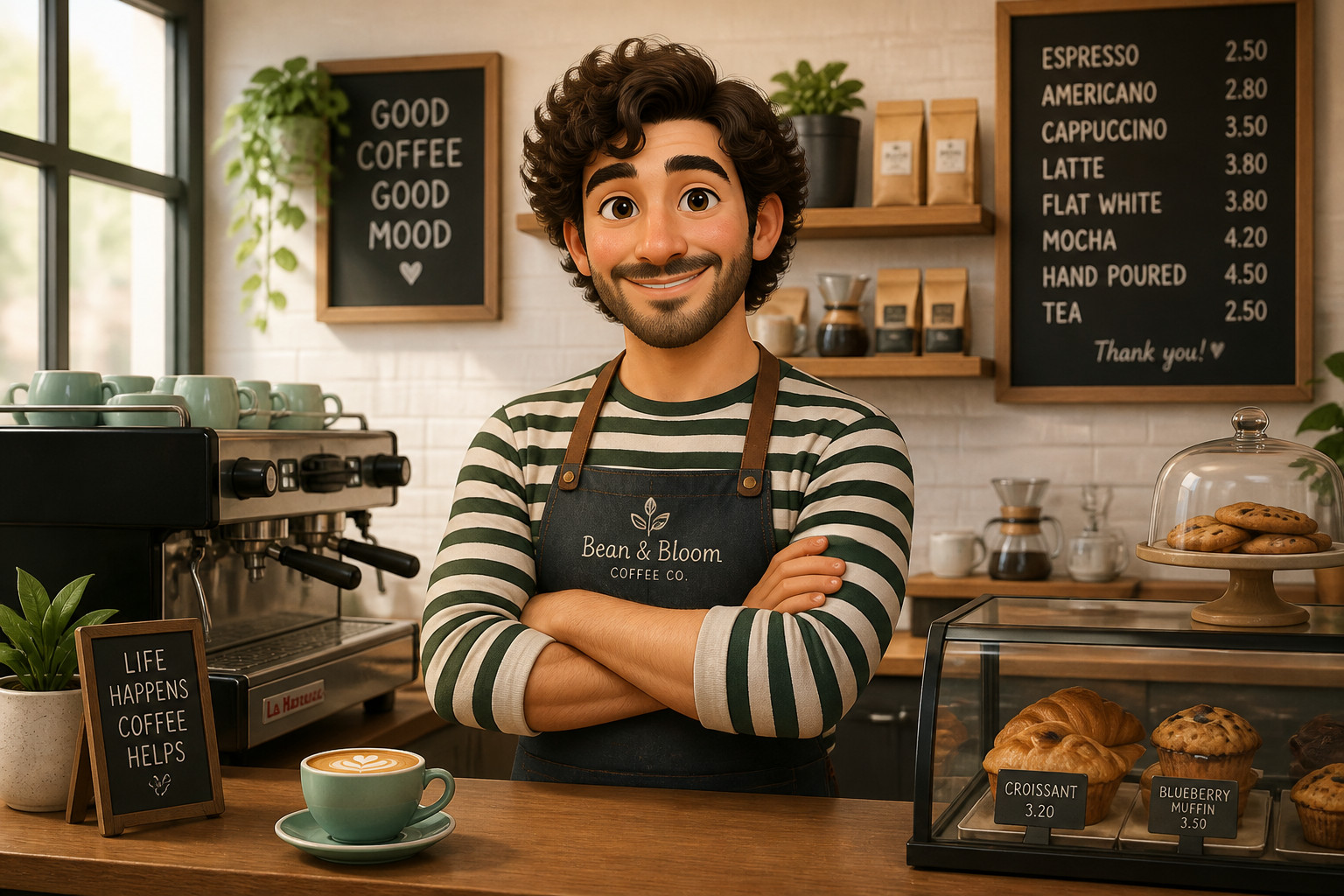 BEFORE
 AFTER
AFTER BEFORE
 AFTER
AFTER BEFORE
 AFTERBEFOREAFTERBEFOREAFTERBEFOREAFTERBEFOREAFTER
Key Features
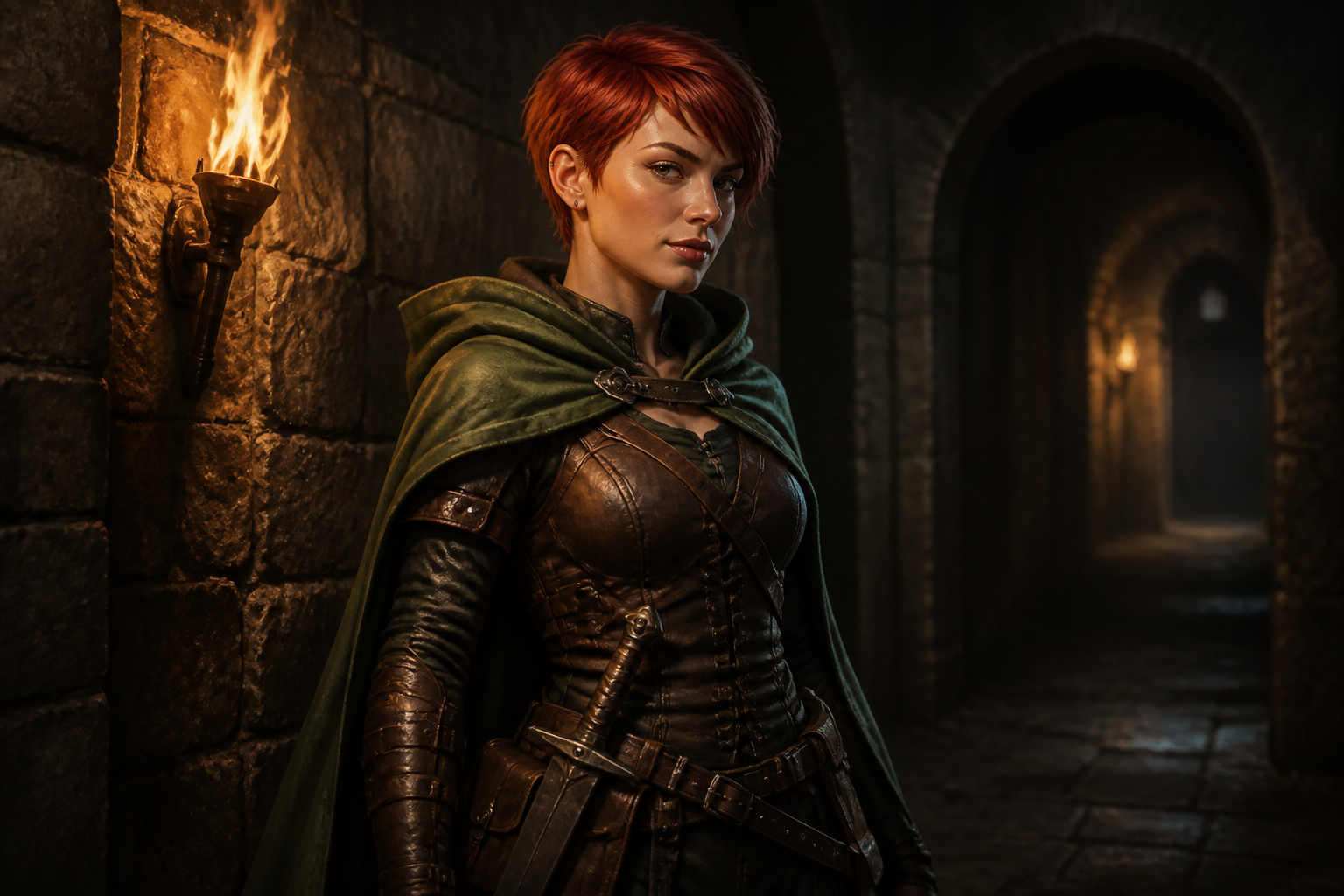
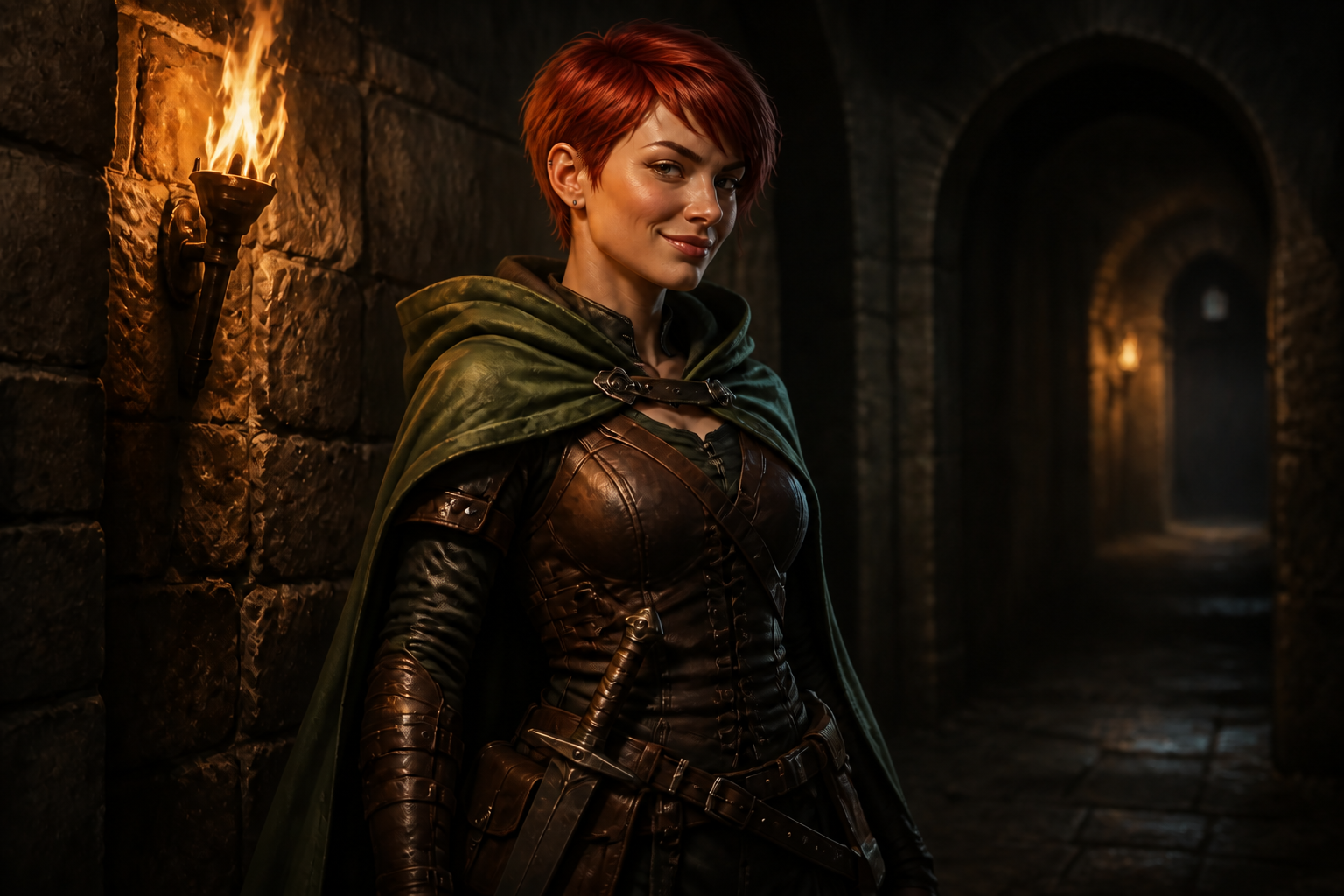
Keep the character consistent
You can change the mood without losing the character people recognize. Our AI keeps the face shape, hairstyle, outfit, and scene anchored while updating the expression. That matters when you need multiple panels, poses, or marketing assets to feel like the same character. It saves the cleanup work that usually comes from manual repainting or repeated redraws.
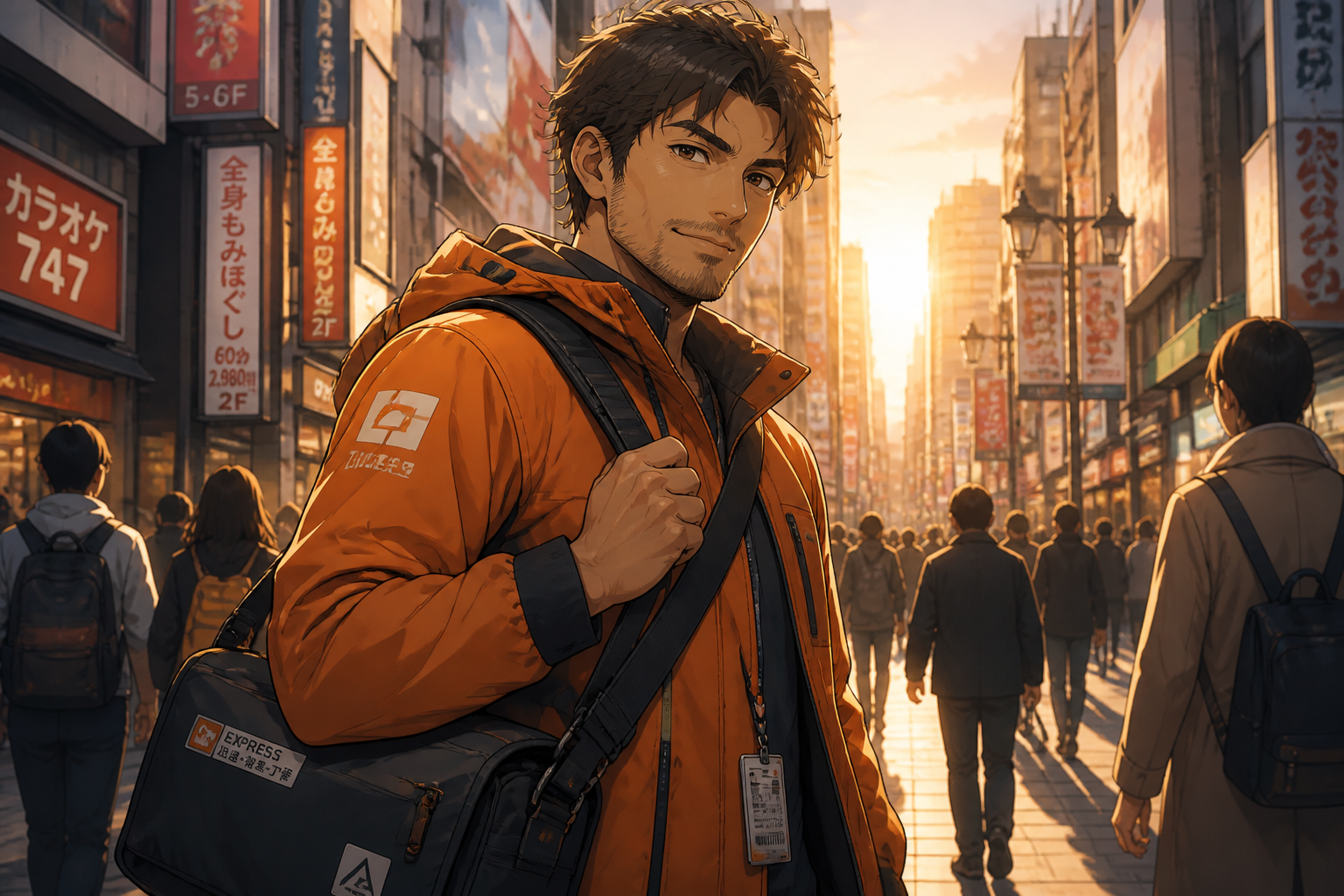
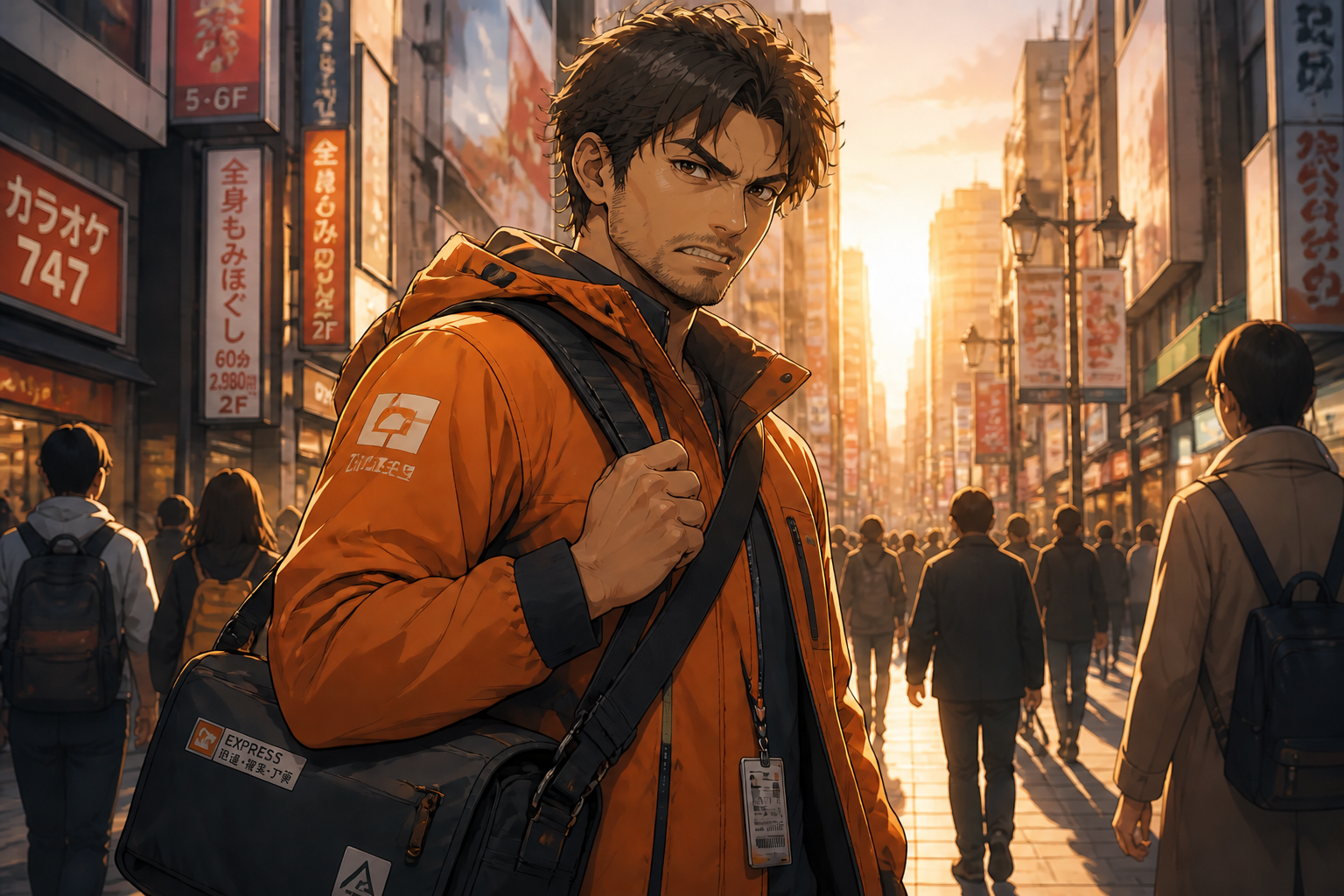
Switch moods fast
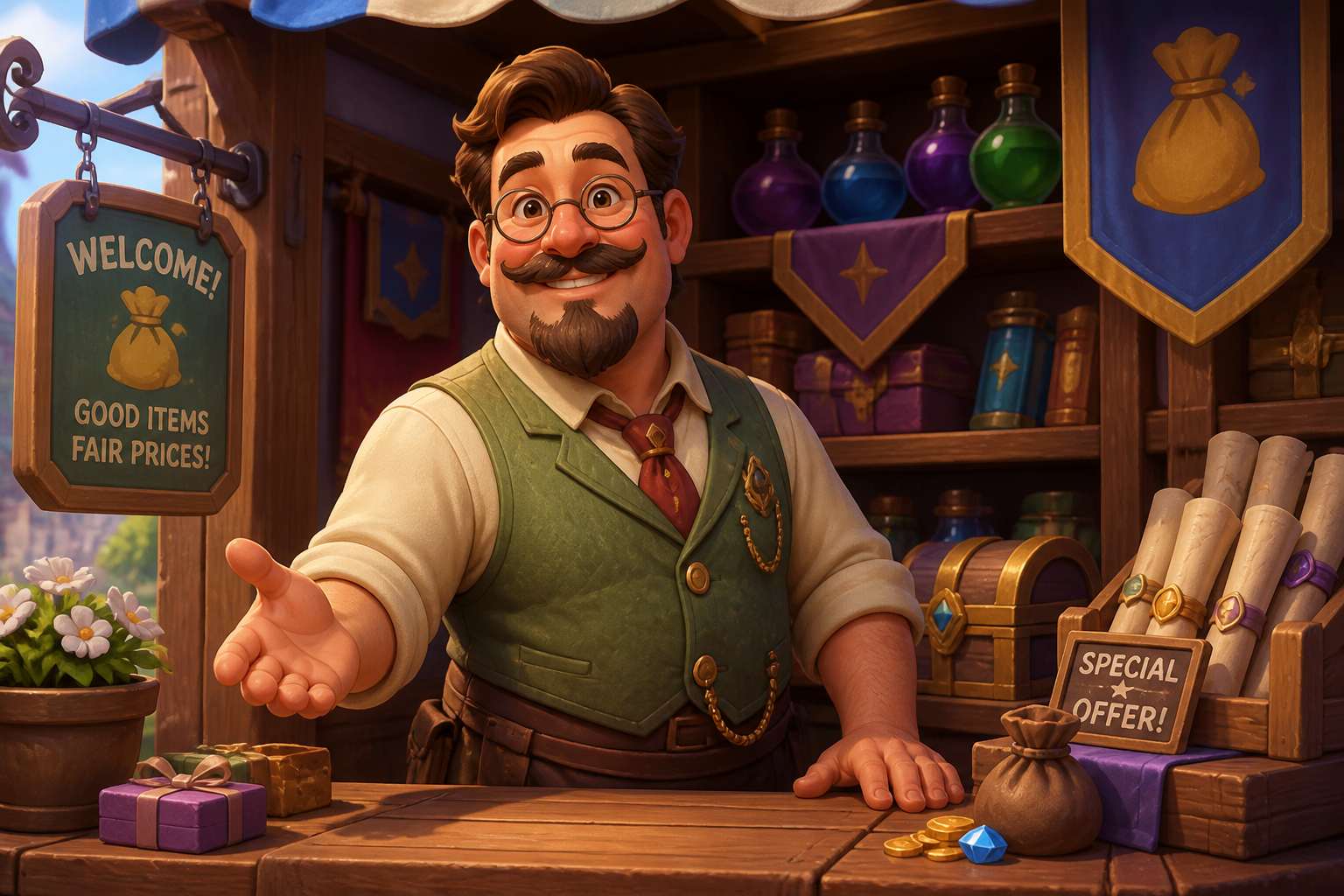
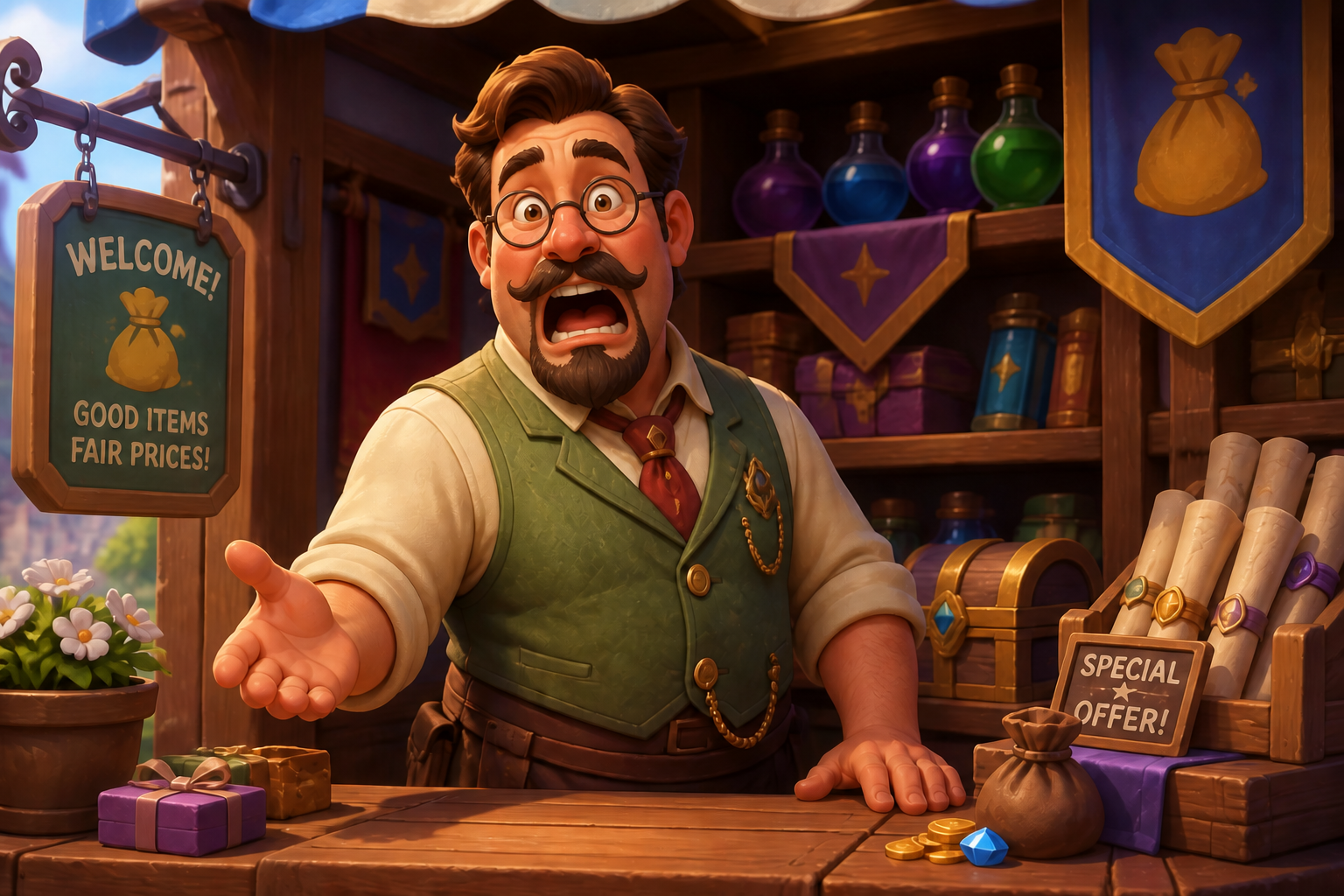
Move from neutral to angry, happy, worried, or shocked in one edit. The change is clear enough for storyboards, thumbnails, game dialogue portraits, and comic beats. Instead of drawing separate face versions by hand, you can test emotional directions quickly and keep iterating. That makes pacing and scene planning much easier.
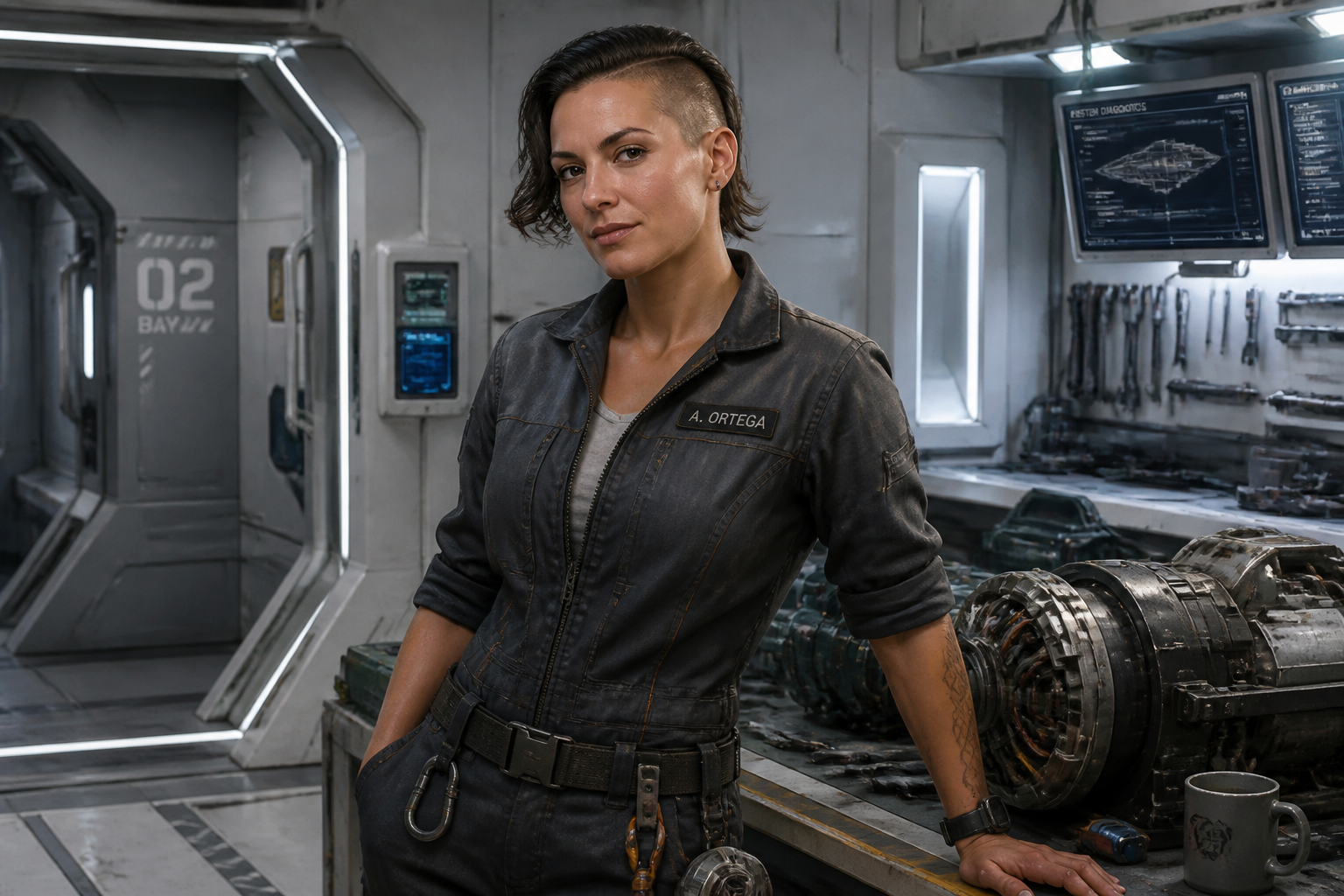
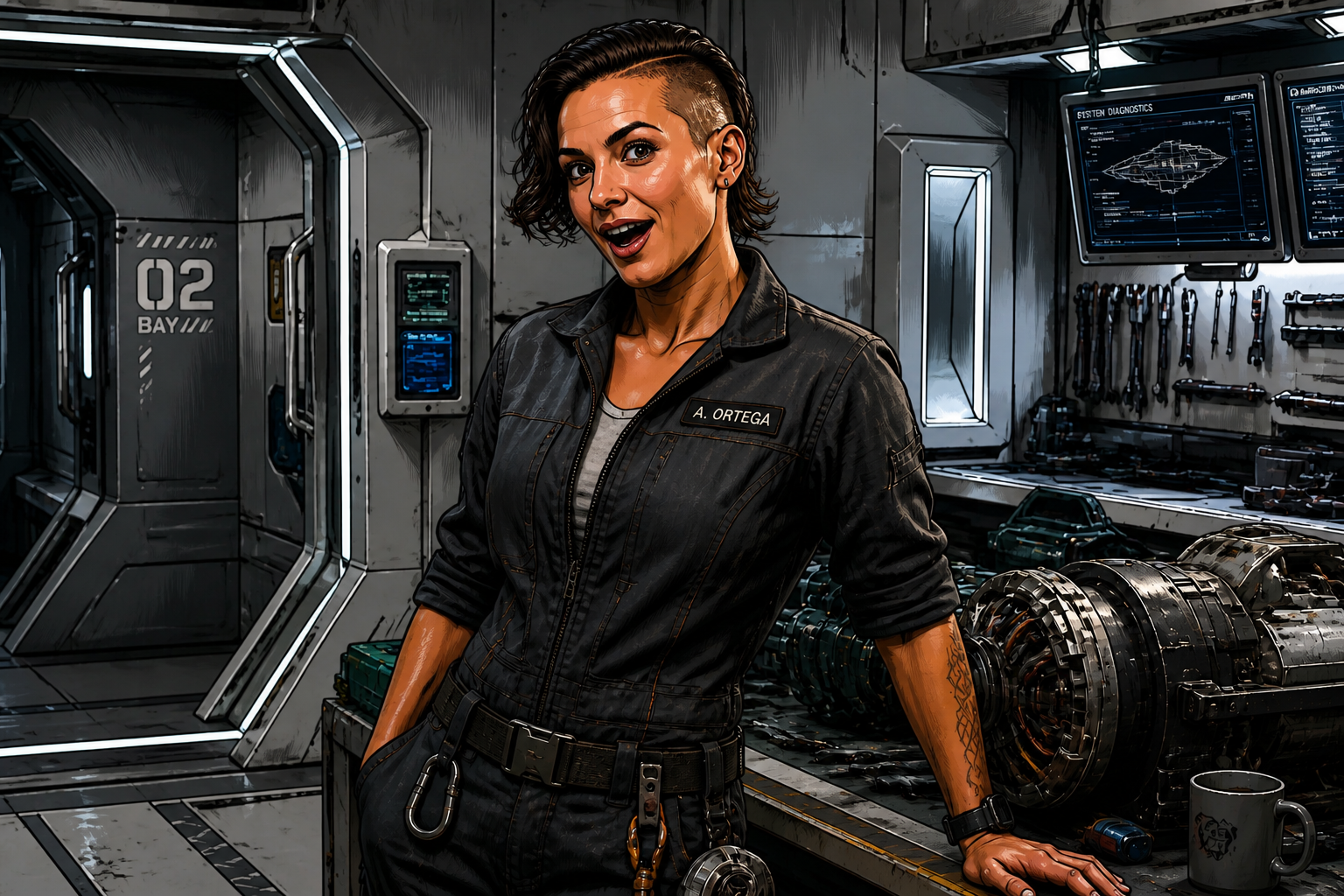
Works across art styles
Expression edits are useful in more than one visual style, and the tool can handle that range. You can keep a realistic render, move into painterly illustration, or test a comic-like finish while preserving the character's core look. This is helpful when one character needs to appear in pitch decks, social posts, and creative explorations. Manual restyling usually means starting over from scratch.
Readable at thumbnail size
Expressions need to land quickly, especially in galleries, game UI, and social content. Our AI can push the emotion far enough to be obvious even in small previews while still fitting the original character. That gives you clearer visual storytelling and stronger before-and-after contrast. It is much more efficient than making tiny manual adjustments and hoping the emotion reads.
How It Works
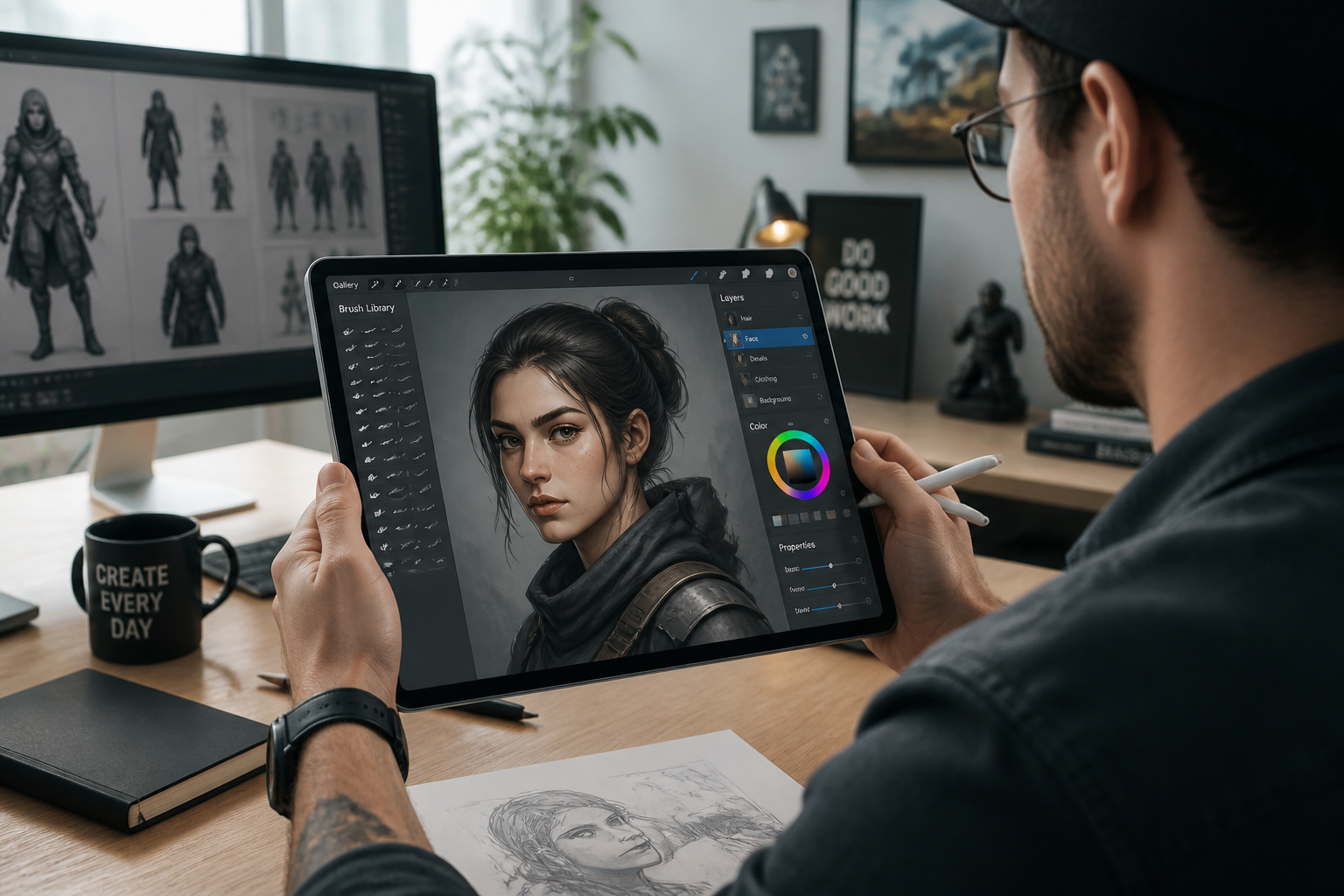
Upload your character image
Start with a clear image of your character. Medium shots with a visible face work best because the expression change reads clearly.
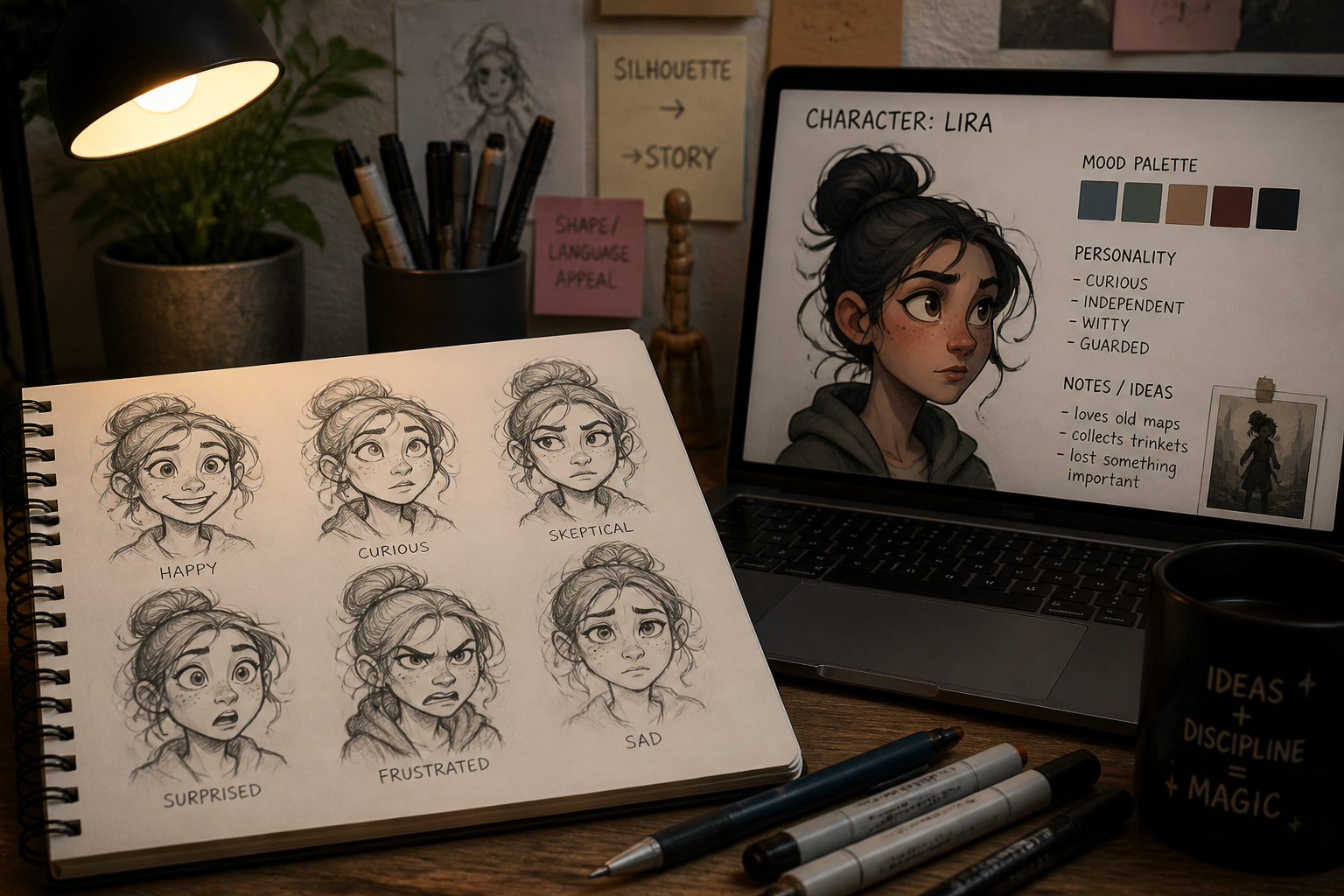
Describe the new emotion
Tell the AI what expression you want, such as angry, cheerful, worried, smug, or shocked. You can also mention a visual style if you want the result to look more like comics, animation, or painted art.
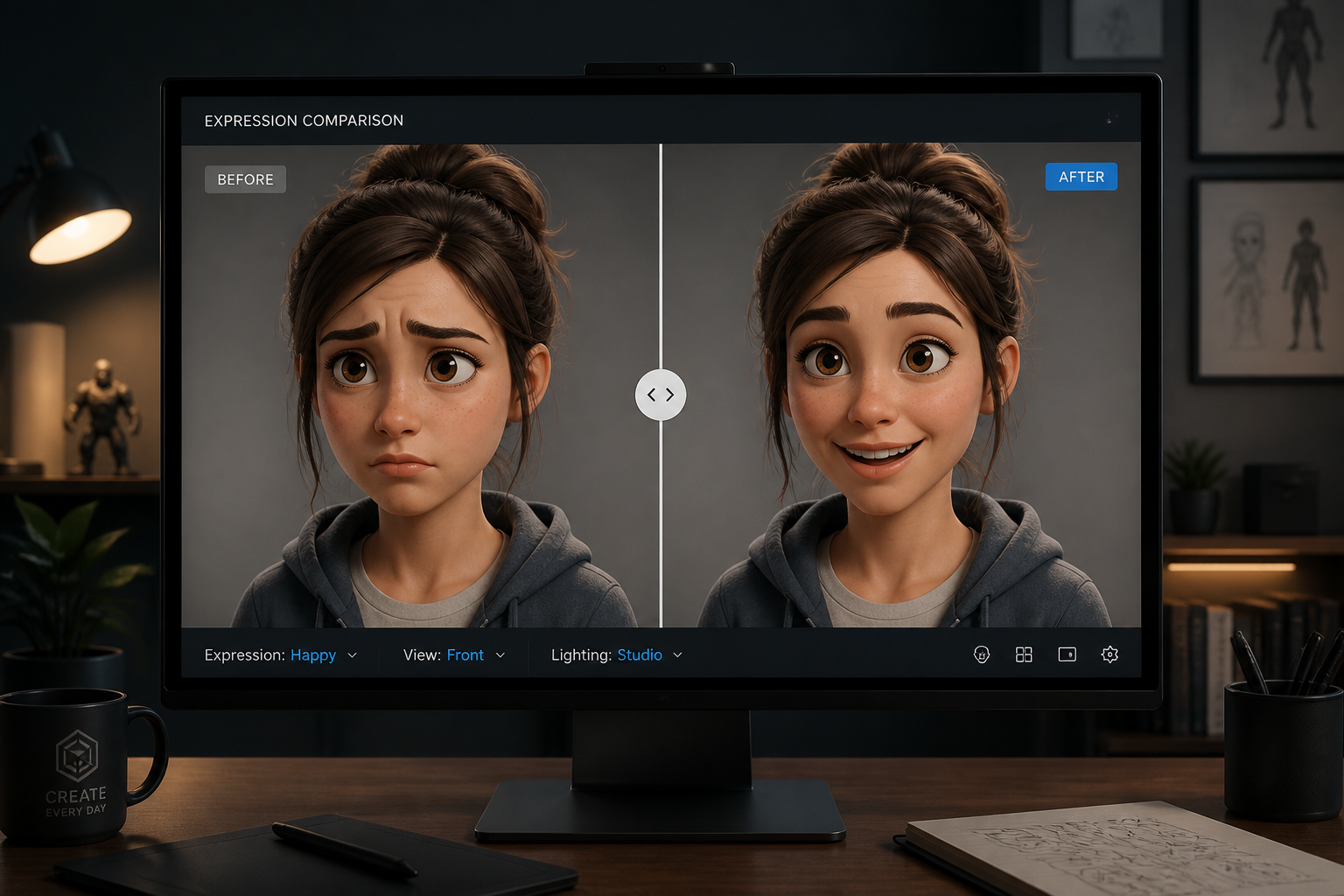
Compare and refine
Review the before and after, then adjust your prompt if you want a stronger or different emotion. This makes it easy to test several moods for the same character without rebuilding the image.
Perfect For
Discover how creators and professionals use character expression generator
Comic and storyboard panels
Create clearer emotional beats between scenes while keeping your character design stable from panel to panel.
Game dialogue portraits
Generate multiple reaction faces for the same character to support menus, dialogue boxes, and visual novel scenes.
Avatar and VTuber concepts
Test different moods and reactions for mascots, personas, and on-screen characters before finalizing a full set.
Pitch decks and concept art
Show one character in several emotional states for client presentations, narrative pitches, or casting boards.
Built For
Illustrators and concept artists
Explore emotional variations quickly without repainting every face from scratch.
Game and comic creators
Build reaction sets for recurring characters while keeping the design readable and consistent.
Content creators and indie teams
Make polished character assets for posts, pitches, streams, and prototypes with less production time.
Why use this for character expressions
A quick look at how we compare on the things that matter for this niche.
| Feature | BudgetPixel | Generic AI editors | Manual editing apps |
|---|---|---|---|
| Expression-specific edits | ✓ | — | — |
| Keeps character design consistent | ✓ | — | ✓ |
| Fast emotion variations | ✓ | ✓ | — |
| Works across art styles | ✓ | — | ✓ |
| No manual redrawing required | ✓ | ✓ | — |
Frequently Asked Questions
What does the Character Expression Generator do?
Can it keep the same character identity?
Does it work for anime, comics, and 3D characters?
What kind of source image works best?
Can I generate several emotions from one character image?
Create together.
Share your creations, discover trending AI art, and grow with fellow creators.








Ready to Try Character Expression Generator?
Get started for free. No credit card required.
Try it Free