Character Concept Sheet Generator
Turn a single image into a clean multi-view character sheet.
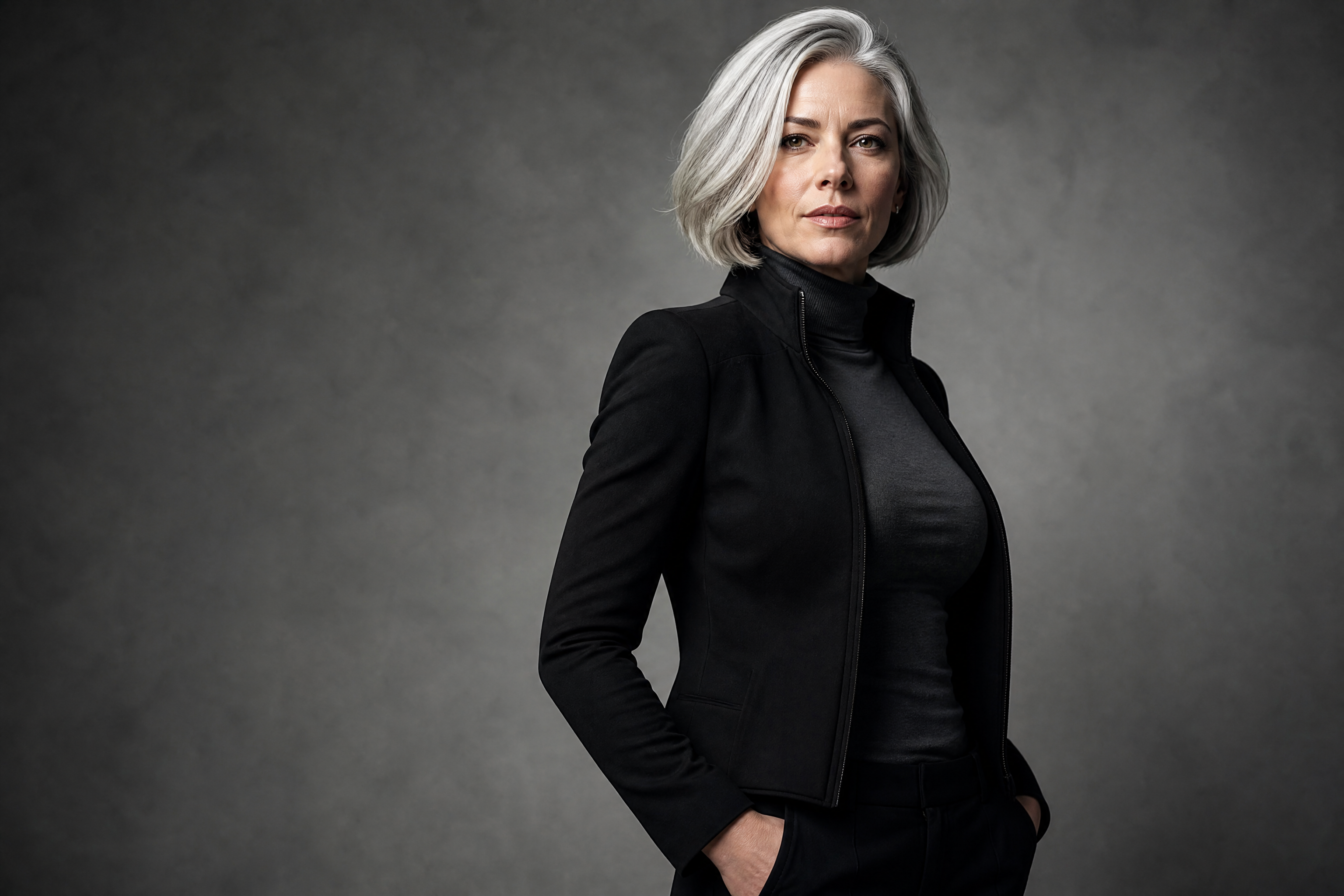
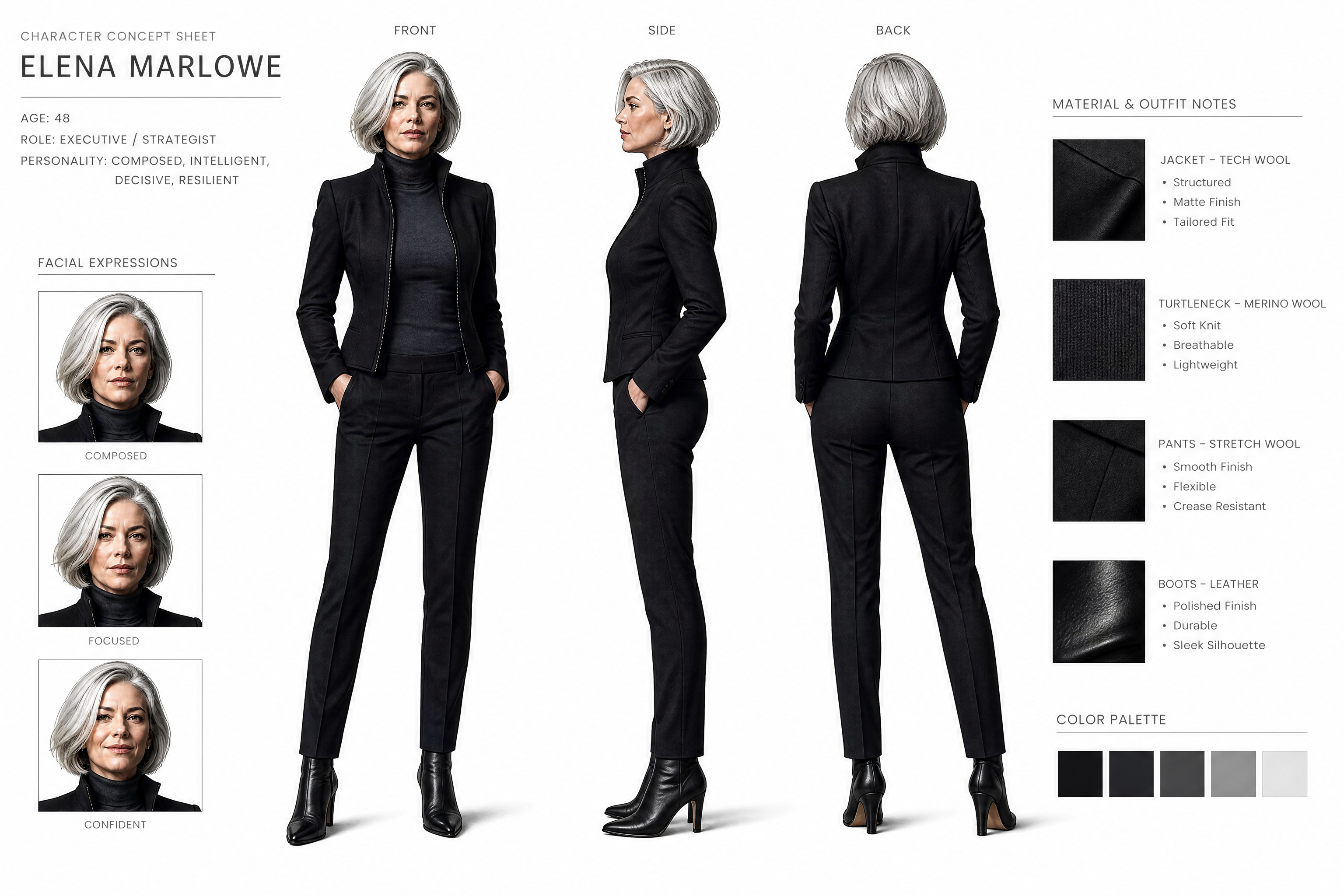
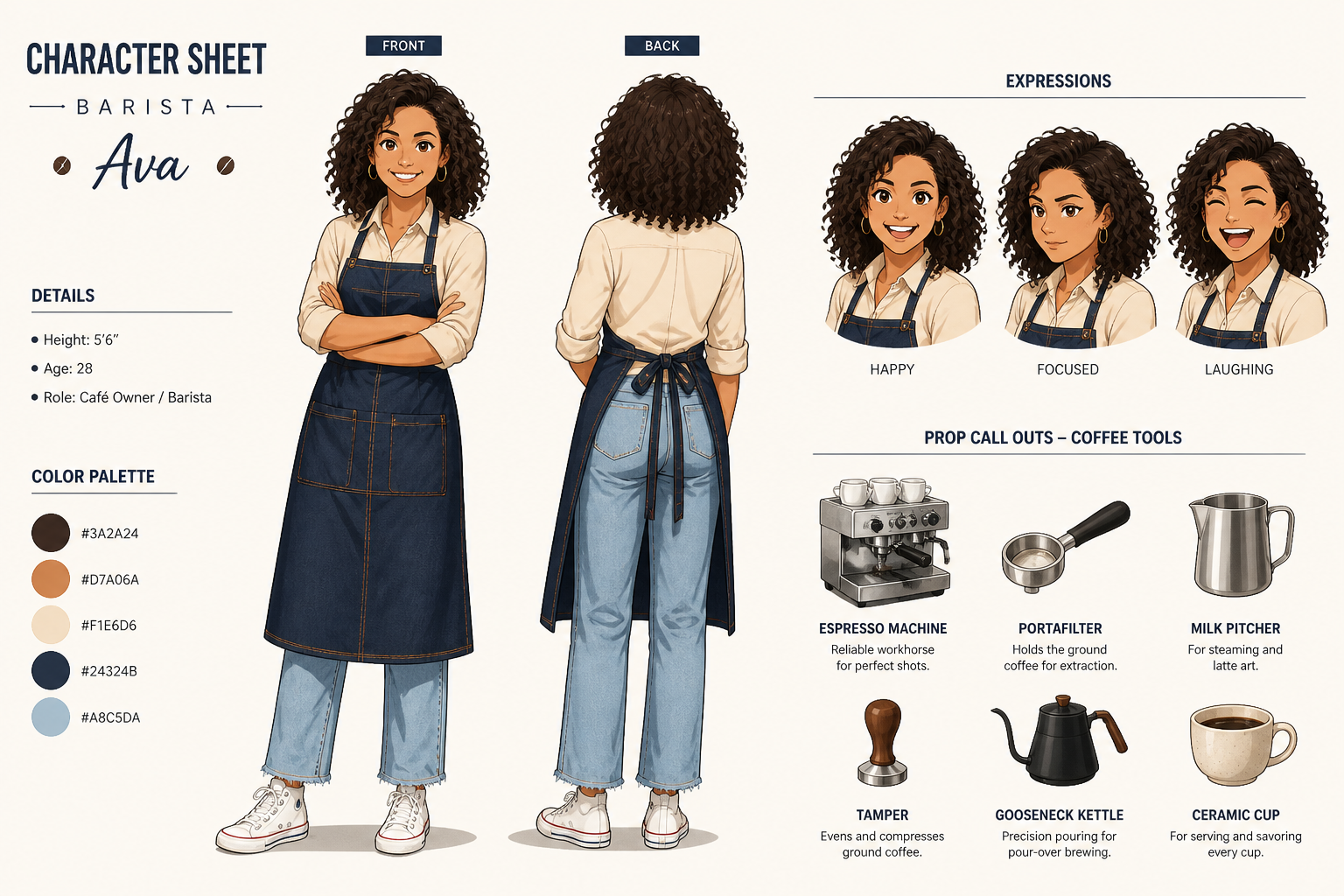
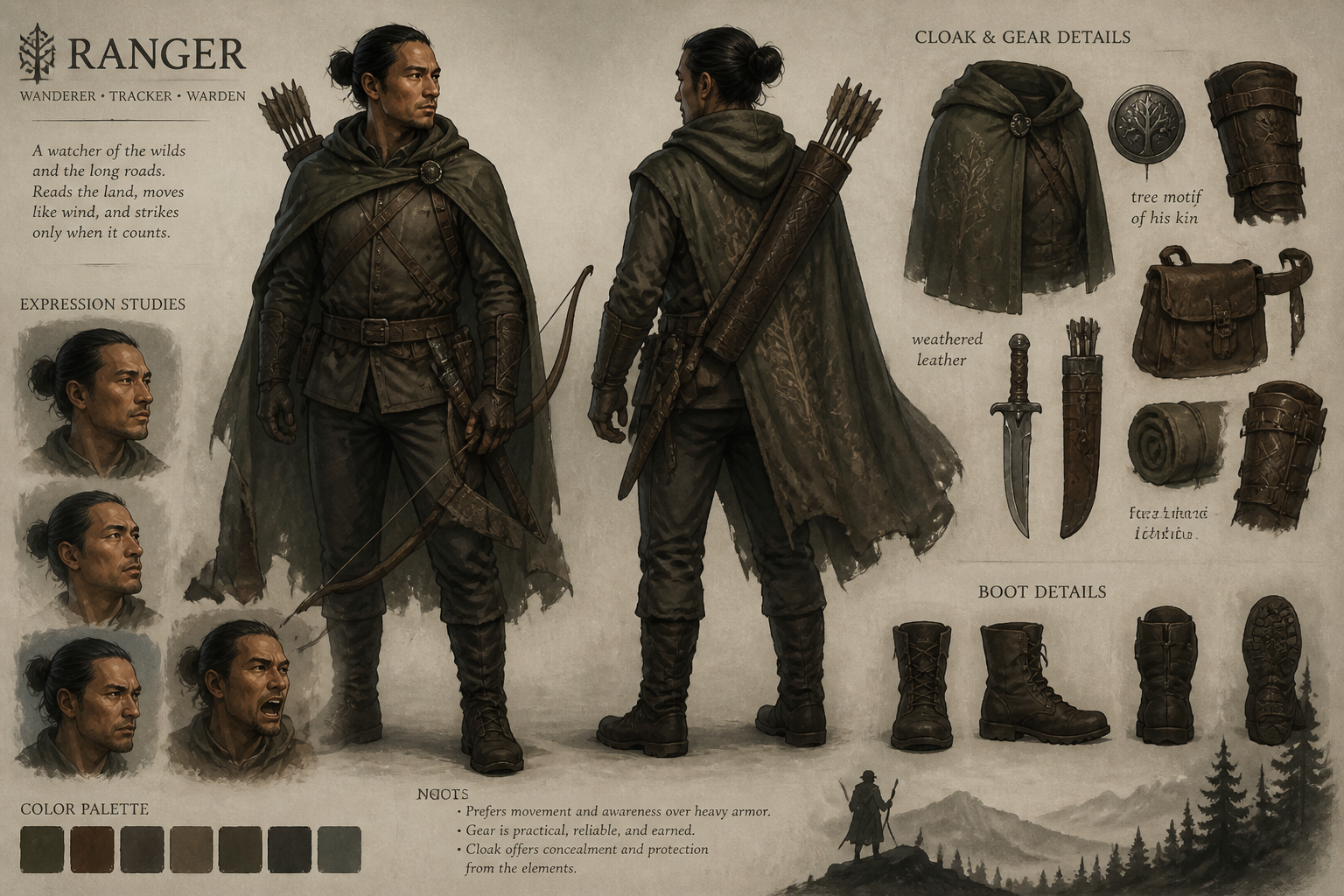
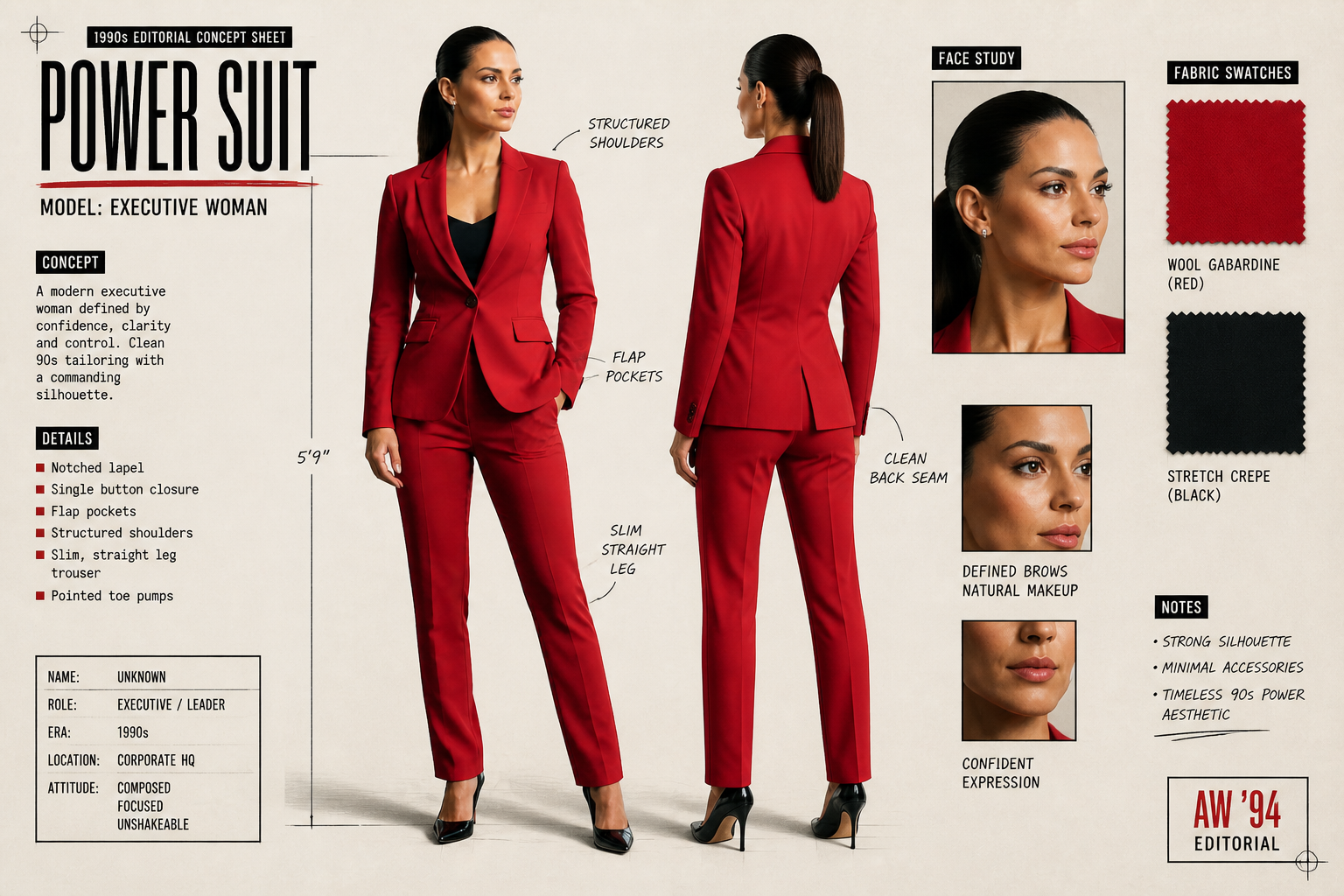
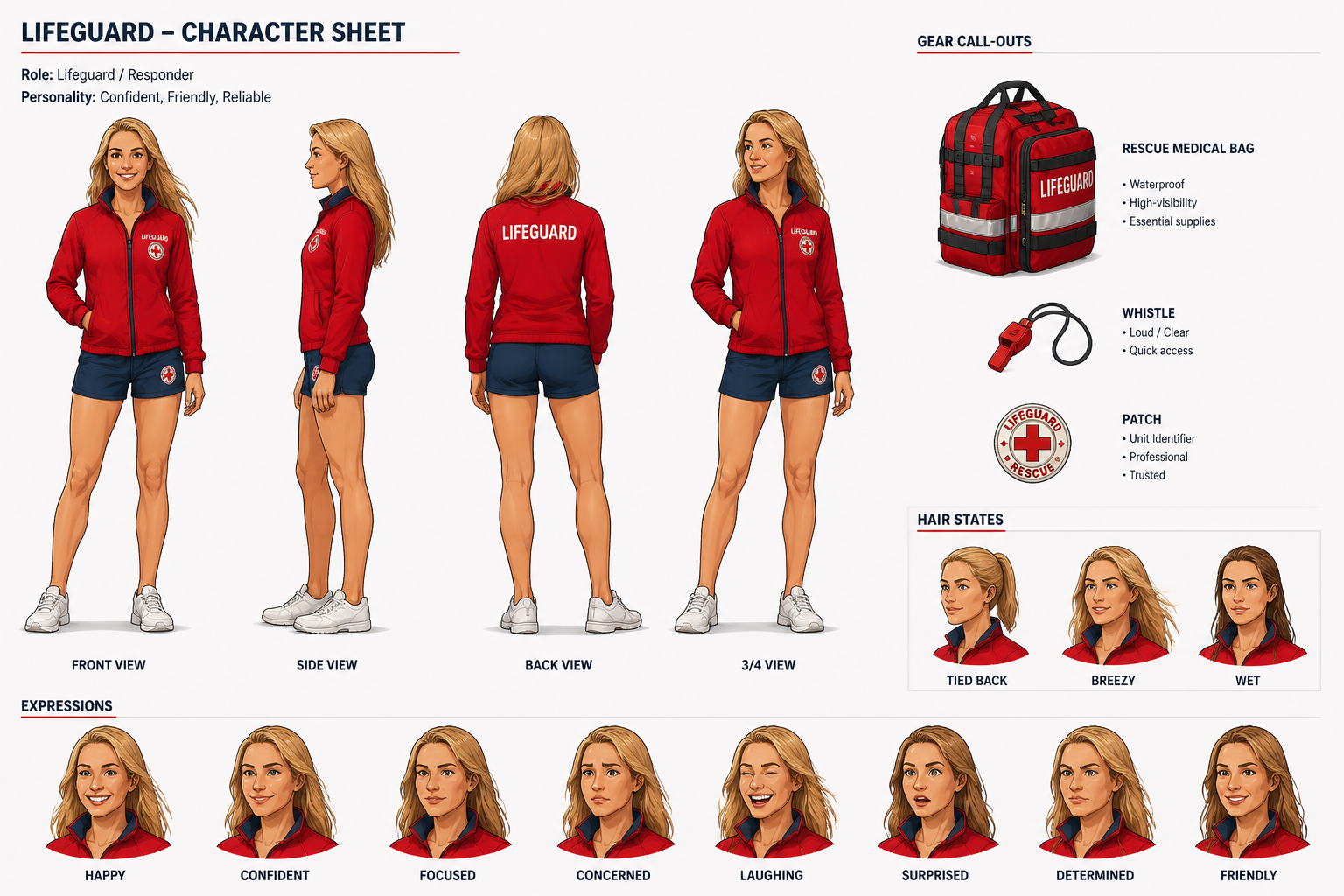
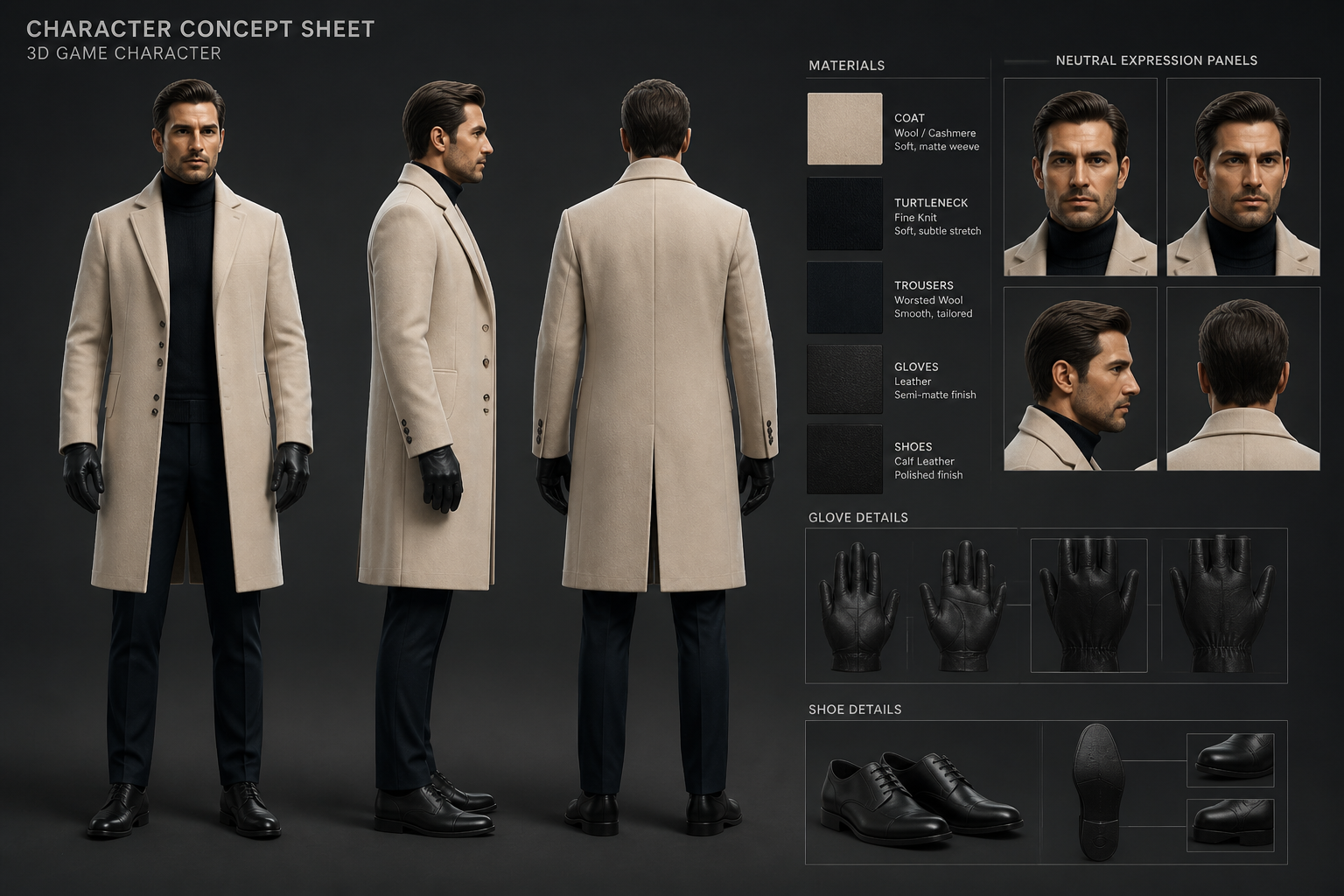
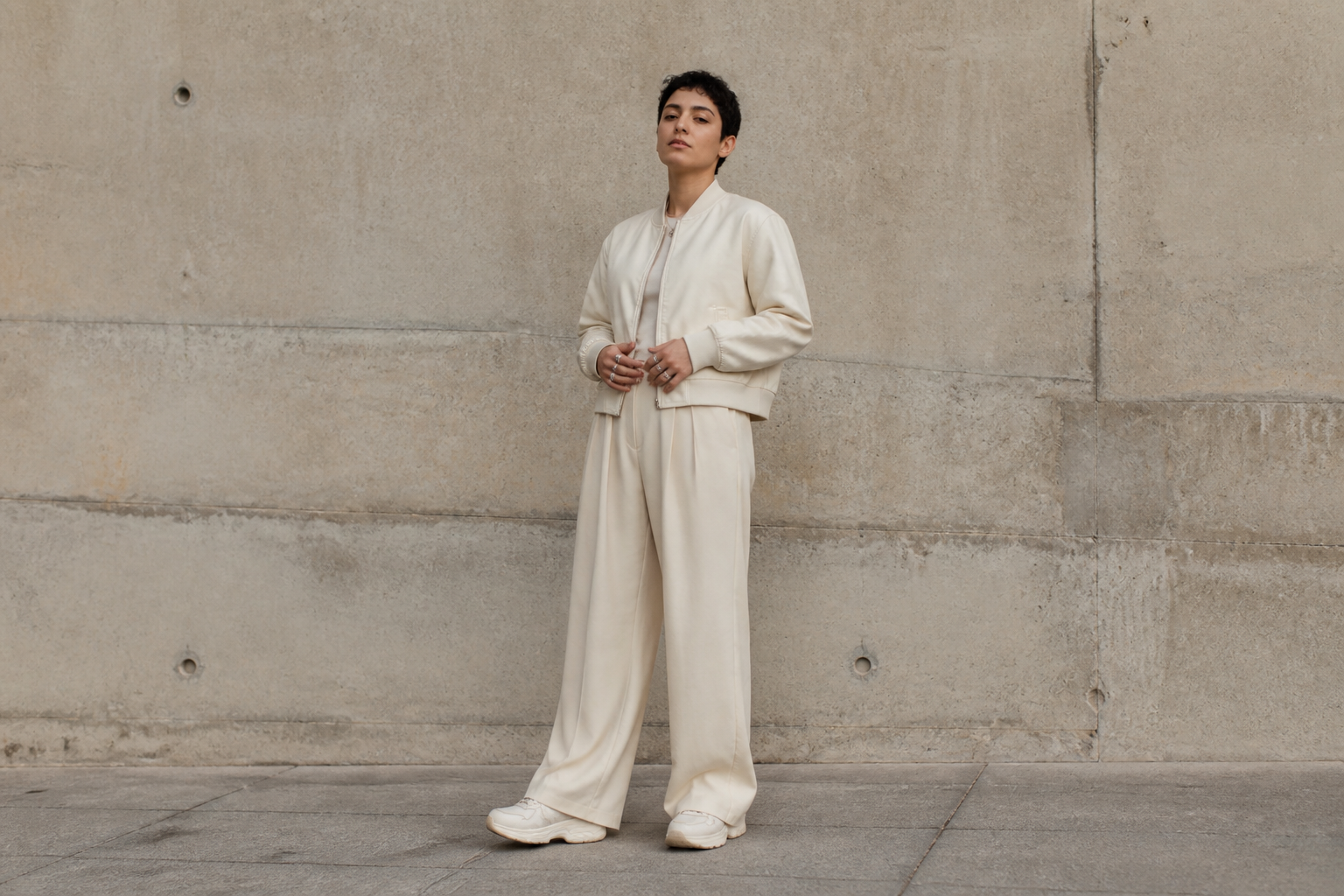
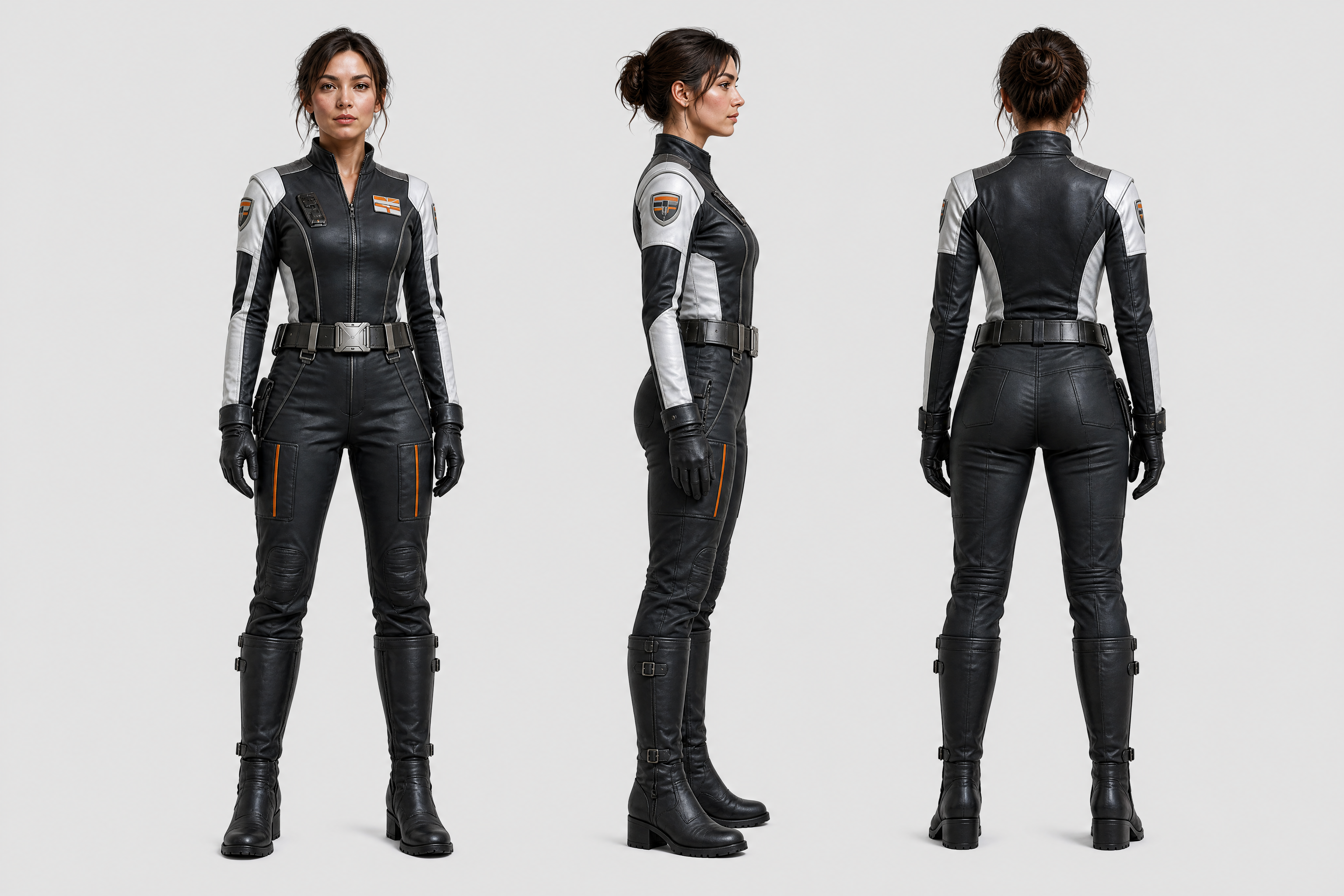
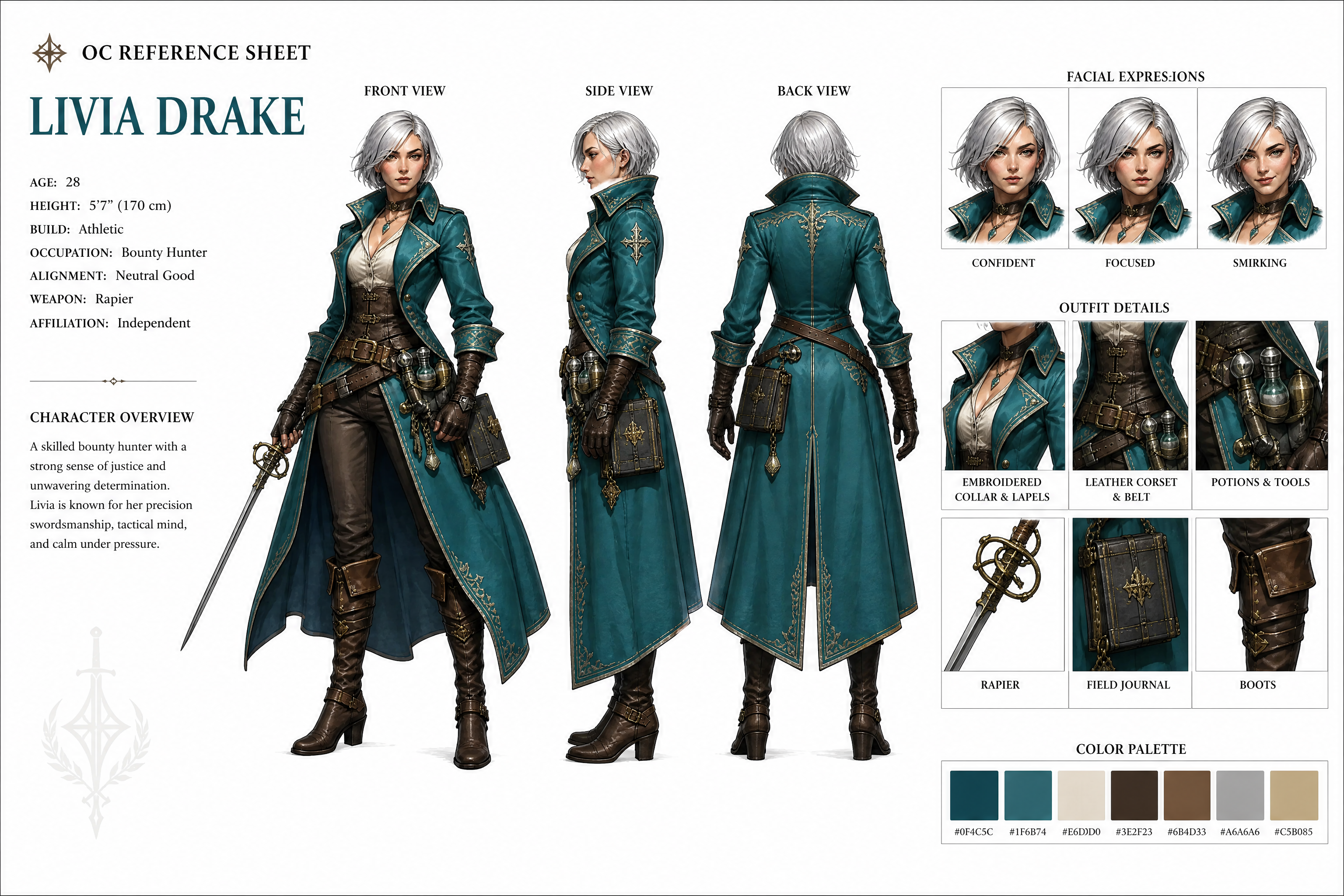
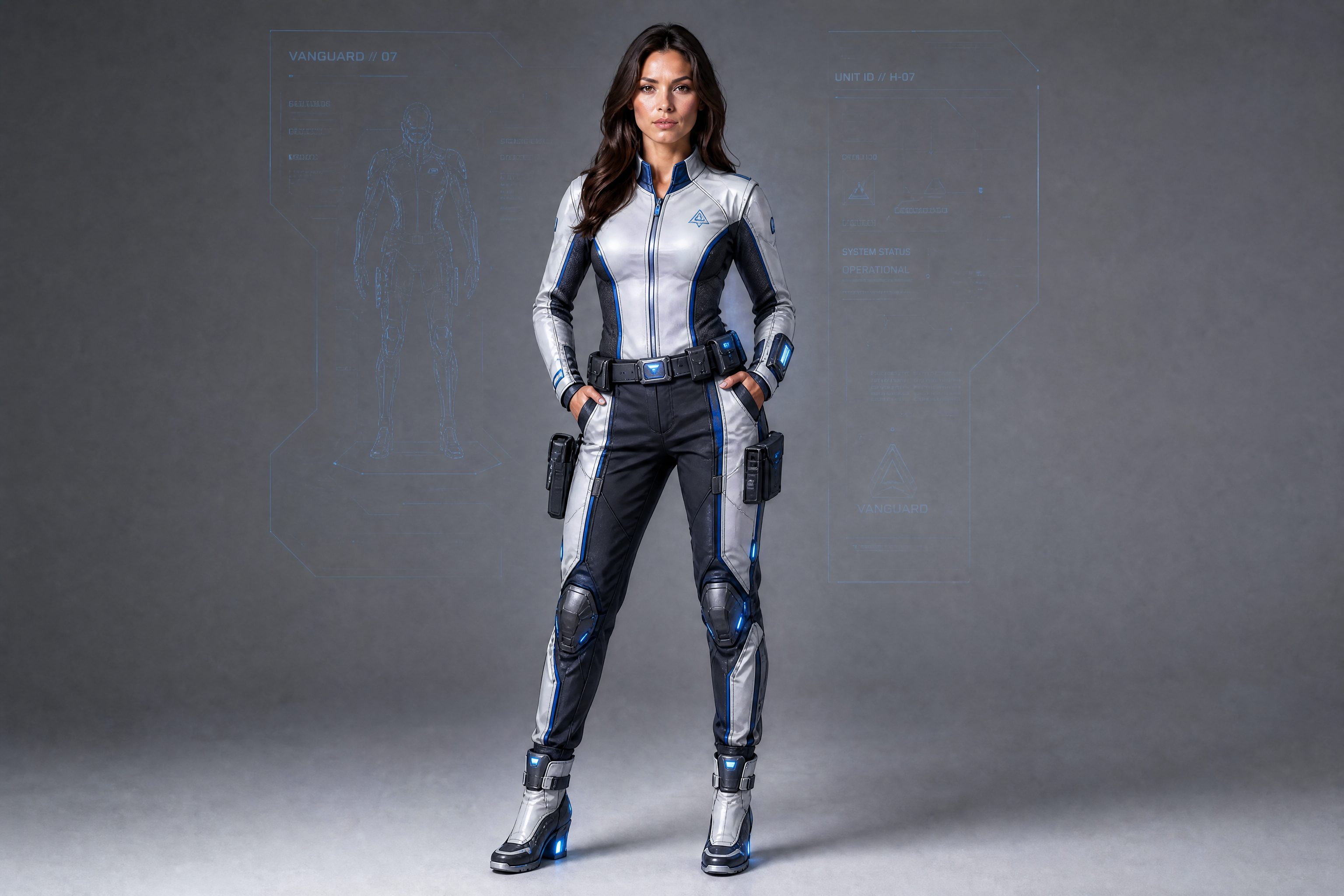
Upload a portrait, cosplay photo, fashion shot, or stylized character image and turn it into a structured concept sheet. Our AI can lay out front, side, and back views, add expression studies, and keep the character design consistent across the page.
Watch the Transformation
See character concept sheet generator in motion — generated end-to-end by our AI.
See It In Action
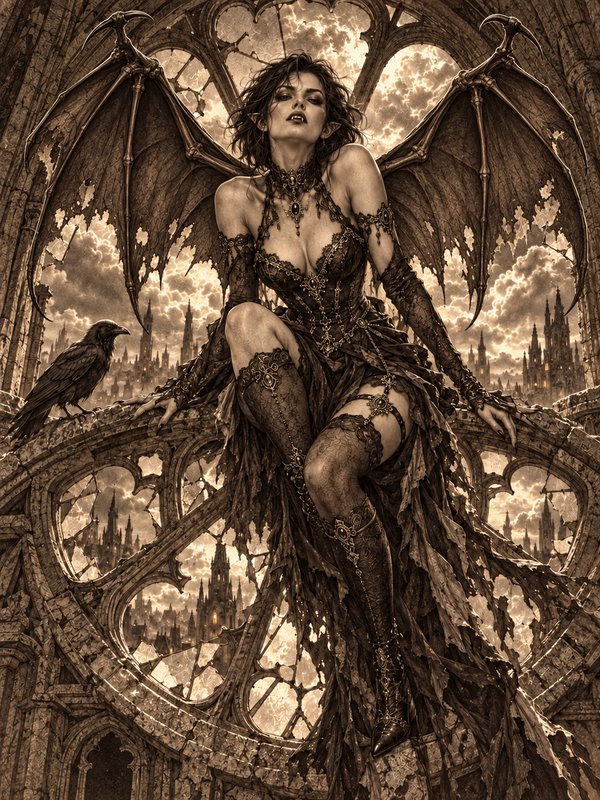
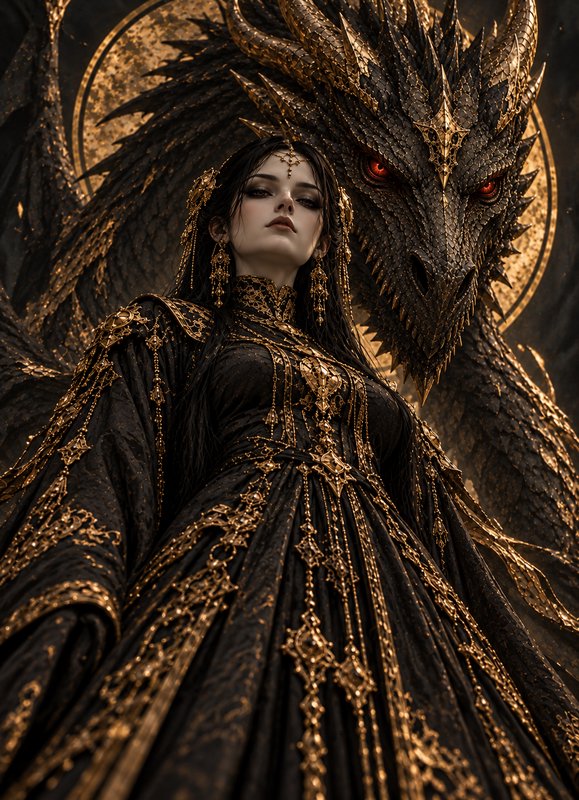
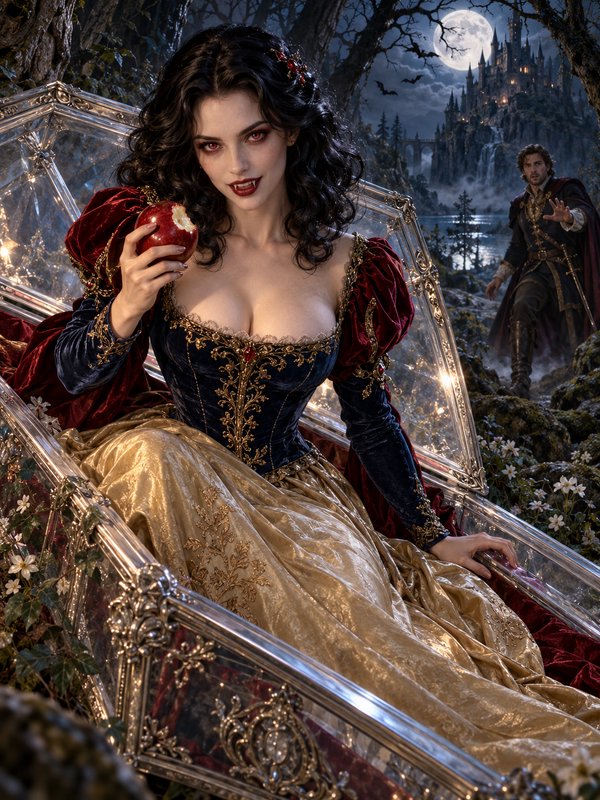
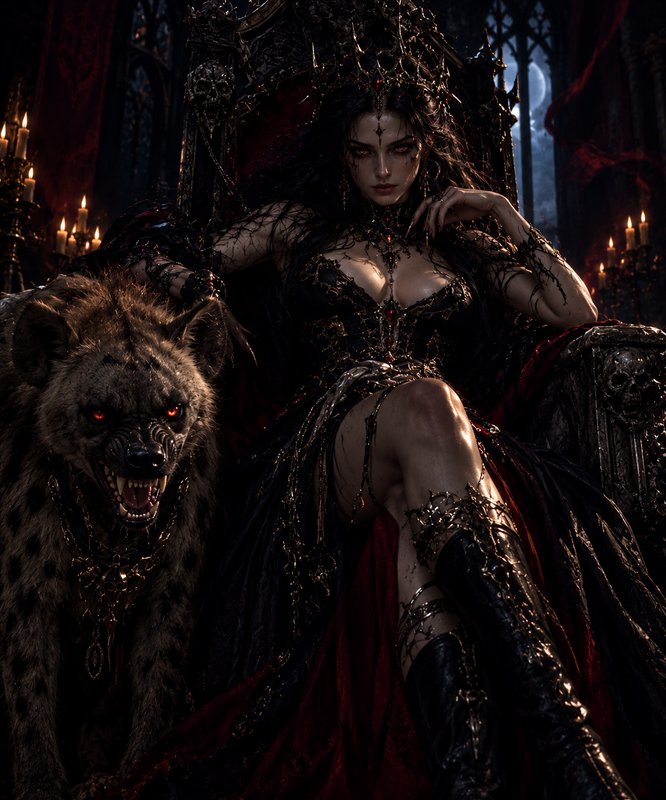
Real outputs from character concept sheet generator.
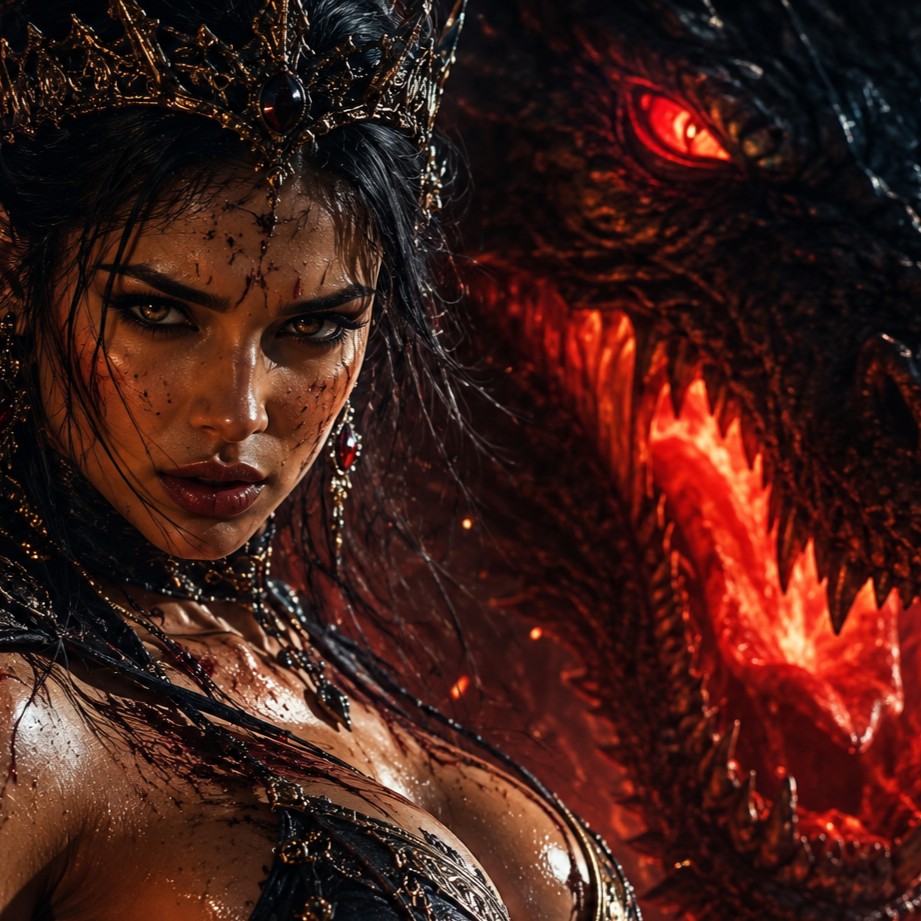
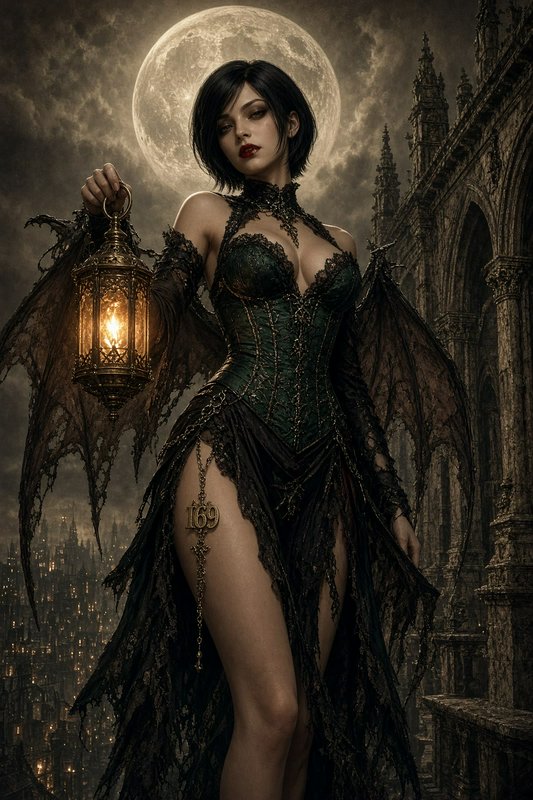
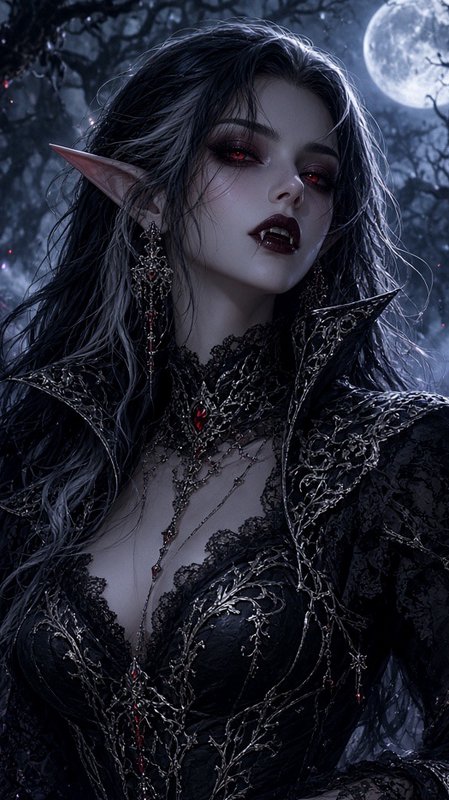
BEFOREAFTER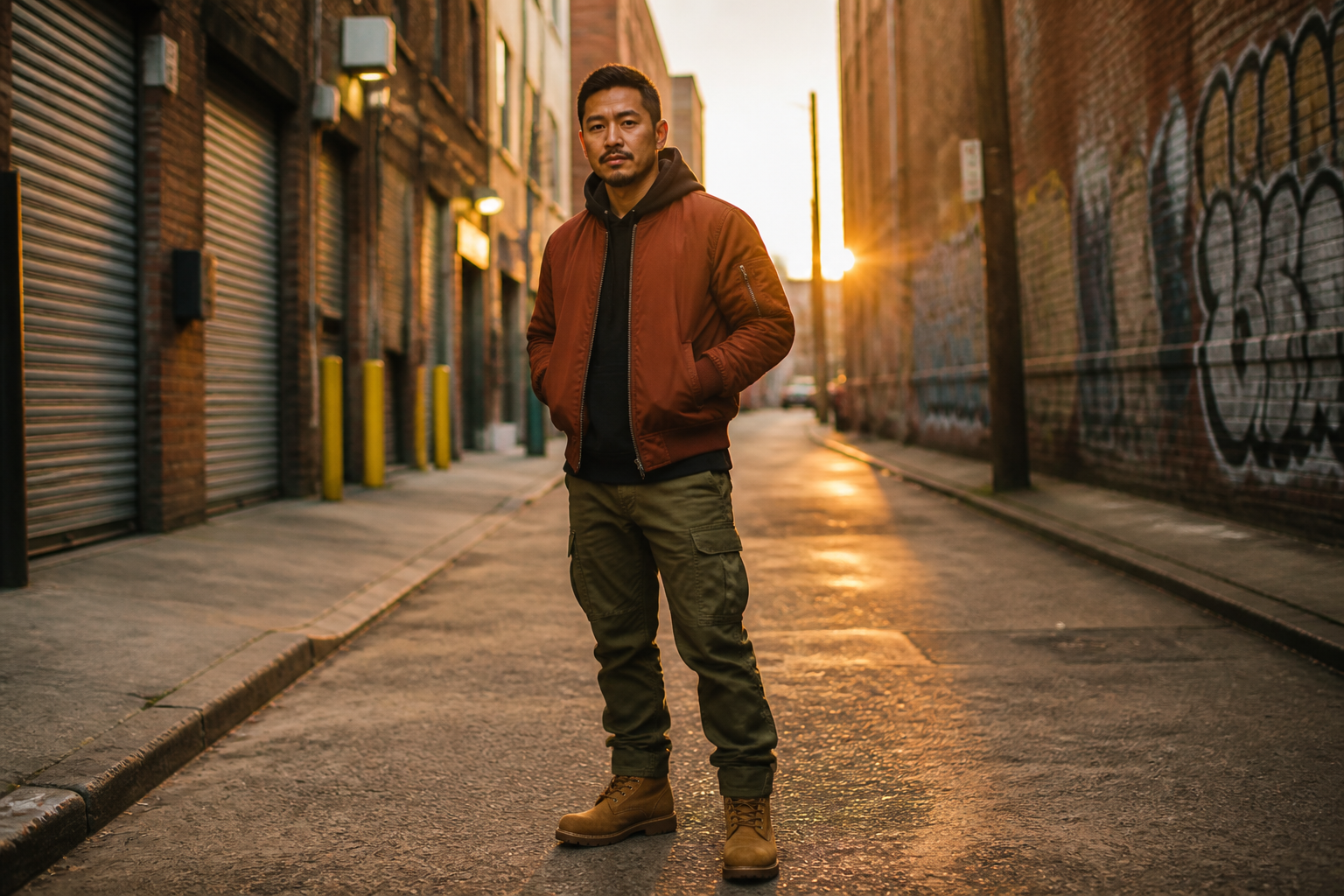 BEFORE
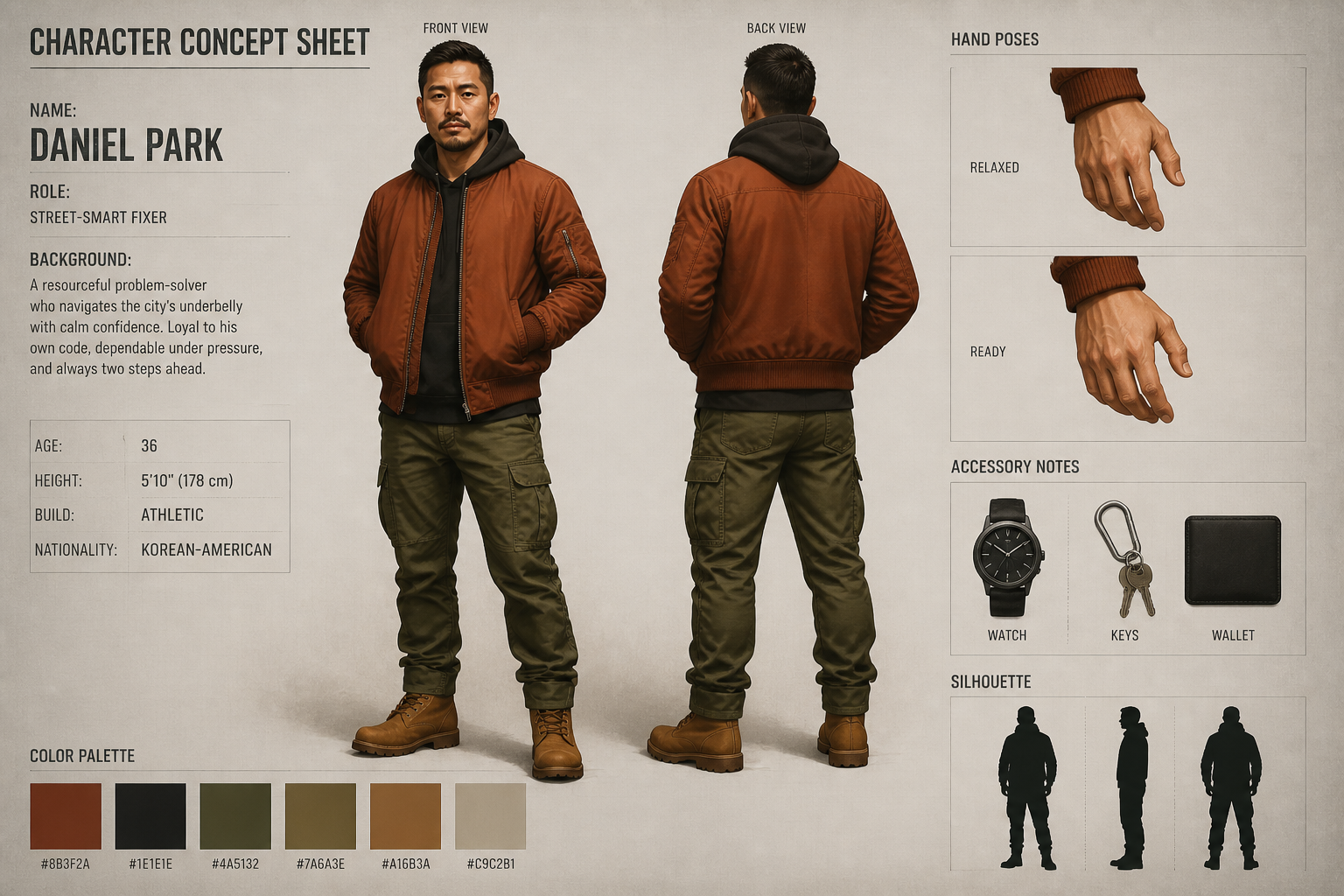 AFTER
AFTER BEFORE
 AFTER
AFTER BEFORE
 AFTER
AFTER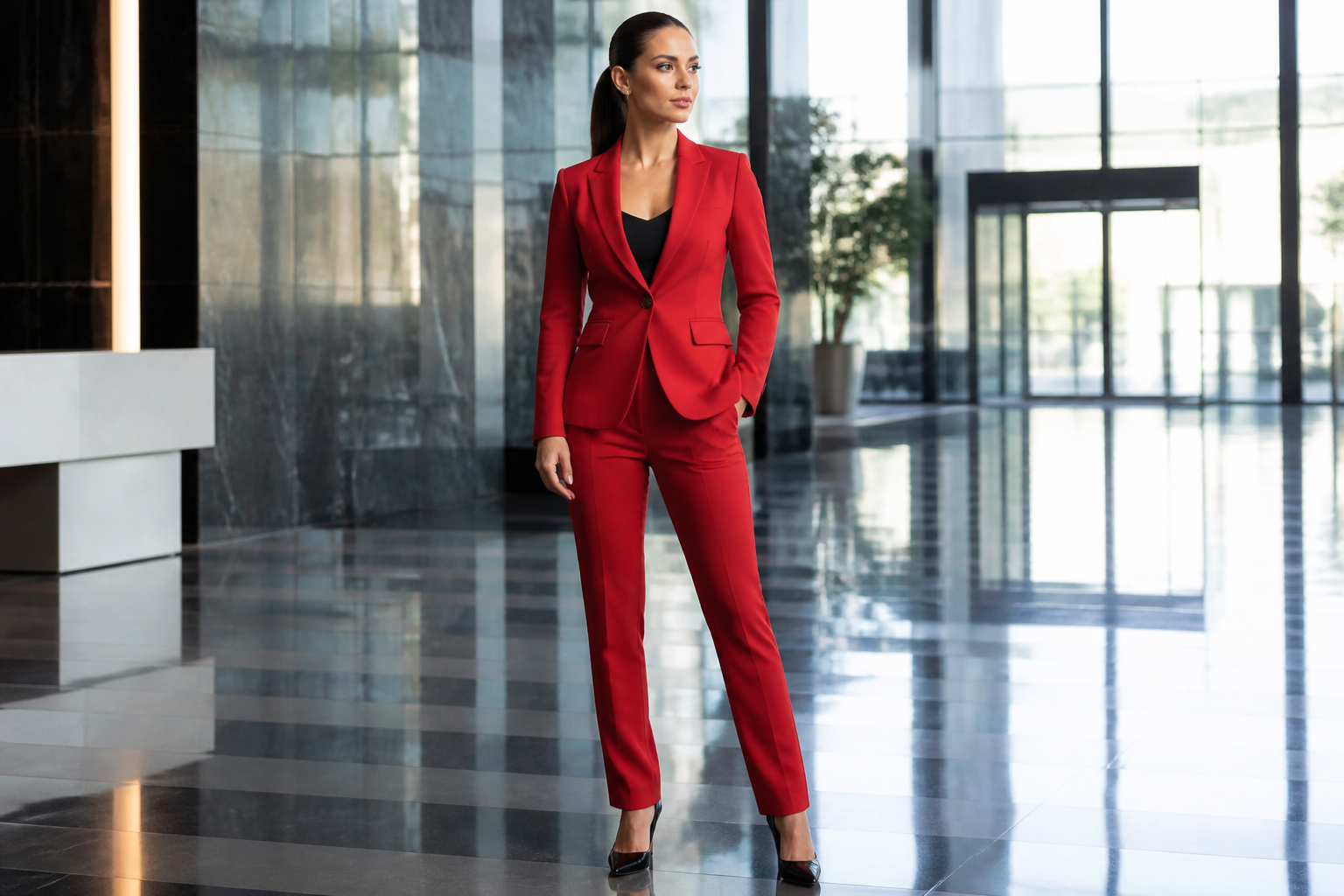 BEFORE
 AFTER
AFTER BEFORE
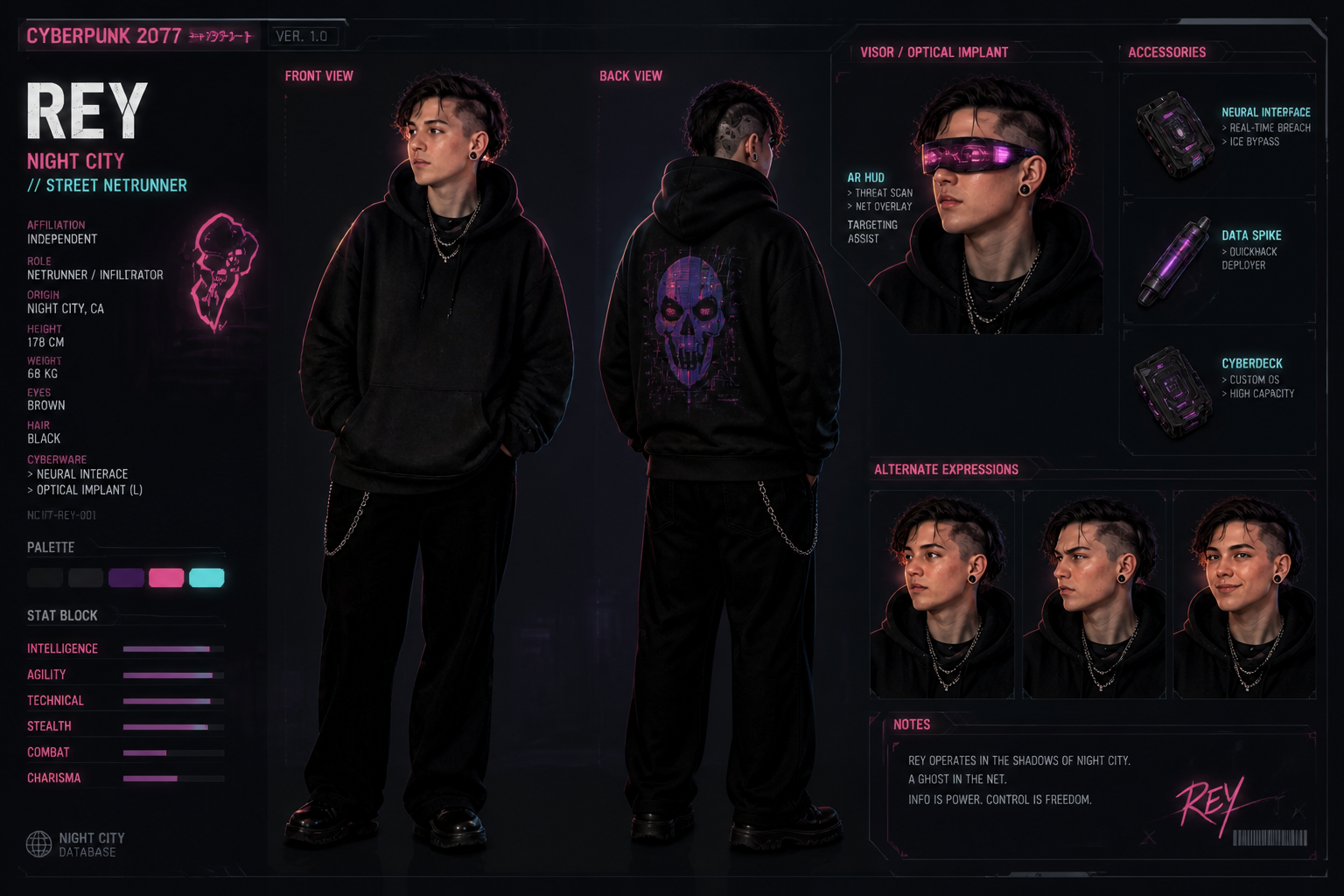 AFTER
AFTER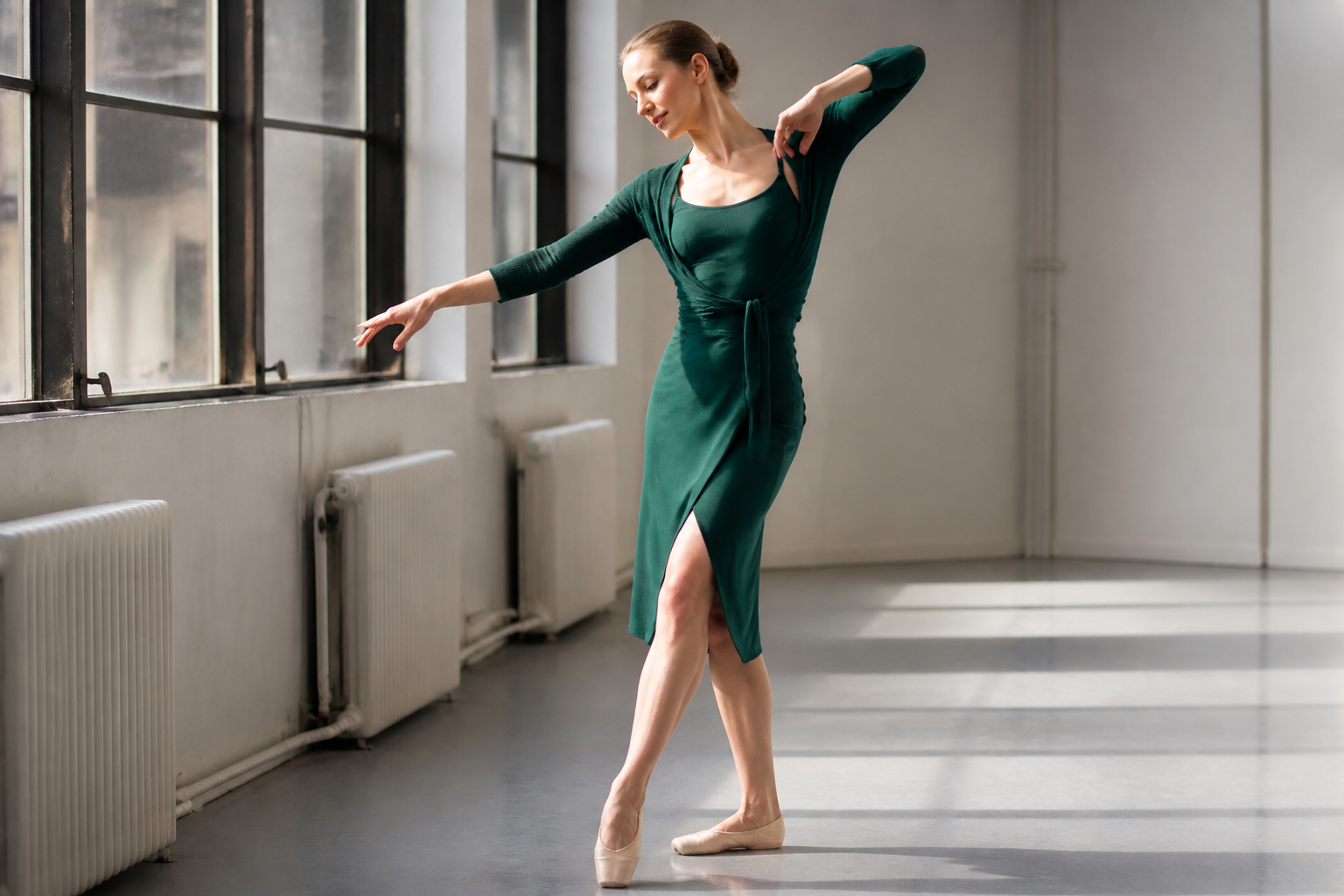 BEFORE
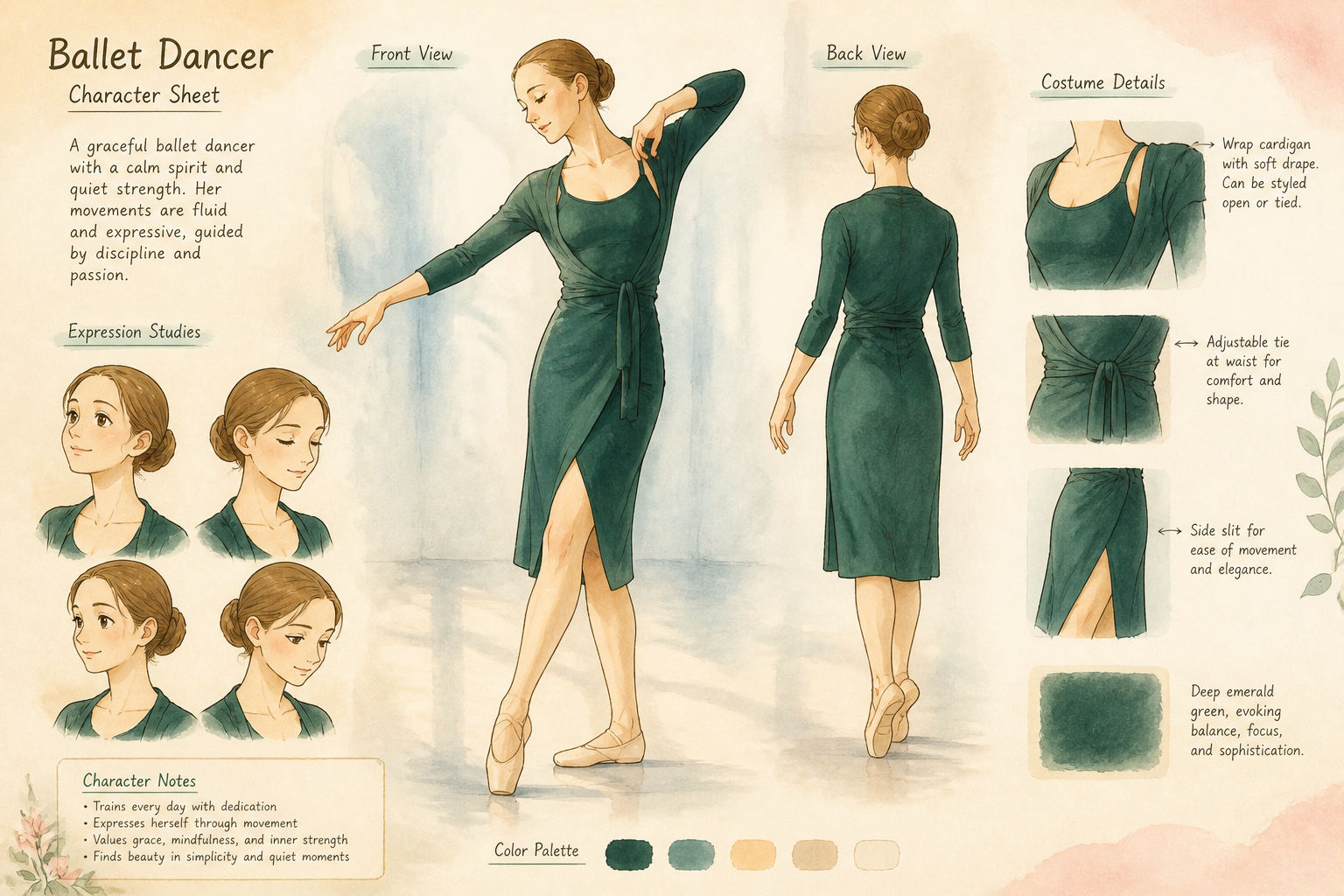 AFTER
AFTER BEFORE
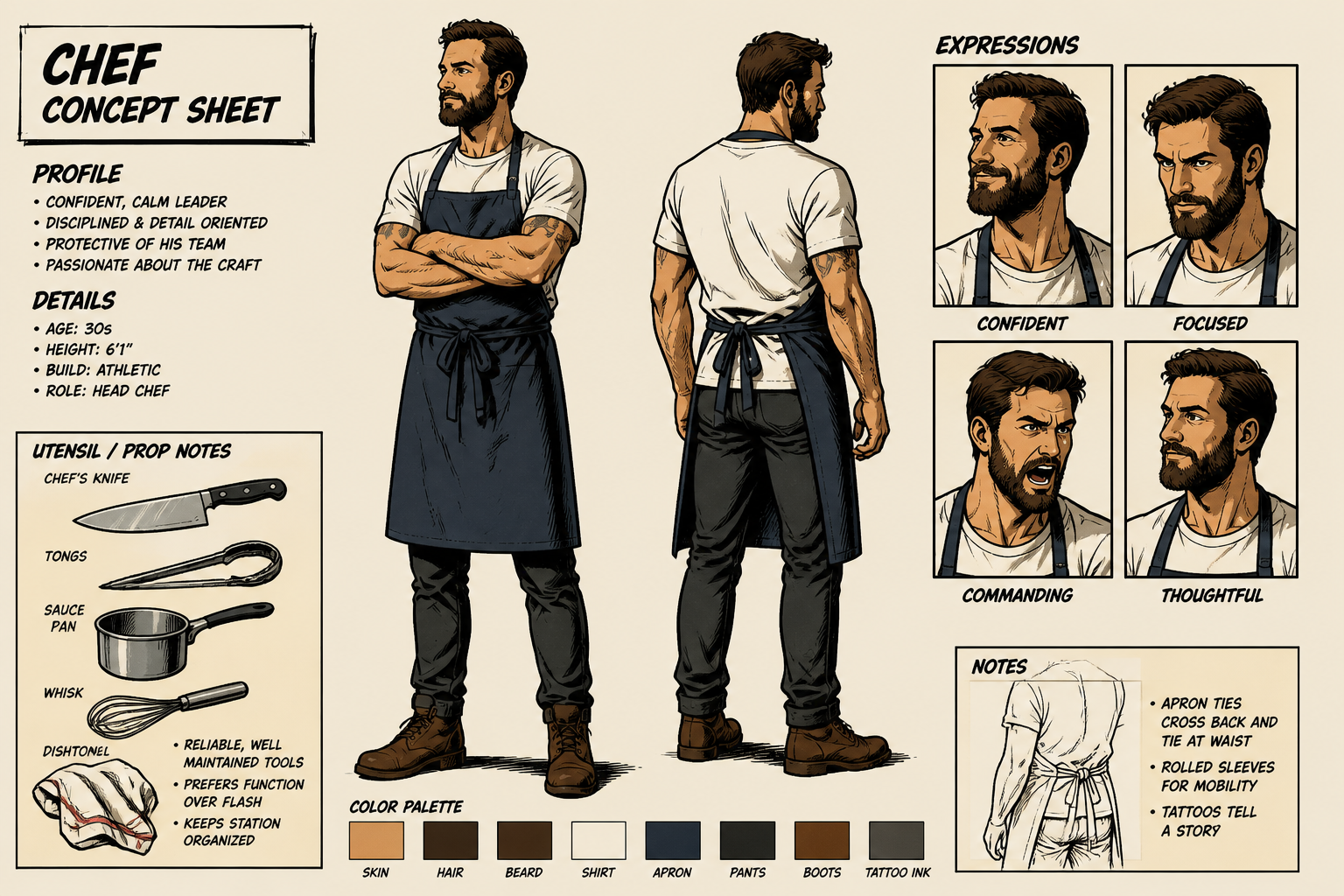 AFTER
AFTER BEFORE
 AFTER
AFTER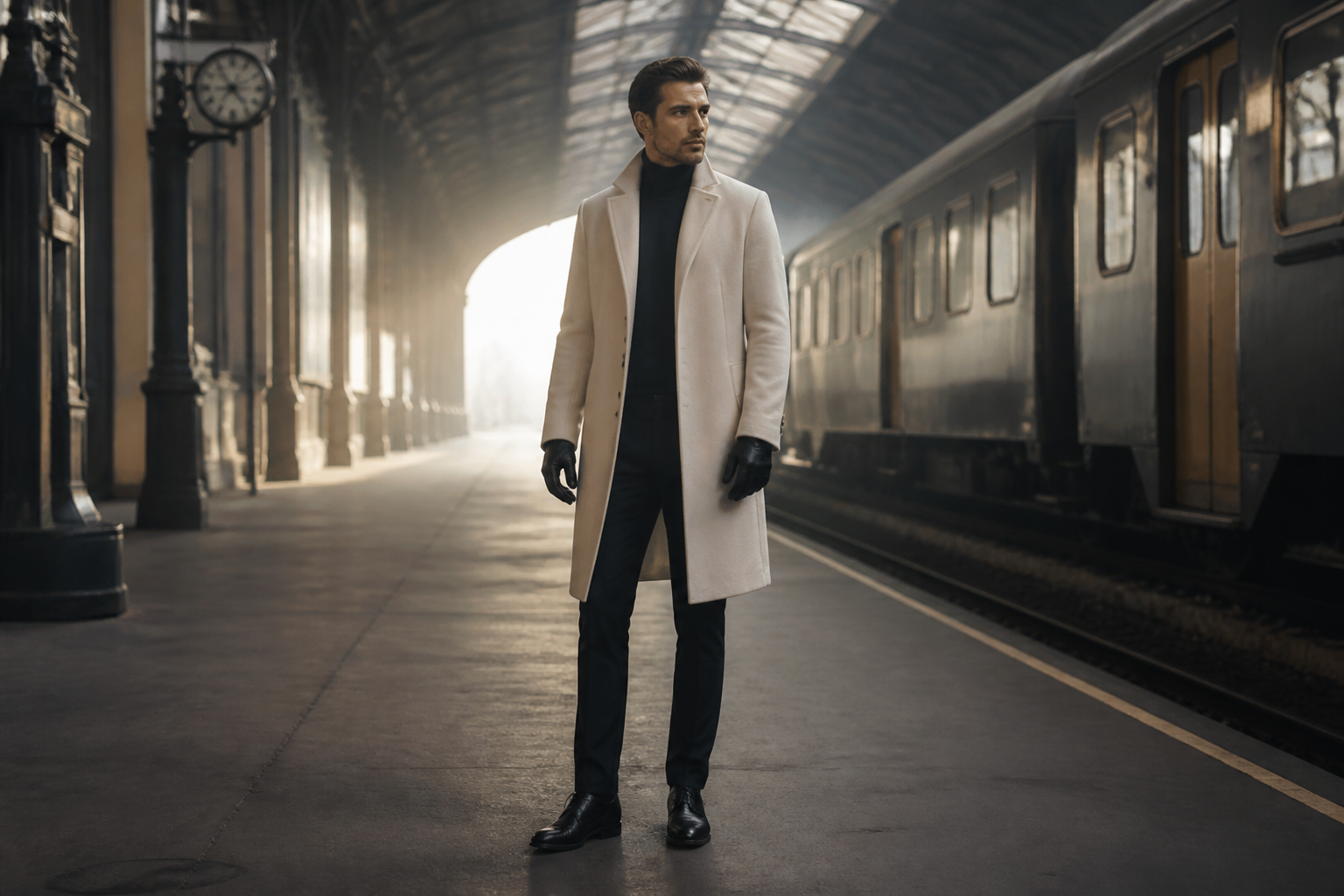 BEFORE
 AFTER
AFTERKey Features
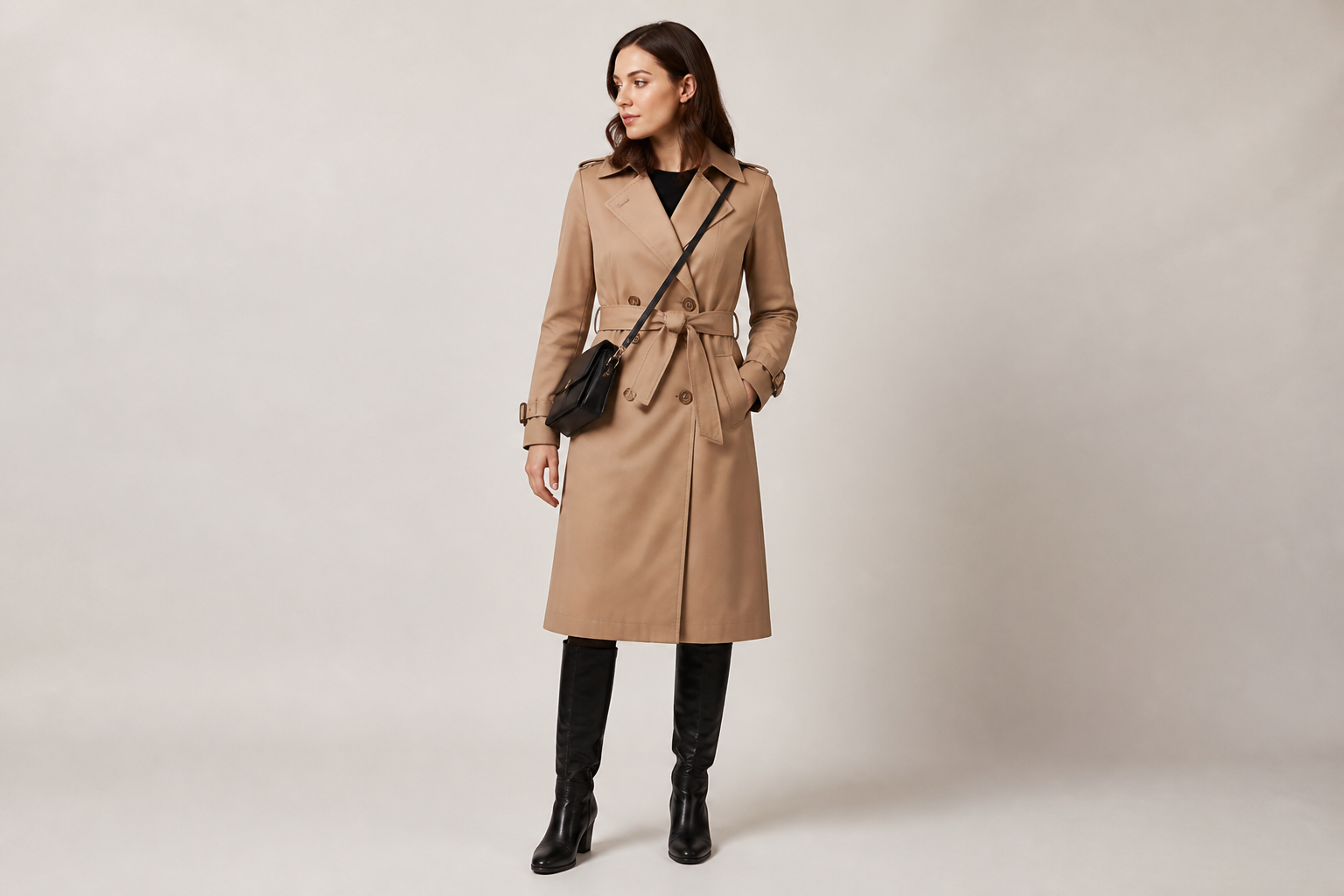
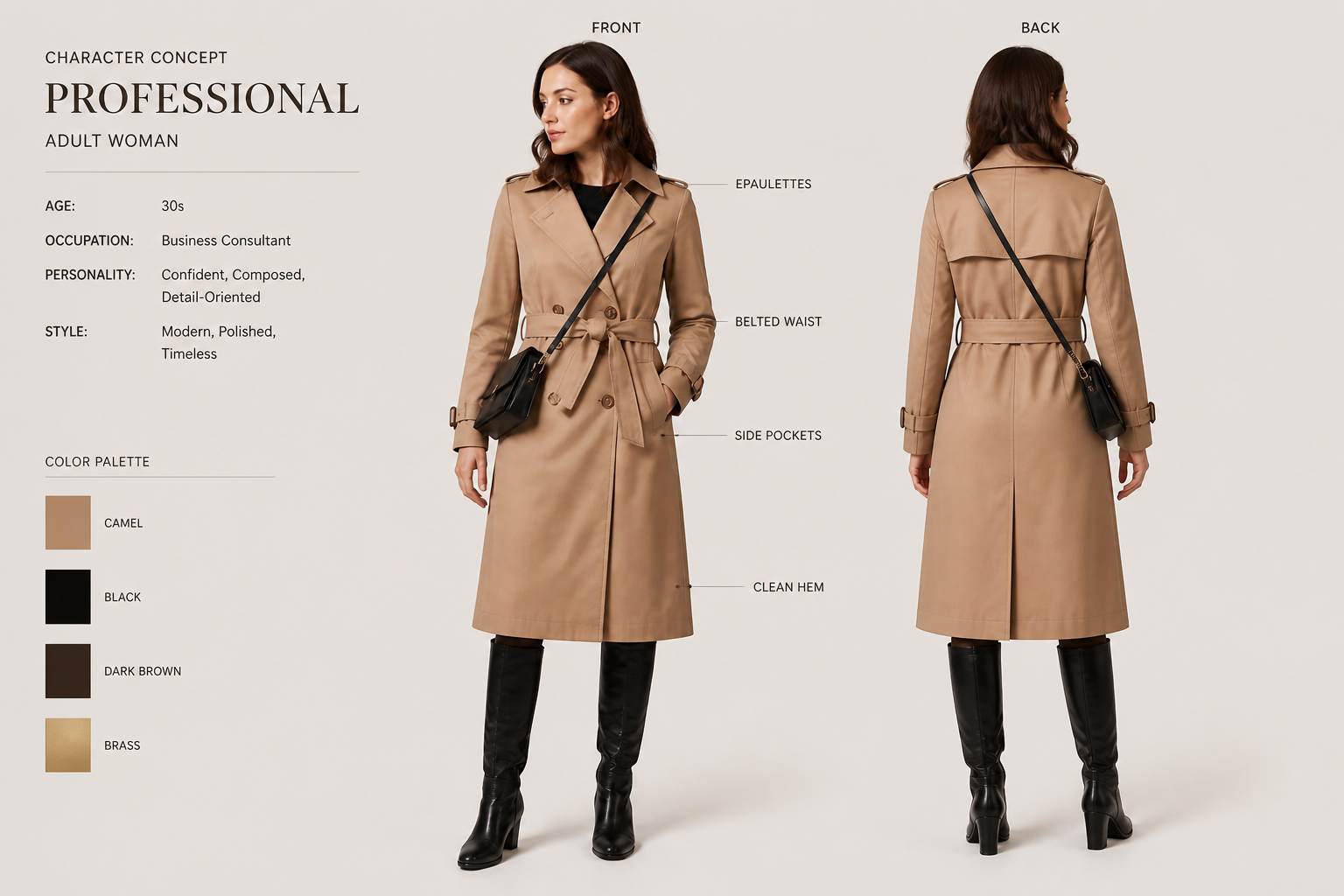
Multi-view sheets instantly
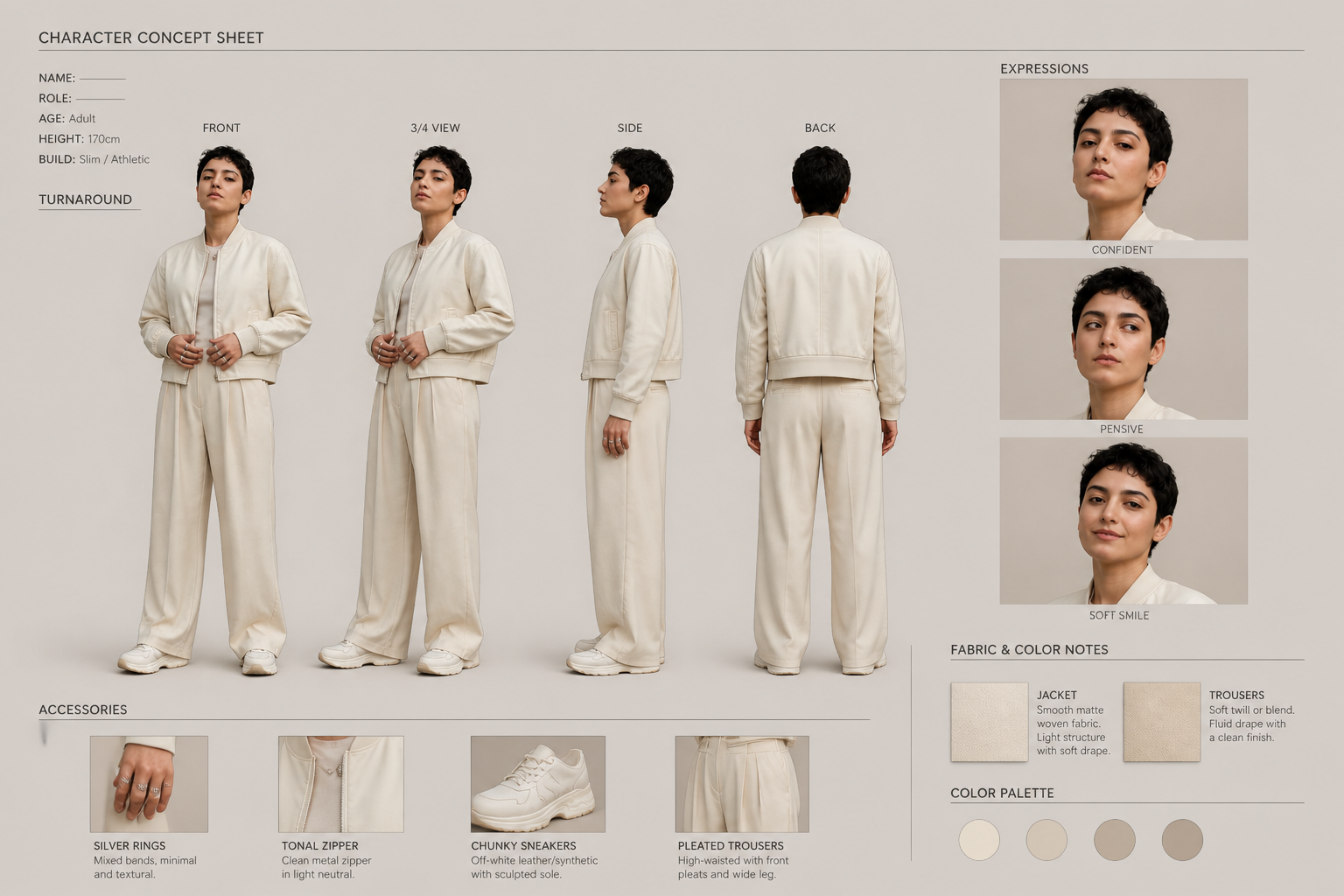
Turn one image into a structured sheet with front, side, and back views. That makes it easier to communicate silhouette, costume shape, and proportions at a glance. Doing this by hand takes repeated redrawing and layout work. Our AI gives you a strong first pass in a single step.

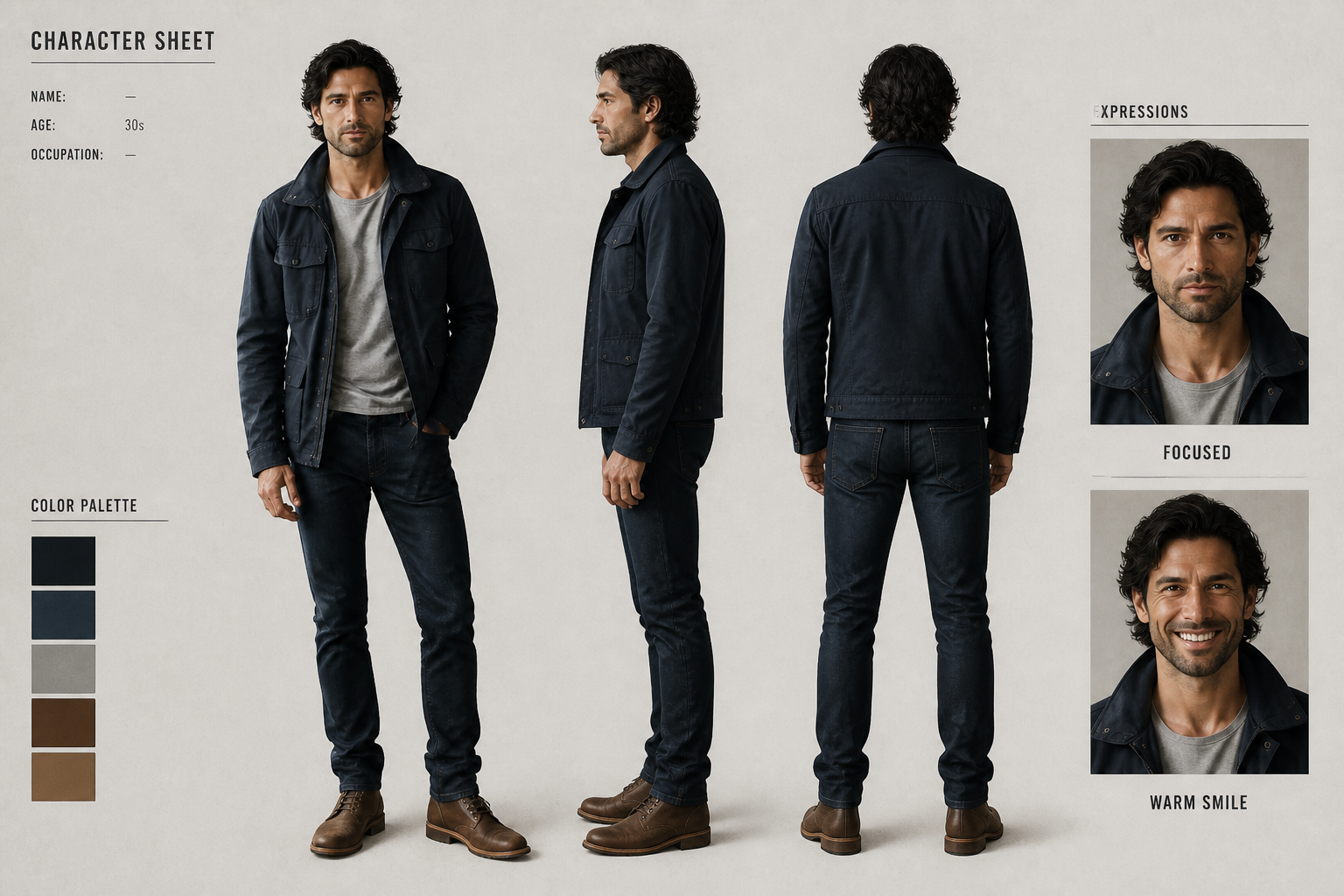
Keeps design details consistent
A good concept sheet should repeat the same character clearly across every angle. The tool helps preserve face shape, outfit pieces, colors, and overall attitude while building the layout. That is useful when you need a sheet that still feels like the original character. It reduces the drift you often get when making separate images one by one.
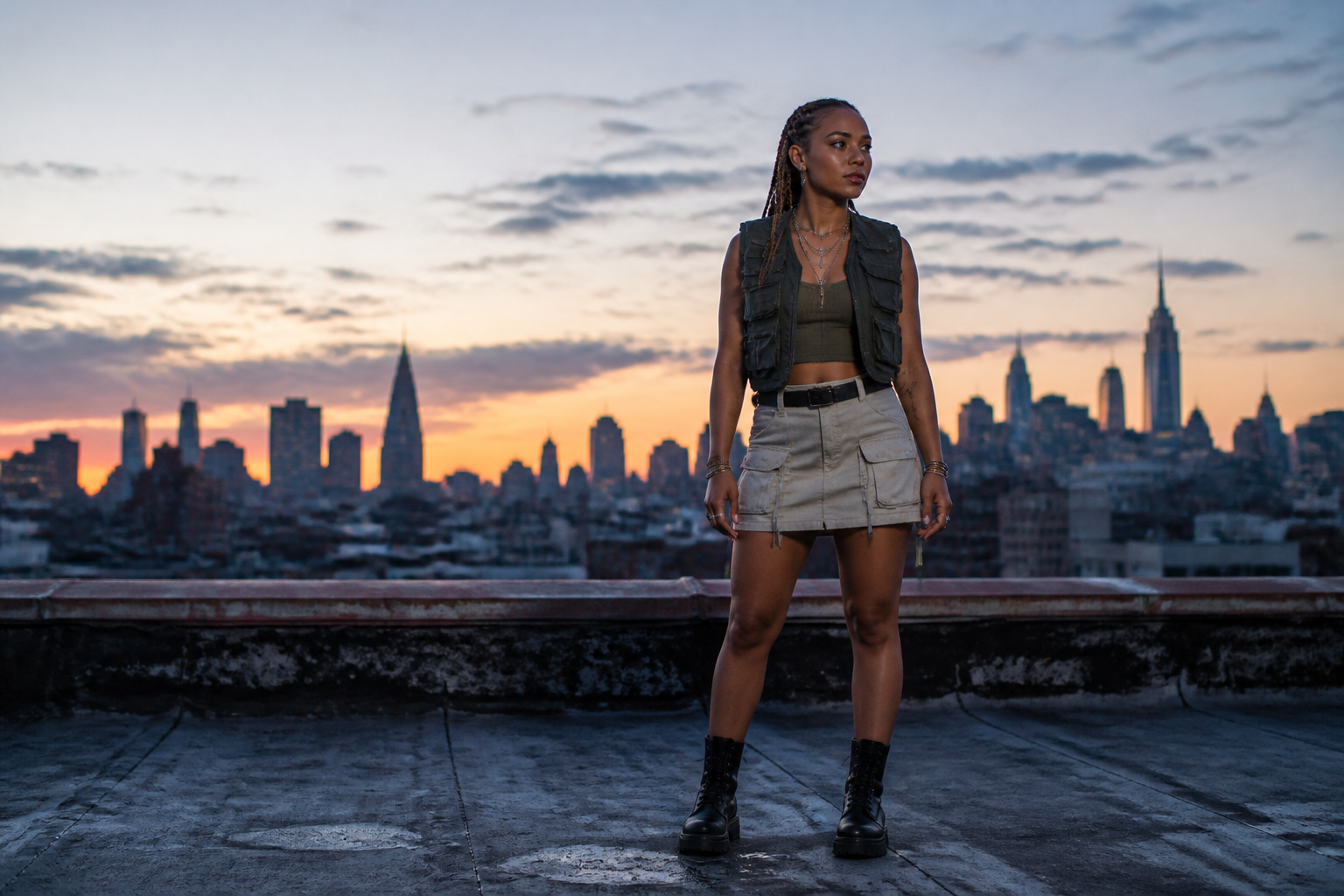
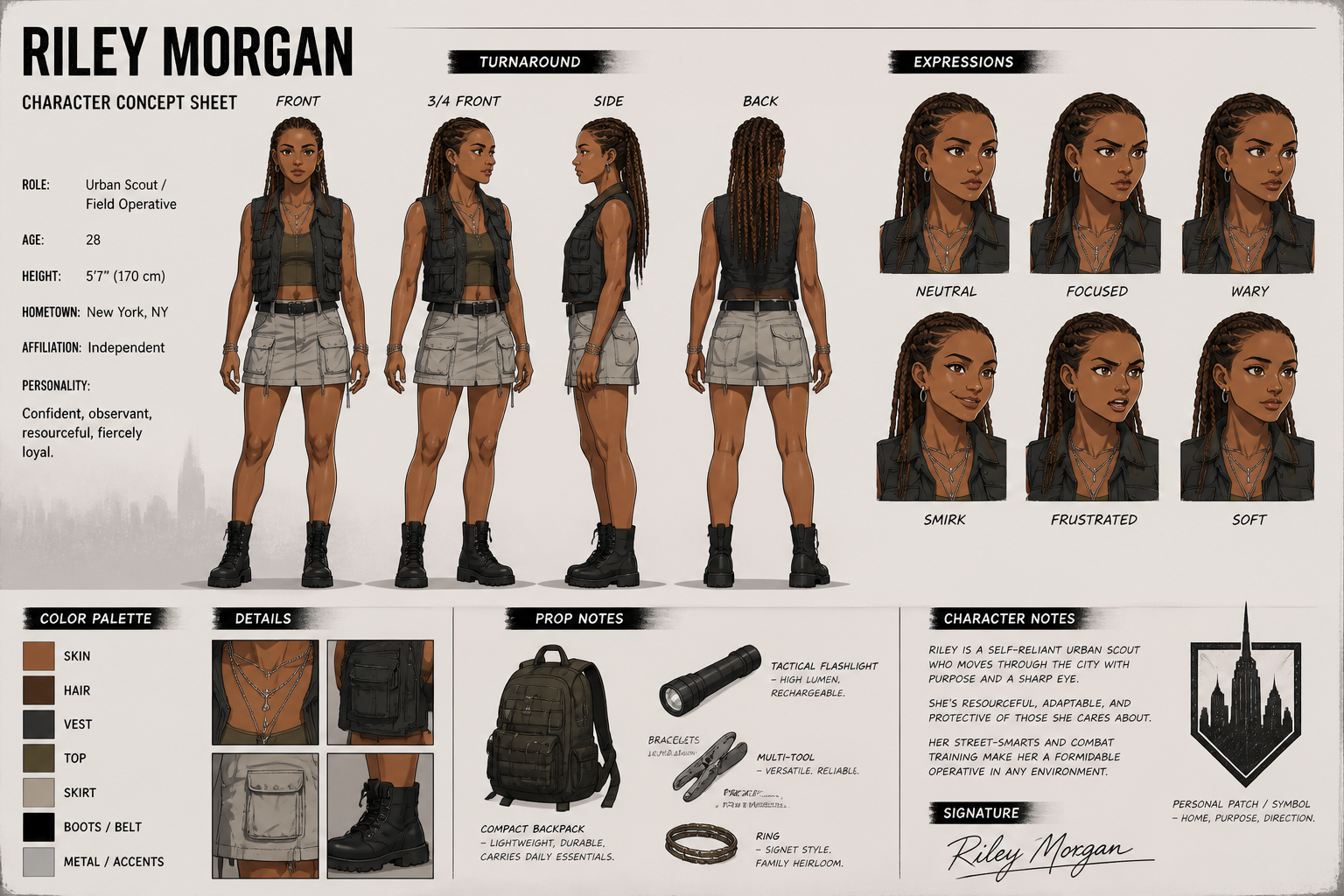
Works across art styles
You can generate sheets that match different production looks, from painterly fantasy to animation-ready line art. This helps when you are exploring tone before committing to a final direction. Instead of repainting the same character in several styles, you can test multiple visual languages much faster. It is a practical way to pitch options to a team or client.
Useful notes and callouts
A concept sheet is more helpful when it includes extra information beyond the main views. You can add facial expressions, accessories, close-up details, and small material labels that make the design easier to hand off. That makes the output more usable for storyboards, game art, and collaborative review. It saves time compared with assembling a sheet from separate files.
How It Works
Upload your image
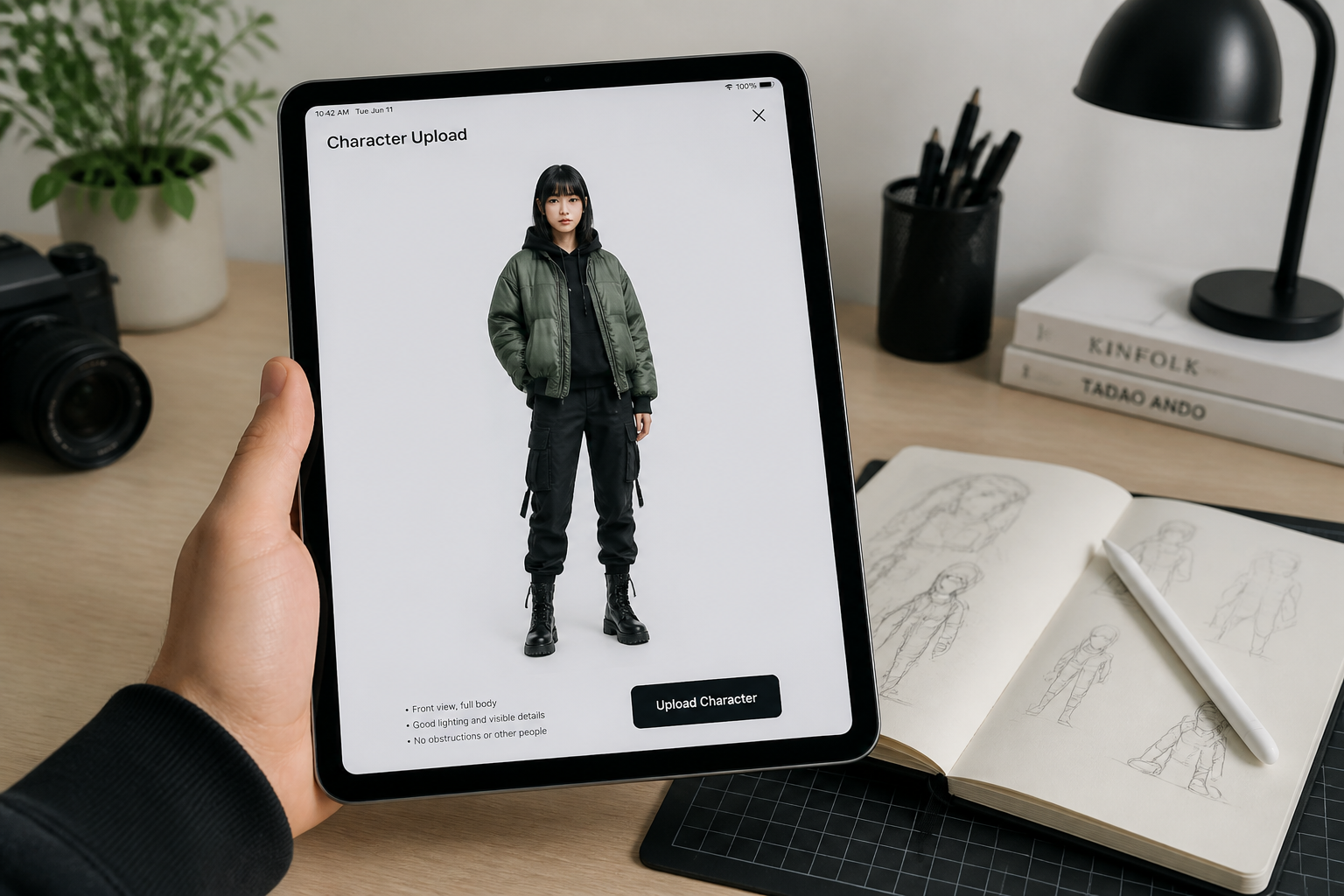
Start with a clear image of your character, cosplay look, fashion photo, or portrait. Full-body shots work best when you want complete turnarounds and costume views.
Describe the sheet
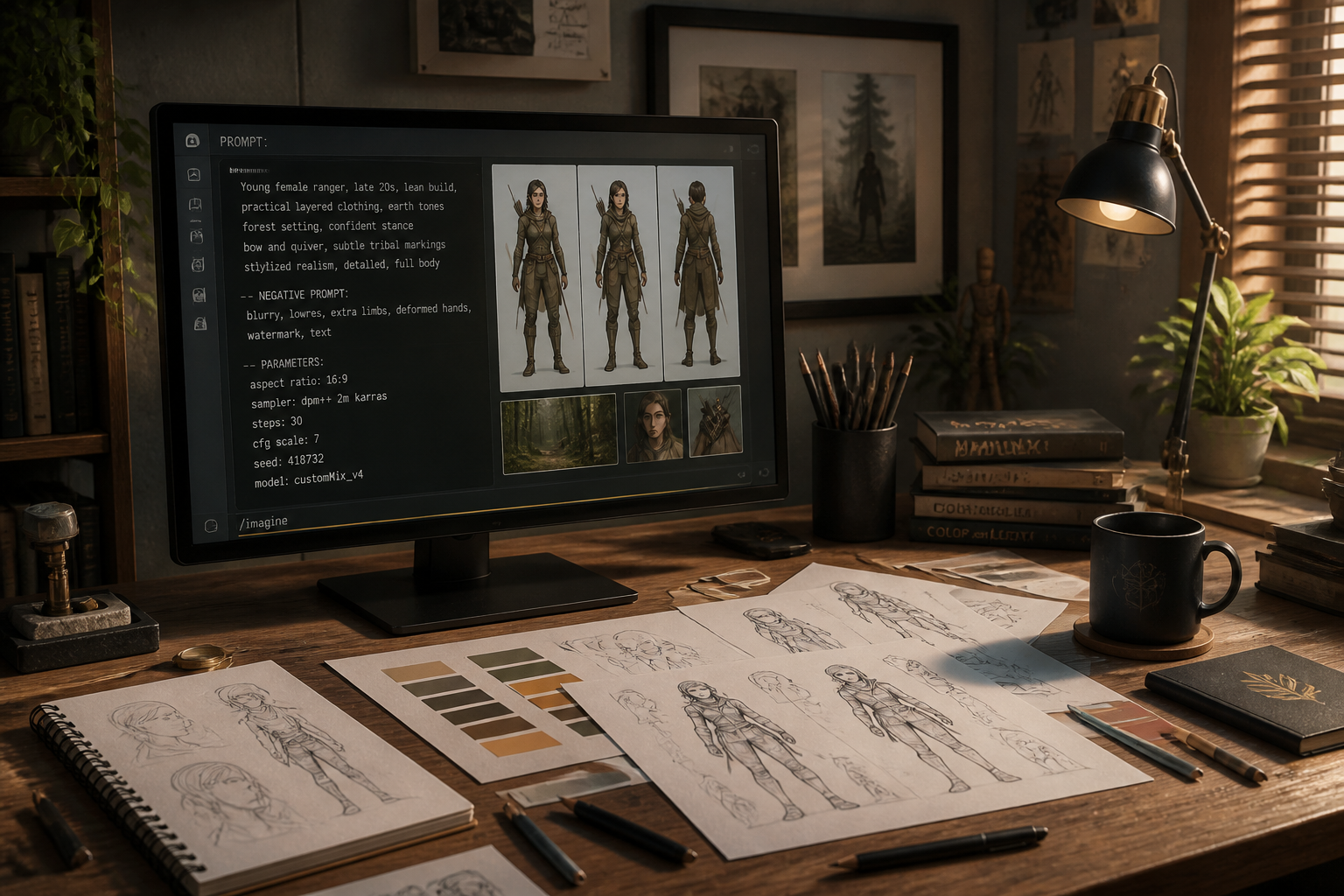
Tell the AI what kind of concept sheet you want. You can ask for turnarounds, expression rows, prop callouts, costume notes, or a specific art style.
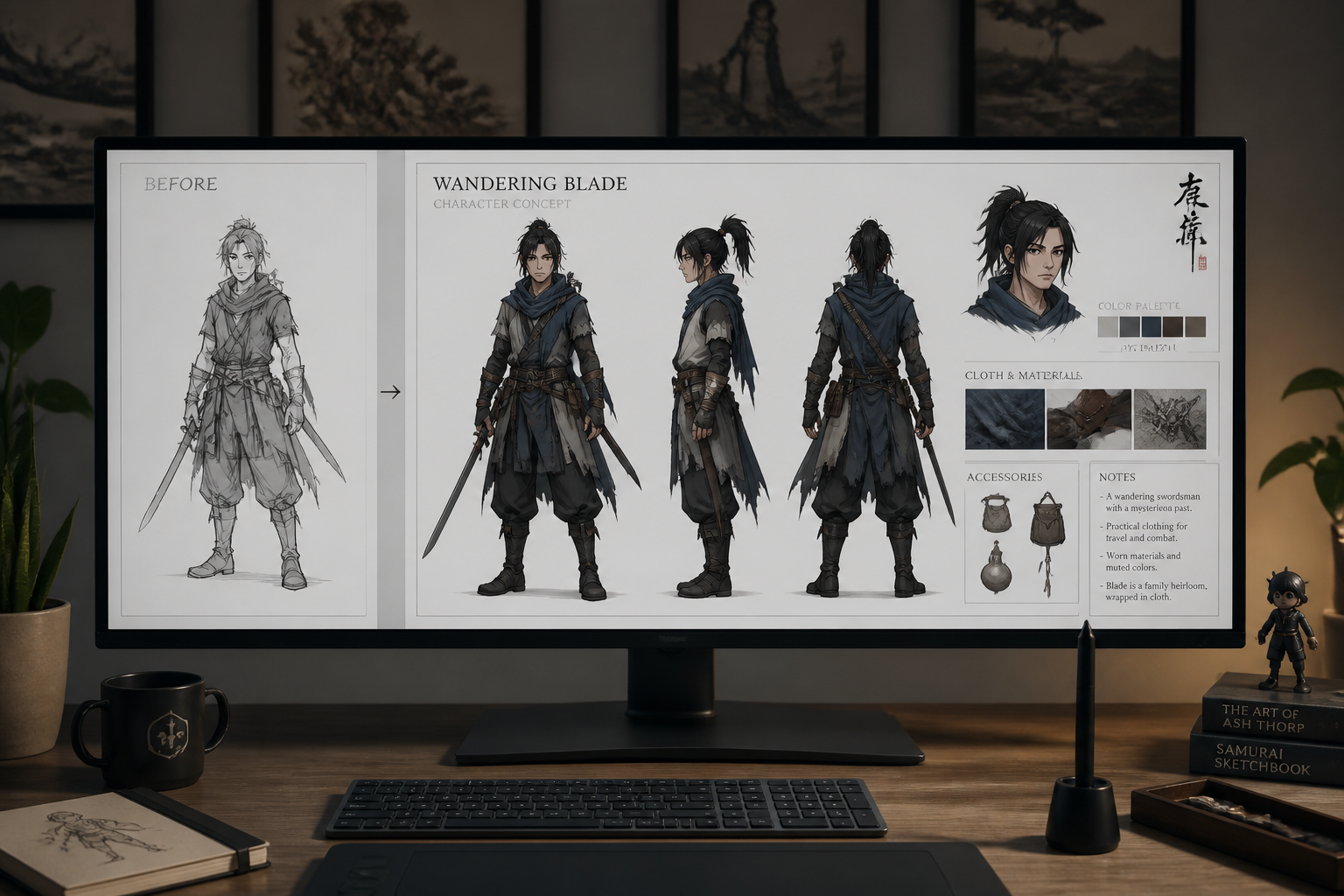
Review and refine
Compare the result and adjust your prompt if you want more views, stronger stylization, or different labels. Generate variations until the sheet matches your project needs.
Perfect For
Discover how creators and professionals use character concept sheet generator
Game character pitches
Turn rough visual ideas into readable sheets for internal review, presentation decks, or early art direction.
Animation pre-production
Create turnarounds and expression references that help teams discuss shape language and on-model consistency.
Comics and webtoon planning
Build reference sheets for recurring characters before drawing scenes, covers, or promotional art.
Cosplay and fashion ideation
Convert outfit photos into character-style boards with clearer design breakdowns and accessory notes.
Built For
Concept artists
Quickly block out presentation-ready sheets before refining final linework or paintovers.
Indie game teams
Generate consistent reference material without spending days assembling early design boards.
Writers and creators
Visualize original characters in a format that is easy to share with collaborators and commissioners.
Why use it for character sheets
A quick look at how we compare on the things that matter for this niche.
| Feature | BudgetPixel | Generic AI editors | Manual editing apps |
|---|---|---|---|
| Before-to-sheet transformation | ✓ | ✓ | — |
| Multi-view concept layouts | ✓ | — | — |
| Style variation from one image | ✓ | ✓ | — |
| Fast iteration | ✓ | ✓ | — |
| Manual drawing required | — | — | ✓ |
Frequently Asked Questions
What kind of input image works best?
Can I make anime or stylized concept sheets?
Will it preserve my character's identity?
Can I add expressions and prop callouts?
Is this a replacement for manual concept art?
Create together.
Share your creations, discover trending AI art, and grow with fellow creators.








Ready to Try Character Concept Sheet Generator?
Get started for free. No credit card required.
Try it Free