AI Colorize Photo
Turn black-and-white photos into vivid, believable color in seconds.
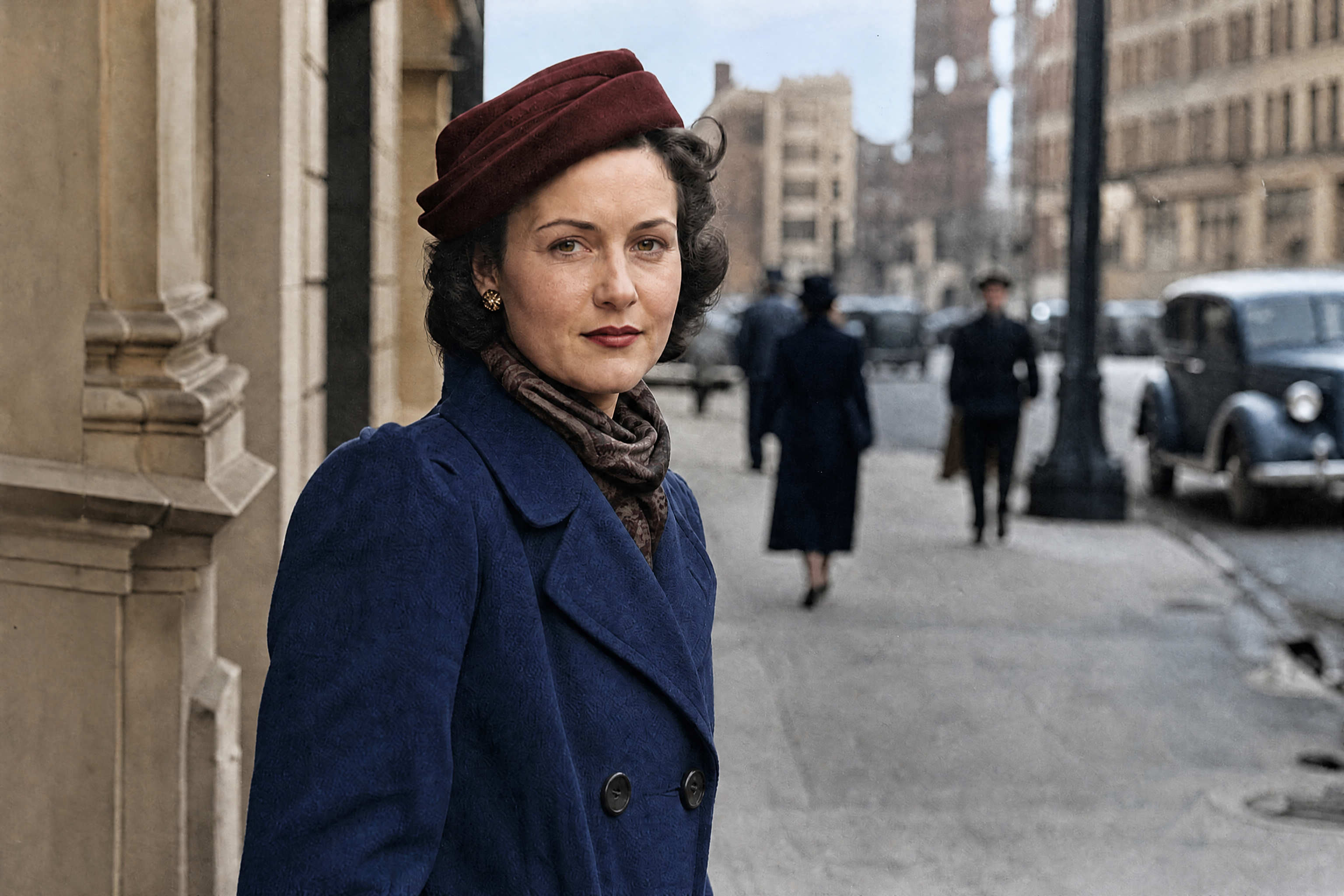
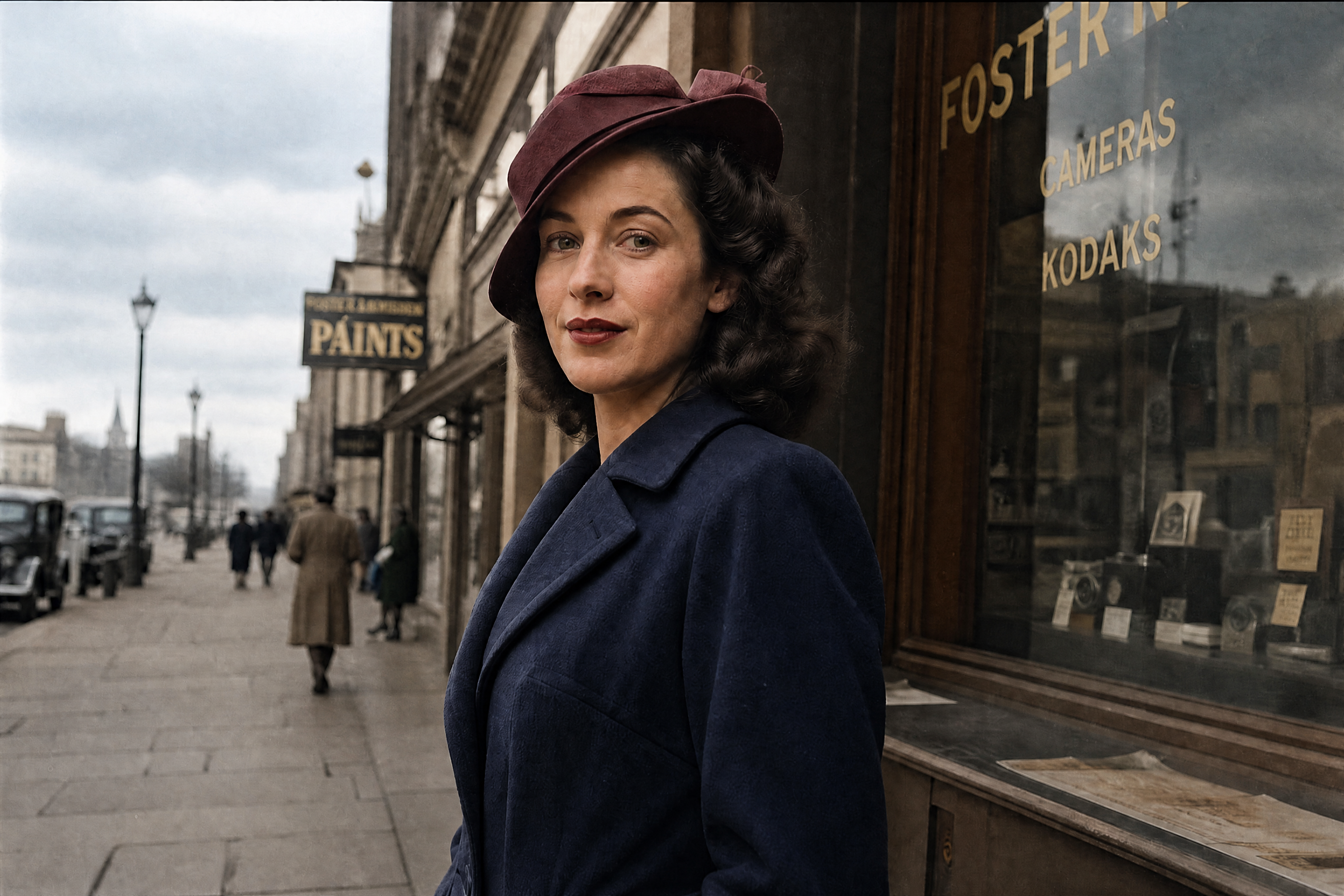
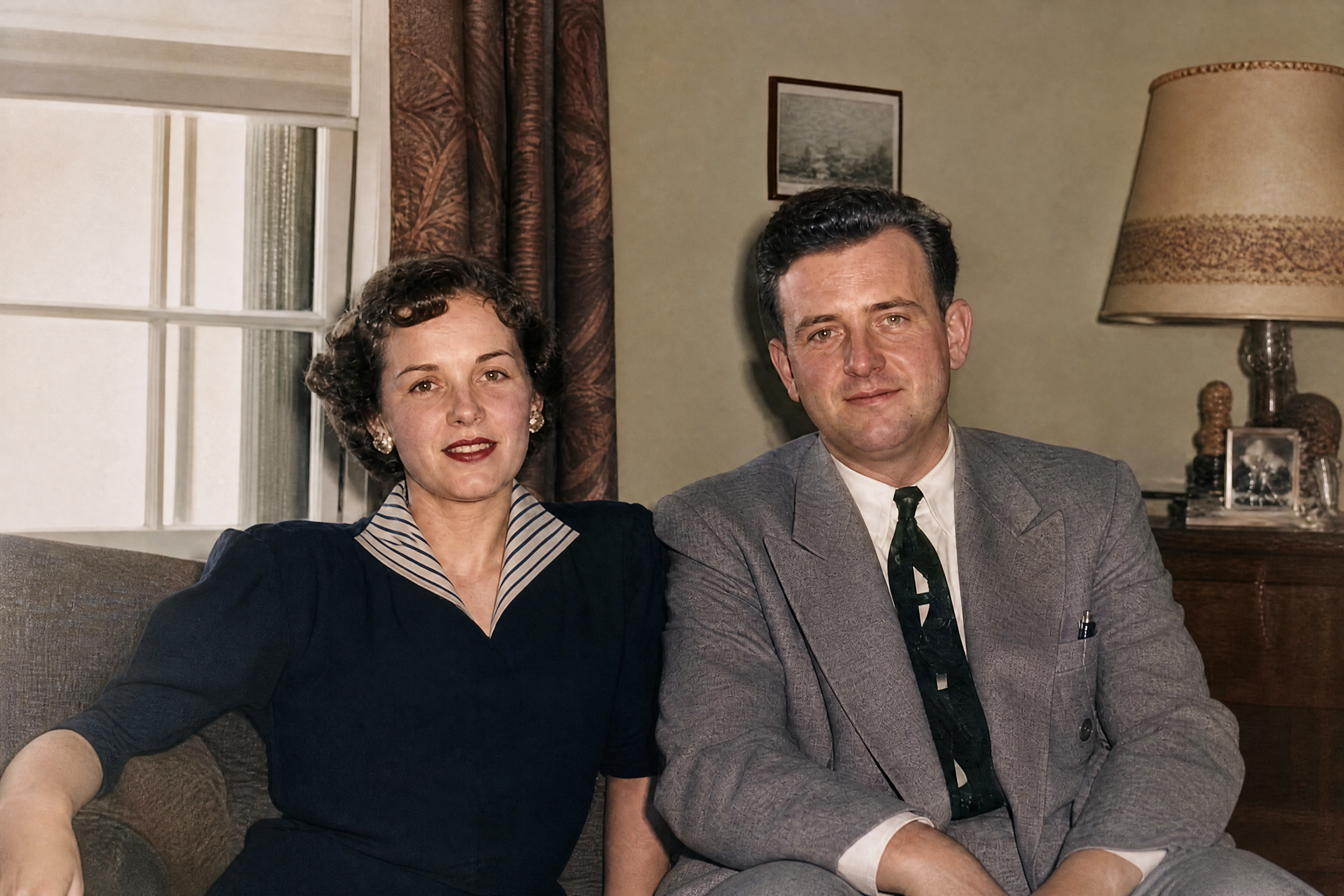
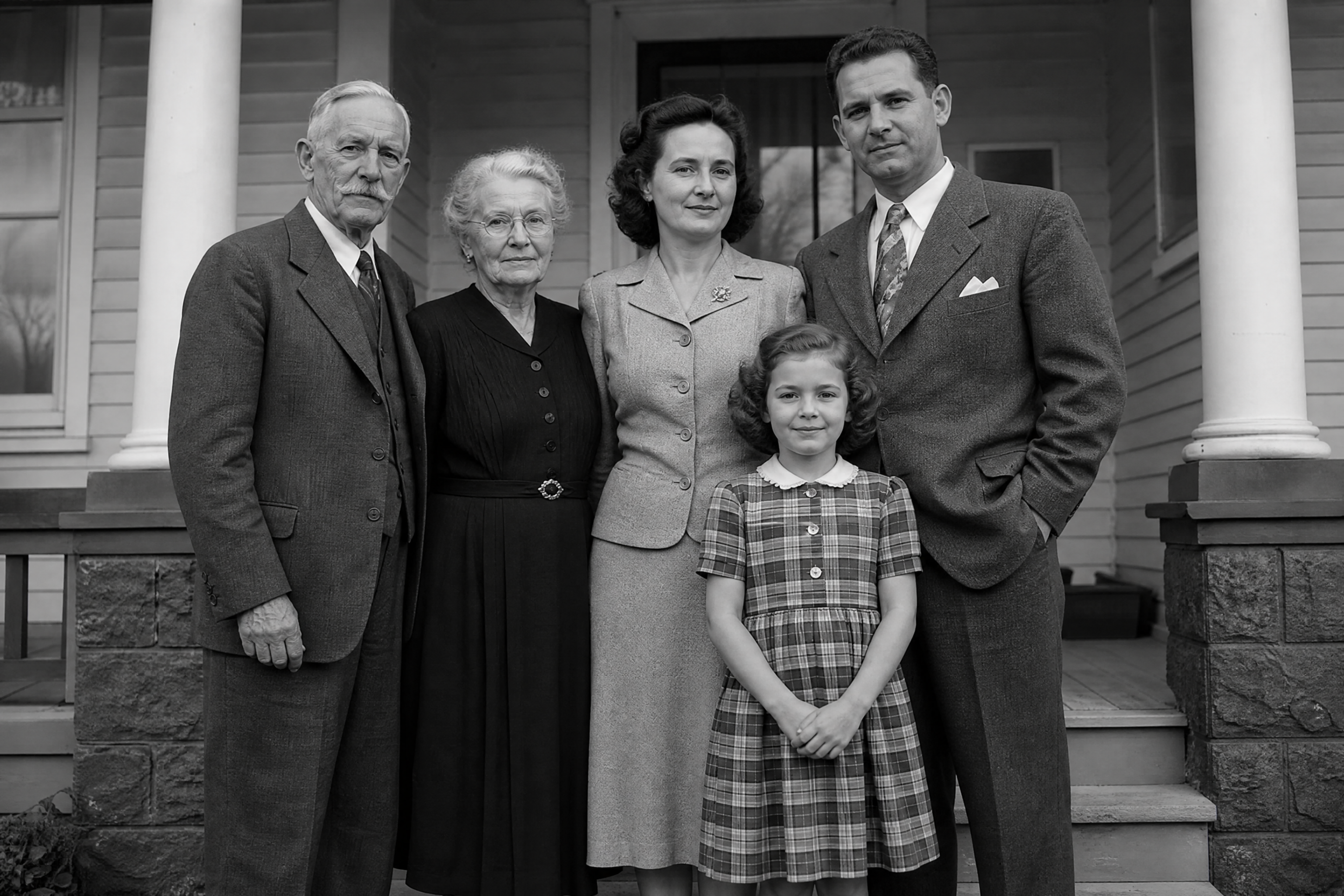
Upload an old black-and-white image and let our AI add realistic color while keeping faces, clothing, and scene details intact. It works well for family portraits, street scenes, cars, architecture, and scanned prints.
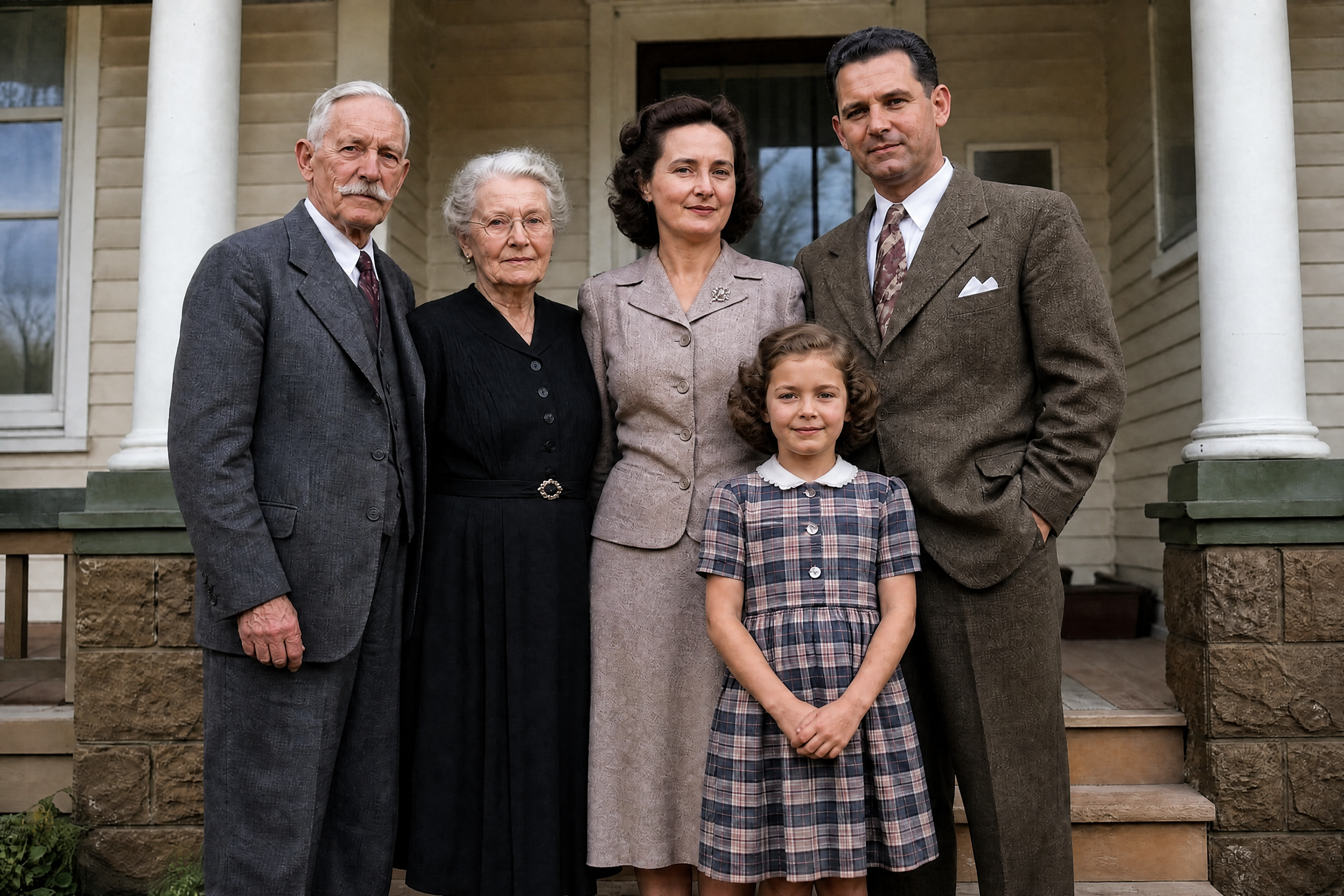
Watch the Transformation
See ai colorize photo in motion — generated end-to-end by our AI.
See It In Action
Real outputs from ai colorize photo.
BEFOREAFTER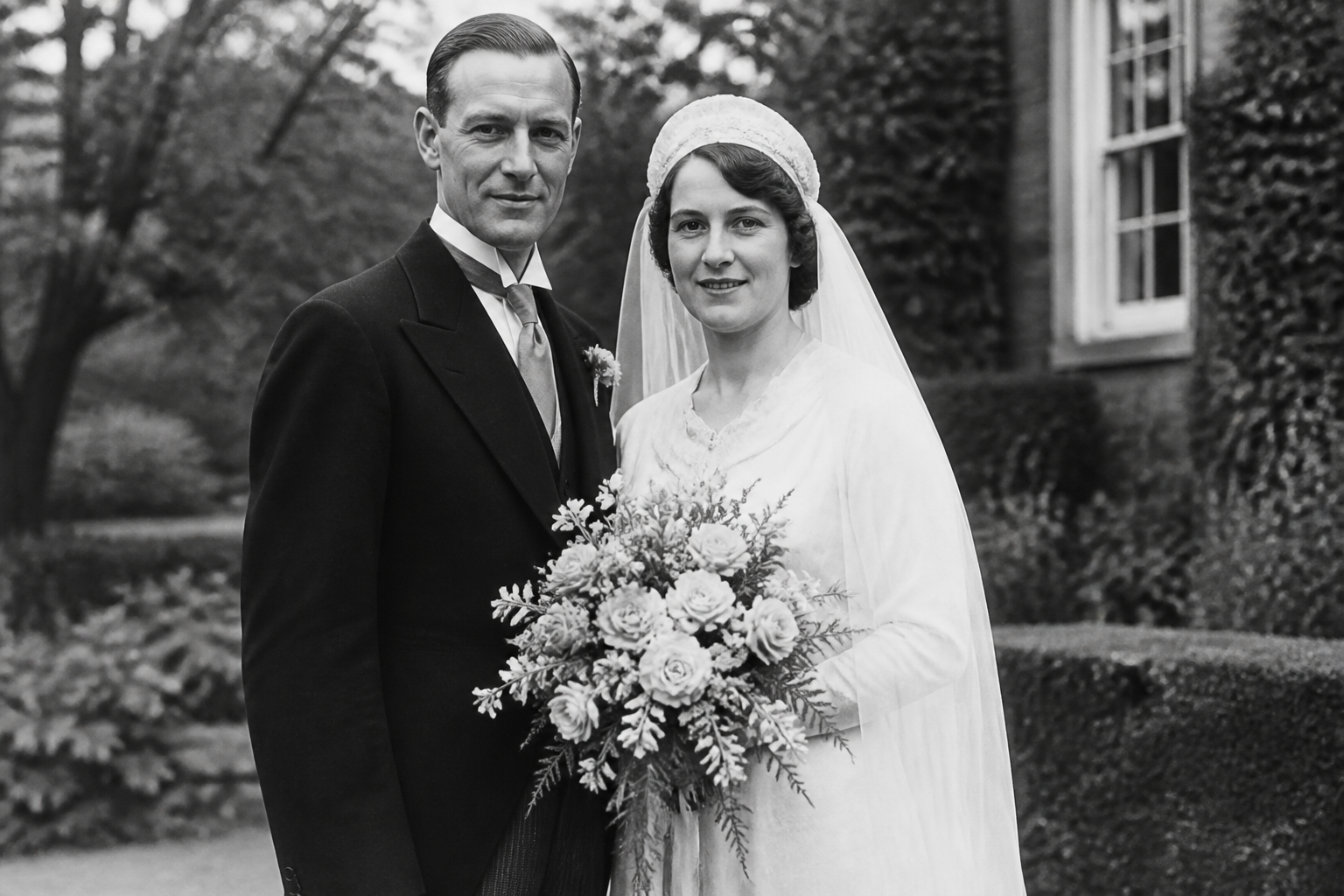 BEFORE
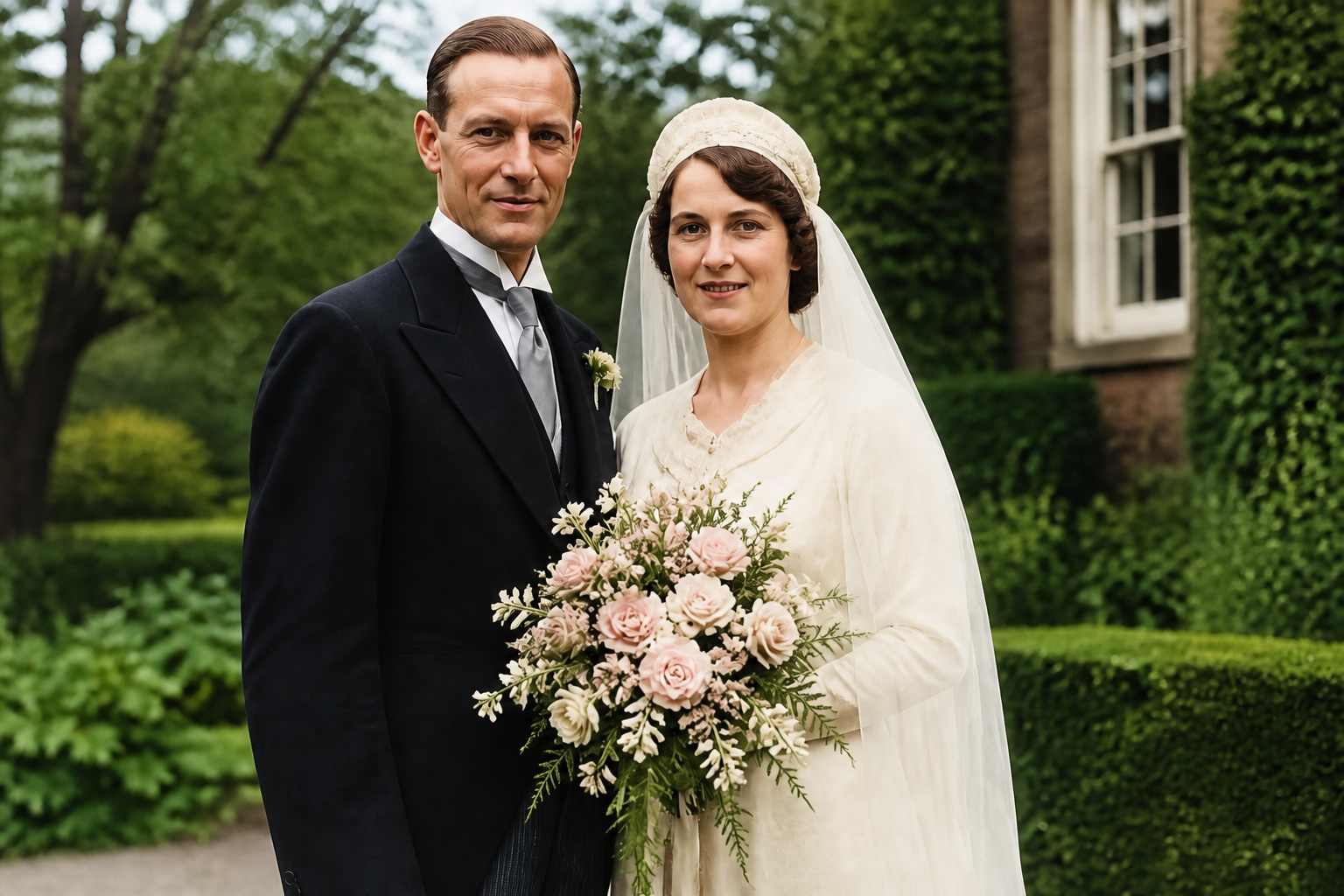 AFTER
AFTER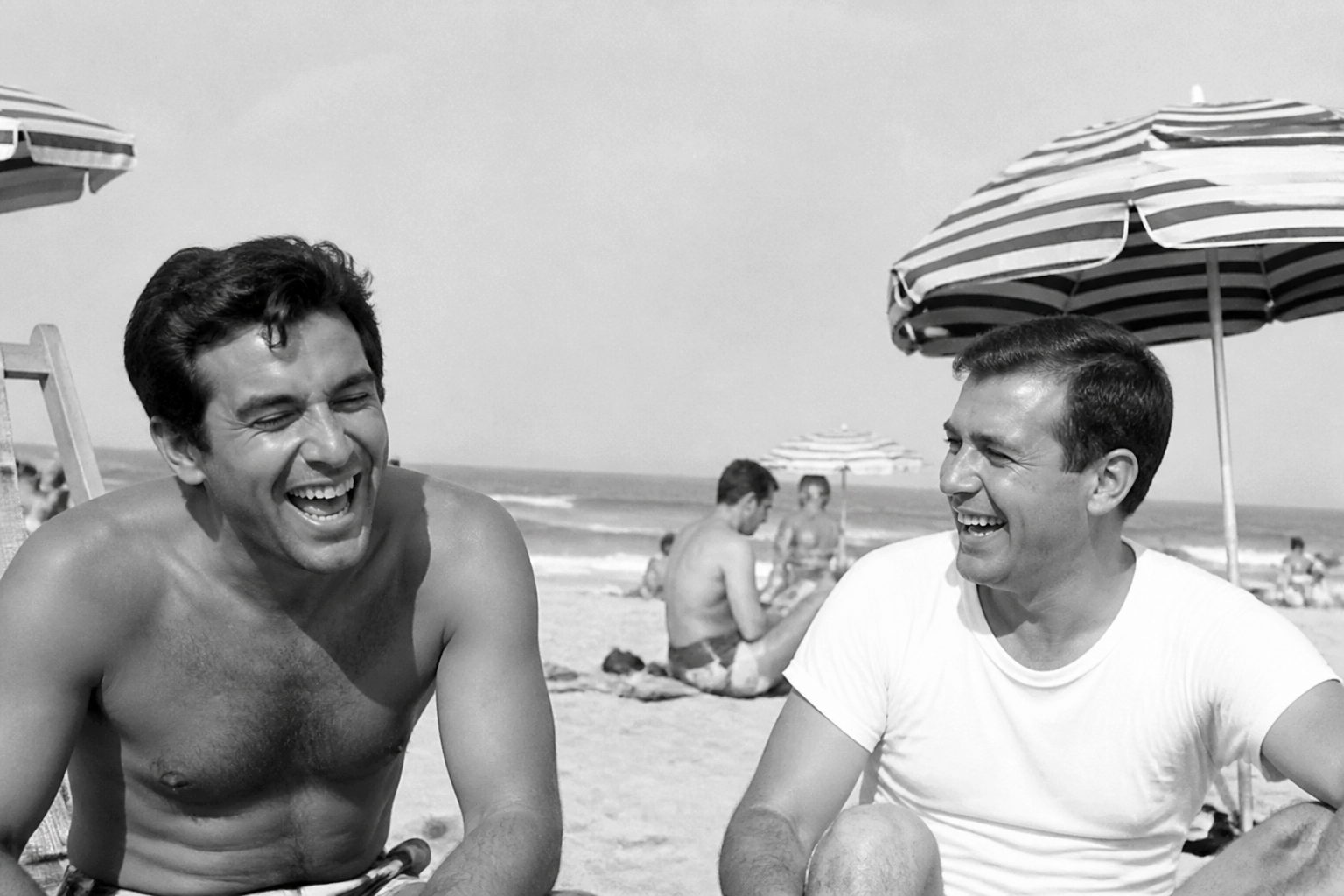 BEFORE
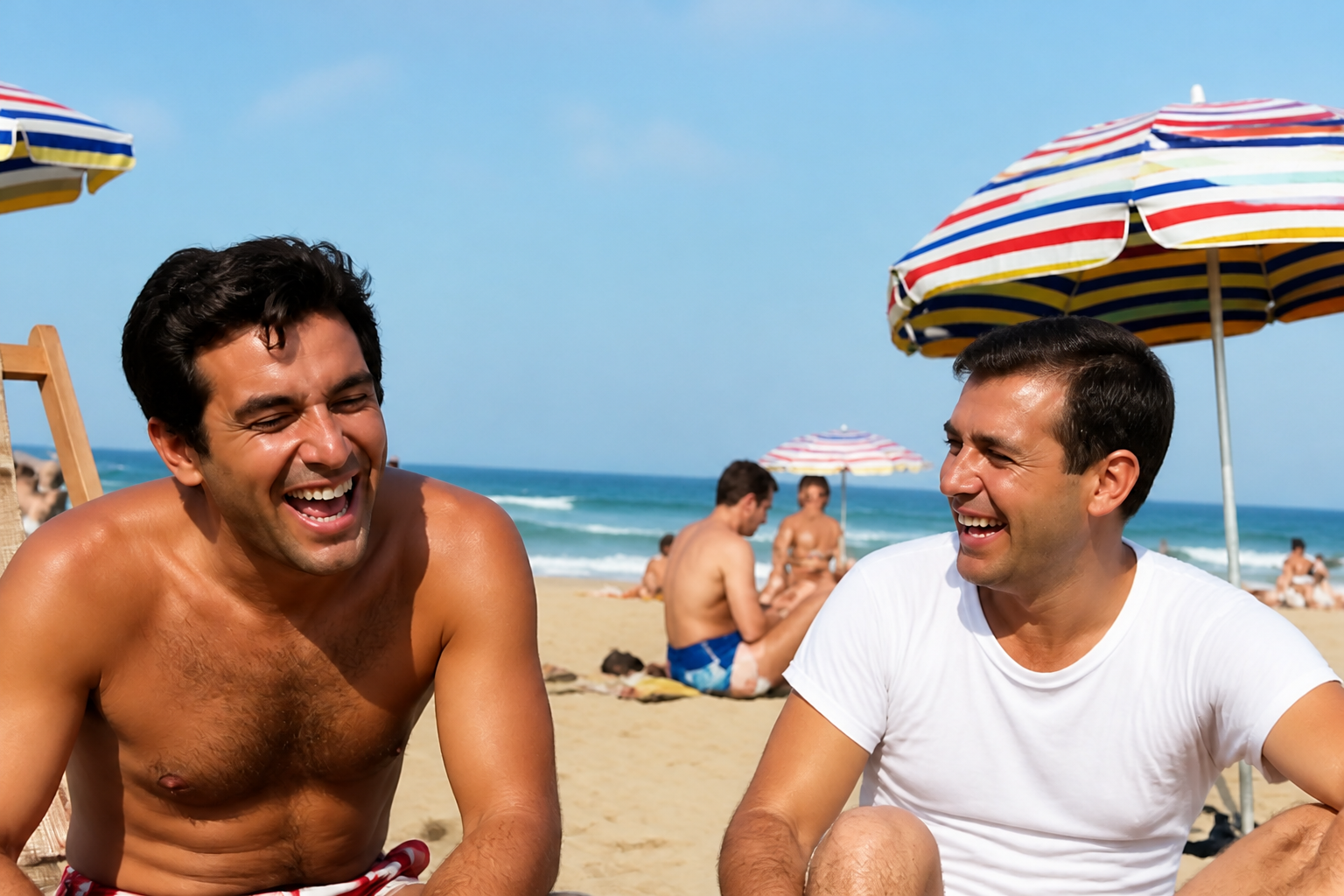 AFTER
AFTER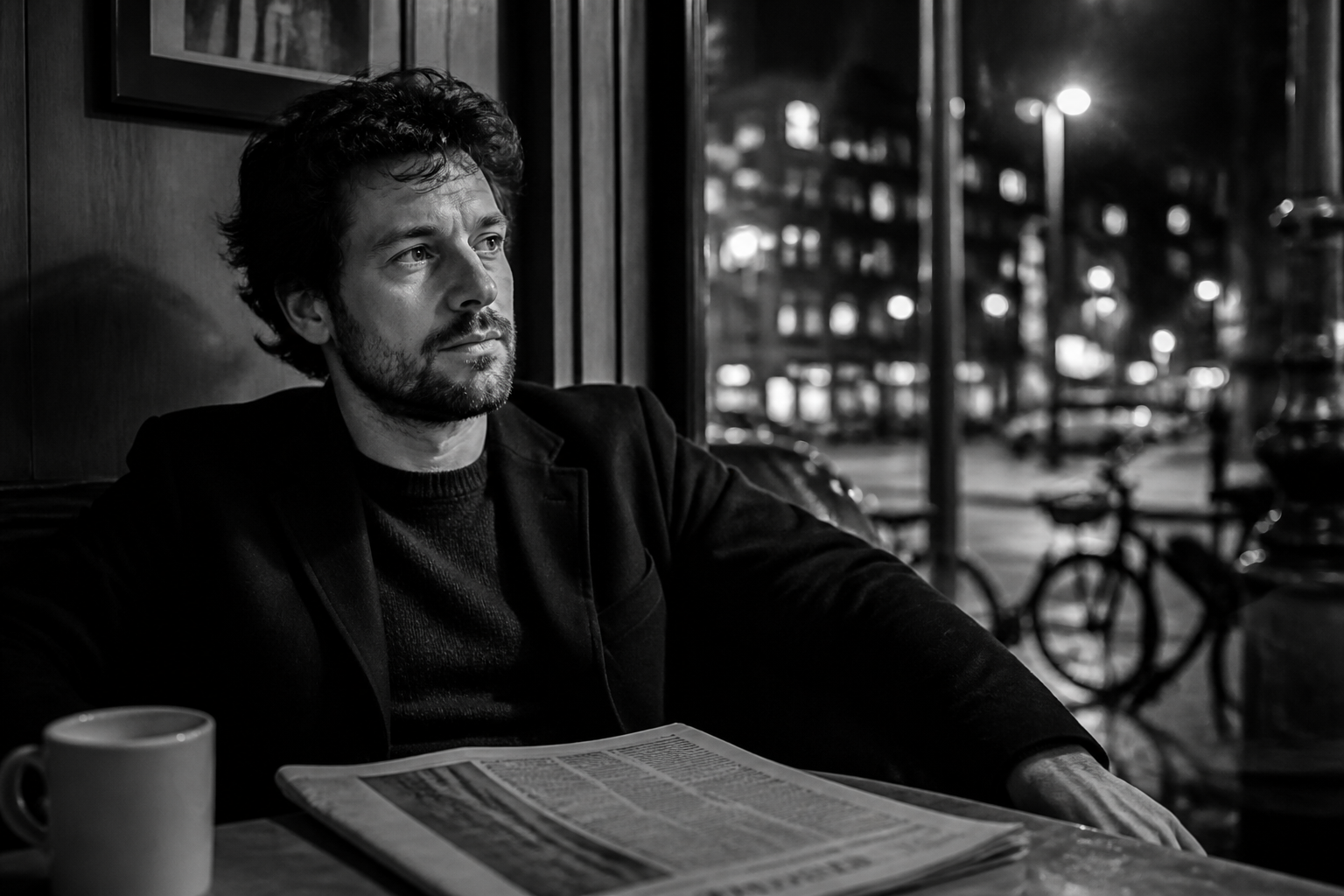 BEFORE
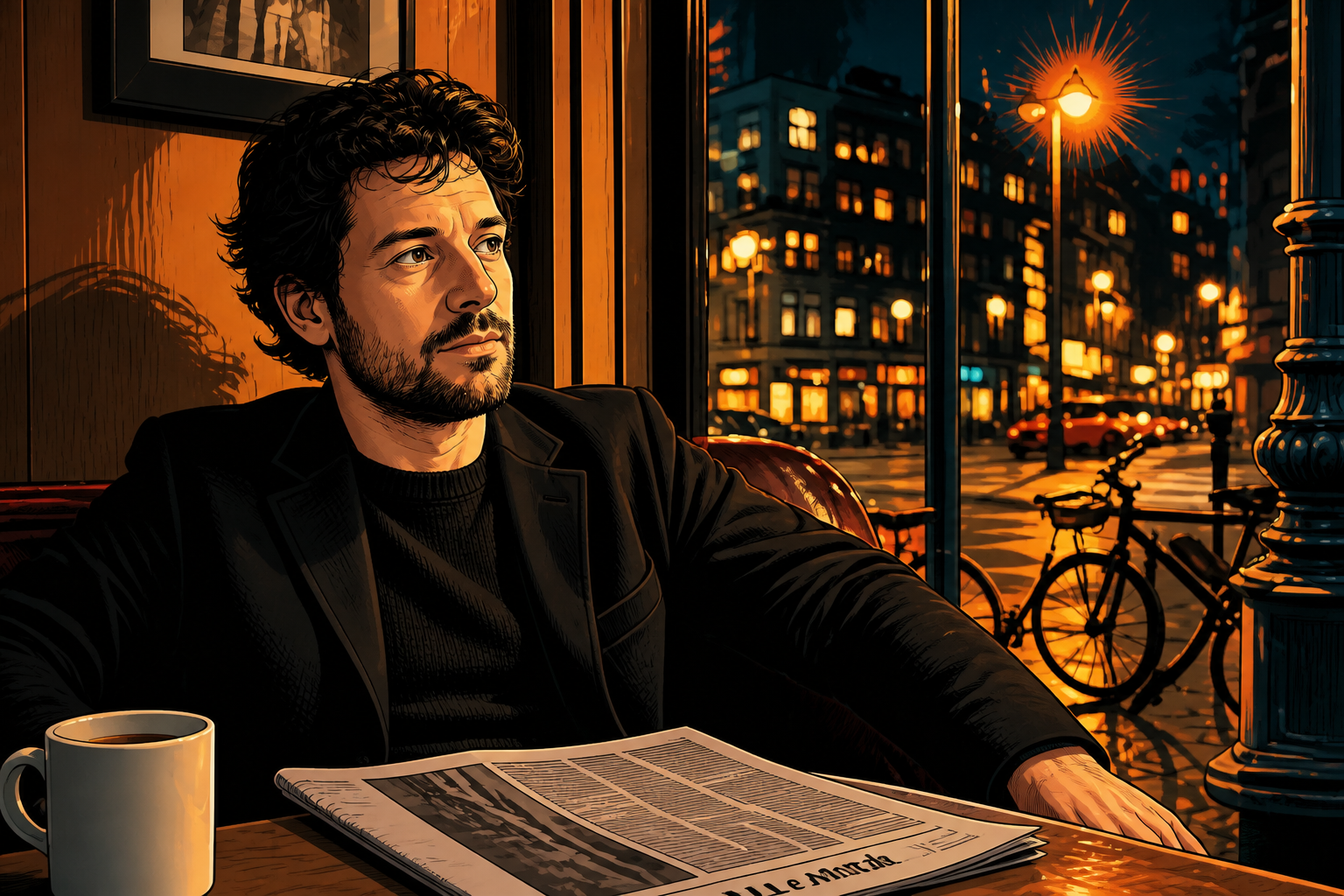 AFTER
AFTER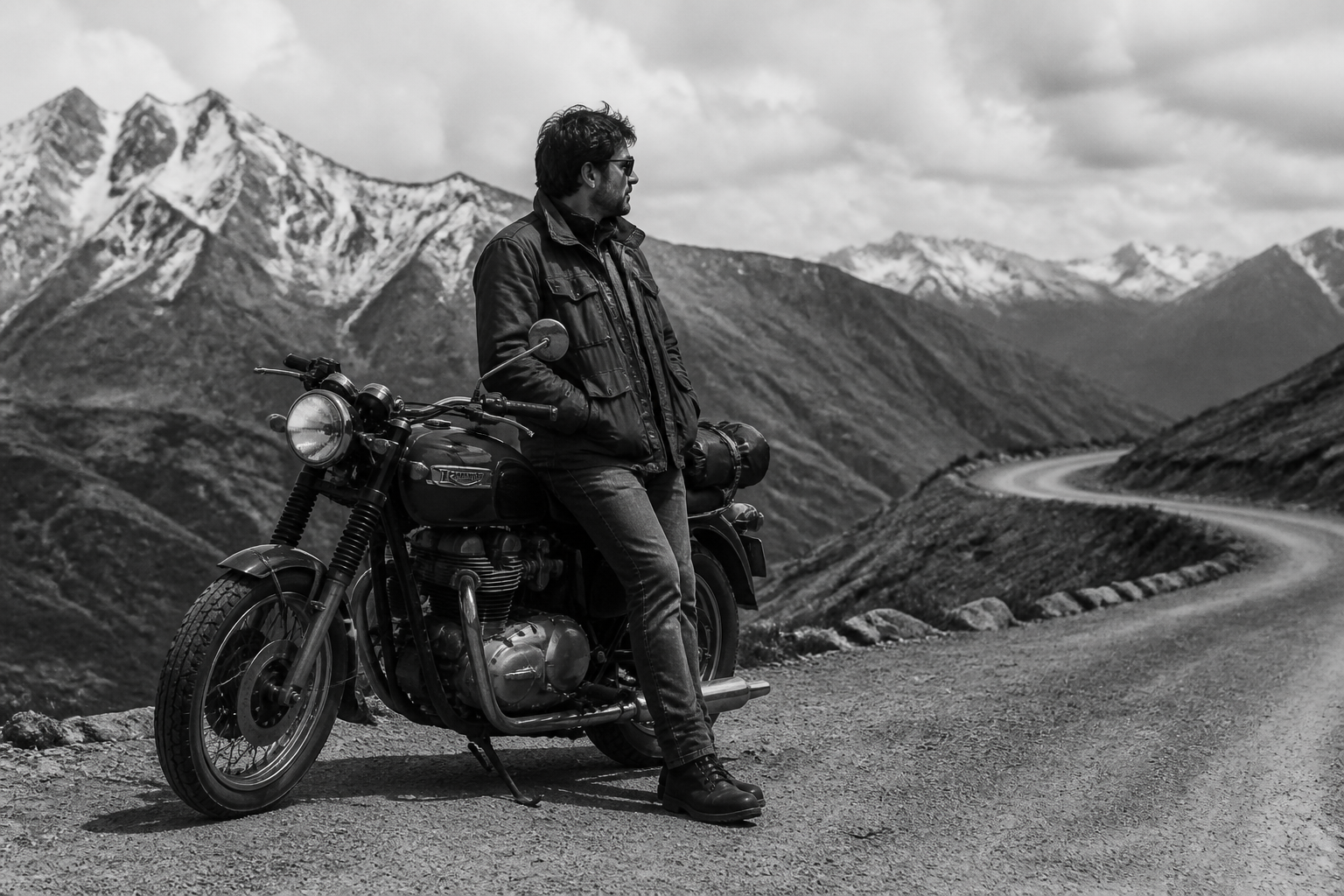 BEFORE
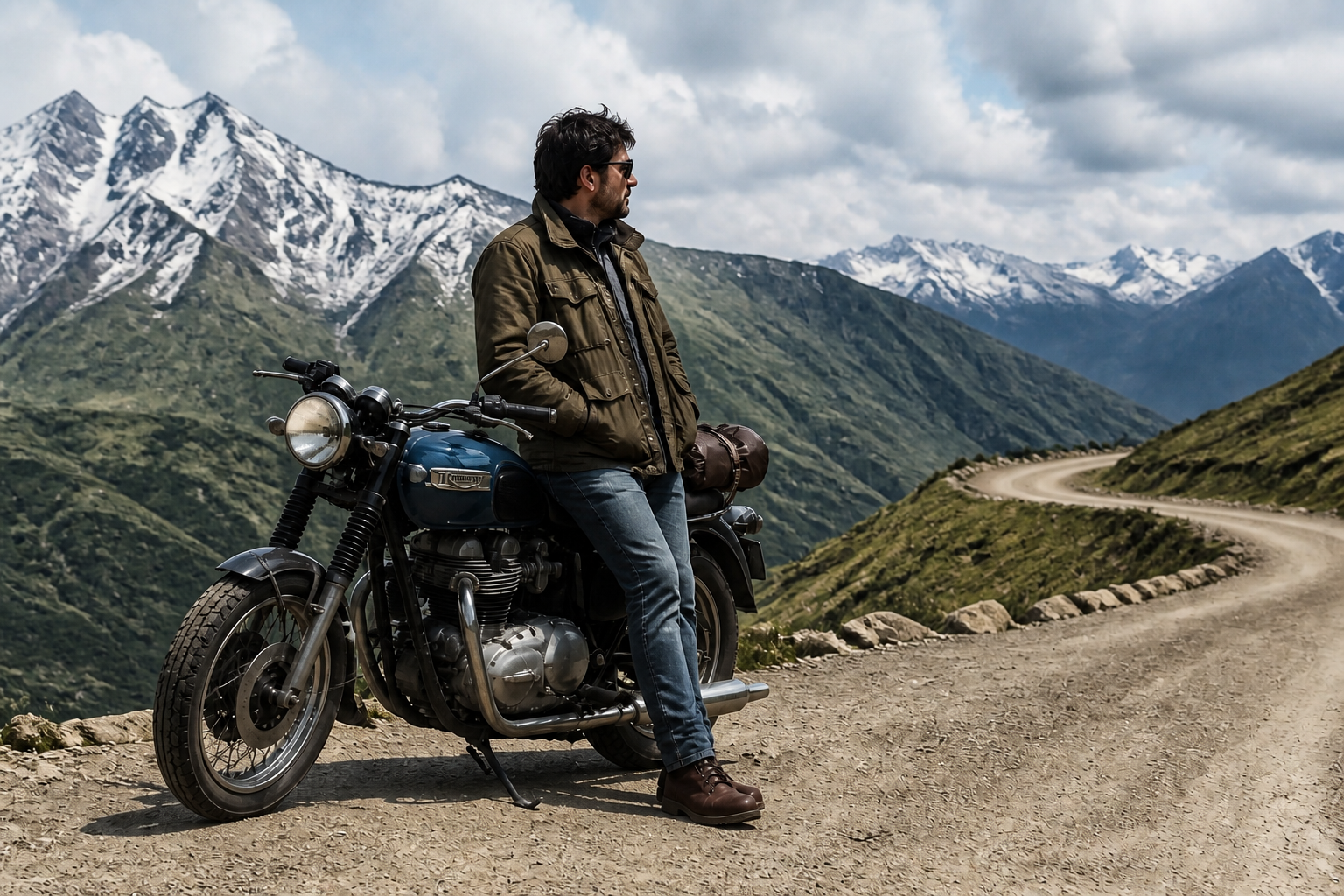 AFTERBEFOREAFTERBEFOREAFTERBEFOREAFTERBEFOREAFTERBEFOREAFTER
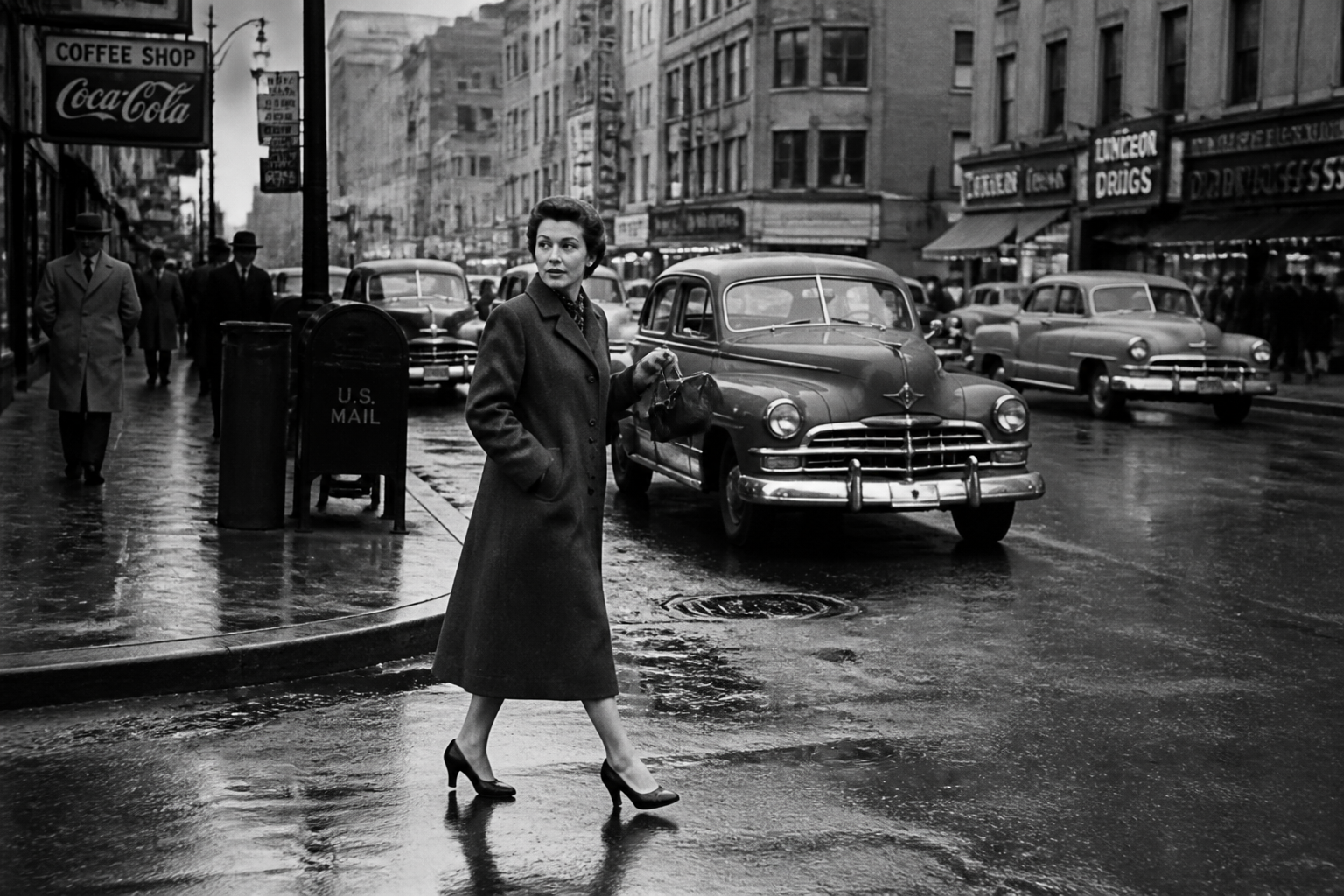 BEFORE
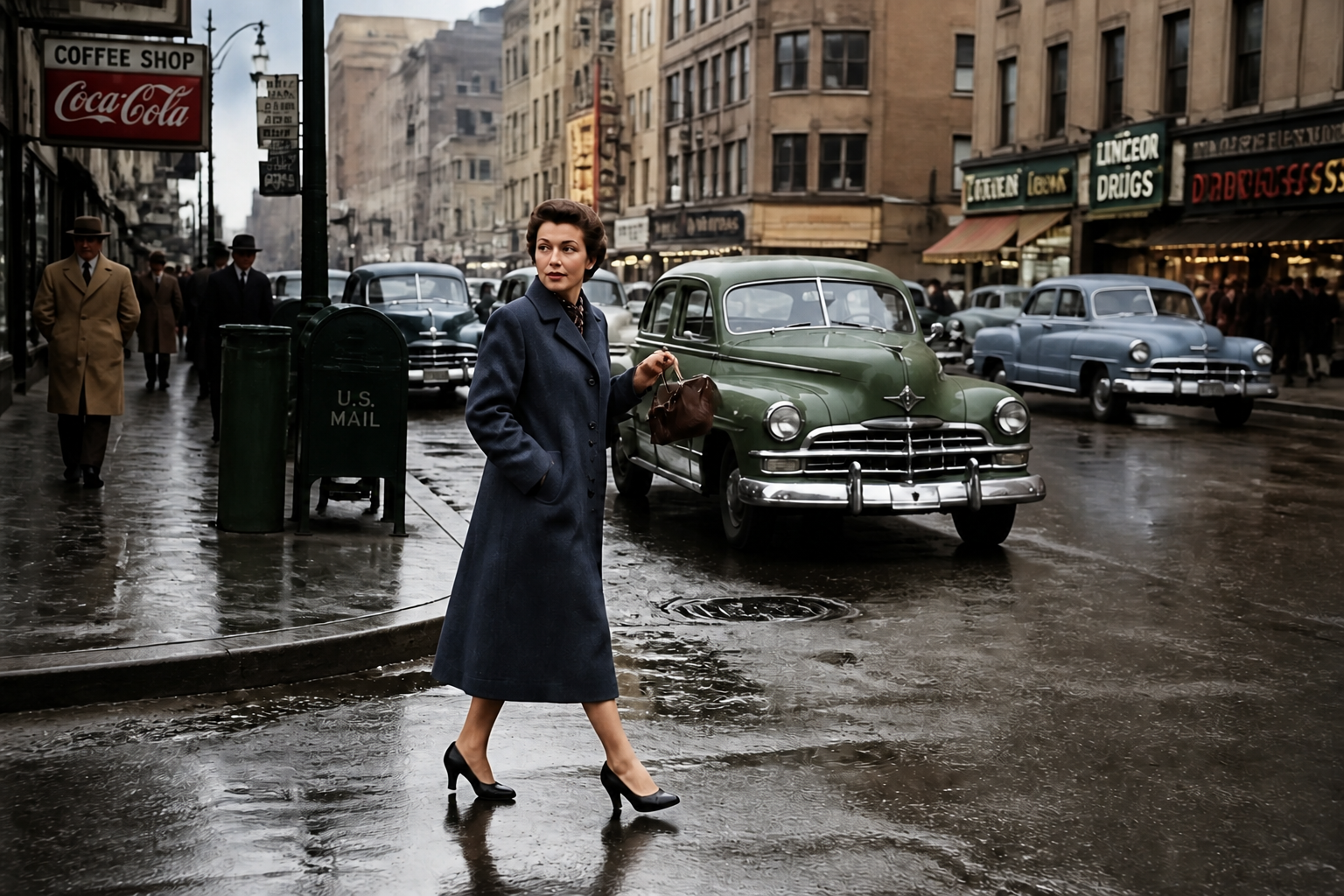 AFTER
AFTER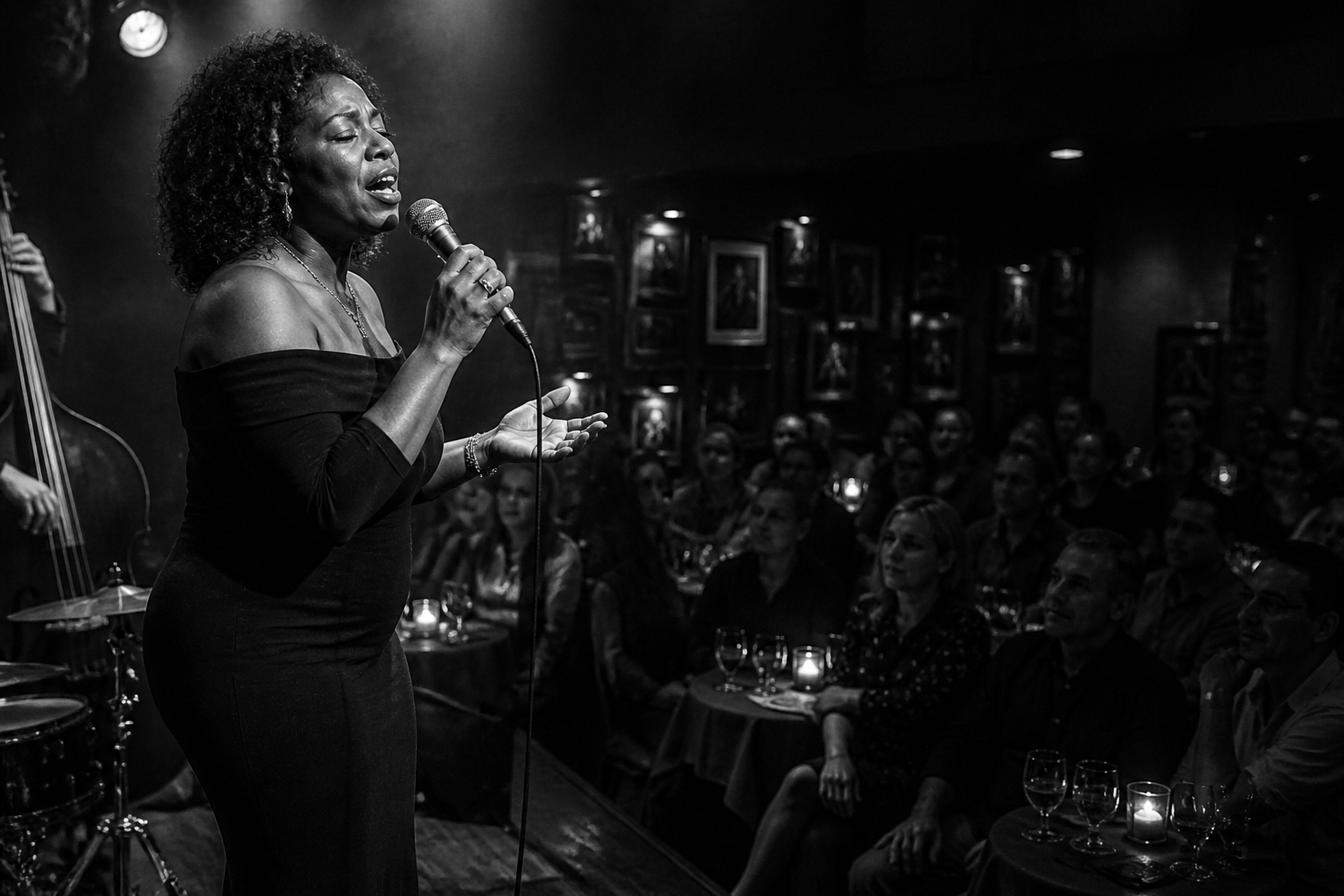 BEFORE
 AFTER
AFTER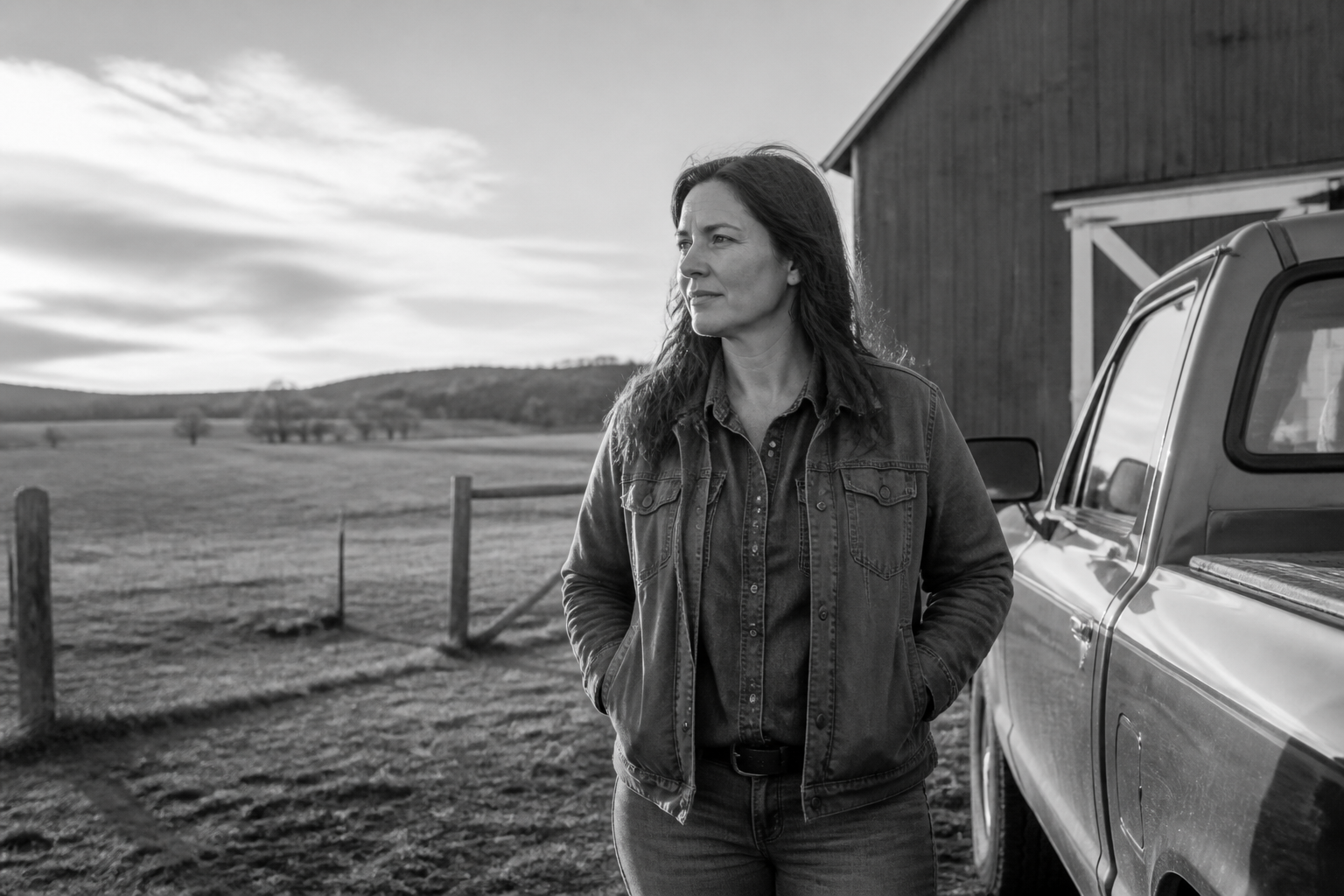 BEFORE
 AFTER
AFTER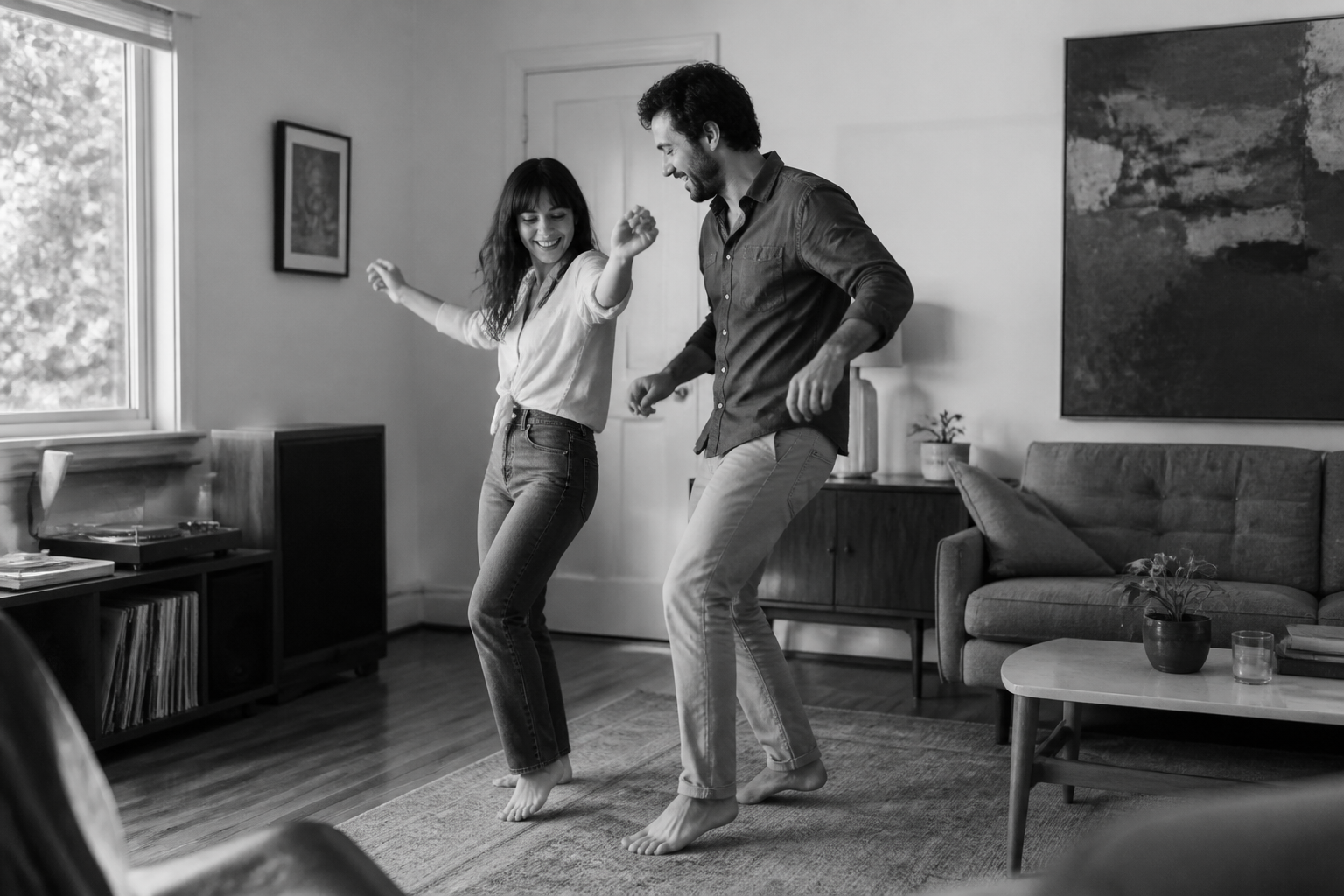 BEFORE
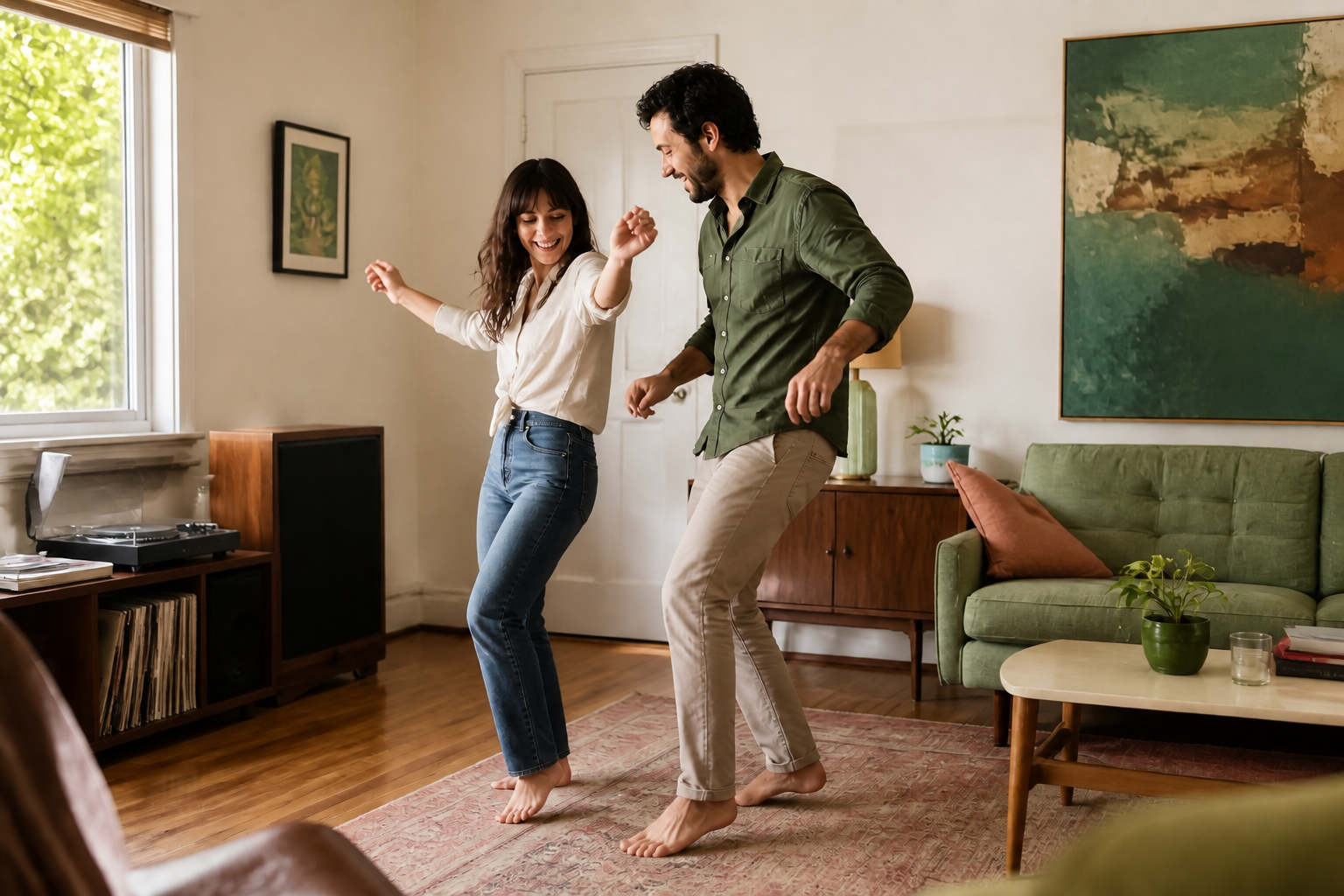 AFTER
AFTER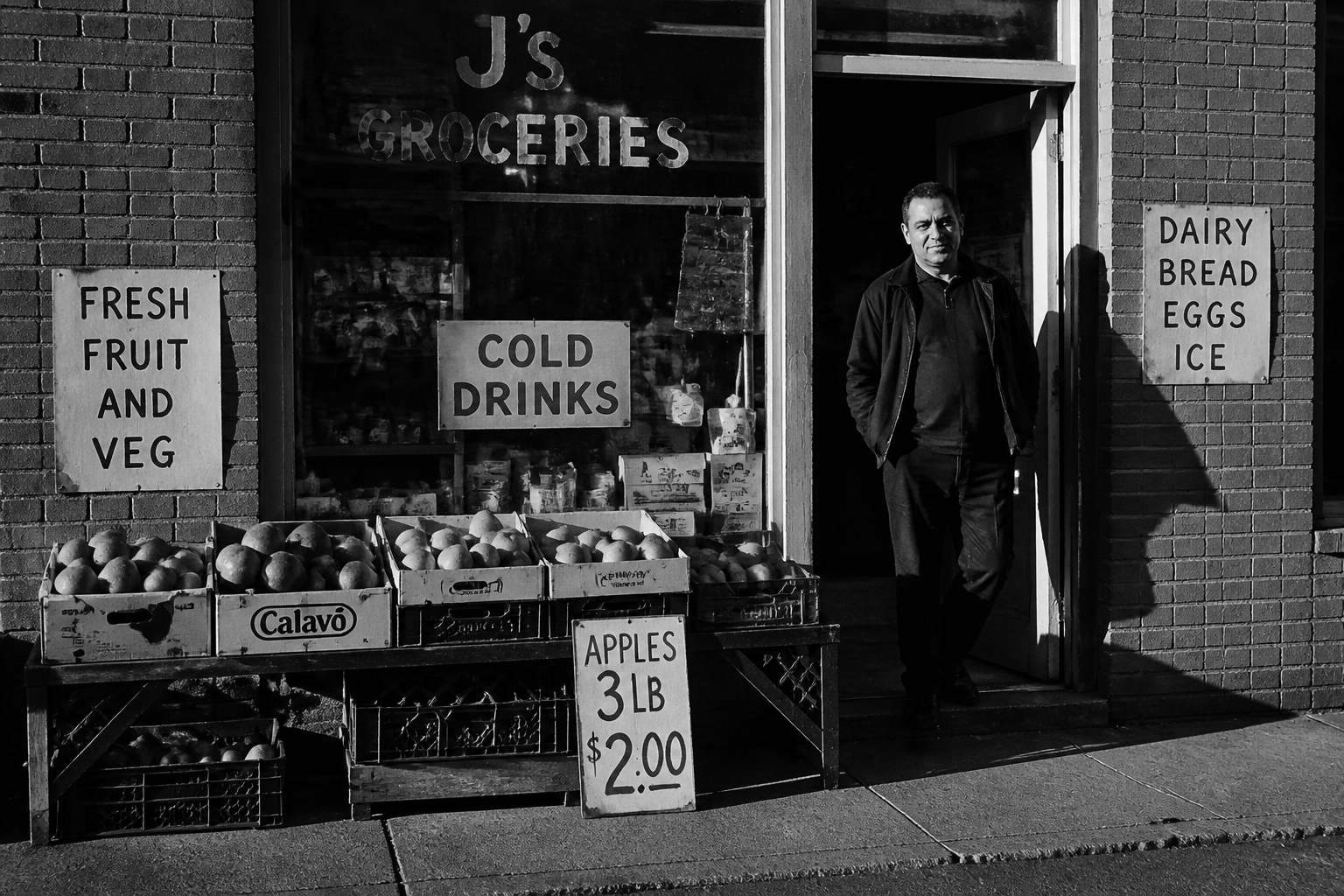 BEFORE
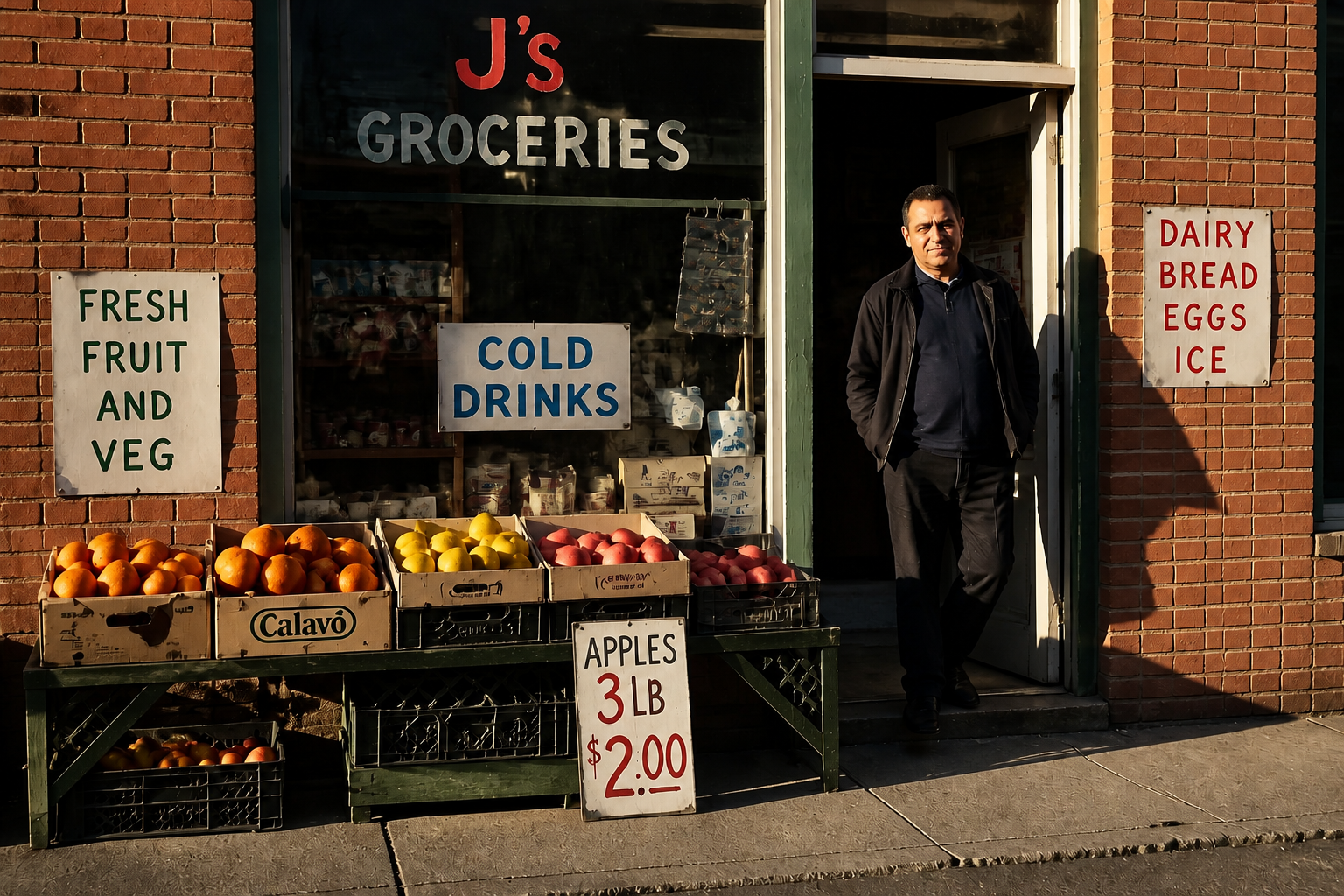 AFTERBEFOREAFTERBEFOREAFTERBEFOREAFTERBEFOREAFTERBEFOREAFTER
Key Features
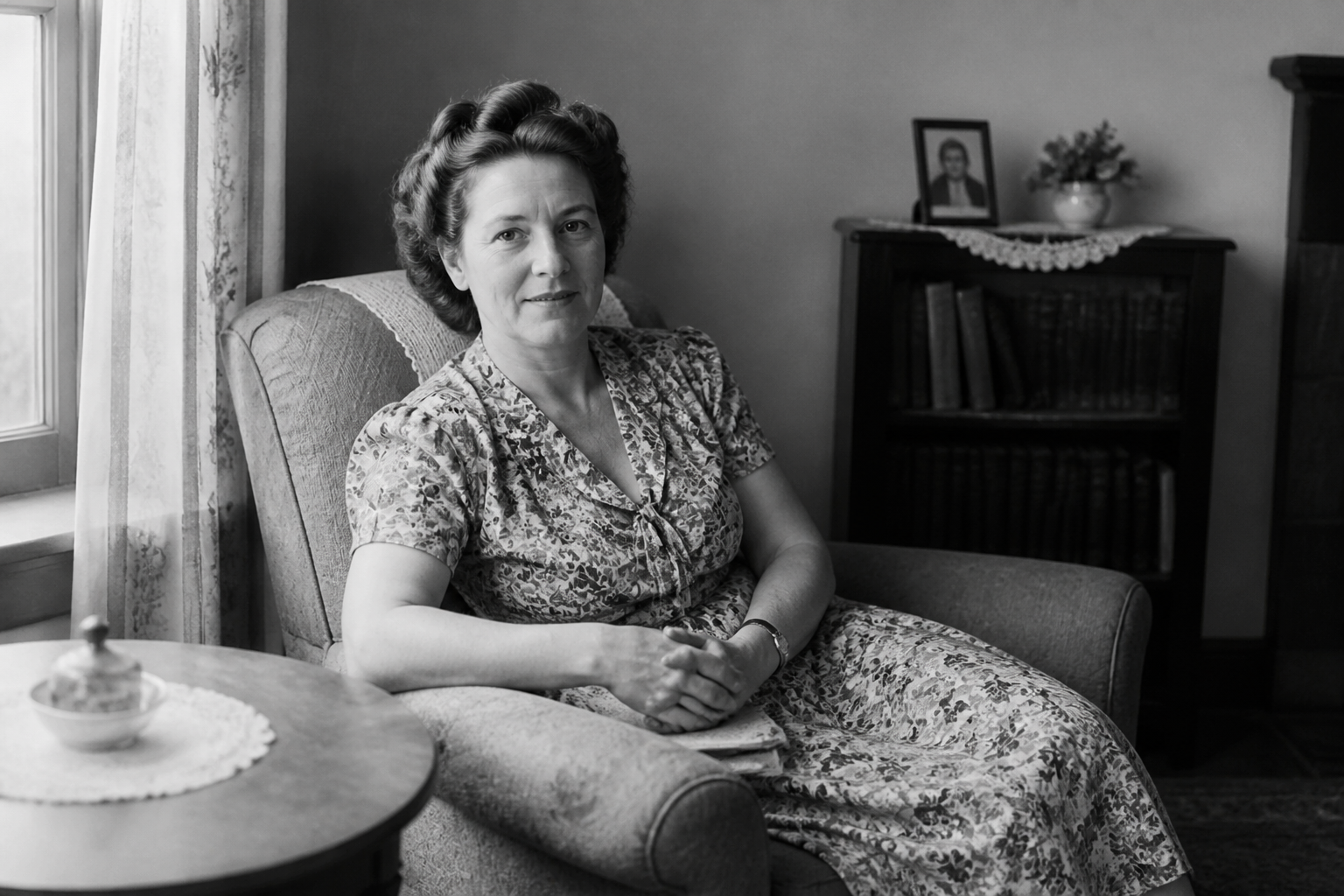
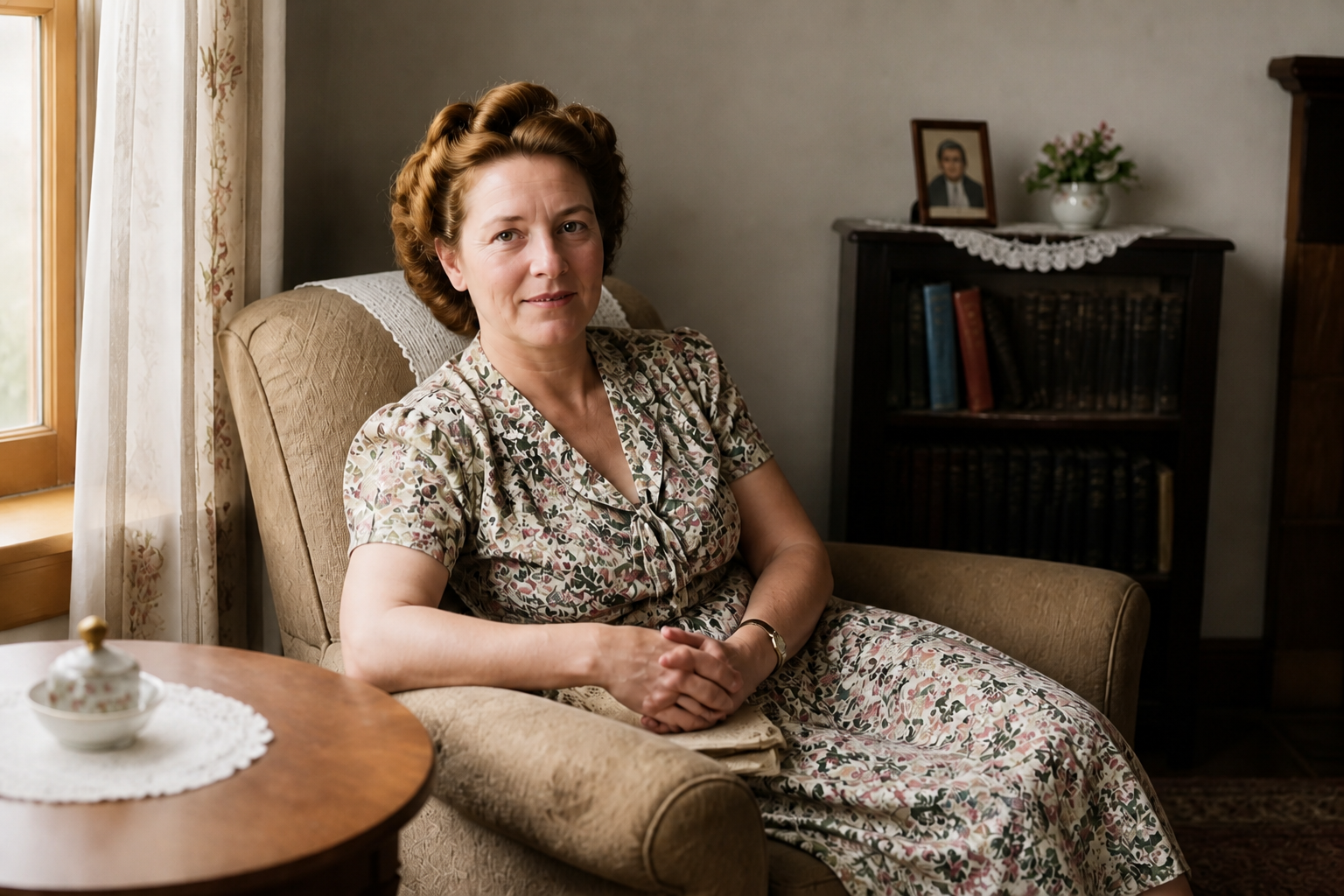
Believable everyday colors
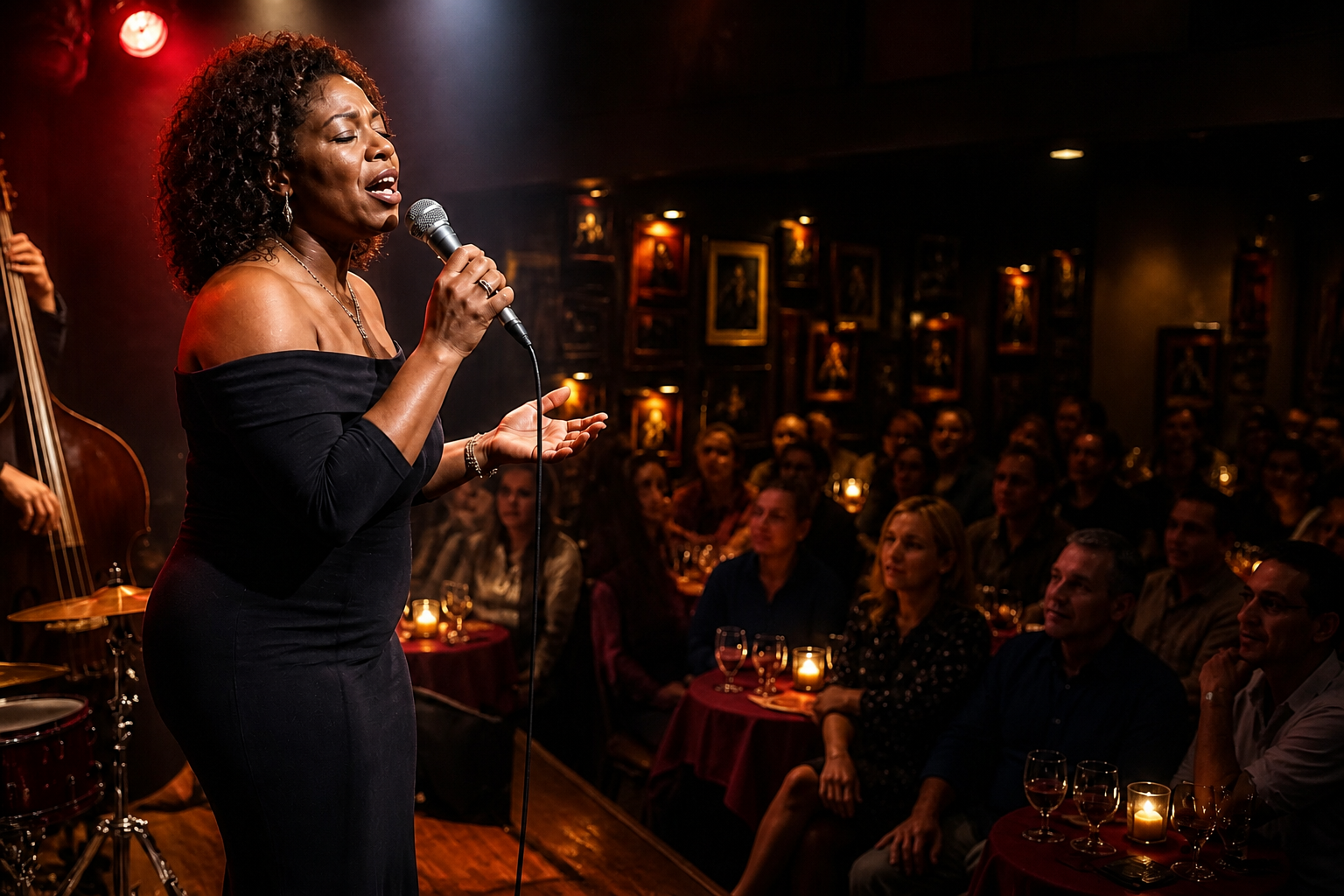
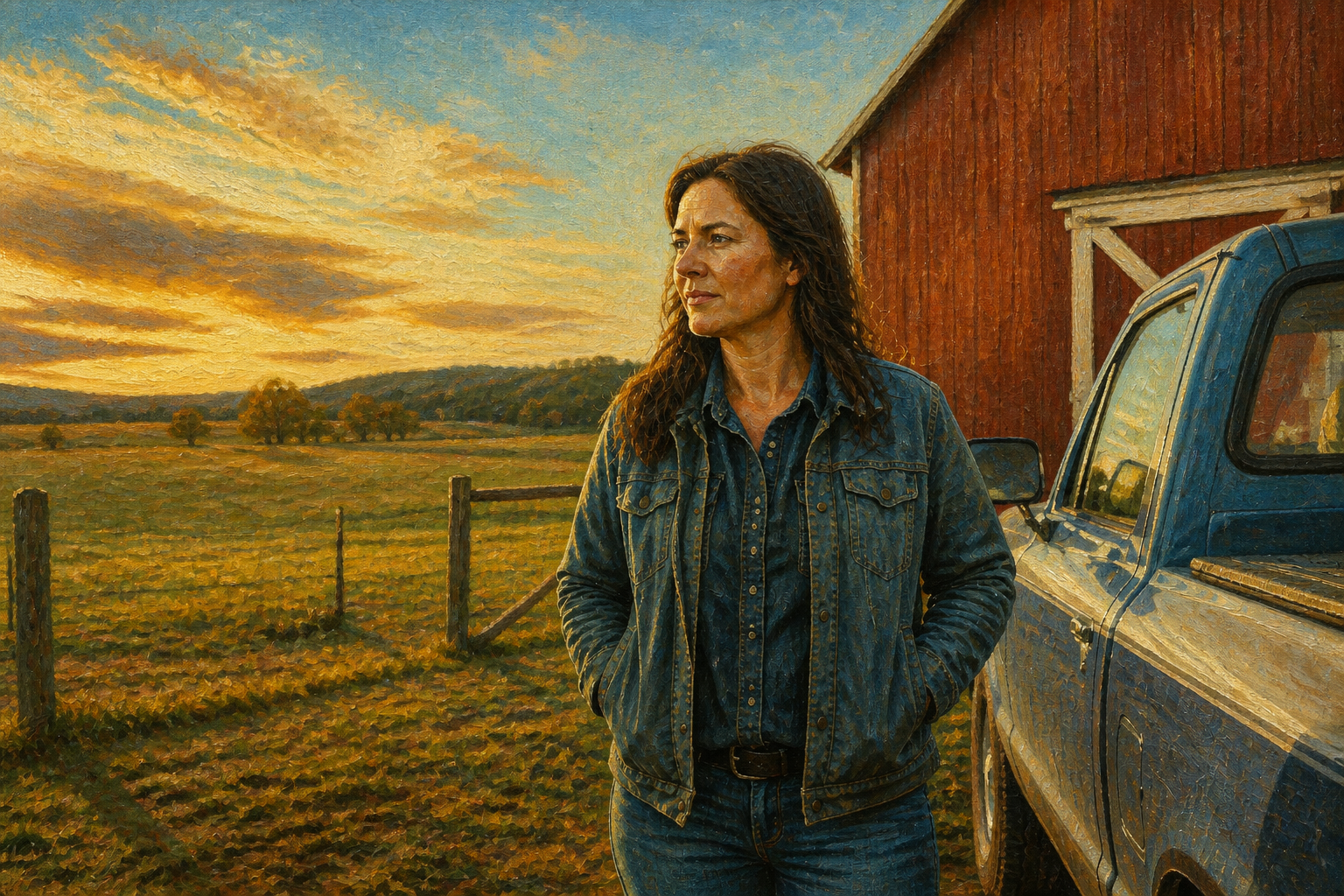
Our AI adds color that fits the scene instead of flooding everything with the same tone. Skin, fabric, wood, sky, and foliage are treated differently so the result feels grounded. That matters most on old family photos where strange color choices are distracting. You get a strong starting point without manually brushing each area.
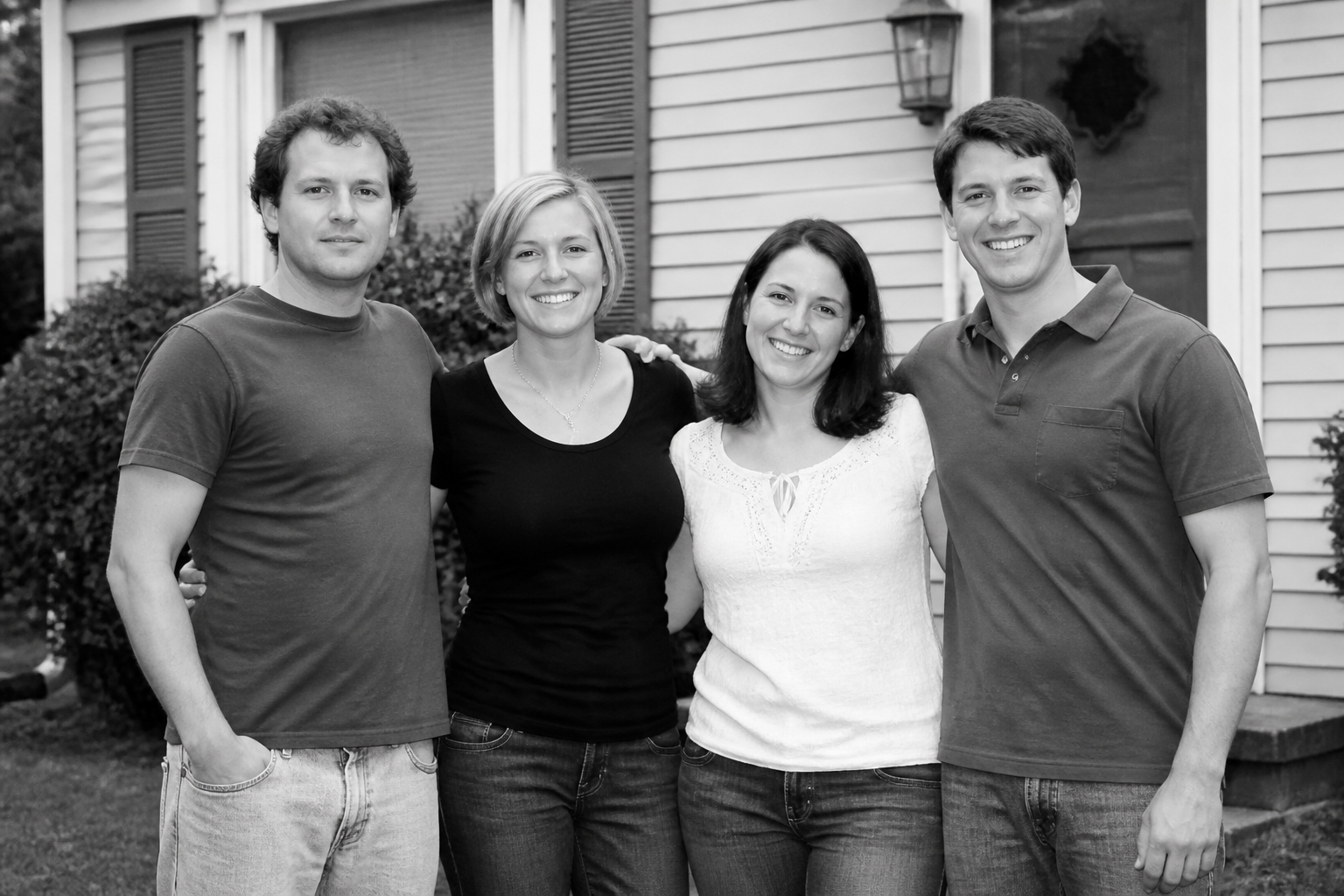
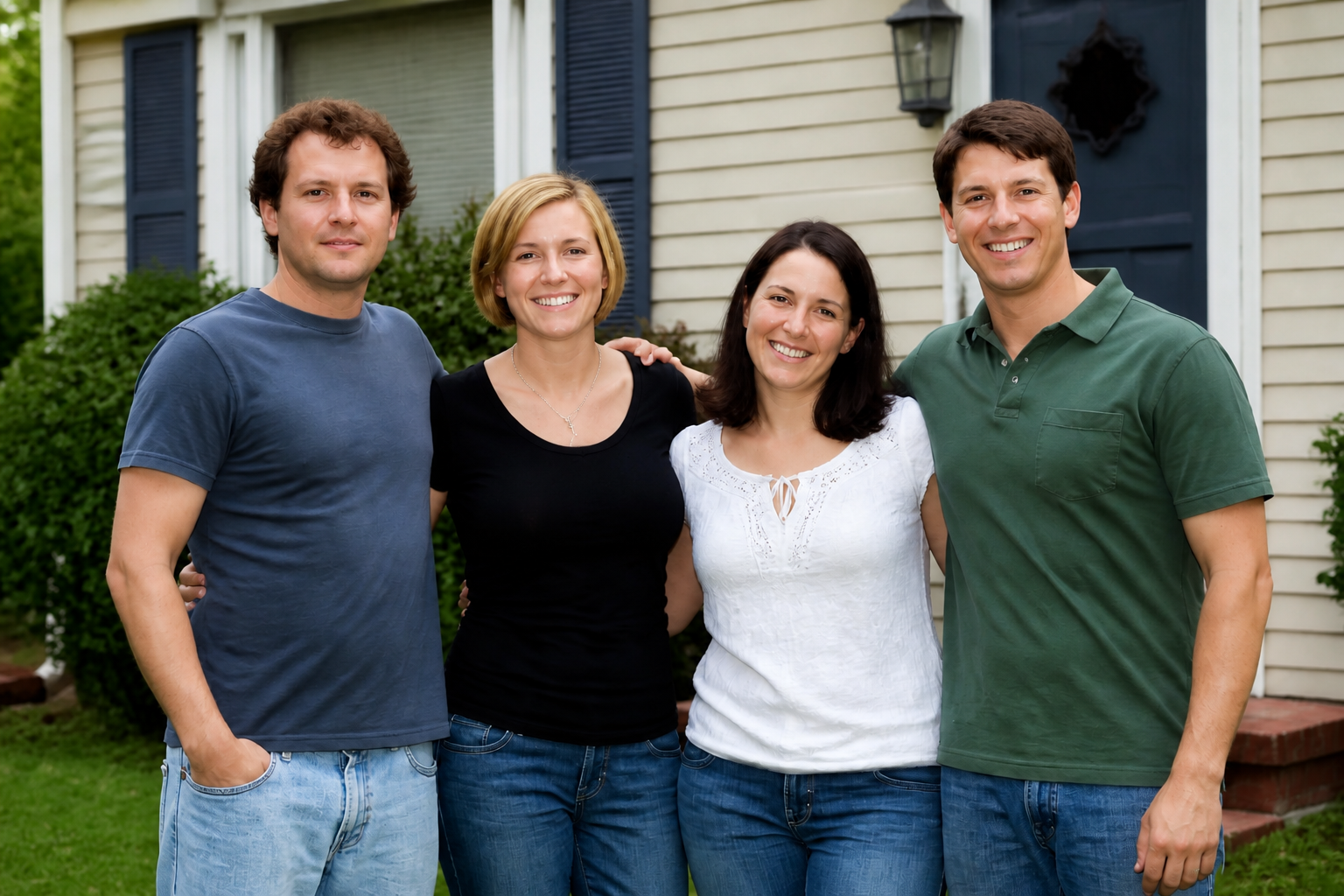
Keeps faces and details
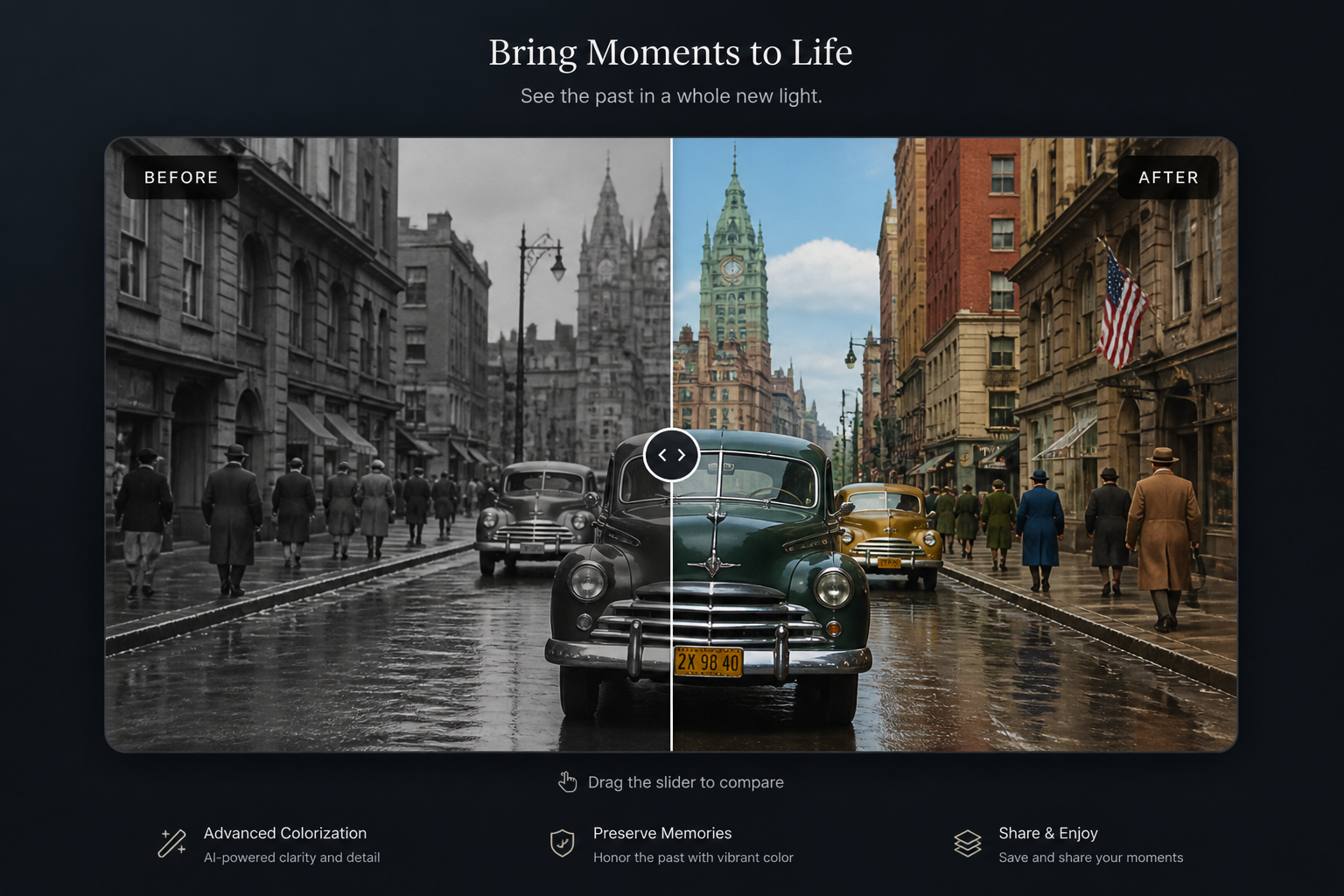
Colorization should not change who is in the photo. The tool focuses on adding color while preserving facial structure, clothing shape, background objects, and the original framing. That makes before-and-after comparisons look trustworthy. It also saves time versus repainting key areas by hand.
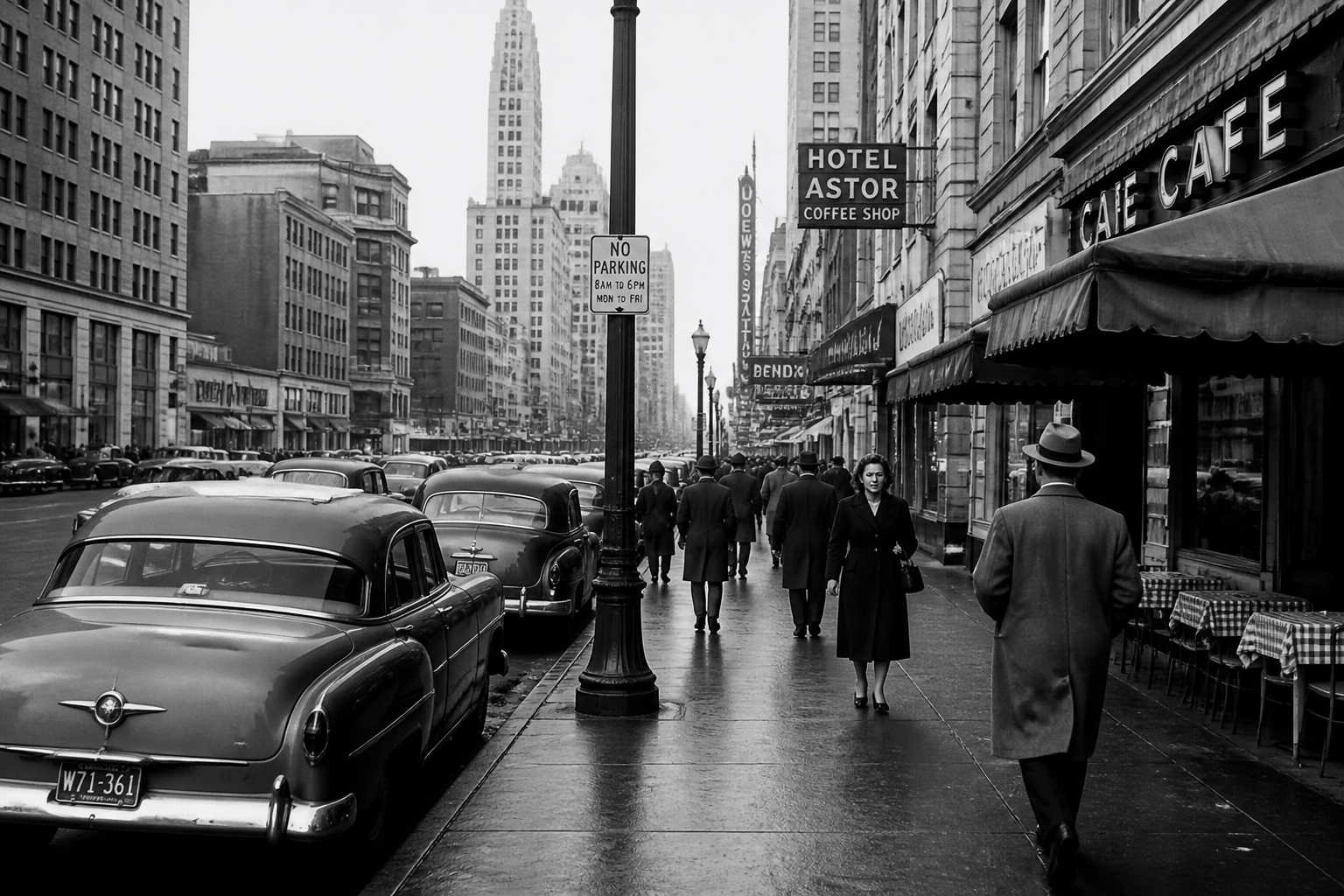
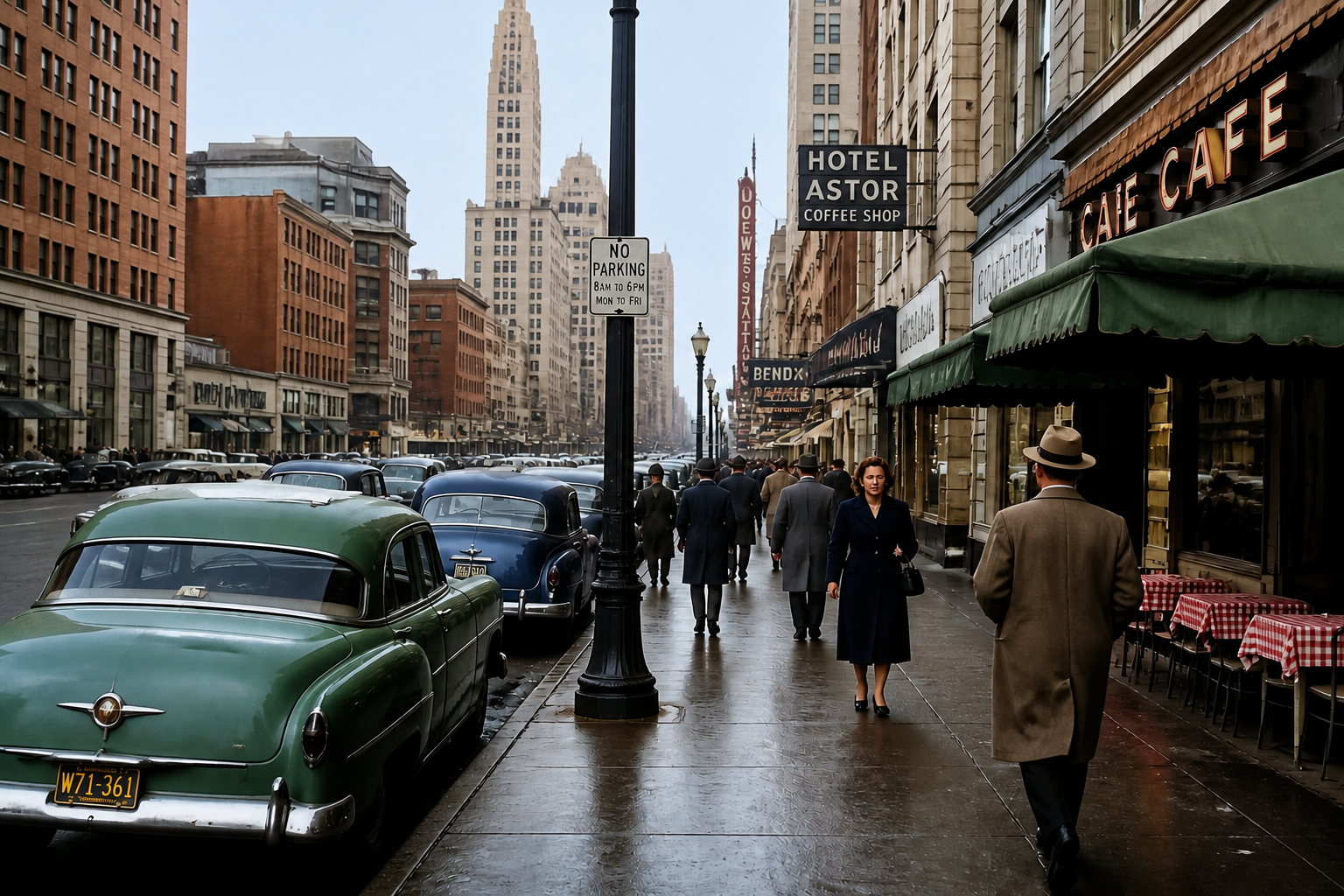
Works on complex scenes
Old photos are rarely simple portraits. Cars, signs, furniture, streets, and landscapes all need different treatment to look right. Our AI handles mixed materials and layered scenes in one pass, so street photography and travel shots are easier to restore. You can colorize broad environments without breaking the main subject.
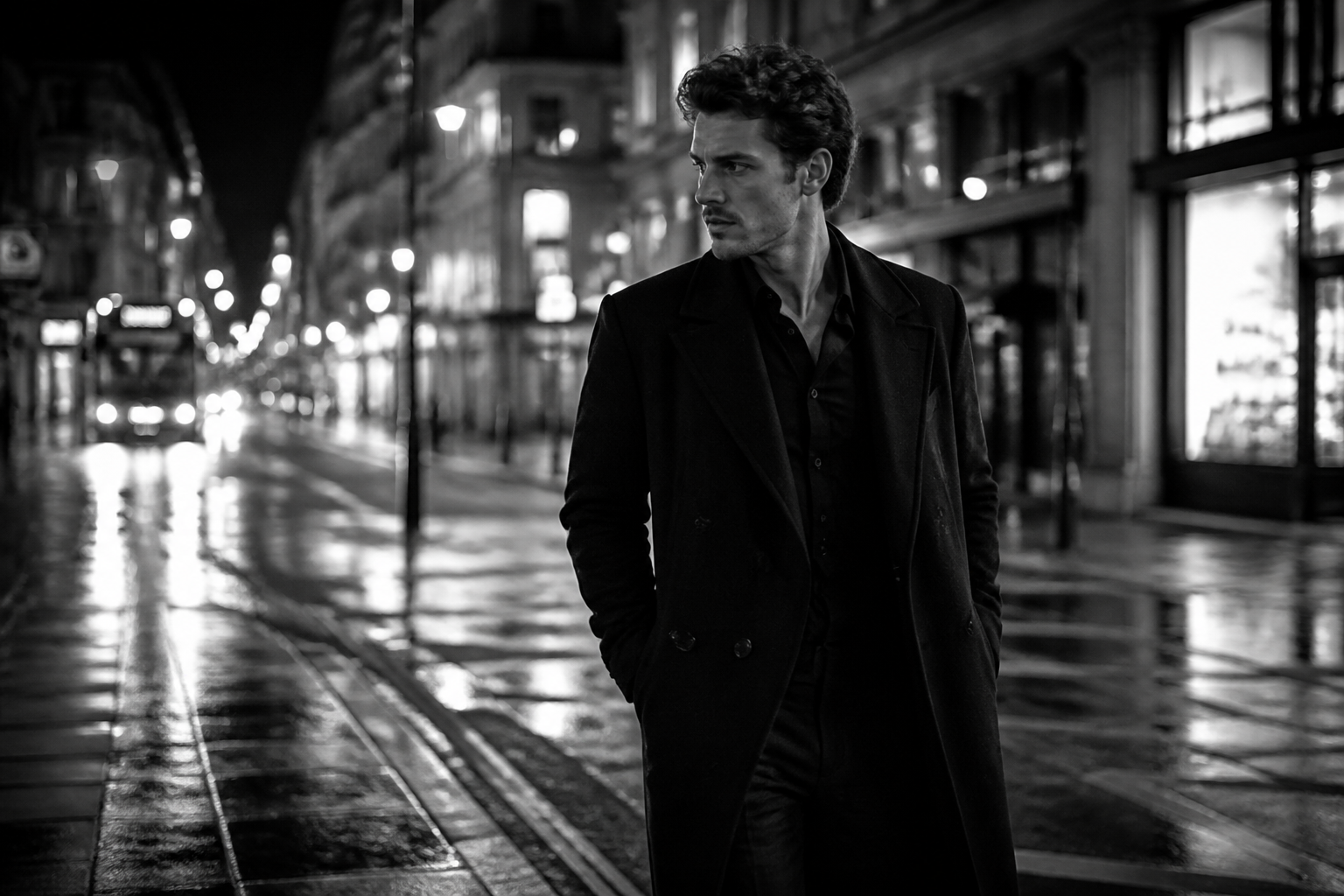
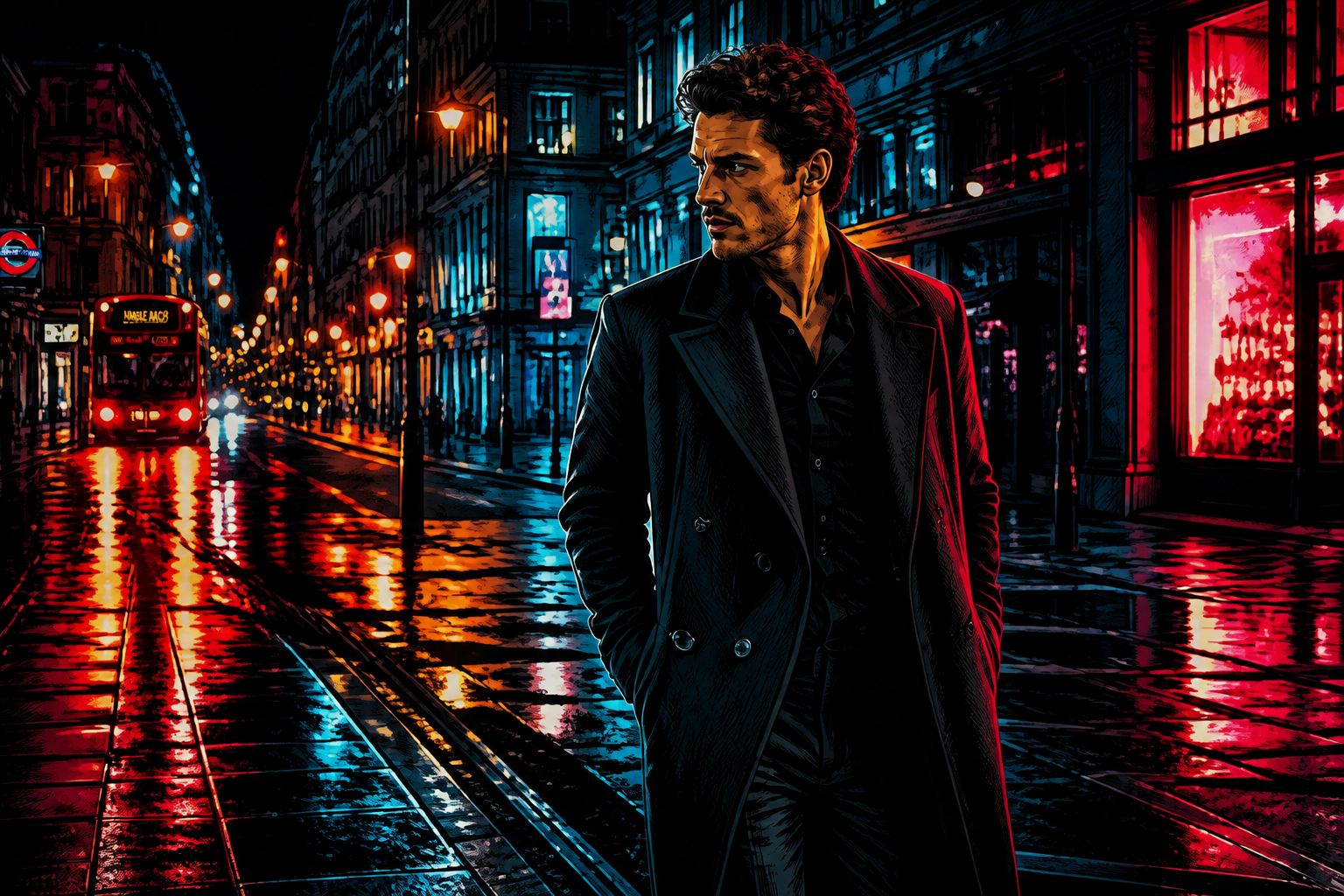
Also supports stylized results
Not every project needs strict historical realism. You can turn a monochrome source into a colored artistic version for posters, social posts, mood boards, or creative reprints. The original composition stays recognizable while the finish becomes more expressive. This is much faster than rebuilding the image in a separate illustration app.
How It Works
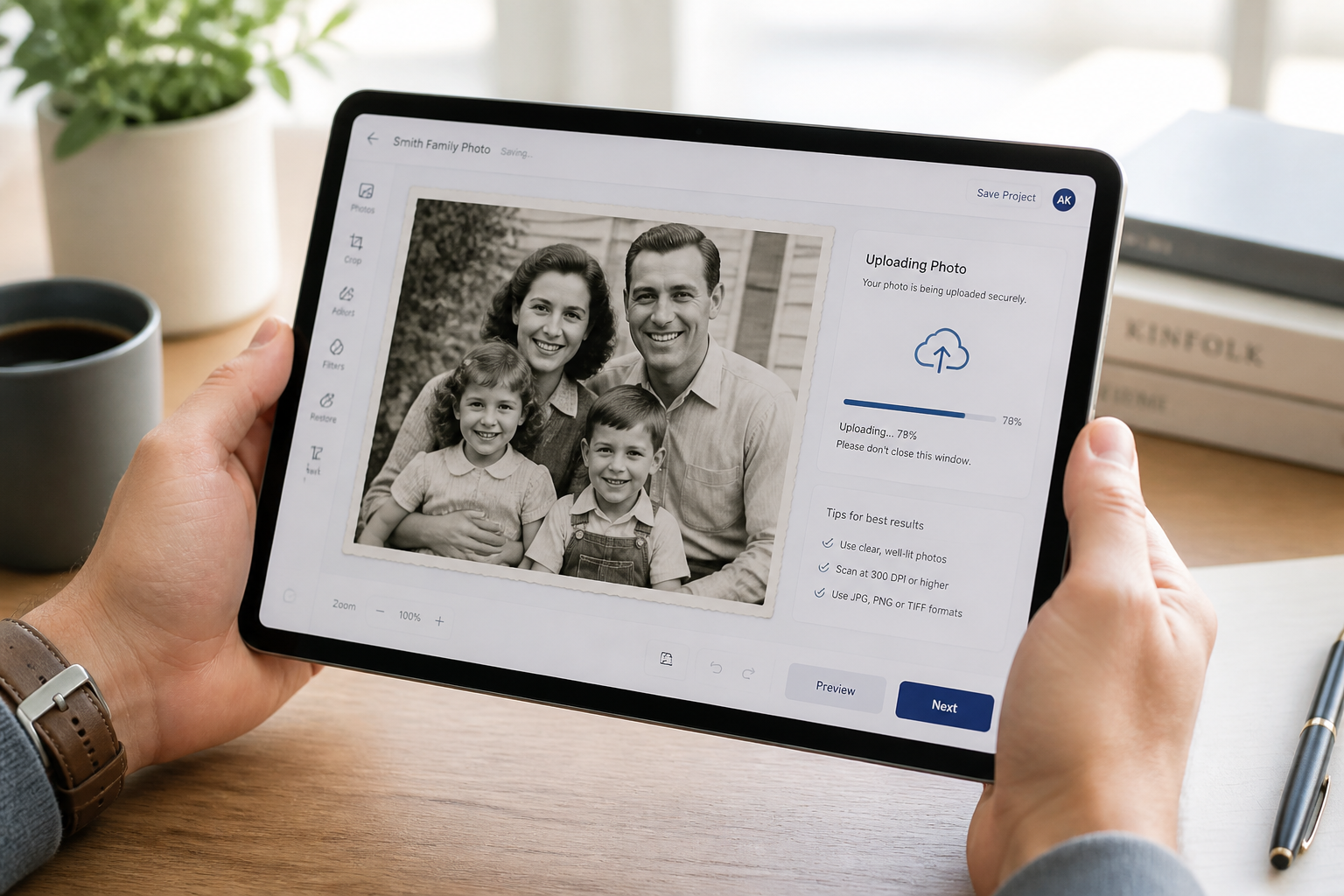
Upload your photo
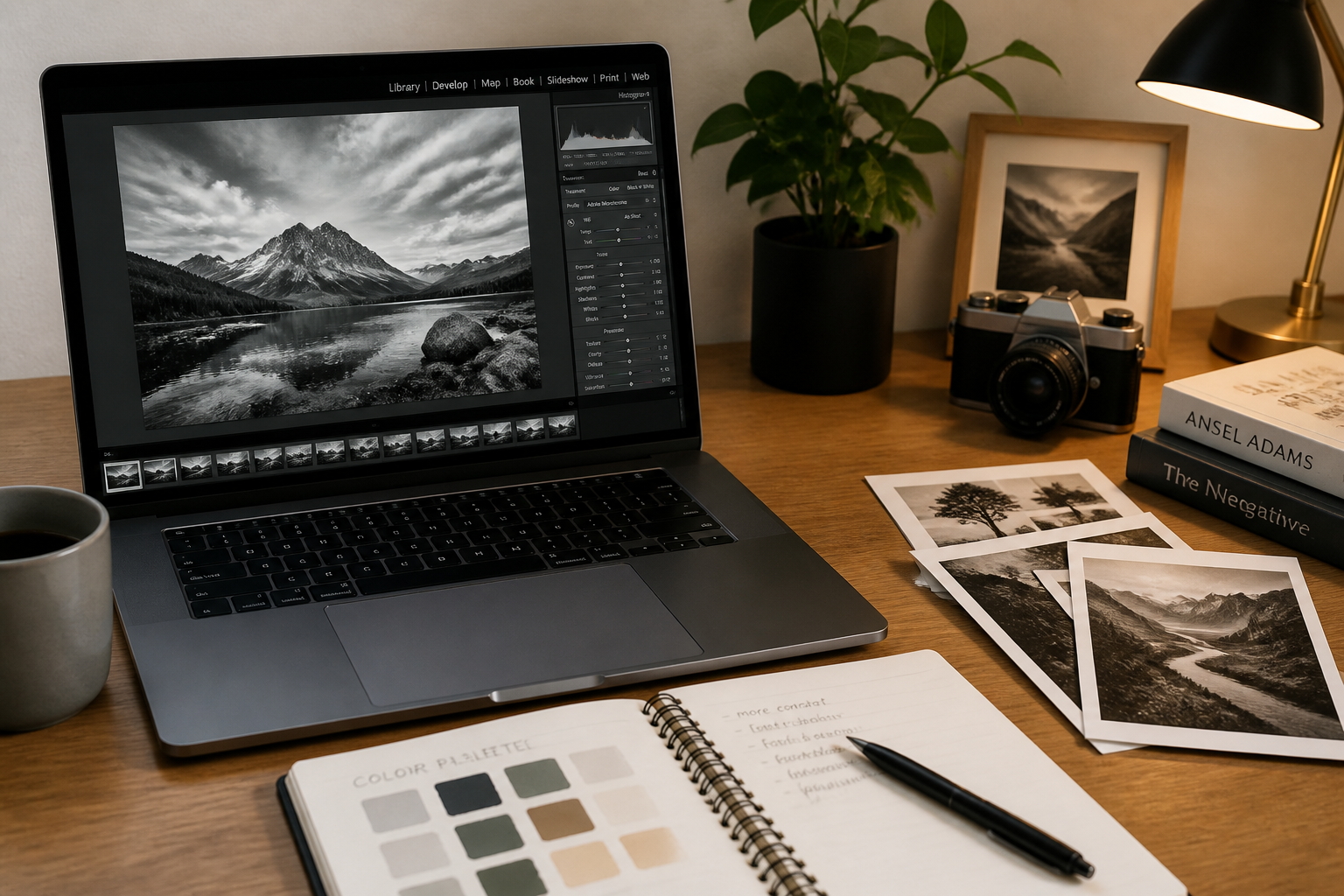
Start with a scanned print or a black-and-white digital image. Clear, high-resolution photos usually give the best color separation and cleaner detail.
Choose the color look
Use a simple prompt if you want realistic restoration, or describe a stylized finish if you want something more creative. You can keep it broad or mention period-appropriate tones.
Compare and download
Review the before and after side by side to check faces, clothing, and background details. If needed, adjust your prompt and generate another version before saving.
Perfect For
Discover how creators and professionals use ai colorize photo
Family photo restoration
Bring old portraits and snapshots closer to how they may have looked when they were taken.
Historical archives
Add color to documentary images, street scenes, and local history collections for easier public engagement.
Social media storytelling
Turn monochrome photos into eye-catching before-and-after posts for reels, shorts, and carousels.
Creative prints and gifts
Make colorized versions of meaningful photos for framed prints, slideshows, and anniversary projects.
Built For
Families and hobby restorers
A simple way to revive personal photo collections without learning manual retouching tools.
Archivists and local historians
Useful for adding visual impact to scanned collections while keeping the original composition intact.
Designers and content creators
Fast colorized assets for storytelling, editorial layouts, thumbnails, and nostalgic campaigns.
Why choose BudgetPixel for photo colorization
A quick look at how we compare on the things that matter for this niche.
| Feature | BudgetPixel | Generic AI editors | Manual editing apps |
|---|---|---|---|
| Built for before/after edits | ✓ | ✓ | — |
| Realistic photo colorization | ✓ | ✓ | — |
| Keeps original composition | ✓ | ✓ | ✓ |
| Fast to try | ✓ | ✓ | — |
| Manual masking required | — | — | Often |
Frequently Asked Questions
What kinds of photos work best with AI colorization?
Will the tool change the people in my photo?
Can I colorize more than portraits?
Are the colors historically exact?
Can I create stylized color versions too?
Create together.
Share your creations, discover trending AI art, and grow with fellow creators.