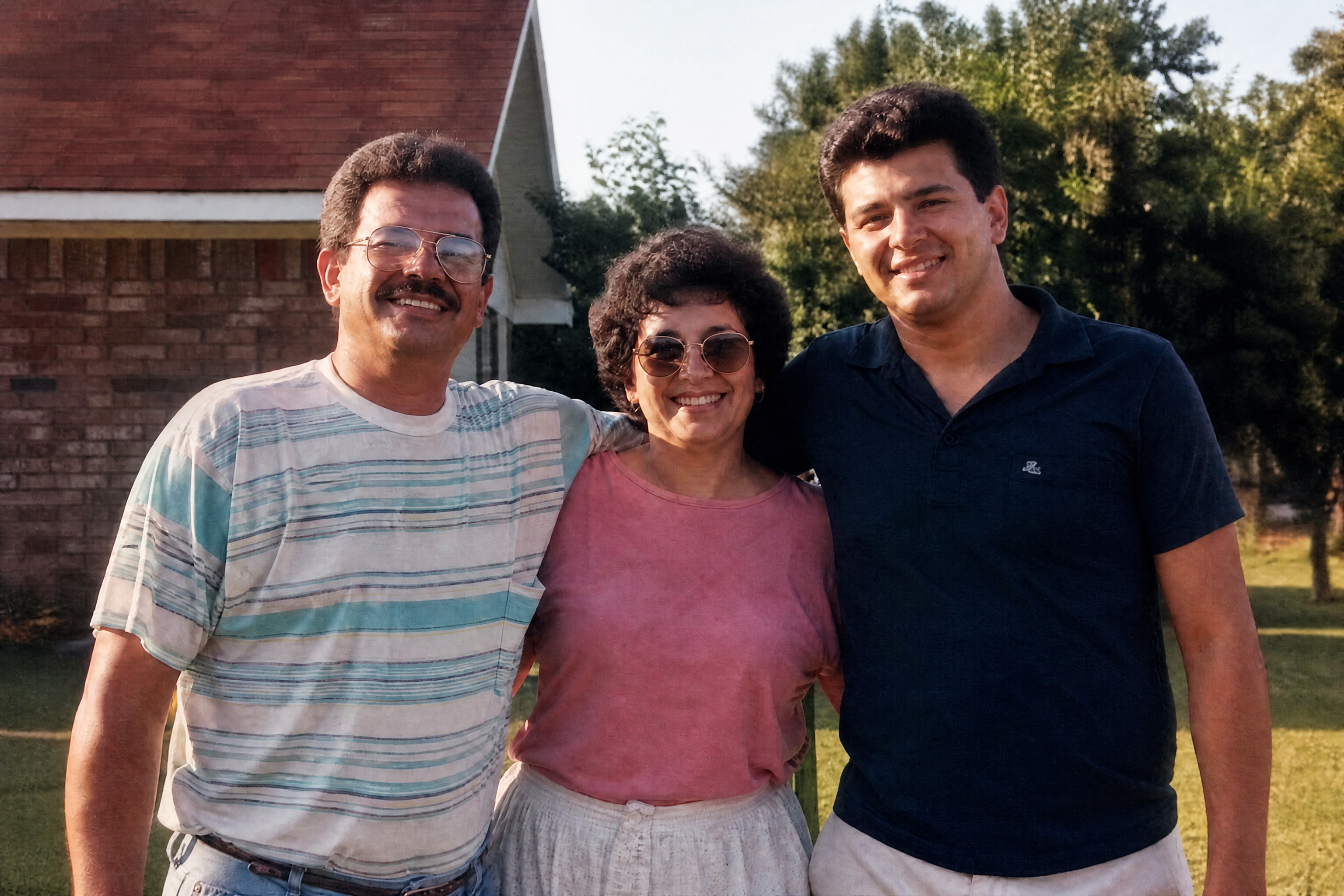
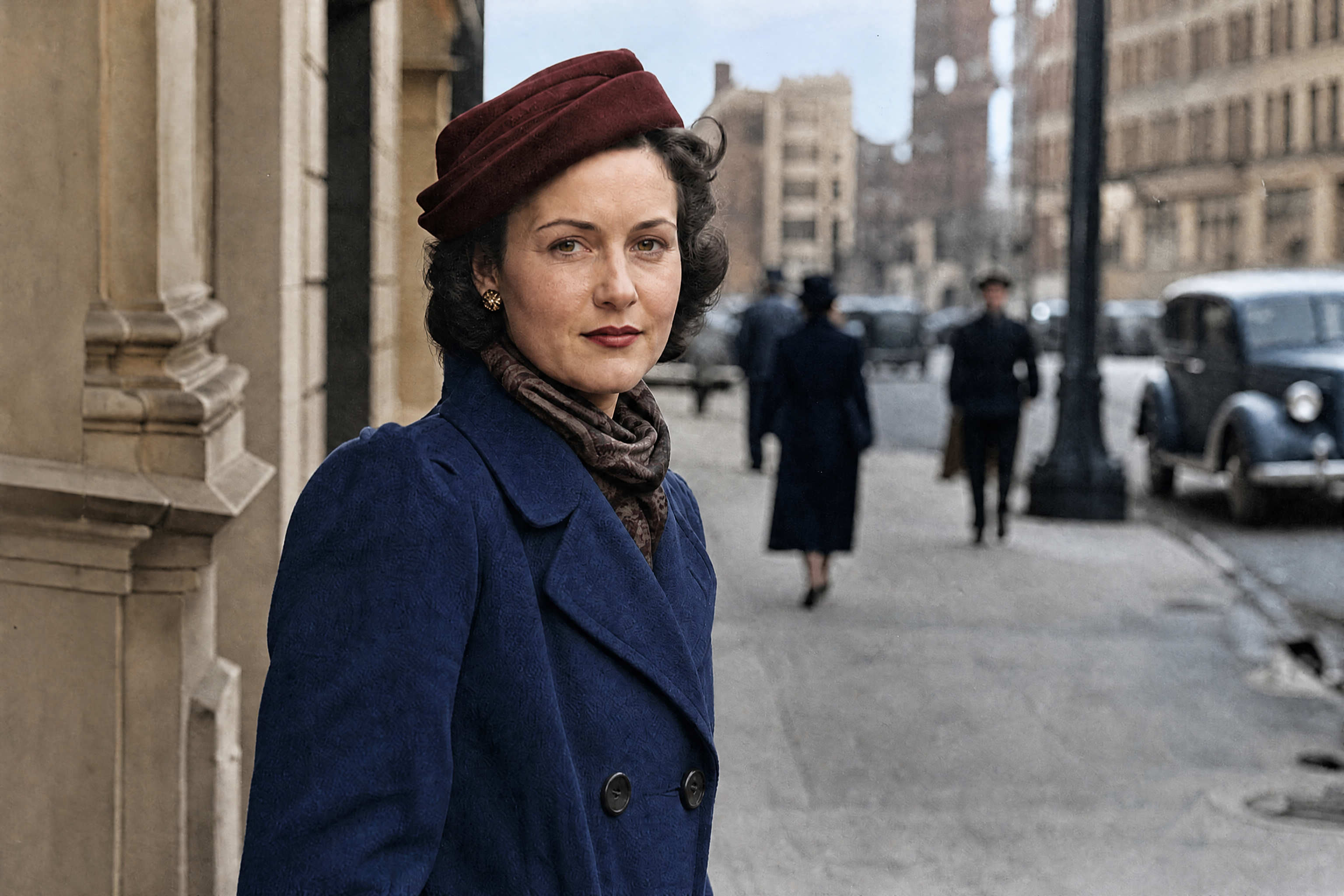
AI Old Photo Restoration for Damaged Photos
Clean up age, fading, scratches, and blur without manual retouching.
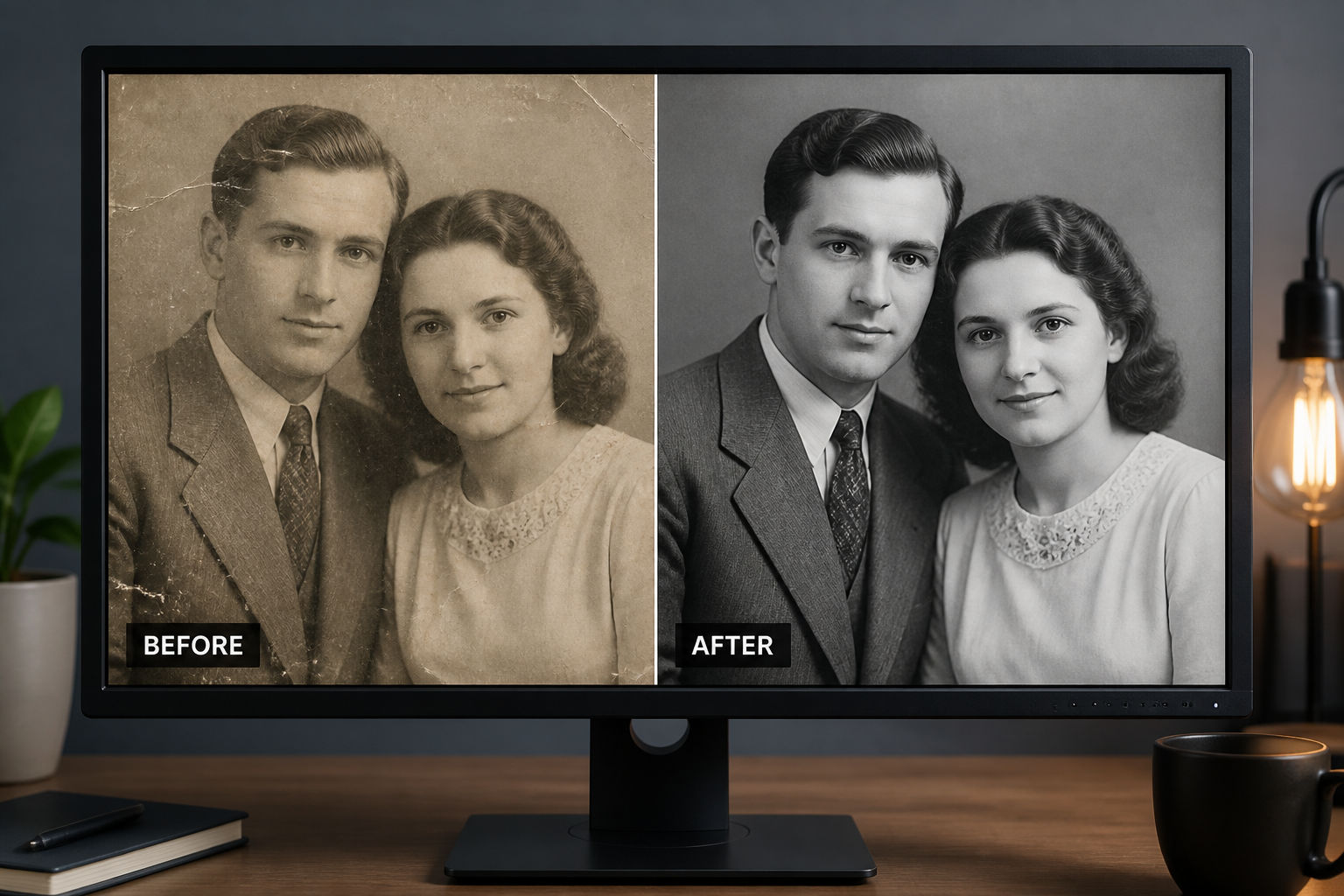
Upload an old photograph and let our AI repair common damage like fading, creases, dust, scratches, and washed-out contrast. It improves clarity while keeping the original scene, expression, and composition intact.
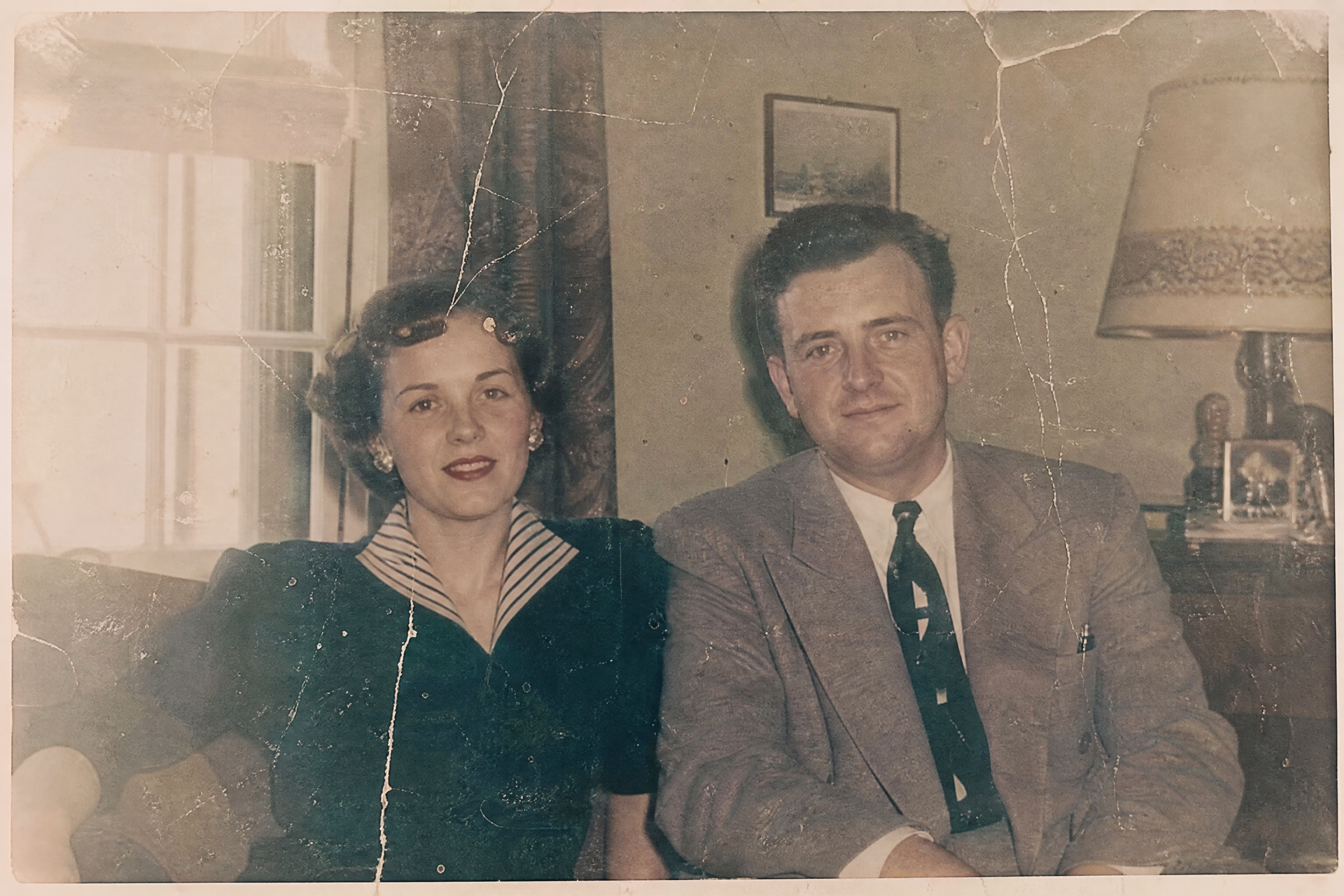
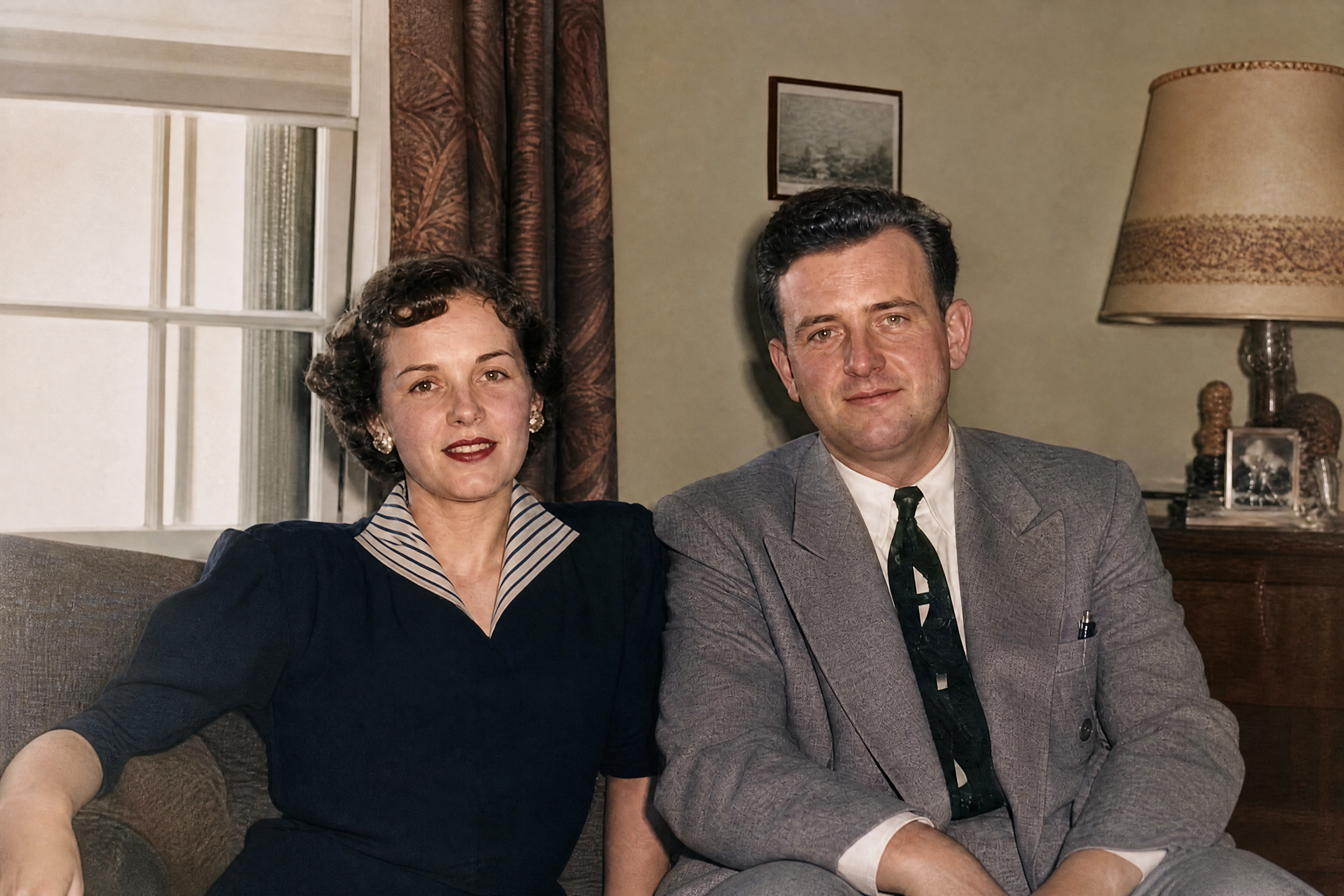
Watch the Transformation
See ai old photo restoration in motion — generated end-to-end by our AI.
See It In Action
Real outputs from ai old photo restoration.
BEFOREAFTER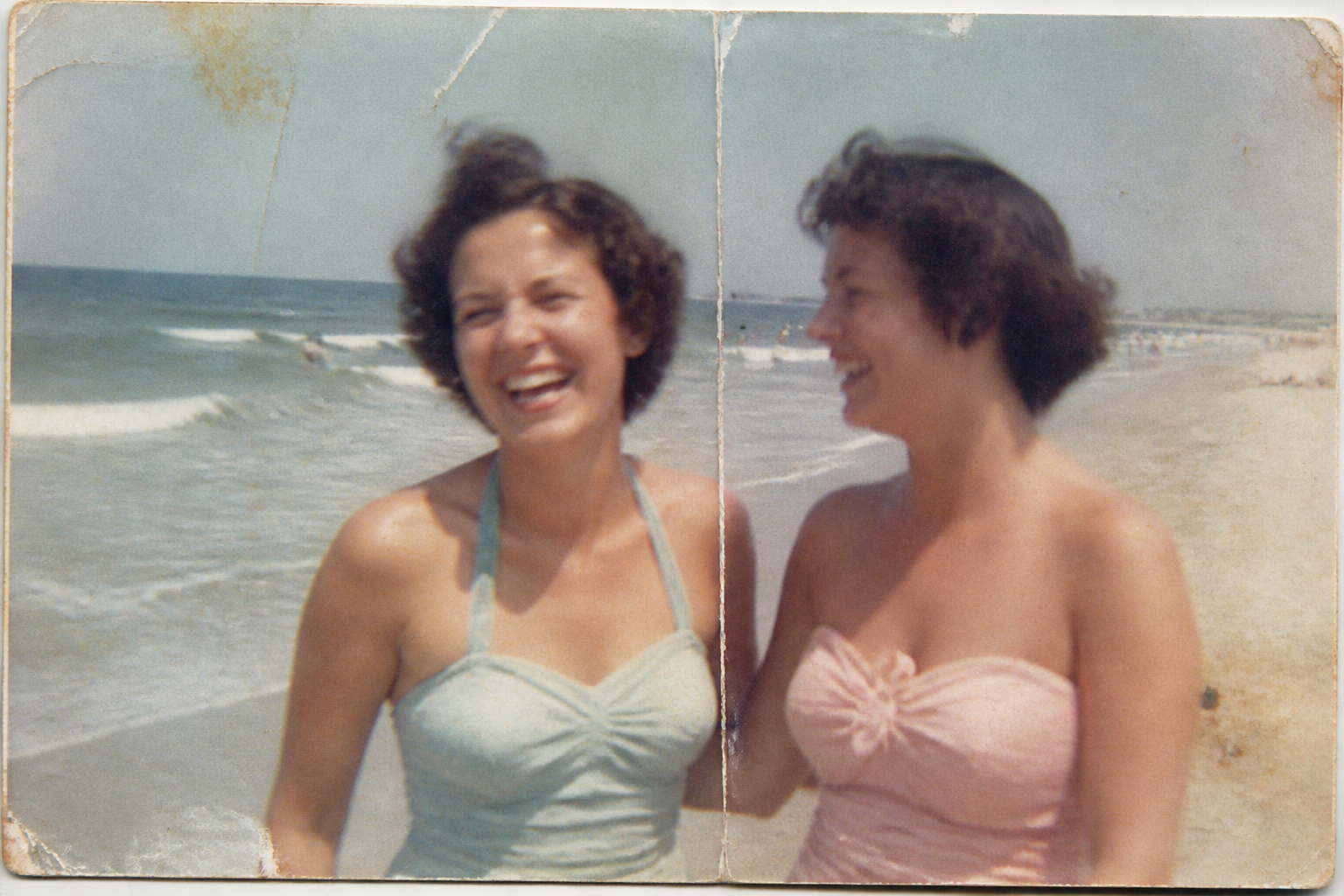 BEFORE
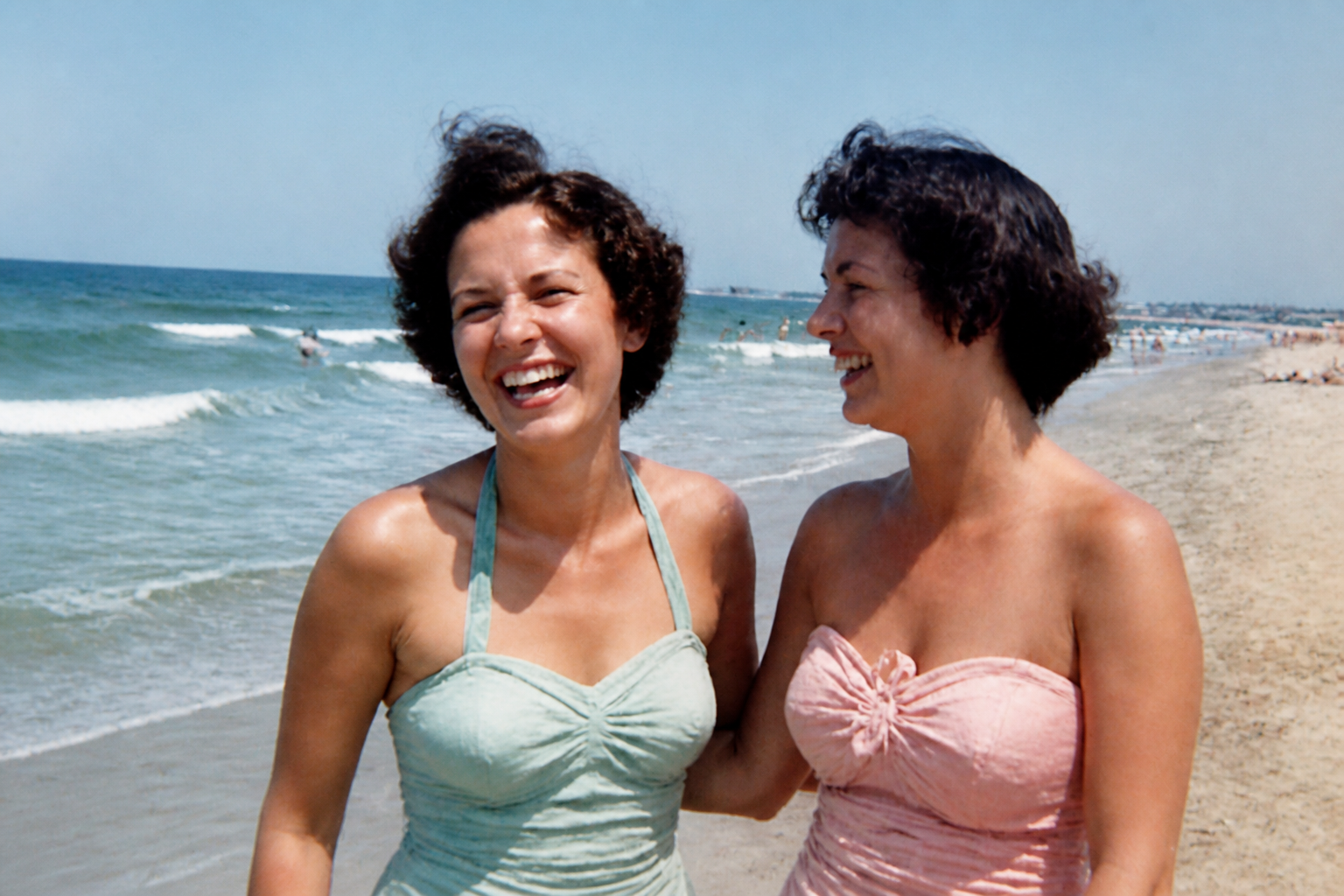 AFTER
AFTER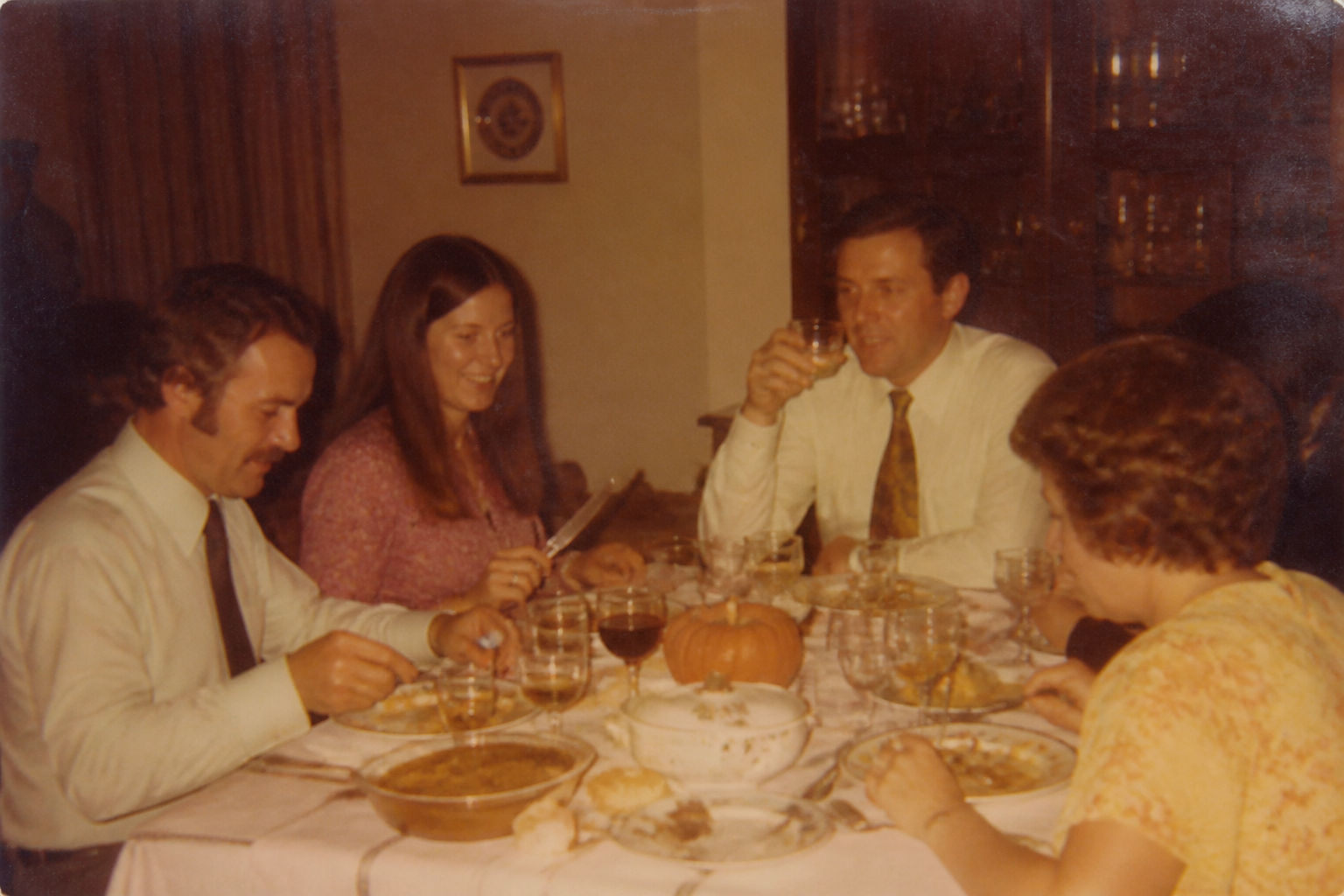 BEFORE
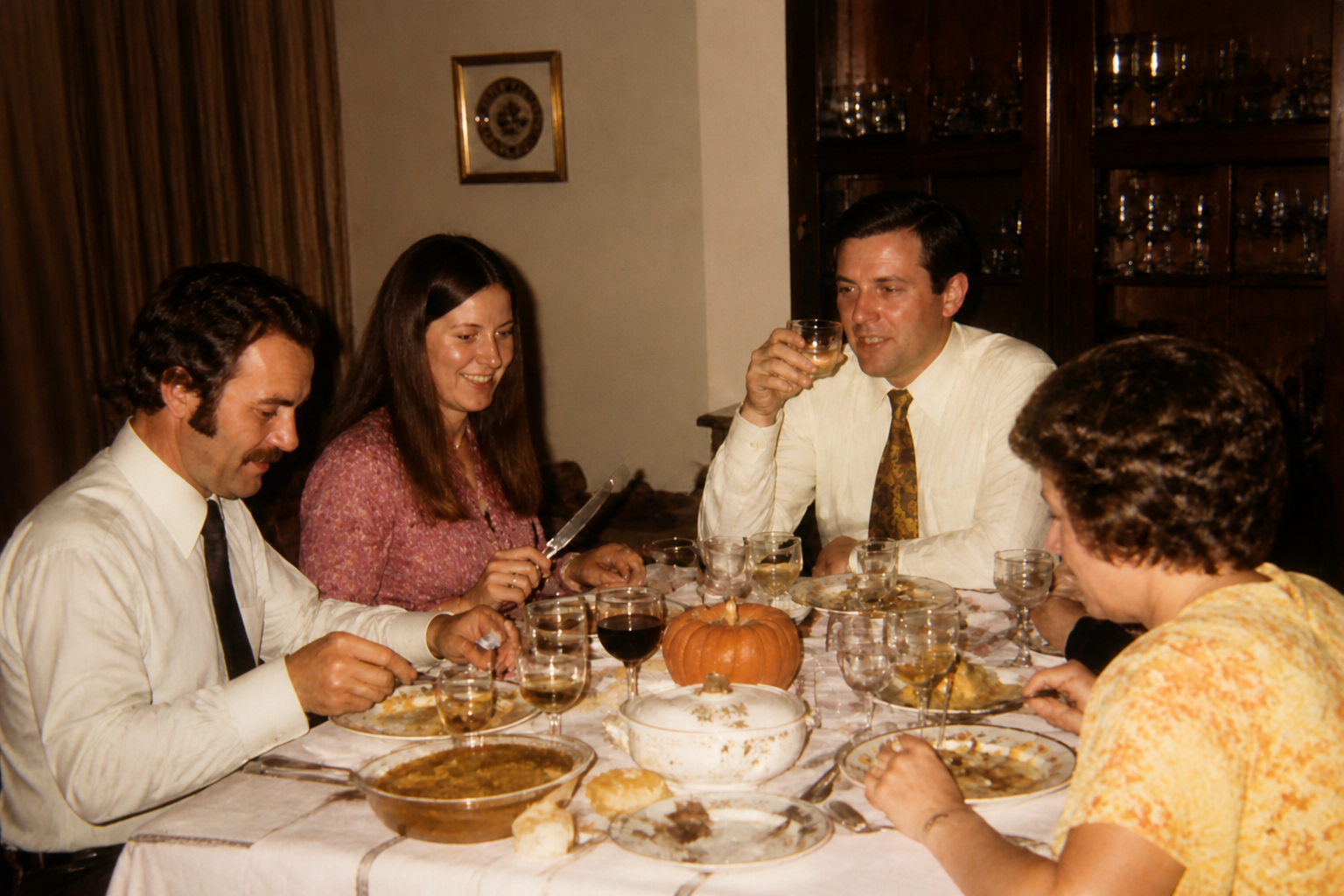 AFTER
AFTER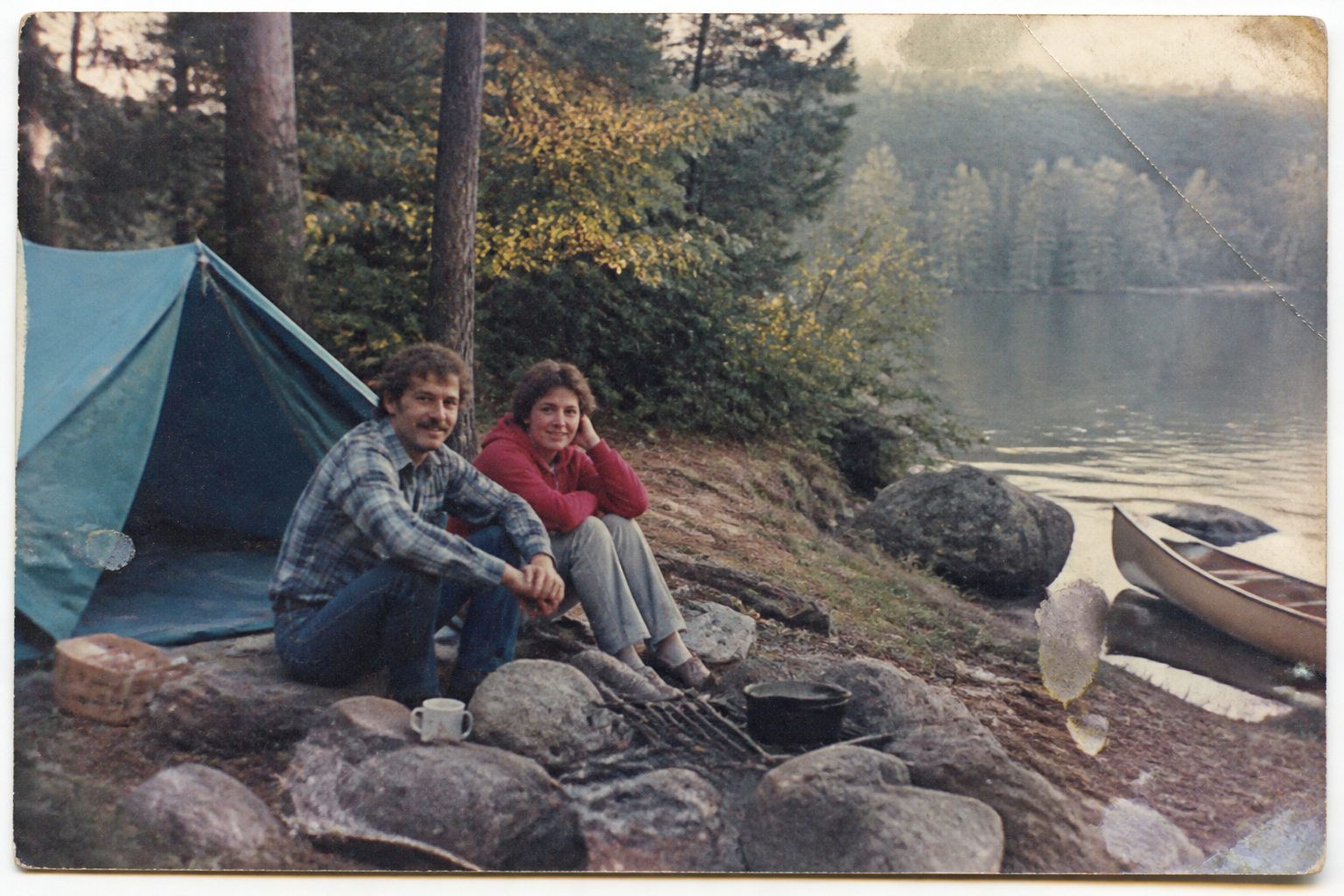 BEFORE
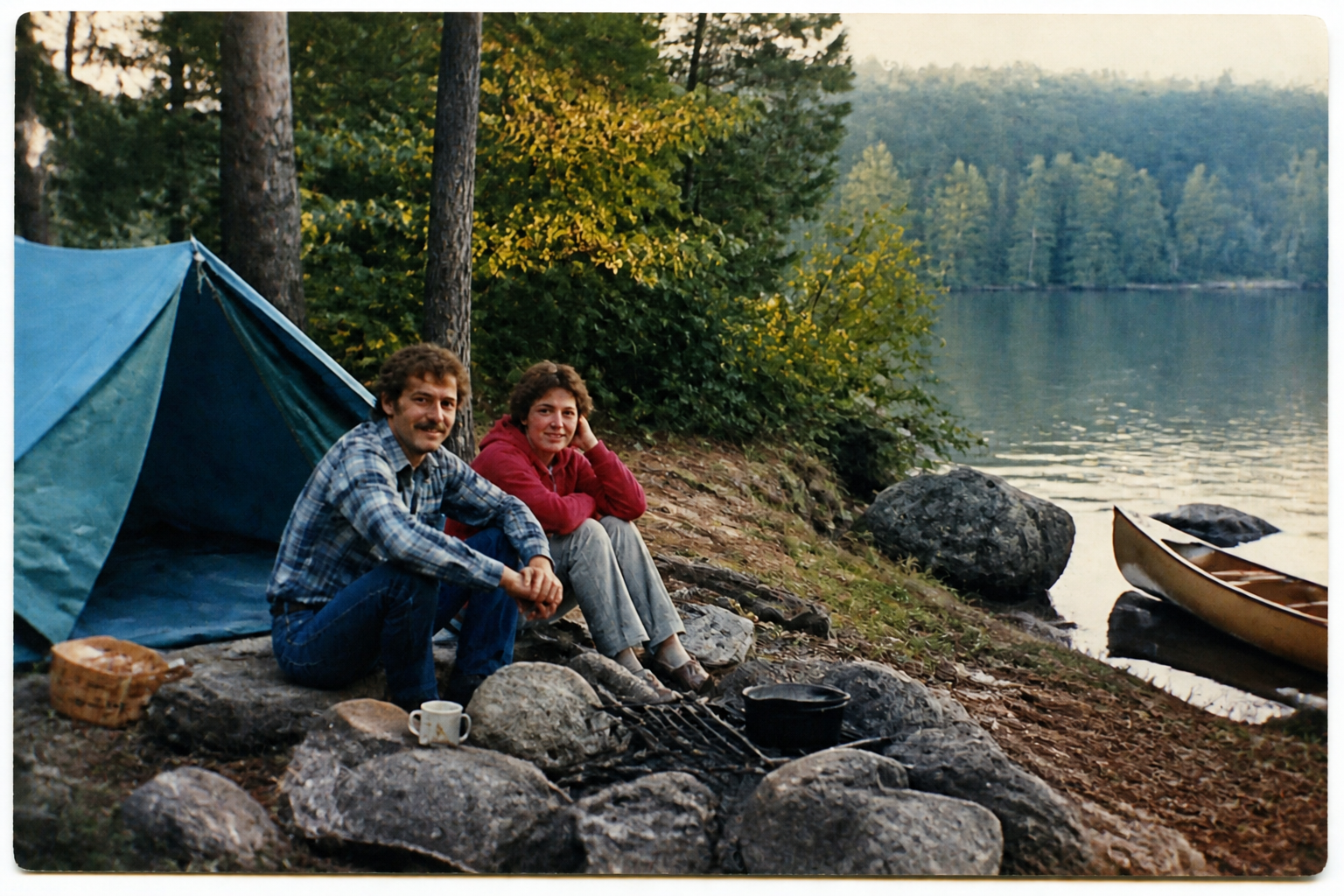 AFTER
AFTER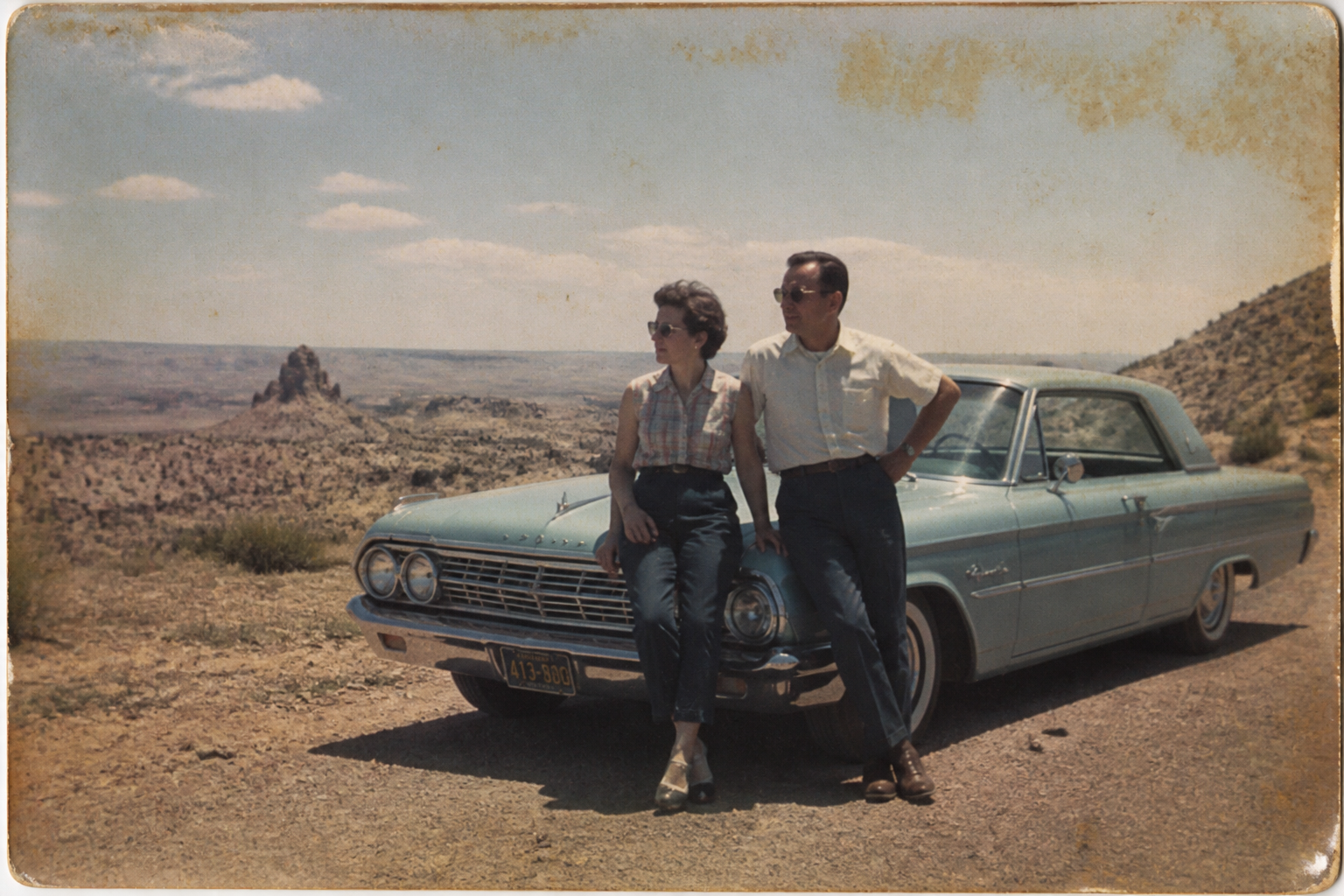 BEFORE
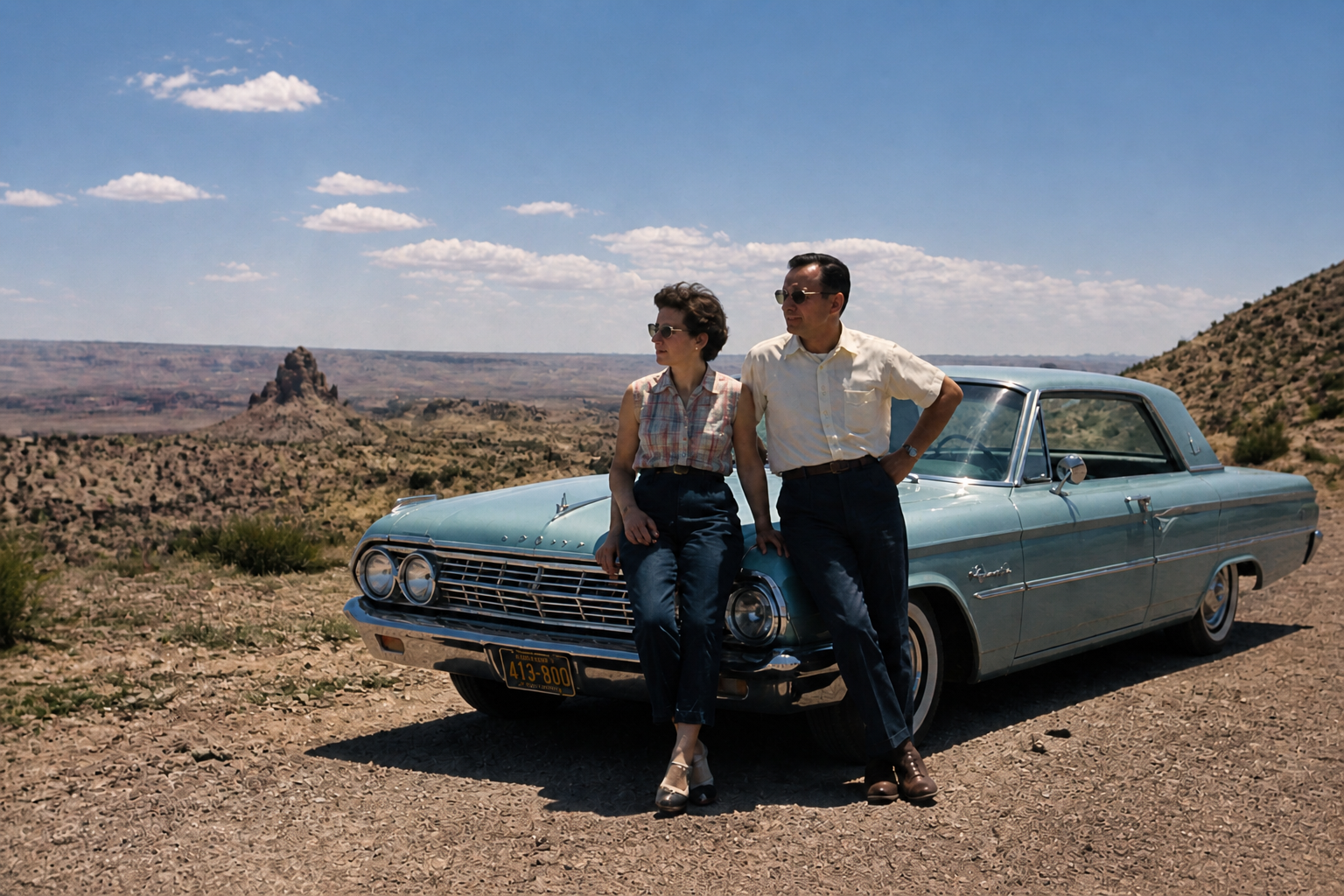 AFTERBEFOREAFTERBEFOREAFTERBEFOREAFTERBEFOREAFTERBEFOREAFTER
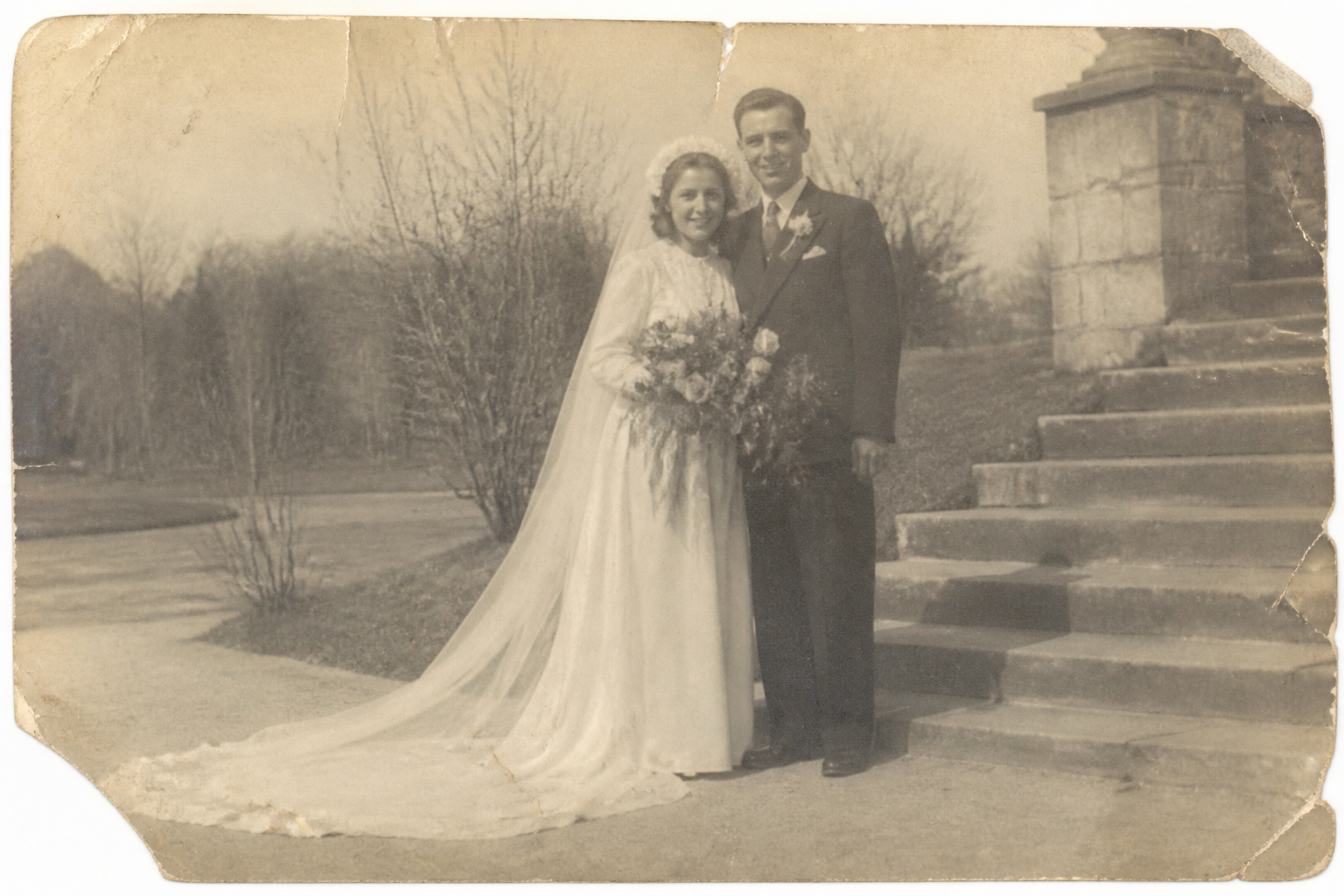 BEFORE
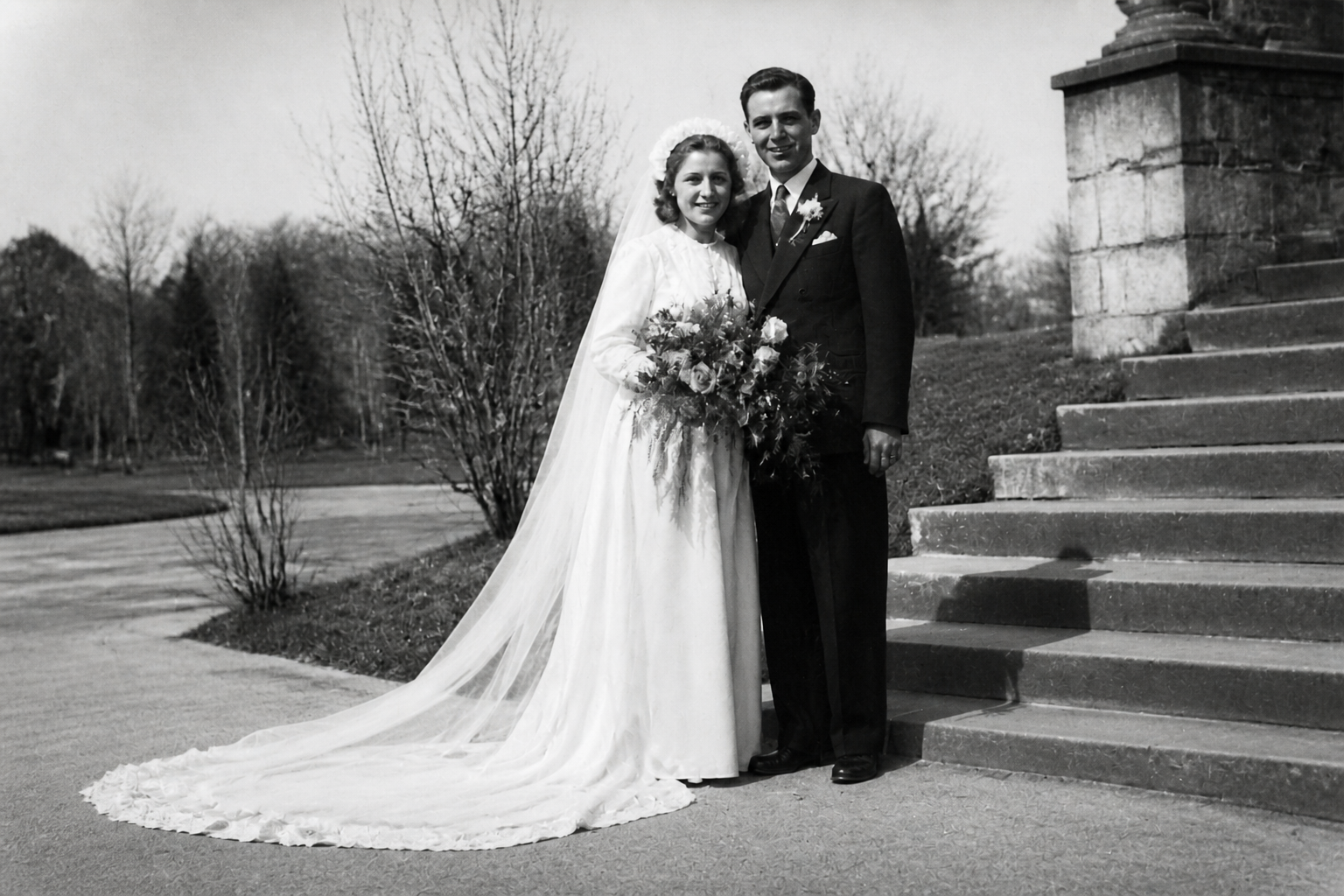 AFTER
AFTER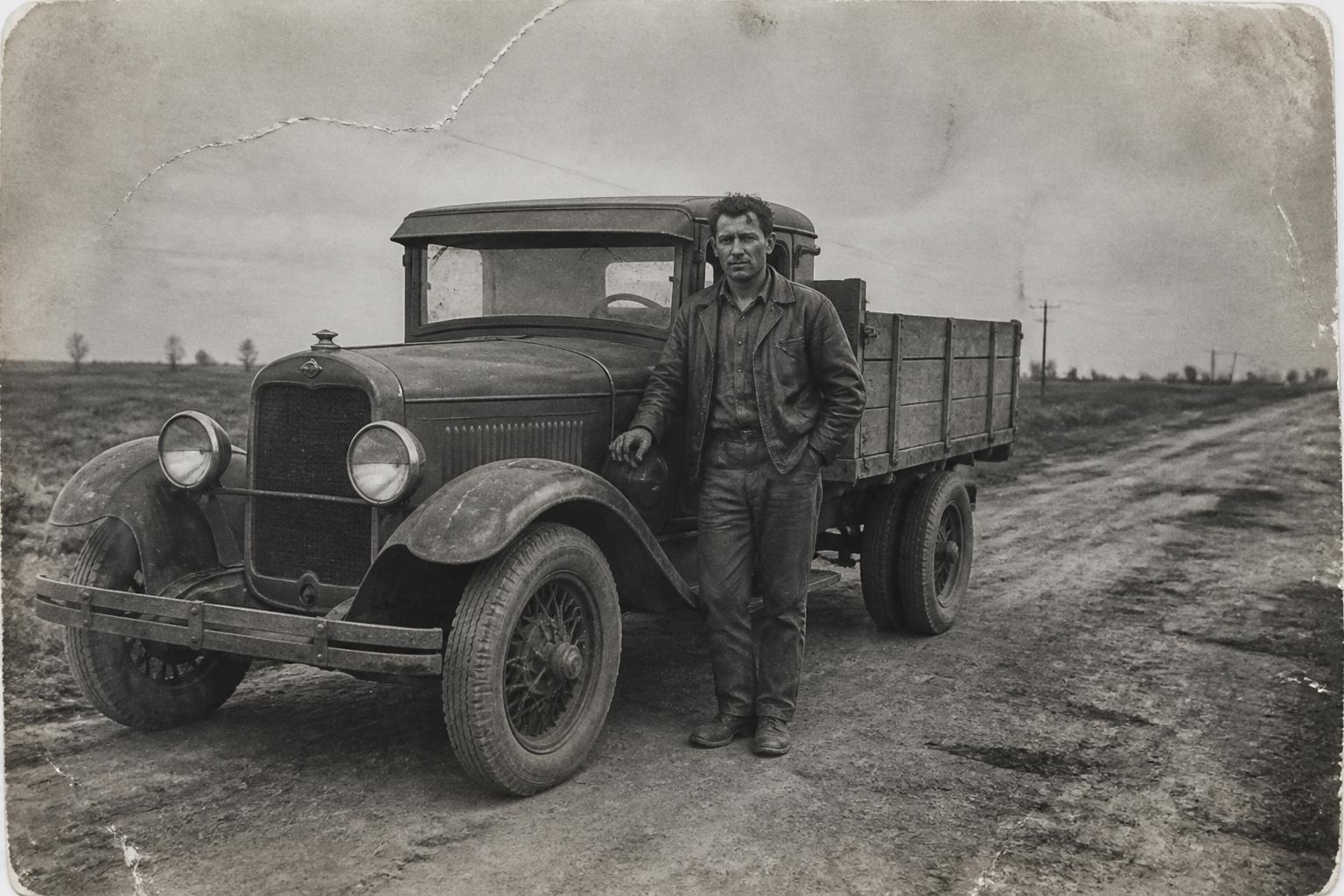 BEFORE
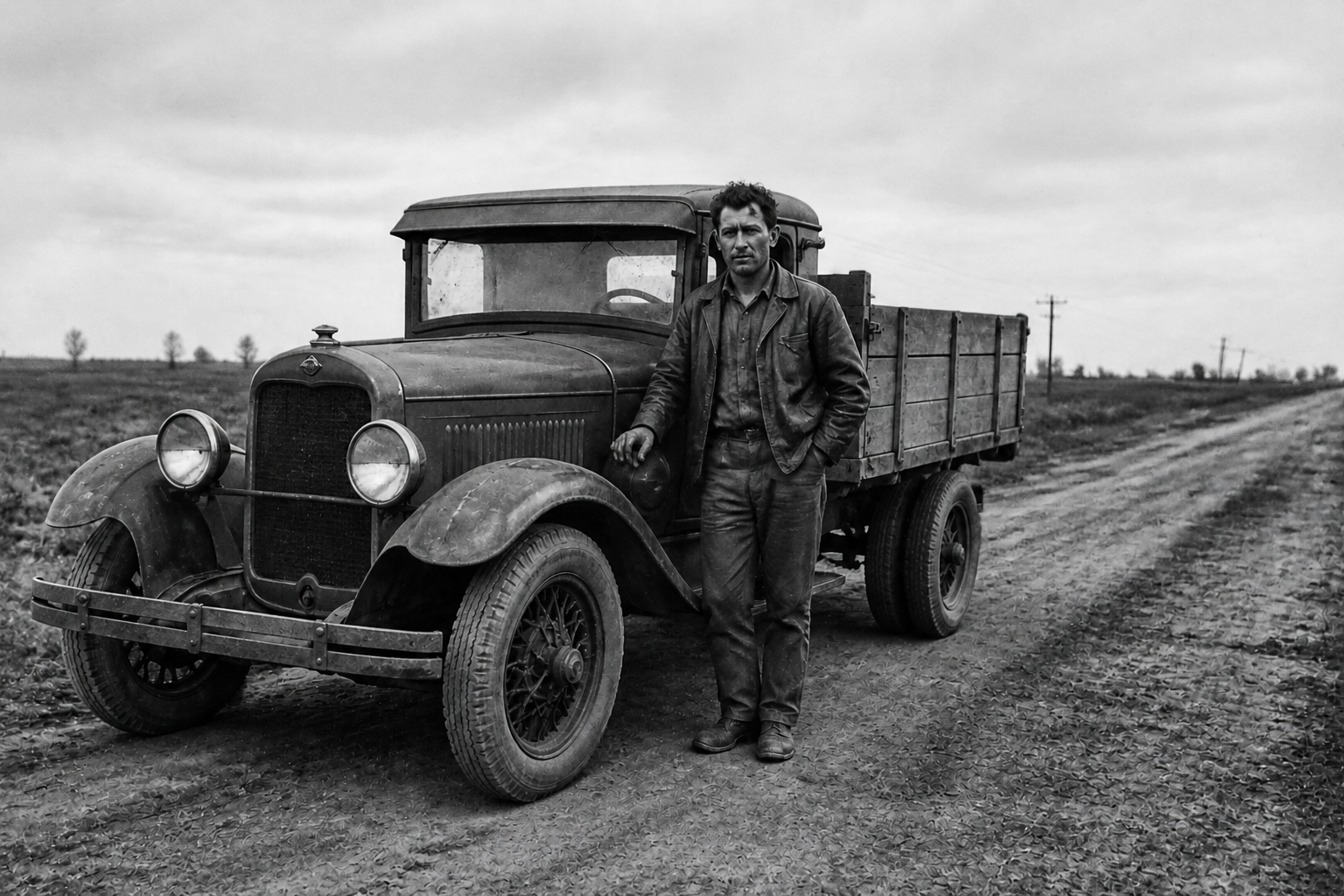 AFTER
AFTER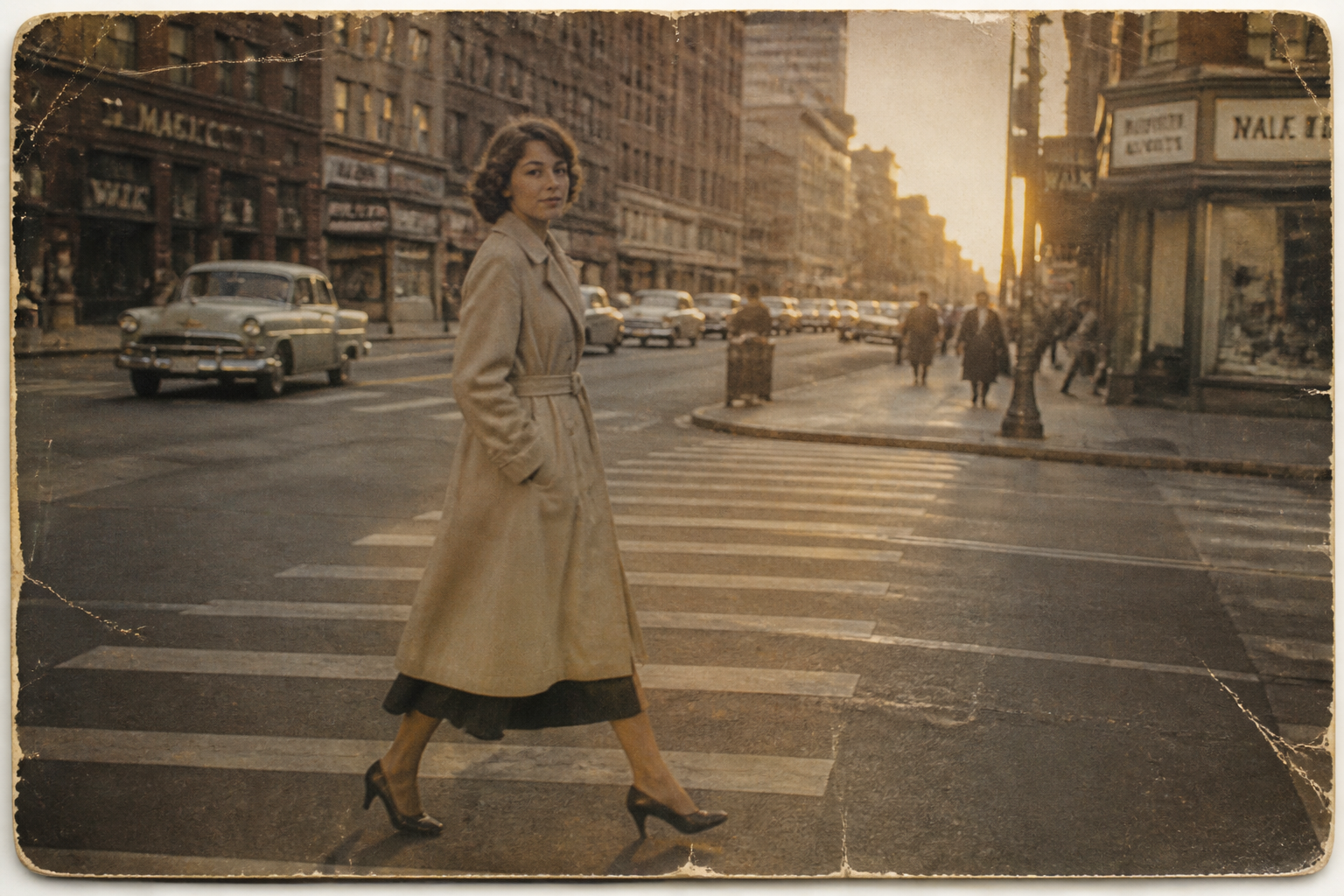 BEFORE
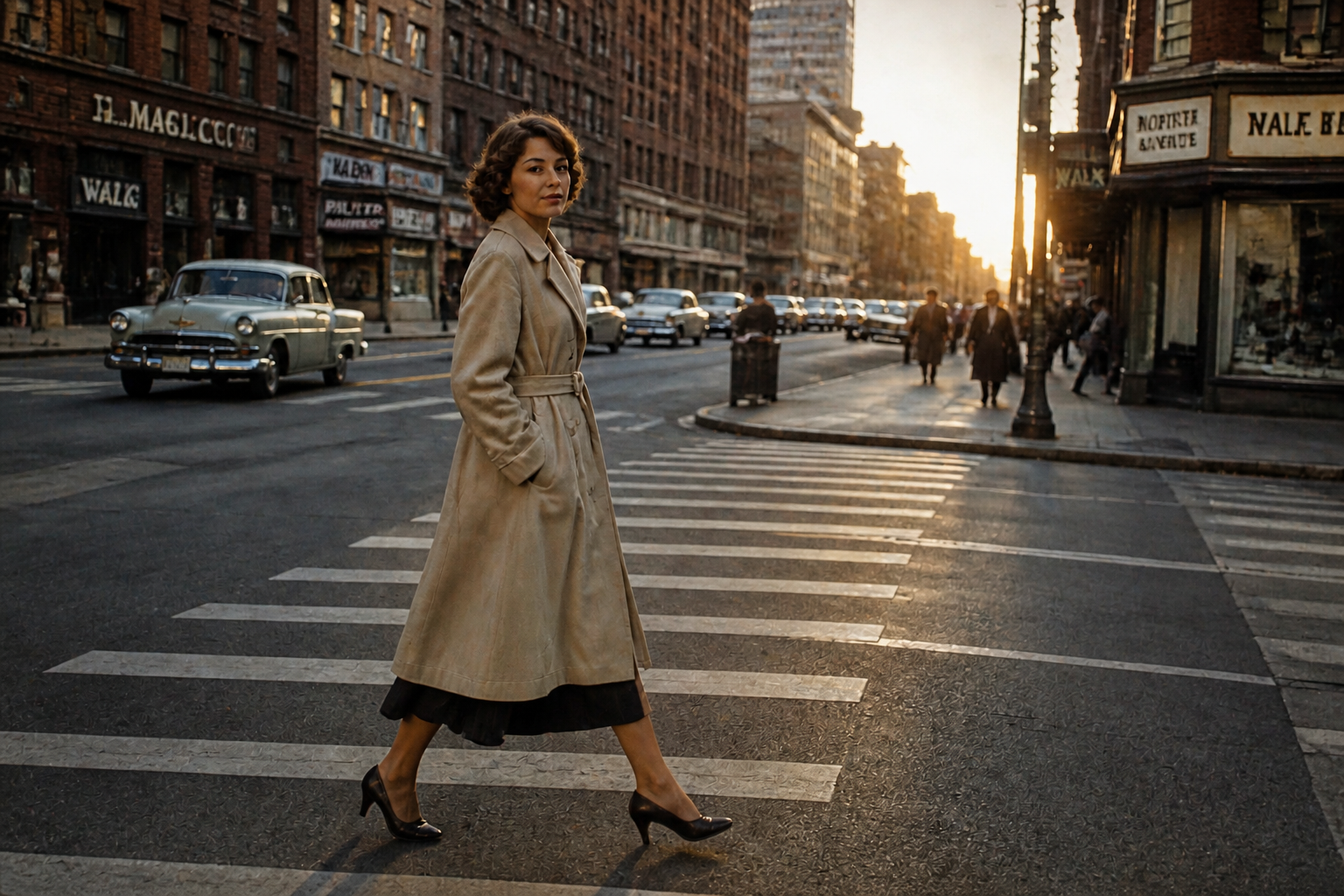 AFTER
AFTER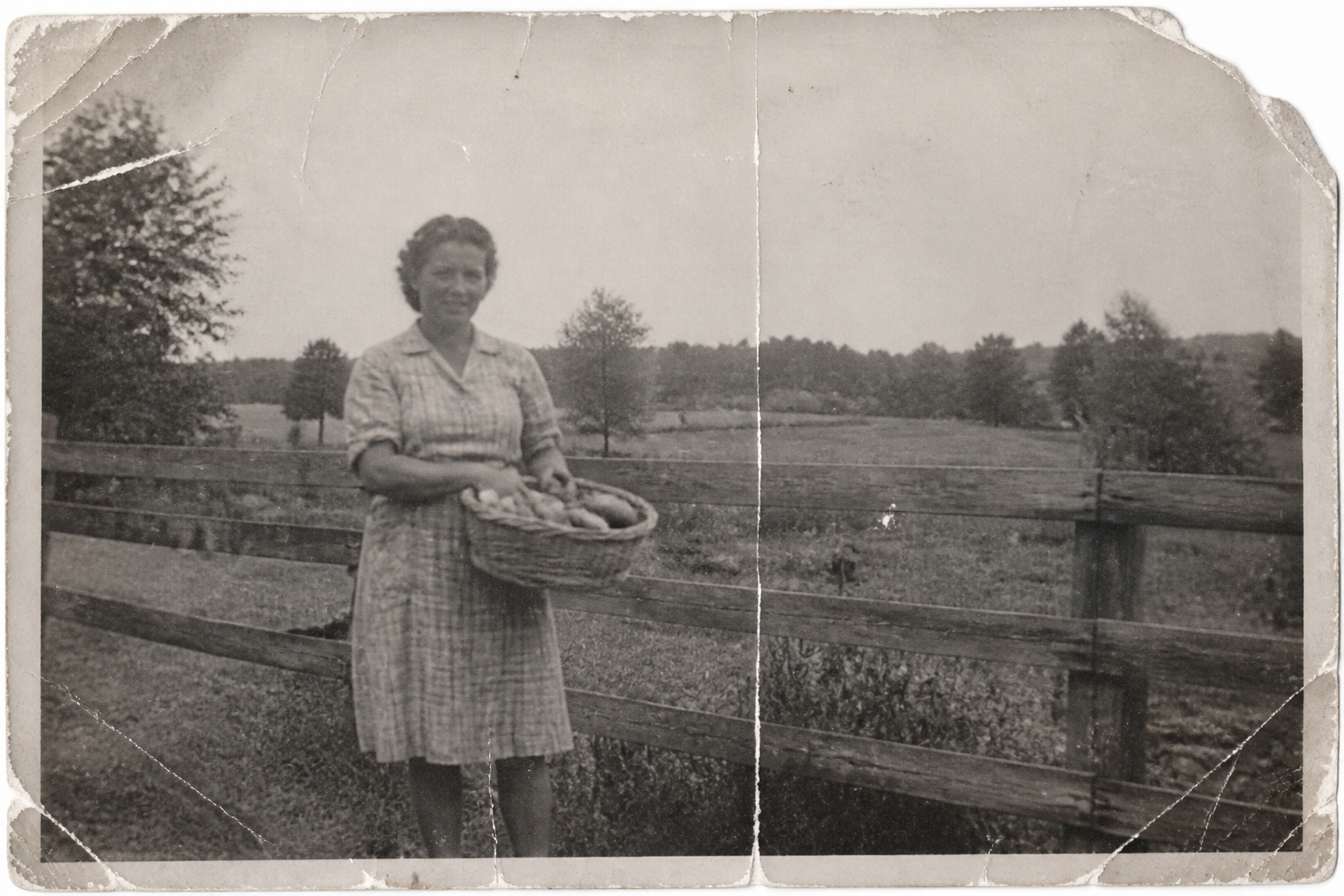 BEFORE
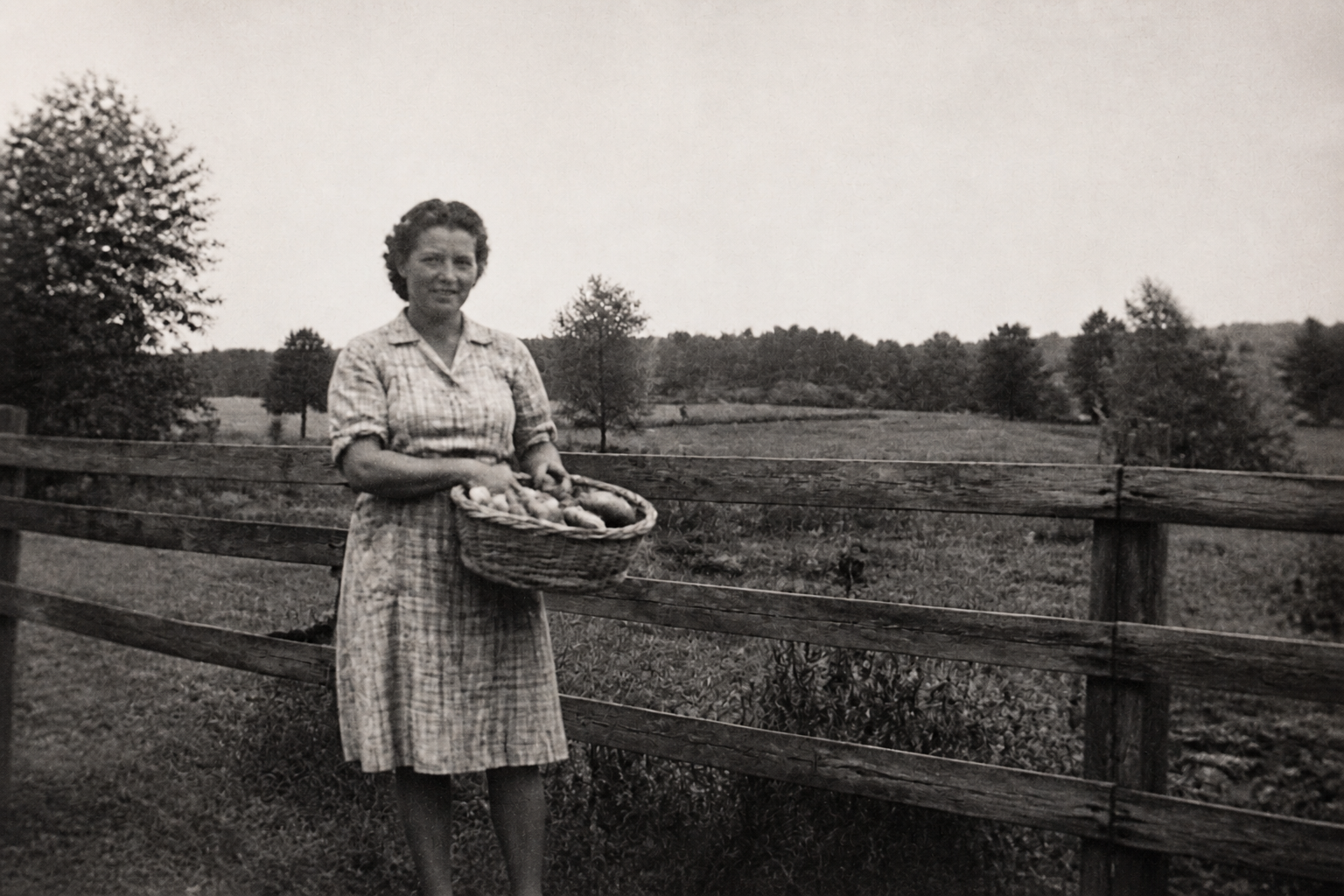 AFTER
AFTER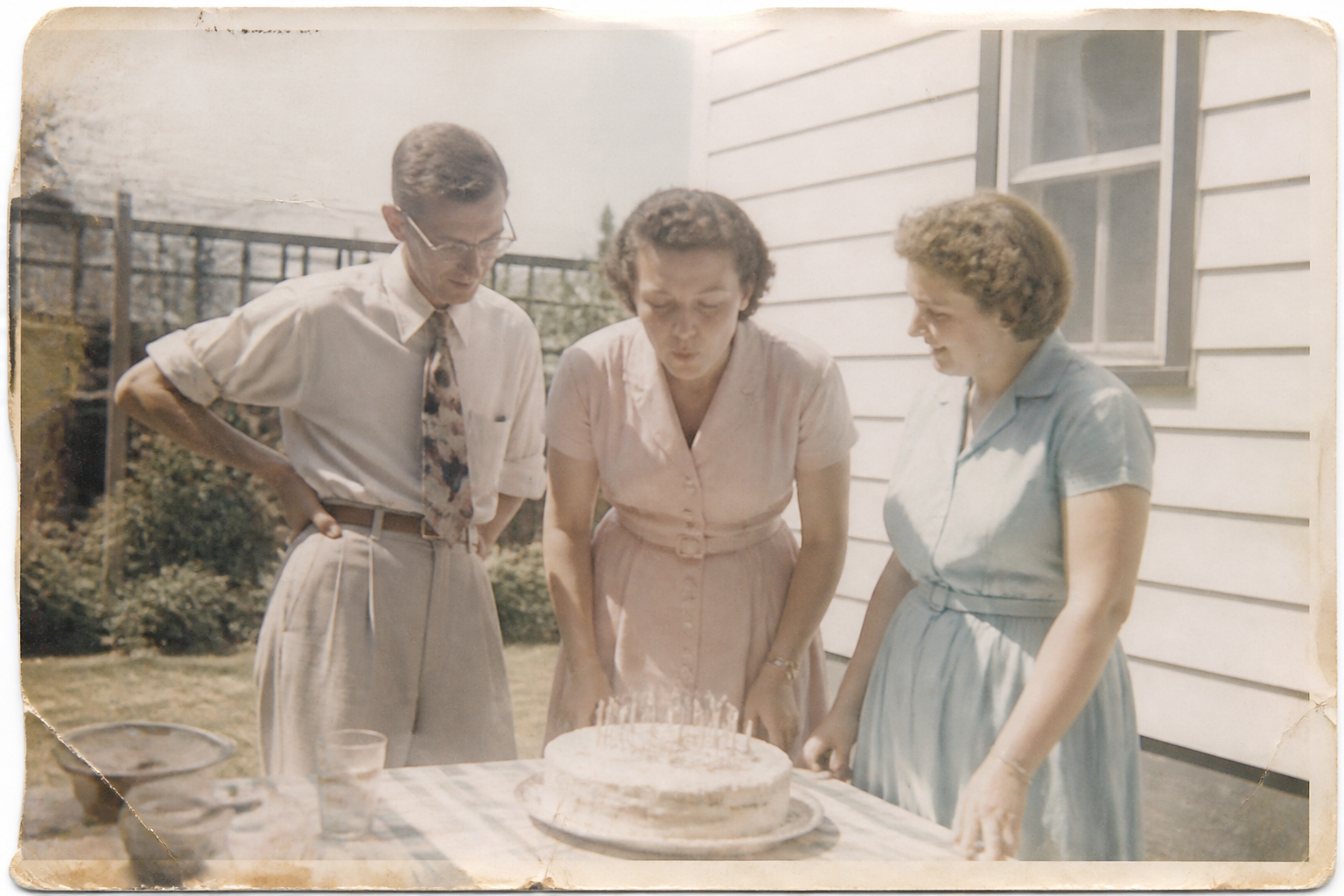 BEFORE
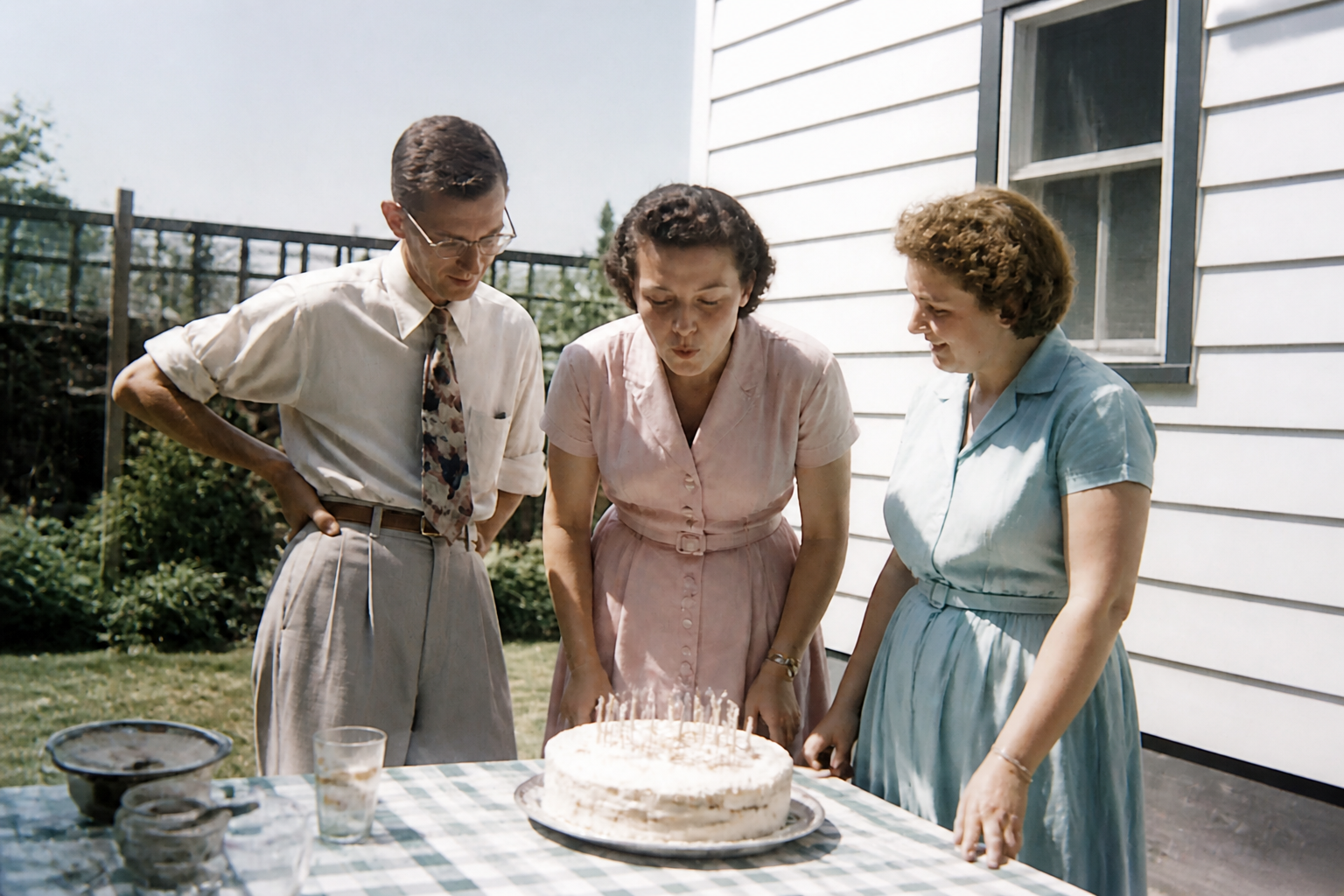 AFTERBEFOREAFTERBEFOREAFTERBEFOREAFTERBEFOREAFTERBEFOREAFTER
Key Features
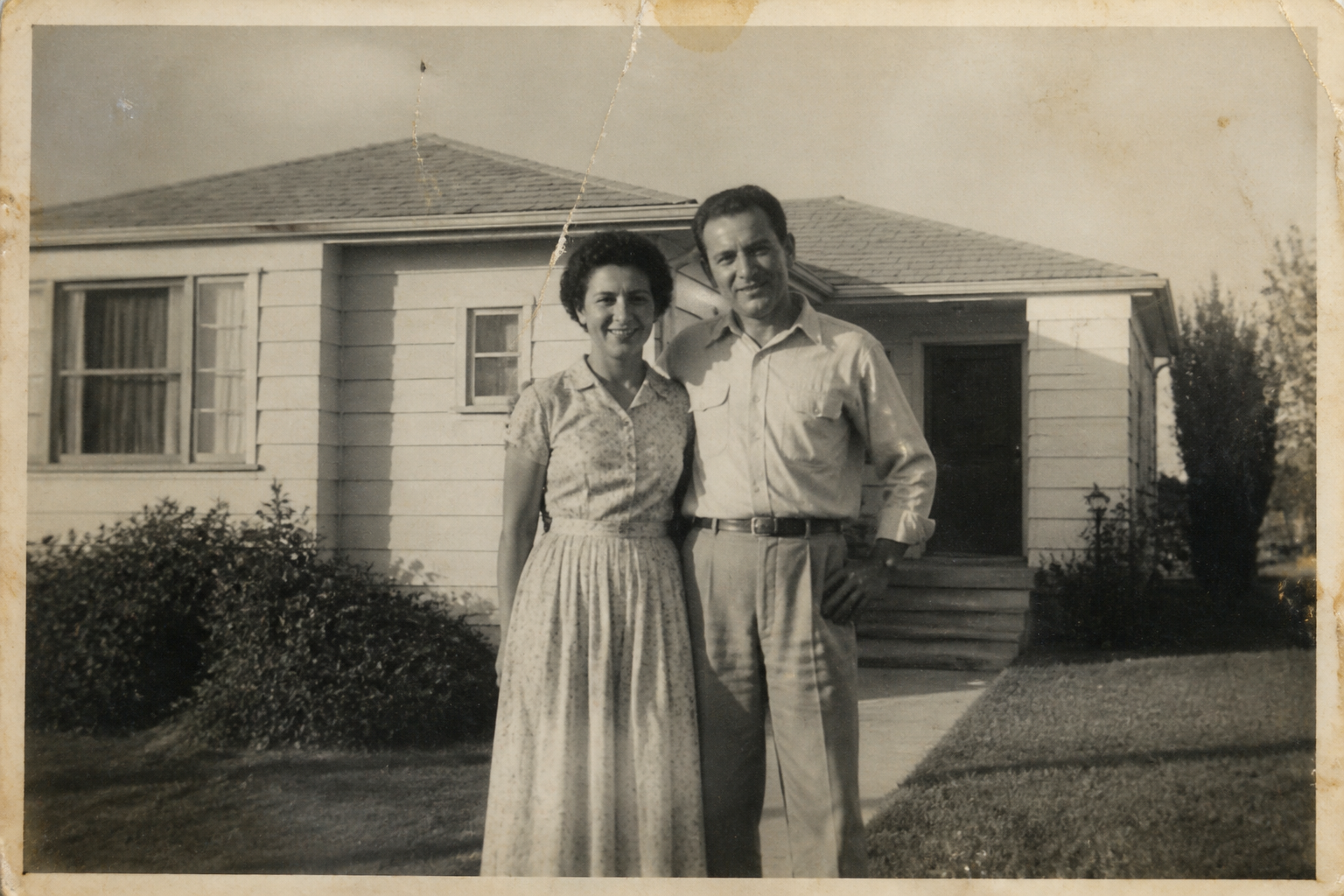
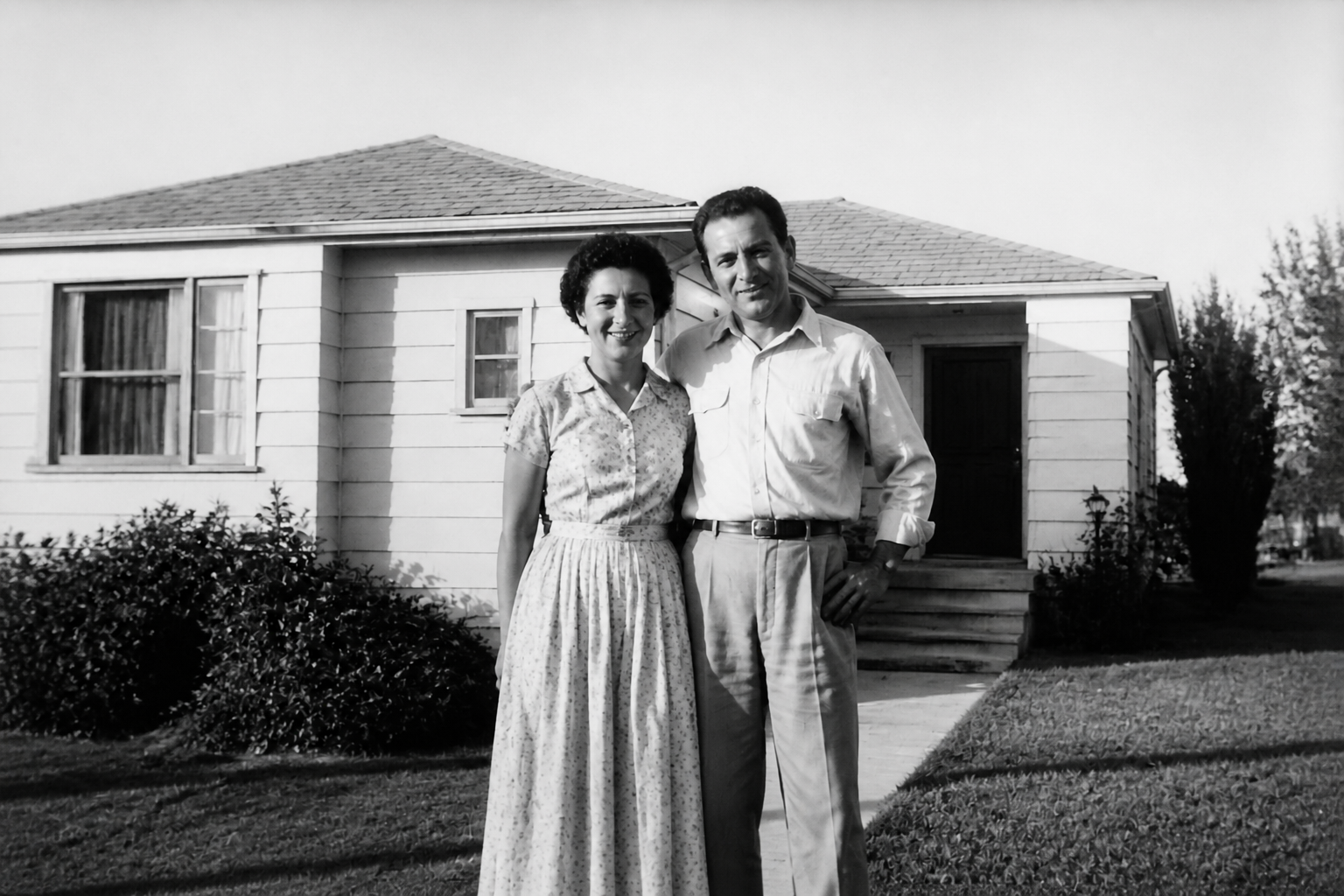
Remove age damage fast
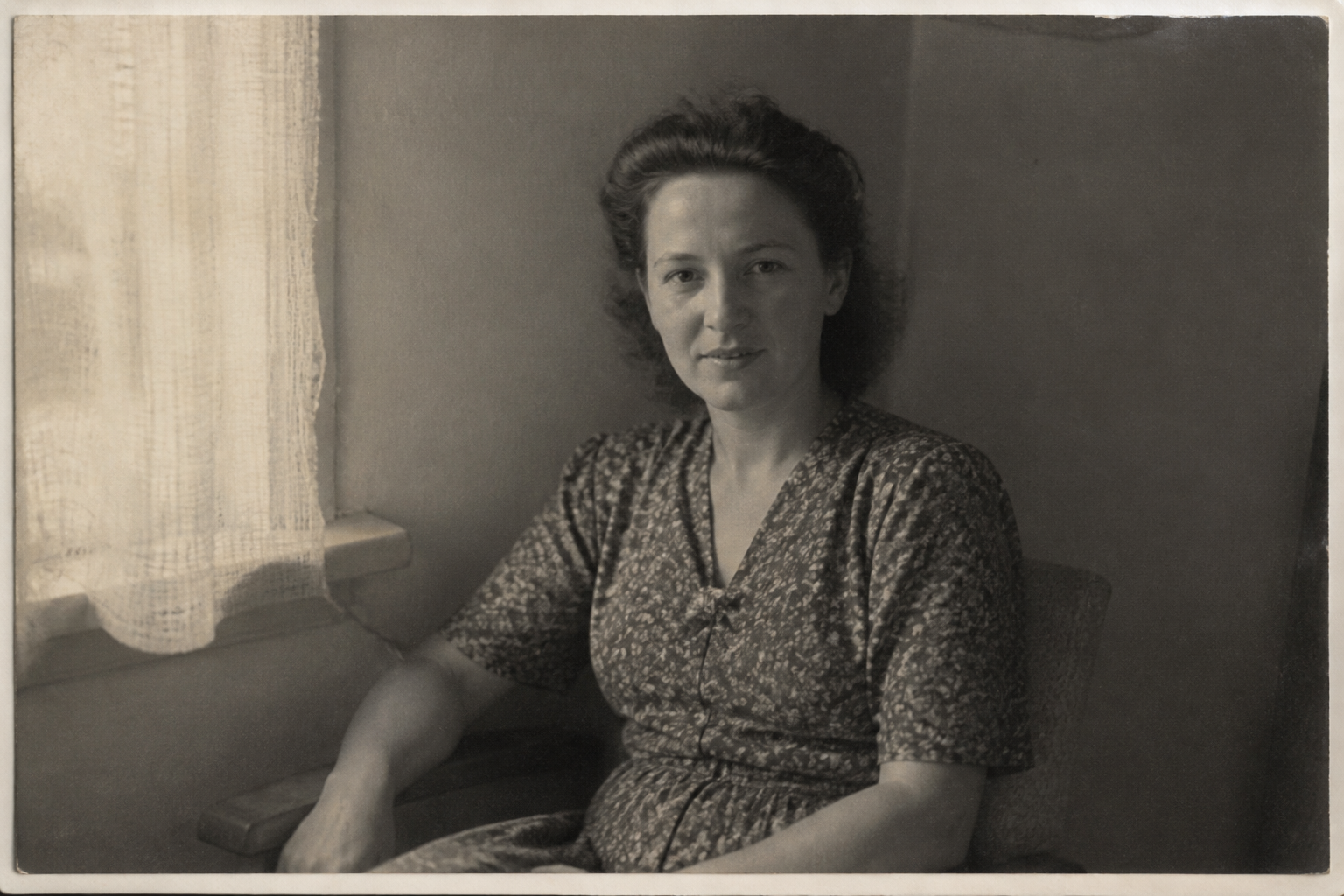
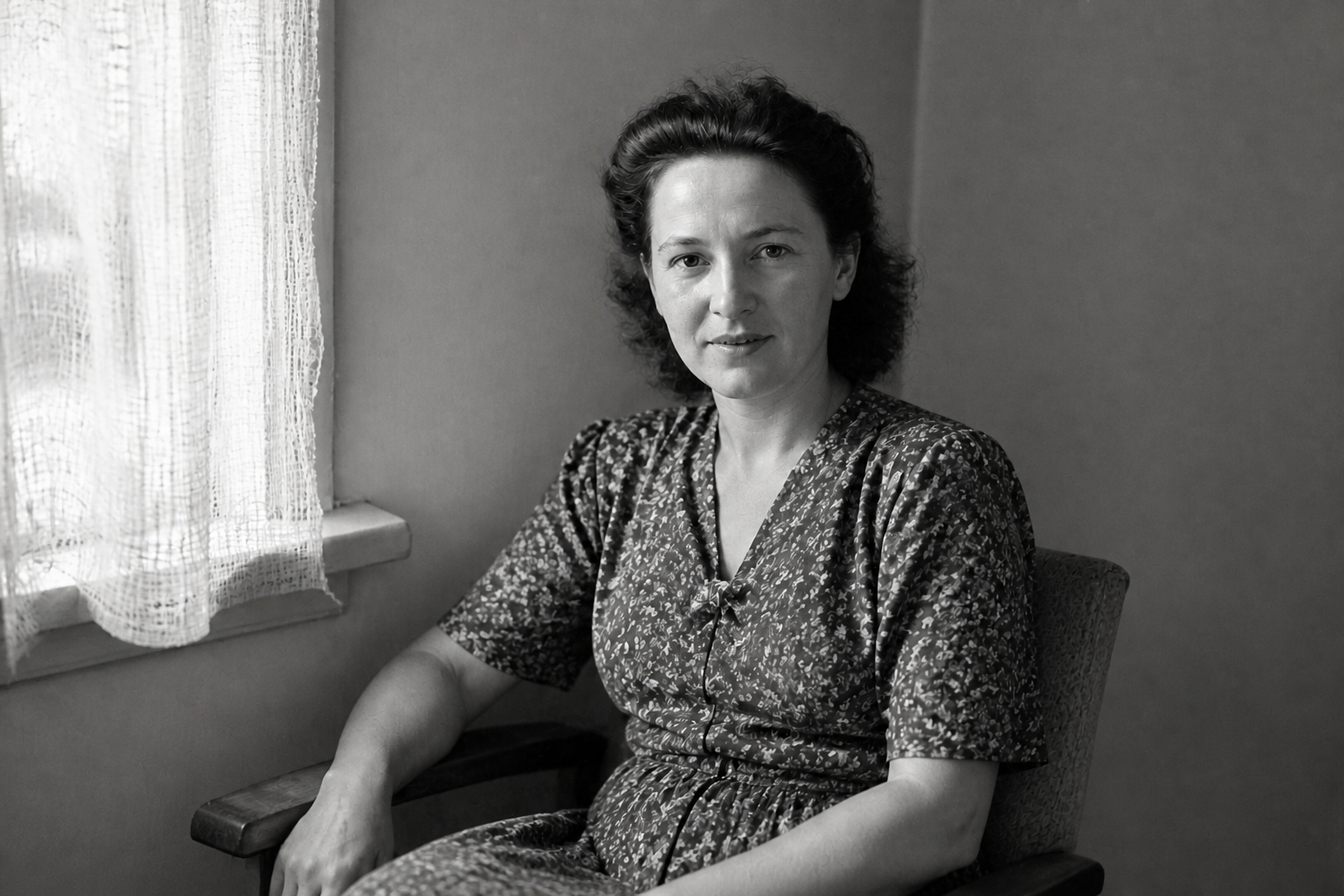
Old prints often carry scratches, dust, fold lines, and stains that are tedious to fix by hand. This tool targets those common defects in one pass, so the photo looks cleaner without rebuilding every area manually. It saves time compared with spot-healing each mark one by one. The result keeps the original image recognizable while clearing away obvious wear.
Recover faded detail
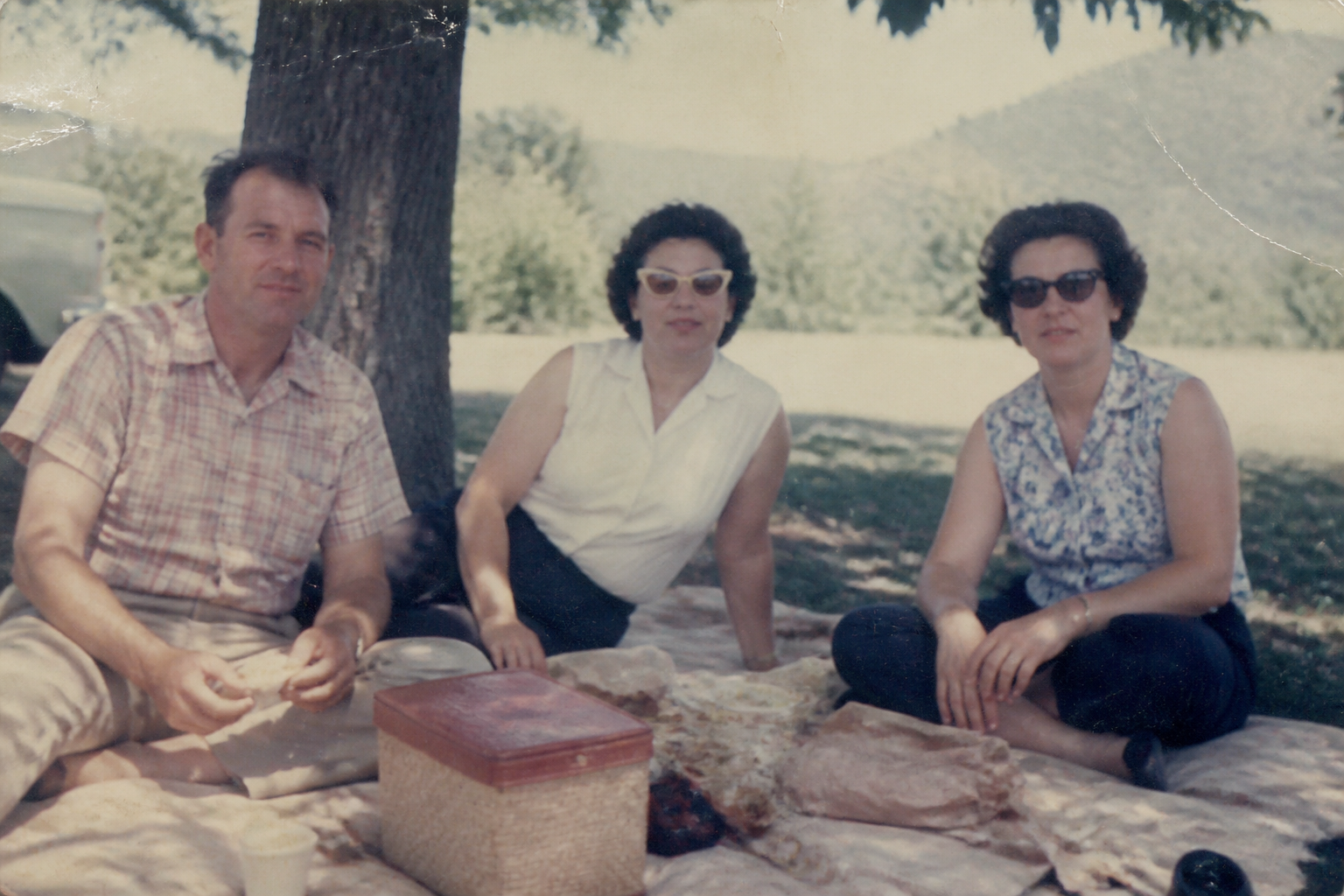
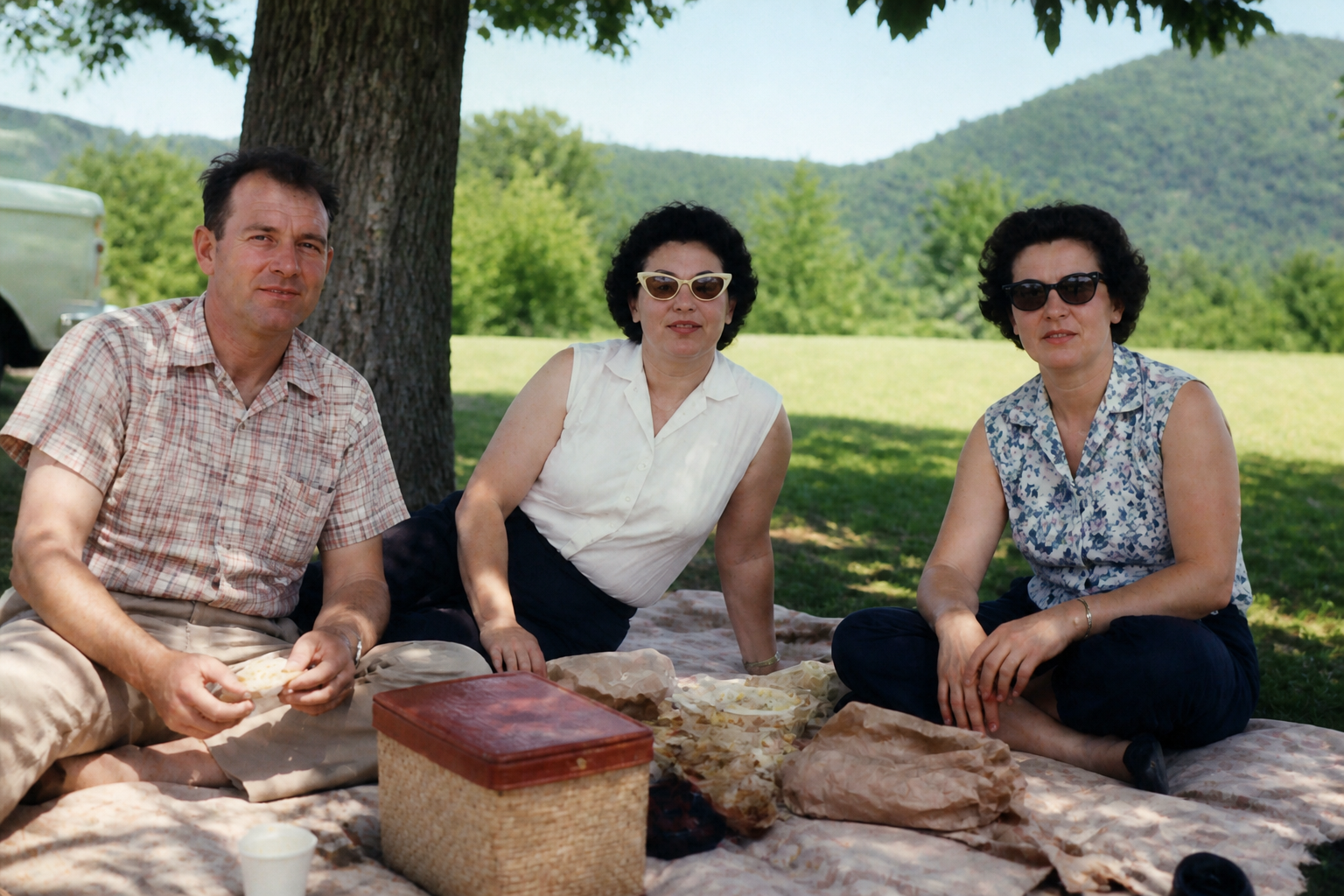
Many old photos lose contrast first, which makes faces, clothing, and backgrounds look flat. This feature brings back tonal separation and clearer edges so the image feels readable again. It helps preserve expressions and small details that matter in family photos. You get a stronger result without needing to understand curves, masks, or manual sharpening.
Keep the original scene
Restoration should improve the photo, not rewrite it. The edit keeps the same people, pose, framing, and background while cleaning damage and improving clarity. That matters when you are preserving family history or archive images. It is a practical alternative to aggressive edits that can make a restored picture feel like a different photo.
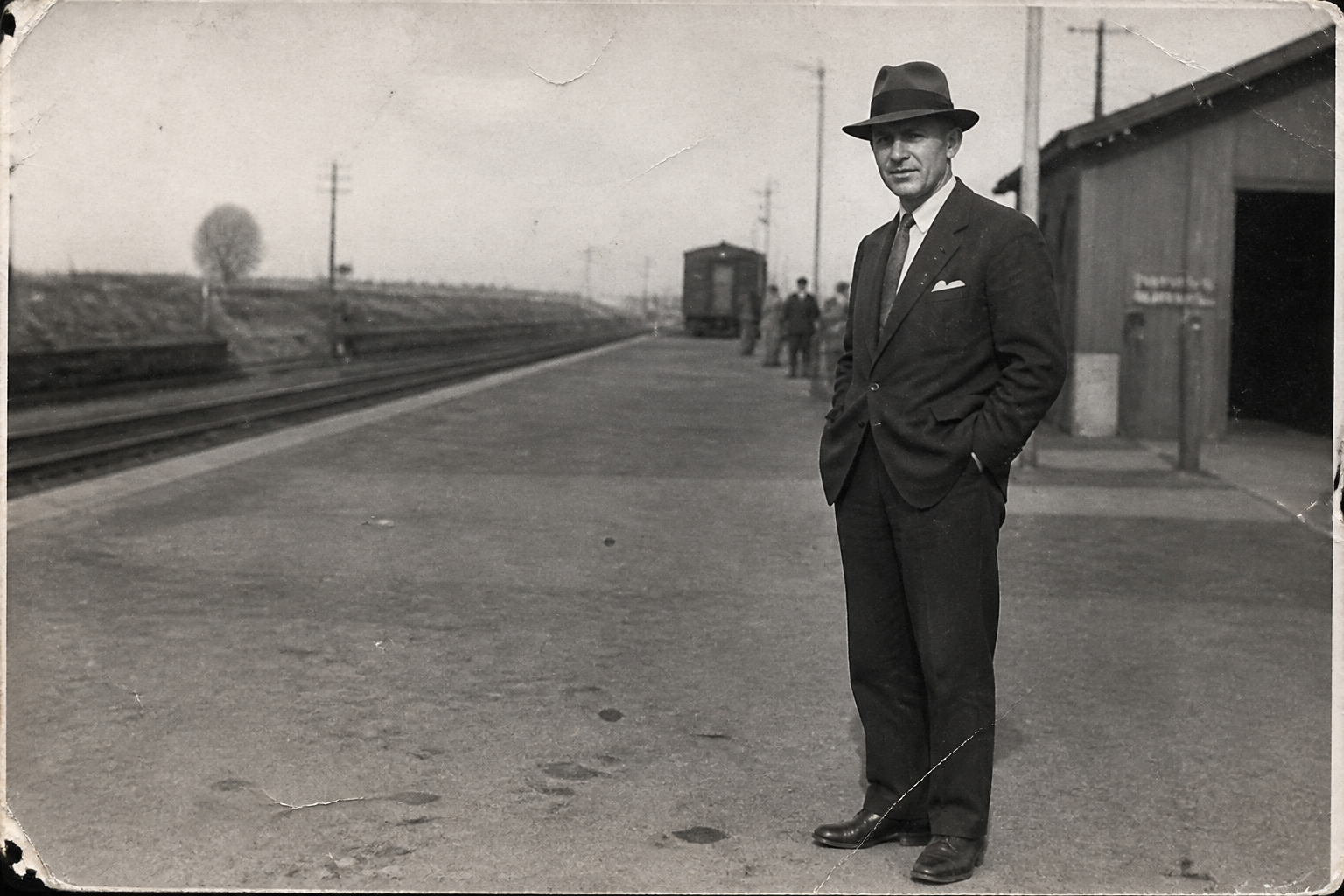
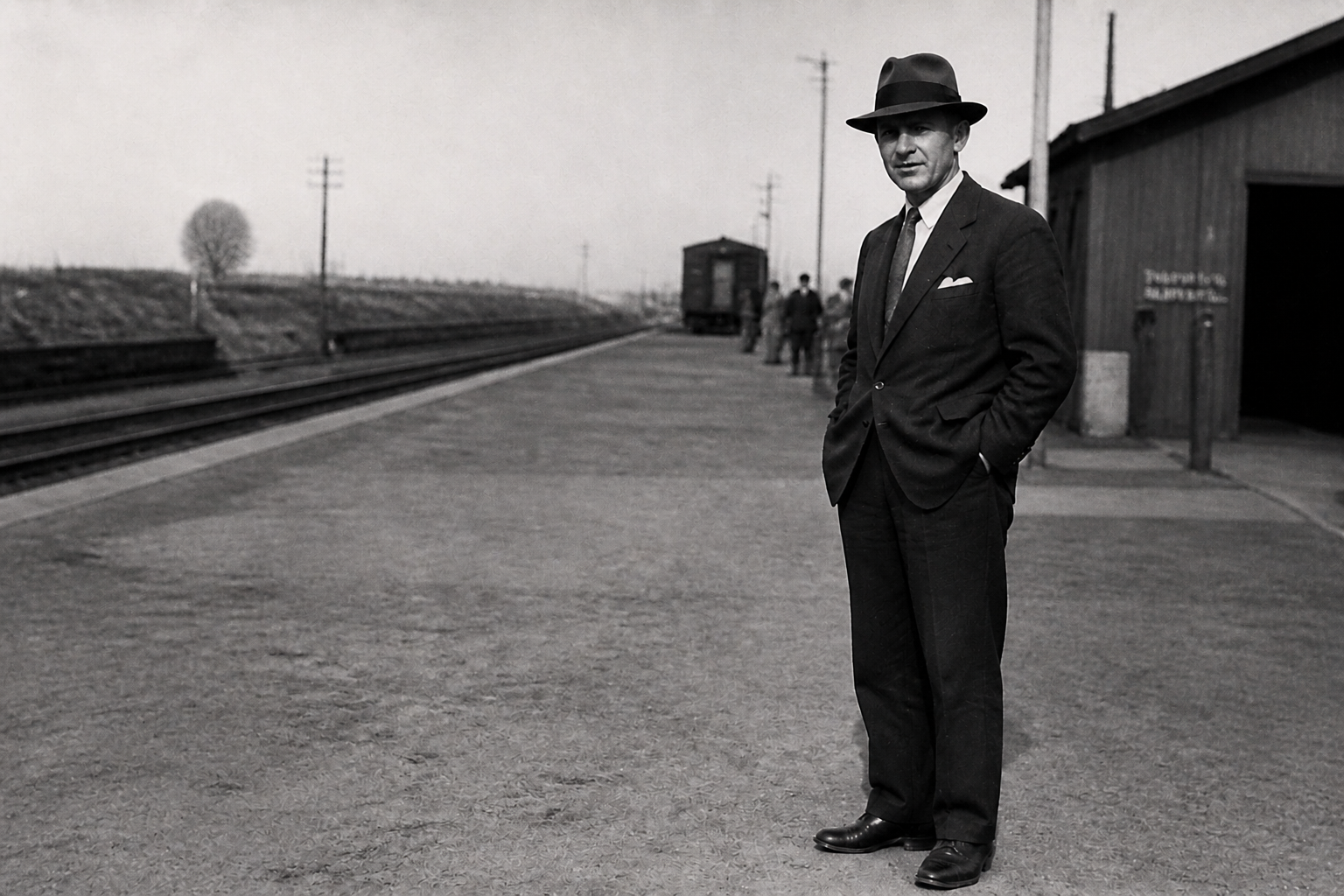
Works on color or mono
Some old photos are color prints with fading, while others are black-and-white with contrast loss and paper damage. The tool handles both formats, so you can use the same workflow across mixed family collections. That makes it useful for albums spanning decades. You spend less time switching techniques and more time saving the photos that matter.
How It Works
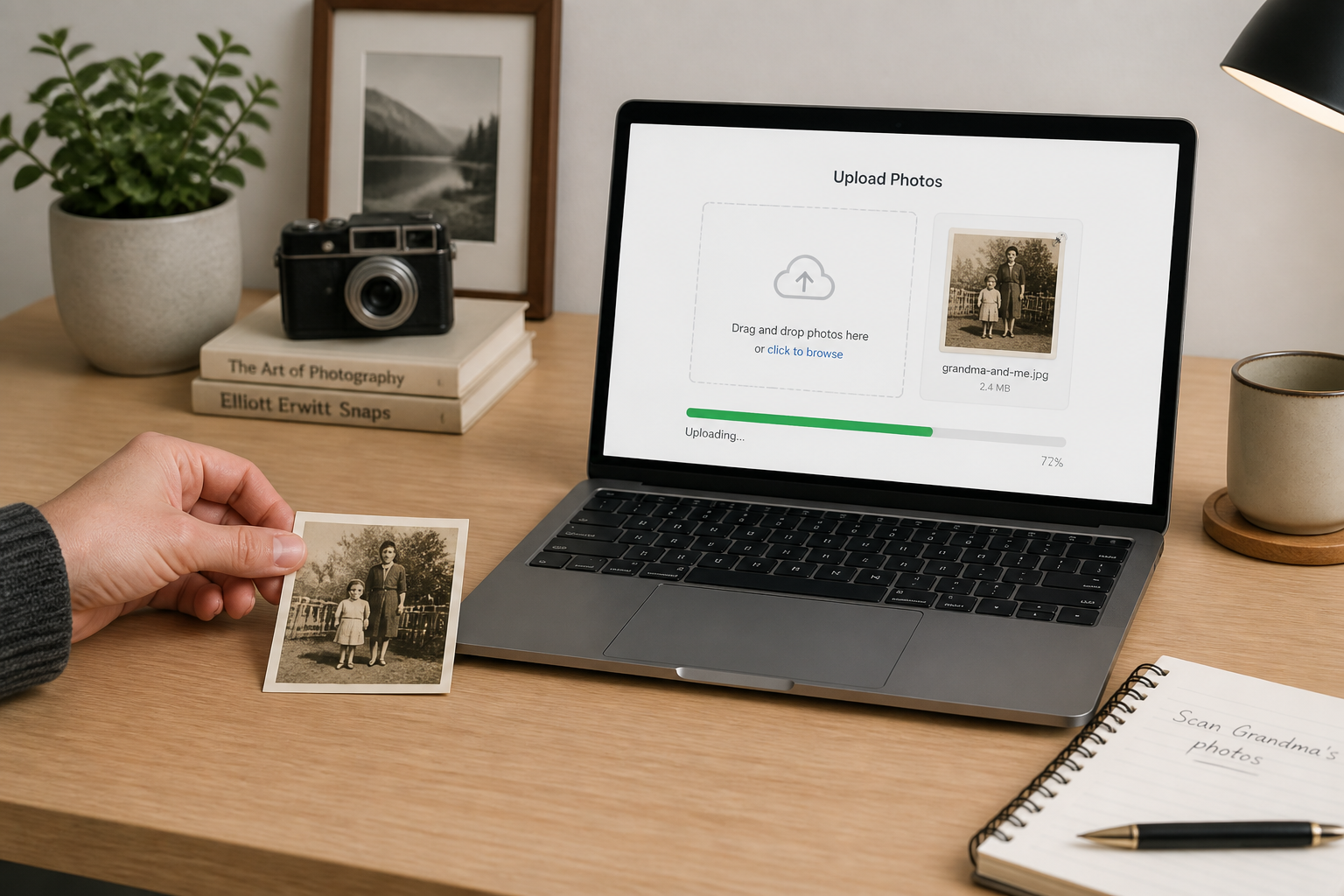
Upload your photo
Start with a scan or phone capture of your old print. Clear, well-lit uploads usually give the best restoration result, even if the image has heavy fading or scratches.
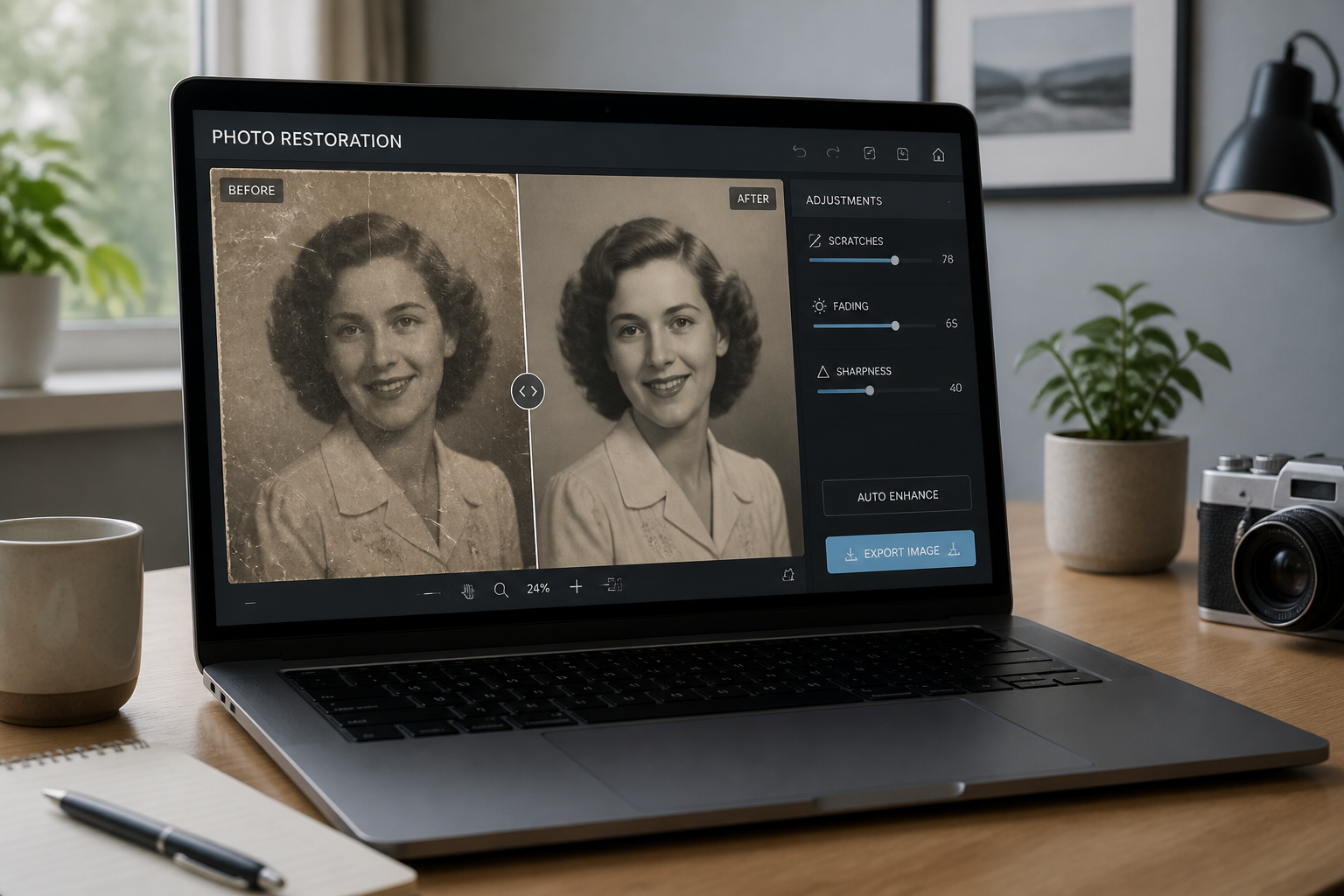
Choose the restoration
Tell the tool what you want fixed, such as scratches, fading, stains, blur, or crease lines. You can keep the request broad for a full cleanup or focus on the main damage first.
Review and download
Compare the restored version with the original and check that the faces, pose, and scene still feel true to the photo. When it looks right, save the cleaned image for printing, archiving, or sharing.
Perfect For
Discover how creators and professionals use ai old photo restoration
Family photo albums
Repair worn prints before digitizing a family archive or sharing old memories with relatives.
Memorial slideshows
Clean up important portraits so they look clearer in printed boards, video tributes, and keepsakes.
Genealogy projects
Make historical family images easier to view, label, and preserve in research collections.
Print reissues
Restore damaged snapshots so they are suitable for new prints, frames, or photo books.
Built For
Families preserving memories
Useful for anyone scanning old albums and trying to save important photos without learning advanced retouching.
Archivists and hobby historians
Helps clean personal collections and historical images while keeping the original composition intact.
Creators making tribute media
A practical option for clearer legacy photos in slideshows, montages, memory books, and social posts.
Why people use BudgetPixel for old photo repair
A quick look at how we compare on the things that matter for this niche.
| Feature | BudgetPixel | Generic AI editors | Manual editing apps |
|---|---|---|---|
| Made for photo restoration | ✓ | — | — |
| Removes scratches and fading | ✓ | ✓ | ✓ |
| Keeps original composition | ✓ | — | ✓ |
| Fast results | ✓ | ✓ | — |
| Manual retouching required | — | — | High |
Frequently Asked Questions
What kinds of damage can this tool fix?
Will it change the person in the photo?
Does it work on black-and-white photos?
Do I need a high-quality scan?
Can I print the restored image afterward?
Create together.
Share your creations, discover trending AI art, and grow with fellow creators.