AI Black and White Photo Colorizer
Turn old monochrome photos into lifelike color images in minutes.
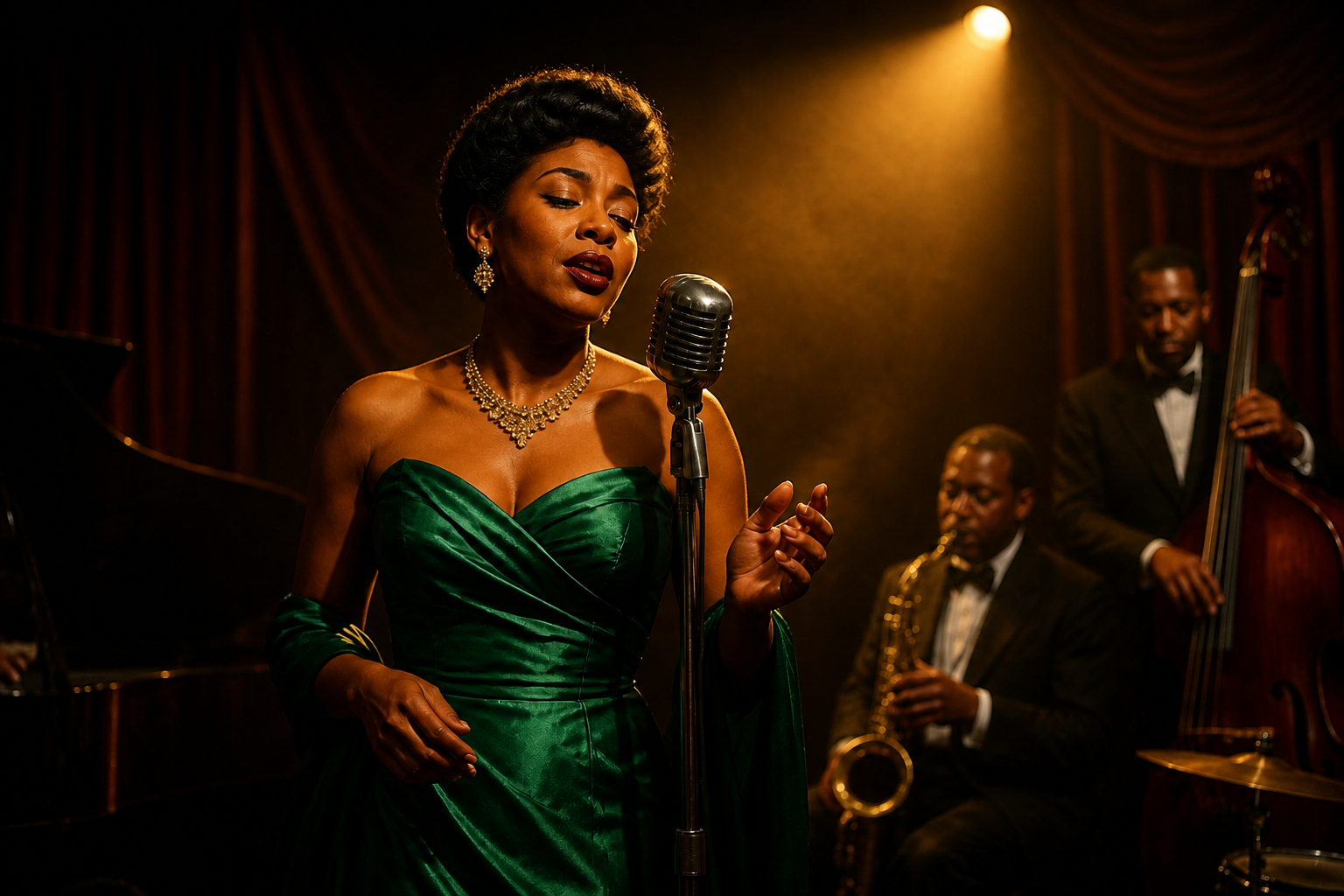
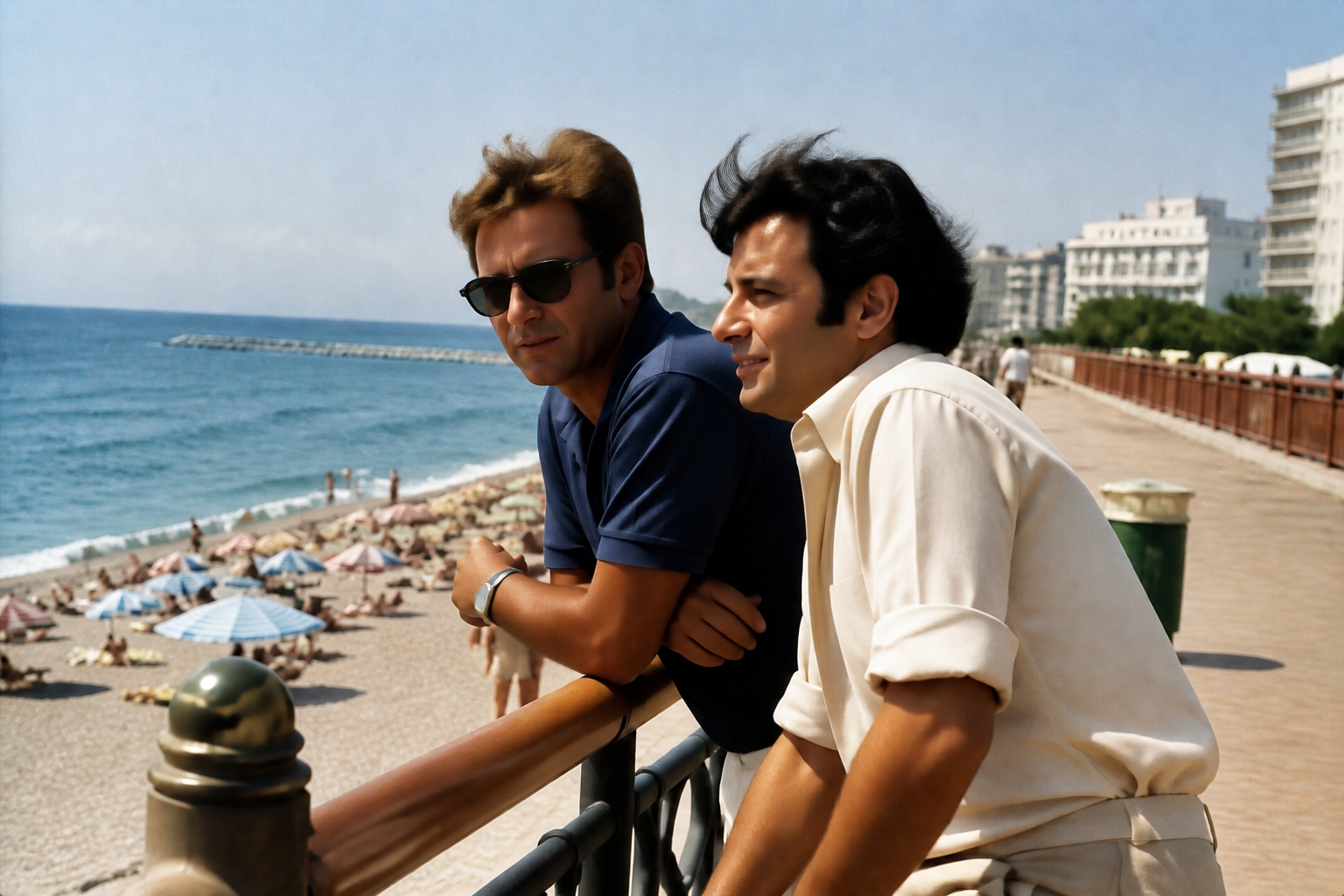
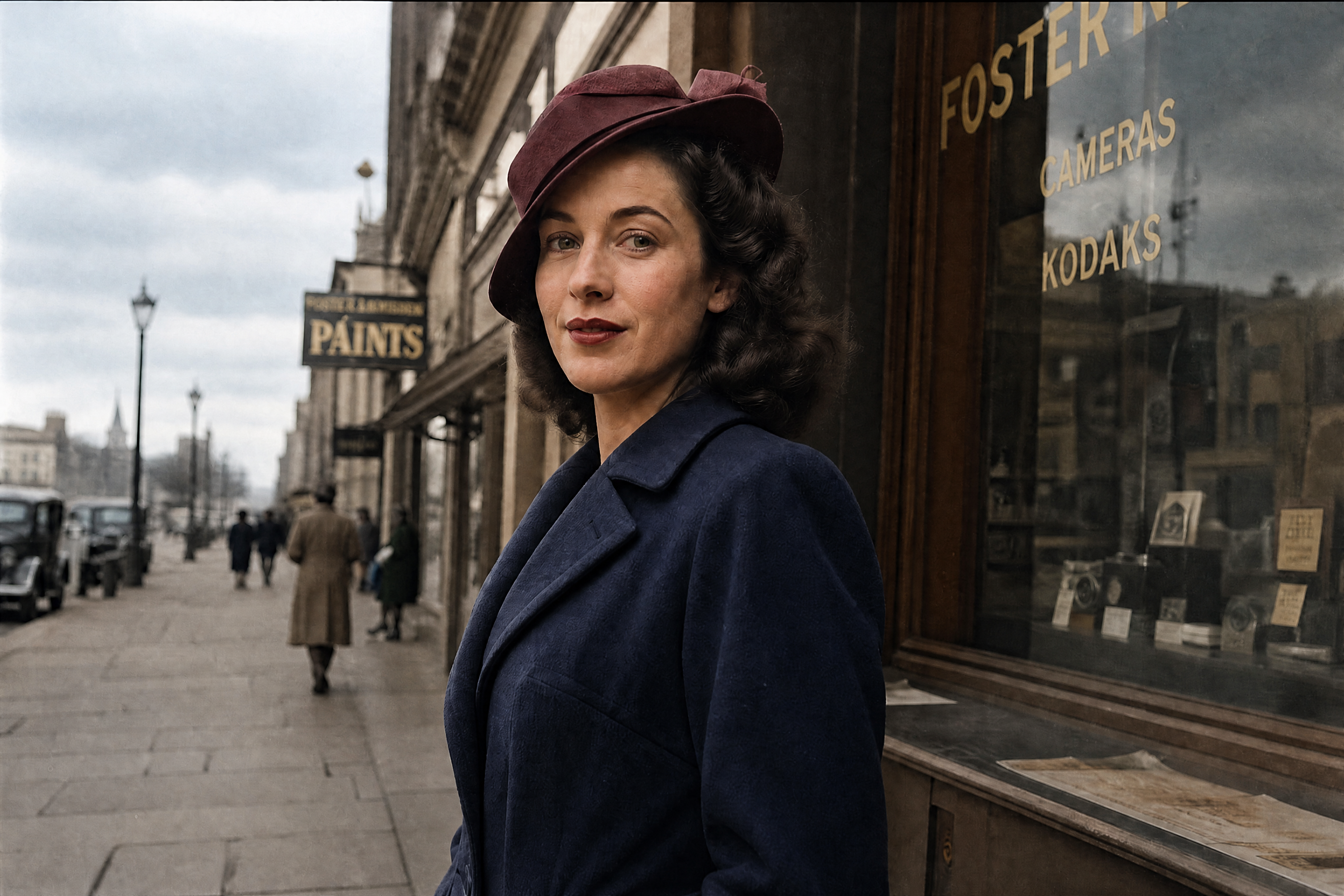
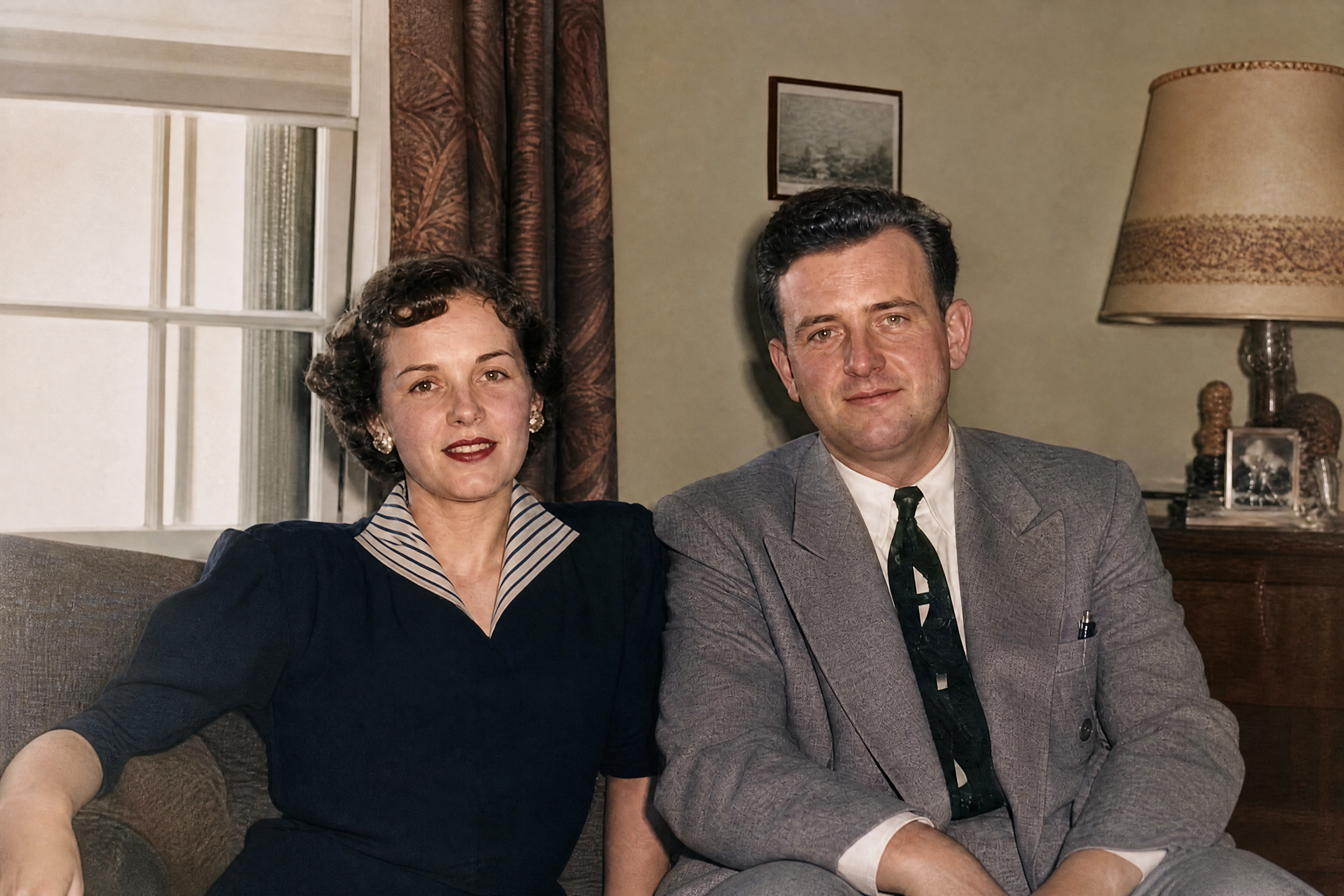
Bring black and white photos back to life with realistic colorization that respects the original scene. Our AI adds believable skin tones, clothing colors, and environmental detail while keeping the photo's character intact.
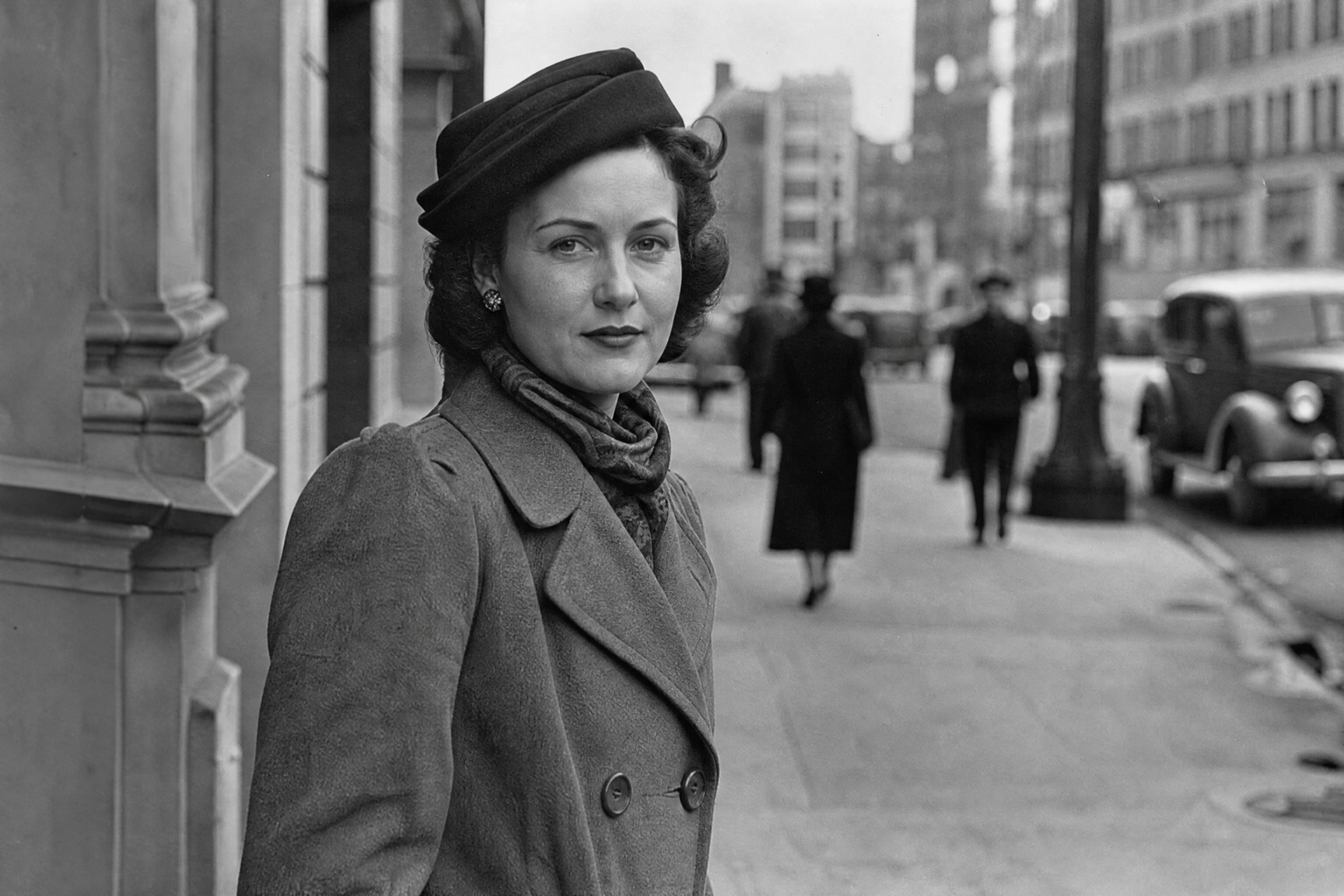
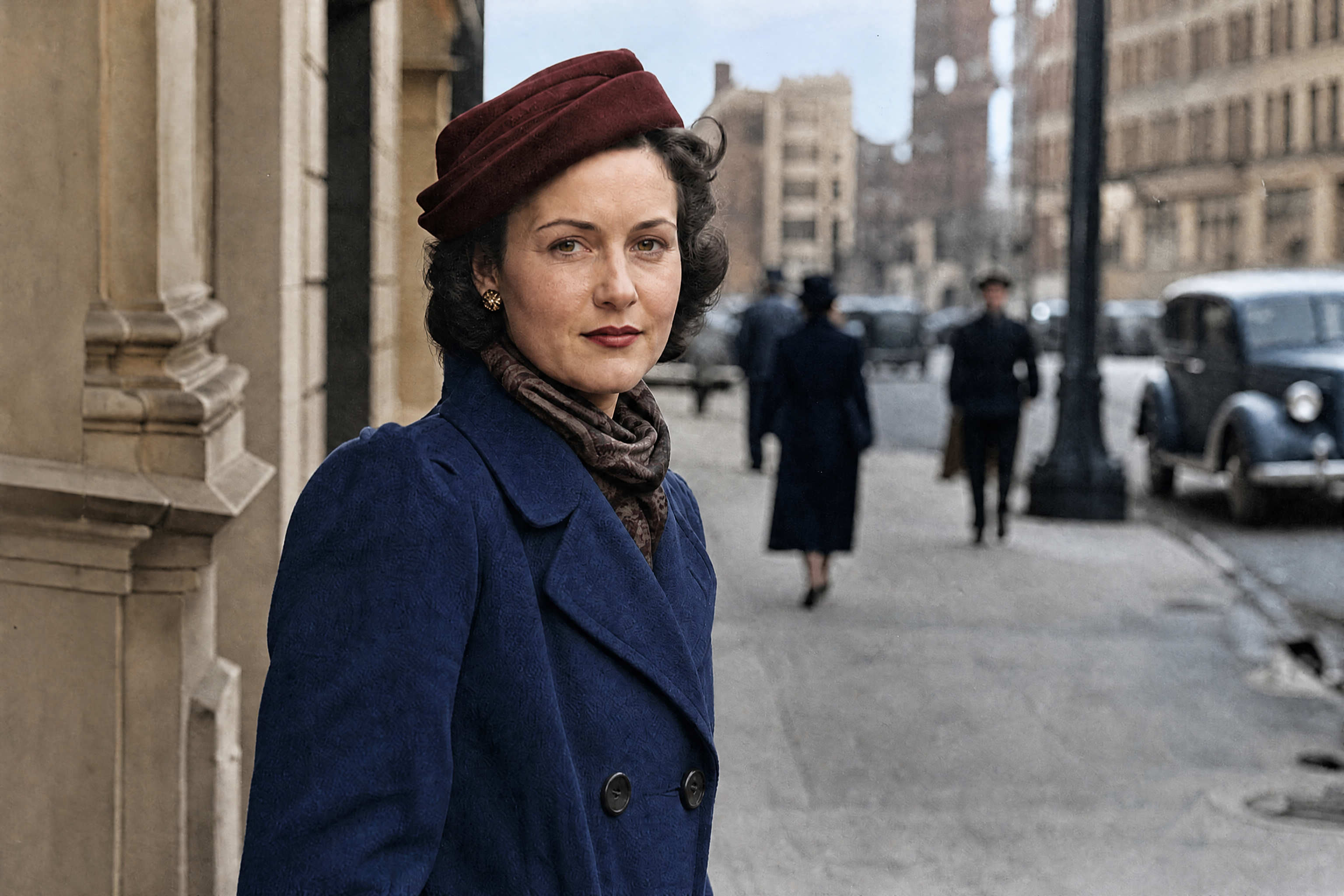
Watch the Transformation
See ai black and white photo colorizer in motion — generated end-to-end by our AI.
See It In Action
Real outputs from ai black and white photo colorizer.
BEFOREAFTER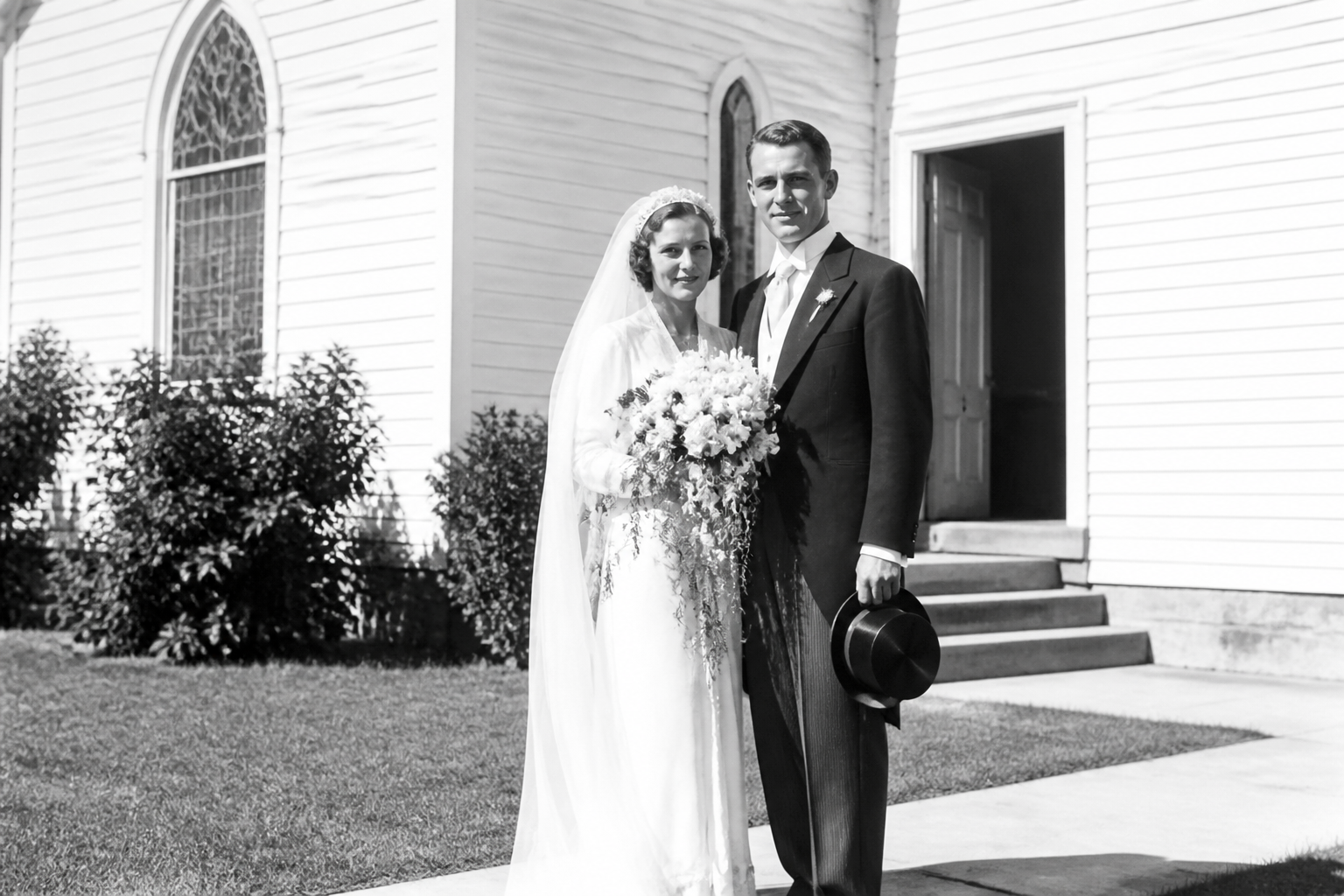 BEFORE
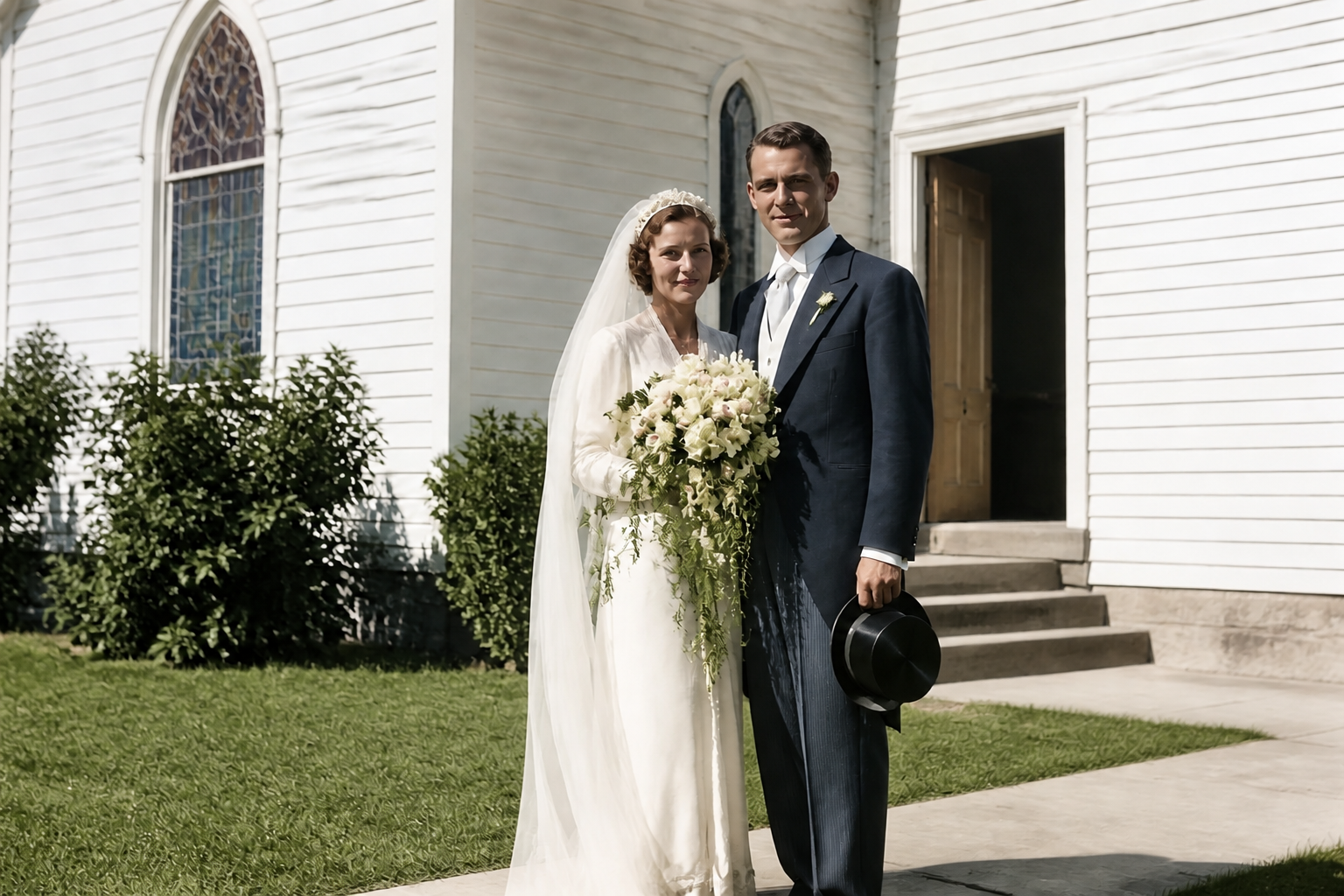 AFTER
AFTER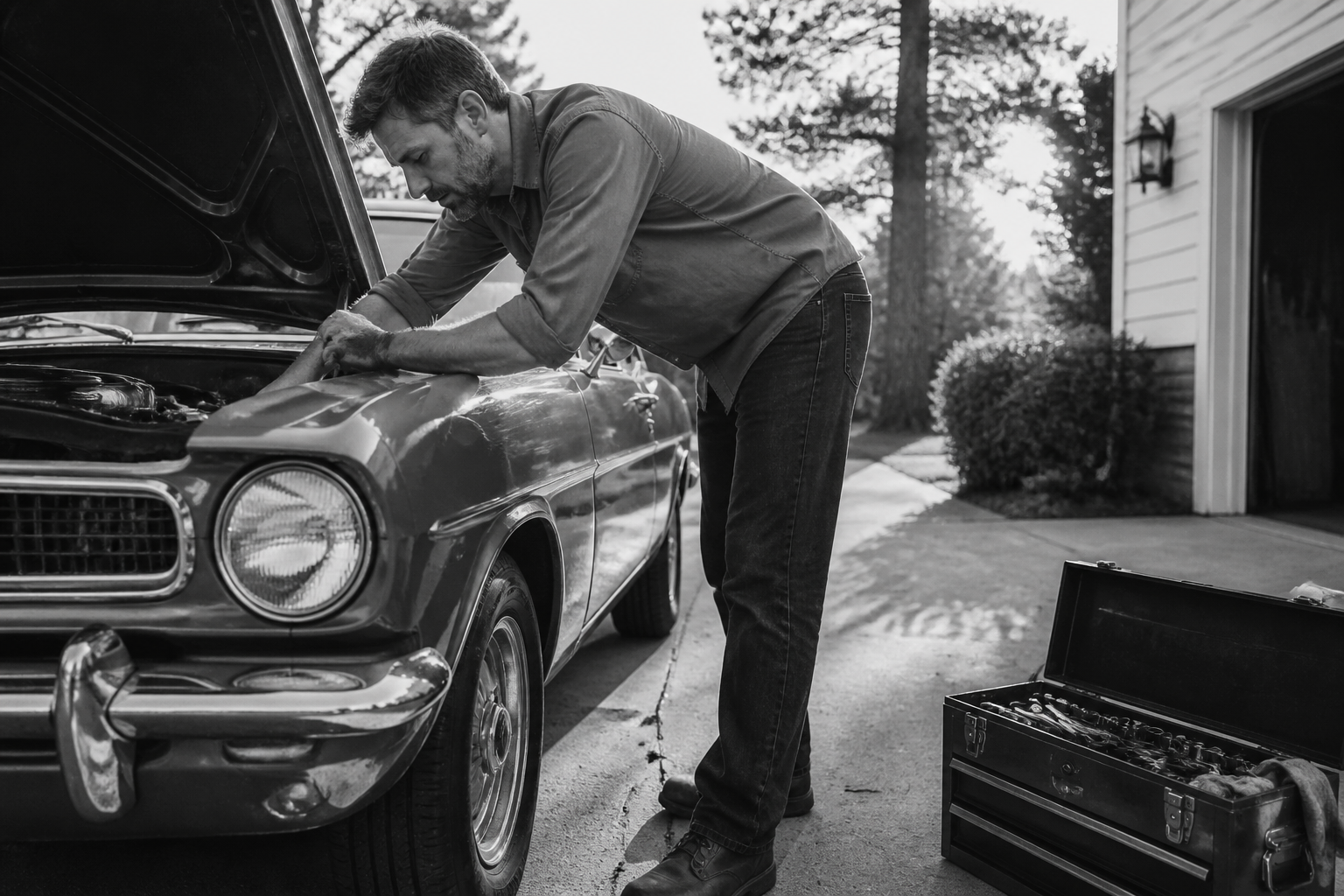 BEFORE
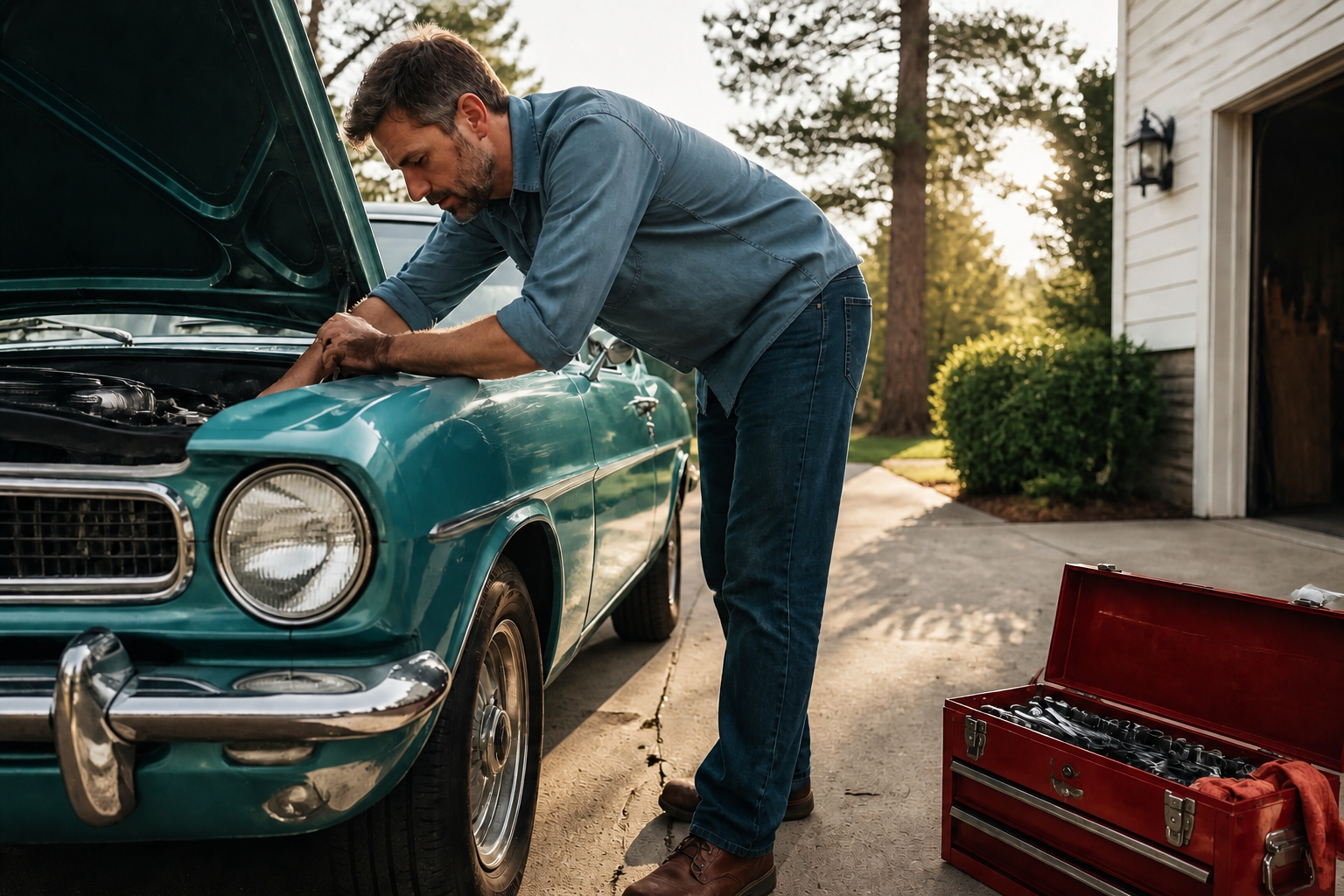 AFTER
AFTER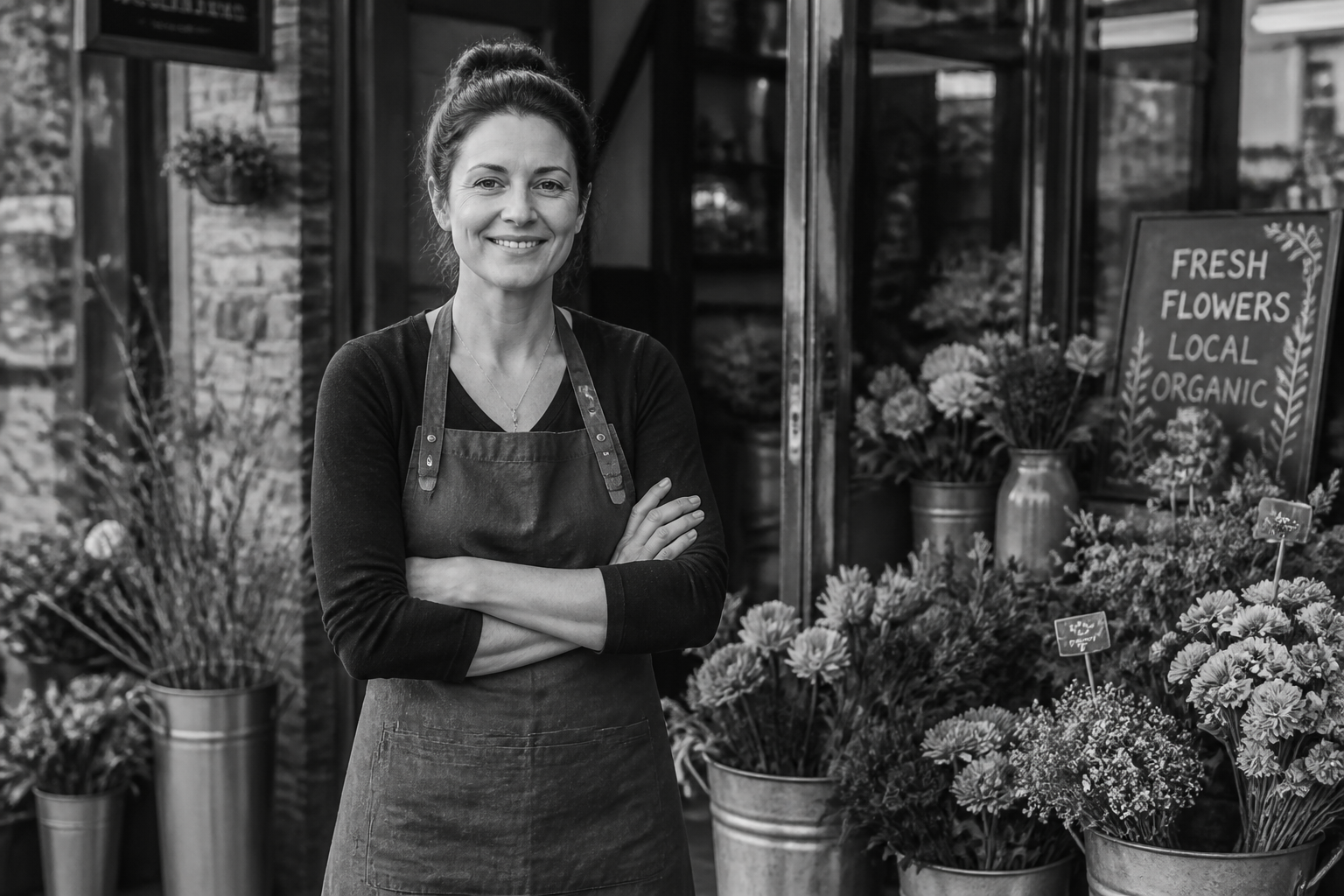 BEFORE
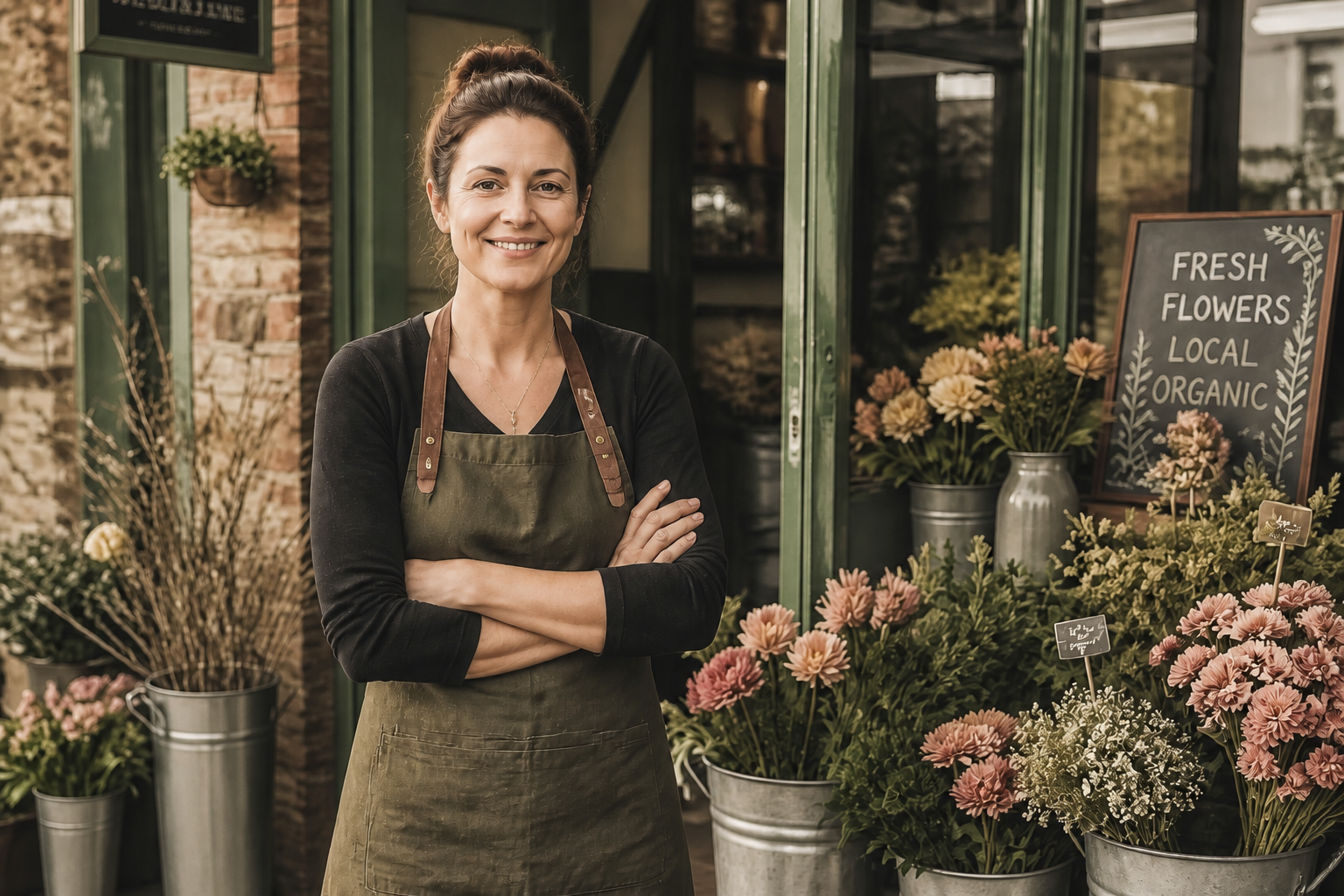 AFTER
AFTER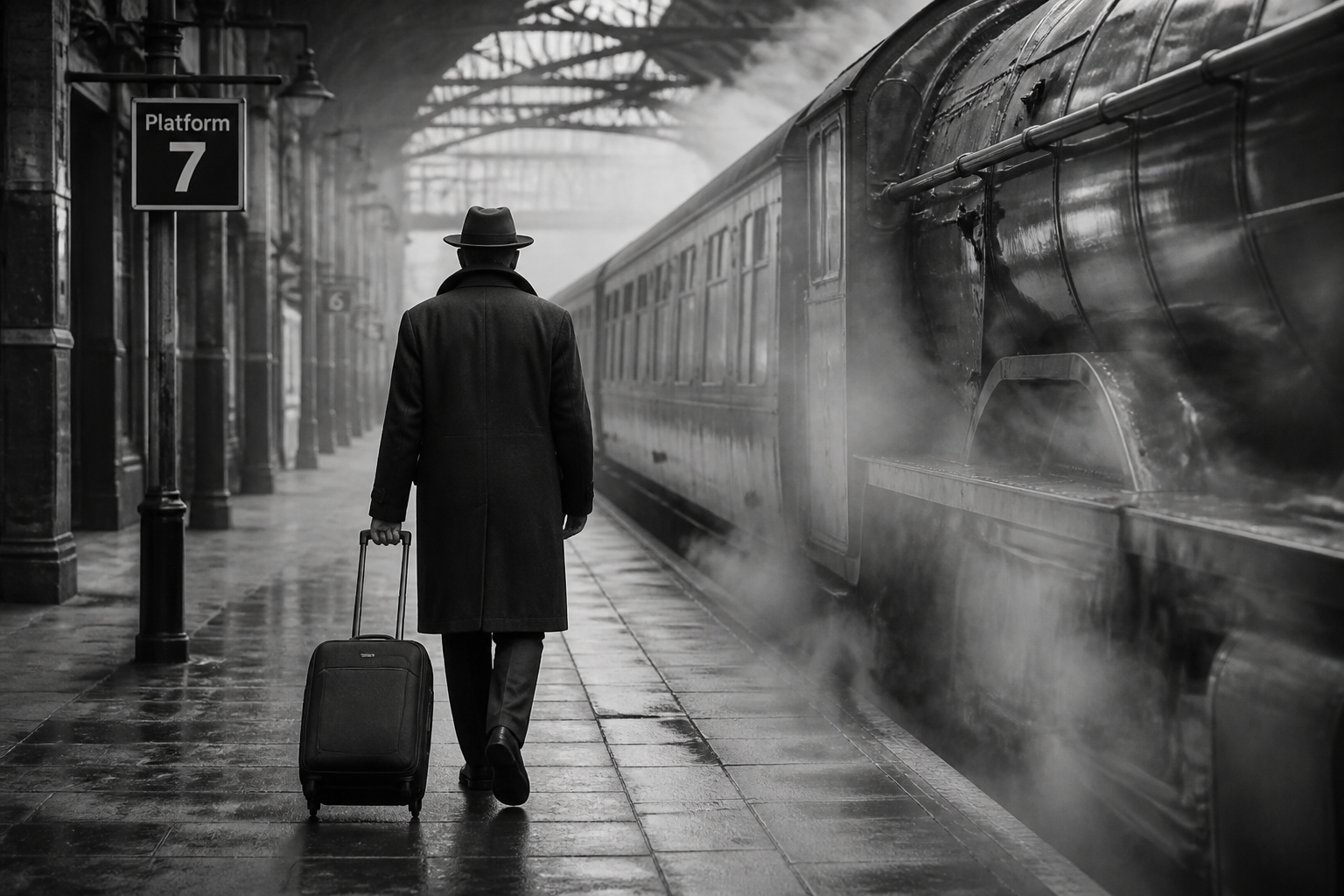 BEFORE
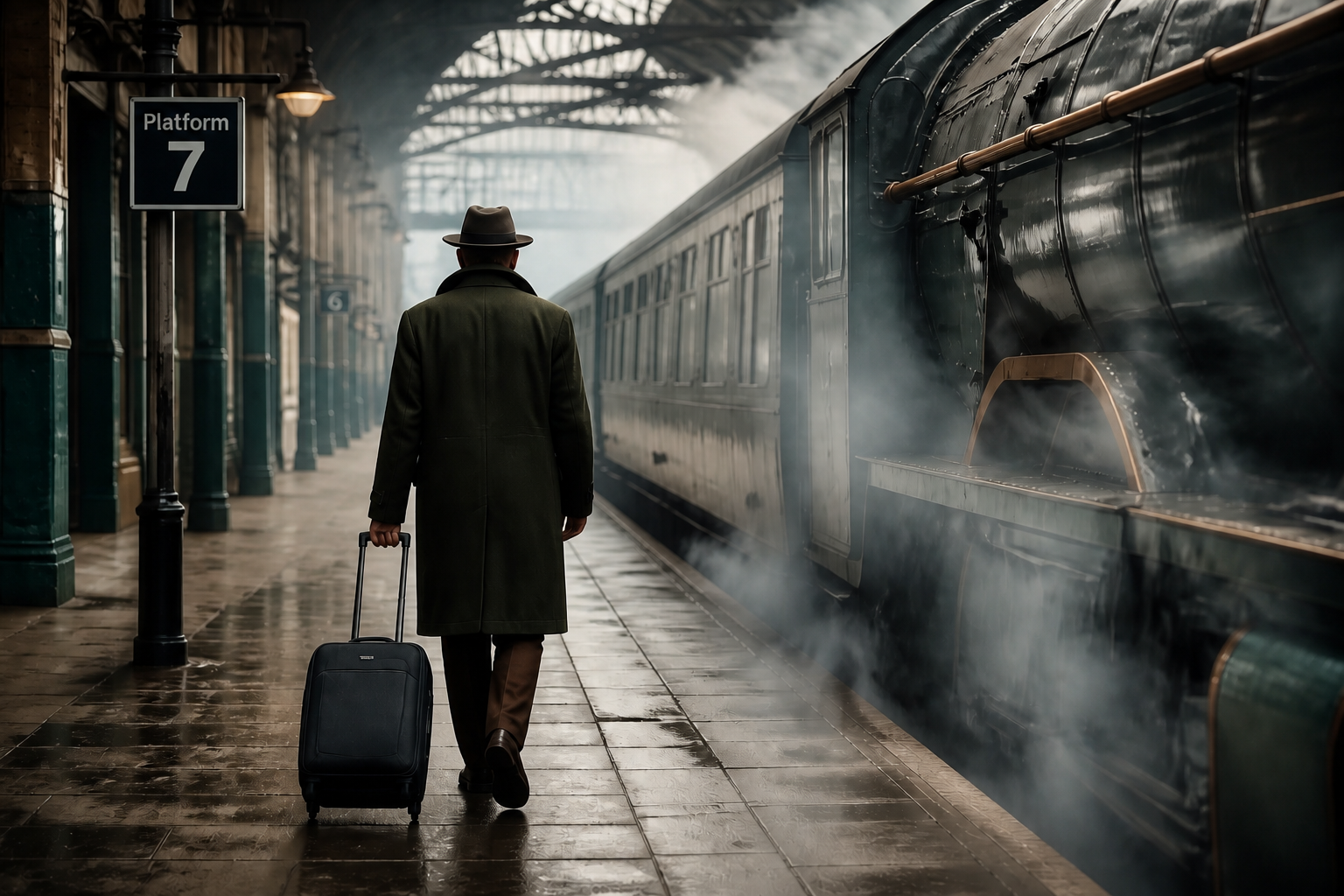 AFTERBEFOREAFTERBEFOREAFTERBEFOREAFTERBEFOREAFTERBEFOREAFTER
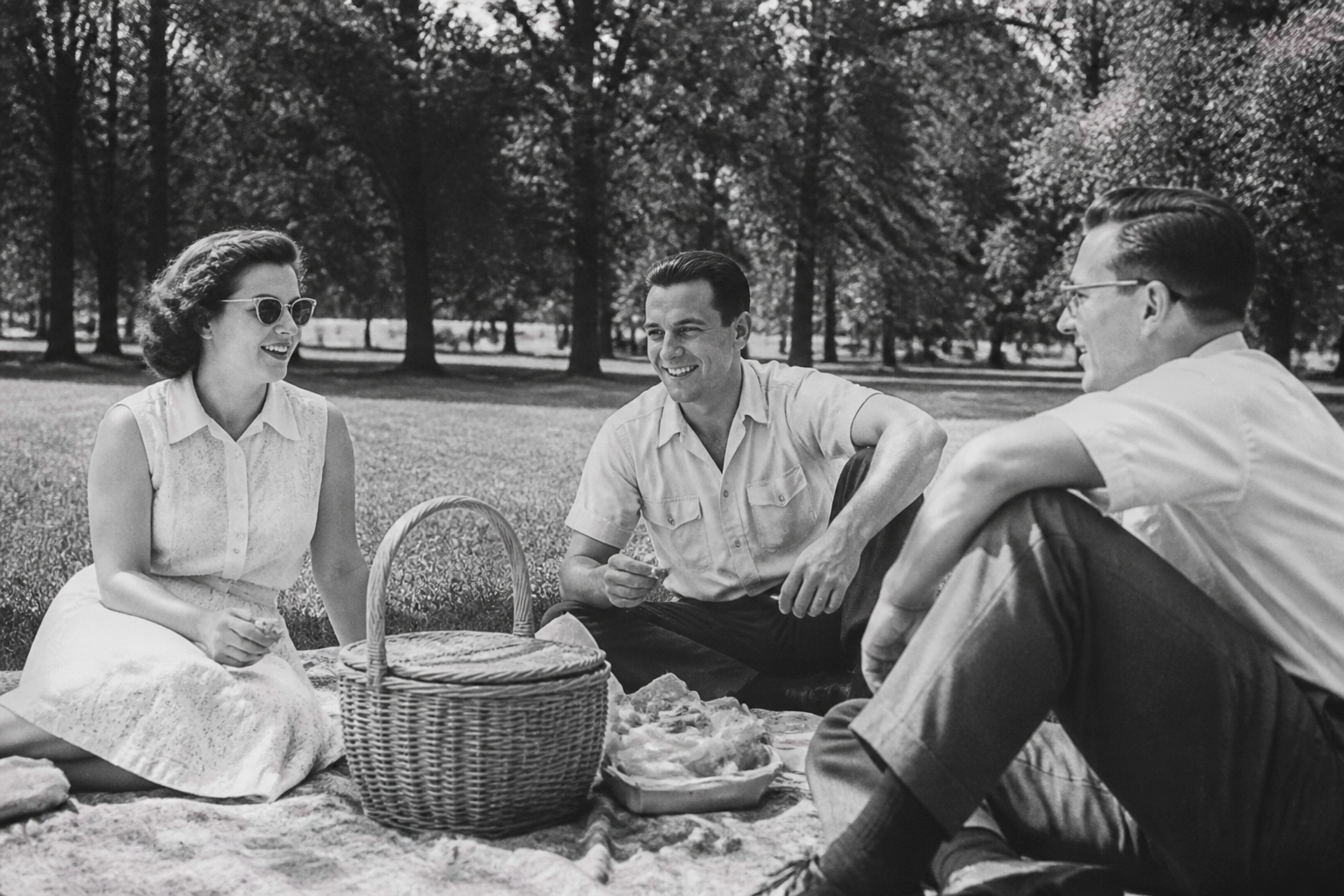 BEFORE
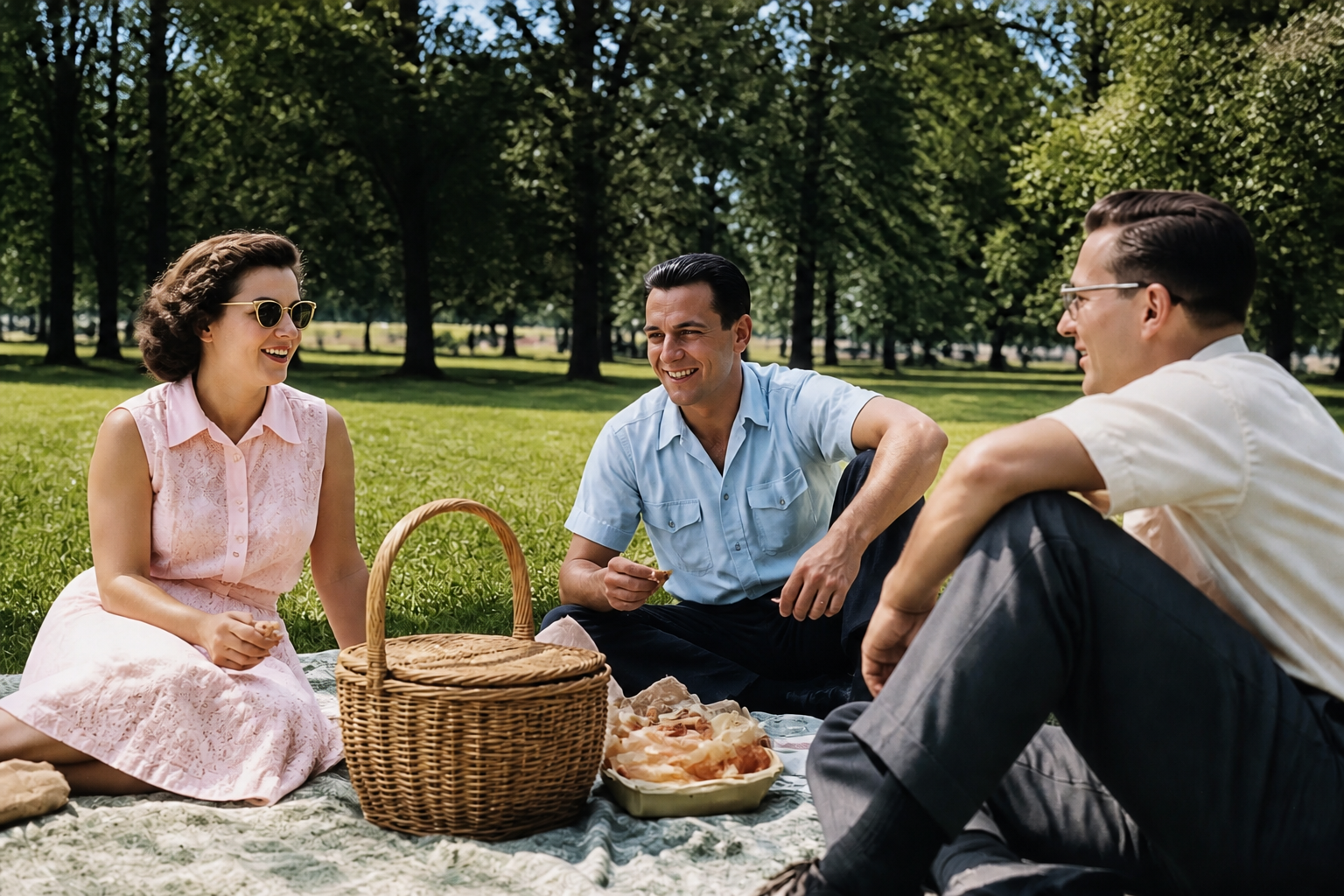 AFTER
AFTER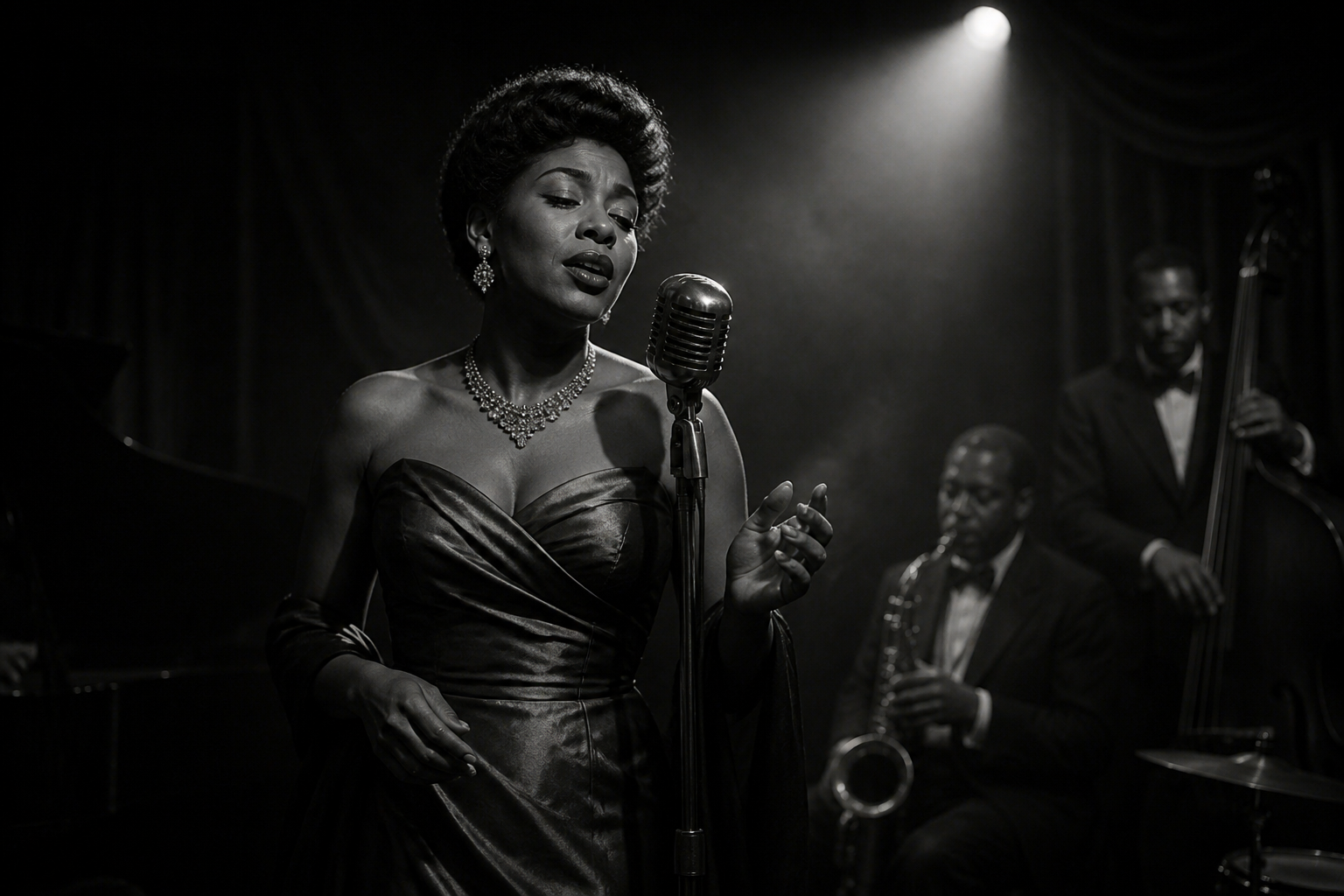 BEFORE
 AFTER
AFTER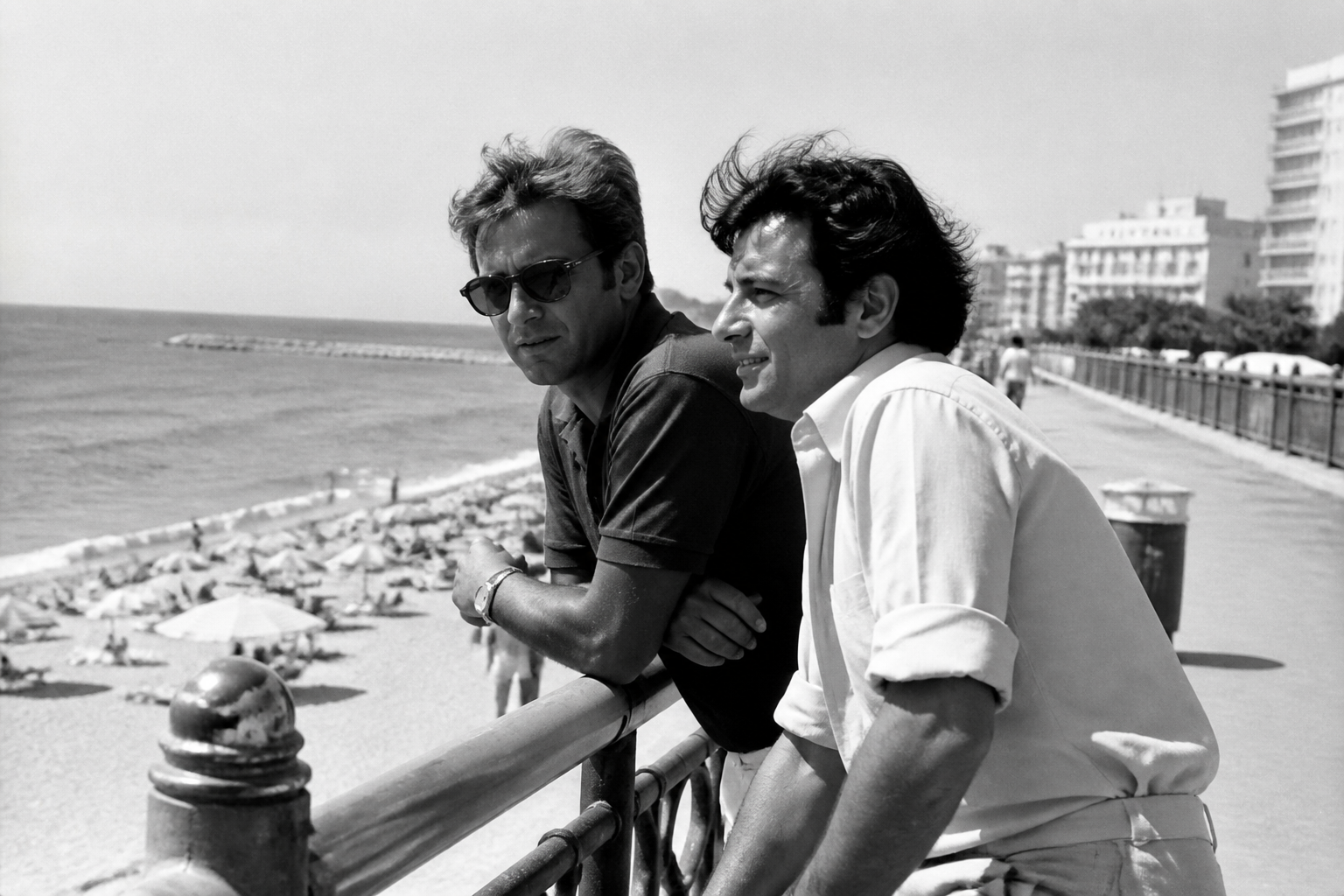 BEFORE
 AFTER
AFTER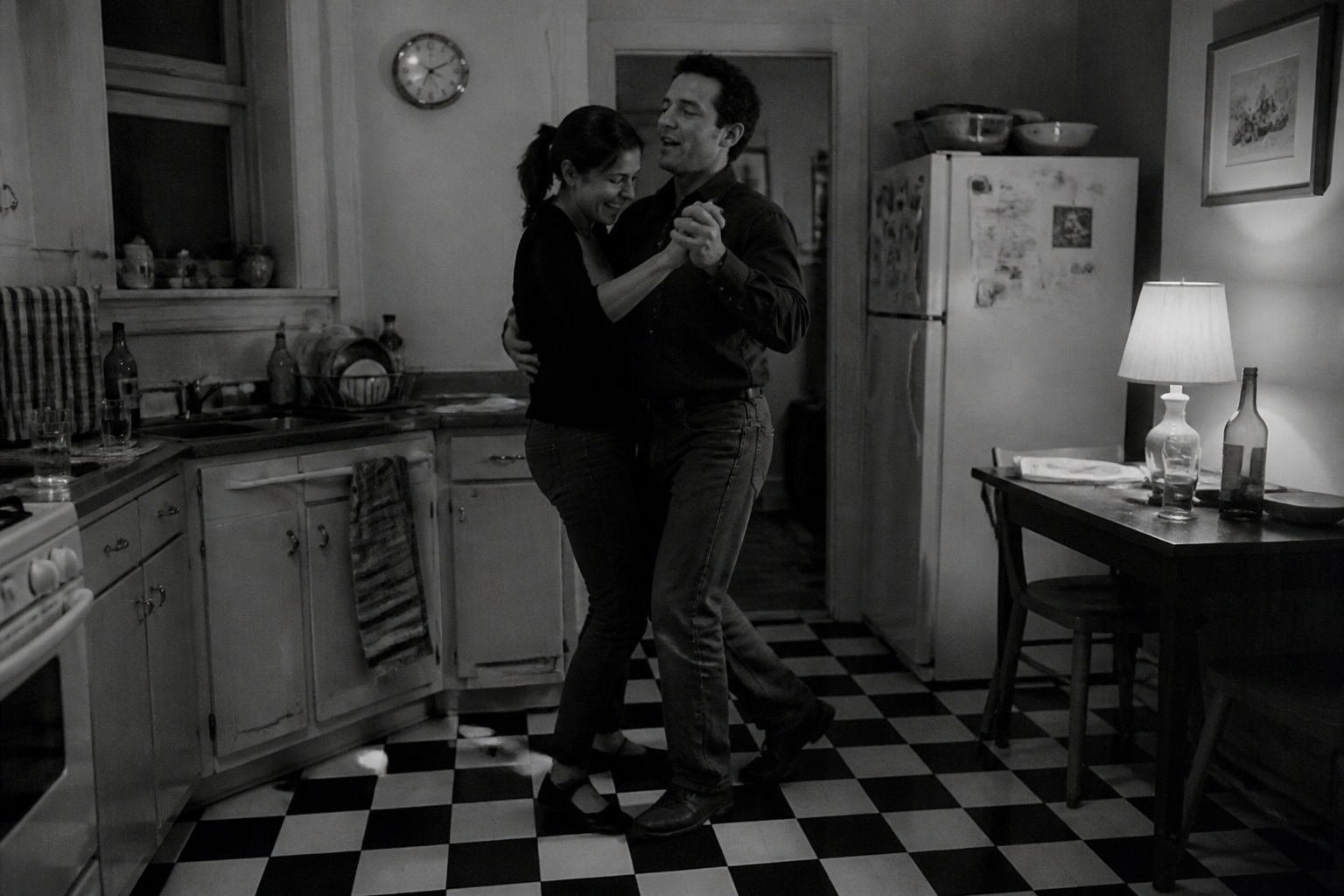 BEFORE
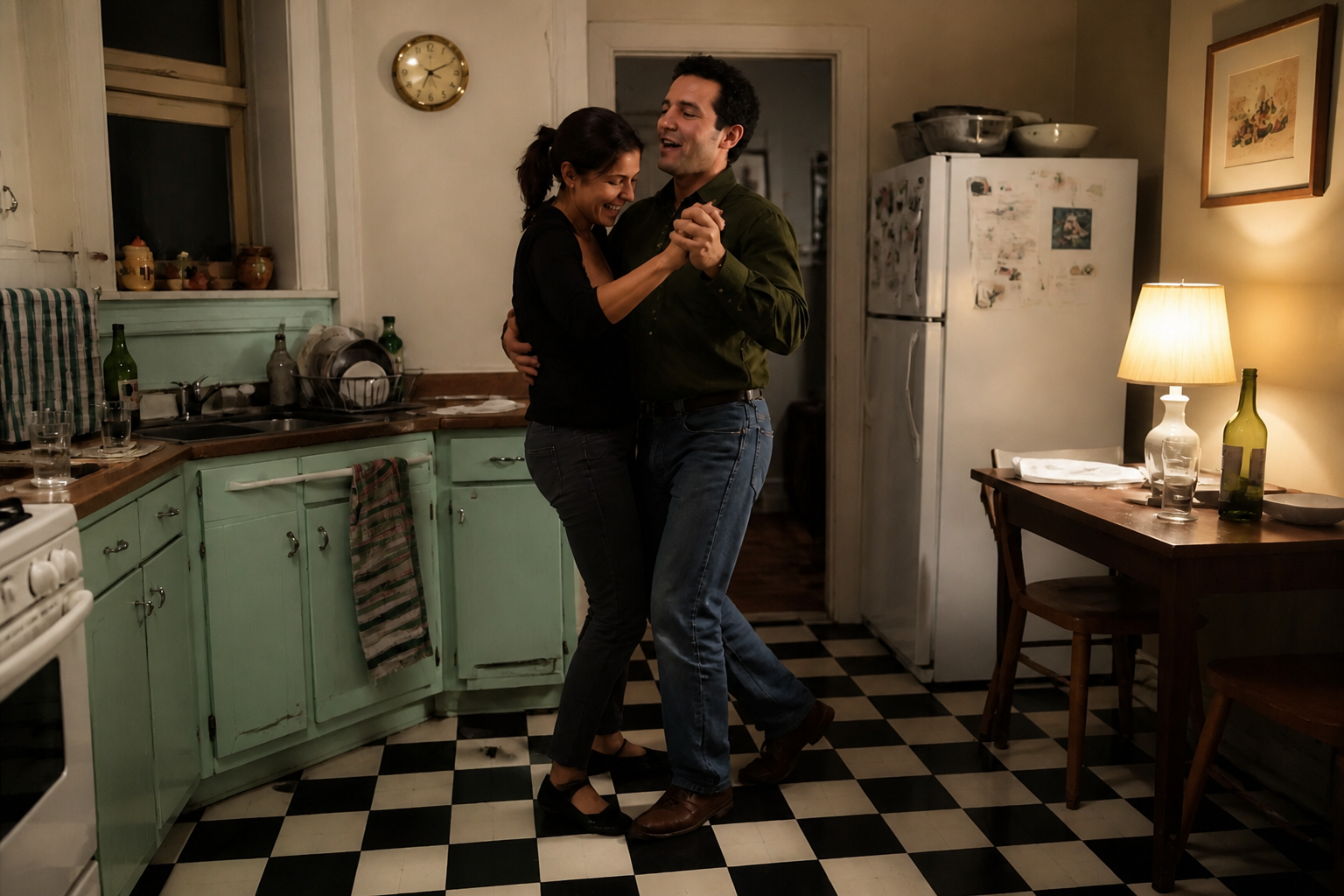 AFTER
AFTER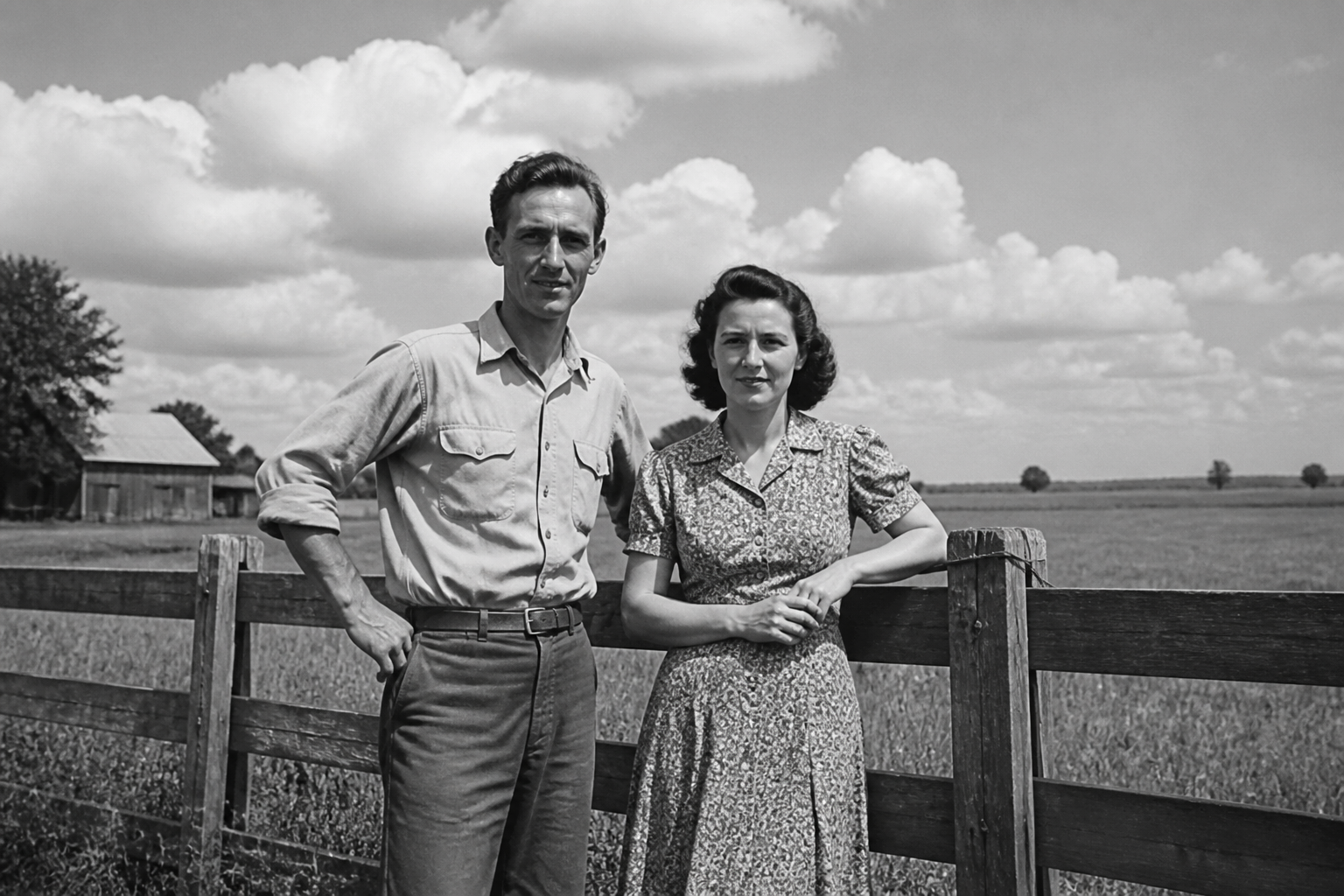 BEFORE
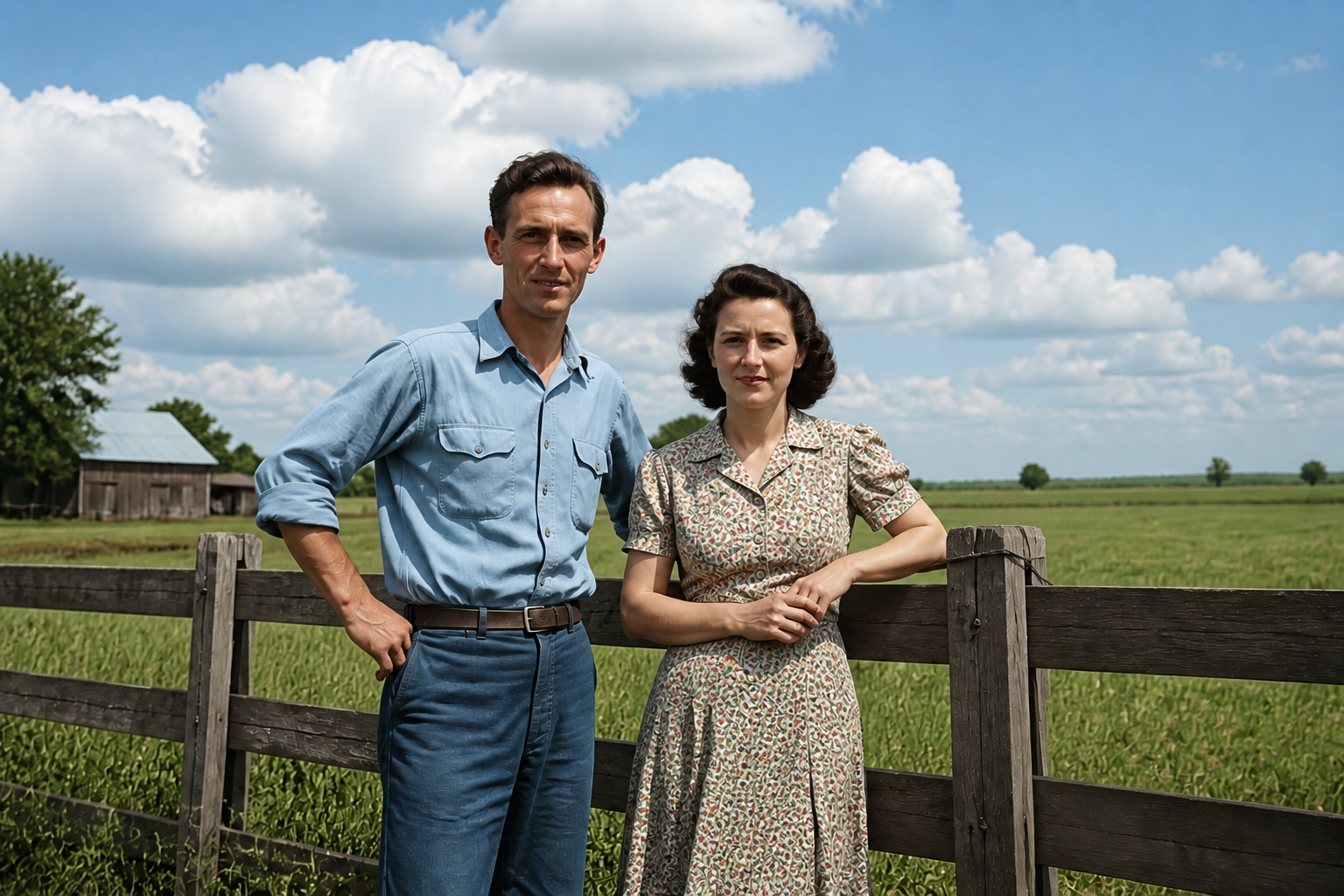 AFTERBEFOREAFTERBEFOREAFTERBEFOREAFTERBEFOREAFTERBEFOREAFTER
Key Features
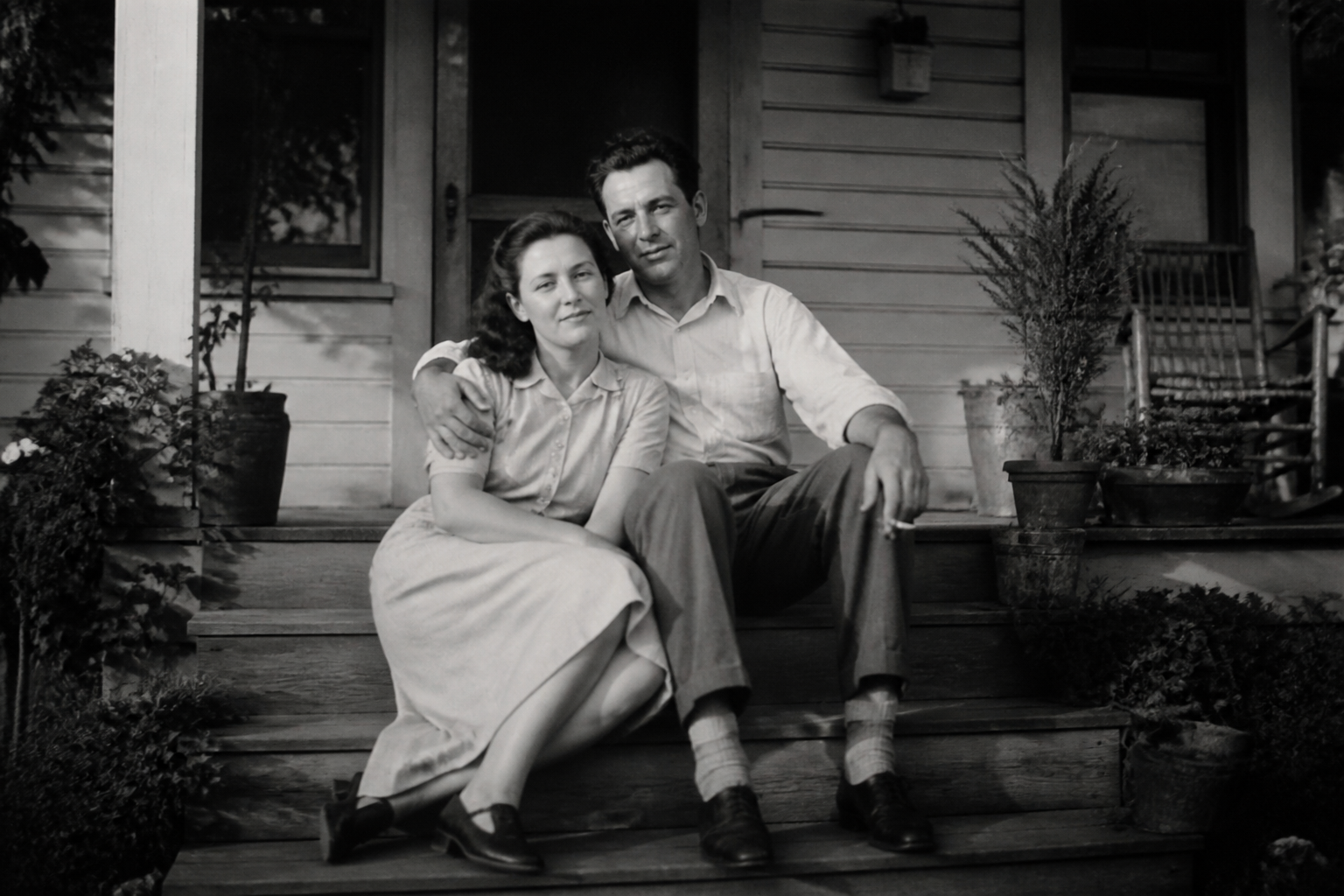
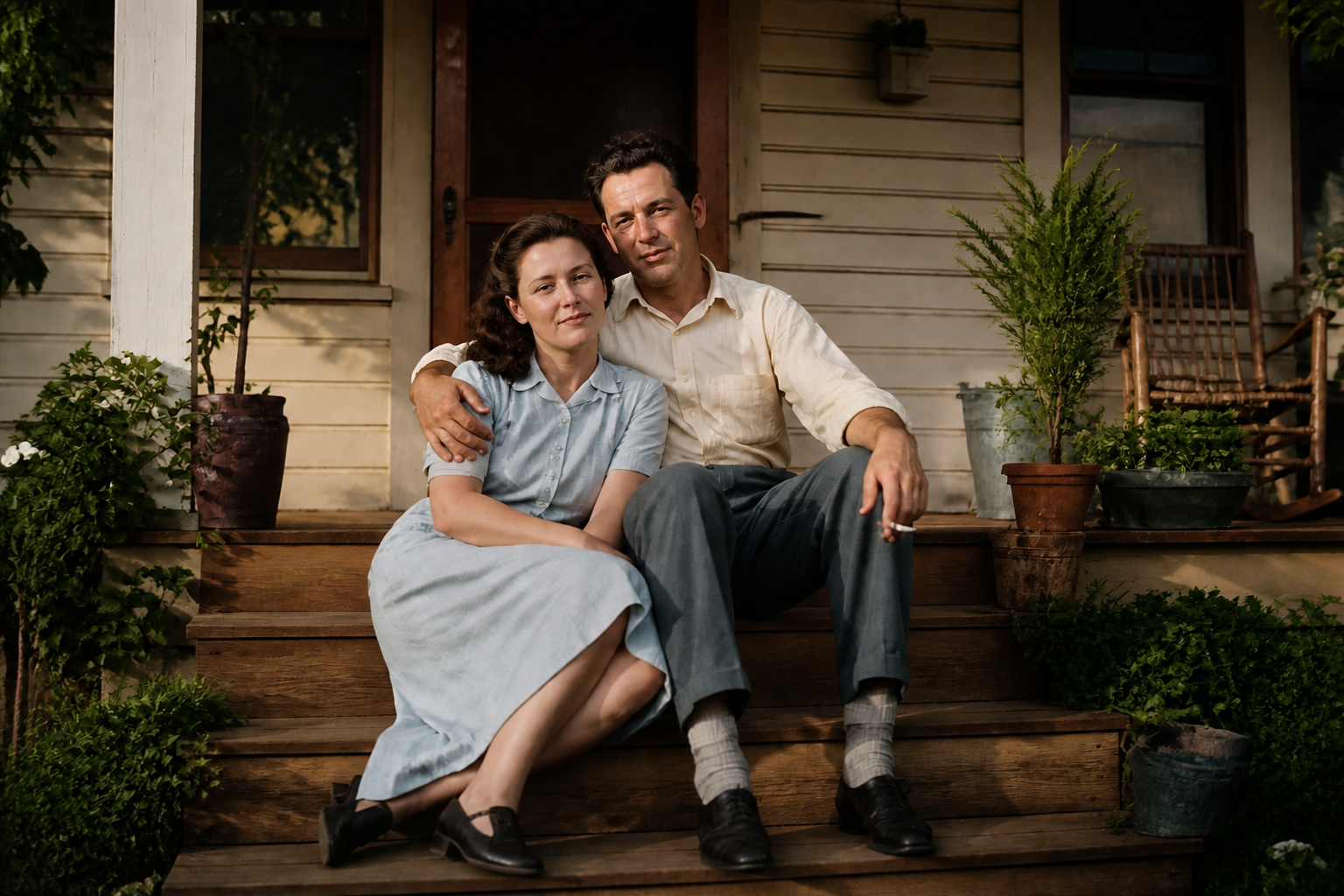
Natural-looking color restoration
The tool adds believable color instead of flat washes that make old photos look fake. Skin, fabric, skies, wood, and foliage are treated with context-aware tones so scenes feel coherent. That matters when you're restoring family photos and want them to look lived-in, not computer-generated. It saves the time of manually masking every region and guessing colors one object at a time.
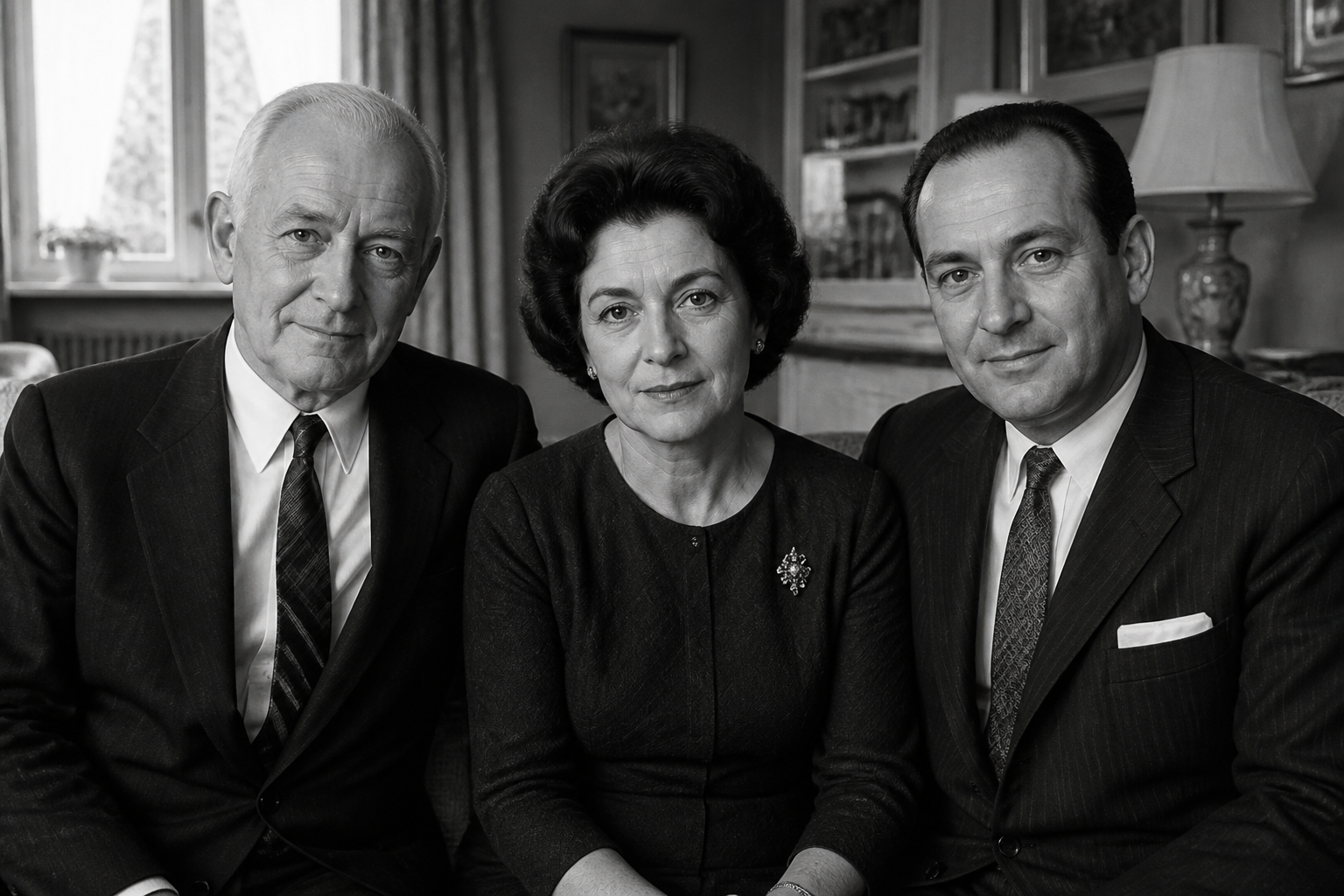
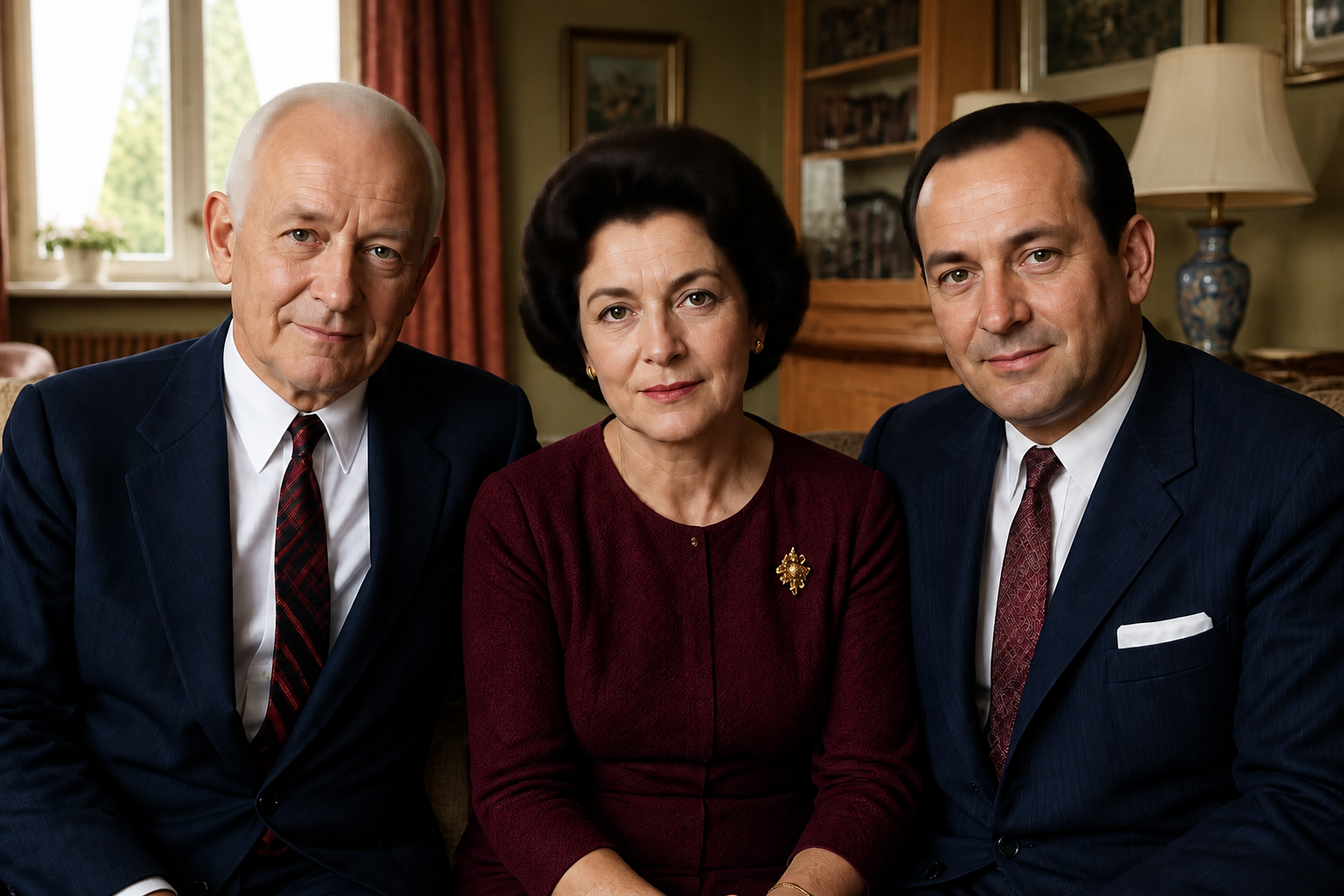
Preserves faces and details
Color should improve an old photo without changing who is in it. Our AI keeps facial structure, expression, hair shape, and small details like buttons, jewelry, and fabric texture stable while applying color. That makes the result more trustworthy for portraits and heirloom images. You get a cleaner restoration workflow without repainting important details by hand.
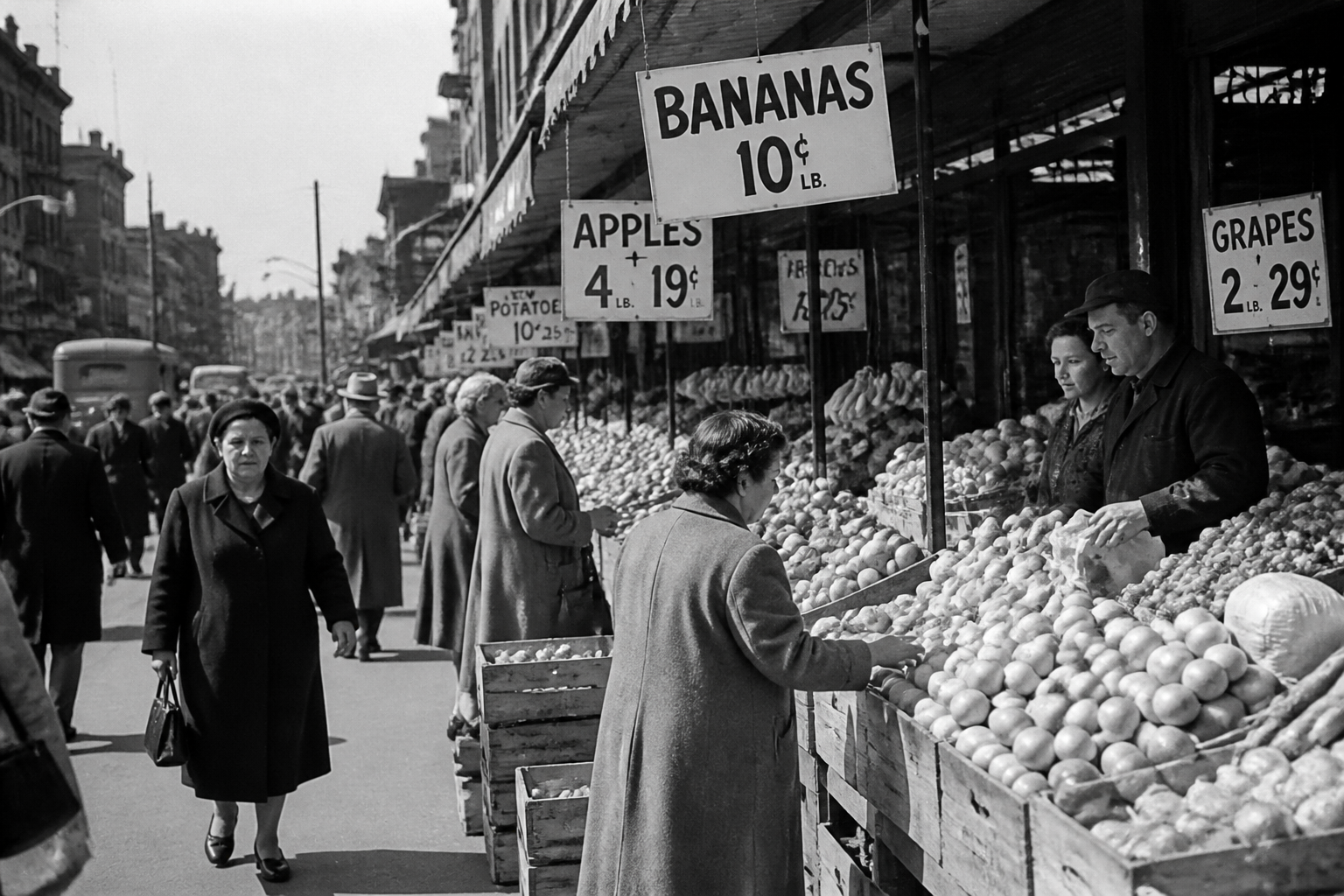
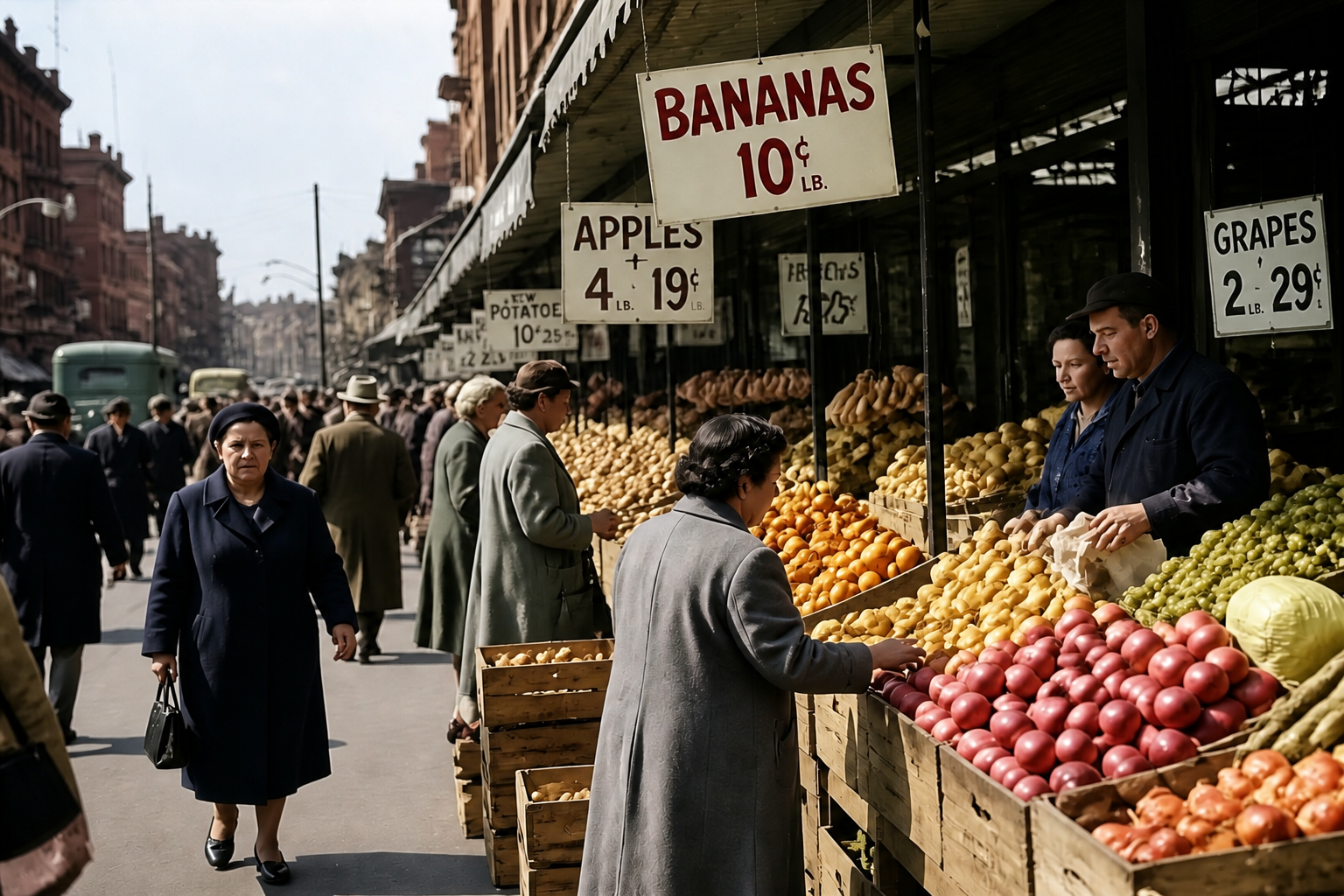
Works on many photo types
Not every old image looks the same, and a good colorizer has to handle portraits, street scenes, interiors, and outdoor snapshots. The tool adapts to different lighting conditions and subjects without requiring different workflows for each category. That gives you a consistent way to restore albums, archives, and scanned prints. Instead of switching between apps, you can process varied images with one simple edit prompt.
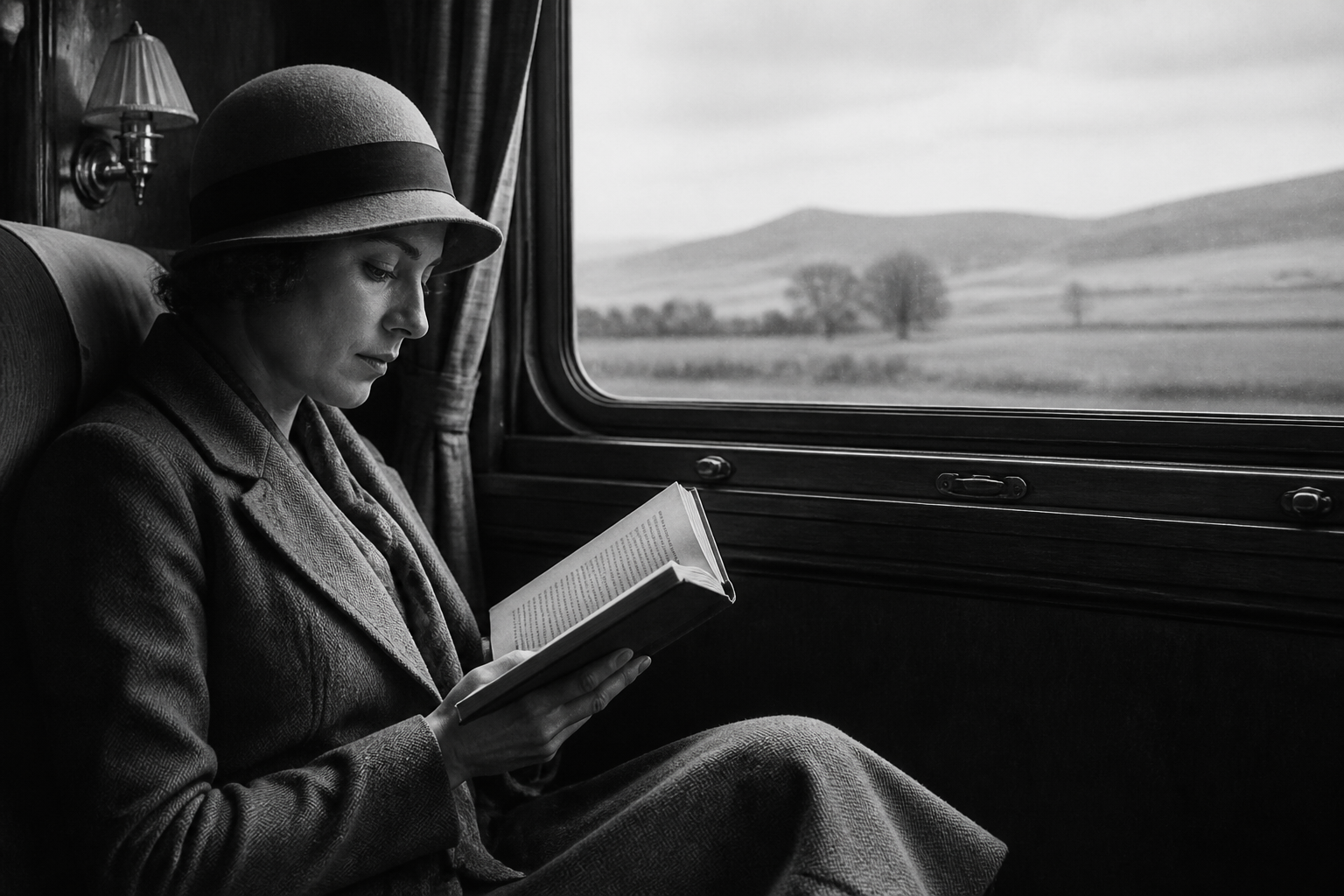
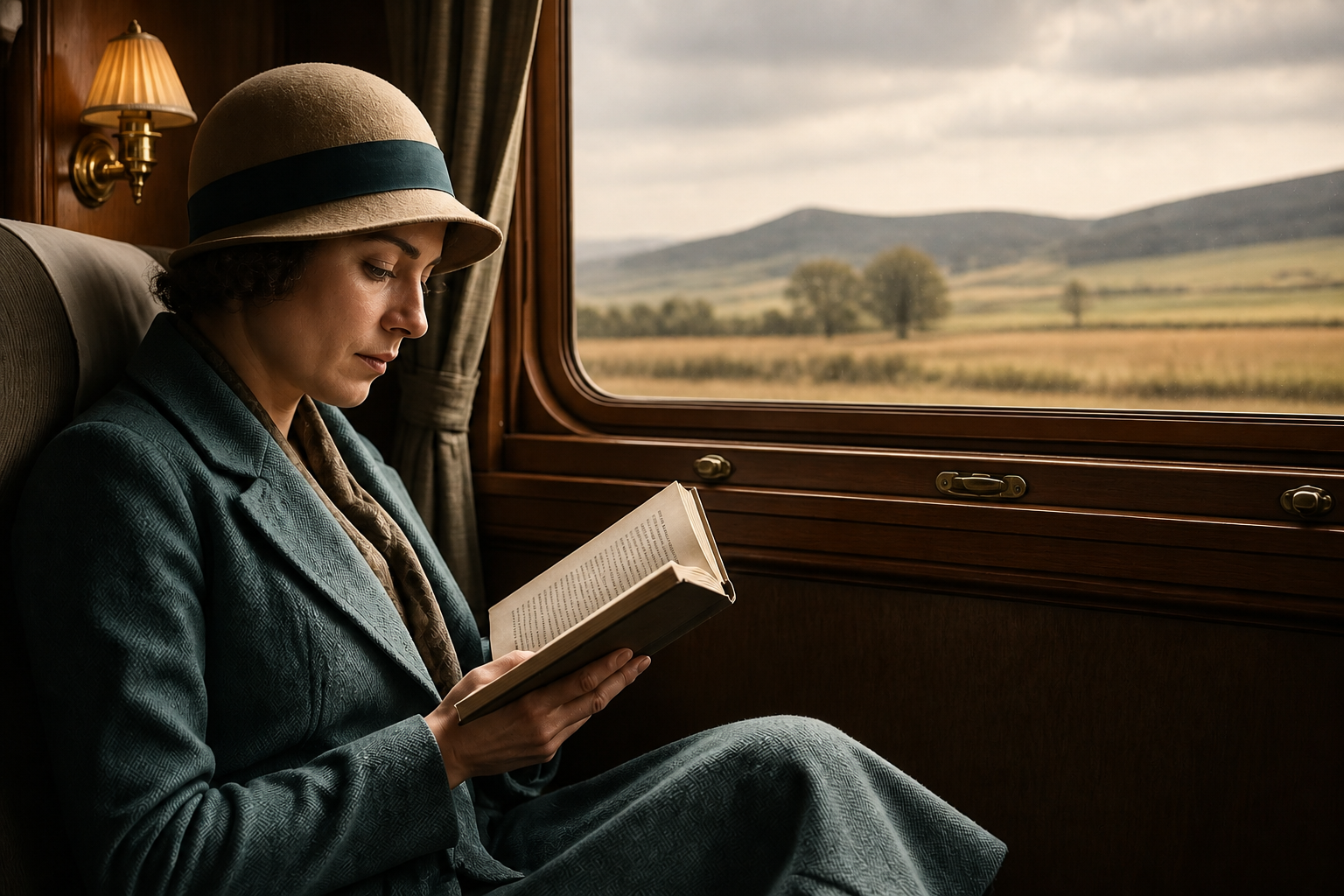
Stylized vintage color options
Sometimes you want accurate restoration, and sometimes you want a more curated period feel. The tool can produce hand-tinted or cinematic vintage palettes while still keeping the original image structure intact. This is useful for prints, social posts, and creative projects where mood matters as much as realism. Doing that manually takes a lot of selective coloring and reference work, but here it is one clear edit.
How It Works
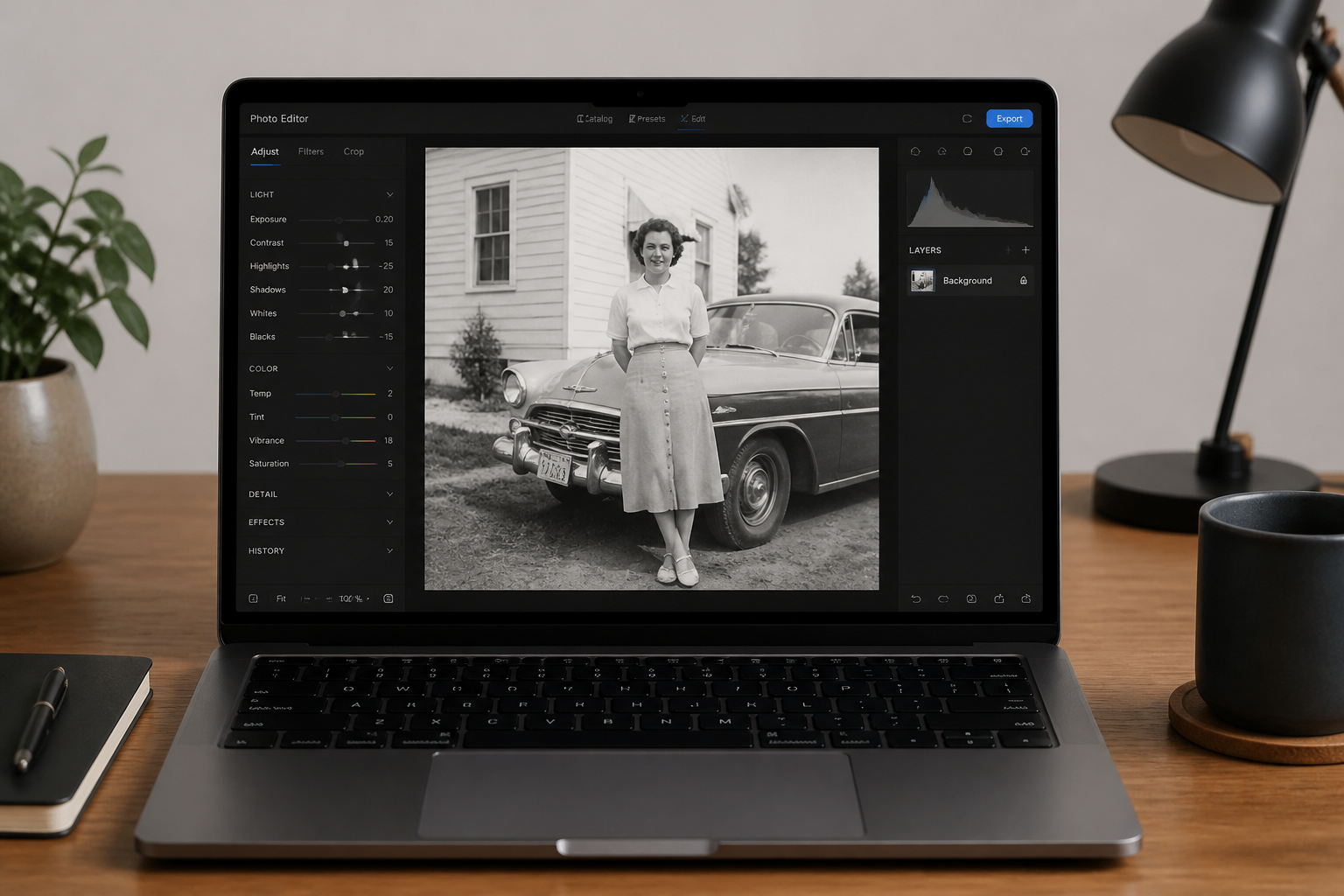
Upload your photo
Start with a scanned print or a clear photo of your black and white image. A sharper upload usually gives cleaner color separation in faces, clothing, and backgrounds.
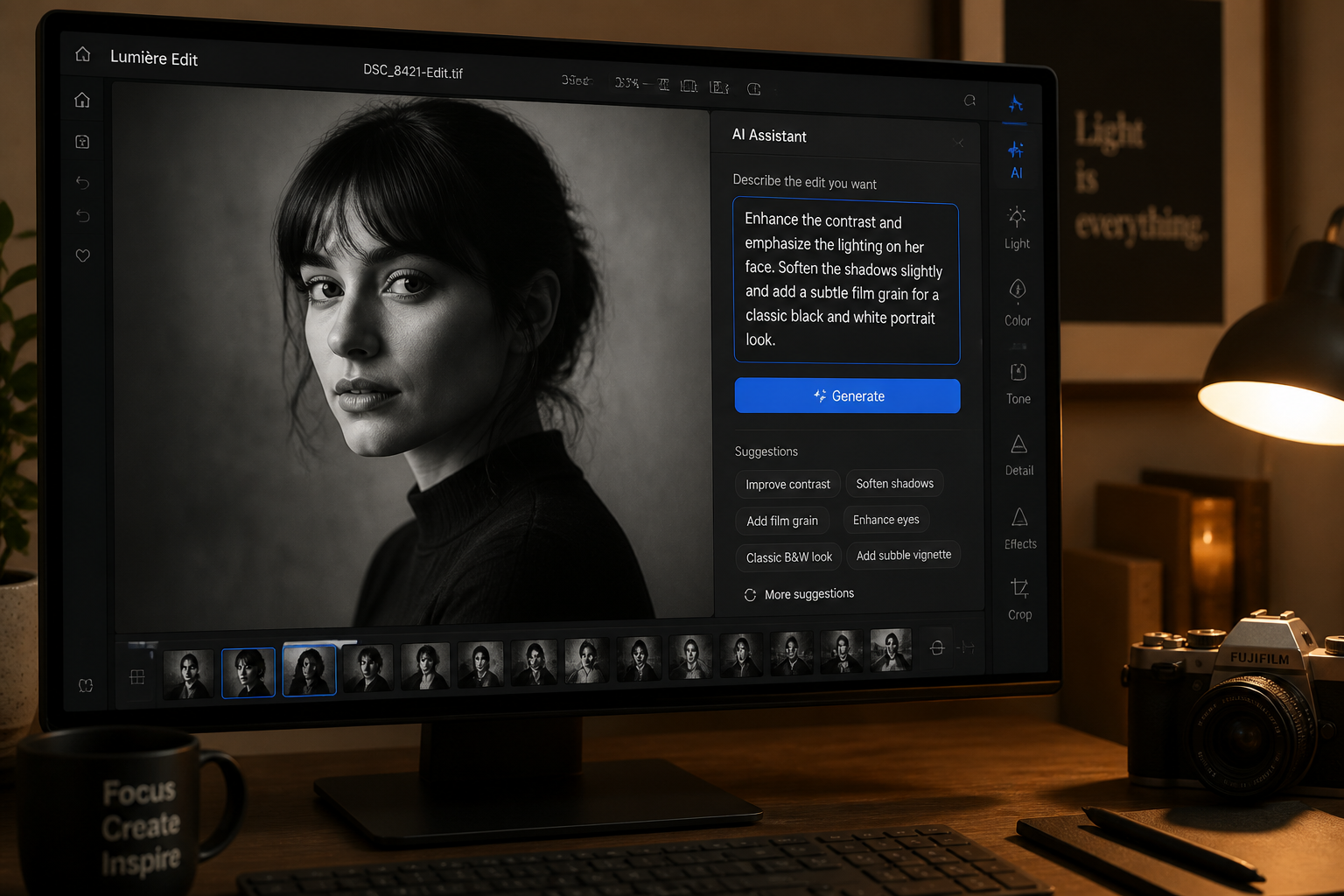
Describe the result
Choose a realistic restoration or ask for a specific vintage mood. Short instructions like natural colors, warm tones, or hand-tinted look are enough to guide the edit.
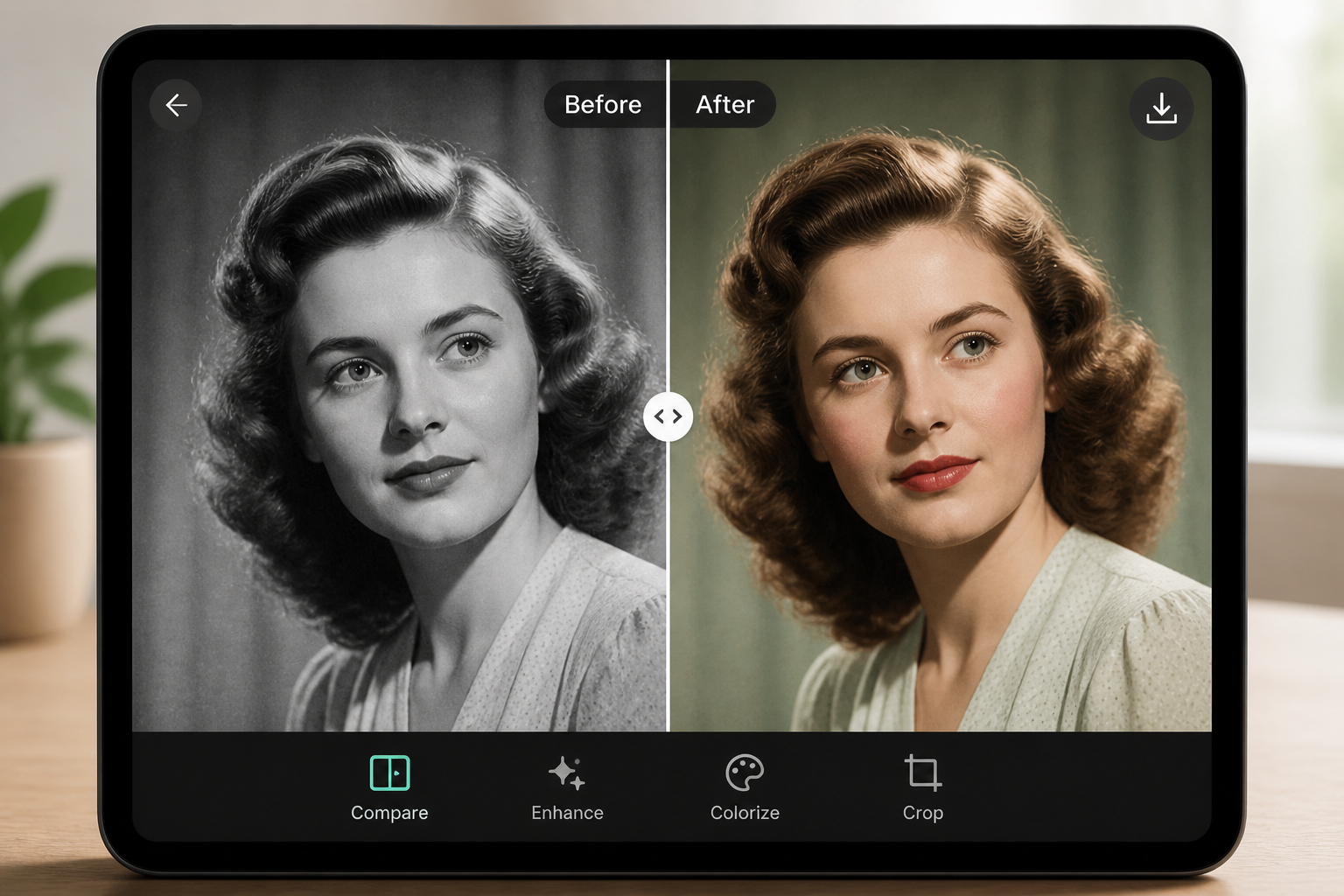
Review and refine
Compare the original and the colorized version side by side. If you want a different feel, rerun the edit with a more specific prompt for palette or period tone.
Perfect For
Discover how creators and professionals use ai black and white photo colorizer
Family photo restoration
Add lifelike color to scanned portraits, reunions, wedding photos, and heirloom prints for albums or framed keepsakes.
Archive digitization
Make historical photos easier to interpret and more engaging for websites, presentations, and local history projects.
Social content from old photos
Turn monochrome images into eye-catching posts that feel more immediate and shareable on modern feeds.
Creative vintage edits
Produce hand-tinted or cinematic period looks for posters, editorial layouts, and mood-driven personal projects.
Built For
Families and hobbyists
Restore old prints without learning complex masking, layering, or manual coloring techniques.
Archivists and history groups
Process scanned collections into more accessible, presentation-ready images while keeping the original composition intact.
Designers and content creators
Generate colorized historical visuals for campaigns, storytelling, and social posts with a faster turnaround.
Why use it for photo colorization
A quick look at how we compare on the things that matter for this niche.
| Feature | BudgetPixel | Generic AI editors | Manual editing apps |
|---|---|---|---|
| Black and white to color workflow | ✓ | — | — |
| Preserves portrait identity | ✓ | — | ✓ |
| Fast first result | ✓ | ✓ | — |
| Stylized vintage palettes | ✓ | — | ✓ |
| No manual masking required | ✓ | ✓ | — |
Frequently Asked Questions
Does the colorizer keep the original photo intact?
Can it colorize very old or faded scans?
Are the colors historically exact?
Can I choose a stylized look instead of realistic color?
What kind of photos work best?
Create together.
Share your creations, discover trending AI art, and grow with fellow creators.

























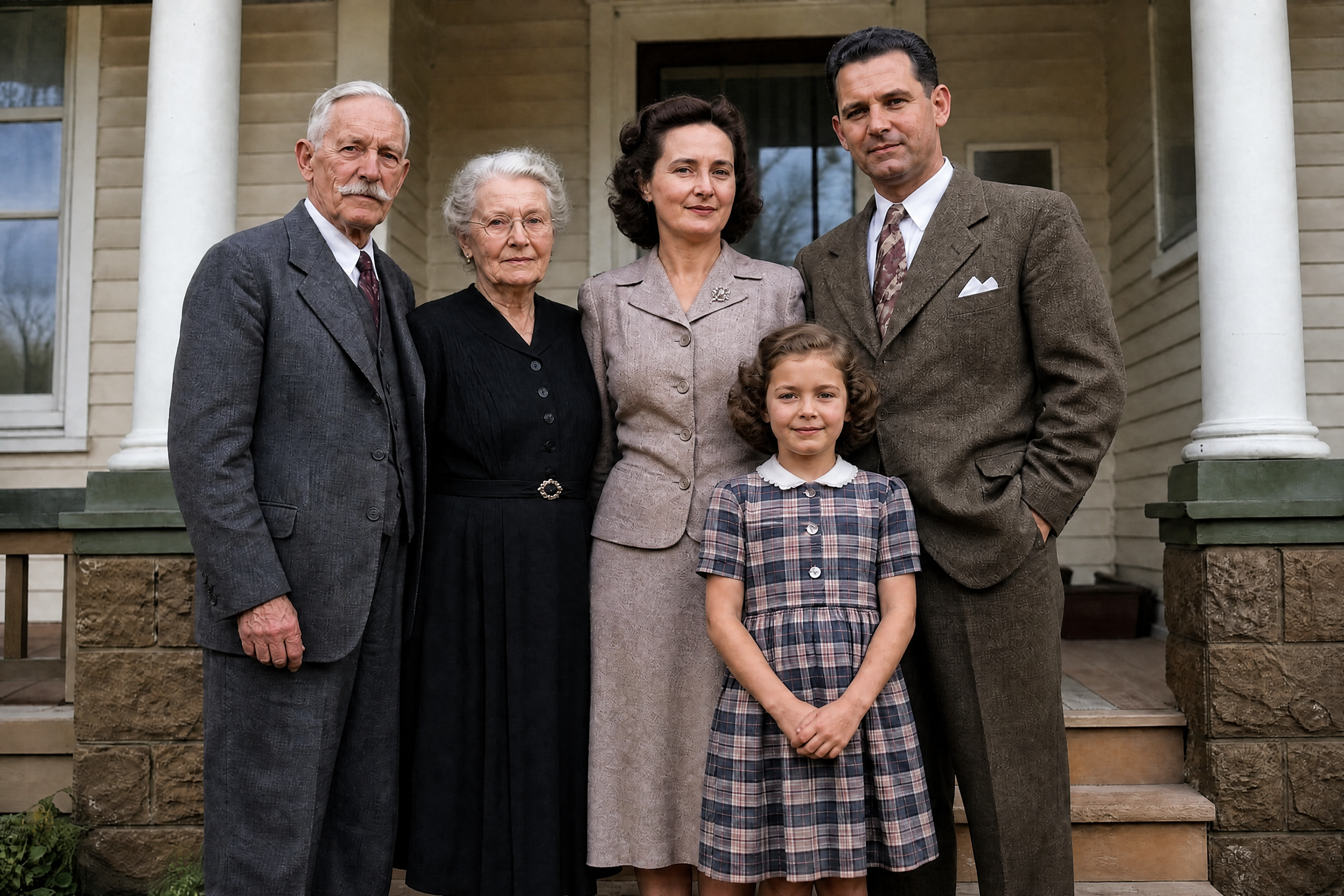
Ready to Try AI Black and White Photo Colorizer?
Get started for free. No credit card required.
Try it Free