AI Image Colorizer
Bring black-and-white photos back to life with realistic color.
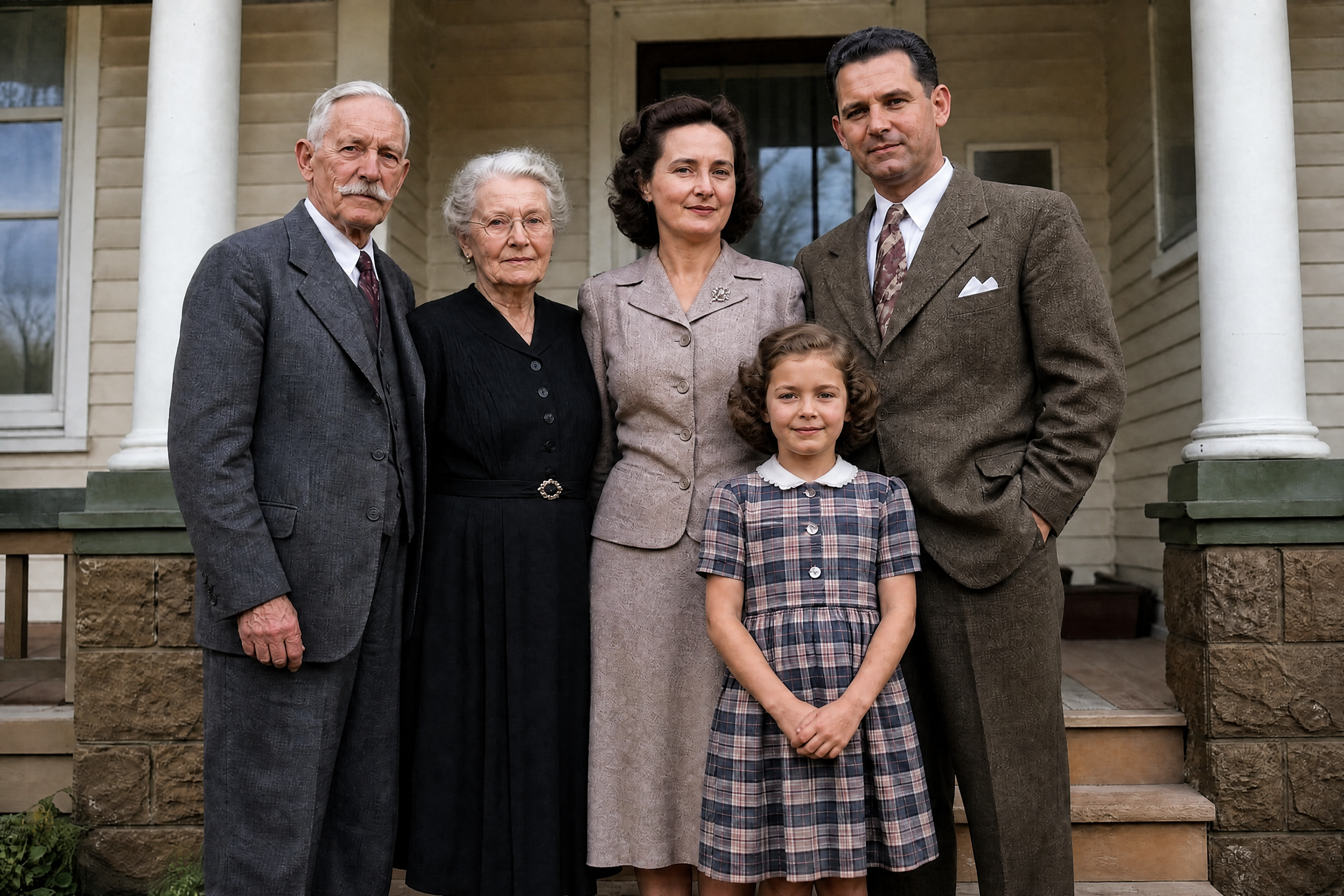
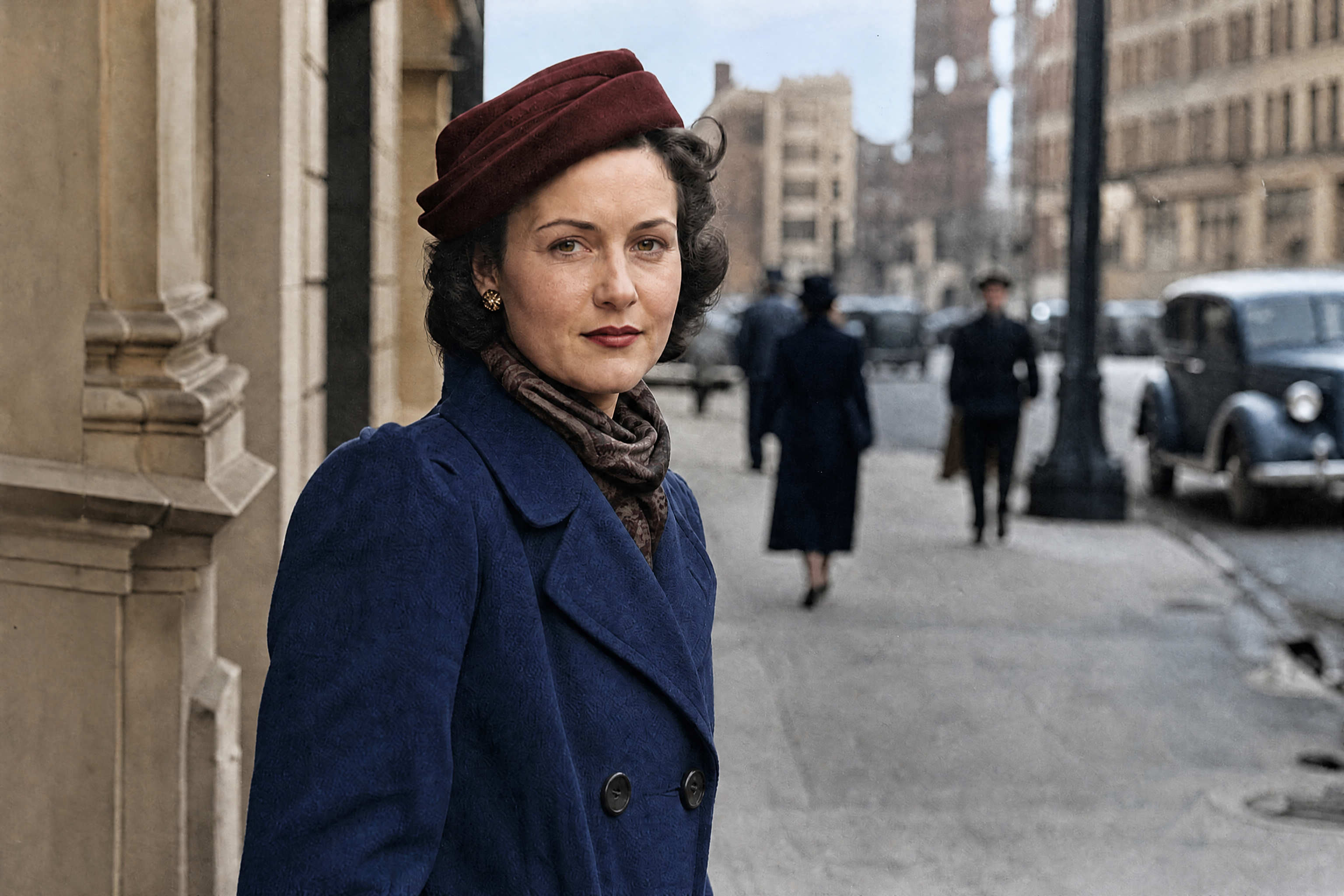
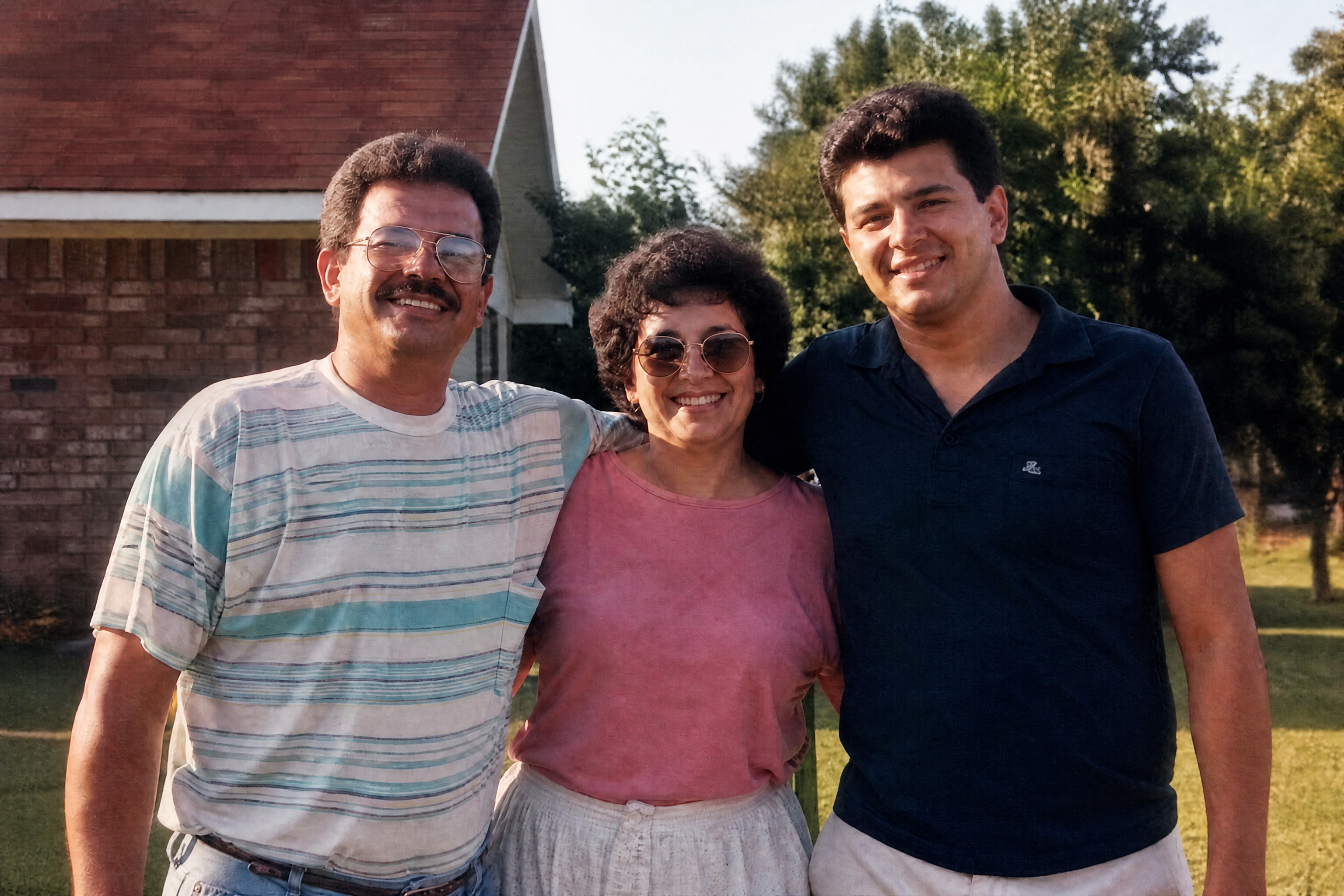
Turn grayscale photos into natural-looking color images in a few clicks. Our AI adds believable tones to skin, clothing, skies, streets, and interiors while keeping the original composition intact. It's useful for family archives, scanned prints, and creative restorations.
Watch the Transformation
See ai image colorizer in motion — generated end-to-end by our AI.
See It In Action
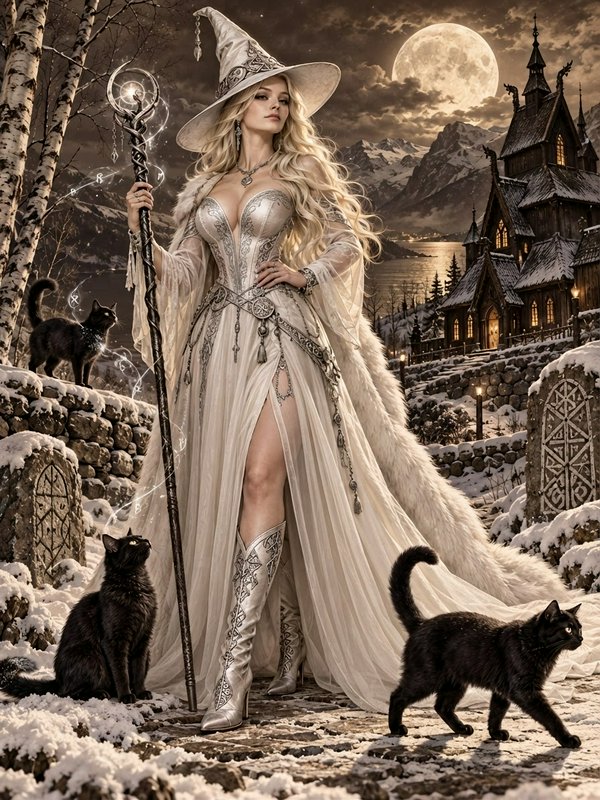
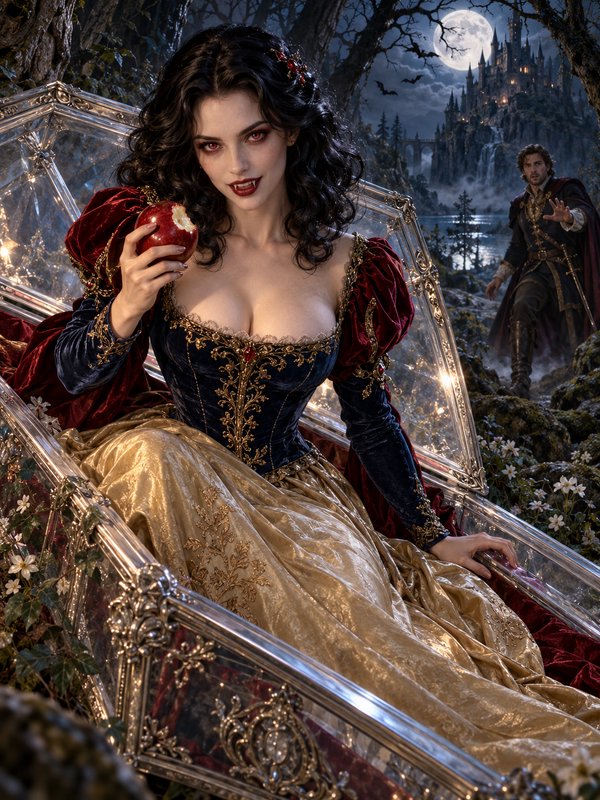
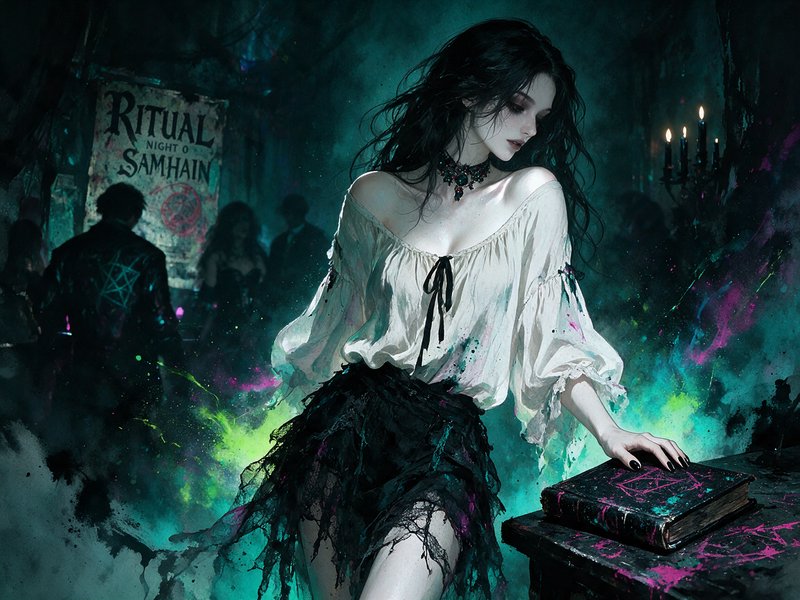
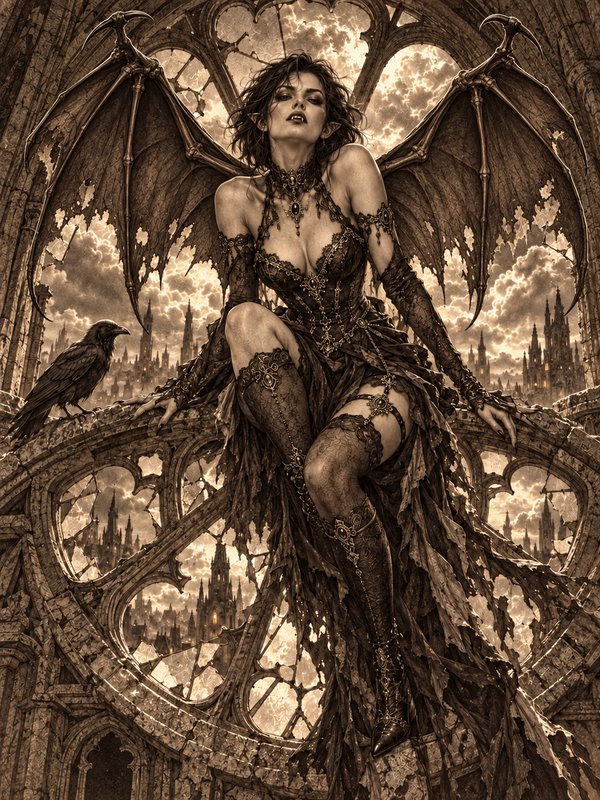
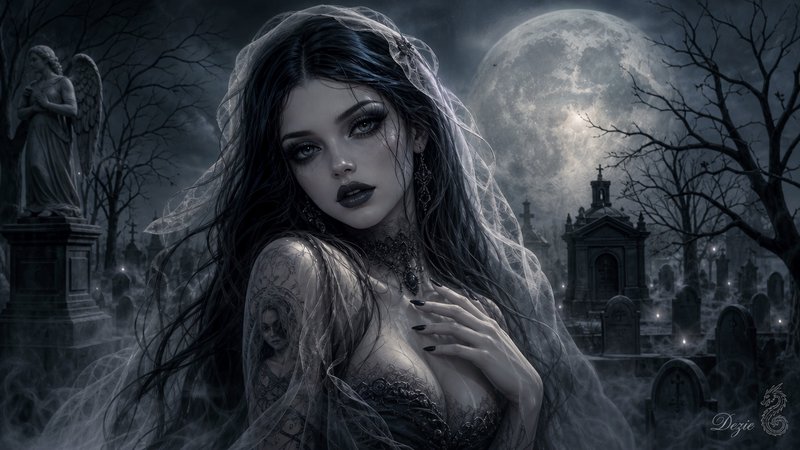
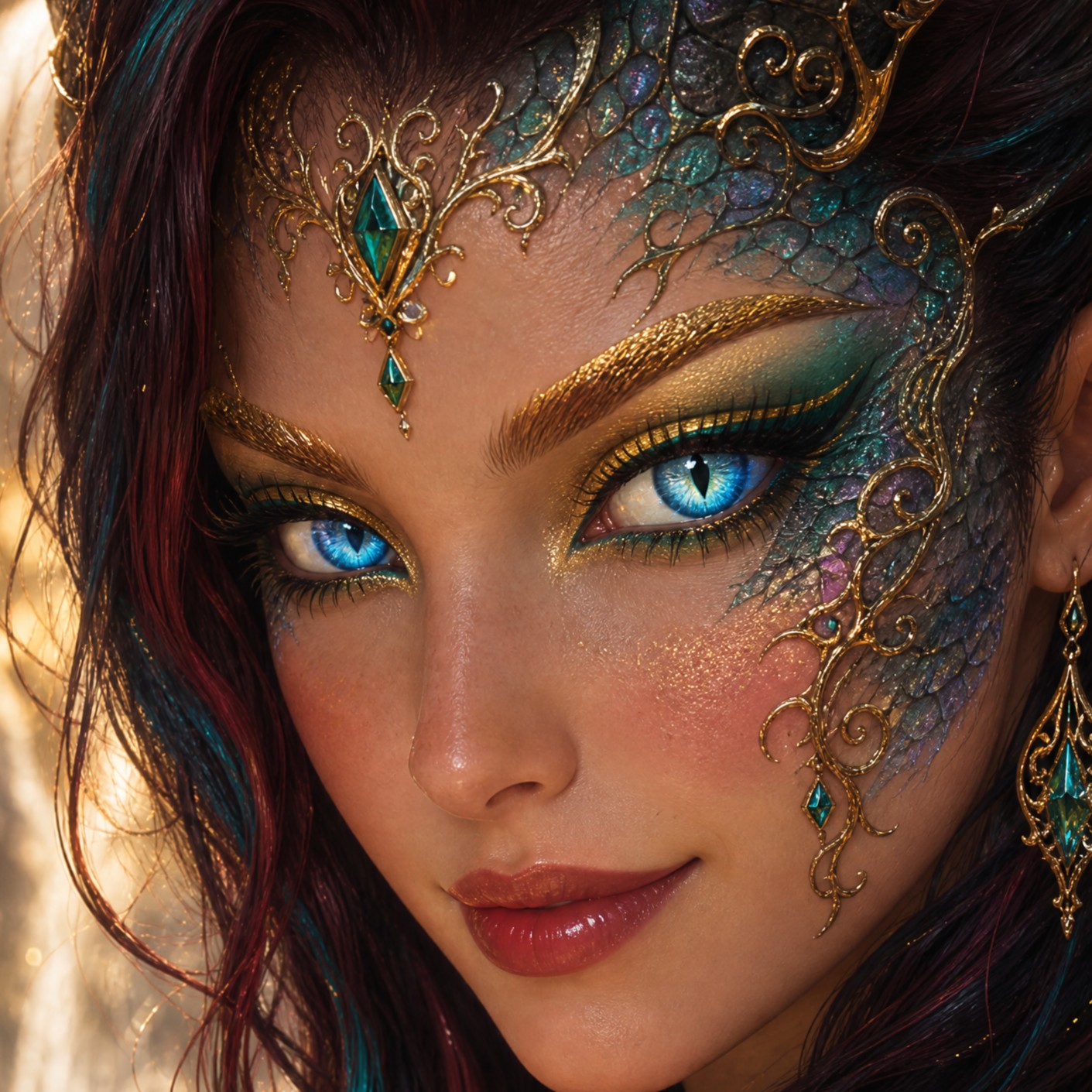
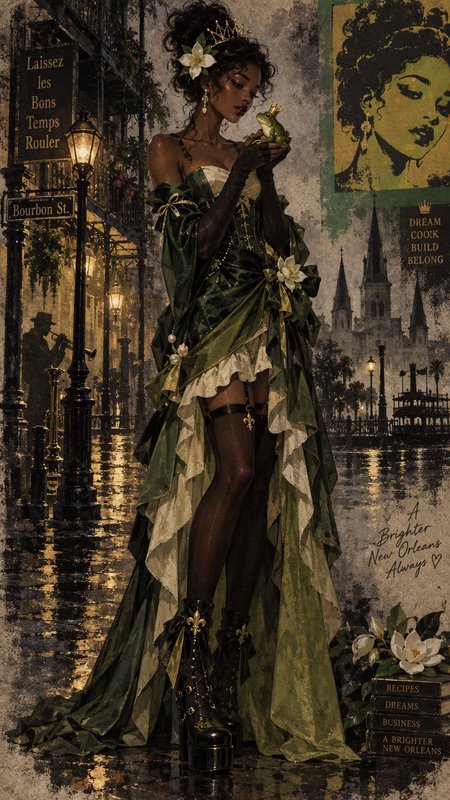
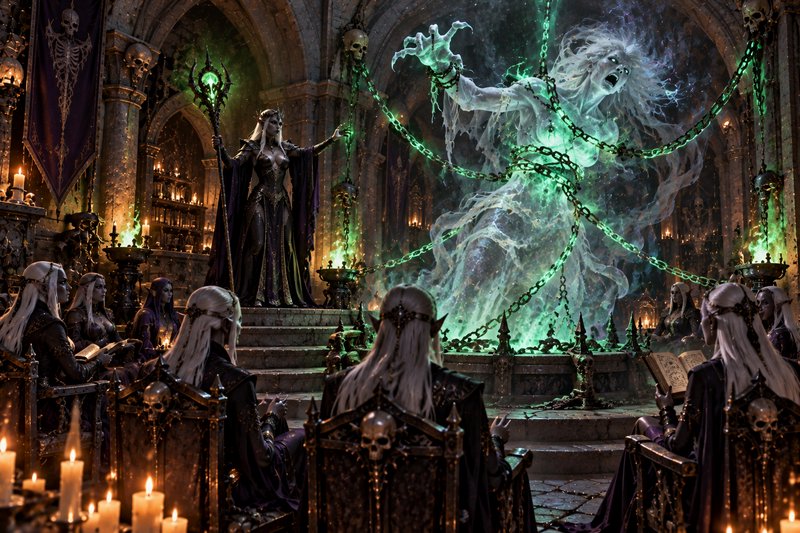
Real outputs from ai image colorizer.
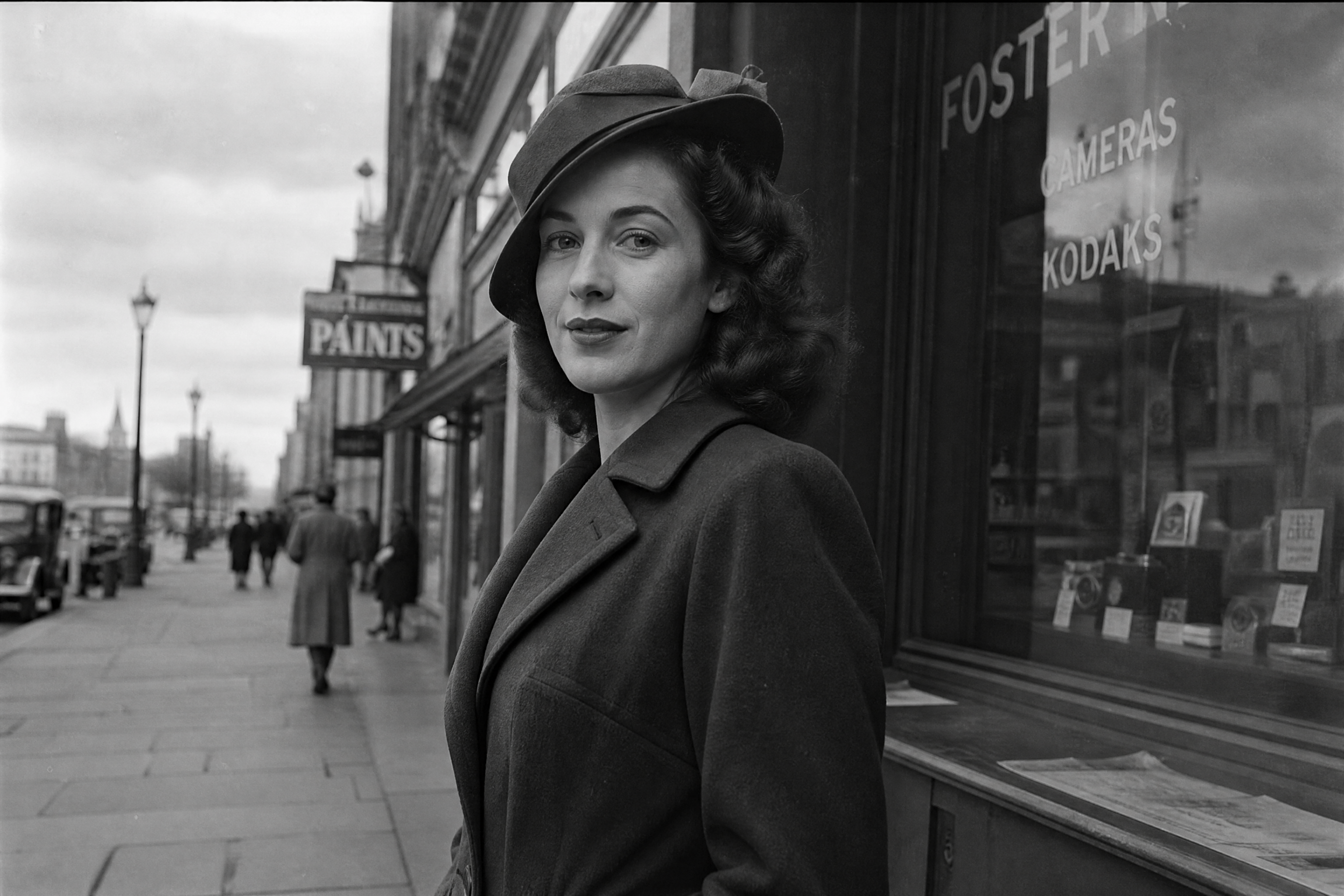
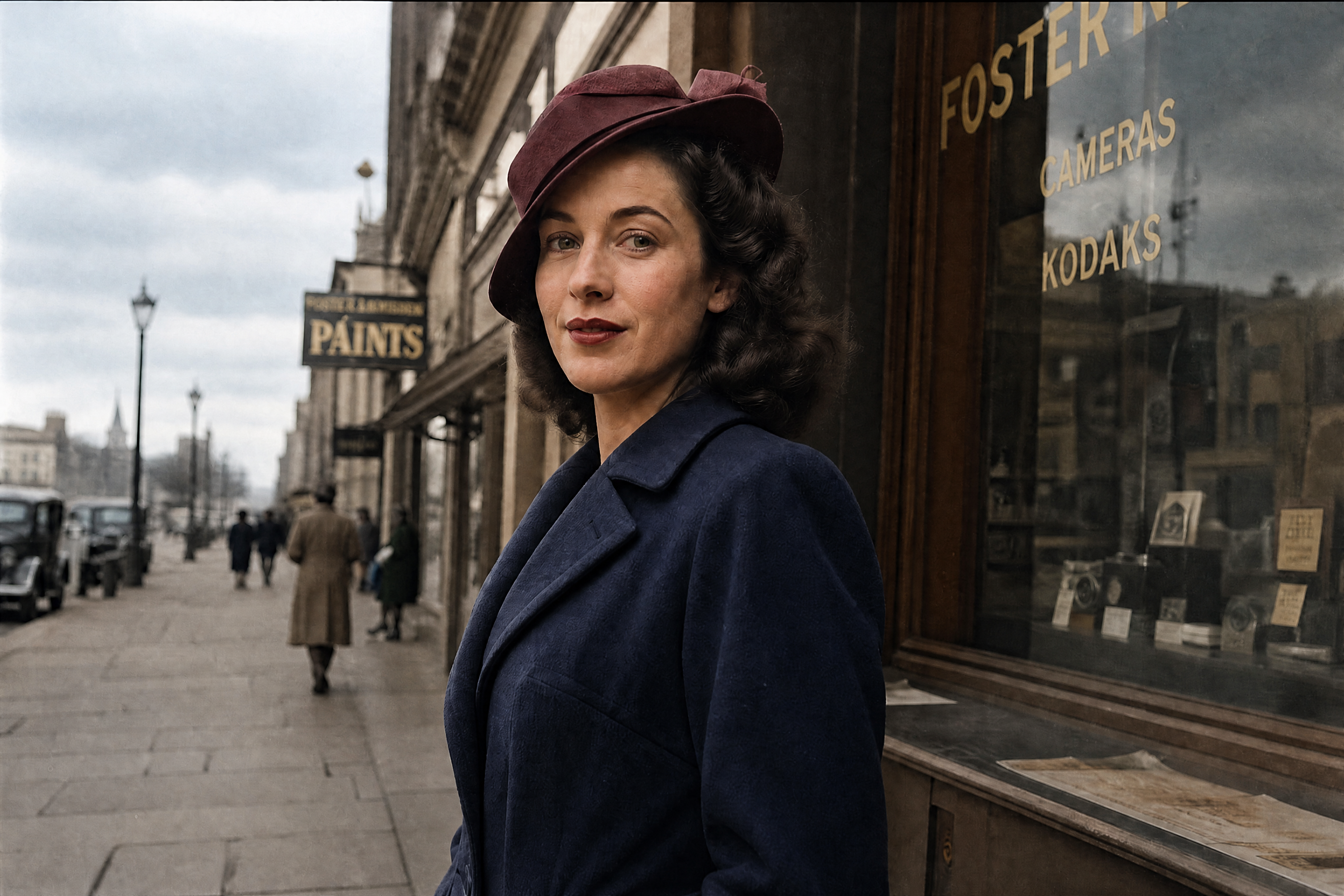
BEFOREAFTER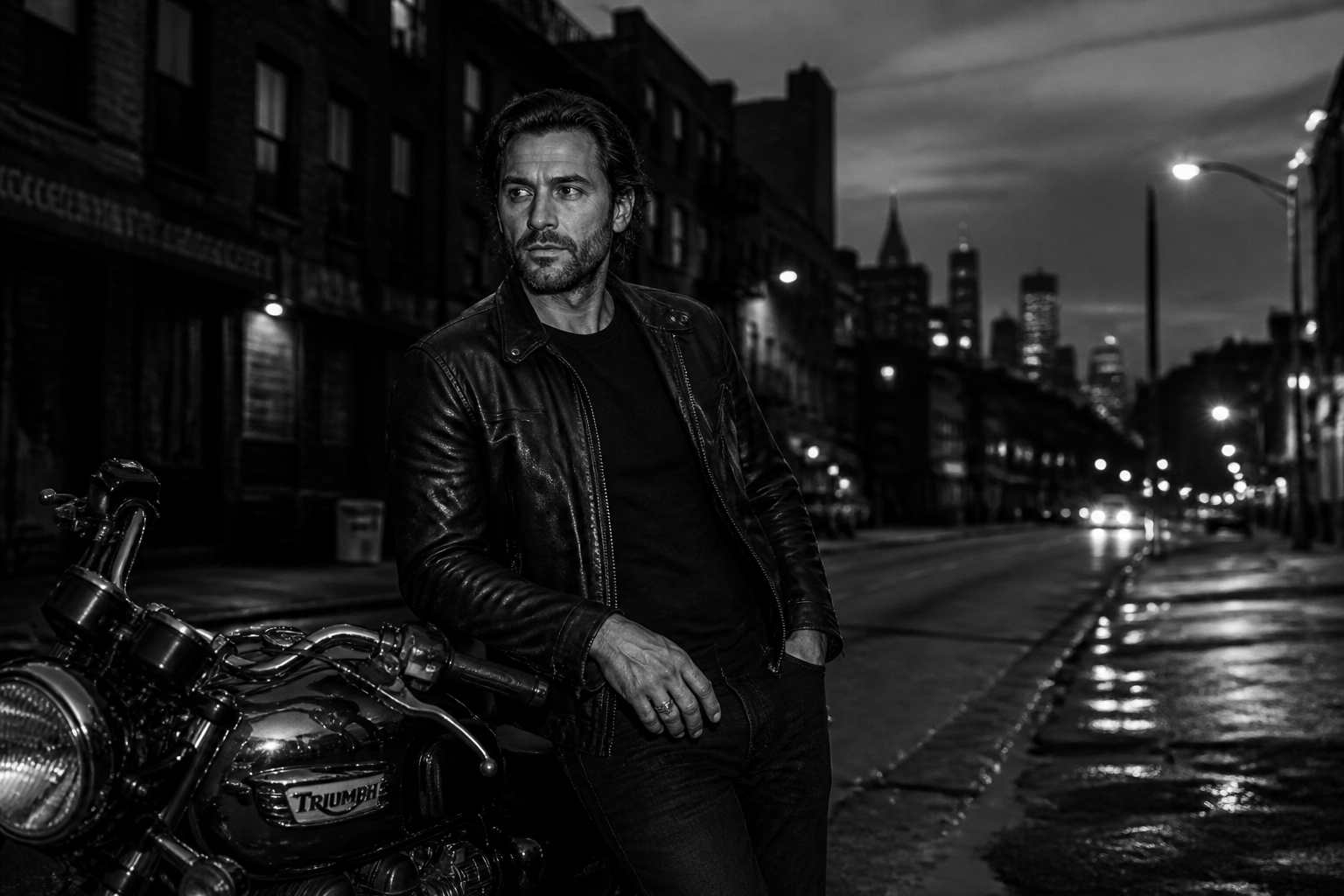 BEFORE
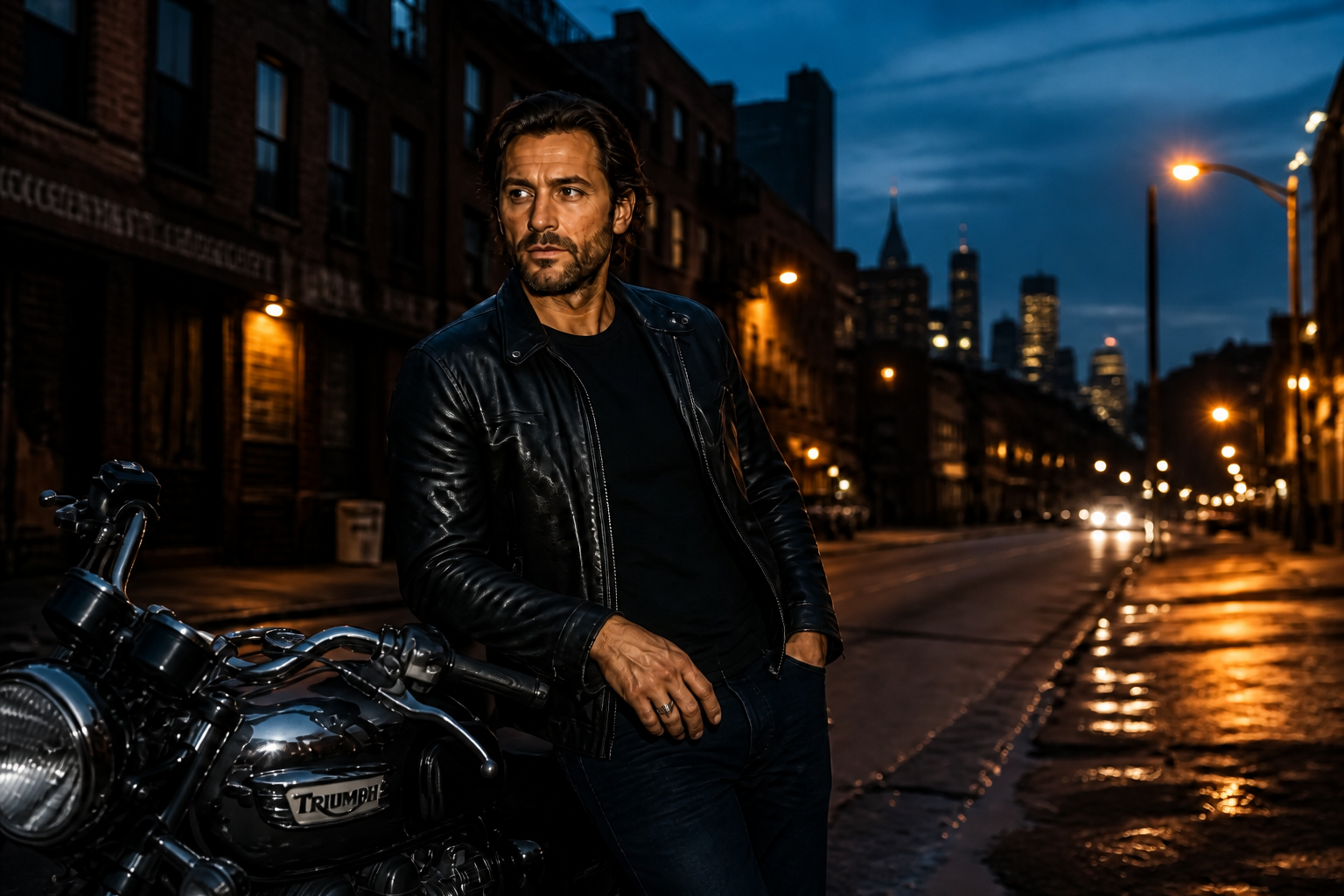 AFTER
AFTER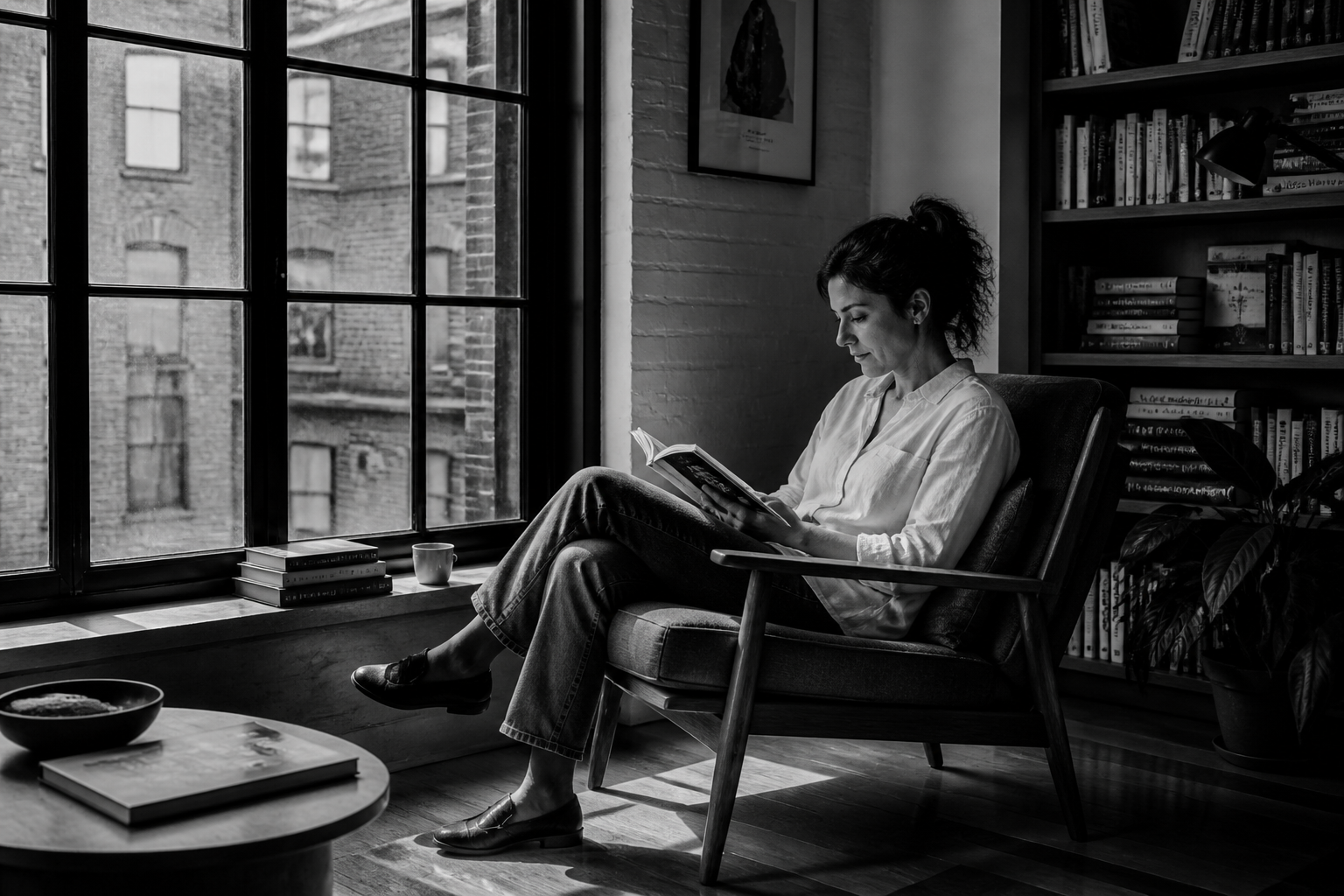 BEFORE
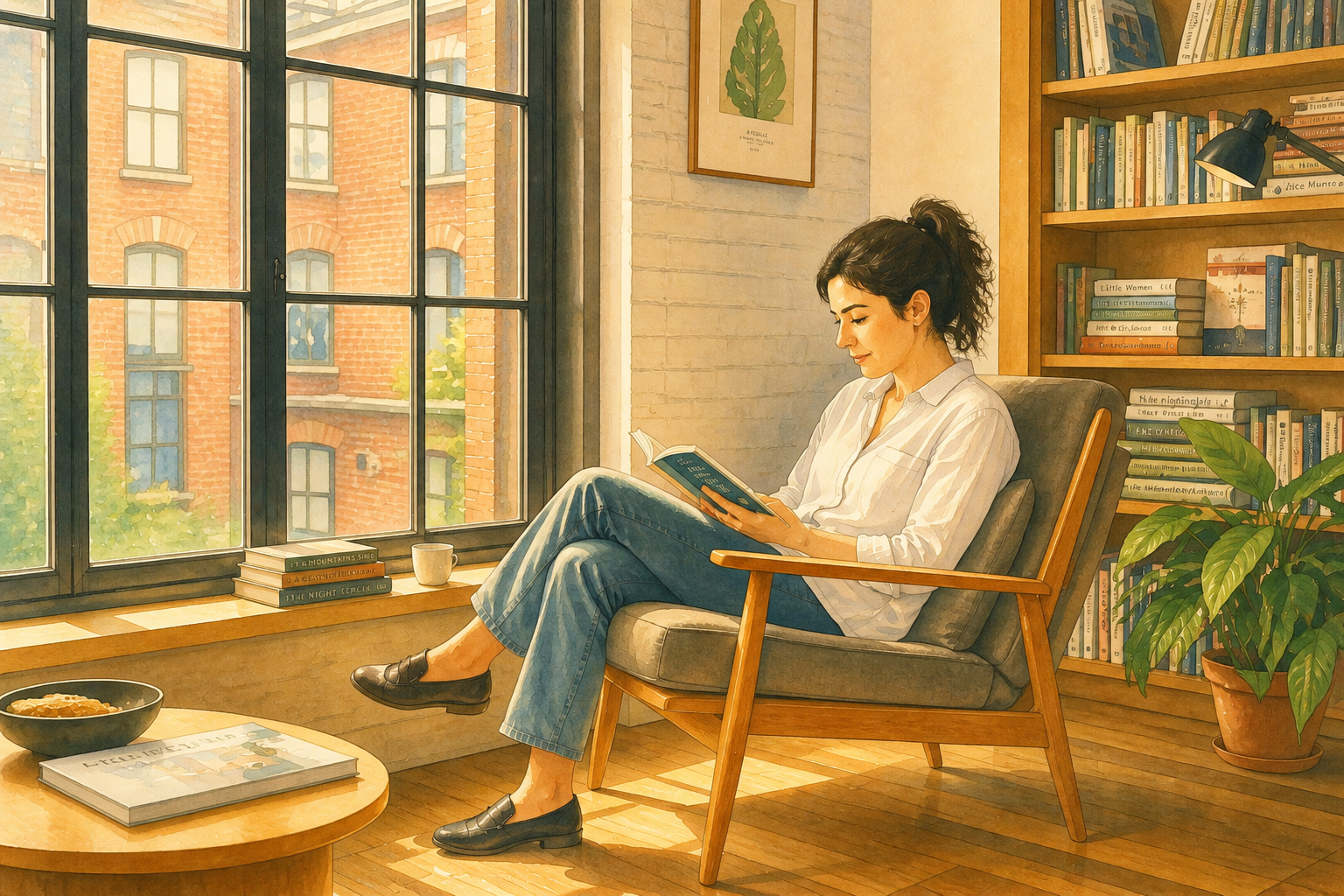 AFTER
AFTER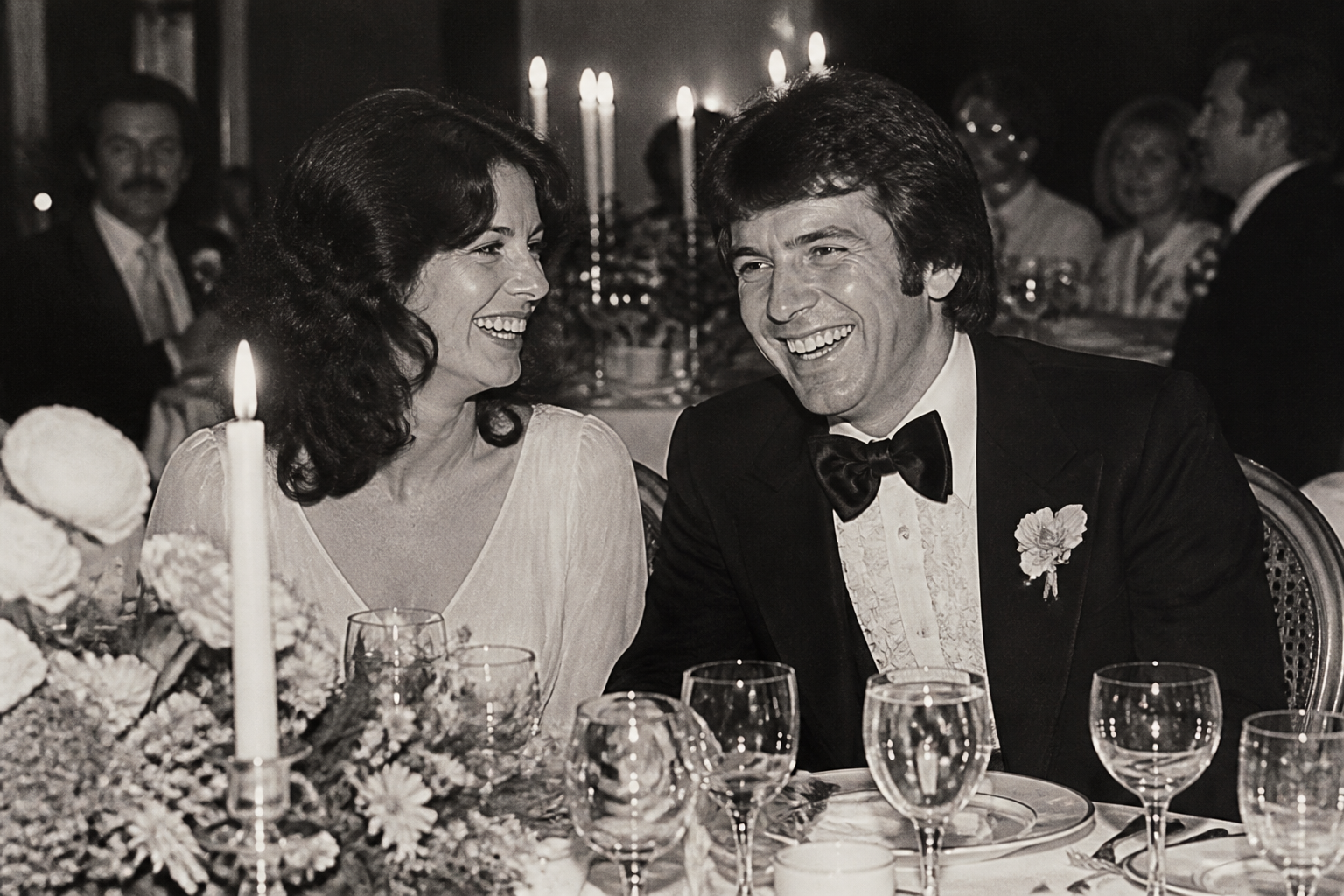 BEFORE
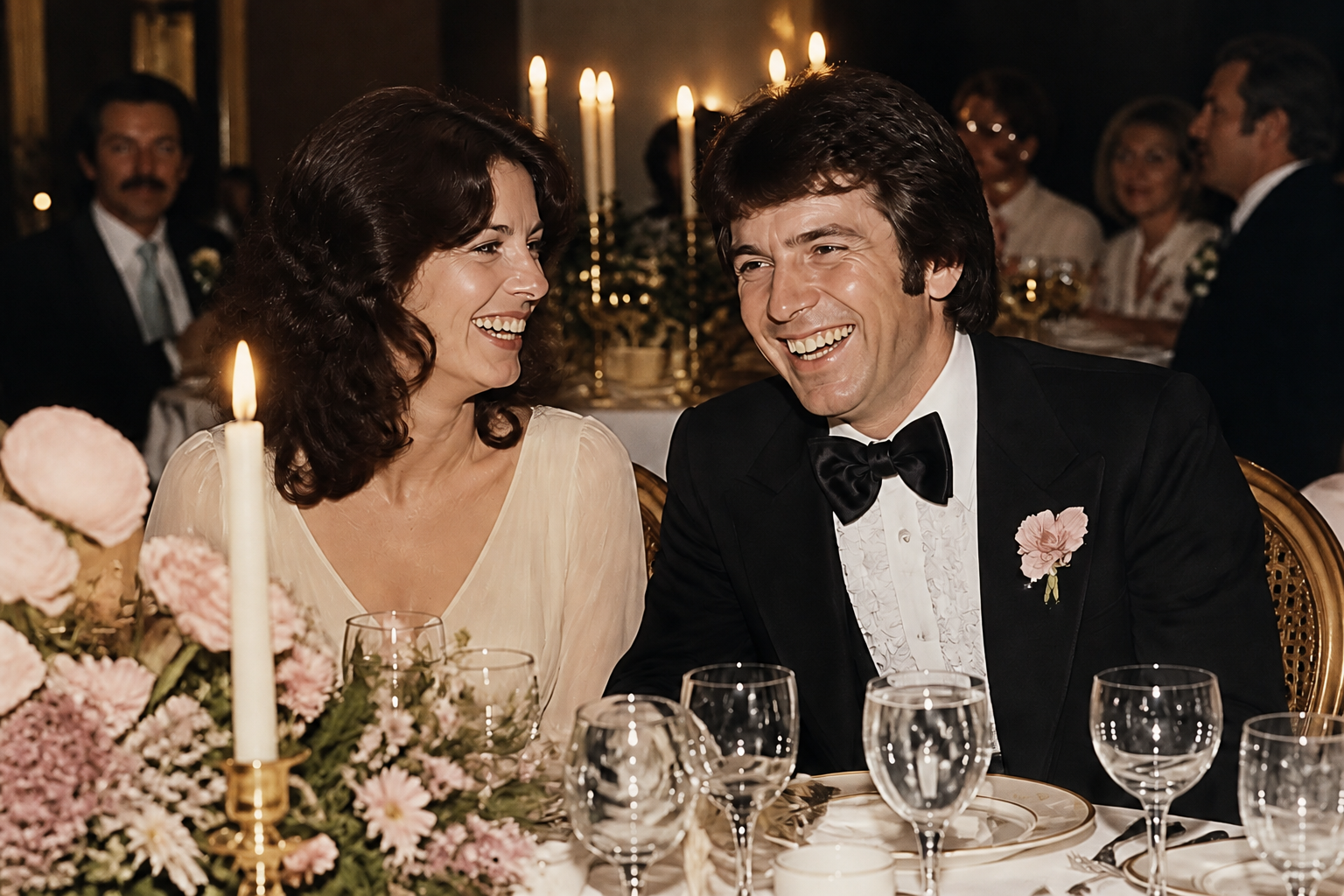 AFTER
AFTER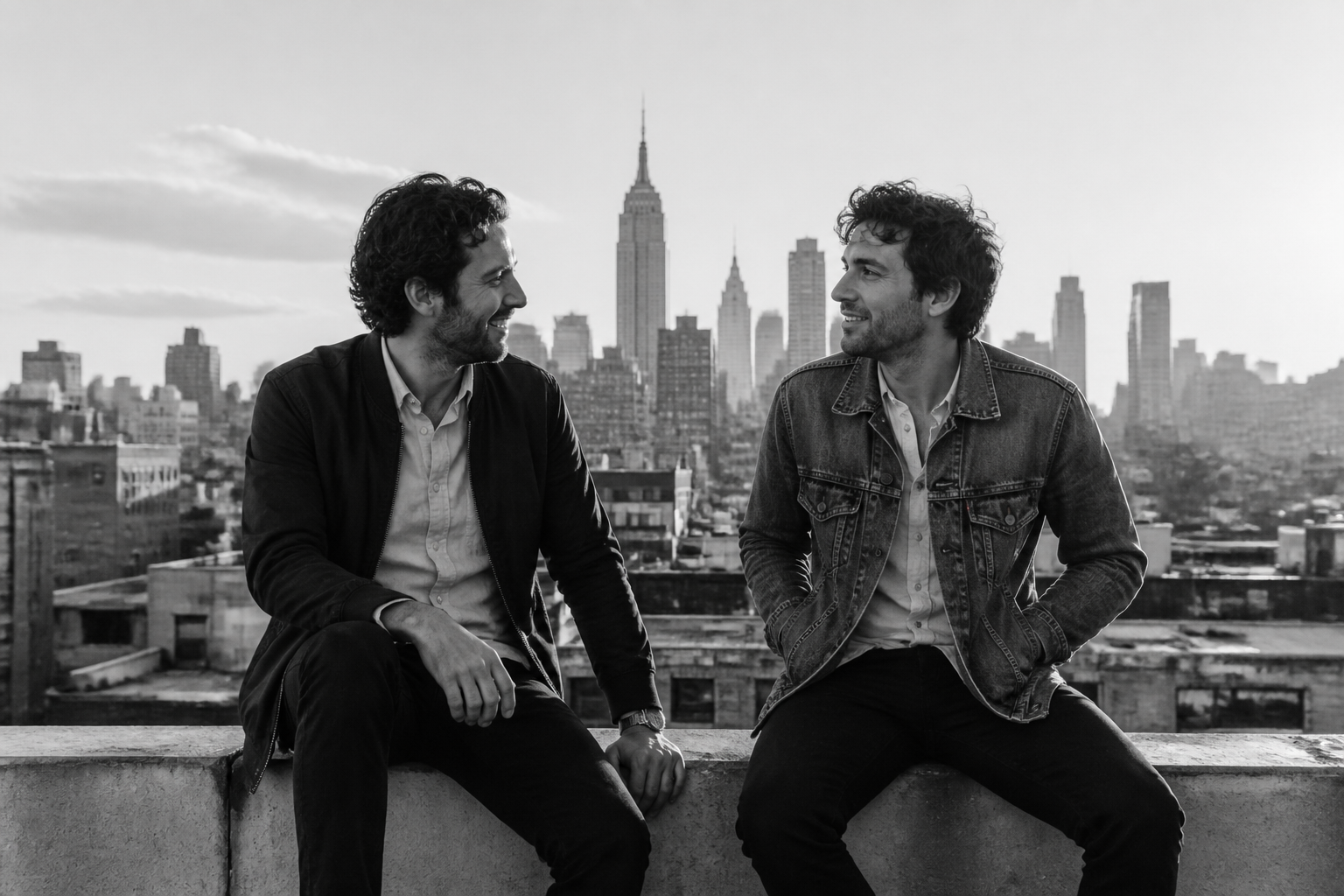 BEFORE
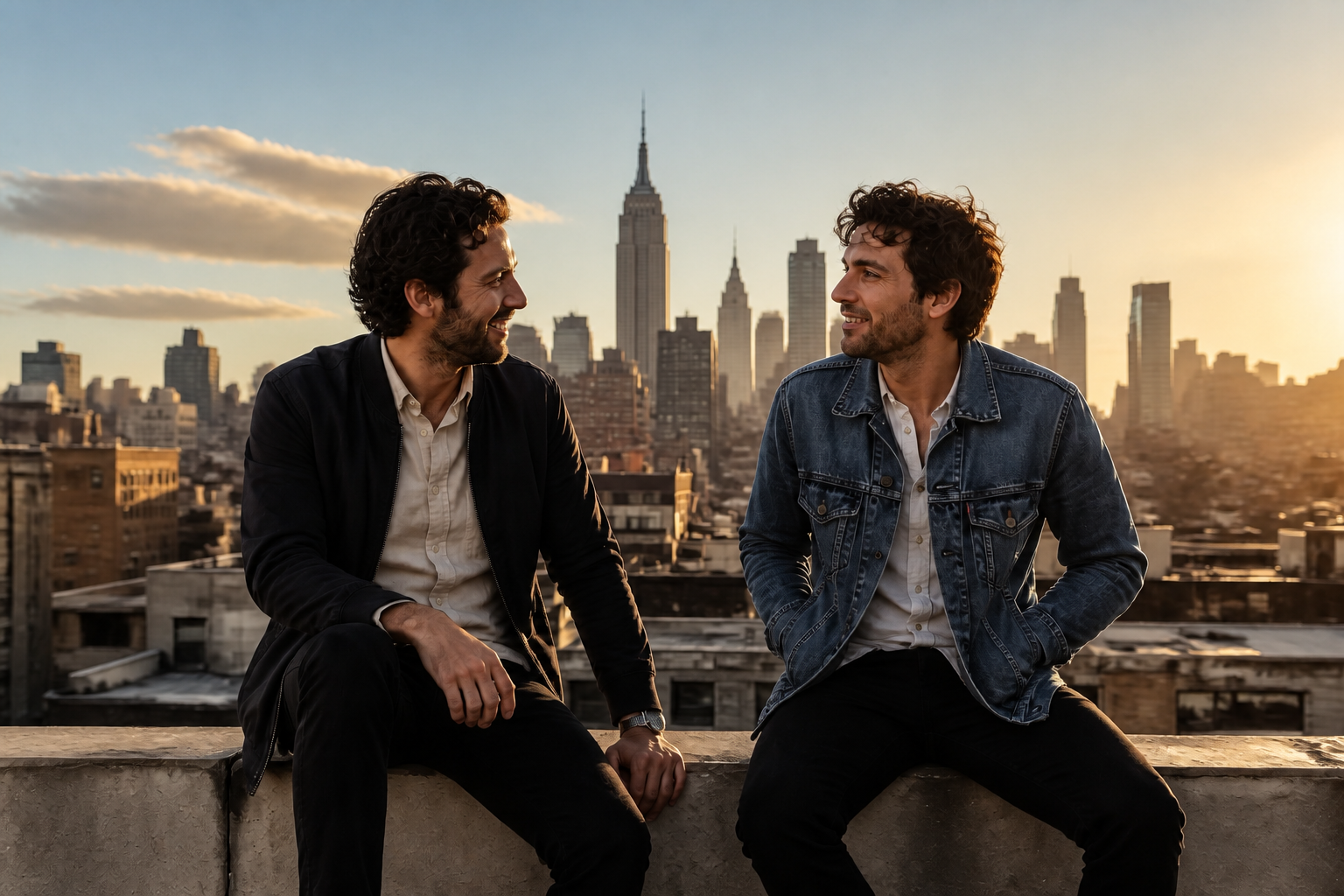 AFTERBEFOREAFTERBEFOREAFTERBEFOREAFTERBEFOREAFTERBEFOREAFTER
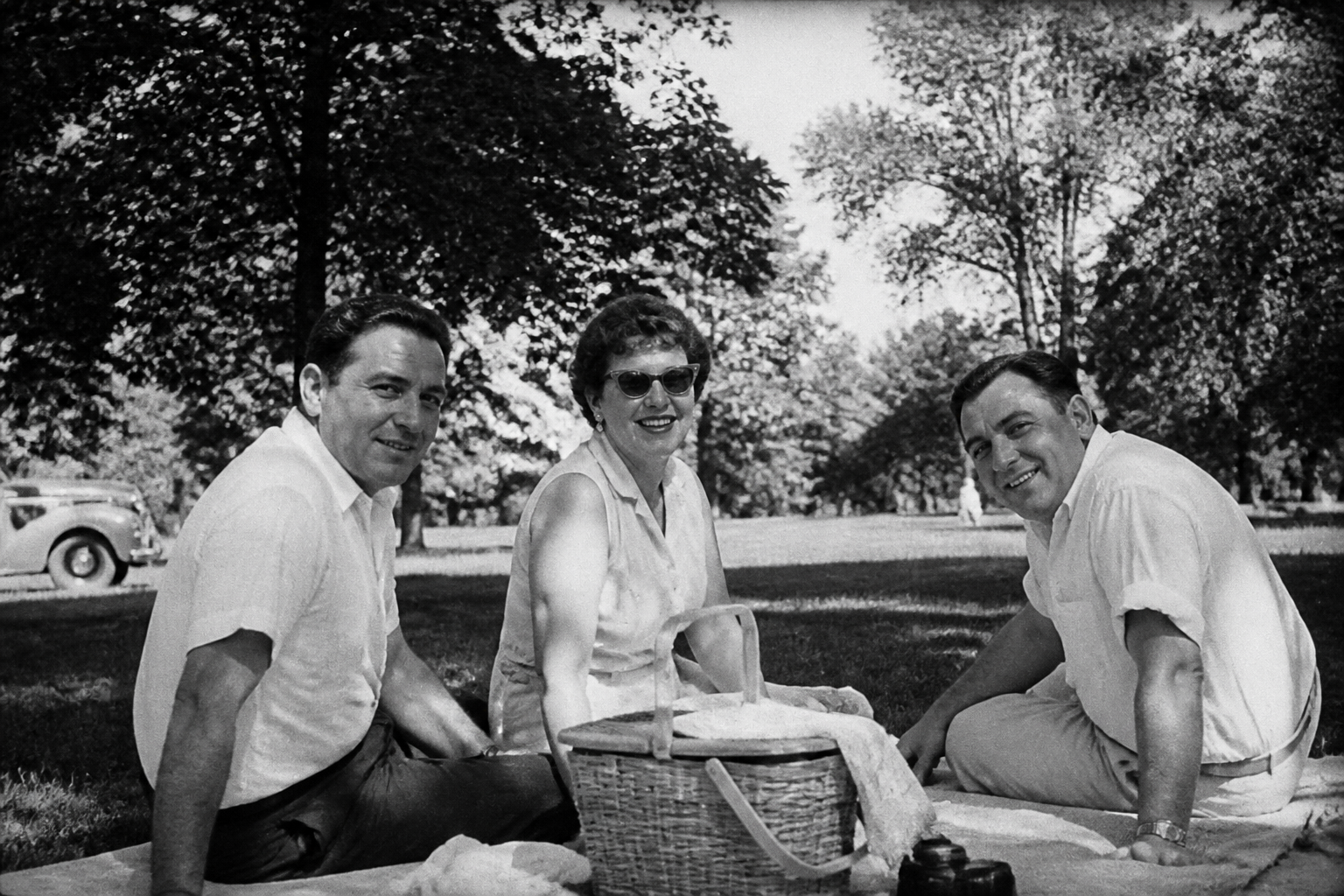 BEFORE
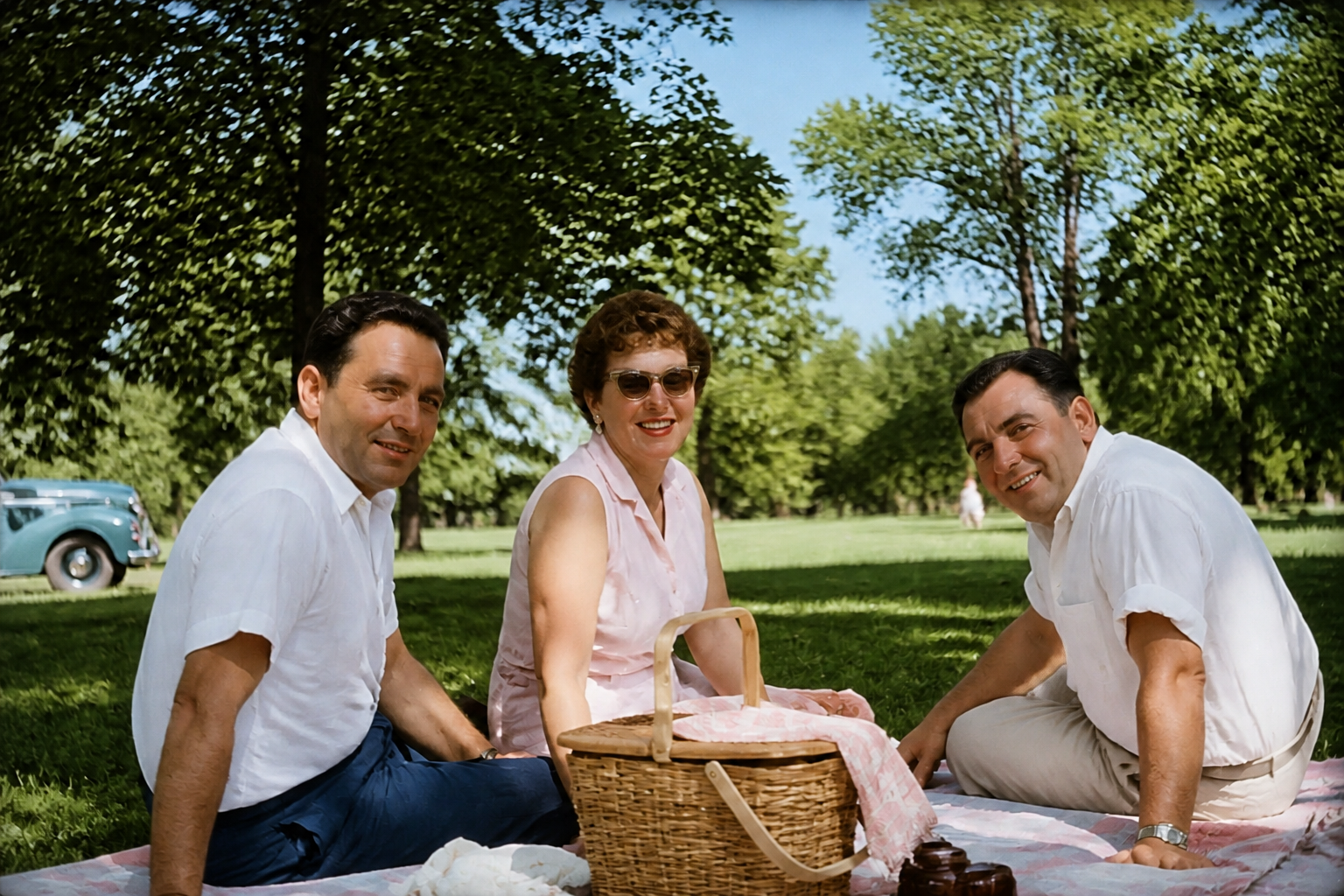 AFTER
AFTER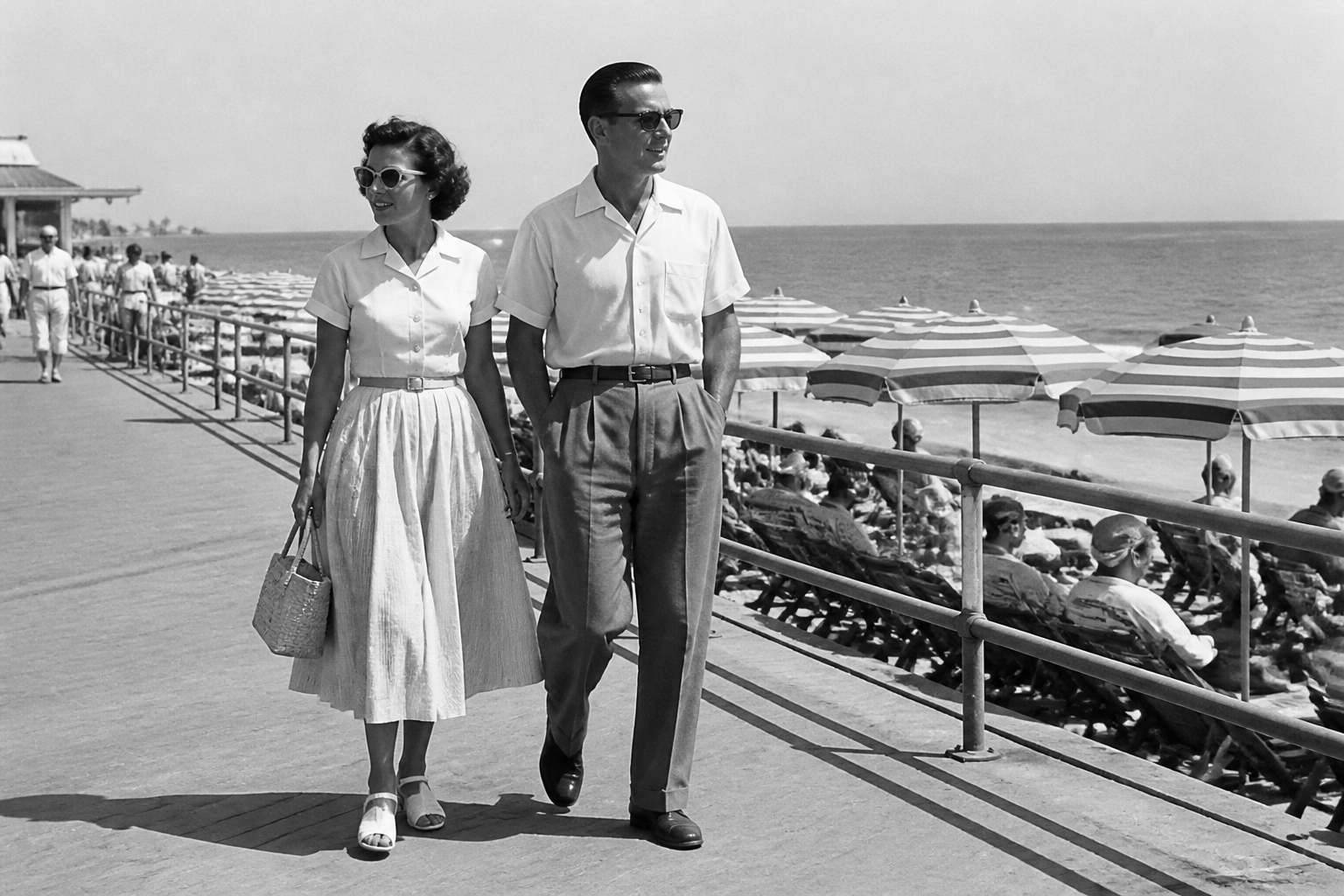 BEFORE
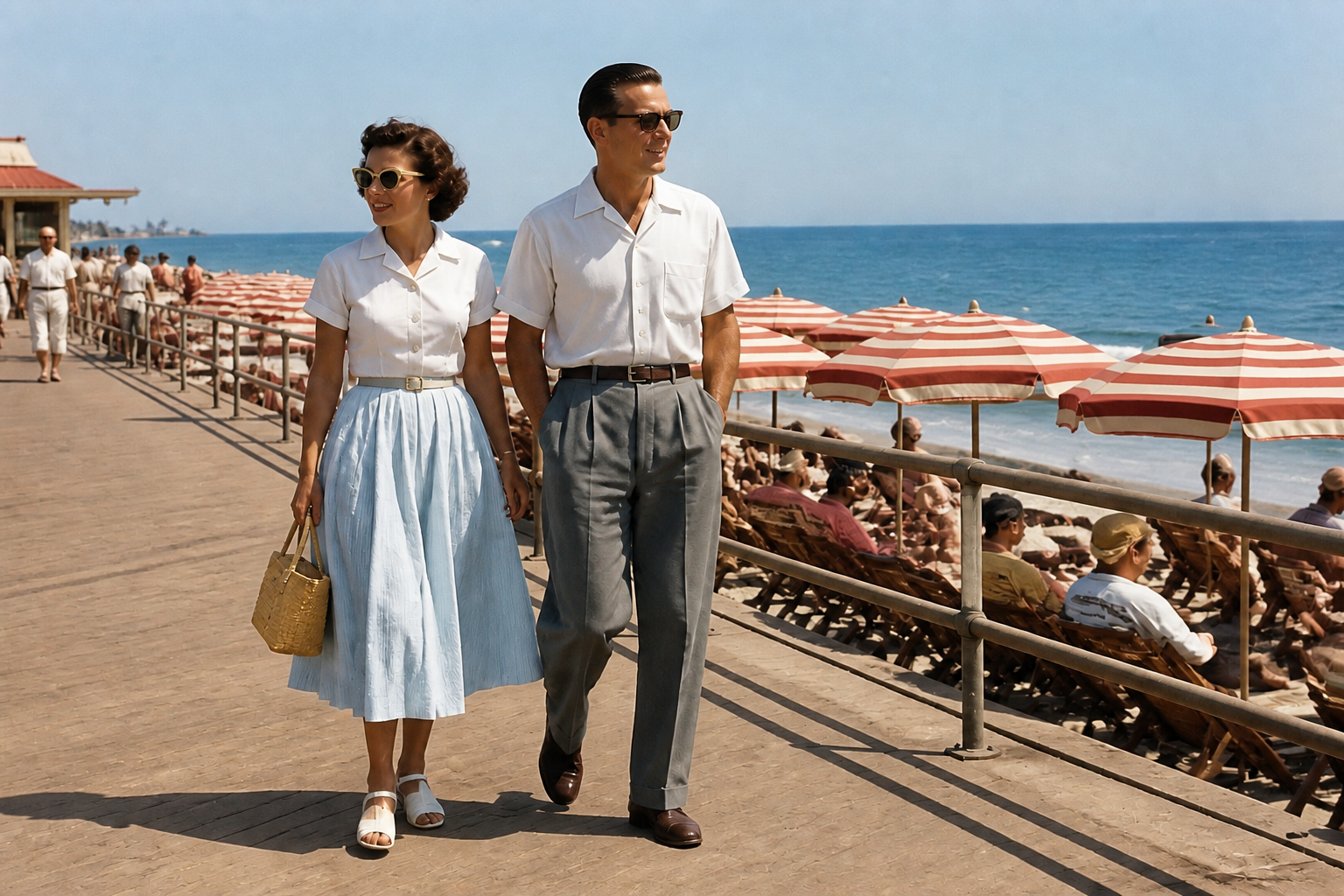 AFTER
AFTER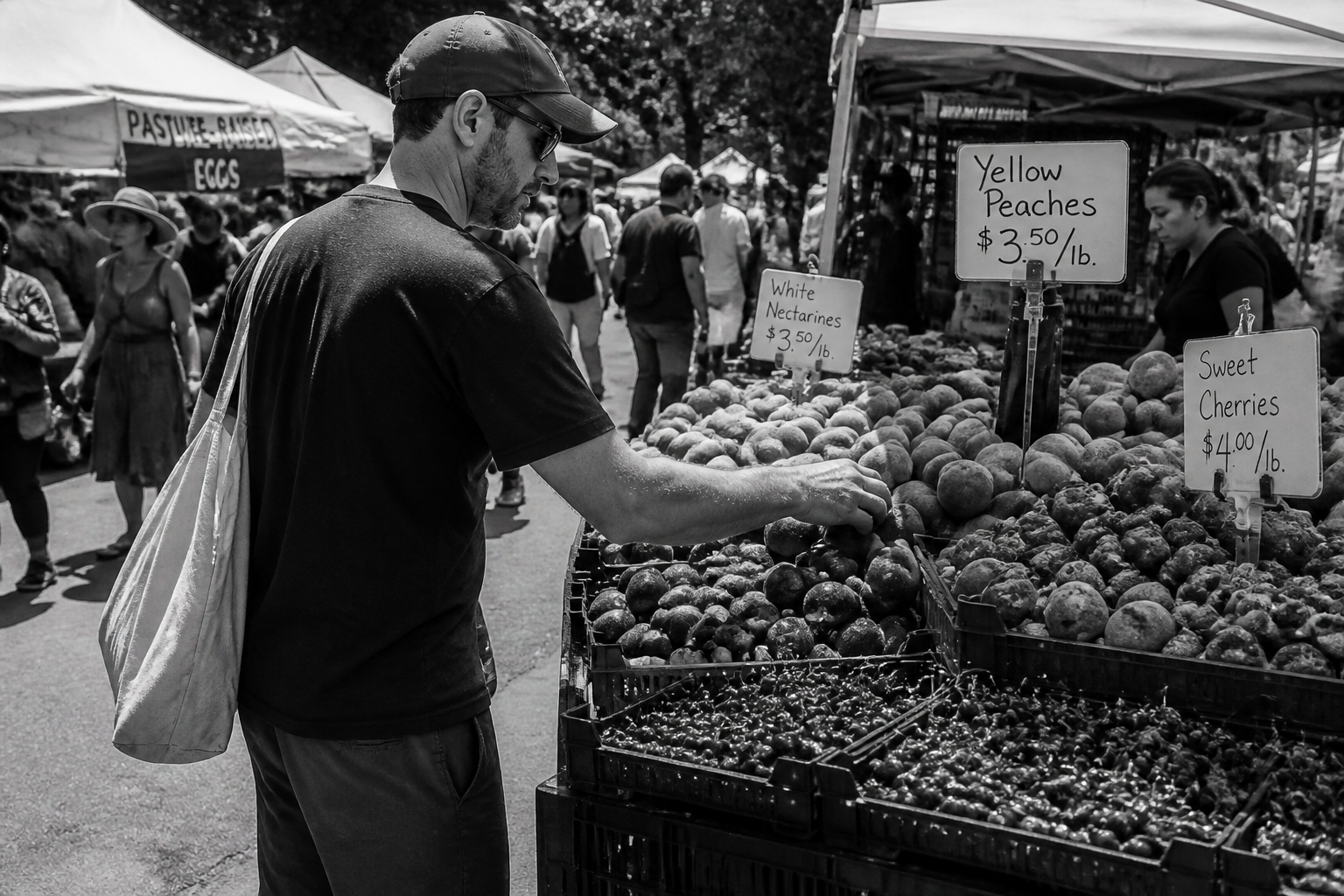 BEFORE
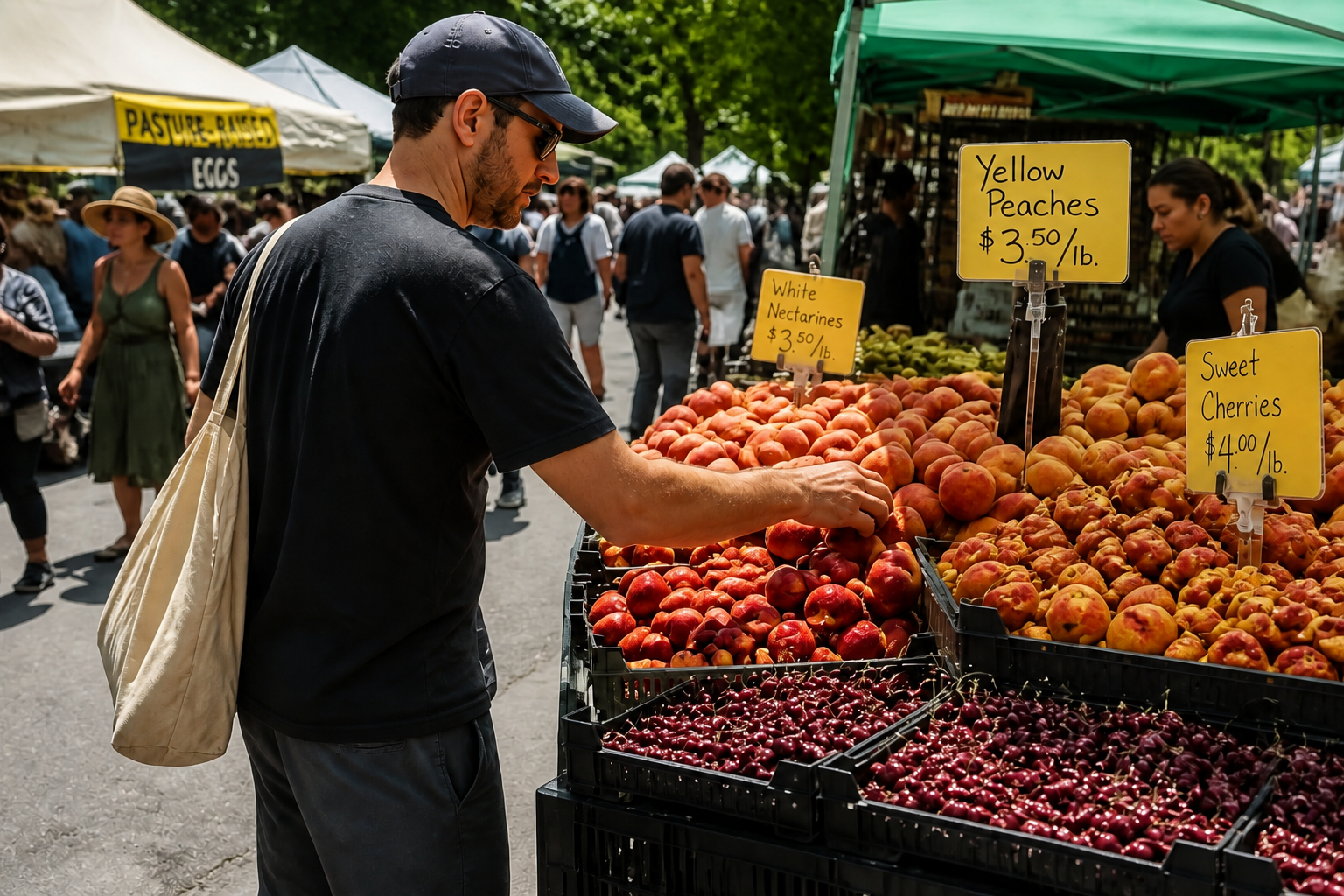 AFTER
AFTER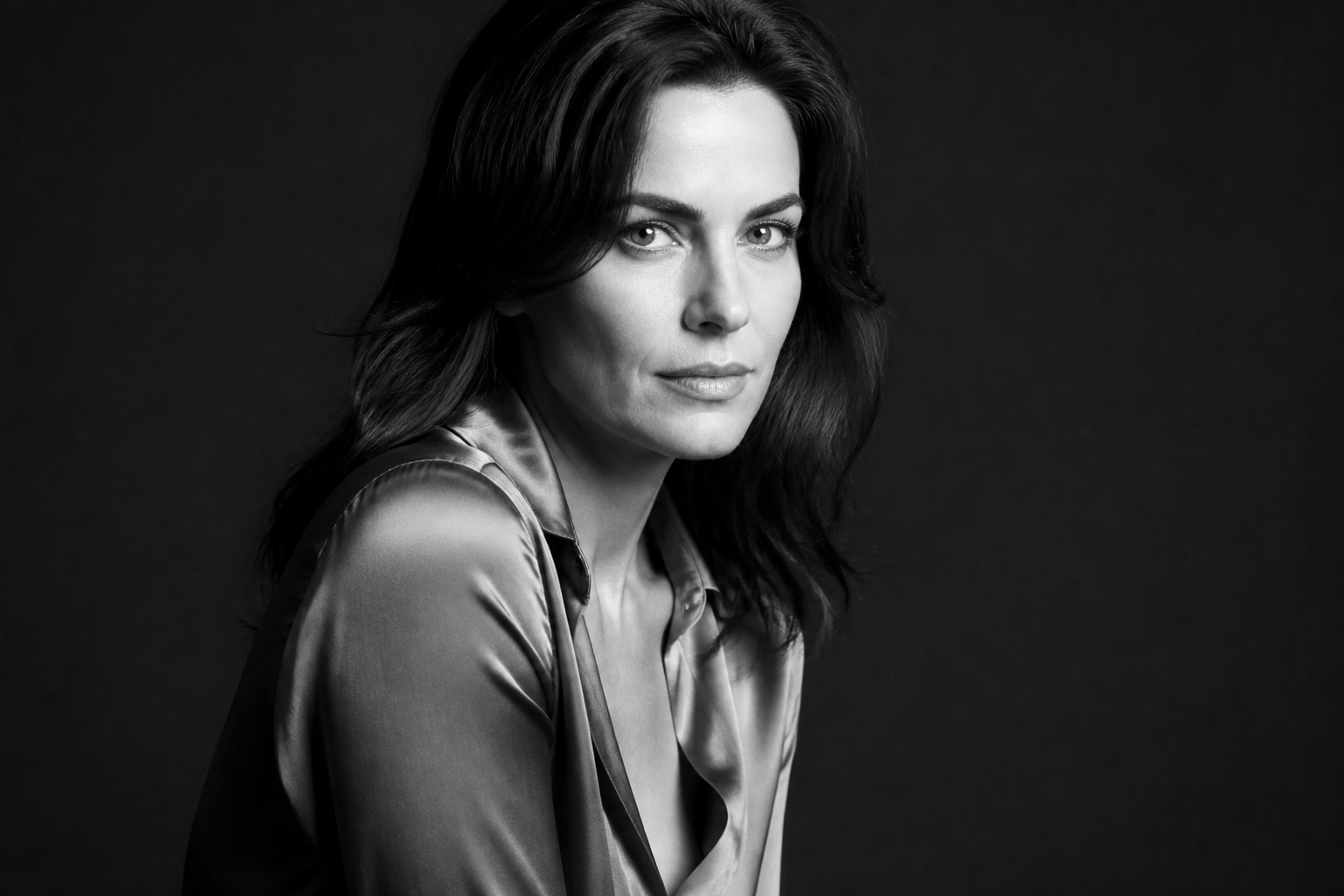 BEFORE
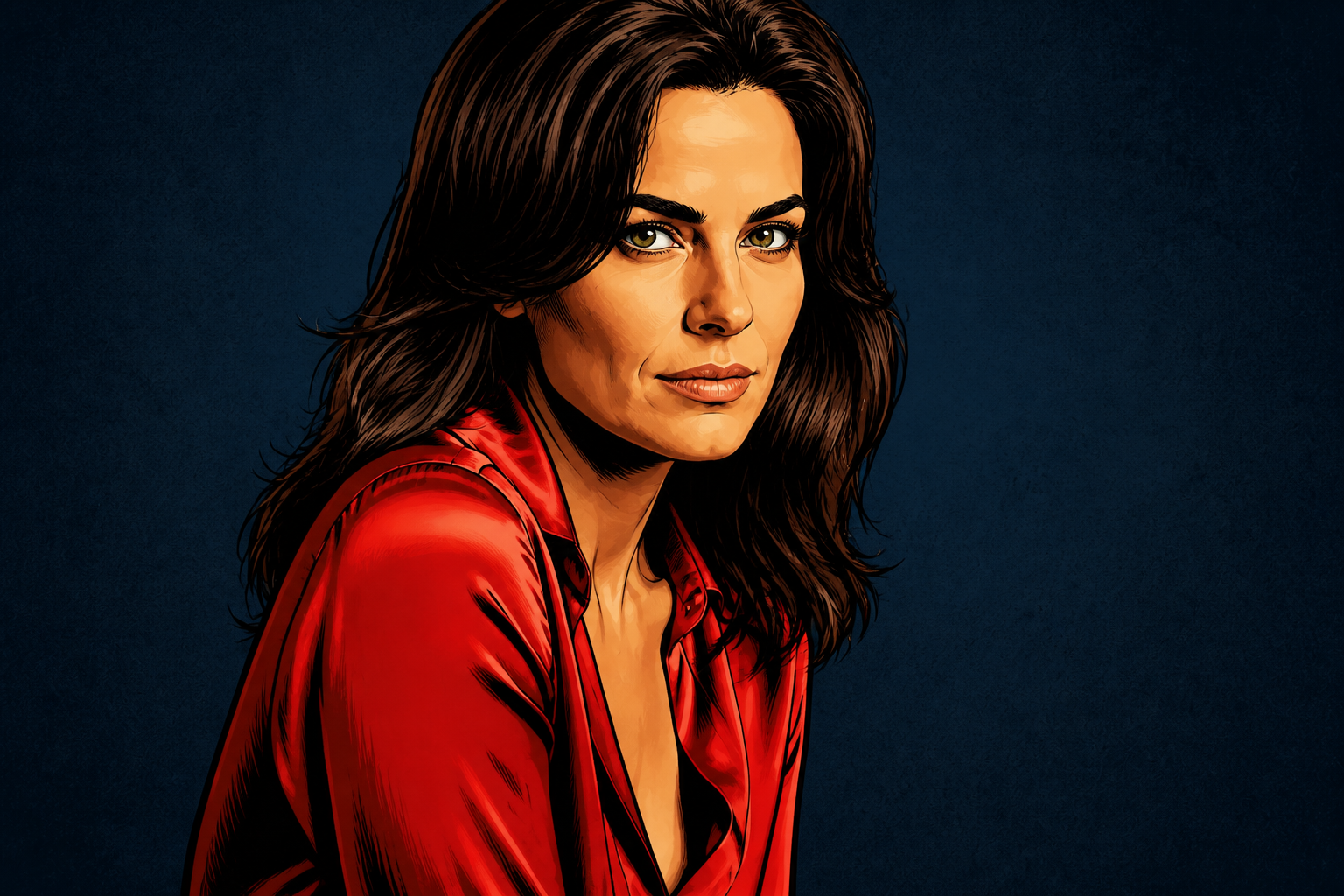 AFTER
AFTER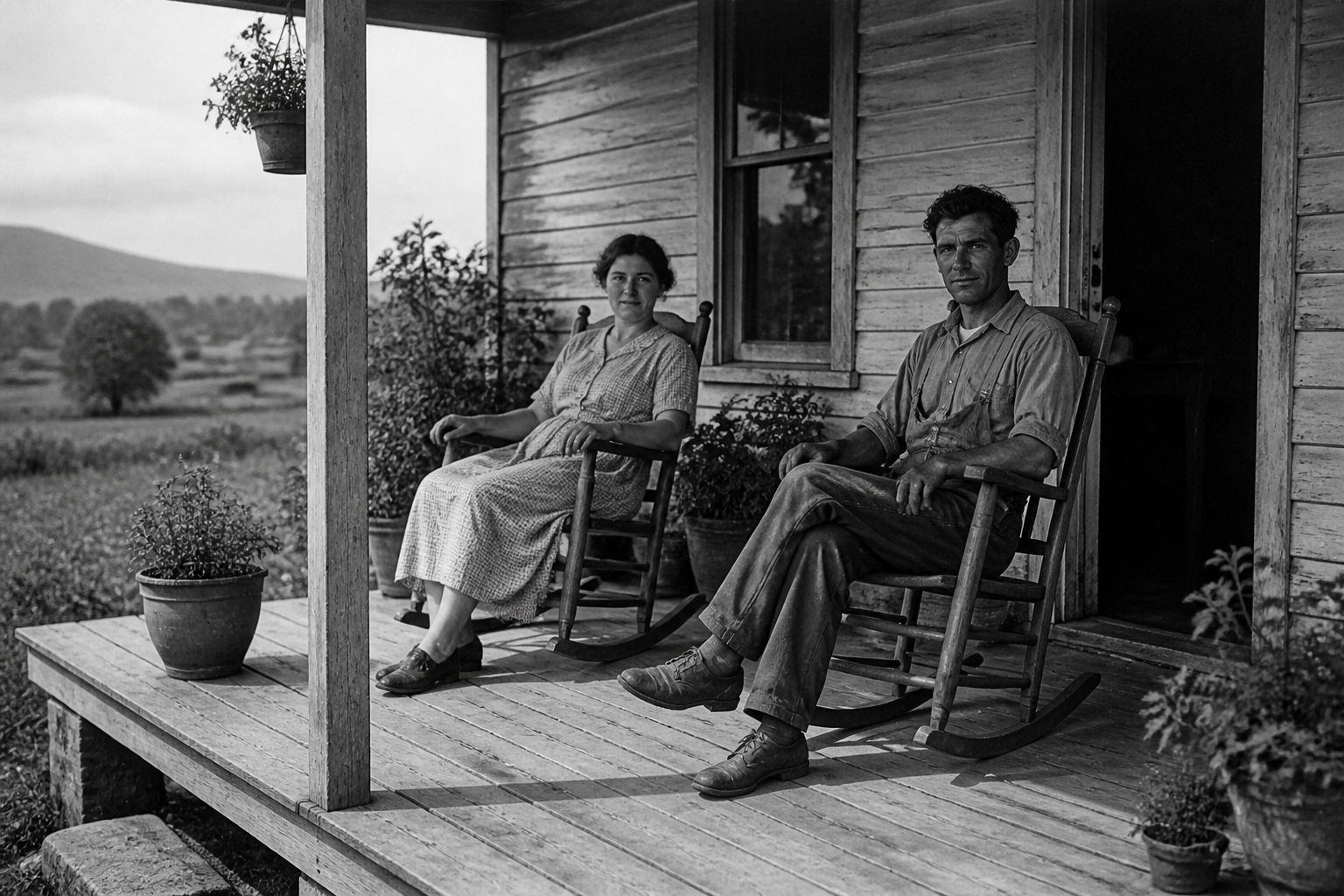 BEFORE
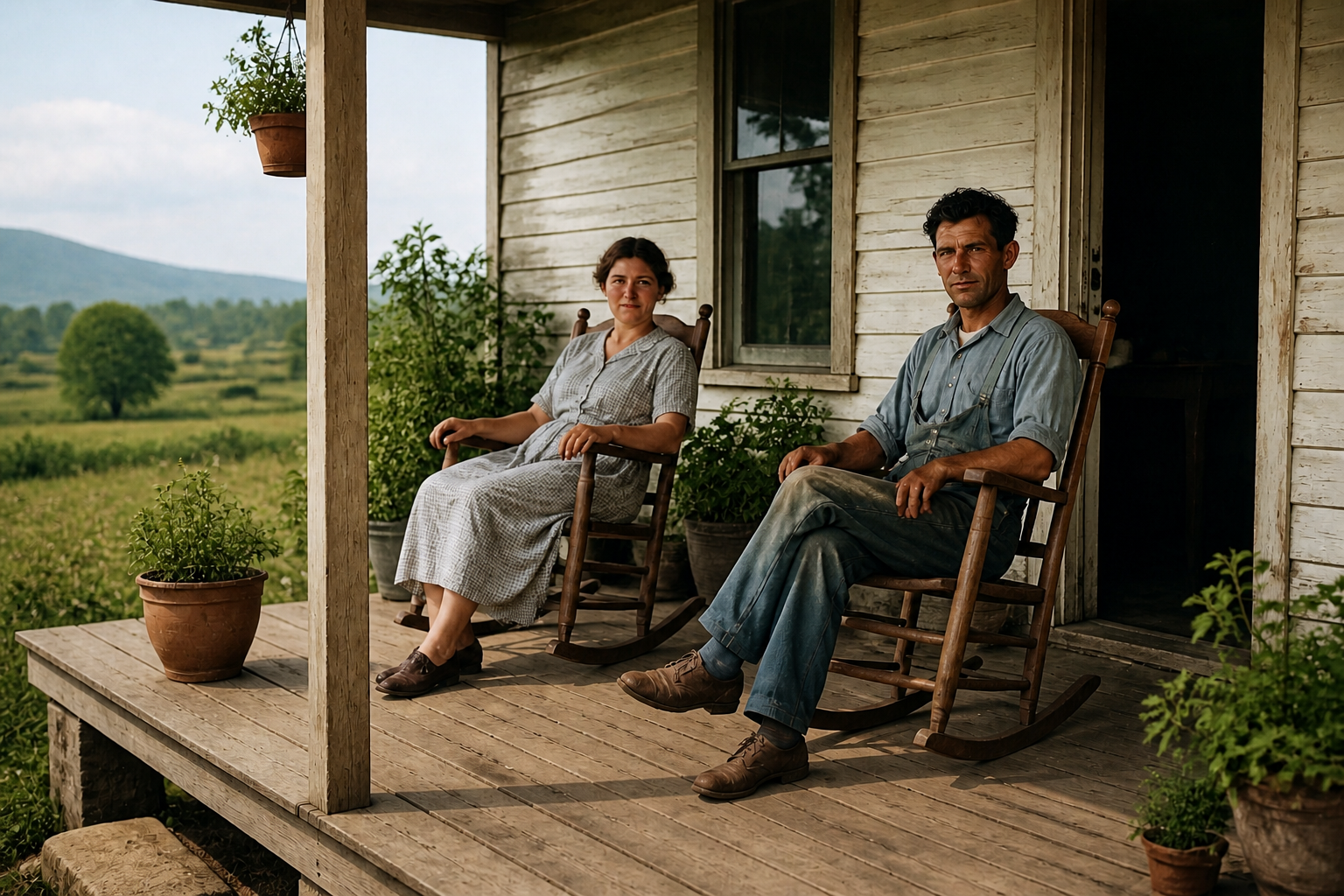 AFTERBEFOREAFTERBEFOREAFTERBEFOREAFTERBEFOREAFTERBEFOREAFTER
Key Features
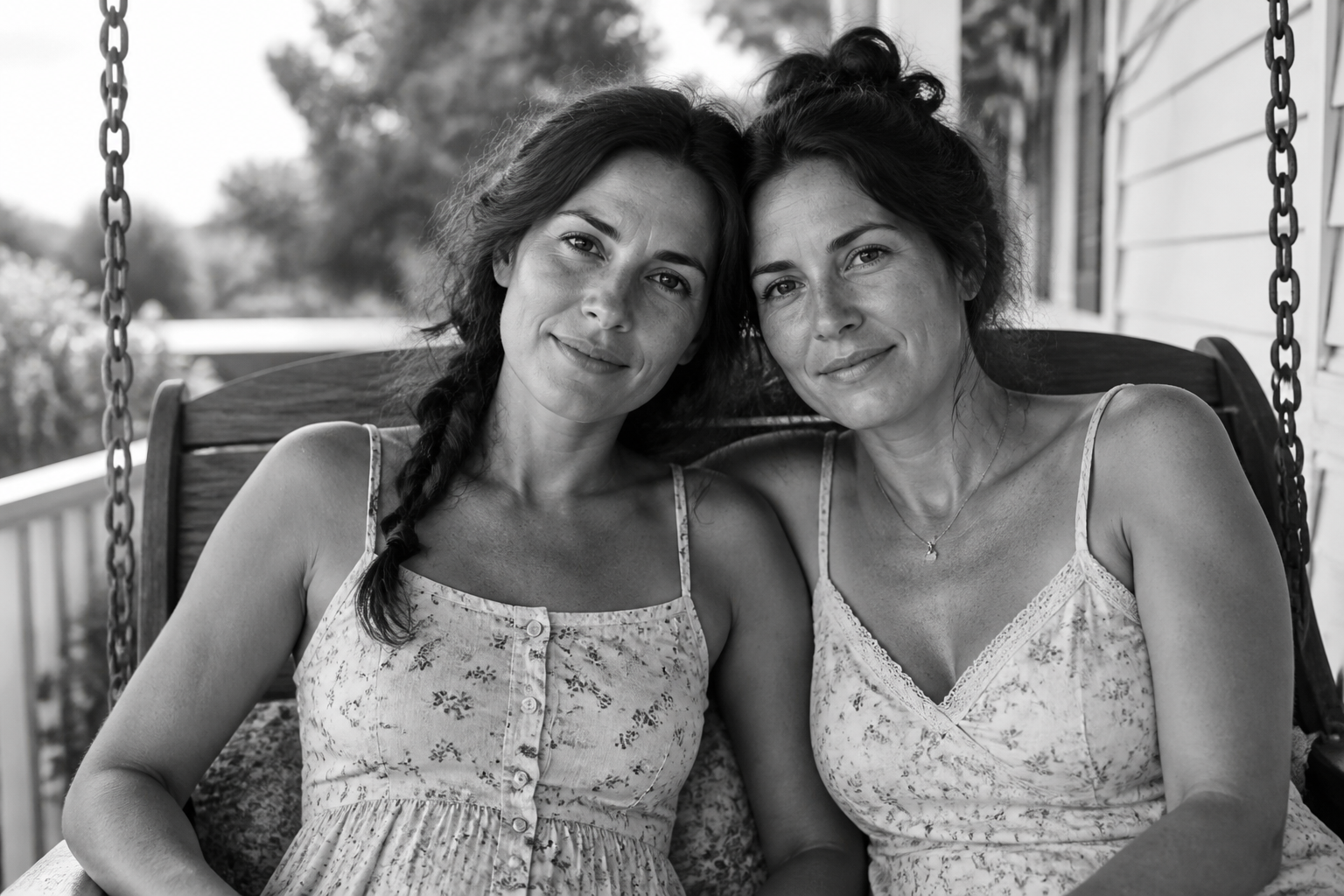
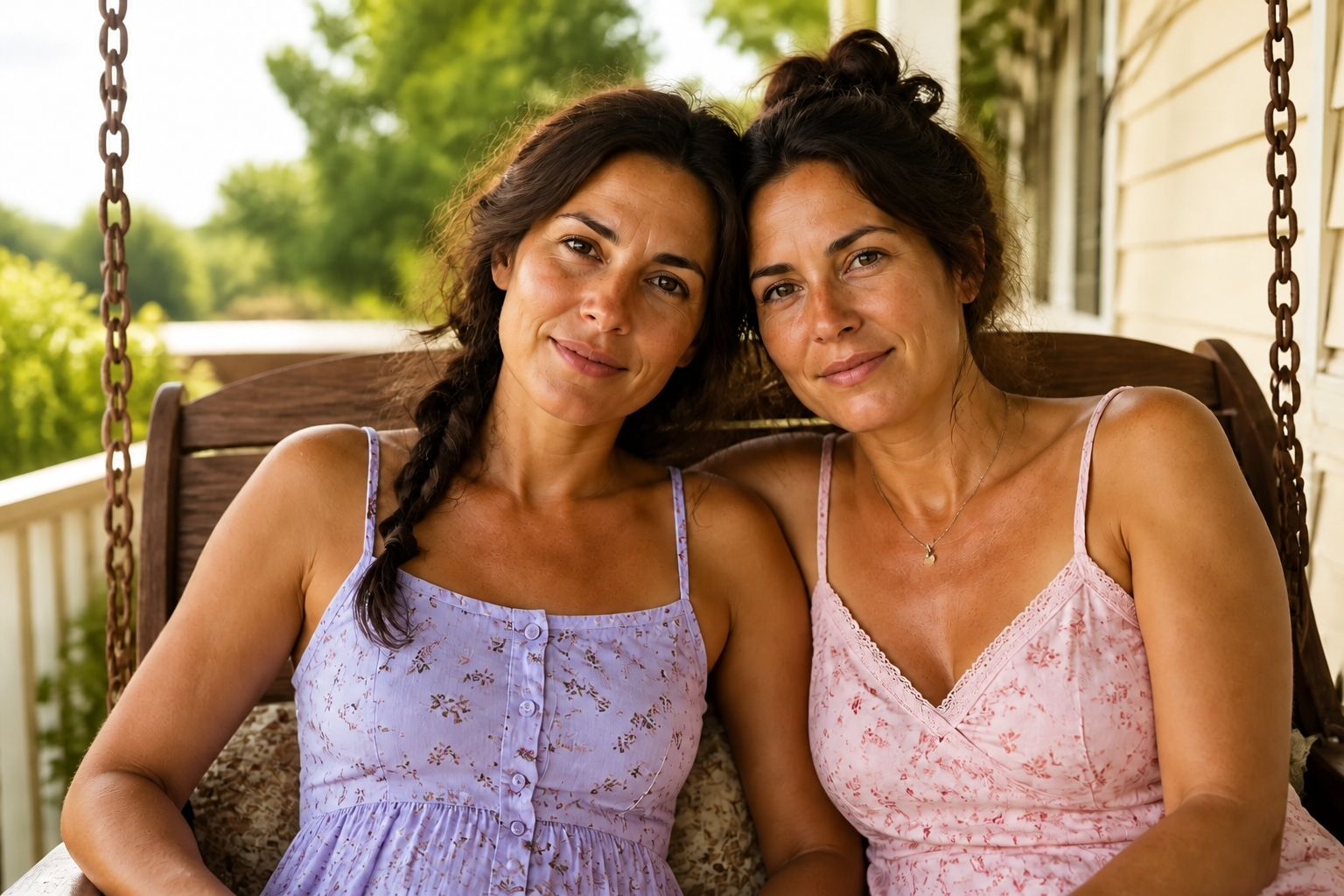
Natural colors, not guessy
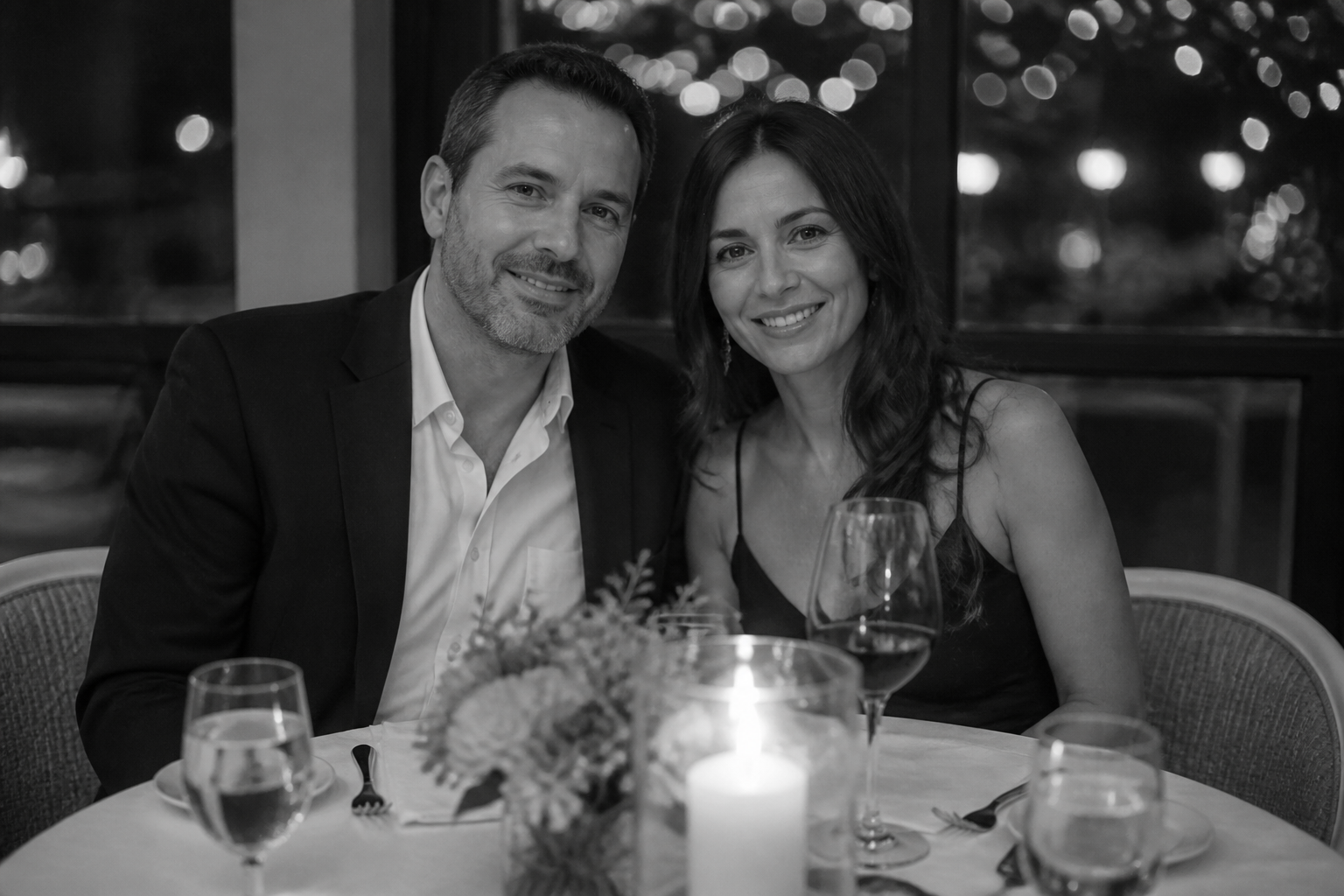
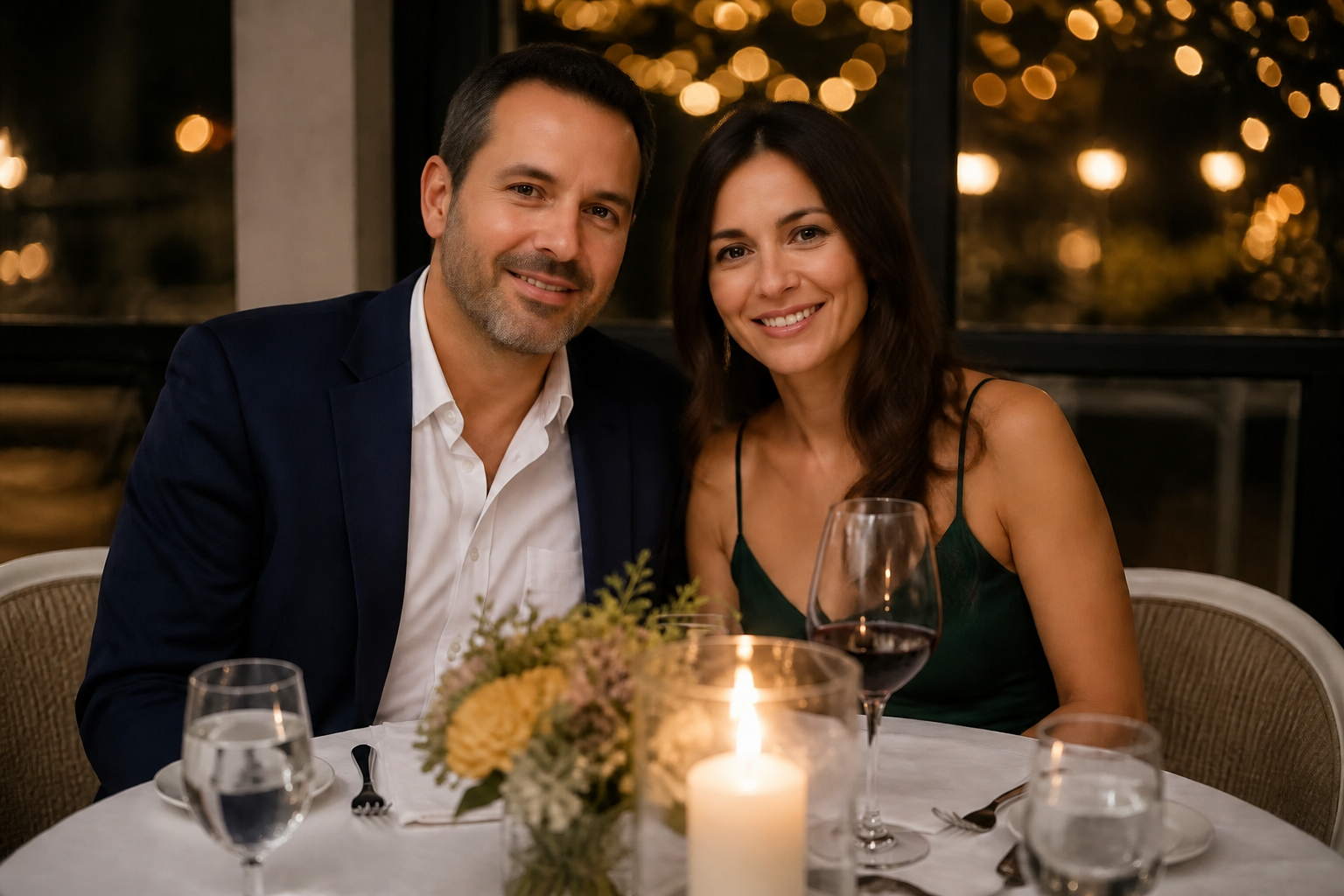
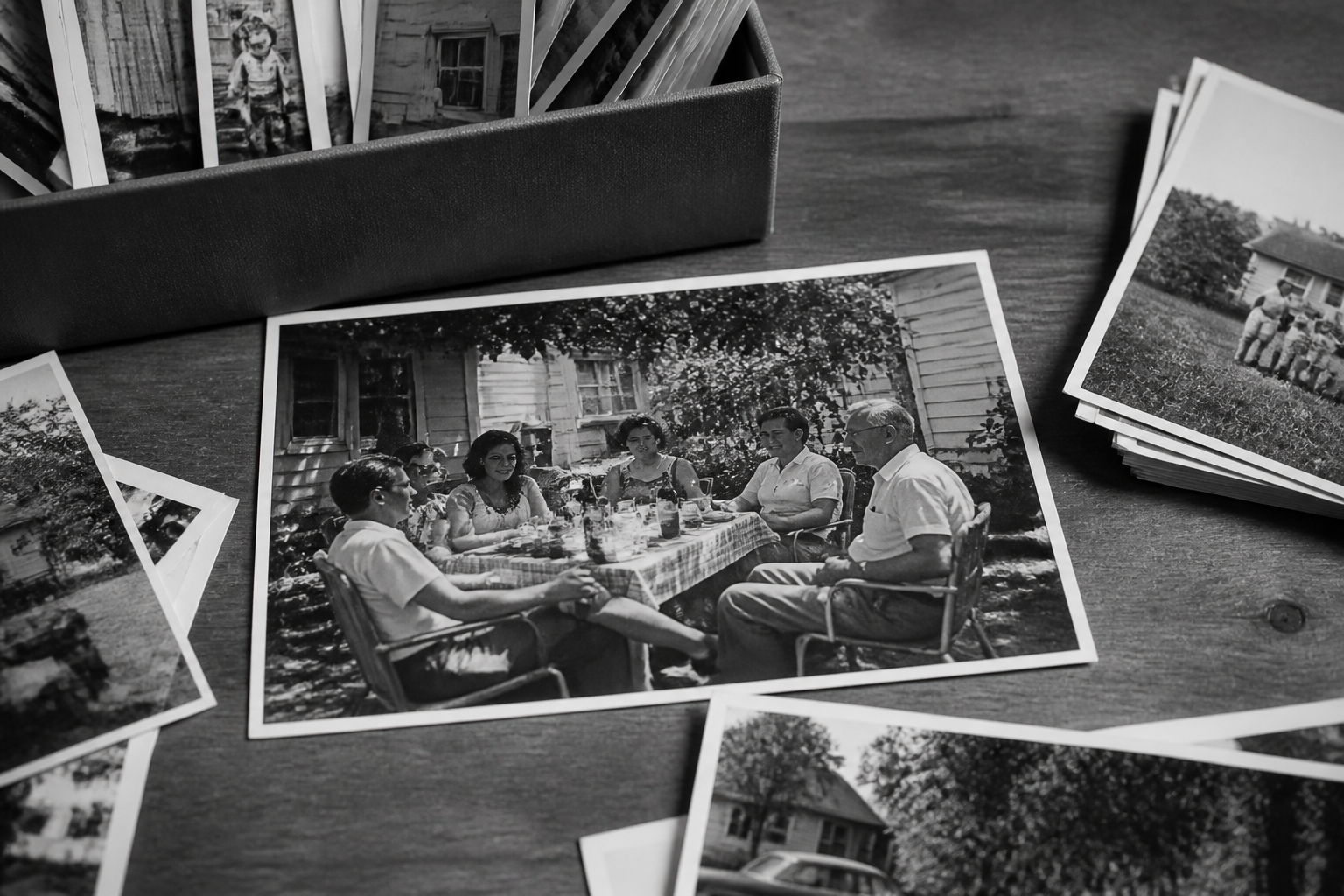
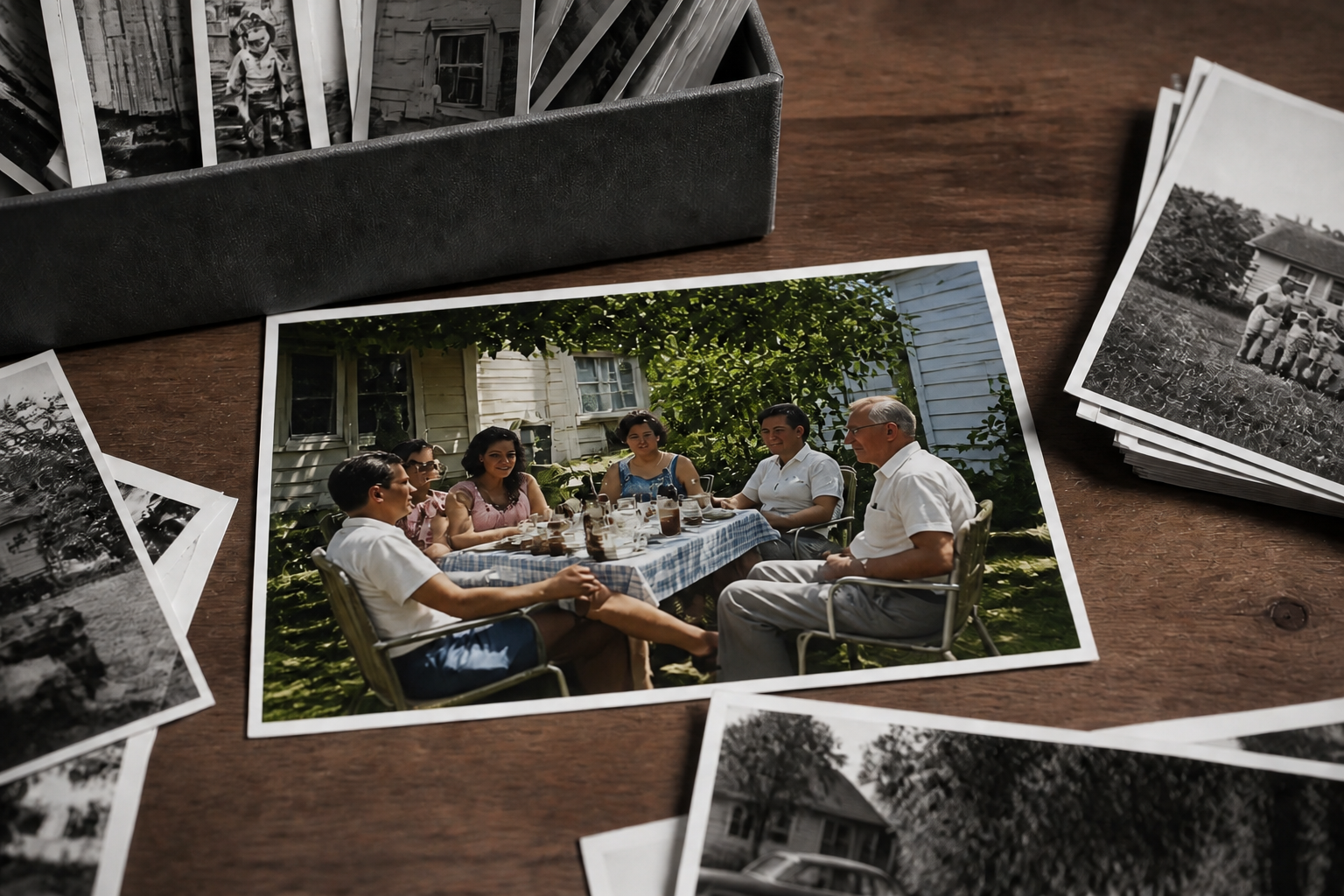
The tool adds believable color instead of flat, oversaturated fills. Skin, fabric, foliage, and skies are treated as separate parts of the scene, so the result looks more like a restored photo than a filter. That matters when you're working with family pictures or archival scans where realism is the goal. It saves time compared with painting color in by hand across dozens of tiny areas.
Keeps the original photo intact
Color is added while the structure of the image stays the same. Facial features, pose, clothing details, and background objects remain consistent, so the restored version still feels like the original memory. That makes side-by-side comparison easy and avoids the uncanny drift common in generic image tools. You get a cleaner restoration workflow without rebuilding the photo from scratch.
Works on photos and stylized edits
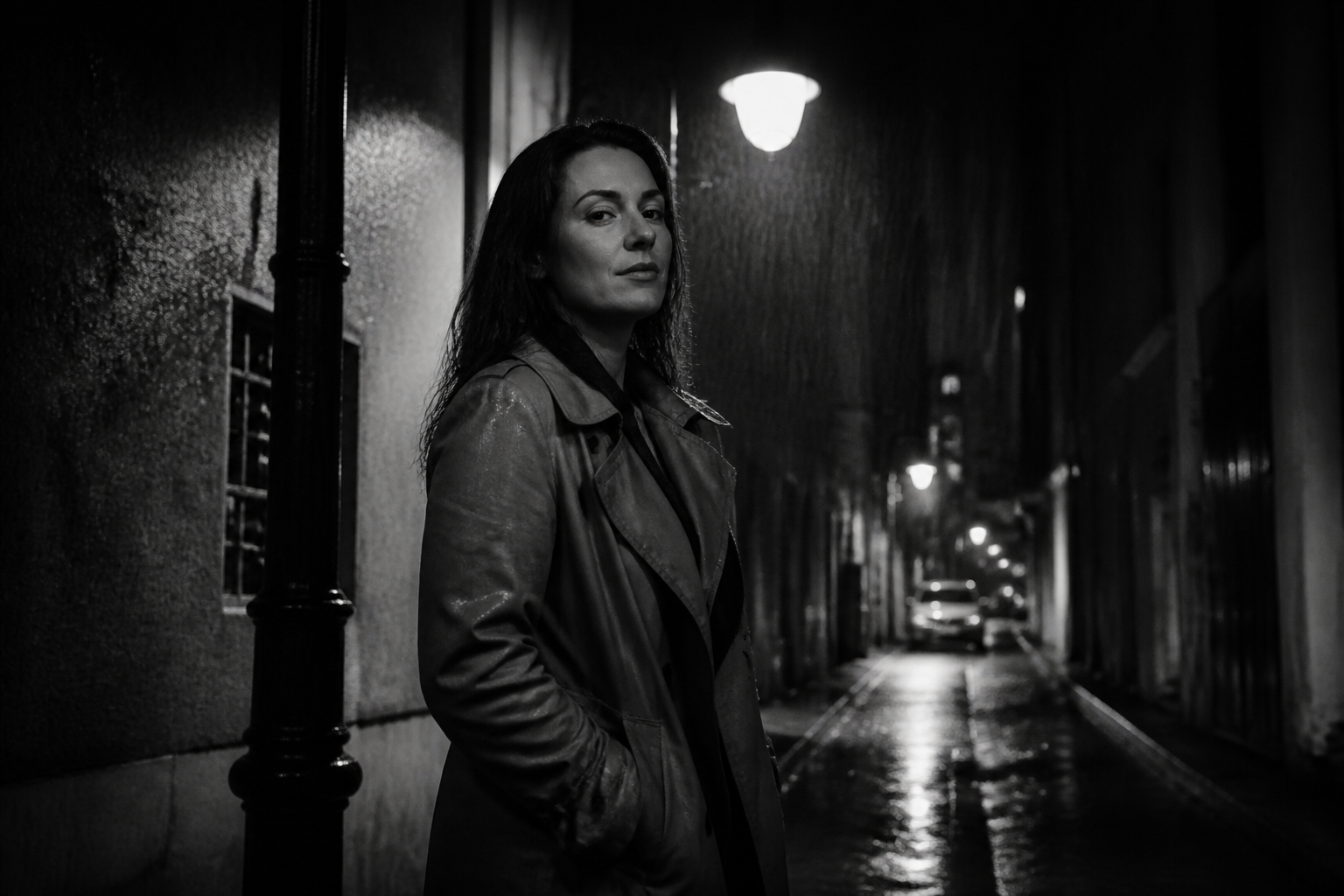
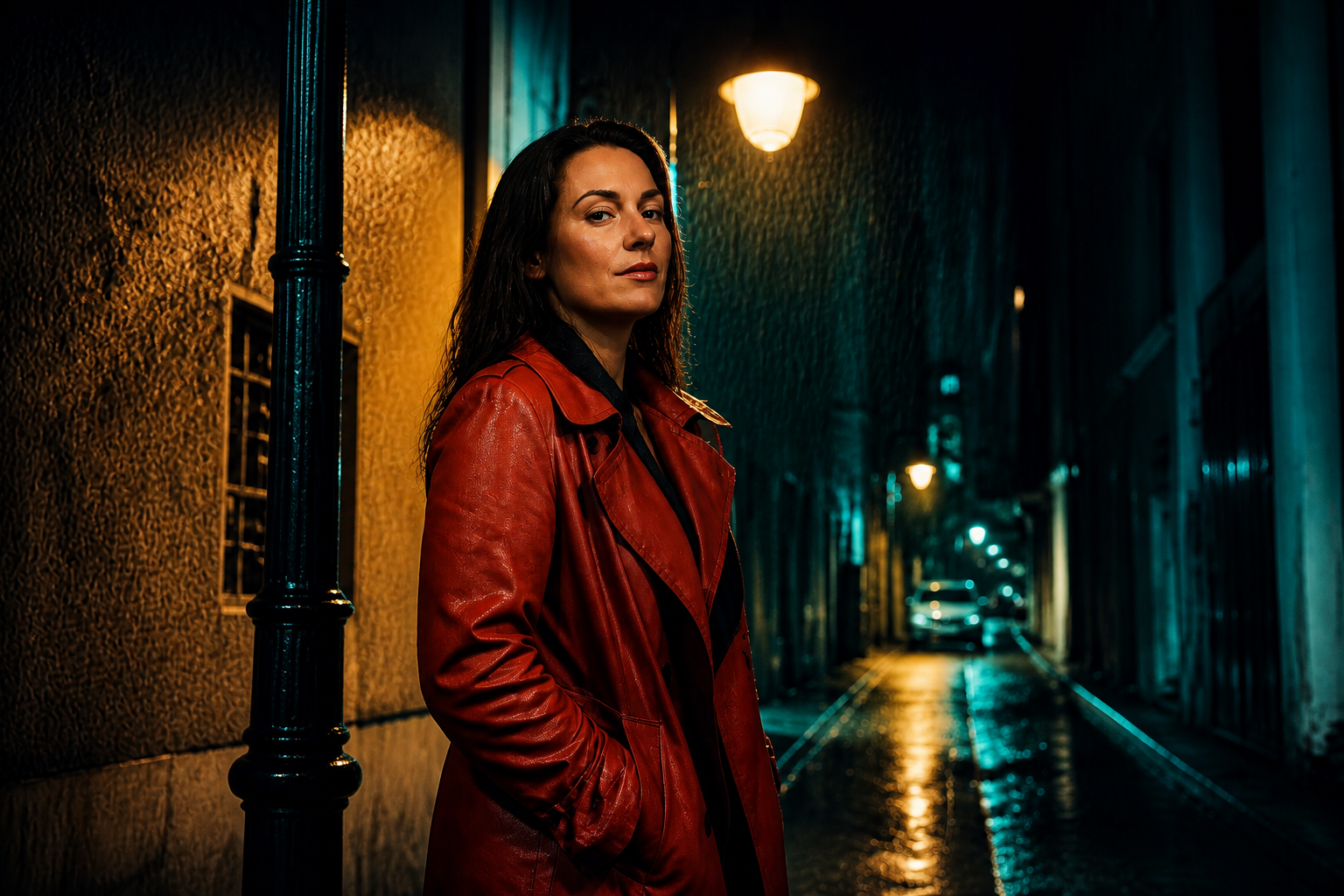
You can use the colorizer for straightforward restoration or for more expressive looks. It handles standard old photos well, but it can also turn monochrome images into stylized color artwork for posters, social content, or personal projects. That range is useful when you want more than one final version from the same source image. Manual recoloring for multiple styles usually means repeating the whole process several times.
Fast for old photo batches
When you have a stack of scans, speed matters. The tool gives you a quick first pass that is good enough for sharing, printing, or further cleanup, so you can restore more images in less time. It's especially helpful for family albums, local history projects, and memorial slideshows. Compared with manual editing, the repetitive work drops sharply.
How It Works
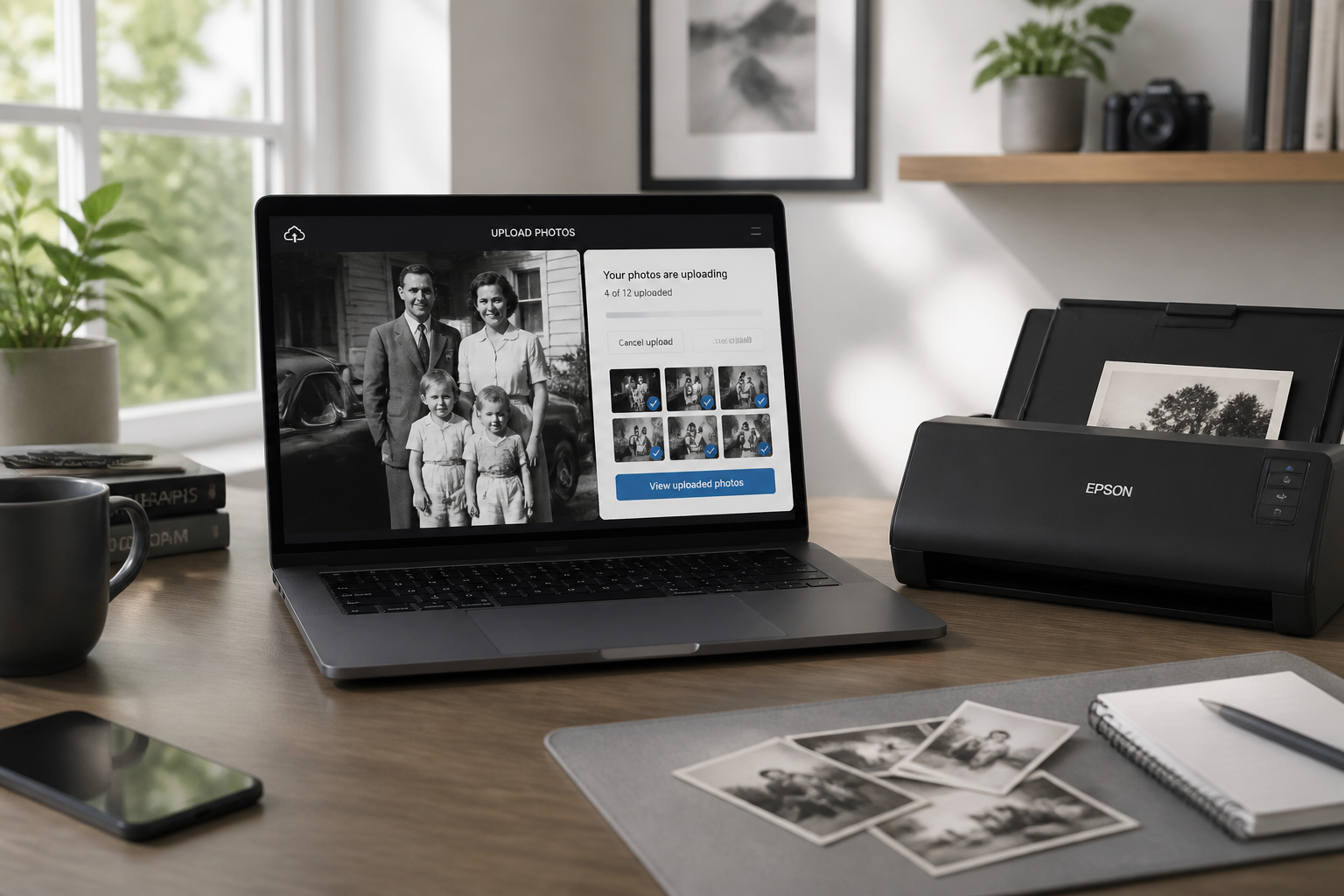
Upload your photo
Start with a black-and-white photo, scanned print, or faded grayscale image. A clear upload with visible faces and scene detail usually gives the best colorization.
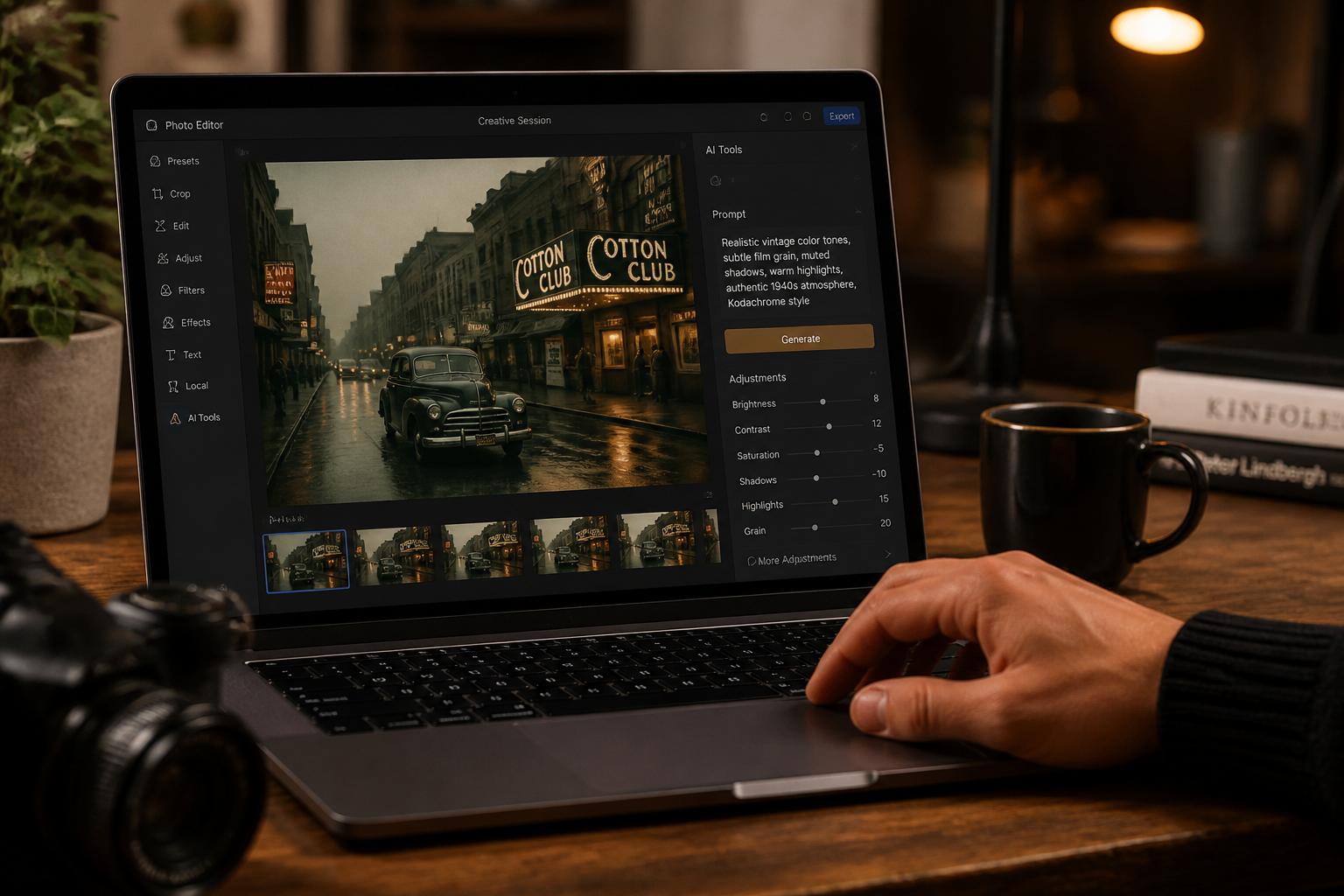
Choose the color look
Tell the AI whether you want natural restoration or a more stylized finish. You can keep it simple with a prompt like realistic vintage tones or try an art style for a creative version.
Compare and download
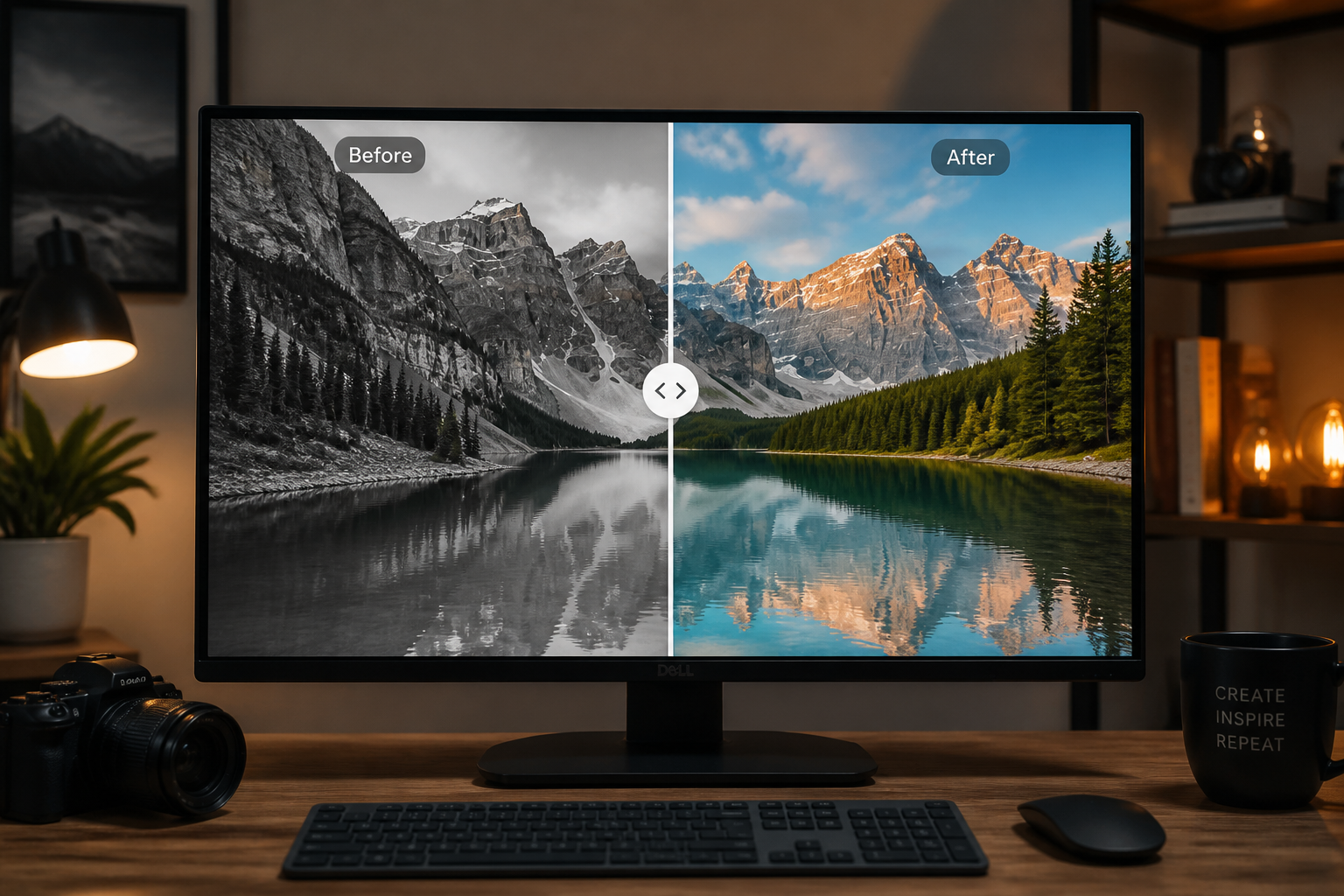
Review the before and after side by side to check skin, clothing, and background colors. If it looks right, save the result or run another version with a different color mood.
Perfect For
Discover how creators and professionals use ai image colorizer
Family photo restoration
Add realistic color to old portraits, wedding photos, and snapshots before sharing them with relatives or printing new copies.
Archive and history projects
Colorize local history images, scanned documents, and heritage photography to make them easier to present in exhibits or online collections.
Social content from vintage images
Turn monochrome photos into more eye-catching posts for Instagram, TikTok, YouTube thumbnails, or memorial tribute videos.
Creative remixes of classic shots
Start with realistic restoration, then create alternate stylized versions for posters, mood boards, or editorial-inspired visuals.
Built For
Families and hobby genealogists
Useful for restoring old albums, framed portraits, and scanned prints without learning complex editing software.
Archivists and local historians
Helps produce presentation-ready color versions of historic photos while preserving the original composition.
Designers and content creators
Good for turning vintage black-and-white material into more engaging visuals for campaigns, videos, and social posts.
Why use BudgetPixel for photo colorization
A quick look at how we compare on the things that matter for this niche.
| Feature | BudgetPixel | Generic AI editors | Manual editing apps |
|---|---|---|---|
| Black-and-white to color workflow | ✓ | ✓ | — |
| Preserves original composition | ✓ | Varies | ✓ |
| Fast first-pass restoration | ✓ | ✓ | — |
| Stylized alternate versions | ✓ | Varies | — |
| Manual masking required | — | Varies | ✓ |
Frequently Asked Questions
What kinds of photos work best with the AI image colorizer?
Will the original photo layout change?
Can I colorize very old or faded images?
Does it only do realistic colorization?
Do I need editing skills to use it?
Create together.
Share your creations, discover trending AI art, and grow with fellow creators.