AI Photo Restoration
Bring old, damaged photos back into clear view
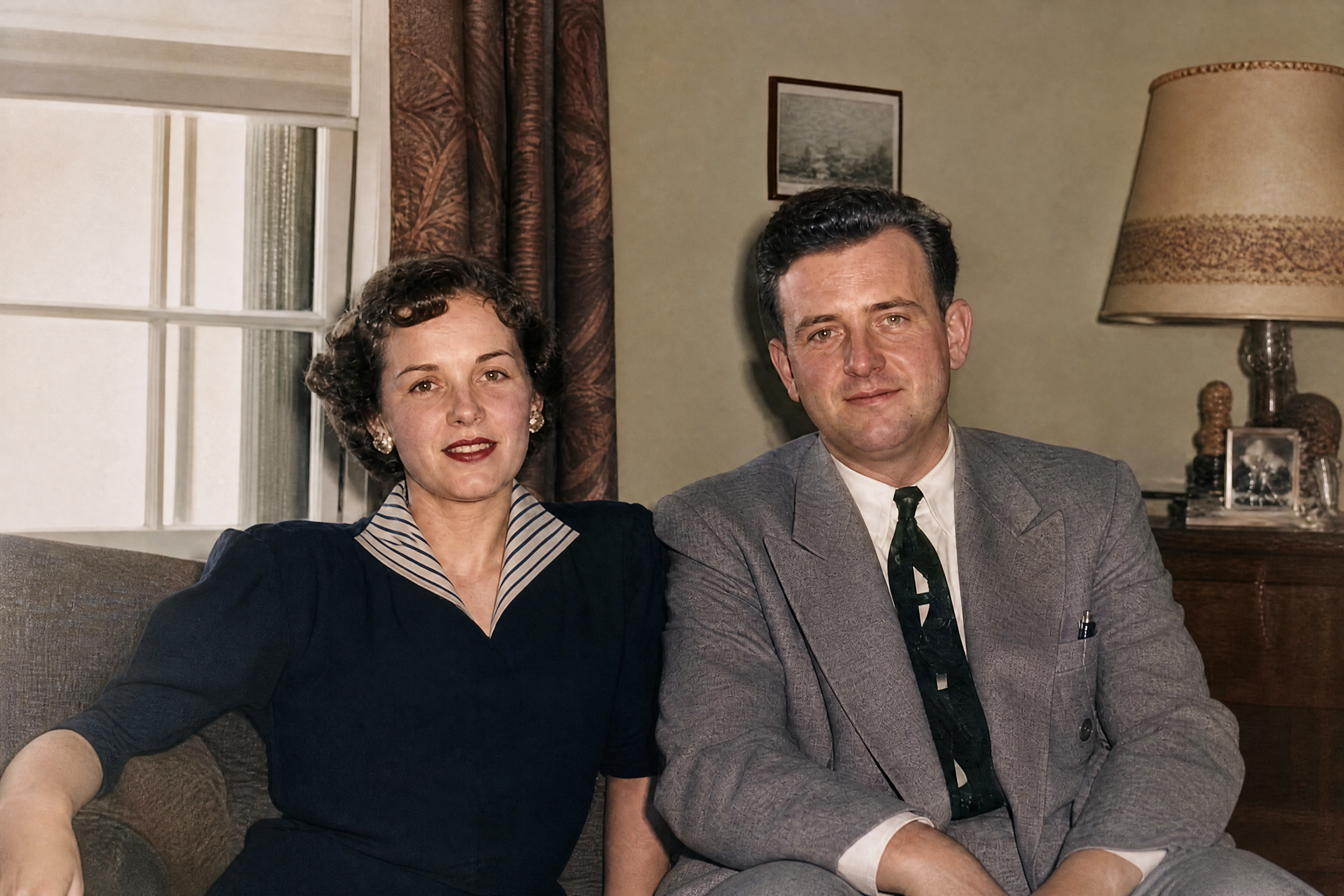
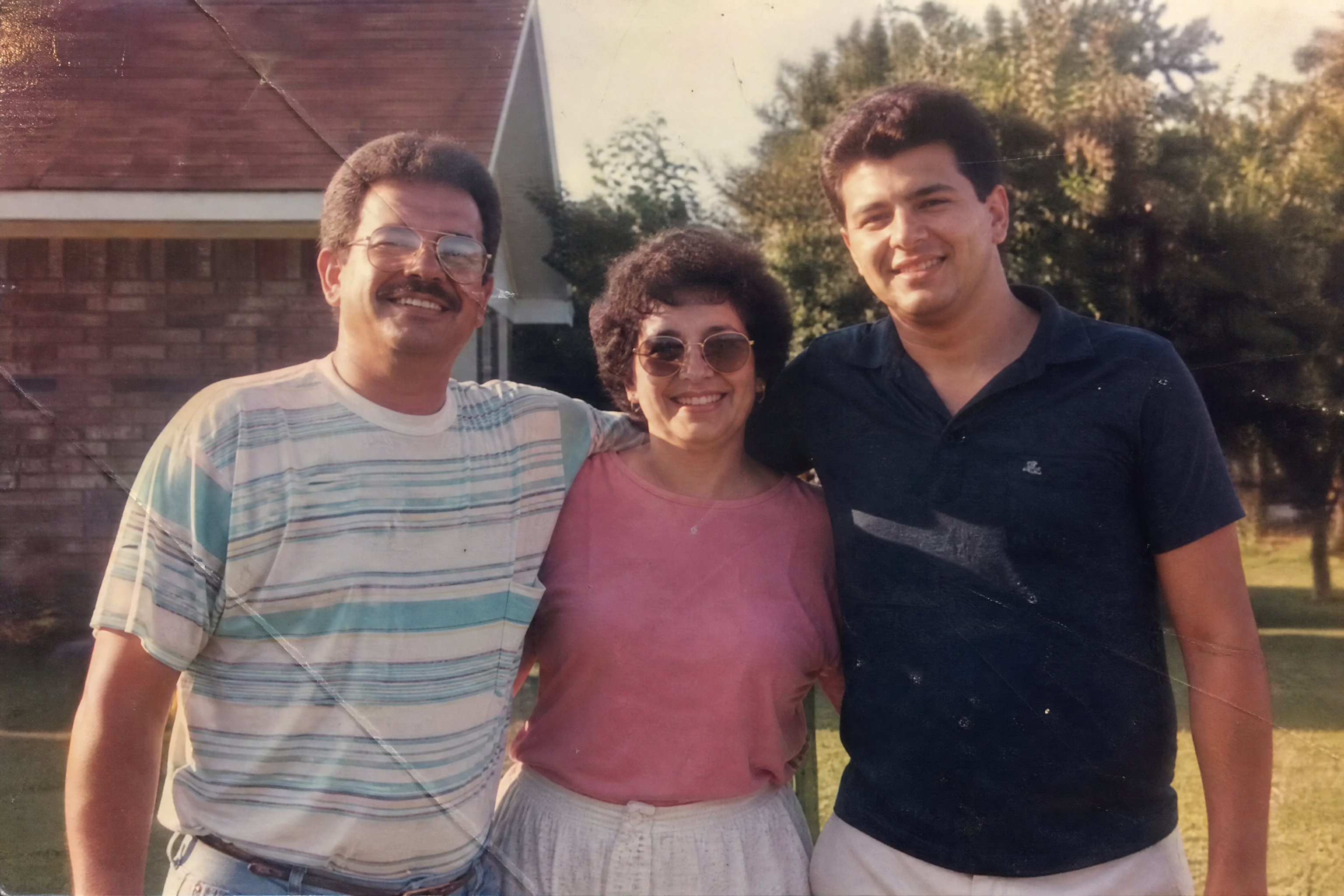
AI Photo Restoration repairs faded colors, scratches, blur, and age-related damage in scanned photos and digital copies. Upload an old image, describe the cleanup you want, and get a sharper, cleaner version that still feels true to the original.
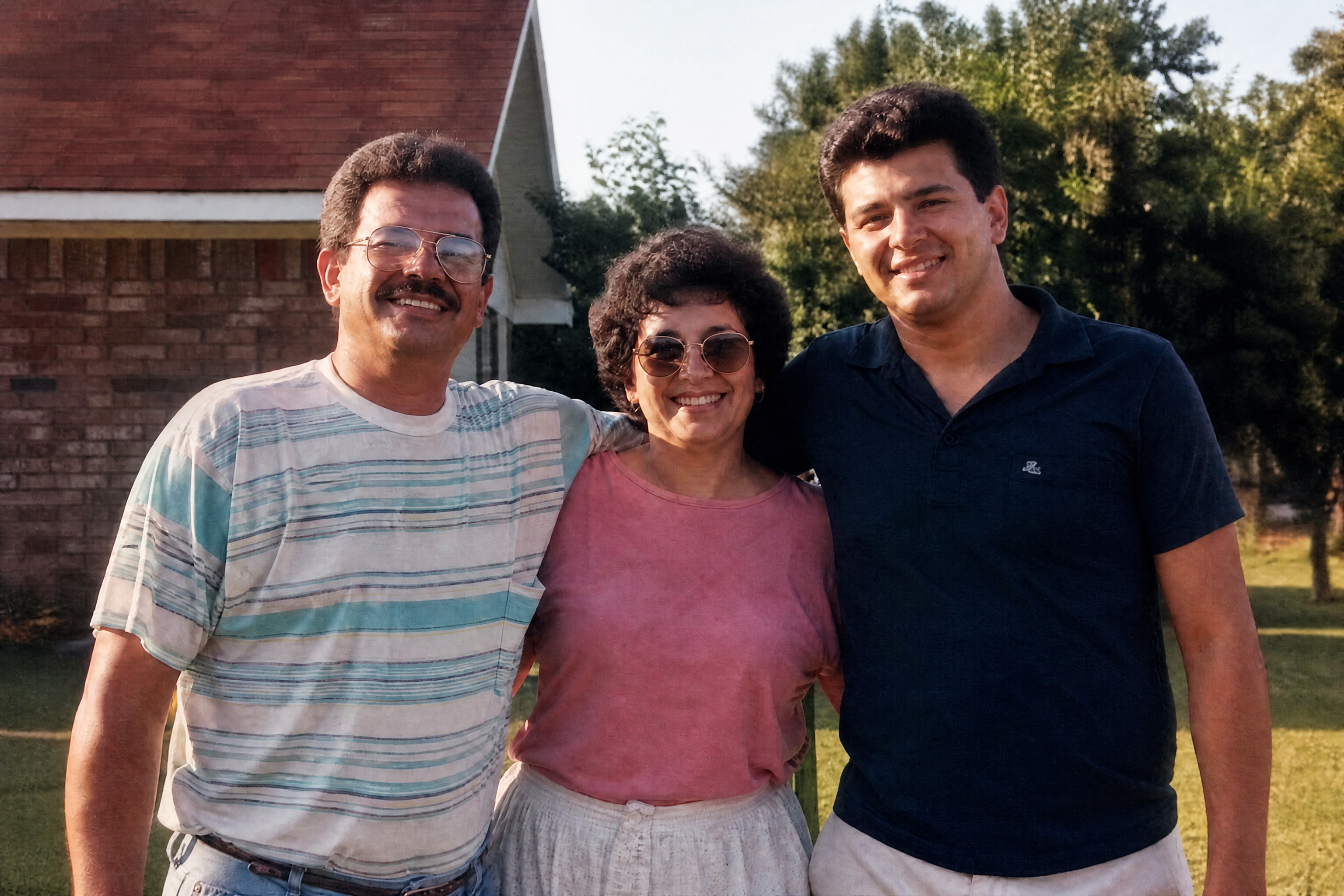
Watch the Transformation
See ai photo restoration in motion — generated end-to-end by our AI.
See It In Action
Real outputs from ai photo restoration.
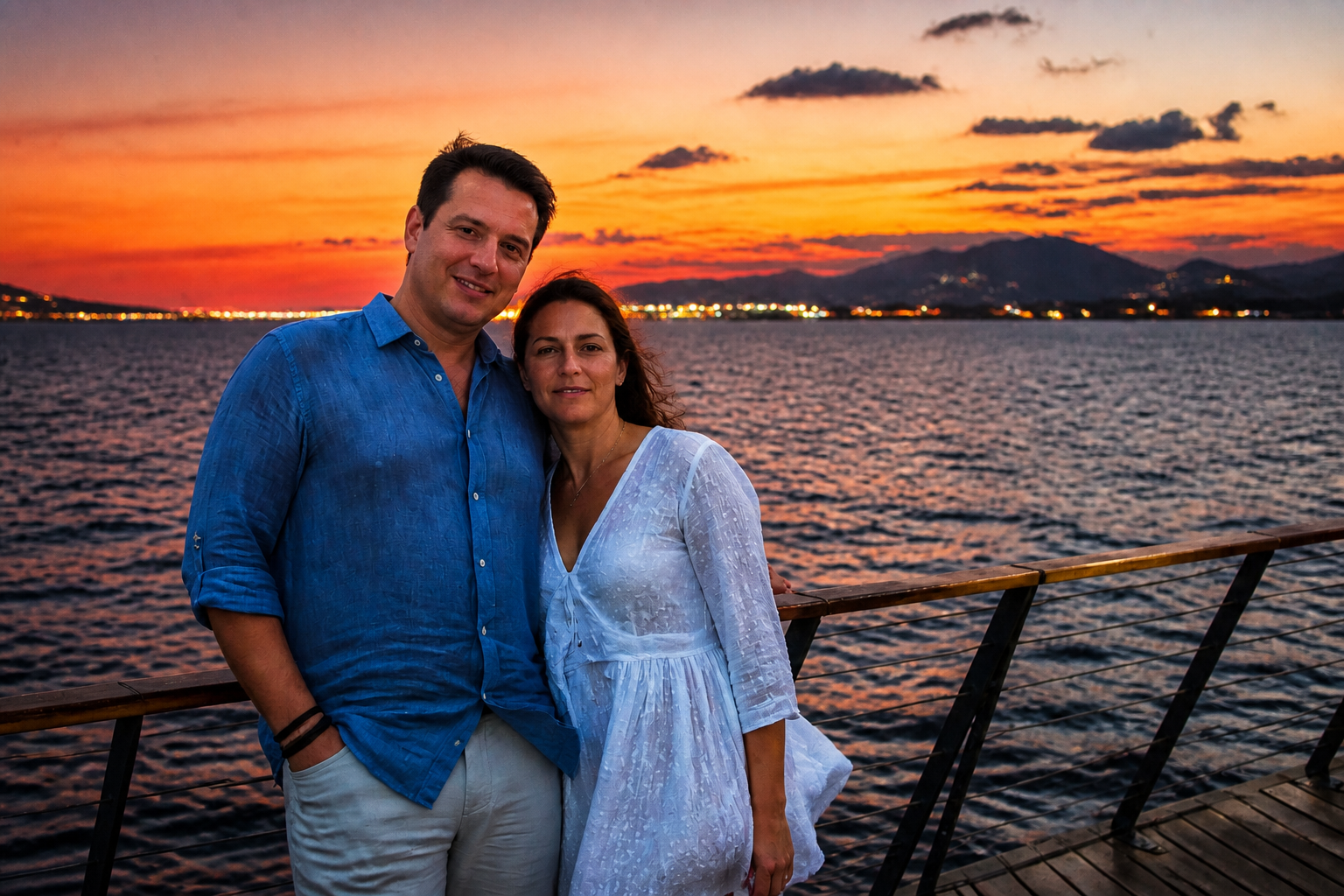
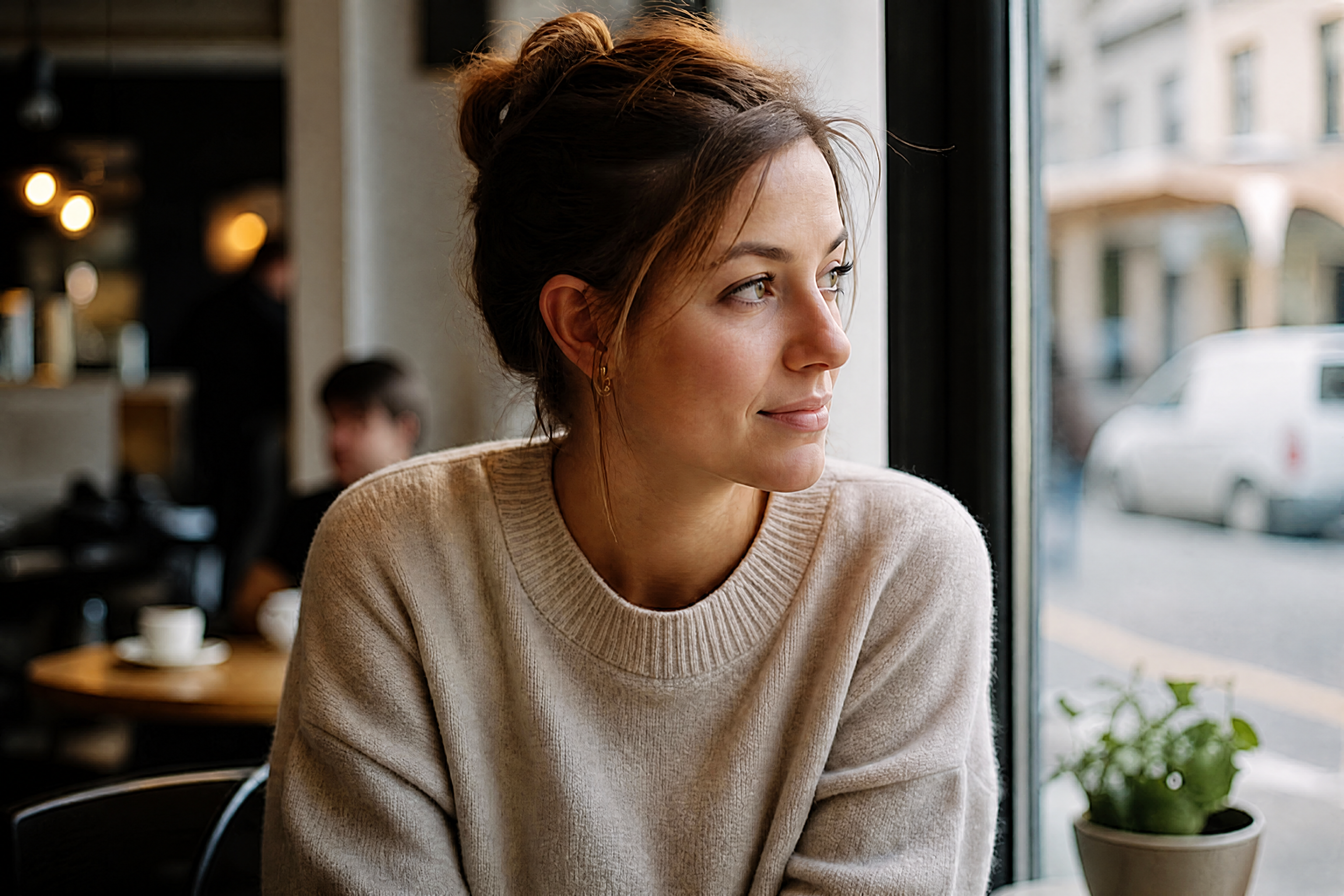
BEFOREAFTER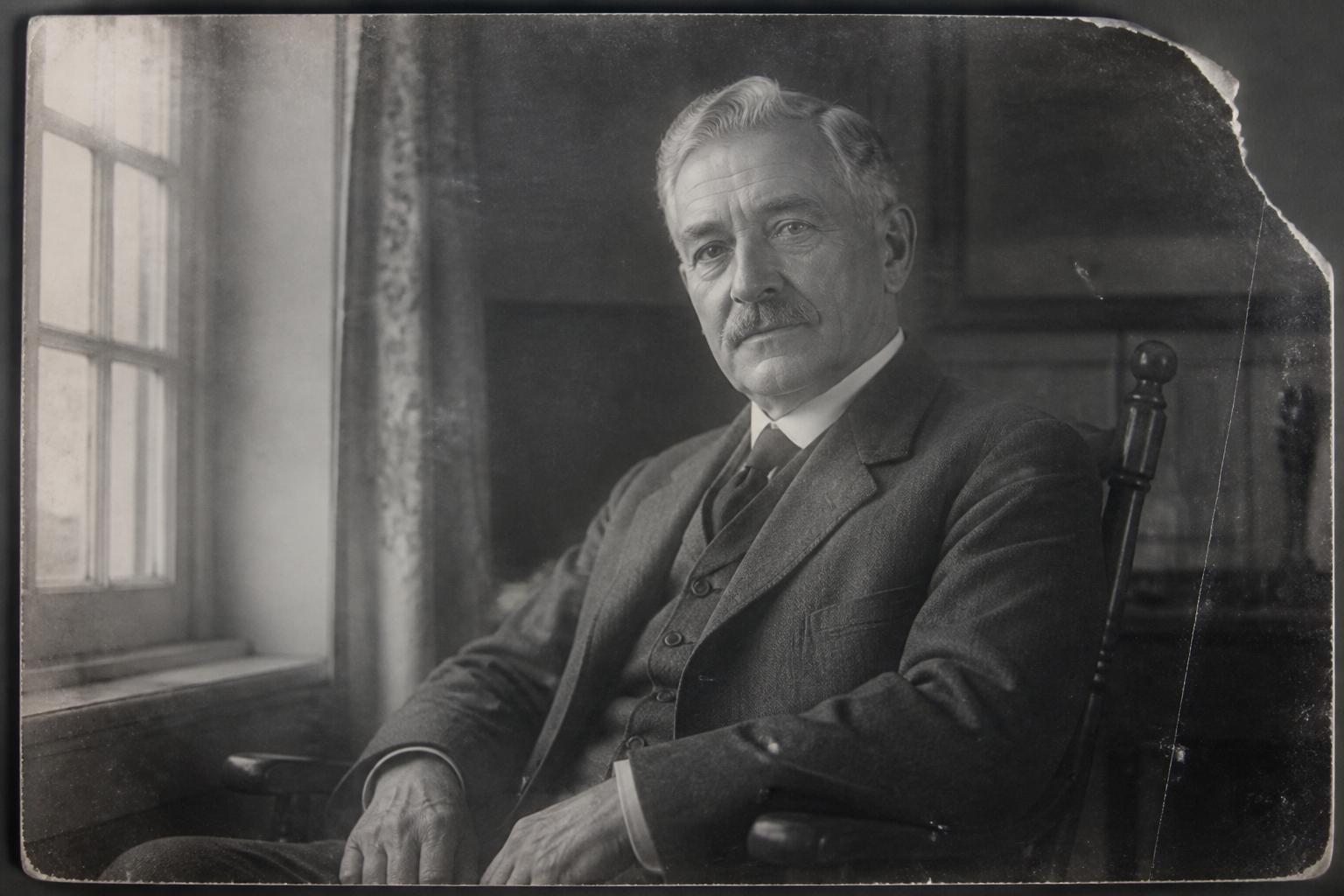 BEFORE
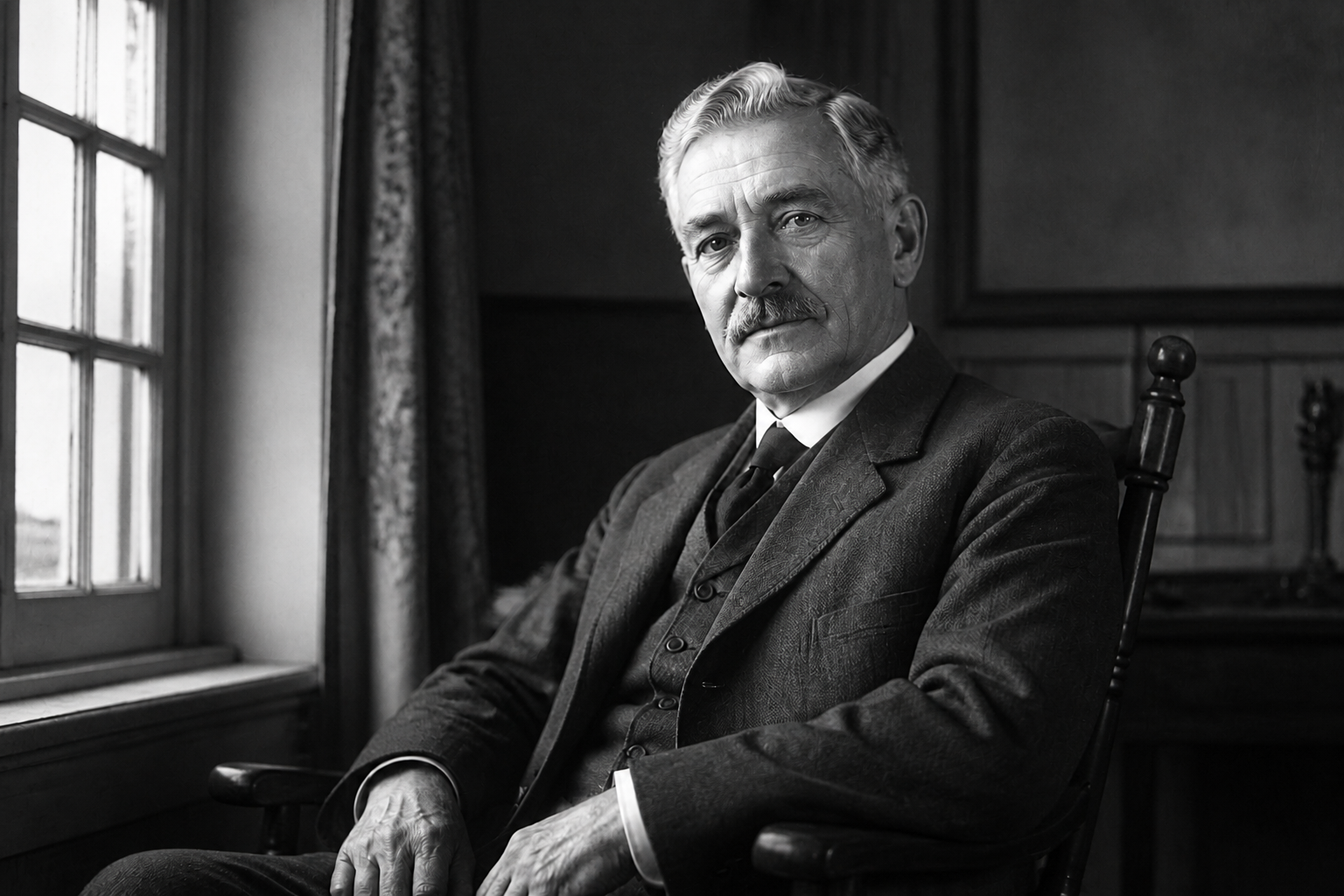 AFTER
AFTER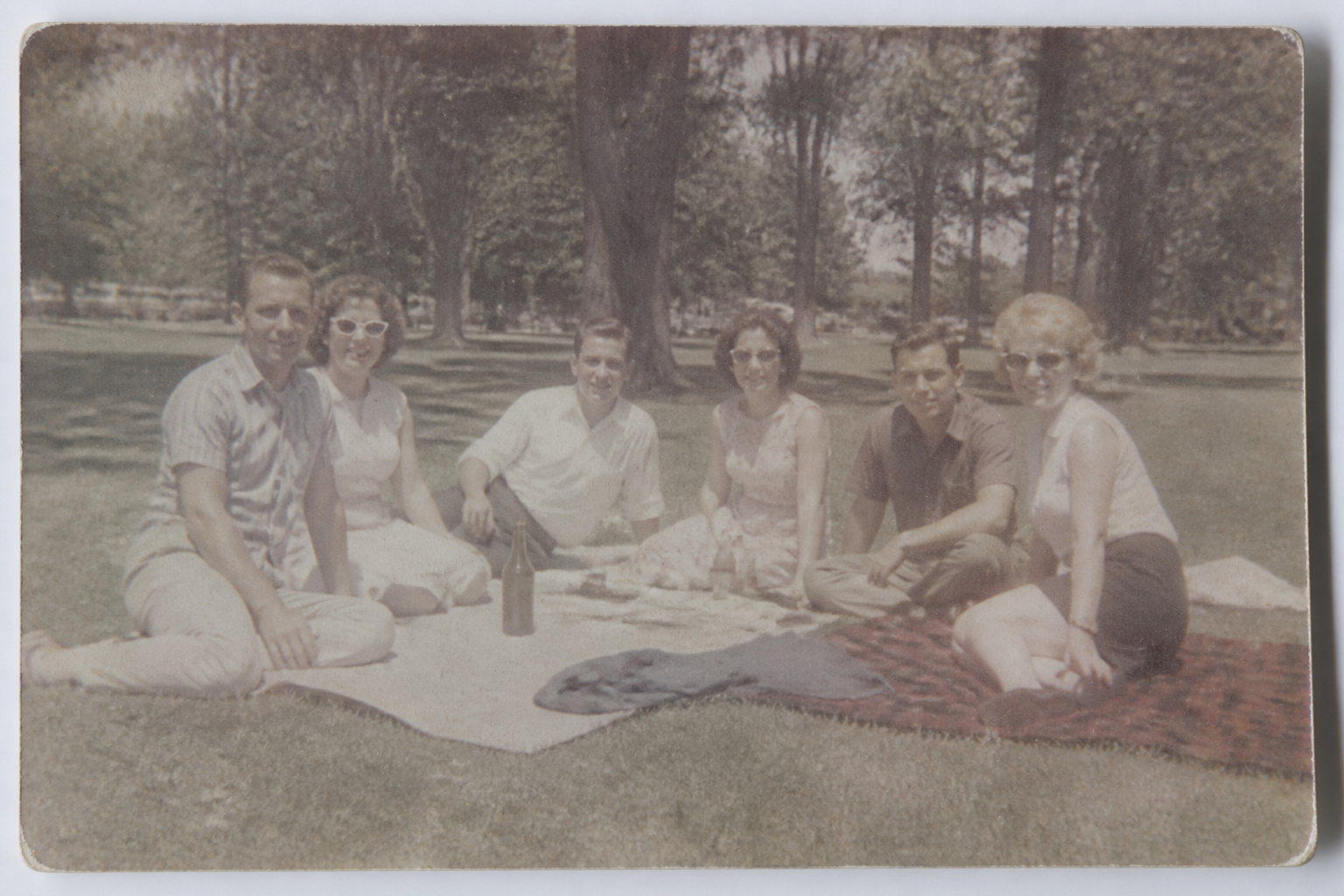 BEFORE
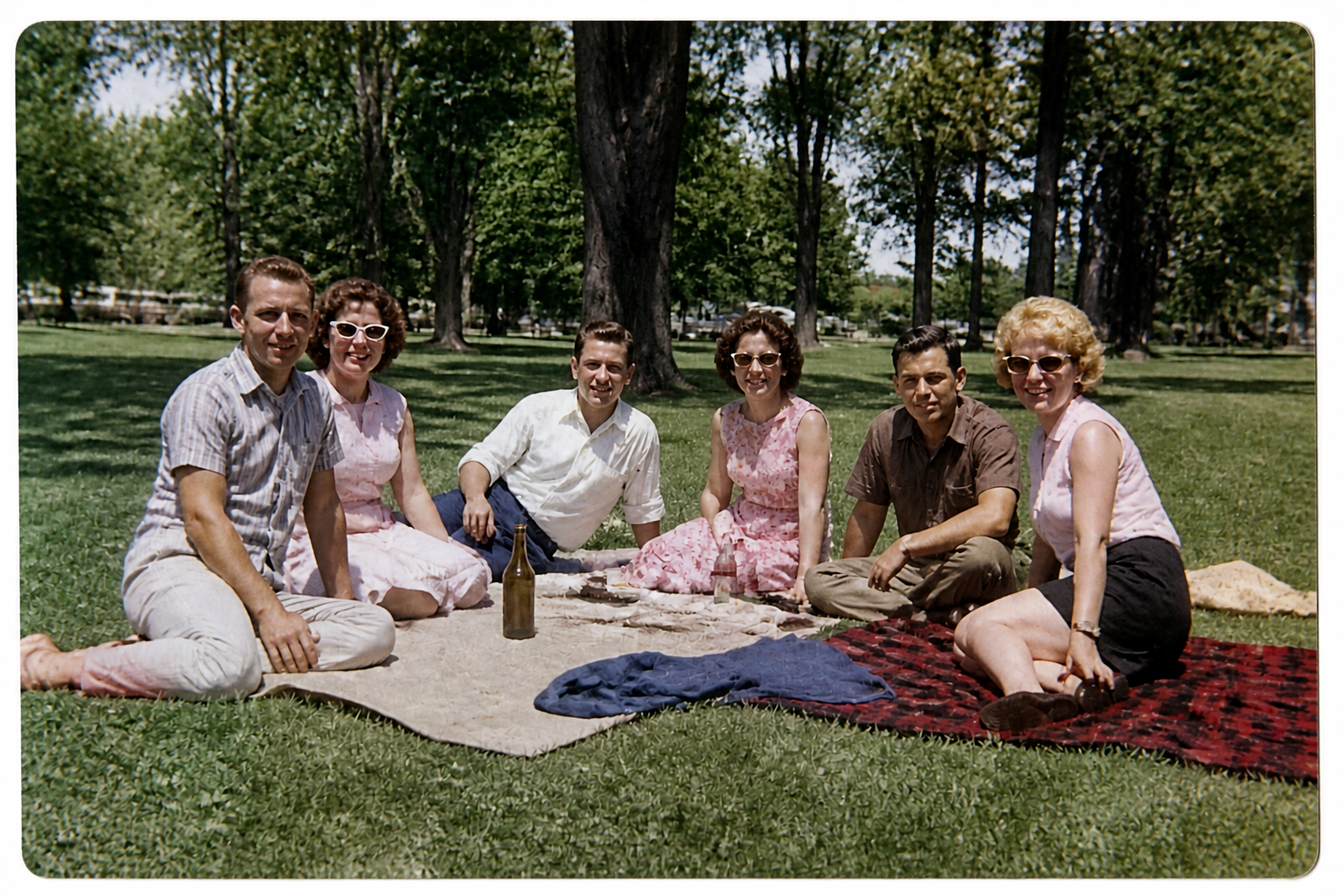 AFTER
AFTER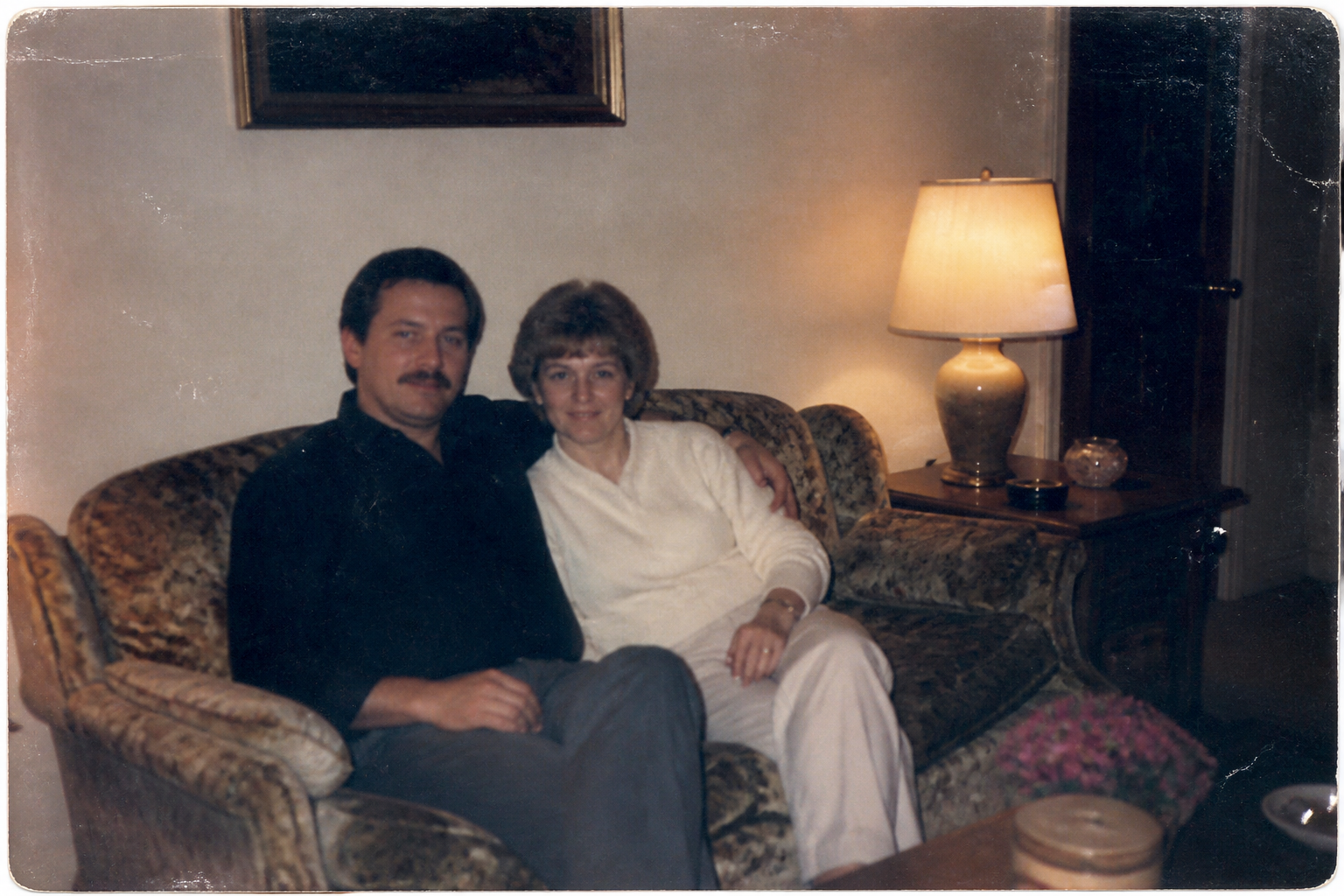 BEFORE
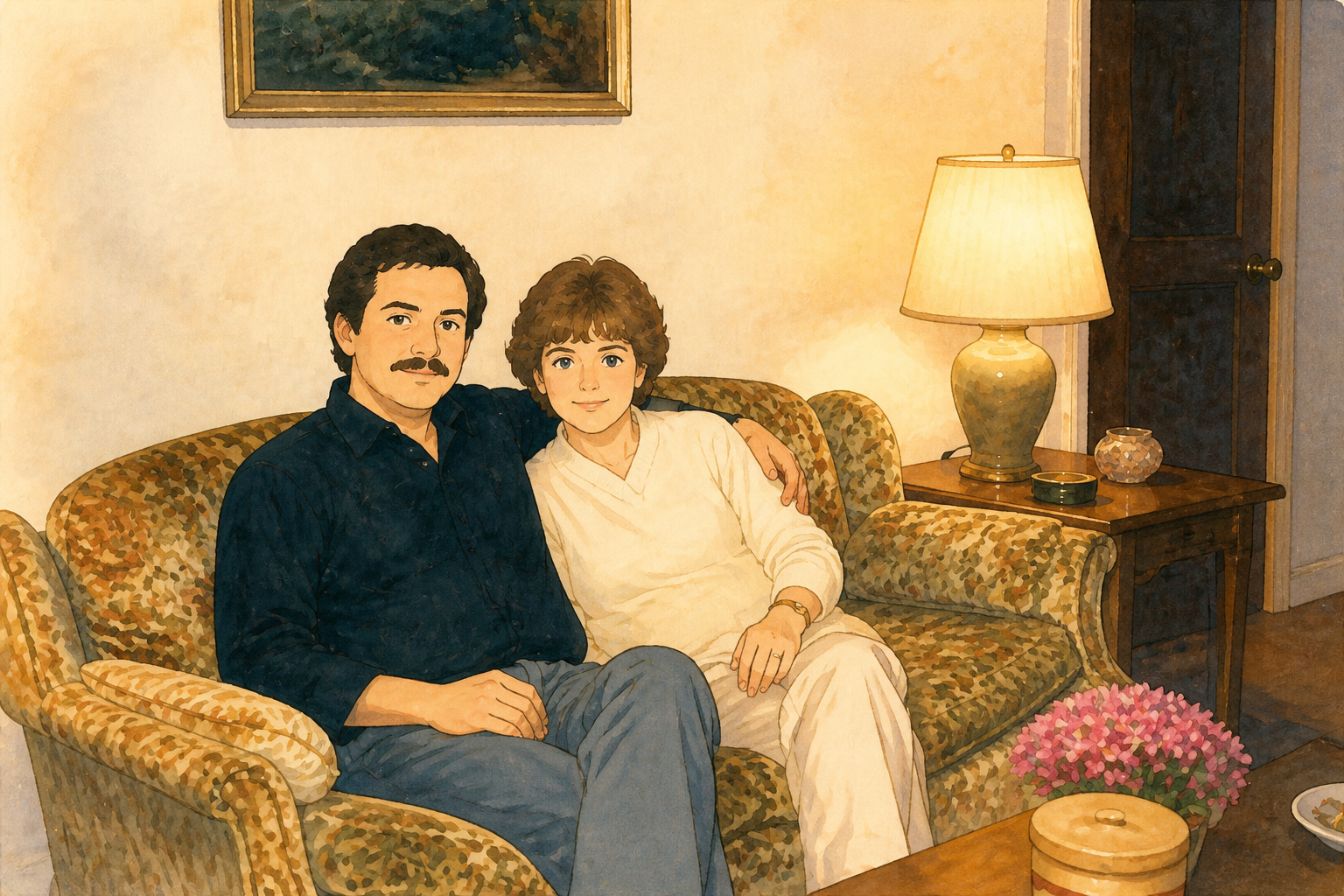 AFTER
AFTER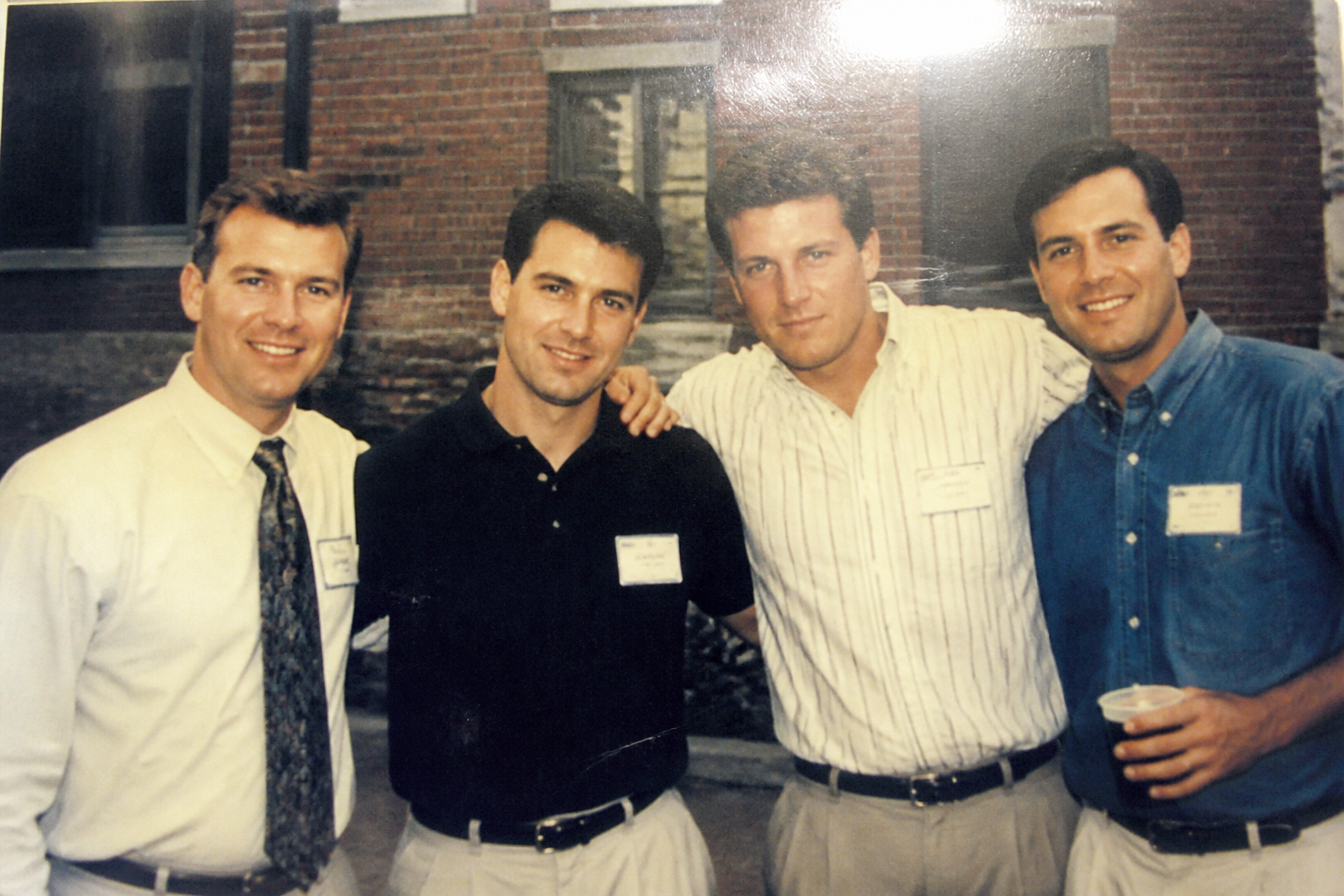 BEFORE
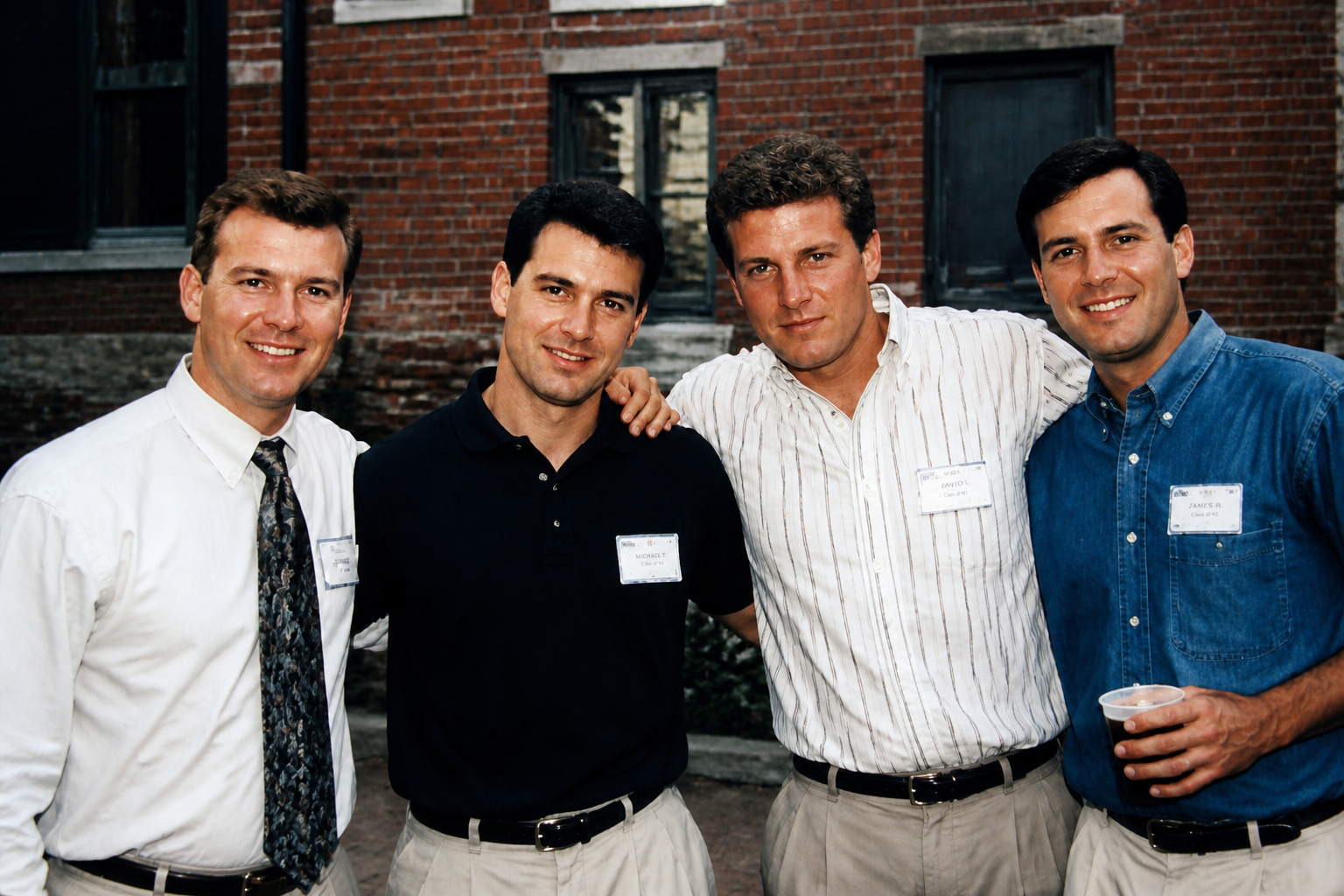 AFTERBEFOREAFTERBEFOREAFTERBEFOREAFTERBEFOREAFTERBEFOREAFTER
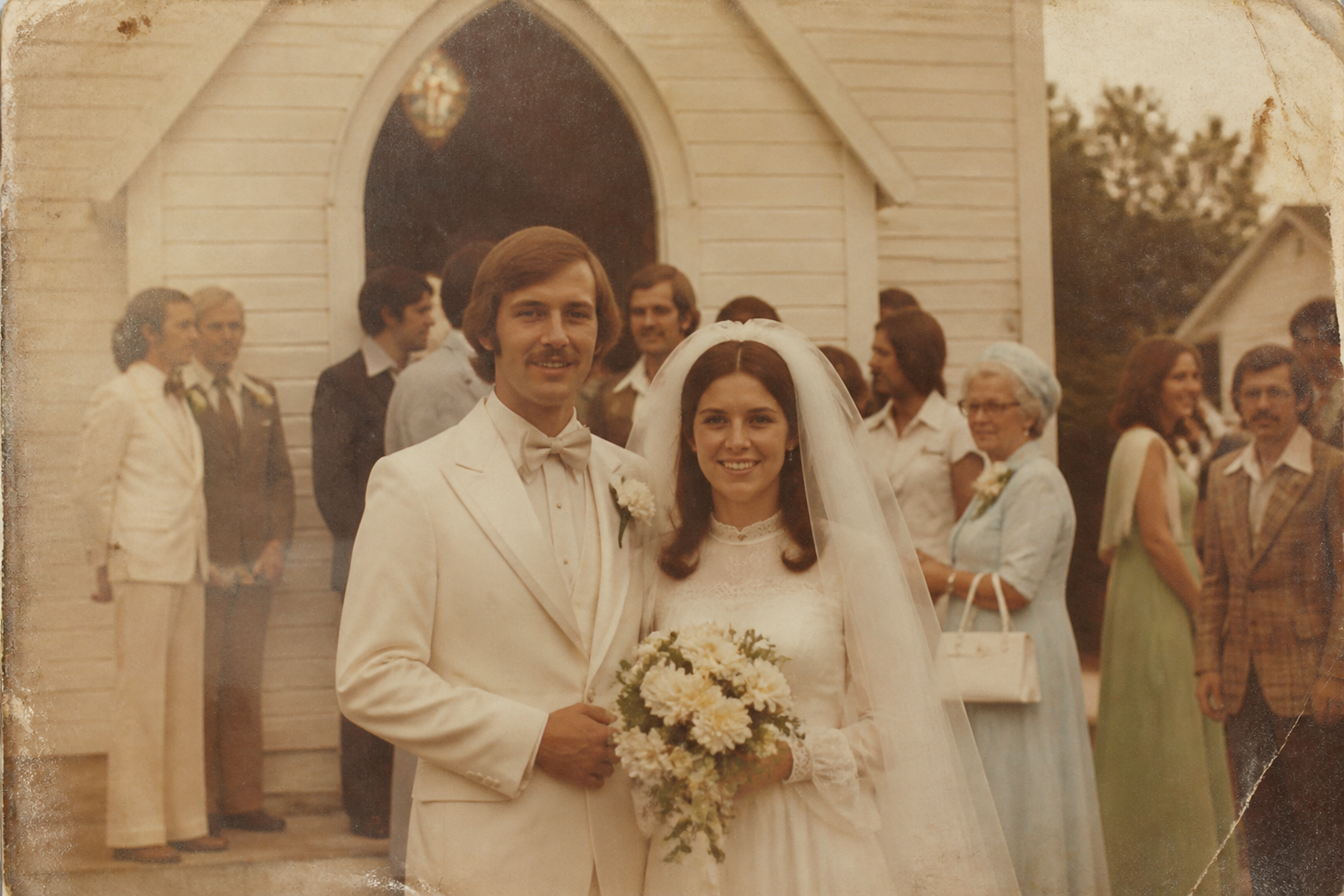 BEFORE
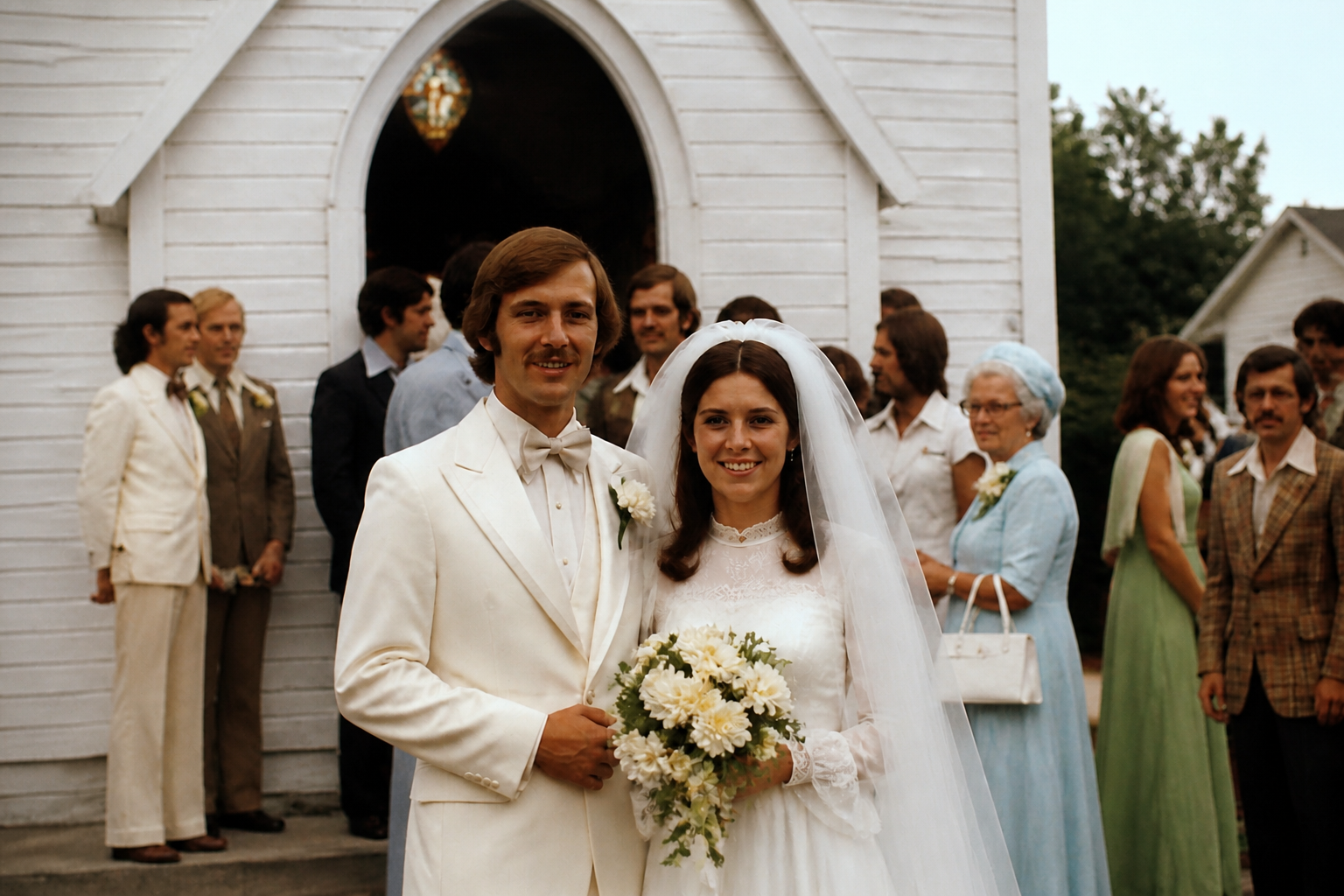 AFTER
AFTER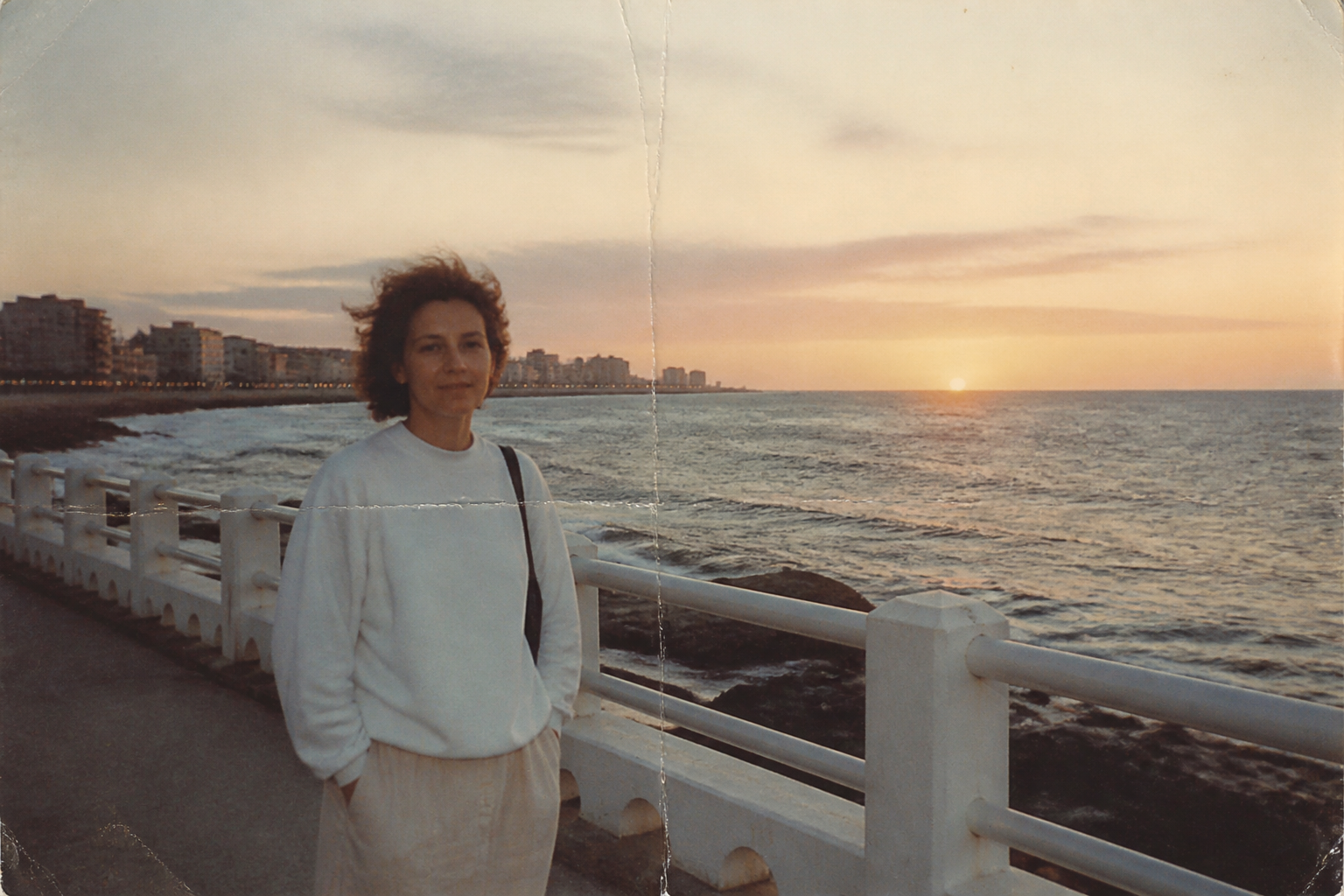 BEFORE
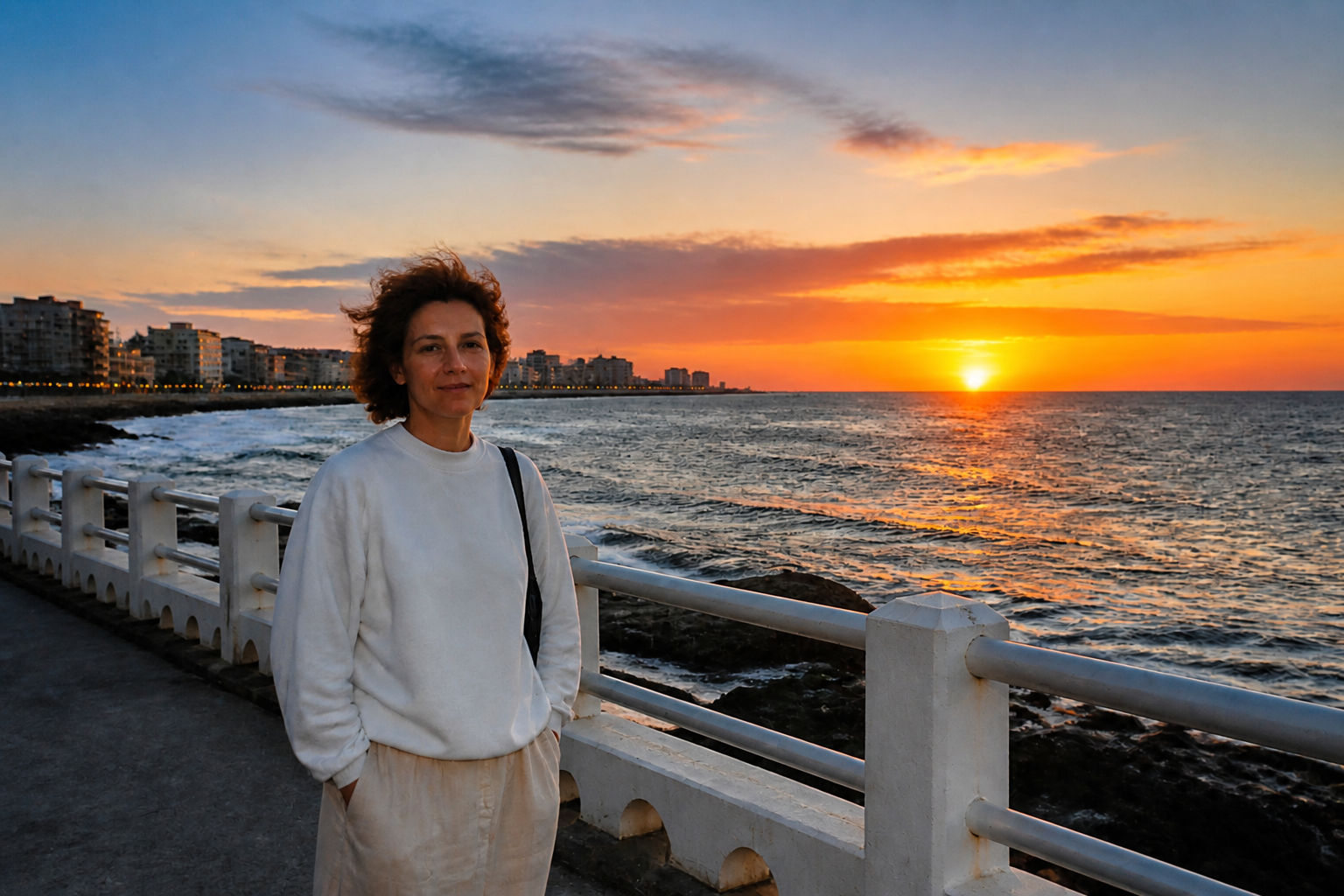 AFTER
AFTER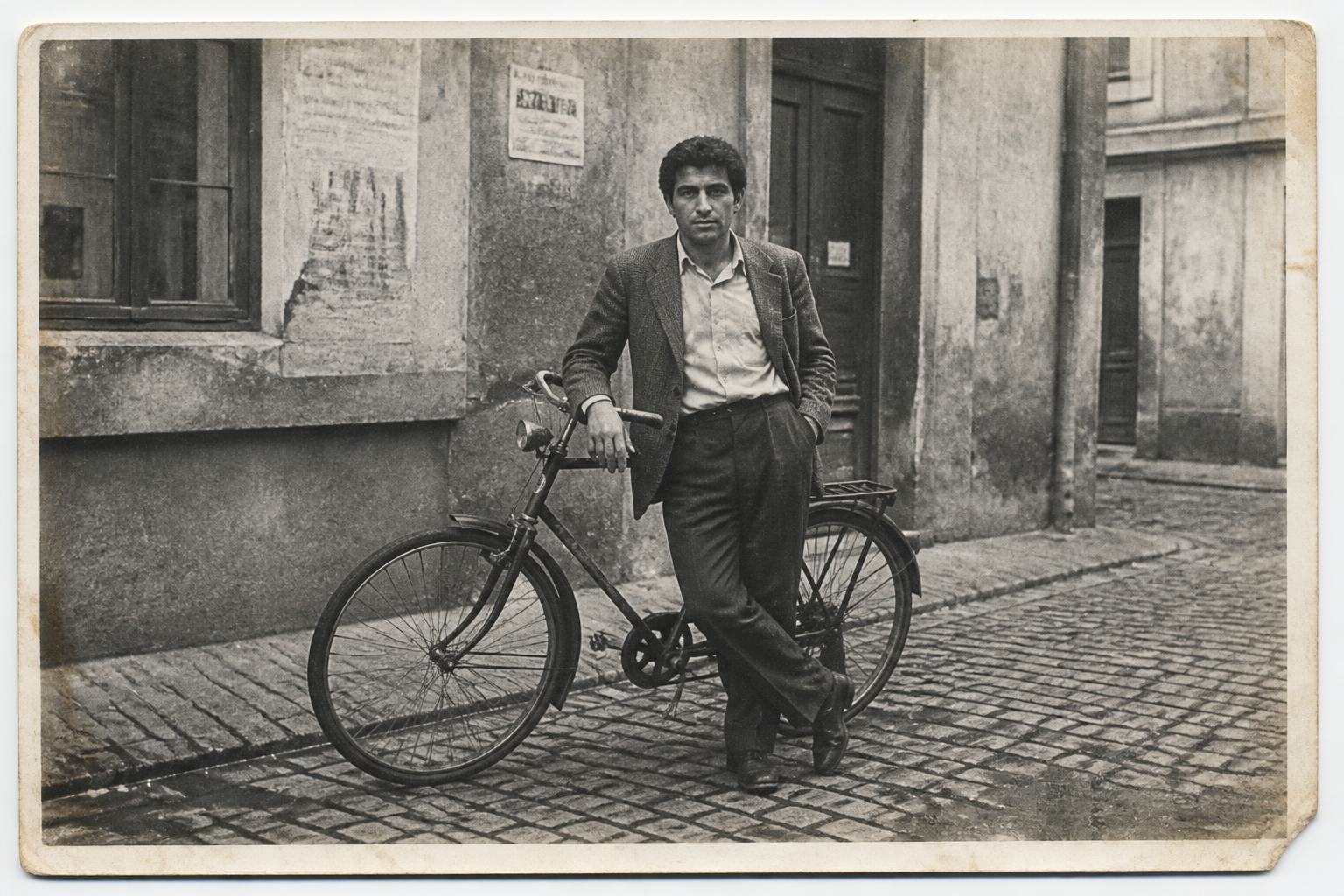 BEFORE
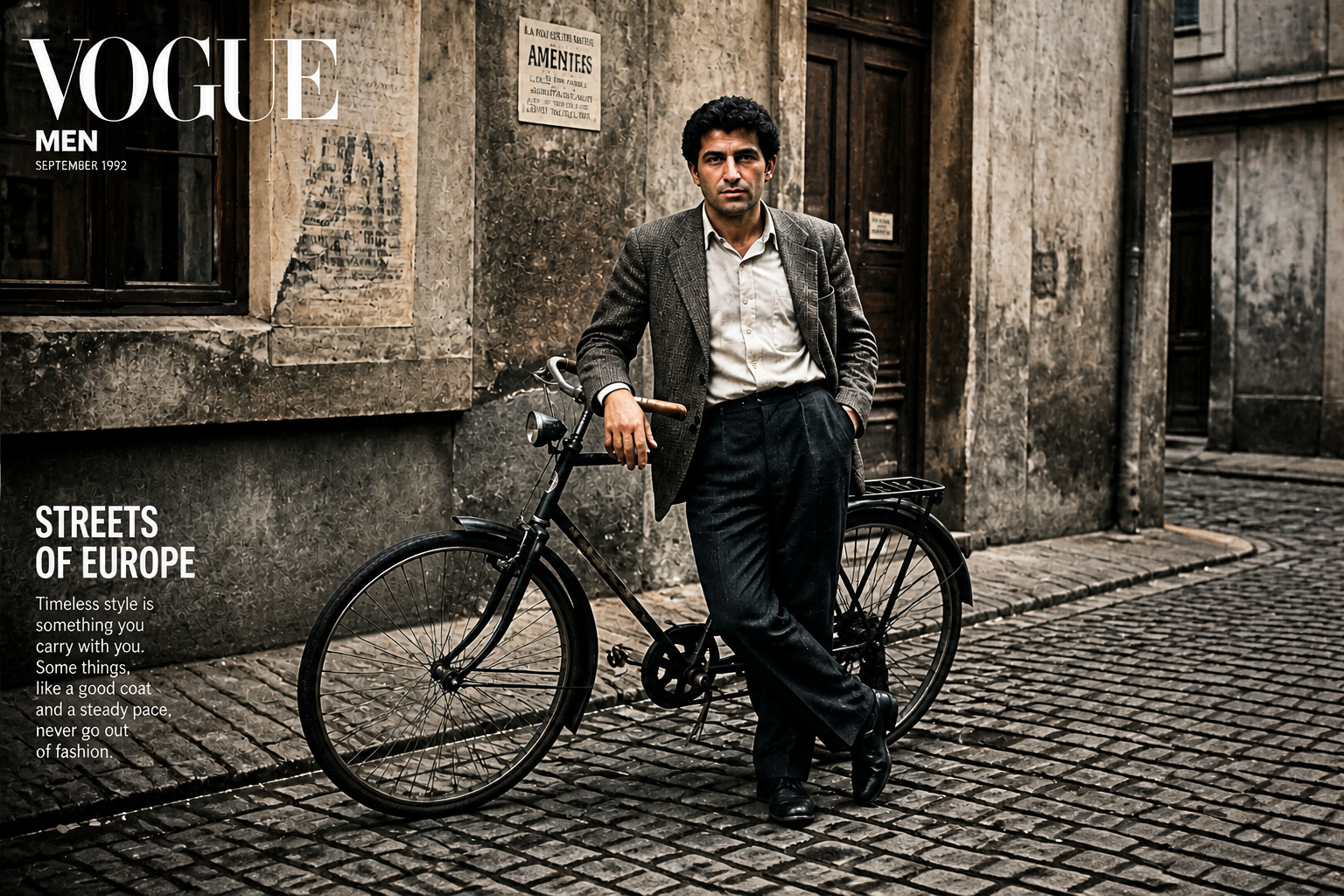 AFTER
AFTER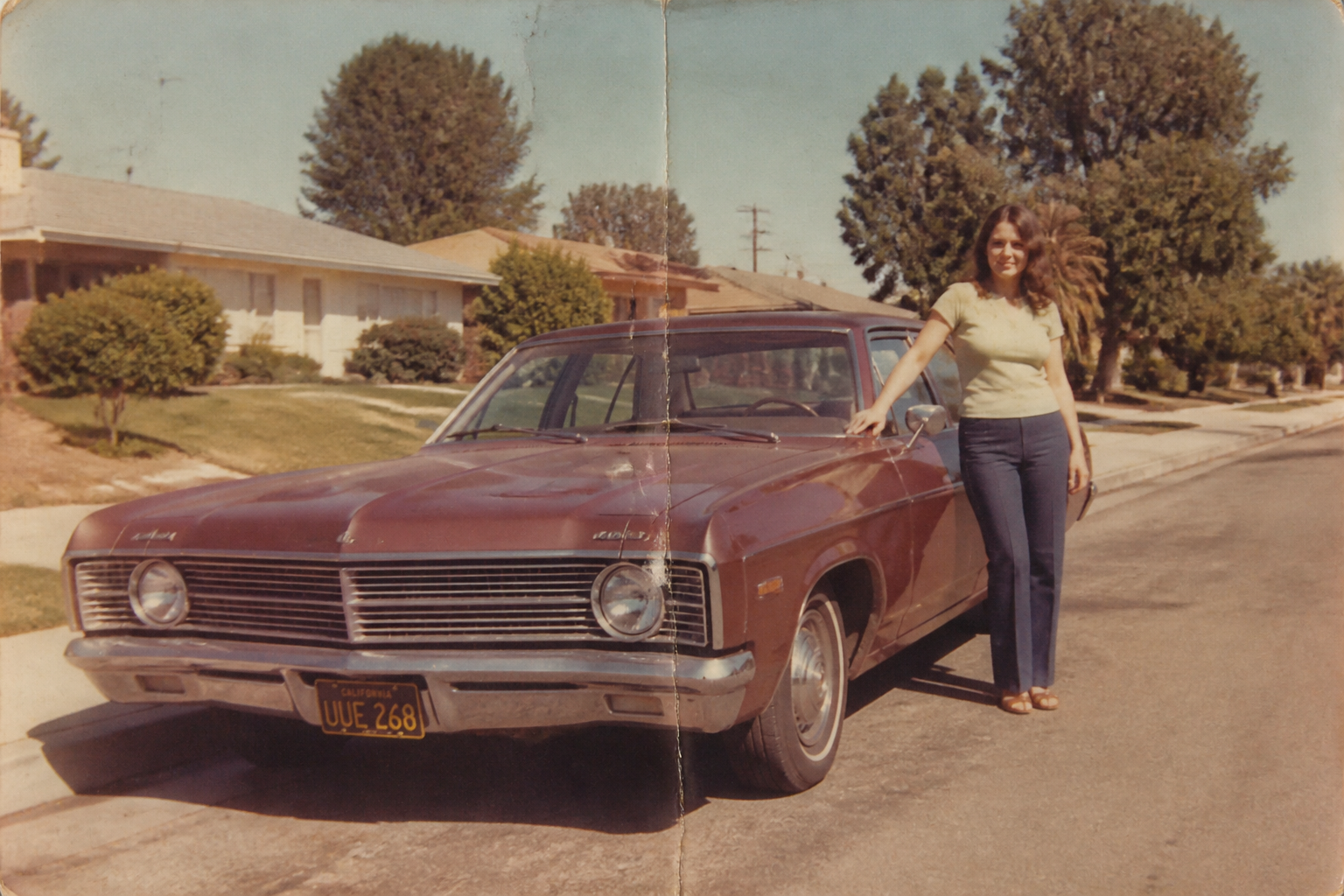 BEFORE
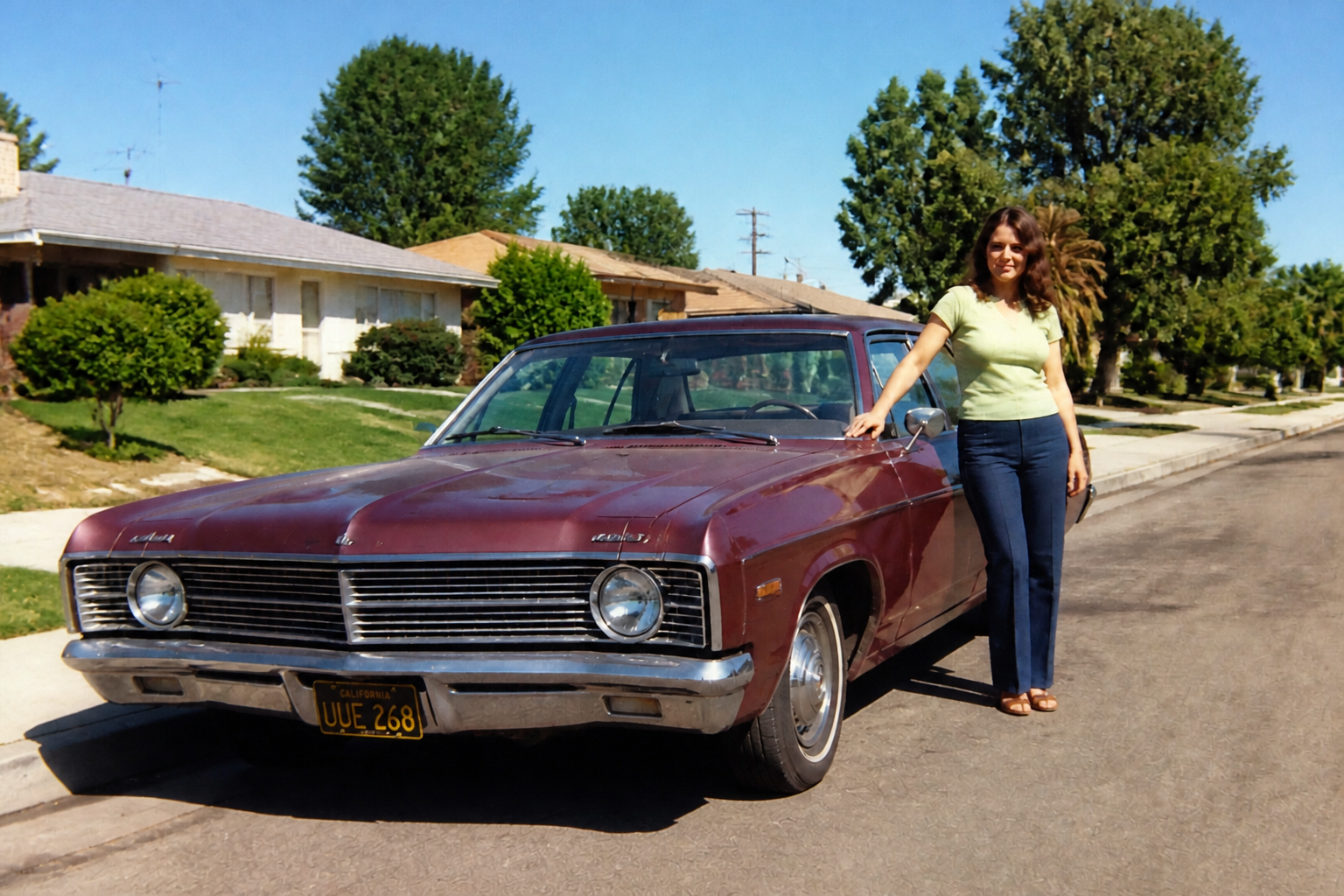 AFTER
AFTER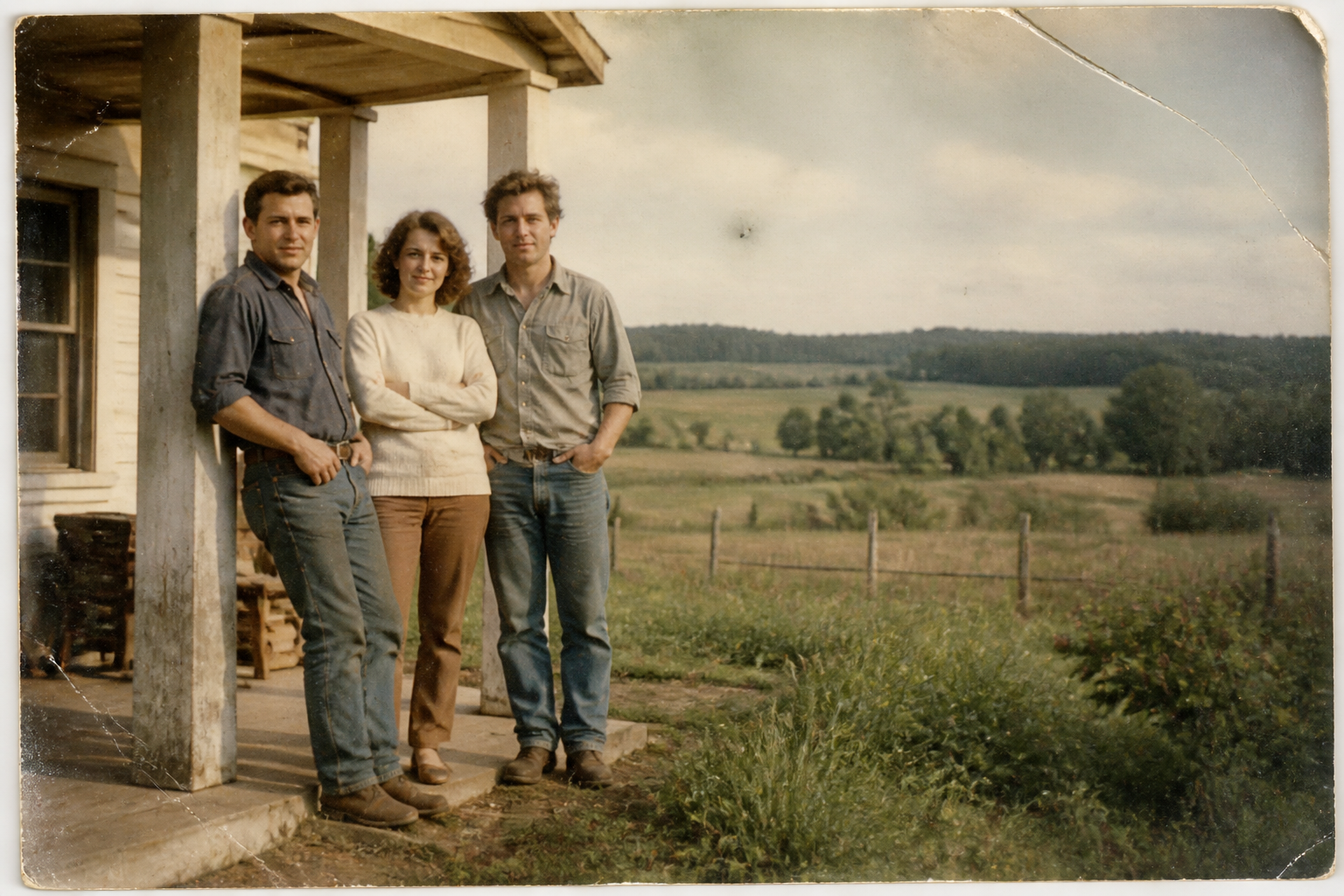 BEFORE
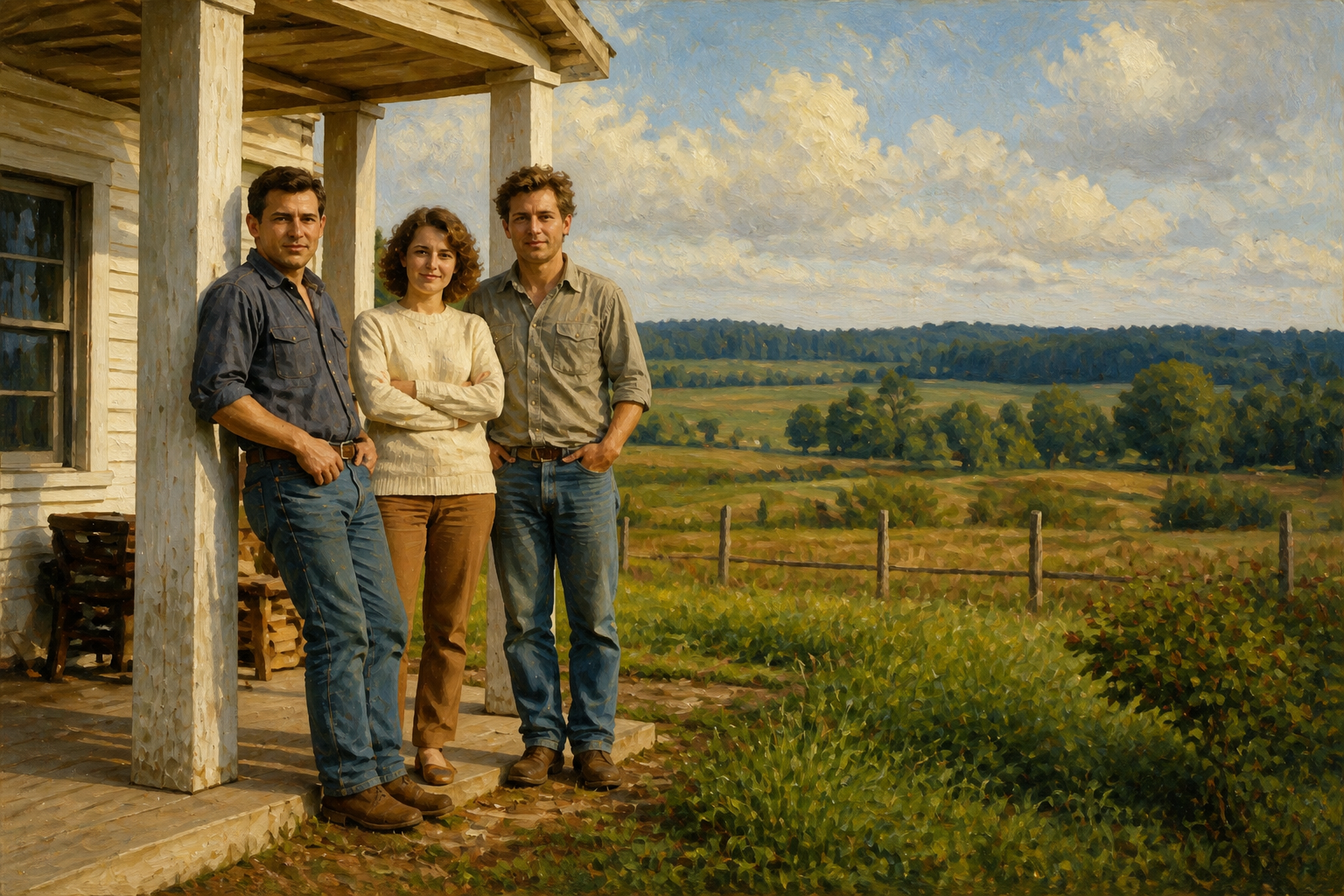 AFTERBEFOREAFTERBEFOREAFTERBEFOREAFTERBEFOREAFTERBEFOREAFTER
Key Features
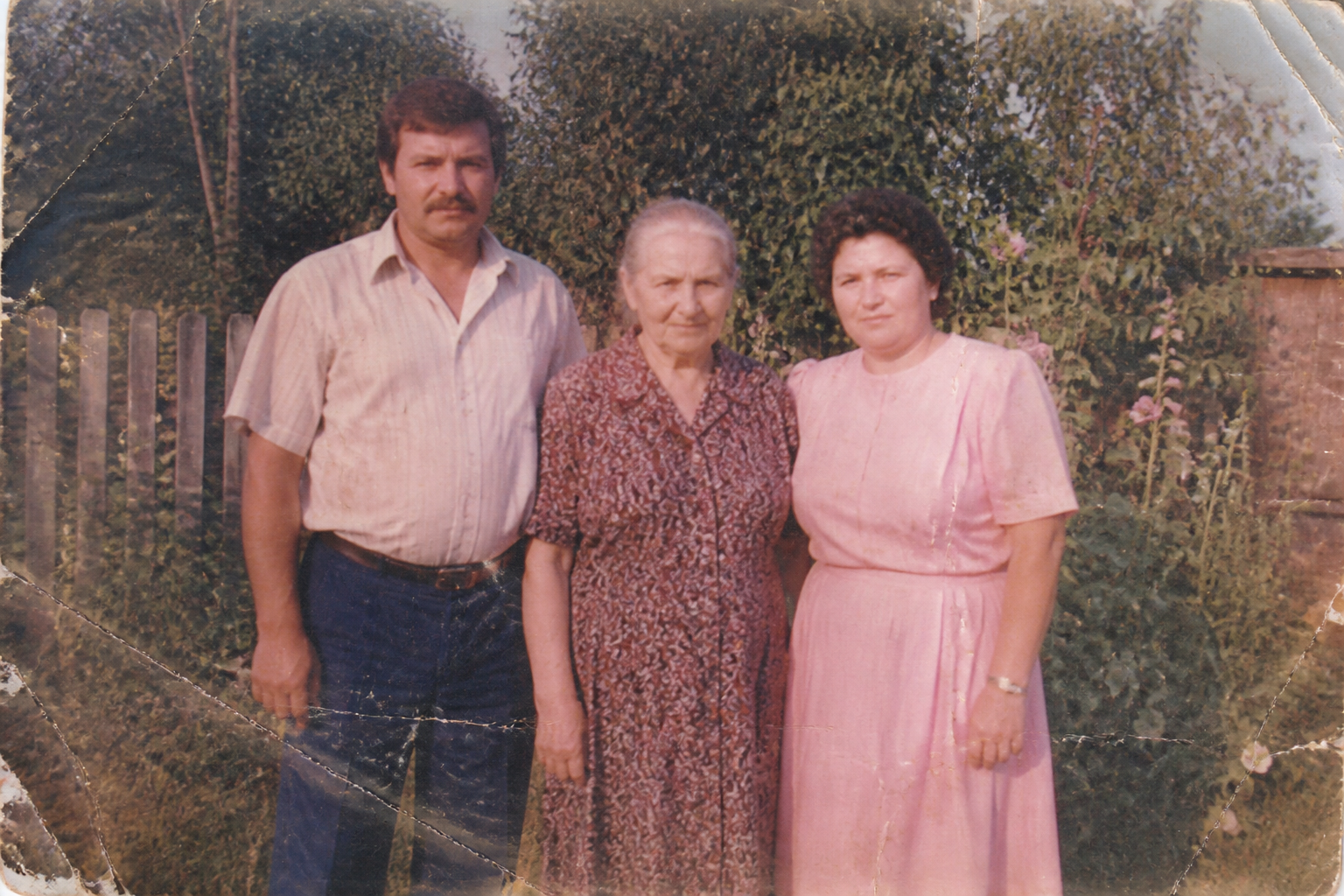
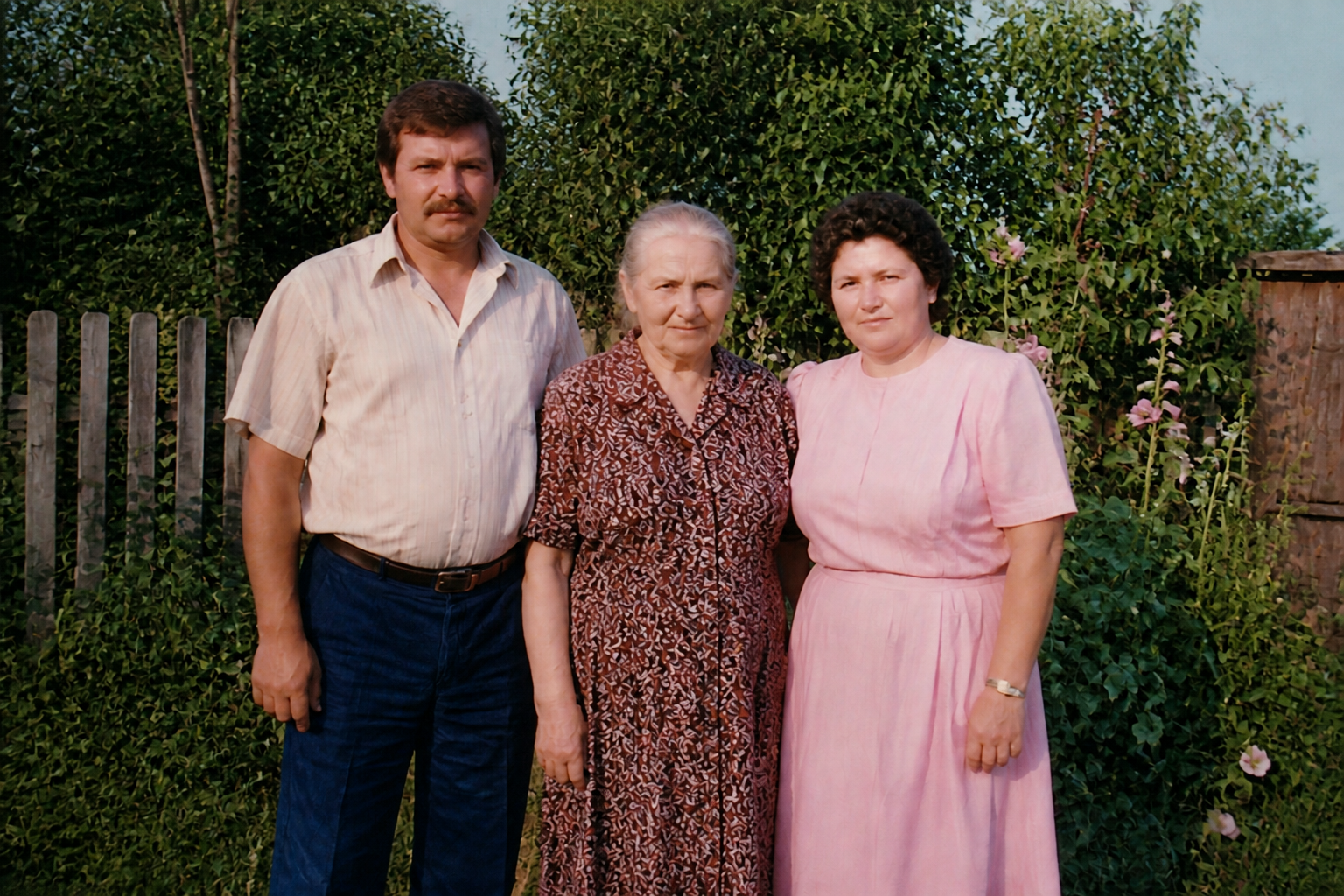
Repair visible photo damage
Old prints often have scratches, dust, folds, and worn edges that distract from the image itself. This tool targets that visible damage and rebuilds a cleaner version without forcing you to retouch each flaw by hand. It is useful for scanned family albums, attic finds, and archived prints that have aged badly. You get a more presentable image while keeping the original scene recognizable.
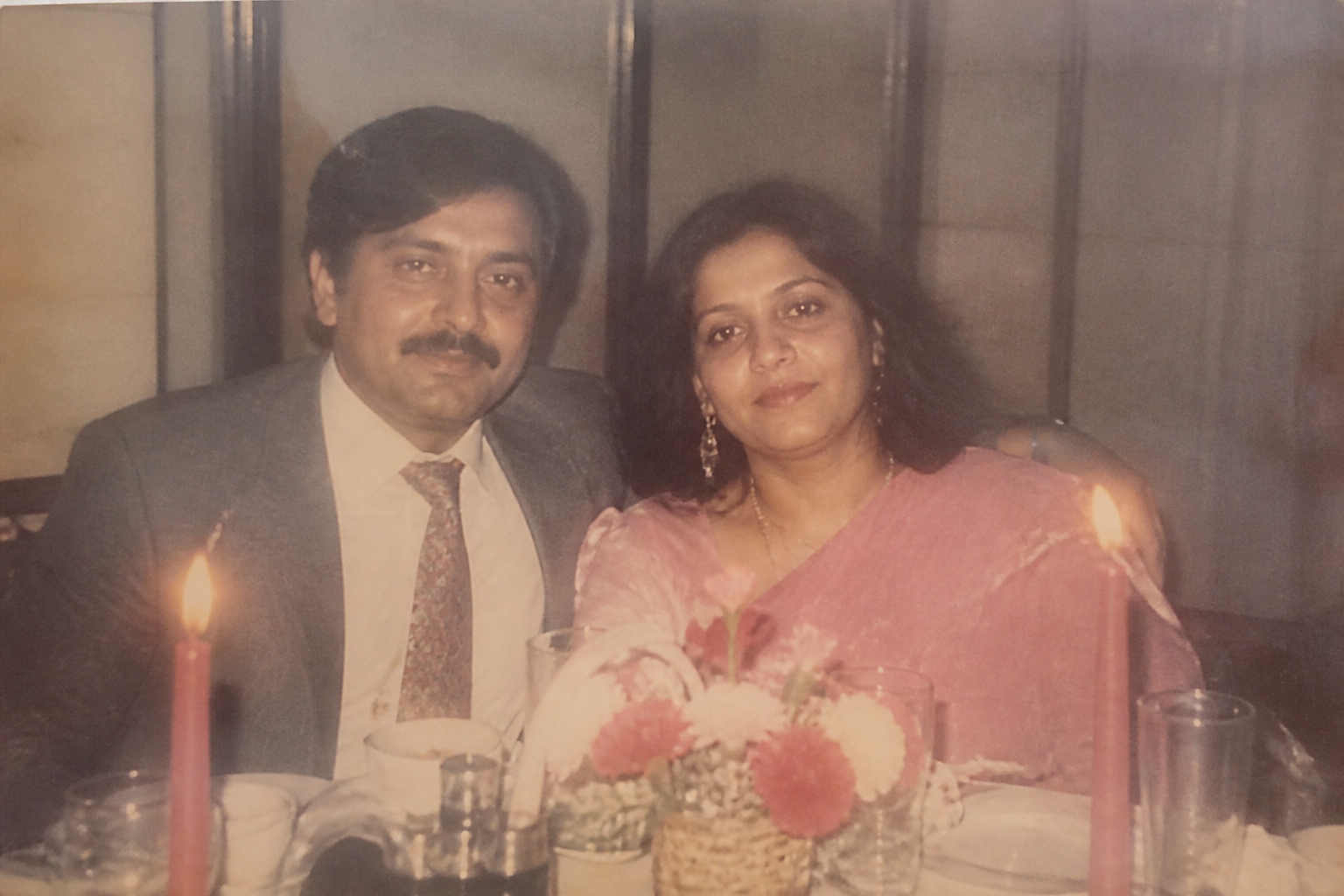
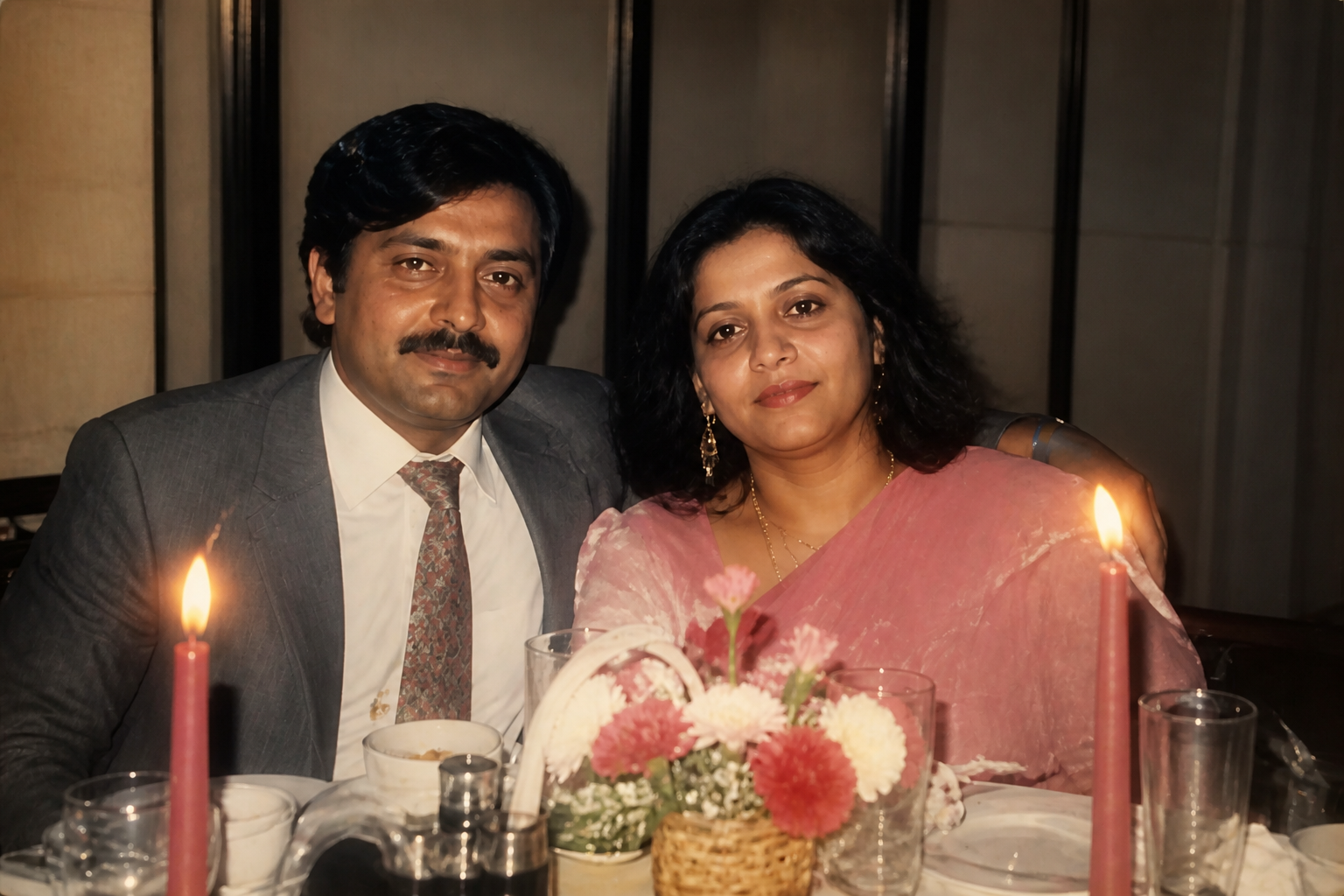
Recover clarity and detail
Many old photos are hard to enjoy because faces look soft and important details have blurred away. Our AI improves sharpness, contrast, and local detail so expressions, clothing, and background elements read more clearly. That makes restored images better for printing, framing, or sharing digitally. It also saves time compared with trying to balance multiple manual enhancement tools.
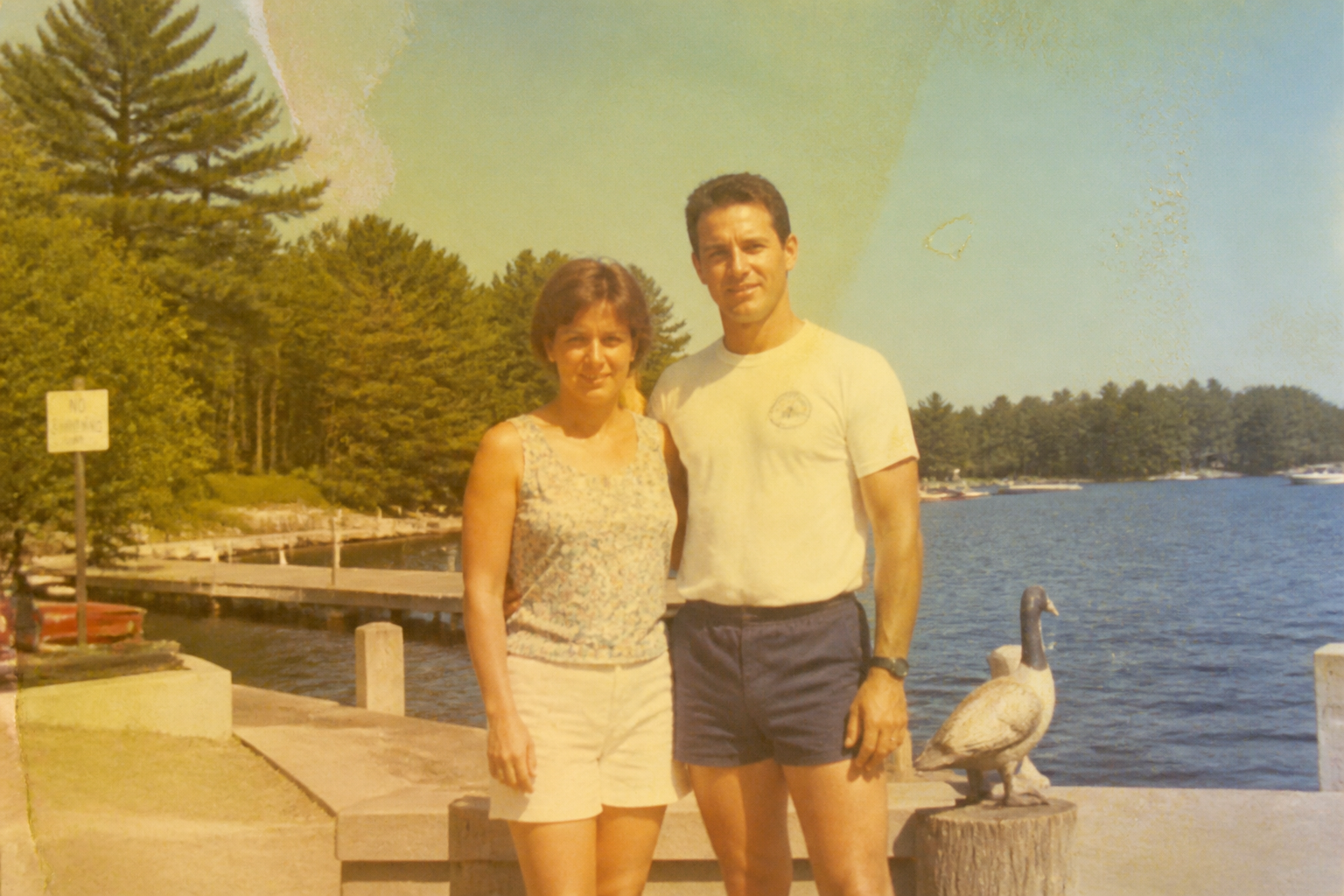
Bring back natural color
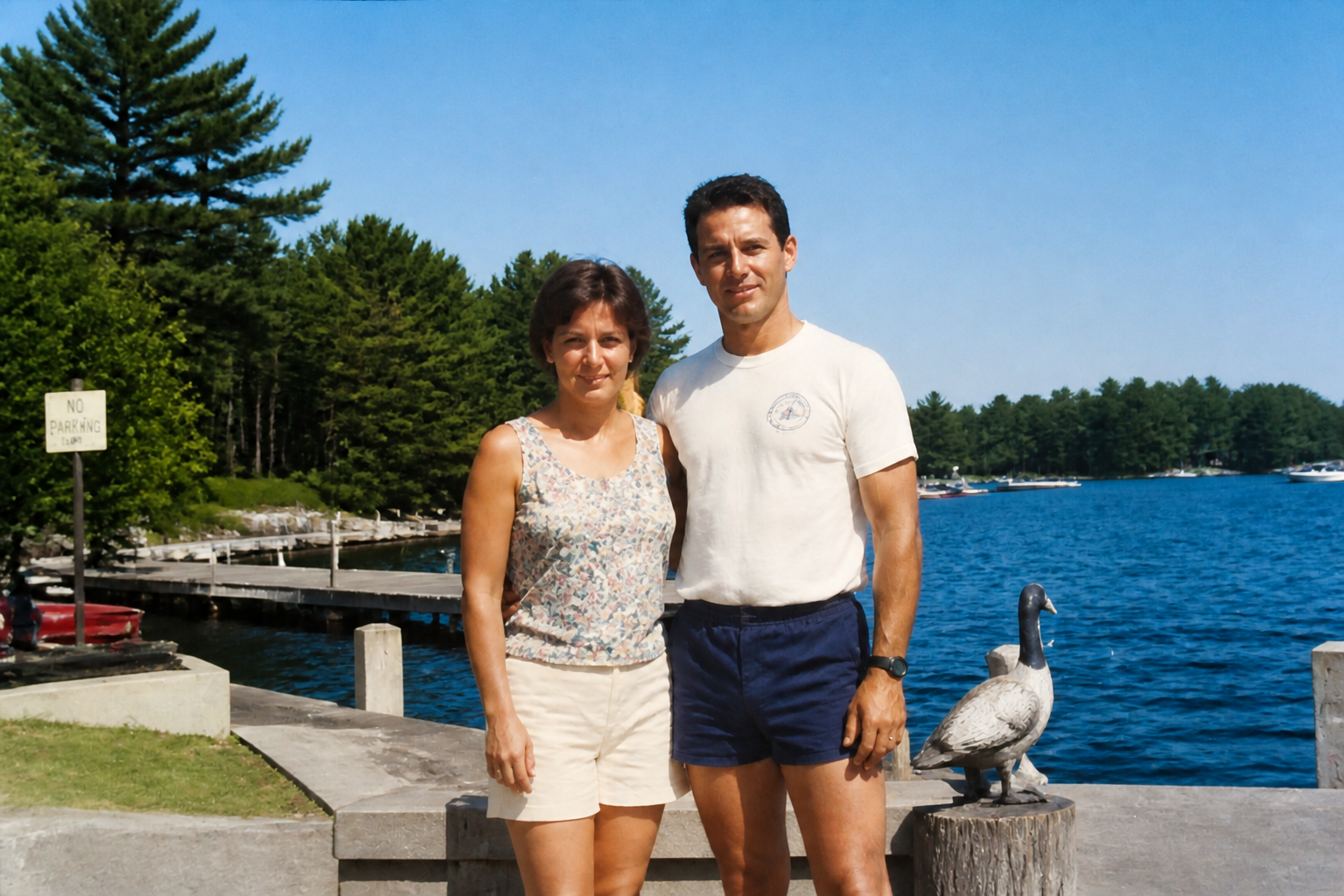
Fading often leaves old pictures yellow, flat, or uneven, even when the original moment was full of life. This feature rebuilds more believable color while preserving the feel of the source image. It helps landscapes, clothing, skin tones, and skies look less washed out. You get a stronger result without needing advanced color-correction skills.
Preserve the original memory
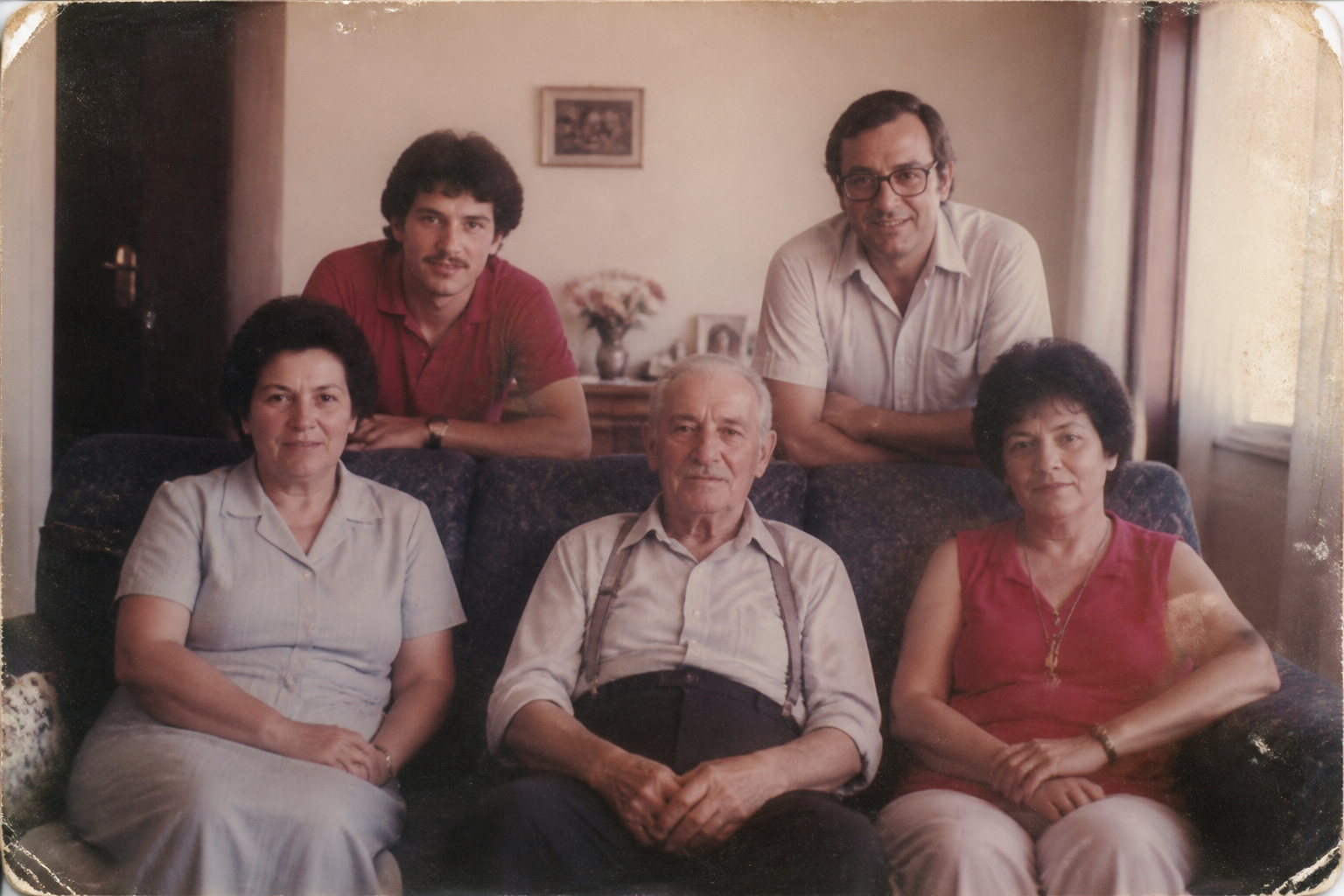
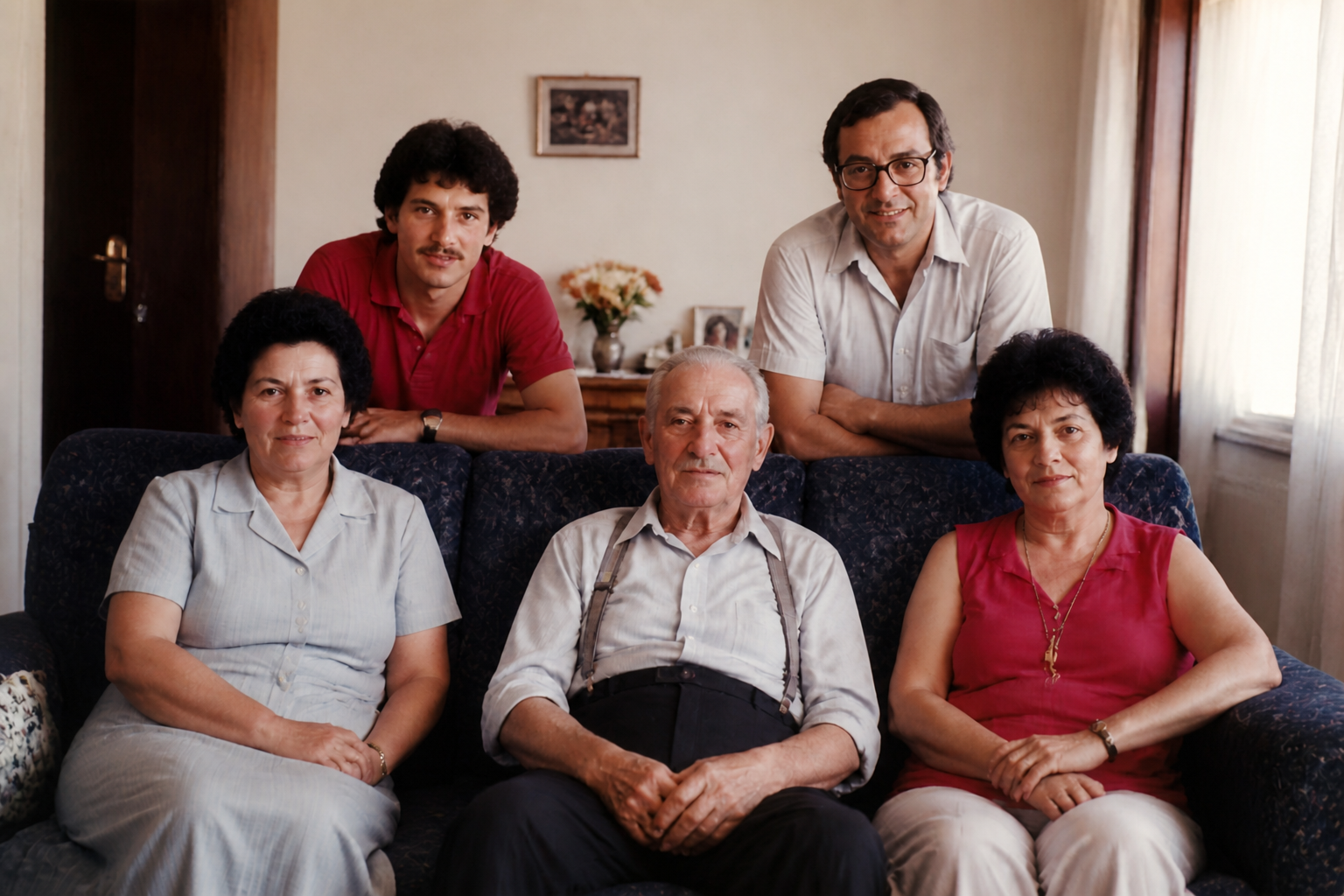
Restoration should improve the photo, not change who is in it or what happened. This tool is built to keep faces, pose, clothing, and scene structure aligned with the original while cleaning damage around them. That matters when you are restoring family history or sentimental images where accuracy is important. It gives you a polished version that still feels like the same photograph.
How It Works
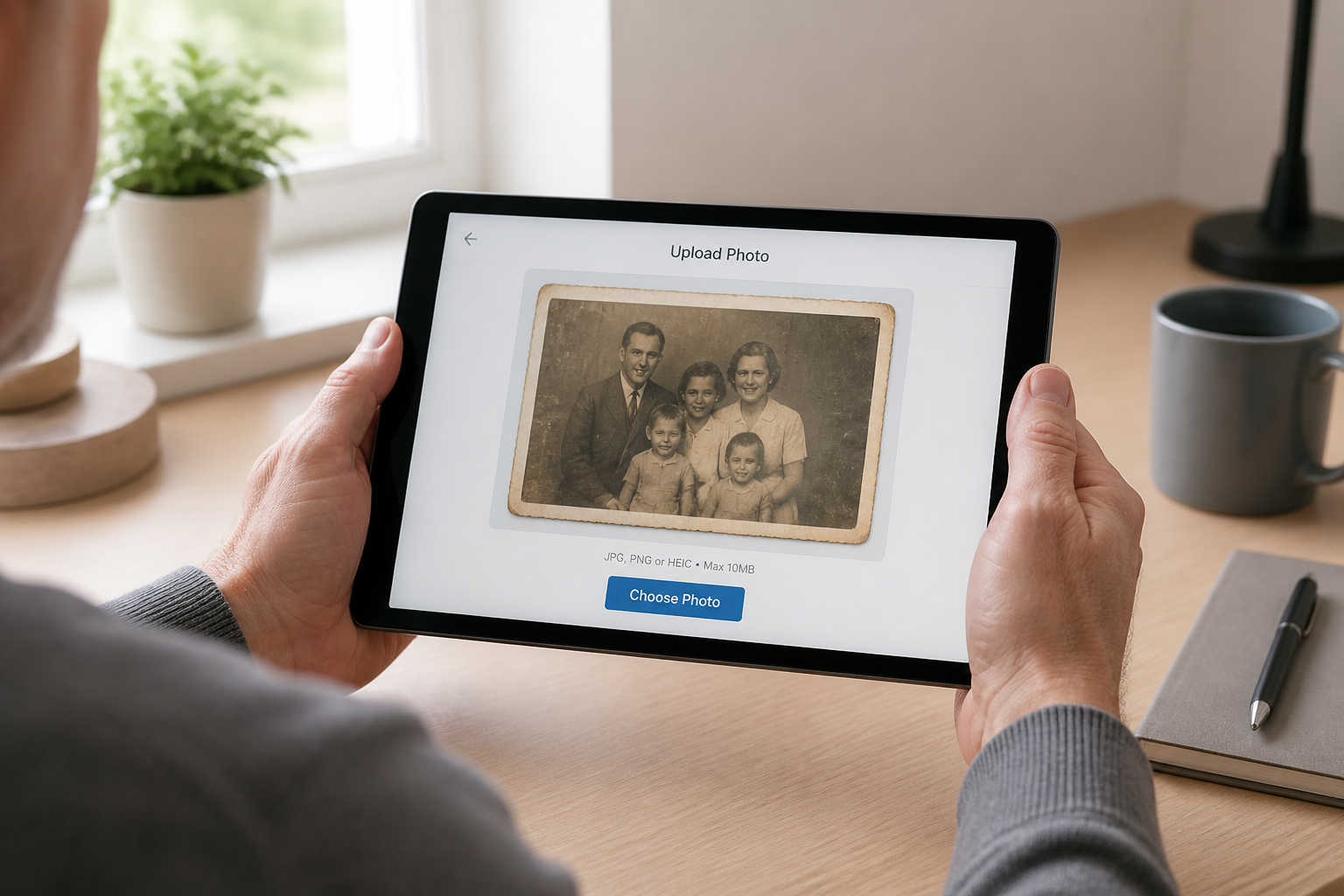
Upload your photo
Start with a scanned print or a digital copy of an old image. Landscape photos work especially well when the full scene matters, such as family groups, weddings, and travel shots.
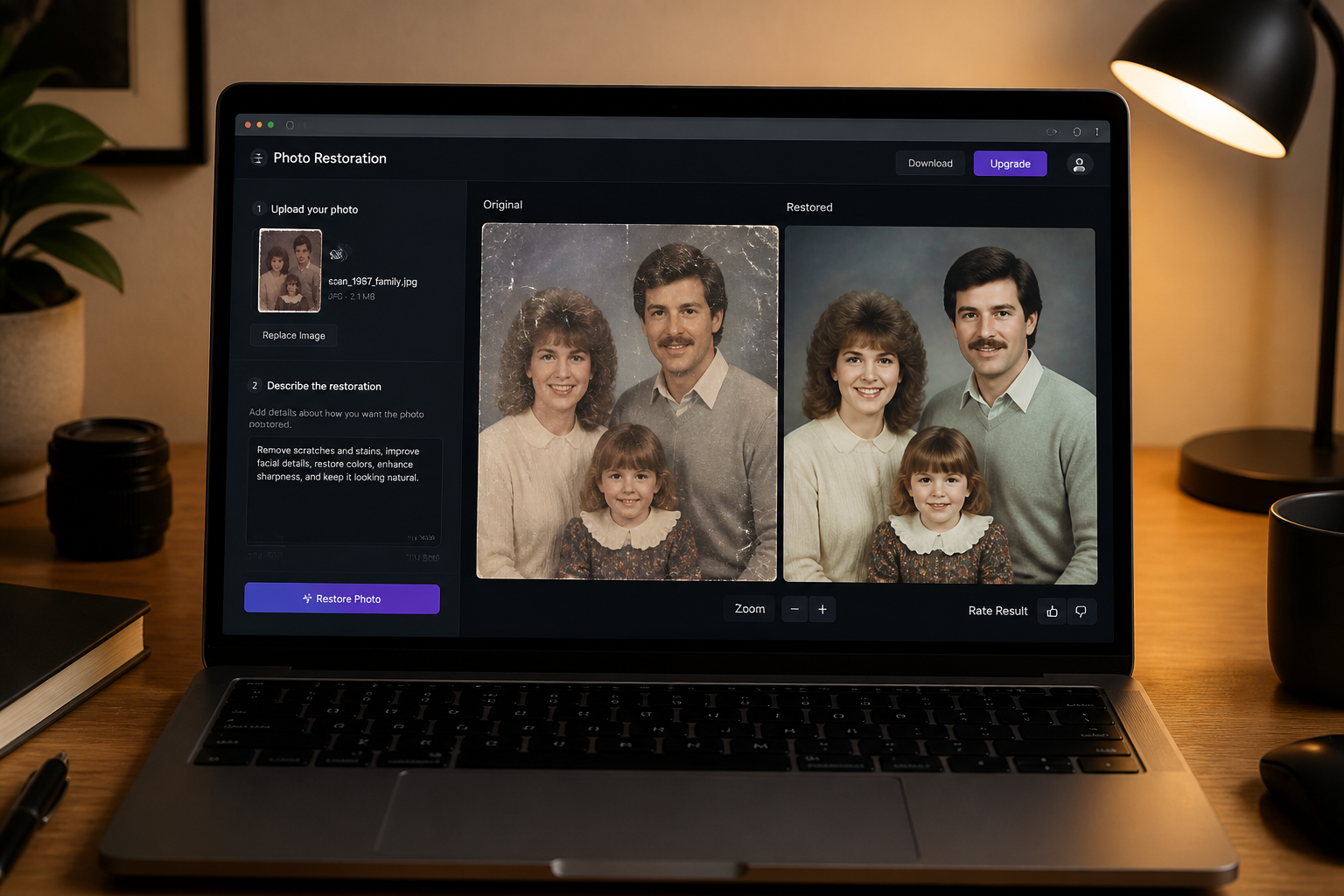
Describe the repair
Tell the tool what needs fixing, such as scratches, fading, blur, stains, or color damage. A short clear instruction is enough to guide the restoration.
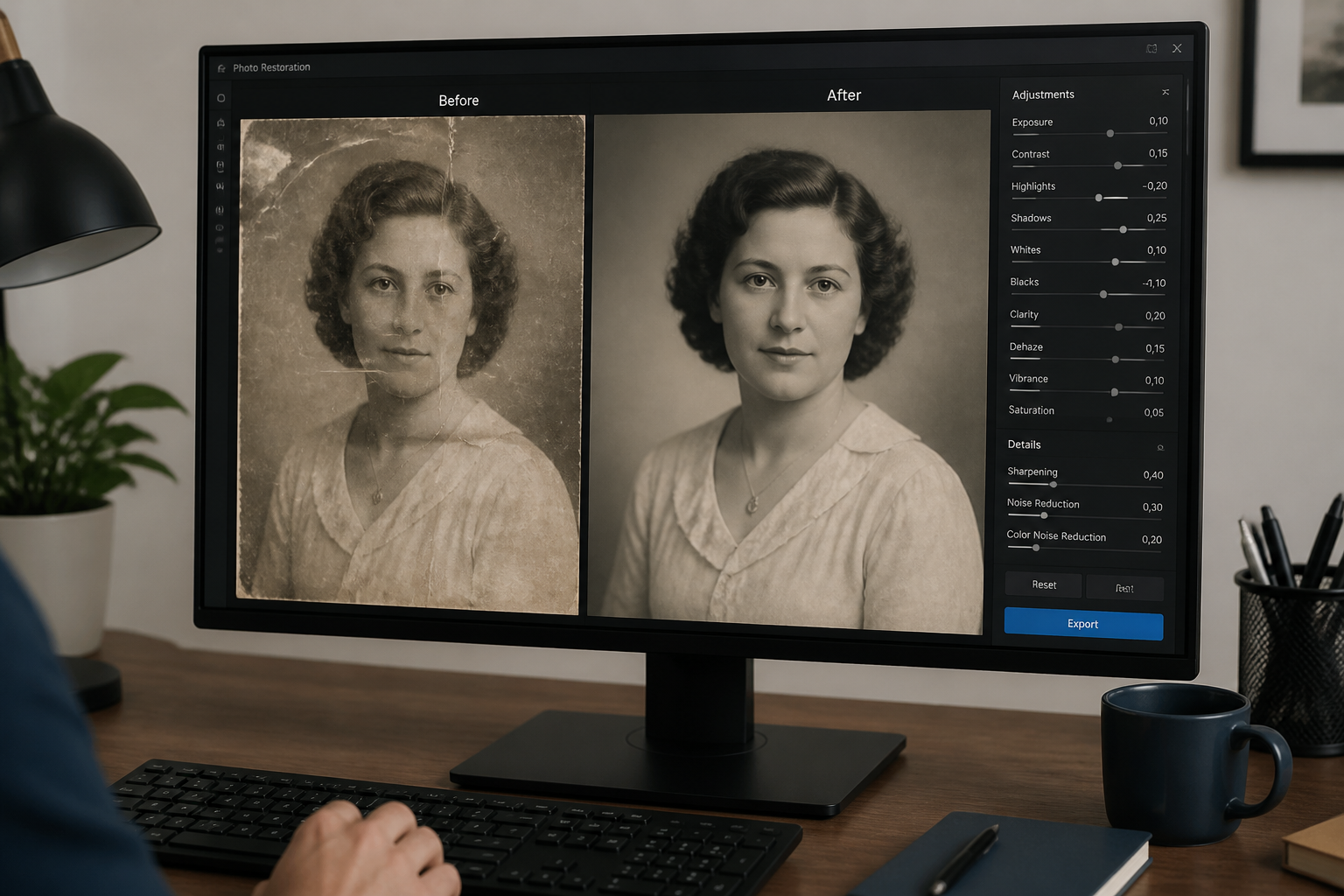
Review and save
Compare the restored result with the original and check that the important details still feel right. When you are happy with it, save the version you want to share, print, or archive.
Perfect For
Discover how creators and professionals use ai photo restoration
Family archive cleanup
Repair old family photos before organizing, printing, or digitizing a personal archive.
Wedding and event recovery
Bring faded ceremony, reunion, and celebration photos back into clearer condition.
Social sharing of old memories
Improve damaged snapshots so they look better in posts, slideshows, and digital albums.
Print-ready restorations
Clean up scanned prints so they are more suitable for framing, gifts, or memorial displays.
Built For
Families and hobby archivists
Useful for people sorting albums, scanning old prints, and preserving personal history without manual retouching.
Designers and content creators
Helps turn damaged vintage photos into cleaner visuals for presentations, memory posts, and editorial projects.
Print shops and photo services
A fast starting point for restoring customer images before final delivery or further touch-up work.
Why use AI Photo Restoration
A quick look at how we compare on the things that matter for this niche.
| Feature | BudgetPixel | Generic AI editors | Manual editing apps |
|---|---|---|---|
| Old photo cleanup prompts | ✓ | ✓ | — |
| Visible scratch and fade repair | ✓ | — | ✓ |
| Preserves original composition | ✓ | — | ✓ |
| Fast results for non-experts | ✓ | ✓ | — |
Frequently Asked Questions
What kinds of damage can AI Photo Restoration fix?
Will it change the people in the photo?
Do I need a high-quality scan first?
Can I restore black-and-white photos too?
Is this better than manual photo editing?
Create together.
Share your creations, discover trending AI art, and grow with fellow creators.