AI Voiceover Generator
Generate studio-style visuals, podcast art, and voice branding concepts from text prompts.
Create polished images for voiceover brands, podcasts, audiobooks, and audio marketing with a simple prompt. This tool helps creators, agencies, and media teams turn ideas into clean studio visuals, cover art, and promotional mockups.
See It In Action
Real outputs from ai voiceover generator.
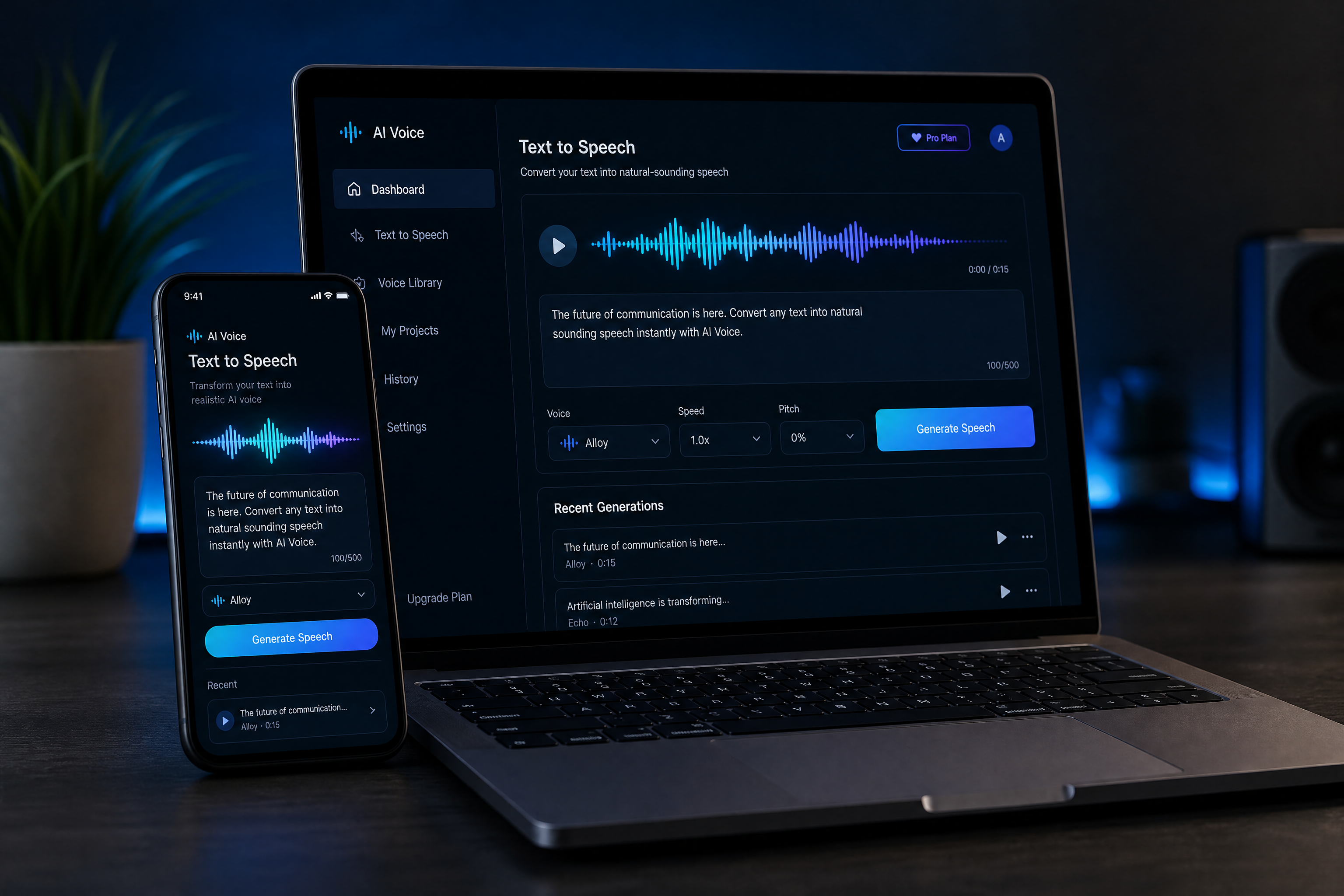
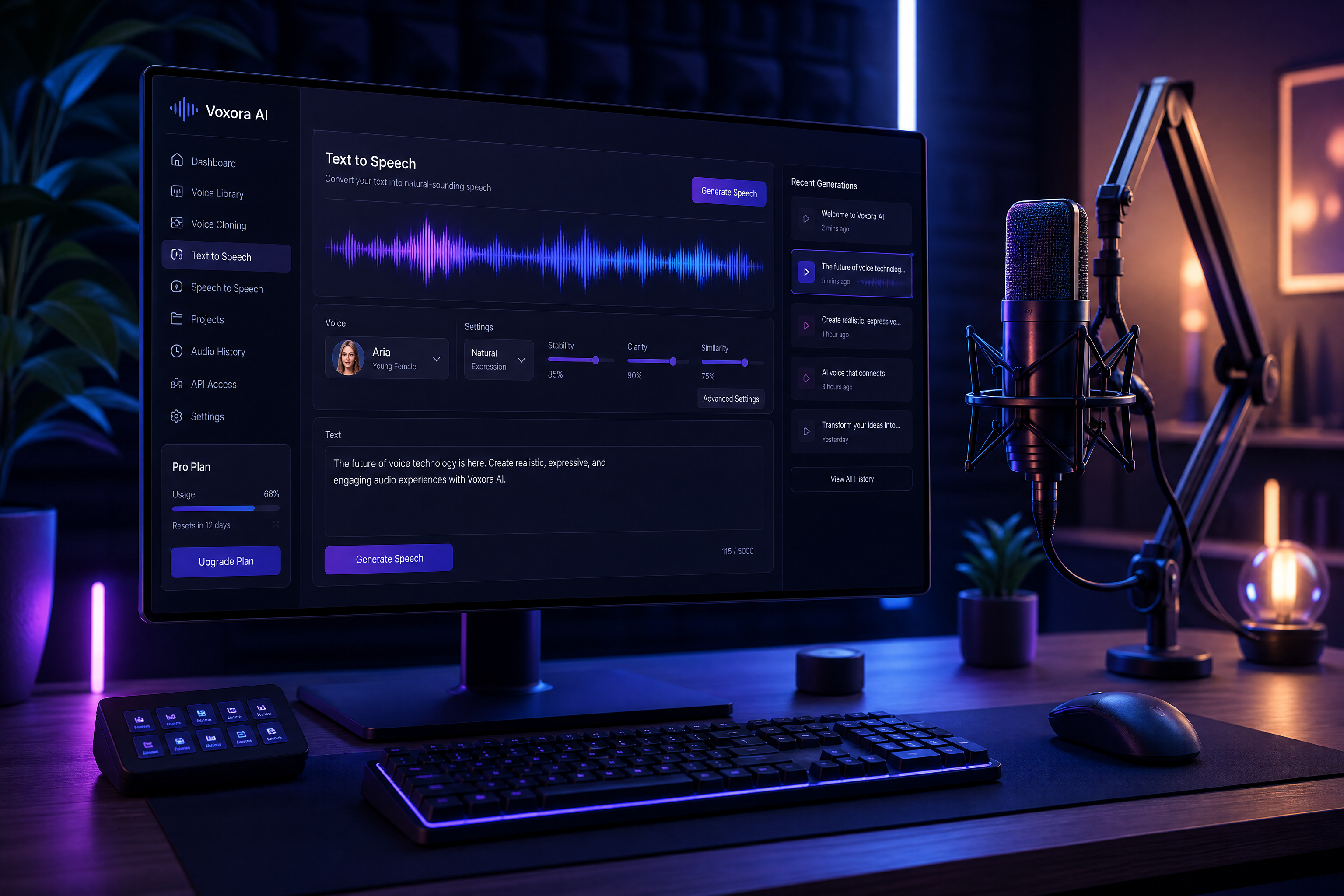
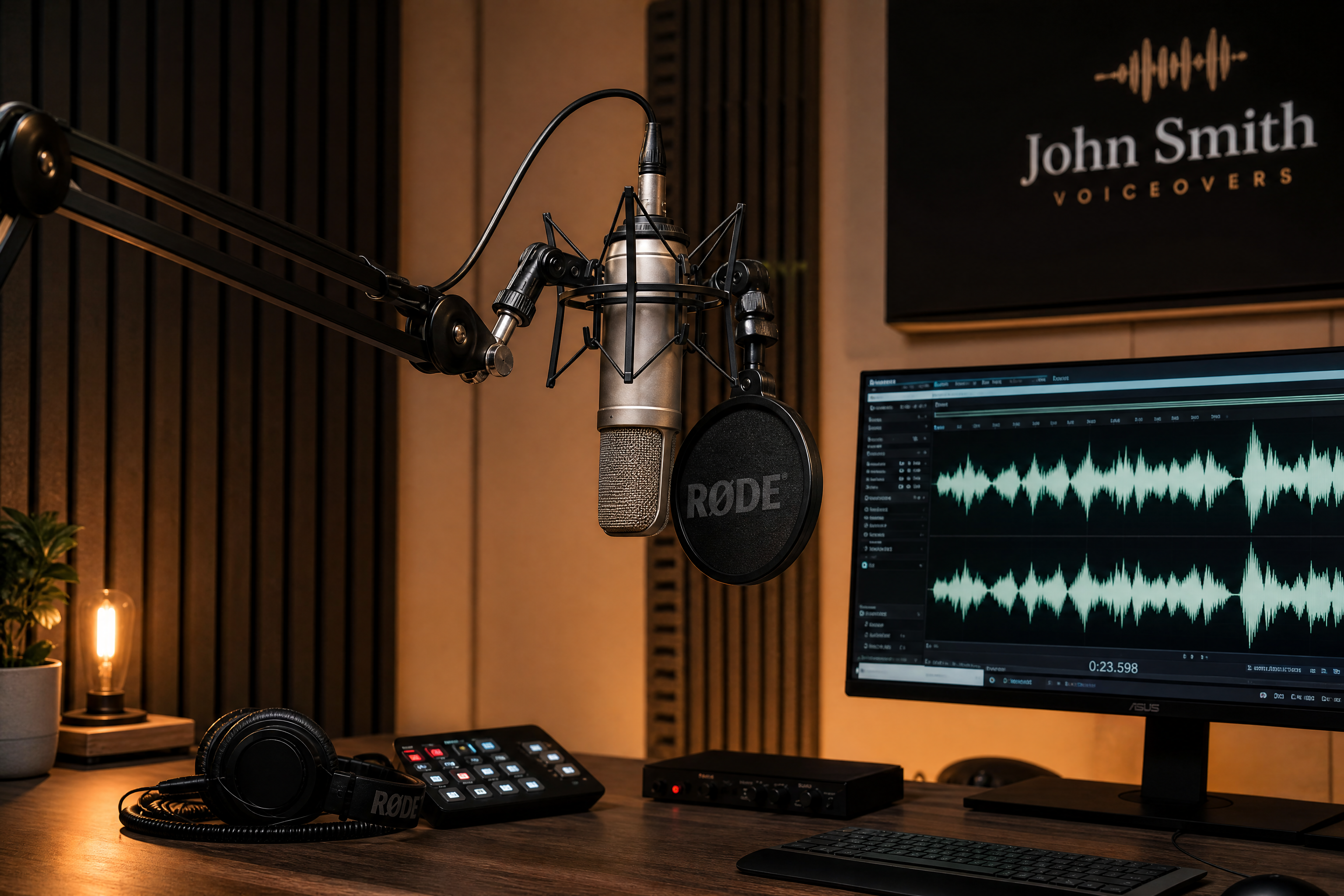
professional AI voiceover studio scene, condenser microphone on boom arm, acoustic panels, warm cinematic lighting, clean modern desk, audio waveform on monitor, premium promotional image, realistic photography, shallow depth of field
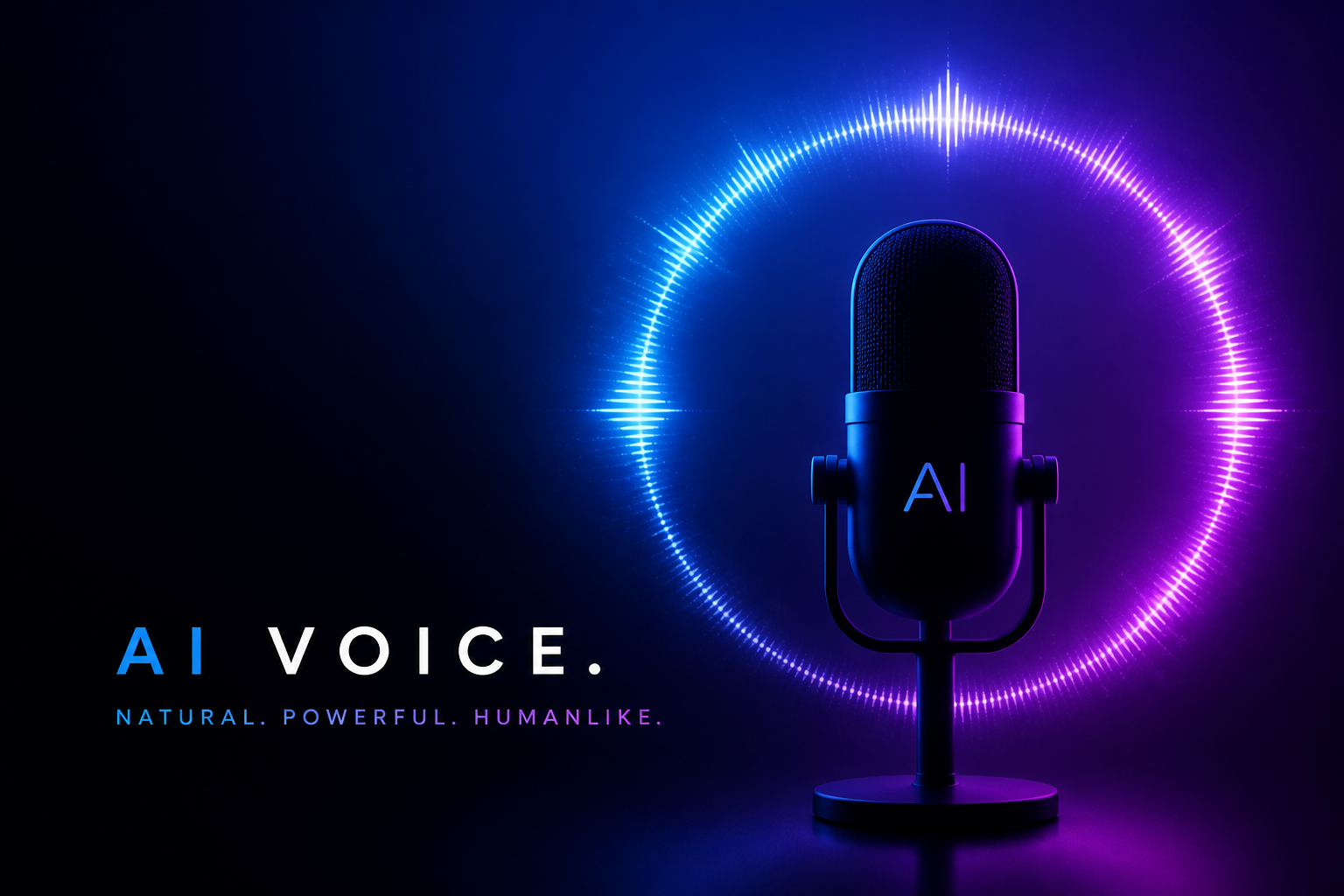
modern podcast cover art for an AI voiceover brand, glowing waveform ring, sleek microphone silhouette, blue and violet gradient, minimal graphic design, crisp typography space, high-contrast digital illustration
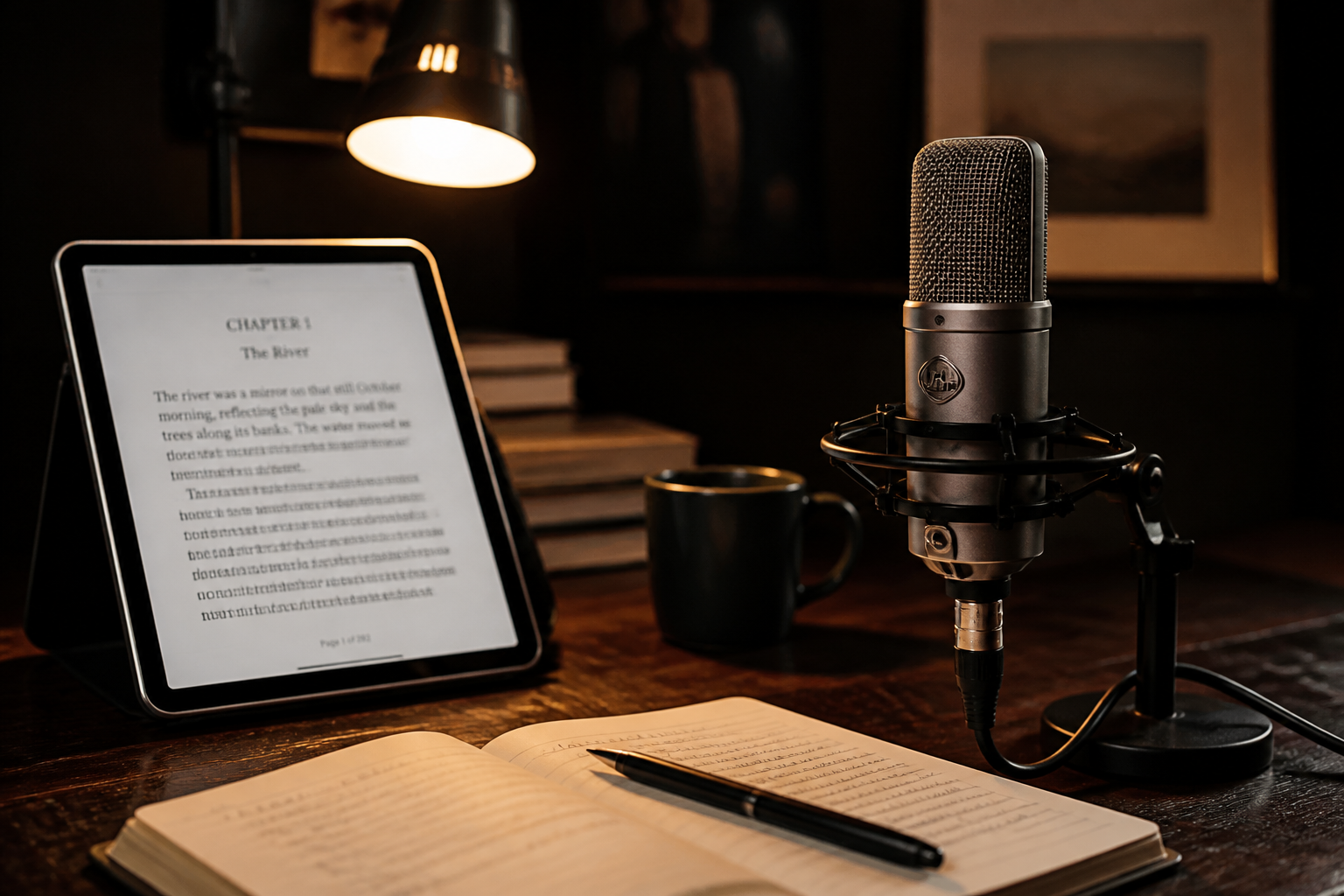
audiobook narration workspace, elegant desk microphone, tablet with manuscript pages, soft lamp light, dark wood desk, cozy cinematic mood, realistic editorial photography
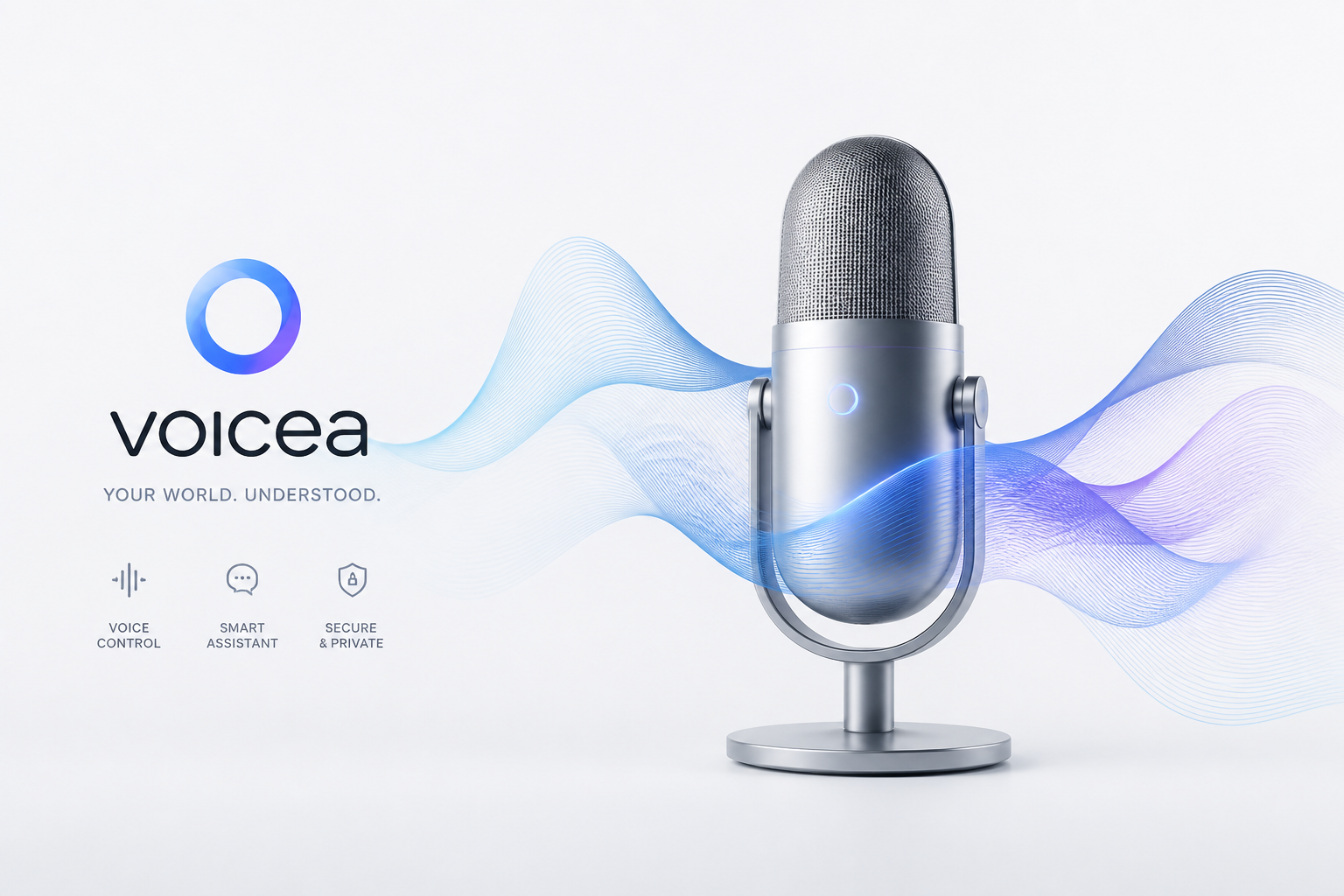
futuristic voice assistant branding concept, abstract sound waves flowing around a silver microphone, clean white background, soft shadows, product-ad style 3D render, modern tech aesthetic
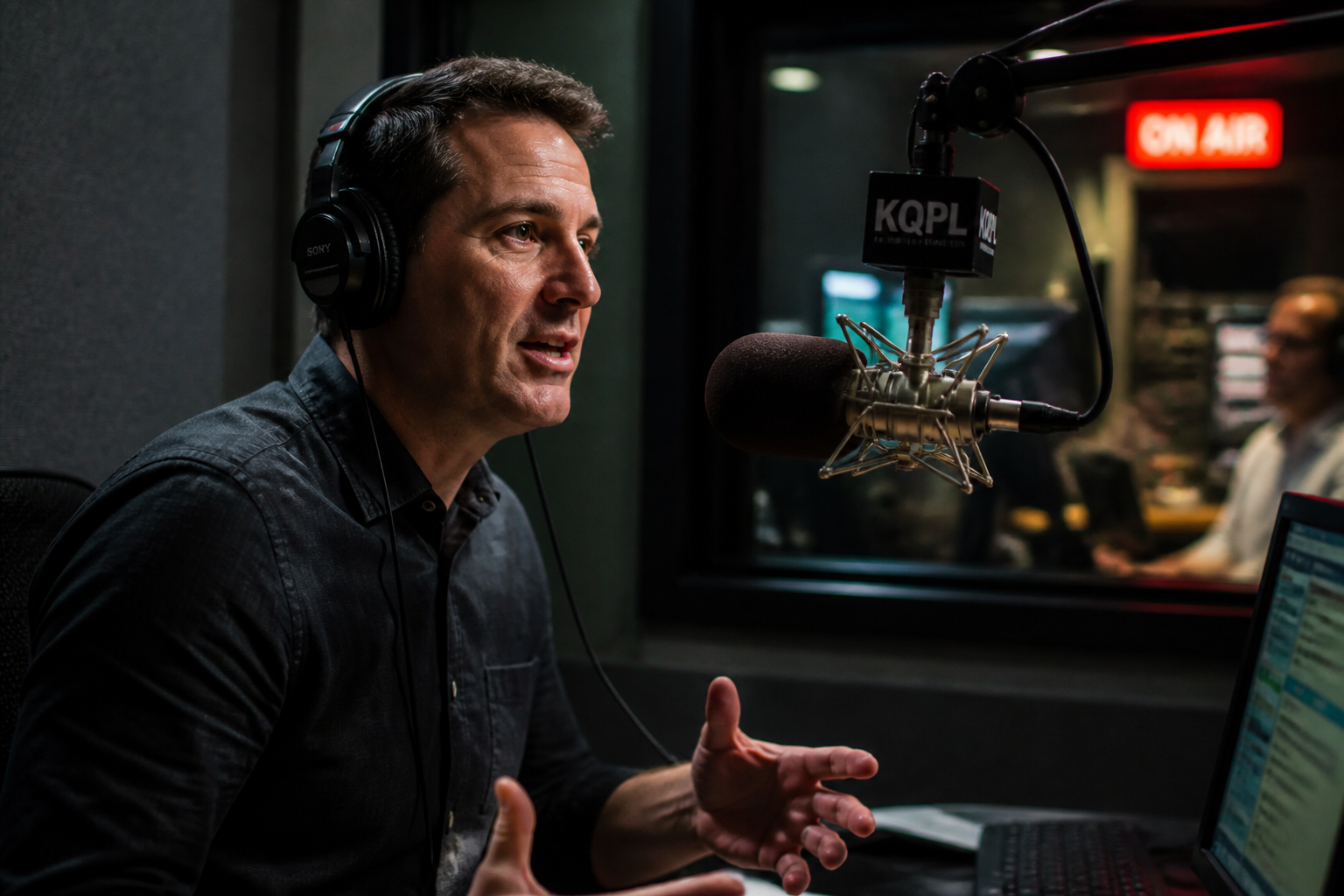
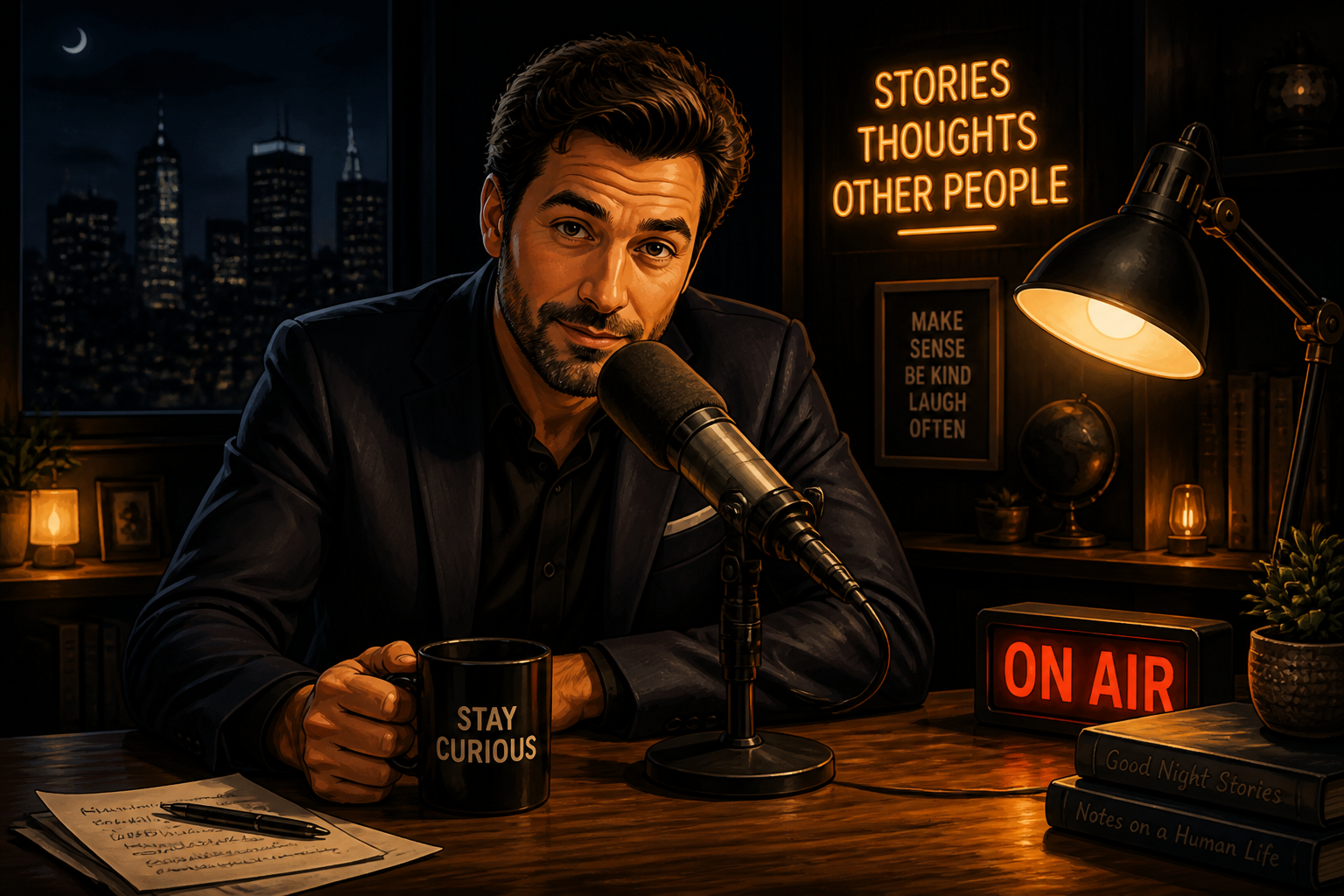
radio commercial recording booth, adult presenter wearing headphones, speaking toward studio microphone, glass isolation window, red recording light, dramatic side lighting, realistic photo illustration
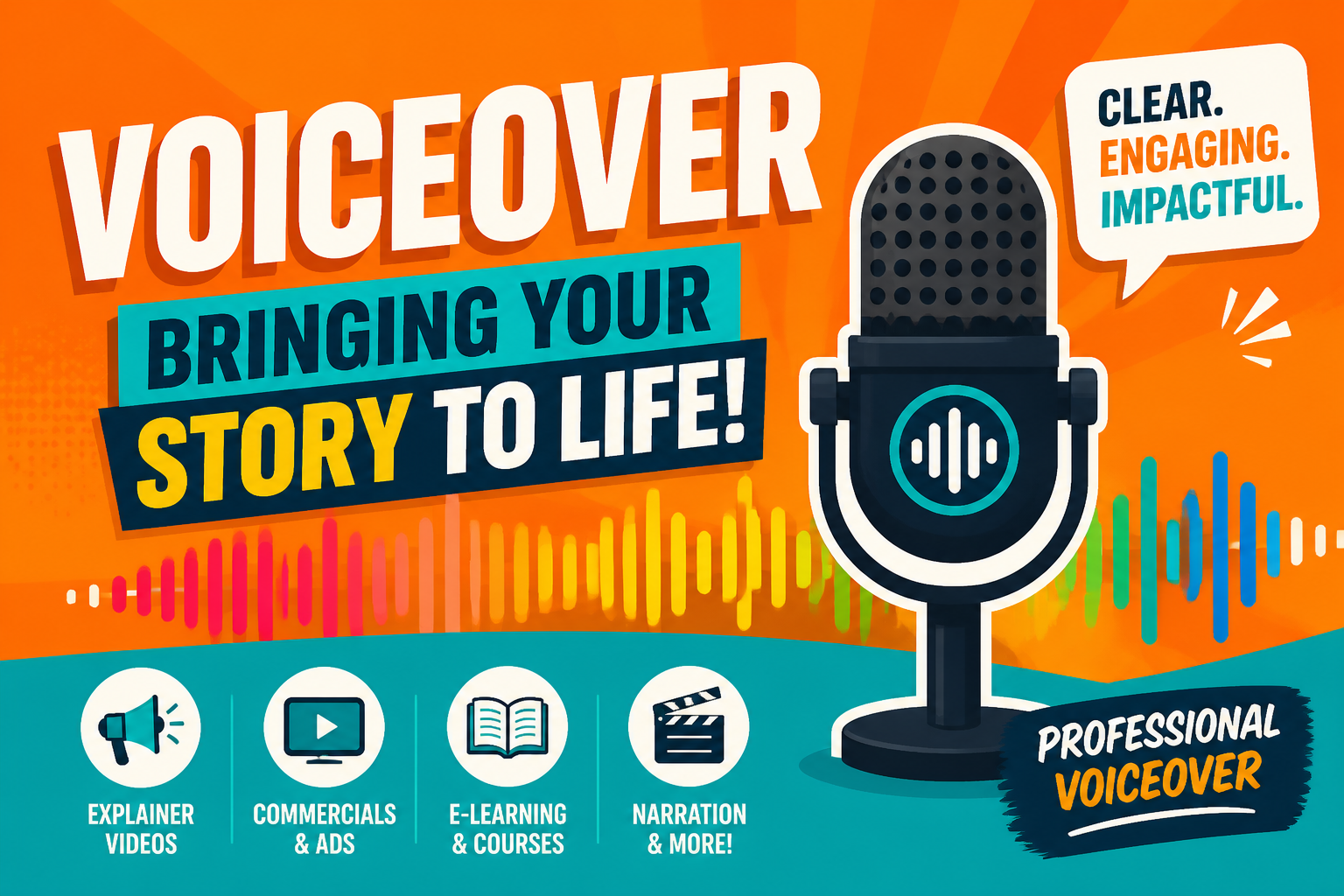
animated explainer video voiceover thumbnail, bold microphone icon, colorful waveform bars, bright orange and teal palette, flat 2D illustration, clean marketing design
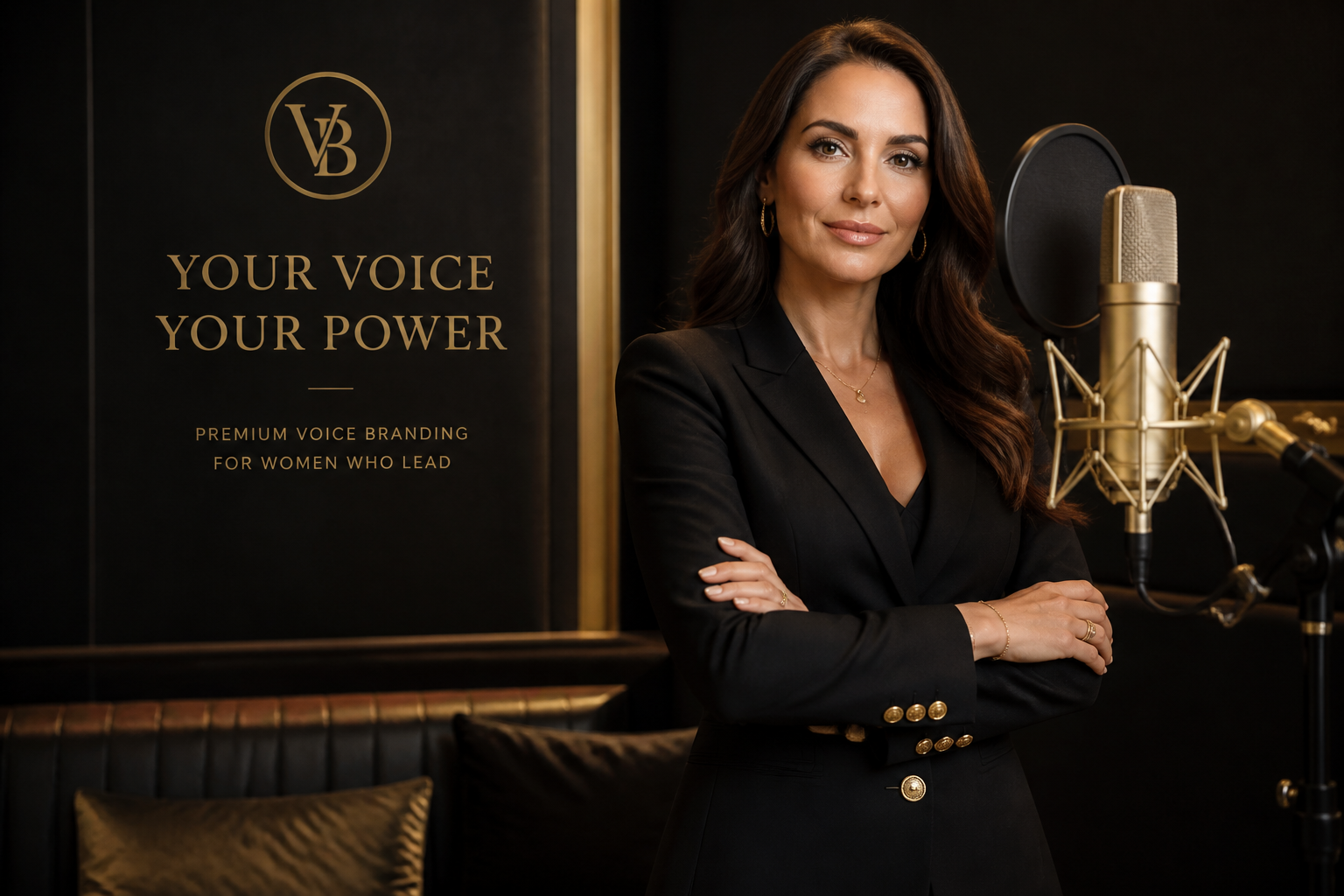
luxury female voice brand campaign visual, adult woman in fitted blazer at elegant recording studio, gold accents, premium microphone, confident pose, magazine-style photography, softbox lighting
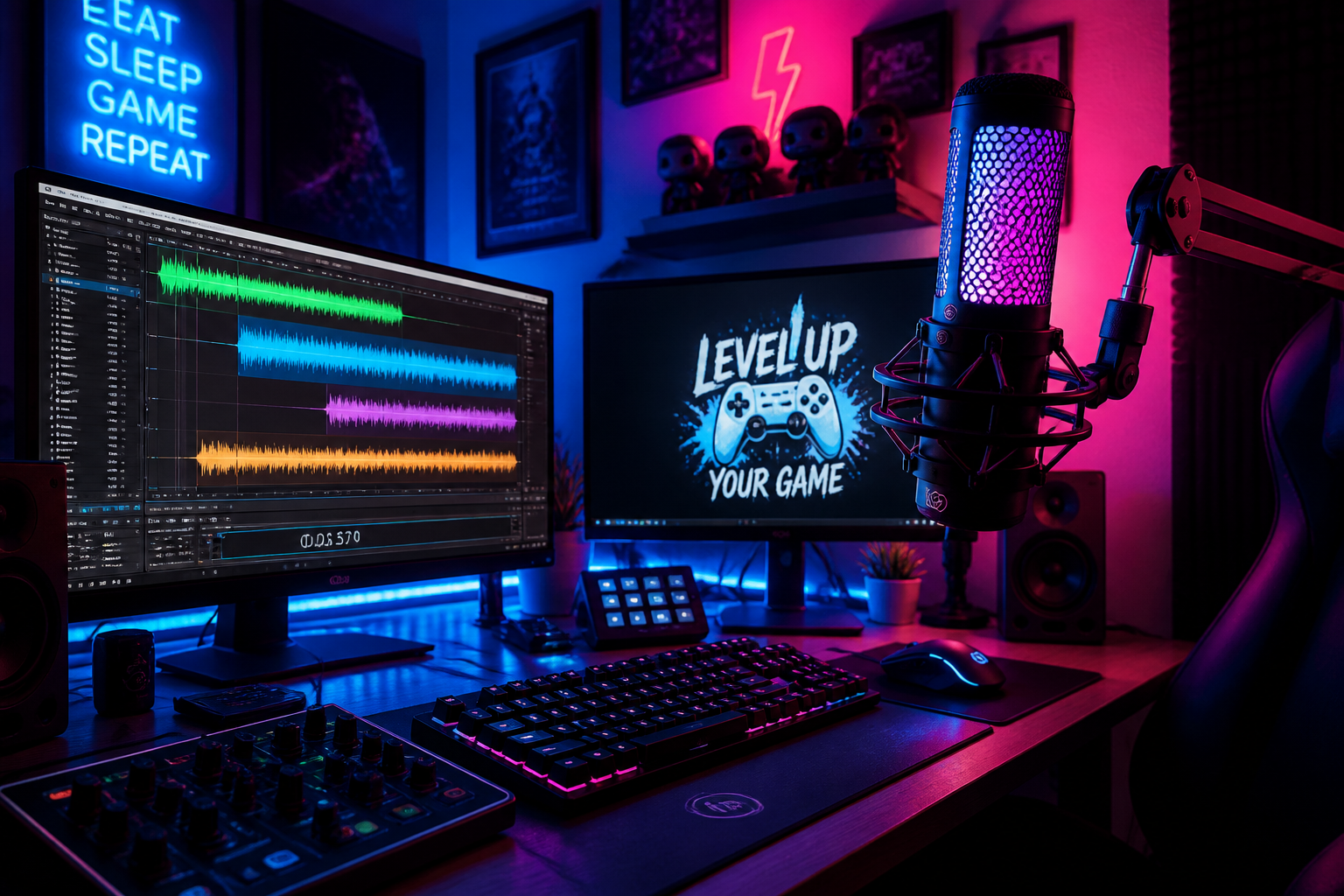
gaming commentator voiceover setup, RGB-lit microphone, dual monitors with audio timeline, neon blue and pink glow, high-energy room atmosphere, detailed digital art
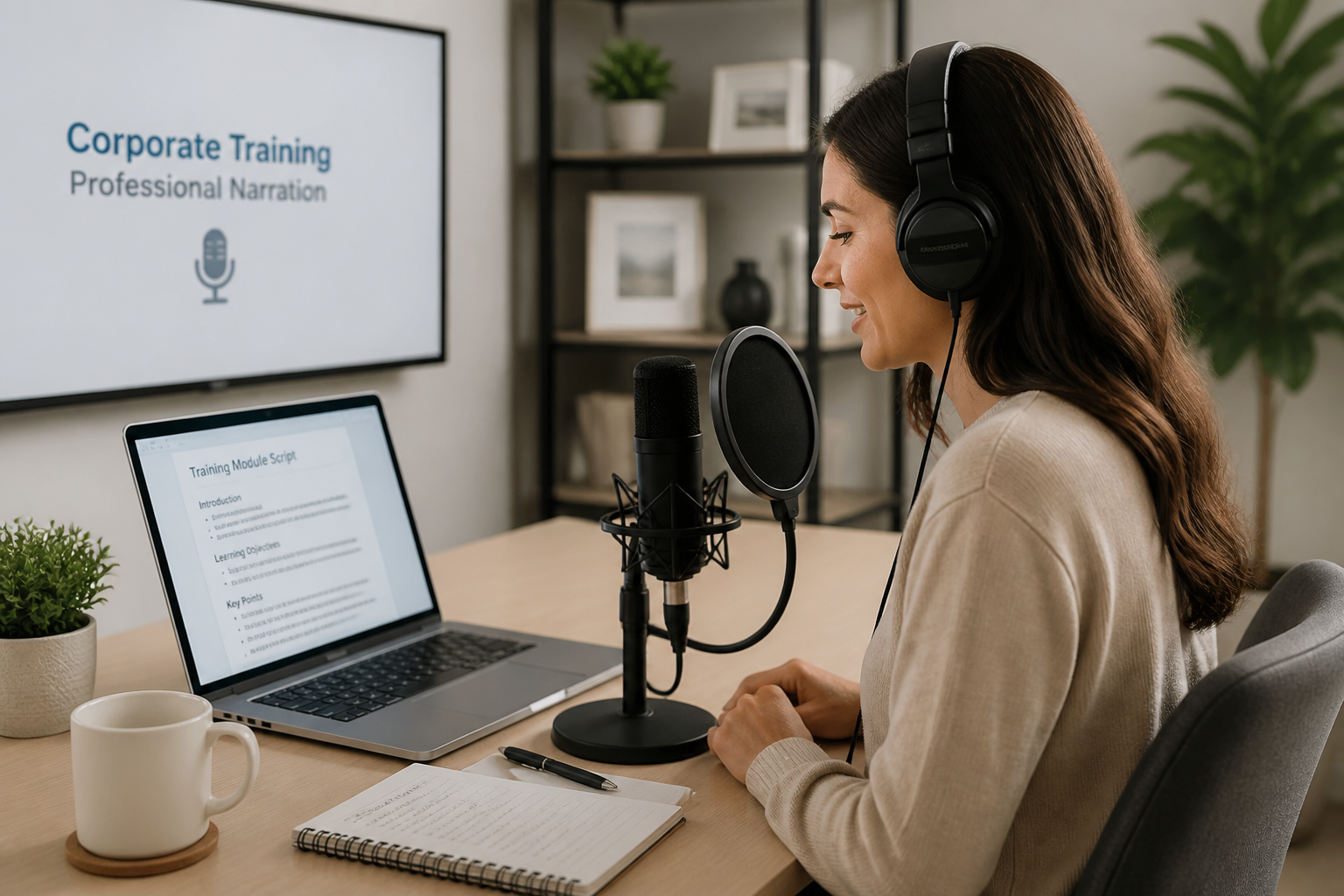
corporate training narration visual, clean office recording corner, laptop with script, desk microphone, neutral palette, bright professional lighting, realistic commercial photography
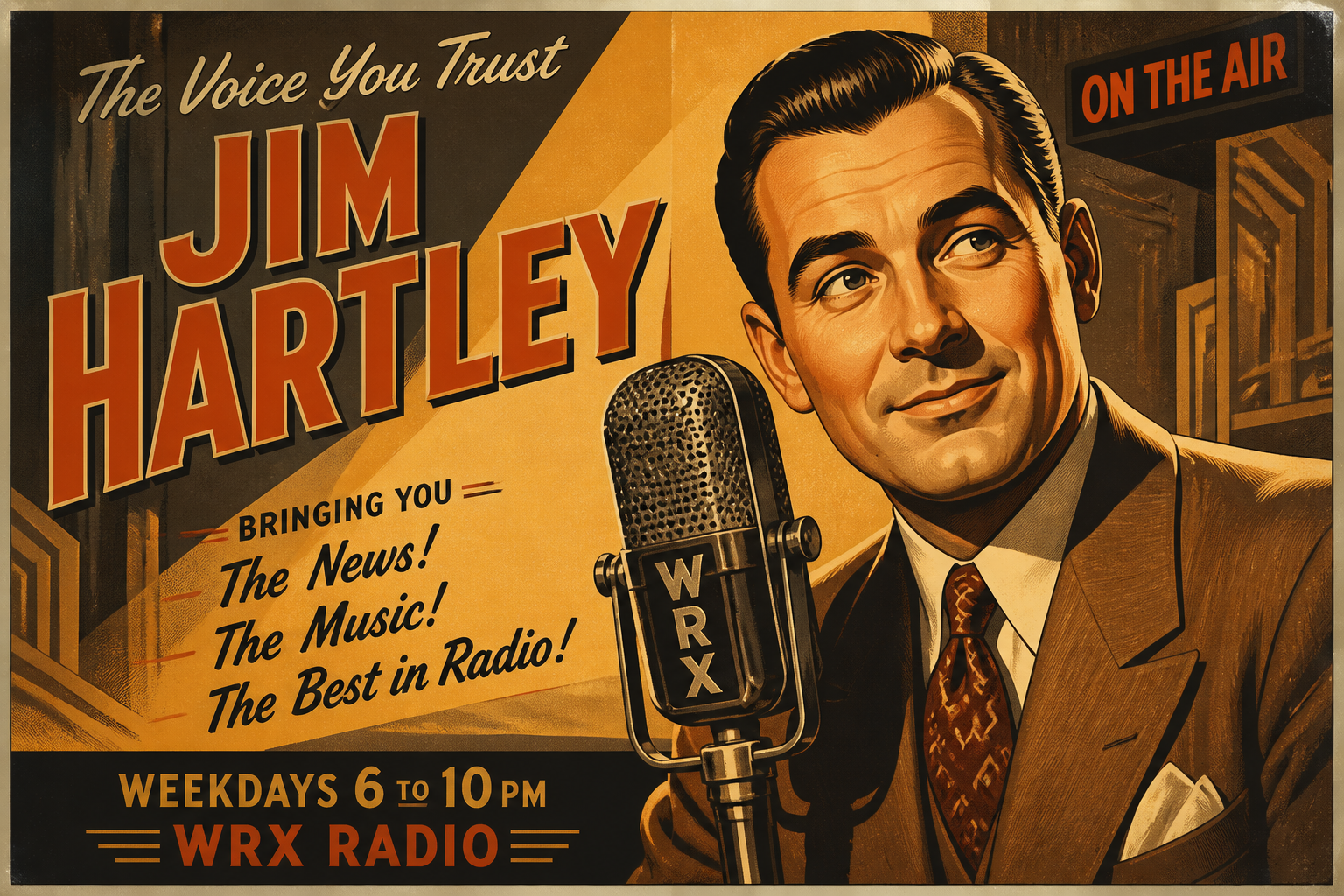
retro radio announcer poster, classic broadcast microphone, art deco studio background, warm amber spotlight, vintage print texture, bold illustrated poster style
Key Features
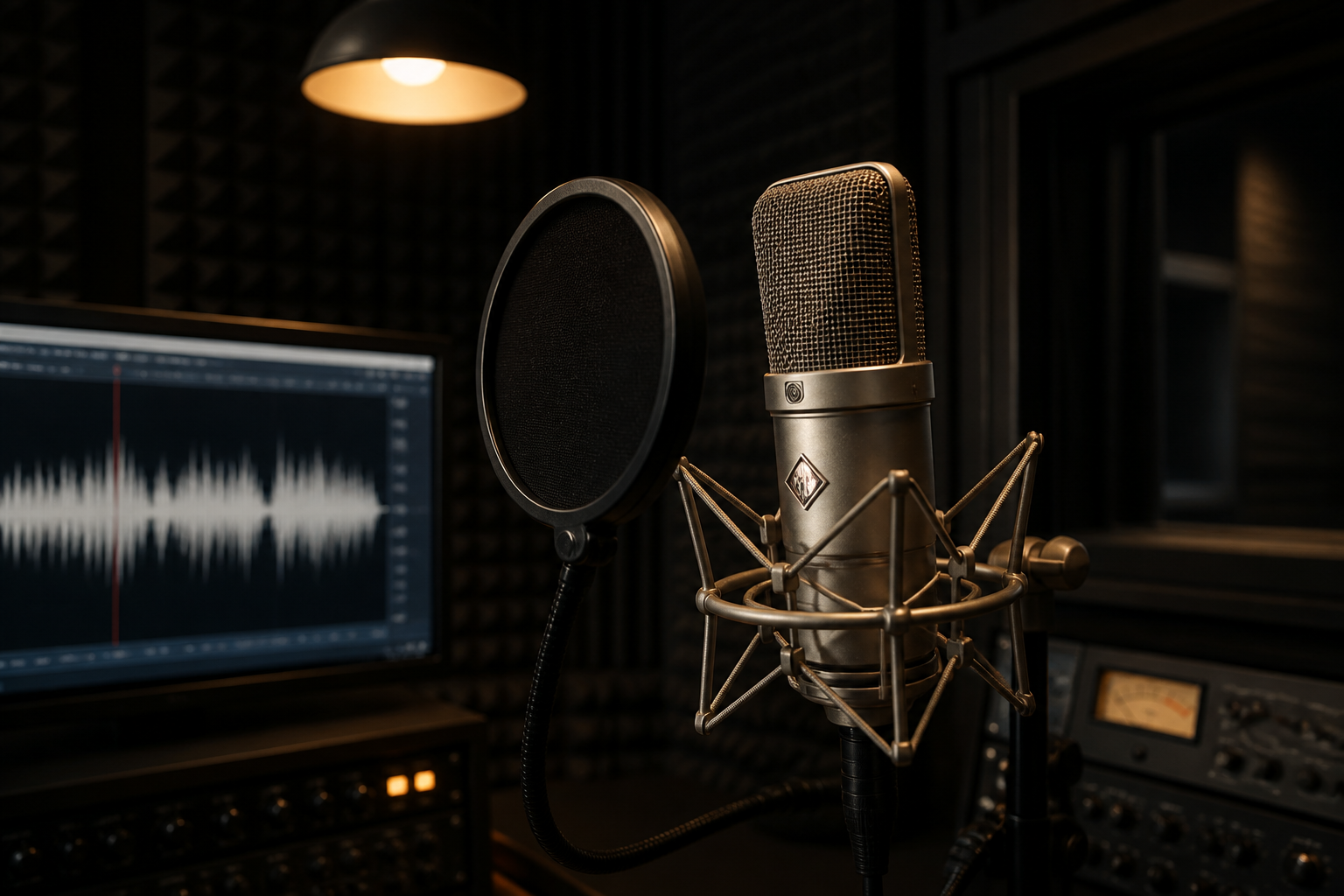
Studio Looks From Prompts
Turn a short text prompt into polished voiceover-themed visuals without staging a real recording setup. You can create studio scenes, podcast art, and audio brand imagery that already look production-ready. That makes it easier to pitch ideas, publish content, or test creative directions quickly. A generic image generator often needs more trial and error to land the right microphone, lighting, and sound-focused composition.
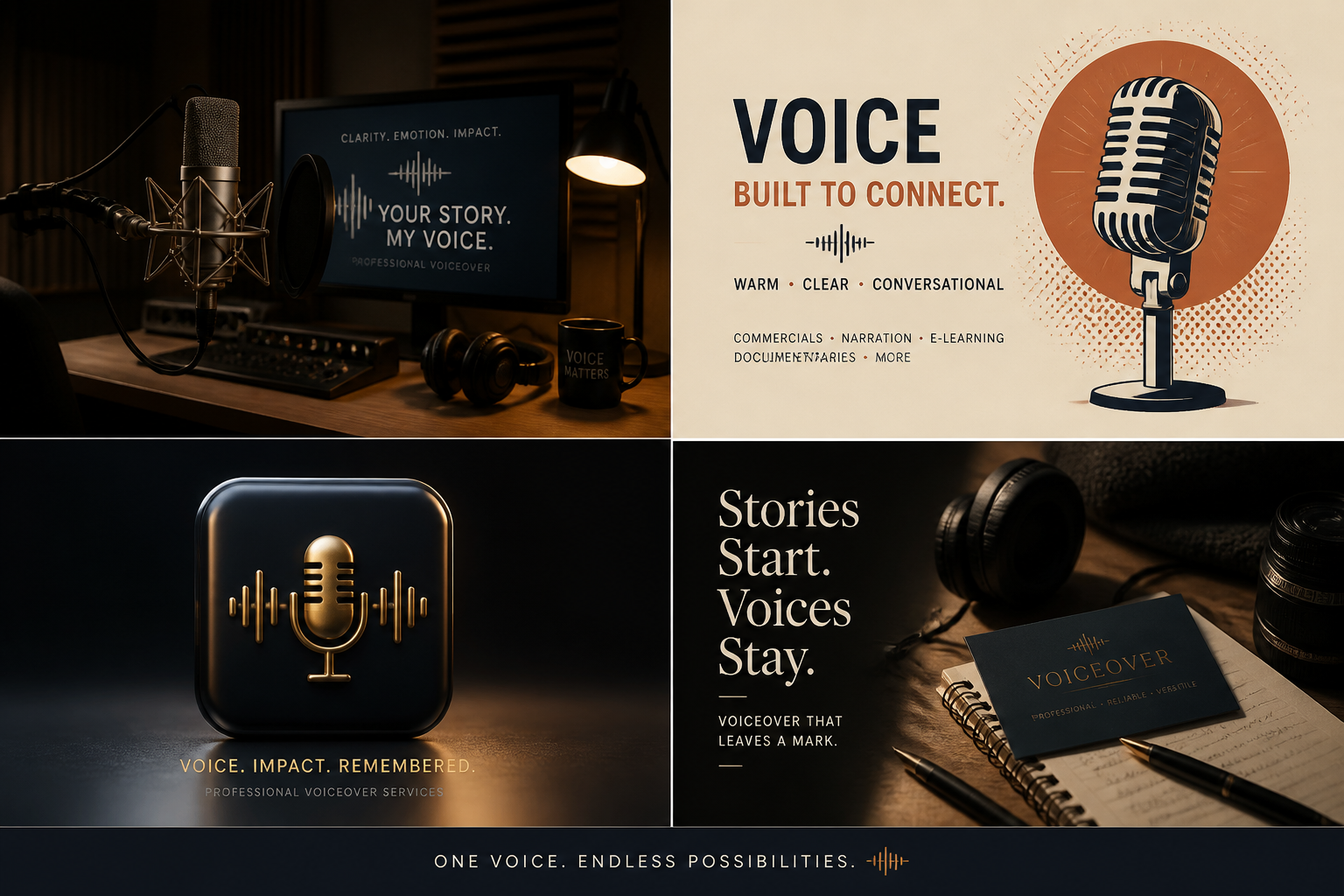
Multiple Visual Styles
Generate voiceover visuals in realistic, illustrated, 3D, or graphic design styles depending on the project. That helps when you need one look for a podcast cover, another for an audiobook, and another for an ad campaign. Instead of manually designing each concept from scratch, you can describe the mood and format in plain English. It is a faster way to explore distinct visual directions while keeping the same core idea.
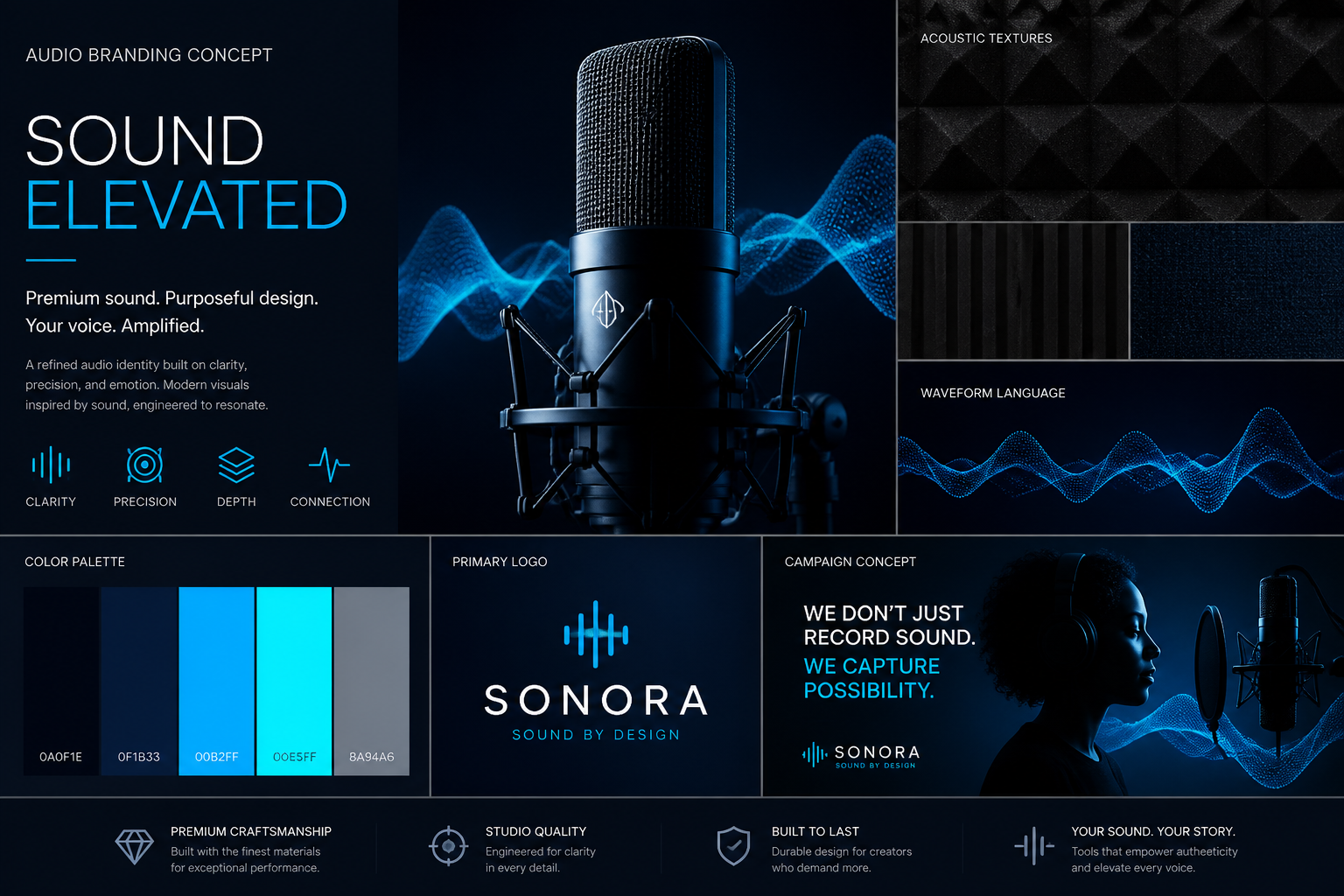
Built for Audio Branding
The prompts work well for microphone shots, waveform graphics, recording booths, and narrator-focused layouts. These details matter when you want images that immediately read as voiceover, not just generic tech or office content. Stronger niche cues make thumbnails, landing pages, and promos easier to understand at a glance. That clarity is useful for creators and teams who need visuals tied directly to spoken-audio products.
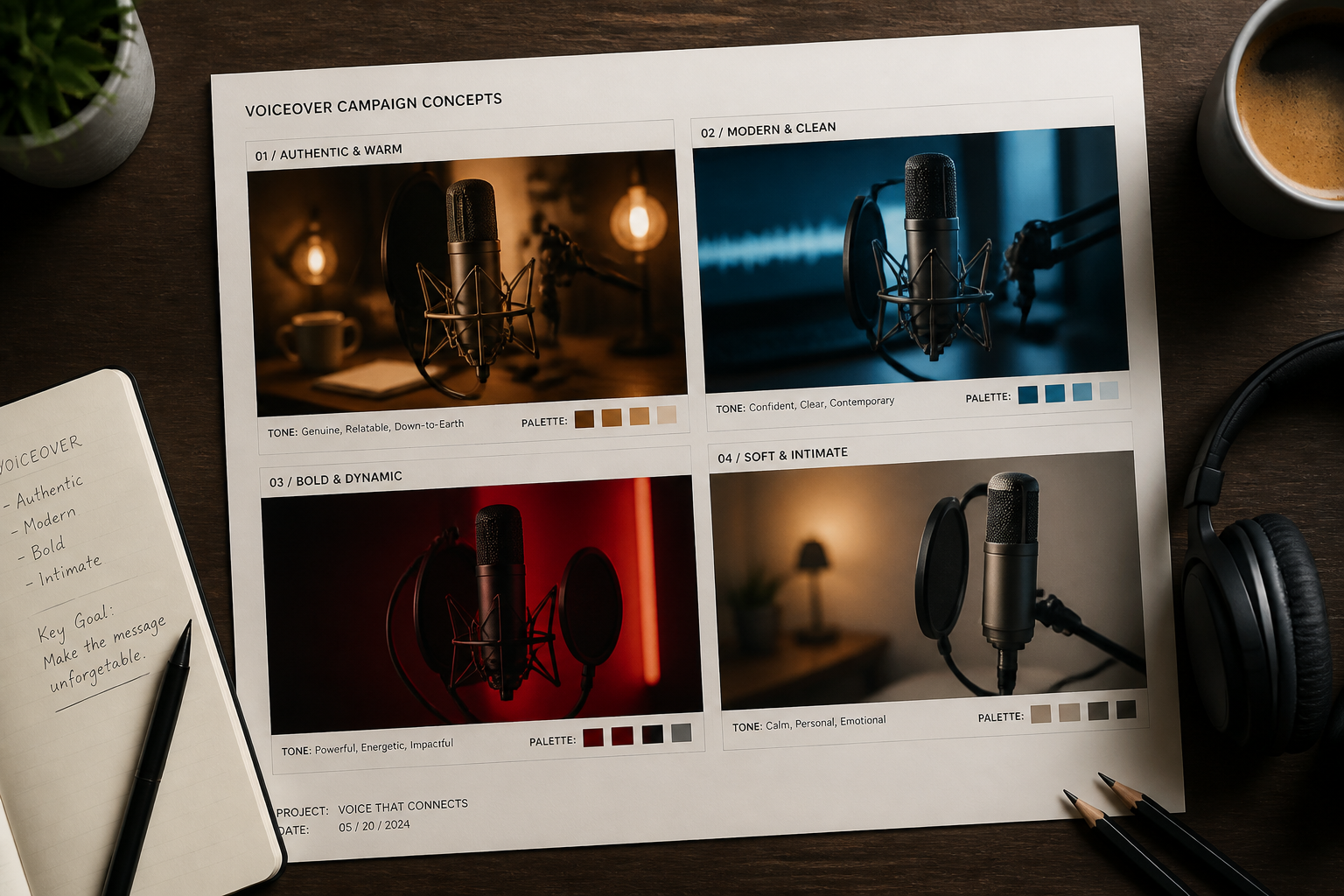
Fast Concept Iteration
You can try different hosts, moods, lighting setups, and brand aesthetics in minutes. This helps when comparing options for a show launch, audiobook release, course narration, or ad creative. Manual design workflows usually take longer before you even see a first concept. Prompt-based generation gives you several directions early, so it is easier to refine the one that fits.
How It Works
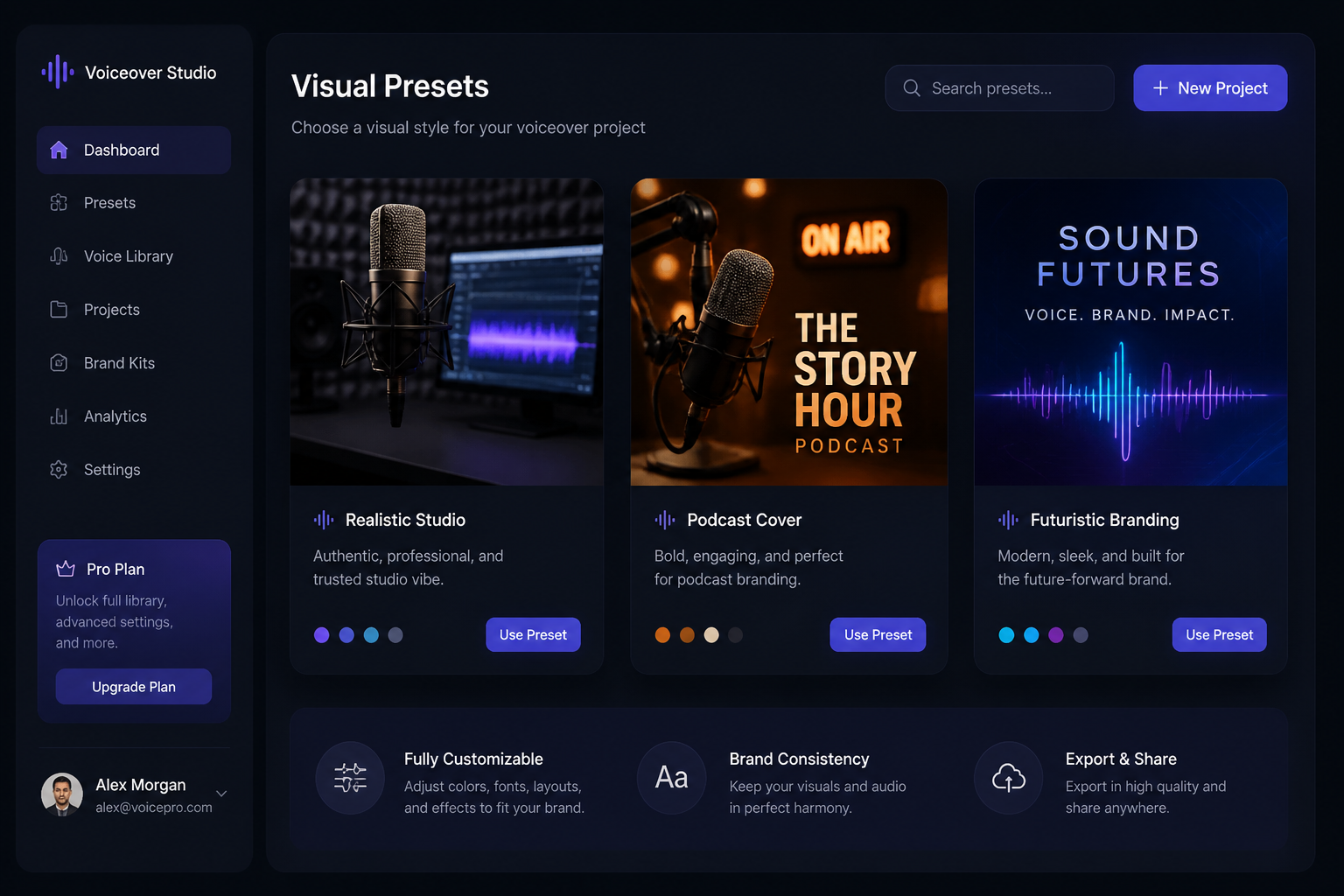
Pick a visual style
Start with a prompt for the type of voiceover image you want. Choose a realistic studio look, a bold cover-art style, or a clean brand graphic depending on your project.
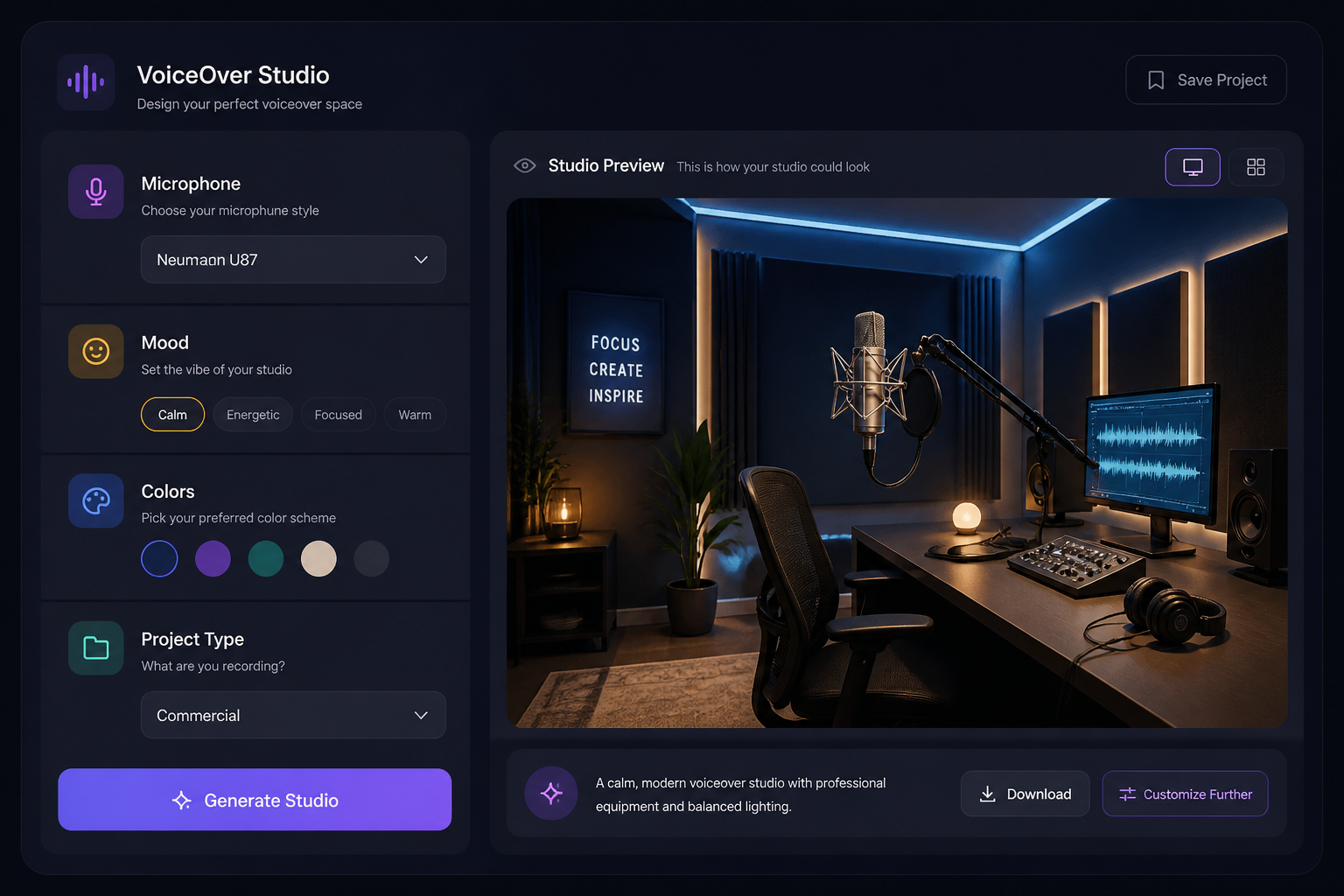
Describe the audio vibe
Add details like microphone type, recording booth mood, waveform graphics, colors, and audience. You can shape the image around podcasts, audiobooks, ads, training, or creator branding.
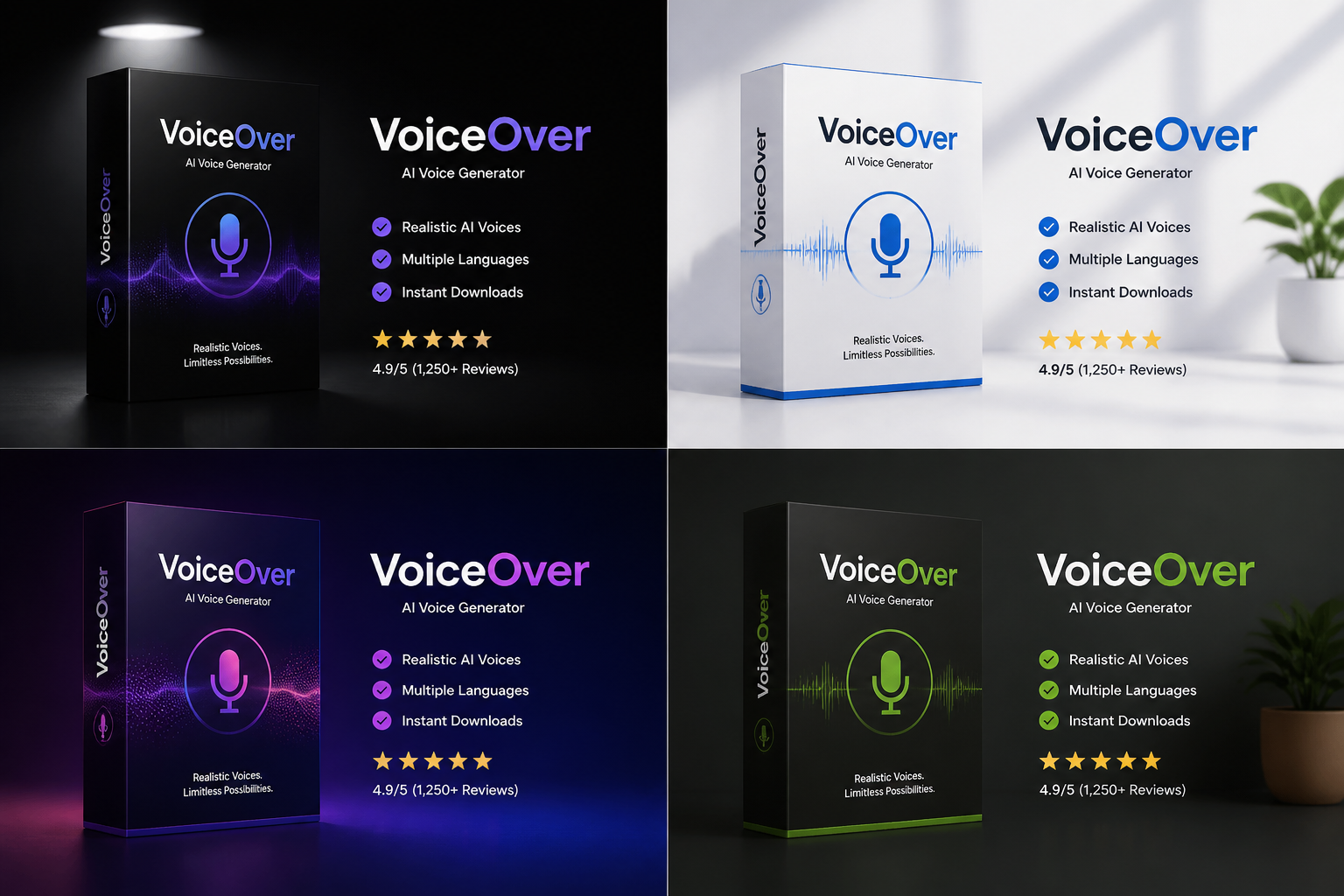
Generate and refine
Create variations, compare different looks, and keep the strongest result. Download the version that best fits your cover art, thumbnail, campaign, or concept board.
Perfect For
Discover how creators and professionals use ai voiceover generator
Podcast cover concepts
Create eye-catching cover art directions for new shows, episodes, and branded podcast series.
Audiobook promo visuals
Generate narration-themed imagery for audiobook launches, listener ads, and storefront banners.
Voice brand campaigns
Build studio-style visuals for landing pages, social posts, and promotional graphics around voice products.
Explainer and training media
Make clean images for narration-based courses, onboarding videos, and internal training materials.
Built For
Podcasters and creators
Useful for show branding, episode art, thumbnails, and launch graphics without hiring a designer for every concept.
Agencies and marketers
Helpful for campaign mockups, ad concepts, and client-ready visuals tied to audio products or voice services.
Authors and publishers
Great for audiobook promotions, narrator branding, and visual concepts that support spoken-word releases.
Frequently Asked Questions
What can this AI voiceover generator create?
Do I need an existing image to use it?
Can I make podcast or audiobook cover art with it?
Will it work for commercial and brand mockups?
How is this different from a generic AI image generator?
Create together.
Share your creations, discover trending AI art, and grow with fellow creators.