AI Text to Speech Generator
Generate polished visuals for voiceovers, audio apps, and speech technology concepts
Create images that visualize text to speech ideas, voice interfaces, podcast branding, audio product mockups, and speech technology scenes from a simple prompt. It’s useful for marketers, creators, designers, and teams who need clean visuals for voice-related content without building them from scratch.
See It In Action
Real outputs from ai text to speech generator.
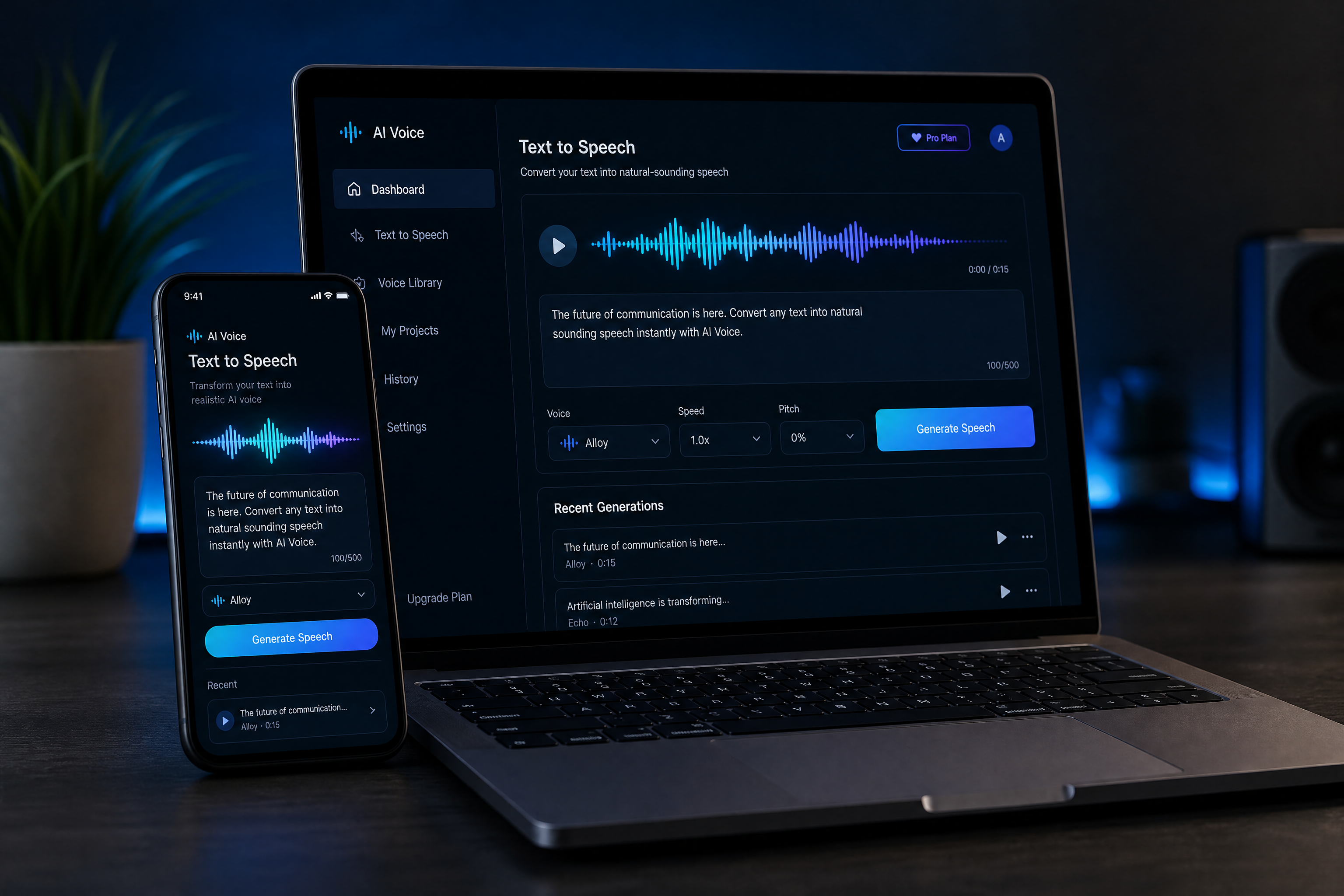
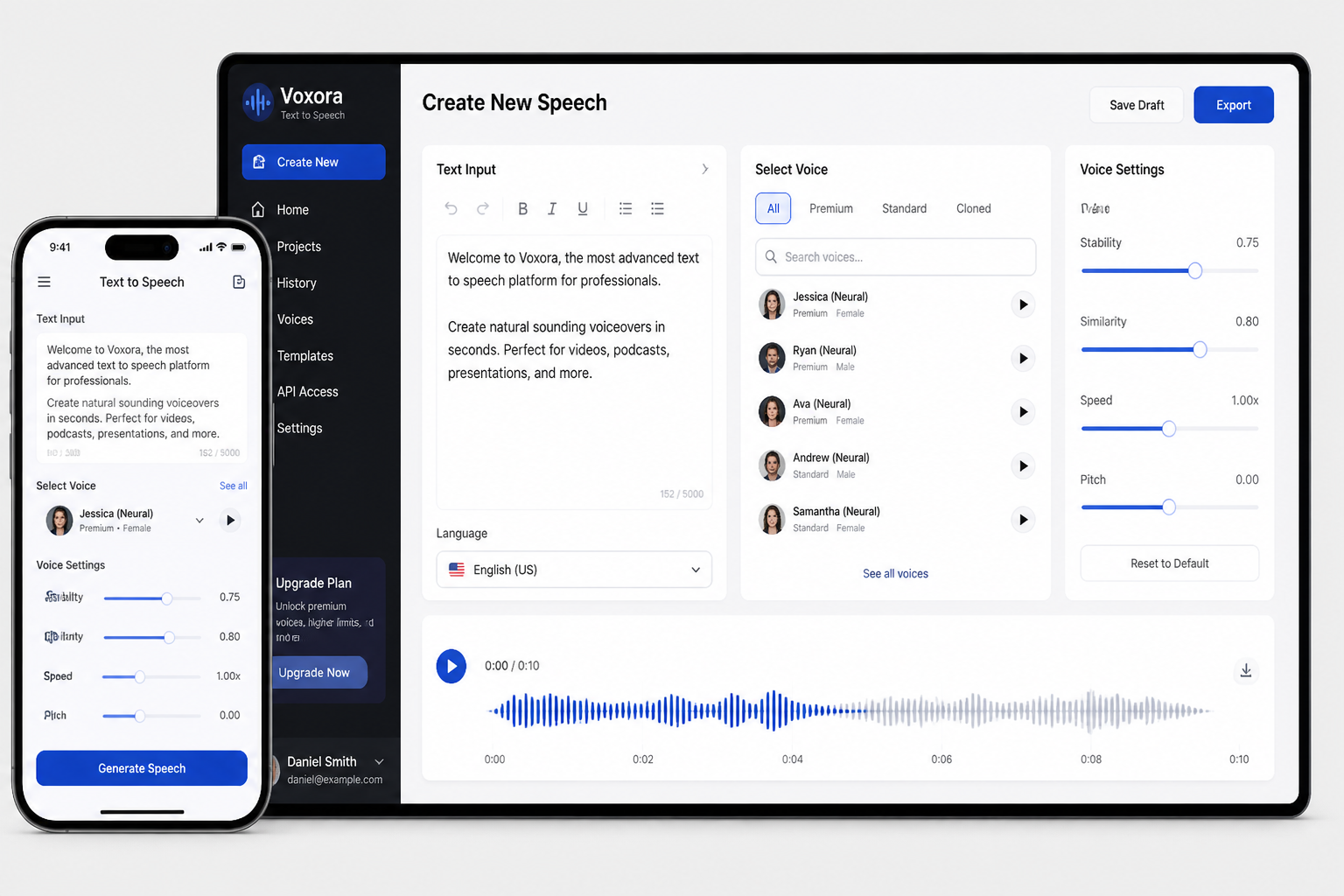
modern AI text to speech app interface on a smartphone and laptop, glowing waveform visualization, clean dashboard UI, soft blue lighting, realistic product mockup, premium tech aesthetic, sleek desk setup, shallow depth of field
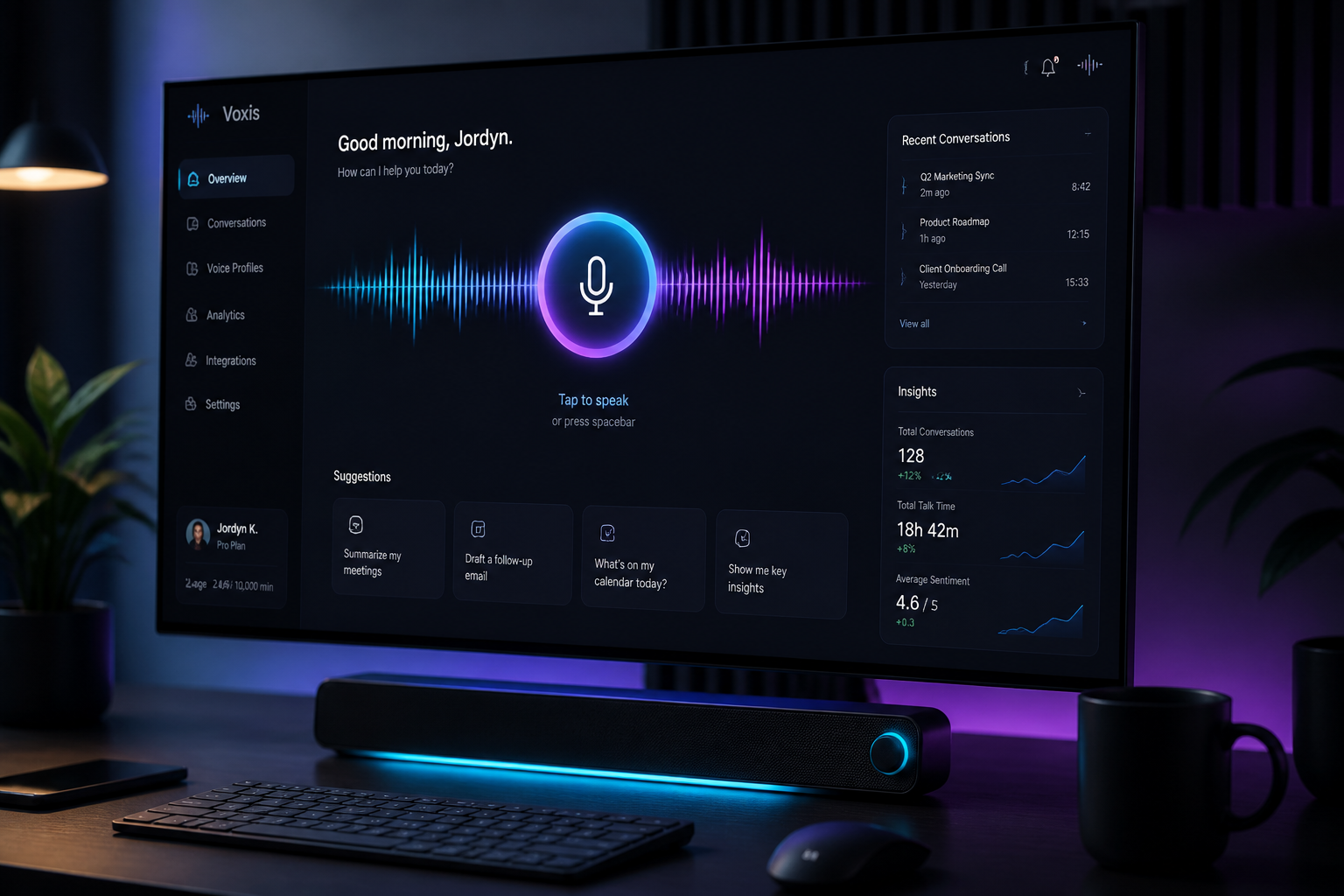
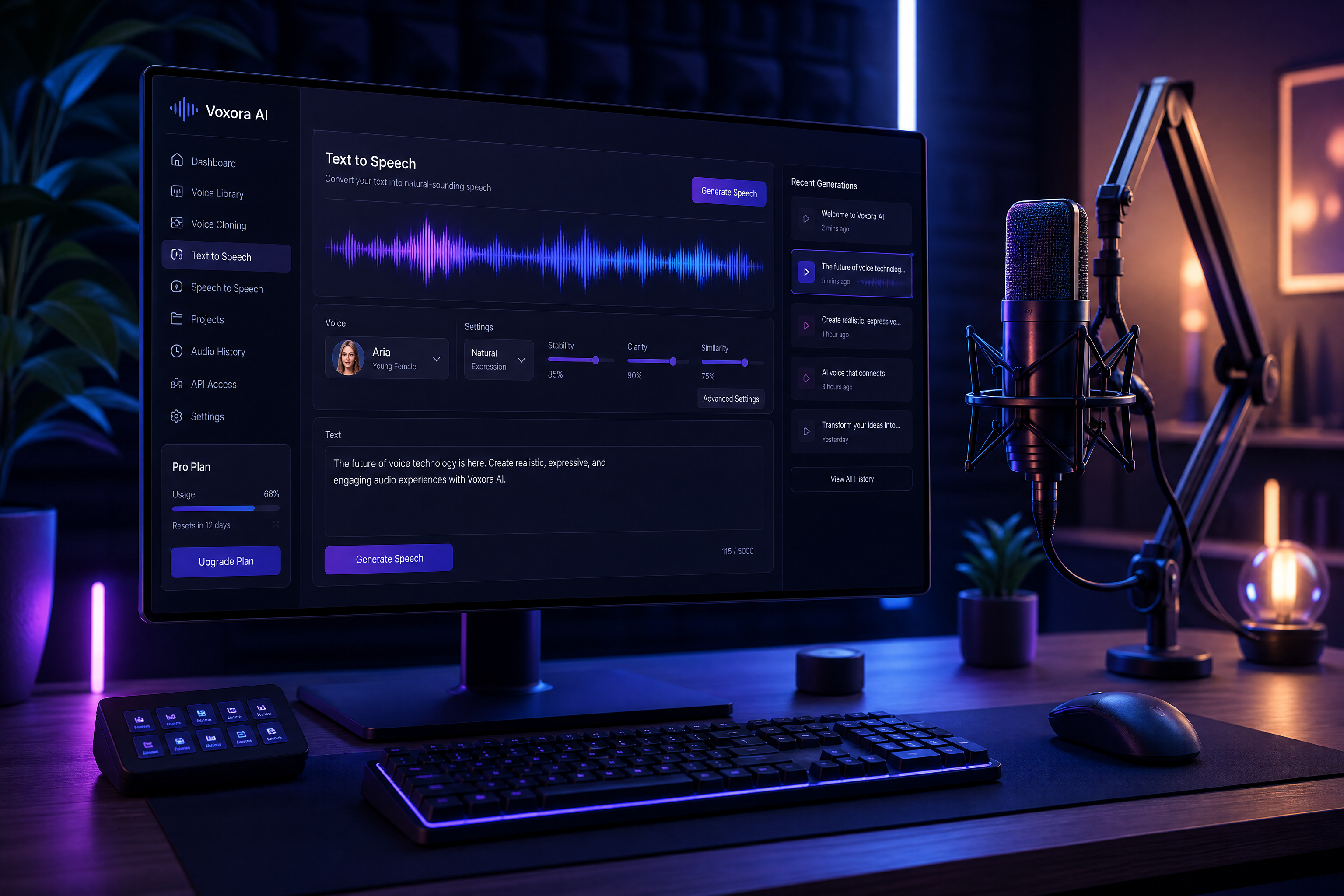
futuristic voice assistant dashboard on a widescreen monitor, animated soundwave bars, dark mode UI, cyan and violet accent lighting, realistic SaaS product render, clean workspace, cinematic angle
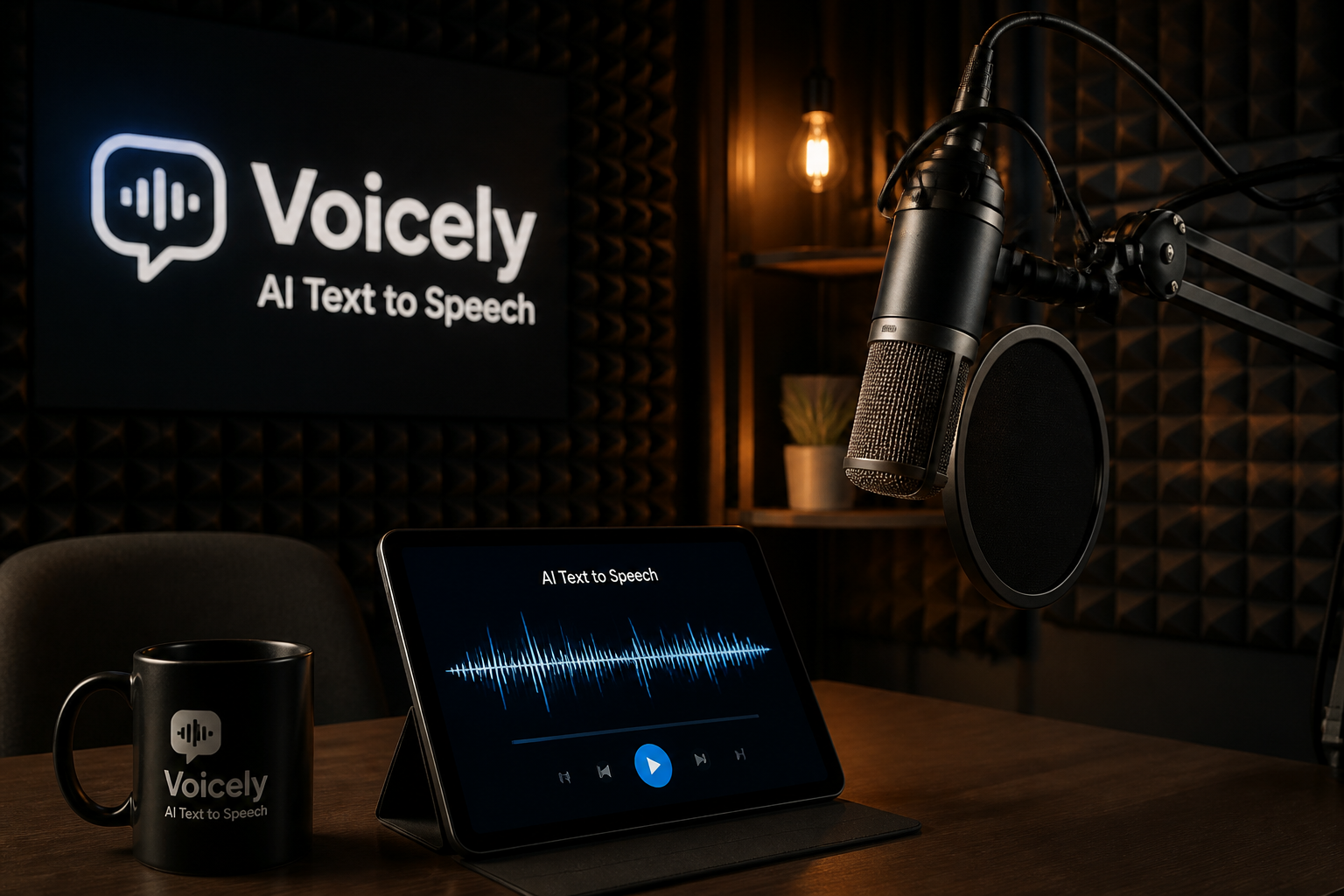
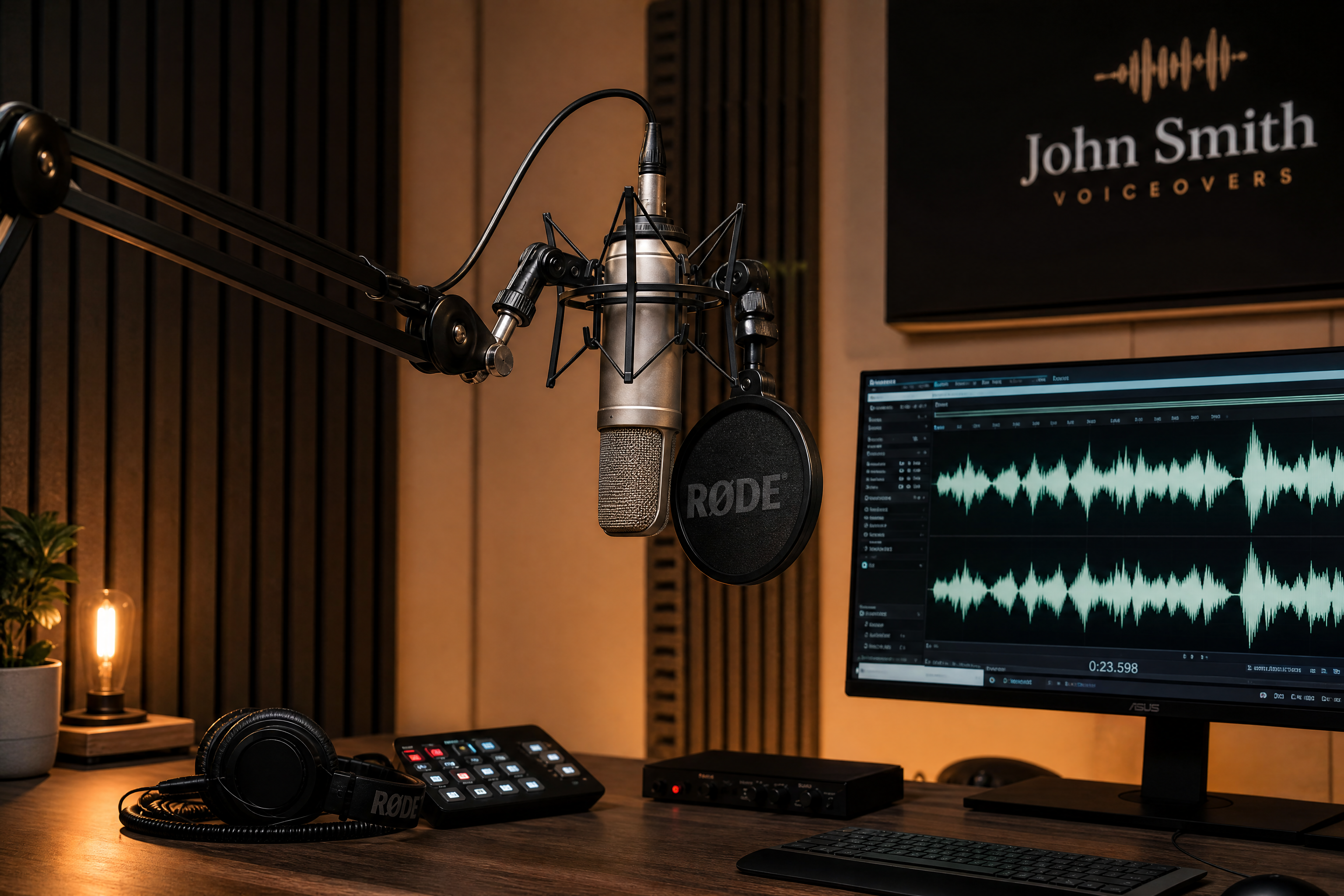
podcast studio branding image for an AI text to speech tool, microphone, tablet showing speech waveform, warm moody lighting, photorealistic editorial style, acoustic panels in background
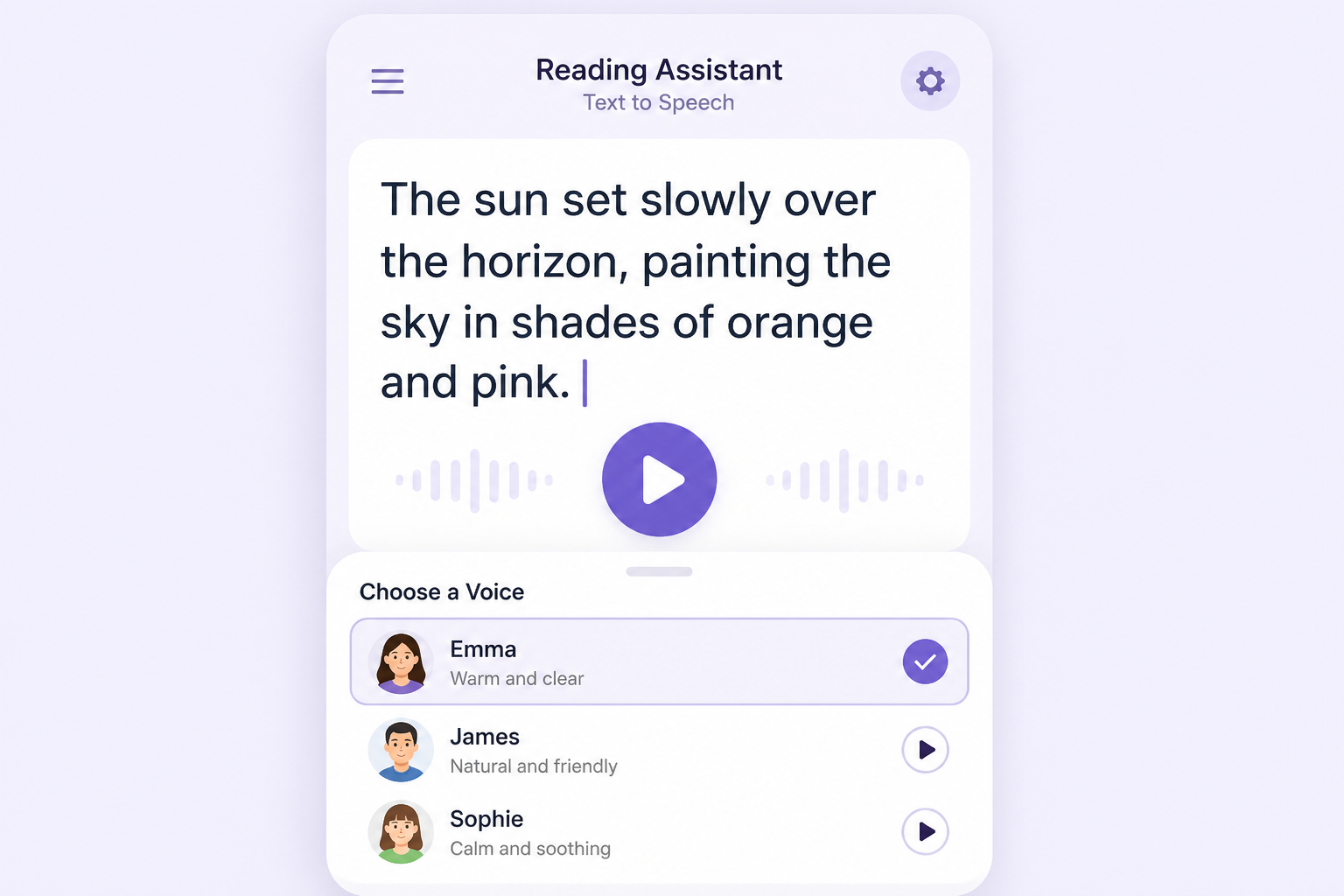
minimal mobile app screen for text to speech reading assistant, large readable text, play button, voice selection panel, pastel interface, flat modern product illustration, clean composition
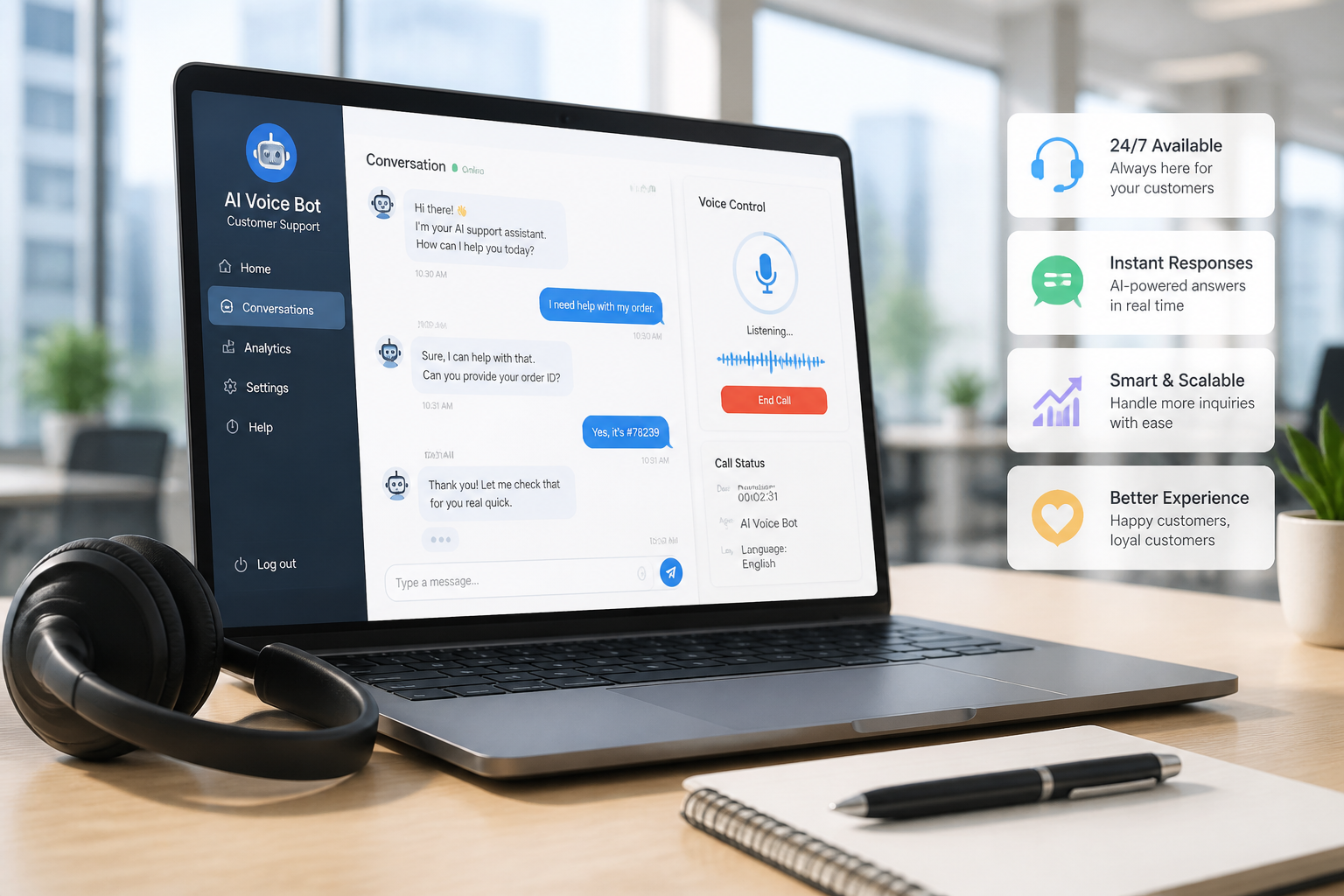
customer support AI voice bot concept art, laptop with chat and speech controls, headset on desk, modern office background, realistic commercial illustration, bright daylight, polished marketing style
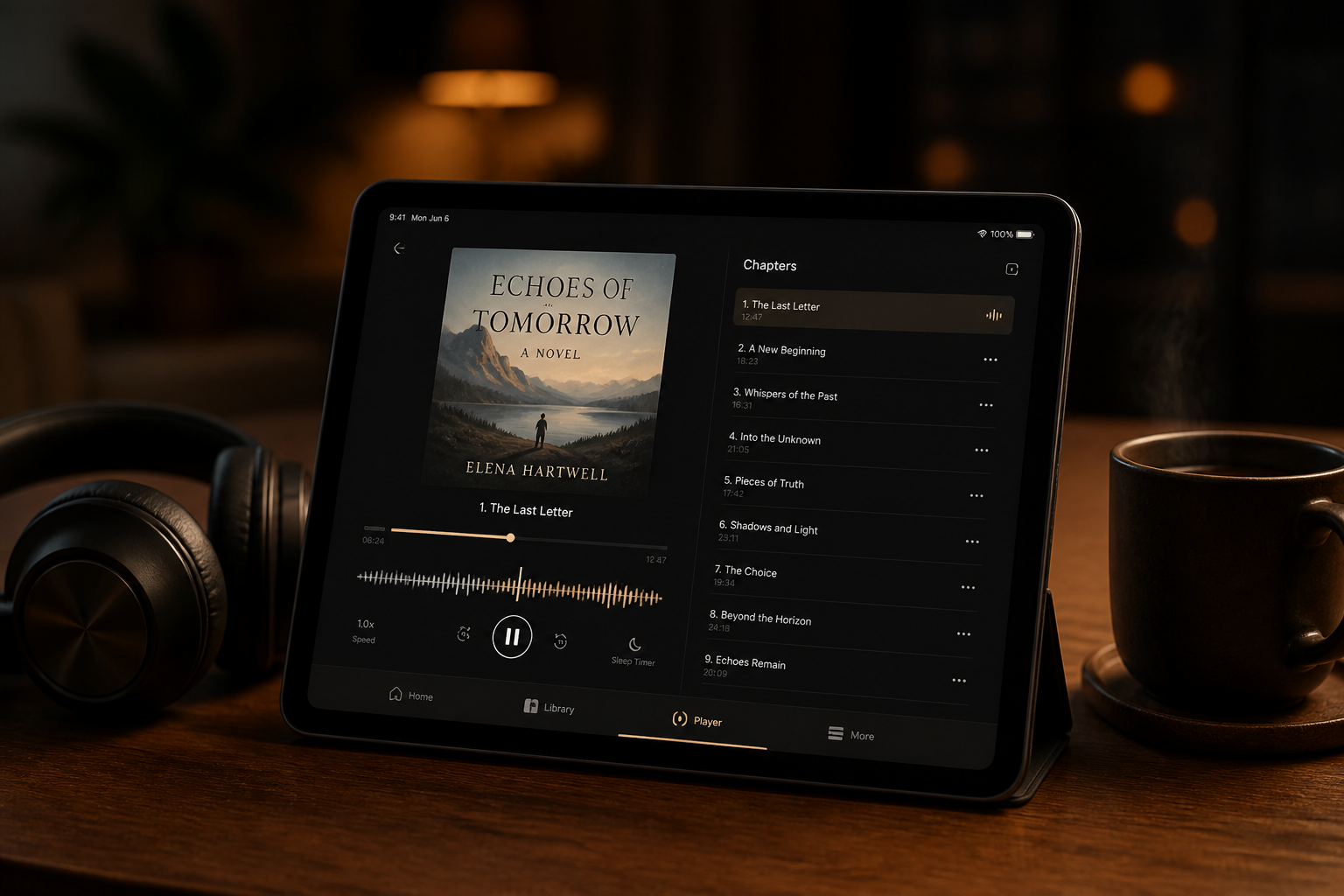
audiobook text to speech player mockup, elegant tablet interface, chapter list, narration waveform, headphones and coffee cup, cozy evening desk scene, realistic lifestyle product photography
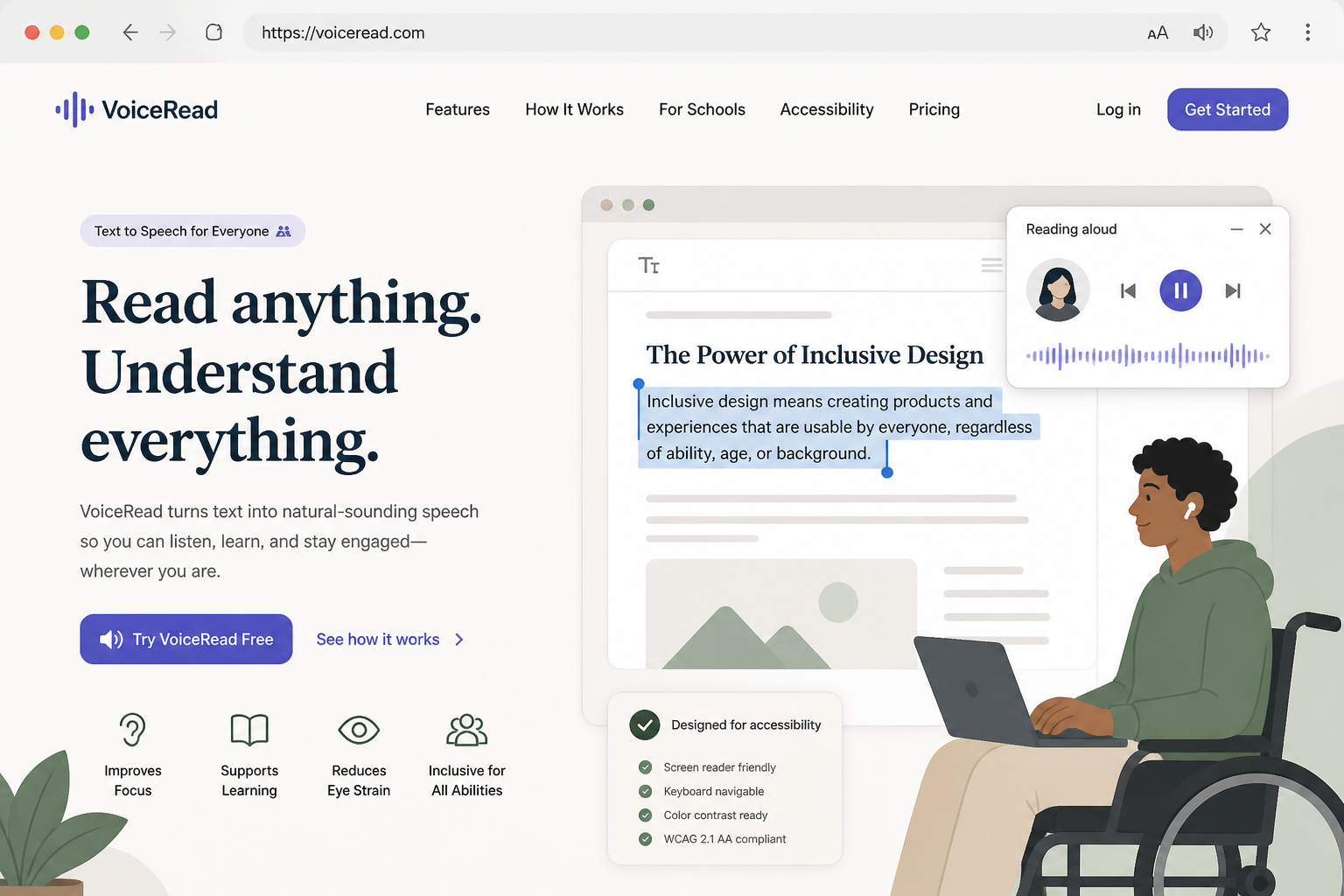
accessibility-focused text to speech website hero image, desktop browser UI reading highlighted text aloud, inclusive design details, soft neutral palette, clean web illustration, spacious layout
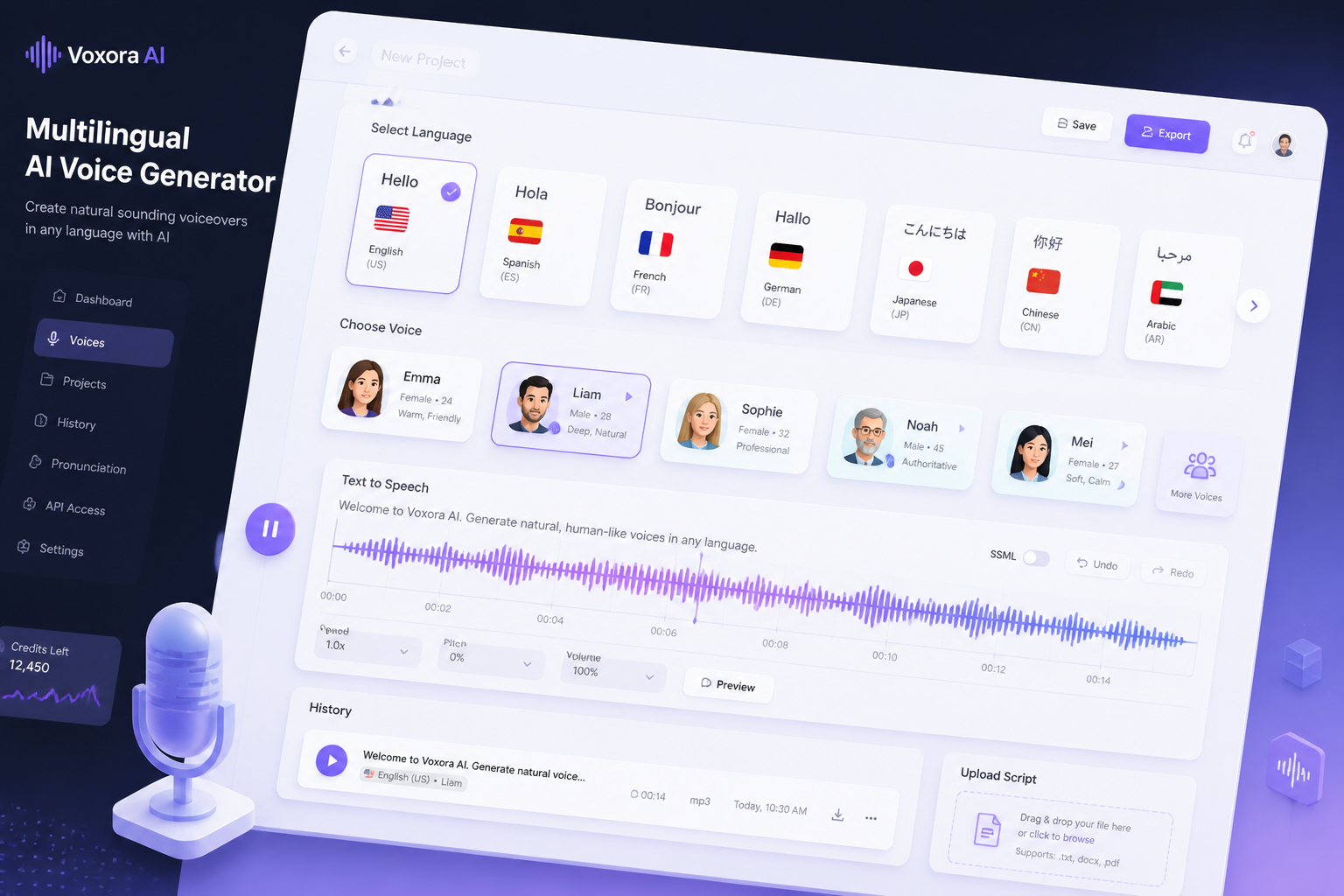
multilingual AI voice generator control panel, language selector cards, waveform timeline, professional SaaS interface, isometric illustration style, crisp gradients, modern tech branding
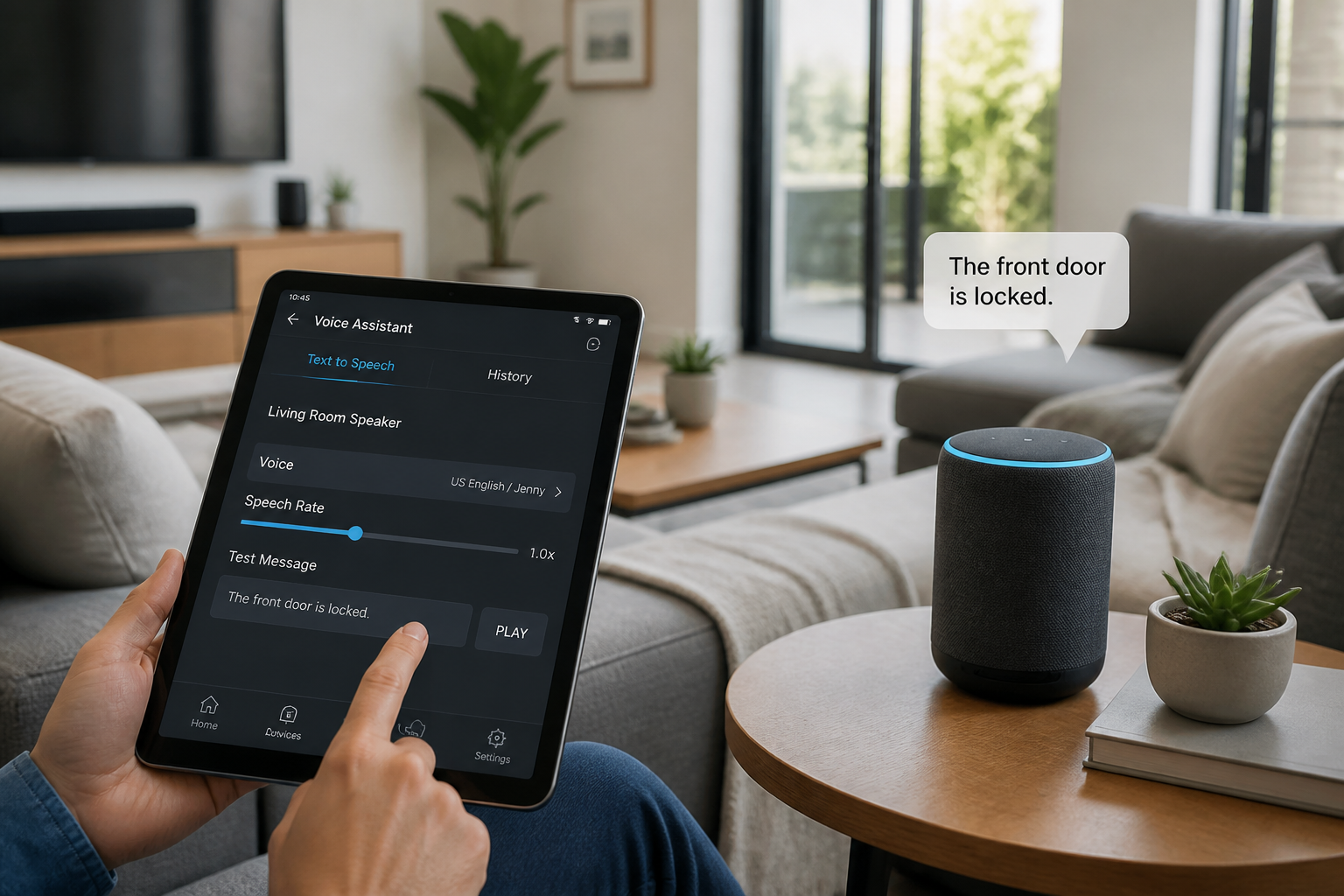
smart home voice command concept, tablet showing text to speech controls, smart speaker on side table, modern living room, natural daylight, realistic interior product scene
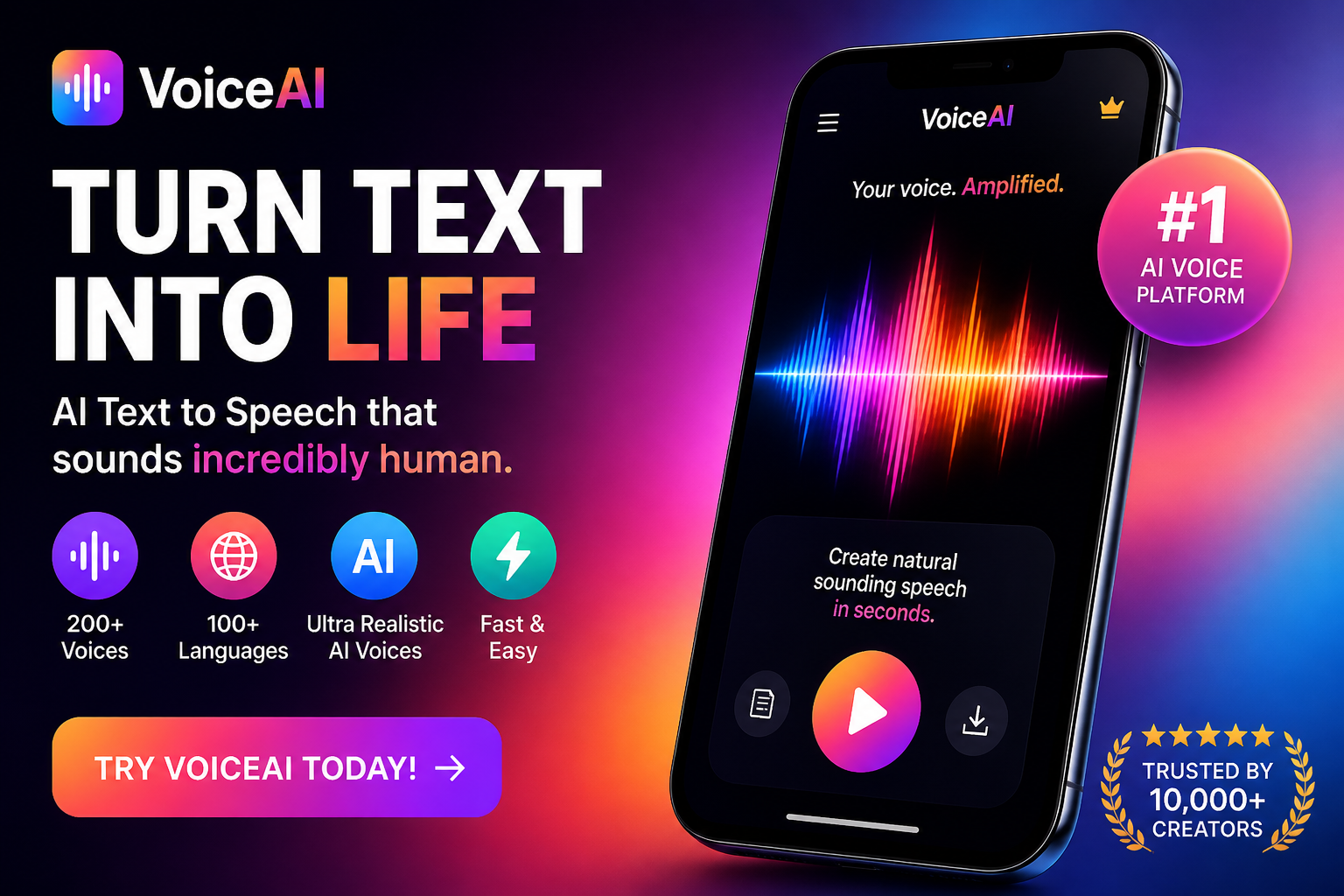
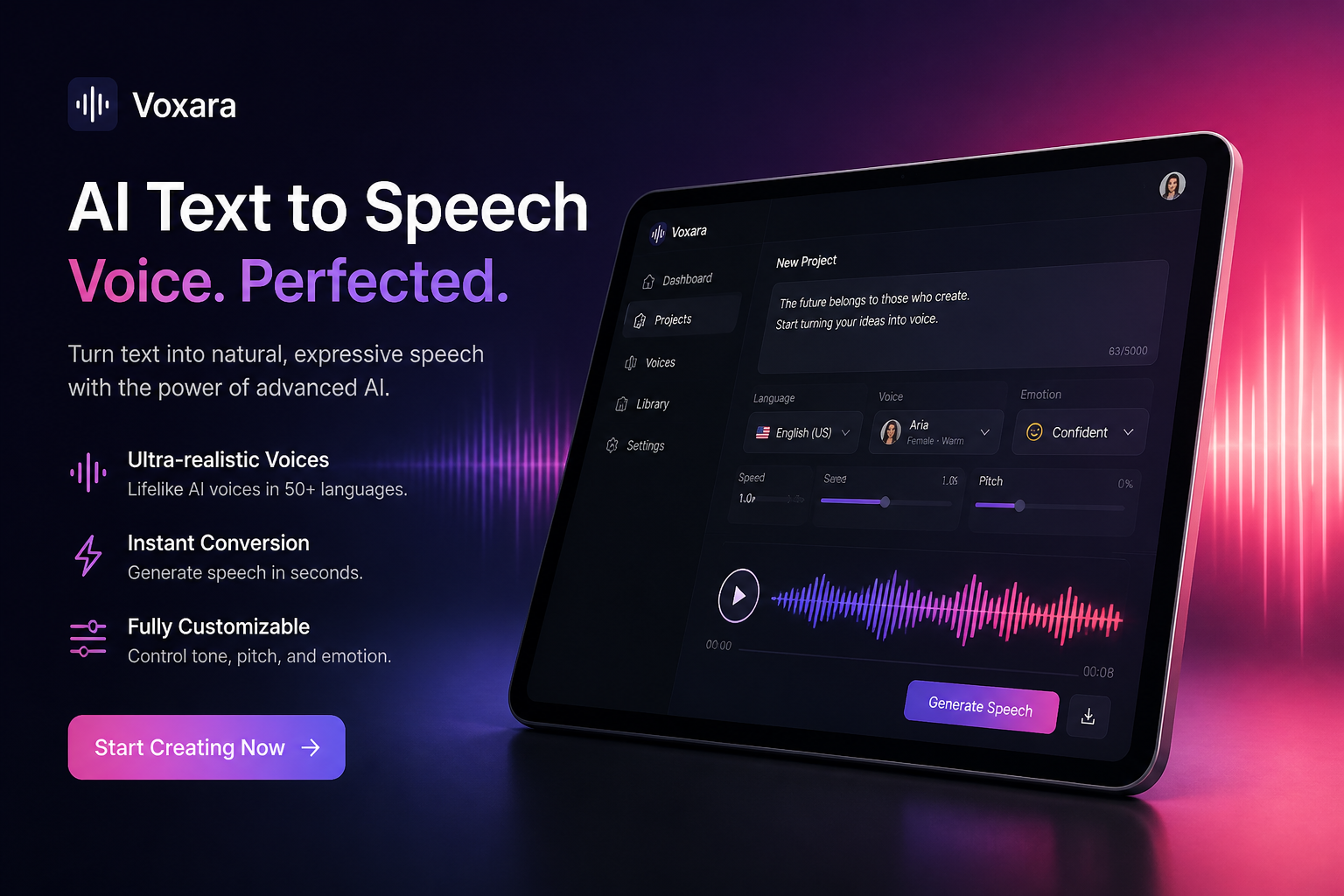
social media ad concept for AI text to speech software, smartphone screen with vibrant waveform, bold typography areas, colorful gradient background, glossy 3D product render, high-contrast commercial style
Key Features
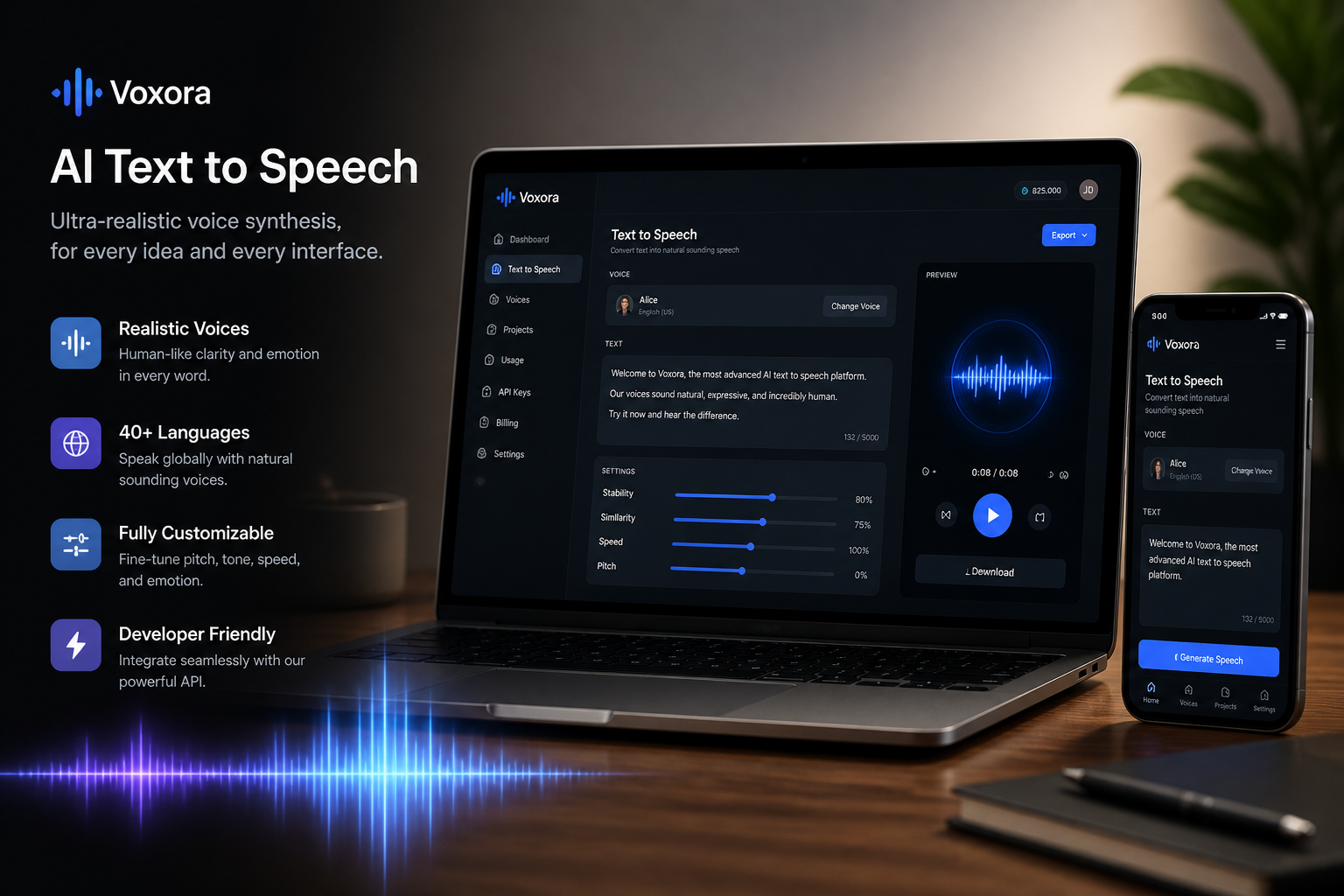
Visualize Voice Products Fast
Turn a simple idea into a polished image for a text to speech app, voice assistant, or audio product concept. That makes it easier to pitch features, design landing pages, or create campaign art around spoken audio tools. Compared with building scenes manually in design software, you can explore directions much faster. It also gives you a clearer starting point than a generic image generator with no voice-specific framing.
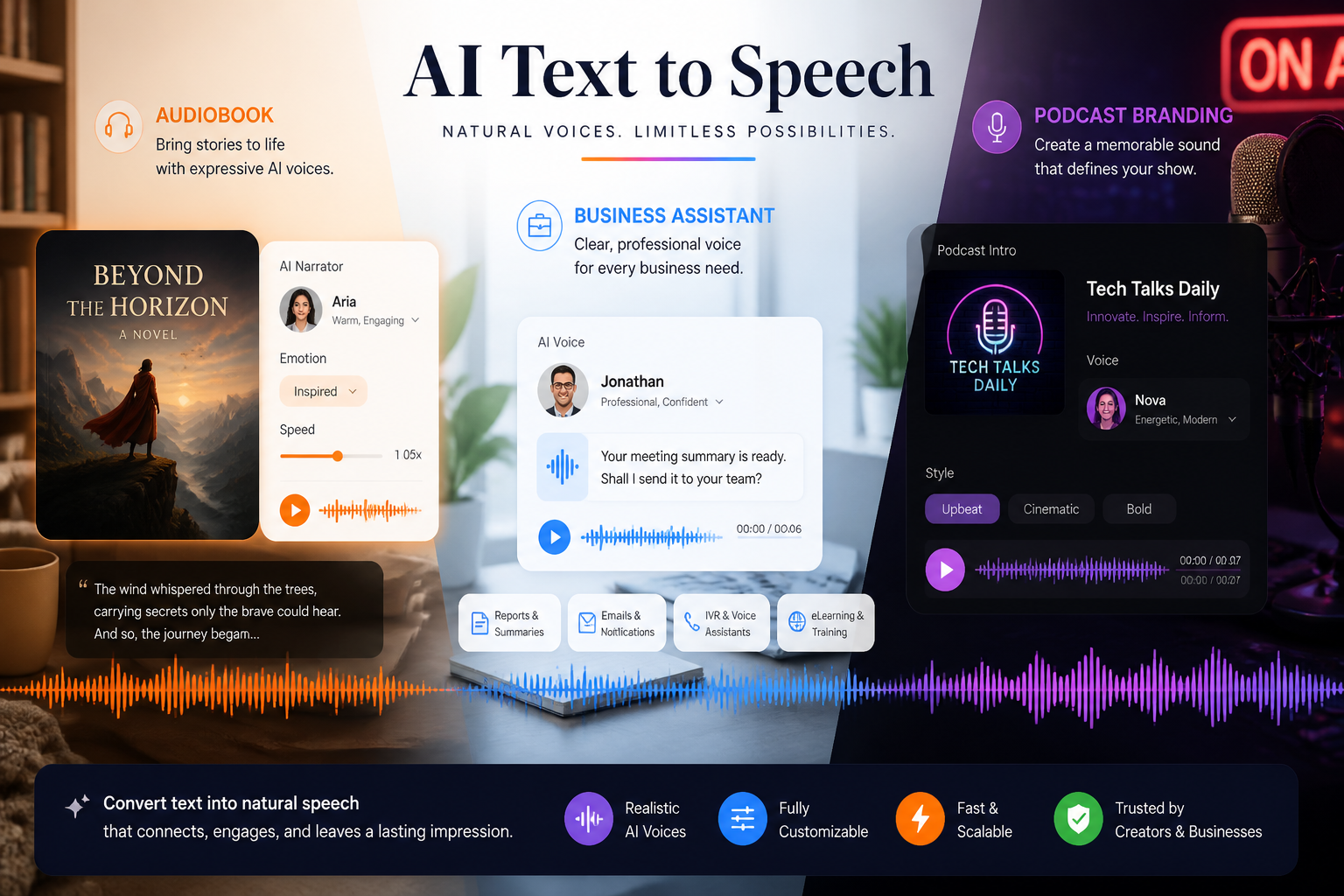
Show Different Voice Styles
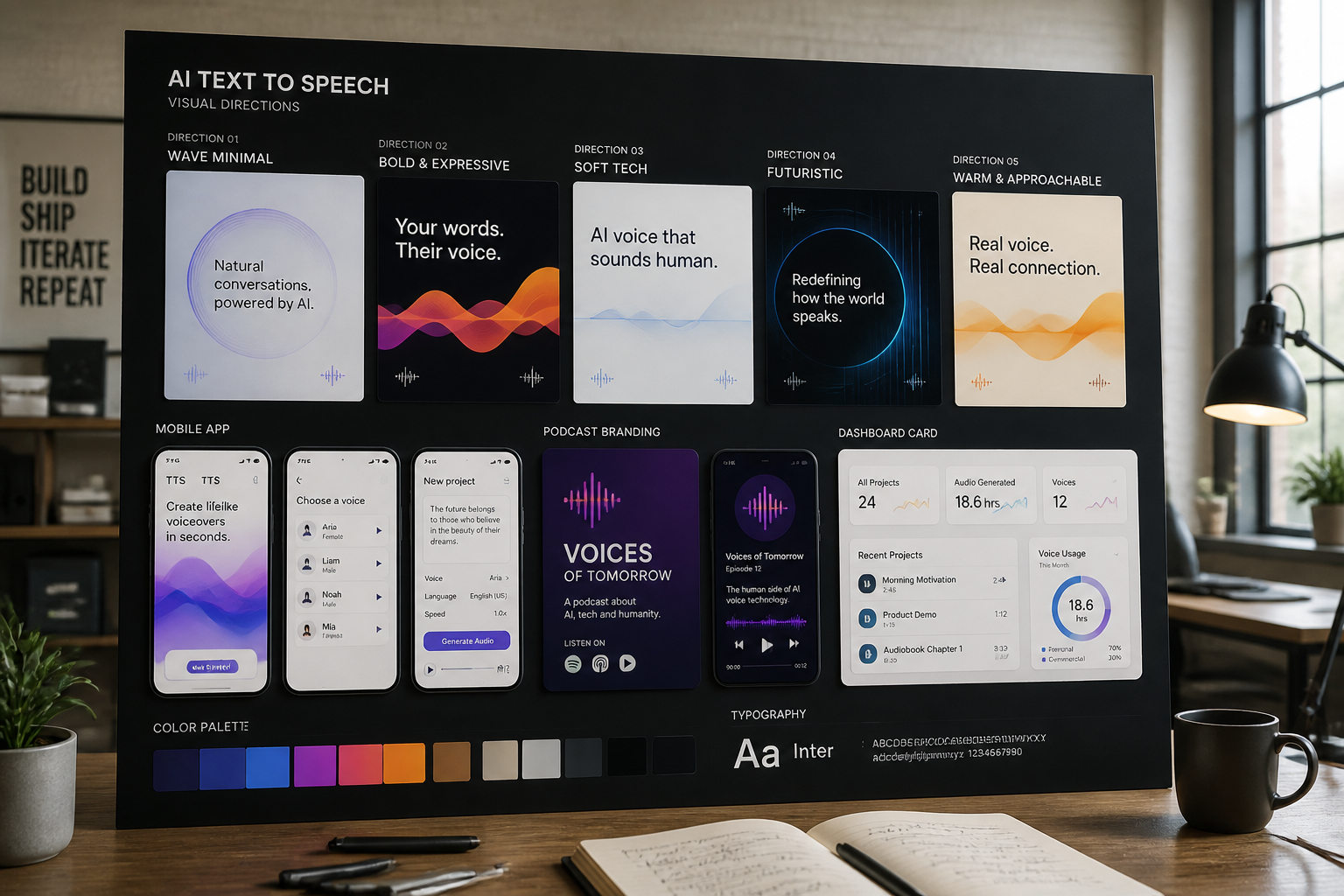
Create images that suggest different tones, audiences, and use cases, from audiobook narration to customer support automation. This helps you match visuals to the kind of voice experience you are presenting. Instead of reworking one static template, you can generate scenes that feel formal, friendly, technical, or editorial. That range is useful when testing concepts across multiple channels.
Create App and UI Mockups
Generate convincing product scenes for mobile apps, dashboards, web tools, and player interfaces centered on spoken audio. These visuals are useful for landing pages, ads, demos, and internal presentations. You do not need to assemble every screen element manually before you can show the idea. The result is a faster way to communicate how a voice product might look in use.
Make Marketing Concepts Sharable
Strong voice-tech visuals are easier to share in social posts, blog headers, and campaign mockups when the composition is built around sound and speech cues. You can describe the scene, mood, and format you want, then generate multiple options to compare. That helps teams find a direction without commissioning every concept first. It is especially practical when you need fresh creative for new features or launches.
How It Works
Pick a voice visual style
Start with a prompt for the kind of text to speech image you want, such as an app mockup, audiobook player, or voice assistant dashboard. The prefilled prompt gives you a solid visual direction right away.
Describe the product details
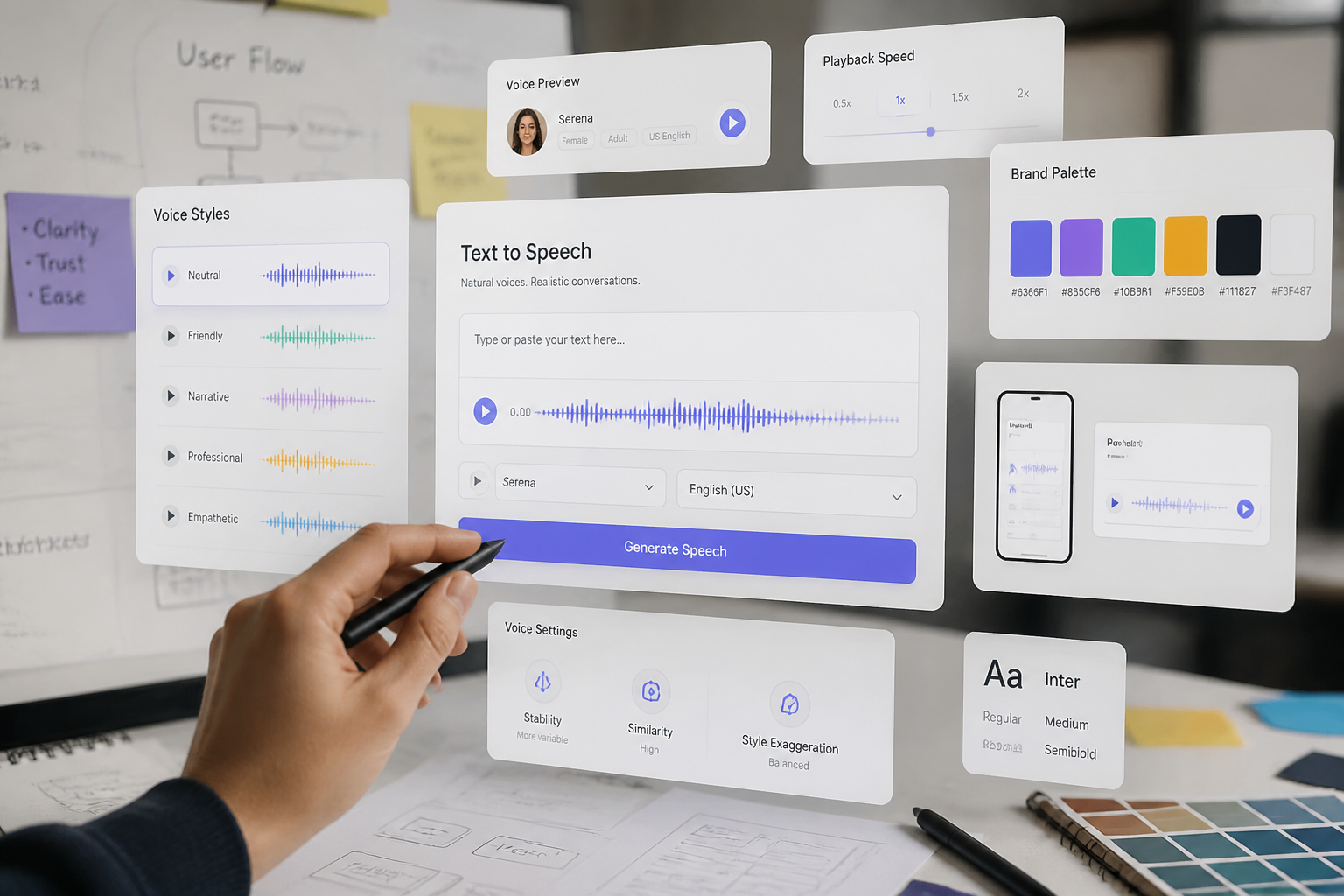
Add the context that matters, like device type, interface layout, waveform style, color palette, or audience. You can shape the image around accessibility, narration, support, education, or other voice use cases.
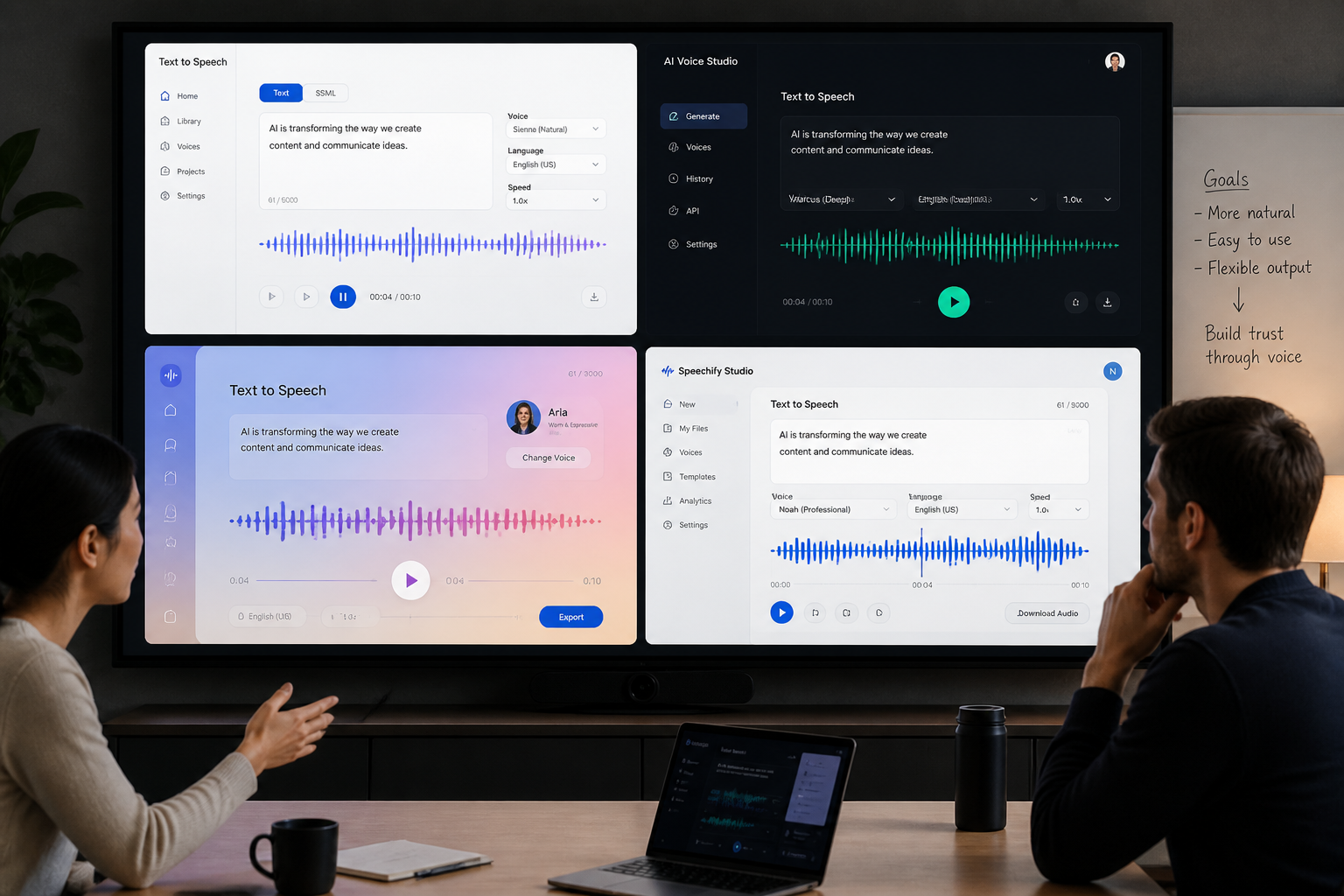
Generate and refine variations
Create several versions, compare compositions, and keep the one that fits your project best. Then download the image for your landing page, ad, pitch deck, or content mockup.
Perfect For
Discover how creators and professionals use ai text to speech generator
Landing page visuals
Generate hero images and supporting graphics for text to speech tools, voice apps, and audio software websites.
Ad creative concepts
Create polished scenes for paid social, display ads, and launch campaigns centered on AI voice products.
Pitch deck mockups
Show investors, clients, or stakeholders what a text to speech product could look like before full design work begins.
Content and blog artwork
Produce feature images for articles about voice synthesis, accessibility, narration, and speech technology.
Built For
Marketers
Create campaign-ready visuals for voice software, feature launches, and product positioning.
Product teams
Mock up text to speech interfaces and concept art for presentations, roadmaps, and early testing.
Creators and publishers
Generate artwork for audiobook tools, podcast workflows, reading assistants, and narration-related content.
Why use this instead of generic image tools
A quick look at how we compare on the things that matter for this niche.
| Feature | BudgetPixel | Generic AI generators |
|---|---|---|
| Voice-focused prompt starters | Yes | Usually no |
| Text to speech mockup examples | Included | Limited |
| Editable prompt library | Yes | Varies |
| Multiple concept variations | Yes | Yes |
| Built for voice-tech visuals | Yes | Not specifically |
Frequently Asked Questions
What does this AI text to speech generator make?
Does it generate actual audio or voices?
Can I make app screens and product mockups?
Do I need design experience to use it?
Can I generate multiple visual styles?
Create together.
Share your creations, discover trending AI art, and grow with fellow creators.