Image Unblur Tool for Cleaner, Sharper Photos
Turn soft, blurry shots into clear images you can actually use.
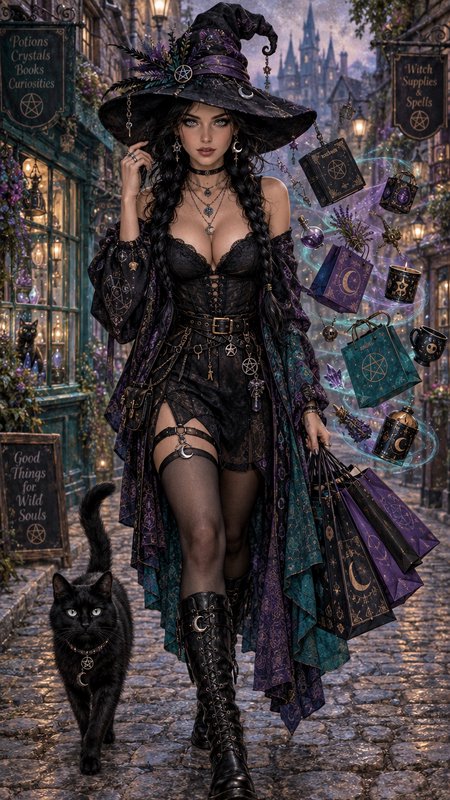
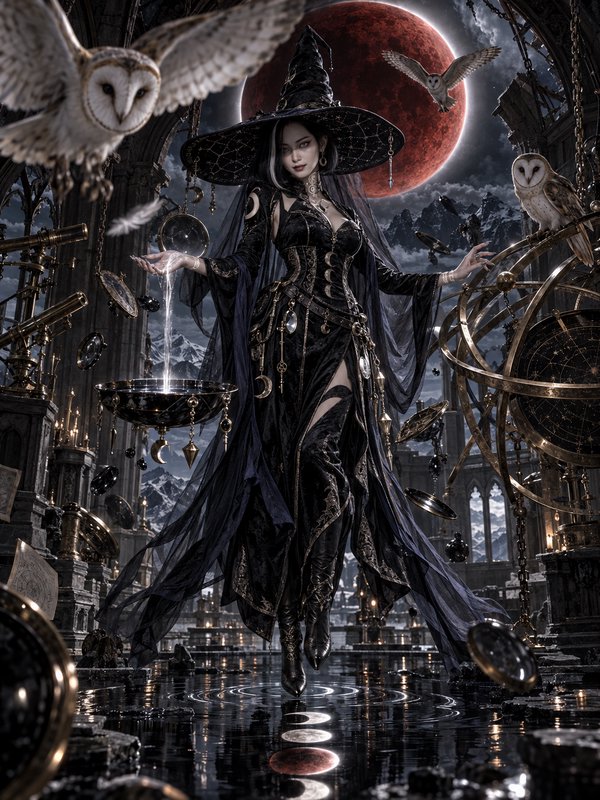
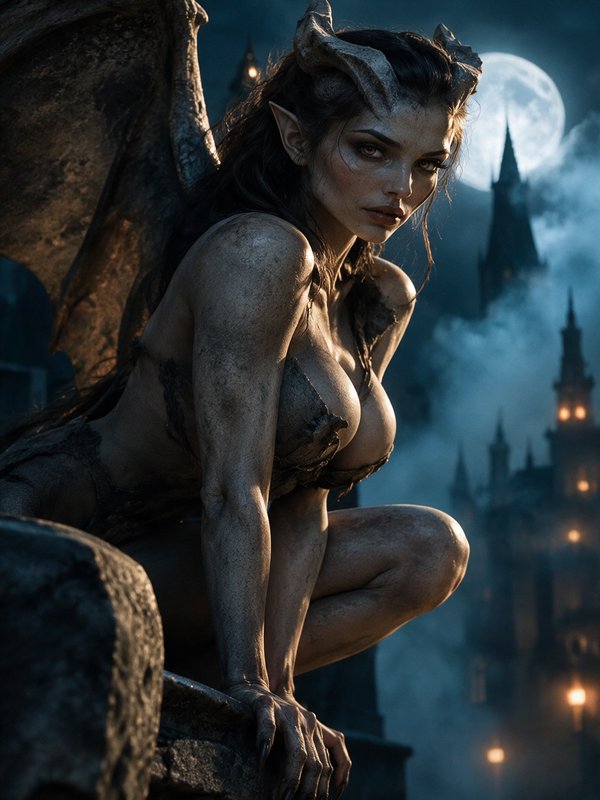
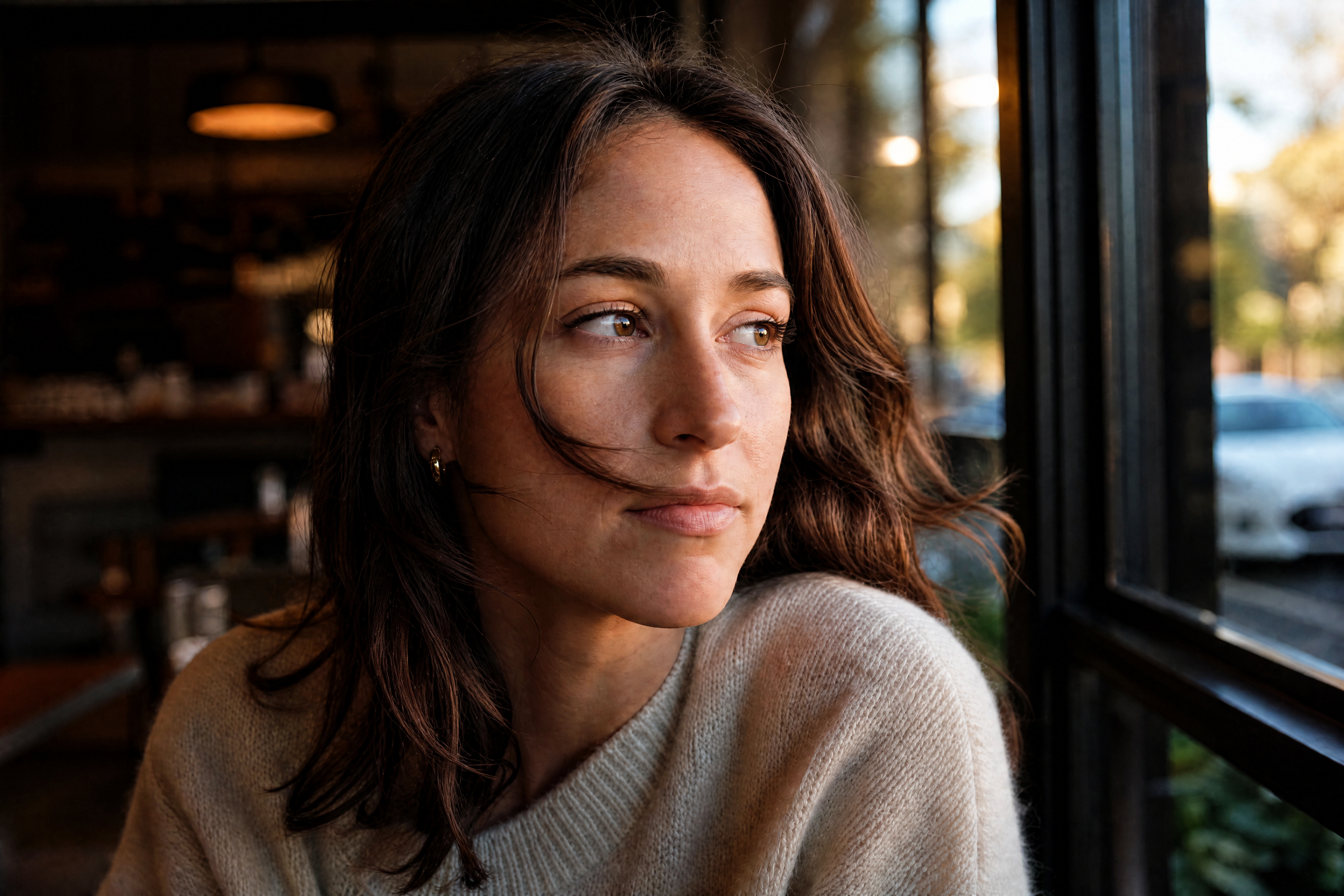
Upload a blurry image and let our AI sharpen edges, restore detail, and improve overall clarity. It works well on portraits, products, pets, food, and everyday photos without needing manual retouching.
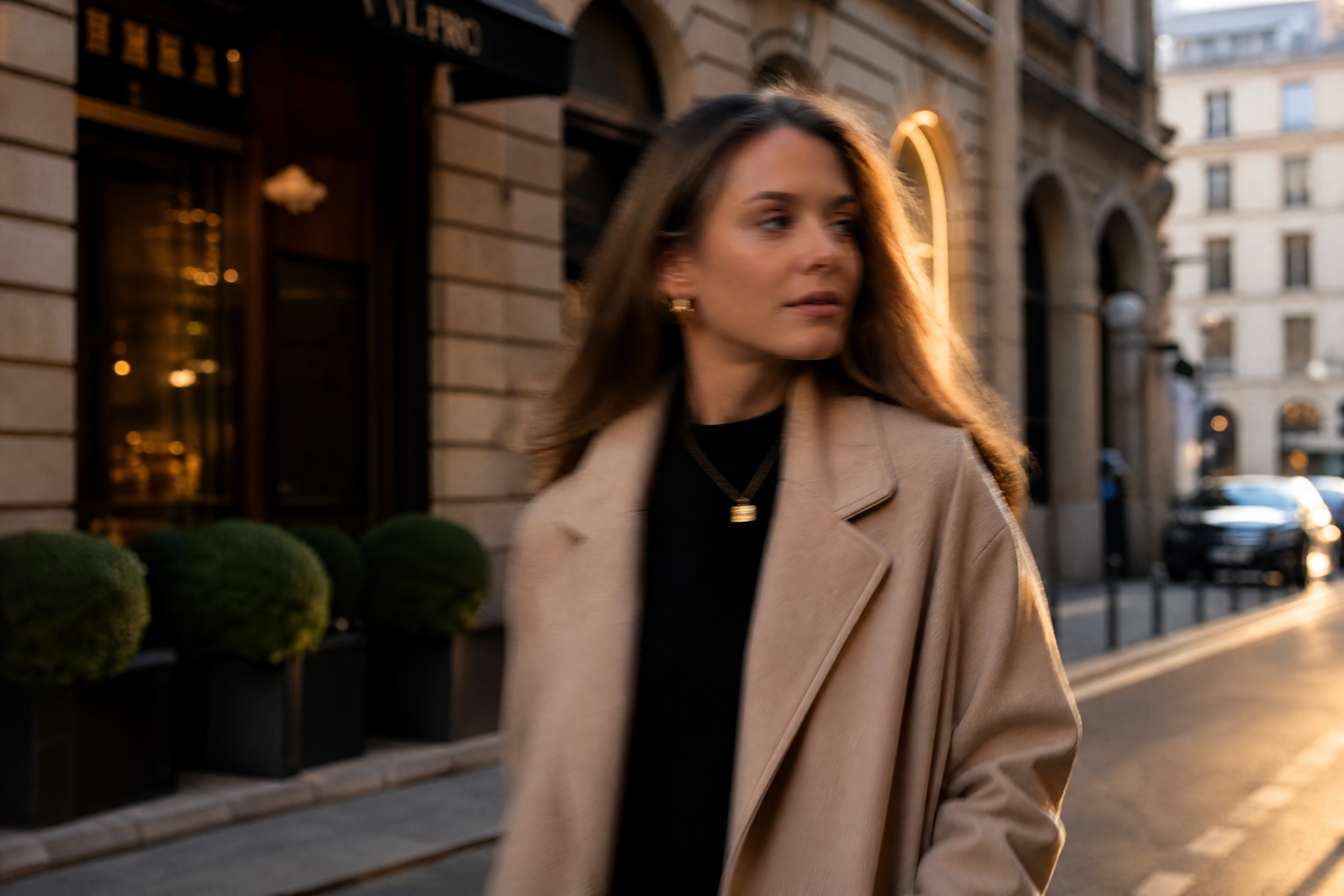
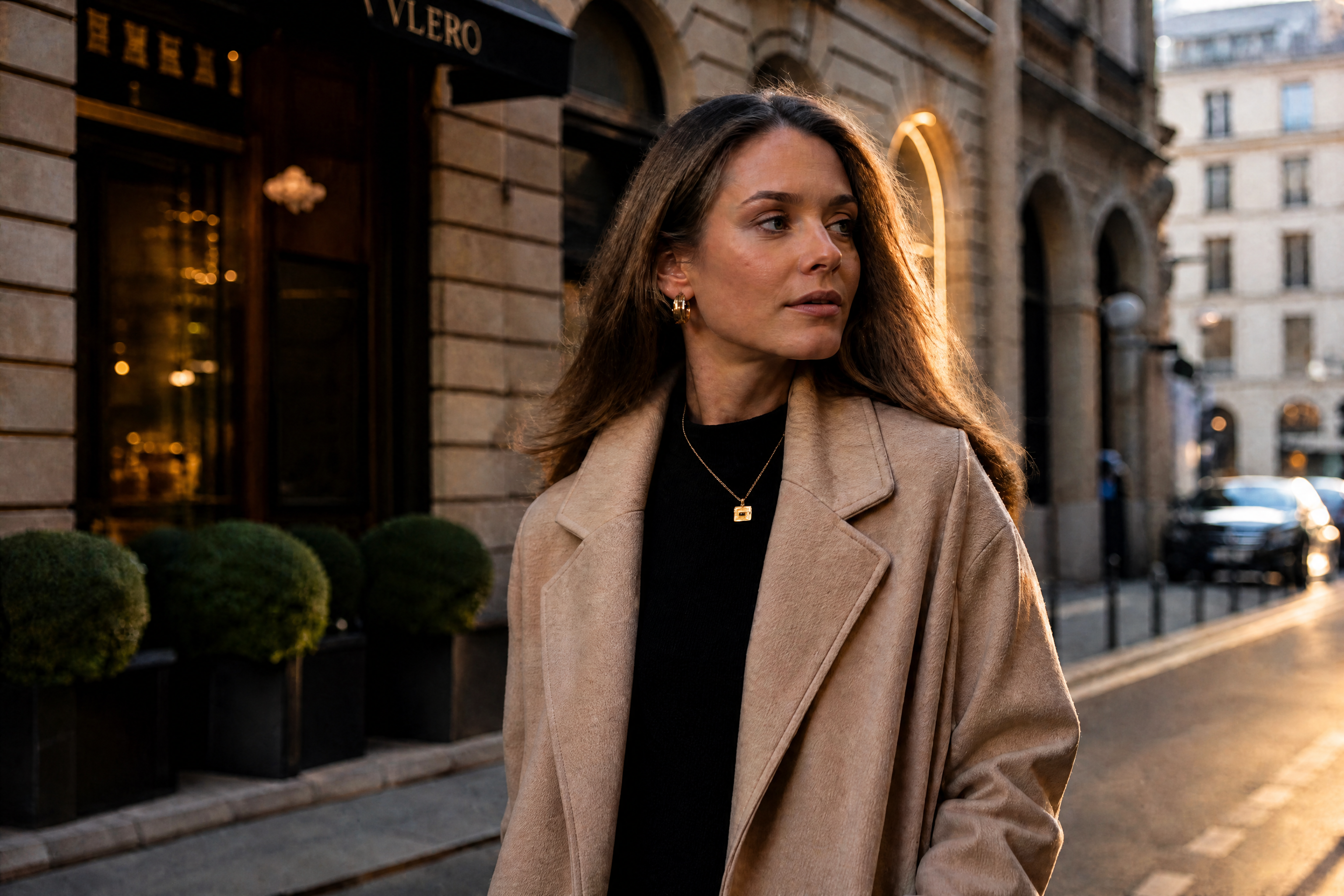
Watch the Transformation
See image unblur tool in motion — generated end-to-end by our AI.
See It In Action
Real outputs from image unblur tool.
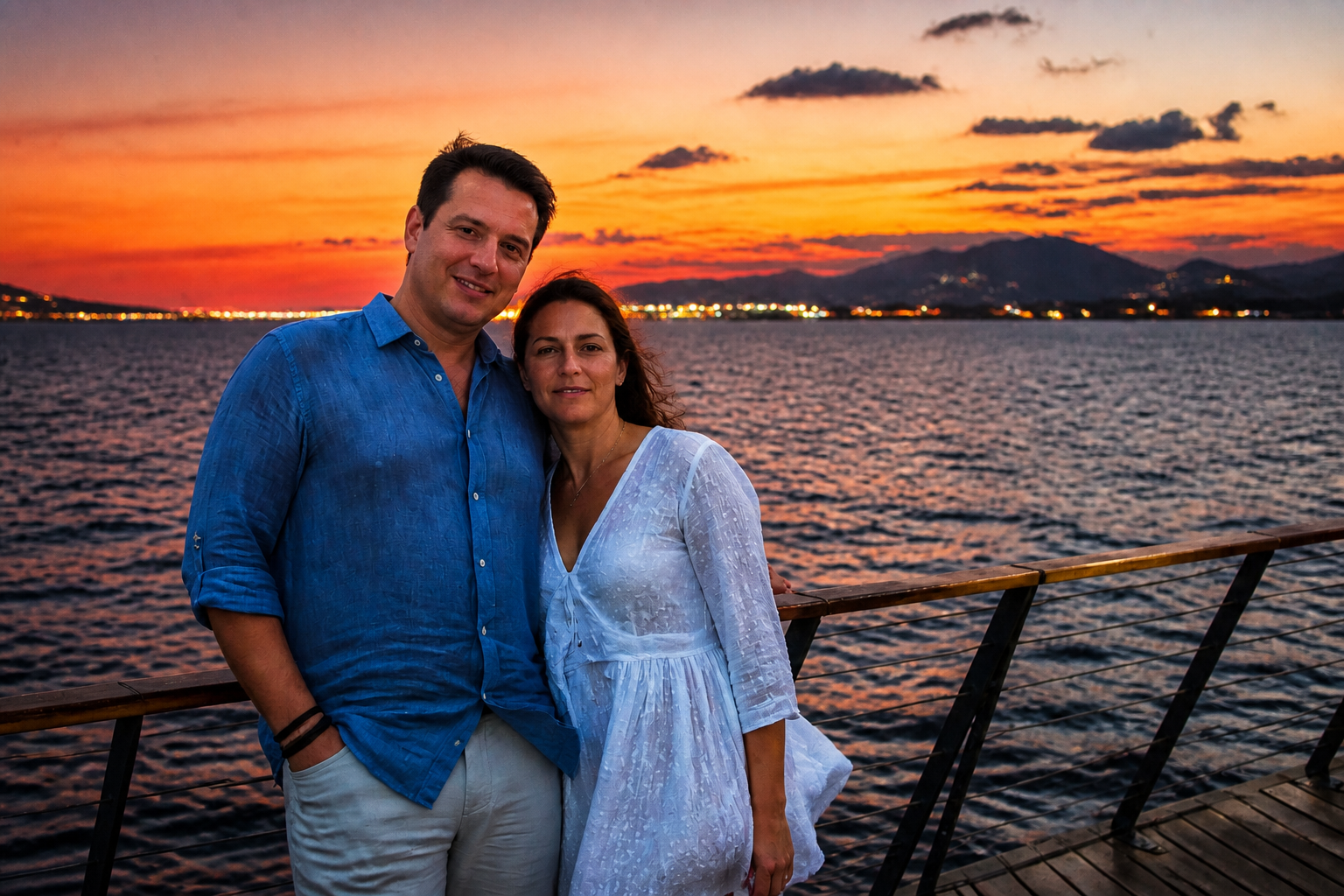
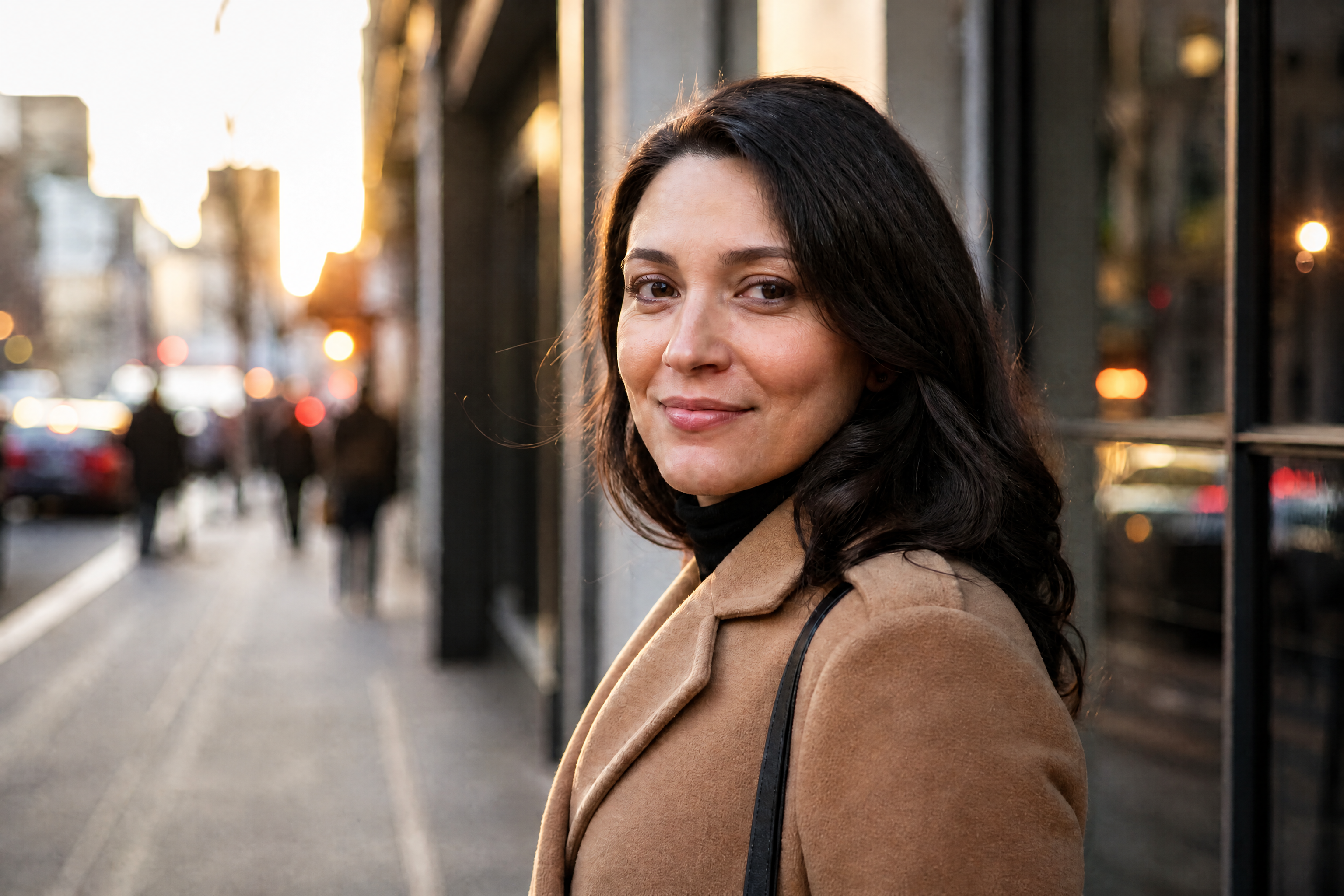
BEFOREAFTER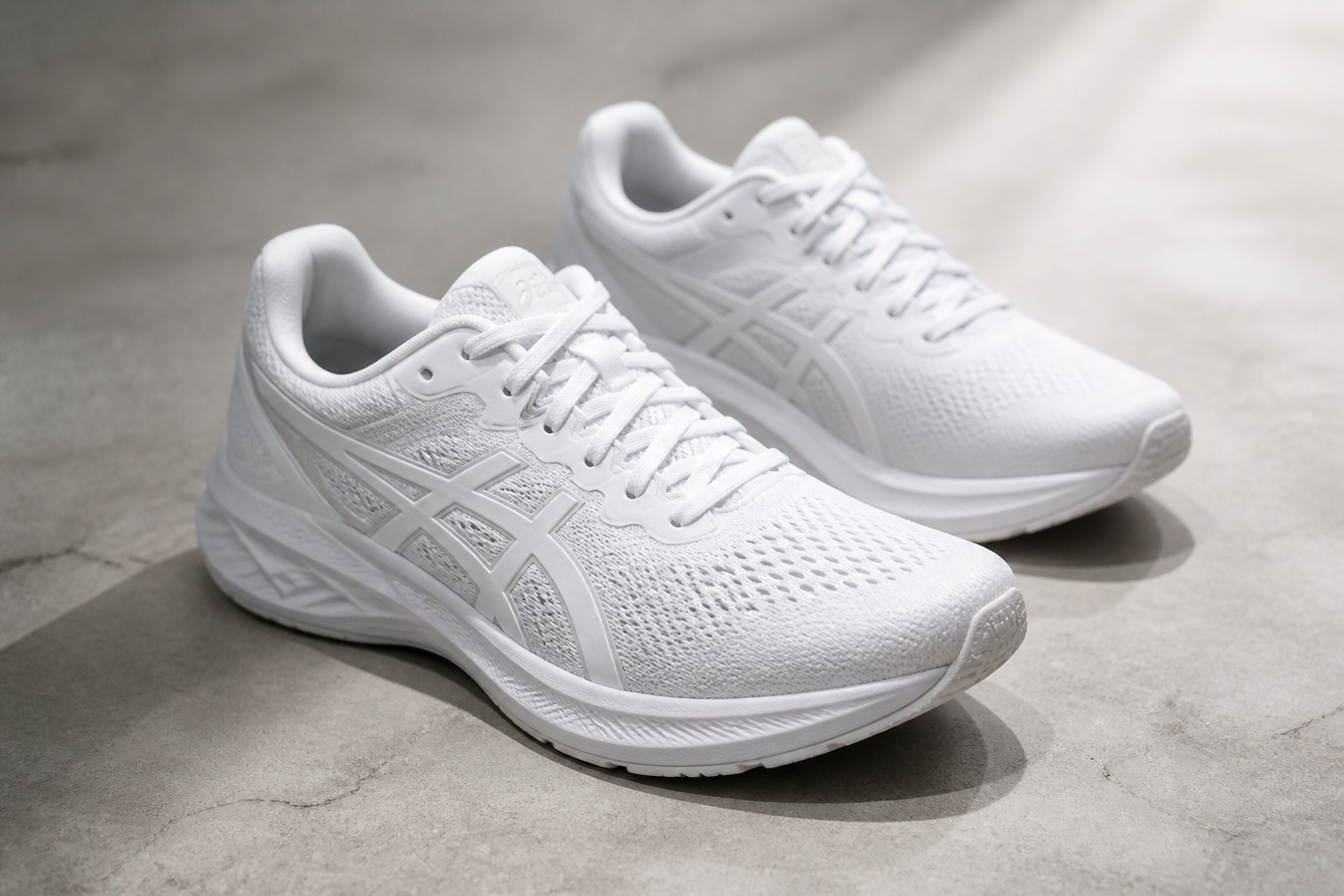 BEFORE
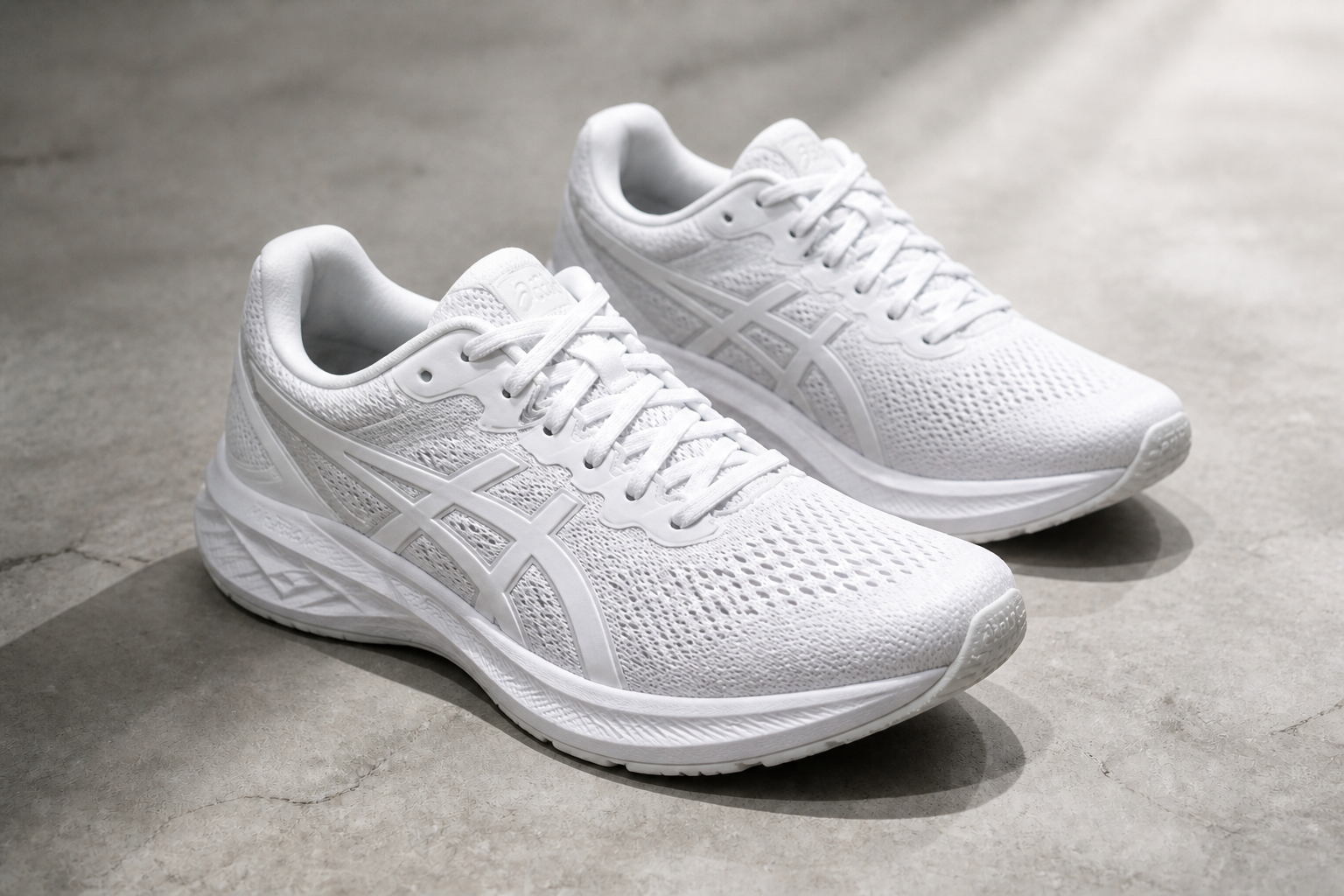 AFTER
AFTER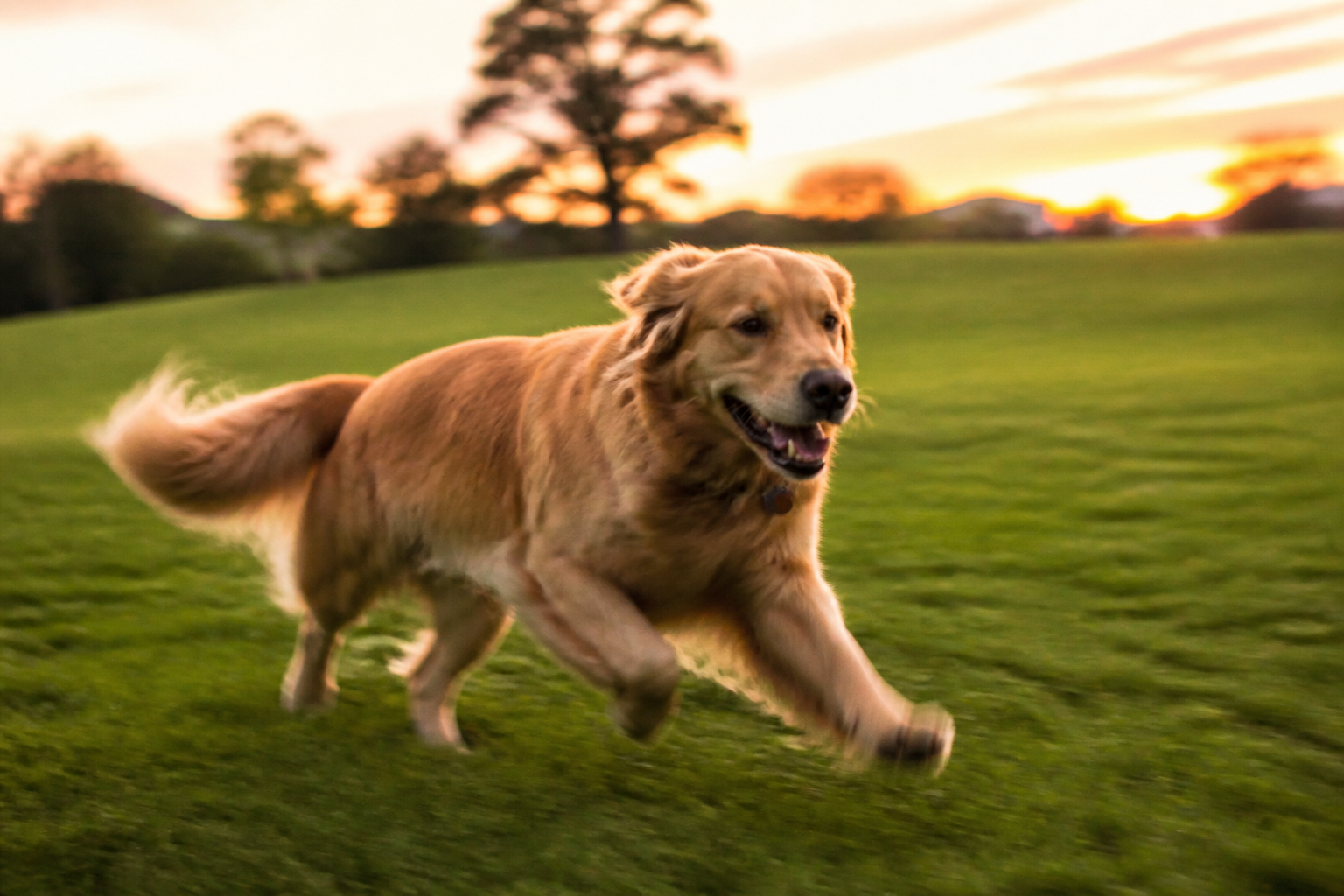 BEFORE
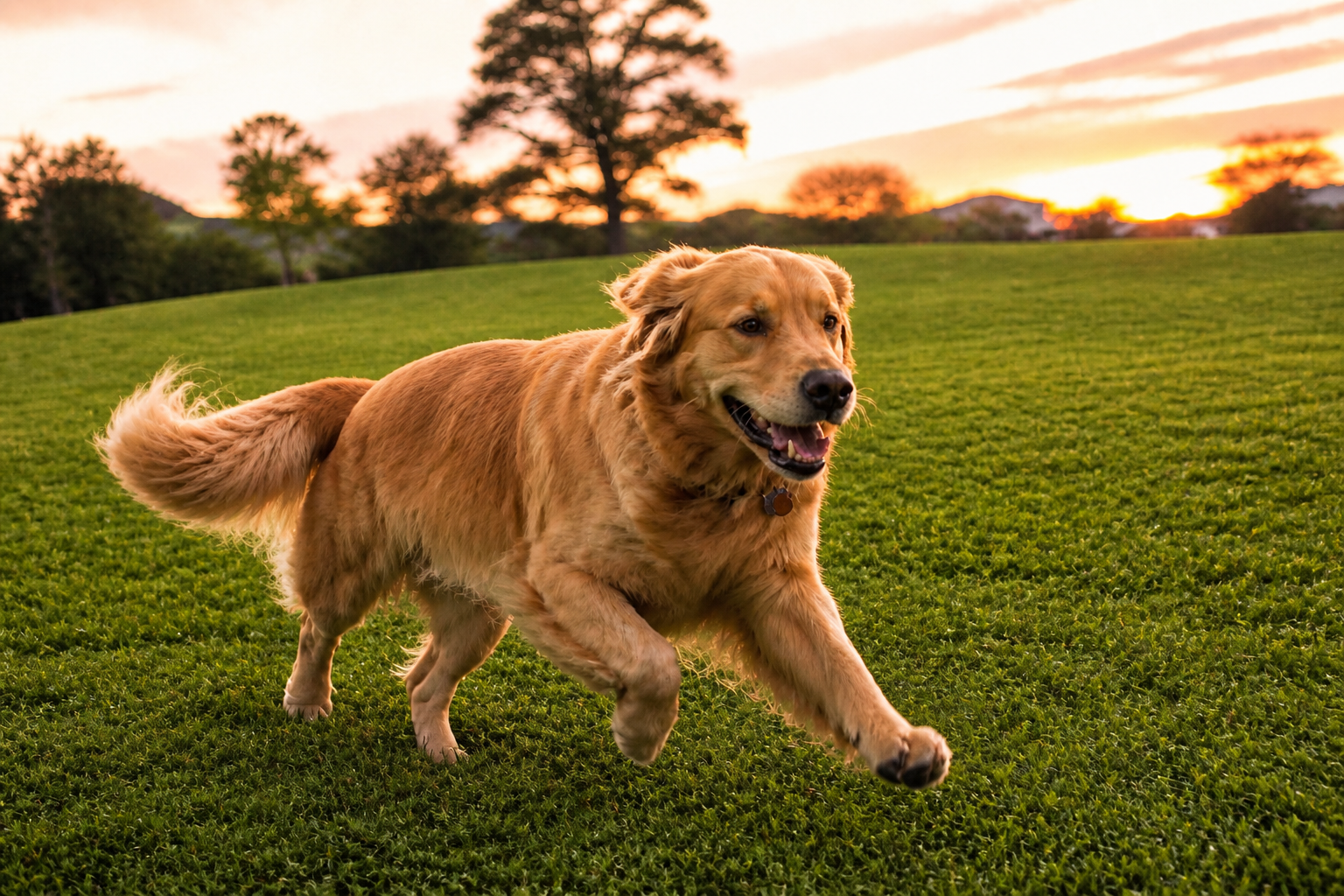 AFTER
AFTER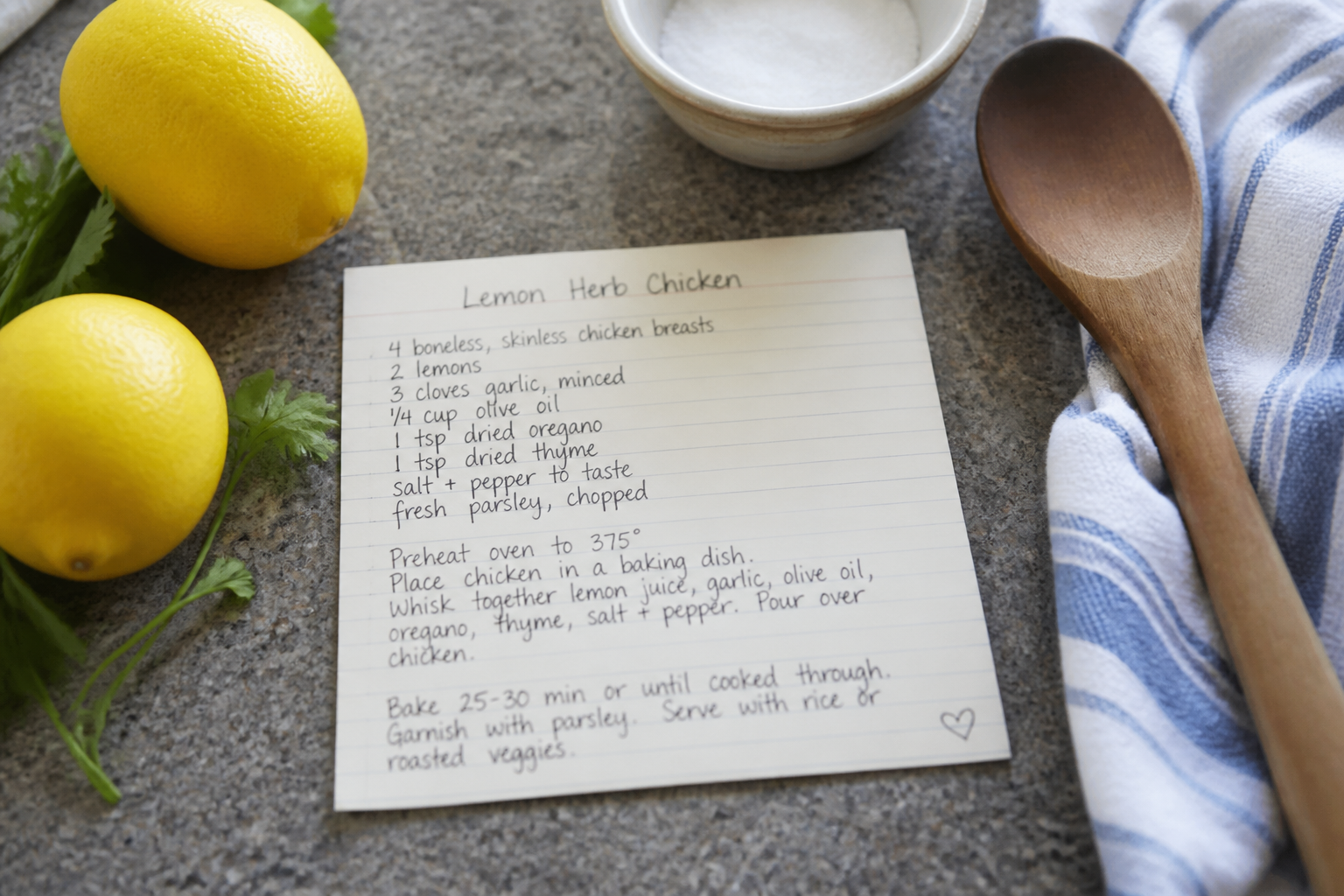 BEFORE
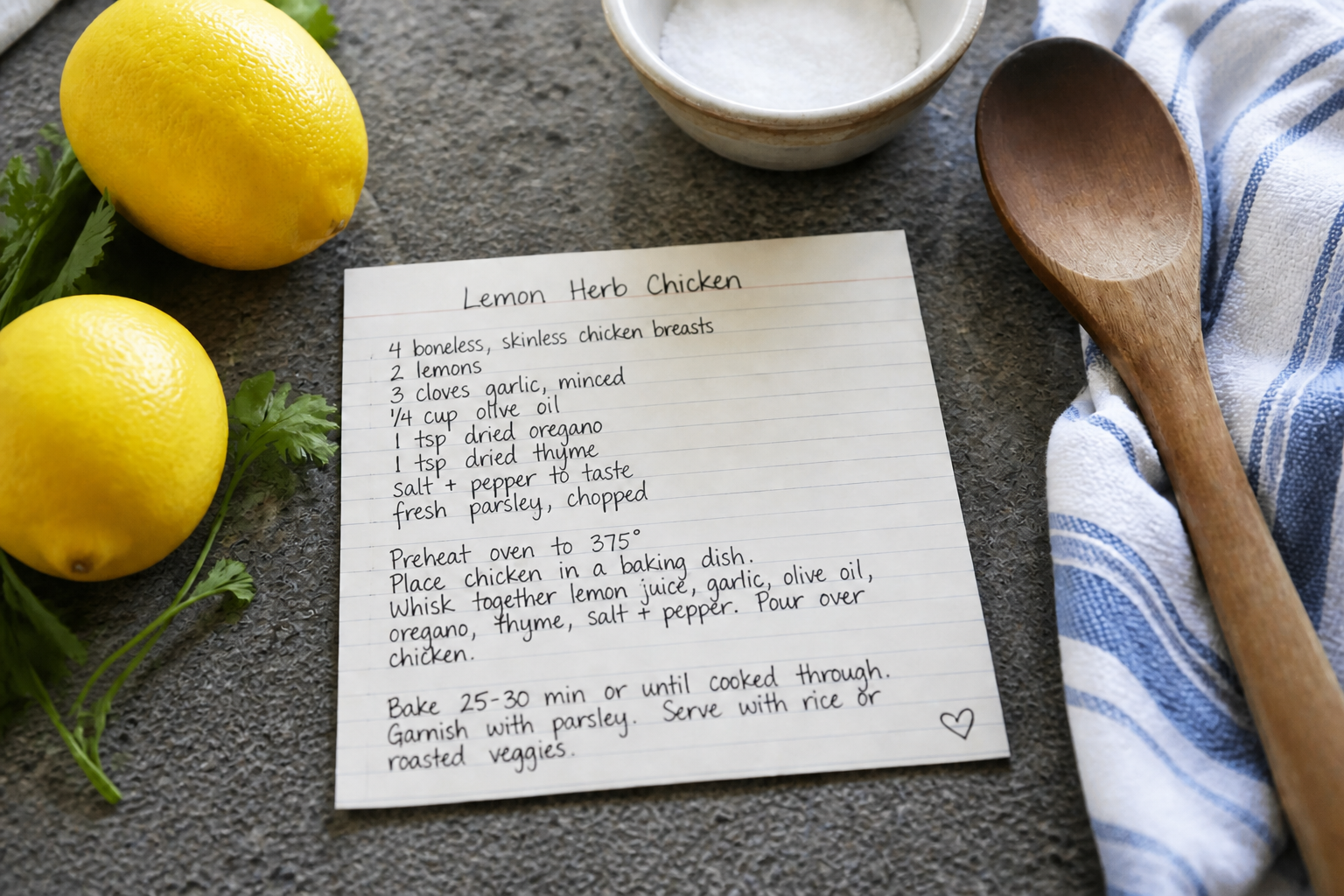 AFTER
AFTER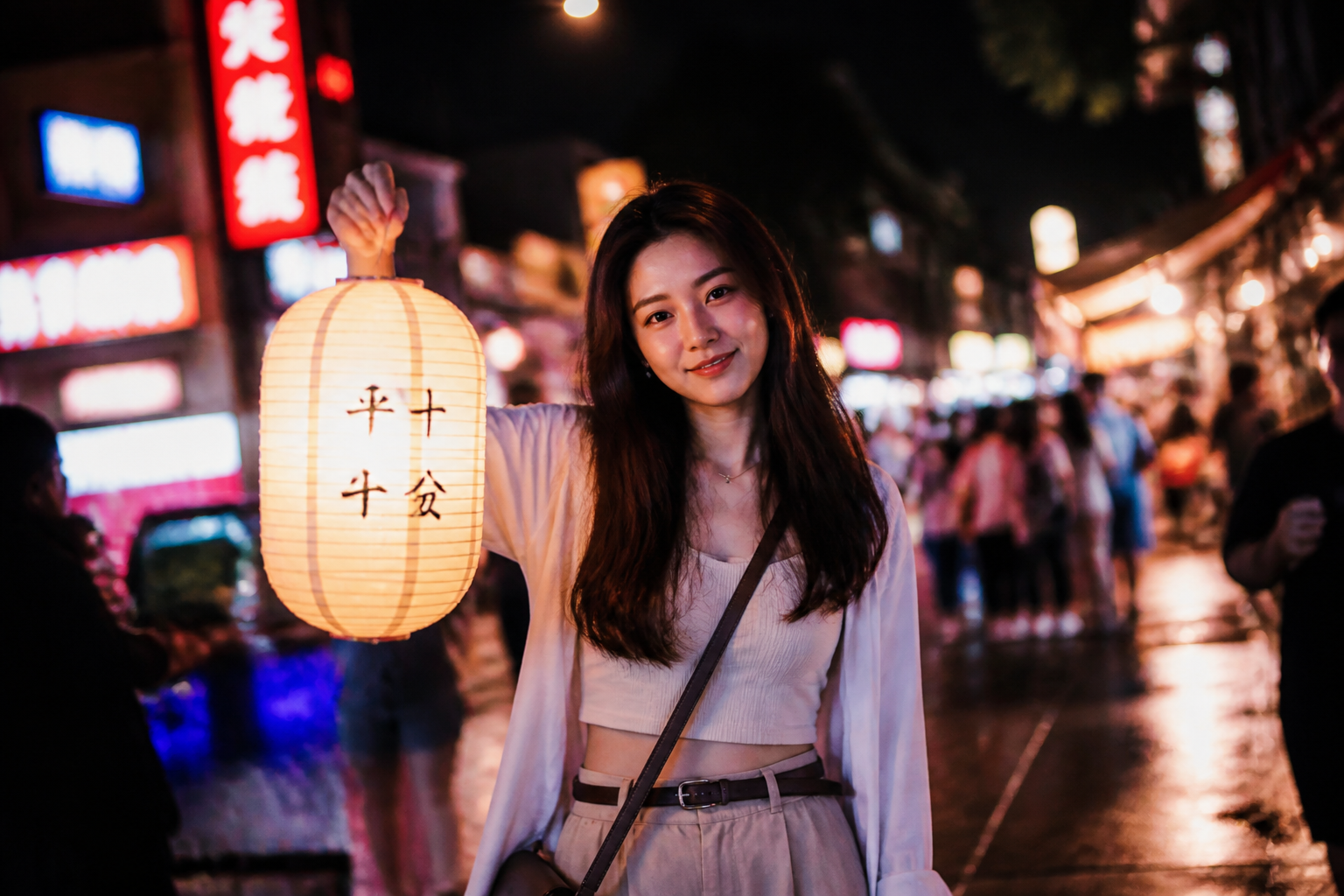 BEFORE
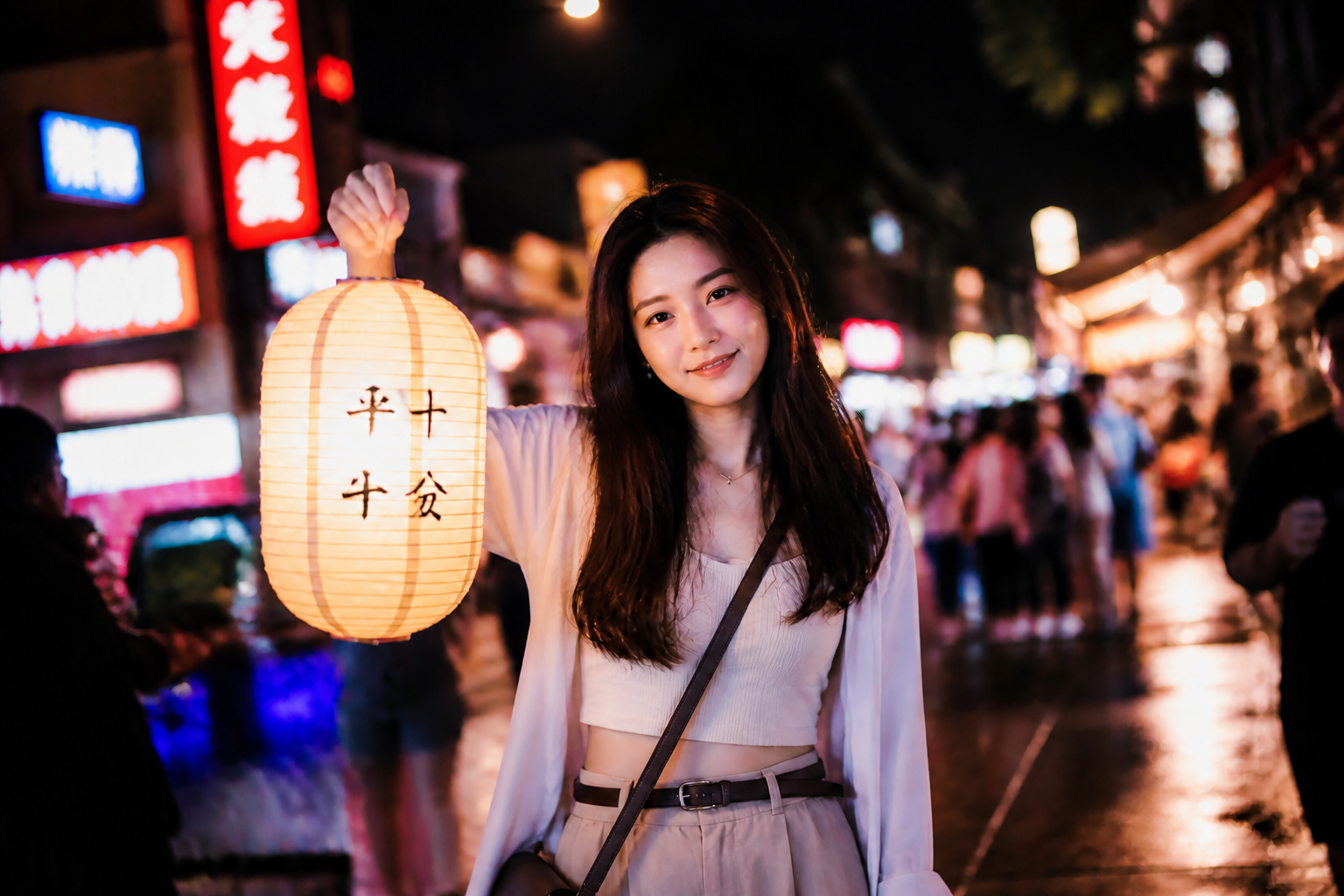 AFTERBEFOREAFTERBEFOREAFTERBEFOREAFTERBEFOREAFTERBEFOREAFTER
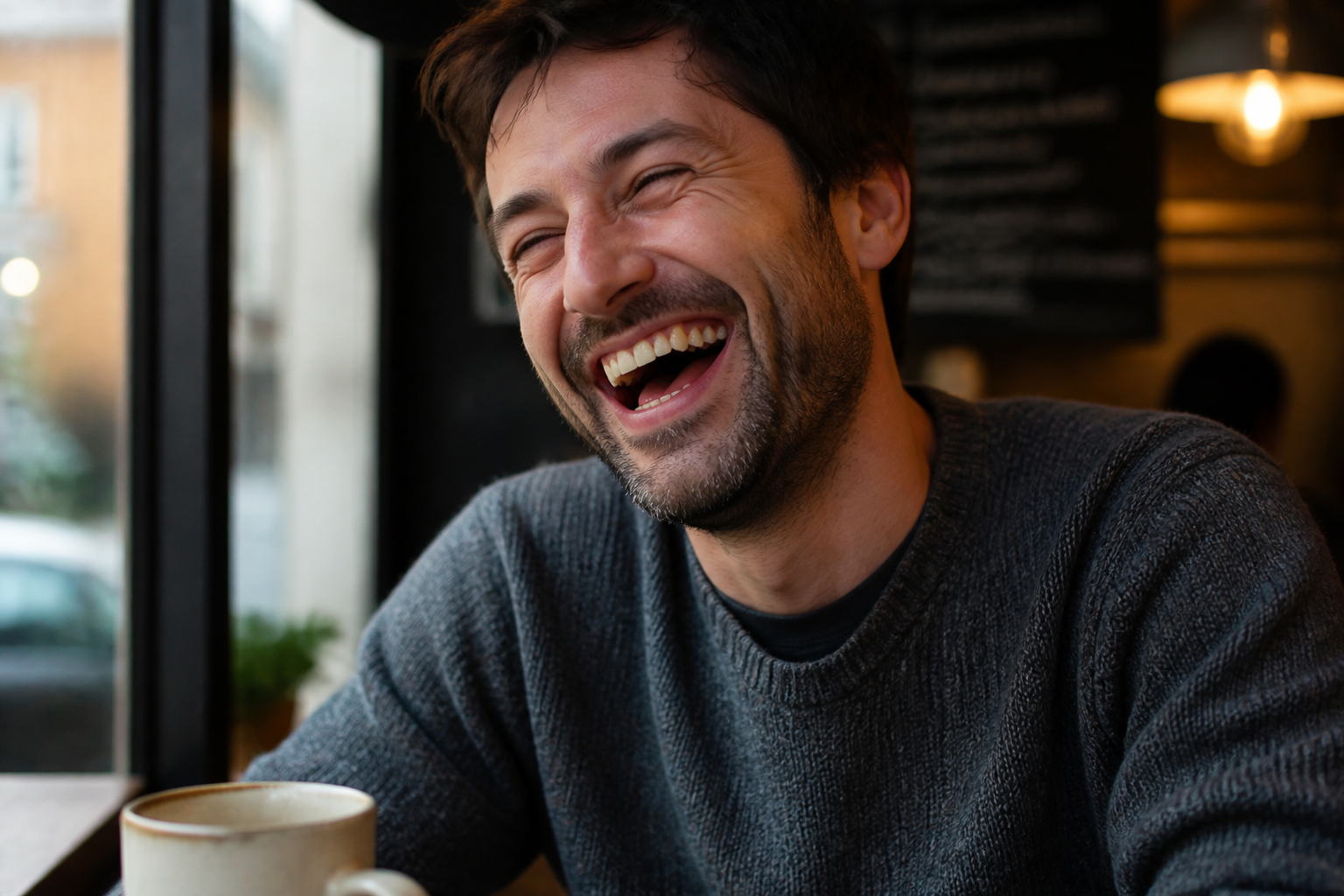 BEFORE
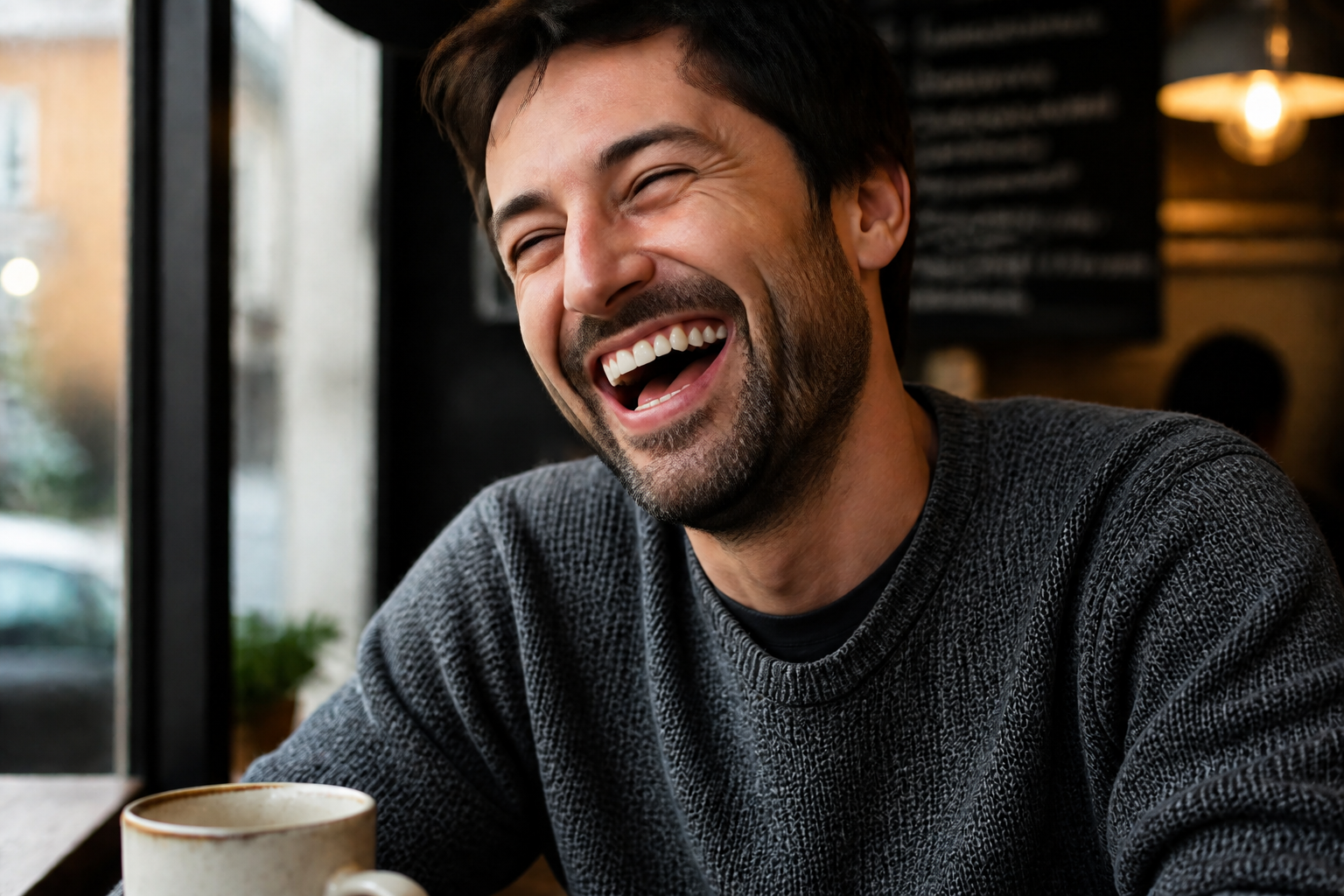 AFTER
AFTER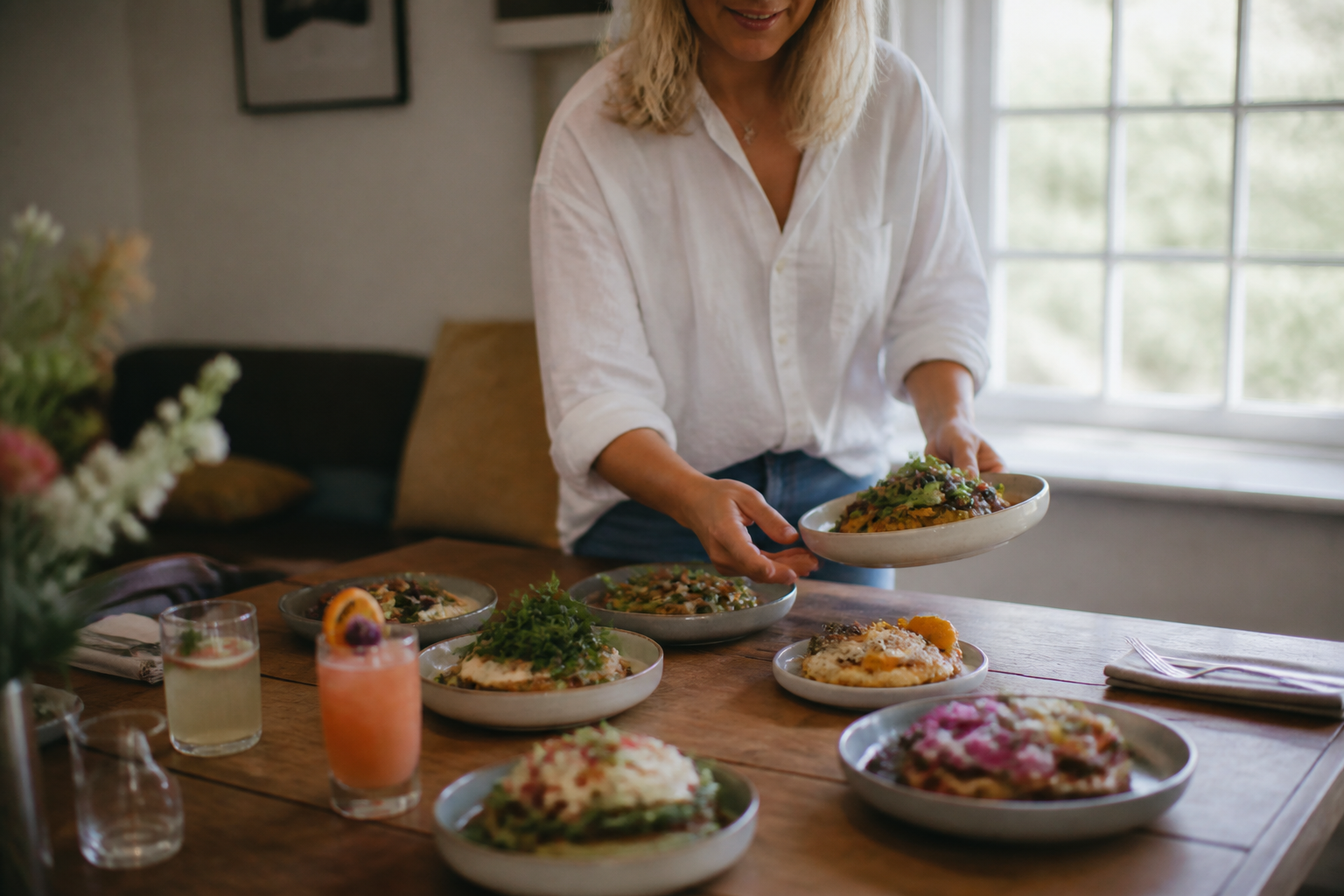 BEFORE
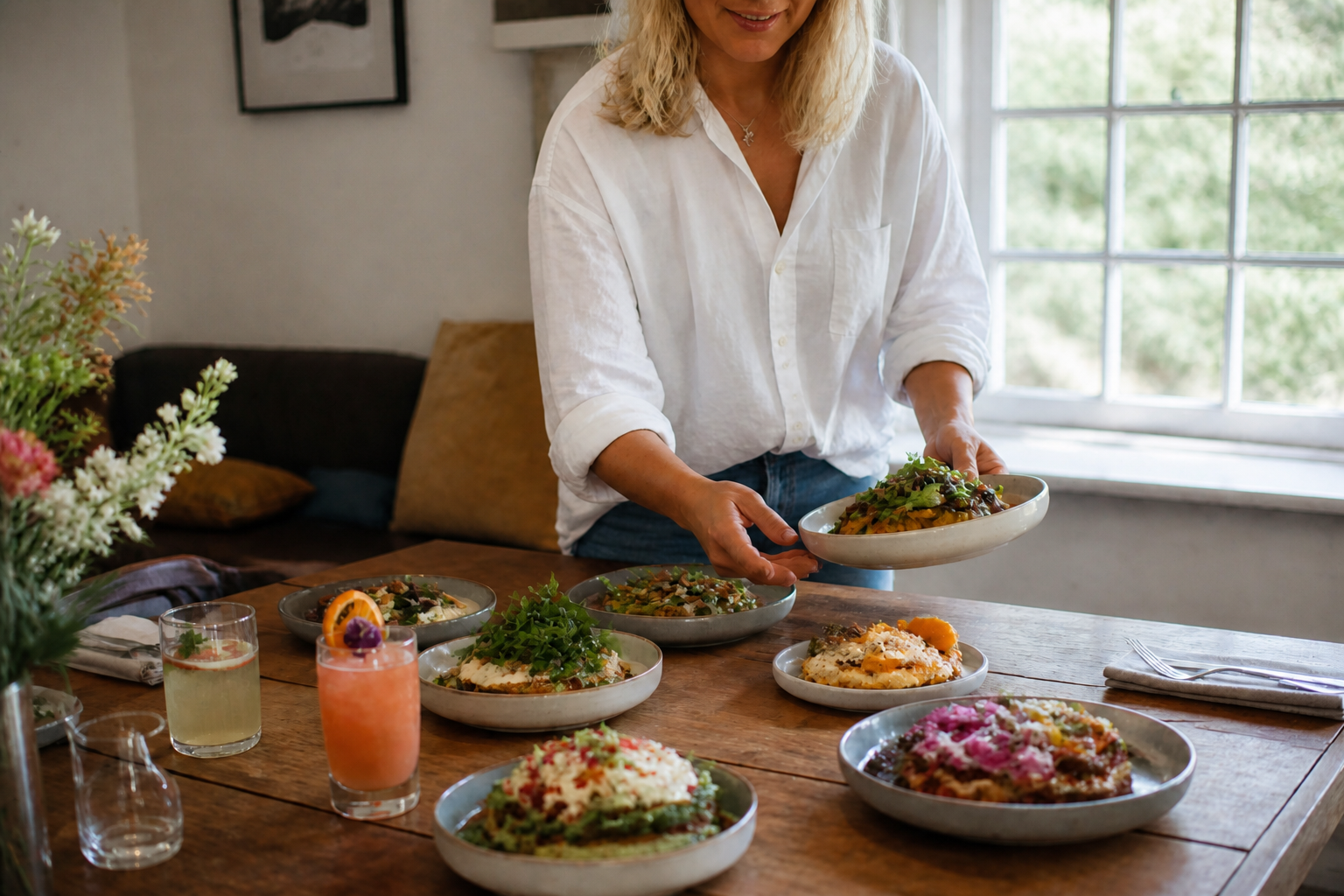 AFTER
AFTER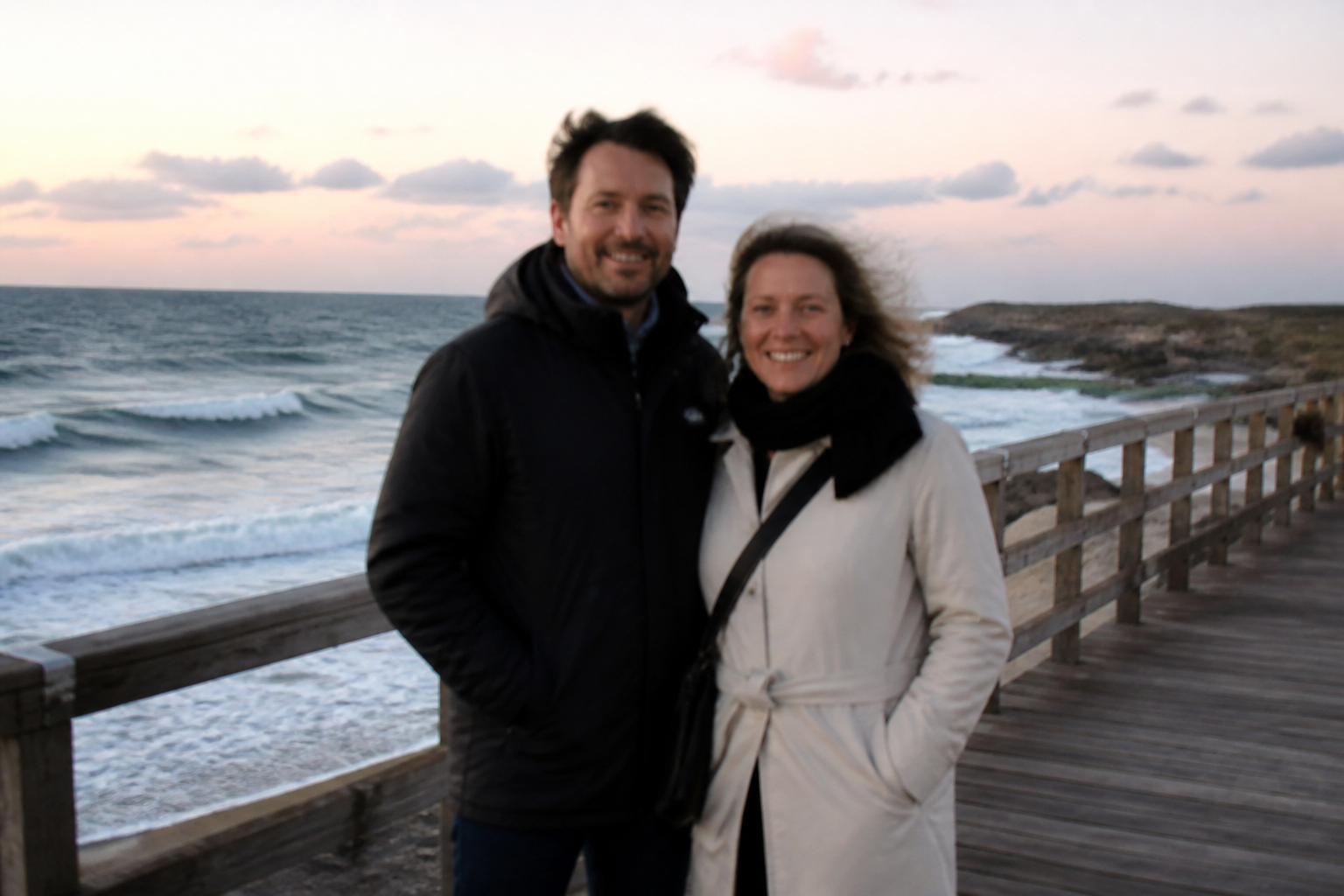 BEFORE
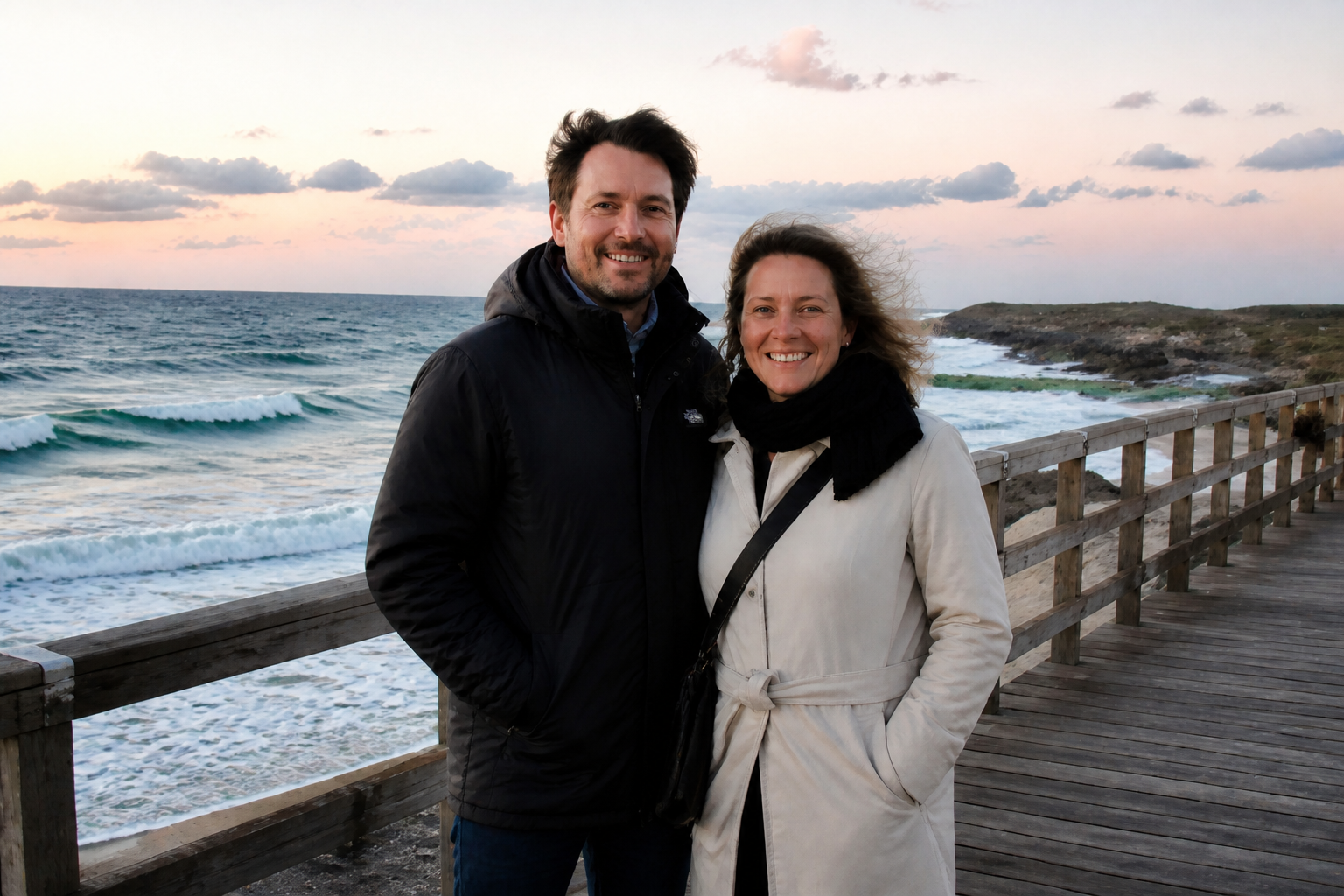 AFTER
AFTER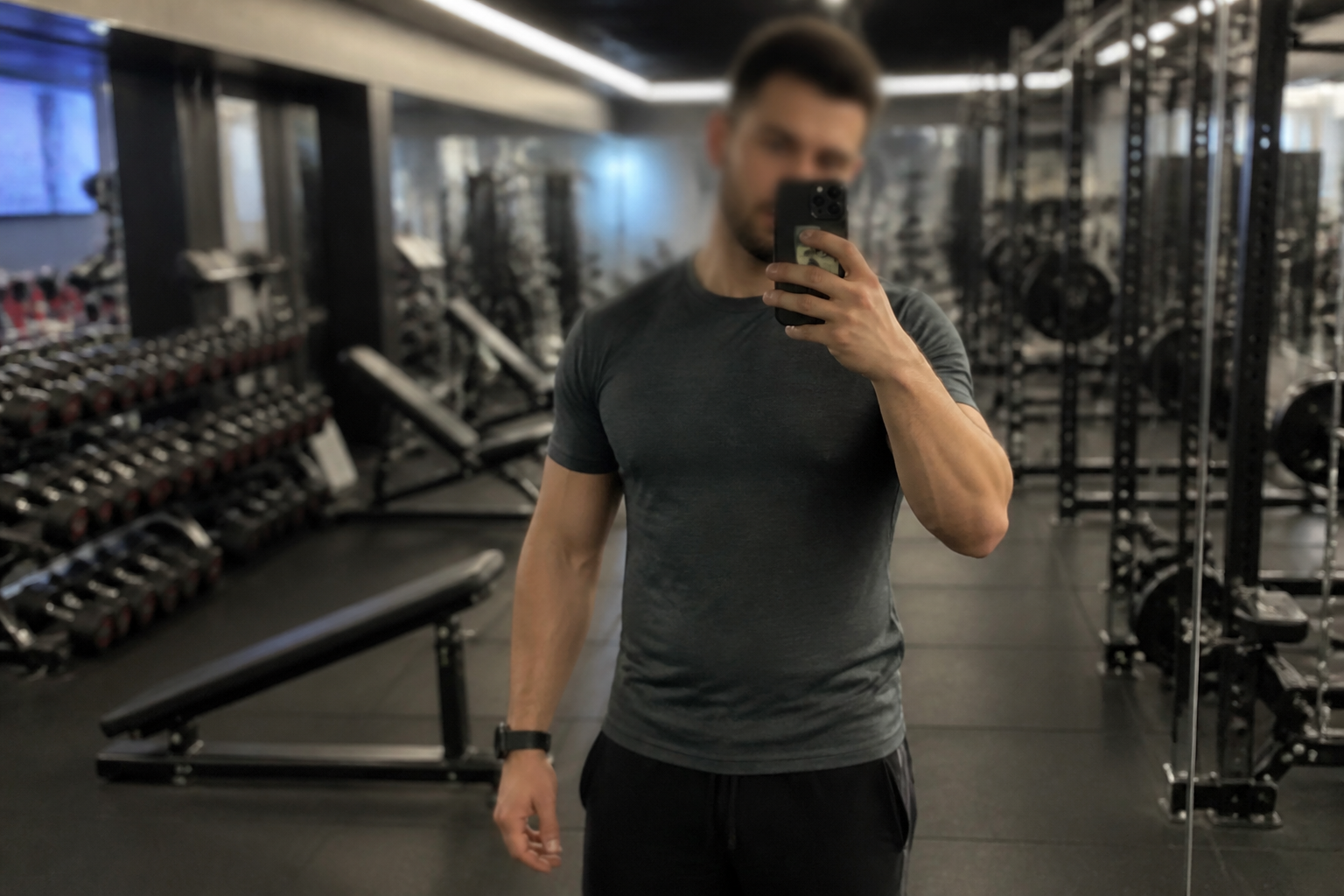 BEFORE
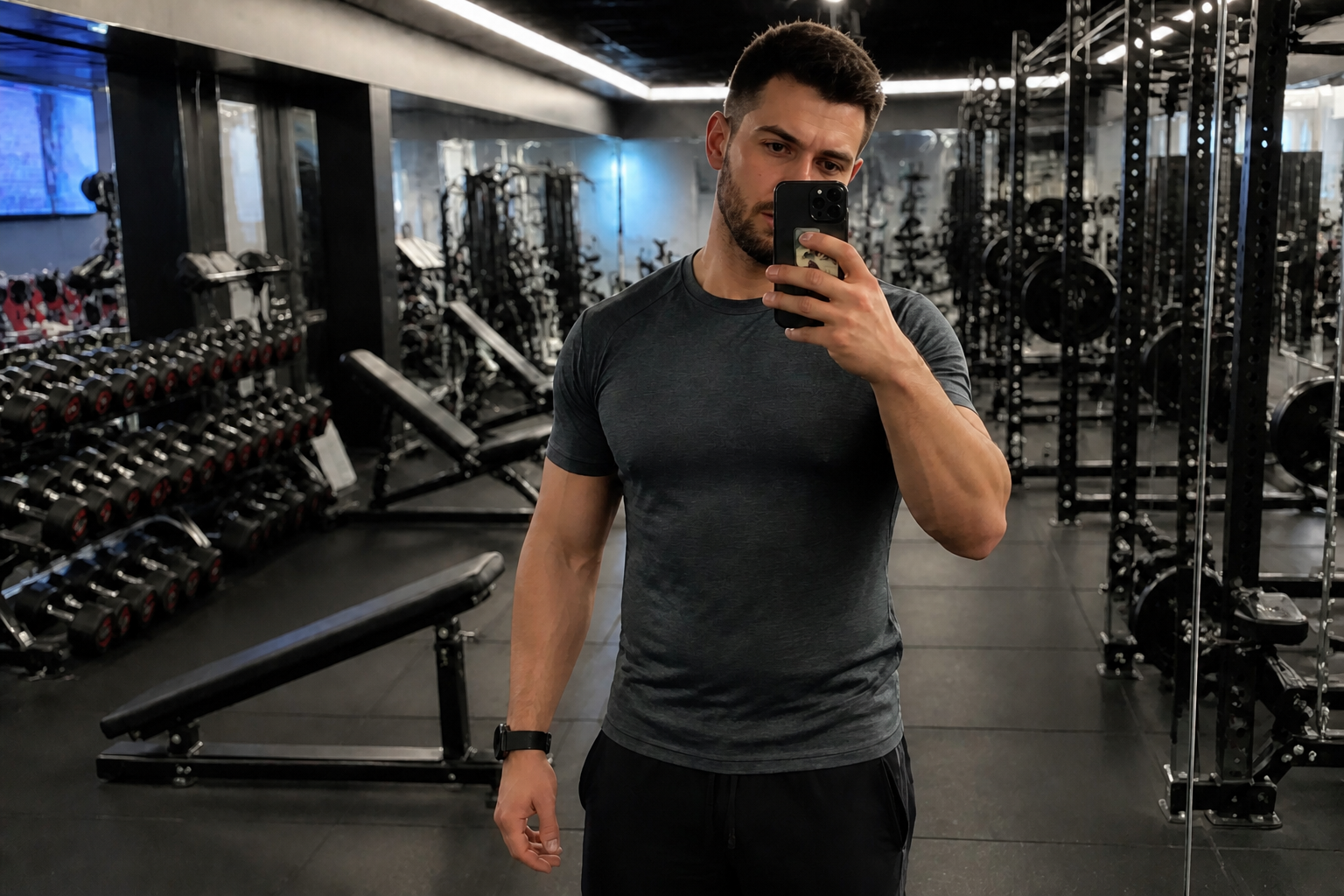 AFTER
AFTER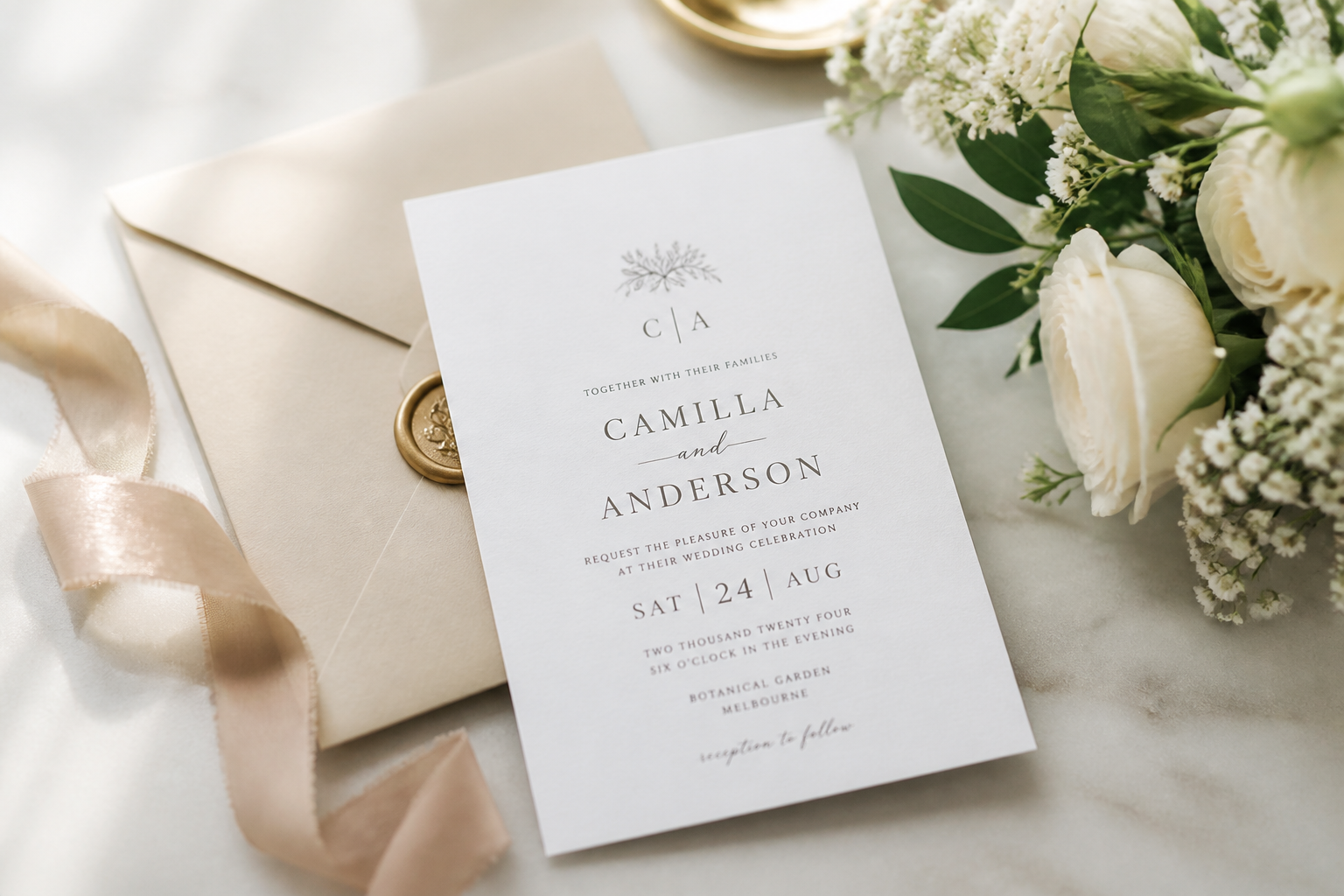 BEFORE
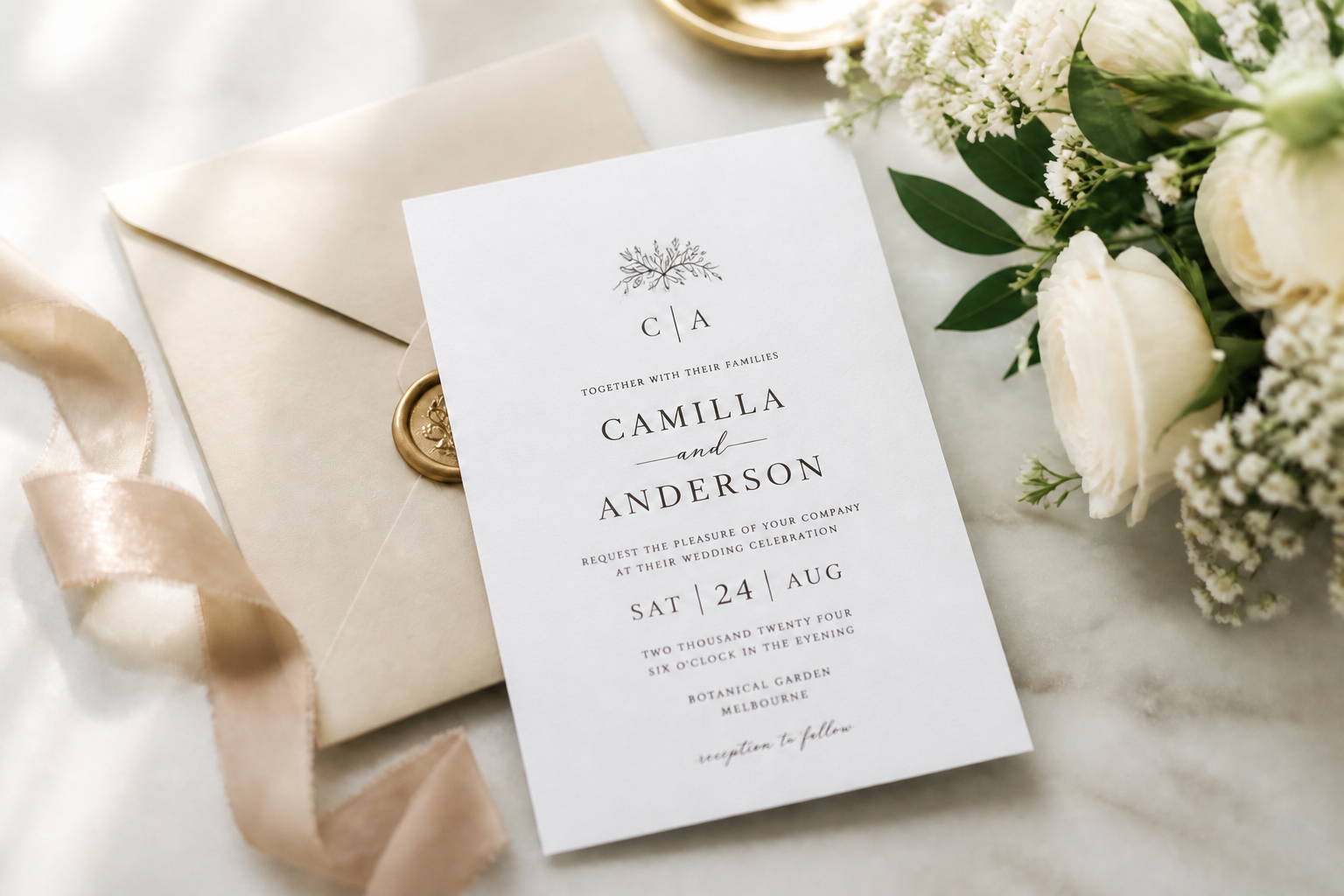 AFTERBEFOREAFTERBEFOREAFTERBEFOREAFTERBEFOREAFTERBEFOREAFTER
Key Features
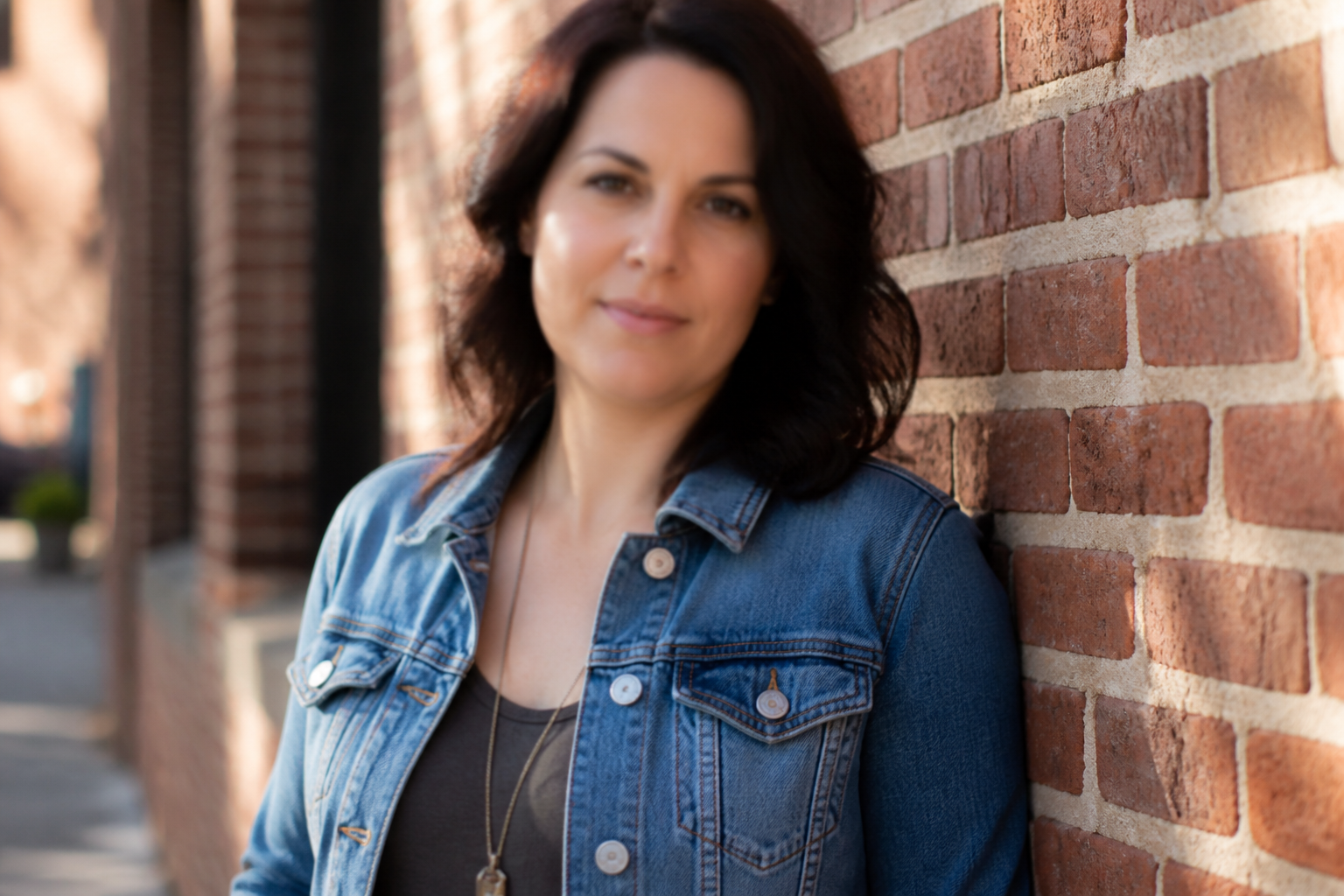
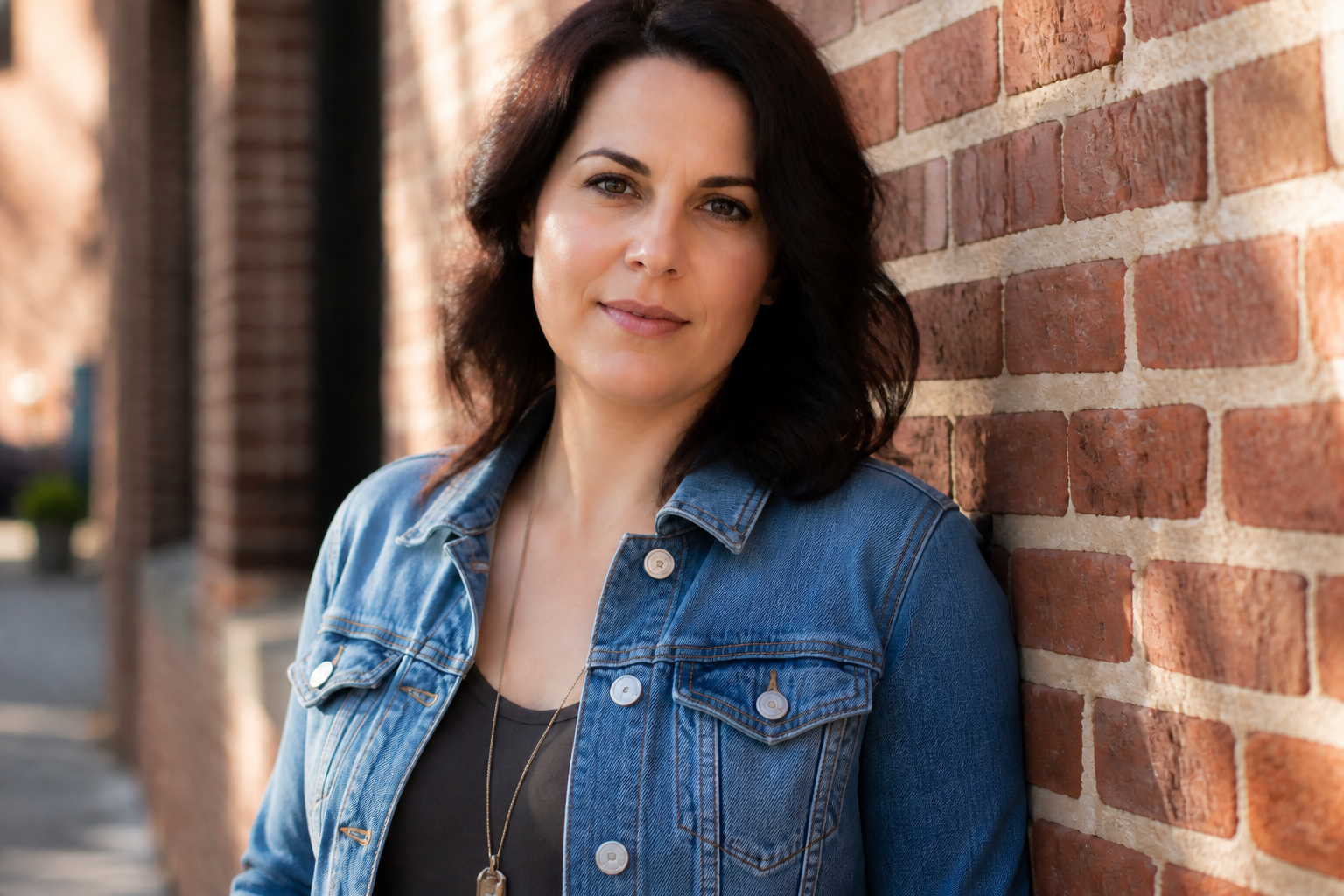
Recover lost detail fast
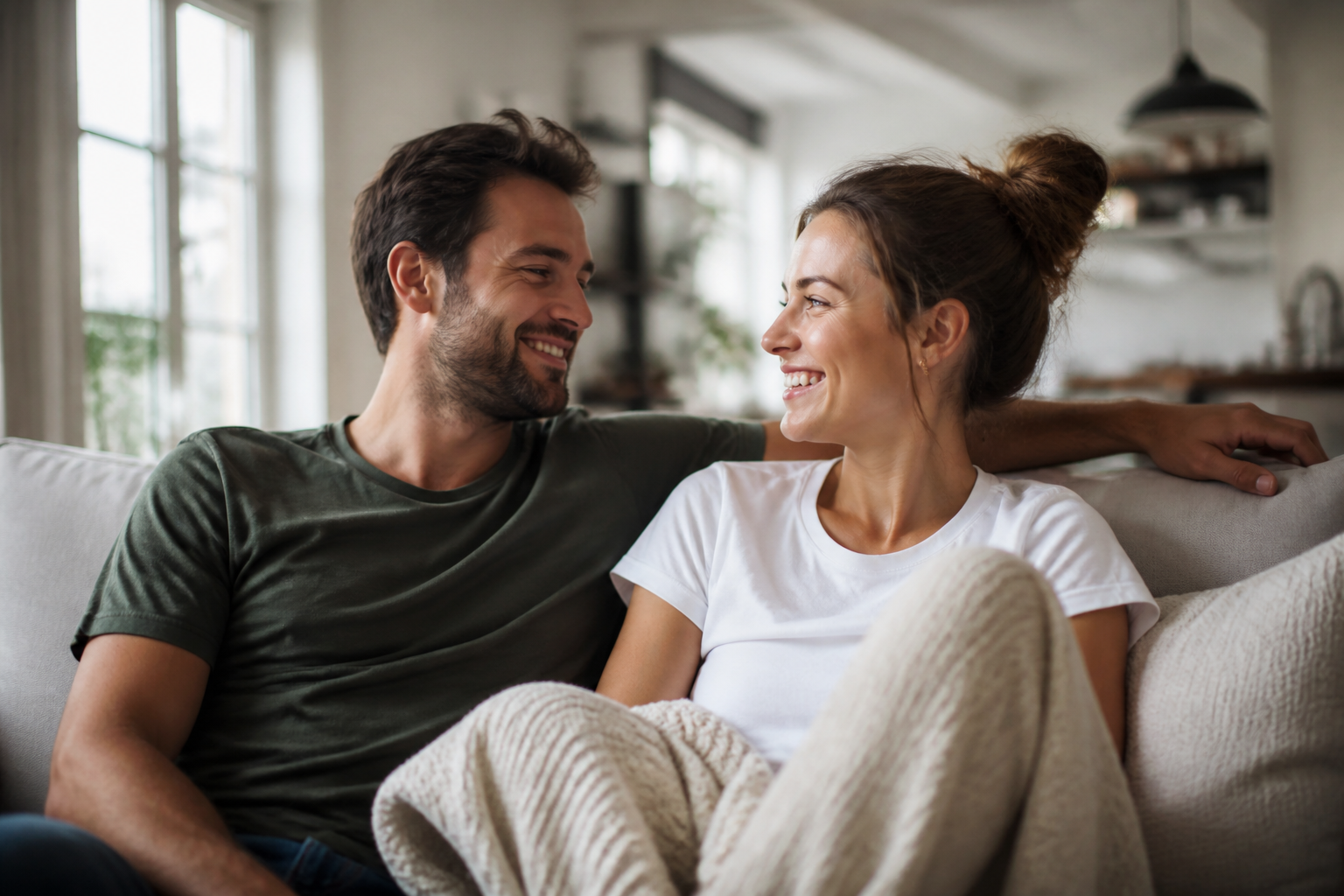
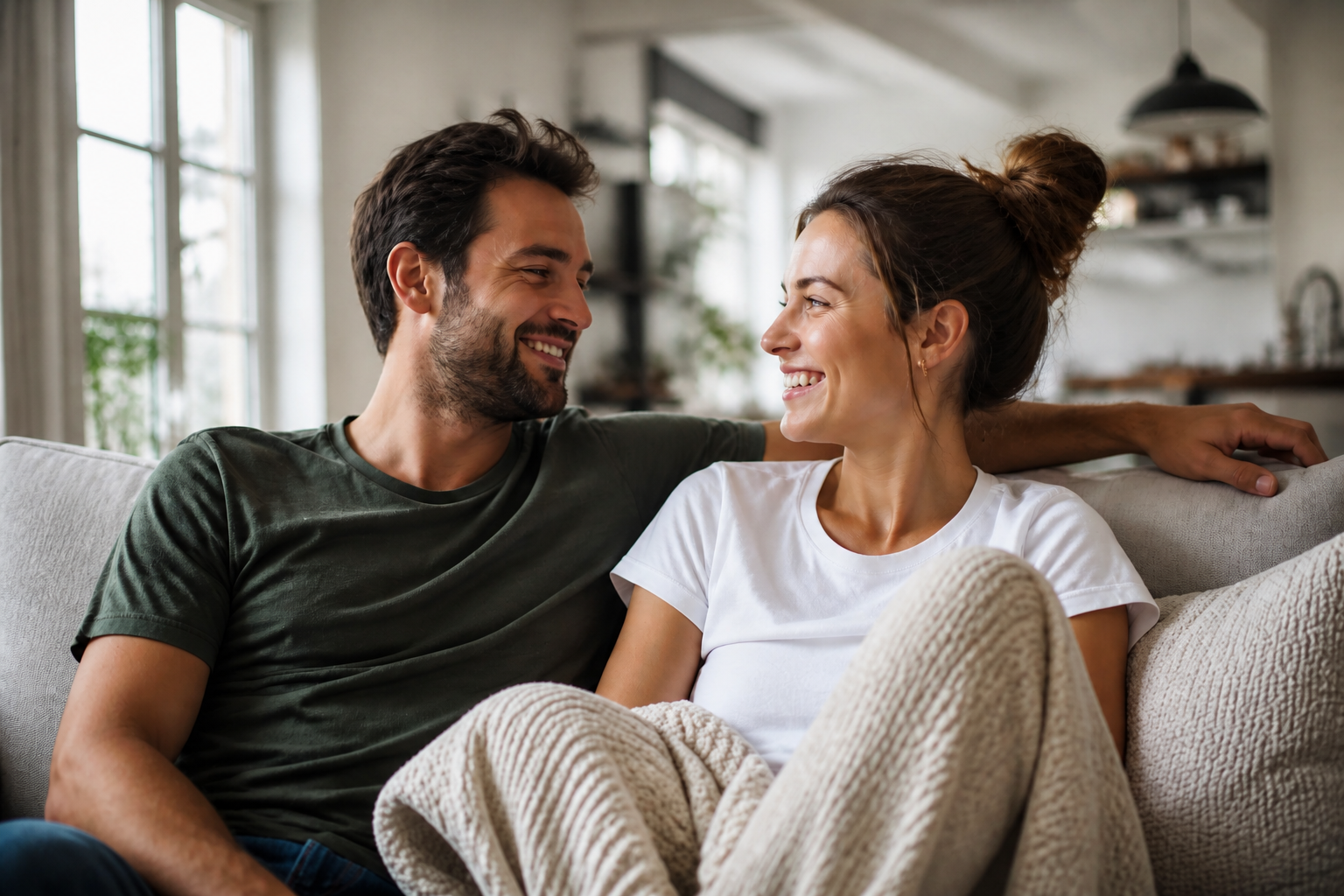
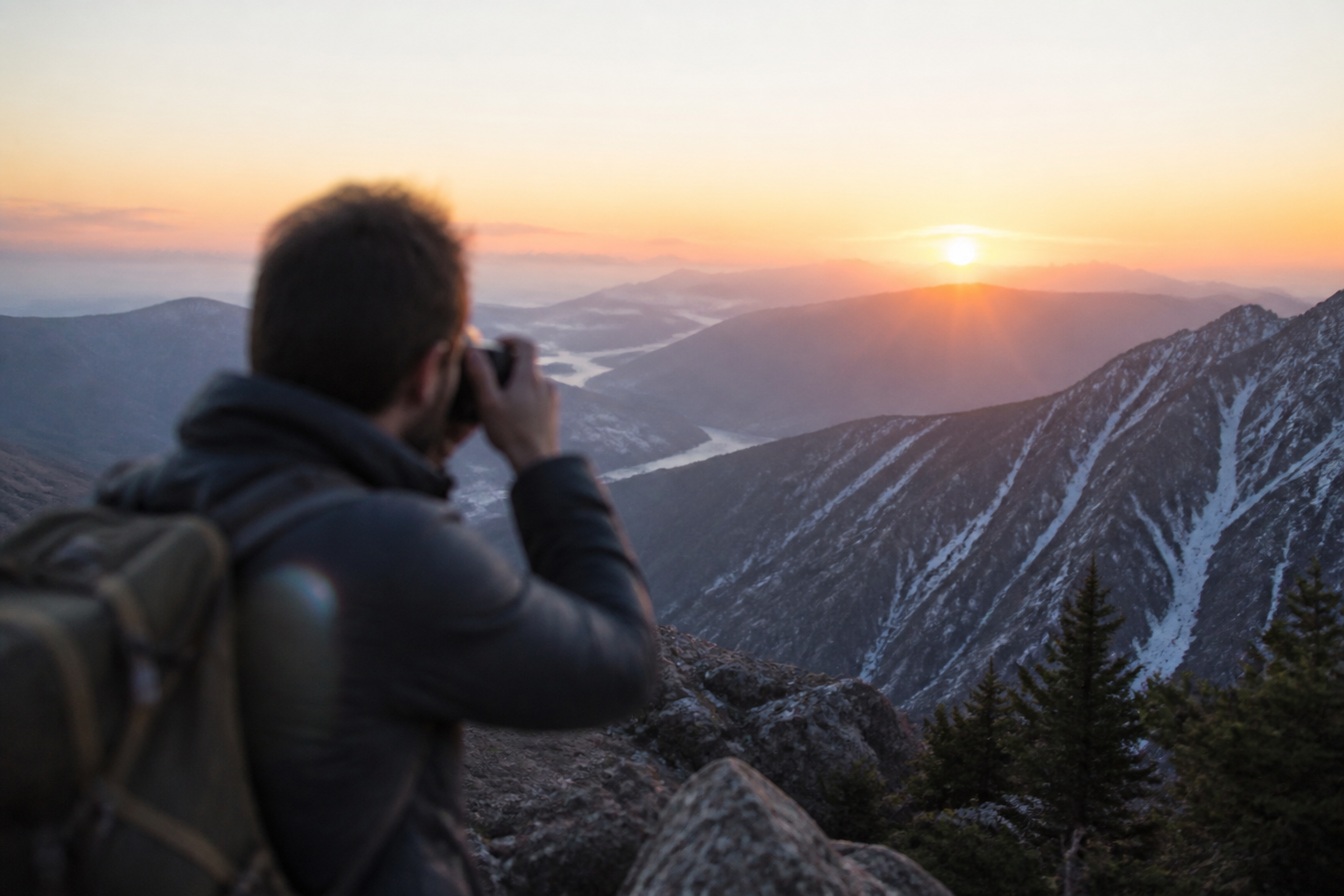
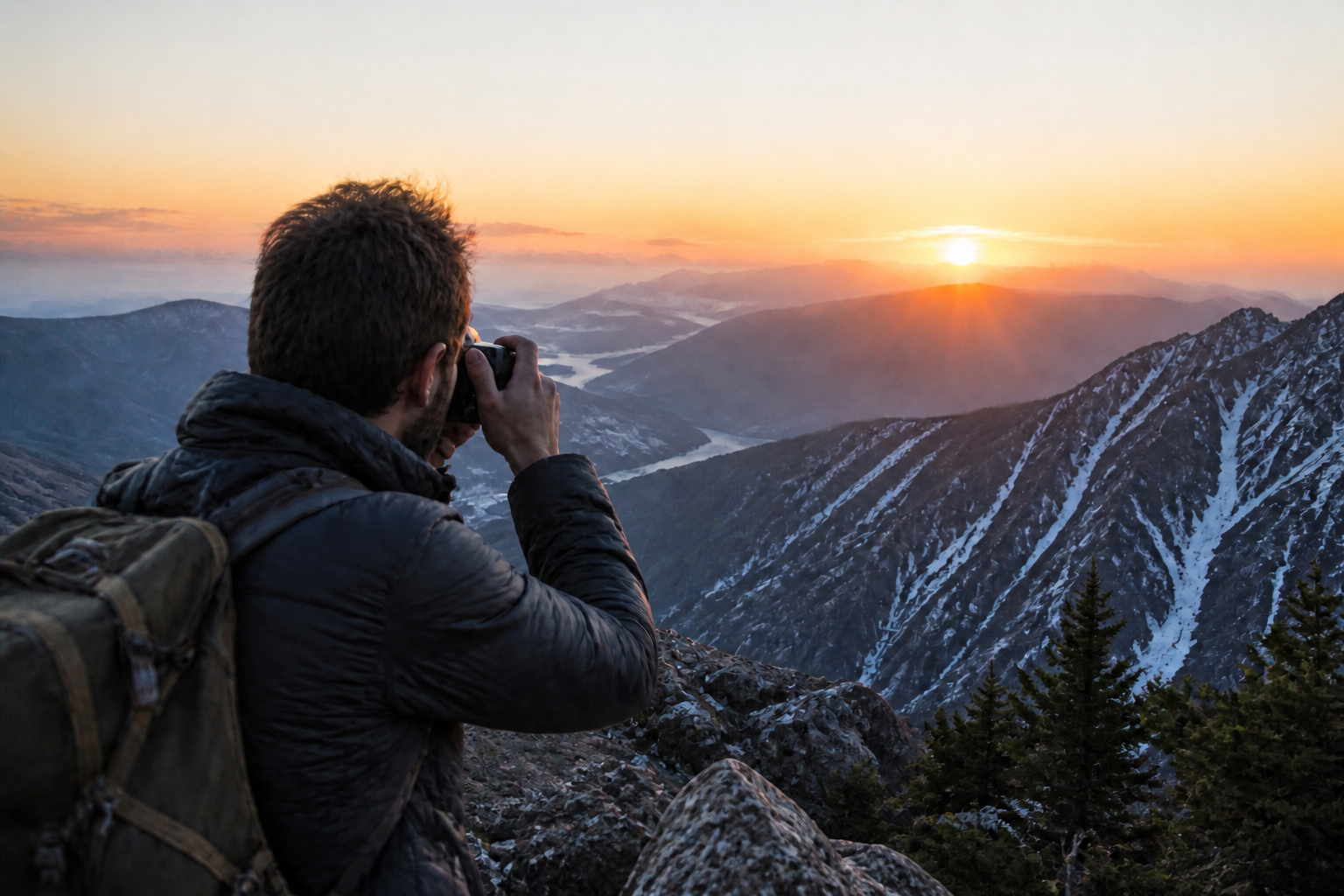
Blurry photos often fail because edges, textures, and facial features all soften at once. This tool sharpens the image in one step so the result reads clearly at a glance. You do not need to mask subjects or manually paint detail back in. It is a quick way to rescue images that are almost good enough but not quite usable.
Keep the original look
Sharpening is useful only when the image still feels like your photo. Our AI focuses on clarity while preserving the original framing, lighting, and overall mood. That matters for client work, listings, and personal memories where you want a cleaner version, not a different scene. It saves time compared with aggressive manual filters that can make photos look harsh or fake.
Sharpen text and products
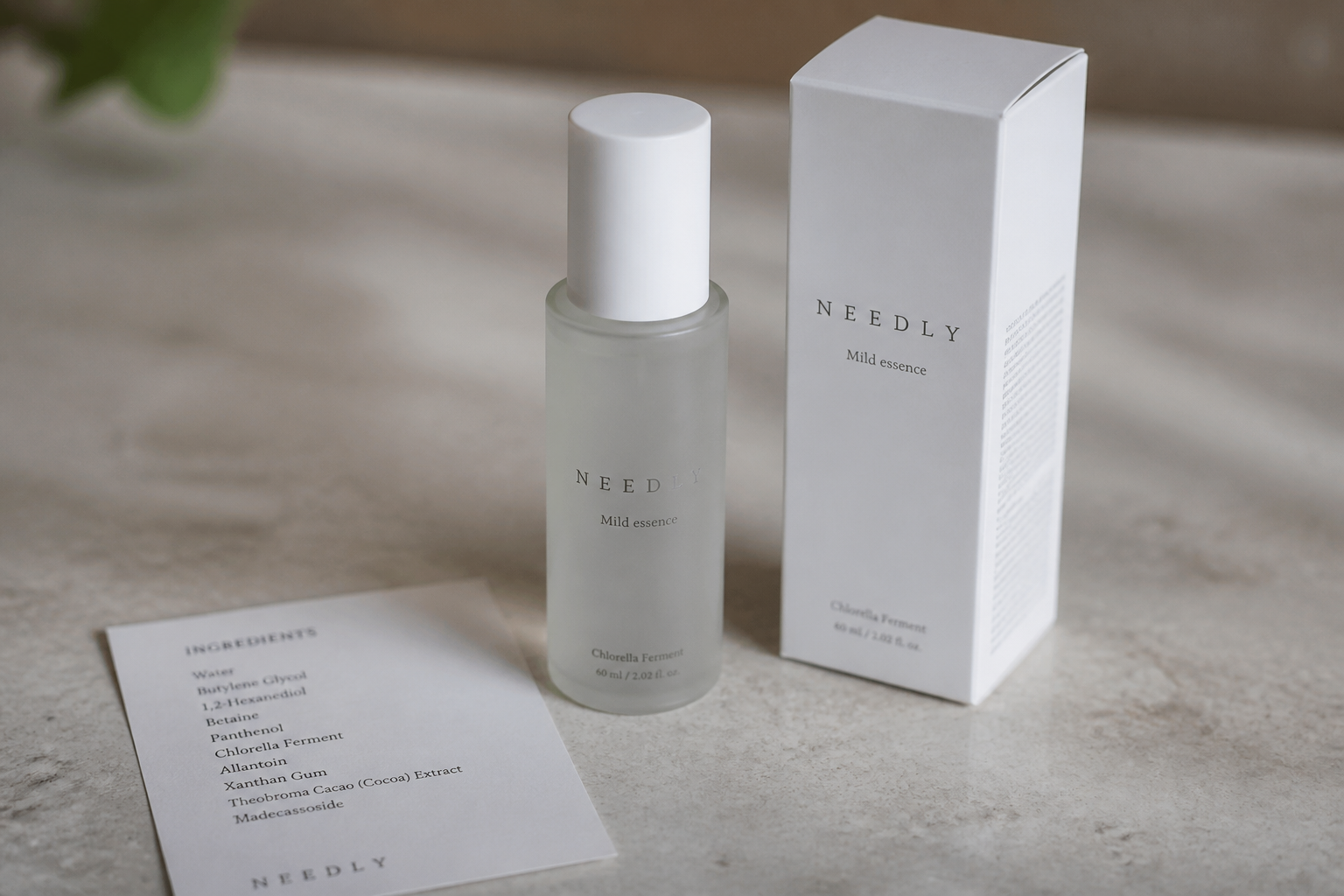
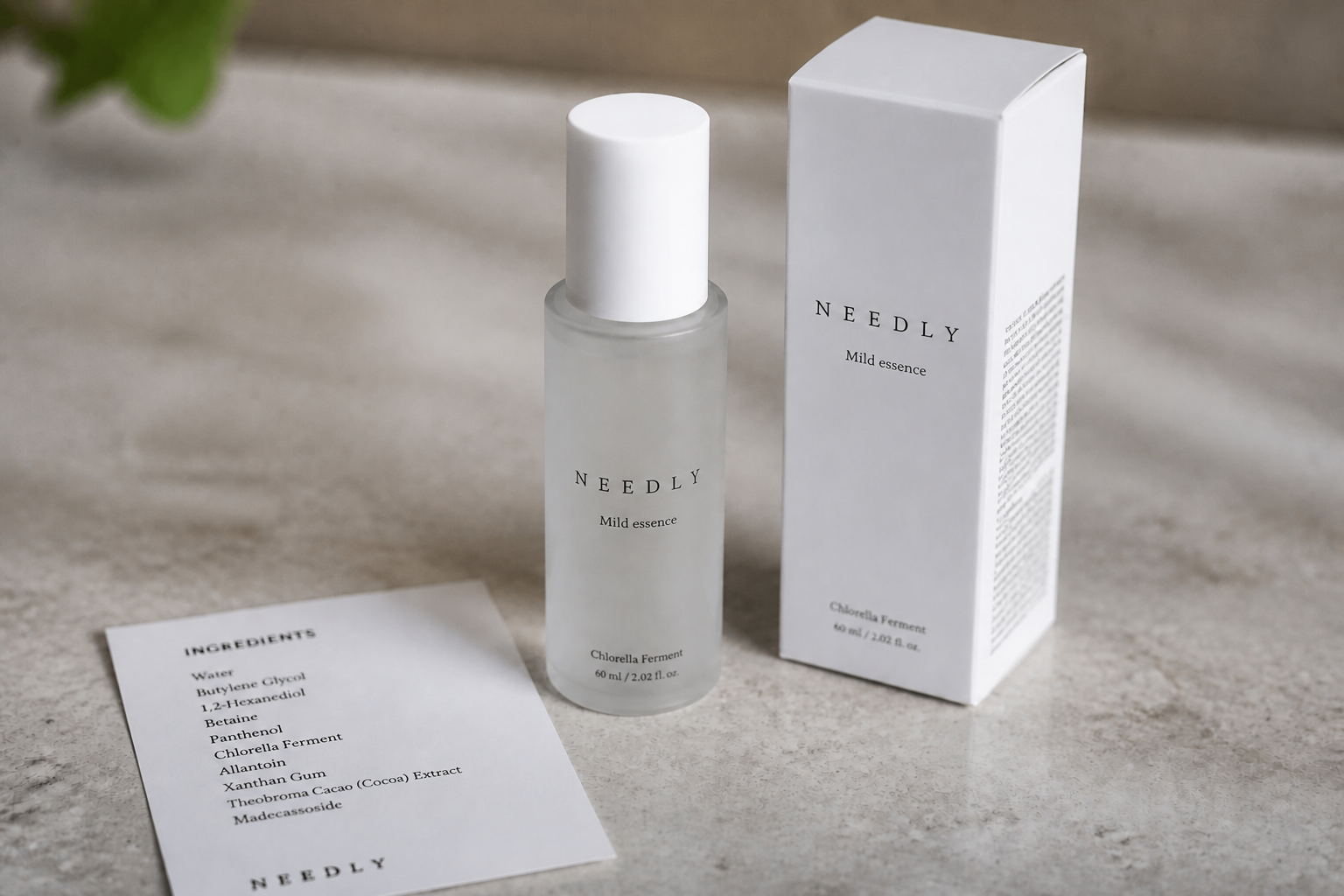
Blurry text, labels, and product edges can make an image unusable for sales or sharing. This tool improves legibility and restores cleaner lines on packaging, cards, menus, and ecommerce shots. It is especially helpful when you have one decent photo but need it to look more polished. Instead of stacking multiple clarity tools, you can make the edit in one pass.
Works across everyday photos
Not every blurry image is the same. Some come from motion, some from soft focus, and some from low-light shooting. This tool is built for common photo types like portraits, pets, food, travel, and casual phone shots, so you can try the same workflow on many images. That makes it more practical than learning separate editing techniques for every case.
How It Works
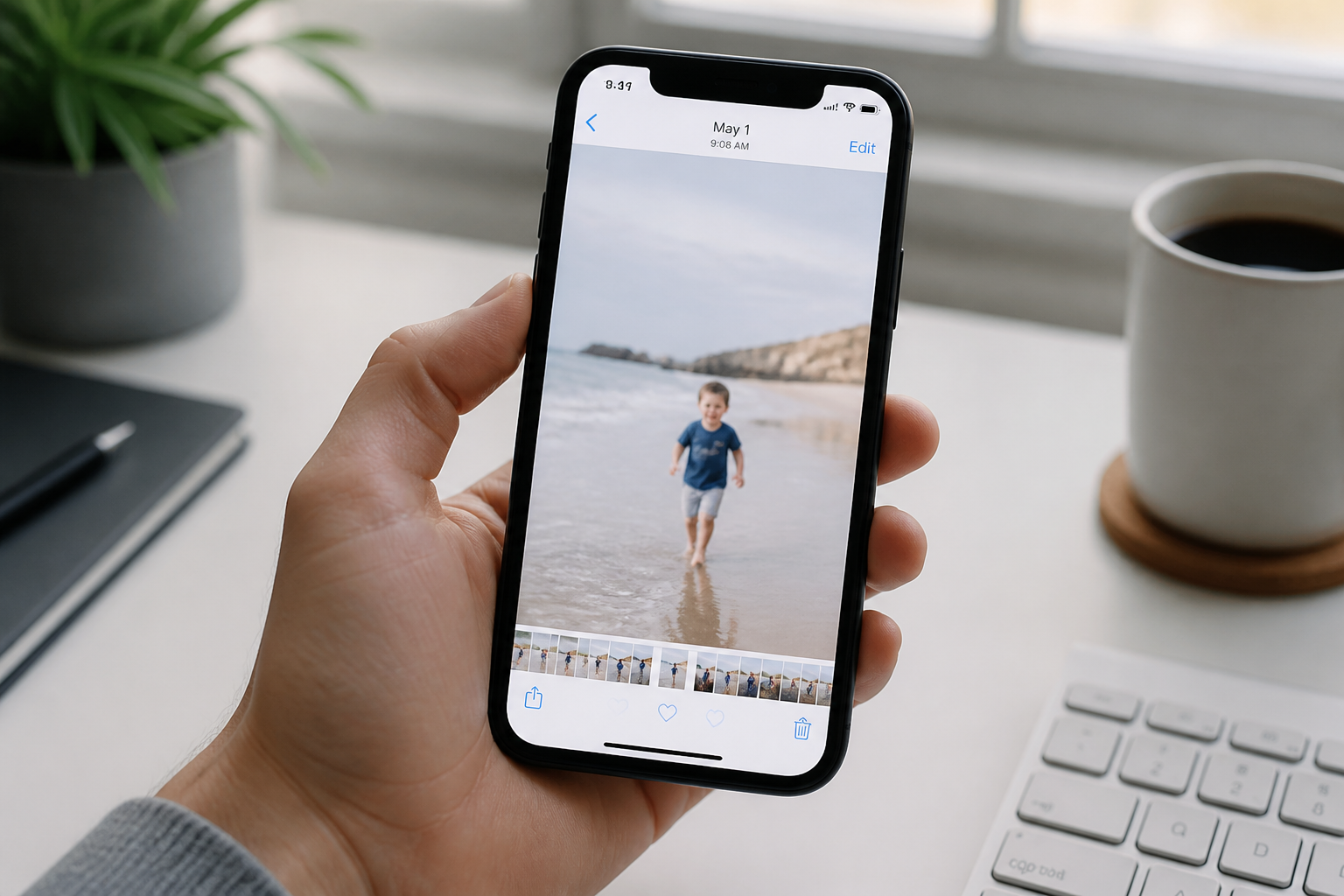
Upload your photo
Start with the blurry image you want to improve. Portraits, product shots, food photos, and casual phone images all work well.
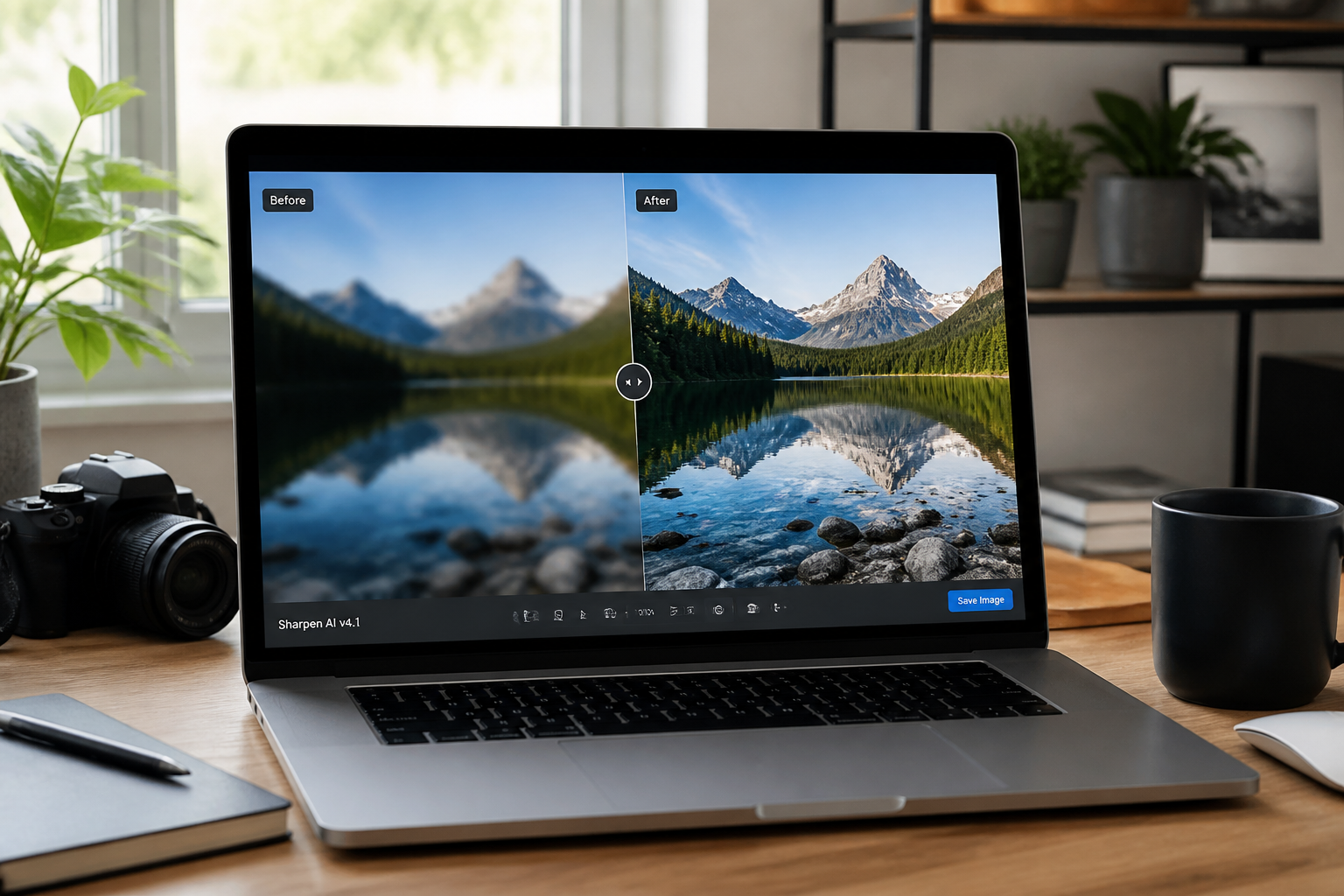
Pick the sharper result
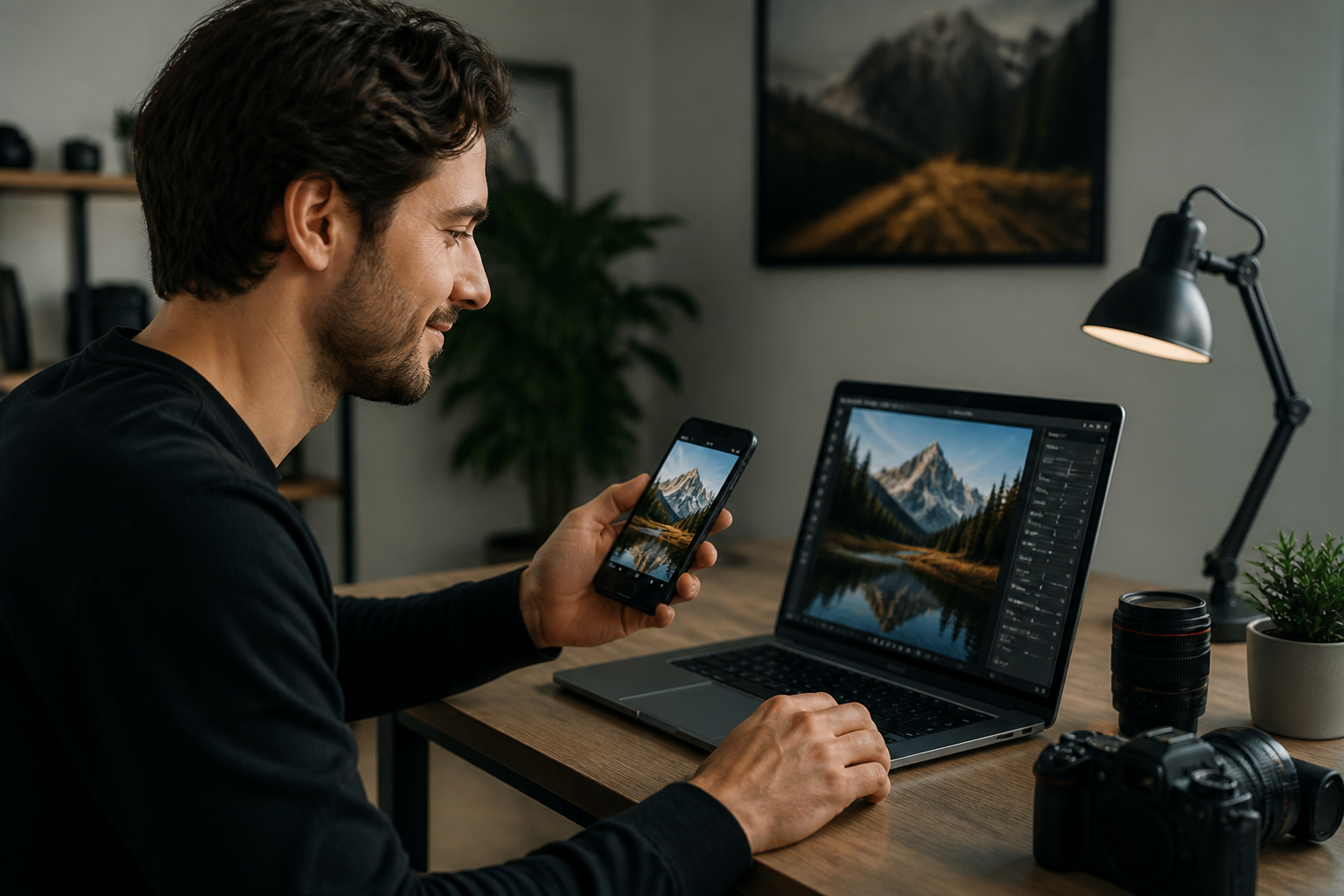
Run the edit and compare the before and after. Look for cleaner edges, clearer faces, and more readable detail without changing the scene.
Download and use it
Save the sharpened image when it looks right. Use it for listings, posts, portfolios, menus, or personal photos you want to keep.
Perfect For
Discover how creators and professionals use image unblur tool
Fix phone photos
Rescue everyday shots that came out soft from motion, focus misses, or low light.
Improve product listings
Make item edges, textures, and labels clearer for ecommerce and marketplace images.
Sharpen social posts
Clean up portraits, food photos, and travel shots before posting or sharing.
Restore readable text
Improve clarity on menus, cards, signs, invitations, and other text-heavy images.
Built For
Online sellers
Sharpen product photos, packaging, and listing images without re-shooting everything.
Creators and marketers
Clean up social, campaign, and portfolio images that are strong but slightly soft.
Everyday users
Fix personal photos from trips, pets, meals, and family moments that deserve a clearer version.
How this compares
A quick look at how we compare on the things that matter for this niche.
| Feature | BudgetPixel | Generic AI editors | Manual editing apps |
|---|---|---|---|
| Made for blurry photo fixes | ✓ | ✓ | — |
| Simple before/after workflow | ✓ | ✓ | — |
| Keeps original composition | ✓ | — | ✓ |
| Useful for faces, products, and text | ✓ | — | — |
| No manual masking required | ✓ | ✓ | — |
Frequently Asked Questions
What kinds of blurry images work best?
Will it change my photo too much?
Can it make text more readable?
Does it work for portraits?
Do I need editing skills to use it?
Create together.
Share your creations, discover trending AI art, and grow with fellow creators.