AI Blur Remover for Sharper Photos
Clean up soft, blurry images in a few clicks.
AI Blur Remover helps fix photos that look soft from motion, focus issues, or low-light shooting. Upload your image, sharpen important details, and keep the overall scene natural instead of overprocessed.
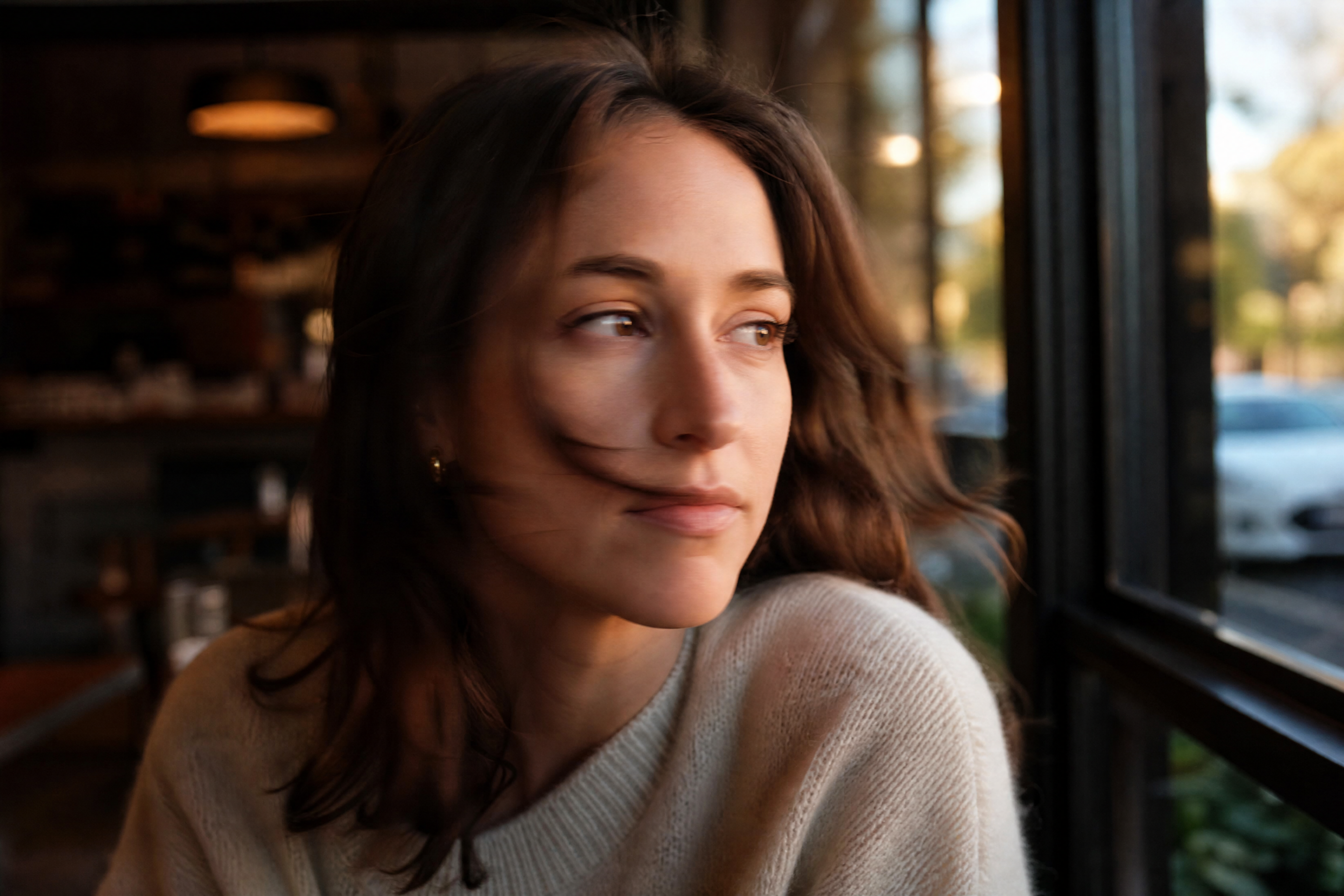
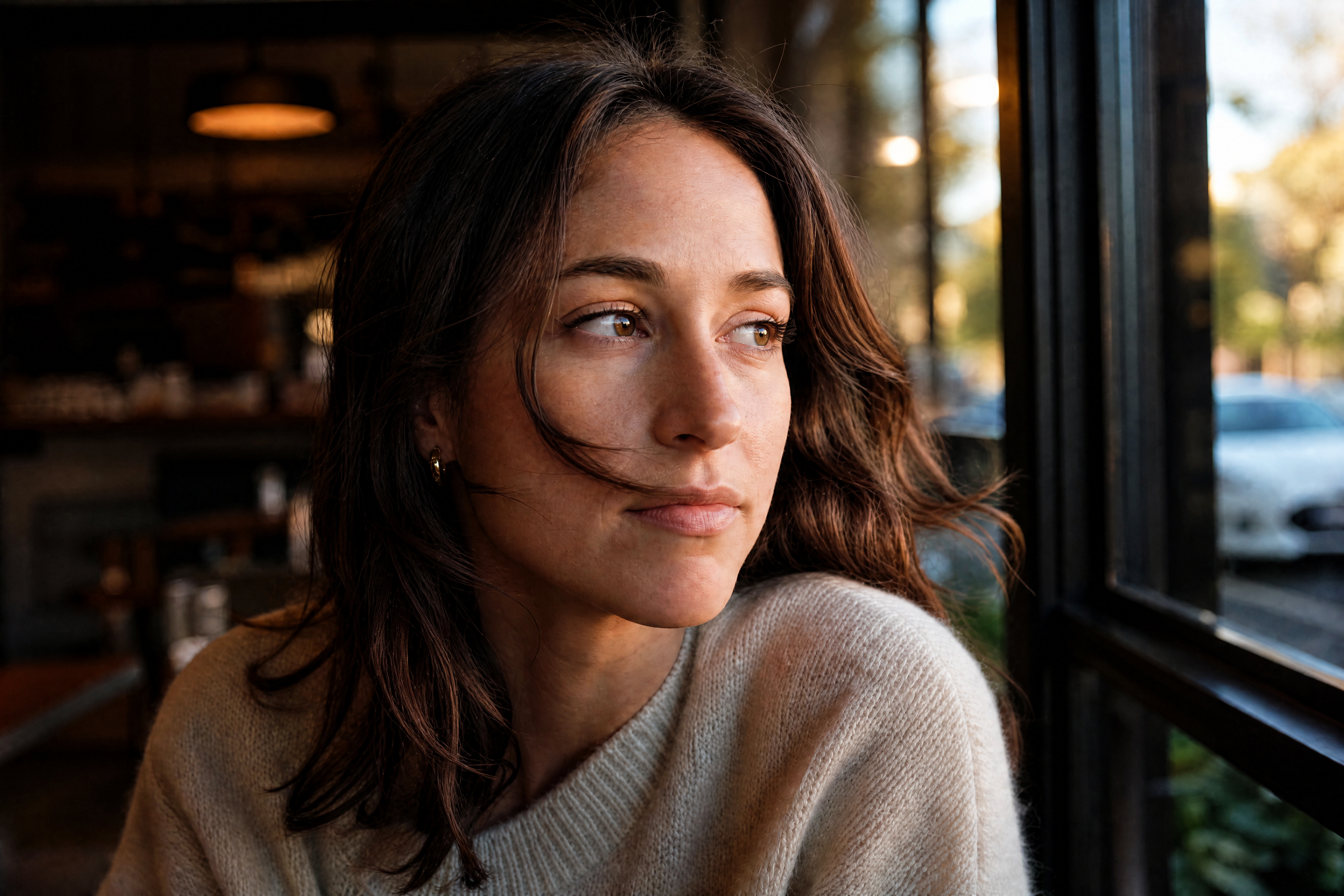
Watch the Transformation
See ai blur remover in motion — generated end-to-end by our AI.
See It In Action
Real outputs from ai blur remover.
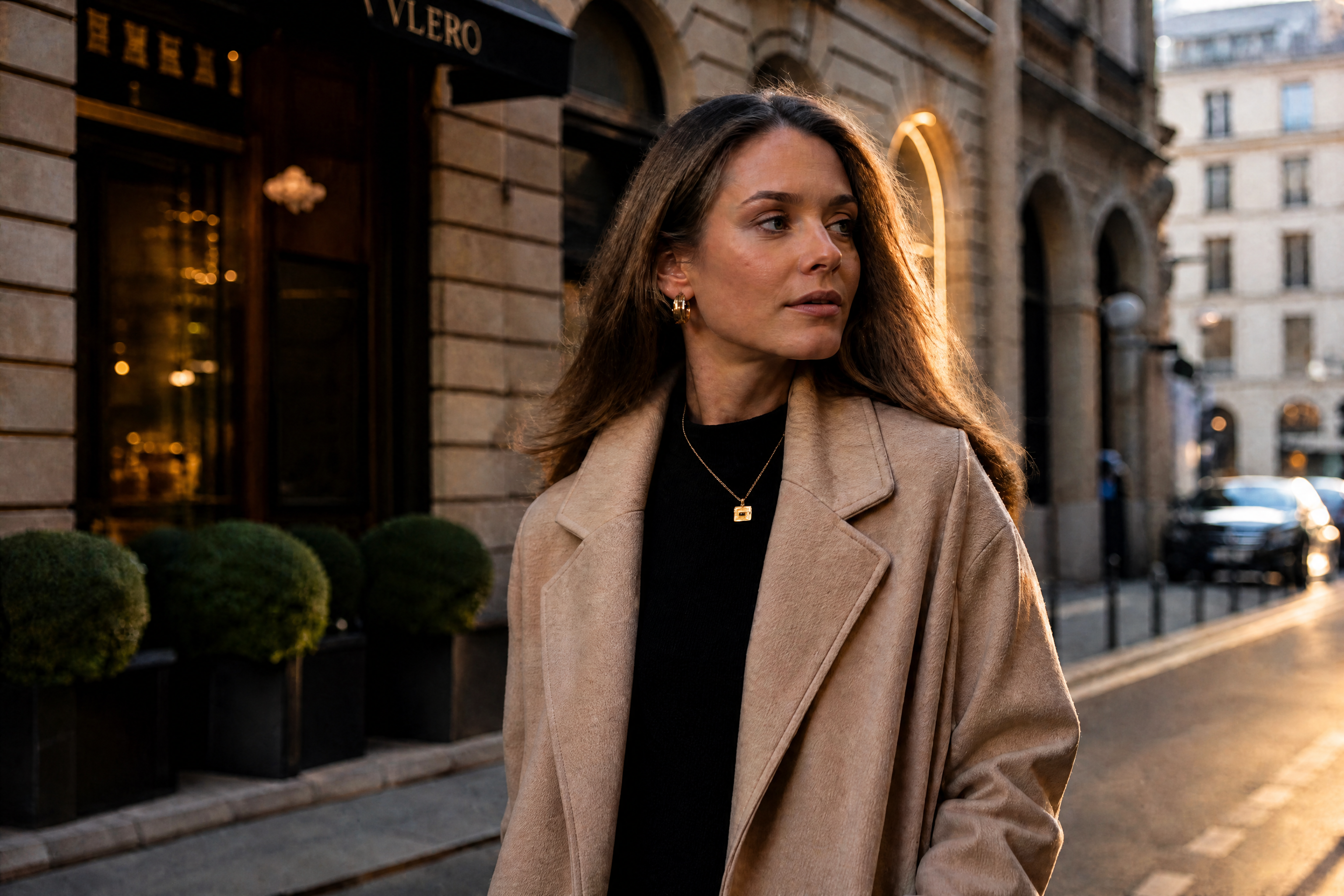
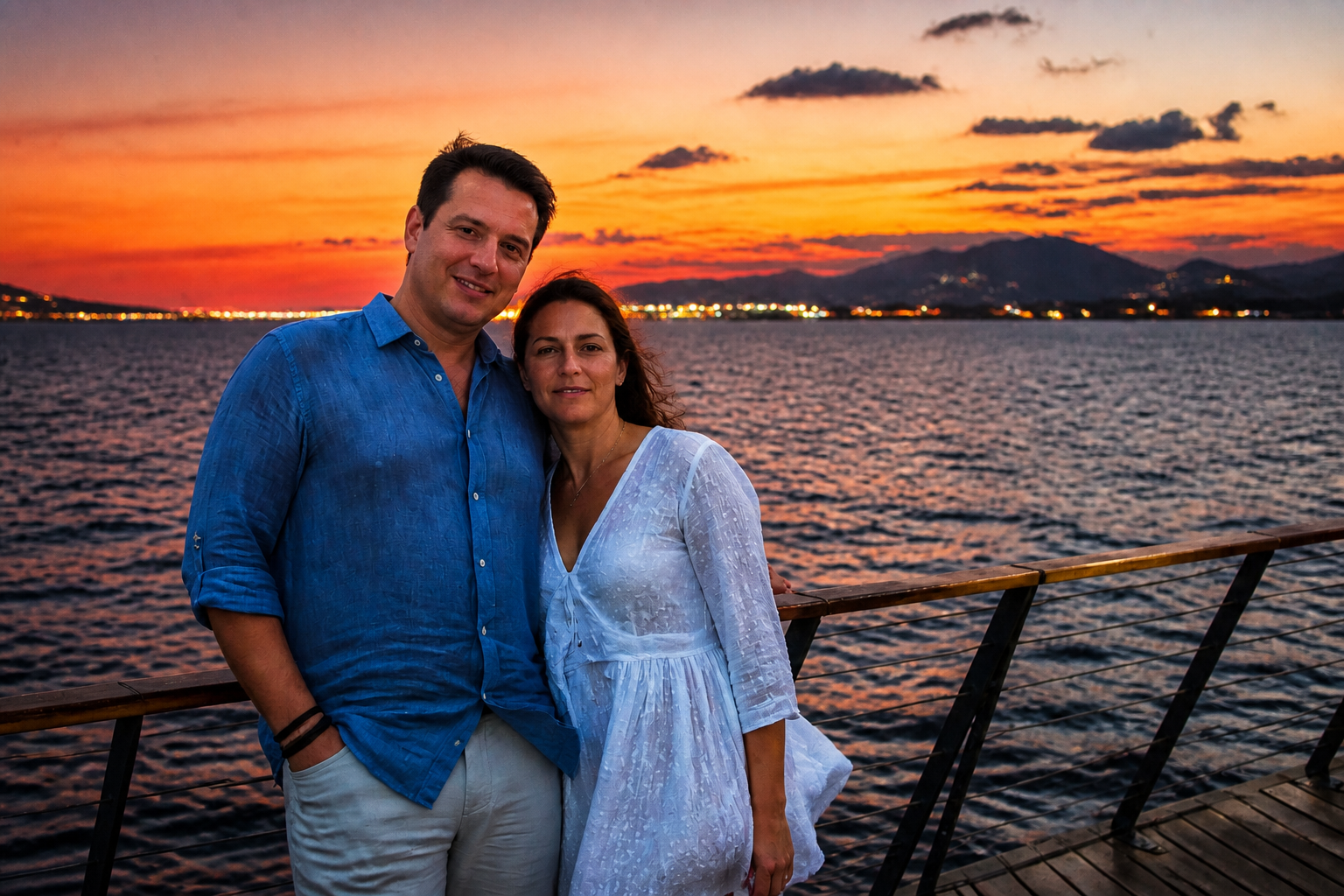
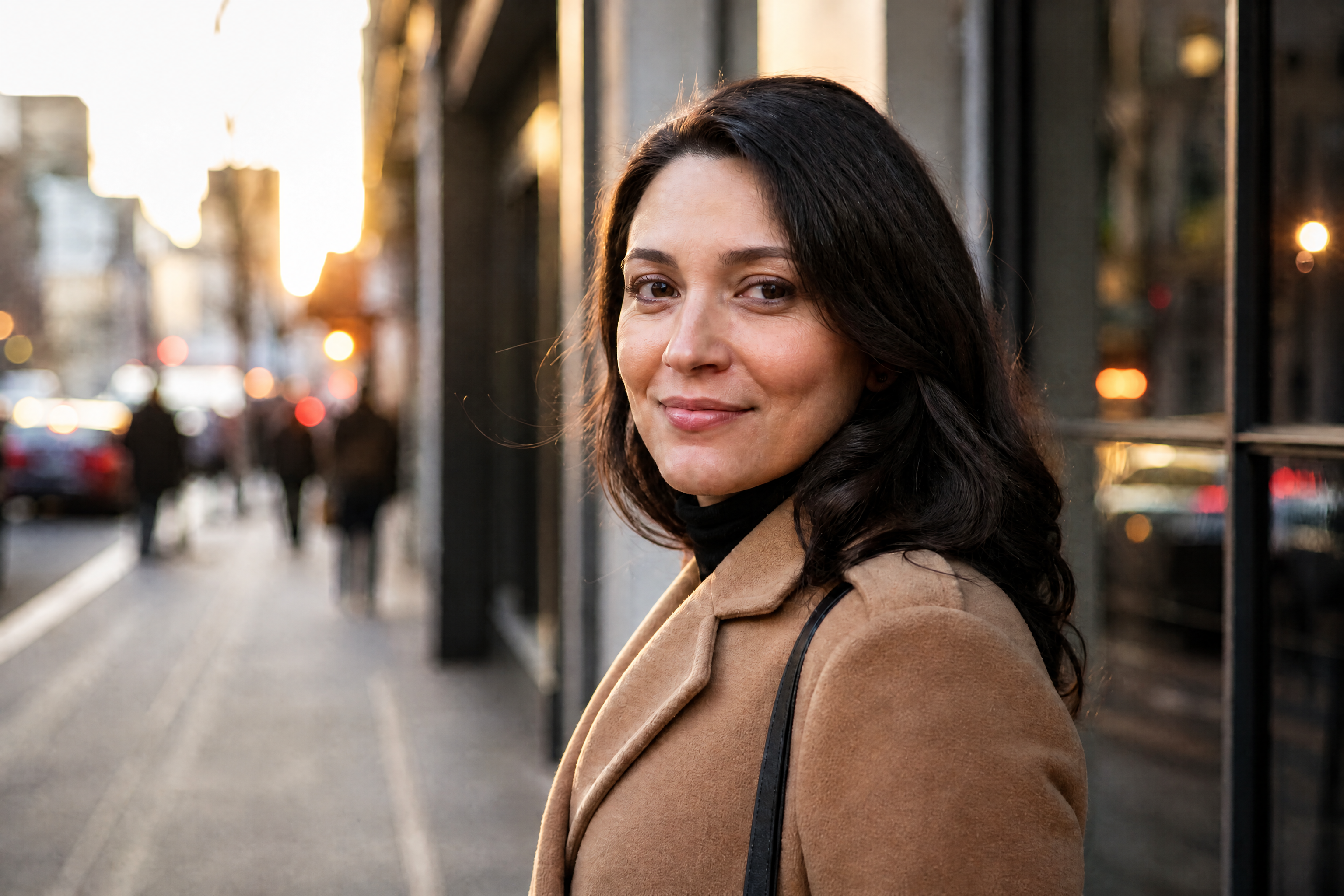
BEFOREAFTER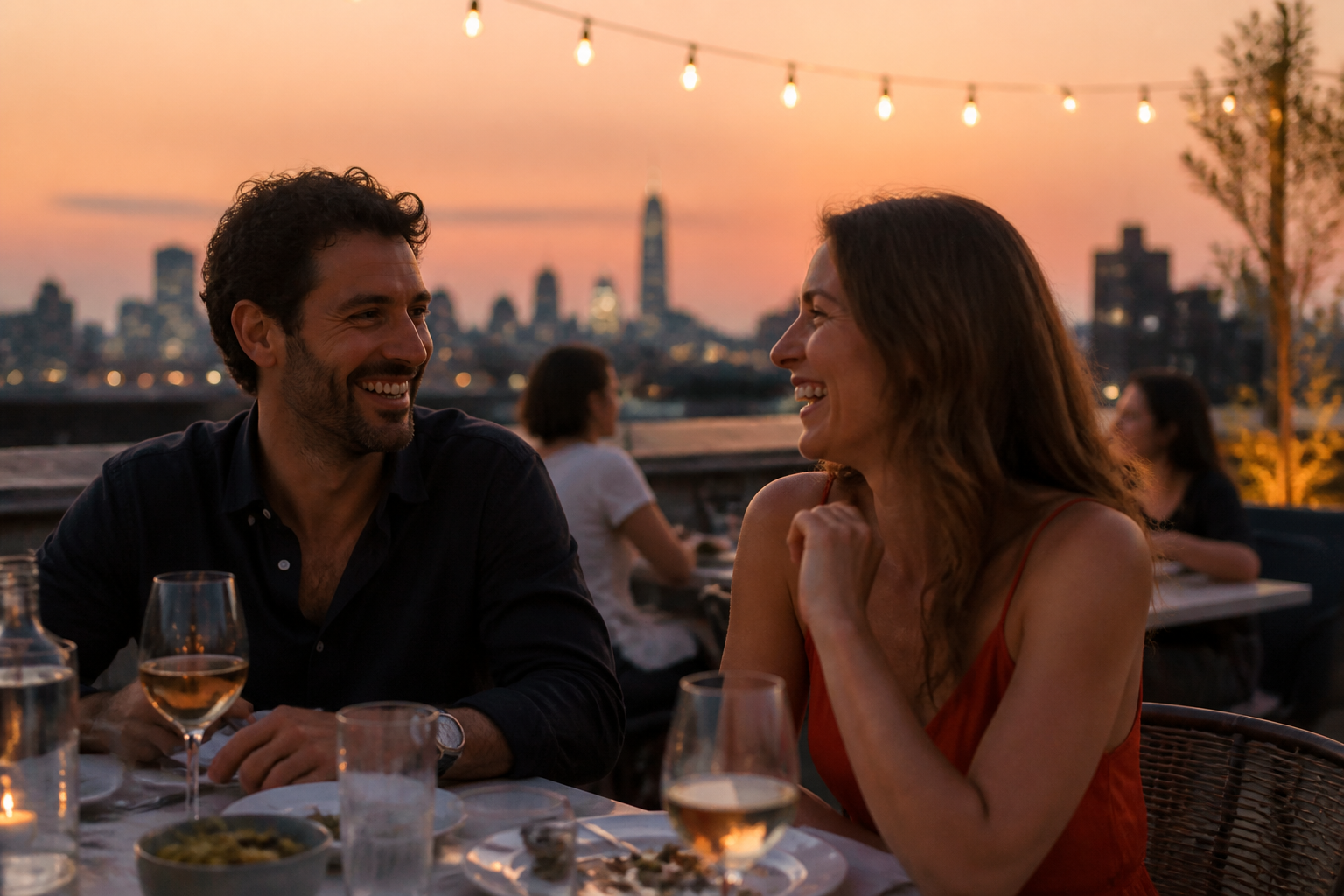 BEFORE
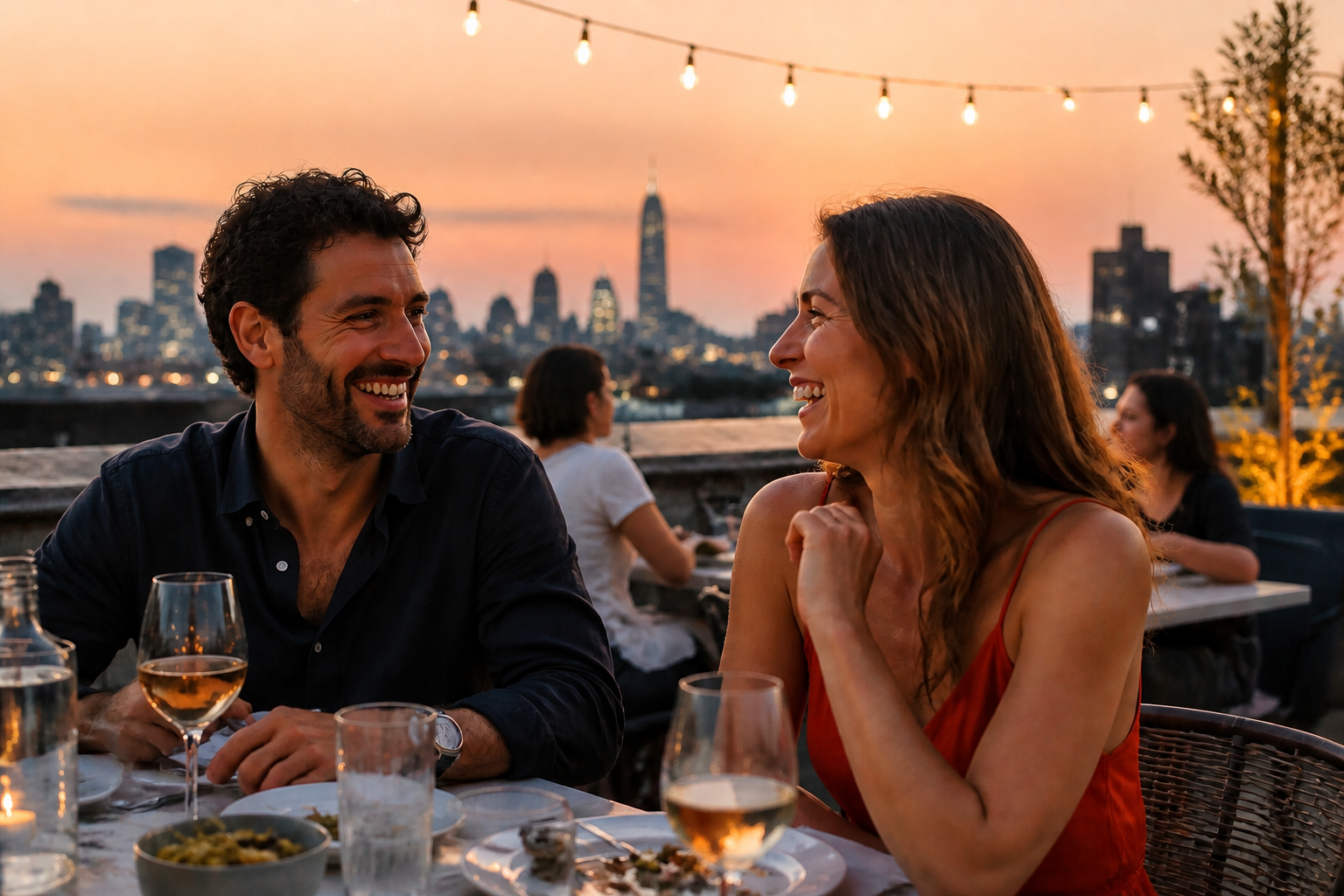 AFTER
AFTER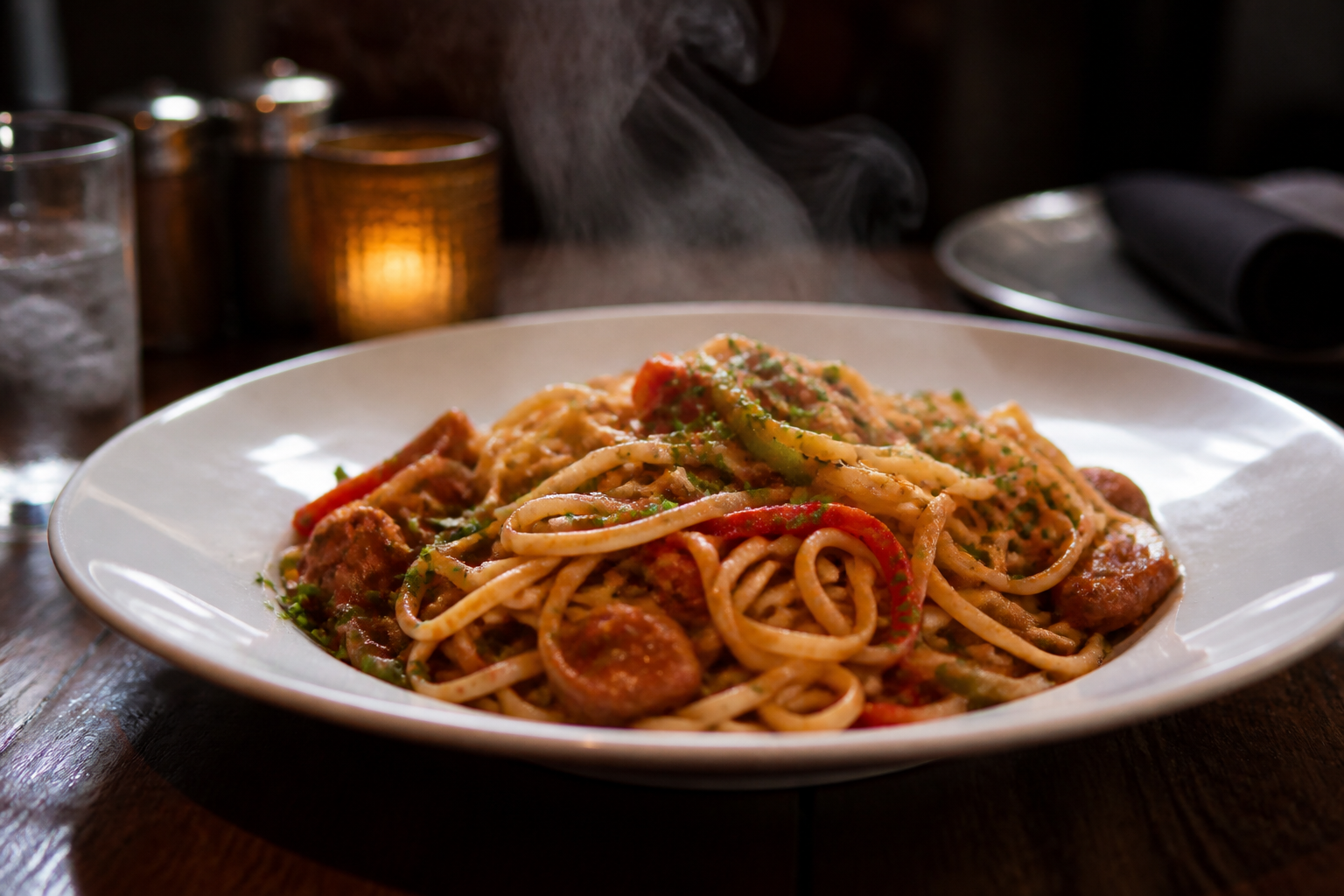 BEFORE
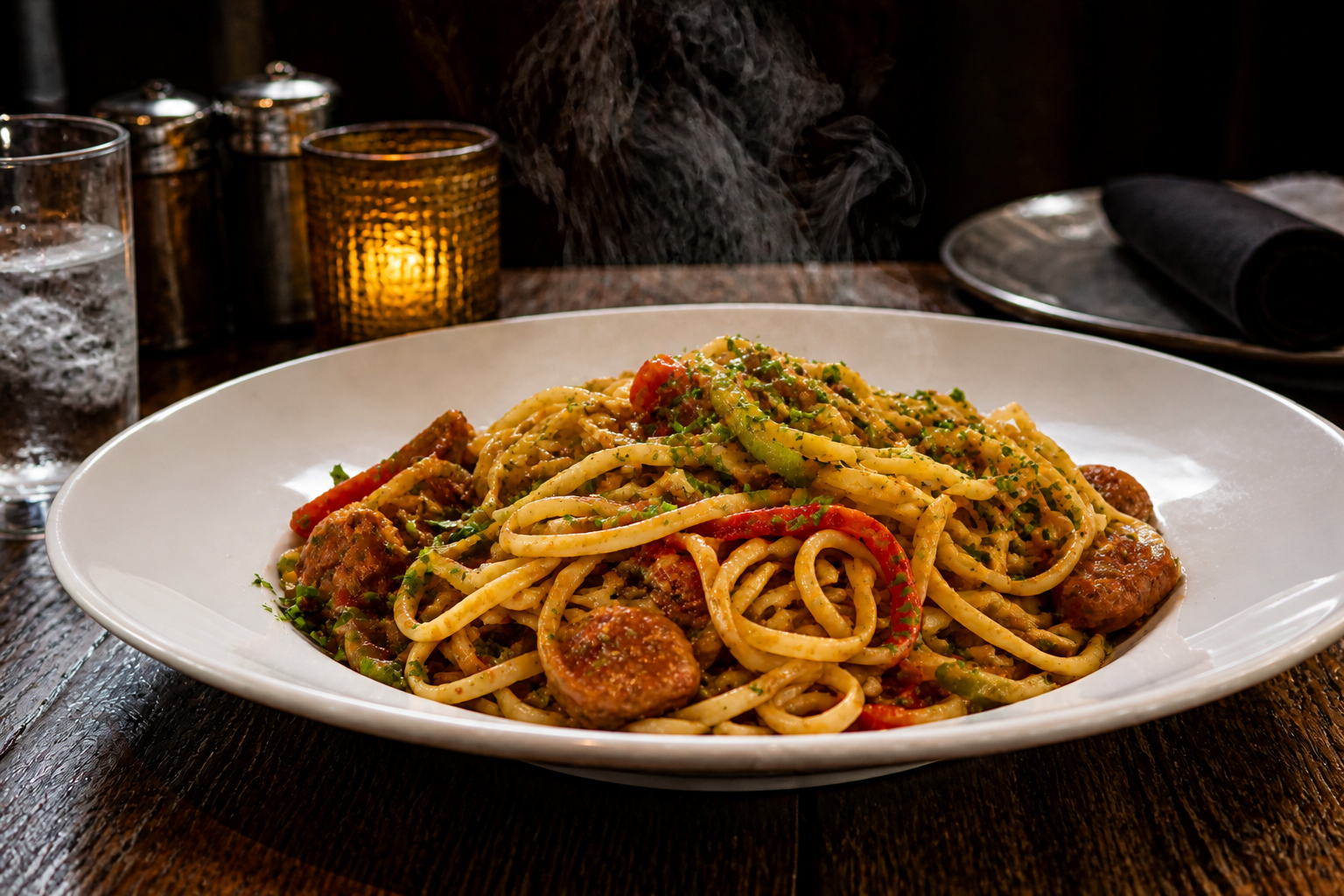 AFTER
AFTER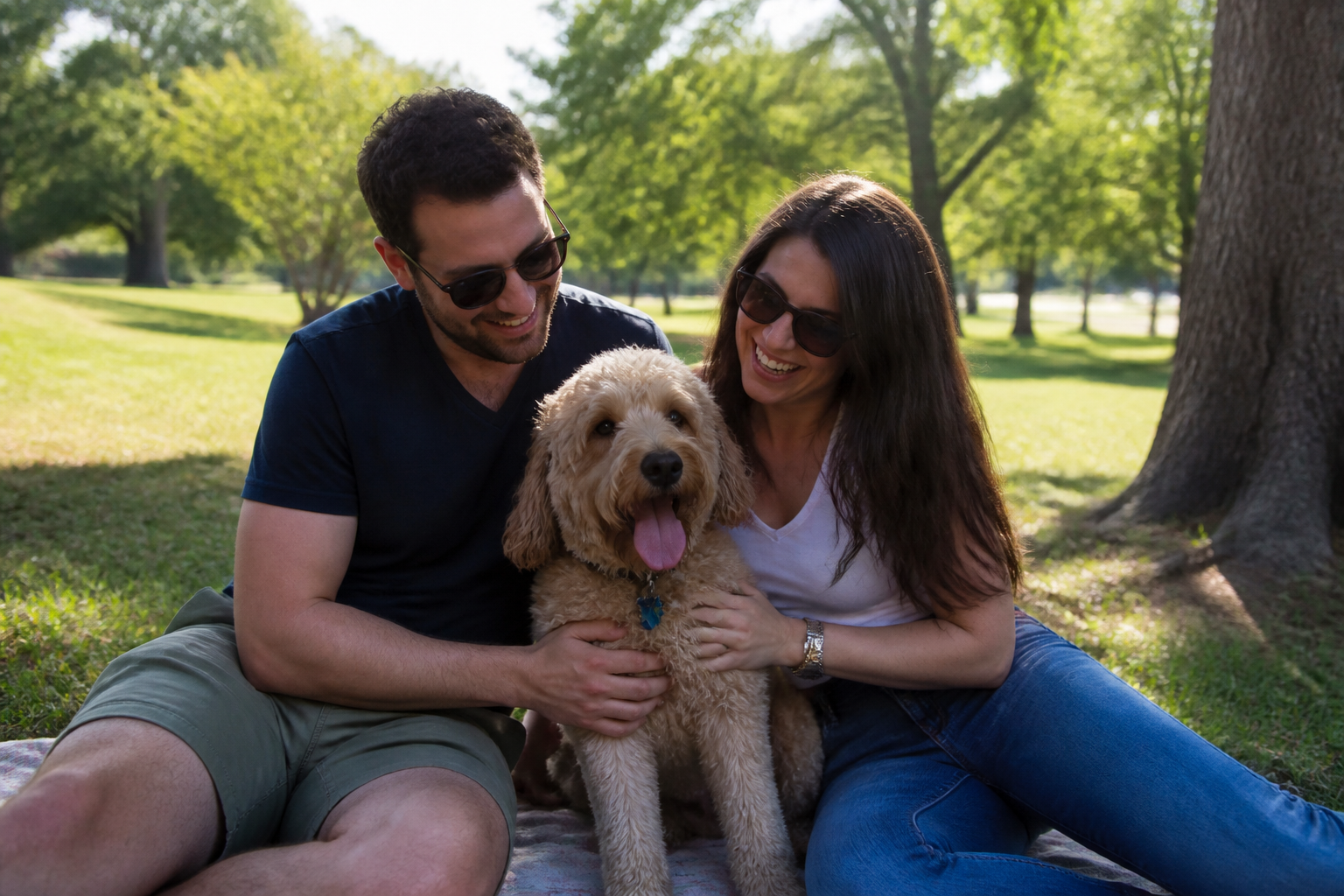 BEFORE
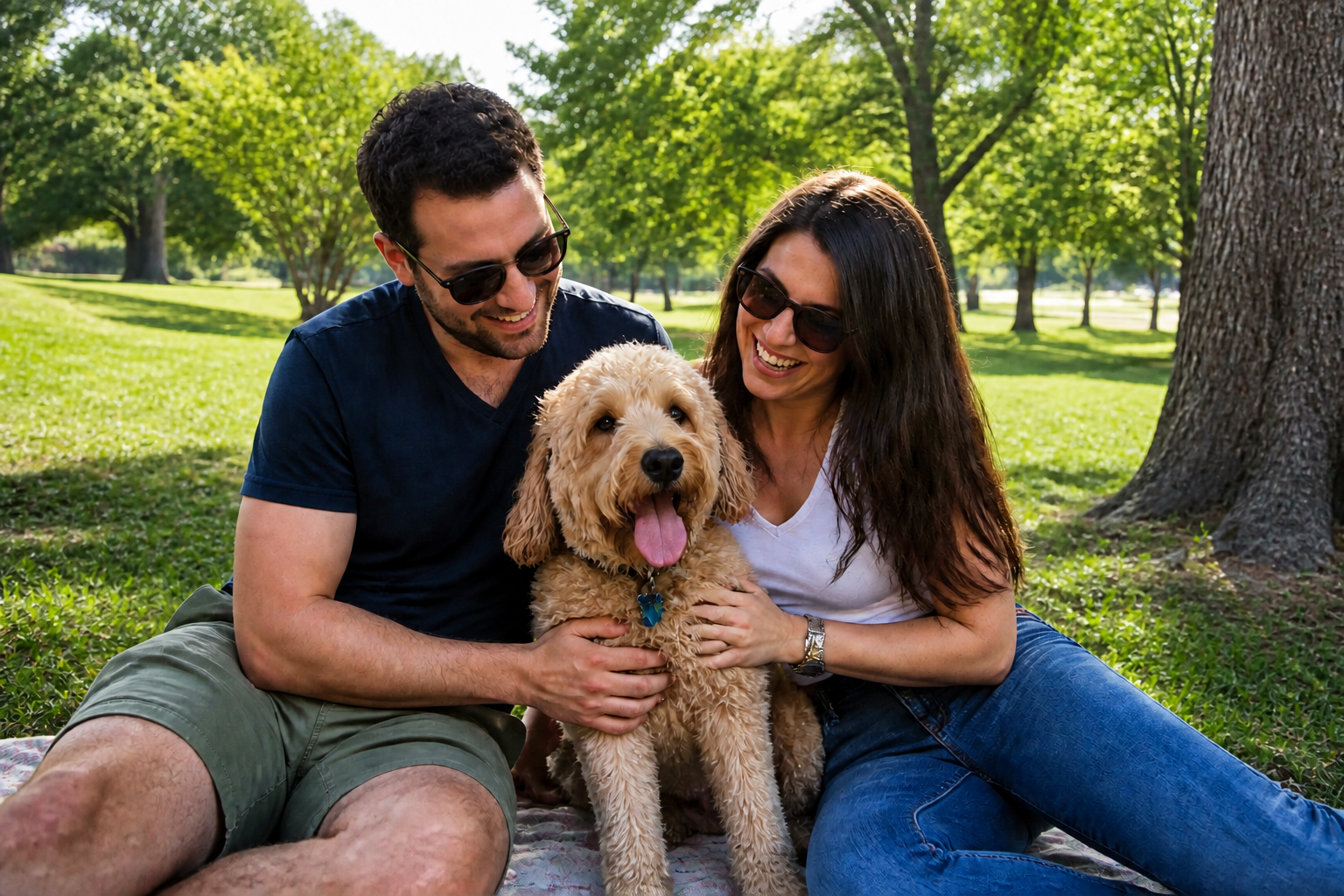 AFTER
AFTER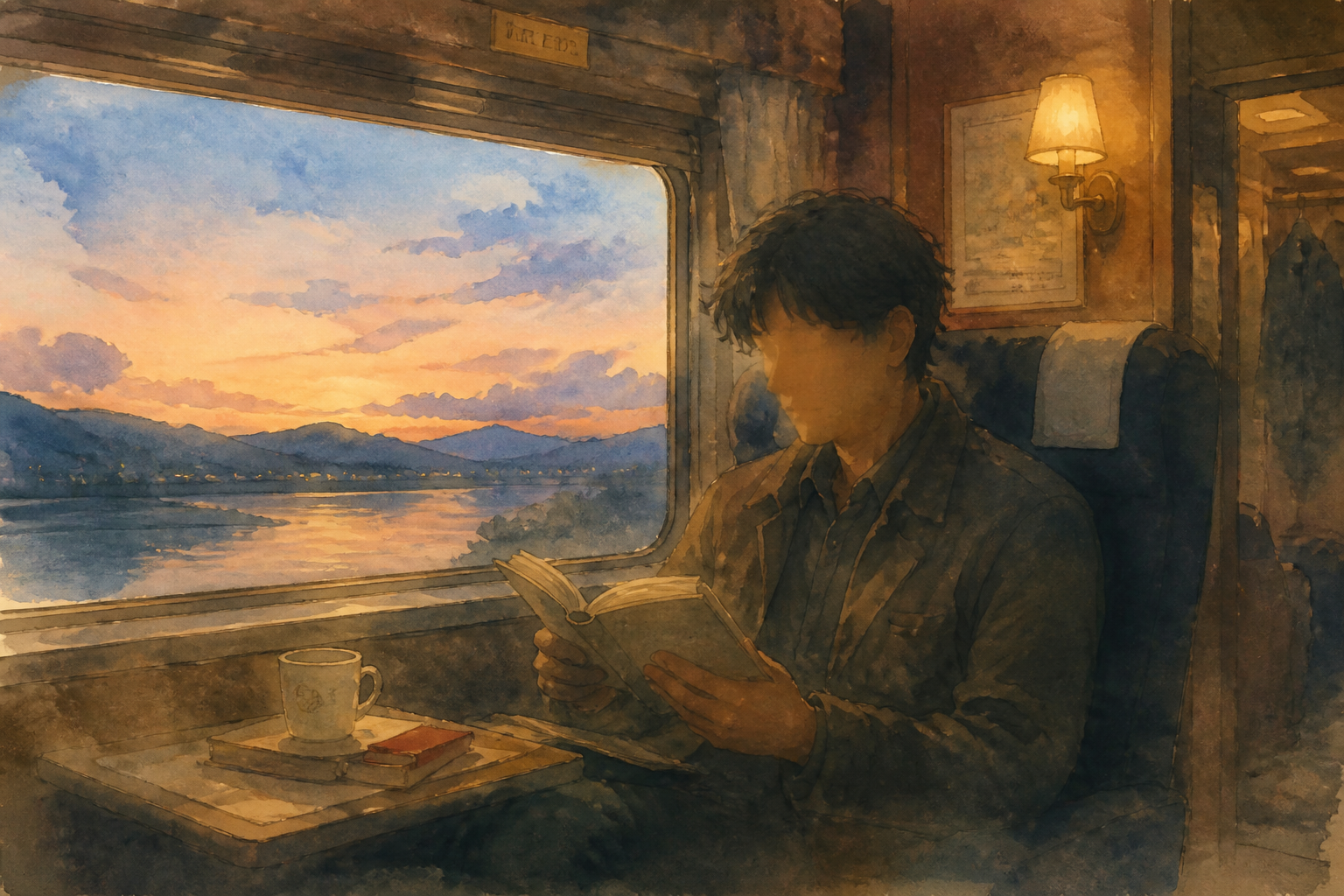 BEFORE
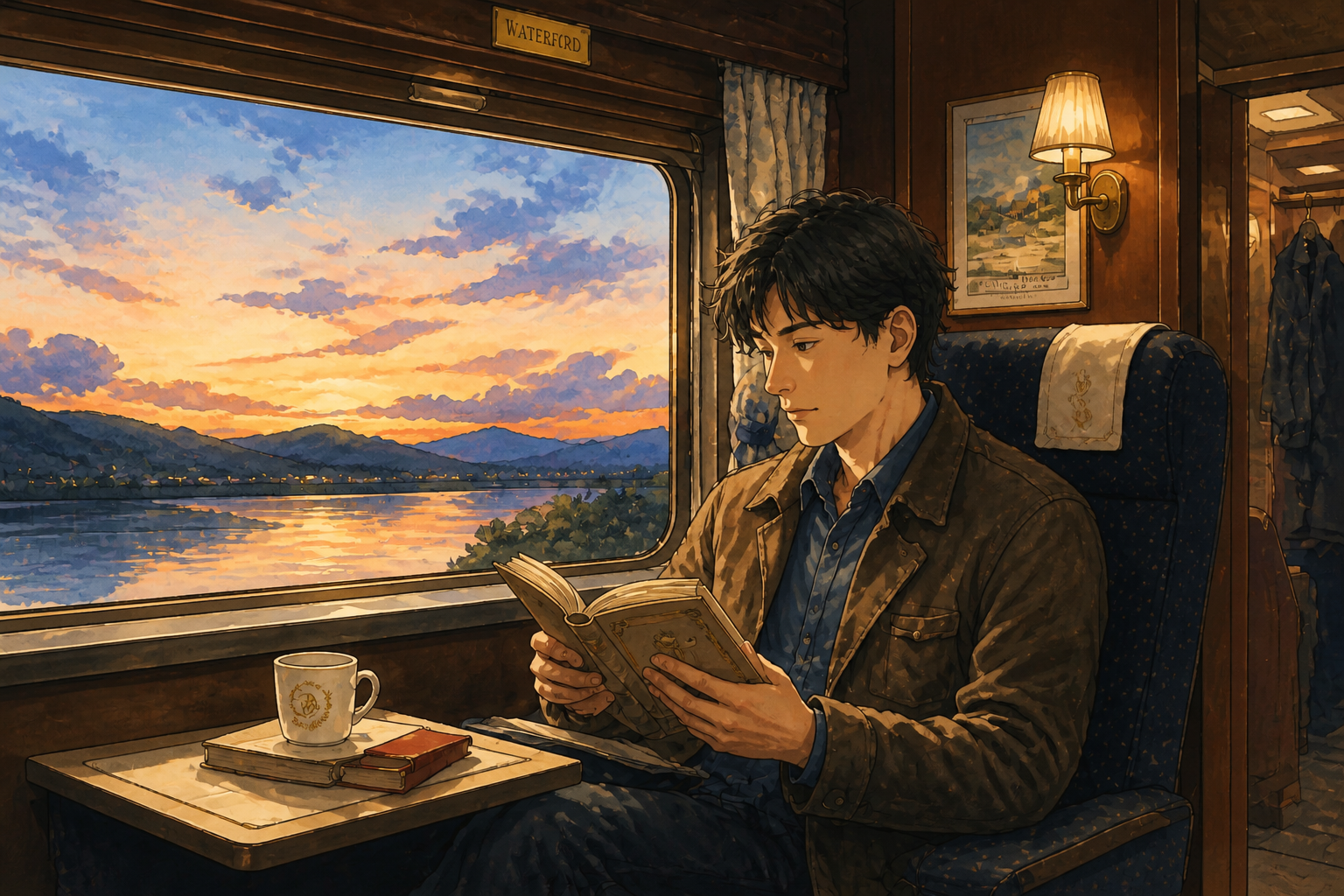 AFTERBEFOREAFTERBEFOREAFTERBEFOREAFTERBEFOREAFTERBEFOREAFTER
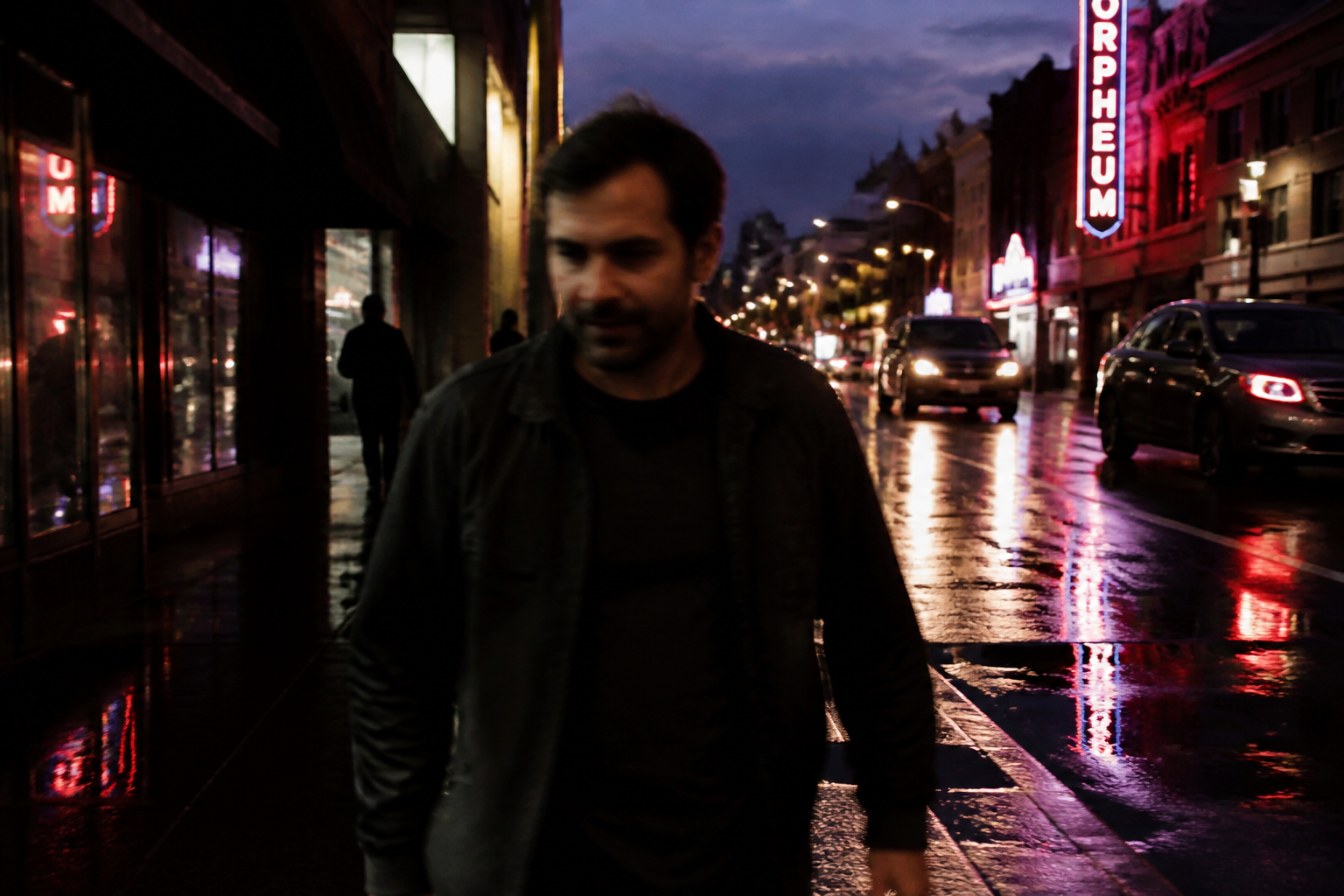 BEFORE
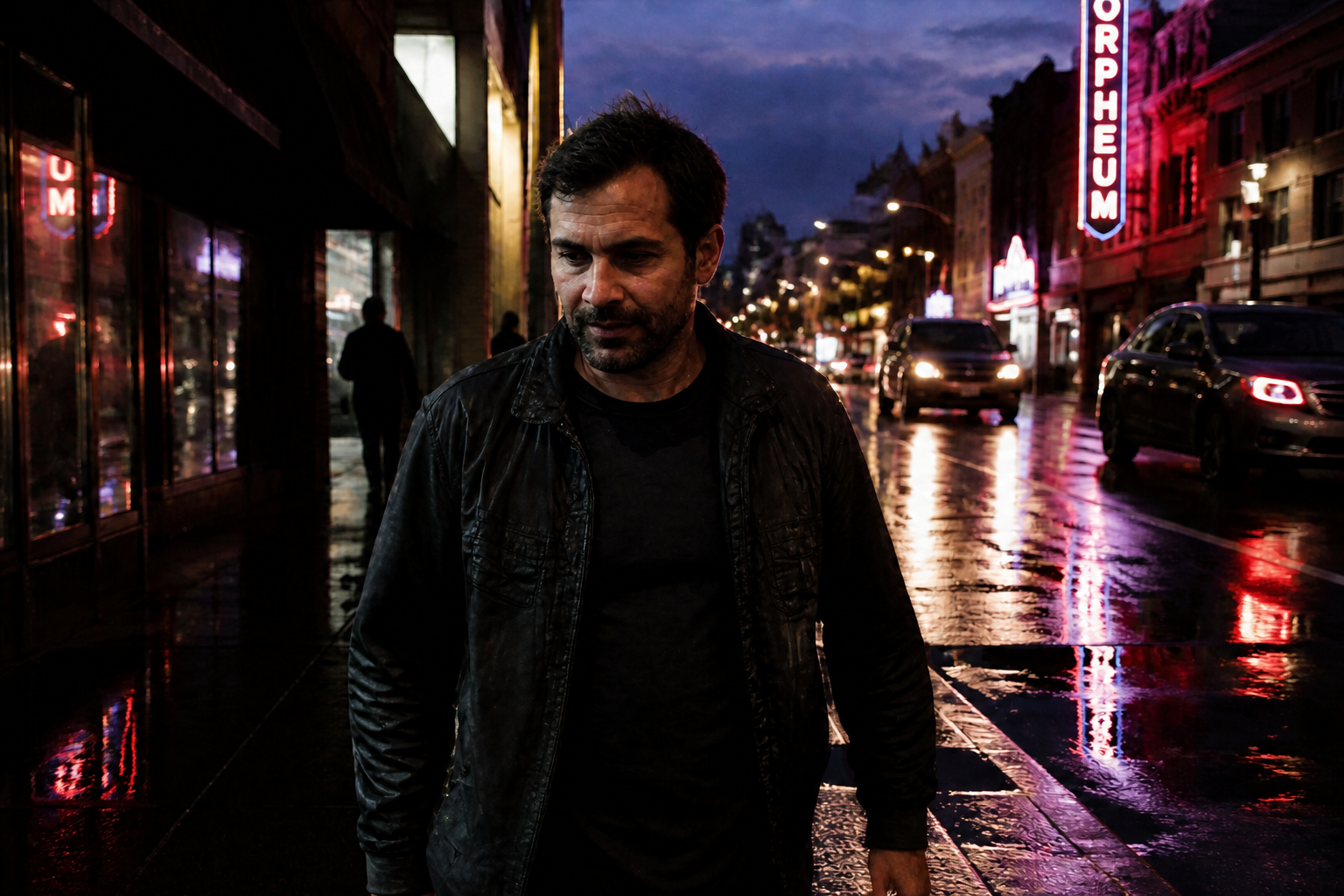 AFTER
AFTER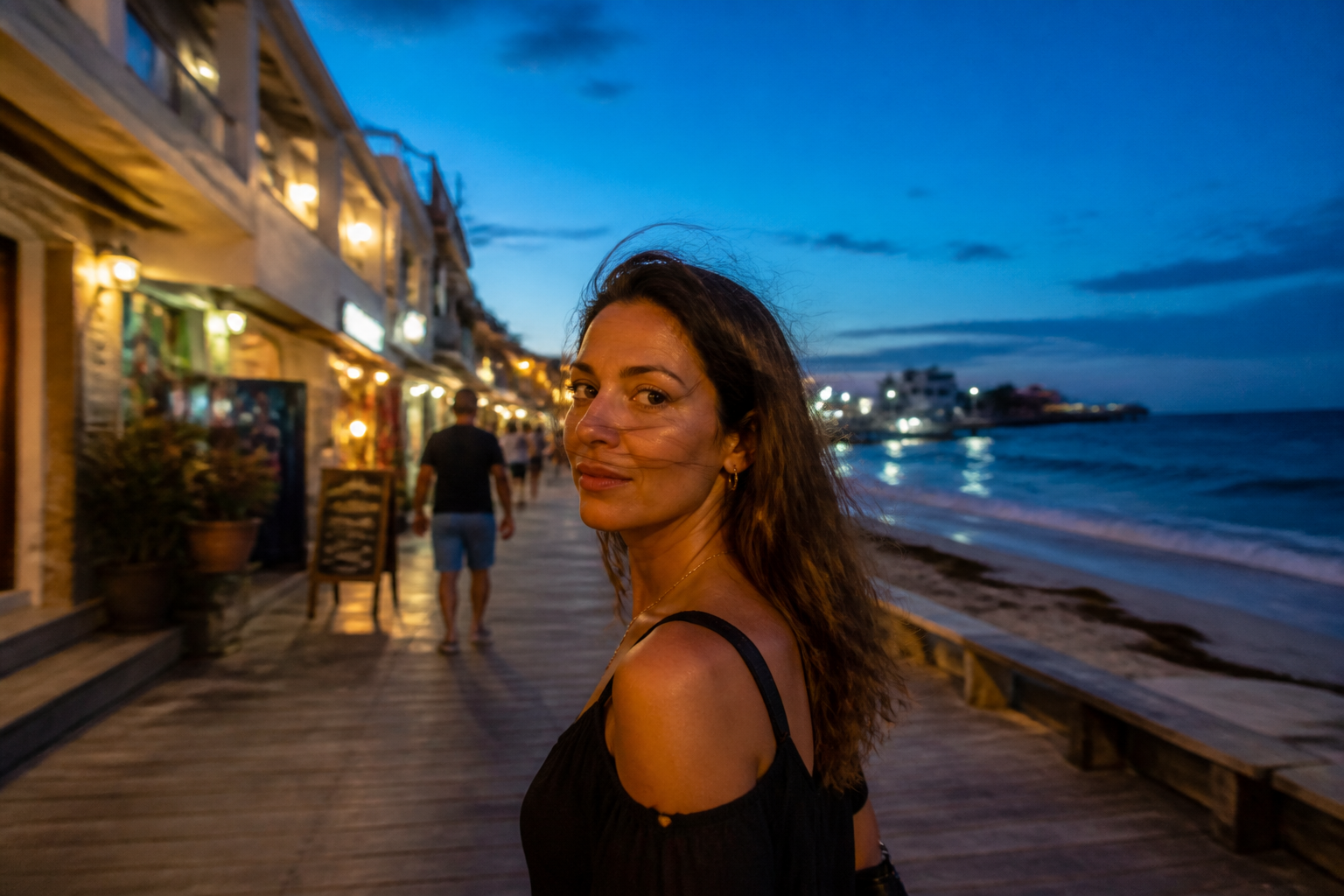 BEFORE
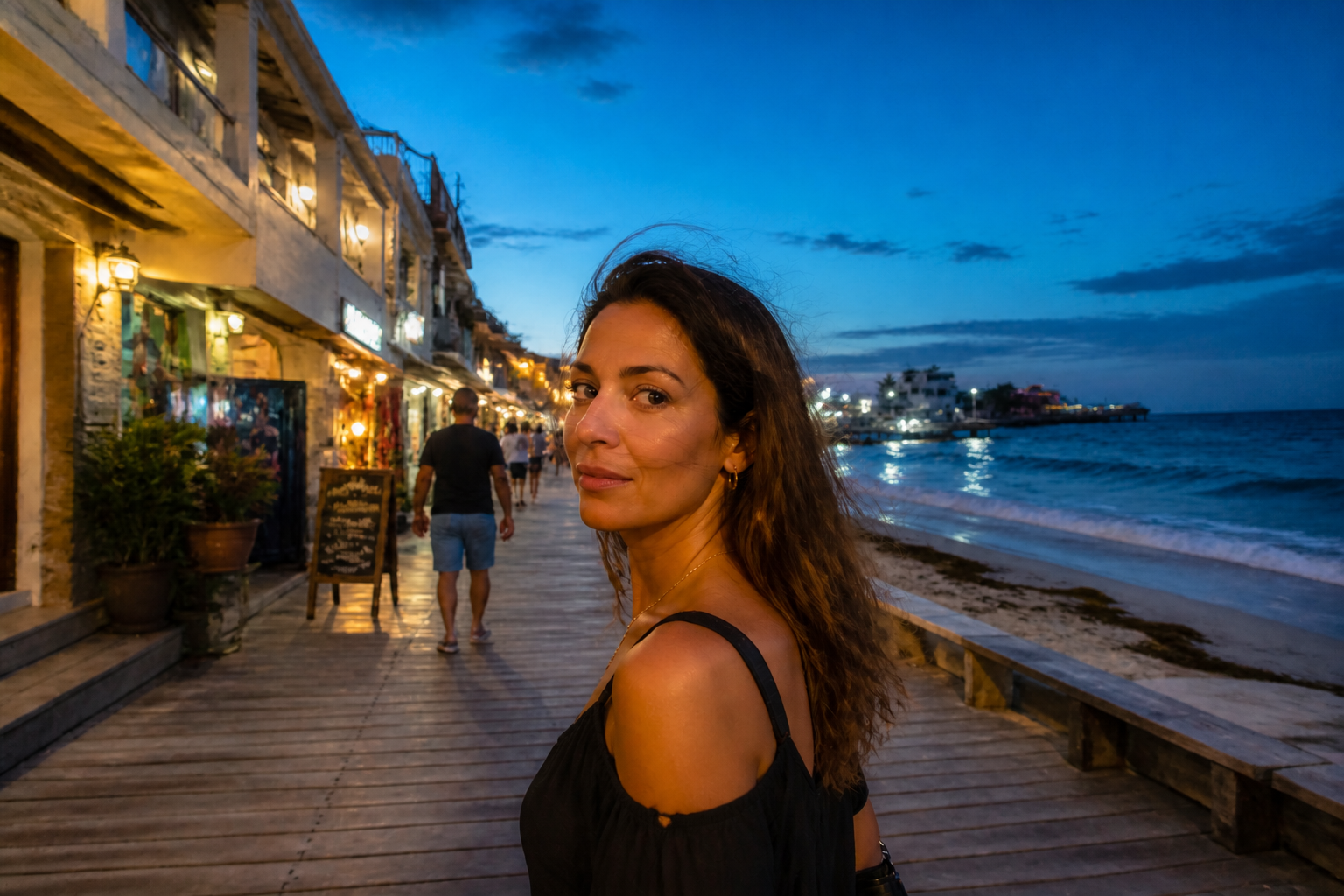 AFTER
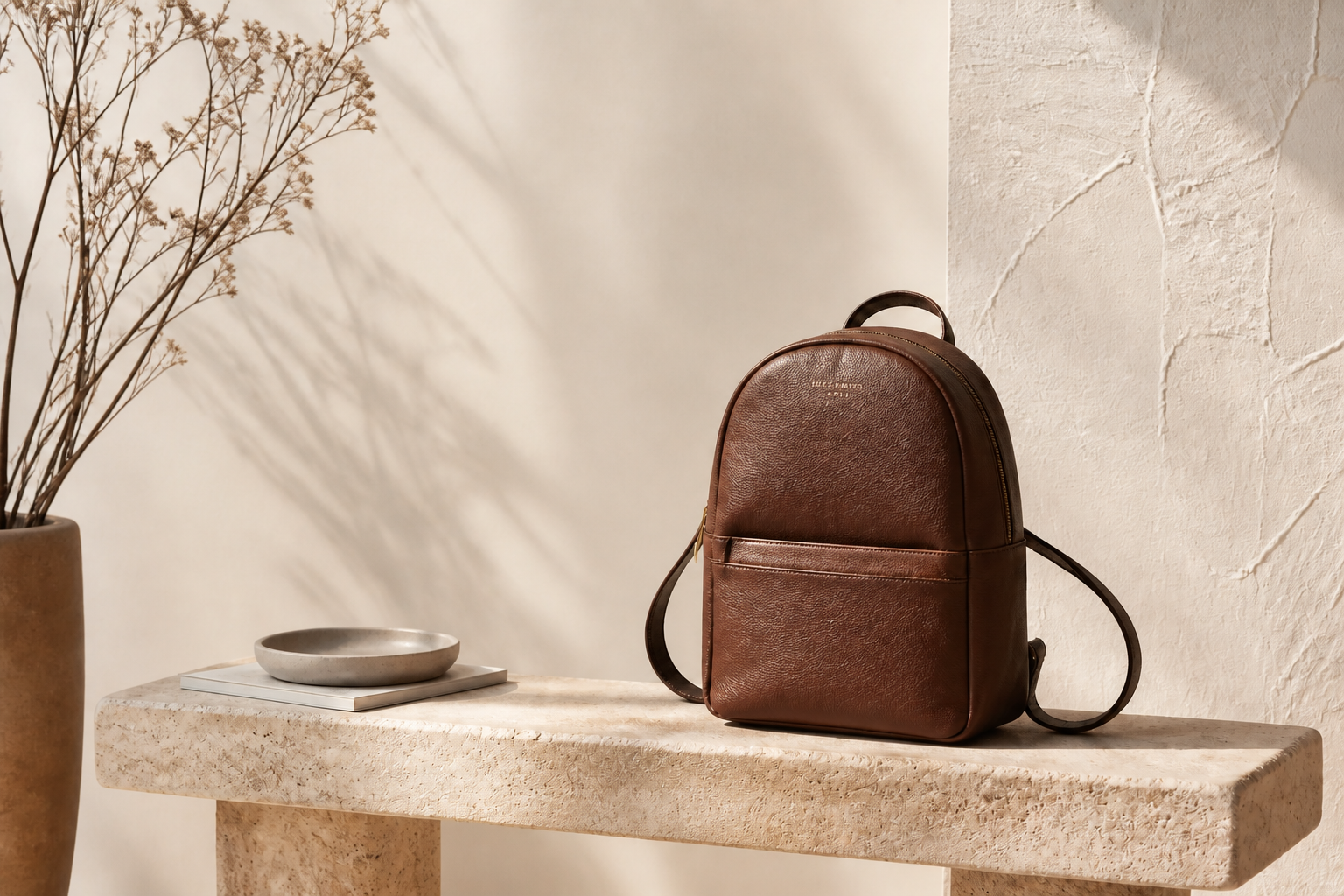
AFTER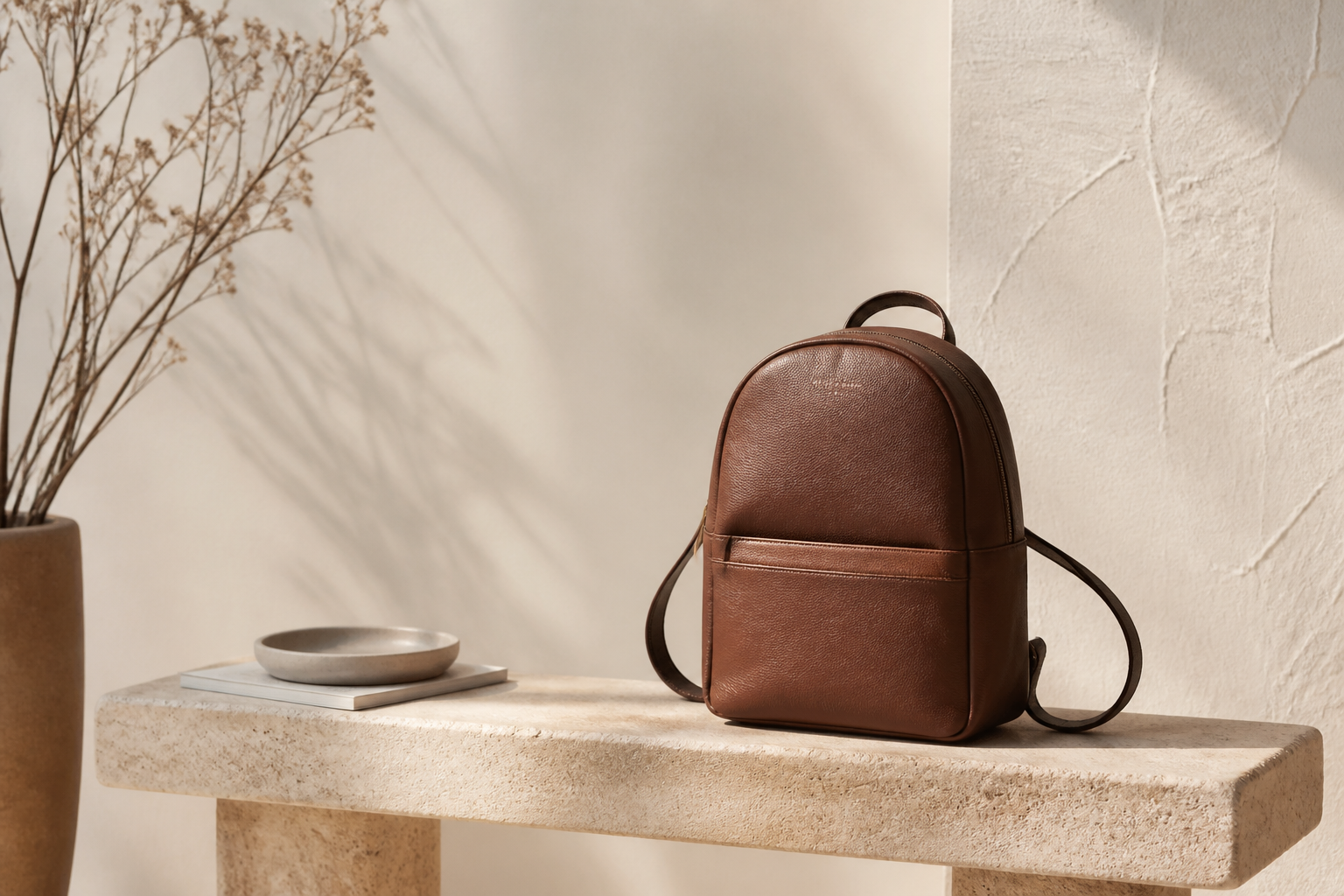 BEFORE
 AFTER
AFTER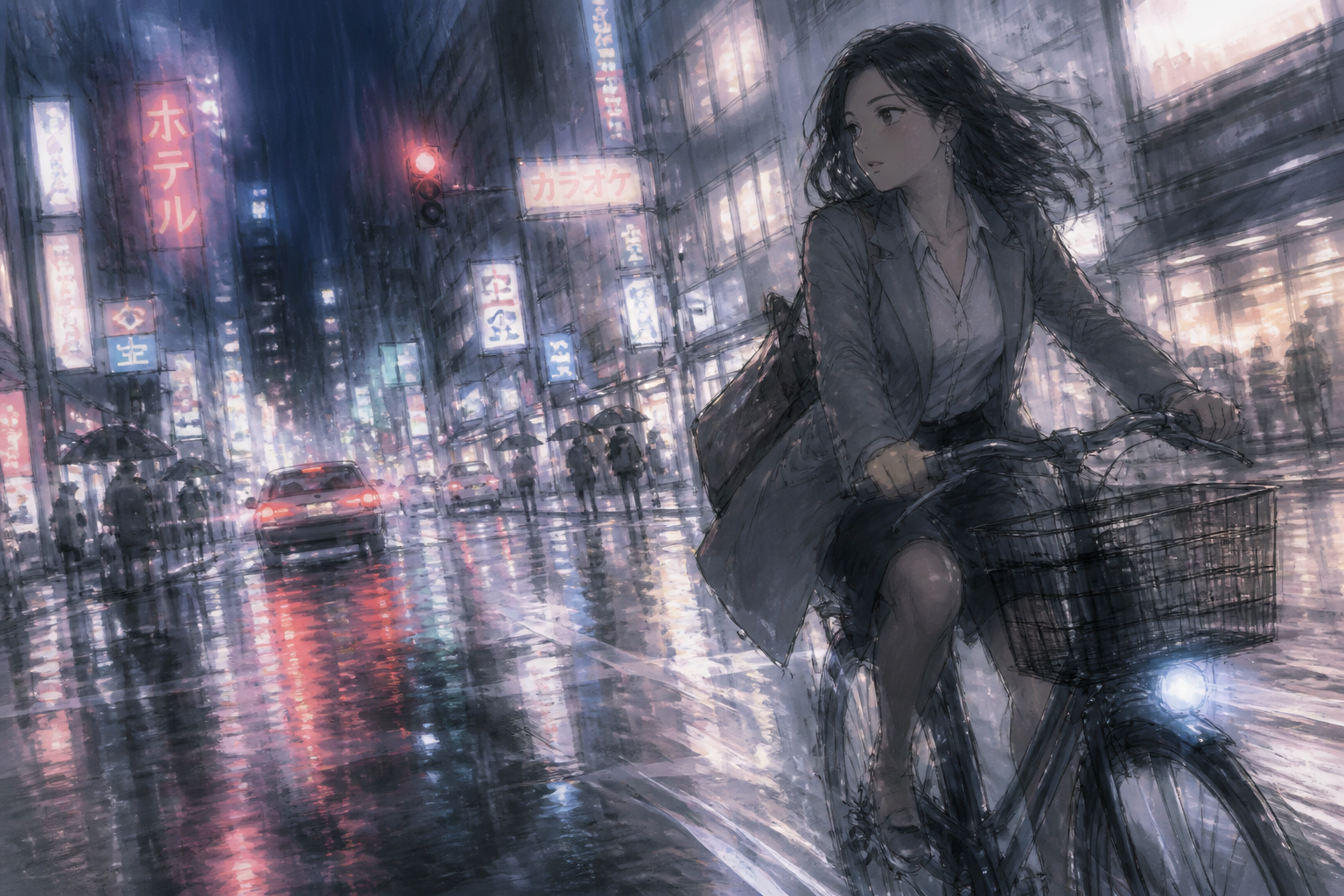 BEFORE
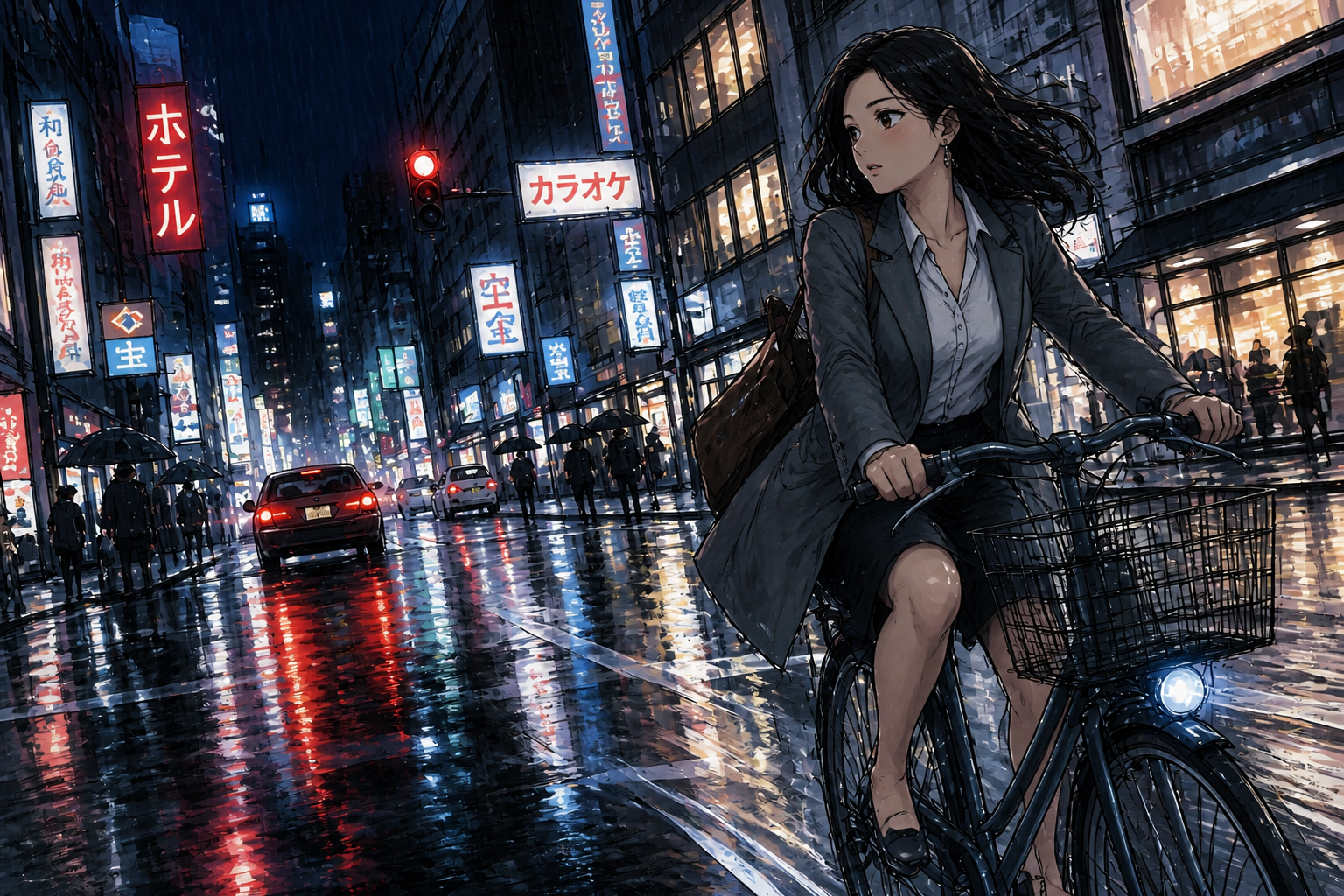 AFTERBEFOREAFTERBEFOREAFTERBEFOREAFTERBEFOREAFTER
Key Features
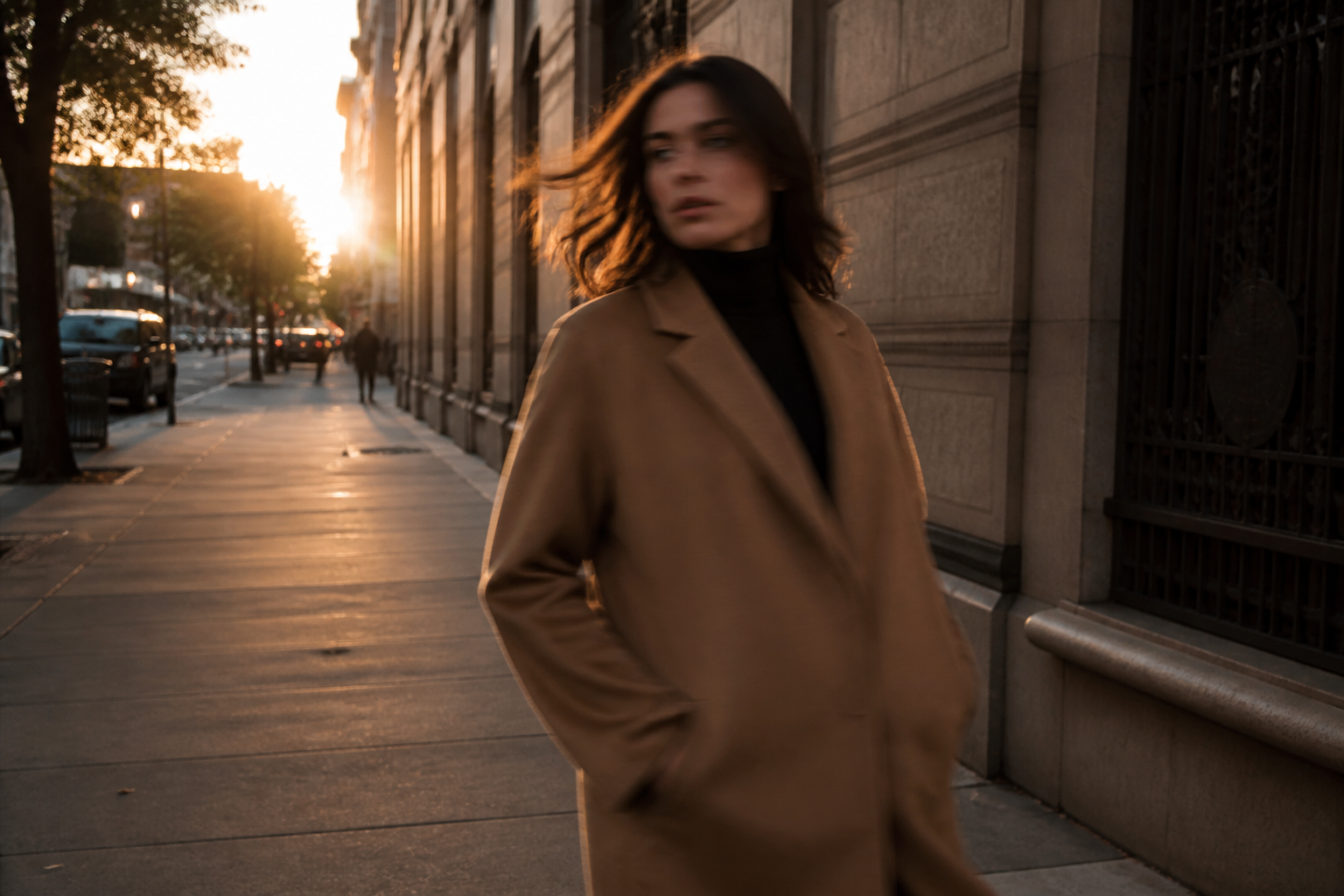
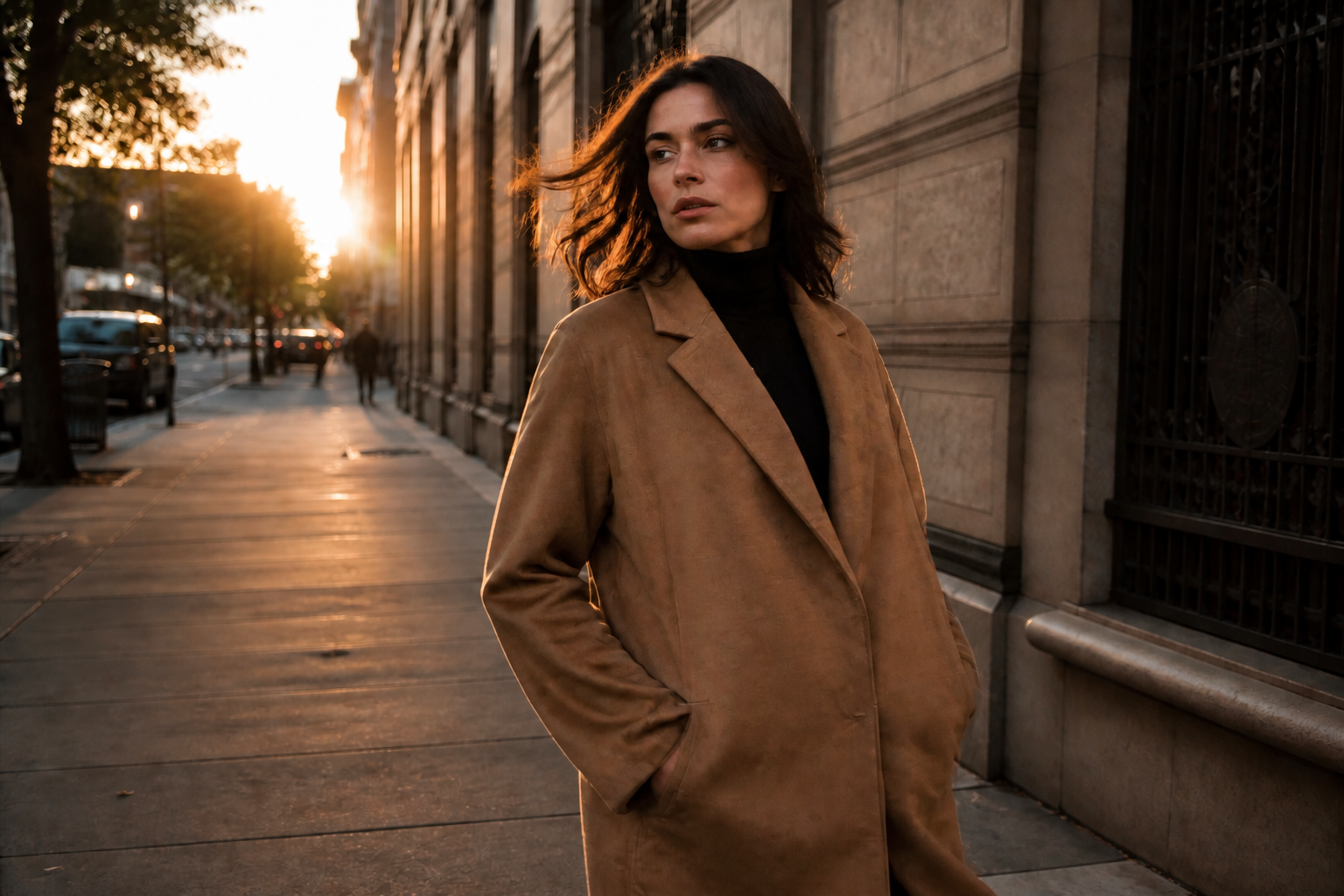
Restore detail without artifacts
Blur is easy to overcorrect, which can leave faces and edges looking crunchy. This tool aims to recover visible detail while keeping skin, fabric, and backgrounds believable. You get a sharper result that still looks like a photo, not a heavy filter. That matters when you want to improve clarity without making the image feel edited.
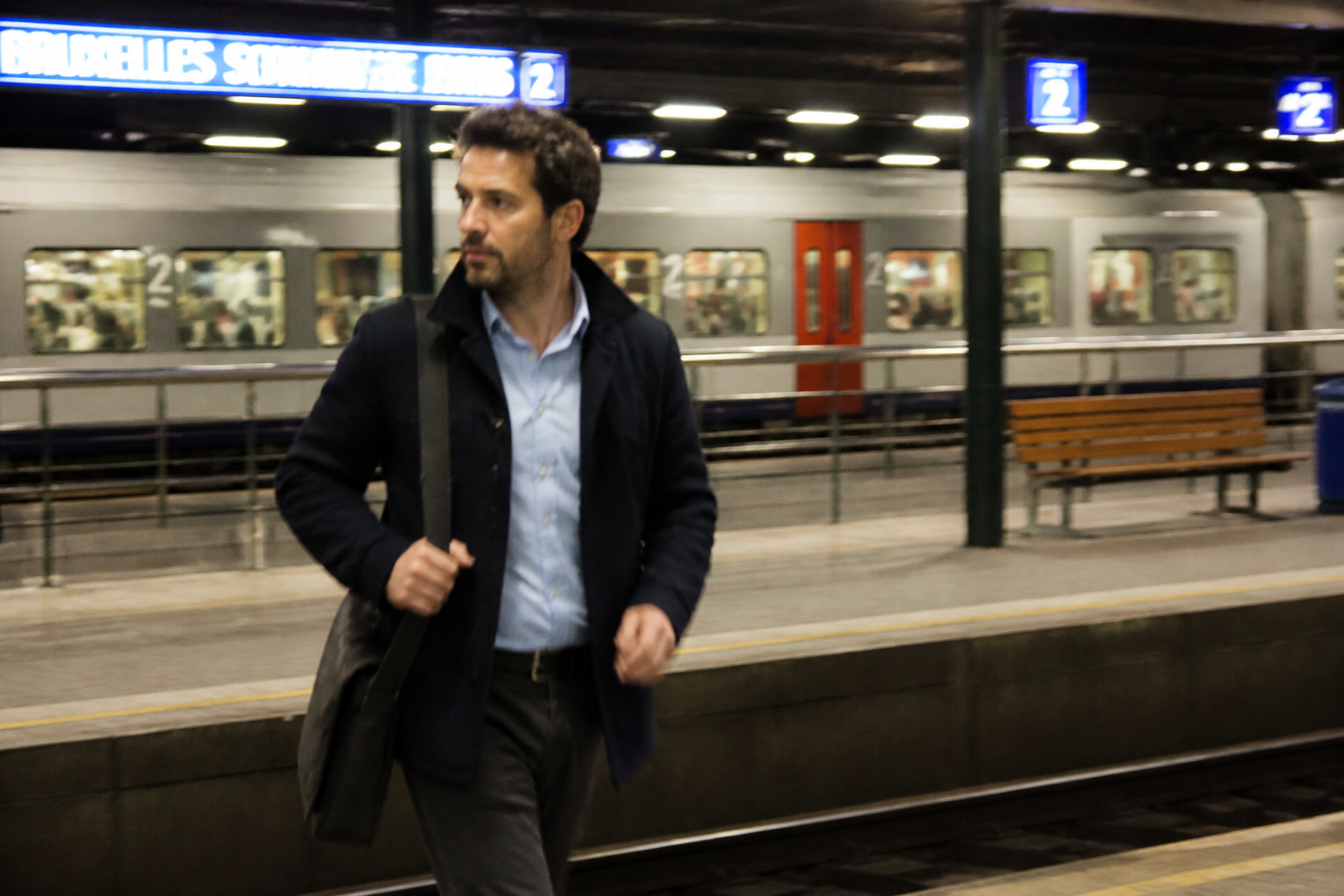
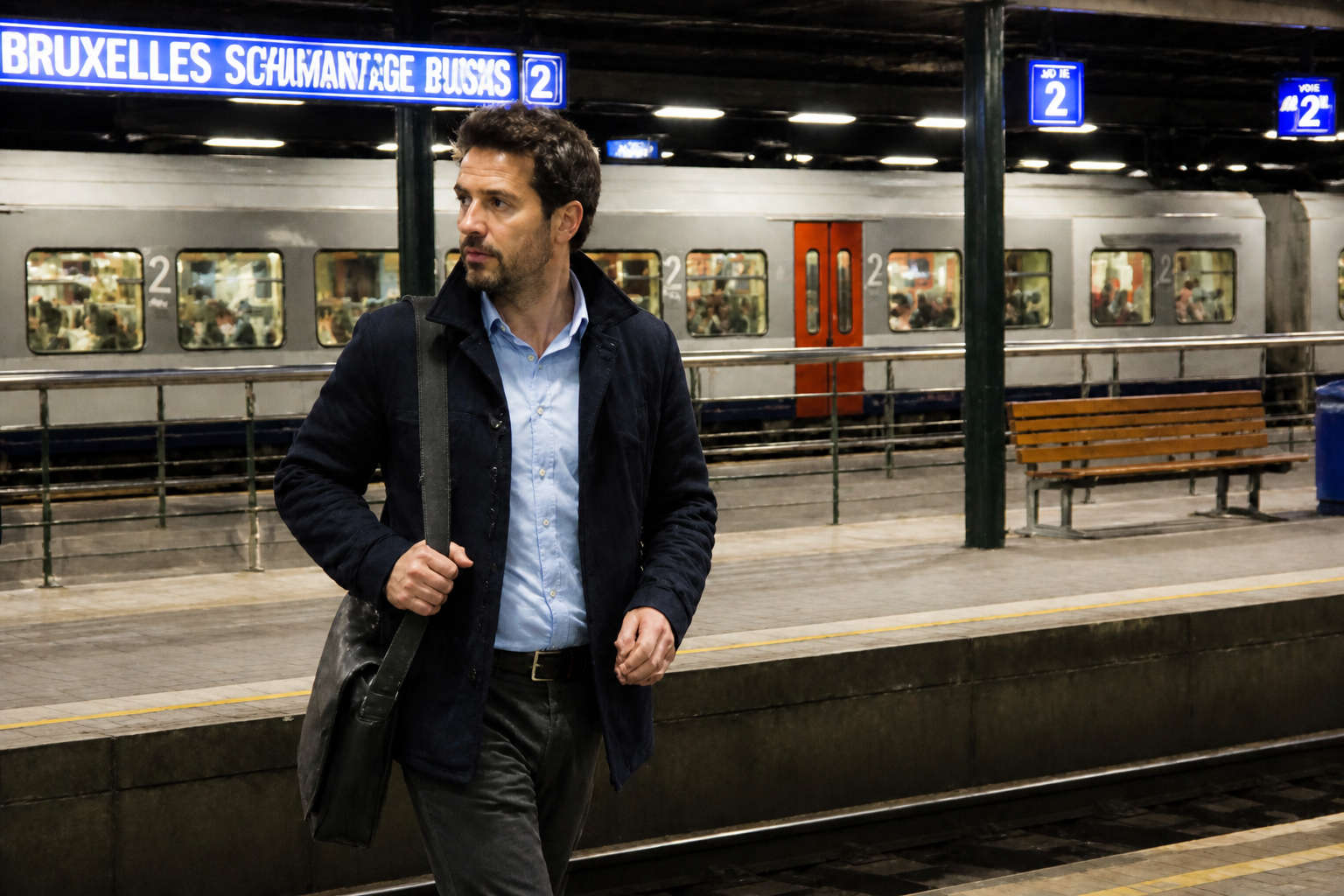
Handle motion and soft focus
Not every blurry photo fails for the same reason. Some images are blurred by movement, while others are just slightly out of focus. Our AI is useful for both kinds of softness, helping important details read more clearly. It saves time compared with manual sharpening tools that need trial and error on every photo.
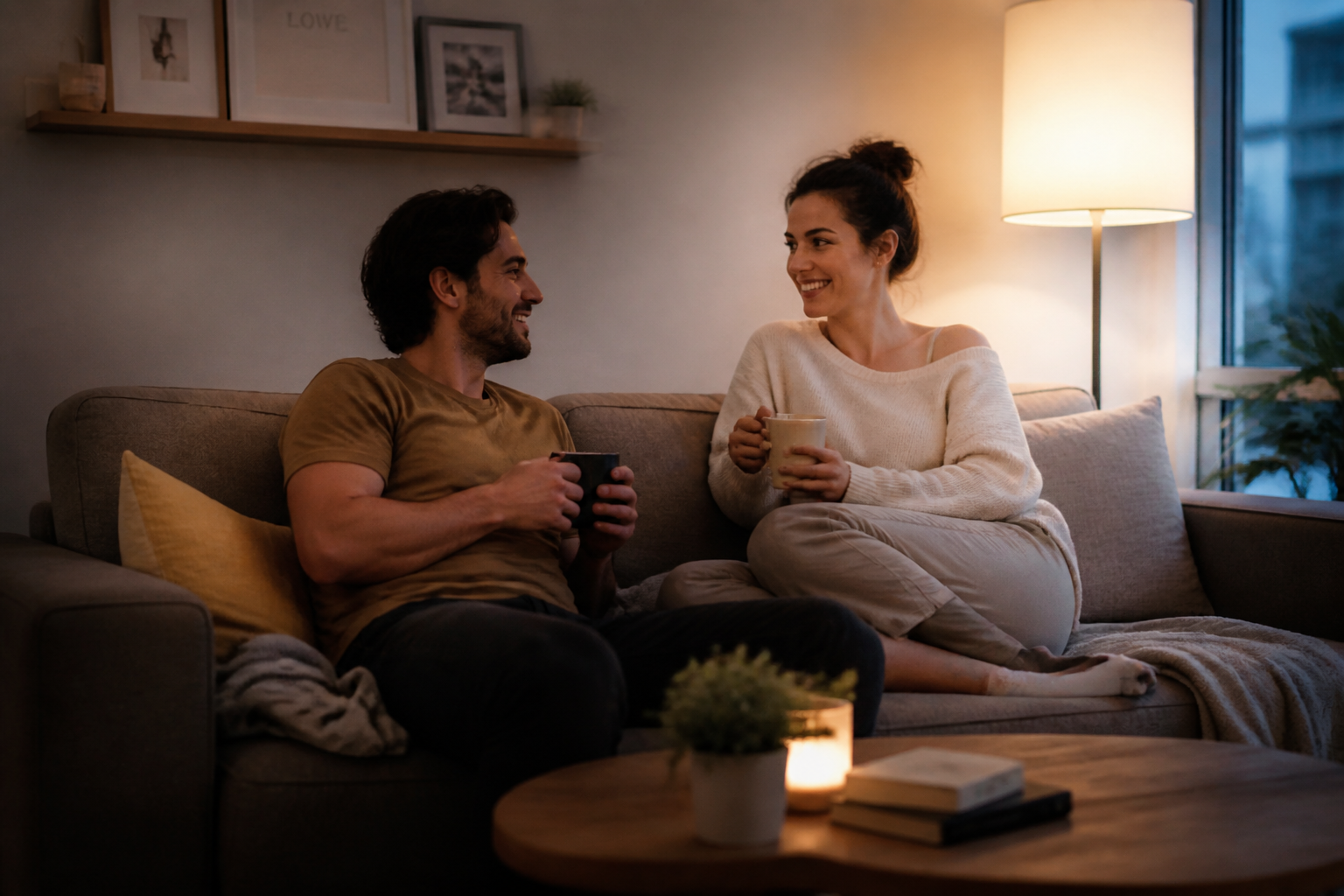
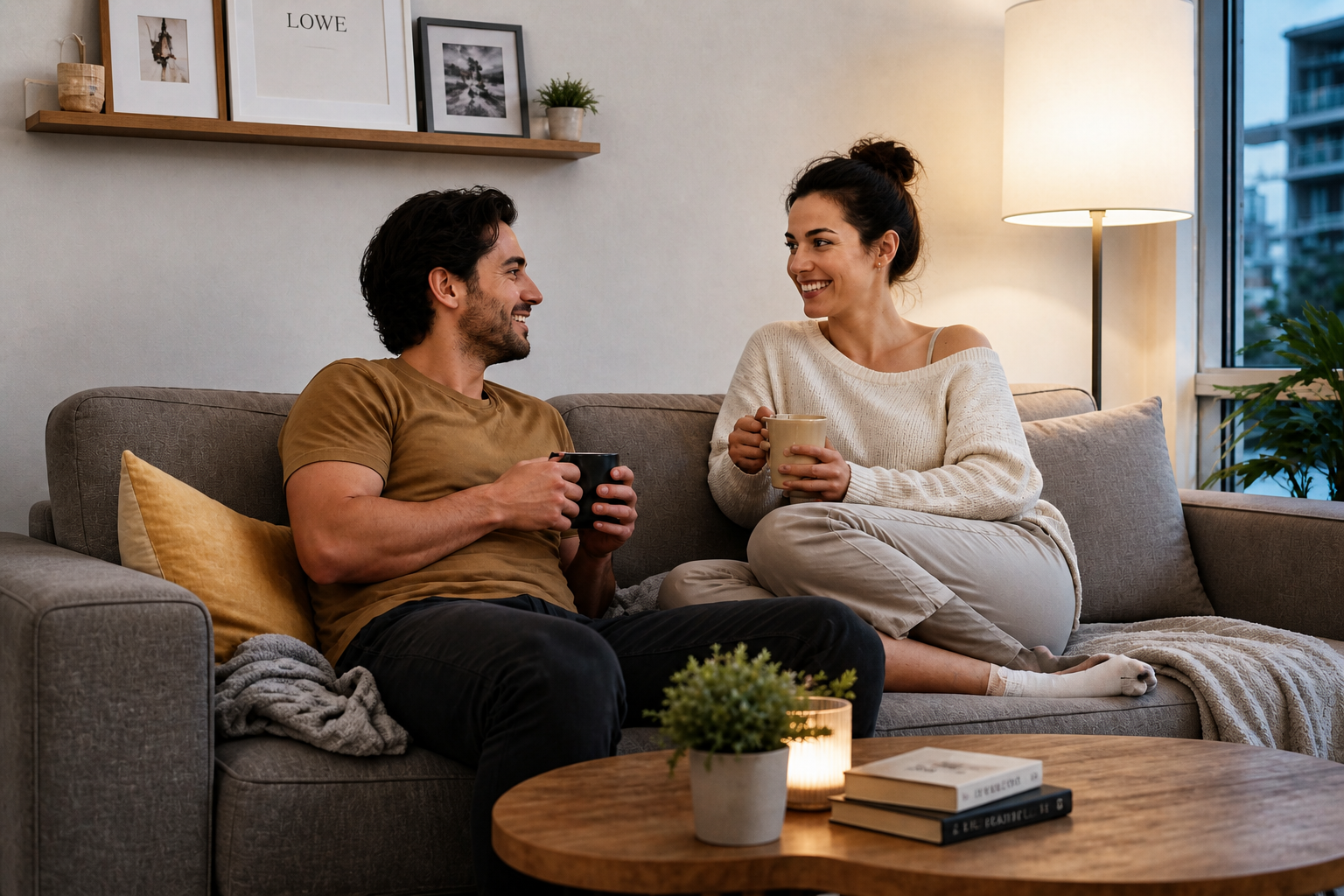
Keep the original scene
When you fix blur, you usually want the same composition, lighting, and expression to stay intact. This tool focuses on improving clarity without changing the image into a different shot. That makes it practical for portraits, products, travel photos, and social posts. You can clean up a photo you already like instead of starting over.
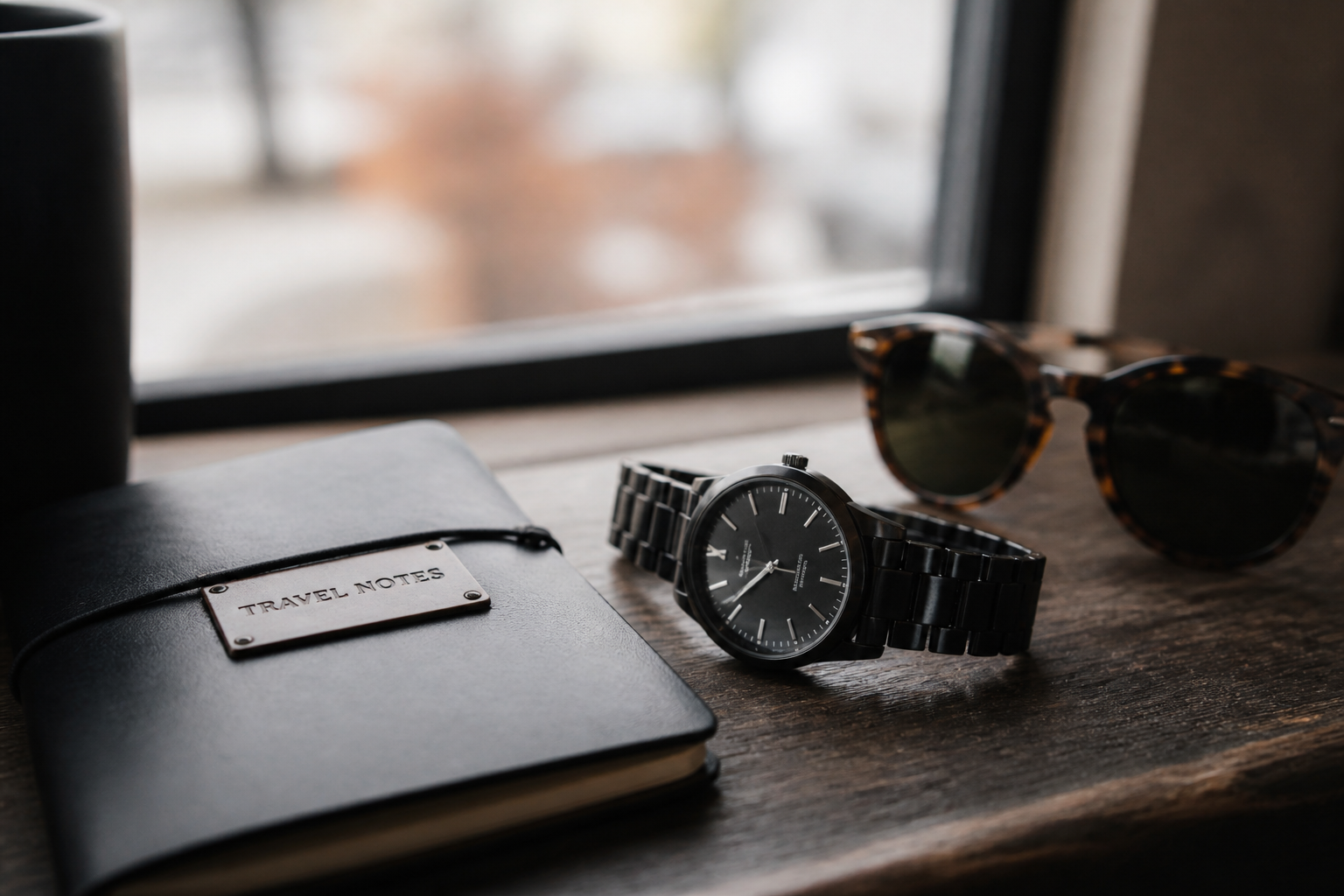
Works across photo styles
Some images need a clean portrait fix, while others need sharper product edges or clearer travel shots. The tool is flexible enough to handle different subjects without requiring a different workflow each time. You upload, describe the improvement, and compare the result. That makes it easier to use than juggling separate apps for every type of image.
How It Works
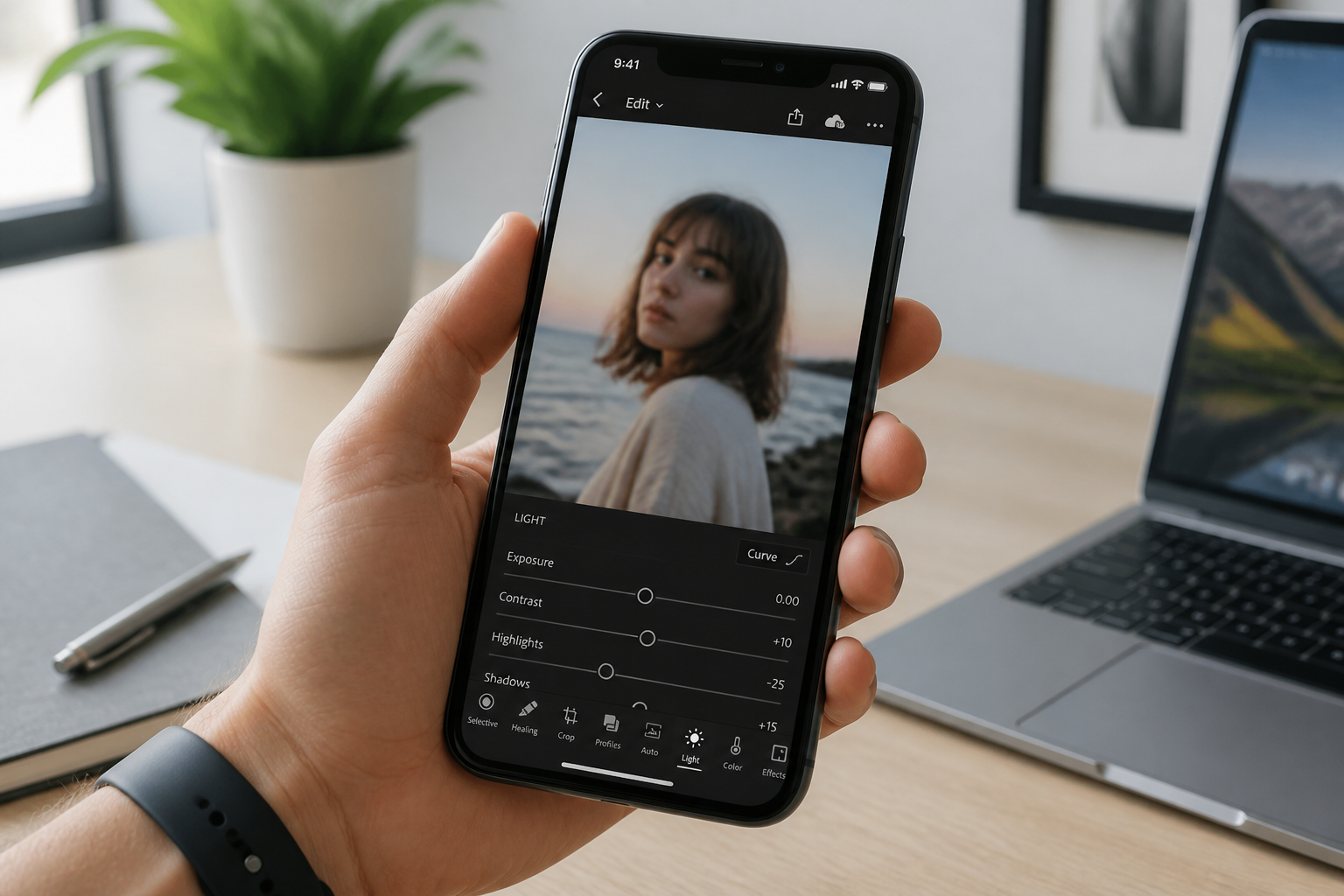
Upload your blurry image
Start with a photo that looks soft from motion, missed focus, or low light. A clear source still helps, but our AI can improve many everyday blurry shots.
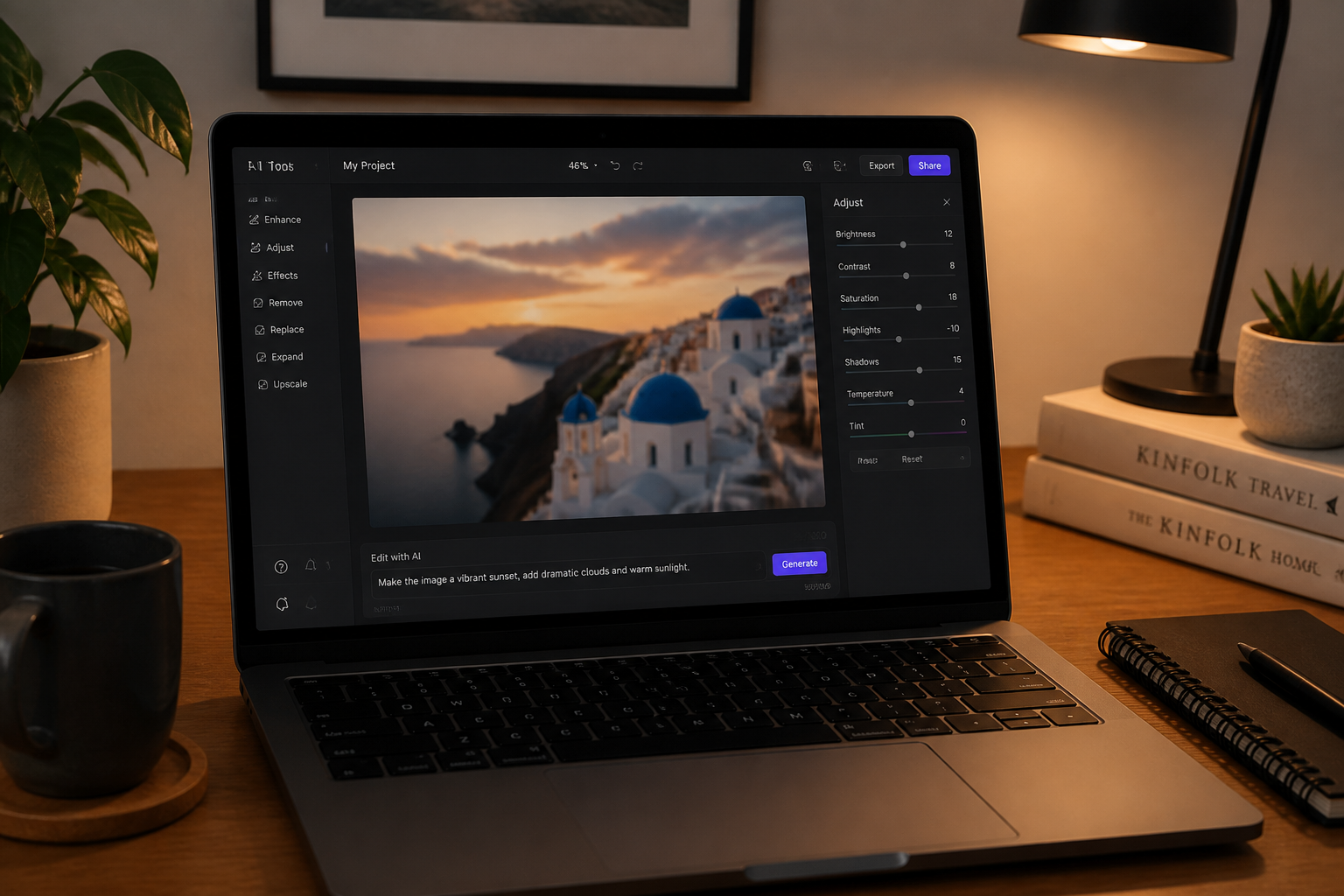
Describe what to sharpen
Tell the editor what you want fixed, such as face detail, text, product edges, or the whole image. Short instructions are enough to guide the result.
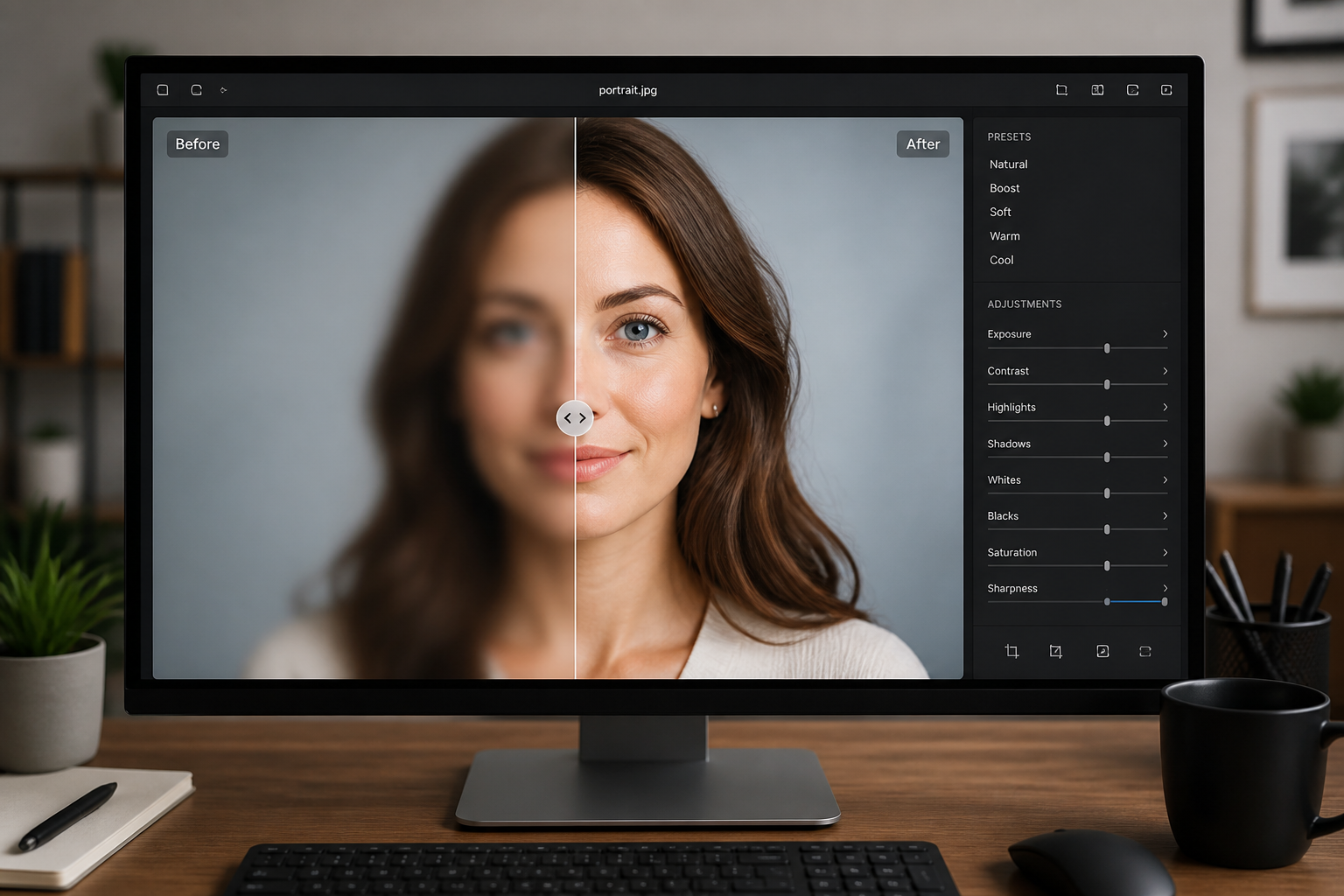
Compare and download
Review the before and after side by side to check detail, texture, and overall naturalness. If it looks right, save the sharper version and use it anywhere you need.
Perfect For
Discover how creators and professionals use ai blur remover
Fix soft portraits
Recover clearer eyes, hair, and facial features from portraits that came out soft or slightly blurry.
Improve travel photos
Clean up handheld shots from streets, cafes, and landmarks where motion or low light reduced sharpness.
Sharpen product images
Make edges, materials, and small surface details easier to see in listings and branded content.
Rescue social posts
Upgrade photos that are almost good enough to post but need better clarity before sharing.
Built For
Creators and influencers
Polish portraits, mirror selfies, travel posts, and brand content without spending time in manual editing apps.
Online sellers
Improve soft product shots so materials, edges, and small details read more clearly in listings.
Everyday photo users
Rescue favorite photos from phones and cameras when they are blurry but still worth keeping.
Why use AI Blur Remover
A quick look at how we compare on the things that matter for this niche.
| Feature | BudgetPixel | Generic AI editors | Manual editing apps |
|---|---|---|---|
| Built for blurry photos | ✓ | — | — |
| Simple prompt-based edits | ✓ | ✓ | — |
| Before/after comparison | ✓ | ✓ | — |
| Natural-looking sharpening | ✓ | — | Depends on skill |
| Fast to try | ✓ | ✓ | — |
Frequently Asked Questions
What kind of blur can this fix?
Will it make my photo look overprocessed?
Can I use it for portraits?
Does it work on products and food photos too?
Do I need editing experience?
Create together.
Share your creations, discover trending AI art, and grow with fellow creators.