AI Glare Remover for cleaner photos
Reduce distracting reflections while keeping the original scene believable.
AI Glare Remover helps you clean up bright reflections on glasses, windows, phone screens, car paint, and other shiny surfaces. Upload a photo, describe what glare you want removed, and get a clearer image without rebuilding the whole scene. It is useful when glare hides faces, products, interiors, or important details.


Watch the Transformation
See ai glare remover in motion — generated end-to-end by our AI.
See It In Action
Real outputs from ai glare remover.
BEFOREAFTER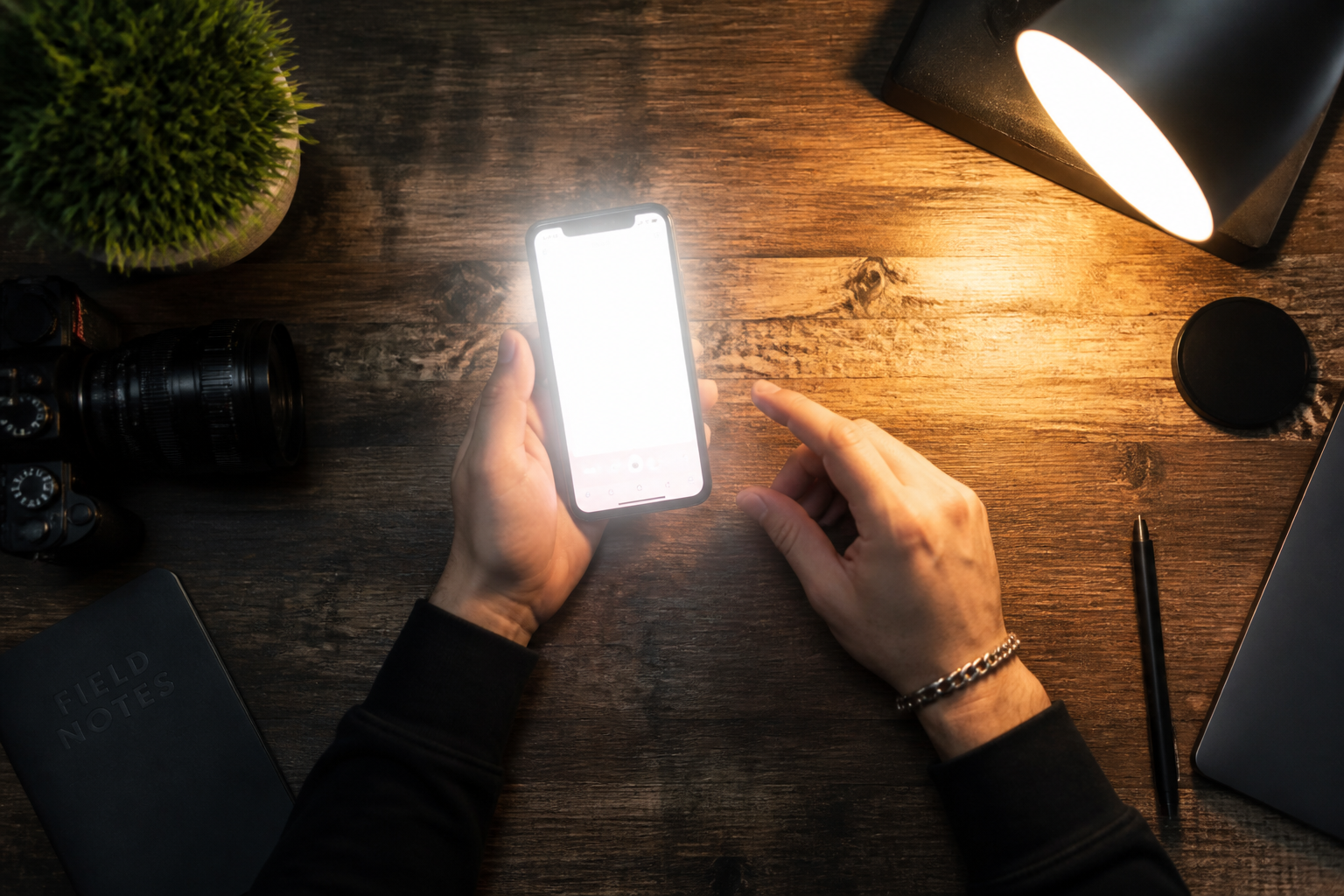 BEFORE
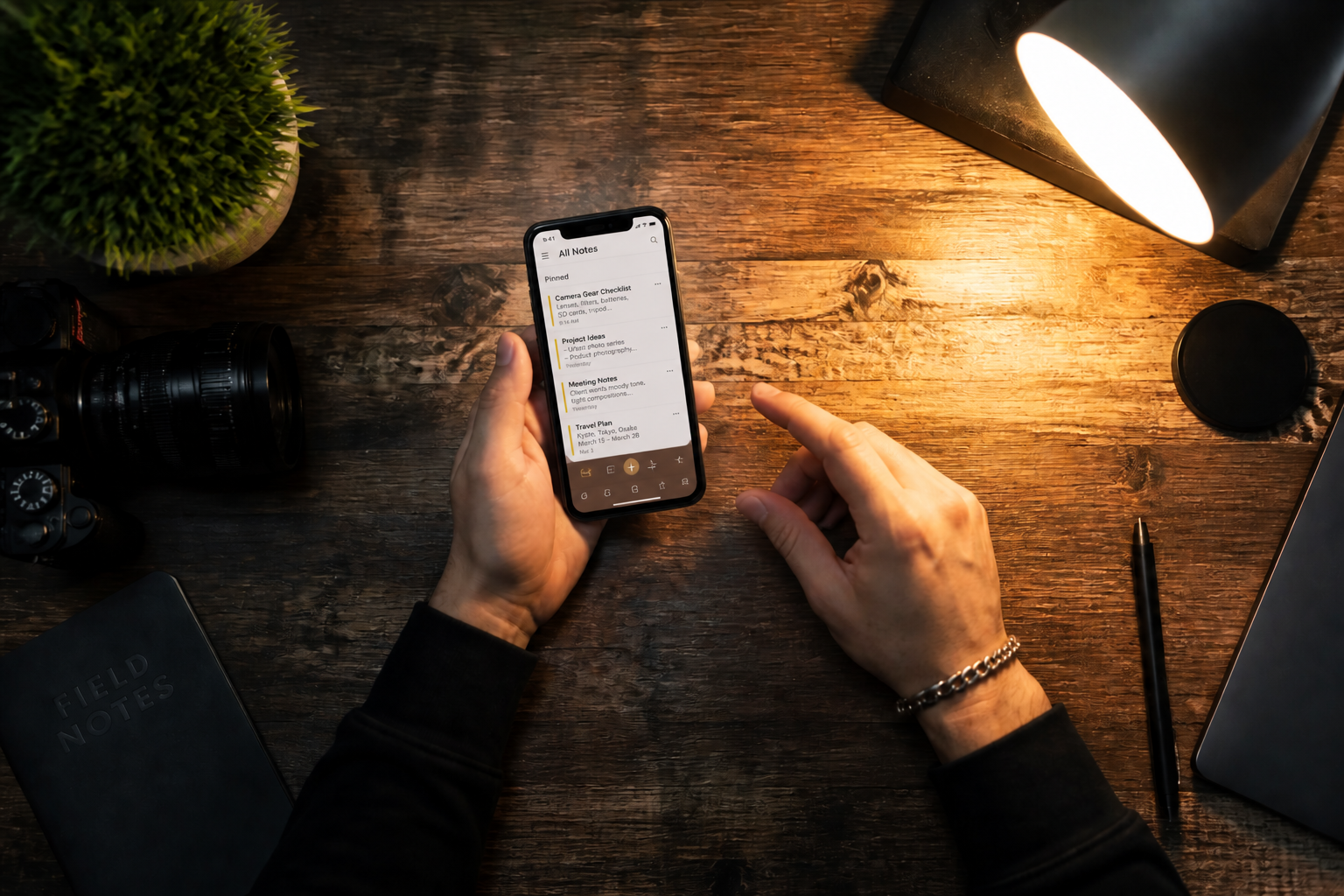 AFTER
AFTER BEFORE
 AFTER
AFTER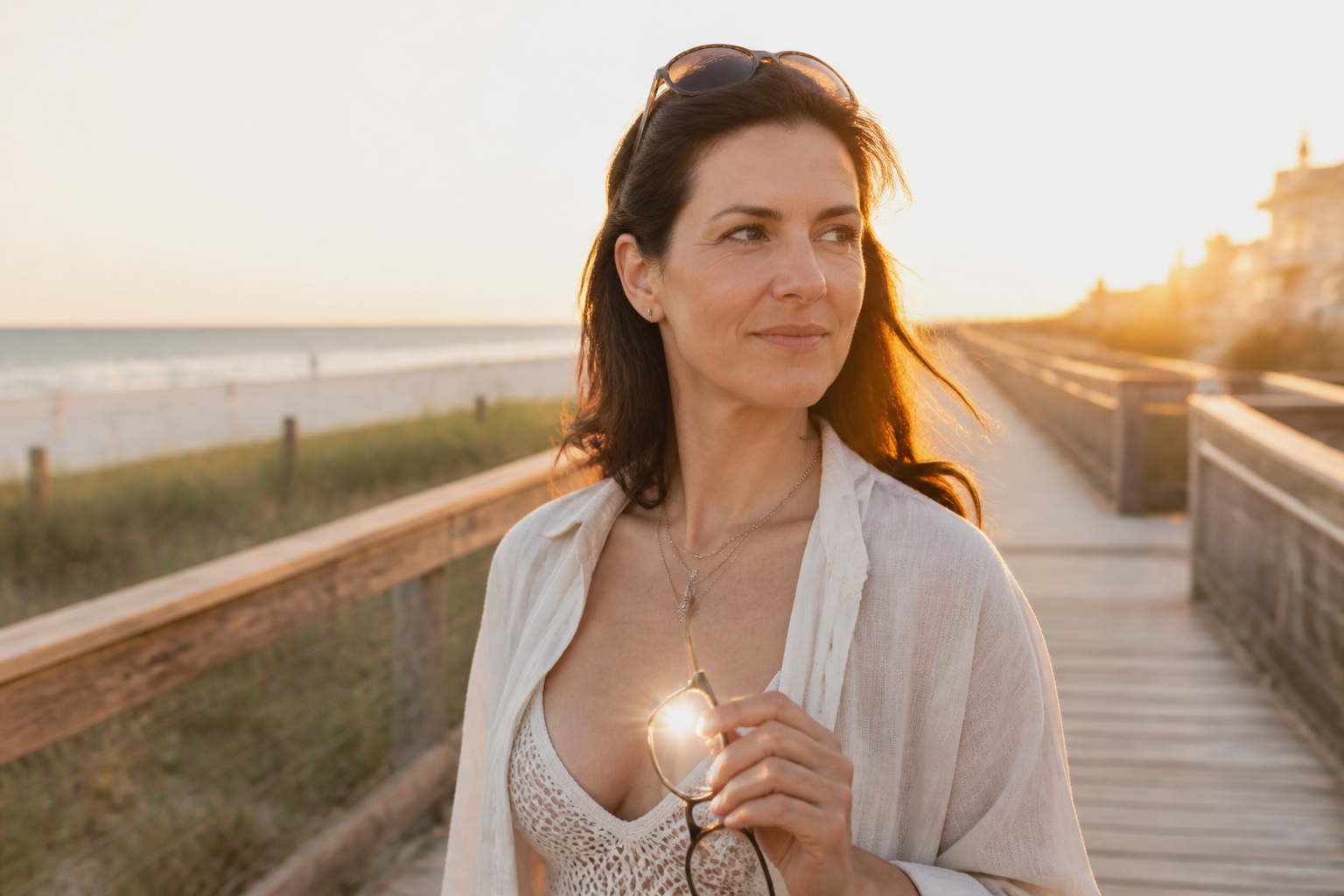 BEFORE
 AFTER
AFTER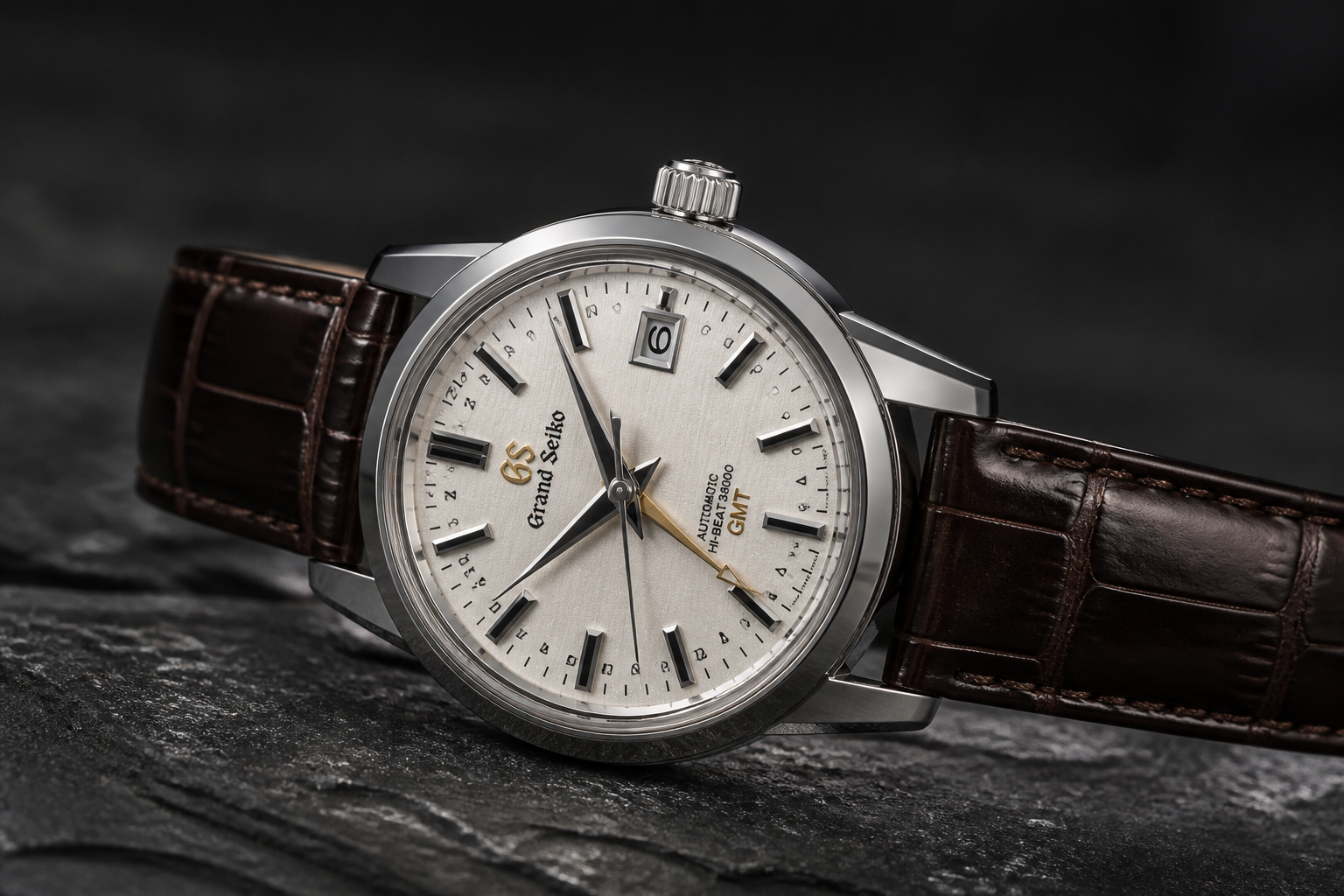 BEFORE
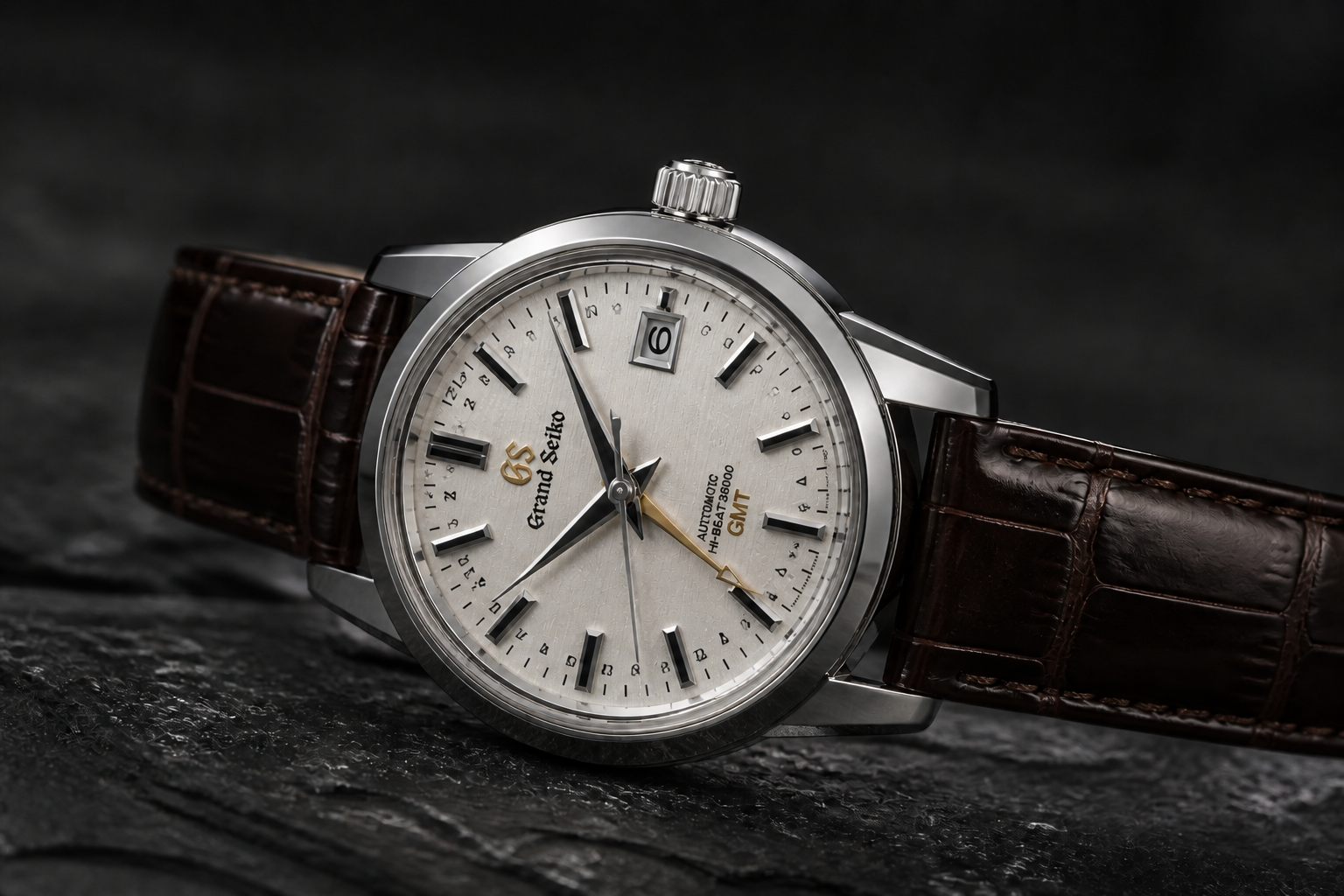 AFTERBEFOREAFTERBEFOREAFTERBEFOREAFTERBEFOREAFTERBEFOREAFTER
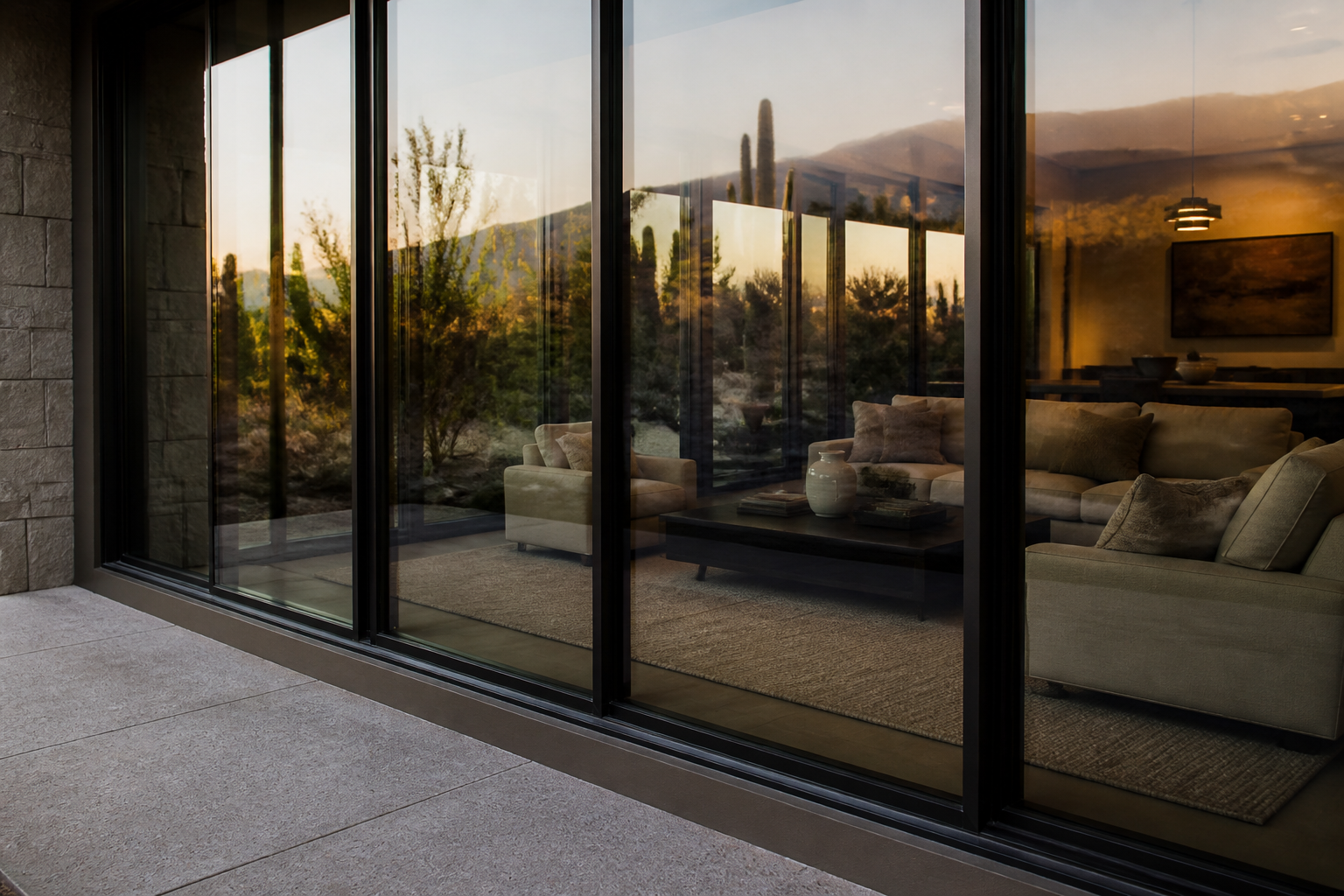 BEFORE
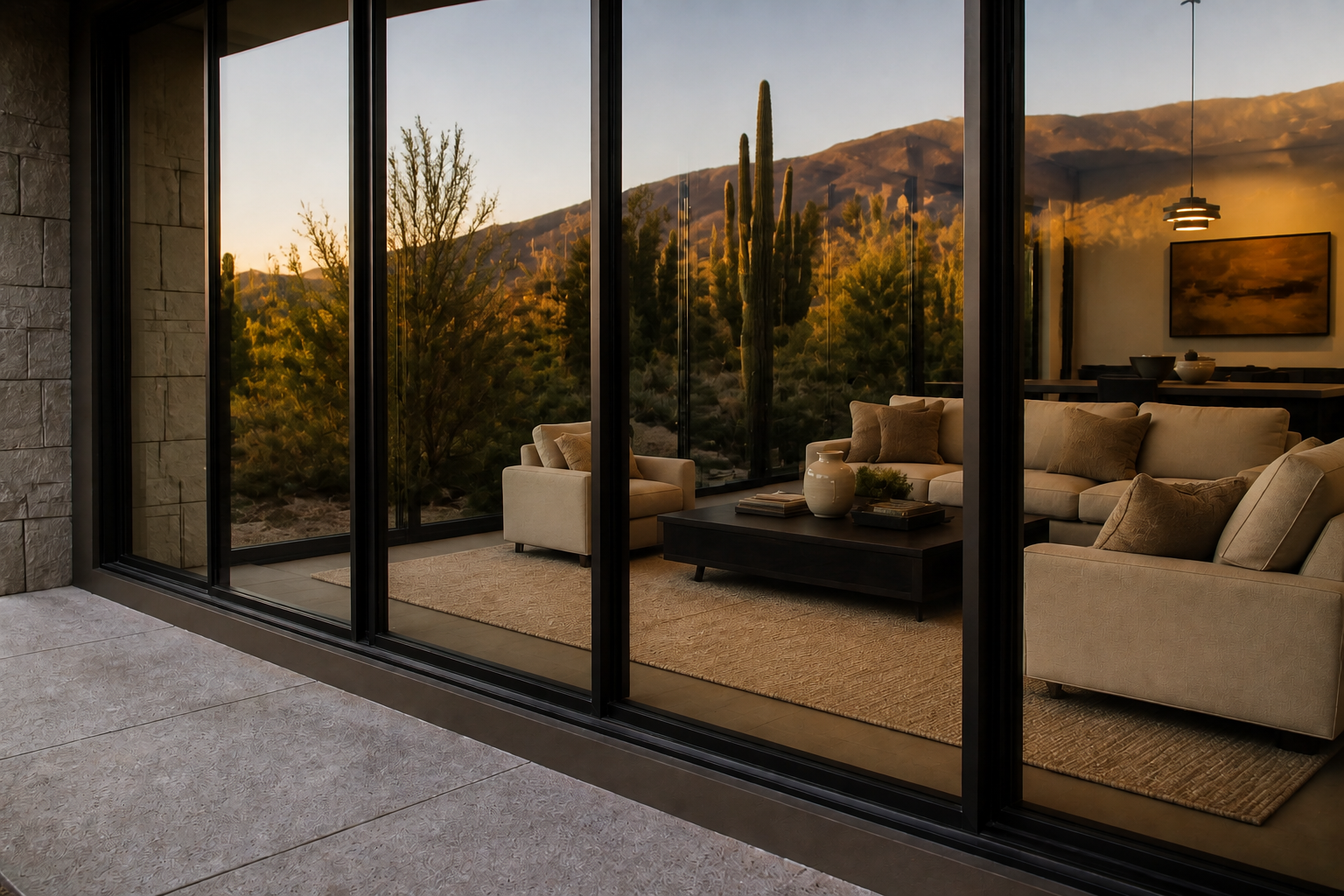 AFTER
AFTER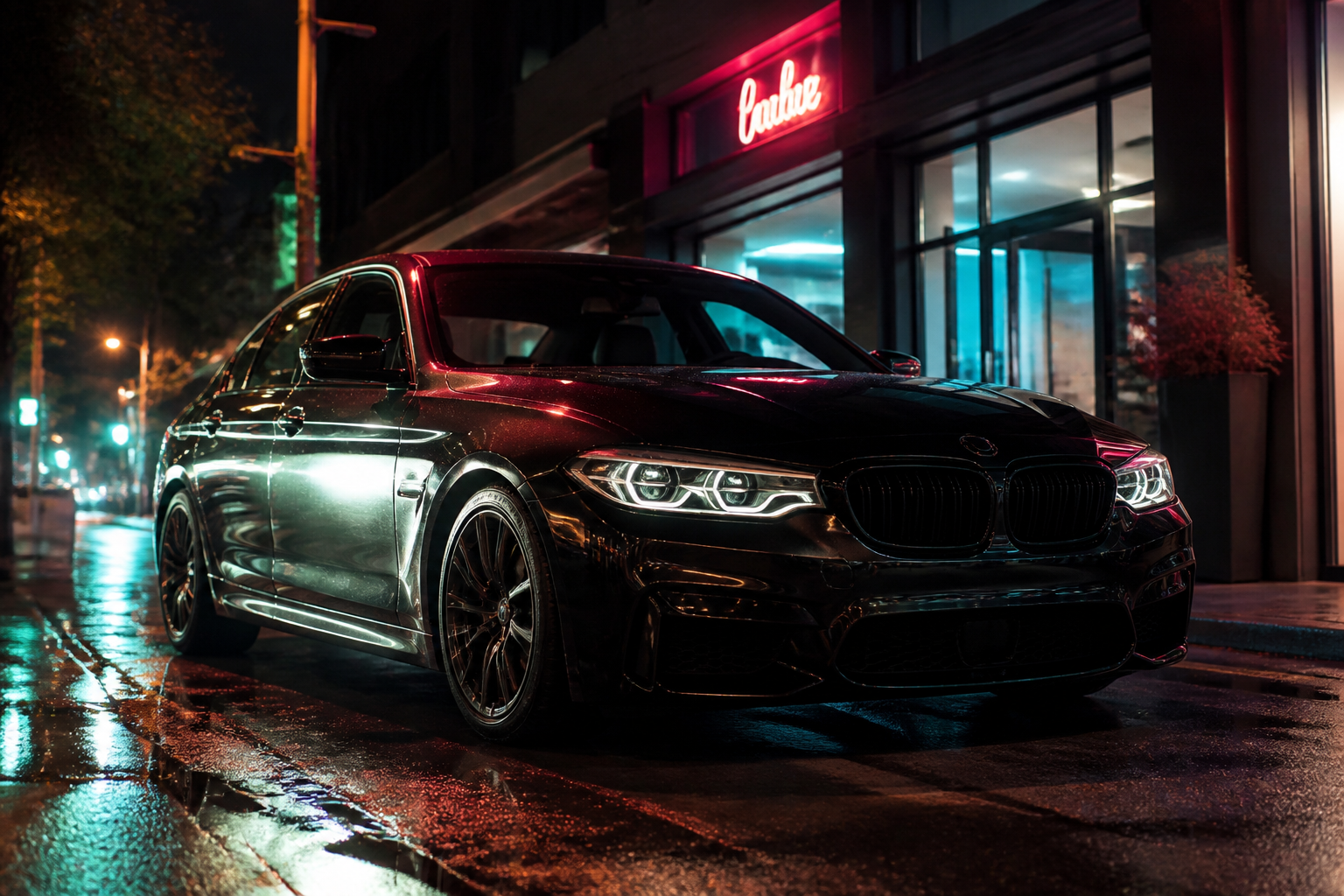 BEFORE
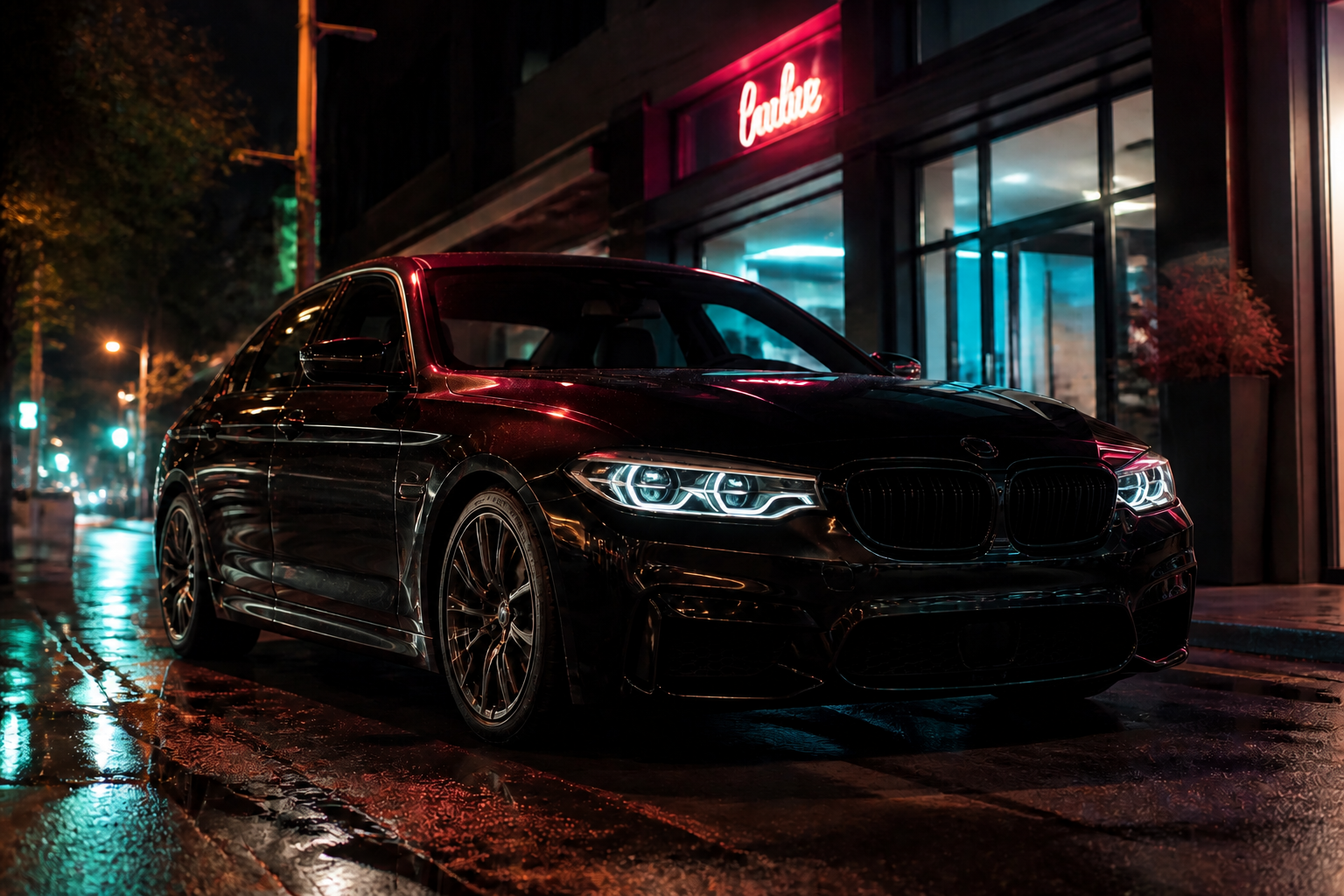 AFTER
AFTER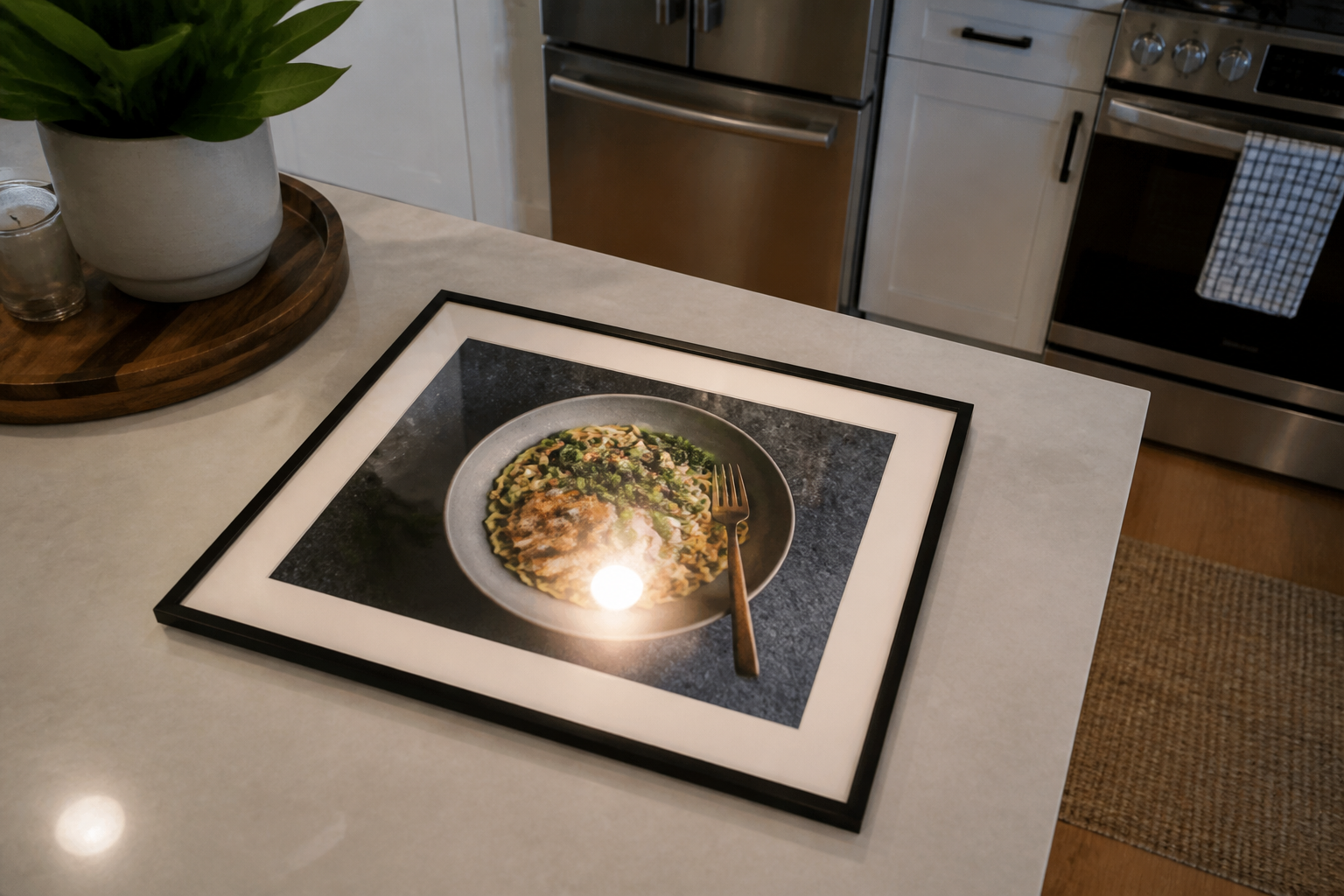 BEFORE
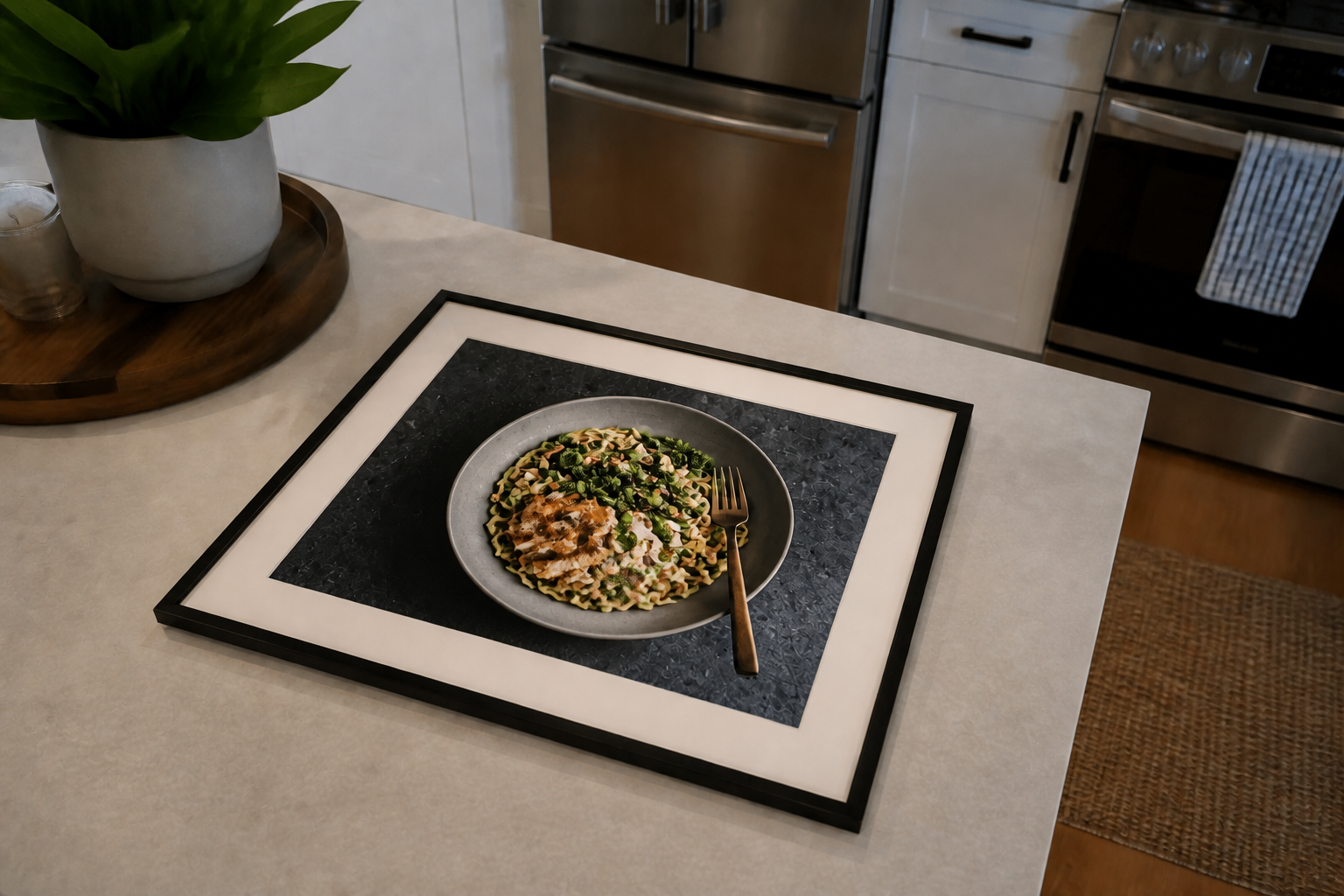 AFTER
AFTER BEFORE
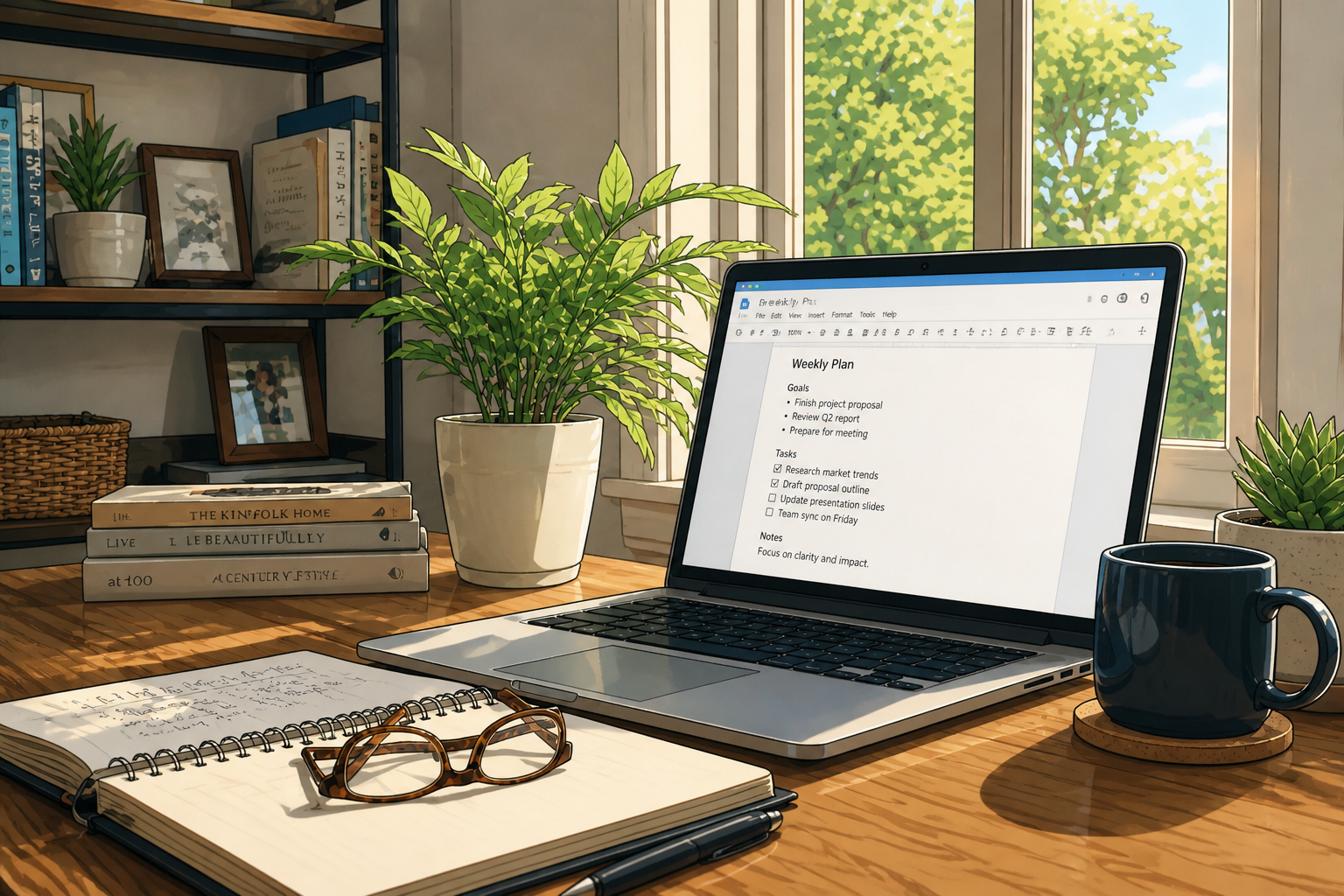 AFTER
AFTER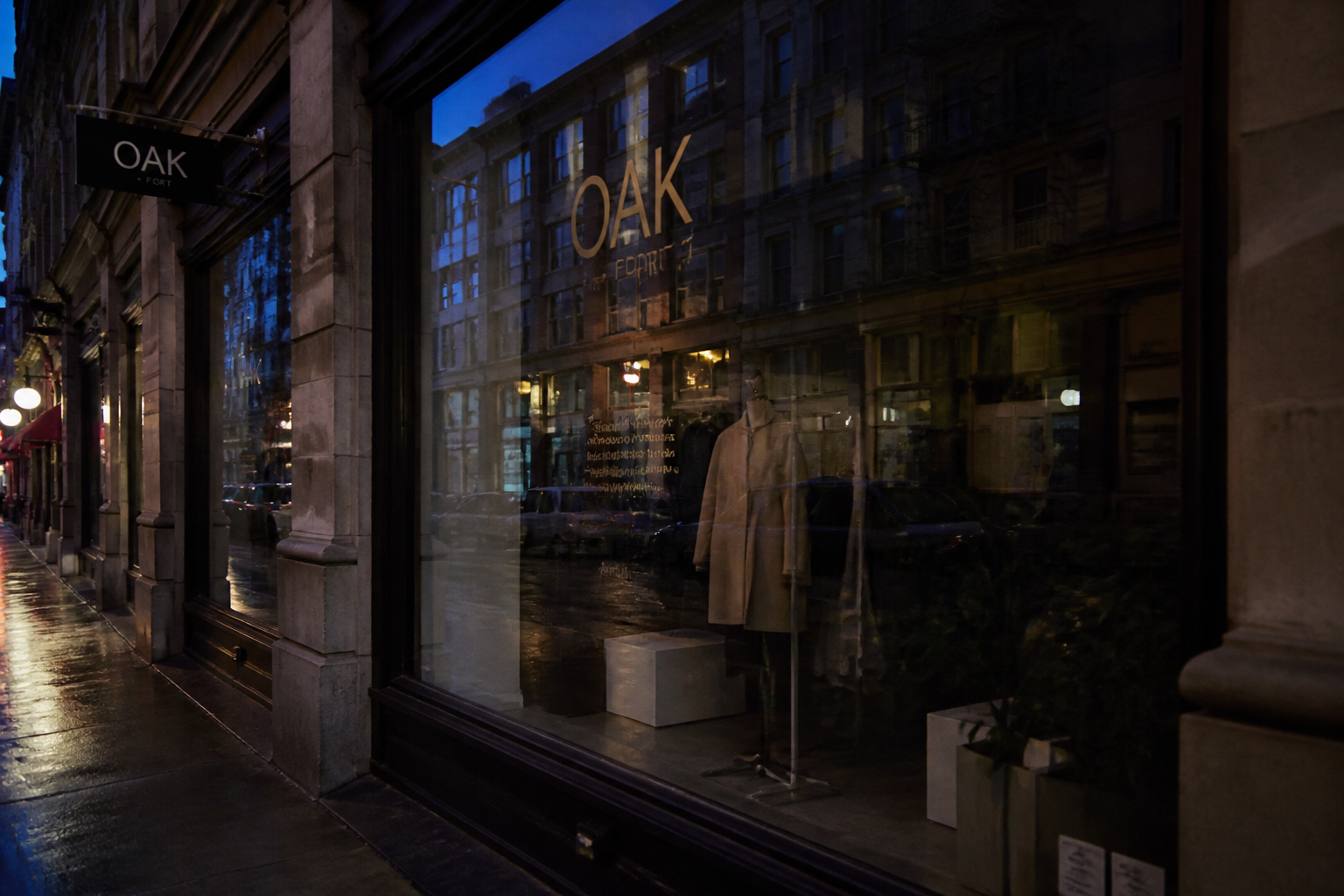 BEFORE
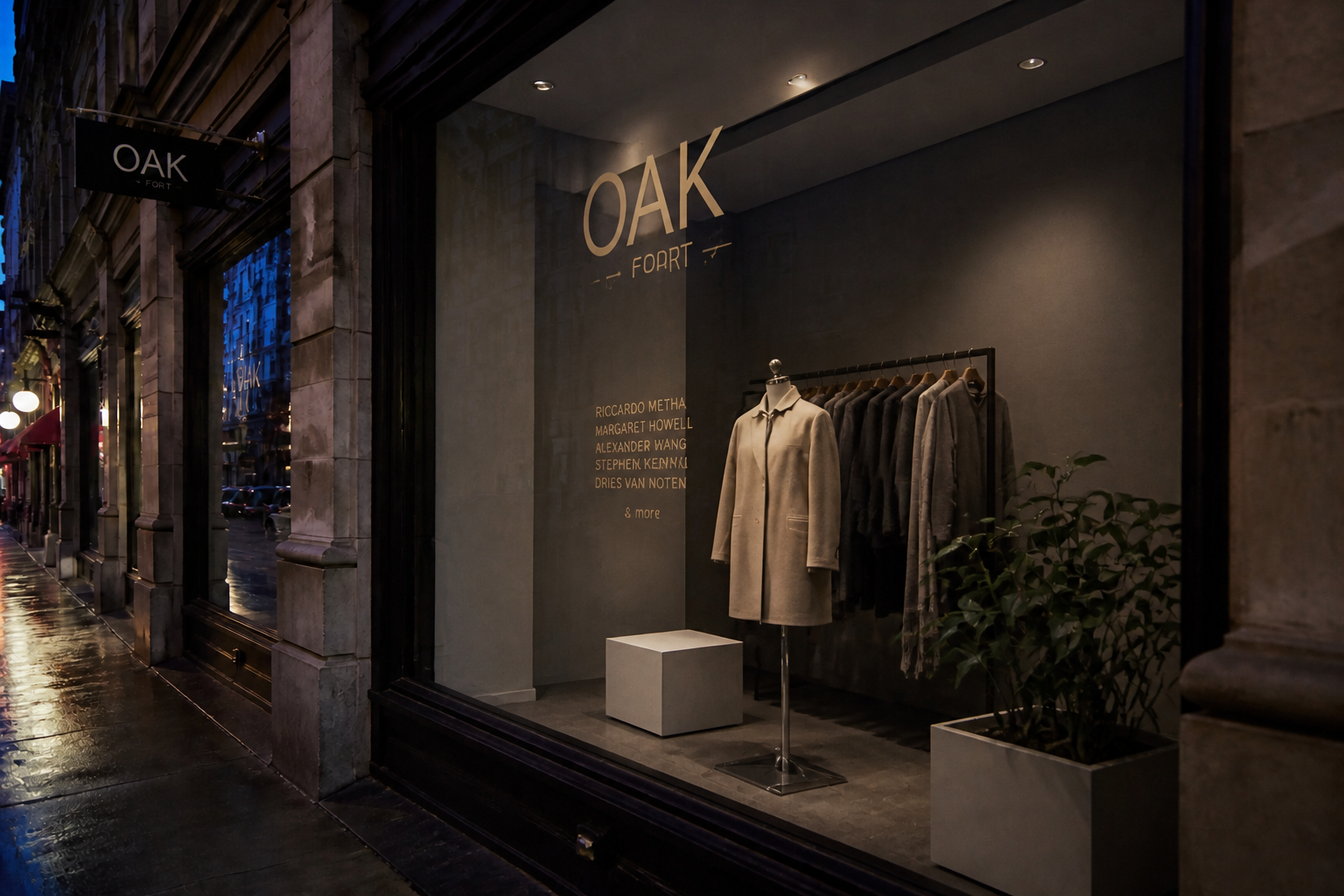 AFTERBEFOREAFTERBEFOREAFTERBEFOREAFTERBEFOREAFTERBEFOREAFTER
Key Features


Clear eyes behind lenses
Glare on glasses can hide the most important part of a portrait. This tool removes bright lens reflections so eyes look visible and natural instead of washed out. It is faster than brushing around each lens by hand and easier to repeat across multiple photos. You keep the person, pose, and scene while cleaning up the distraction.
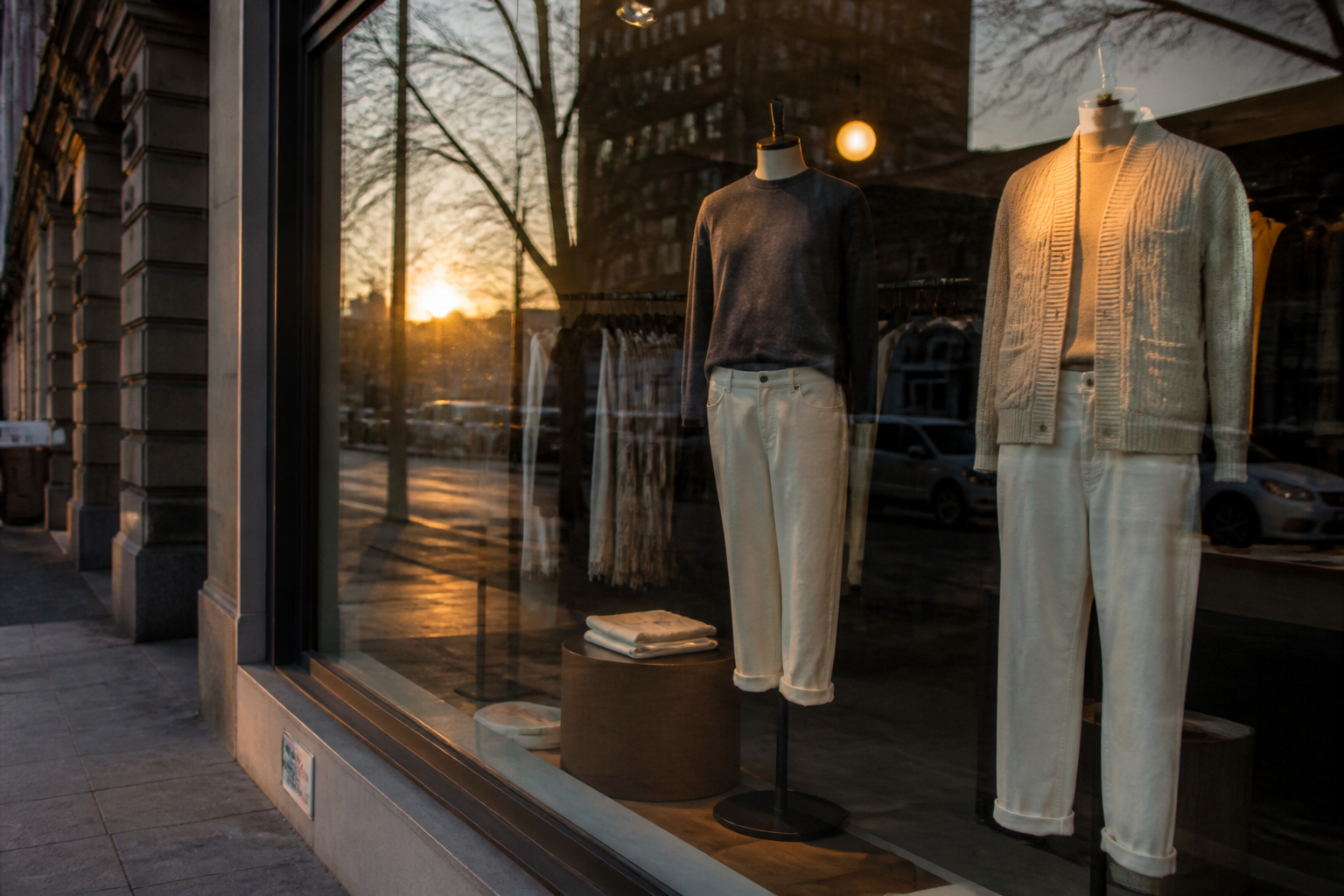
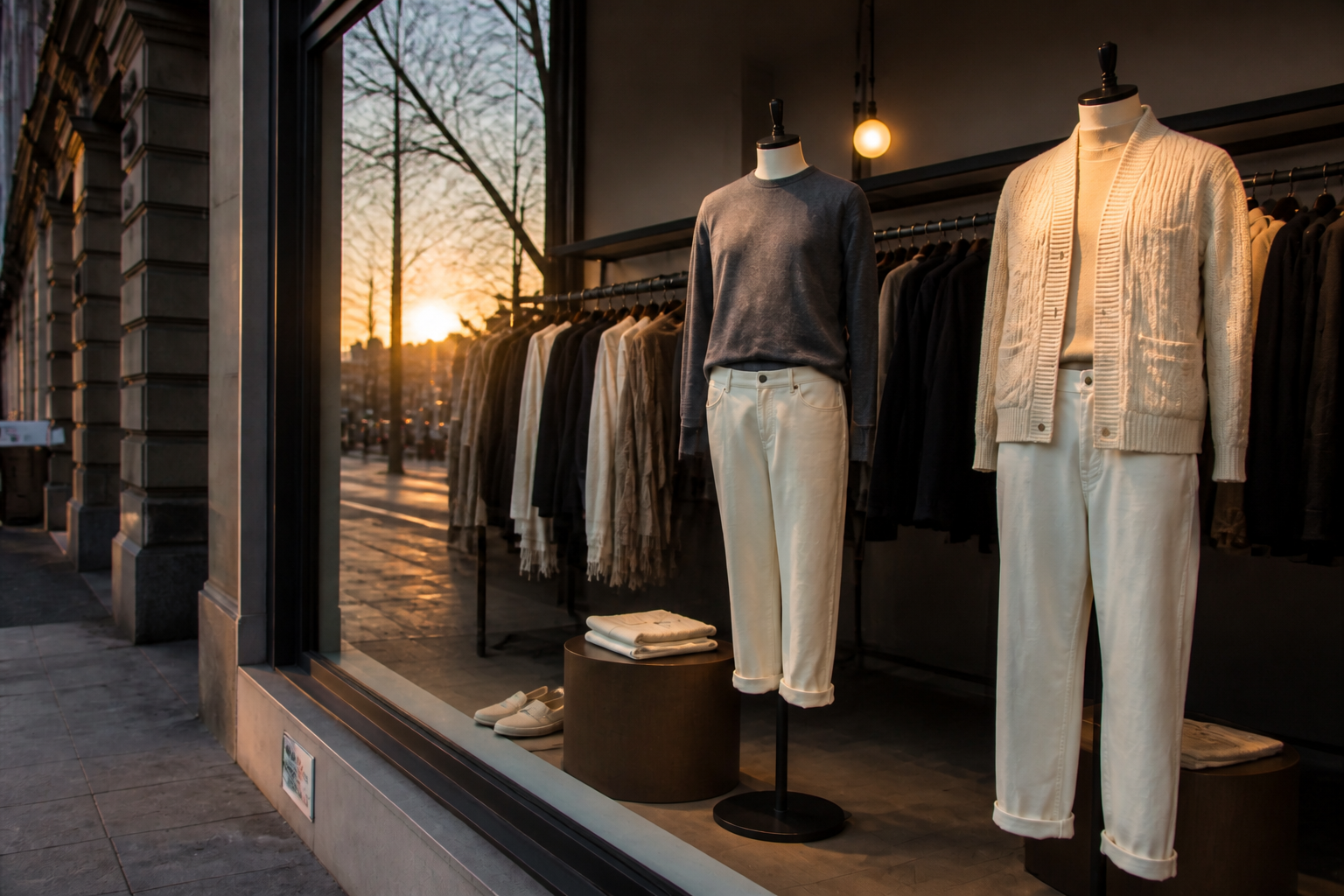
Reduce reflections on glass
Window glare often blocks interiors, storefront displays, and framed artwork. Our AI can reduce those reflections so the subject behind the glass becomes easier to see. That saves time compared with masking panes or blending multiple edits manually. The result stays grounded in the original perspective and light.
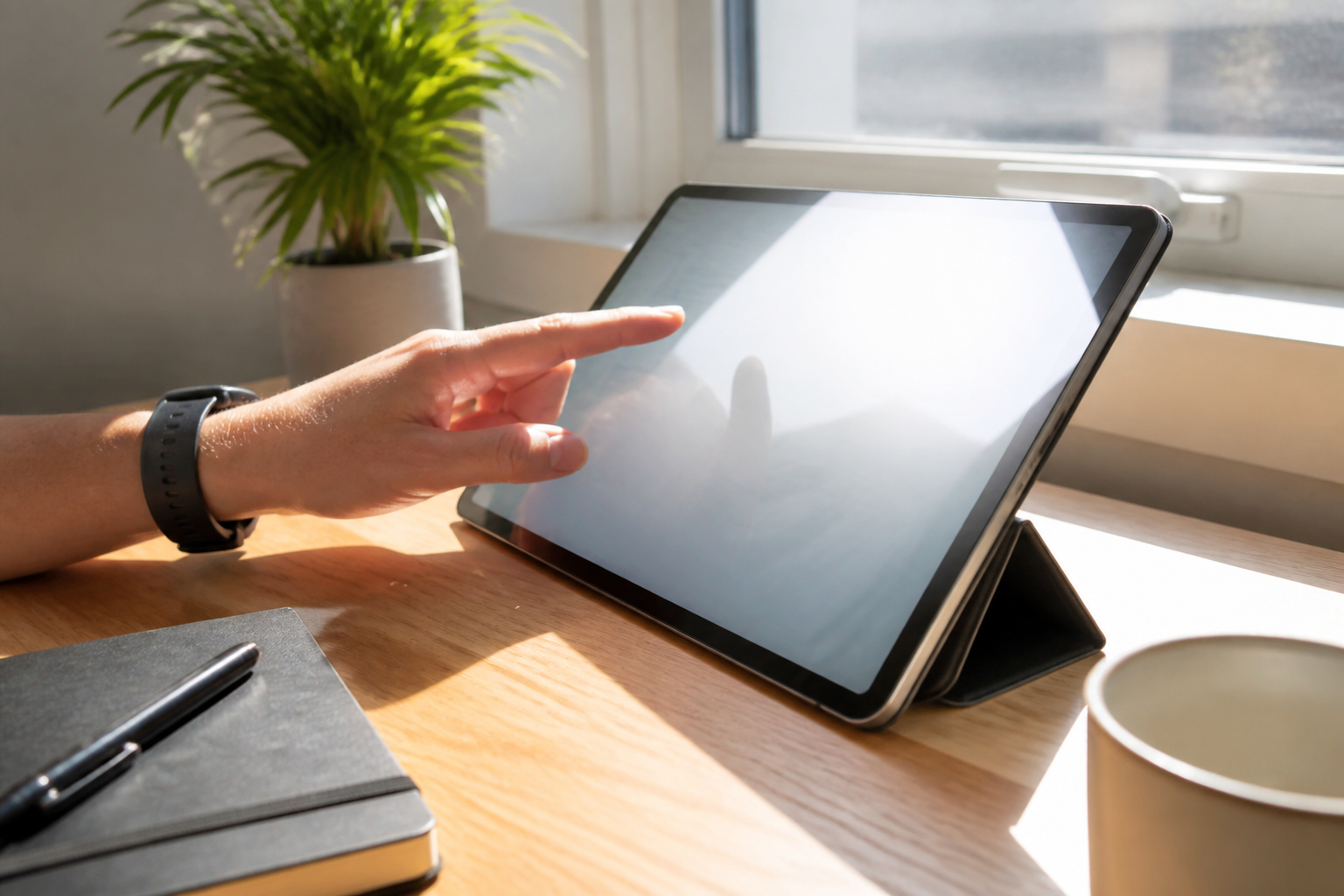

Make screens readable
Phone and laptop screens often pick up blown highlights from lamps or windows. This feature cleans up screen glare so the display content reads more clearly in the final image. It is useful for product shots, tutorials, and social posts where the screen matters. You get a clearer result without rebuilding the whole desk scene.
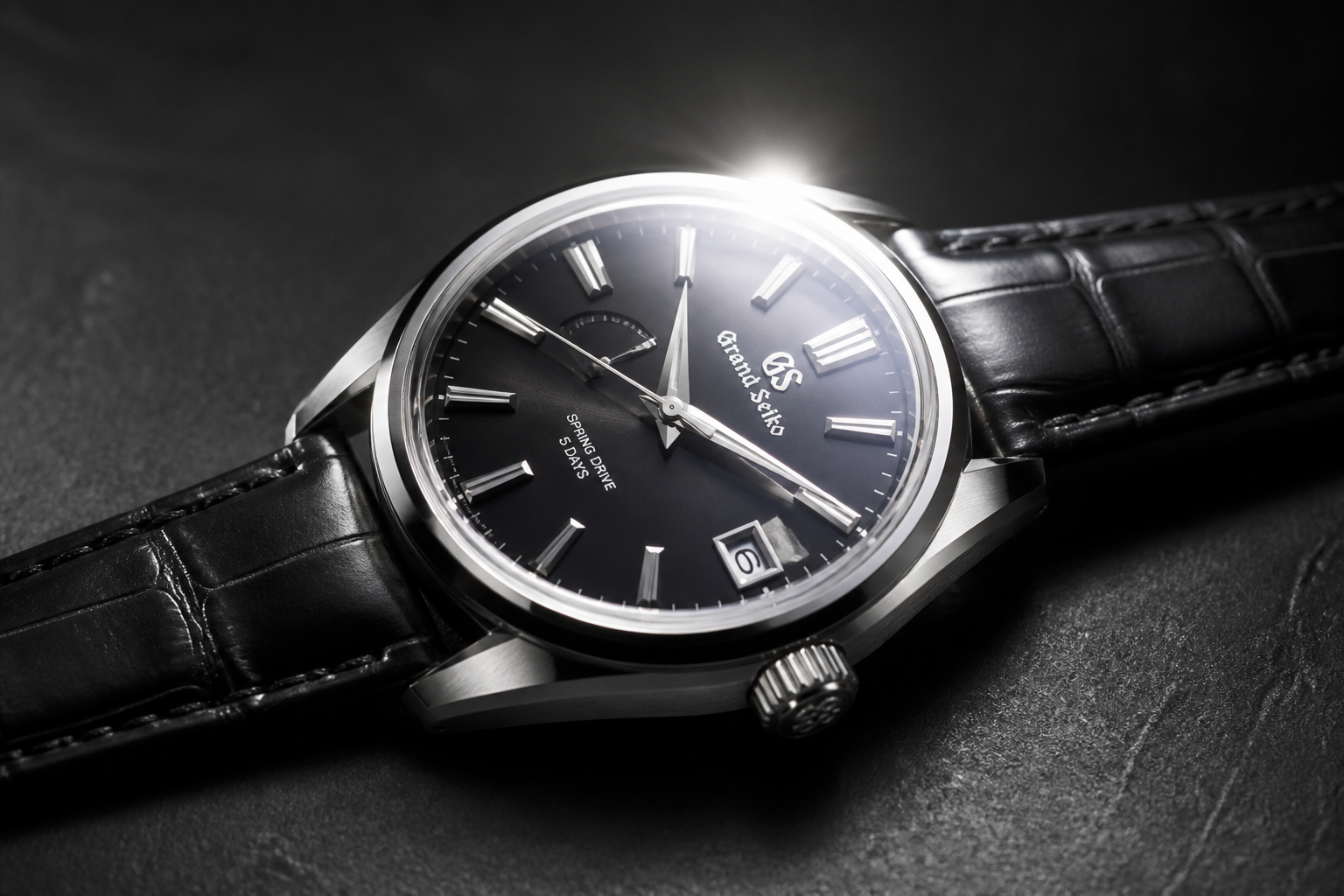
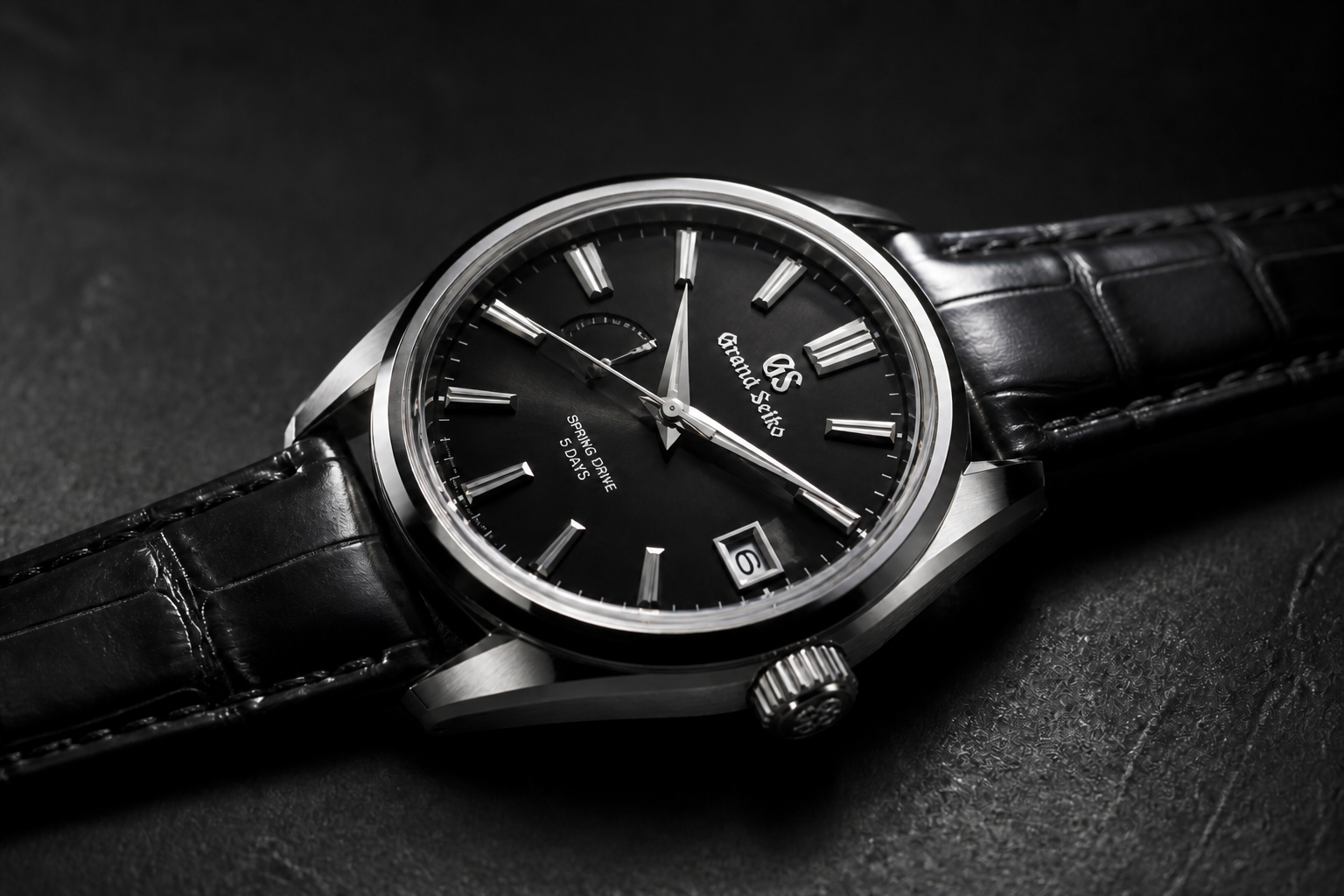
Keep realistic surface shine
Removing glare should not make glossy materials look flat or fake. This tool targets the distracting hotspots while preserving believable shine on cars, watches, glass, and polished products. That balance is hard to achieve with quick manual edits because it is easy to overcorrect. The result looks cleaner while still matching the original material.
How It Works
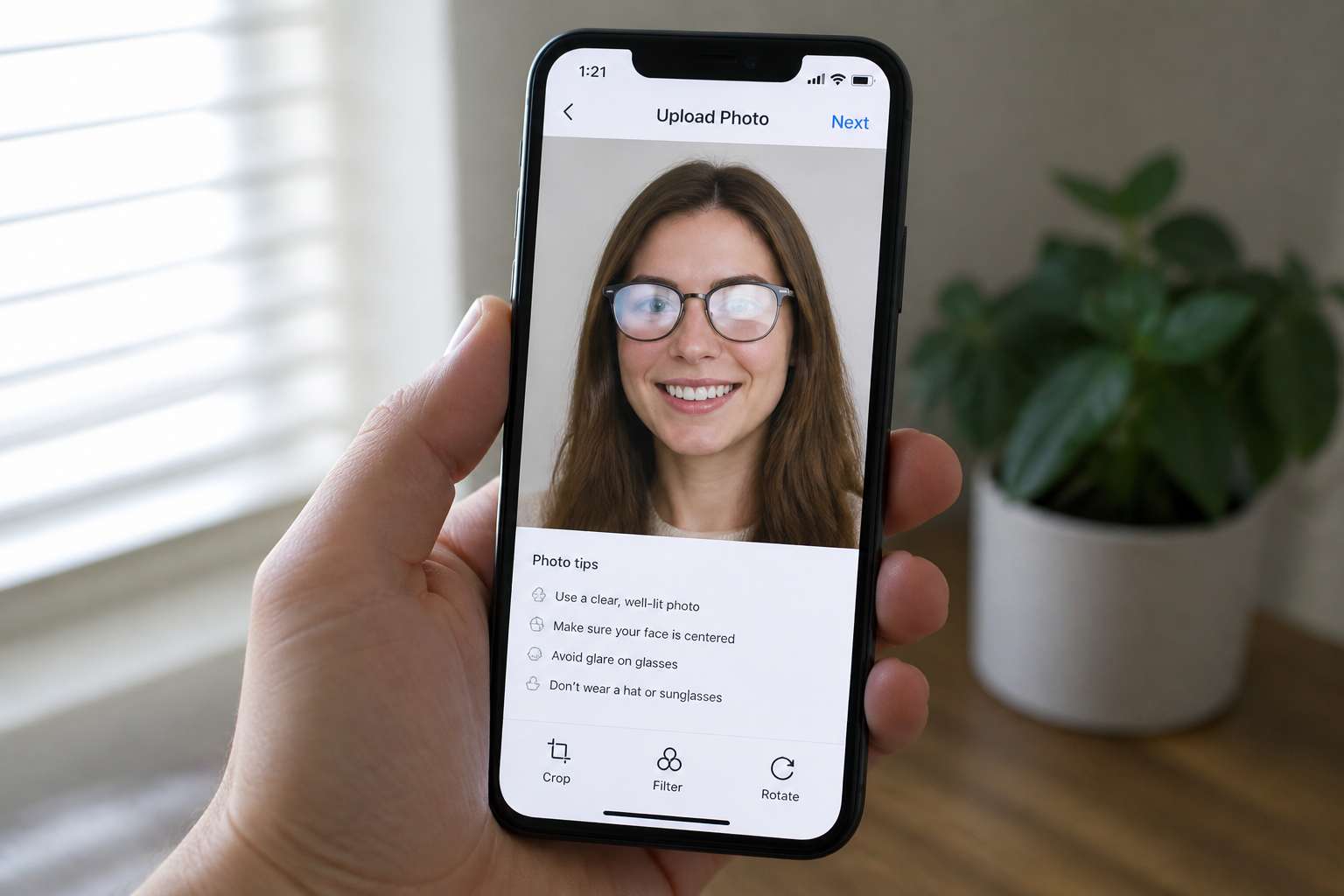
Upload your photo
Start with a photo where glare is blocking part of the scene. Images with glasses, windows, screens, or glossy surfaces work especially well.
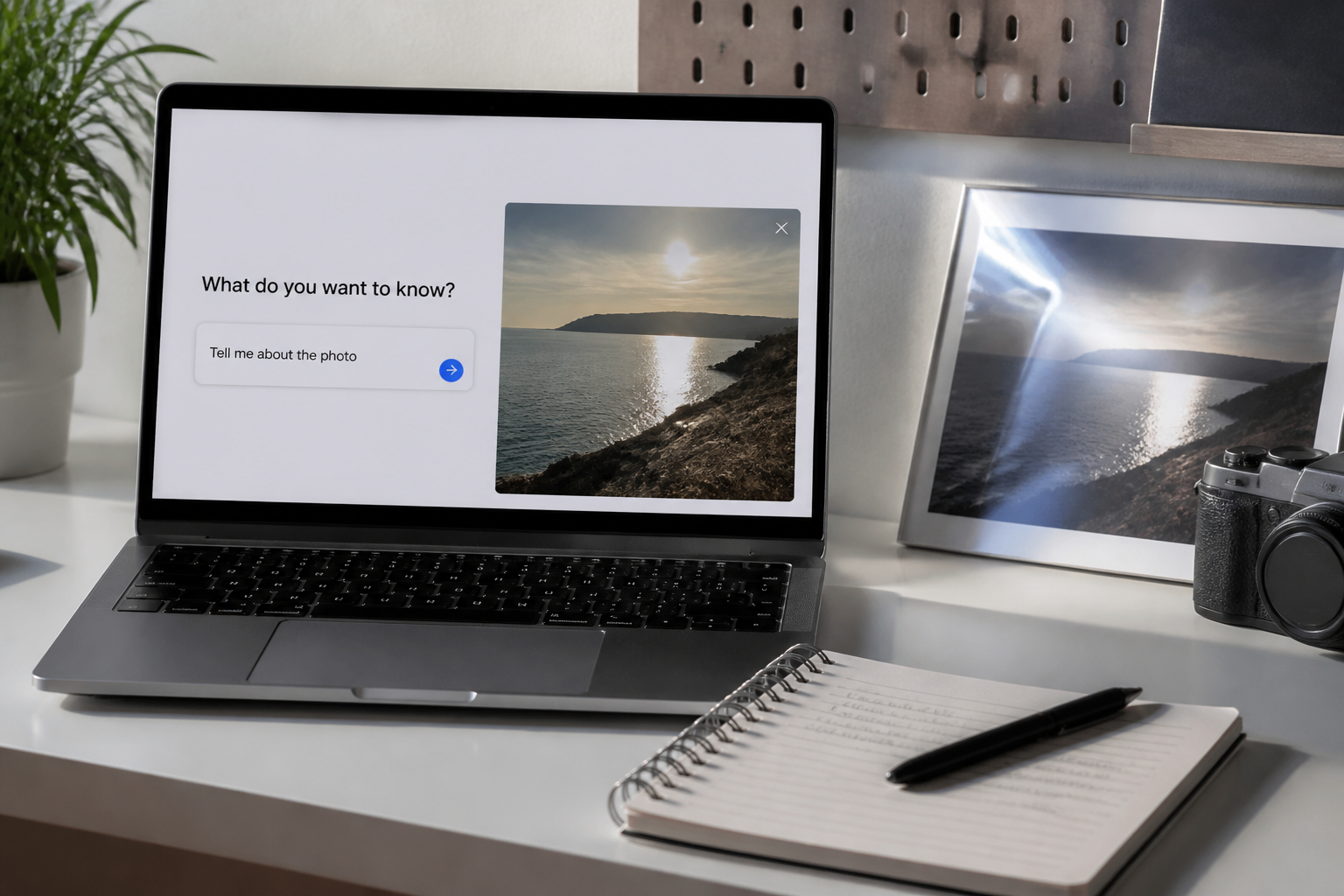
Describe what to remove
Tell the AI where the reflection is and what should stay the same. For example, ask it to remove glare from glasses or a window while keeping the subject and lighting identical.
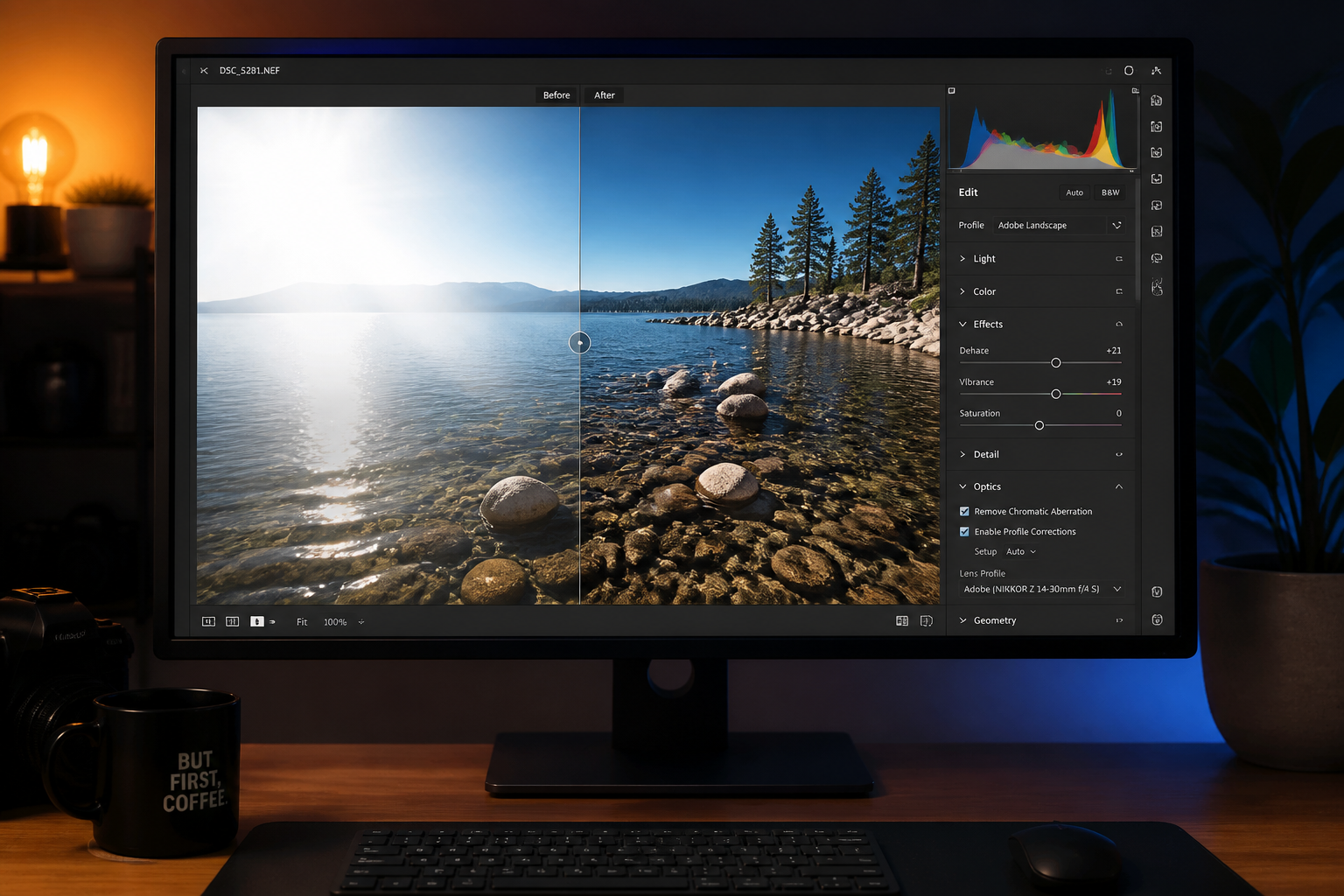
Compare and download
Review the before and after side by side to check that hidden details are visible again. When it looks right, download the cleaned image for sharing, listing, or client delivery.
Perfect For
Discover how creators and professionals use ai glare remover
Portrait cleanup
Remove glare from eyeglasses so eyes stay visible in headshots, team photos, and lifestyle portraits.
Real estate interiors
Reduce window reflections that hide room details in listing photos and property marketing images.
Product photography
Clean up glare on watch crystals, framed prints, phone screens, and other glossy surfaces.
Storefront and signage photos
Make window displays and information behind glass easier to see in commercial images.
Built For
Photographers
Speed up cleanup on portraits, interiors, and commercial shots without manually masking every reflective area.
Online sellers and marketers
Make product screens, glass covers, and polished materials easier to read in listing and ad images.
Everyday users
Fix vacation, family, and phone photos where glare ruined a face, view, or important detail.
Why use AI Glare Remover
A quick look at how we compare on the things that matter for this niche.
| Feature | BudgetPixel | Generic AI editors | Manual editing apps |
|---|---|---|---|
| Targeted glare cleanup | ✓ | — | ✓ |
| Preserves original scene | ✓ | — | ✓ |
| Fast for casual users | ✓ | ✓ | — |
| Good for glasses and windows | ✓ | — | ✓ |
| Free to start | ✓ | ✓ | — |
Frequently Asked Questions
What kinds of glare can this remove?
Will it change the person or scene?
Can it fix glasses glare in portraits?
Does it work for product photos?
What prompt should I use?
Create together.
Share your creations, discover trending AI art, and grow with fellow creators.