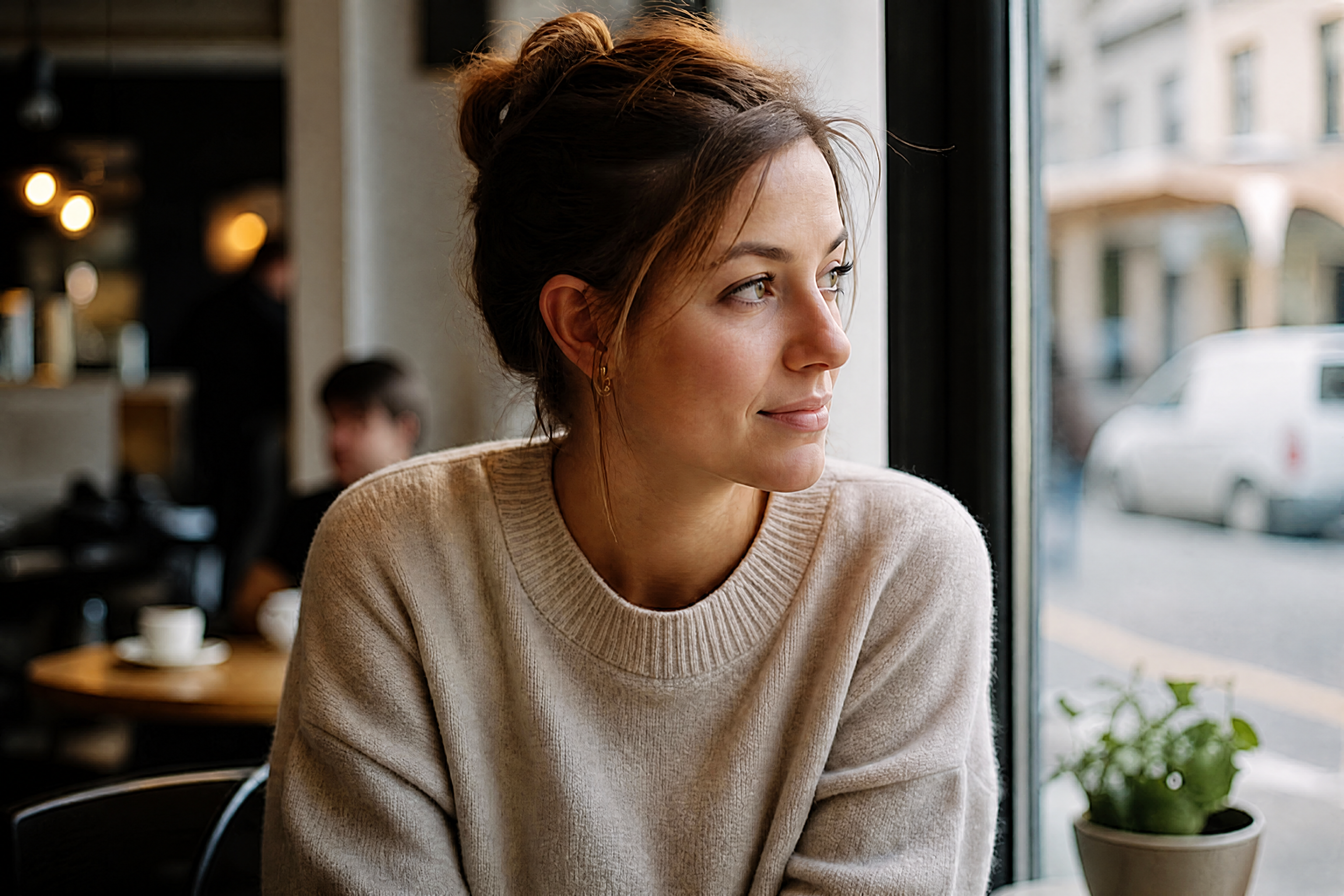
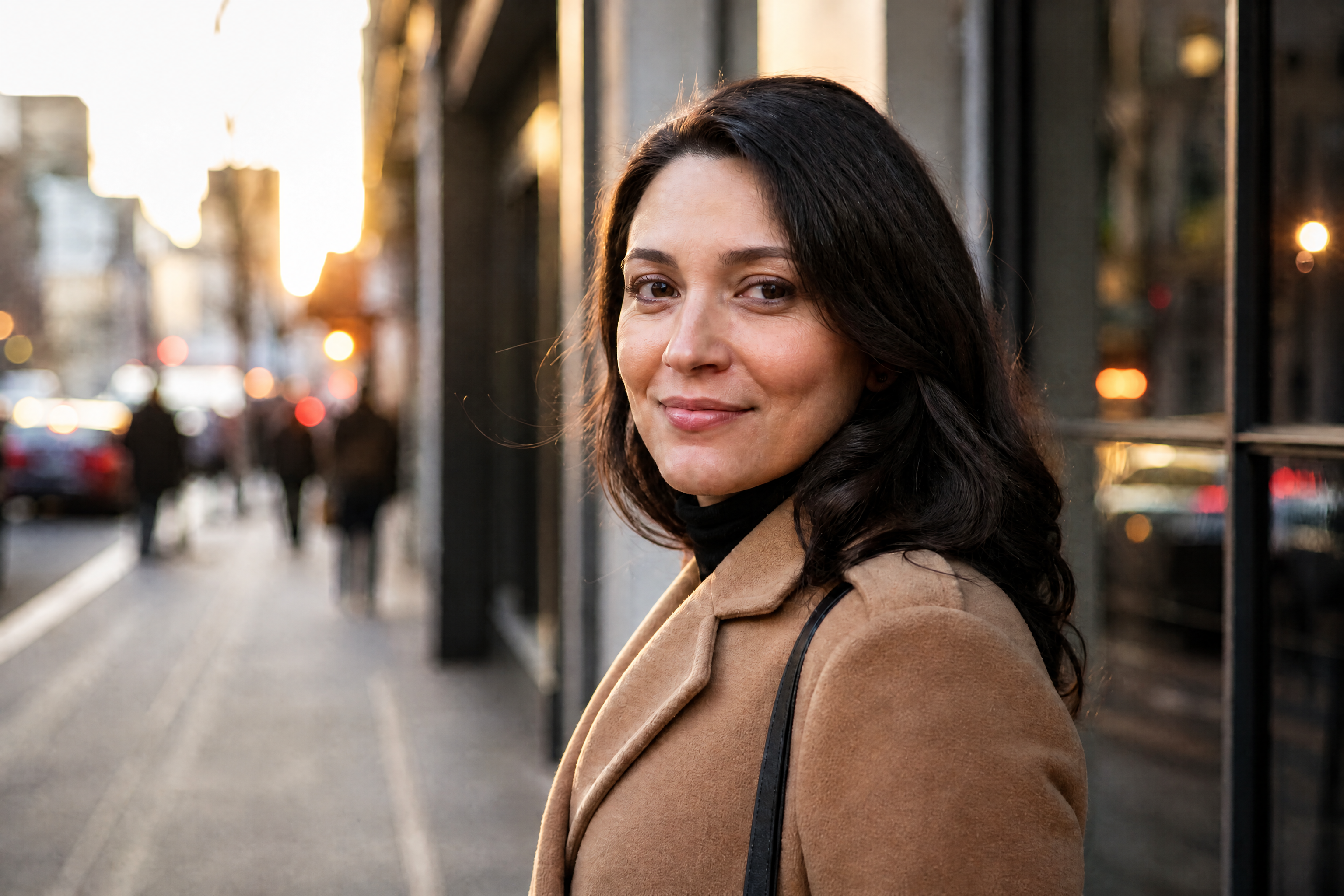
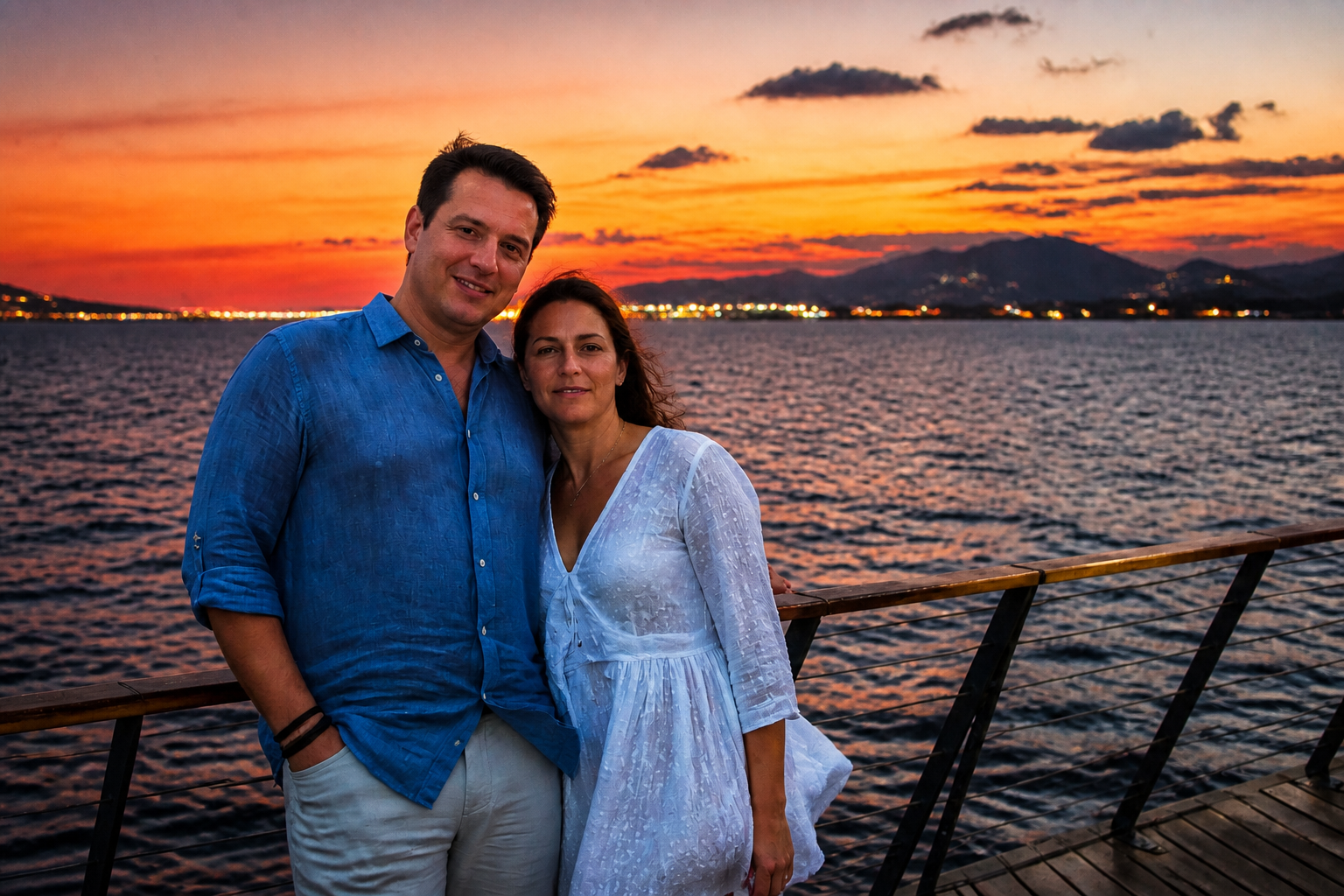
AI Denoise Image
Remove grain and clean up noisy photos in seconds.
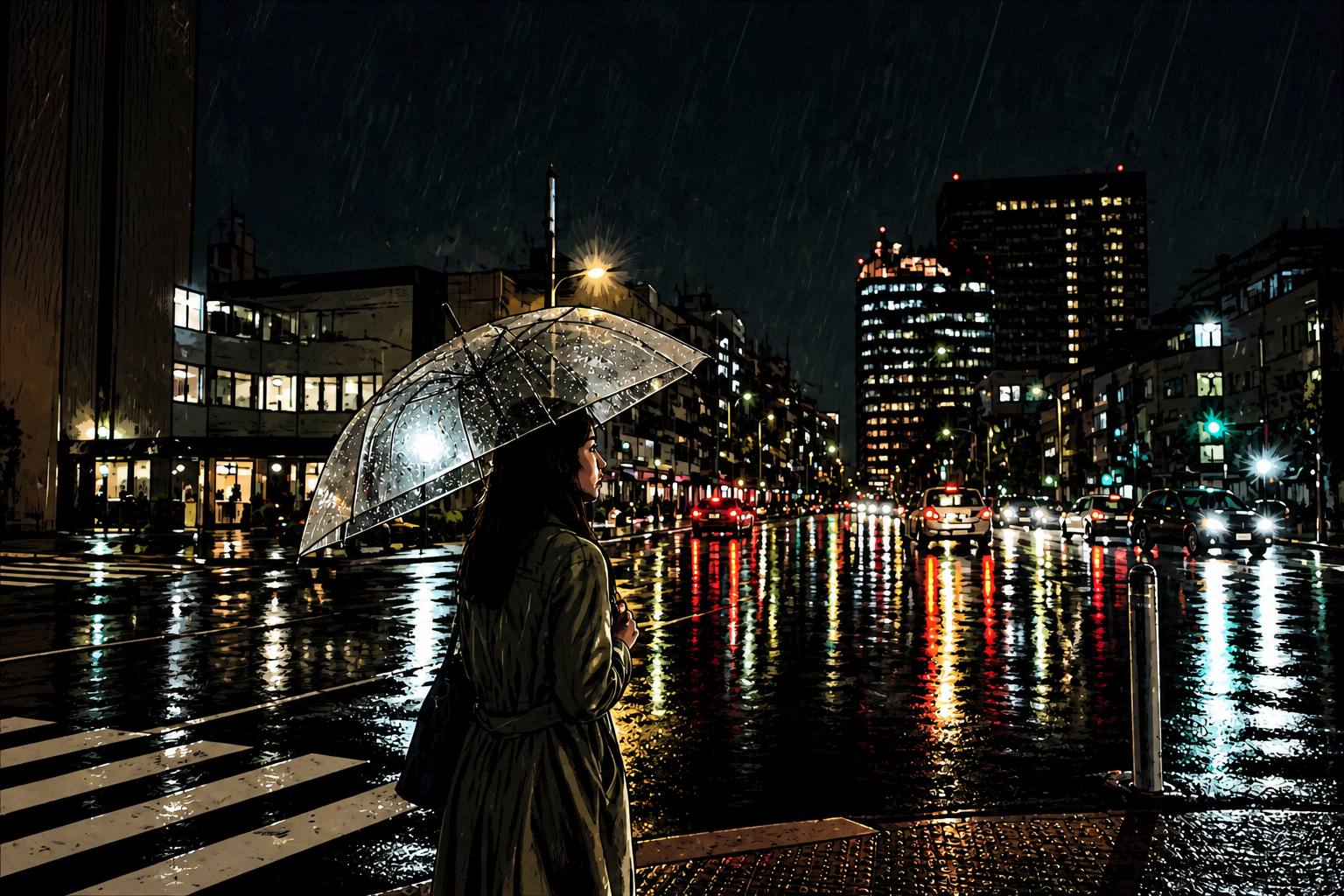
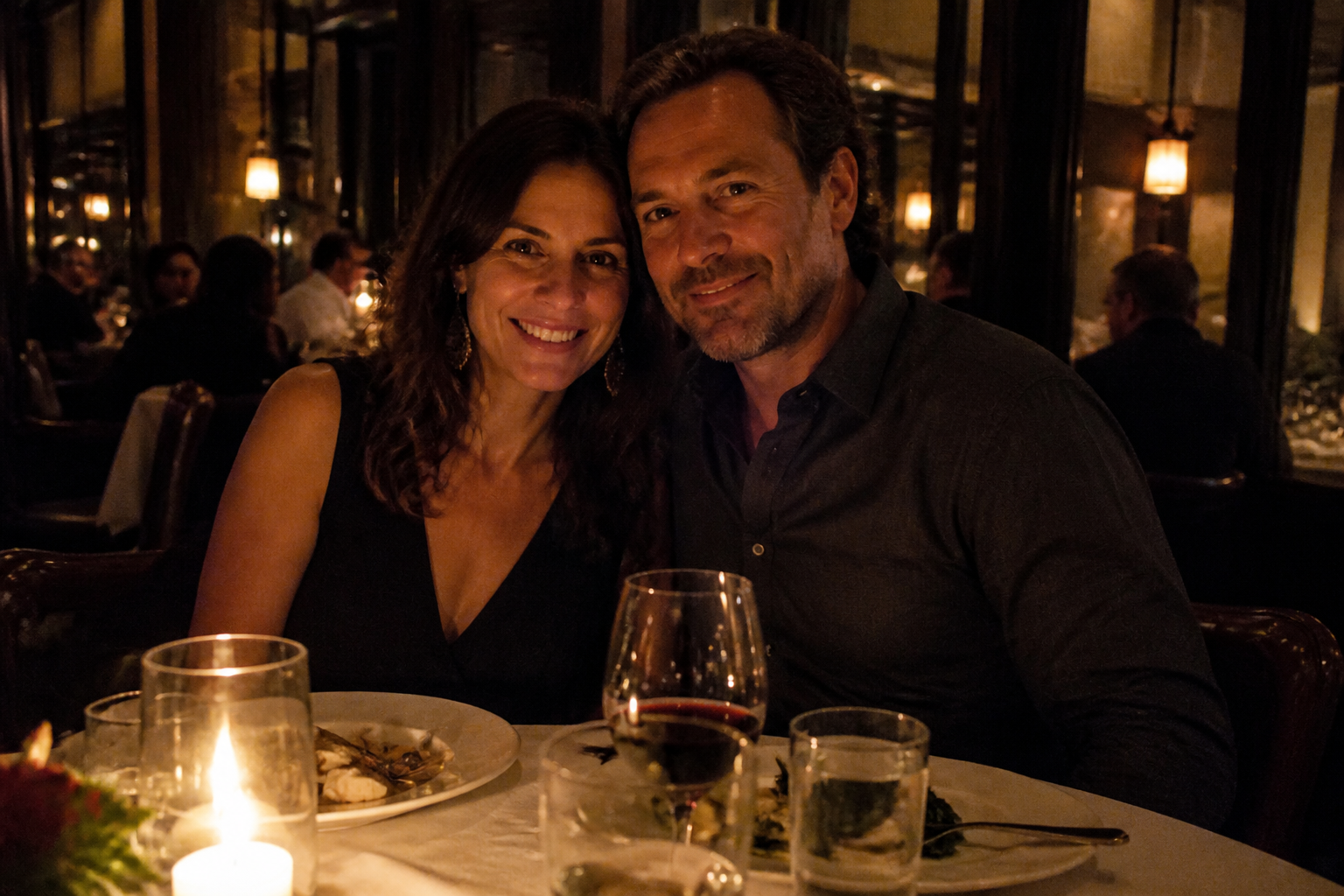
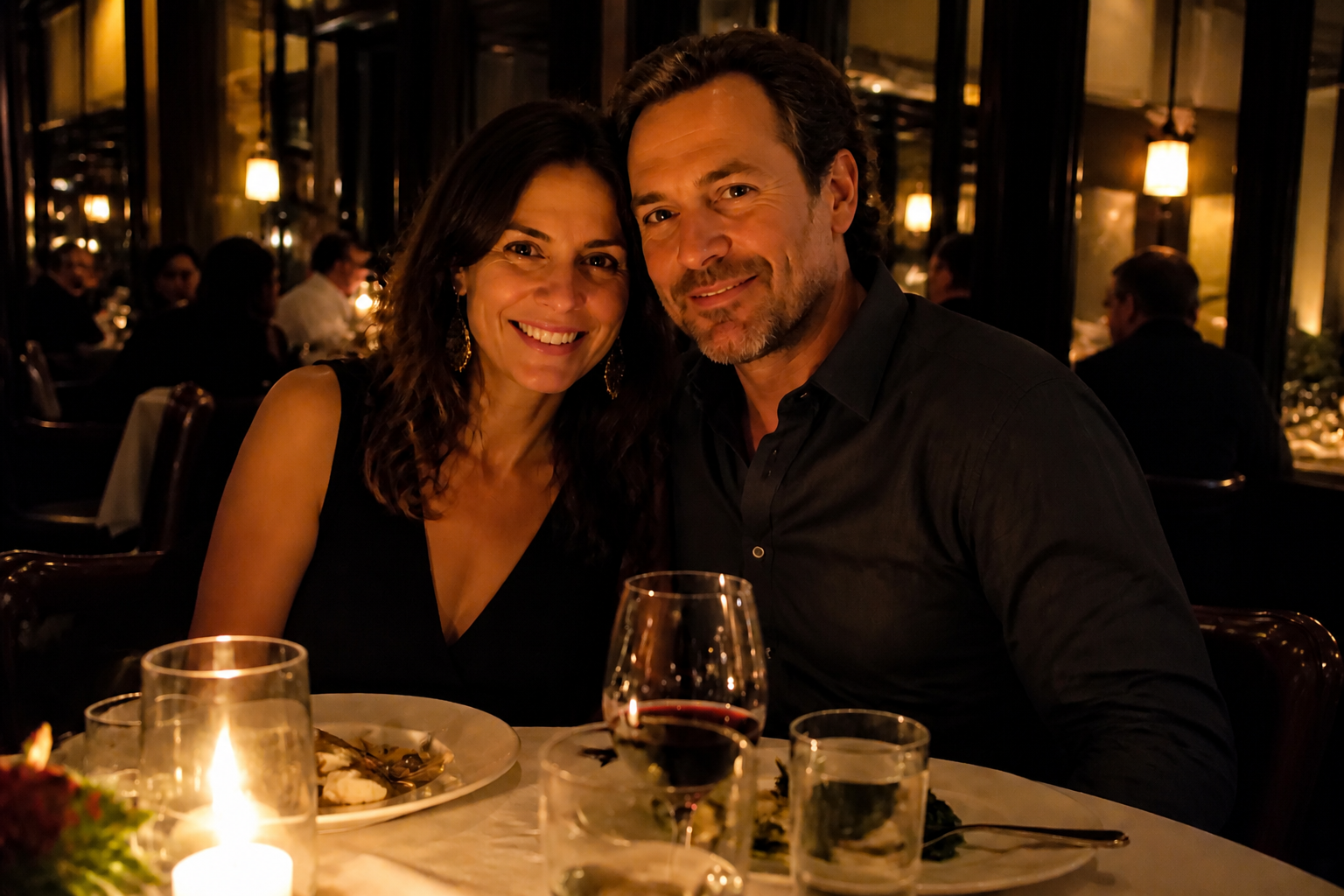
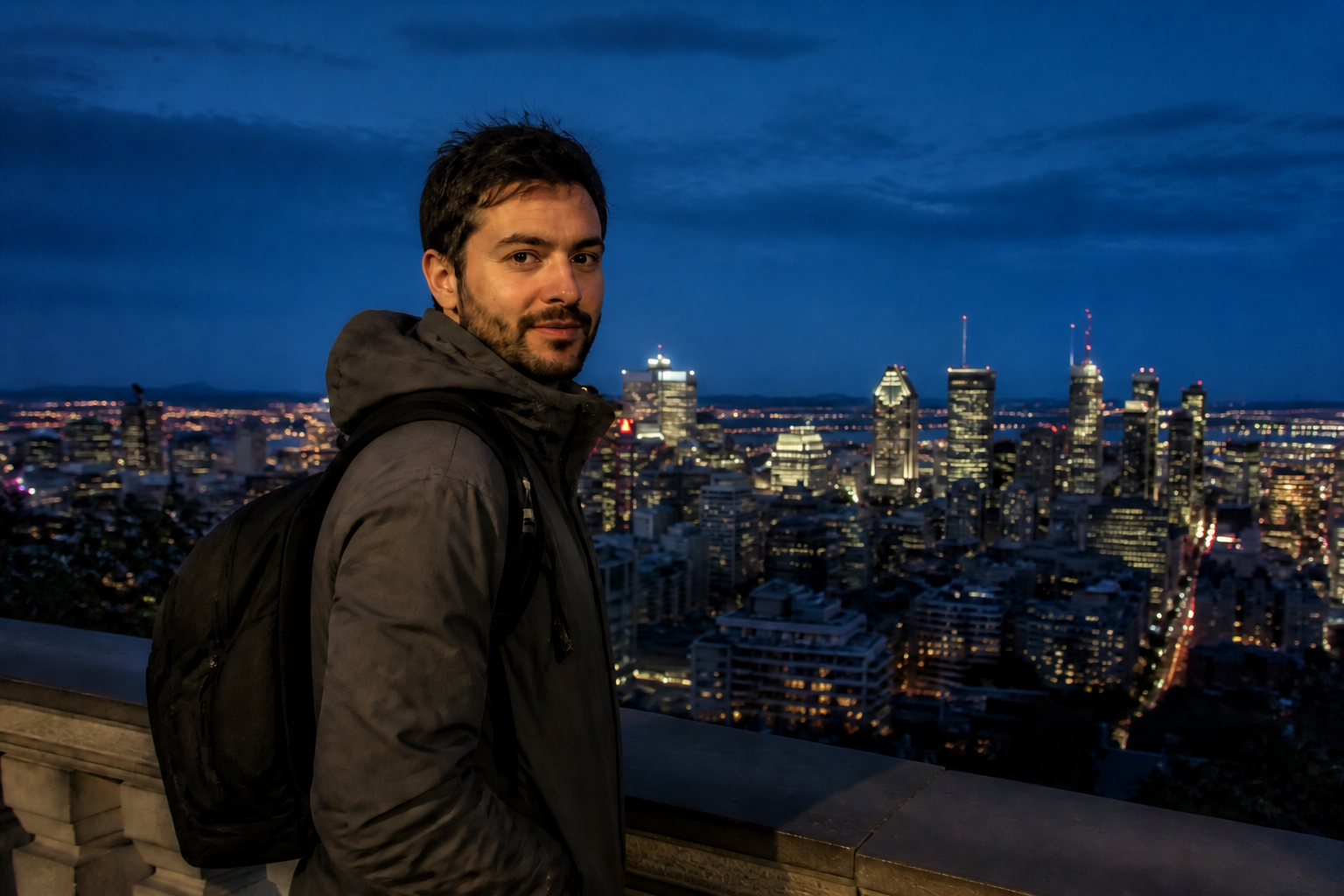
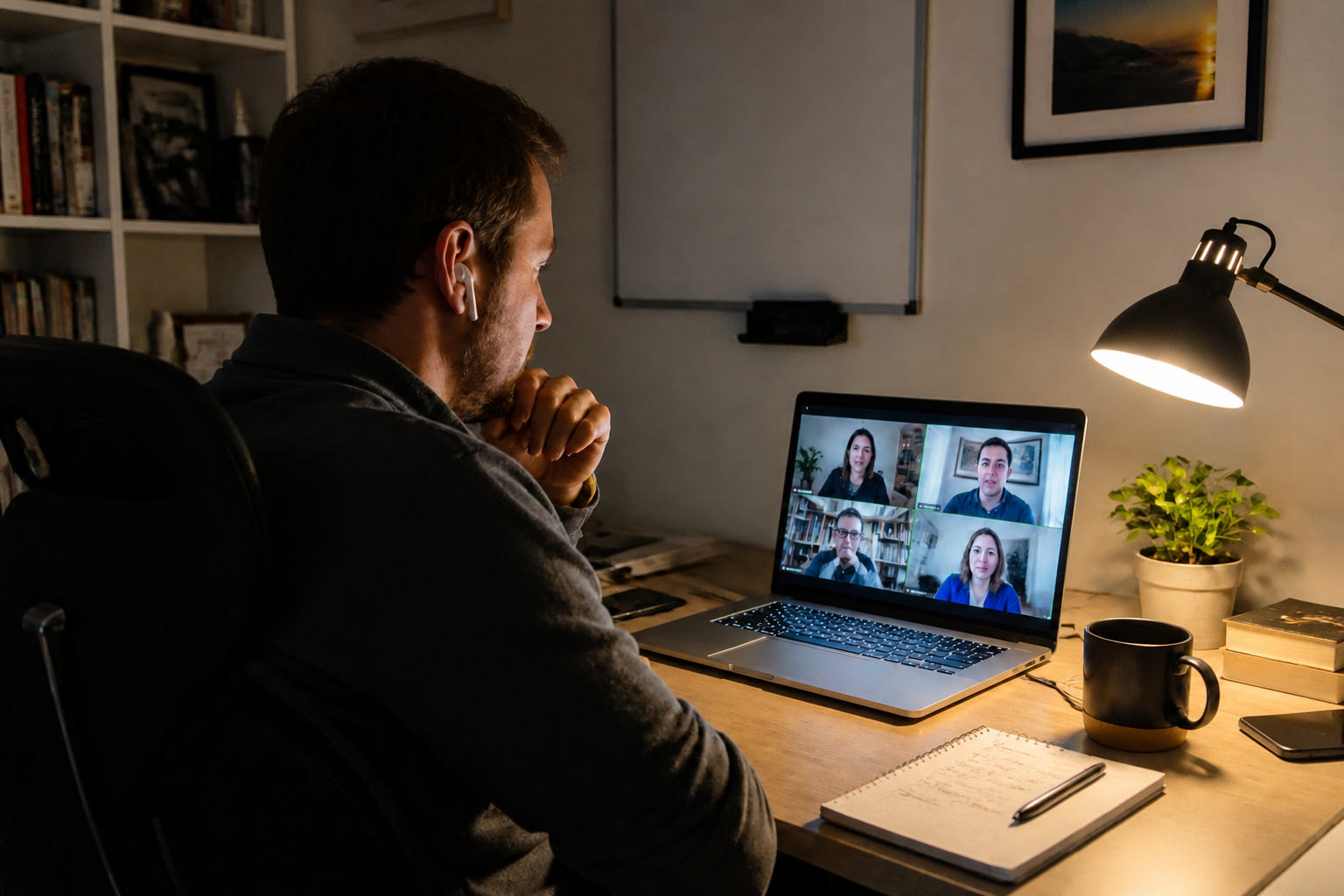
AI Denoise Image helps you fix grainy, noisy photos without rebuilding the whole picture from scratch. Upload a low-light shot, portrait, product image, or travel photo, then let our AI reduce visible noise while keeping edges, textures, and overall composition intact.
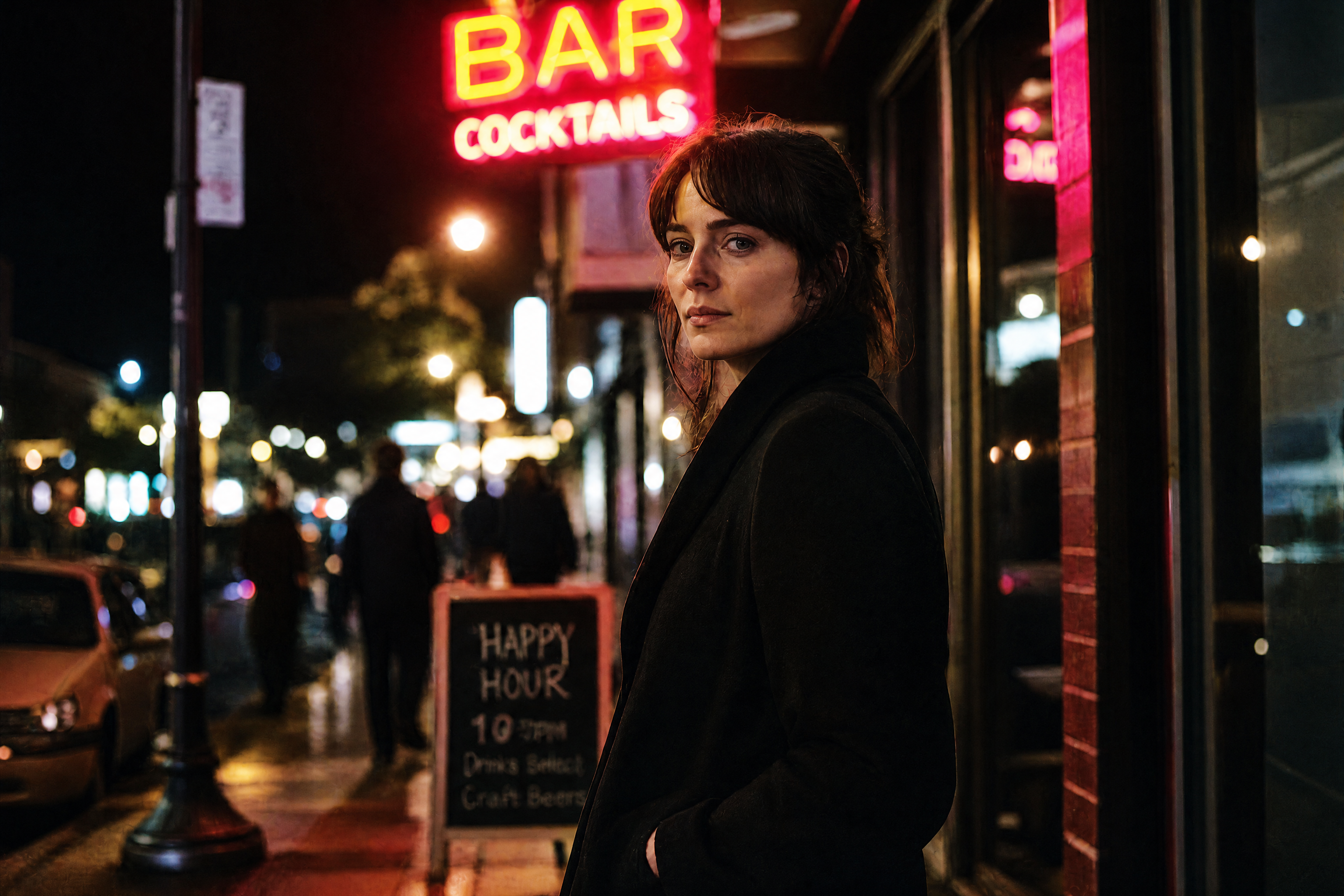
Watch the Transformation
See ai denoise image in motion — generated end-to-end by our AI.
See It In Action
Real outputs from ai denoise image.
BEFOREAFTER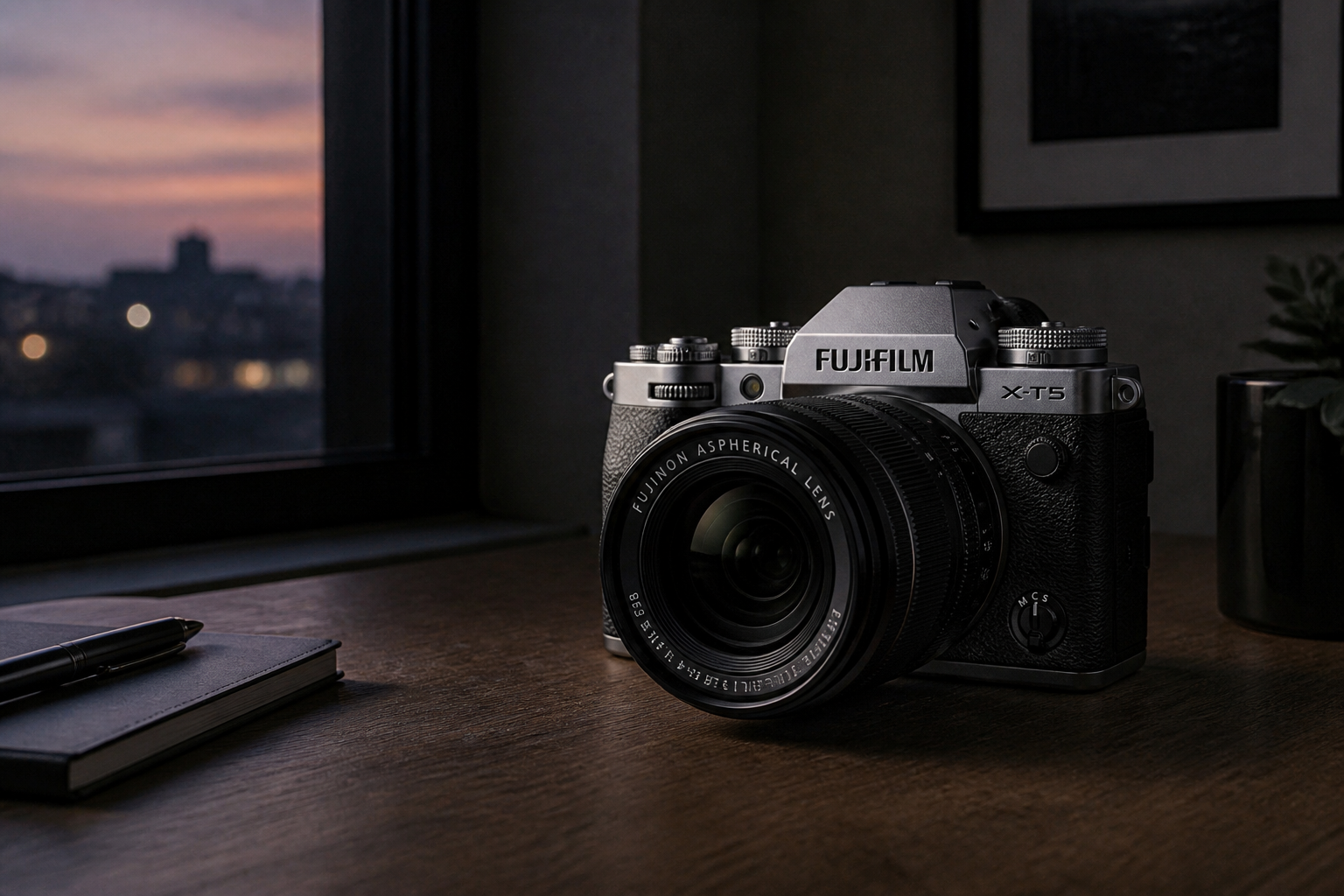 BEFORE
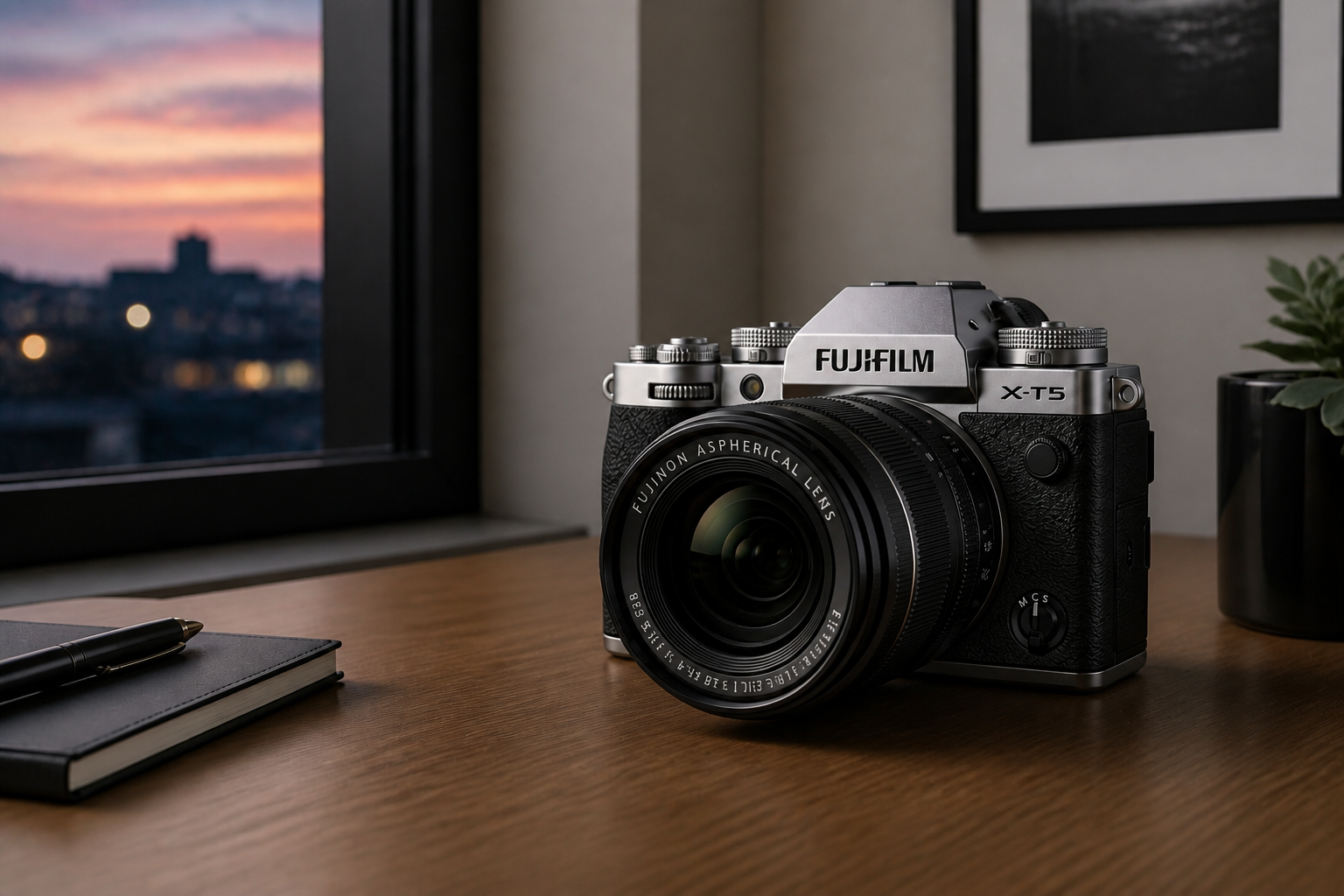 AFTER
AFTER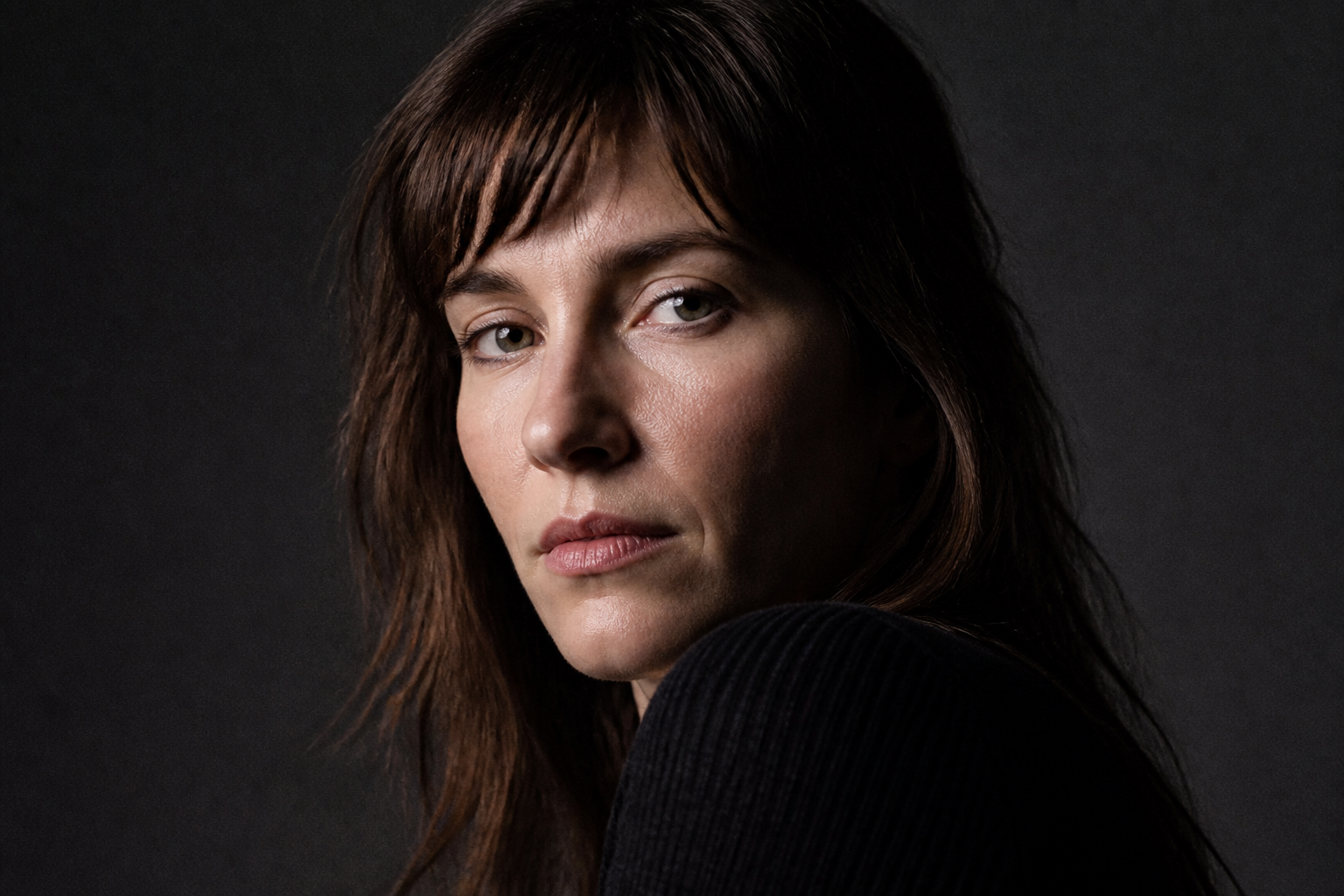 BEFORE
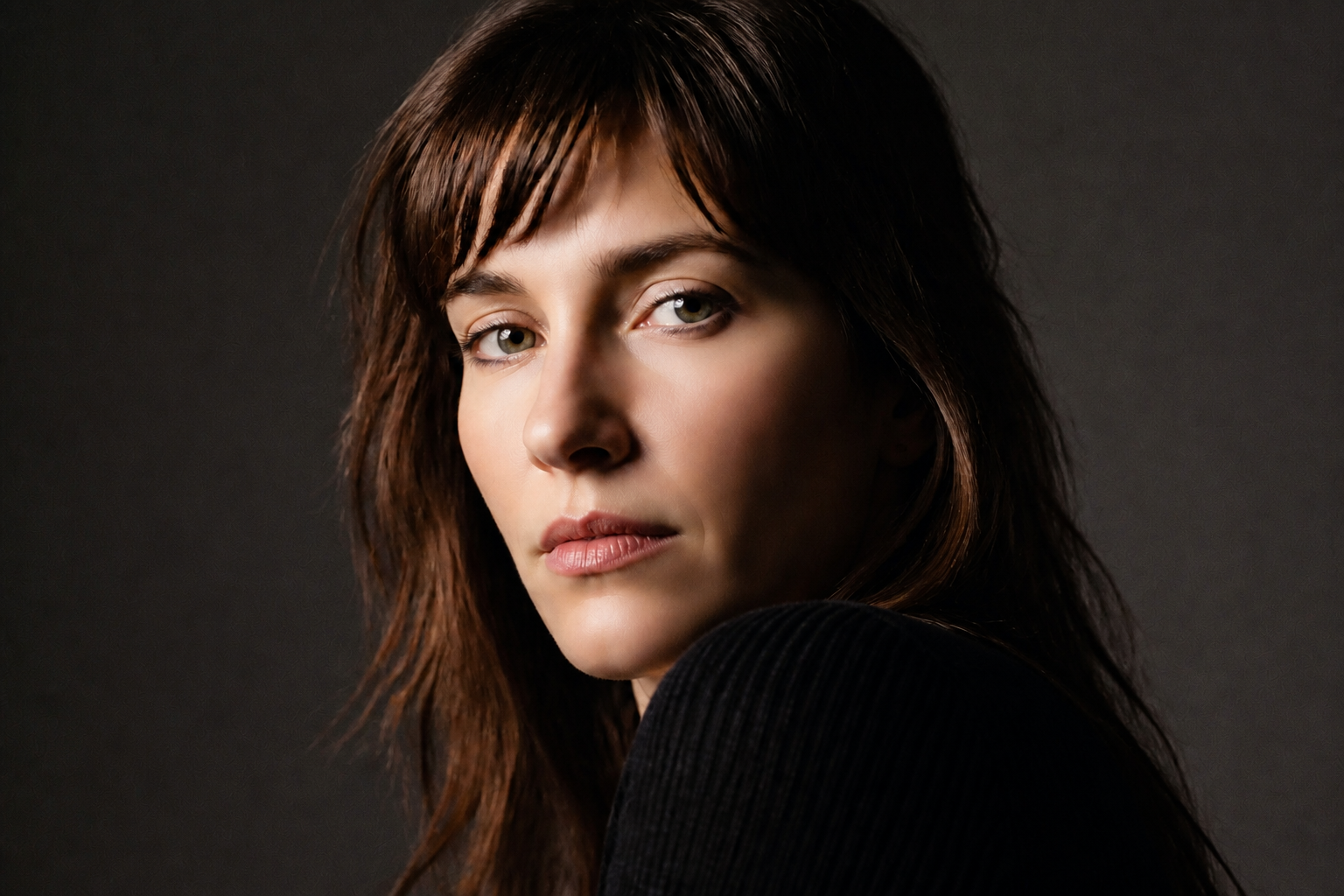 AFTER
AFTER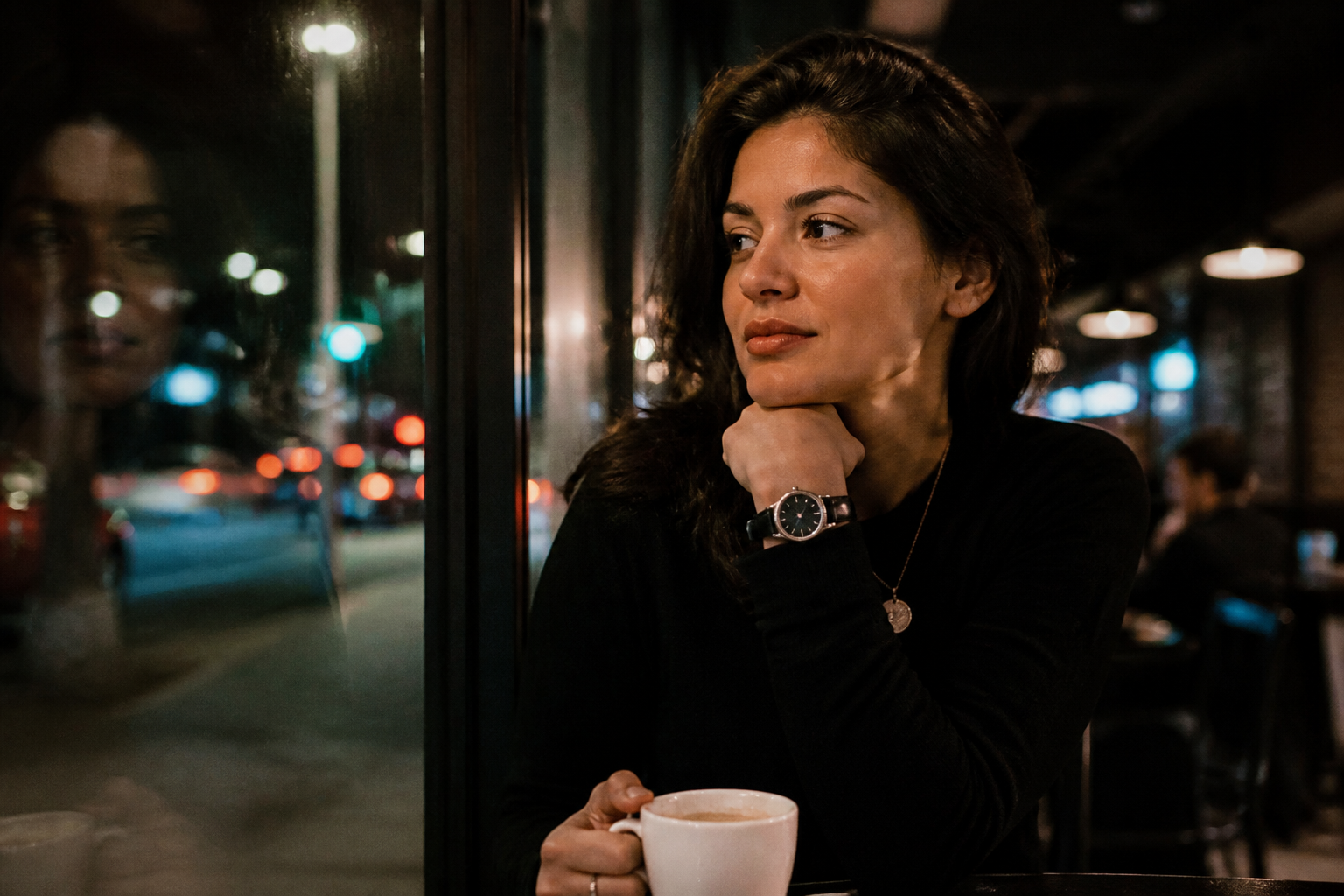 BEFORE
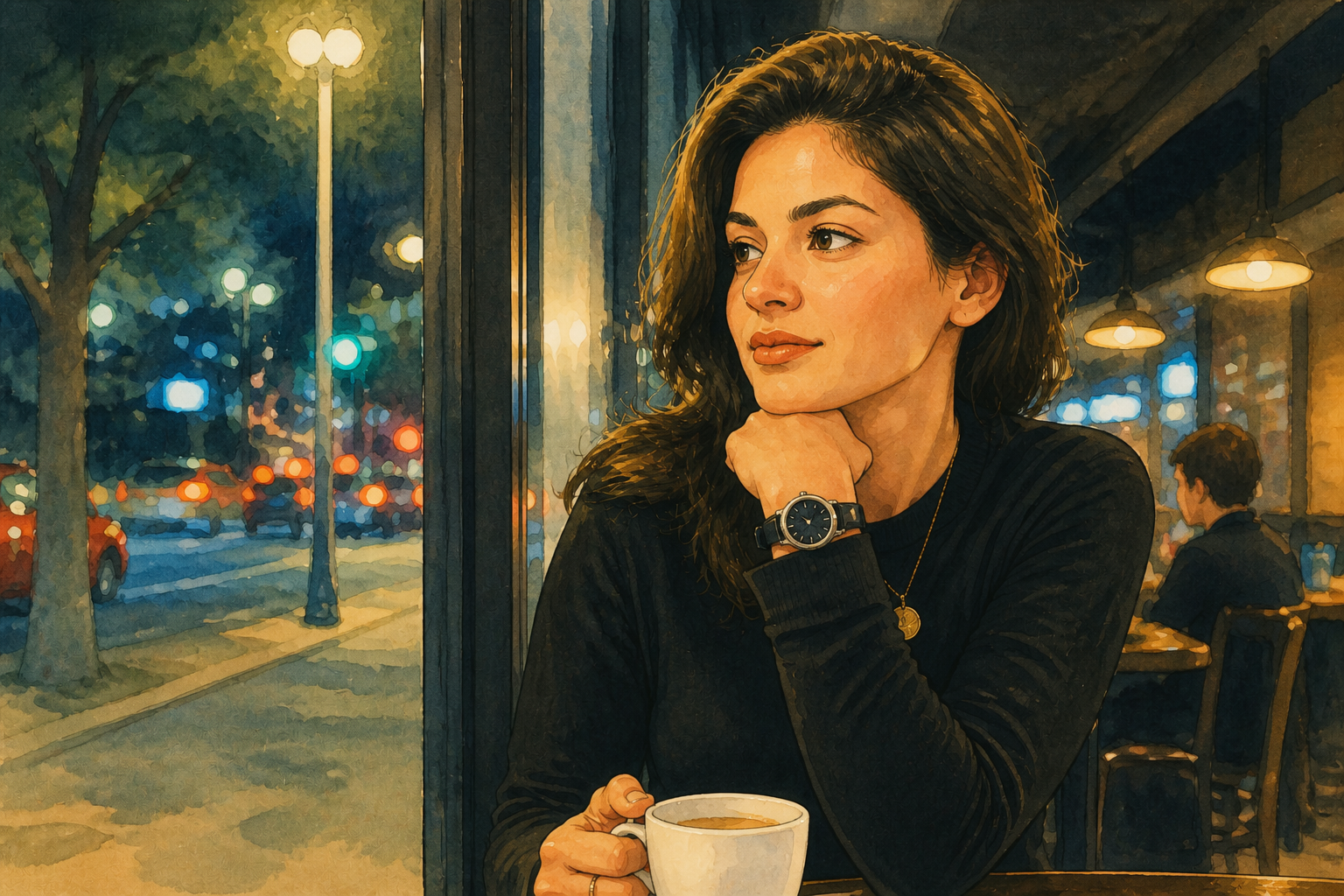 AFTER
AFTER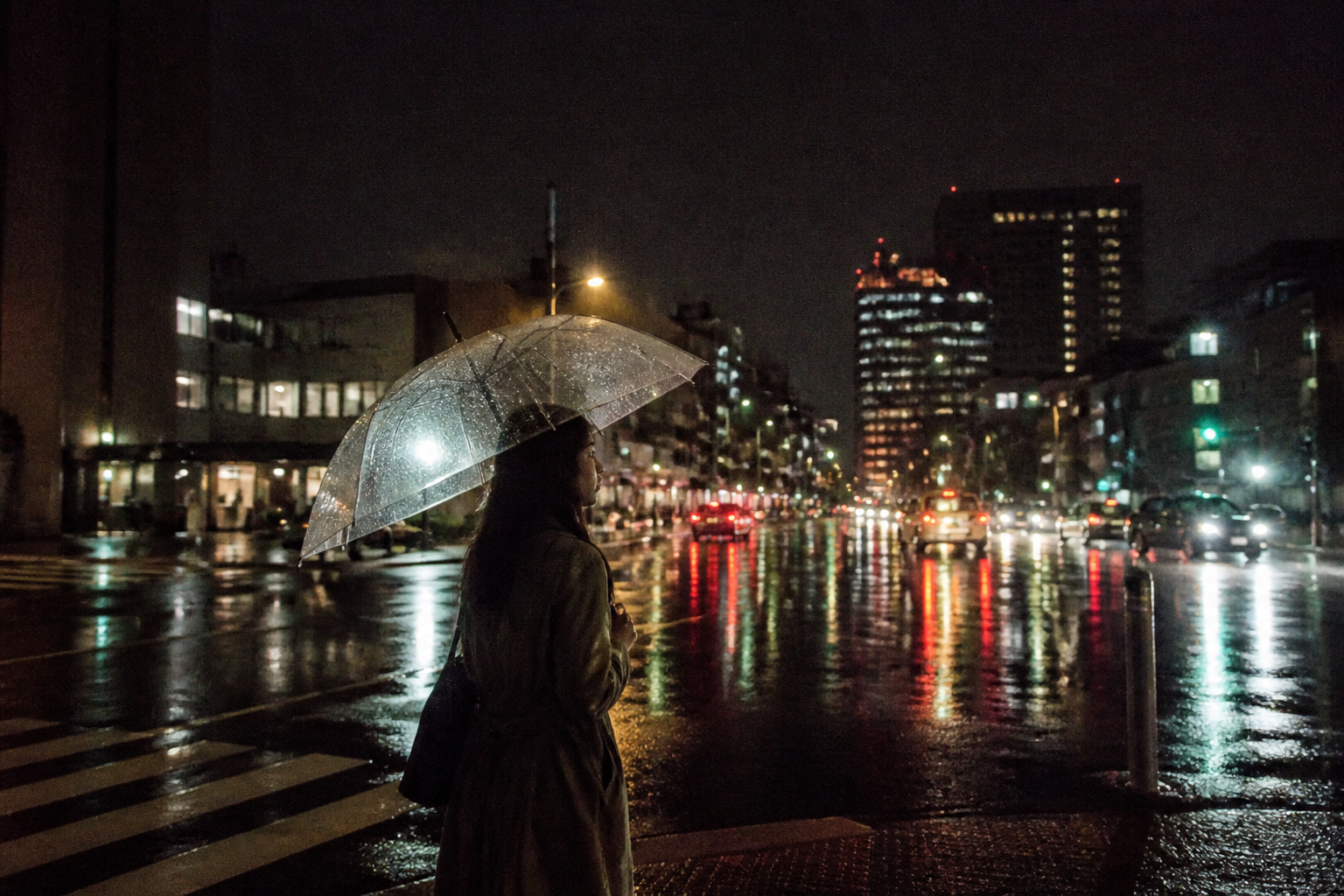 BEFORE
 AFTERBEFOREAFTERBEFOREAFTERBEFOREAFTERBEFOREAFTERBEFOREAFTER
 BEFORE
 AFTER
AFTER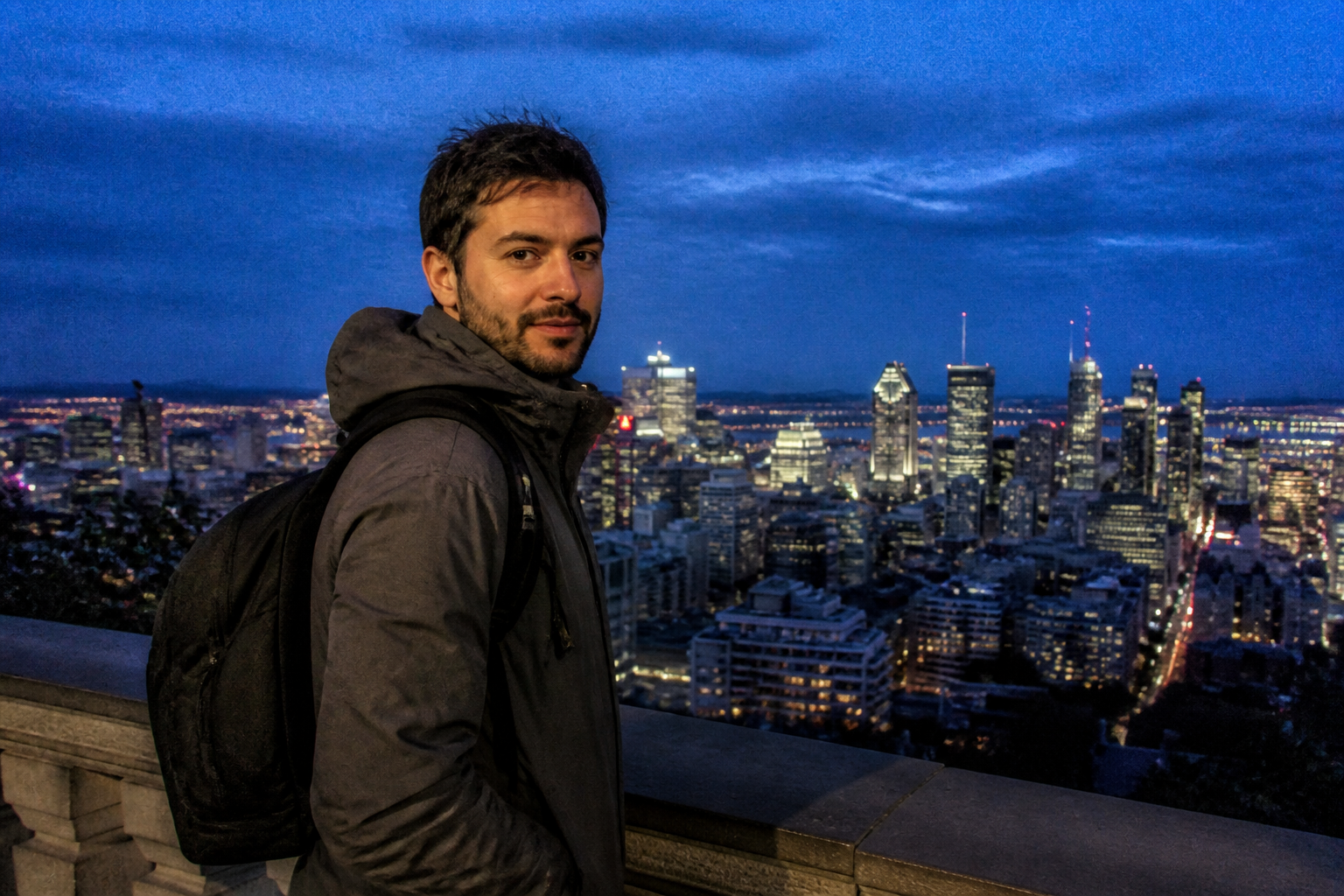 BEFORE
 AFTER
AFTER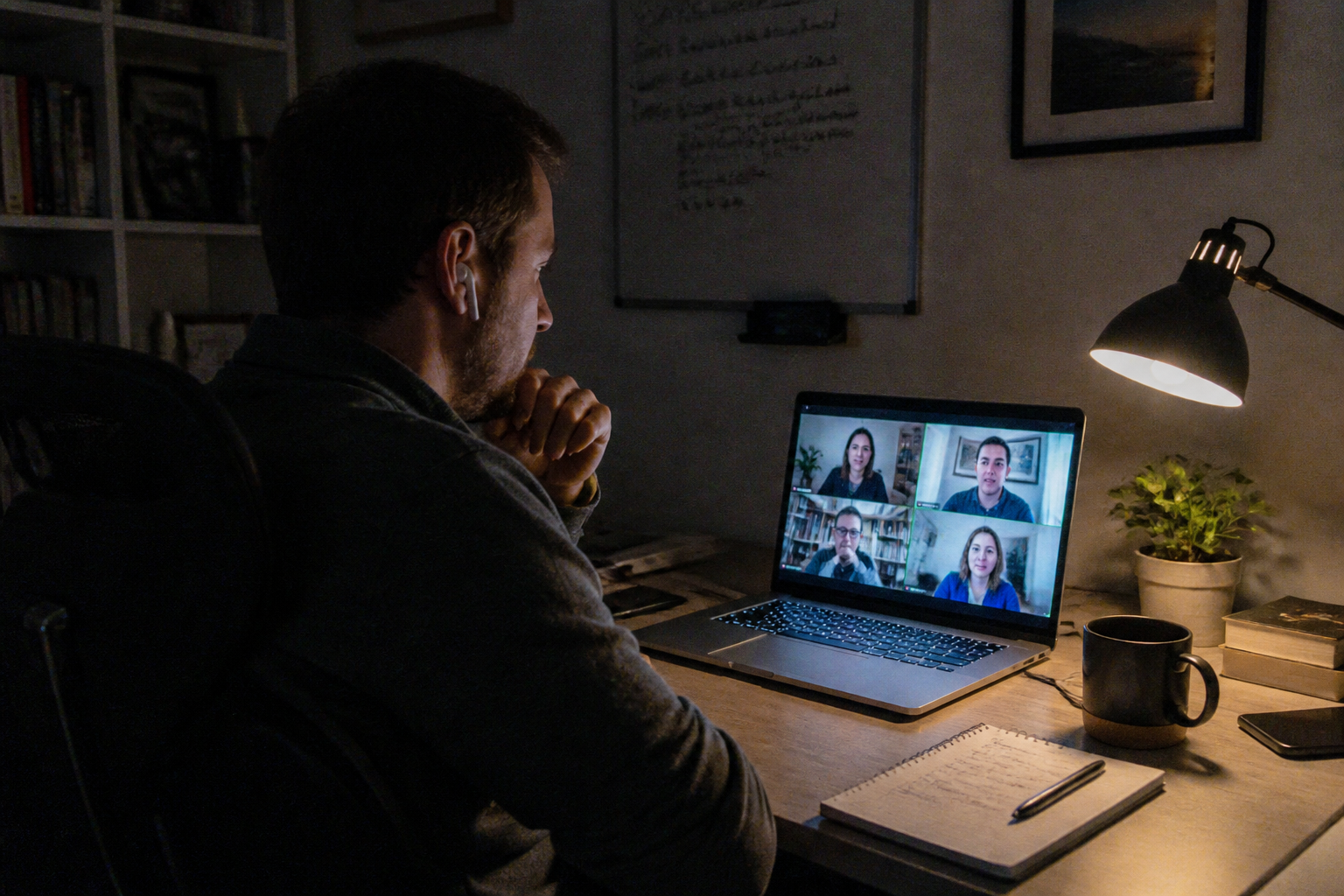 BEFORE
 AFTER
AFTER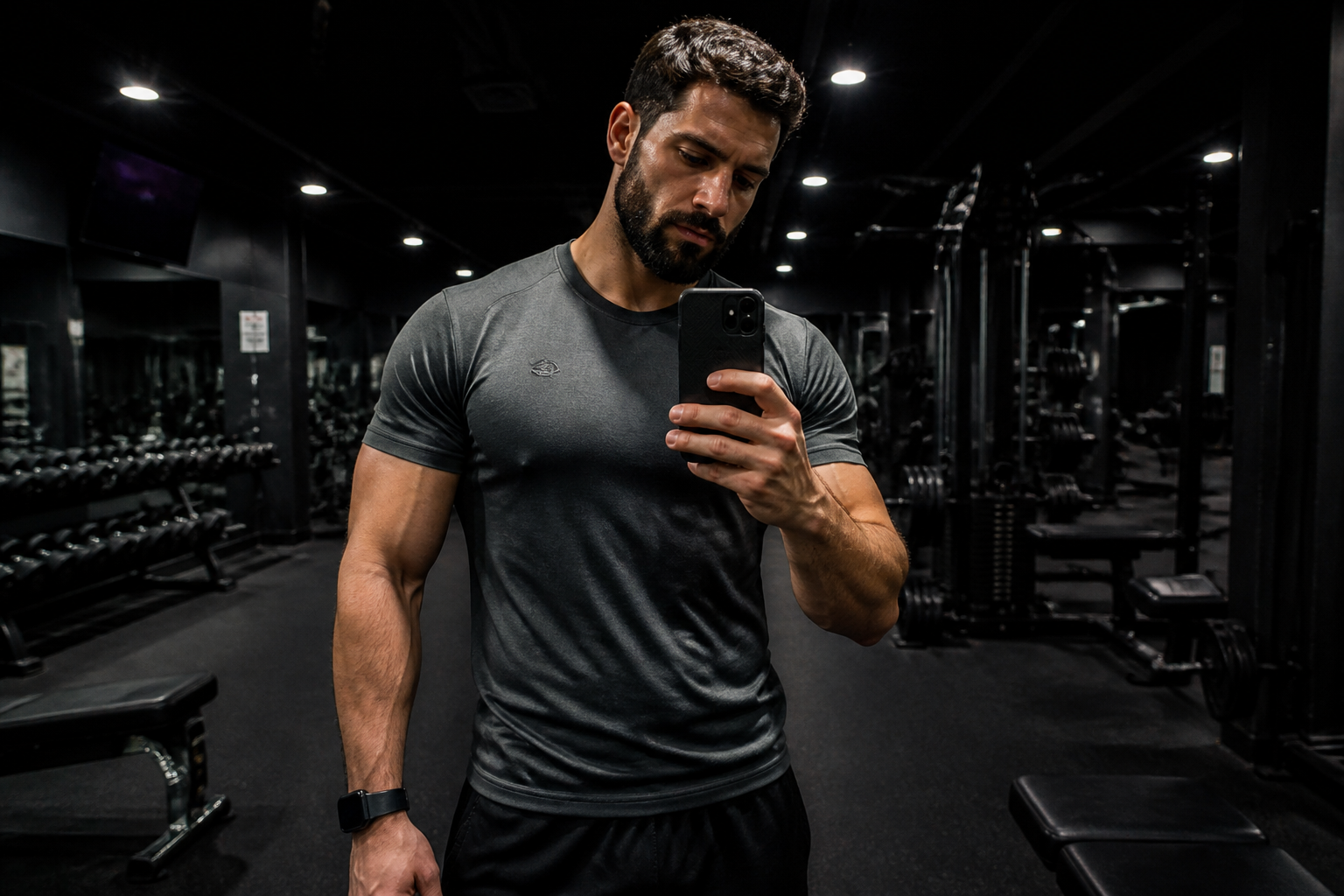 BEFORE
 AFTER
AFTER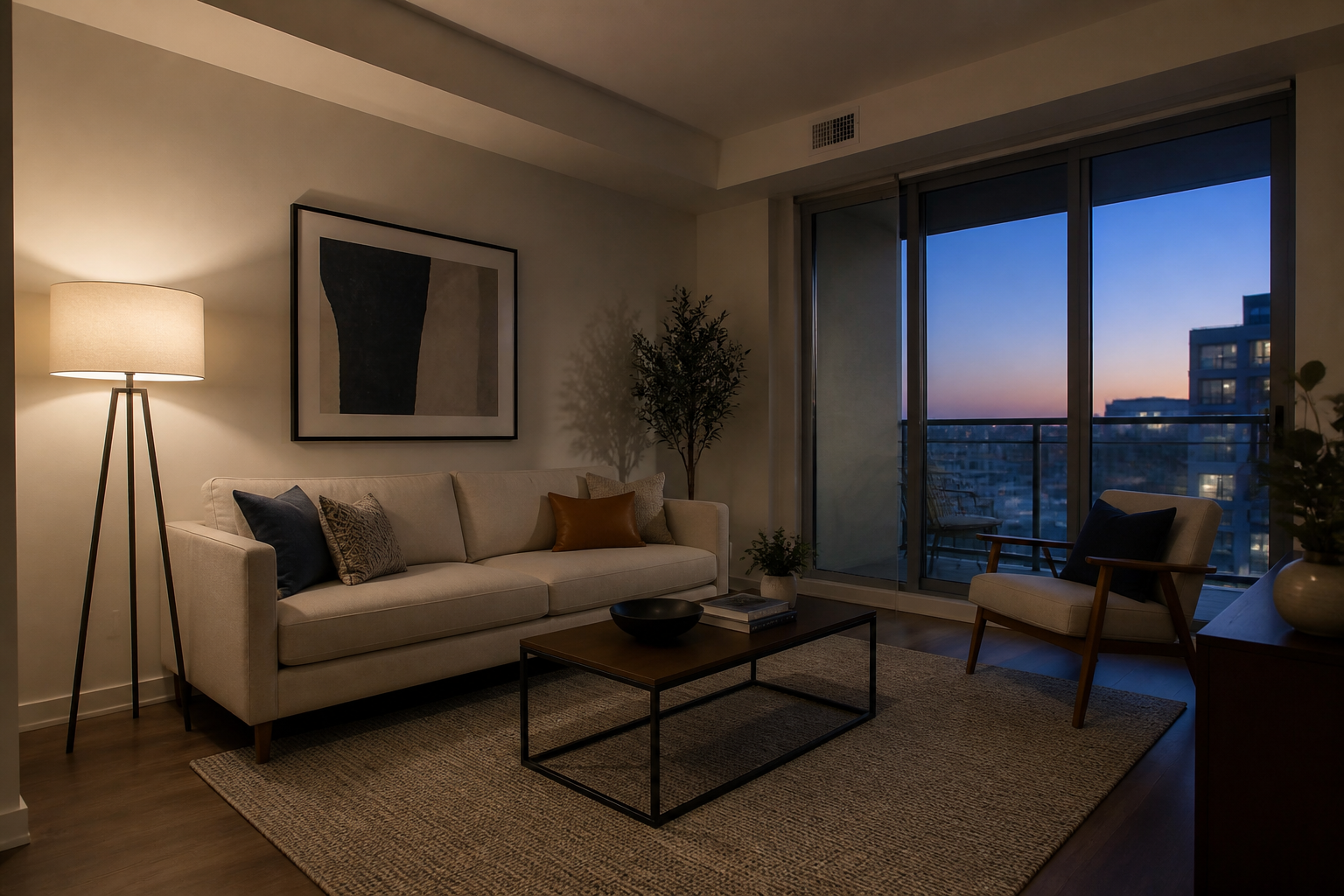 BEFORE
 AFTERBEFOREAFTERBEFOREAFTERBEFOREAFTERBEFOREAFTERBEFOREAFTER
Key Features
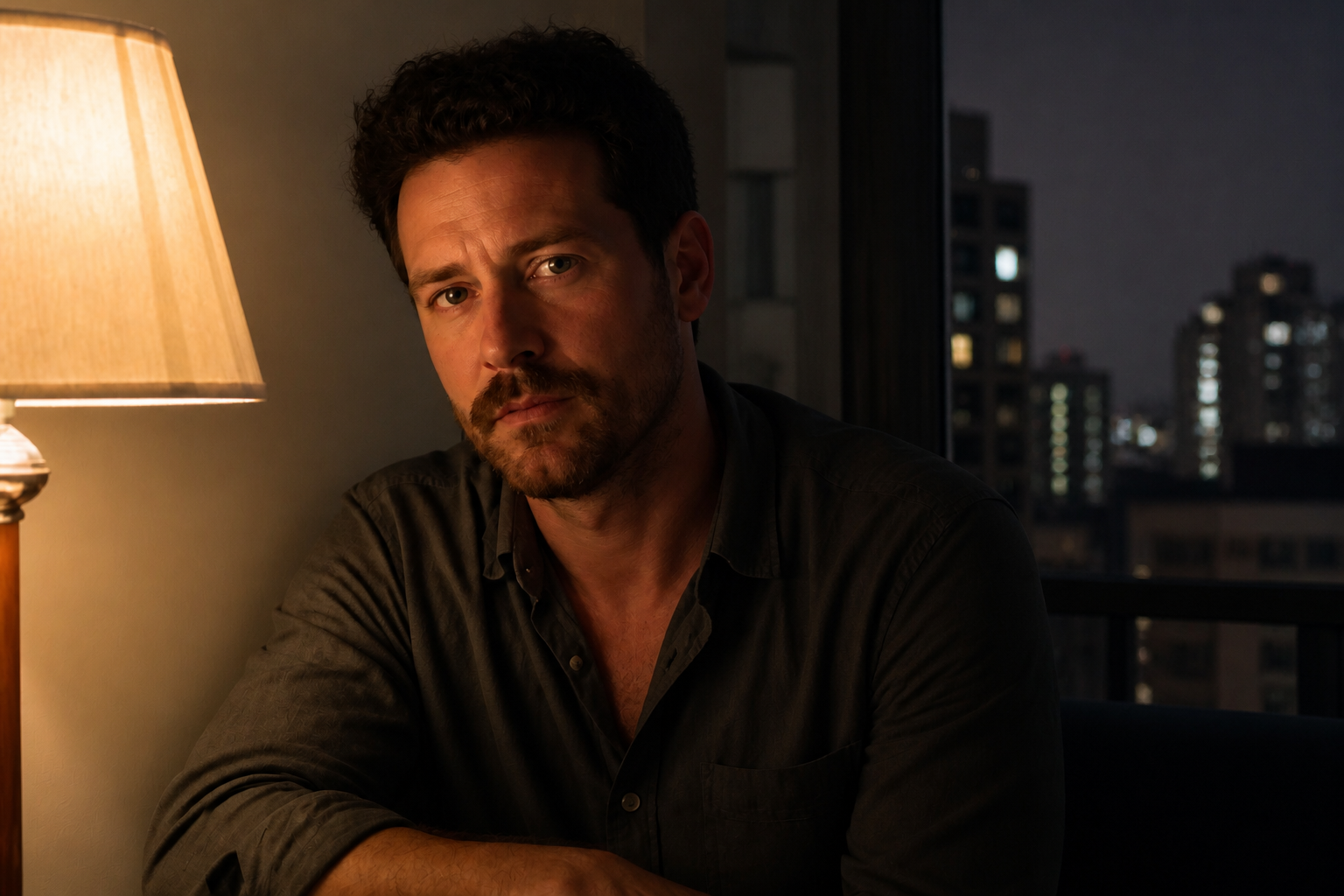
Clean low-light photos fast
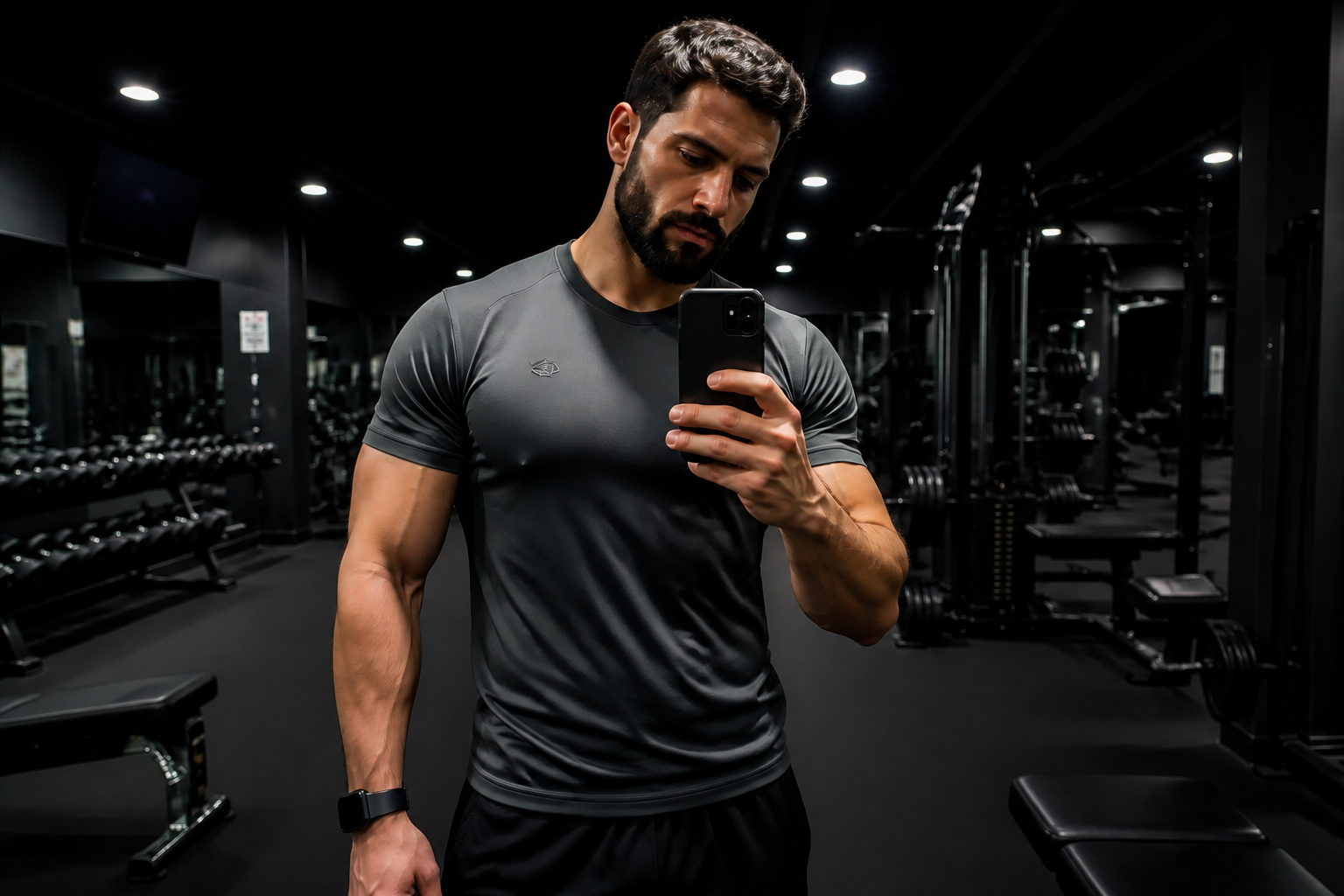
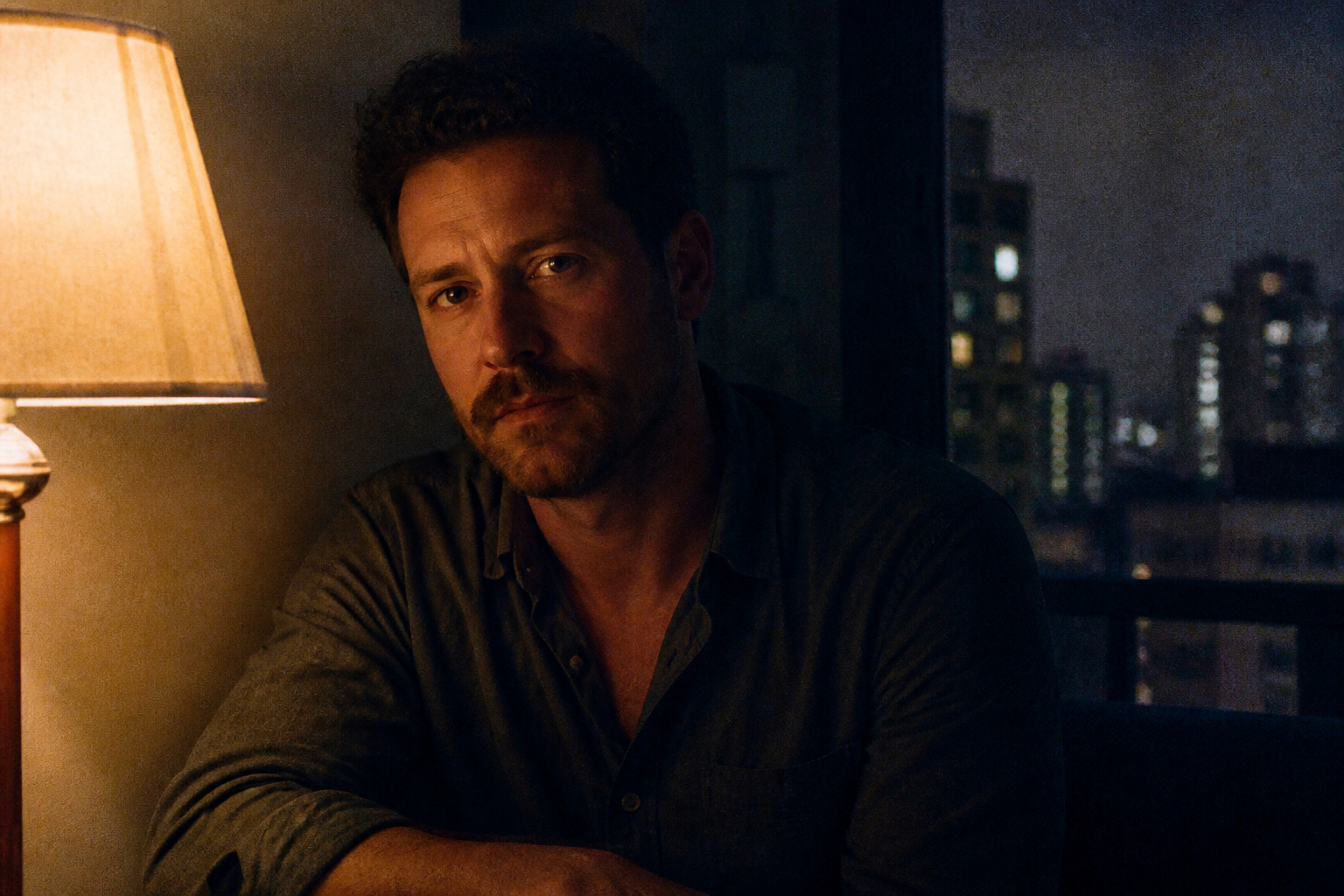
Low-light shots often pick up grain, blotchy color, and rough shadow texture. This tool targets visible noise so night portraits, dinner photos, and indoor scenes look clearer right away. You do not need to mask the image by hand or run multiple filters. The result keeps the original scene while removing the messy digital noise that makes a photo look cheap.
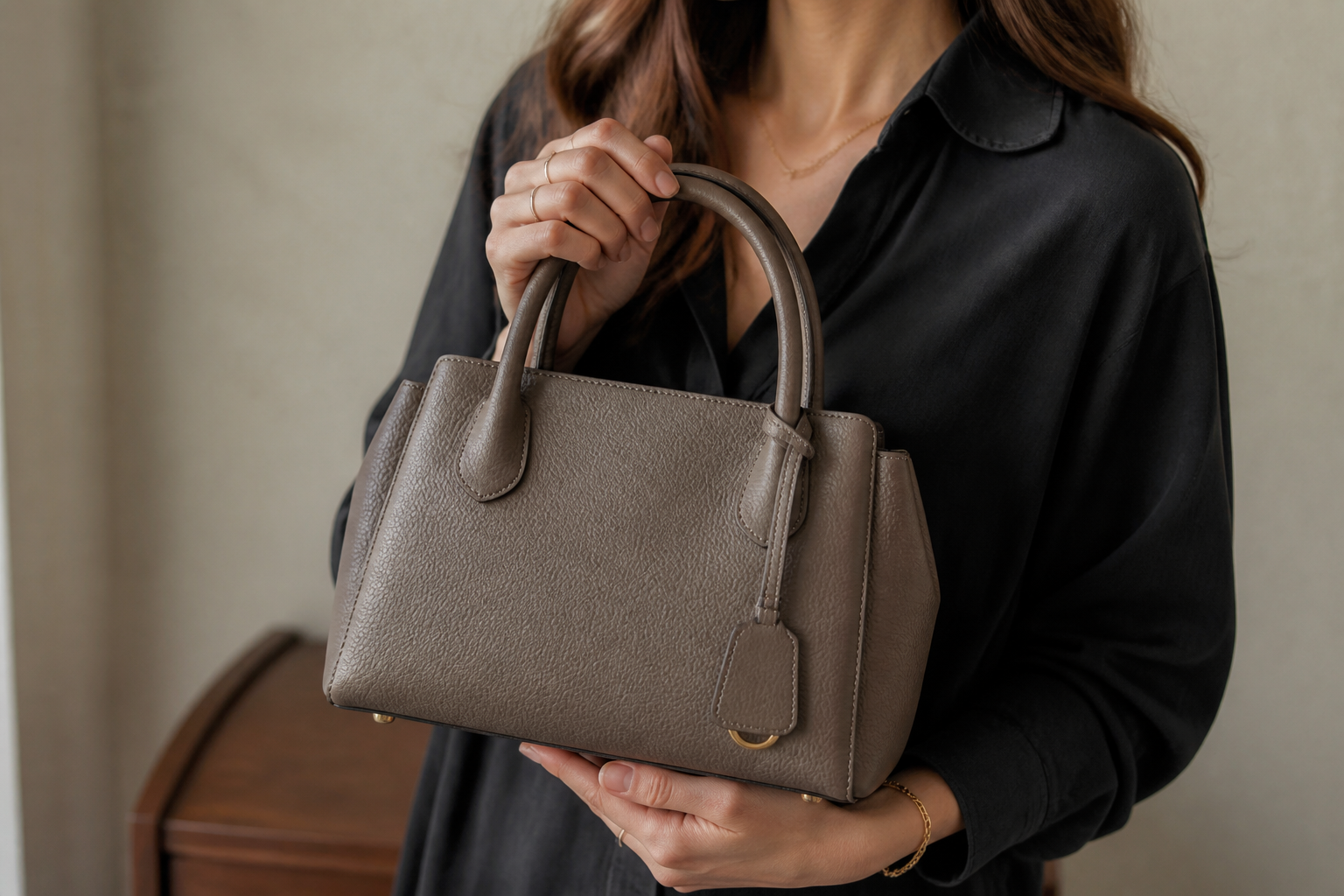
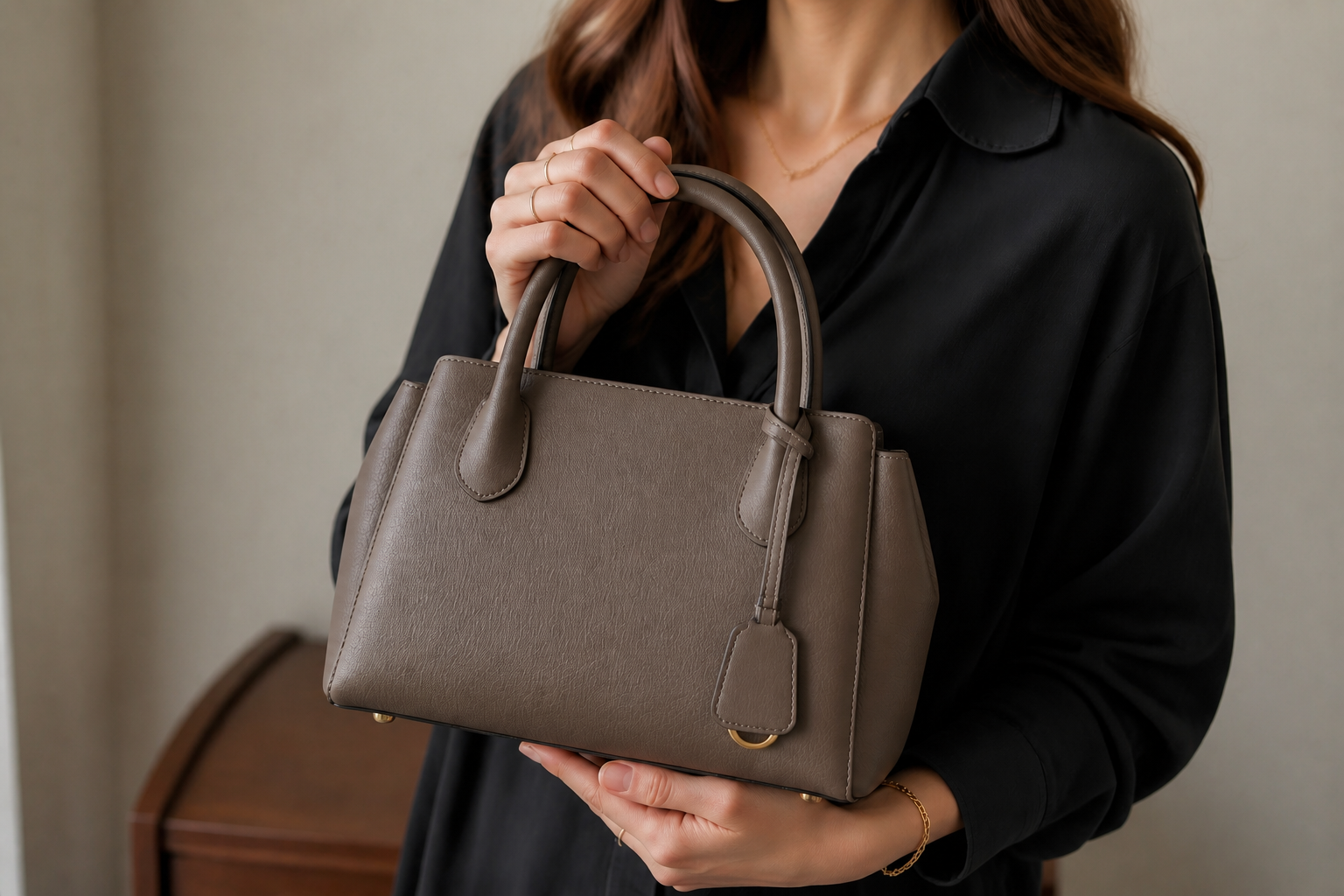
Preserve edges and detail
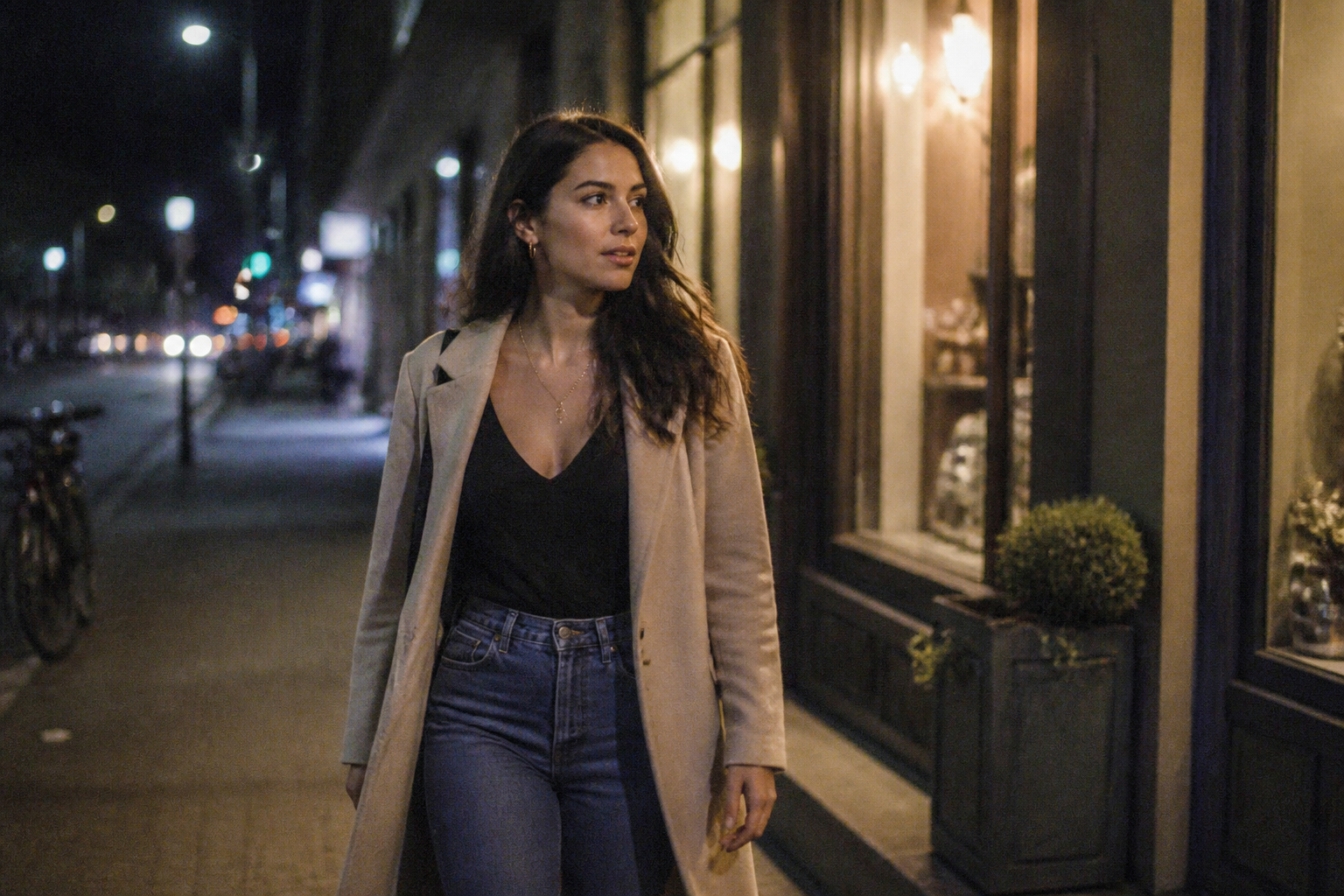
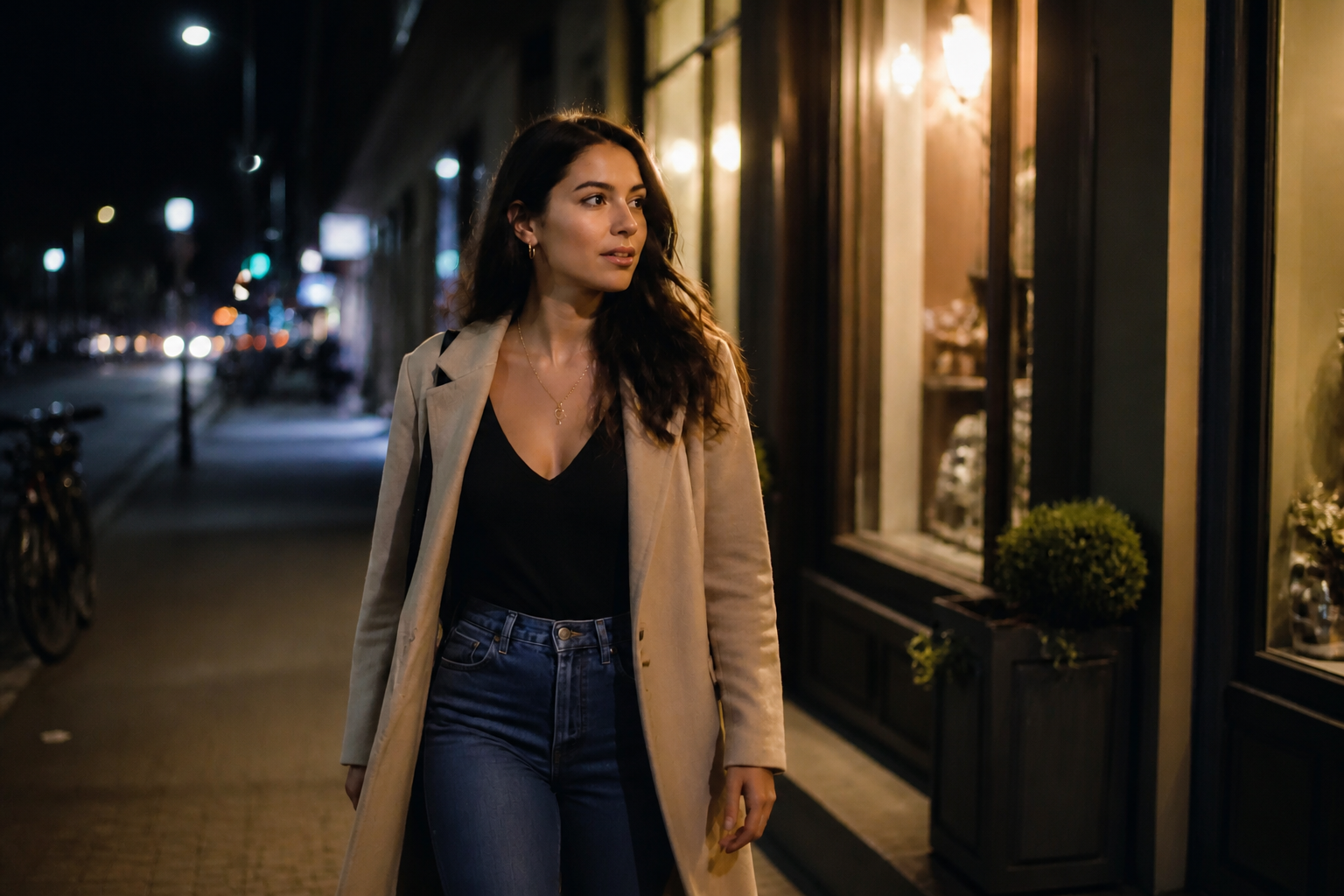
A bad denoise pass can make faces waxy and objects look smeared. This edit is meant to reduce noise while keeping edges readable, including hair strands, fabric texture, product contours, and architectural lines. That matters when the image still needs to look natural after cleanup. You get a cleaner file without the overprocessed look common in basic noise reduction apps.
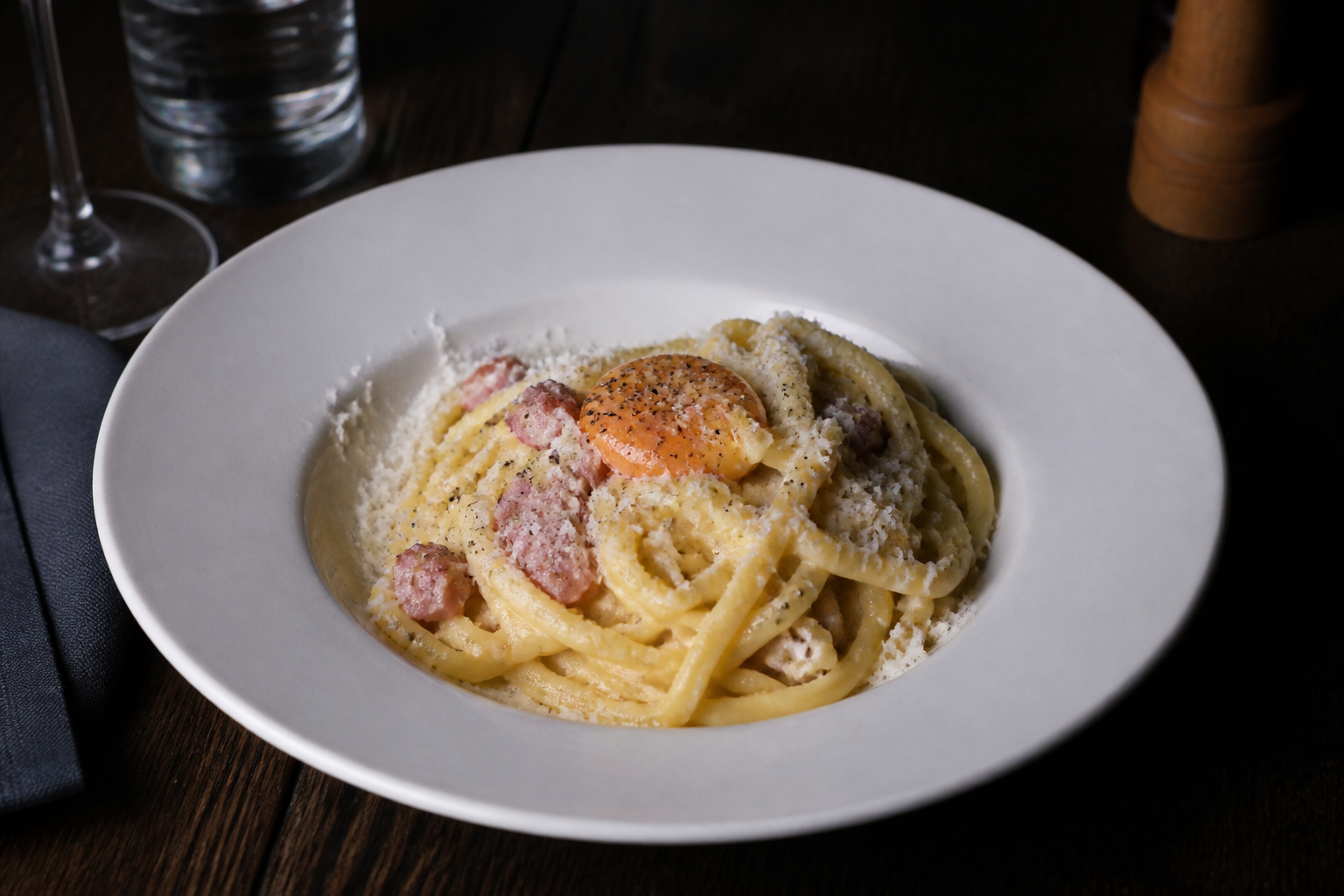
Works on many photo types
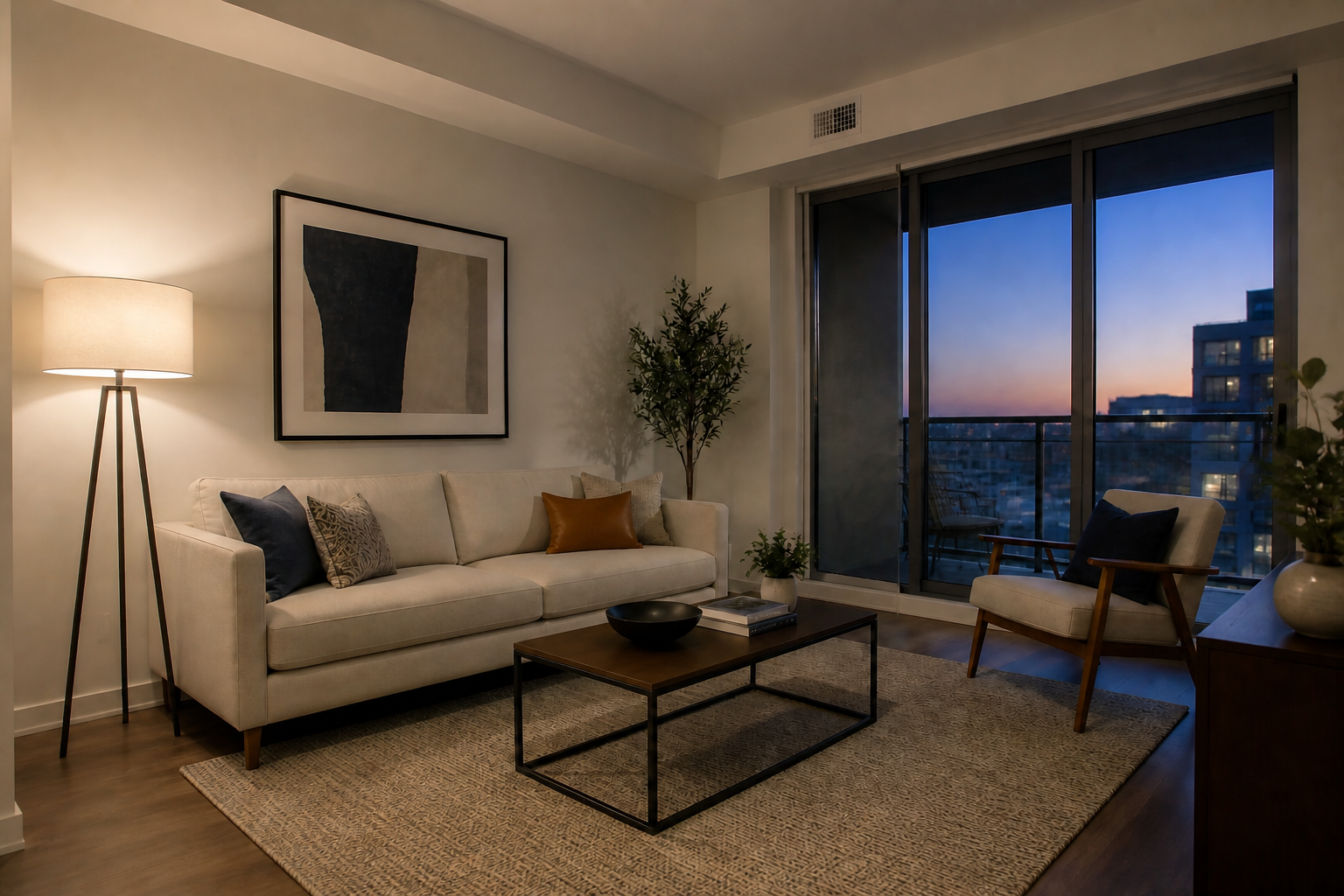
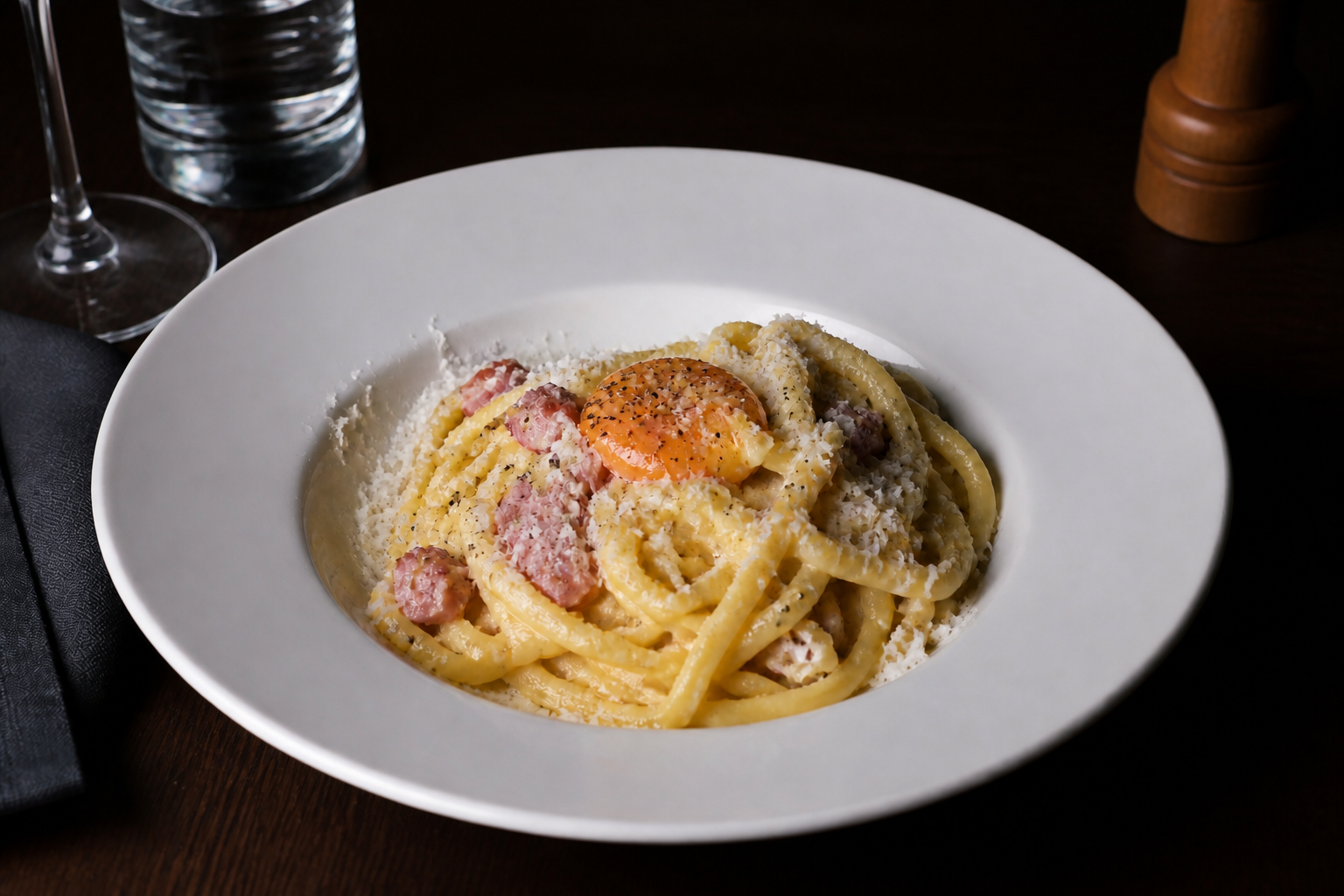
Noise shows up in more than portraits. You can use the same workflow on product photos, interiors, travel images, food shots, and social content captured in bad lighting. That makes it useful when a whole shoot has mixed quality or when only a few frames need saving. Instead of learning a different editing process for each category, you apply one clear fix.
Natural before-and-after results
The goal is not to change the photo into a different image. The tool removes visible grain and color speckles while keeping the same framing, expression, pose, and lighting logic. That makes it useful when you want a cleaner version of the shot you already like. It is faster than rebuilding the photo manually and more consistent than stacking generic sharpen and blur filters.
How It Works
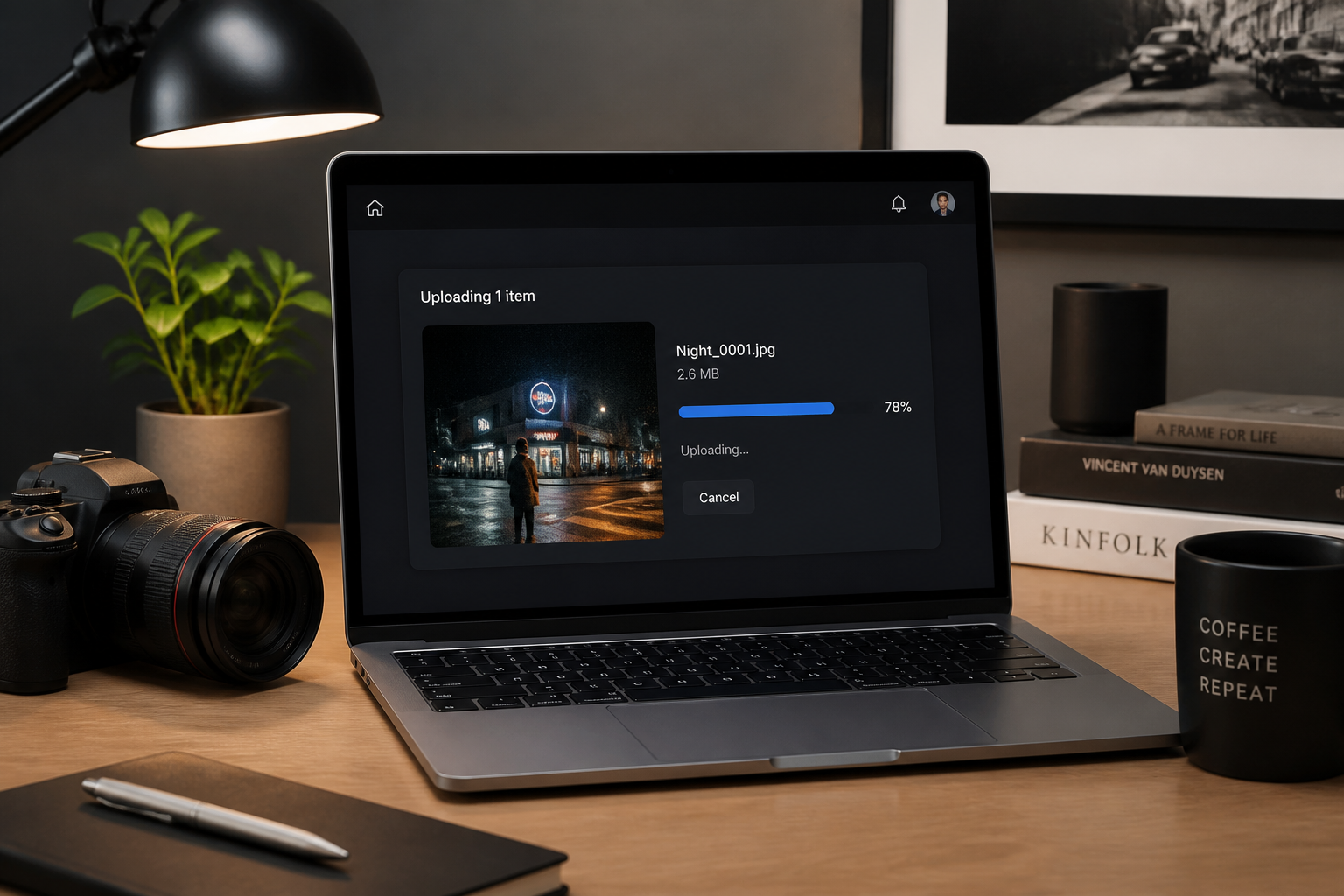
Upload your photo
Start with the image you want to clean up. Noisy low-light portraits, phone photos, travel shots, and interior images all work well.
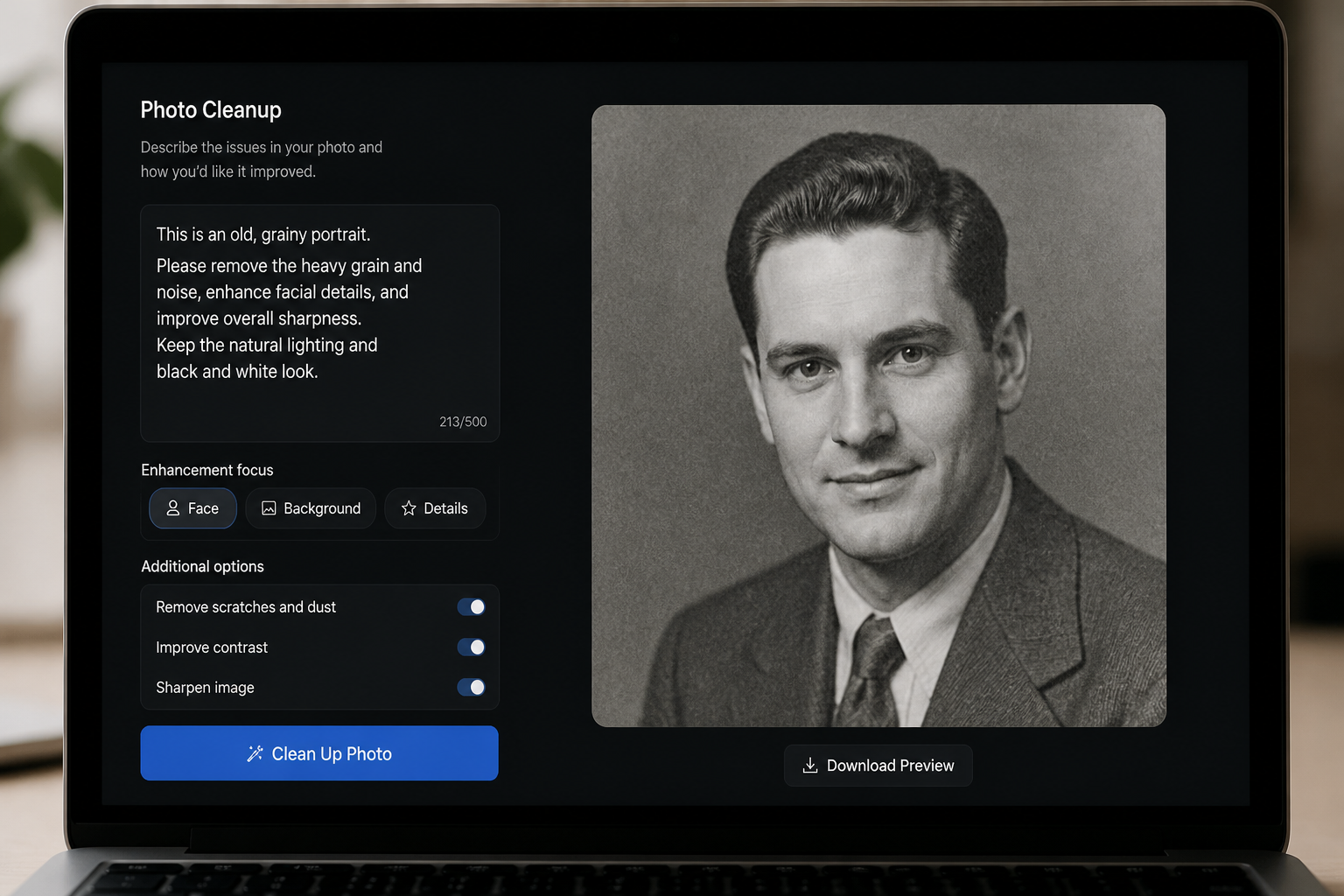
Describe the cleanup
Tell the editor what to fix, such as grain, color speckles, or rough shadow noise. You can keep the request simple and focus on preserving the original look.
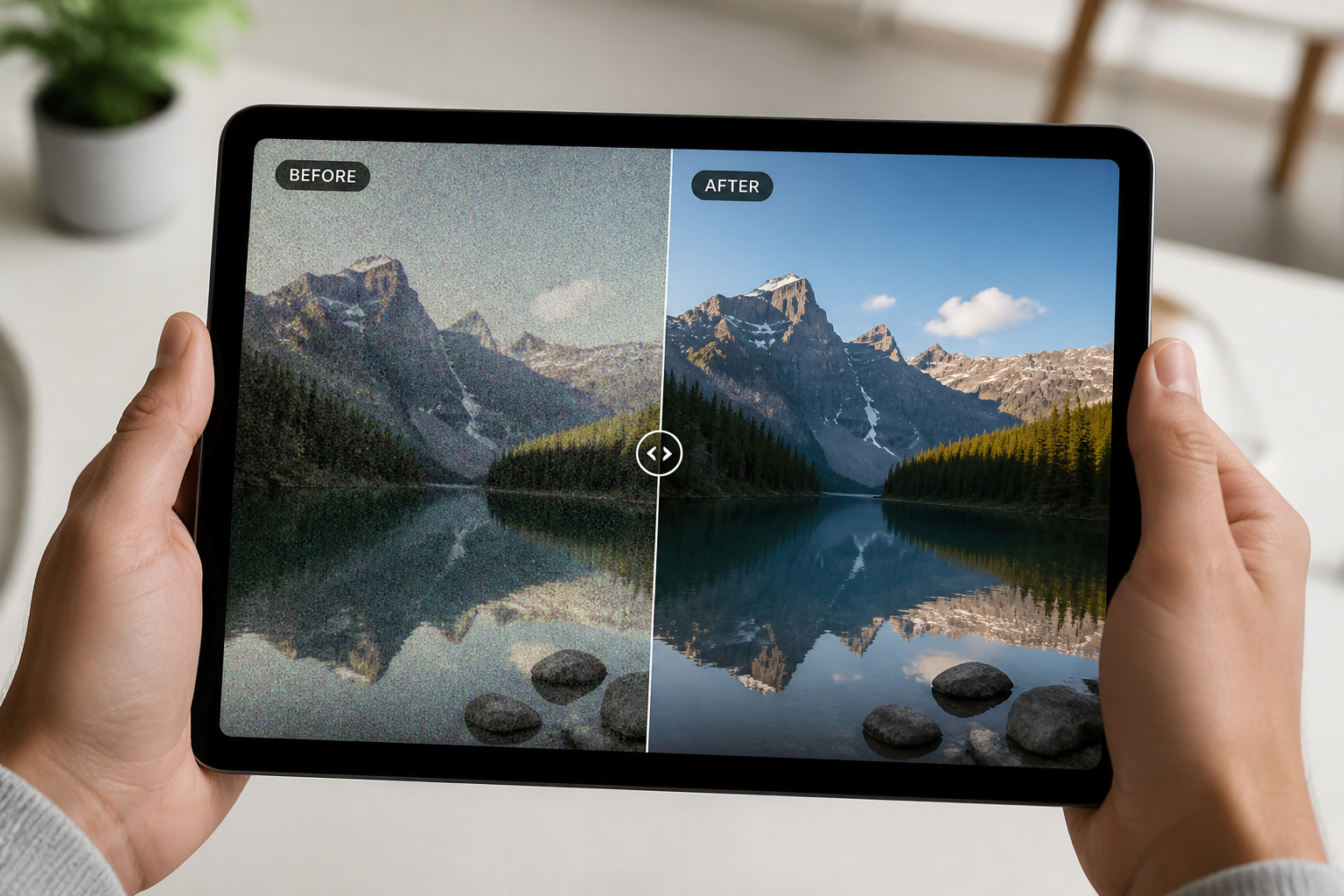
Review the cleaner result
Compare the denoised version with the original and check that details still look right. If needed, run another pass with a more specific prompt for your image.
Perfect For
Discover how creators and professionals use ai denoise image
Night portraits
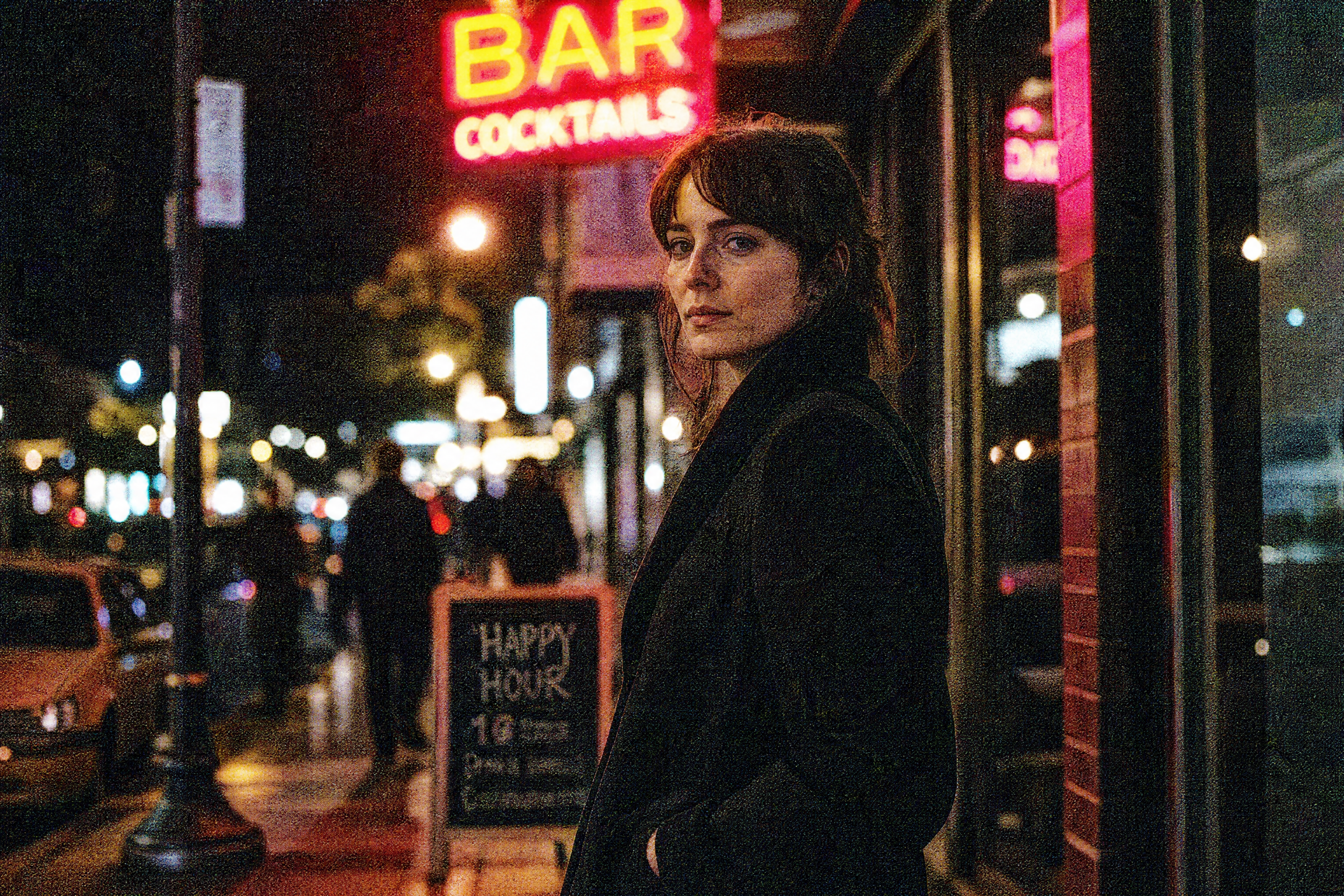
Clean up street portraits, bar photos, and evening lifestyle shots with visible grain and color noise.
Indoor phone photos
Improve images taken in dim rooms where shadows break apart and skin tones look rough.
Product photography
Reduce sensor noise in darker product scenes while keeping edges, textures, and reflective surfaces readable.
Travel and event photos
Rescue memorable shots from concerts, restaurants, city nights, and low-light sightseeing moments.
Built For
Creators and influencers
Make social posts look cleaner when the original photo was captured in difficult lighting.
Online sellers and marketers
Polish product and lifestyle images without spending time in manual desktop editing tools.
Everyday photographers
Fix favorite phone photos that look too grainy to share, print, or reuse.
Why use AI Denoise Image
A quick look at how we compare on the things that matter for this niche.
| Feature | BudgetPixel | Generic AI editors | Manual editing apps |
|---|---|---|---|
| Fast denoise workflow | ✓ | ✓ | — |
| Prompt-based cleanup | ✓ | — | — |
| Keeps original composition | ✓ | ✓ | ✓ |
| Useful for low-light photos | ✓ | ✓ | ✓ |
| No manual masking needed | ✓ | — | — |
Frequently Asked Questions
What does AI Denoise Image do?
Will it make my photo look blurry?
Does it work on low-light phone photos?
Can I use it for portraits and products?
Do I need editing experience to use it?
Create together.
Share your creations, discover trending AI art, and grow with fellow creators.