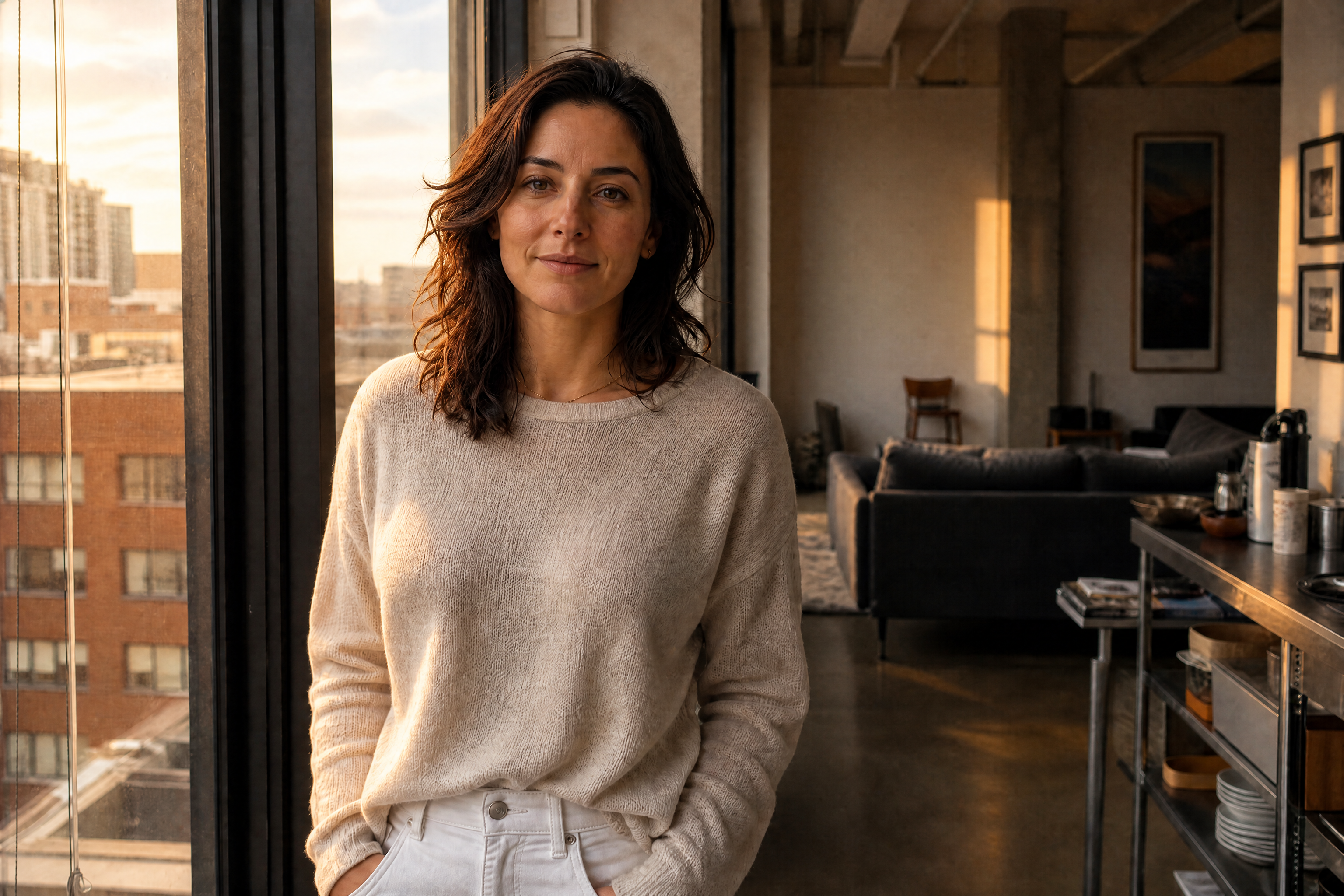
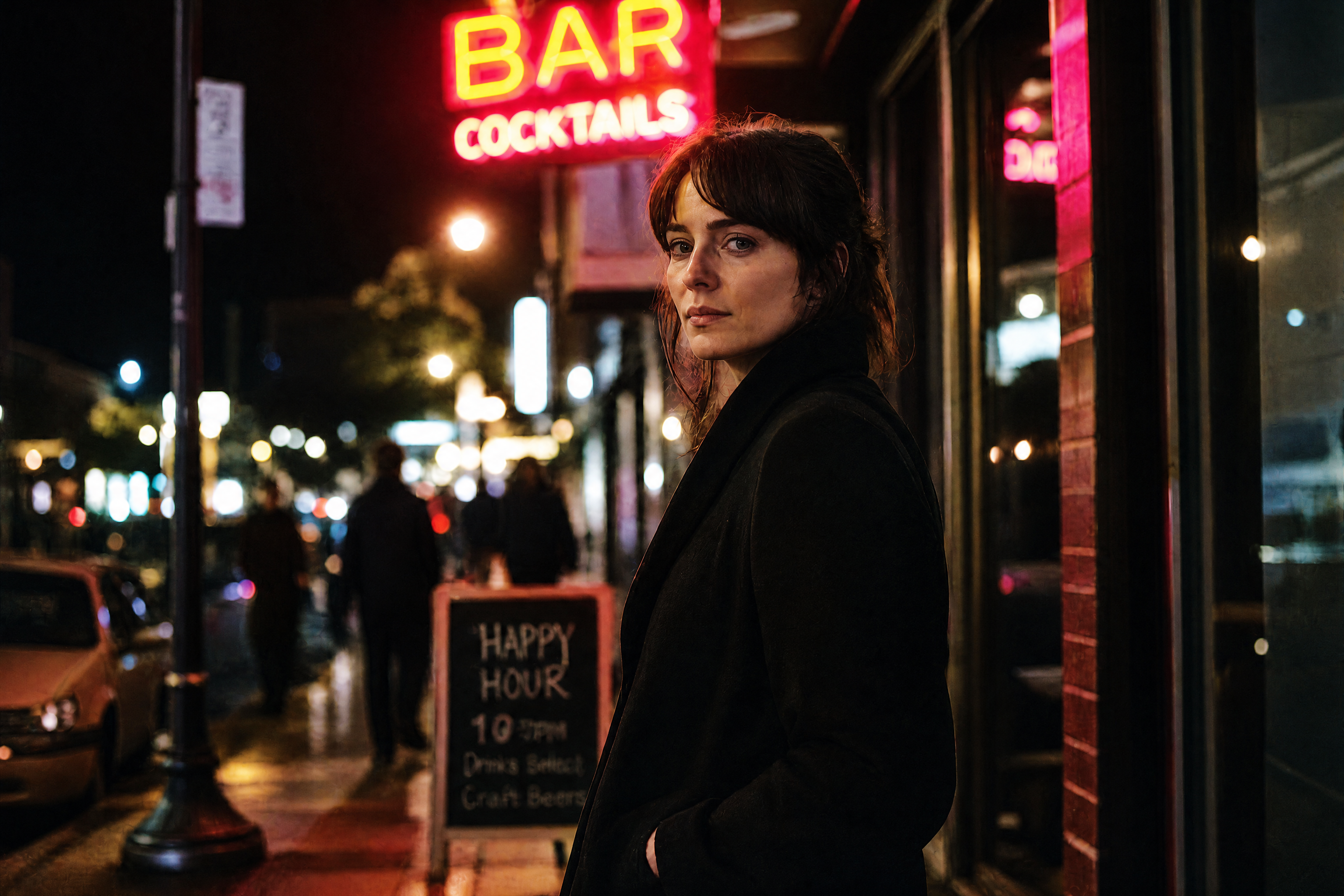
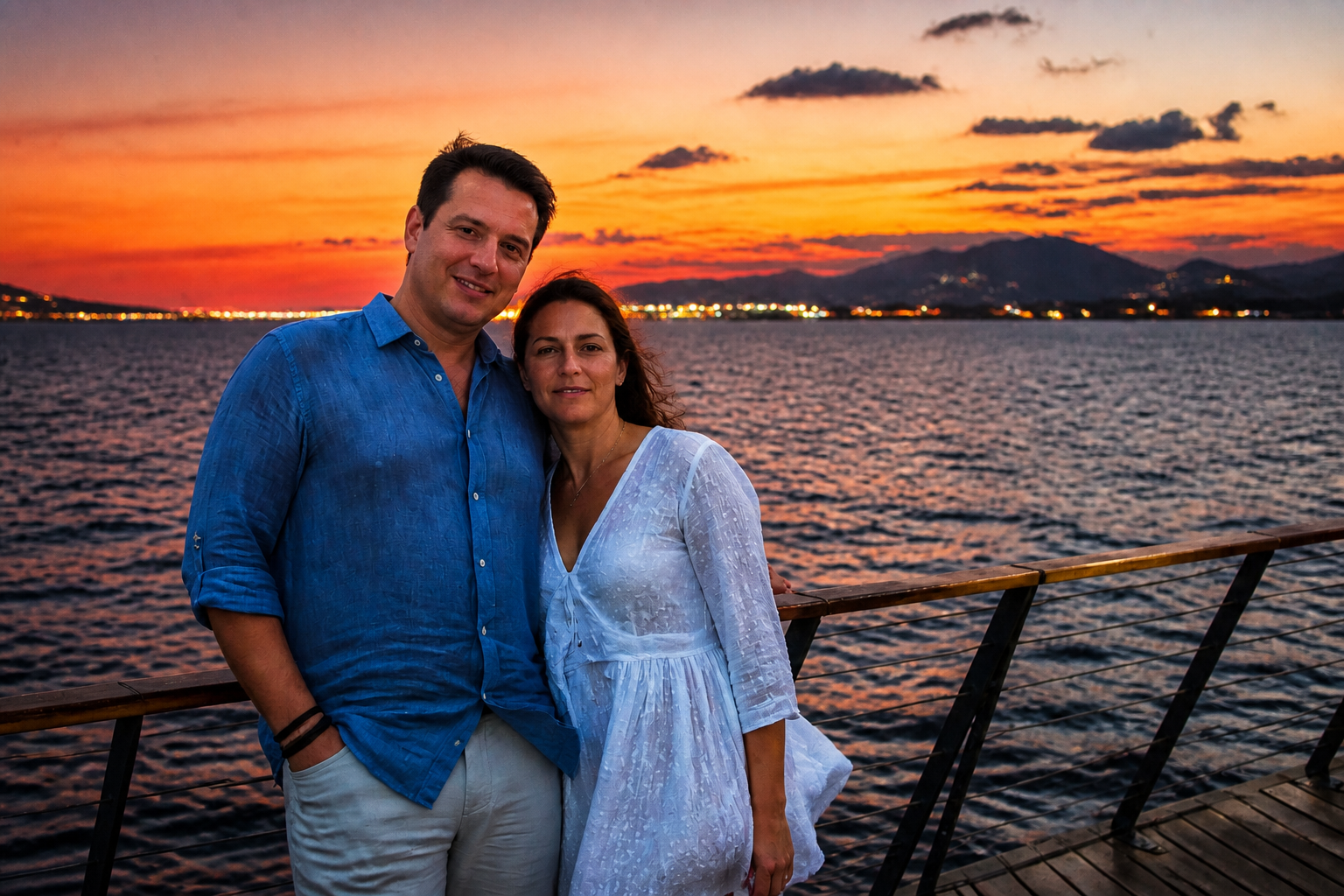
AI Shadow Remover for Cleaner Photos
Lift harsh shadows without rebuilding the whole image by hand.
AI Shadow Remover brightens dark cast shadows on faces, products, rooms, and everyday scenes while preserving the original composition. Use it to clean up uneven lighting, window shadows, and hard midday contrast so your photos look clearer and easier to use.
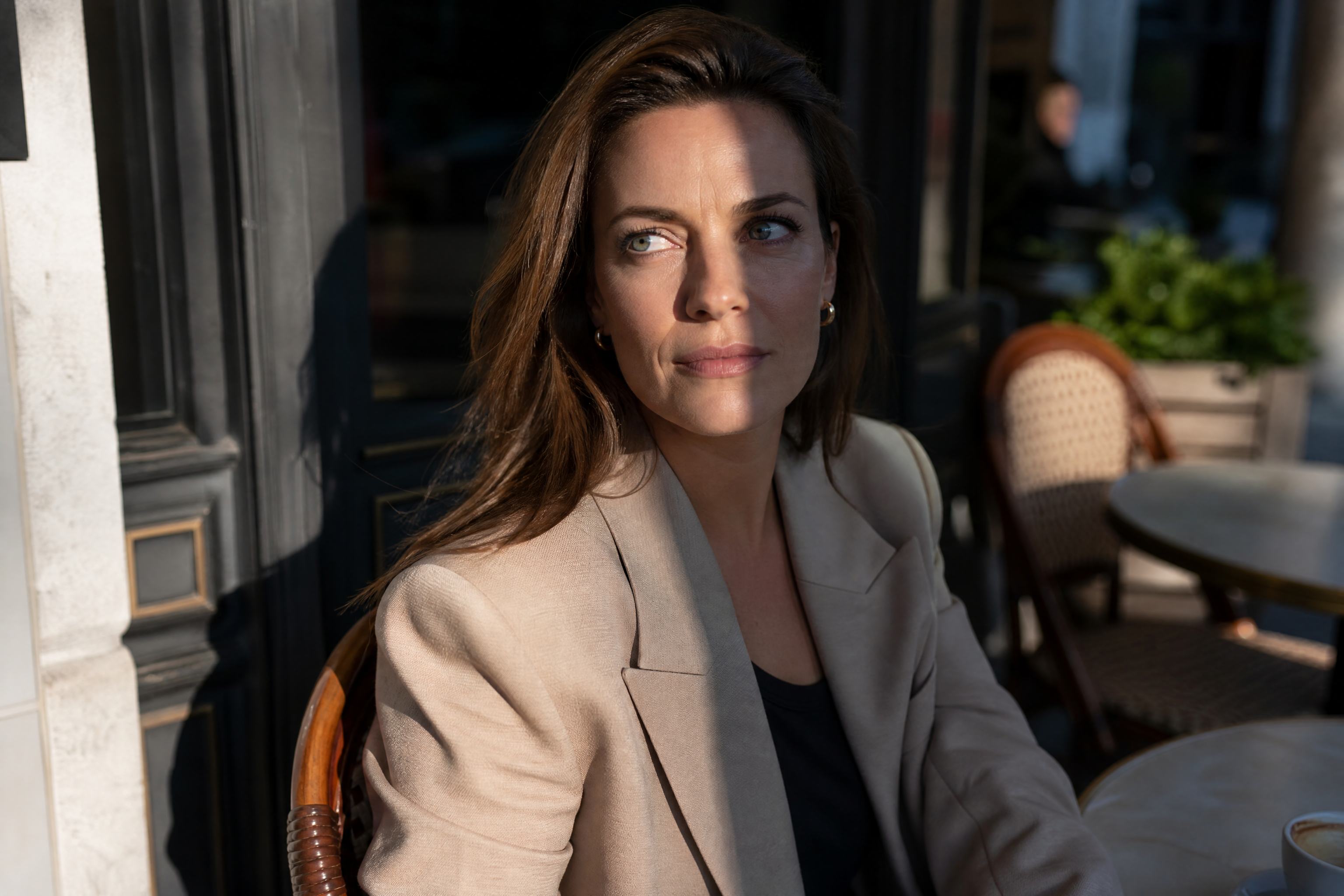
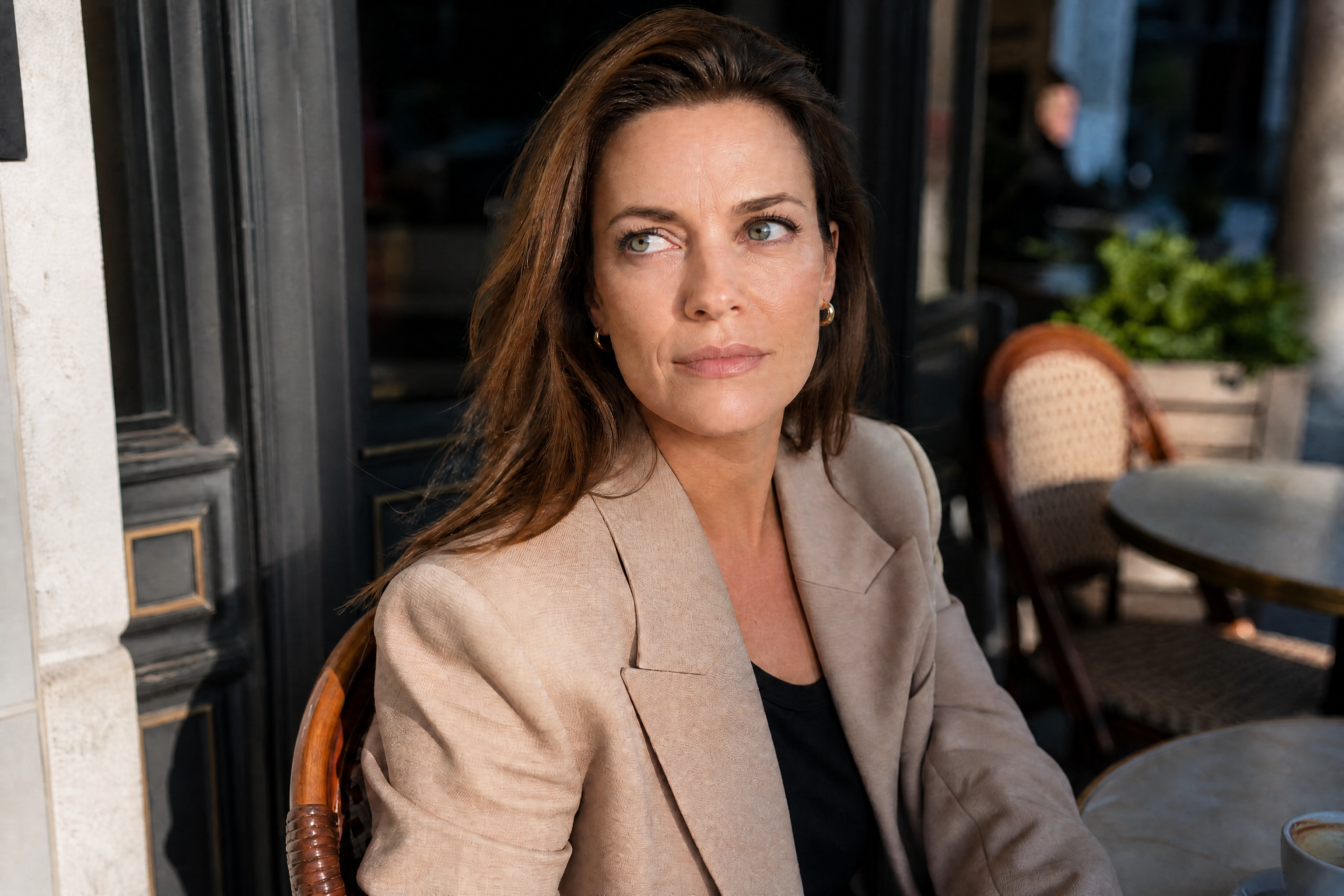
Watch the Transformation
See ai shadow remover in motion — generated end-to-end by our AI.
See It In Action
Real outputs from ai shadow remover.
BEFOREAFTER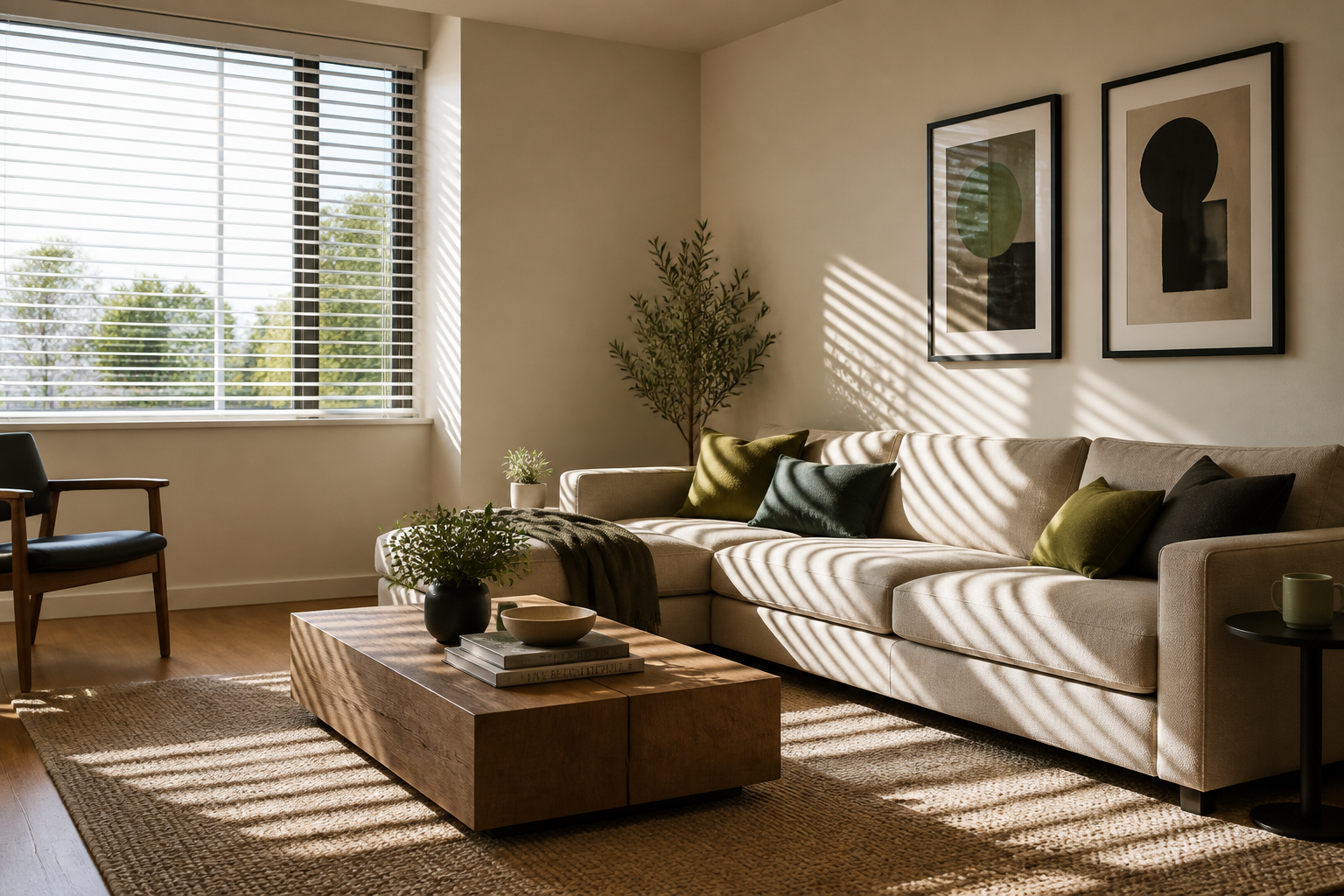 BEFORE
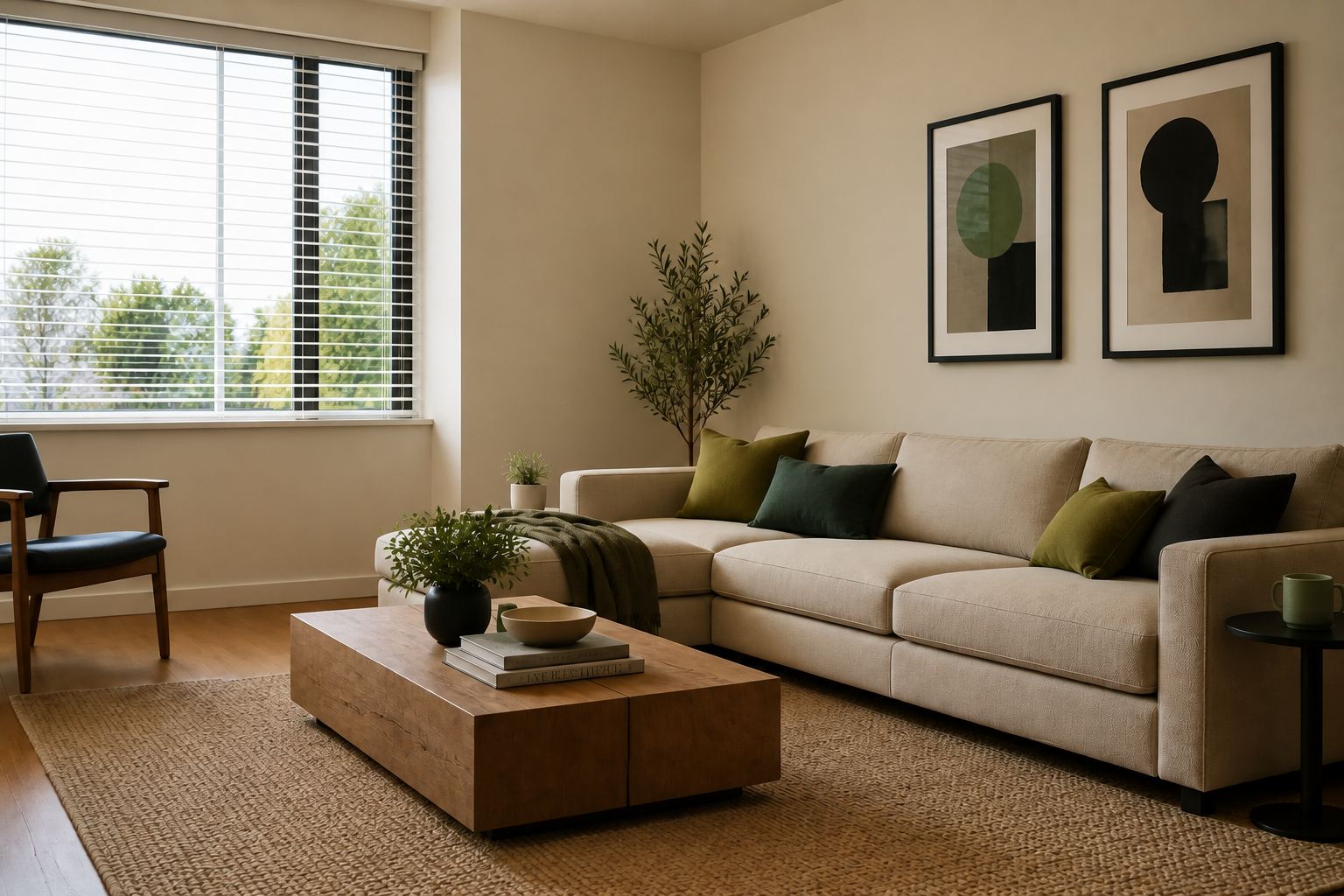 AFTER
AFTER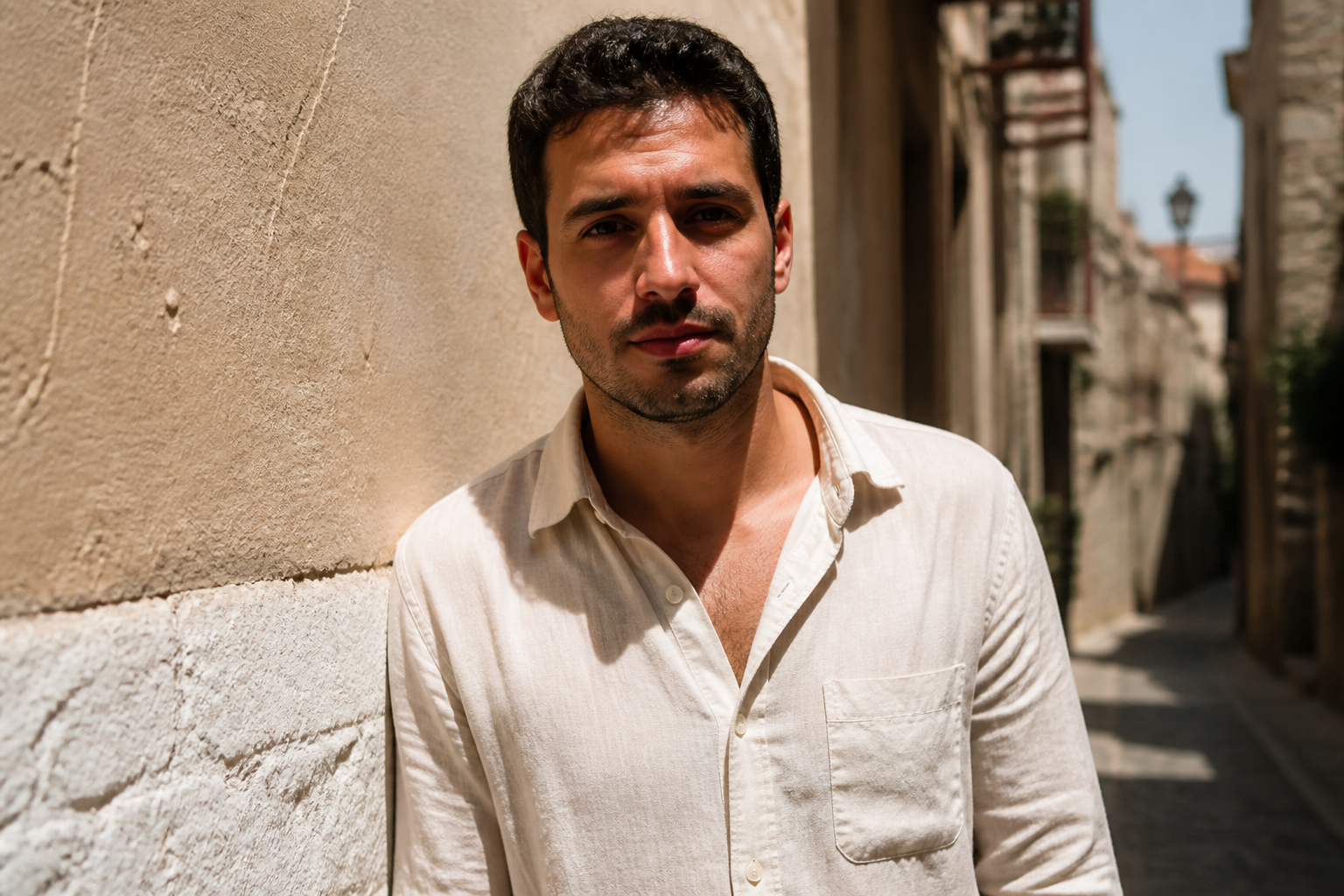 BEFORE
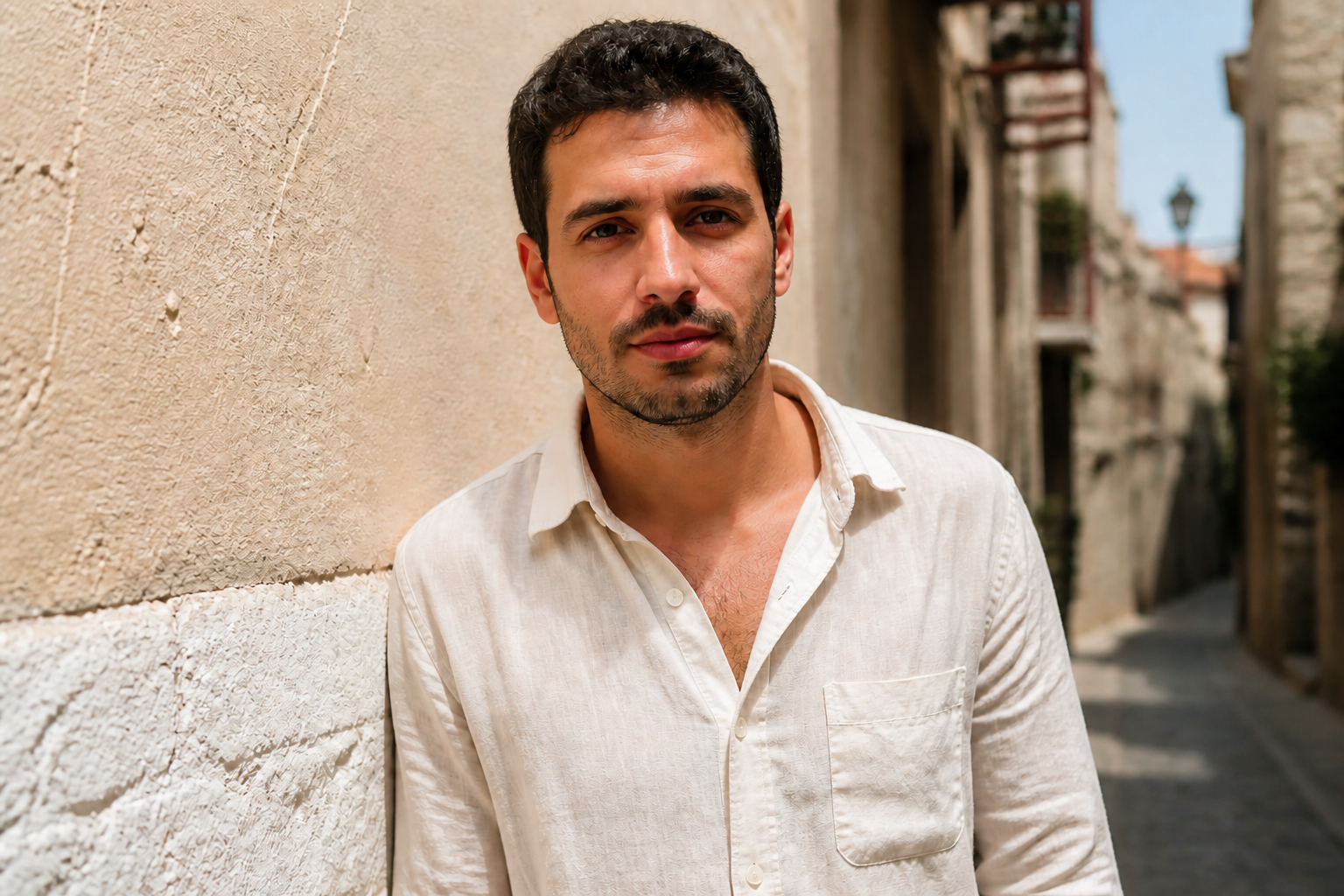 AFTER
AFTER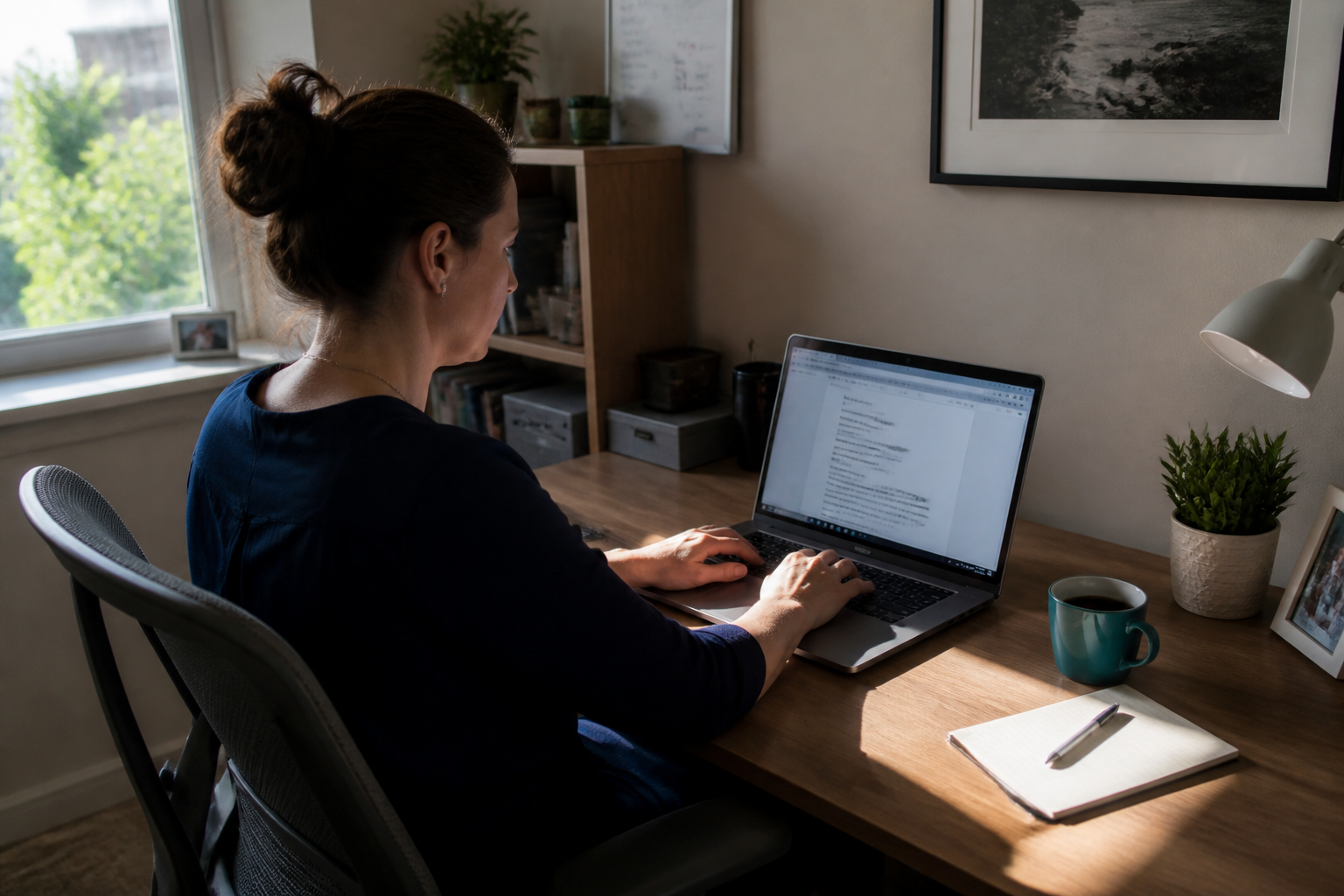 BEFORE
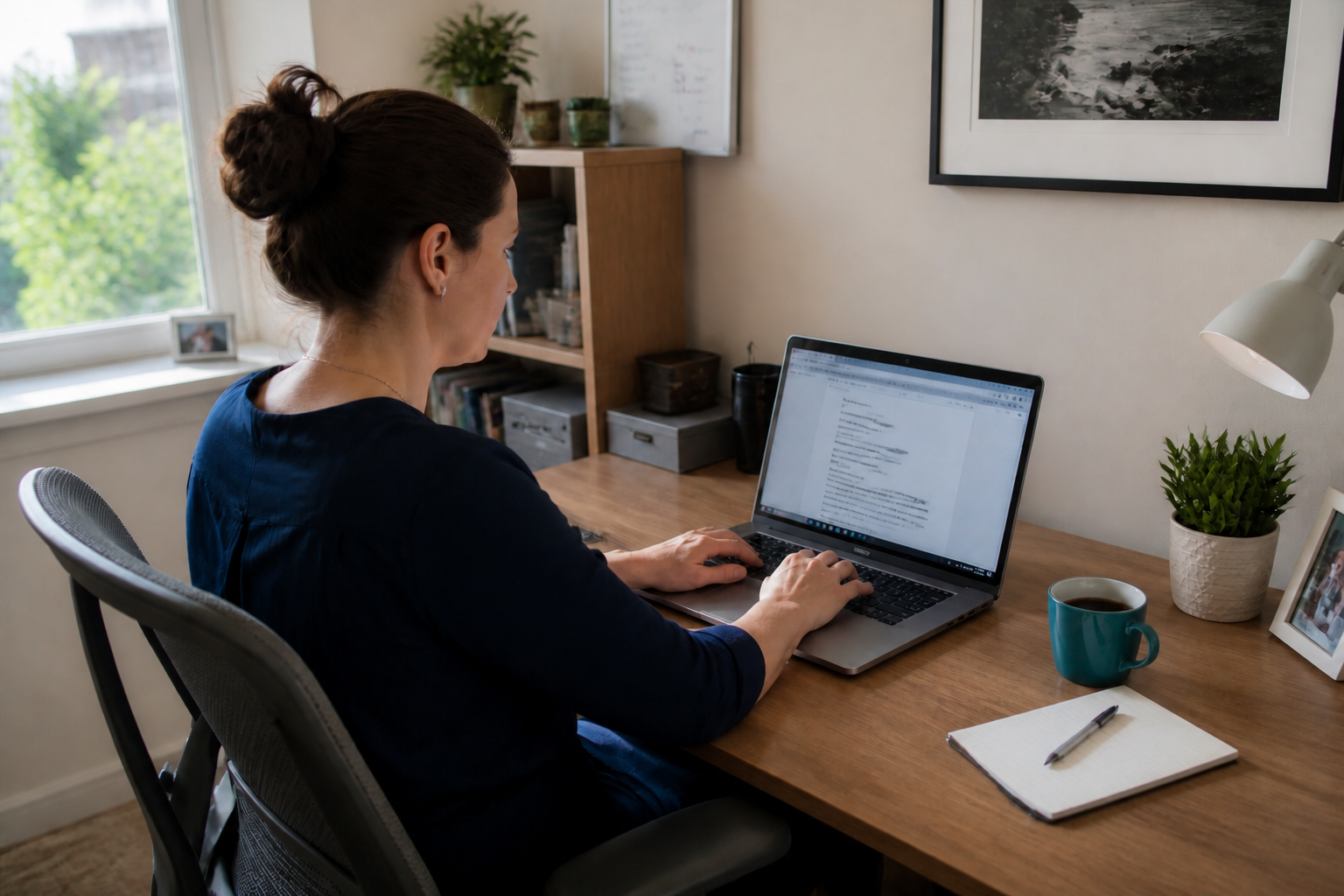 AFTER
AFTER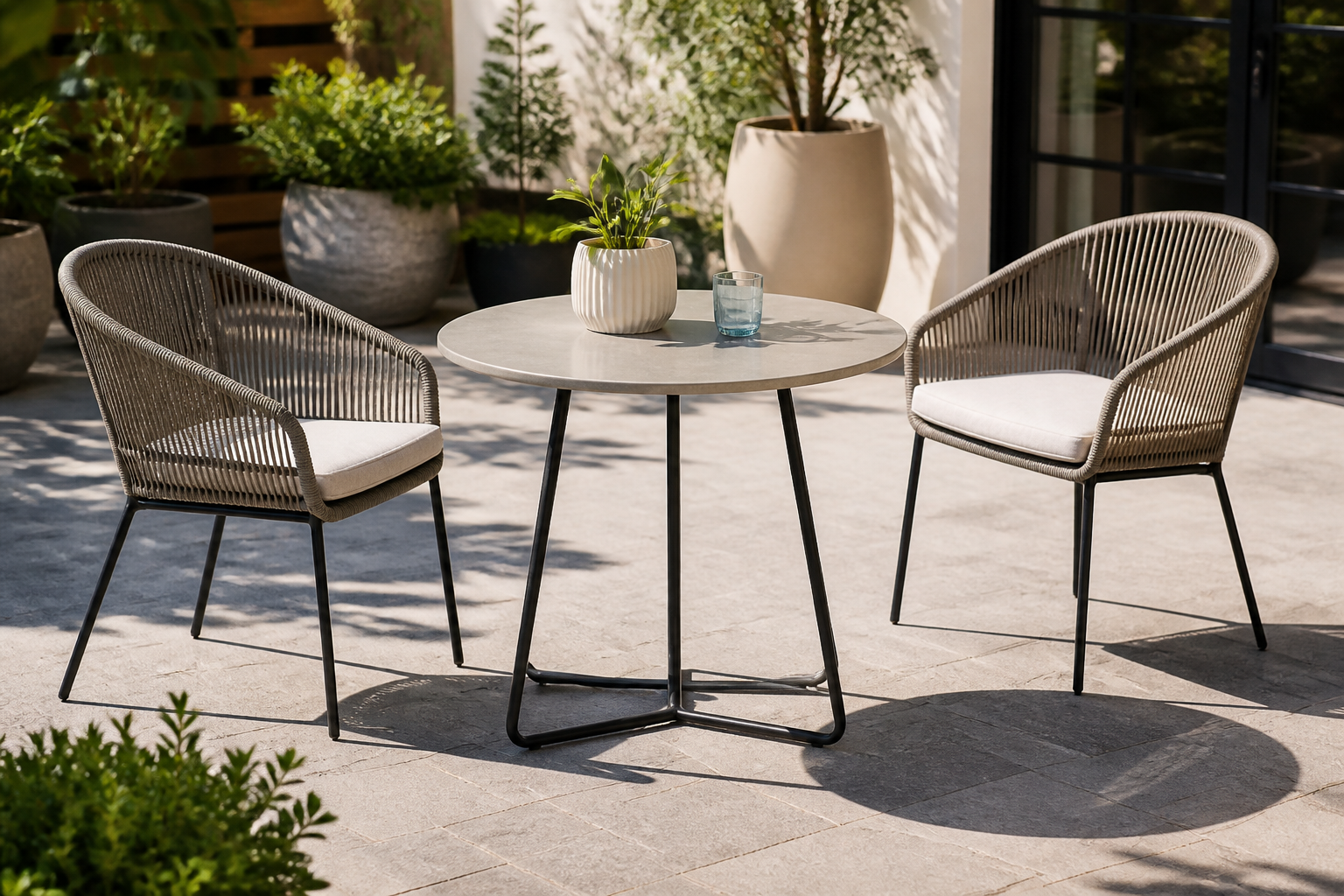 BEFORE
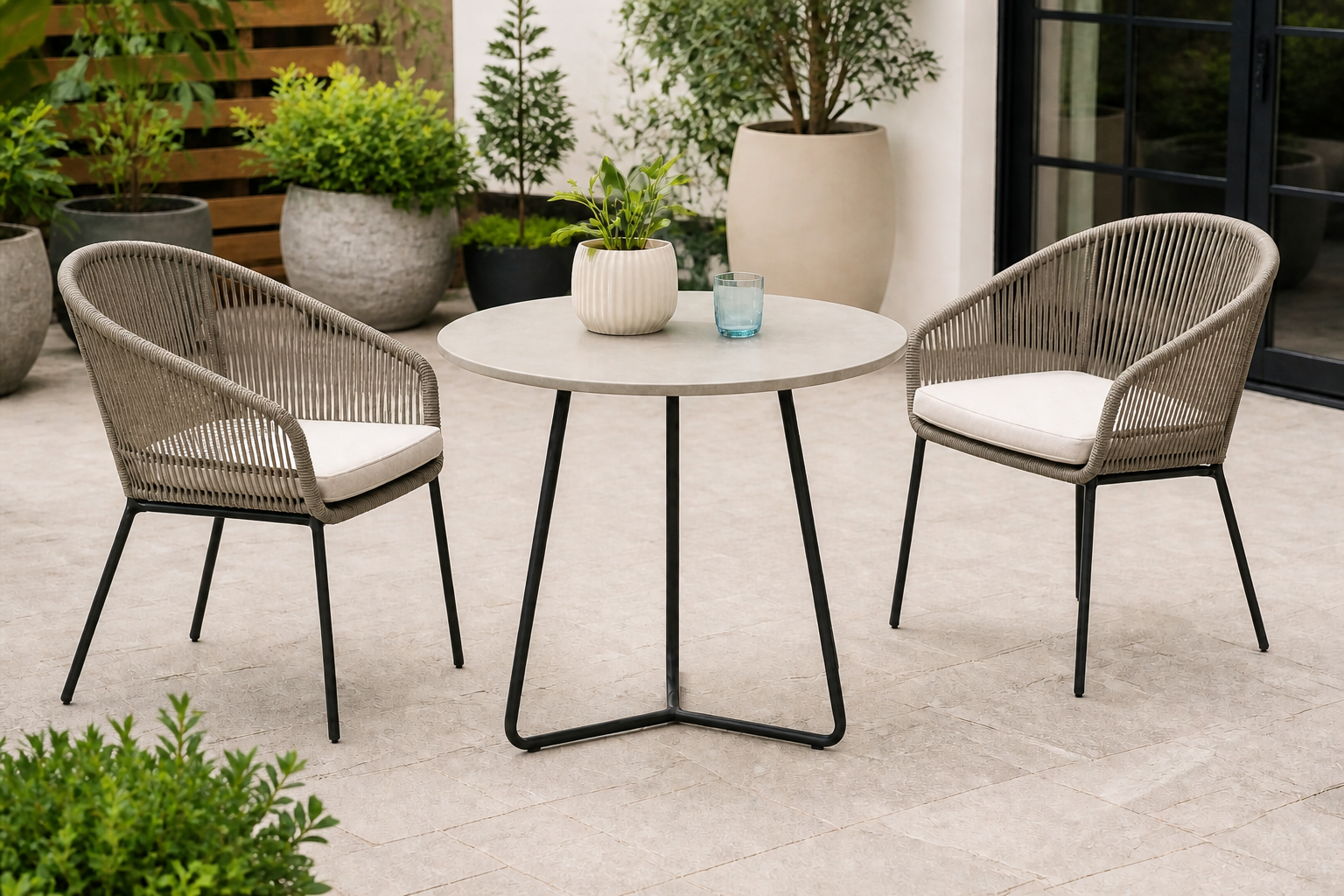 AFTERBEFOREAFTERBEFOREAFTERBEFOREAFTERBEFOREAFTERBEFOREAFTER
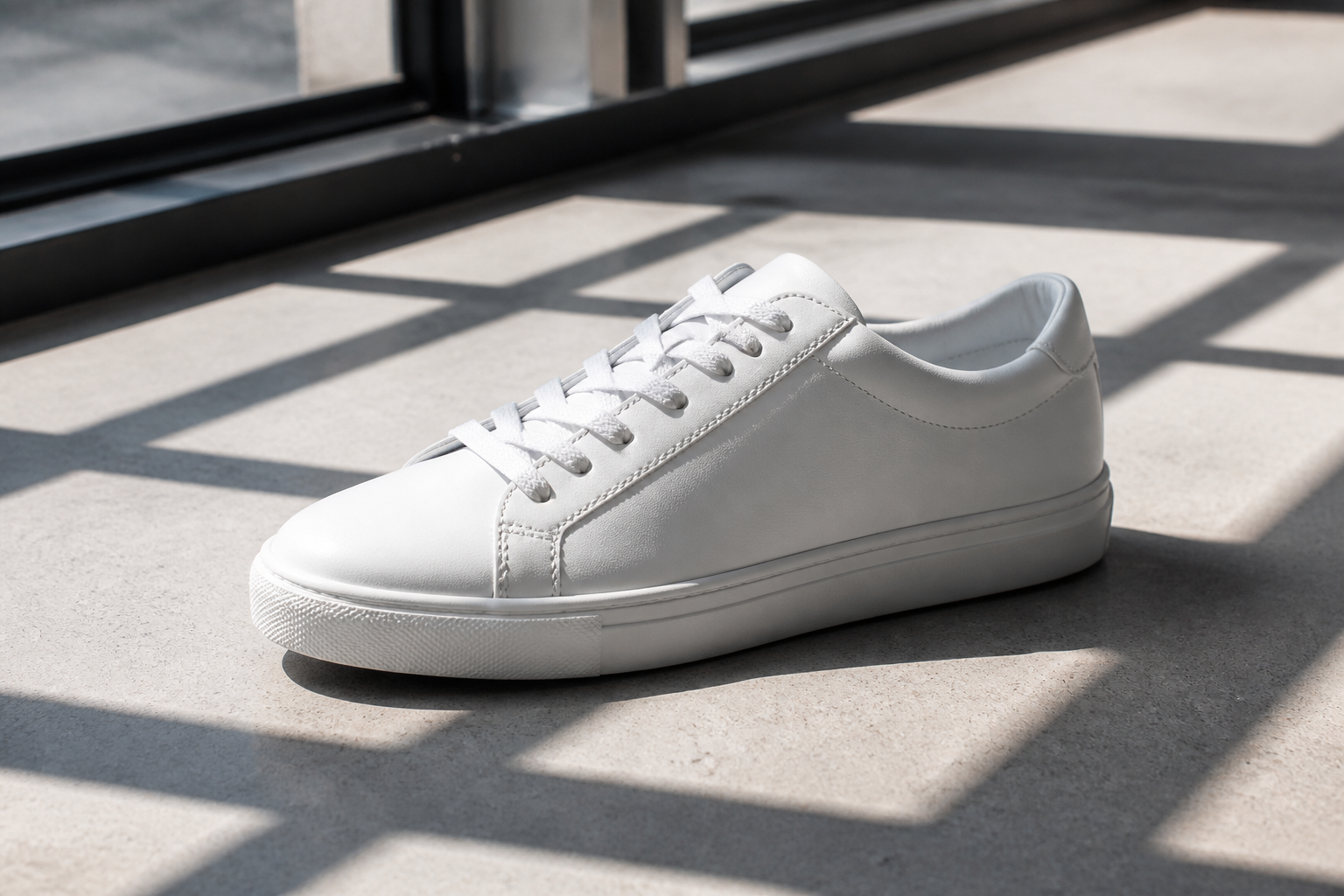 BEFORE
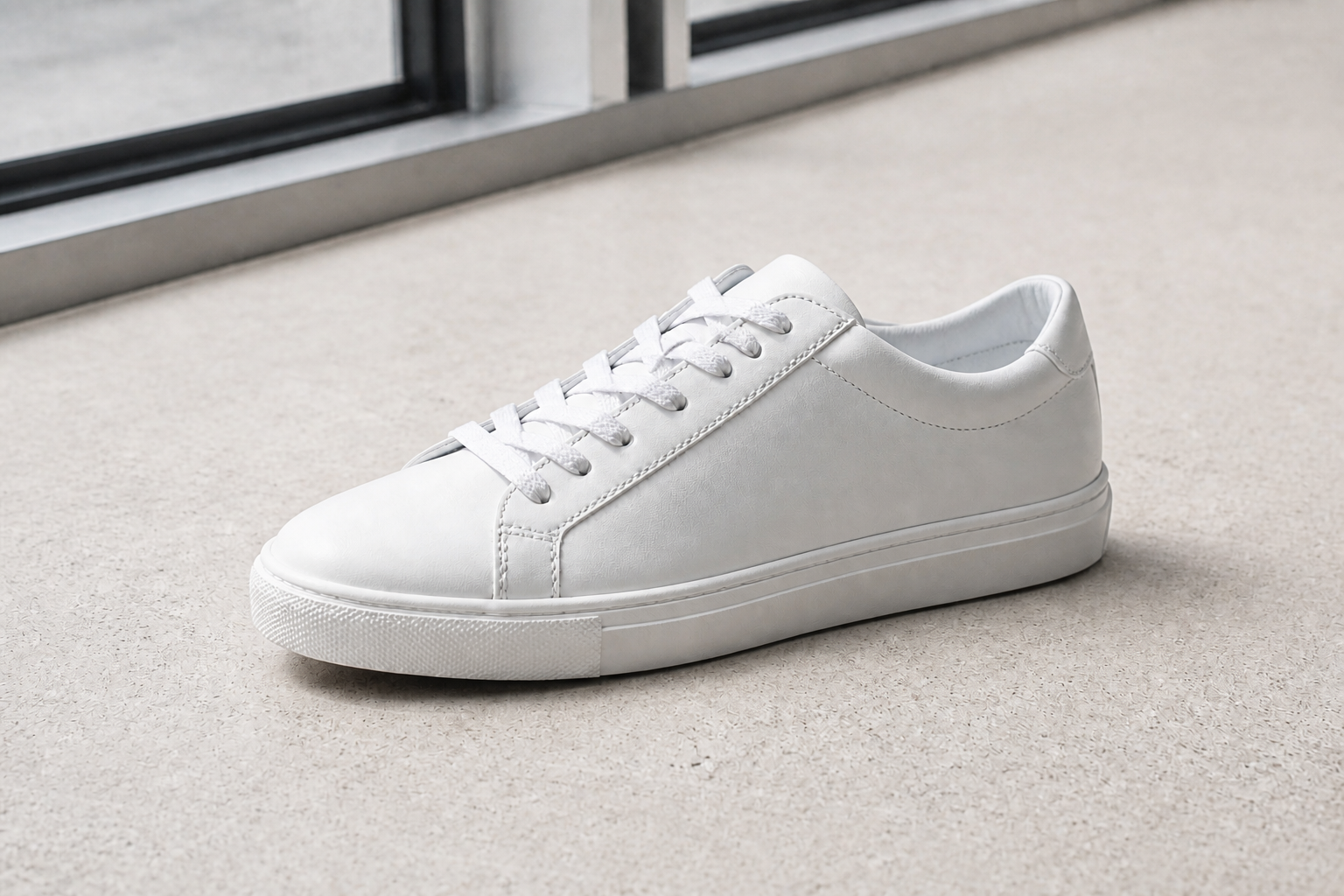 AFTER
AFTER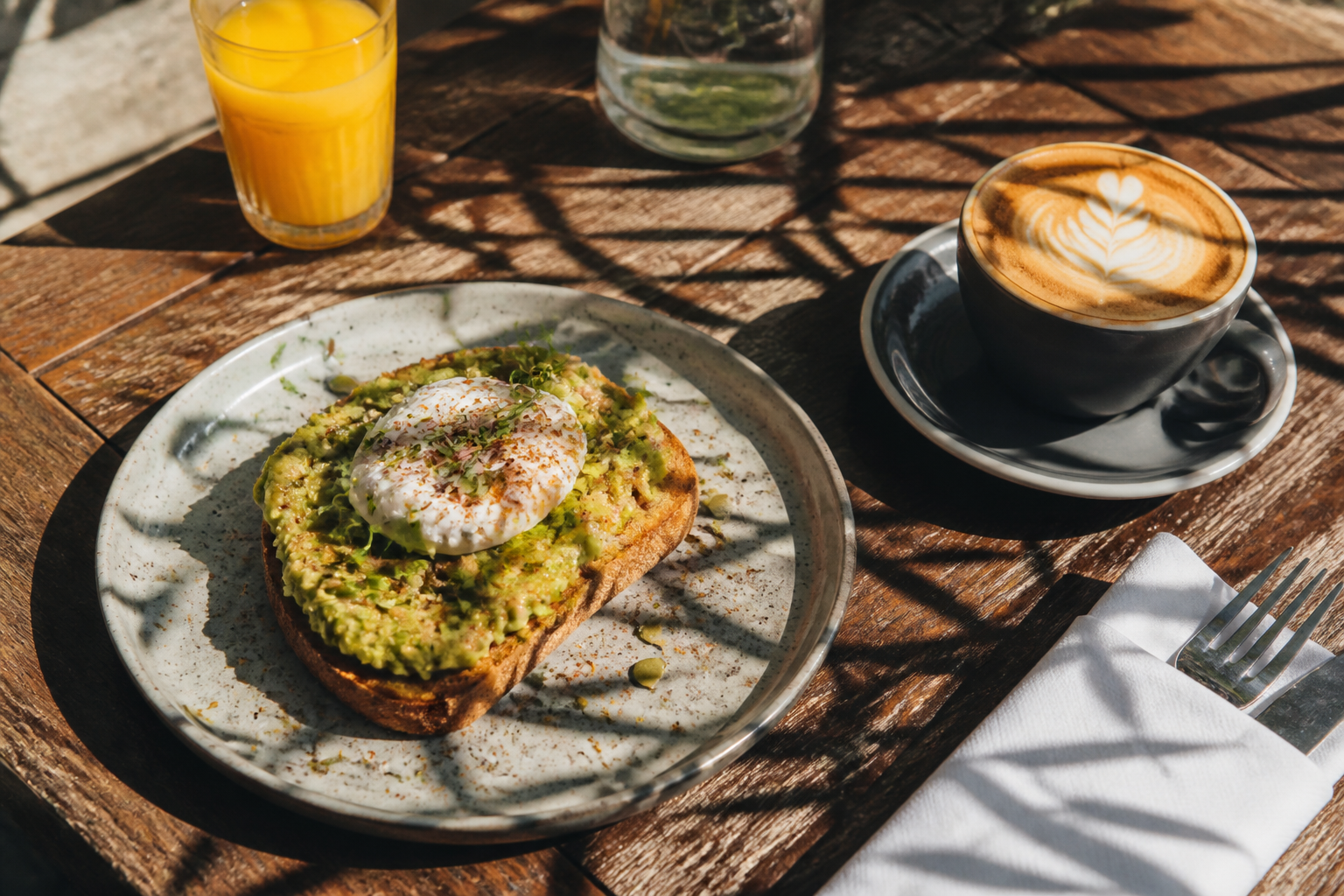 BEFORE
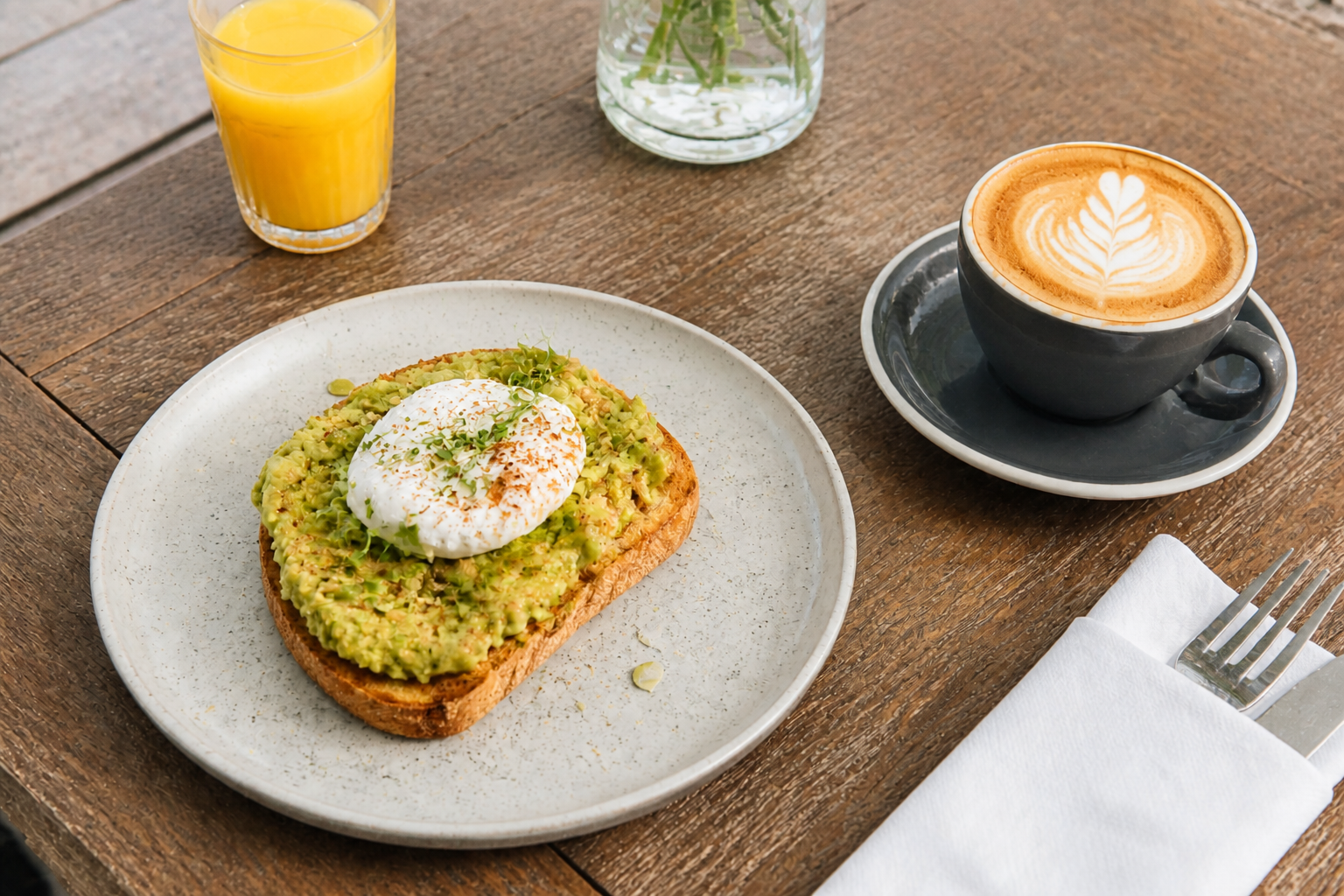 AFTER
AFTER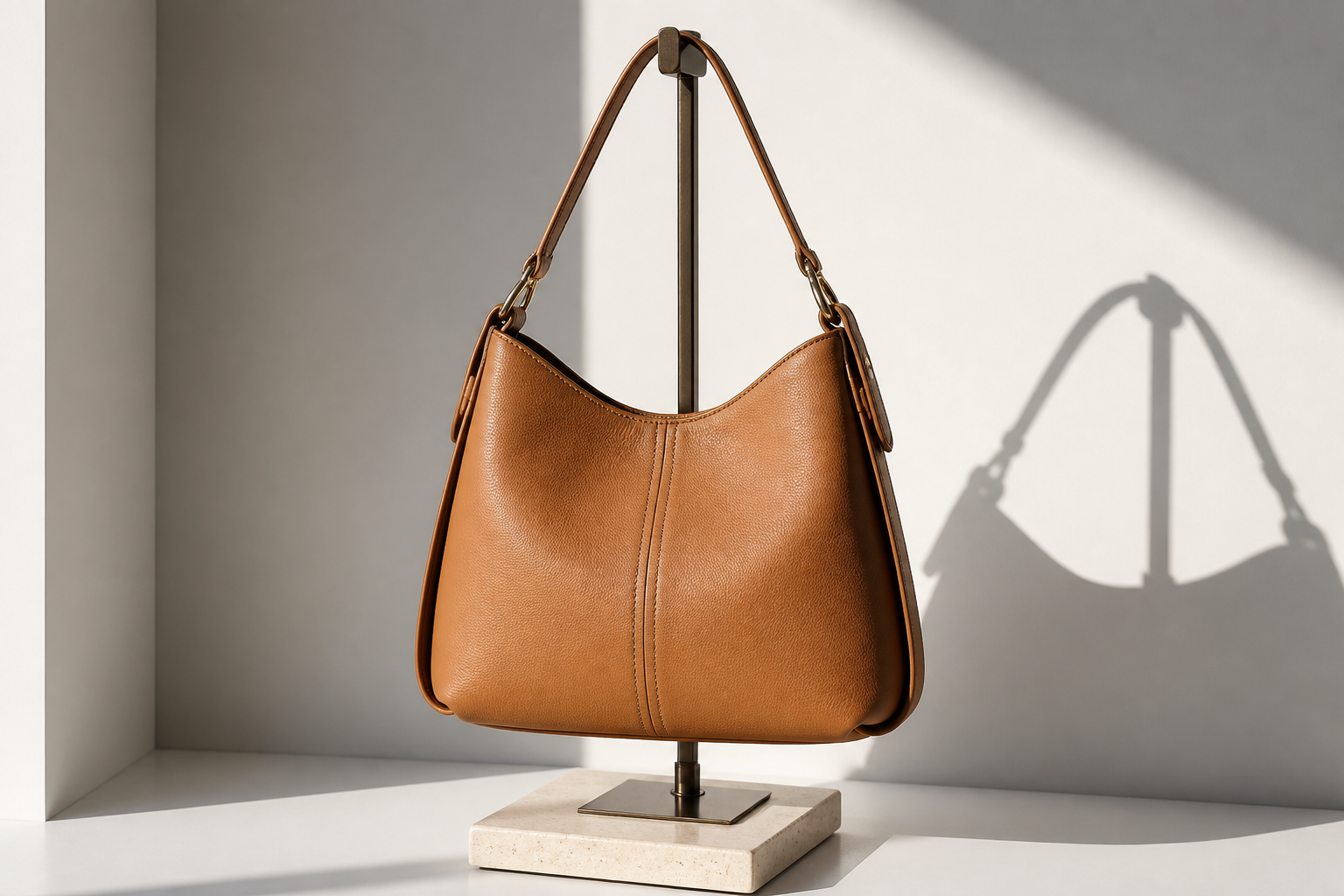 BEFORE
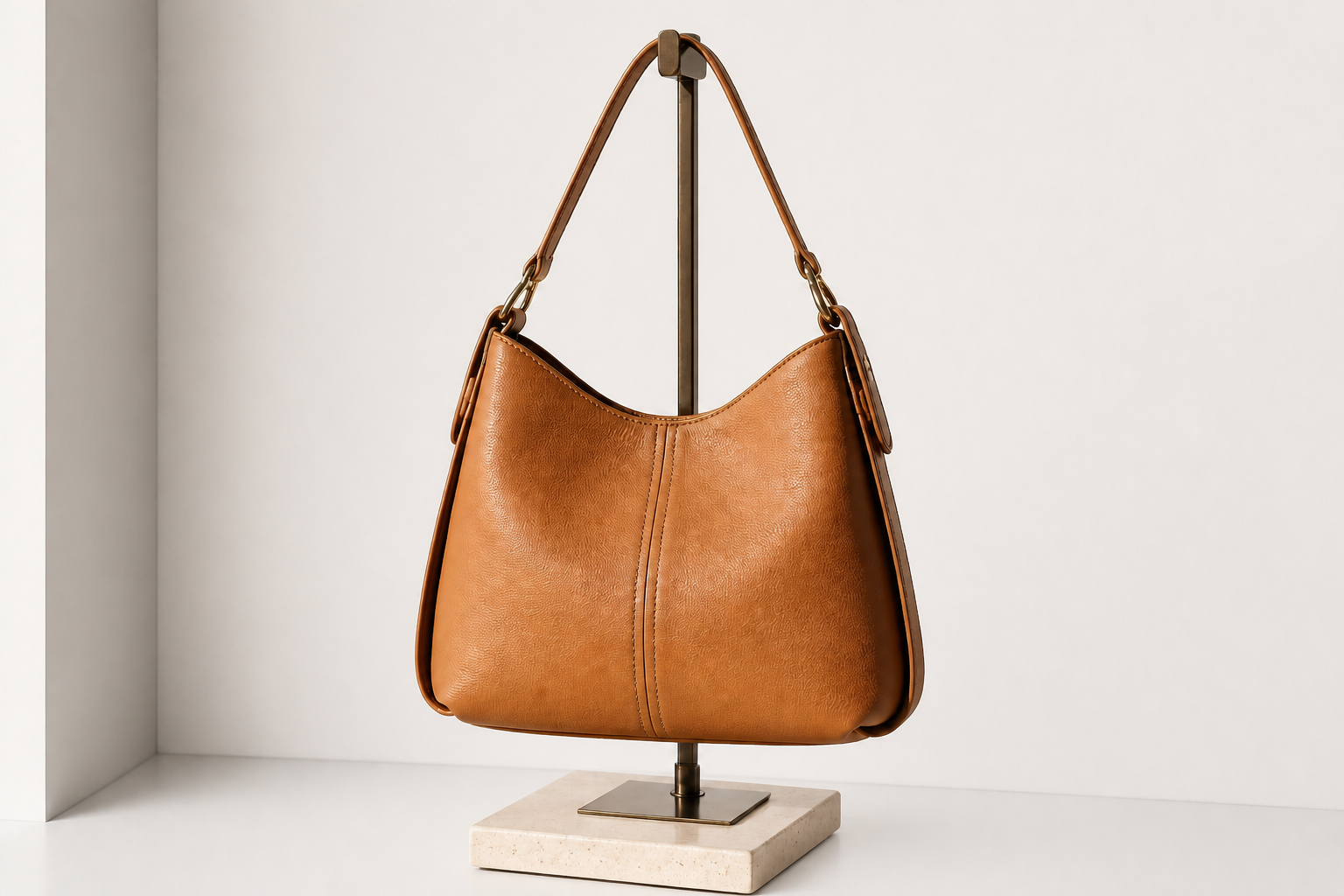 AFTER
AFTER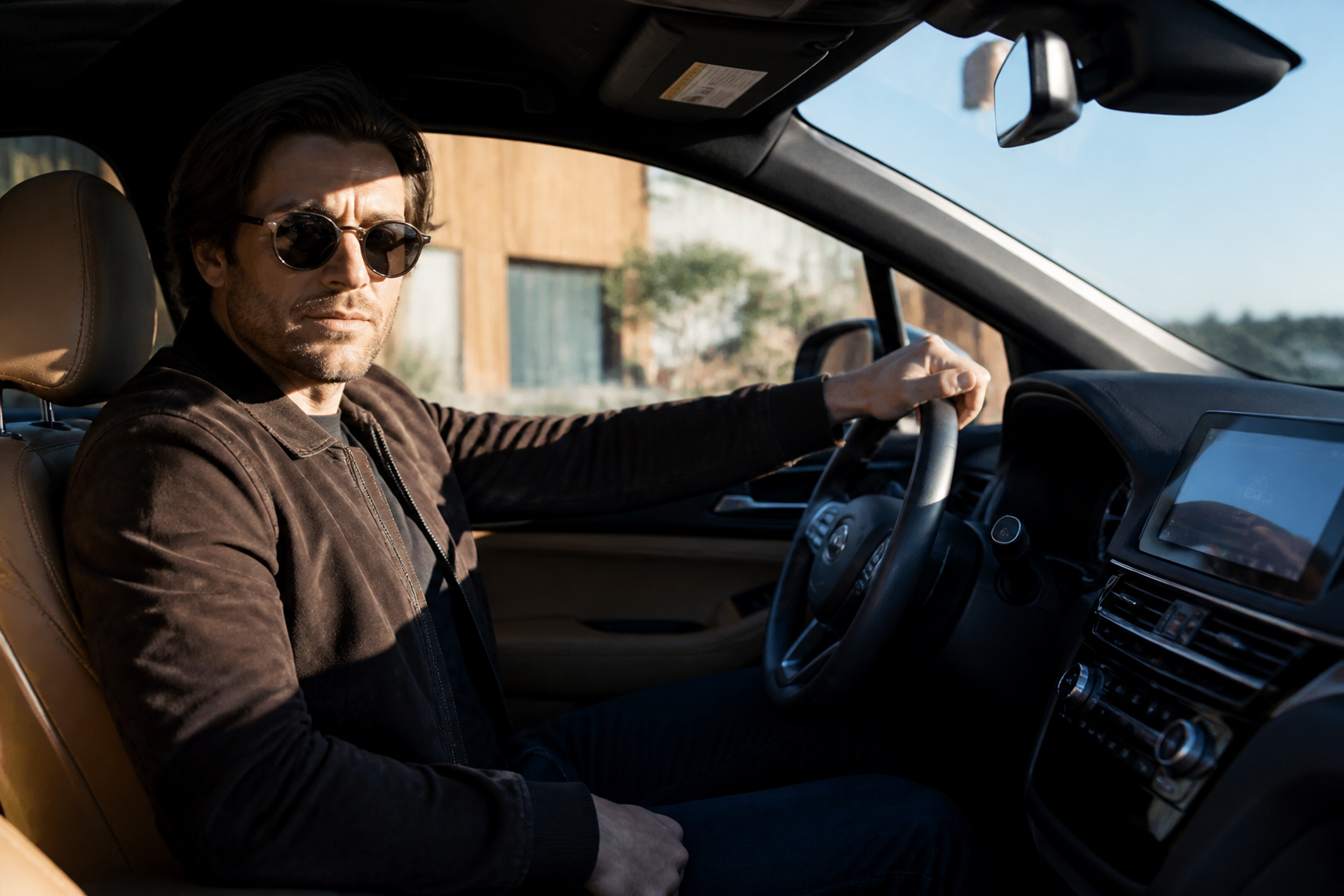 BEFORE
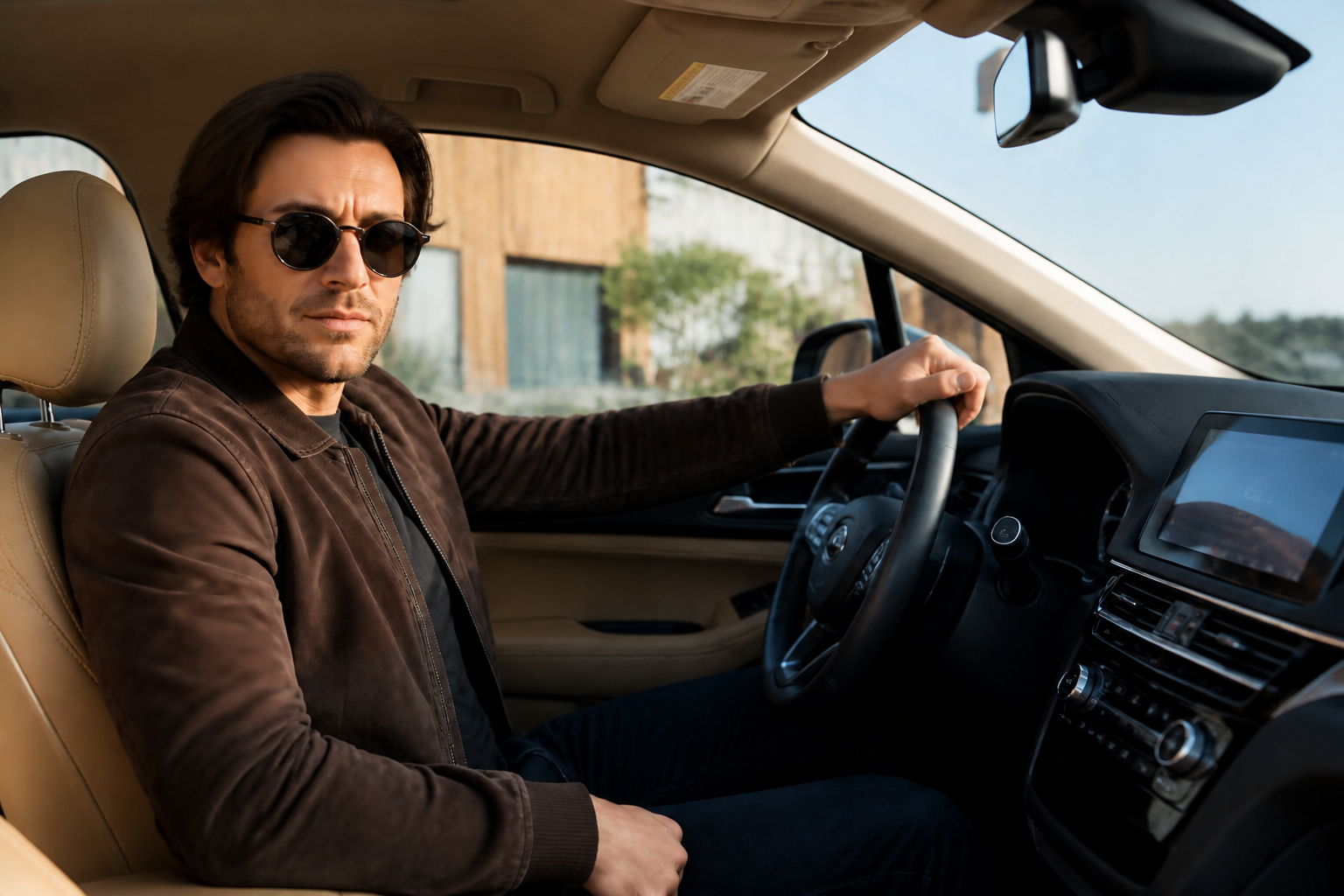 AFTER
AFTER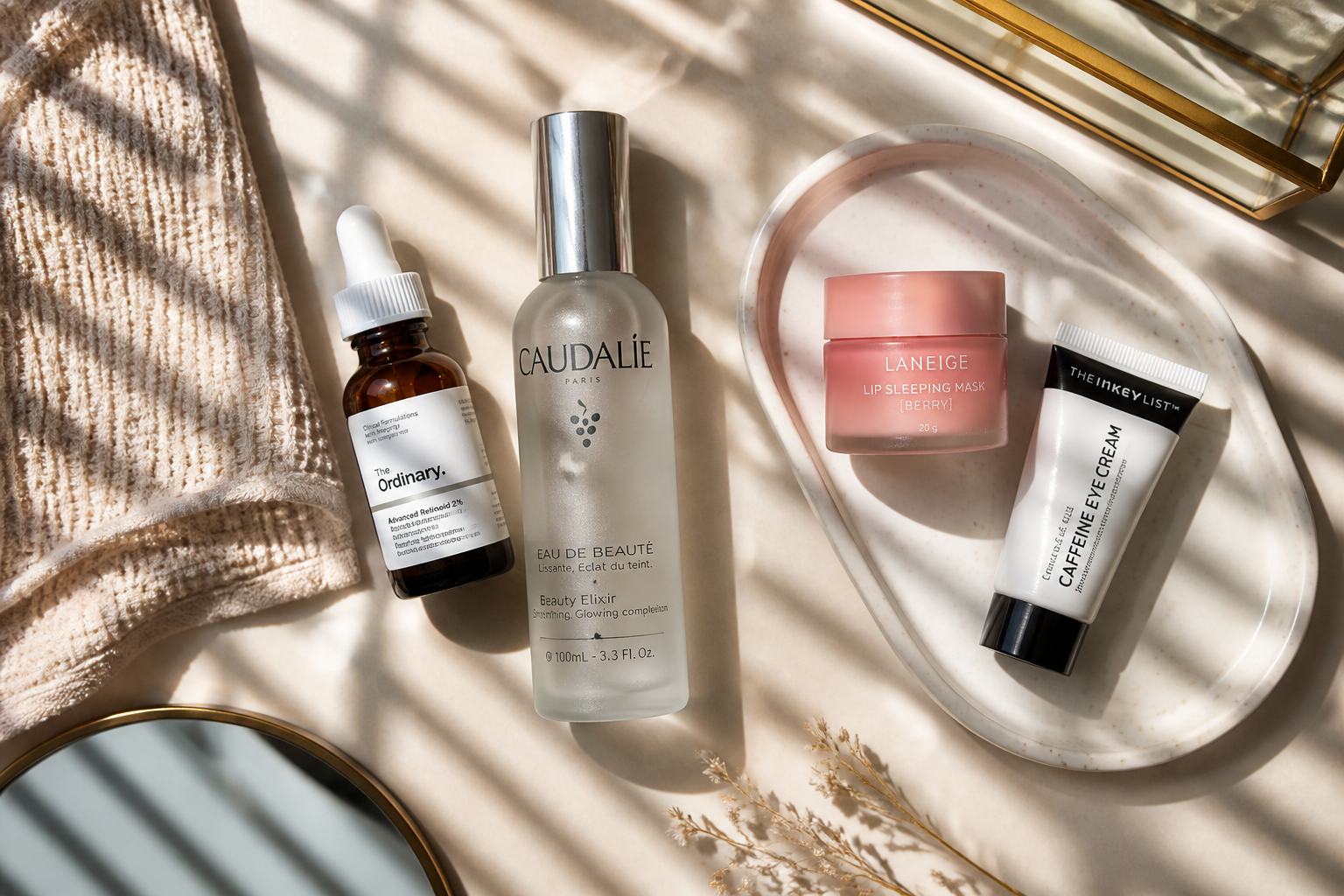 BEFORE
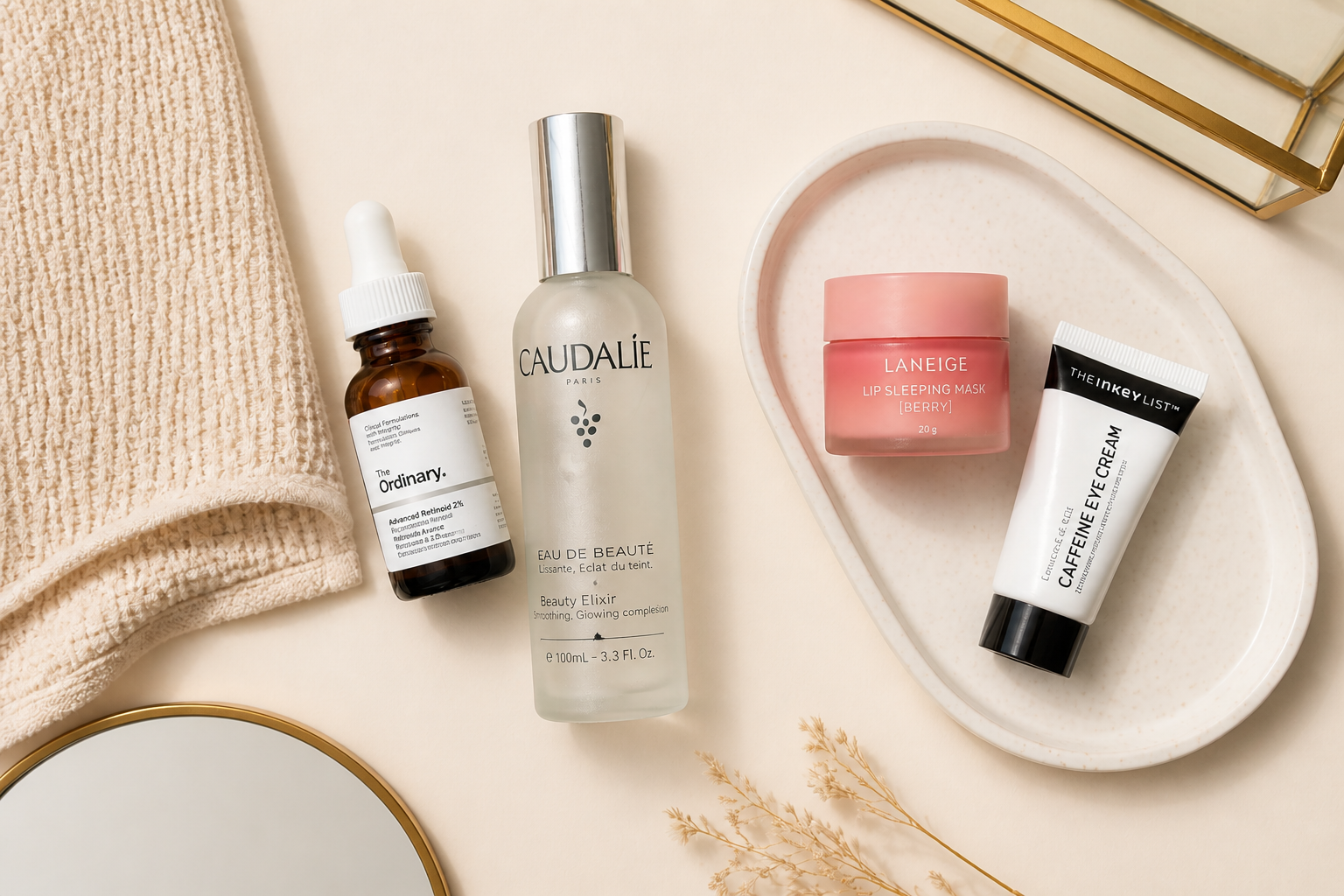 AFTERBEFOREAFTERBEFOREAFTERBEFOREAFTERBEFOREAFTERBEFOREAFTER
Key Features
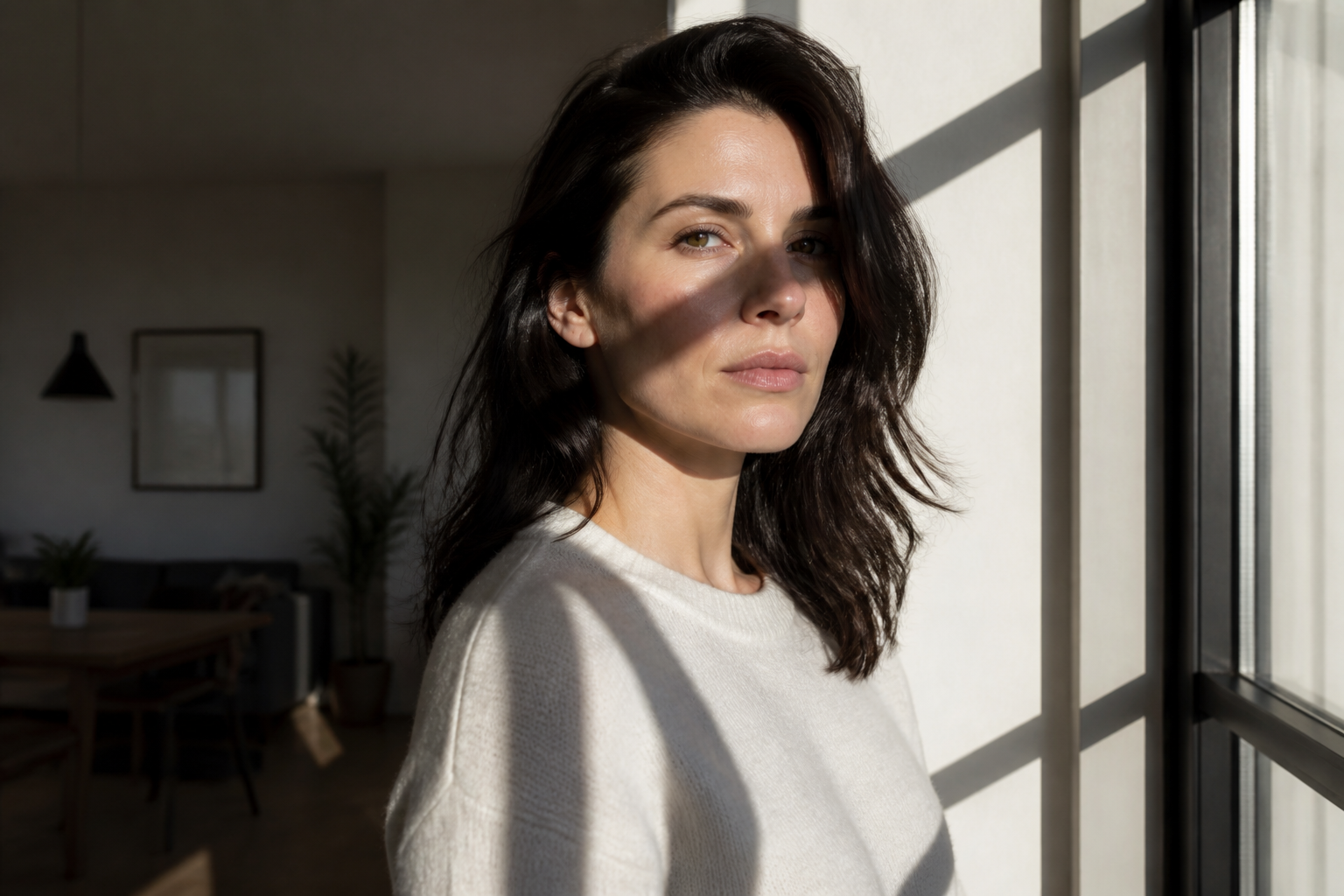
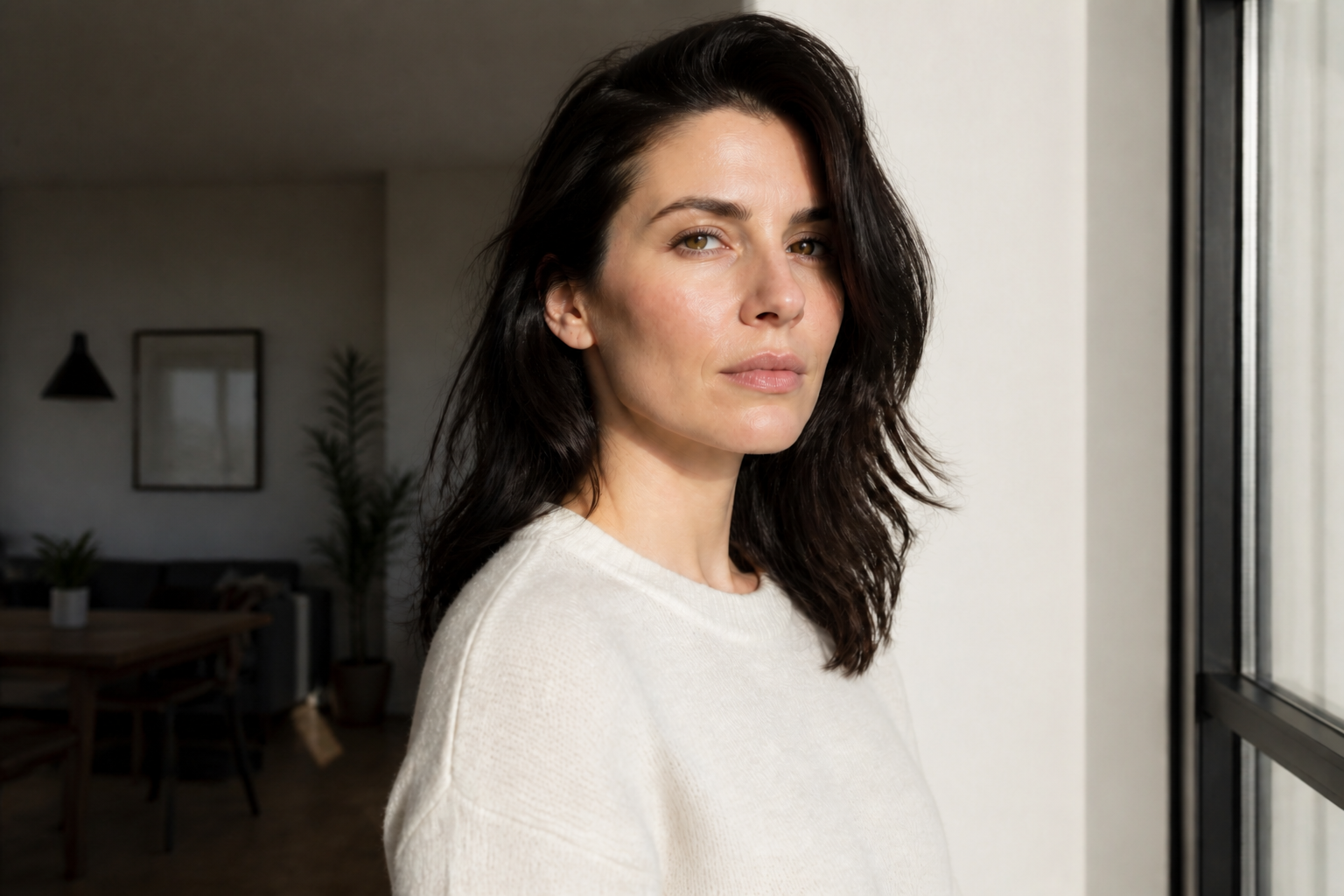
Remove harsh cast shadows
Fix dark lines and patches caused by direct sunlight, window frames, leaves, or nearby objects. Our AI lifts shadowed regions without forcing the whole image to look overexposed. That makes the result cleaner than simply raising brightness across the full frame. You keep the original scene while removing the distraction.
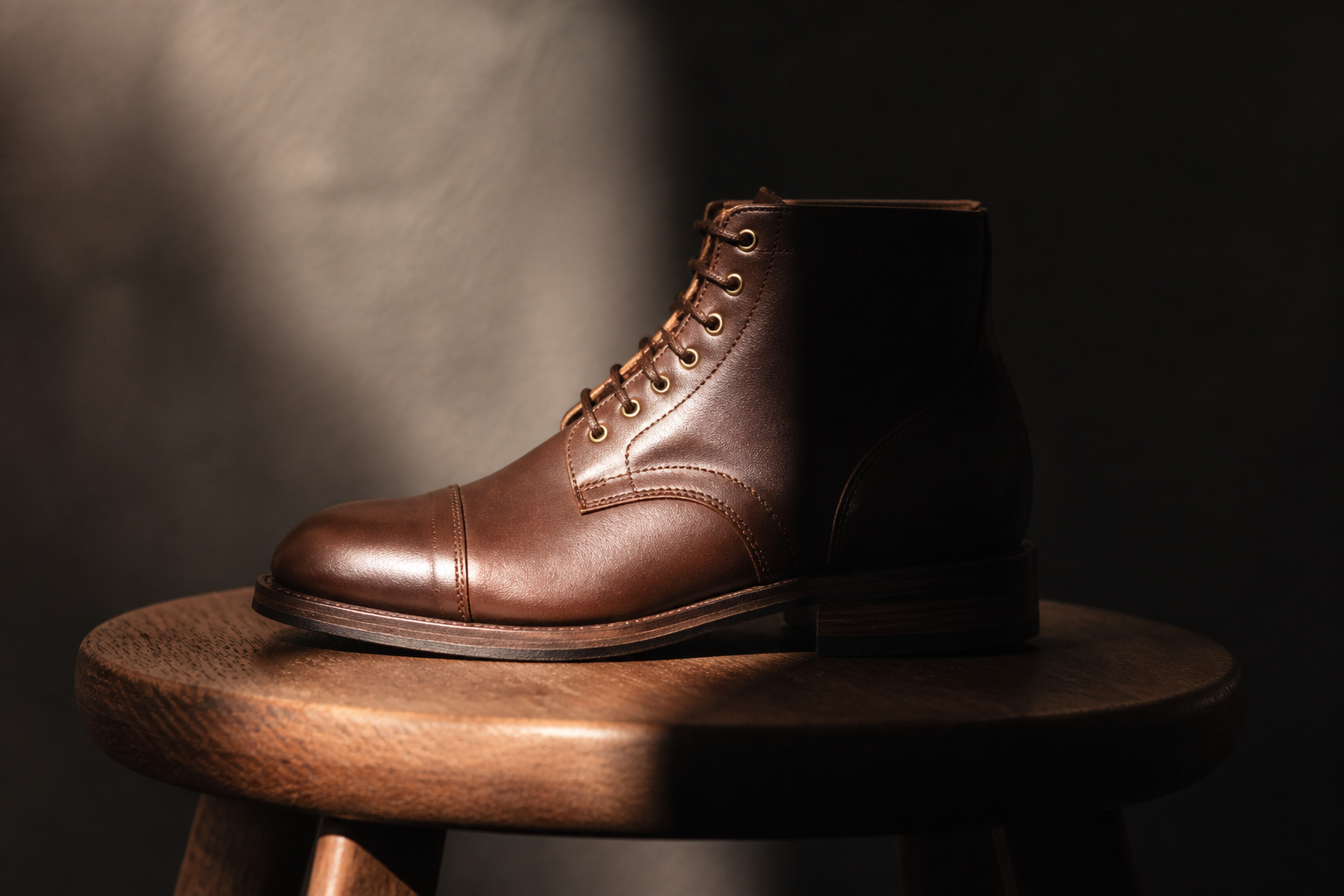
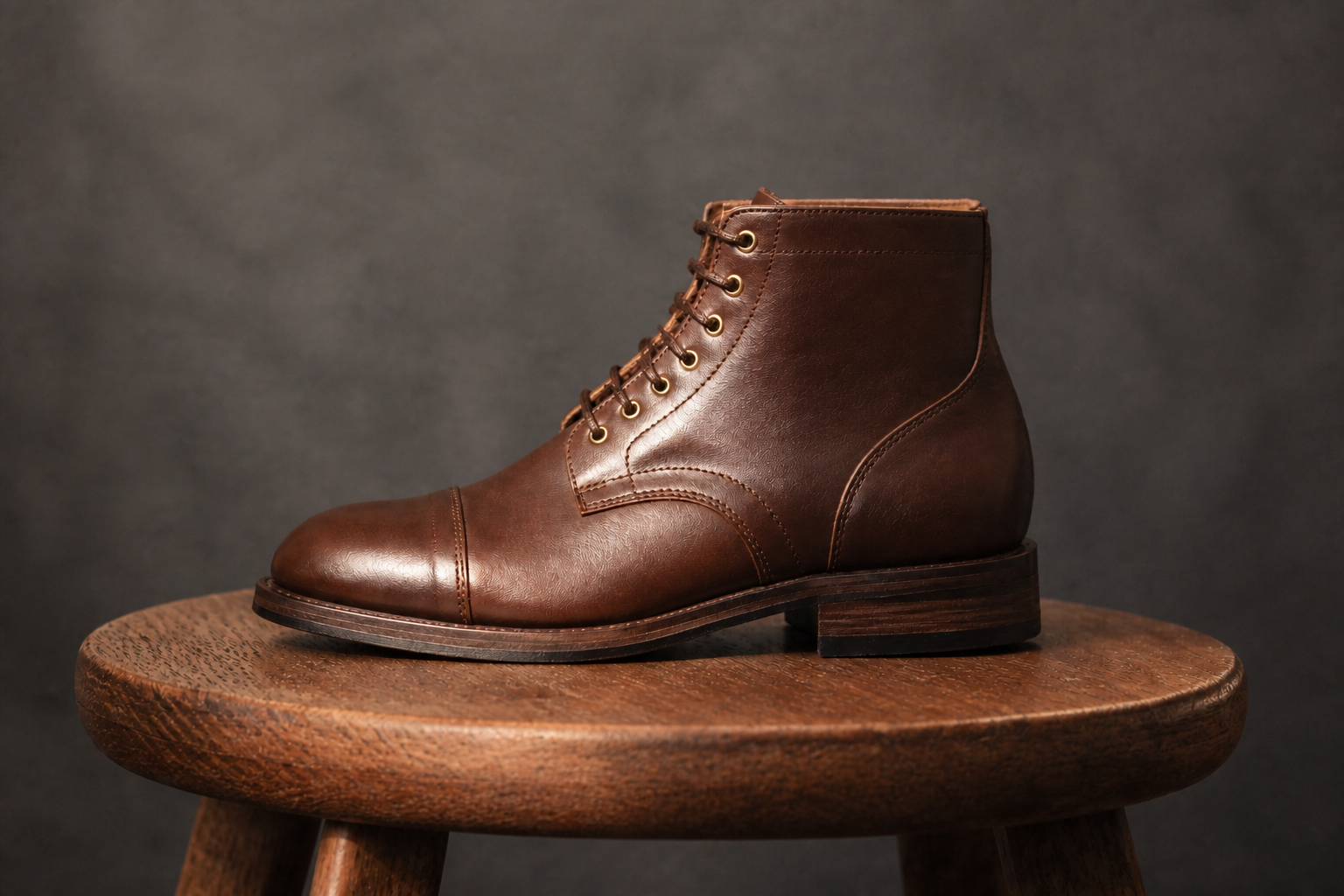
Keep textures looking real
Shadow cleanup should not smear skin, flatten fabric, or erase product detail. The edit preserves surface texture so leather, wood, hair, and skin still look believable after brightening. This matters for ecommerce, portraits, and listing photos where realism builds trust. You get a polished image without the plastic look of heavy retouching.
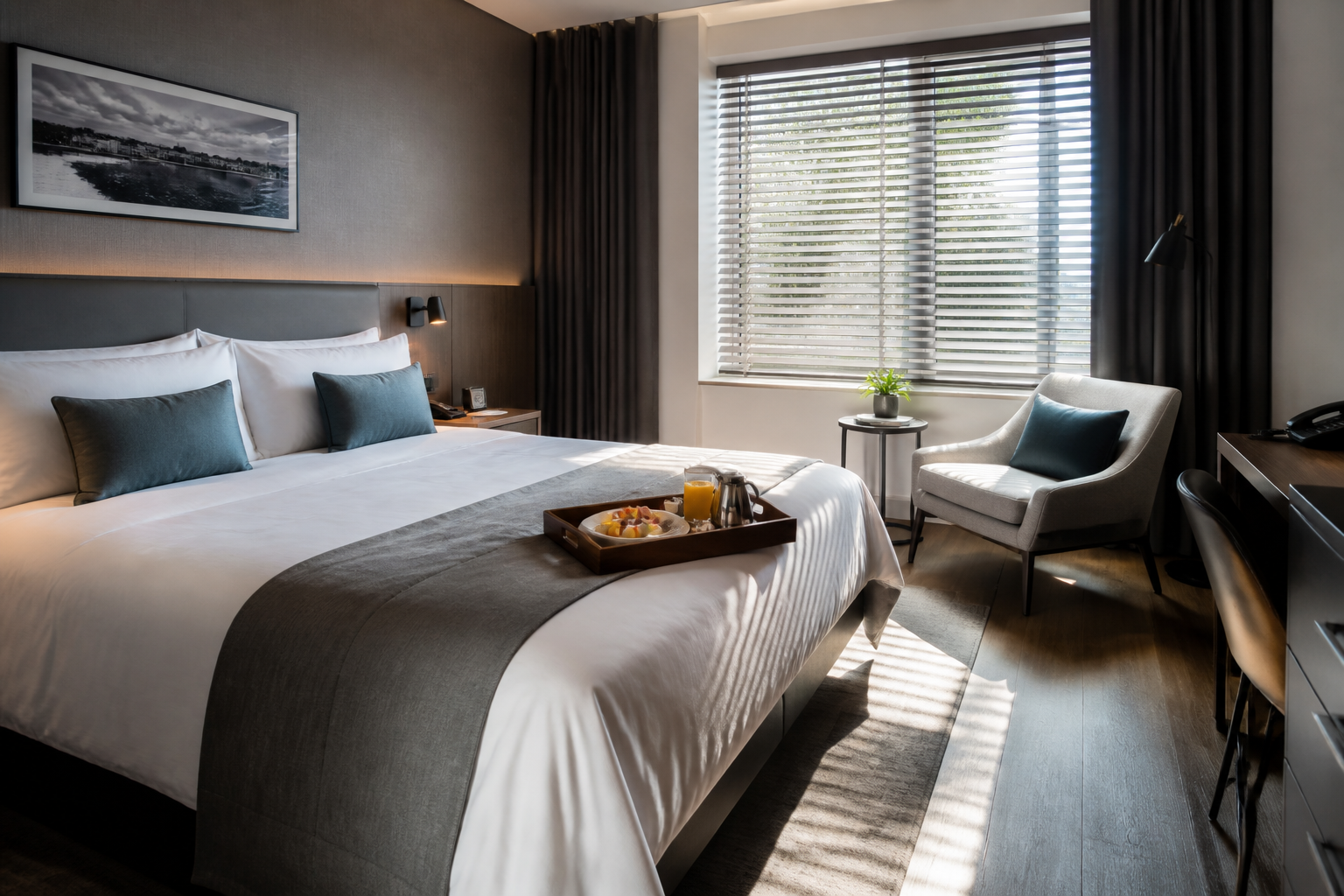
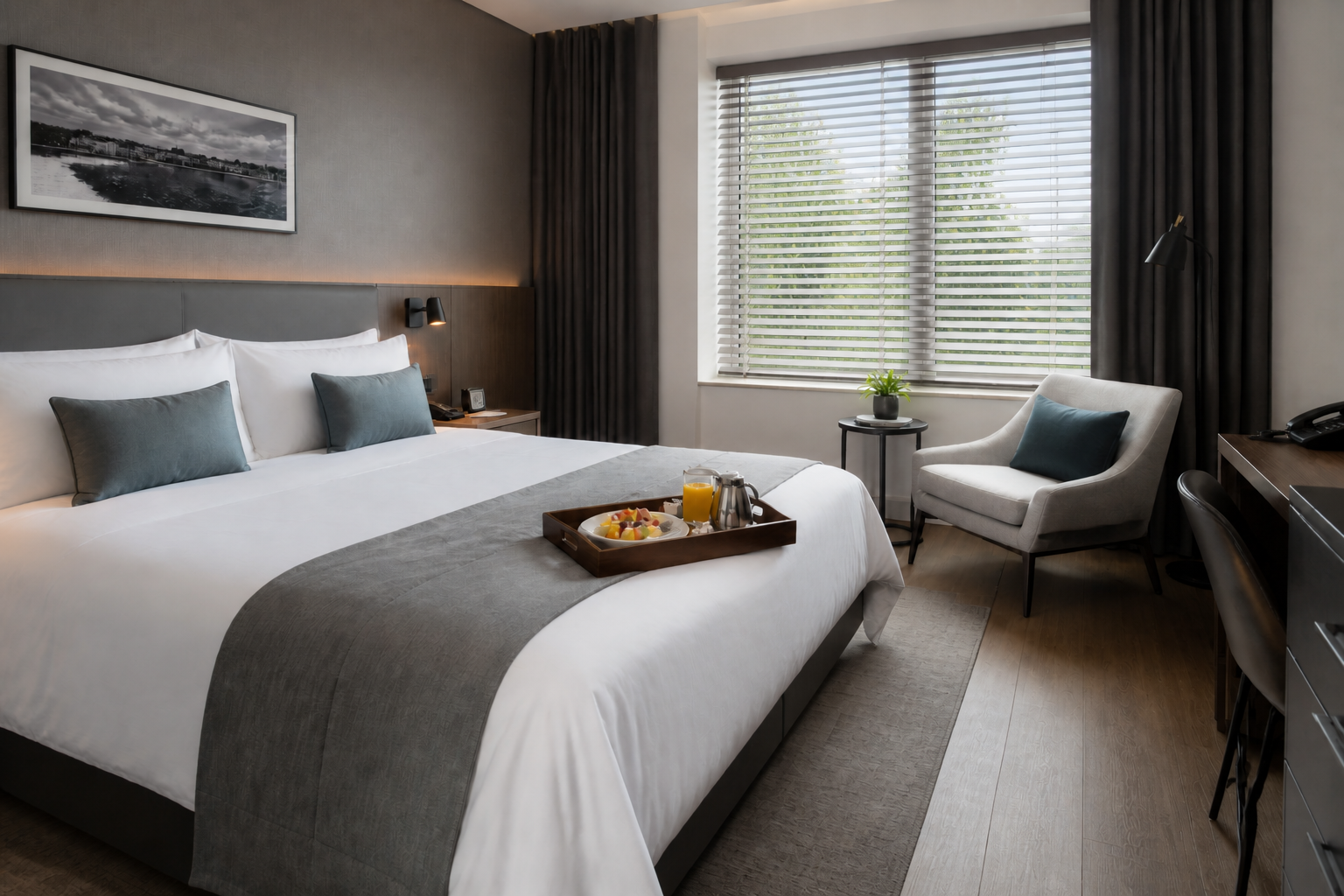
Works across different scenes
Use the same workflow on portraits, interiors, food, products, and lifestyle shots. You do not need separate tools for every type of photo just to correct uneven lighting. Our AI understands the scene well enough to brighten shadowed areas while keeping the rest of the image consistent. That saves time when you are cleaning up mixed photo sets.
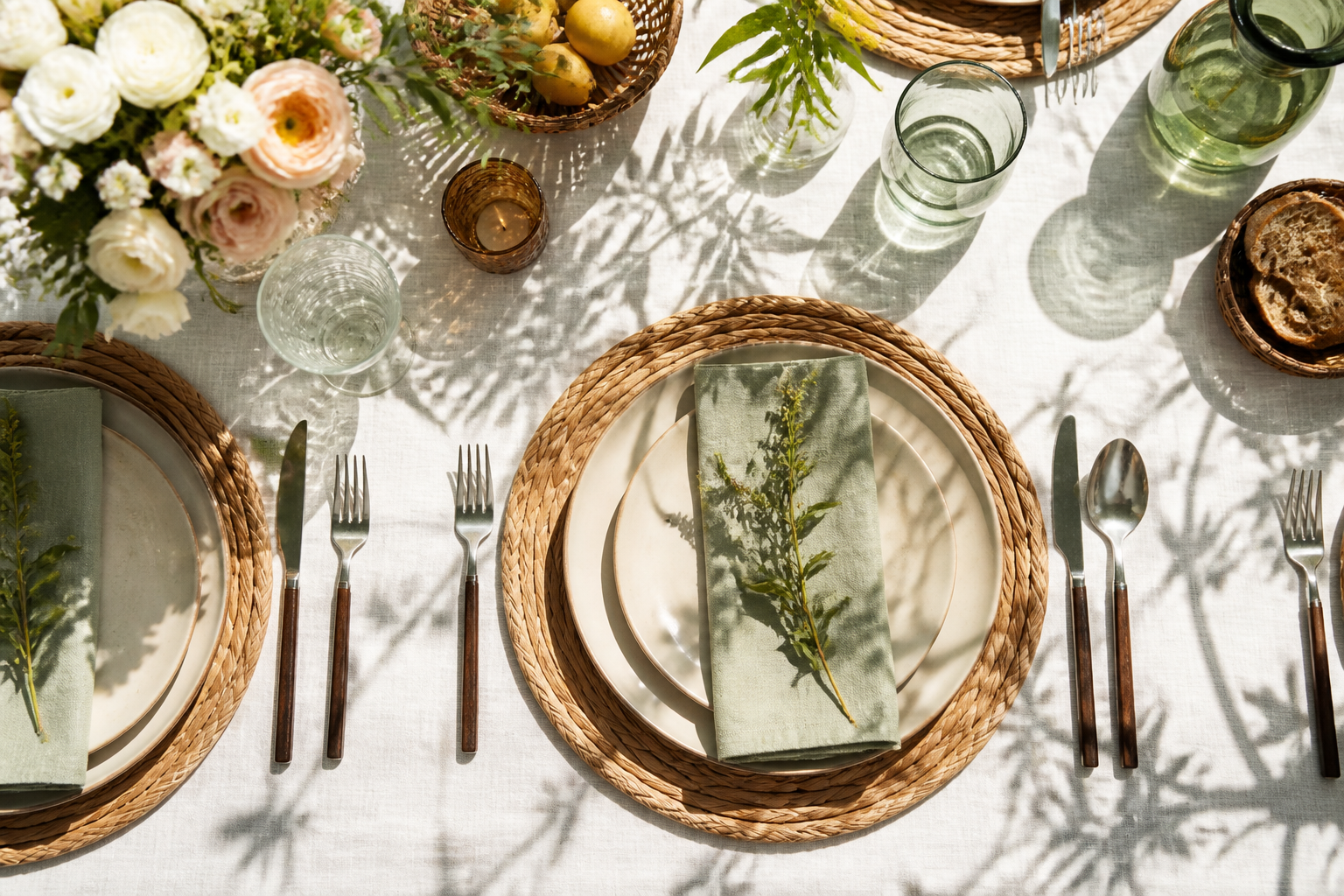
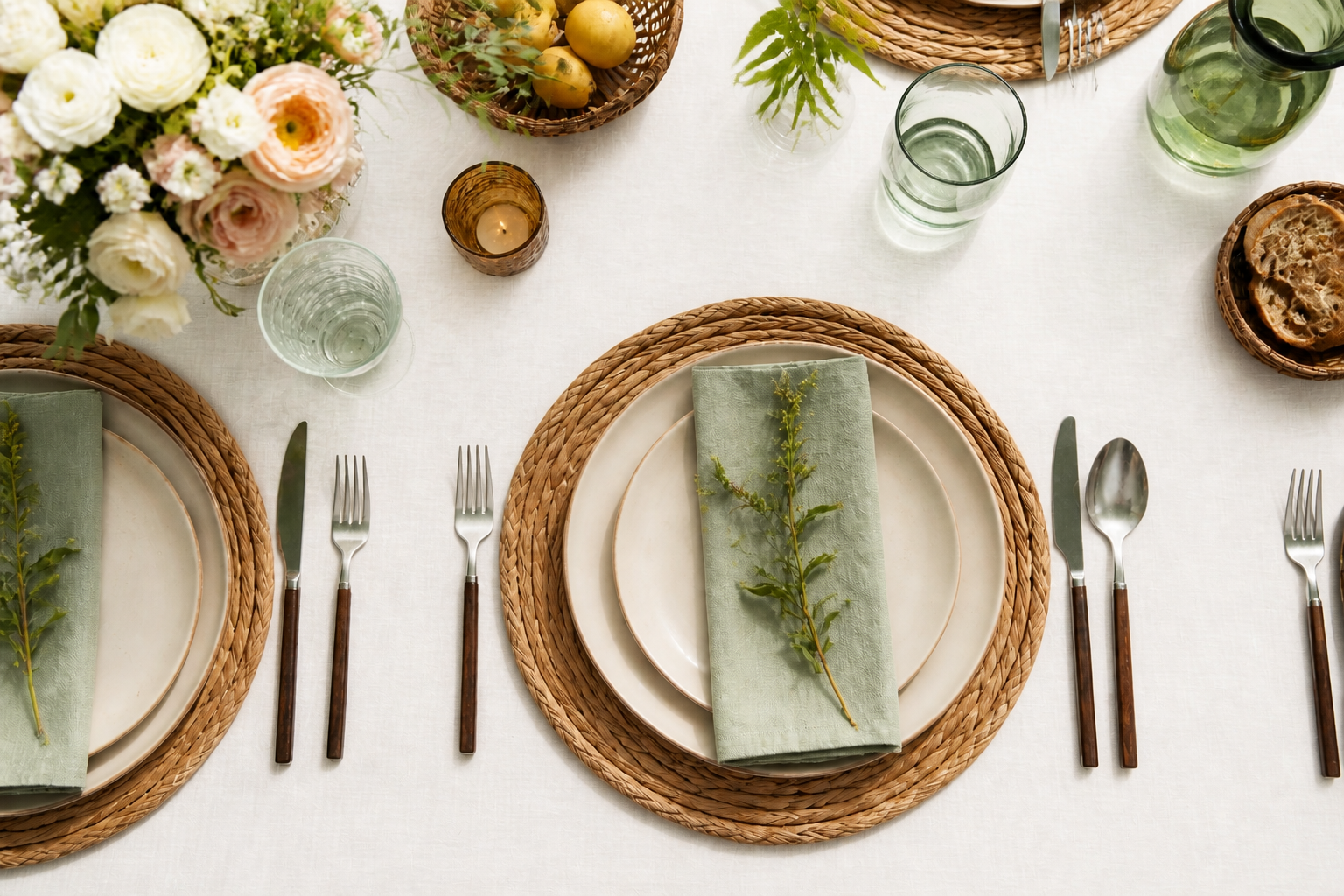
Faster than manual masking
Manual shadow repair usually means selective brushes, masks, curves, and repeated trial and error. Here you can describe the fix in plain language and get a usable result much faster. It is especially helpful for batches of photos with similar lighting problems. You spend less time on technical cleanup and more time choosing the final image.
How It Works
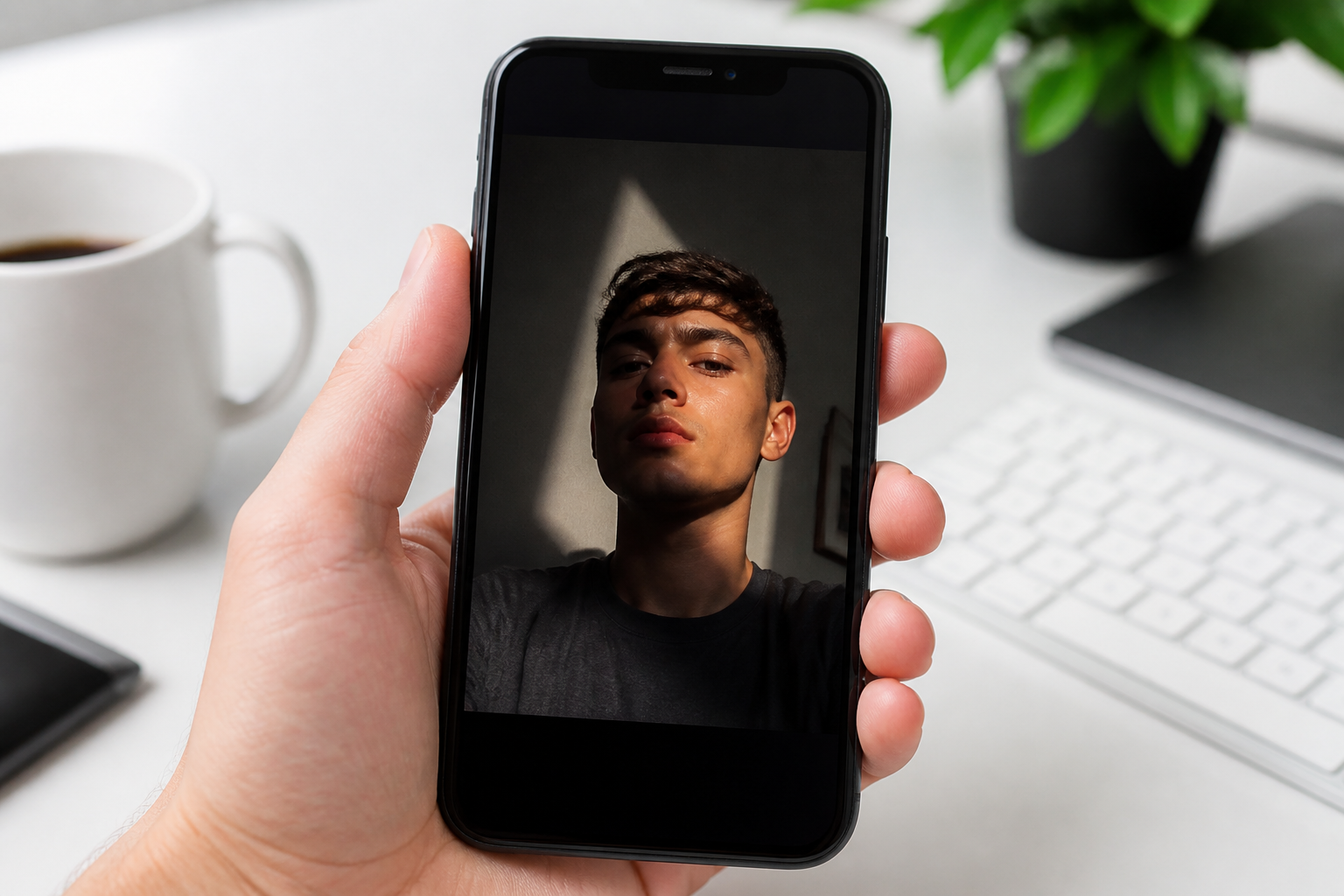
Upload your photo
Start with any image that has distracting shadows on a face, object, or room. Wide scenes, product shots, and portraits all work well.
Describe the fix
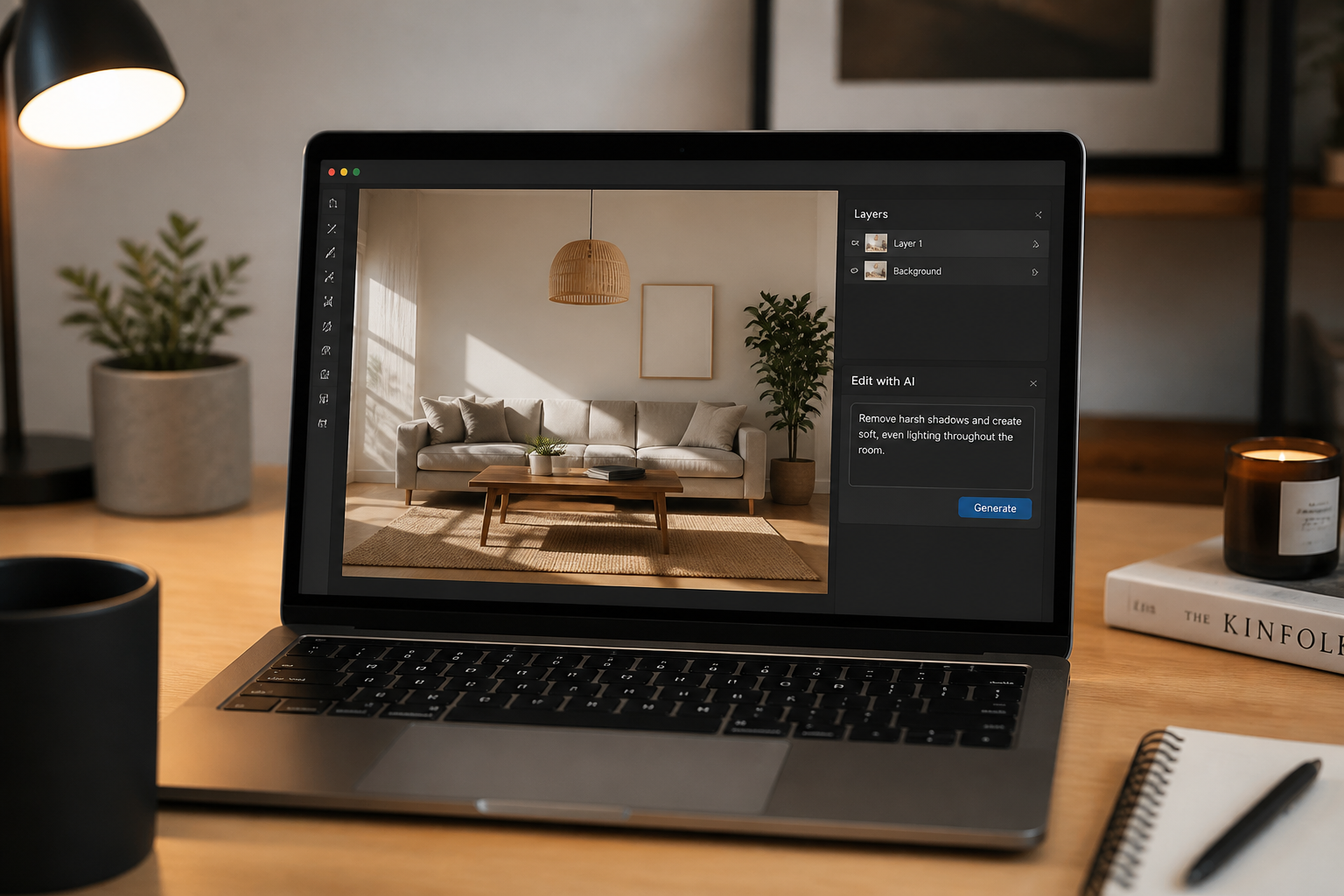
Tell the editor what to remove, such as window shadows, facial shadows, or dark cast shadows on a product. A short instruction is usually enough to guide the result.
Compare and download
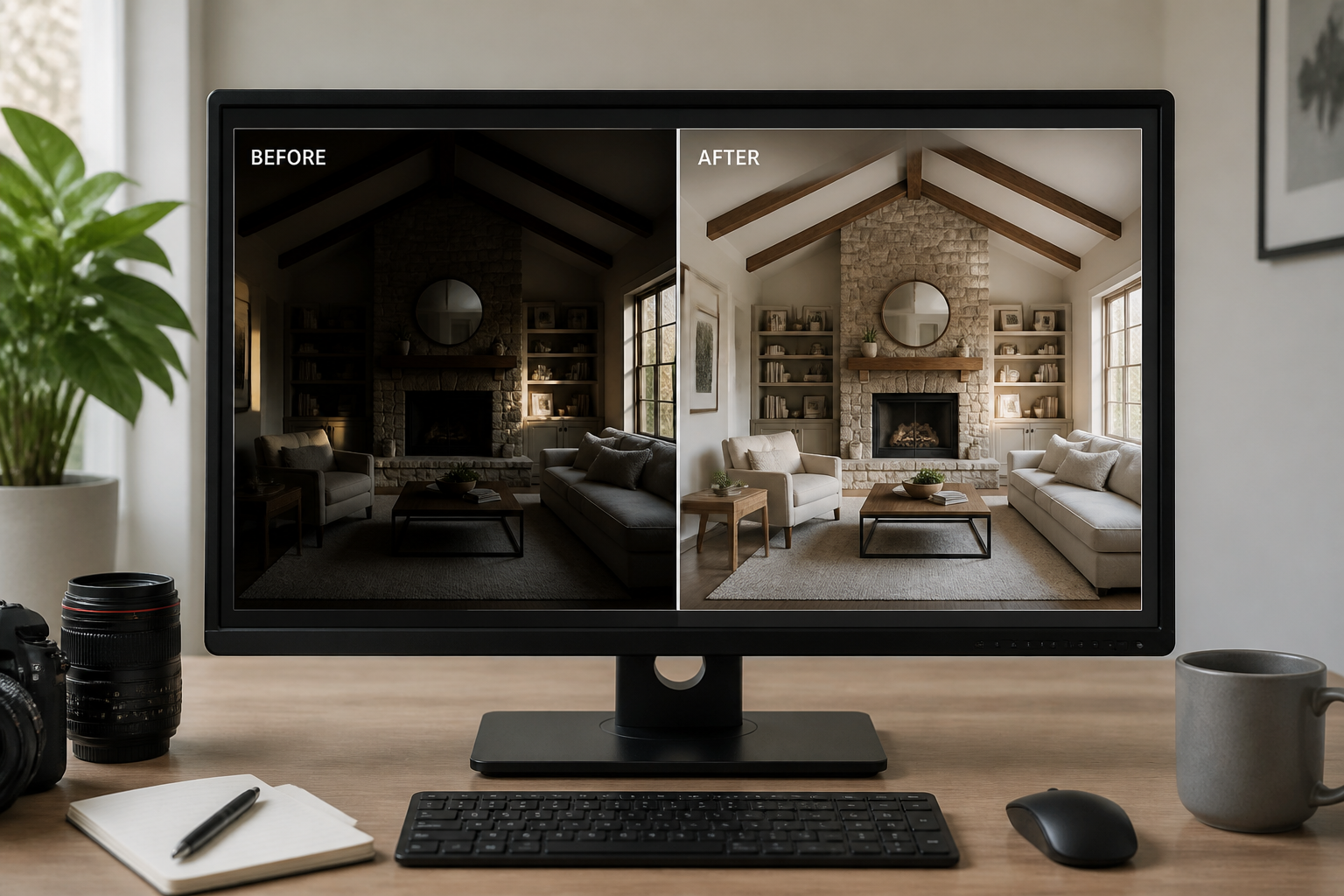
Review the before and after version side by side and check that the scene still looks natural. When it looks right, export the cleaned image for your listing, post, or presentation.
Perfect For
Discover how creators and professionals use ai shadow remover
Portrait cleanup
Remove hard shadows on faces caused by direct sun, hats, window frames, or indoor lighting.
Product photography
Clean up distracting cast shadows on ecommerce images while keeping the product shape and texture intact.
Interior and real estate photos
Reduce dark stripes and patches across walls, floors, furniture, and bedding to make rooms feel brighter.
Food and lifestyle content
Fix uneven shadows on tables, dishes, and props so the subject stays clear in social posts and menus.
Built For
Online sellers
Make product photos look more consistent across a storefront without spending time on manual retouching.
Photographers and creators
Quickly rescue usable shots when great composition is spoiled by bad shadow placement.
Agents and marketers
Brighten listing, hospitality, and promo images so spaces and products read clearly at a glance.
Why use AI for shadow removal
A quick look at how we compare on the things that matter for this niche.
| Feature | BudgetPixel | Generic AI editors | Manual editing apps |
|---|---|---|---|
| Targeted shadow cleanup | ✓ | ✓ | — |
| Keeps scene composition | ✓ | ✓ | ✓ |
| Fast natural-language edits | ✓ | — | — |
| Manual masking required | — | — | ✓ |
| Good for mixed photo types | ✓ | ✓ | ✓ |
Frequently Asked Questions
What kinds of shadows can this remove?
Will it change the subject or composition?
Does it work for portraits?
Can I use it for product photos?
Is this better than just increasing brightness?
Create together.
Share your creations, discover trending AI art, and grow with fellow creators.