AI Lighting Enhancer
Fix flat, dark, or uneven lighting without reshooting
AI Lighting Enhancer upgrades the light in your photo while keeping the scene, subject, and composition intact. Turn dim snapshots into bright, polished images or add moodier cinematic light with a simple edit.
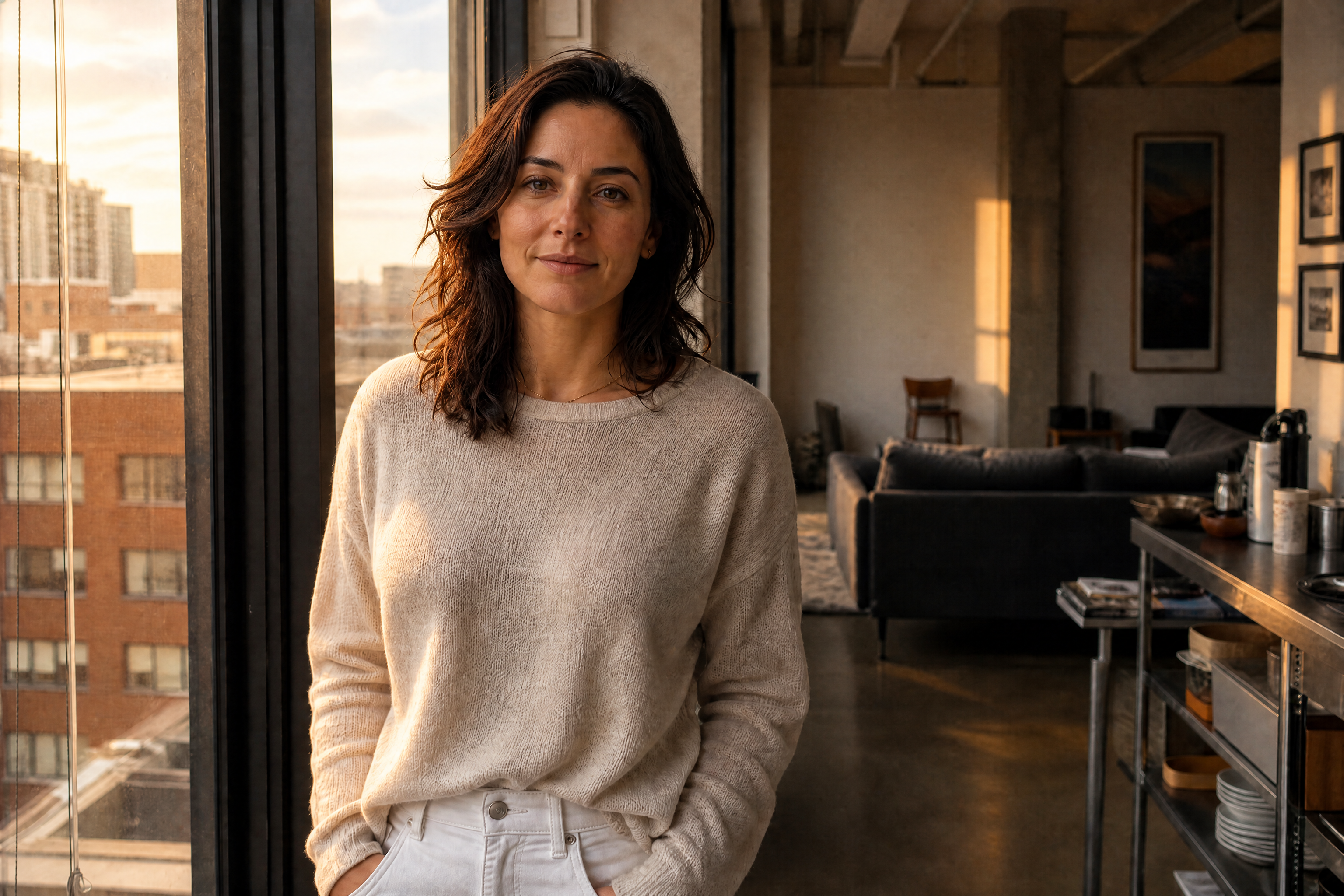
Watch the Transformation
See ai lighting enhancer in motion — generated end-to-end by our AI.
See It In Action
Real outputs from ai lighting enhancer.
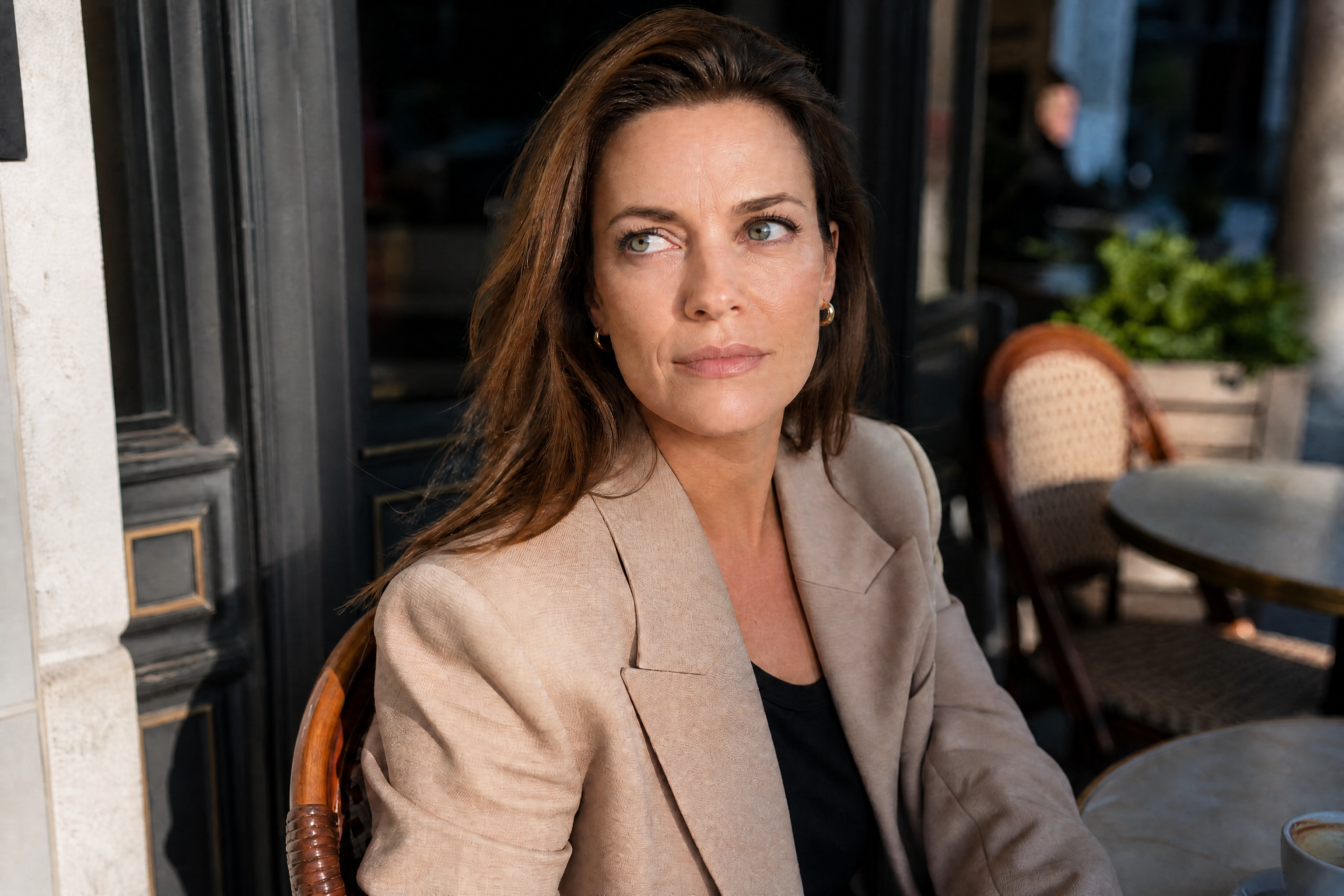
BEFOREAFTER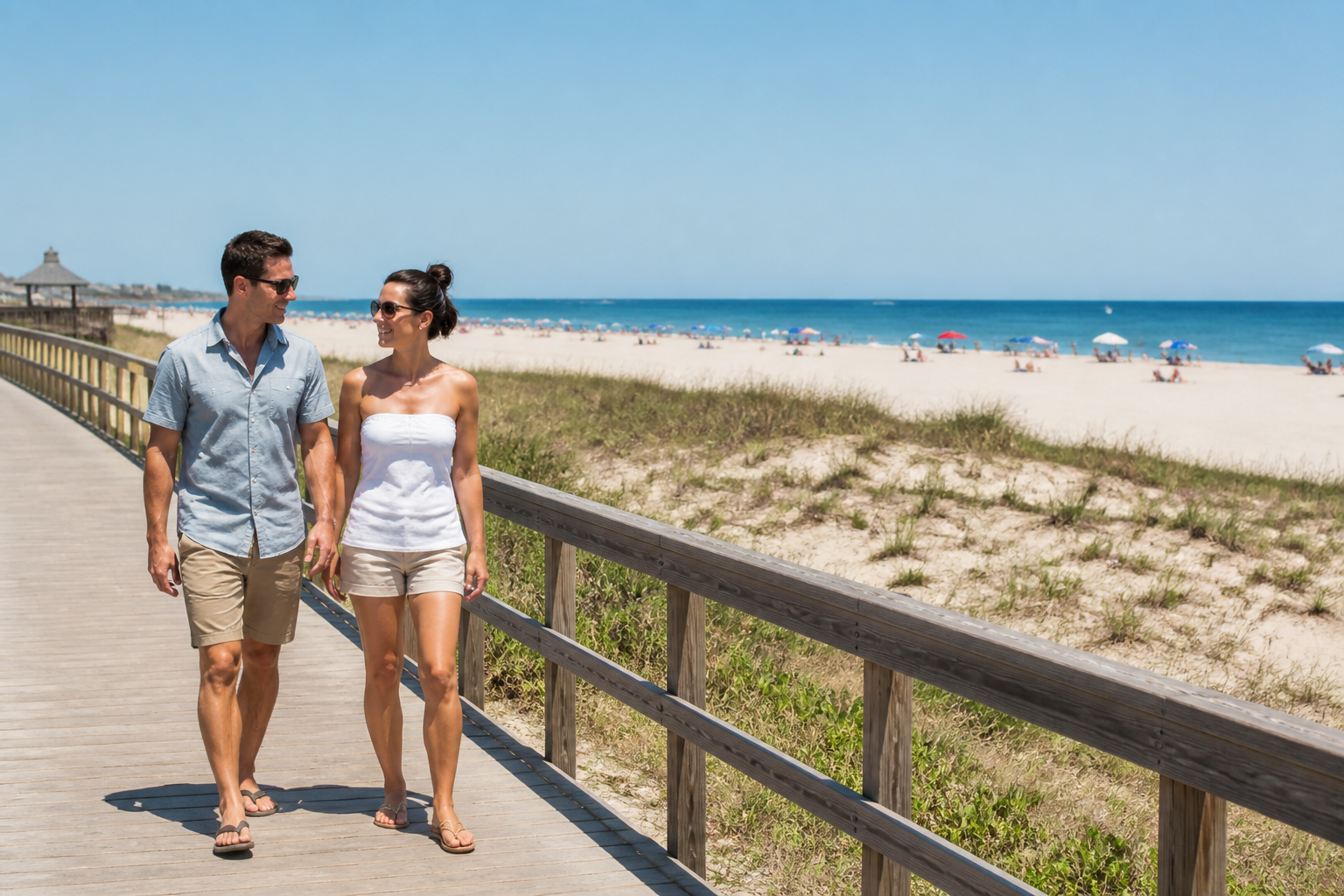 BEFORE
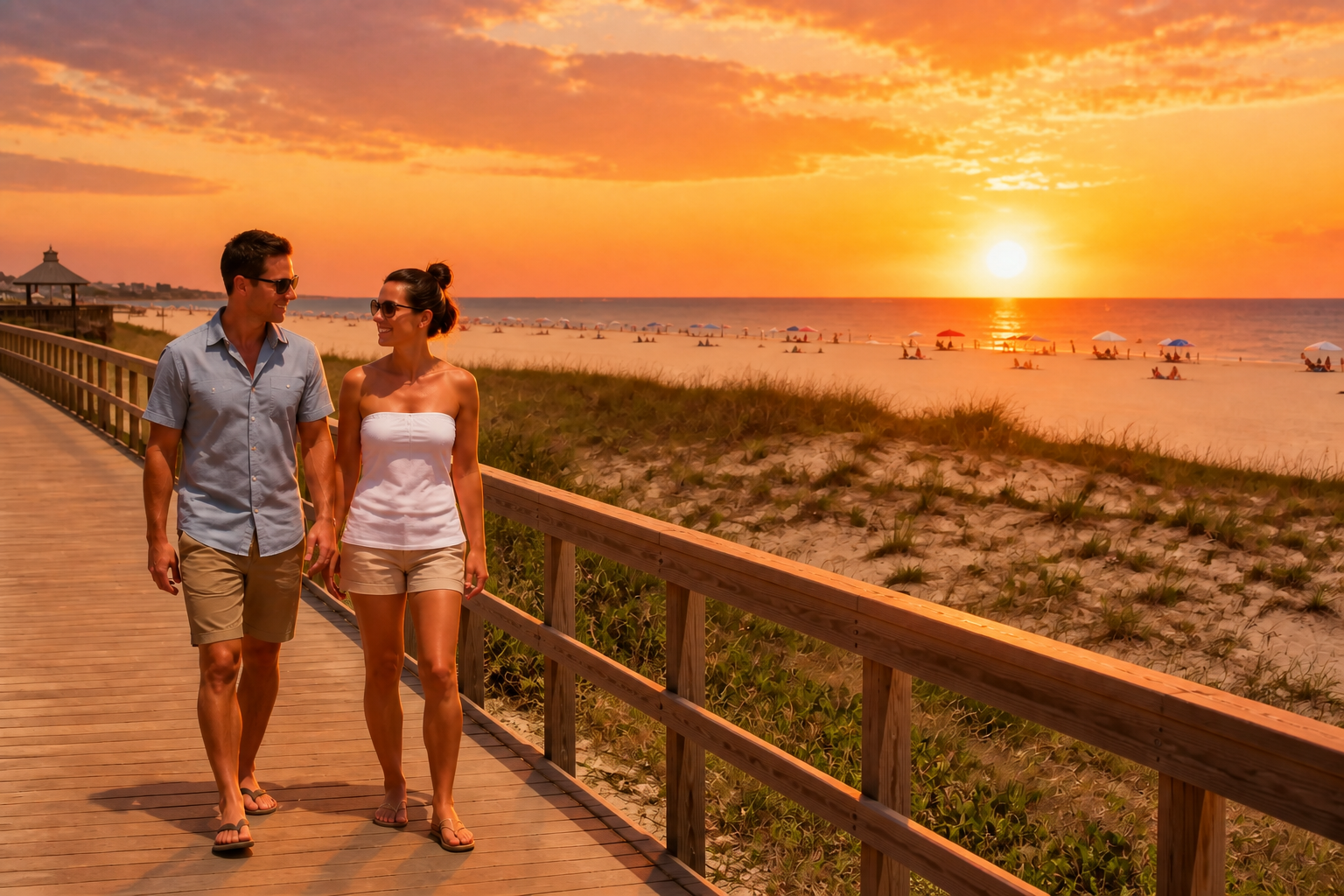 AFTER
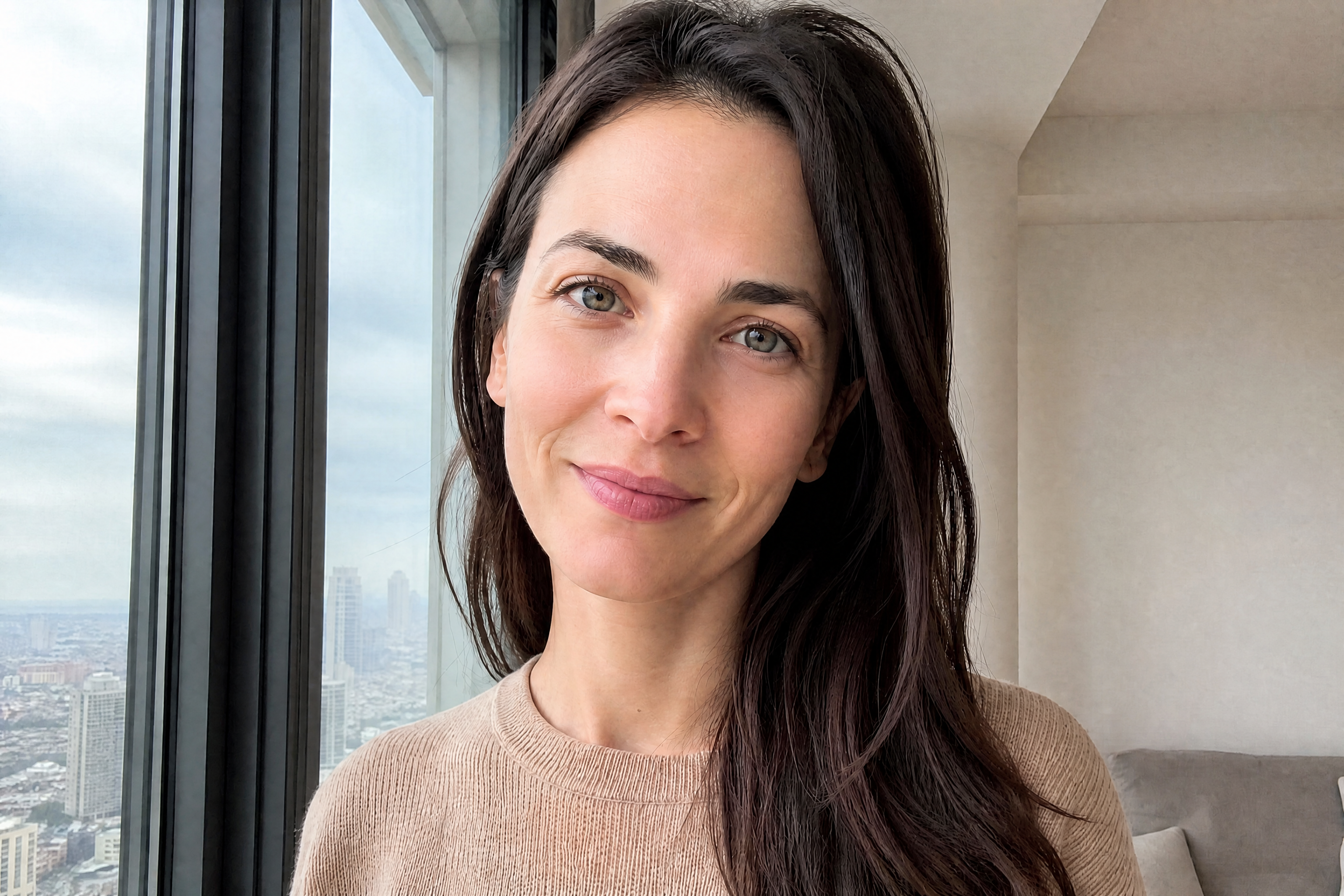
AFTER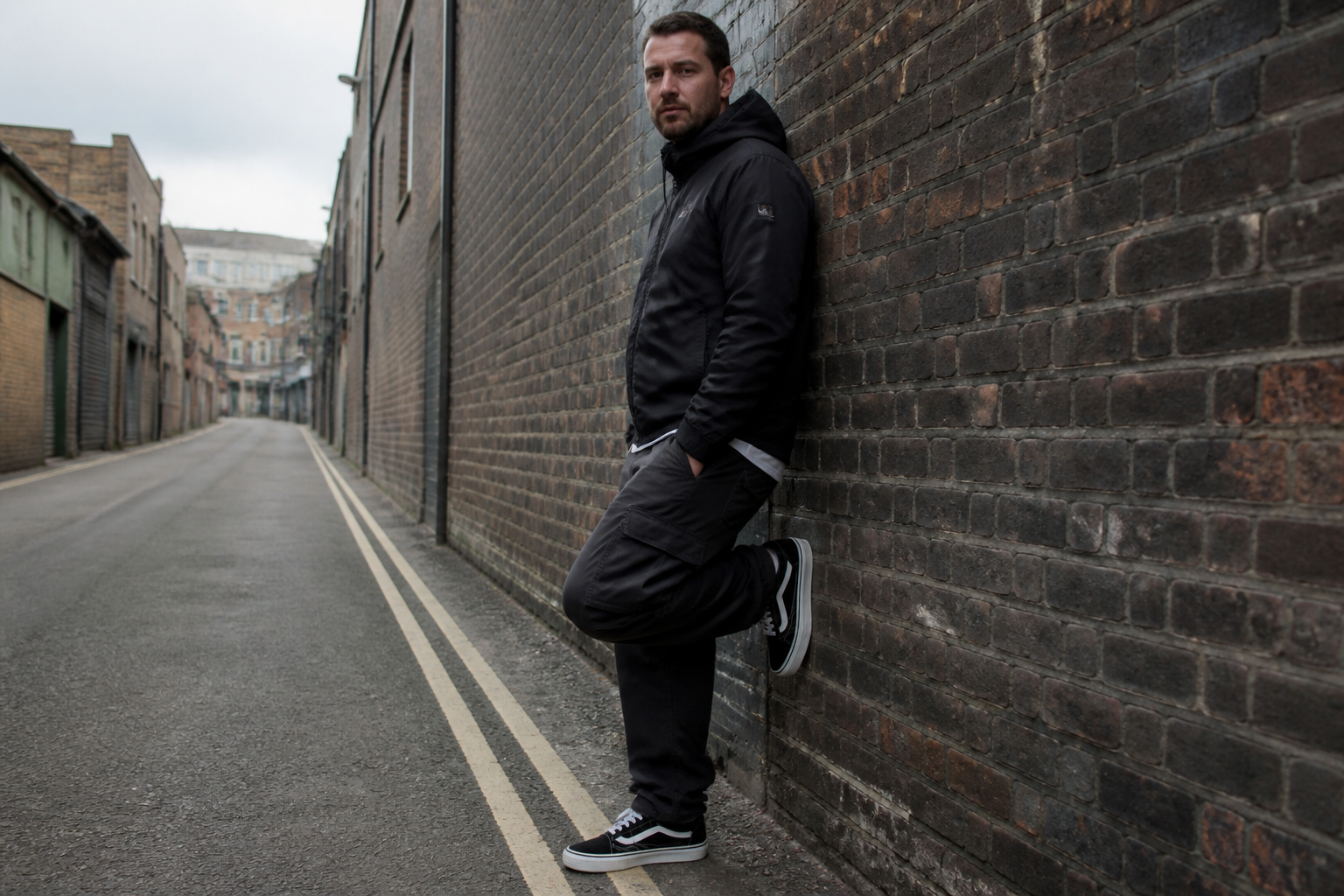 BEFORE
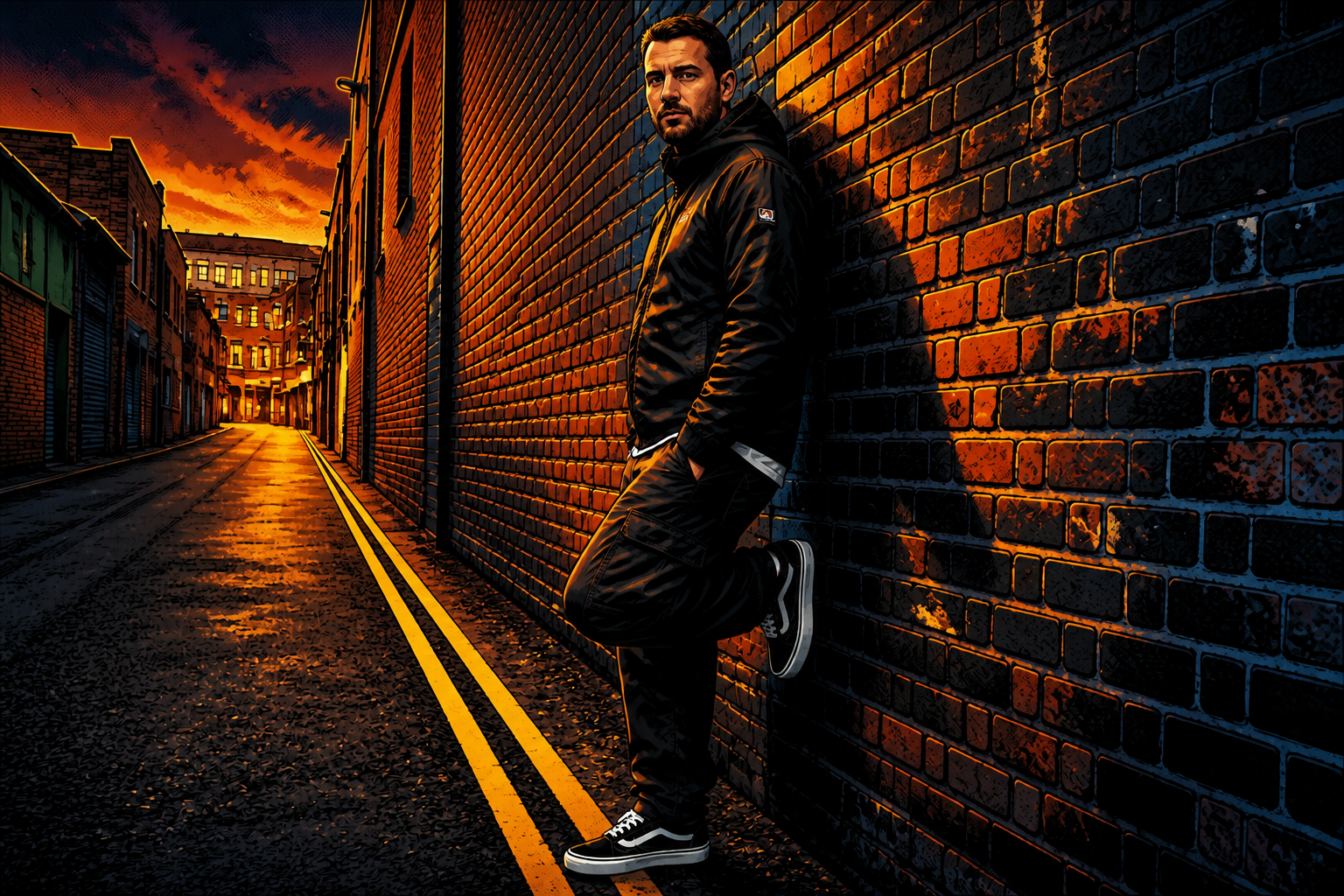 AFTER
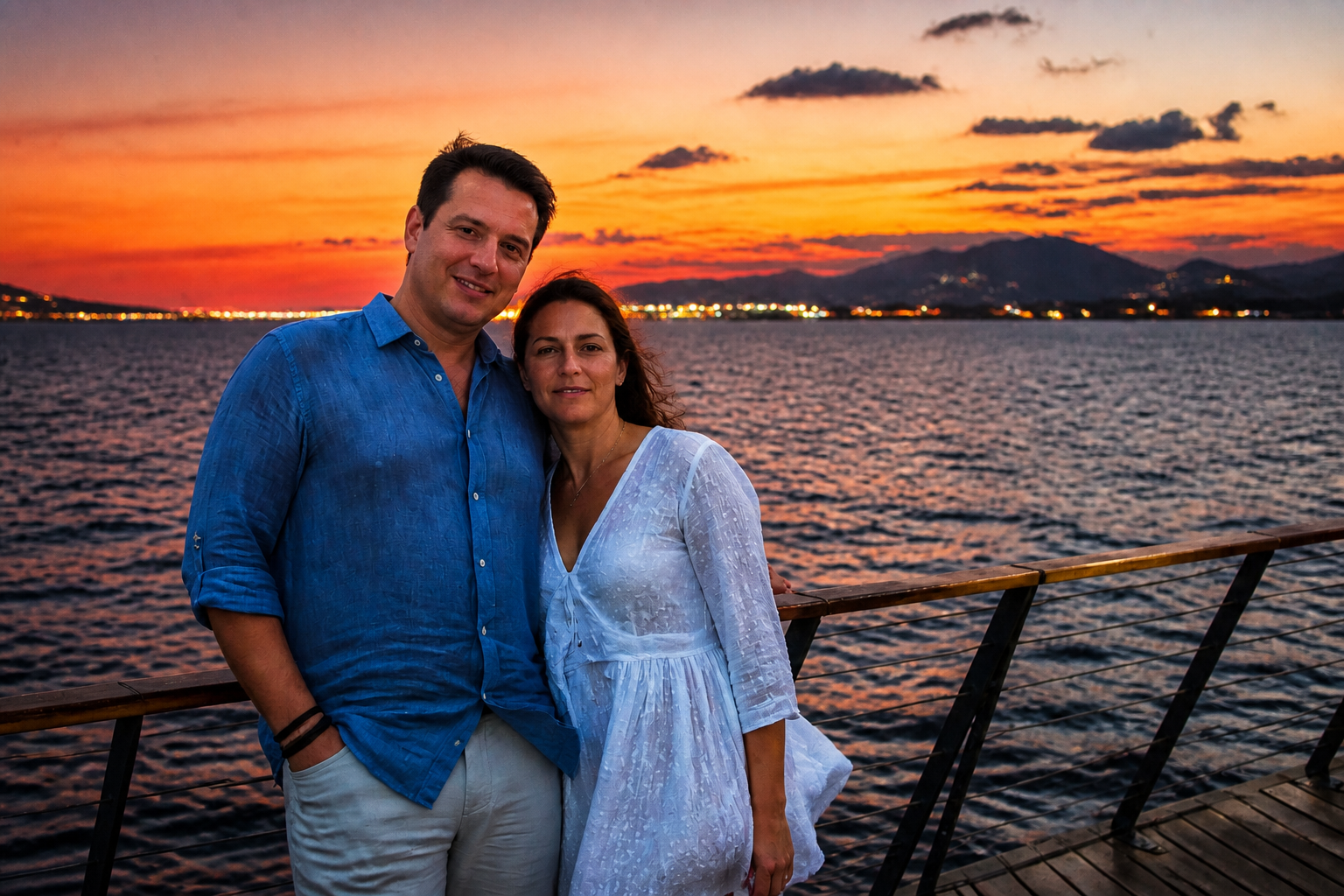
AFTER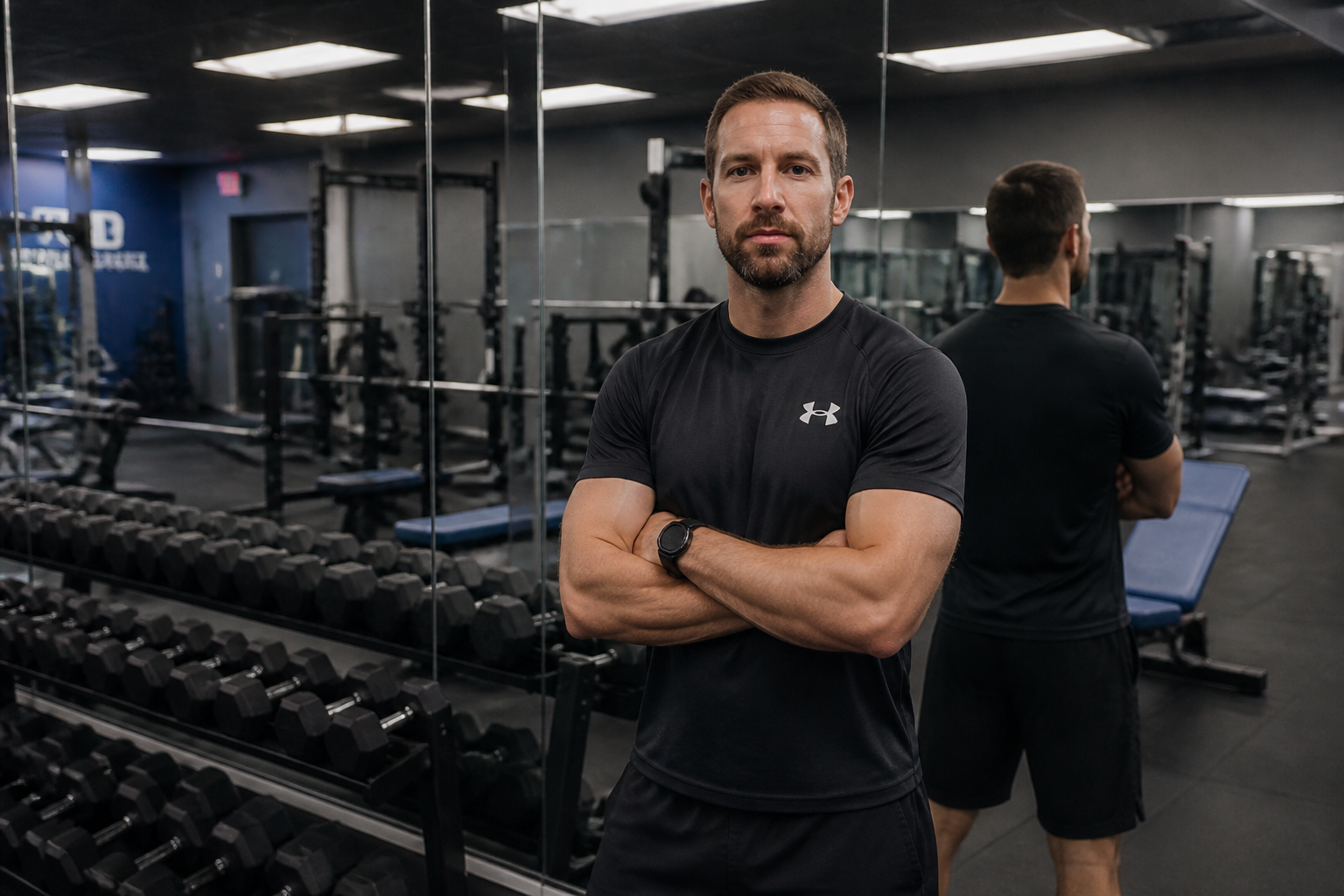 BEFORE
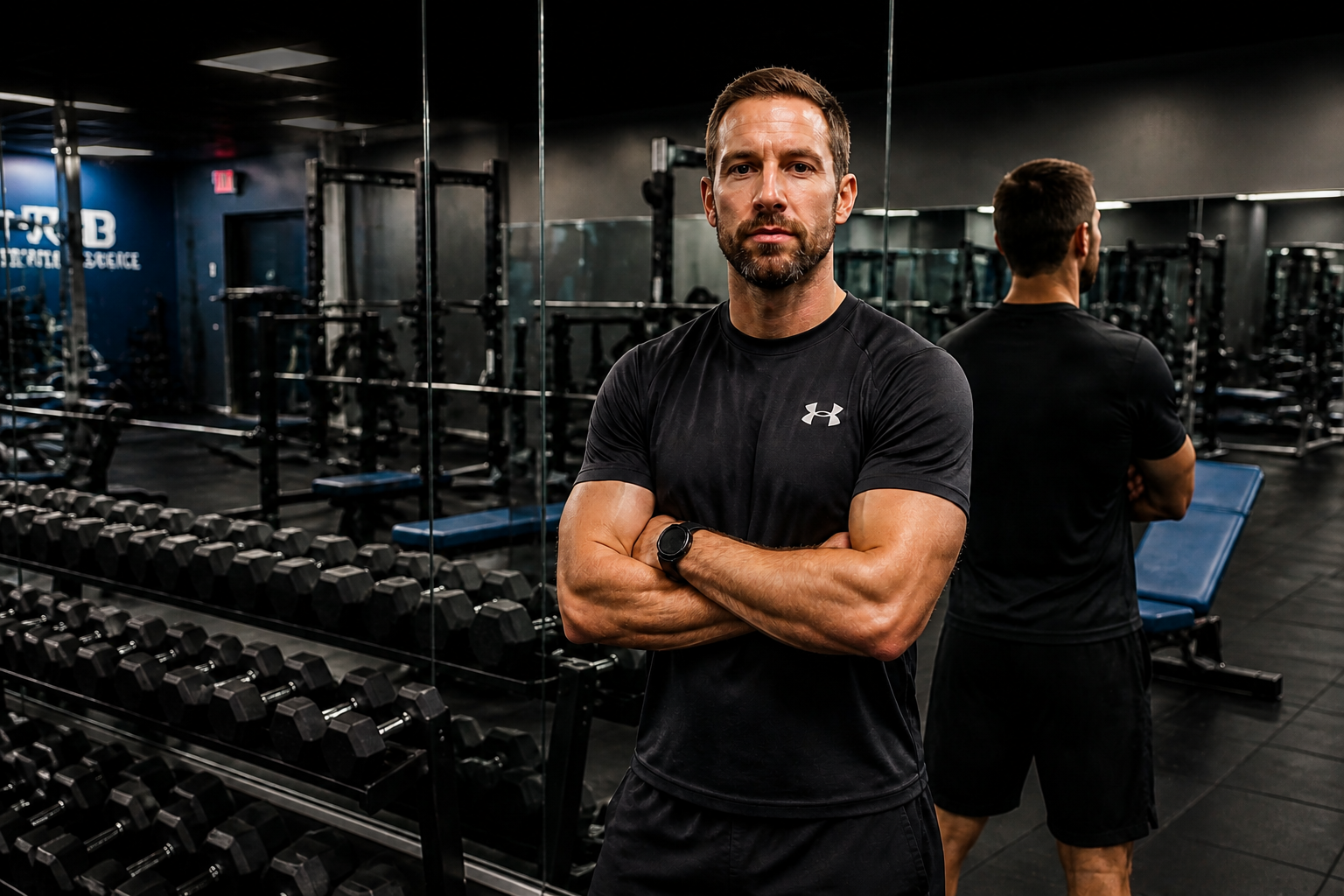 AFTER
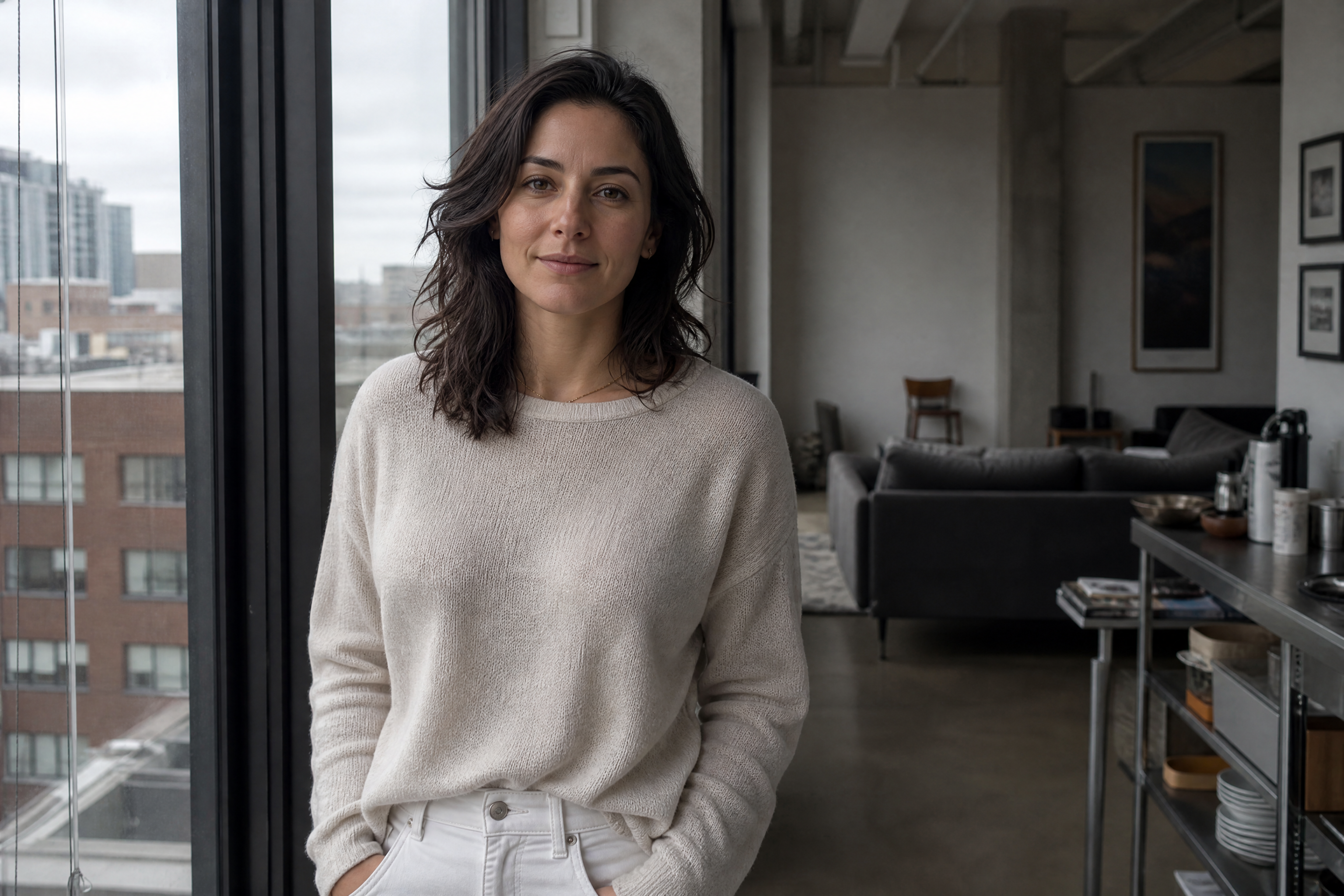
AFTER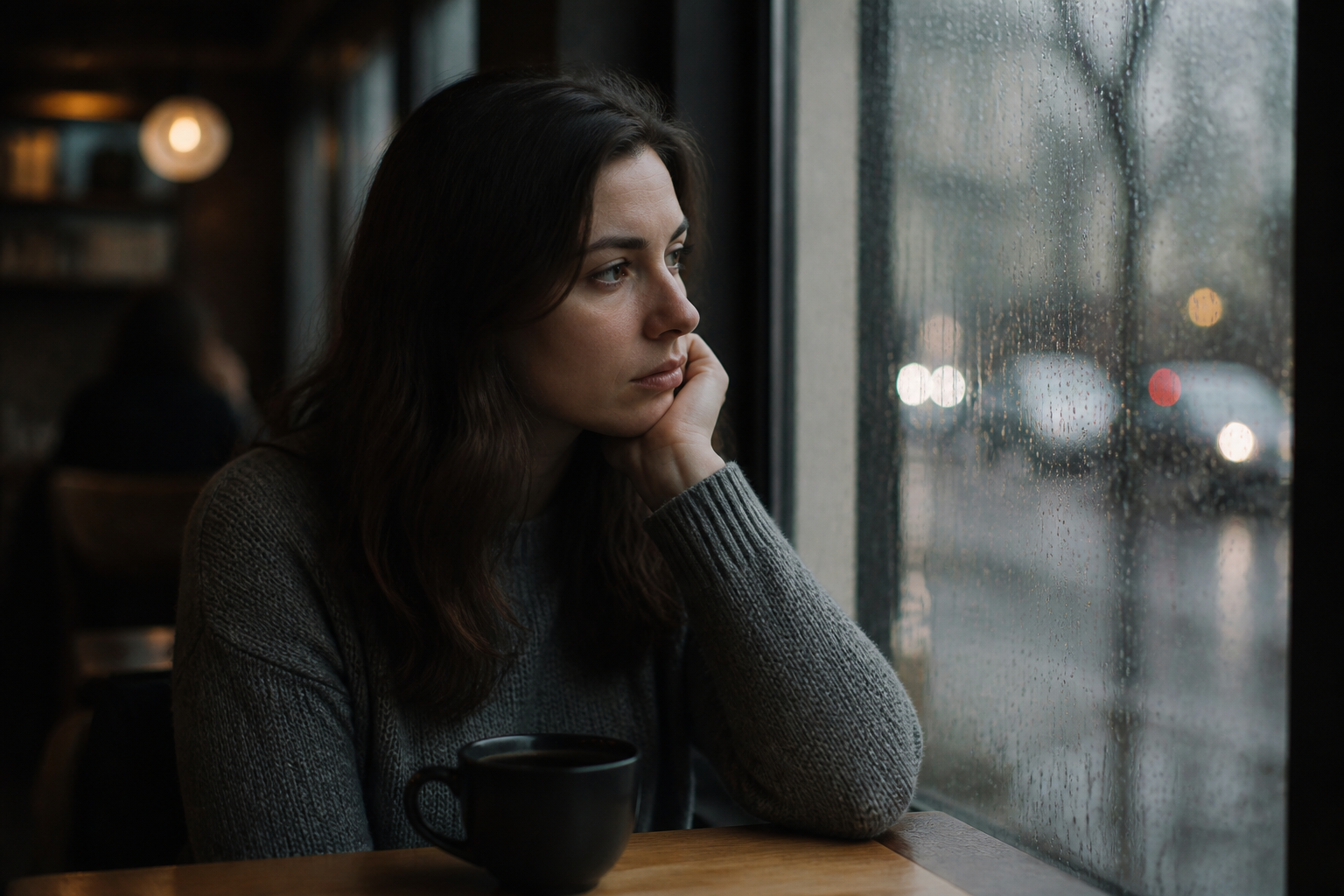 BEFORE
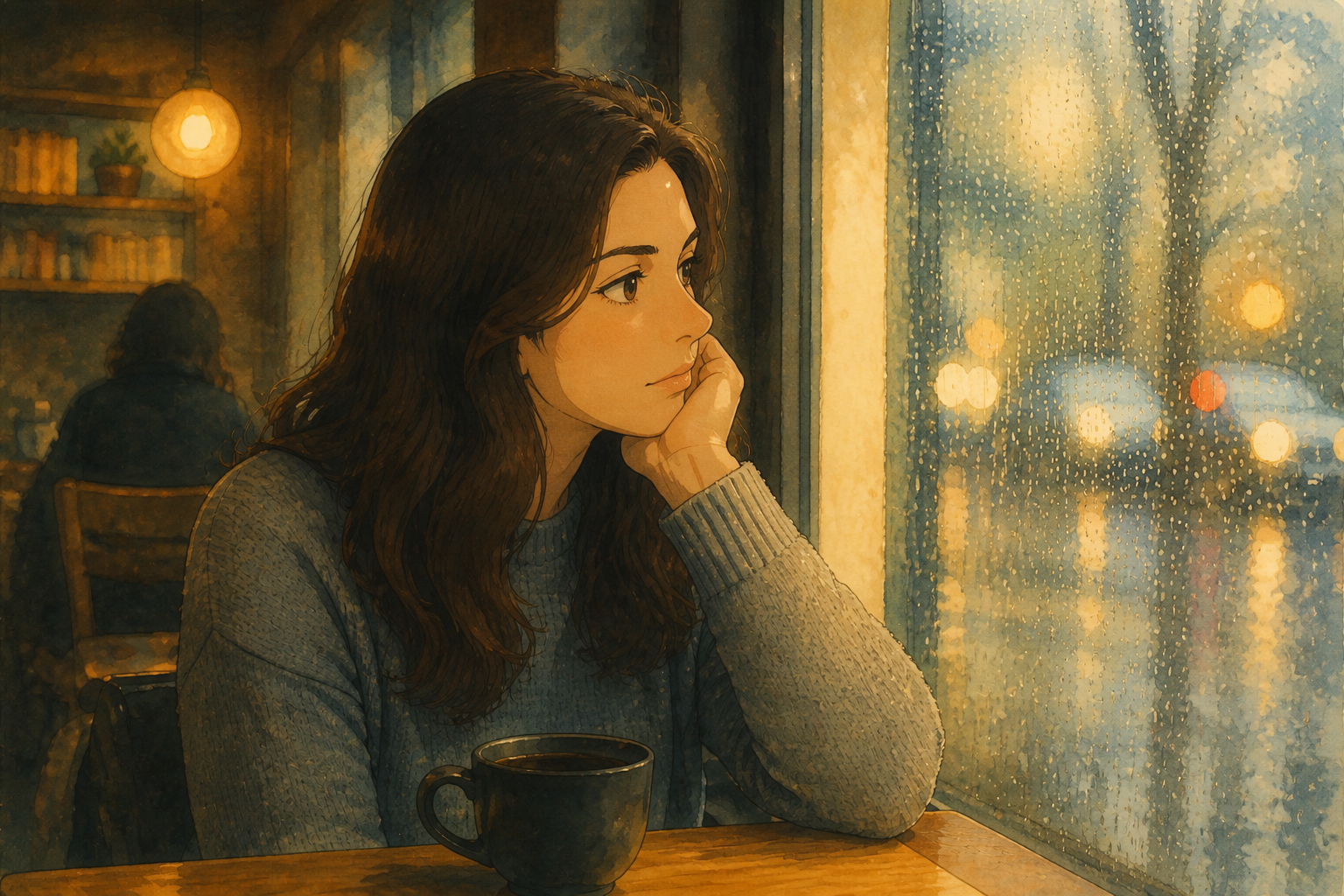 AFTERBEFOREAFTERBEFOREAFTERBEFOREAFTERBEFOREAFTERBEFOREAFTER
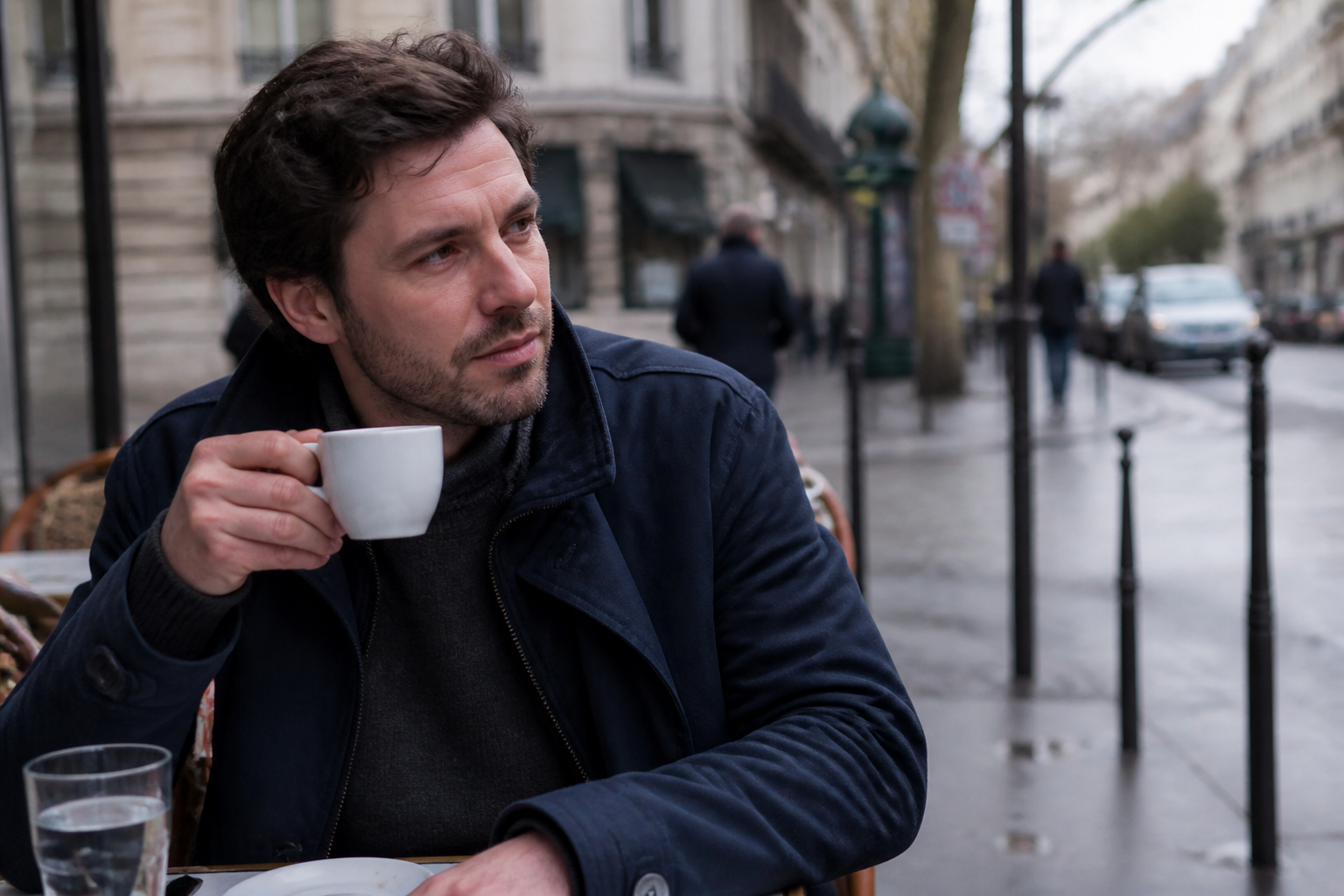 BEFORE
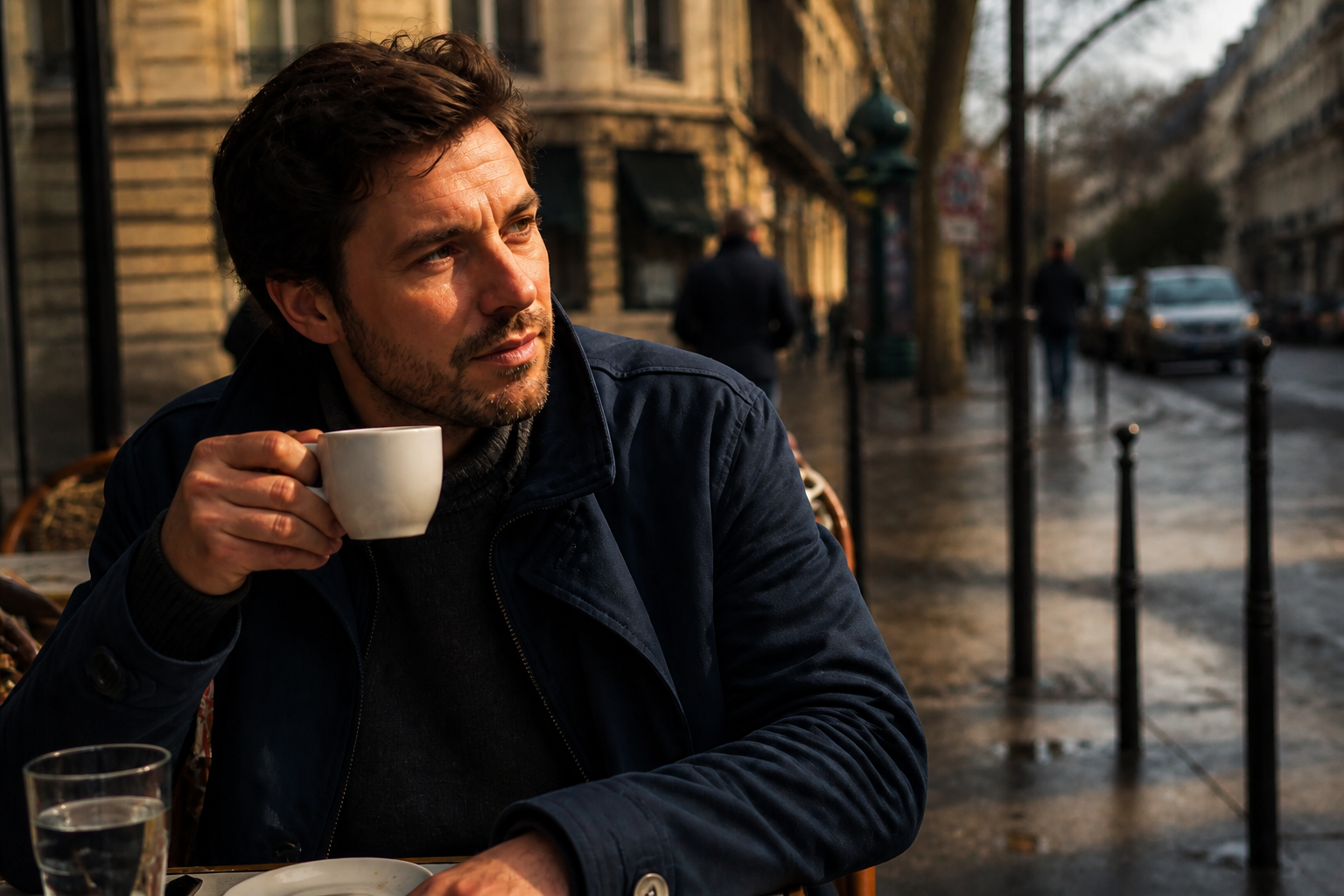 AFTER
AFTER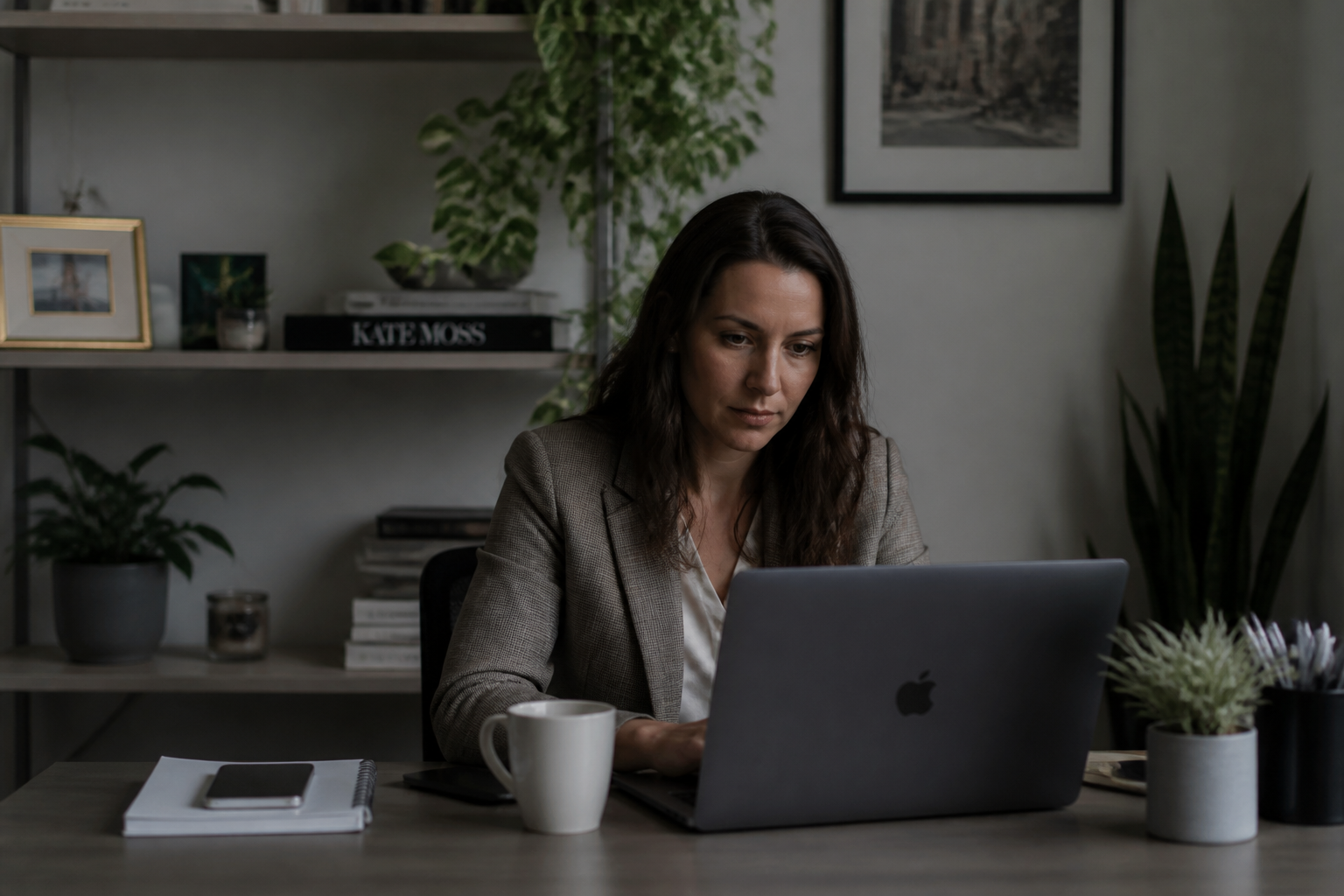 BEFORE
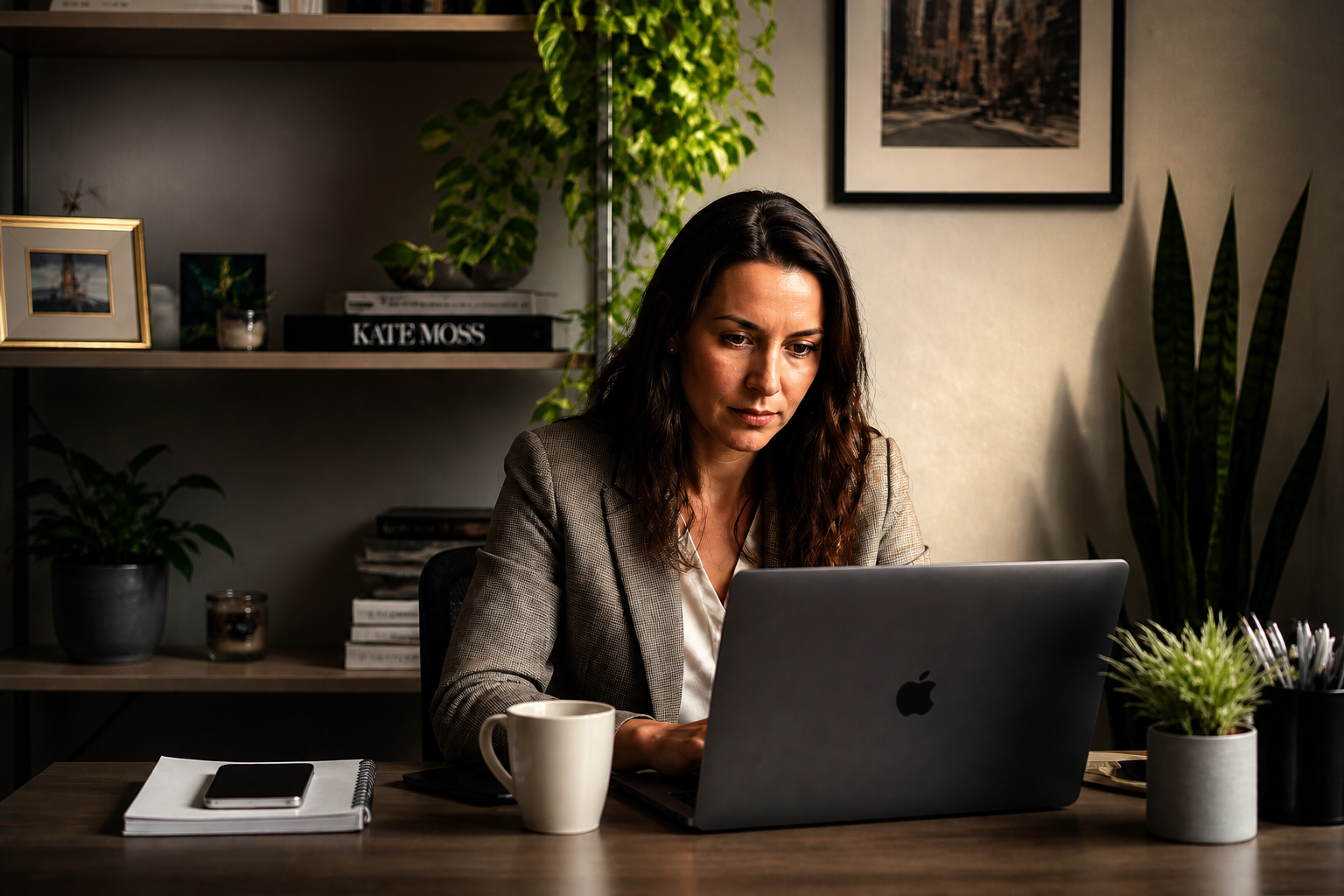 AFTER
AFTER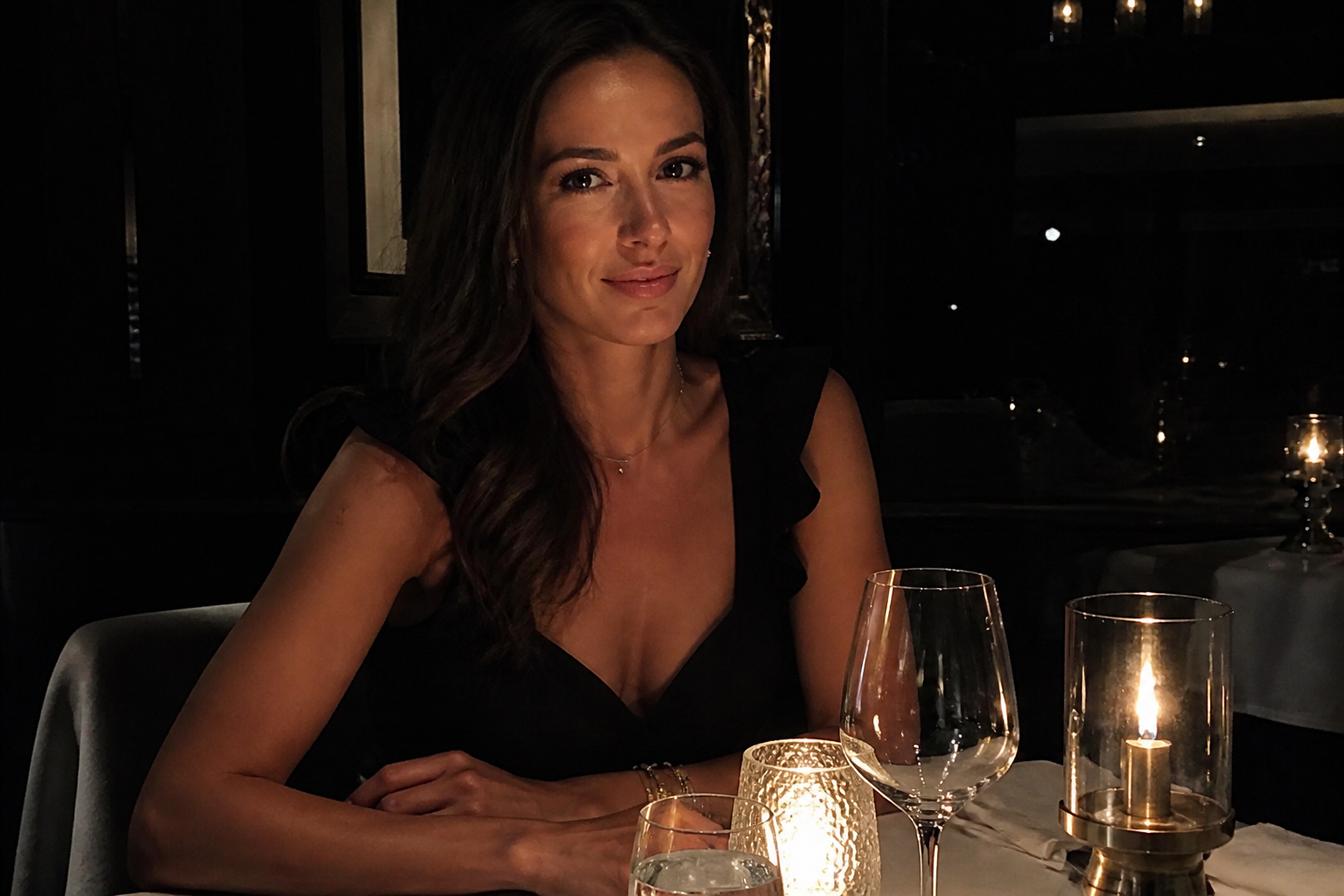 BEFORE
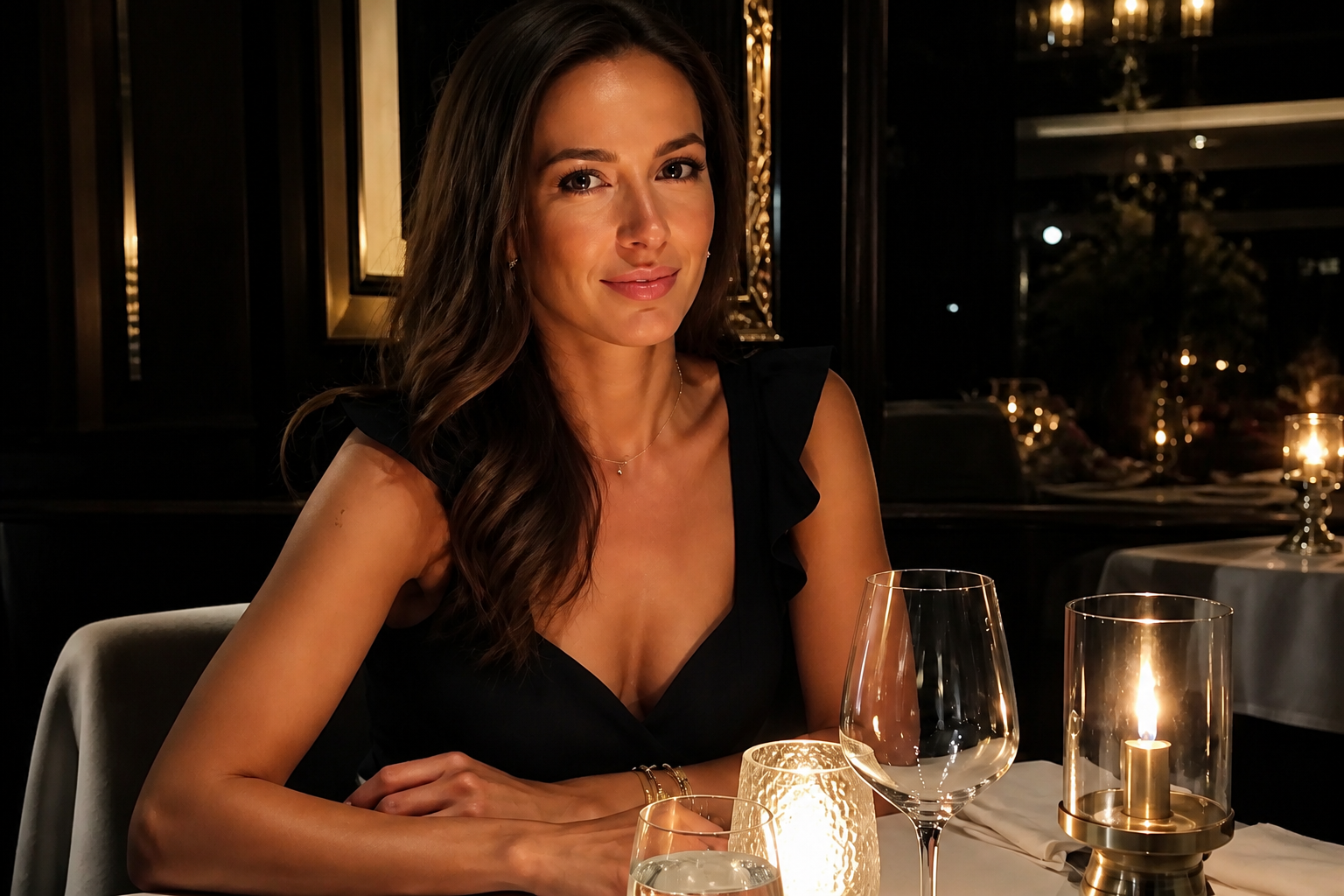 AFTER
AFTER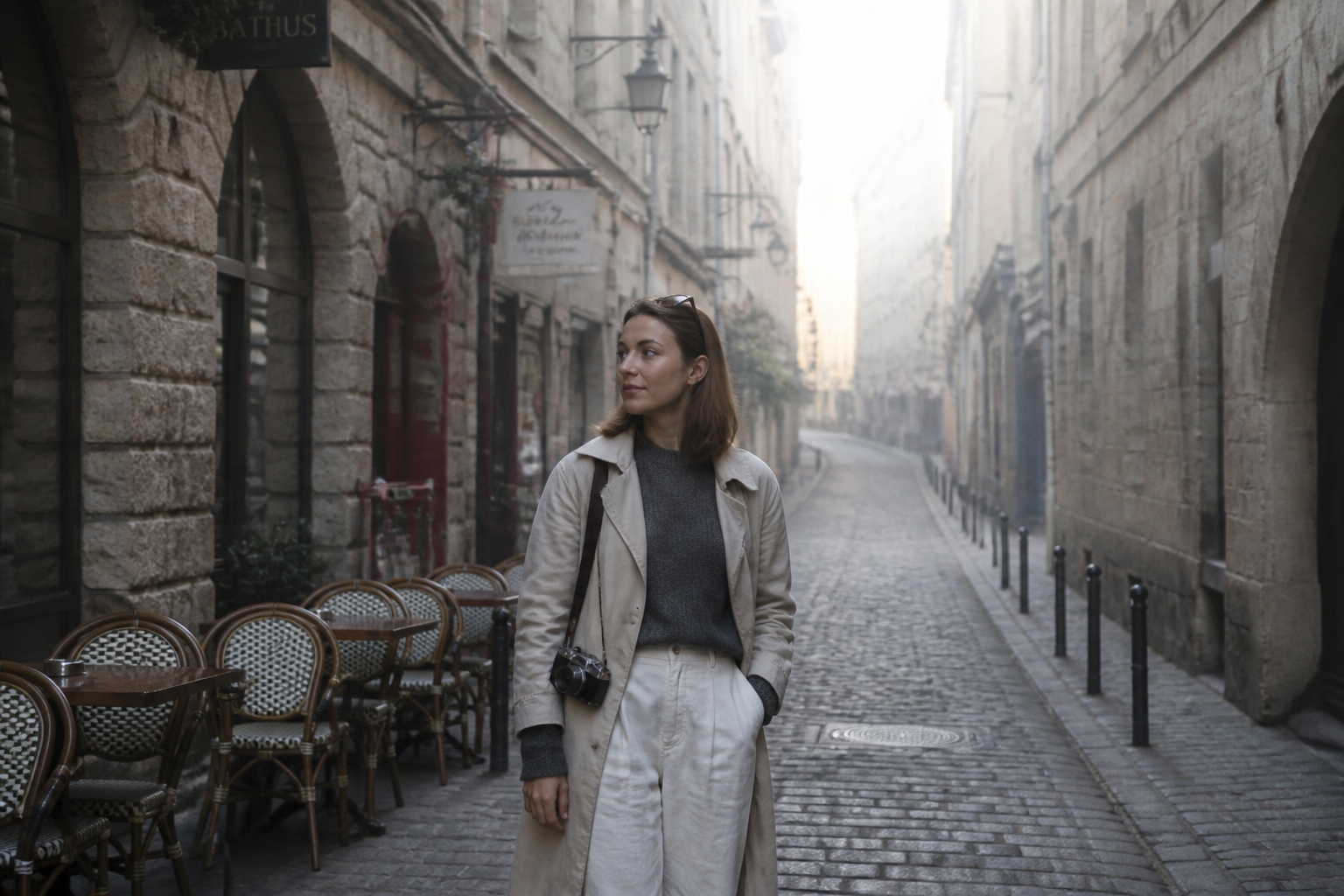 BEFORE
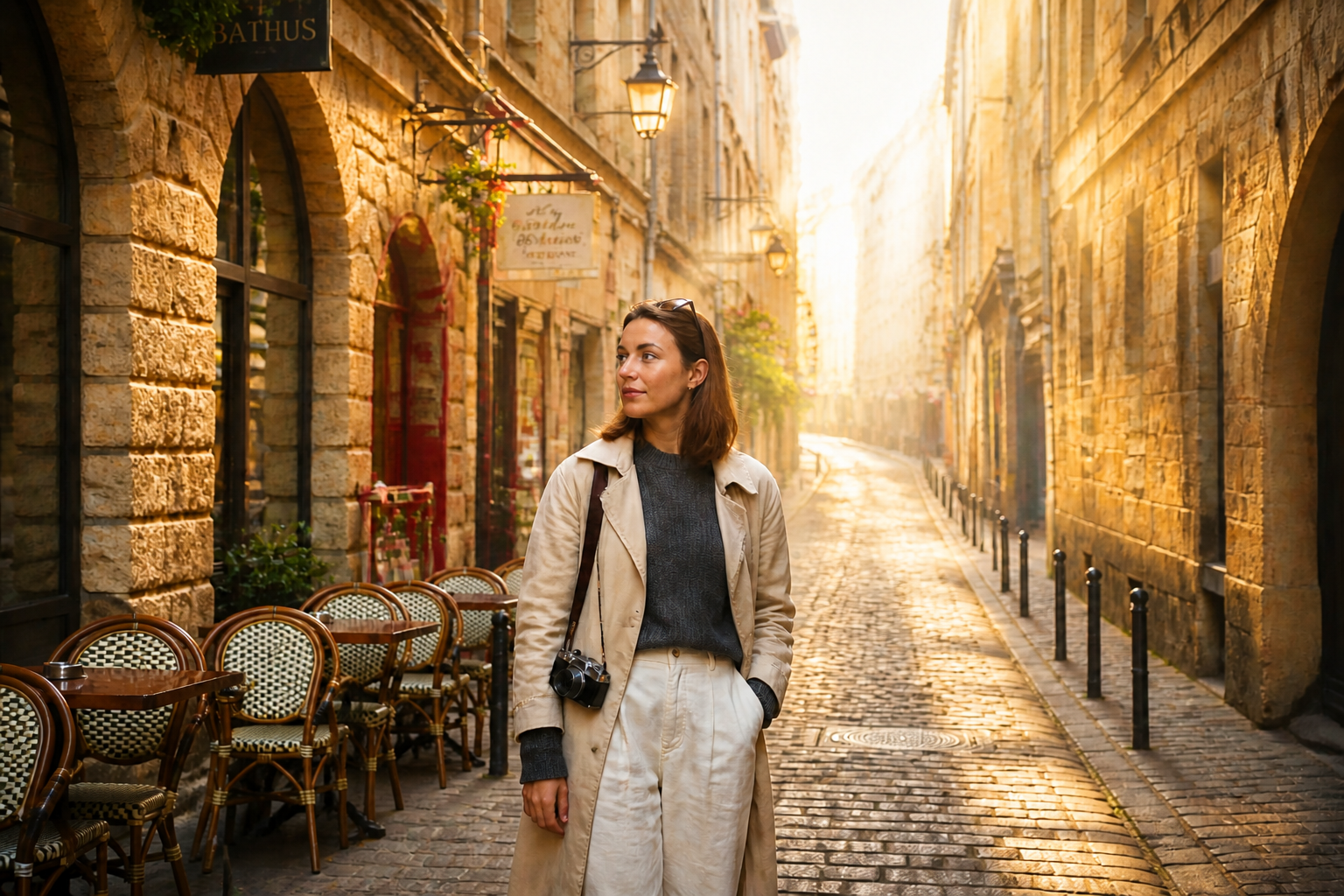 AFTER
AFTER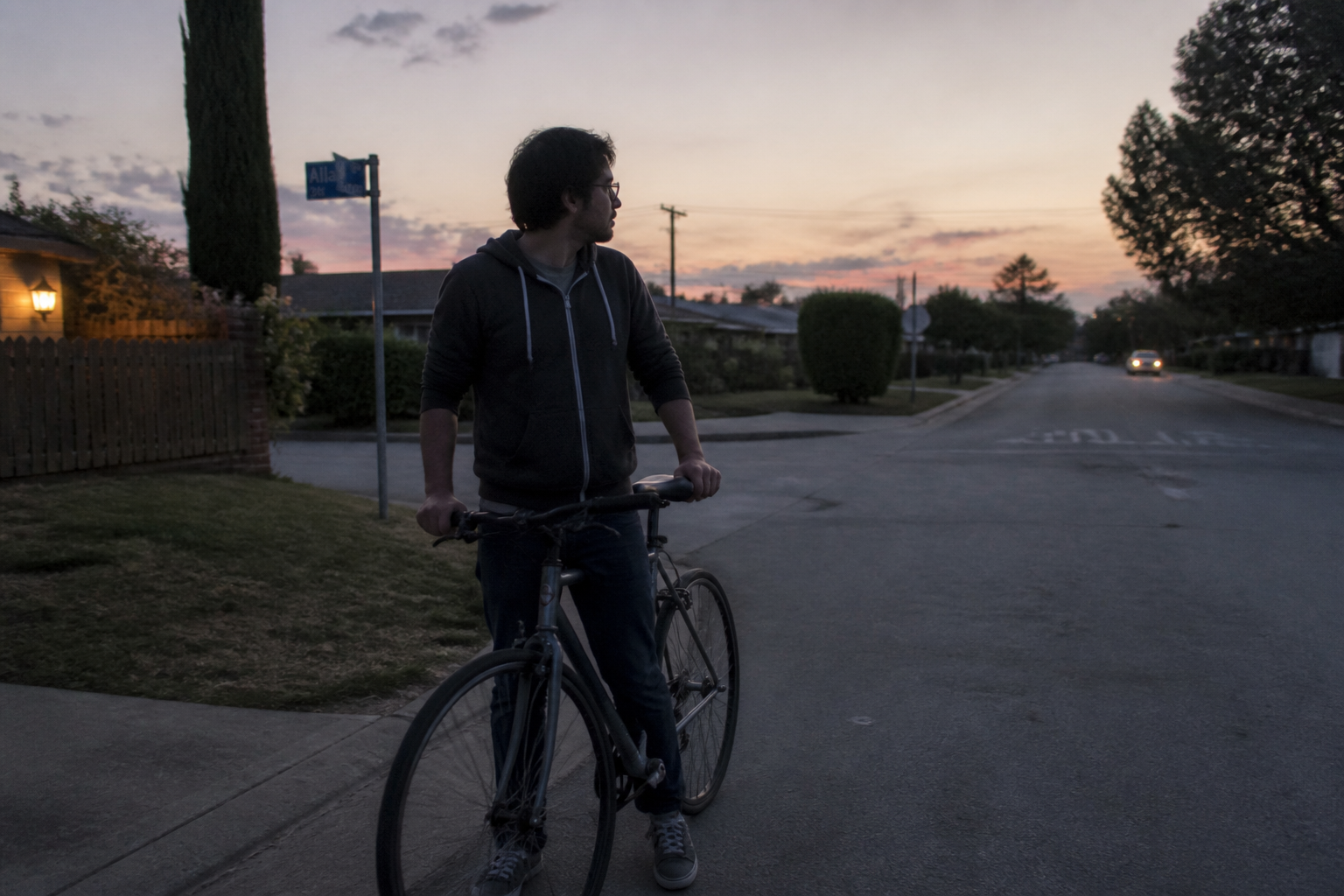 BEFORE
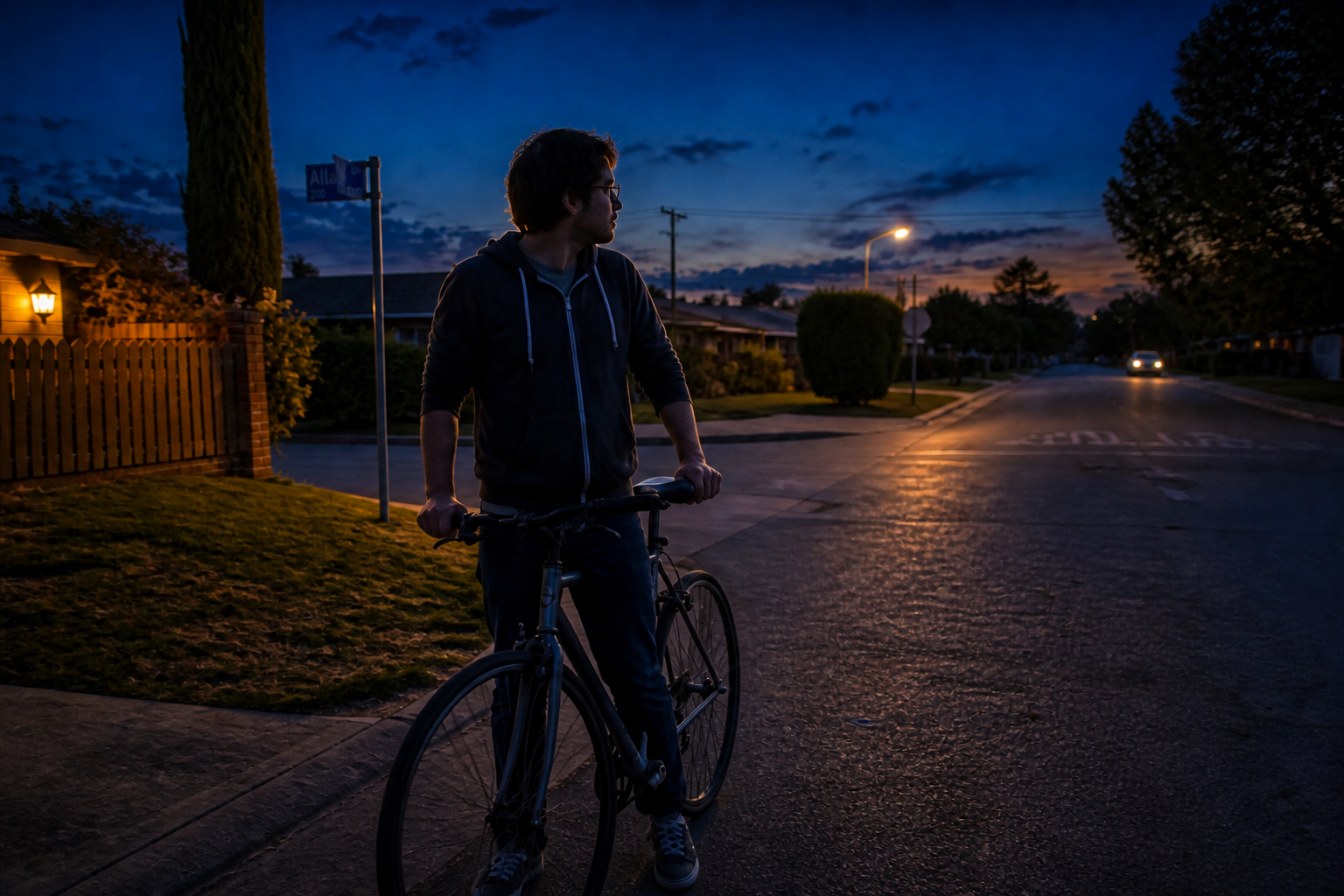 AFTERBEFOREAFTERBEFOREAFTERBEFOREAFTERBEFOREAFTERBEFOREAFTER
Key Features
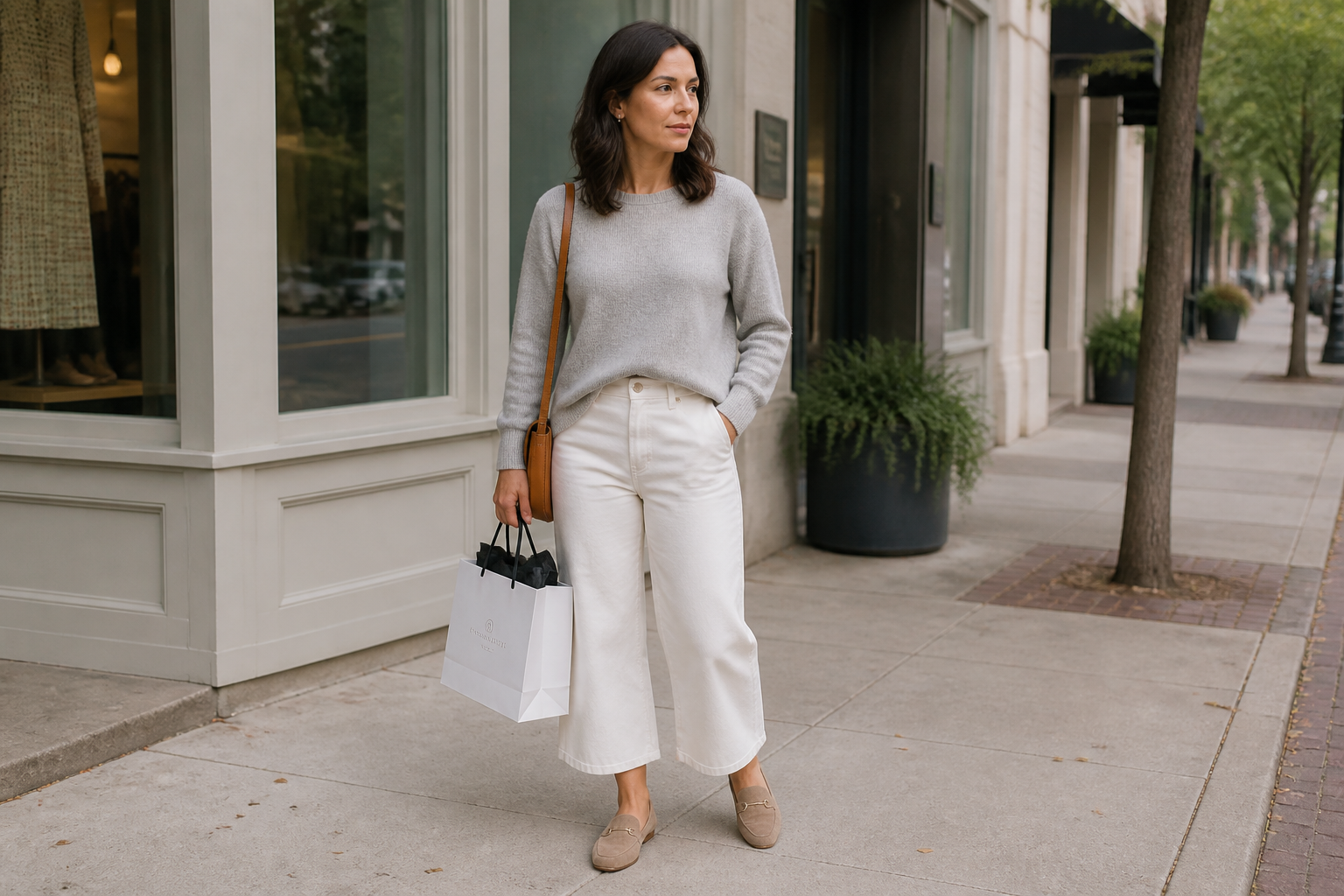
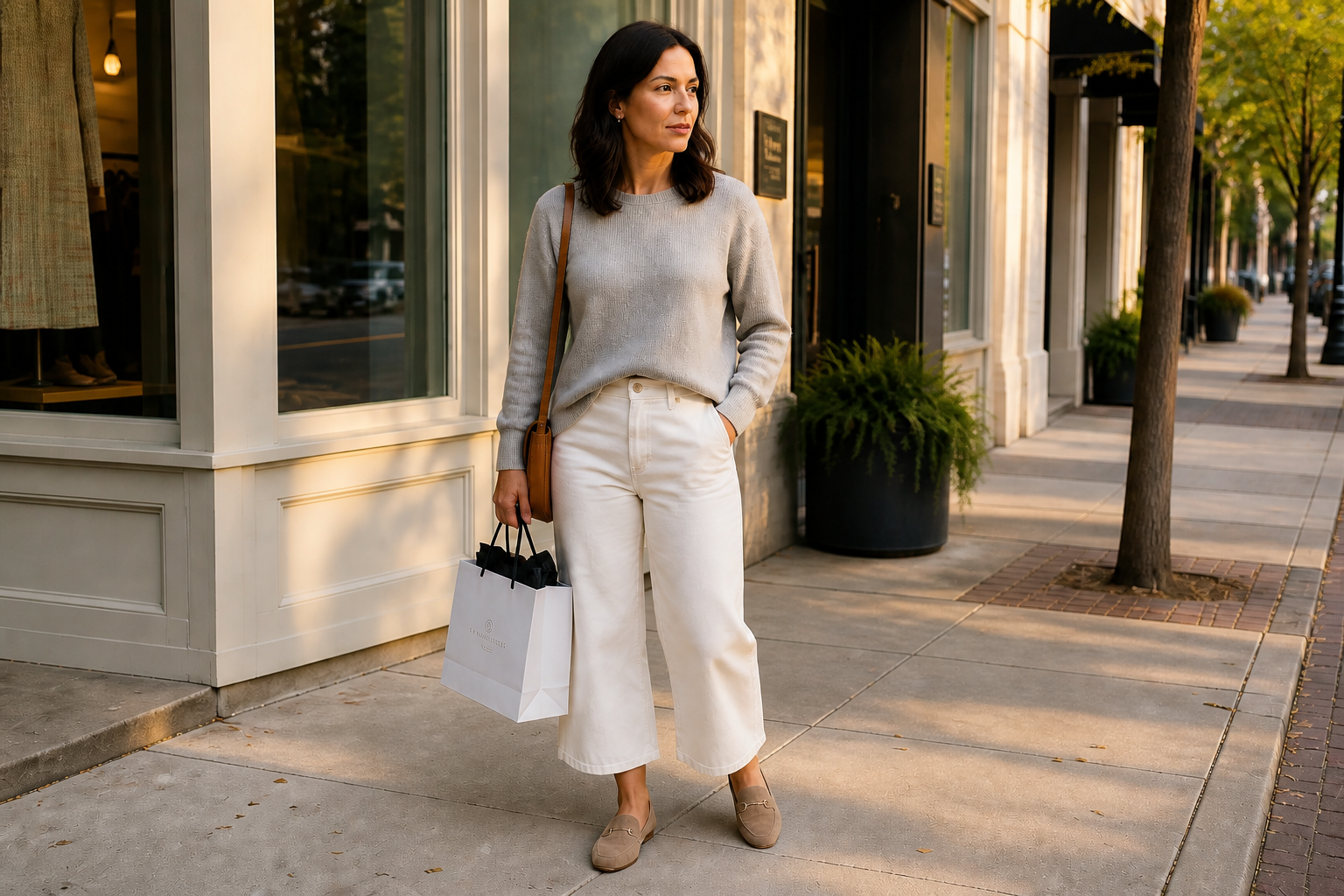
Fix Flat Natural Light
Many photos have plenty of visibility but no shape. This tool adds direction, contrast, and depth so faces, clothing, and backgrounds stop looking washed out. It is faster than manually masking highlights and shadows in an editor. You get a more polished image while keeping the original scene intact.
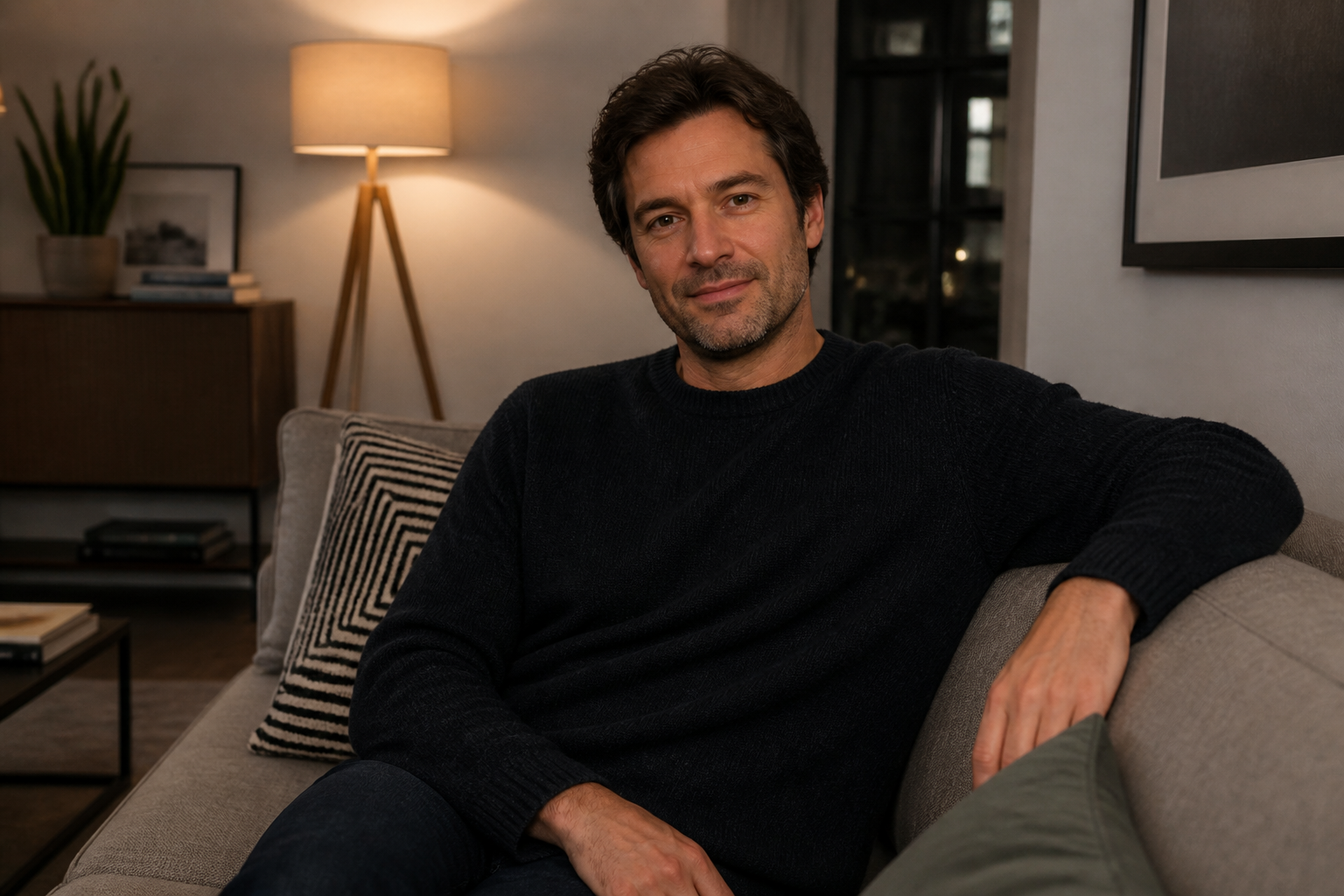
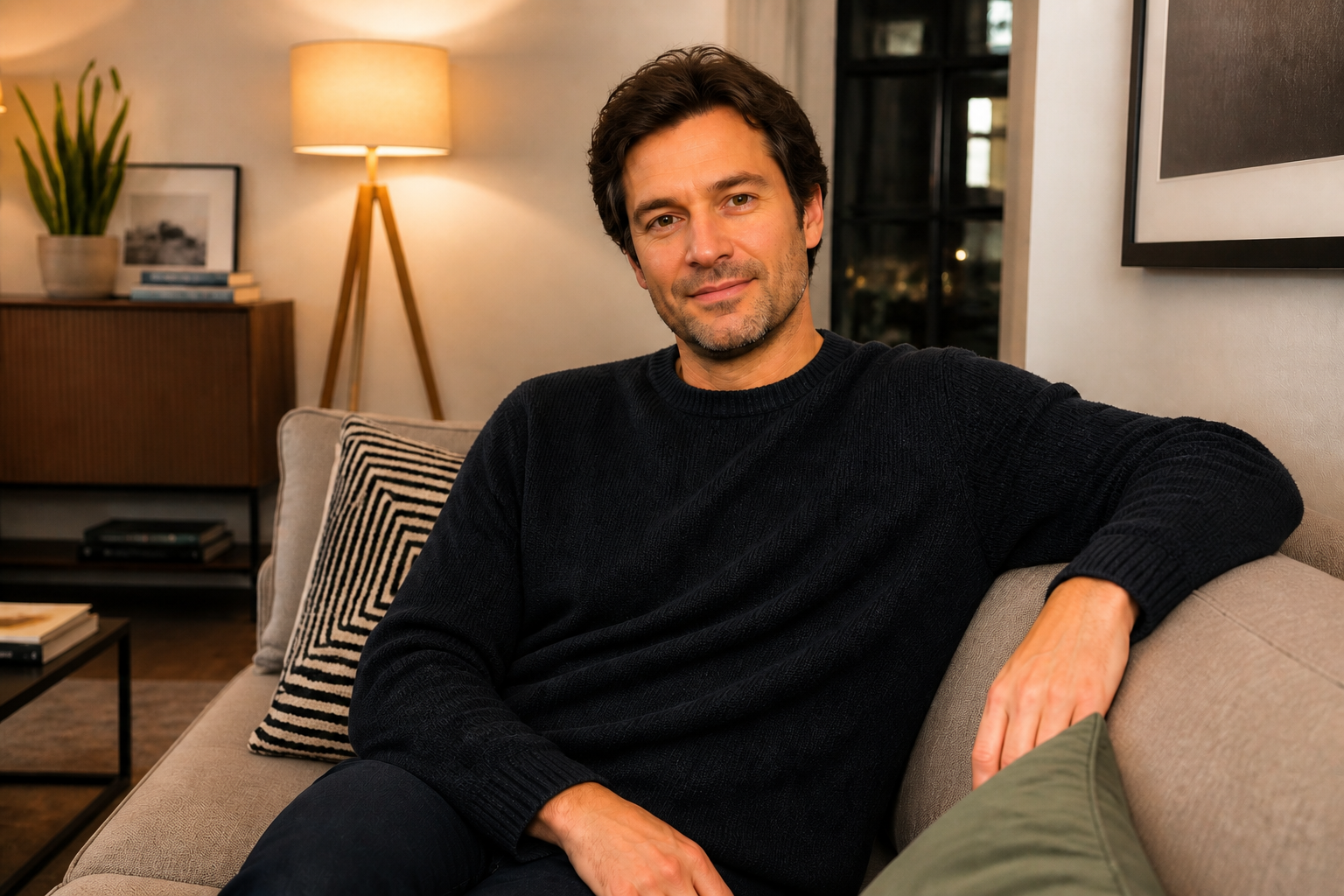
Brighten Dim Indoor Shots
Indoor photos often look noisy, muddy, or uneven because the light source is weak. Our AI can lift the scene, balance the face, and make the room feel intentionally lit instead of accidental. That means fewer dead-looking snapshots from restaurants, offices, or living rooms. You keep the atmosphere without losing important detail.
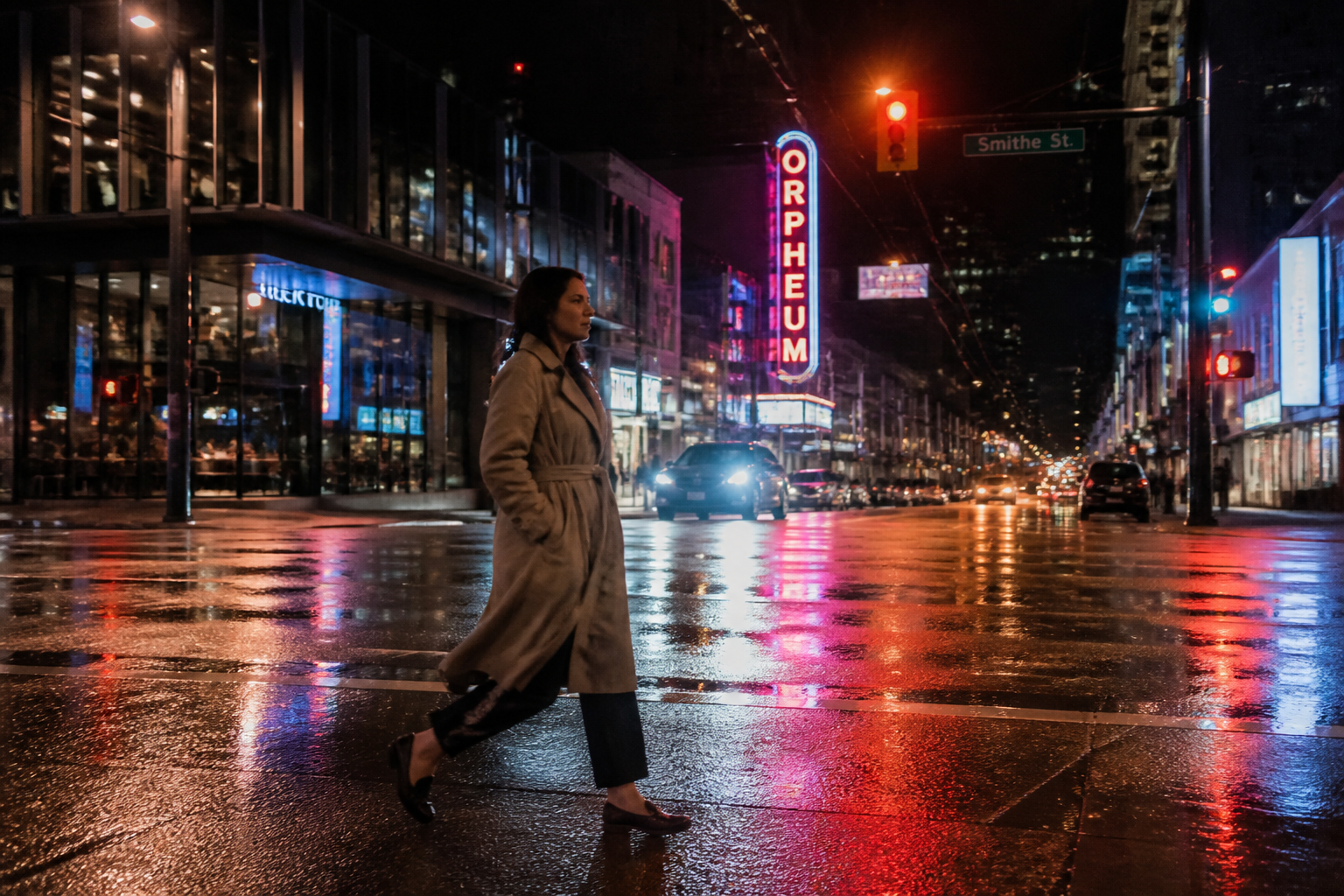
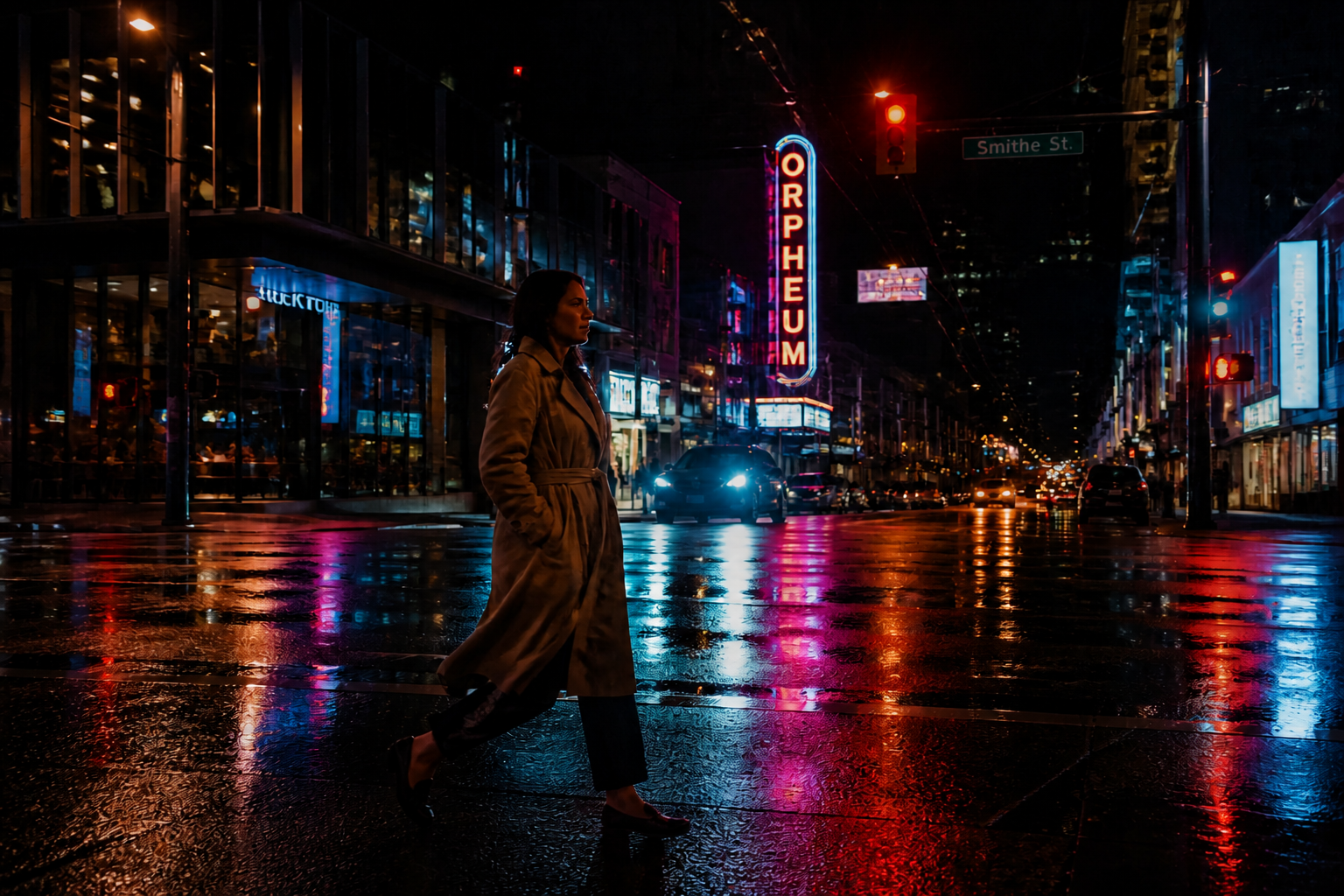
Add Cinematic Mood Fast
Lighting is one of the fastest ways to change how a photo feels. Instead of rebuilding a look with multiple manual adjustments, you can shift the image toward dramatic, warm, cool, or editorial lighting in one pass. The result is easier to read at a glance and stronger in thumbnails. It works well for portraits, travel shots, and social posts.
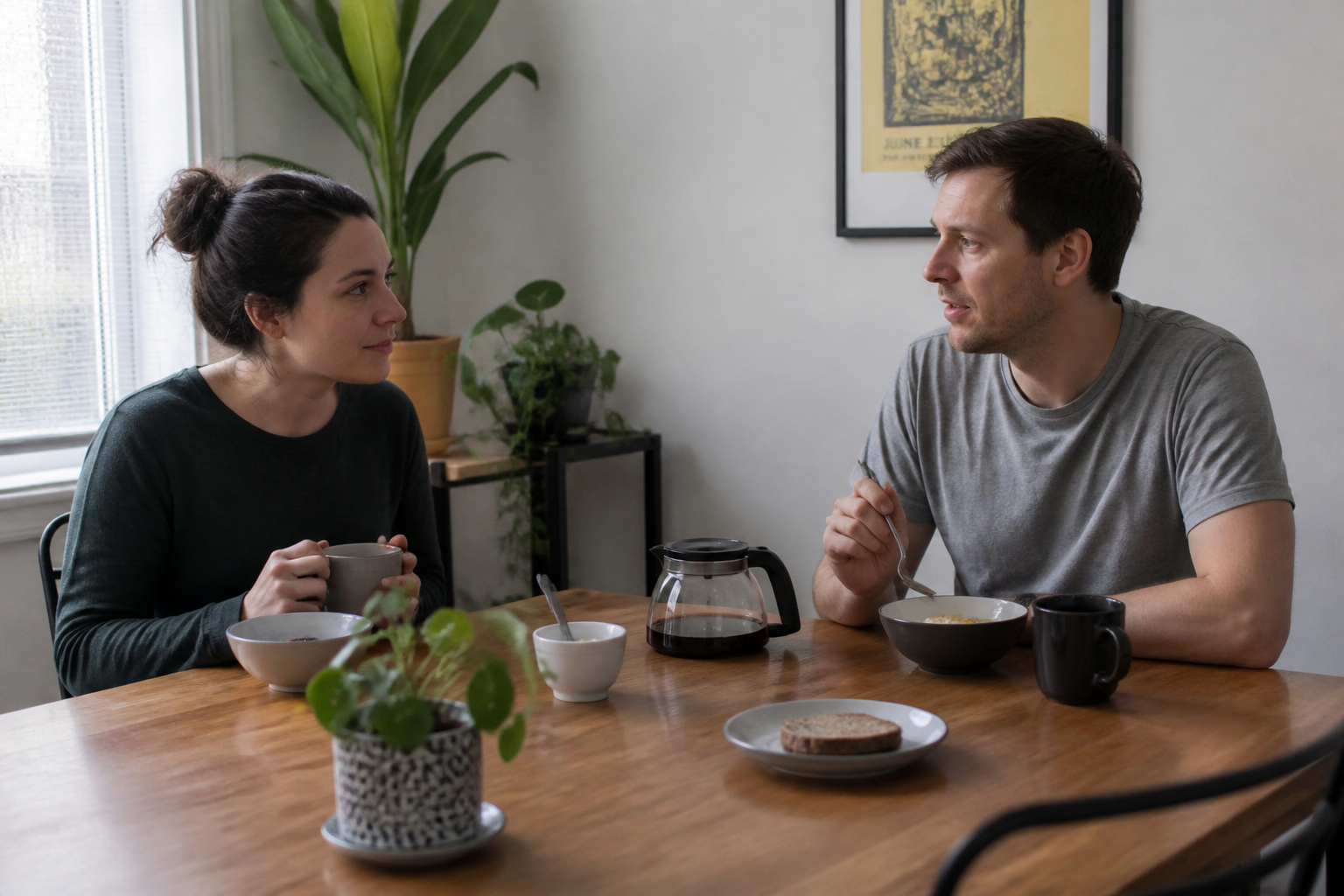
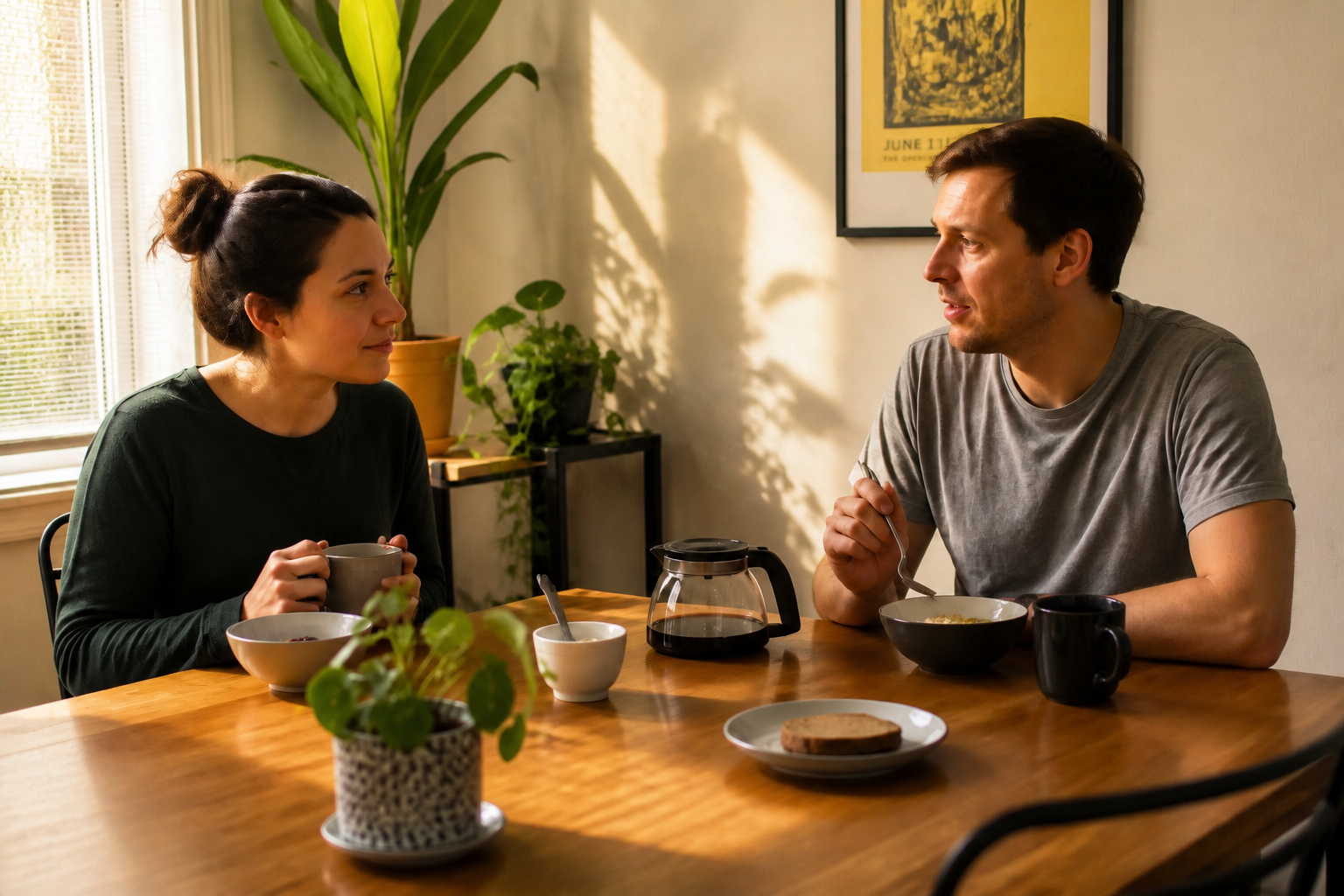
Keep The Scene Consistent
A good lighting edit should improve the image without rewriting the photo. This tool focuses on relighting rather than changing identity, pose, outfit, or layout. That matters when you want better results but still need the image to look like the same moment. It is useful for creators, listings, and personal photos where consistency matters.
How It Works
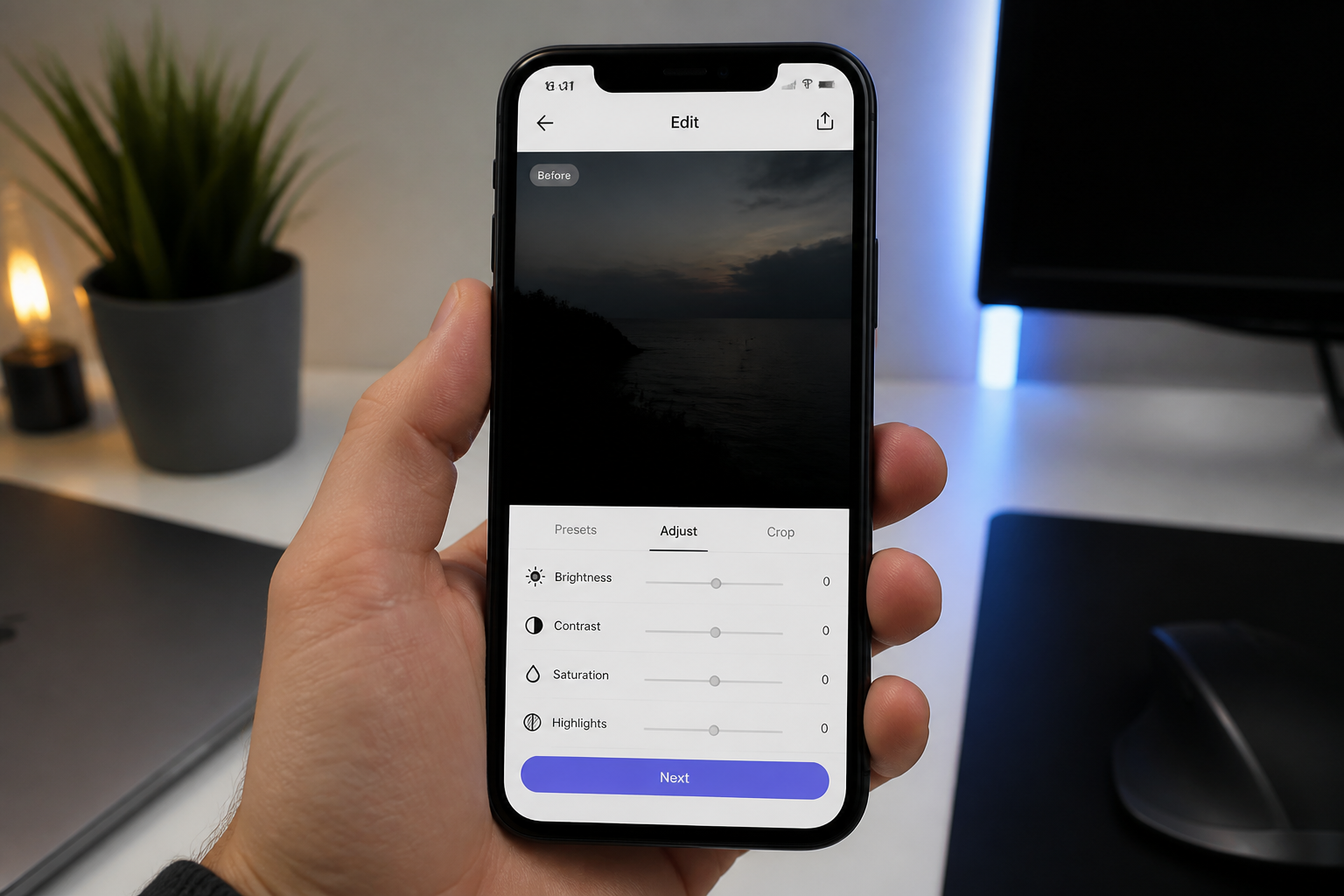
Upload your photo
Start with any image that feels too dark, too flat, or unevenly lit. Landscape photos, portraits, indoor shots, and travel images all work well.
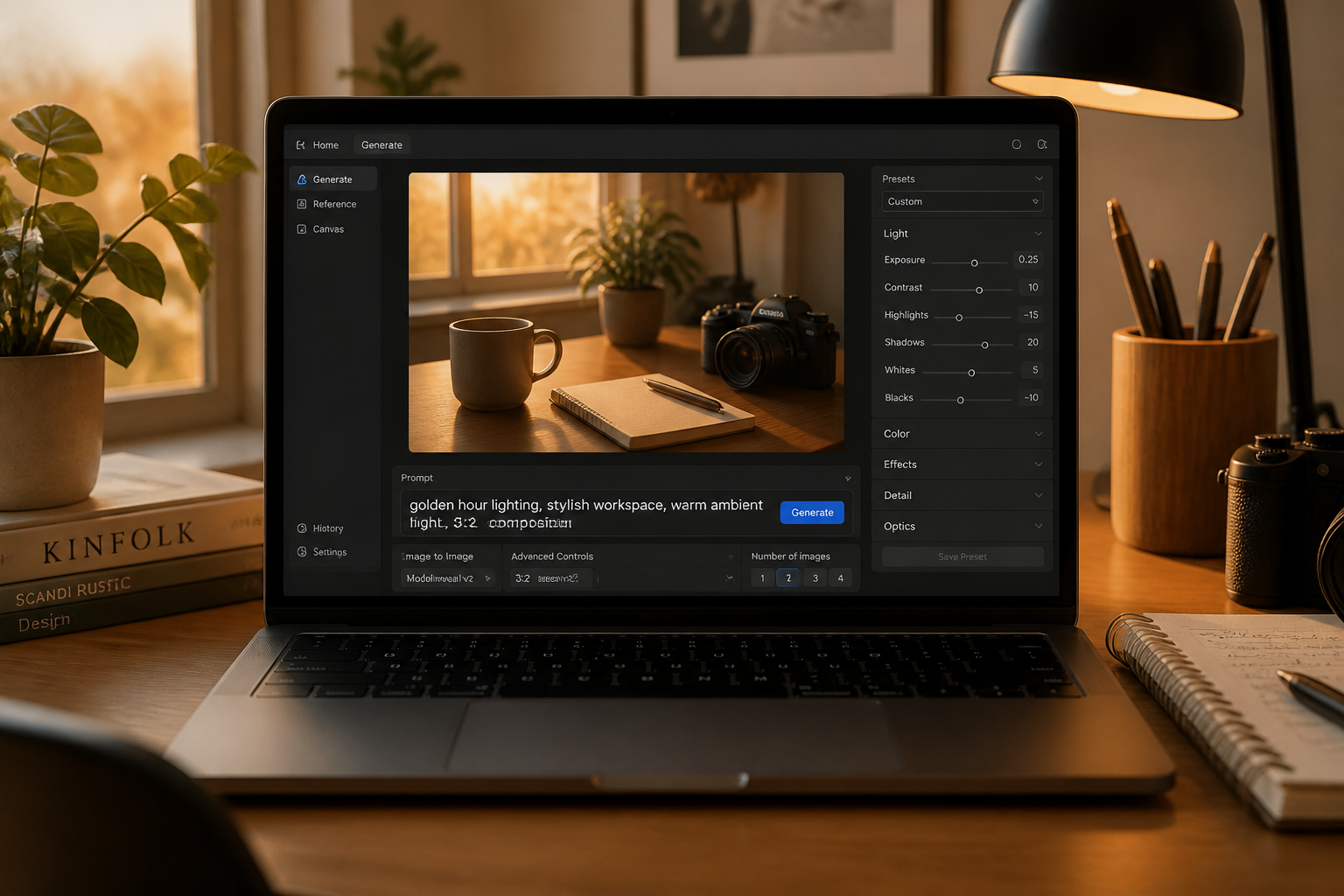
Describe the lighting
Tell the editor what kind of light you want, such as golden hour, cinematic contrast, bright indoor light, or moody evening tones. You can also use a simple prompt and let our AI handle the rest.
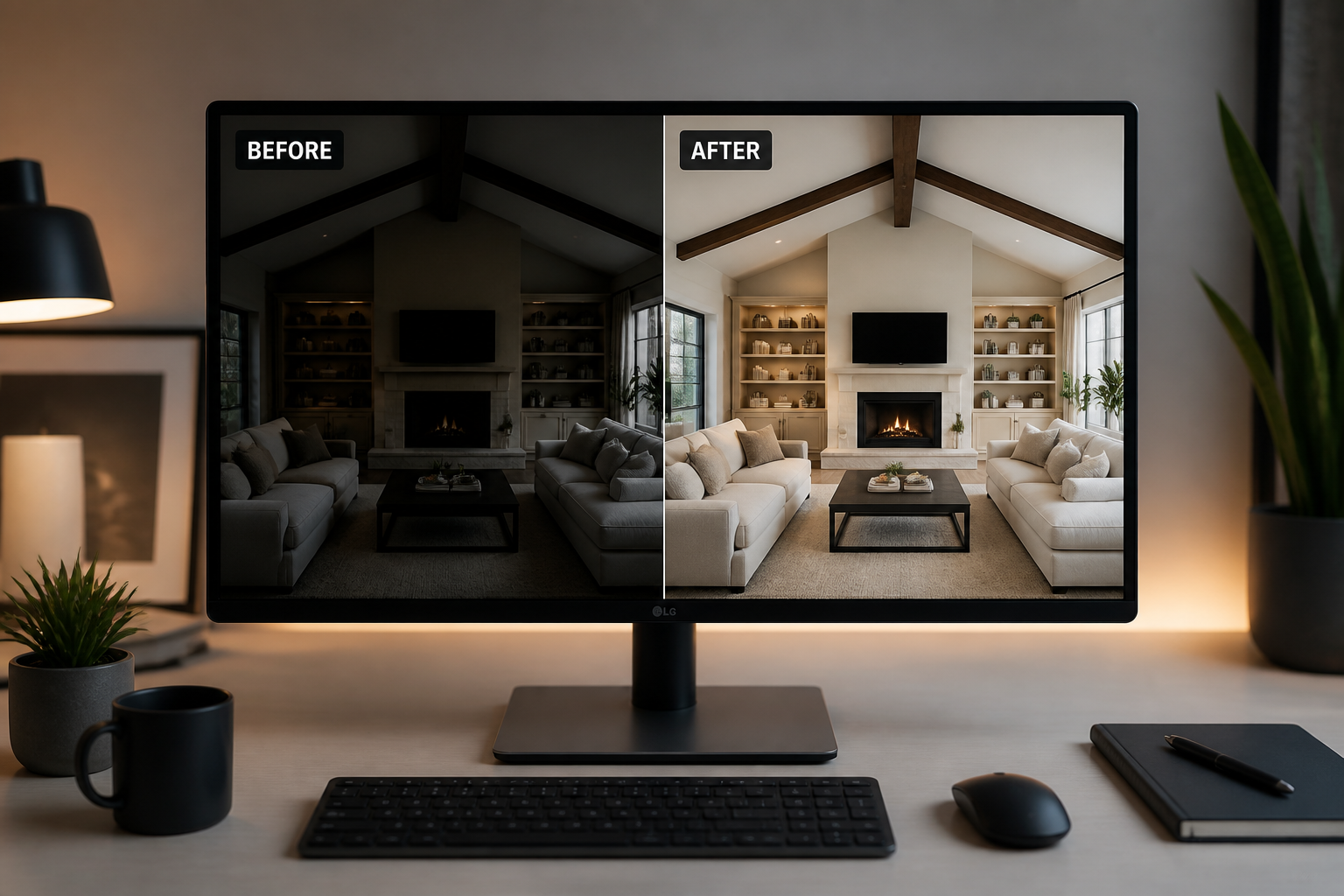
Compare and download
Review the before and after to see how the light changed. If needed, try another prompt or strength, then save the version that fits your photo best.
Perfect For
Discover how creators and professionals use ai lighting enhancer
Portrait touch-ups
Improve facial lighting, add depth, and make portraits look more intentional without changing the person.
Travel photo cleanup
Upgrade dull vacation shots with warmer sunlight, richer contrast, or more cinematic evening light.
Indoor social content
Fix restaurant, home, and office photos that looked good in person but came out dark or flat on camera.
Productive batch editing
Create more consistent lighting across a set of images when you need a polished visual style fast.
Built For
Creators and influencers
Make thumbnails, posts, and lifestyle photos look cleaner and more scroll-stopping without a manual retouching workflow.
Photographers and editors
Use AI relighting as a quick first pass before final selection or delivery.
Everyday photo users
Fix the lighting on personal photos when a reshoot is not possible.
Why use an AI lighting enhancer
A quick look at how we compare on the things that matter for this niche.
| Feature | BudgetPixel | Generic AI editors | Manual editing apps |
|---|---|---|---|
| Lighting-specific edits | ✓ | — | ✓ |
| Preserves original scene | ✓ | — | ✓ |
| Fast one-step relighting | ✓ | ✓ | — |
| Prompt-based control | ✓ | — | — |
| Free to start | ✓ | — | — |
Frequently Asked Questions
What does AI Lighting Enhancer change?
Can it fix dark indoor photos?
Will it change the person or background?
What kind of prompts work best?
Is this only for portraits?
Create together.
Share your creations, discover trending AI art, and grow with fellow creators.