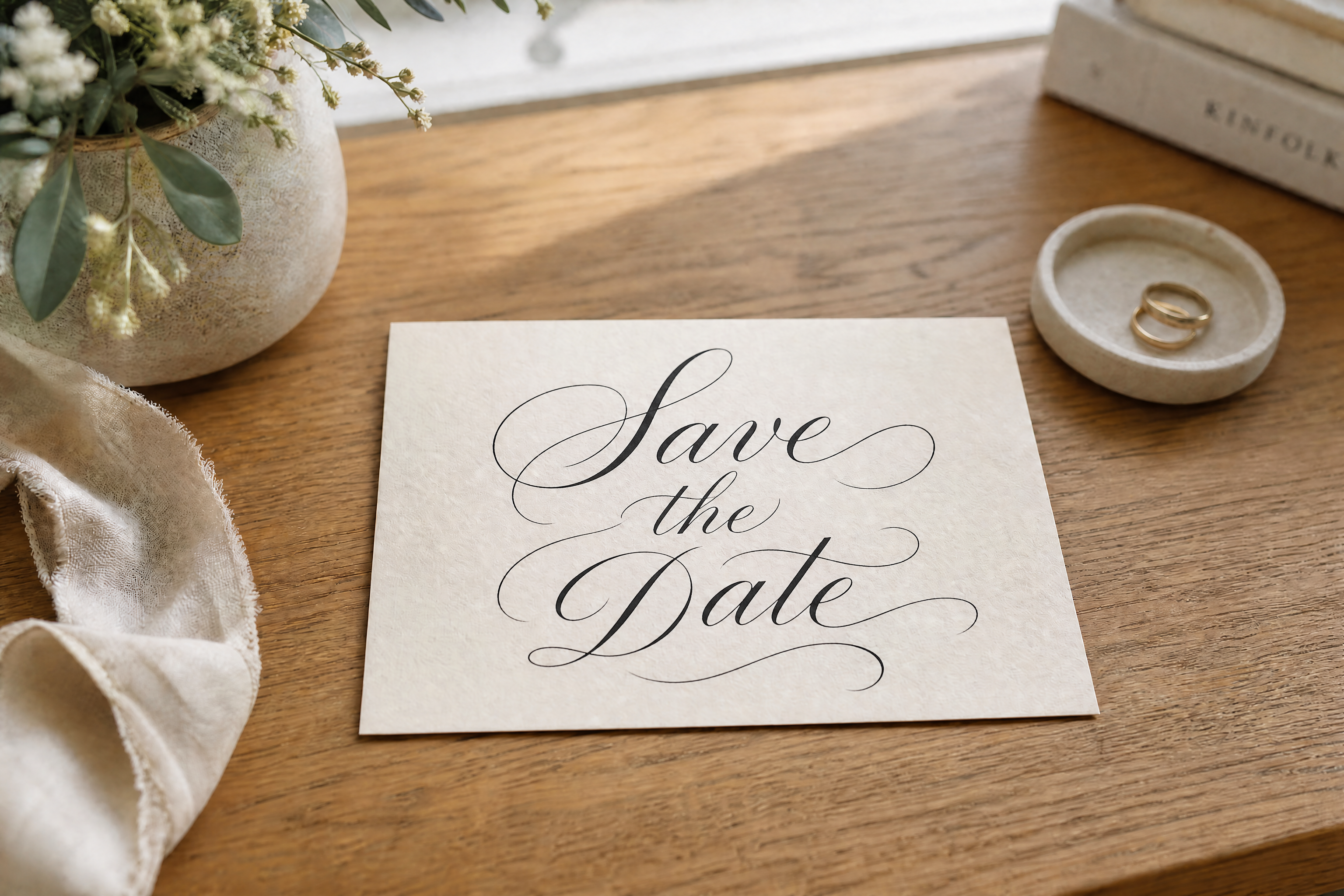
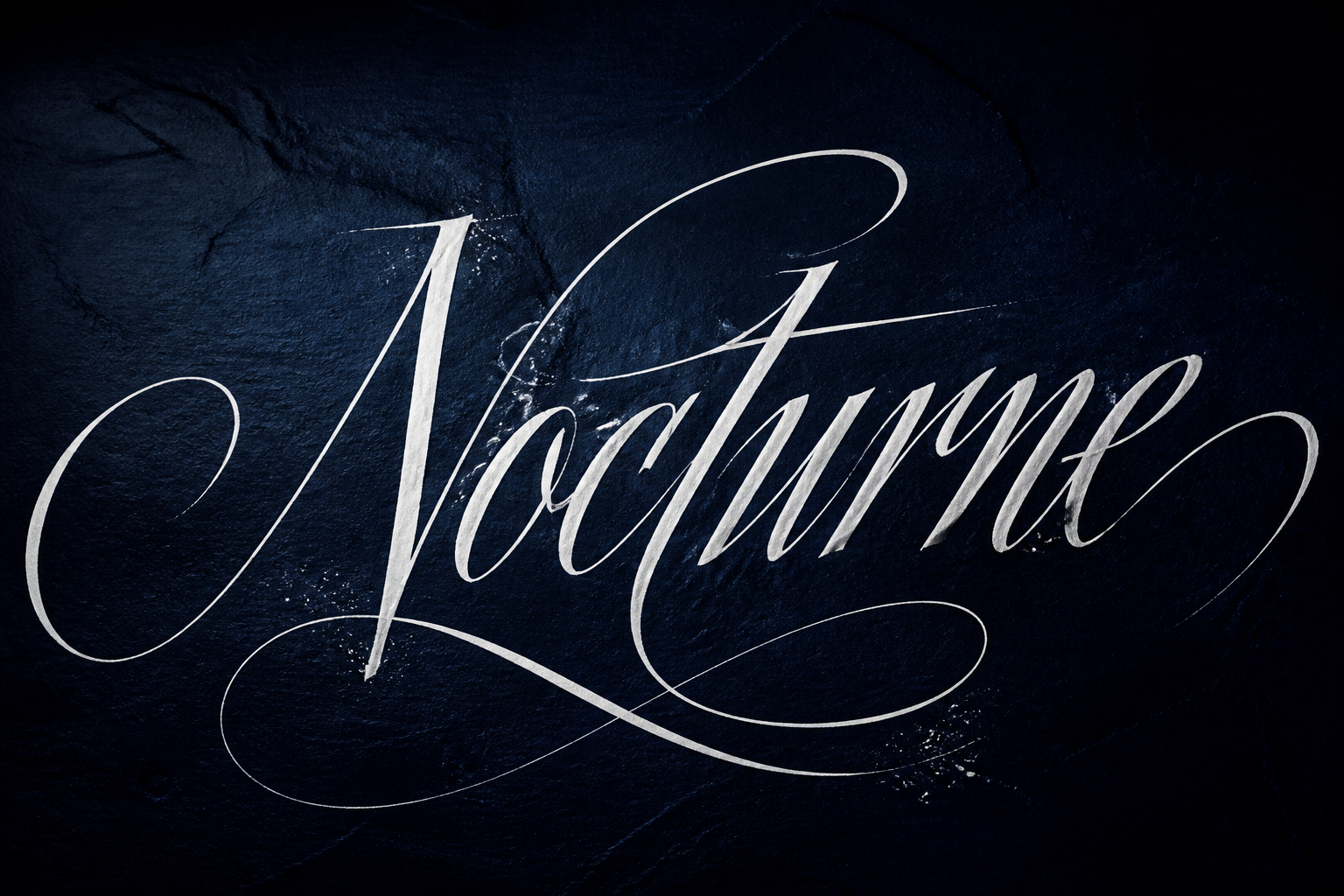
AI Signature Generator for Fast, Polished Signatures
Turn a rough scribble into a clean signature style you can reuse.
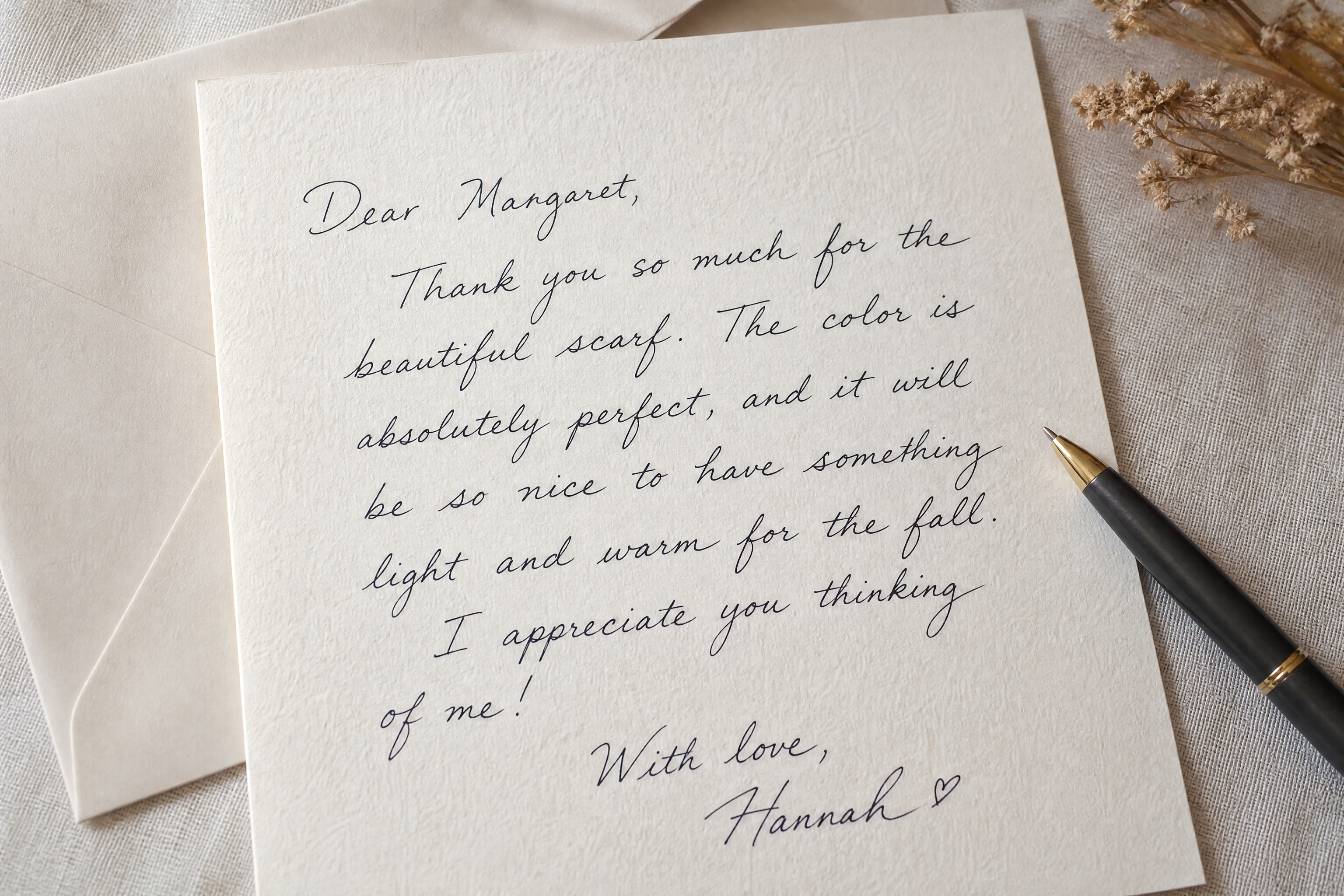
Upload a handwritten signature, typed name, or quick sketch and let our AI turn it into a cleaner, more polished version. Test elegant, bold, modern, or classic signature looks while keeping the name readable and natural.
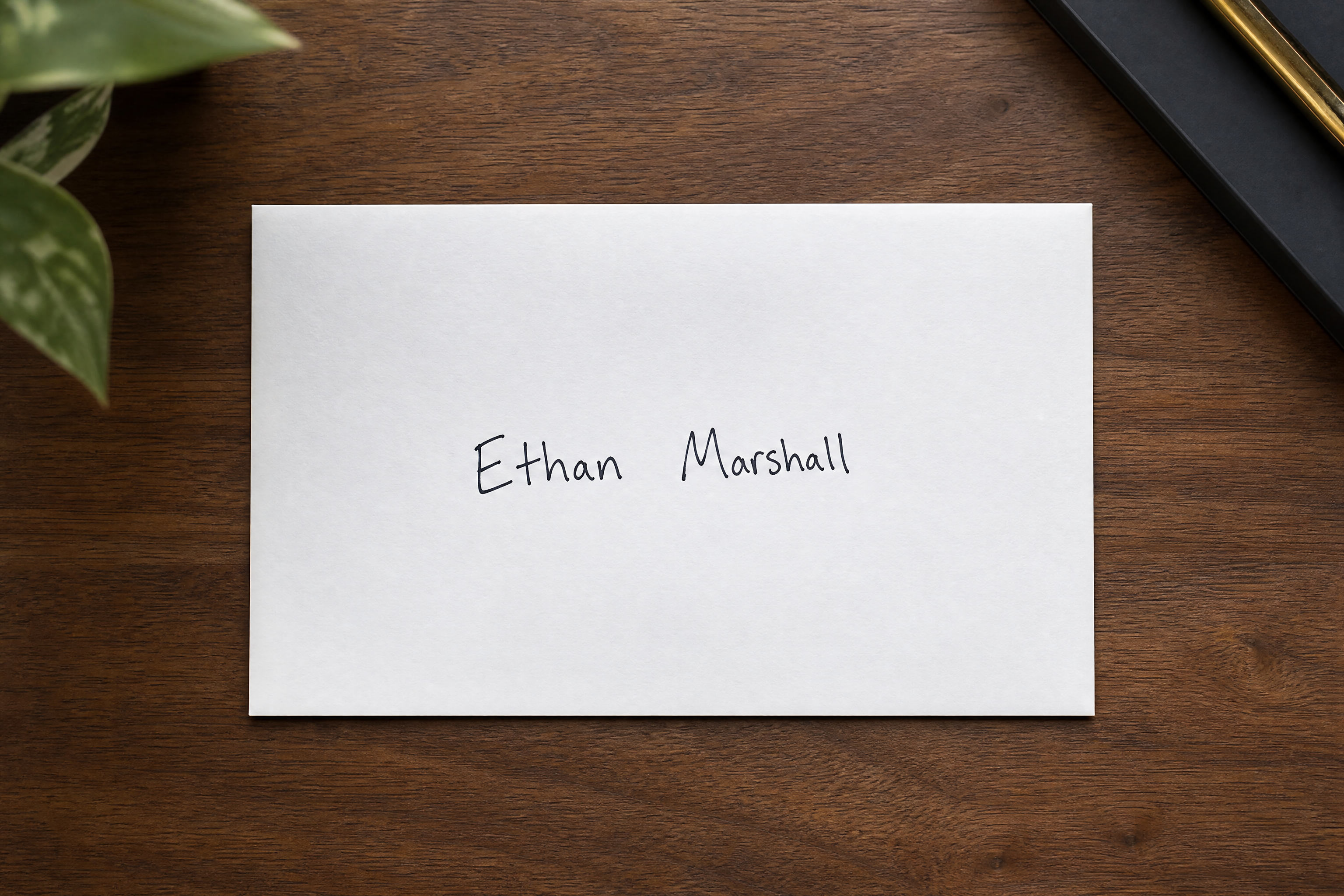
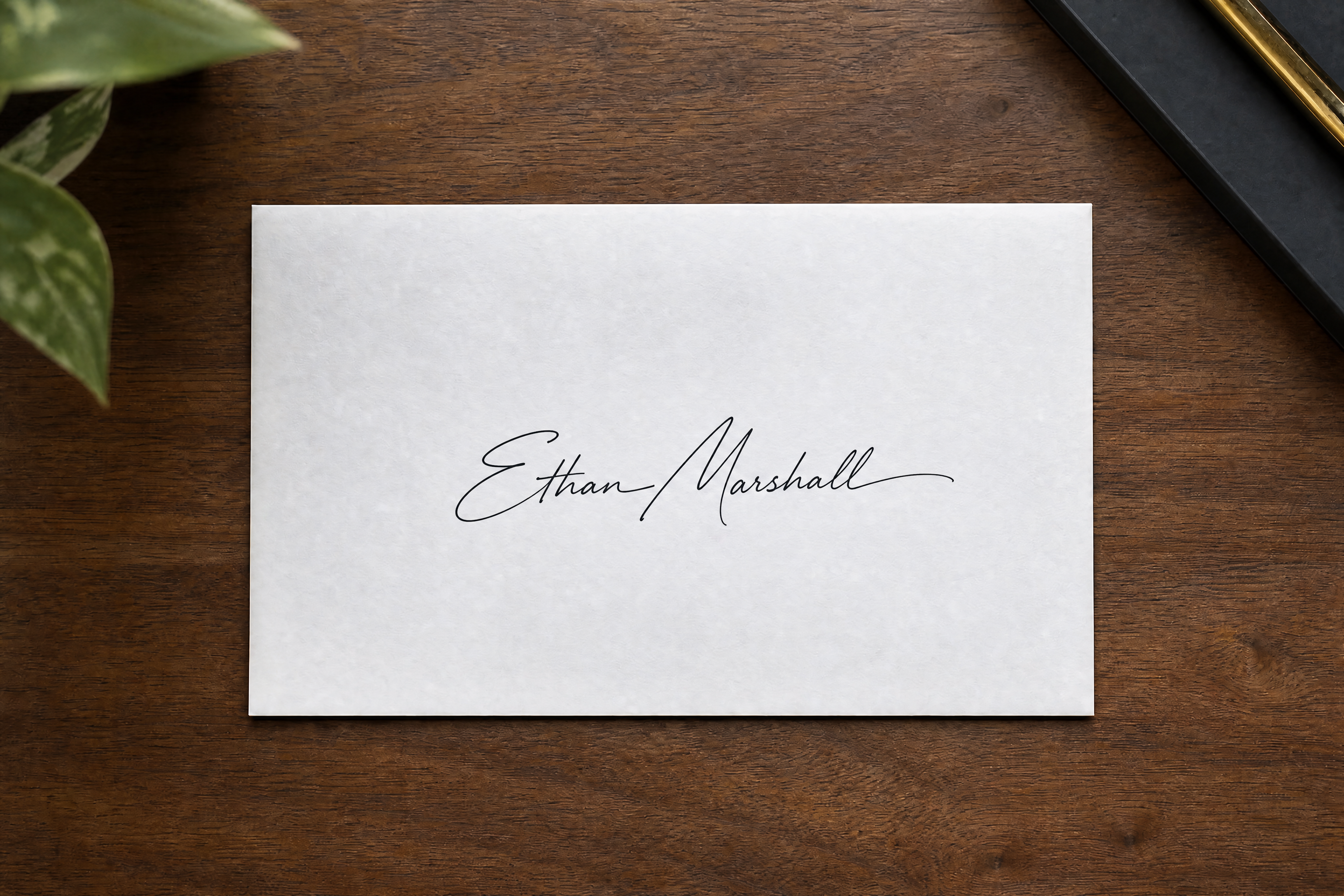
Watch the Transformation
See ai signature generator in motion — generated end-to-end by our AI.
See It In Action
Real outputs from ai signature generator.
BEFOREAFTER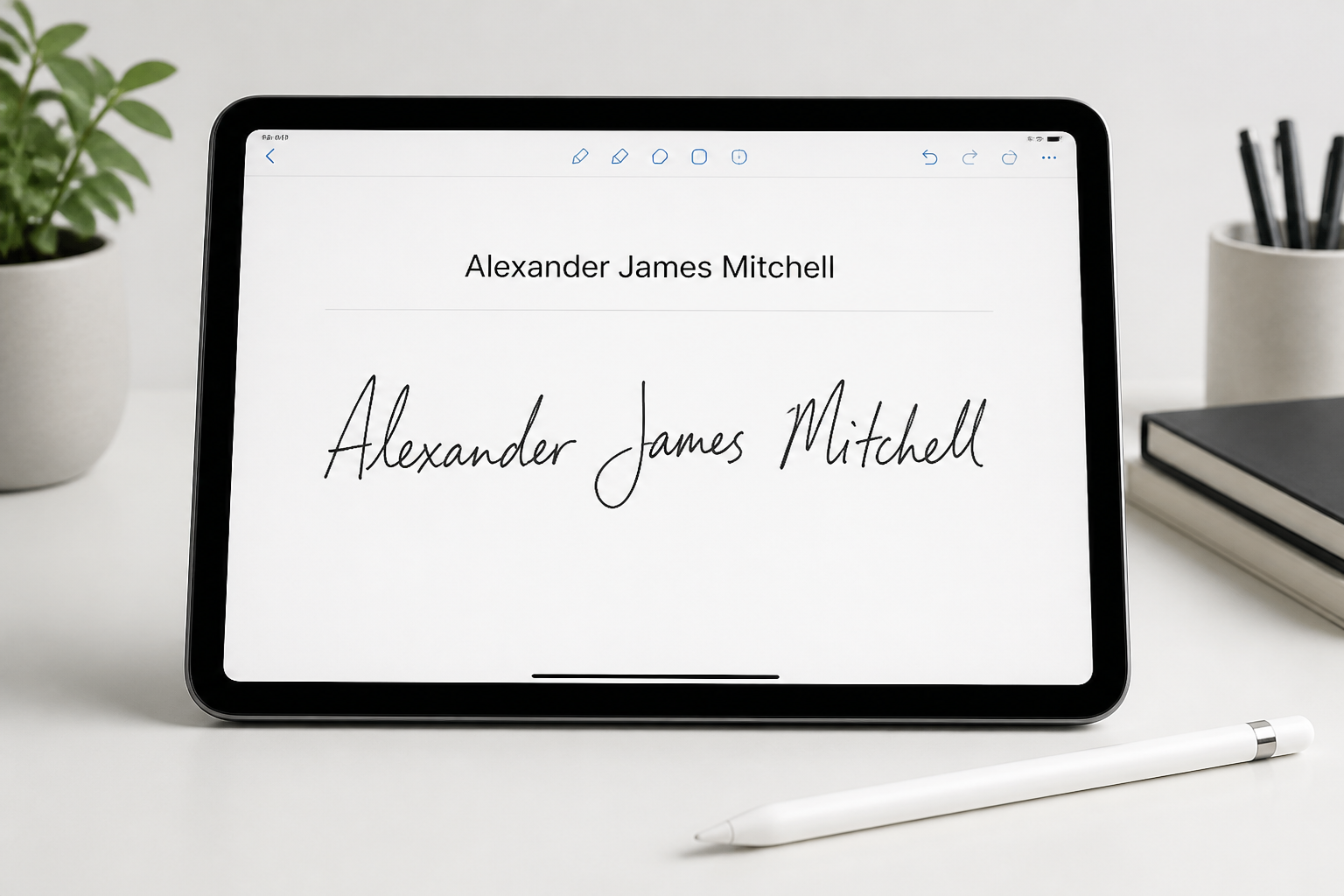 BEFORE
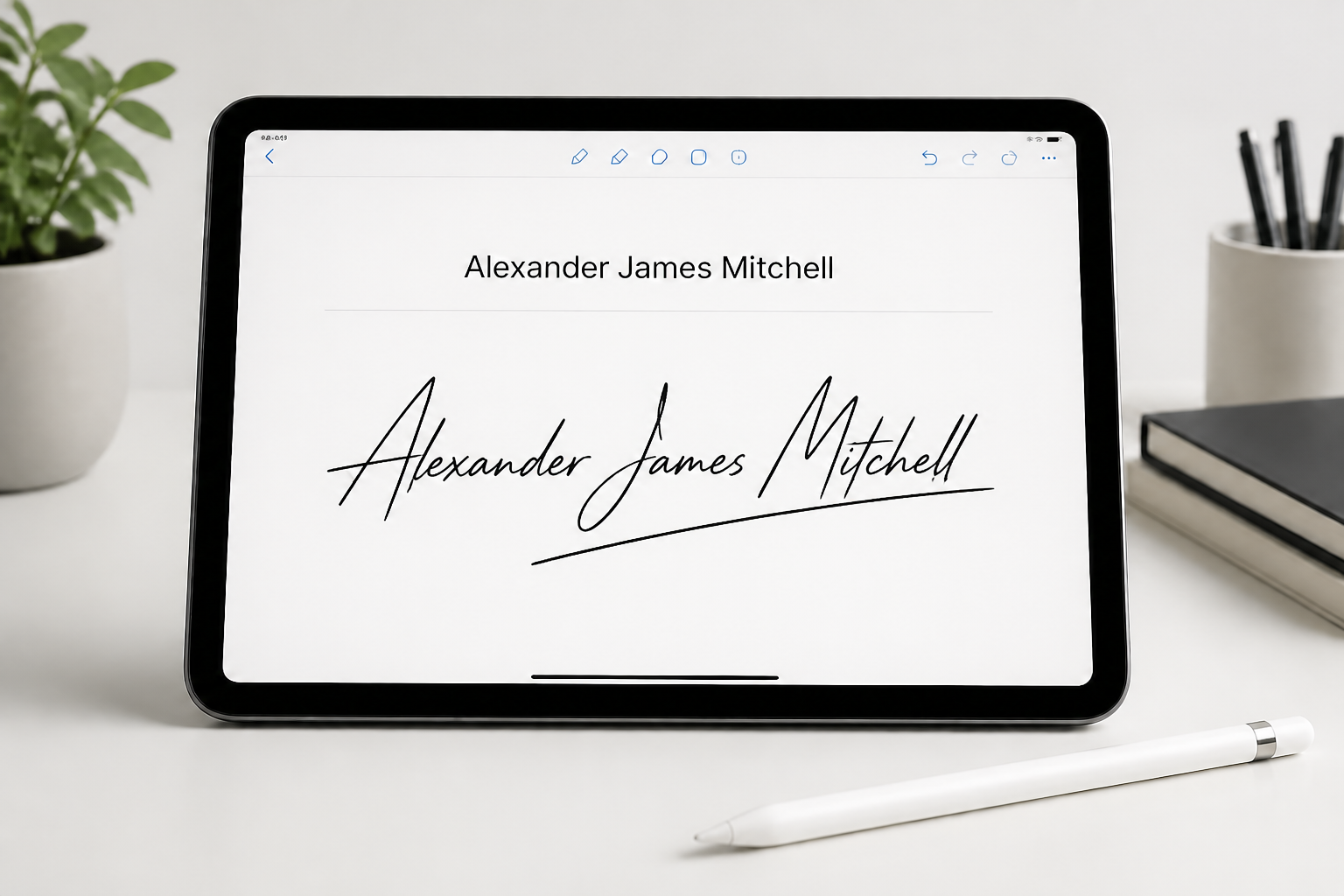 AFTER
AFTER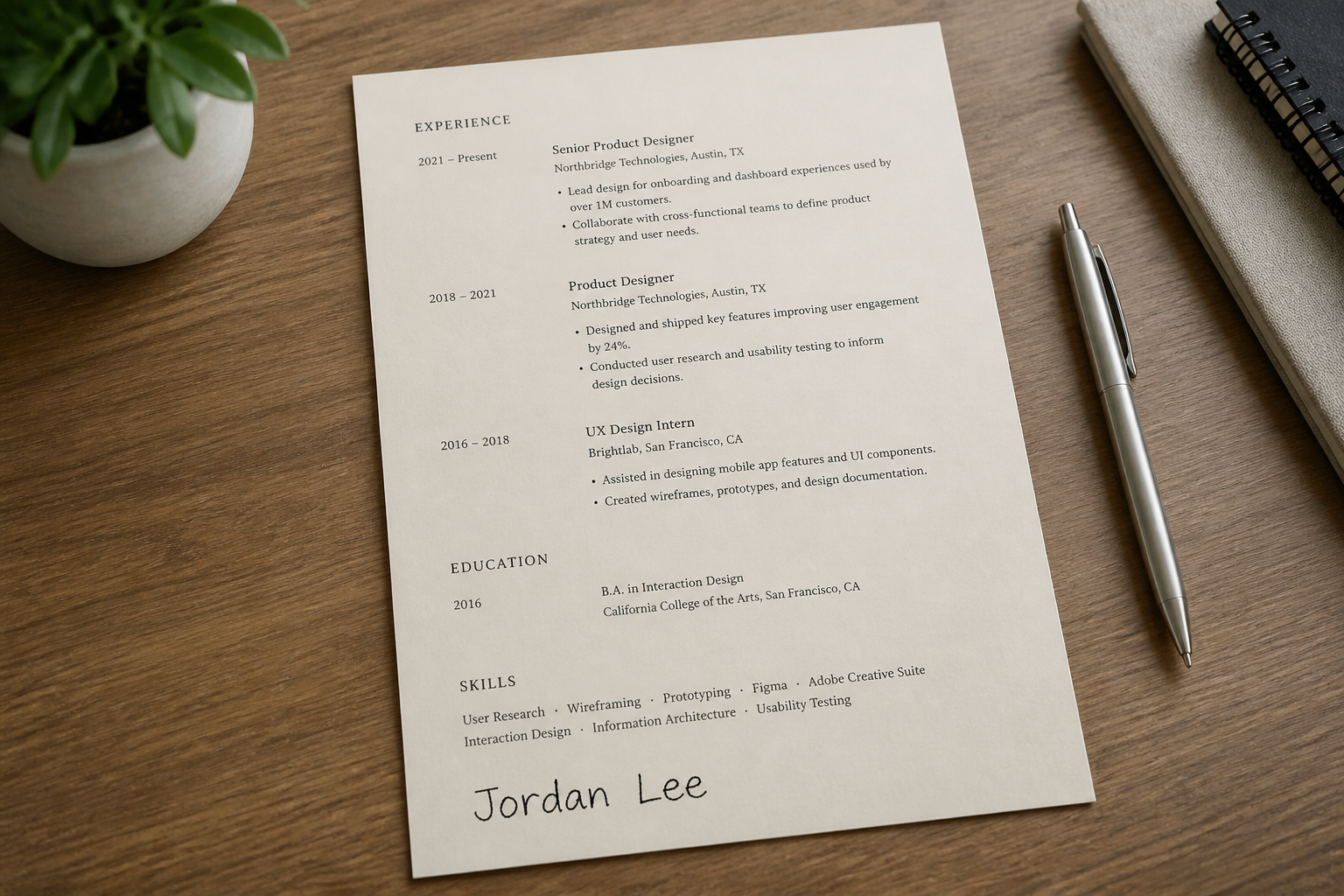 BEFORE
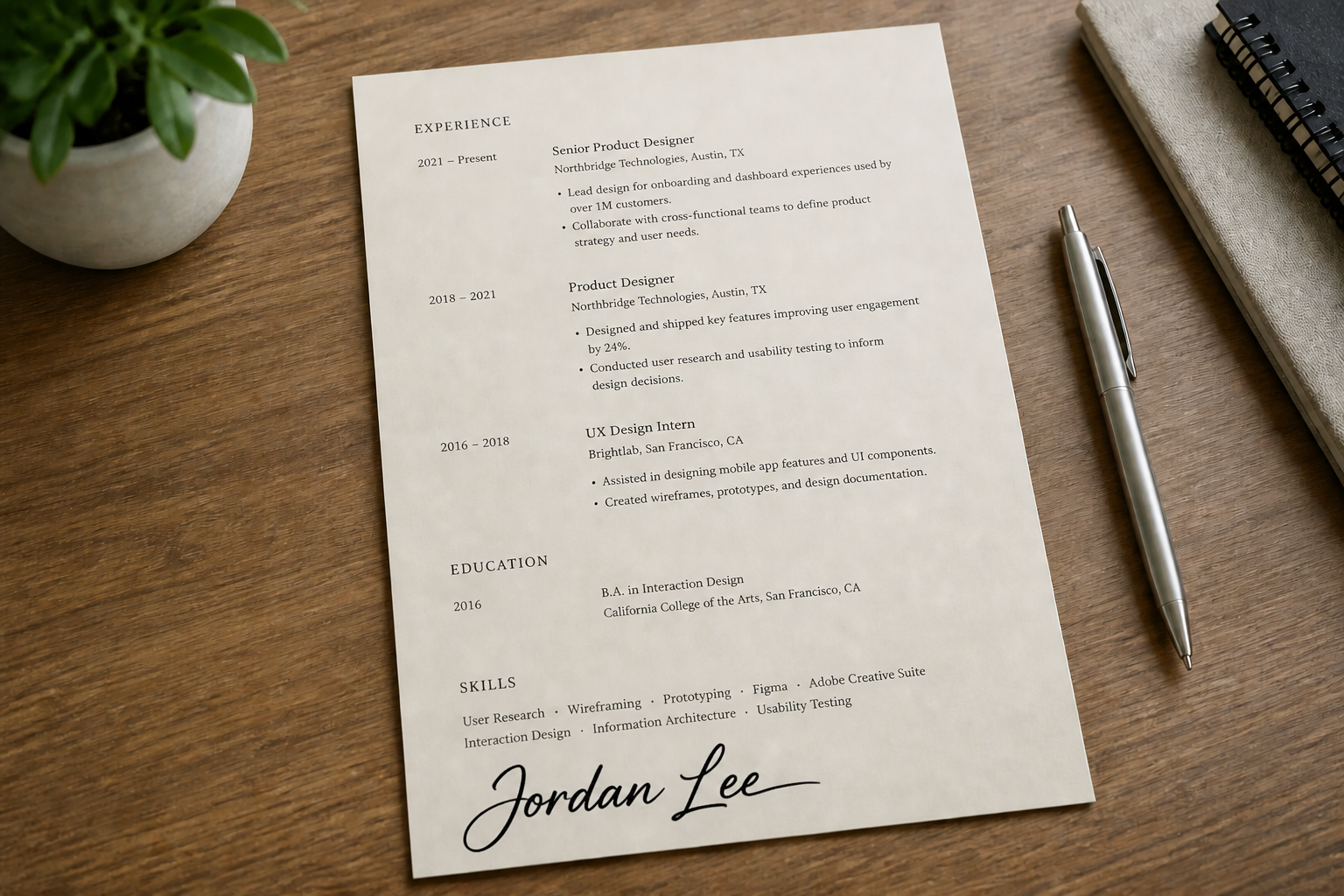 AFTER
AFTER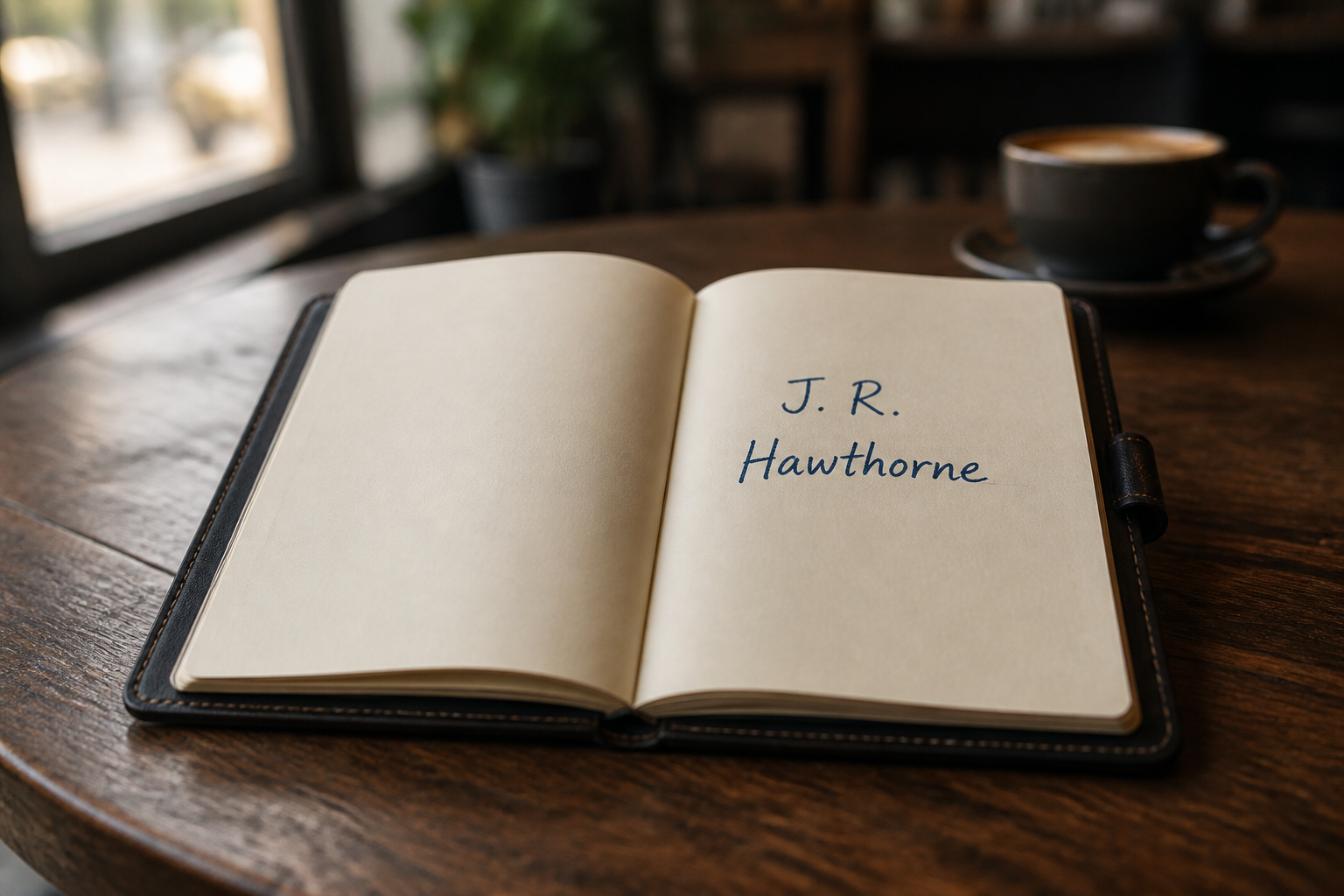 BEFORE
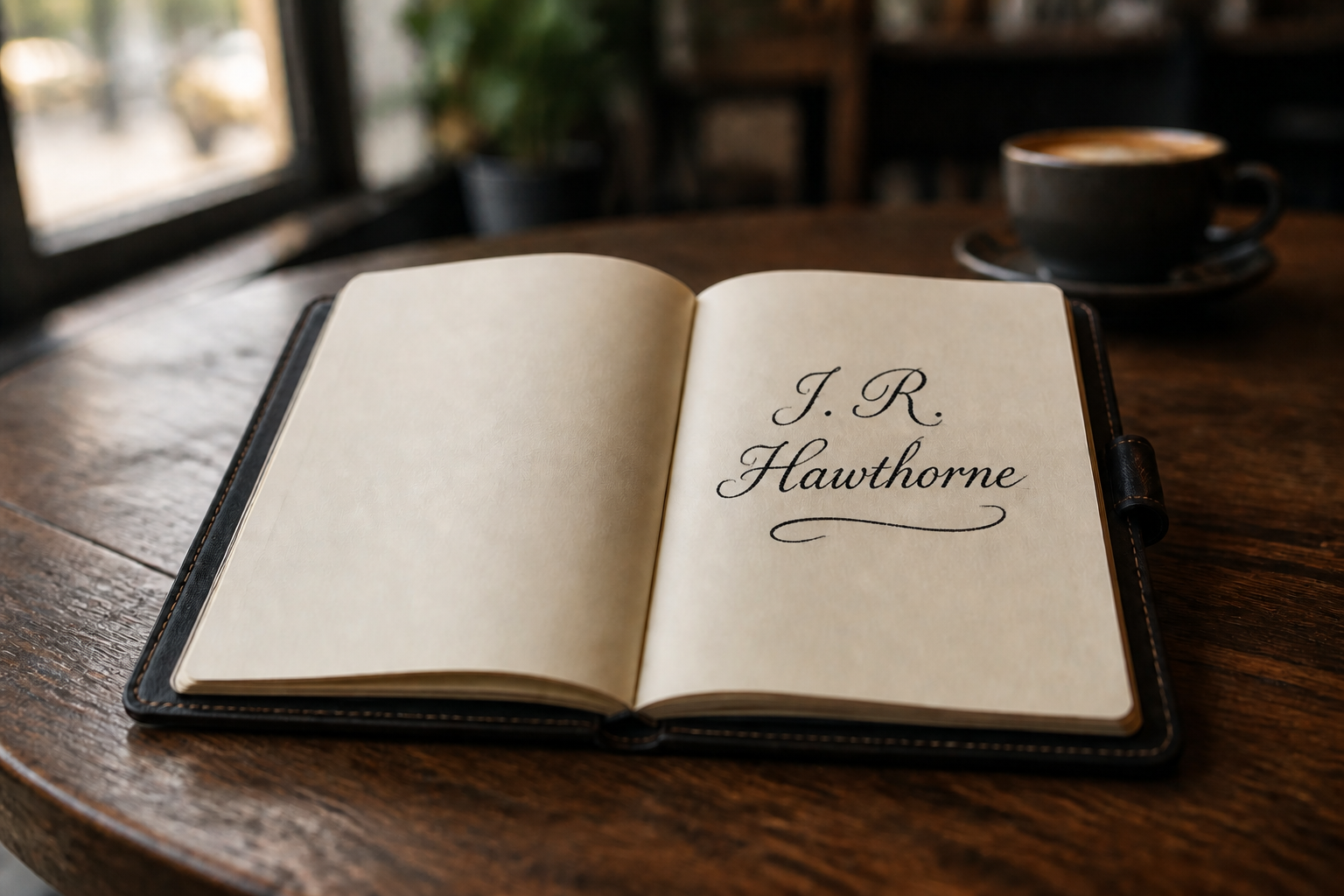 AFTER
AFTER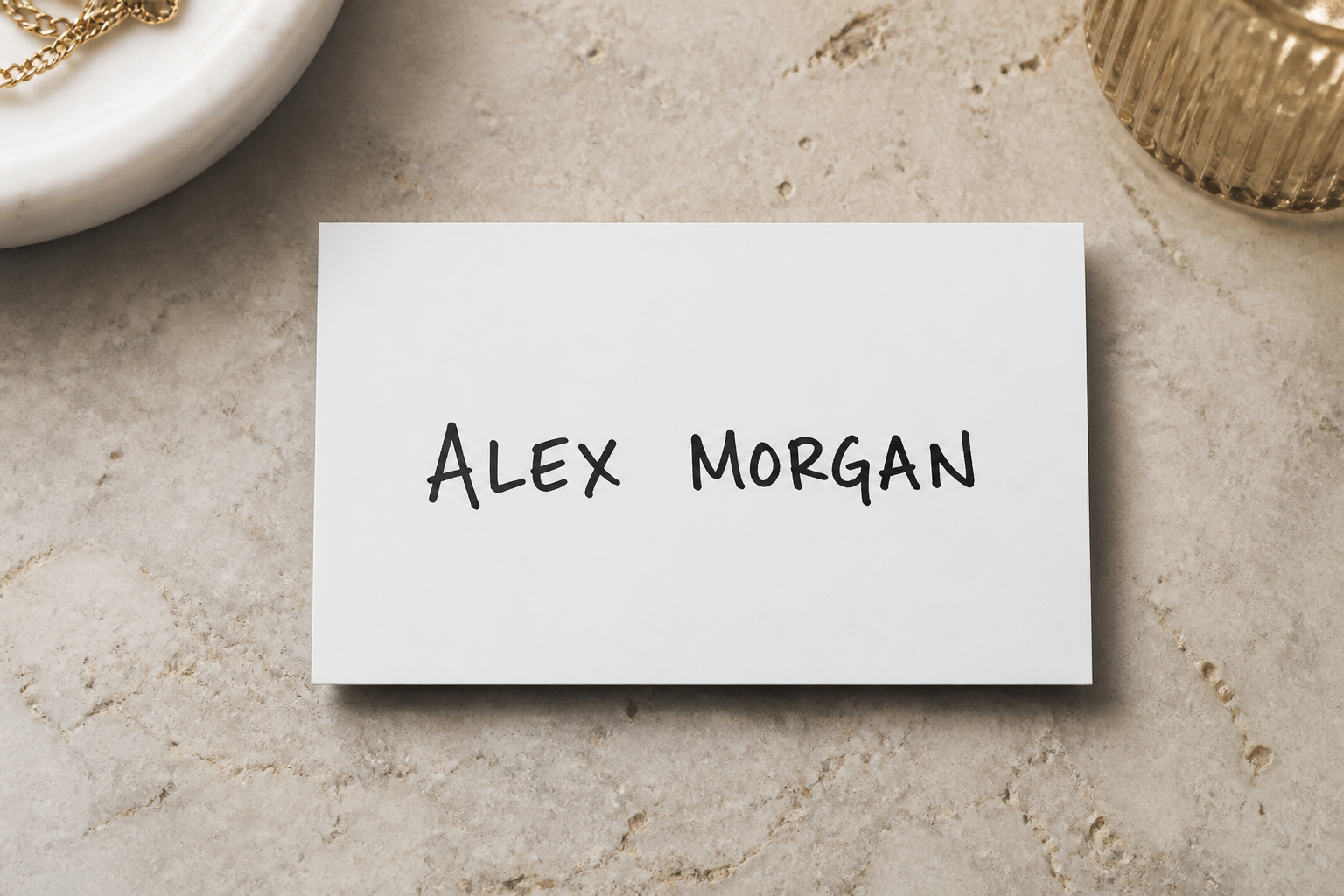 BEFORE
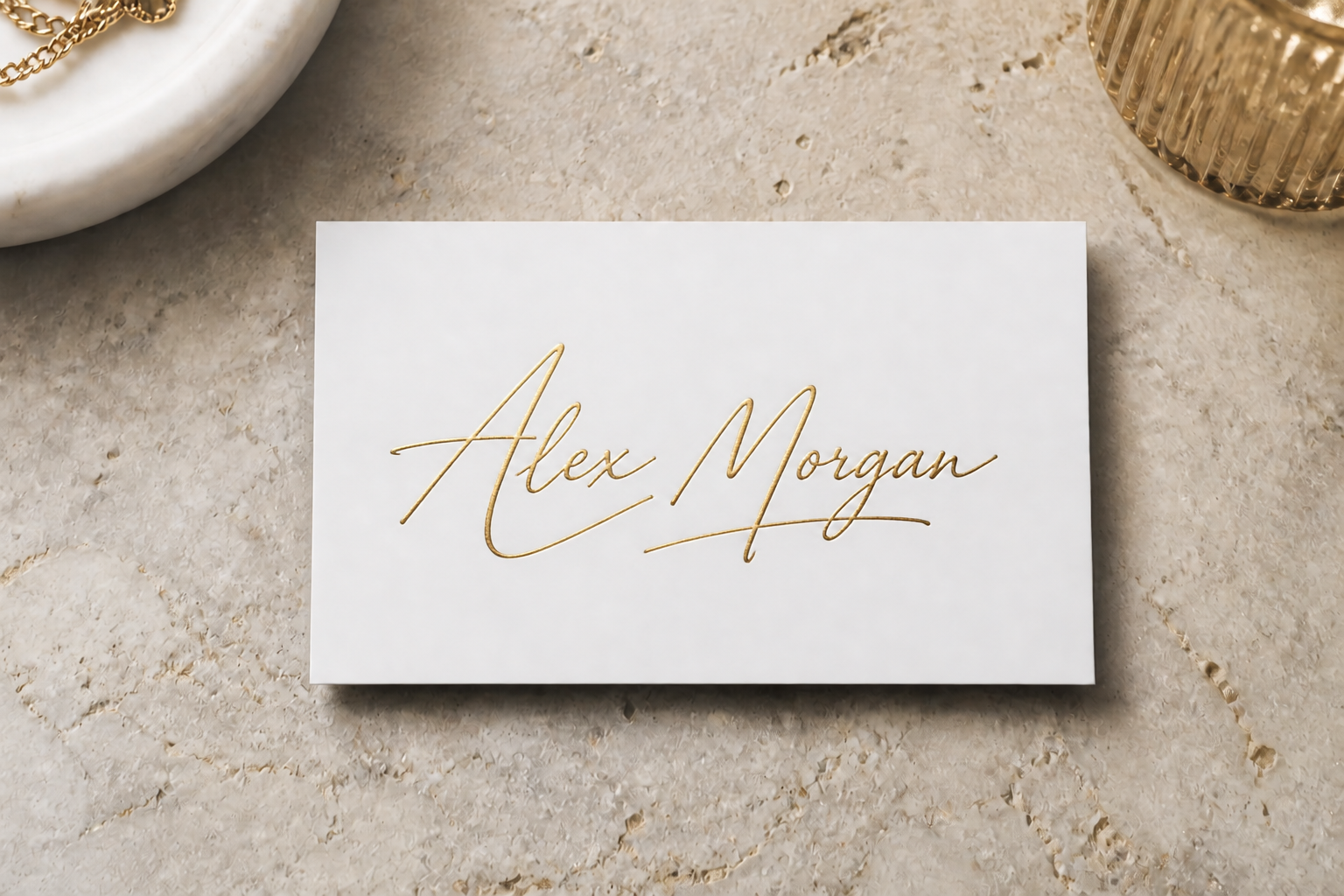 AFTER
AFTER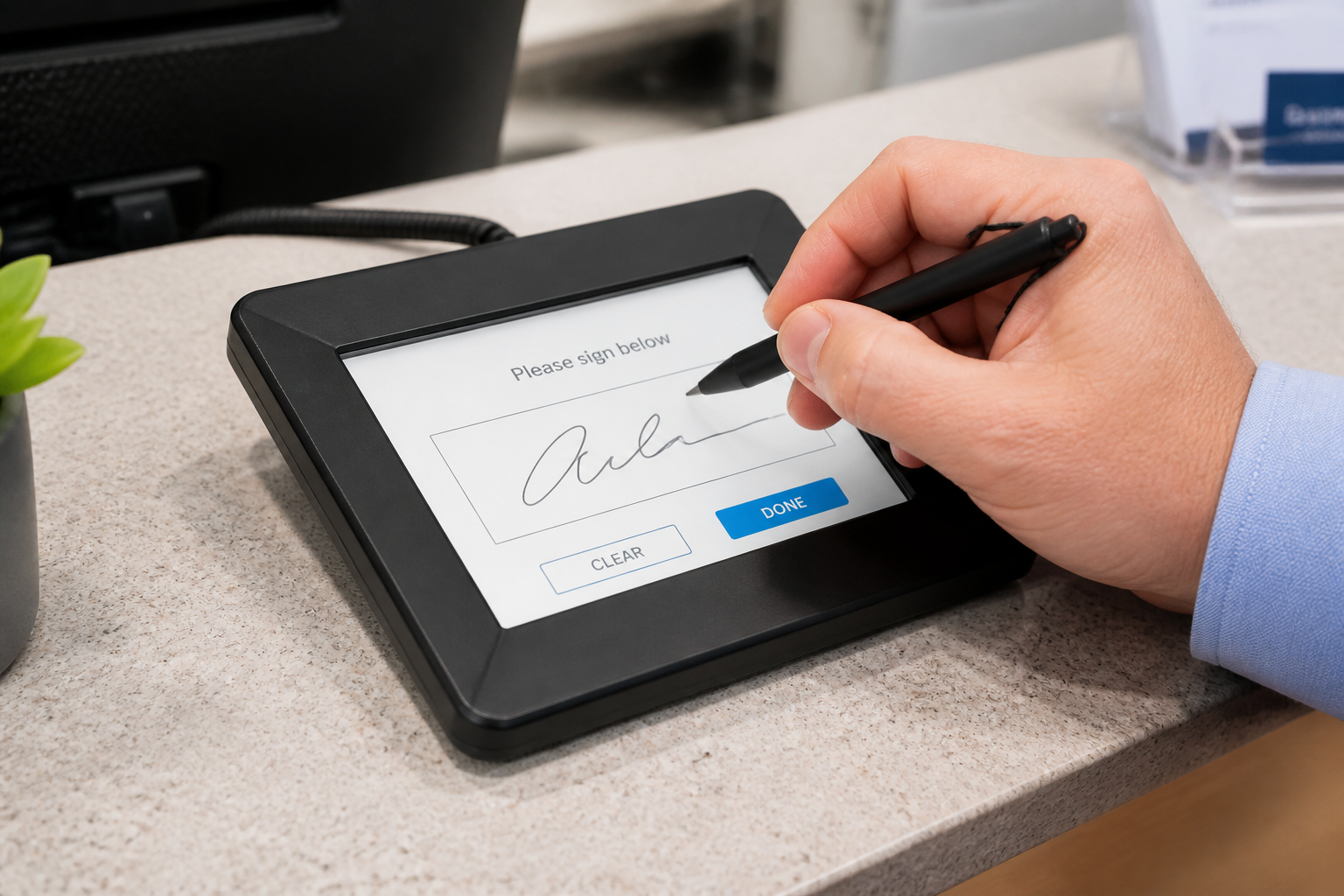 BEFORE
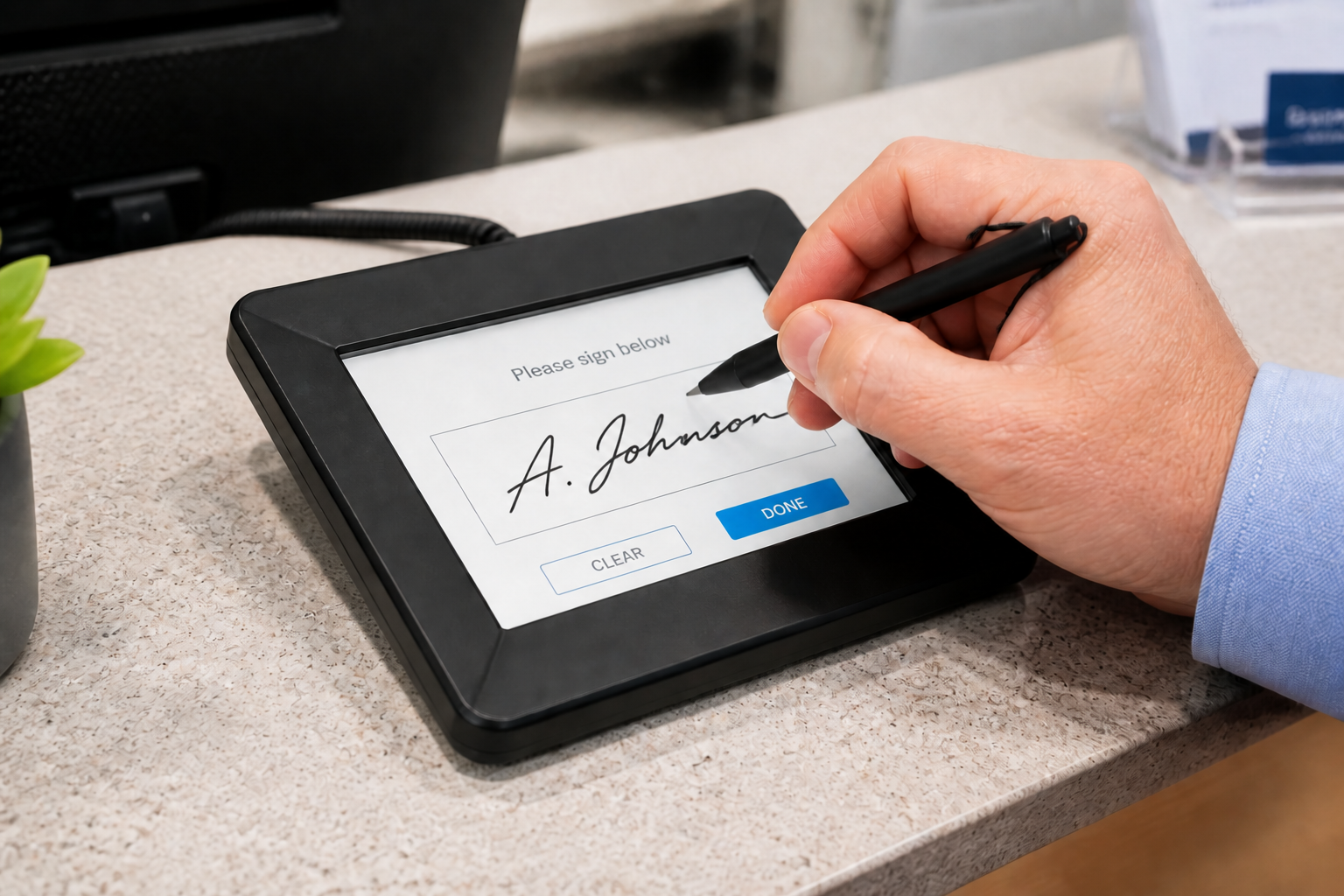 AFTER
AFTER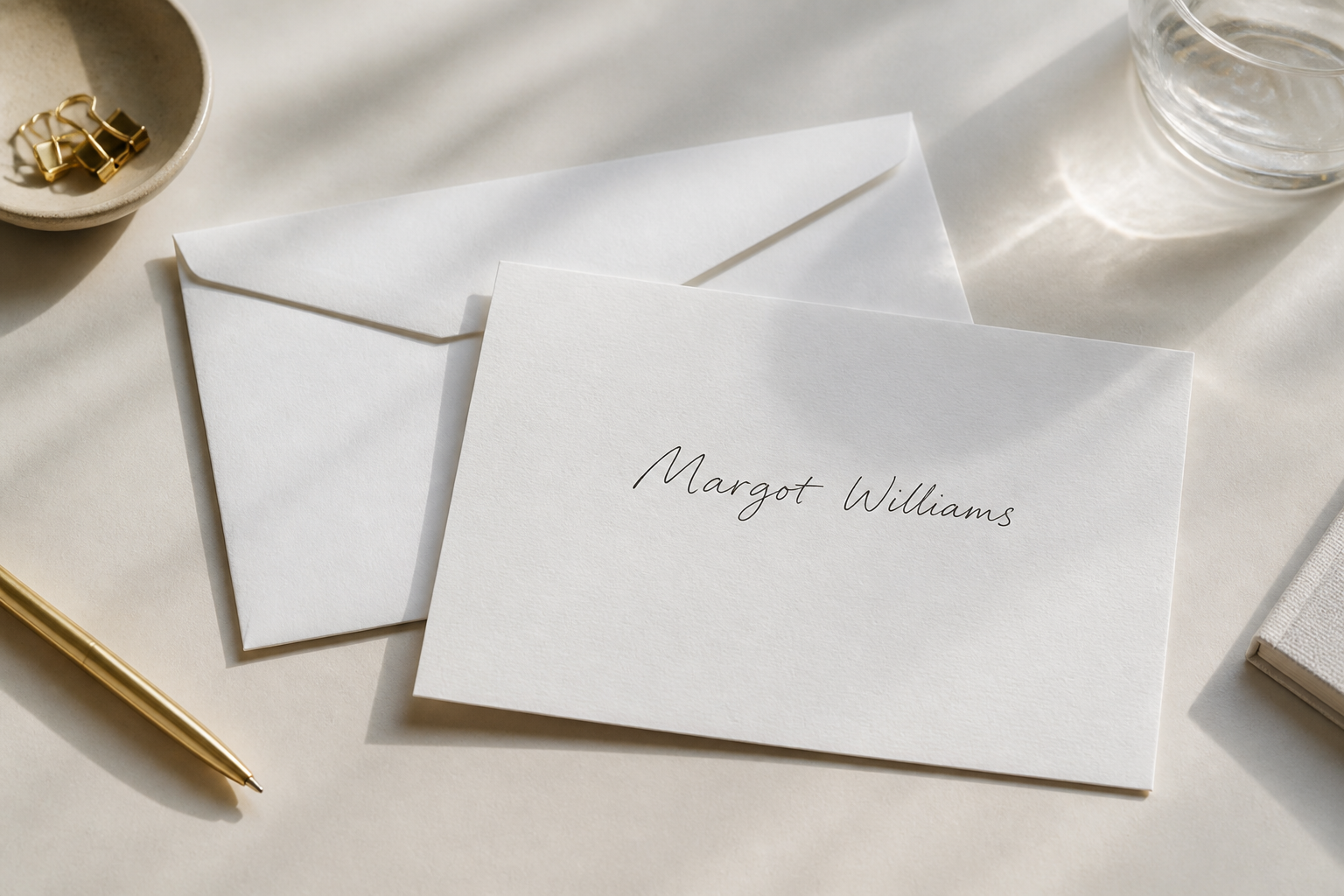 BEFORE
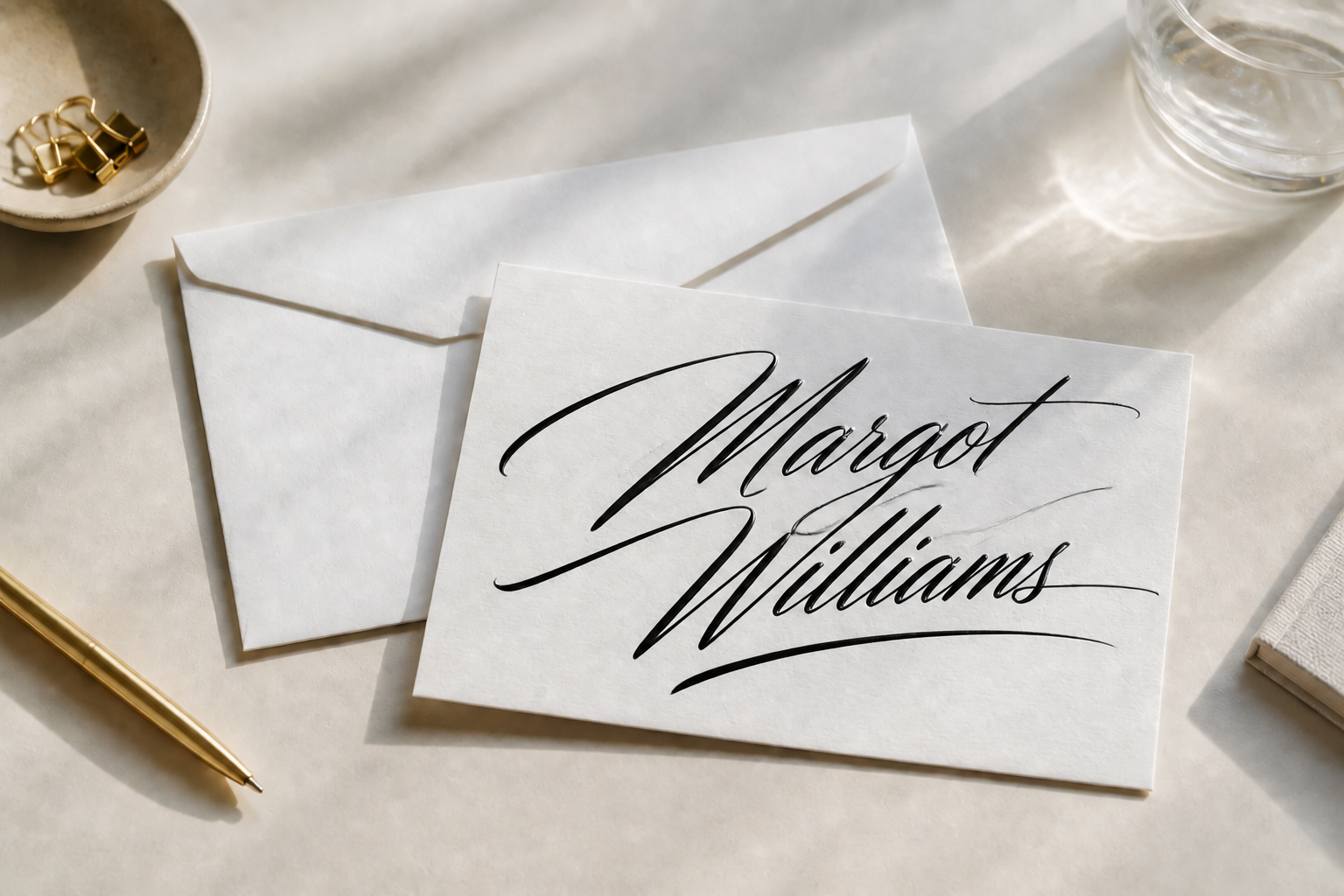 AFTER
AFTER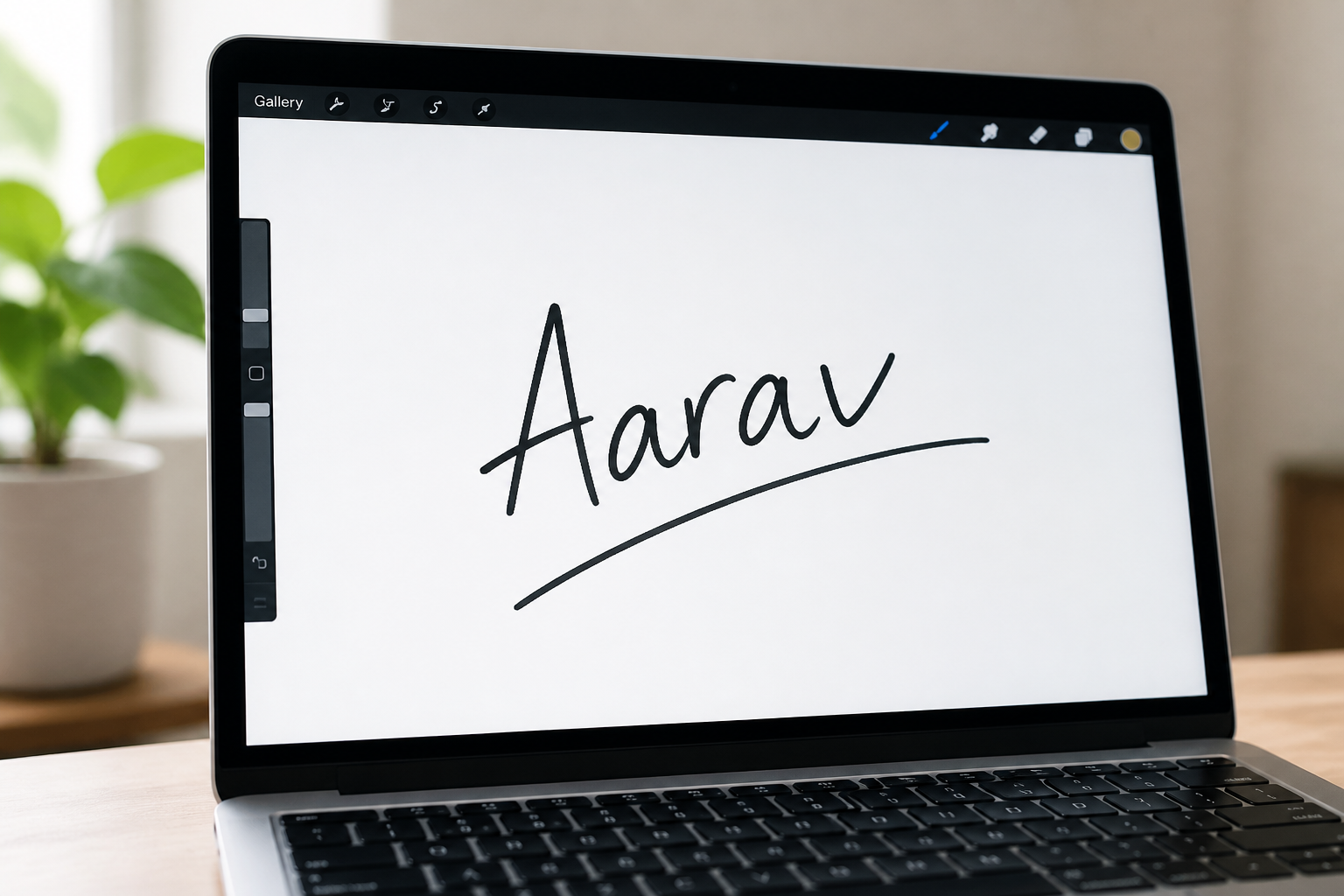 BEFORE
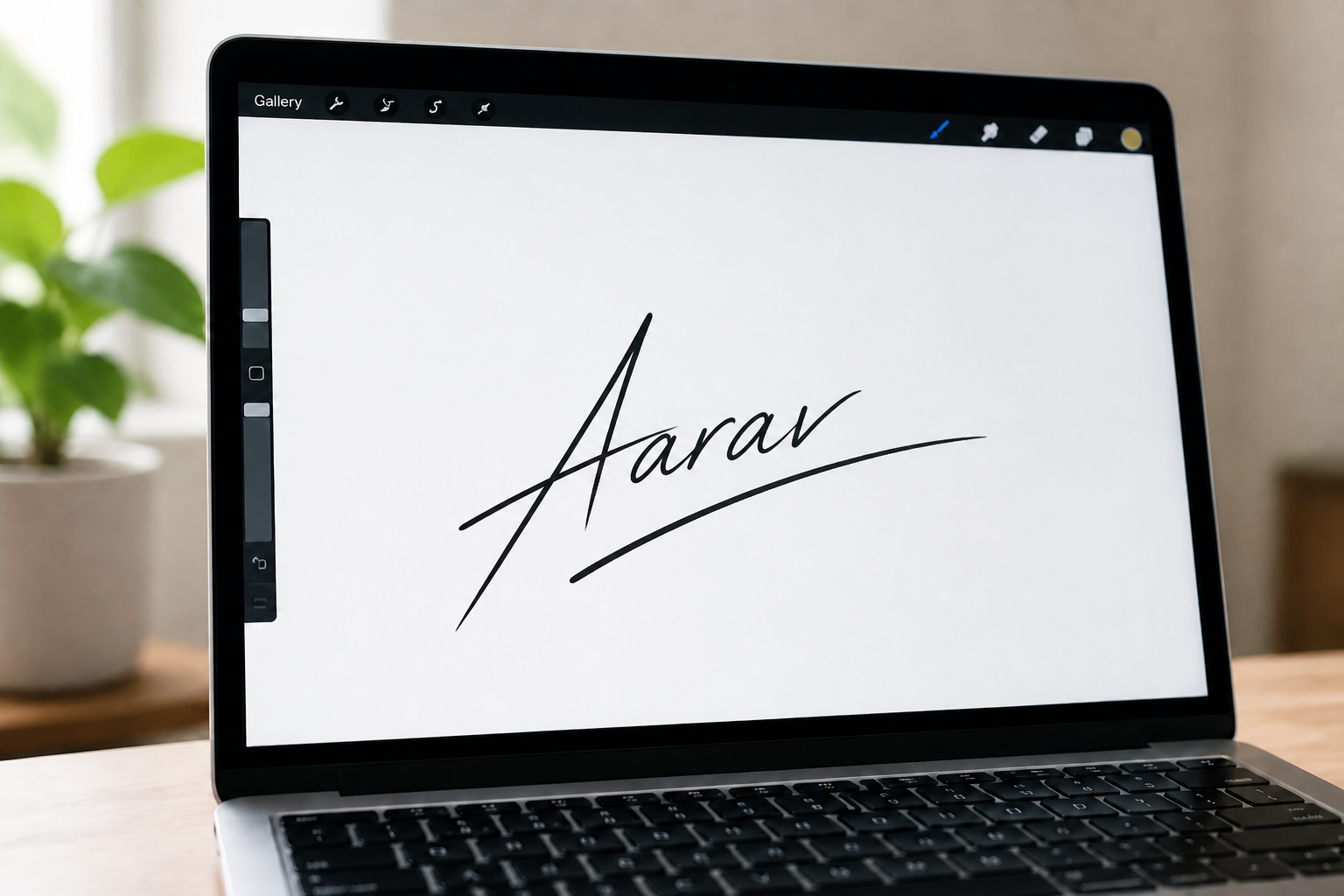 AFTER
AFTER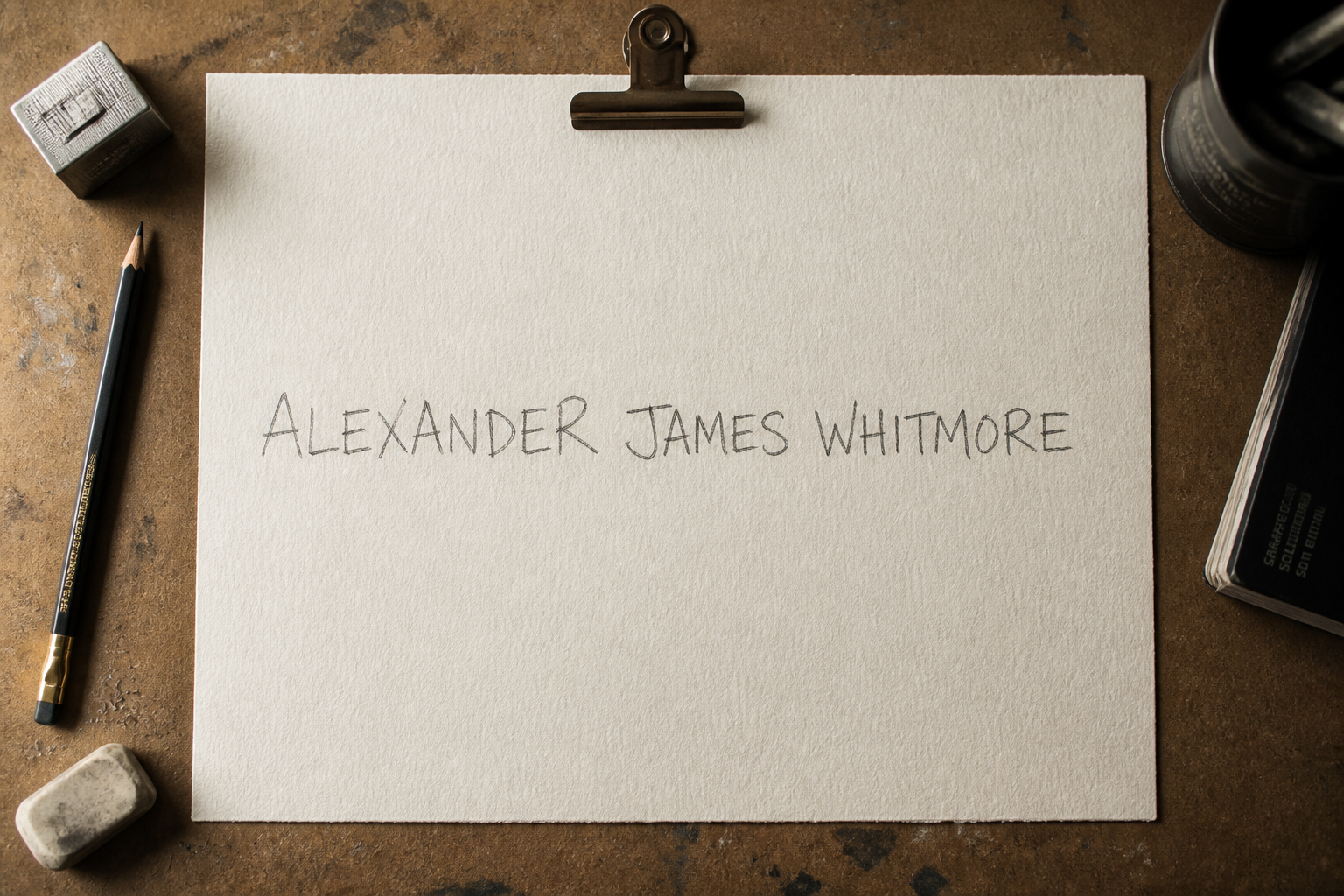 BEFORE
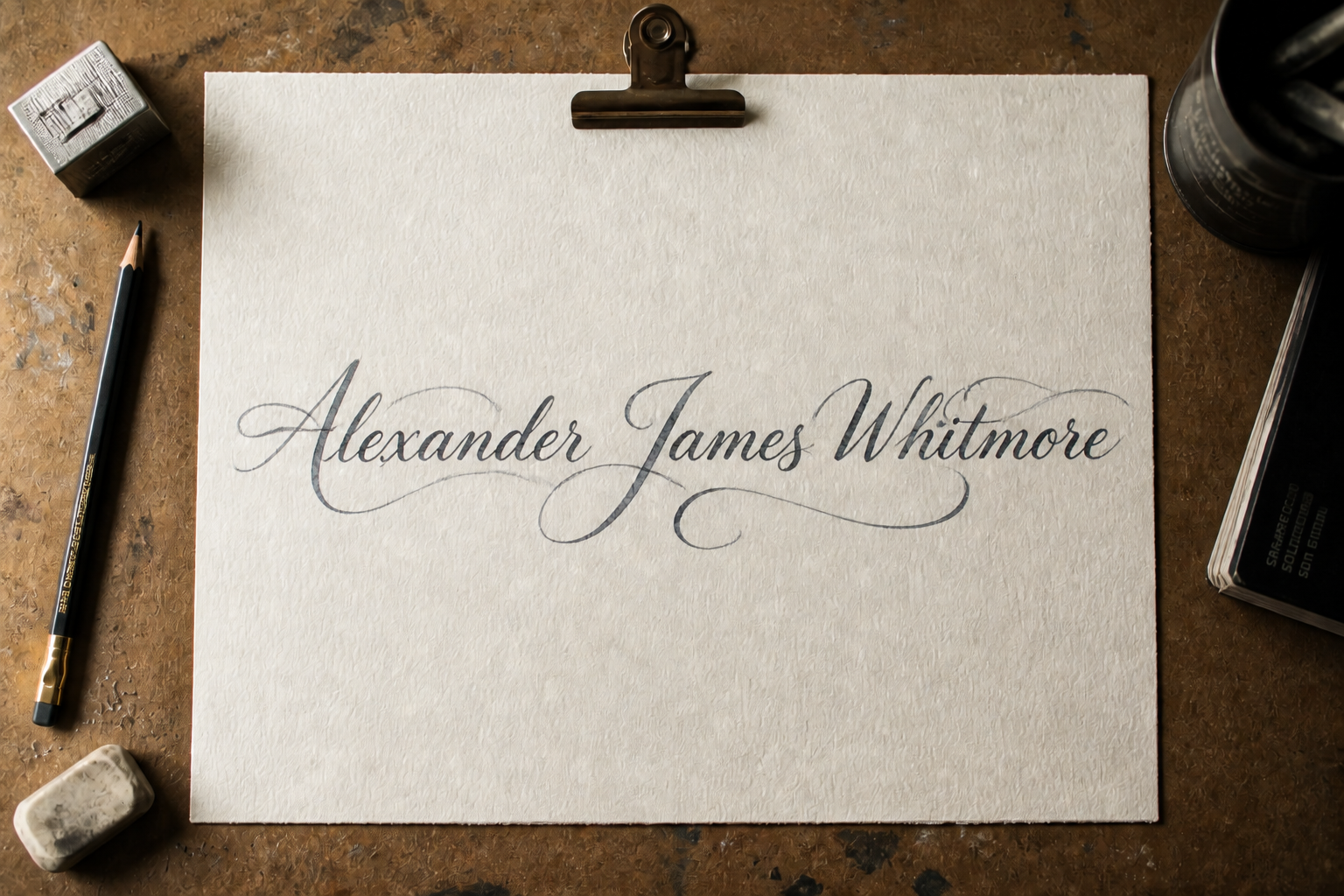 AFTER
AFTER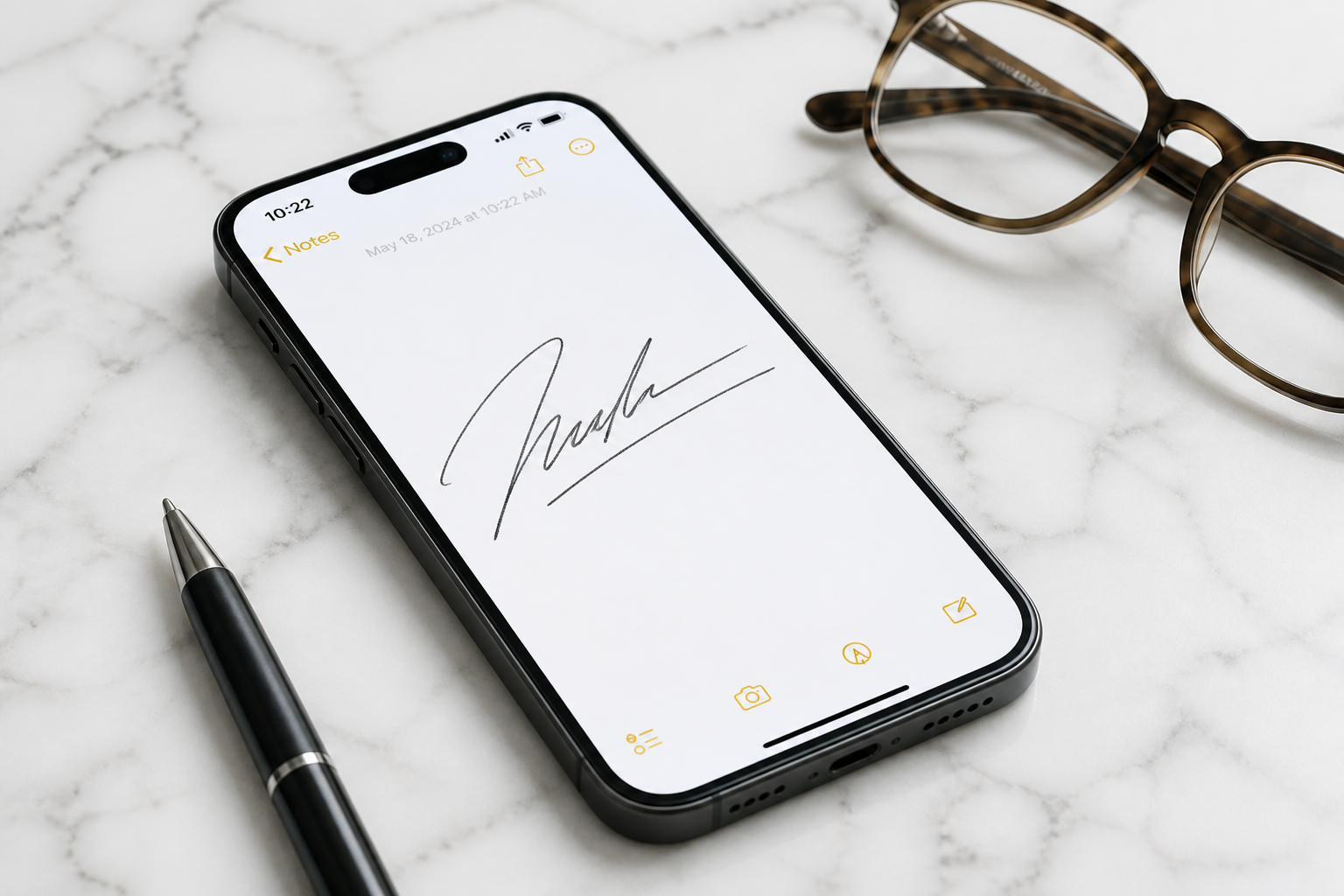 BEFORE
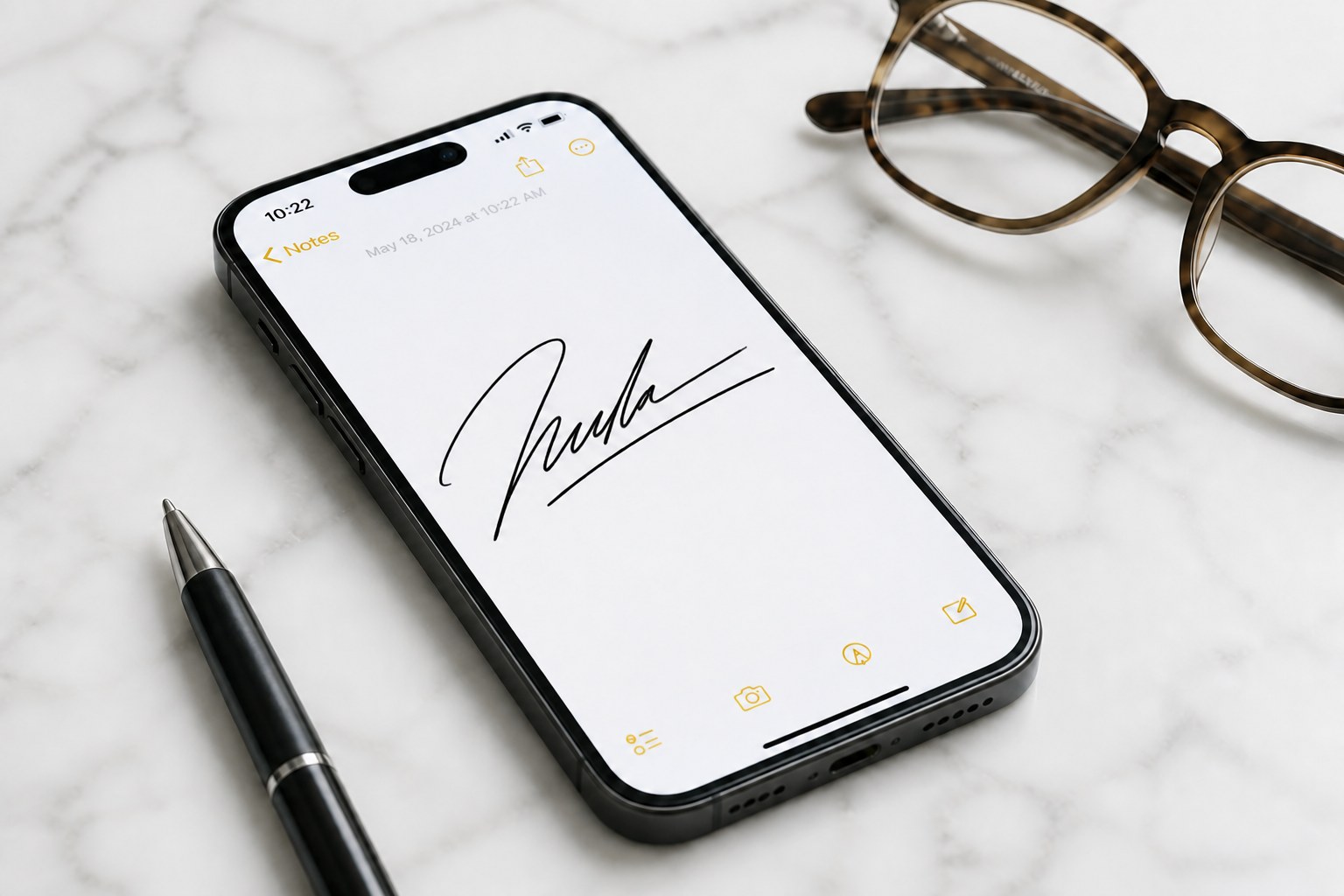 AFTER
AFTERKey Features
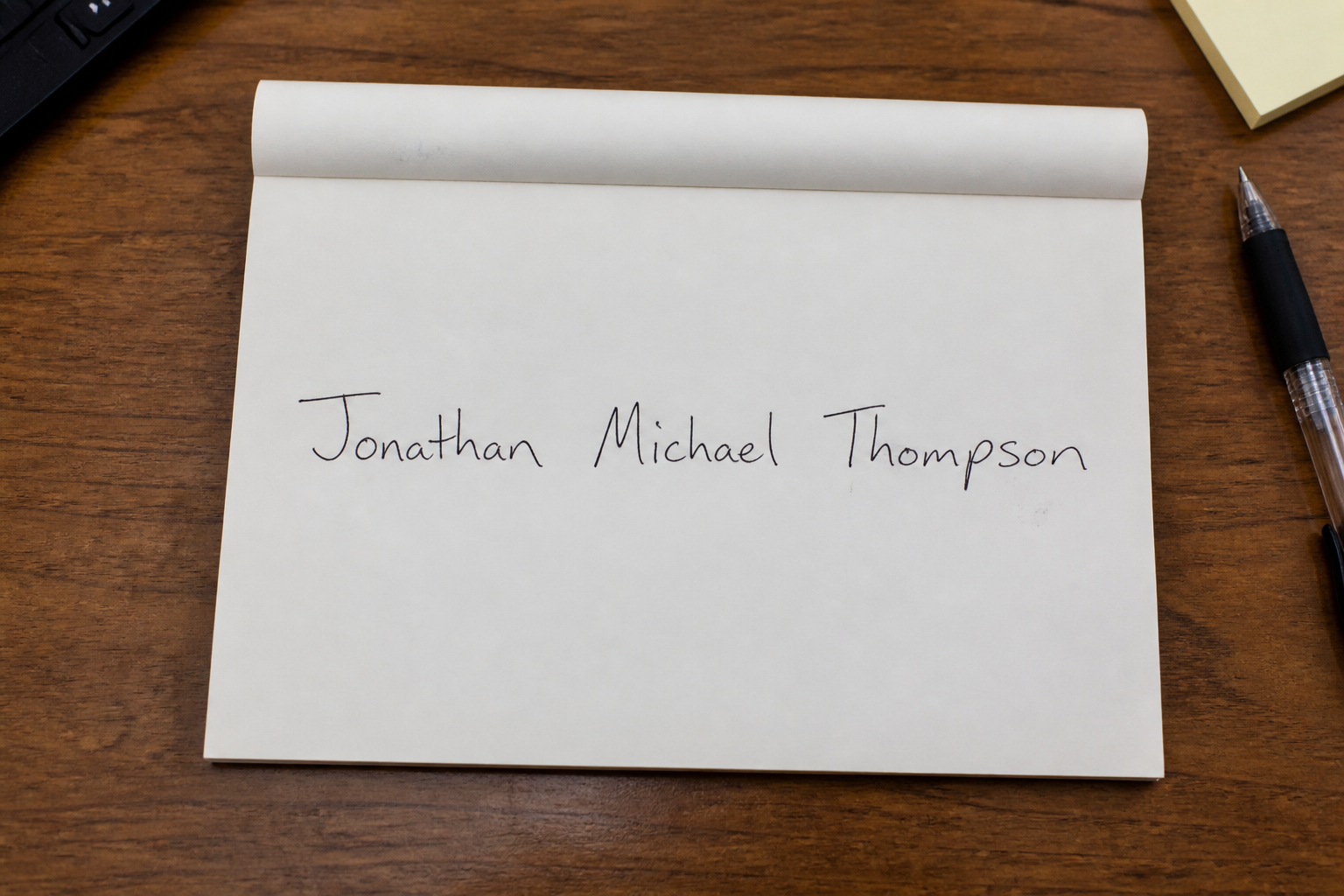
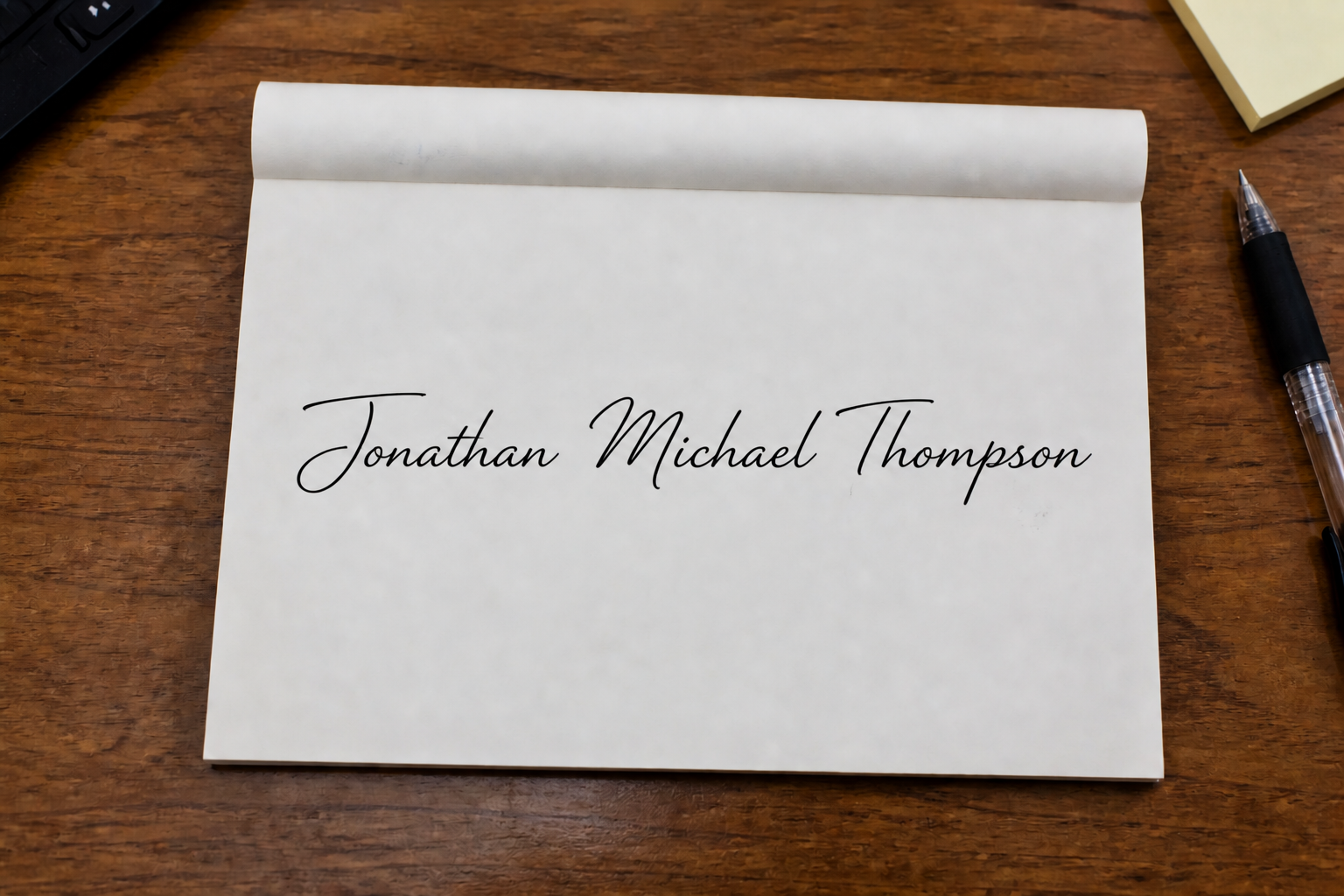
Turn rough writing polished
Start with a quick handwritten attempt, even if it looks shaky or uneven. The tool refines the line flow, spacing, and overall balance so the signature feels intentional. That saves time compared with tracing and redrawing each version by hand. It is useful when you want a signature that looks cleaner without losing the original name.
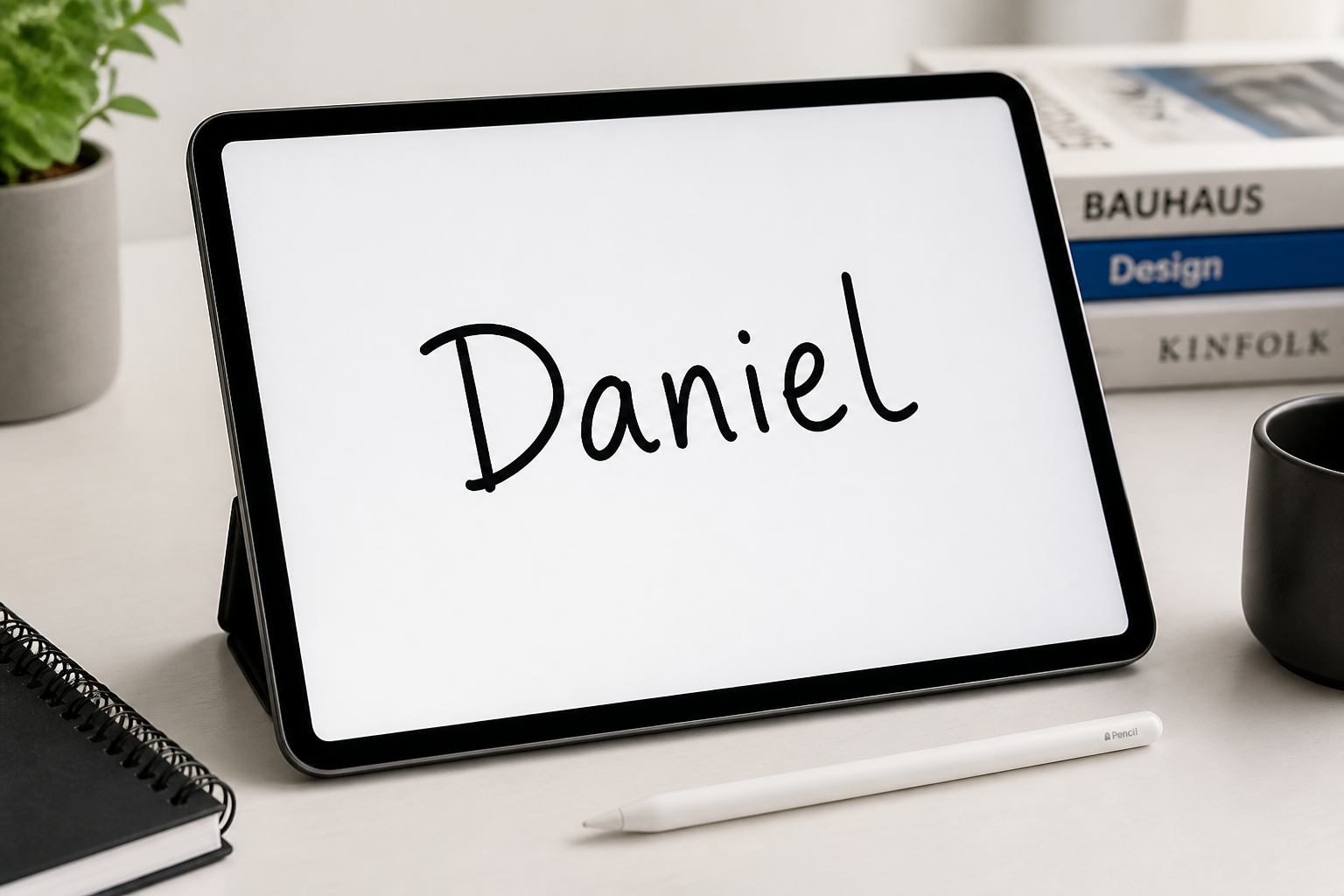
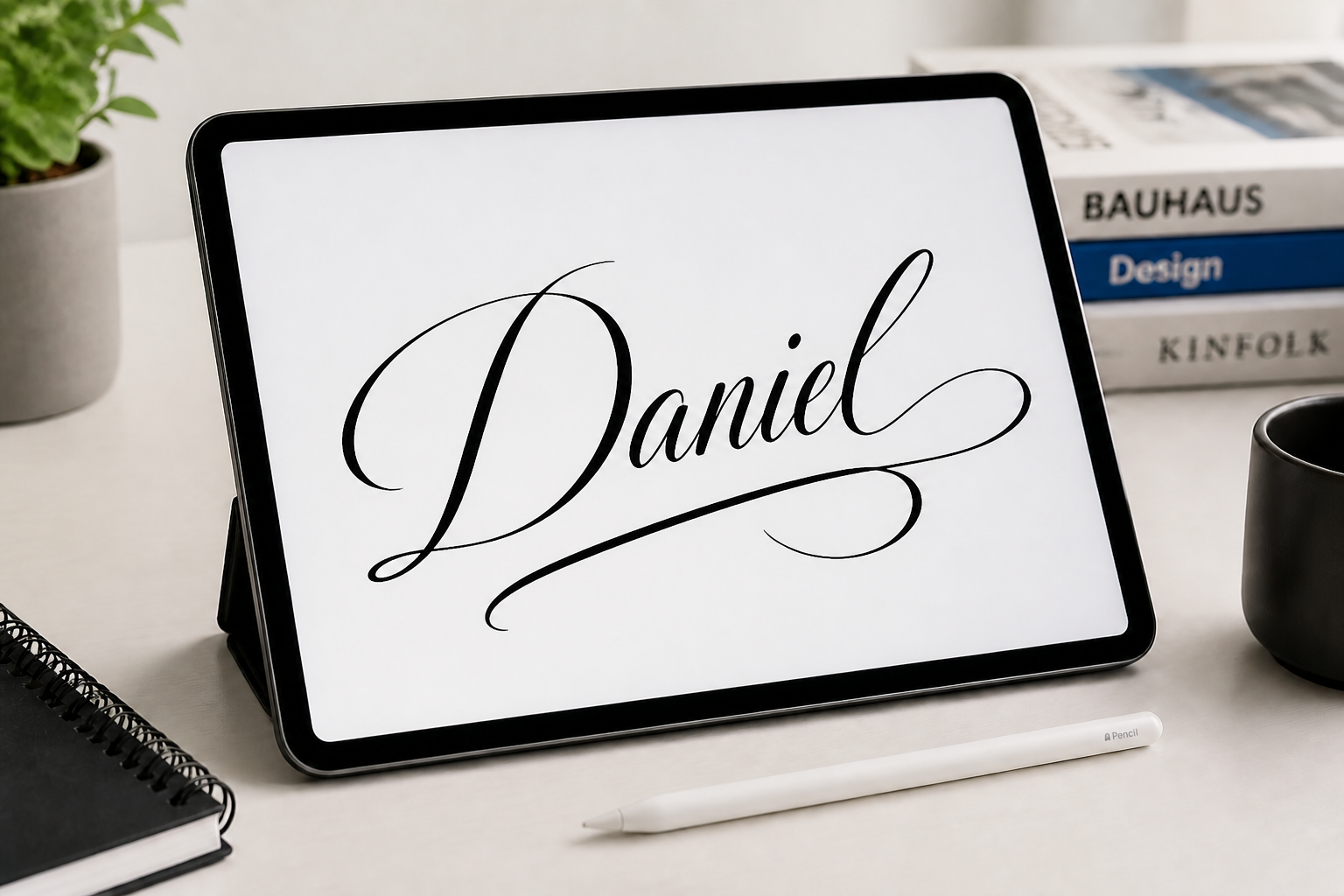
Try multiple signature styles
You can test different looks without starting over every time. Generate clean minimalist signatures, bold executive strokes, or decorative calligraphy from the same base input. That makes exploration faster than manually sketching ten versions on paper. It helps you find a style that fits your personal or professional image.
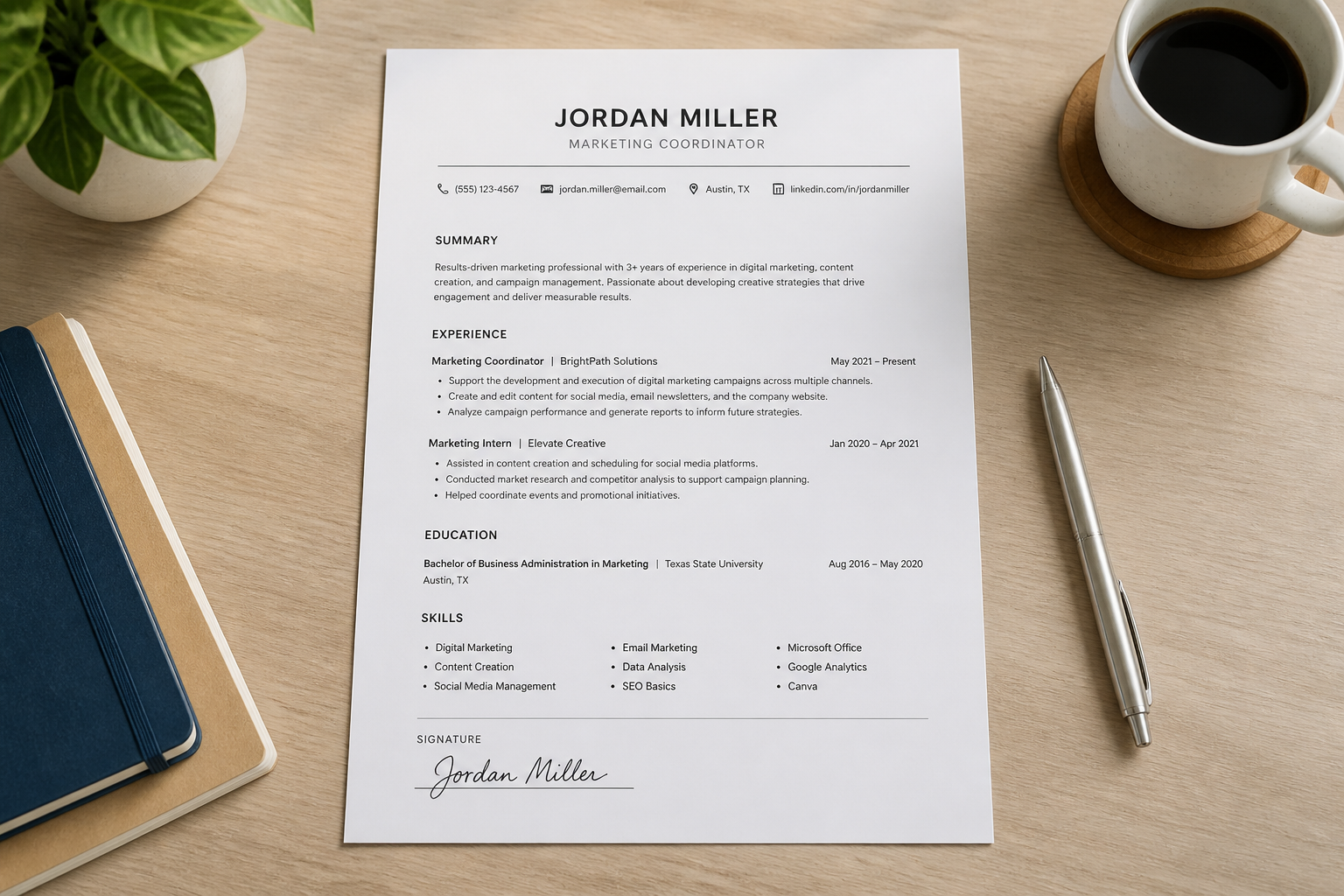
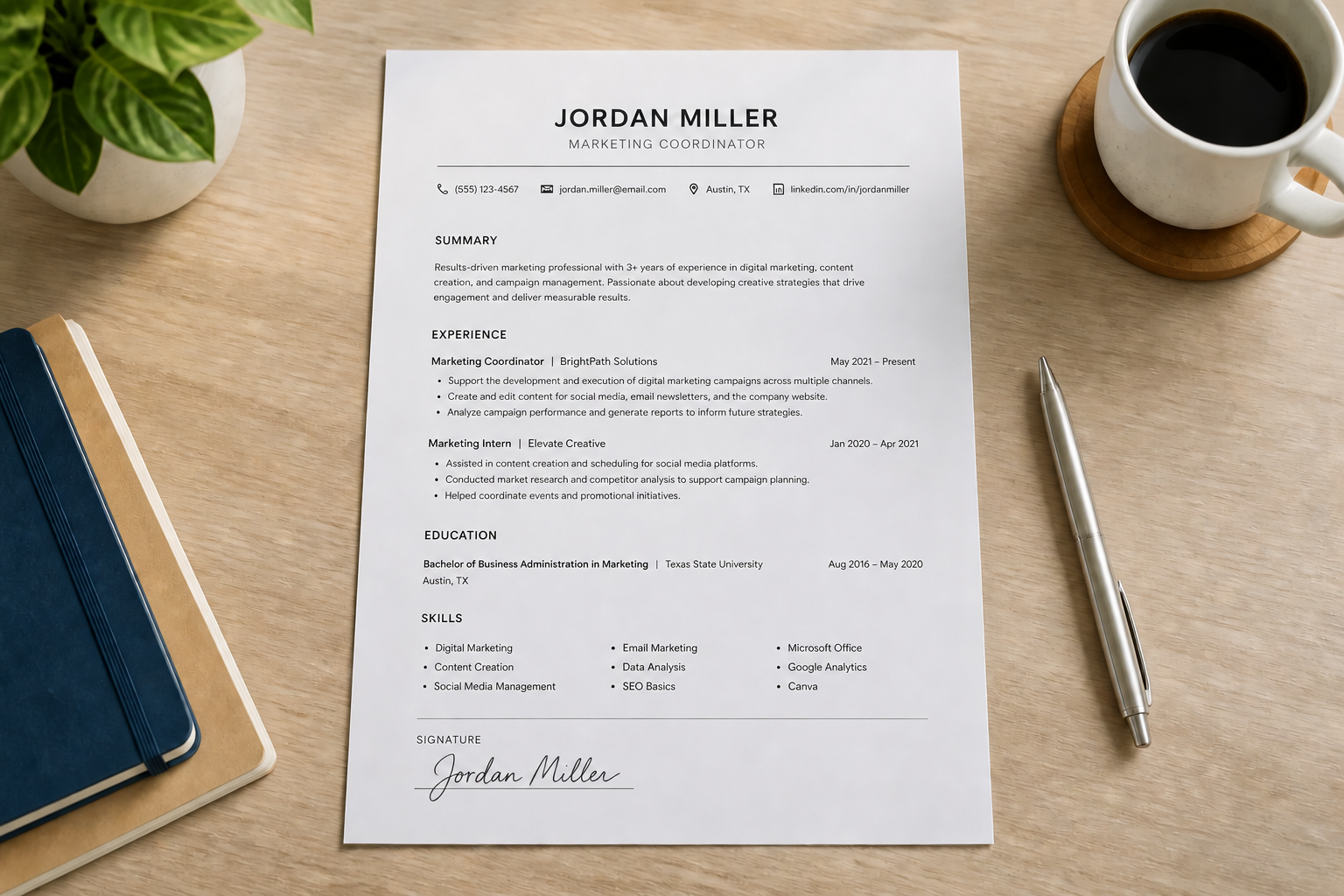
Keep names readable
Many signatures look stylish but become impossible to read. This tool helps preserve the name structure while still adding personality and flow. That balance matters for resumes, email signatures, and business use where legibility still counts. You get a cleaner result without turning the text into an unreadable scribble.
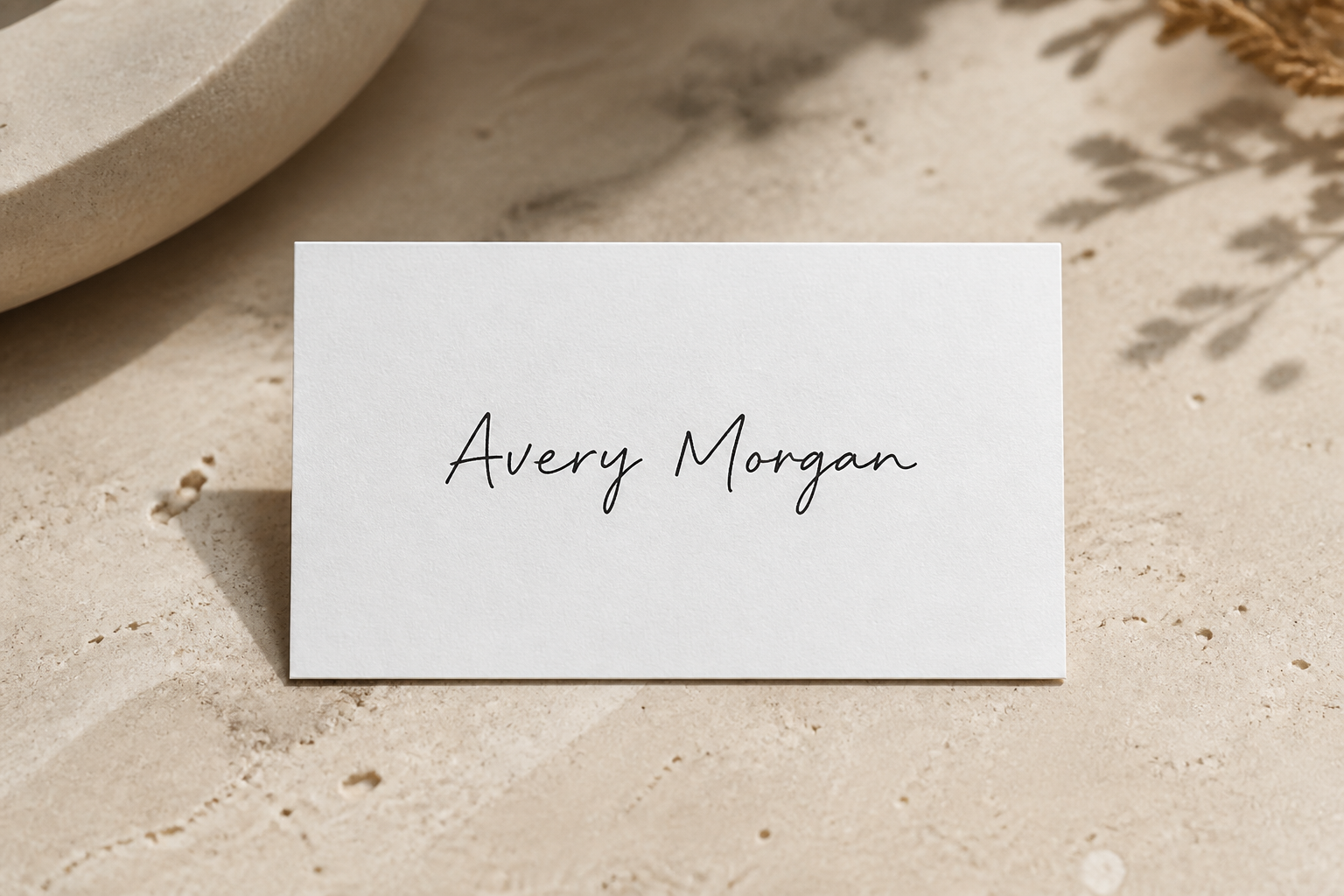
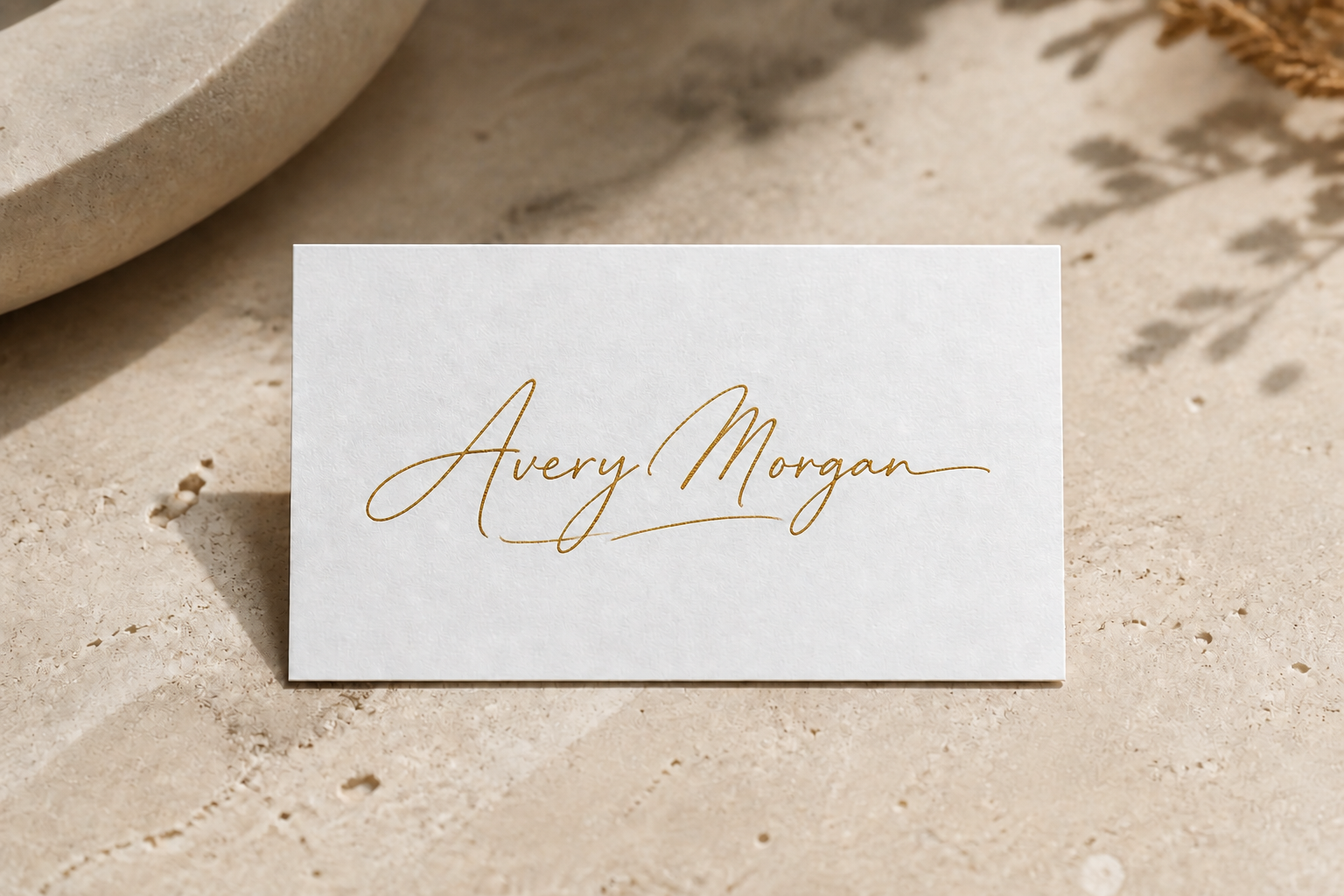
Preview branding-ready looks
A signature can work as more than handwriting. It can become part of your personal brand on cards, portfolios, and digital assets. This tool lets you preview signature looks in more stylized treatments much faster than rebuilding them in design software. That makes it easier to judge what feels premium before you commit.
How It Works
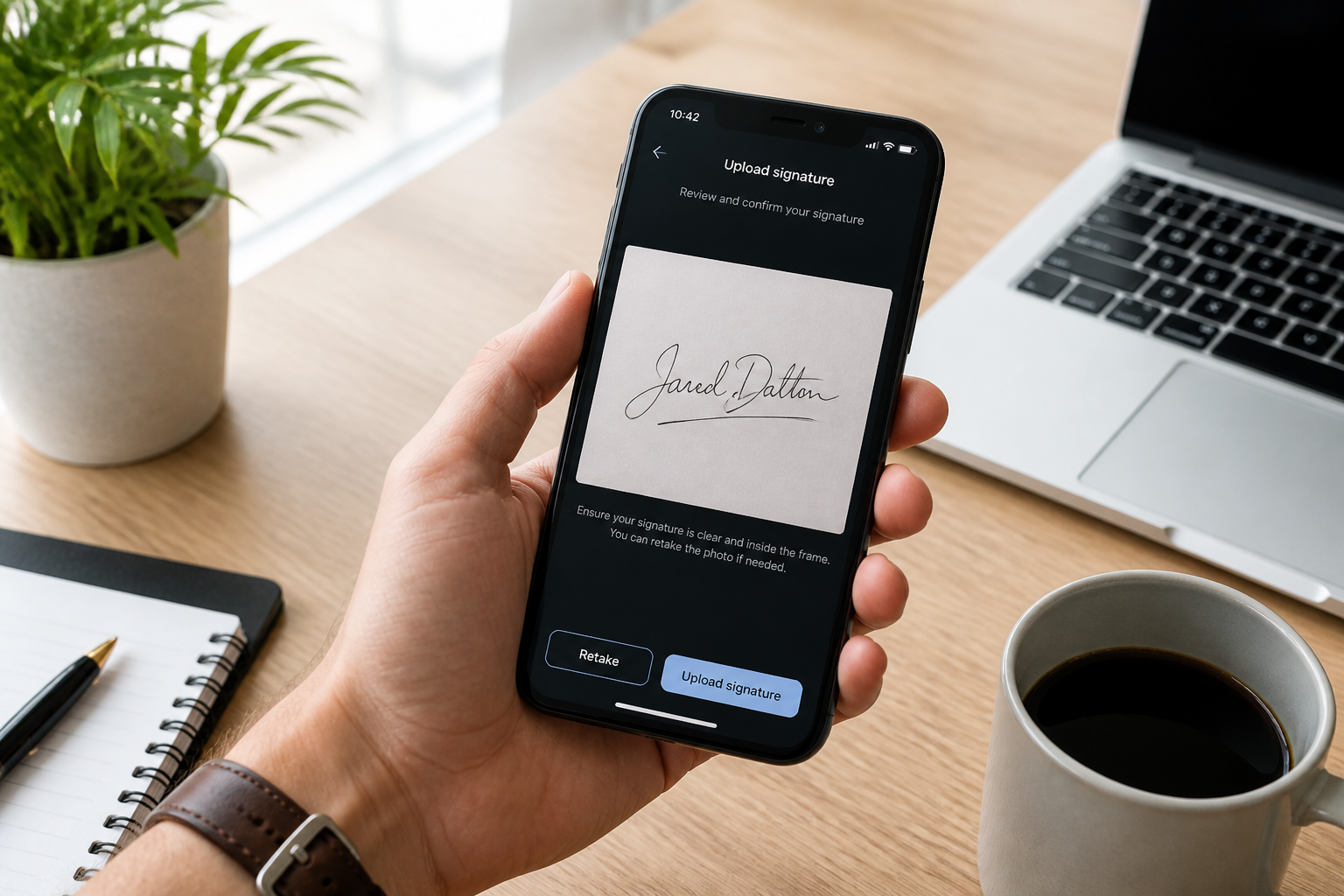
Upload your signature draft
Start with a handwritten signature, typed name, or quick sketch. A clear photo or screenshot works well as long as the name is easy to see.
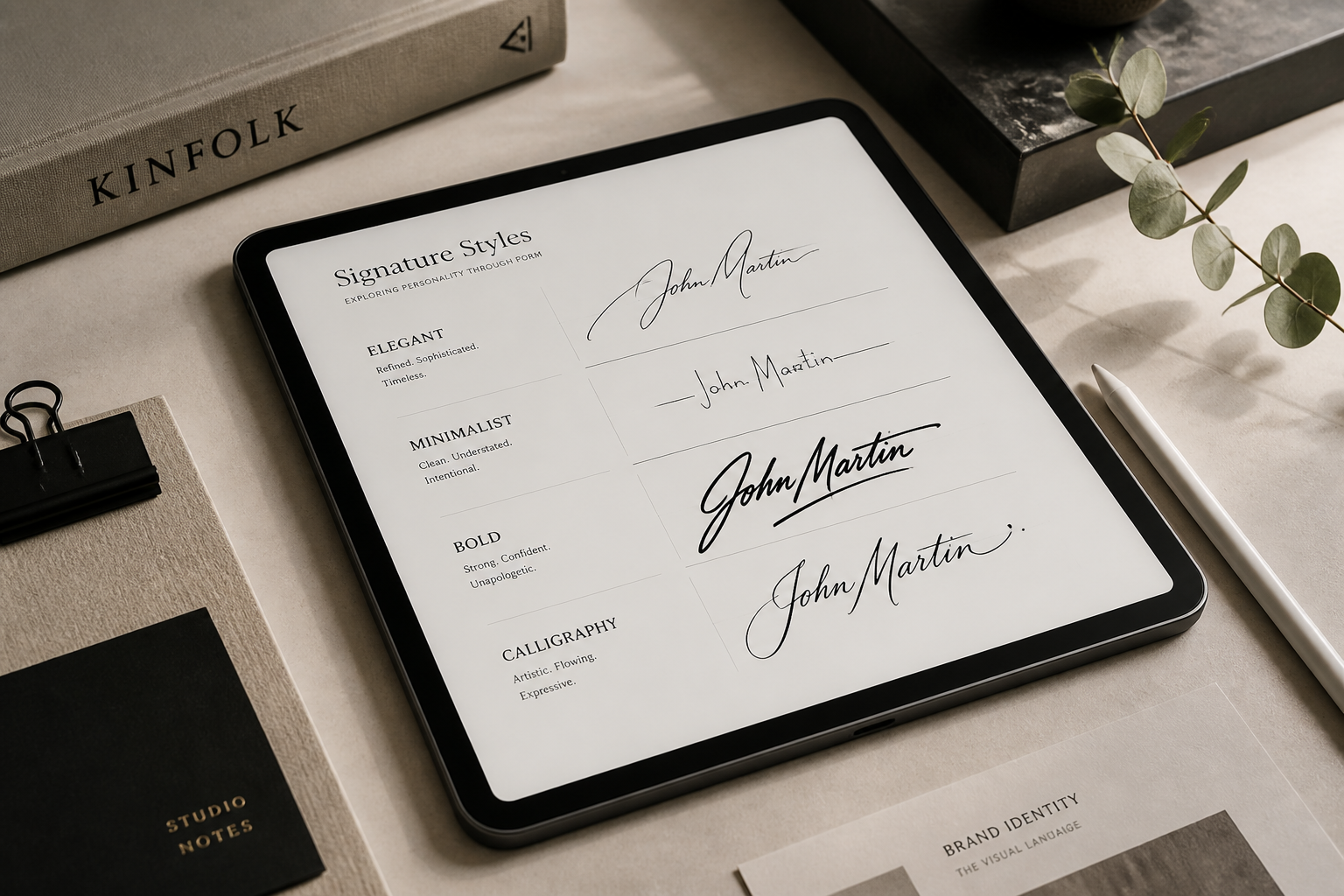
Describe the style you want
Tell the AI what kind of signature to generate, such as elegant, bold, minimalist, or classic. You can also mention details like long flourishes, sharp angles, or a simple underline.
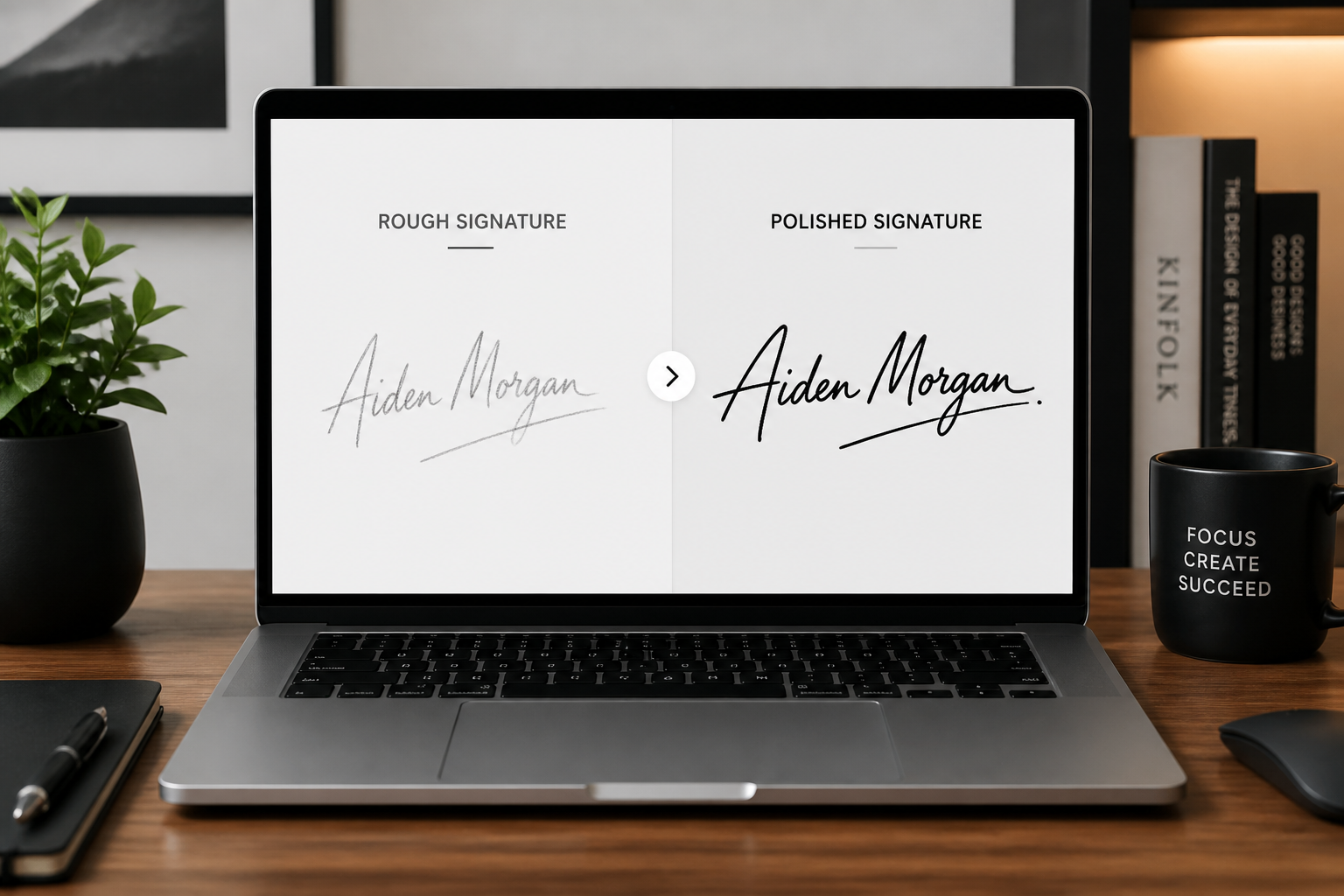
Compare and save your result
Review the before and after version side by side to see which look works best. Then keep the version that fits your documents, branding, or online profile.
Perfect For
Discover how creators and professionals use ai signature generator
Email and document signatures
Create a cleaner signature look for PDFs, proposals, and professional email footers.
Personal branding
Test signature styles for websites, portfolios, social profiles, and creator branding.
Business cards and stationery
Preview how a signature-style mark could look on cards, letterheads, and printed materials.
Resume finishing touch
Add a polished signature line to resumes or cover letters without redrawing it repeatedly.
Built For
Professionals
Useful for people who want a neat, consistent signature for work documents and client-facing materials.
Freelancers and creators
Good for anyone building a personal brand and testing a signature that feels distinctive and clean.
Students and job seekers
Helpful when you want a more polished signature for resumes, applications, and online profiles.
How this compares
A quick look at how we compare on the things that matter for this niche.
| Feature | BudgetPixel | Generic AI editors | Manual editing apps |
|---|---|---|---|
| Refines rough handwriting | ✓ | ✓ | — |
| Easy style exploration | ✓ | ✓ | — |
| Before/after signature edits | ✓ | — | — |
| Fast without drawing by hand | ✓ | ✓ | — |
| Good for branding mockups | ✓ | — | ✓ |
Frequently Asked Questions
What can I upload to the AI Signature Generator?
Can it make my signature look more professional?
Will the generated signature still be readable?
Can I generate different signature styles from one draft?
Is this for legal electronic signatures?
Create together.
Share your creations, discover trending AI art, and grow with fellow creators.