Calligraphy Generator for Stylish Custom Lettering
Turn plain words into polished calligraphy in a few clicks.
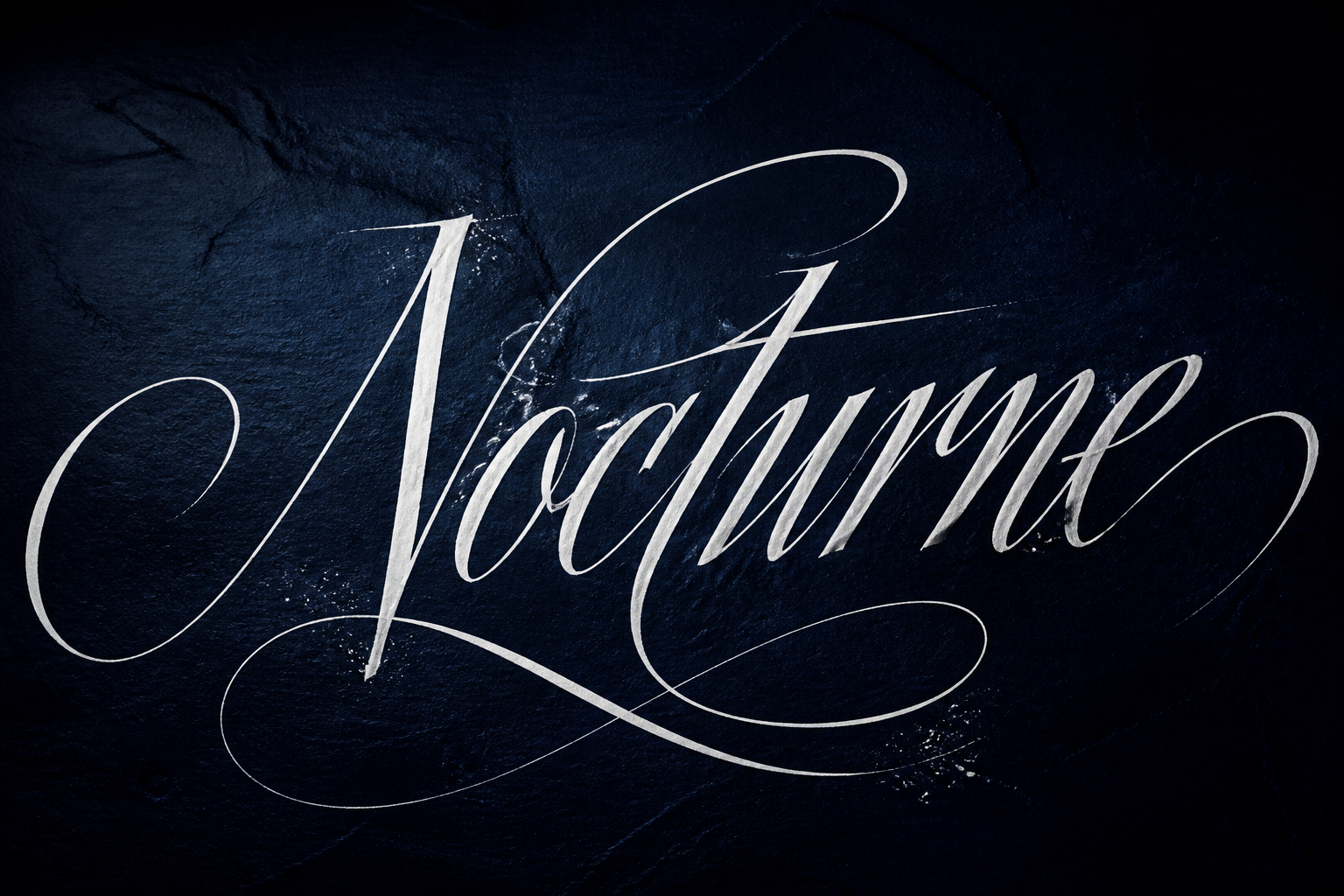
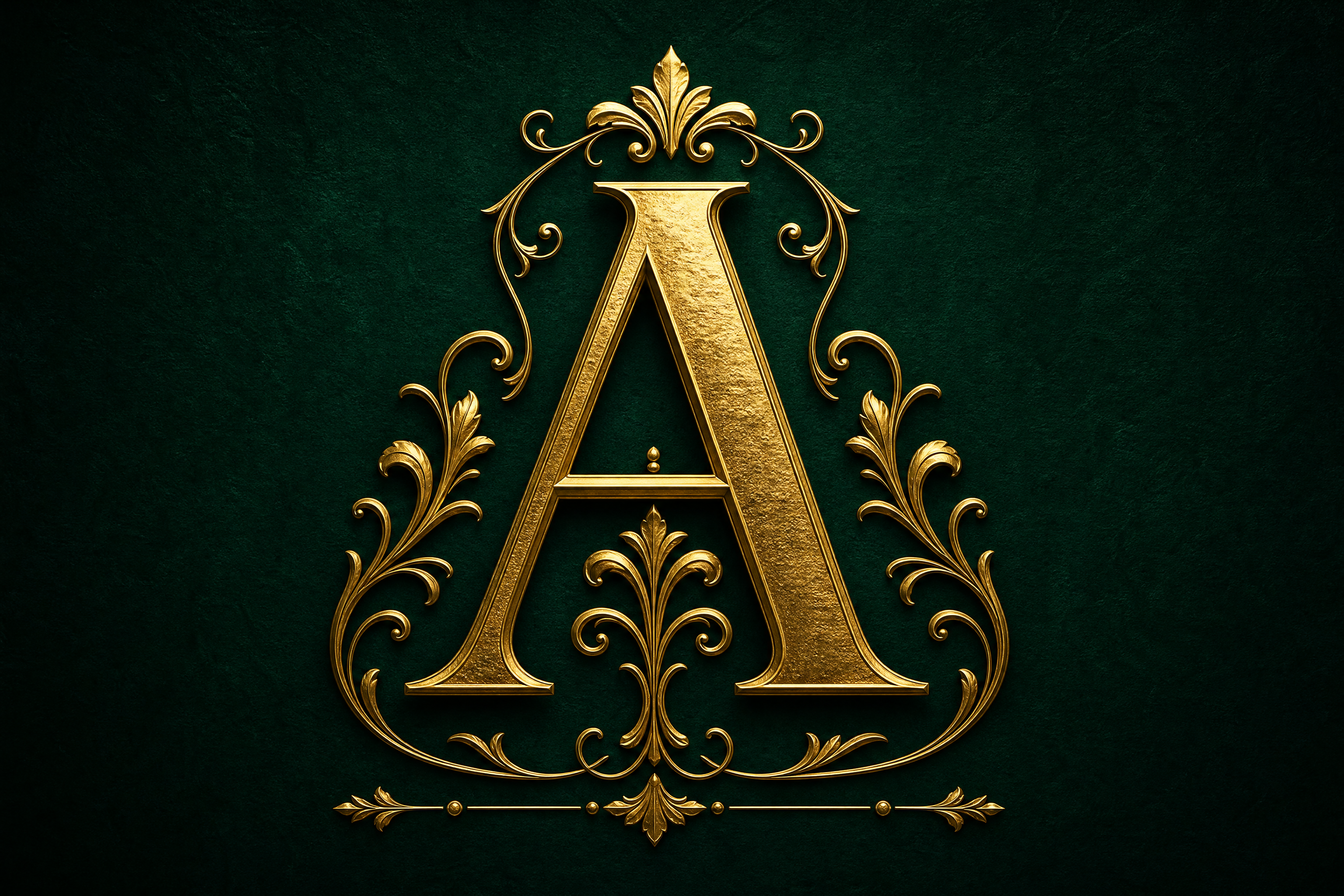
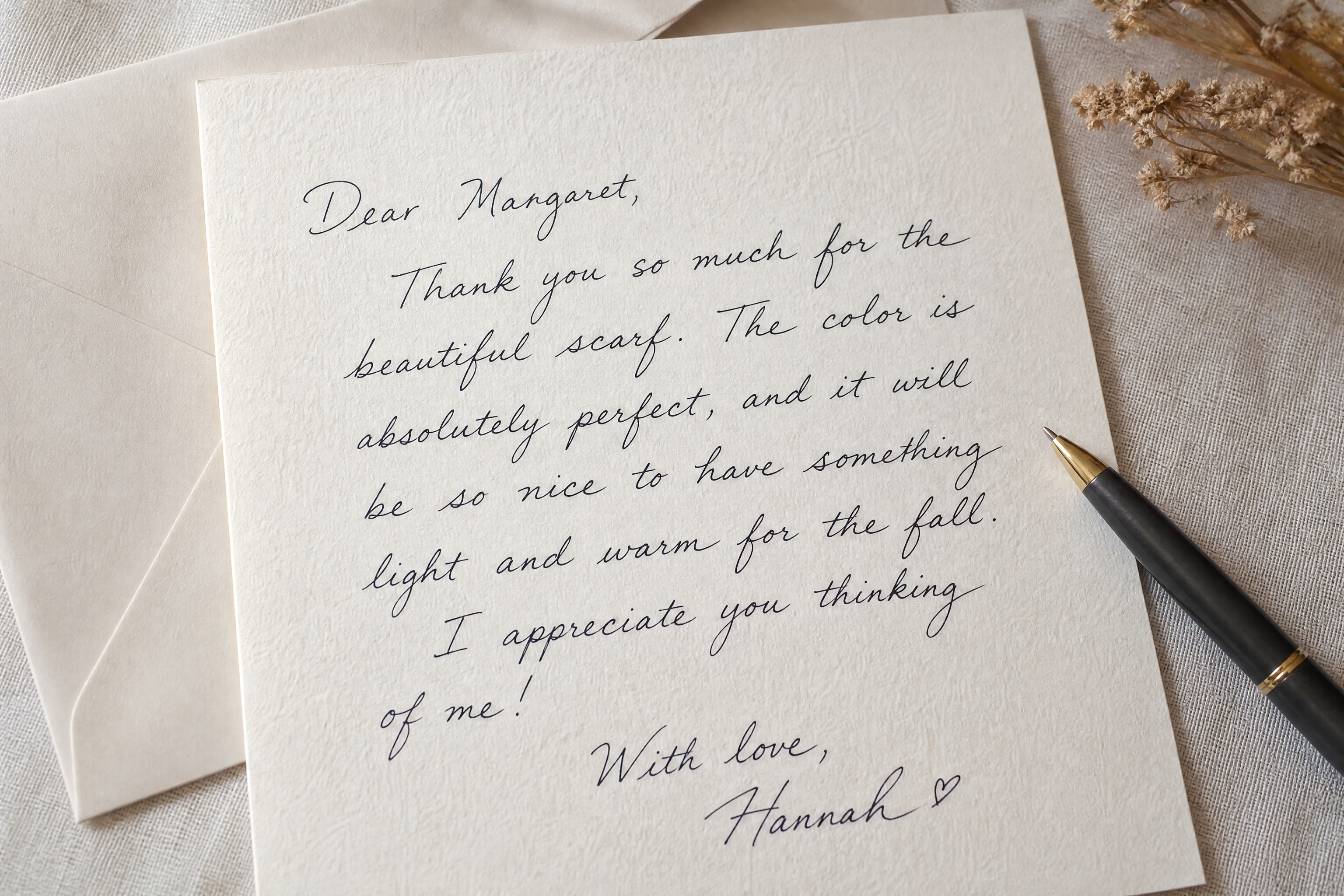
Upload a photo, sketch, sign, or simple lettering sample and turn it into refined calligraphy with our AI. Generate elegant script, bold brush lettering, or ornamental ink styles while keeping the original wording and layout clear.

Watch the Transformation
See calligraphy generator in motion — generated end-to-end by our AI.
See It In Action
Real outputs from calligraphy generator.
BEFOREAFTER BEFORE
 AFTER
AFTER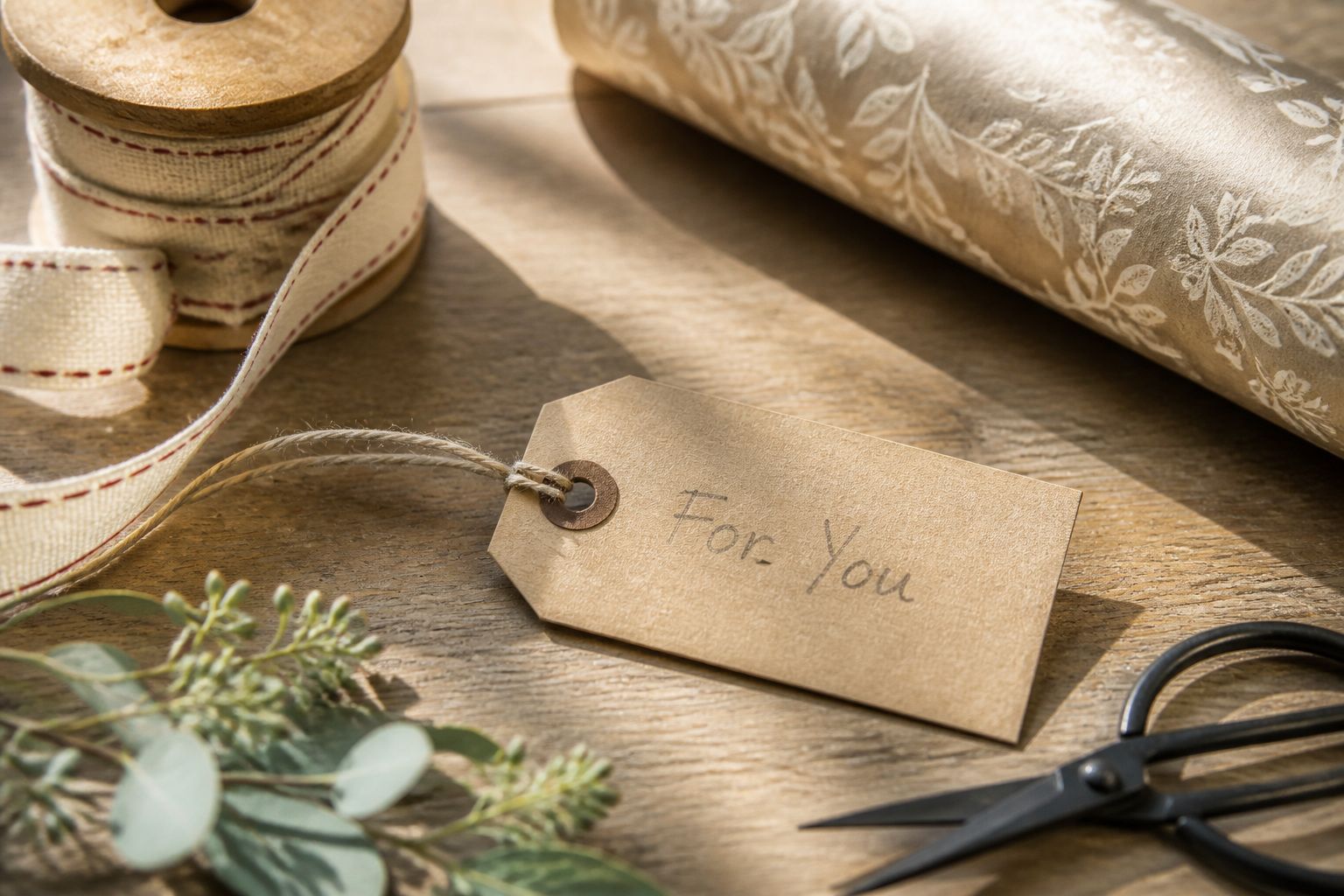 BEFORE
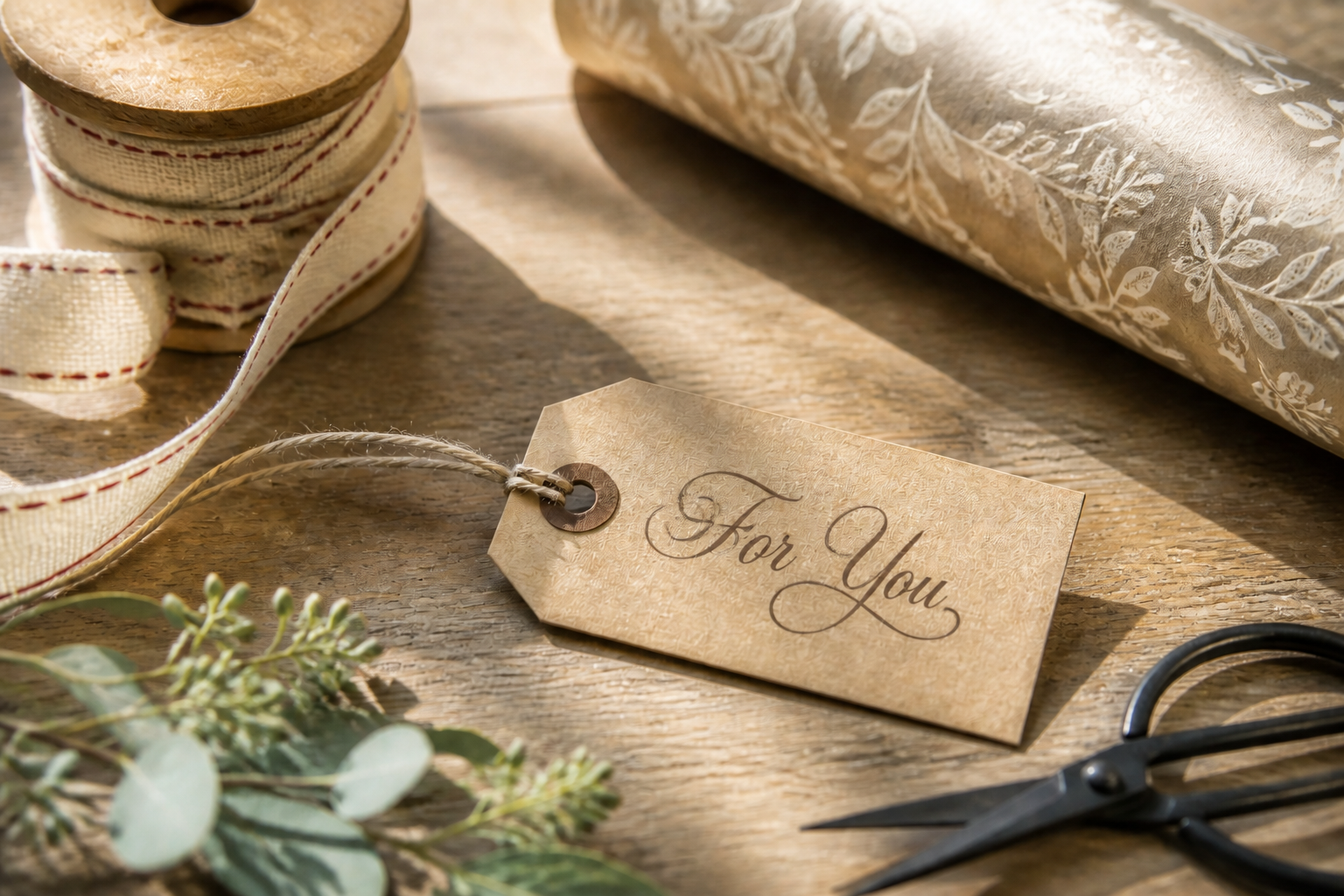 AFTER
AFTER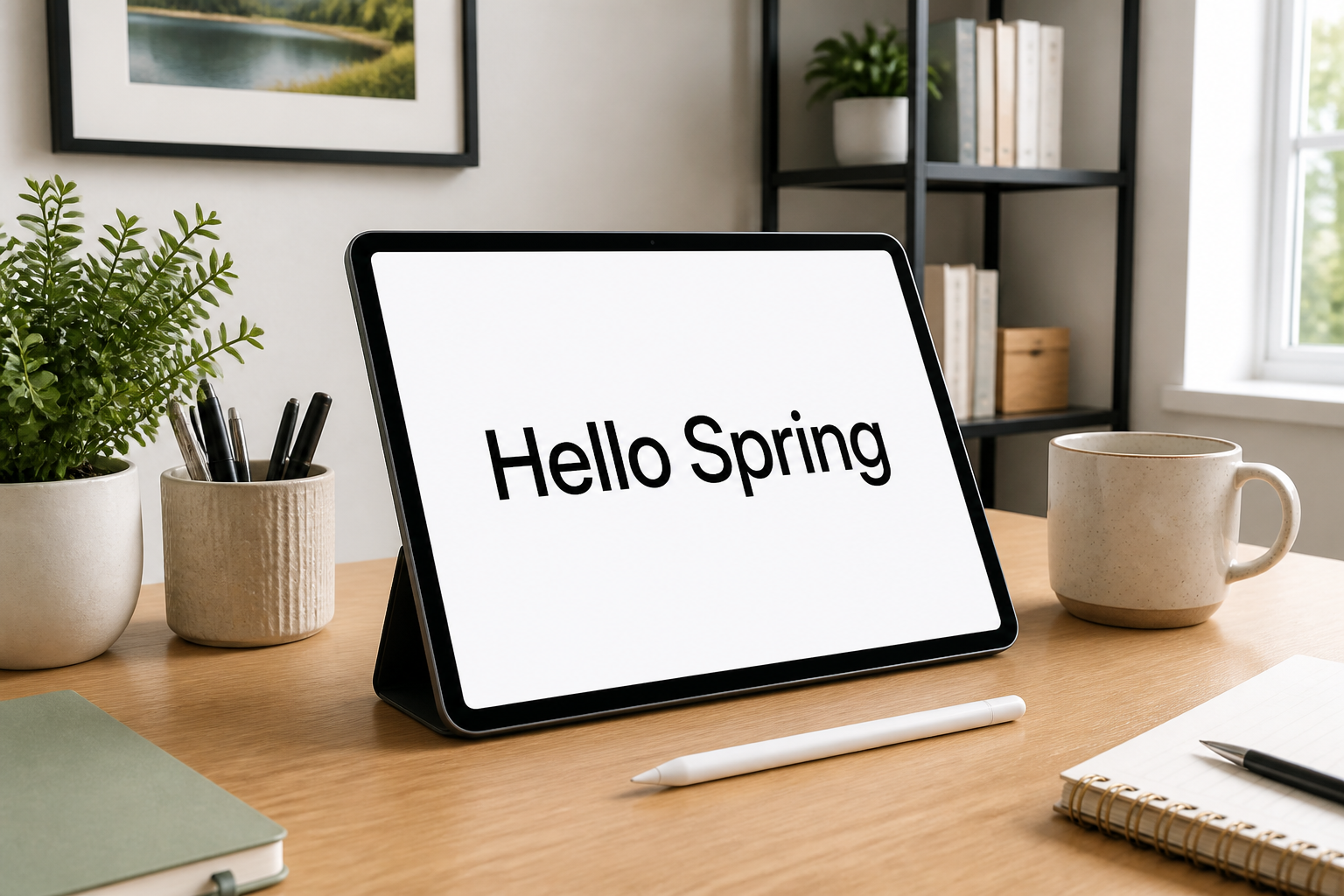 BEFORE
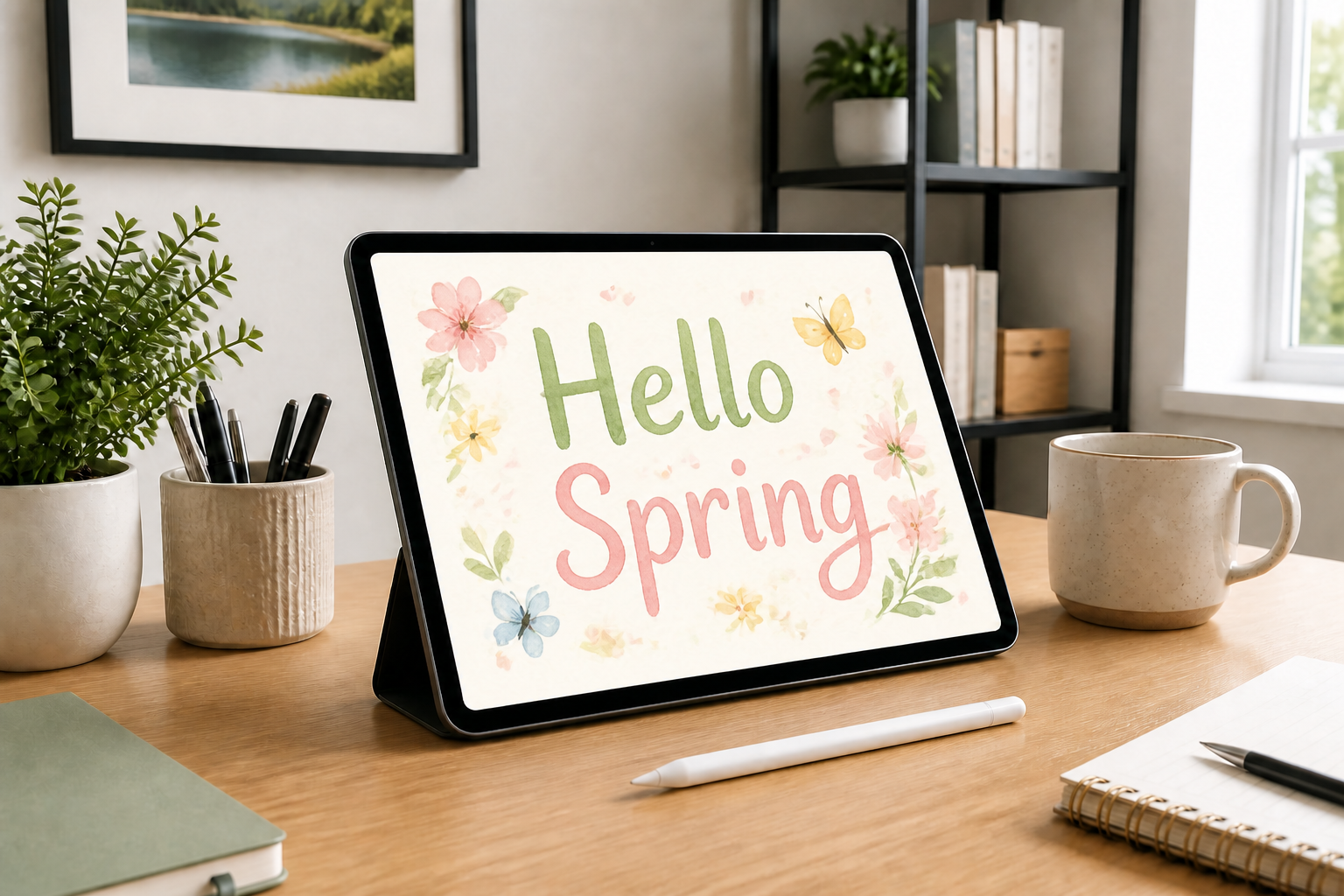 AFTER
AFTER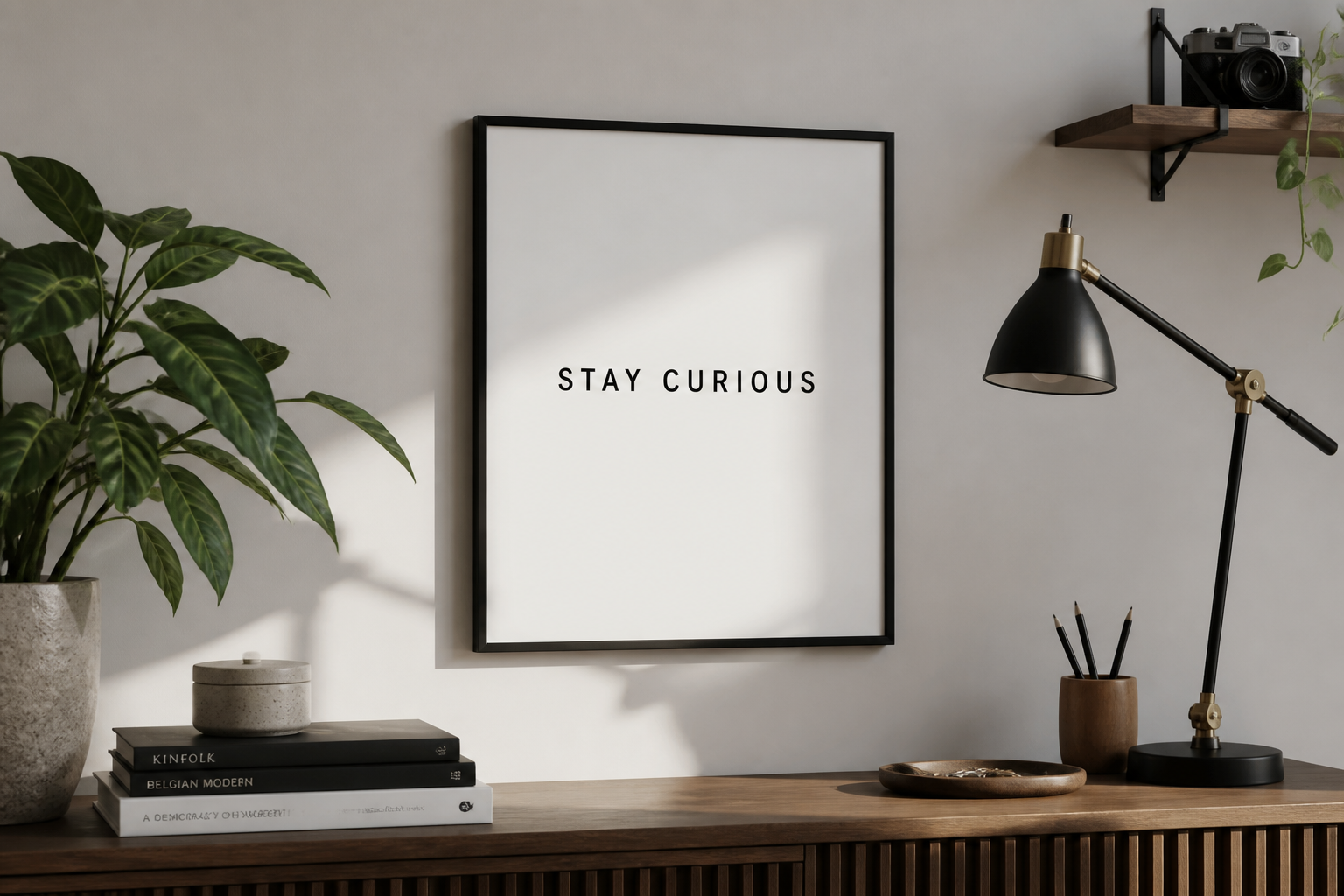 BEFORE
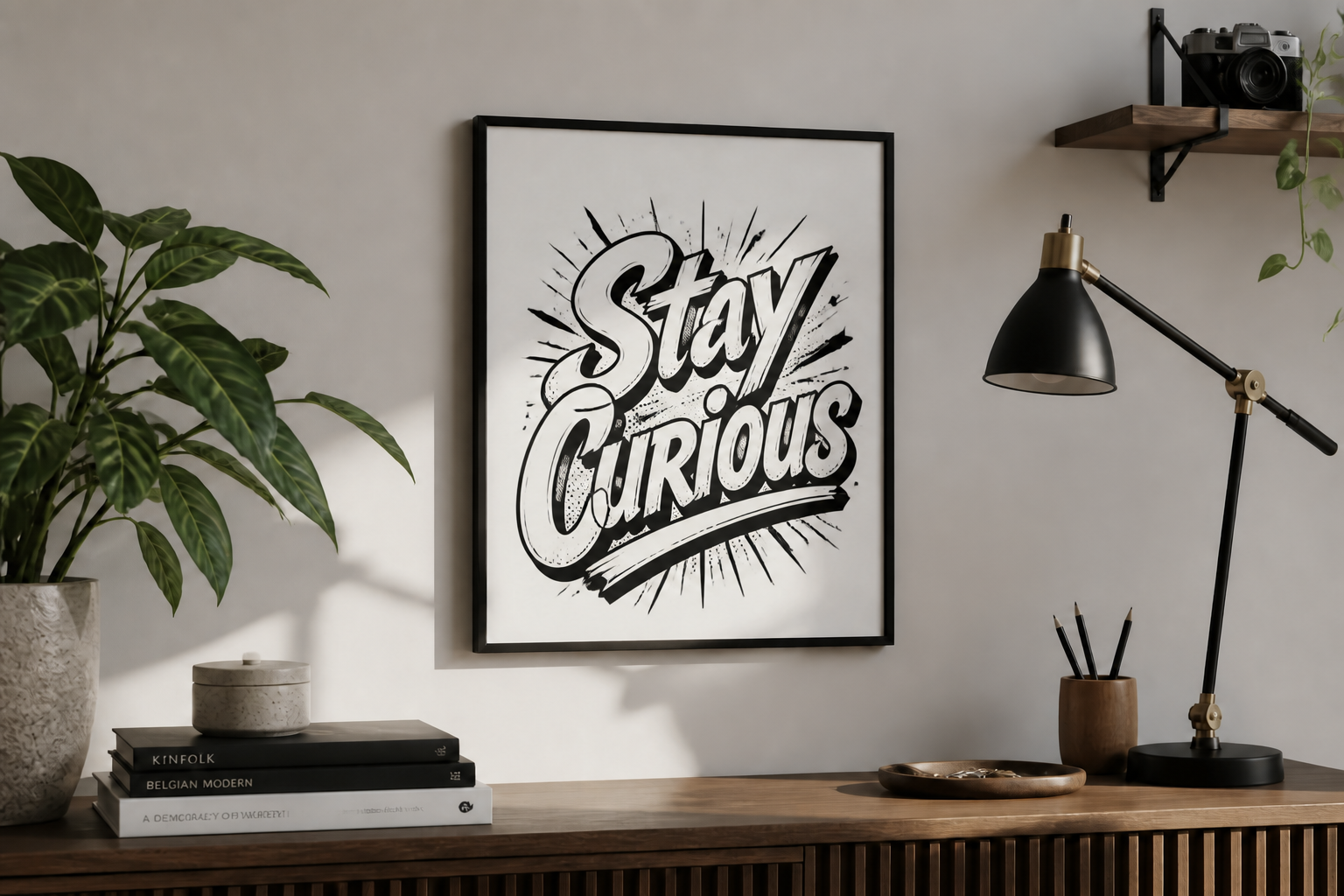 AFTERBEFOREAFTERBEFOREAFTERBEFOREAFTERBEFOREAFTERBEFOREAFTER
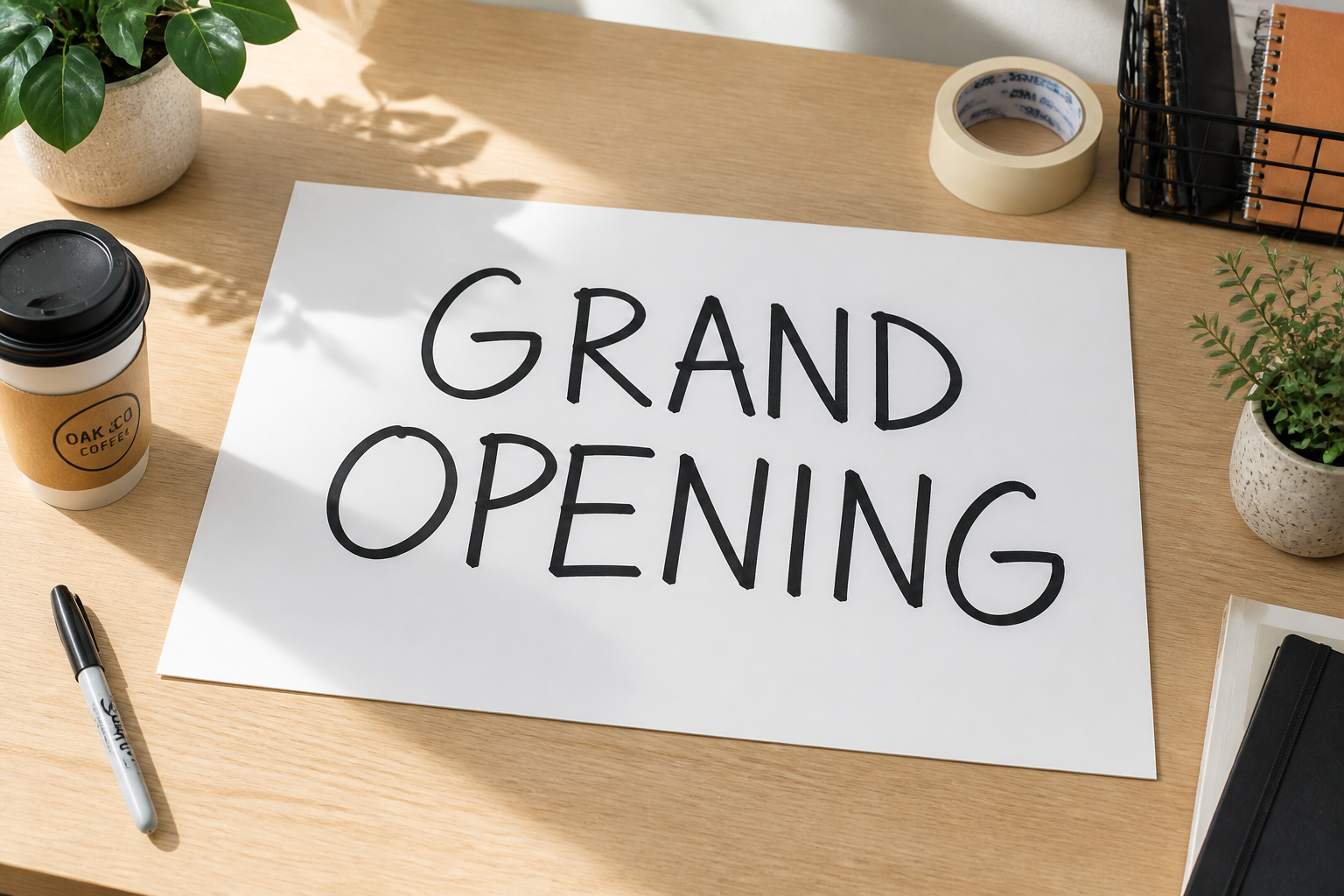 BEFORE
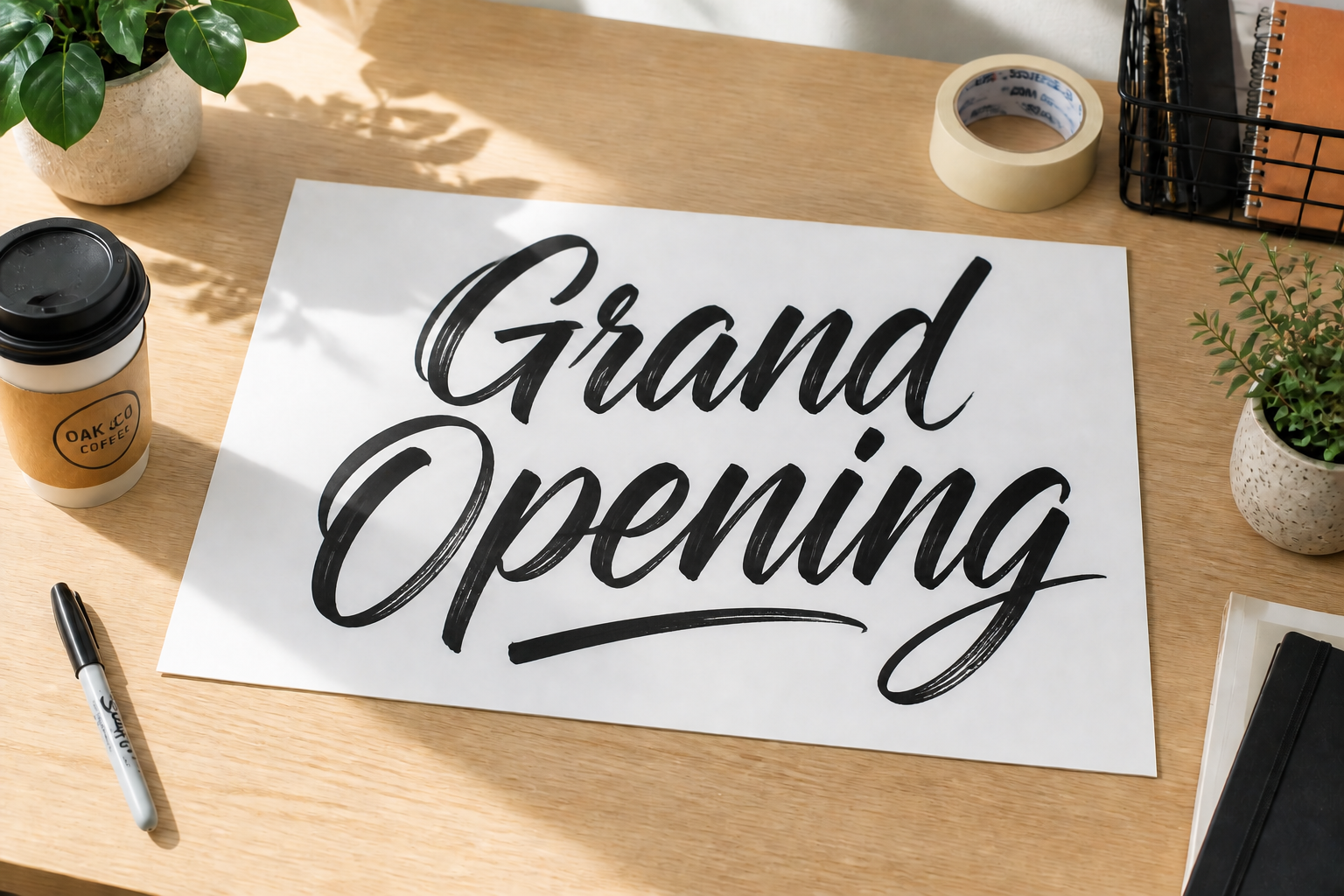 AFTER
AFTER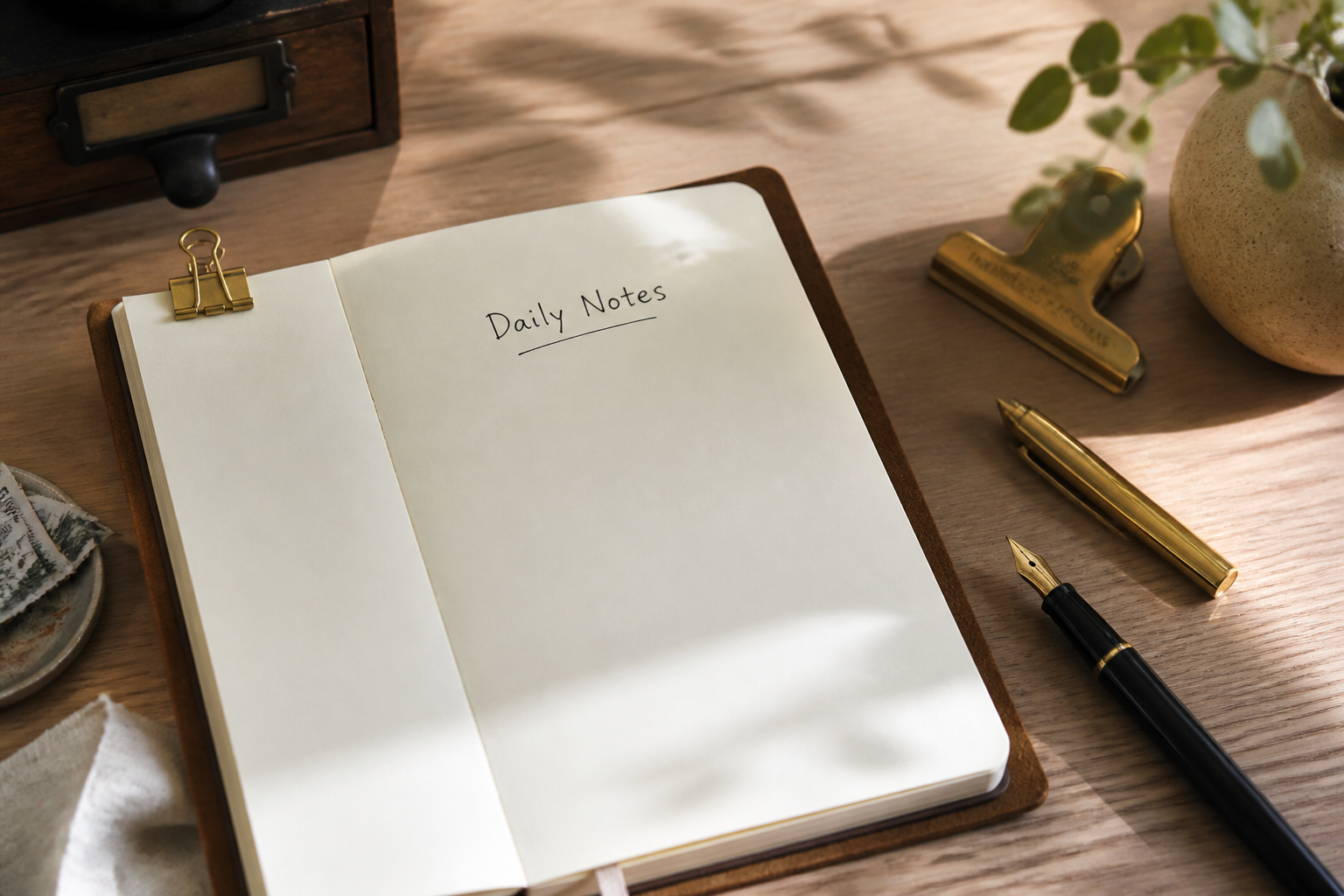 BEFORE
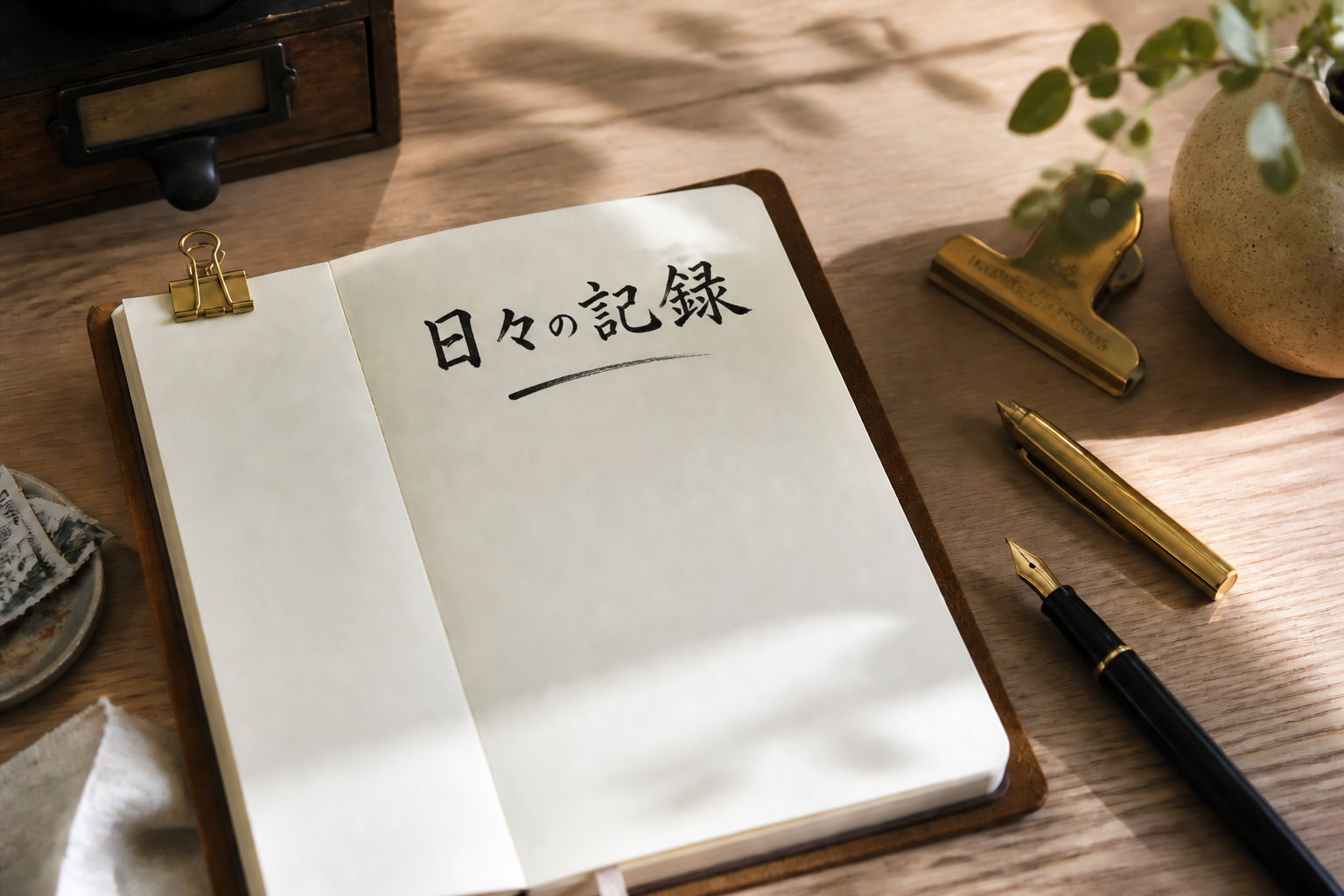 AFTER
AFTER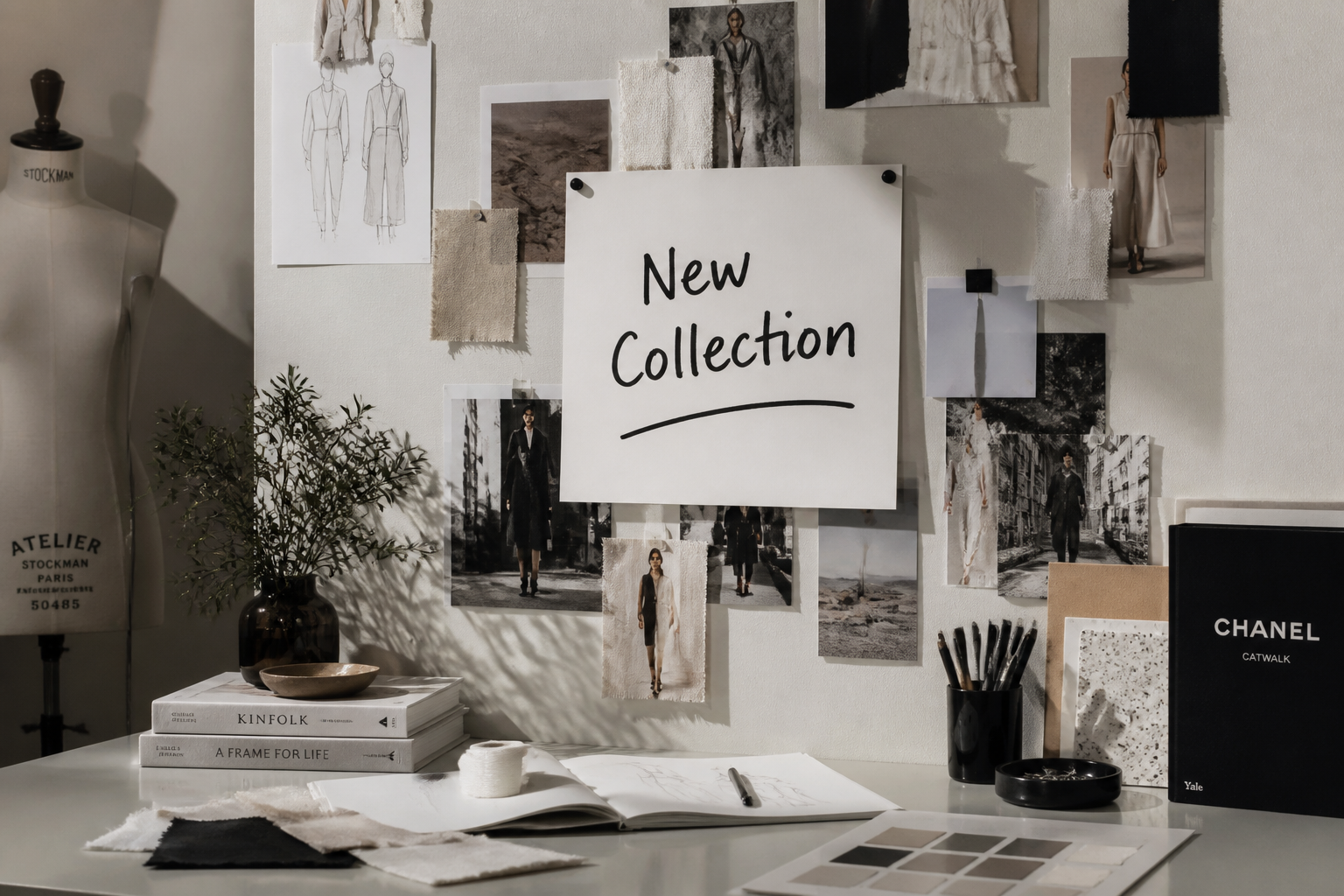 BEFORE
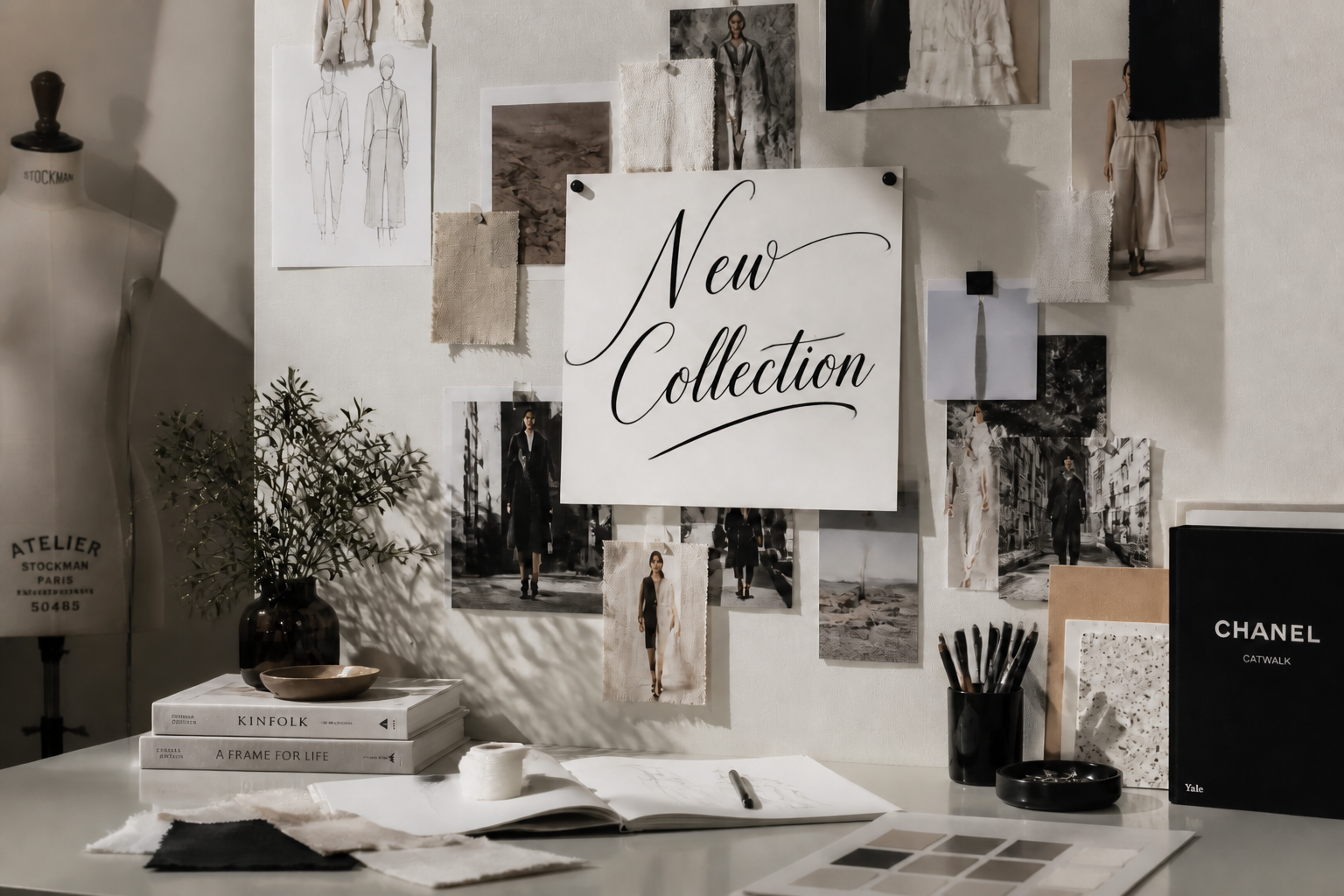 AFTER
AFTER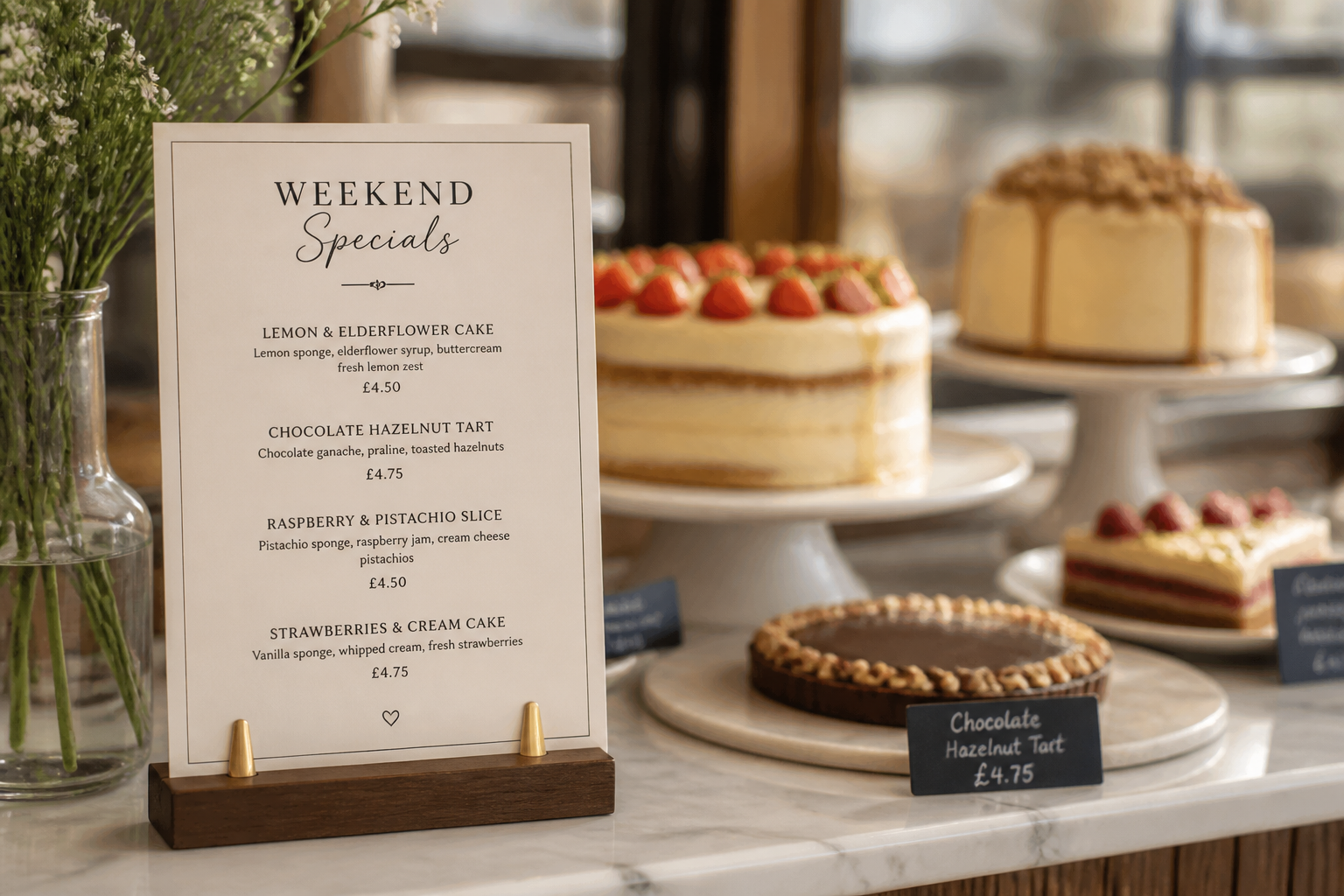 BEFORE
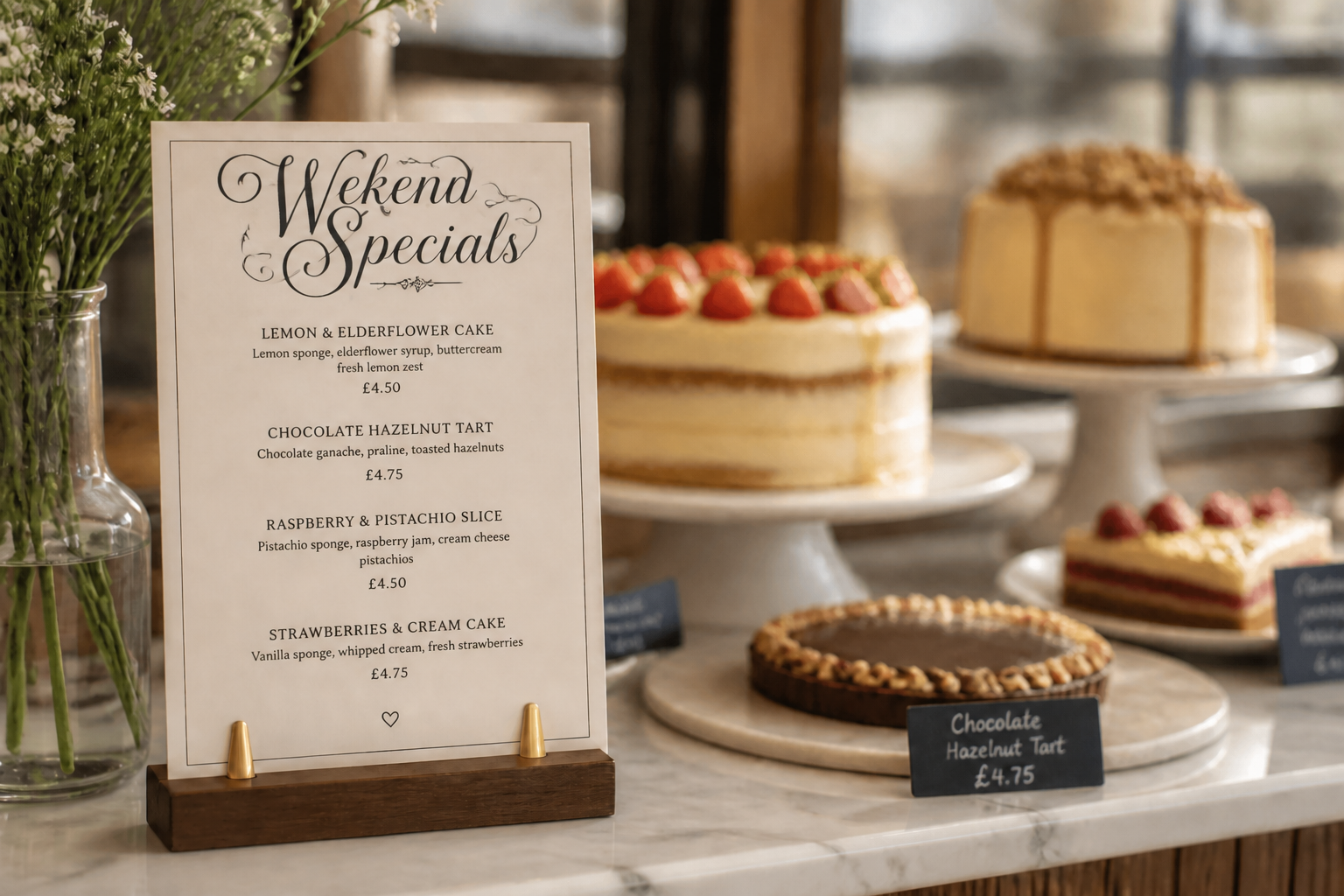 AFTER
AFTER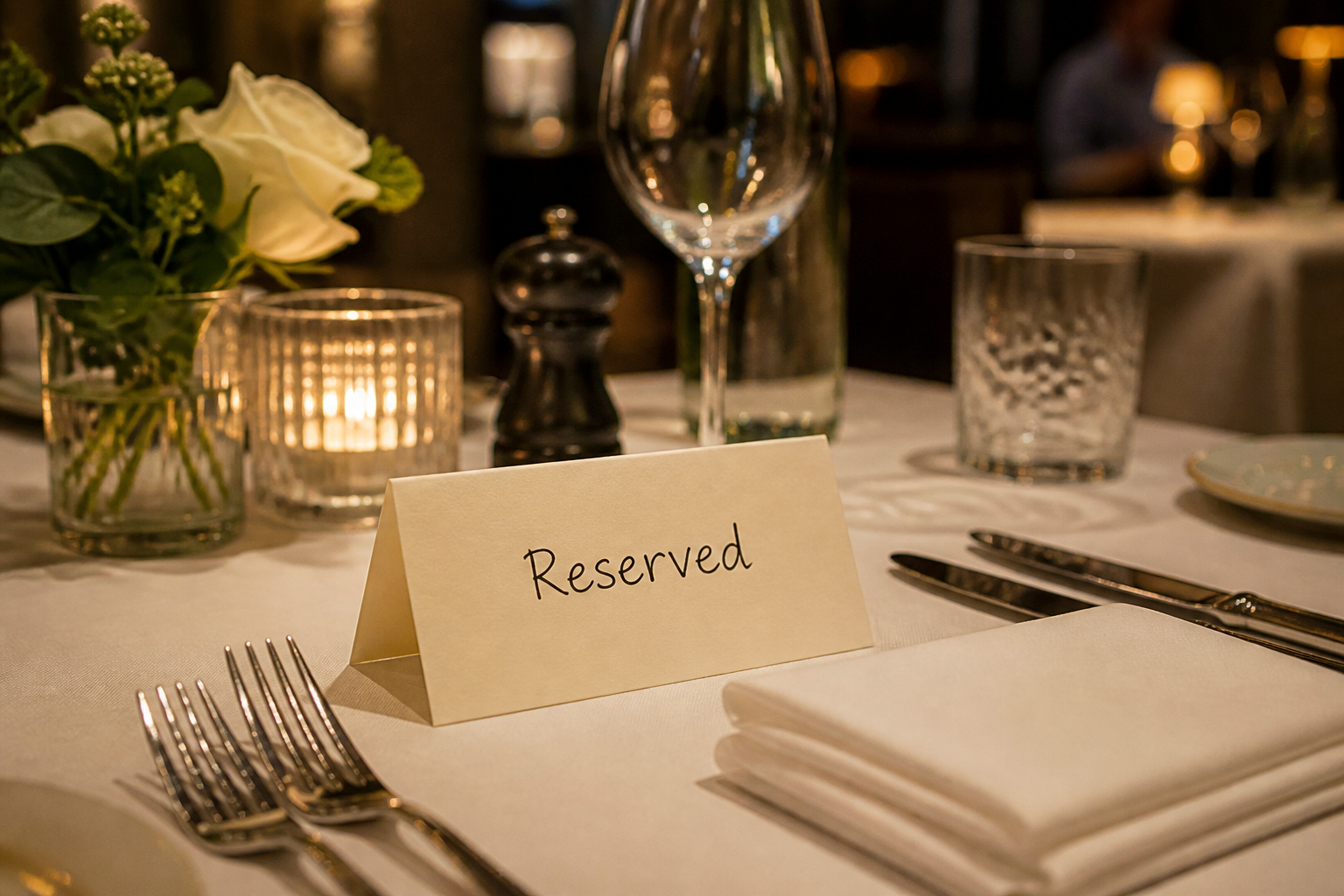 BEFORE
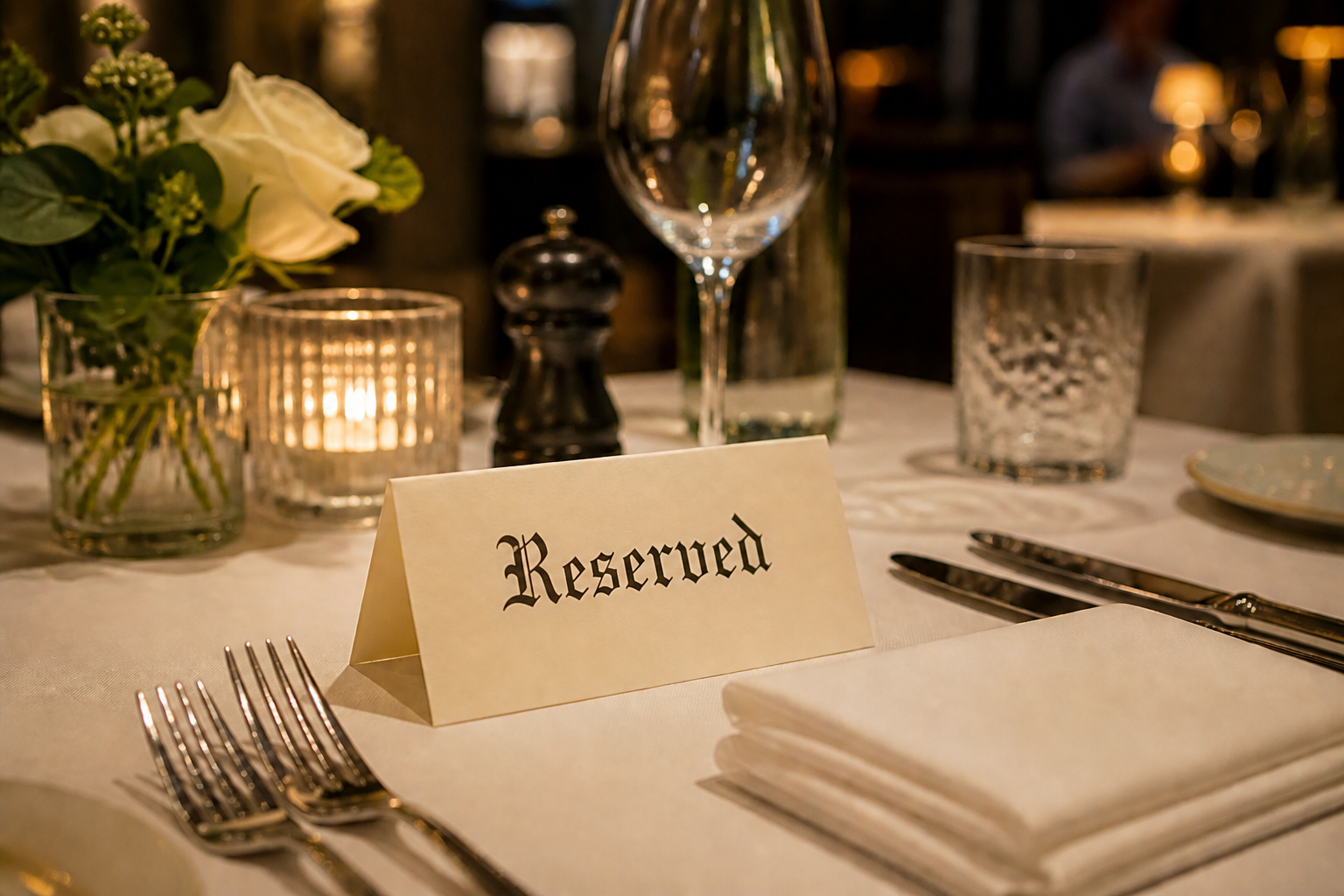 AFTERBEFOREAFTERBEFOREAFTERBEFOREAFTERBEFOREAFTERBEFOREAFTER
Key Features
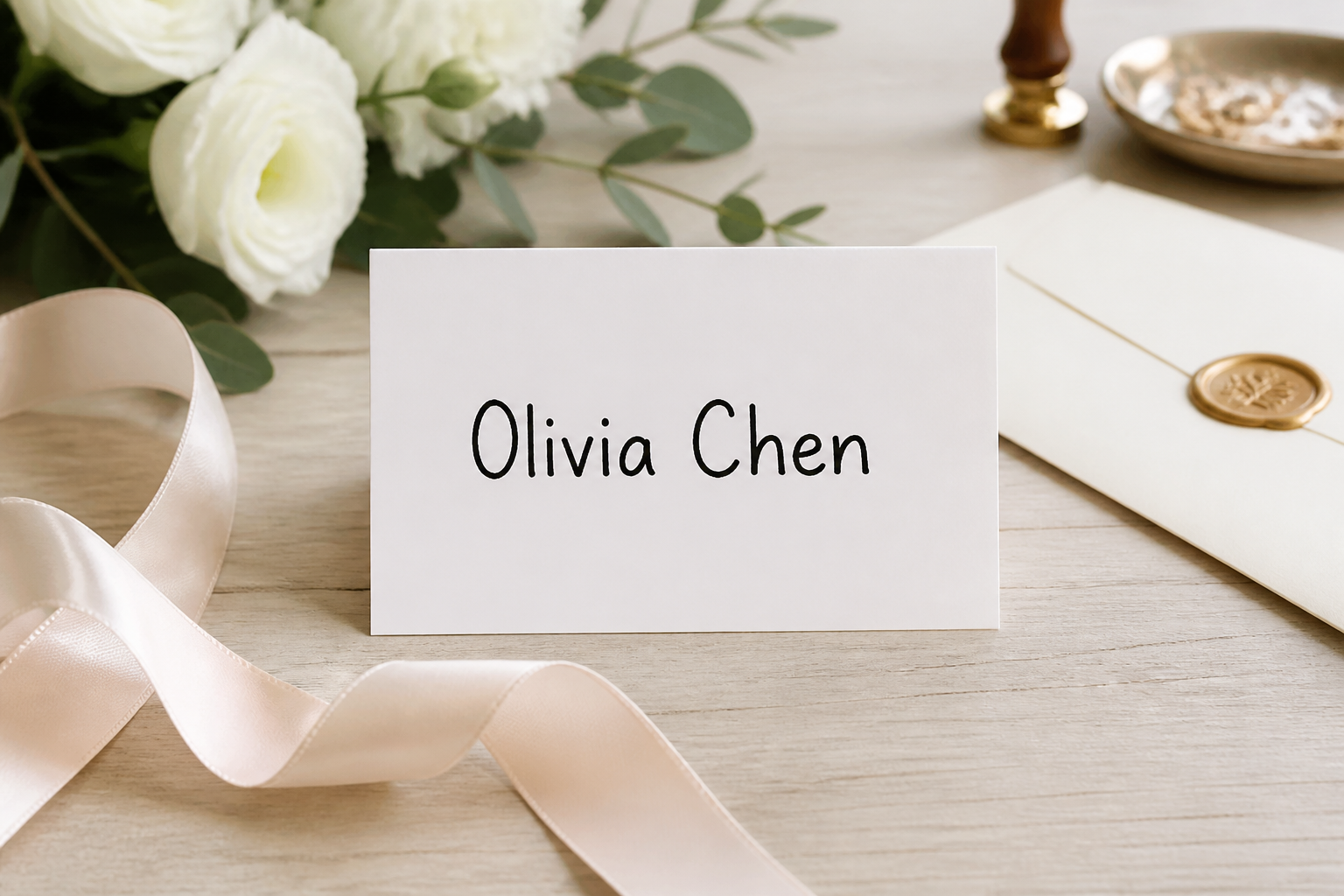
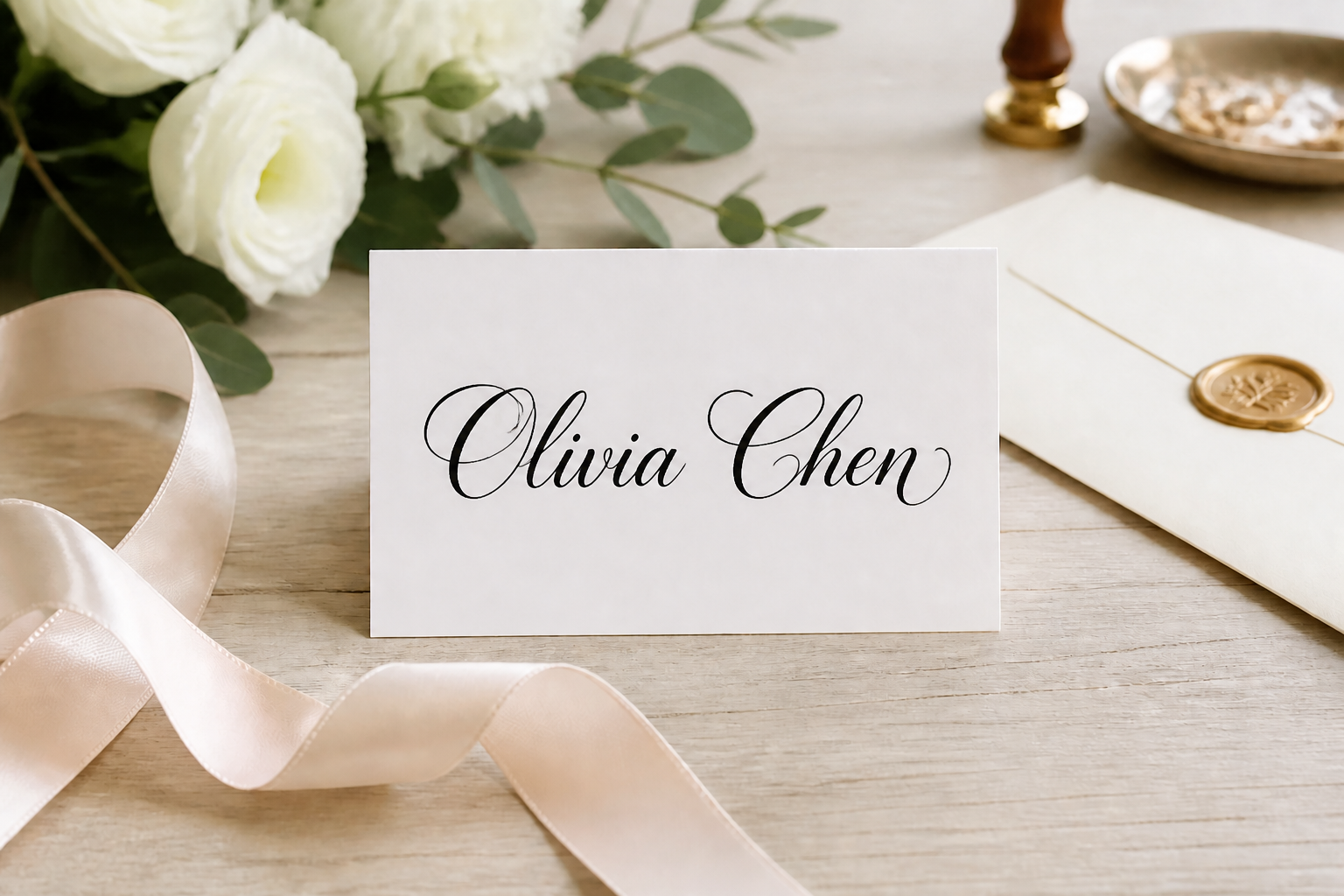
Keep the wording clear
Our AI changes the lettering style without changing the message itself. That matters when you need readable names, signs, invitations, or brand phrases. You get a polished calligraphy look while preserving the original words and placement. It is much faster than redrawing each line by hand and correcting spacing manually.
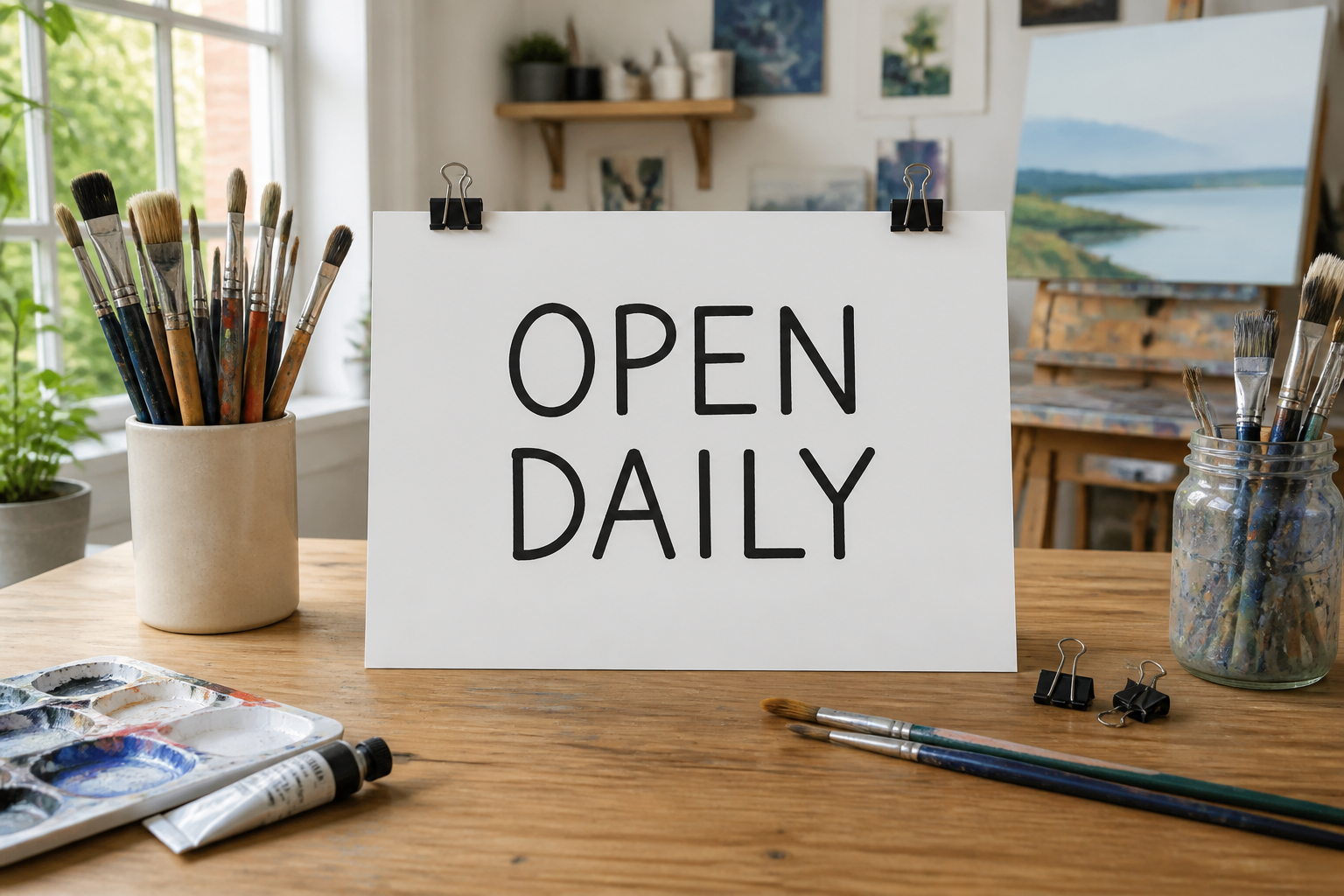
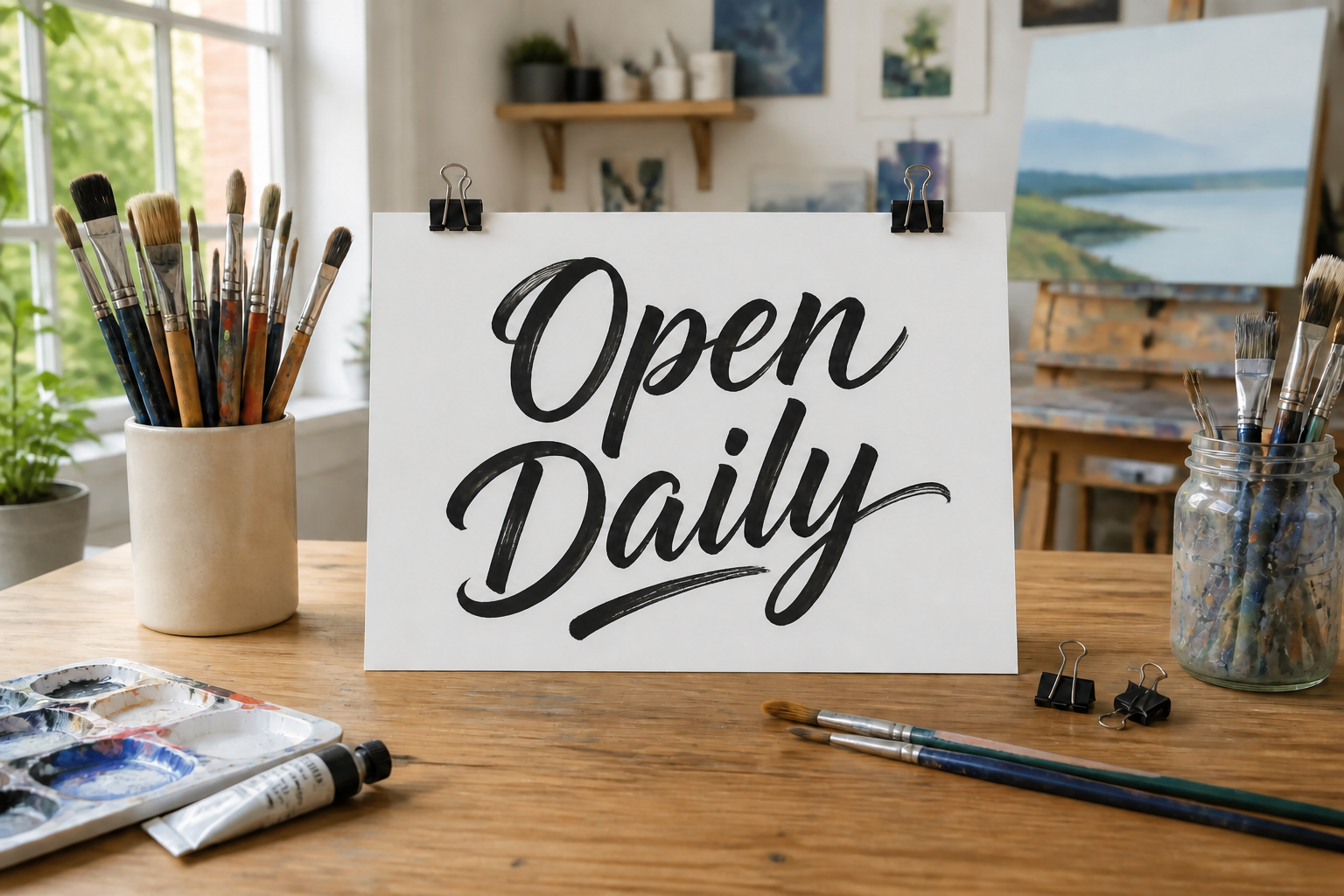
Switch between lettering styles
You can test formal, modern, bold, or ornamental looks on the same source image. This helps when you are deciding between a soft wedding script, a brushy social graphic, or a classic sign style. The visual change is immediate, so you can compare direction before finalizing a design. It saves time compared with hunting through fonts or rewriting drafts from scratch.
Polished results from rough drafts
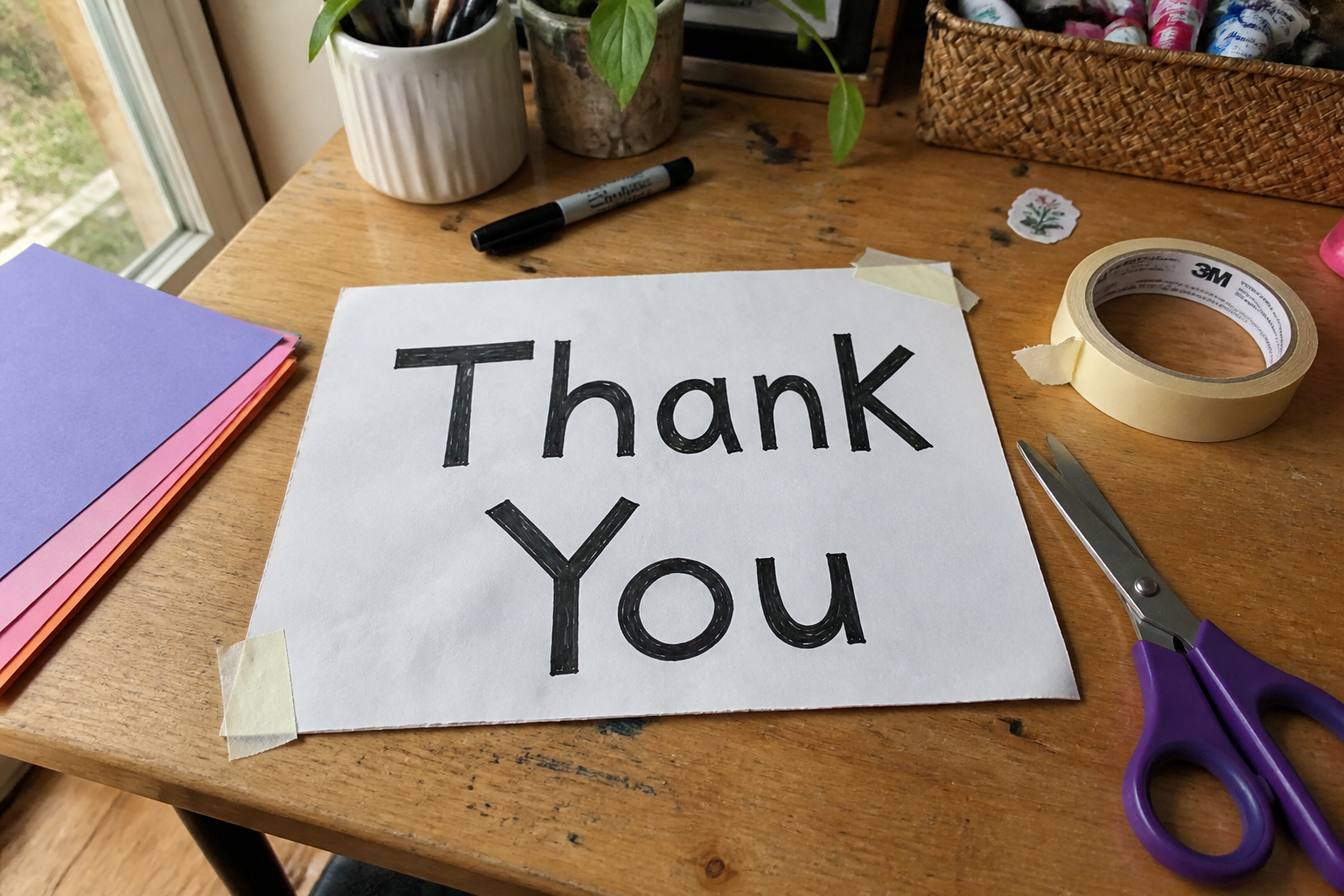
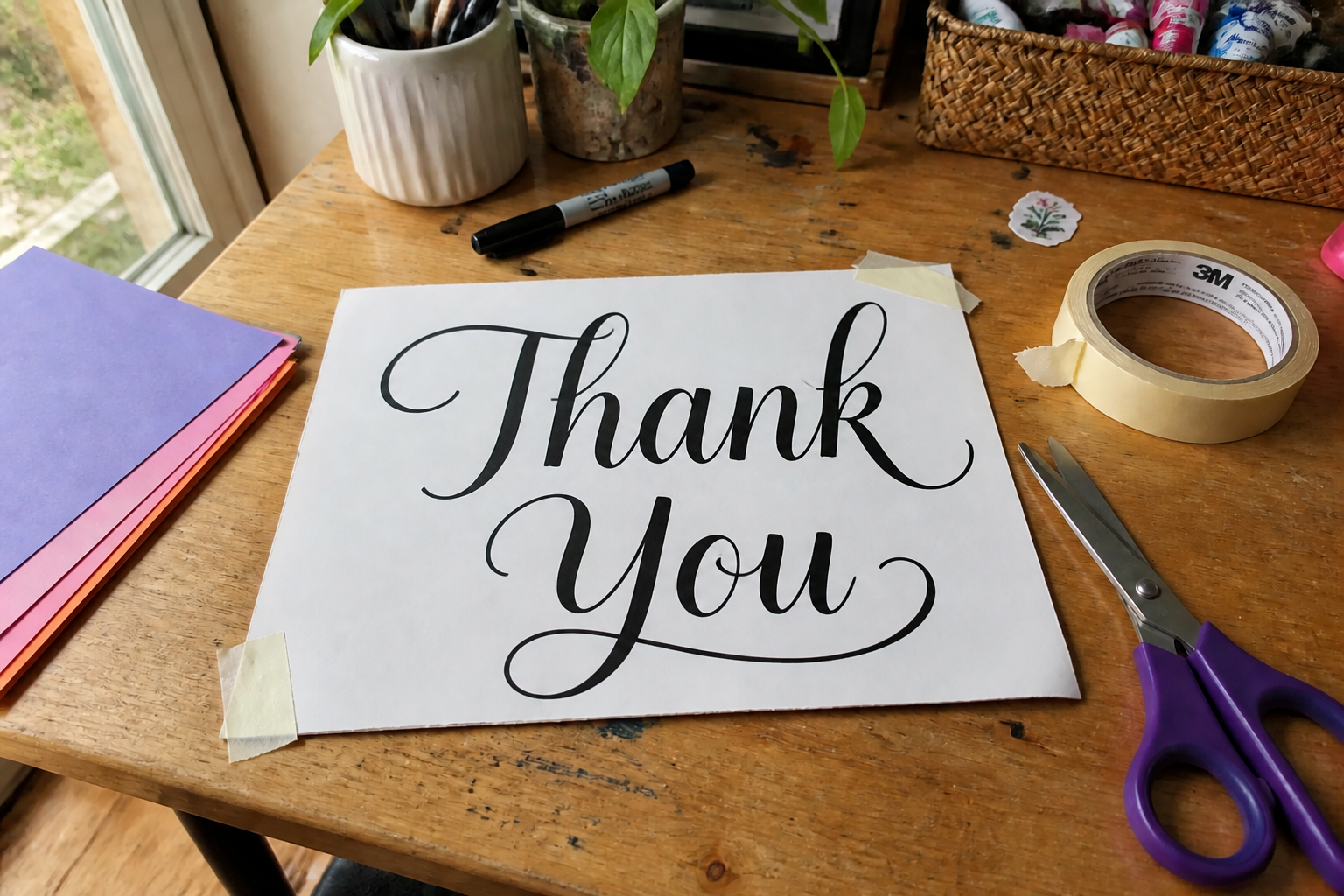
You do not need a perfect sketch to start. Upload a simple note, mockup, or rough marker lettering and let our AI refine it into balanced calligraphy with cleaner stroke rhythm. This is useful for creators who have the idea but not the time to ink every version manually. It turns quick drafts into presentation-ready visuals.

Works for print and posts
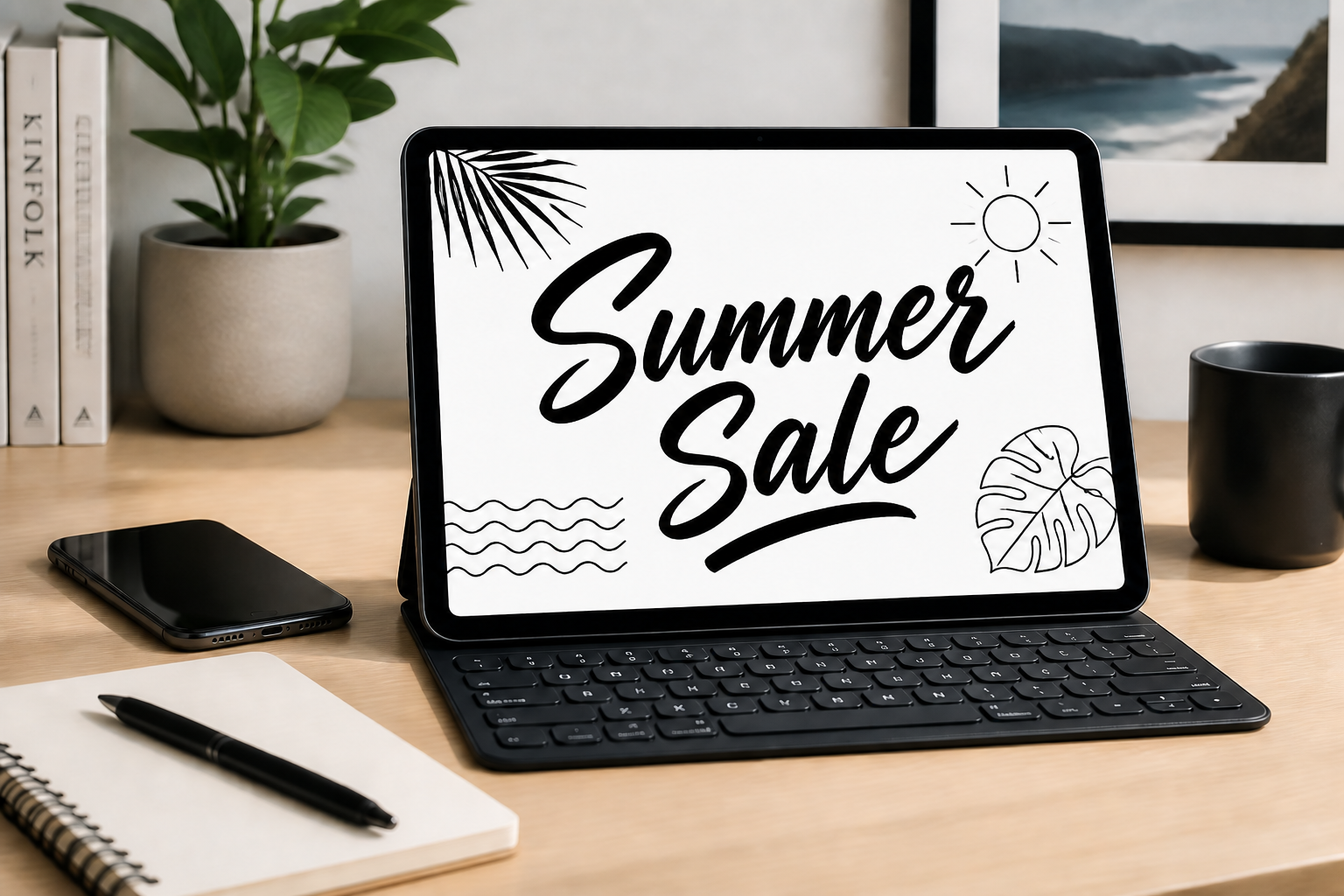
Calligraphy needs to look good on cards, menus, social graphics, and framed prints. The tool helps you generate styles that read cleanly at a glance while still feeling handcrafted. You can quickly create a more premium look for client work, event materials, or product shots. That makes it easier to produce multiple visual directions from one starting image.
How It Works
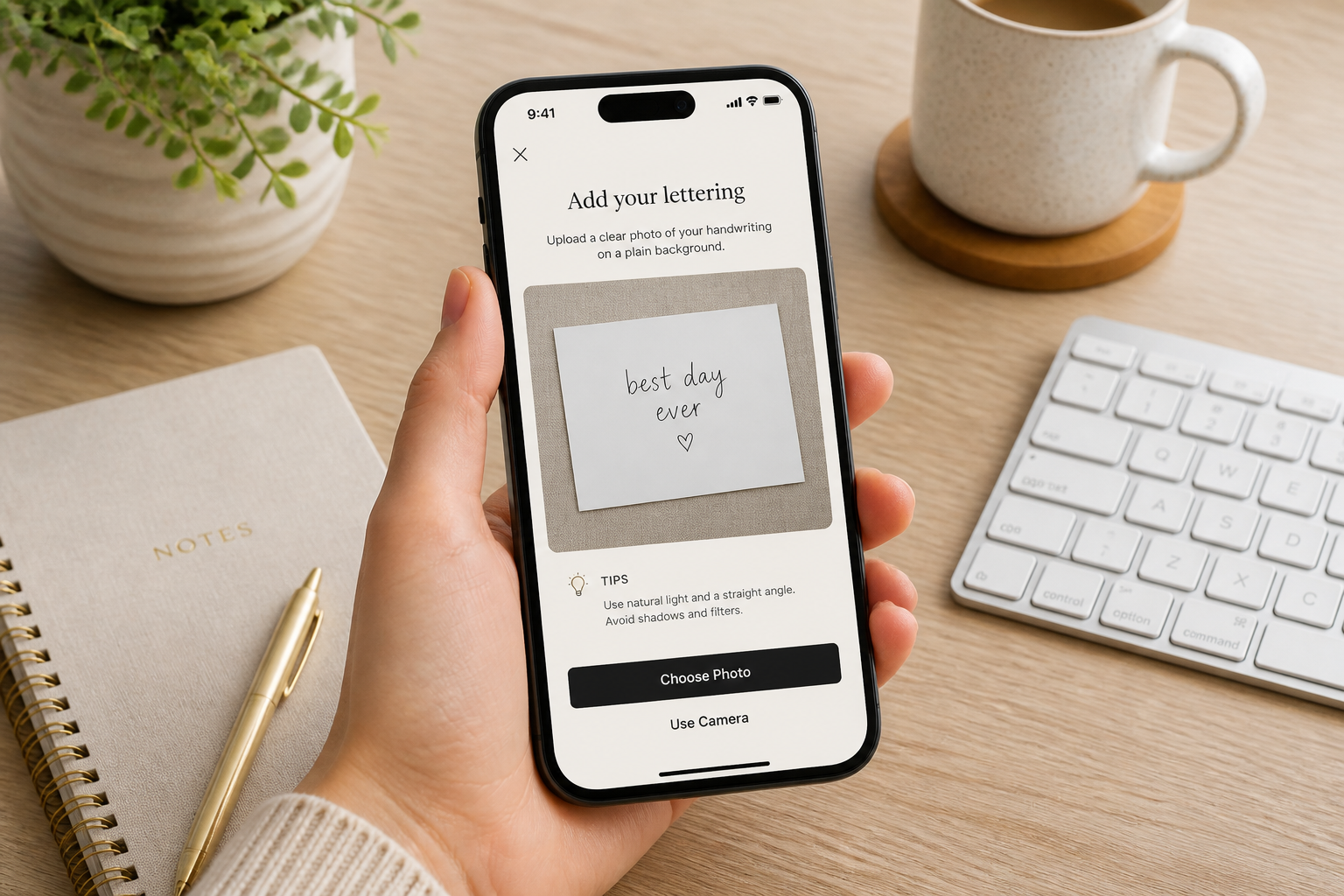
Upload your lettering image
Start with a photo or mockup that already contains the words you want to keep. Simple handwriting, signs, cards, and digital drafts all work well.
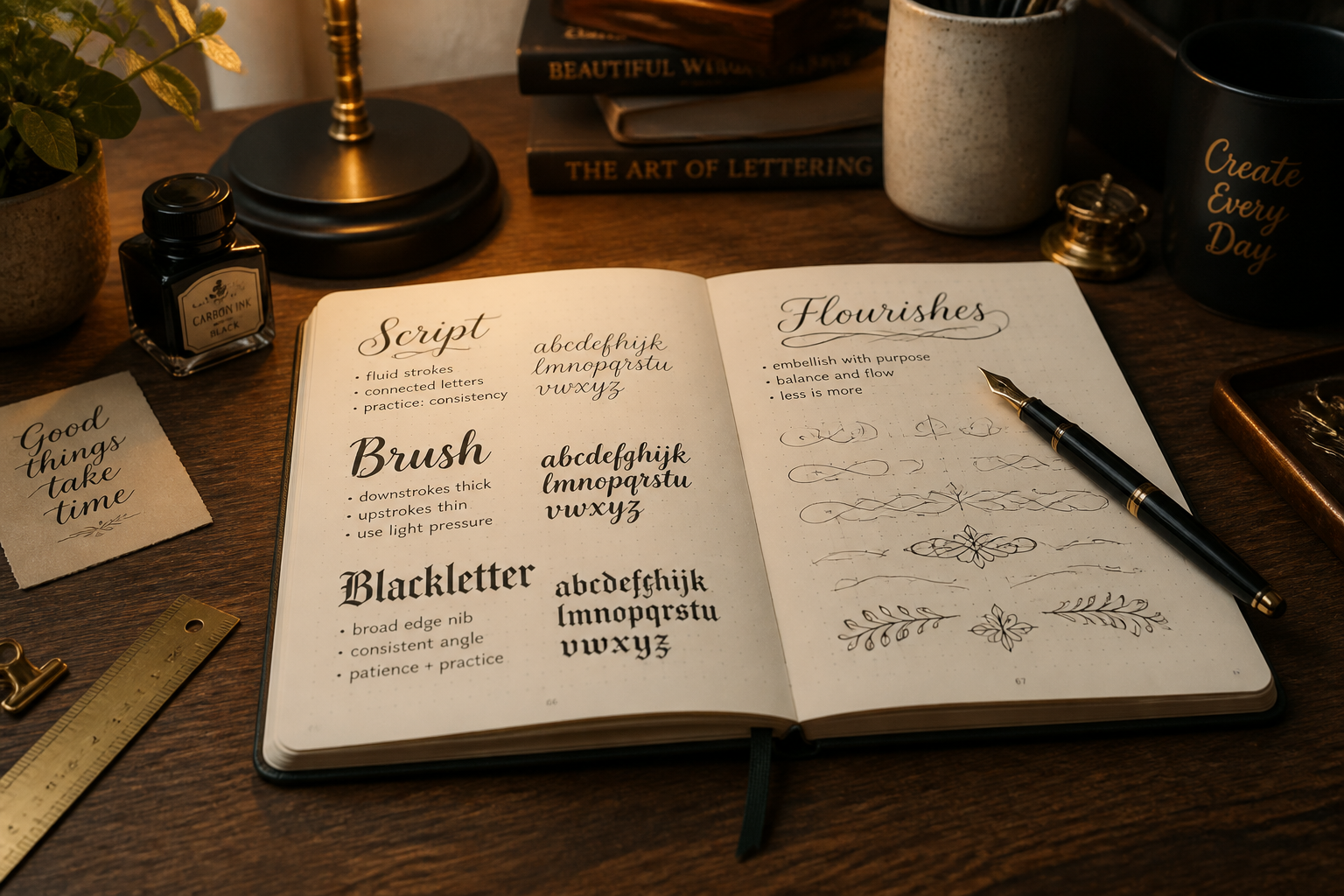
Describe the calligraphy style
Tell the tool what look you want, such as copperplate, brush script, blackletter, or ink wash. The clearer the style description, the easier it is to get a result that fits your project.
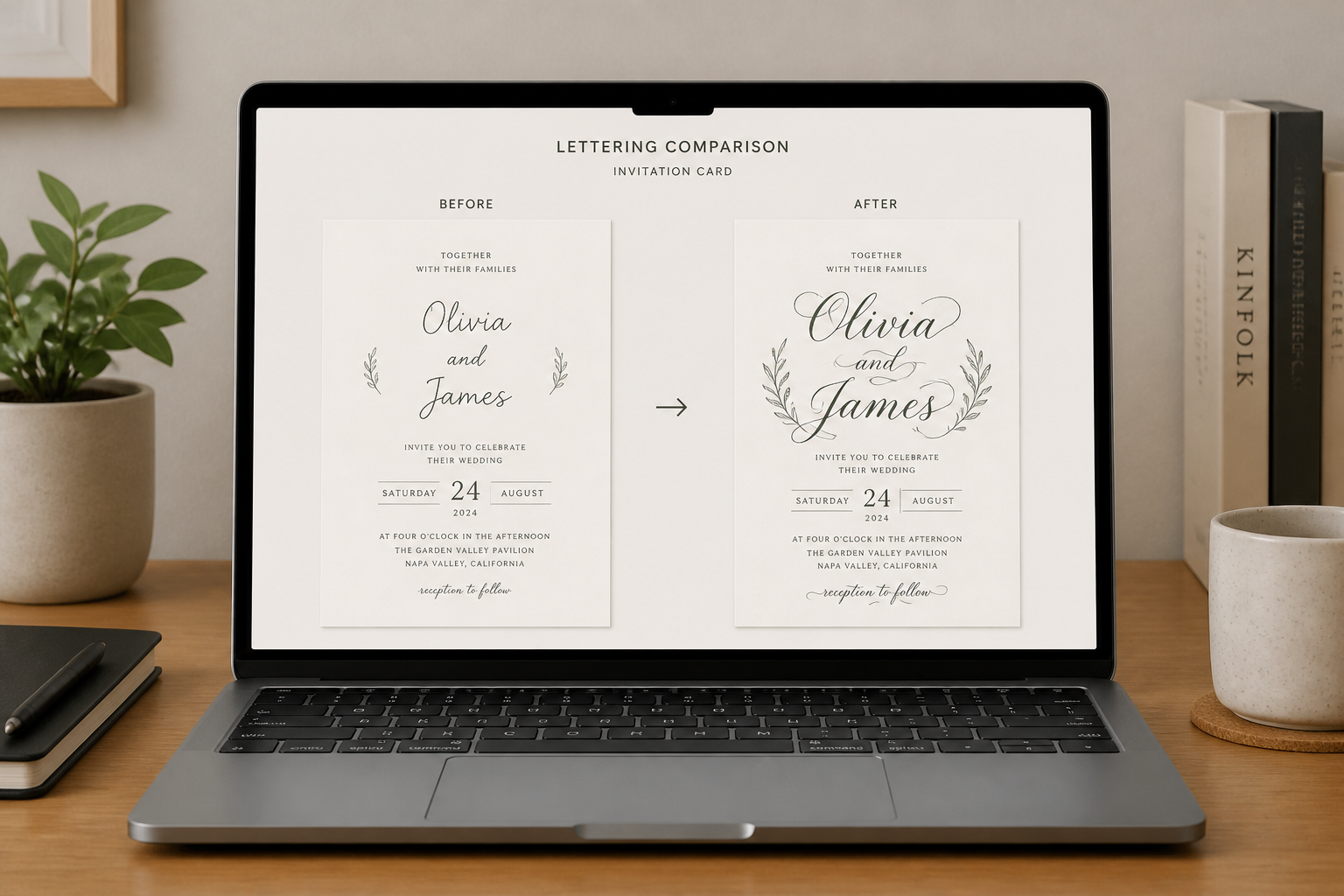
Generate and compare versions
Review the edited result and check how the new lettering reads in the original layout. If needed, try another style prompt to create alternate looks for the same wording.
Perfect For
Discover how creators and professionals use calligraphy generator
Wedding stationery
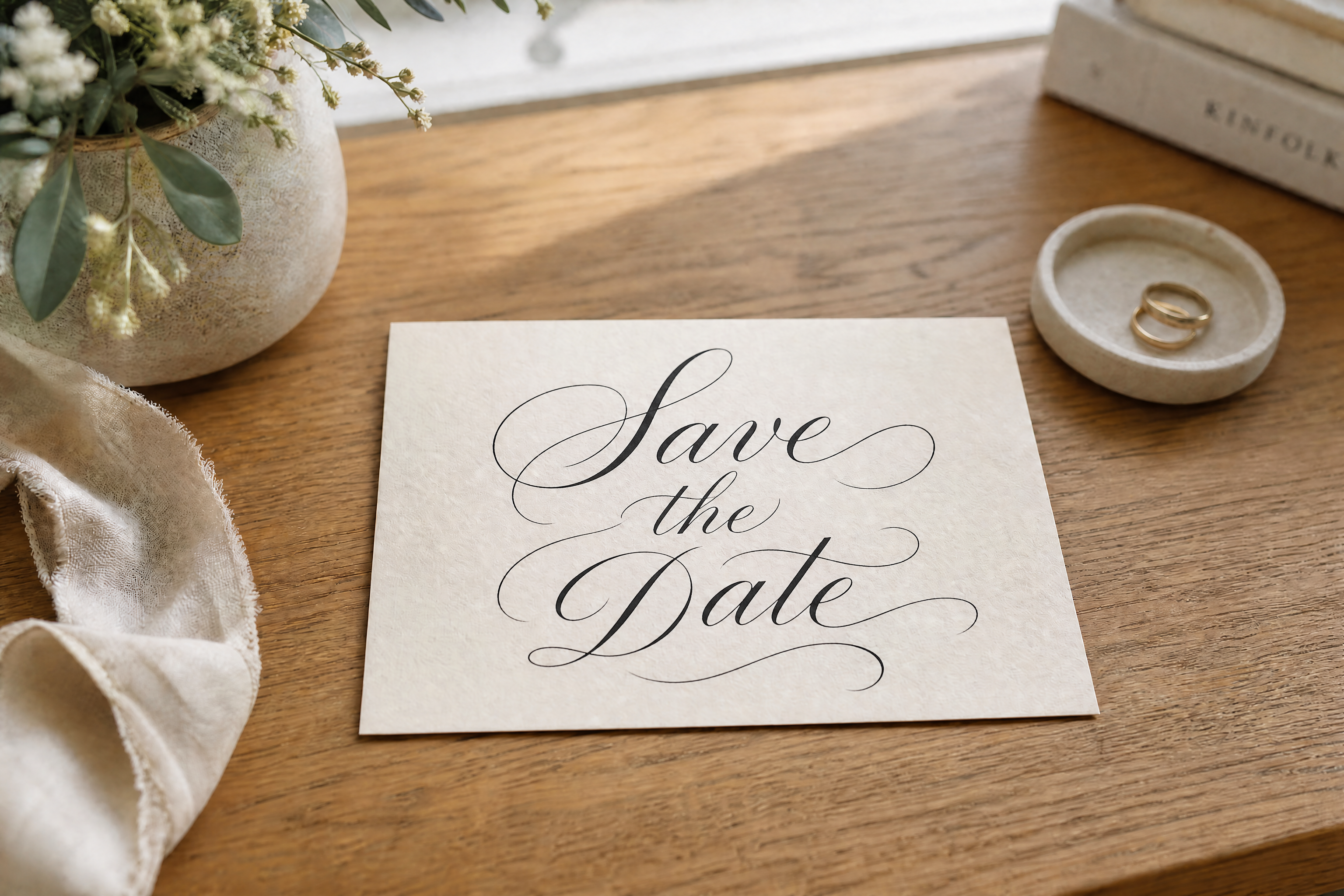
Turn plain names, vows, and event cards into elegant calligraphy for invitations, place cards, and save-the-date designs.
Small business signage
Upgrade simple menu boards, posters, and storefront graphics with more premium hand-lettered styling.
Social media graphics
Create stylized phrases and campaign text that stand out in posts, stories, and promotional images.
Personal art prints
Convert quotes, names, and short messages into decorative calligraphy for wall art, gifts, and keepsakes.
Built For
Designers and makers
Useful for testing lettering directions quickly before committing to a final layout or print run.
Event planners
Helps produce polished calligraphy looks for weddings, parties, and branded event materials without manual redrawing.
Small business owners
Makes it easier to create menus, promos, and signage that feel more custom and visually refined.
Why use BudgetPixel for calligraphy edits
A quick look at how we compare on the things that matter for this niche.
| Feature | BudgetPixel | Generic AI editors | Manual editing apps |
|---|---|---|---|
| Restyles existing lettering | ✓ | ✓ | — |
| Keeps source layout visible | ✓ | — | ✓ |
| Fast style variations | ✓ | ✓ | — |
| No hand lettering skill needed | ✓ | ✓ | — |
Frequently Asked Questions
What can I upload to the Calligraphy Generator?
Will it change the actual words?
Can I choose different calligraphy styles?
Is this good for invitations and signs?
Do I need calligraphy skills to use it?
Create together.
Share your creations, discover trending AI art, and grow with fellow creators.