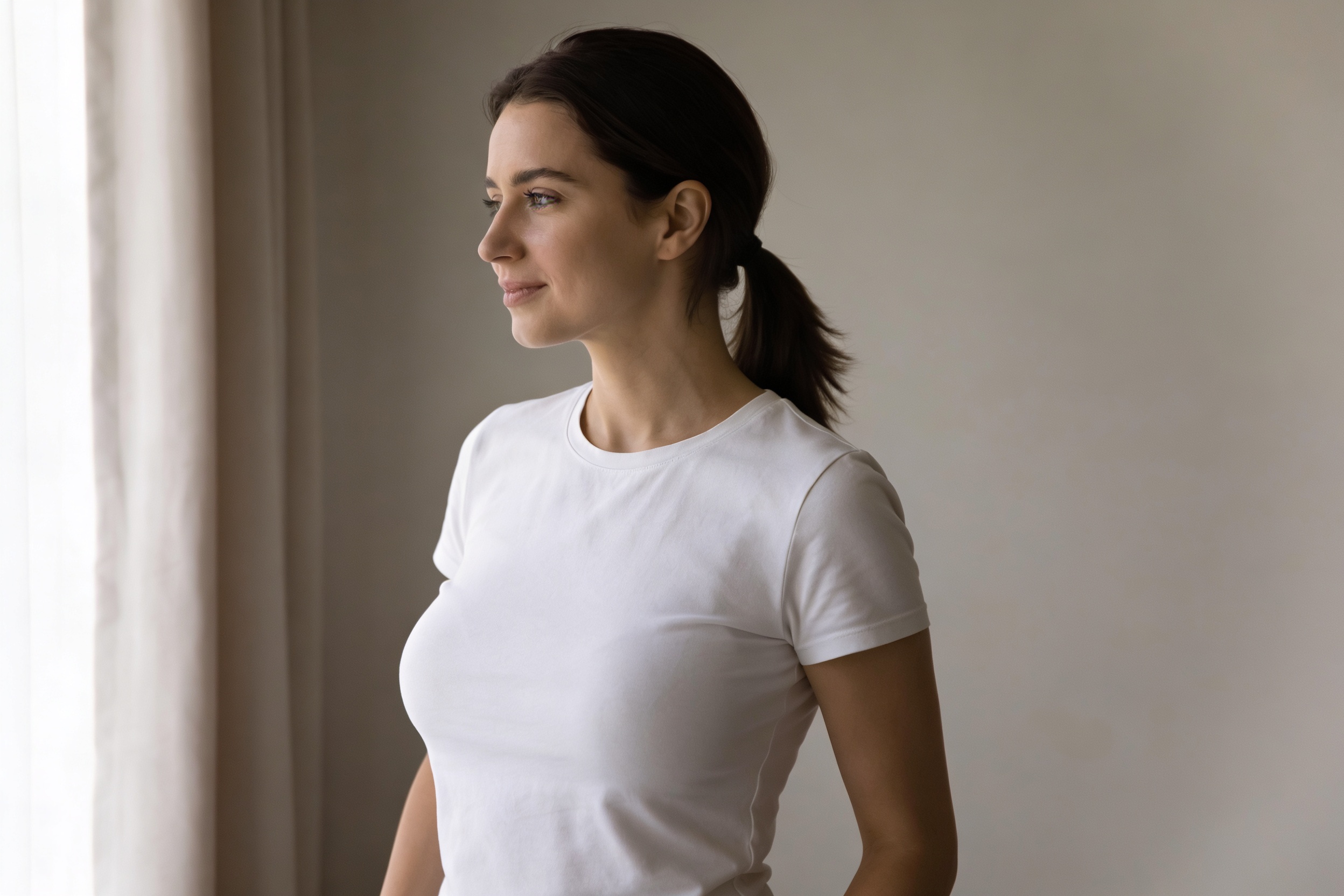
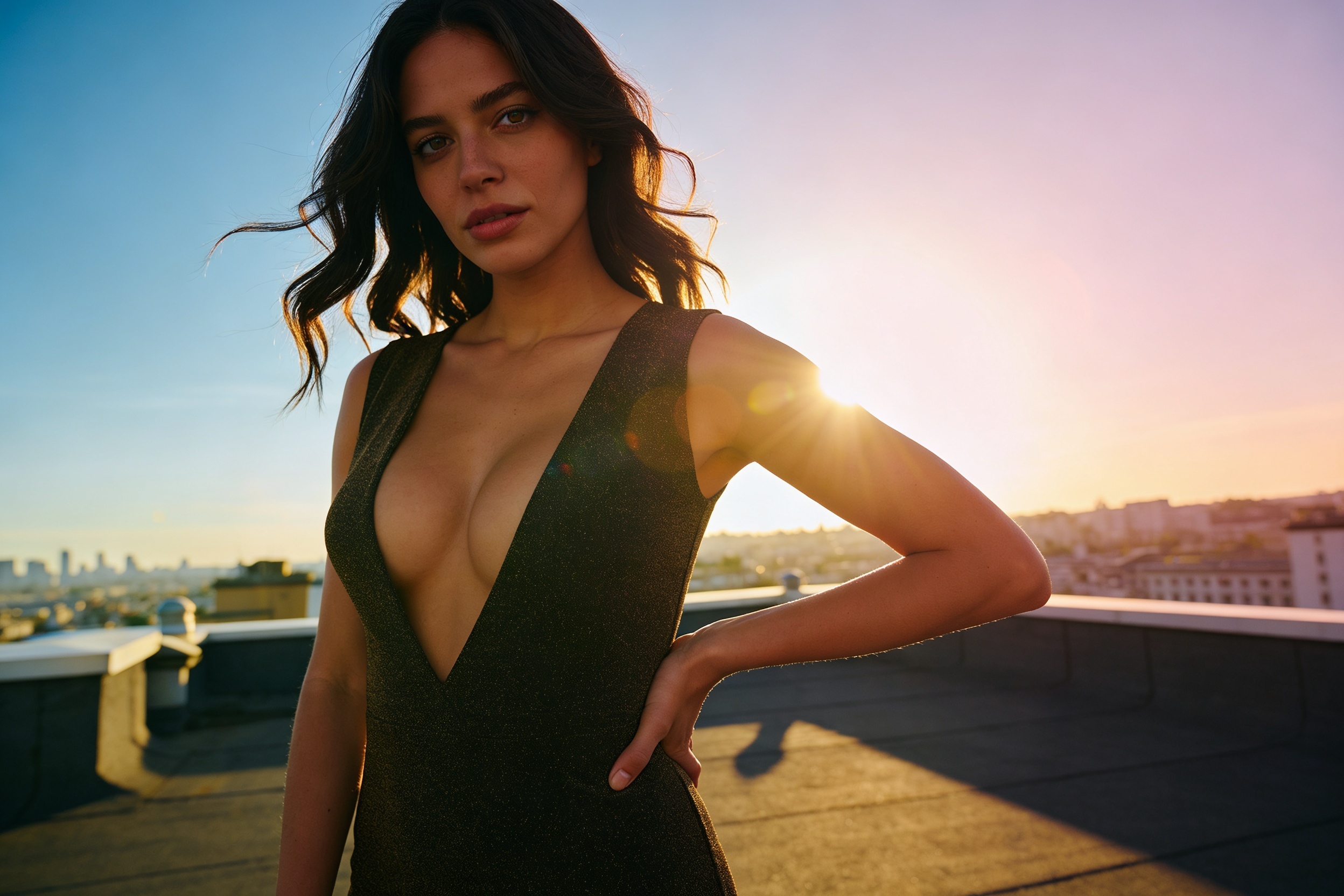
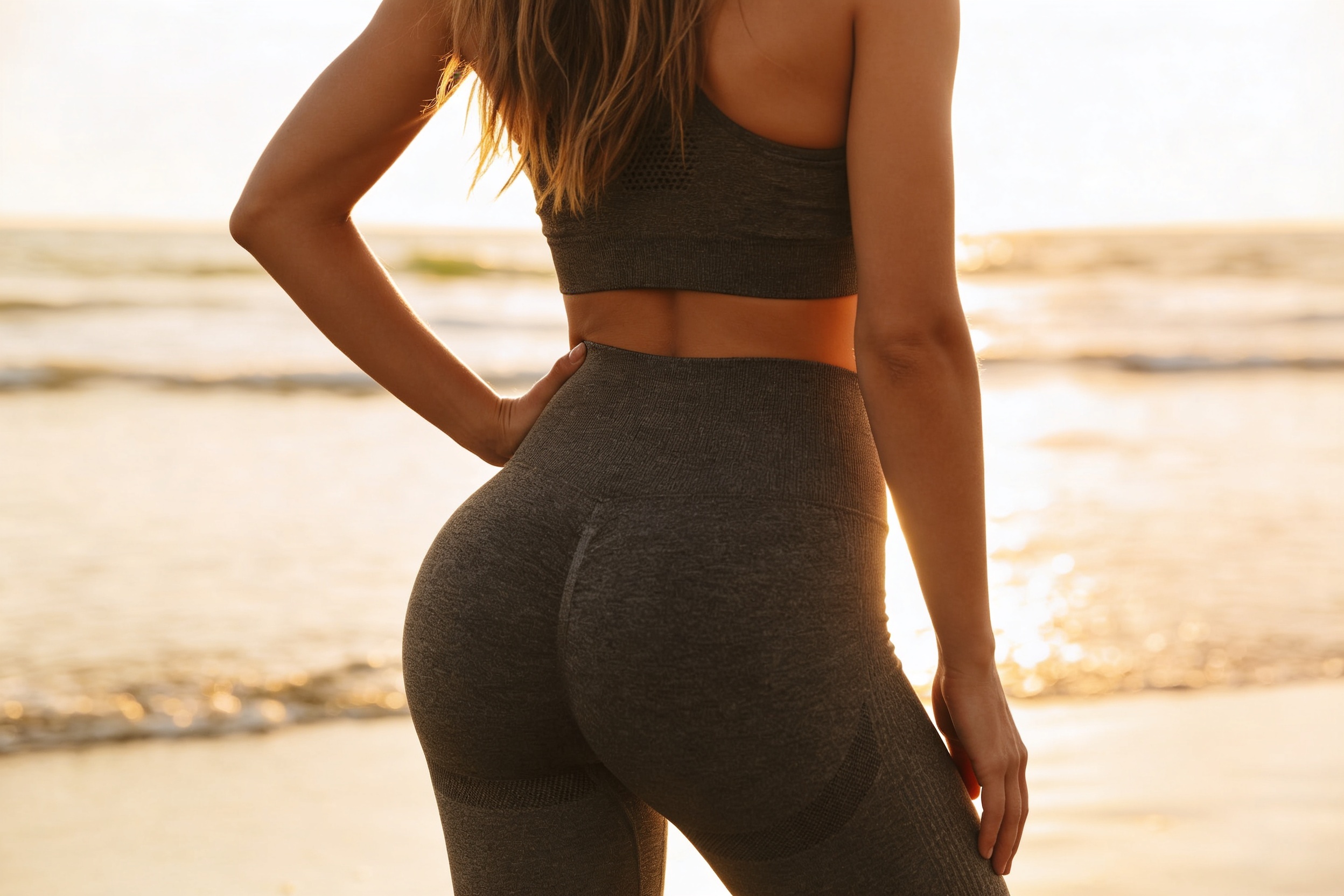
AI Bust Size Editor
Adjust bust size in photos with a clear, consistent before-and-after result.
Use our AI Bust Size Editor to increase bust size in a photo while keeping the person's pose, outfit, and overall scene intact. It is built for visible edits that still look clean and usable for previews, concepts, and content mockups.
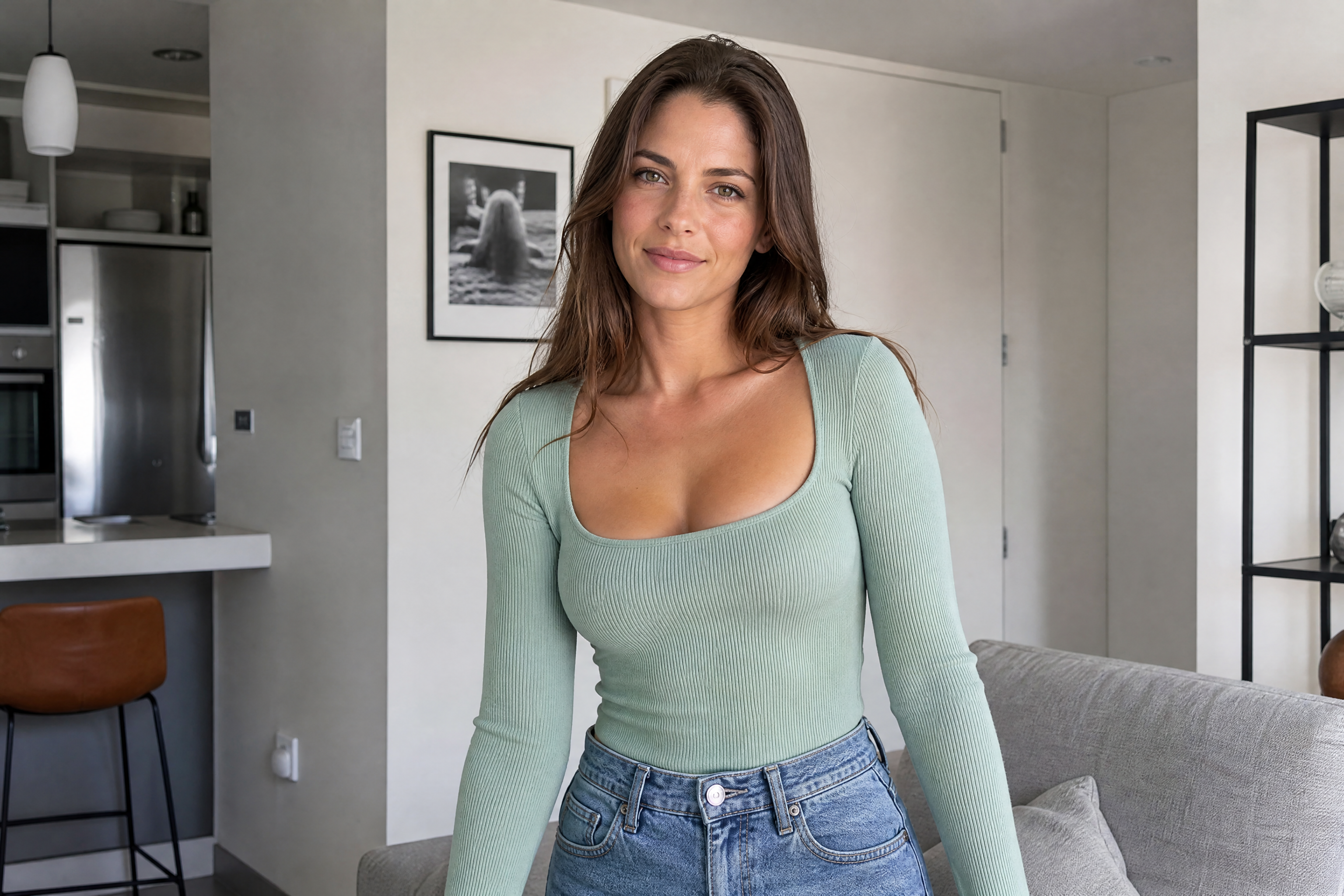
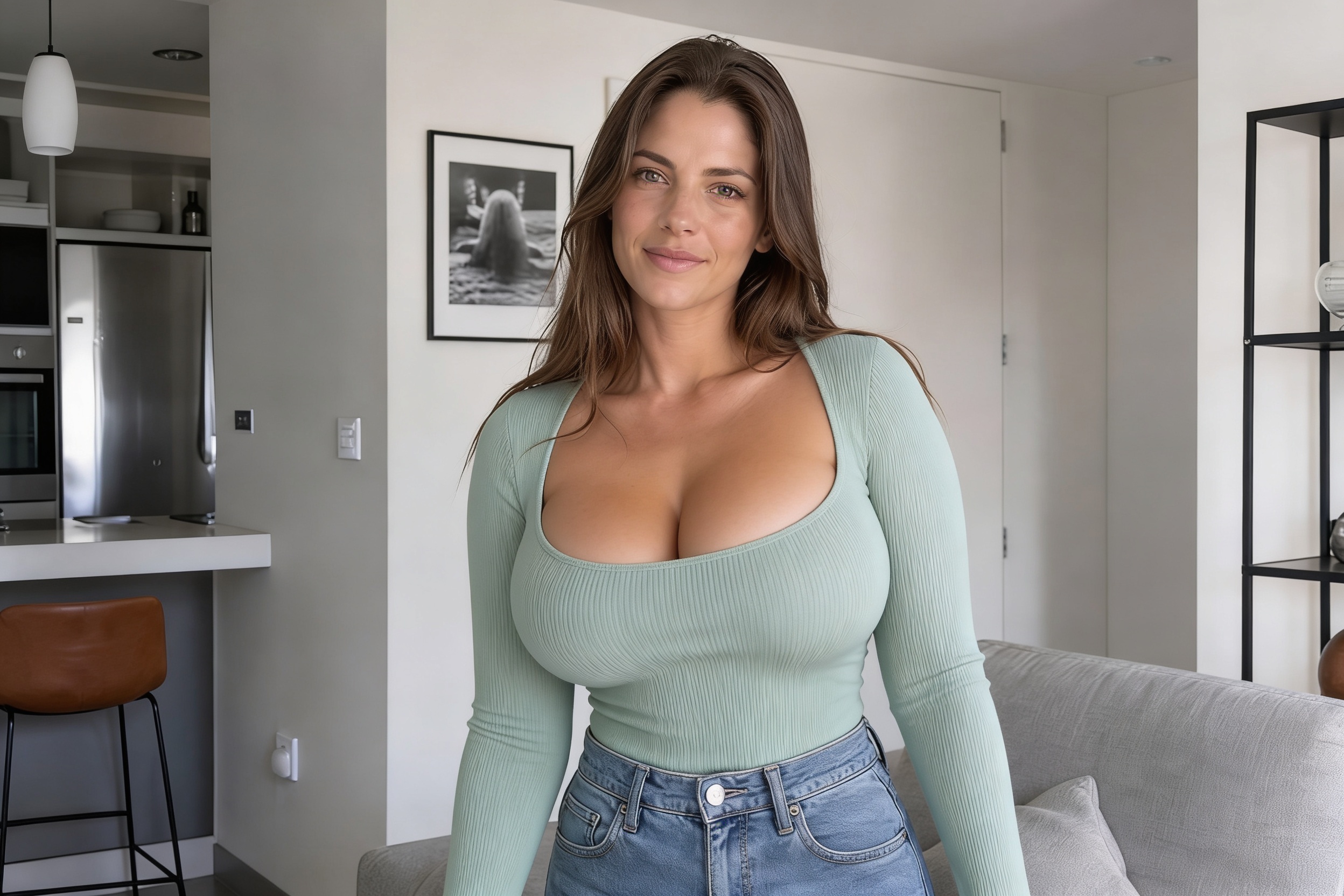
Watch the Transformation
See ai bust size editor in motion — generated end-to-end by our AI.
See It In Action
Real outputs from ai bust size editor.
BEFOREAFTER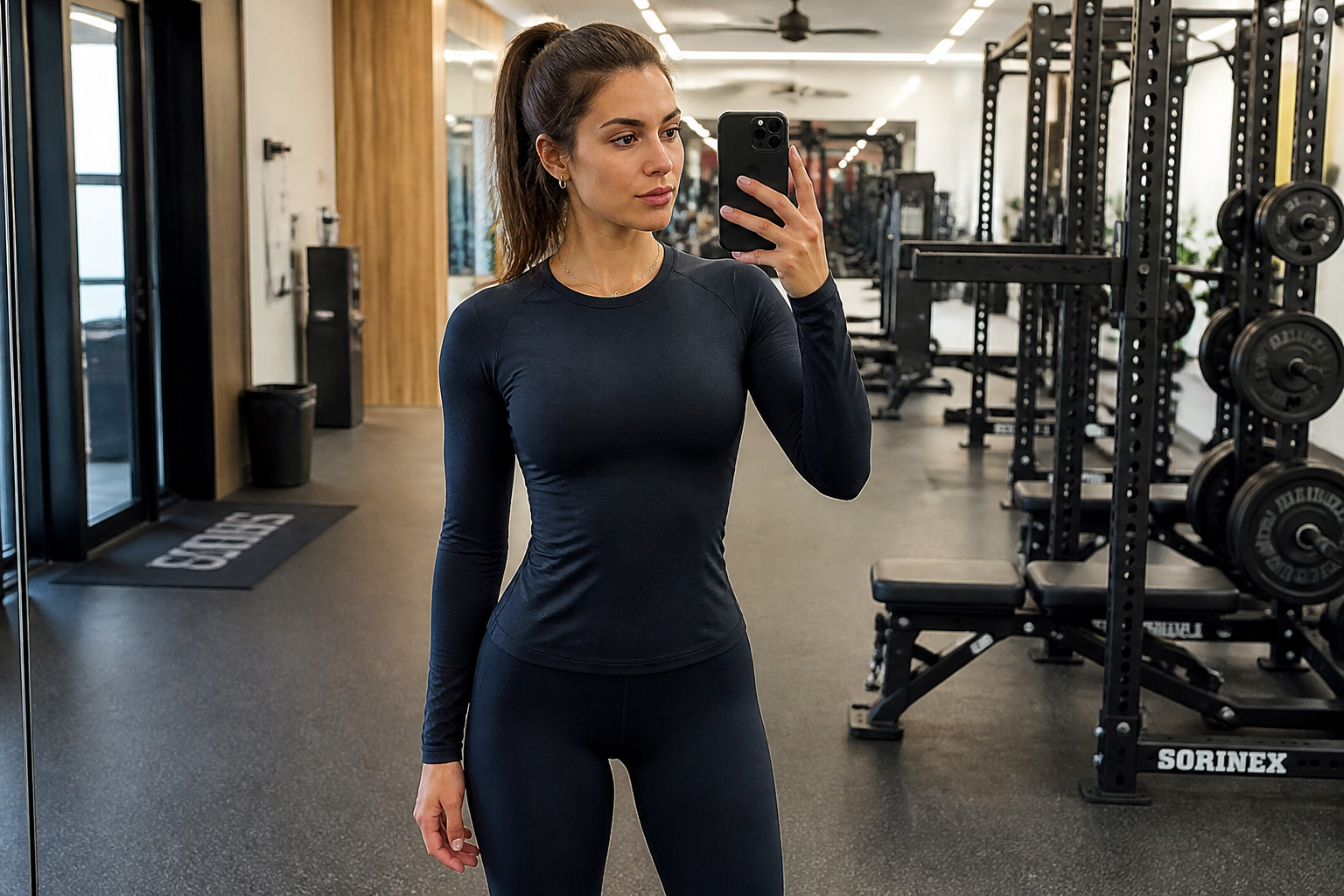 BEFORE
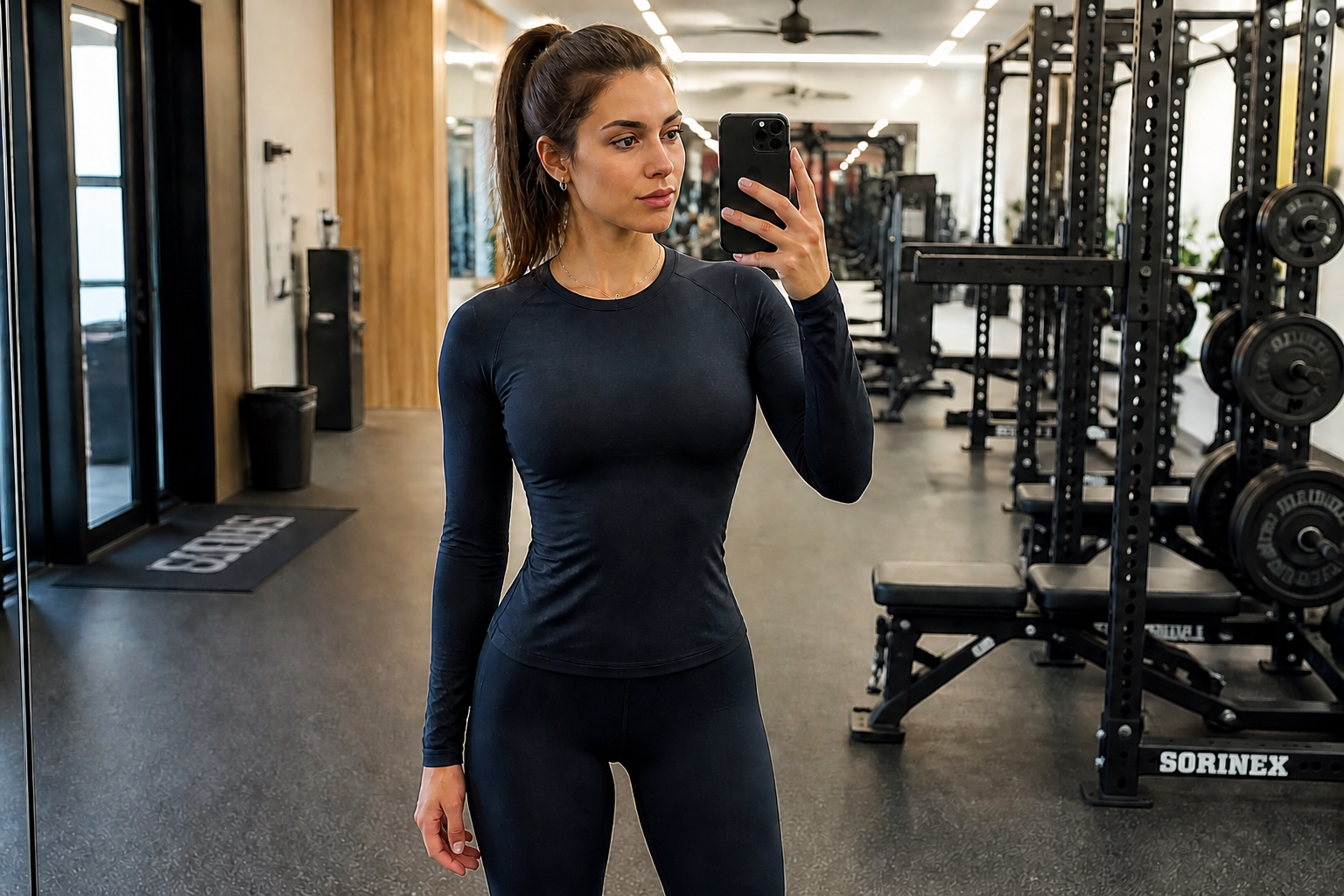 AFTER
AFTER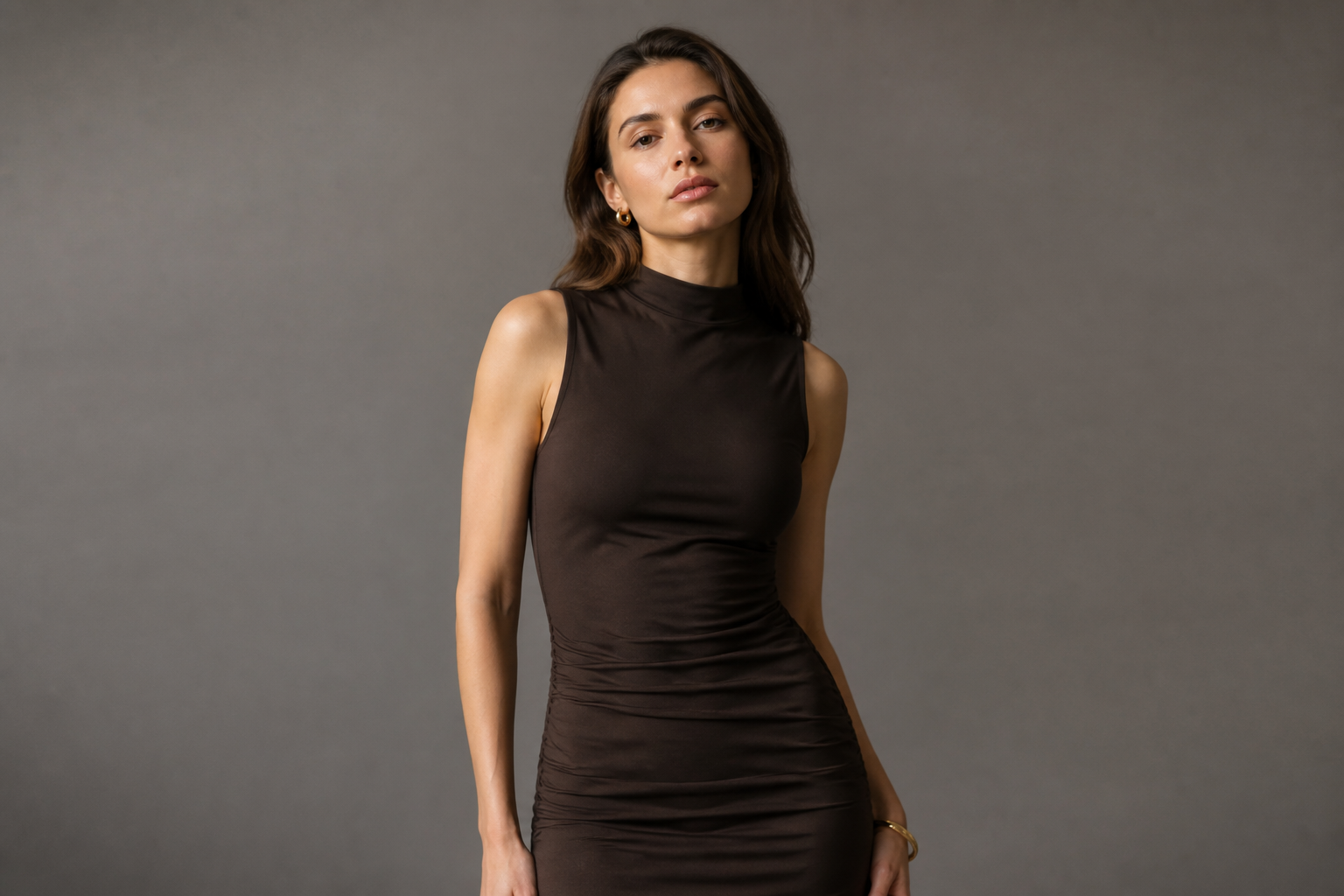 BEFORE
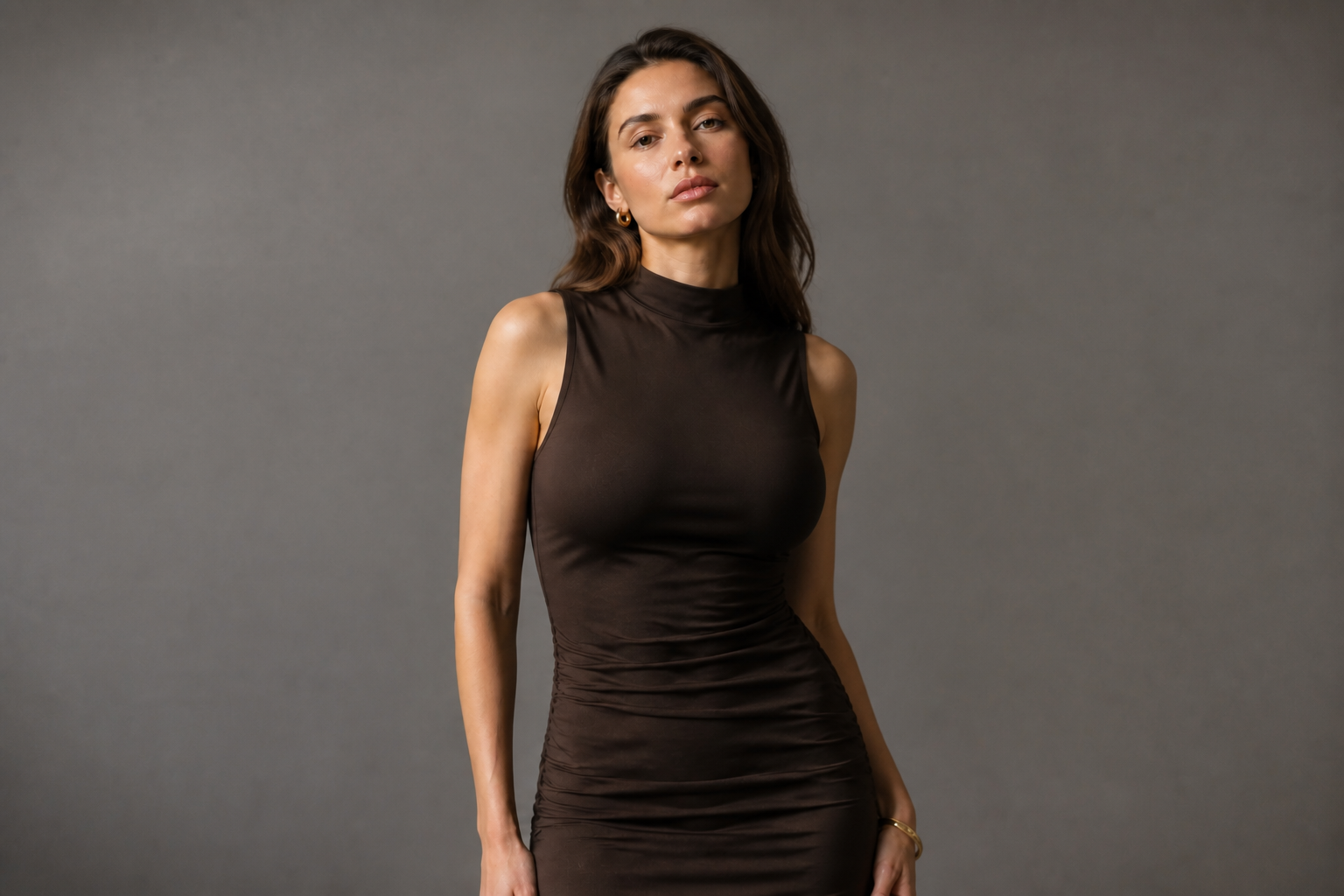 AFTERBEFOREAFTERBEFOREAFTERBEFOREAFTER
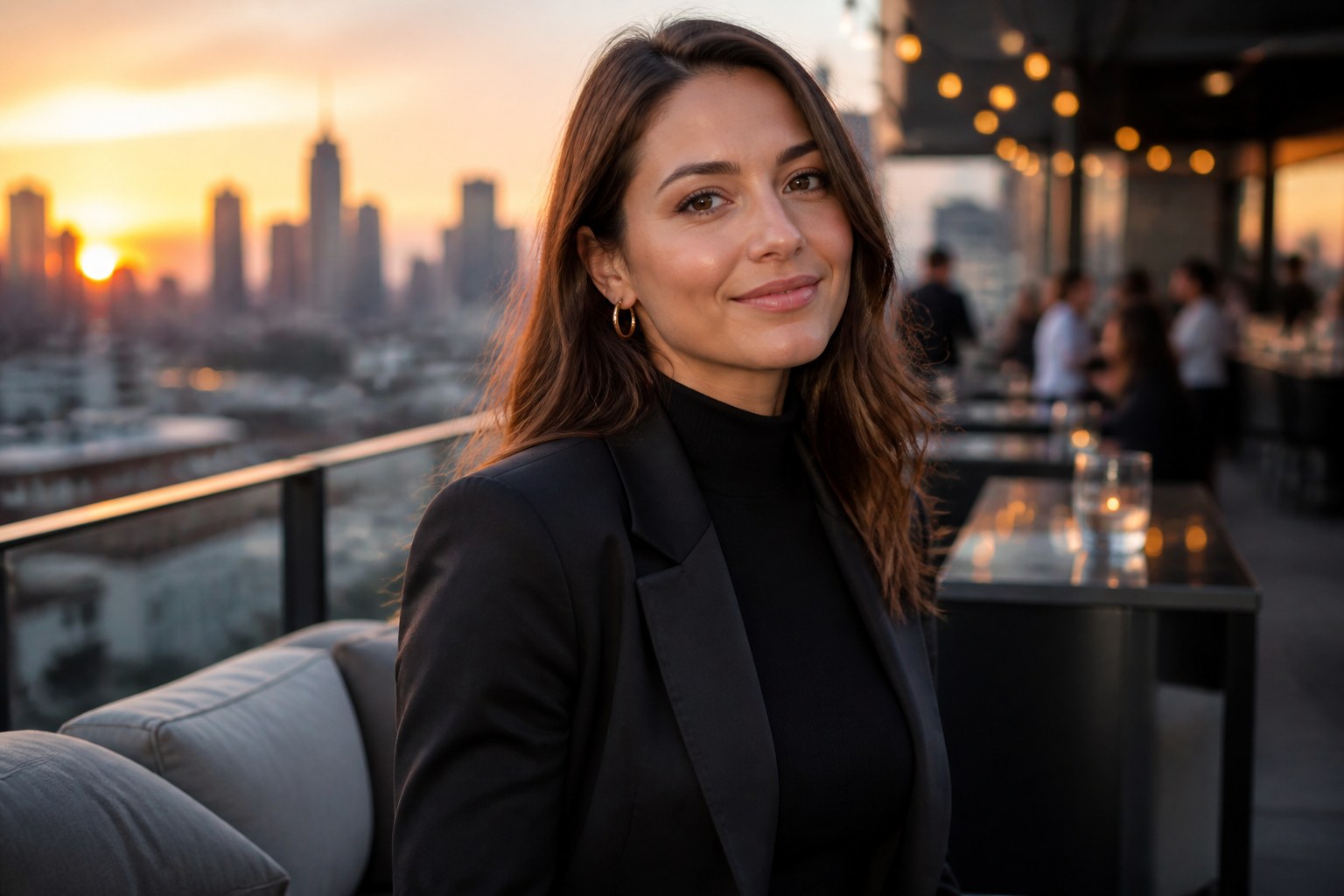 BEFORE
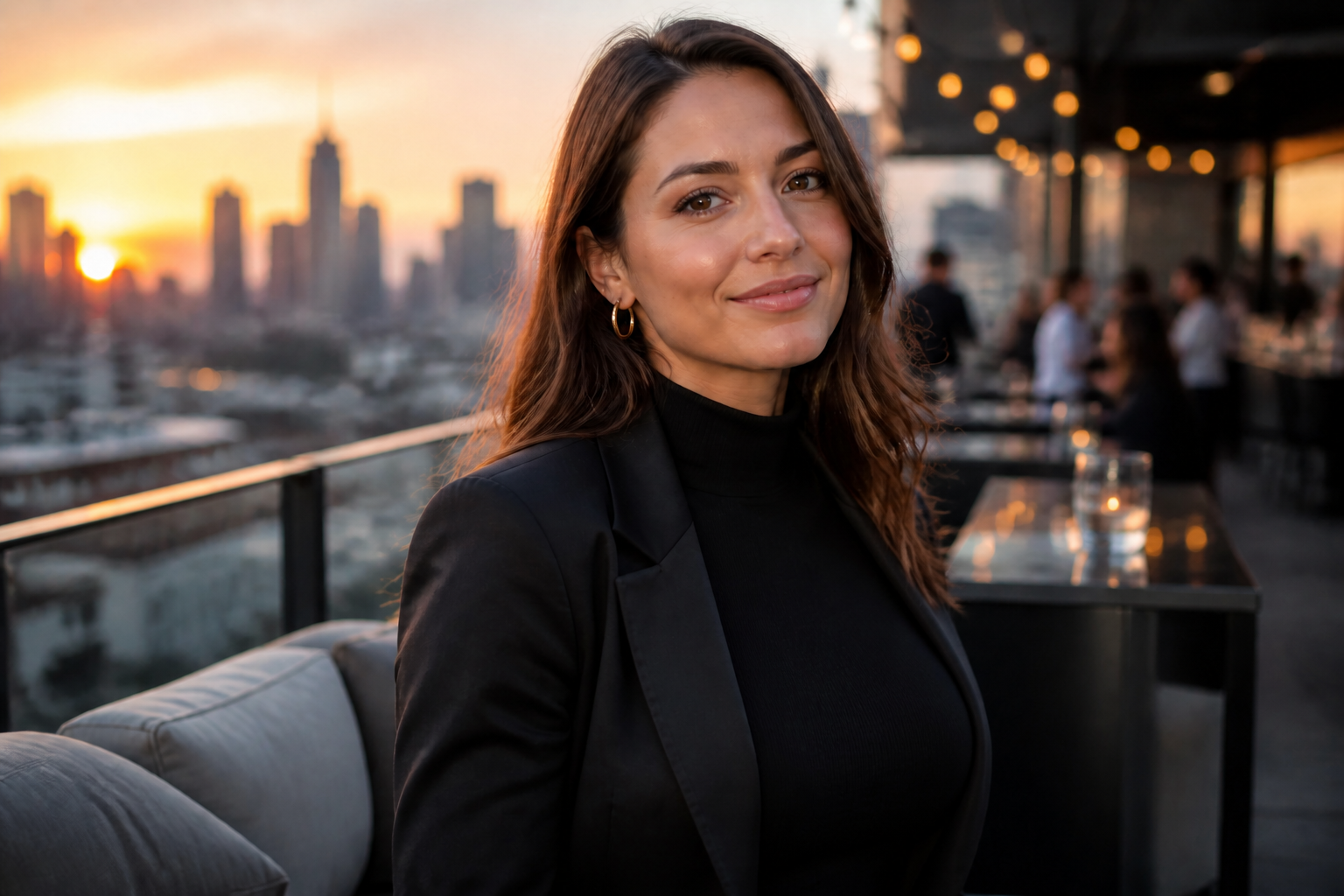 AFTER
AFTER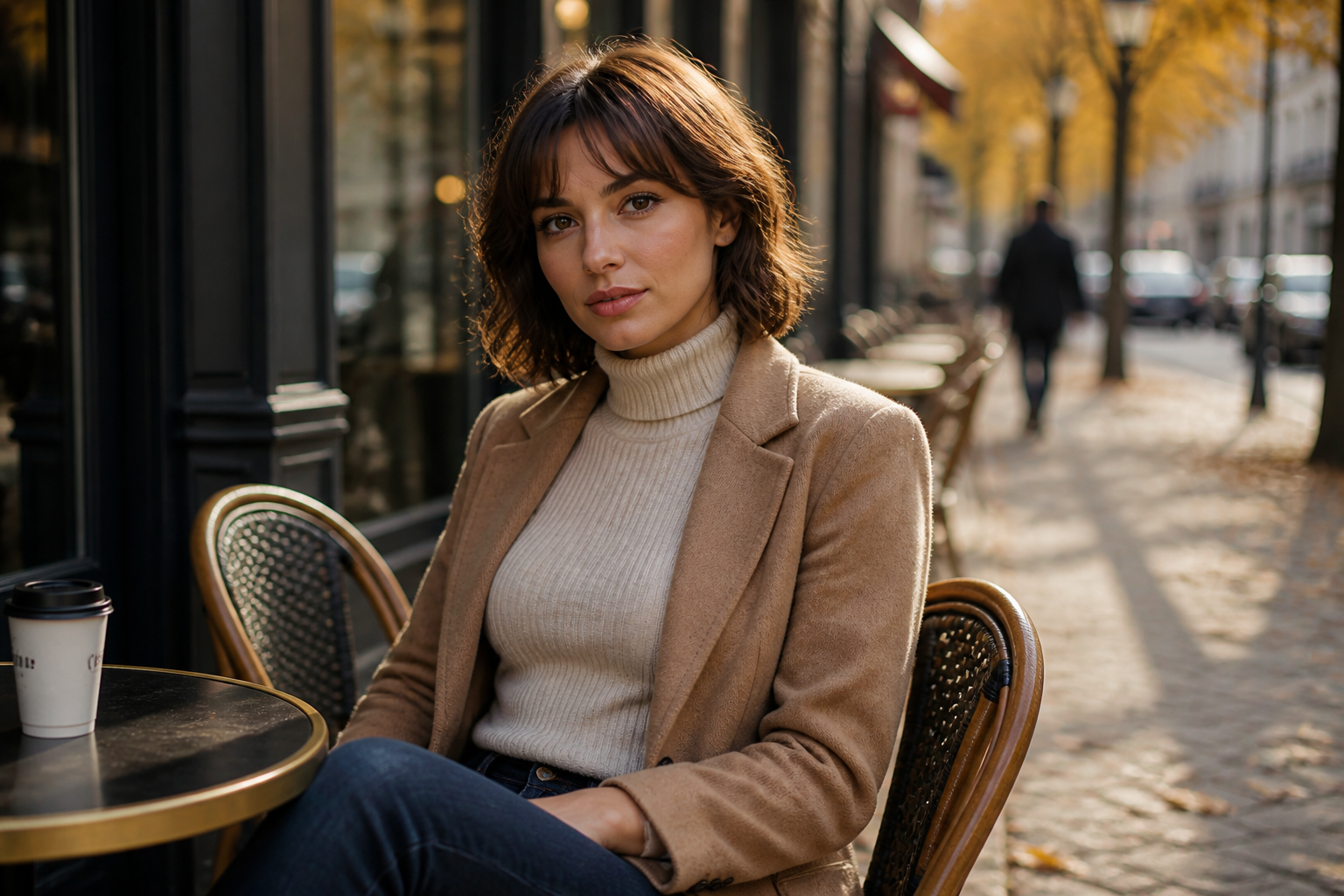 BEFORE
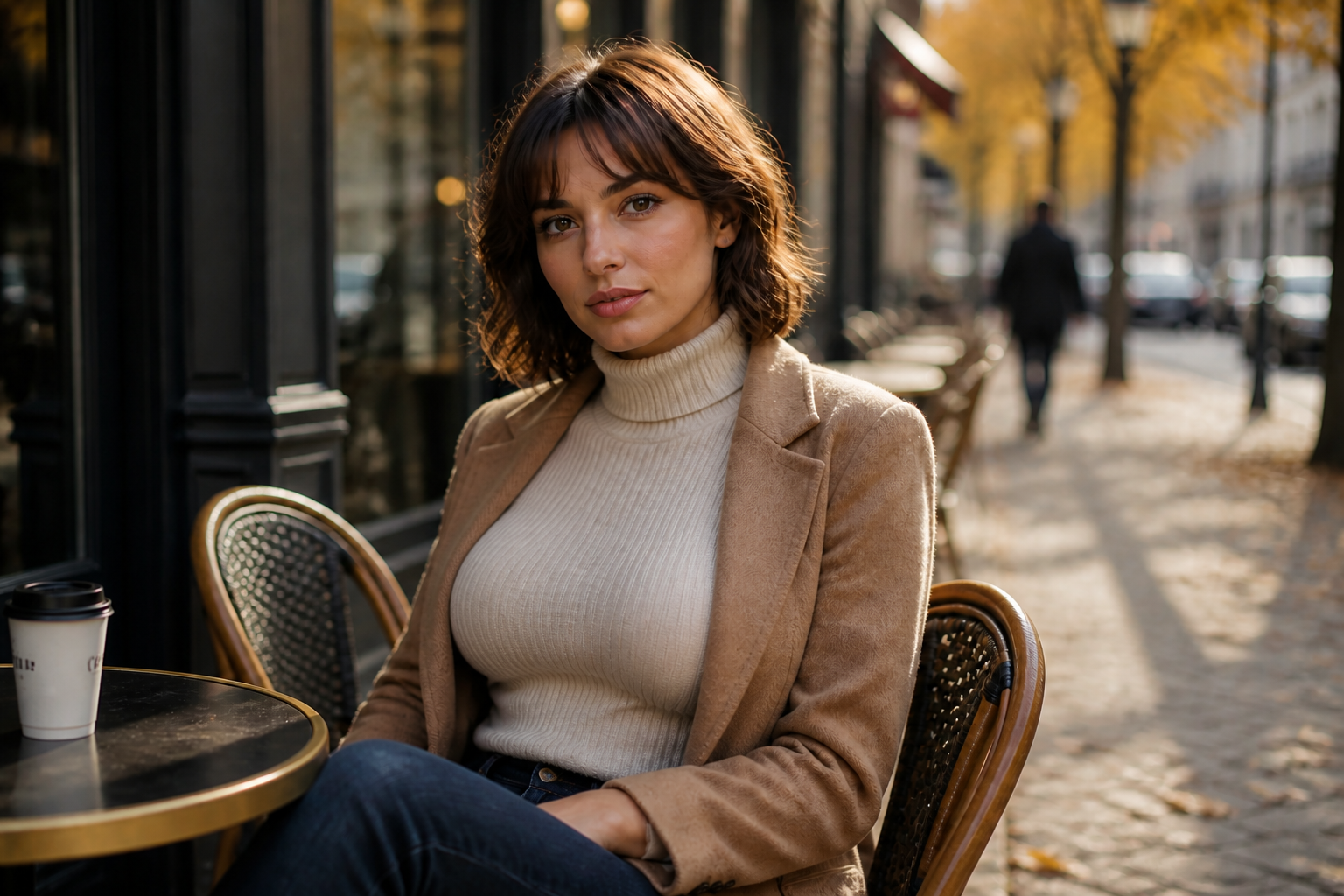 AFTERBEFOREAFTERBEFOREAFTERBEFOREAFTERBEFOREAFTER
Key Features
Visible size changes fast
Make a clear bust size adjustment without rebuilding the whole photo from scratch. The edit focuses on the body area that matters, so the result reads well even in small thumbnails. That makes it useful for quick concept testing, content planning, or outfit previews. It is much faster than trying to reshape the image by hand in a traditional editor.
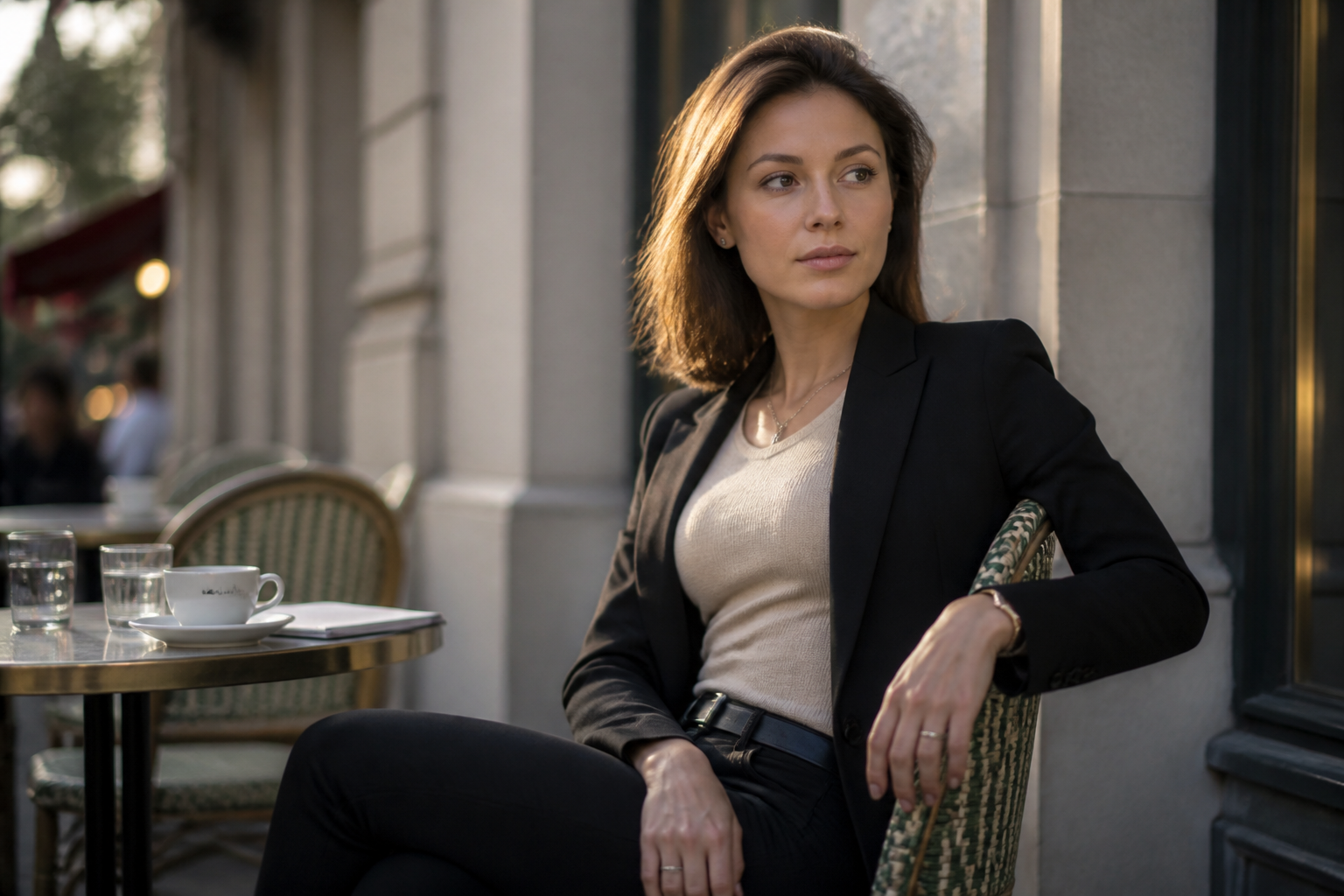
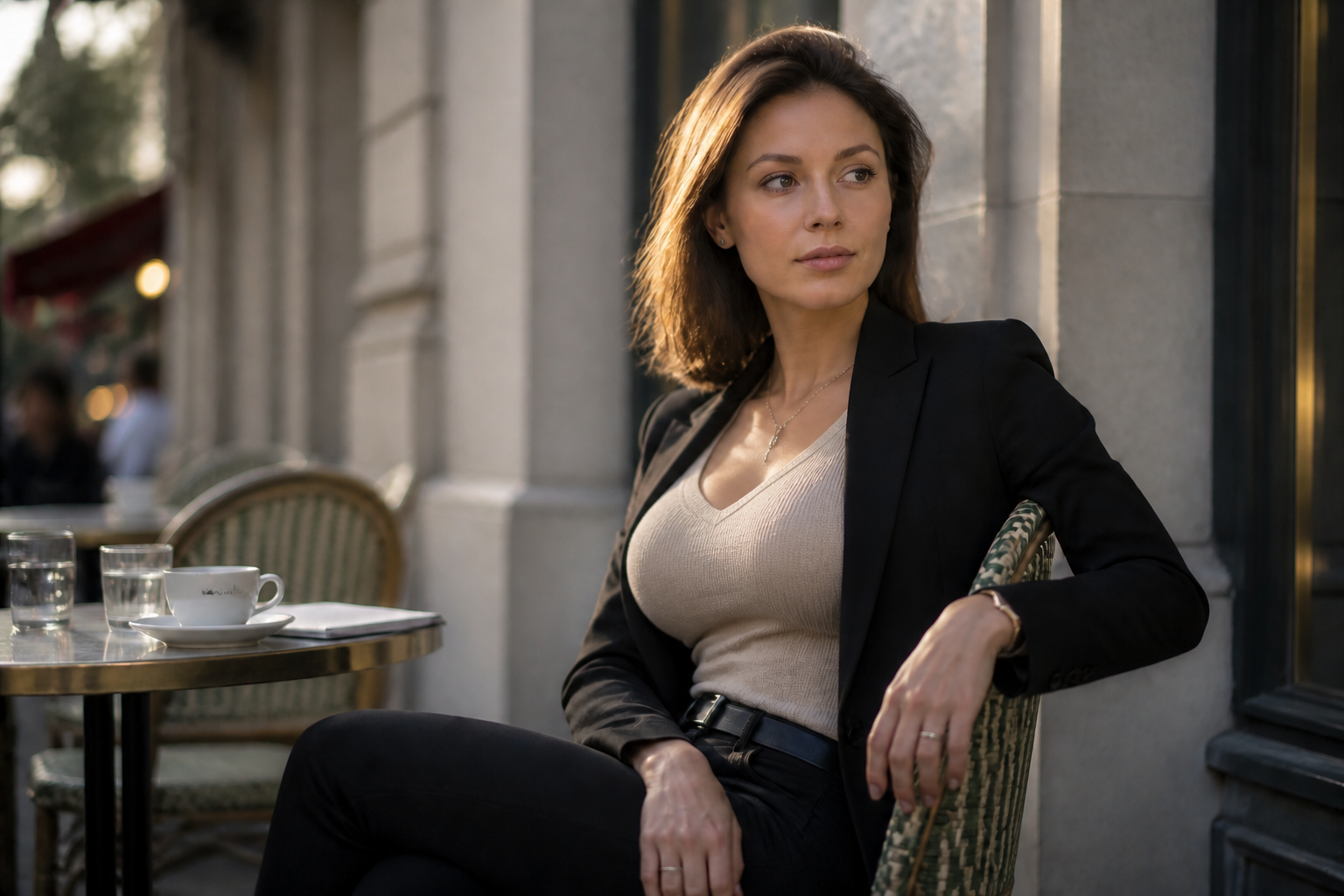
Keeps outfit and pose
A good edit should change the target area without making the rest of the image drift. This feature helps preserve clothing shape, body stance, and the overall scene so the output still feels like the same shot. That matters when you want a believable before-and-after comparison. Manual liquify workflows often distort seams, arms, and nearby background lines.
Works across visual styles
You can use the same kind of body edit for realistic photos and stylized outputs. This makes it easier to build concept boards, thumbnails, and creative variations from one starting image. The tool can shift the look while preserving the composition and the main subject. Doing that manually usually means repeating the same retouch work several times.
Useful for mockups
This is helpful when you need quick visual references for styling, apparel previews, or creative planning. You can test a more dramatic body silhouette before spending time on a full shoot or detailed retouch pass. Because the edit keeps the original framing and scene, comparisons are easy to review. It is a practical way to explore options with less setup.
How It Works
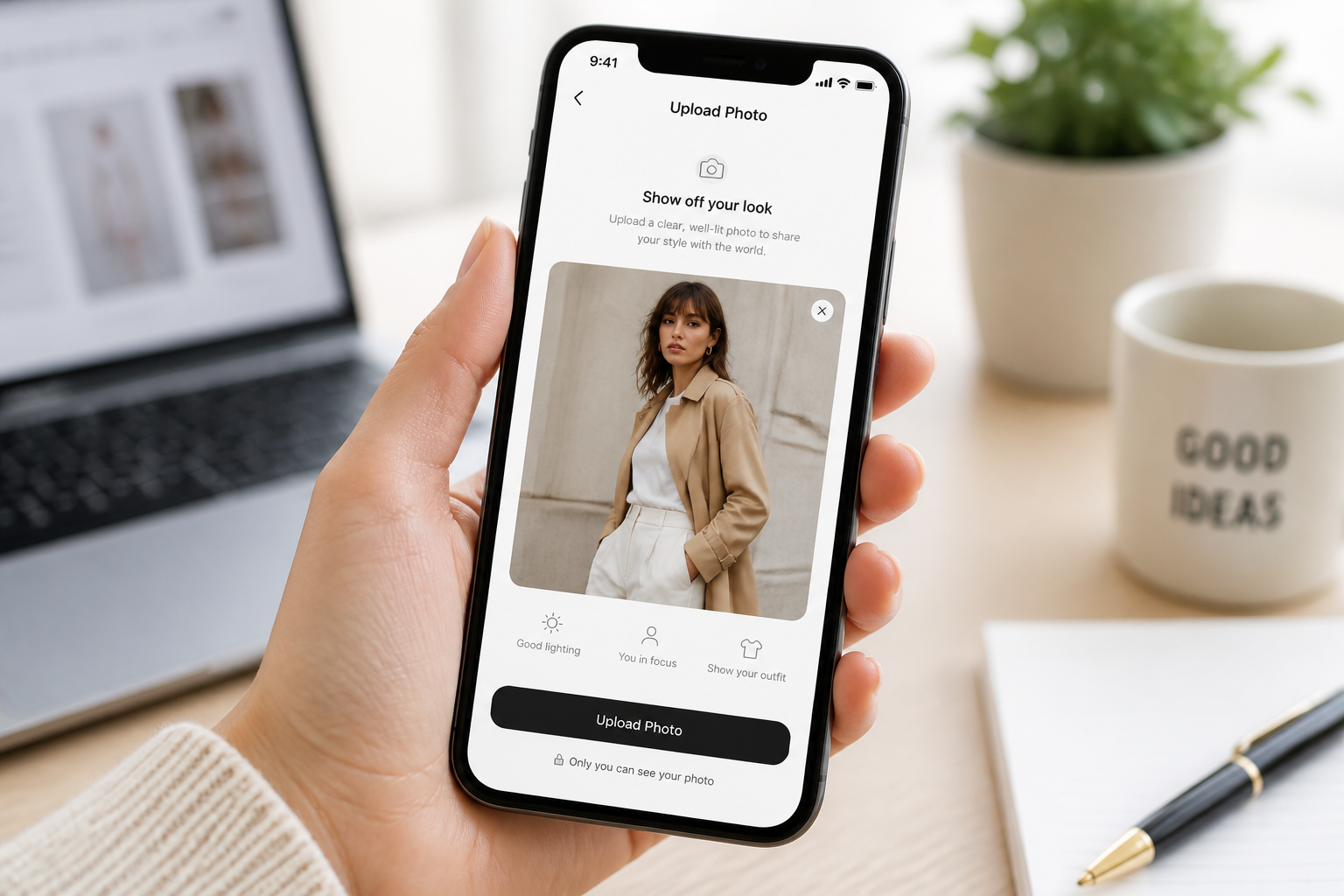
Upload your photo
Start with a clear image of an adult subject in fitted or structured clothing. Well-lit photos with simple backgrounds usually produce the cleanest edits.
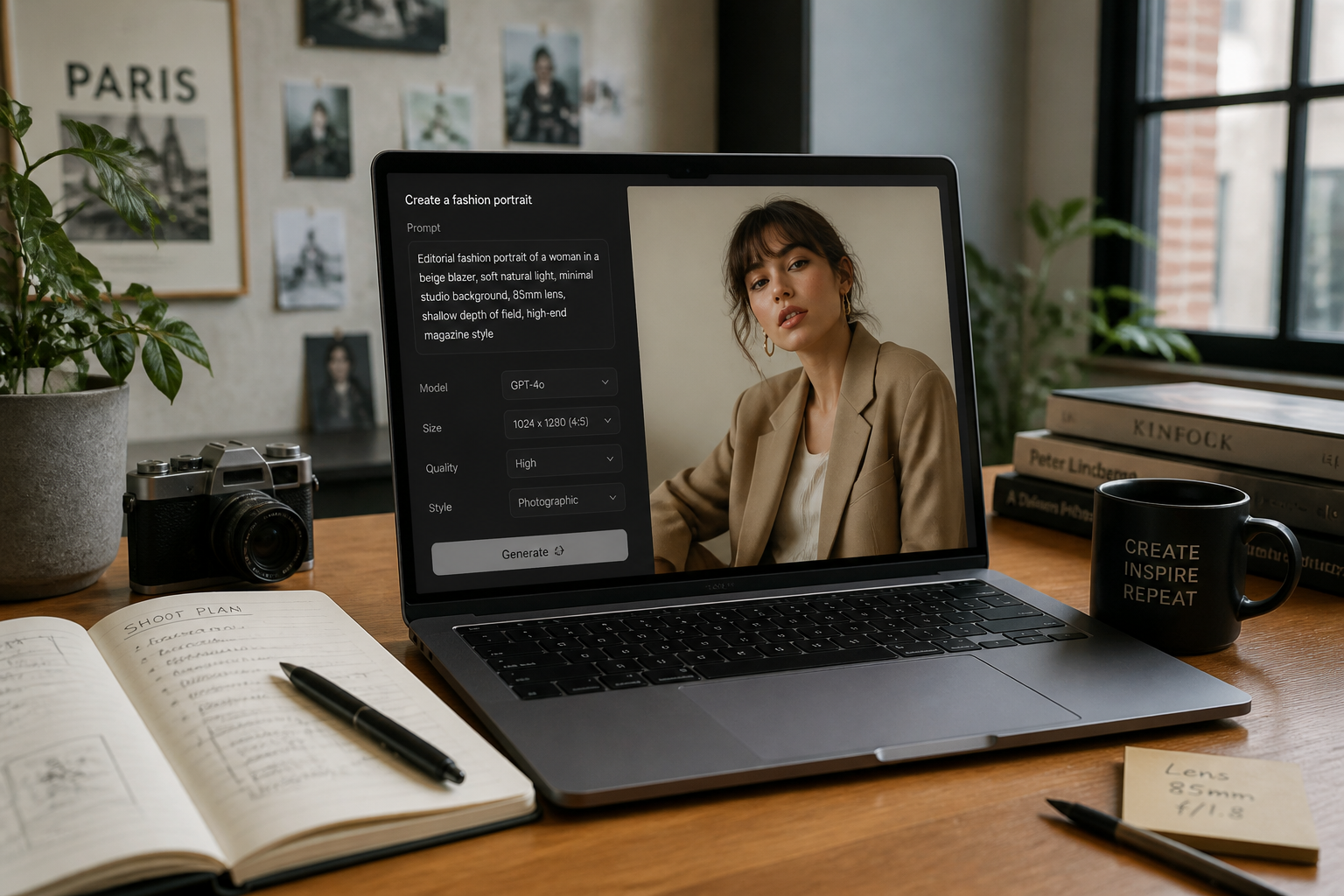
Describe the change
Tell the AI you want a fuller bust while keeping the same outfit, pose, and setting. Short direct instructions work best when the change needs to be obvious.
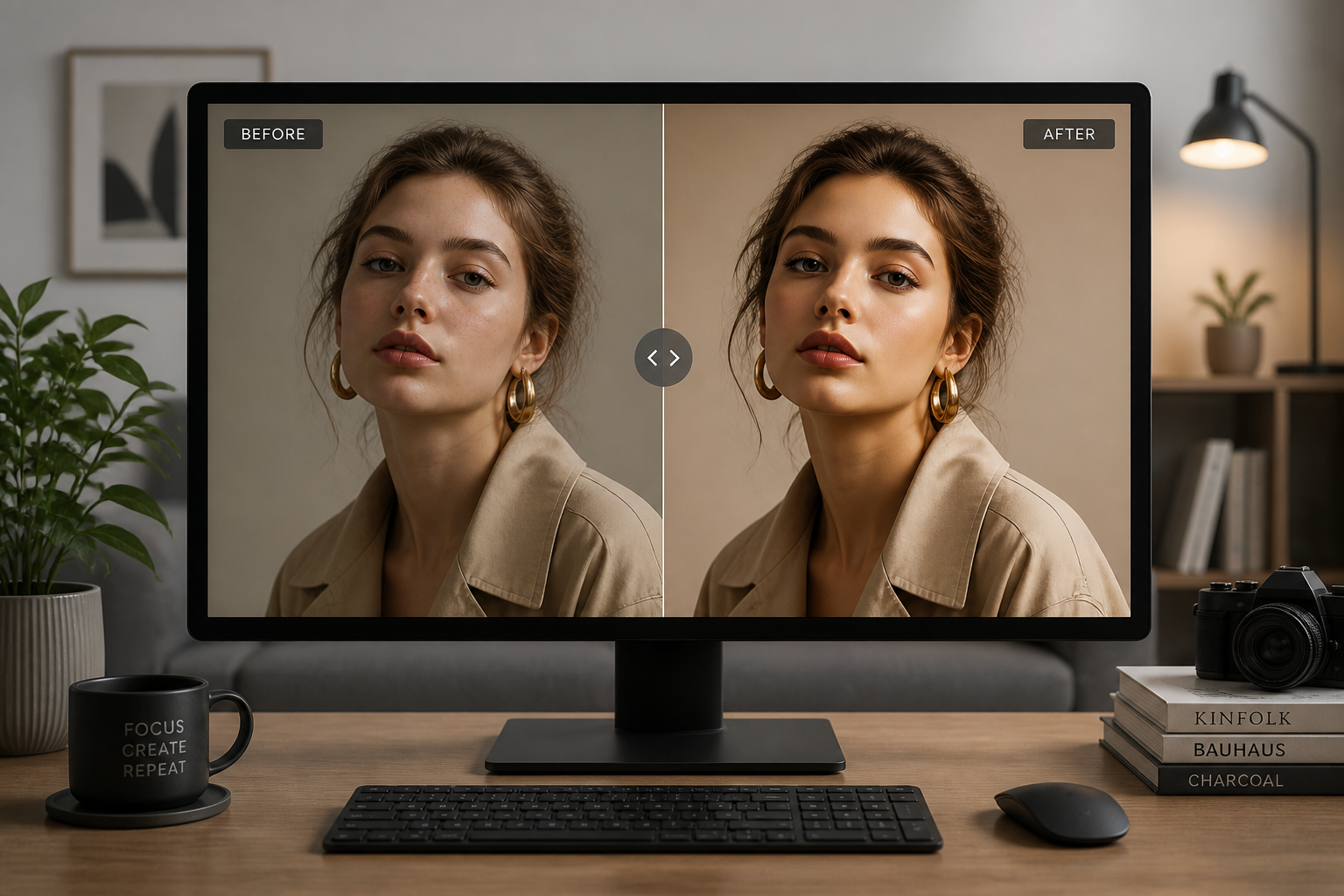
Compare and refine
Review the before-and-after result and adjust the prompt if you want a larger or more restrained change. You can iterate until the shape matches your intended look.
Perfect For
Discover how creators and professionals use ai bust size editor
Fashion concept previews
Test how a fuller silhouette changes the look of tops, dresses, and jackets before a shoot or mockup round.
Content planning
Create quick visual variations for thumbnails, social posts, or editorial drafts without rebuilding the image.
Character and style development
Explore different body proportions for creative direction while keeping the same face, pose, and scene.
Before-and-after demos
Generate clear transformation examples for portfolios, presentations, or product-style comparison pages.
Built For
Creators and influencers
Useful for planning image concepts, trying alternate looks, and building visual variations quickly.
Fashion marketers
Helpful for mockups and style direction when you need a readable silhouette change in the same shot.
Designers and art directors
Good for concept exploration when comparing body-shape options across one composition.
Why people use it
A quick look at how we compare on the things that matter for this niche.
| Feature | BudgetPixel | Generic AI editors | Manual editing apps |
|---|---|---|---|
| Clear before-and-after body edits | ✓ | ✓ | ✓ |
| Keeps pose and background consistent | ✓ | — | ✓ |
| Fast prompt-based workflow | ✓ | ✓ | — |
| Good for concept mockups | ✓ | ✓ | ✓ |
| Requires manual reshaping skills | — | — | ✓ |
Frequently Asked Questions
What does the AI Bust Size Editor change?
Will the rest of the photo stay the same?
What kind of photos work best?
Can I control how dramatic the edit looks?
Can I use stylized outputs too?
Create together.
Share your creations, discover trending AI art, and grow with fellow creators.