AI Cleavage Enhancer
Increase visible neckline definition in a few clicks
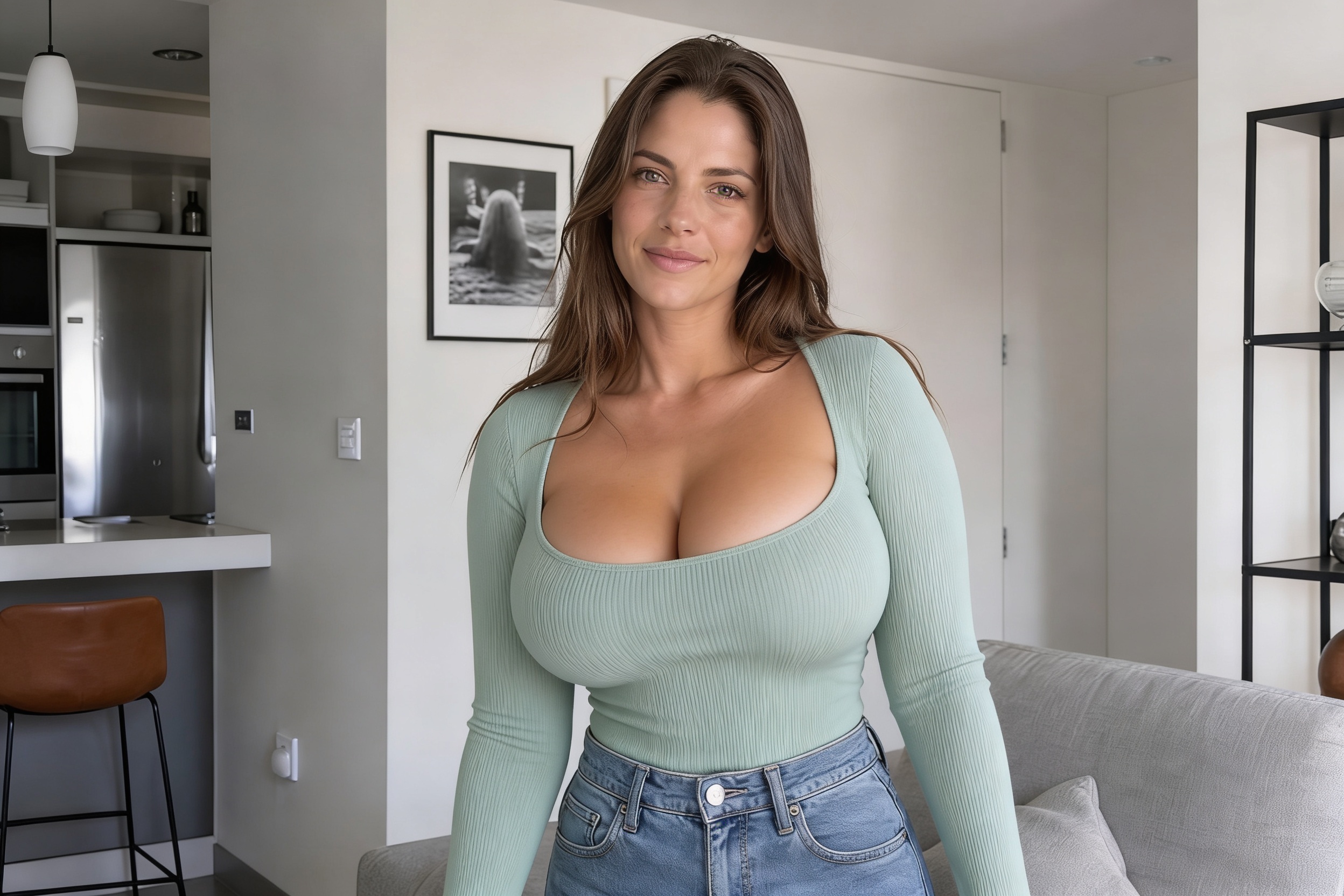
Upload a photo and use our AI to increase visible cleavage while keeping the person, pose, outfit, and scene consistent. It works well for glamour shots, fashion photos, beachwear, and styled portraits where you want a bolder neckline look.
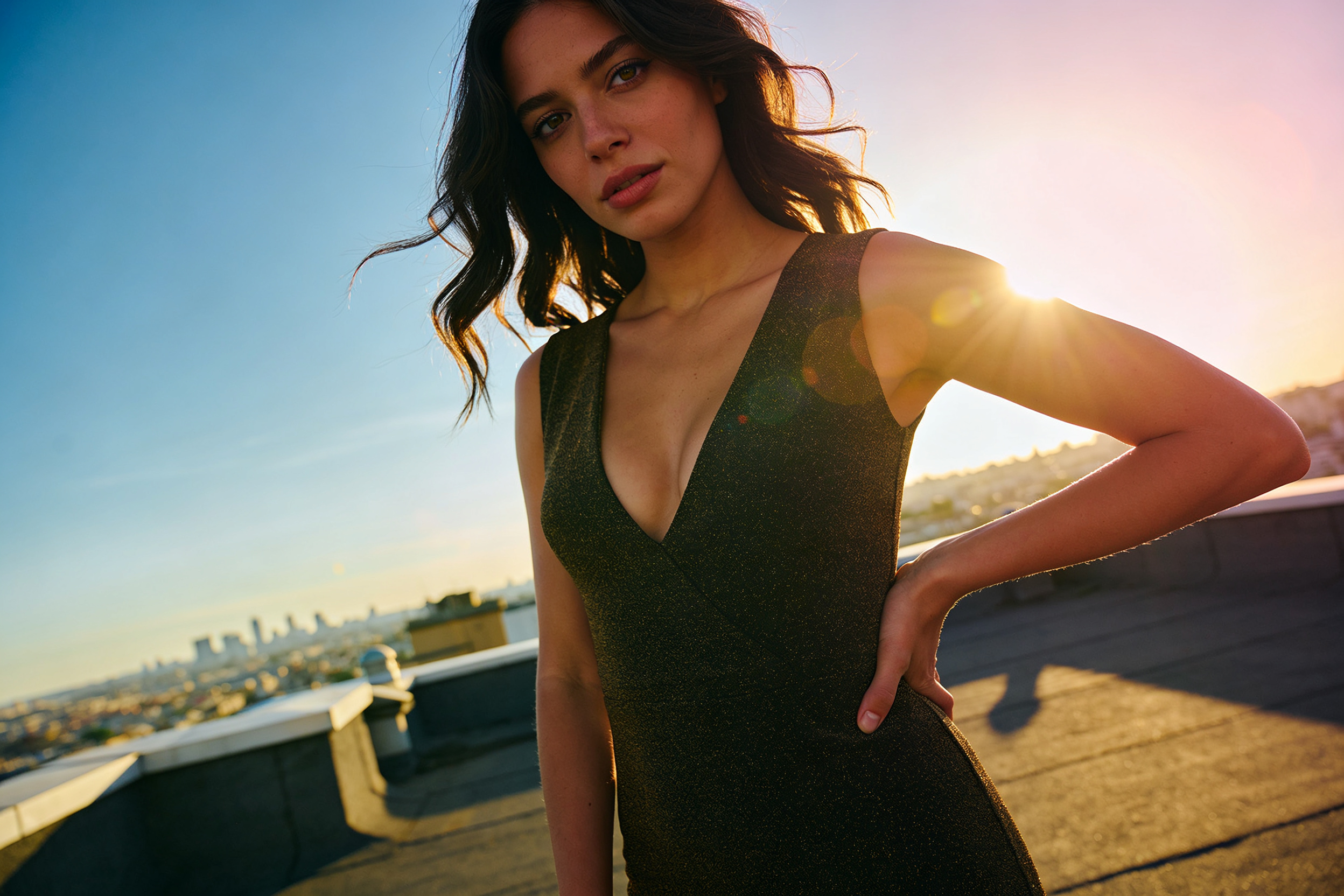
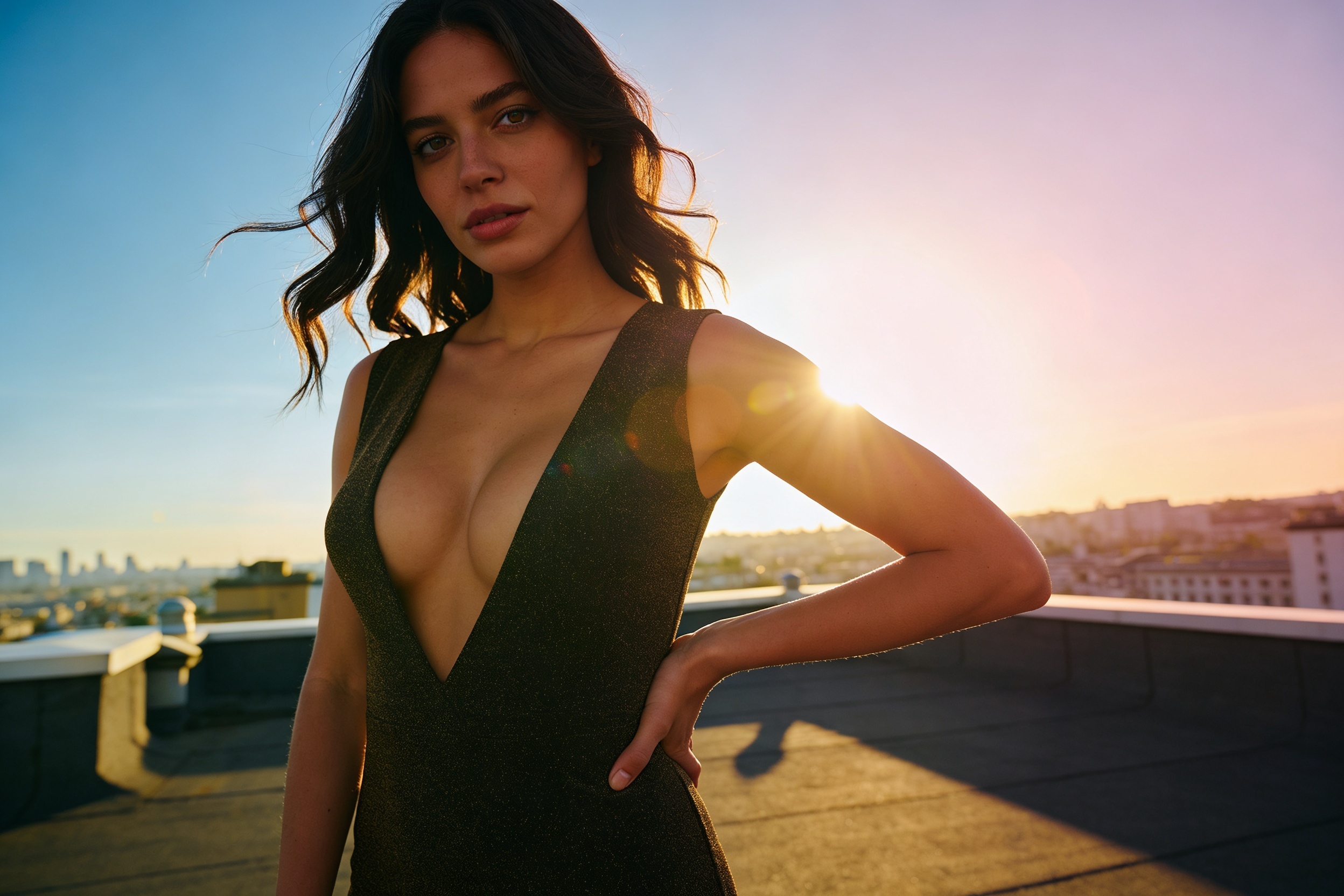
Watch the Transformation
See ai cleavage enhancer in motion — generated end-to-end by our AI.
See It In Action
Real outputs from ai cleavage enhancer.
BEFOREAFTER BEFORE
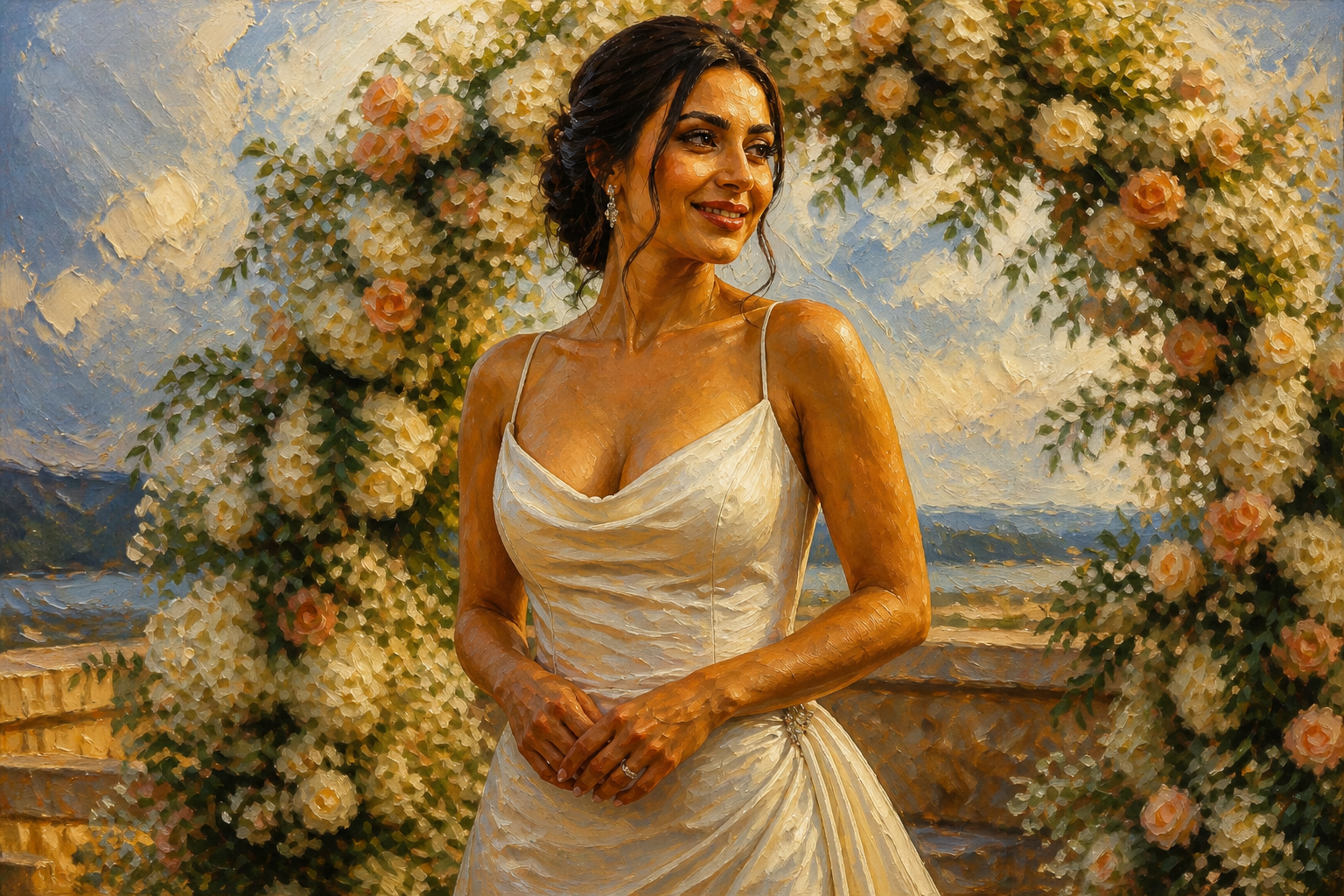 AFTER
AFTER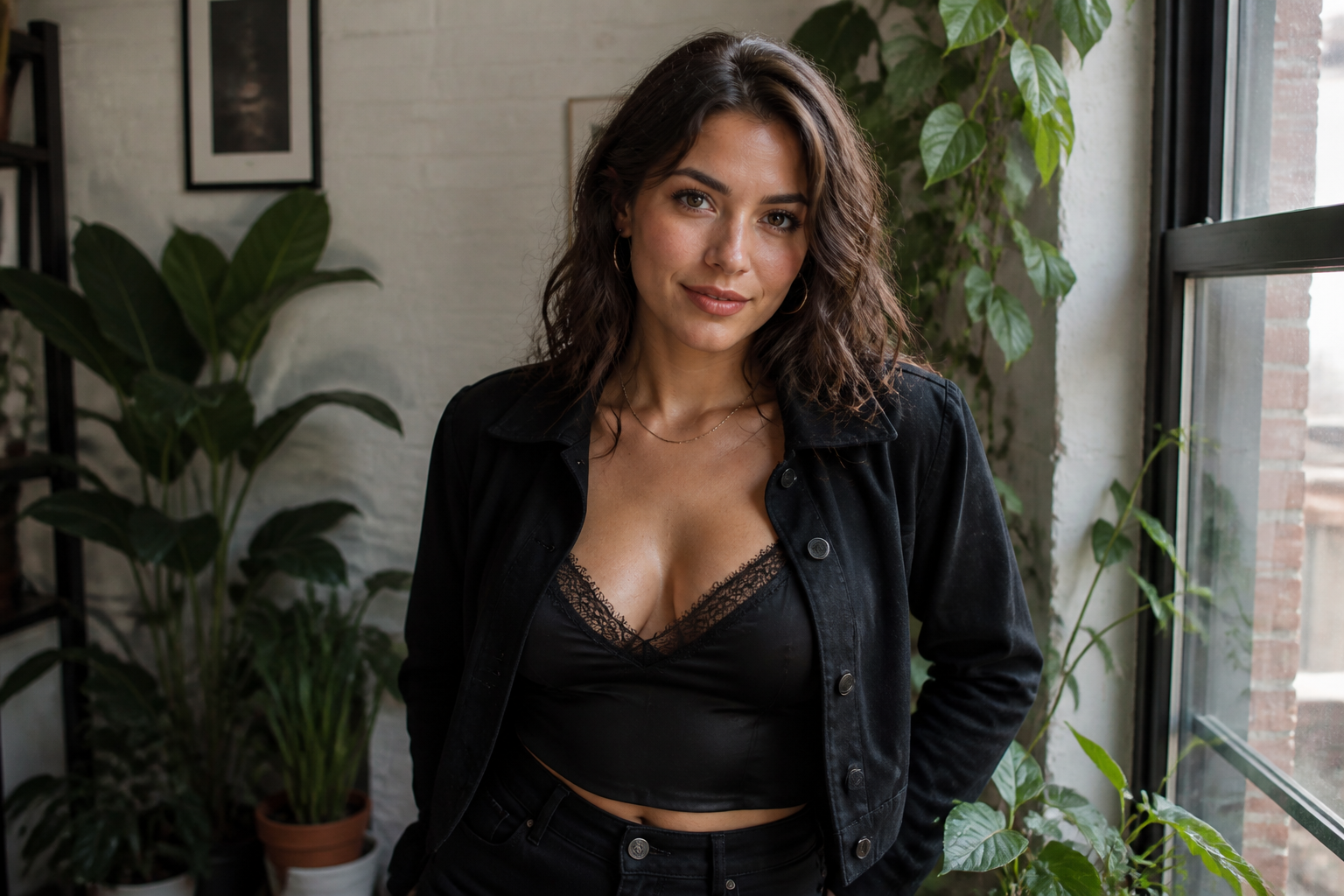 BEFORE
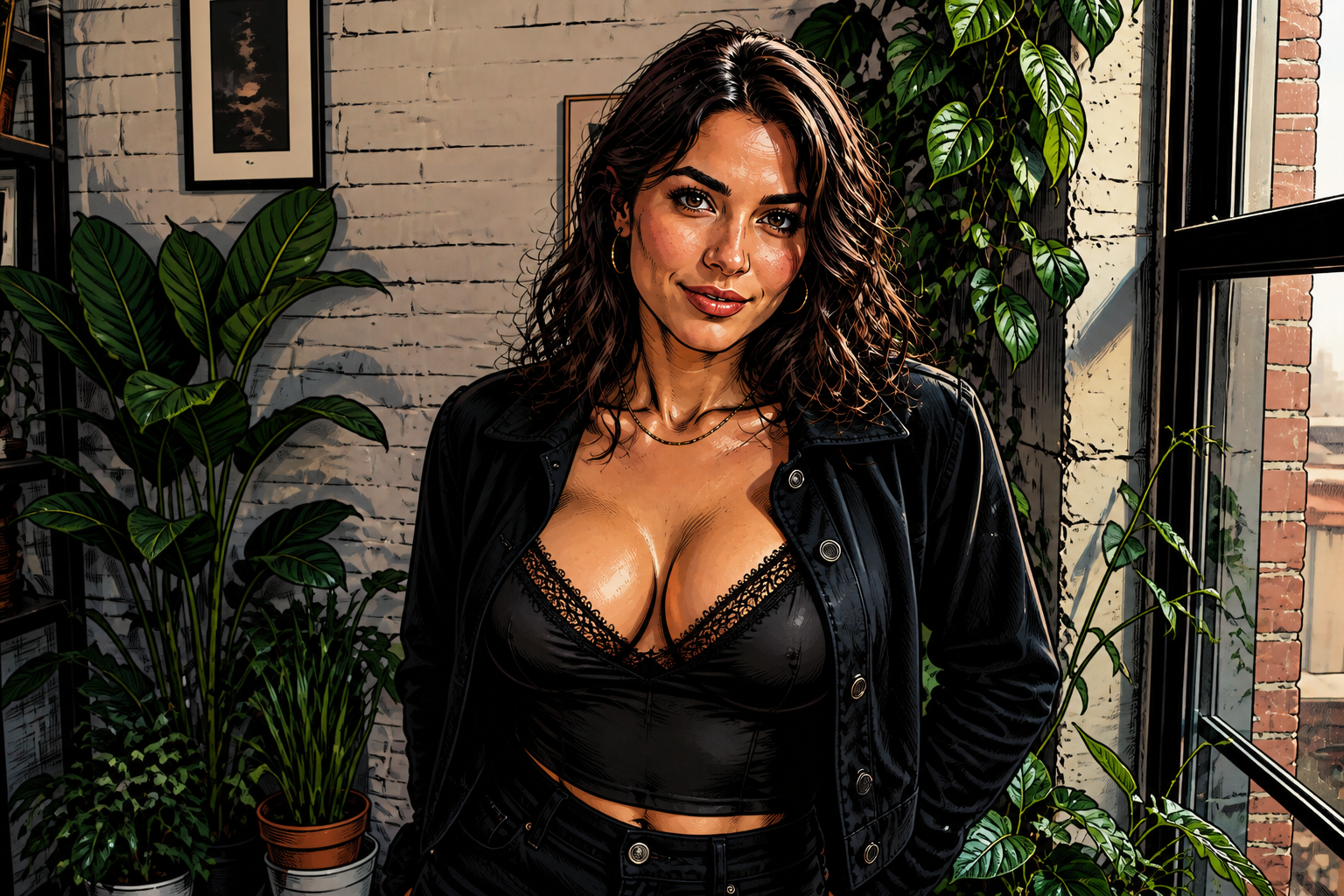 AFTERBEFOREAFTERBEFOREAFTERBEFOREAFTER
Key Features
Visible change, same photo
This tool increases visible cleavage without rebuilding the whole image from scratch. That means the person still looks like the same person, in the same room, wearing the same outfit style. It is useful when you want a stronger neckline effect for a glamour shot, fashion image, or social post. Compared with manual retouching, you do not need to spend time warping shapes or painting shadows by hand.
Works across outfit types
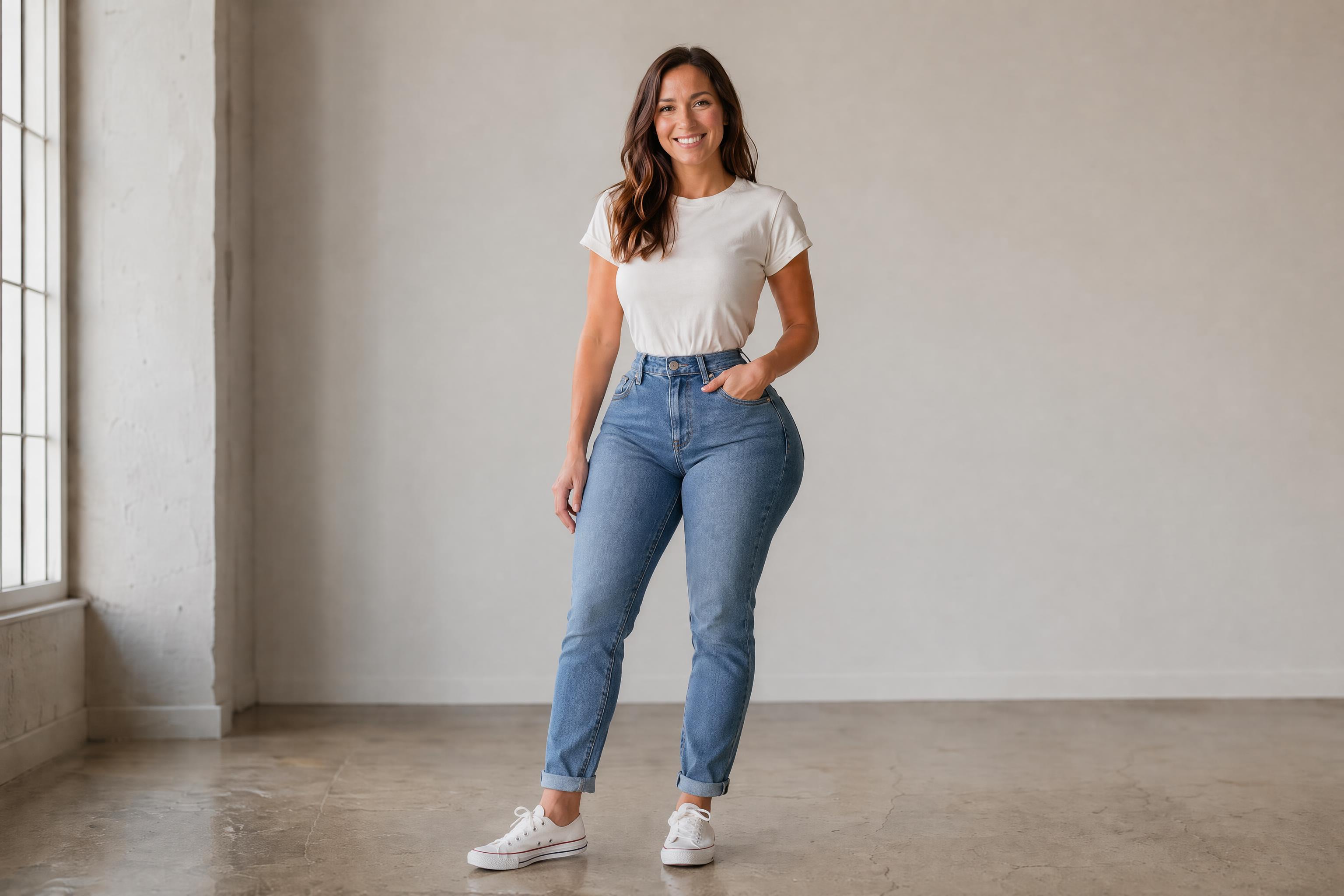
The edit can be applied to dresses, swimwear, activewear, and fitted tops. You can test different photos instead of being locked into one kind of scene or one kind of clothing. This makes it easier to create a consistent glamour look across a set of images. Doing that manually usually means adjusting each photo one by one with separate masking and retouching work.
Keeps your styling intact
A good edit should focus on the neckline effect, not accidentally change hair, makeup, pose, or the whole wardrobe. Our AI is designed to target the visible bust area while leaving the rest of the composition consistent. That matters if you already like the original shot and only want one specific enhancement. It saves time compared with doing shape edits and shadow balancing across multiple layers in an editing app.
Realistic or stylized results
You can use the same kind of enhancement in realistic photos or in more stylized fashion outputs. That helps if you want social-ready images, moodboard visuals, or editorial concepts from one workflow. The effect remains easy to read even when the final image has a stronger artistic look. Manual stylized retouching usually takes much longer because you need to match anatomy, lighting, and style all at once.
How It Works
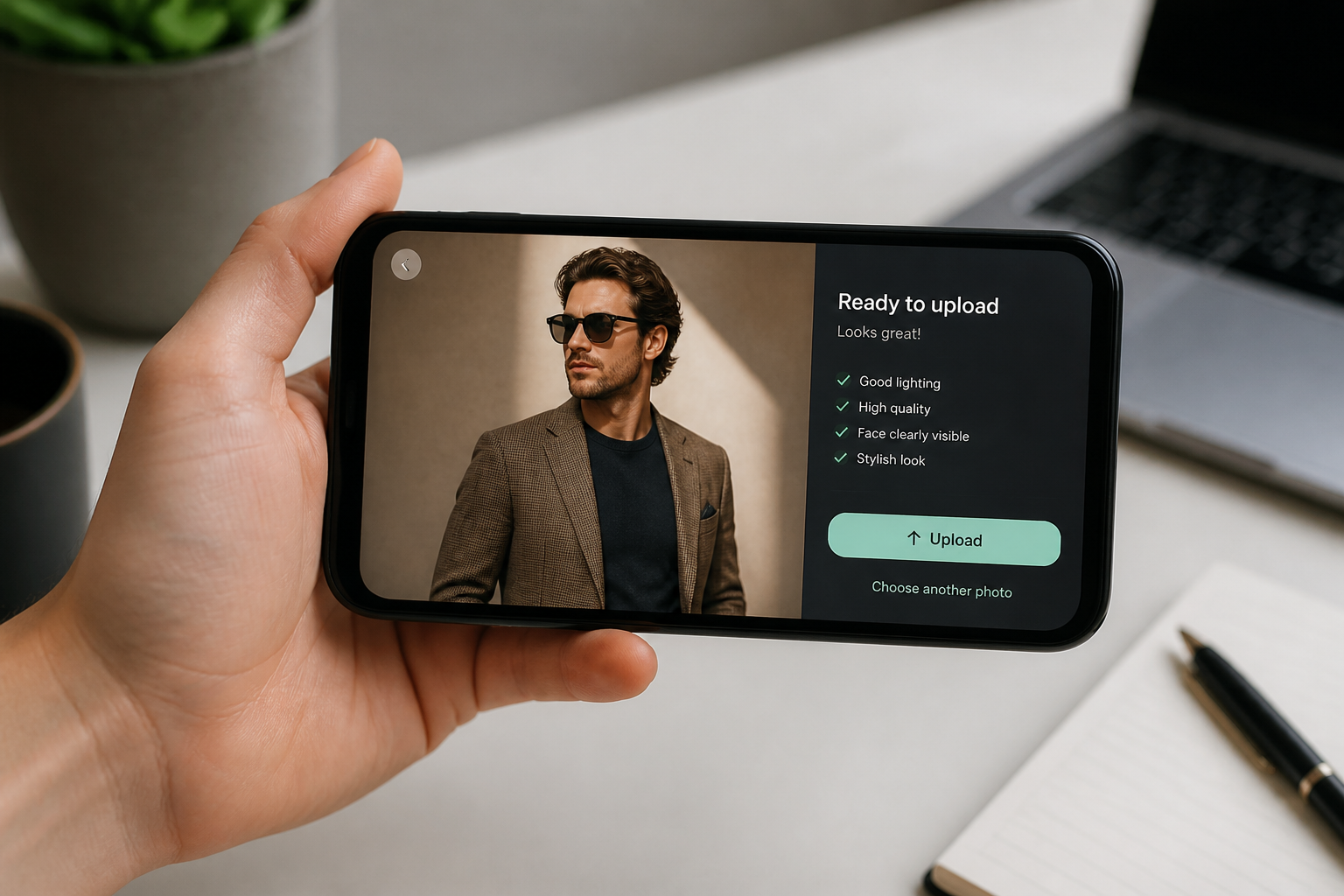
Upload your photo
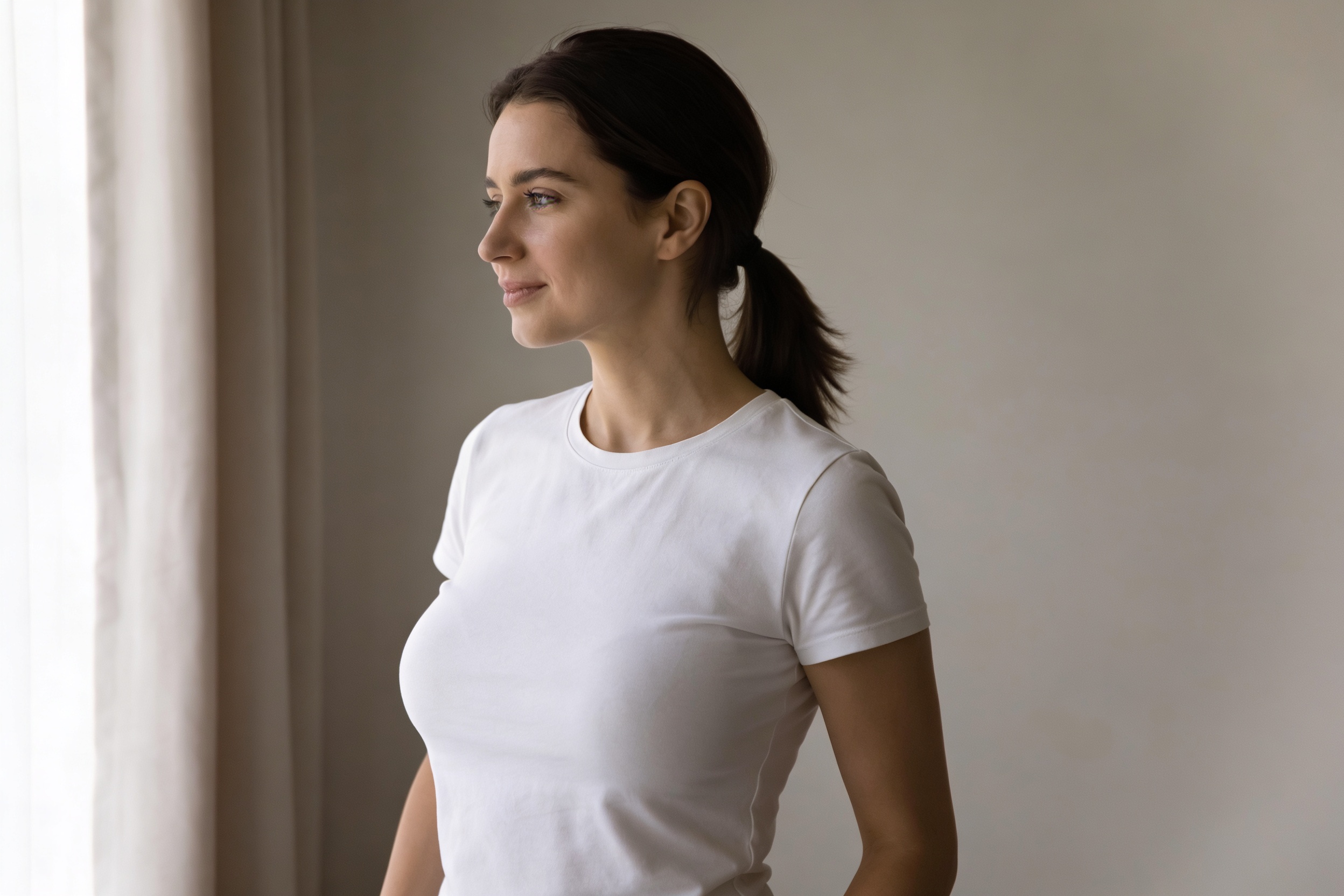
Start with a clear image where the outfit and neckline are easy to see. Glamour portraits, fashion shots, swimwear, and dress photos usually work best.
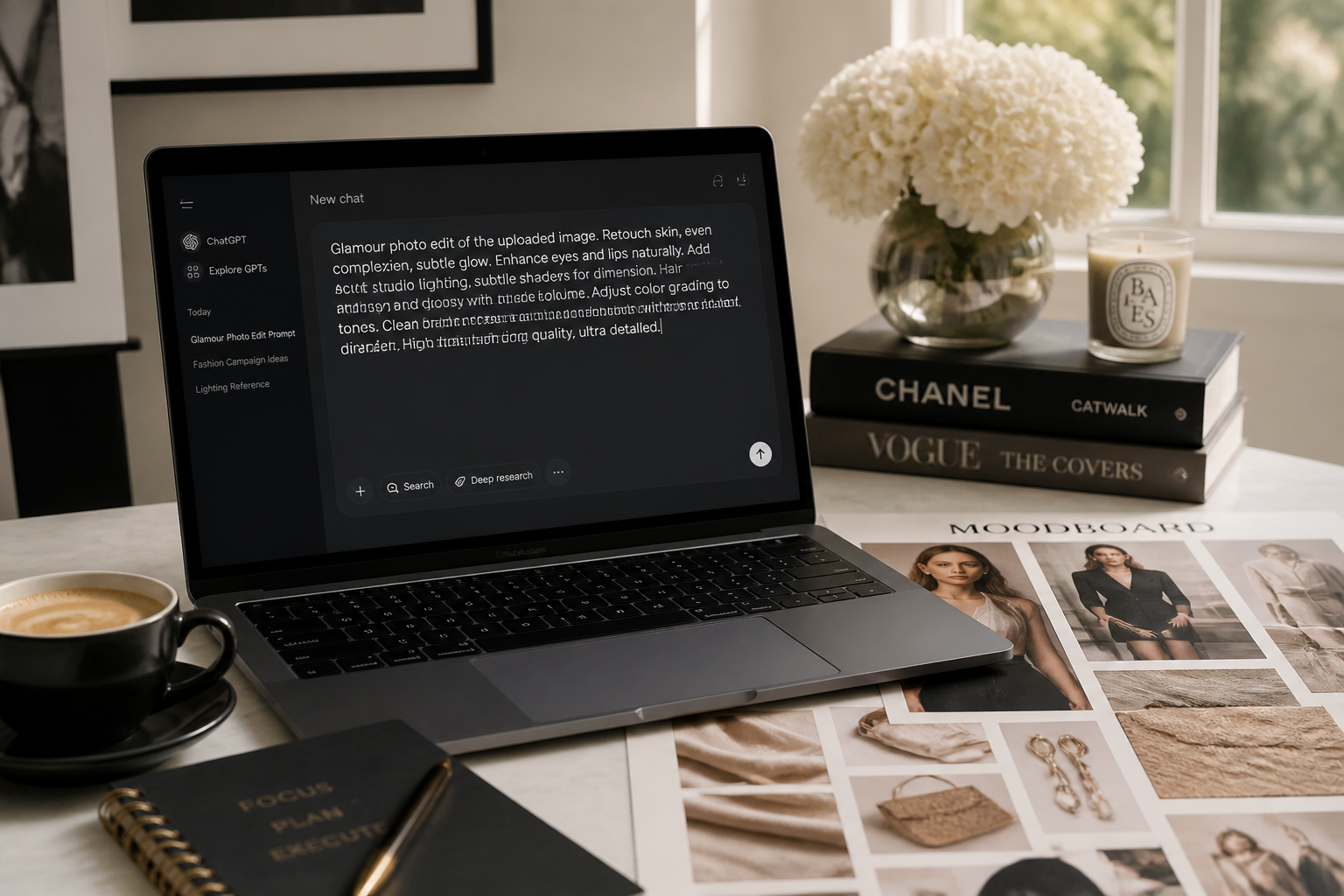
Describe the look
Tell the AI how much more visible cleavage you want and what should stay the same. You can mention the outfit, pose, background, and overall vibe to keep the edit focused.
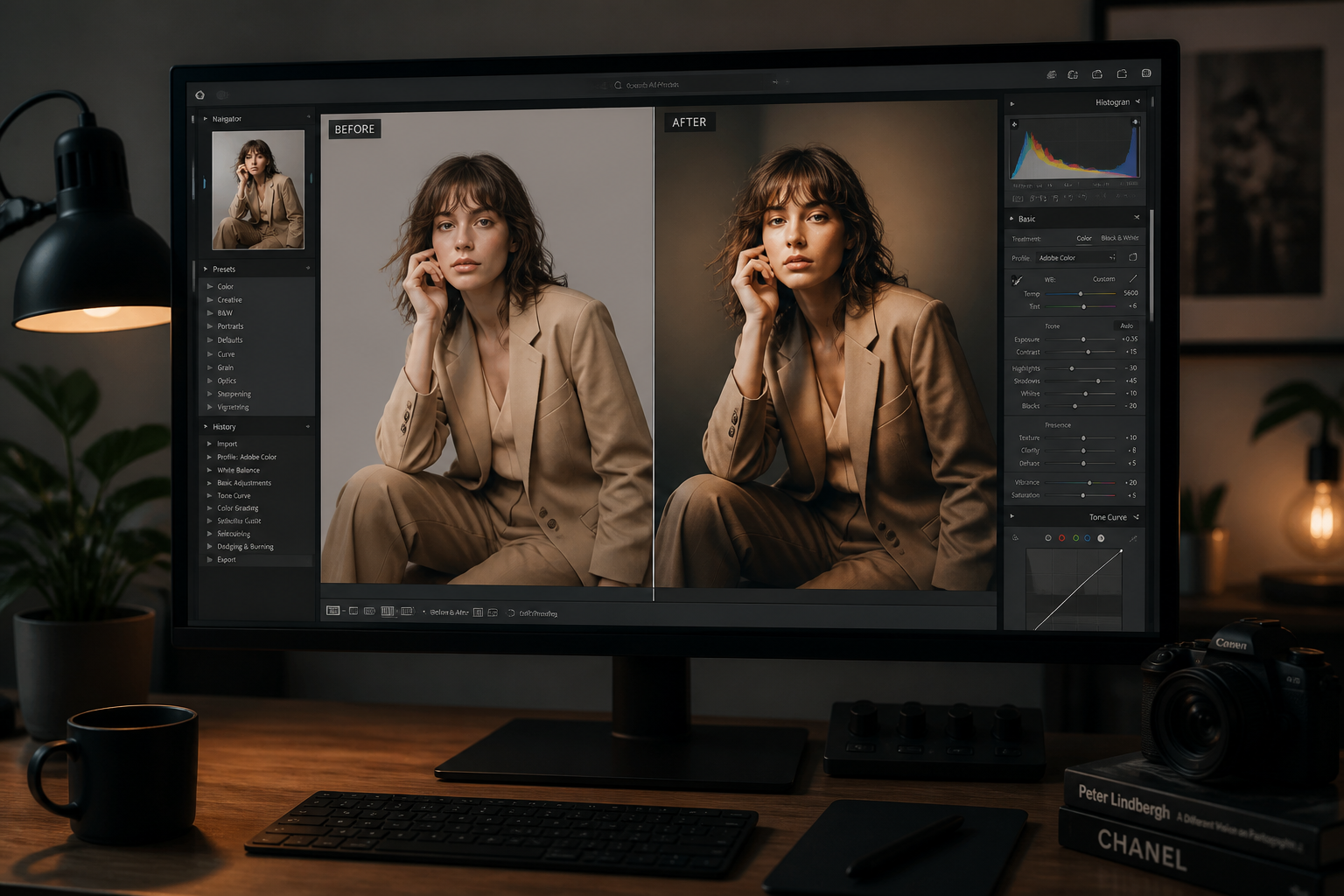
Compare and refine
Review the result side by side with the original and adjust if needed. If you want a stronger or softer edit, rerun with a more precise instruction.
Perfect For
Discover how creators and professionals use ai cleavage enhancer
Glamour portraits
Create a stronger neckline effect for beauty, boudoir-inspired, or fashion-forward portraits while keeping the original mood and pose.
Swimwear photos
Increase visible bust definition in poolside or beachwear shots without changing the entire scene.
Social content
Make a photo read more boldly in thumbnails and feeds where small visual changes can get lost.
Editorial mockups
Test stronger fashion styling concepts quickly before committing to a full manual retouching pass.
Built For
Creators and influencers
Useful for polished social posts, glamour edits, and fashion content where the neckline look matters.
Photographers and retouchers
A fast way to test alternate bust and neckline presentations before spending time on detailed manual edits.
Fashion marketers
Helpful for mockups, look tests, and campaign concepts across dresses, swimwear, and styled portraits.
Why use this instead of generic editors
A quick look at how we compare on the things that matter for this niche.
| Feature | BudgetPixel | Generic AI editors | Manual editing apps |
|---|---|---|---|
| Targeted neckline enhancement | ✓ | — | ✓ |
| Keeps original scene | ✓ | ✓ | ✓ |
| Fast to try variations | ✓ | ✓ | — |
| No manual warping needed | ✓ | — | — |
Frequently Asked Questions
What does AI Cleavage Enhancer actually change?
Will it change the whole outfit?
What kinds of photos work best?
Can I control how strong the enhancement is?
Is this only for realistic photos?
Create together.
Share your creations, discover trending AI art, and grow with fellow creators.