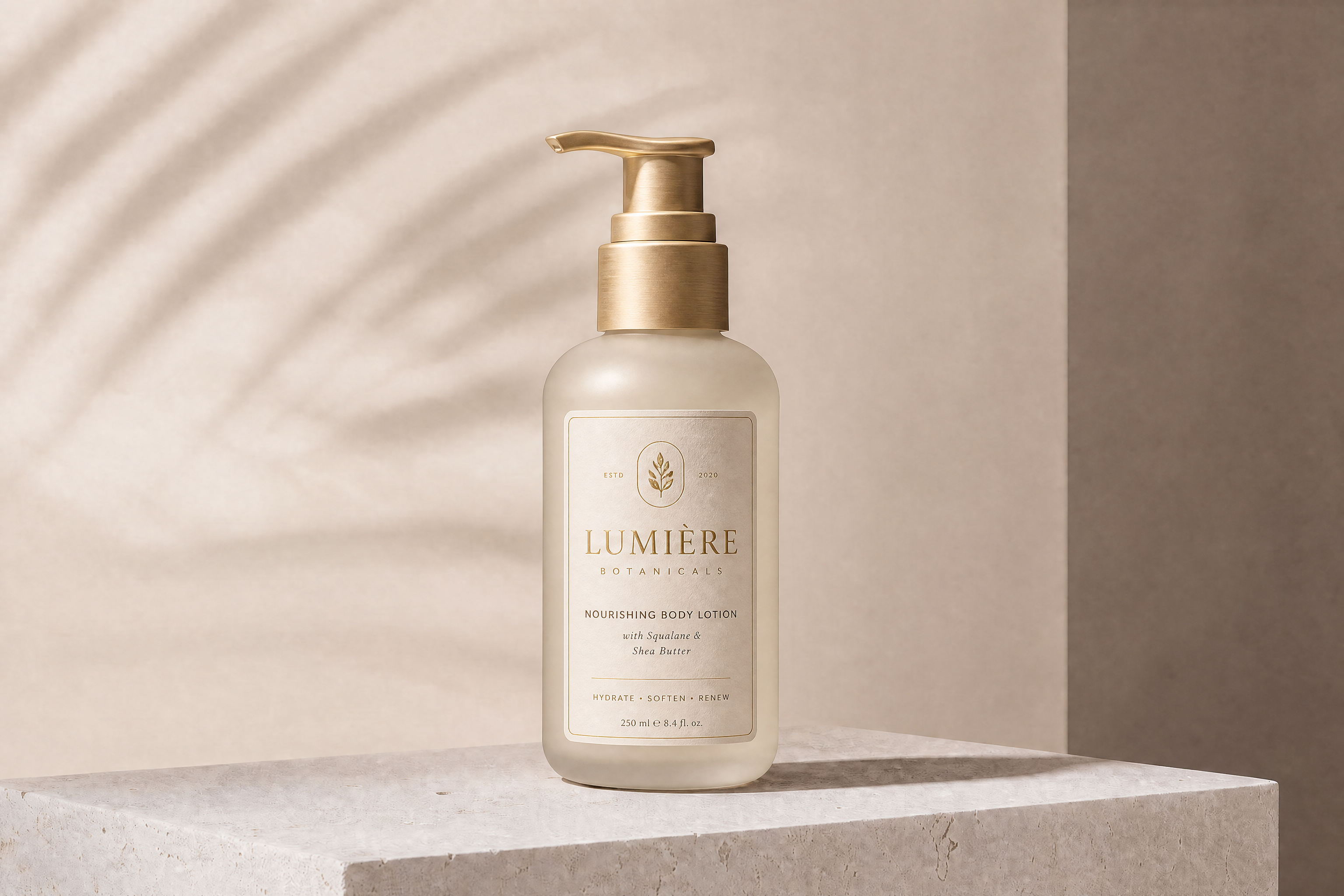
AI Snack Packaging Generator
Turn plain snack packs into polished packaging concepts in minutes.
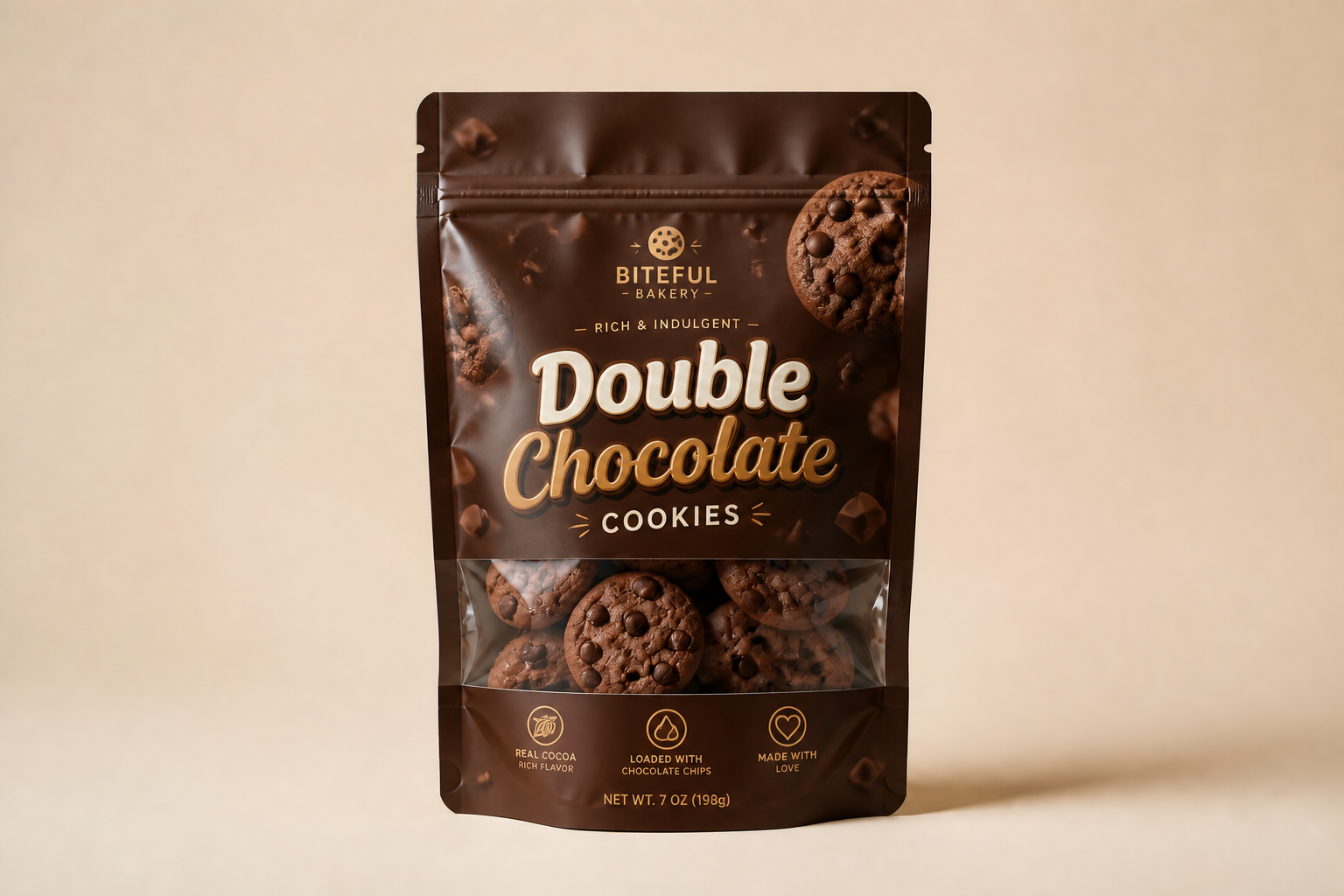
Upload a simple product photo or rough pack mockup, then generate fresh snack packaging concepts with new branding, colors, and flavor cues. Our AI helps you explore shelf-ready looks for chips, granola, candy, nuts, and more without rebuilding every design by hand.
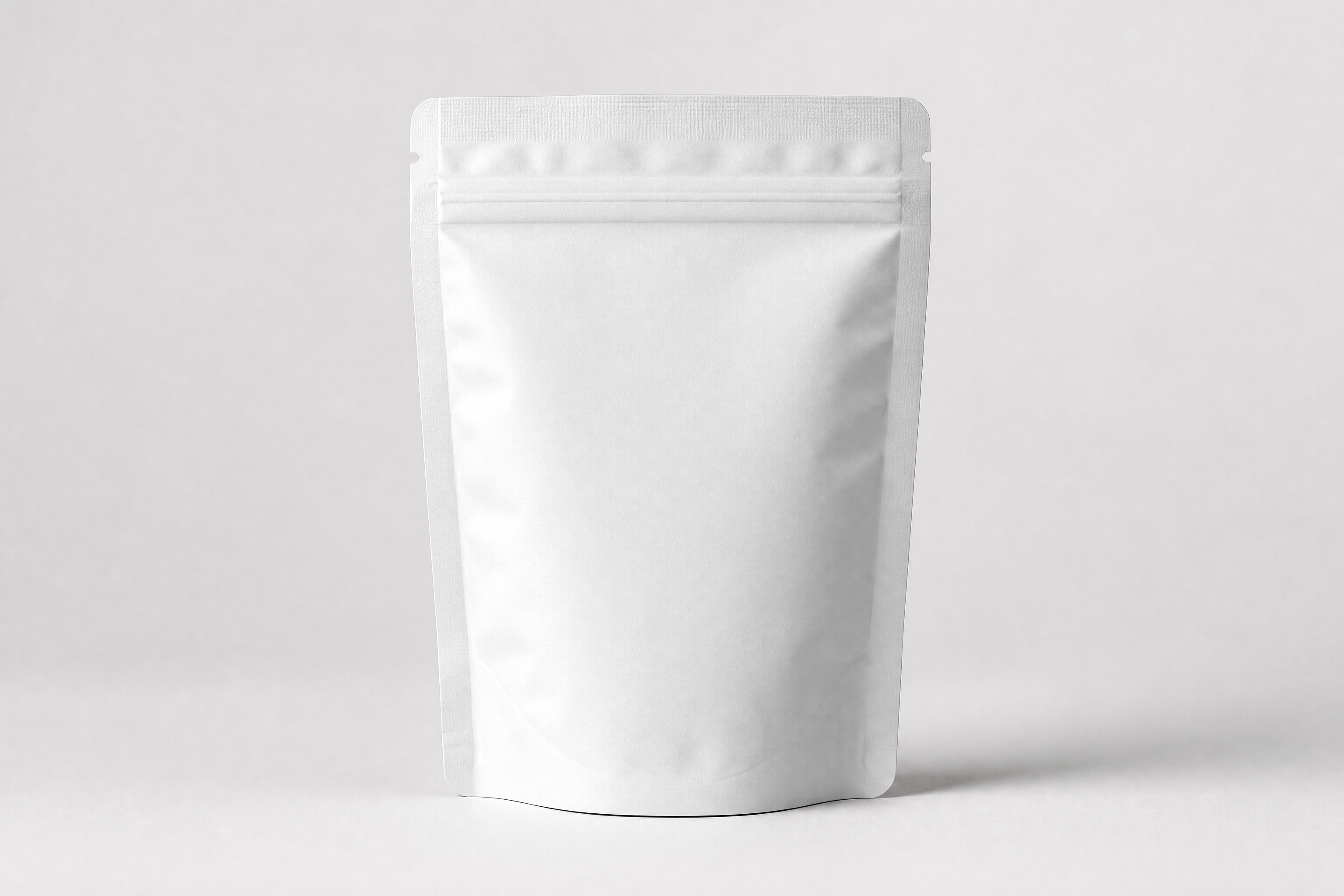
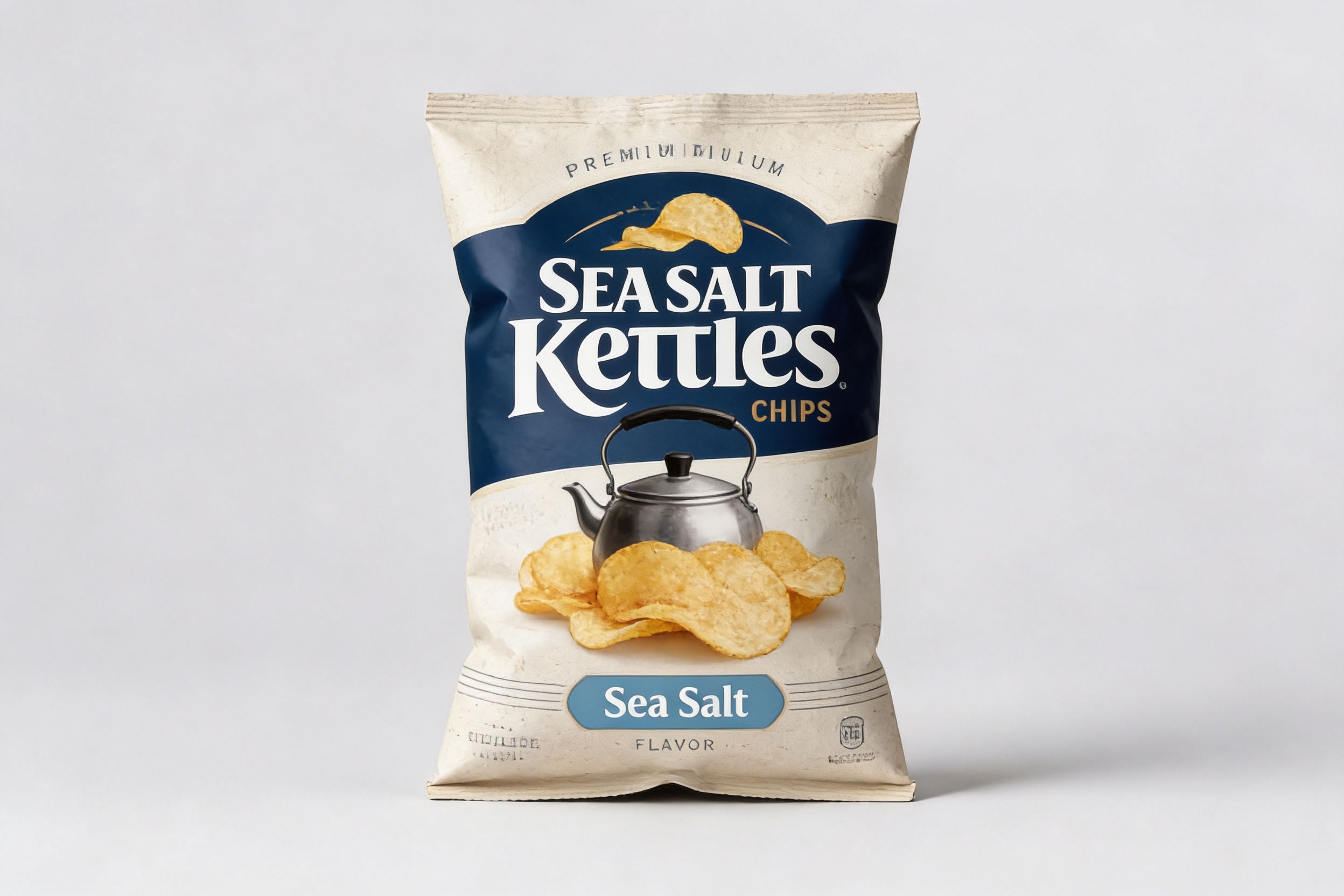
Watch the Transformation
See ai snack packaging generator in motion — generated end-to-end by our AI.
See It In Action
Real outputs from ai snack packaging generator.
BEFOREAFTER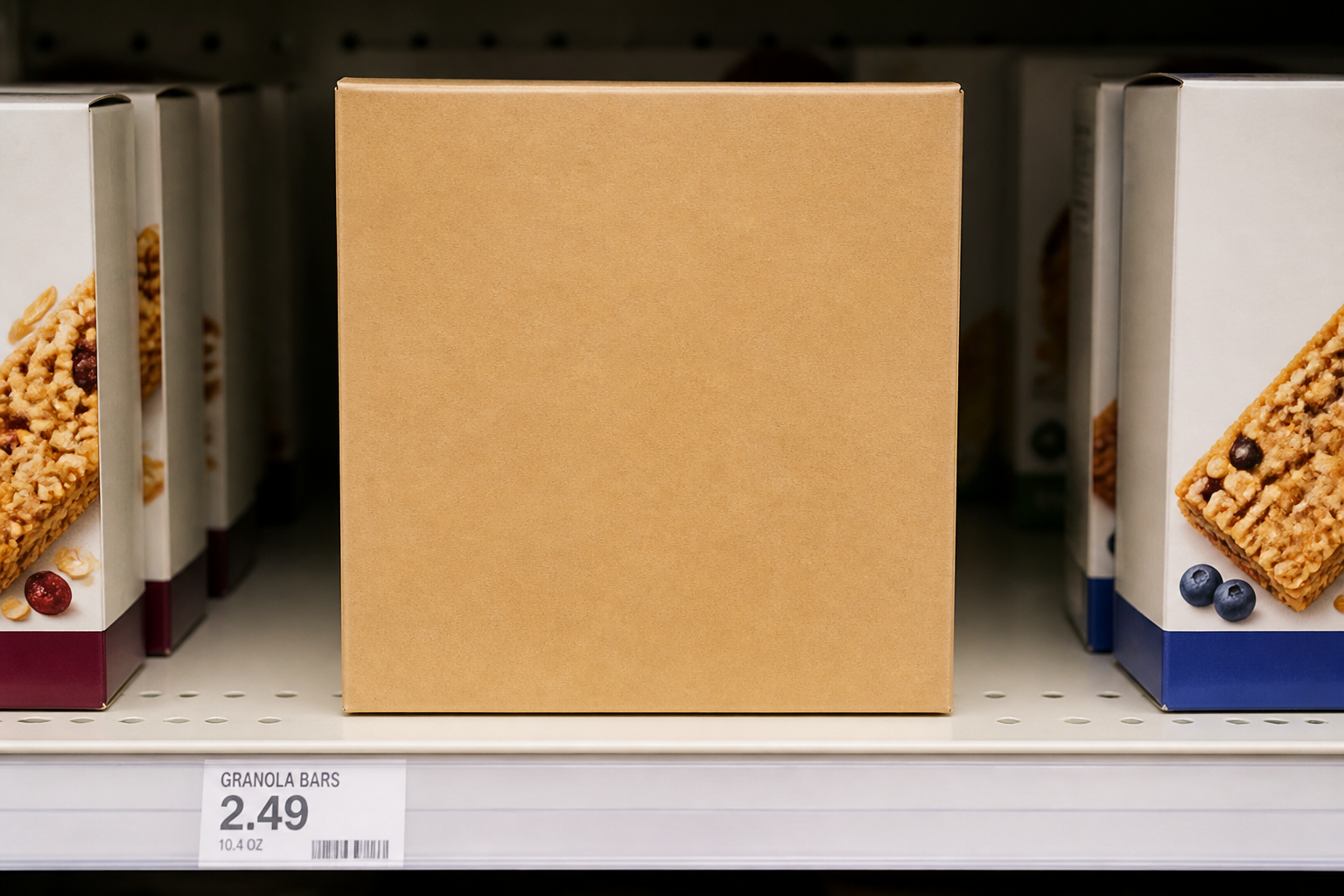 BEFORE
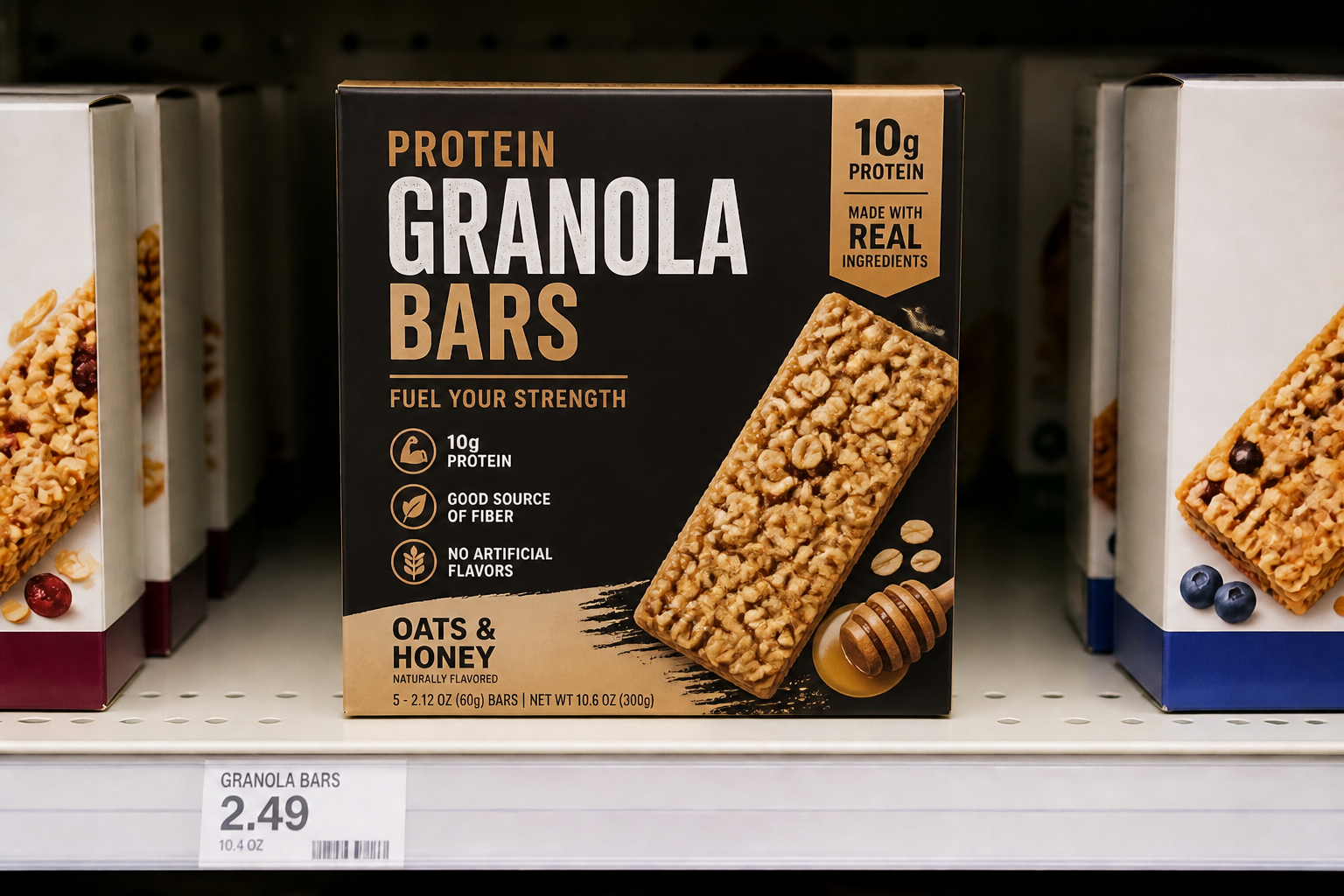 AFTER
AFTER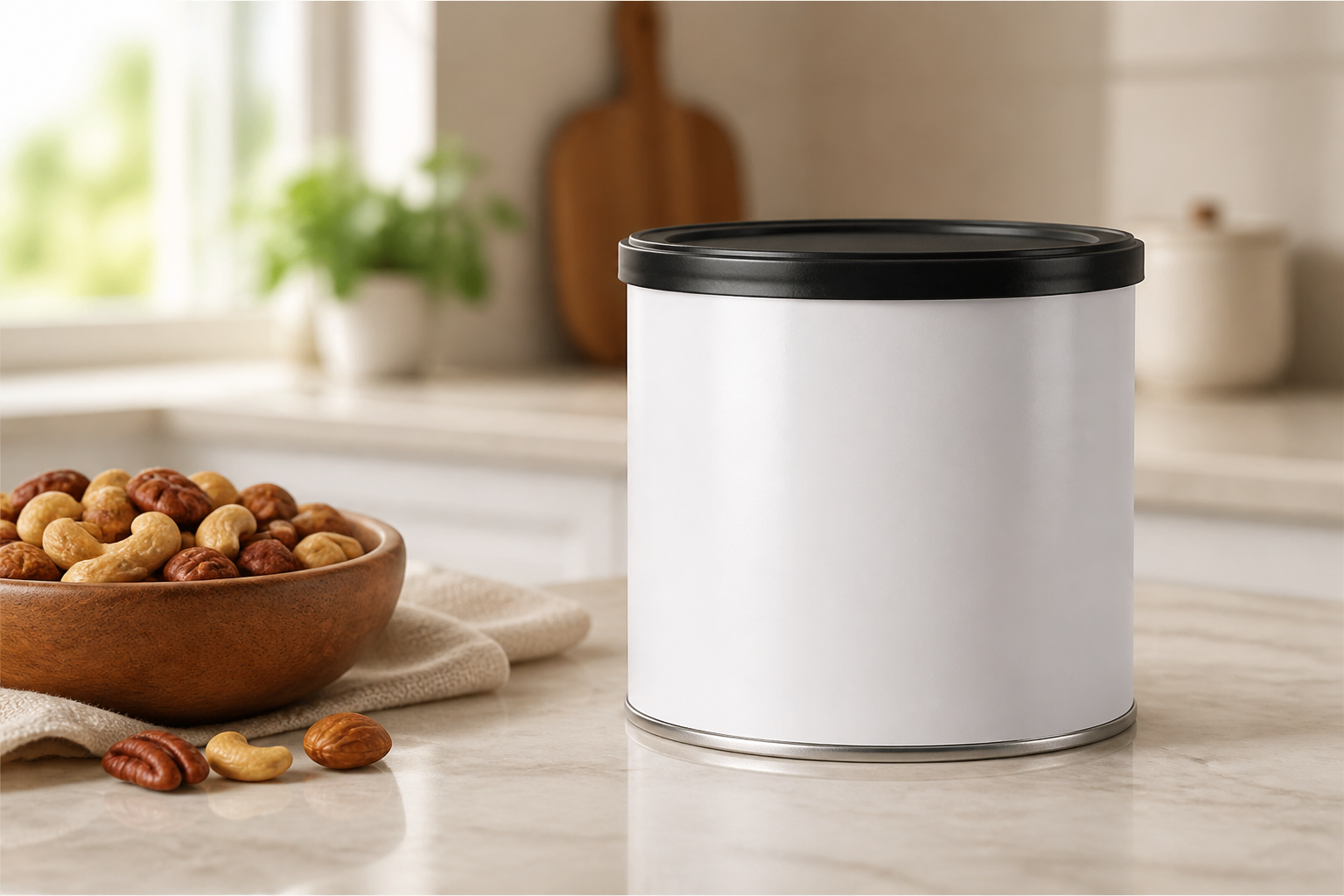 BEFORE
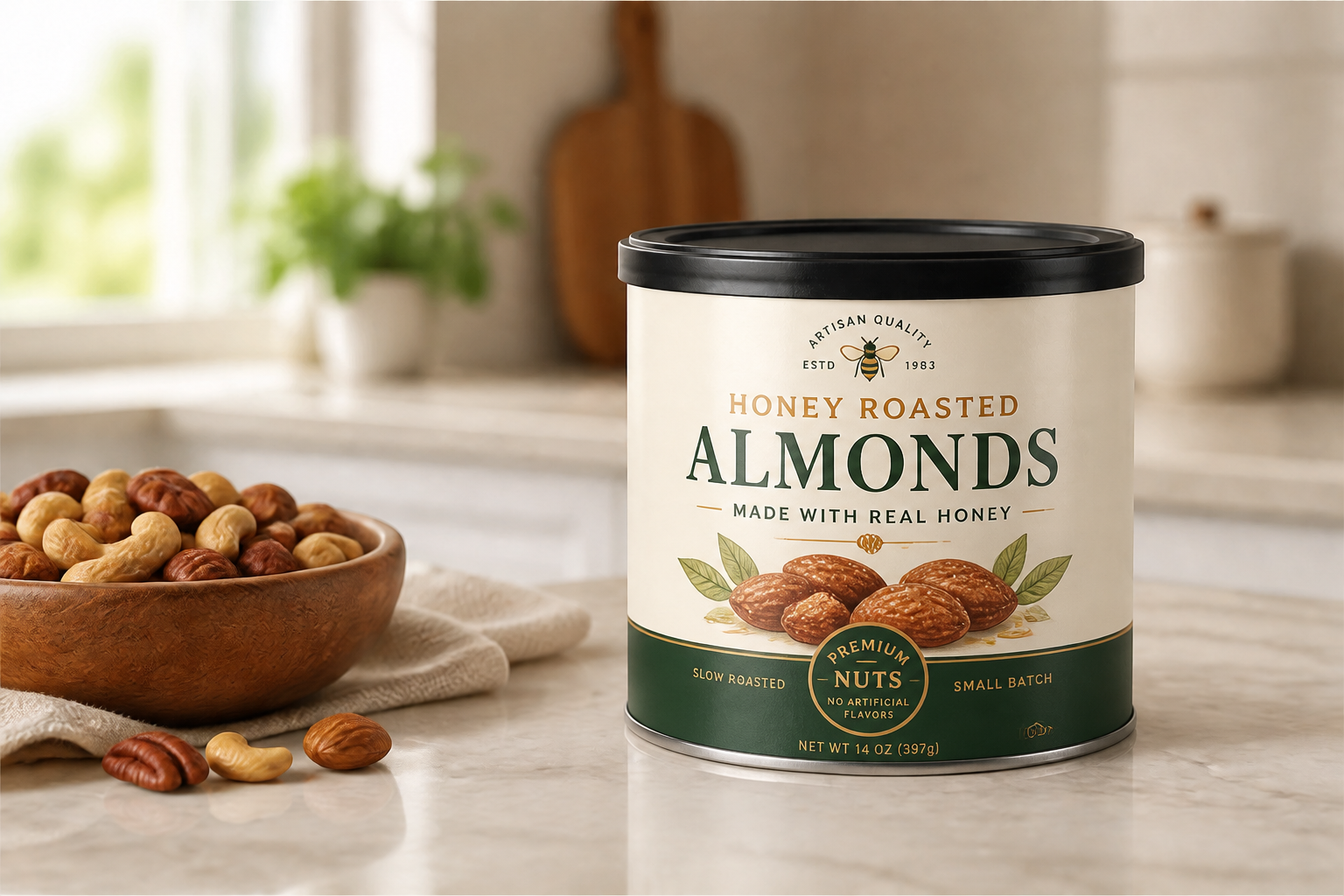 AFTER
AFTER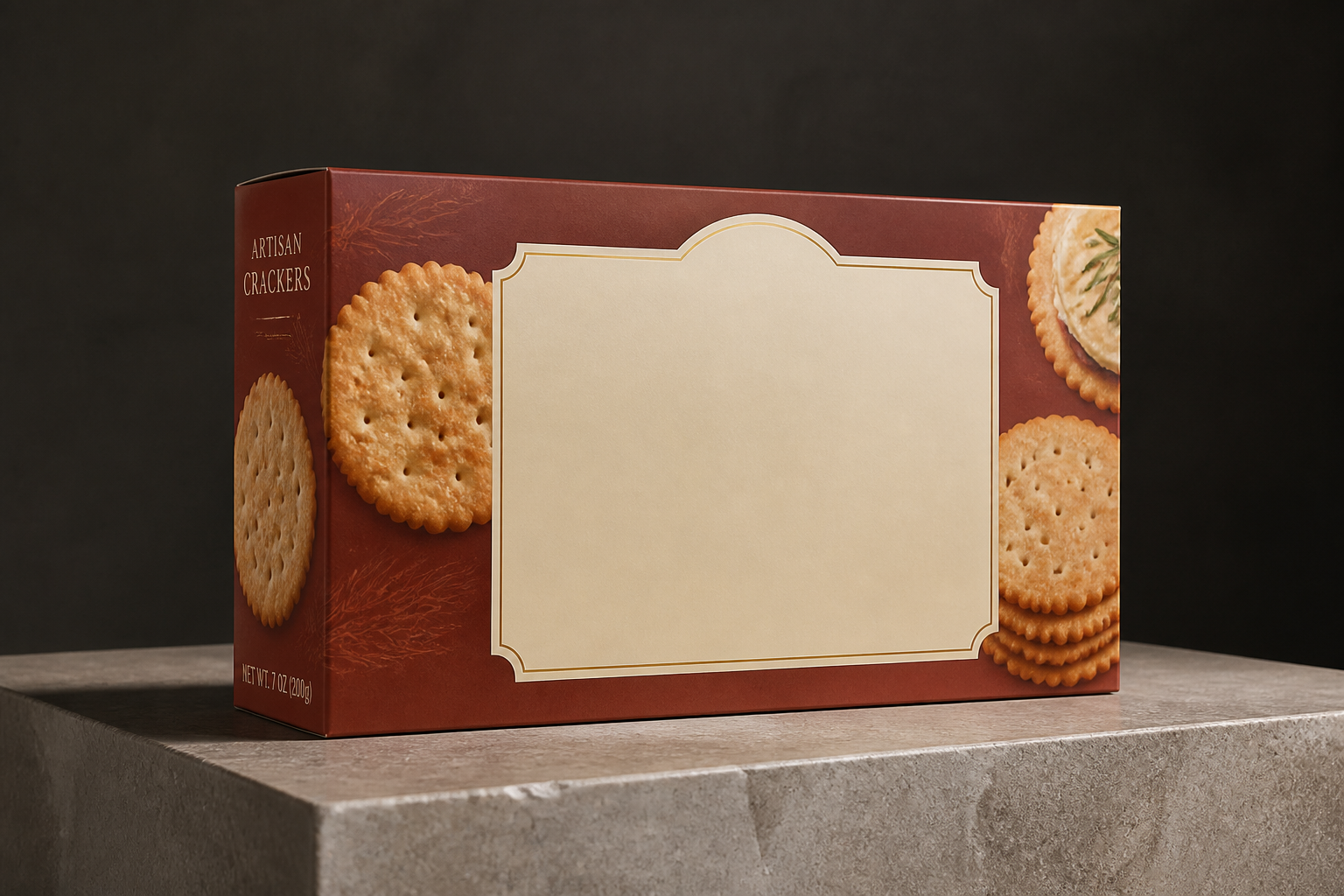 BEFORE
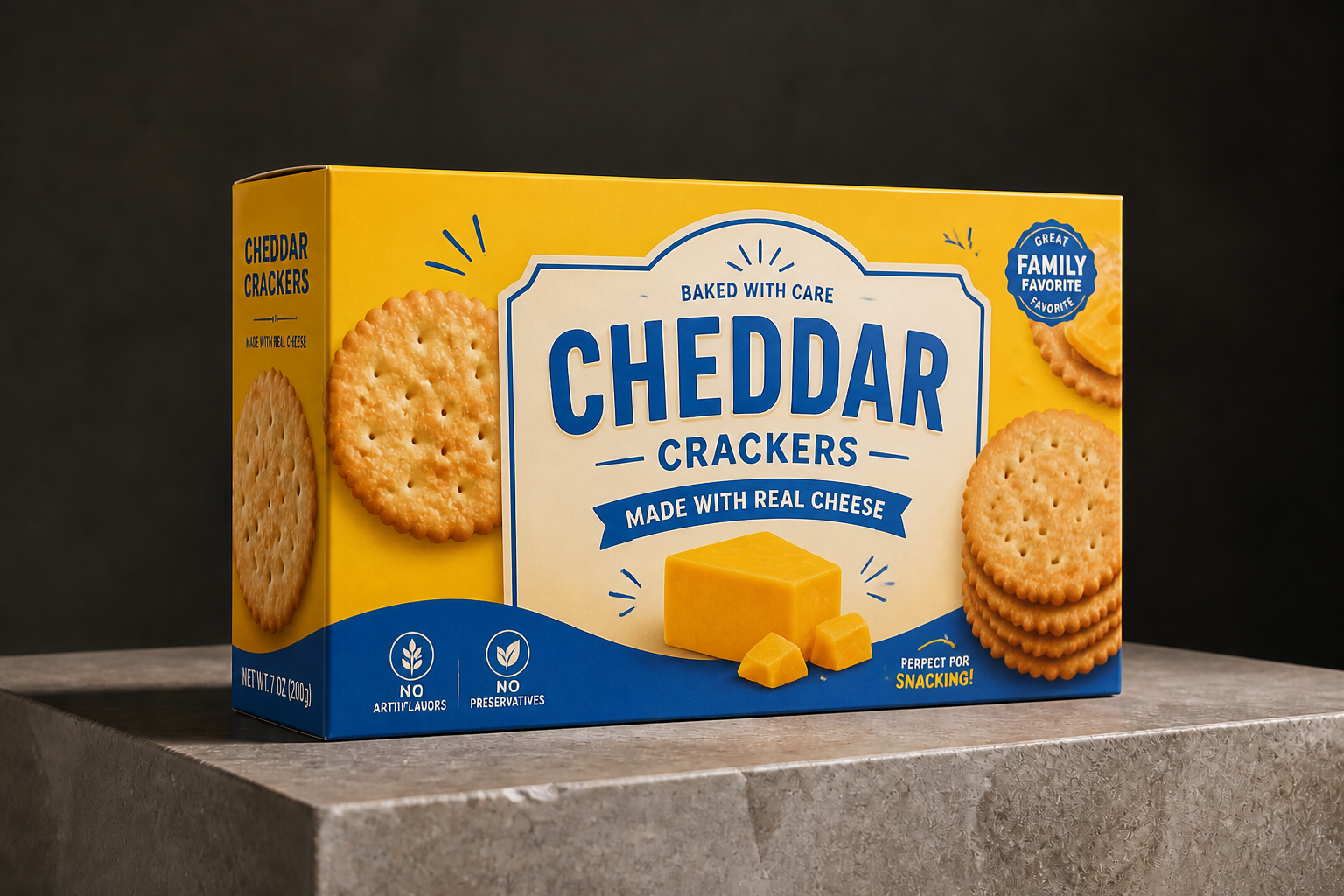 AFTER
AFTER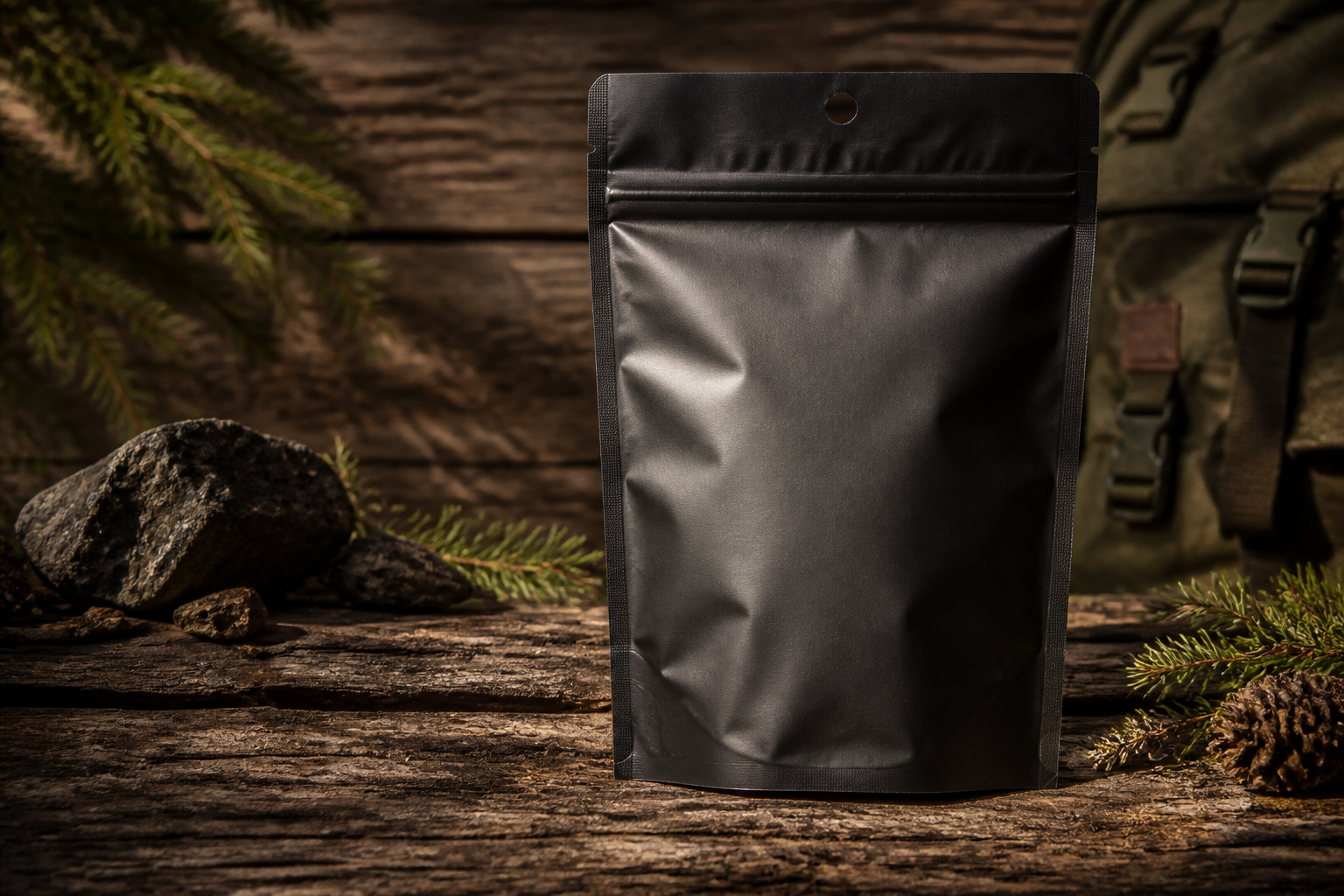 BEFORE
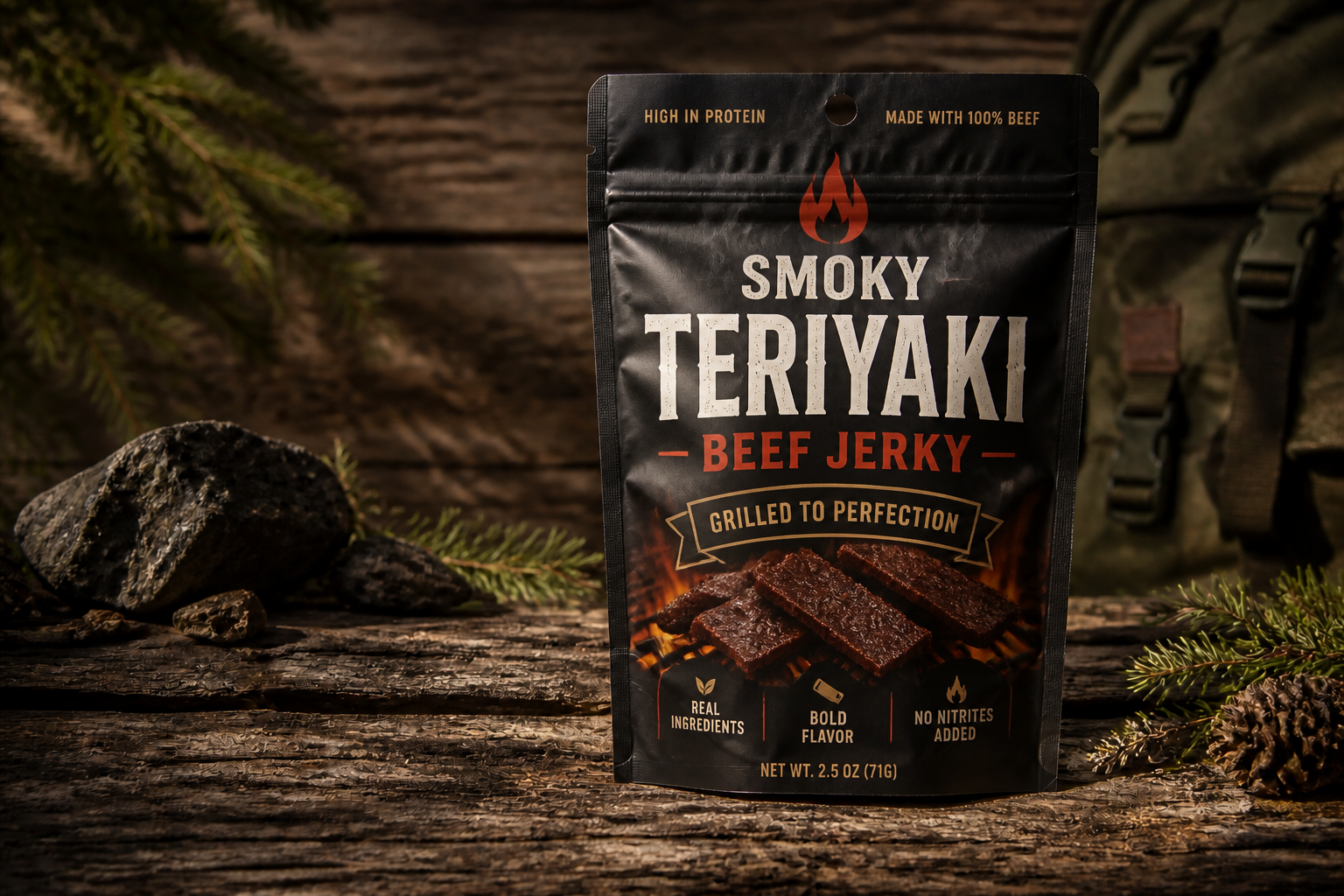 AFTERBEFOREAFTERBEFOREAFTERBEFOREAFTERBEFOREAFTERBEFOREAFTER
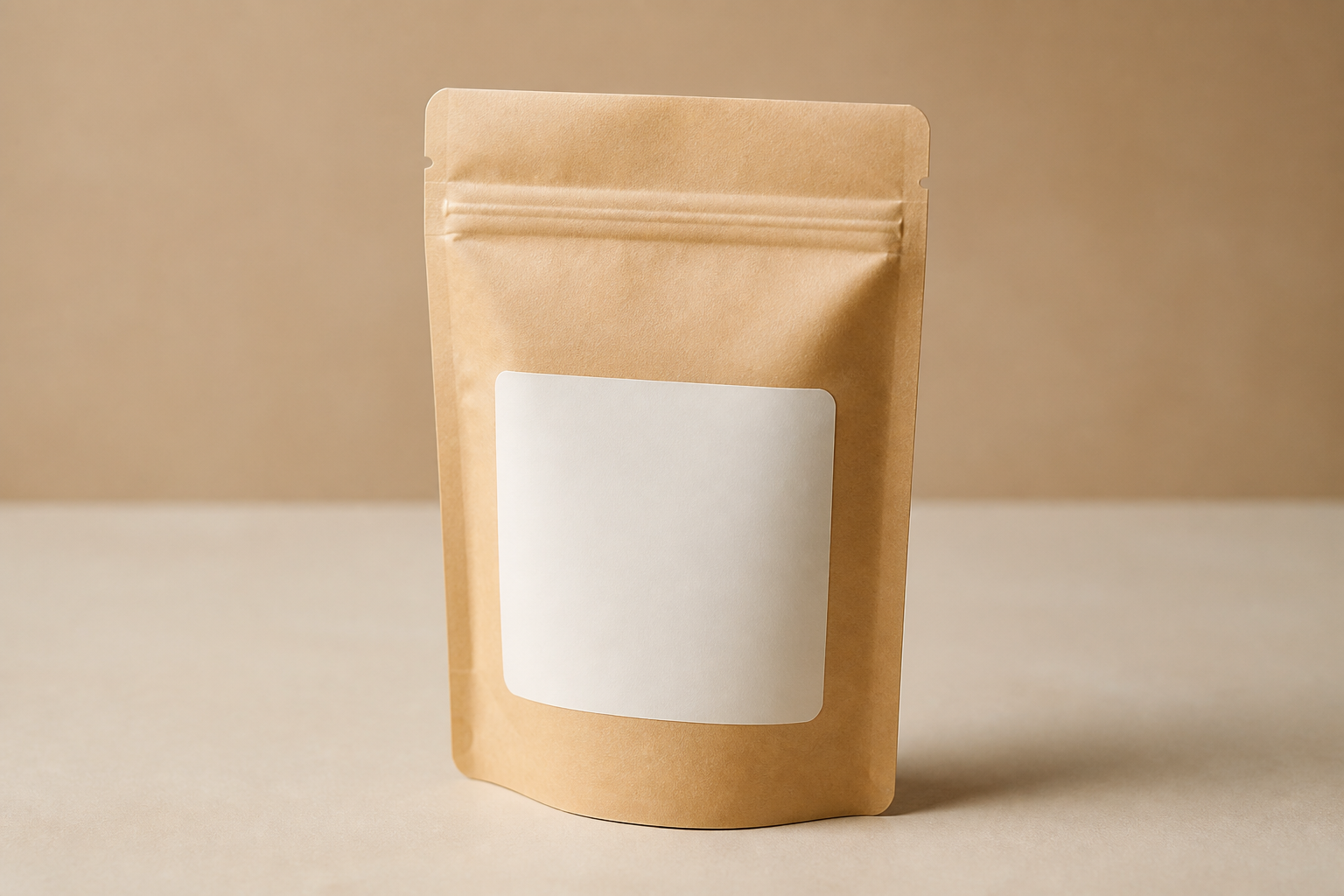 BEFORE
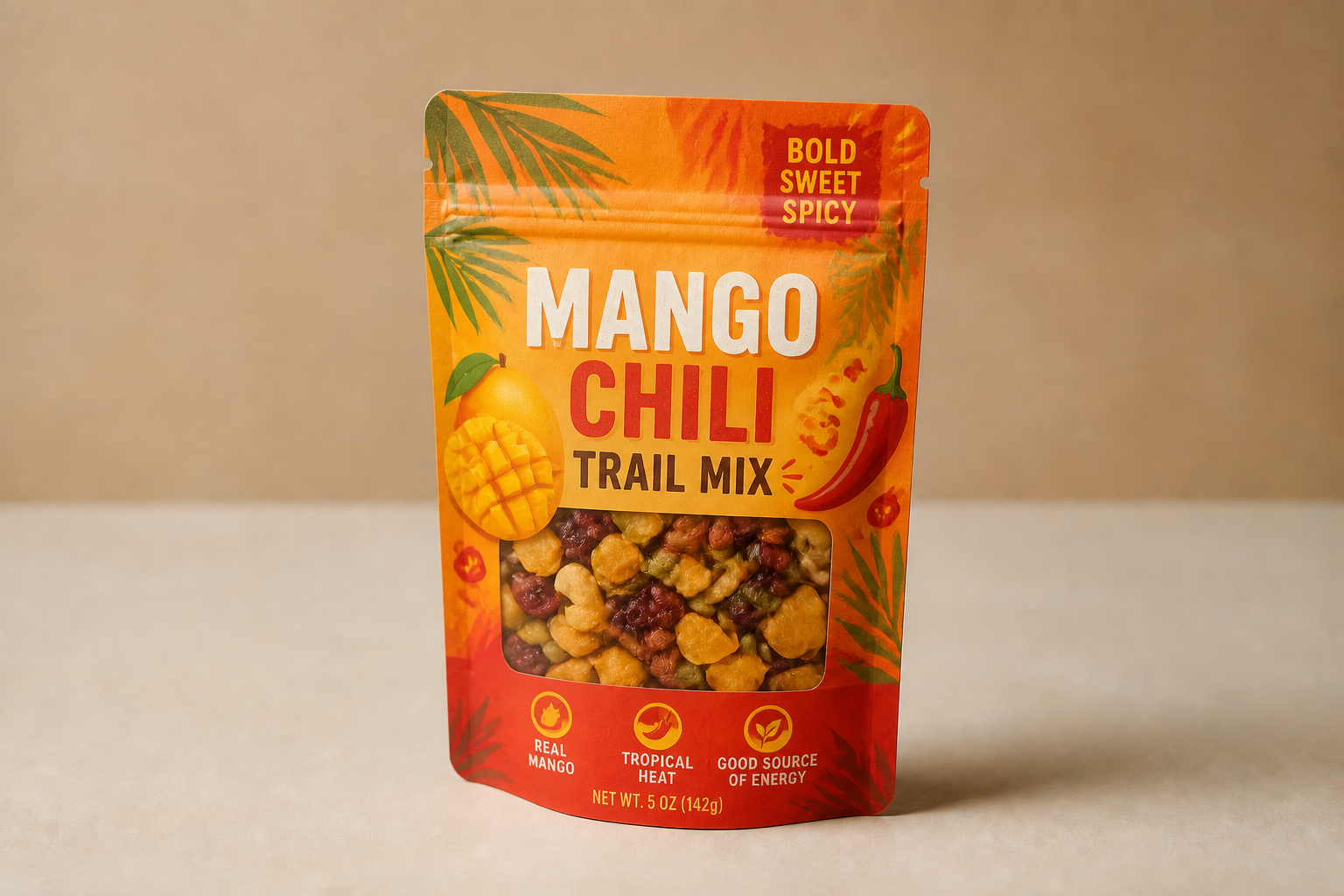 AFTER
AFTER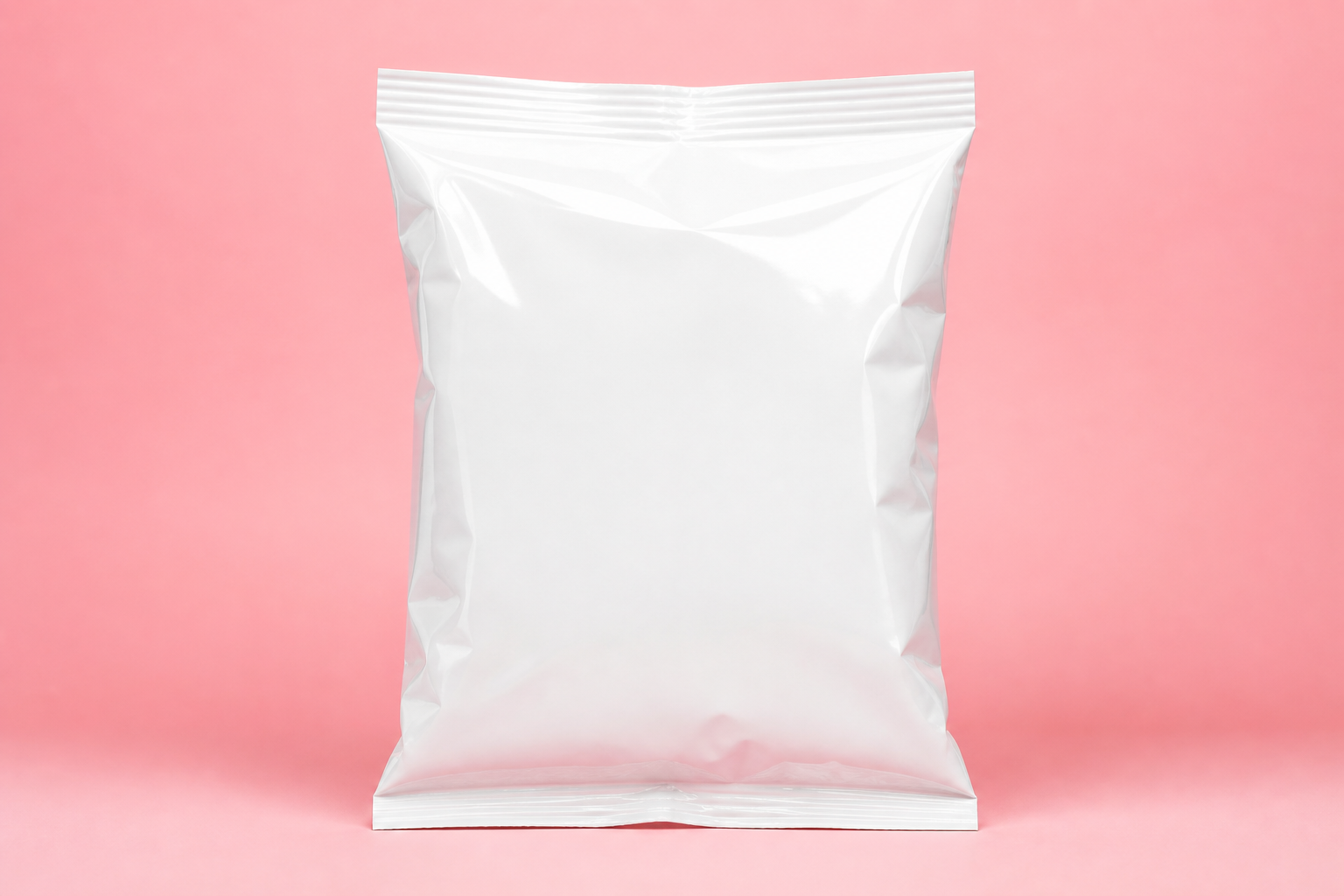 BEFORE
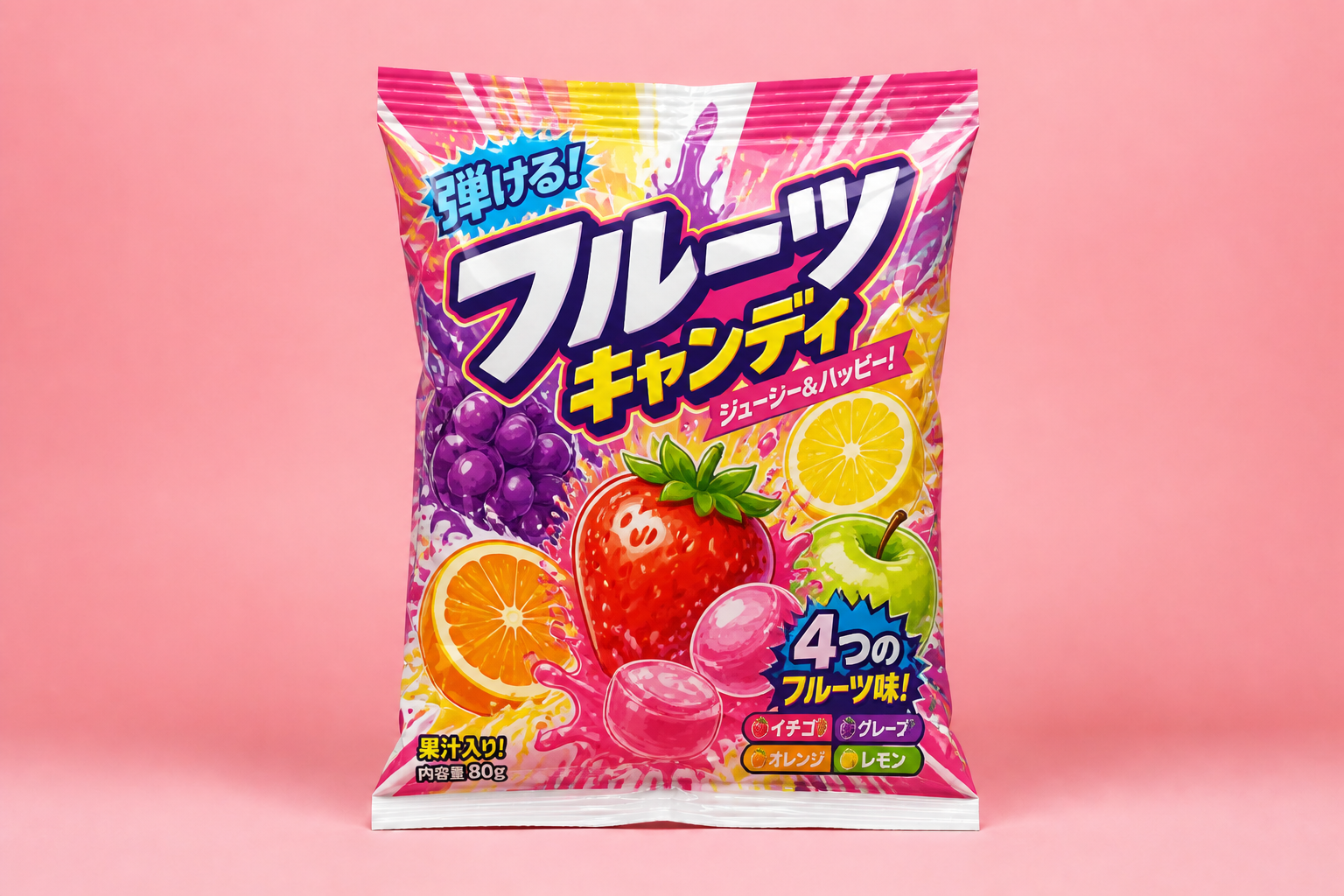 AFTER
AFTER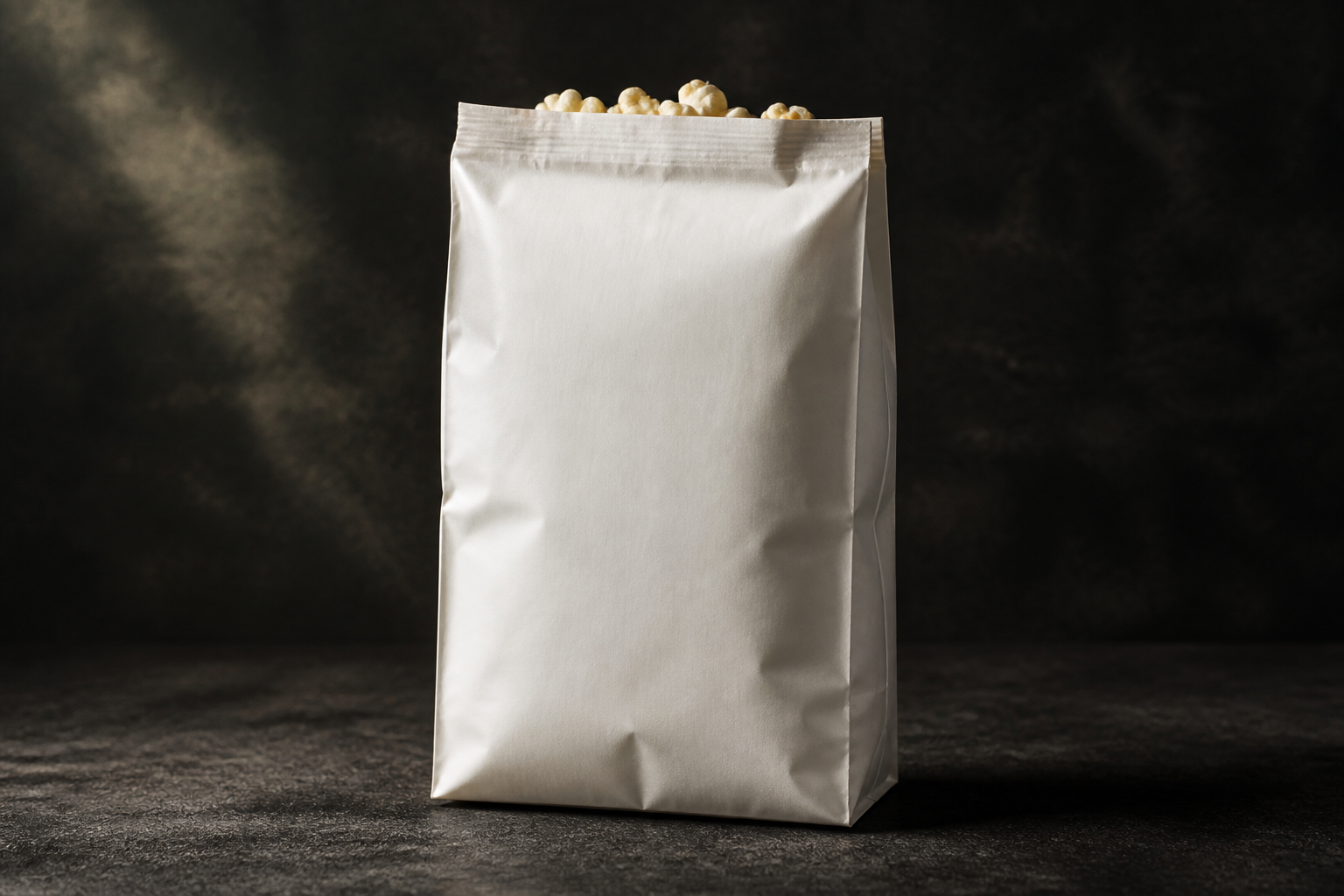 BEFORE
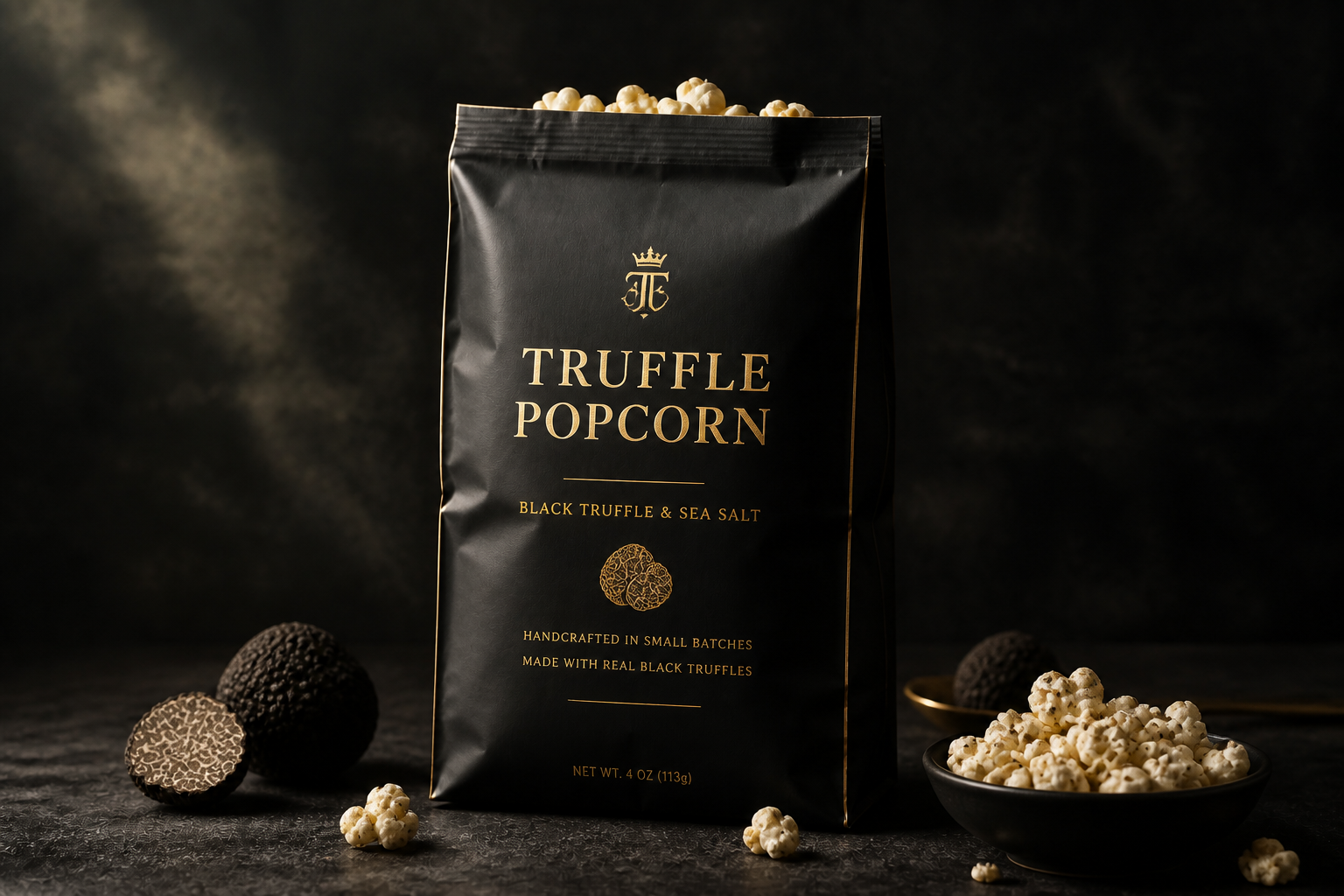 AFTER
AFTER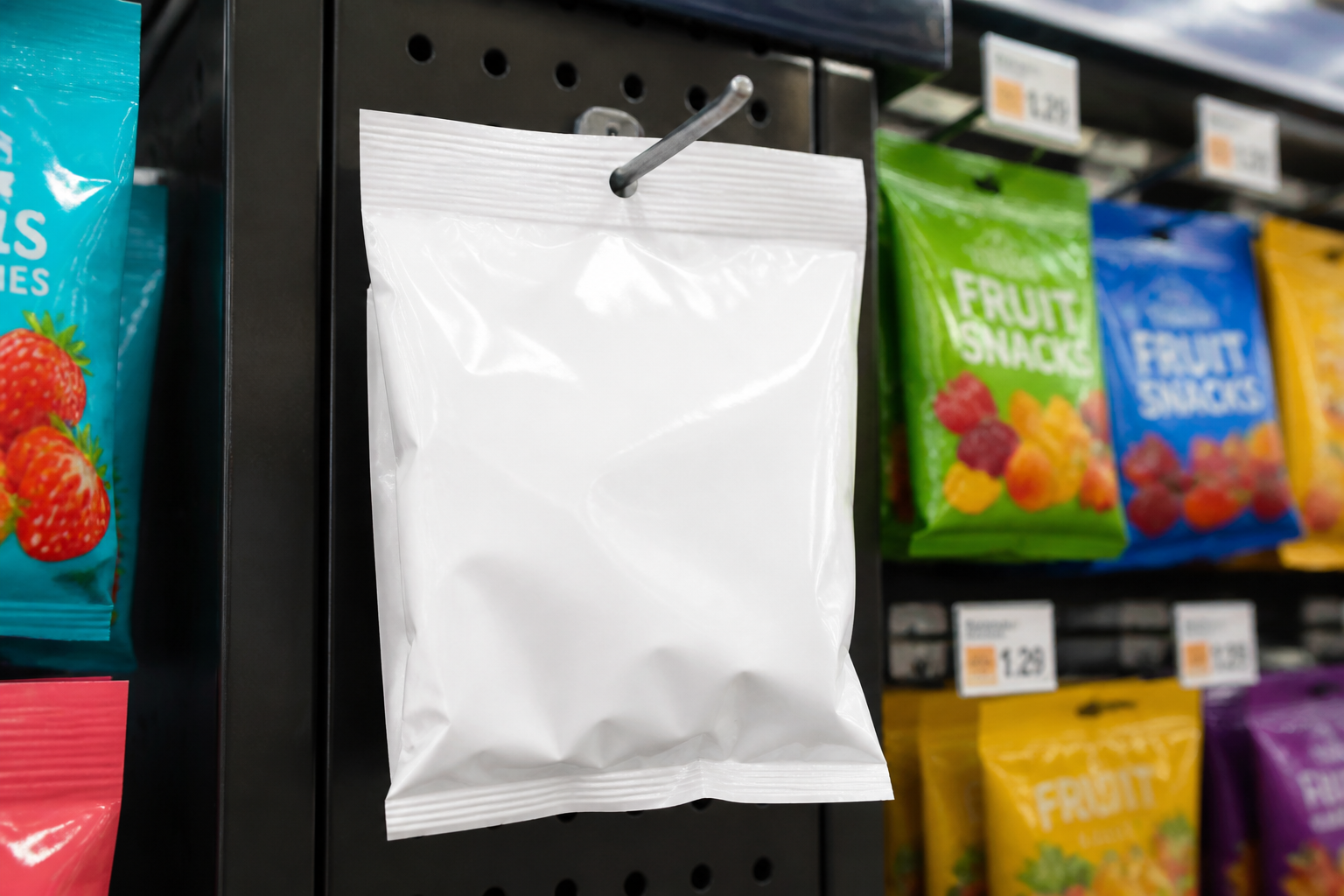 BEFORE
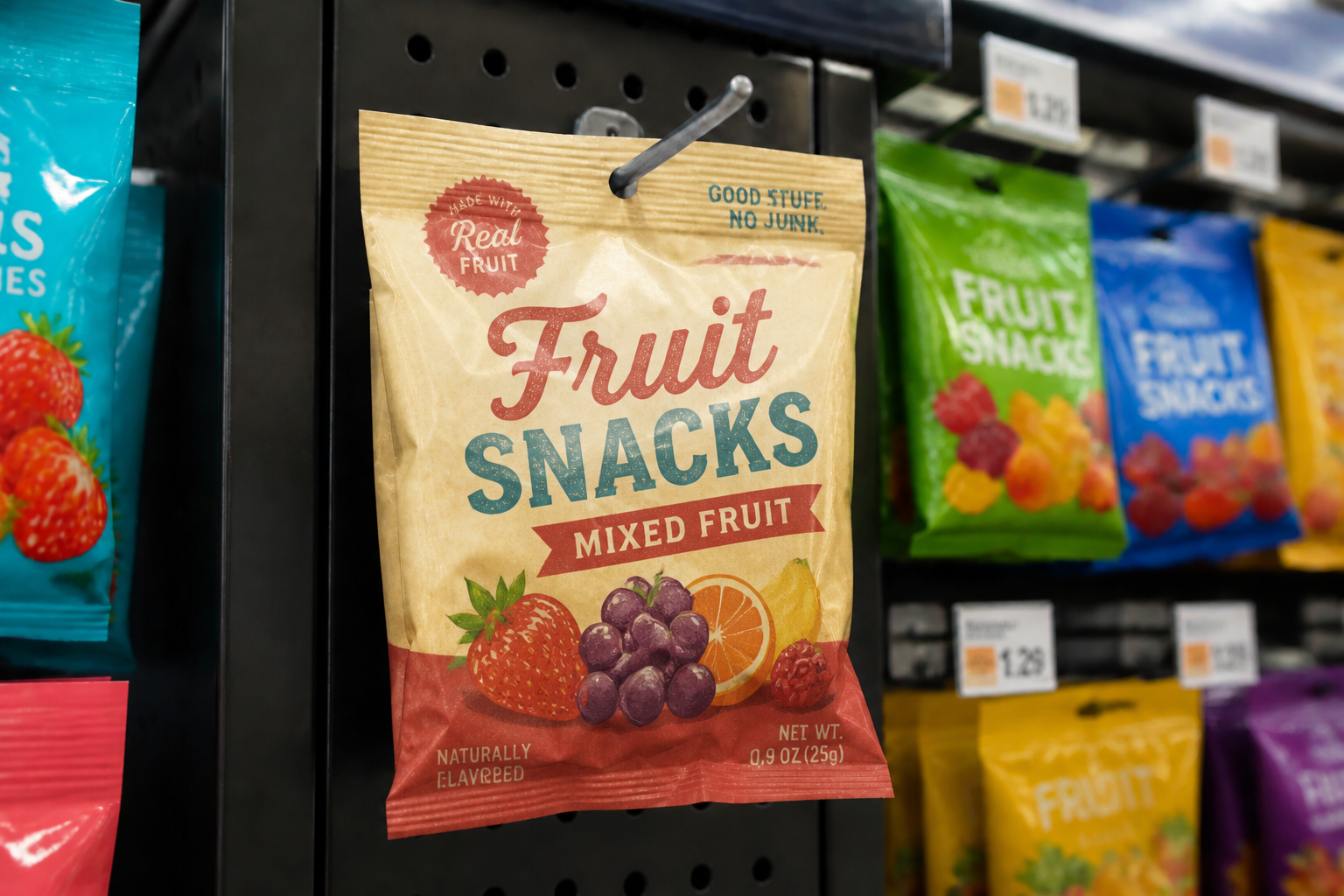 AFTER
AFTER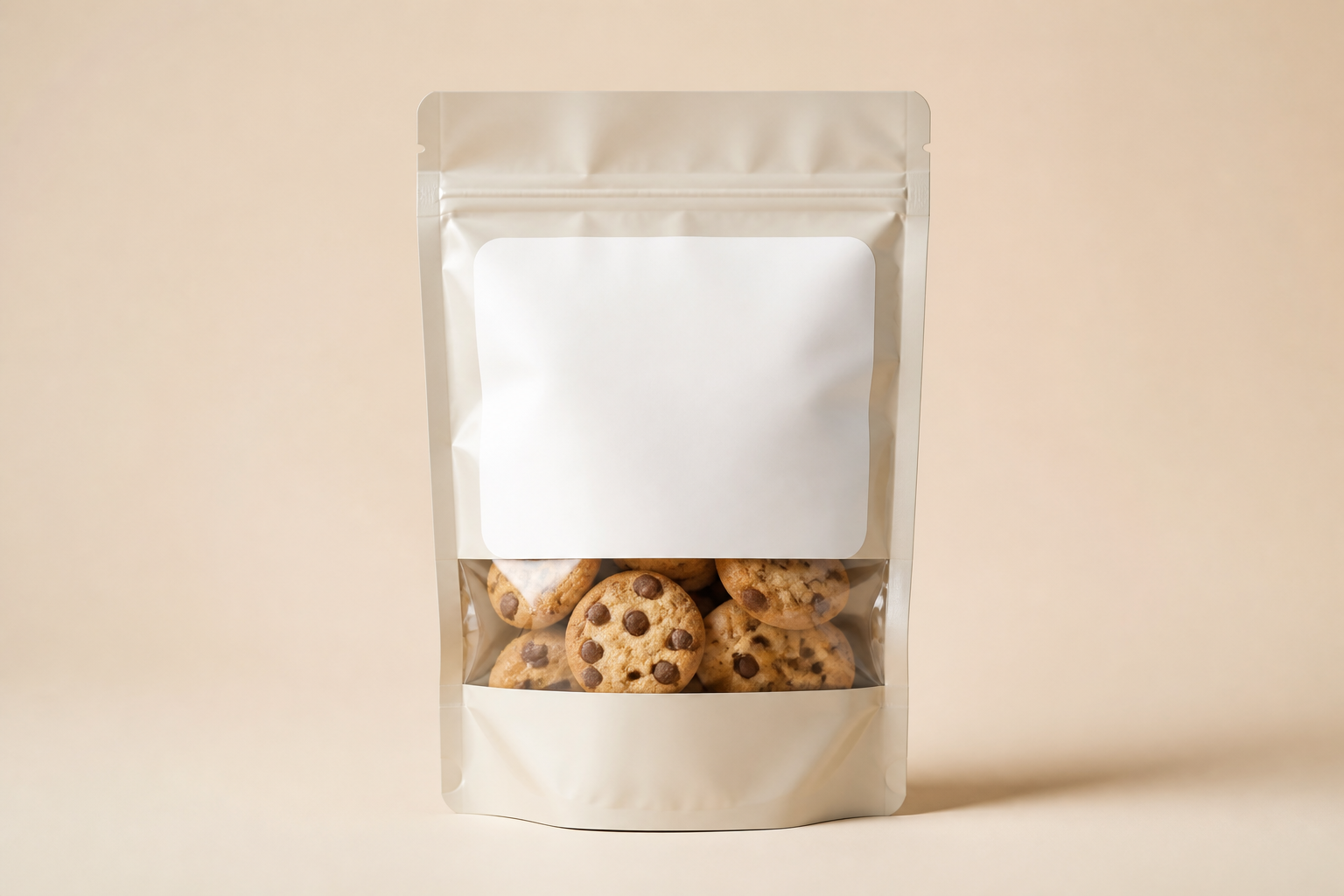 BEFORE
 AFTERBEFOREAFTERBEFOREAFTERBEFOREAFTERBEFOREAFTERBEFOREAFTER
Key Features
Shelf-ready packaging concepts
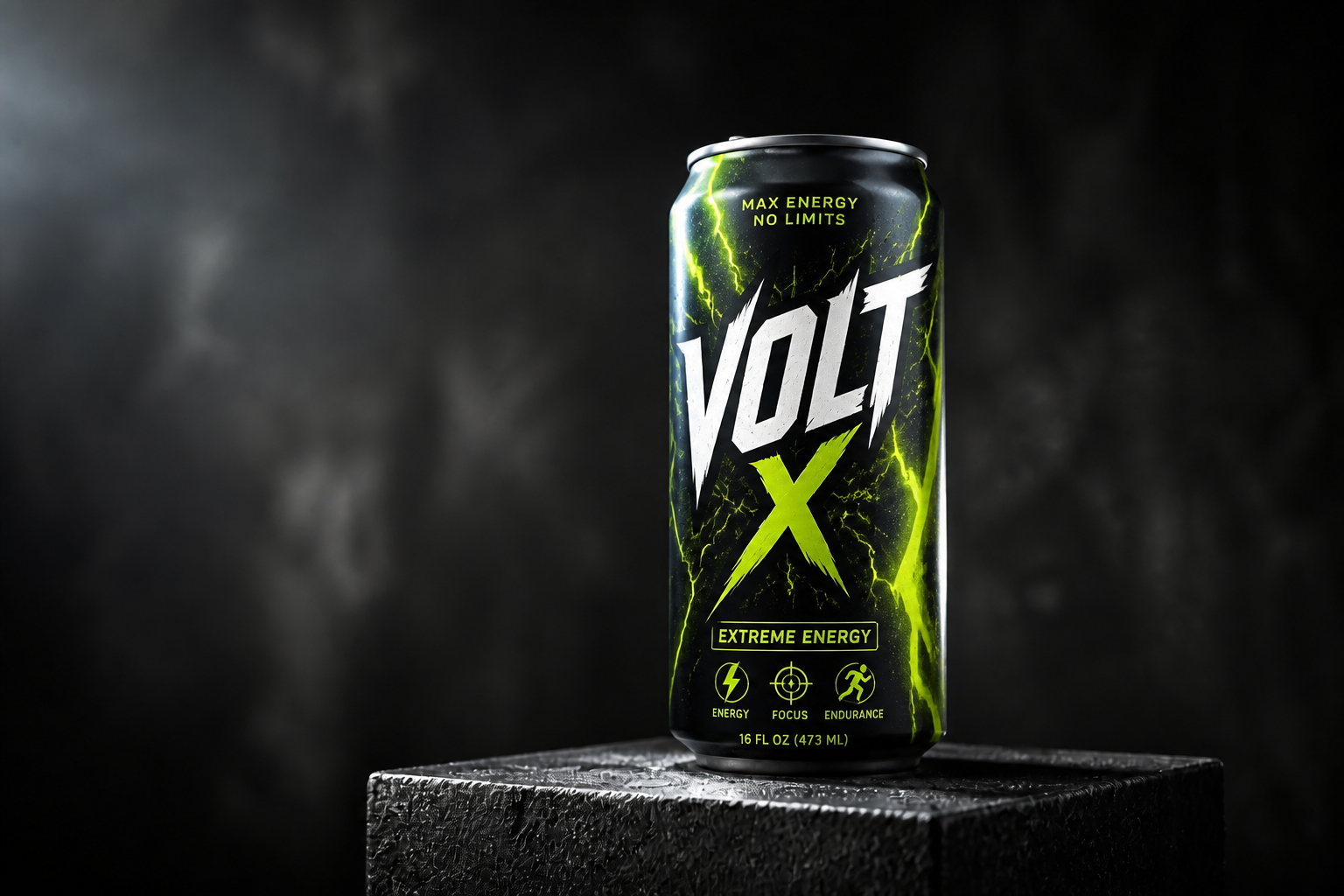
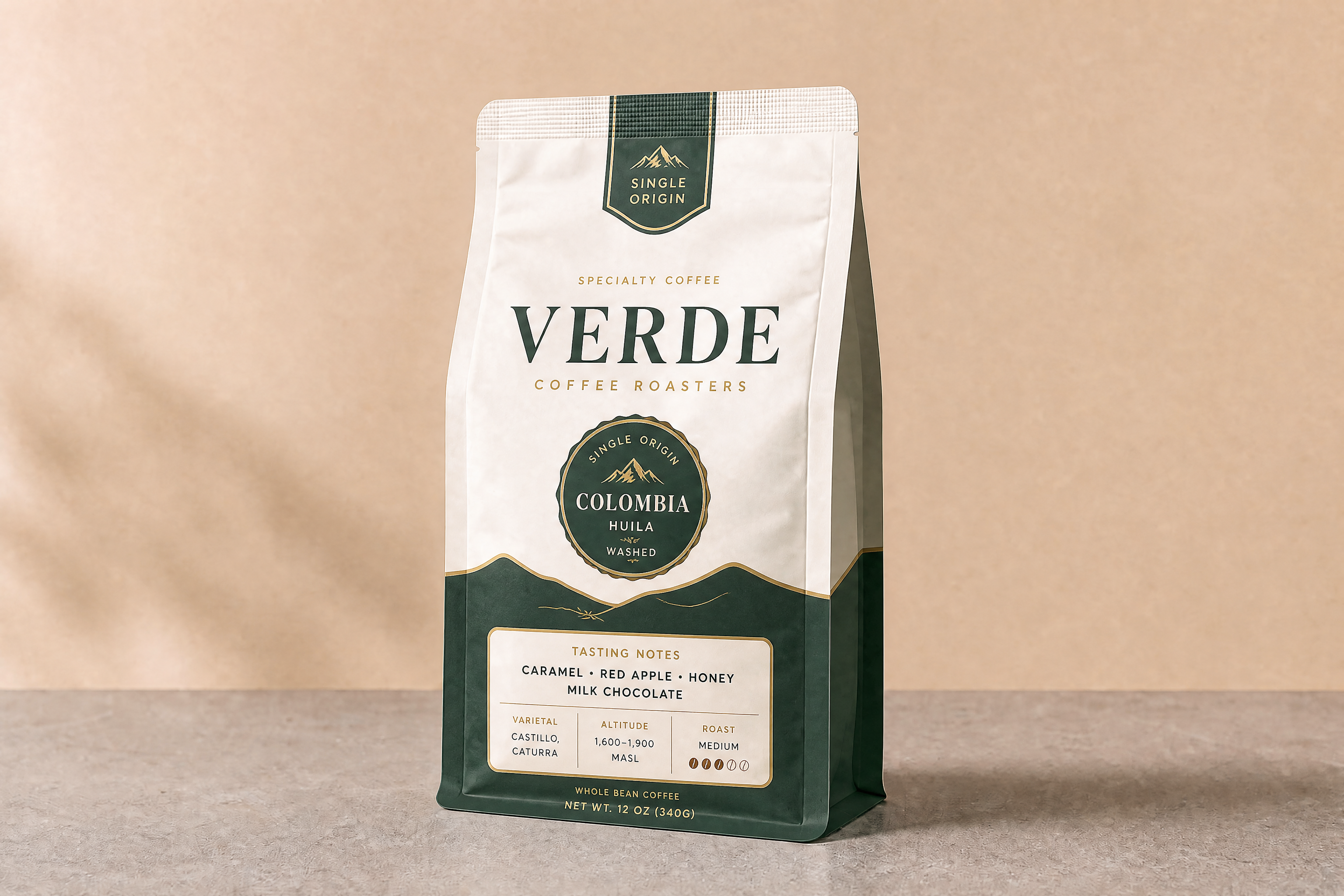
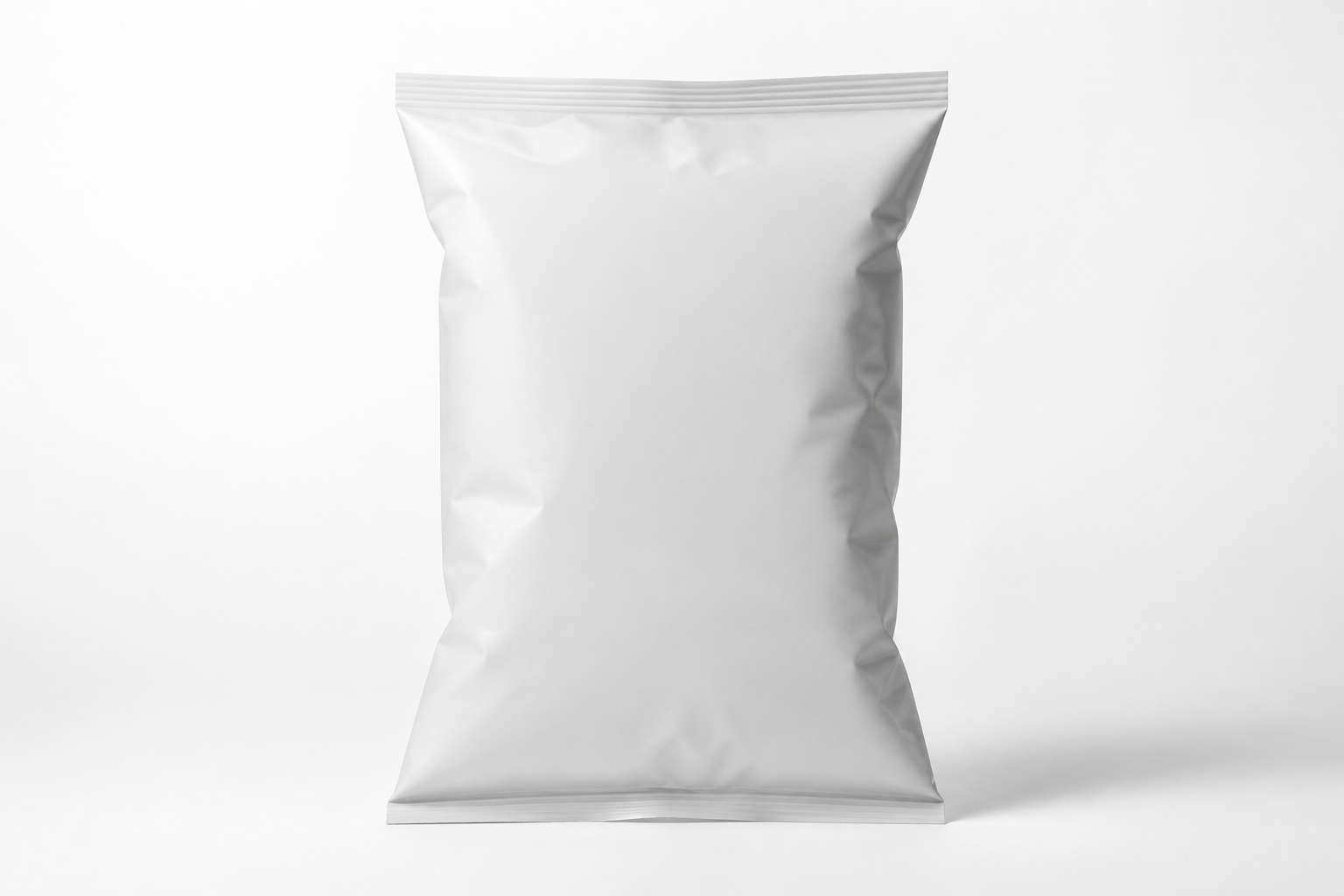
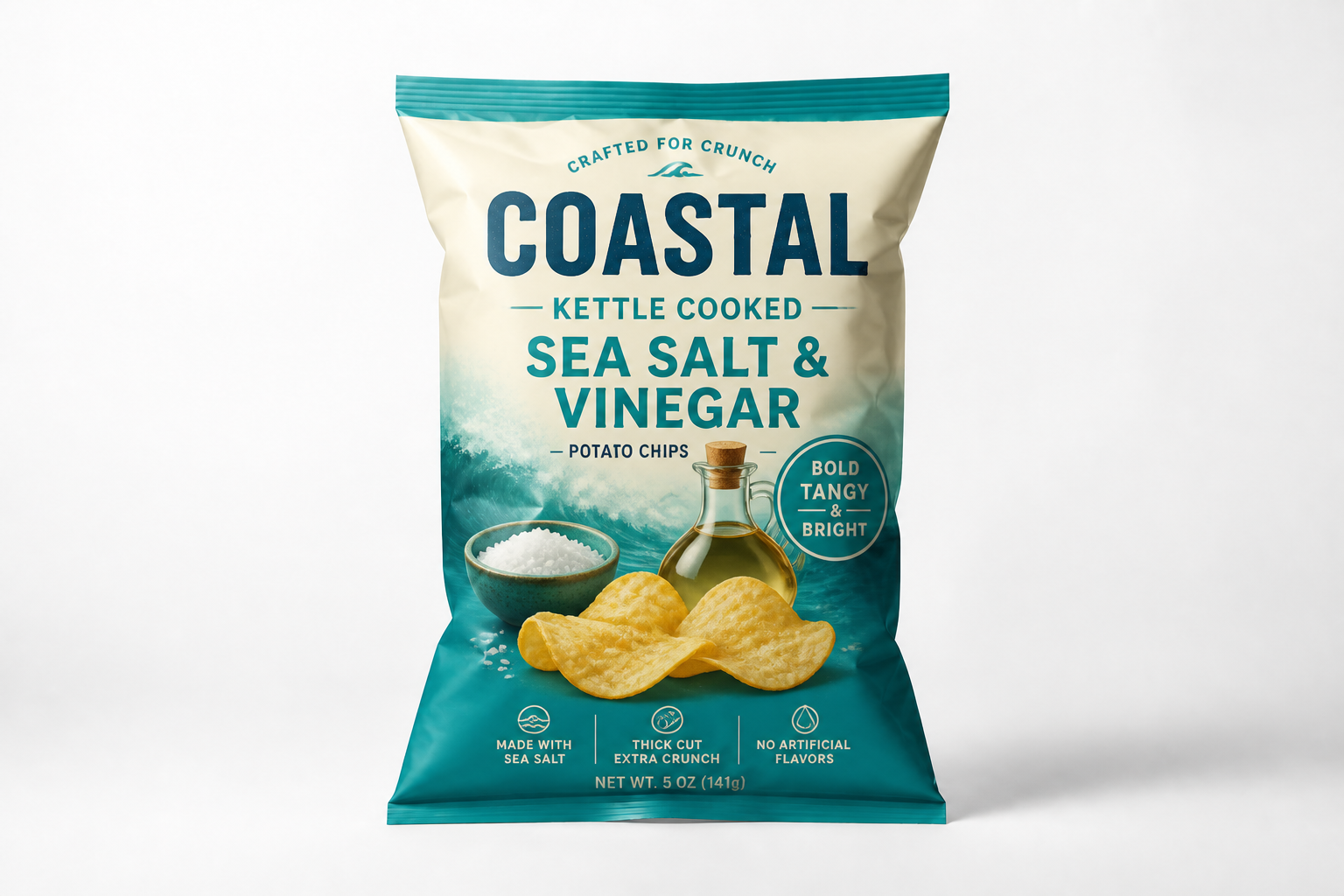
Start from a plain pouch, box, or can and quickly turn it into a polished snack pack concept. The edit keeps the original package shape and camera angle, so the result reads like a real mockup instead of a disconnected illustration. That makes it easier to review ideas with teammates, clients, or buyers. You can test more directions without rebuilding each package from scratch.
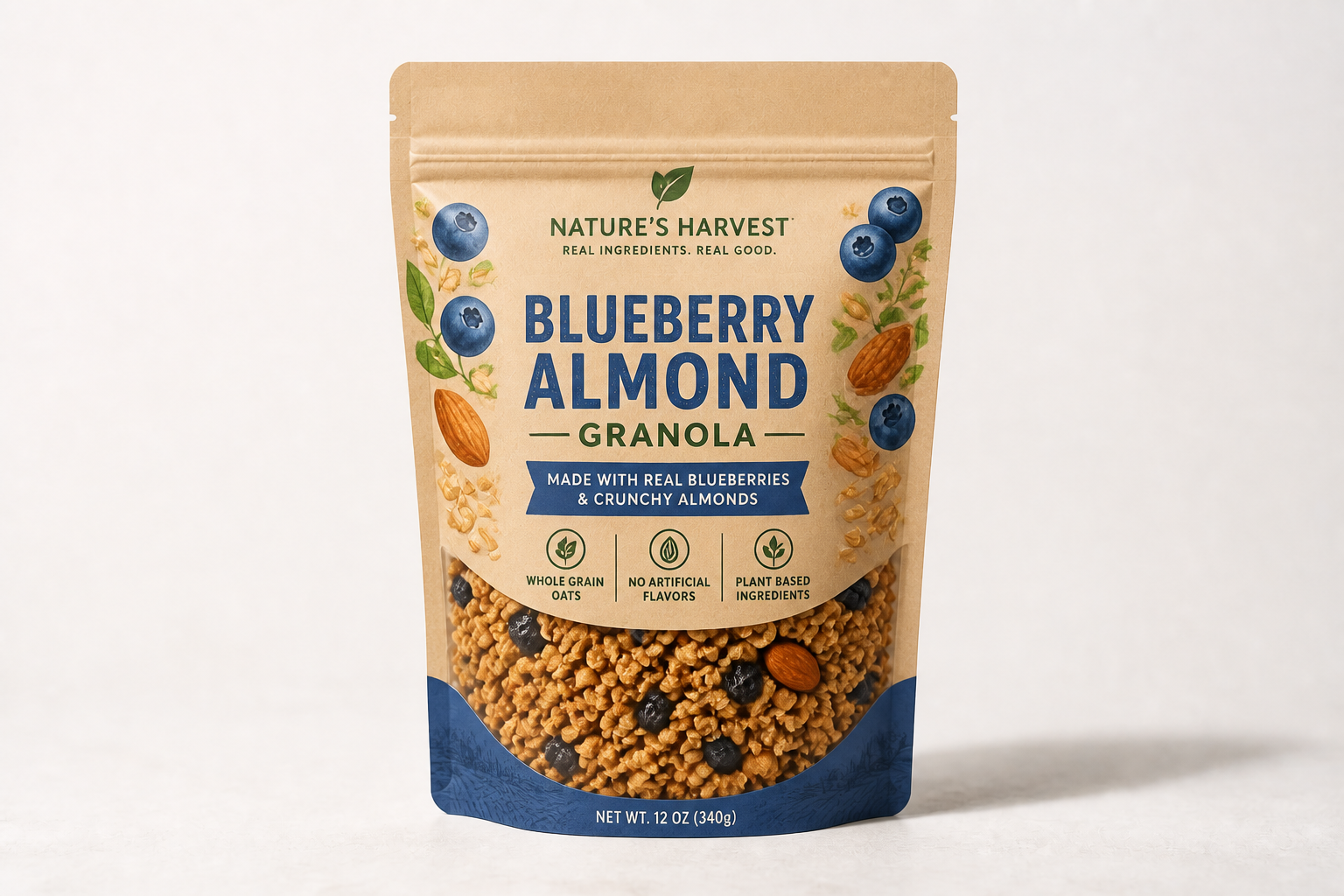
Fast flavor line extensions
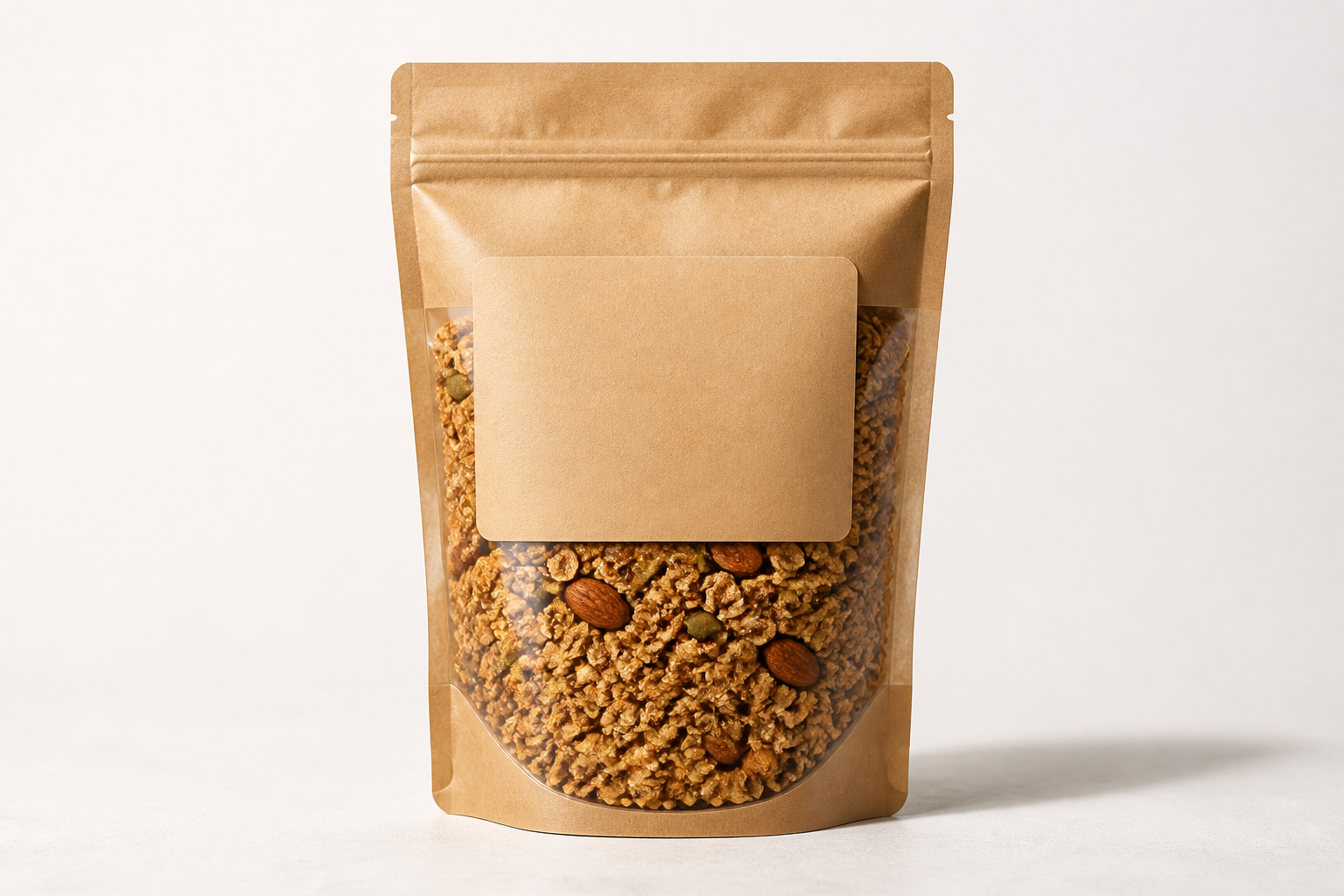
Packaging work often slows down when one base design needs to expand into several flavors. This tool lets you swap flavor cues, color systems, and front-of-pack graphics in one step while keeping the structure consistent. That helps teams compare a full lineup side by side. It is much faster than manually duplicating and reworking every label variation.
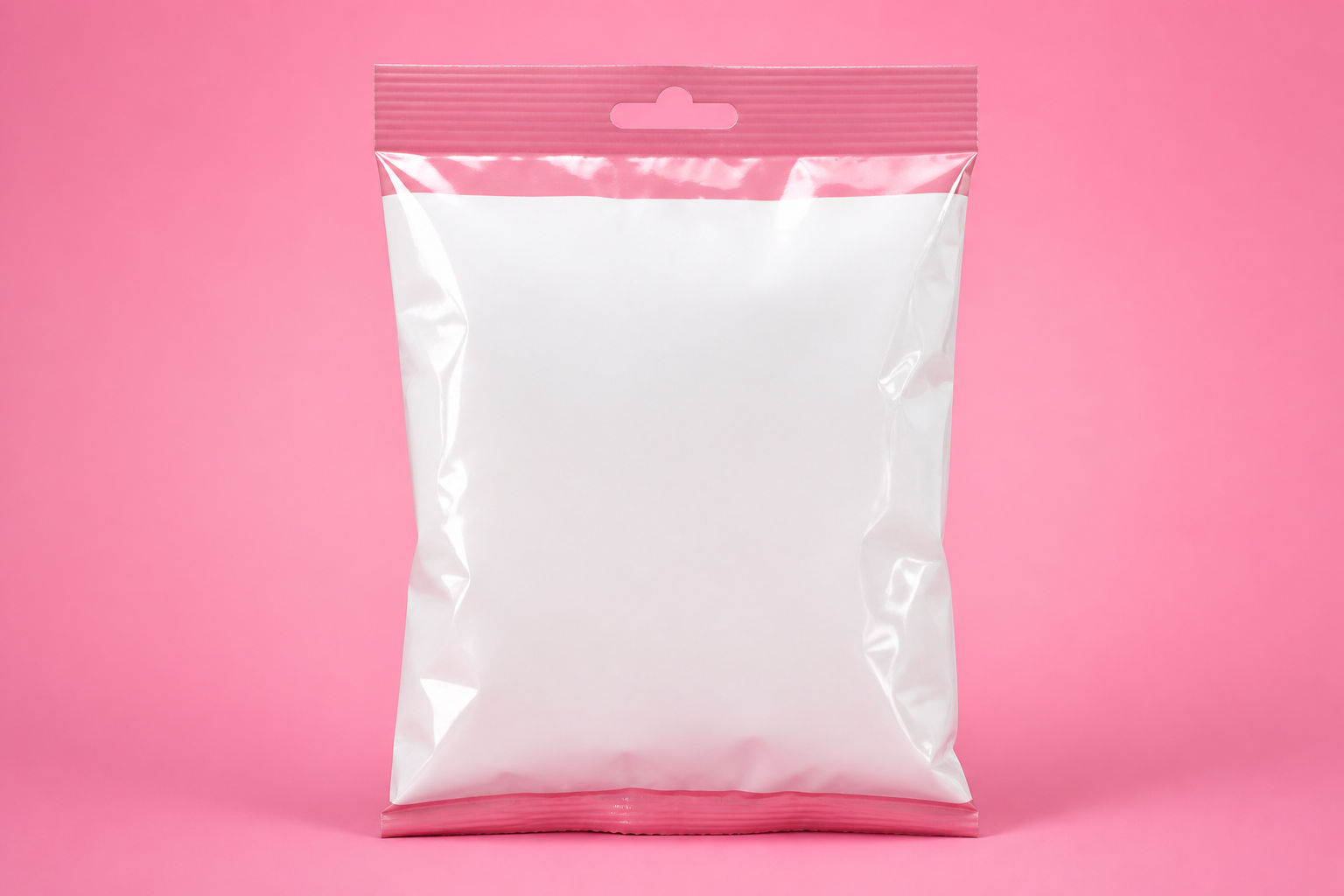
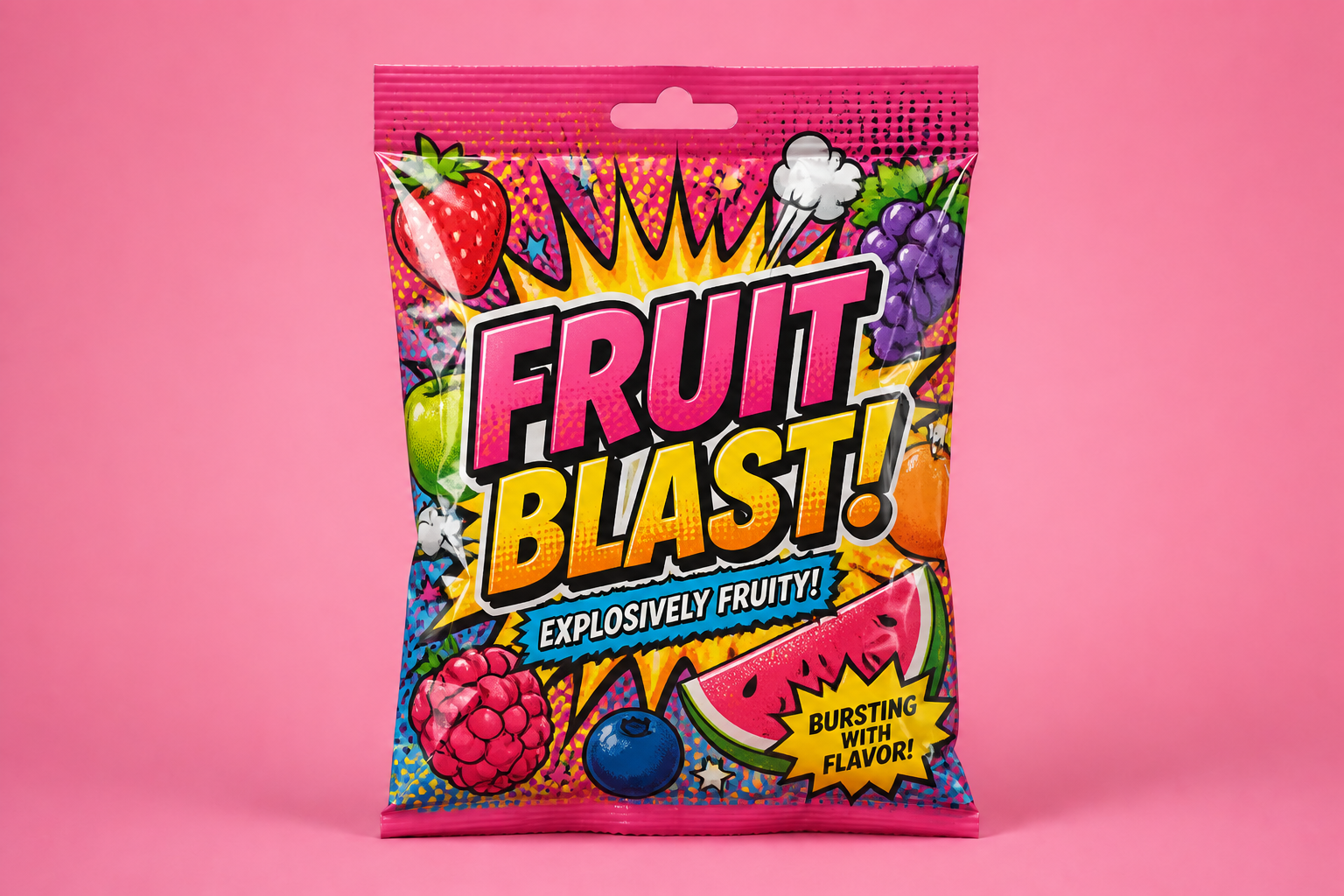
Works across visual styles
Not every snack brand should look the same. You can generate clean mass-market packaging, premium specialty packs, or stylized campaign visuals from the same starting image. That range is useful when exploring brand territory before locking final design direction. It gives you more creative routes than a single static mockup template.
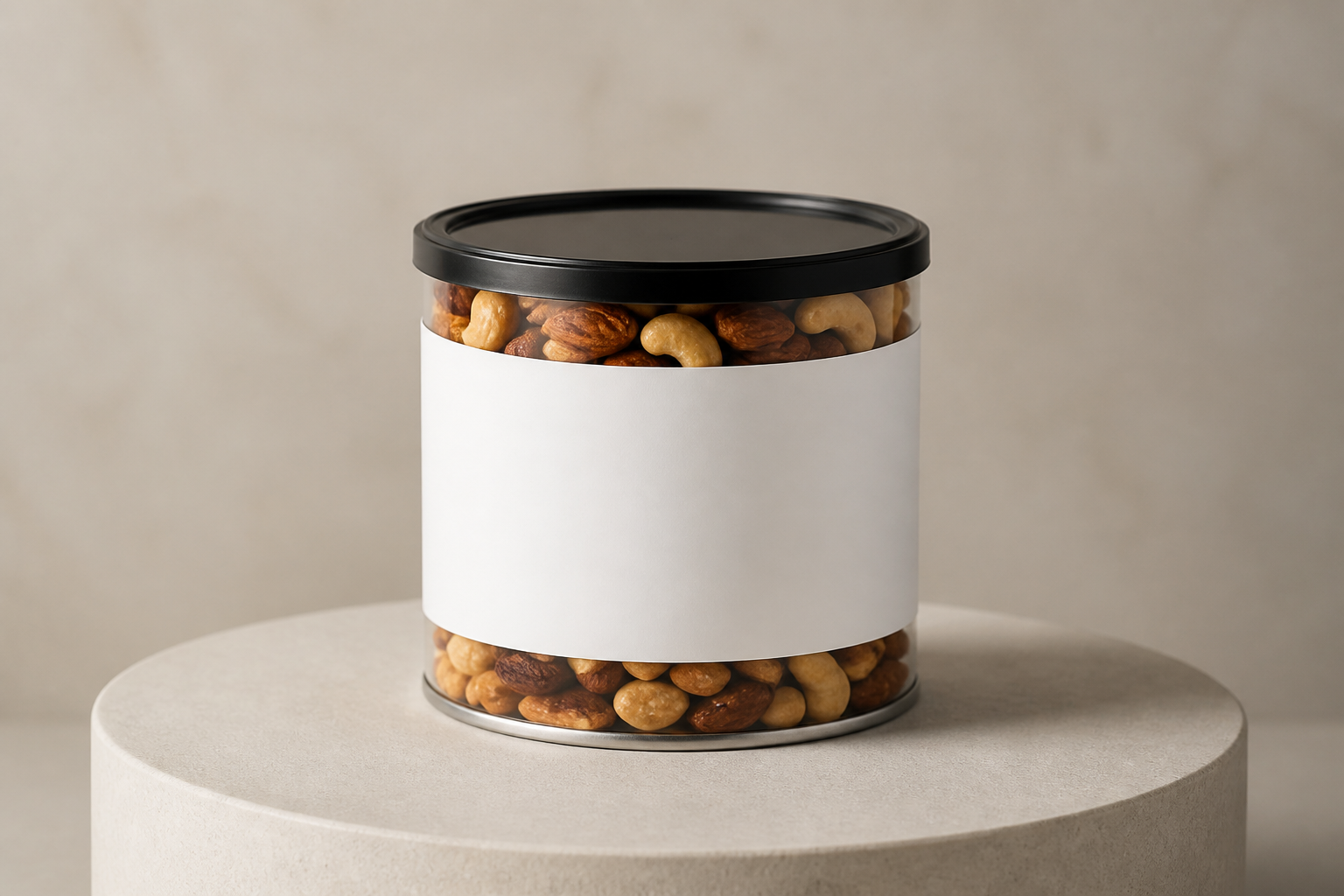
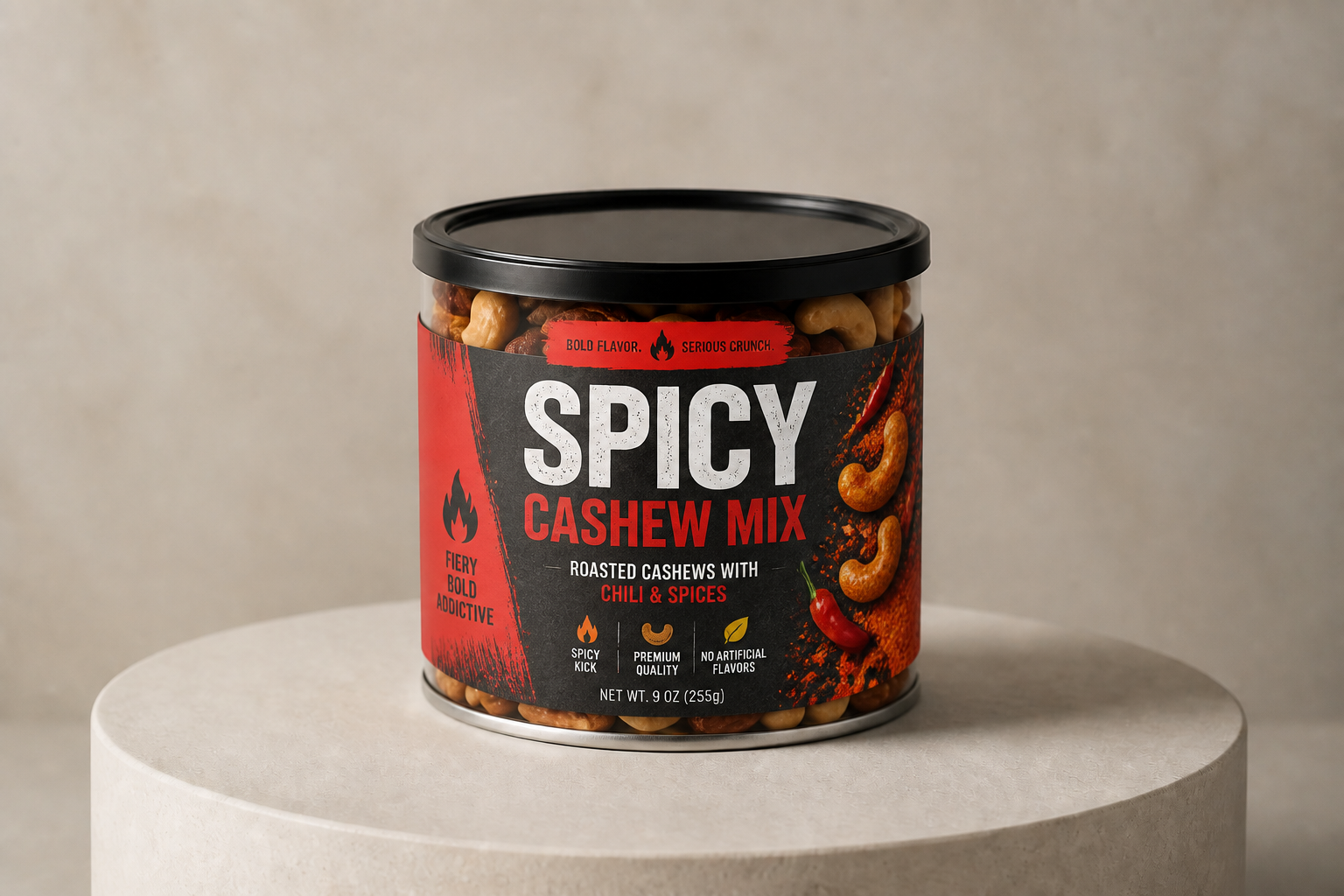
Keeps package structure intact
When you are reviewing packaging, structure matters as much as graphics. Our AI changes the printed design while preserving the existing pouch, carton, or can format in the frame. That makes before-and-after comparisons clear and practical. It is especially helpful for teams testing label ideas on the same dieline or photo setup.
How It Works
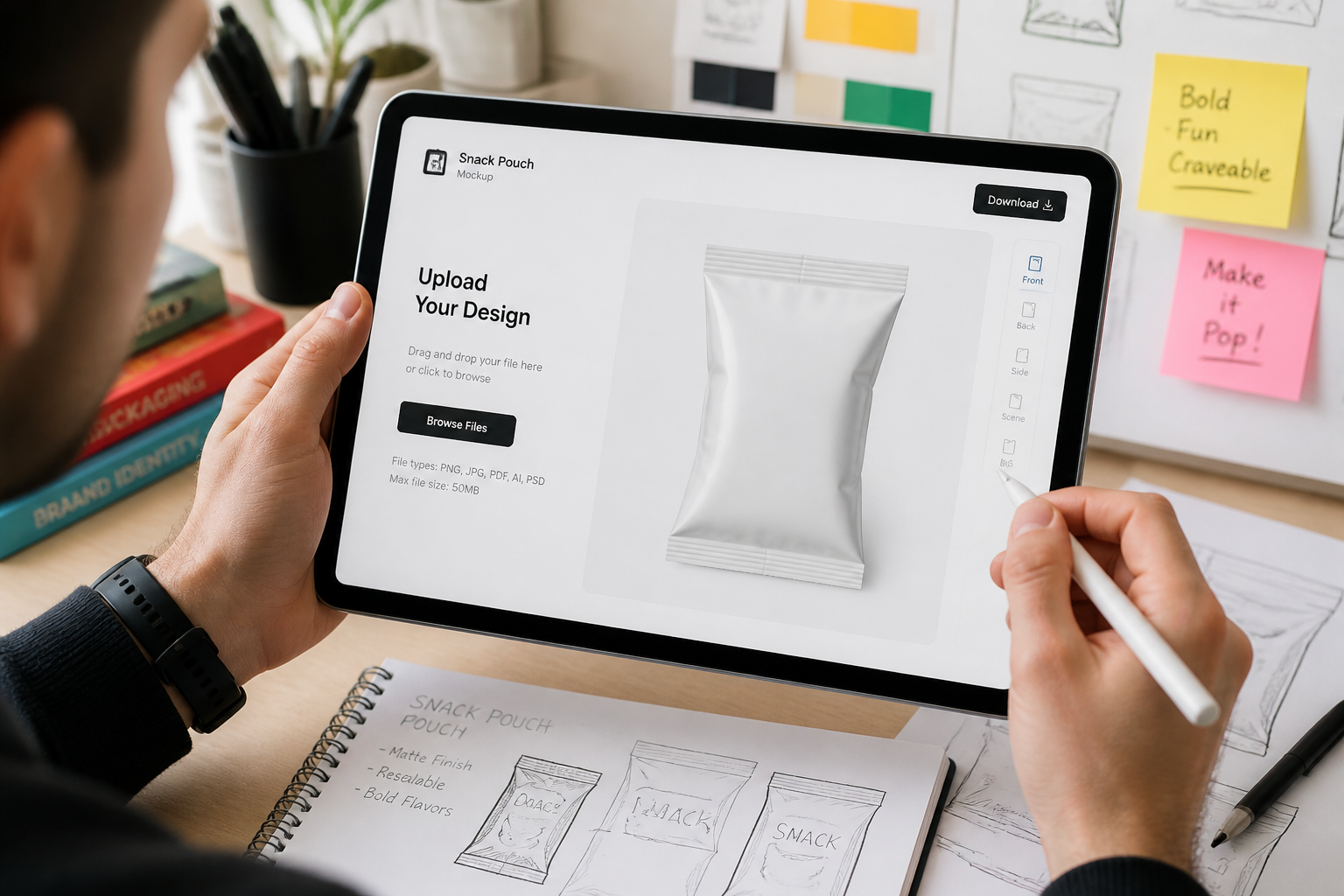
Upload your package photo
Start with a plain snack pouch, carton, tub, or can image. A clean front-facing or slight angled shot works best because the packaging shape stays consistent during the edit.
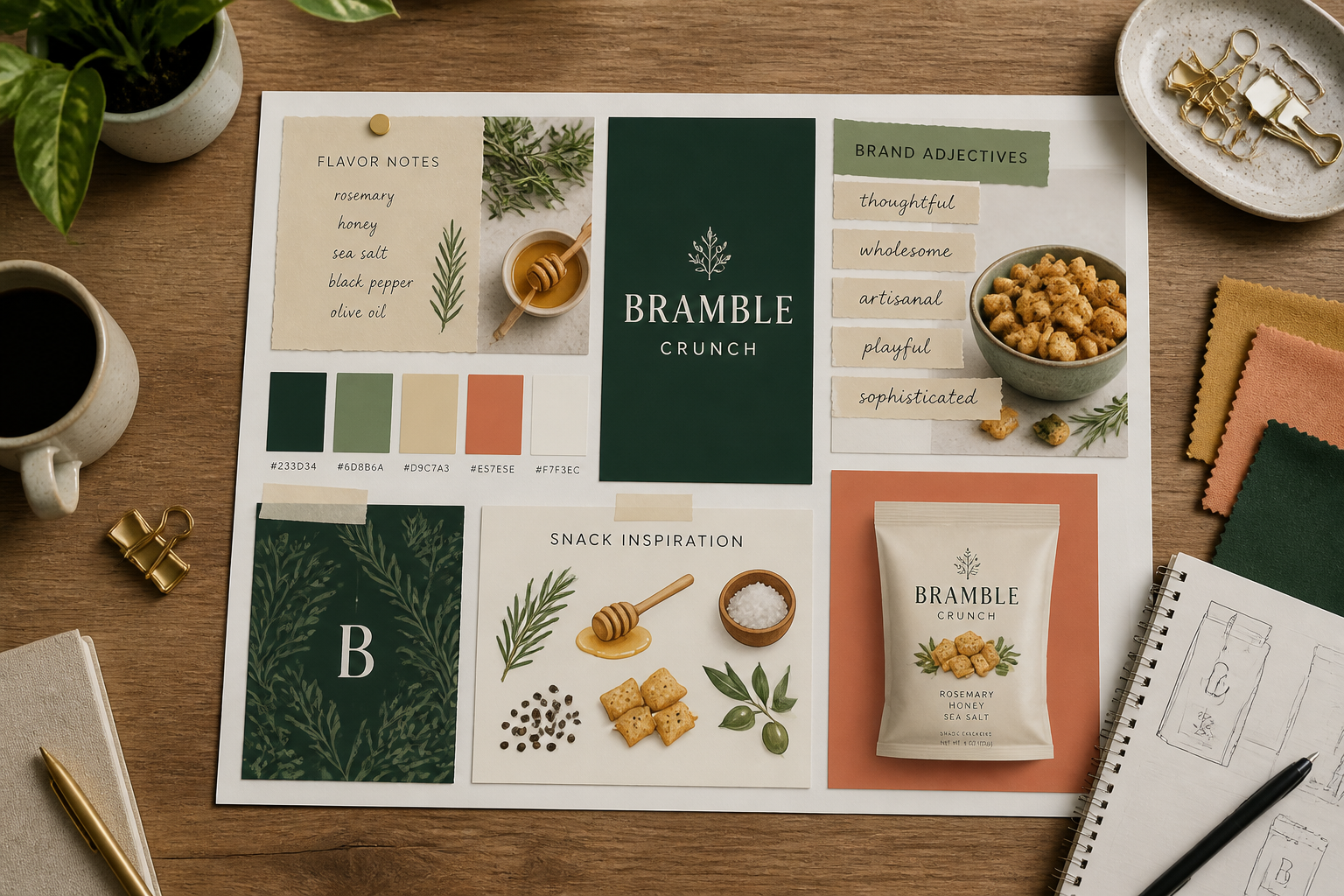
Describe the pack direction
Enter the snack type, flavor, brand mood, and any visual cues you want on the front. You can ask for premium, playful, healthy, retro, or bold shelf-impact looks.
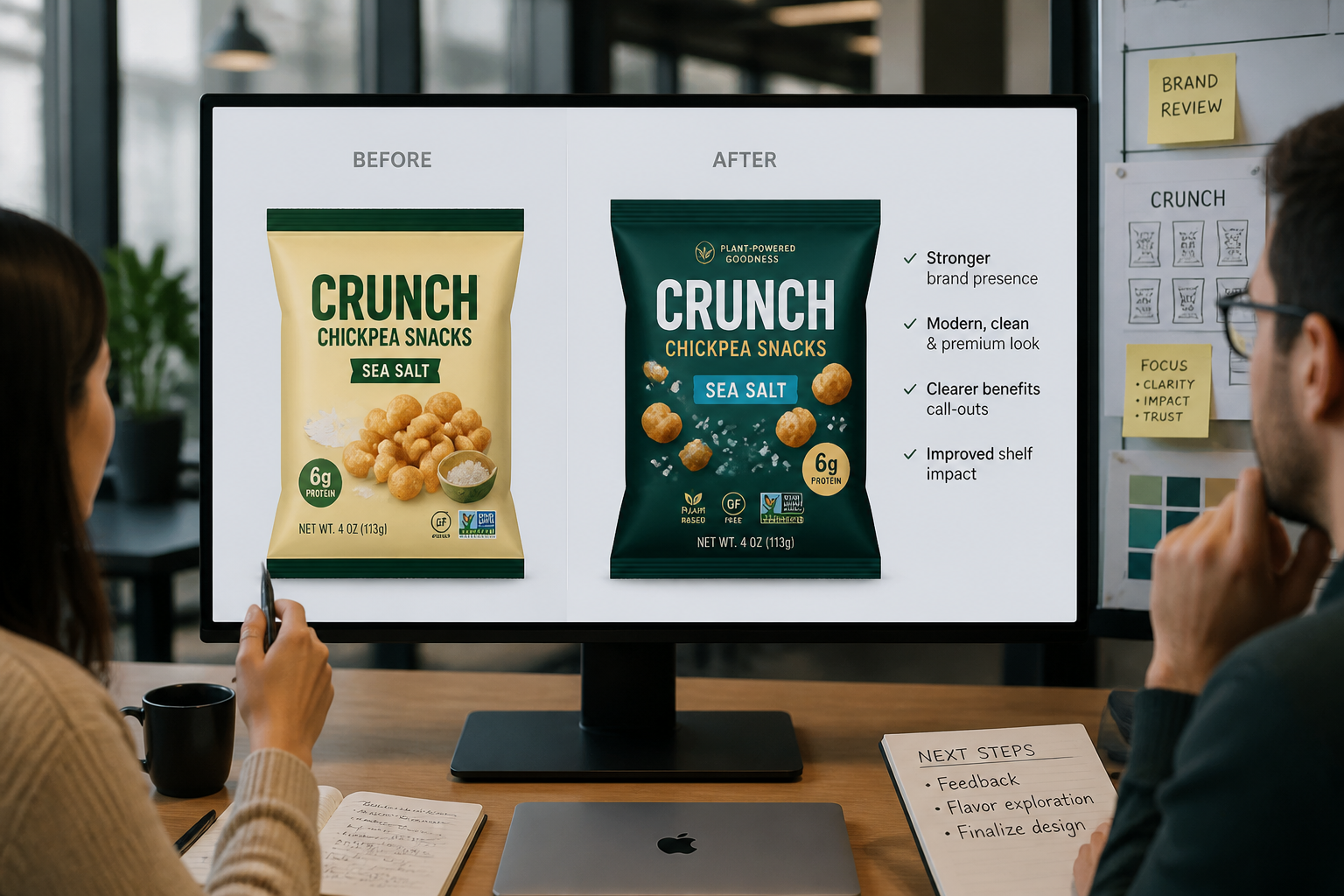
Review and compare concepts
Generate options and compare them against the original package image. This makes it easy to judge readability, flavor differentiation, and shelf presence before moving to final design work.
Perfect For
Discover how creators and professionals use ai snack packaging generator
Early packaging exploration
Test multiple snack branding directions before investing in full design production.
Flavor extension mockups
Create quick packaging variants for new flavors while keeping a consistent pack format.
Client presentation visuals
Show polished before-and-after packaging concepts during pitches, approvals, or internal reviews.
Retail lineup testing
Preview how different snack packs may read together on shelf or in ecommerce thumbnails.
Built For
Brand designers
Explore visual directions faster before moving into detailed packaging files.
Food startups
Create investor, retailer, or launch visuals without a long mockup production cycle.
Marketing teams
Generate campaign-ready package concepts for flavor launches, promos, and social content.
Why teams use it for snack packaging
A quick look at how we compare on the things that matter for this niche.
| Feature | BudgetPixel | Generic AI editors | Manual editing apps |
|---|---|---|---|
| Keeps package photo context | ✓ | — | ✓ |
| Fast flavor variation testing | ✓ | ✓ | — |
| Shelf-ready concept visuals | ✓ | — | — |
| Useful from a simple mockup | ✓ | ✓ | — |
| Manual design time required | Low | Medium | High |
Frequently Asked Questions
Can this generate packaging for different snack types?
Does it keep the original package shape?
Can I test several flavor variants from one base image?
Is this meant to replace final packaging design files?
What kind of image works best as input?
Create together.
Share your creations, discover trending AI art, and grow with fellow creators.