Old Letter Generator
Make modern writing look aged, weathered, and timeless.
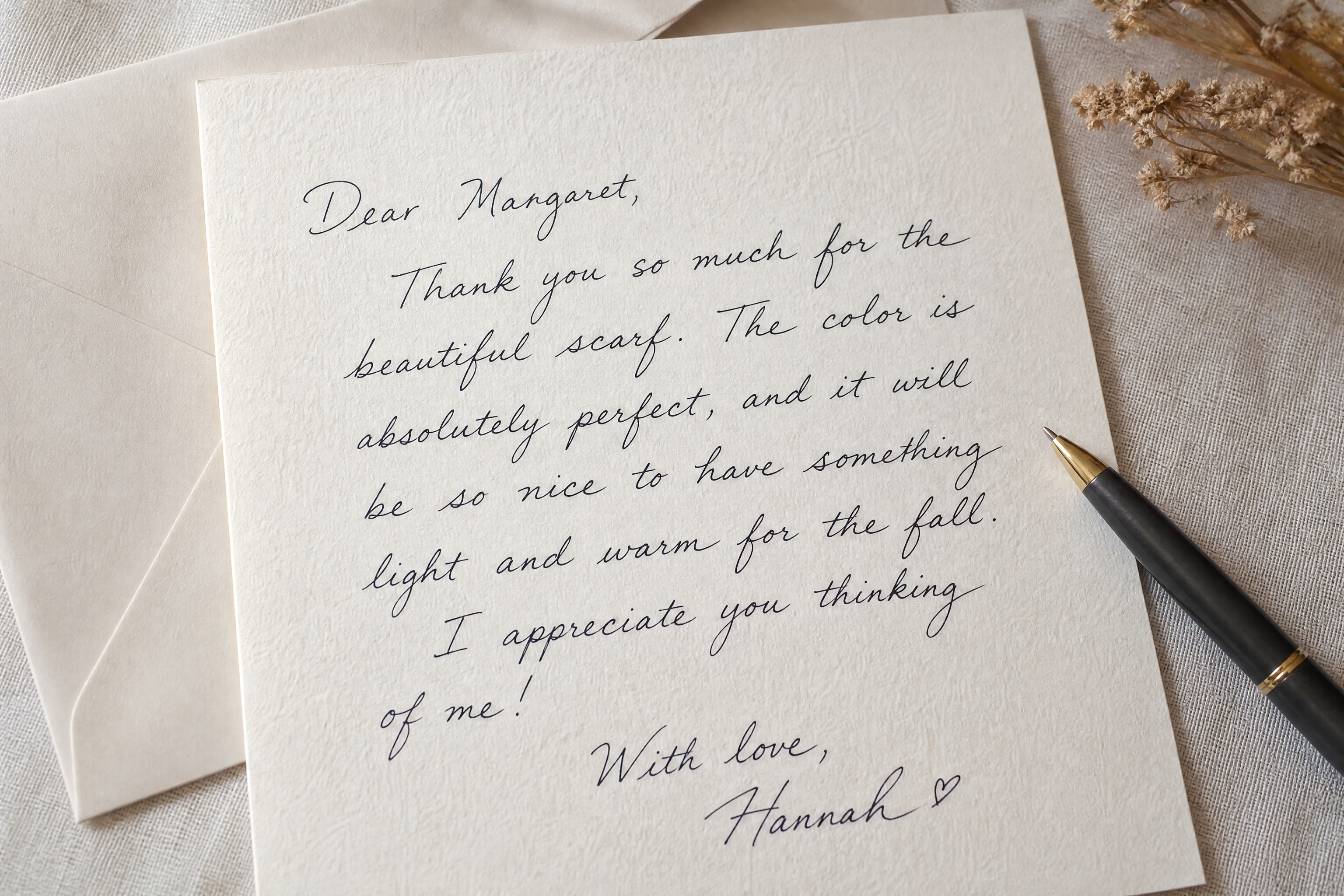
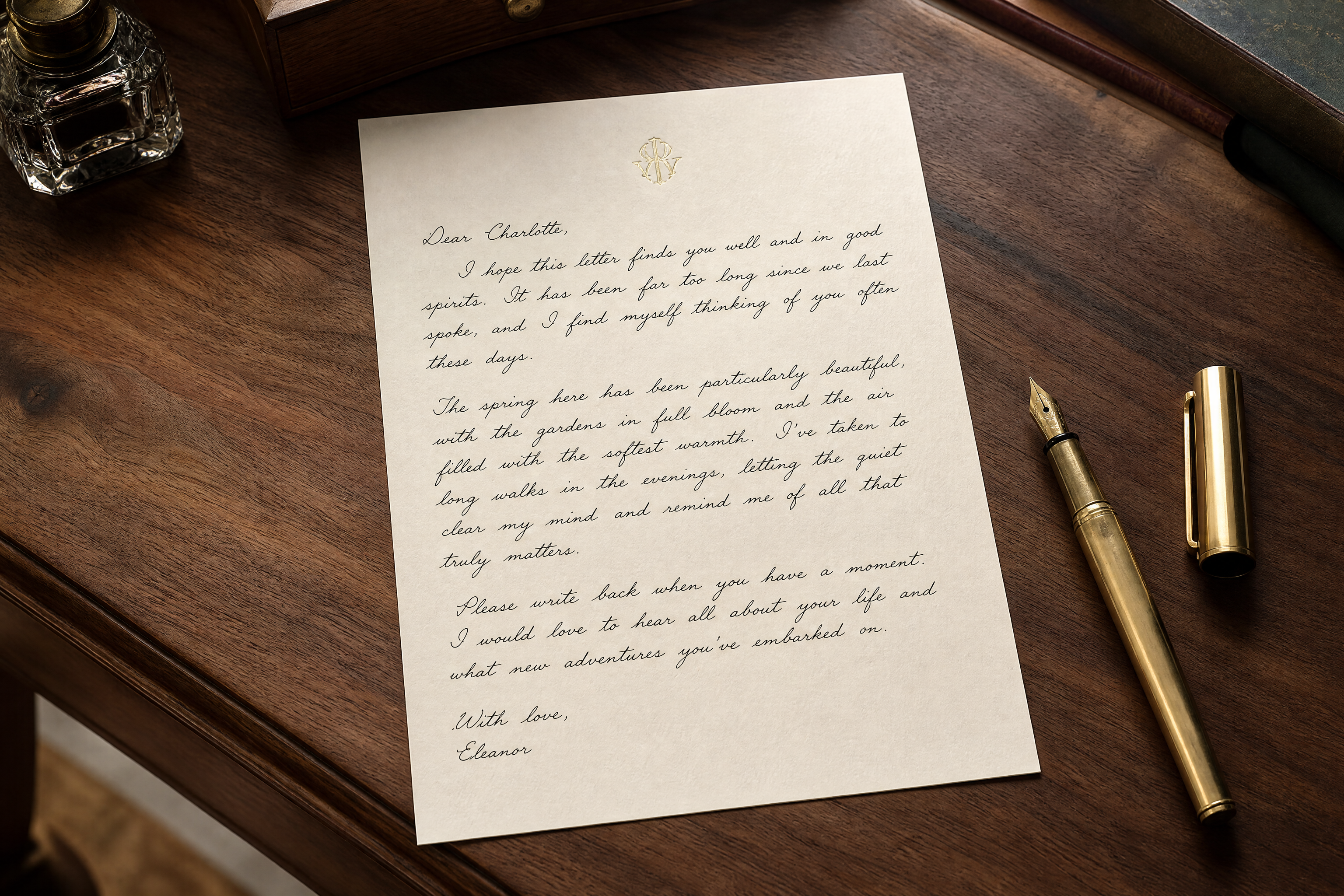
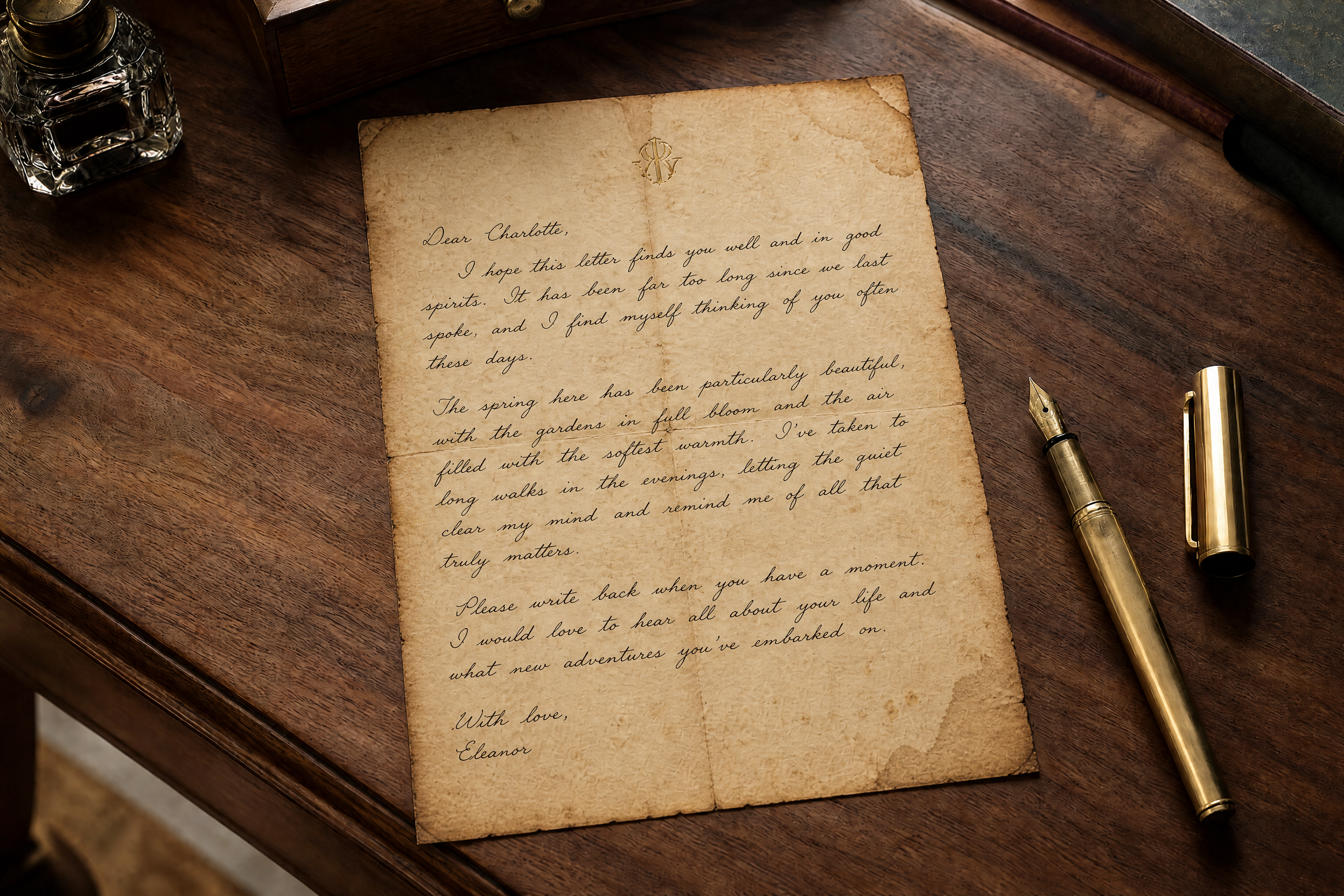
Upload a clean page, note, or stationery photo and turn it into an antique-looking letter. Our AI can add yellowed paper, faded ink, creases, stains, deckled edges, and vintage styling while keeping the layout readable.
Watch the Transformation
See old letter generator in motion — generated end-to-end by our AI.
See It In Action
Real outputs from old letter generator.
BEFOREAFTER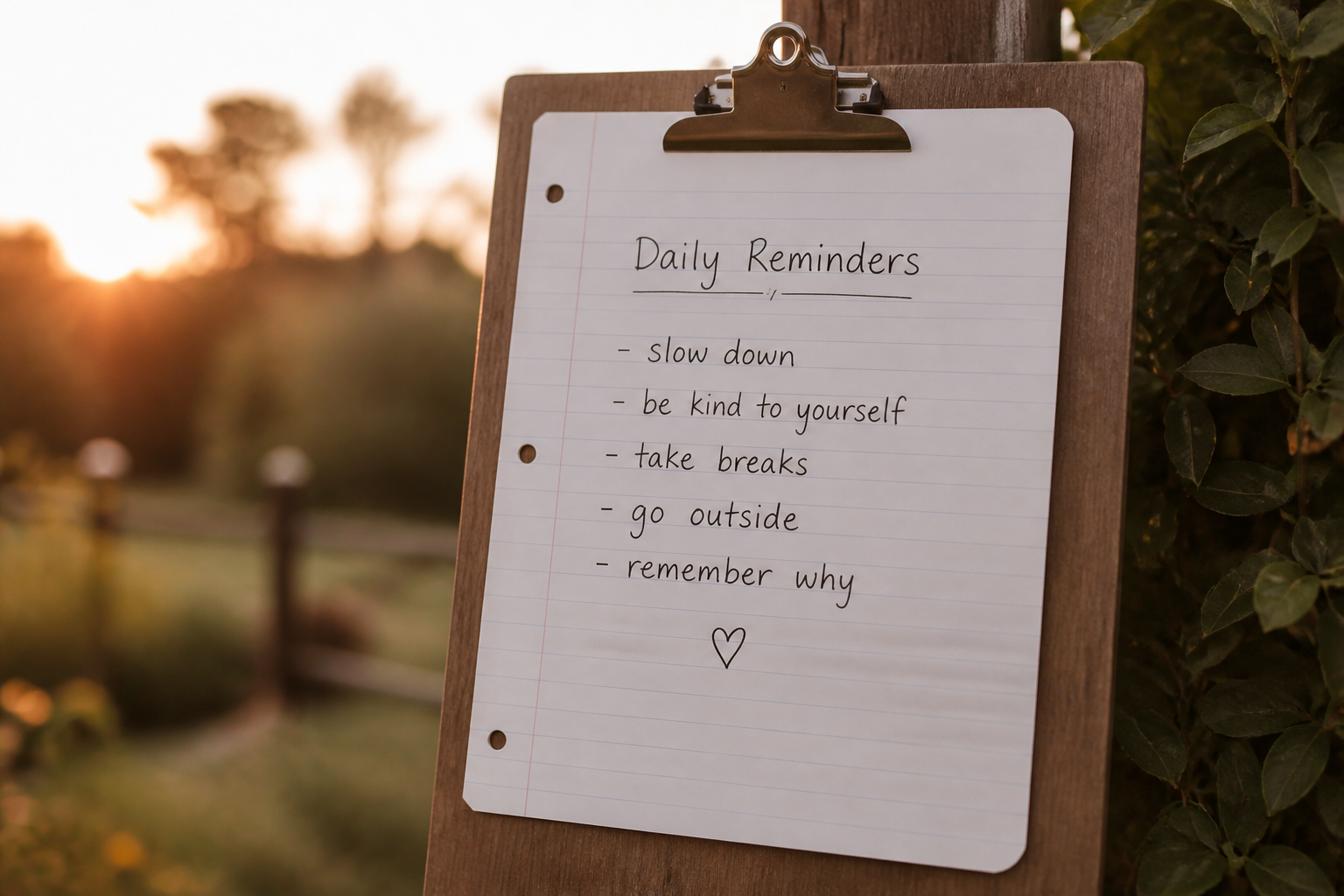 BEFORE
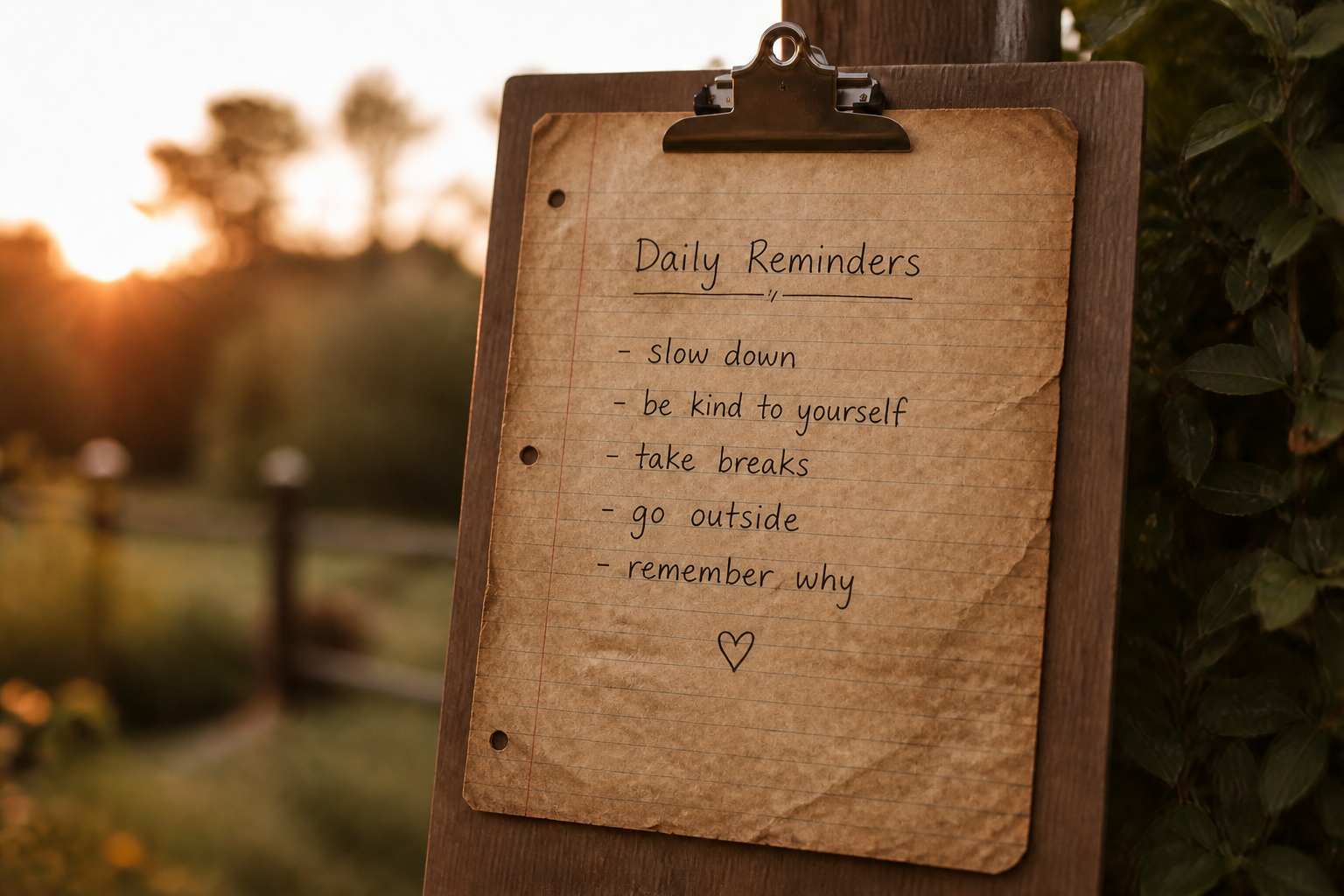 AFTER
AFTER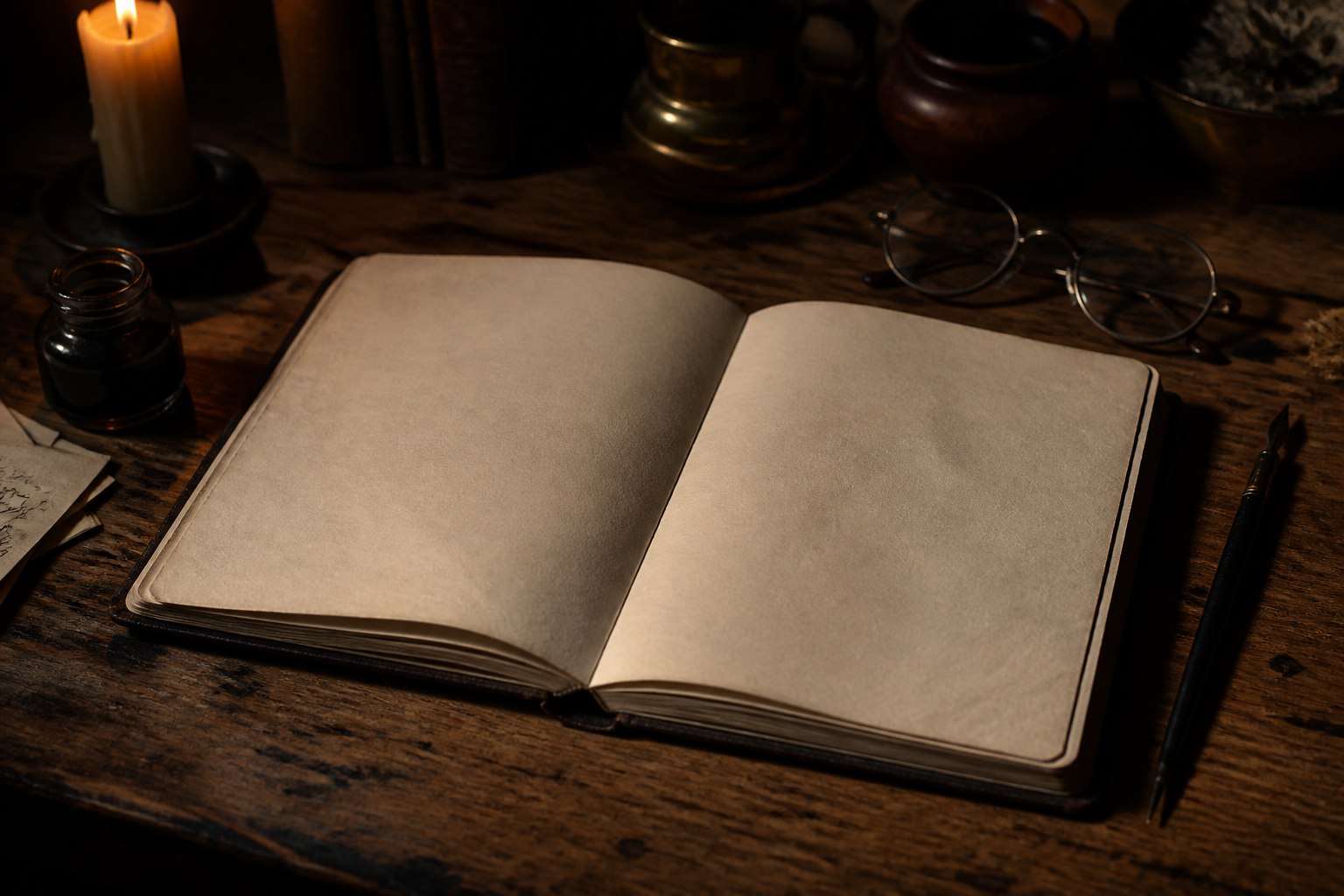 BEFORE
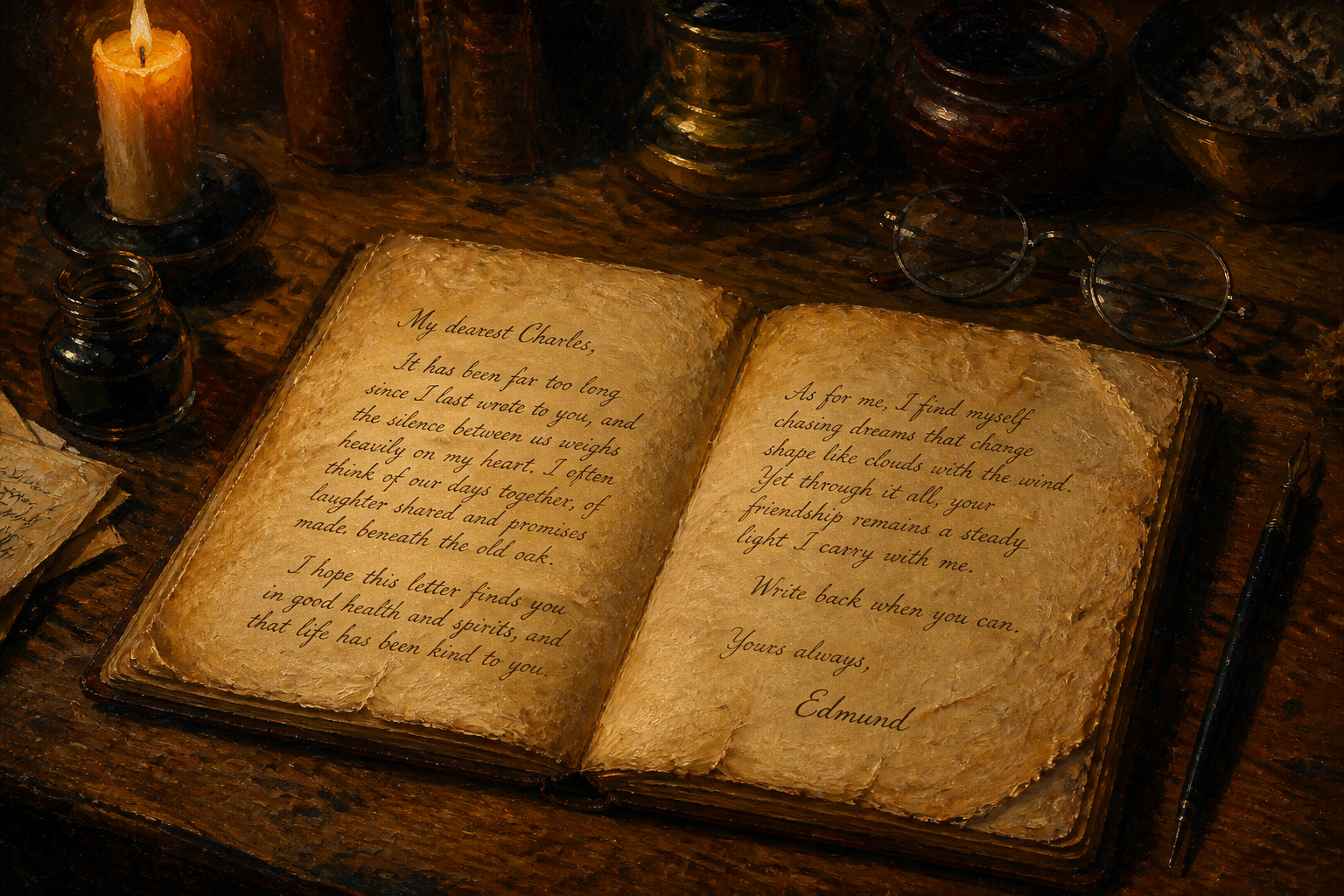 AFTER
AFTER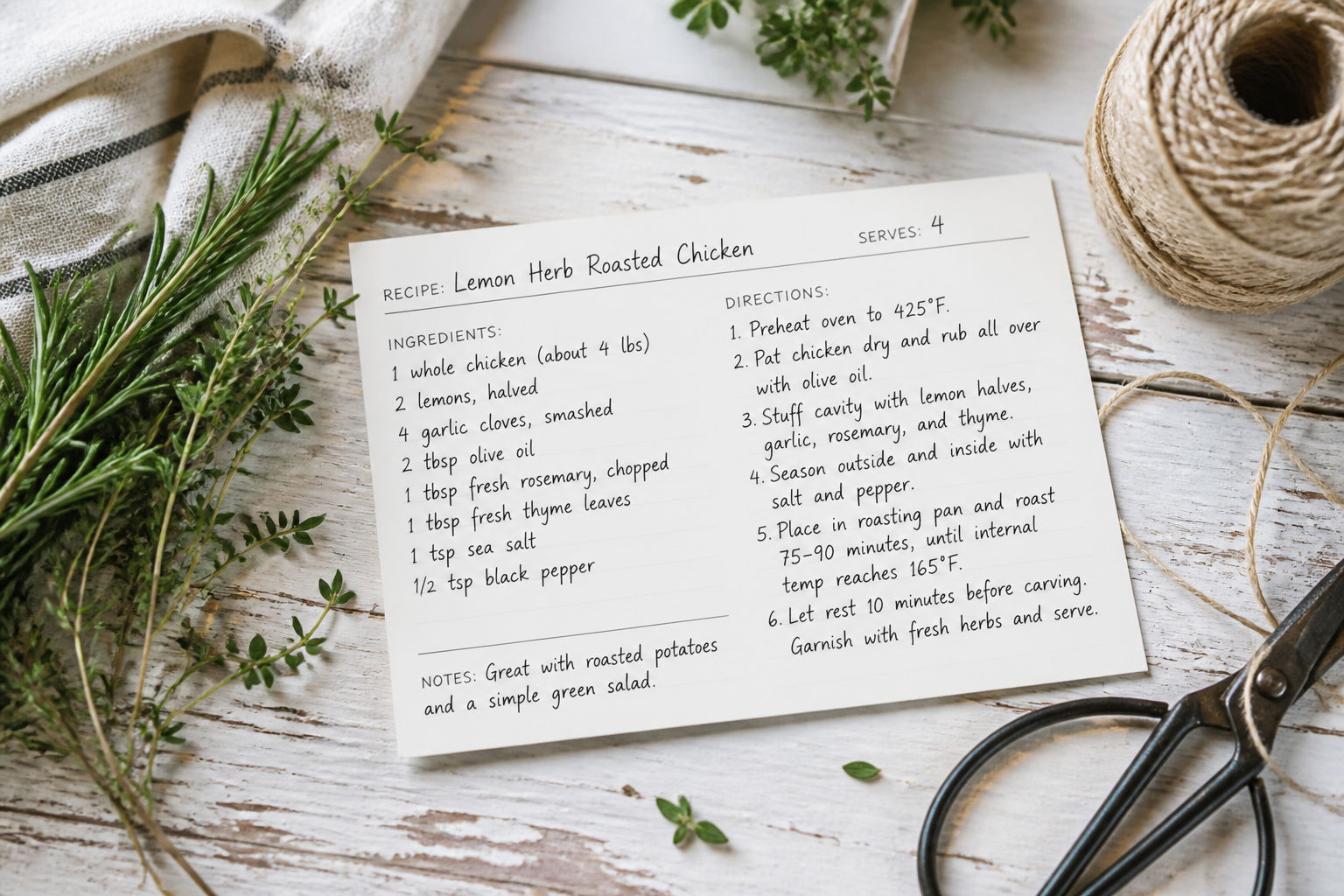 BEFORE
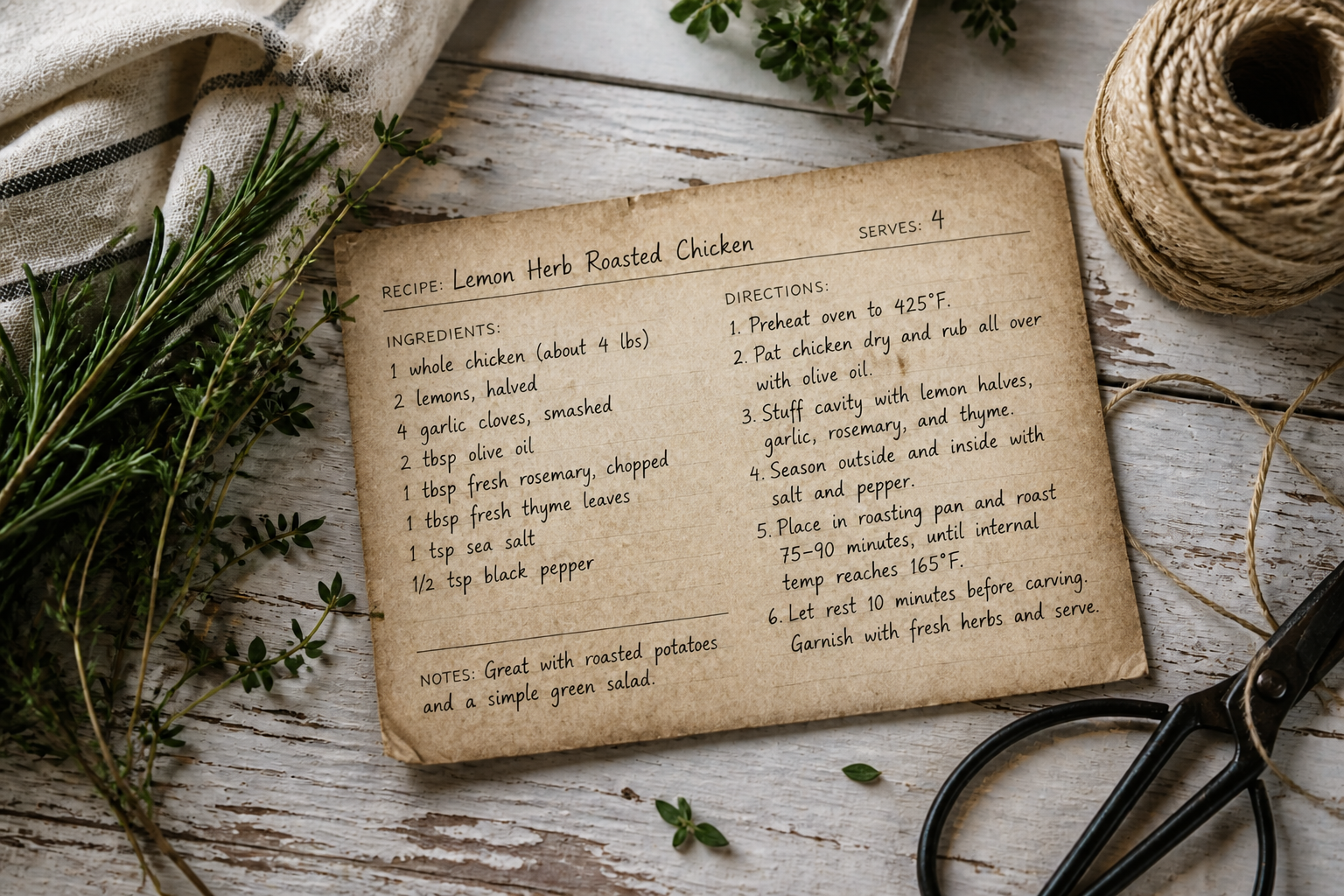 AFTER
AFTER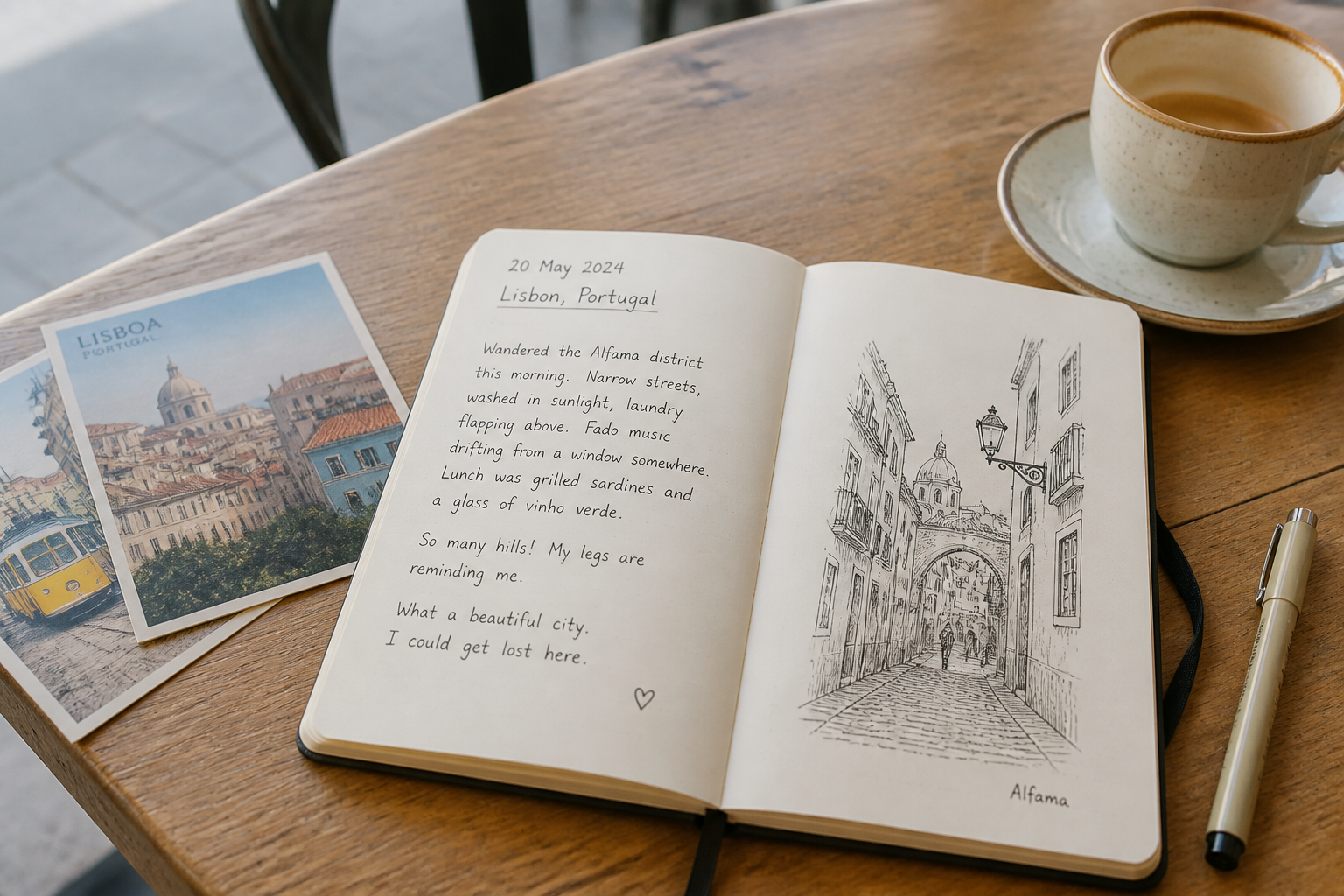 BEFORE
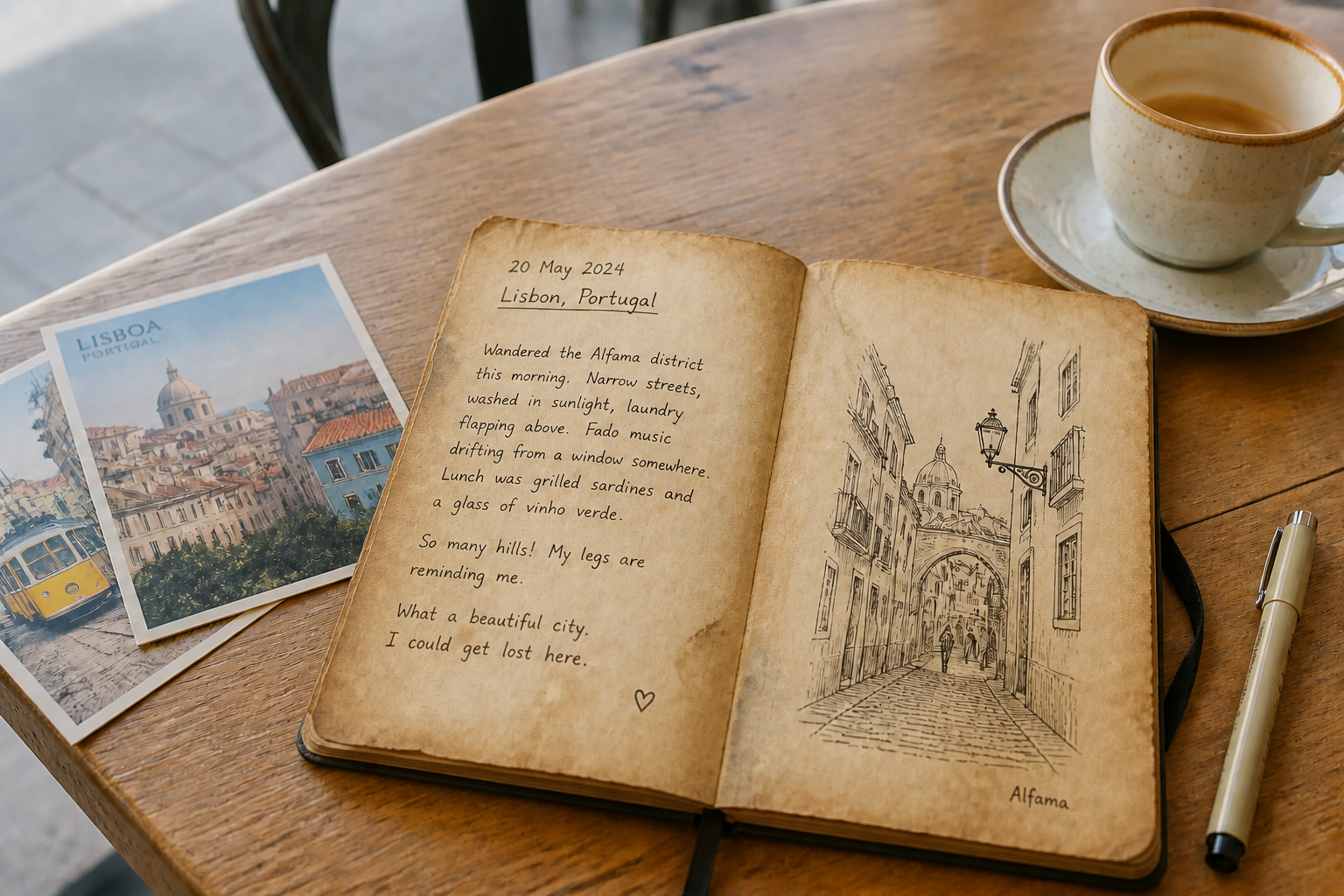 AFTERBEFOREAFTERBEFOREAFTERBEFOREAFTERBEFOREAFTERBEFOREAFTER
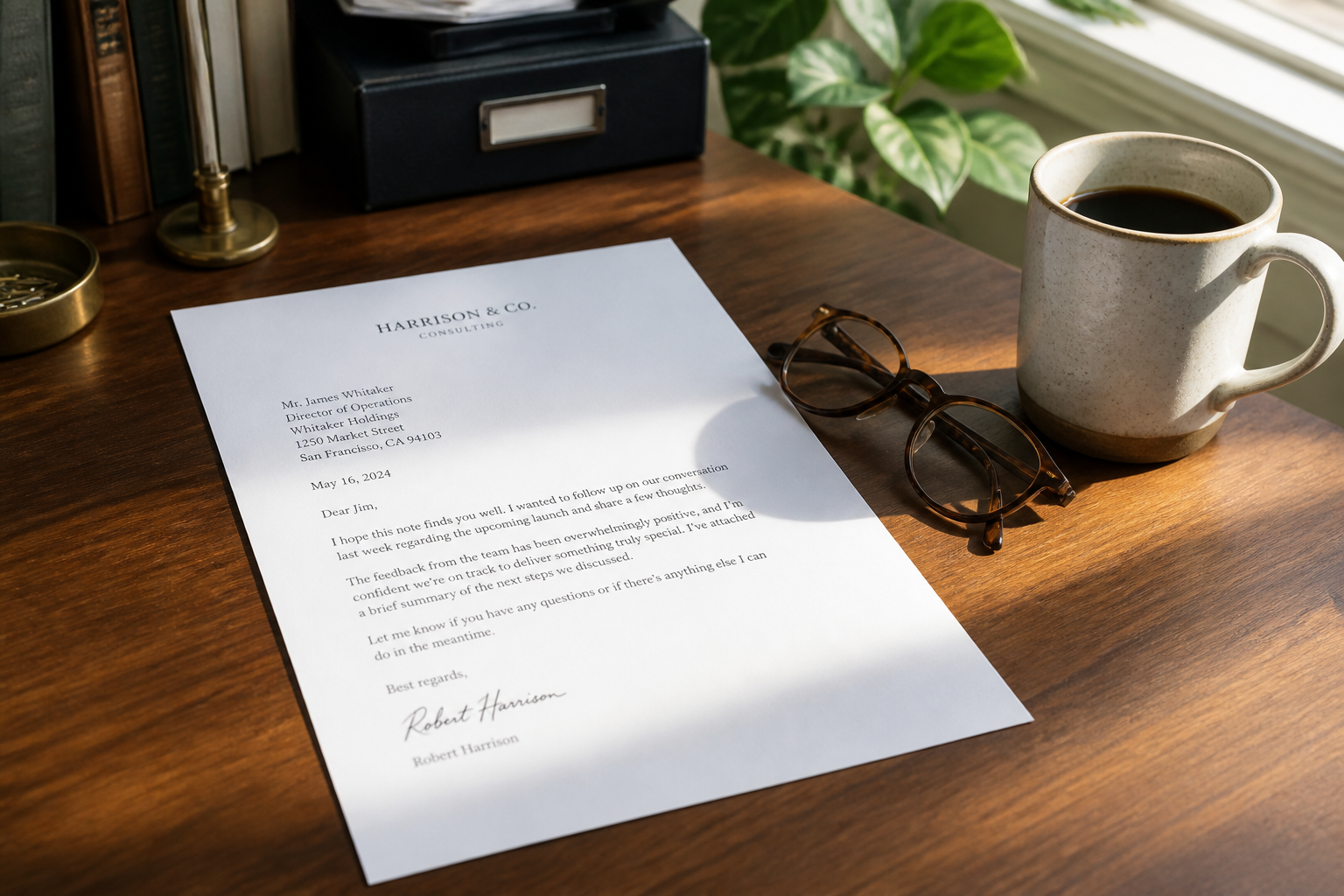 BEFORE
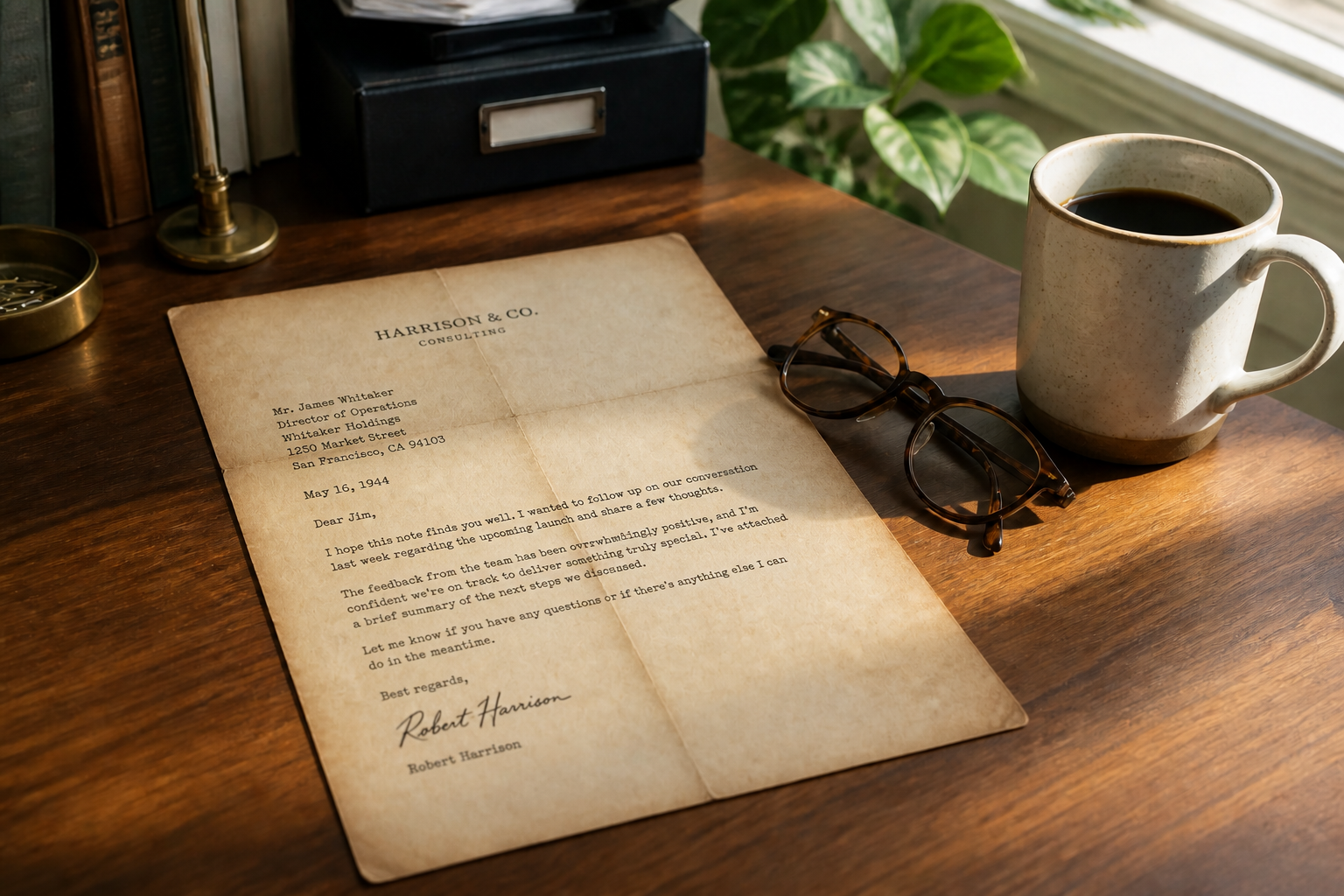 AFTER
AFTER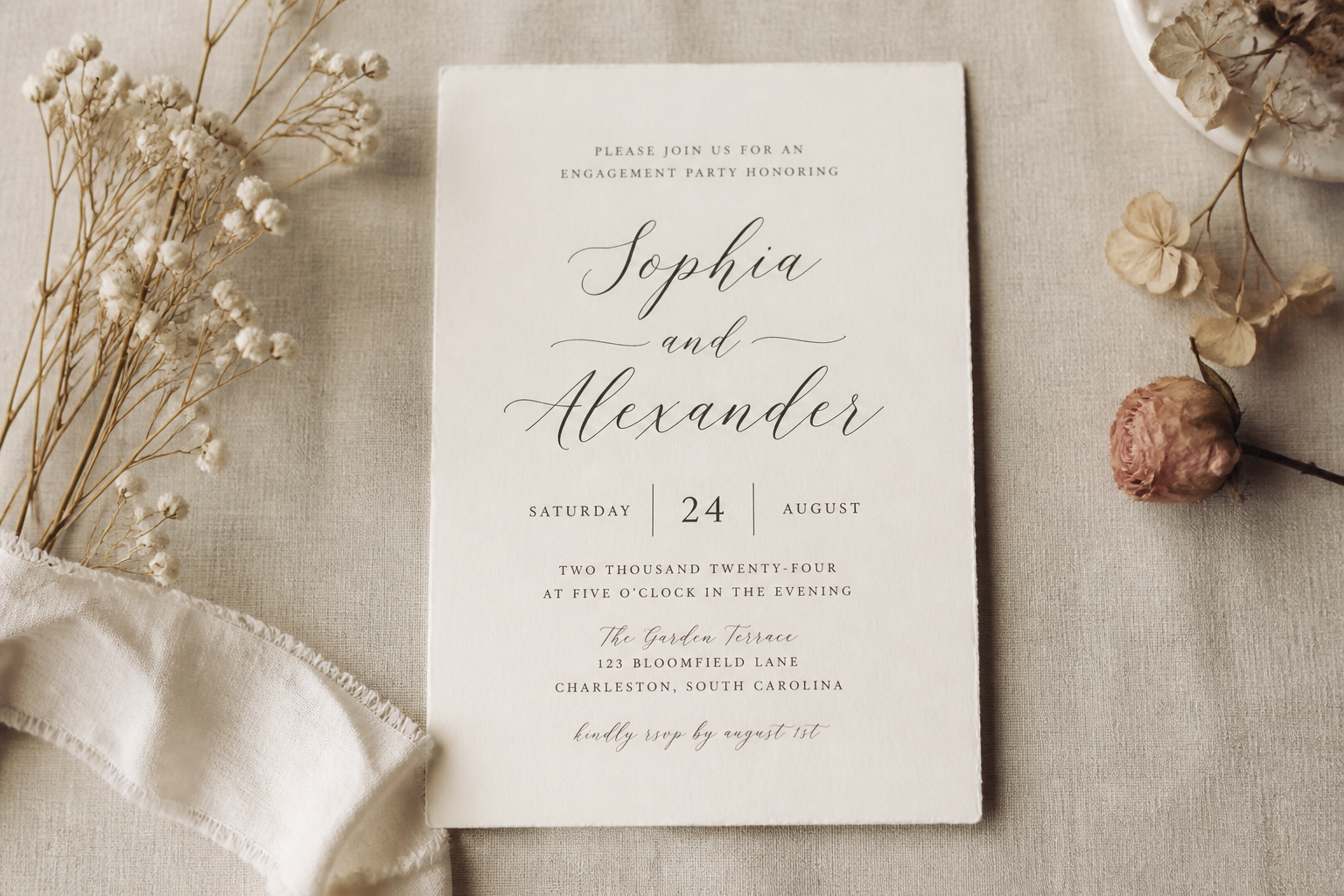 BEFORE
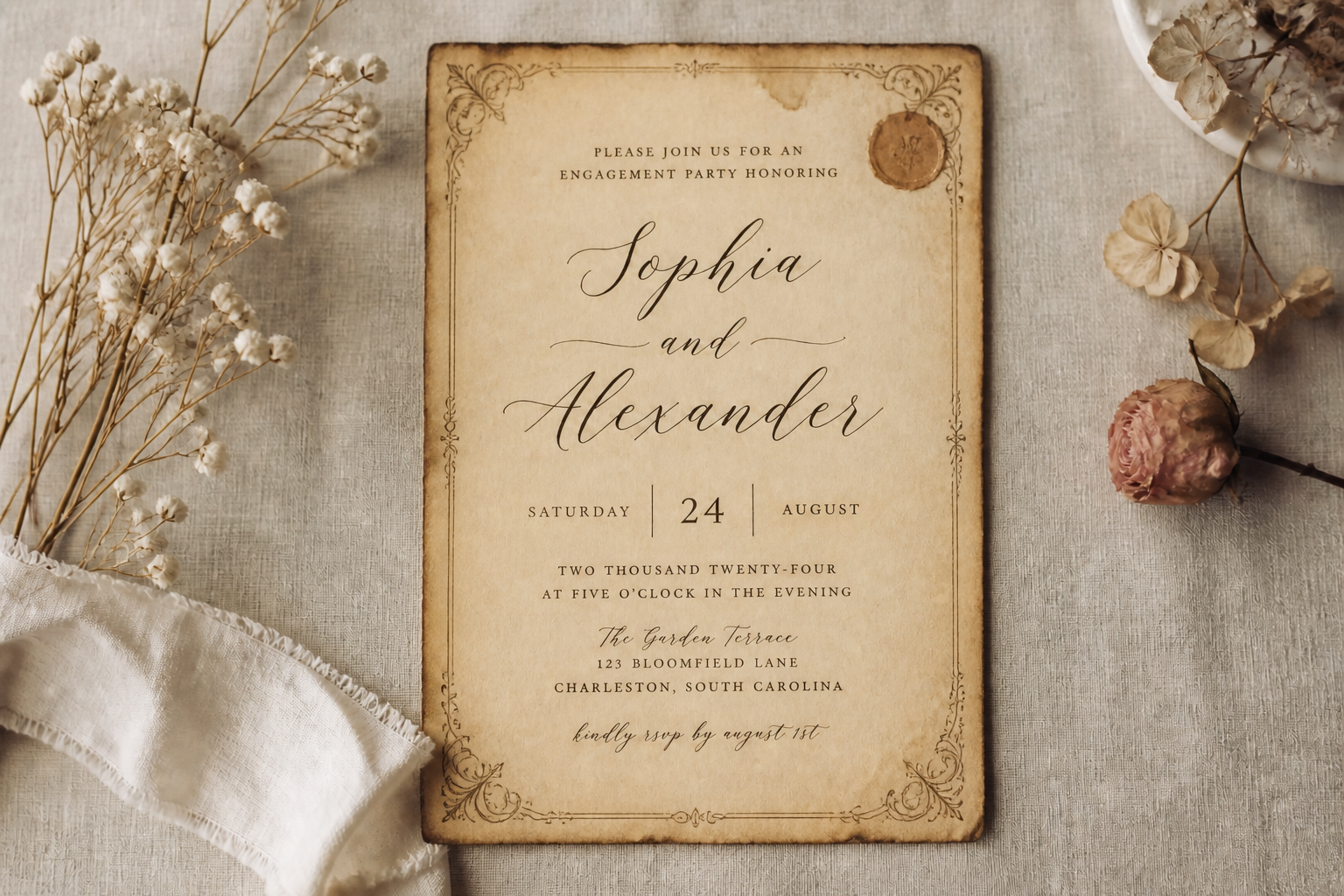 AFTER
AFTER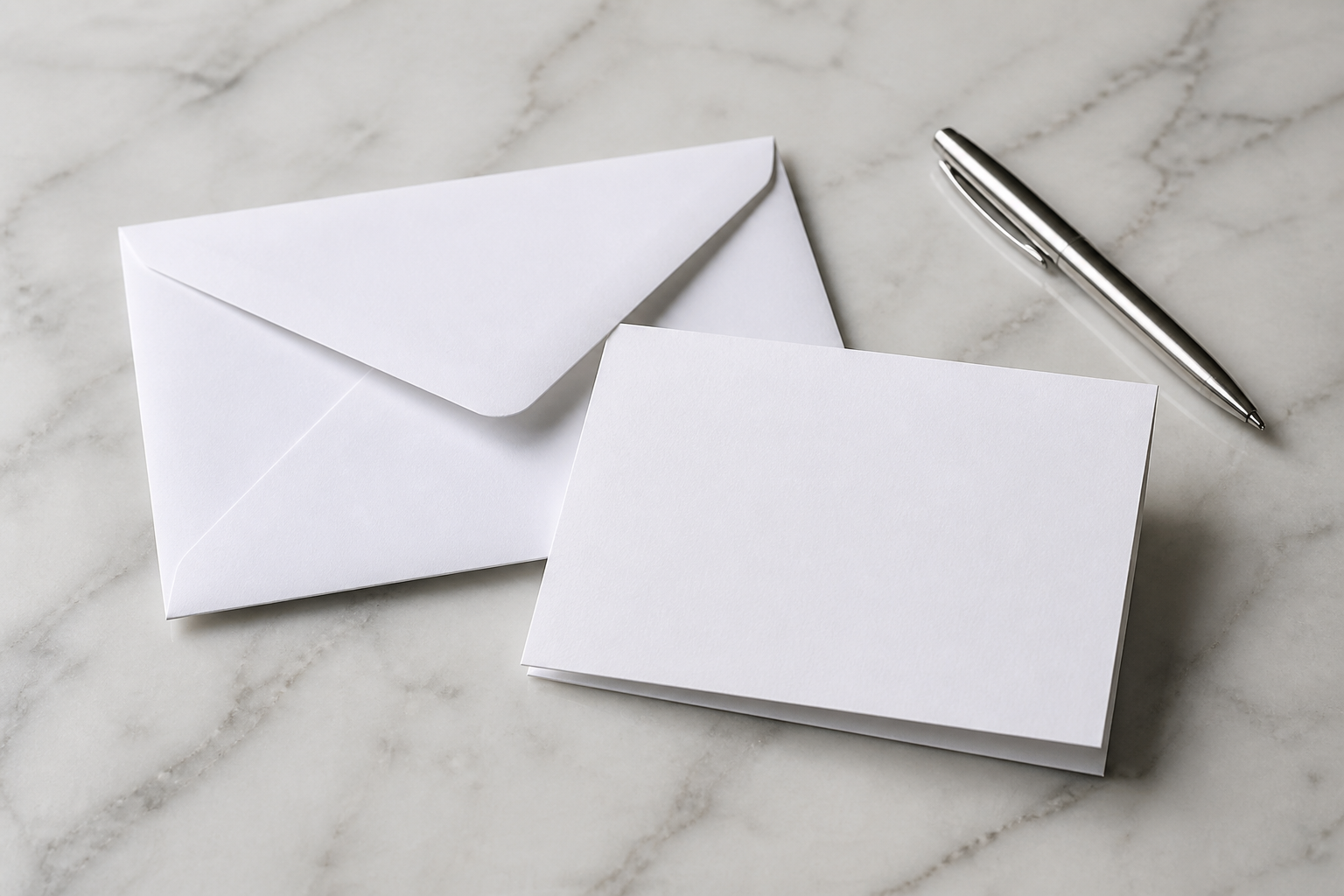 BEFORE
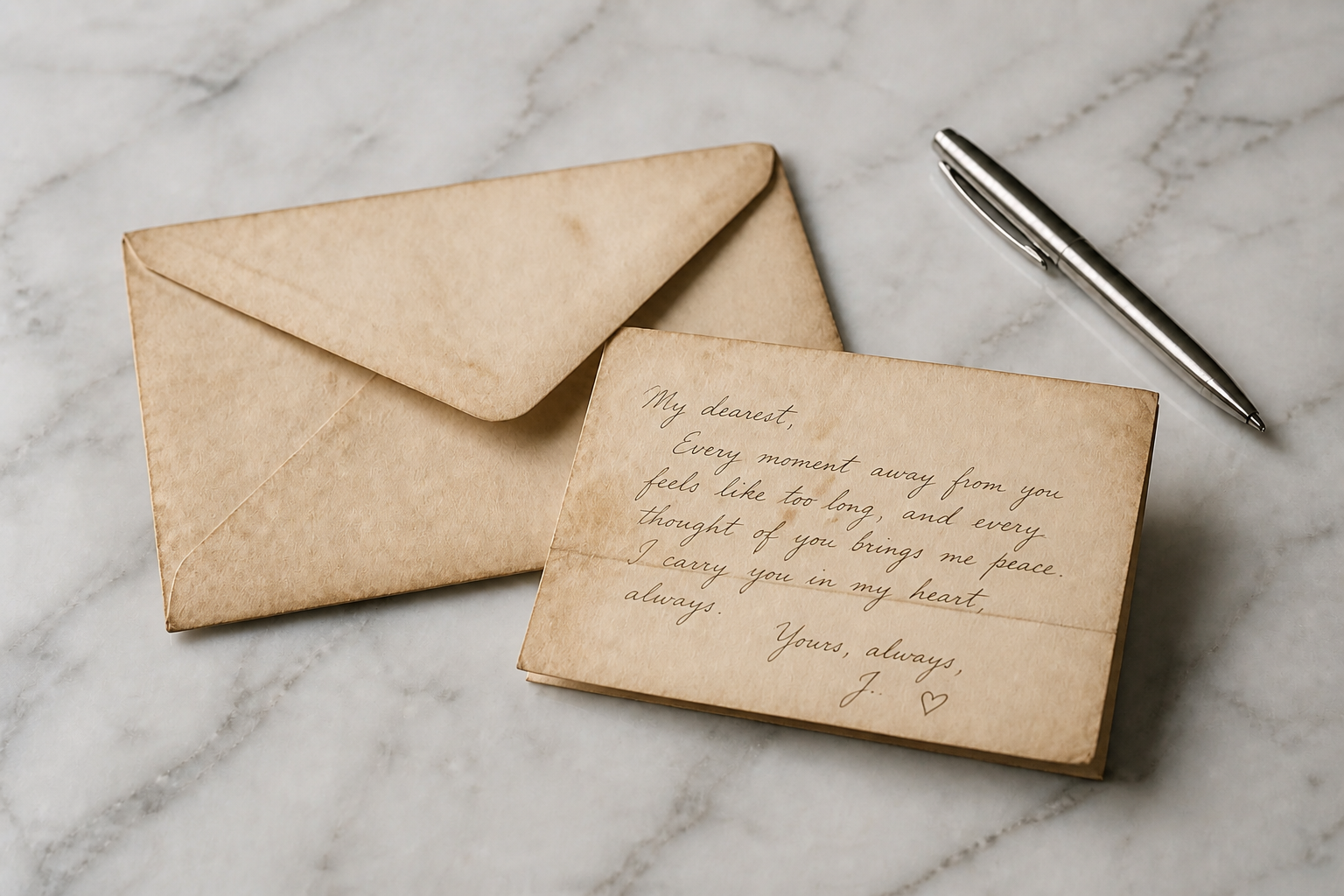 AFTER
AFTER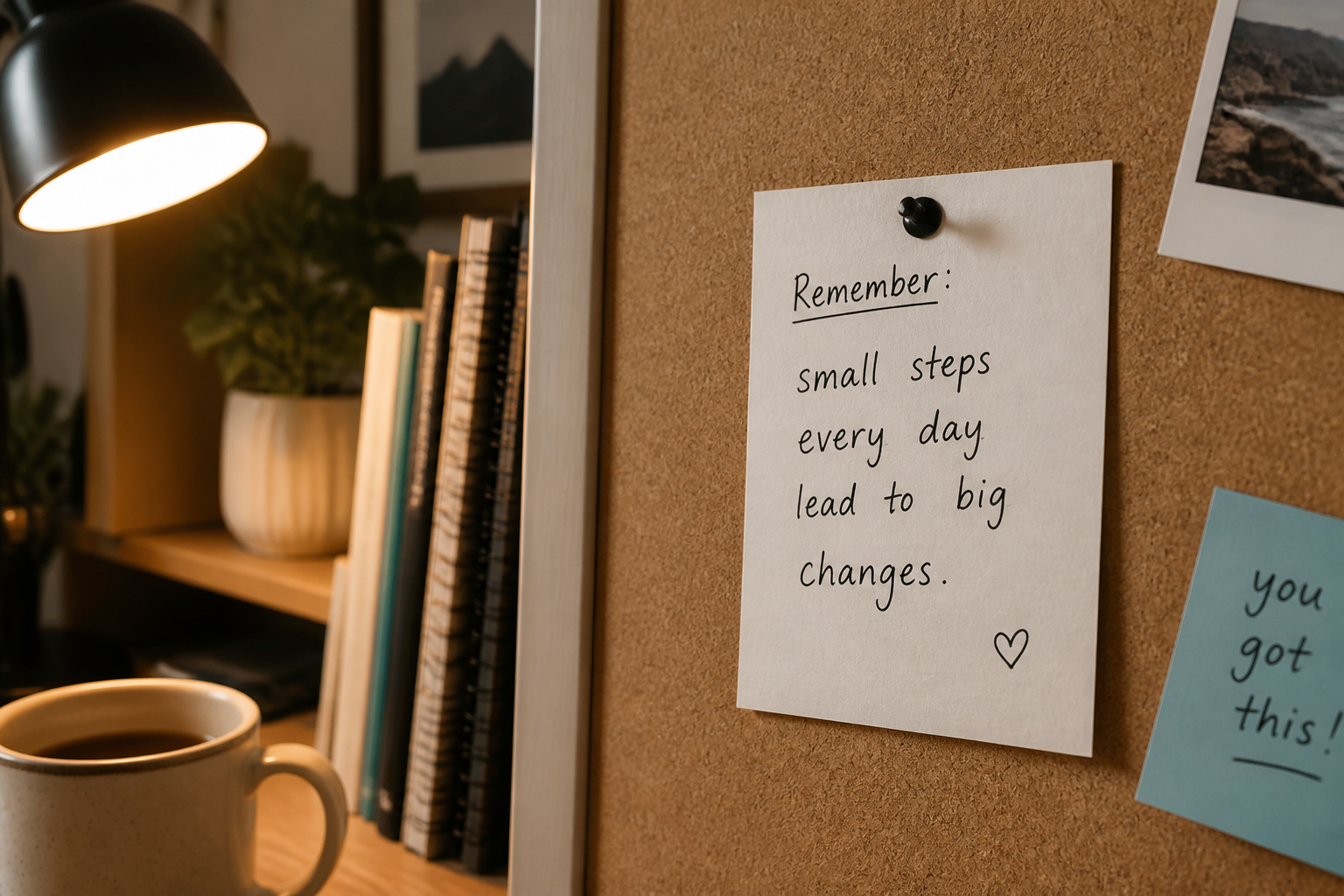 BEFORE
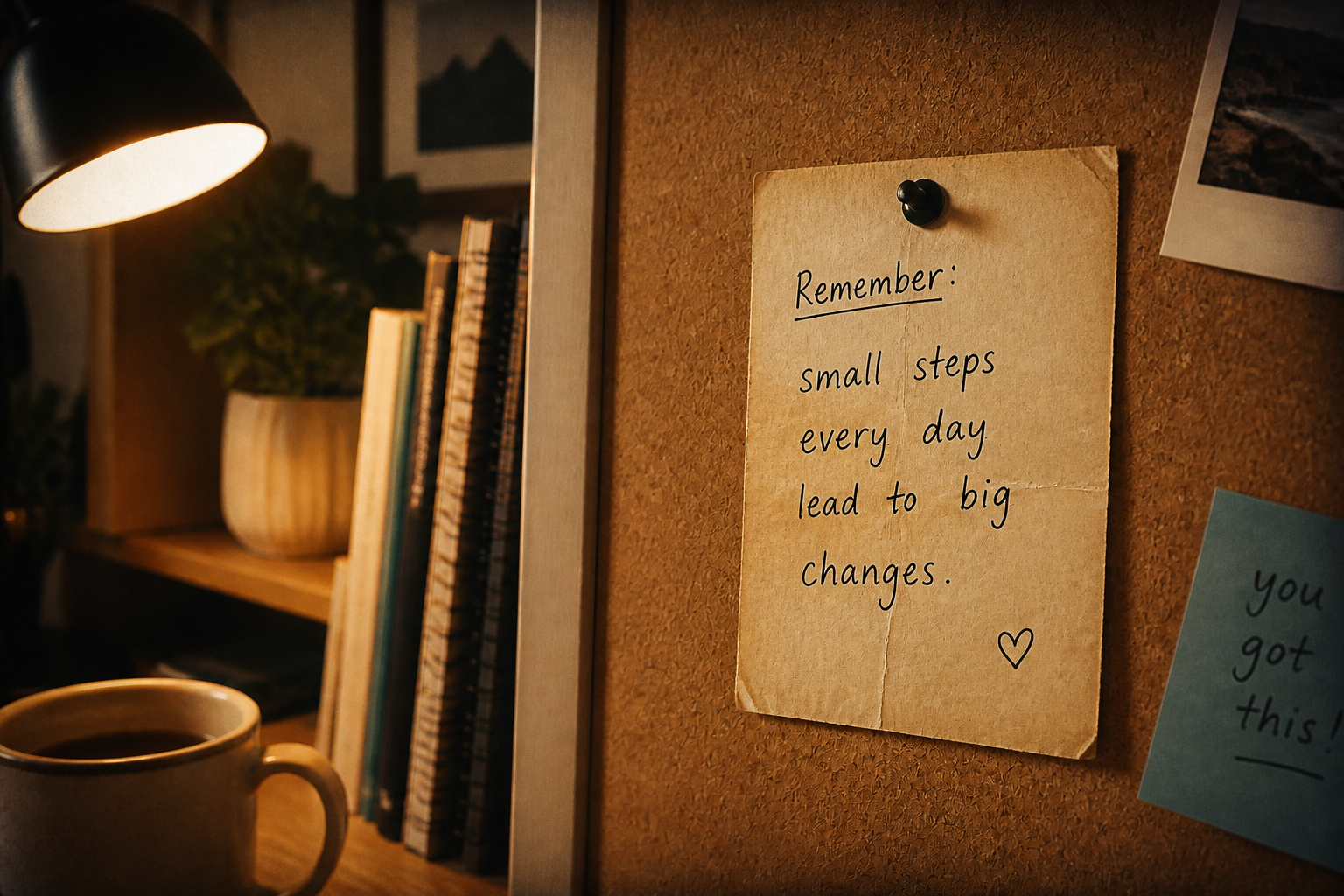 AFTER
AFTER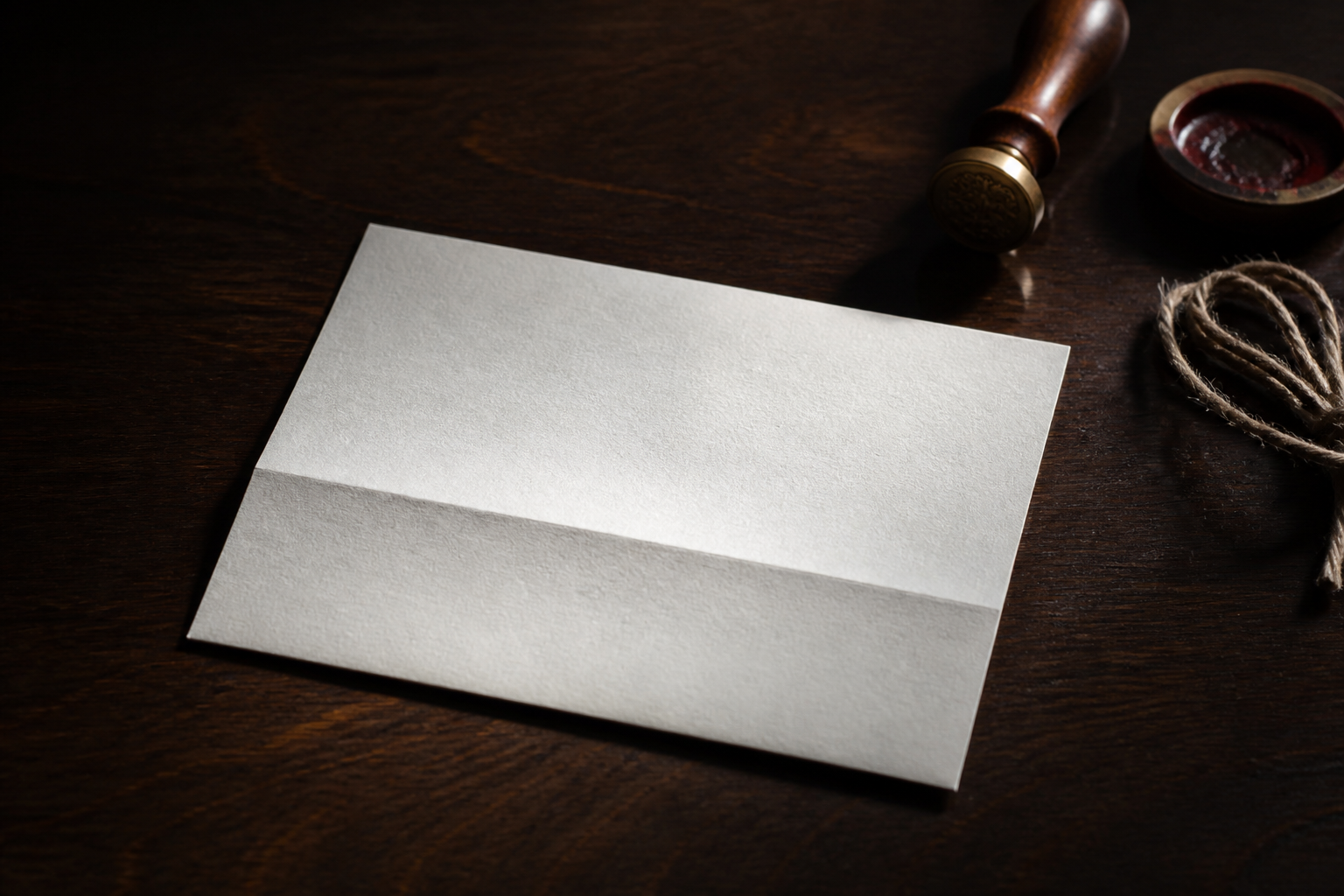 BEFORE
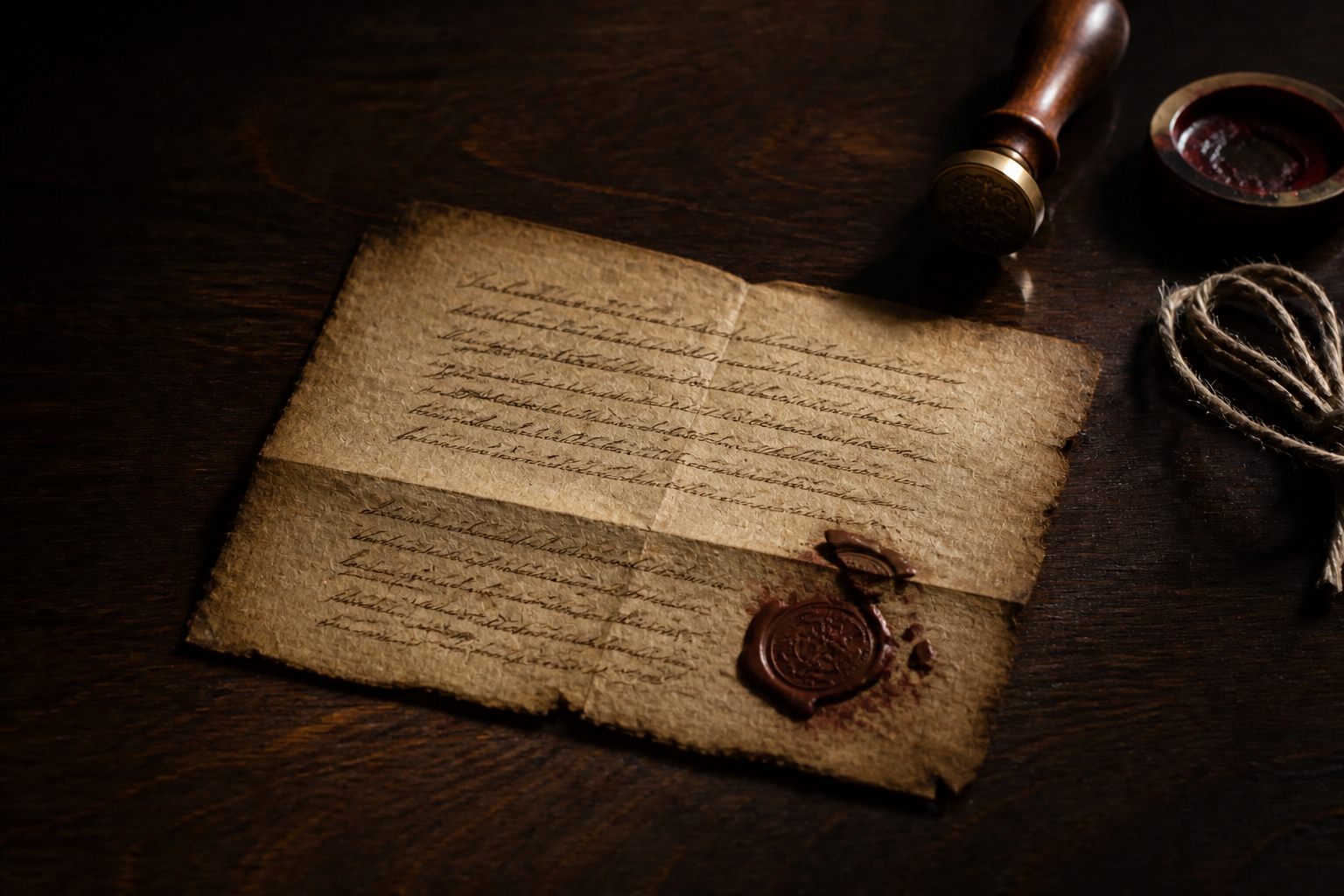 AFTERBEFOREAFTERBEFOREAFTERBEFOREAFTERBEFOREAFTERBEFOREAFTER
Key Features
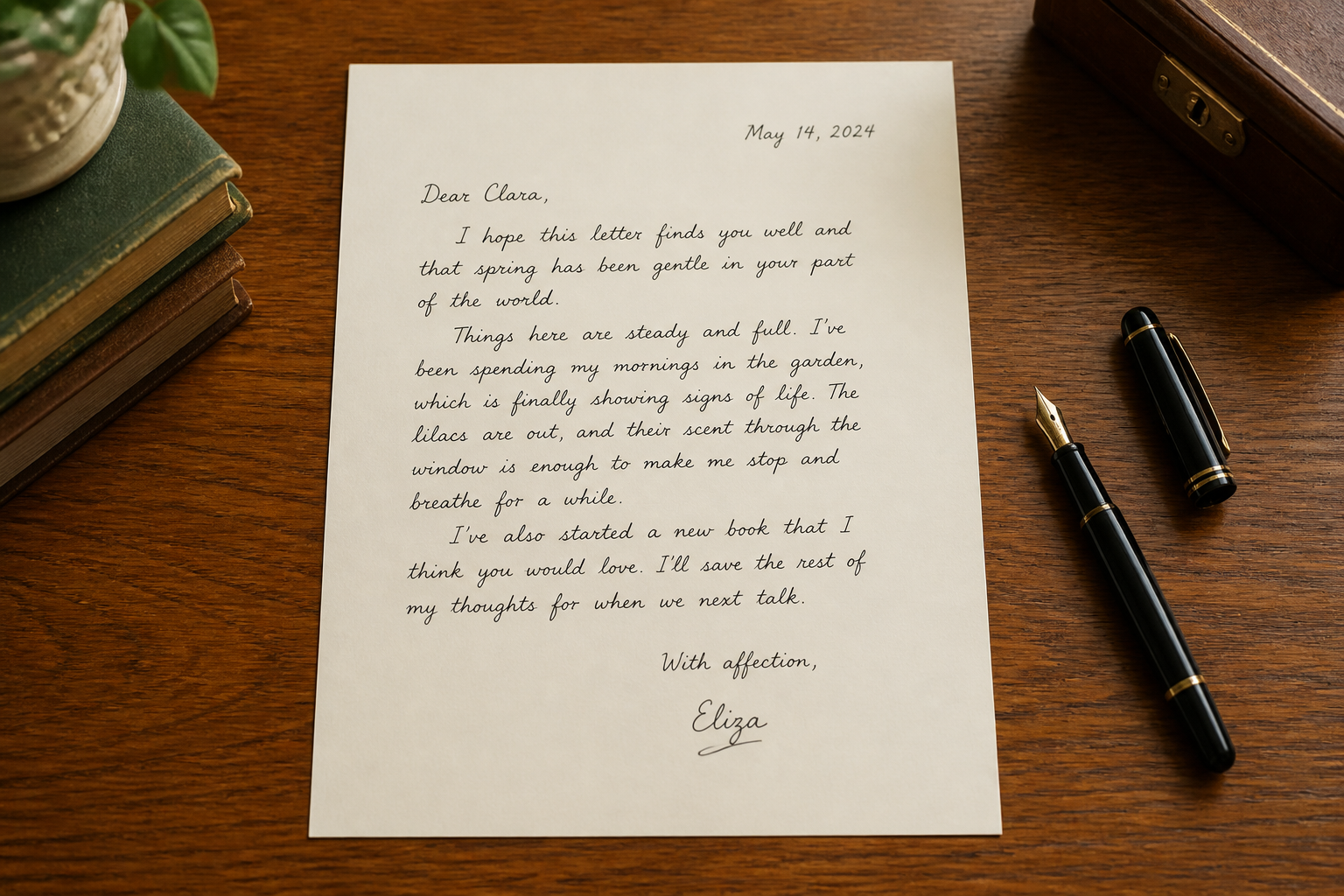
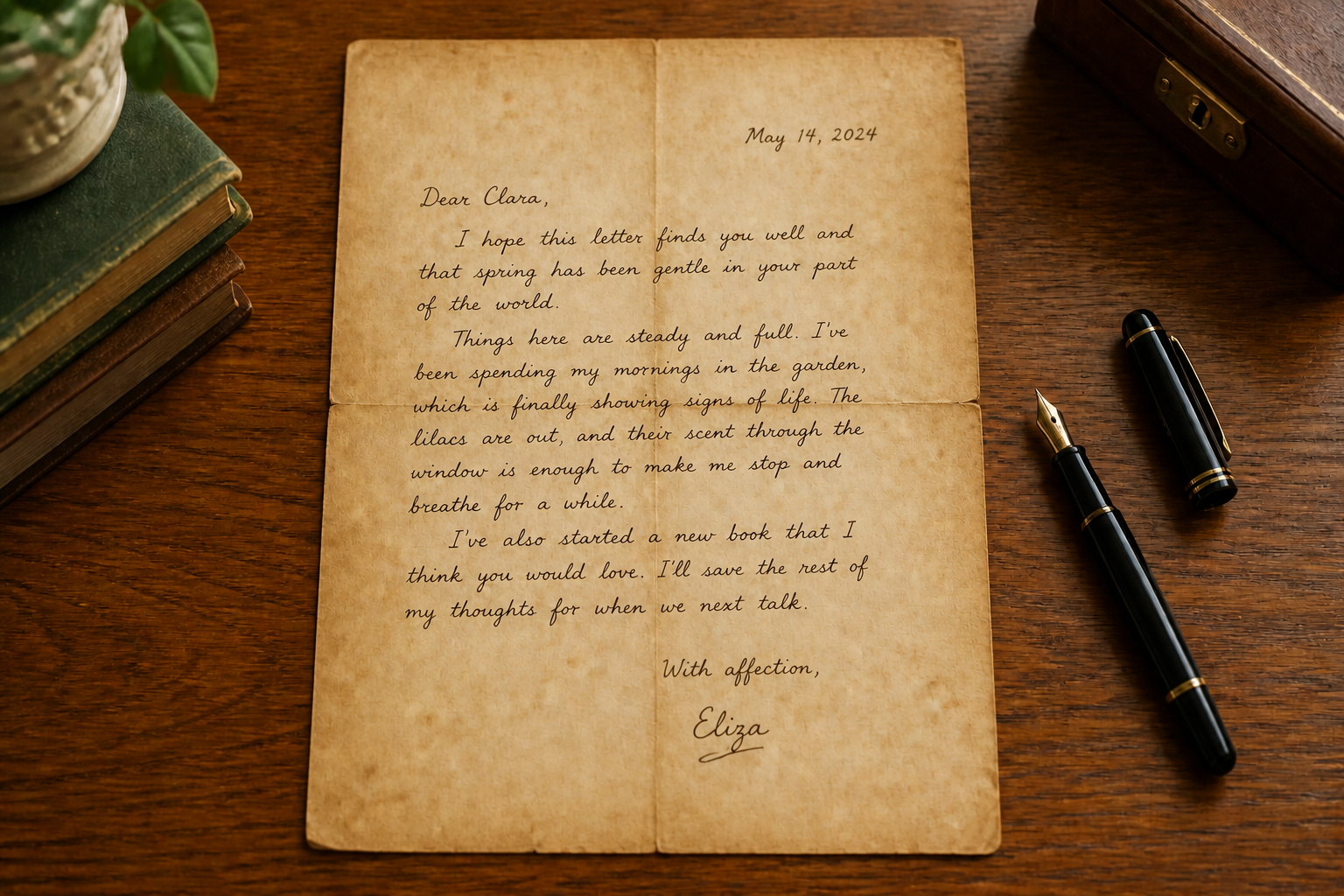
Aging That Reads Clearly
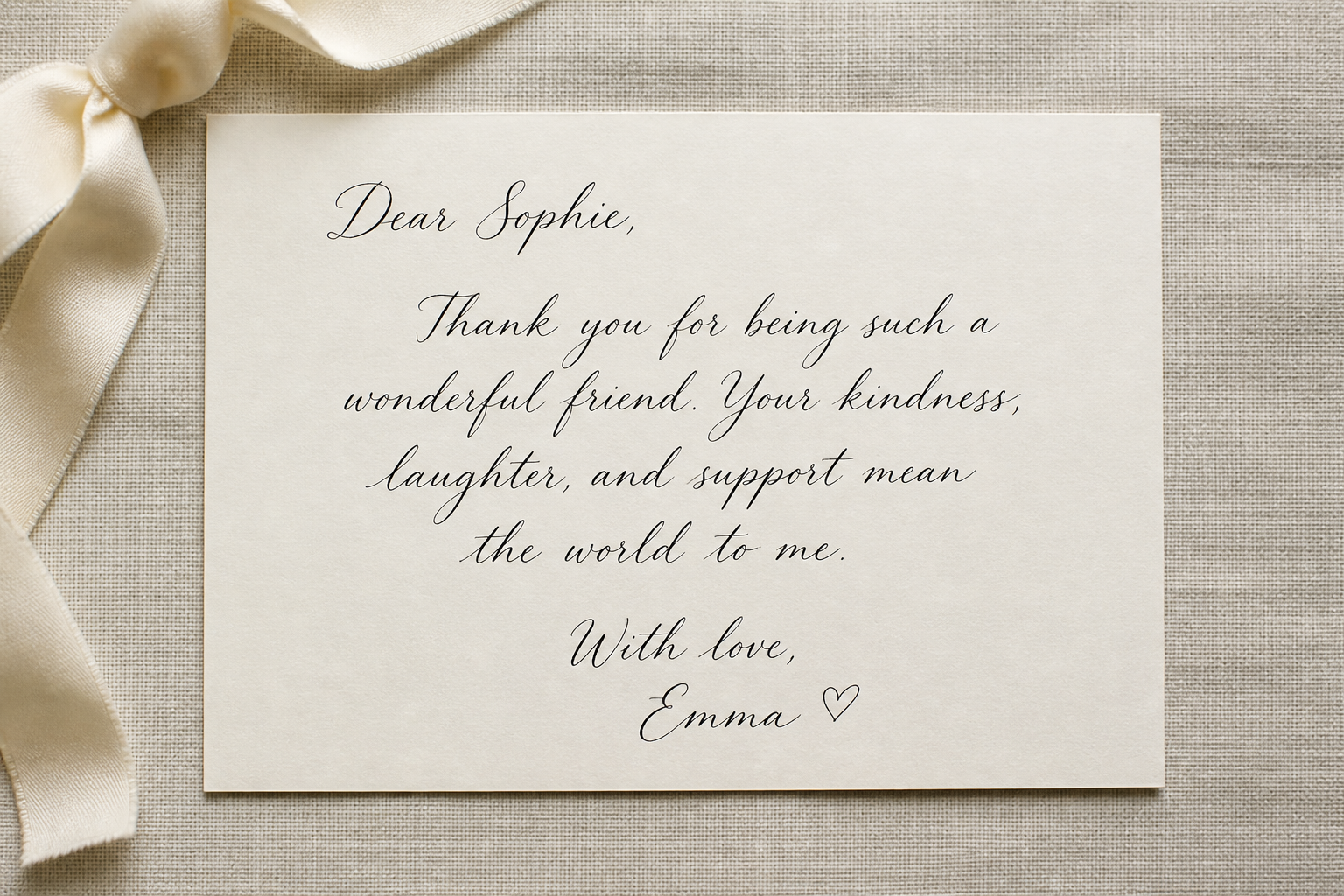
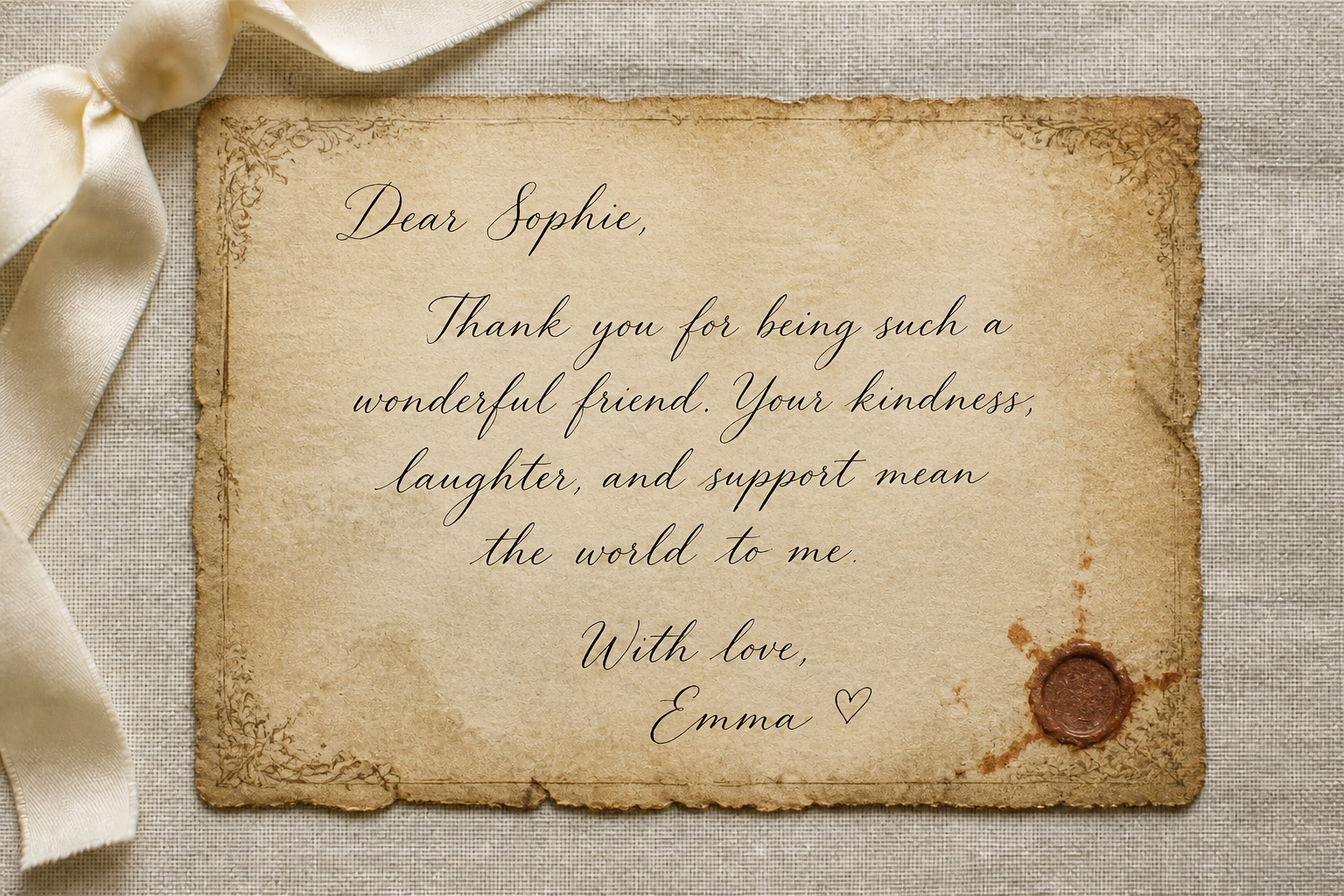
The edit keeps the page structure understandable while adding strong vintage wear. That matters when you want an old-letter look without losing the text block, margins, or handwritten flow. Instead of layering filters by hand, you get paper aging, ink fading, and edge distress in one pass. The result looks styled, not random.
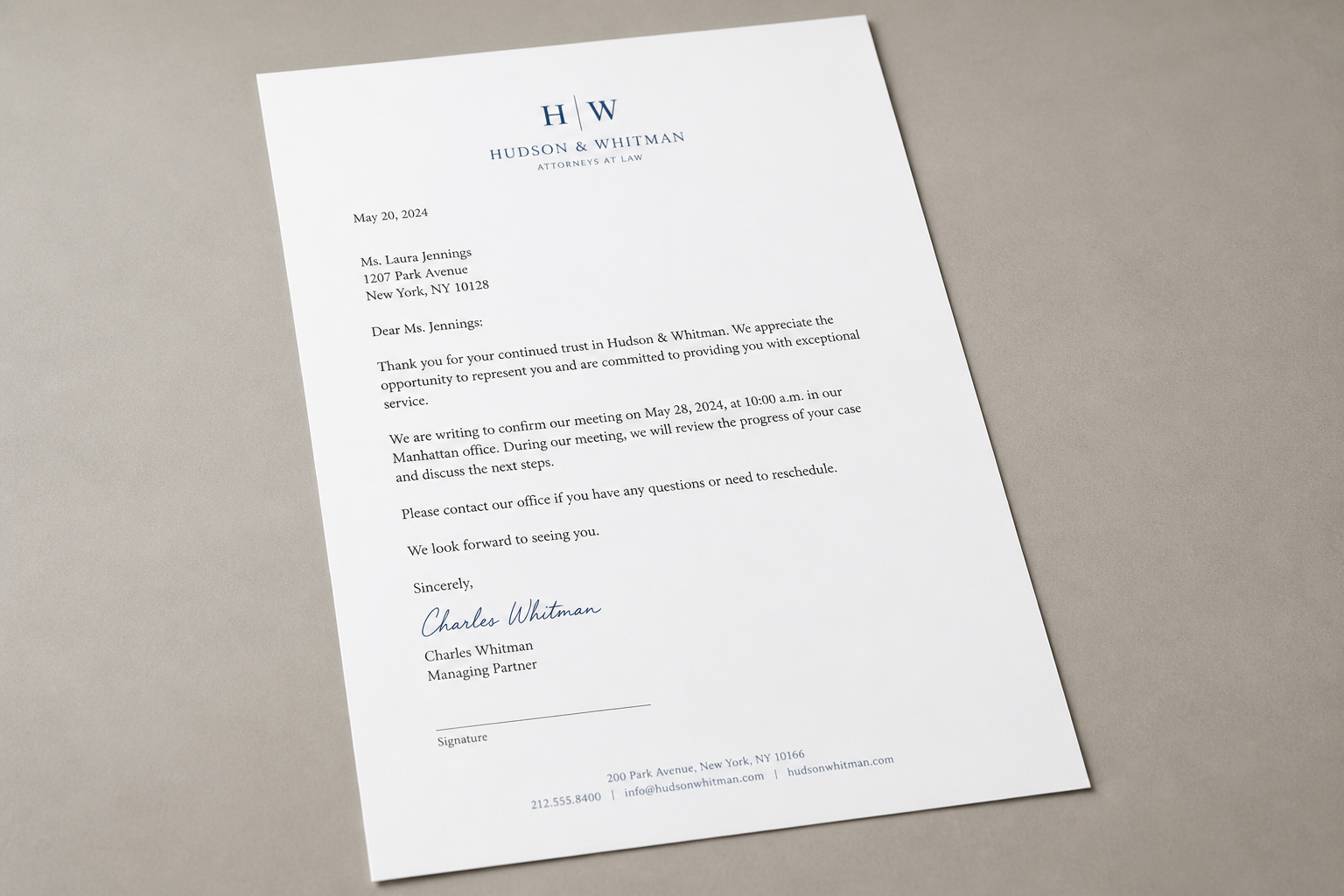
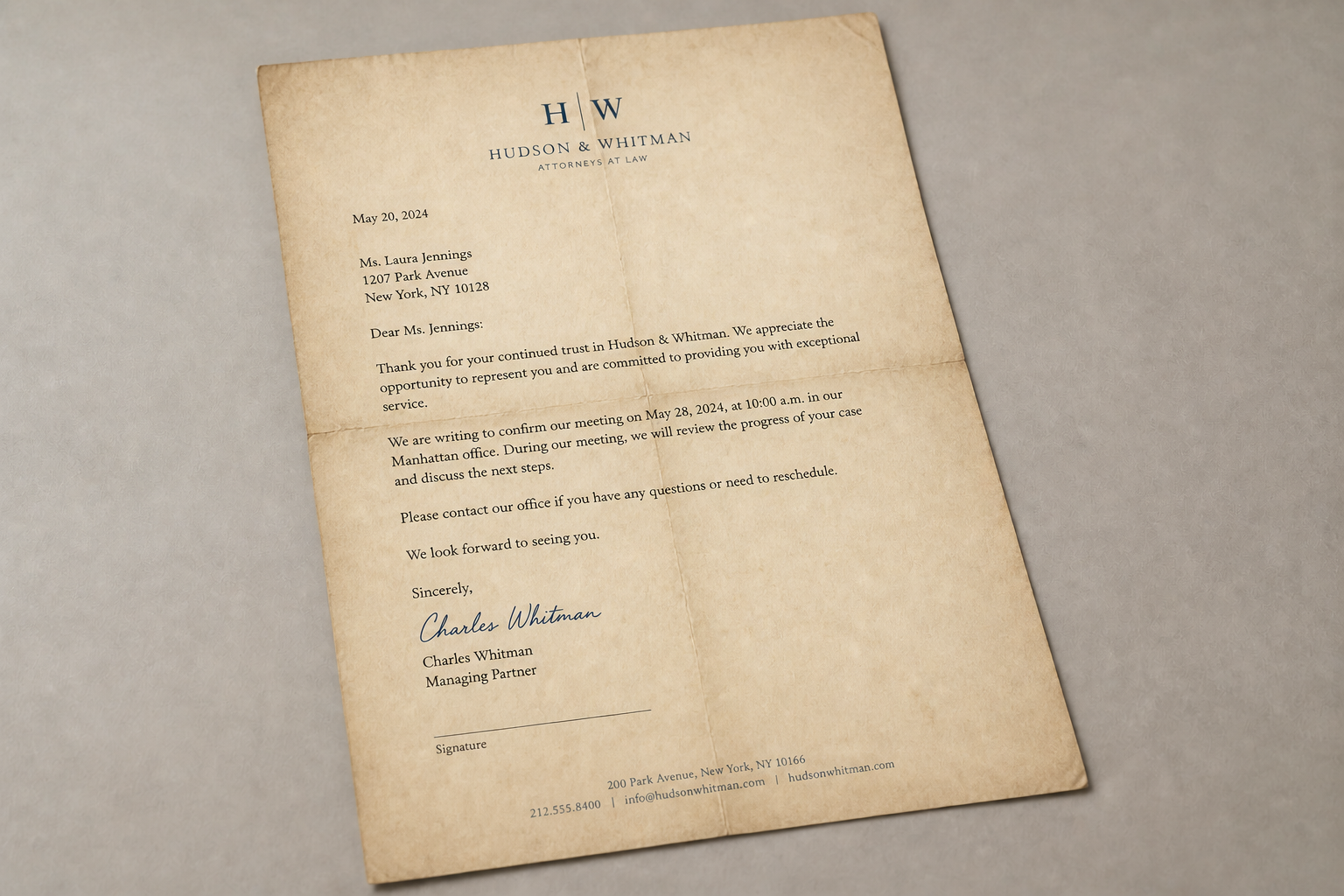
Preserves Your Layout
Our AI changes the material feel of the page without rebuilding the whole composition from scratch. Paragraph placement, signatures, spacing, and overall framing stay consistent, so the output still feels like your original document. This is useful for props, mood boards, invitations, and social posts where the arrangement matters. You spend less time correcting drift afterward.
Multiple Vintage Moods
You can push the same source page toward different historical and artistic directions. From refined Victorian correspondence to rugged frontier parchment, the visual language changes fast without needing separate manual textures. That makes it easier to test concepts for branding, storytelling, or design work. One input can become several distinct old-letter looks.
Fast Prop-Ready Results
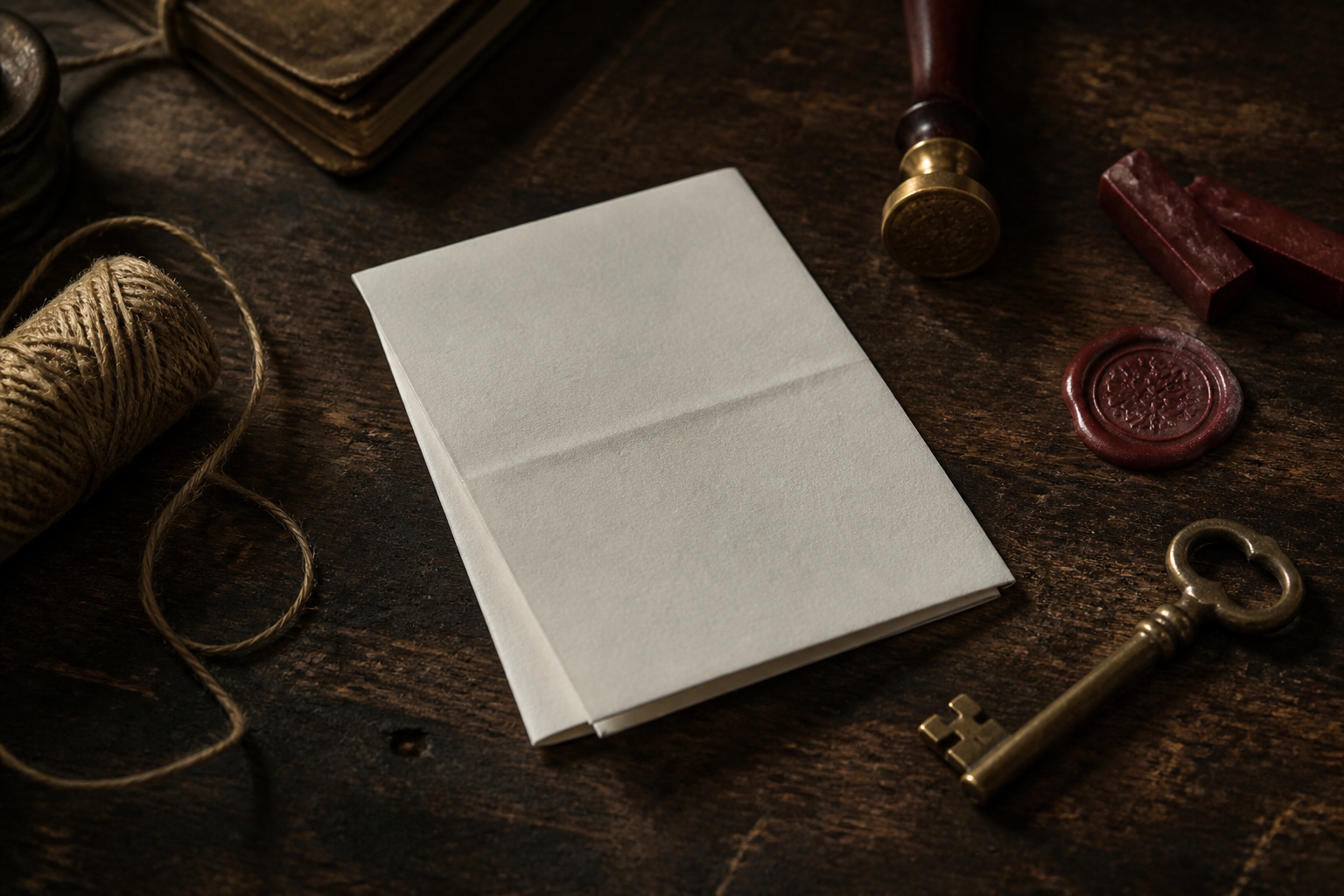
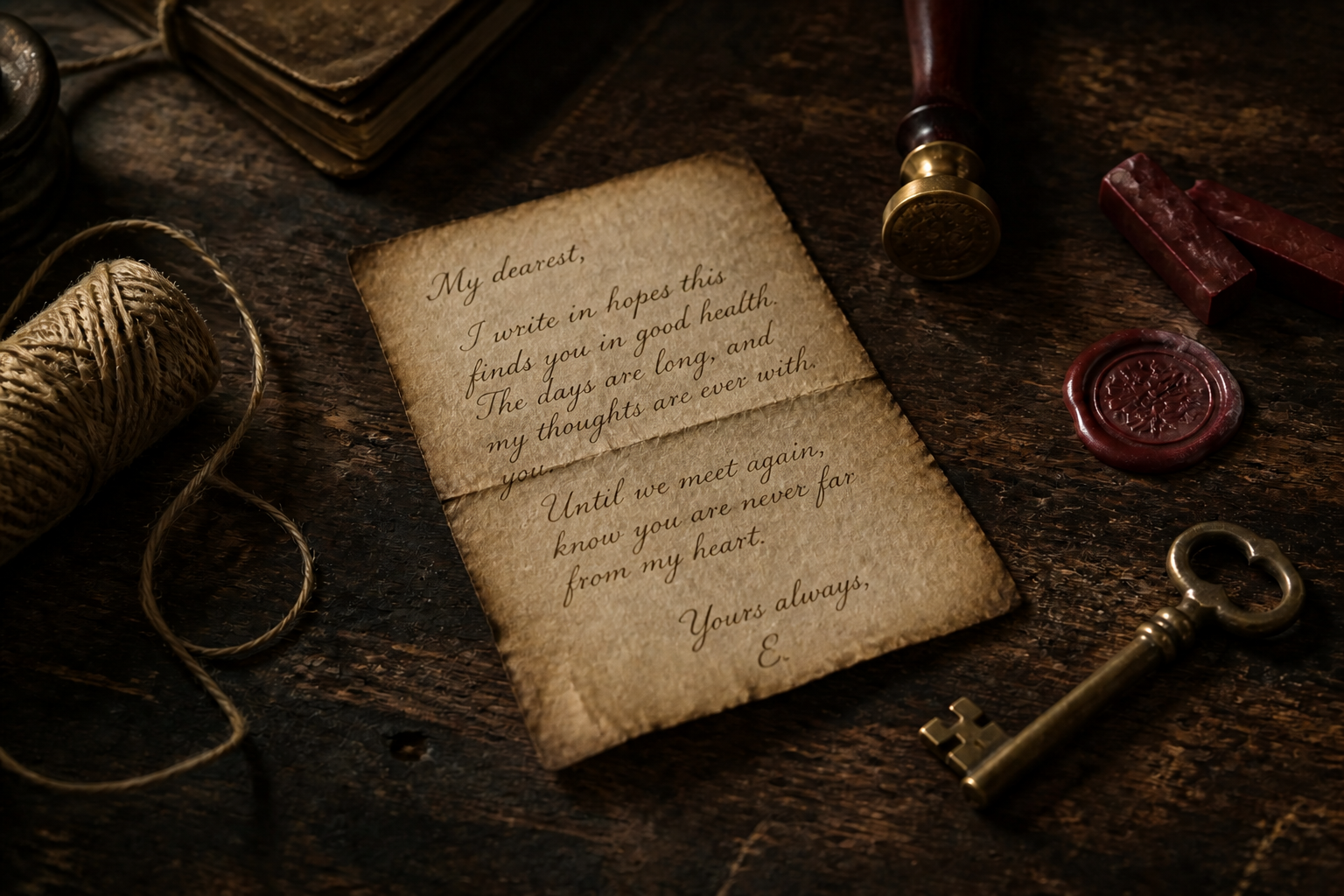
Old letters are often used as visual props, not just document mockups. This tool creates believable age cues like creasing, curling, stains, and edge damage quickly enough for content production. It helps creators make scenes feel lived-in without sourcing physical antique paper. That is especially handy for videos, thumbnails, and product shots.
How It Works
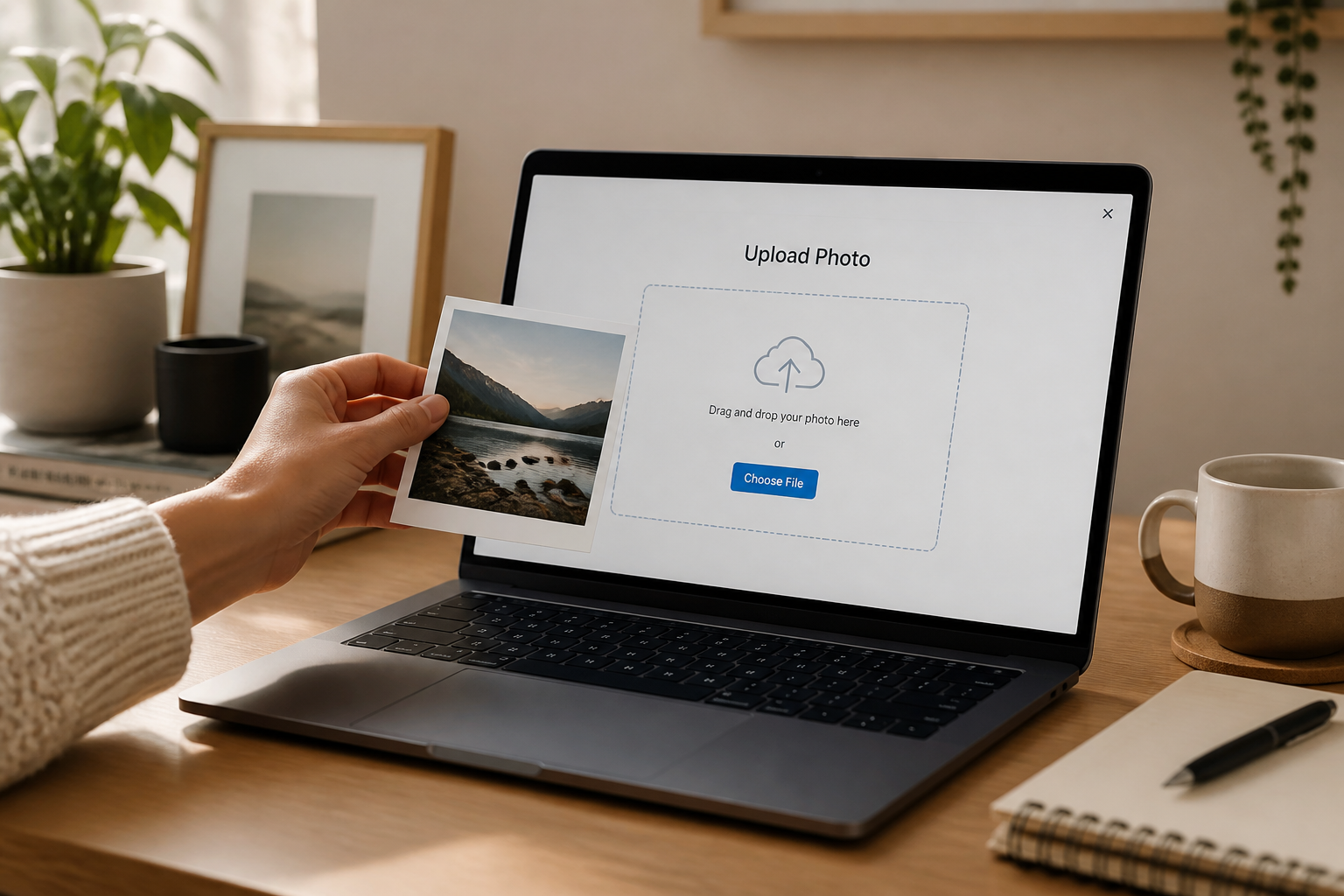
Upload your page
Start with a photo of a note, letter, invitation, or blank stationery. Clean lighting and a clear view of the page help the old-paper details come through better.
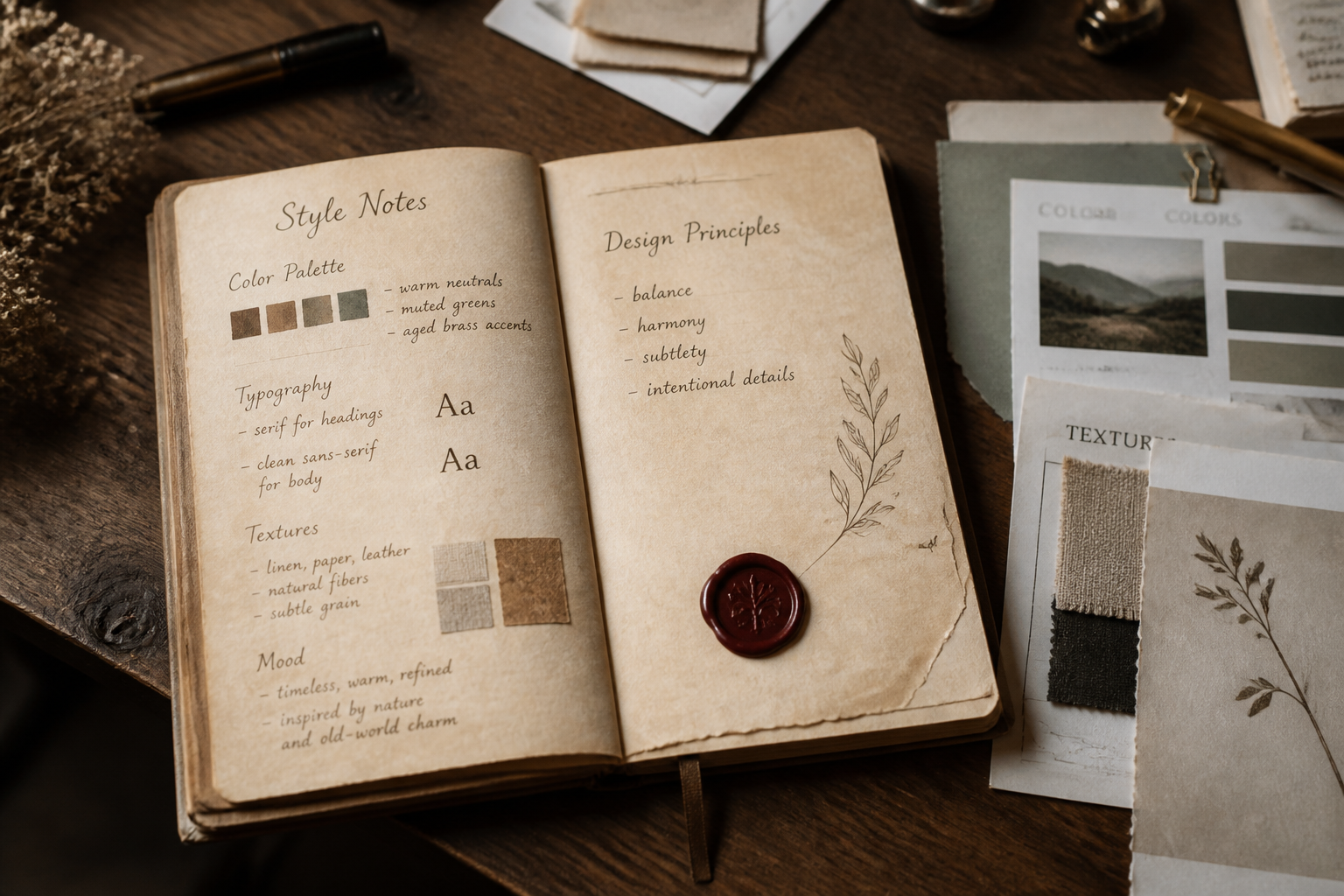
Describe the vintage look
Tell the editor what kind of age and mood you want, such as tea stains, burnt edges, faded ink, or Victorian parchment. You can keep it realistic or push it toward a more dramatic antique style.
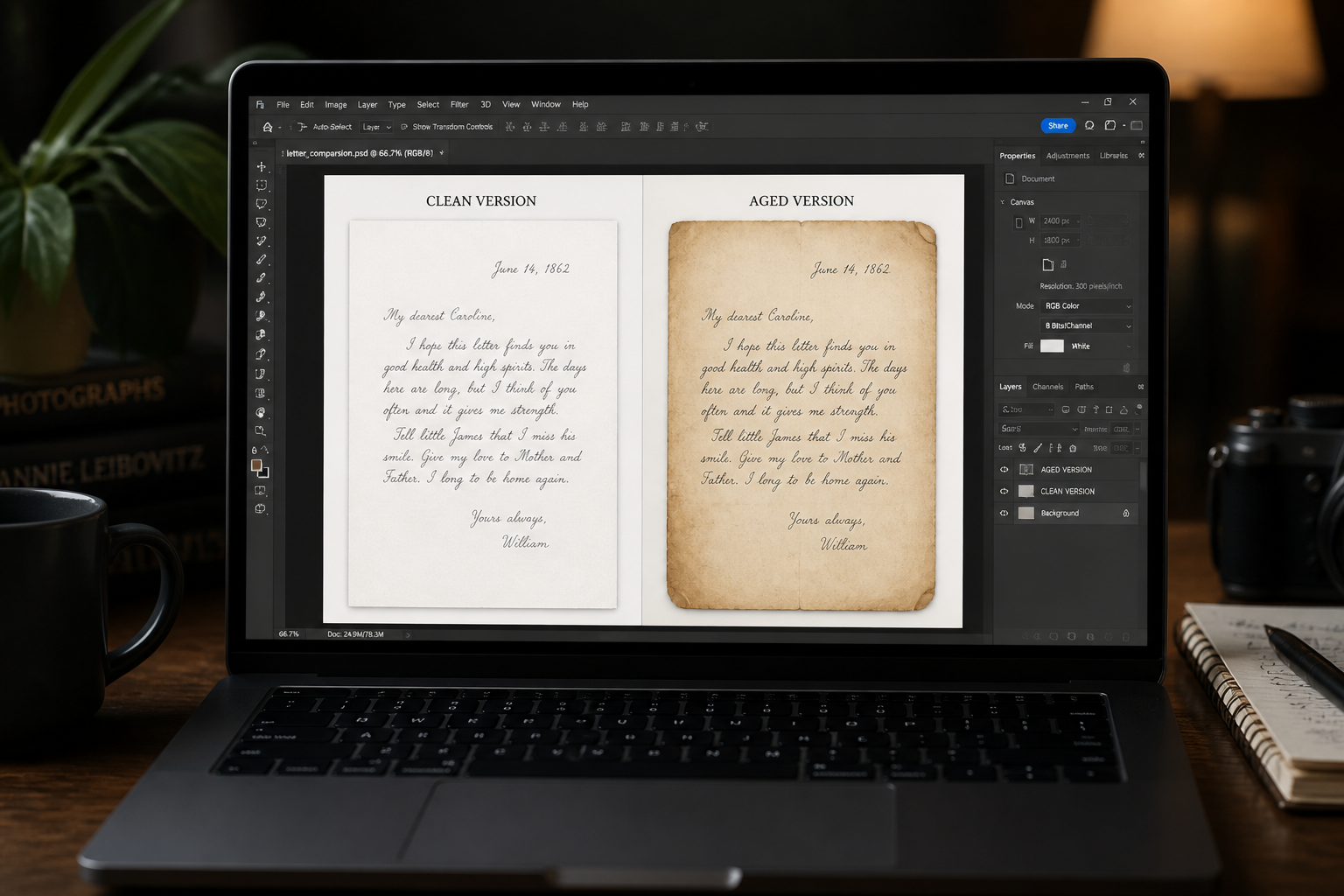
Download the aged version
Review the result and compare it with the original page. If needed, adjust the wording and regenerate until the letter looks right for your scene or design.
Perfect For
Discover how creators and professionals use old letter generator
Story props
Create believable old letters for short films, book promos, game assets, and social storytelling.
Invitation styling
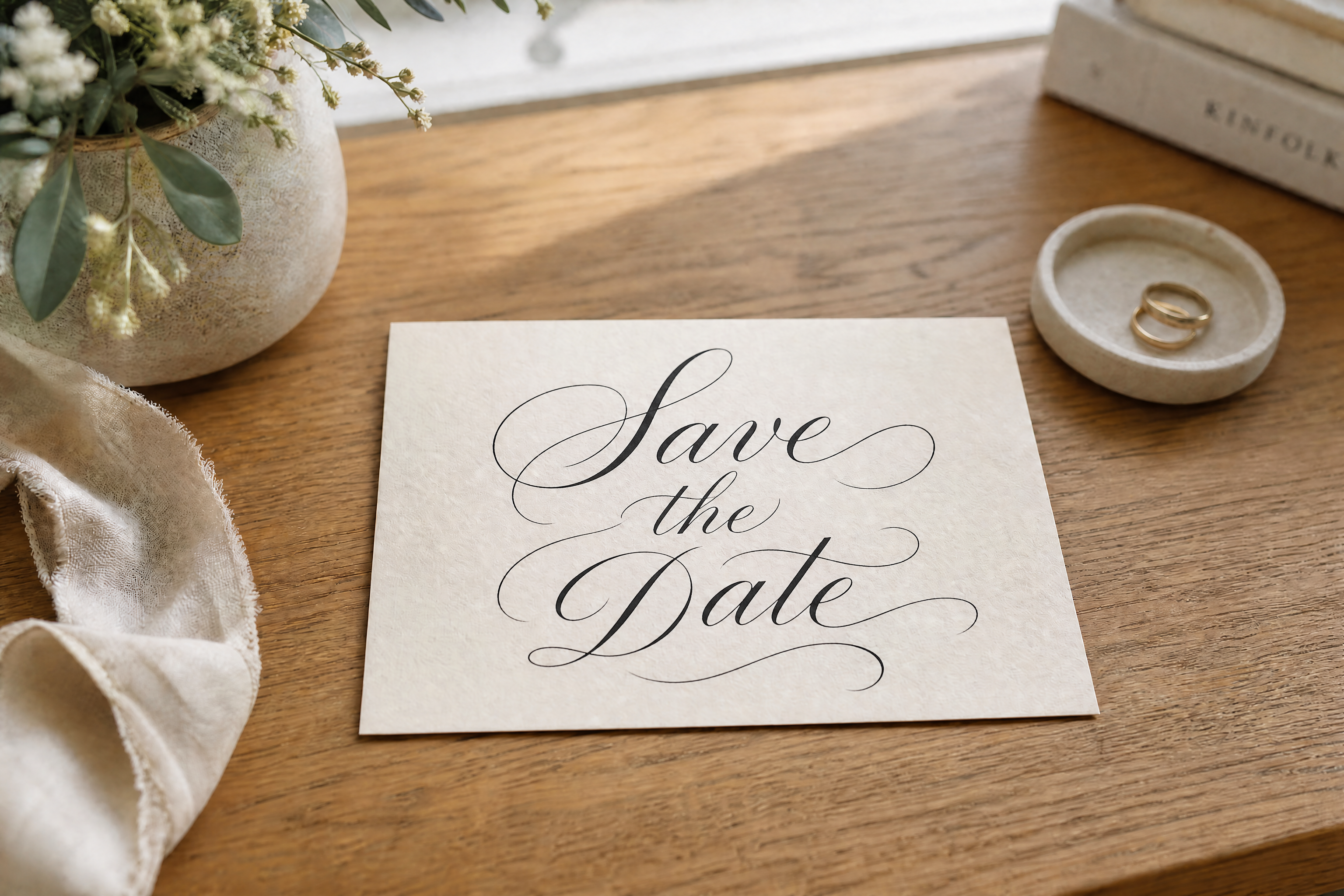
Turn modern stationery into vintage-looking correspondence for weddings, events, and themed campaigns.
Classroom materials
Make historical handouts and visual aids feel more authentic for lessons, presentations, and exhibits.
Content thumbnails
Generate dramatic aged-paper visuals that read clearly in YouTube, TikTok, blog, and Pinterest graphics.
Built For
Designers
Mock up old-paper concepts fast without building layered textures manually.
Writers and creators
Turn plain pages into atmospheric letter props for stories, trailers, and posts.
Educators and hobbyists
Make documents look historical for projects, crafts, classroom use, and themed events.
Why use it for old-letter edits
A quick look at how we compare on the things that matter for this niche.
| Feature | BudgetPixel | Generic AI editors | Manual editing apps |
|---|---|---|---|
| Aged paper effects | ✓ | ✓ | ✓ |
| Keeps original layout | ✓ | — | ✓ |
| Fast vintage variations | ✓ | — | — |
| No manual texture layering | ✓ | ✓ | — |
Frequently Asked Questions
What kind of images work best?
Can it keep my handwriting or text layout?
Can I make different old-letter styles?
Is this only for handwritten letters?
Do I need editing experience?
Create together.
Share your creations, discover trending AI art, and grow with fellow creators.