AI Monster Generator
Turn creature ideas into original monster art from a simple prompt.
Generate original monster images from text prompts for tabletop games, fiction, concept art, and worldbuilding. Describe the creature, mood, and setting, then let our AI create dramatic monster visuals in seconds.
See It In Action
Real outputs from ai monster generator.
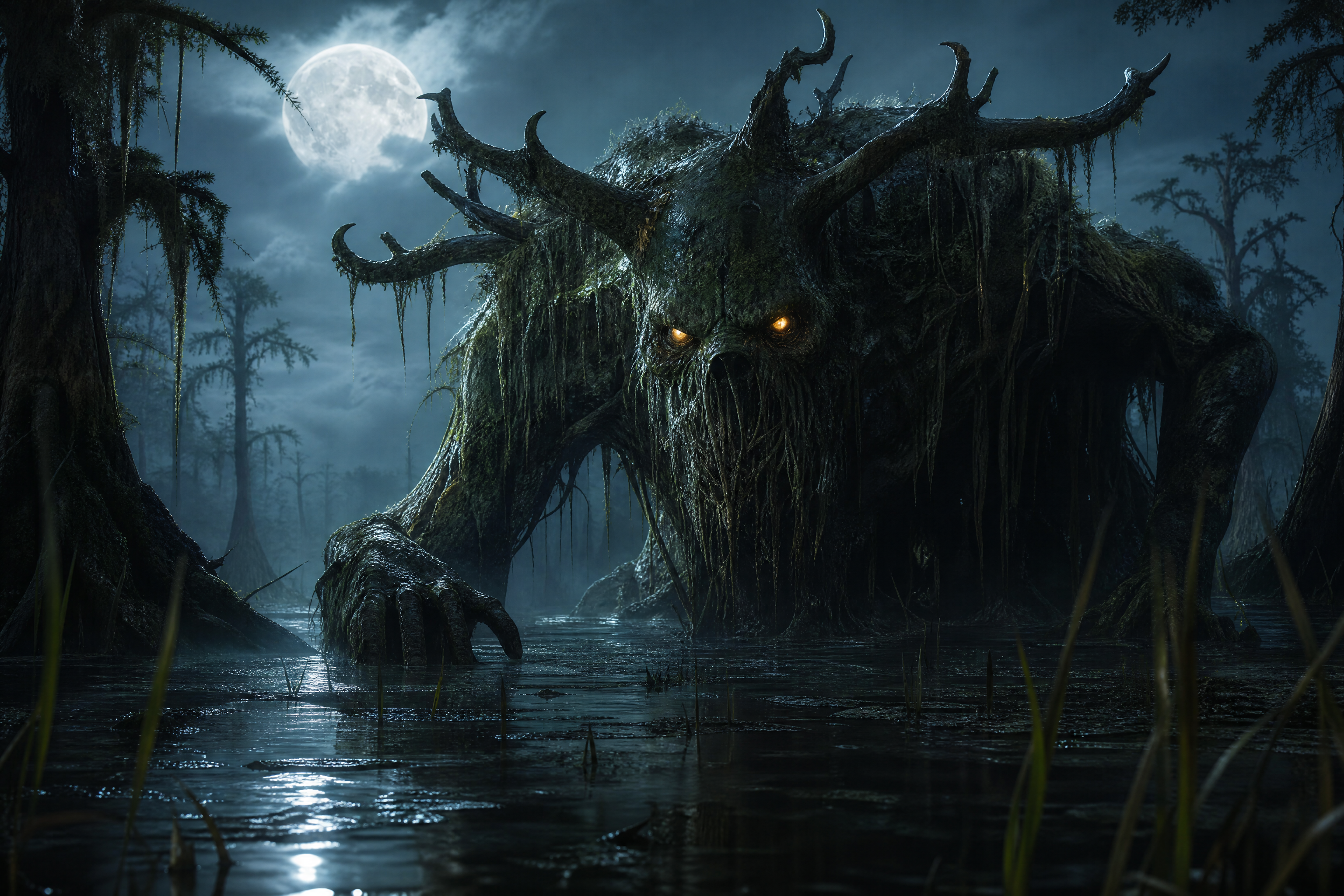
ancient swamp monster, towering moss-covered body, glowing amber eyes, twisted antlers, half-submerged in black water, reeds and cypress trees, cinematic fog, dramatic moonlight, dark fantasy concept art, highly detailed, wide composition
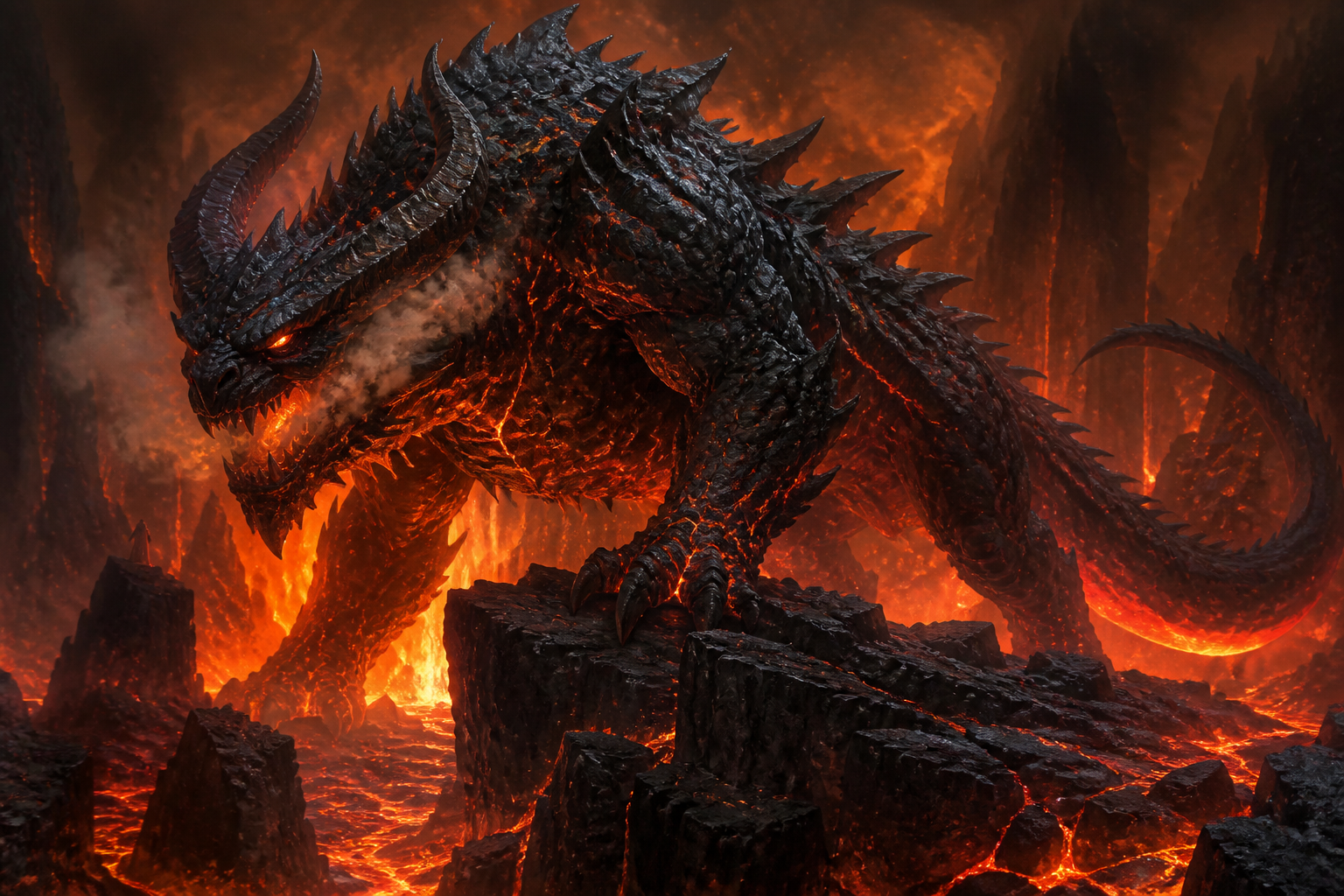
volcanic cave beast, obsidian scales with molten cracks, massive horns, smoke drifting from jaws, standing on basalt cliffs above lava, cinematic orange backlight, epic fantasy creature illustration, highly detailed, wide composition
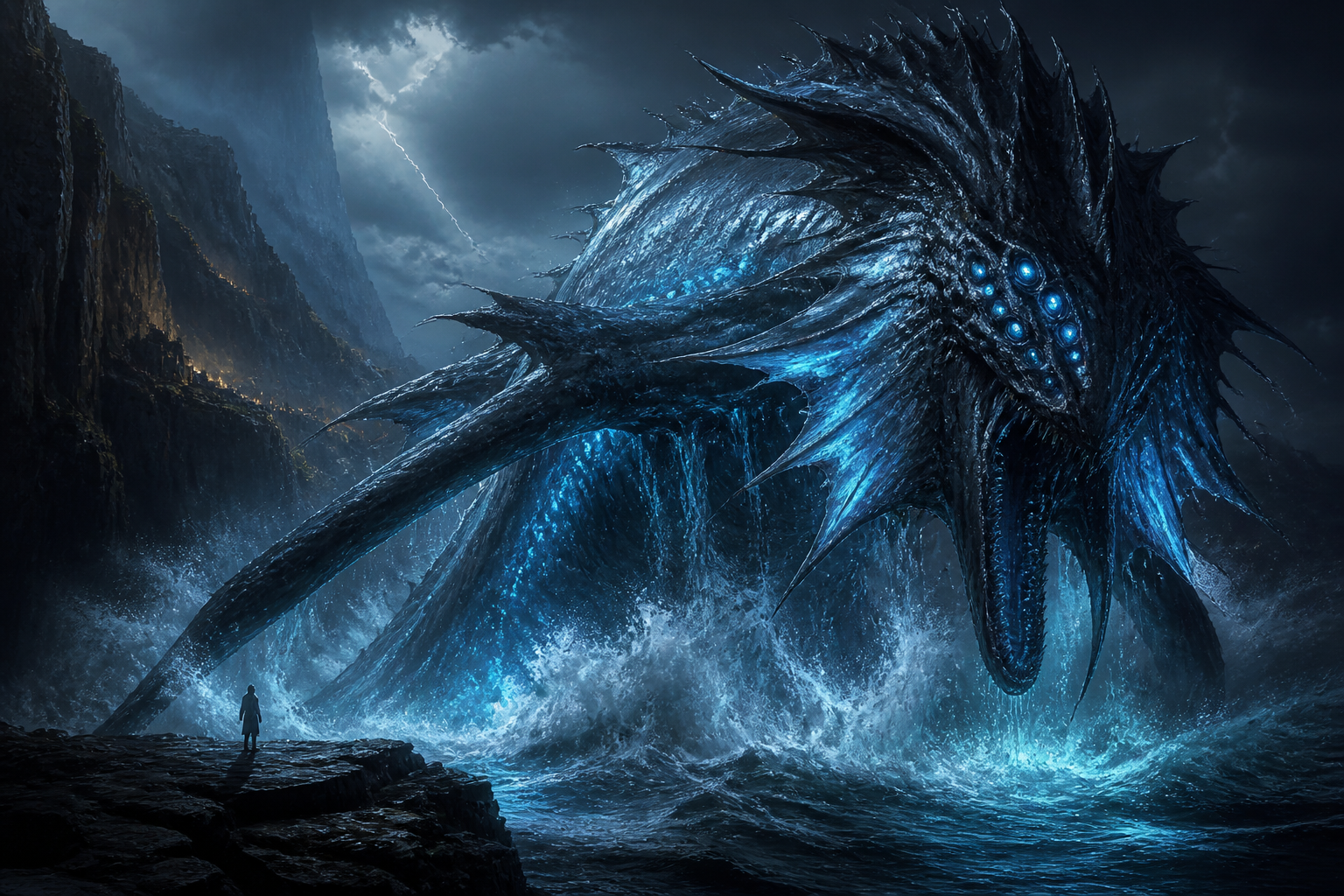
deep sea leviathan emerging beside stormy cliffs, bioluminescent fins, slick blue-black skin, rows of glowing eyes, crashing waves, lightning in distant clouds, cinematic horror-fantasy painting, highly detailed, wide composition
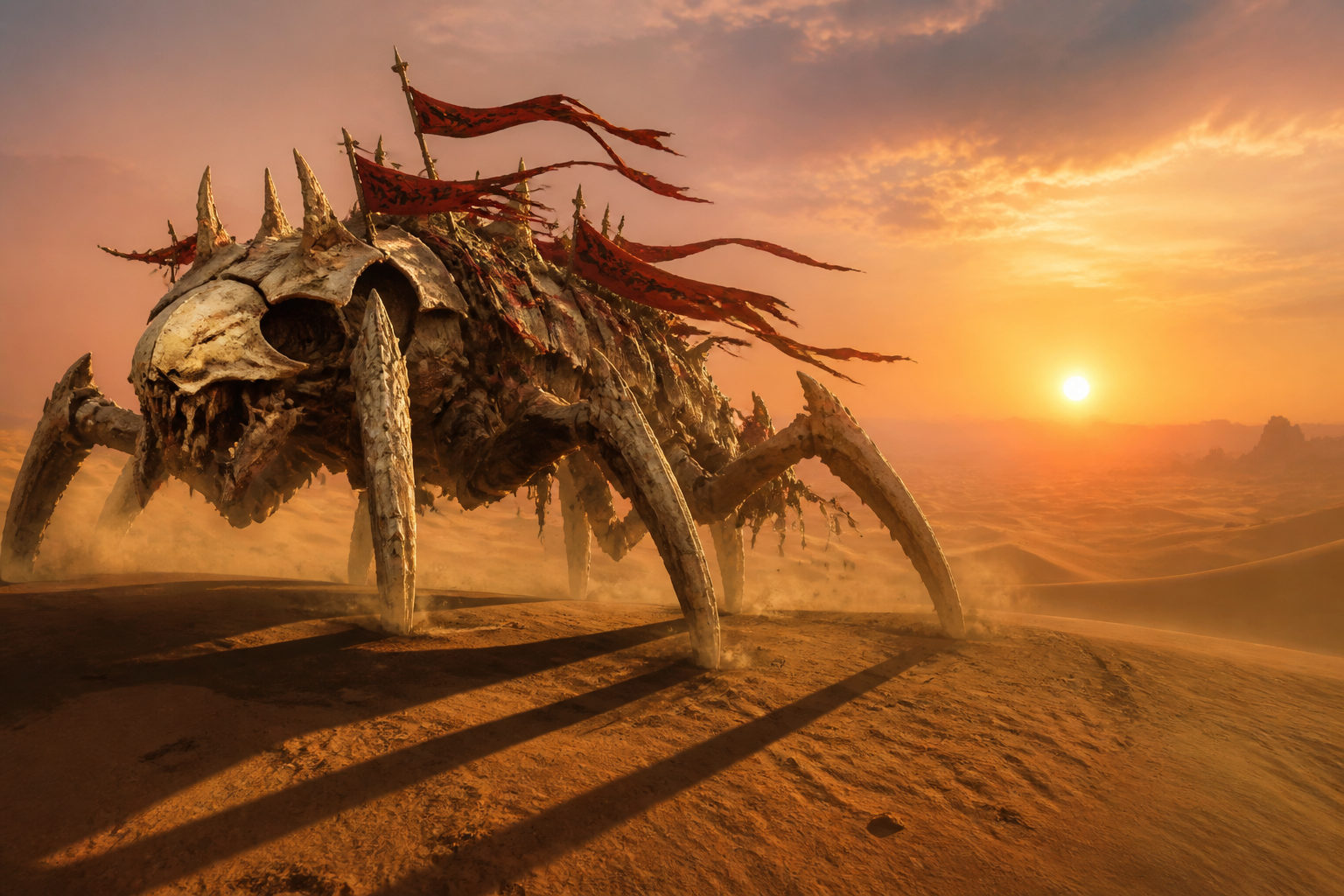
desert bone crawler, six-legged skeletal creature with sun-bleached armor plates, red cloth talismans fluttering from its back, crossing dunes at sunset, heat haze, dramatic long shadows, gritty creature concept art, wide composition
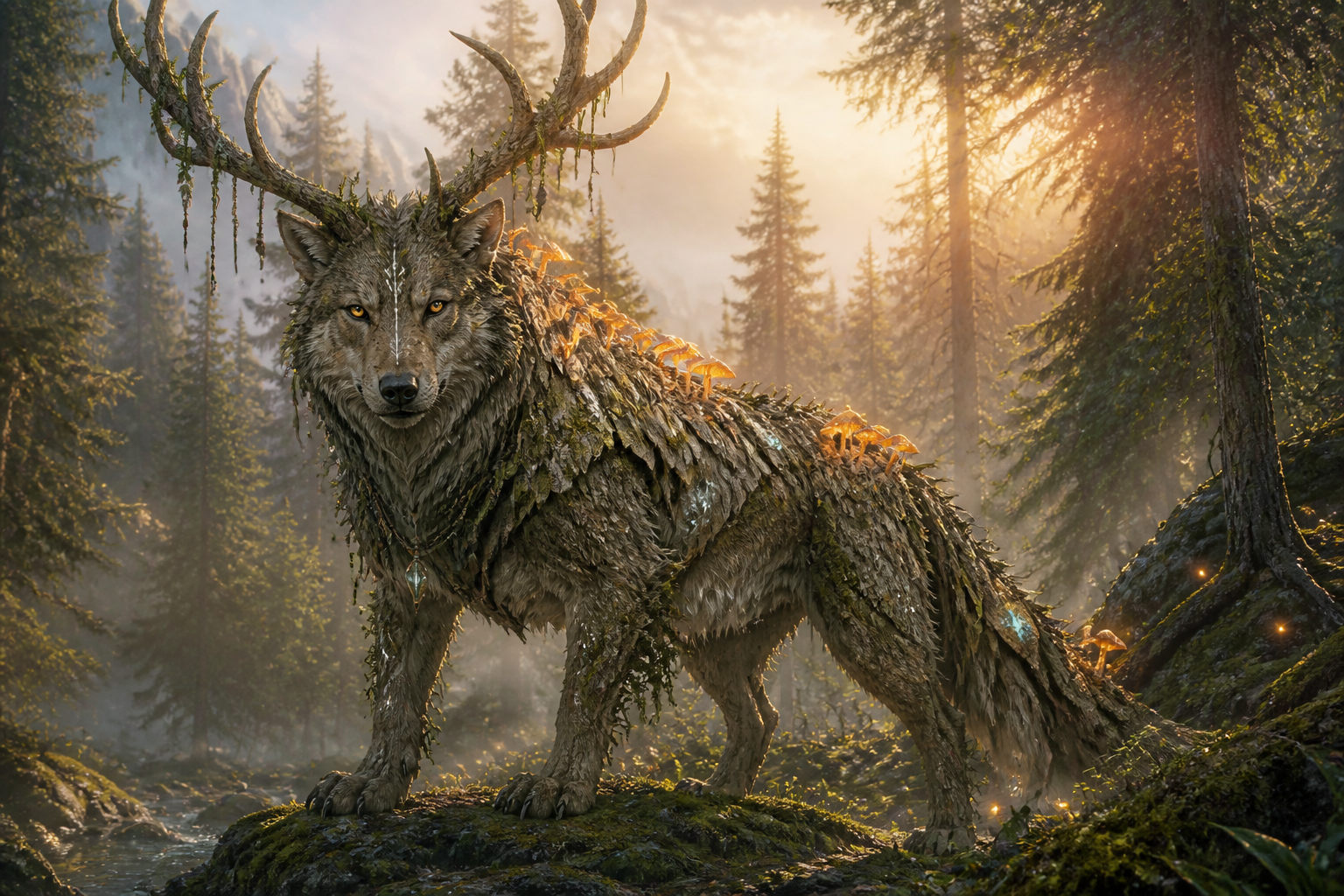
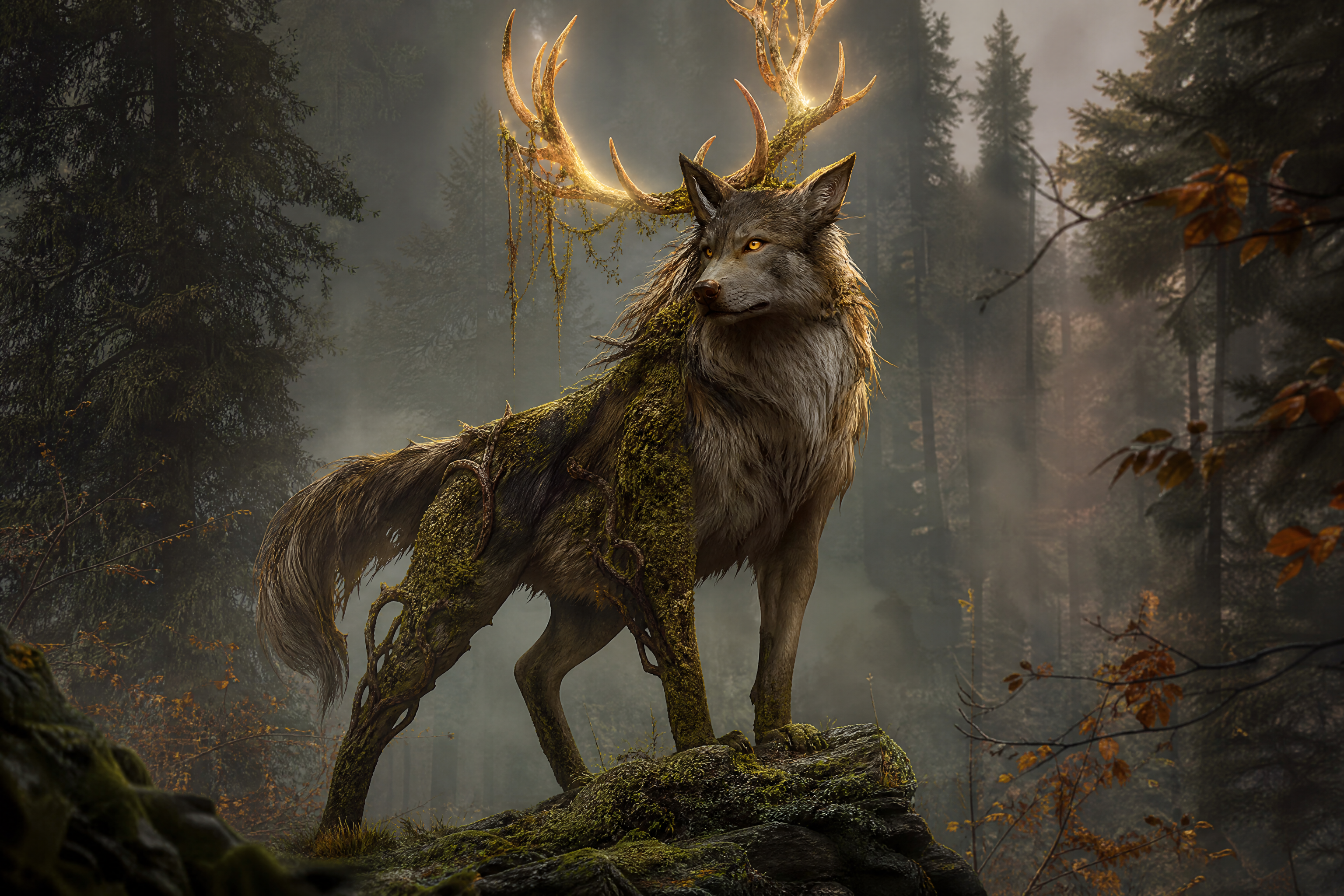
forest guardian beast, giant wolf-stag hybrid with bark-textured fur, luminous mushrooms along its shoulders, misty pine forest at dawn, soft golden rays, magical realism fantasy illustration, highly detailed, wide composition
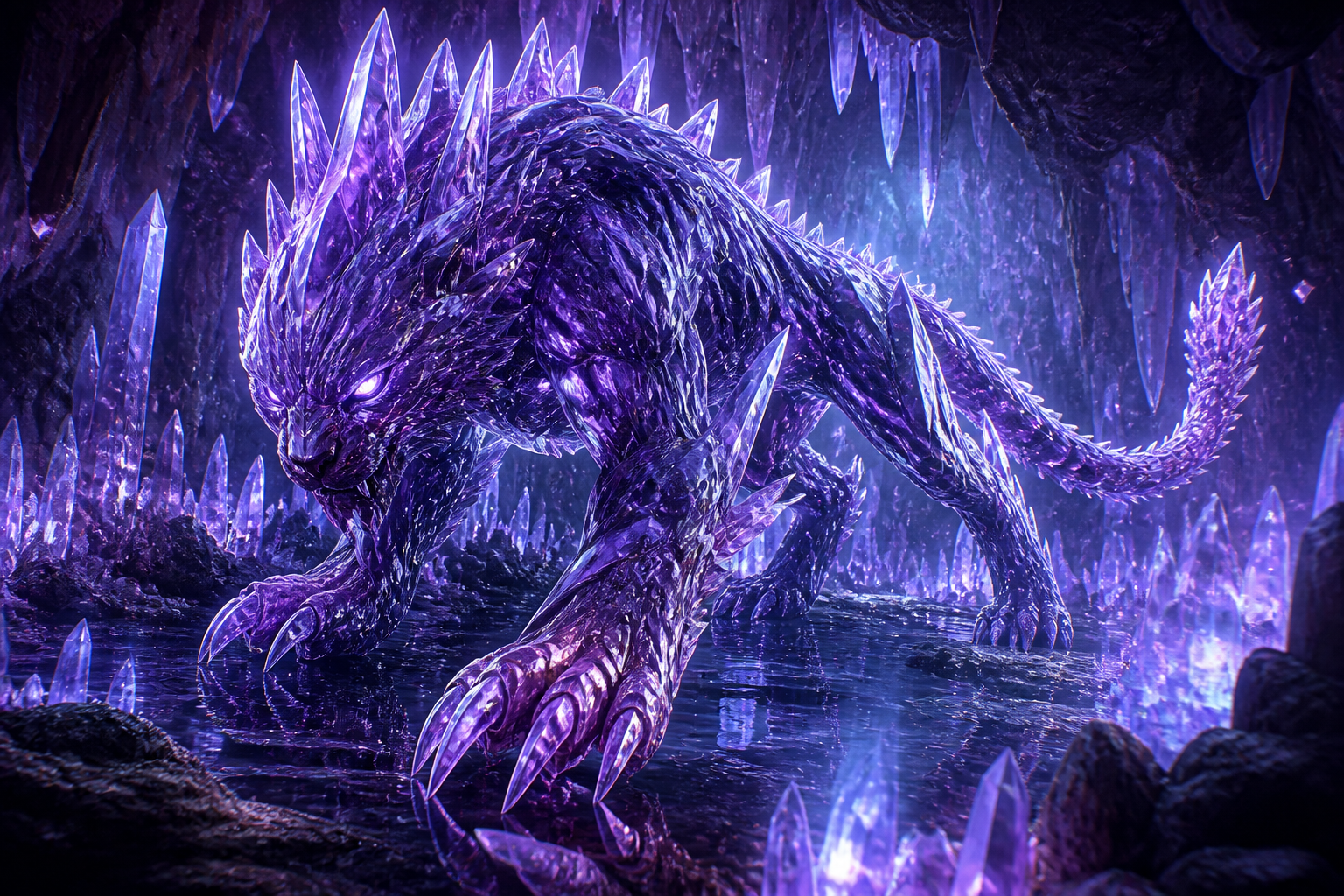
crystal cavern predator, feline-like monster with translucent violet armor, faceted claws, glowing crystal spines, stalking through a luminous cave, reflective surfaces, sci-fi fantasy concept art, highly detailed, wide composition
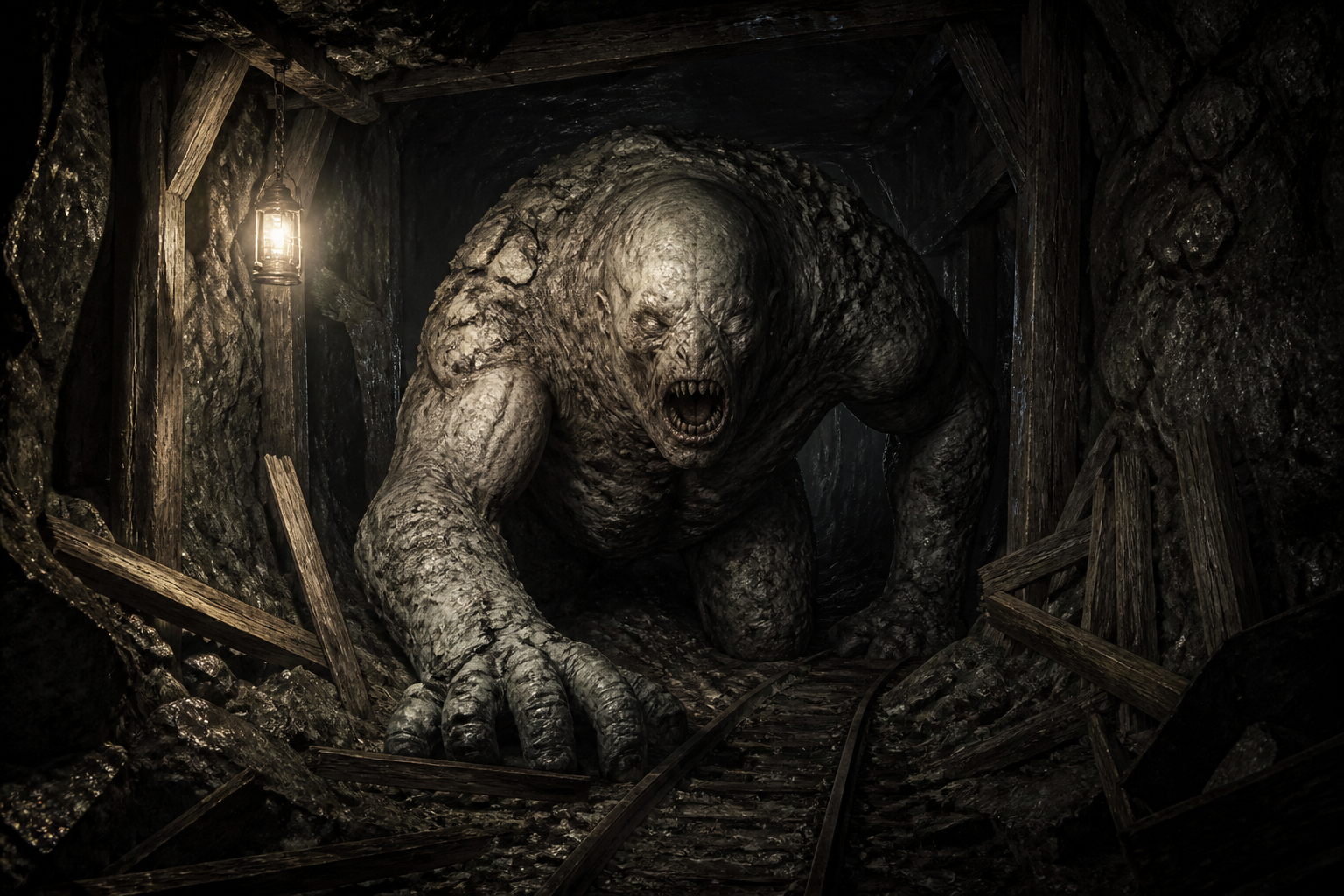
underground tunnel brute, pale eyeless monster with heavy forelimbs and stone-dusted skin, broken mine supports around it, harsh lantern light and deep shadows, dark horror concept art, highly detailed, wide composition
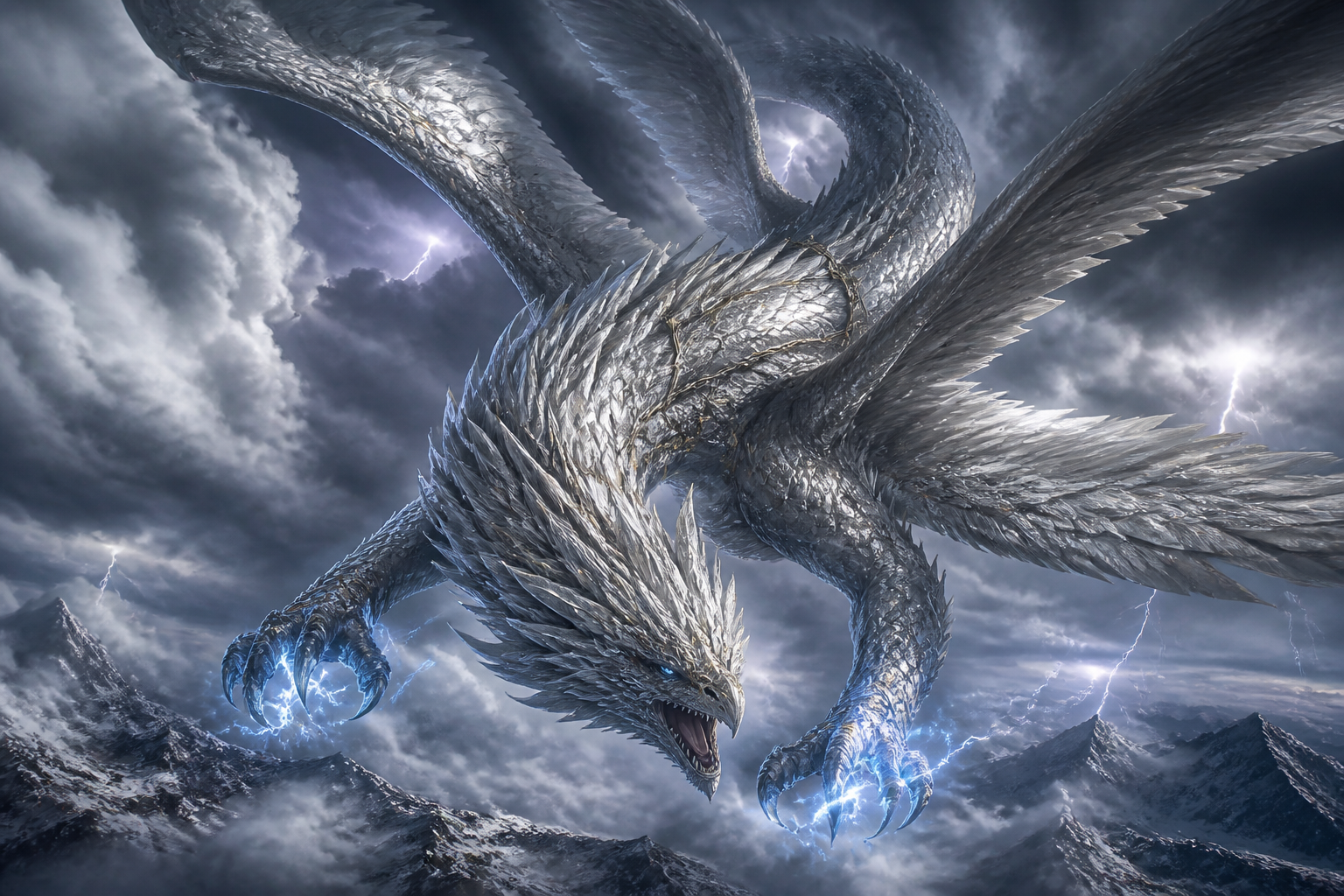
sky terror wyvern, feathered serpent-like monster diving through thunderclouds, silver scales, huge wings, electric blue glow around claws, dramatic aerial perspective, cinematic fantasy illustration, highly detailed, wide composition
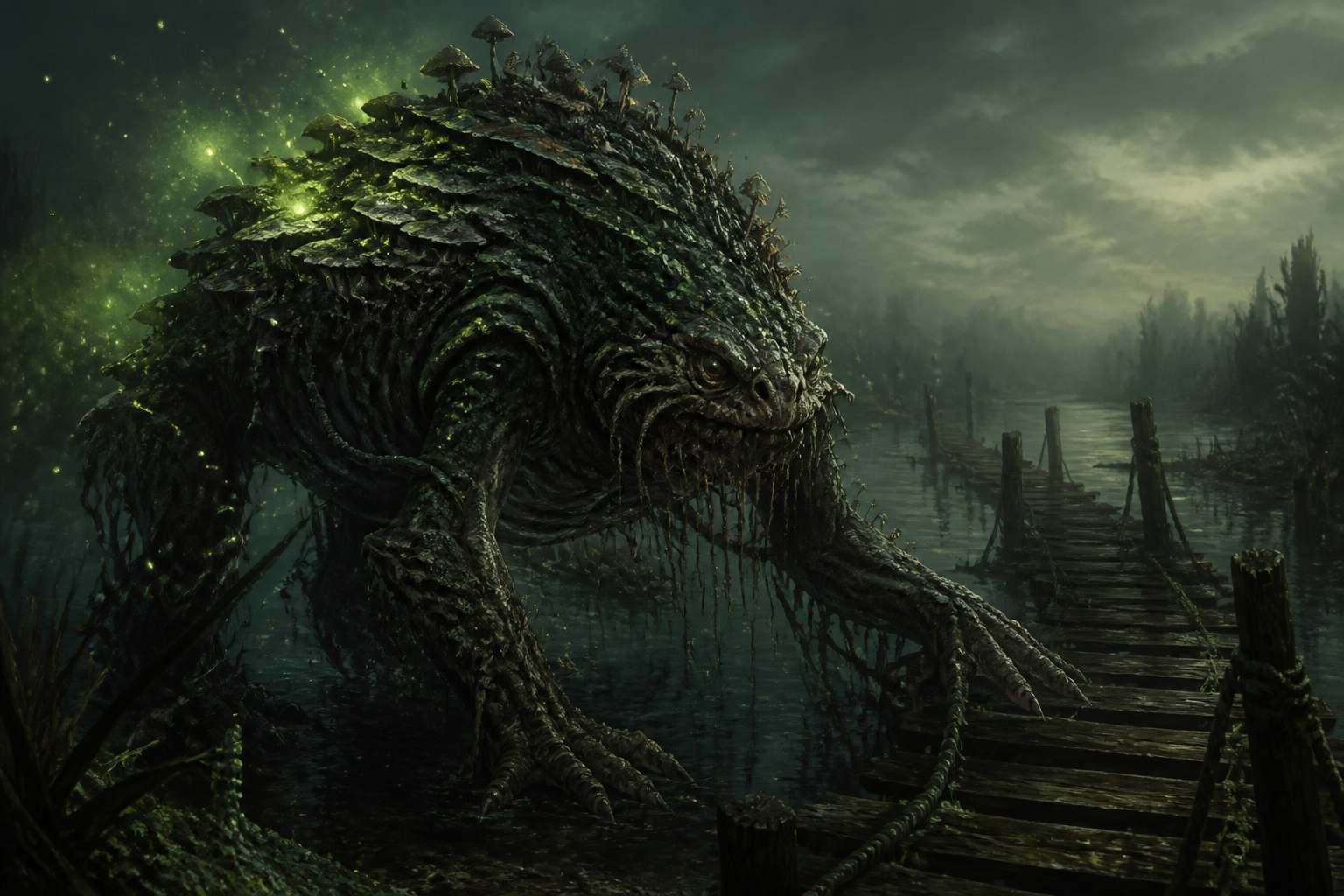
fungal marsh crawler, hunched amphibious monster with layered toad skin, glowing spores drifting around it, abandoned wooden walkway in a marsh, green mist, eerie fantasy creature art, highly detailed, wide composition
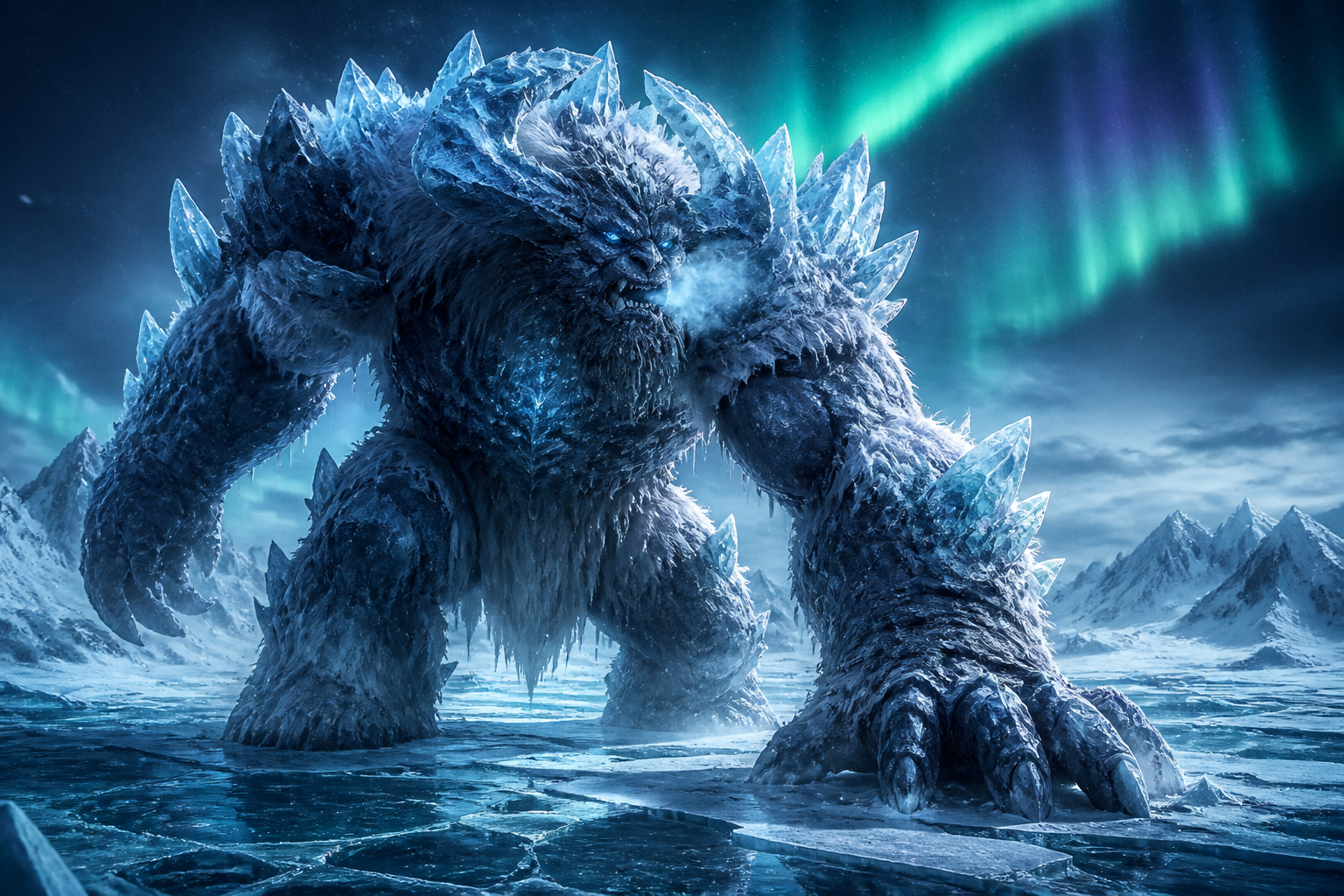
arctic ice titan, hulking beast made of frozen armor and shaggy white fur, icy breath, cracked glacier landscape, aurora overhead, cold blue cinematic lighting, epic monster concept art, highly detailed, wide composition
Key Features
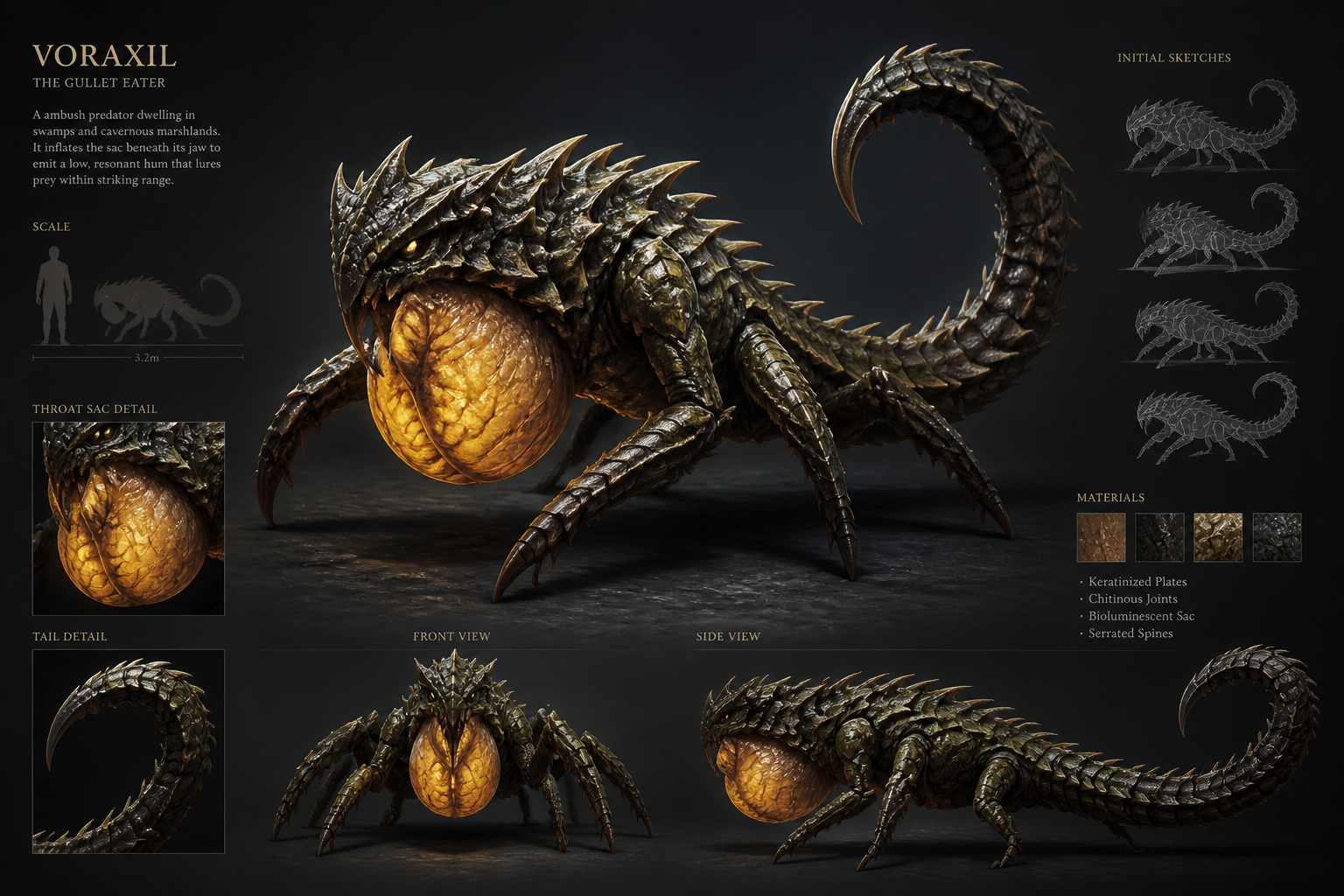
Invent Distinct Creature Designs
Describe anatomy, materials, mood, and habitat, and the tool turns those ideas into a monster design with a clear visual identity. That helps you avoid generic beasts that all look the same. It is useful when you need something memorable for a campaign, story, or art brief. Compared with starting from scratch, you get a faster first concept to refine.
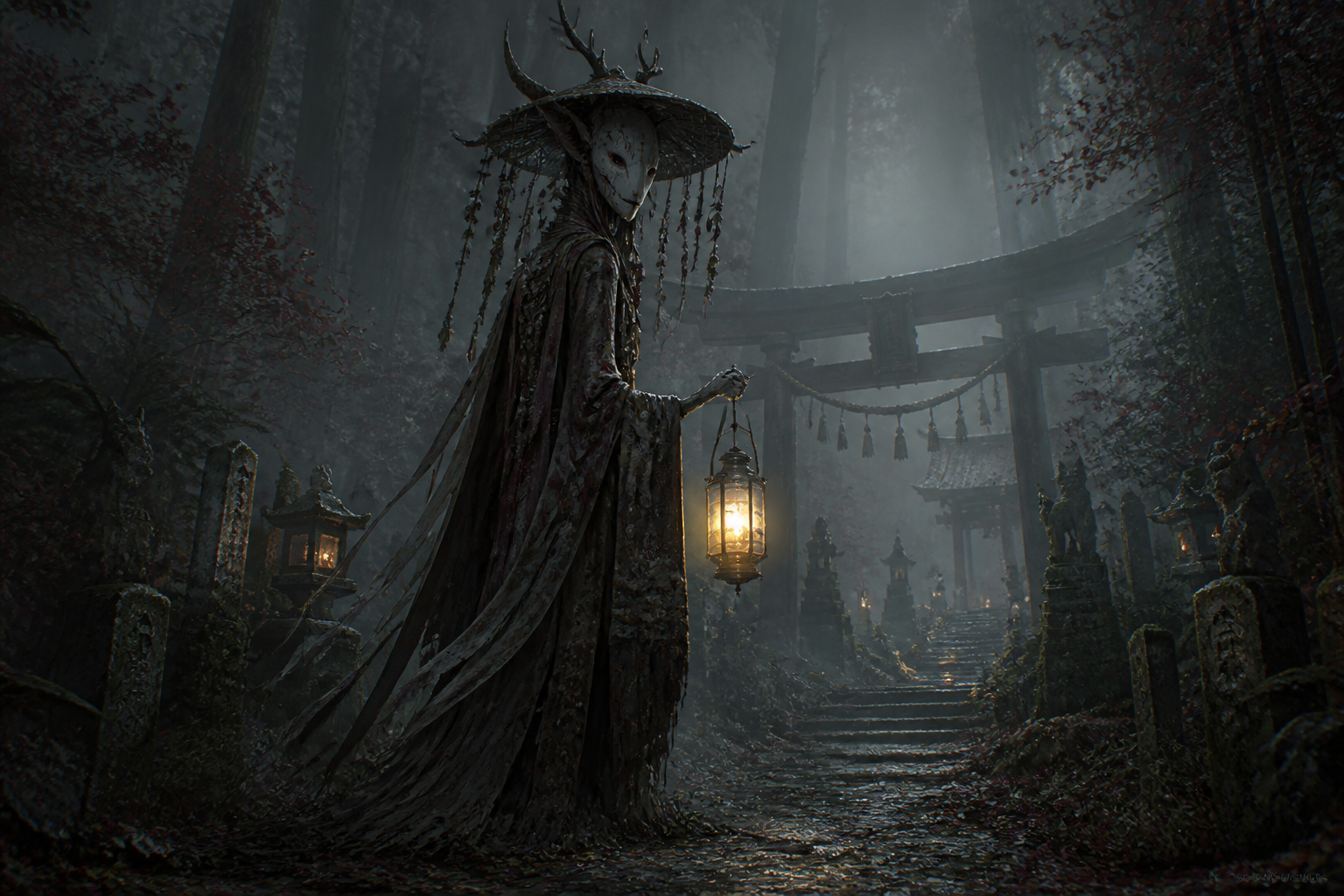
Match Any Monster Mood
You can steer the image toward eerie horror, heroic fantasy, strange sci-fi, or mythic folklore with simple prompt changes. Lighting, color, and environment do a lot of the storytelling for you. That makes the same core creature idea work across very different worlds and genres. A generic image generator often needs more trial and error to hit a consistent tone.
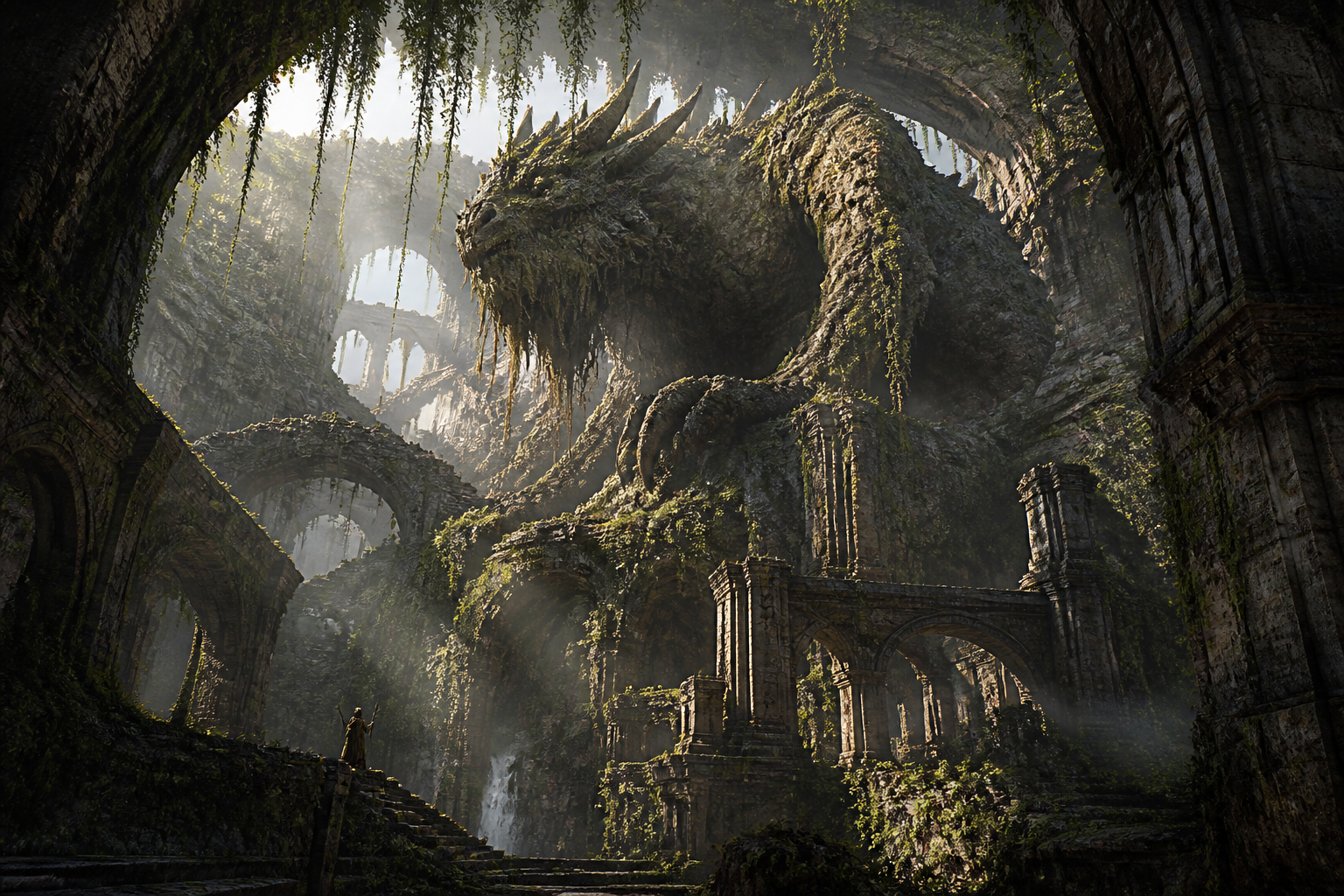
Build World-Ready Scenes
The generator does more than isolate a creature on a blank background. You can place monsters in swamps, ruins, caves, deserts, or skies to make them feel part of a real setting. That context is useful for encounter art, pitch decks, and lore pages. It also gives you stronger results than a plain character-style prompt.
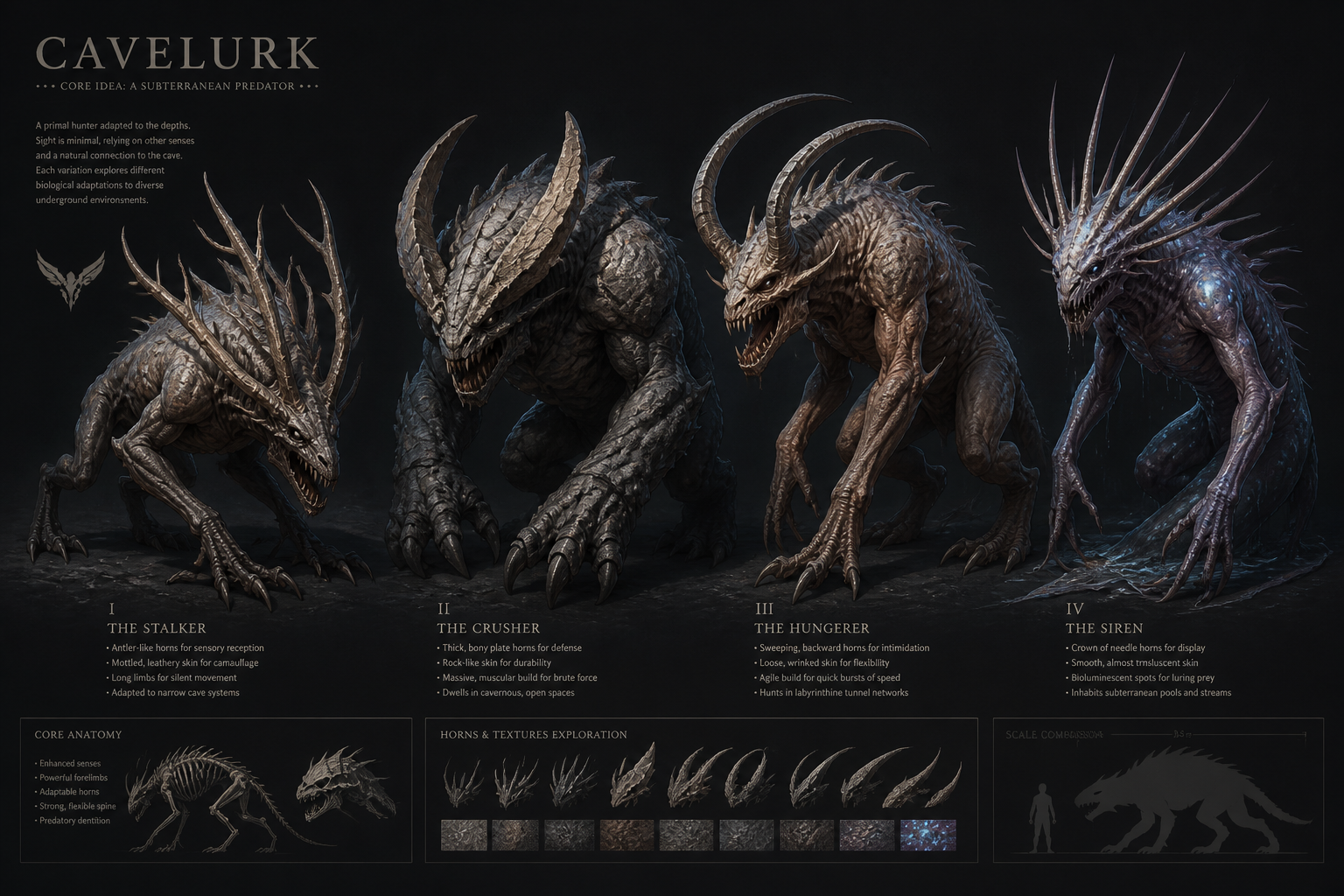
Explore Variations Quickly
A small change to the prompt can create new silhouettes, textures, colors, and levels of menace. That makes it easy to test options before you settle on a final creature. It is especially helpful for game design and visual development, where quantity matters early on. Manual sketching every variation takes much longer.
How It Works
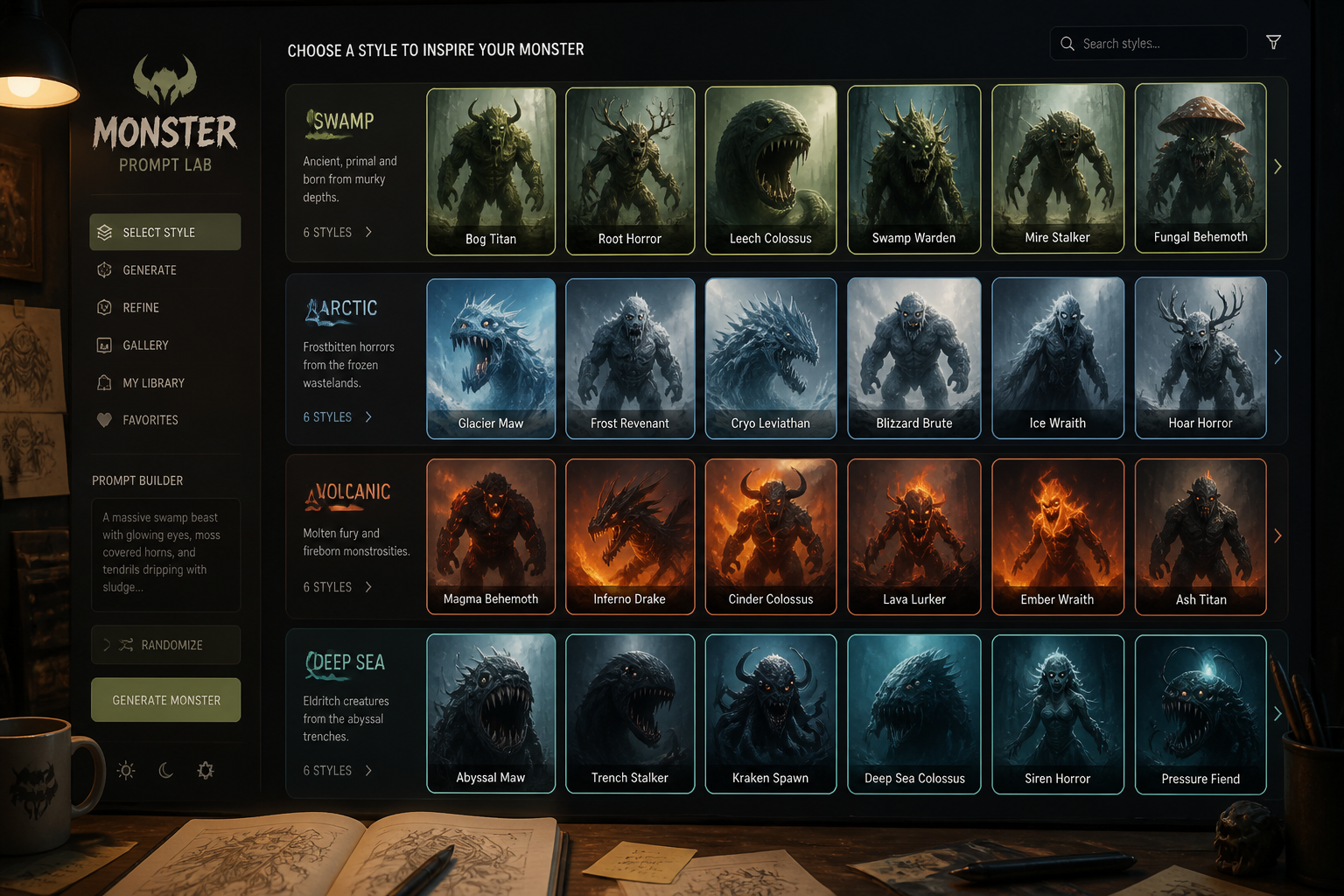
Start With a Monster Idea
Pick a base prompt that matches the kind of creature you want to make. You can begin with fantasy, horror, beast, titan, or something stranger and use it as a starting point.
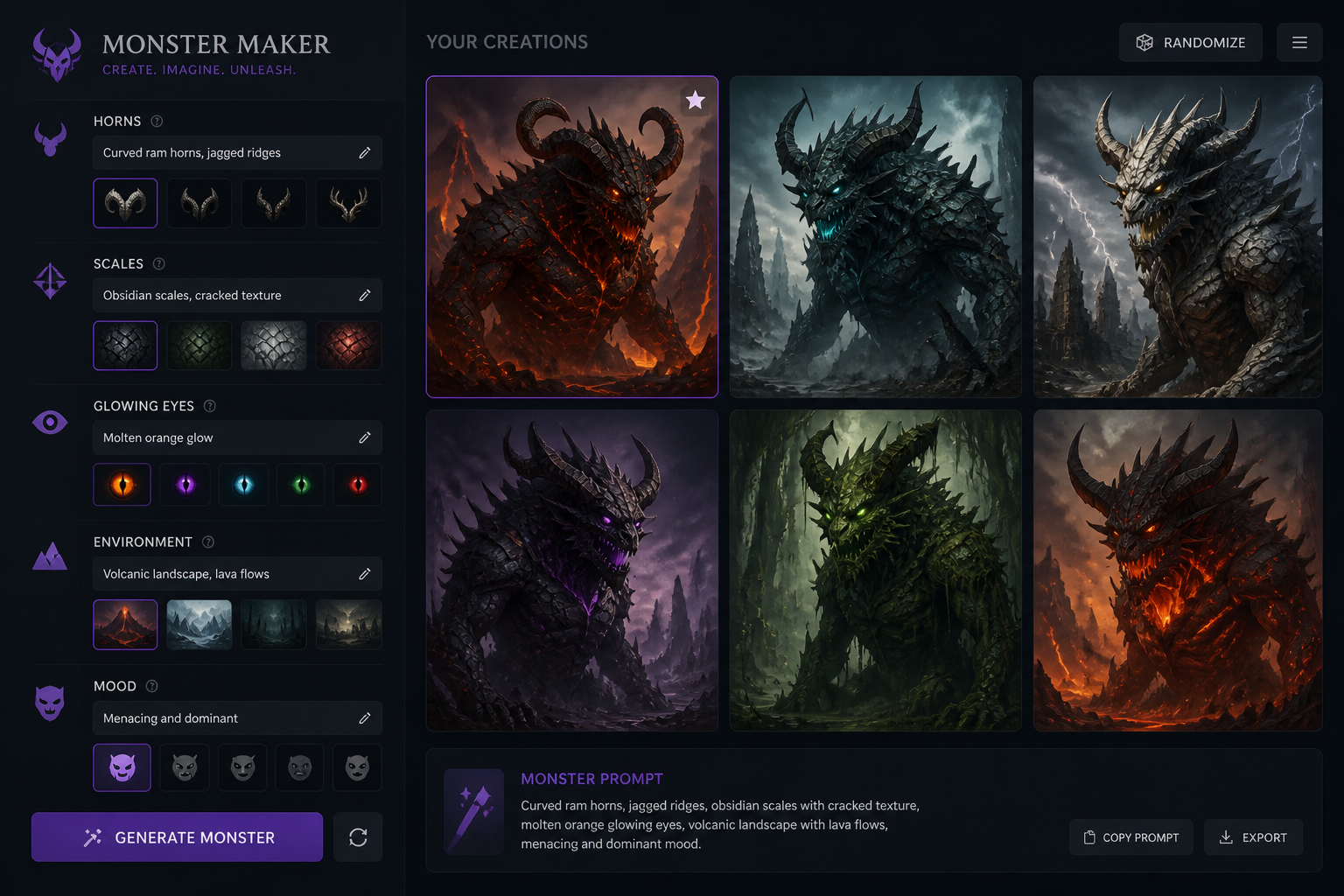
Describe the Details
Add anatomy, habitat, colors, materials, and mood to shape the result. The more specific your description, the easier it is to guide the monster toward your world or project.
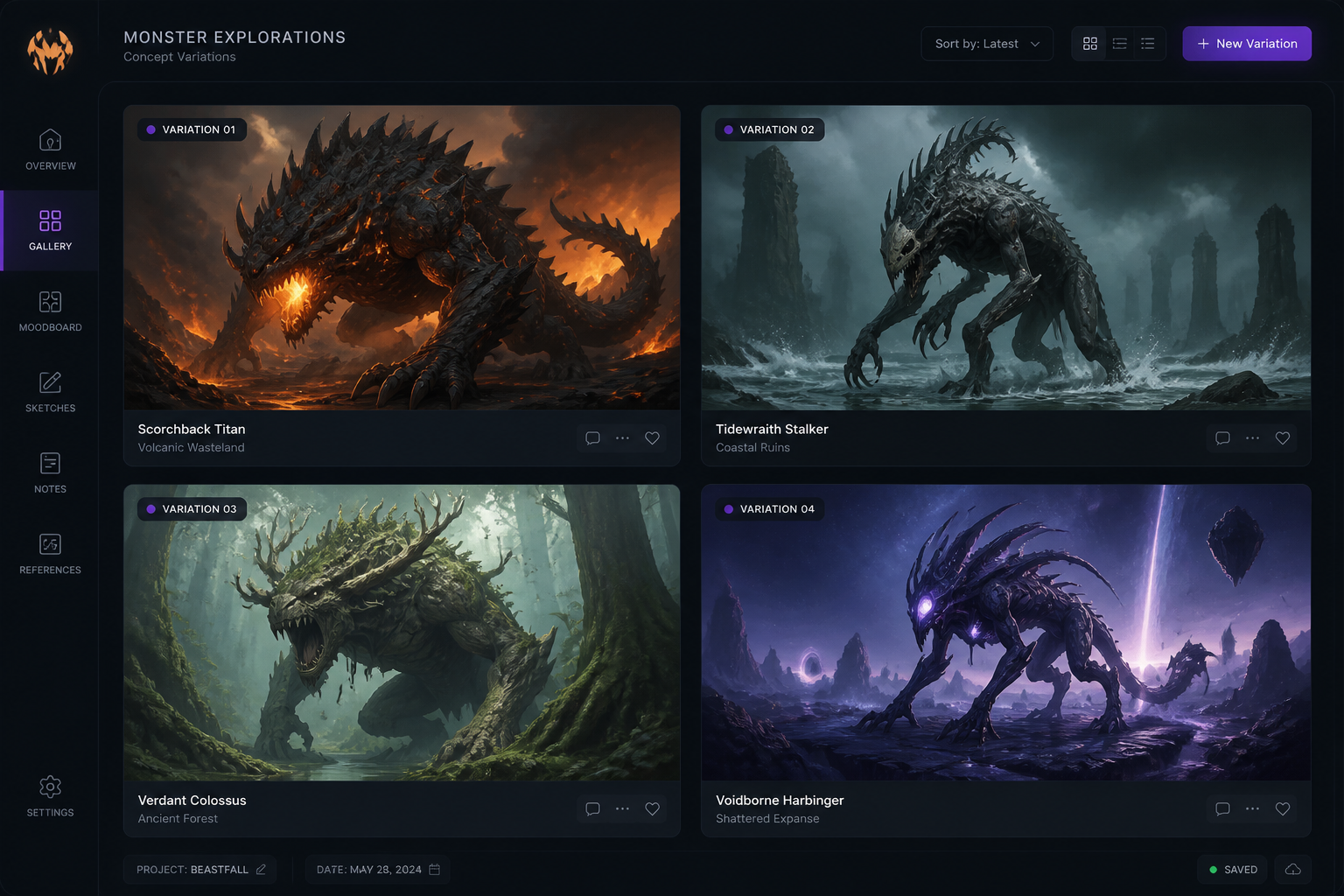
Generate and Pick a Favorite
Create multiple versions and compare silhouettes, lighting, and atmosphere. Keep the image that fits best, then download it or keep iterating with prompt edits.
Perfect For
Discover how creators and professionals use ai monster generator
Tabletop Encounters
Create monster art for campaigns, boss fights, encounter handouts, and homebrew bestiaries.
Game Concept Development
Explore enemy ideas, regional creature types, and visual directions for indie game projects.
Story and Worldbuilding
Visualize creatures for novels, comics, lore guides, and fictional ecosystems.
Moodboards and Pitches
Generate creature images for presentations, art briefs, and early visual research.
Built For
Game masters
Build memorable monsters for sessions, factions, and encounter reveals without needing illustration skills.
Indie creators
Develop creature concepts for games, comics, and stories while keeping early art workflows fast.
Fantasy artists
Use AI generations as idea starters for anatomy, silhouette, materials, and environmental mood.
Frequently Asked Questions
What can I make with the AI Monster Generator?
Do I need drawing skills to use it?
Can I choose a specific monster style?
Is this good for tabletop and game design?
Can I make multiple versions of one creature idea?
Create together.
Share your creations, discover trending AI art, and grow with fellow creators.