AI Mascot Generator
Generate mascot concepts for brands, teams, products, and content in minutes.
BudgetPixel helps you turn a short idea into a polished mascot image. Create animals, robots, food characters, sports icons, and brand avatars in styles ranging from clean vector to bold 3D illustration.
See It In Action
Real outputs from ai mascot generator.
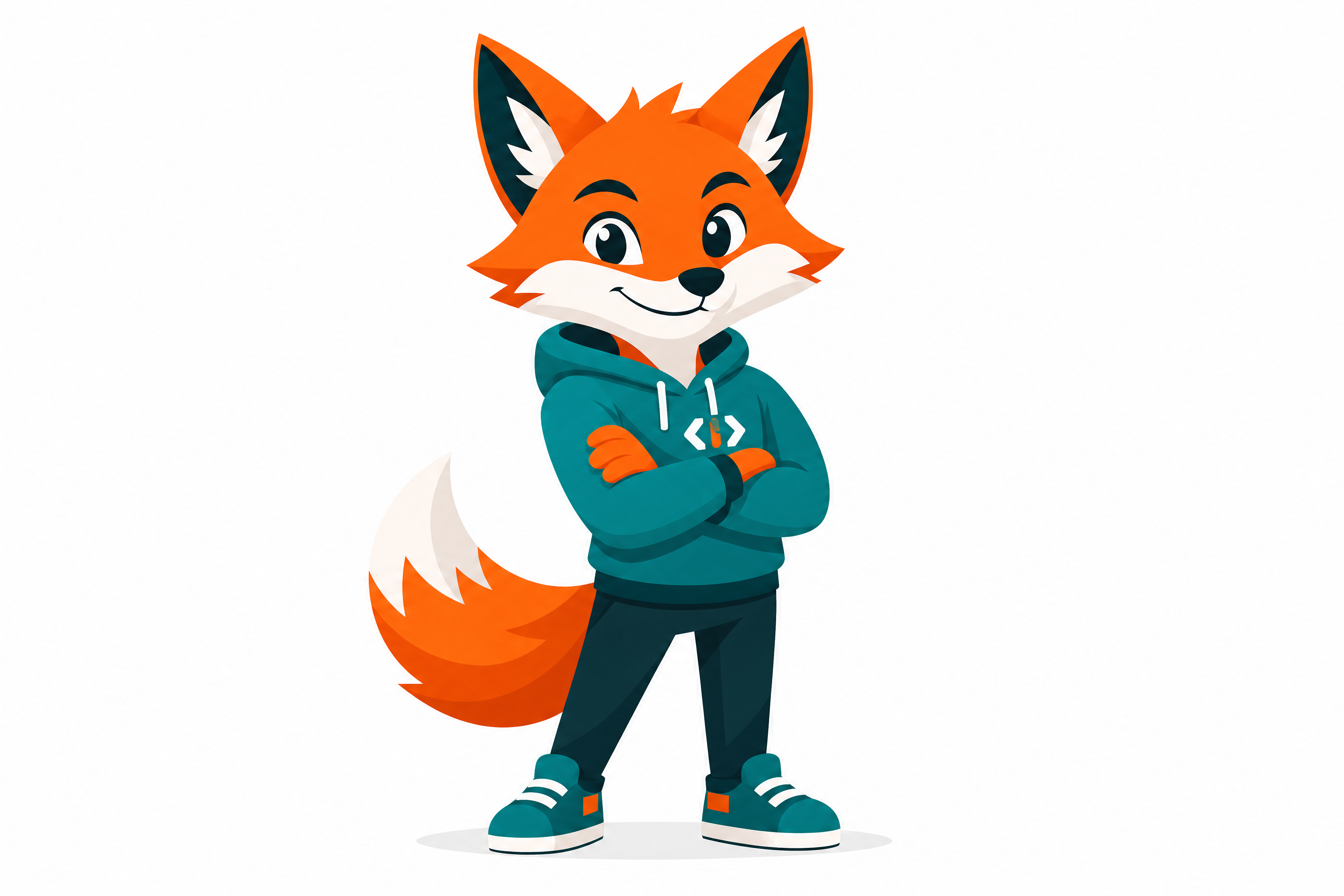
friendly red fox mascot for a tech startup, clean vector logo style, bold geometric shapes, confident standing pose, teal and orange palette, subtle shadow, white background, polished brand mascot design, centered composition
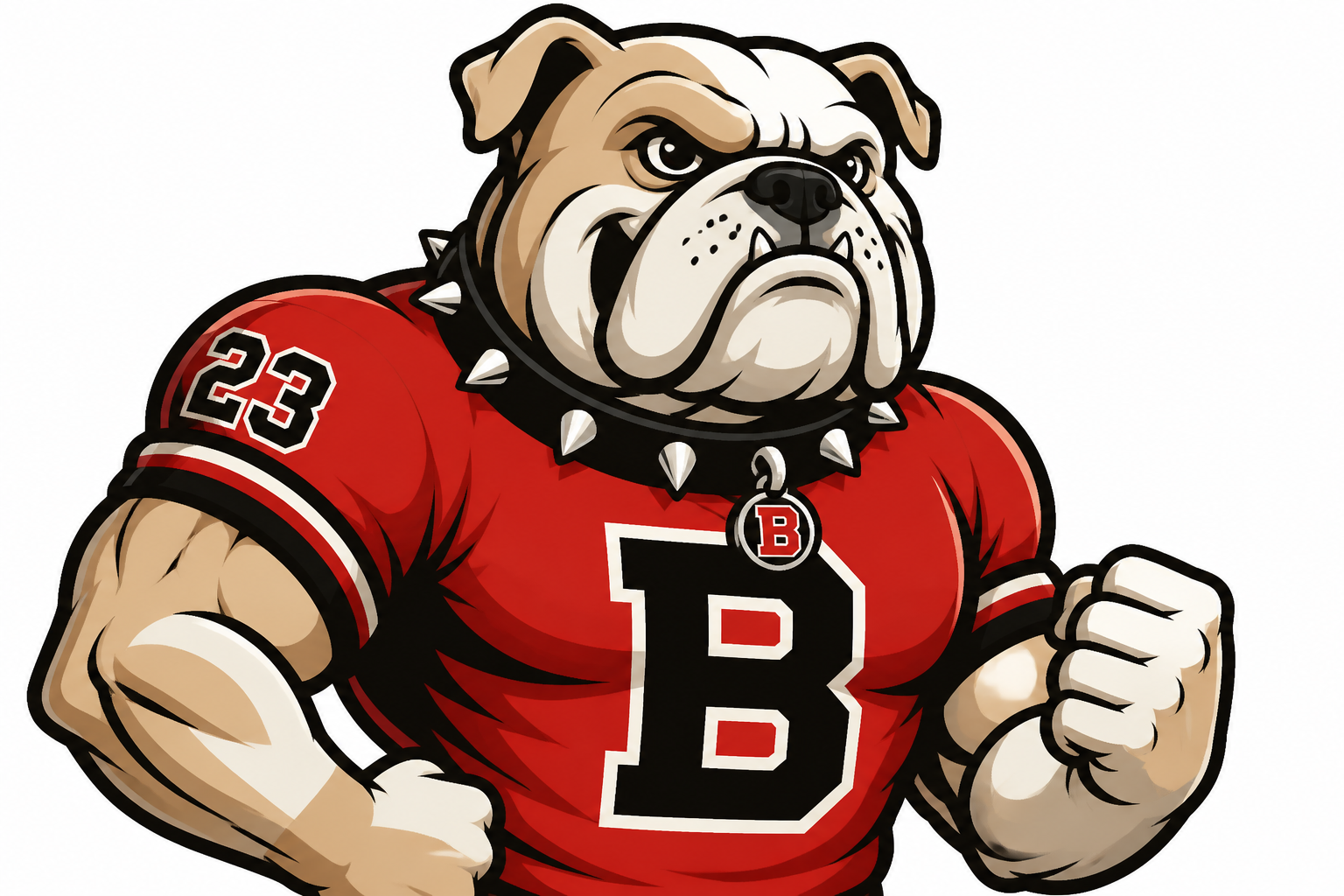
powerful bulldog sports mascot, fierce but family-friendly expression, varsity jersey, bold outlines, high contrast vector illustration, red black and cream palette, dynamic three-quarter pose, clean background, team branding style
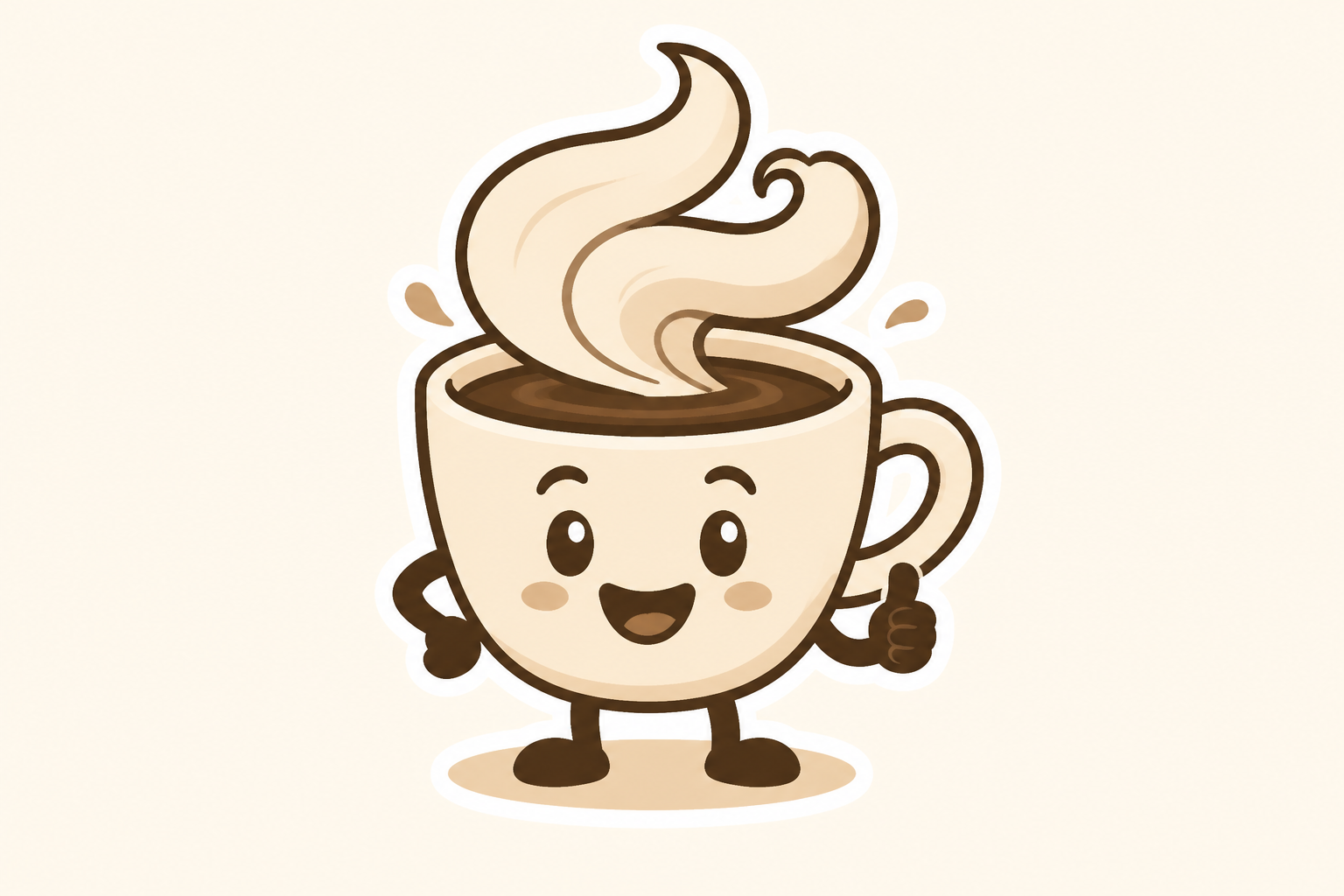
cute coffee cup mascot for a cafe brand, smiling face, steam shaped like playful hair, warm brown and beige palette, flat vector illustration, simple sticker-ready design, centered on light background
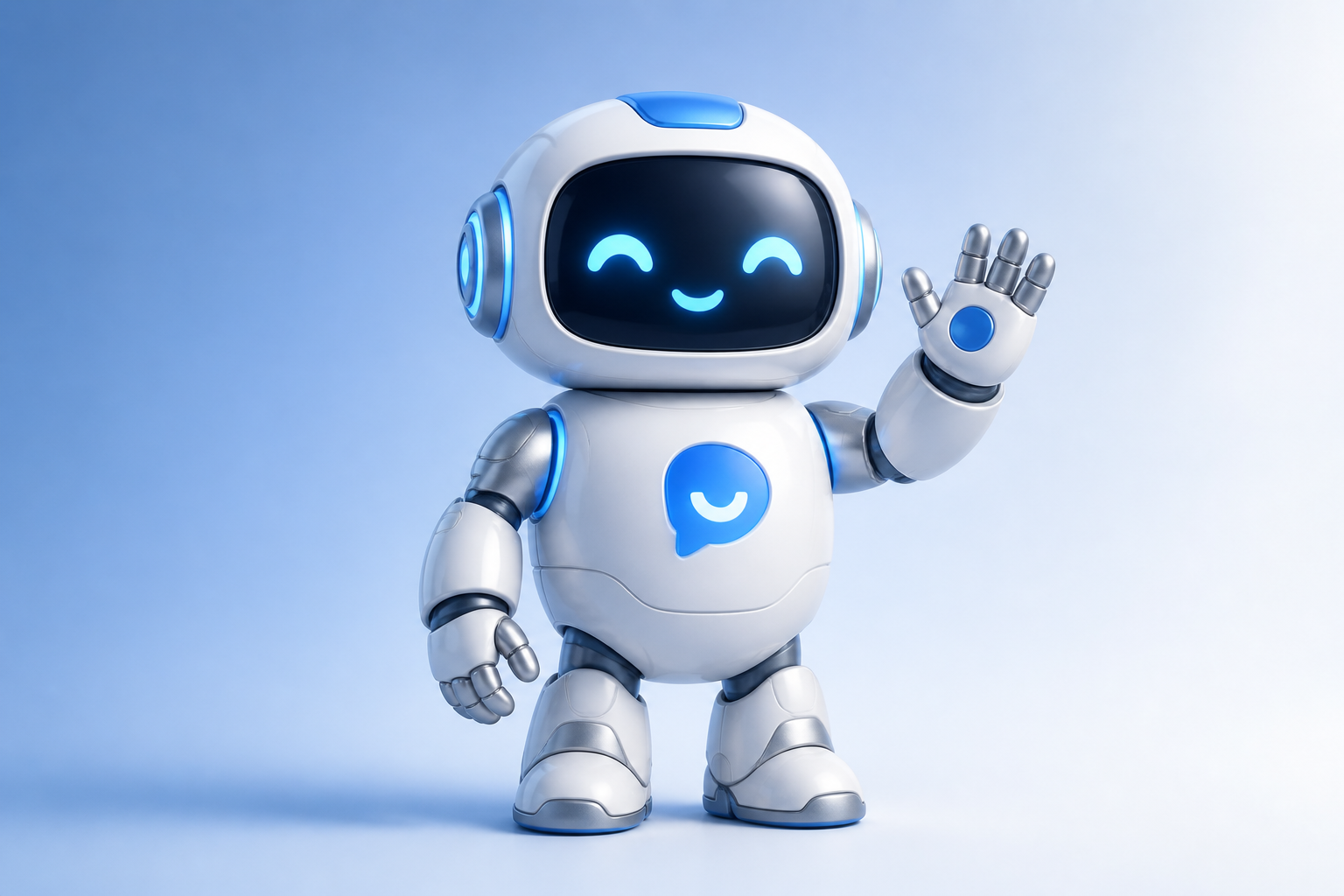
sleek robot assistant mascot for a SaaS product, rounded body, glowing eyes, helpful wave, modern 3D illustration, blue silver and white palette, soft studio lighting, minimal gradient background
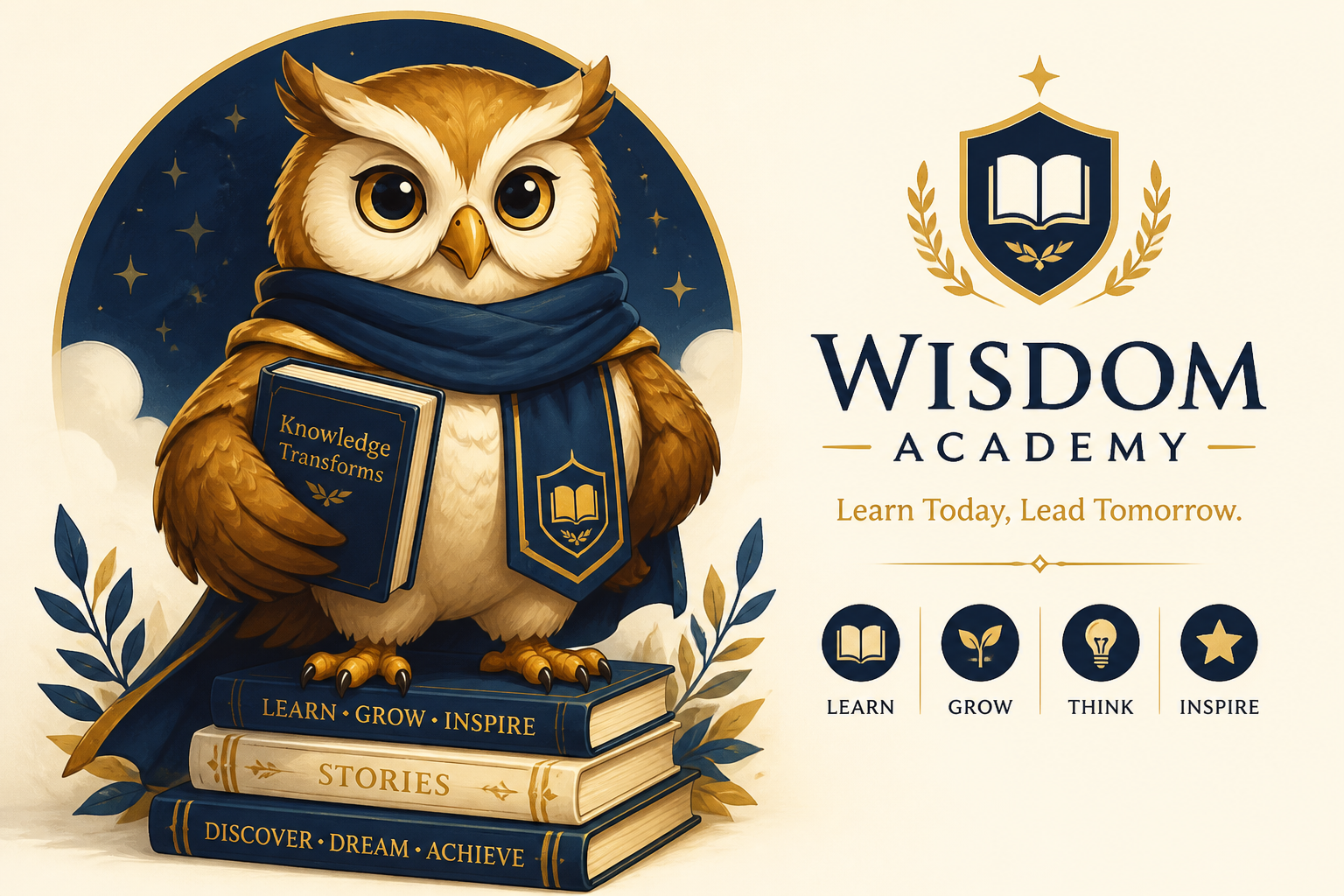
brave owl mascot for an education platform, wise expression, graduation scarf, storybook illustration style, navy gold and cream colors, clean composition, polished character branding art
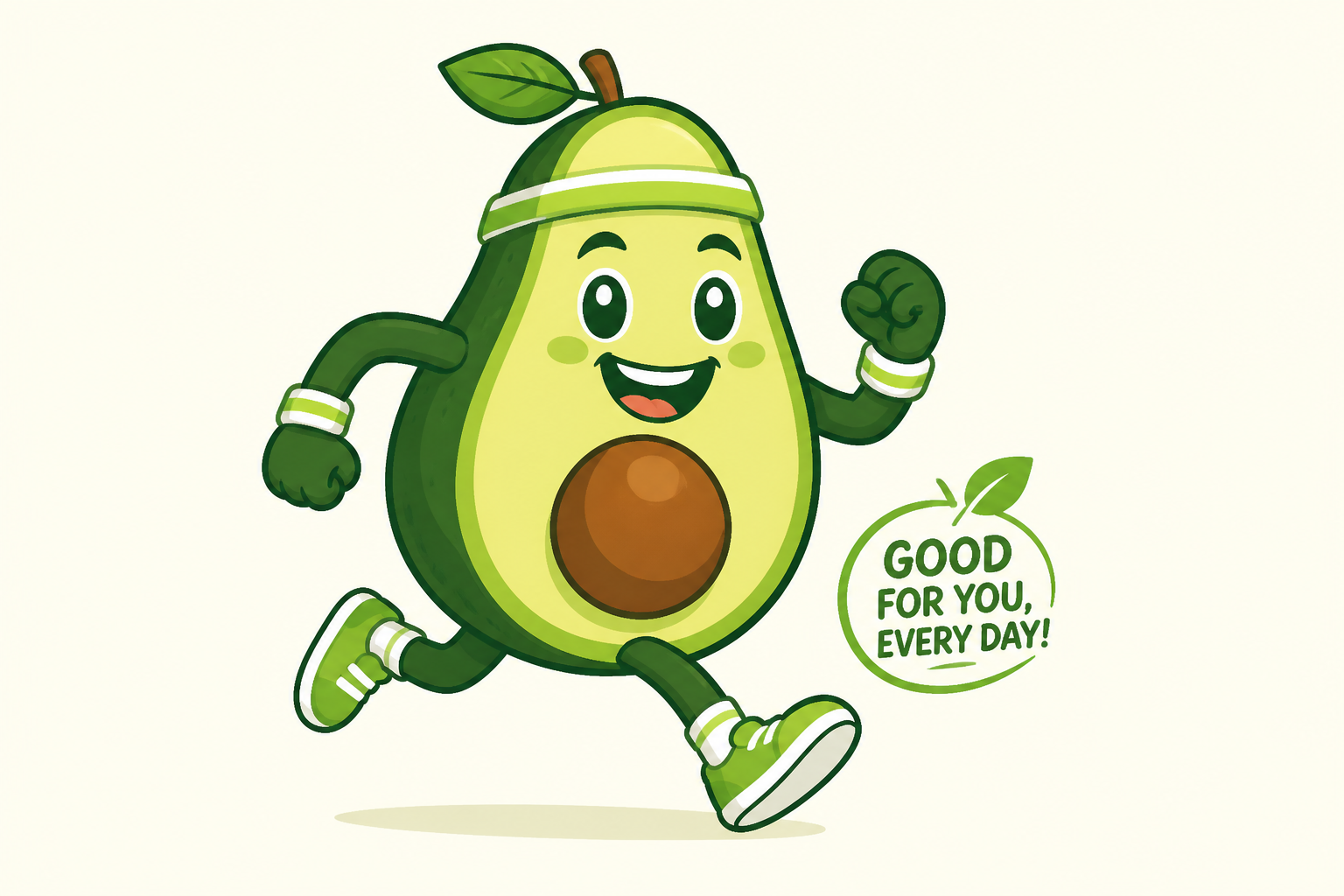
playful avocado mascot for a wellness brand, energetic running pose, fresh green palette, flat cartoon vector style, crisp outlines, simple background, packaging-friendly mascot concept
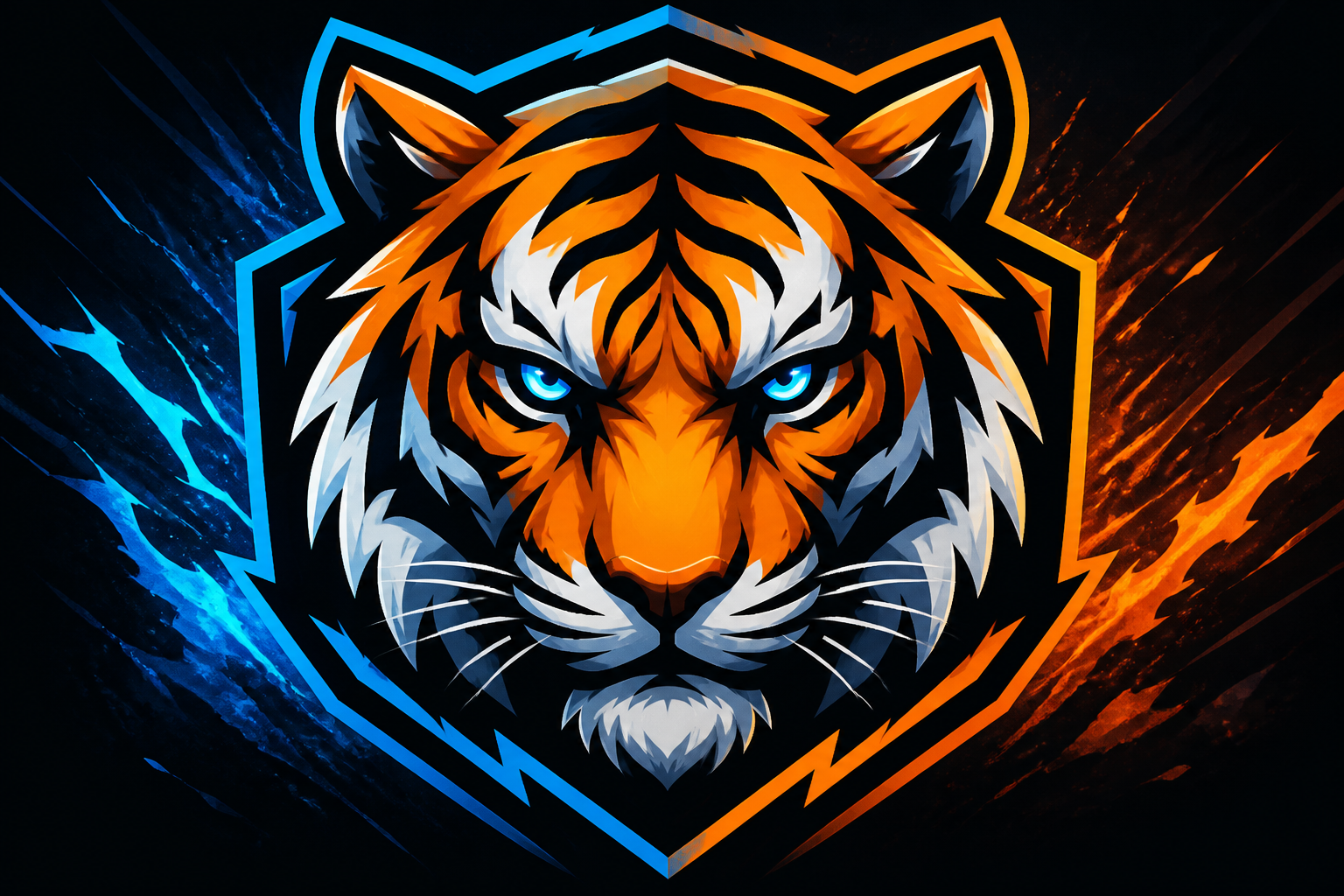
tiger esports mascot, intense focused stare, angular stripes, electric blue and orange accents, bold graphic illustration, dramatic side lighting, high-impact emblem style, centered composition
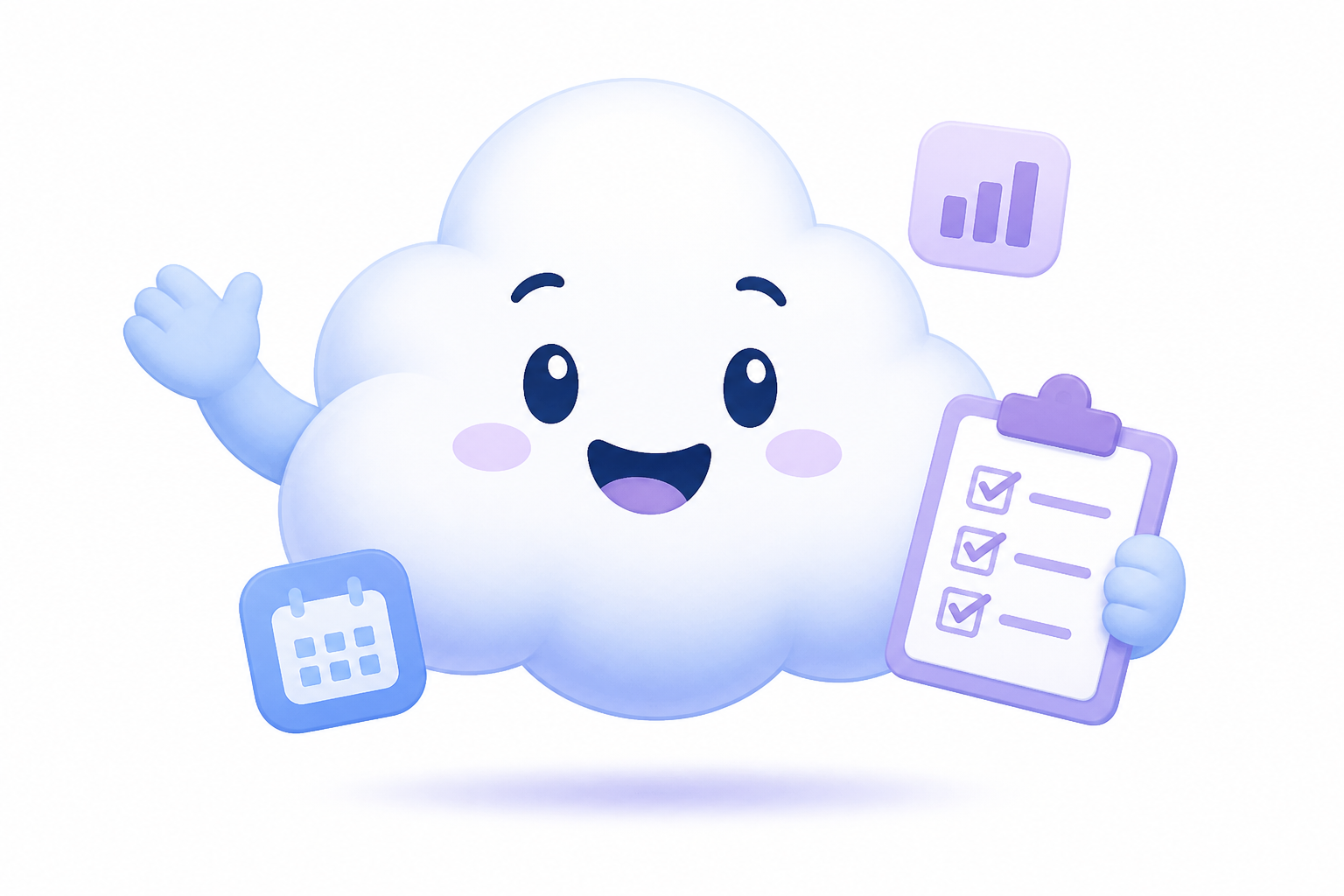
friendly cloud mascot for a productivity app, cheerful face, floating pose, soft rounded forms, pastel blue and lavender palette, clean vector icon style, simple white background, approachable brand character
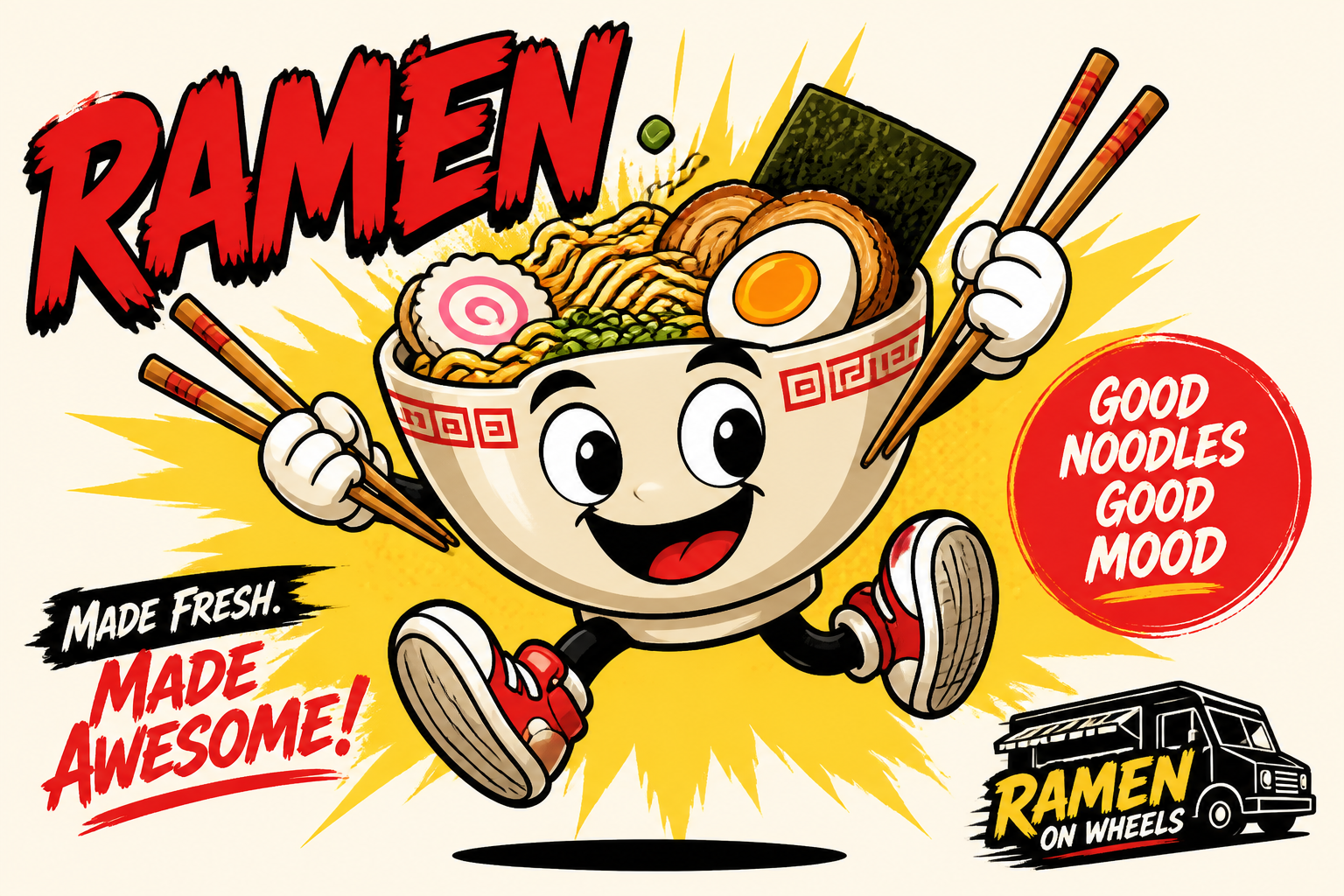
ramen bowl mascot for a food truck, expressive eyes, chopsticks like arms, lively jumping pose, bright red yellow and cream palette, comic-style illustration, clean poster-ready background
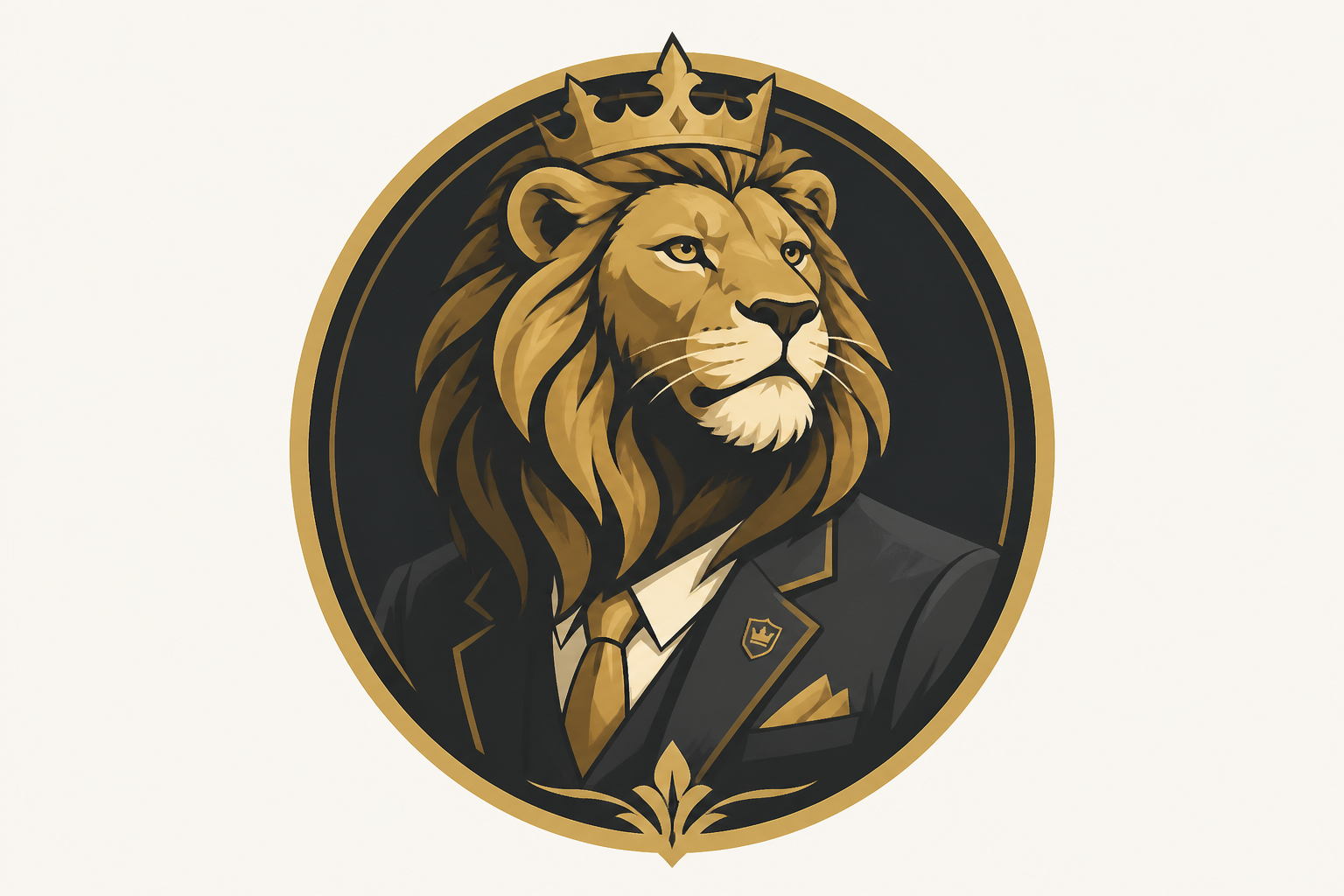
lion king mascot for a premium business brand, confident regal posture, stylized mane, elegant gold and charcoal palette, semi-flat editorial illustration, refined badge-like composition, minimal background
Key Features
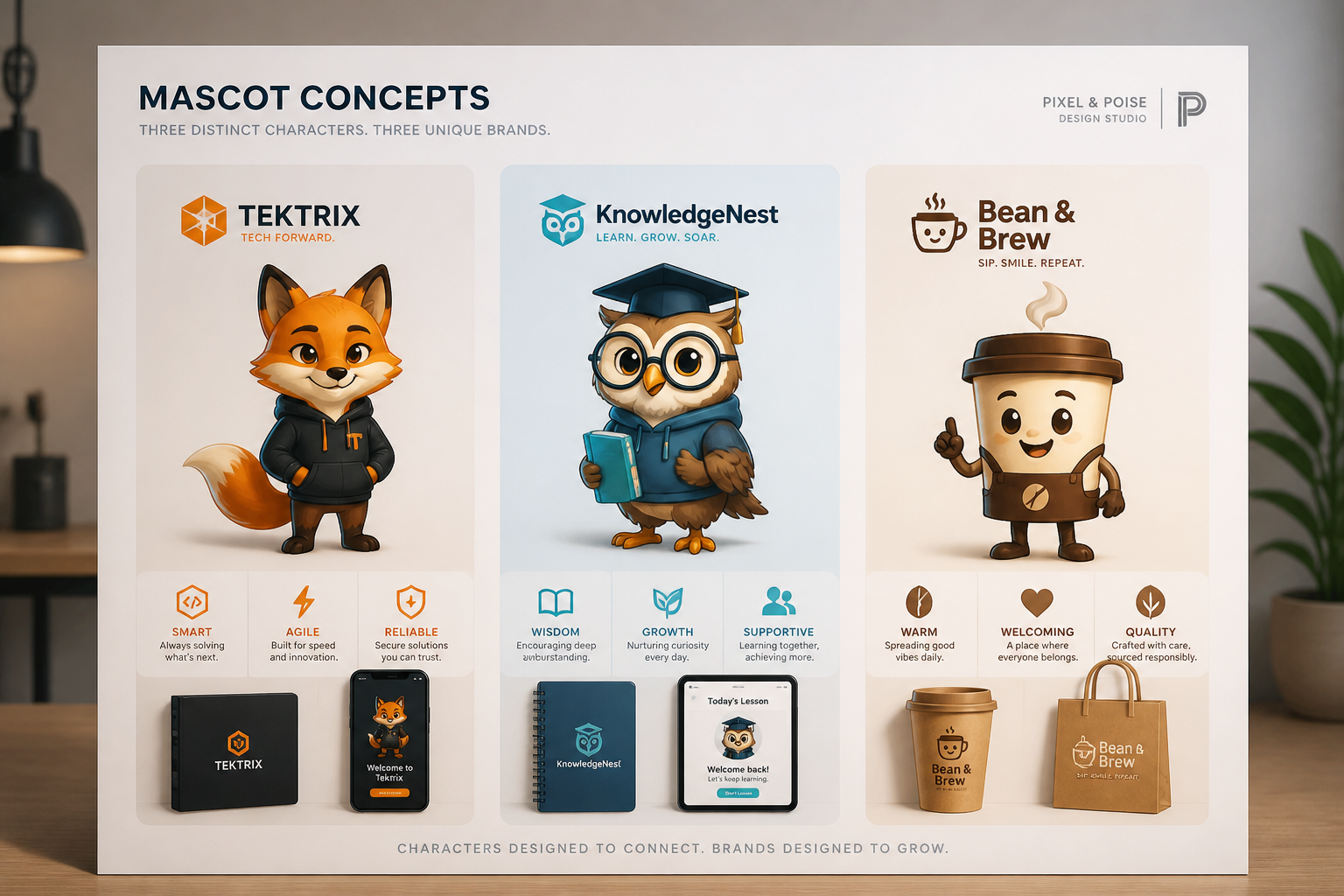
Brand-ready character directions
Create mascot concepts that already feel suited to a business, team, app, or product line. You can describe the audience, tone, colors, and pose in plain English and get a clear visual direction fast. That matters when you need something more specific than a generic cartoon animal. It gives you a stronger starting point for branding, packaging, social content, or internal reviews.
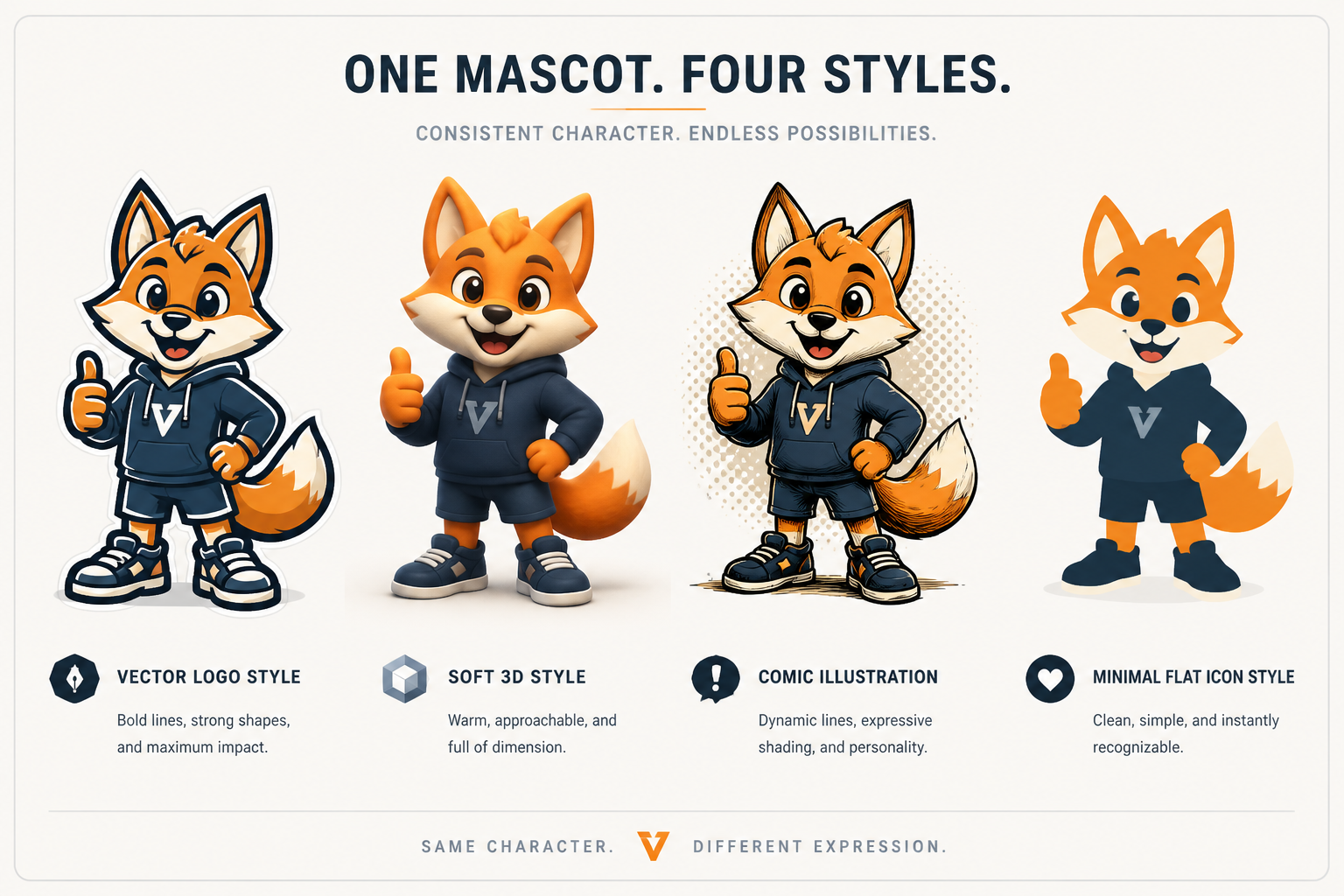
Multiple visual styles fast
The same mascot idea can be explored in vector, 3D, comic, flat, or editorial styles. This helps you compare looks before committing to a direction. Doing that manually takes much longer because each style change usually means starting over. Here, you can keep the concept and swap the rendering style with a few prompt edits.
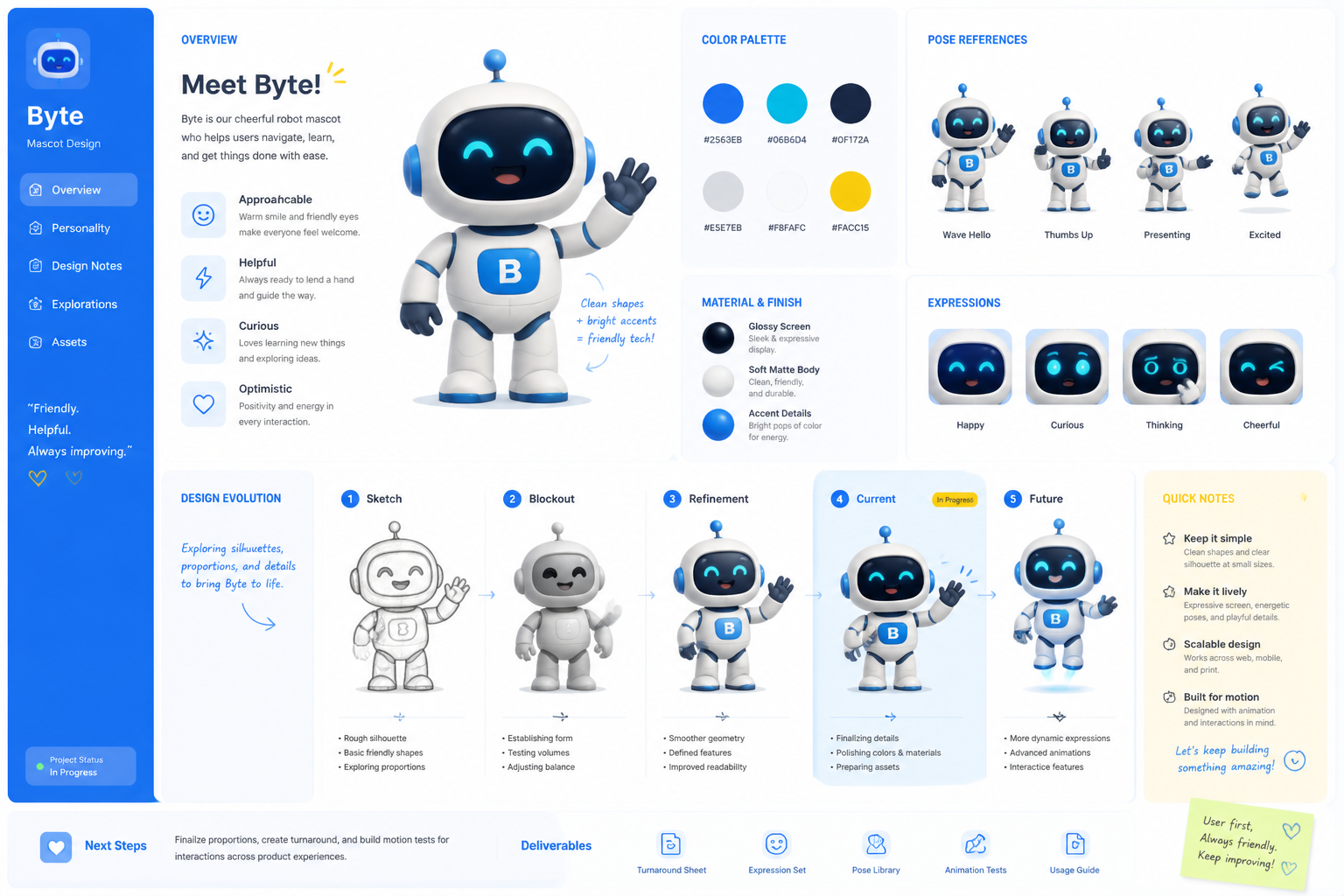
Easy prompt-based customization
You can refine species, outfit, expression, props, palette, and overall vibe without needing drawing skills. That makes the tool useful for founders, marketers, and creators who know what they want but cannot sketch it themselves. A generic image generator may produce random characters, while this workflow encourages deliberate mascot design choices. Small wording changes can produce noticeably different concepts.
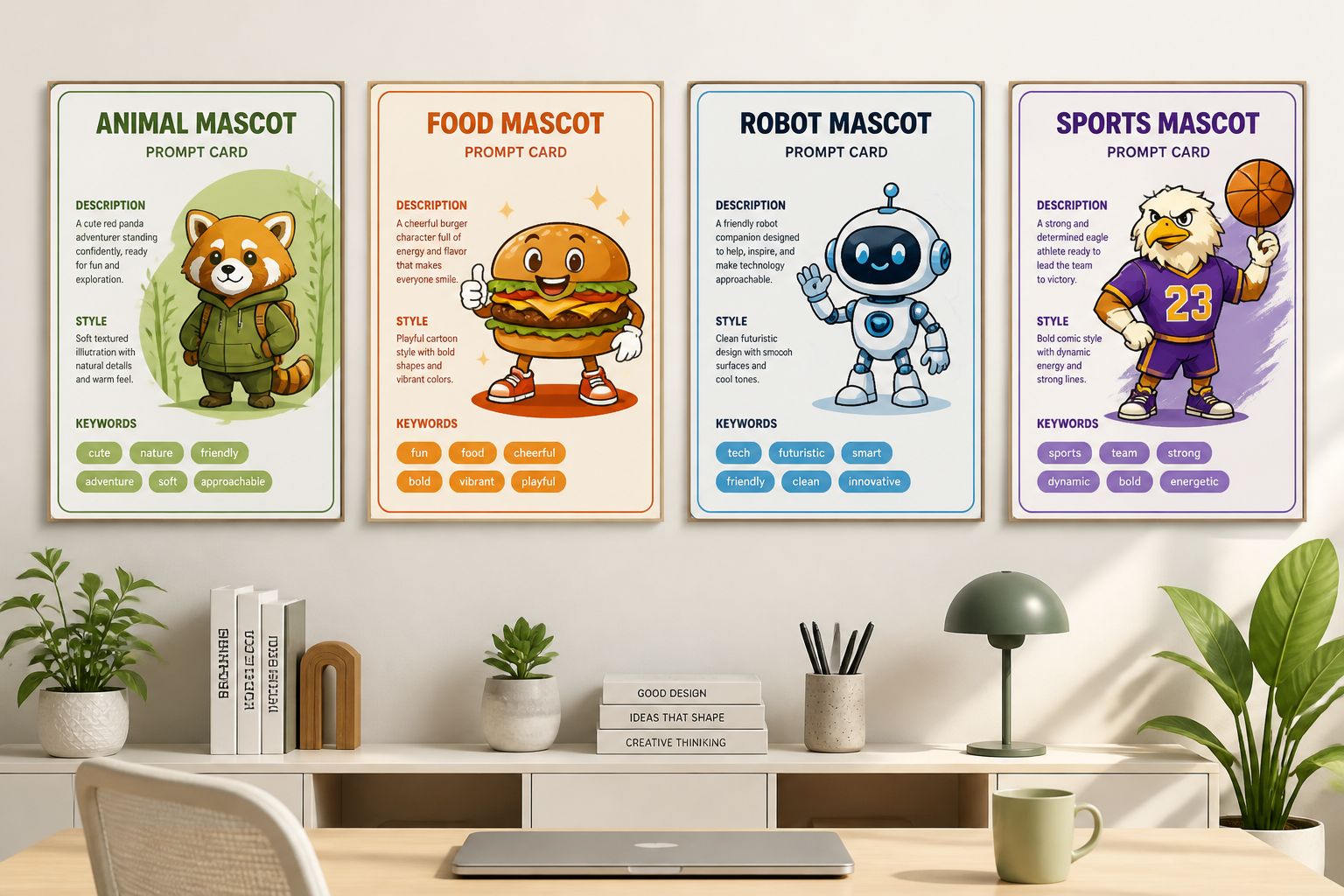
Prompt library for iteration
The included examples double as reusable starting points, so you do not have to write every prompt from scratch. You can pick a mascot close to your niche and adapt it for your own brand or campaign. This is especially helpful when you need several directions quickly for review. It turns the gallery into a practical concept library rather than just a showcase.
How It Works
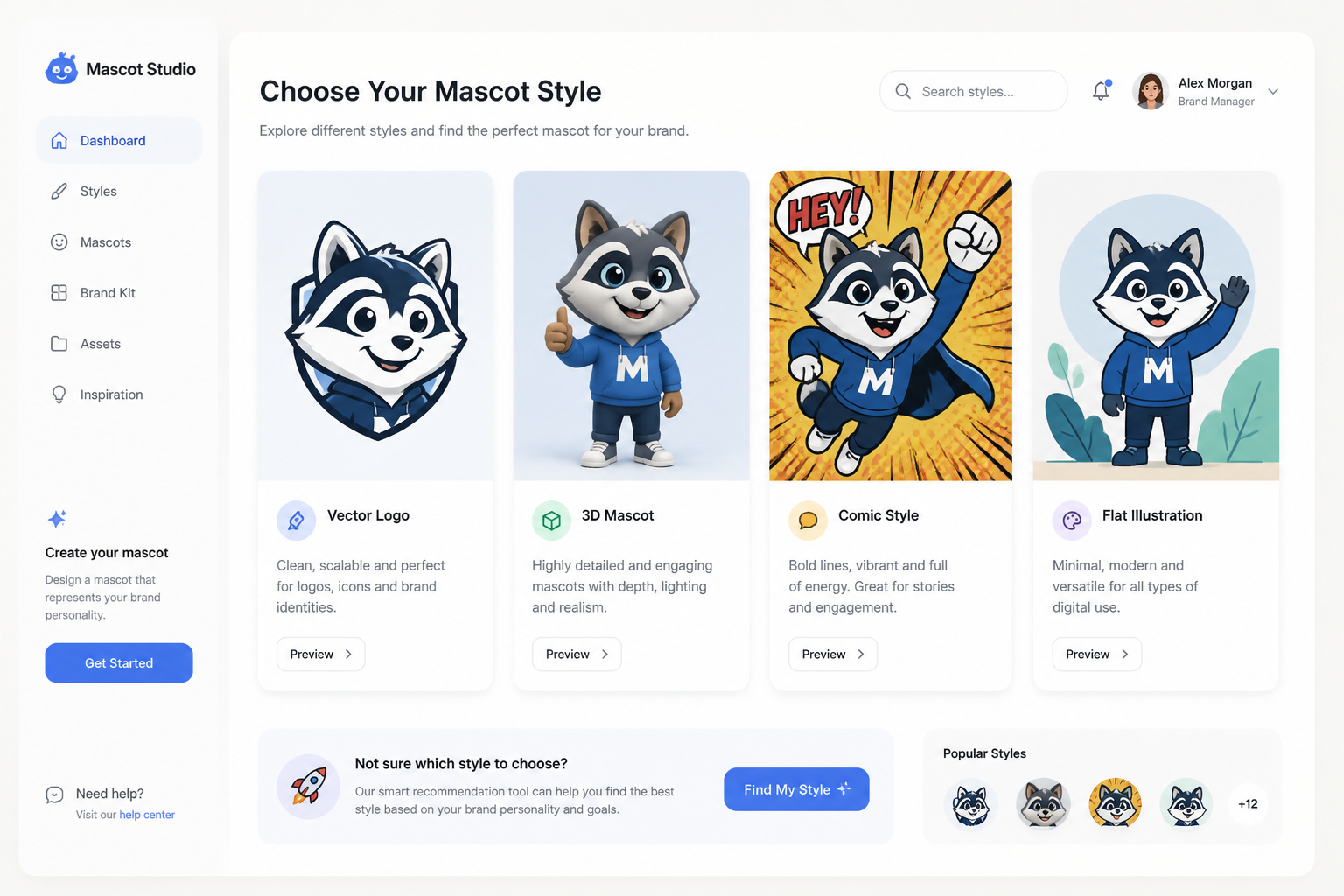
Pick a mascot style
Start with a sample prompt or type a simple idea like animal mascot, robot helper, or food character. Choose a look such as vector logo, 3D render, comic art, or flat illustration.
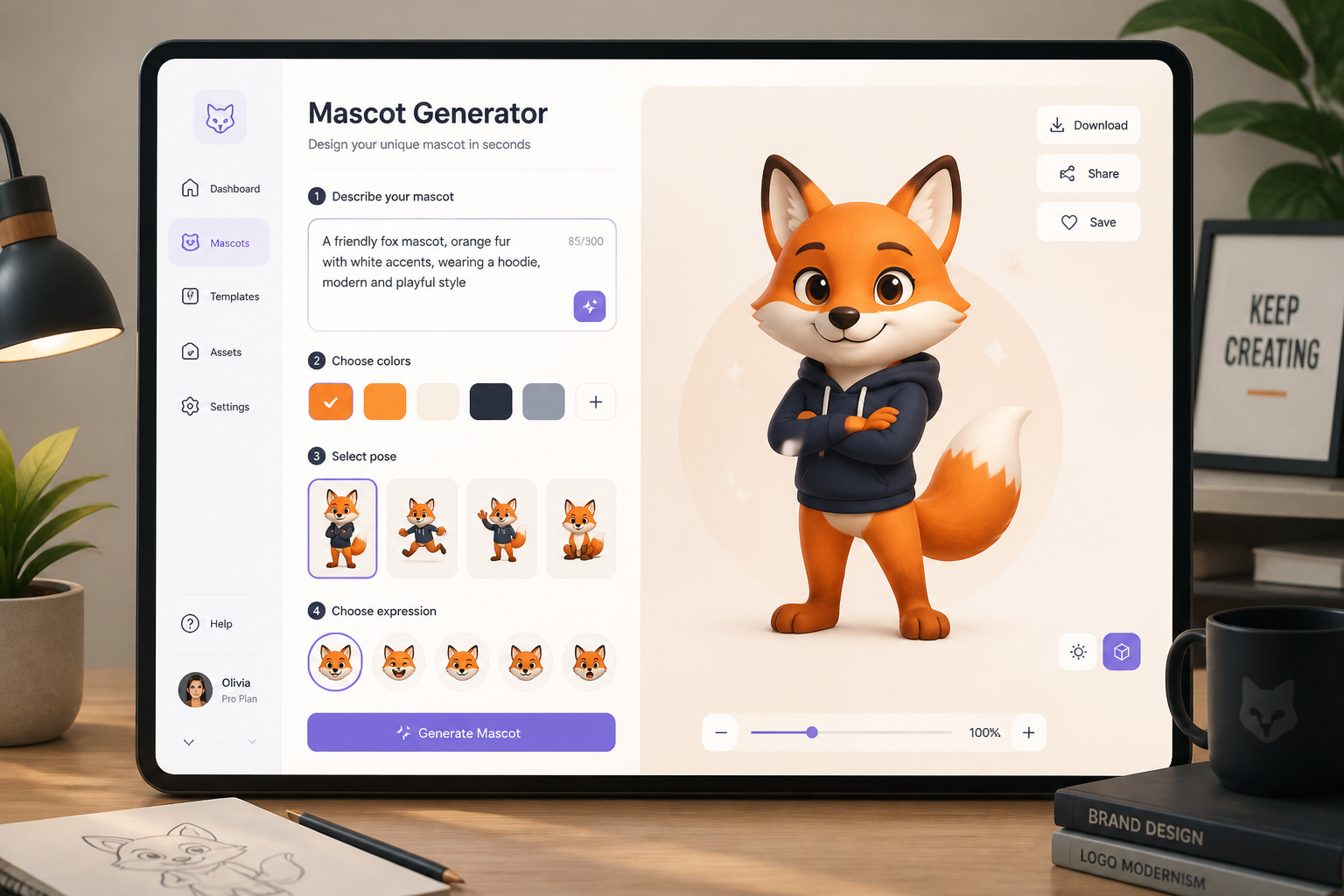
Describe the character
Add the details that matter most: species or object, brand vibe, expression, pose, outfit, and colors. A few specific words usually lead to stronger mascot concepts than broad prompts.
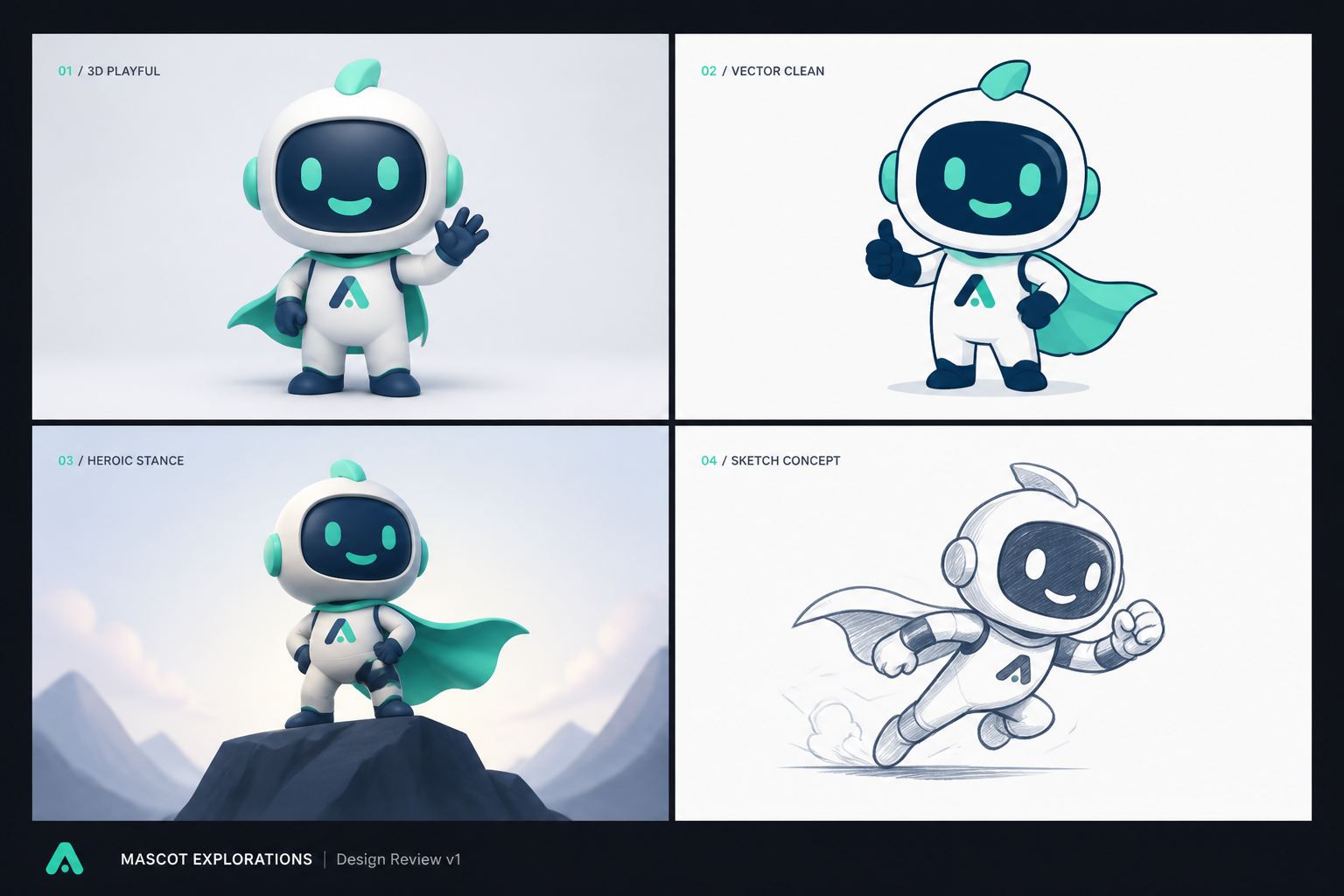
Generate and refine
Create variations, compare directions, and keep the one that best fits your project. Then adjust the prompt to push the design more playful, premium, sporty, or minimal.
Perfect For
Discover how creators and professionals use ai mascot generator
Startup branding concepts
Generate mascots for apps, software tools, landing pages, and product launches when you need a memorable visual identity.
Sports and community teams
Explore mascot ideas for local teams, clubs, school groups, and online communities with bold, high-energy character directions.
Food and packaging ideas
Create cheerful food, drink, and product mascots for menus, labels, social promos, and packaging mockups.
Creator and channel avatars
Design mascot-style characters for YouTube channels, Twitch branding, newsletters, podcasts, and personal brand graphics.
Built For
Founders and marketers
Useful for quick brand exploration when you need visual concepts before hiring a designer or briefing an agency.
Designers and creative teams
Helpful for generating early character directions, moodboard material, and alternate styles to review with clients.
Creators and community builders
Great for building recognizable mascots for channels, merch ideas, fan communities, and recurring content series.
Why use this mascot generator
A quick look at how we compare on the things that matter for this niche.
| Feature | BudgetPixel | Generic AI generators | Stock art libraries |
|---|---|---|---|
| Mascot-focused prompt examples | Yes | Sometimes | No |
| Fast style exploration | Yes | Yes | Limited |
| Editable prompt library | Yes | Rarely | No |
| Original character directions | Yes | Yes | No |
| No drawing skills needed | Yes | Yes | Yes |
Frequently Asked Questions
What kinds of mascots can I generate?
Can I make mascot ideas for a business or product?
Do I need drawing skills to use it?
Can I generate the same mascot in different styles?
Are these finished logo files?
Create together.
Share your creations, discover trending AI art, and grow with fellow creators.