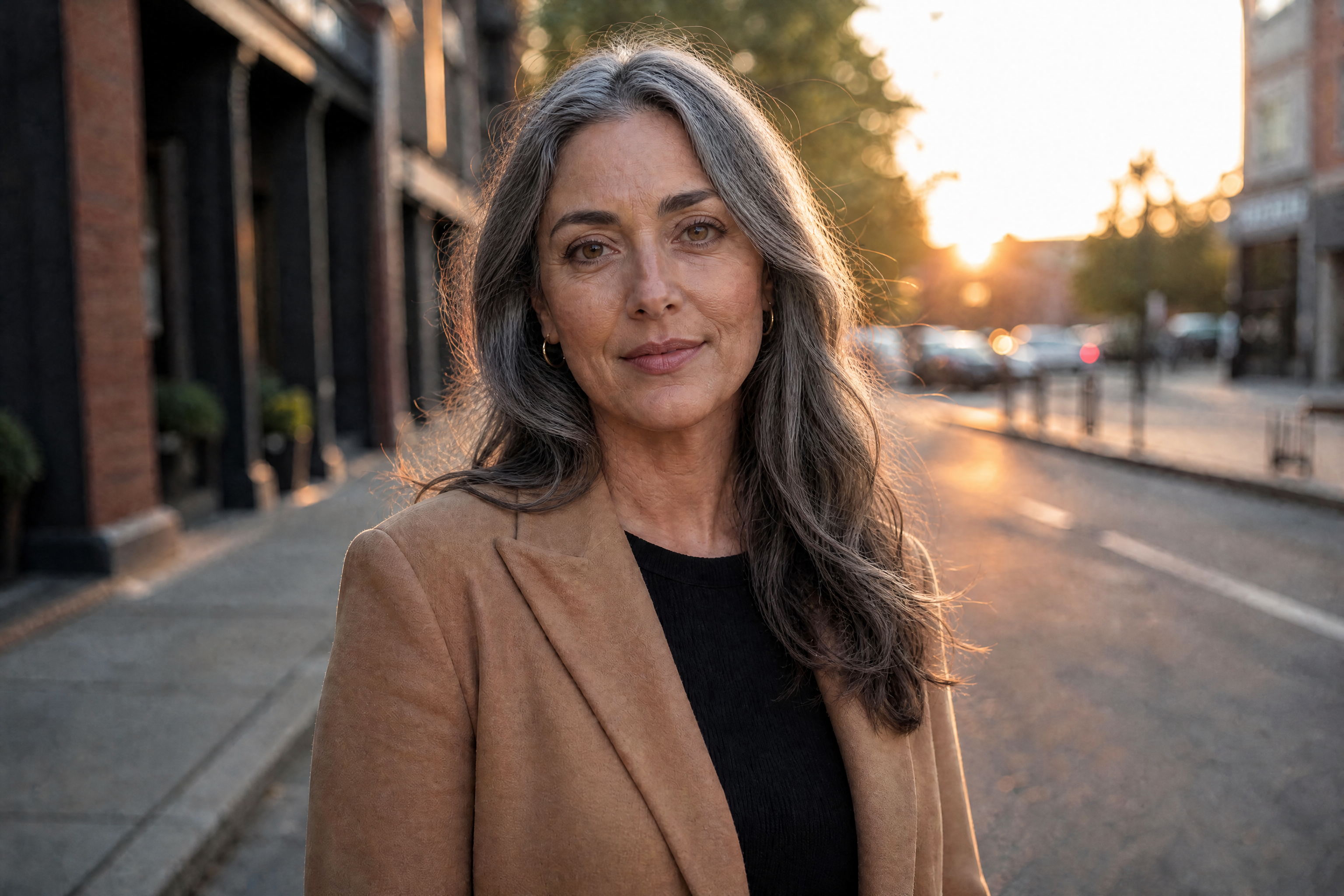
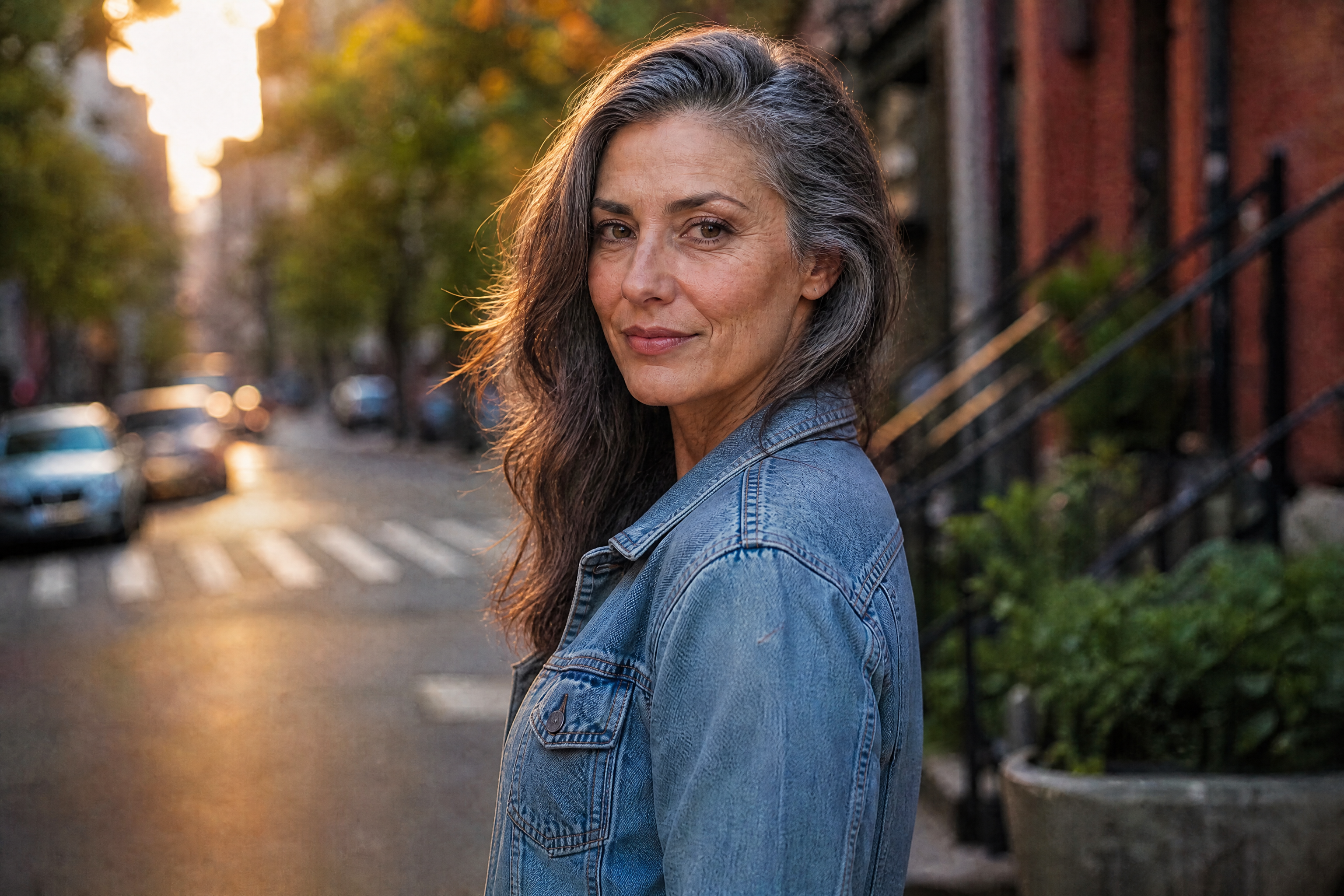
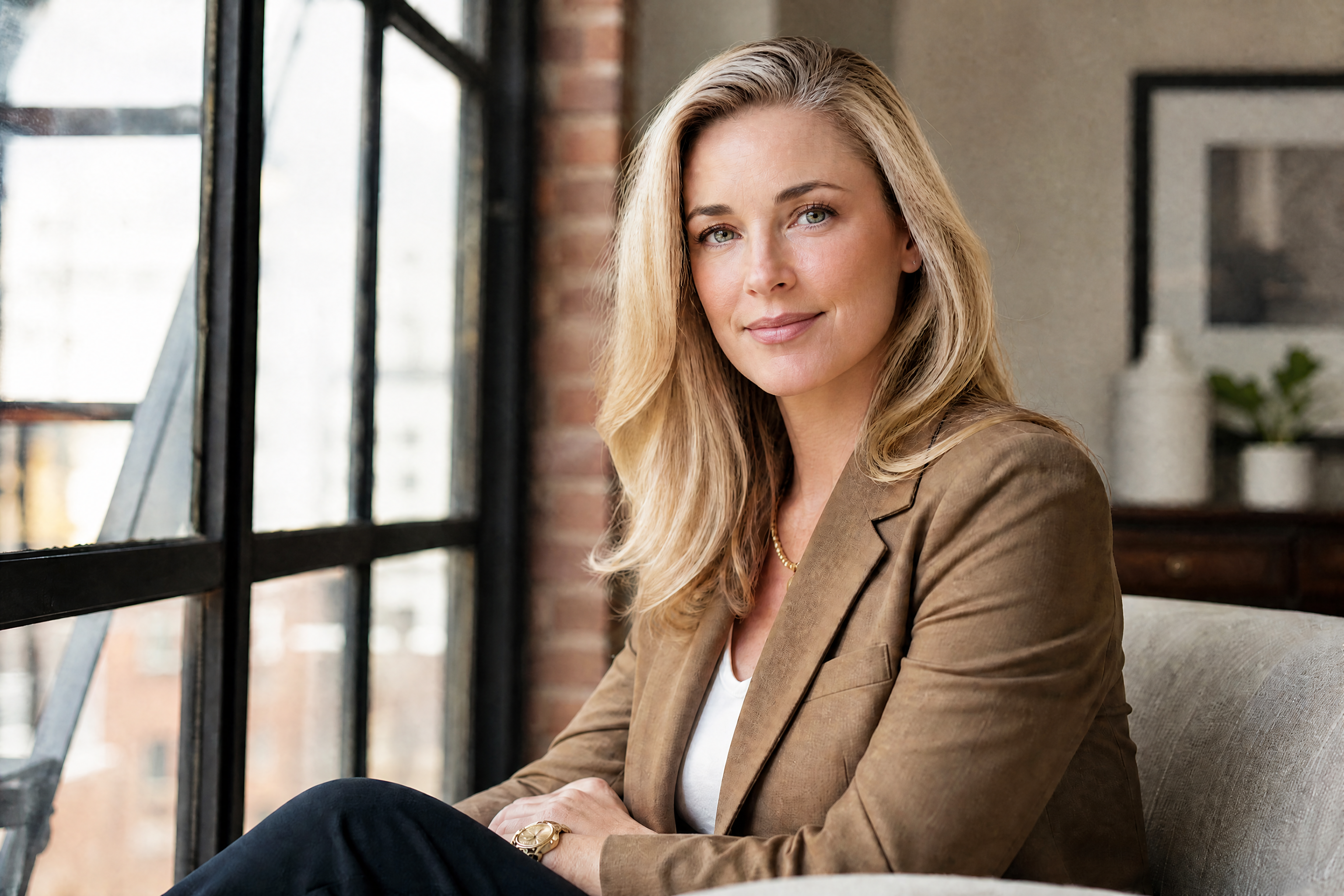
AI Age Progression from Your Photo
See a believable older version of any adult portrait in seconds.
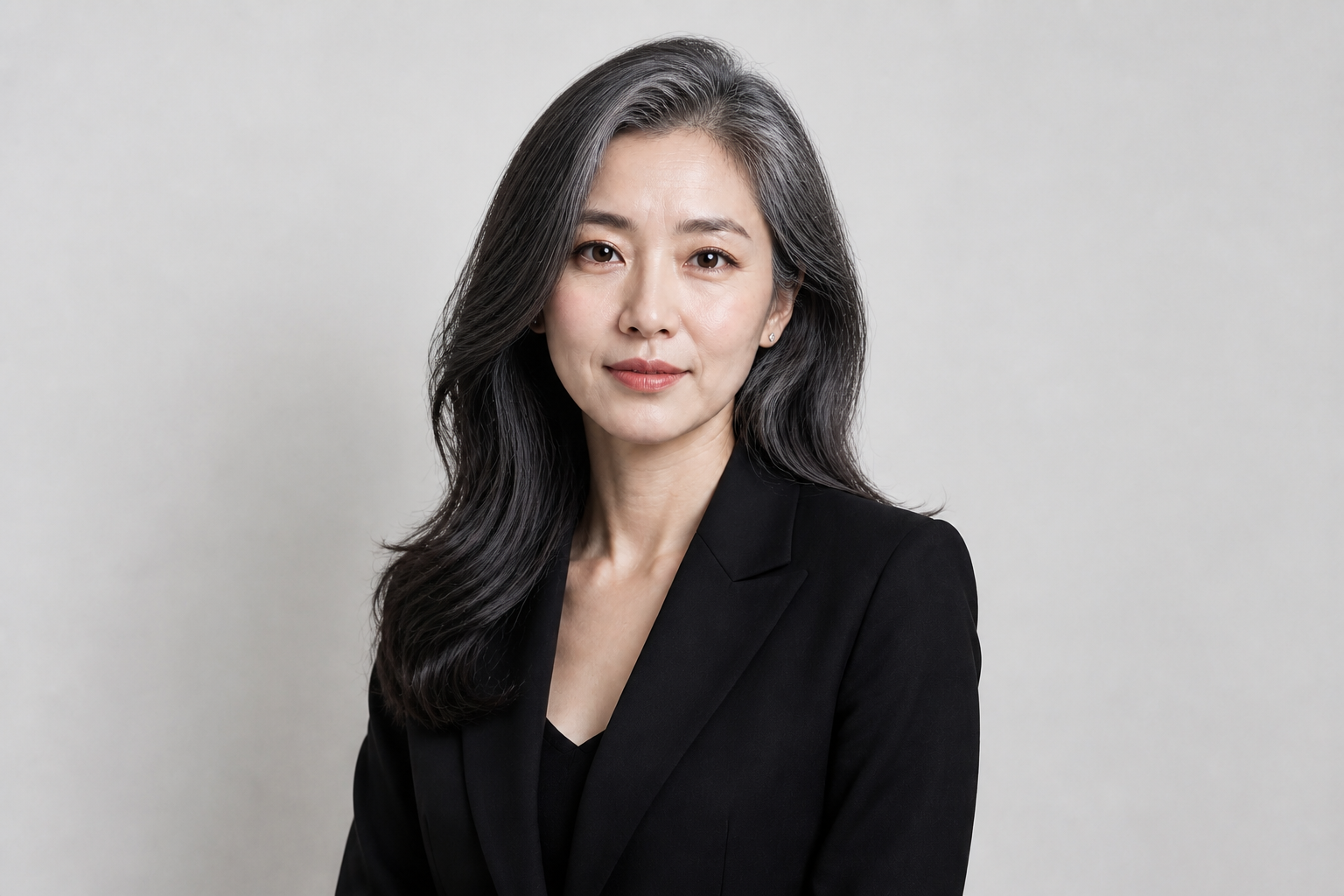
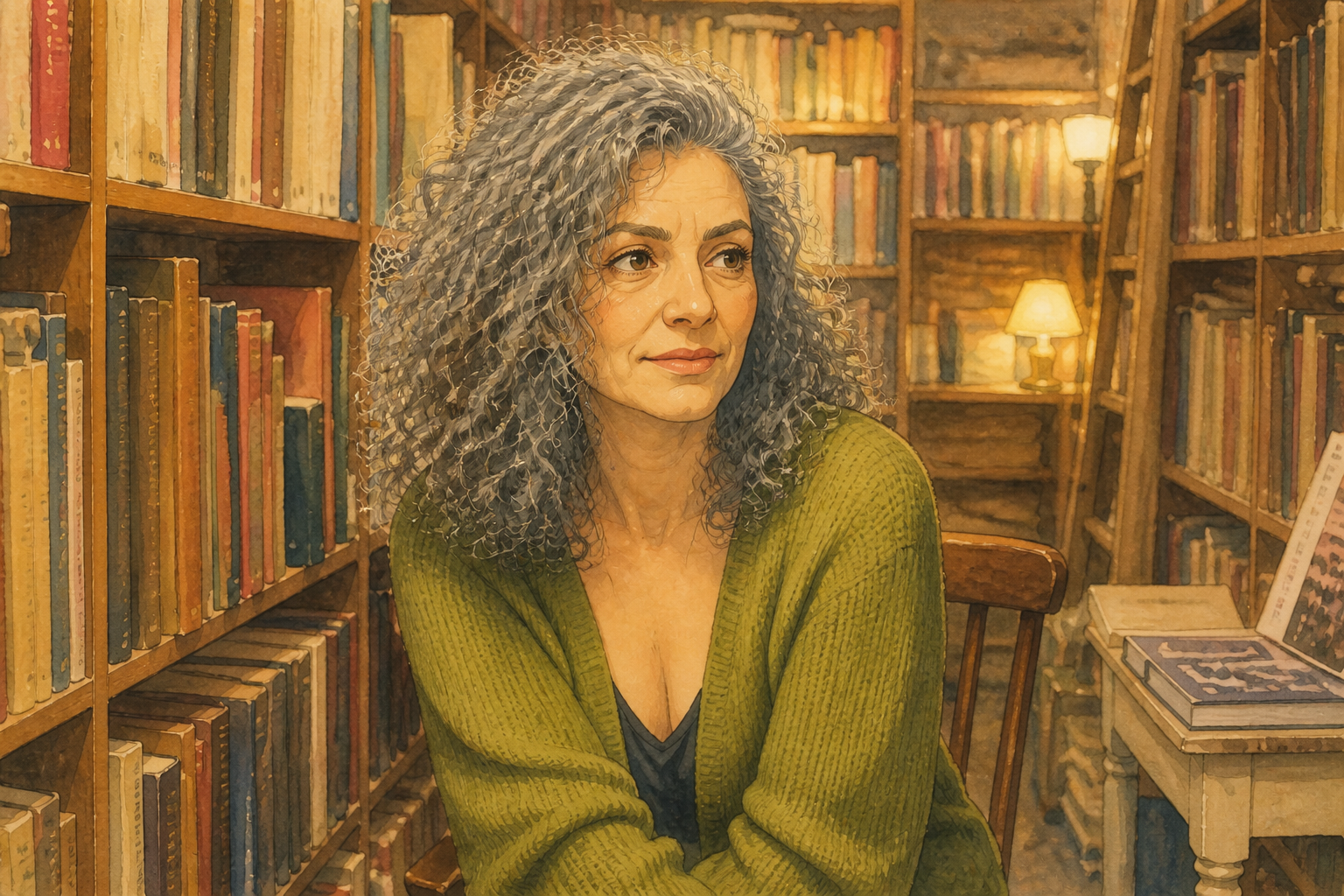
Upload a photo and use our AI to age the subject forward while keeping their identity recognizable. It works well for portraits, lifestyle shots, and stylized edits when you want a clear before-and-after result.
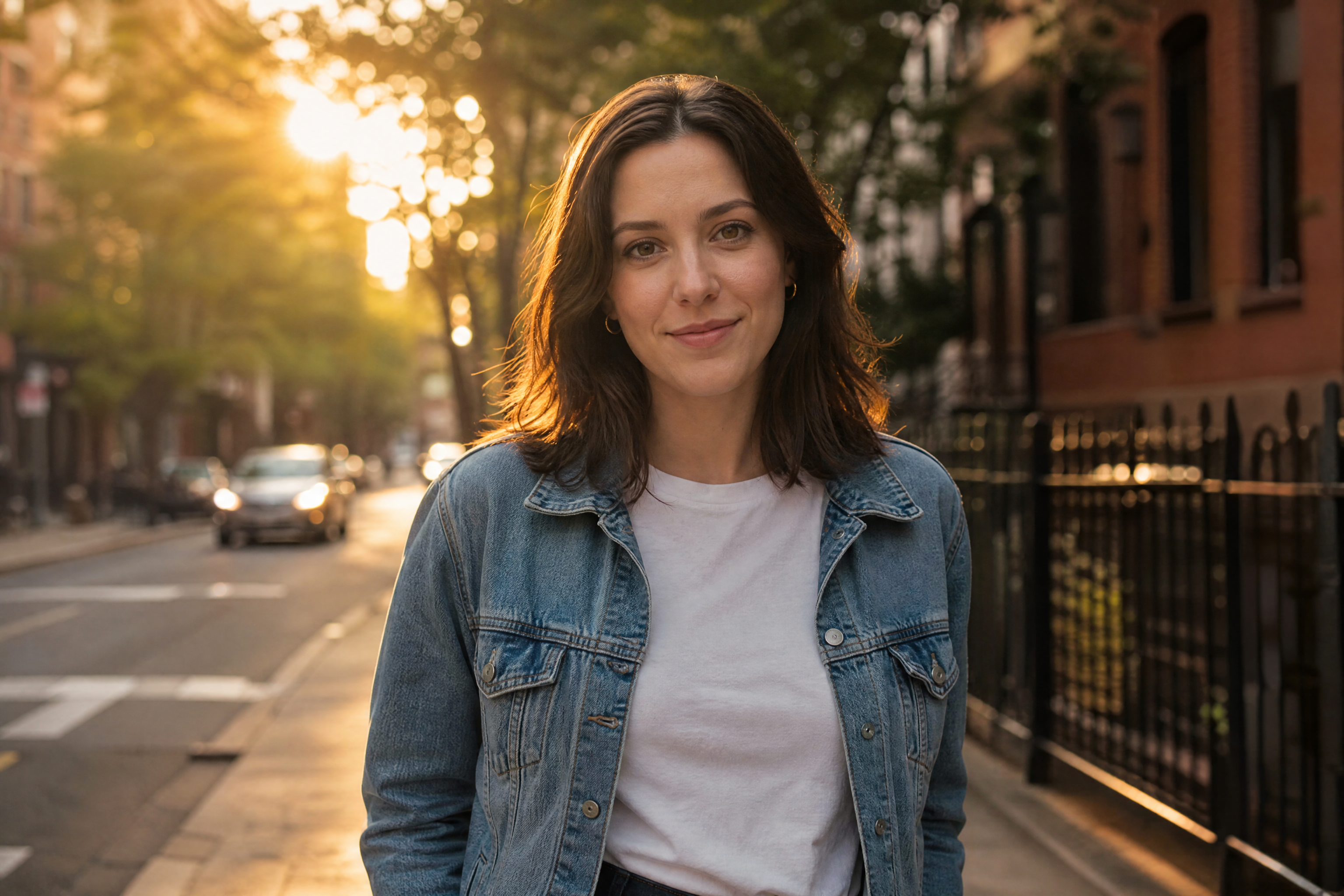
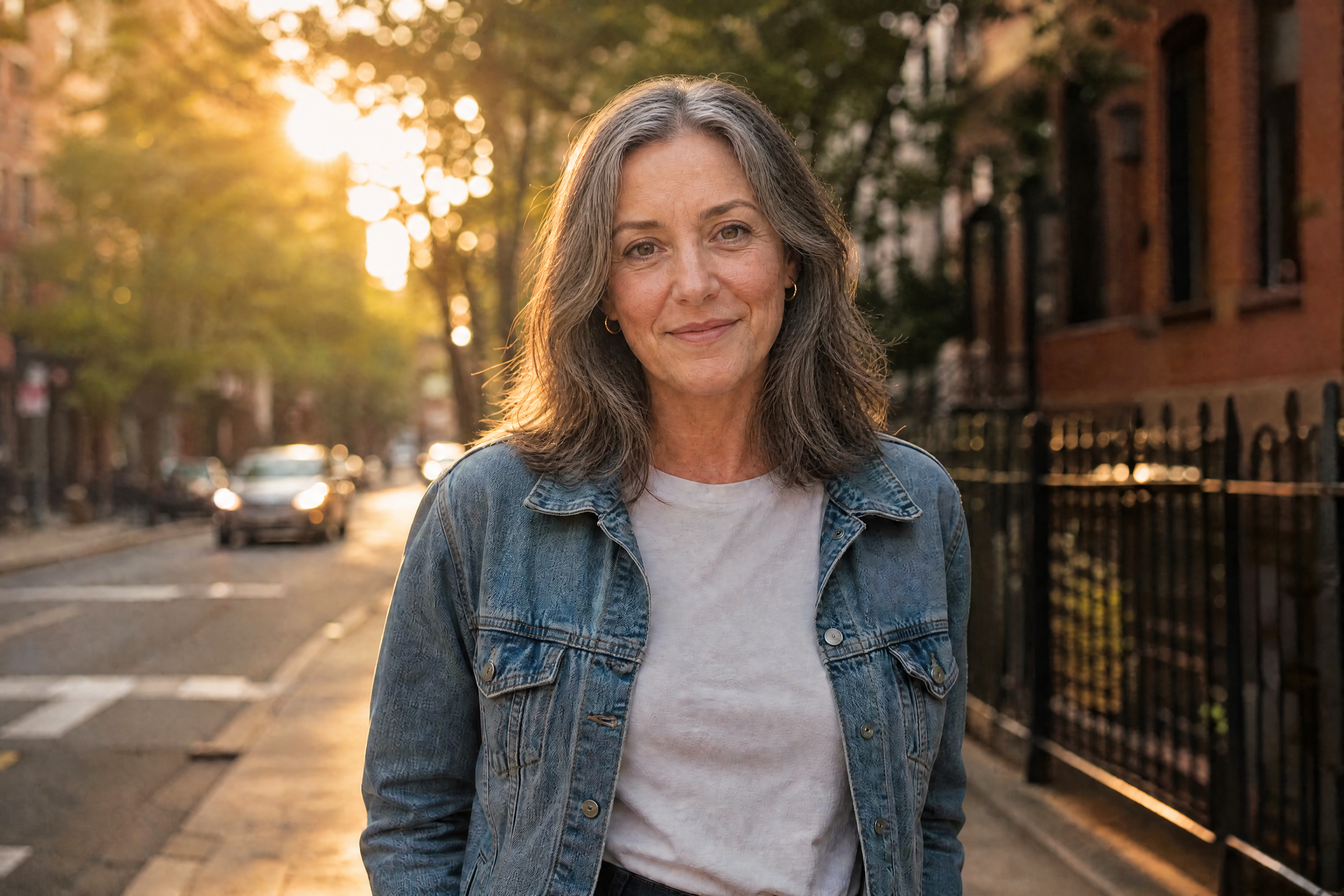
Watch the Transformation
See ai age progression in motion — generated end-to-end by our AI.
See It In Action
Real outputs from ai age progression.
BEFOREAFTER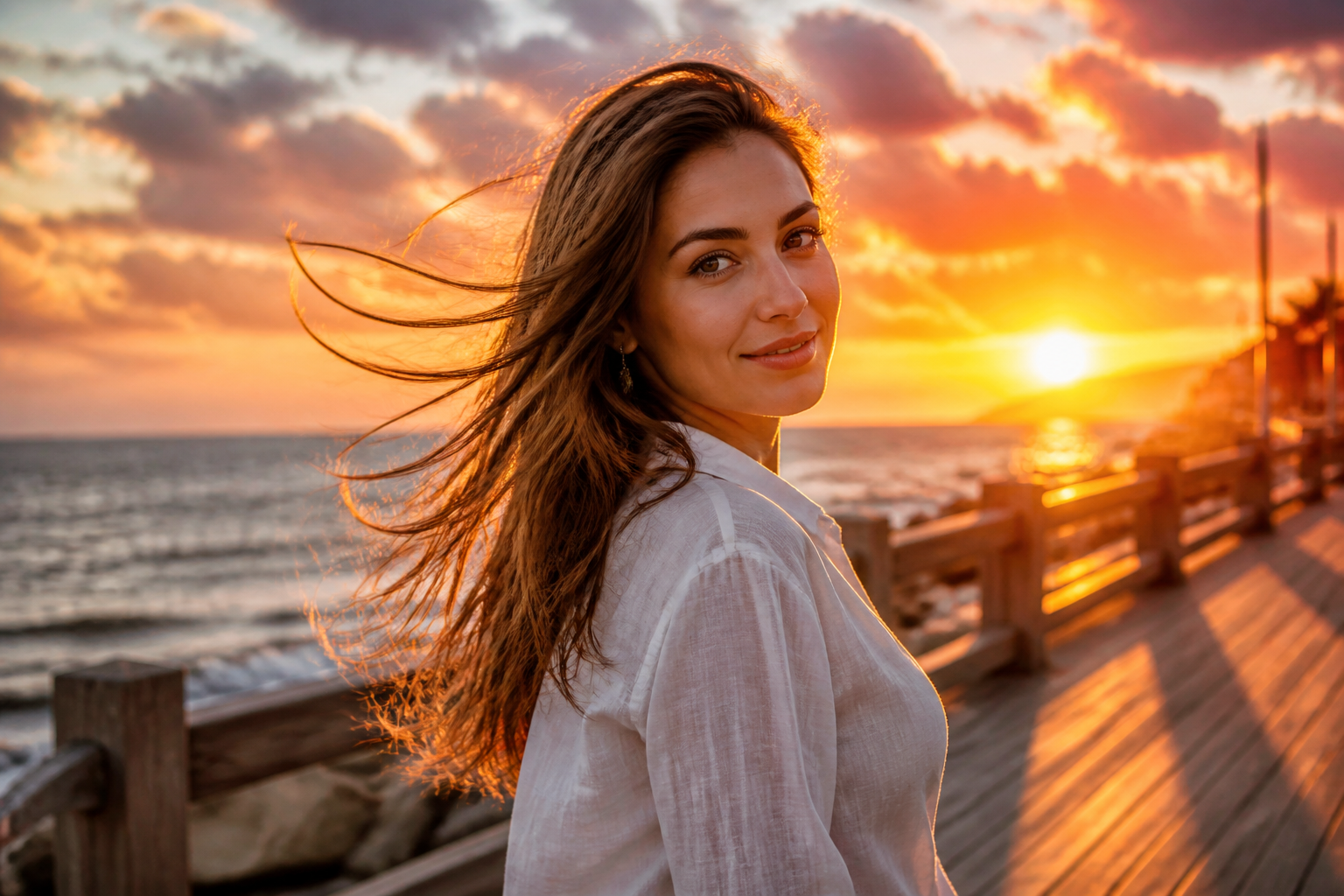 BEFORE
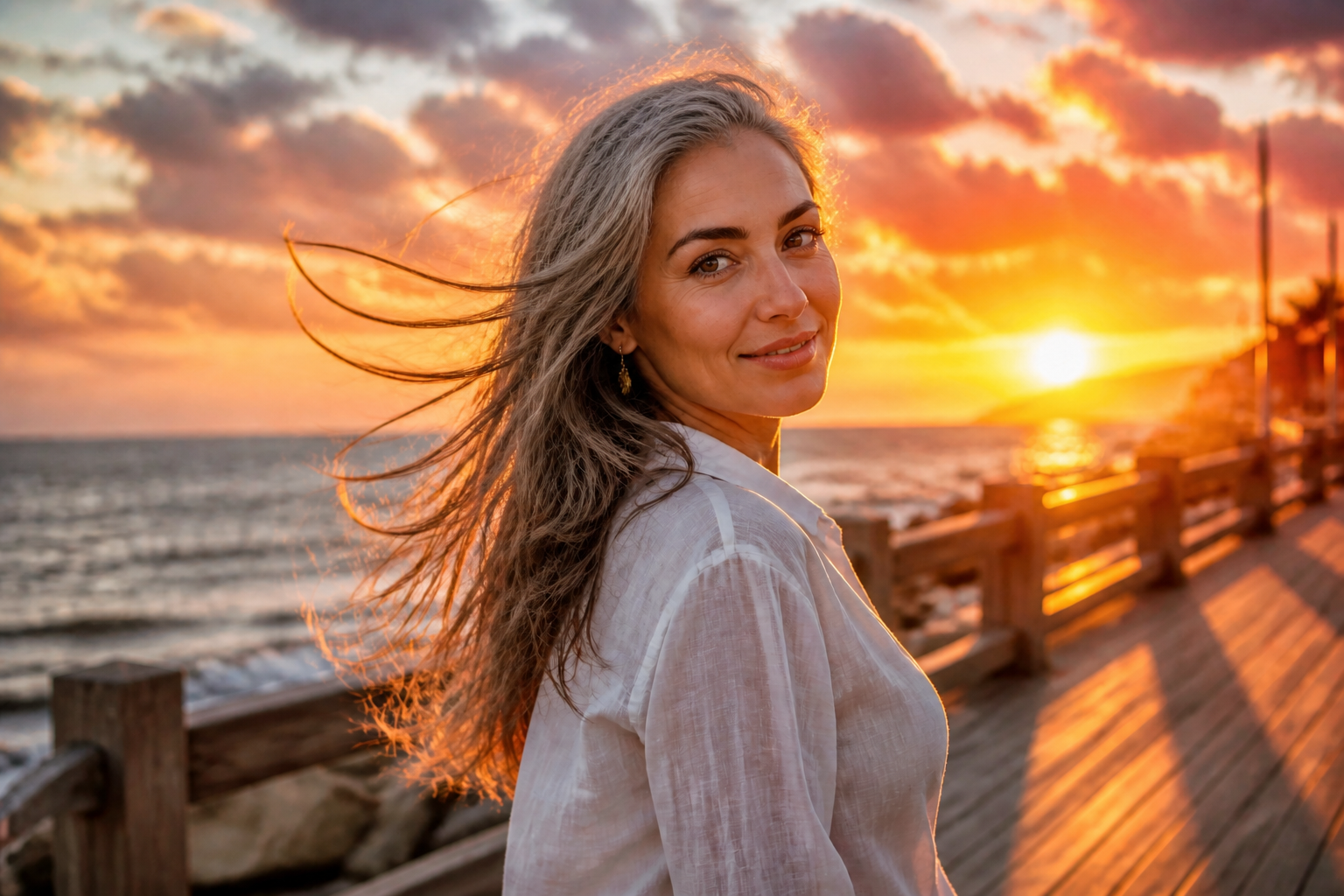 AFTER
AFTER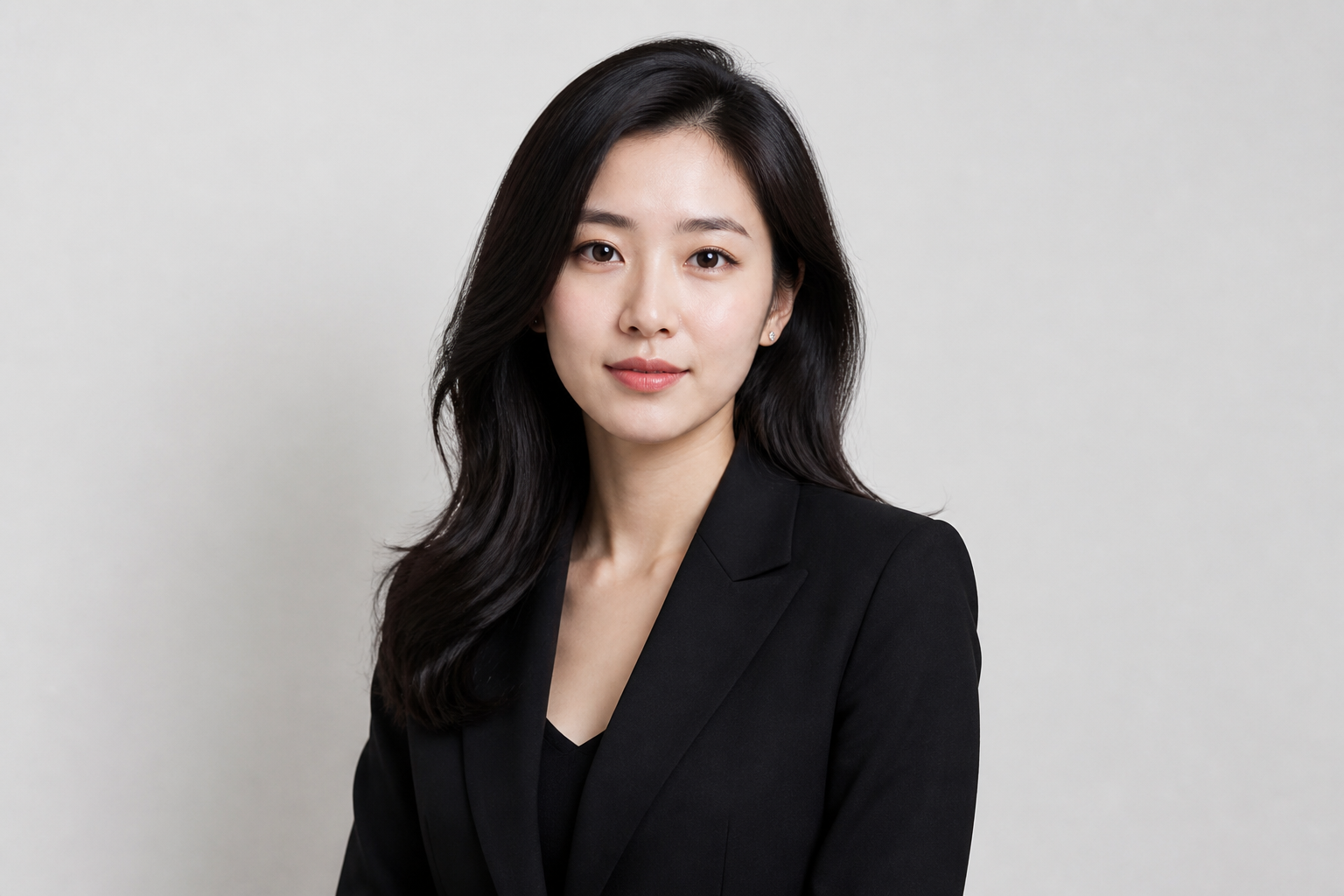 BEFORE
 AFTER
AFTER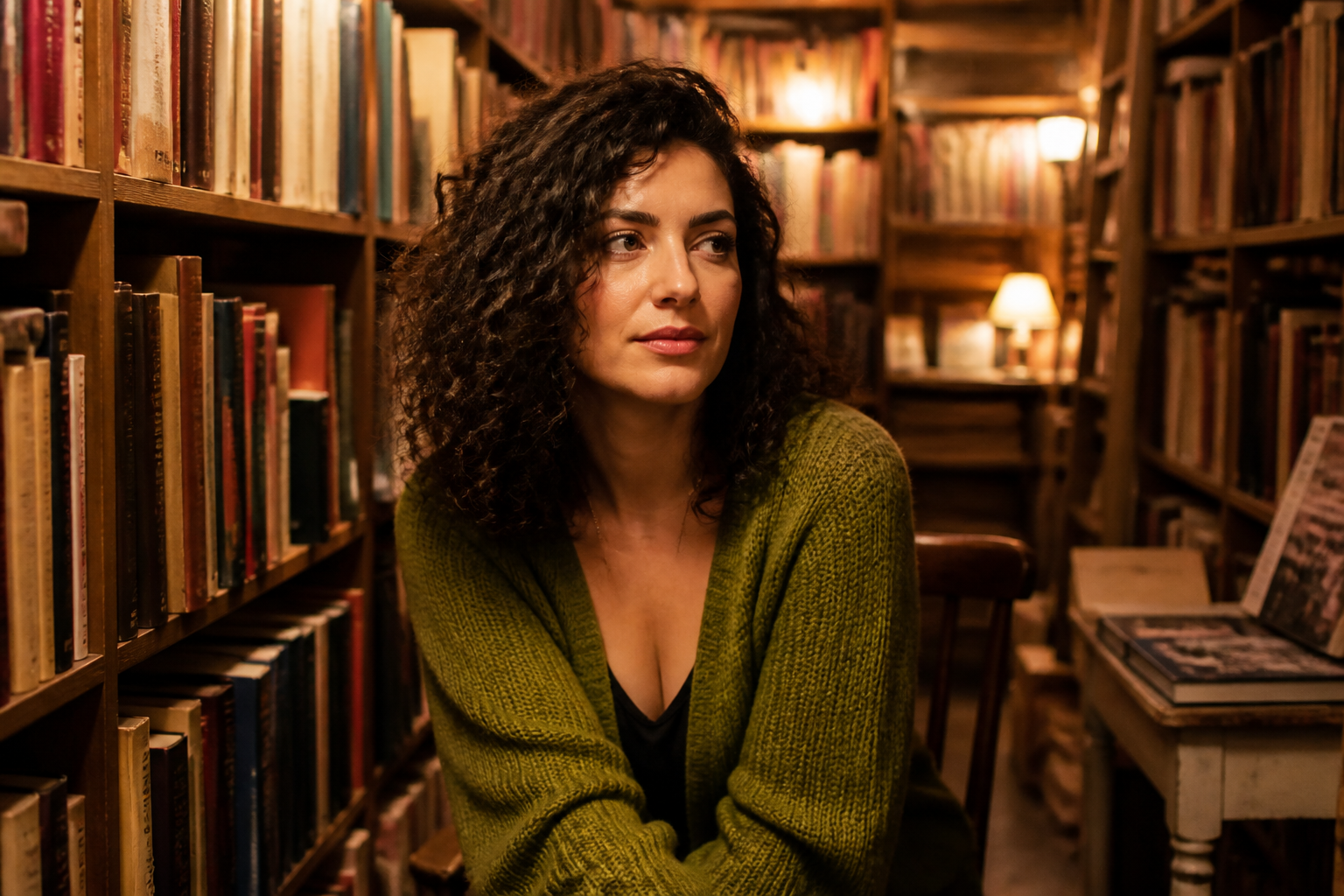 BEFORE
 AFTER
AFTER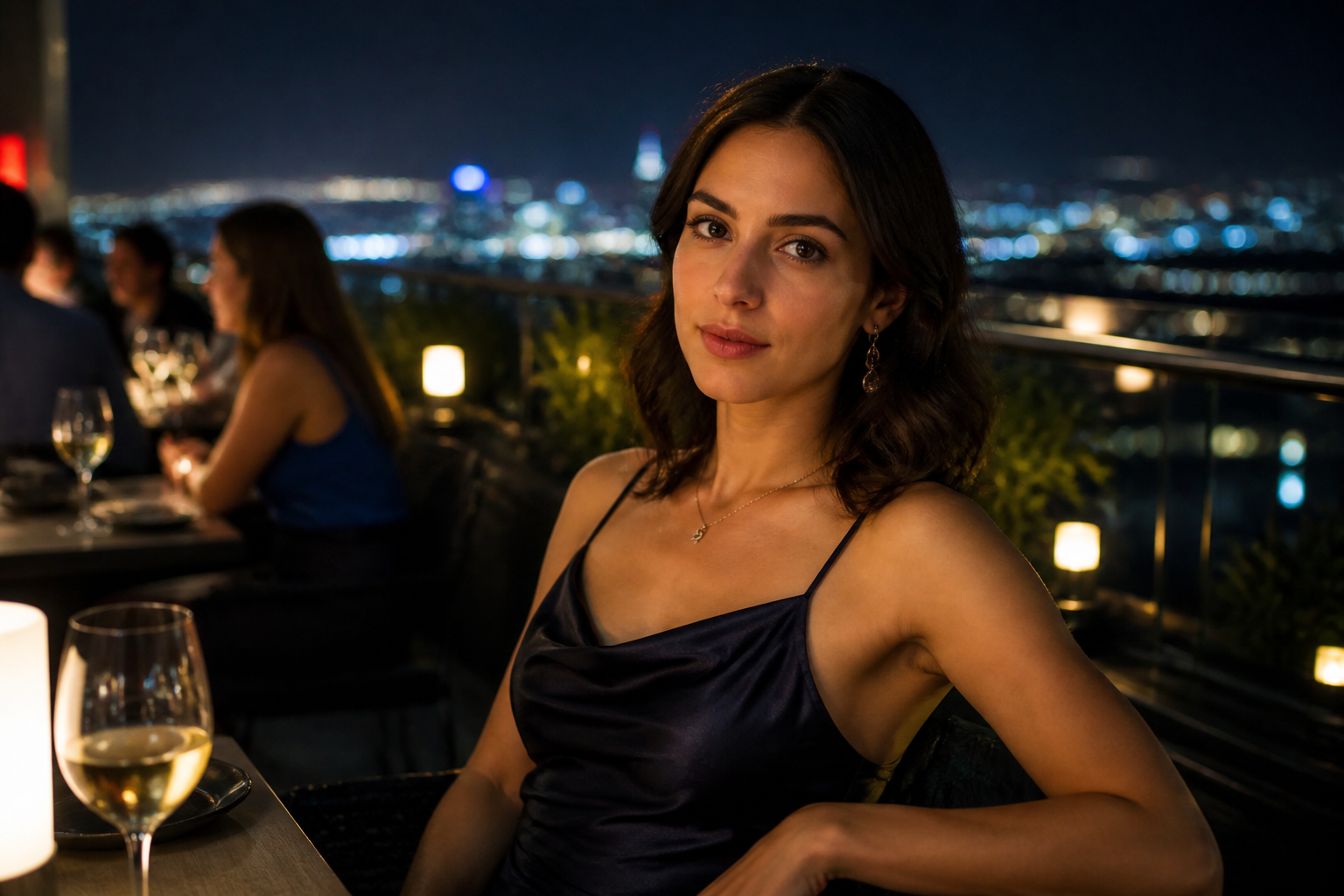 BEFORE
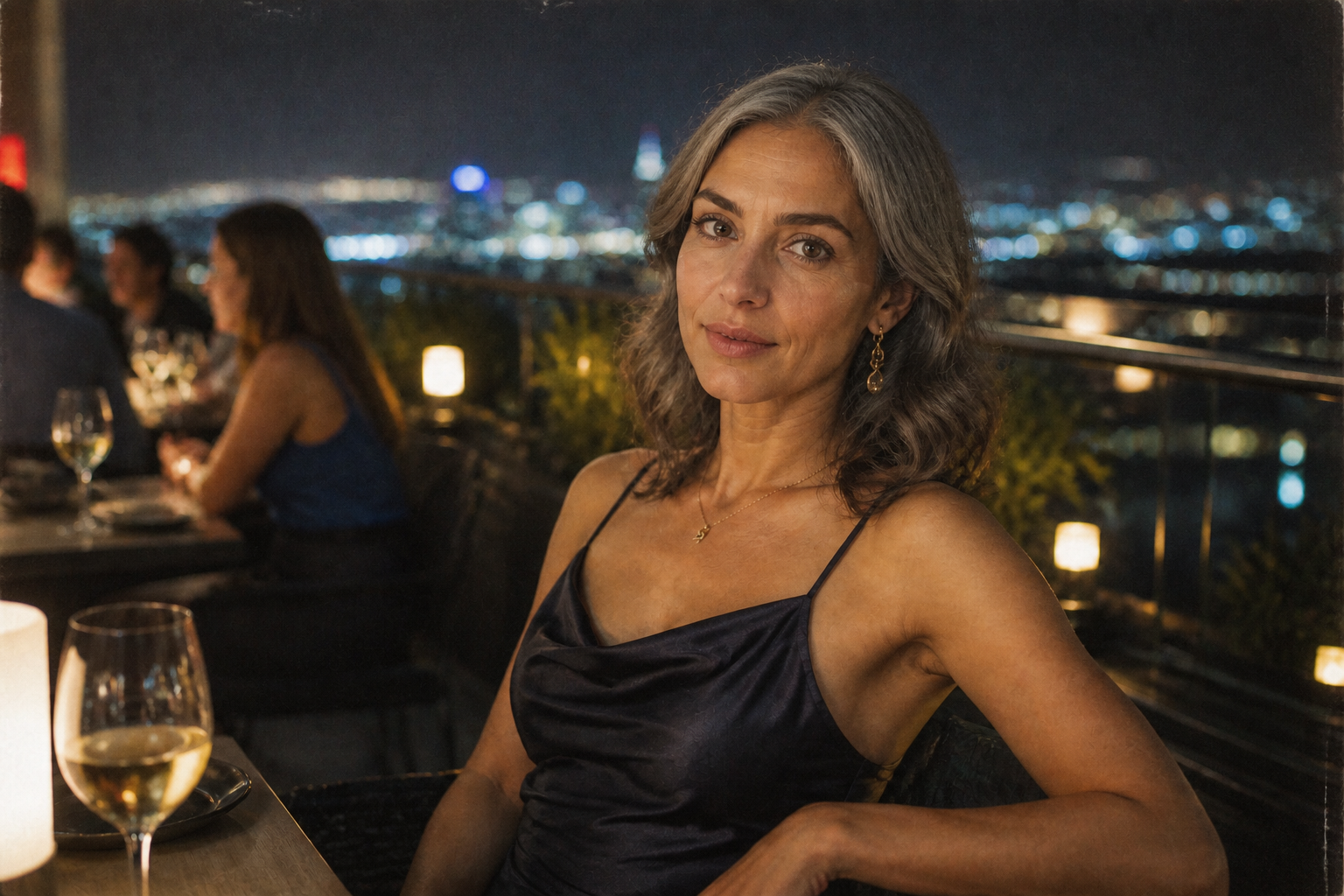 AFTERBEFOREAFTERBEFOREAFTERBEFOREAFTERBEFOREAFTERBEFOREAFTER
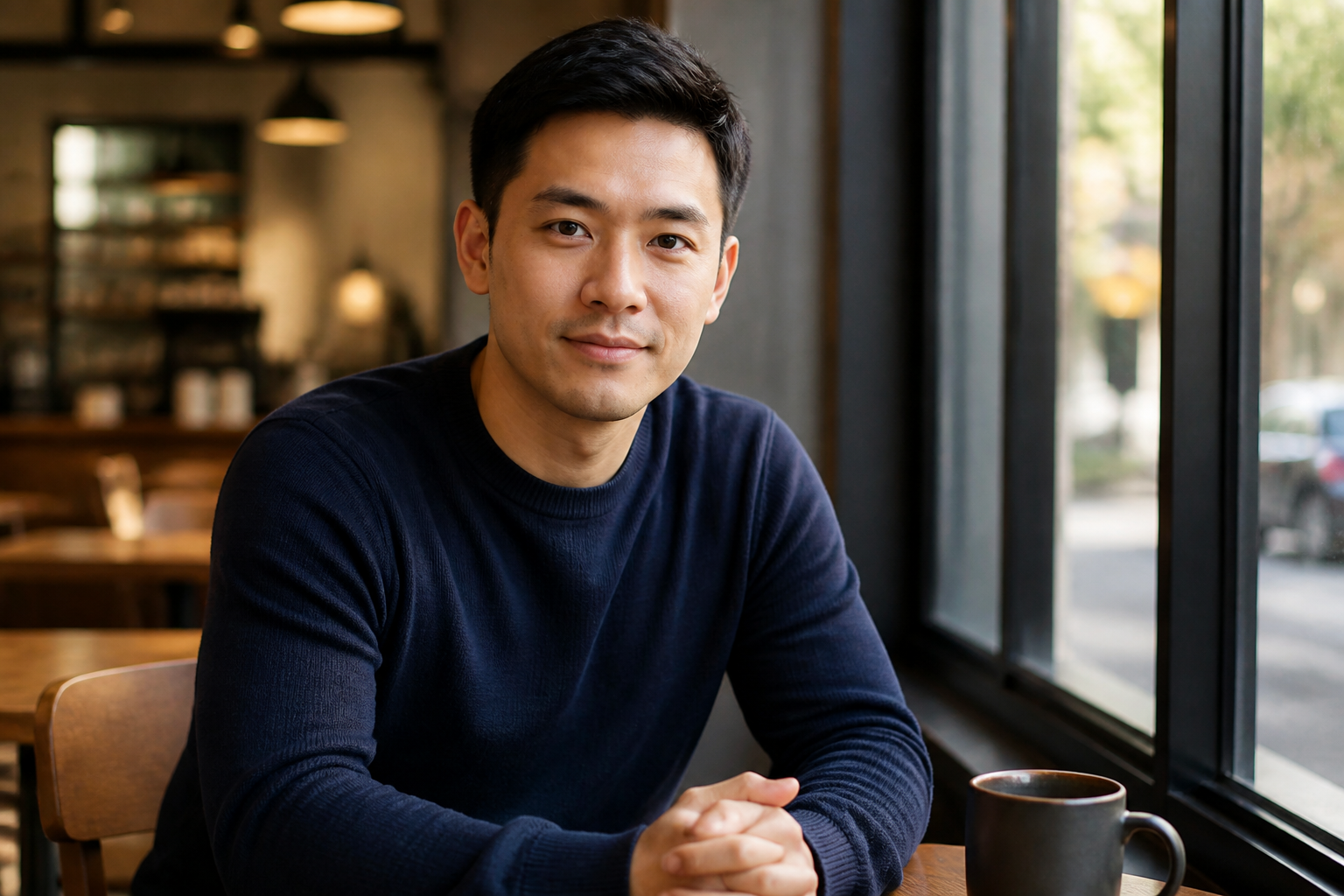 BEFORE
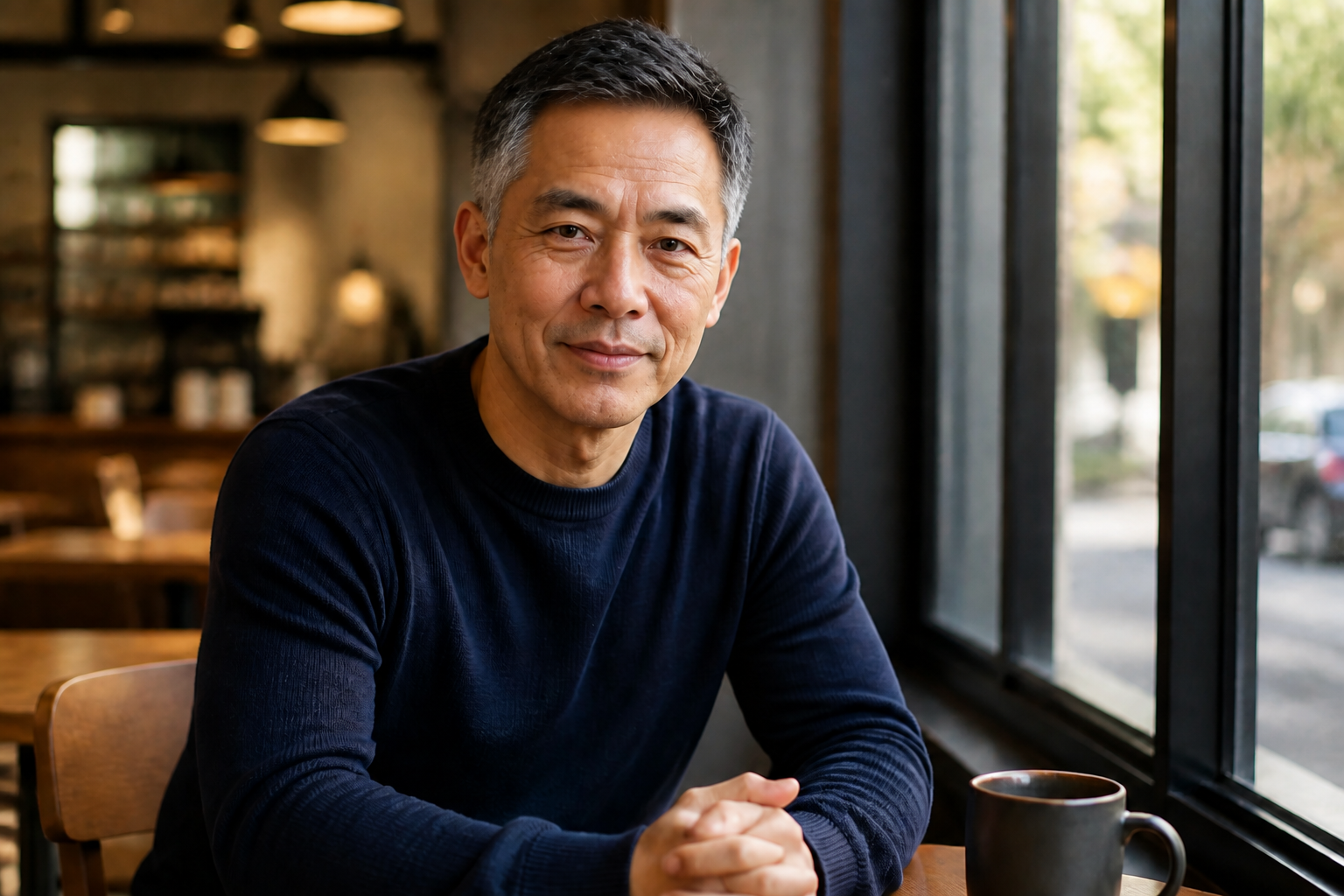 AFTER
AFTER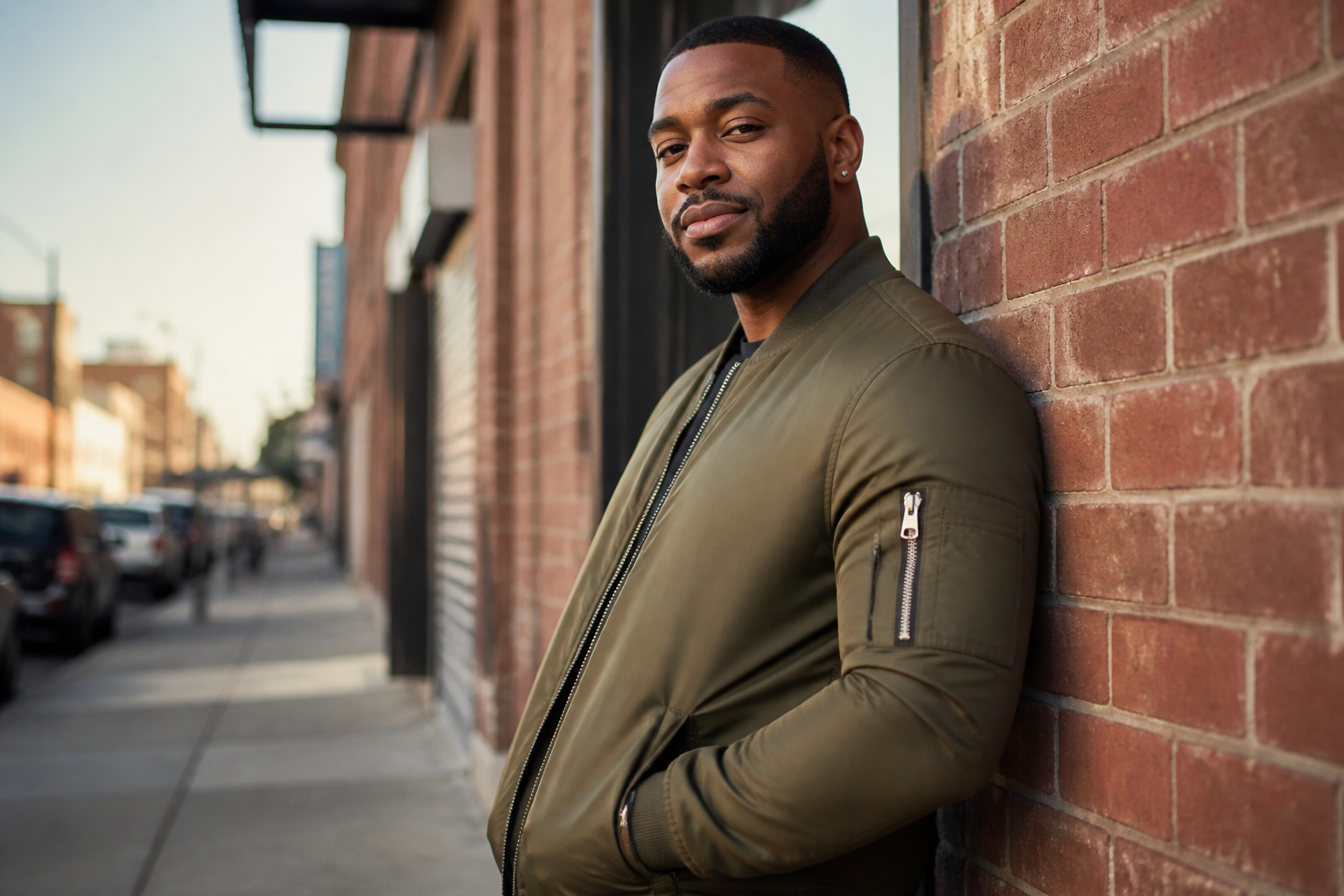 BEFORE
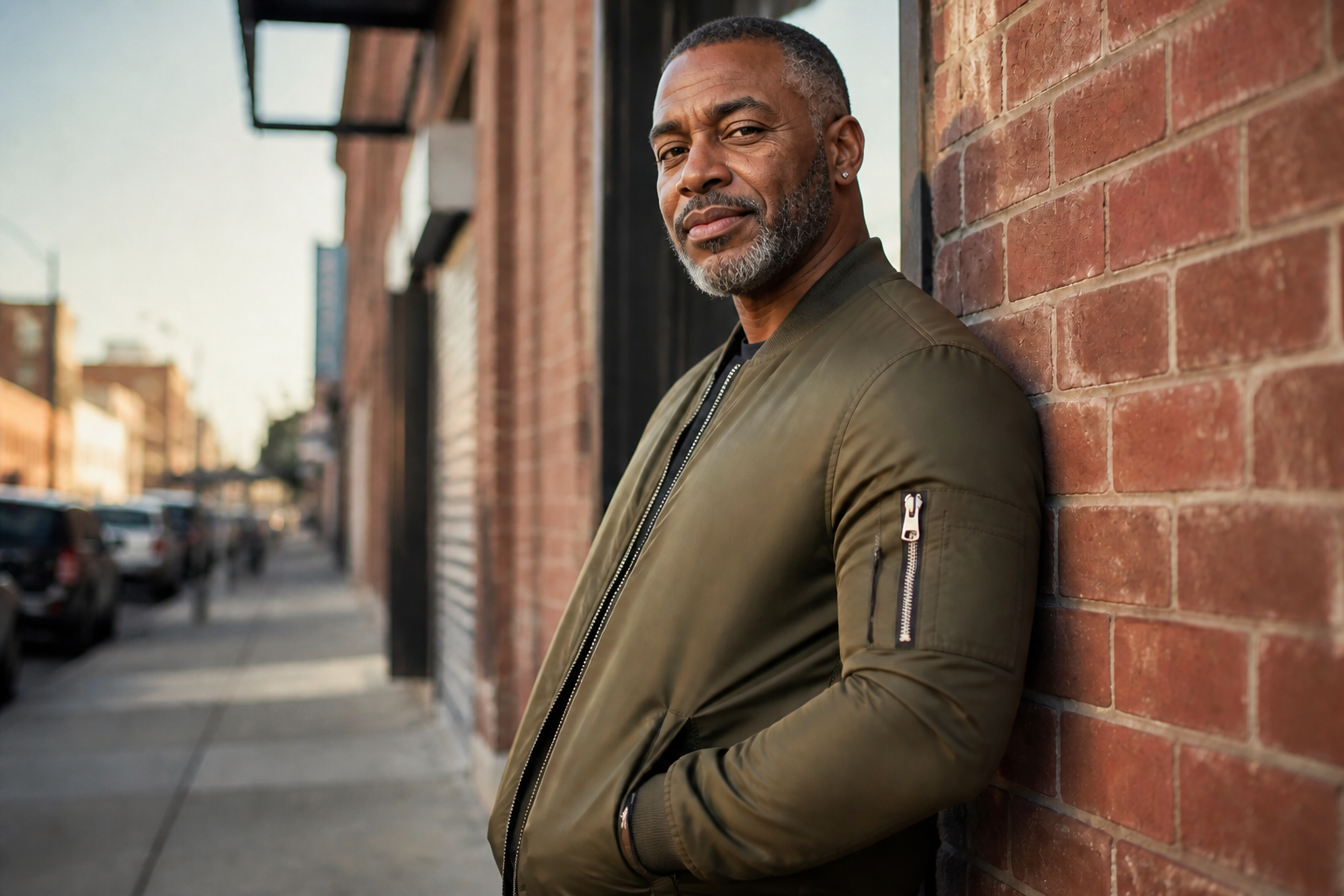 AFTER
AFTER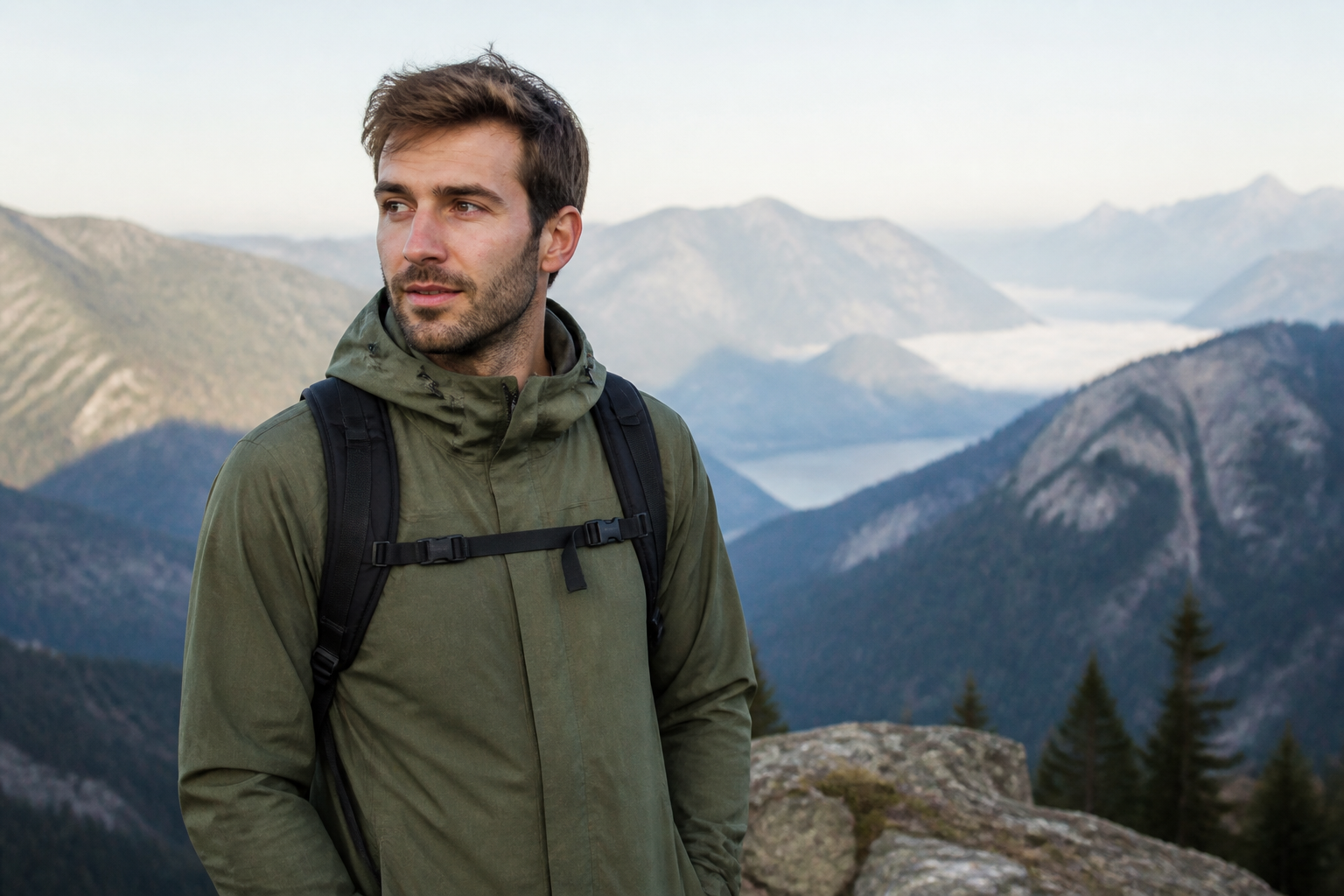 BEFORE
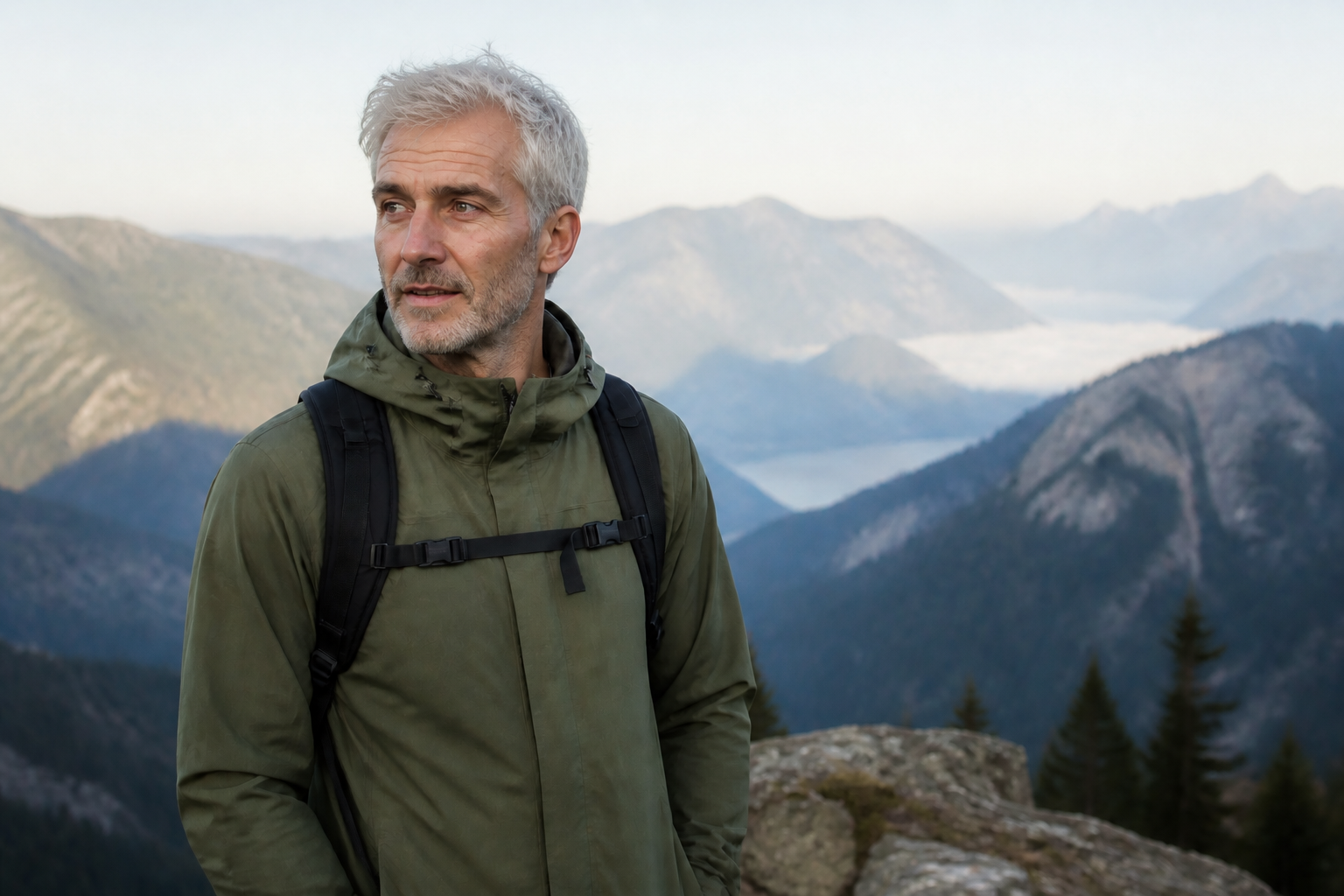 AFTER
AFTER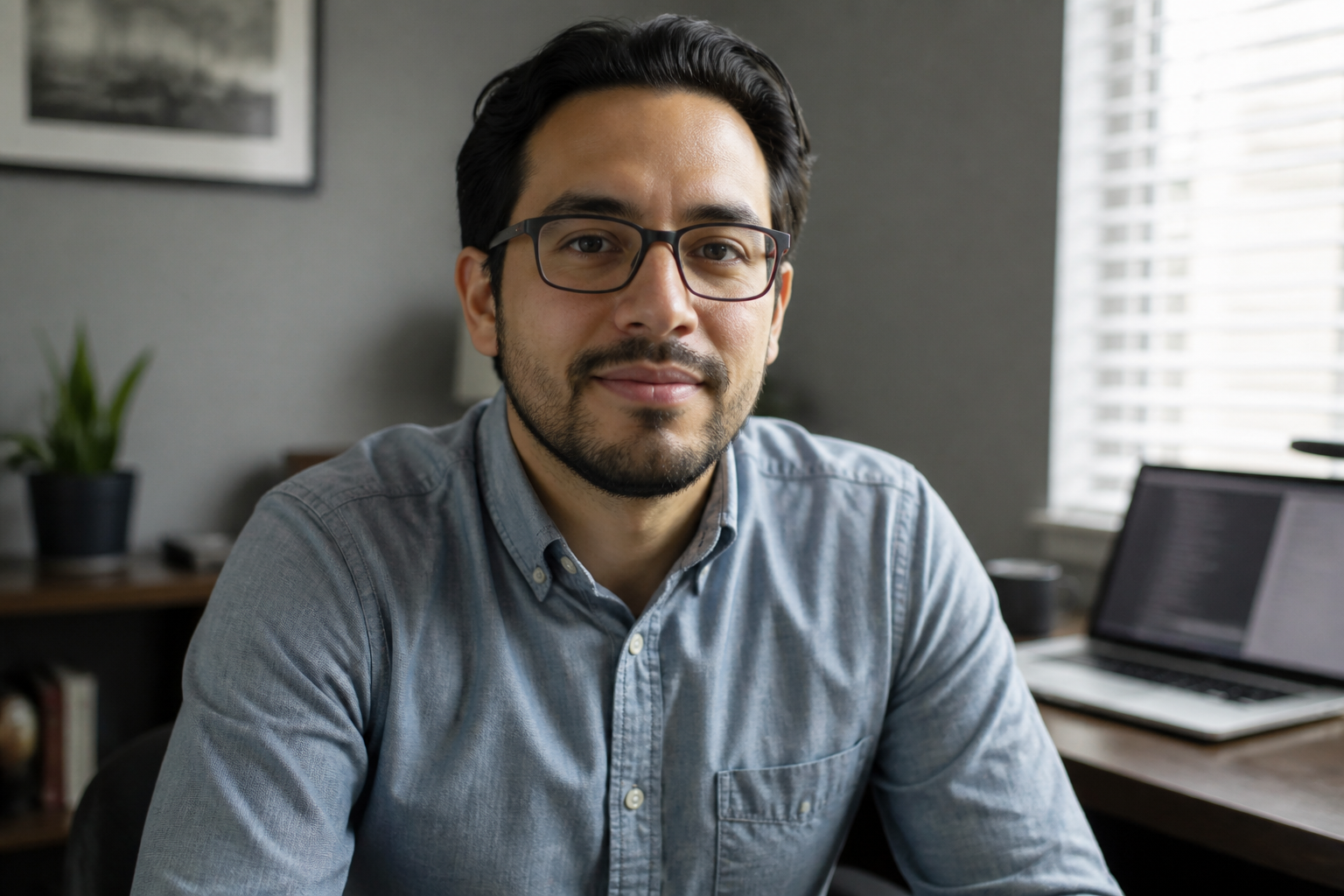 BEFORE
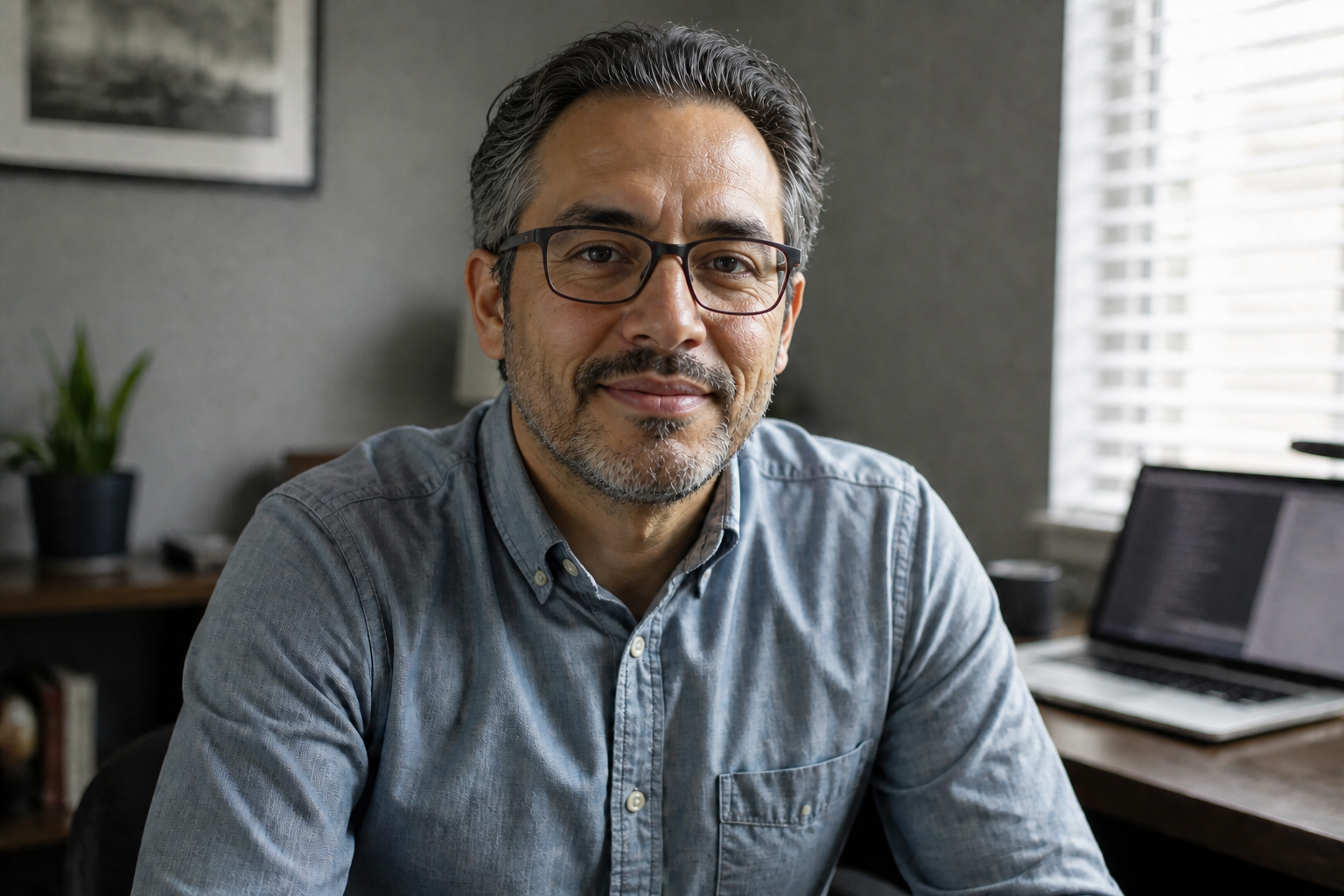 AFTER
AFTER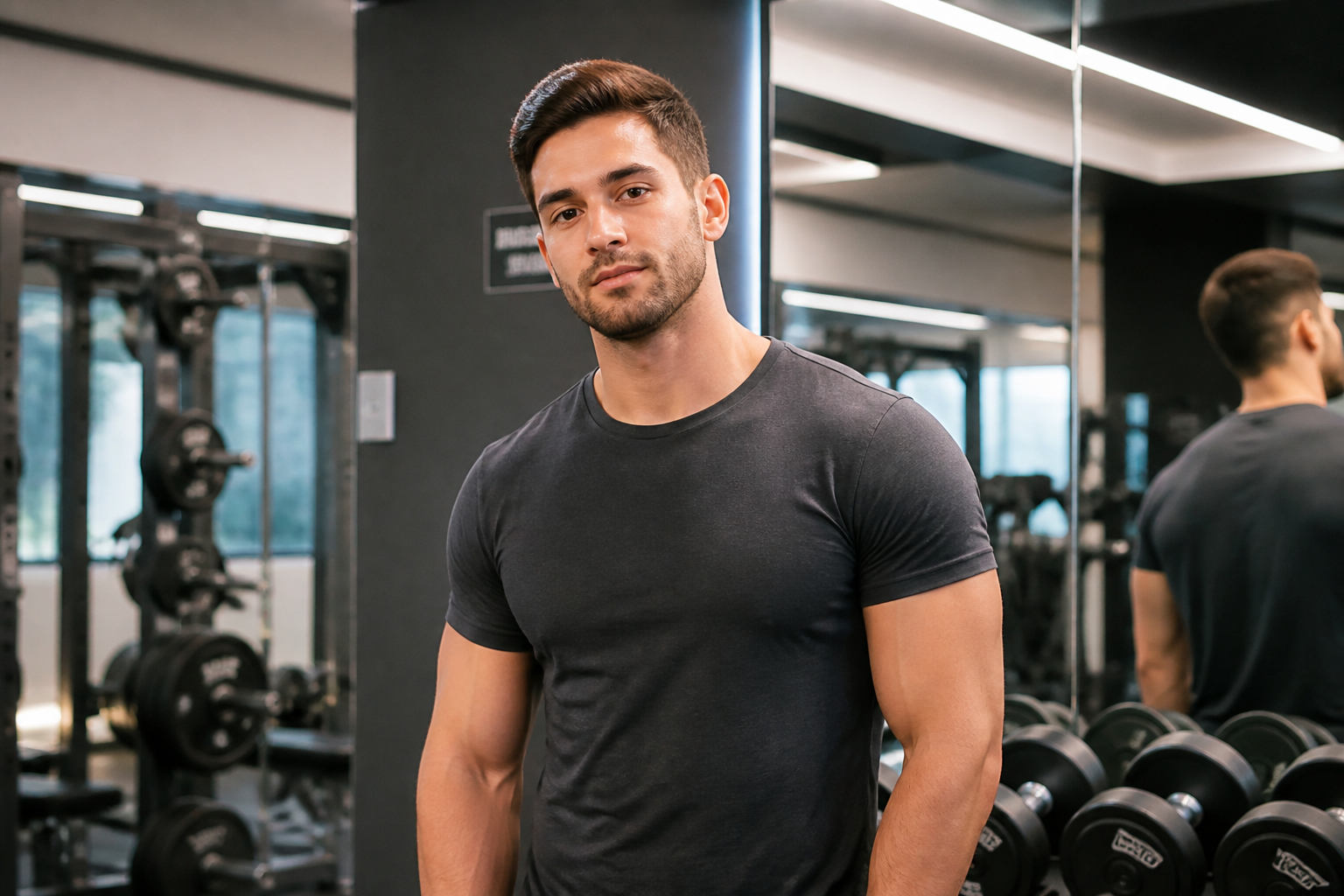 BEFORE
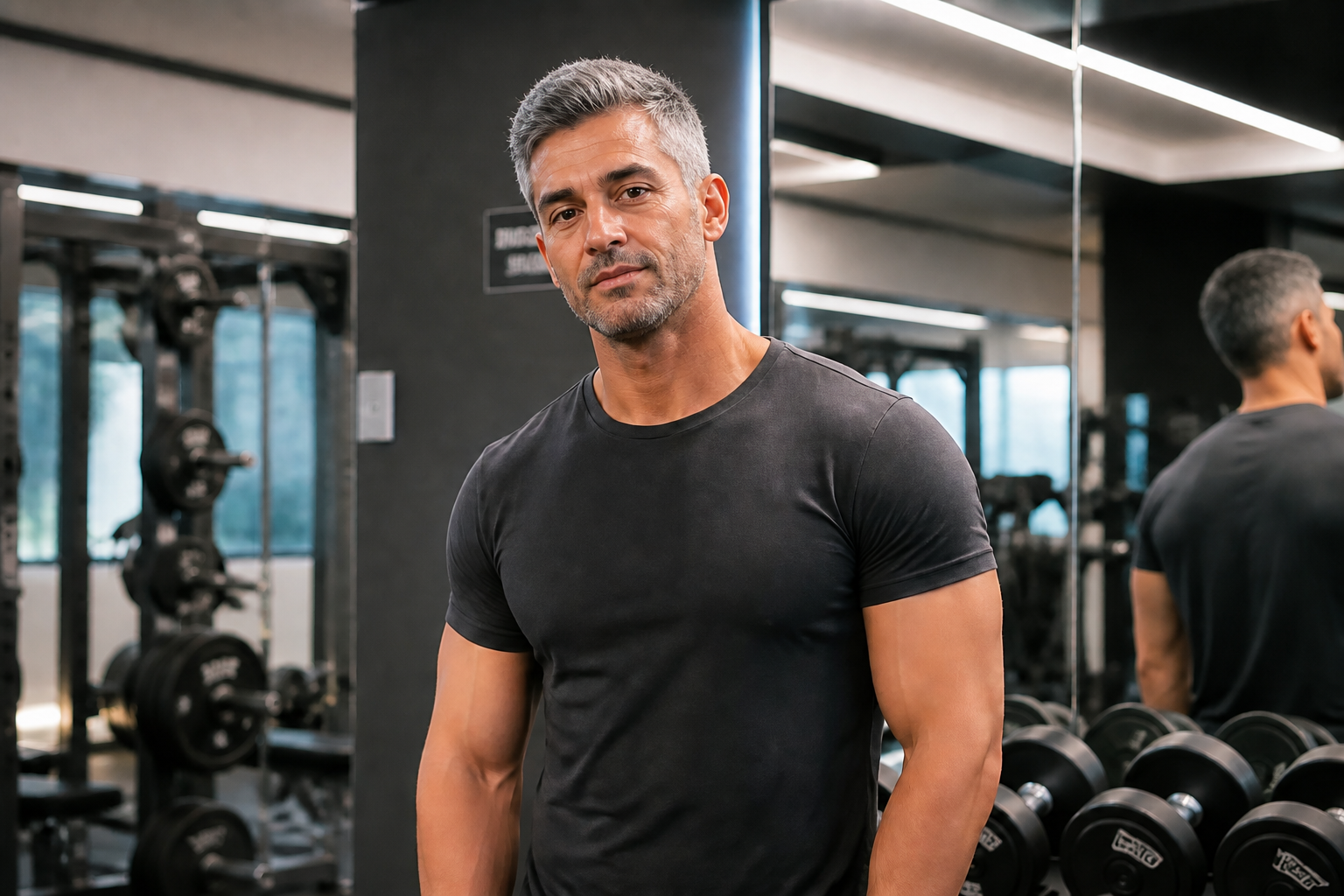 AFTERBEFOREAFTERBEFOREAFTERBEFOREAFTERBEFOREAFTERBEFOREAFTER
Key Features
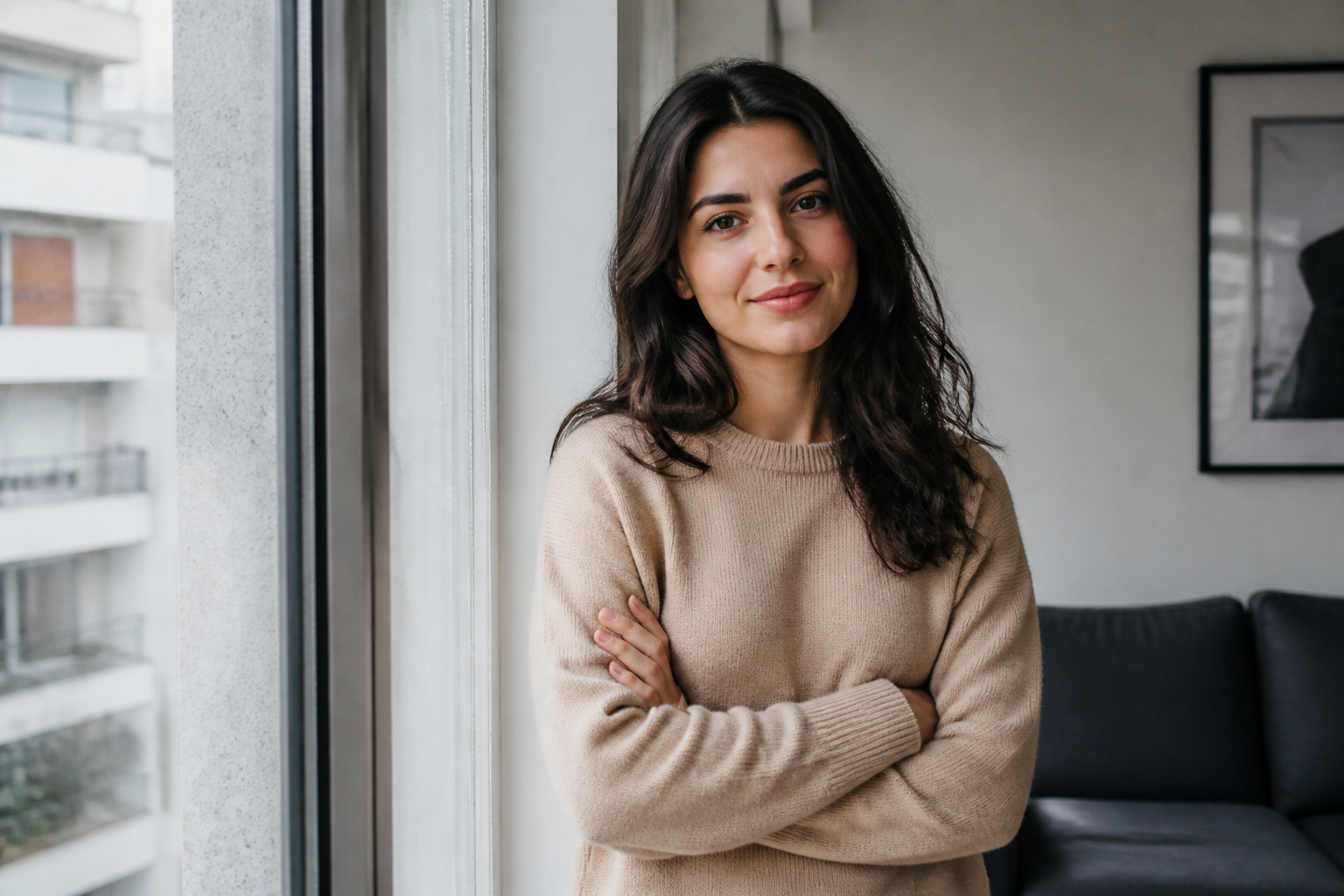
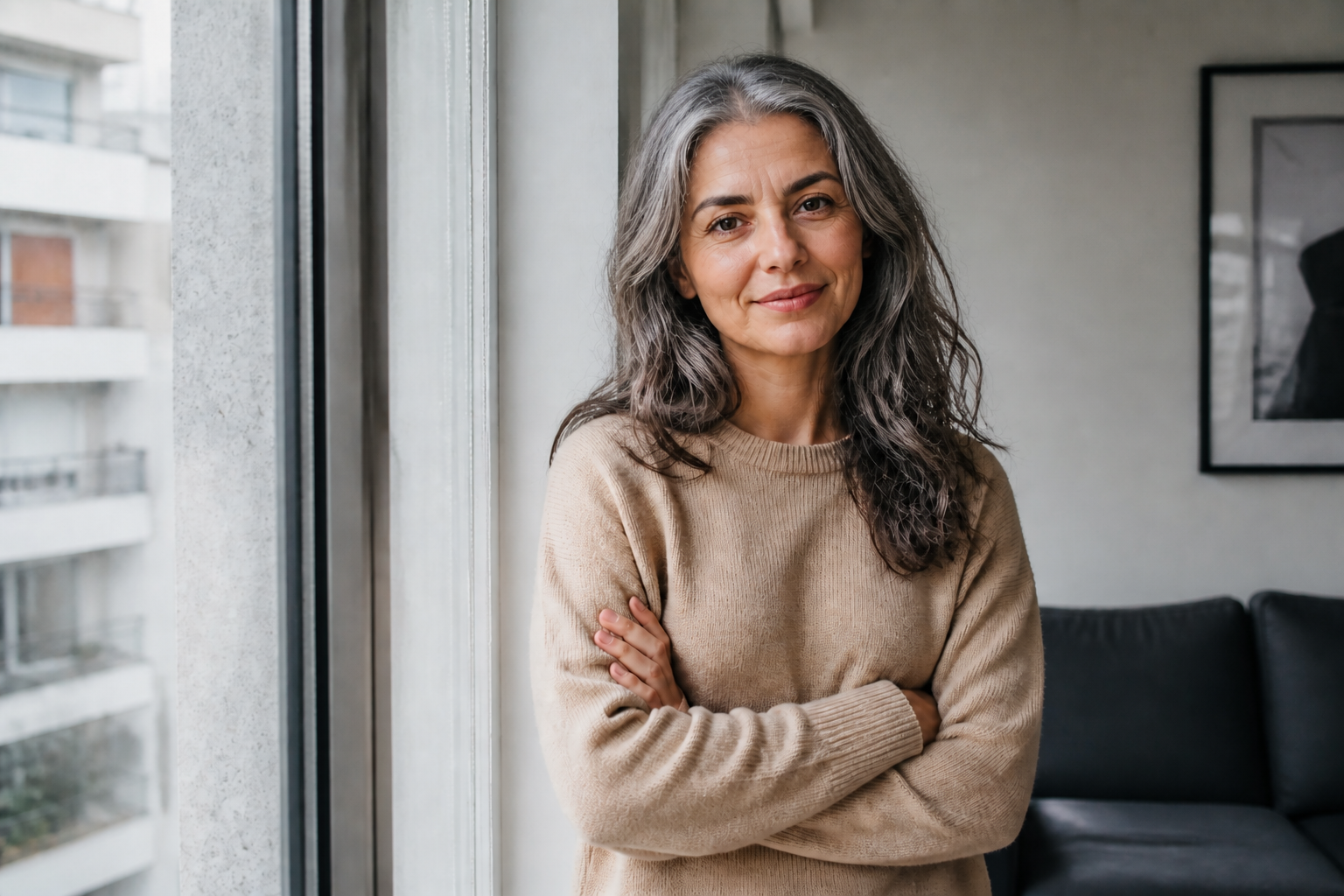
Clear older-face previews
The edit focuses on visible age progression, so the result reads instantly as older instead of looking nearly unchanged. You can push the subject forward by decades and still keep the photo usable. That makes it easier to compare options, share mockups, or test different future looks without manual retouching.
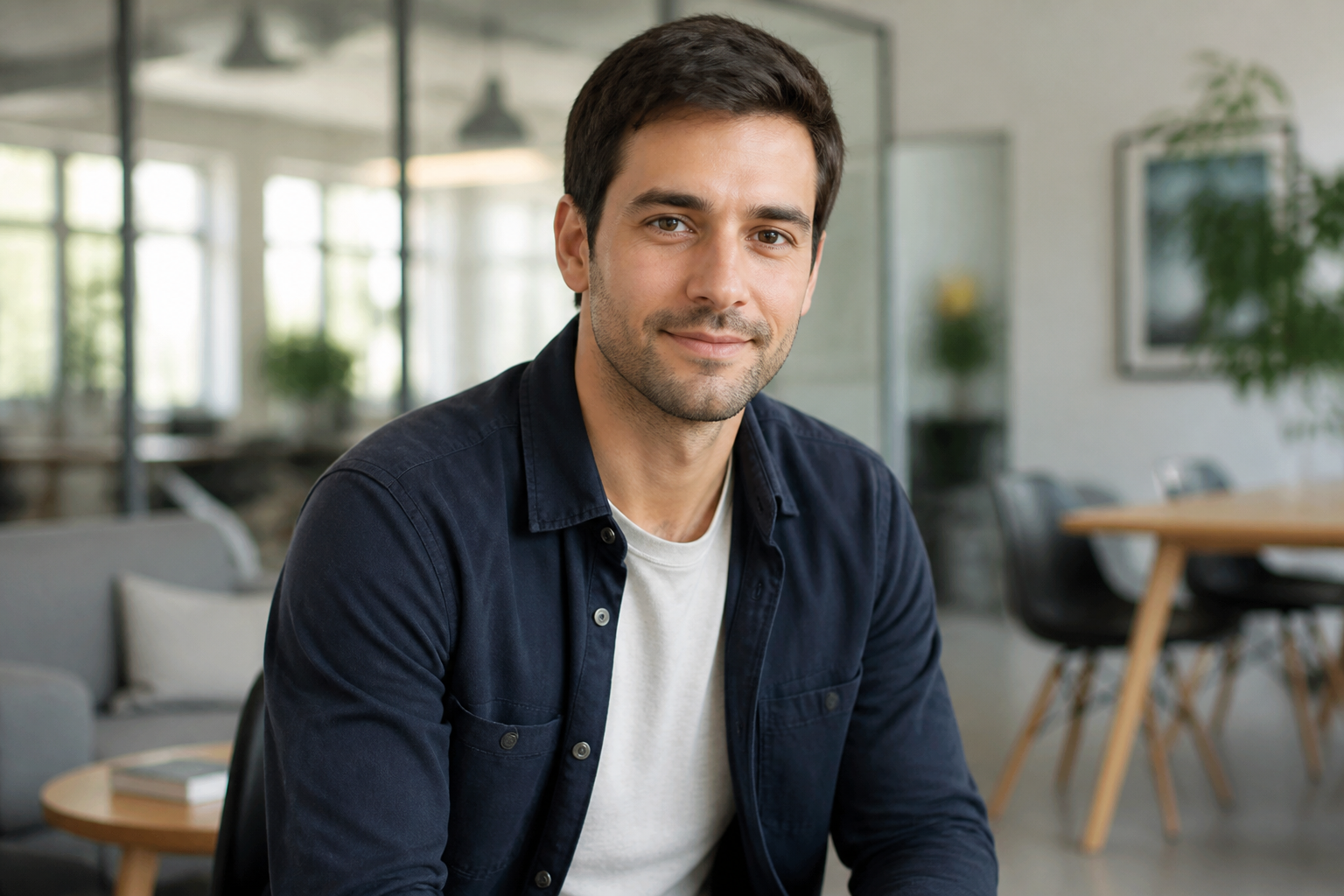
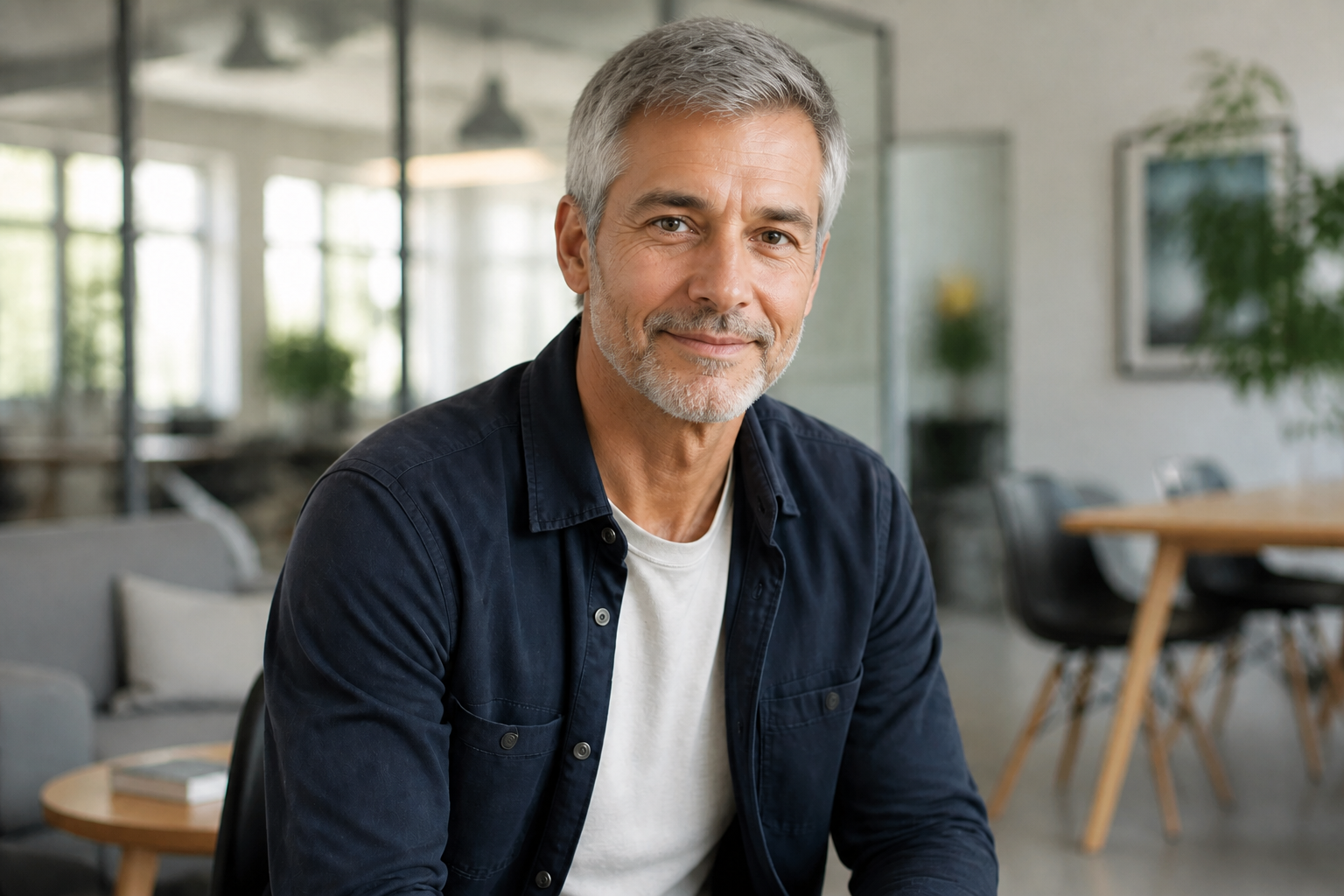
Keeps identity recognizable
Aging a face should not turn it into a different person. Our AI is guided to preserve the subject's core identity, expression, framing, and overall likeness while changing age-related features. That saves time compared with manual apps that often distort eyes, face shape, or key details.
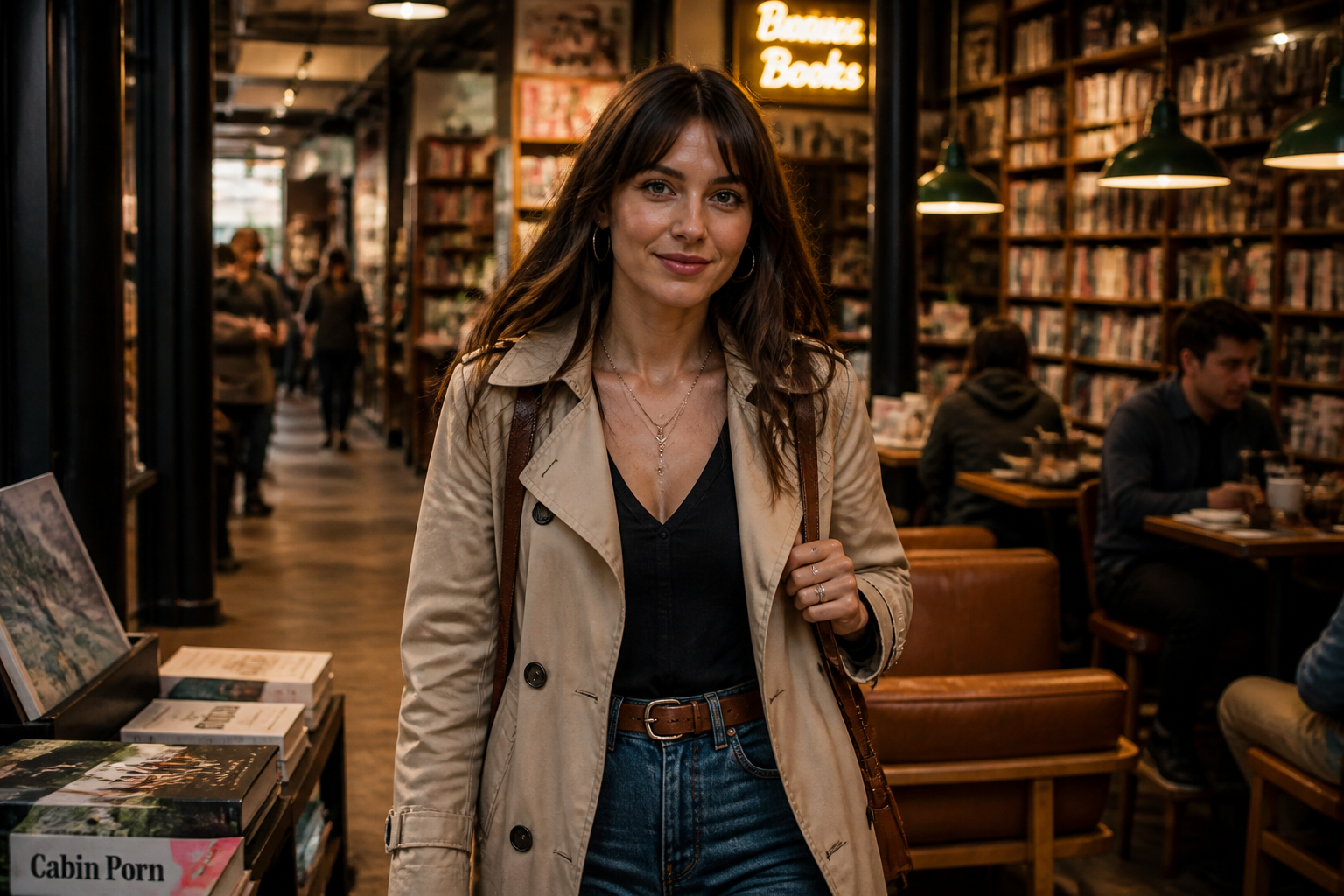
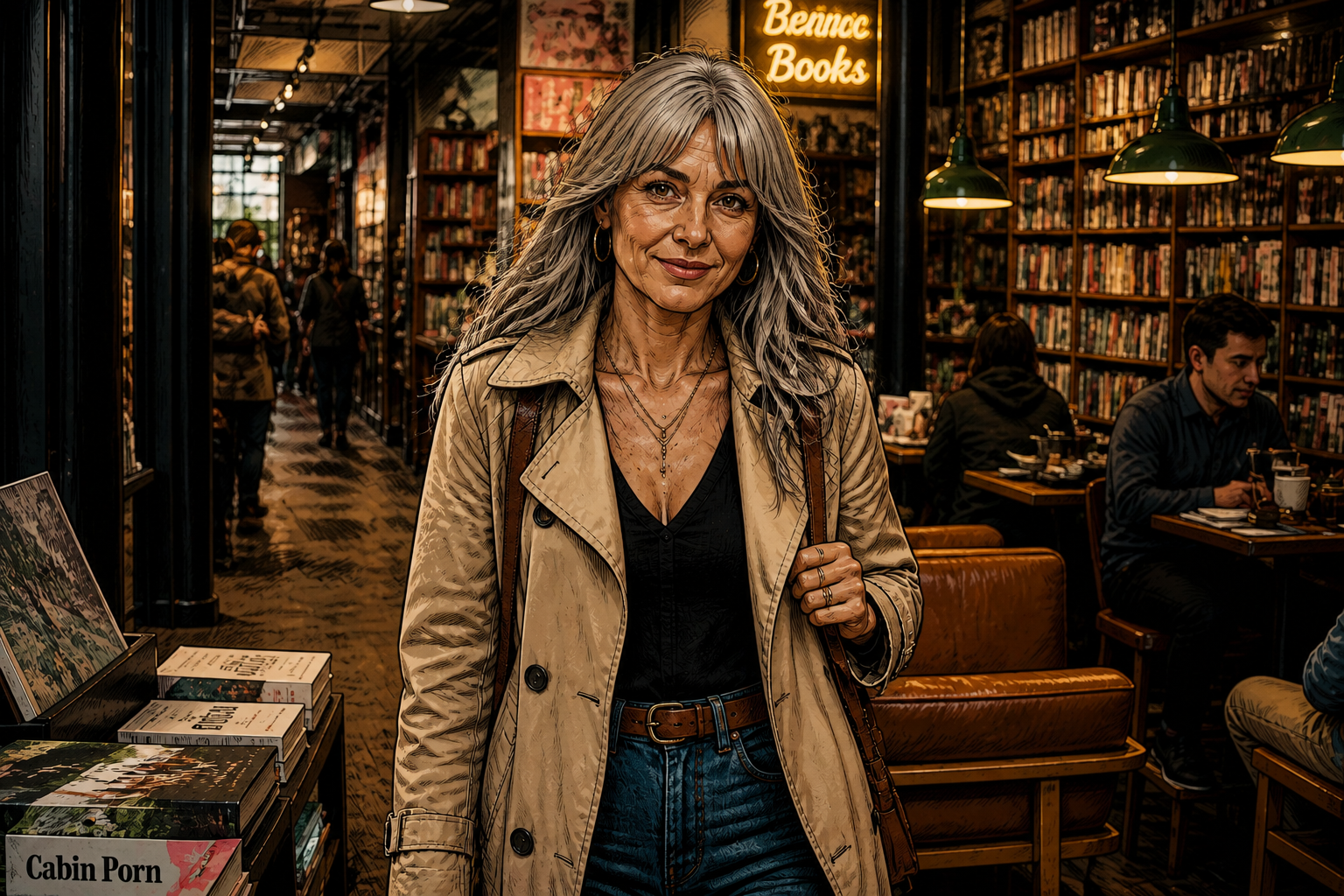
Works across photo styles
You can age portraits beyond basic passport-style headshots. The tool handles lifestyle scenes, editorial lighting, and artistic looks while keeping the before-and-after easy to read. This gives you more range for content, concept testing, and creative projects from one workflow.
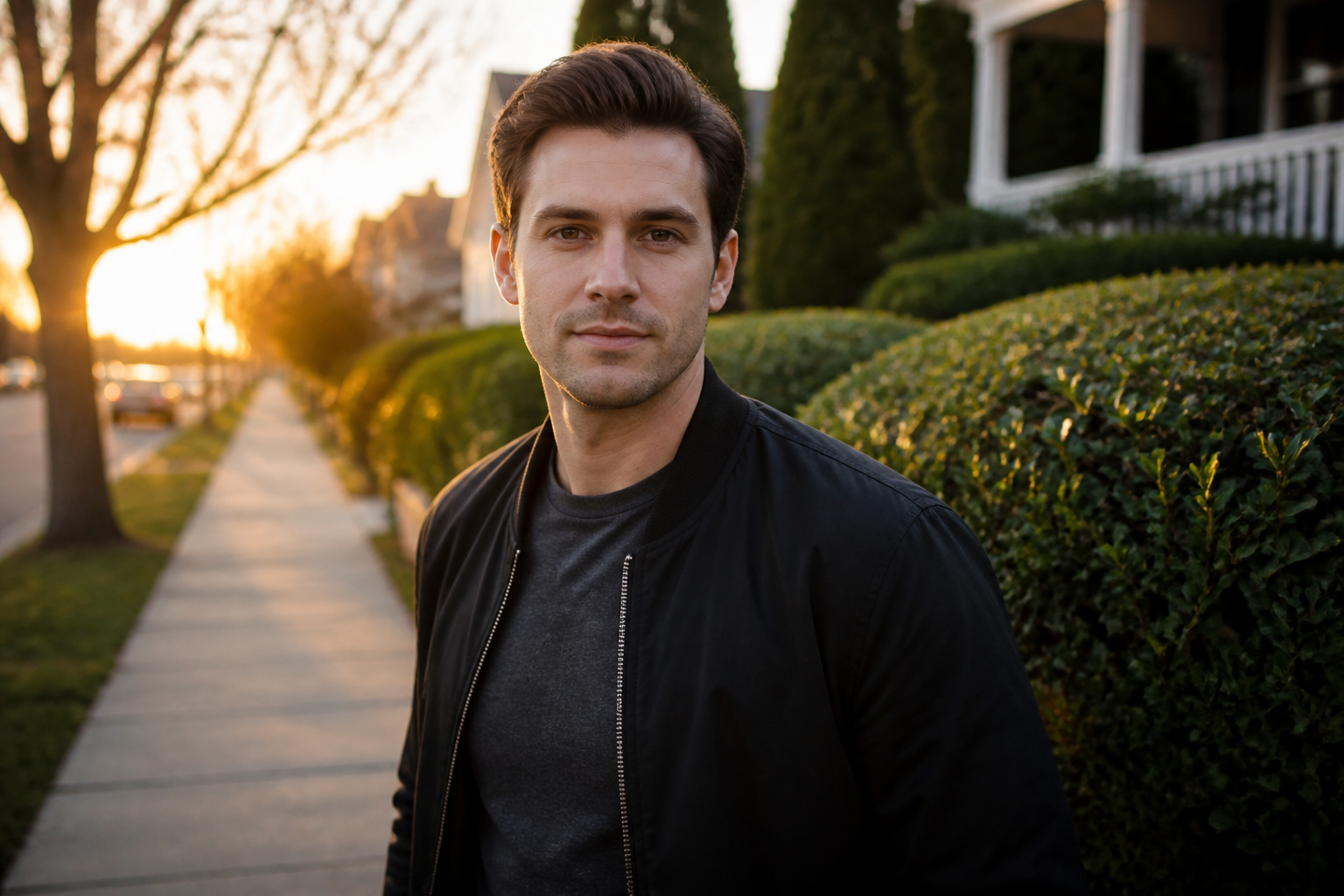
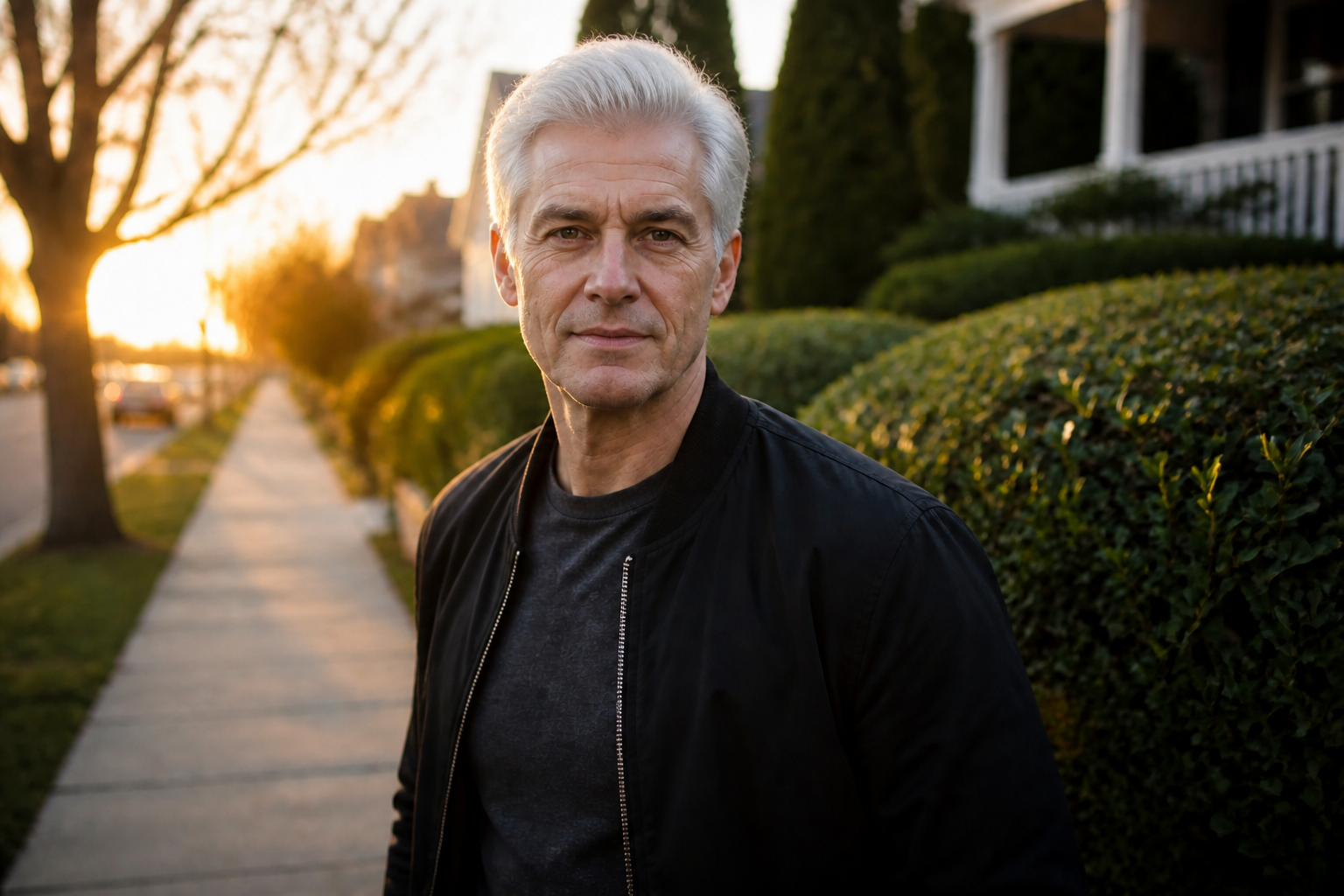
Fast before-and-after testing
Instead of building age effects piece by piece, you can test a full progression from a single photo. That makes it practical to try different subjects, settings, and creative directions quickly. For teams and creators, it is a much faster way to get visual options ready for review.
How It Works
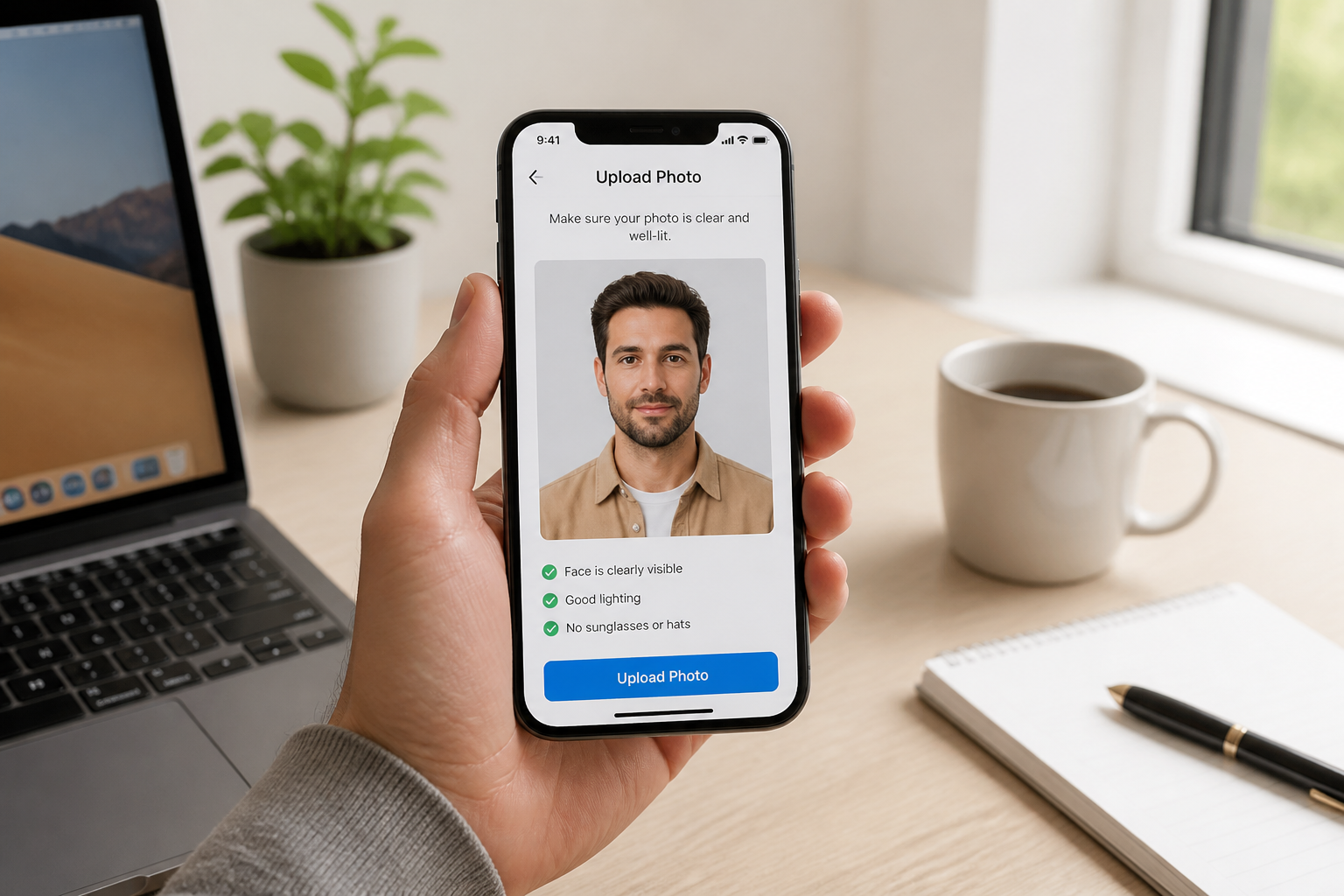
Upload your photo
Start with a clear image of one adult subject. Medium shots with good lighting usually give the most believable age progression.
Describe the age change
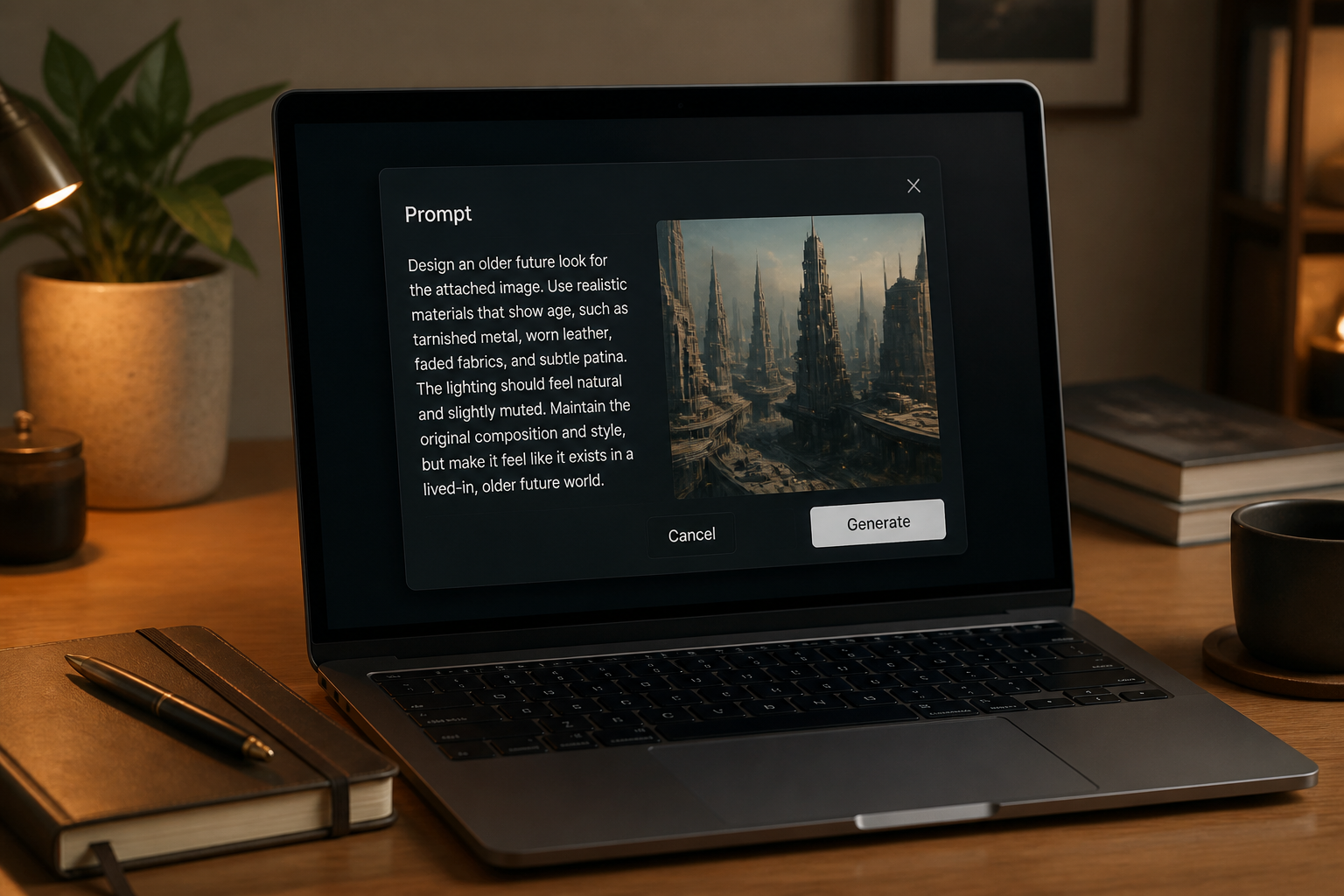
Tell the tool how far forward you want to age the subject, such as 20, 30, or 40 years. You can also mention whether you want a realistic or stylized result.
Compare the result
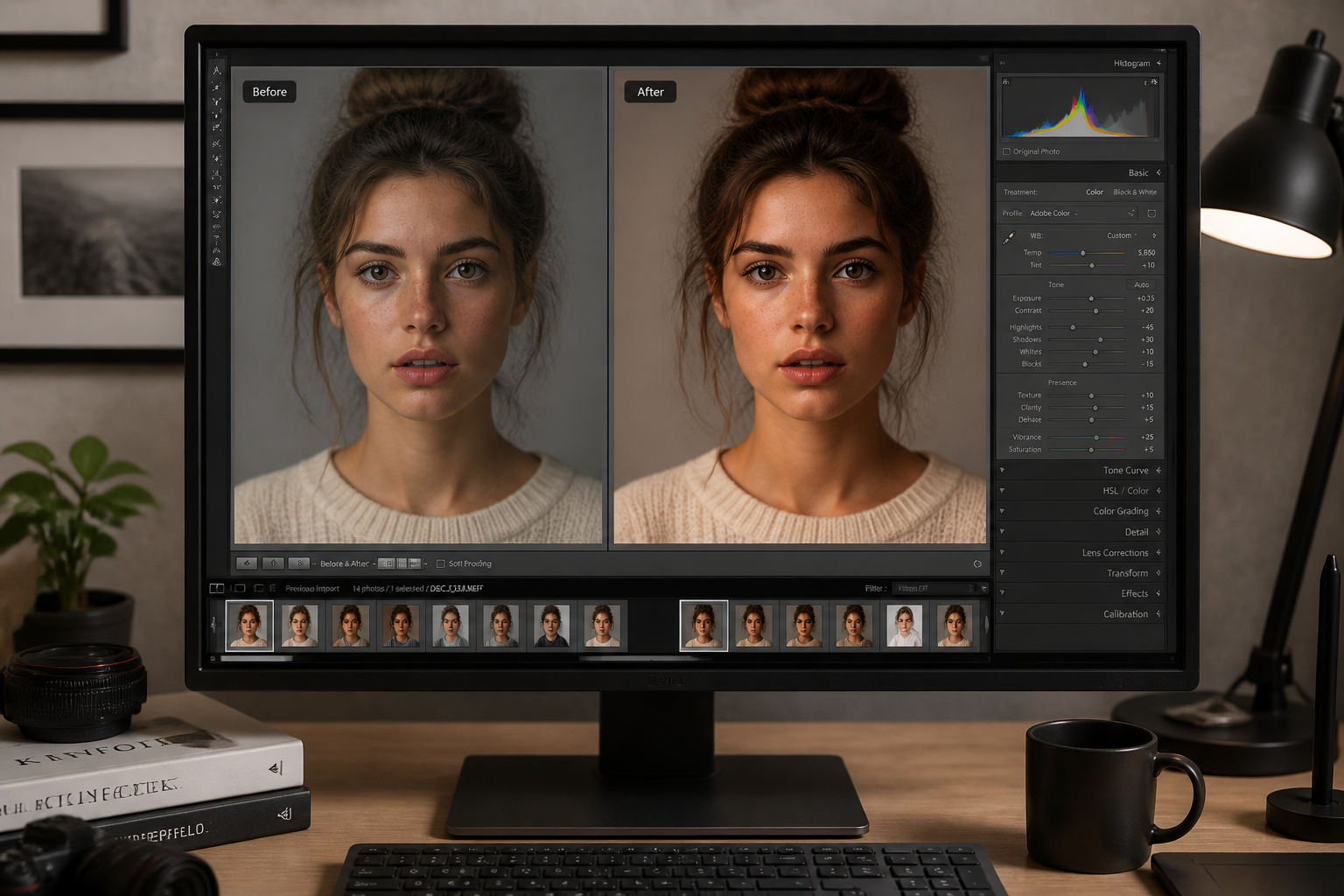
Review the before and after side by side and check how the older features read at a glance. If needed, adjust the prompt and generate another version.
Perfect For
Discover how creators and professionals use ai age progression
Creative portrait concepts
Preview how a subject might look decades later for visual storytelling, moodboards, or social content.
Casting and character planning
Test future-age looks for fictional characters without building makeup references by hand.
Content for social posts
Create strong before-and-after images that are easy to understand in feeds, reels, and thumbnails.
Design exploration
Try realistic and stylized aging directions before committing to a final art direction.
Built For
Creators and influencers
Make engaging future-look edits for short-form content, thumbnails, and audience interaction.
Designers and art directors
Generate fast concept visuals for campaigns, storyboards, and character development.
Everyday users
Upload a portrait and get a quick, readable age progression without learning complex editing tools.
Why use it for age progression
A quick look at how we compare on the things that matter for this niche.
| Feature | BudgetPixel | Generic AI editors | Manual editing apps |
|---|---|---|---|
| Visible age progression | ✓ | Varies | Slow |
| Keeps identity recognizable | ✓ | Varies | Varies |
| Before/after workflow | ✓ | Varies | — |
| Stylized aging options | ✓ | Varies | Limited |
| Fast to try | ✓ | ✓ | — |
Frequently Asked Questions
What kind of photos work best for AI Age Progression?
Will the result still look like the same person?
Can I choose how many years to age someone?
Does it only work on realistic photos?
Do I need editing skills to use it?
Create together.
Share your creations, discover trending AI art, and grow with fellow creators.