AI Age Regression for Younger-Looking Portraits
See a younger version of any adult face in seconds.
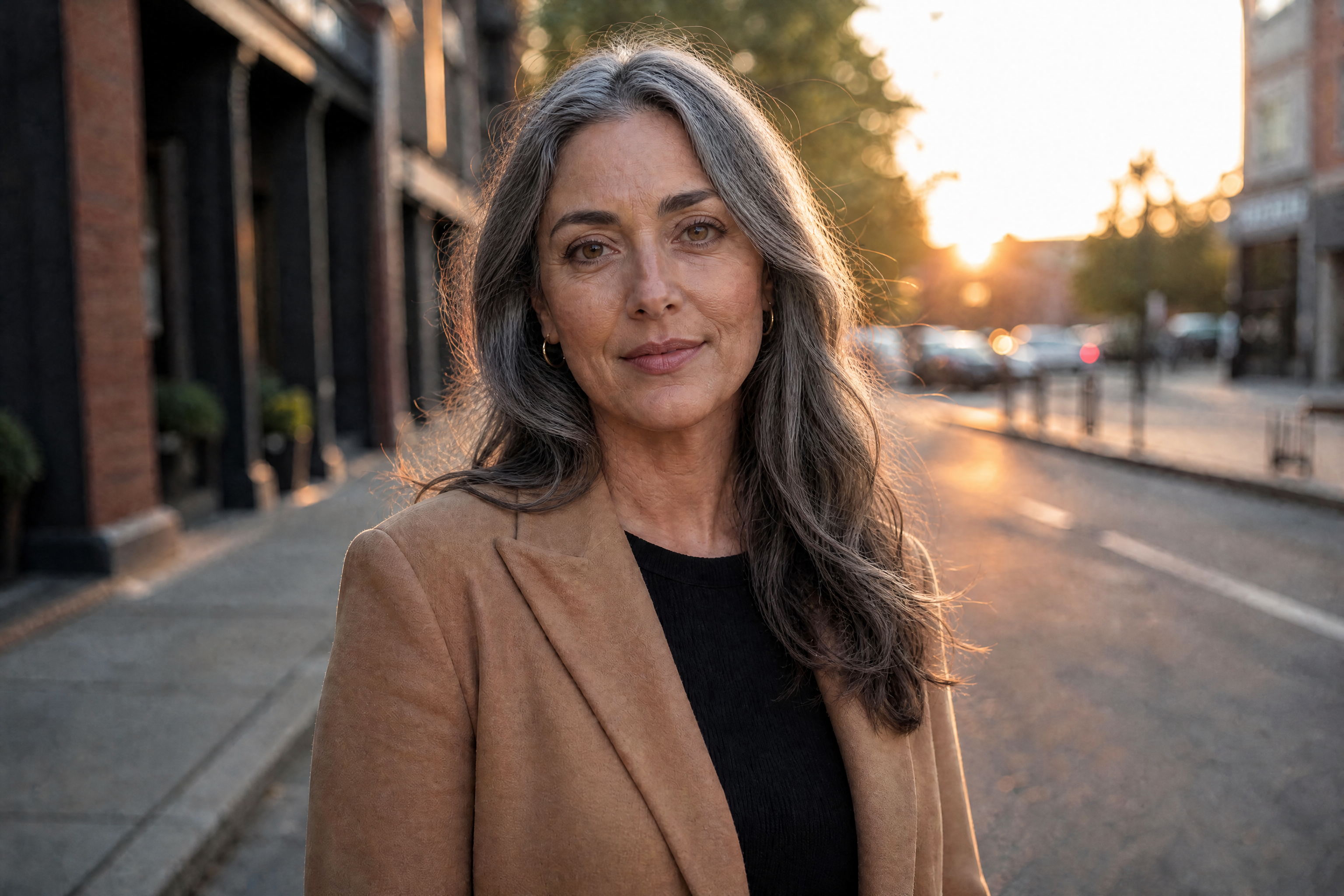
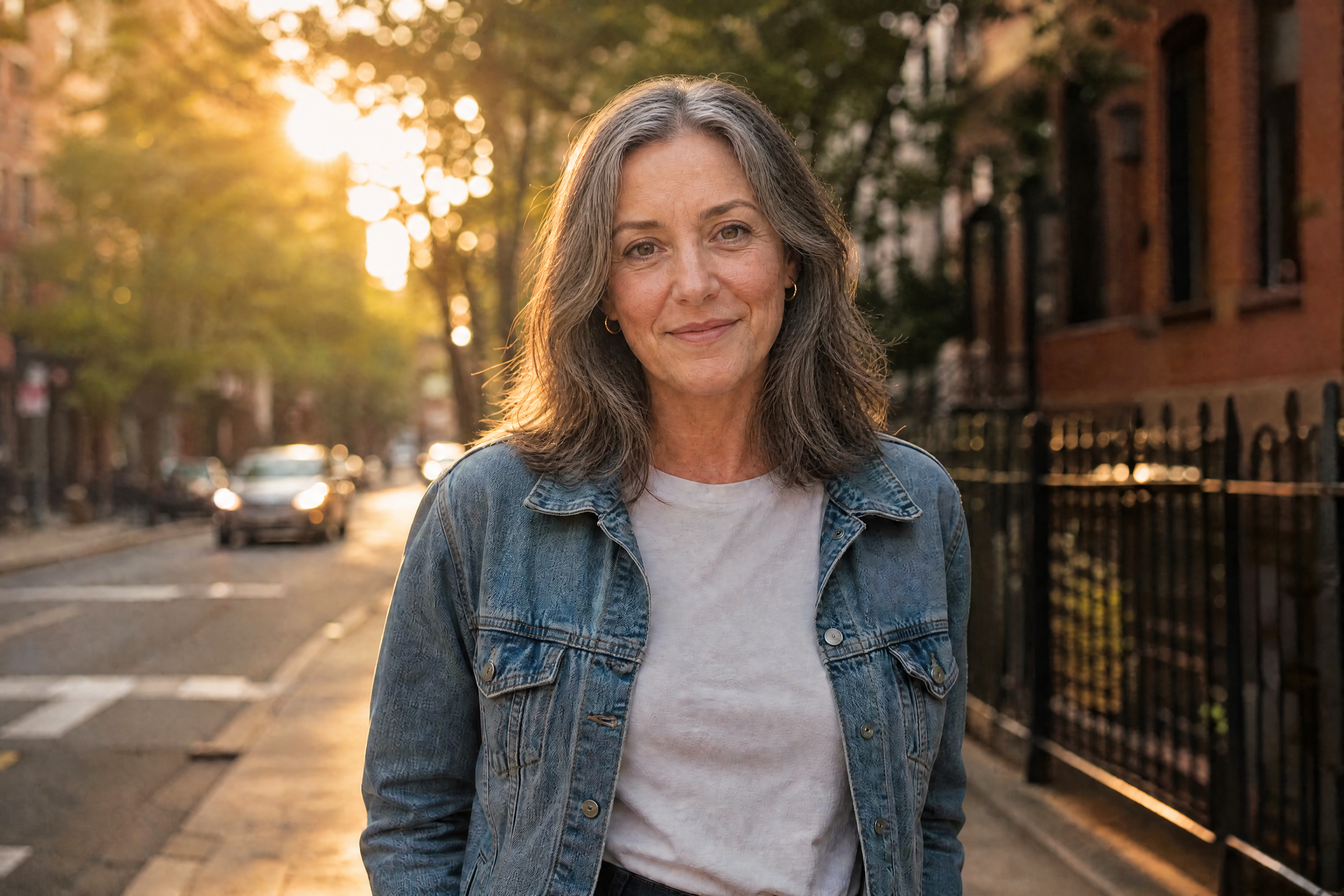
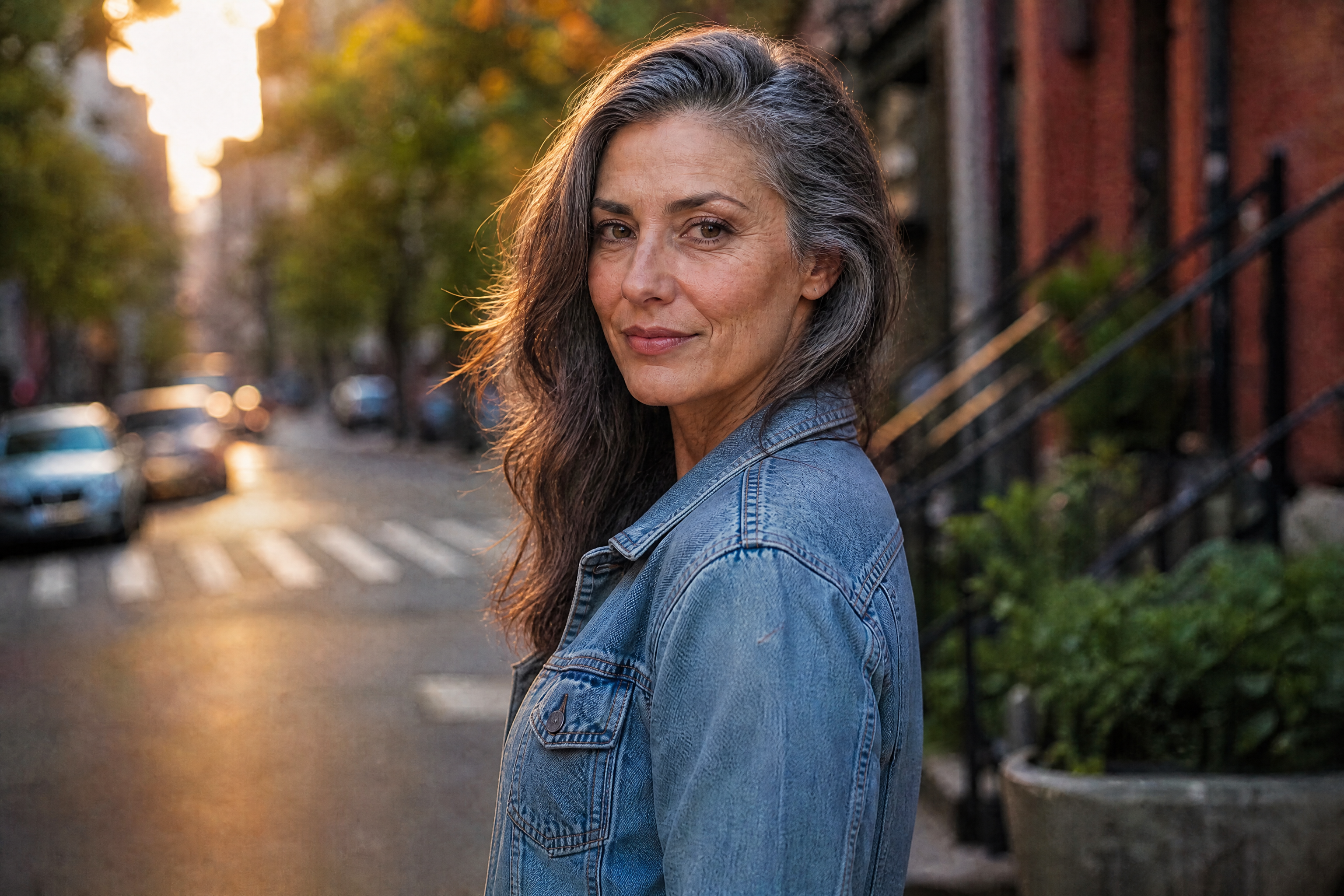
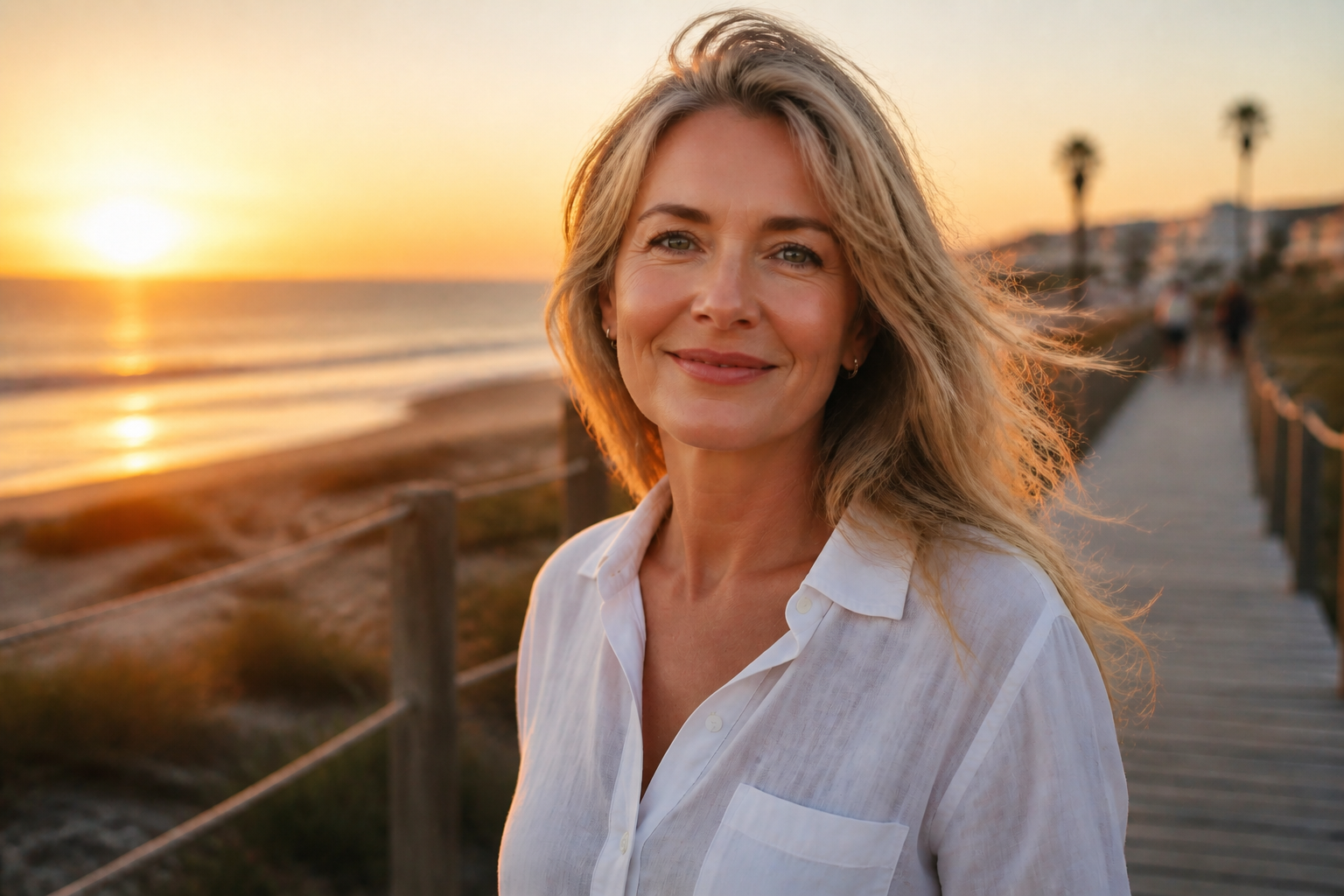
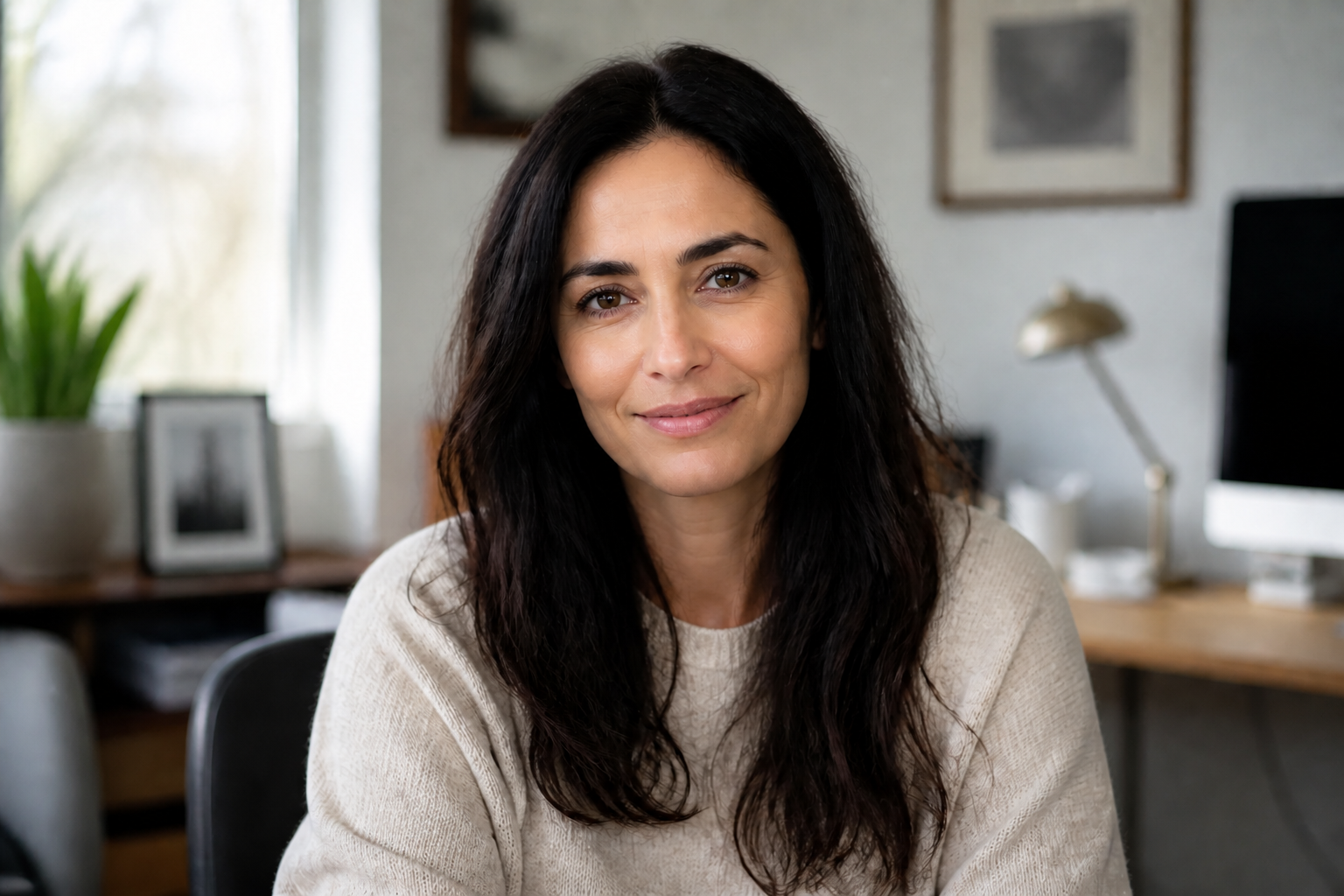
AI Age Regression transforms a portrait to look noticeably younger while keeping the person's identity, pose, and overall photo intact. Use it to preview age changes, create social content, or explore different youthful looks from the same image.
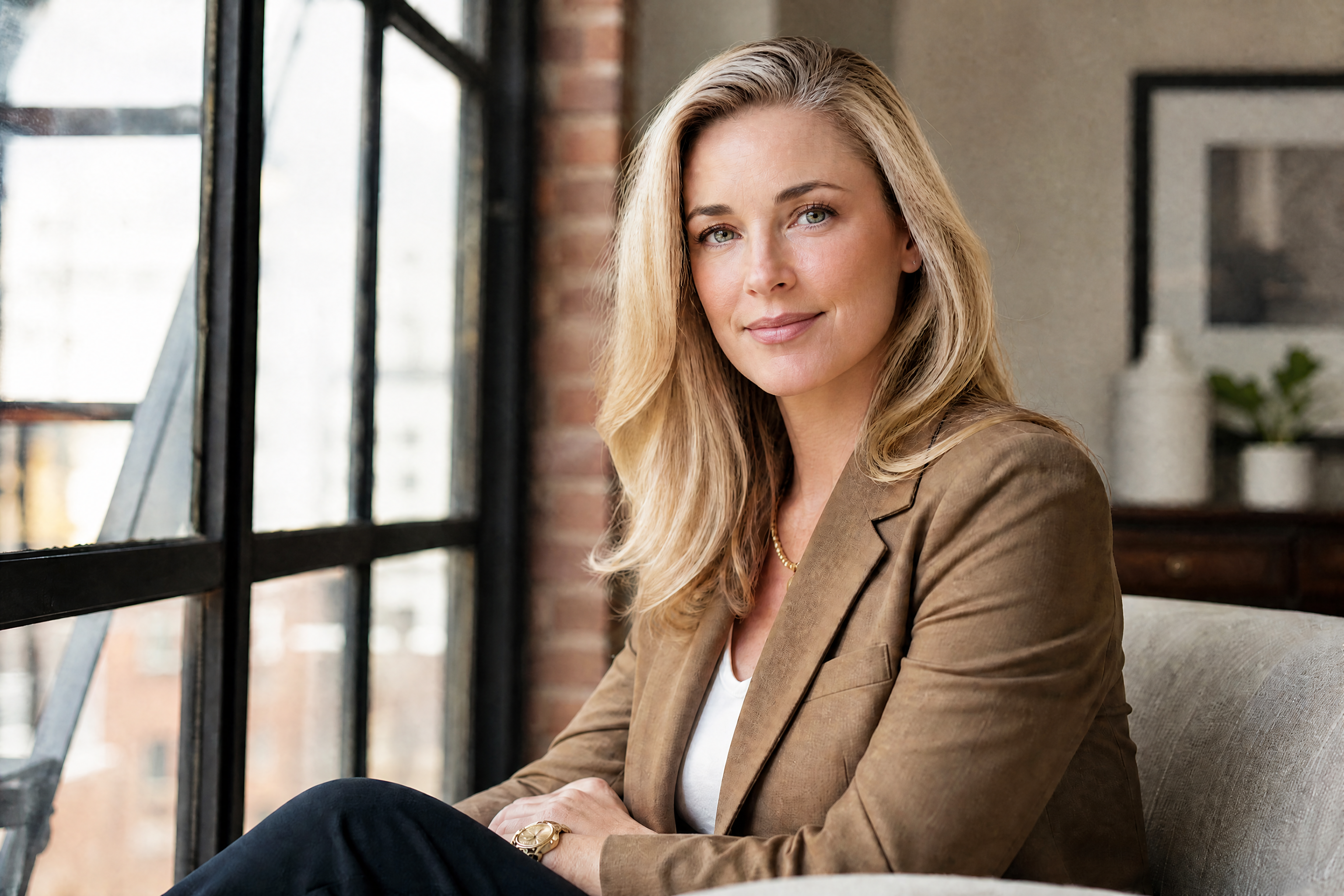
Watch the Transformation
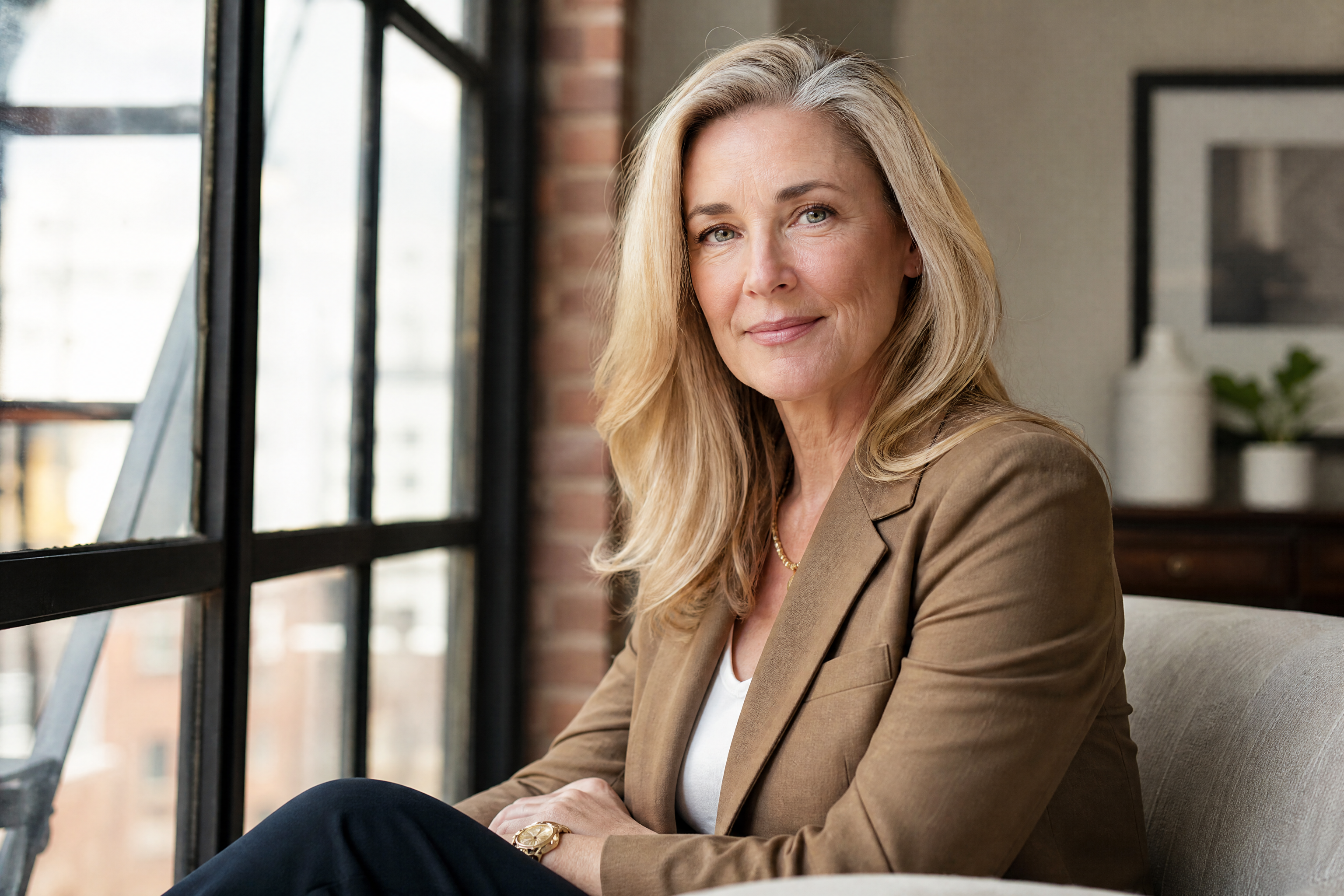
See ai age regression in motion — generated end-to-end by our AI.
See It In Action
Real outputs from ai age regression.
BEFOREAFTER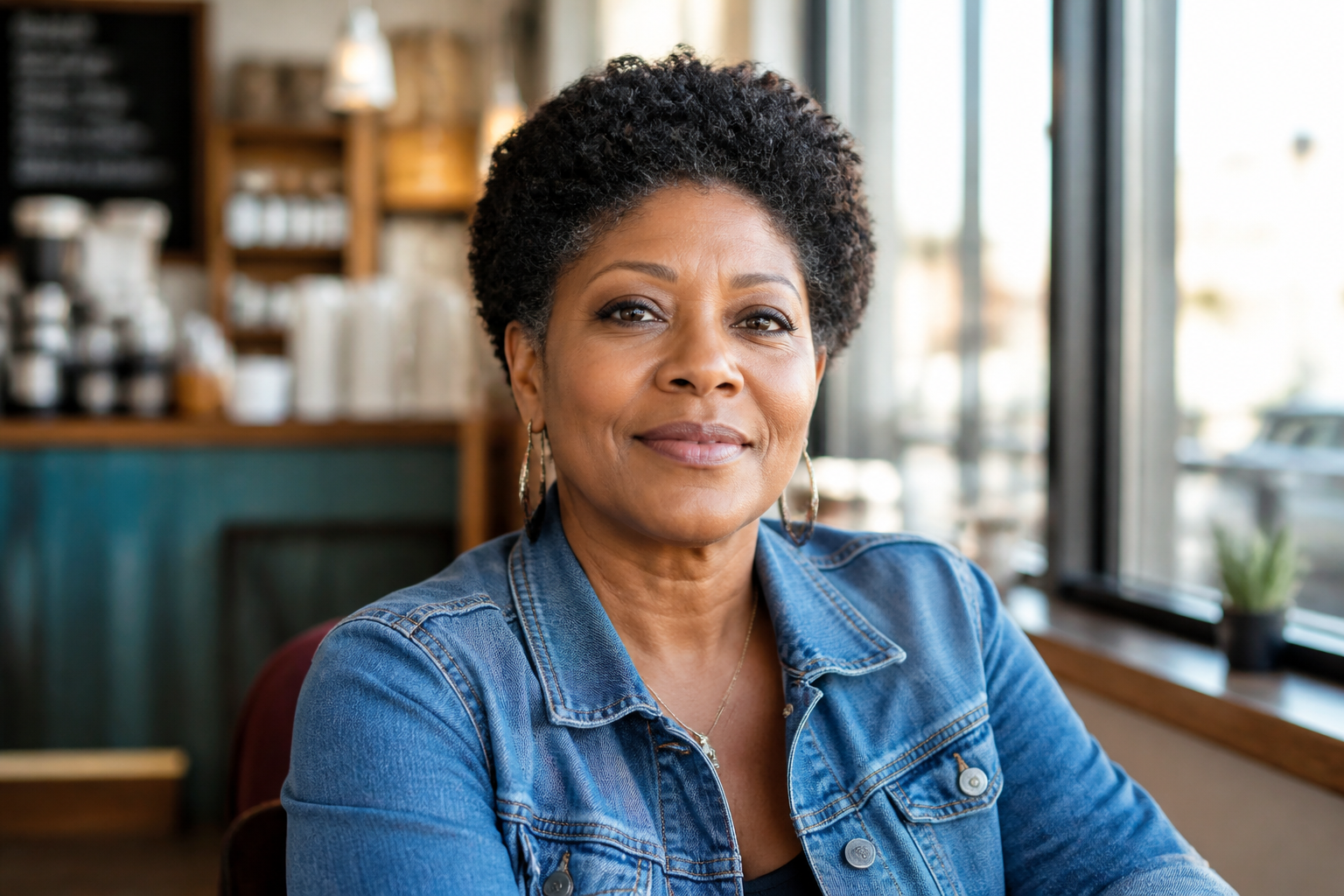 BEFORE
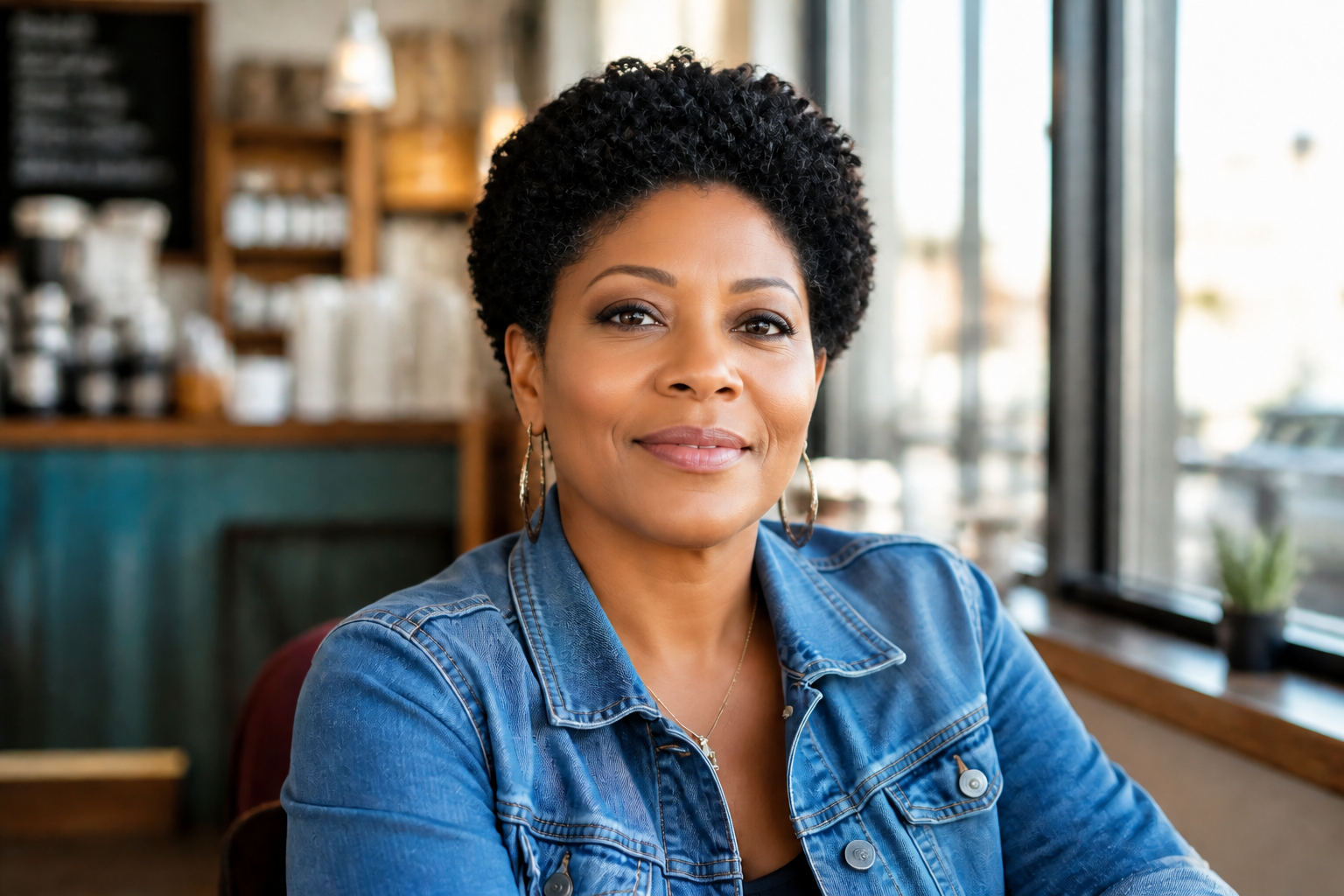 AFTER
AFTER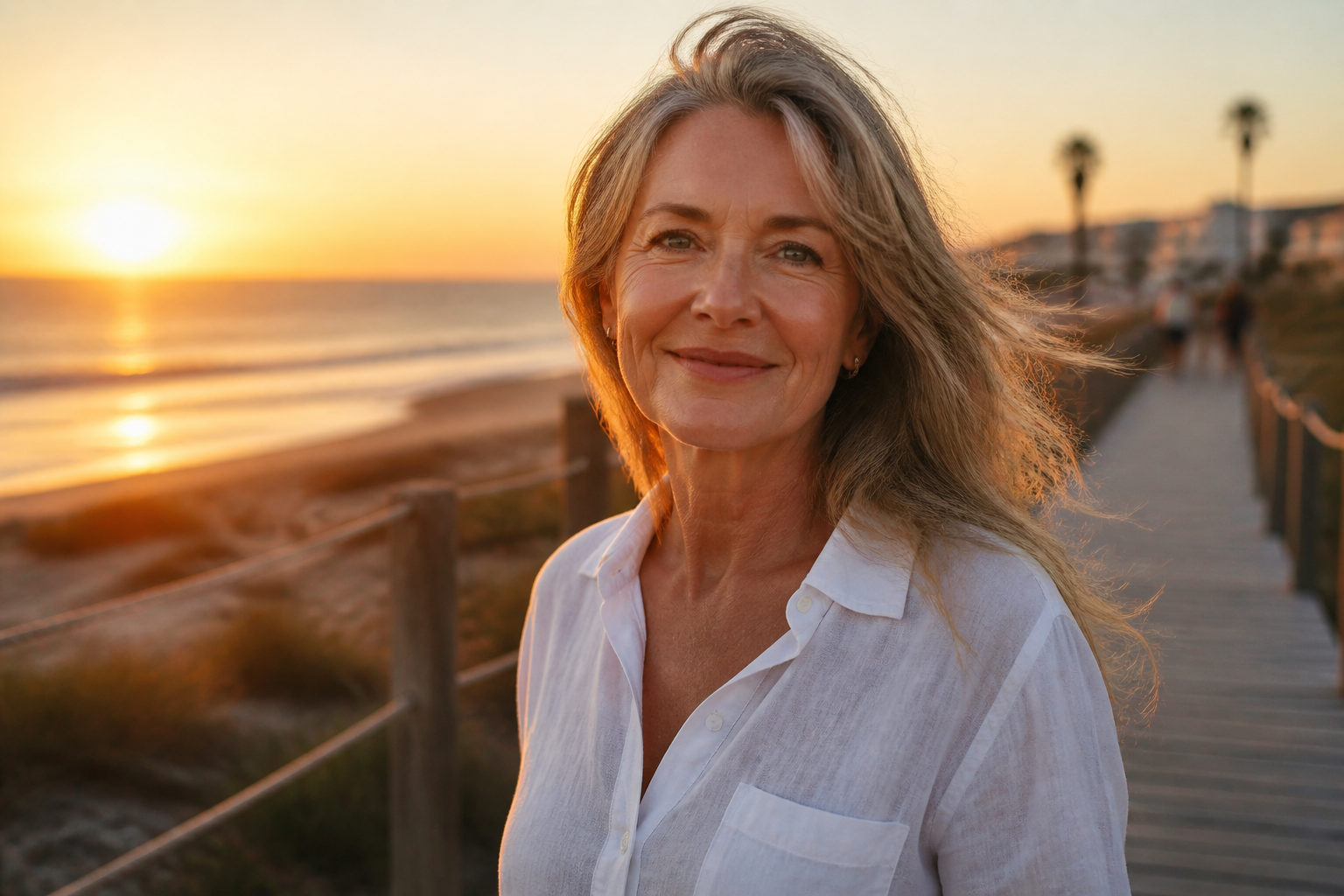 BEFORE
 AFTER
AFTER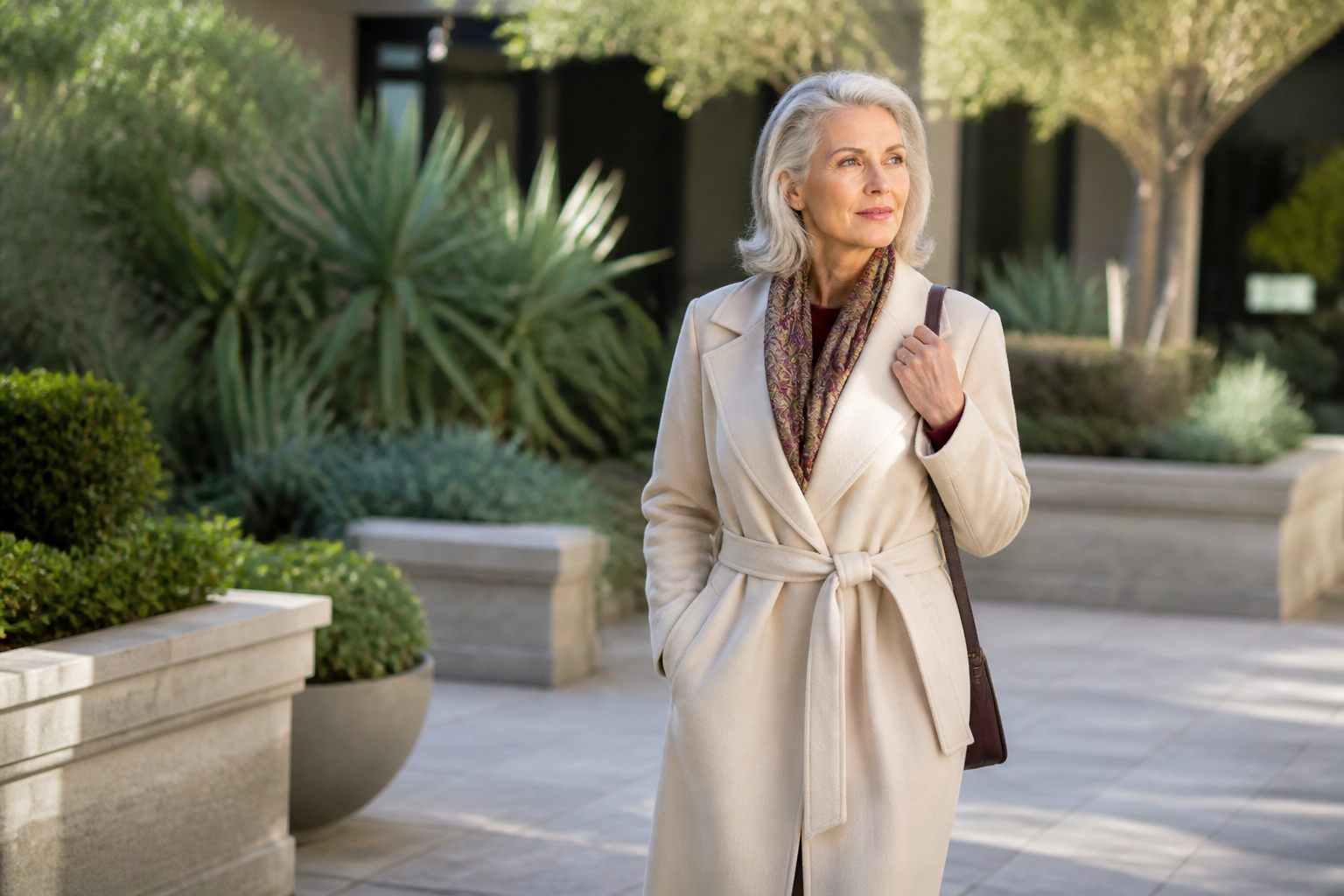 BEFORE
 AFTER
AFTER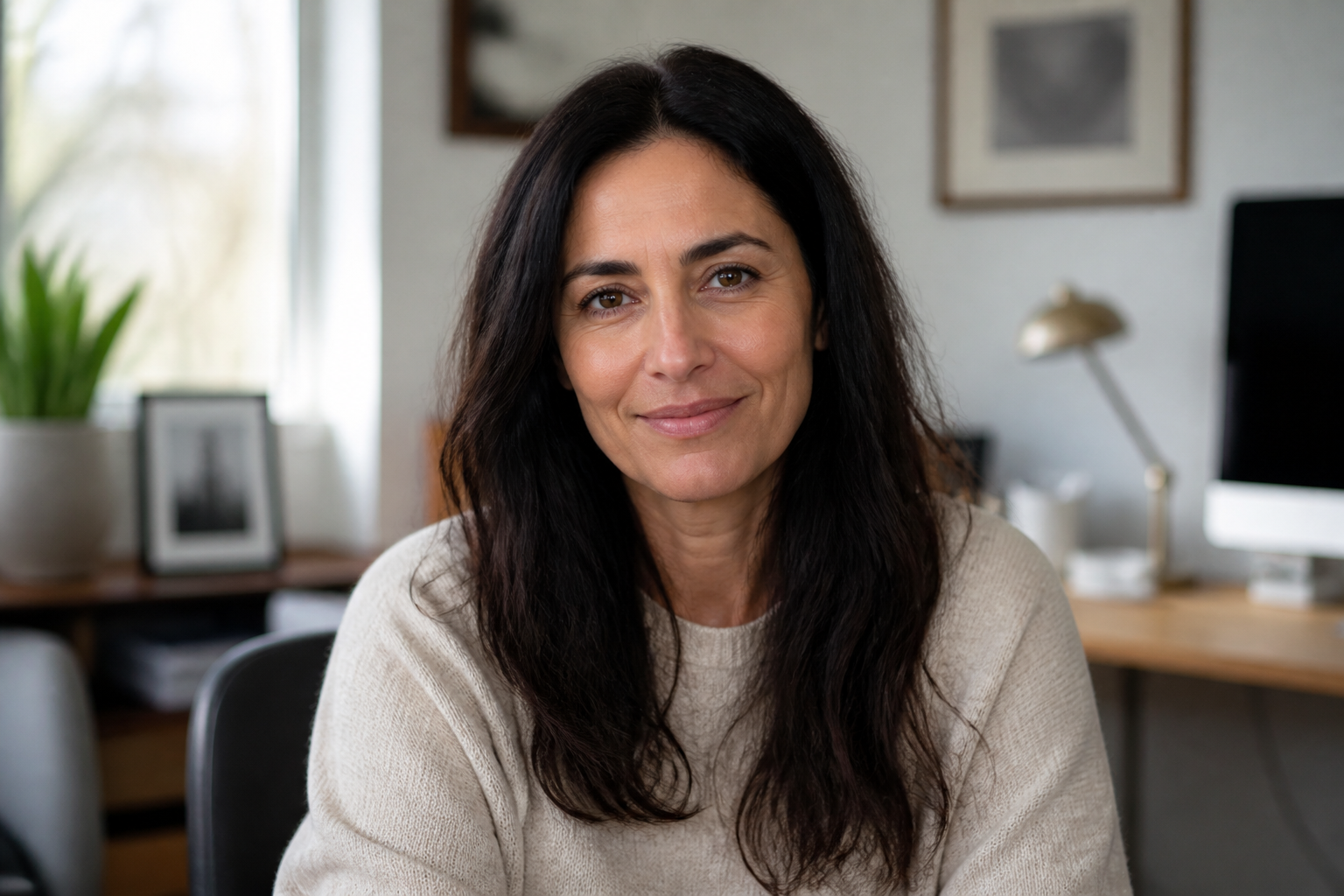 BEFORE
 AFTERBEFOREAFTERBEFOREAFTERBEFOREAFTERBEFOREAFTERBEFOREAFTER
 BEFORE
 AFTER
AFTER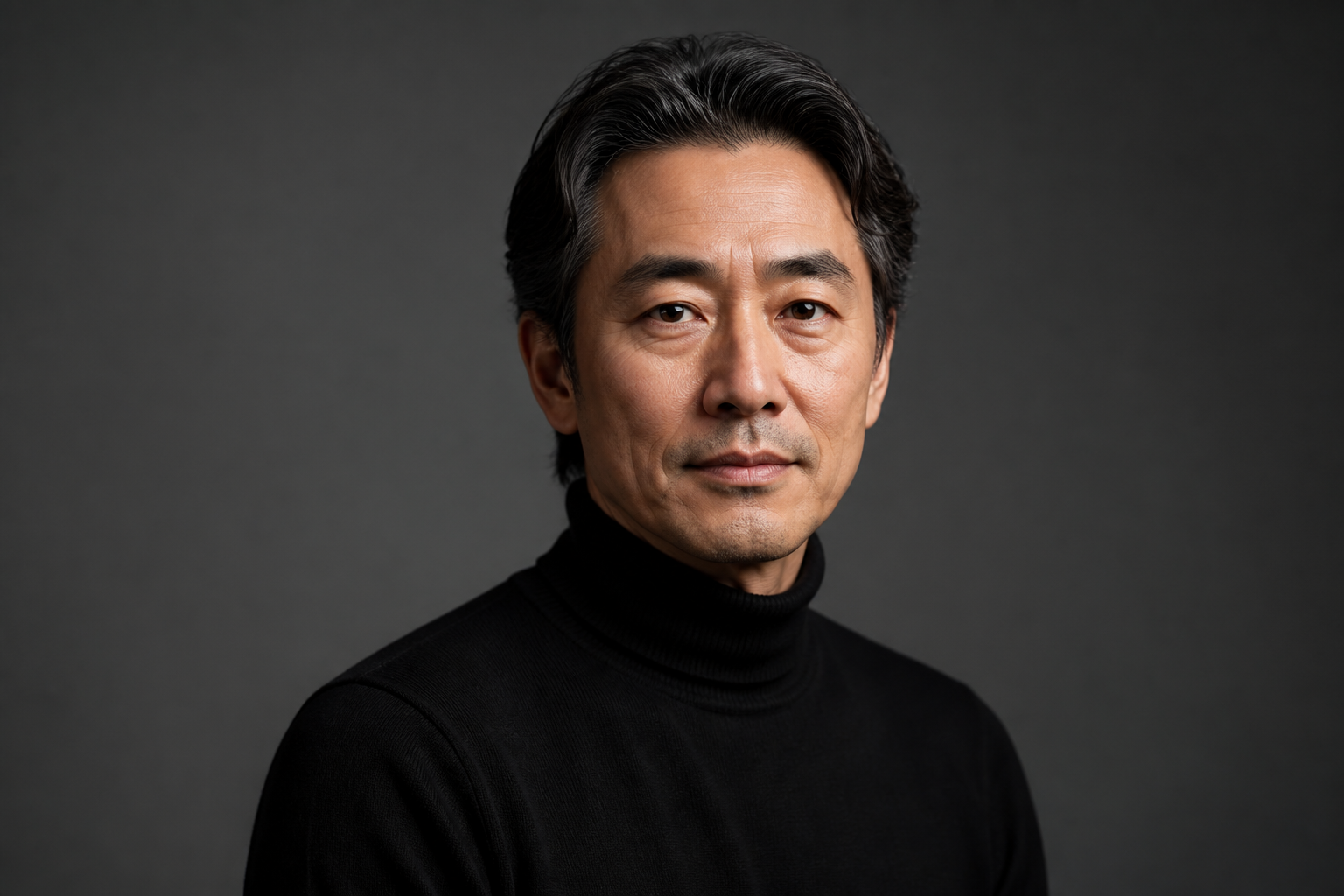 BEFORE
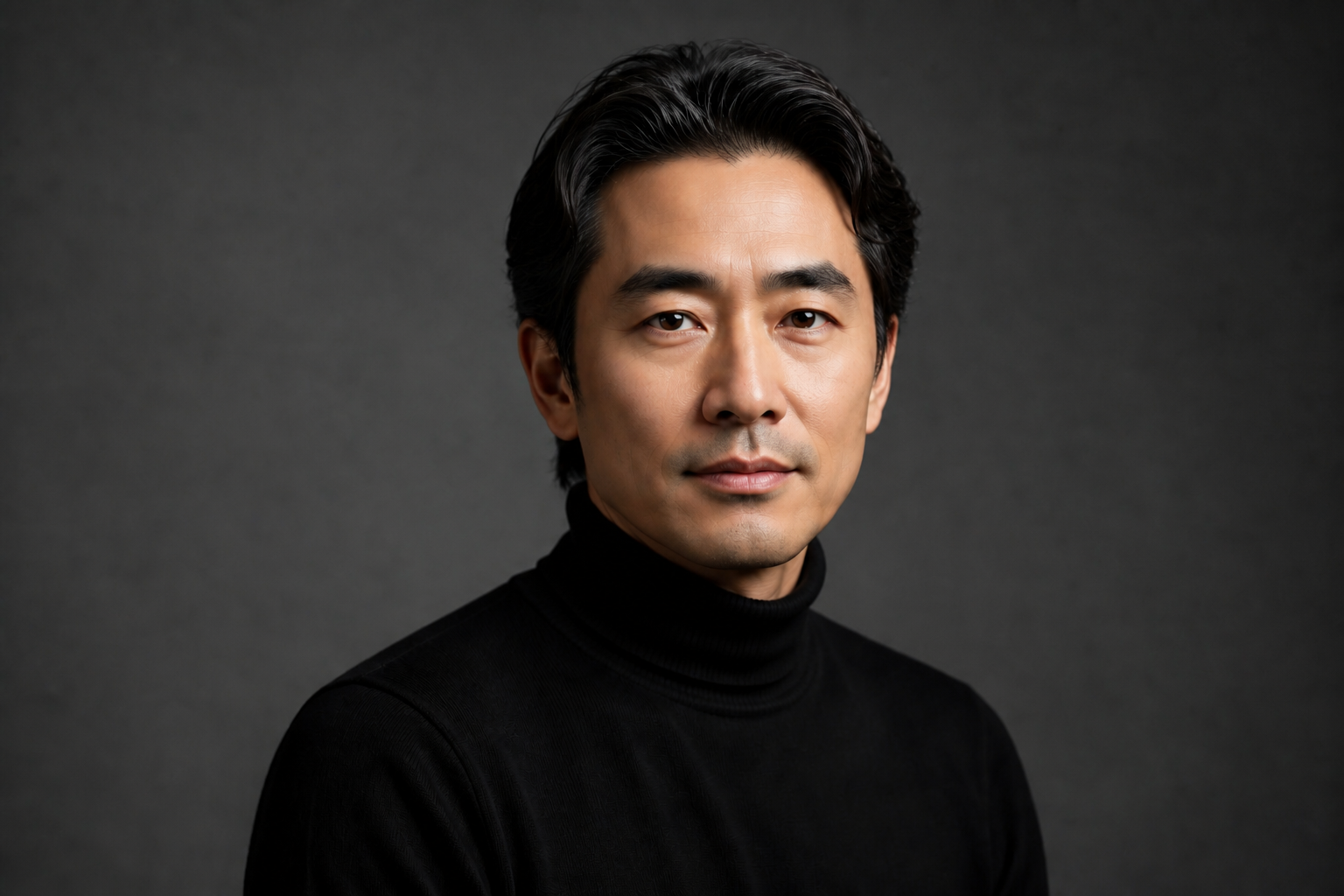 AFTER
AFTER BEFORE
 AFTER
AFTER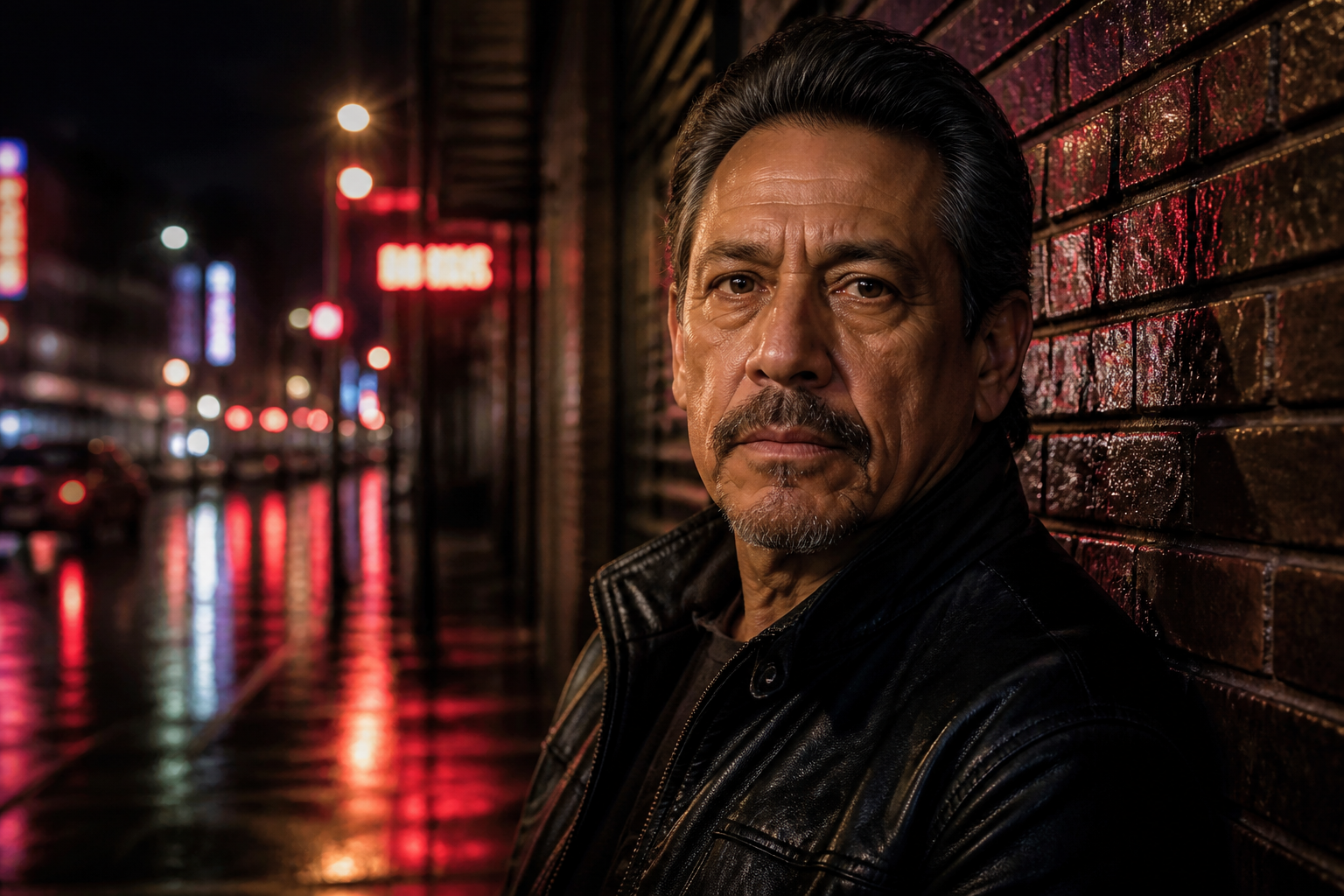 BEFORE
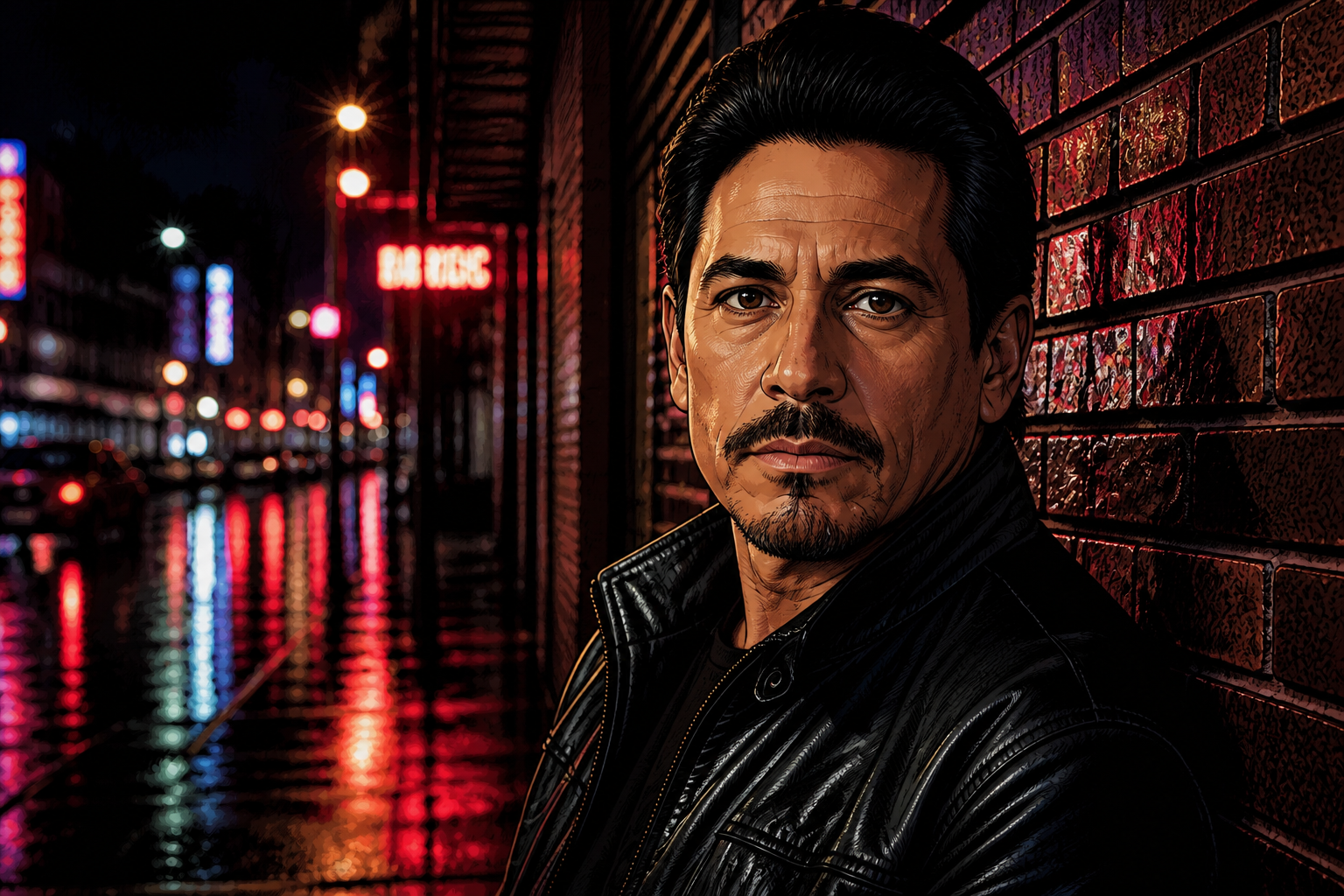 AFTER
AFTER BEFORE
 AFTERBEFOREAFTERBEFOREAFTERBEFOREAFTERBEFOREAFTERBEFOREAFTER
Key Features


Keeps identity recognizable
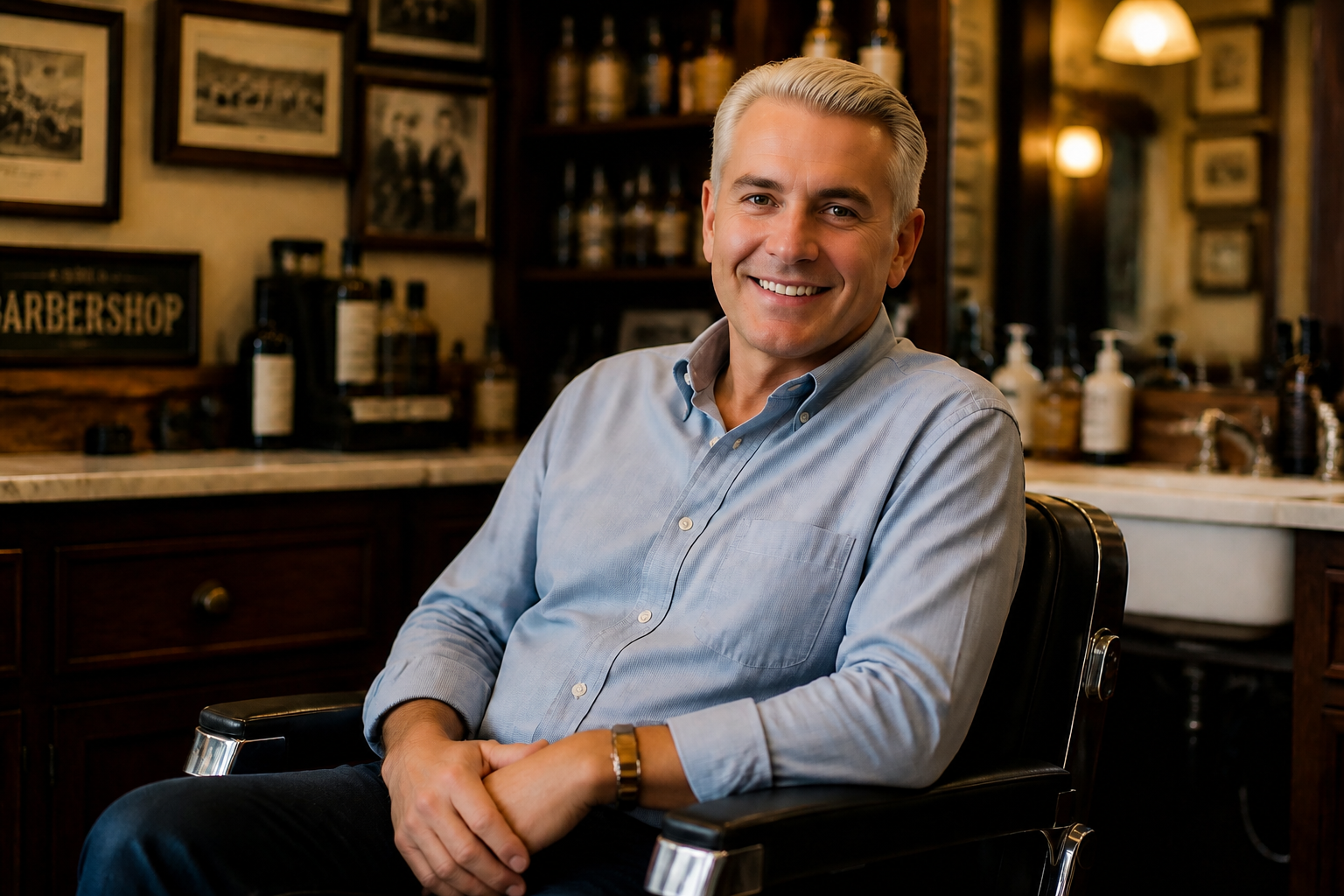
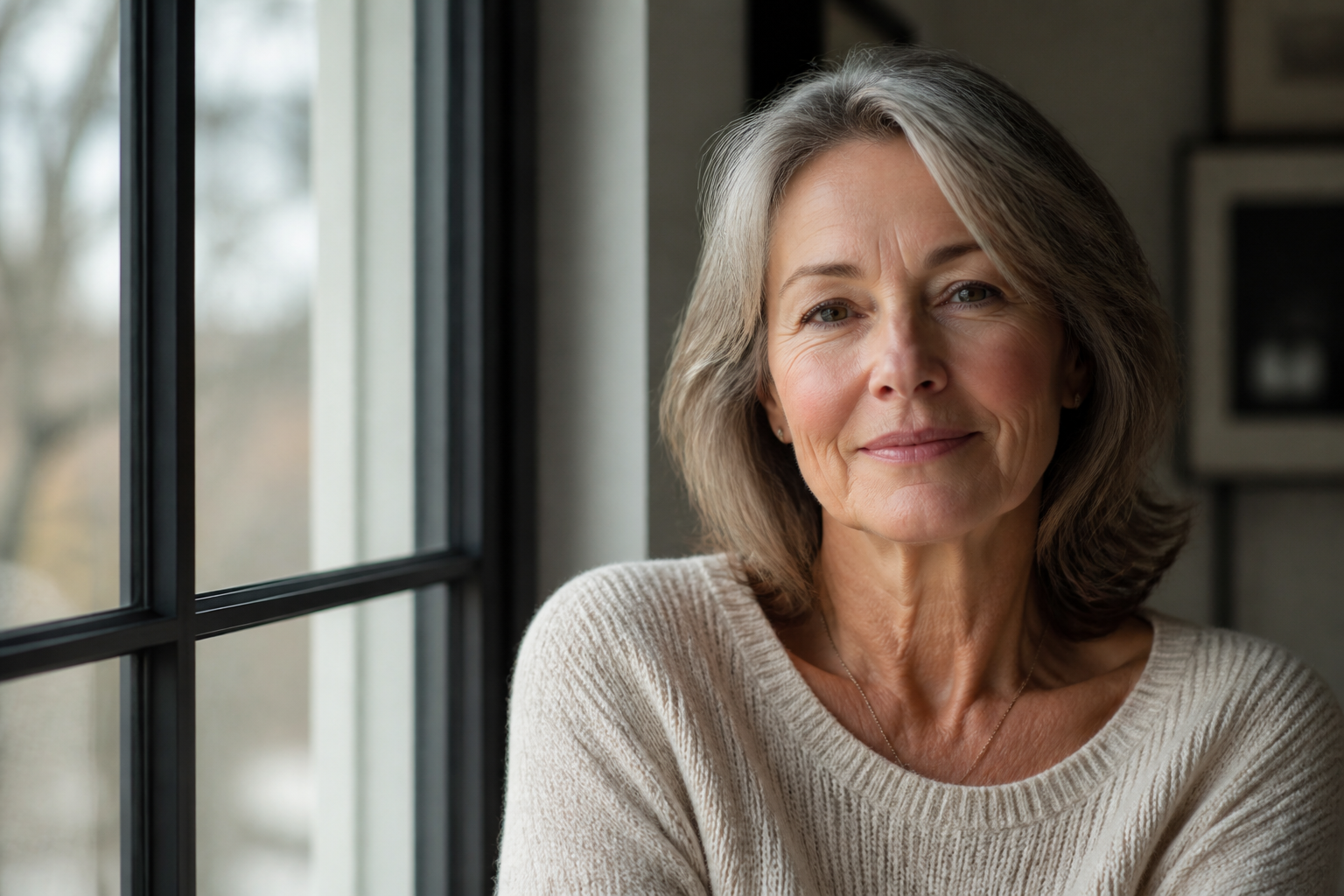
The edit focuses on age-related facial details instead of replacing the person with a different face. That matters when you want a believable younger version, not a generic beauty filter. Our AI preserves key features like face shape, eyes, nose, and expression so the result still looks like the same person. Doing this manually usually takes many separate retouching steps and still often loses resemblance.

Clear age changes fast
You can create a noticeably younger look in one pass without masking every wrinkle or rebuilding skin by hand. The transformation is obvious enough for quick comparisons, mockups, and content previews. This helps when you need to test concepts fast or generate multiple age ranges from one image. Manual retouching for the same effect is slower and harder to keep consistent.
Works across photo styles
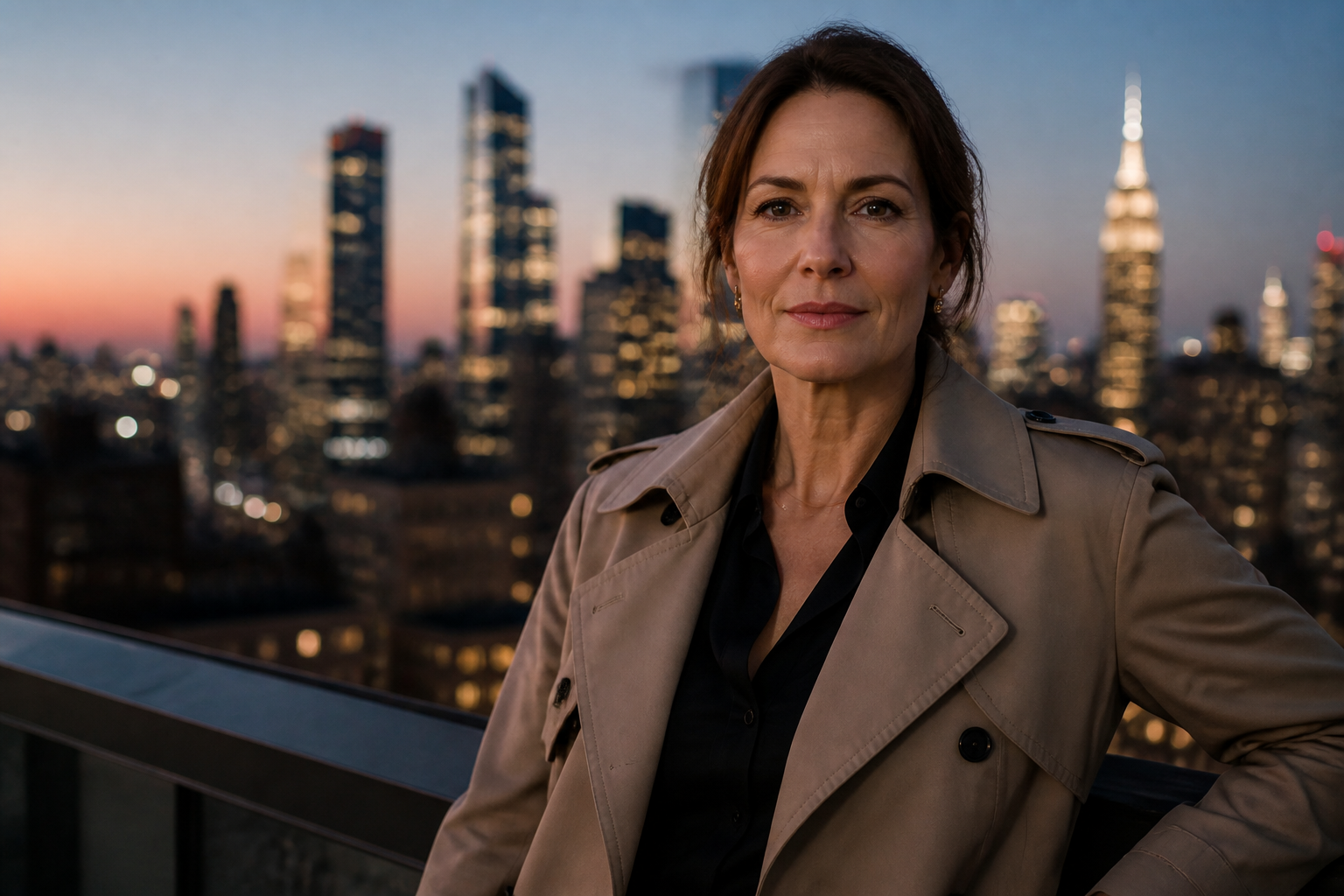
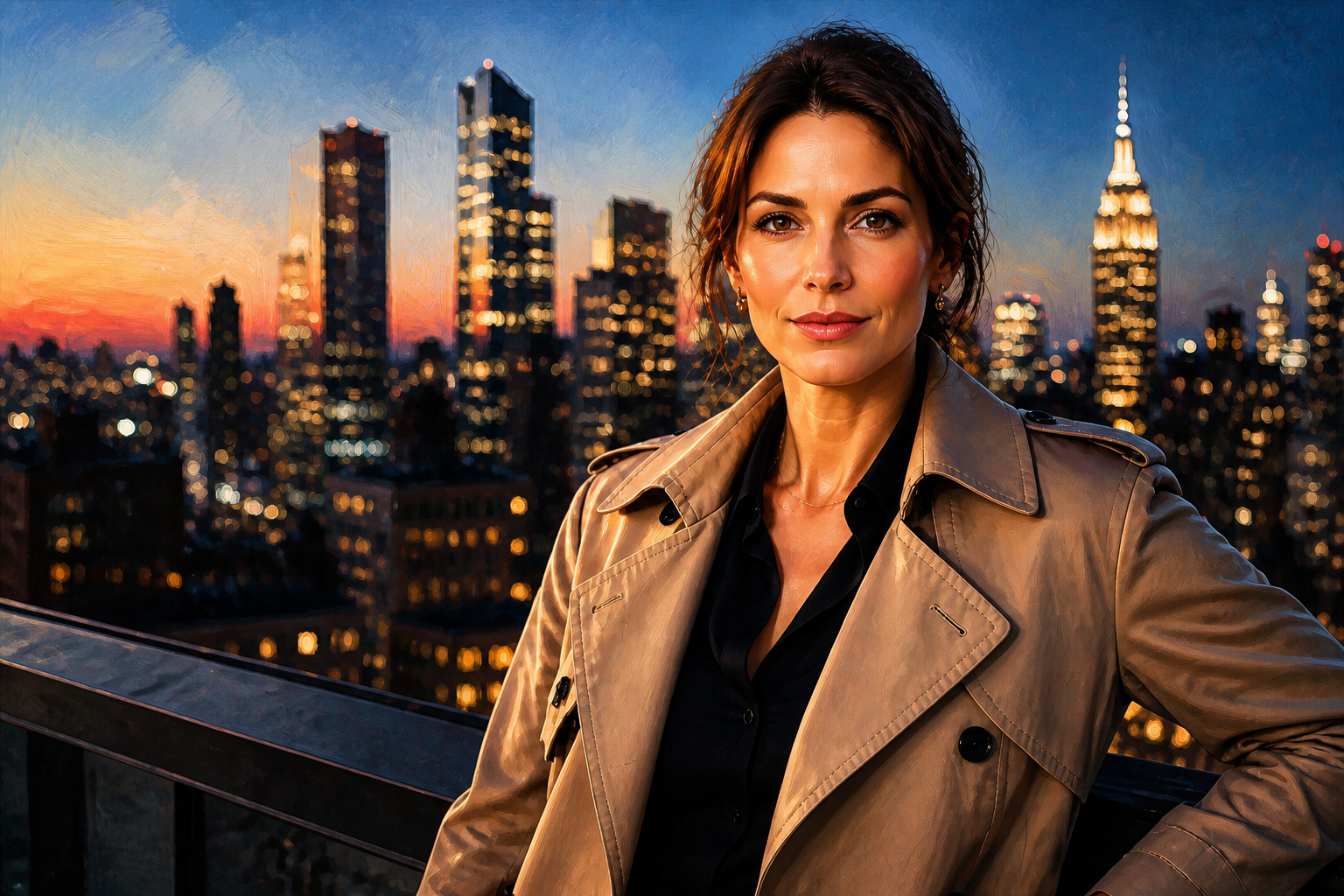
Age regression is not limited to one type of portrait. You can use clean studio headshots, outdoor lifestyle photos, or stylized renders and still get a readable younger result. That gives creators more flexibility when they want polished social posts, concept art, or visual experiments from the same original image. It is much easier than rebuilding the same face across multiple styles manually.
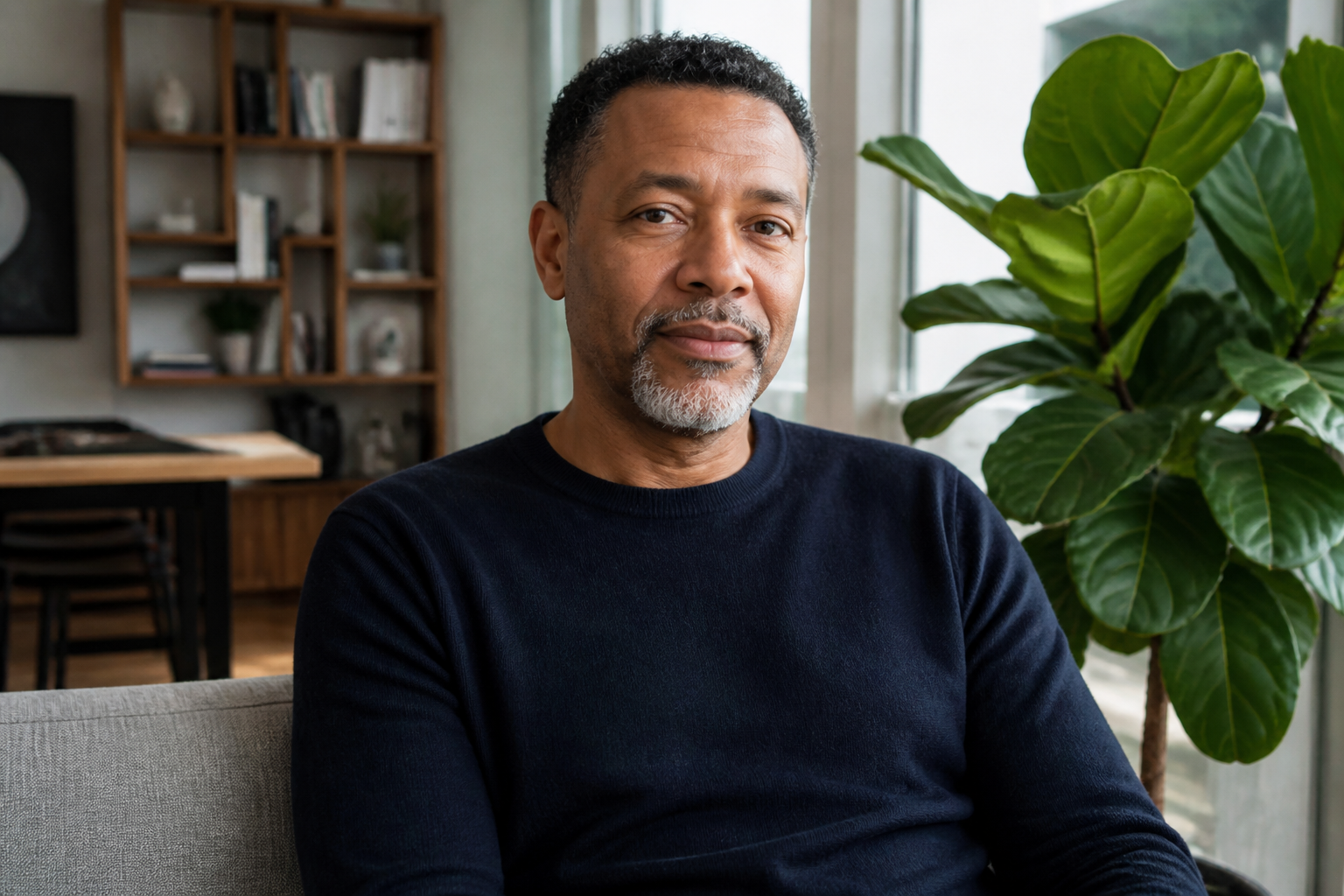
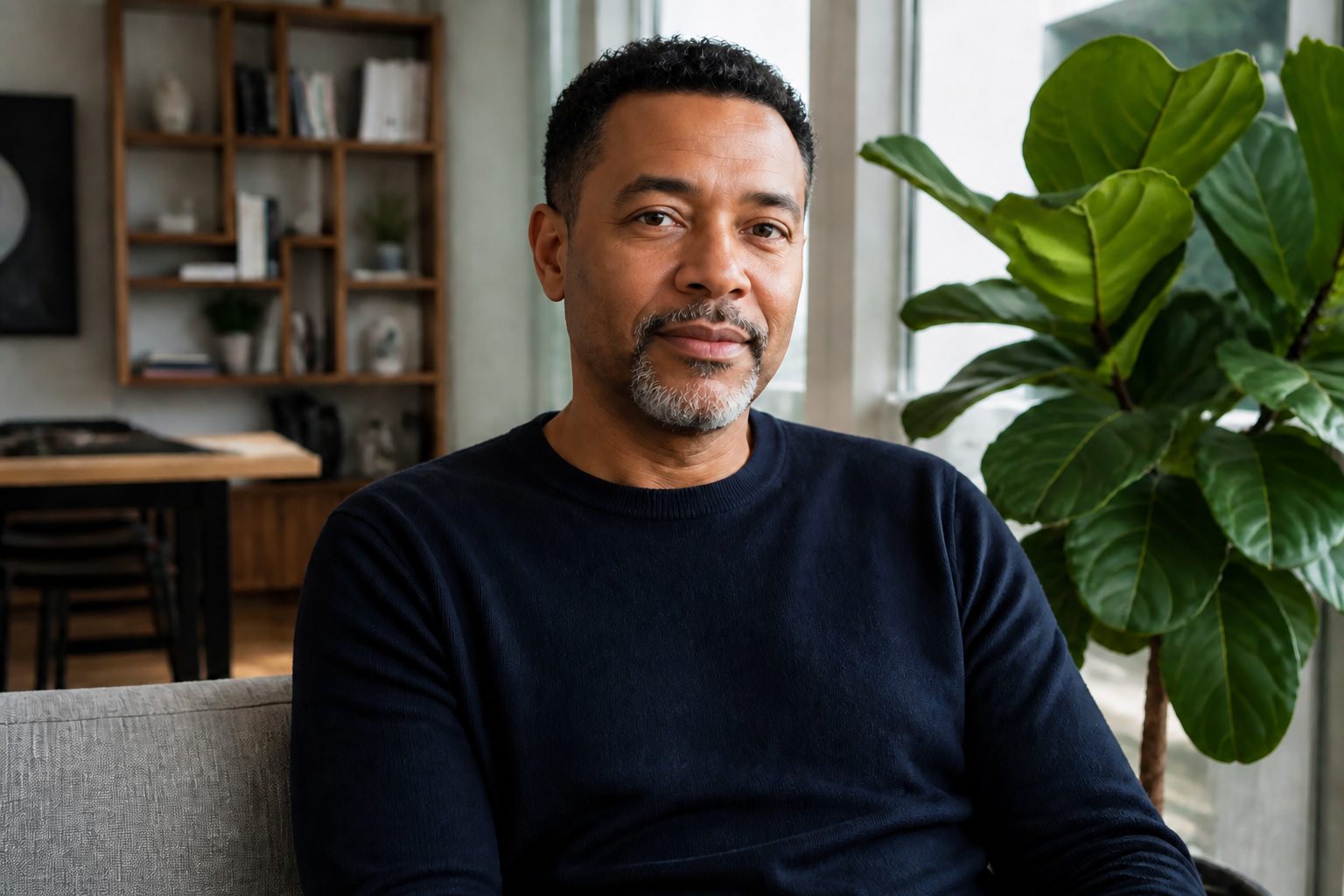
Easy before and after comparisons
Because the tool keeps the original framing and scene stable, the younger version is easy to compare side by side with the source photo. That makes the age change immediately readable in a slider, gallery card, or social post. It is useful for creators, marketers, and anyone testing visual concepts. Manual edits often shift too many details at once, which weakens the comparison.
How It Works

Upload your photo
Start with a clear photo of one adult person. Sharp eyes, good lighting, and a visible face will give you the strongest age regression result.

Describe the younger look
Choose how far back you want to go, such as 10, 20, or 30 years younger. You can also mention if you want the result to stay realistic or shift into a stylized art direction.
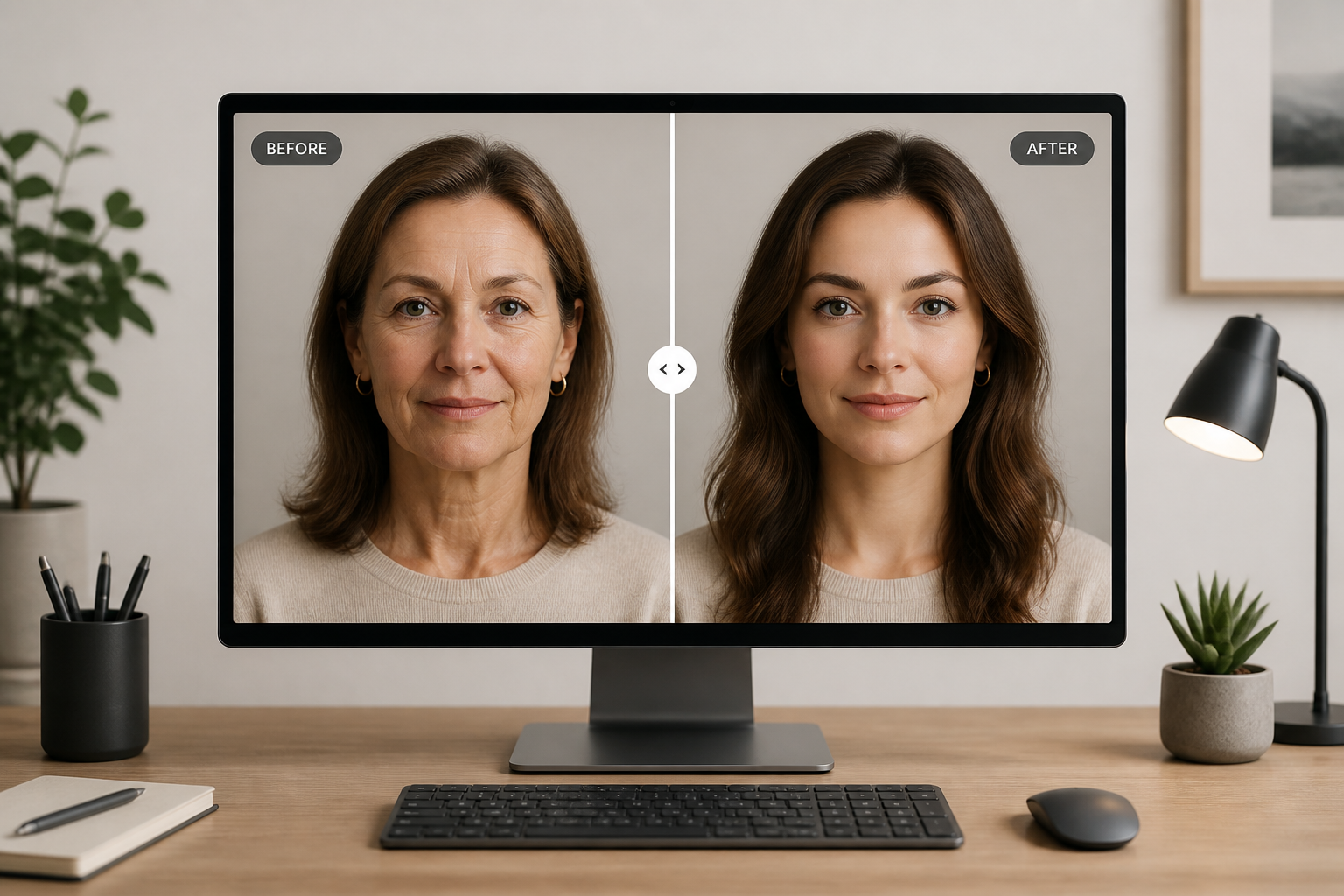
Compare the result
Review the before and after side by side and check whether the age change is strong enough. If needed, rerun with a different age range or wording for a bolder younger look.
Perfect For
Discover how creators and professionals use ai age regression
Social content concepts
Create younger-looking versions of portraits for short-form videos, posts, and visual storytelling.
Character exploration
Test how a person or fictional character might appear at an earlier age while keeping recognizable features.
Creative photo projects
Build before-and-after image series that highlight age shifts in a clear, engaging way.
Marketing mockups
Generate quick de-aged portrait variations for concepts, pitch decks, and campaign drafts.
Built For
Creators and influencers
Make scroll-stopping age transformation posts without spending hours on manual retouching.
Designers and marketers
Prototype younger portrait concepts quickly for ads, moodboards, and campaign ideas.
Curious everyday users
See a believable younger version of a photo for fun, personal projects, or visual experiments.
Why use BudgetPixel for age regression
A quick look at how we compare on the things that matter for this niche.
| Feature | BudgetPixel | Generic AI editors | Manual editing apps |
|---|---|---|---|
| Visible younger-looking edits | ✓ | — | — |
| Preserves face identity | ✓ | — | — |
| Fast before/after workflow | ✓ | ✓ | — |
| Stylized and realistic outputs | ✓ | — | — |
| Manual retouching required | No | Sometimes | Yes |
Frequently Asked Questions
What does AI Age Regression do?
Will the result still look like the same person?
What kinds of photos work best?
Can I choose how much younger the person looks?
Can it create stylized younger versions too?
Create together.
Share your creations, discover trending AI art, and grow with fellow creators.